Screen by screen
What money apps look like inside
685 images from 36 apps, grouped by task so you can compare how each one handles the same job. Every image shows where we found it, with the date.
I earn commissions from some links.
App Store and Google Play images are the apps' own marketing, so they can show sample data and staged layouts. Help center images come from each app's support articles for one task. Where screens come from.
Home


Google Play marketing imageThe Android tab bar: Home, Investing, a round Money Hub button, Learning and Earning, with Investing selected.Google Play listing, as of

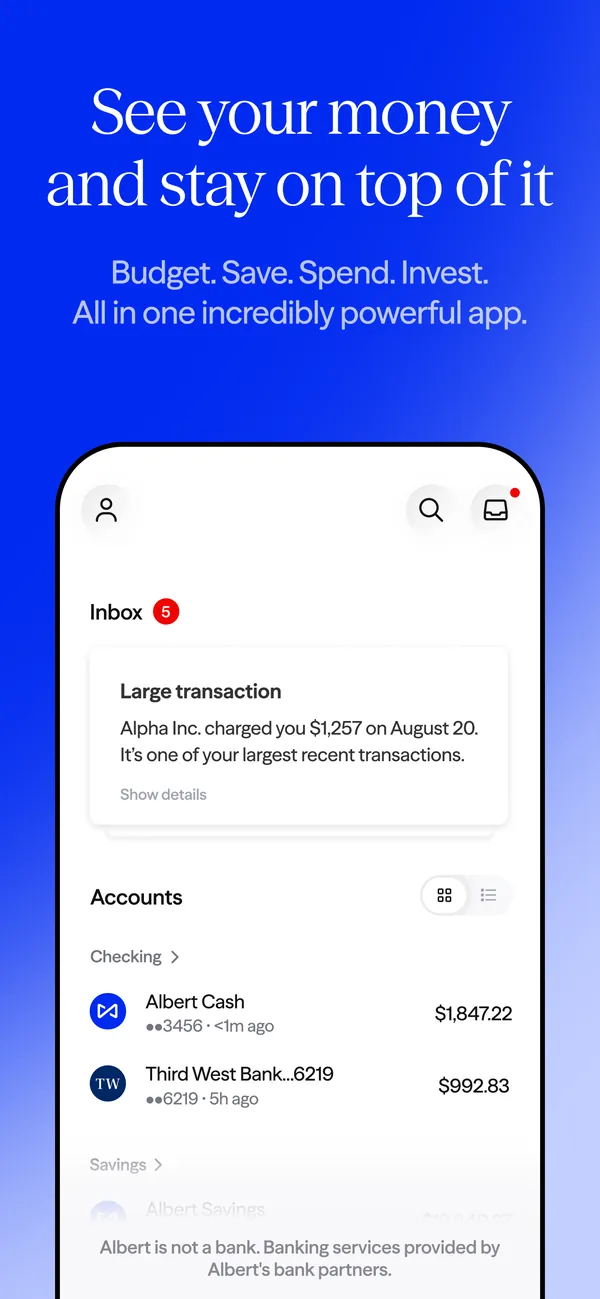
App Store marketing imageApp Store image with the headline "See your money and stay on top of it" showing a home screen with an Inbox card and an Accounts list.App Store listing, as of 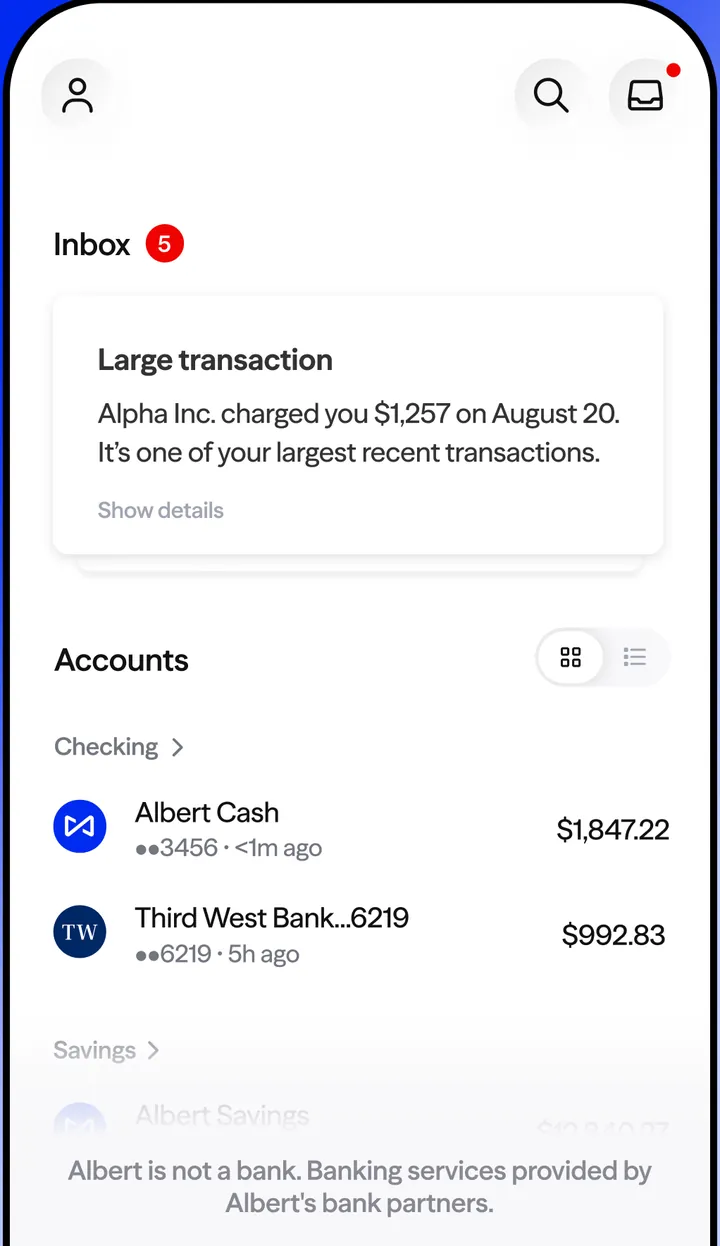
App Store marketing imageThe home screen: an Inbox with a Large transaction alert, then Accounts with Albert Cash at $1,847.22 and a Third West Bank account at $992.83.App Store listing, as of 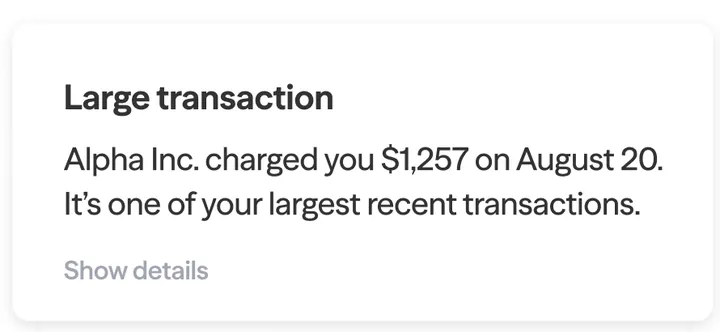
App Store marketing imageA Large transaction card: Alpha Inc. charged you $1,257 on August 20, with a Show details link.App Store listing, as of

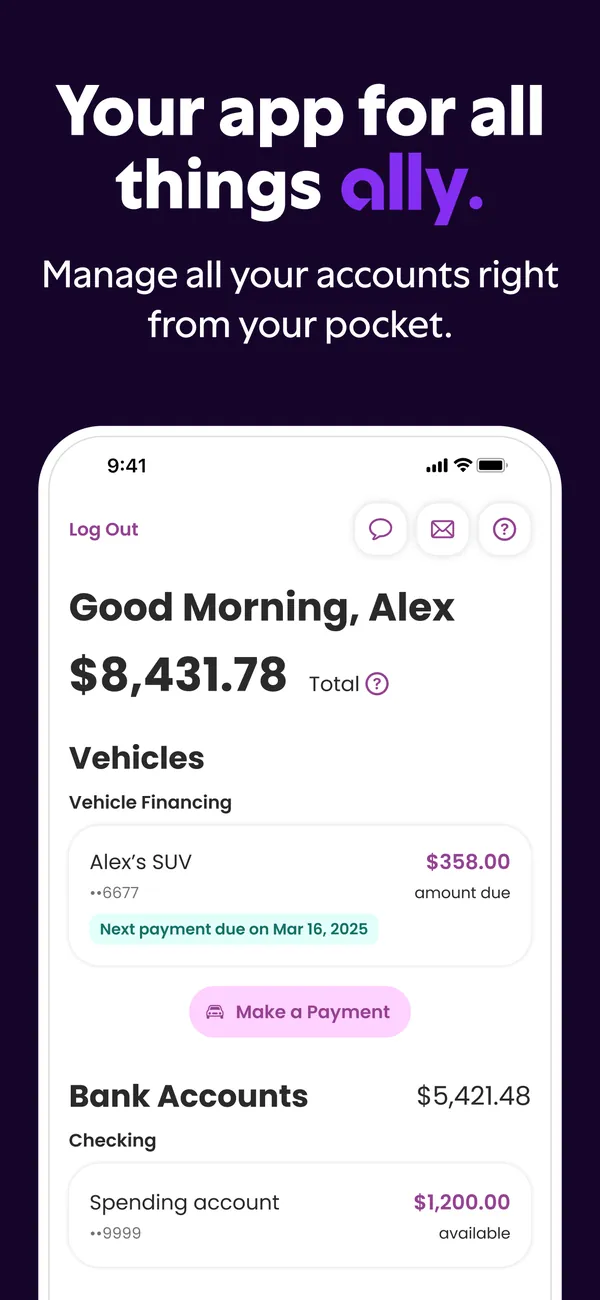
App Store marketing imageApp Store image with the headline "Your app for all things ally." showing the home screen.App Store listing, as of 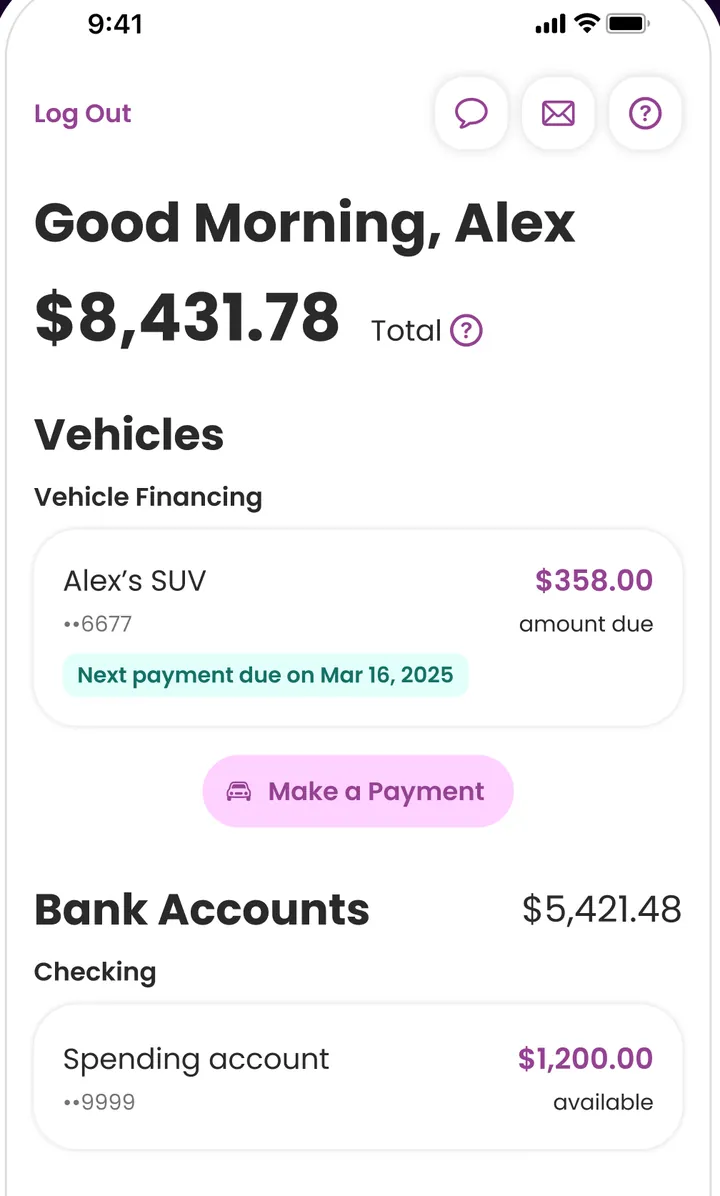
App Store marketing imageThe home screen: Good Morning, Alex with a $8,431.78 total, Vehicles with Alex's SUV at $358.00 due and Bank Accounts at $5,421.48.App Store listing, as of 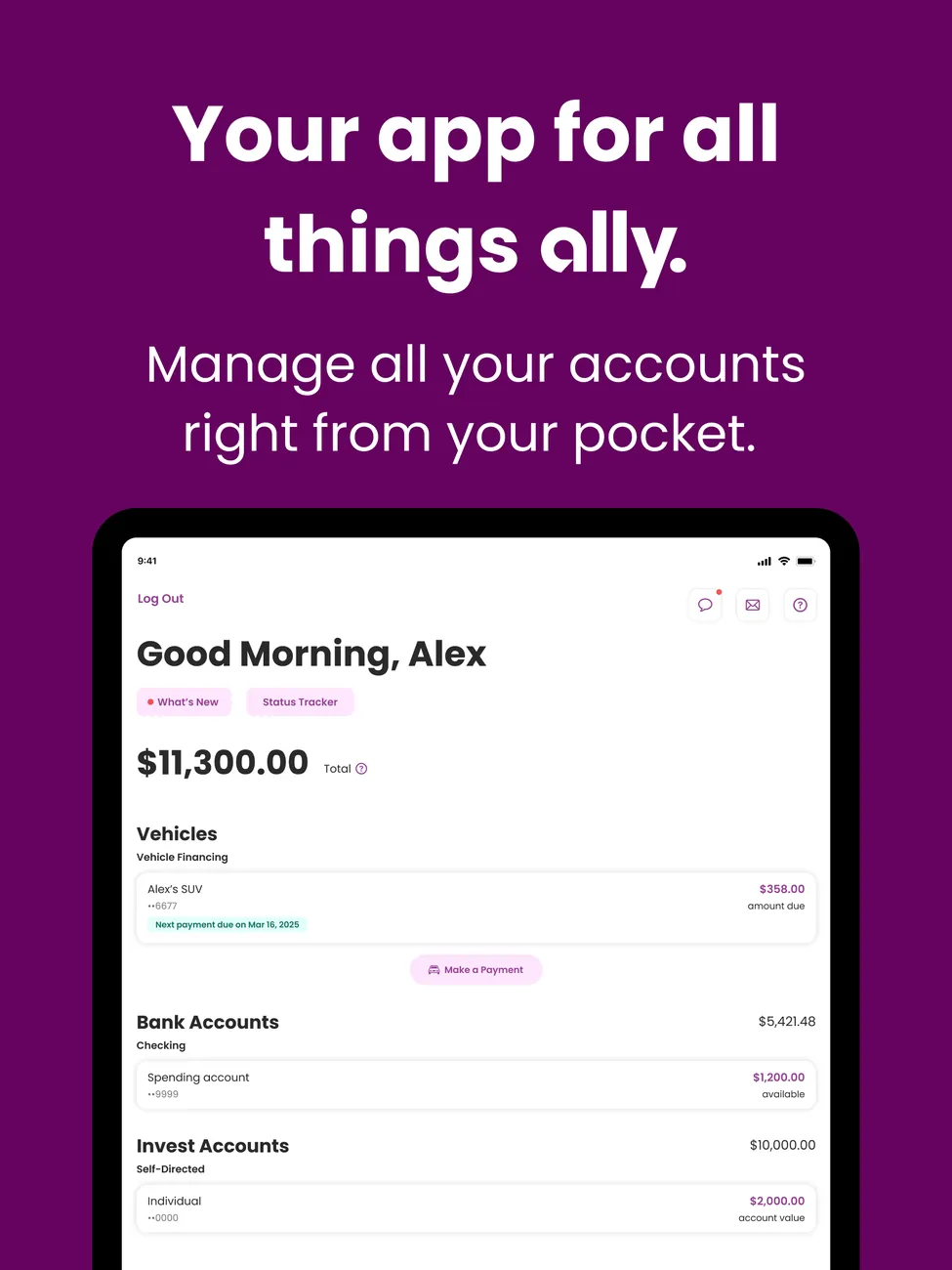
App Store marketing imageiPad App Store image with the headline "Your app for all things ally." showing the home screen on a tablet.App Store listing, as of 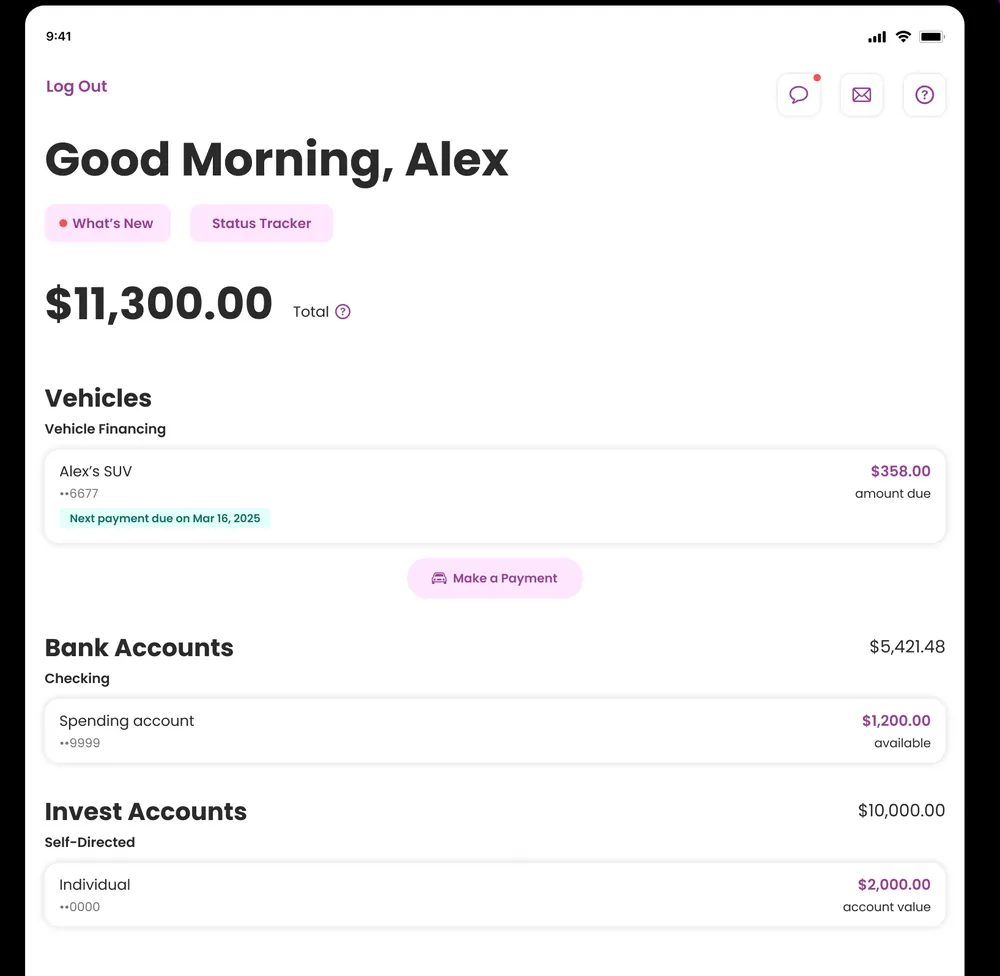
App Store marketing imageThe iPad home screen: Good Morning, Alex with $11,300.00 total, then Vehicles, Bank Accounts and Invest Accounts sections.App Store listing, as of
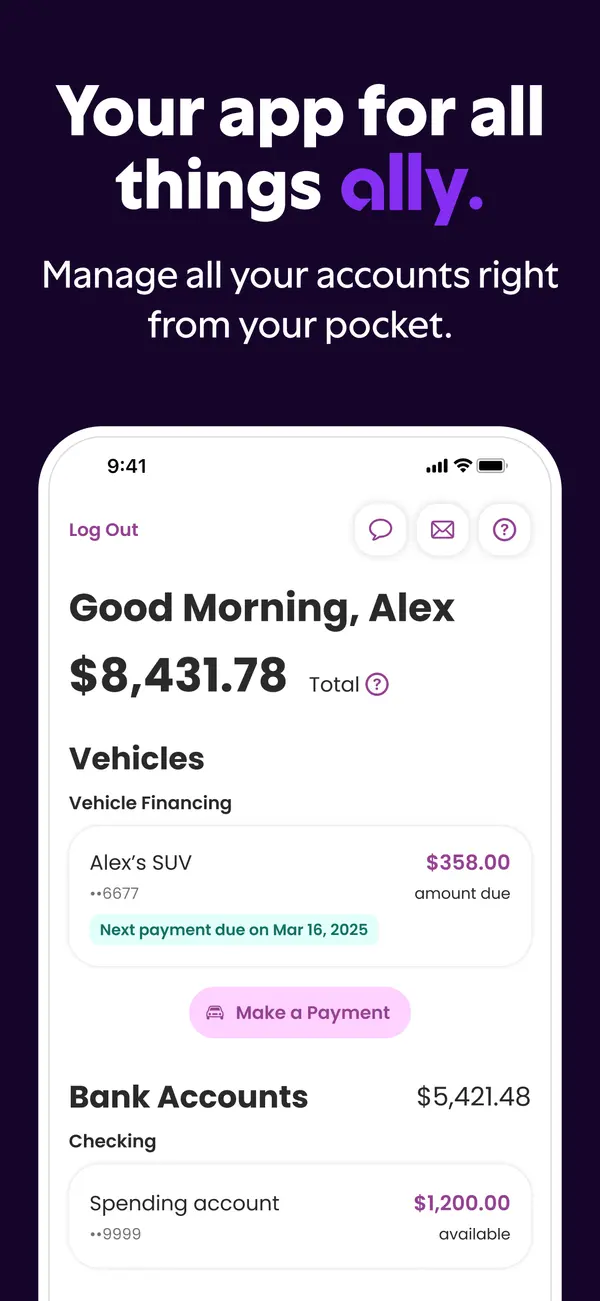
App Store marketing imageApp Store image with the headline "Your app for all things ally." showing a home screen with a total balance, vehicle financing and bank accounts.App Store listing, as of 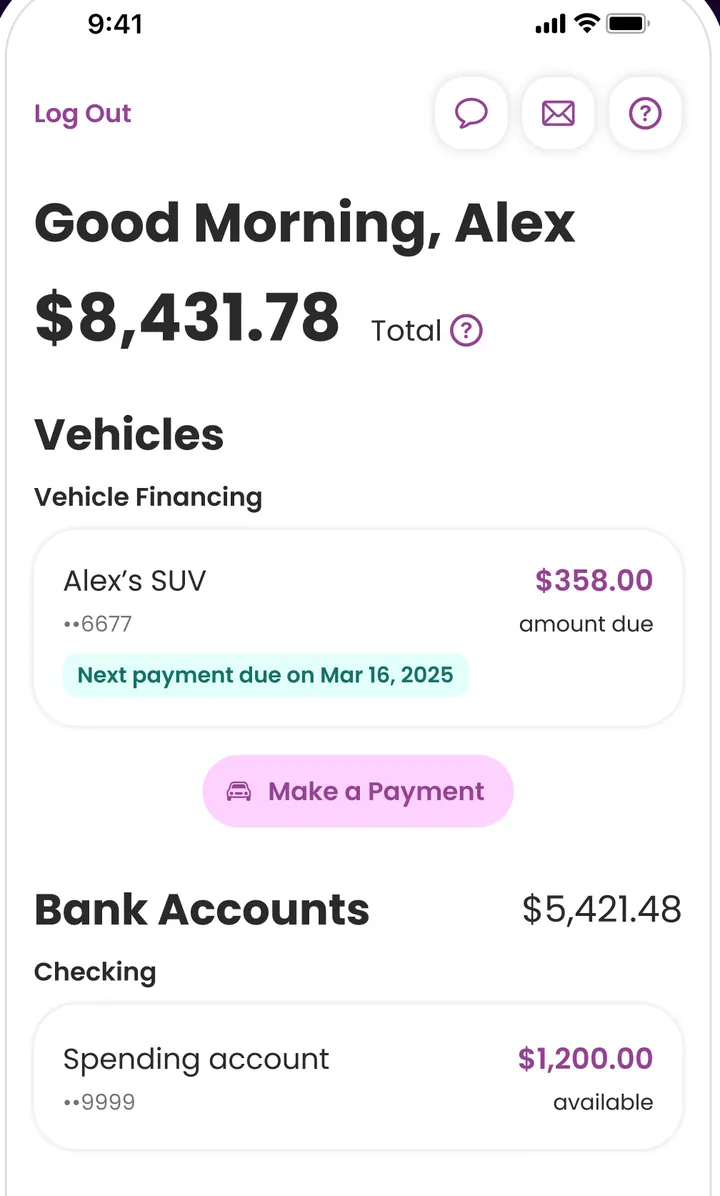
App Store marketing imageThe home screen: Good Morning, Alex with a $8,431.78 total, a Vehicles section with Alex's SUV at $358.00 due and a Make a Payment button, then Bank Accounts at $5,421.48 with a Spending account.App Store listing, as of 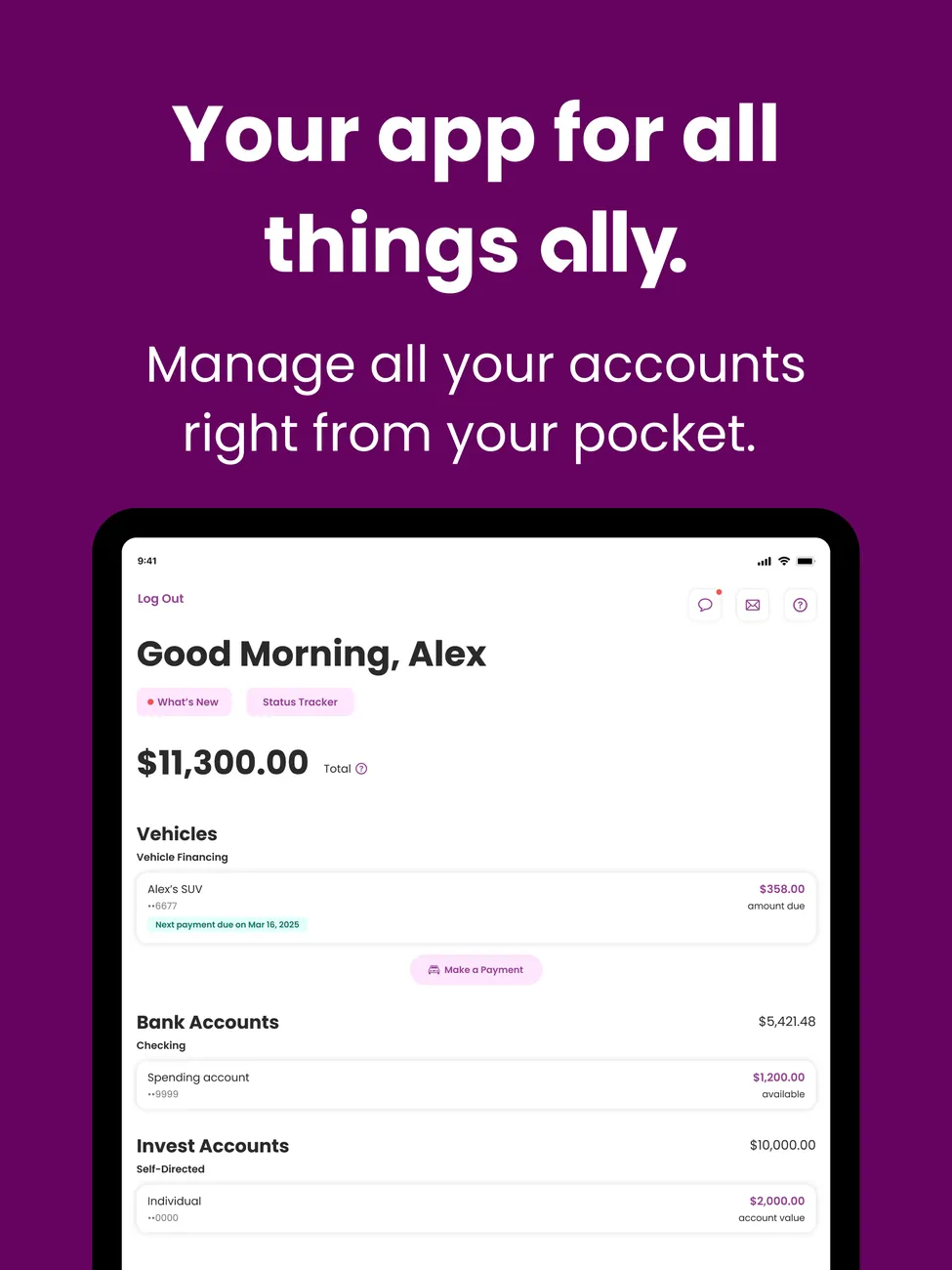
App Store marketing imageiPad App Store image with the headline "Your app for all things ally." showing the home screen on a tablet.App Store listing, as of 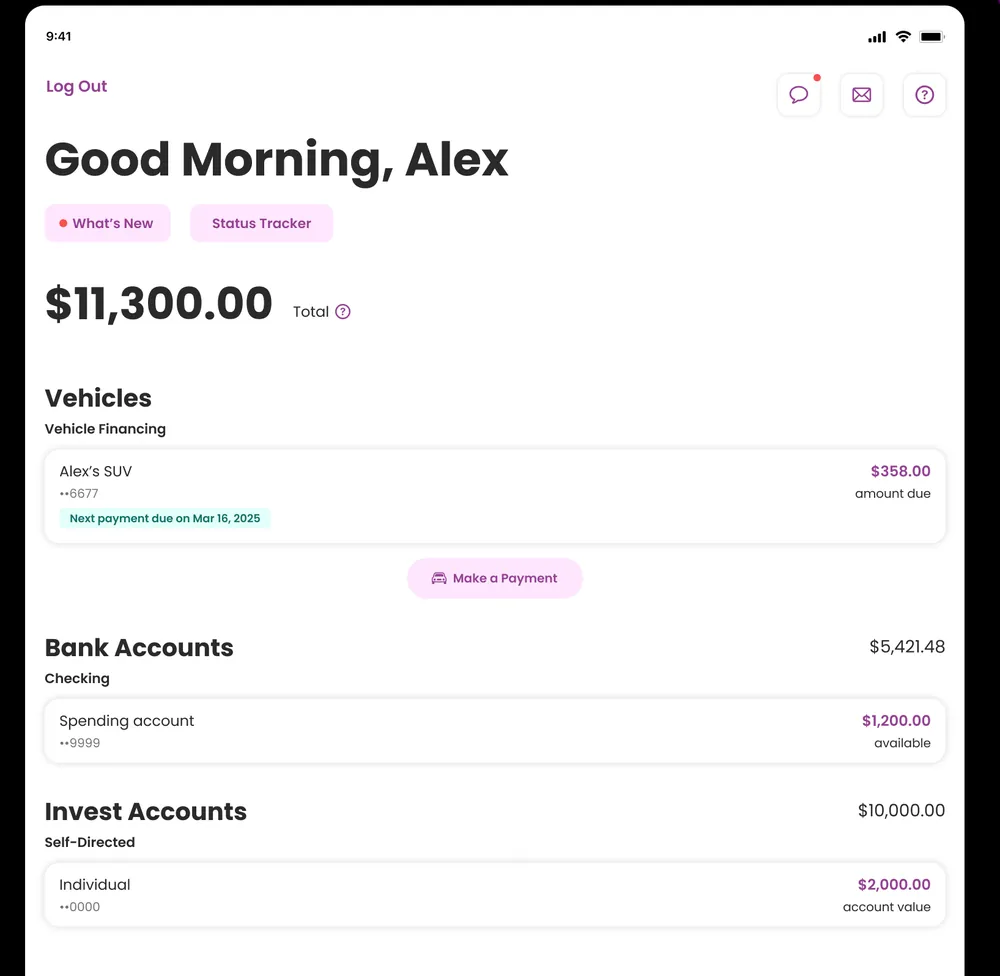
App Store marketing imageThe iPad home screen: Good Morning, Alex with What's New and Status Tracker chips, $11,300.00 total, then Vehicles, Bank Accounts and Invest Accounts sections.App Store listing, as of 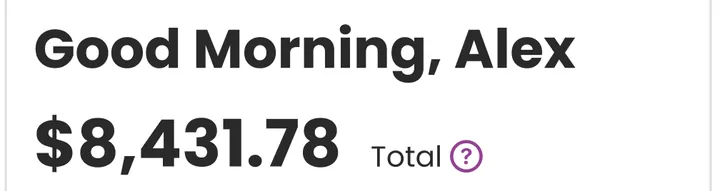
App Store marketing imageGood Morning, Alex above a $8,431.78 Total.App Store listing, as of
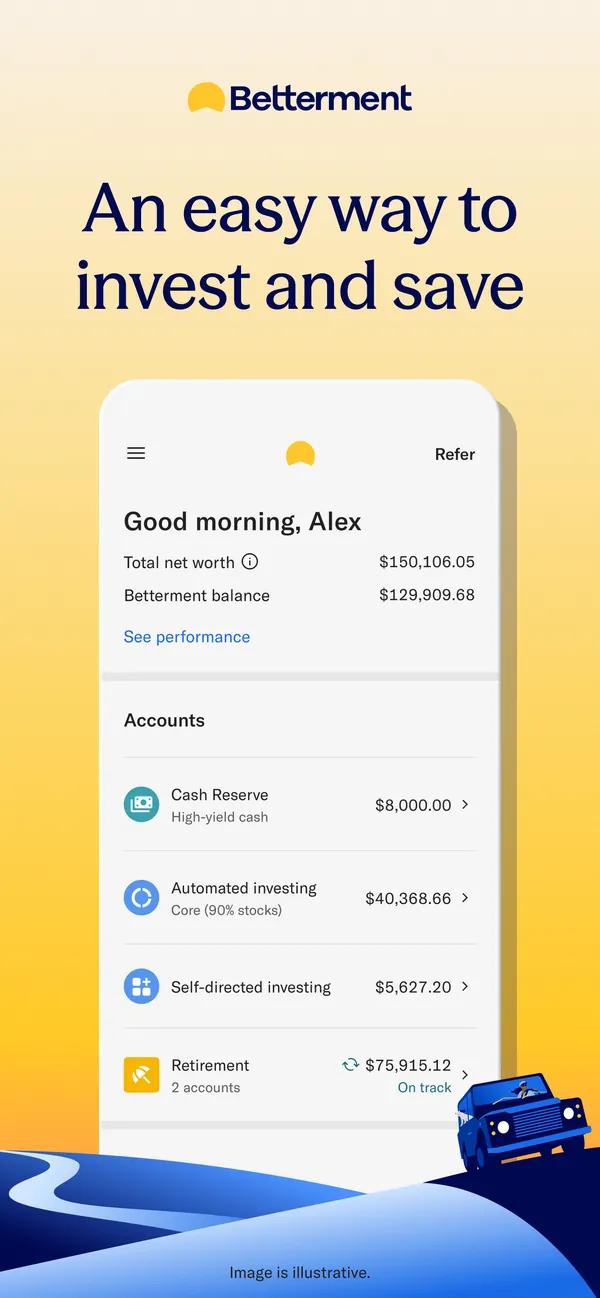
App Store marketing imageApp Store image with the headline "An easy way to invest and save" showing a home screen with net worth and accounts.App Store listing, as of 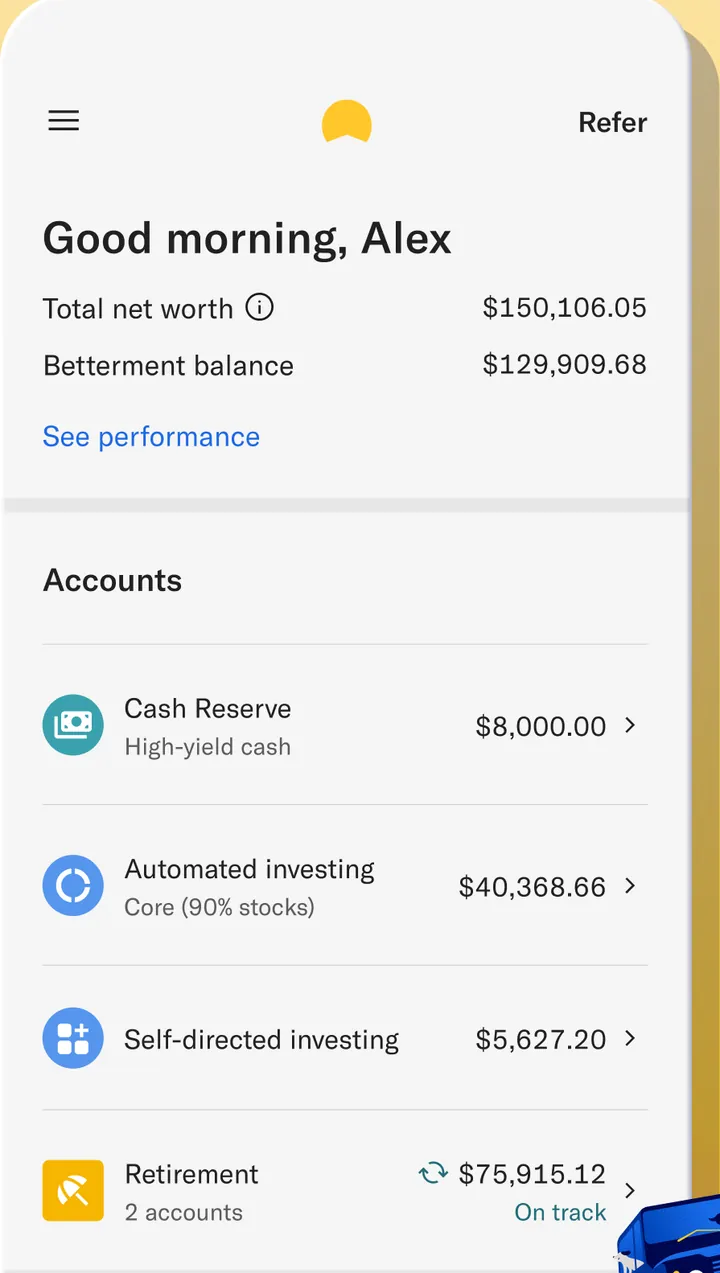
App Store marketing imageThe home screen: Good morning, Alex with Total net worth $150,106.05 and Betterment balance $129,909.68, then Accounts for Cash Reserve $8,000.00, Automated investing $40,363.66, Self-directed investing $5,627.20 and Retirement $75,915.12 on track.App Store listing, as of

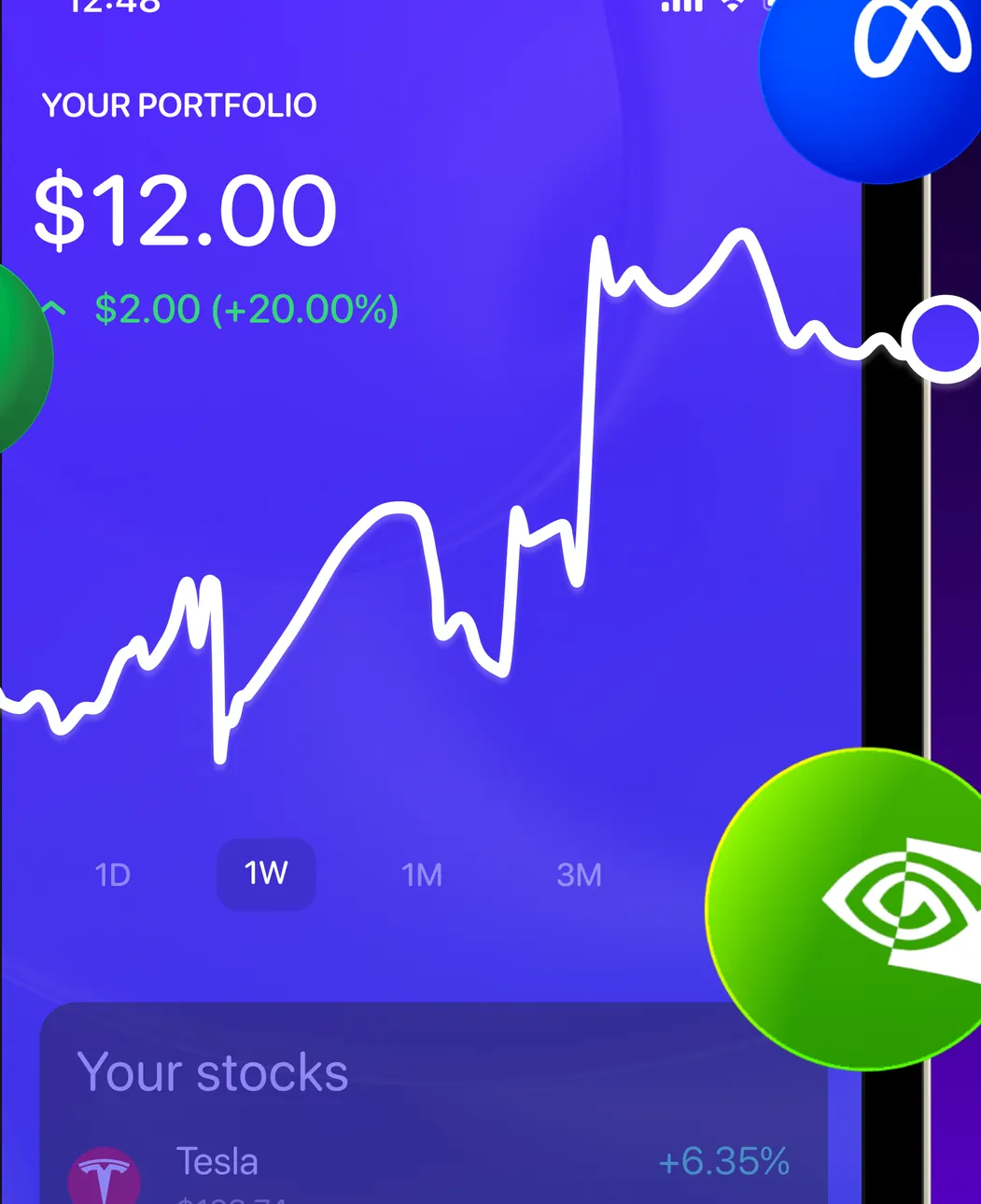
App Store marketing imageYour Portfolio at $12.00, up $2.00 (+20.00%), with a line chart, 1D to 3M ranges and a Your stocks list starting with Tesla, with brand logos placed over the screen.App Store listing, as of


App Store marketing imageApp Store image with the headline "Take Control" showing a tilted Home screen with a Changed Balance.App Store listing, as of

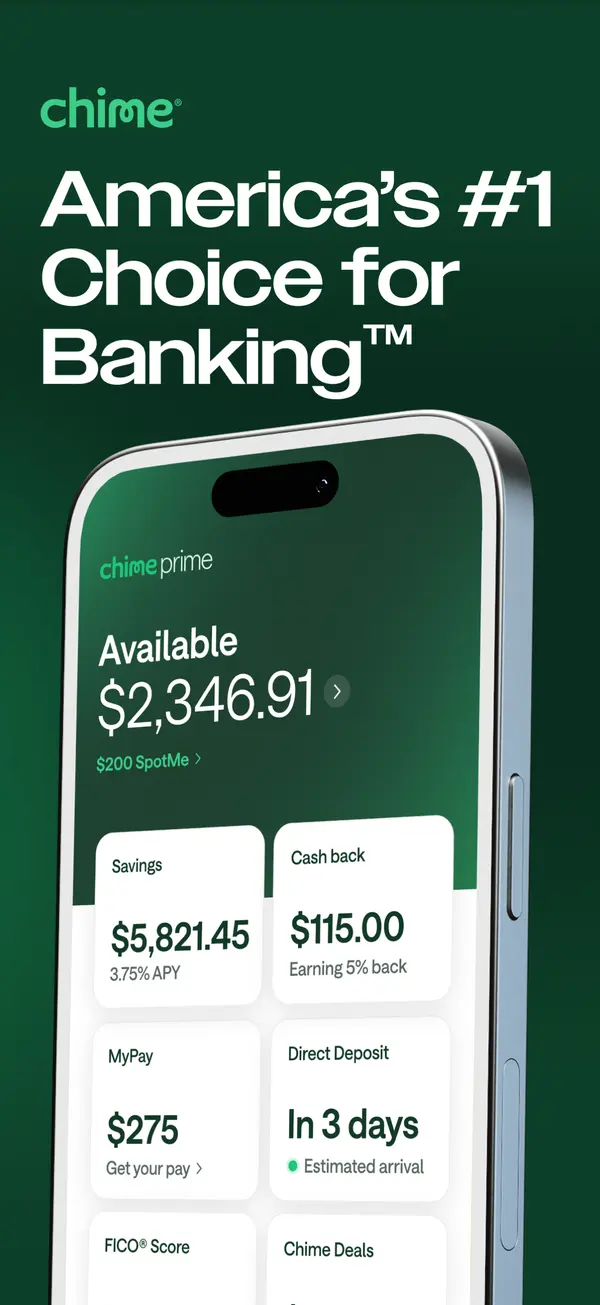
App Store marketing imageApp Store image with the headline "America's #1 Choice for Banking" showing an Available balance with Savings, Cash back, MyPay and Direct Deposit tiles.App Store listing, as of 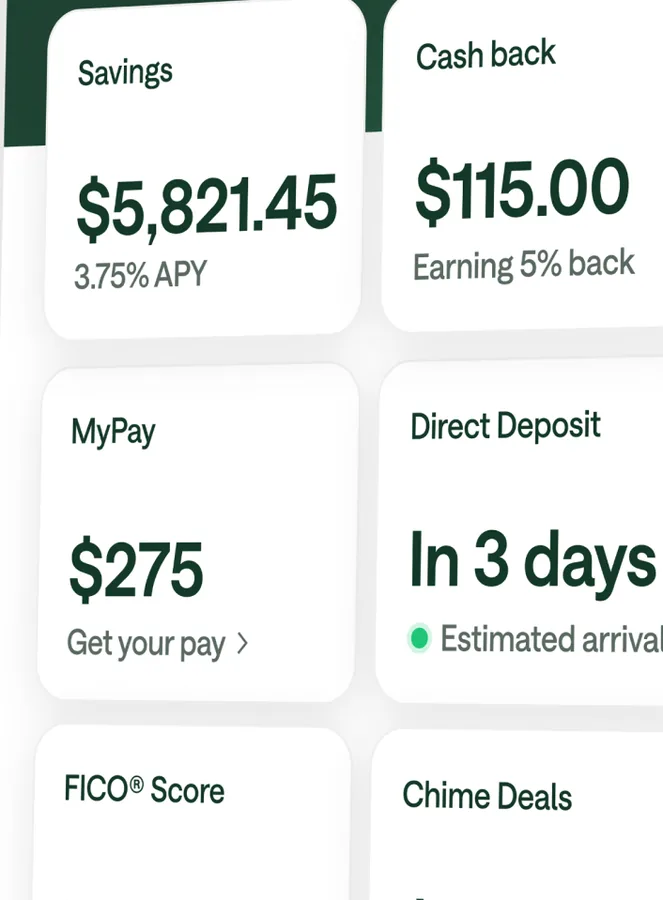
App Store marketing imageTiles for Savings at $5,821.45, Cash back at $115.00, MyPay at $275, Direct Deposit in 3 days, FICO Score and Chime Deals.App Store listing, as of

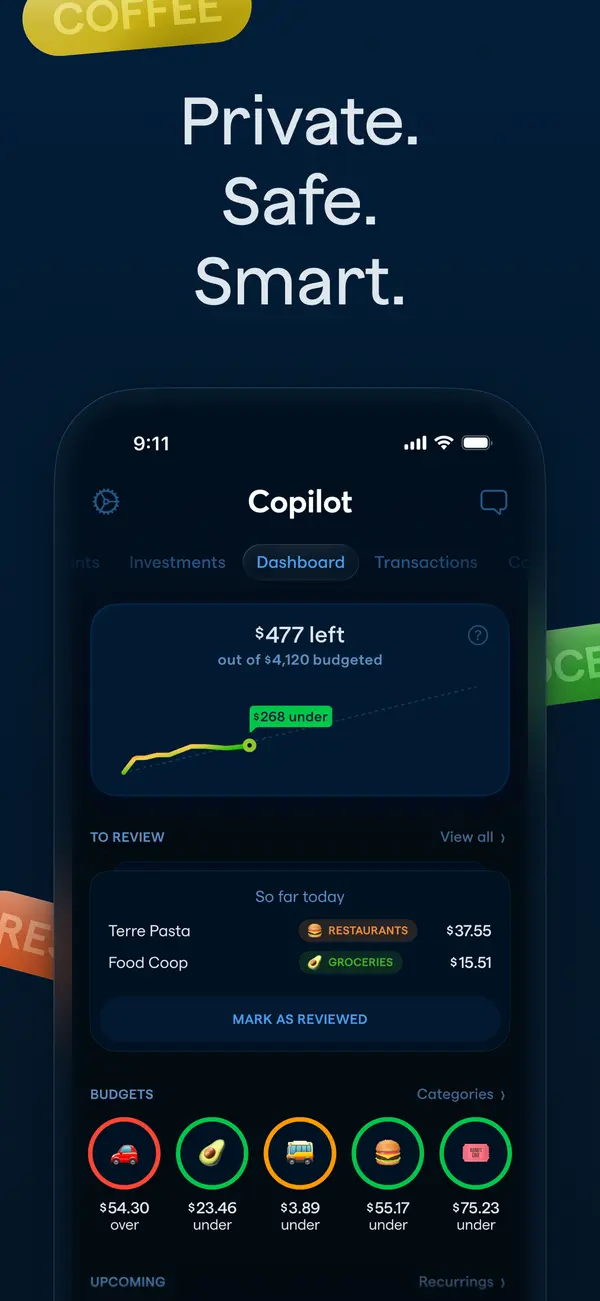
App Store marketing imageApp Store image with the headline "Private. Safe. Smart." showing the Copilot dashboard in dark mode.App Store listing, as of 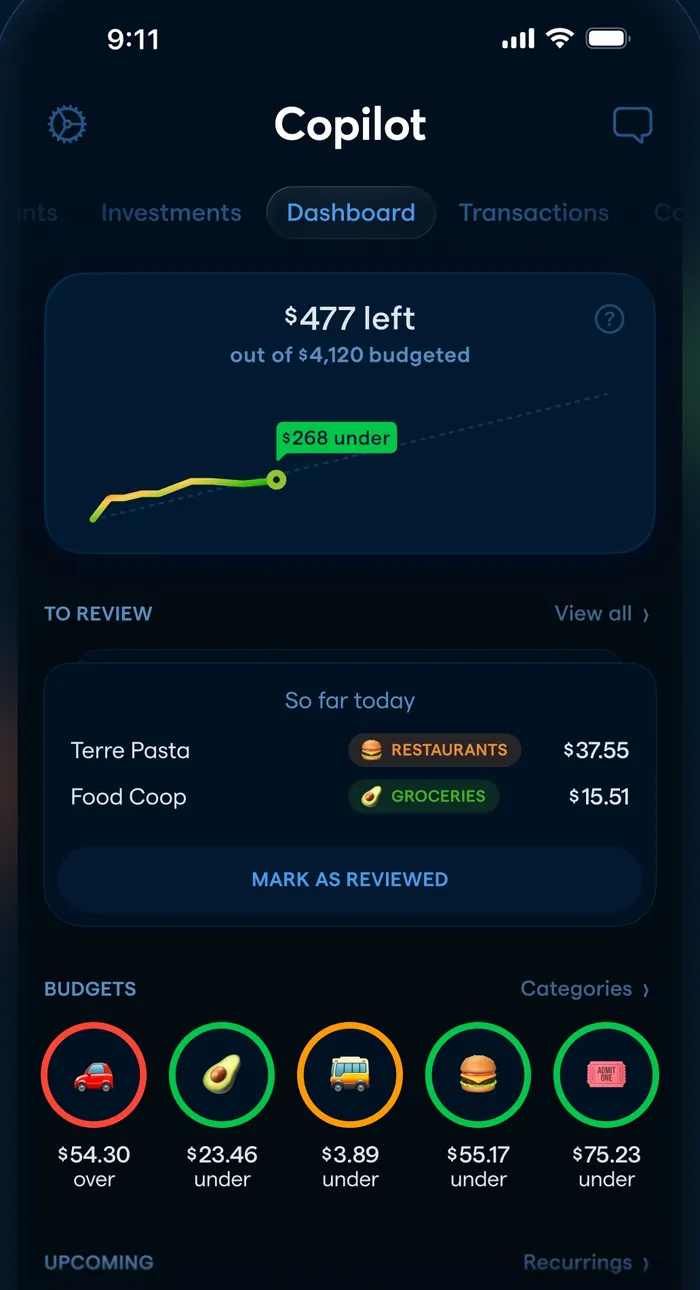
App Store marketing imageThe dashboard: $477 left of $4,120 budgeted with a line chart, a To Review list and round budget icons.App Store listing, as of

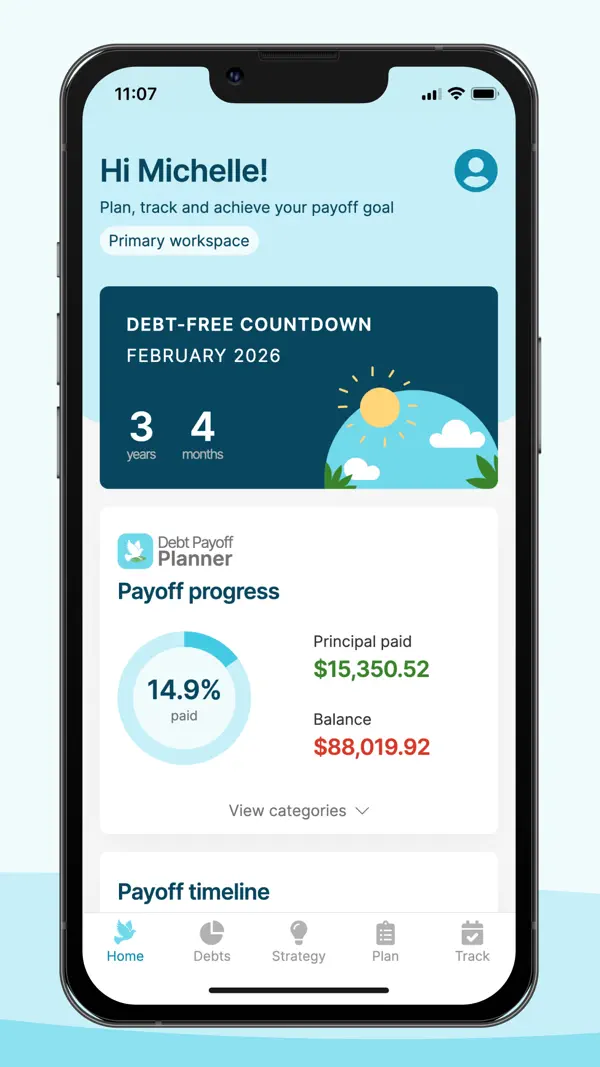
App Store marketing imageApp Store image showing the home screen with a Debt-free countdown and Payoff progress.App Store listing, as of 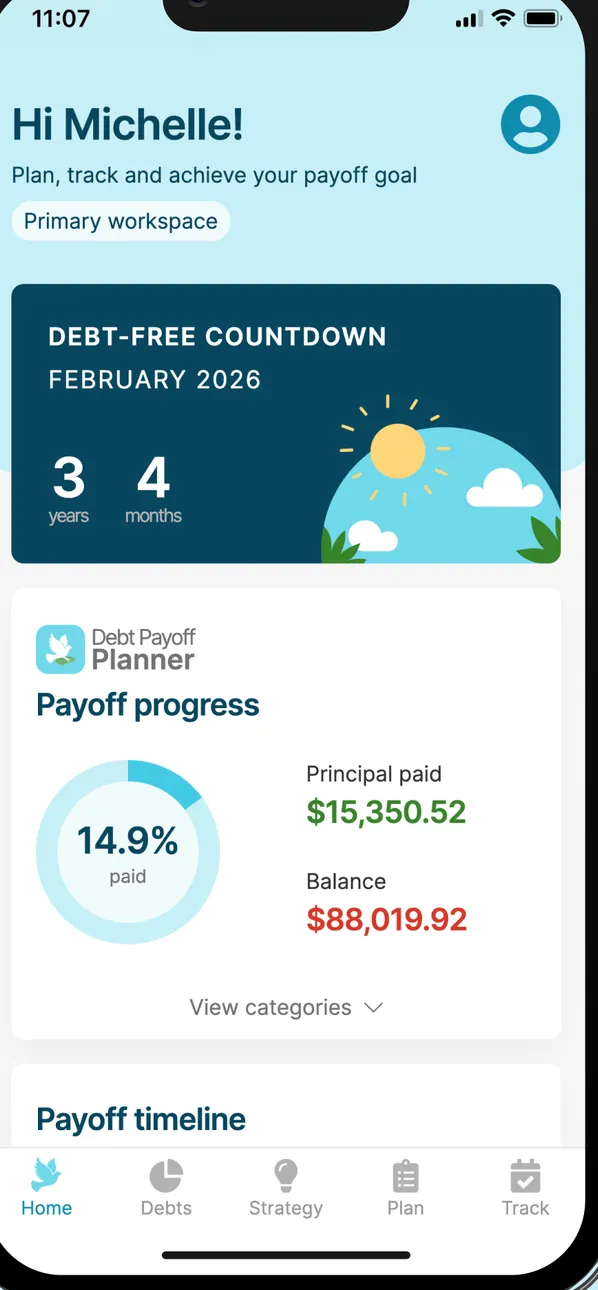
App Store marketing imageThe home screen: Hi Michelle!, a Debt-free countdown to February 2026 of 3 years 4 months, Payoff progress at 14.9% paid with $15,350.52 principal paid and an $88,019.92 balance, and the tab bar.App Store listing, as of

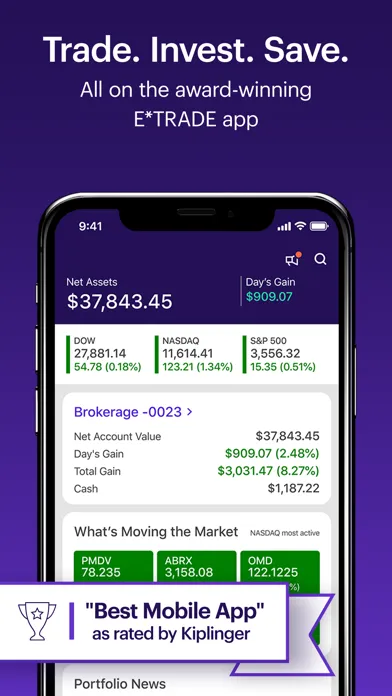
App Store marketing imageApp Store image with the headline "Trade. Invest. Save." showing the home screen with $37,843.45 in net assets and a "Best Mobile App" Kiplinger badge.App Store listing, as of 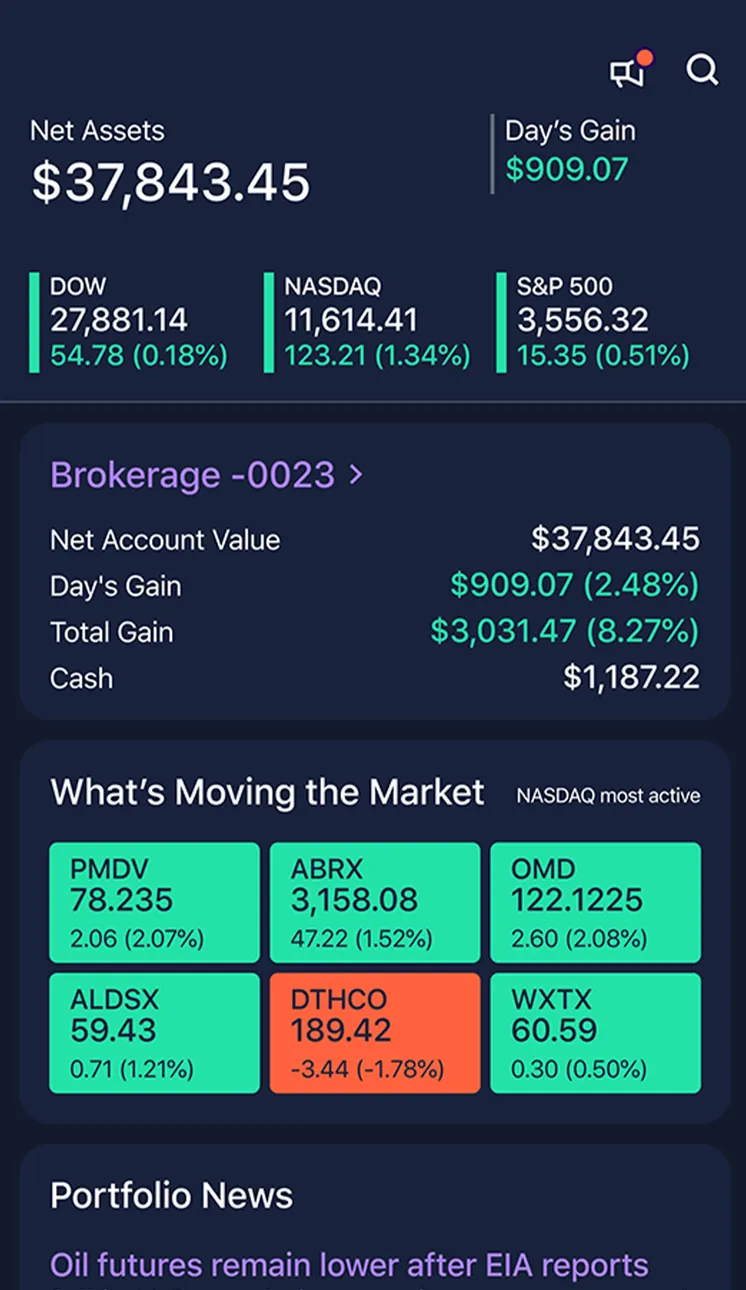
App Store marketing imageThe home screen in dark mode: Net Assets $37,843.45 and Day's Gain $909.07, DOW, NASDAQ and S&P 500 tiles, a Brokerage -0023 summary, What's Moving the Market tiles and Portfolio News.App Store listing, as of 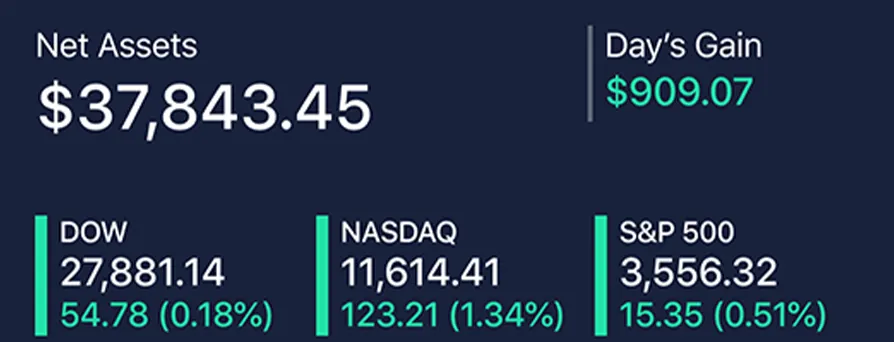
App Store marketing imageNet Assets $37,843.45, Day's Gain $909.07 and tiles for the DOW, NASDAQ and S&P 500.App Store listing, as of 
Google Play marketing imageThe Android tab bar: Accounts, Watch Lists, Trade, Markets and Menu.Google Play listing, as of

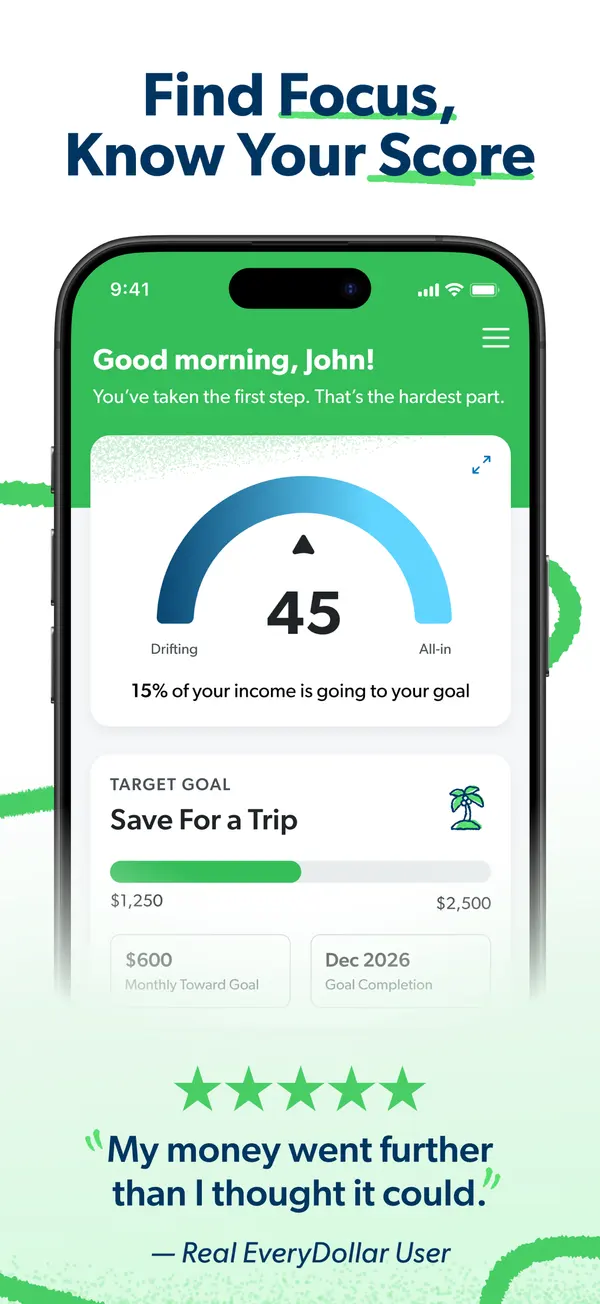
App Store marketing imageApp Store image with the headline "Find Focus, Know Your Score" showing a home screen with a score gauge of 45 and a Save For a Trip goal.App Store listing, as of 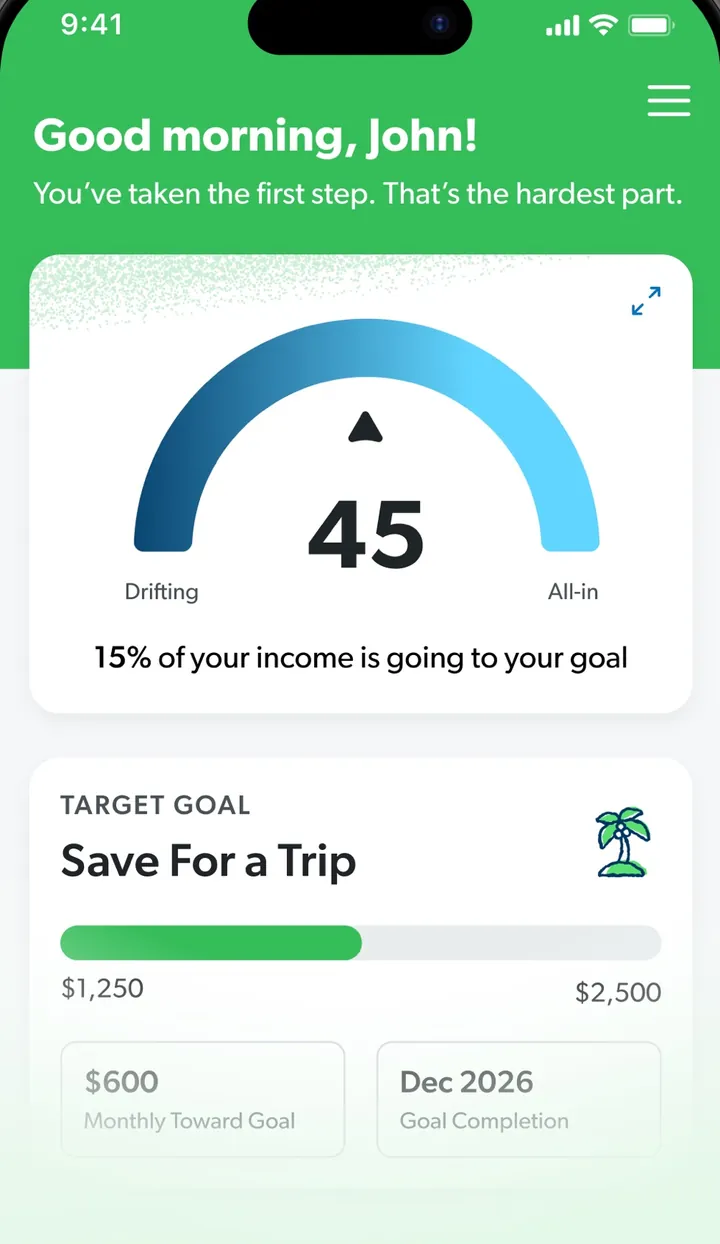
App Store marketing imageA screen greeting John with a gauge reading 45 and a Target Goal card for Save For a Trip.App Store listing, as of

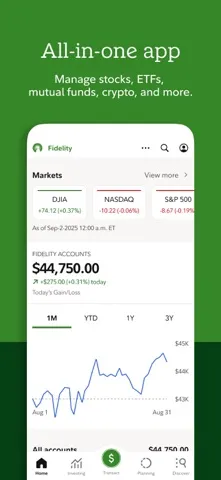
App Store marketing imageApp Store image with the headline "All-in-one app" showing the home screen with market indexes and $44,750.00 in Fidelity accounts.App Store listing, as of 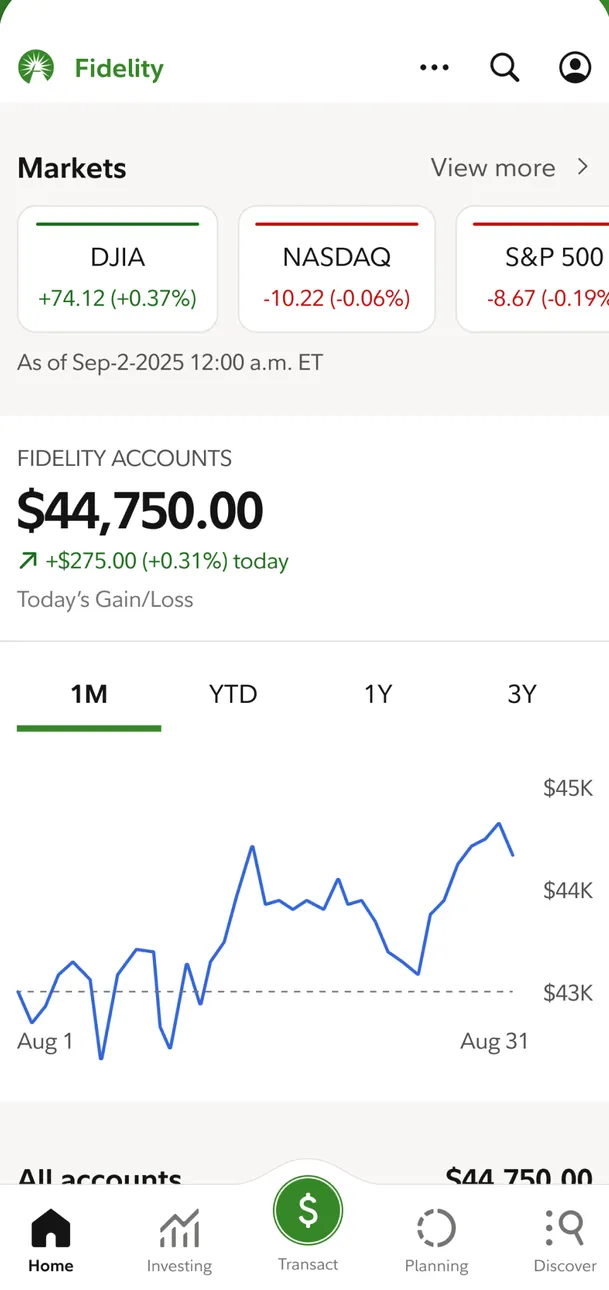
App Store marketing imageThe Home tab: DJIA, NASDAQ and S&P 500 cards, Fidelity accounts at $44,750.00 up $275.00 (+0.31%) today, a one-month line chart and the tab bar with Home, Investing, Transact, Planning and Discover.App Store listing, as of 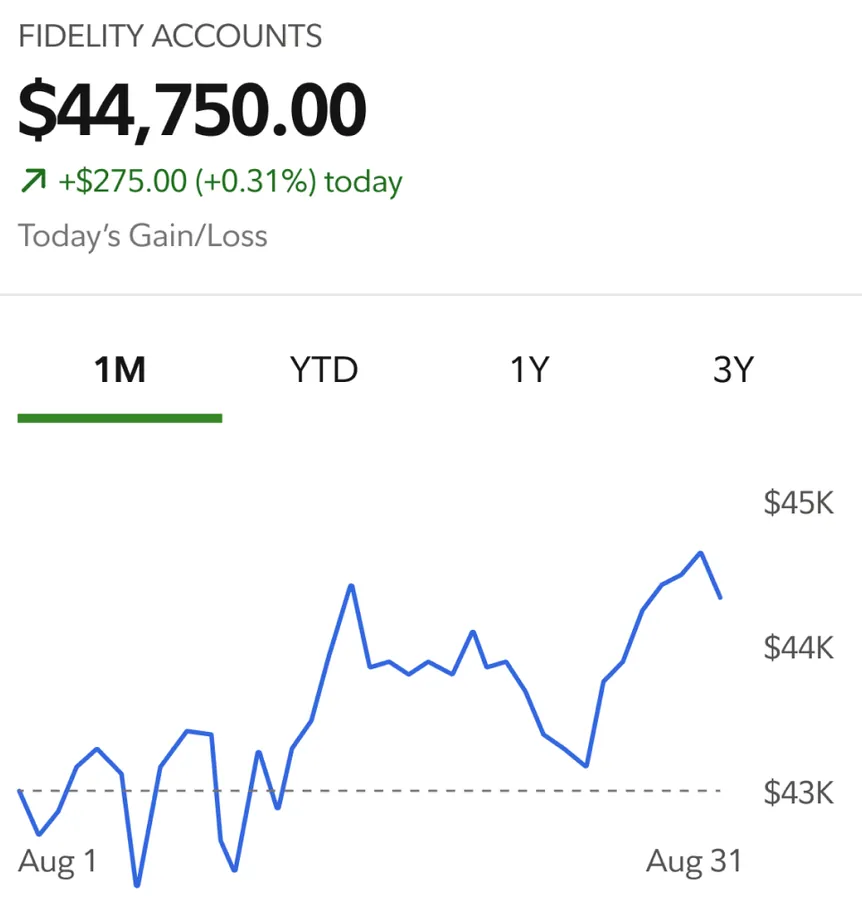
App Store marketing imageFidelity accounts $44,750.00, up $275.00 (+0.31%) today, with 1M, YTD, 1Y and 3Y tabs and a one-month line chart from Aug 1 to Aug 31.App Store listing, as of 
App Store marketing imageThe tab bar: Home, Investing, a green Transact button, Planning and Discover.App Store listing, as of

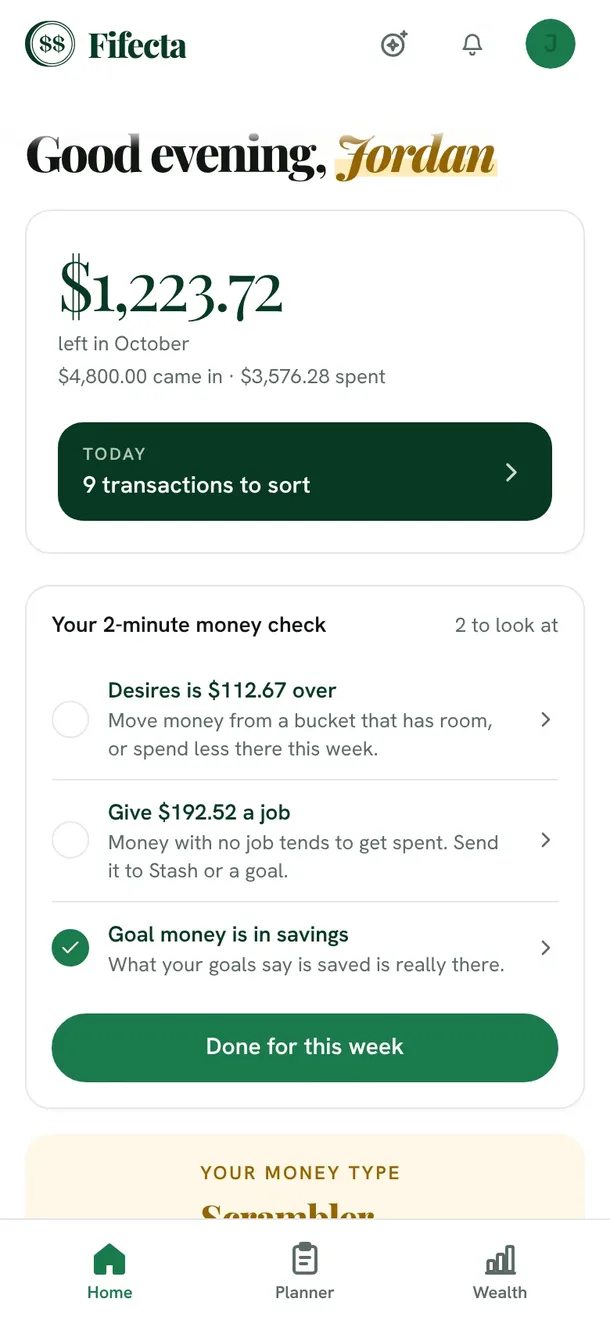
From Fifecta's websiteThe Fifecta app Home screen on a phone: "Good evening, Jordan," $1,223.72 left in October ($4,800.00 came in, $3,576.28 spent), a Today card with 9 transactions to sort, and a 2-minute money check with Home, Planner and Wealth tabs at the bottom.fifecta.pricelesstay.com, as of 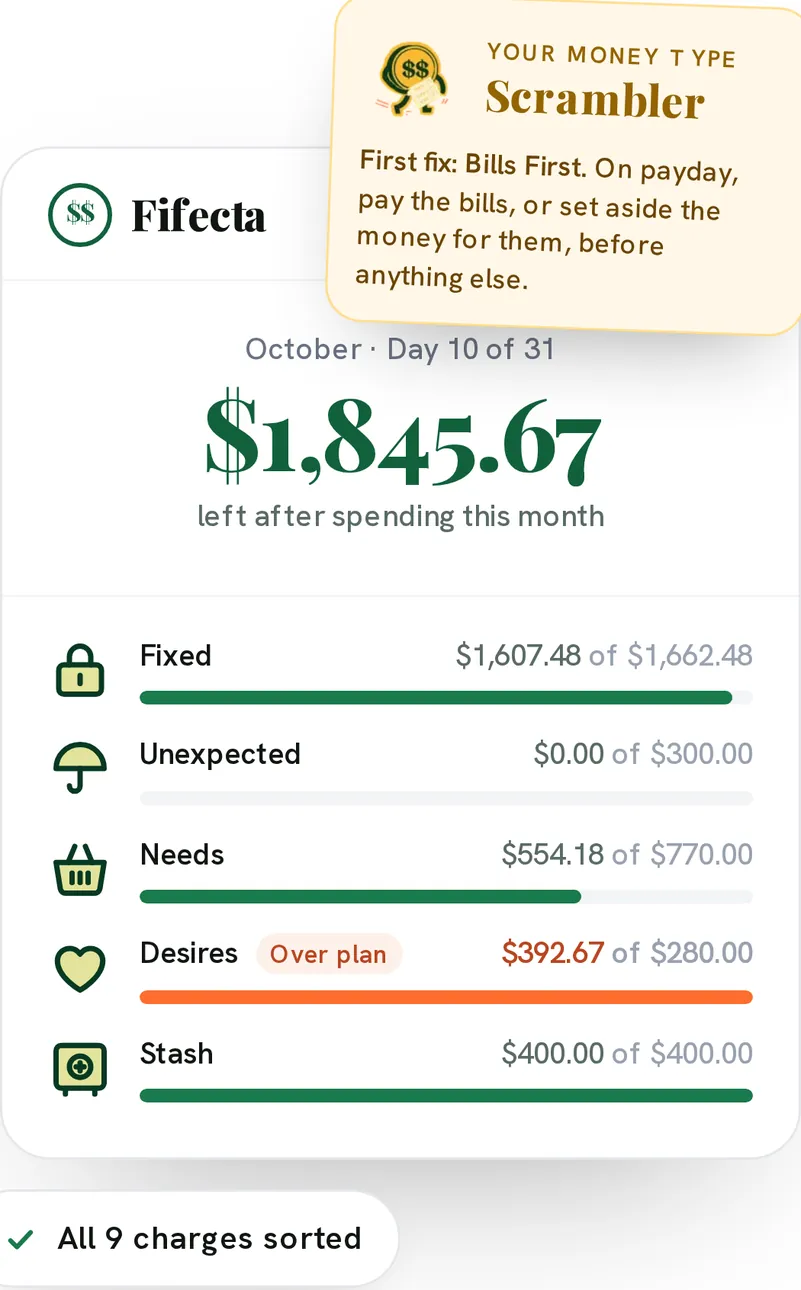
From Fifecta's websiteA Fifecta month card for October, Day 10 of 31: $1,845.67 left after spending this month, with Fixed, Unexpected, Needs, Desires and Stash progress bars, Desires marked Over plan, a Scrambler Money Type note and an All 9 charges sorted chip.pricelesstay.com, as of 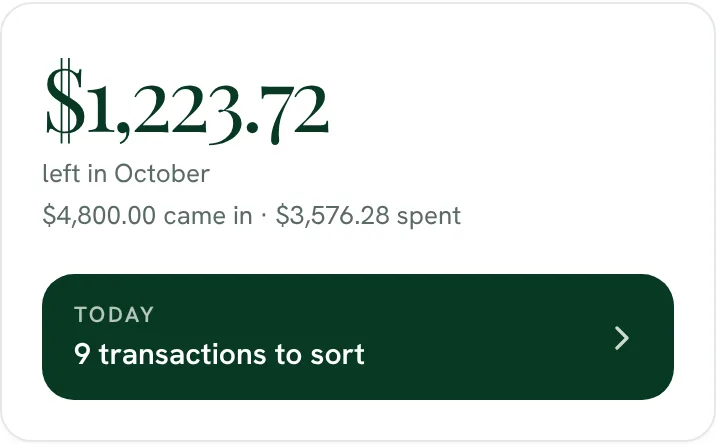
From Fifecta's website$1,223.72 left in October, with $4,800.00 came in and $3,576.28 spent, and a Today button for 9 transactions to sort.fifecta.pricelesstay.com, as of 
From Fifecta's websiteOctober, Day 10 of 31: $1,845.67 left after spending this month.pricelesstay.com, as of

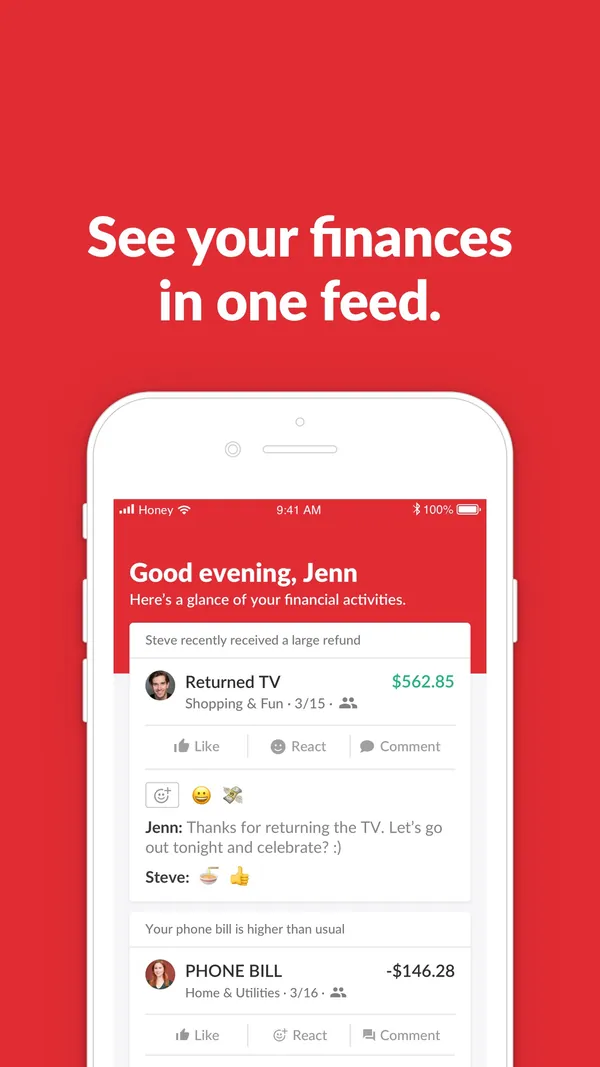
App Store marketing imageApp Store image with the headline "See your finances in one feed." showing an activity feed.App Store listing, as of 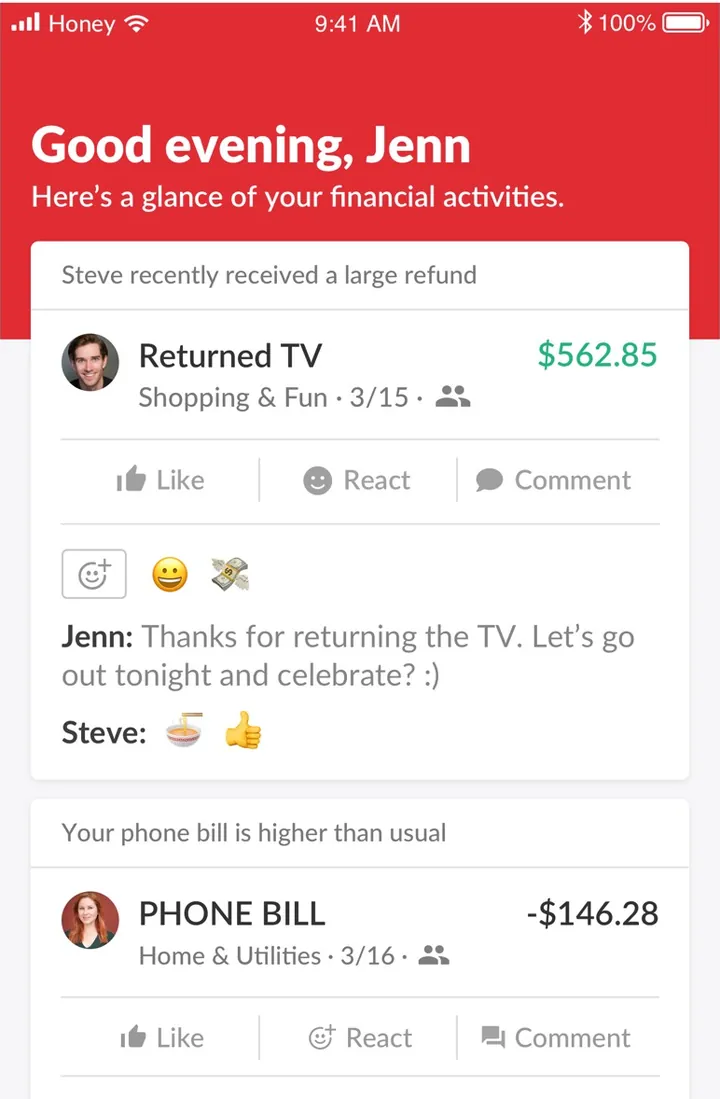
App Store marketing imageThe home feed: "Good evening, Jenn" with a Returned TV refund card with comments and emoji, and a higher than usual phone bill card.App Store listing, as of

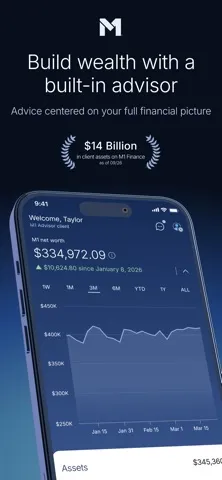
App Store marketing imageApp Store image with the headline "Build wealth with a built-in advisor" showing a tilted home screen with $334,972.09 in M1 net worth and a chart.App Store listing, as of

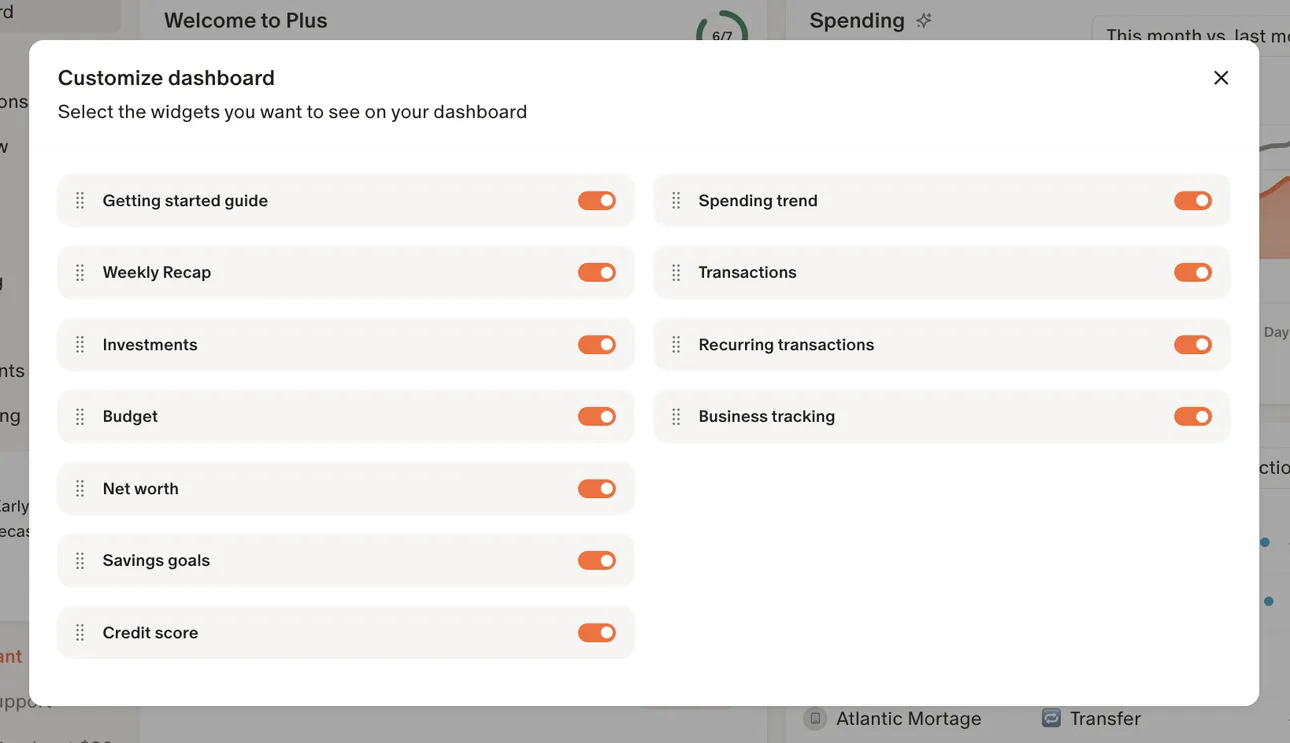
From Monarch Money's help centerA Customize dashboard dialog with toggles for widgets such as Getting started guide, Investments, Budget, Net worth and Spending trend.help.monarch.com, as of

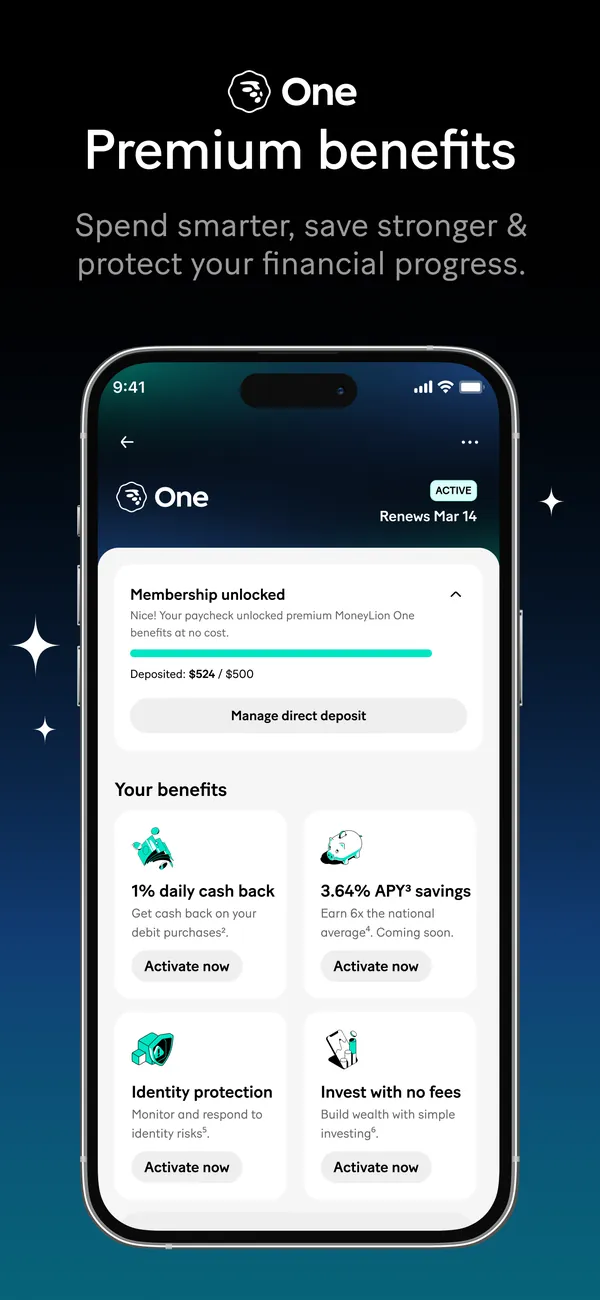
App Store marketing imageApp Store image with the headline "One Premium benefits" showing the MoneyLion One membership screen.App Store listing, as of 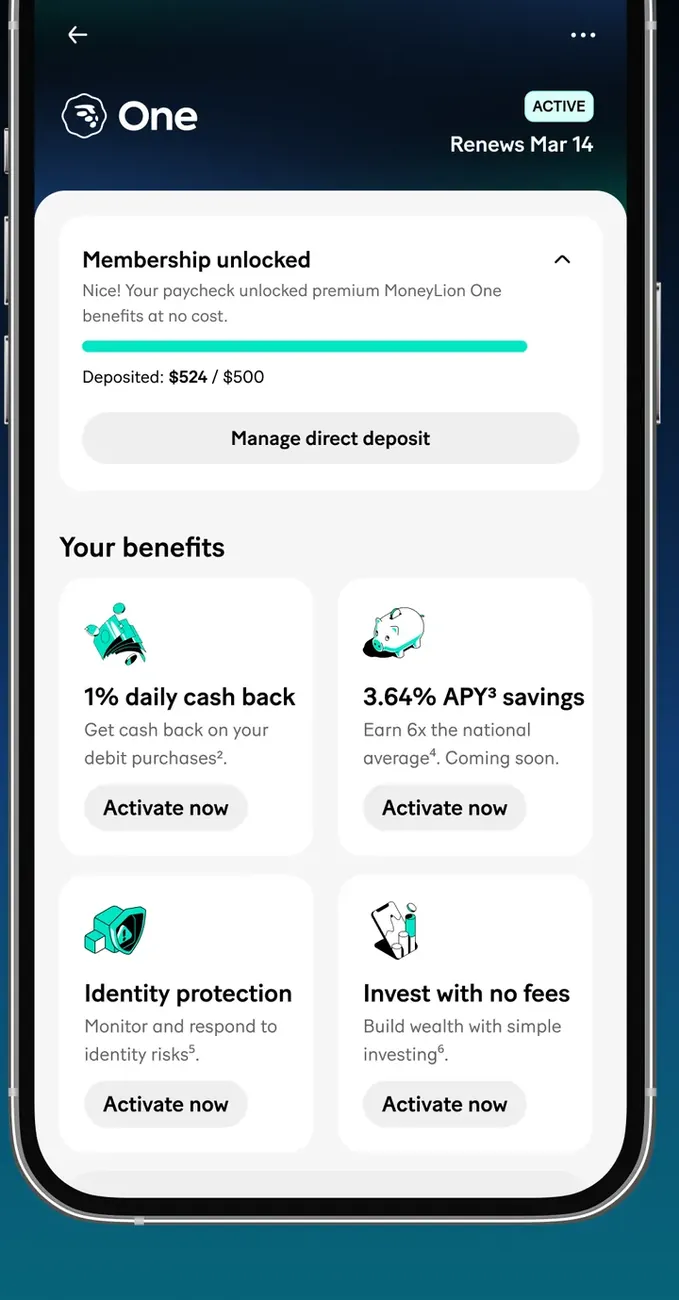
App Store marketing imageThe MoneyLion One screen: Membership unlocked with a direct deposit progress bar, then benefit tiles for daily cash back, savings APY, identity protection and investing, each with Activate now.App Store listing, as of 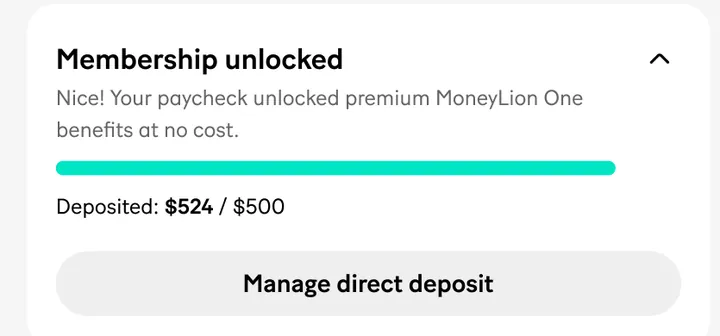
App Store marketing imageA Membership unlocked card: deposited $524 of $500 with a progress bar and a Manage direct deposit button.App Store listing, as of

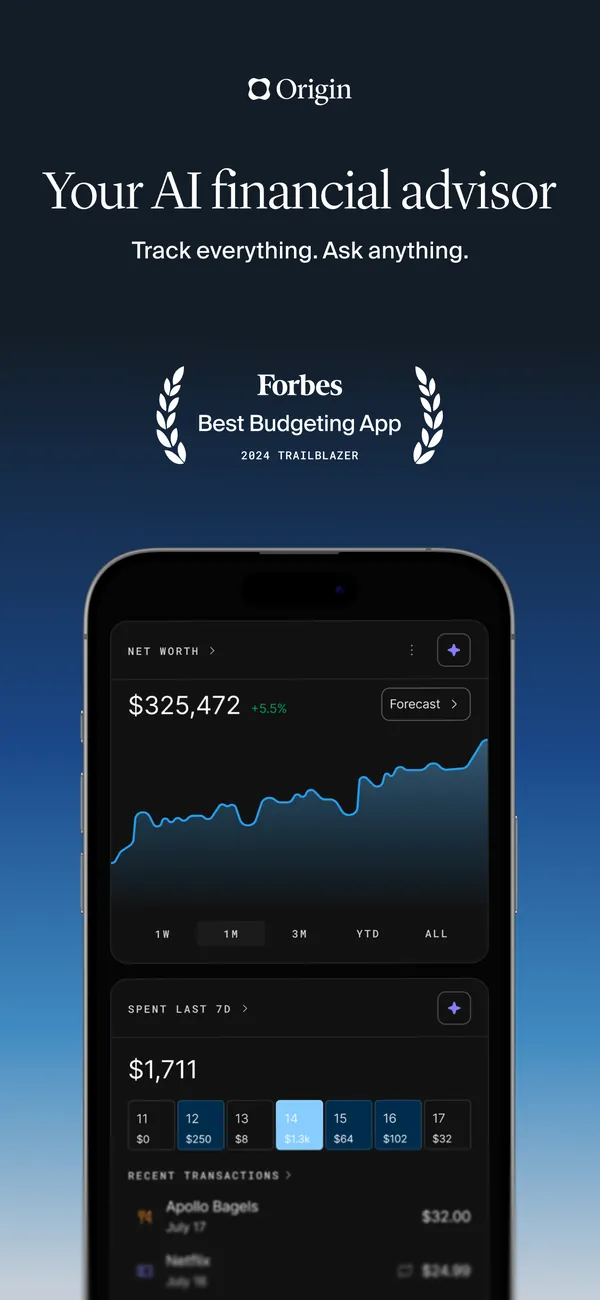
App Store marketing imageApp Store image with the headline "Your AI financial advisor", a Forbes Best Budgeting App 2024 badge and a phone showing net worth.App Store listing, as of 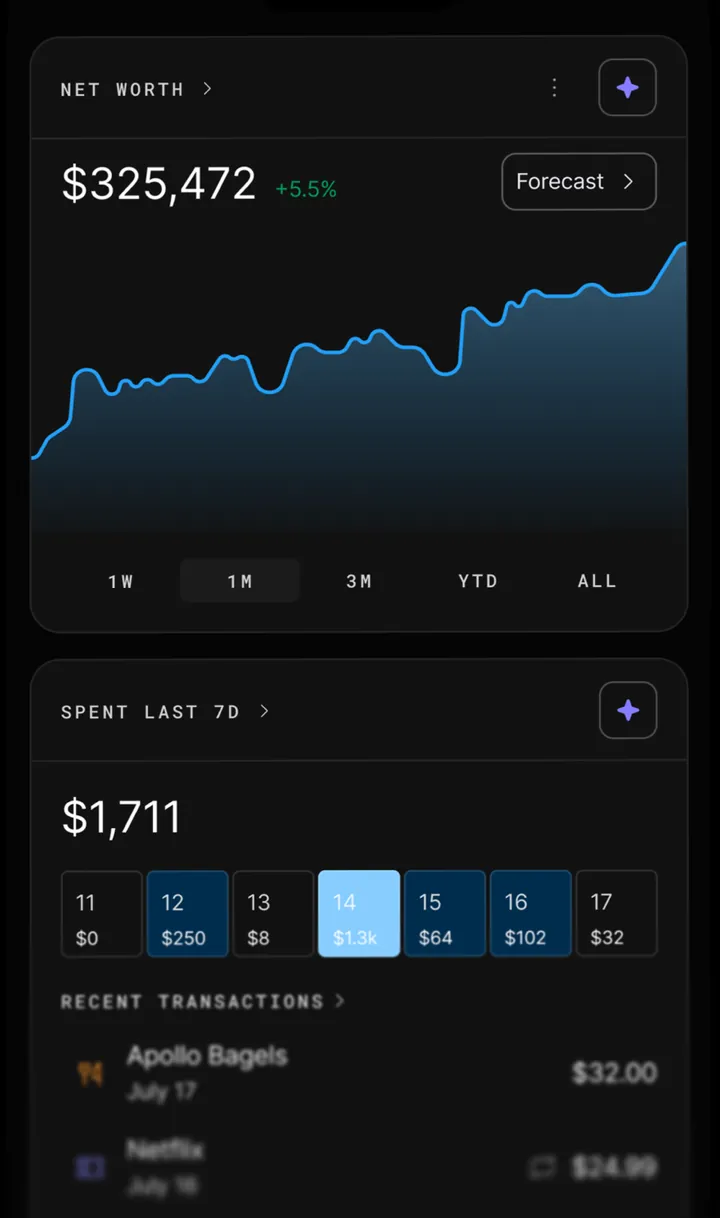
App Store marketing imageA dark home screen: net worth of $325,472 with a line chart, then $1,711 spent in the last 7D with day tiles and recent transactions.App Store listing, as of

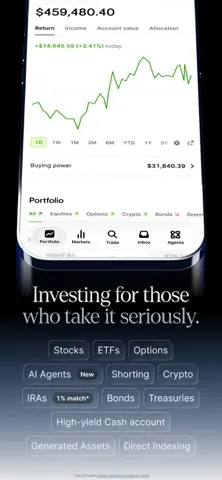
App Store marketing imageApp Store image with the headline "Investing for those who take it seriously" under the top of a portfolio screen, with chips for Stocks, ETFs, Options, AI Agents and more.App Store listing, as of 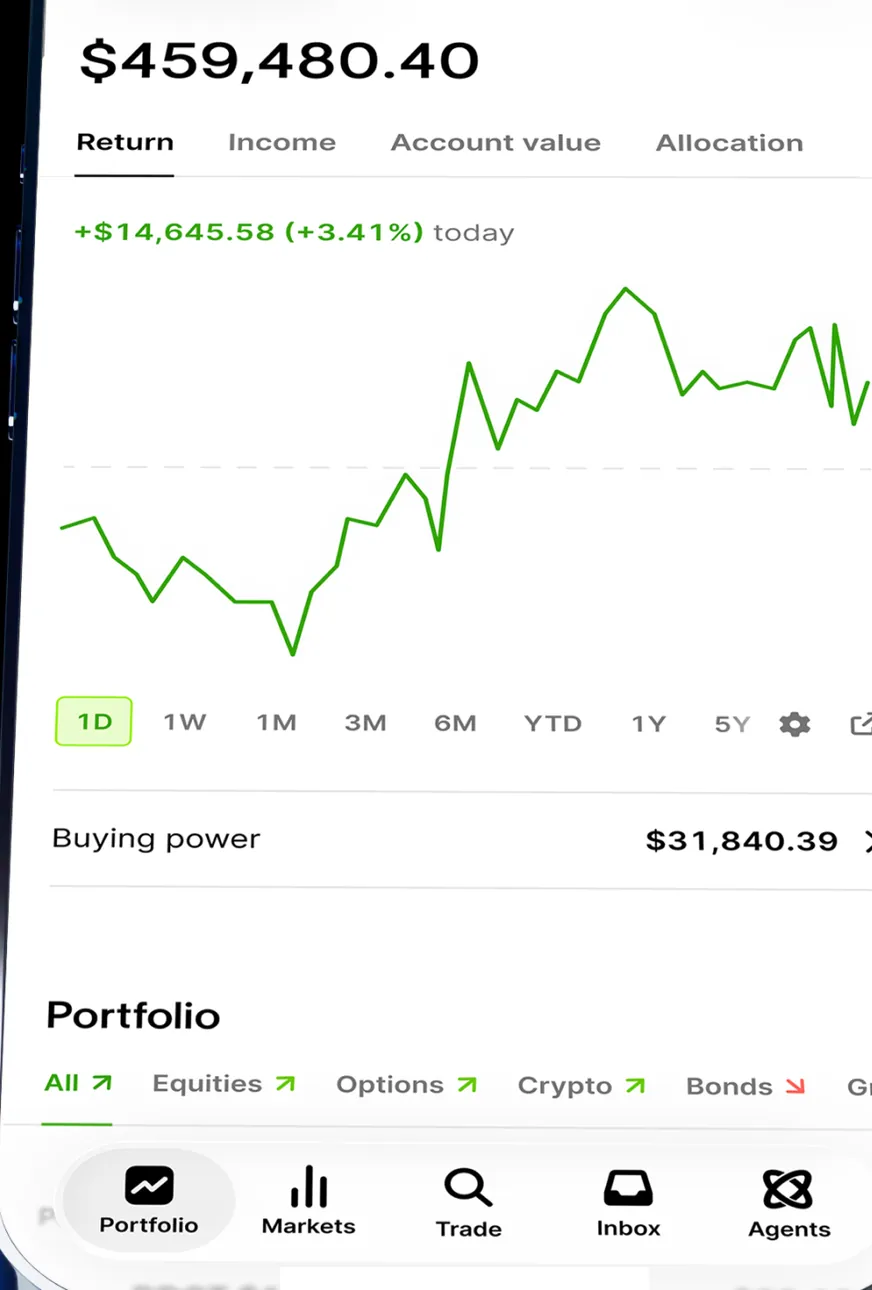
App Store marketing imageThe lower part of the Portfolio screen: $459,480.40 on Return, up $14,645.58 (+3.41%) today, a one-day line chart, buying power $31,840.39, asset chips and the tab bar with Portfolio, Markets, Trade, Inbox and Agents.App Store listing, as of
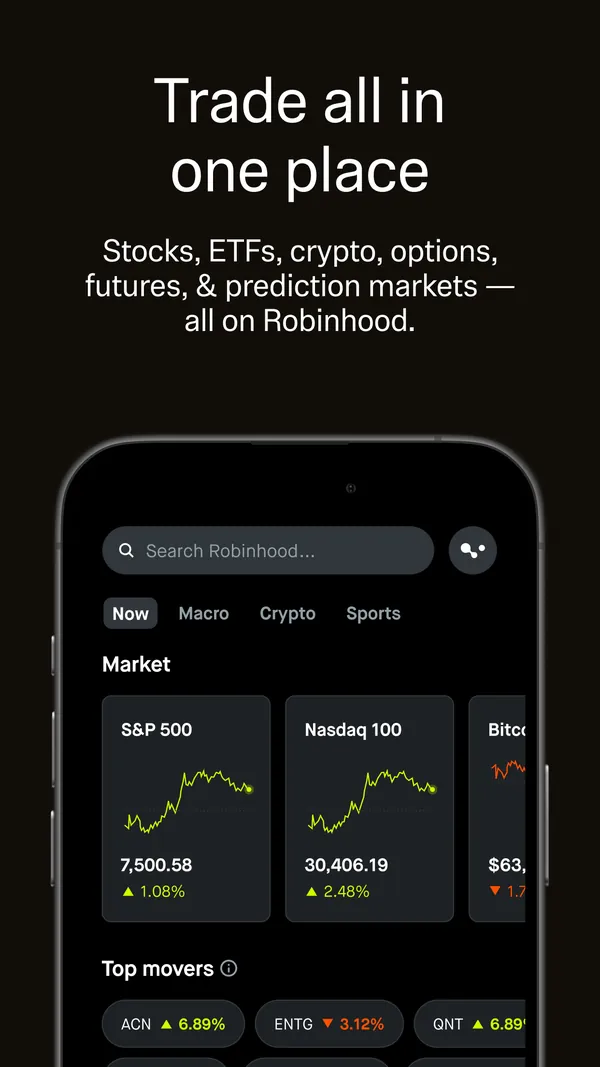
App Store marketing imageApp Store image with the headline "Trade all in one place" showing a search bar, Now, Macro, Crypto and Sports tabs and a Market section.App Store listing, as of 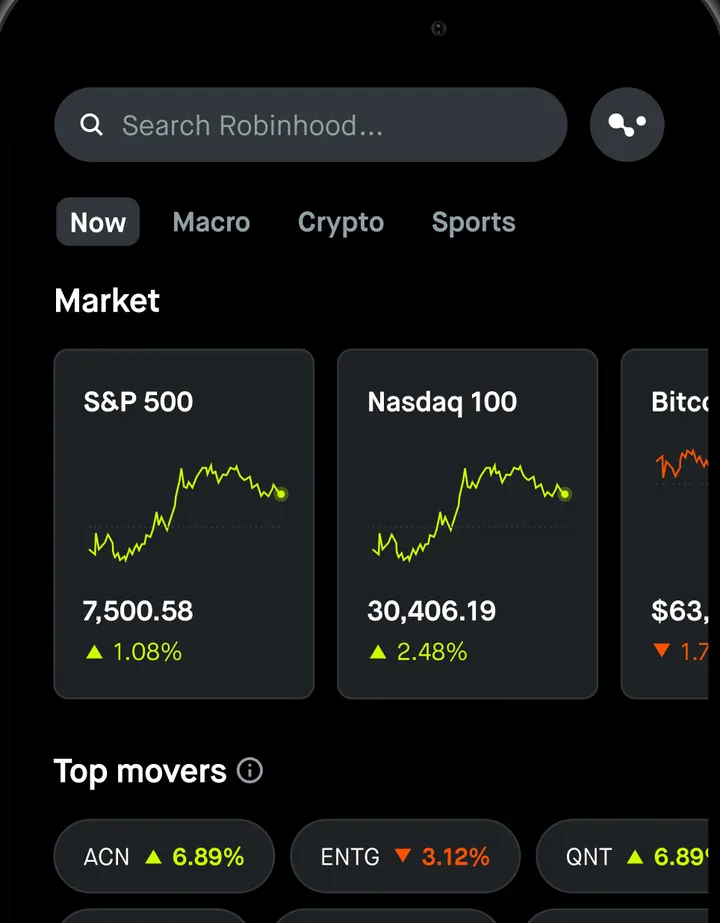
App Store marketing imageThe home screen: a Search Robinhood bar, Now, Macro, Crypto and Sports tabs, Market cards for the S&P 500 at 7,500.58 and Nasdaq 100 at 30,406.19, and Top movers chips.App Store listing, as of 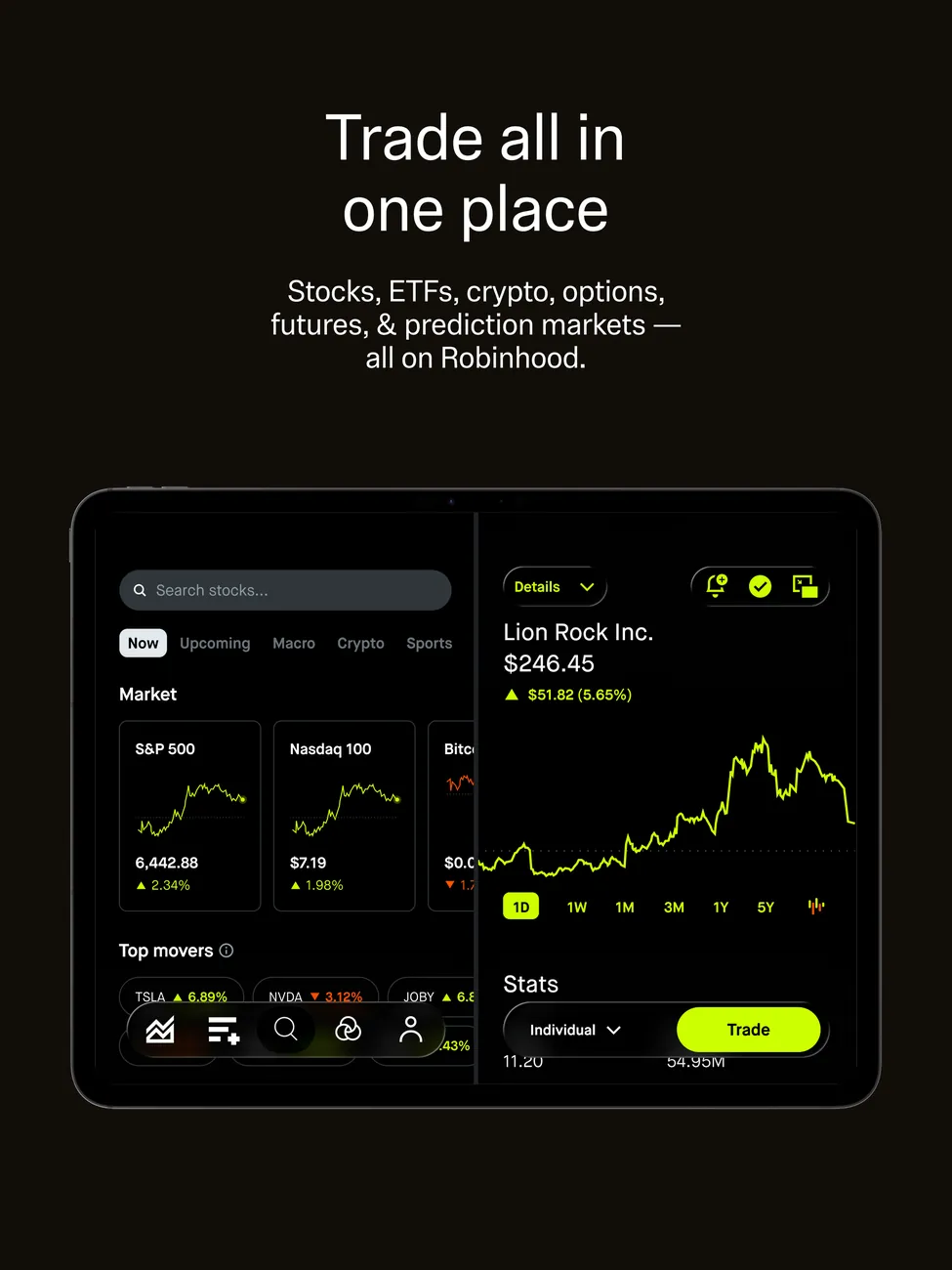
App Store marketing imageiPad App Store image with the headline "Trade all in one place" showing the market overview next to a stock detail.App Store listing, as of 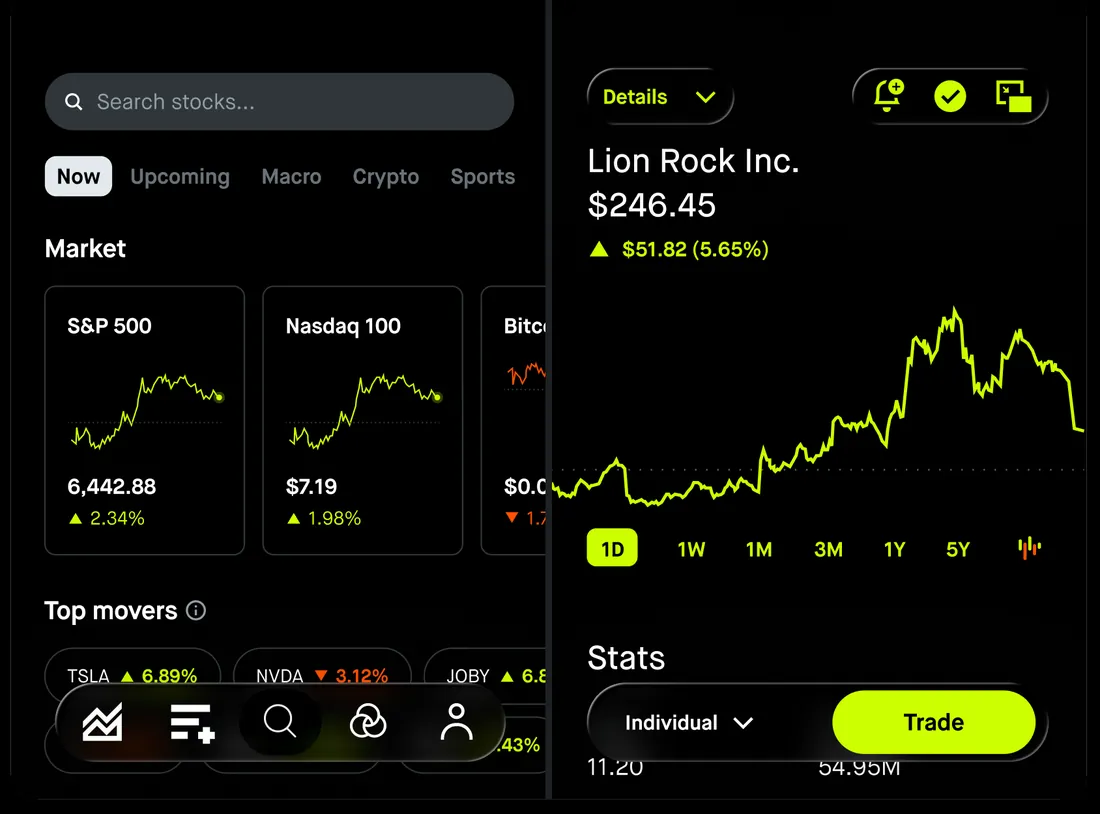
App Store marketing imageThe iPad layout: market cards and top movers on the left, and Lion Rock Inc. at $246.45 with a line chart, Stats and a Trade button on the right.App Store listing, as of 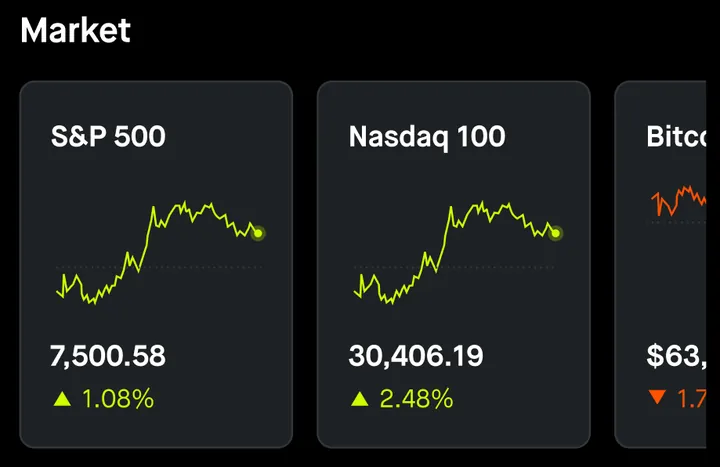
App Store marketing imageMarket cards with small line charts: S&P 500 at 7,500.58 up 1.08% and Nasdaq 100 at 30,406.19 up 2.48%.App Store listing, as of

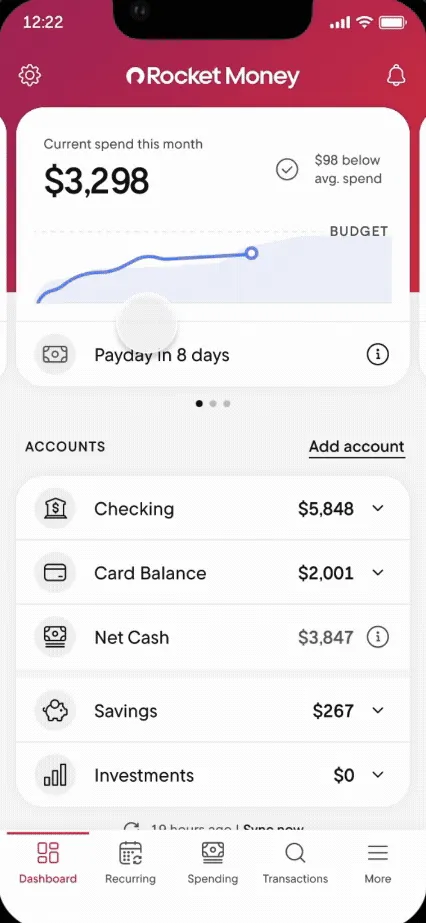
From Rocket Money's help centerThe Dashboard with current spend this month, a Payday in 8 days row and account balances.help.rocketmoney.com, as of

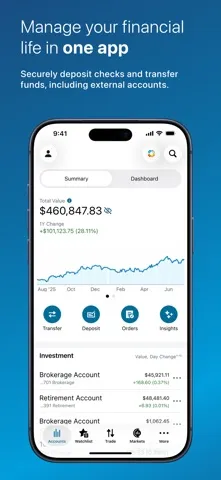
App Store marketing imageApp Store image with the headline "Manage your financial life in one app" showing a Summary screen with a $460,847.83 total value.App Store listing, as of 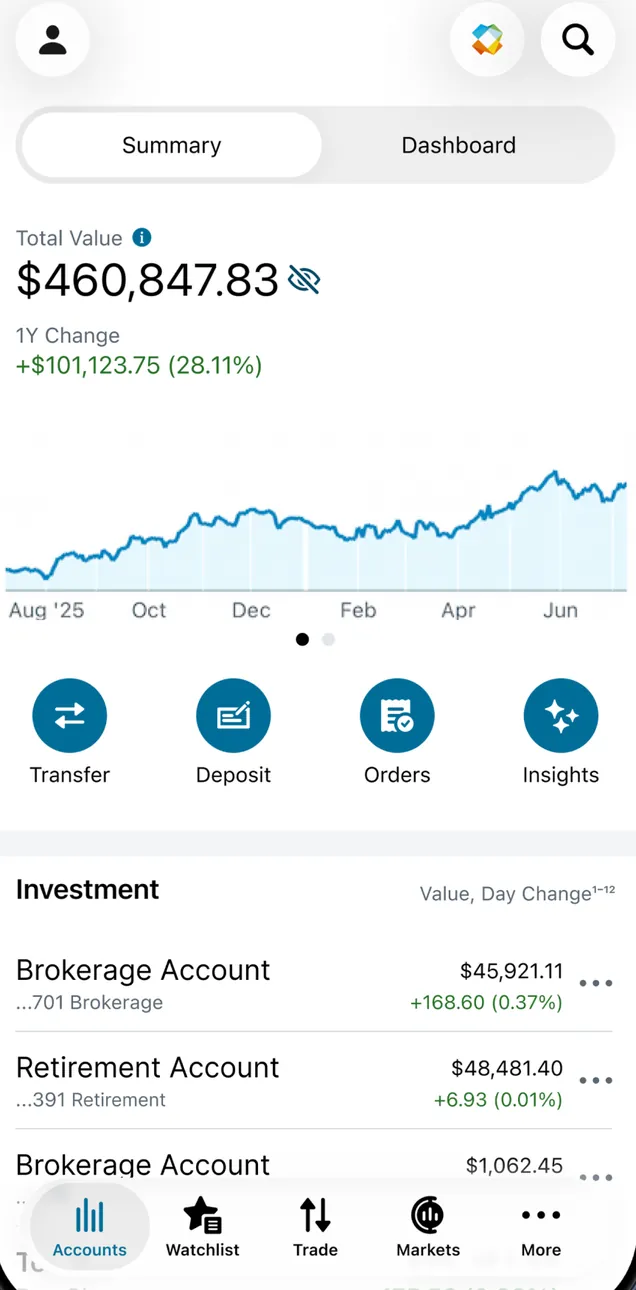
App Store marketing imageThe Summary tab: Total Value $460,847.83 with a 1Y change of +$101,123.75 (28.11%), a line chart, Transfer, Deposit, Orders and Insights buttons, and an Investment list of brokerage and retirement accounts.App Store listing, as of 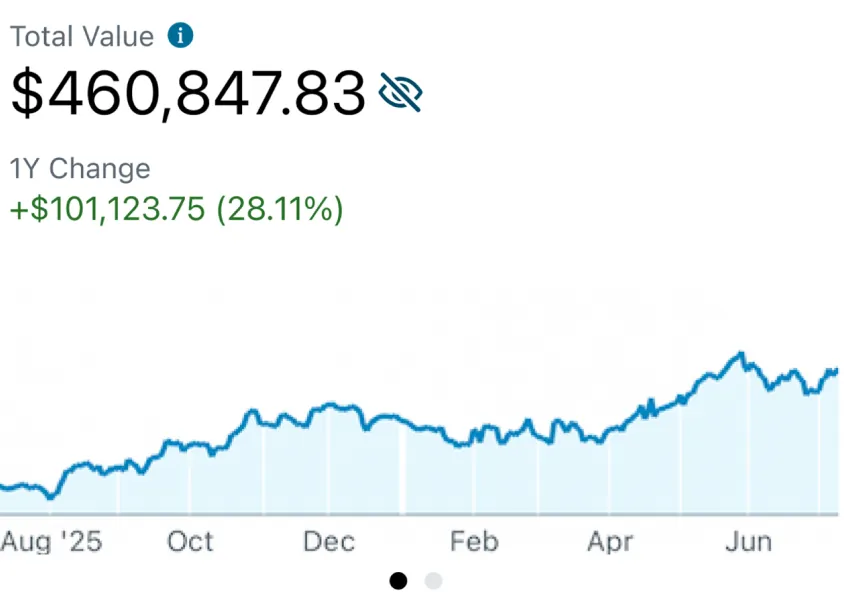
App Store marketing imageTotal Value $460,847.83, 1Y Change +$101,123.75 (28.11%) and a rising line chart from Aug '25 to Jun.App Store listing, as of

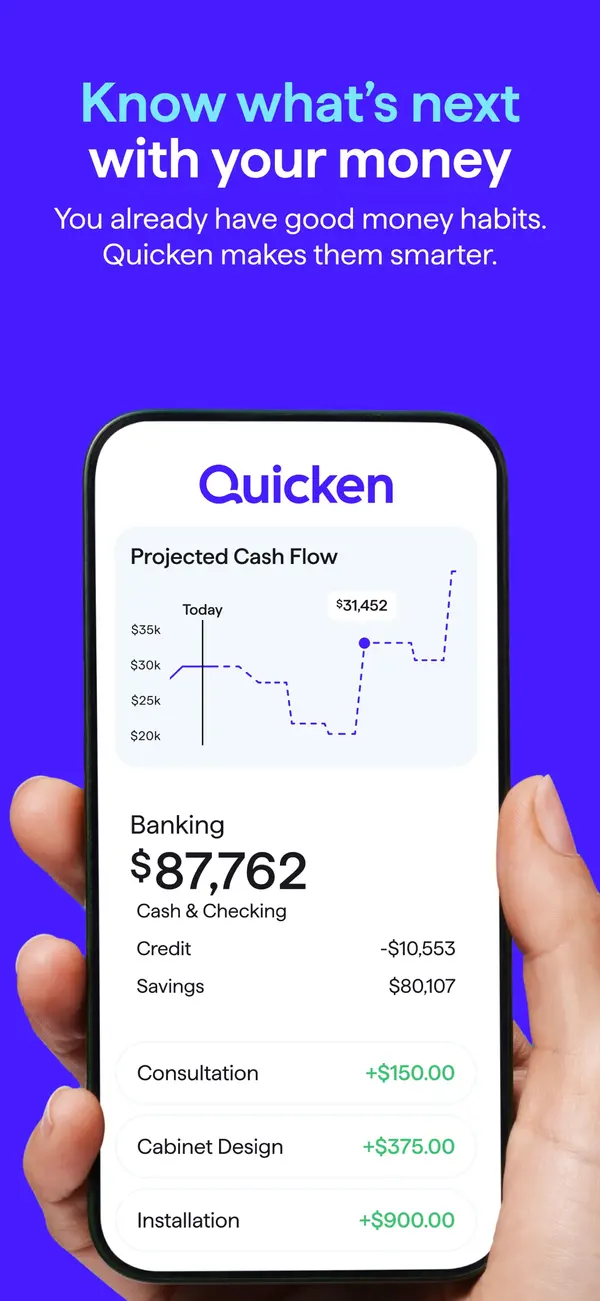
App Store marketing imageApp Store image with the headline "Know what's next with your money" showing a hand holding a phone with a Quicken screen, a Projected Cash Flow chart and Banking balances.App Store listing, as of 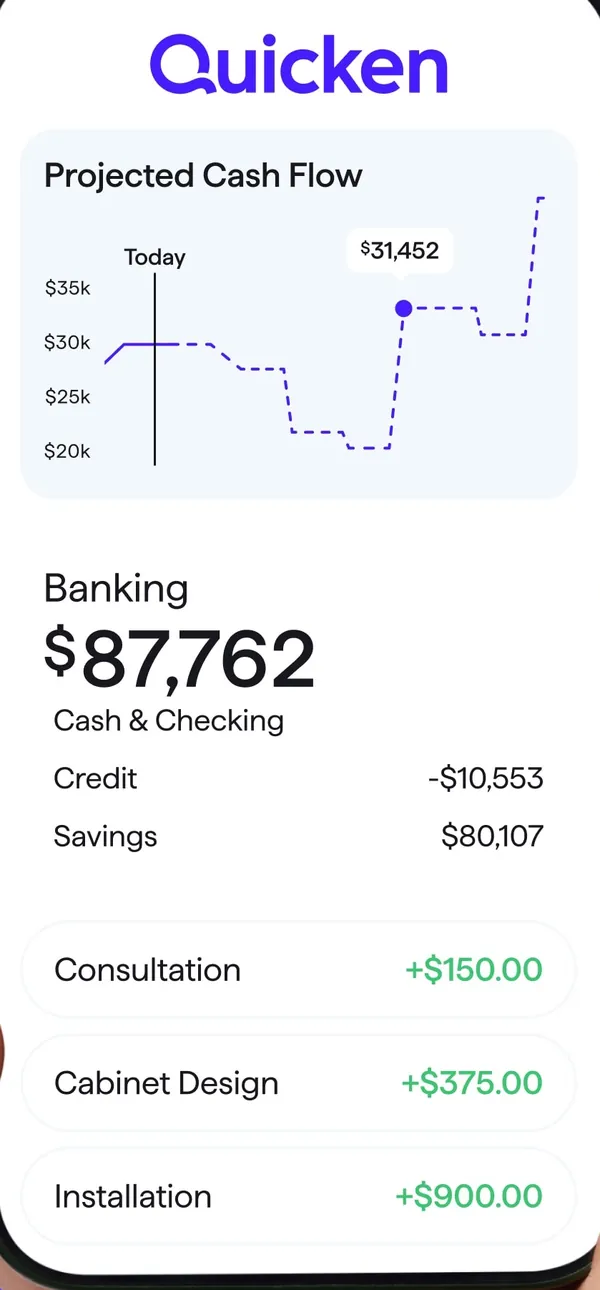
App Store marketing imageA Quicken screen with a Projected Cash Flow chart, Banking balances and three income rows.App Store listing, as of 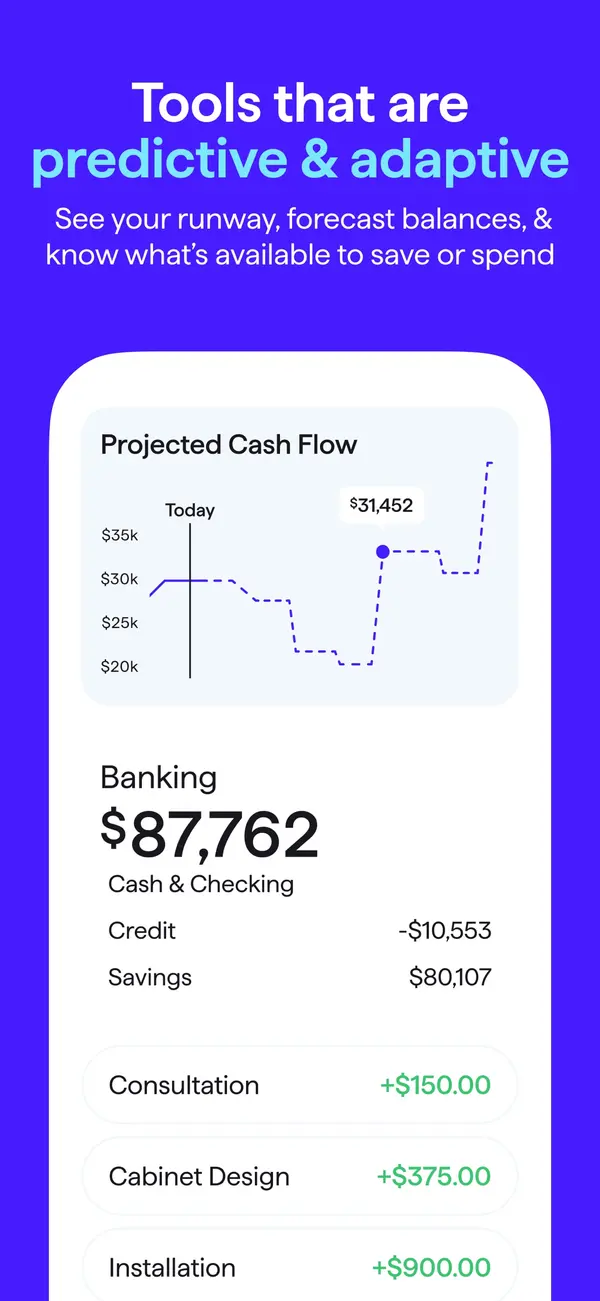
App Store marketing imageApp Store image with the headline "Tools that are predictive & adaptive" showing a Projected Cash Flow chart and Banking balances.App Store listing, as of 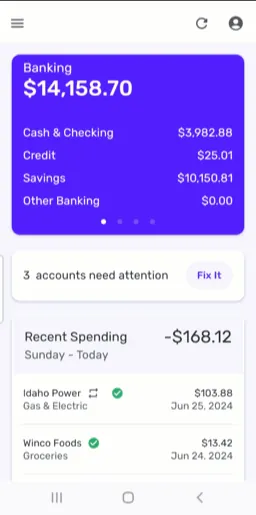
From Simplifi's help centerThe mobile dashboard with a Banking card, a note that 3 accounts need attention and Recent Spending.support.simplifi.quicken.com, as of

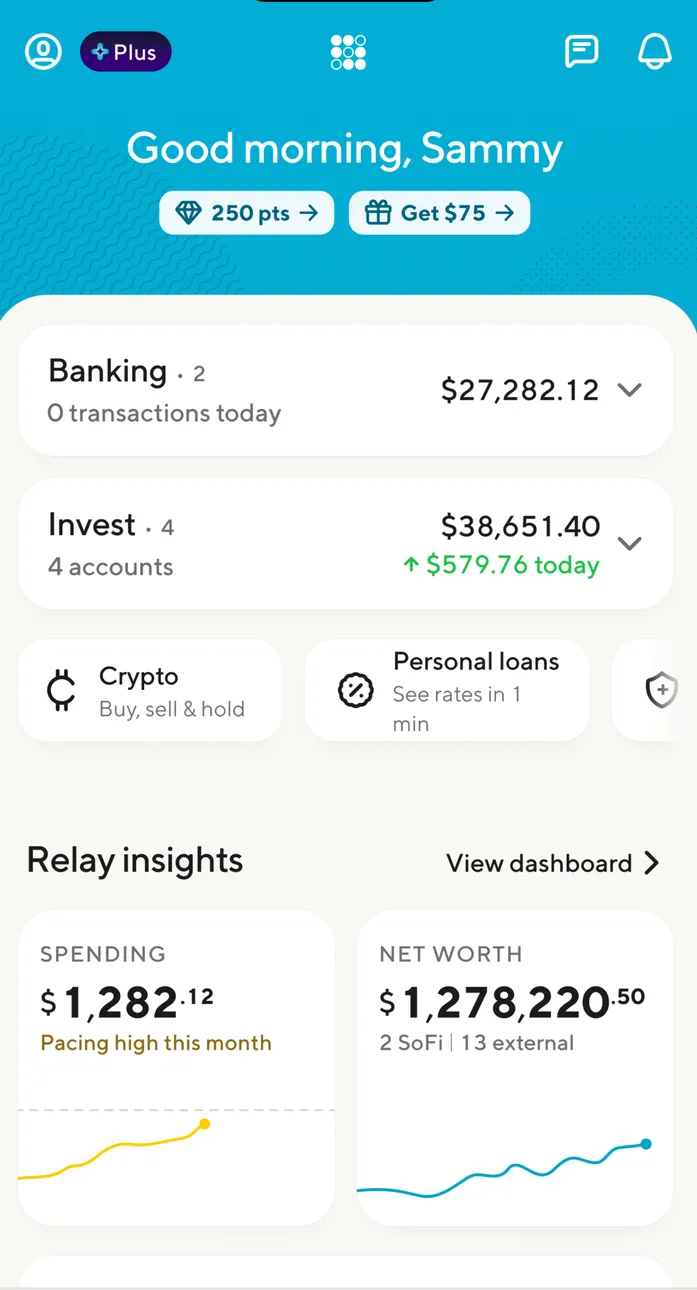
App Store marketing imageThe home screen: Good morning, Sammy with 250 pts and Get $75 chips, Banking $27,282.12, Invest $38,651.40 up $579.76 today, Crypto and Personal loans tiles and Relay insights.App Store listing, as of 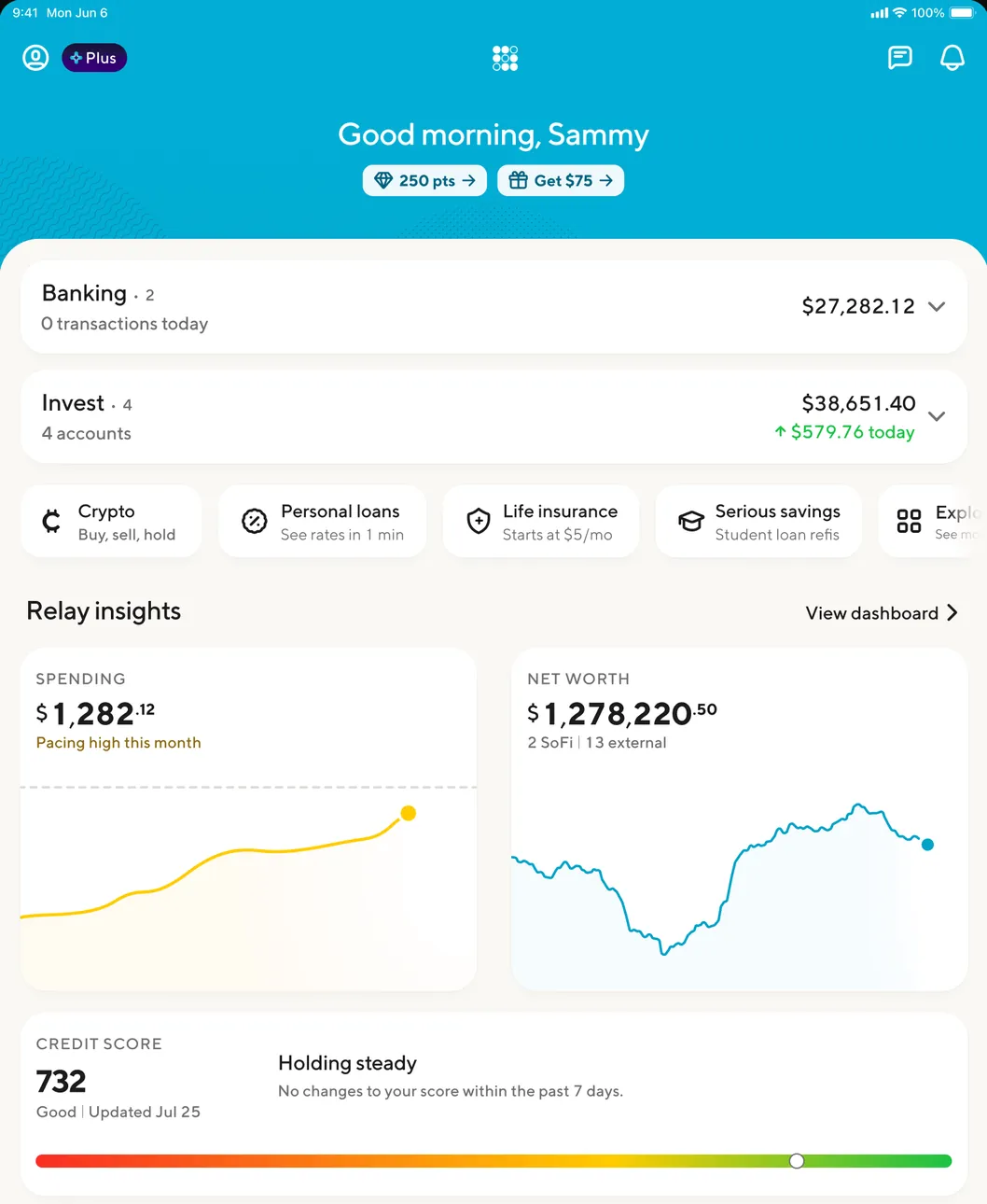
App Store marketing imageThe iPad home screen: Good morning, Sammy, Banking and Invest totals, product tiles for crypto, personal loans, life insurance and serious savings, Relay insights charts and a credit score of 732.App Store listing, as of
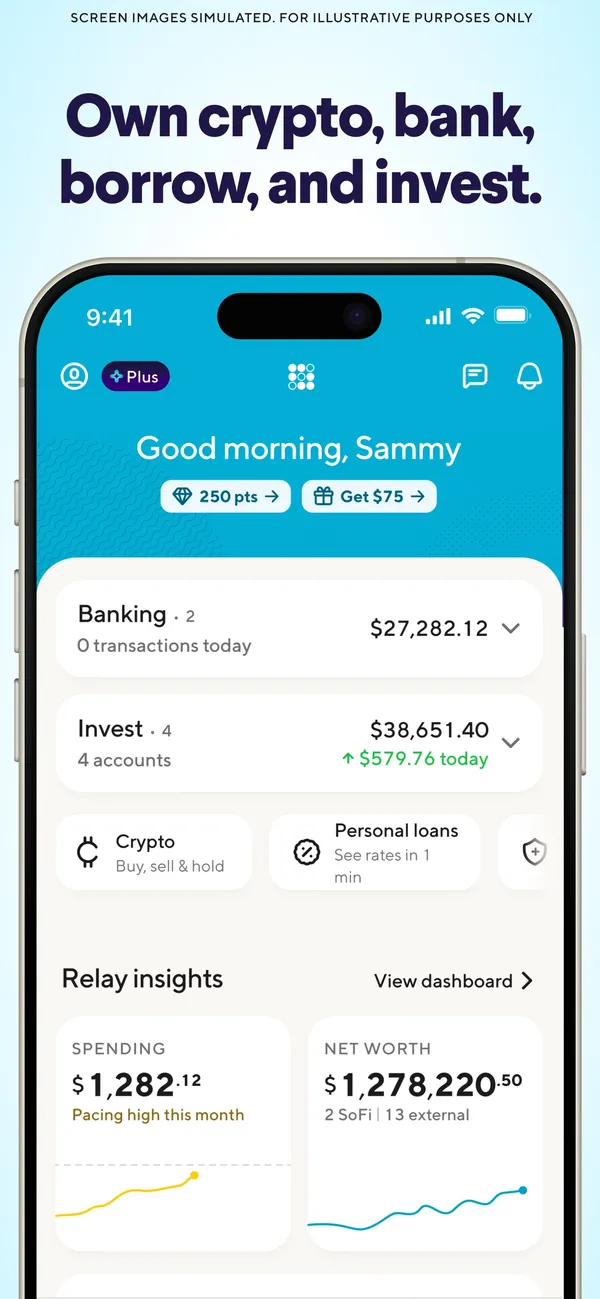
App Store marketing imageApp Store image with the headline "Own crypto, bank, borrow, and invest." showing a home screen with Banking, Invest and Relay insights.App Store listing, as of 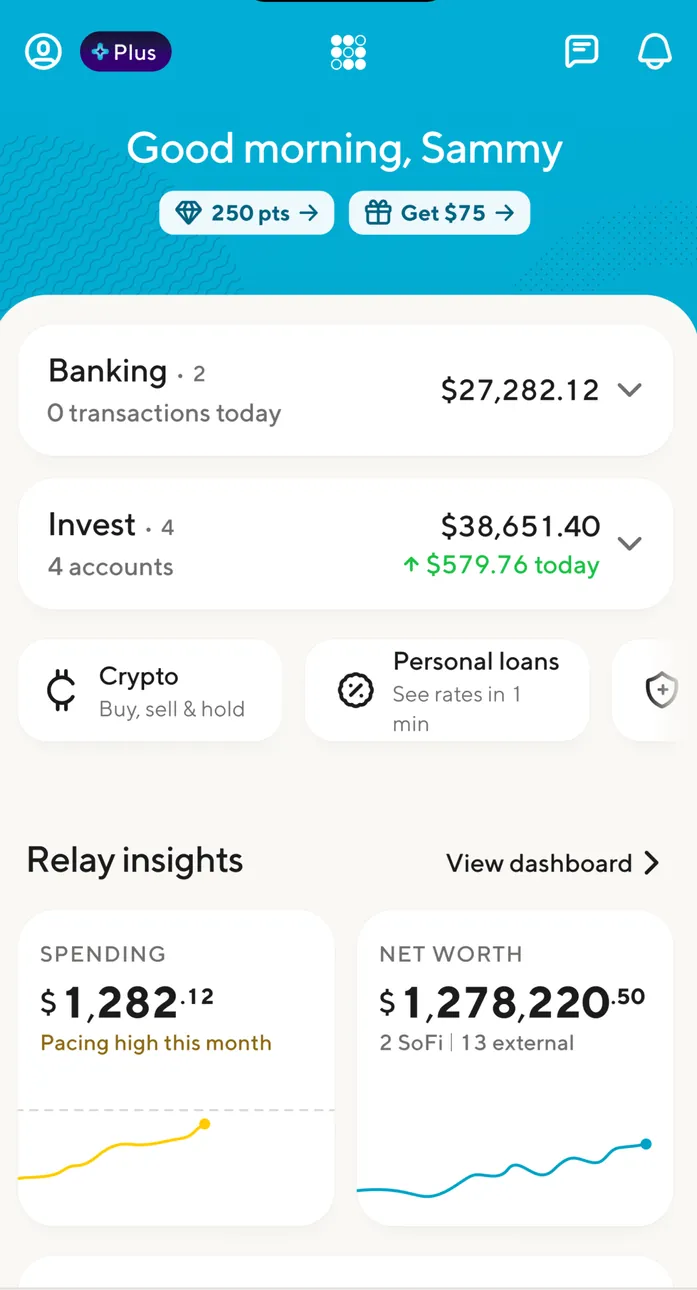
App Store marketing imageThe home screen: Good morning, Sammy with 250 pts and Get $75 chips, Banking $27,282.12, Invest $38,651.40 up $579.76 today, Crypto and Personal loans tiles and Relay insights.App Store listing, as of

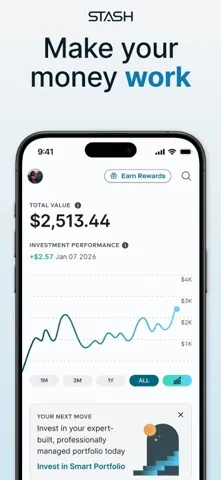
App Store marketing imageApp Store image with the headline "Make your money work" showing the home screen with a $2,513.44 total value and a chart.App Store listing, as of 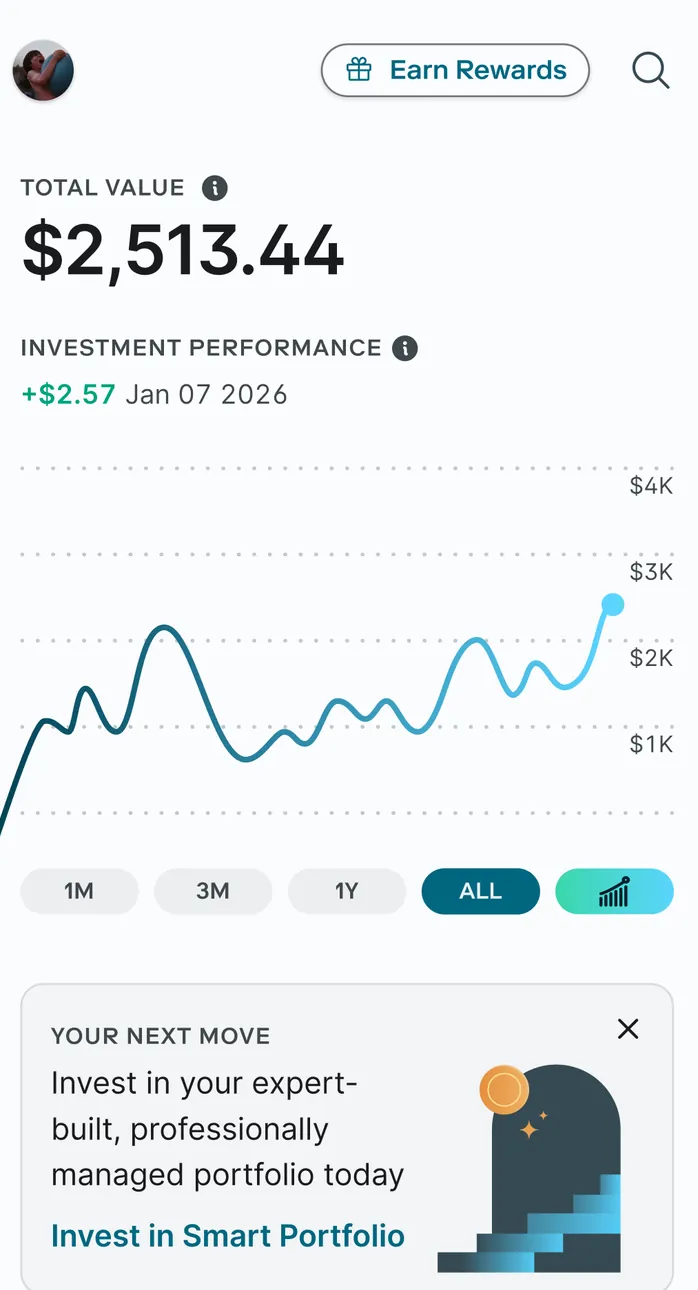
App Store marketing imageThe home screen: Total Value $2,513.44, investment performance +$2.57 since Jan 07 2026, a line chart with 1M, 3M, 1Y and ALL tabs and a Your next move card suggesting Invest in Smart Portfolio.App Store listing, as of 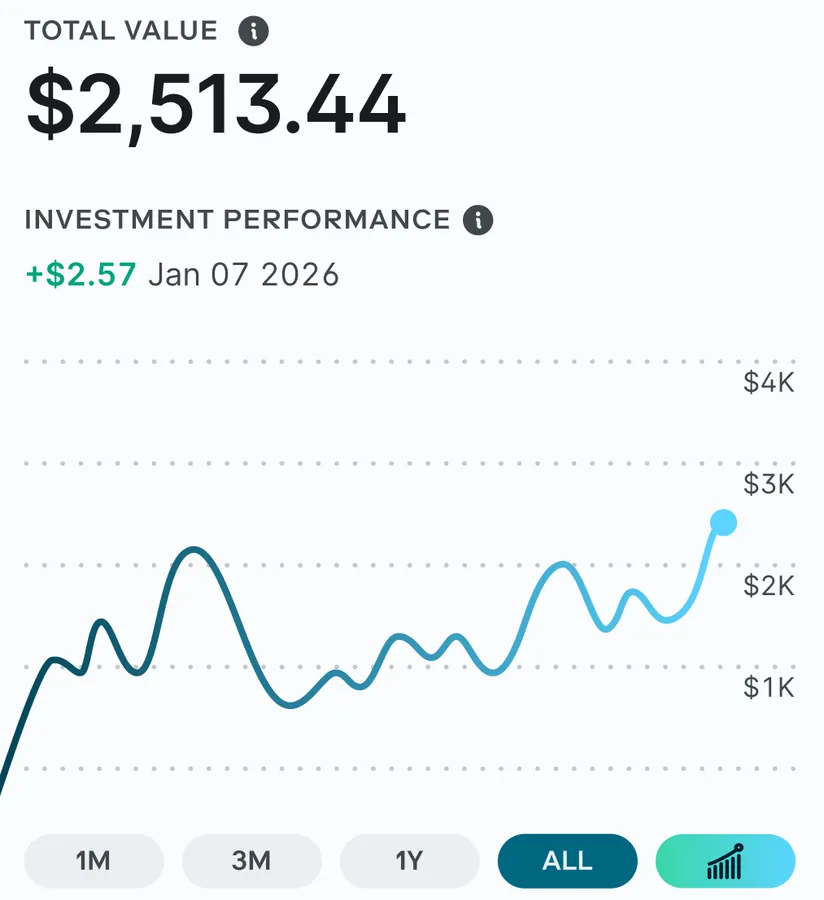
App Store marketing imageTotal Value $2,513.44 with investment performance +$2.57 since Jan 07 2026 and a wavy line chart up to $4K.App Store listing, as of

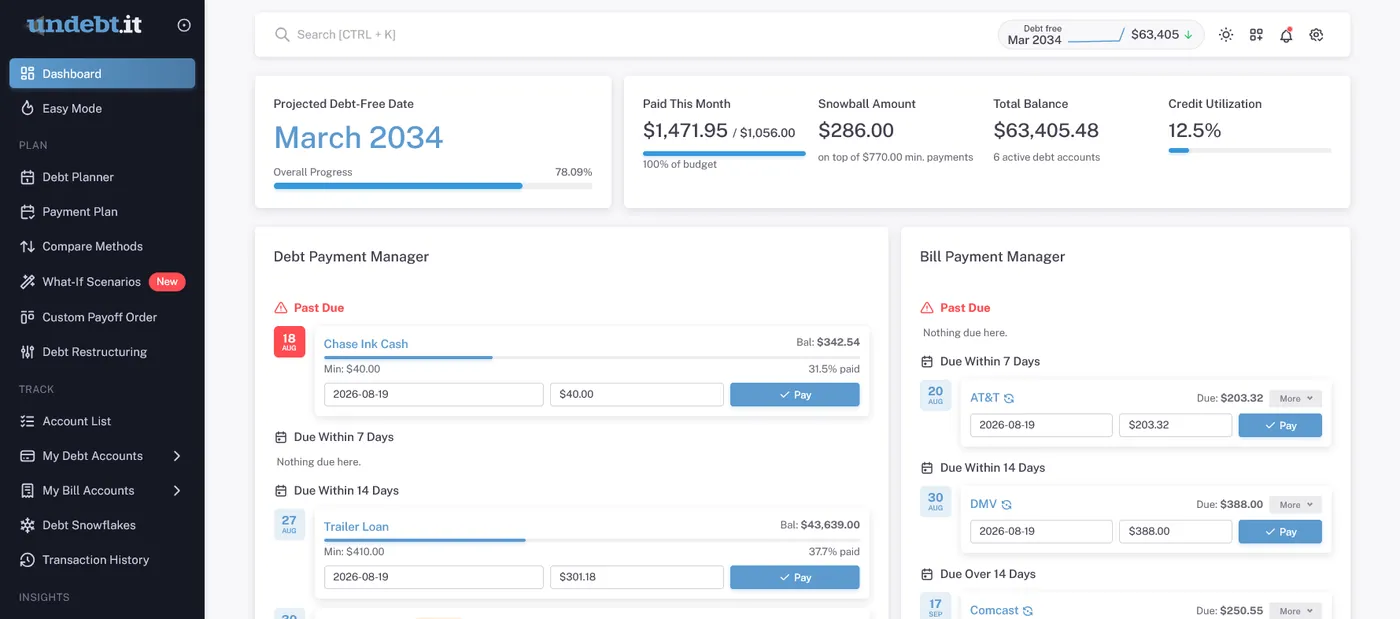
From Undebt.it's websiteThe web Dashboard: projected debt-free date March 2034, $1,471.95 paid this month, a $286.00 snowball amount, $63,405.48 total balance across 6 debts and 12.5% credit utilization, with a Debt Payment Manager and a Bill Payment Manager below.undebt.it, as of 
From Undebt.it's websiteSummary cards: Projected Debt-Free Date March 2034 with an overall progress bar, and Paid This Month $1,471.95 of $1,056.00 with Snowball Amount $286.00.undebt.it, as of

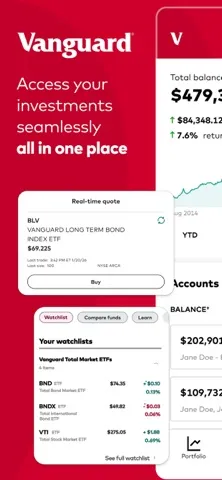
App Store marketing imageApp Store image with the headline "Access your investments seamlessly all in one place" showing a real-time quote card and a watchlist card.App Store listing, as of
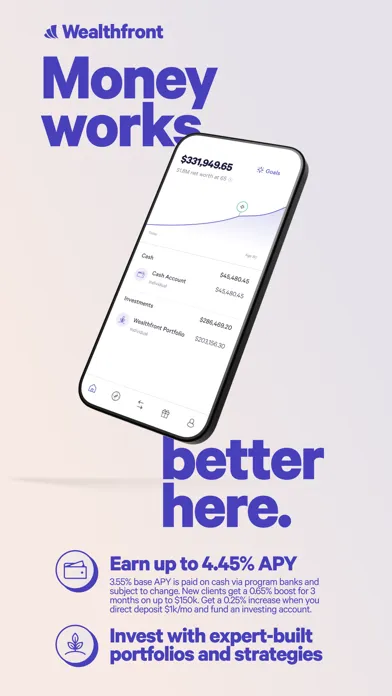
App Store marketing imageApp Store image with the headline "Money works better here." showing a tilted phone with a $331,949.65 net worth, cash and investment accounts.App Store listing, as of


App Store marketing imageThe tab bar: Watchlists, Markets, Account, News and Menu.App Store listing, as of

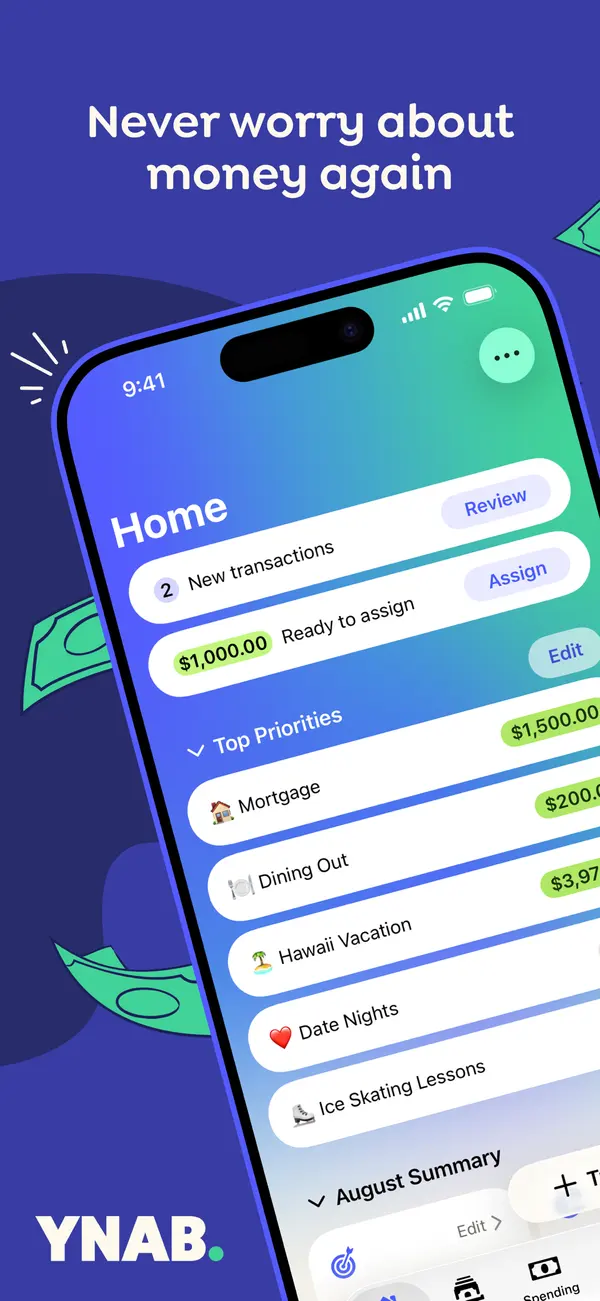
App Store marketing imageApp Store image with the headline "Never worry about money again" over a tilted phone showing the YNAB Home screen with new transactions, Ready to Assign and a Top Priorities list.App Store listing, as of 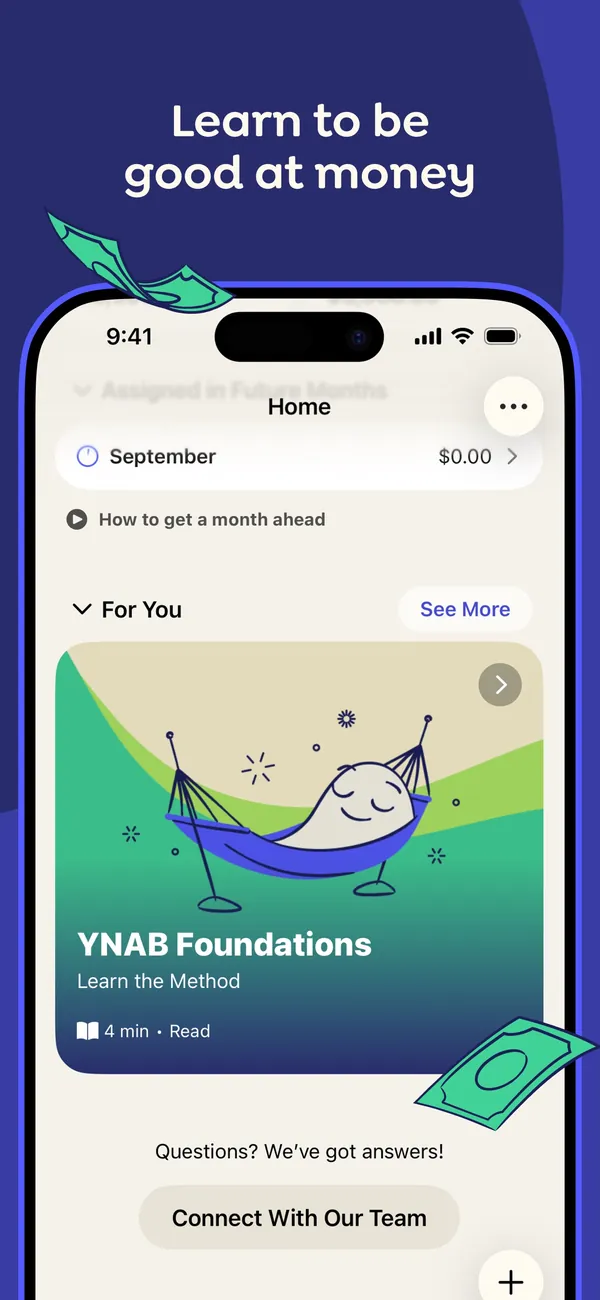
App Store marketing imageApp Store image with the headline "Learn to be good at money" showing the Home screen with a For You section and a YNAB Foundations lesson card.App Store listing, as of 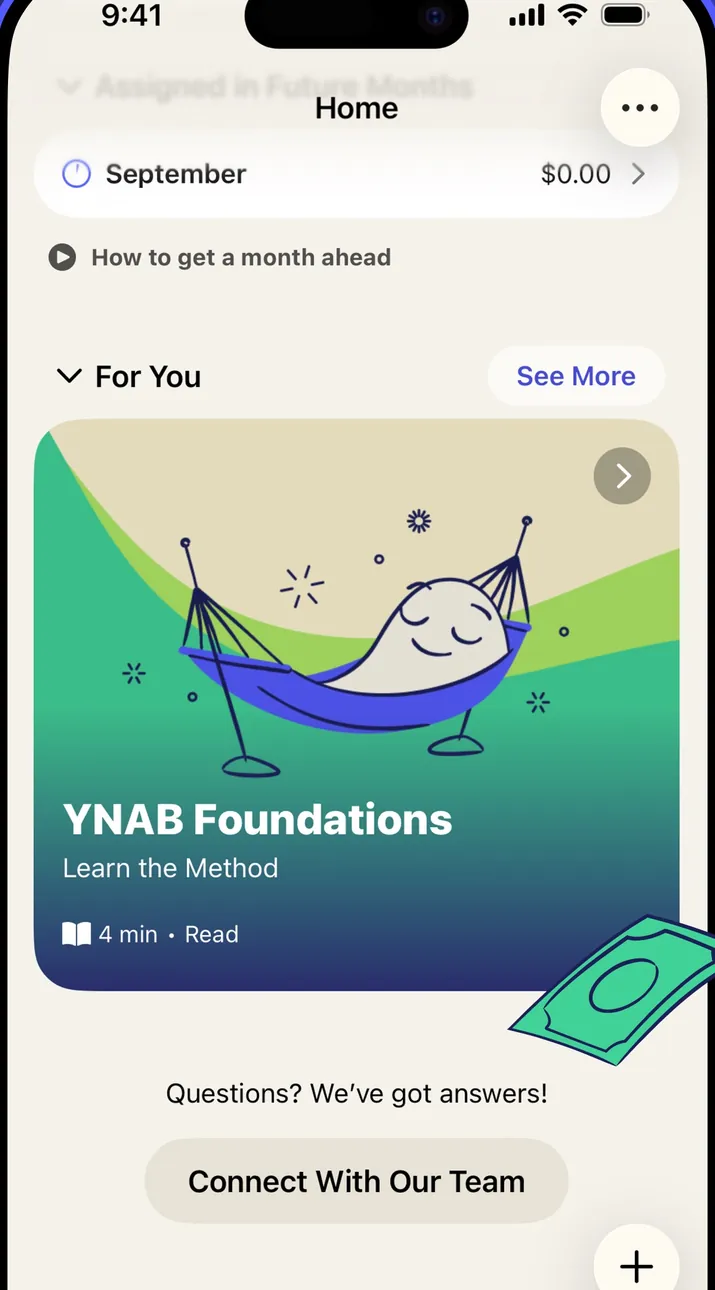
App Store marketing imageThe Home screen: a September row, a "How to get a month ahead" link, a For You lesson card and a Connect With Our Team button.App Store listing, as of 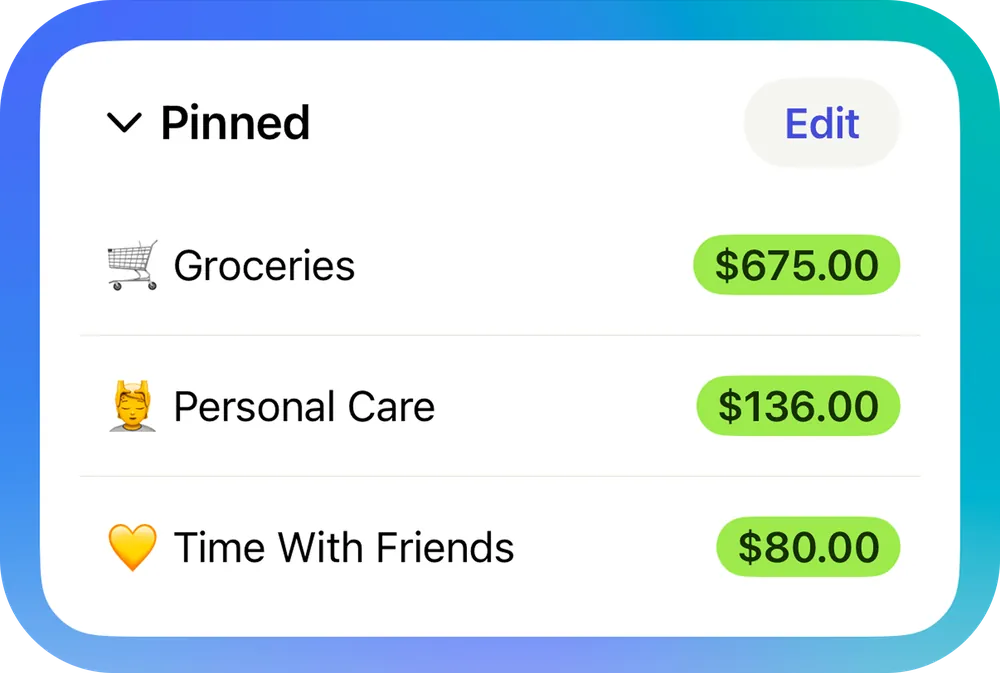
From YNAB's help centerA Pinned section on the Home screen listing Groceries, Personal Care and Time With Friends with available amounts.support.ynab.com, as of 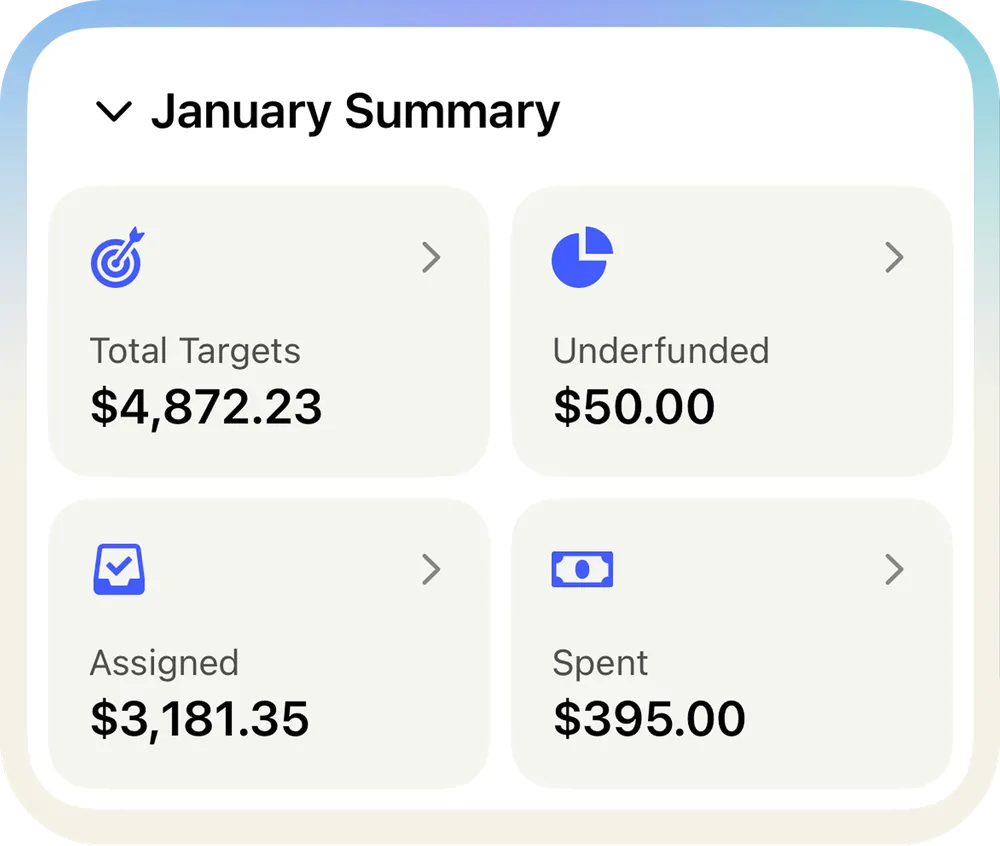
From YNAB's help centerA January Summary card with Total Targets, Underfunded, Assigned and Spent tiles.support.ynab.com, as of
Accounts
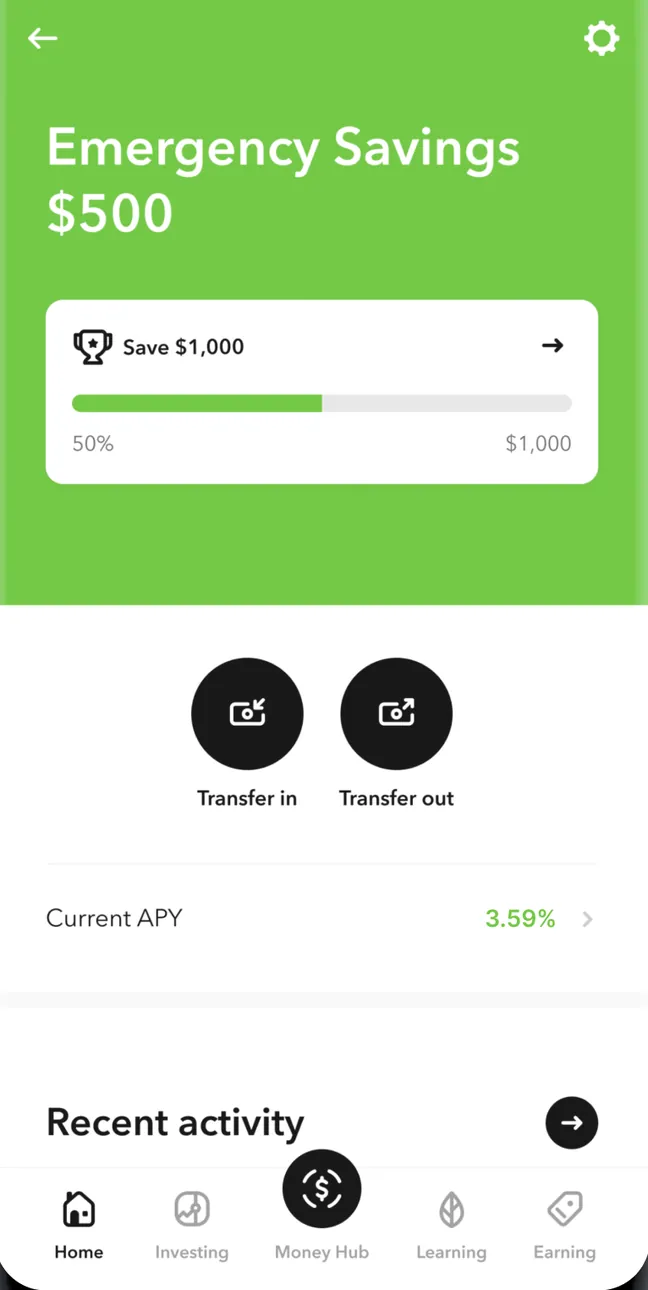
Google Play marketing imageEmergency Savings at $500 with a Save $1,000 goal at 50%, Transfer in and Transfer out buttons, Current APY 3.59%, a Recent activity header and the tab bar with Home selected.Google Play listing, as of

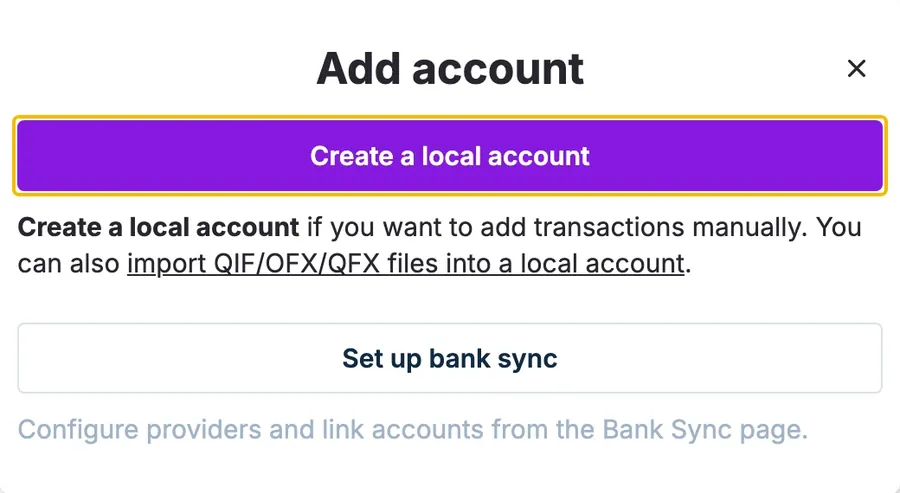
From Actual Budget's help centerThe Add account dialog with a Create a local account button, a note about importing QIF, OFX and QFX files, and a Set up bank sync button.actualbudget.org, as of
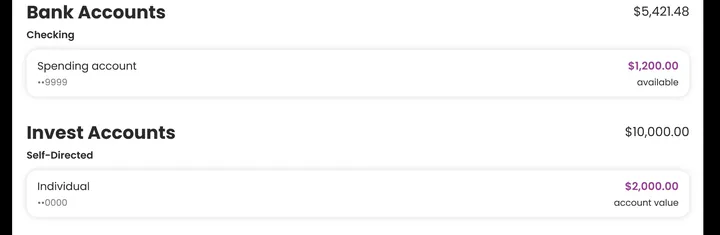
App Store marketing imageBank Accounts at $5,421.48 with a Spending account, and Invest Accounts with a Self-Directed Individual account.App Store listing, as of
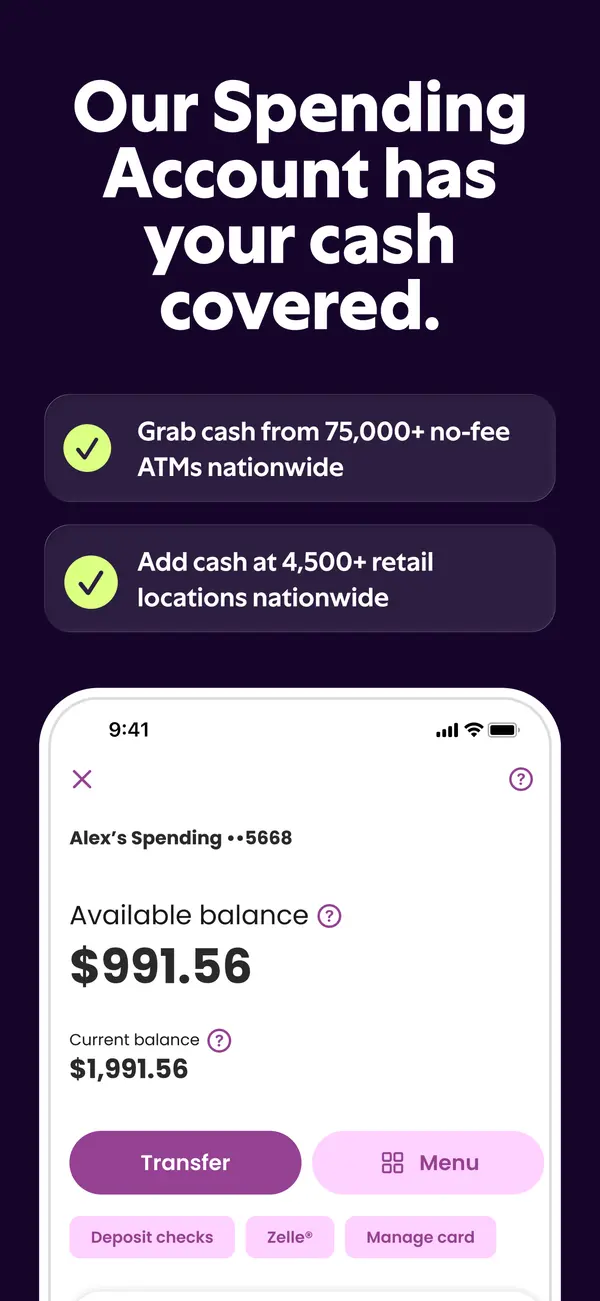
App Store marketing imageApp Store image with the headline "Our Spending Account has your cash covered." showing a spending account with Transfer and Menu buttons.App Store listing, as of 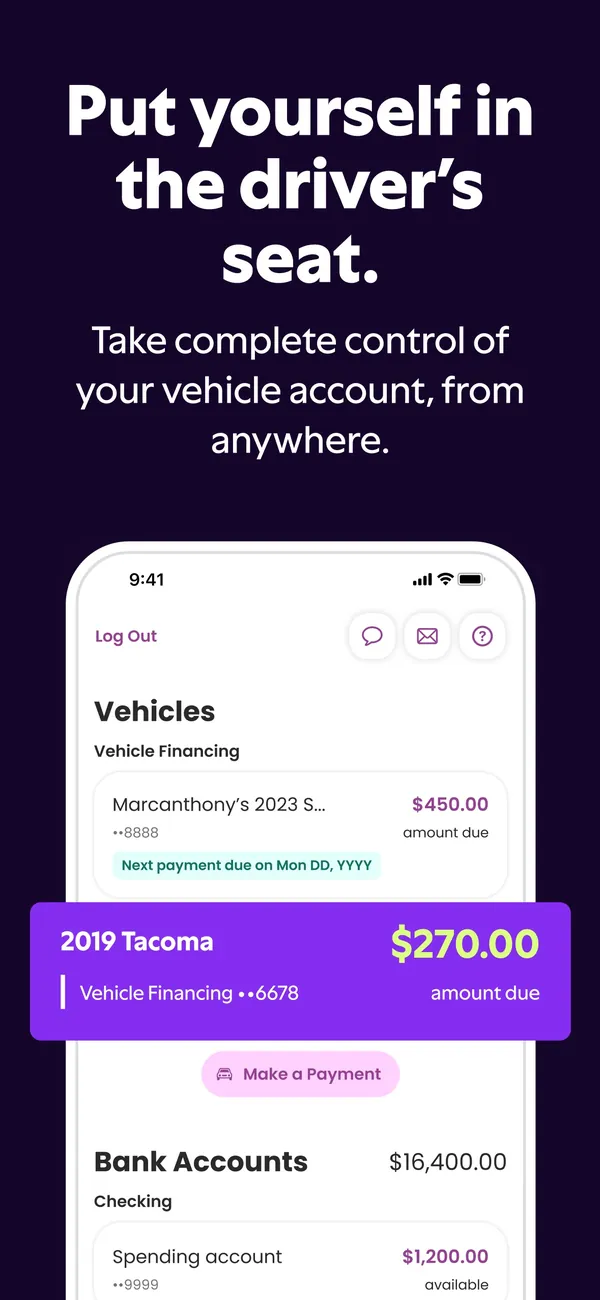
App Store marketing imageApp Store image with the headline "Put yourself in the driver's seat." showing vehicle financing amounts due.App Store listing, as of 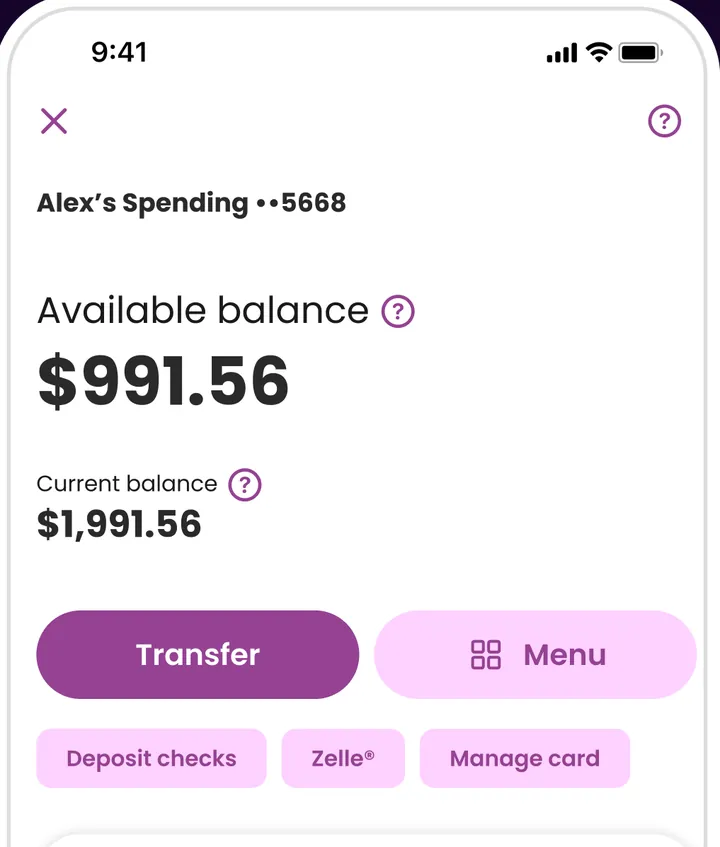
App Store marketing imageAlex's Spending account ending 5668: available balance $991.56, current balance $1,991.56, a Transfer button, a Menu button and Deposit checks, Zelle and Manage card chips.App Store listing, as of 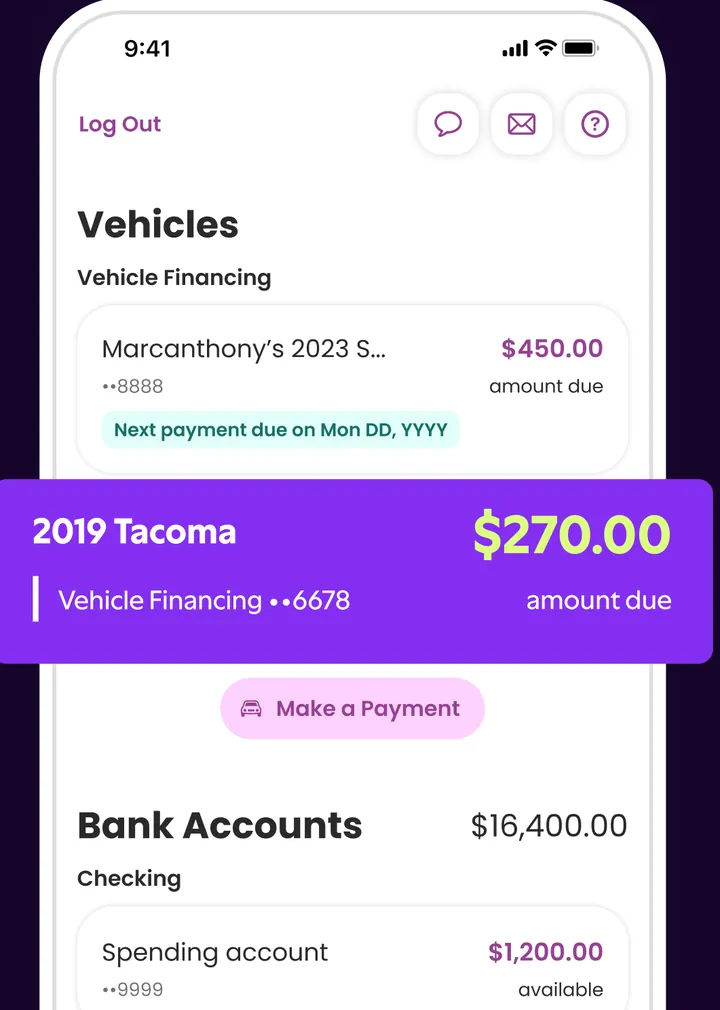
App Store marketing imageVehicles with Vehicle Financing: a 2023 vehicle with $450.00 due and a 2019 Tacoma with $270.00 due shown in a callout, a Make a Payment button and Bank Accounts at $16,400.00.App Store listing, as of
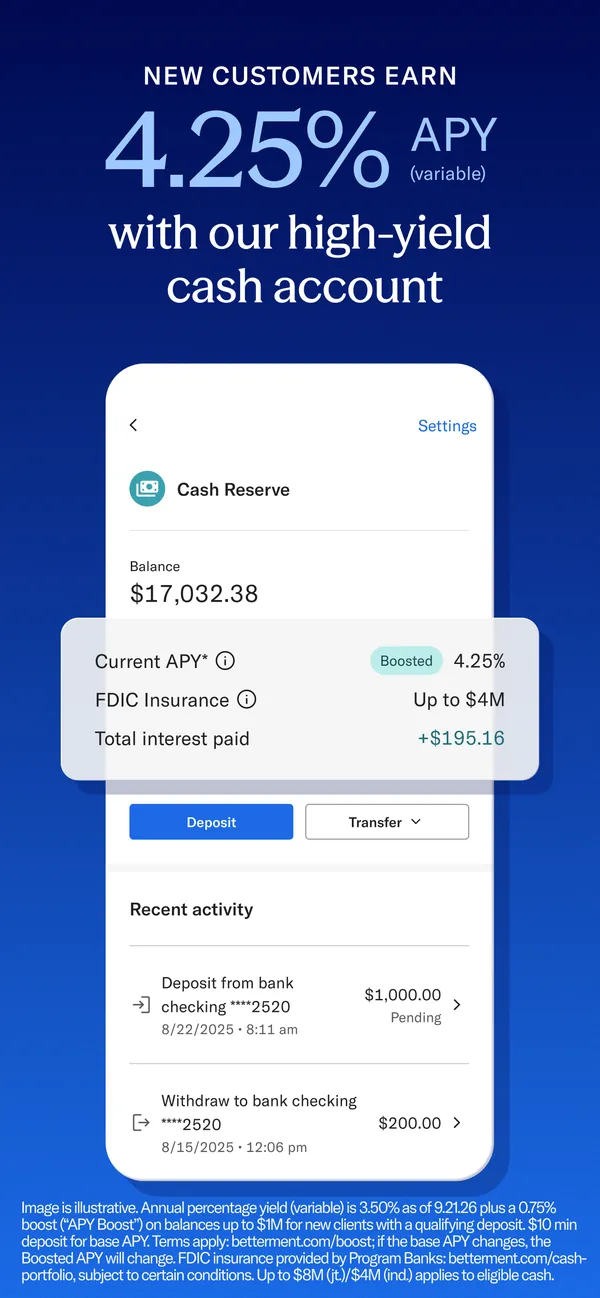
App Store marketing imageApp Store image with the headline "New customers earn 4.25% APY with our high-yield cash account" showing a Cash Reserve account.App Store listing, as of 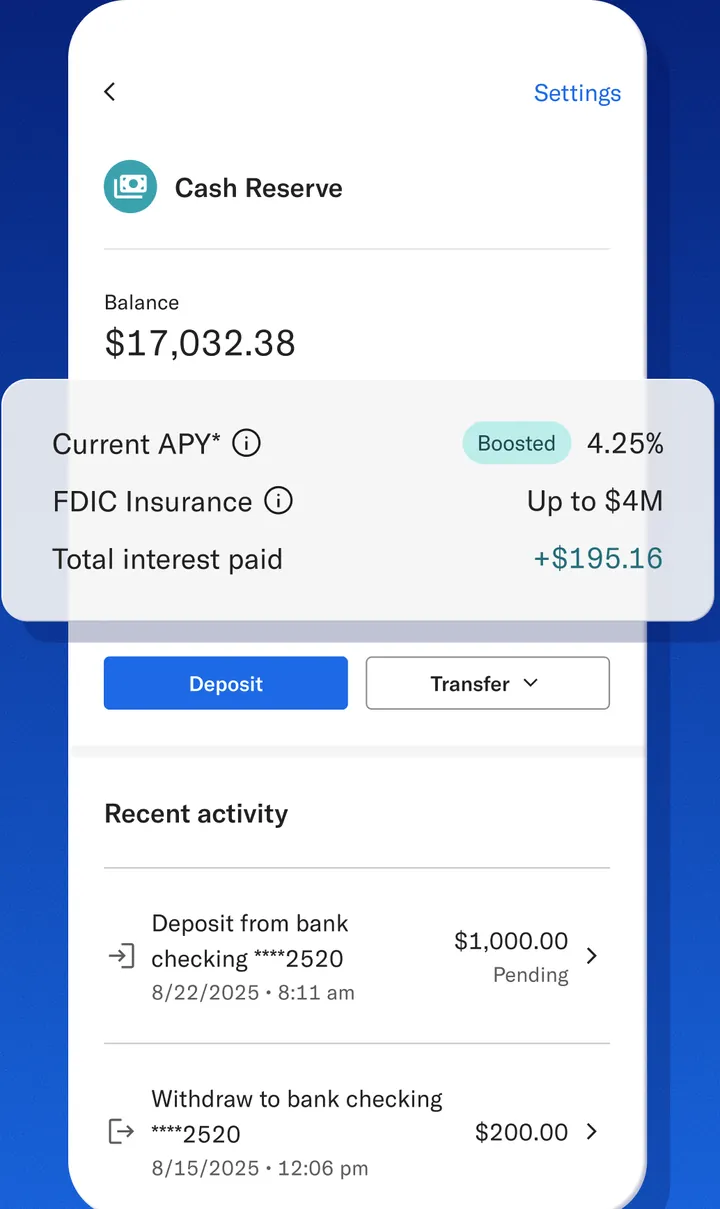
App Store marketing imageCash Reserve with a $17,032.38 balance, a callout with Current APY 4.25% Boosted, FDIC insurance up to $4M and total interest paid, Deposit and Transfer buttons and Recent activity.App Store listing, as of 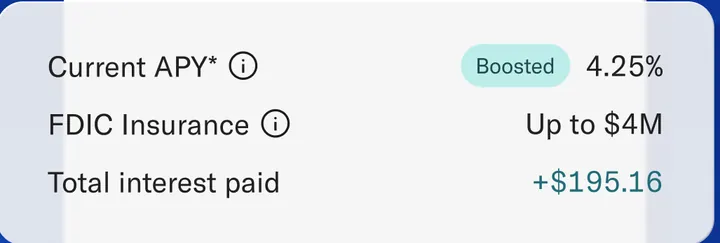
App Store marketing imageCurrent APY 4.25% with a Boosted tag, FDIC Insurance up to $4M and Total interest paid +$195.16.App Store listing, as of
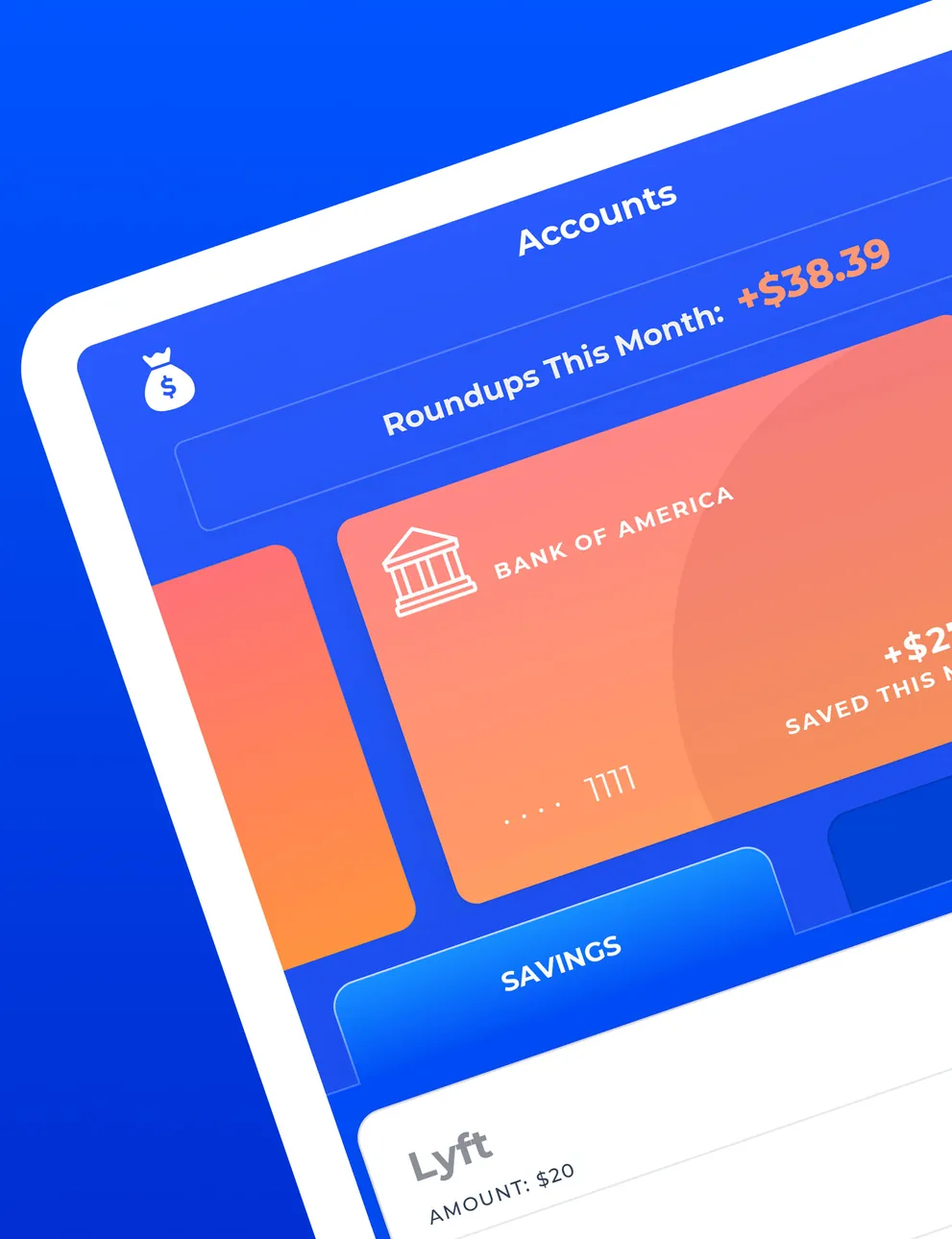
App Store marketing imageA tilted iPad Accounts screen with Roundups This Month +$38.39, a Bank of America account card, a Savings tab and a Lyft round-up row.App Store listing, as of
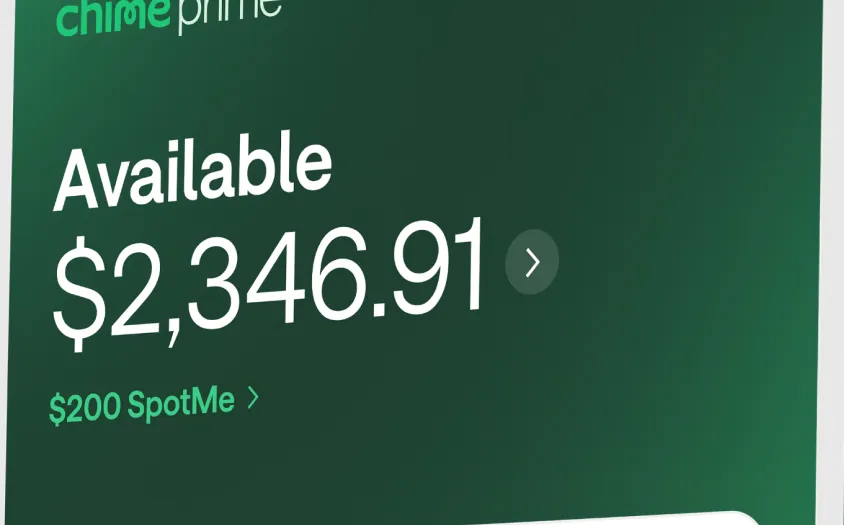
App Store marketing imageAvailable $2,346.91 with a $200 SpotMe link below.App Store listing, as of
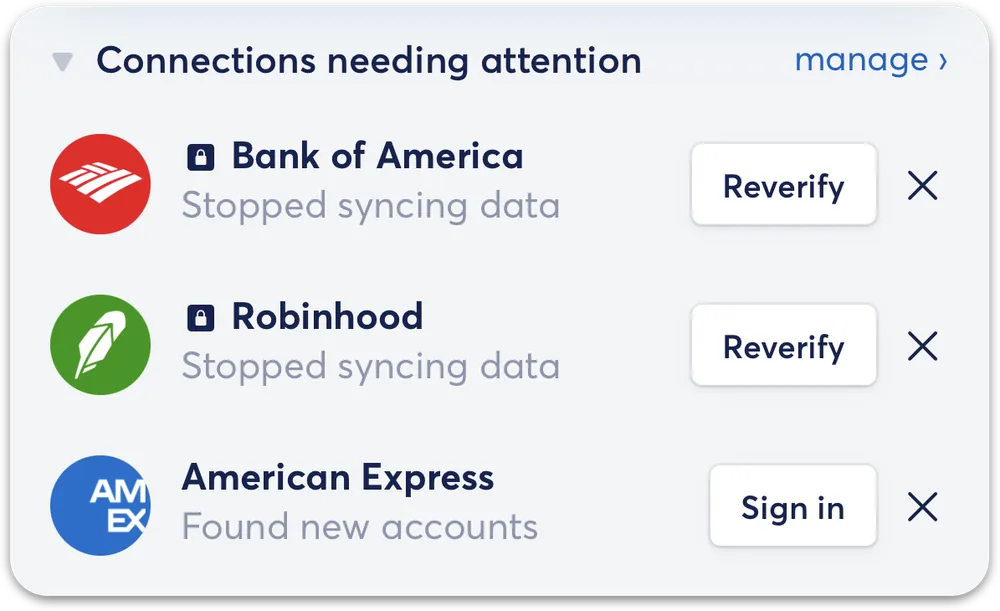
From Copilot Money's help centerA Connections needing attention card listing accounts with Reverify and Sign in buttons.help.copilot.money, as of
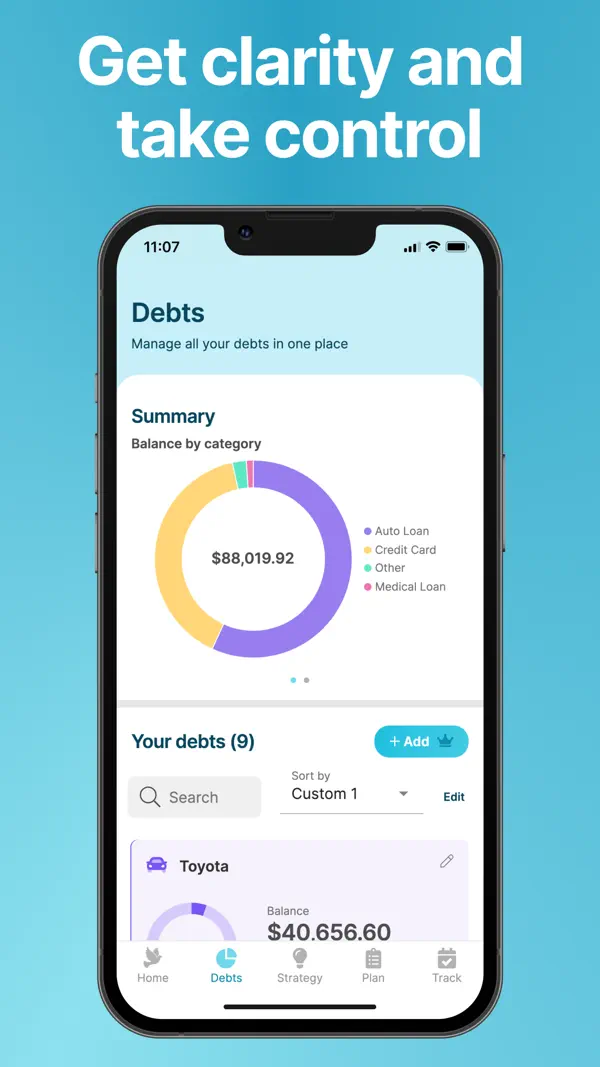
App Store marketing imageApp Store image with the headline "Get clarity and take control" showing a Debts screen with a balance by category donut chart.App Store listing, as of 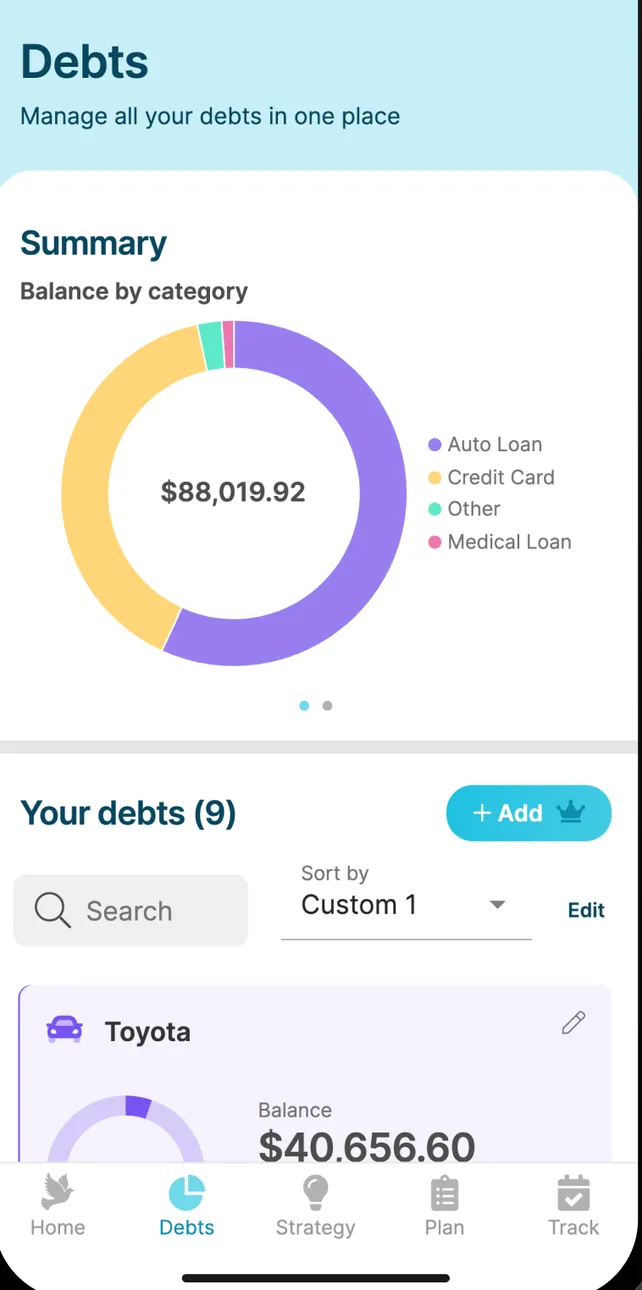
App Store marketing imageThe Debts screen: a Summary donut of $88,019.92 by category, Your debts (9) with search and sort, and a Toyota loan at $40,656.60.App Store listing, as of 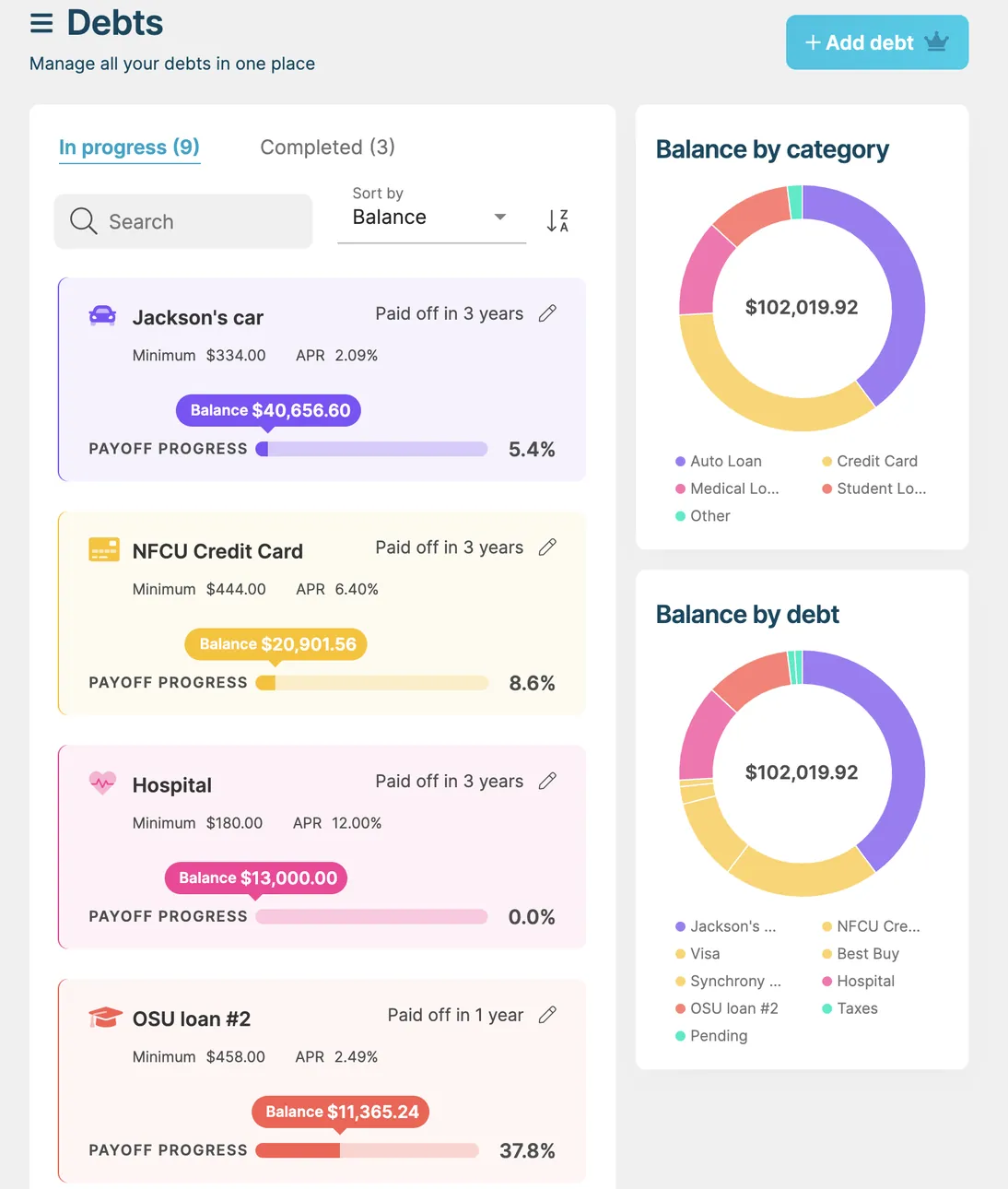
App Store marketing imageThe iPad Debts screen: In progress and Completed tabs, debt cards for Jackson's car, an NFCU credit card and a hospital bill with payoff progress, and Balance by category and Balance by debt donut charts.App Store listing, as of
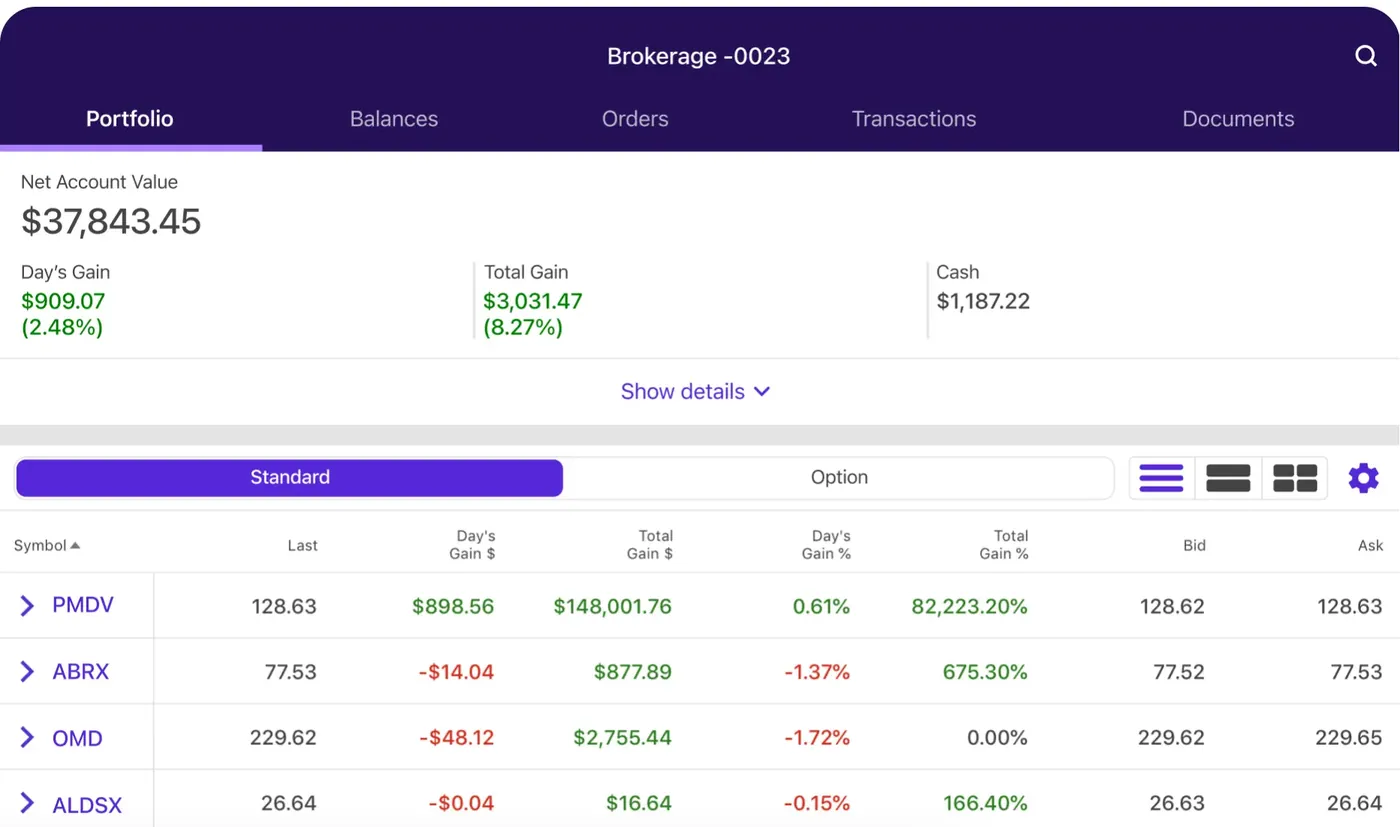
App Store marketing imageThe iPad Brokerage -0023 account on the Portfolio tab: Net Account Value $37,843.45, Day's Gain, Total Gain and Cash, and a positions table with last price and gains per symbol.App Store listing, as of 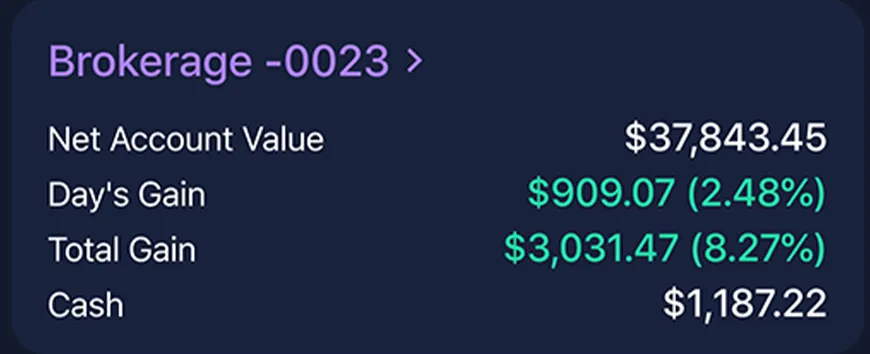
App Store marketing imageA Brokerage -0023 card: Net Account Value $37,843.45, Day's Gain $909.07 (2.48%), Total Gain $3,031.47 (8.27%) and Cash $1,187.22.App Store listing, as of
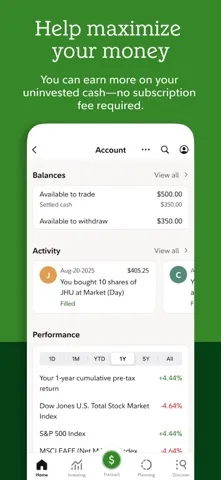
App Store marketing imageApp Store image with the headline "Help maximize your money" showing an Account screen with balances, activity and performance.App Store listing, as of 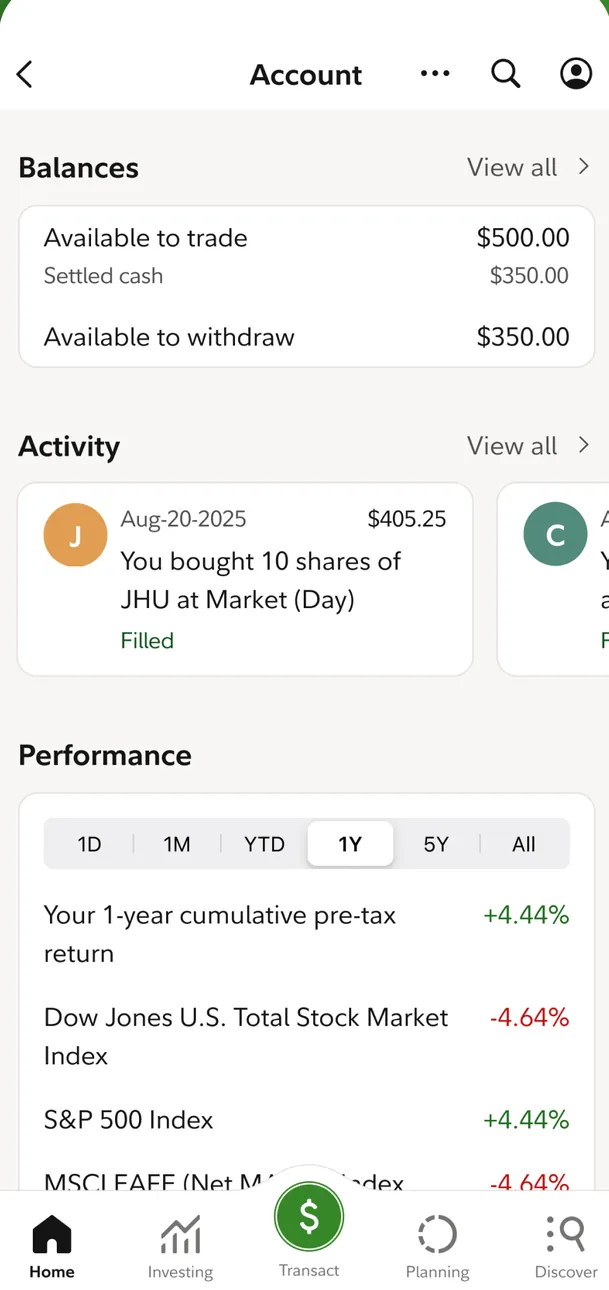
App Store marketing imageAn Account screen: Balances with $500.00 available to trade and $350.00 available to withdraw, an Activity card for a filled buy of 10 shares and Performance returns against market indexes.App Store listing, as of 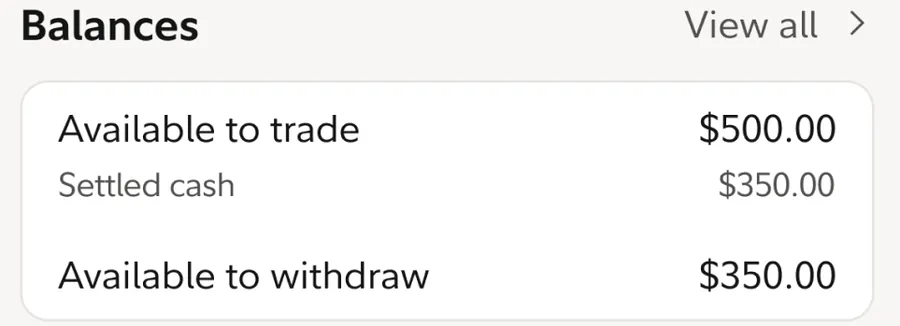
App Store marketing imageBalances: Available to trade $500.00, Settled cash $350.00 and Available to withdraw $350.00.App Store listing, as of

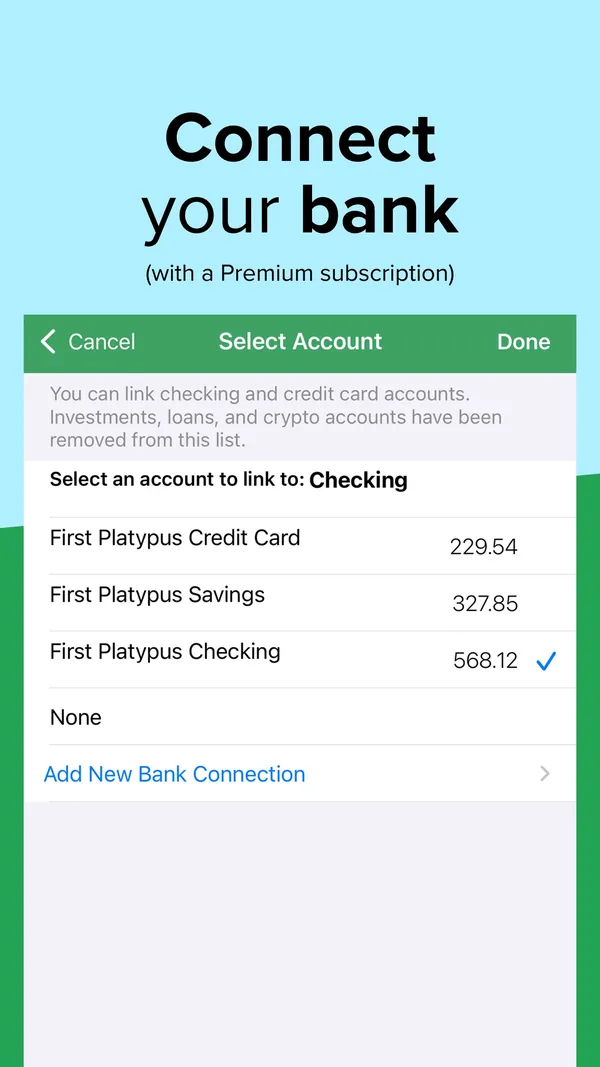
App Store marketing imageApp Store image with the headline "Connect your bank (with a Premium subscription)" showing a Select Account screen.App Store listing, as of 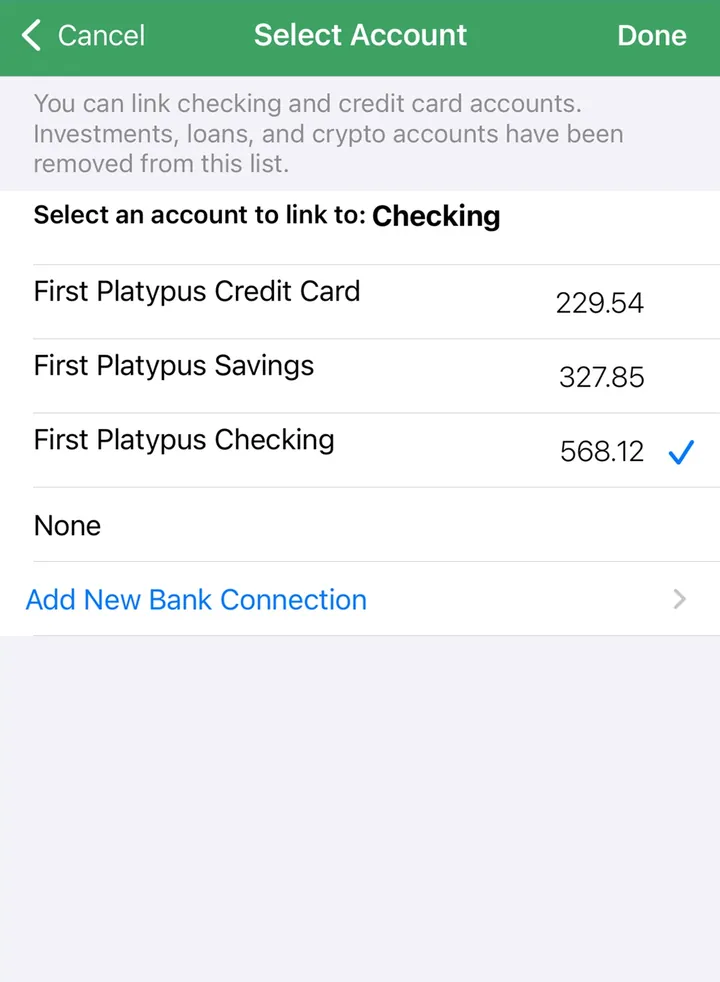
App Store marketing imageA Select Account screen for linking a bank account to Checking, with an Add New Bank Connection link.App Store listing, as of
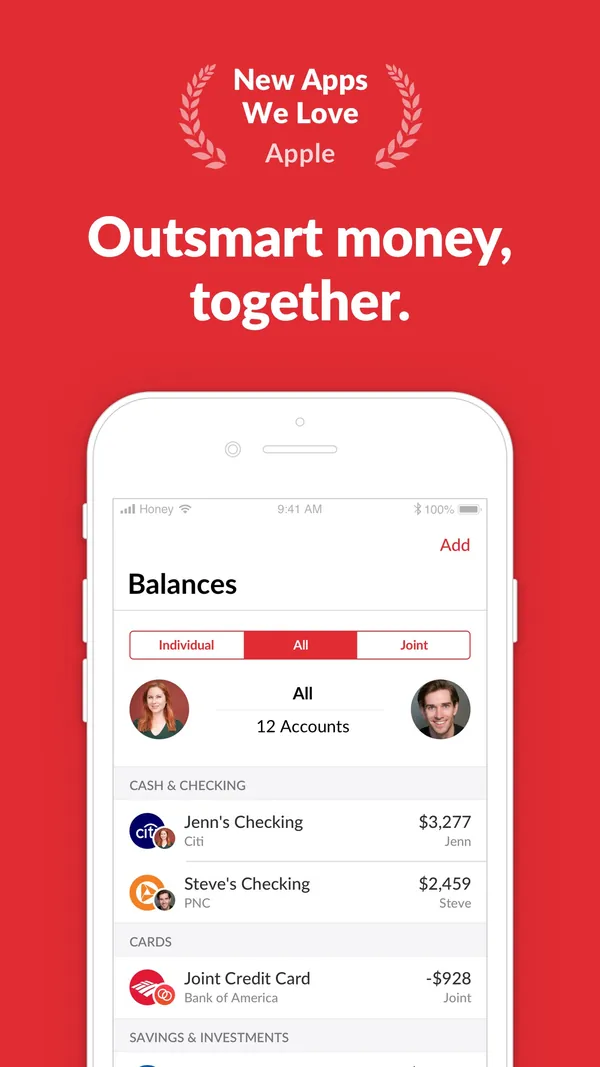
App Store marketing imageApp Store image with an Apple "New Apps We Love" badge and the headline "Outsmart money, together." showing a Balances screen.App Store listing, as of 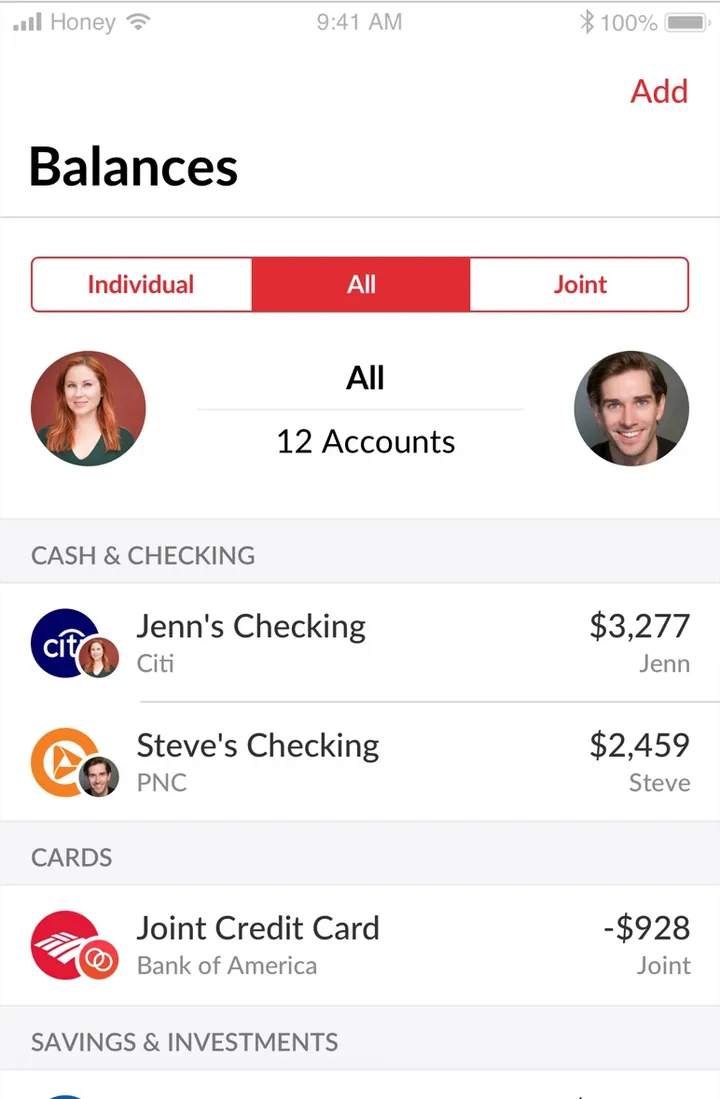
App Store marketing imageThe Balances screen with Individual, All and Joint tabs, two partner photos around "All, 12 Accounts", and checking and credit card rows labeled Jenn, Steve or Joint.App Store listing, as of
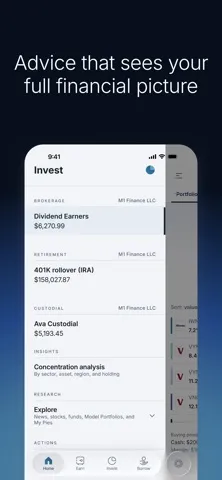
App Store marketing imageApp Store image with the headline "Advice that sees your full financial picture" showing the Invest tab with brokerage, retirement and custodial accounts.App Store listing, as of 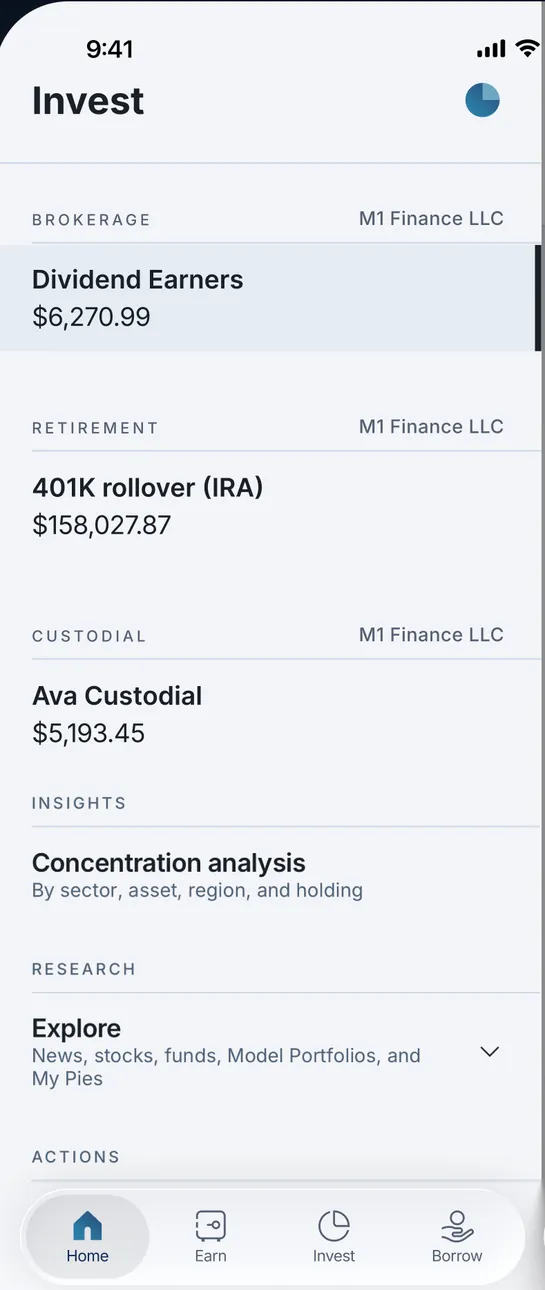
App Store marketing imageThe Invest tab listing Dividend Earners $6,270.99 under Brokerage, a 401K rollover (IRA) $158,027.87 under Retirement, Ava Custodial $5,193.45 under Custodial, then Concentration analysis and Explore research rows.App Store listing, as of 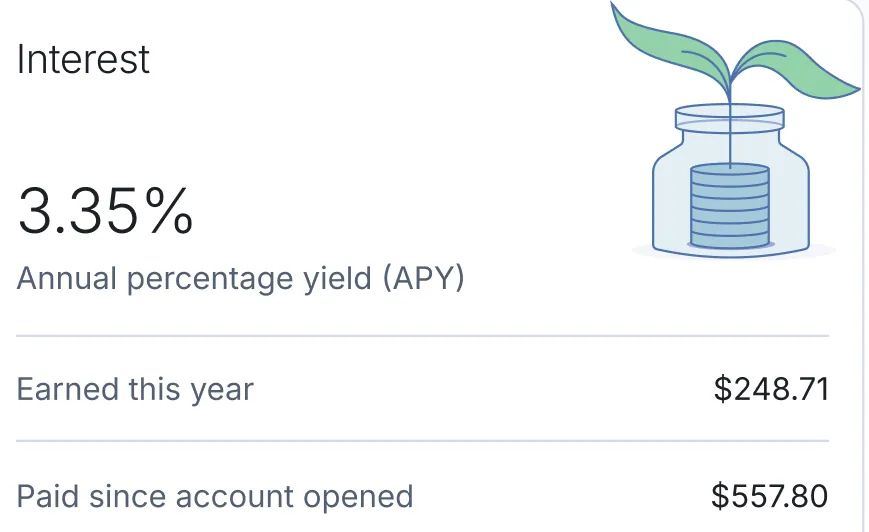
App Store marketing imageAn Interest card: 3.35% annual percentage yield, $248.71 earned this year and $557.80 paid since the account opened.App Store listing, as of
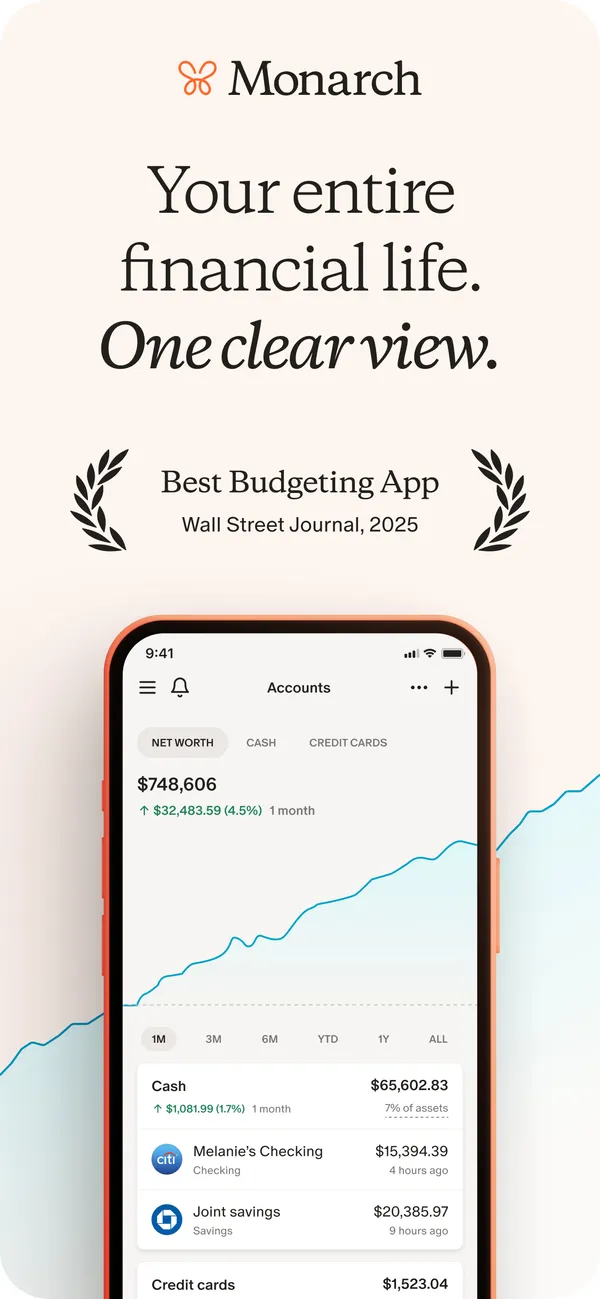
App Store marketing imageApp Store image with the headline "Your entire financial life. One clear view." showing the Accounts screen with a net worth chart and account rows.App Store listing, as of 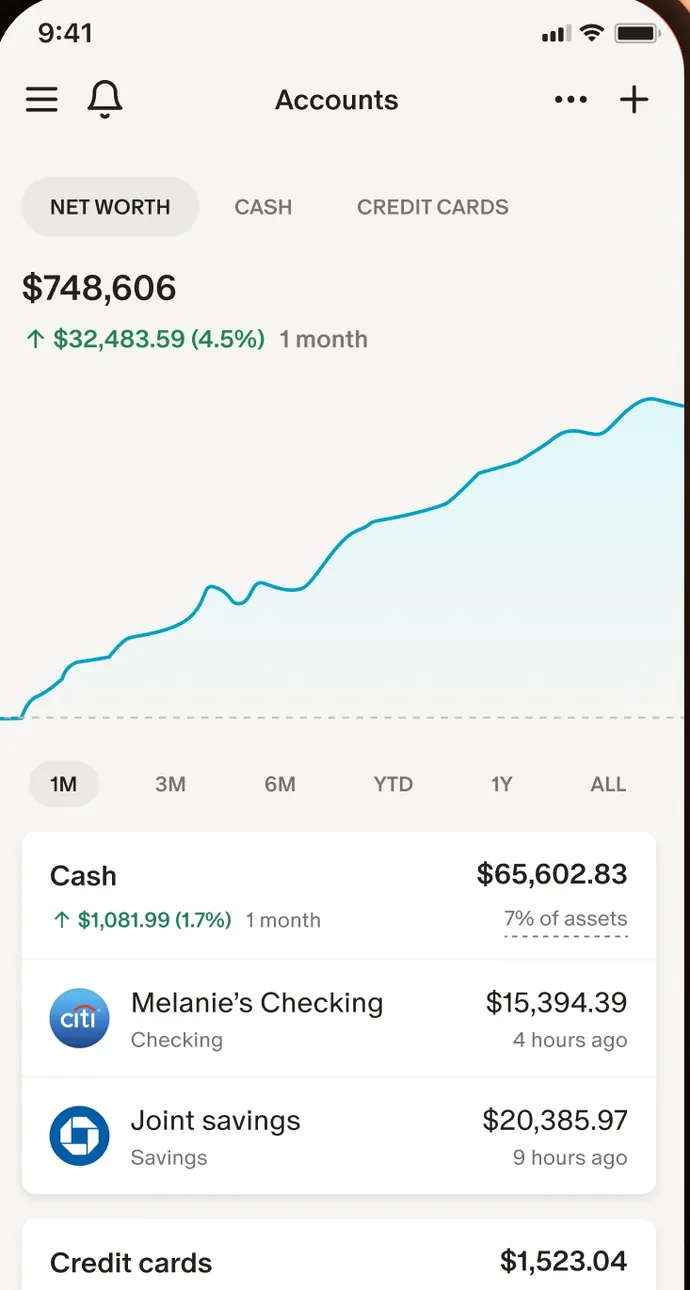
App Store marketing imageThe Accounts screen: net worth of $748,606 with a line chart, time range buttons and Cash account rows.App Store listing, as of

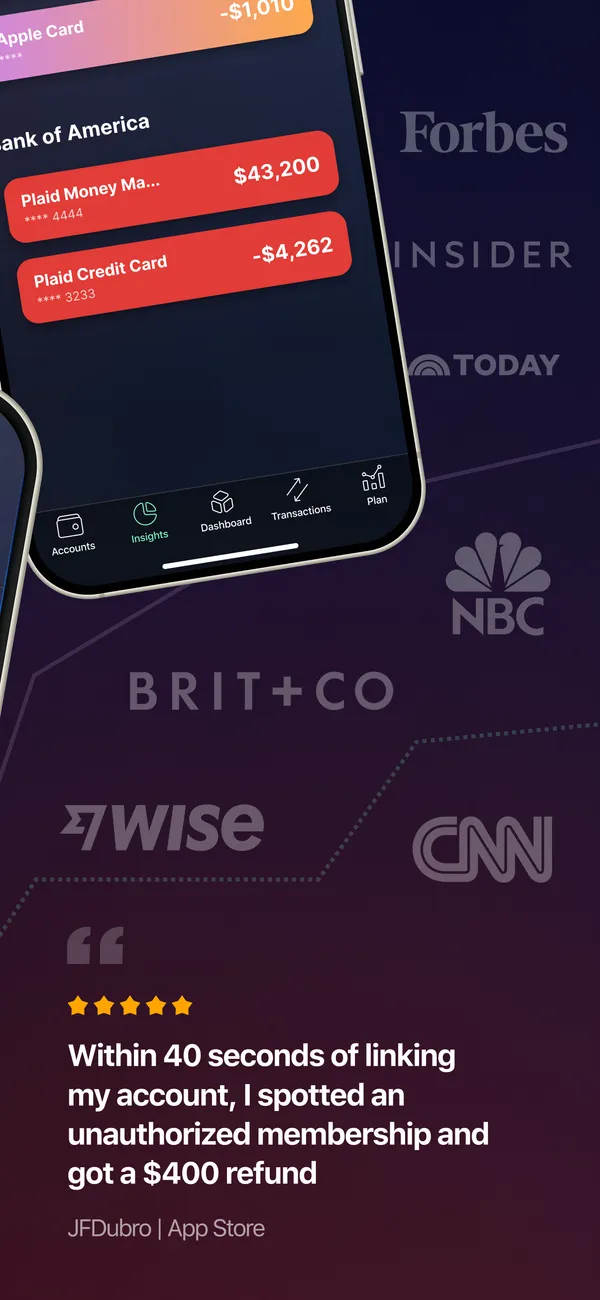
App Store marketing imageApp Store image with a tilted phone showing account balances and press logos with a user quote.App Store listing, as of
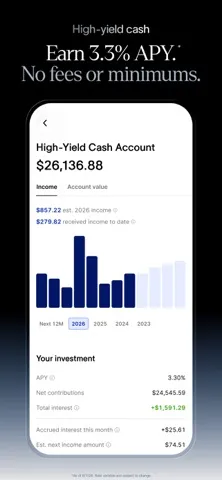
App Store marketing imageApp Store image with the headline "Earn 3.3% APY. No fees or minimums." showing a High-Yield Cash Account.App Store listing, as of 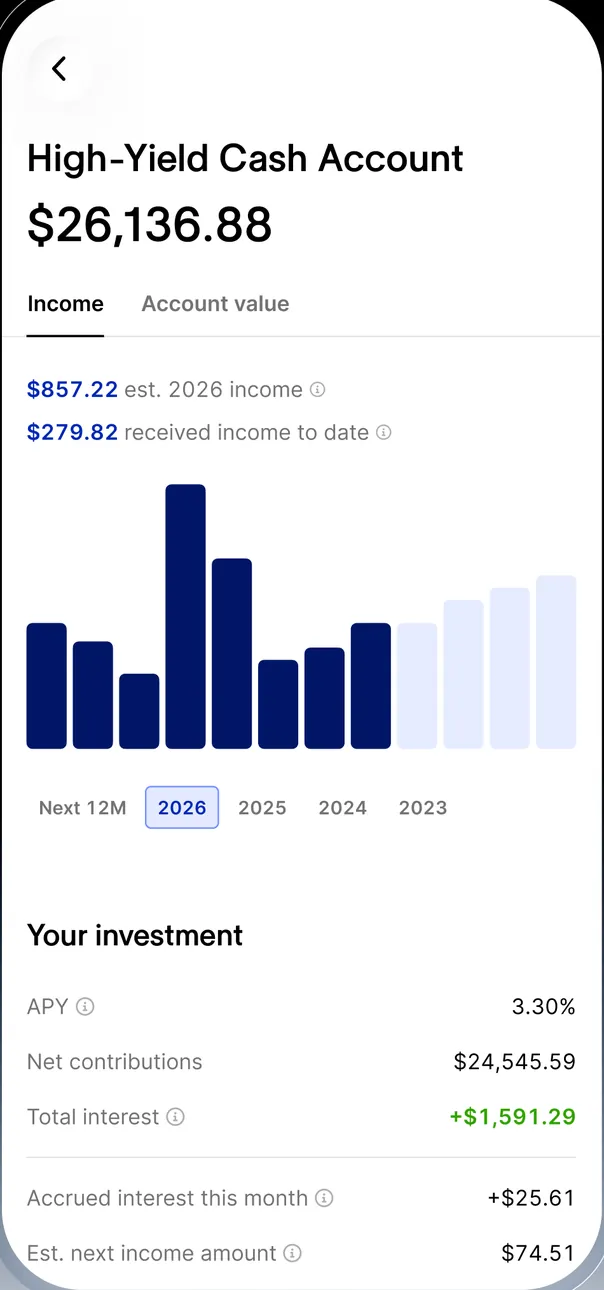
App Store marketing imageThe High-Yield Cash Account: $26,136.88, $857.22 estimated 2026 income, a bar chart by month, and Your investment at 3.30% APY with net contributions, total interest and accrued interest.App Store listing, as of
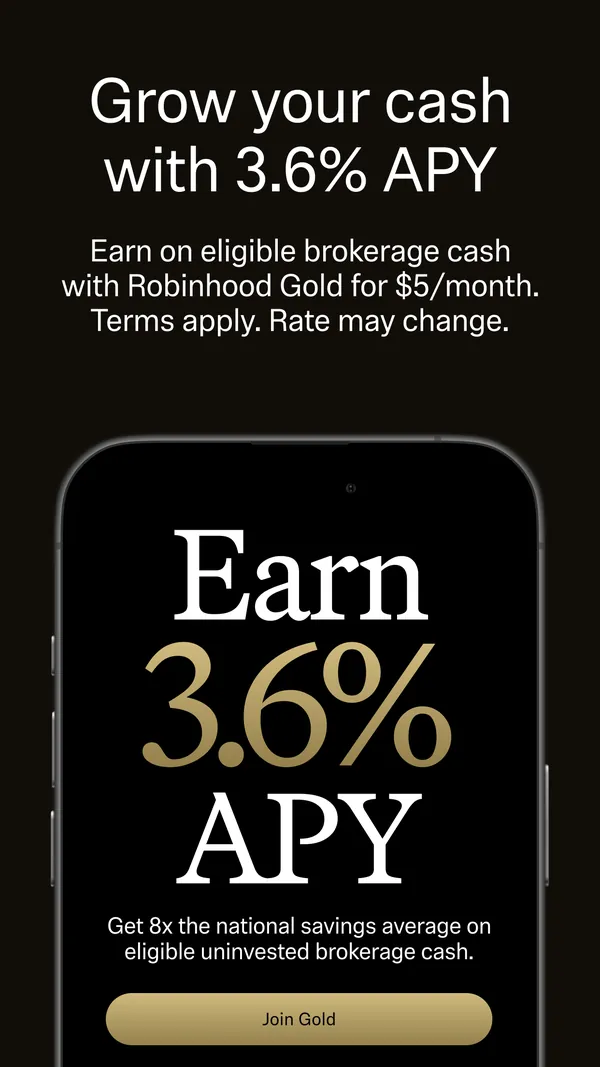
App Store marketing imageApp Store image with the headline "Grow your cash with 3.6% APY" showing an Earn 3.6% APY screen with a Join Gold button.App Store listing, as of 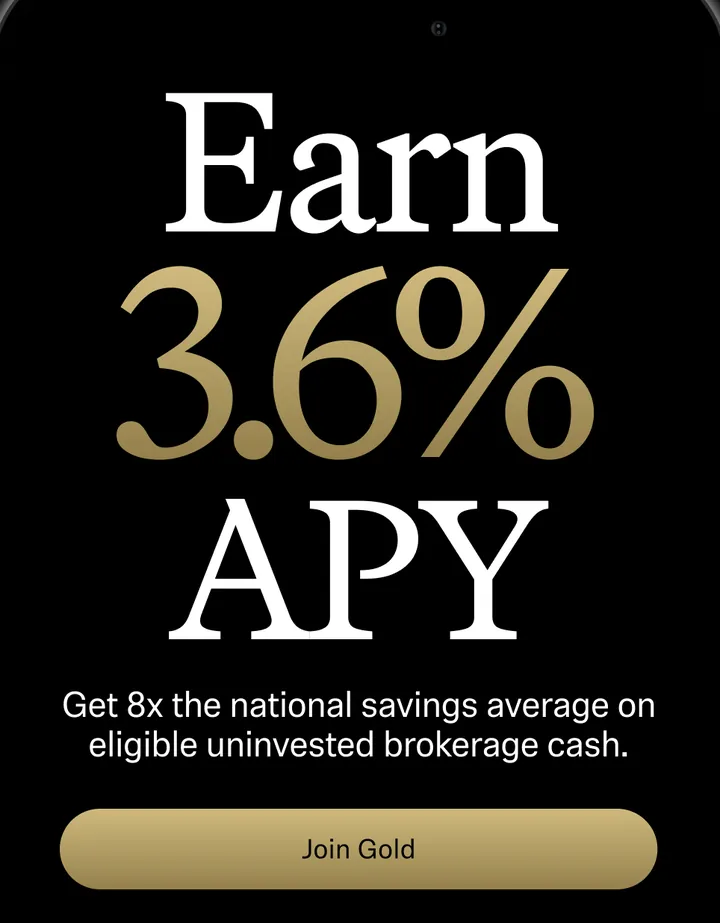
App Store marketing imageAn Earn 3.6% APY screen saying "Get 8x the national savings average on eligible uninvested brokerage cash" with a Join Gold button.App Store listing, as of 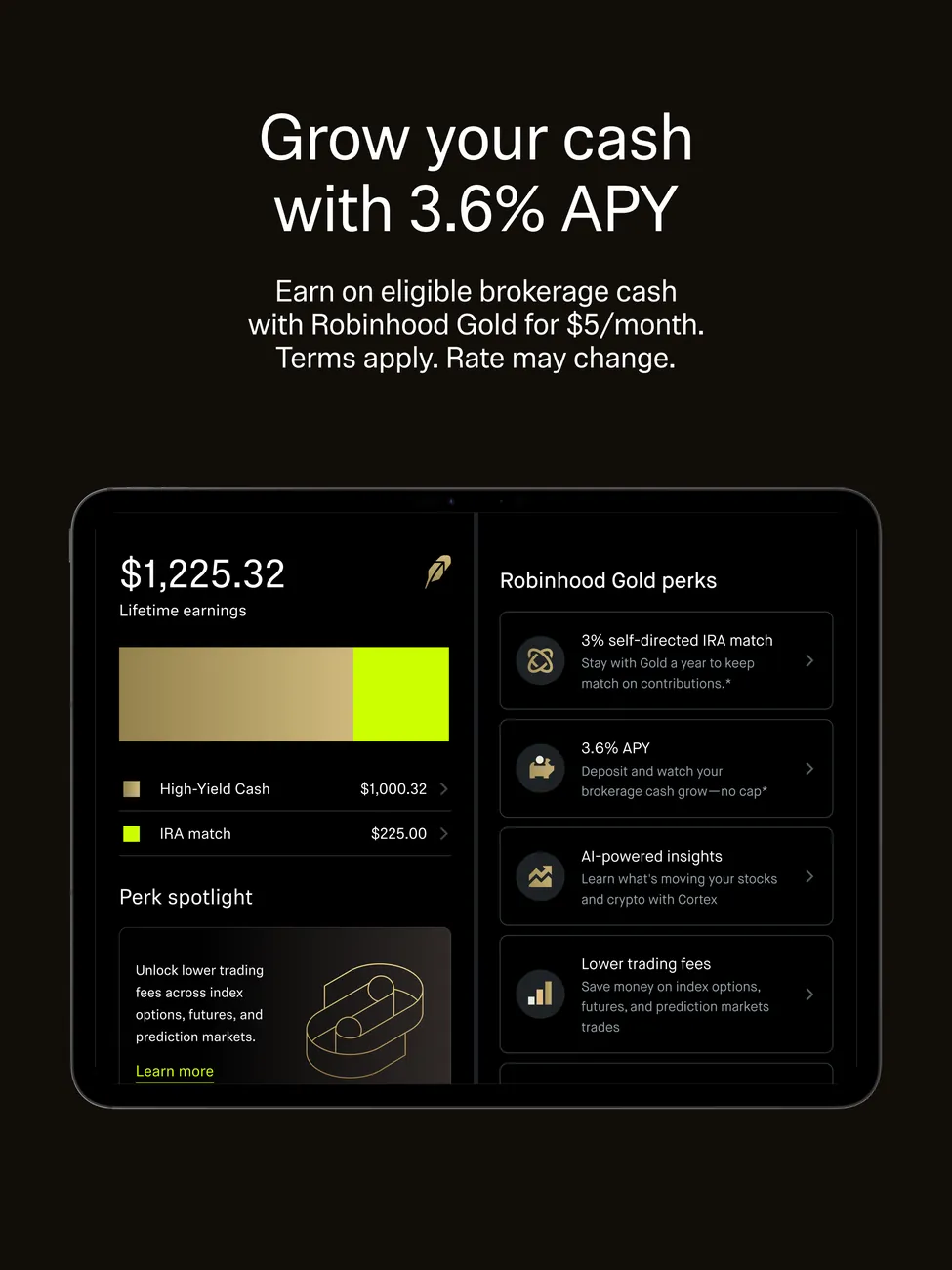
App Store marketing imageiPad App Store image with the headline "Grow your cash with 3.6% APY" showing lifetime earnings and Robinhood Gold perks.App Store listing, as of 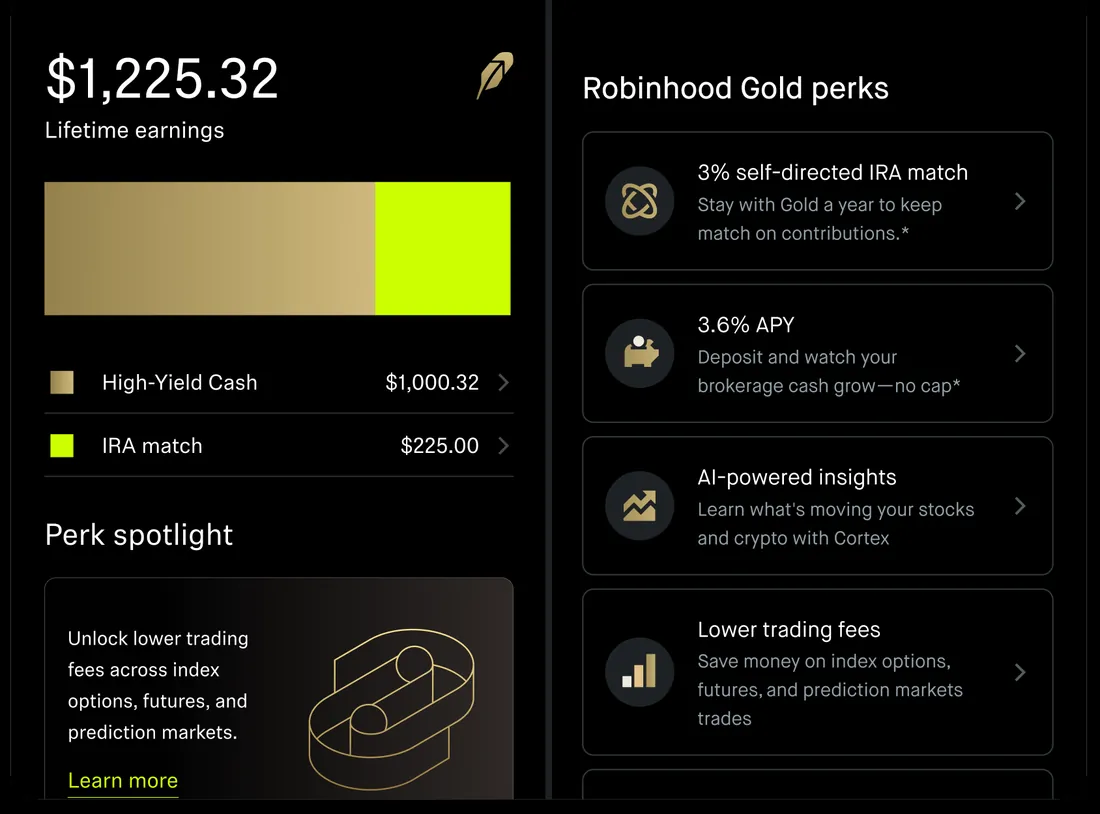
App Store marketing imageLifetime earnings of $1,225.32 split into High-Yield Cash $1,000.32 and IRA match $225.00, next to a list of Robinhood Gold perks.App Store listing, as of 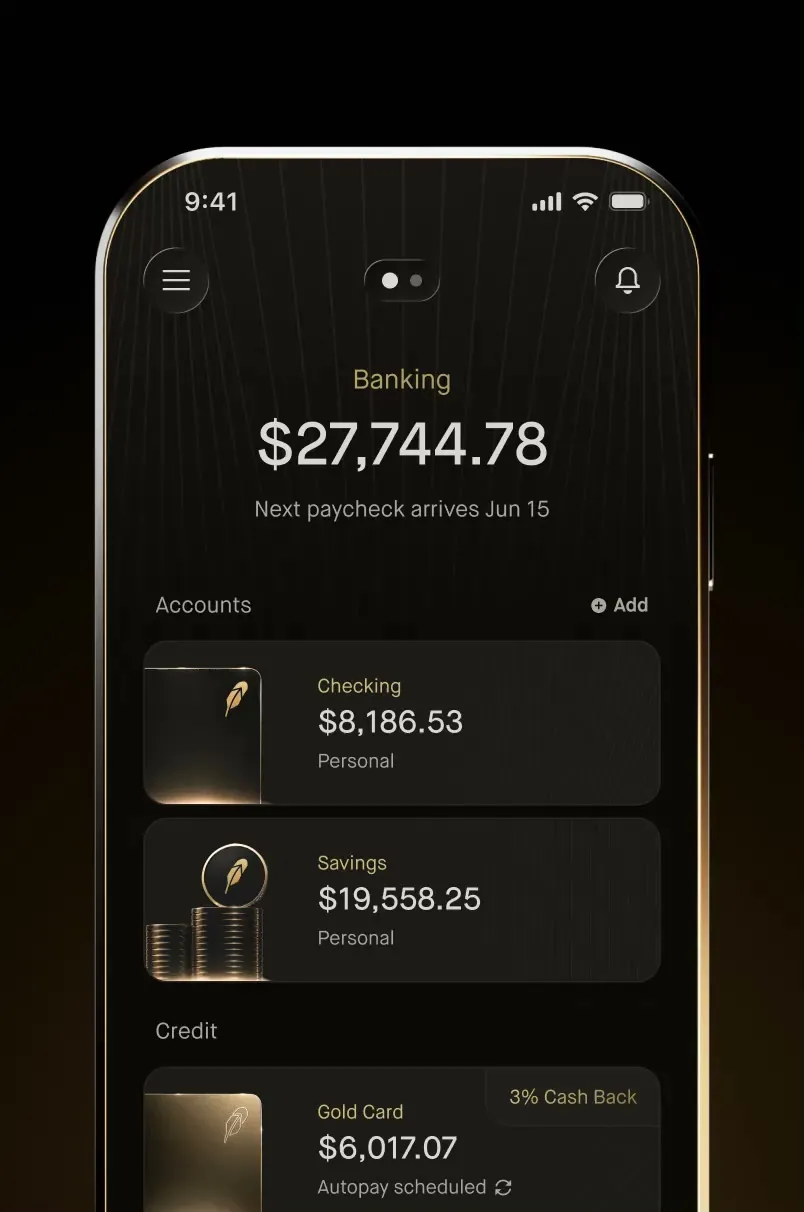
From Robinhood's websiteThe Banking screen: $27,744.78 with "Next paycheck arrives Jun 15", Accounts with Checking $8,186.53 and Savings $19,558.25, and a Credit section with a Gold Card at $6,017.07, 3% Cash Back and autopay scheduled.robinhood.com, as of 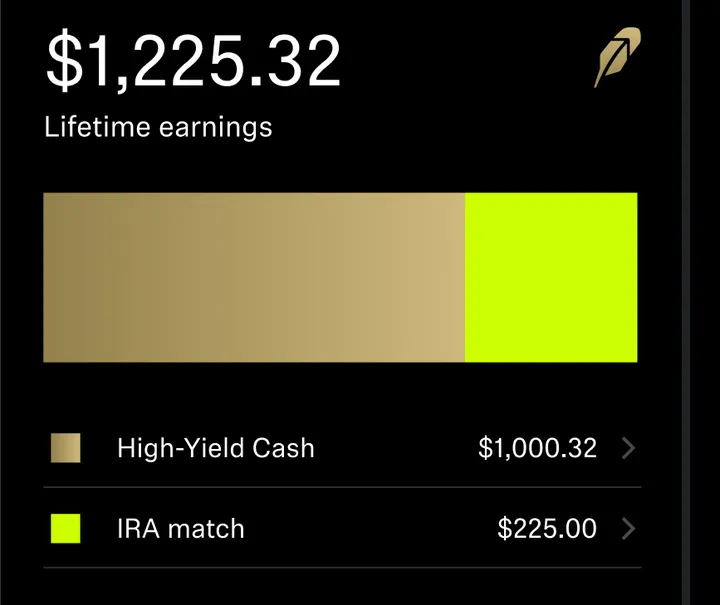
App Store marketing image$1,225.32 in lifetime earnings with a bar split into High-Yield Cash $1,000.32 and IRA match $225.00.App Store listing, as of
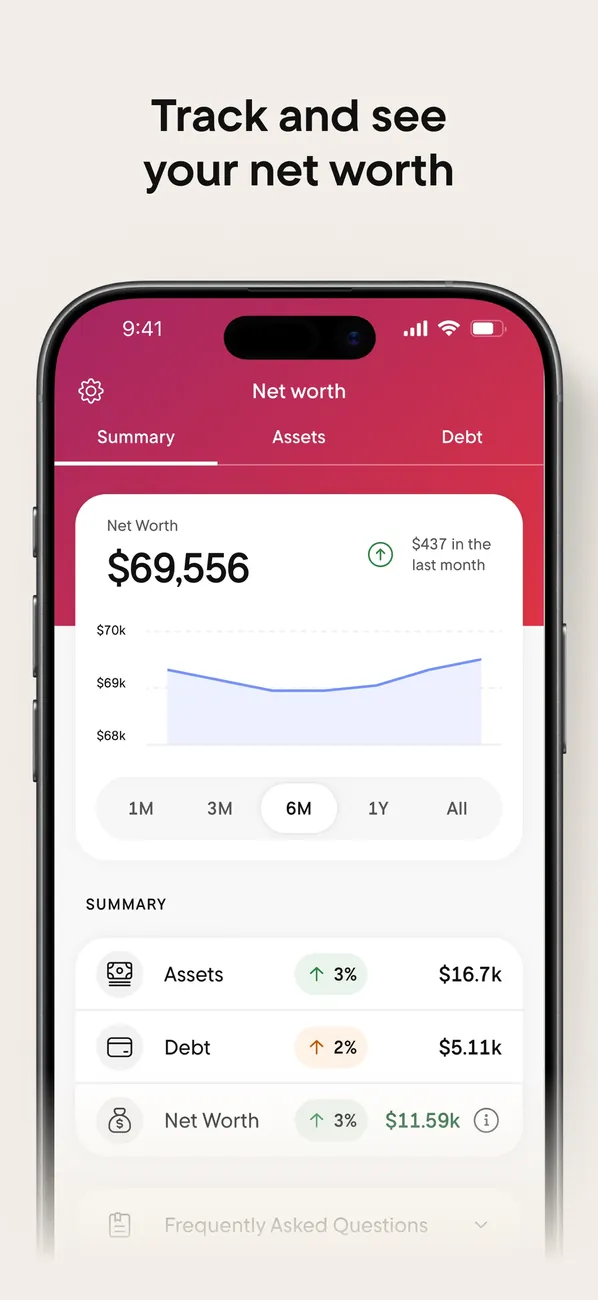
App Store marketing imageApp Store image with the headline "Track and see your net worth" showing the Net worth tab.App Store listing, as of 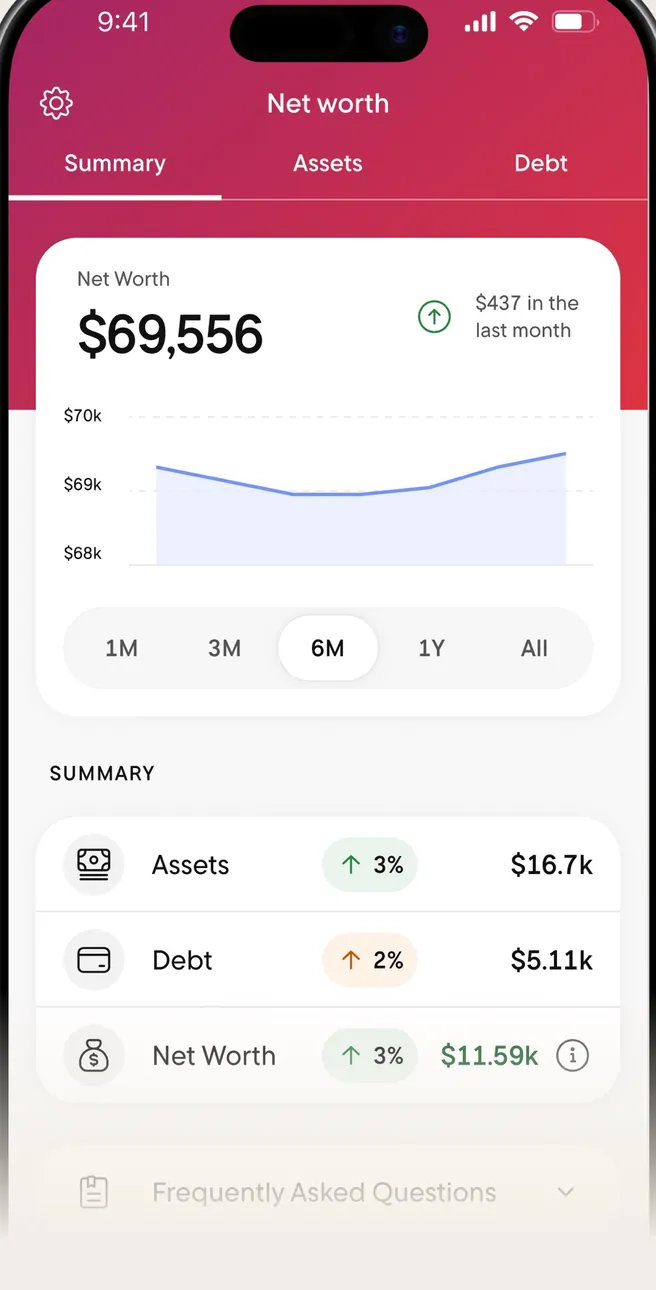
App Store marketing imageThe Net worth tab: $69,556 with a line chart and a Summary of Assets, Debt and Net Worth.App Store listing, as of 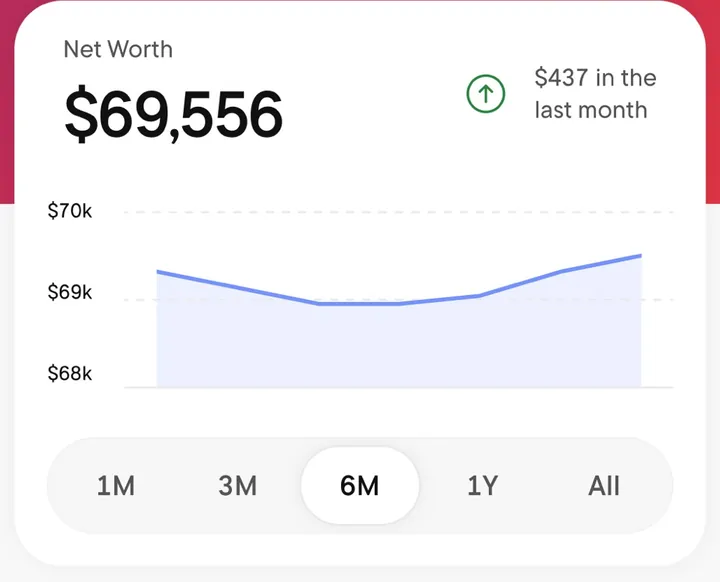
App Store marketing imageA Net Worth card with $69,556, a line chart and time range buttons from 1M to All.App Store listing, as of
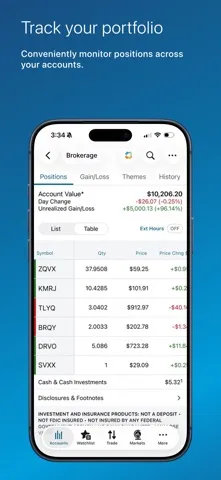
App Store marketing imageApp Store image with the headline "Track your portfolio" showing a brokerage account's positions.App Store listing, as of 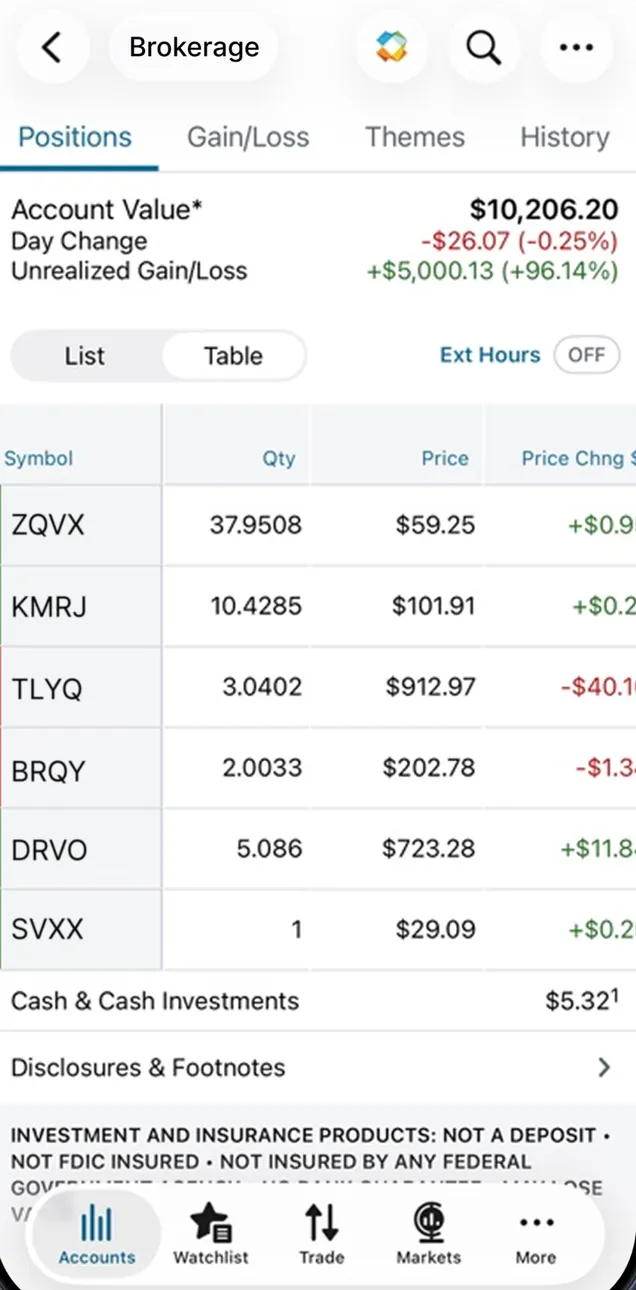
App Store marketing imageA Brokerage account on Positions: Account Value $10,206.20, day change -$26.07 (-0.25%), unrealized gain $5,000.13, and a table of six holdings with quantity, price and price change.App Store listing, as of 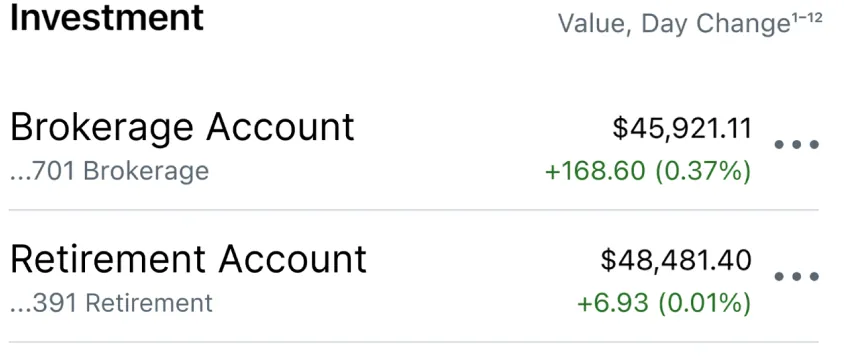
App Store marketing imageAn Investment list with value and day change: Brokerage Account $45,921.11, Retirement Account $48,481.40 and another Brokerage Account $1,062.45.App Store listing, as of
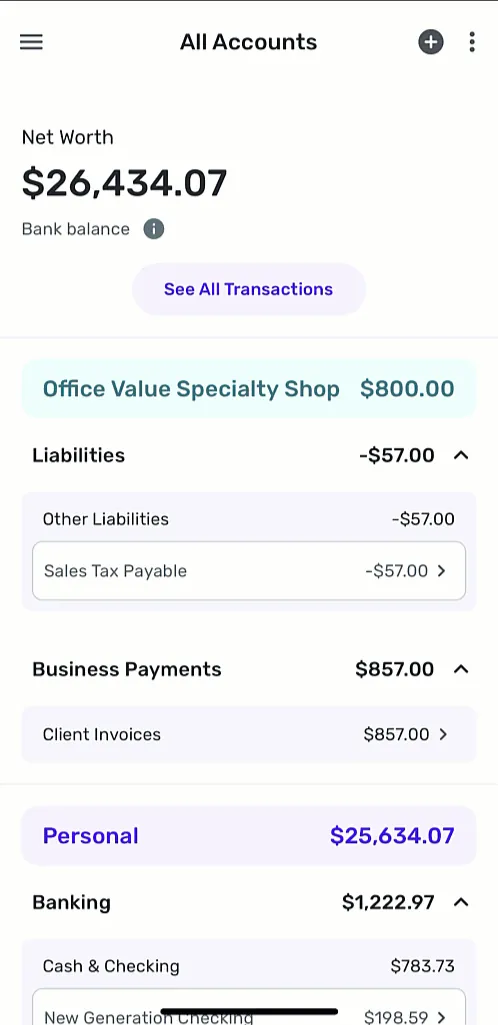
From Simplifi's help centerThe All Accounts screen with net worth, business accounts and personal Banking accounts grouped with balances.support.simplifi.quicken.com, as of
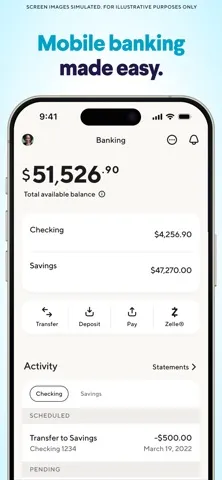
App Store marketing imageApp Store image with the headline "Mobile banking made easy." showing the Banking tab with a $51,526.90 balance.App Store listing, as of 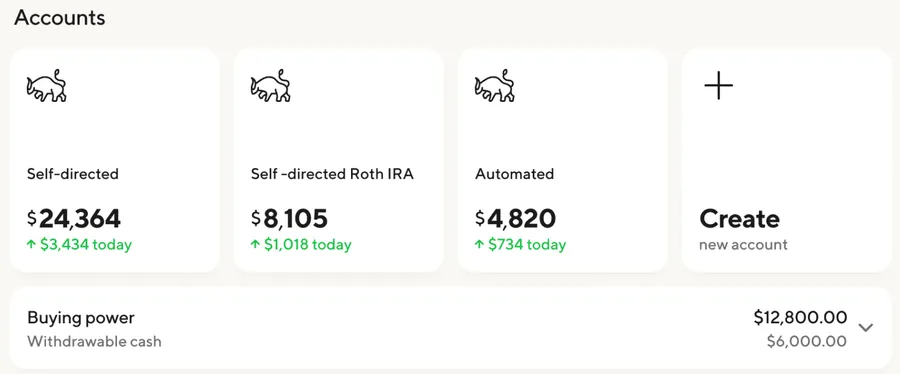
App Store marketing imageInvestment account tiles: Self-directed $24,364, Self-directed Roth IRA $8,105, Automated $4,820 and a Create new account tile.App Store listing, as of
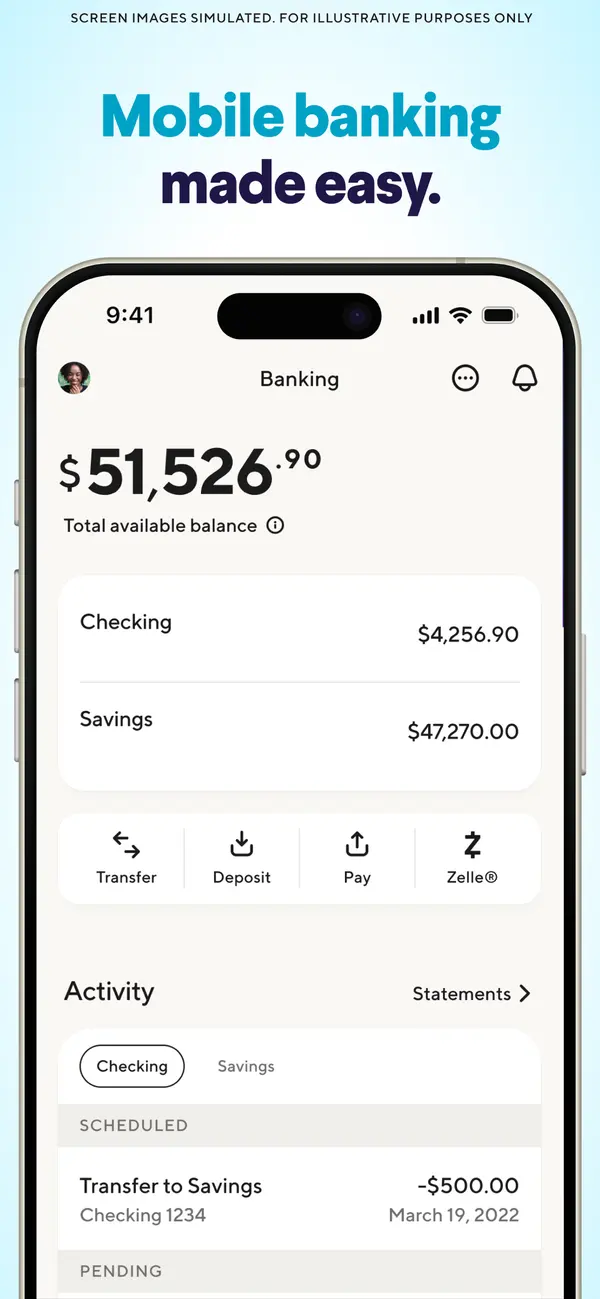
App Store marketing imageApp Store image with the headline "Mobile banking made easy." showing a Banking screen with checking and savings balances.App Store listing, as of 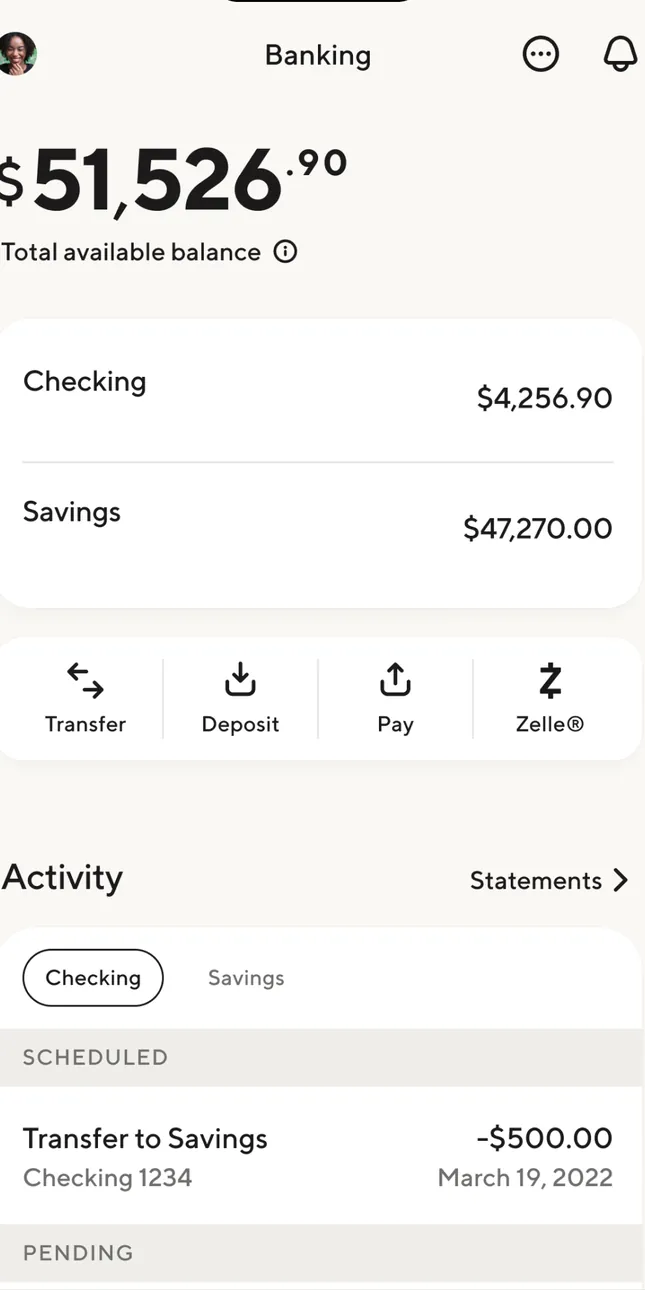
App Store marketing imageThe Banking tab: $51,526.90 total available balance, Checking $4,256.90 and Savings $47,270.00, Transfer, Deposit, Pay and Zelle buttons, and Activity with a scheduled -$500.00 transfer to savings.App Store listing, as of 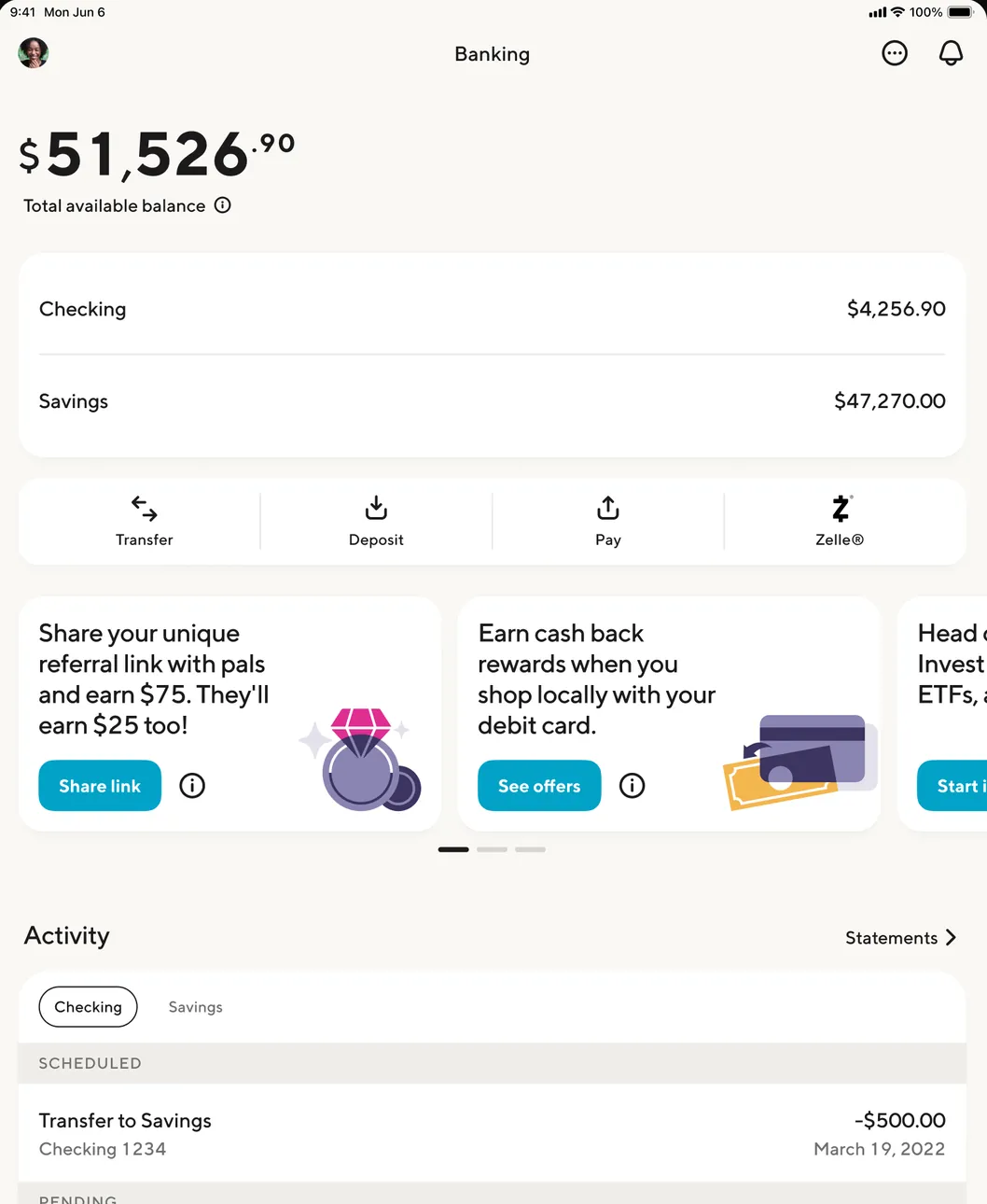
App Store marketing imageThe iPad Banking tab: $51,526.90 available, Checking and Savings, Transfer, Deposit, Pay and Zelle, offer cards for referrals and cash back, and Activity.App Store listing, as of
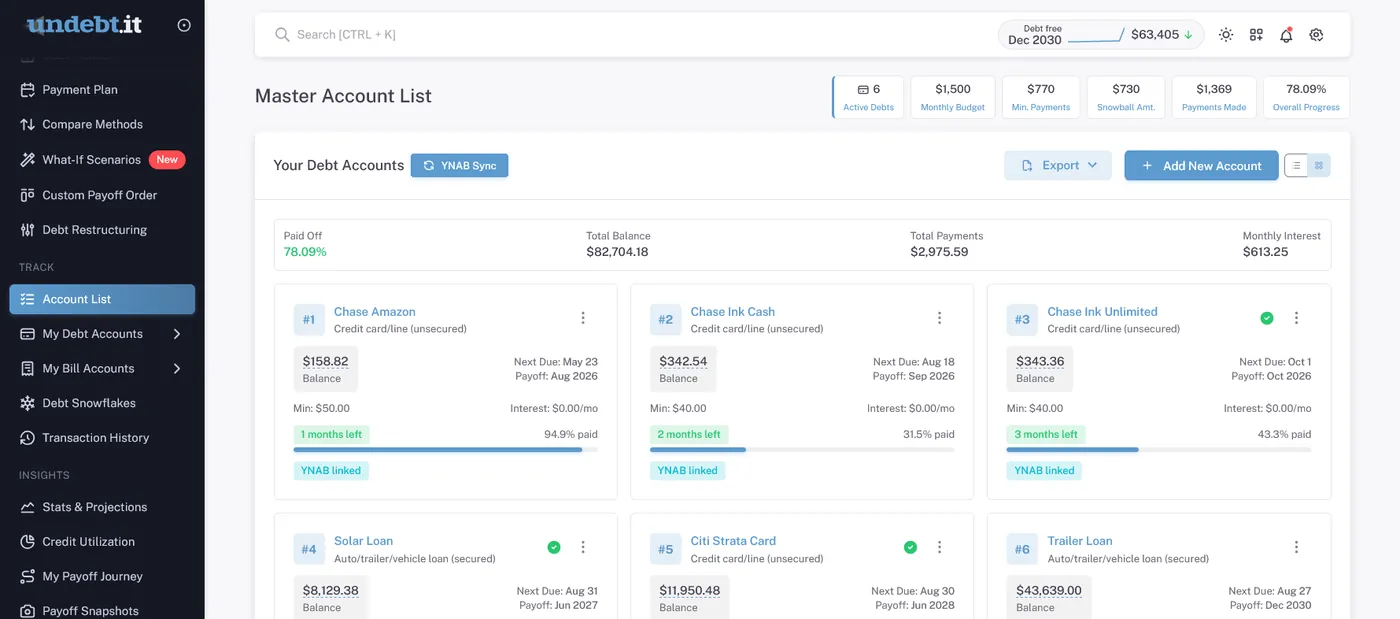
From Undebt.it's websiteThe Master Account List: 78.09% paid off, $88,704.18 total balance, YNAB Sync, Export and Add New Account buttons, and cards for each debt with balance, minimum payment, next due date and payoff date.undebt.it, as of 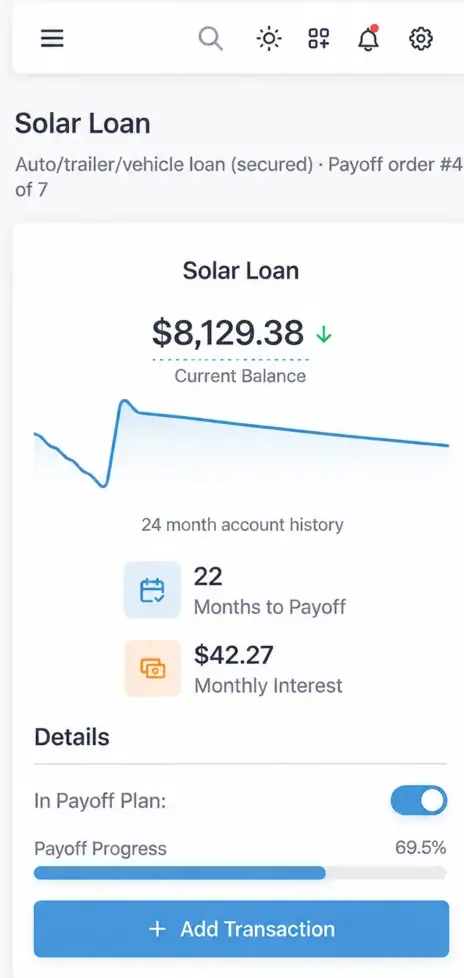
From Undebt.it's websiteA phone view of a Solar Loan: current balance $8,129.38, a 24 month balance history line, 22 months to payoff, $42.27 monthly interest, an In Payoff Plan toggle and an Add Transaction button.undebt.it, as of
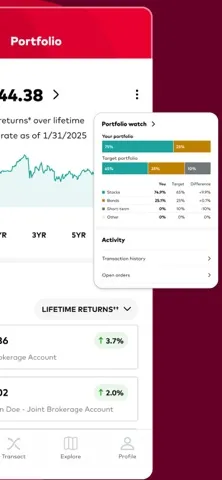
App Store marketing imageApp Store image showing the Portfolio tab with a total balance, a chart and an Accounts list, next to a Portfolio watch card.App Store listing, as of
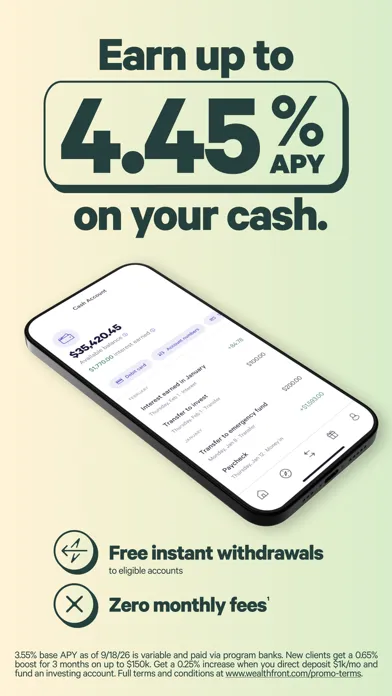
App Store marketing imageApp Store image with the headline "Earn up to 4.45% APY on your cash." showing a tilted Cash Account screen with recent activity.App Store listing, as of
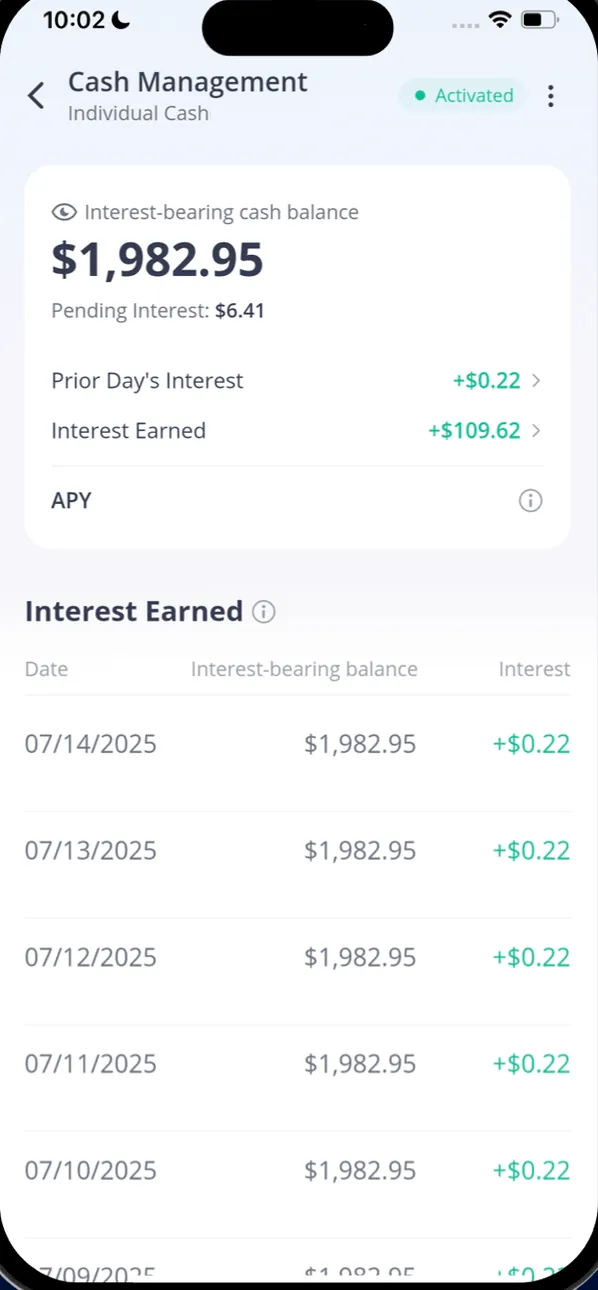
From Webull's websiteCash Management for Individual Cash, Activated: an interest-bearing cash balance of $1,982.95, pending interest $6.41, interest earned +$109.62 and an Interest Earned table by date.webull.com, as of
Transactions
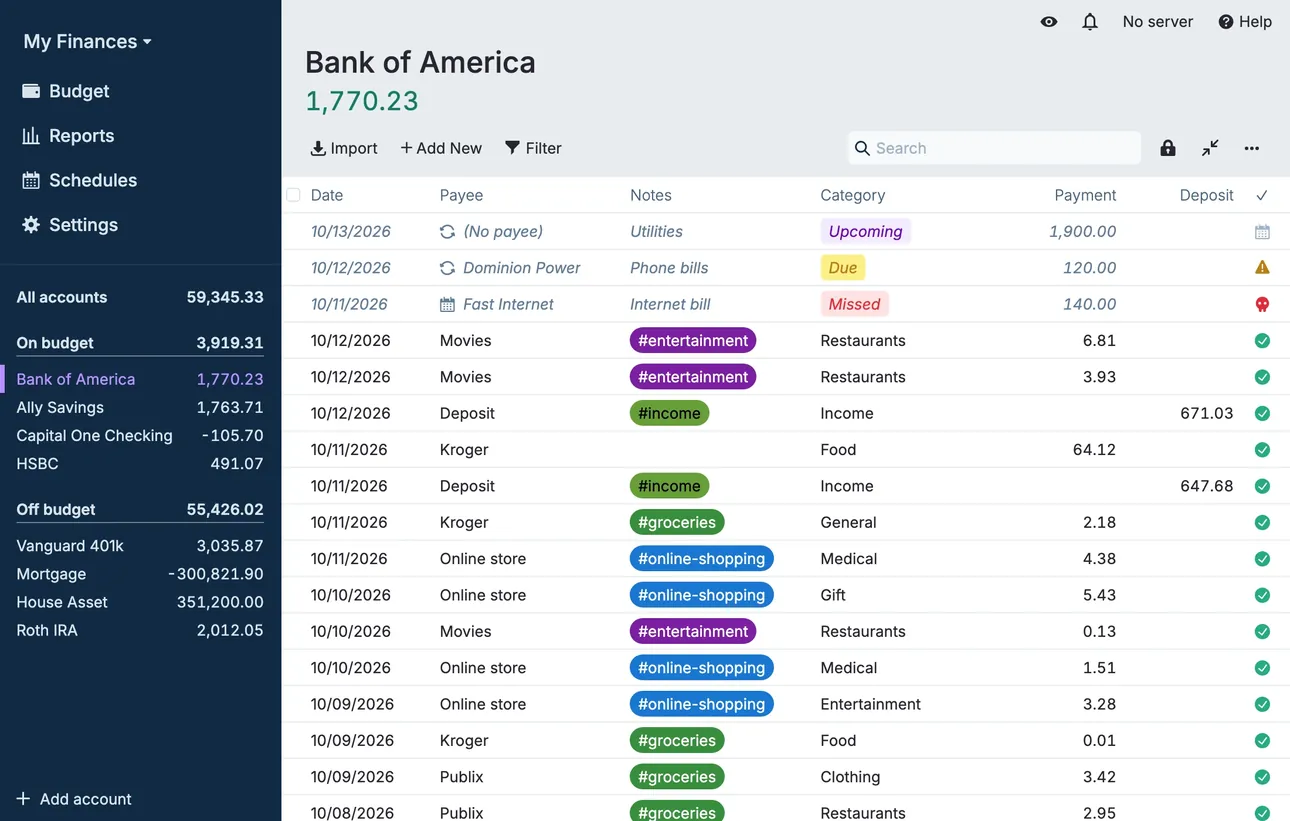
From Actual Budget's help centerThe account register for Bank of America with dated transactions, payees, category tags and payment and deposit columns.actualbudget.org, as of 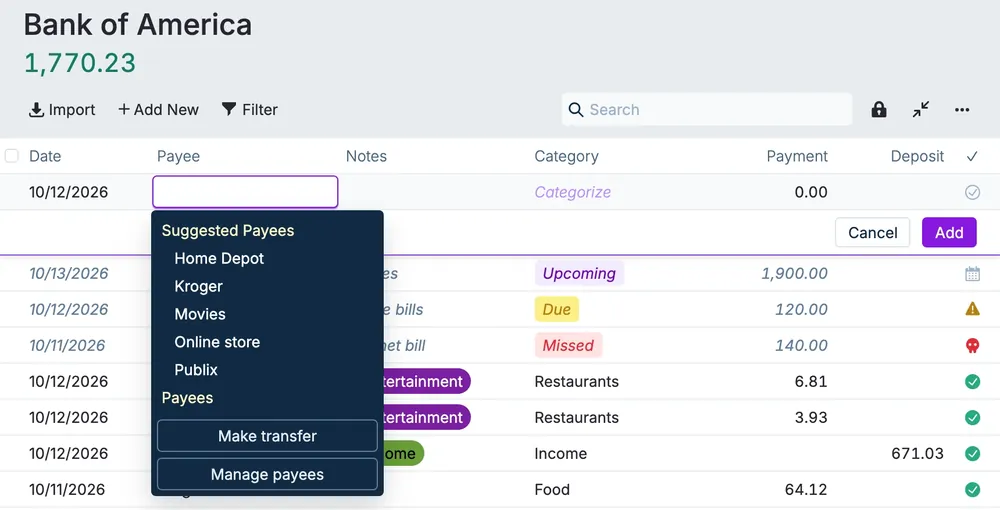
From Actual Budget's help centerA new transaction row with the payee menu open, listing suggested payees and a Make transfer option.actualbudget.org, as of
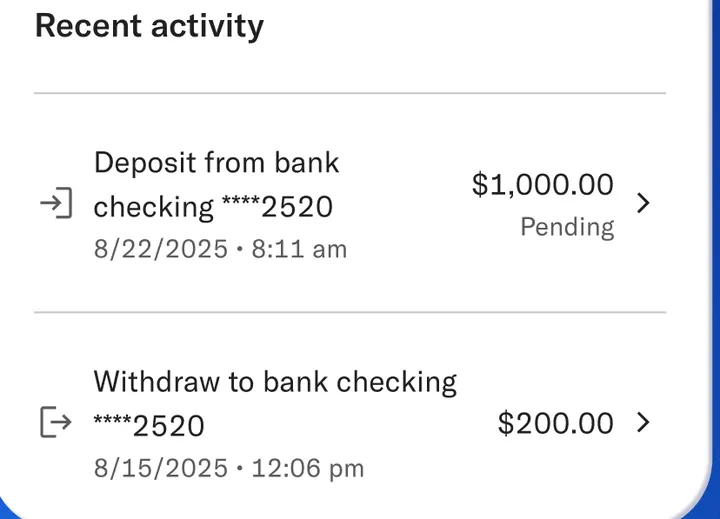
App Store marketing imageRecent activity: a $1,000.00 pending deposit from bank checking and a $200.00 withdrawal to bank checking, each with date and time.App Store listing, as of
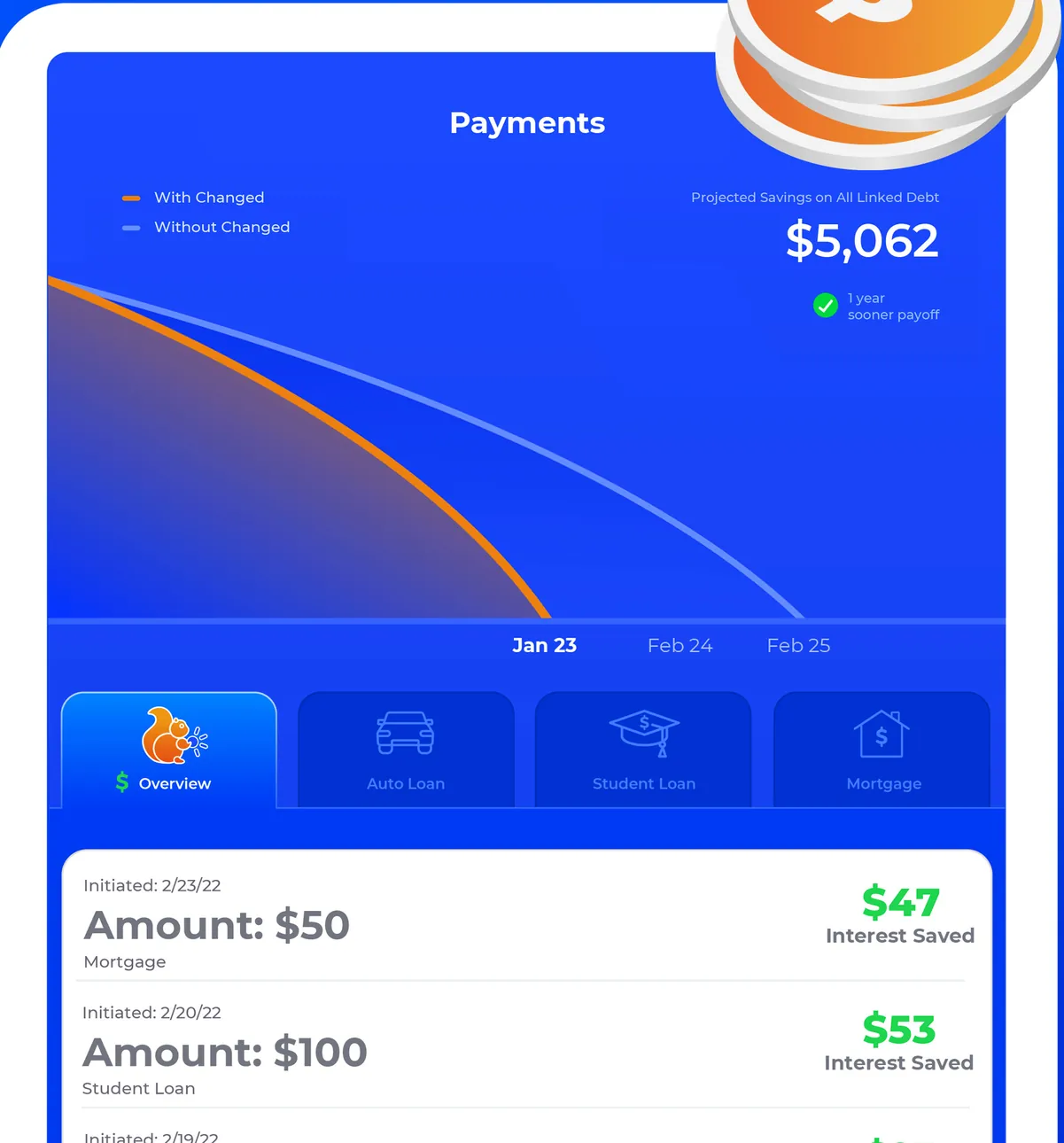
App Store marketing imageThe iPad Payments screen: projected savings of $5,062 with a With Changed and Without Changed chart, Overview and loan type tabs, and payments of $50 and $100 with interest saved of $47 and $53.App Store listing, as of 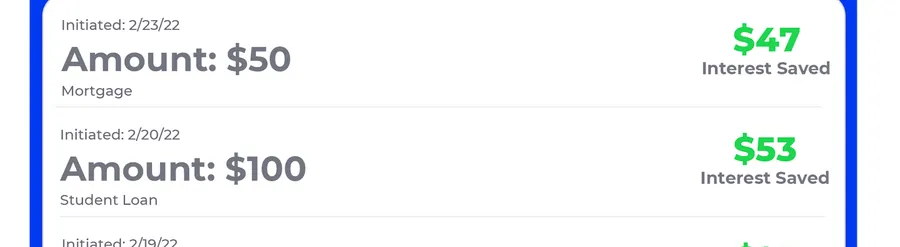
App Store marketing imagePayment rows: Amount $50 with $47 interest saved and Amount $100 with $53 interest saved.App Store listing, as of
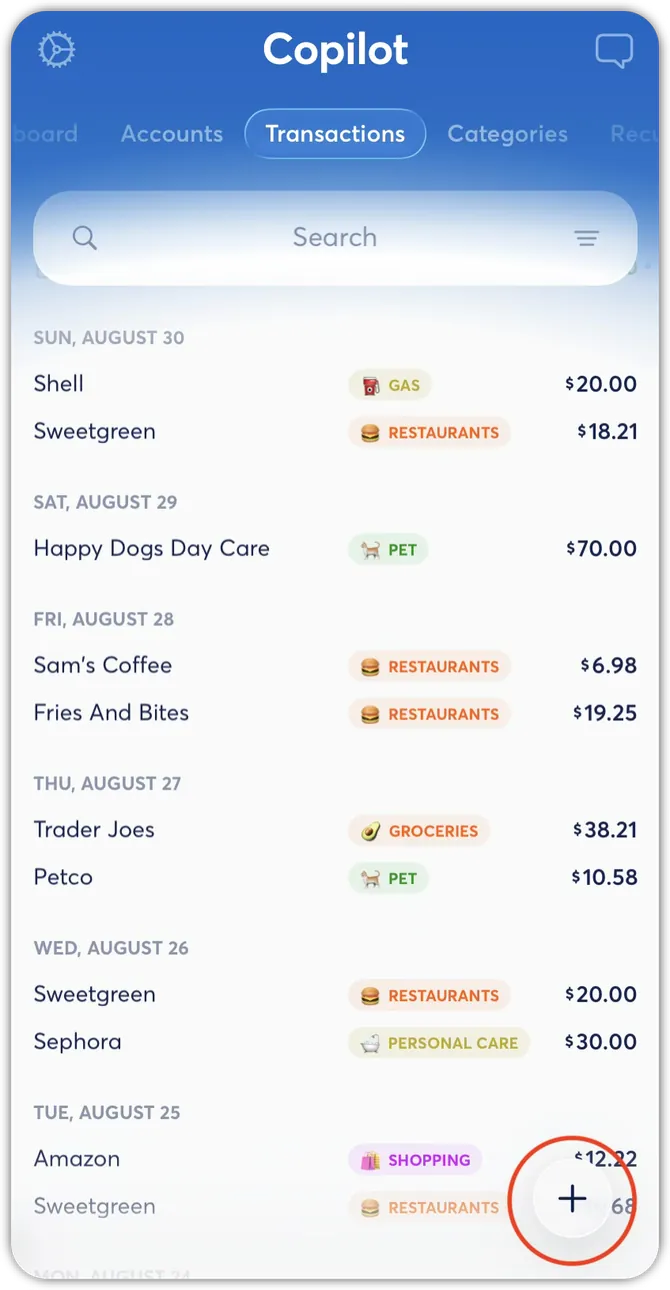
From Copilot Money's help centerThe Transactions tab with transactions grouped by day, each with a category tag and amount.help.copilot.money, as of 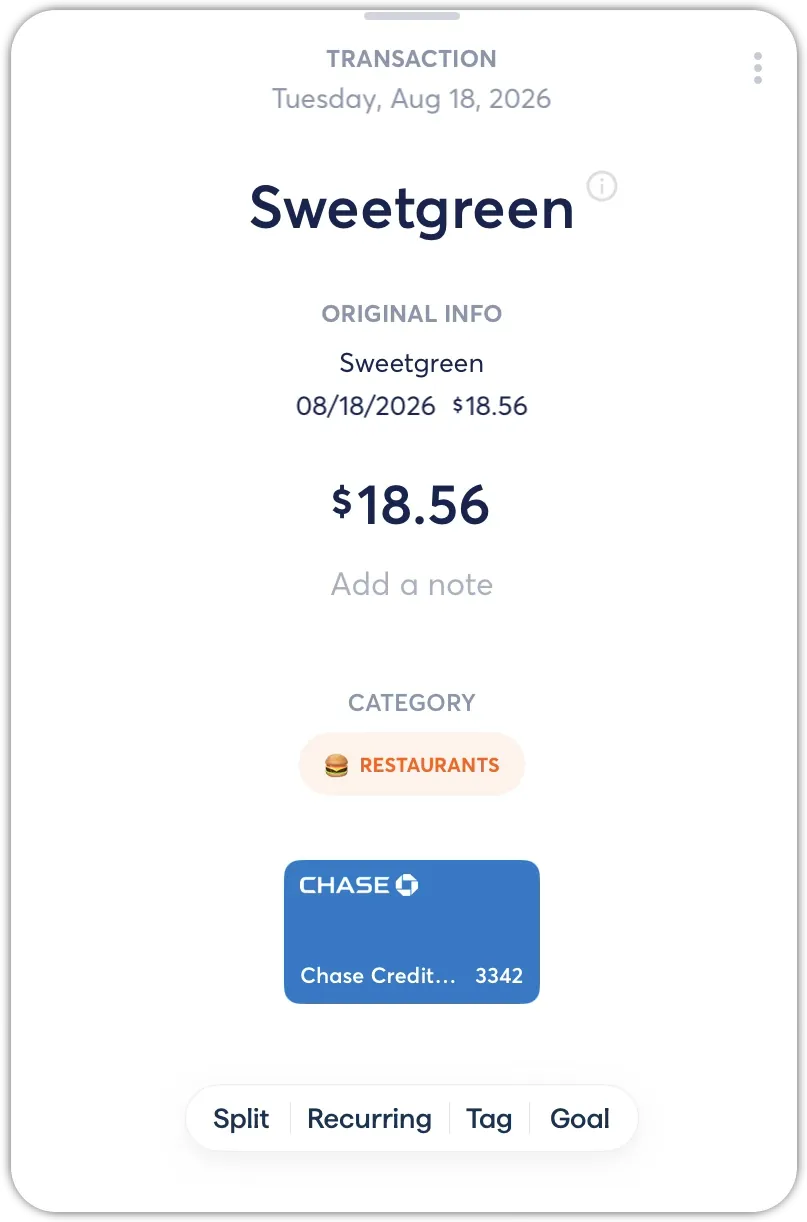
From Copilot Money's help centerA transaction detail for Sweetgreen at $18.56 with its category and buttons for Split, Recurring, Tag and Goal.help.copilot.money, as of 
App Store marketing imageA To Review card listing two transactions with category tags and a Mark as Reviewed button.App Store listing, as of 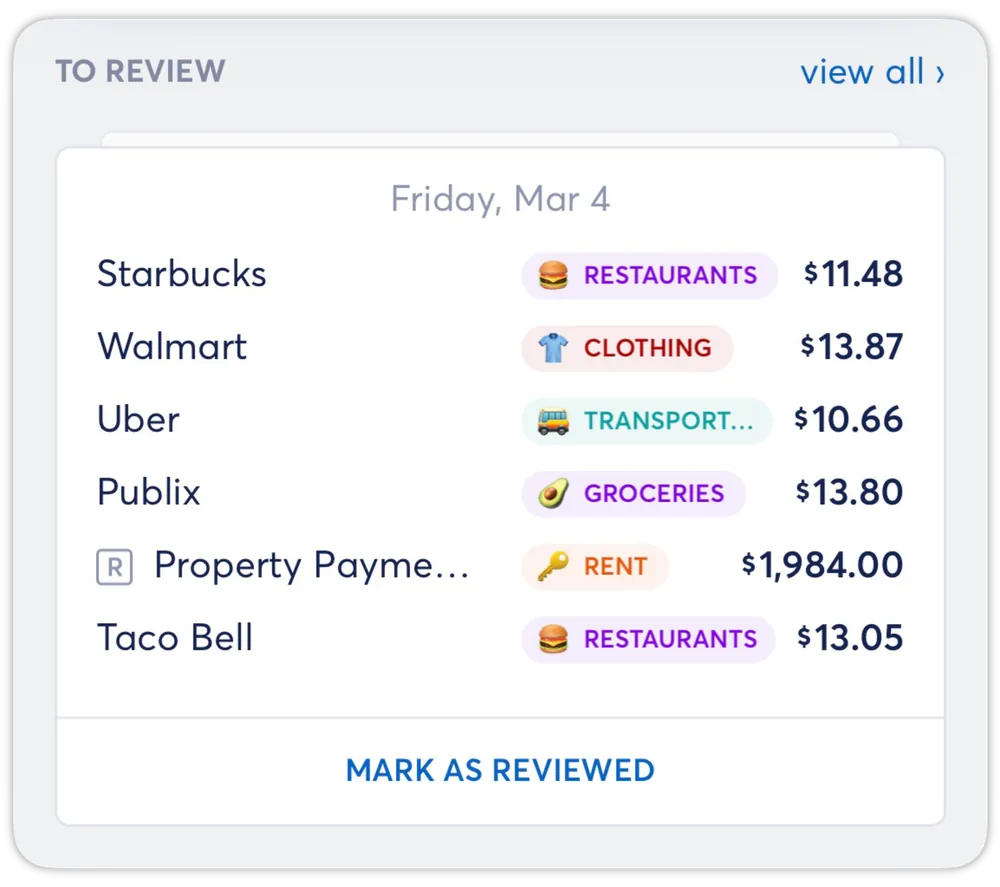
From Copilot Money's help centerA To Review card listing several transactions with category tags and a Mark as Reviewed button.help.copilot.money, as of
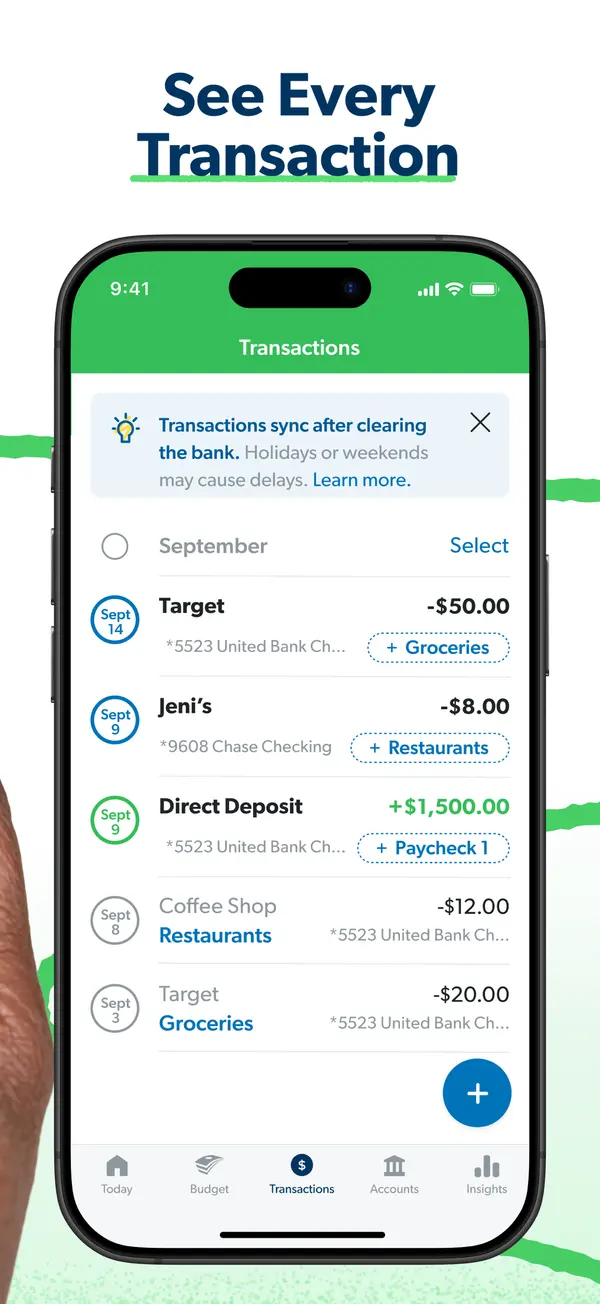
App Store marketing imageApp Store image with the headline "See Every Transaction" showing the Transactions screen.App Store listing, as of 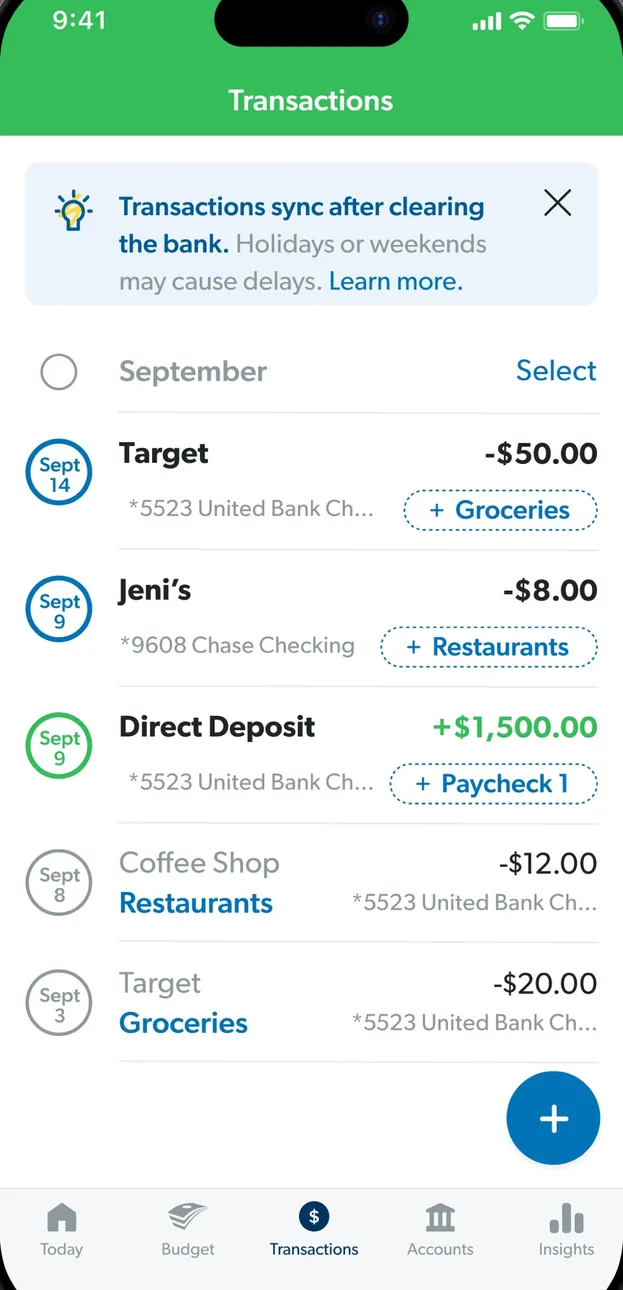
App Store marketing imageThe Transactions screen: a note that transactions sync after clearing, then September transactions with budget item tags.App Store listing, as of 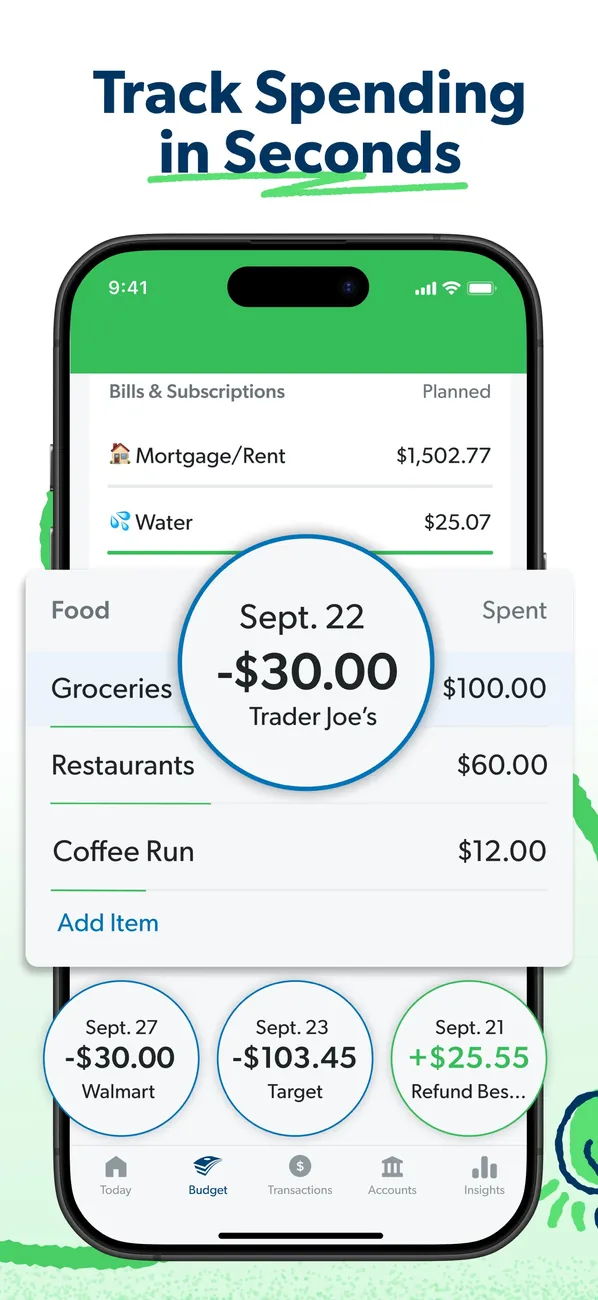
App Store marketing imageApp Store image with the headline "Track Spending in Seconds" showing budget rows with transaction bubbles for Trader Joe's, Walmart and Target.App Store listing, as of 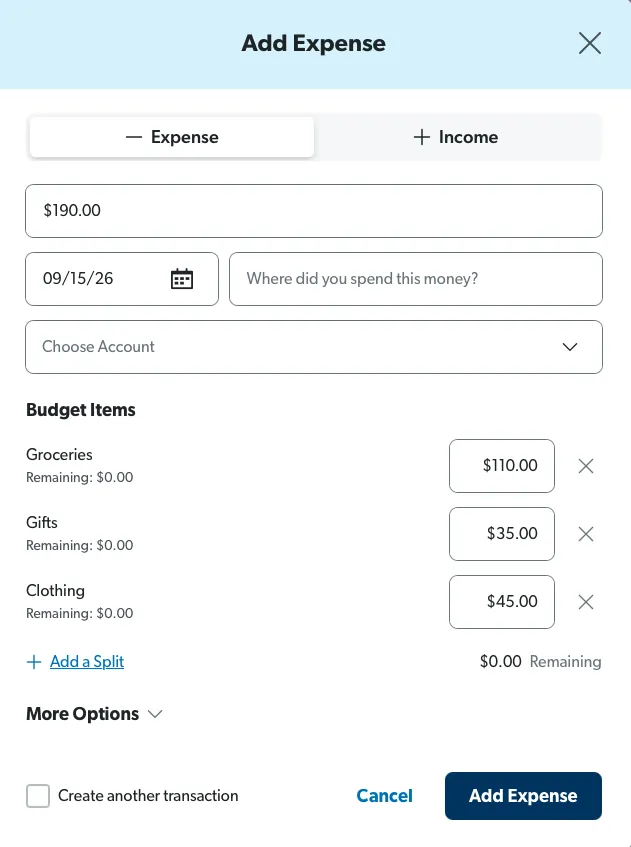
From EveryDollar's help centerAn Add Expense form on the web split across Groceries, Gifts and Clothing with amounts for each.everydollar.help.ramseysolutions.com, as of 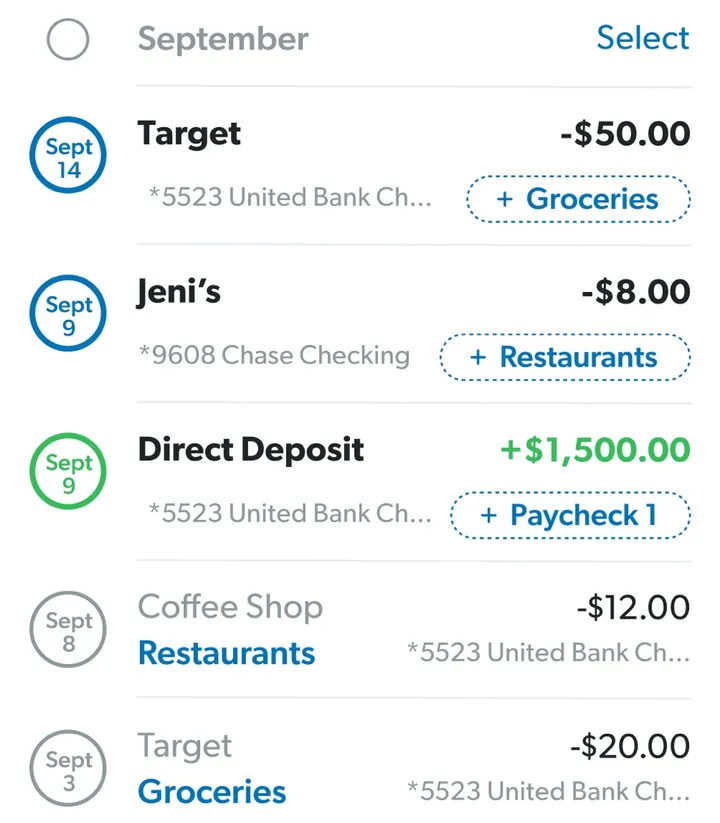
App Store marketing imageTransaction rows such as Target, Jeni's and a Direct Deposit, each with an amount and a budget item tag like Groceries.App Store listing, as of
From Fifecta's websiteAssign transactions with an All sorted chip, a green check mark and "Every charge has a bucket."pricelesstay.com, as of
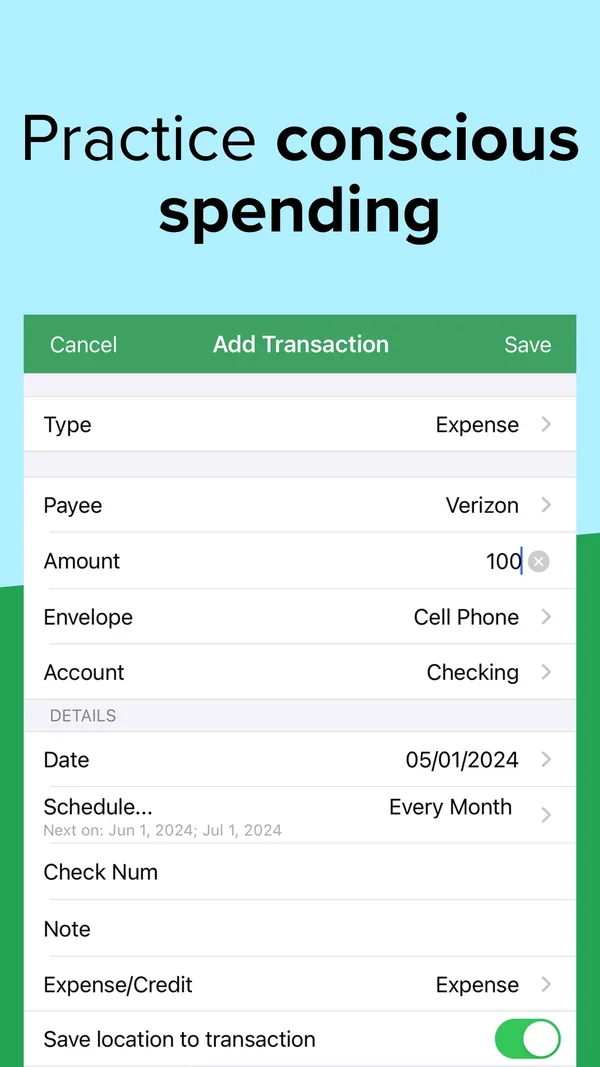
App Store marketing imageApp Store image with the headline "Practice conscious spending" showing an Add Transaction form.App Store listing, as of 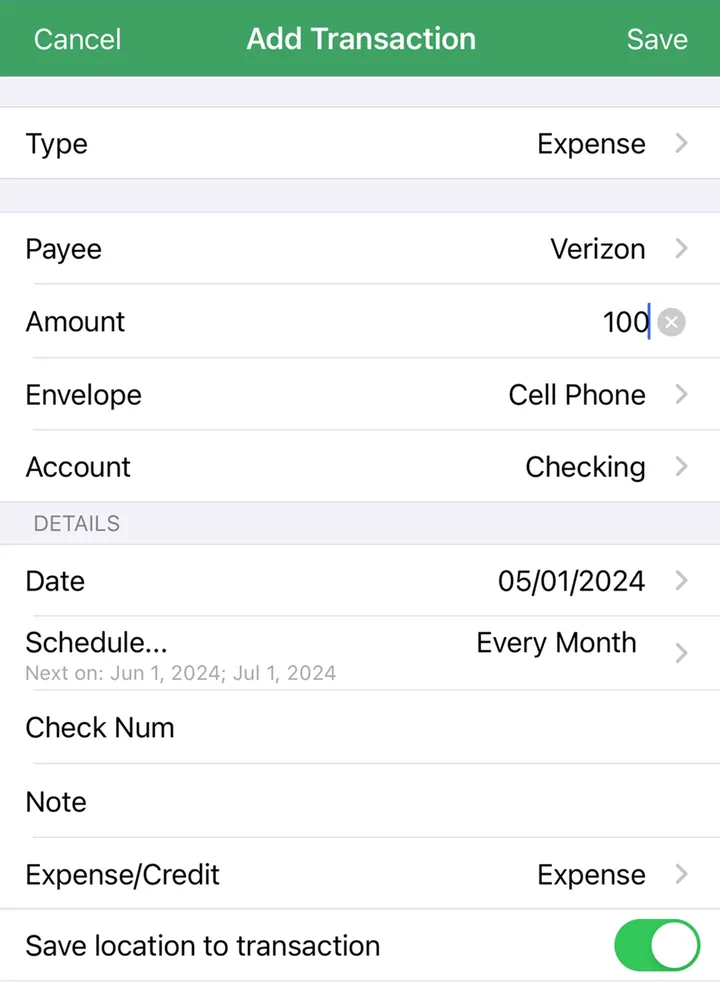
App Store marketing imageAn Add Transaction form with Type, Payee, Amount, Envelope, Account, Date and Schedule fields.App Store listing, as of 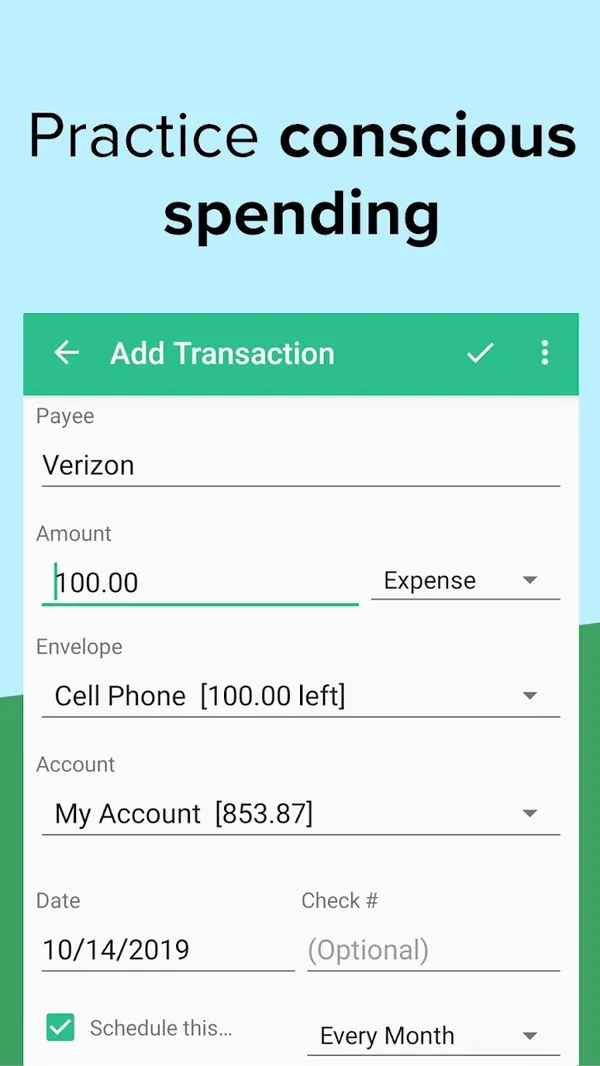
Google Play marketing imageGoogle Play image with the headline "Practice conscious spending" showing the Android Add Transaction form.Google Play listing, as of
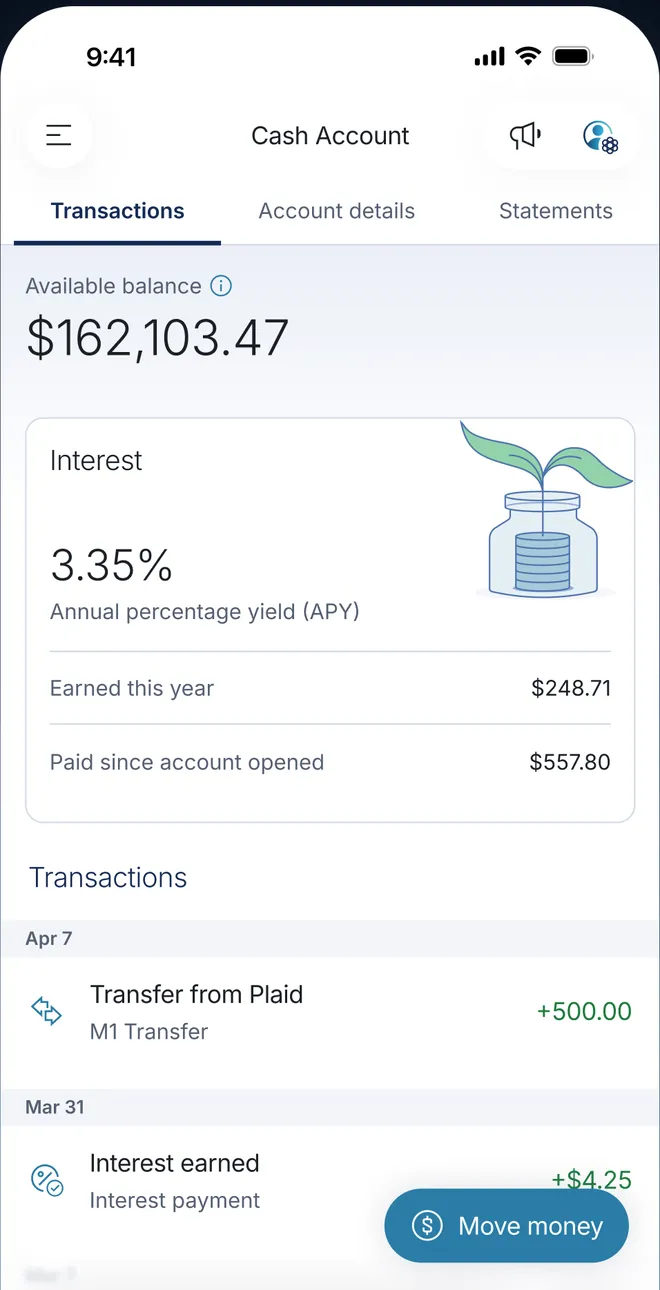
App Store marketing imageA Cash Account on Transactions: available balance $162,103.47, an Interest card at 3.35% APY with $248.71 earned this year, and transactions for a +$500.00 transfer from Plaid and interest earned.App Store listing, as of
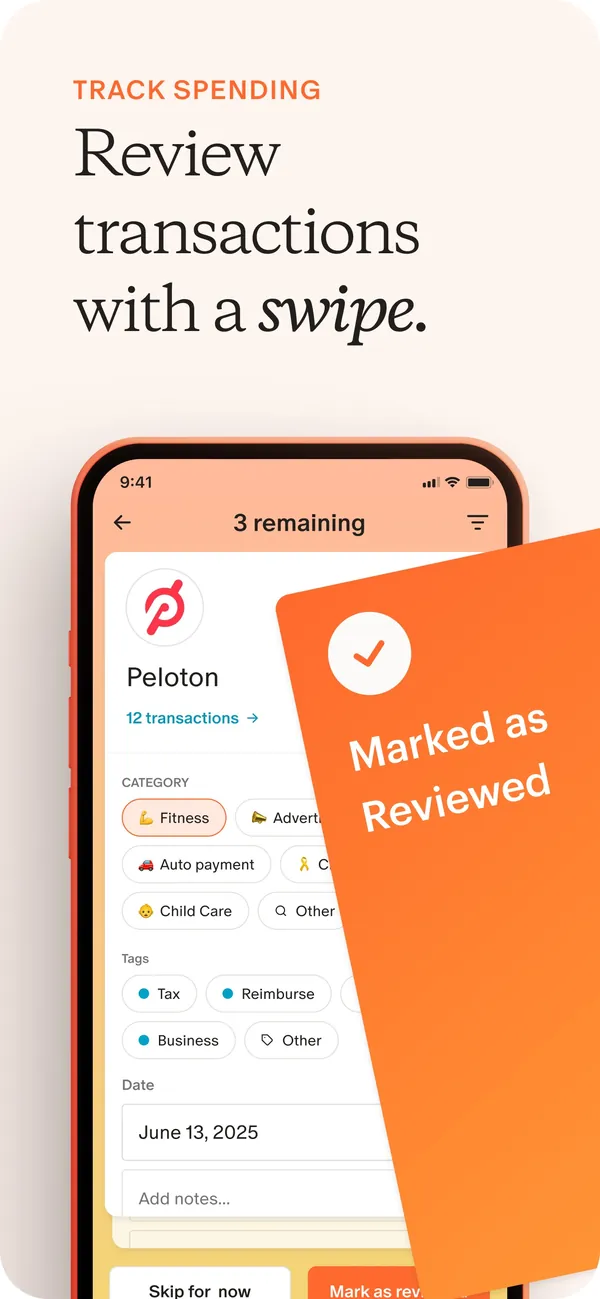
App Store marketing imageApp Store image with the headline "Review transactions with a swipe." showing a transaction review card for Peloton with a "Marked as Reviewed" card over it.App Store listing, as of
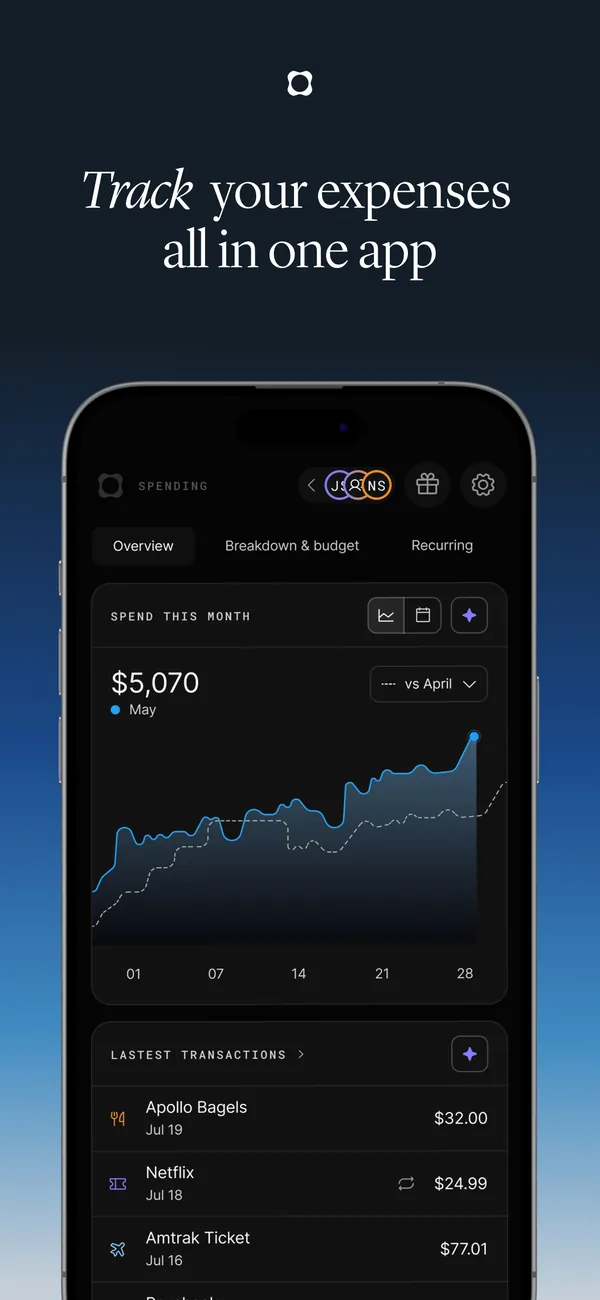
App Store marketing imageApp Store image with the headline "Track your expenses all in one app" showing spending this month.App Store listing, as of 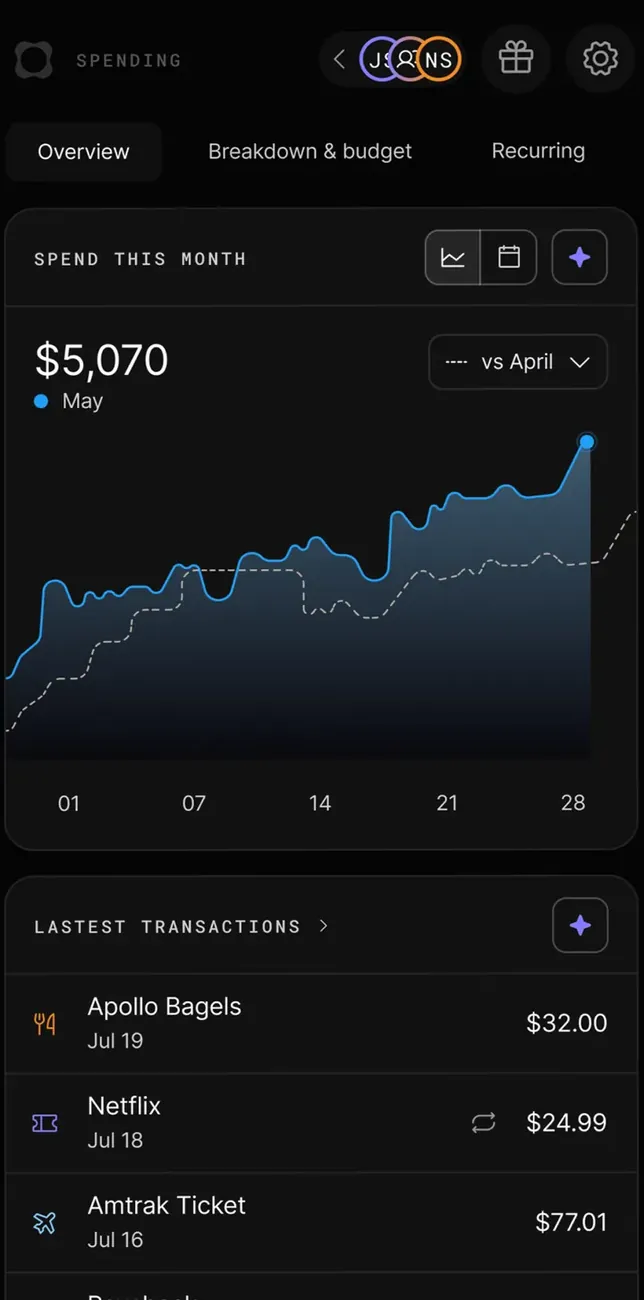
App Store marketing imageThe Spending overview: $5,070 spent this month in May against April on a chart, then latest transactions from Apollo Bagels, Netflix and Amtrak Ticket.App Store listing, as of
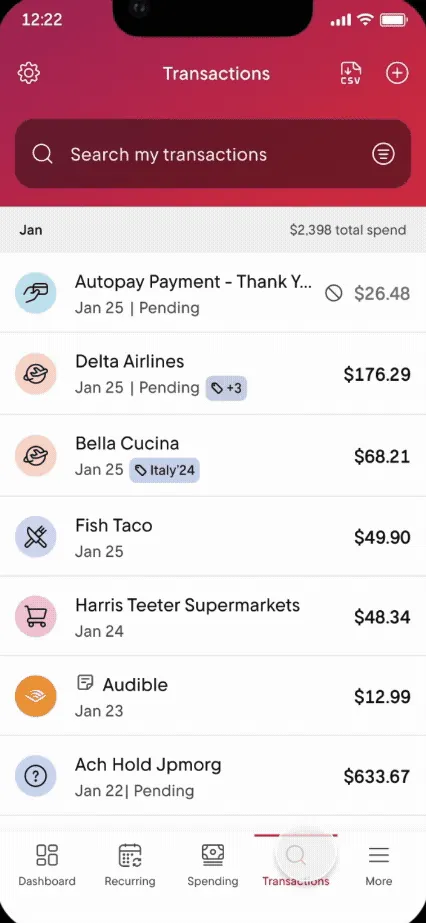
From Rocket Money's help centerThe Transactions tab with a search box and a list of transactions with icons and amounts.help.rocketmoney.com, as of 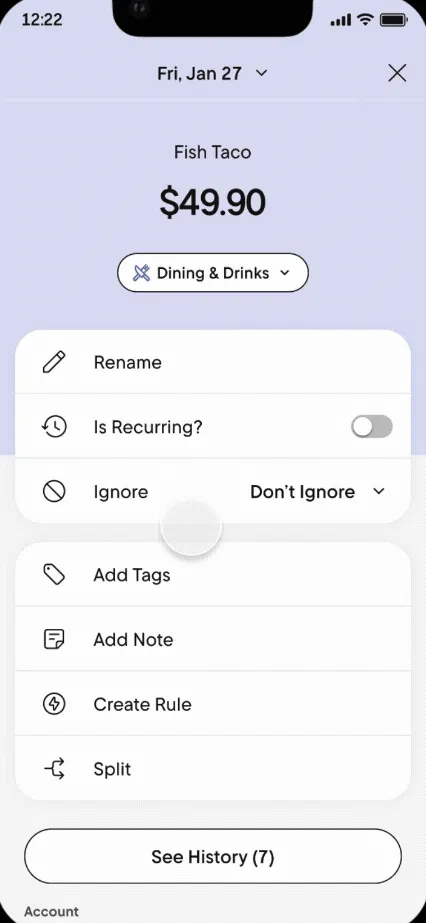
From Rocket Money's help centerA transaction detail for Fish Taco with options to rename, mark recurring, ignore, add tags, add a note, create a rule or split.help.rocketmoney.com, as of 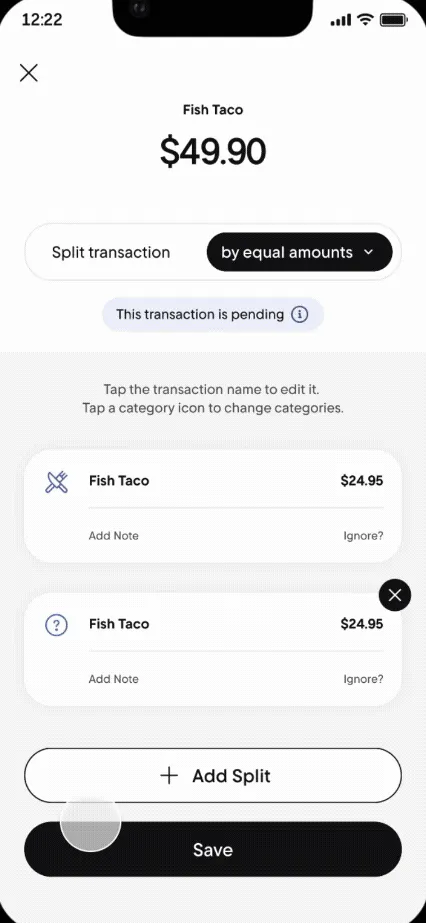
From Rocket Money's help centerA Split transaction screen dividing $49.90 by equal amounts into two parts.help.rocketmoney.com, as of
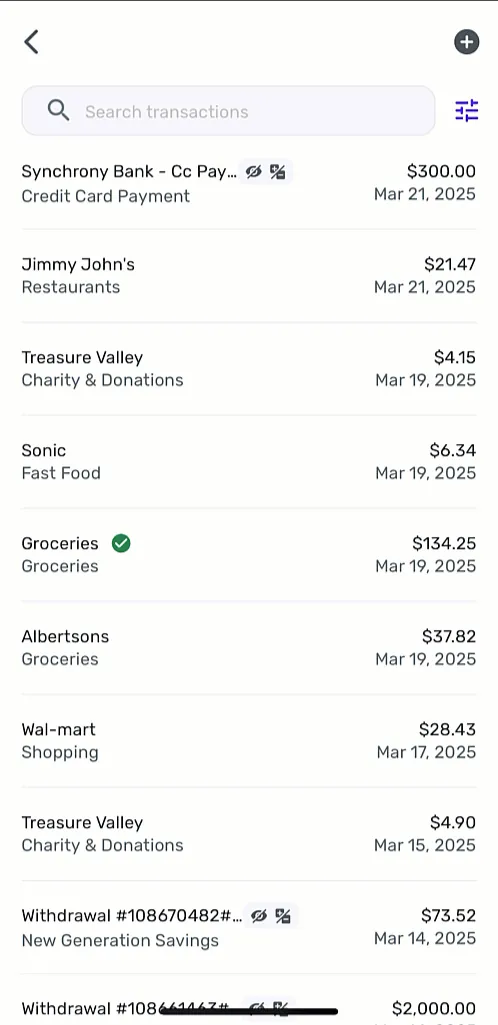
From Simplifi's help centerA transaction list with a search box, each row showing payee, category, amount and date.support.simplifi.quicken.com, as of
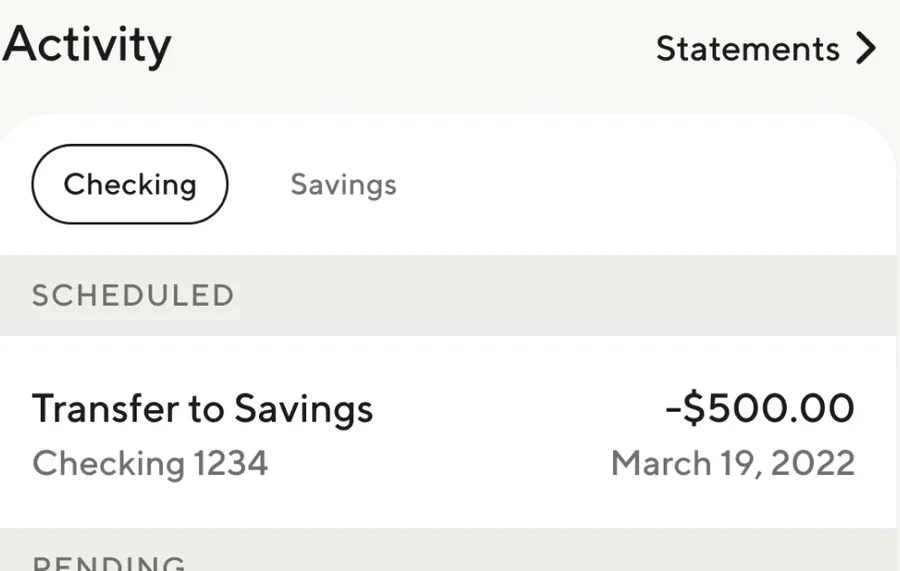
App Store marketing imageActivity with Checking and Savings tabs, a Statements link and a scheduled Transfer to Savings of -$500.00 from Checking 1234 on March 19, 2022.App Store listing, as of
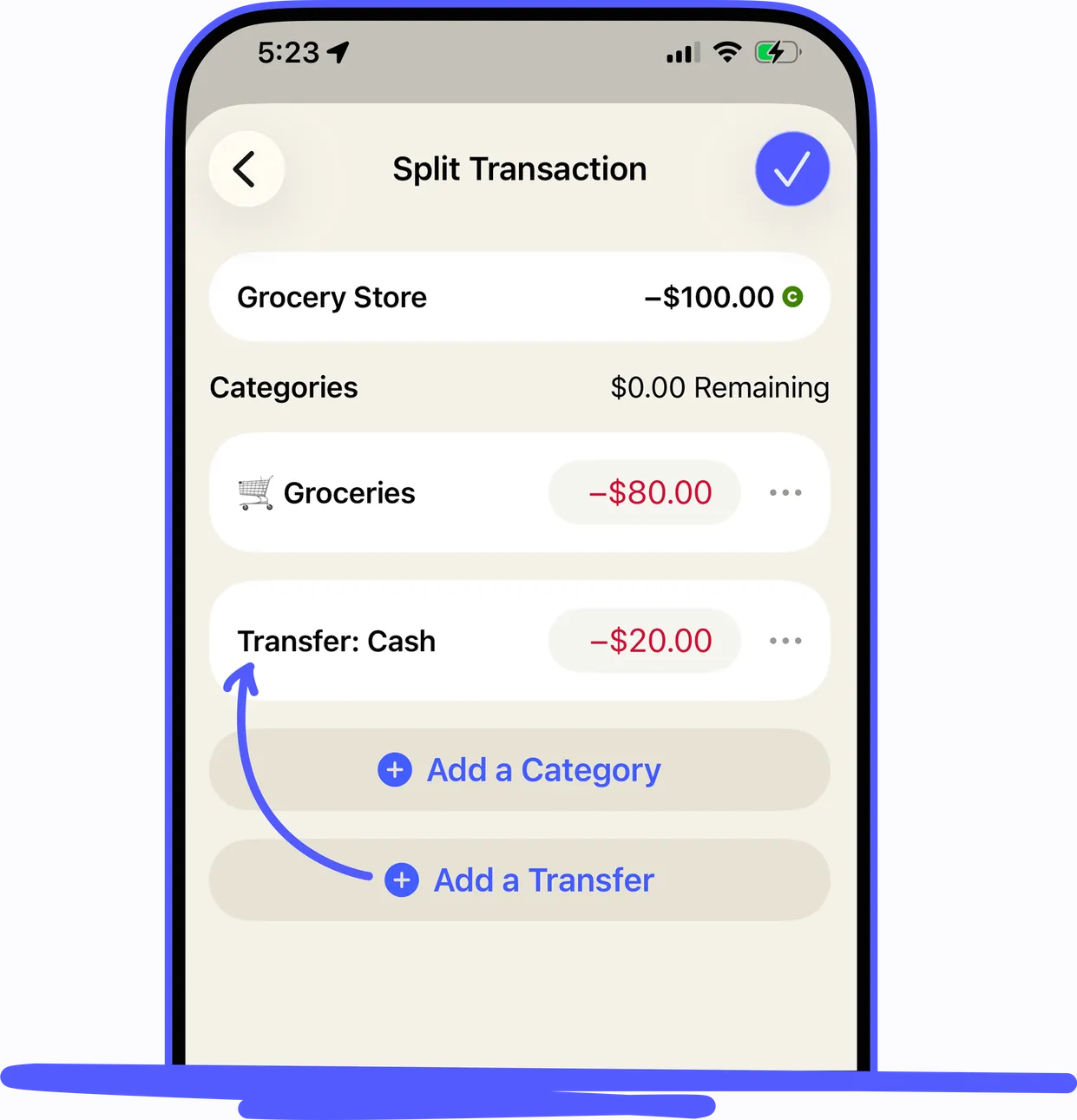
From YNAB's help centerAn iPhone Split Transaction screen for a -$100.00 Grocery Store purchase split between Groceries and a transfer to Cash.support.ynab.com, as of 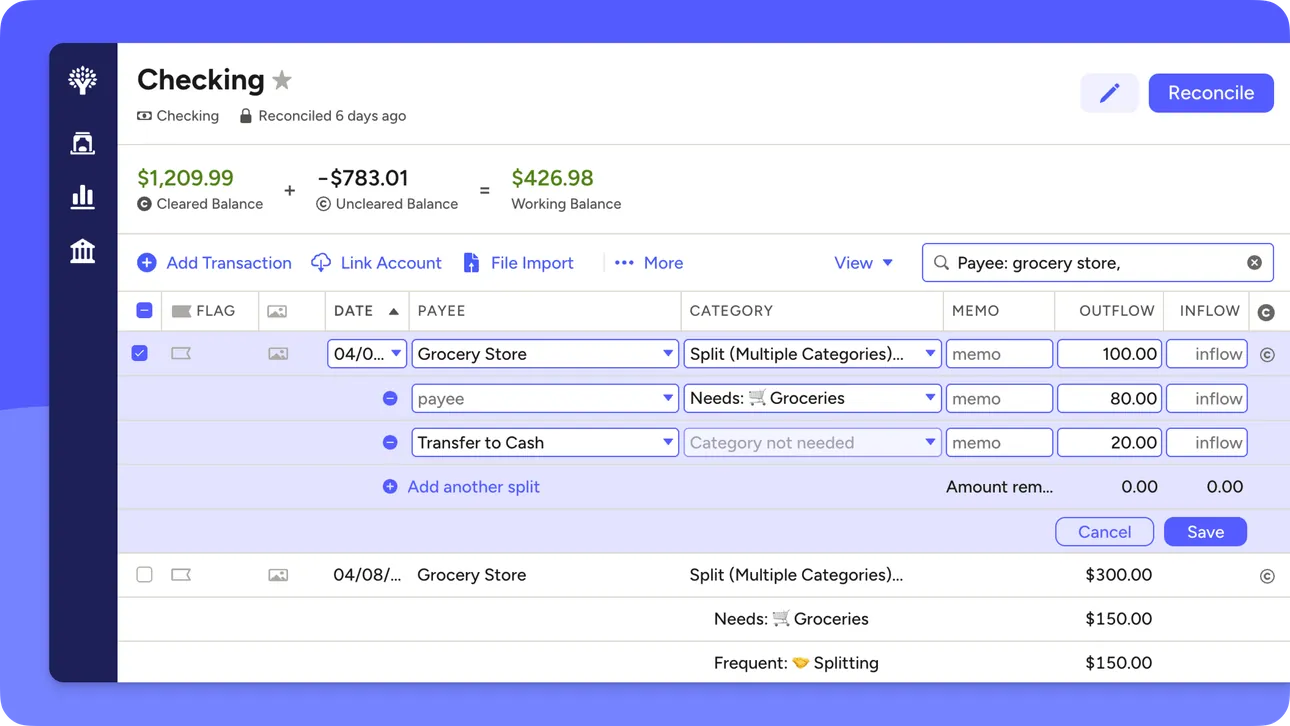
From YNAB's help centerThe web account register for Checking with a split transaction open across several category rows.support.ynab.com, as of
Budget
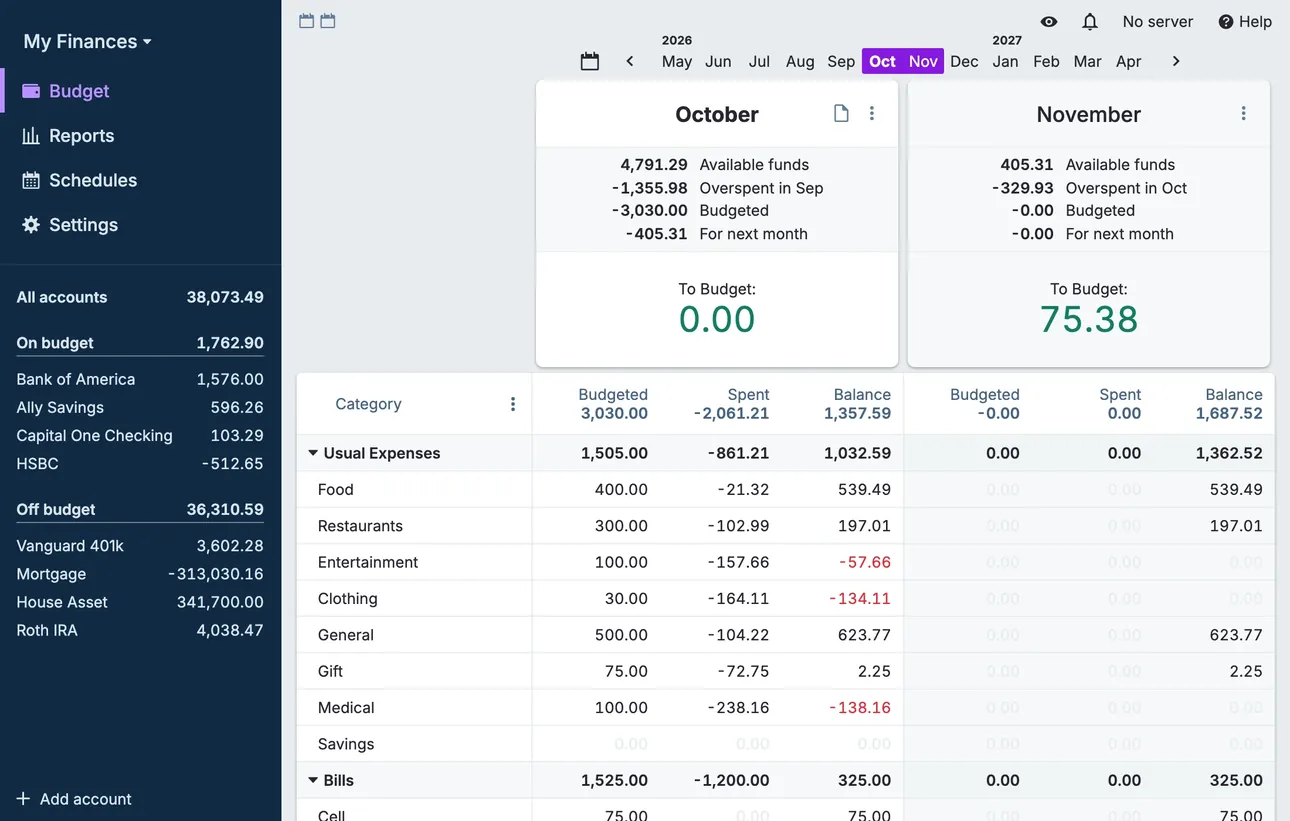
From Actual Budget's help centerThe desktop budget page with two months side by side, category rows with budgeted, spent and balance columns, and accounts in the sidebar.actualbudget.org, as of 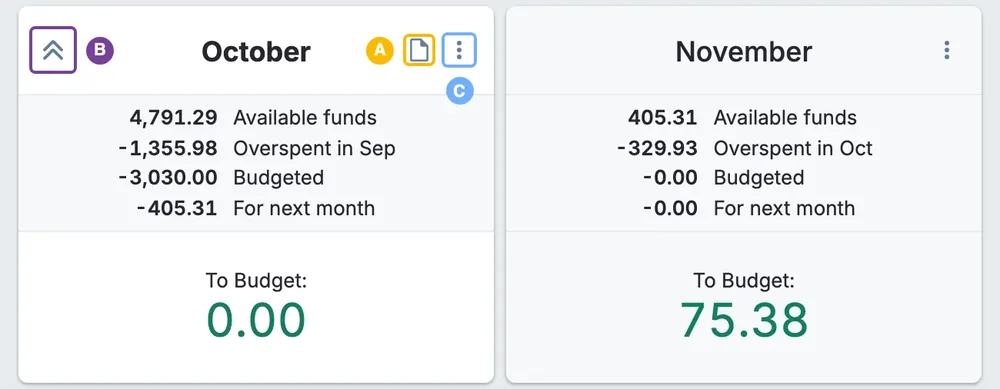
From Actual Budget's help centerMonth summary cards for October and November with available funds, overspent, budgeted and To Budget amounts.actualbudget.org, as of 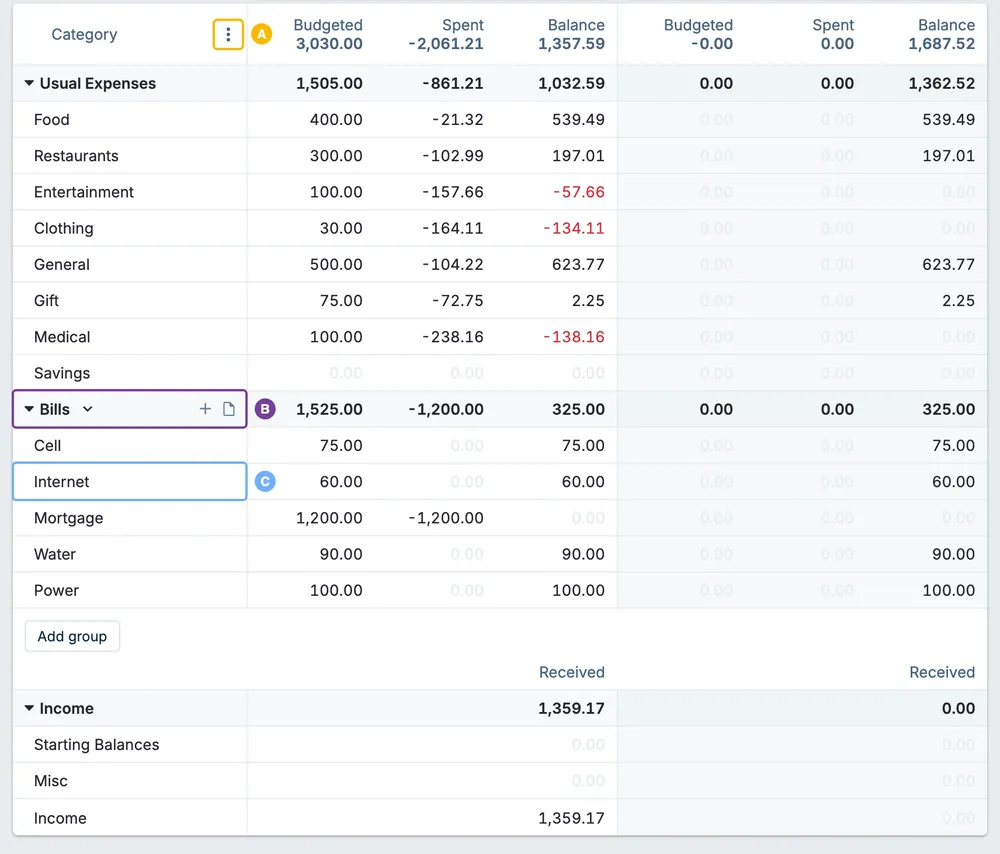
From Actual Budget's help centerA budget table of category groups with budgeted, spent and balance columns for two months.actualbudget.org, as of 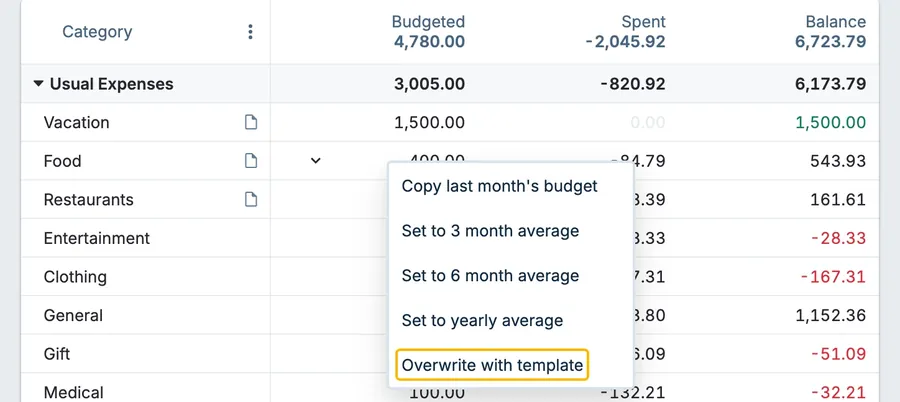
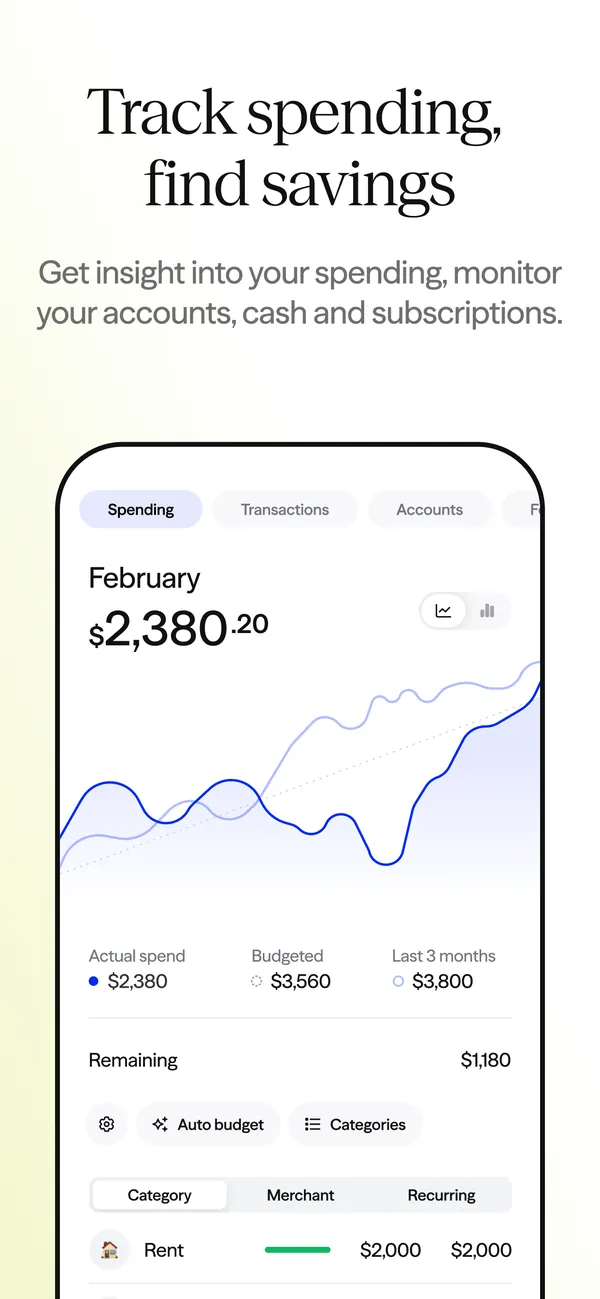
From Actual Budget's help centerA category budget menu with Copy last month's budget, Set to 3 month average, Set to 6 month average, Set to yearly average and Overwrite with template.actualbudget.org, as of
App Store marketing imageApp Store image with the headline "Track spending, find savings" showing a February spending screen with a line chart.App Store listing, as of 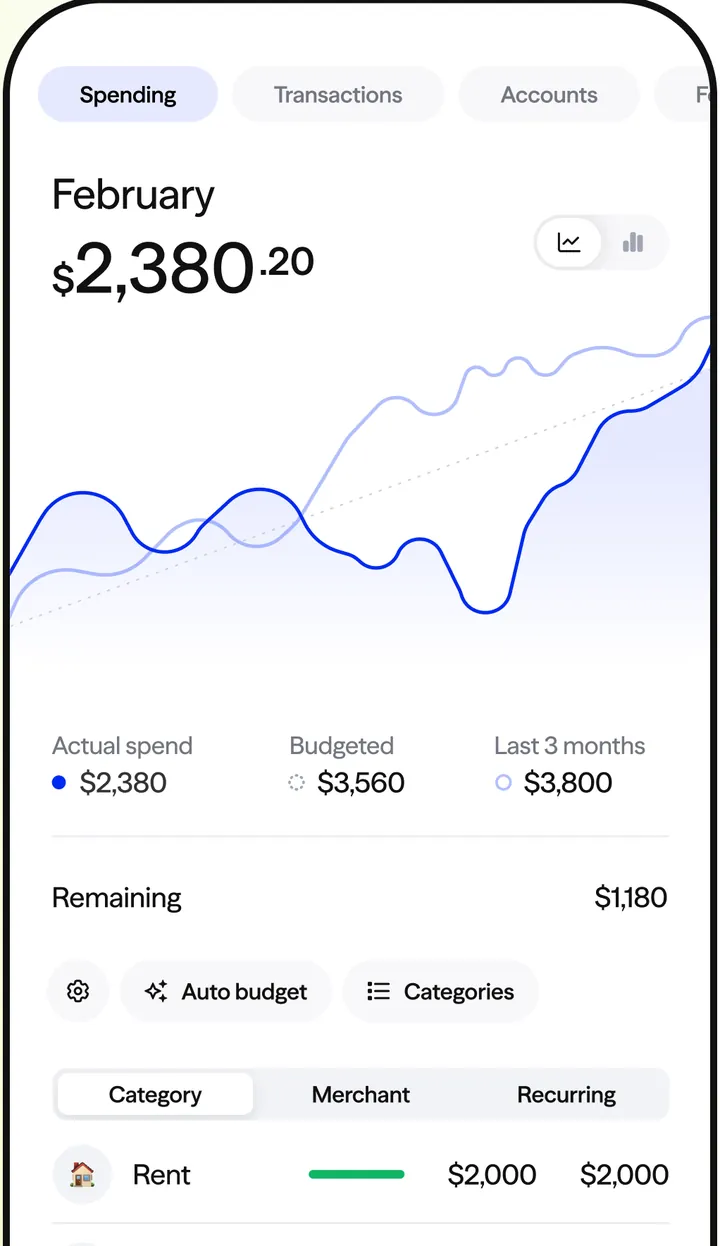
App Store marketing imageThe Spending tab: $2,380.20 spent in February with a line chart, actual spend, budgeted $3,560 and last 3 months, then Remaining $1,180 with Auto budget and Categories buttons and a Rent row.App Store listing, as of

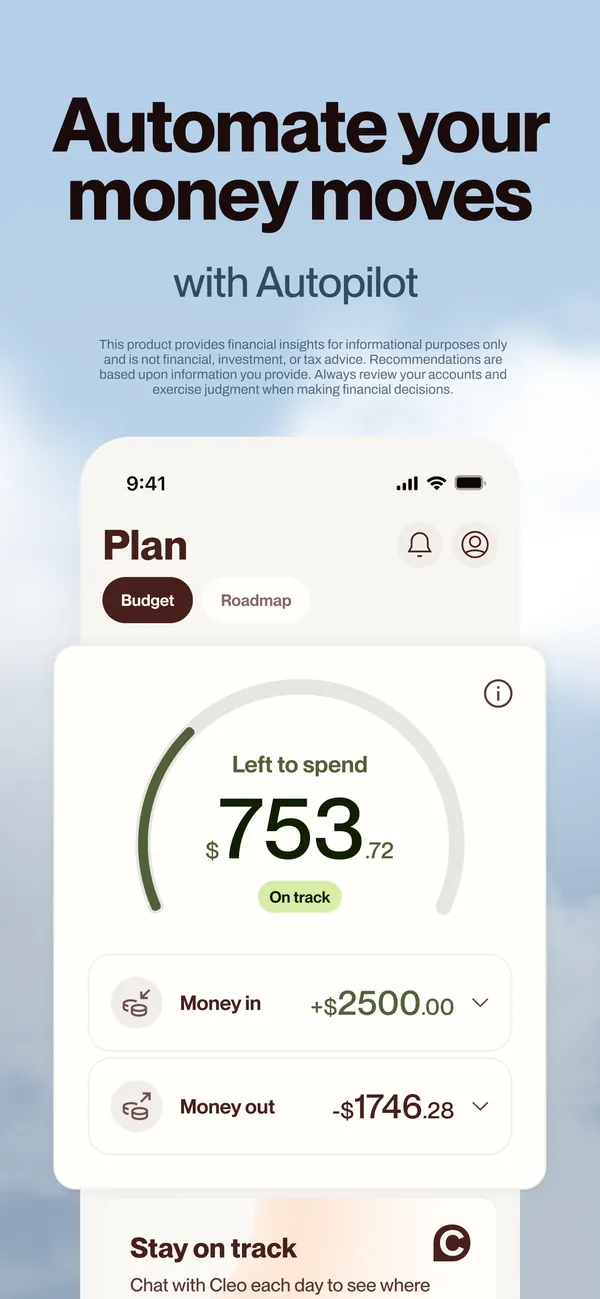
App Store marketing imageApp Store image with the headline "Automate your money moves" and the line "With Autopilot" showing a Plan screen.App Store listing, as of 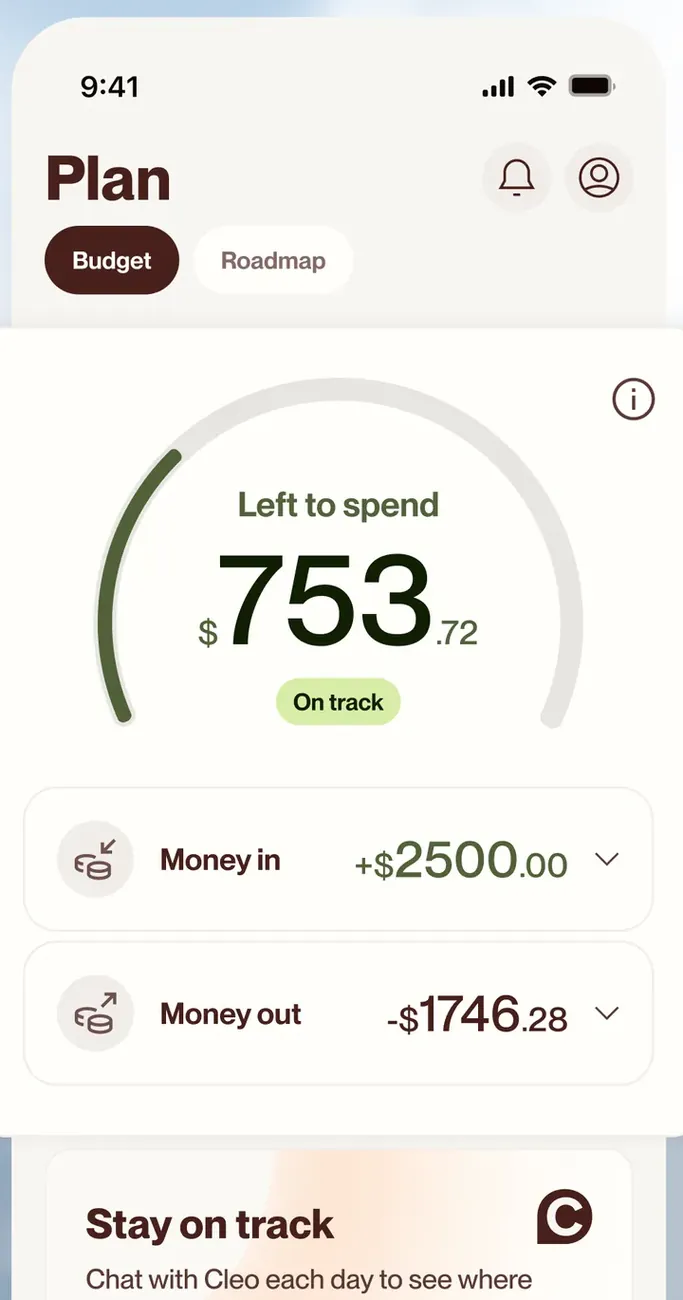
App Store marketing imageThe Plan screen on the Budget tab: $753.72 left to spend on a dial marked On track, then Money in of +$2500.00 and Money out of -$1746.28.App Store listing, as of 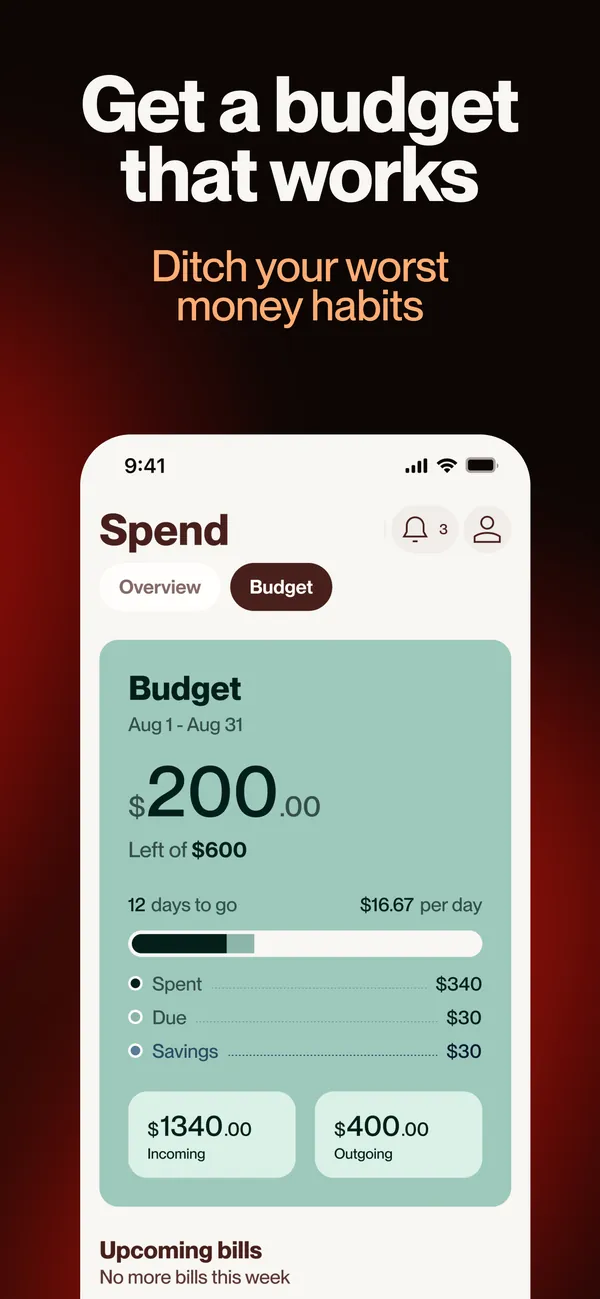
App Store marketing imageApp Store image with the headline "Get a budget that works" showing the Spend screen Budget tab.App Store listing, as of 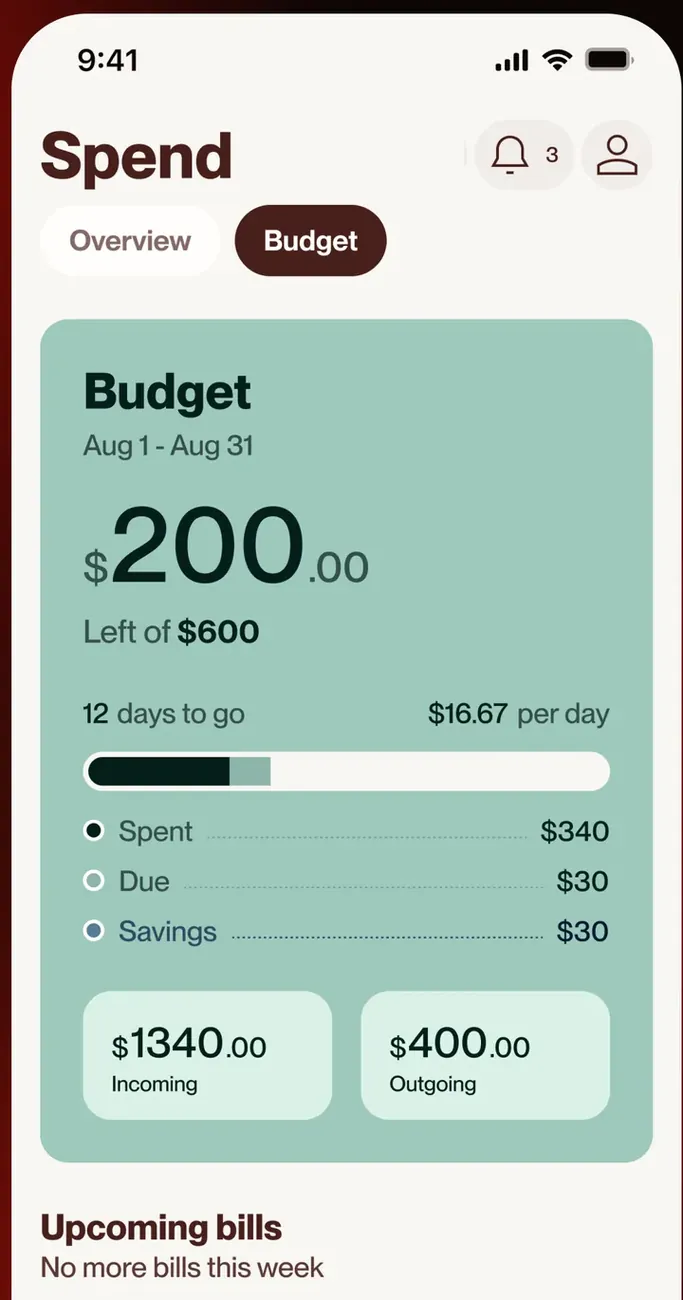
App Store marketing imageThe Spend screen Budget tab: $200.00 left of $600 for Aug 1 to Aug 31, 12 days to go at $16.67 per day, Spent, Due and Savings rows, and Incoming and Outgoing totals.App Store listing, as of
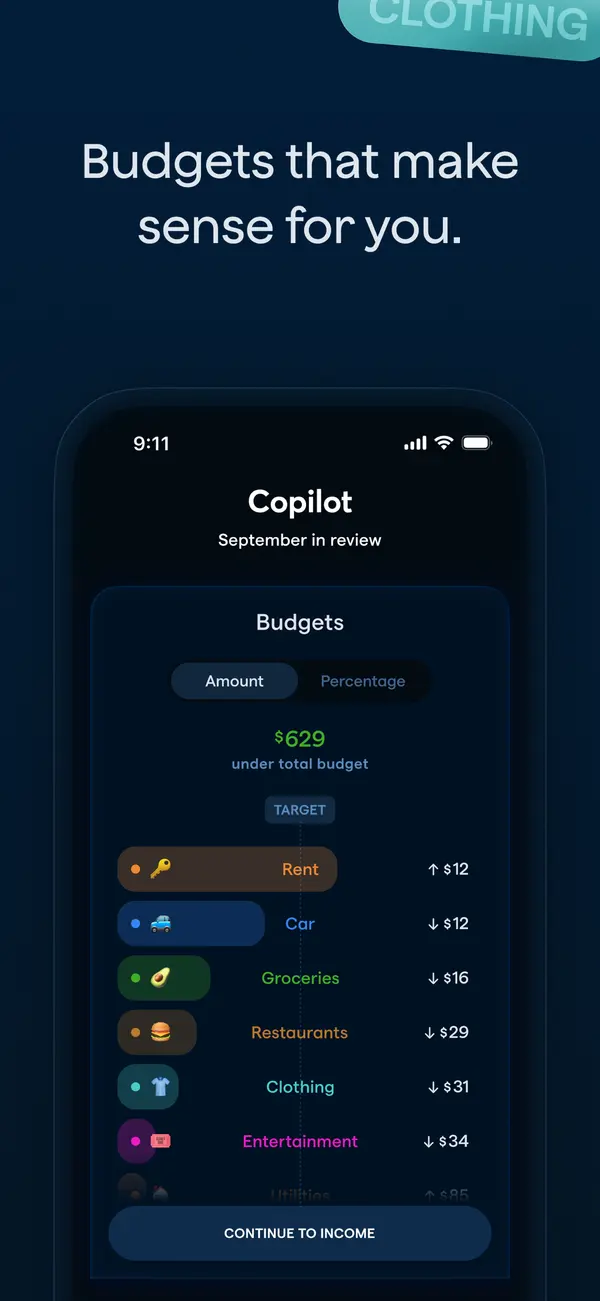
App Store marketing imageApp Store image with the headline "Budgets that make sense for you." showing a September in review screen with a Budgets list.App Store listing, as of 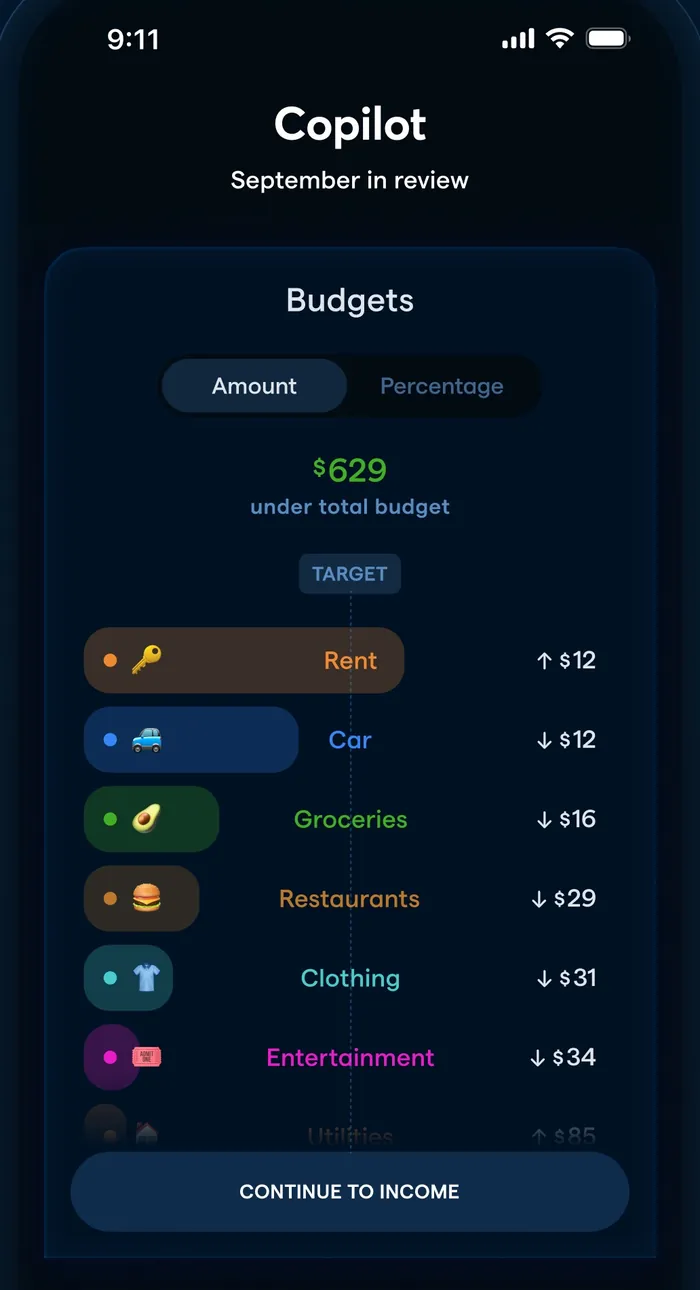
App Store marketing imageA September in review screen: $629 under total budget and categories like Rent, Car and Groceries with amounts over or under.App Store listing, as of 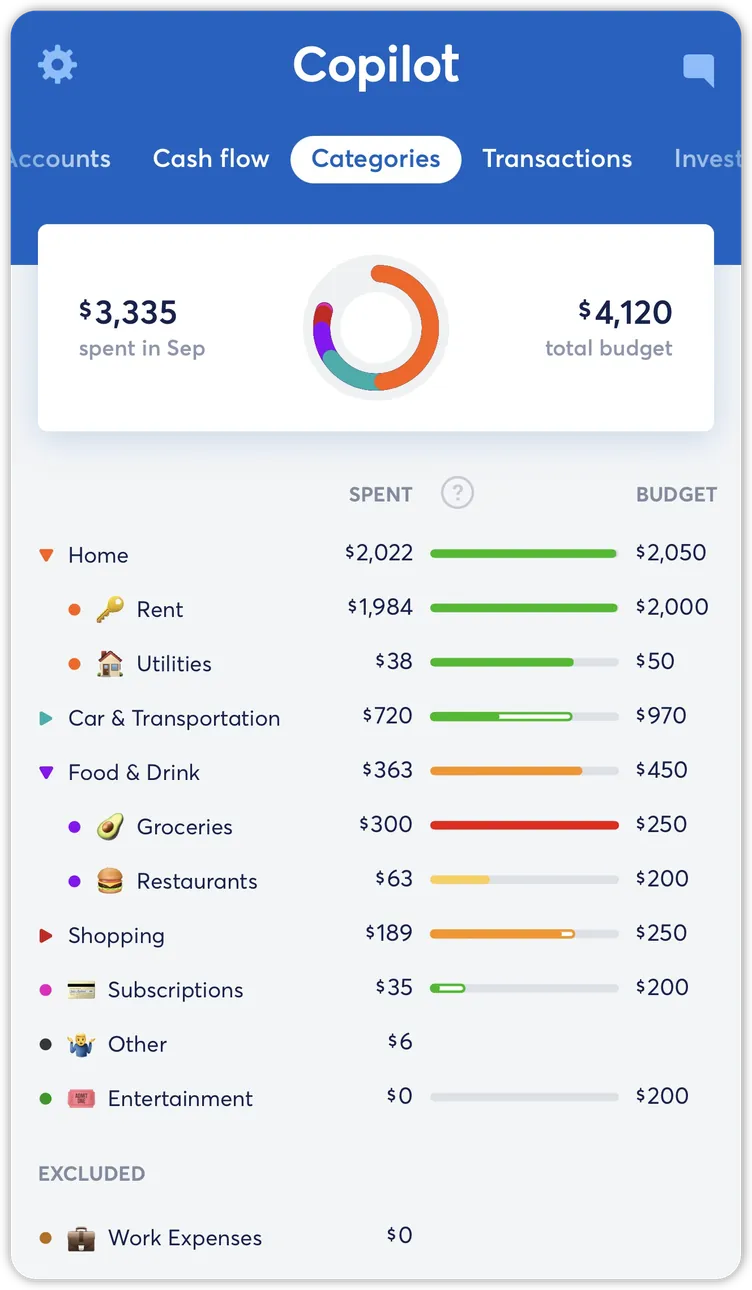
From Copilot Money's help centerThe Categories tab with spent and budget totals, a ring chart and category rows with budget bars.help.copilot.money, as of 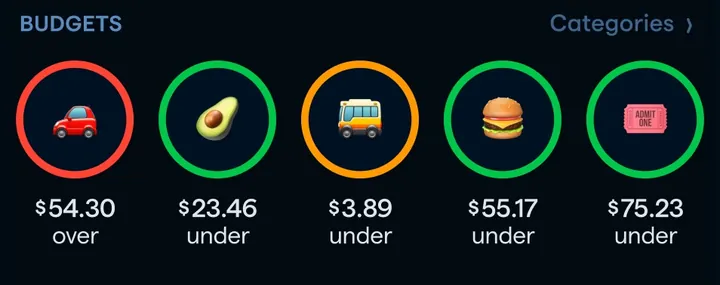
App Store marketing imageA row of five round category icons with amounts under or over budget.App Store listing, as of 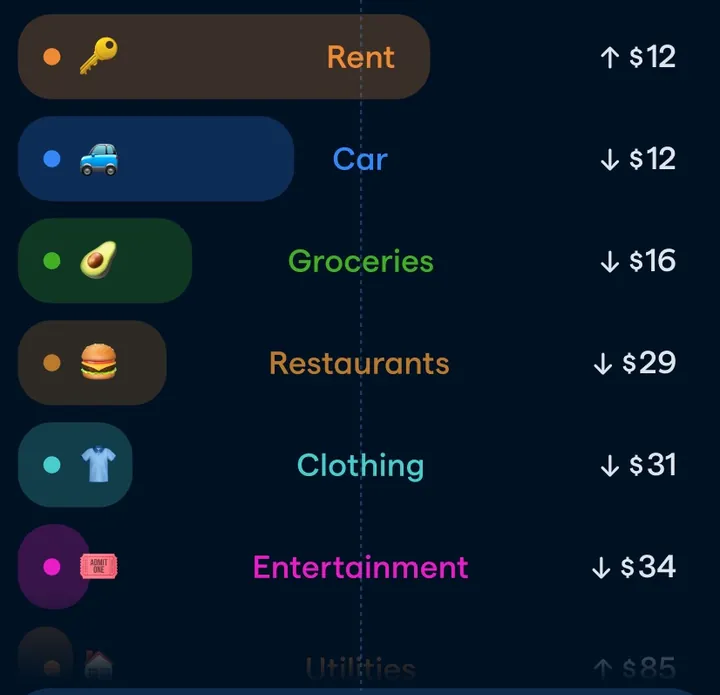
App Store marketing imageCategory pills such as Rent, Car, Groceries, Restaurants, Clothing and Entertainment with small up or down amounts.App Store listing, as of
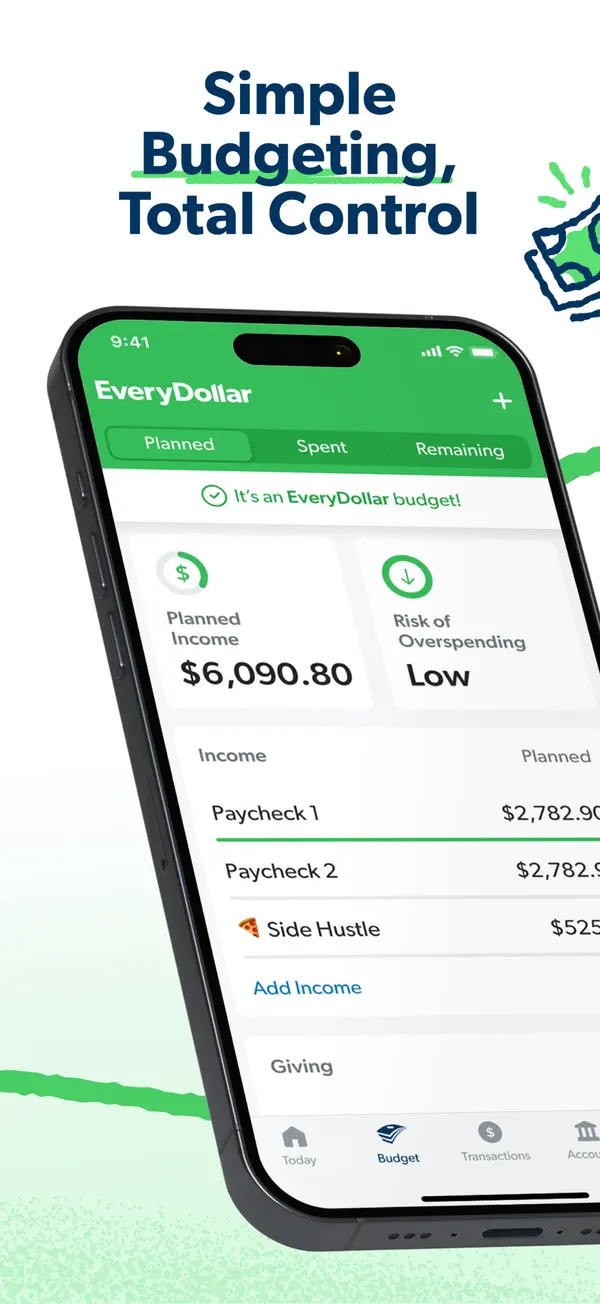
App Store marketing imageApp Store image with the headline "Simple Budgeting, Total Control" over a tilted phone showing the budget with Planned Income and Risk of Overspending.App Store listing, as of 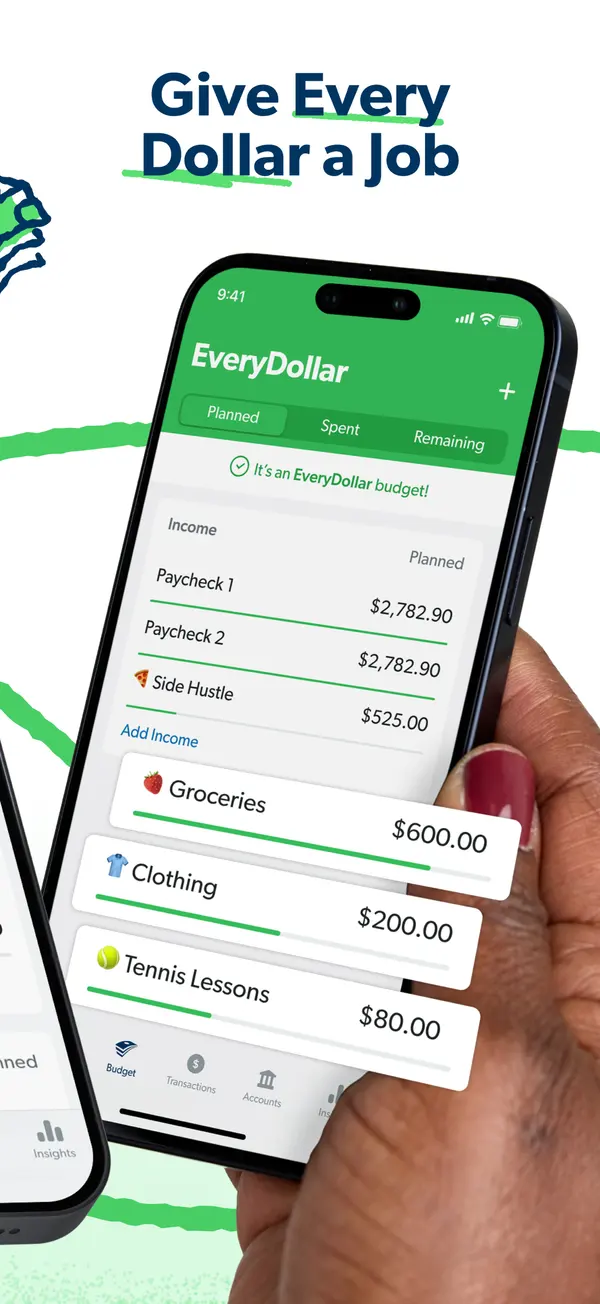
App Store marketing imageApp Store image with the headline "Give Every Dollar a Job" showing a hand holding a phone with income rows and budget items like Groceries and Clothing.App Store listing, as of 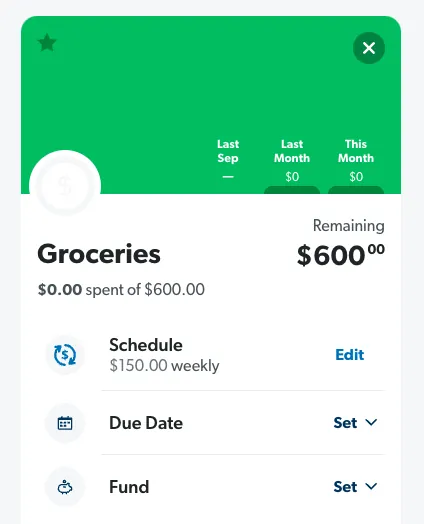
From EveryDollar's help centerA Groceries budget item with $600 remaining and Schedule, Due Date and Fund rows.everydollar.help.ramseysolutions.com, as of 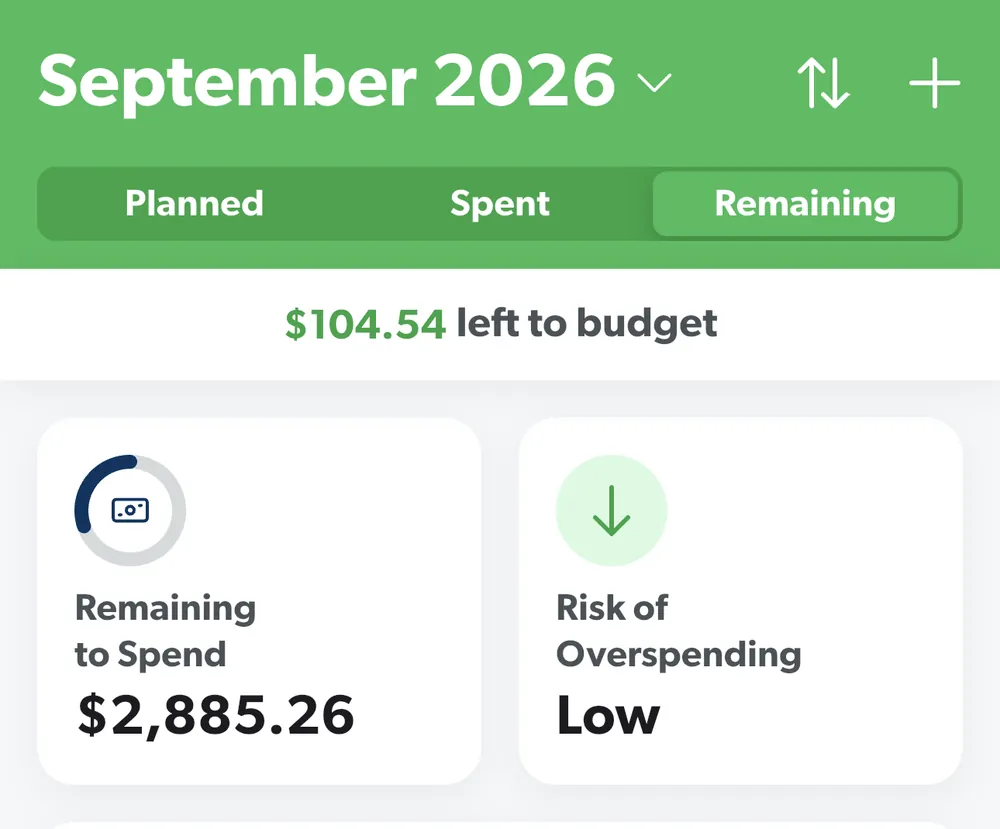
From EveryDollar's help centerThe budget header for September 2026 with Planned, Spent and Remaining tabs, $104.54 left to budget and two summary tiles.everydollar.help.ramseysolutions.com, as of 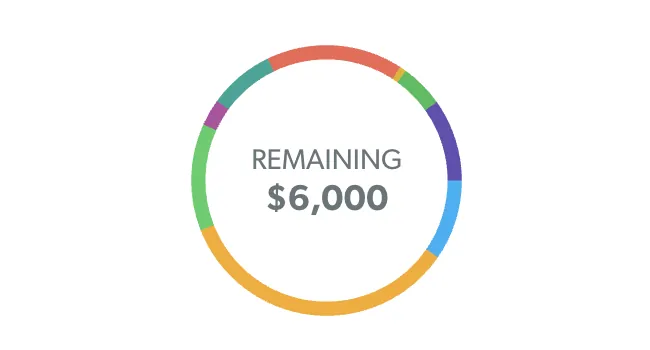
From EveryDollar's help centerA colored ring with $6,000 Remaining in the middle.everydollar.help.ramseysolutions.com, as of
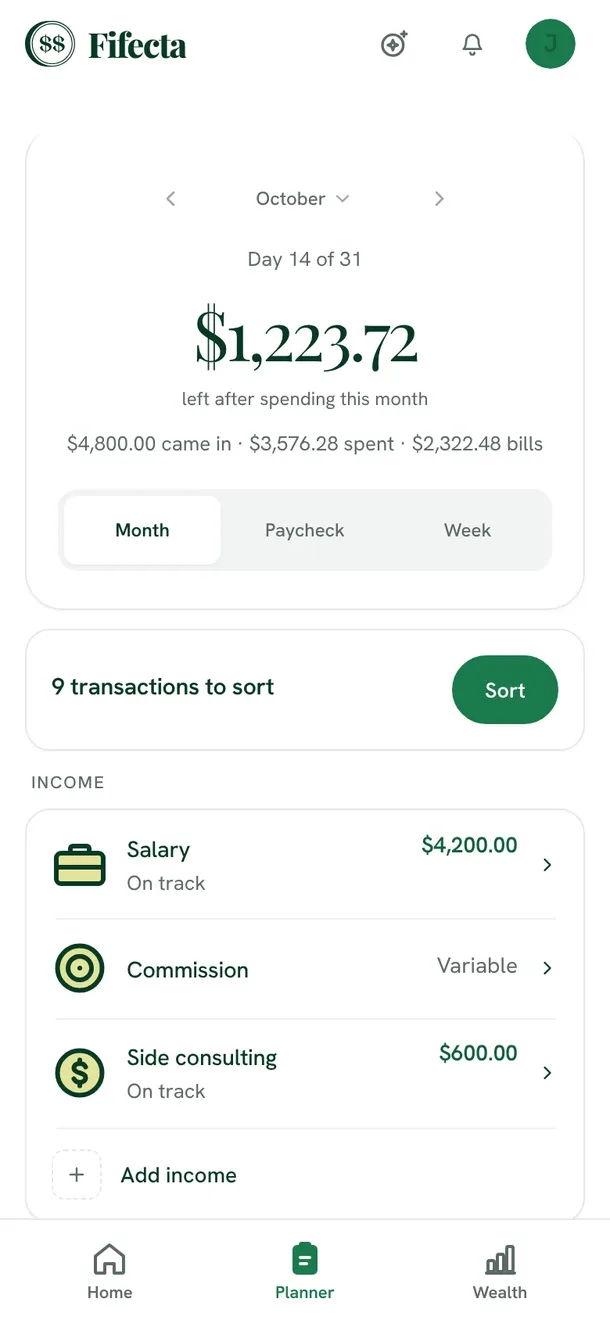
From Fifecta's websiteThe Fifecta Planner on a phone: October, Day 14 of 31, $1,223.72 left after spending this month, Month, Paycheck and Week views, 9 transactions to sort, and income lines for Salary, Commission and Side consulting.fifecta.pricelesstay.com, as of 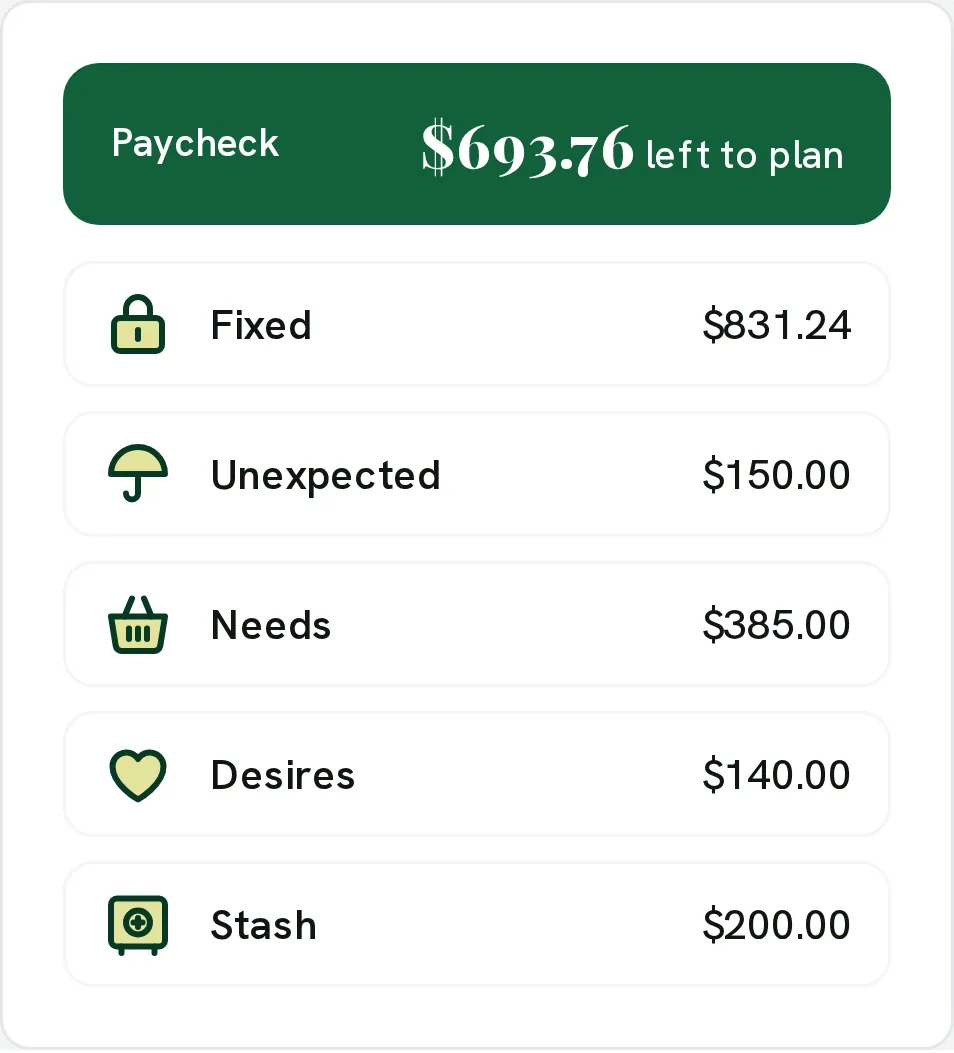
From Fifecta's websiteA paycheck plan: Paycheck $693.76 left to plan, with Fixed $831.24, Unexpected $150.00, Needs $385.00, Desires $140.00 and Stash $200.00.pricelesstay.com, as of 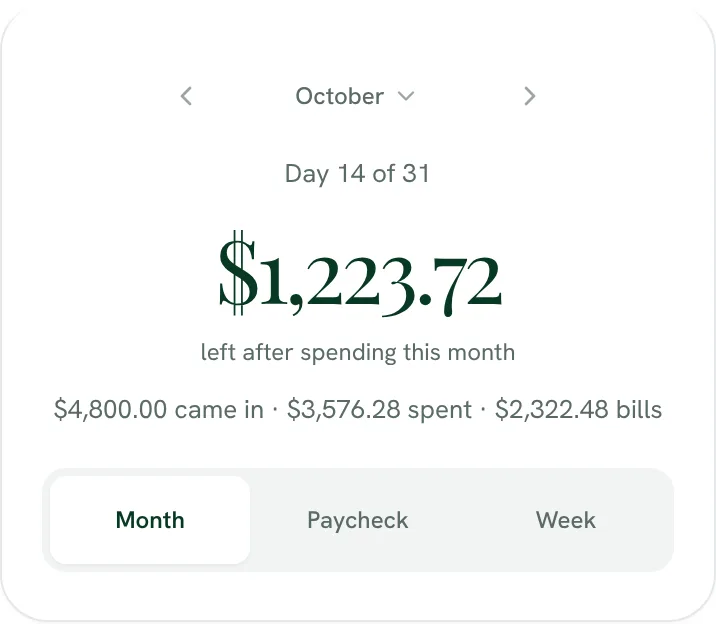
From Fifecta's websiteDay 14 of 31: $1,223.72 left after spending this month ($4,800.00 came in, $3,576.28 spent, $2,322.48 bills), with a Month, Paycheck and Week switch.fifecta.pricelesstay.com, as of 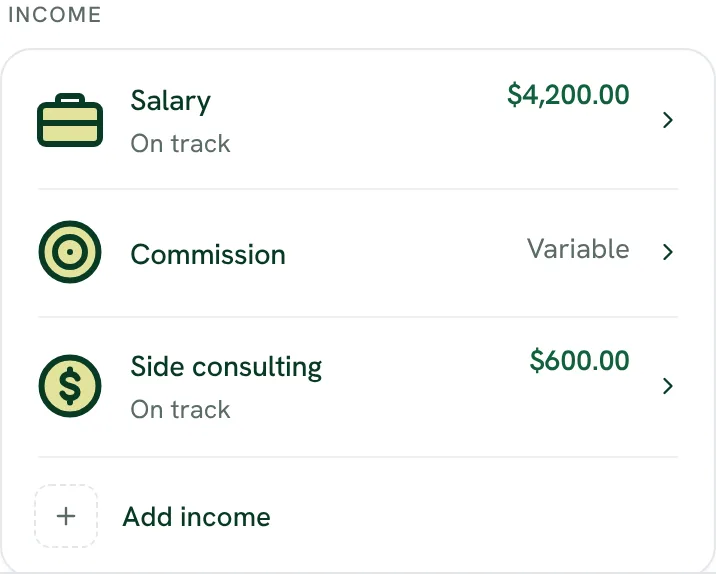
From Fifecta's websiteIncome: Salary $4,200.00 on track, Commission marked Variable, Side consulting $600.00 on track, and Add income.fifecta.pricelesstay.com, as of 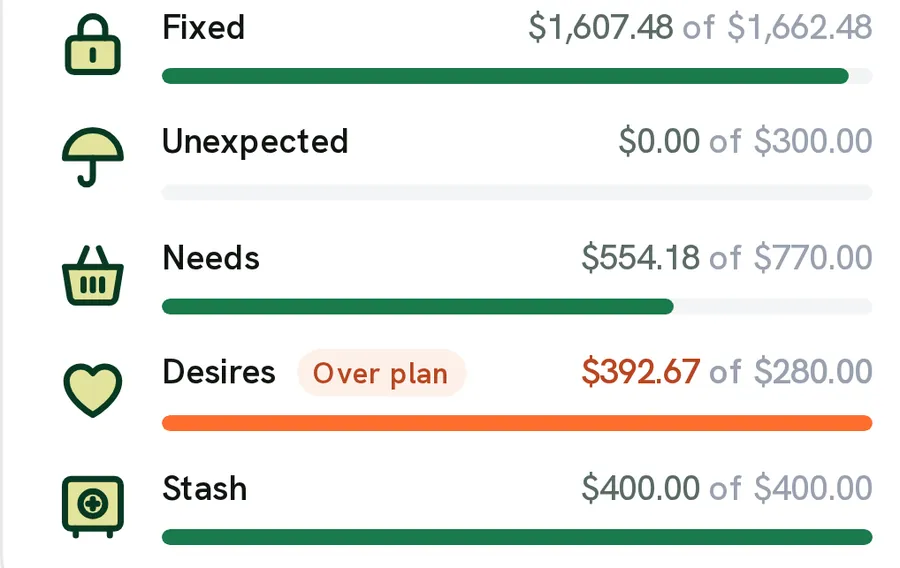
From Fifecta's websiteBucket bars: Fixed $1,607.48 of $1,662.48, Unexpected $0.00 of $300.00, Needs $554.18 of $770.00, Desires $392.67 of $280.00 marked Over plan, and Stash $400.00 of $400.00.pricelesstay.com, as of 
From Fifecta's websiteA green Paycheck bar reading $693.76 left to plan.pricelesstay.com, as of
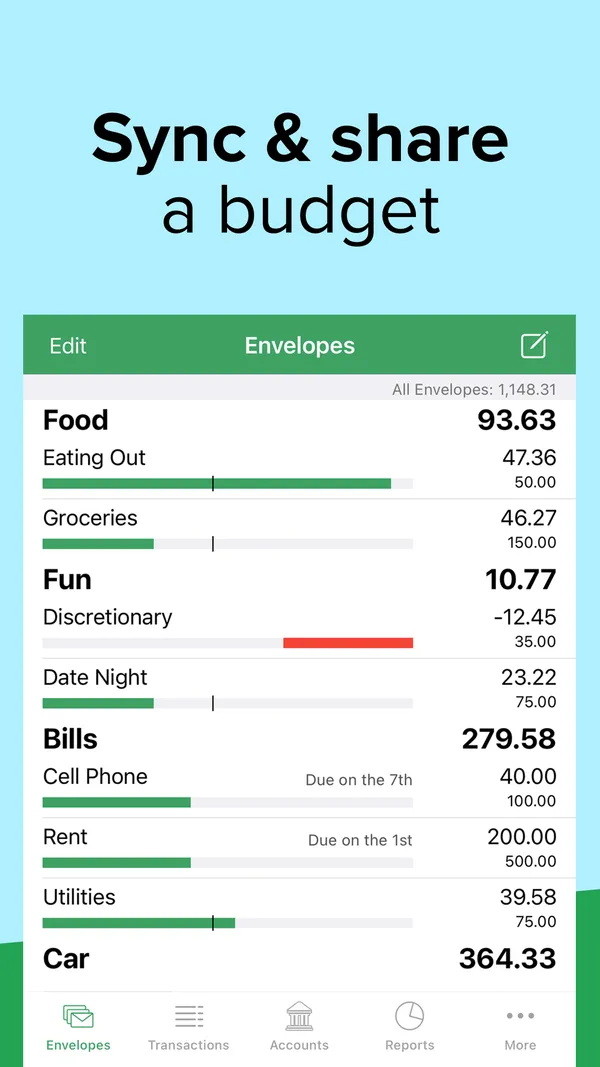
App Store marketing imageApp Store image with the headline "Sync & share a budget" showing the Envelopes screen with Food, Fun and Bills envelopes and progress bars.App Store listing, as of 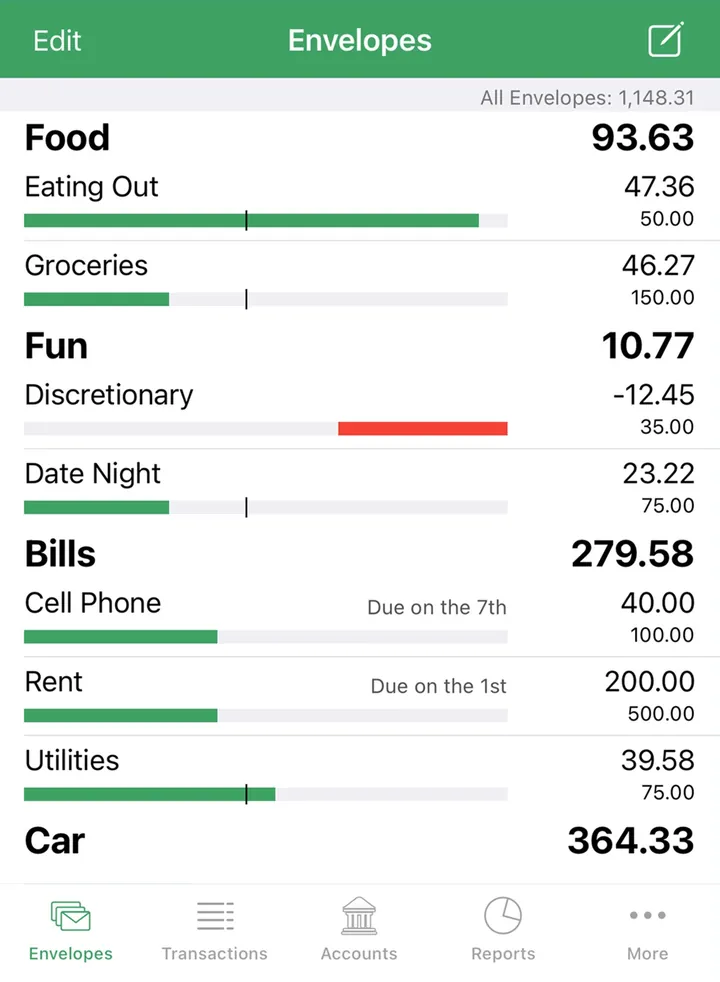
App Store marketing imageThe Envelopes screen with envelope groups, amounts left and bars, and a bottom tab bar.App Store listing, as of 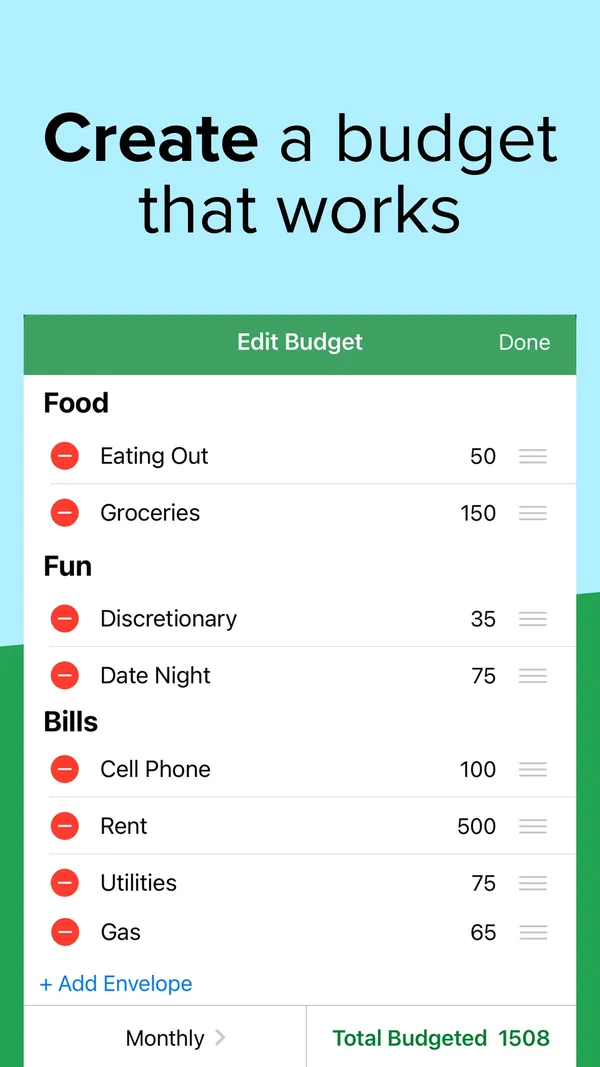
App Store marketing imageApp Store image with the headline "Create a budget that works" showing an Edit Budget screen.App Store listing, as of 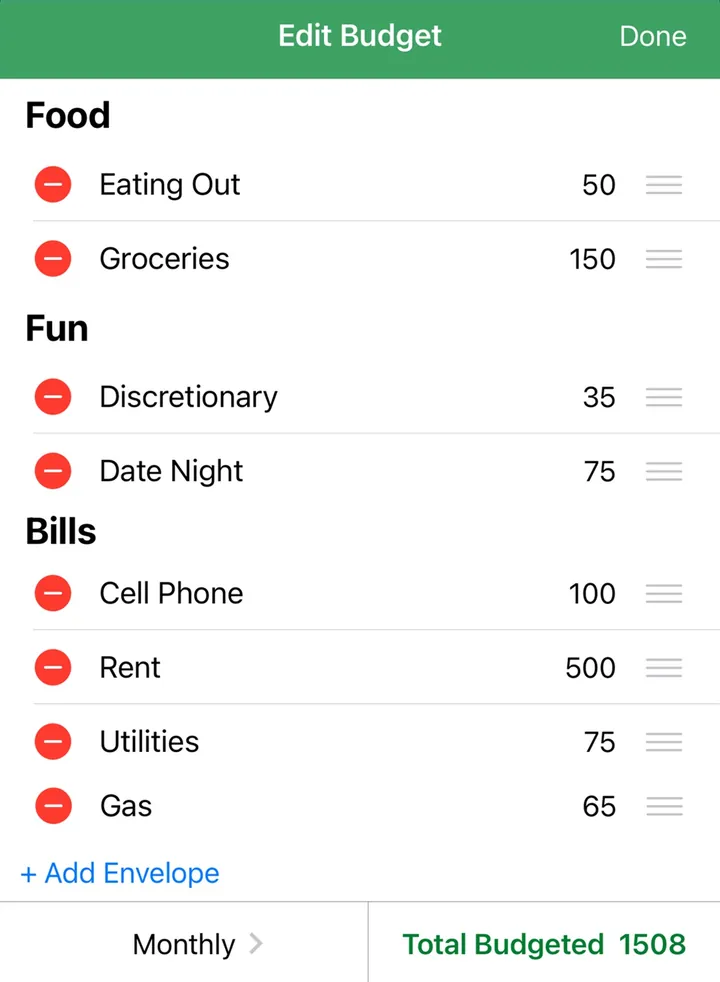
App Store marketing imageAn Edit Budget screen listing envelopes with amounts, an Add Envelope link and Total Budgeted 1508.App Store listing, as of 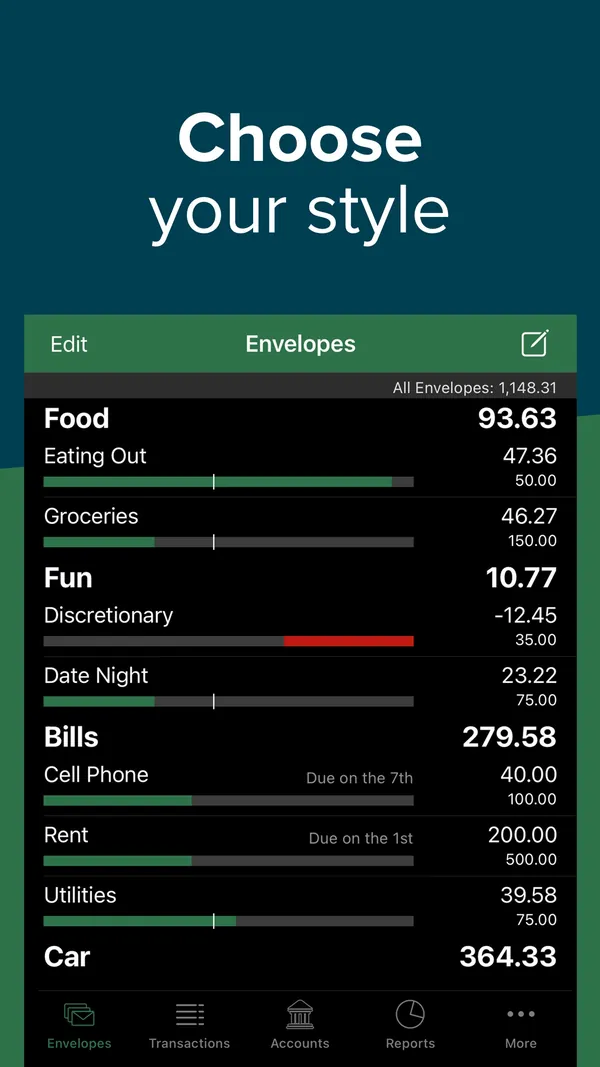
App Store marketing imageApp Store image with the headline "Choose your style" showing the Envelopes screen in dark mode.App Store listing, as of 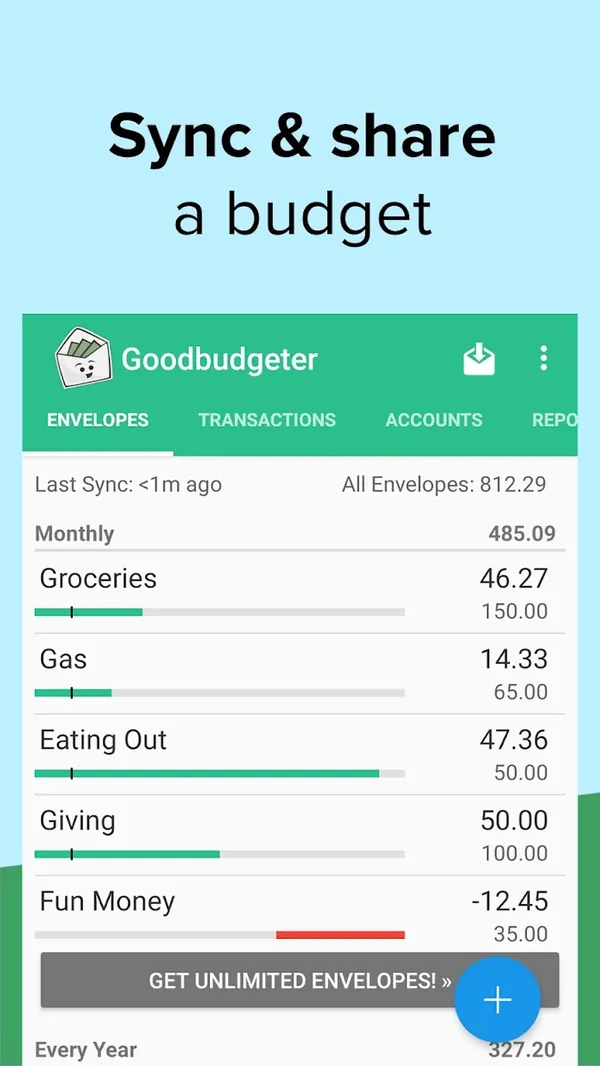
Google Play marketing imageGoogle Play image with the headline "Sync & share a budget" showing the Android Envelopes screen.Google Play listing, as of 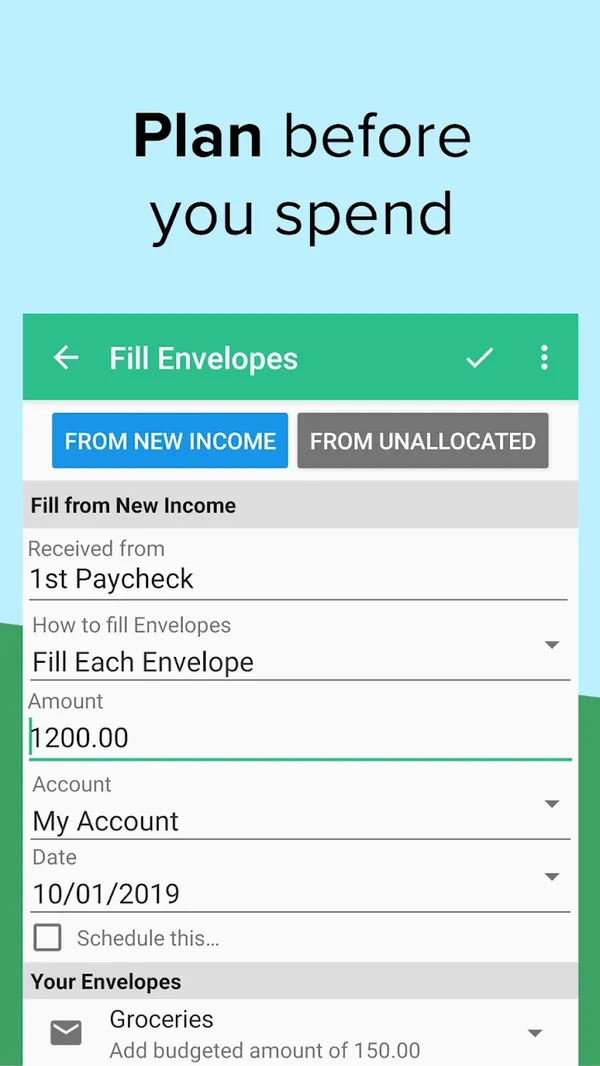
Google Play marketing imageGoogle Play image with the headline "Plan before you spend" showing the Android Fill Envelopes screen.Google Play listing, as of
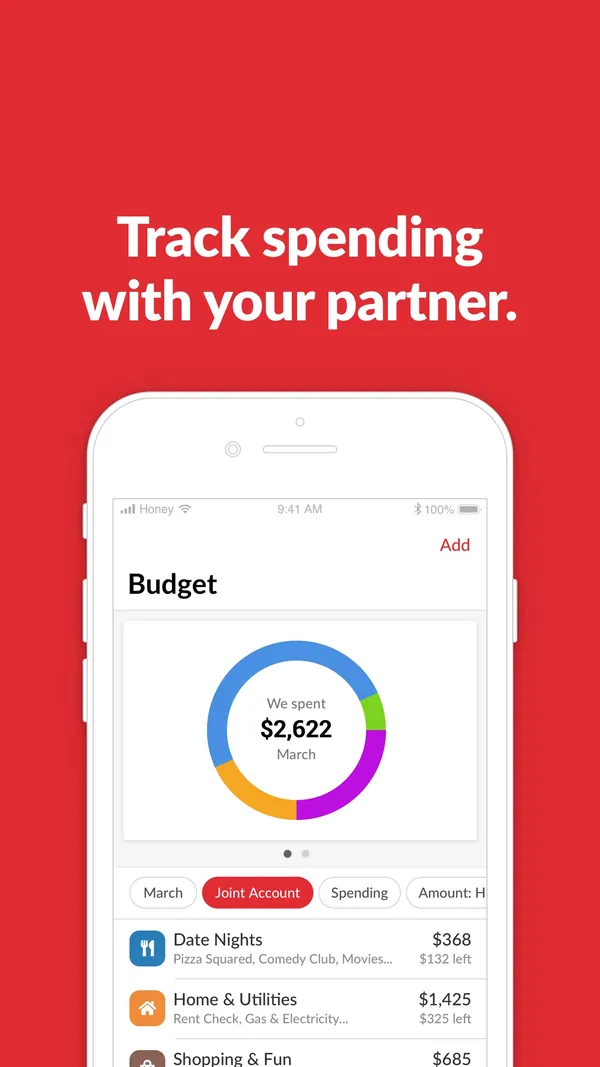
App Store marketing imageApp Store image with the headline "Track spending with your partner." showing a Budget screen.App Store listing, as of 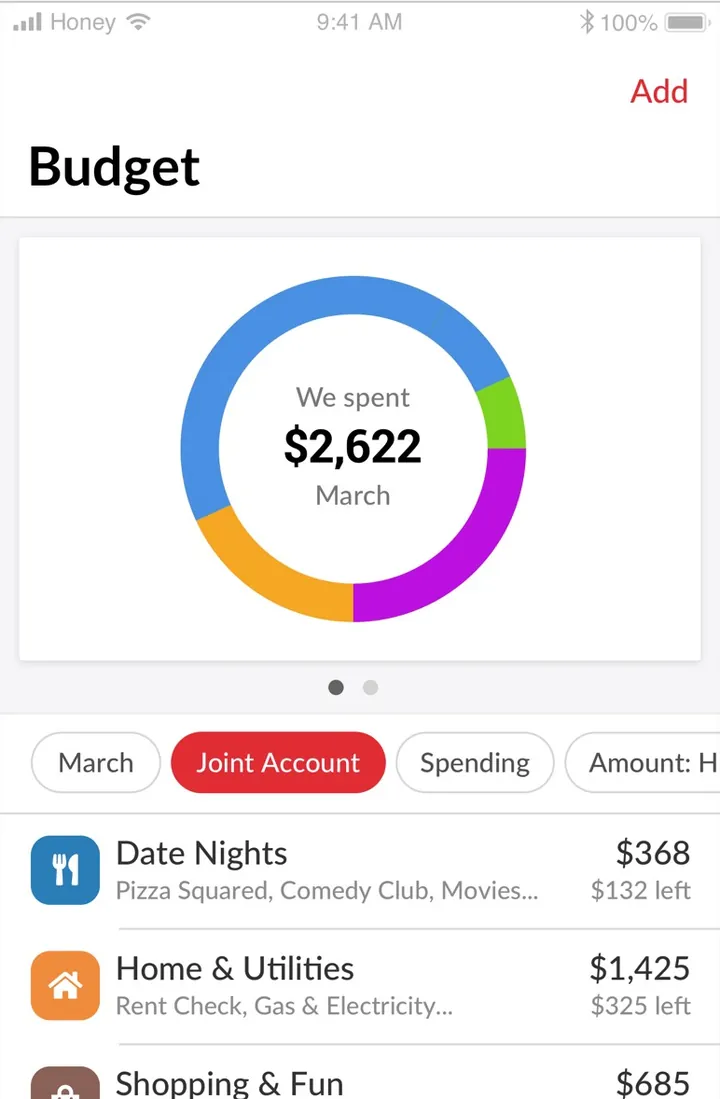
App Store marketing imageThe Budget screen: a ring chart with $2,622 spent in March, filter chips including Joint Account, and category rows like Date Nights and Home & Utilities with amounts left.App Store listing, as of
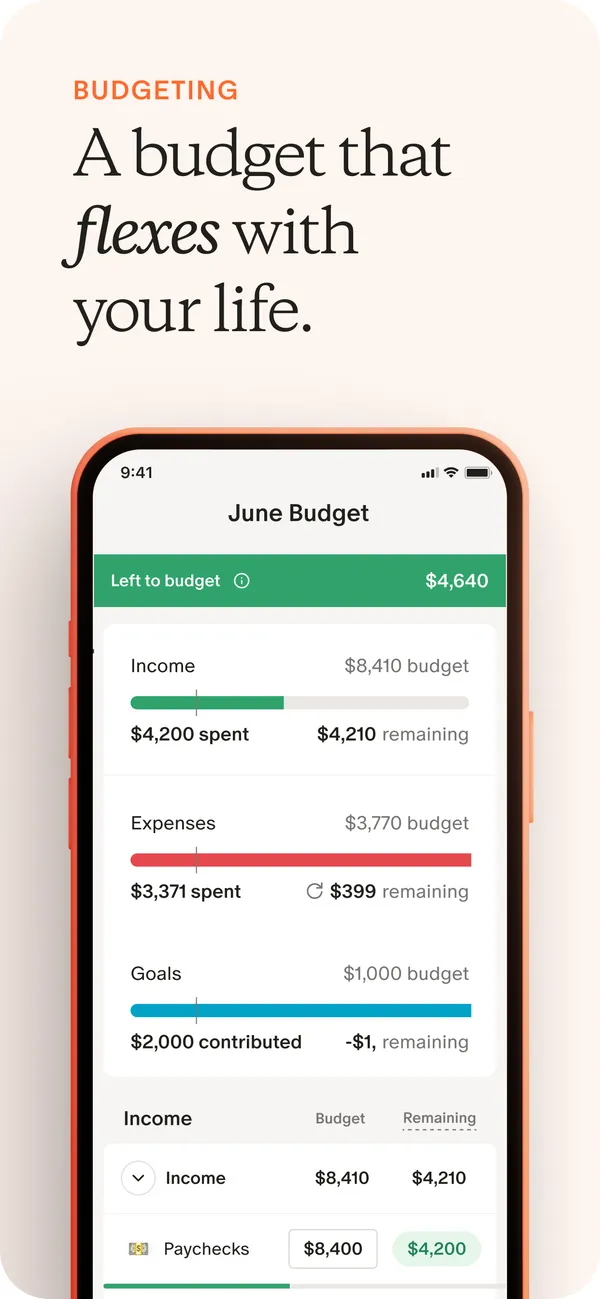
App Store marketing imageApp Store image with the headline "A budget that flexes with your life" showing the June Budget screen.App Store listing, as of 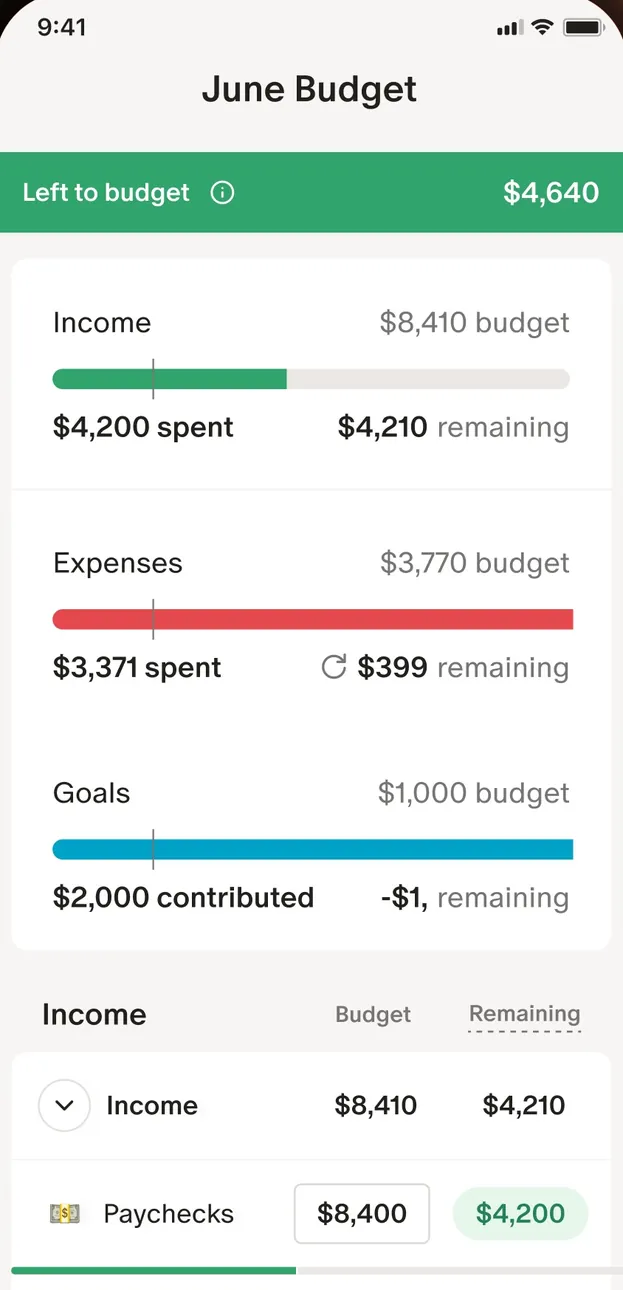
App Store marketing imageThe June Budget screen: $4,640 left to budget, then Income, Expenses and Goals bars and an Income table.App Store listing, as of 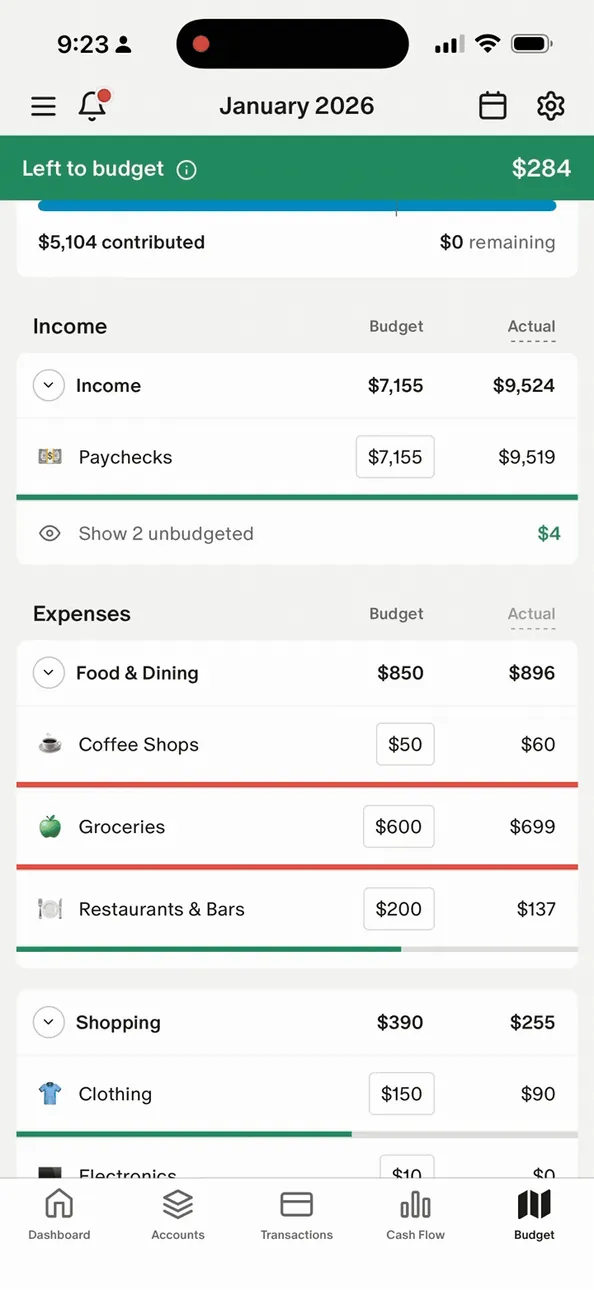
From Monarch Money's help centerThe mobile January 2026 budget with Left to budget at the top and Income and Expenses tables.help.monarch.com, as of 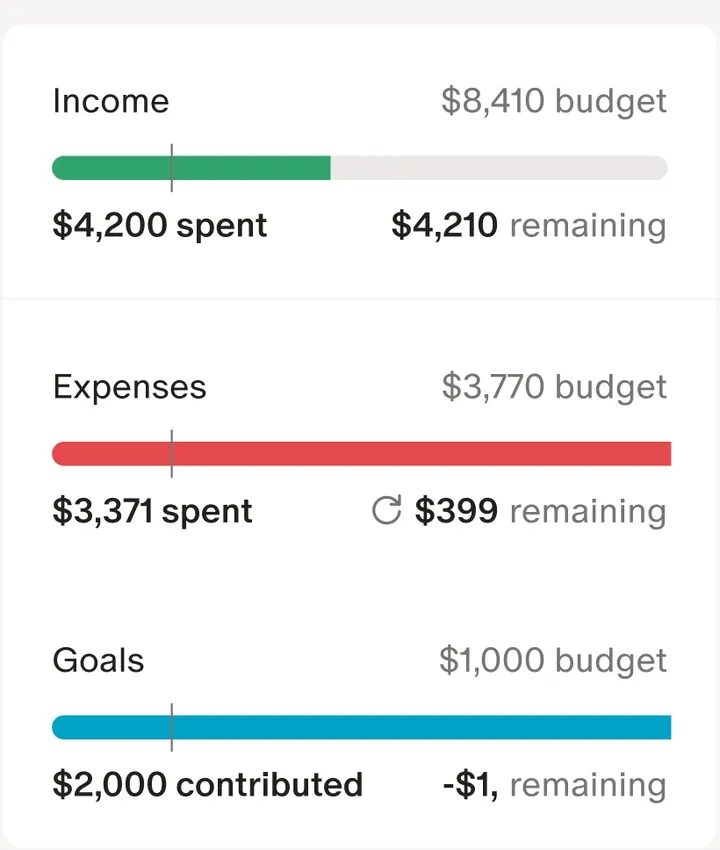
App Store marketing imageThree budget bars for Income, Expenses and Goals, each with spent or contributed and remaining amounts.App Store listing, as of 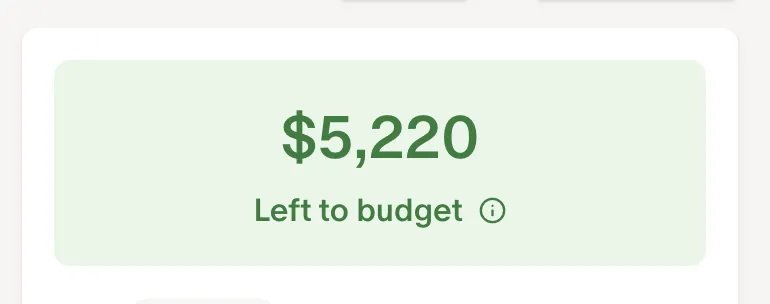
From Monarch Money's help centerA green card reading $5,220 Left to budget.help.monarch.com, as of 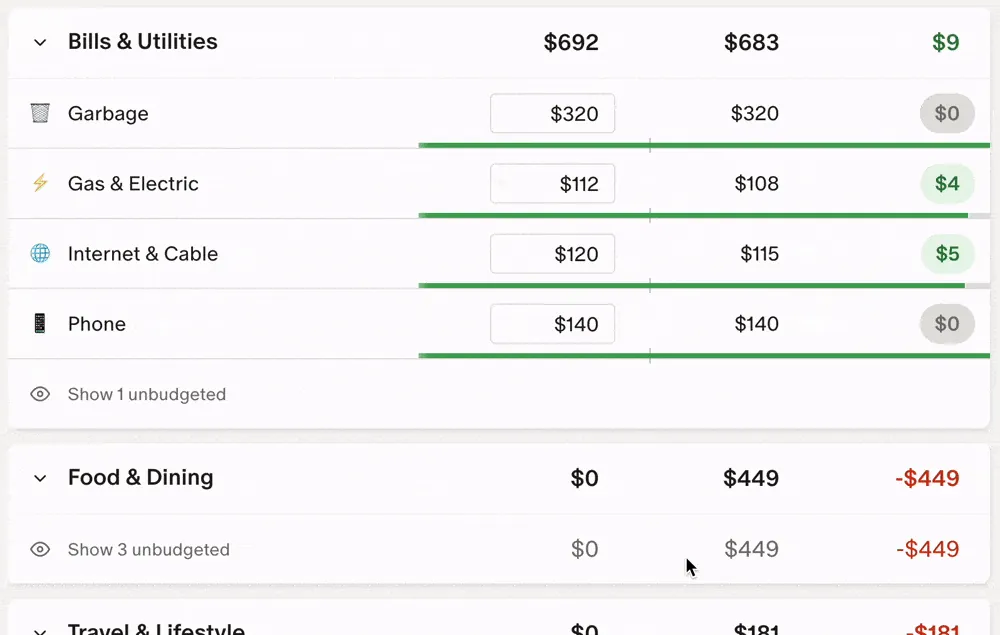
From Monarch Money's help centerBudget rows under Bills & Utilities and Food & Dining with budget, actual and remaining columns and progress bars.help.monarch.com, as of
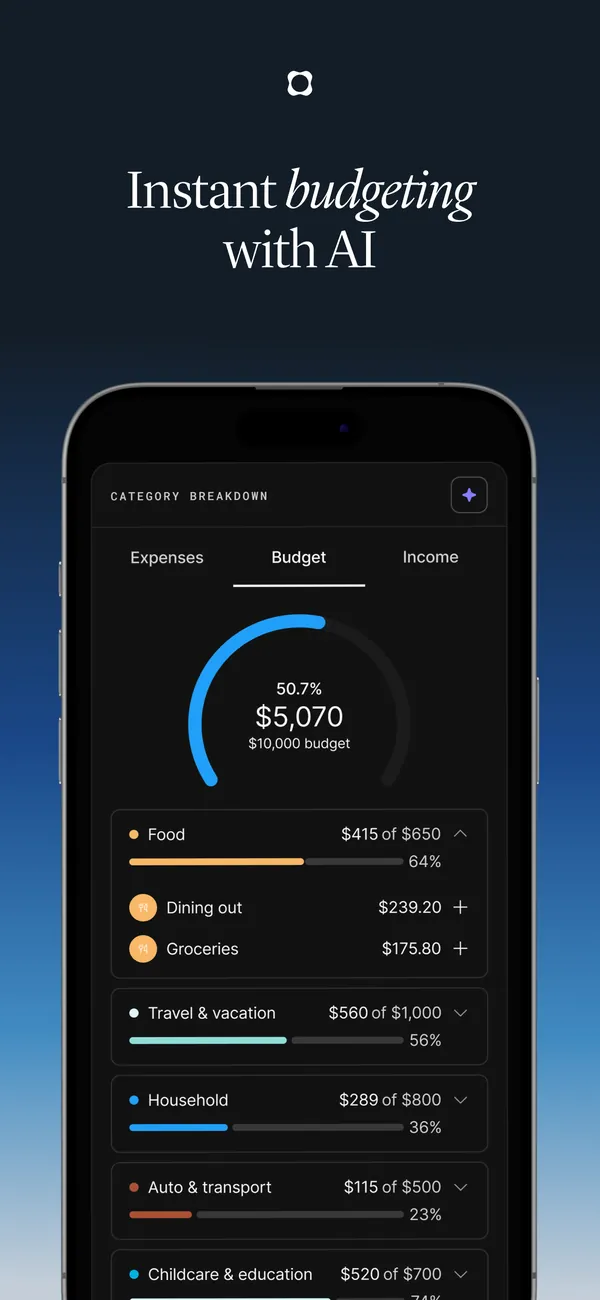
App Store marketing imageApp Store image with the headline "Instant budgeting with AI" showing a category breakdown budget.App Store listing, as of 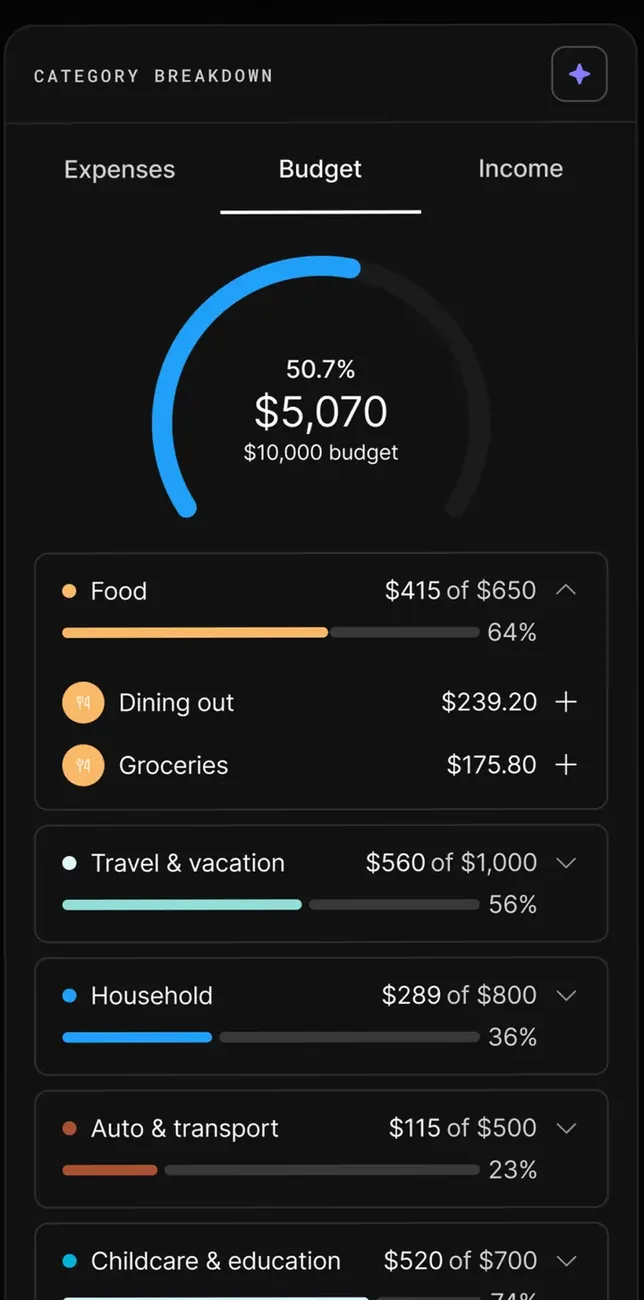
App Store marketing imageThe Category breakdown on the Budget tab: $5,070 of a $10,000 budget on a ring, then Food, Travel & vacation, Household, Auto & transport and Childcare & education rows with progress bars.App Store listing, as of
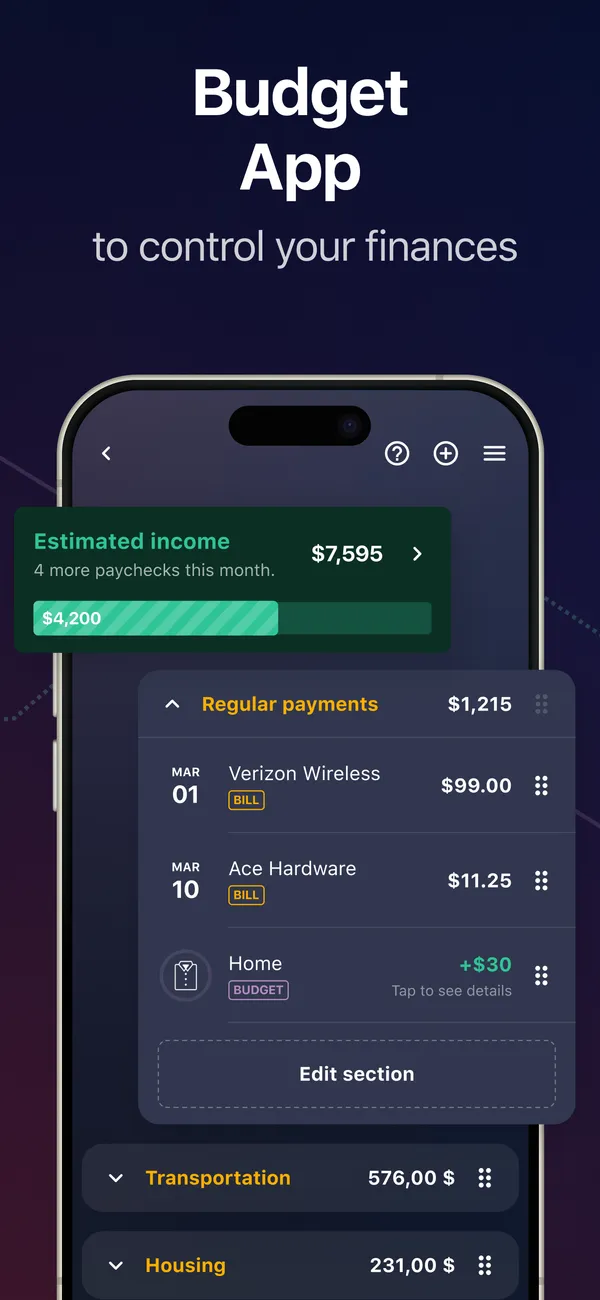
App Store marketing imageApp Store image with the headline "Budget App to control your finances" showing estimated income and Regular payments.App Store listing, as of 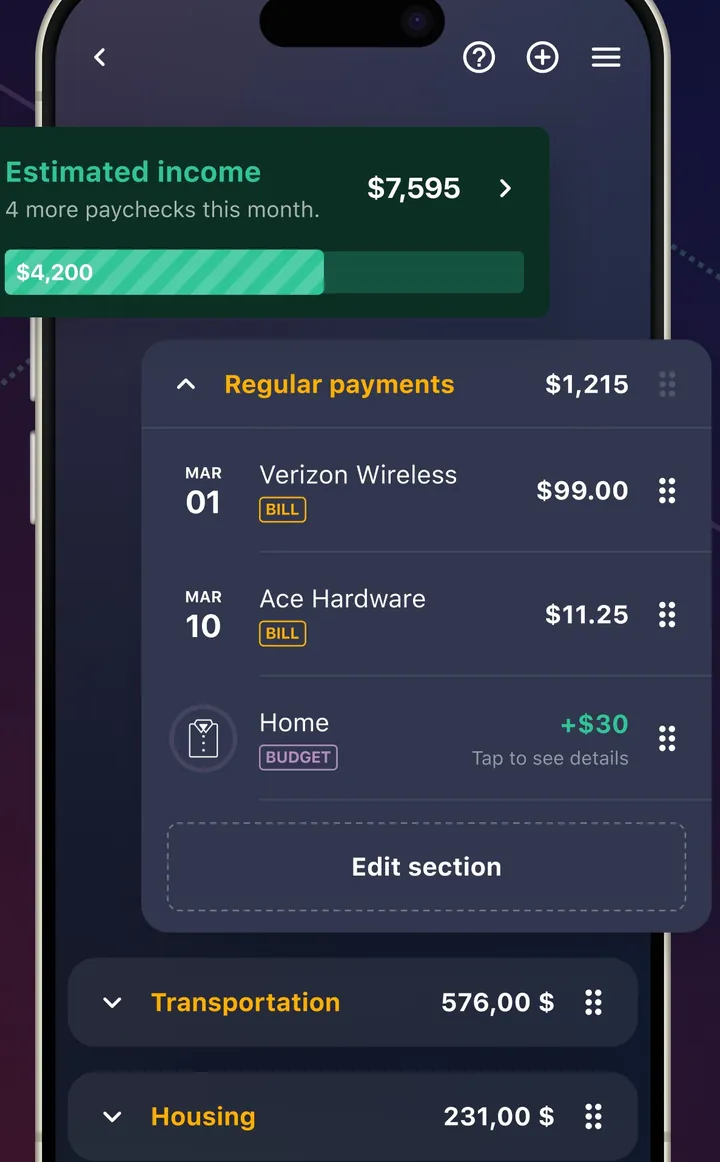
App Store marketing imageA plan screen with Estimated income and a Regular payments section listing bills with dates and amounts.App Store listing, as of 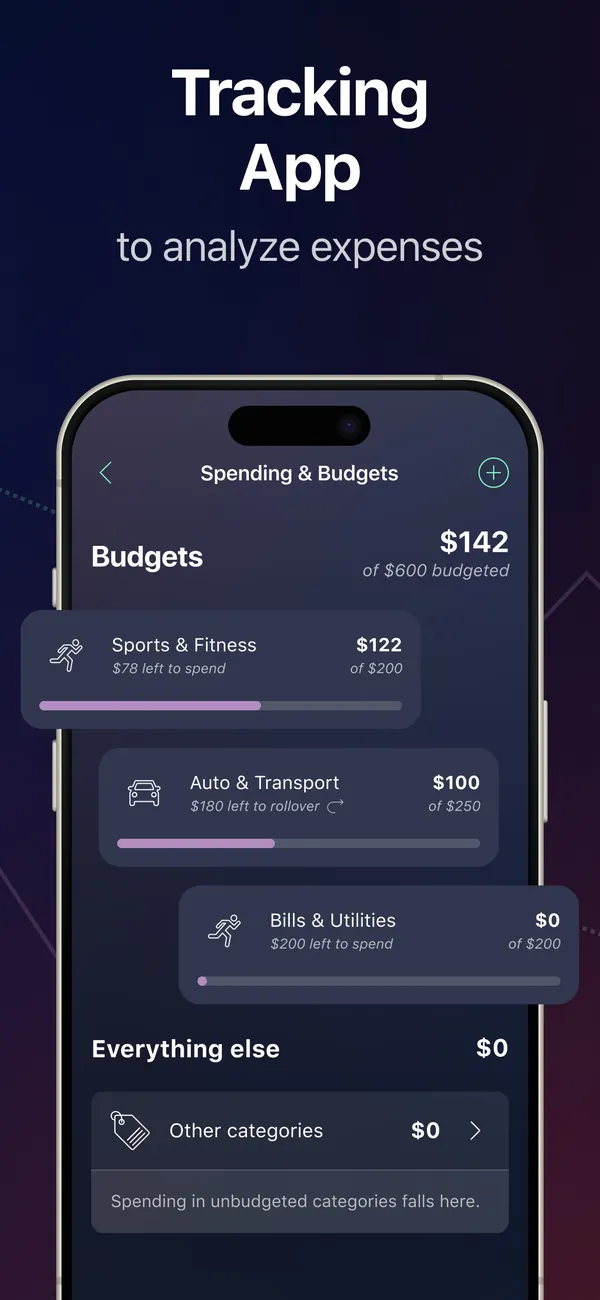
App Store marketing imageApp Store image with the headline "Tracking App to analyze expenses" showing a Spending & Budgets screen.App Store listing, as of 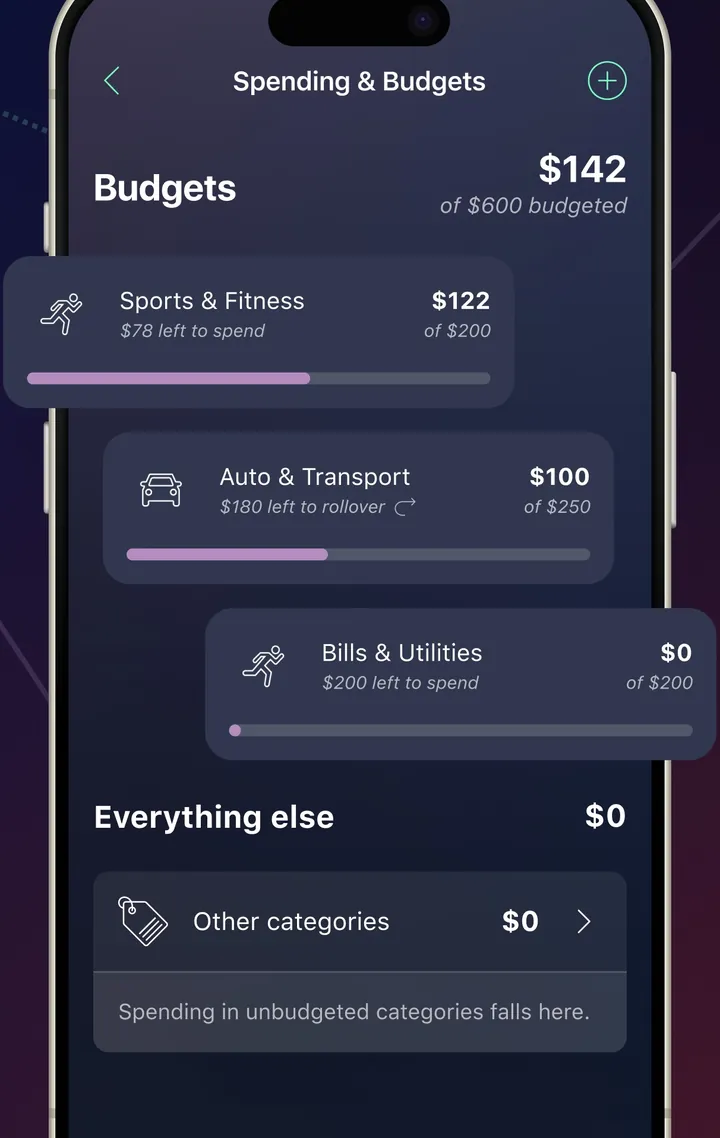
App Store marketing imageA Spending & Budgets screen with category budgets and amounts left to spend.App Store listing, as of 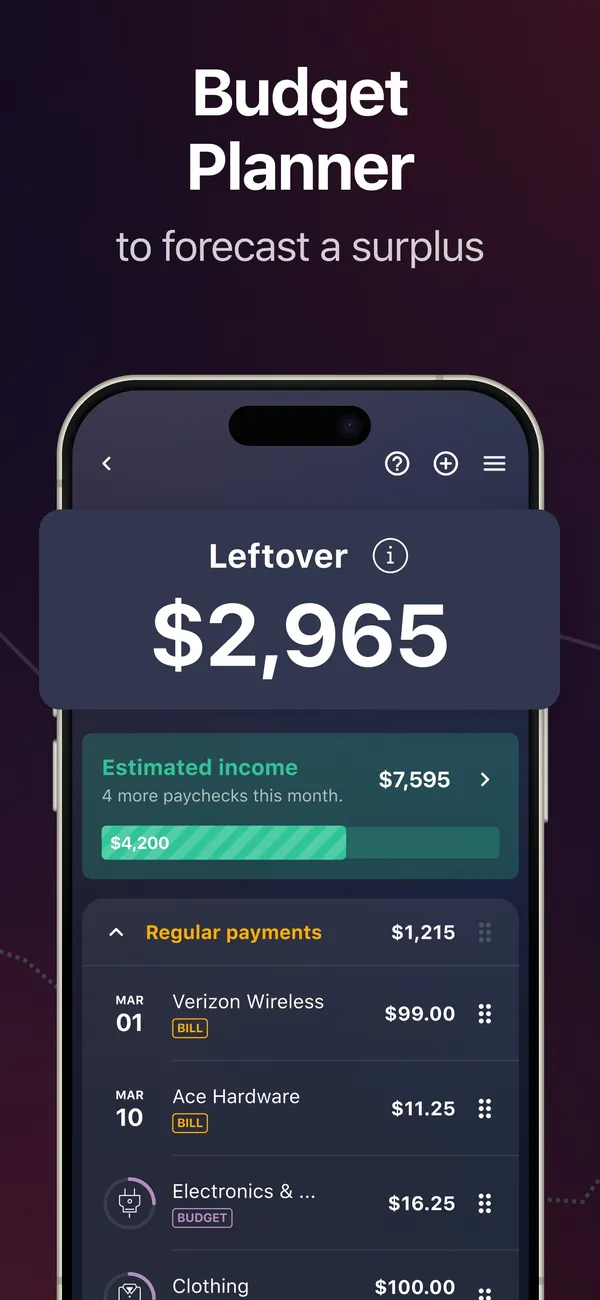
App Store marketing imageApp Store image with the headline "Budget Planner to forecast a surplus" showing a Leftover of $2,965.App Store listing, as of 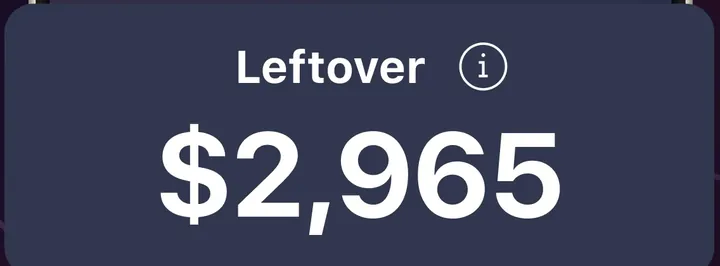
App Store marketing imageA Leftover card showing $2,965.App Store listing, as of
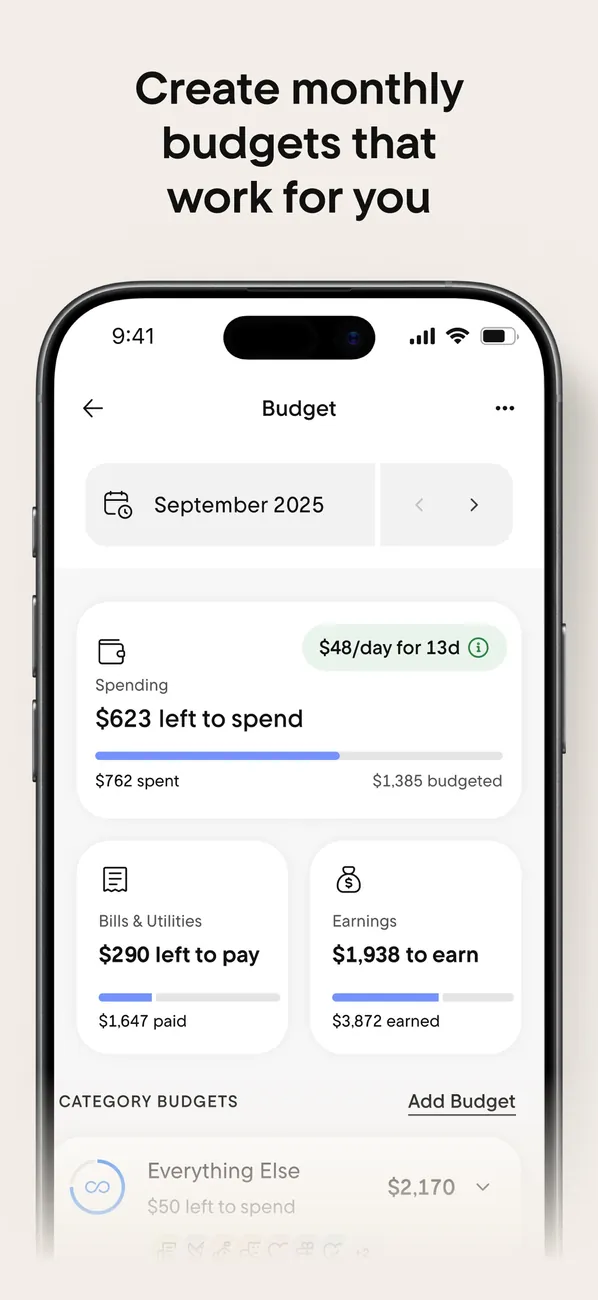
App Store marketing imageApp Store image with the headline "Create monthly budgets that work for you" showing the Budget screen for September 2025.App Store listing, as of 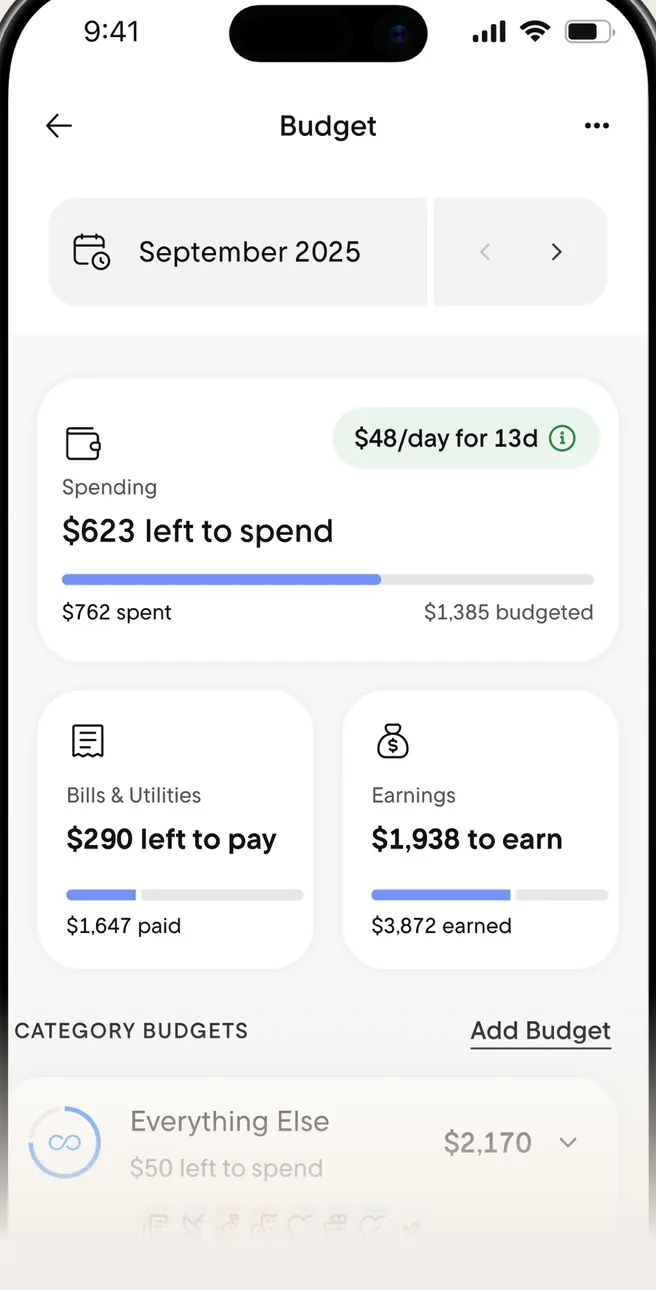
App Store marketing imageThe Budget screen: $623 left to spend, Bills & Utilities and Earnings cards, and Category Budgets.App Store listing, as of 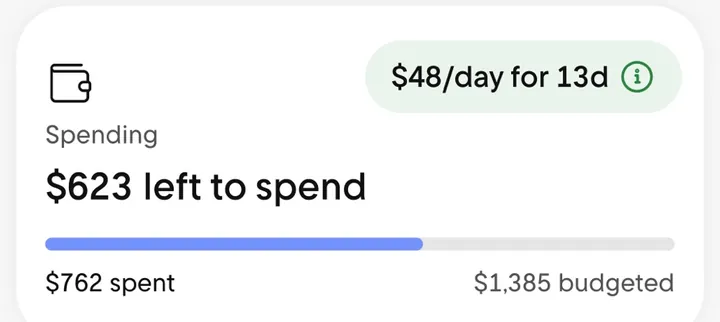
App Store marketing imageA Spending card reading $623 left to spend with a progress bar and a $48/day for 13d note.App Store listing, as of
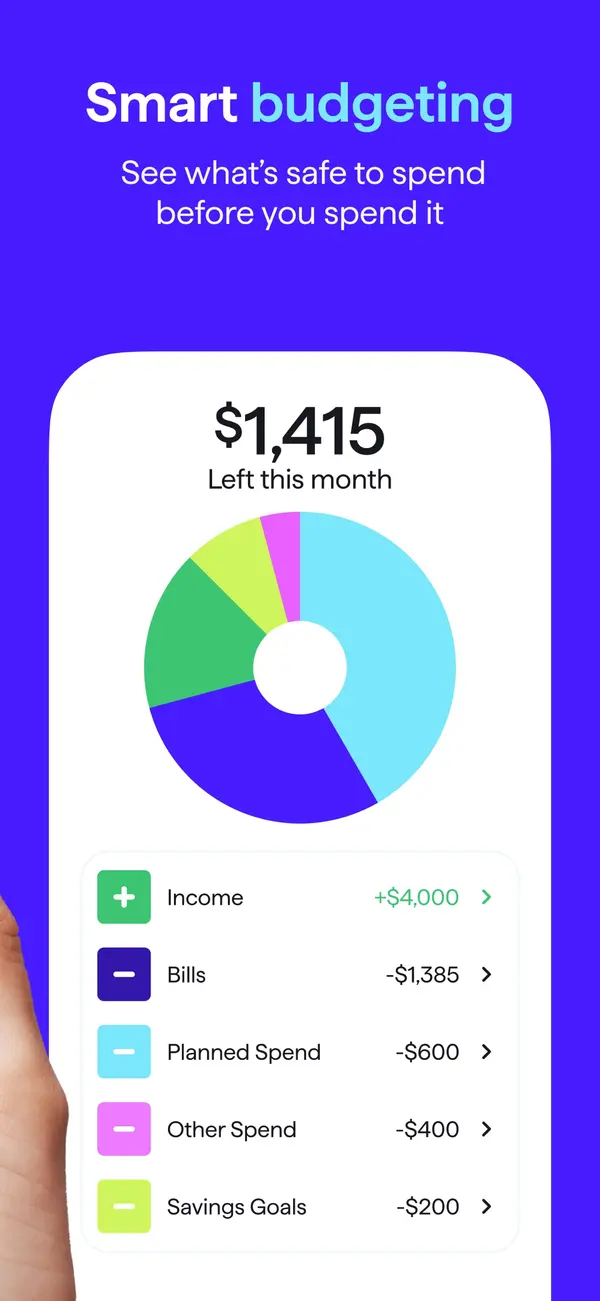
App Store marketing imageApp Store image with the headline "Smart budgeting" showing $1,415 left this month with a donut chart and spending plan rows.App Store listing, as of 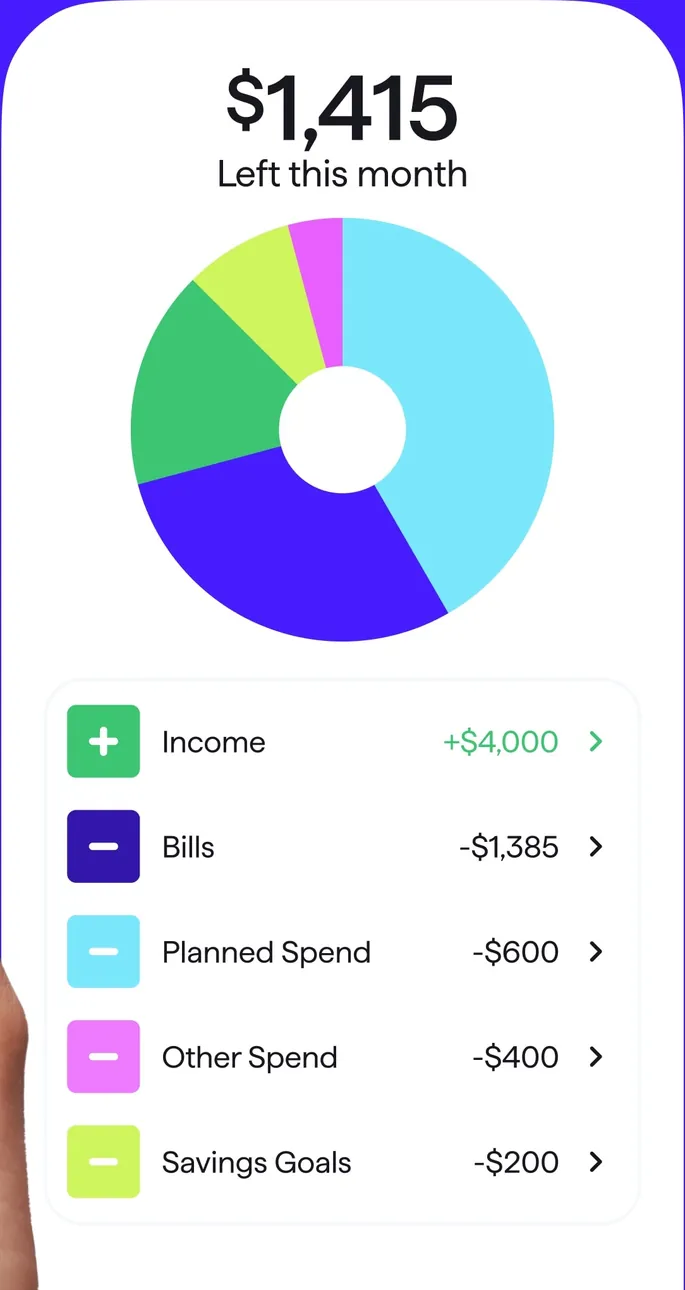
App Store marketing imageA spending plan card: $1,415 left this month, a donut chart, and Income, Bills, Planned Spend, Other Spend and Savings Goals rows.App Store listing, as of 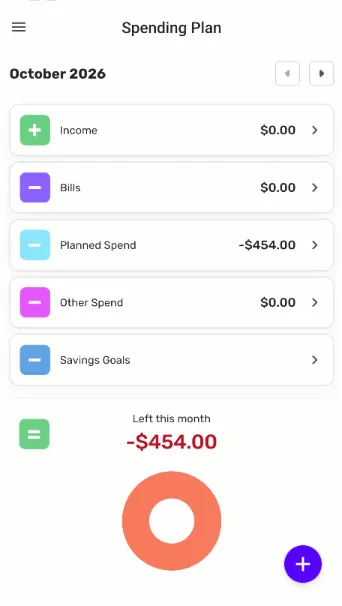
From Simplifi's help centerThe mobile Spending Plan for October 2026 with Income, Bills, Planned Spend, Other Spend and Savings Goals rows and a Left this month ring.support.simplifi.quicken.com, as of 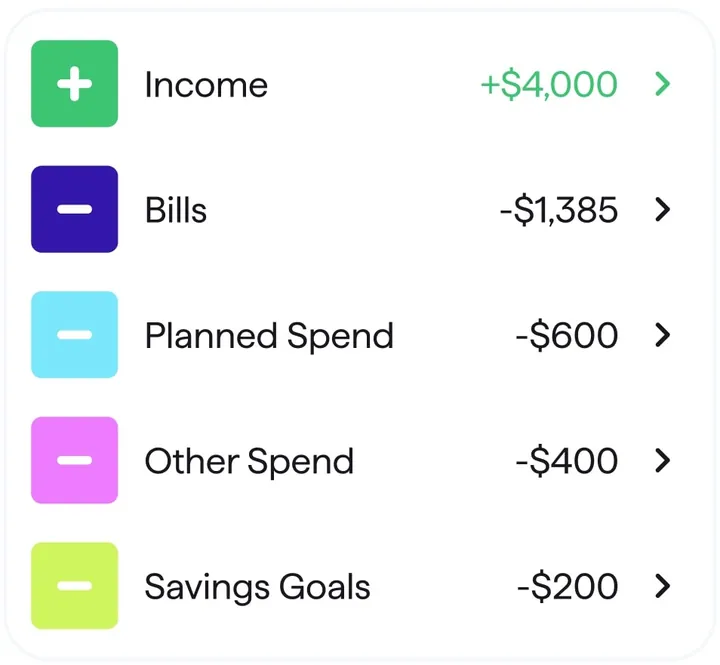
App Store marketing imageSpending plan rows for Income, Bills, Planned Spend, Other Spend and Savings Goals with amounts.App Store listing, as of 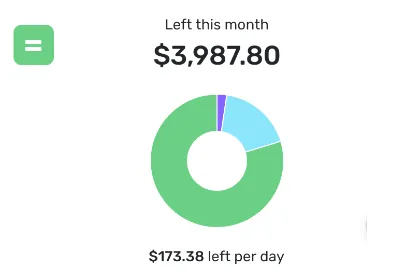
From Simplifi's help centerA Left this month card showing $3,987.80 with a ring chart and $173.38 left per day.support.simplifi.quicken.com, as of
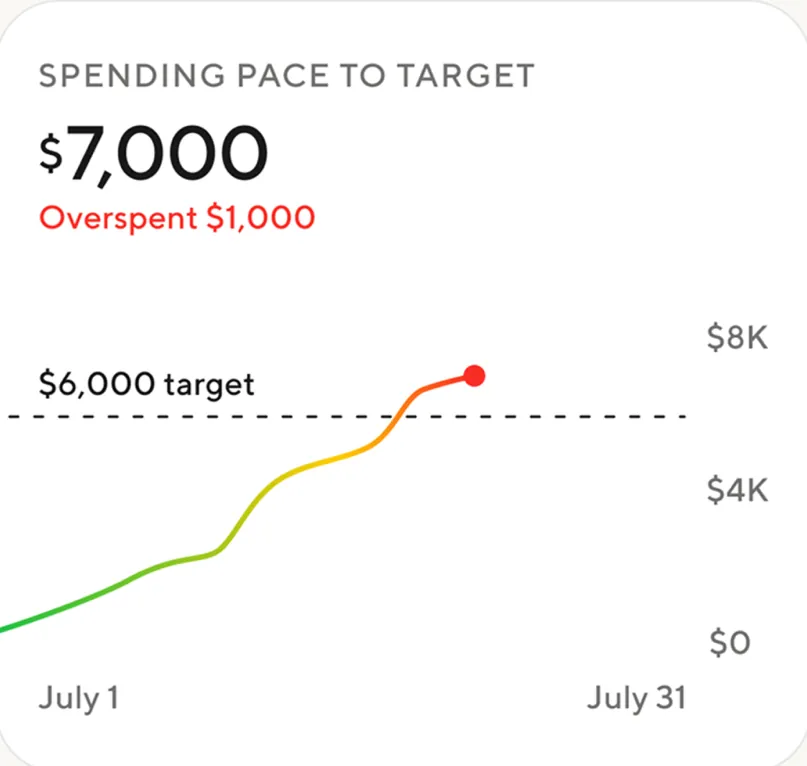
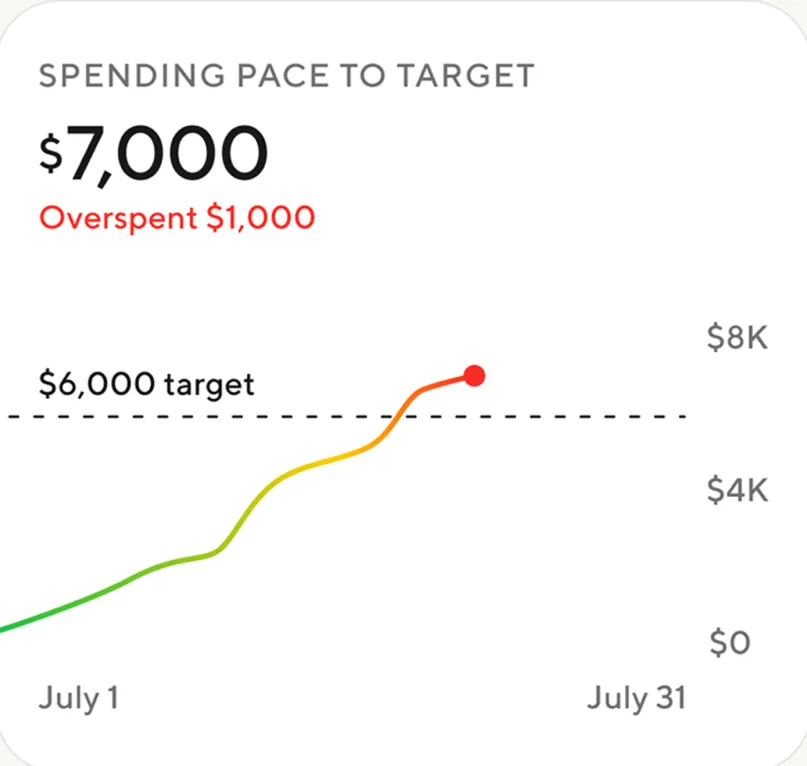
App Store marketing imageSpending pace to target: $7,000, overspent $1,000, with a line crossing a dashed $6,000 target from July 1 to July 31.App Store listing, as of
App Store marketing imageSpending pace to target: $7,000, overspent $1,000, with a line crossing a dashed $6,000 target from July 1 to July 31.App Store listing, as of
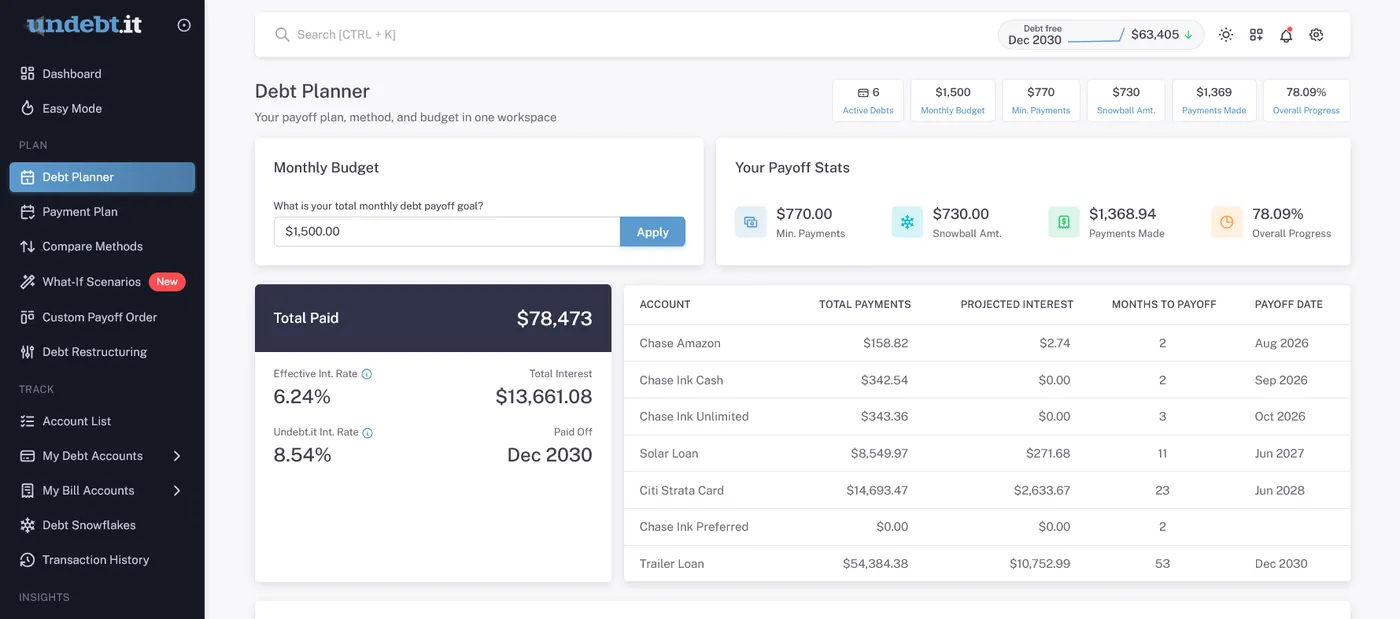
From Undebt.it's websiteThe Debt Planner: a $1,500.00 monthly budget with an Apply button, payoff stats, a Total Paid $78,473 card with debt-free date Dec 2030, and a table of accounts with total payments, projected interest and payoff dates.undebt.it, as of
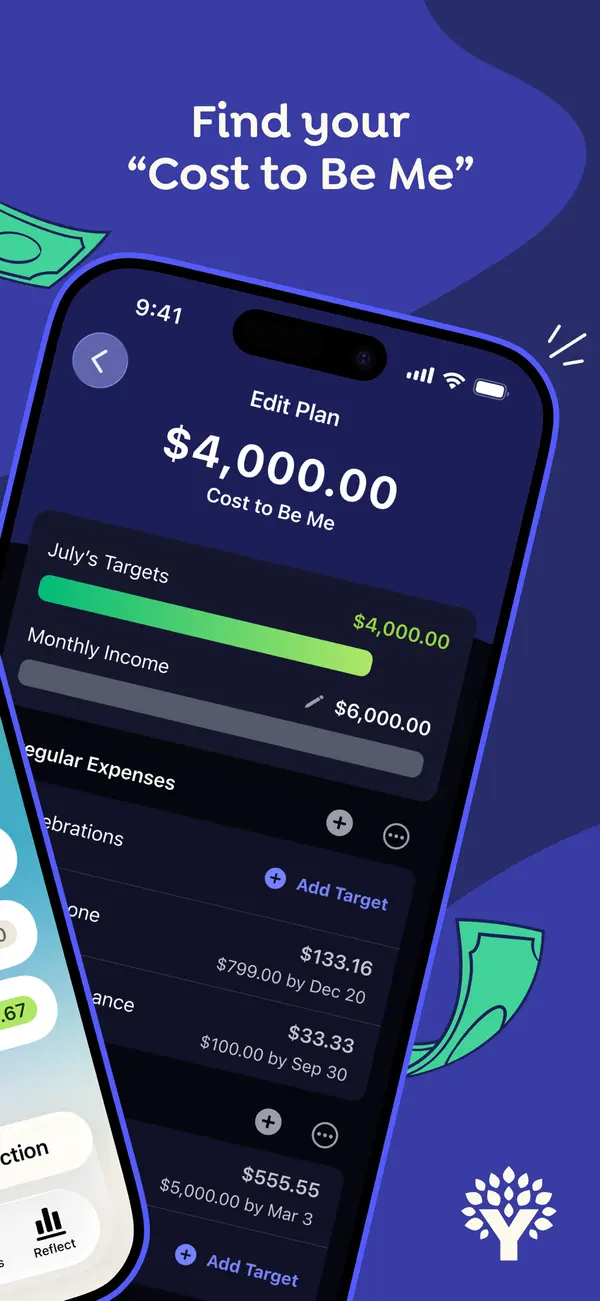
App Store marketing imageApp Store image with the headline "Find your Cost to Be Me" over a tilted phone showing an Edit Plan screen with a $4,000.00 Cost to Be Me total and July's targets.App Store listing, as of 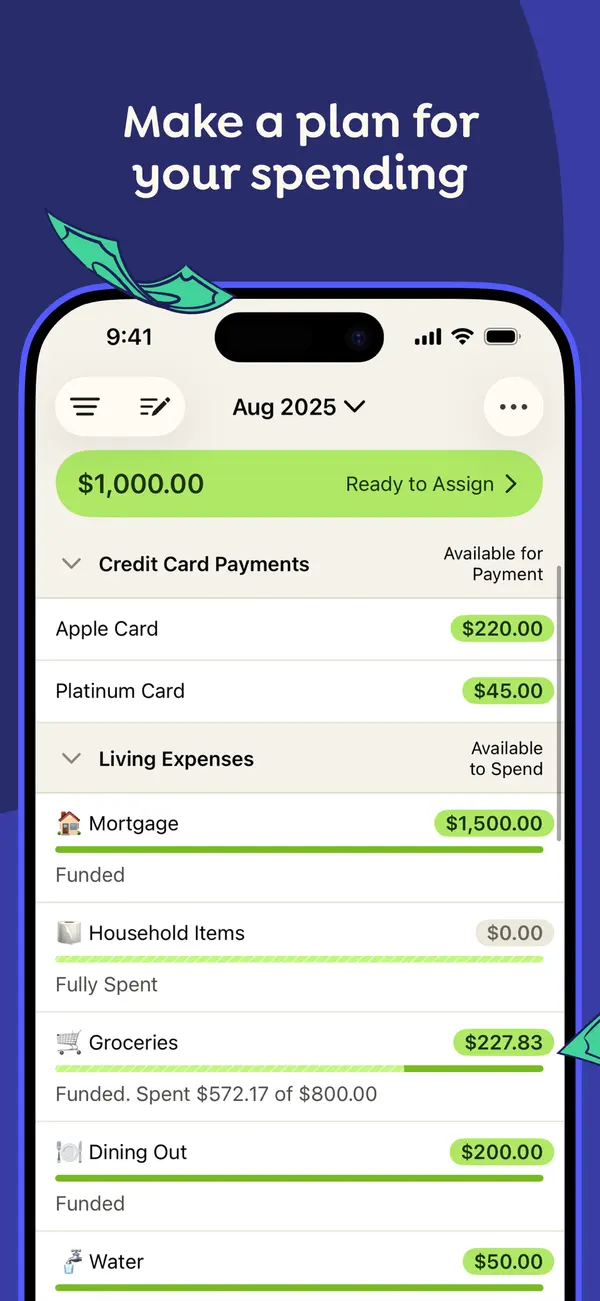
App Store marketing imageApp Store image with the headline "Make a plan for your spending" showing the August 2025 plan with Ready to Assign at the top and categories grouped under Credit Card Payments and Living Expenses.App Store listing, as of 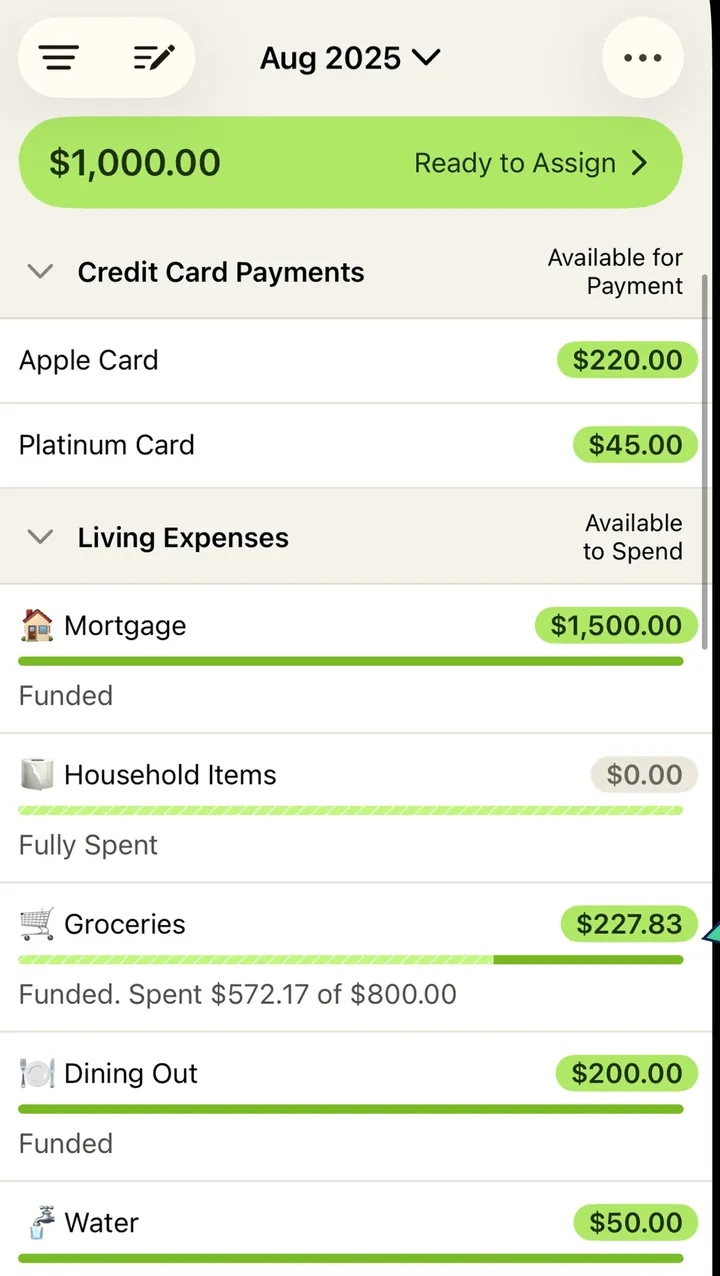
App Store marketing imageThe plan screen from that image: a green Ready to Assign bar, then category rows with amounts and progress bars.App Store listing, as of 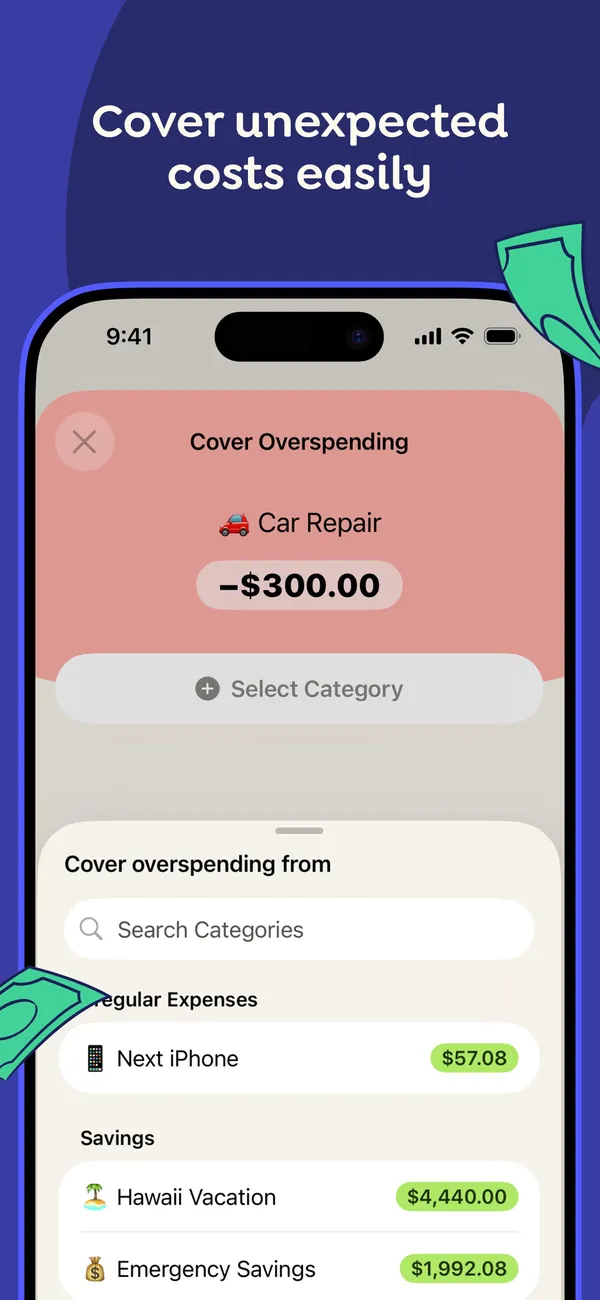
App Store marketing imageApp Store image with the headline "Cover unexpected costs easily" showing a Cover Overspending sheet for a -$300.00 Car Repair, with categories to move money from.App Store listing, as of 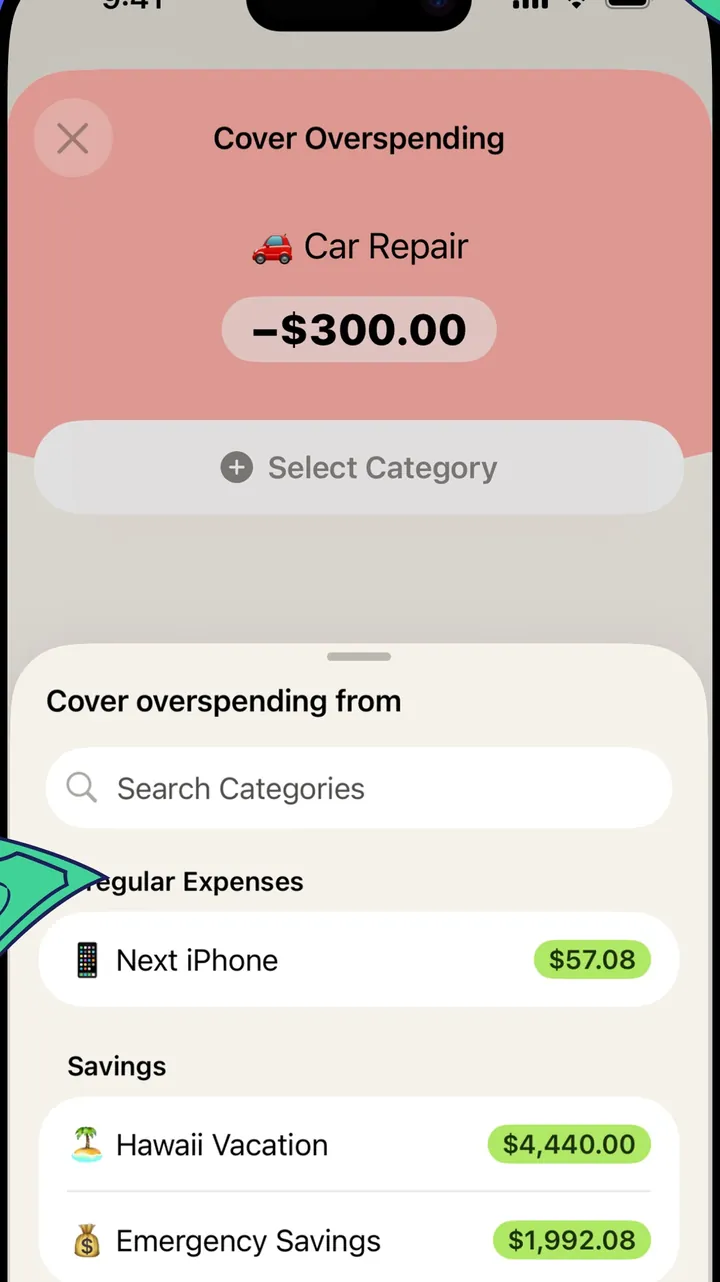
App Store marketing imageThe Cover Overspending sheet: the overspent Car Repair category on top and a searchable list of categories with available amounts below.App Store listing, as of 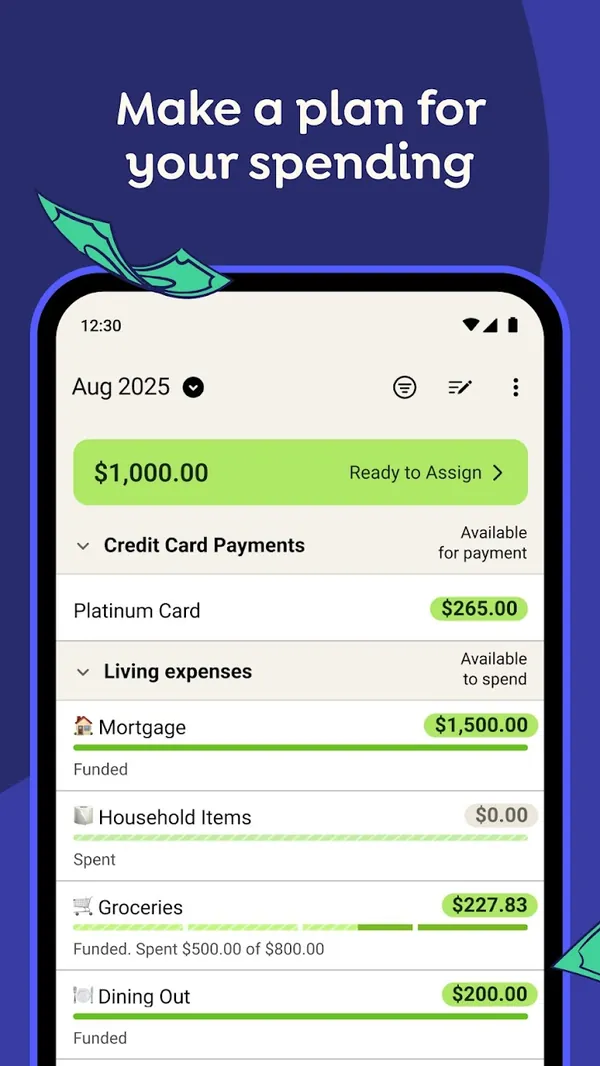
Google Play marketing imageGoogle Play image with the headline "Make a plan for your spending" showing the Android plan screen with Ready to Assign and category rows.Google Play listing, as of 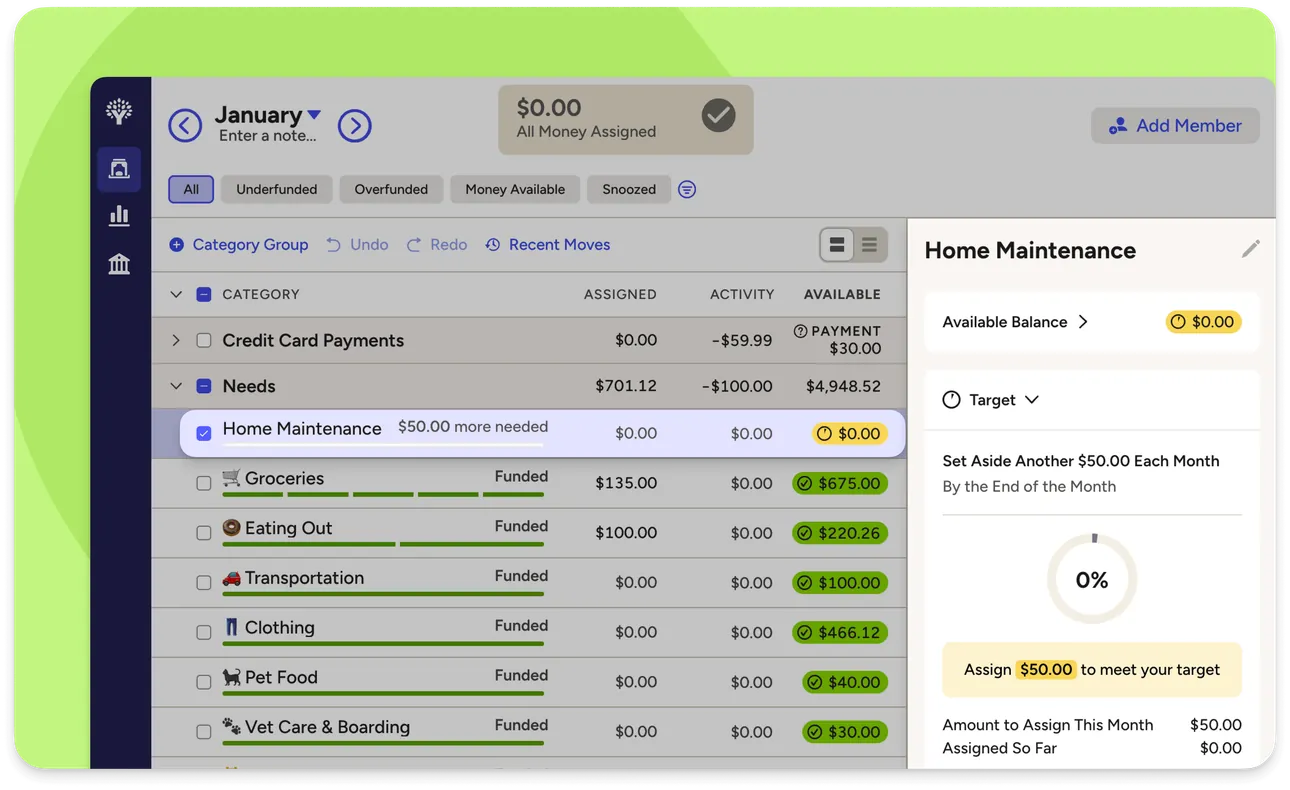
From YNAB's help centerThe web plan with category groups and a side panel for one category showing its target and the amount needed this month.support.ynab.com, as of 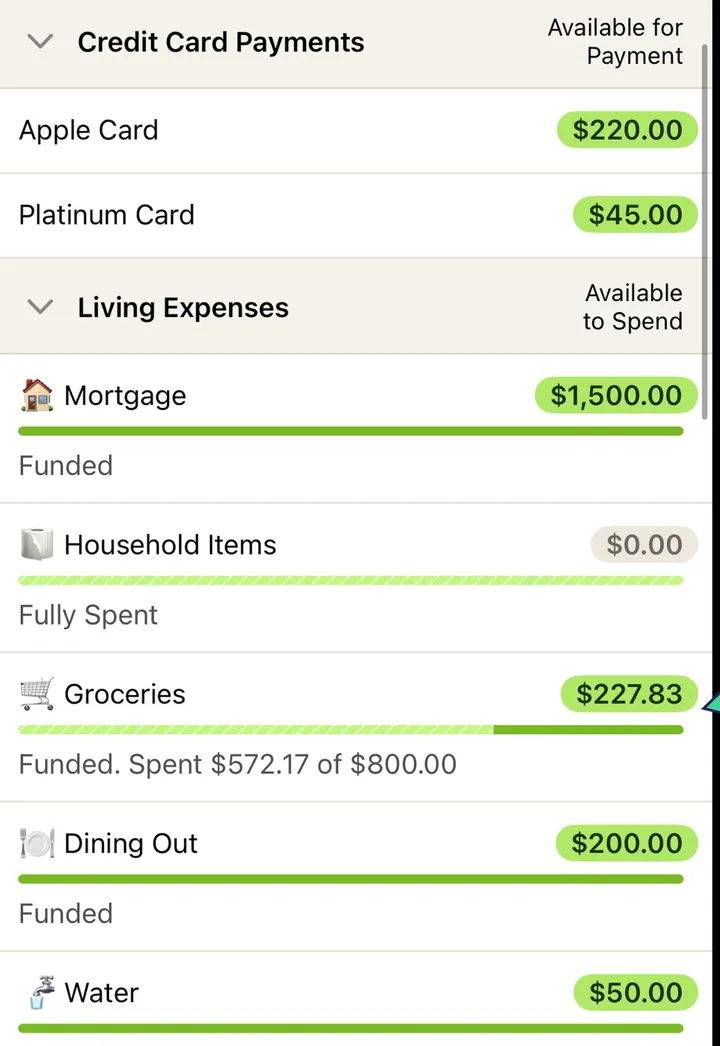
App Store marketing imageCategory rows such as Mortgage, Household Items, Groceries and Dining Out, each with an available amount and a status line like Funded or Fully Spent.App Store listing, as of 
App Store marketing imageThe green bar at the top of the plan reading $1,000.00 Ready to Assign.App Store listing, as of 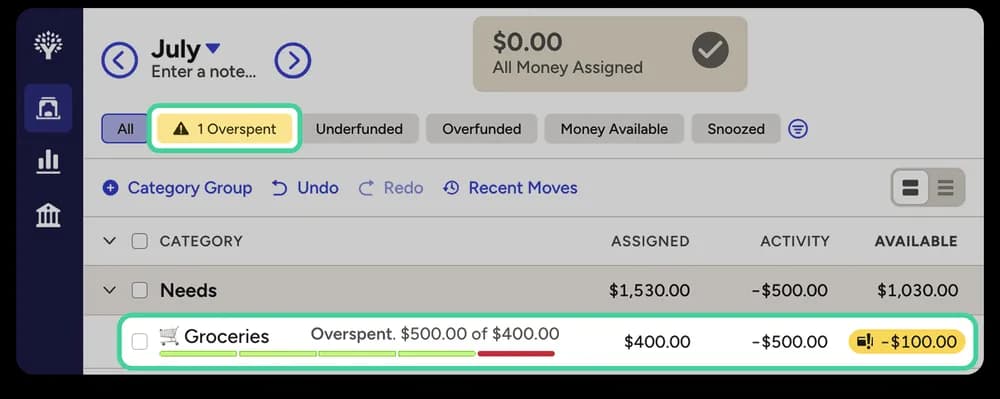
From YNAB's help centerA web plan row for Groceries marked Overspent, with a red available amount of -$100.00.support.ynab.com, as of
Categories
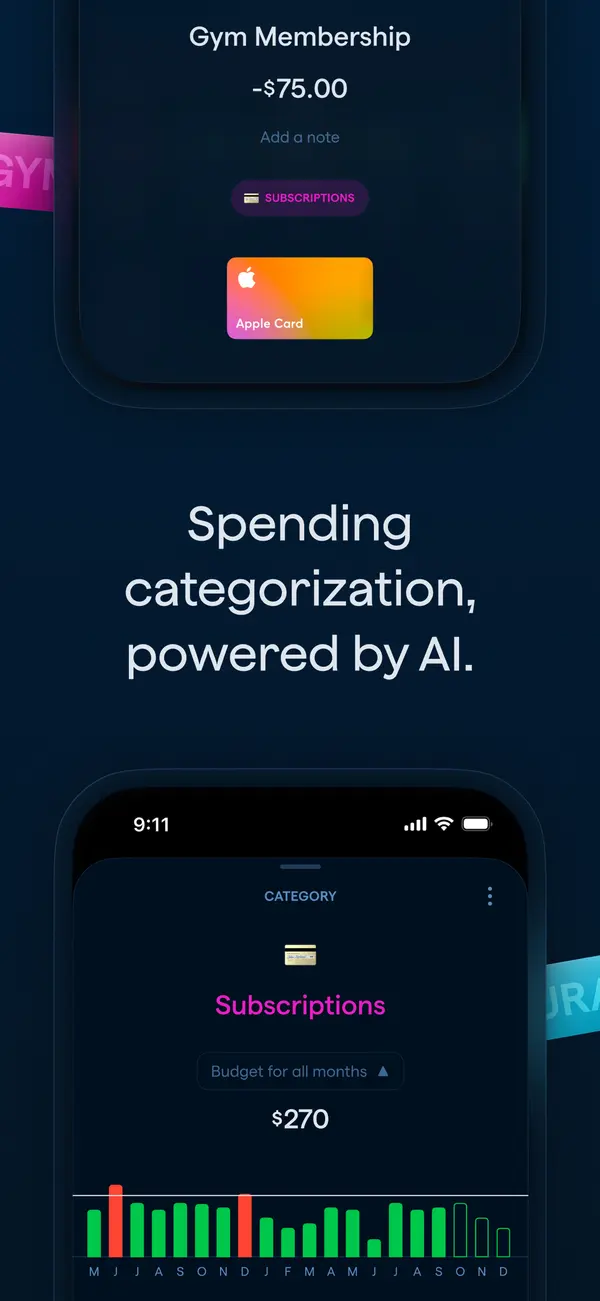
App Store marketing imageApp Store image with the headline "Spending categorization, powered by AI." showing a transaction and a Subscriptions category screen.App Store listing, as of 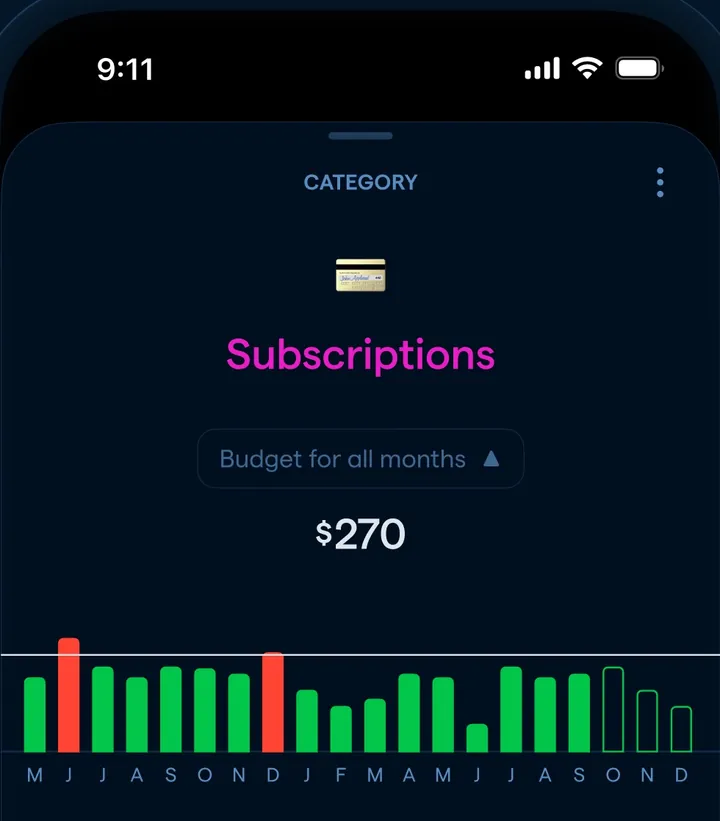
App Store marketing imageA Subscriptions category screen with a $270 budget for all months and a monthly bar chart.App Store listing, as of 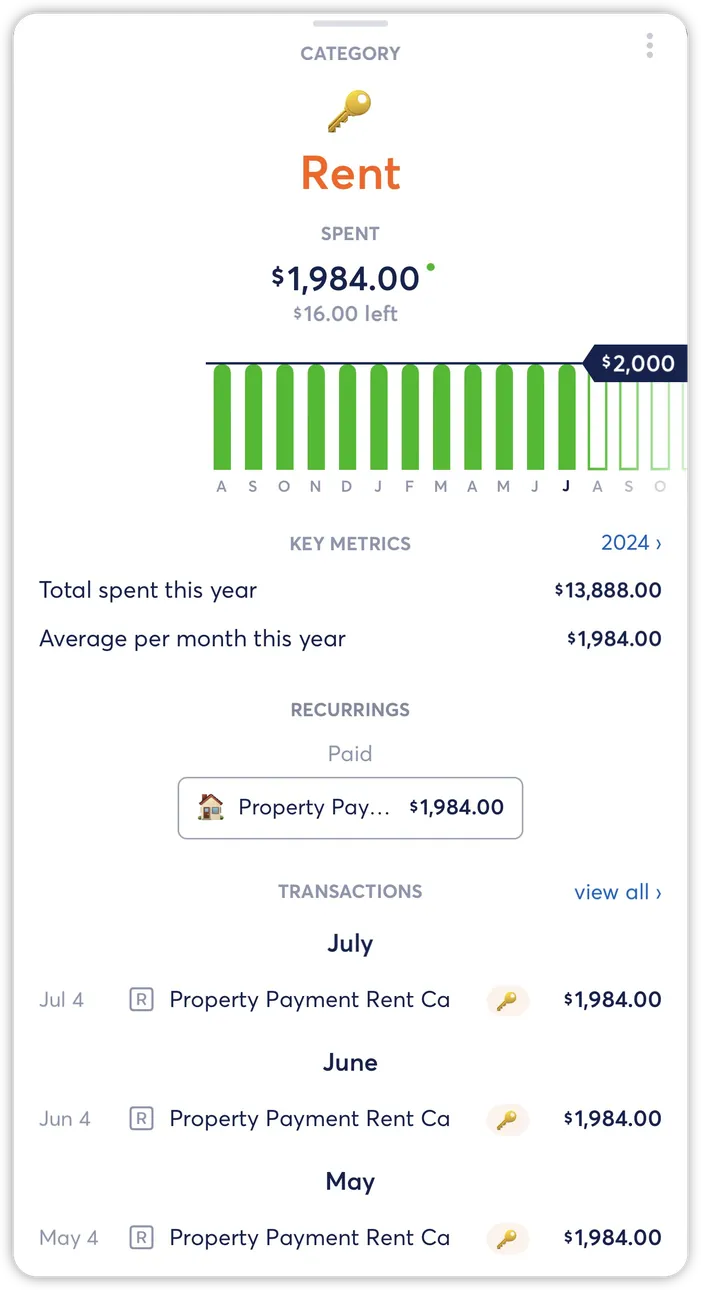
From Copilot Money's help centerA Rent category detail with a monthly bar chart, key metrics and the recurring payment tied to it.help.copilot.money, as of
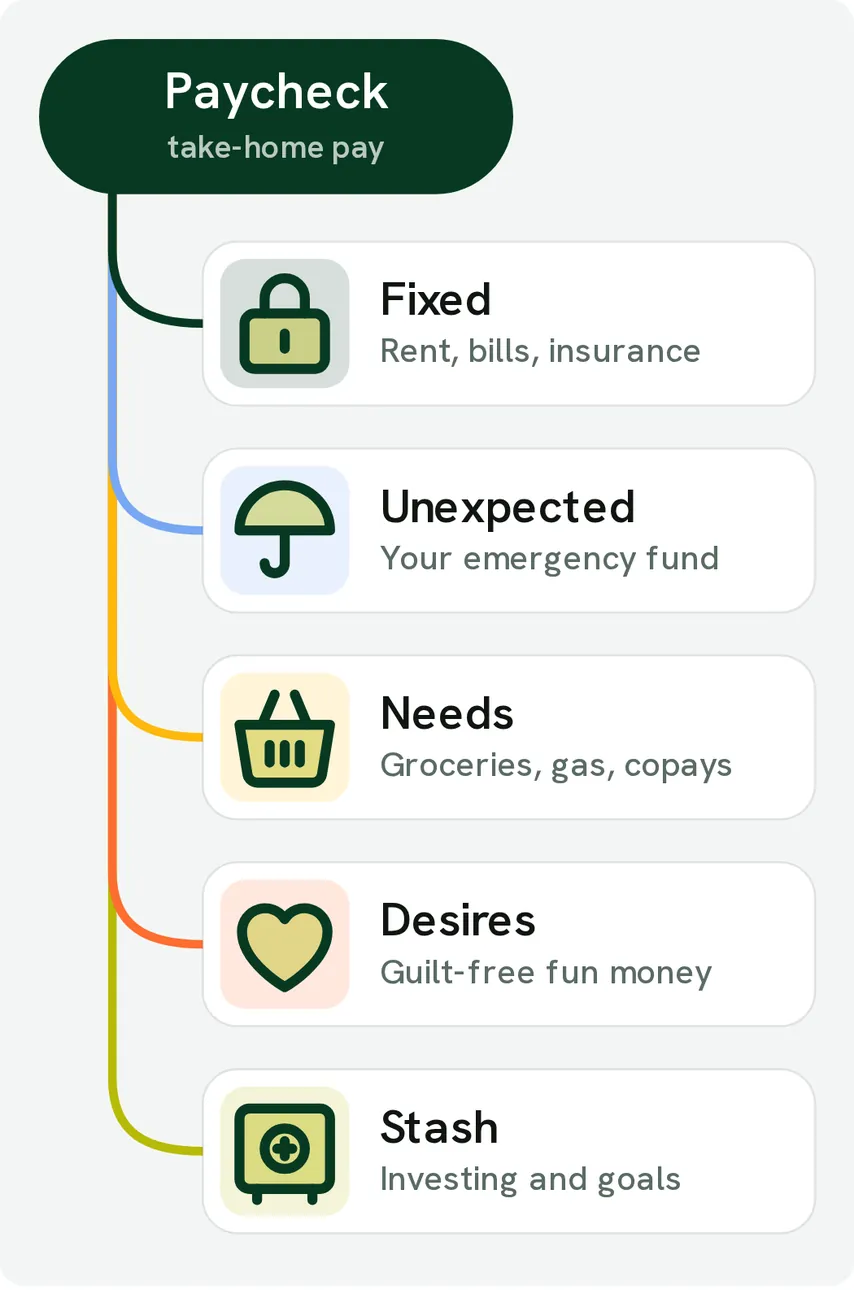
From Fifecta's websiteA diagram of a Paycheck, take-home pay, branching into Fixed (rent, bills, insurance), Unexpected (your emergency fund), Needs (groceries, gas, copays), Desires (guilt-free fun money) and Stash (investing and goals).pricelesstay.com, as of 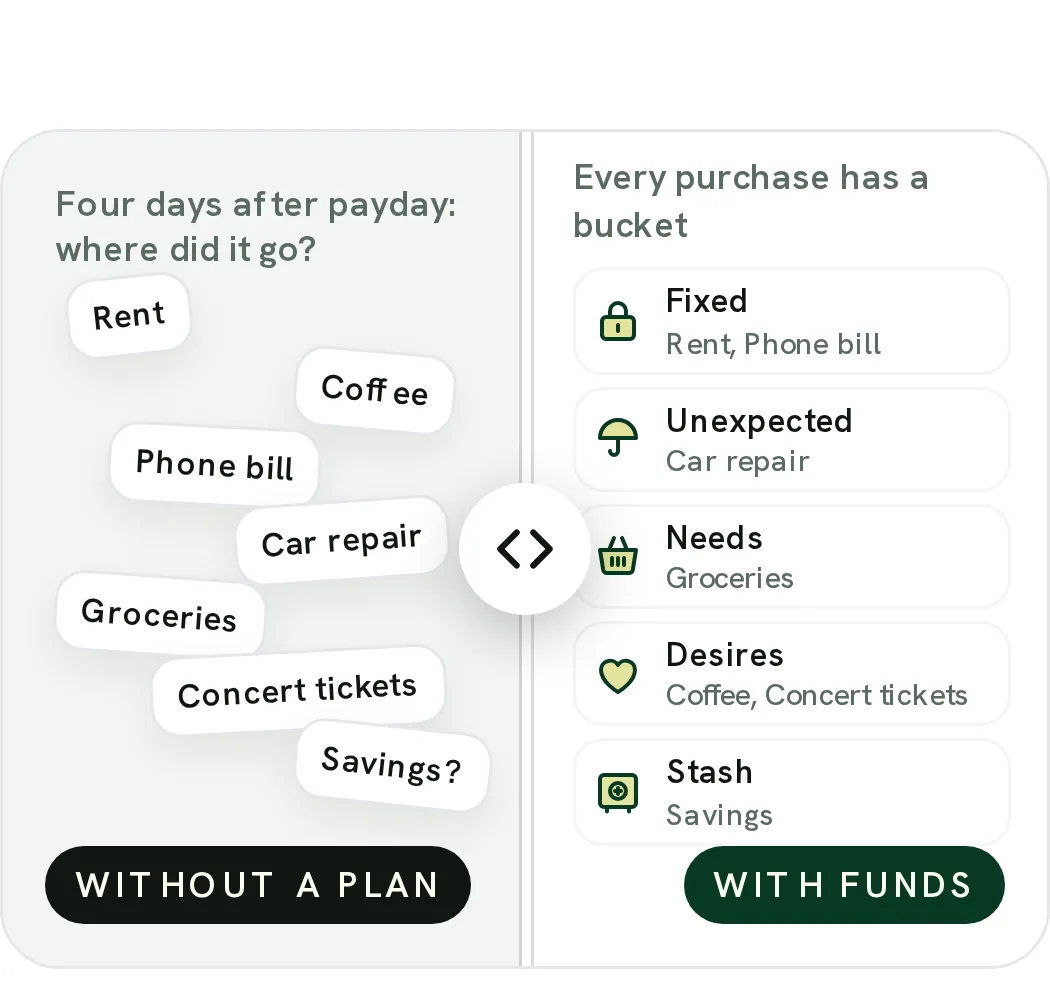
From Fifecta's websiteA Without a plan and With FUNDS slider: on one side loose labels like Rent, Coffee and Car repair under "Four days after payday: where did it go?", on the other every purchase in a bucket, such as Coffee and Concert tickets under Desires.pricelesstay.com, as of 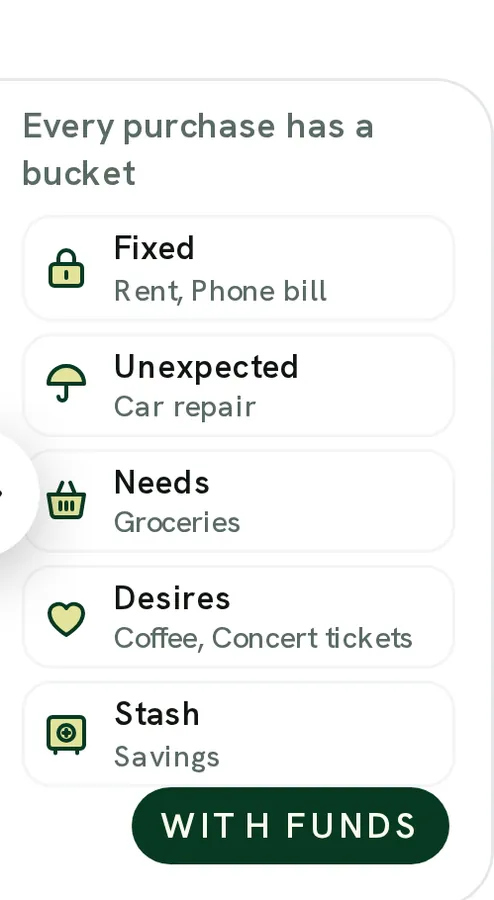
From Fifecta's websiteWith FUNDS: "Every purchase has a bucket" with Fixed (rent, phone bill), Unexpected (car repair), Needs (groceries), Desires (coffee, concert tickets) and Stash (savings).pricelesstay.com, as of
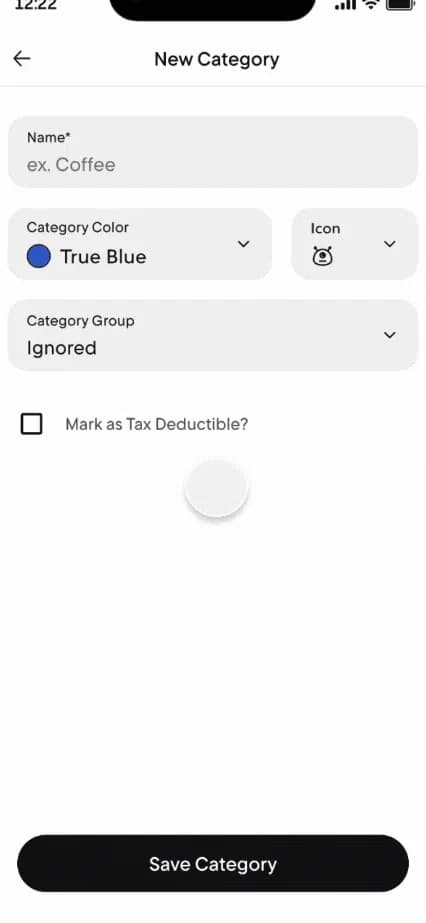
From Rocket Money's help centerA New Category form with name, color, icon and category group fields and a Save Category button.help.rocketmoney.com, as of
Goals
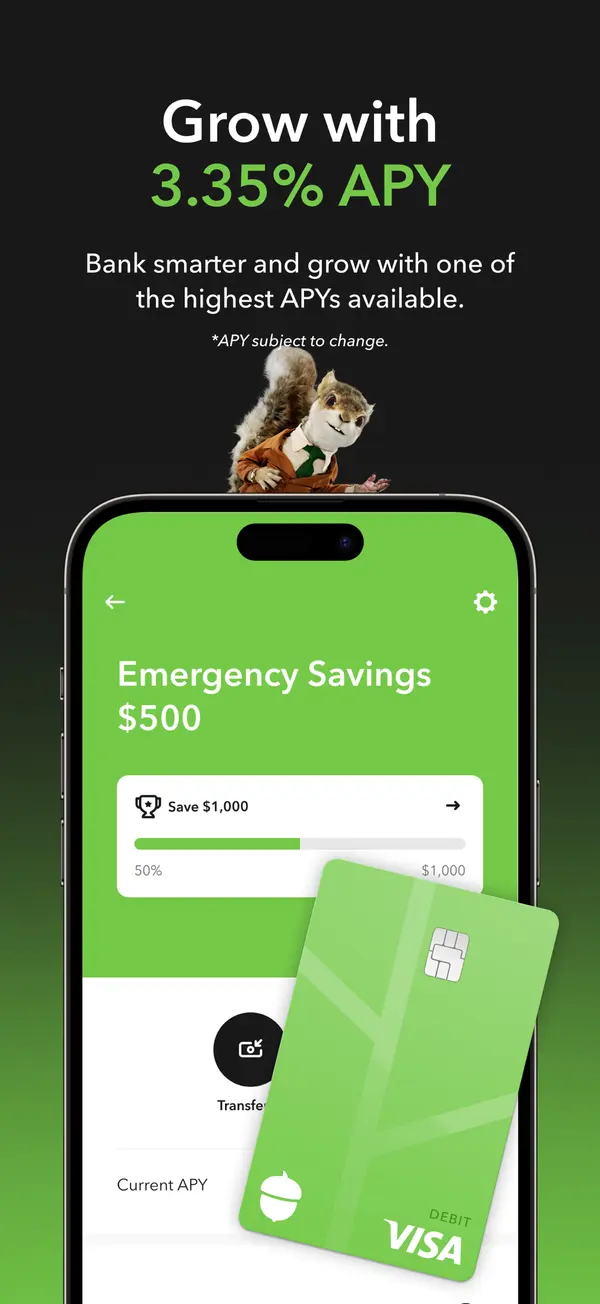
App Store marketing imageApp Store image with the headline about APY showing an Emergency Savings screen with a Save $1,000 bar and a debit card.App Store listing, as of 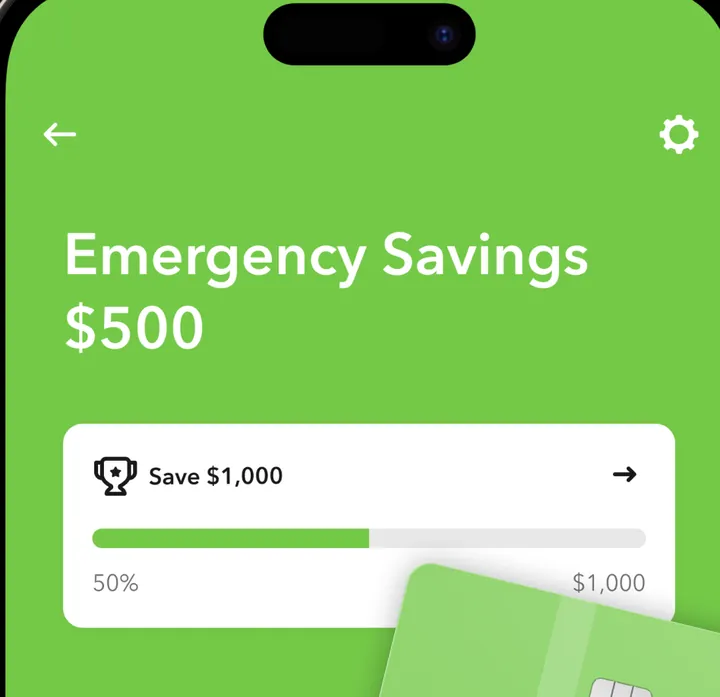
App Store marketing imageEmergency Savings at $500 with a Save $1,000 goal card at 50%, partly covered by an image of an Acorns Visa debit card.App Store listing, as of 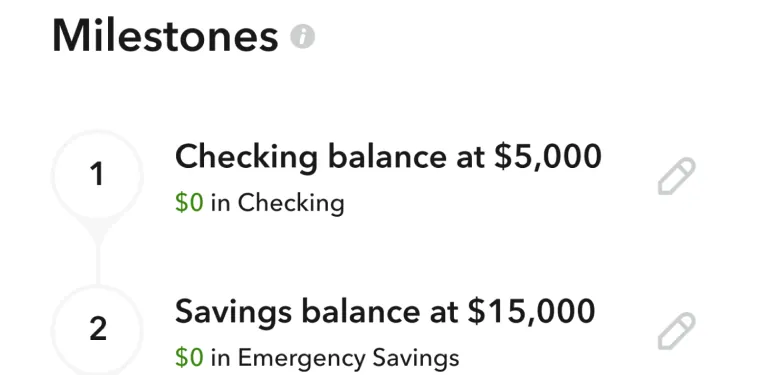
Google Play marketing imageMilestones: 1, Checking balance at $5,000 with $0 in Checking, and 2, Savings balance at $15,000 with $0 in Emergency Savings.Google Play listing, as of
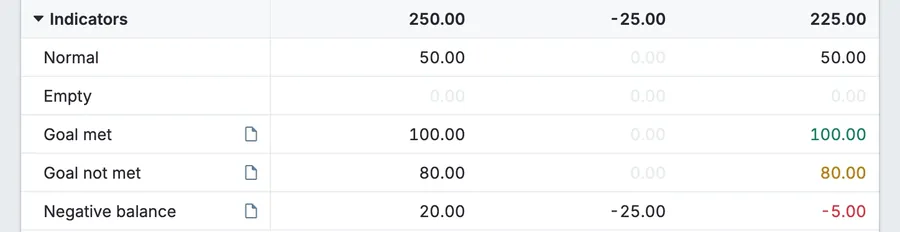
From Actual Budget's help centerGoal template indicators in a budget group: Goal met with a green 100.00 balance, Goal not met with an amber 80.00, a Normal row, an Empty row and a red Negative balance of -5.00.actualbudget.org, as of 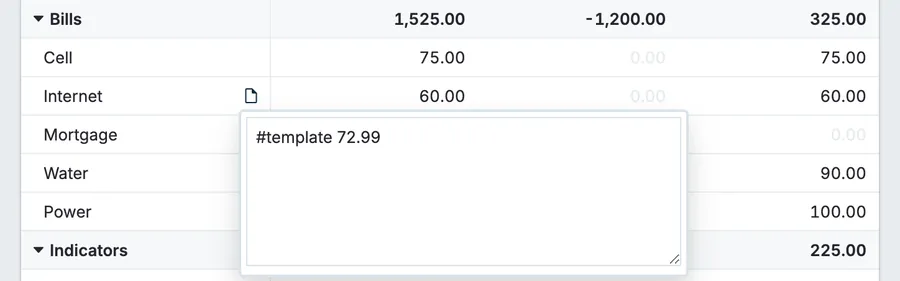
From Actual Budget's help centerA Bills group with an Internet category note open showing "#template 72.99" next to budgeted, spent and balance columns.actualbudget.org, as of
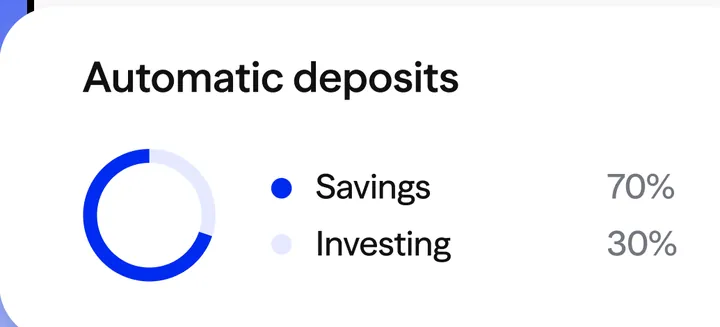
App Store marketing imageAn Automatic deposits card with a ring chart: Savings 70% and Investing 30%.App Store listing, as of
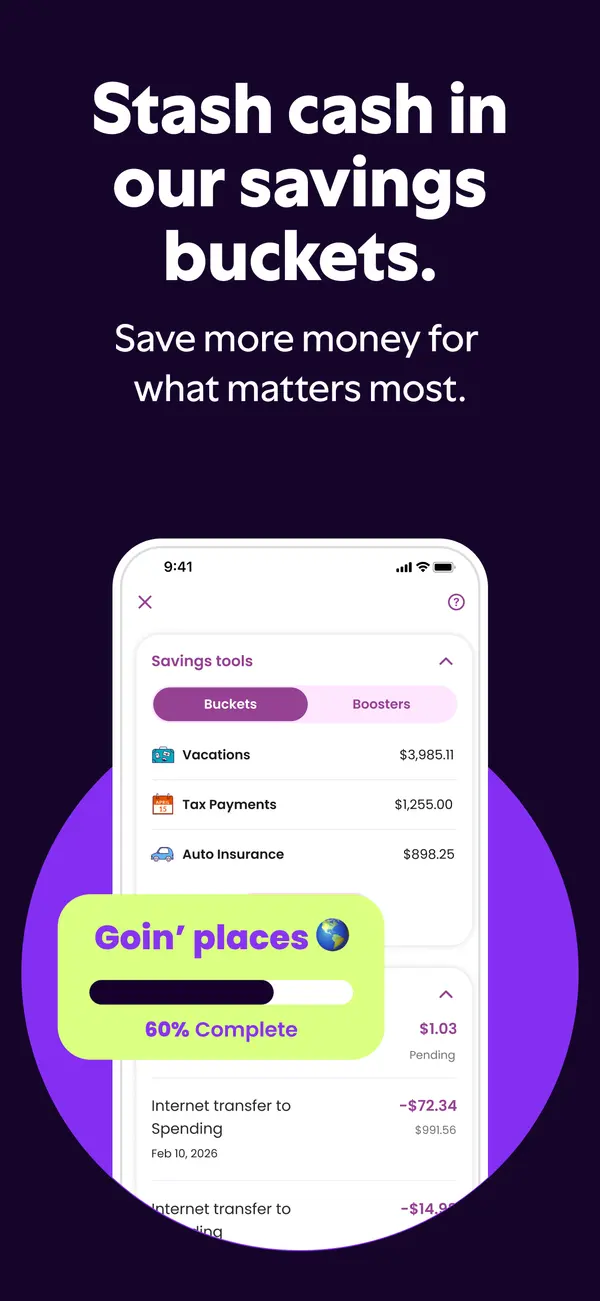
App Store marketing imageApp Store image with the headline "Stash cash in our savings buckets." showing savings buckets and a 60% complete card.App Store listing, as of 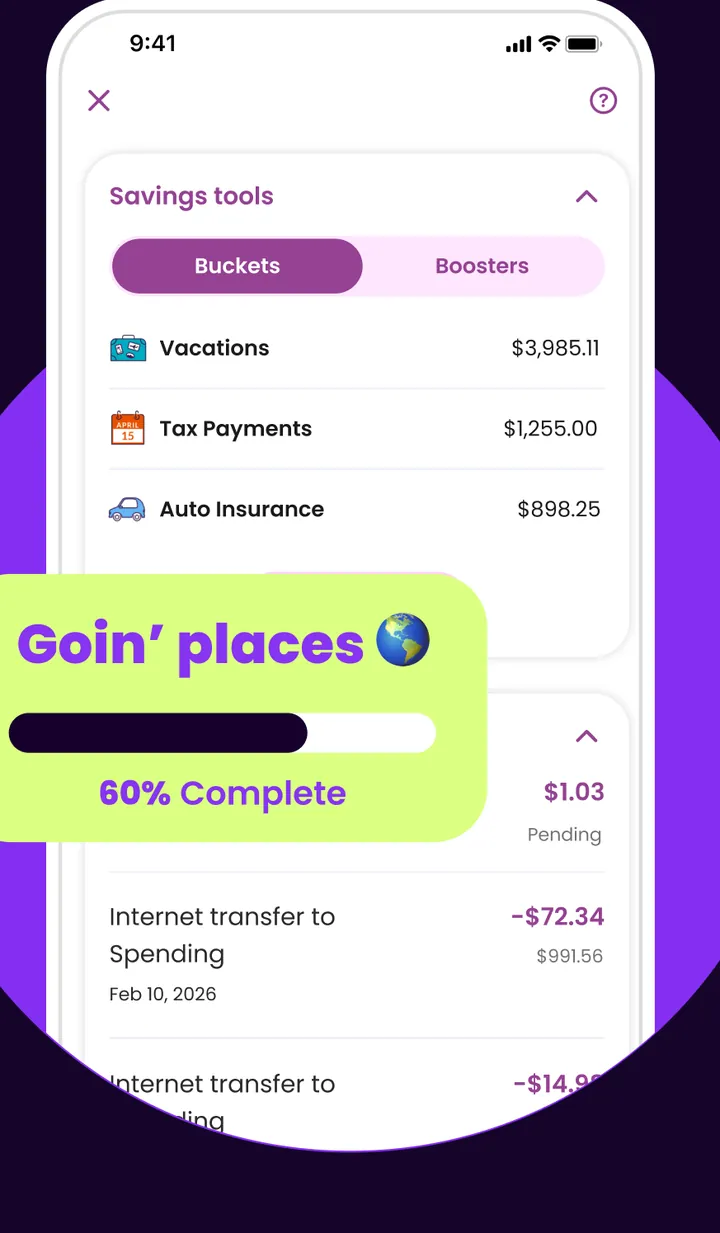
App Store marketing imageSavings tools with Buckets and Boosters tabs, buckets for Vacations $3,985.11, Tax Payments $1,255.00 and Auto Insurance $898.25, and a "Goin' places" bucket at 60% Complete shown in a large callout.App Store listing, as of 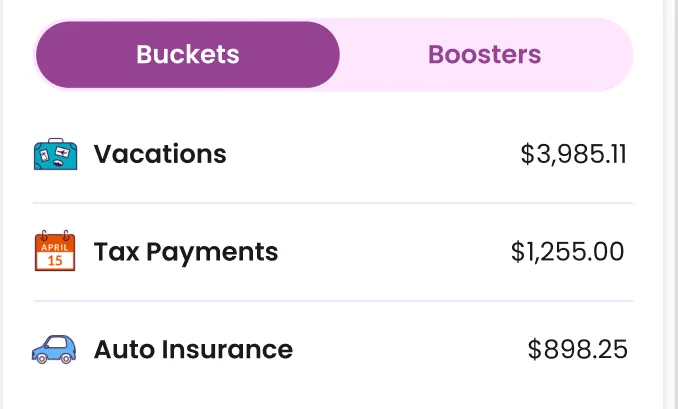
App Store marketing imageBuckets and Boosters tabs with three buckets: Vacations $3,985.11, Tax Payments $1,255.00 and Auto Insurance $898.25.App Store listing, as of
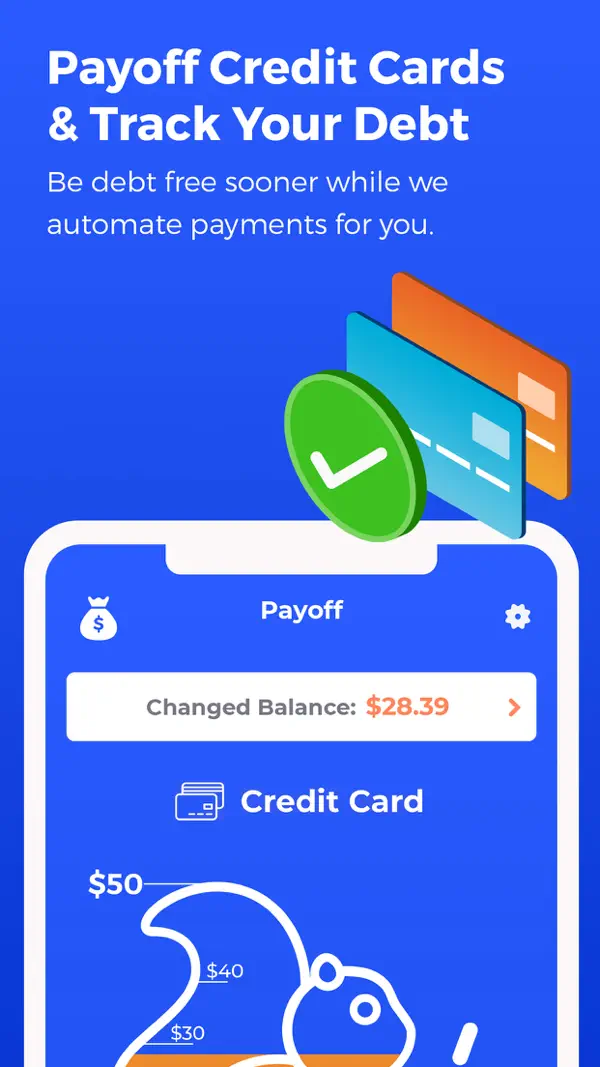
App Store marketing imageApp Store image with the headline "Payoff Credit Cards & Track Your Debt" showing the Payoff screen with a Changed Balance and a credit card progress graphic.App Store listing, as of 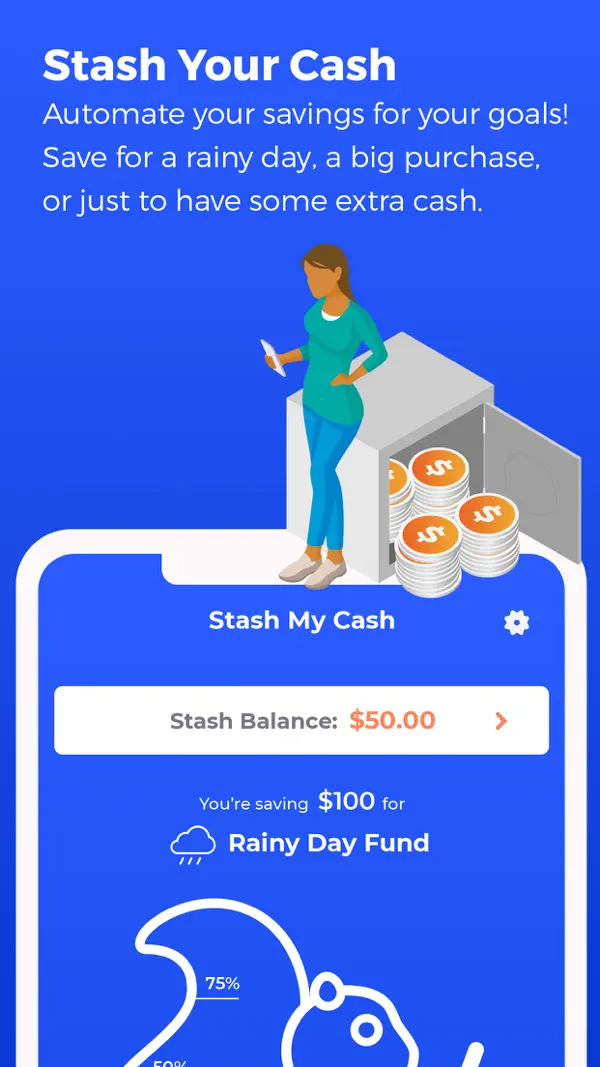
App Store marketing imageApp Store image with the headline "Stash Your Cash" showing a Stash My Cash screen saving for a Rainy Day Fund.App Store listing, as of 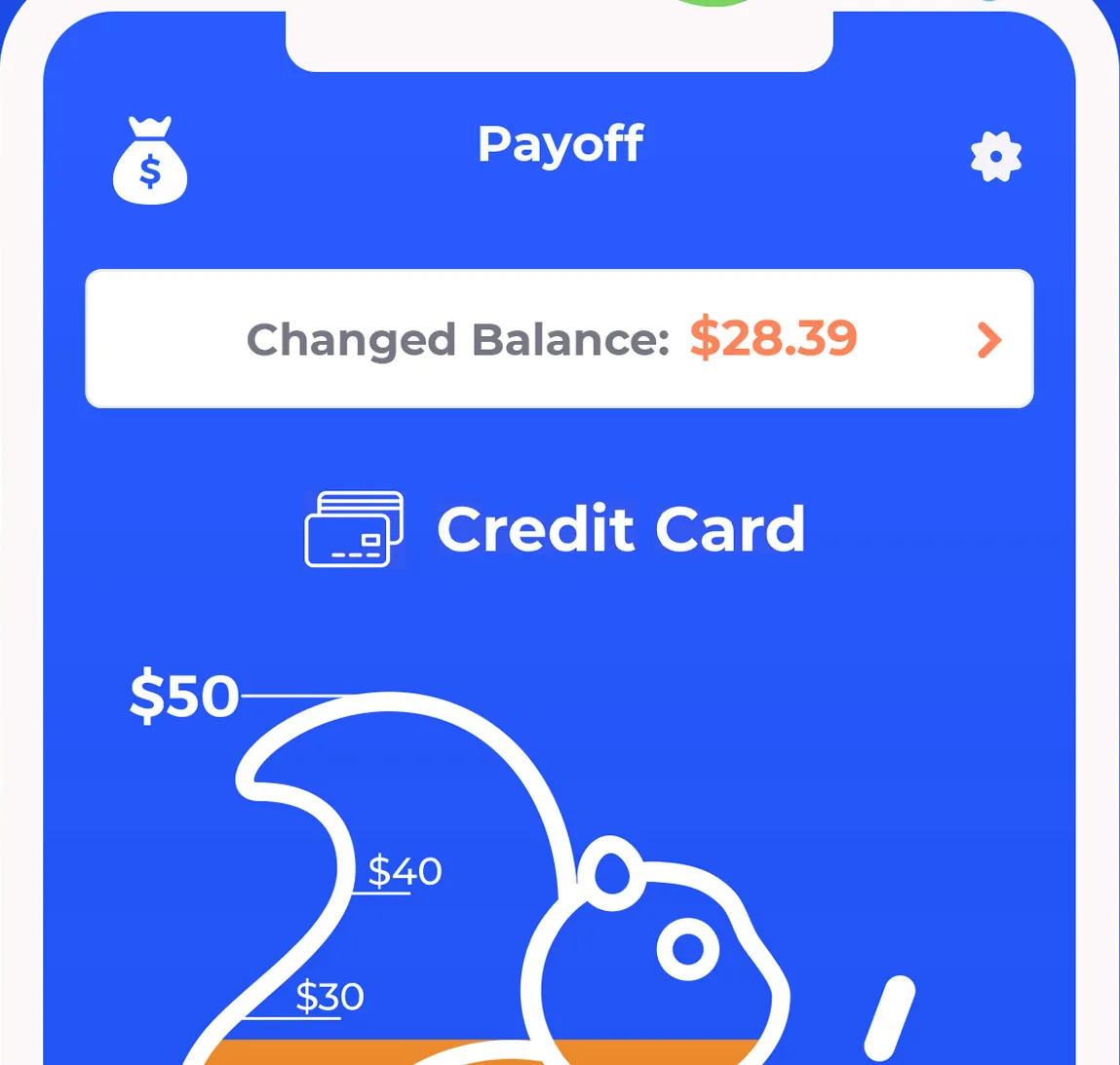
App Store marketing imageThe top of the Payoff screen: Changed Balance $28.39, a Credit Card label and a squirrel-shaped progress graphic marked $50, $40 and $30.App Store listing, as of 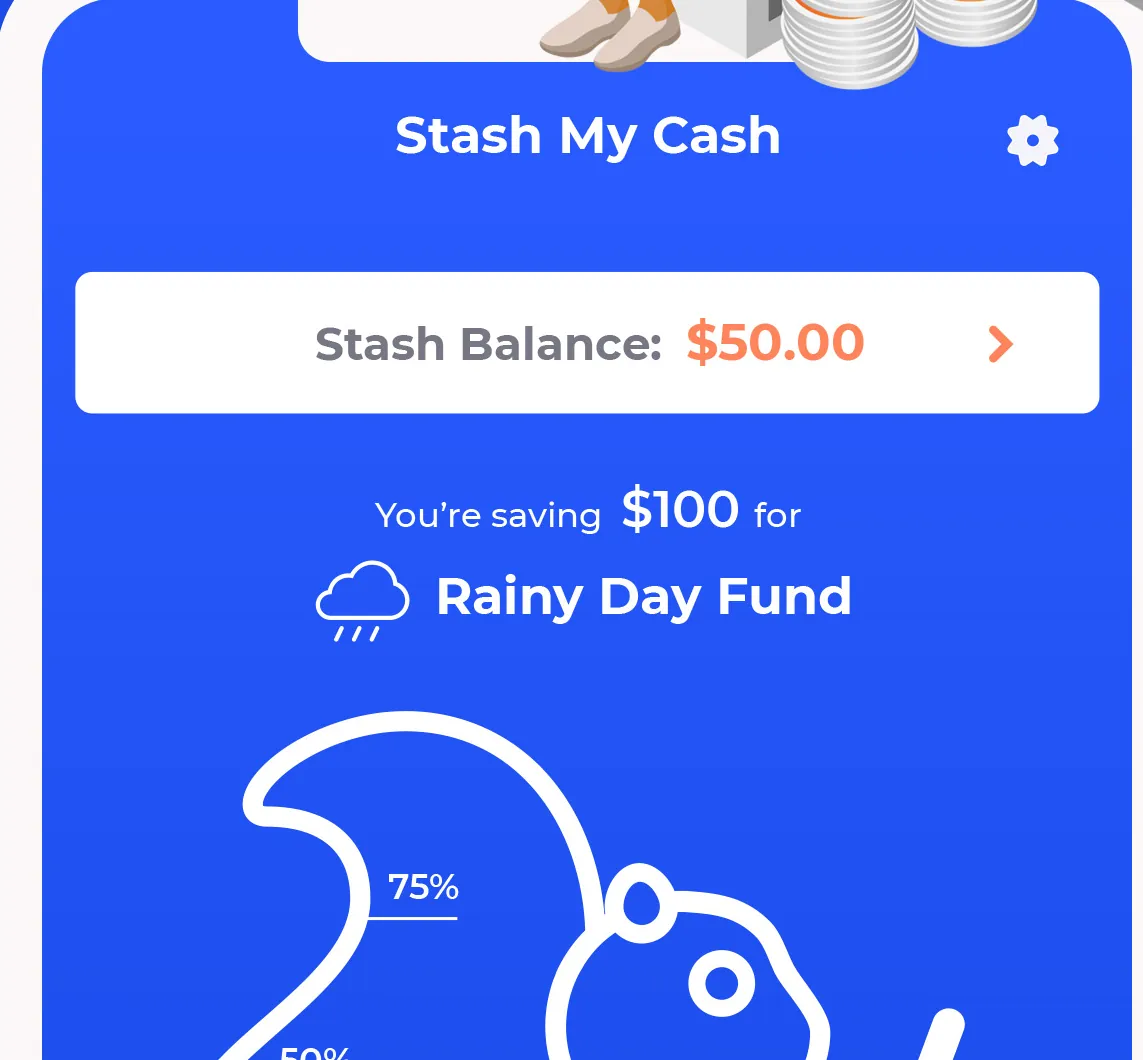
App Store marketing imageThe top of the Stash My Cash screen: Stash Balance $50.00, "You're saving $100 for Rainy Day Fund" and a progress graphic at 75%.App Store listing, as of 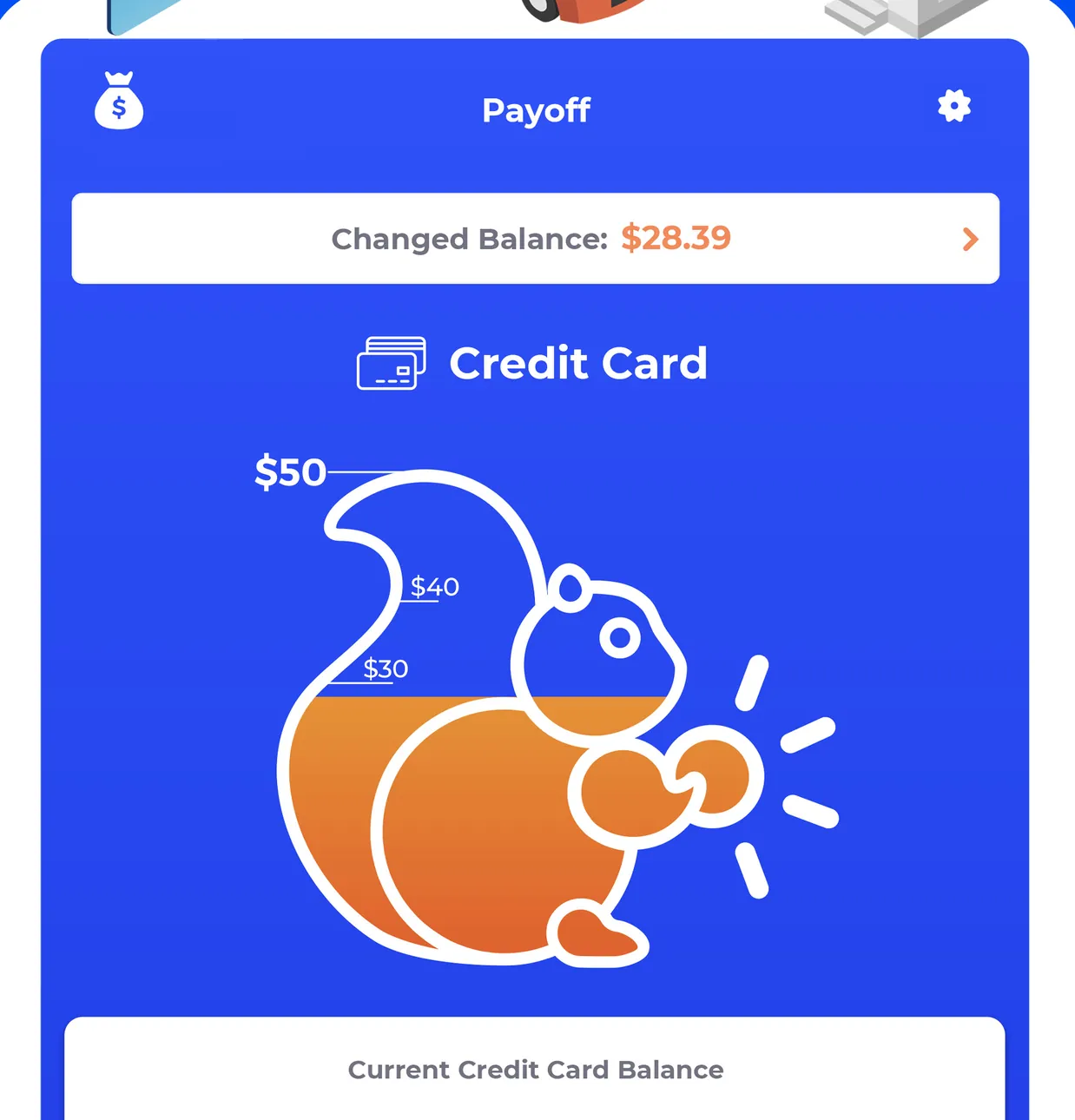
App Store marketing imageThe iPad Payoff screen: Changed Balance $28.39, Credit Card, a squirrel progress graphic from $30 to $50 and a Current Credit Card Balance row.App Store listing, as of
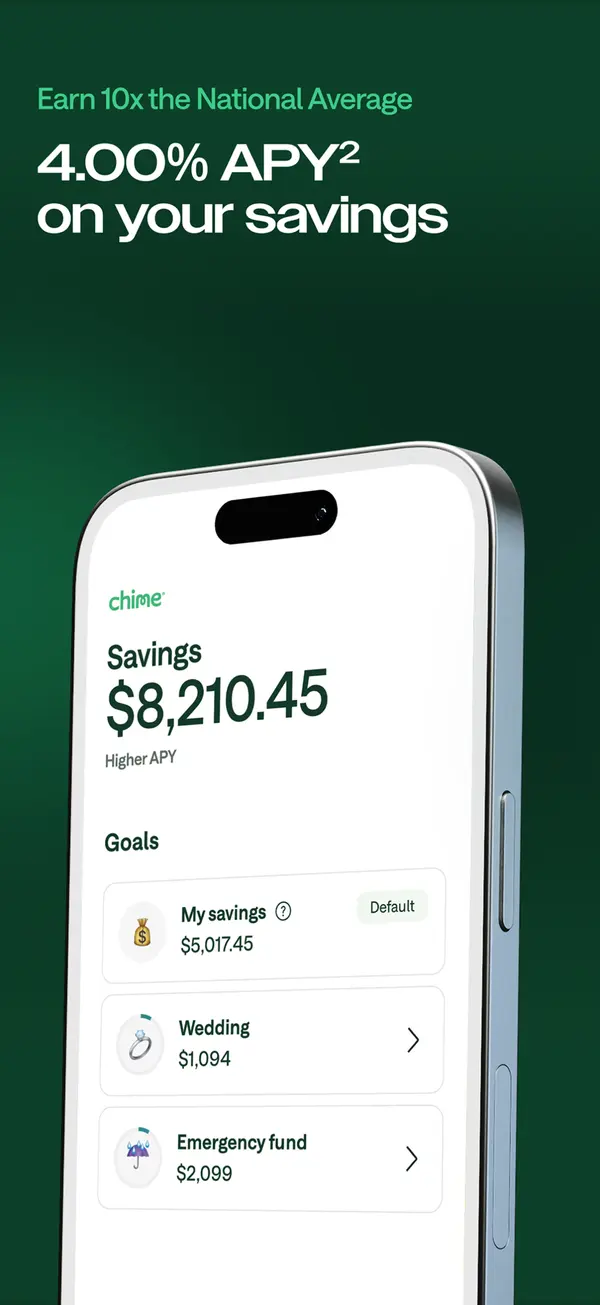
App Store marketing imageApp Store image with a savings APY headline showing a Savings screen with goals like Wedding and Emergency fund.App Store listing, as of 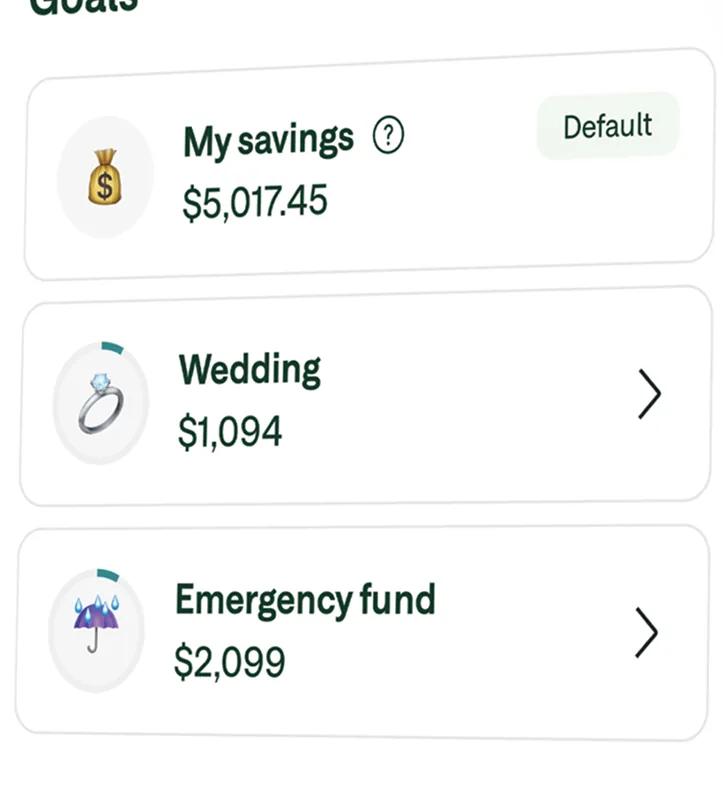
App Store marketing imageA Goals list with My savings at $5,017.45, Wedding at $1,094 and Emergency fund at $2,099.App Store listing, as of
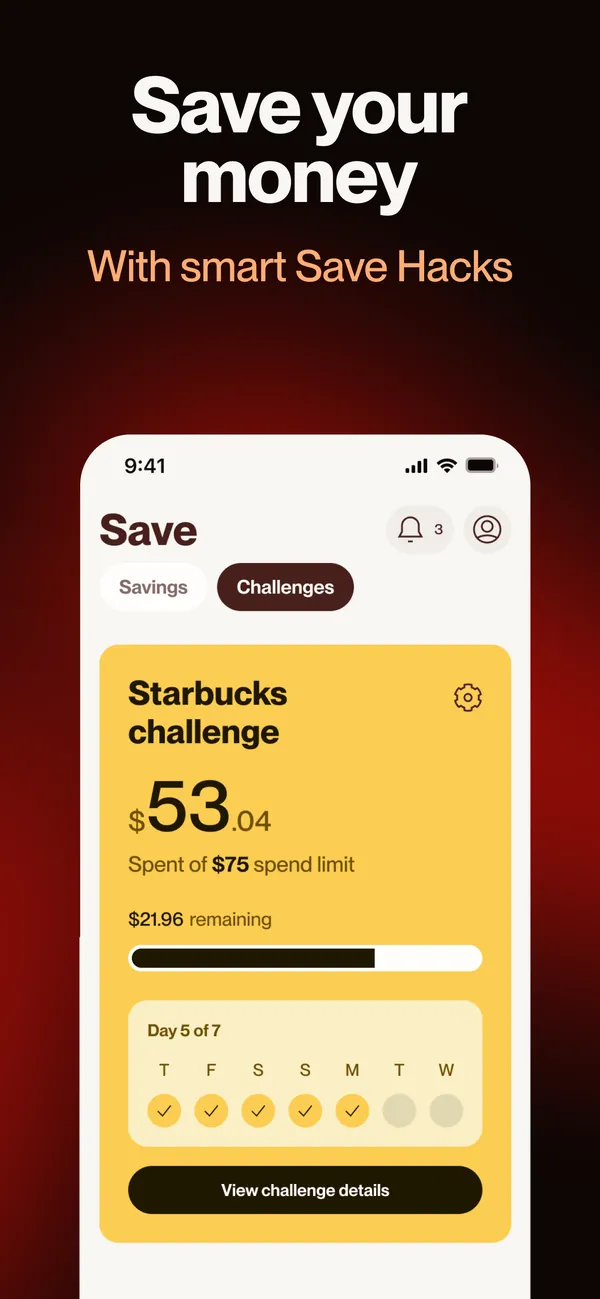
App Store marketing imageApp Store image with the headline "Save your money" and the line "With smart Save Hacks" showing a Starbucks challenge.App Store listing, as of 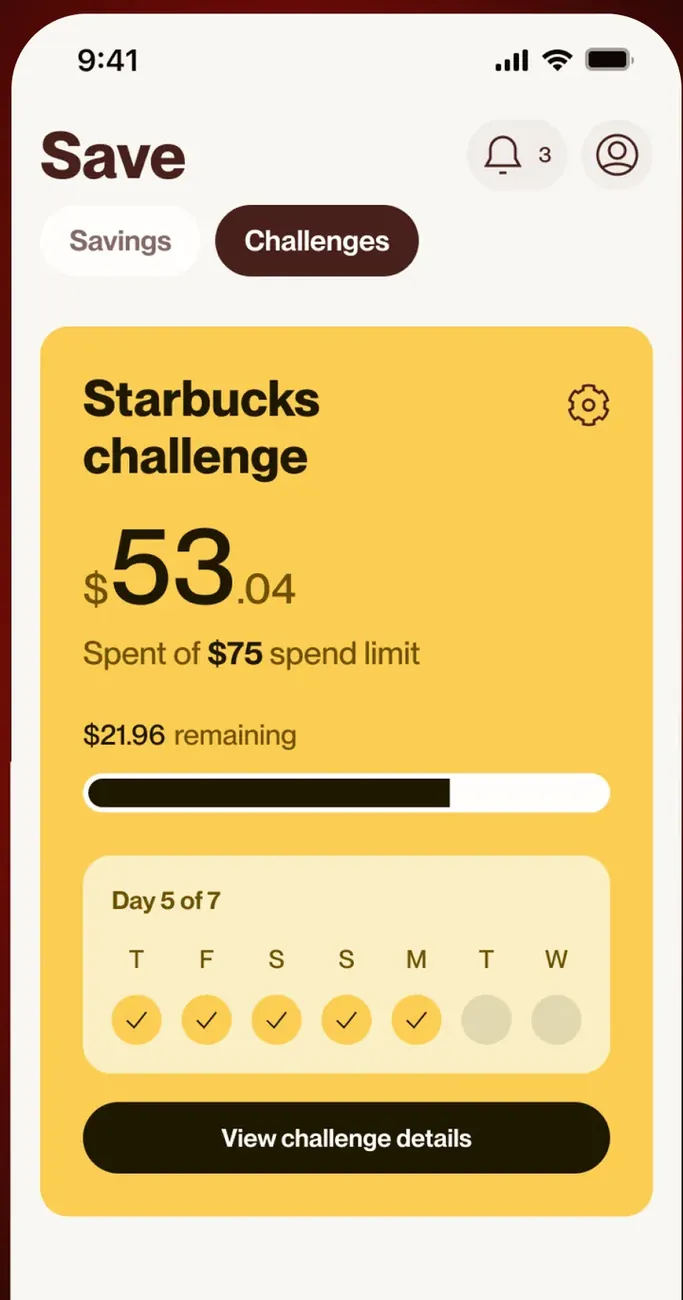
App Store marketing imageThe Save screen Challenges tab: a Starbucks challenge with $53.04 spent of a $75 spend limit, $21.96 remaining and a day 5 of 7 check-in row.App Store listing, as of
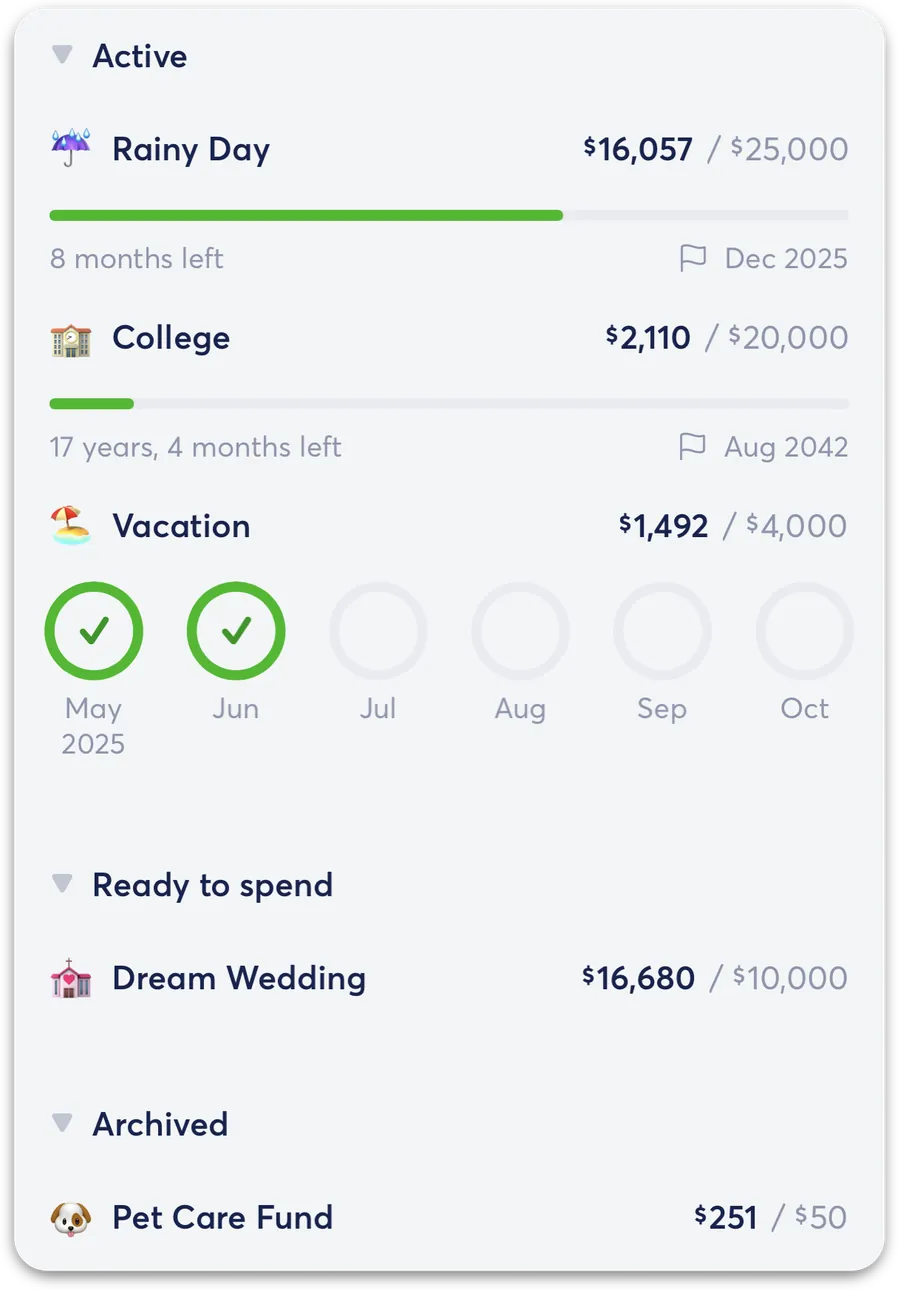
From Copilot Money's help centerThe savings goals list with Active goals like Rainy Day, College and Vacation and a Ready to spend section.help.copilot.money, as of
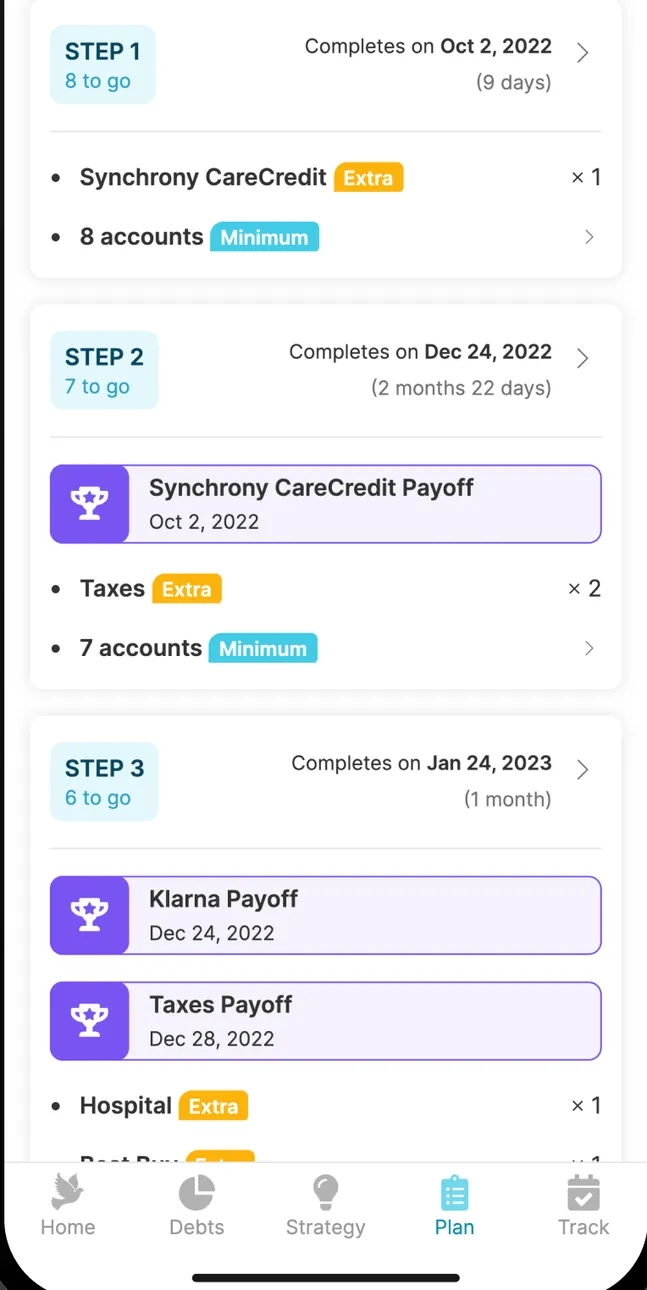
App Store marketing imageA step-by-step payoff plan: Step 1 Synchrony CareCredit payoff by Oct 2, 2022, Step 2 and Step 3 with Klarna and Taxes payoffs and the accounts paid in each step.App Store listing, as of 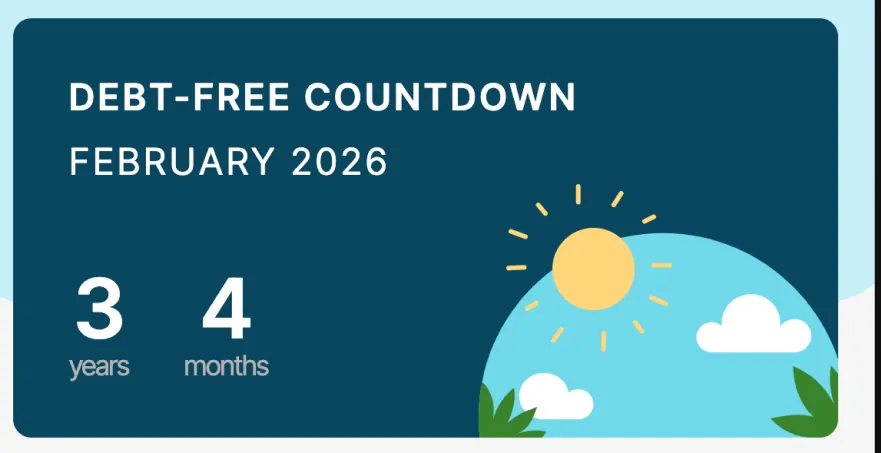
App Store marketing imageA Debt-free countdown card: February 2026, 3 years and 4 months away, with an illustrated sun over hills.App Store listing, as of 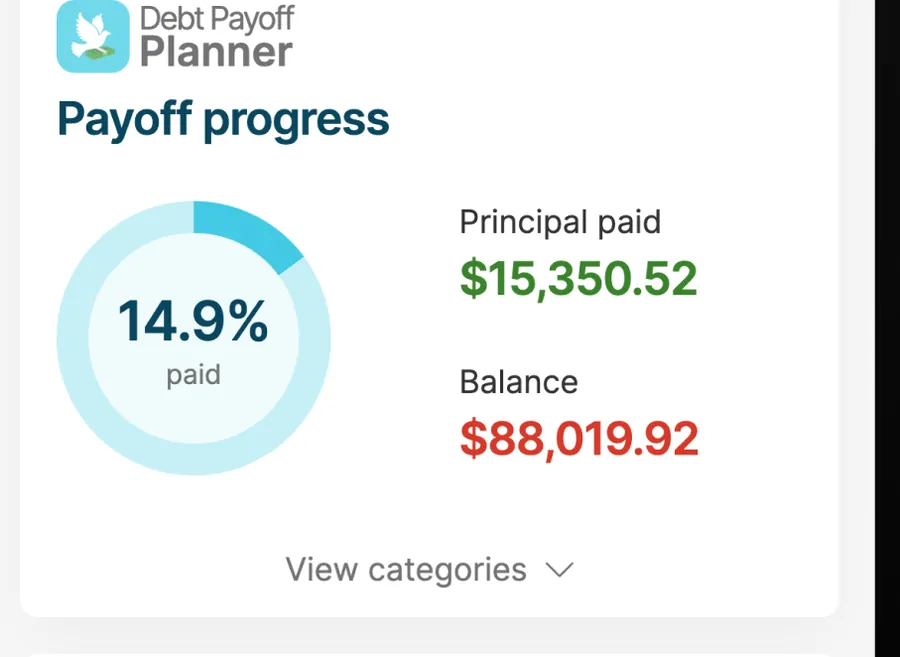
App Store marketing imagePayoff progress: a ring at 14.9% paid, principal paid $15,350.52 and balance $88,019.92.App Store listing, as of
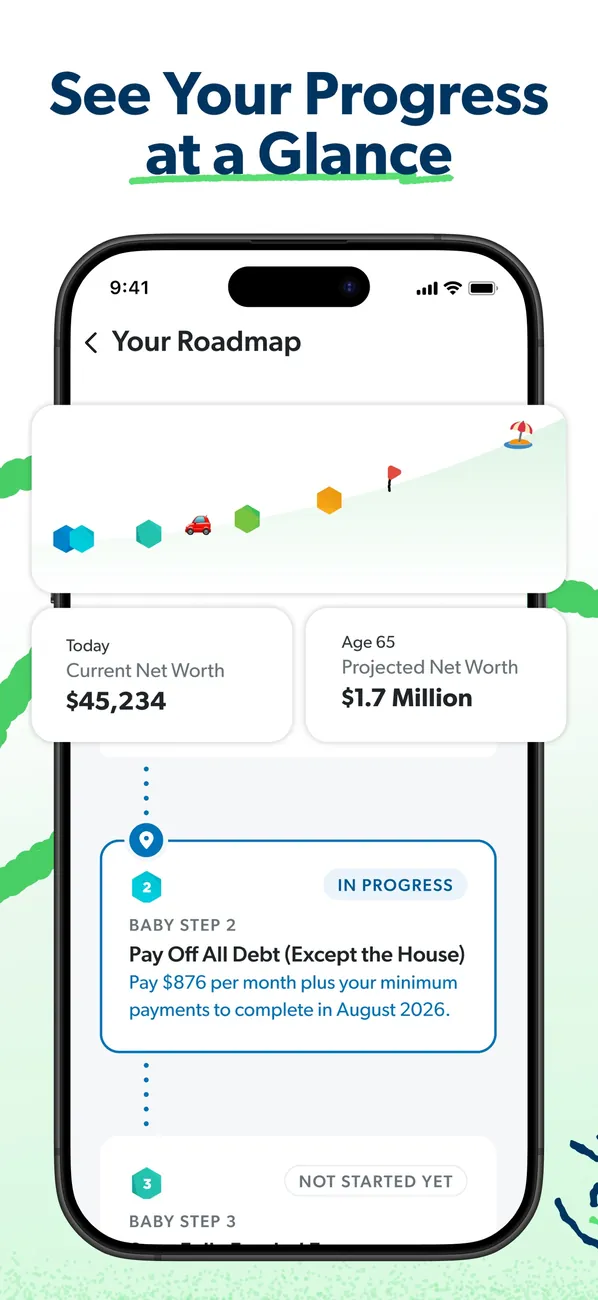
App Store marketing imageApp Store image with the headline "See Your Progress at a Glance" showing Your Roadmap with net worth today and projected at 65.App Store listing, as of 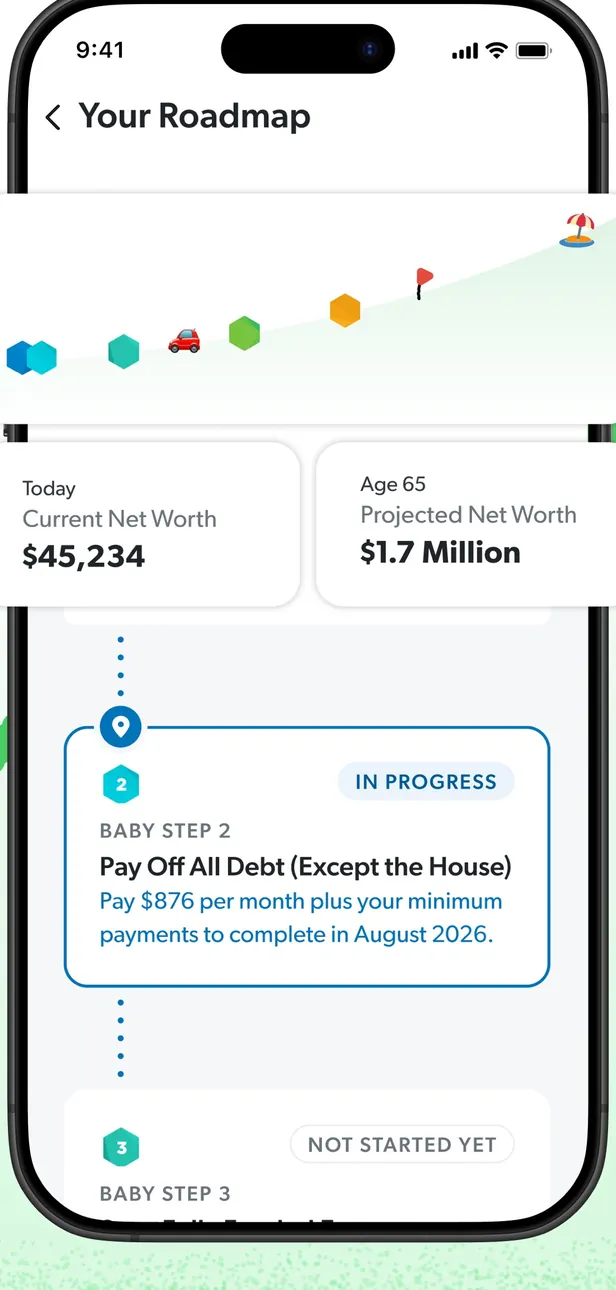
App Store marketing imageYour Roadmap: a progress path, current and projected net worth, and Baby Step cards marked In Progress and Not Started Yet.App Store listing, as of 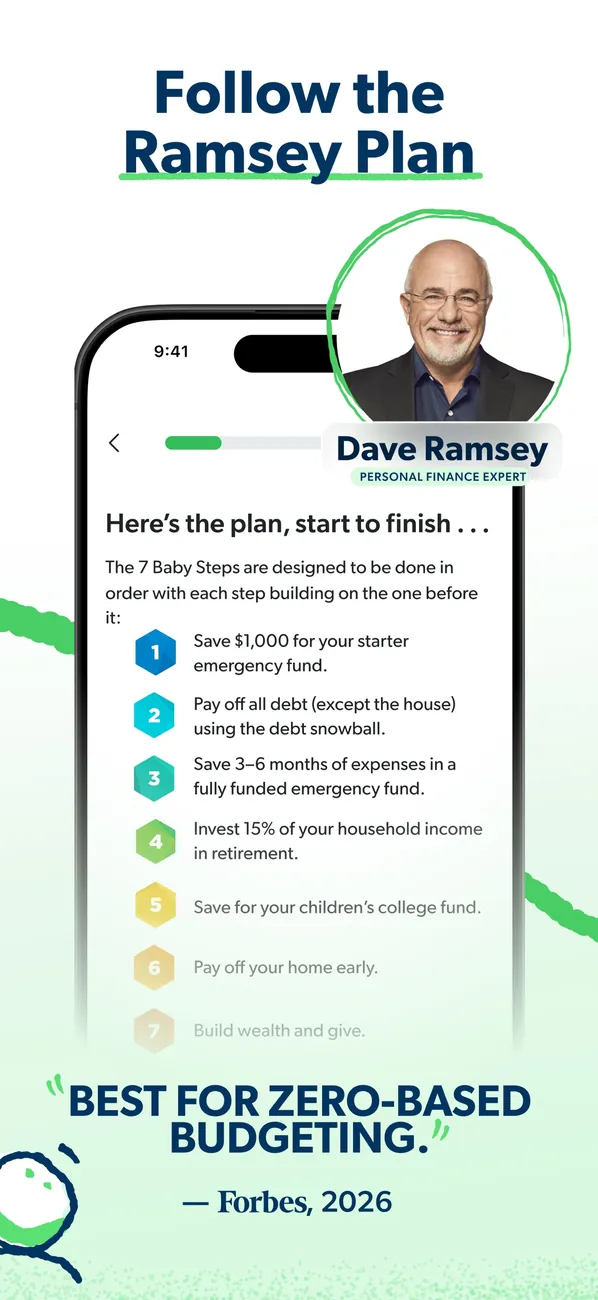
App Store marketing imageApp Store image with the headline "Follow the Ramsey Plan" showing a list of the 7 Baby Steps beside a photo of Dave Ramsey.App Store listing, as of 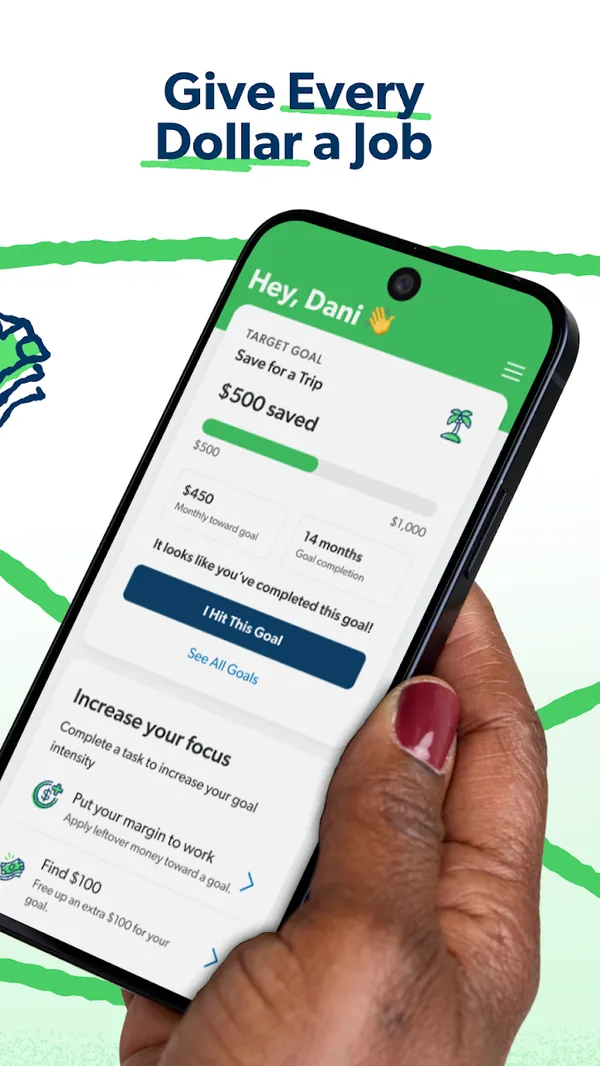
Google Play marketing imageGoogle Play image with the headline "Give Every Dollar a Job" showing a phone with a Save for a Trip goal and an Increase your focus list.Google Play listing, as of 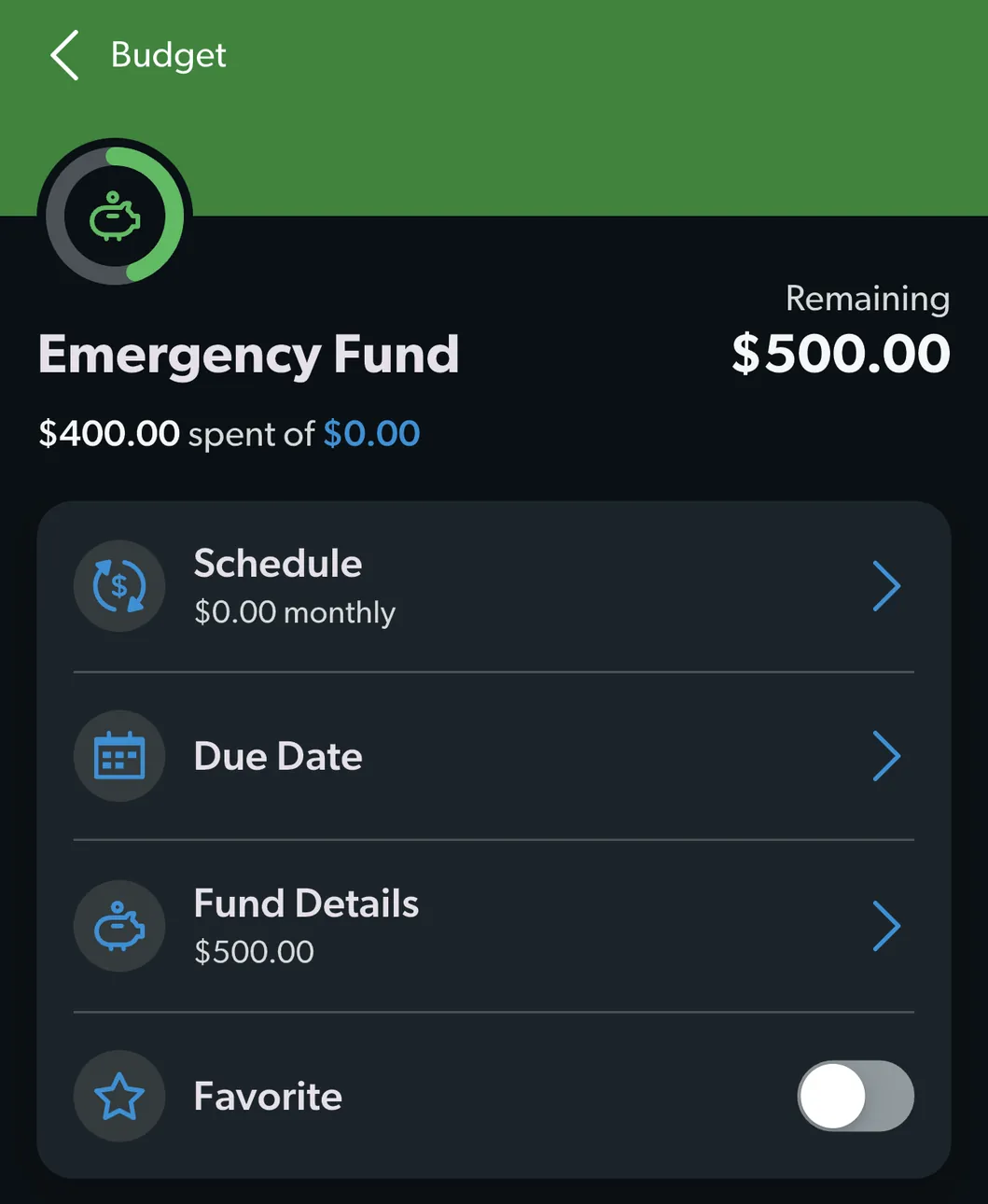
From EveryDollar's help centerAn Emergency Fund budget item with $500.00 remaining and rows for Schedule, Due Date, Fund Details and Favorite.everydollar.help.ramseysolutions.com, as of 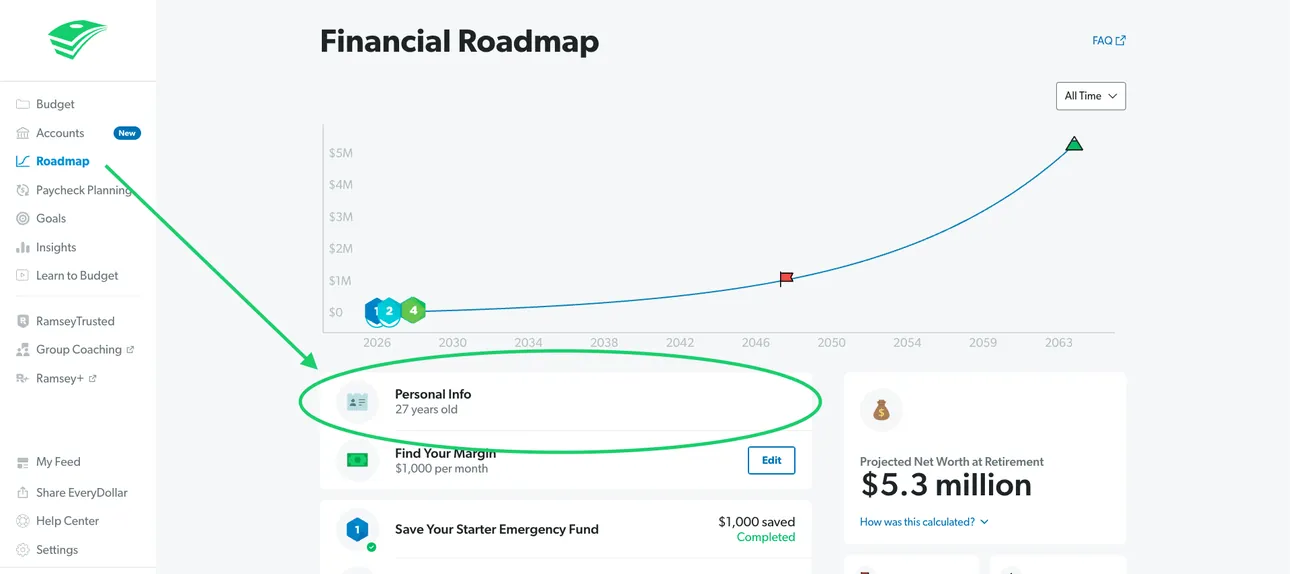
From EveryDollar's help centerThe web Financial Roadmap with a projected net worth line and Personal Info highlighted.everydollar.help.ramseysolutions.com, as of 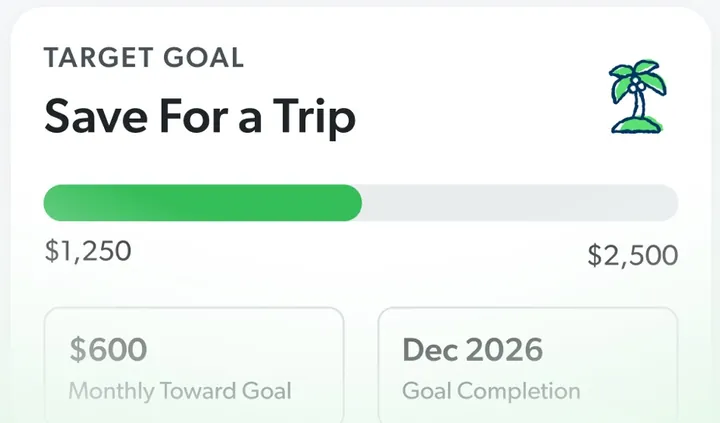
App Store marketing imageA Target Goal card for Save For a Trip with a progress bar from $1,250 to $2,500, a monthly amount and a completion date.App Store listing, as of 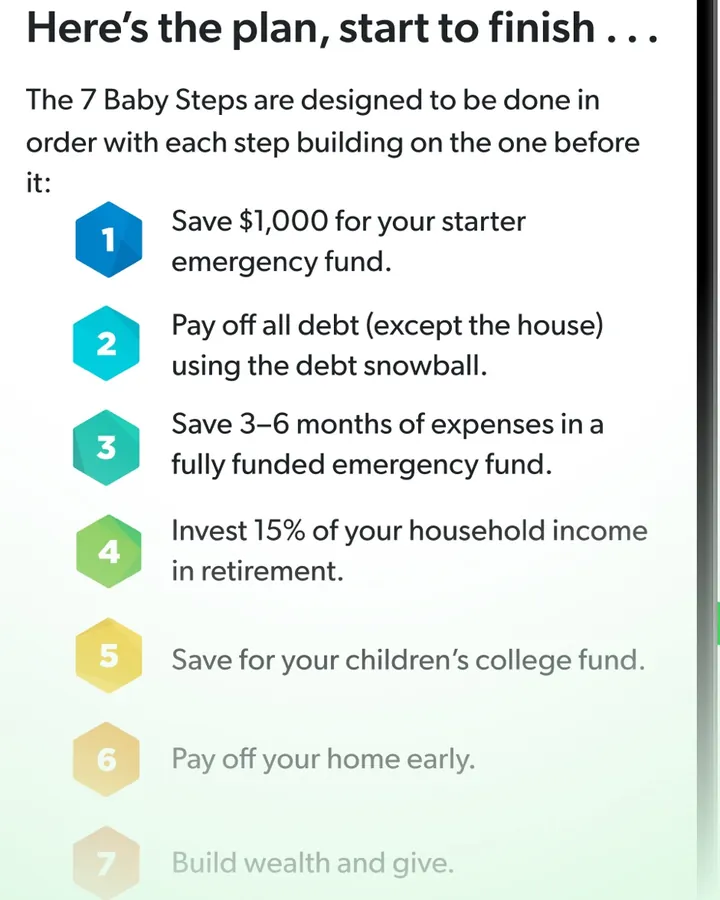
App Store marketing imageA numbered list of the 7 Baby Steps, starting with "Save $1,000 for your starter emergency fund."App Store listing, as of 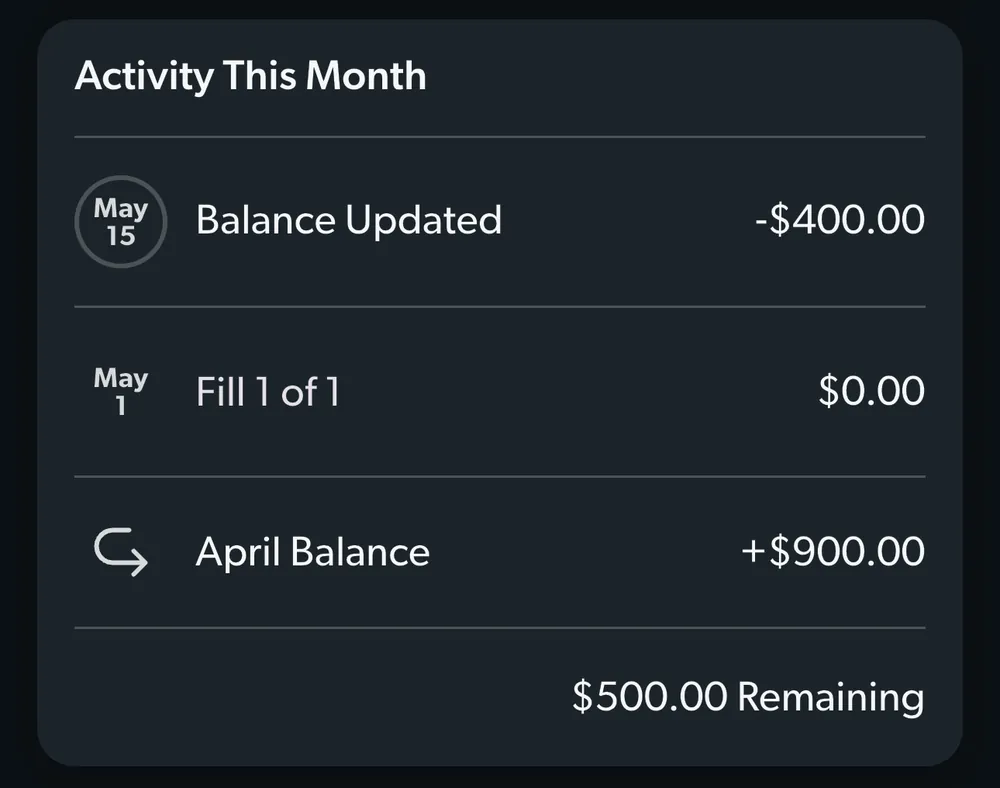
From EveryDollar's help centerAn Activity This Month card for a fund with a balance update, a fill and the April balance.everydollar.help.ramseysolutions.com, as of
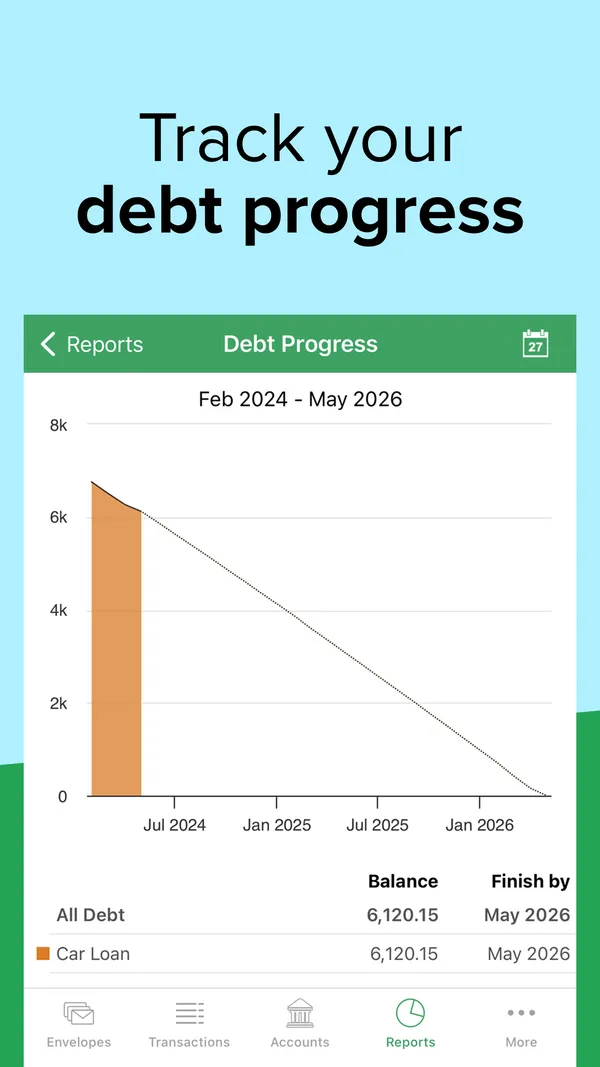
App Store marketing imageApp Store image with the headline "Track your debt progress" showing a Debt Progress chart for a car loan.App Store listing, as of 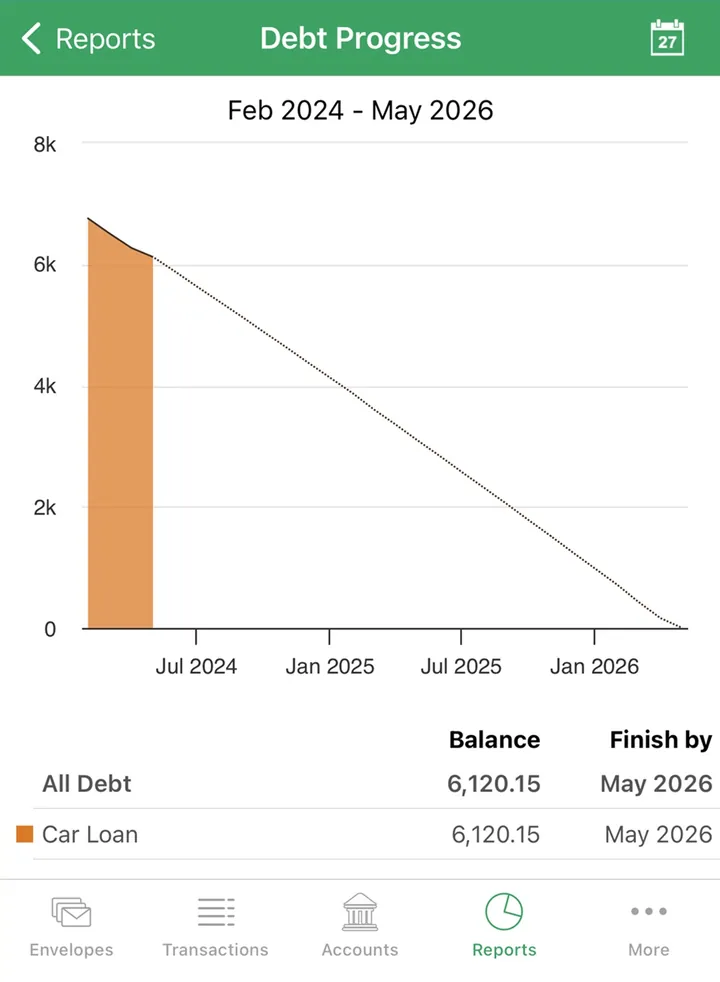
App Store marketing imageA Debt Progress report with a payoff line to 2026 and a table showing the car loan balance and finish date.App Store listing, as of 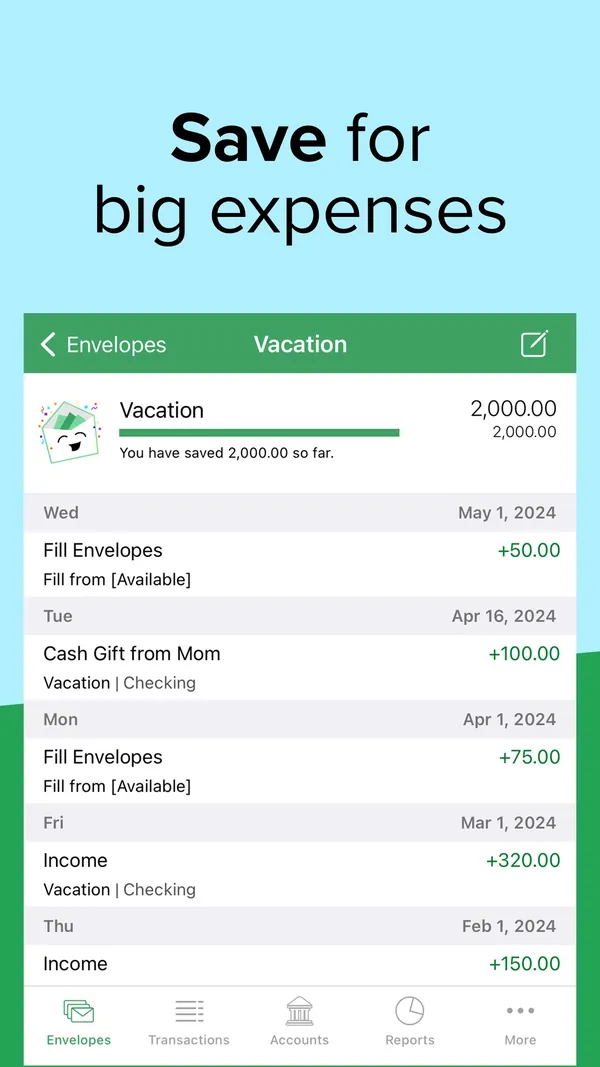
App Store marketing imageApp Store image with the headline "Save for big expenses" showing a Vacation envelope with its history.App Store listing, as of 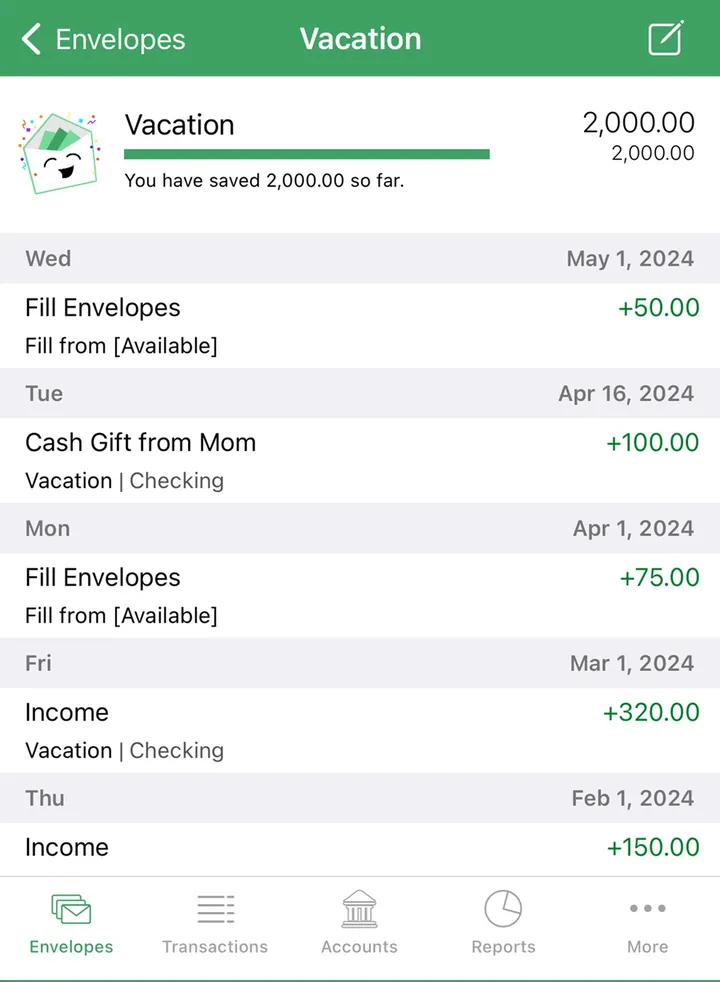
App Store marketing imageA Vacation envelope with 2,000.00 saved and a dated list of fills and income.App Store listing, as of
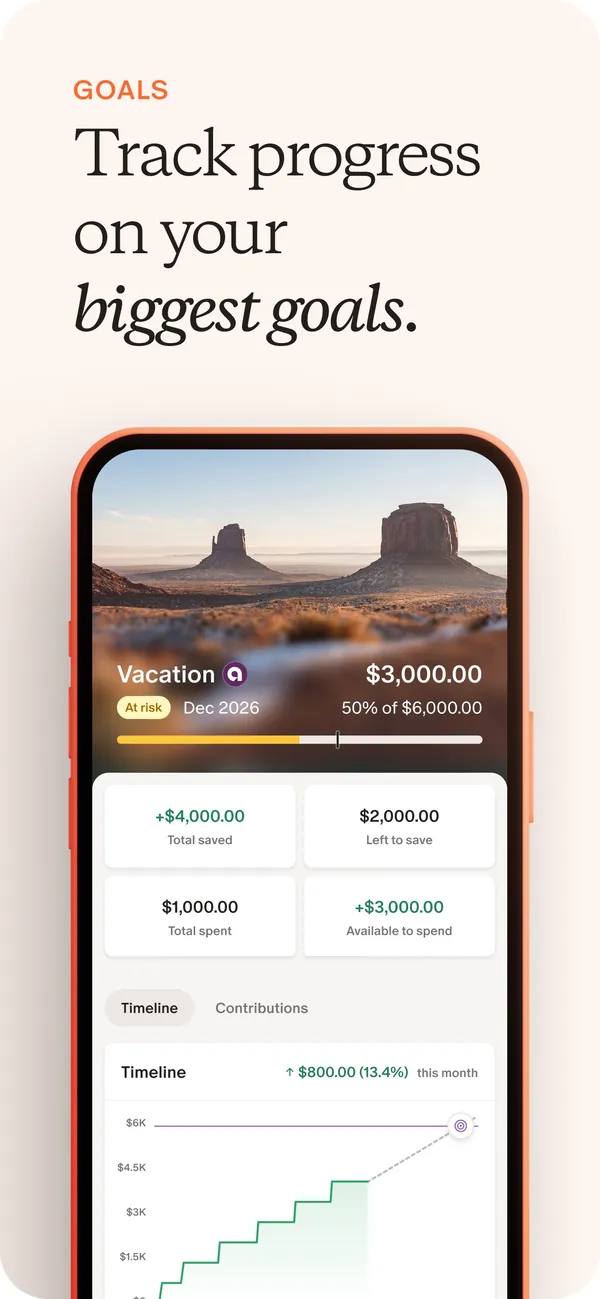
App Store marketing imageApp Store image with the headline "Track progress on your biggest goals" showing a Vacation goal with amounts saved and a timeline chart.App Store listing, as of 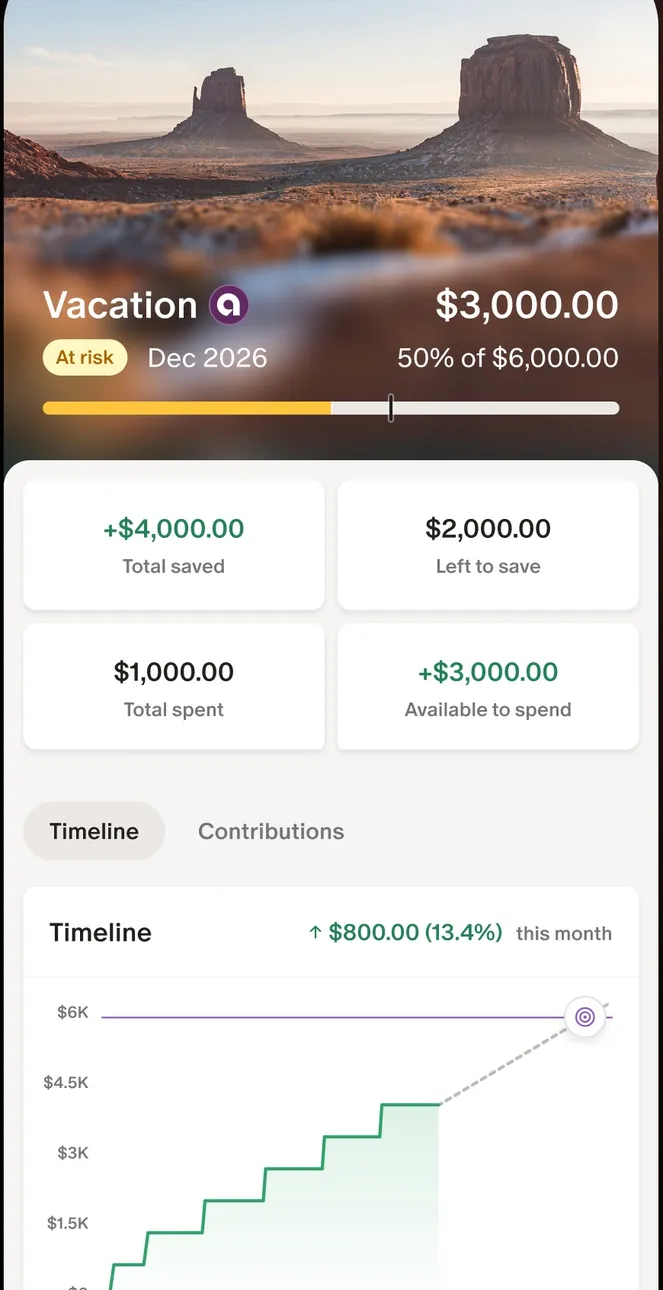
App Store marketing imageThe Vacation goal screen: $3,000.00 of $6,000.00, four amount tiles and a stepped timeline chart.App Store listing, as of 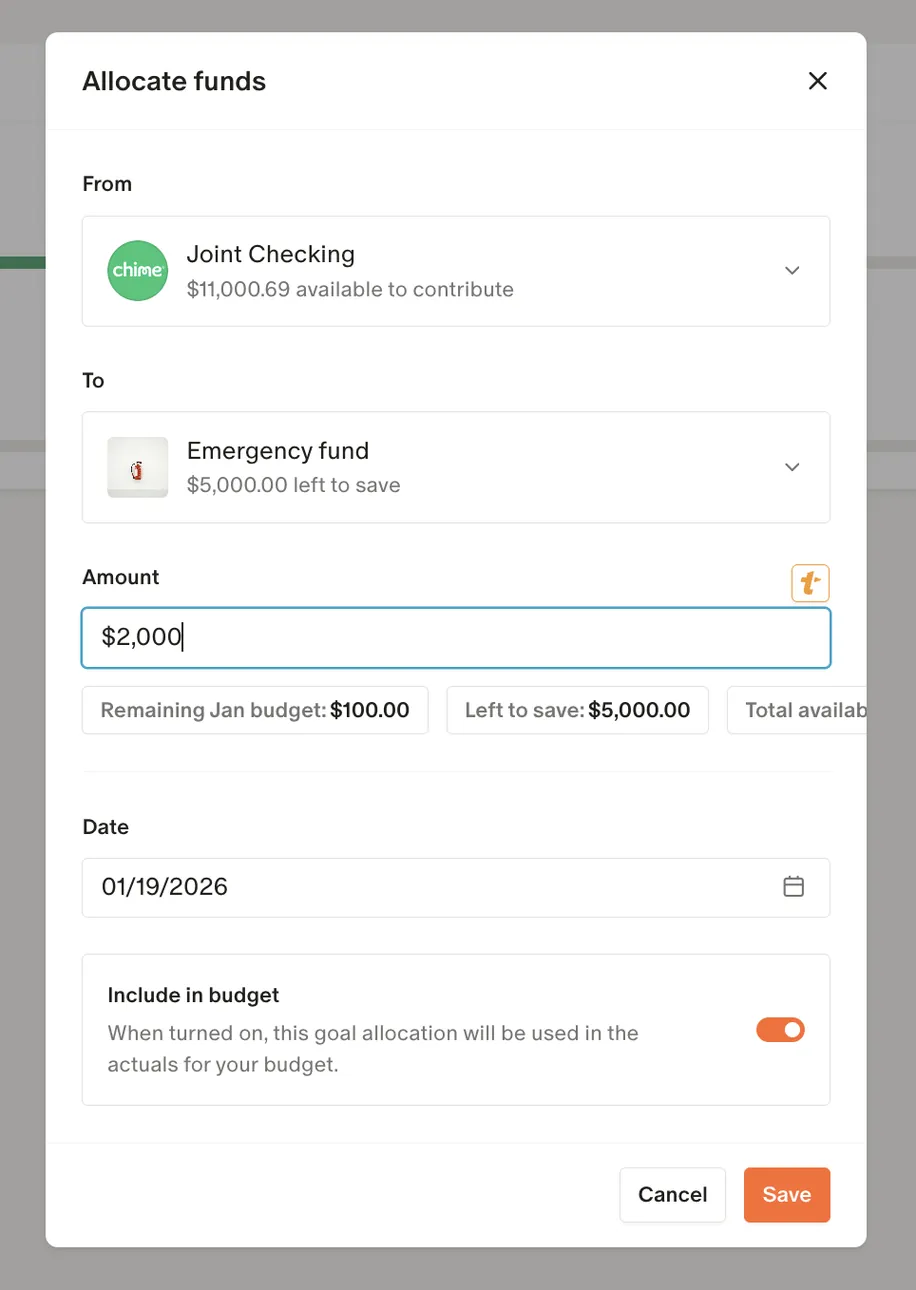
From Monarch Money's help centerAn Allocate funds dialog moving $2,000 from Joint Checking to an Emergency fund goal.help.monarch.com, as of 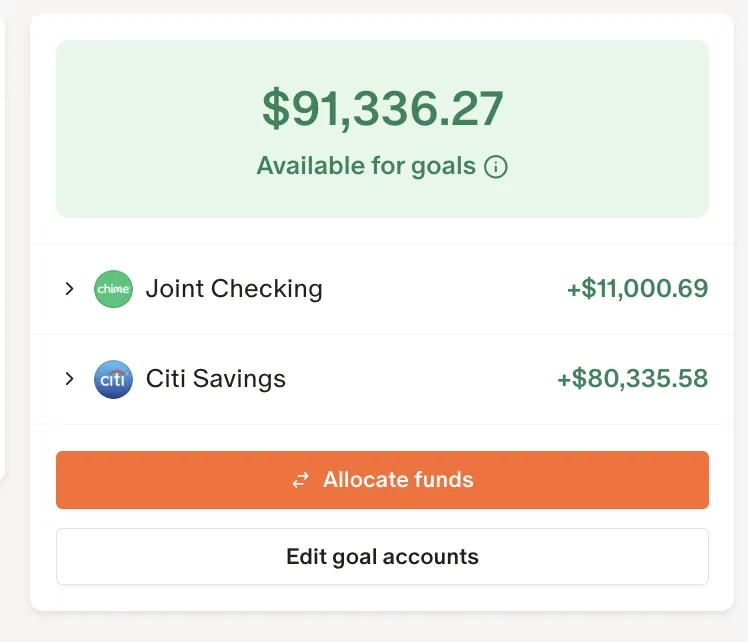
From Monarch Money's help centerA card showing $91,336.27 available for goals, two accounts, and Allocate funds and Edit goal accounts buttons.help.monarch.com, as of

App Store marketing imageA Create a goal card asking you to add a goal for the things you want to save for, with a Get started button and a jar illustration.App Store listing, as of
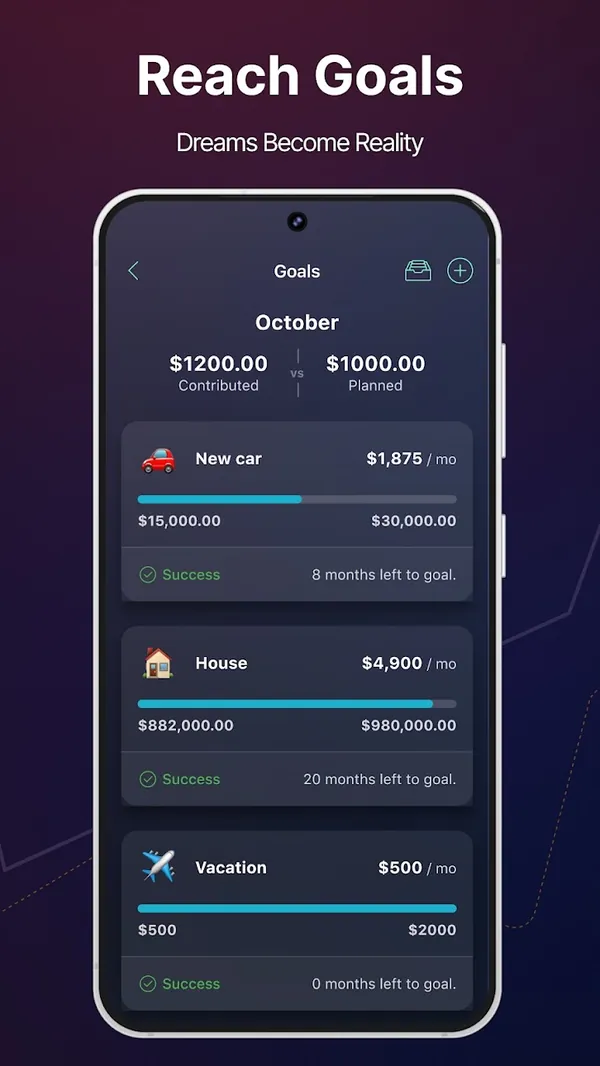
Google Play marketing imageGoogle Play image with the headline "Reach Goals" showing a Goals screen with New car, House and Vacation goals.Google Play listing, as of 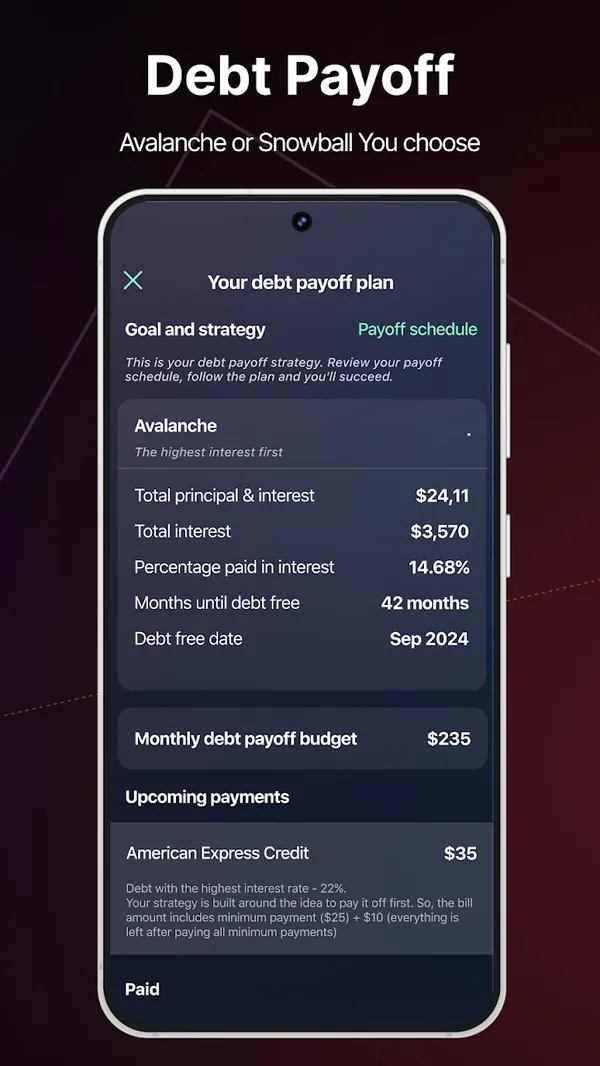
Google Play marketing imageGoogle Play image with the headline "Debt Payoff" showing a debt payoff plan with Avalanche strategy and a debt free date.Google Play listing, as of
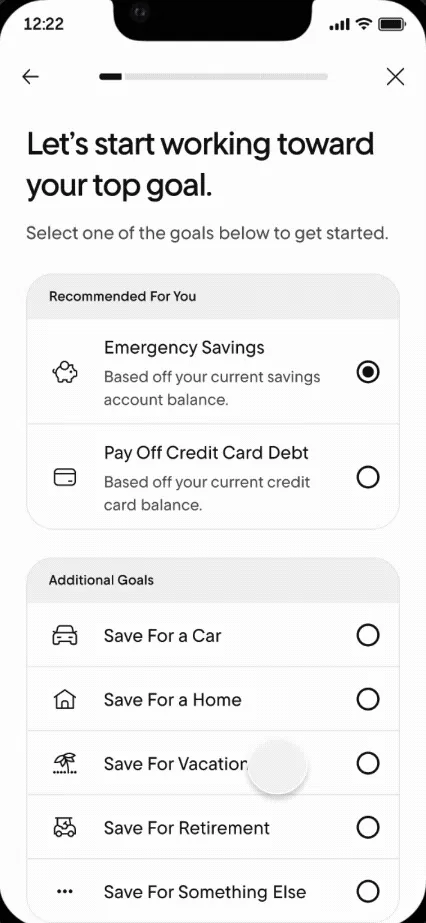
From Rocket Money's help centerA goal setup screen listing Emergency Savings, Pay Off Credit Card Debt and other goals to choose from.help.rocketmoney.com, as of 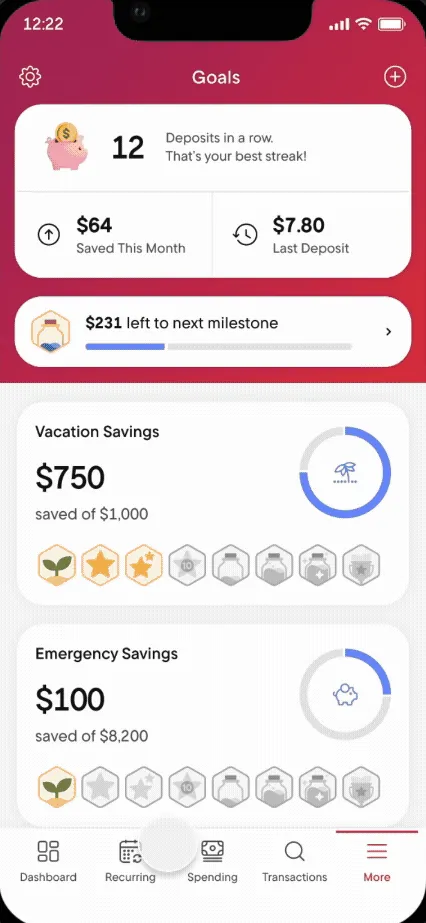
From Rocket Money's help centerThe Goals screen with a deposit streak, Vacation Savings and Emergency Savings progress and milestone badges.help.rocketmoney.com, as of
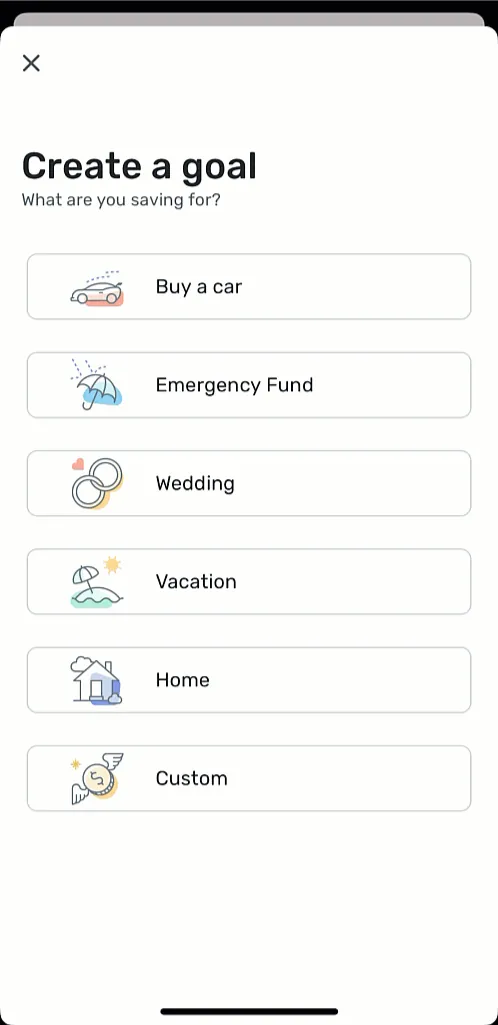
From Simplifi's help centerA Create a goal screen with choices like Buy a car, Emergency Fund, Wedding, Vacation, Home and Custom.support.simplifi.quicken.com, as of 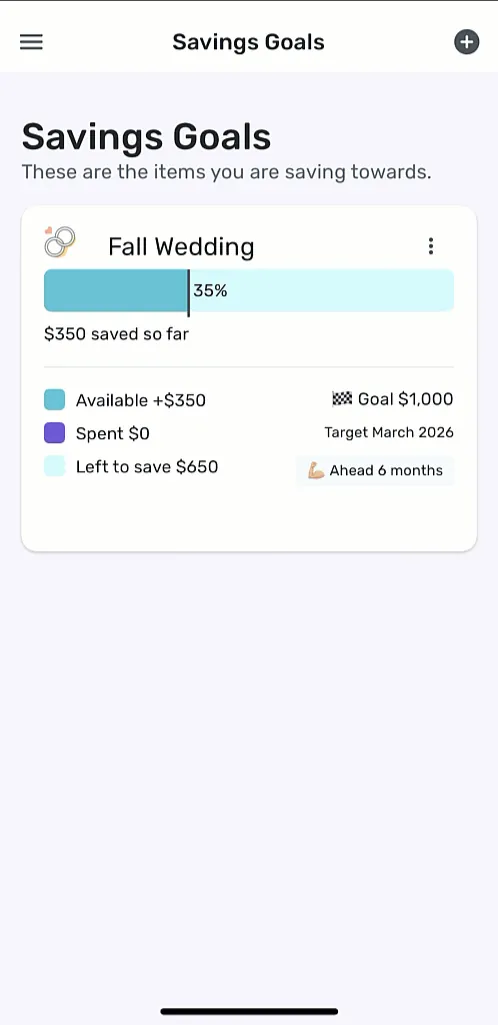
From Simplifi's help centerThe Savings Goals screen with a Fall Wedding goal at 35%, $350 saved and a target date.support.simplifi.quicken.com, as of
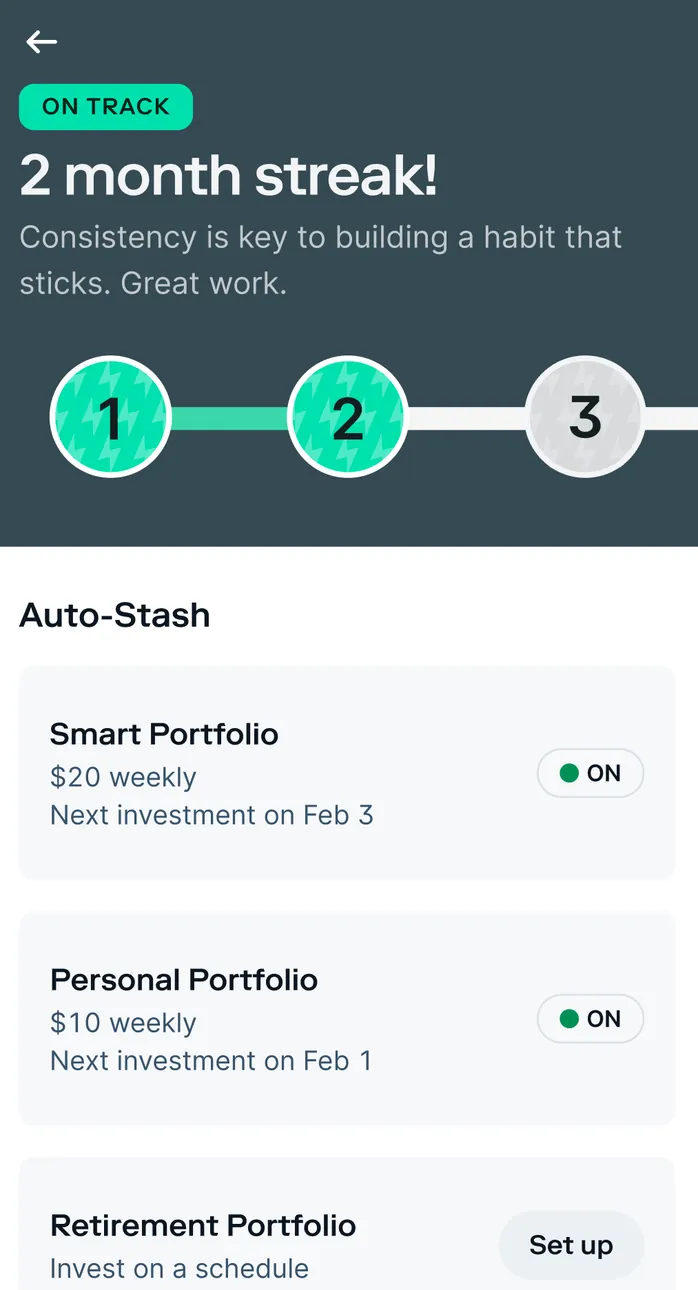
App Store marketing imageAn On Track 2 month streak screen with three numbered steps, and Auto-Stash schedules for a Smart Portfolio at $20 weekly and a Personal Portfolio at $10 weekly, both on, plus a Retirement Portfolio Set up row.App Store listing, as of 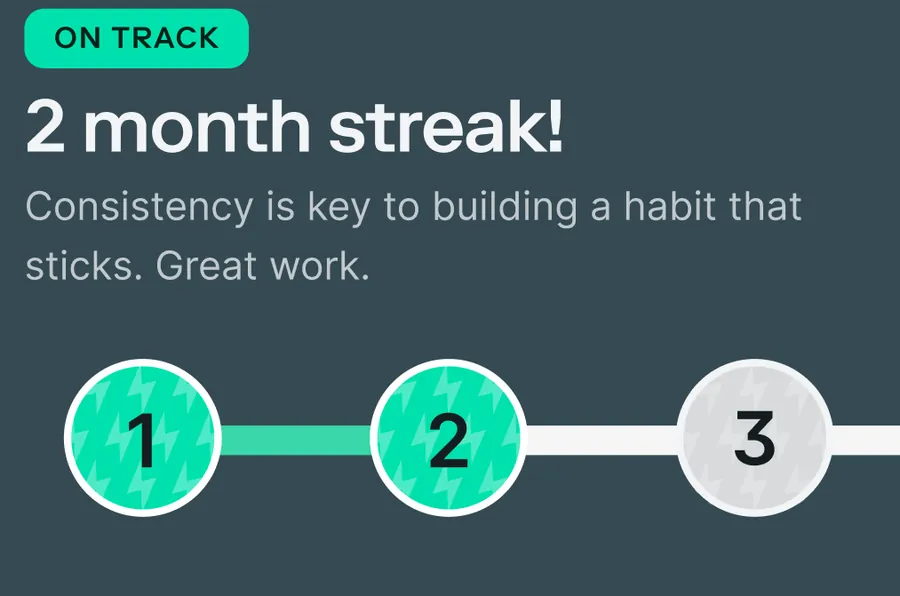
App Store marketing imageOn Track: 2 month streak! "Consistency is key to building a habit that sticks. Great work." with steps 1 and 2 done and step 3 next.App Store listing, as of
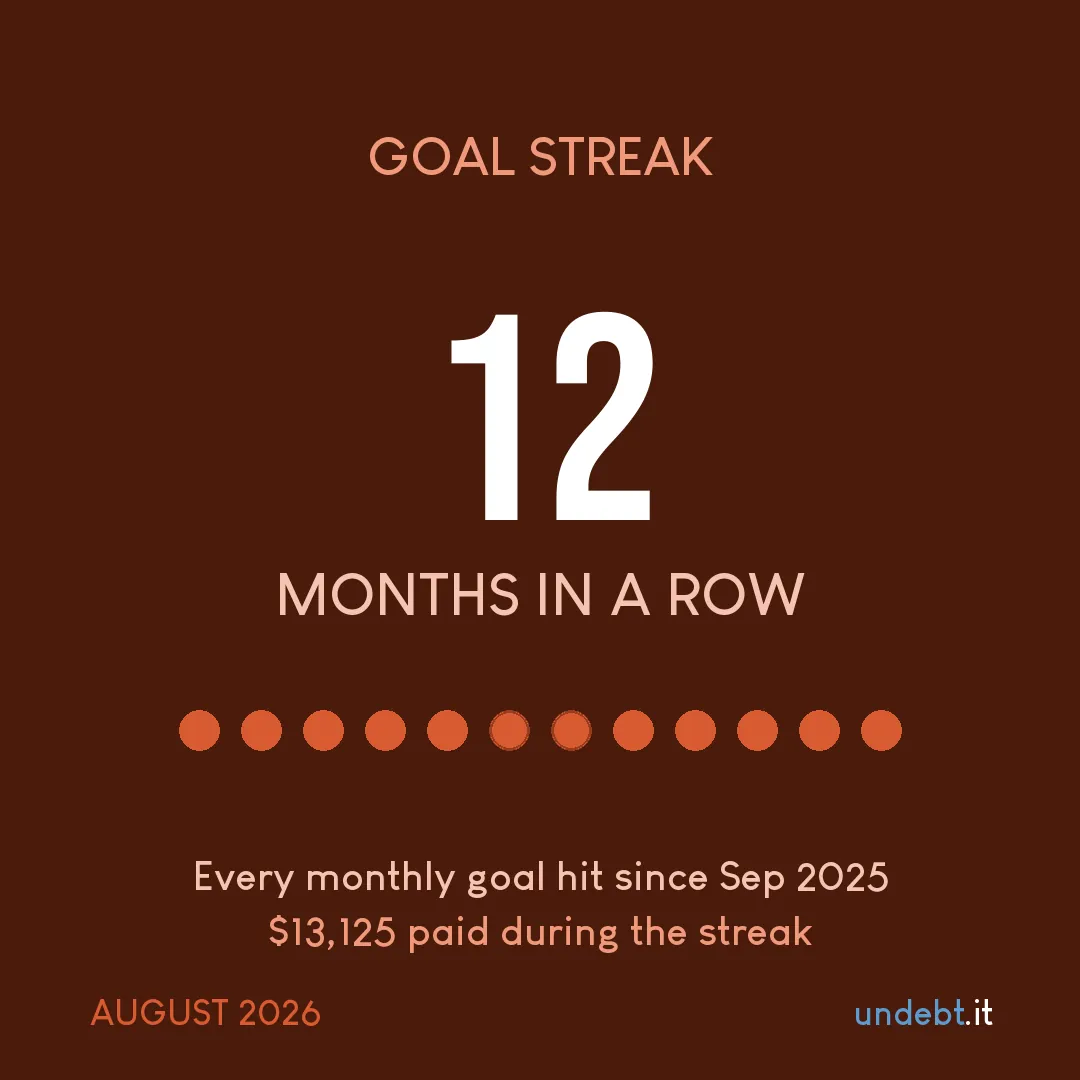
From Undebt.it's websiteA Goal Streak payoff snapshot: 12 months in a row, every monthly goal hit since Sep 2025 and $13,125 paid during the streak.undebt.it, as of 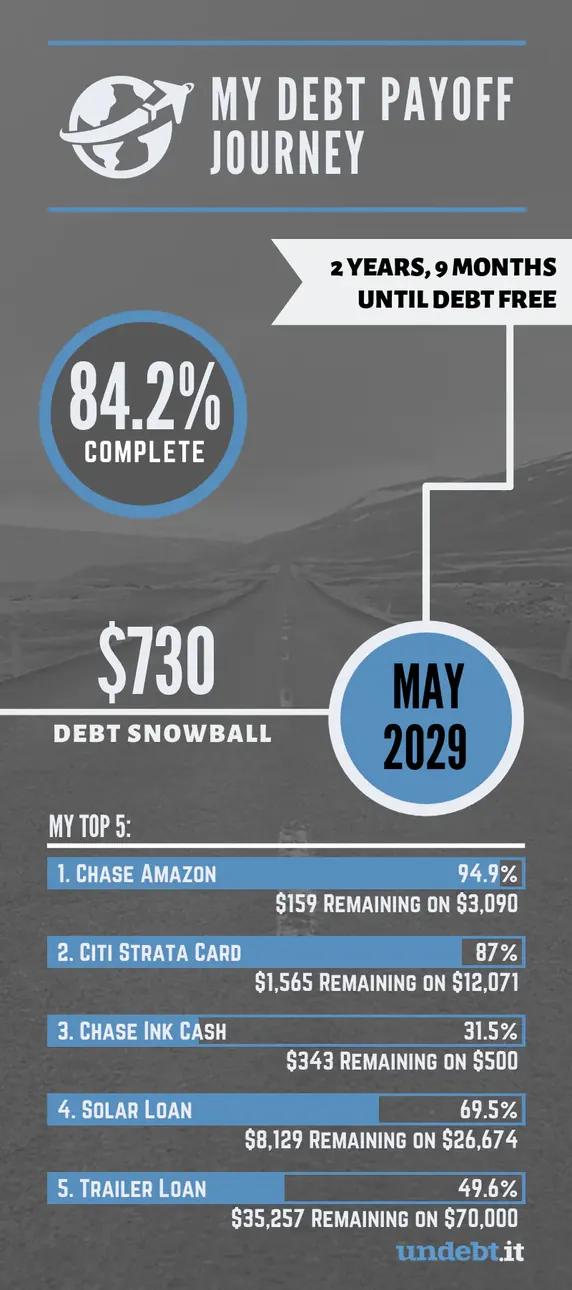
From Undebt.it's websiteA My Debt Payoff Journey snapshot: 84.2% complete, 2 years 9 months until debt free, a $730 debt snowball, a May 2029 debt-free date and progress bars for each debt.undebt.it, as of
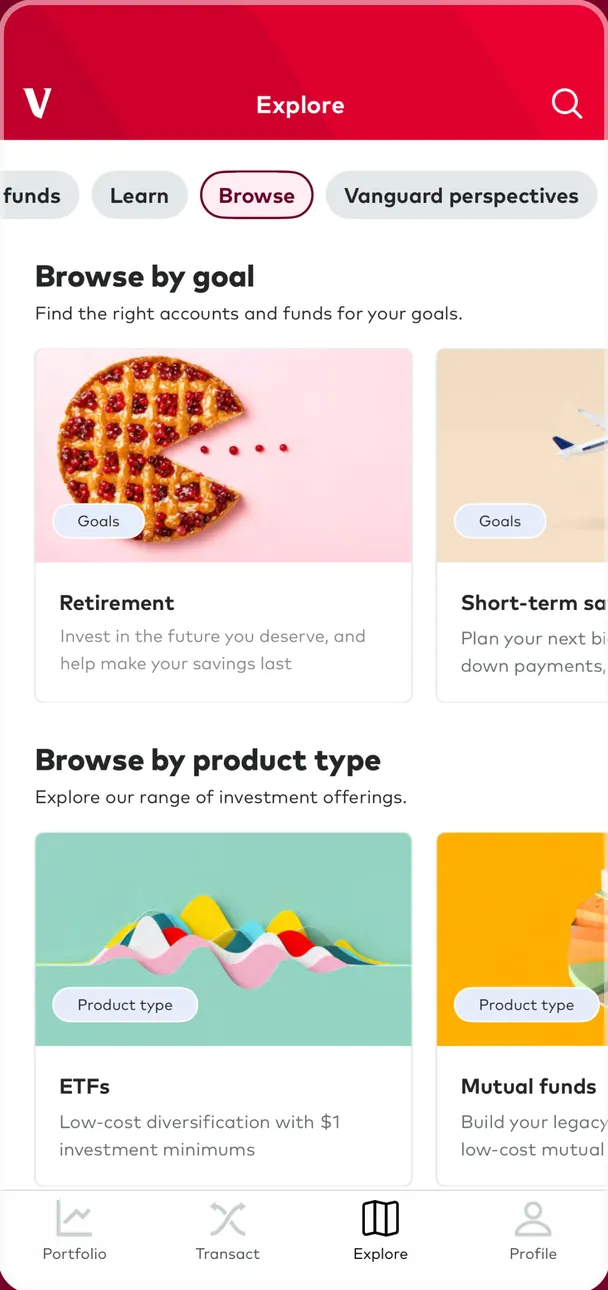
App Store marketing imageThe Explore tab on Browse: Browse by goal with Retirement and Short-term savings cards, and Browse by product type with ETFs and Mutual funds.App Store listing, as of
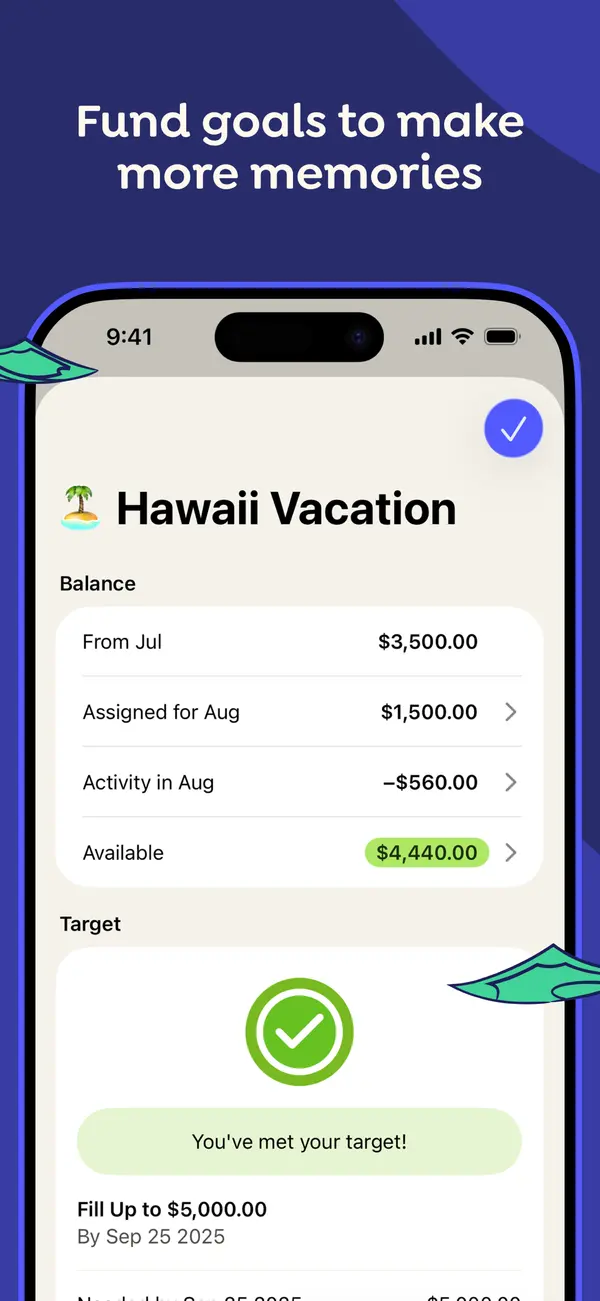
App Store marketing imageApp Store image with the headline "Fund goals to make more memories" showing a Hawaii Vacation category with its balance and a "You've met your target!" message.App Store listing, as of 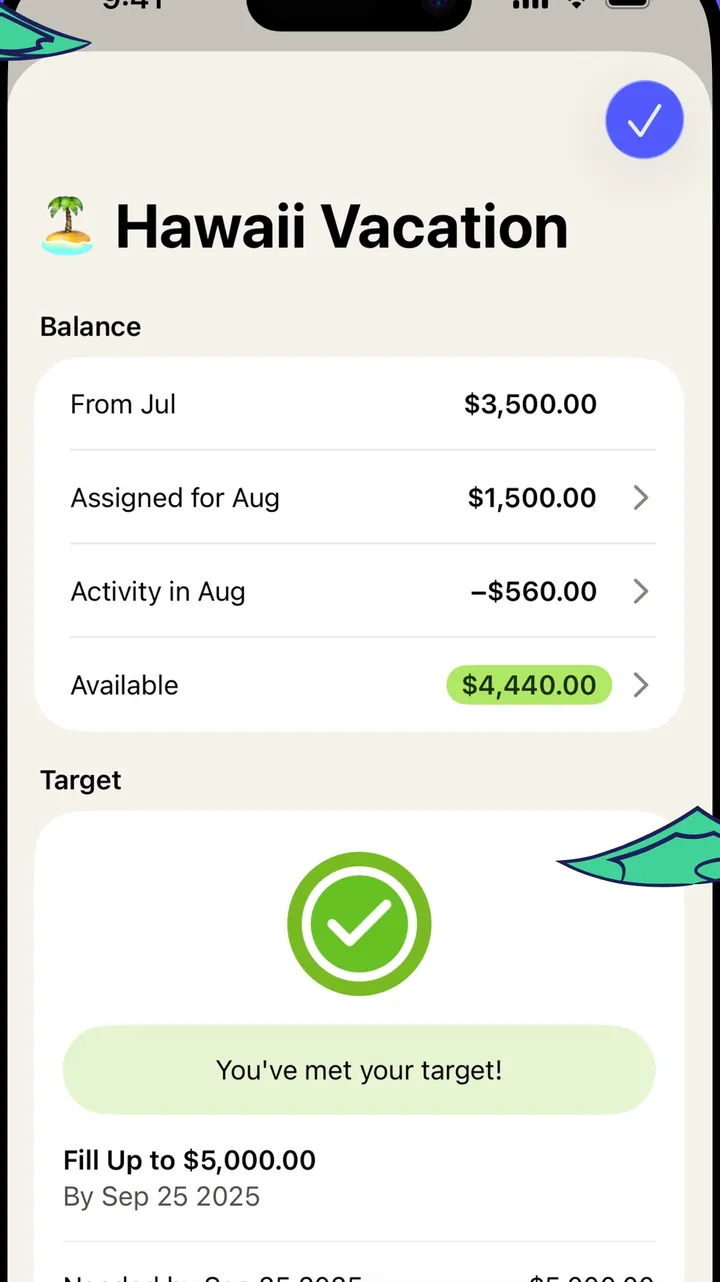
App Store marketing imageThe Hawaii Vacation category screen: balance breakdown for the month and a target card with a check mark.App Store listing, as of 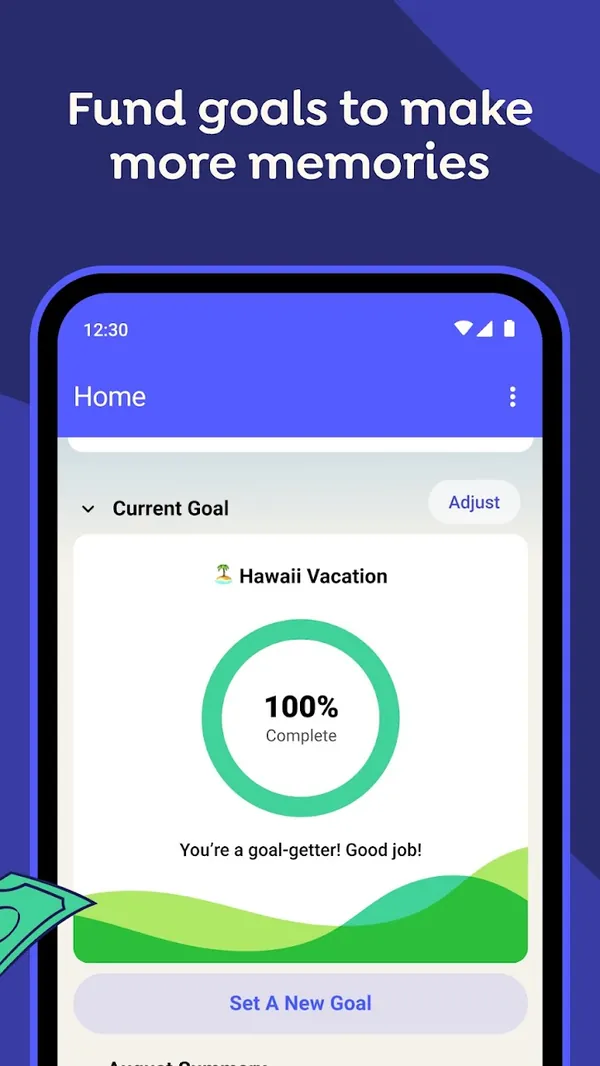
Google Play marketing imageGoogle Play image with the headline "Fund goals to make more memories" showing the Android Home screen with a Current Goal ring at 100% Complete for Hawaii Vacation.Google Play listing, as of 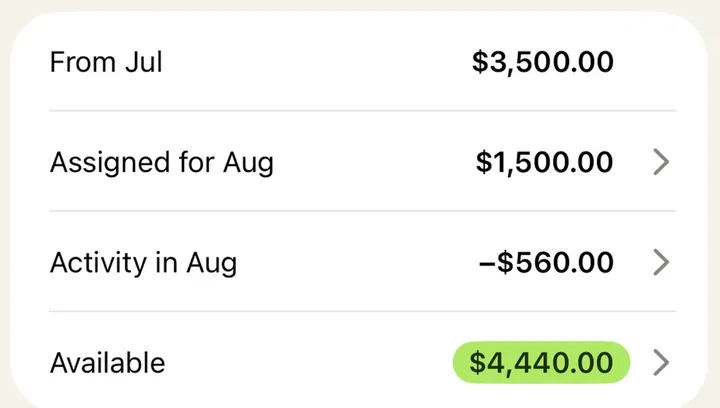
App Store marketing imageA balance card listing From Jul, Assigned for Aug, Activity in Aug and Available amounts.App Store listing, as of 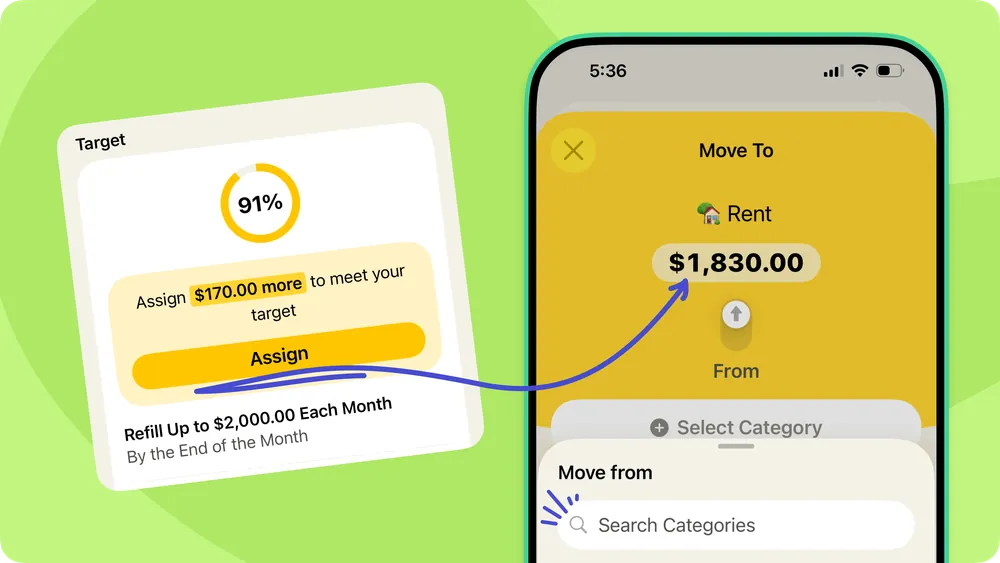
From YNAB's help centerA help-center graphic pairing a target card at 91% with a Move To sheet that assigns $1,830.00 to Rent.support.ynab.com, as of 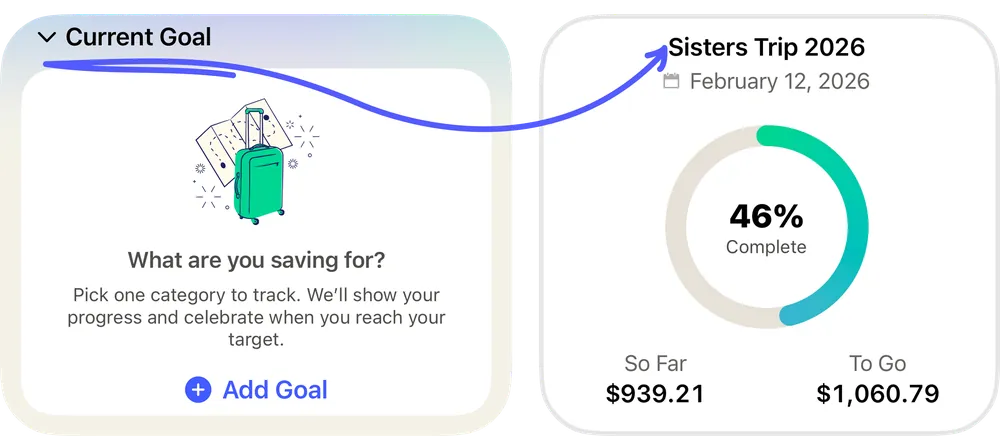
From YNAB's help centerTwo Current Goal cards: an empty one asking "What are you saving for?" and one for Sisters Trip 2026 at 46% complete.support.ynab.com, as of
Reports and insights
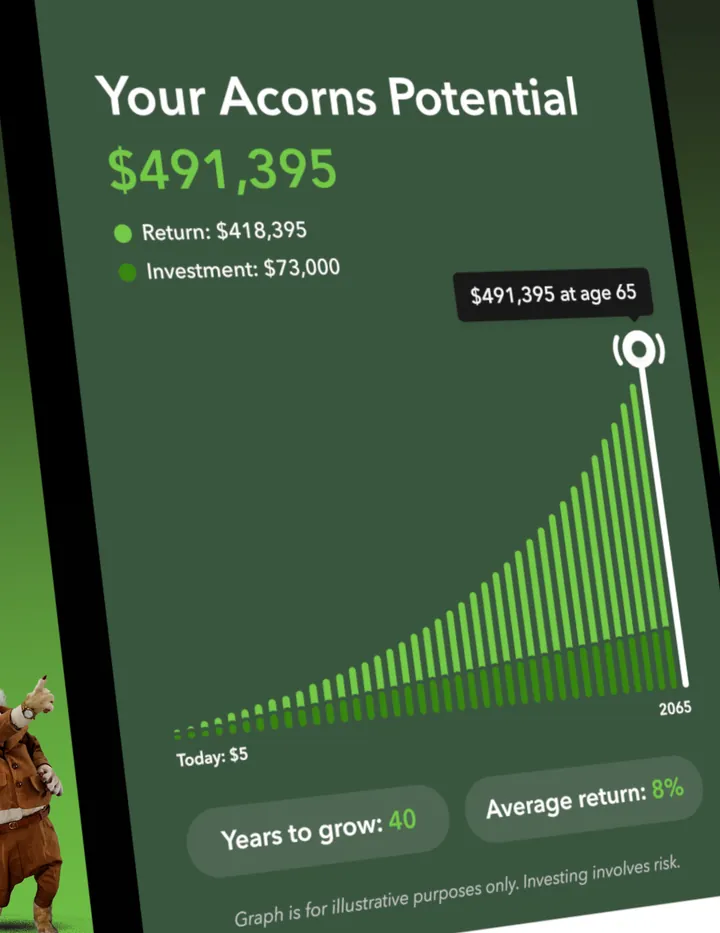
App Store marketing imageA tilted Your Acorns Potential screen: $491,395 made of a $418,395 return and $73,000 invested, a rising bar chart to age 65 and Years to grow 40 and Average return 8% chips.App Store listing, as of
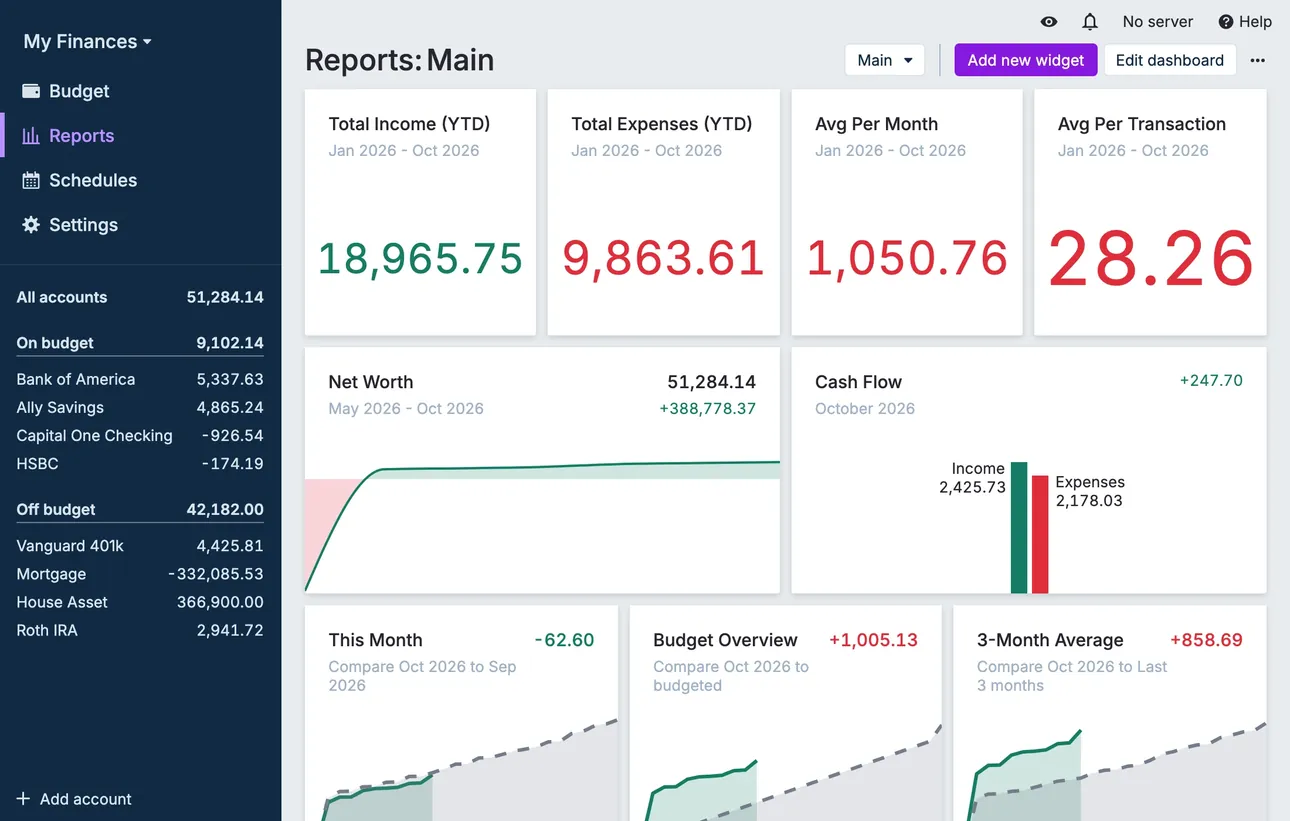
From Actual Budget's help centerThe Reports dashboard with total income and expenses, net worth and cash flow widgets.actualbudget.org, as of 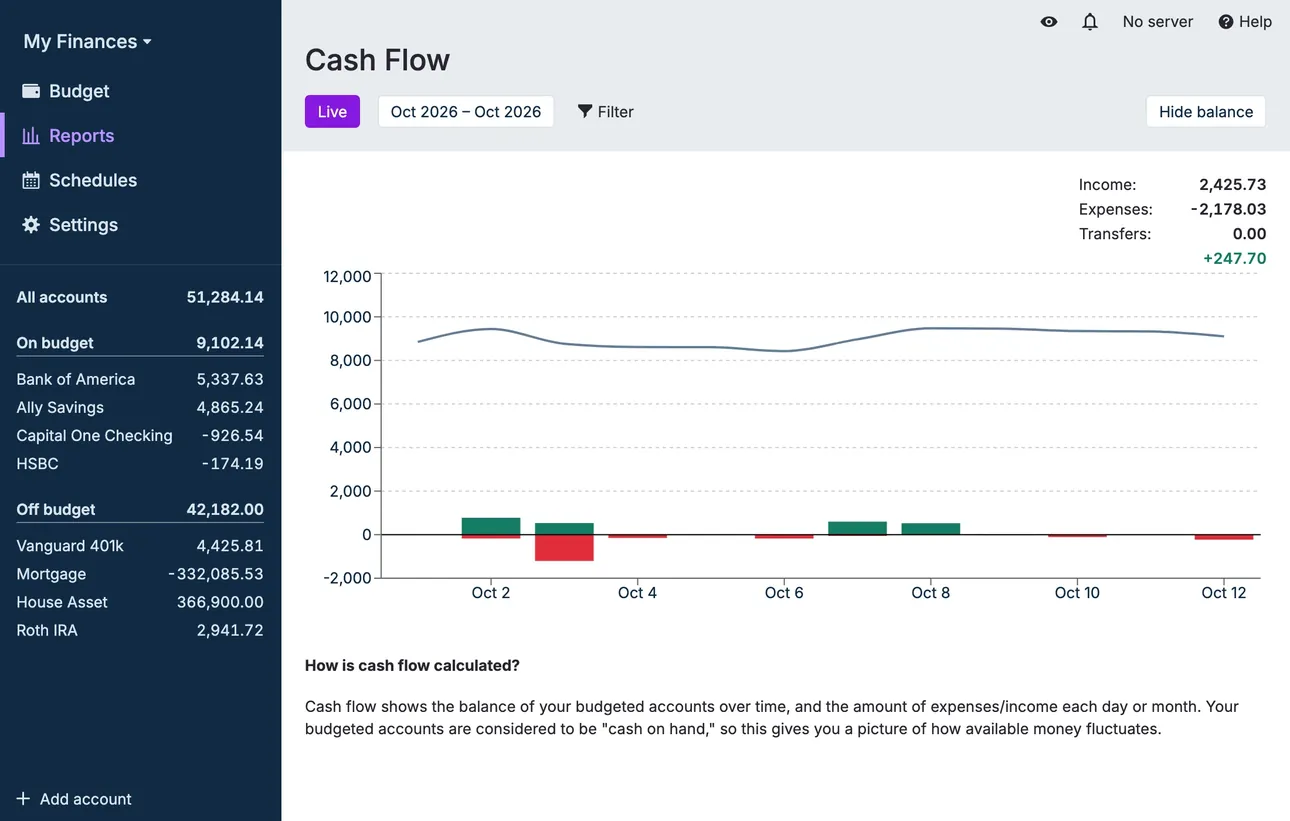
From Actual Budget's help centerA Cash Flow report with a balance line and income and expense bars.actualbudget.org, as of
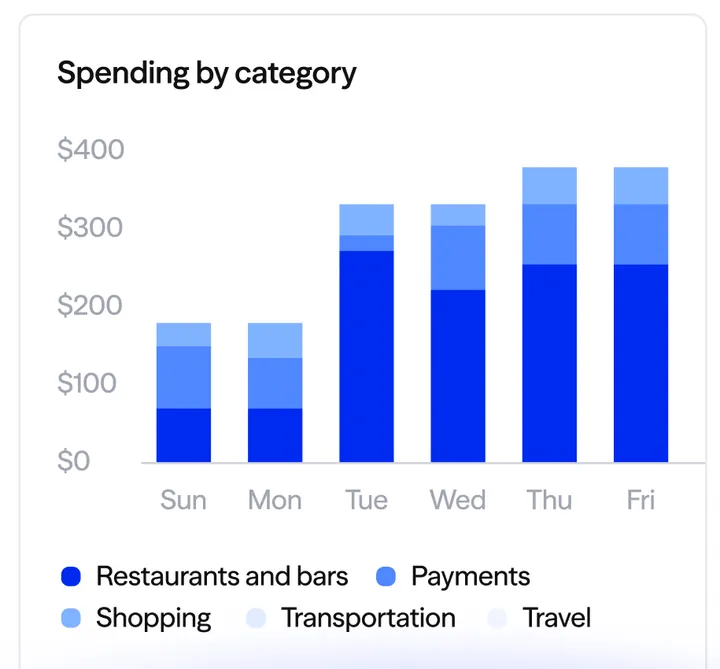
App Store marketing imageA Spending by category bar chart from Sunday to Friday, with Restaurants and bars, Payments, Shopping, Transportation and Travel in the legend.App Store listing, as of
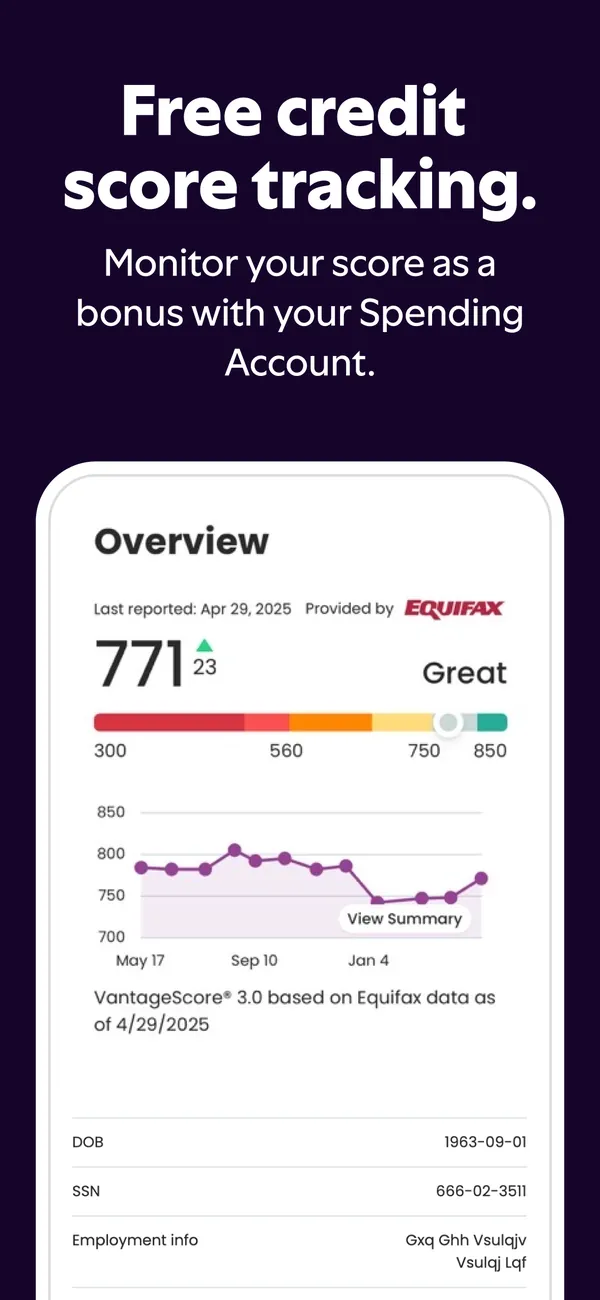
App Store marketing imageApp Store image with the headline "Free credit score tracking." showing a credit score overview.App Store listing, as of 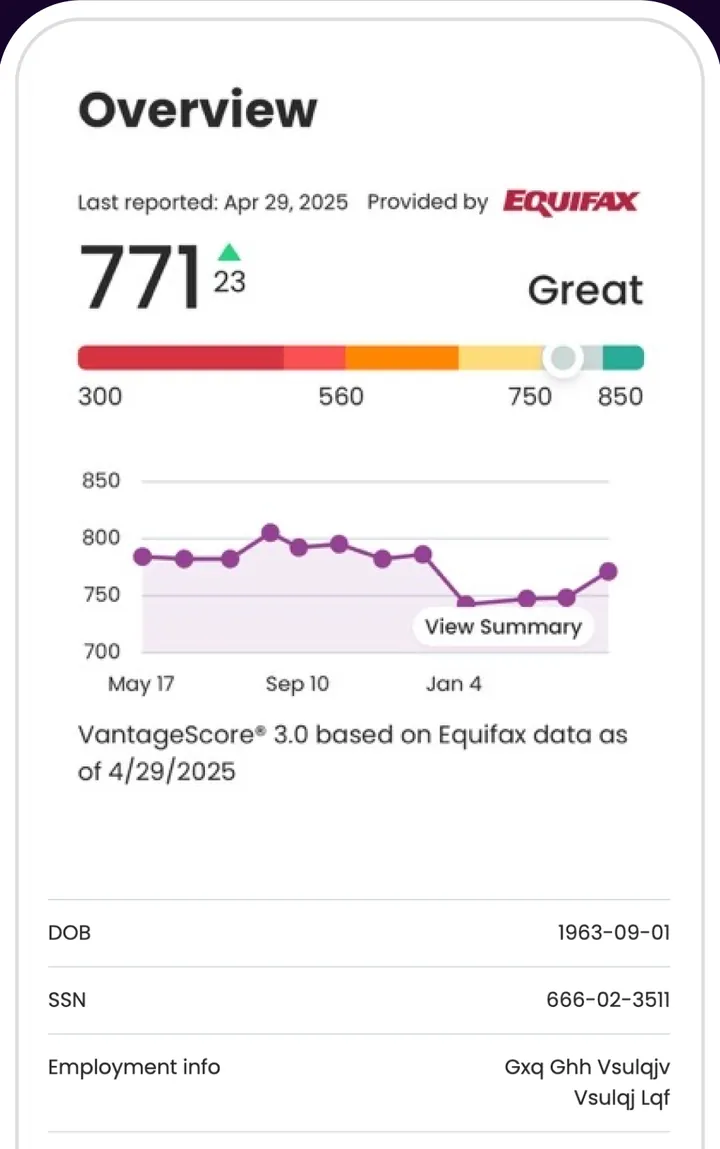
App Store marketing imageCredit score Overview provided by Equifax: 771, up 23, rated Great on a 300 to 850 bar, with a line chart from May to January.App Store listing, as of
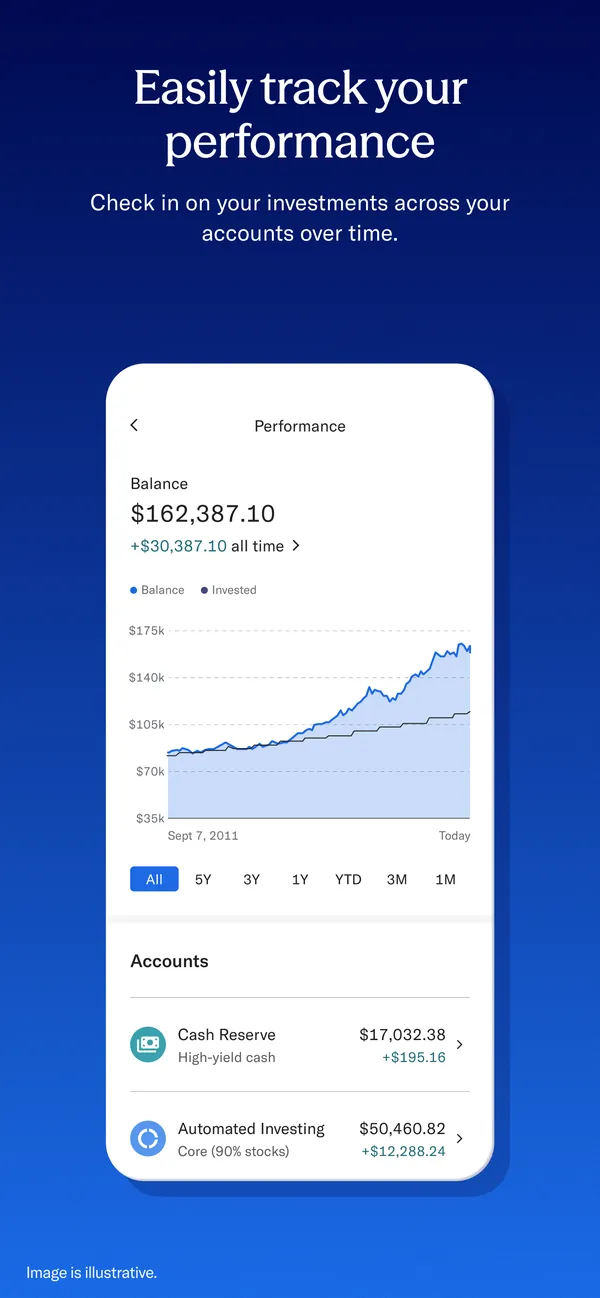
App Store marketing imageApp Store image with the headline "Easily track your performance" showing a Performance screen.App Store listing, as of 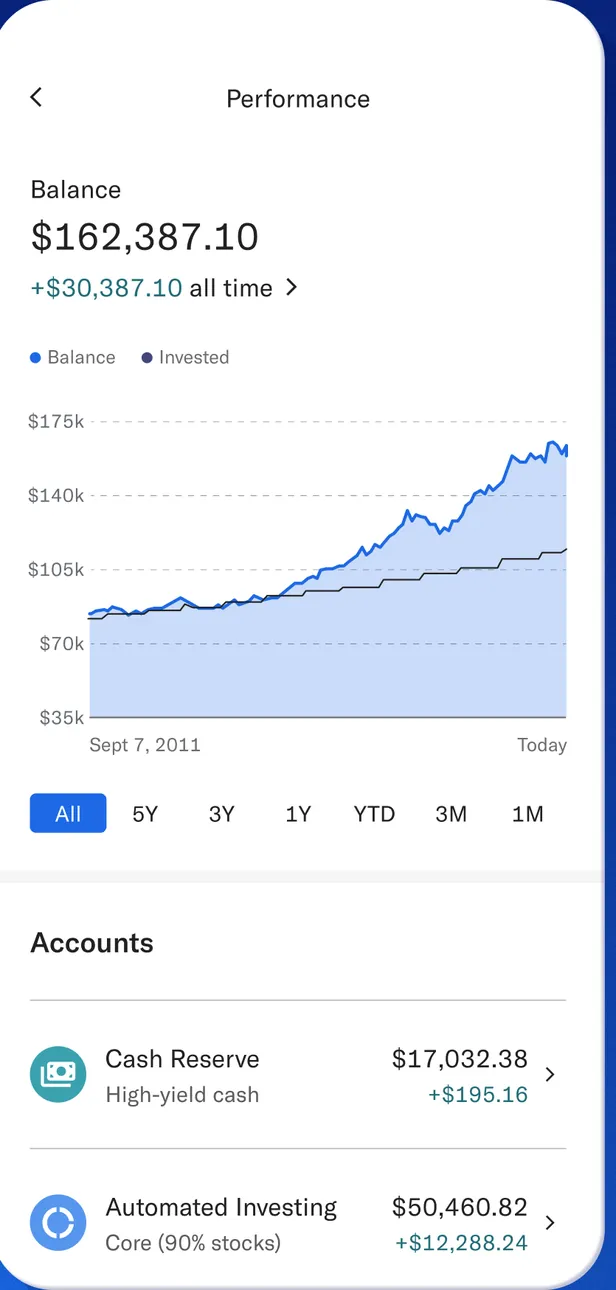
App Store marketing imagePerformance: balance $162,387.10, up $30,387.10 all time, a balance and invested chart from 2011 to today with time range buttons, and Accounts for Cash Reserve and Automated Investing.App Store listing, as of 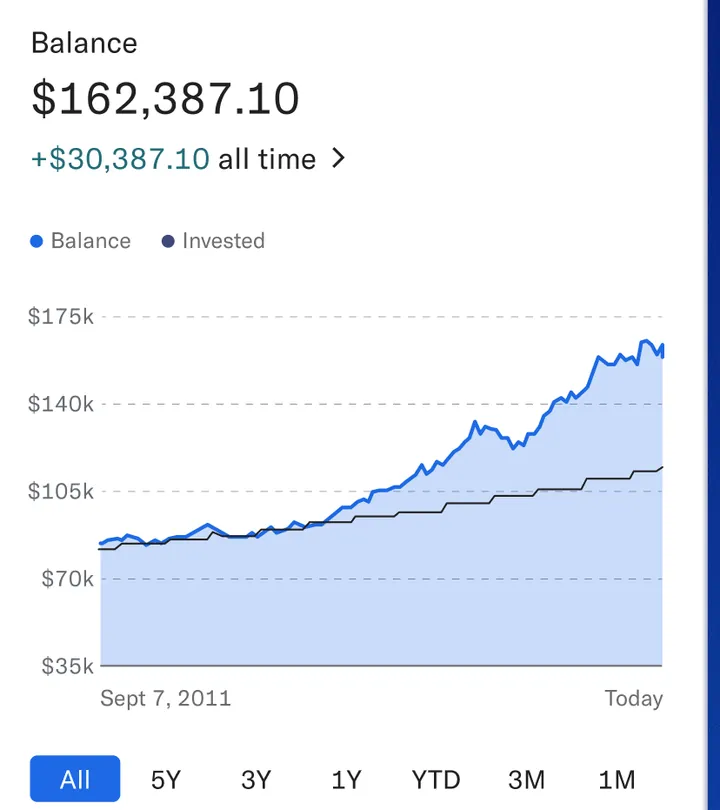
App Store marketing imageBalance $162,387.10 with a Balance and Invested line chart from $35k to $175k and All, 5Y, 3Y, 1Y, YTD, 3M and 1M buttons.App Store listing, as of
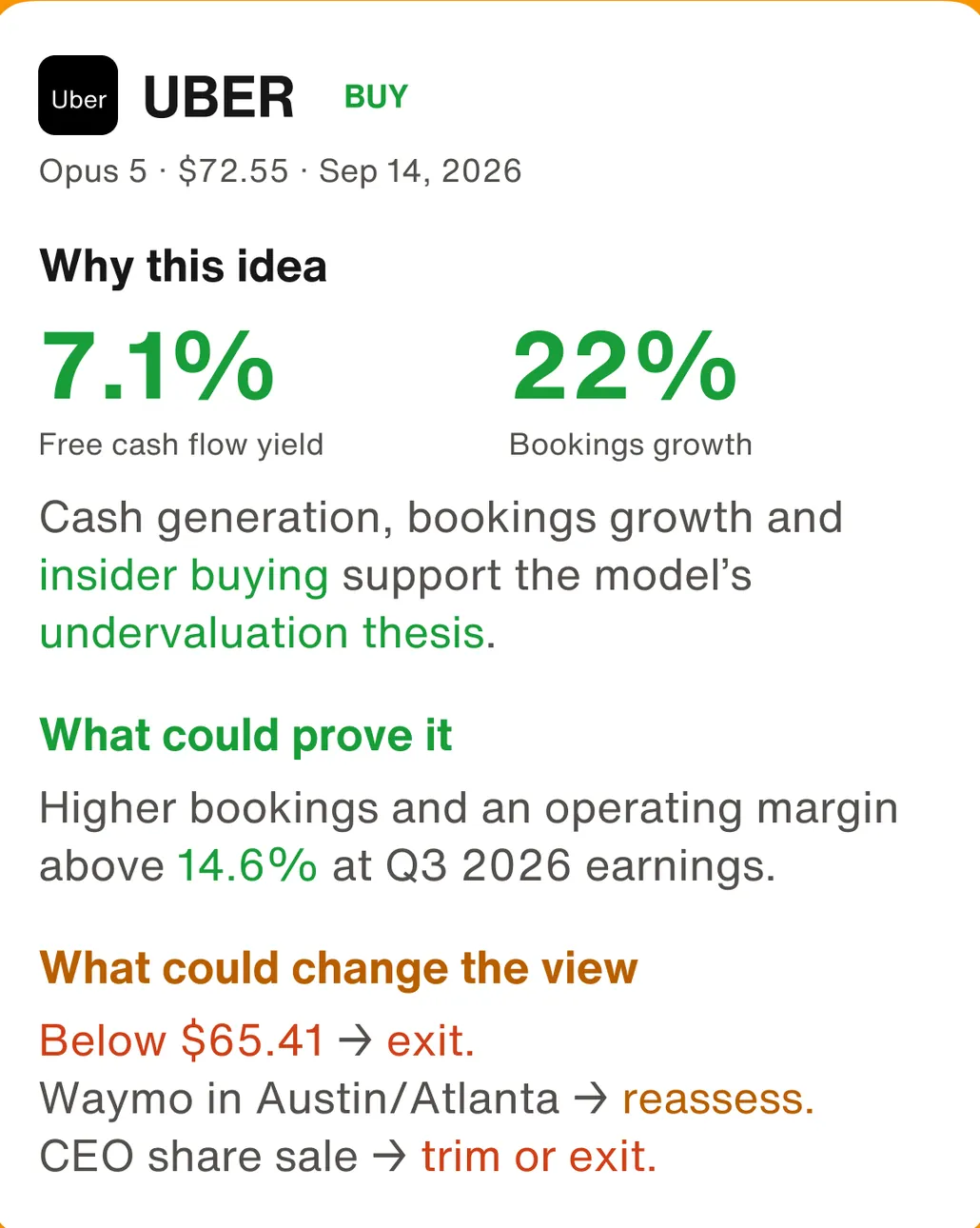
Google Play marketing imageAn UBER BUY idea card: Why this idea with 7.1% free cash flow yield and 22% bookings growth, What could prove it, and What could change the view with exit triggers below $65.41.Google Play listing, as of 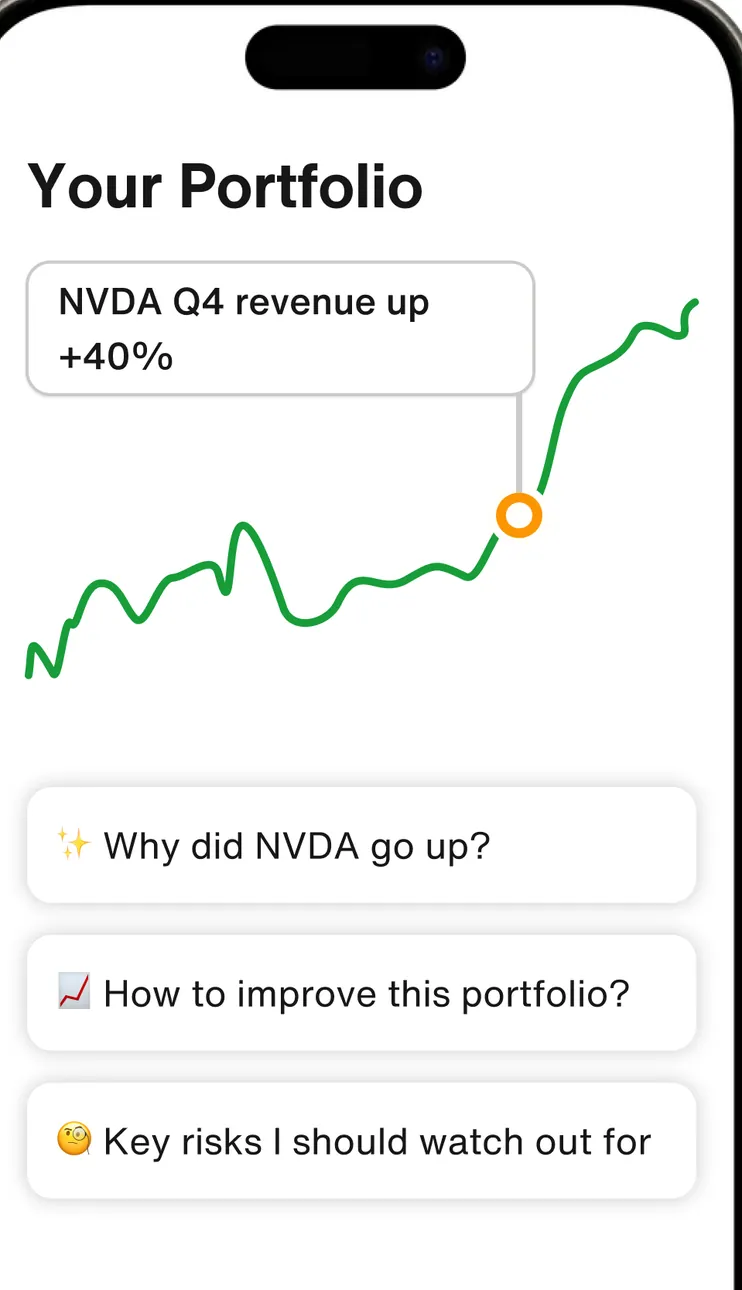
Google Play marketing imageYour Portfolio with an "NVDA Q4 revenue up +40%" note on a line chart and question chips: Why did NVDA go up?, How to improve this portfolio? and Key risks I should watch out for.Google Play listing, as of 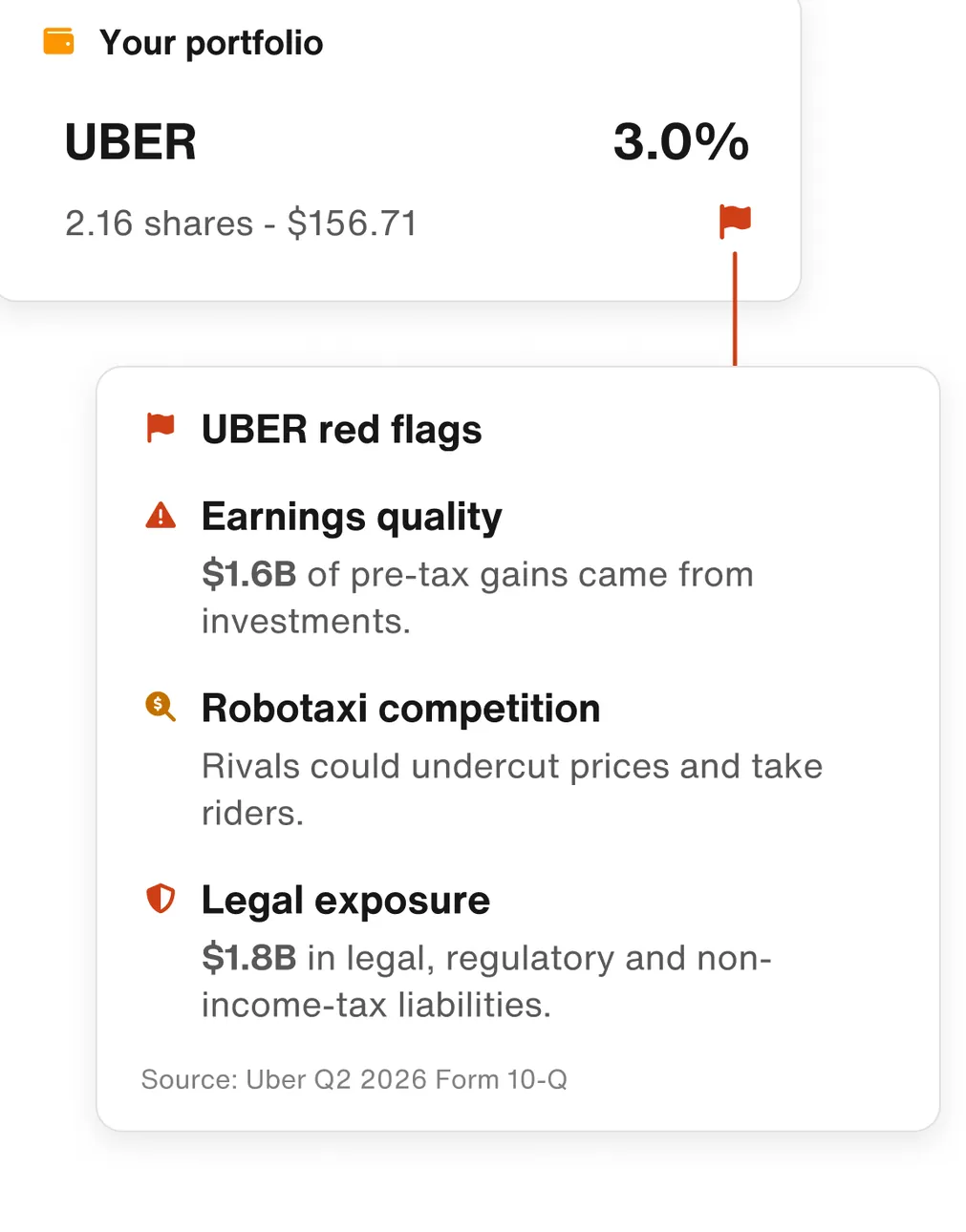
Google Play marketing imageYour portfolio: UBER at 3.0% with UBER red flags for earnings quality, Robotaxi competition and legal exposure, each with a short explanation.Google Play listing, as of
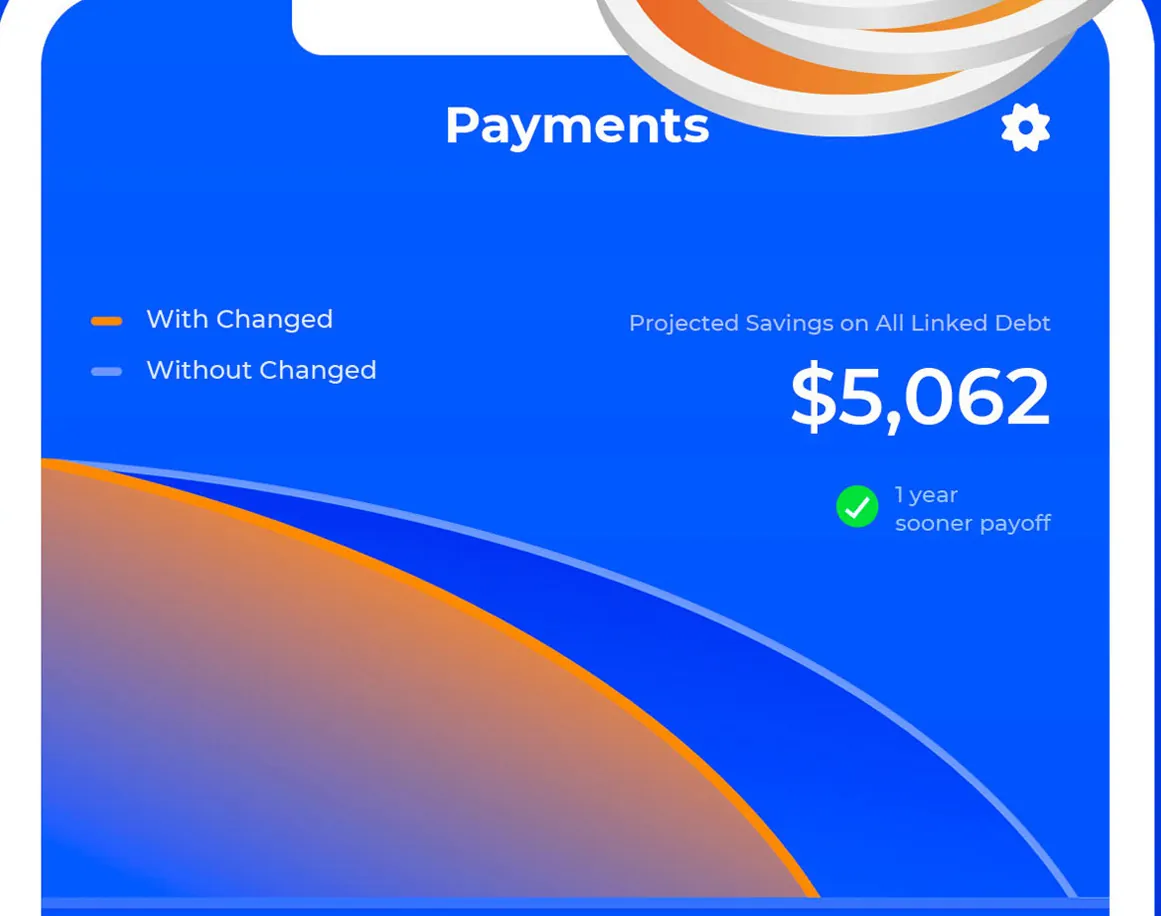
App Store marketing imageThe top of the Payments screen: a With Changed and Without Changed chart, projected savings on all linked debt of $5,062 and a 1 year sooner payoff note.App Store listing, as of 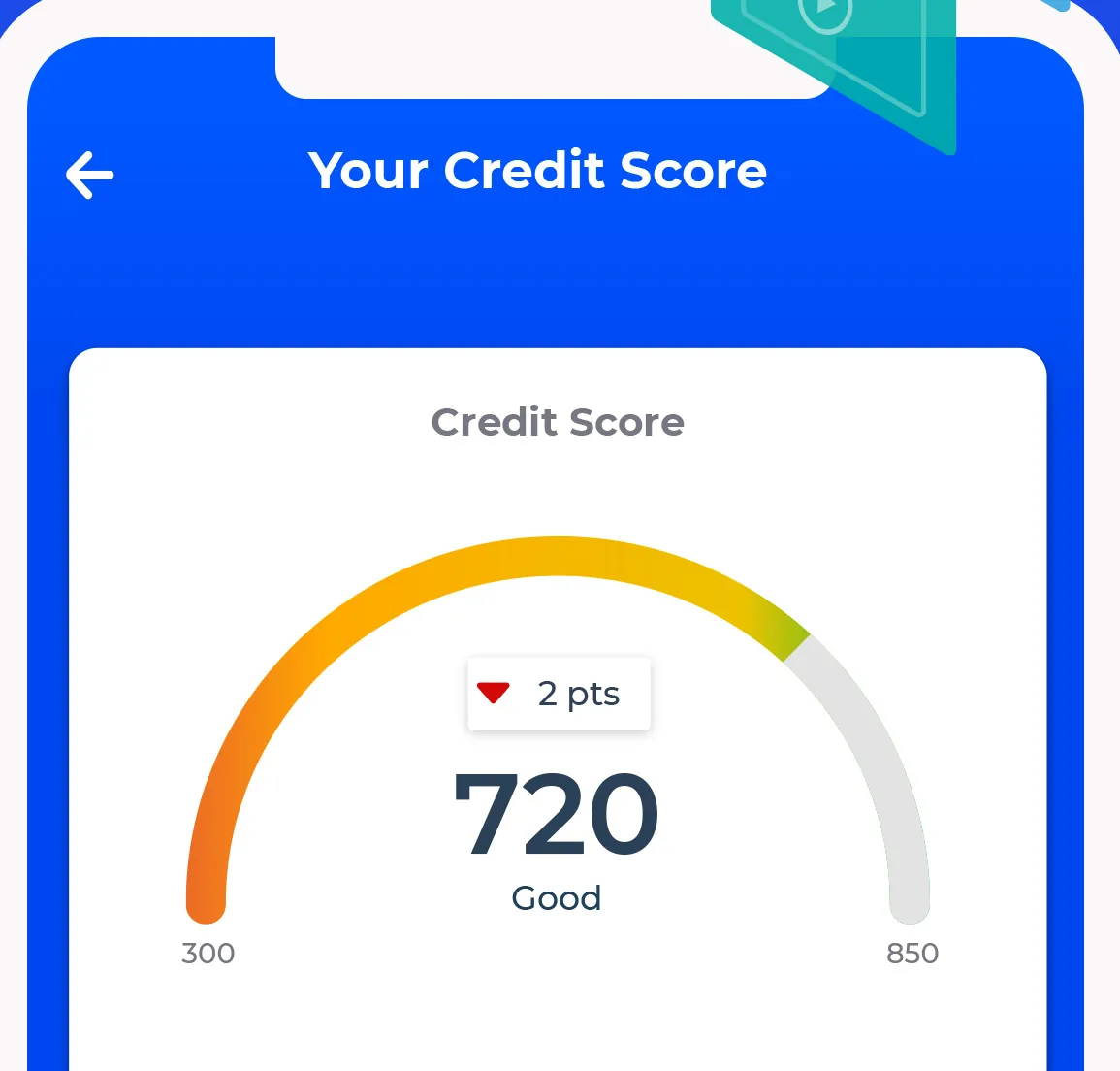
App Store marketing imageThe top of Your Credit Score: a gauge reading 720, Good, down 2 pts.App Store listing, as of
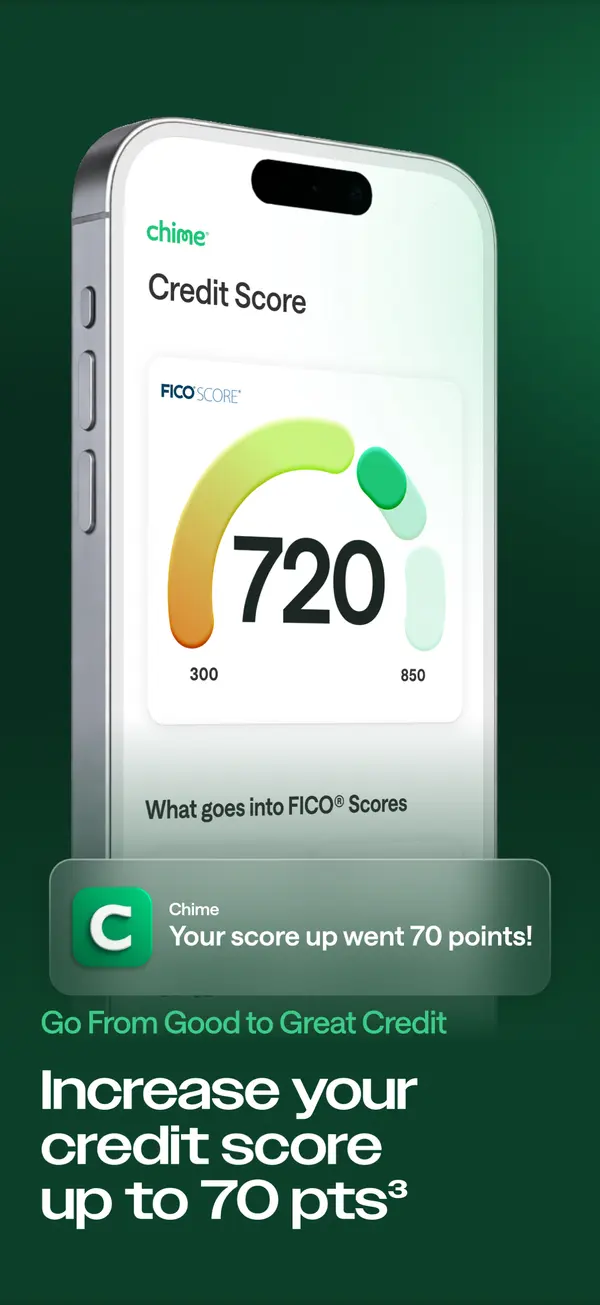
App Store marketing imageApp Store image with the headline "Increase your credit score up to 70 pts" showing a credit score gauge at 720.App Store listing, as of 
App Store marketing imageA Chime notification saying Your score went up 70 points!App Store listing, as of 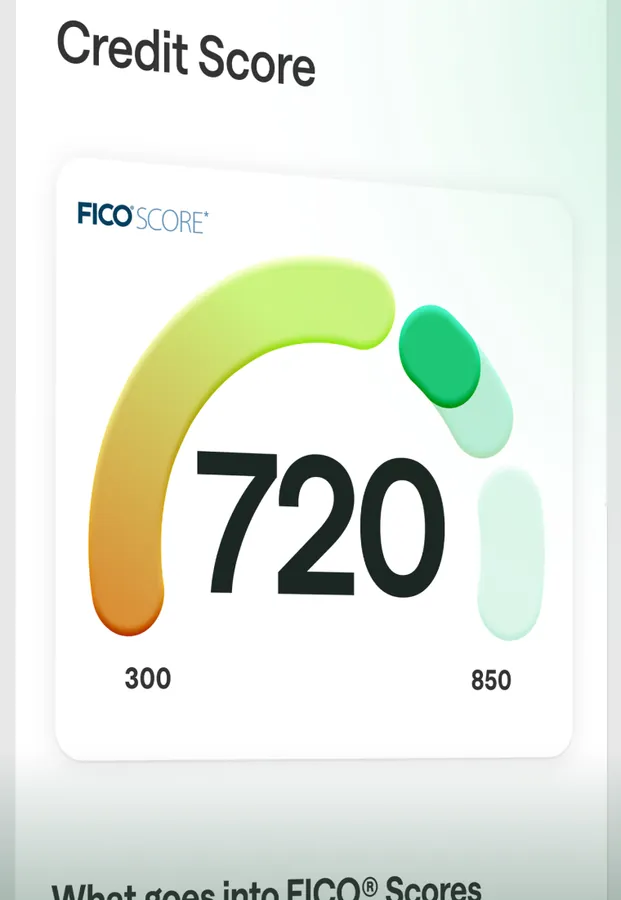
App Store marketing imageA FICO credit score gauge reading 720 on a 300 to 850 arc, with "What goes into FICO Scores" below.App Store listing, as of
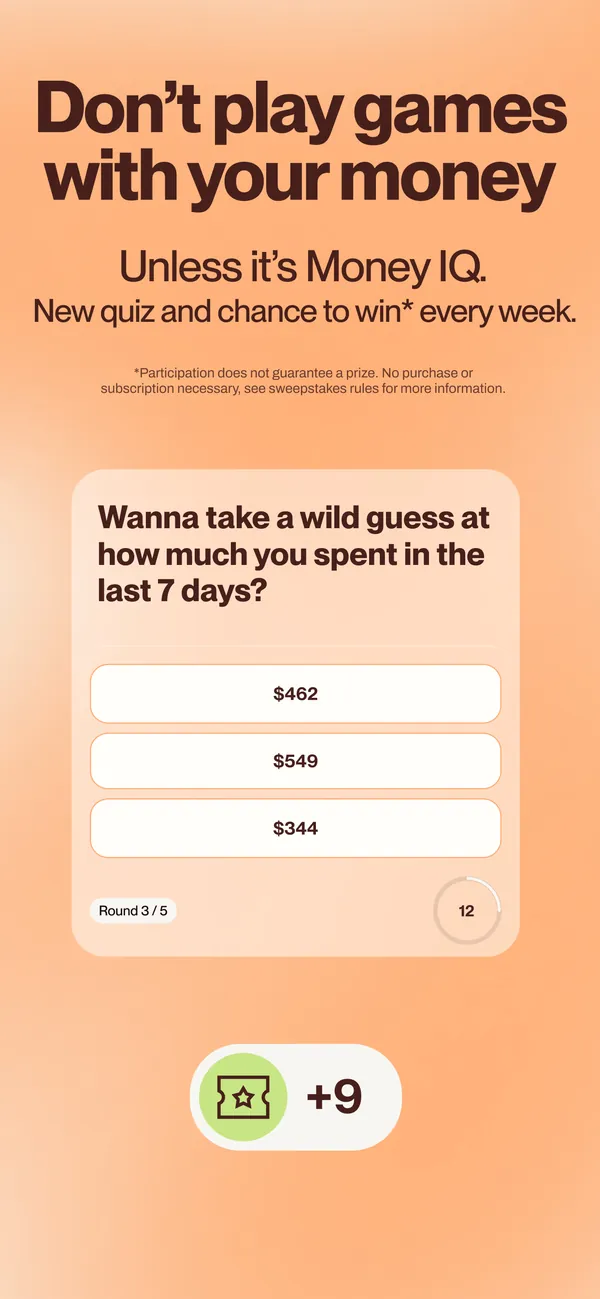
App Store marketing imageApp Store image with the headline "Don't play games with your money" and the line "Unless it's Money IQ" showing a spending quiz.App Store listing, as of 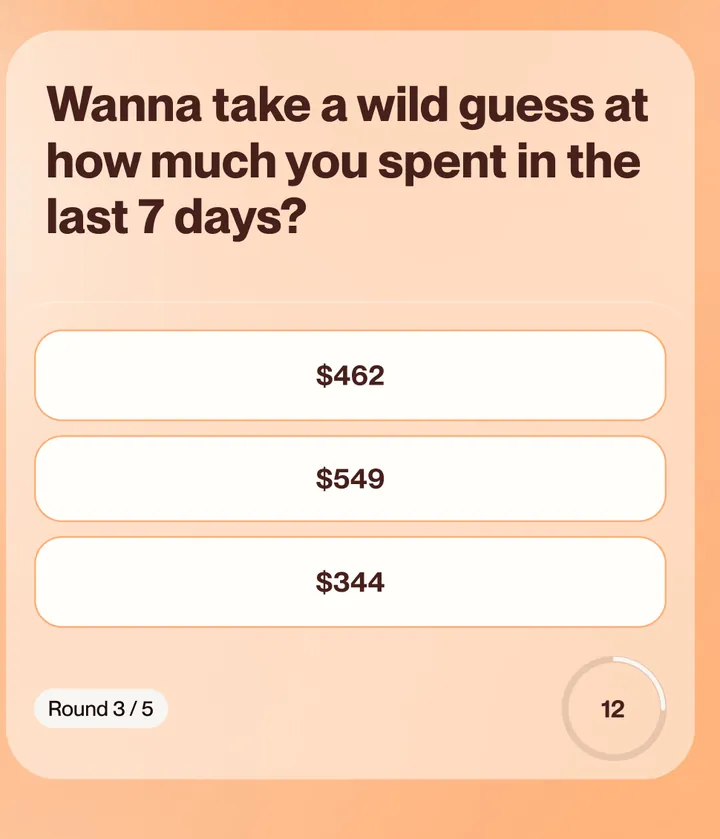
App Store marketing imageA quiz card asking "Wanna take a wild guess at how much you spent in the last 7 days?" with three amount choices and a round counter.App Store listing, as of
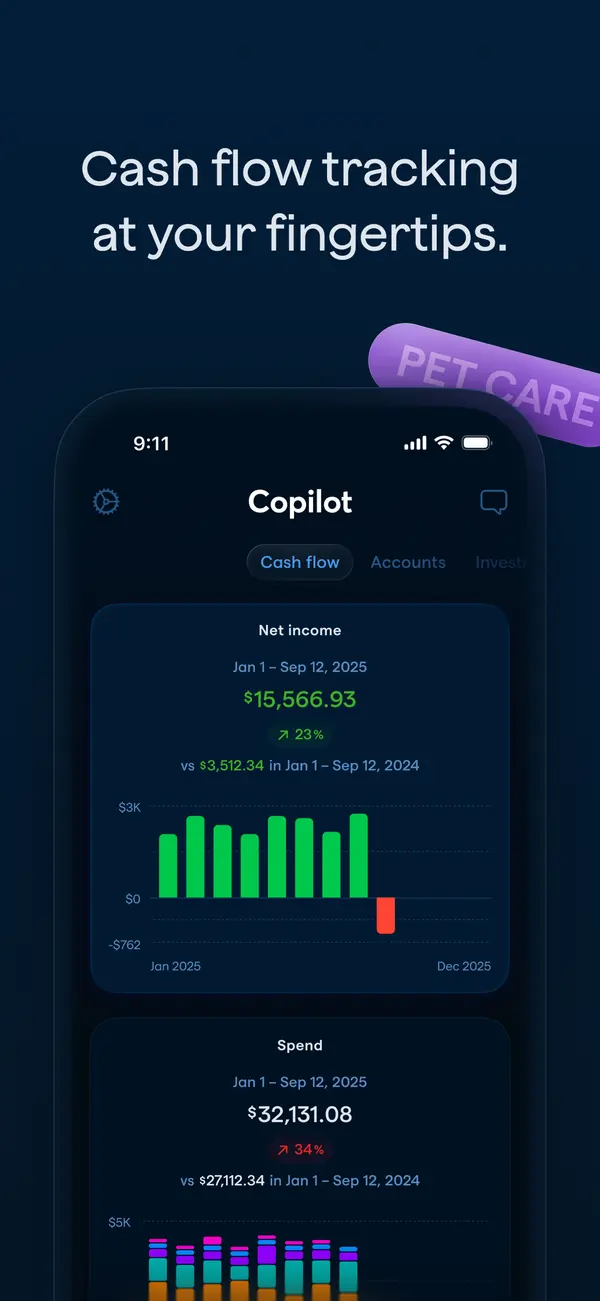
App Store marketing imageApp Store image with the headline "Cash flow tracking at your fingertips." showing the Cash flow tab with Net income and Spend charts.App Store listing, as of 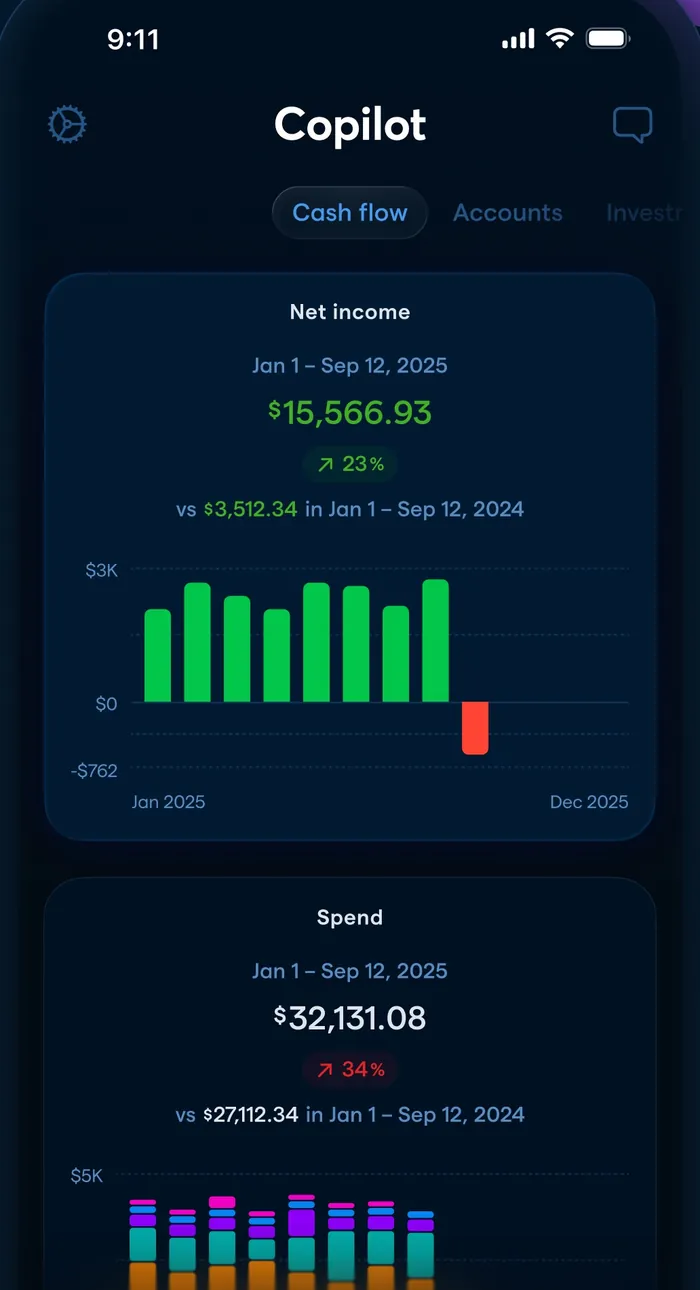
App Store marketing imageThe Cash flow tab: net income of $15,566.93 with a monthly bar chart and a Spend card below.App Store listing, as of
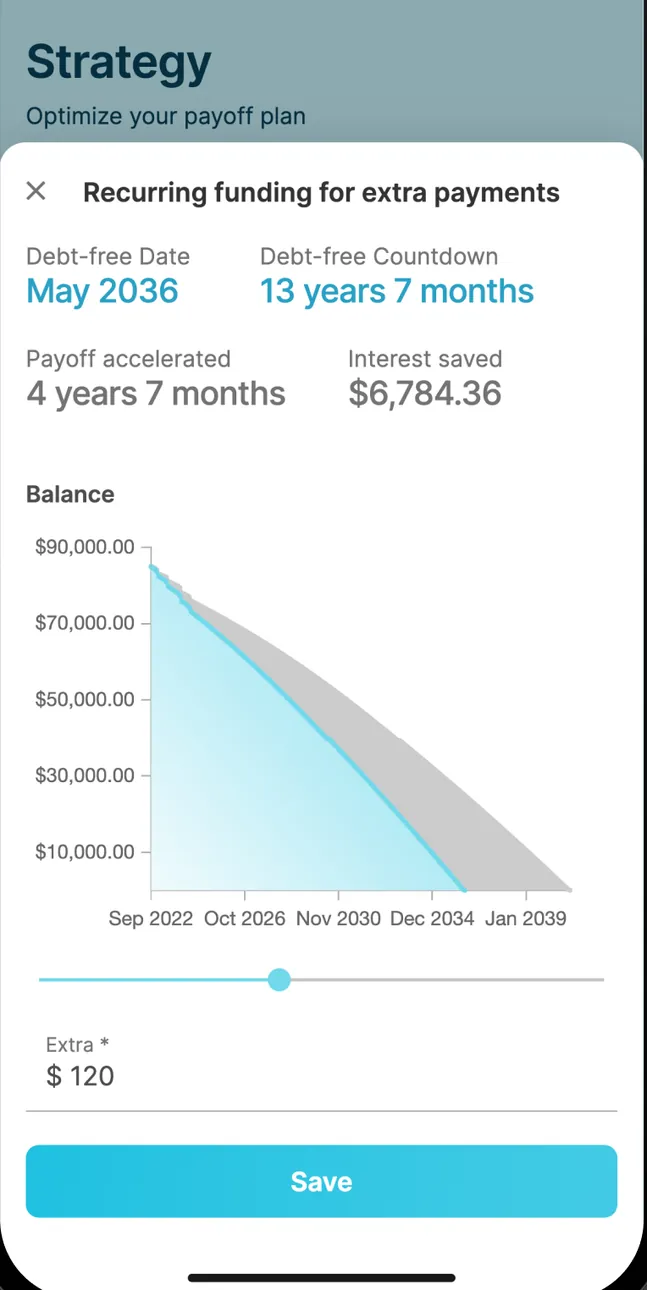
App Store marketing imageRecurring funding for extra payments on the Strategy screen: debt-free date May 2036, a 13 years 7 months countdown, payoff accelerated by 4 years 7 months, $6,784.36 interest saved, a balance chart, an Extra $120 field and a Save button.App Store listing, as of 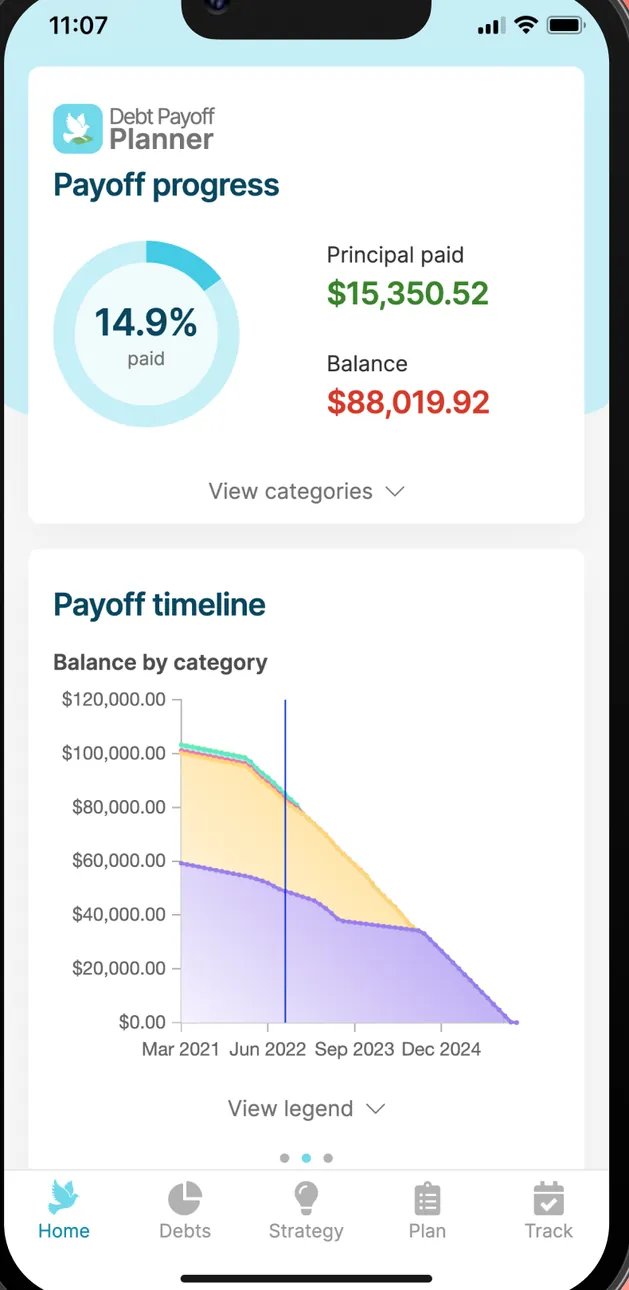
App Store marketing imagePayoff progress at 14.9% with principal paid and balance, and a Payoff timeline chart of balance by category from 2021 to 2024.App Store listing, as of
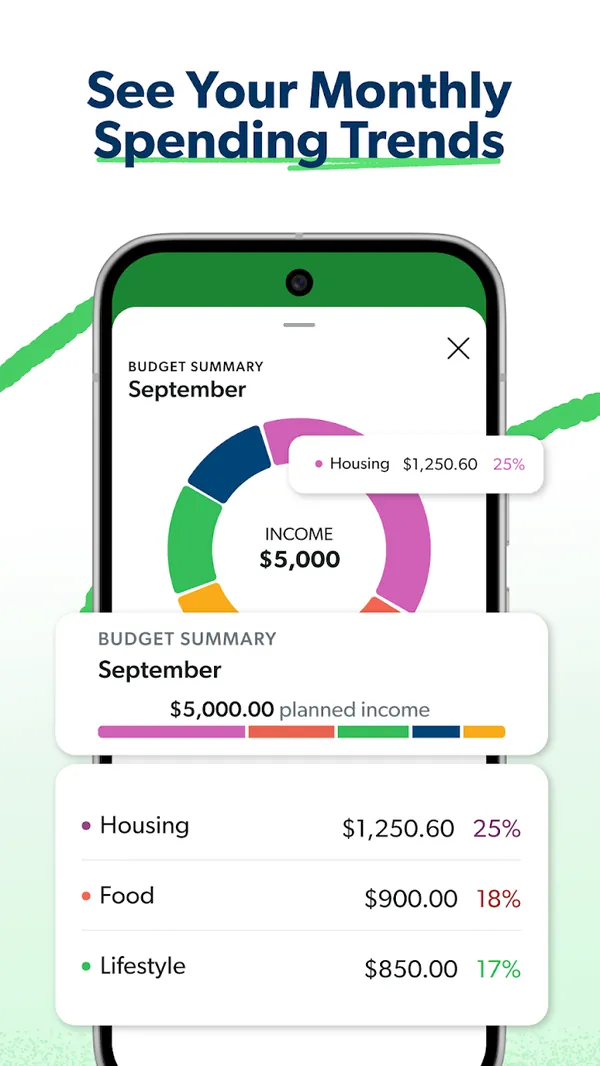
Google Play marketing imageGoogle Play image with the headline "See Your Monthly Spending Trends" showing a Budget Summary donut chart with Housing, Food and Lifestyle percentages.Google Play listing, as of
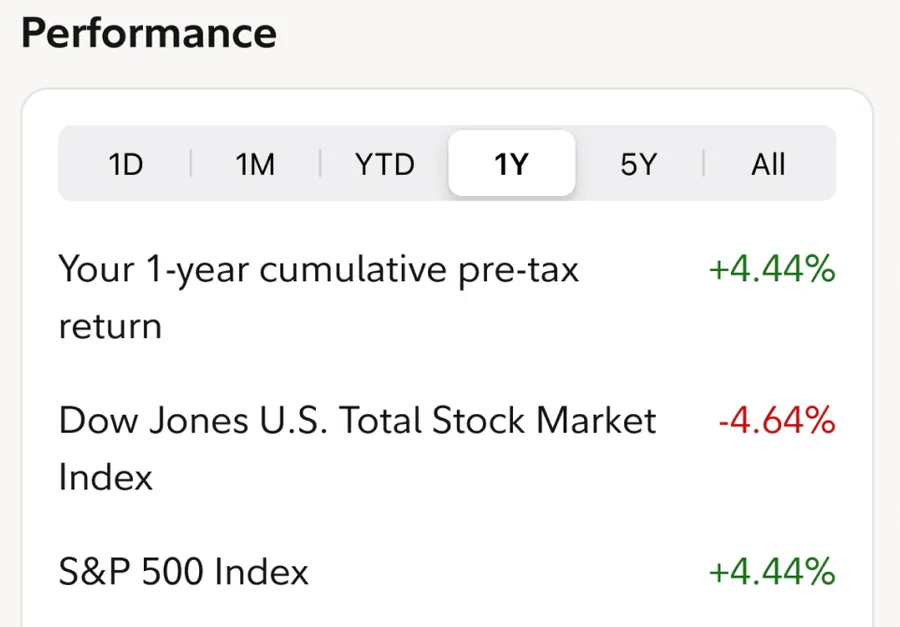
App Store marketing imagePerformance with 1D to All tabs: a 1-year cumulative pre-tax return of +4.44% next to the Dow Jones U.S. Total Stock Market Index at -4.64% and the S&P 500 Index at +4.44%.App Store listing, as of
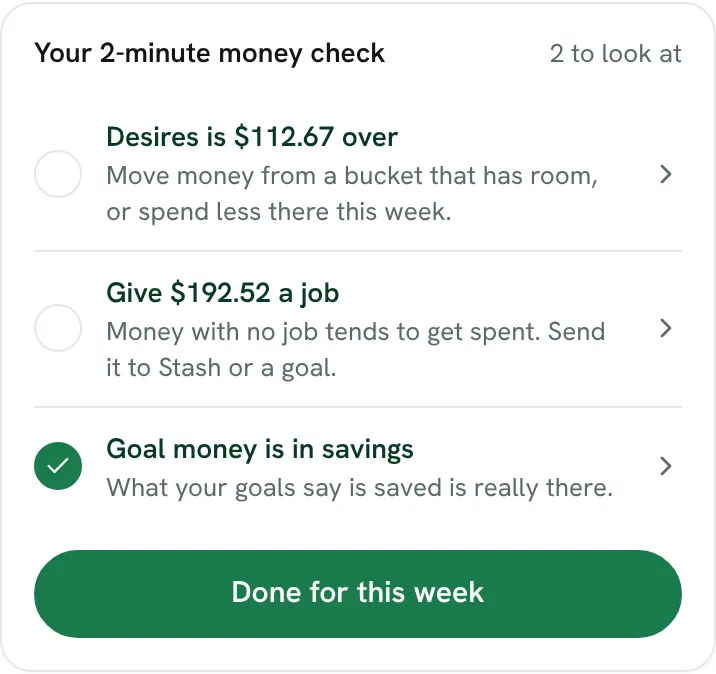
From Fifecta's websiteYour 2-minute money check, 2 to look at: "Desires is $112.67 over," "Give $192.52 a job" and a checked "Goal money is in savings," with a Done for this week button.fifecta.pricelesstay.com, as of 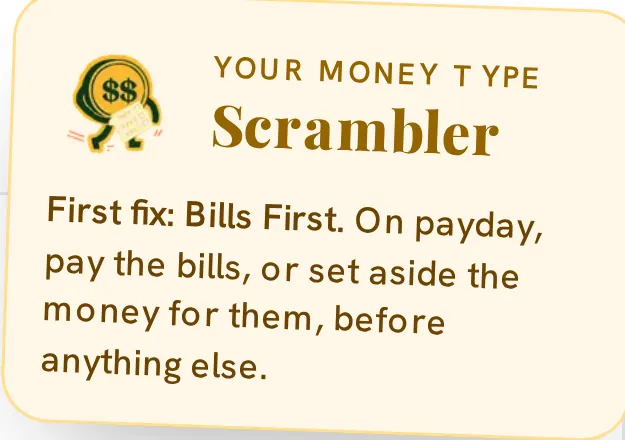
From Fifecta's websiteA Your Money Type note for Scrambler: "First fix: Bills First. On payday, pay the bills, or set aside the money for them, before anything else."pricelesstay.com, as of
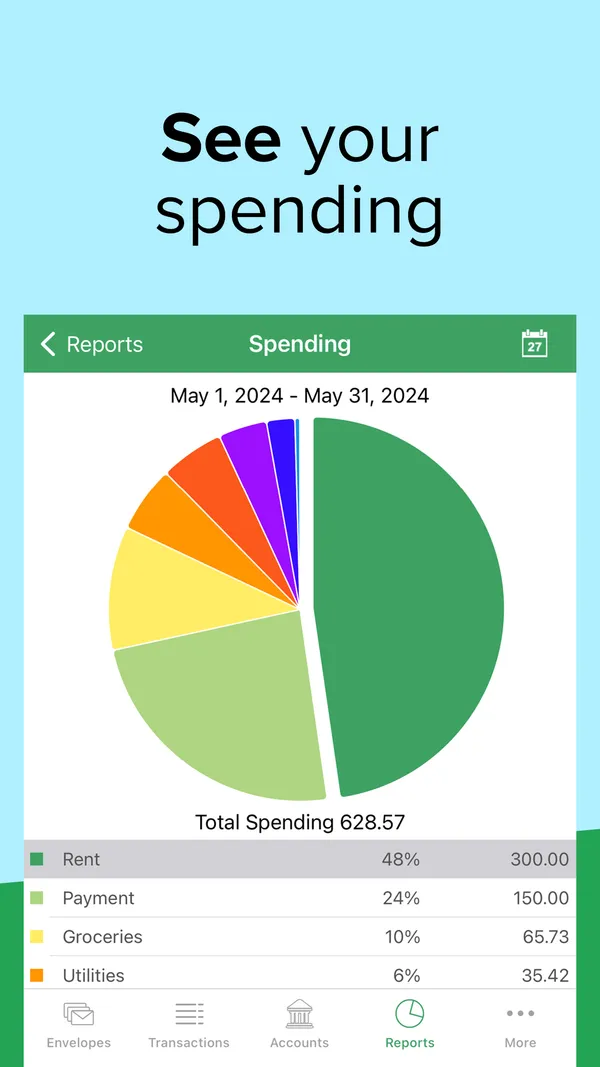
App Store marketing imageApp Store image with the headline "See your spending" showing a Spending report pie chart for May 2024.App Store listing, as of 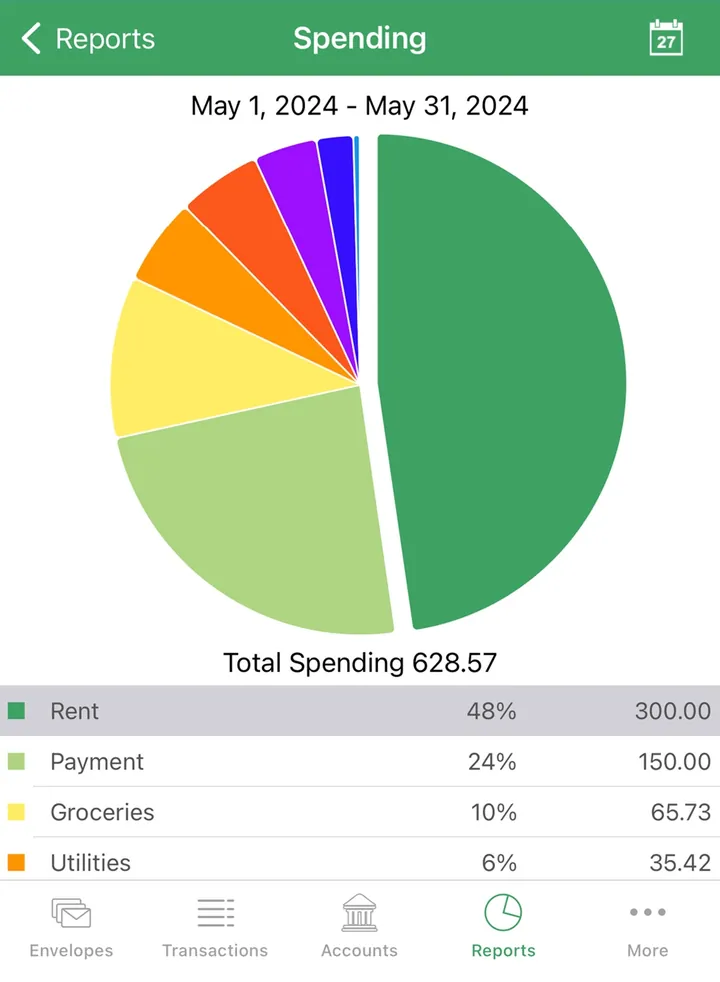
App Store marketing imageA Spending report with a pie chart, total spending of 628.57 and a table of envelopes by share.App Store listing, as of 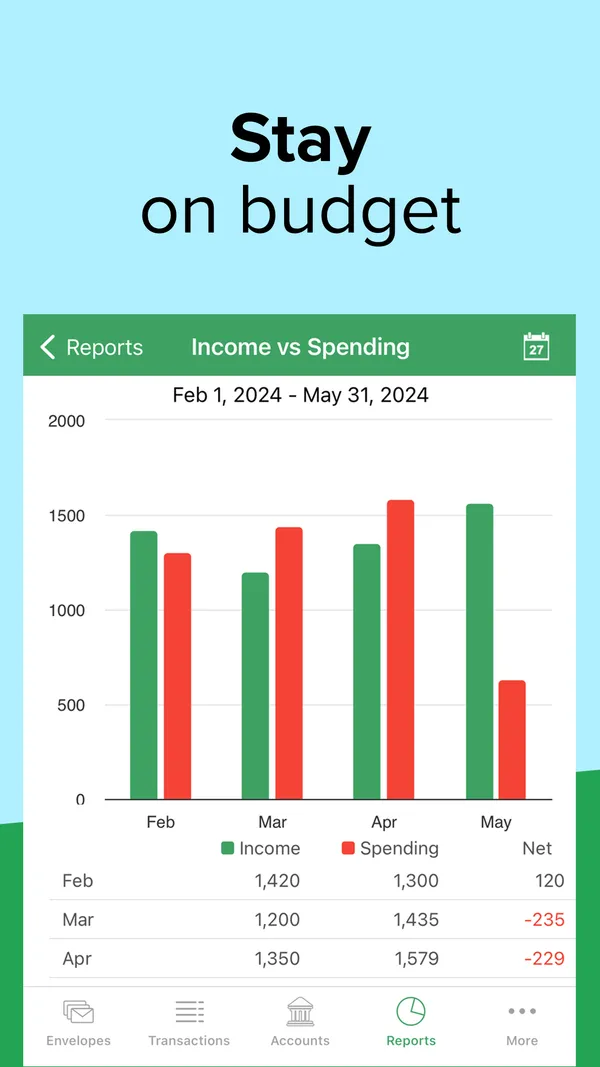
App Store marketing imageApp Store image with the headline "Stay on budget" showing an Income vs Spending report with monthly bars.App Store listing, as of 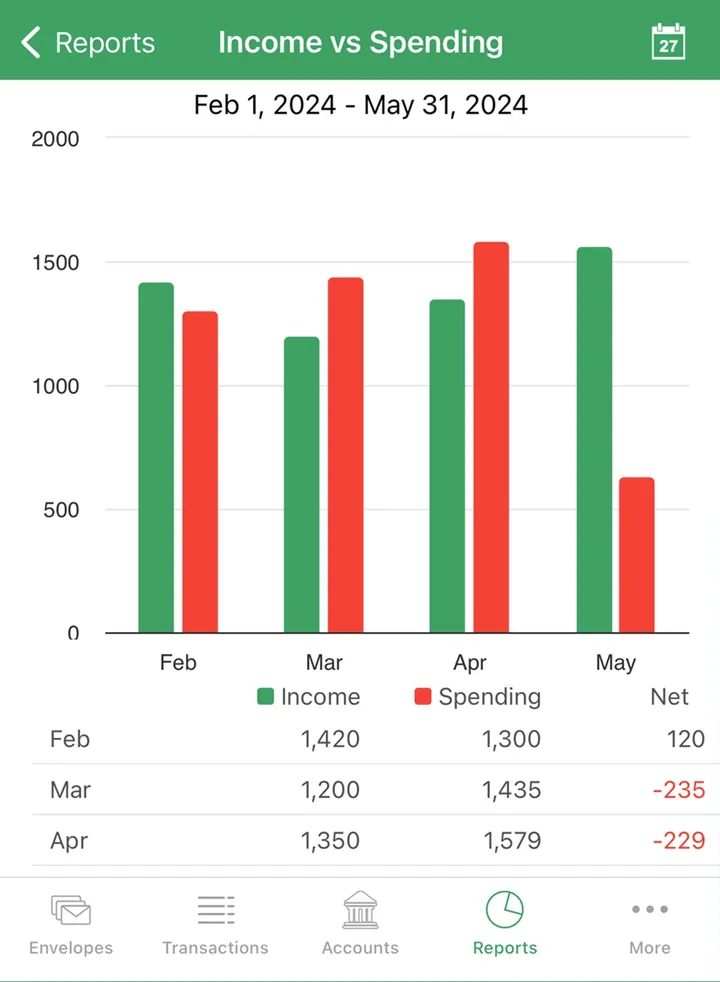
App Store marketing imageAn Income vs Spending report with paired monthly bars and a table of income, spending and net.App Store listing, as of
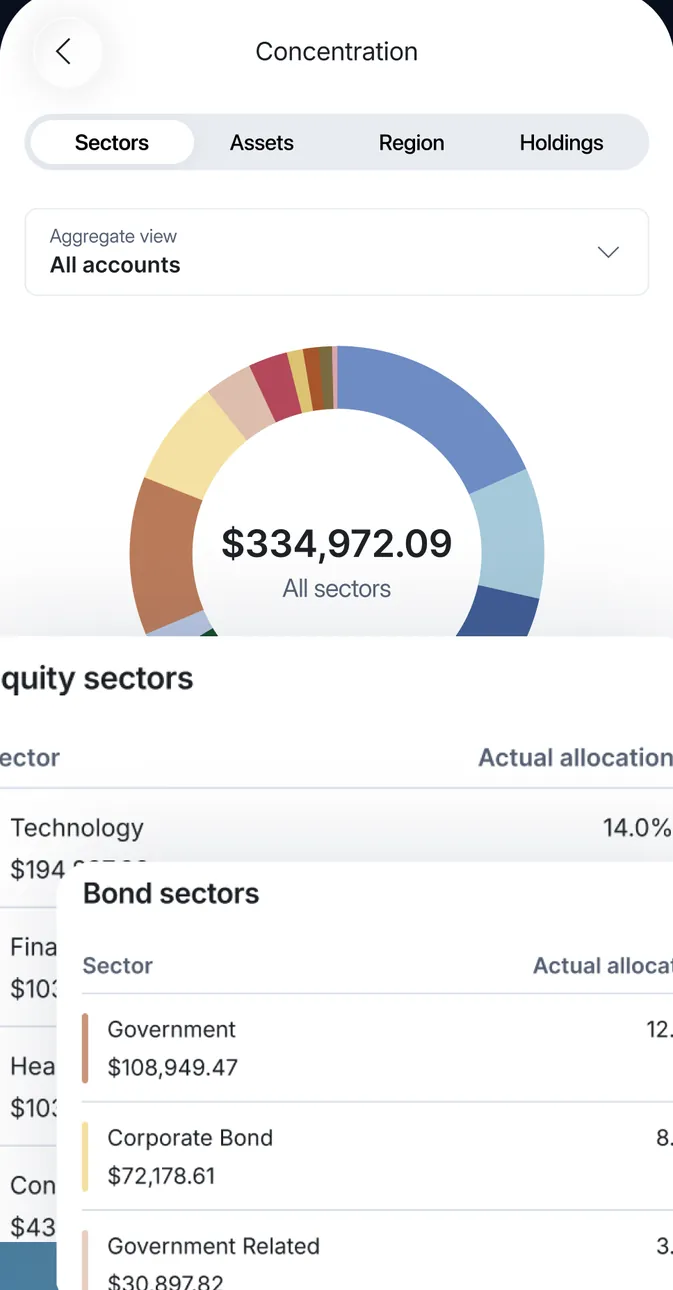
App Store marketing imageConcentration by Sectors for all accounts: a ring chart at $334,972.09 with Equity sectors and Bond sectors cards listing actual allocation, such as Technology 14.0%.App Store listing, as of 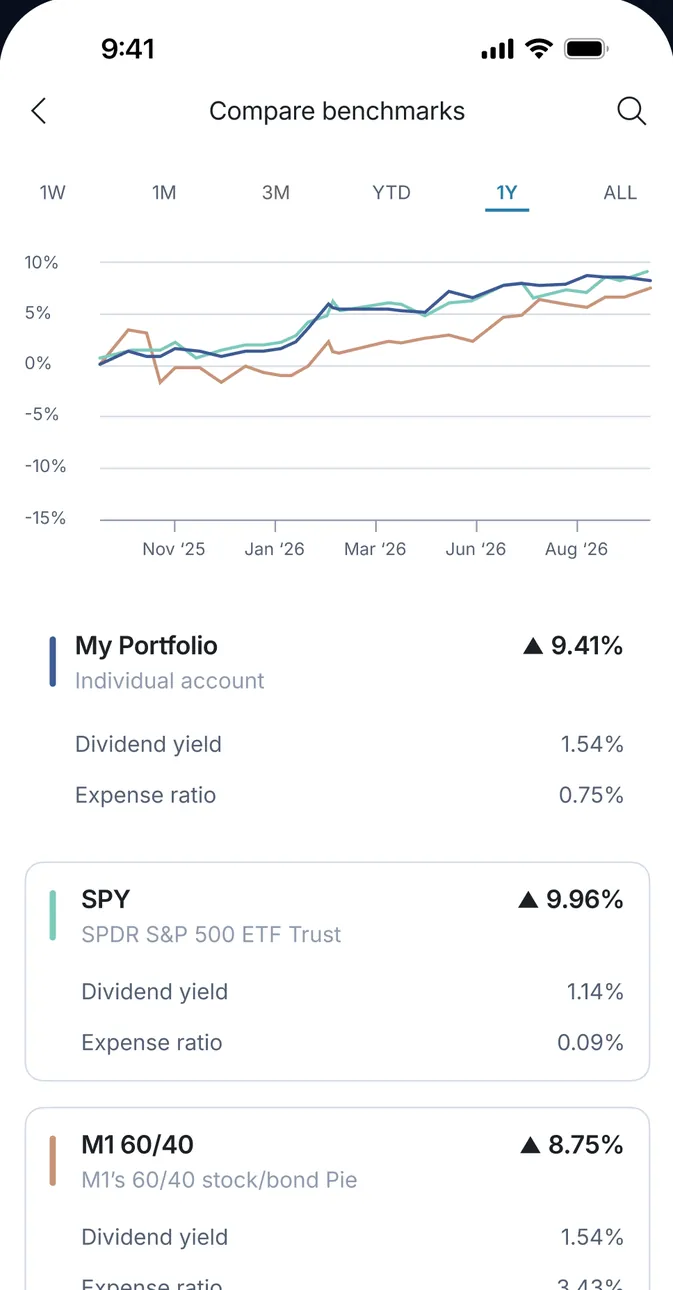
App Store marketing imageCompare benchmarks over 1Y: a line chart of My Portfolio against SPY and M1 60/40, with My Portfolio up 9.41%, SPY up 9.96% and M1 60/40 up 8.75%, plus dividend yields and expense ratios.App Store listing, as of 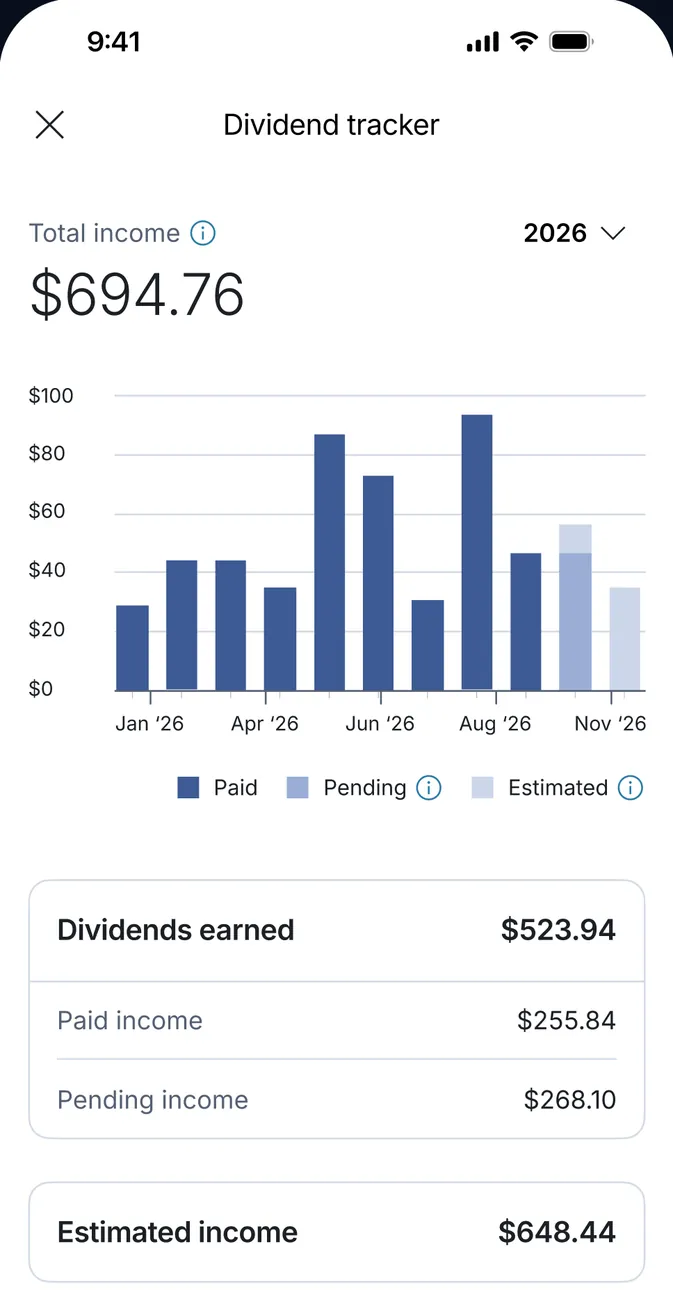
App Store marketing imageA Dividend tracker for 2026: total income $694.76, a monthly bar chart of paid, pending and estimated dividends, Dividends earned $523.94 and Estimated income $648.44.App Store listing, as of 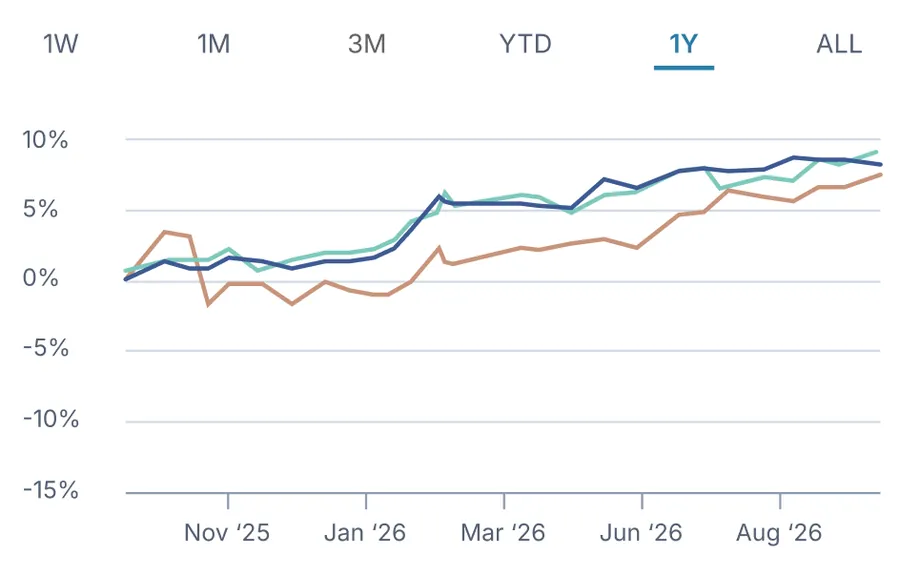
App Store marketing imageA line chart with 1W to ALL tabs comparing three lines from Nov '25 to Aug '26.App Store listing, as of 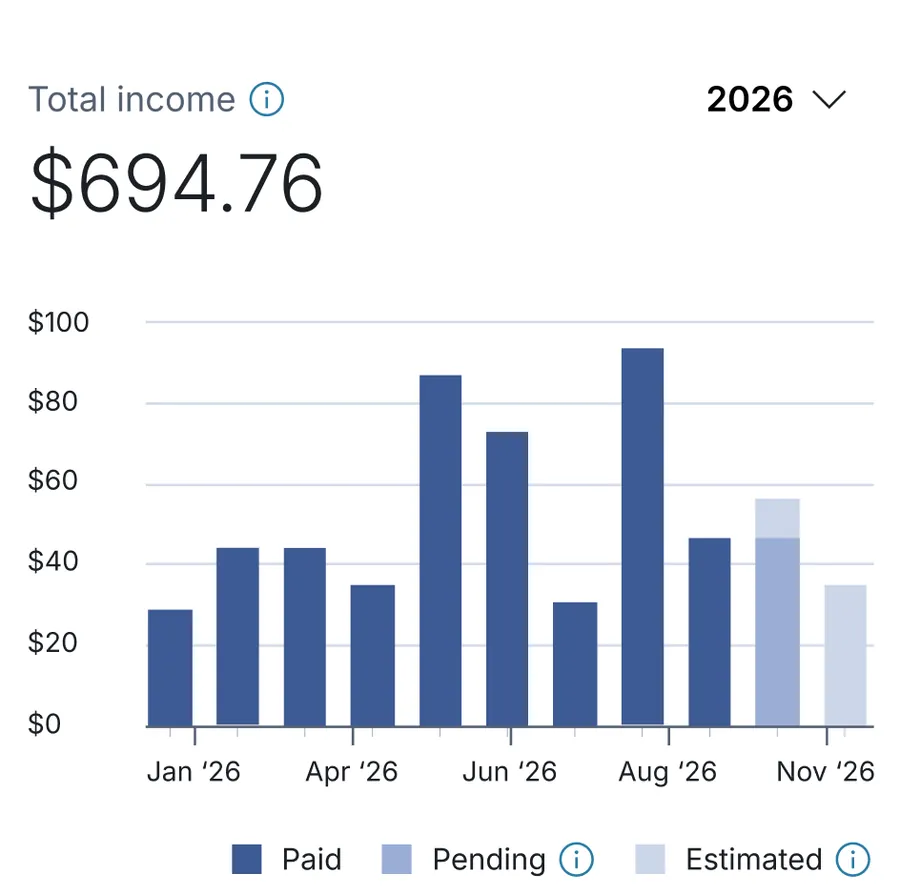
App Store marketing imageTotal income $694.76 for 2026 with monthly bars from Jan '26 to Nov '26 marked Paid, Pending and Estimated.App Store listing, as of
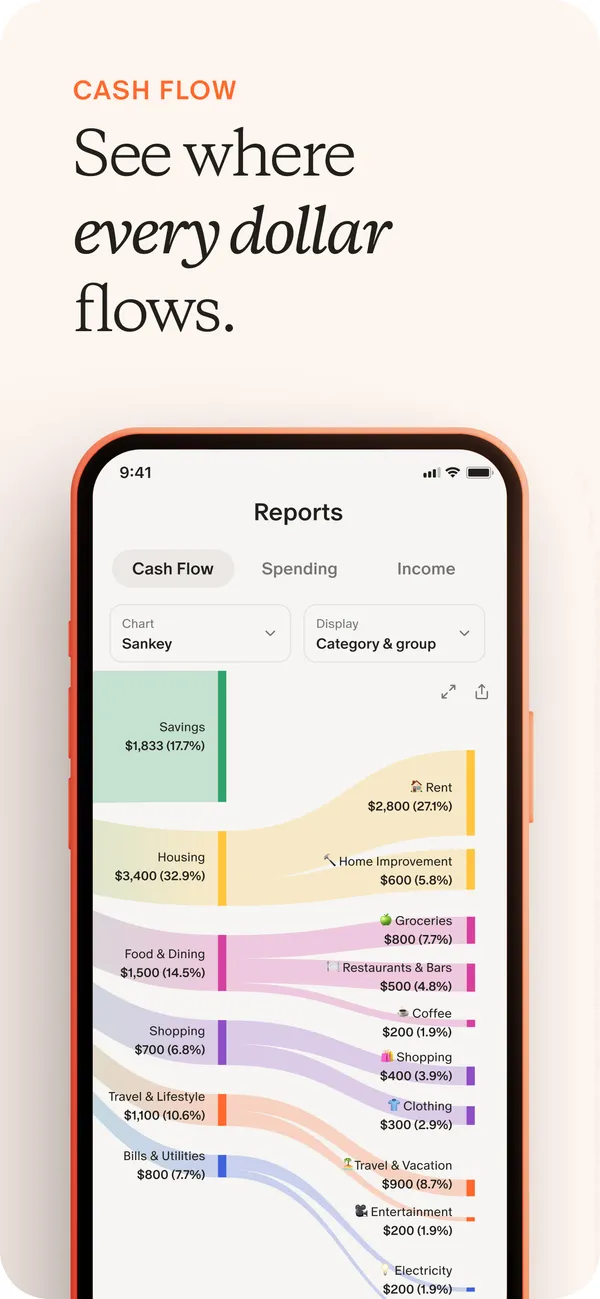
App Store marketing imageApp Store image with the headline "See where every dollar flows" showing a Reports screen with a Sankey cash flow chart.App Store listing, as of 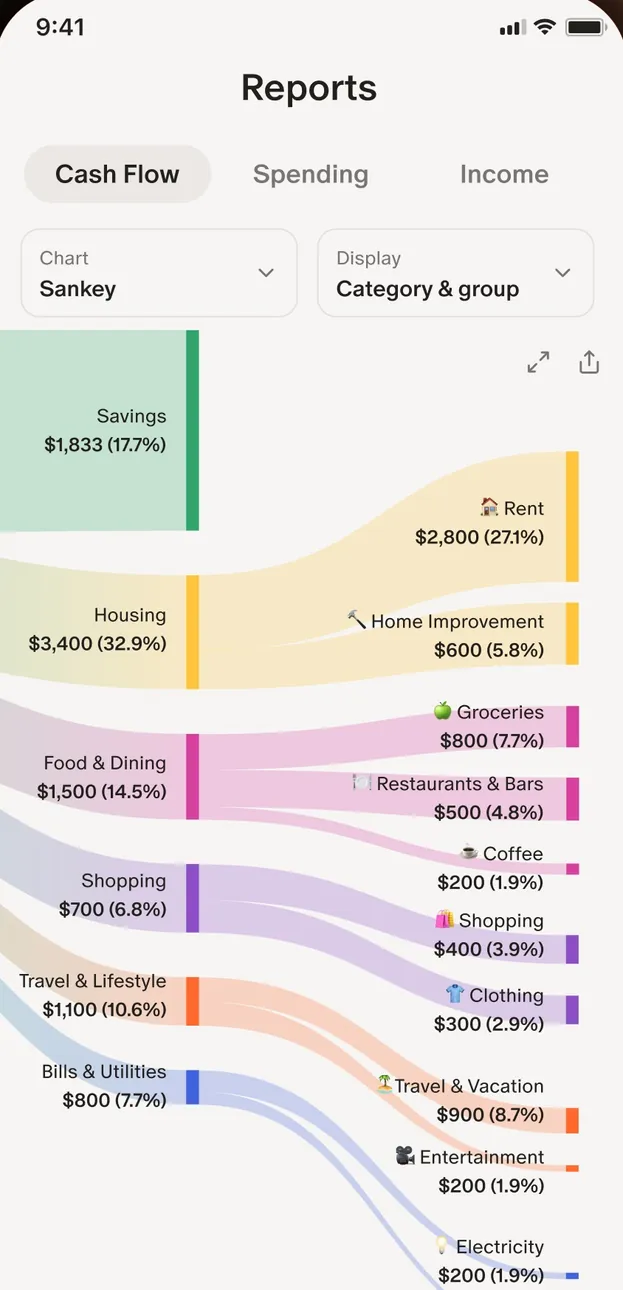
App Store marketing imageThe Reports screen with Cash Flow, Spending and Income tabs and a Sankey chart from income into categories like Housing and Food & Dining.App Store listing, as of 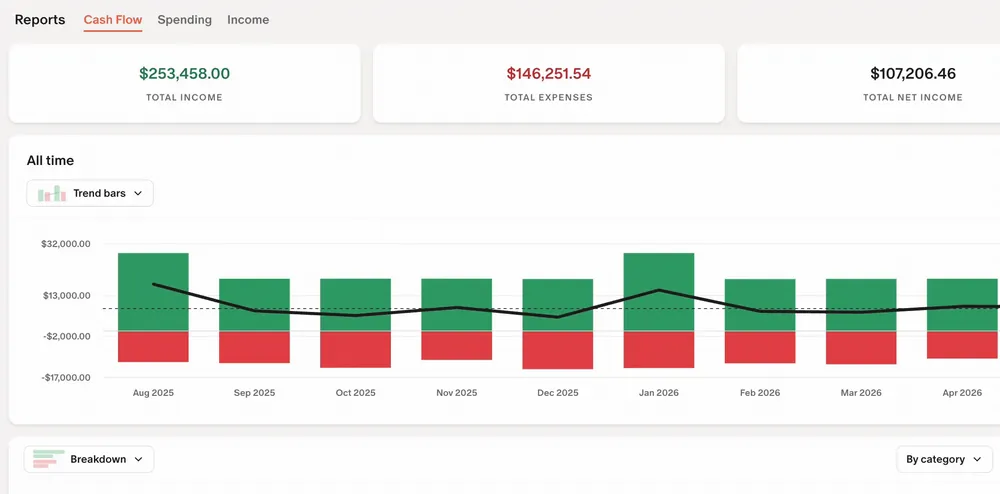
From Monarch Money's help centerThe web Reports Cash Flow view with income, expense and net totals and a bar chart by month.help.monarch.com, as of
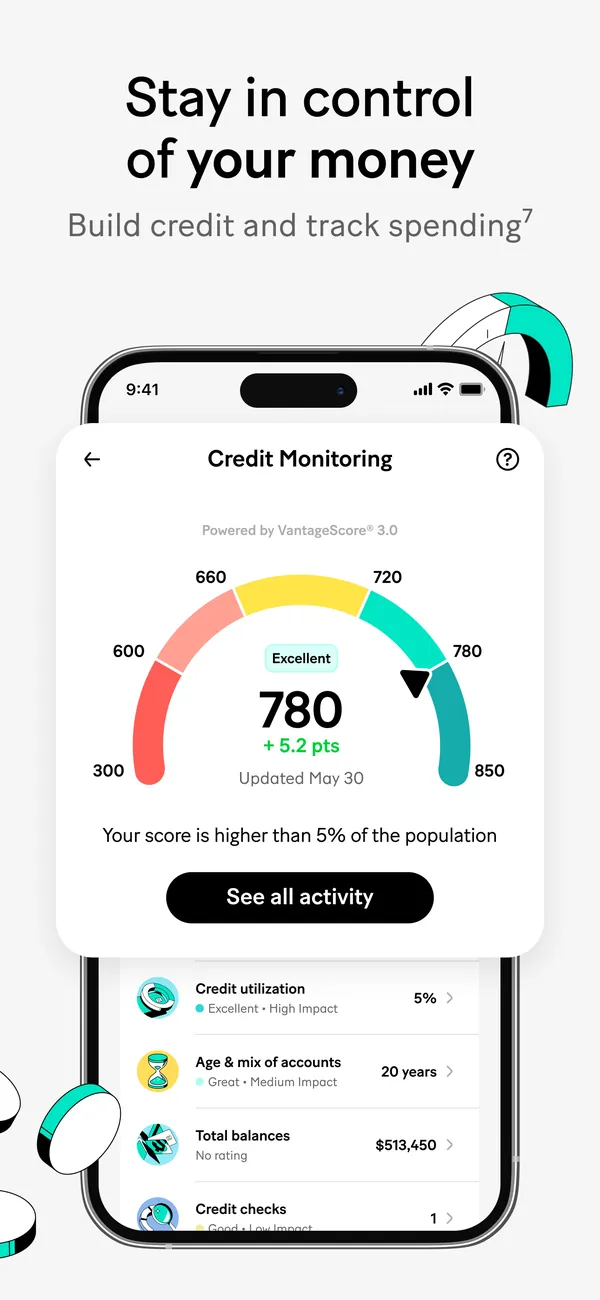
App Store marketing imageApp Store image with the headline "Stay in control of your money" showing a Credit Monitoring screen with a score of 780.App Store listing, as of 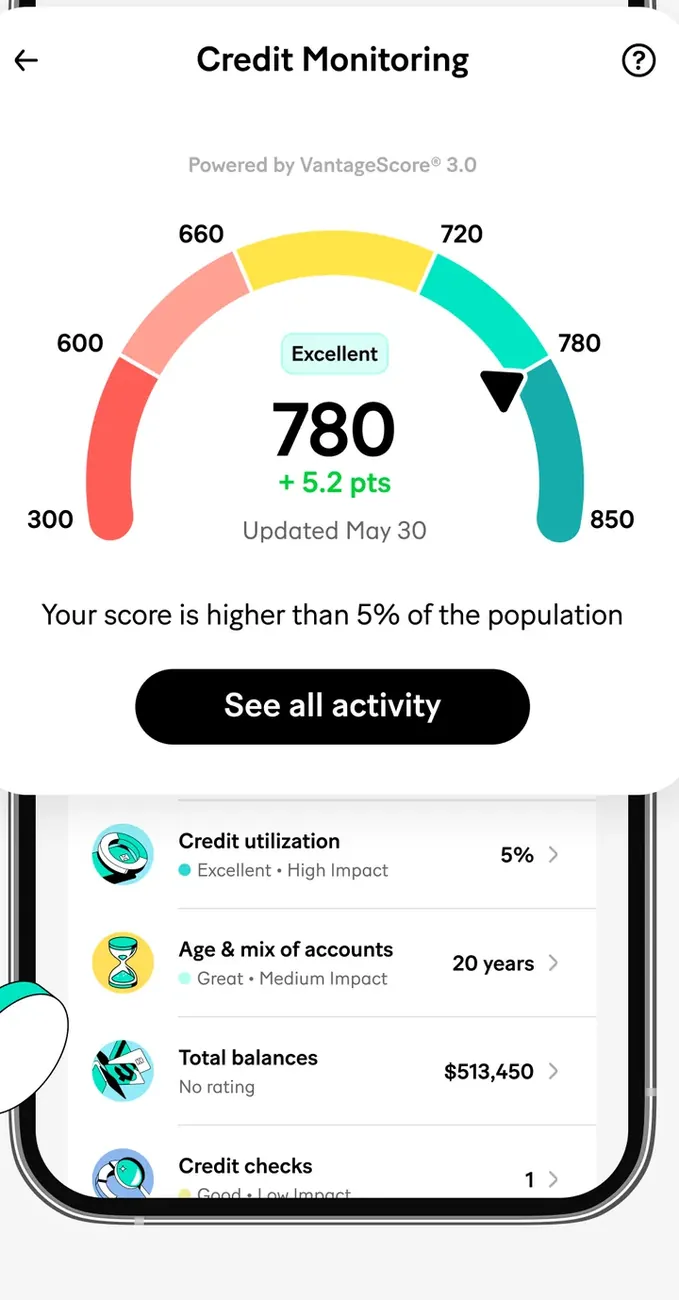
App Store marketing imageThe Credit Monitoring screen: a gauge at 780, Excellent, up 5.2 points, a See all activity button and rows for credit utilization, age of accounts, total balances and credit checks.App Store listing, as of 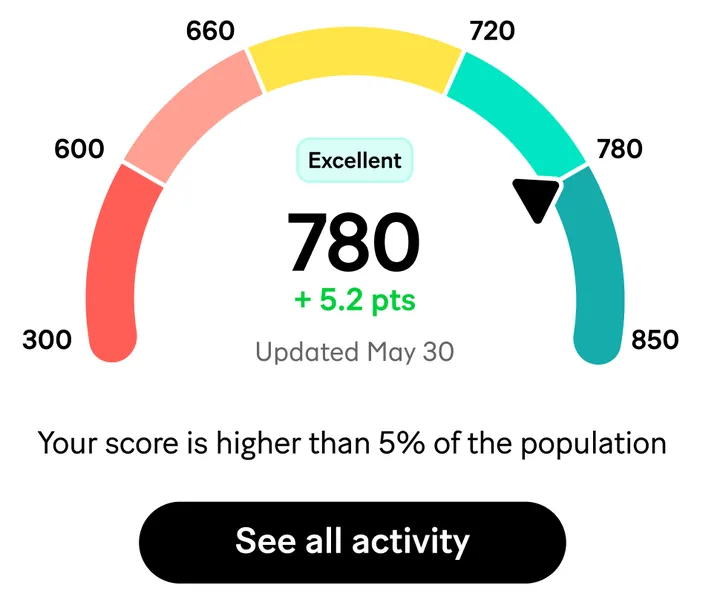
App Store marketing imageA credit score gauge from 300 to 850 pointing at 780, labeled Excellent, up 5.2 points, updated May 30.App Store listing, as of 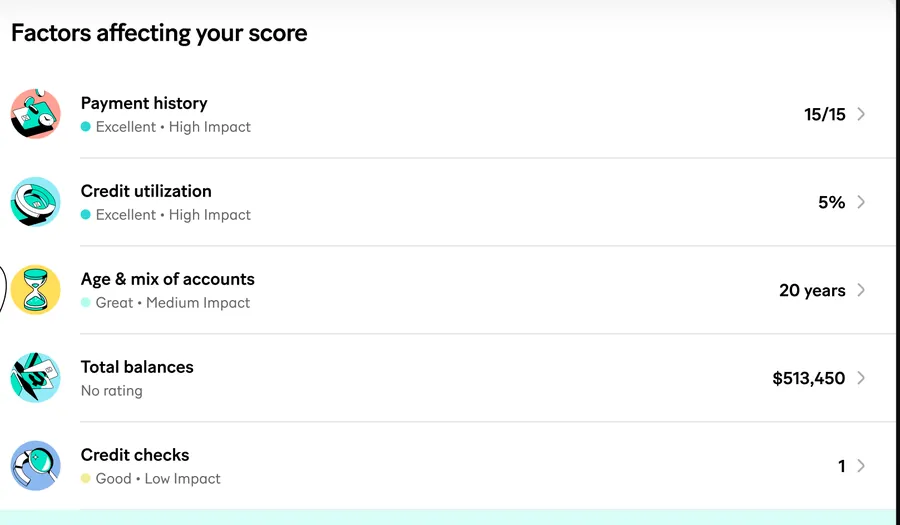
App Store marketing imageFactors affecting your score: Payment history 15/15, Credit utilization 5%, Age and mix of accounts 20 years, Total balances $513,450 and Credit checks 1, each with a rating and impact.App Store listing, as of
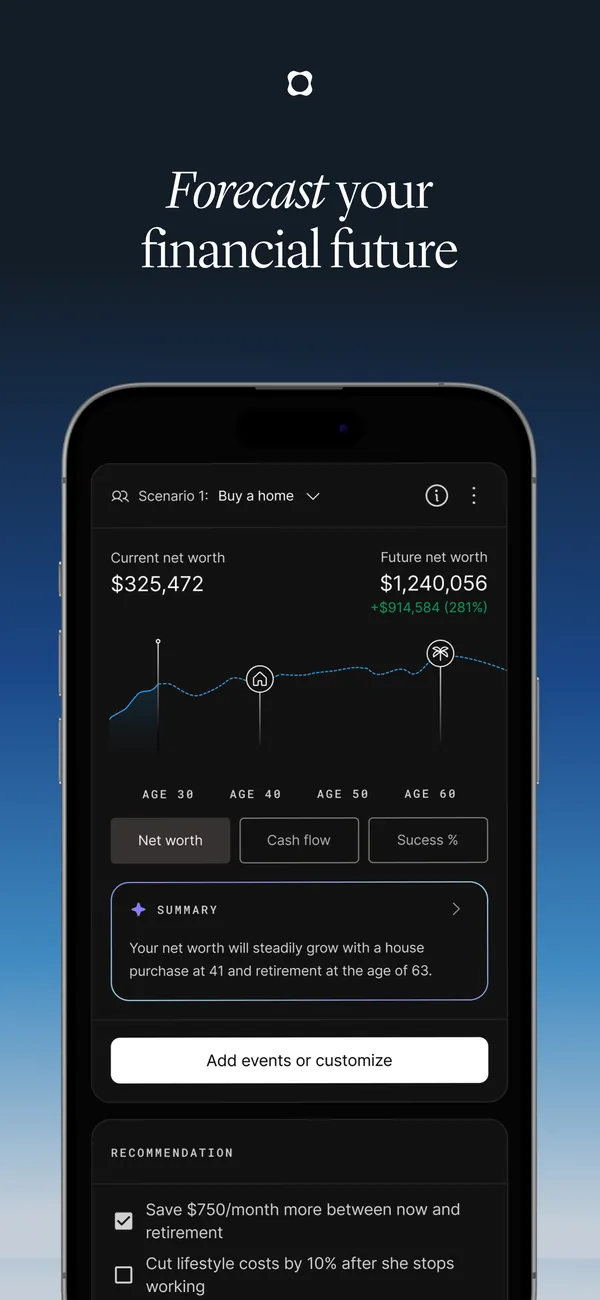
App Store marketing imageApp Store image with the headline "Forecast your financial future" showing a buy-a-home scenario.App Store listing, as of 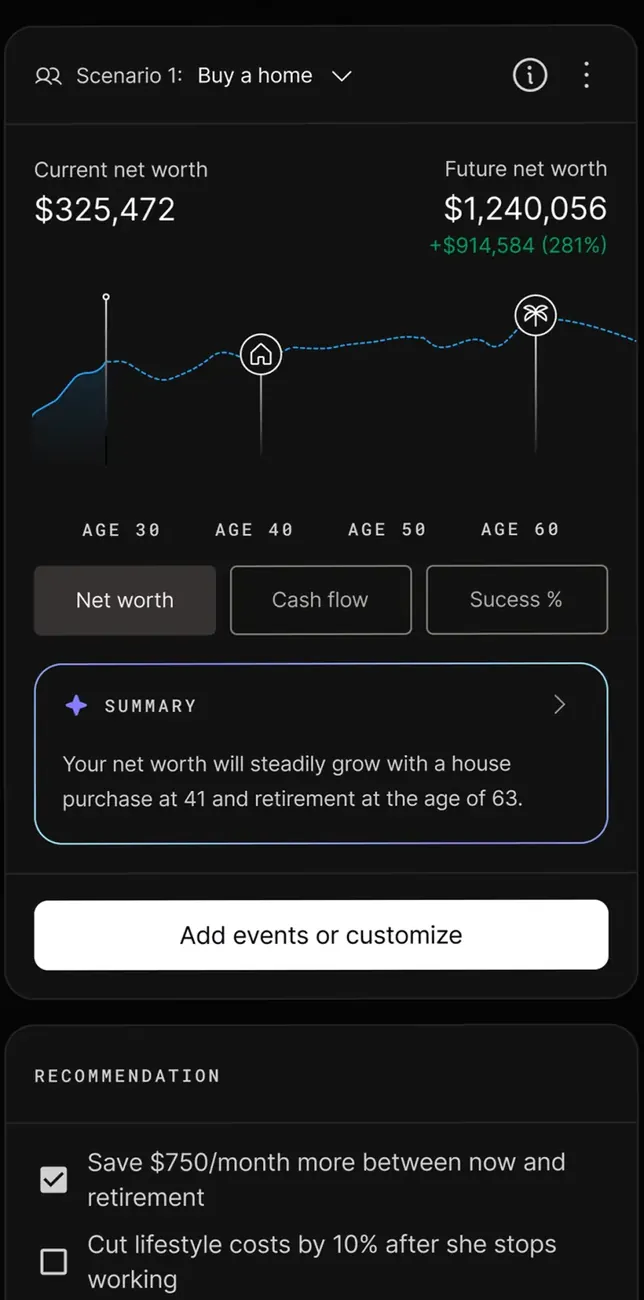
App Store marketing imageA forecast for the scenario Buy a home: current net worth $325,472, future net worth $1,240,056, a chart by age, a summary and recommendations with checkboxes.App Store listing, as of
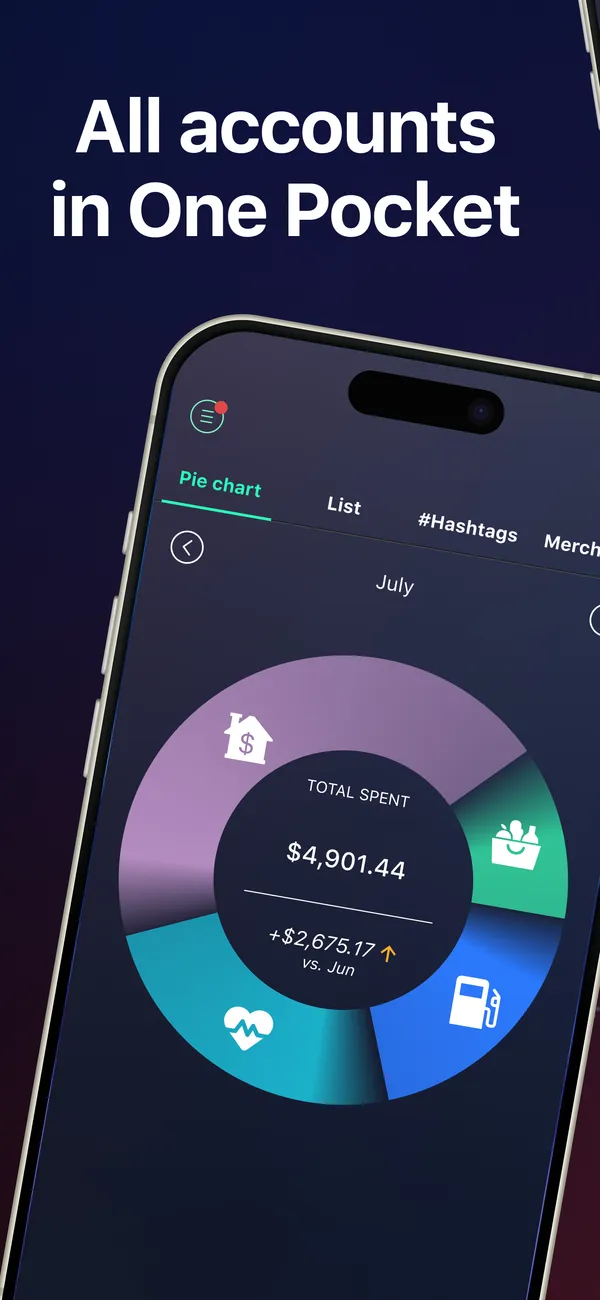
App Store marketing imageApp Store image with the headline "All accounts in One Pocket" over a tilted phone with a spending pie chart for July.App Store listing, as of 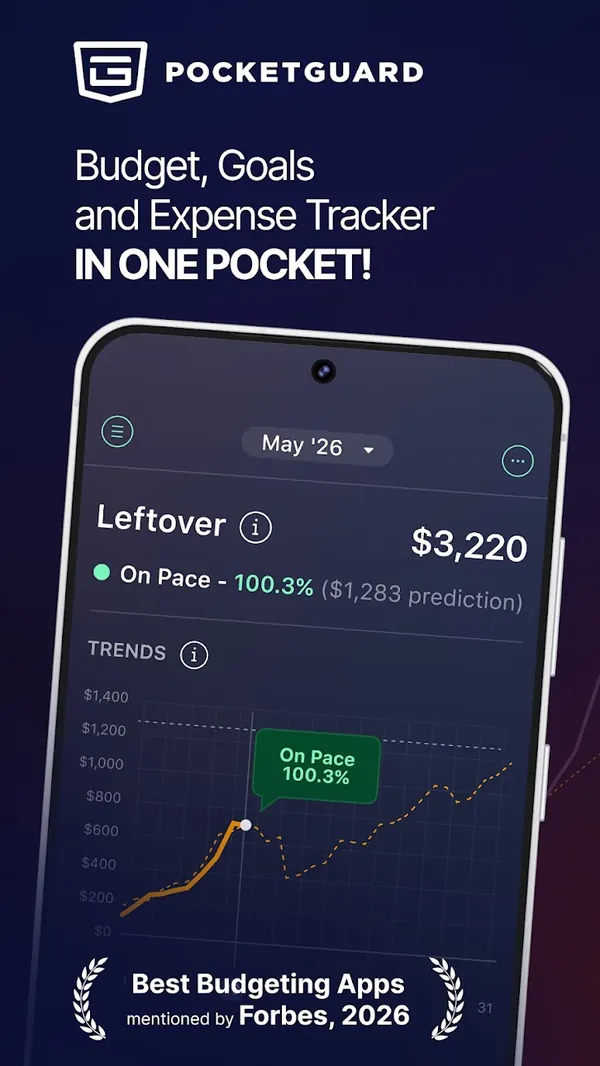
Google Play marketing imageGoogle Play image with the headline "Budget, Goals and Expense Tracker in one pocket" showing a Leftover amount and a trends chart.Google Play listing, as of
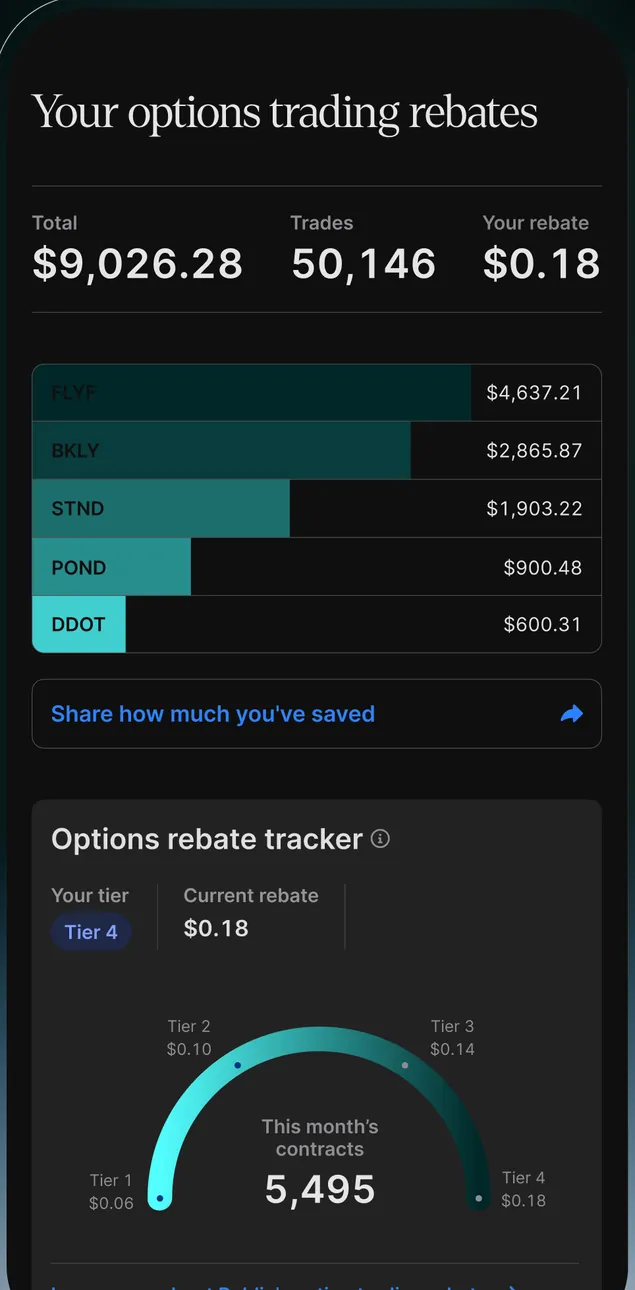
App Store marketing imageYour options trading rebates: total $9,026.28 over 50,146 trades, $0.18 per contract, a bar chart by symbol and an Options rebate tracker gauge at Tier 4 with 5,495 contracts this month.App Store listing, as of 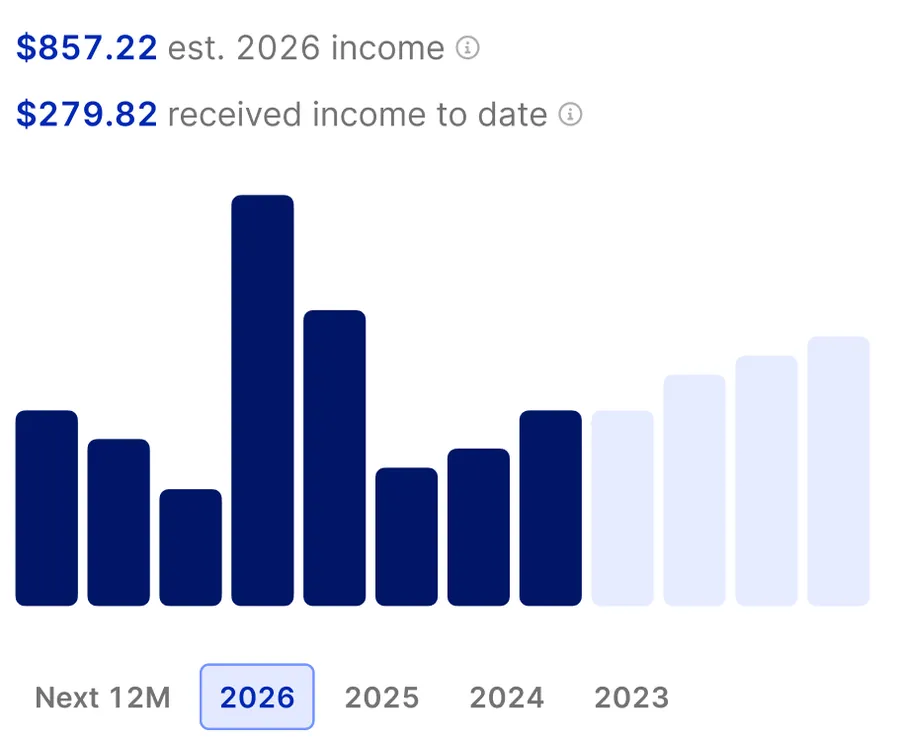
App Store marketing image$857.22 estimated 2026 income, $279.82 received to date and monthly bars with Next 12M, 2026, 2025, 2024 and 2023 filters.App Store listing, as of
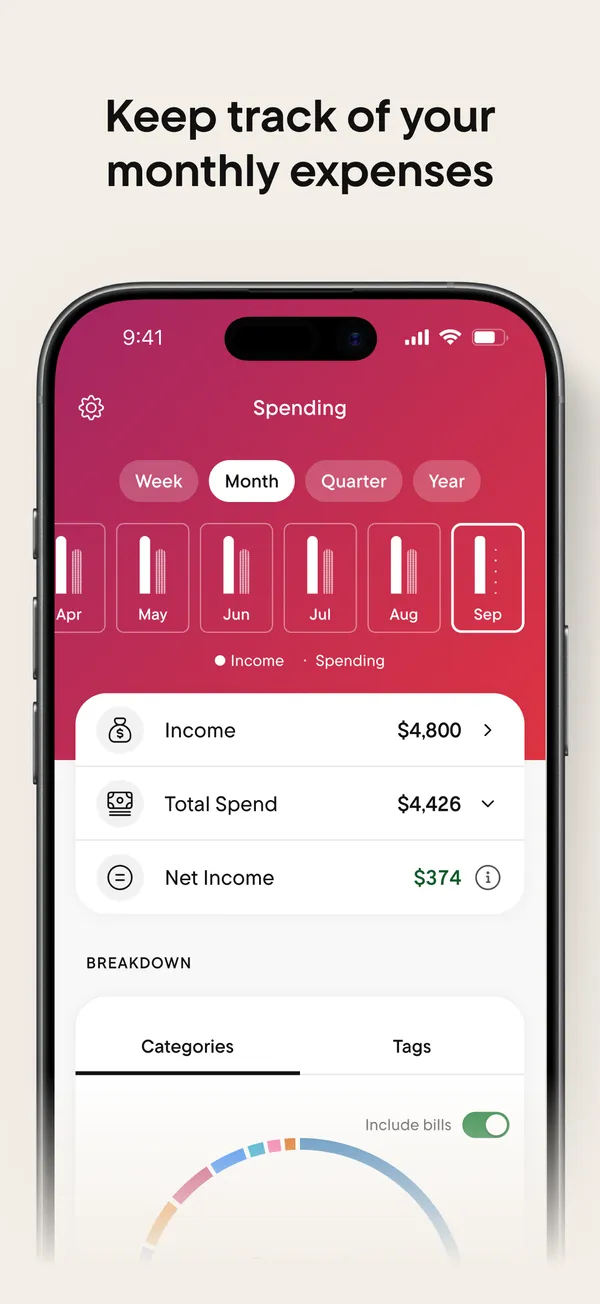
App Store marketing imageApp Store image with the headline "Keep track of your monthly expenses" showing the Spending tab.App Store listing, as of 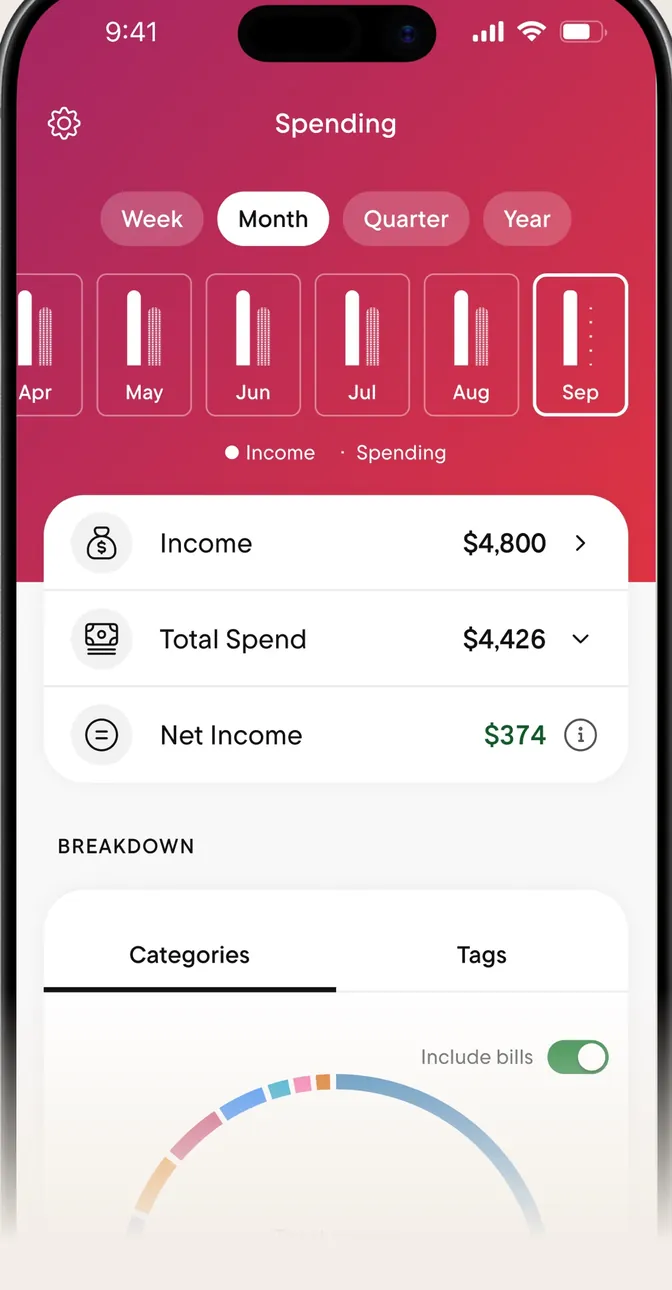
App Store marketing imageThe Spending tab with Week, Month, Quarter and Year buttons, monthly bars, and Income, Total Spend and Net Income rows.App Store listing, as of 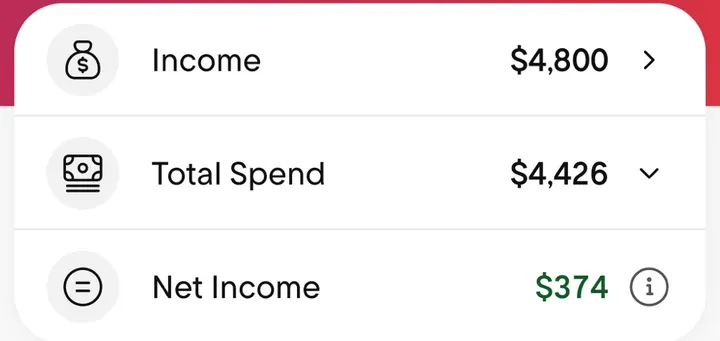
App Store marketing imageThree rows: Income $4,800, Total Spend $4,426 and Net Income $374.App Store listing, as of
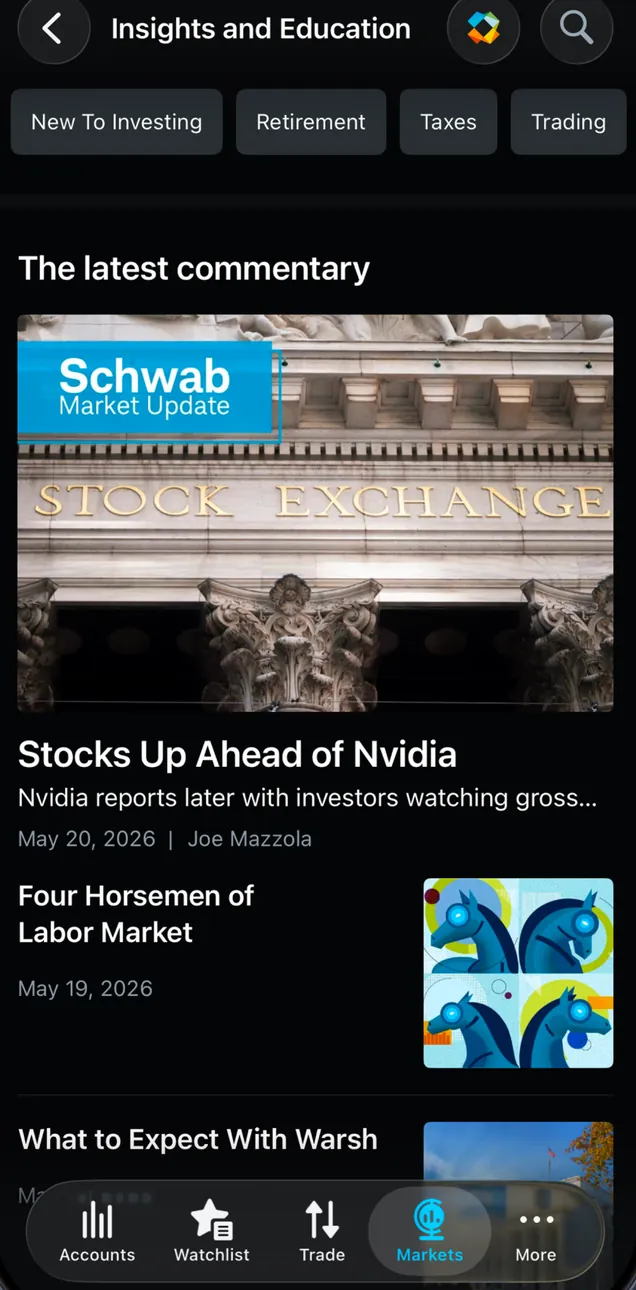
App Store marketing imageInsights and Education with New To Investing, Retirement, Taxes and Trading filters and The latest commentary: a Schwab Market Update story titled "Stocks Up Ahead of Nvidia" and more articles.App Store listing, as of
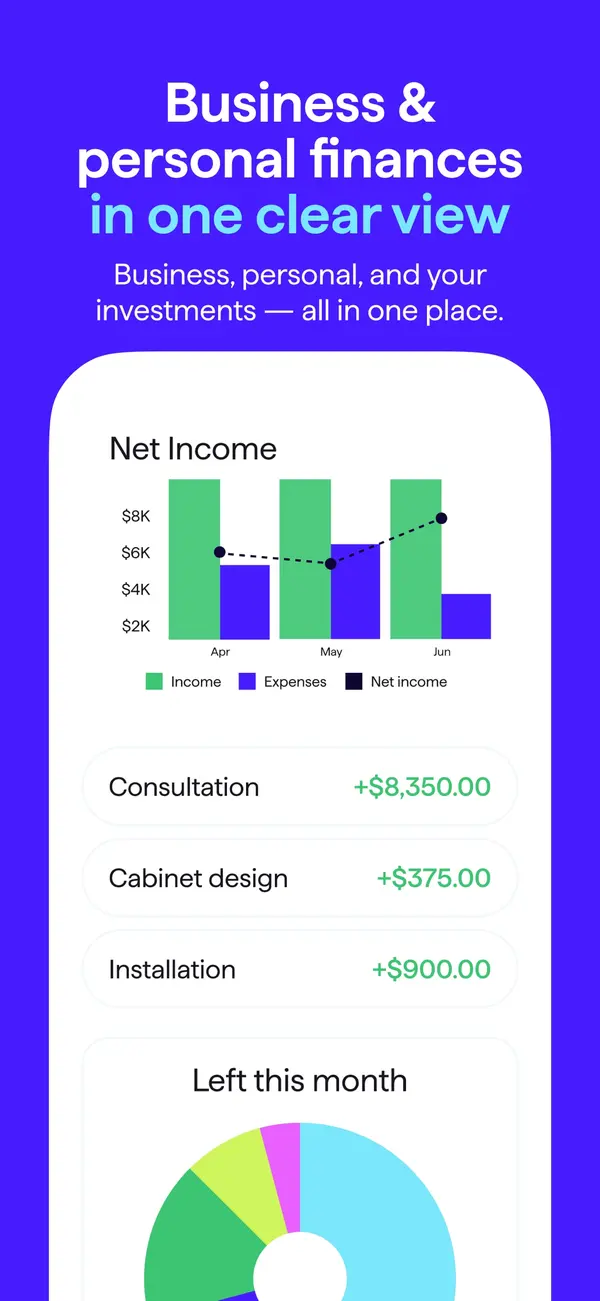
App Store marketing imageApp Store image with the headline "Business & personal finances in one clear view" showing a Net Income chart and income rows.App Store listing, as of 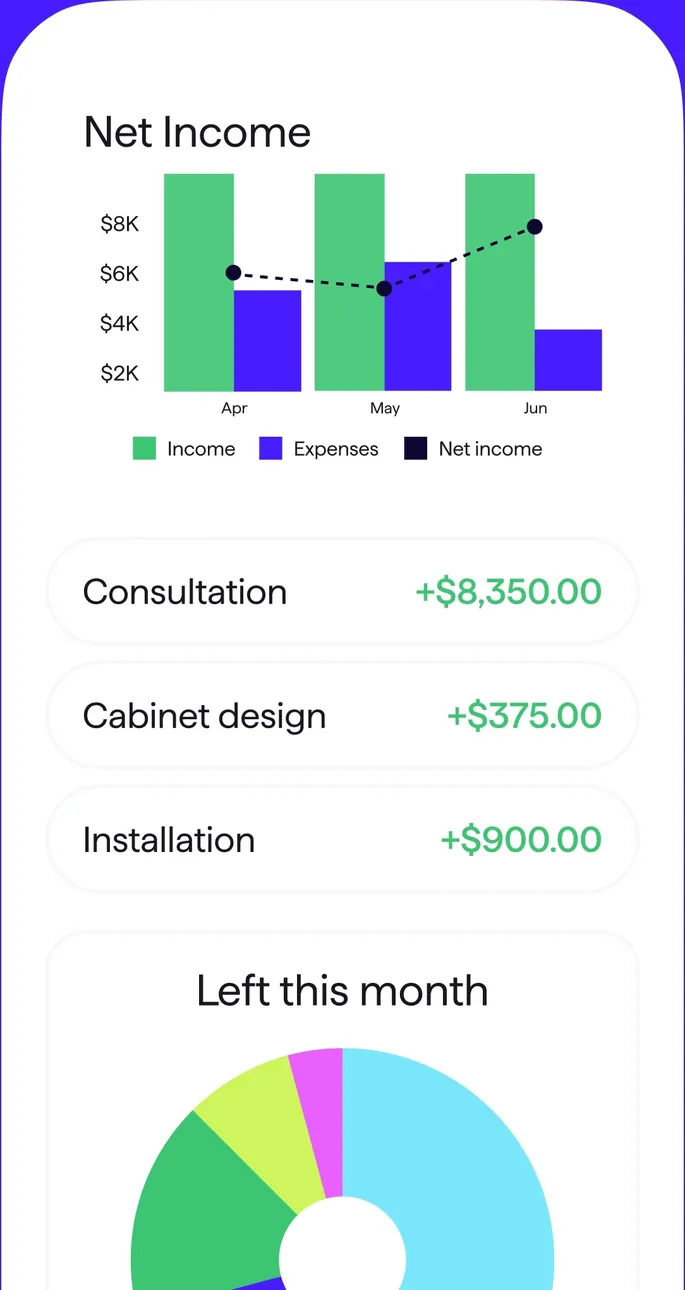
App Store marketing imageA Net Income bar chart by month, three income rows and a Left this month donut.App Store listing, as of 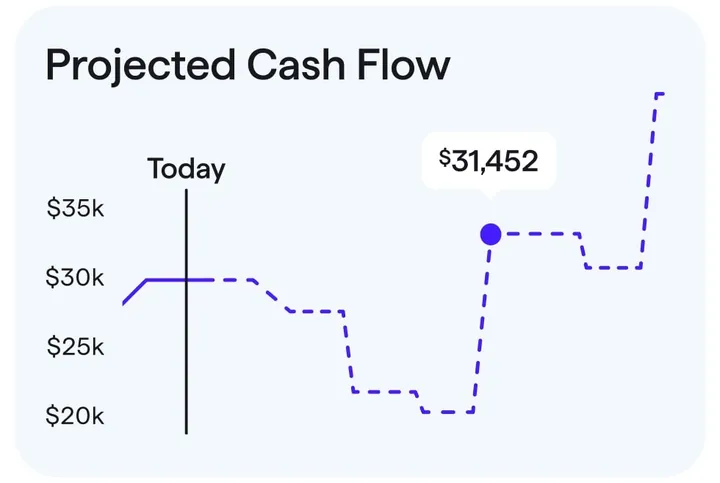
App Store marketing imageA Projected Cash Flow chart with a Today marker and a projected balance of $31,452.App Store listing, as of
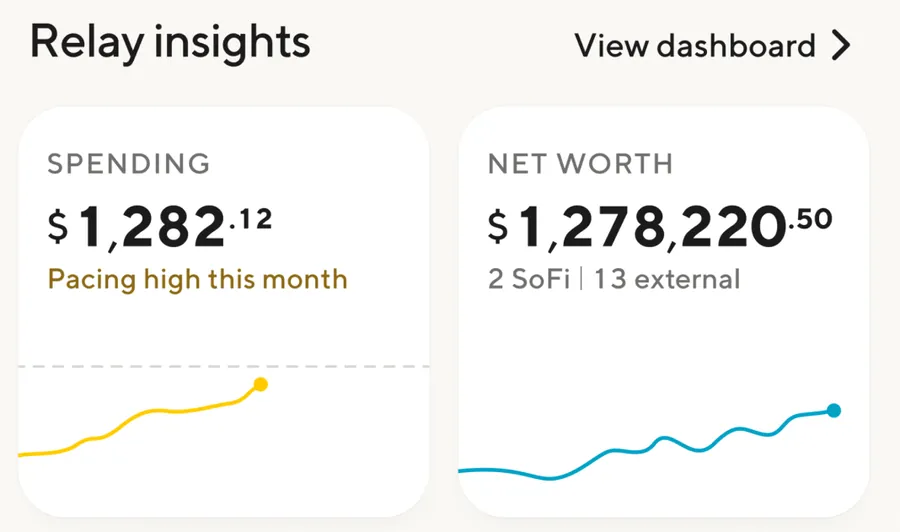
App Store marketing imageRelay insights: Spending $1,282.12, pacing high this month, and Net worth $1,278,220.50 across 2 SoFi and 13 external accounts, each with a small line chart.App Store listing, as of
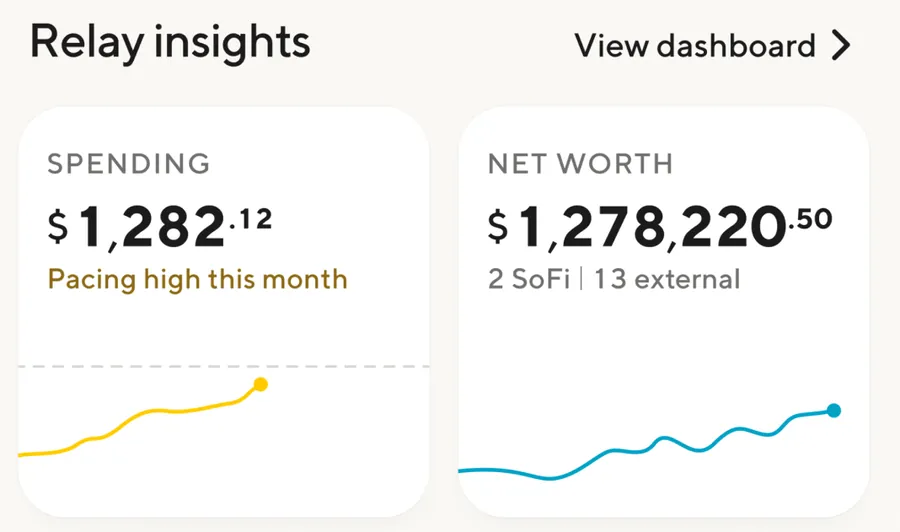
App Store marketing imageRelay insights: Spending $1,282.12, pacing high this month, and Net worth $1,278,220.50 across 2 SoFi and 13 external accounts, each with a small line chart.App Store listing, as of 
App Store marketing imageA Credit score card: 732, Good, updated Jul 25, "Holding steady" with no changes in the past 7 days and a red to green bar.App Store listing, as of
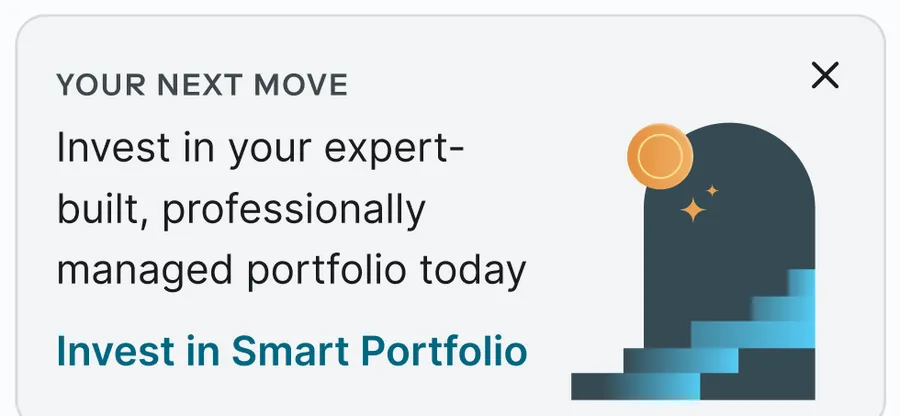
App Store marketing imageA Your next move card: "Invest in your expert-built, professionally managed portfolio today" with an Invest in Smart Portfolio link.App Store listing, as of
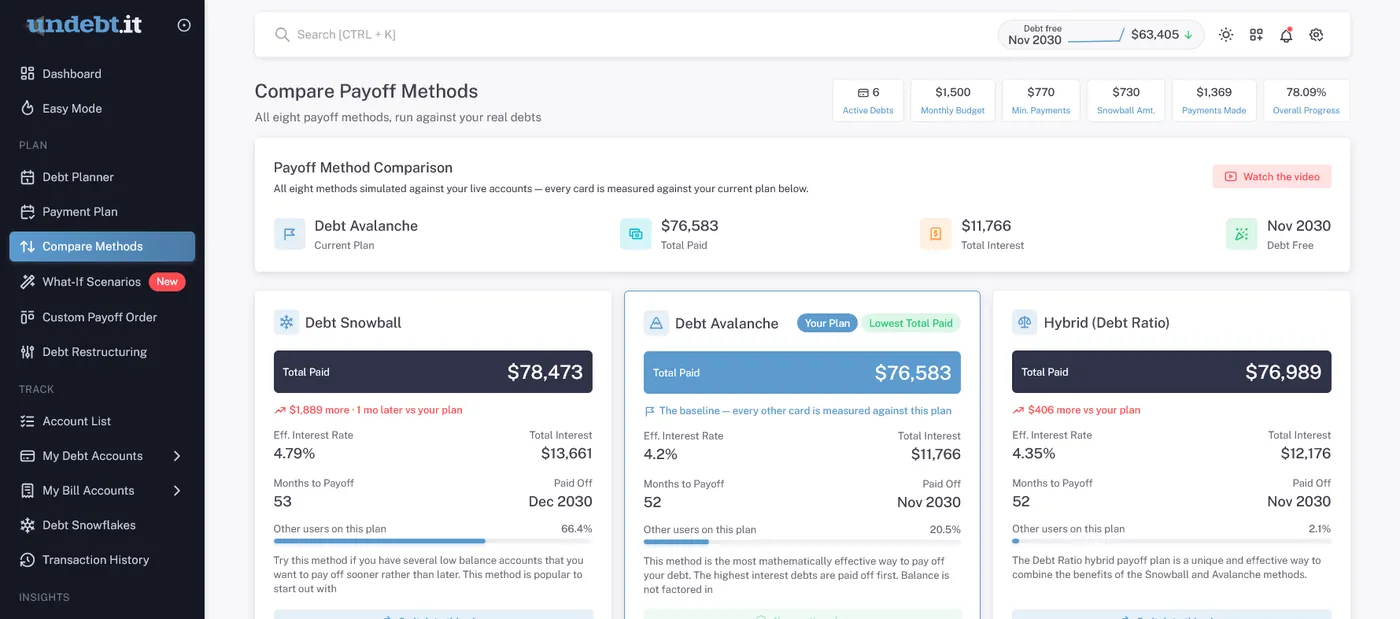
From Undebt.it's websiteCompare Payoff Methods: the current Debt Avalanche plan at $76,583 total paid and Nov 2030 debt-free, next to Debt Snowball at $78,473 and Hybrid (Debt Ratio) at $76,989 with interest and months to payoff.undebt.it, as of 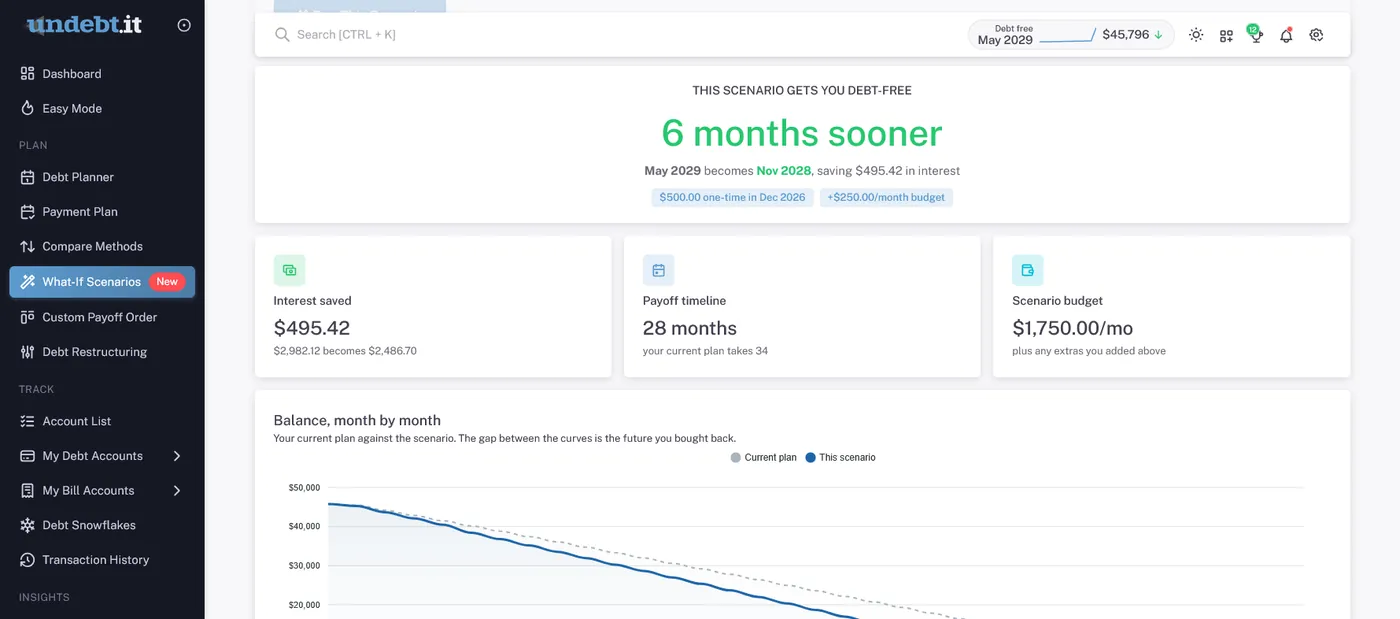
From Undebt.it's websiteA What-If Scenario: "6 months sooner" with May 2029 becoming Nov 2028, $495.42 interest saved, a 28 month payoff timeline, a $1,750.00 a month scenario budget and a balance by month chart.undebt.it, as of
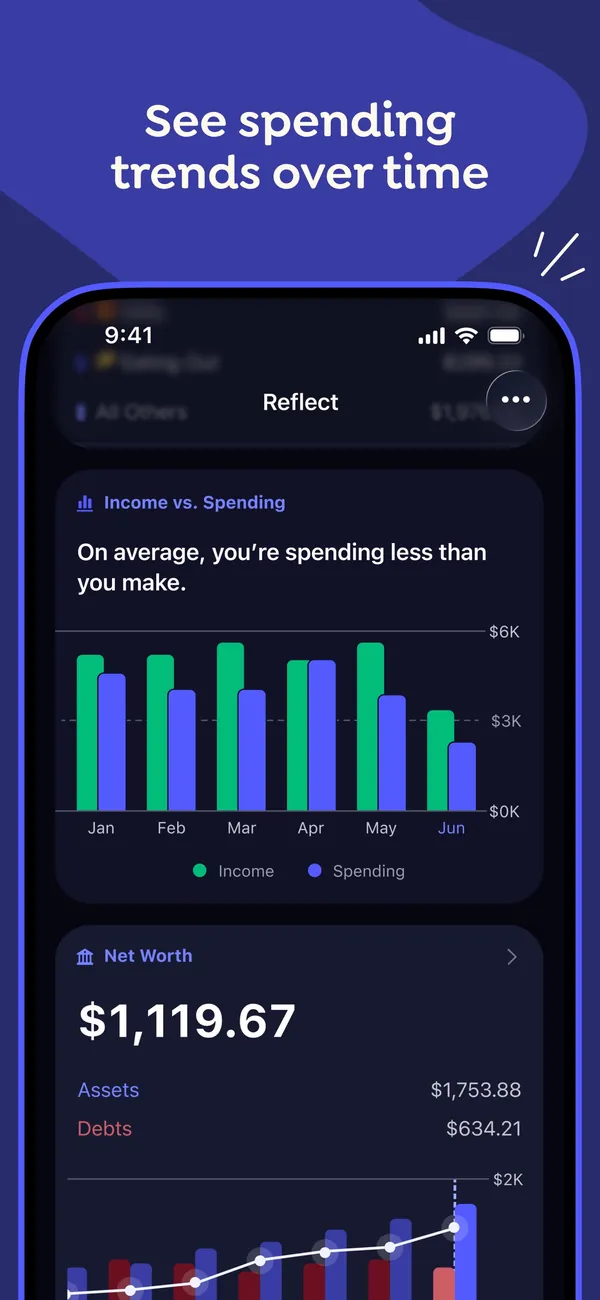
App Store marketing imageApp Store image with the headline "See spending trends over time" showing the Reflect screen with an Income vs. Spending bar chart and a Net Worth card.App Store listing, as of 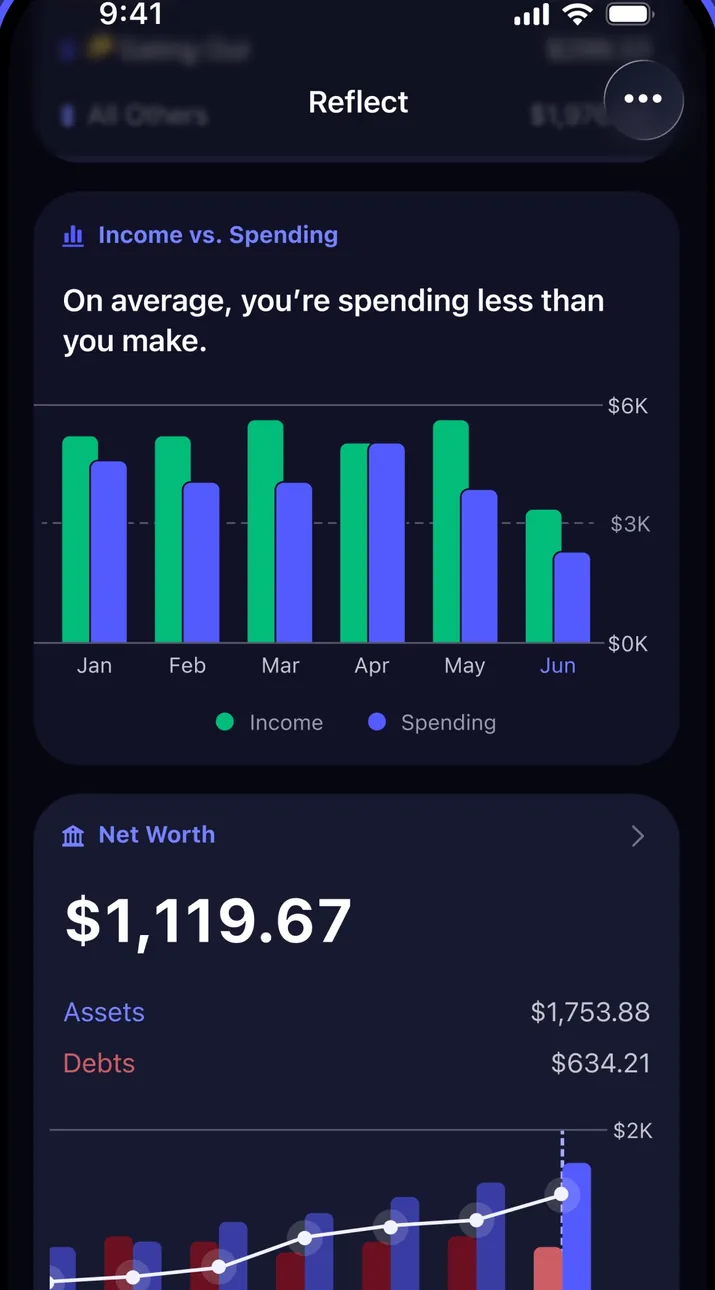
App Store marketing imageThe Reflect screen in dark mode with an Income vs. Spending chart by month and a Net Worth card below it.App Store listing, as of 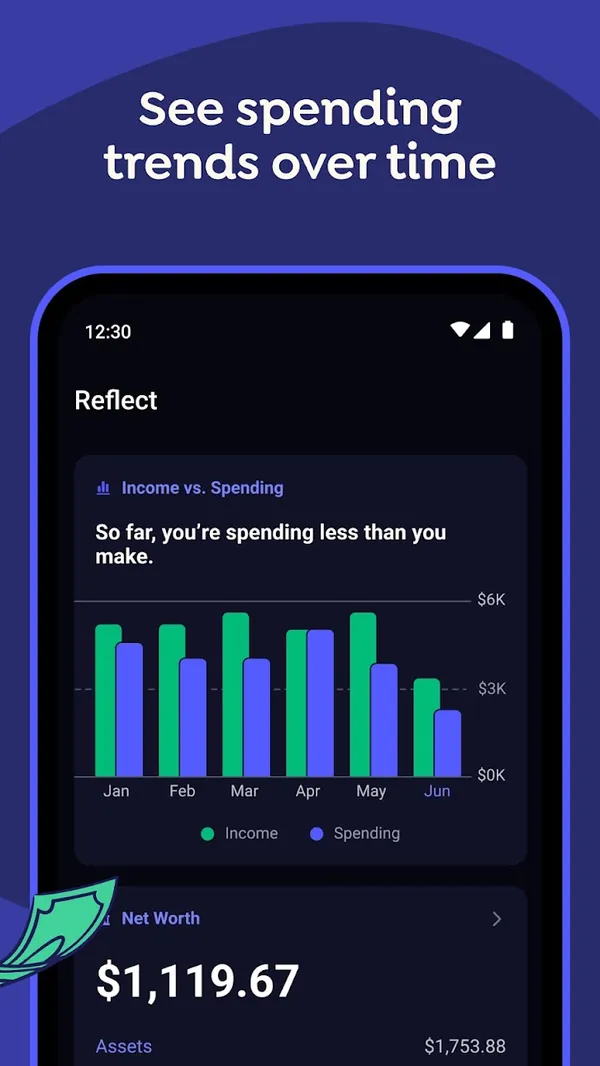
Google Play marketing imageGoogle Play image with the headline "See spending trends over time" showing the Android Reflect screen with an Income vs. Spending chart.Google Play listing, as of 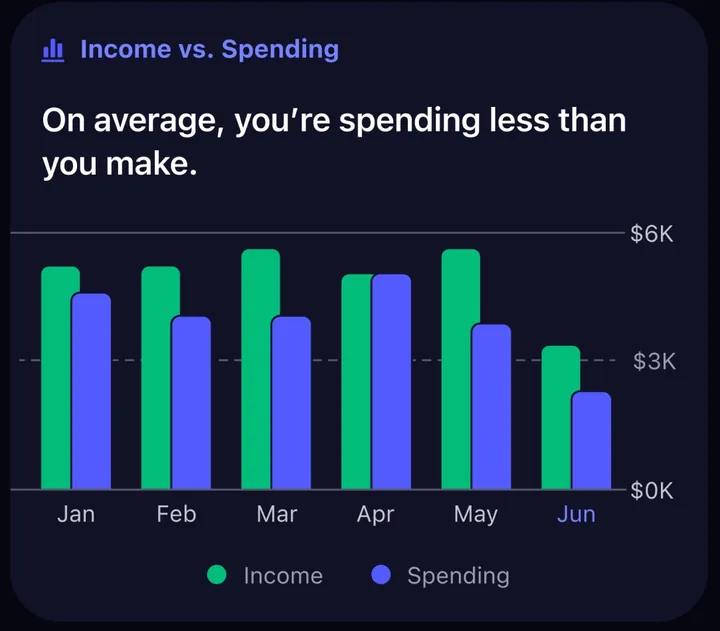
App Store marketing imageAn Income vs. Spending card with paired monthly bars from January to June and the line "On average, you're spending less than you make."App Store listing, as of
Bills and recurring
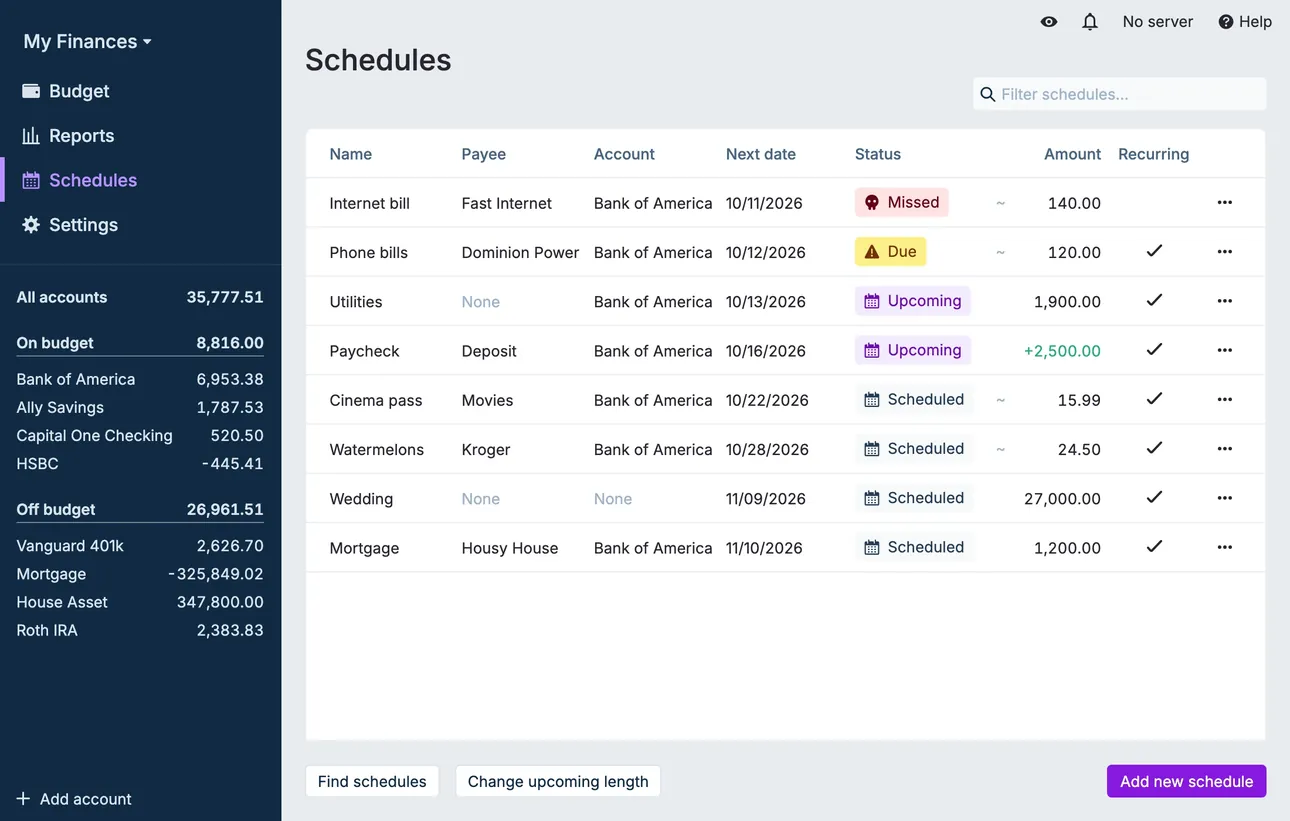
From Actual Budget's help centerThe Schedules page listing payees, accounts, next dates, statuses like Upcoming and Missed, and amounts.actualbudget.org, as of 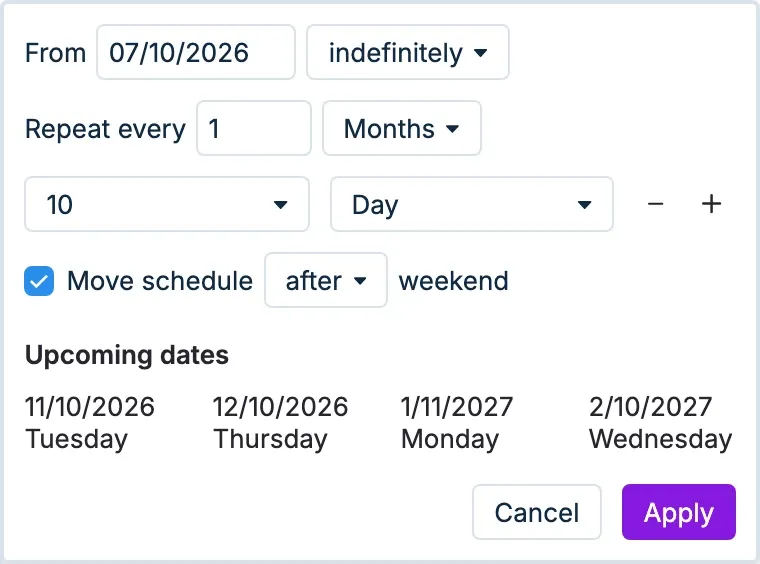
From Actual Budget's help centerRecurrence settings with a start date, Repeat every 1 month on day 10, and a list of upcoming dates.actualbudget.org, as of
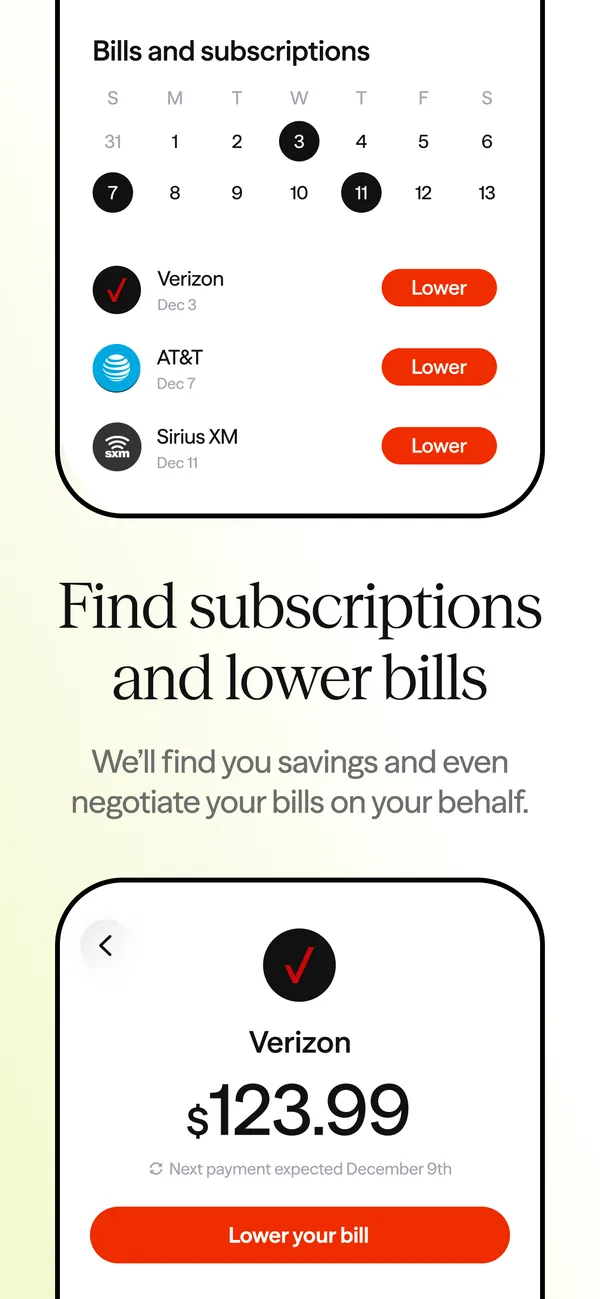
App Store marketing imageApp Store image with the headline "Find subscriptions and lower bills" showing a bills calendar and a Verizon bill of $123.99.App Store listing, as of 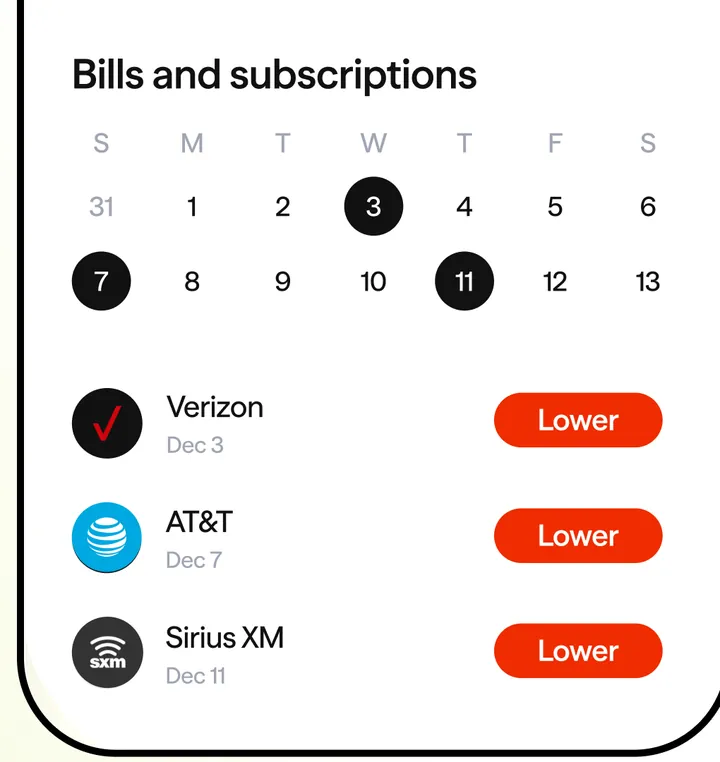
App Store marketing imageA Bills and subscriptions calendar with marked days and Verizon, AT&T and Sirius XM rows, each with a Lower button.App Store listing, as of 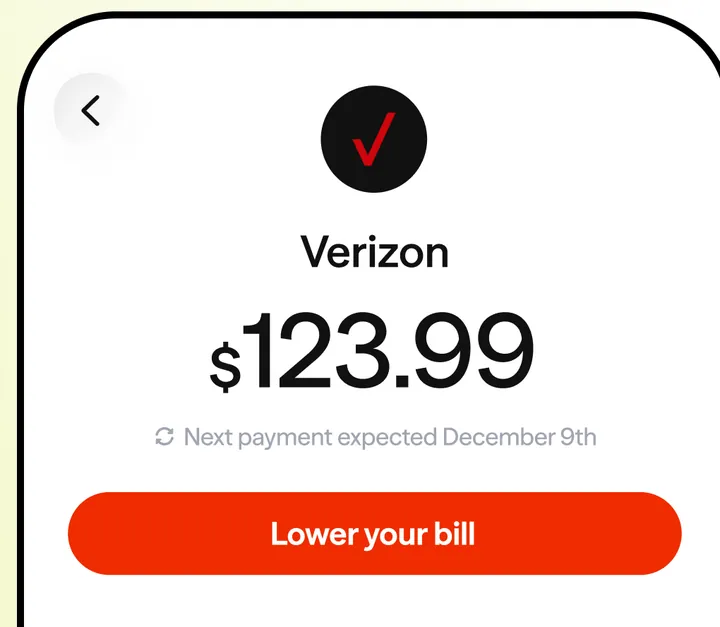
App Store marketing imageA Verizon bill of $123.99 with the next payment expected December 9th and a Lower your bill button.App Store listing, as of
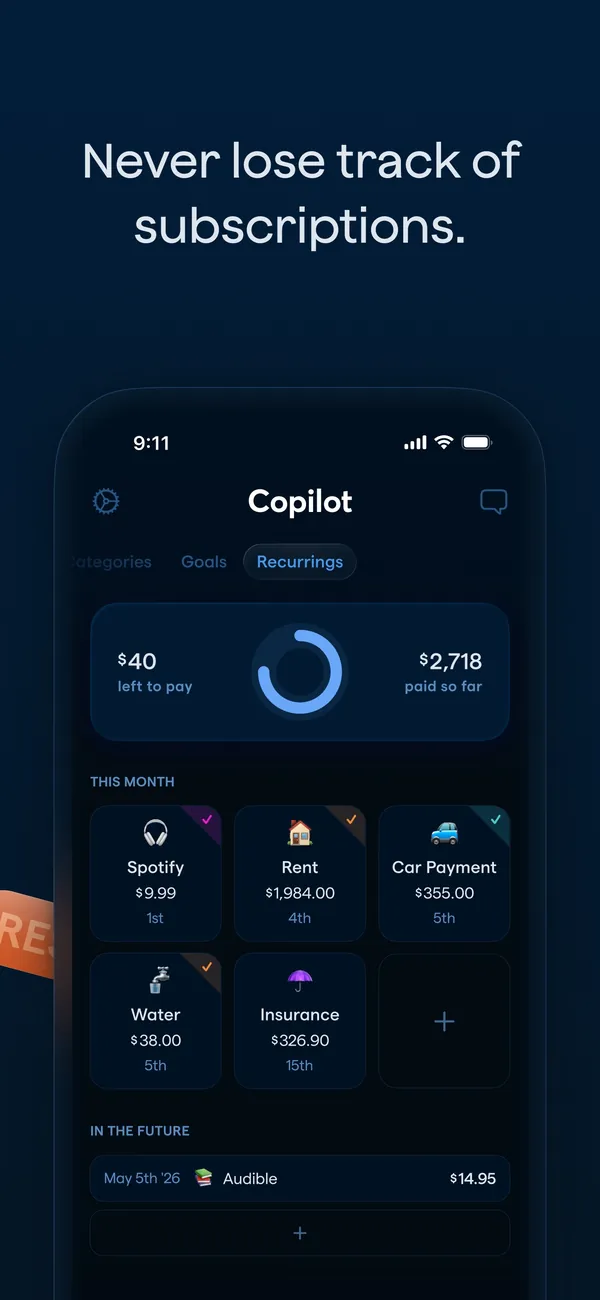
App Store marketing imageApp Store image with the headline "Never lose track of subscriptions." showing the Recurrings tab.App Store listing, as of 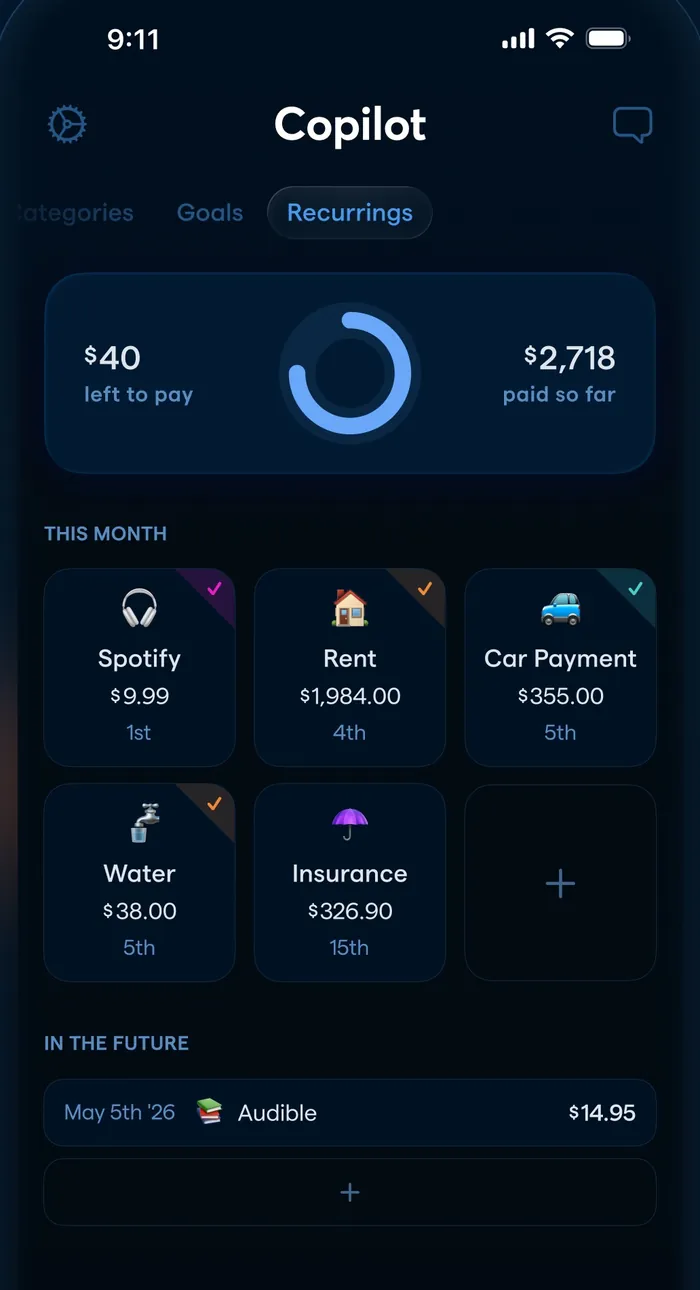
App Store marketing imageThe Recurrings tab: $40 left to pay and $2,718 paid so far, a grid of this month's bills and an In the Future list.App Store listing, as of 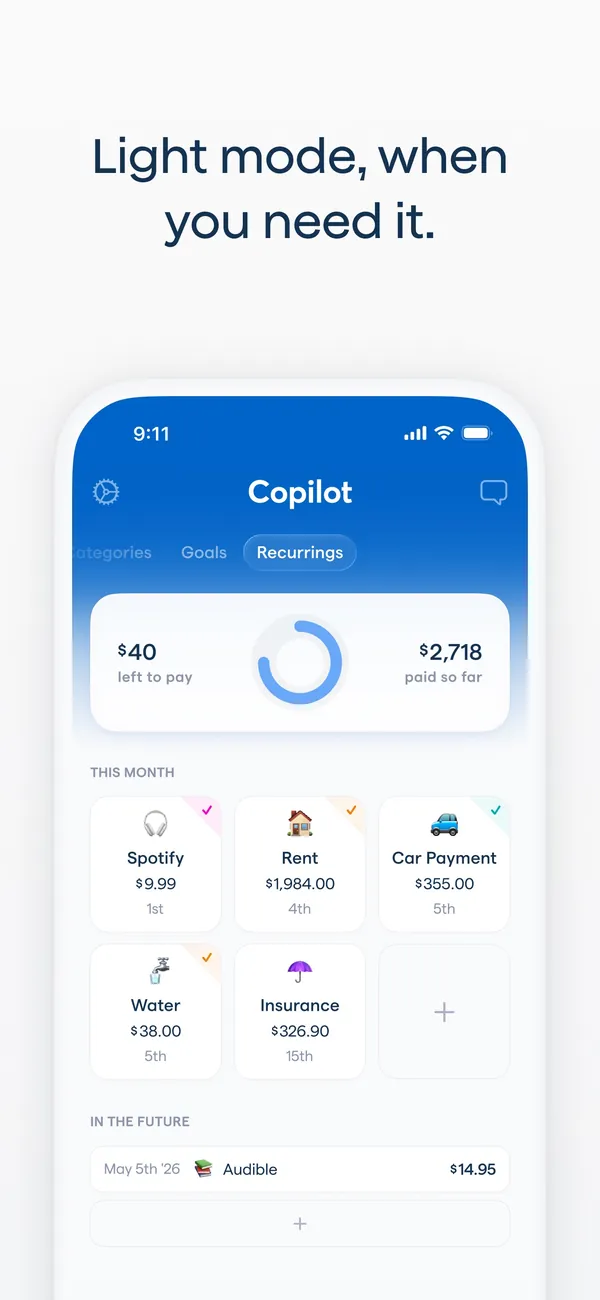
App Store marketing imageApp Store image with the headline "Light mode, when you need it." showing the Recurrings tab in light mode.App Store listing, as of 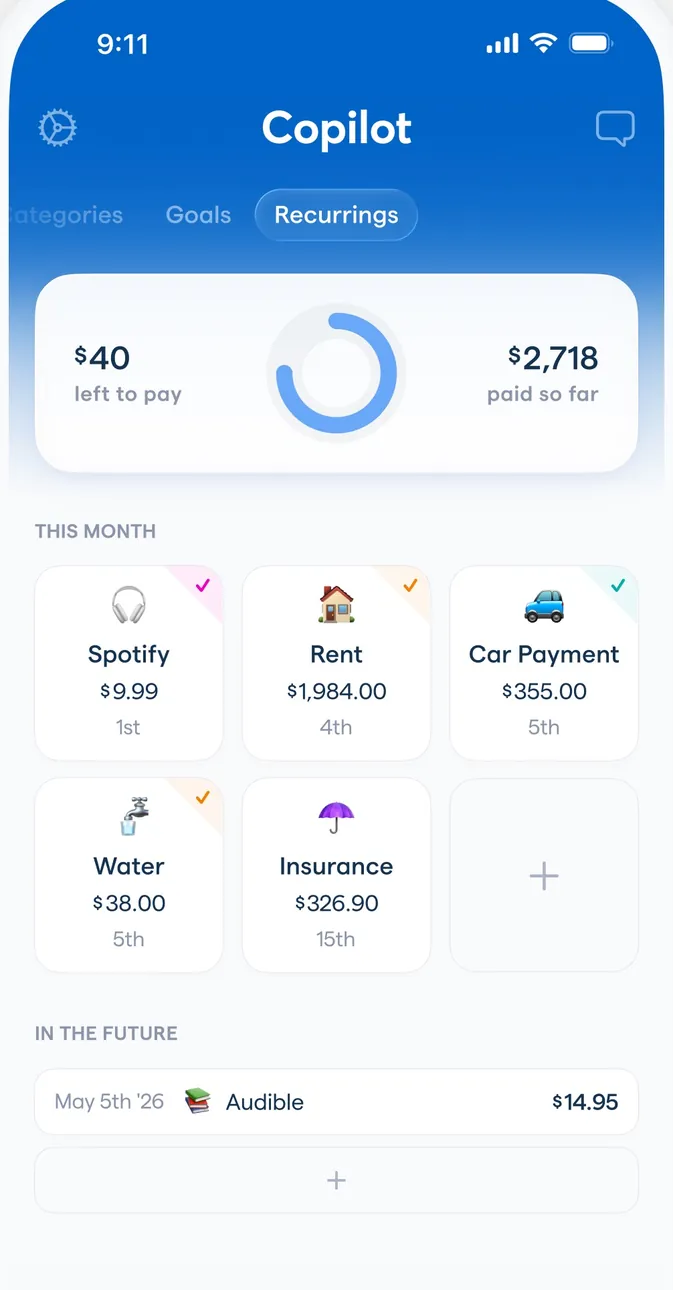
App Store marketing imageThe Recurrings tab in light mode with the same bills grid and an In the Future list.App Store listing, as of 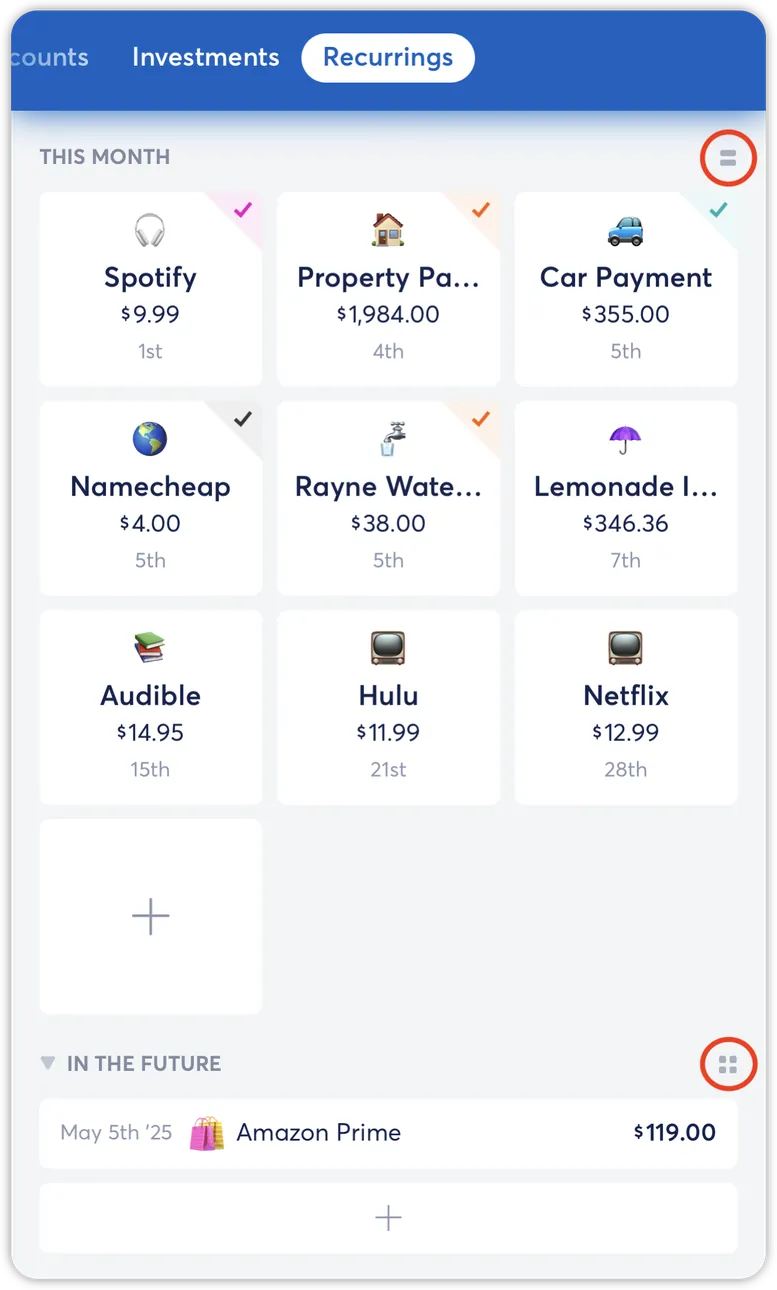
From Copilot Money's help centerThe Recurrings tab from the help center with a grid of this month's bills and an In the Future section.help.copilot.money, as of 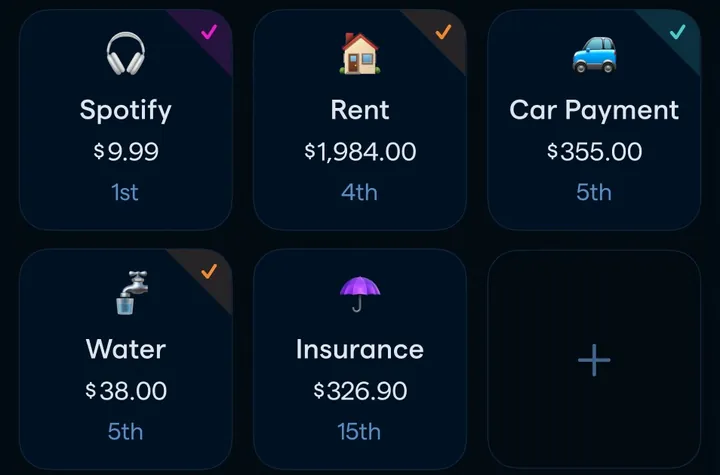
App Store marketing imageA grid of recurring items such as Spotify, Rent, Car Payment, Water and Insurance with amounts and due days.App Store listing, as of 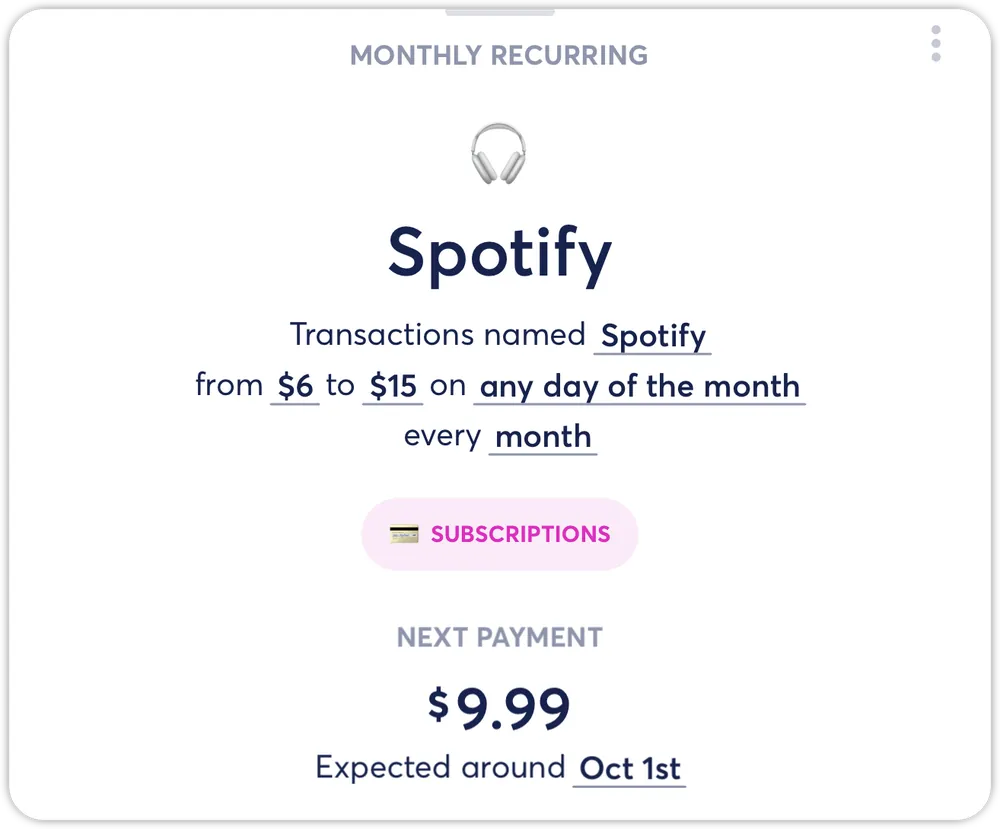
From Copilot Money's help centerA Spotify recurring detail card with the amount range, frequency and next payment of $9.99.help.copilot.money, as of
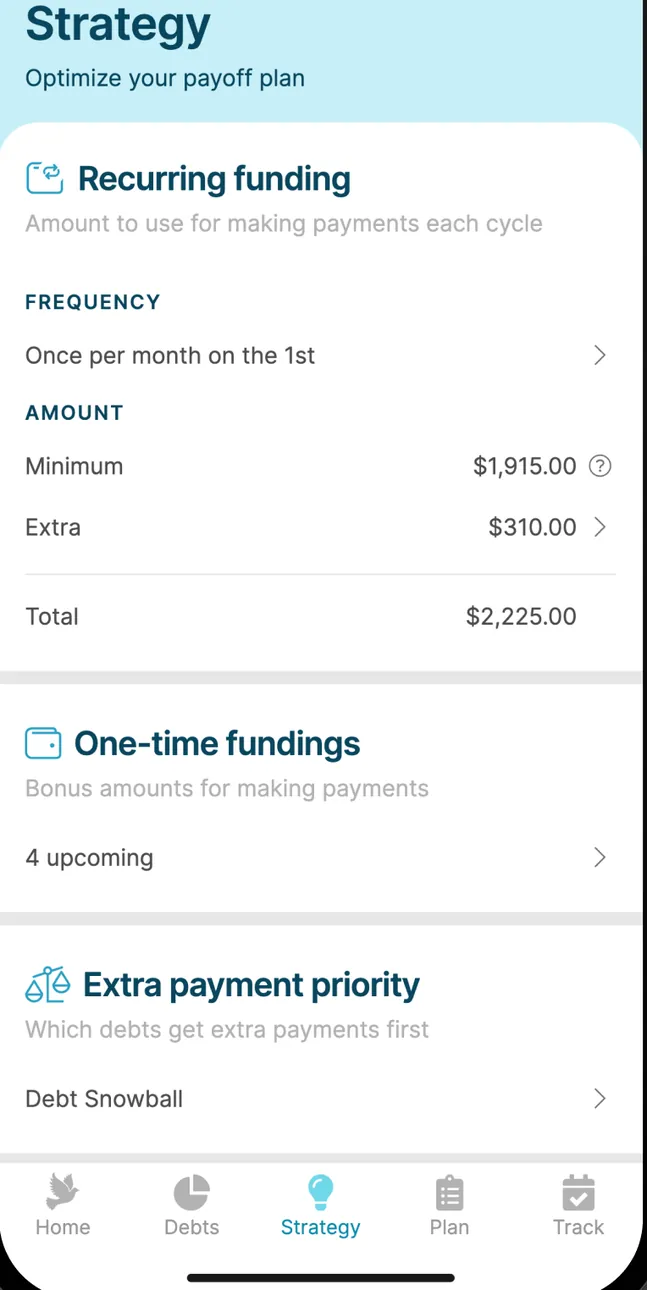
App Store marketing imageThe Strategy screen: Recurring funding once per month on the 1st with minimum and extra amounts totaling $2,225.00, One-time fundings and Extra payment priority set to Debt Snowball.App Store listing, as of 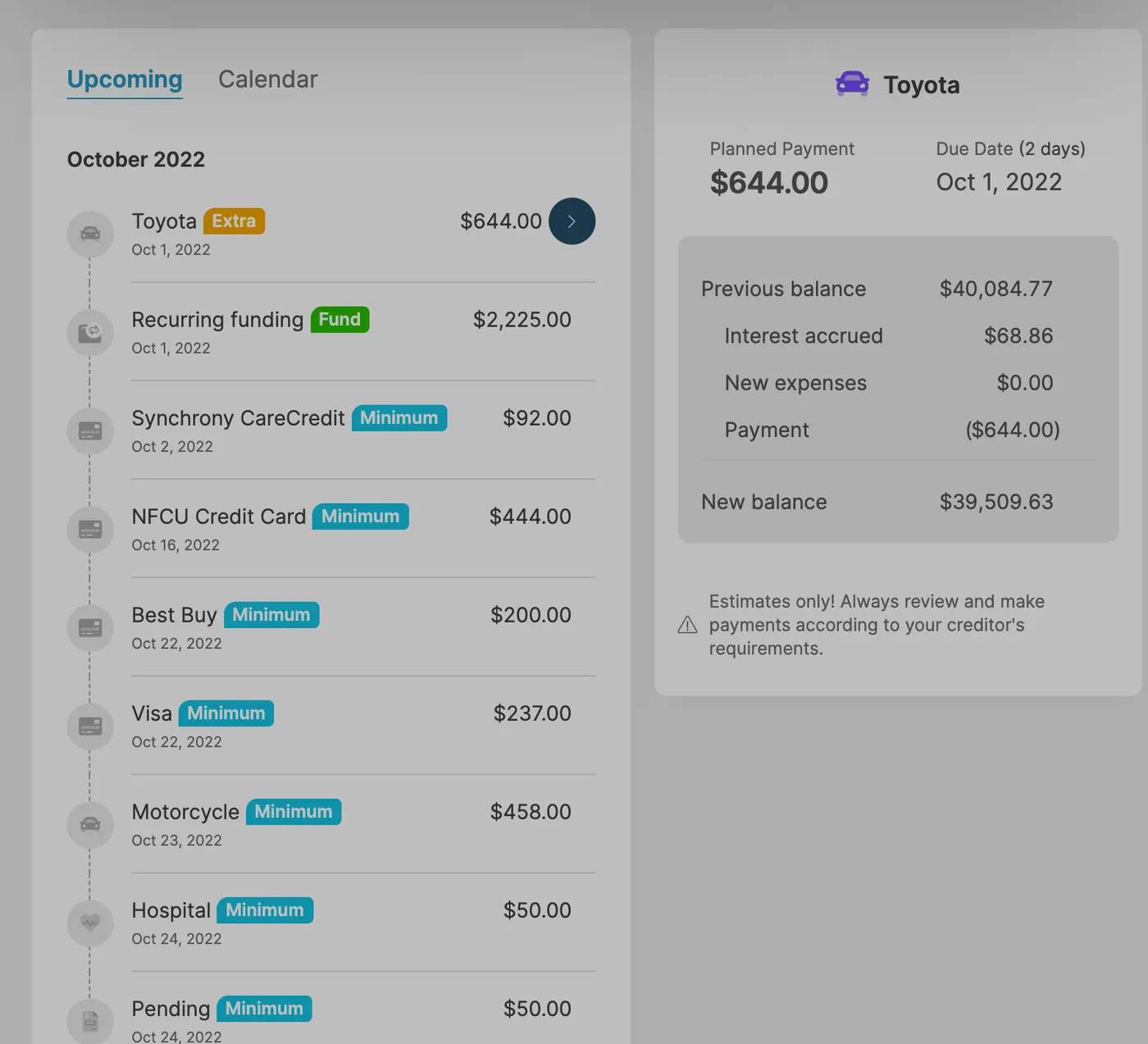
App Store marketing imageAn iPad payment schedule on Upcoming for October 2022 with payments to Toyota, recurring funding, Synchrony CareCredit, NFCU Credit Card and more, next to a Toyota payment detail.App Store listing, as of
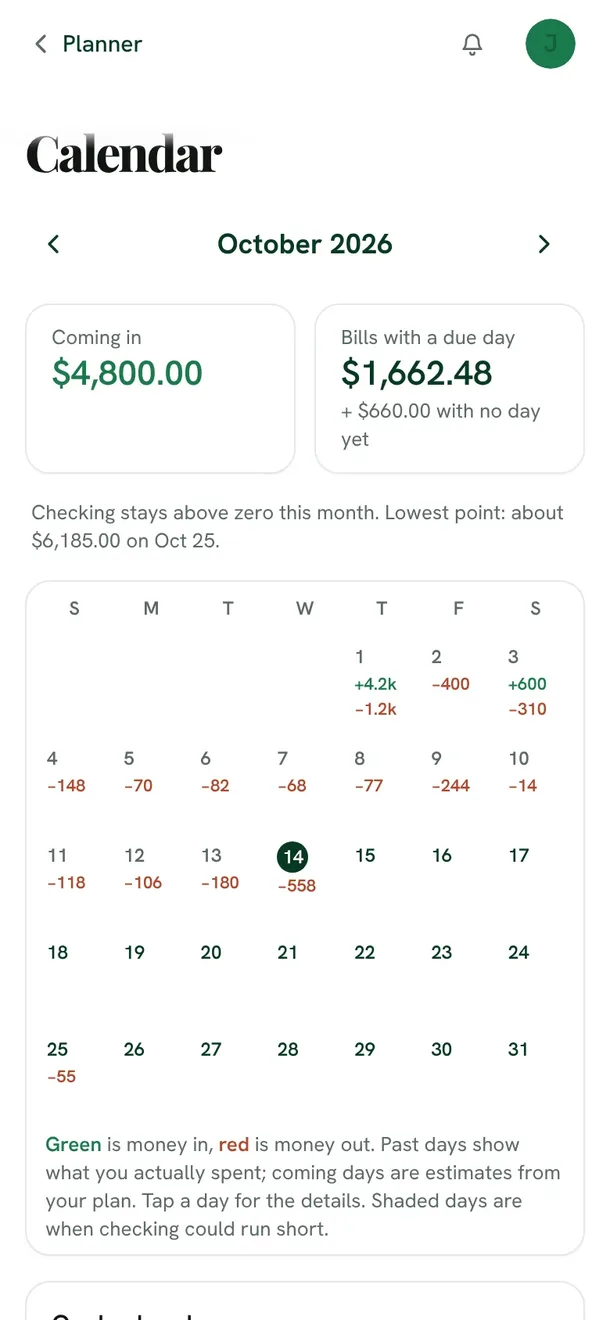
From Fifecta's websiteThe Fifecta Calendar for October 2026 on a phone: $4,800.00 coming in, $1,662.48 in bills with a due day, a note that checking stays above zero this month, and a month grid with money in and out on each day.fifecta.pricelesstay.com, as of 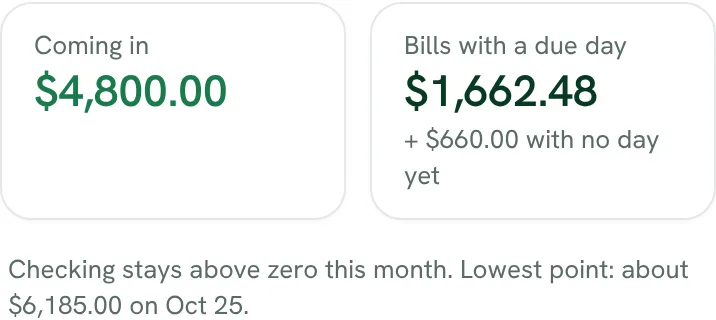
From Fifecta's websiteComing in $4,800.00, bills with a due day $1,662.48 plus $660.00 with no day yet, and "Checking stays above zero this month. Lowest point: about $6,185.00 on Oct 25."fifecta.pricelesstay.com, as of 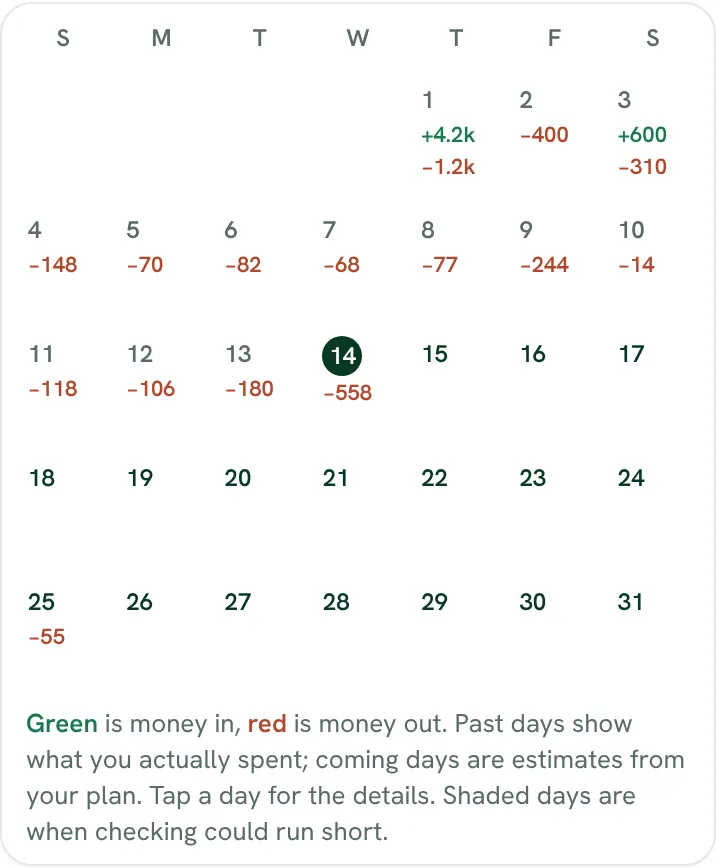
From Fifecta's websiteA month grid with money in shown in green and money out in red on each day, and a key: past days show what you spent, coming days are estimates from your plan, and shaded days are when checking could run short.fifecta.pricelesstay.com, as of
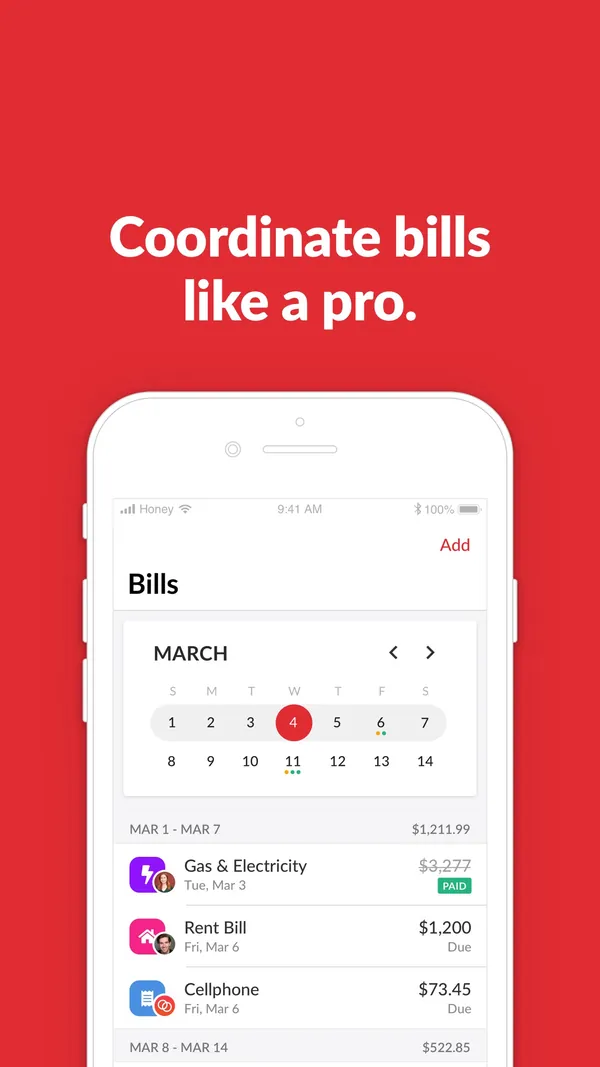
App Store marketing imageApp Store image with the headline "Coordinate bills like a pro." showing a Bills calendar.App Store listing, as of 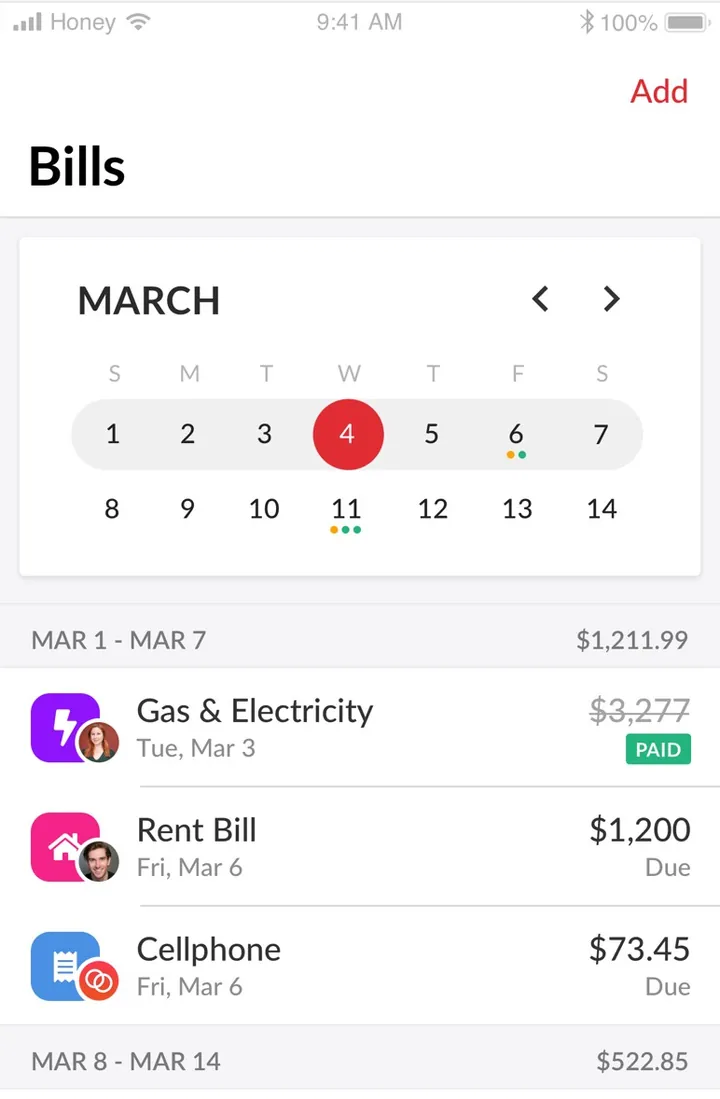
App Store marketing imageThe Bills screen: a March calendar and bills for Gas & Electricity (paid), Rent Bill and Cellphone with due dates.App Store listing, as of
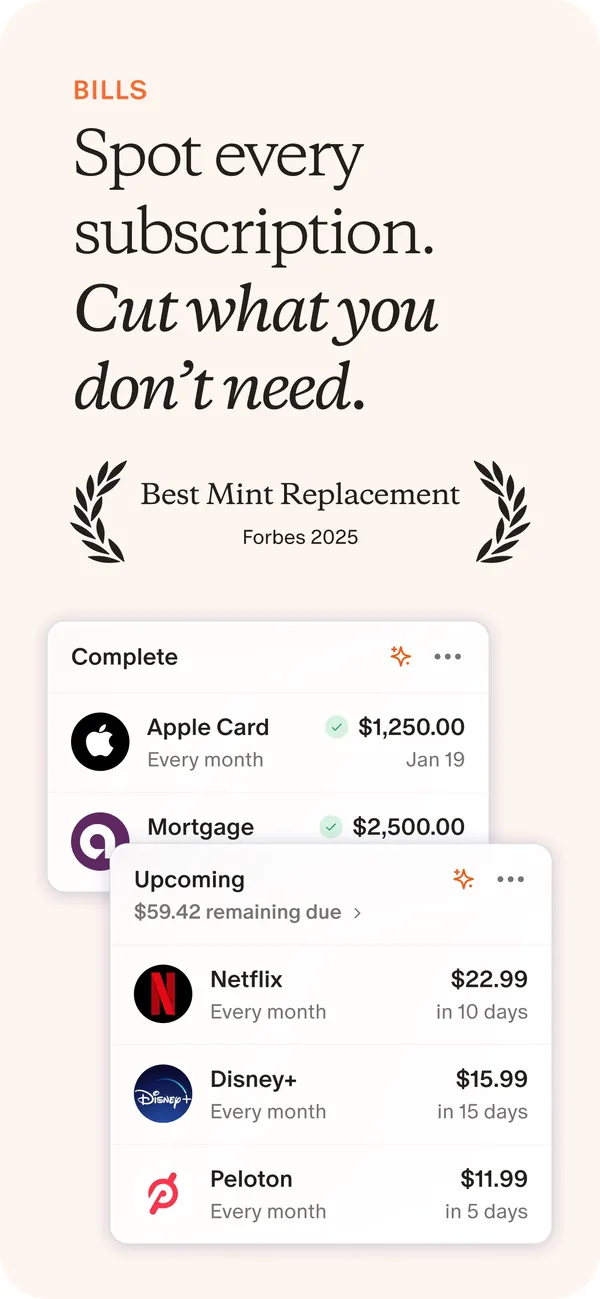
App Store marketing imageApp Store image with the headline "Spot every subscription. Cut what you don't need." showing Complete and Upcoming bill cards.App Store listing, as of 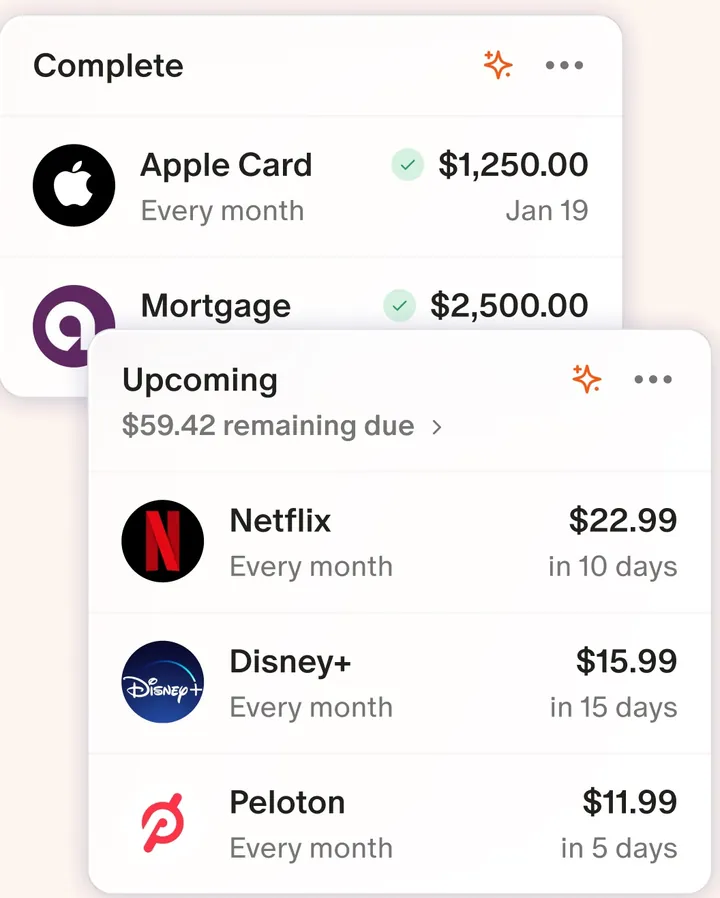
App Store marketing imageTwo cards: Complete bills like Apple Card and Mortgage, and Upcoming charges like Netflix, Disney+ and Peloton with due dates.App Store listing, as of 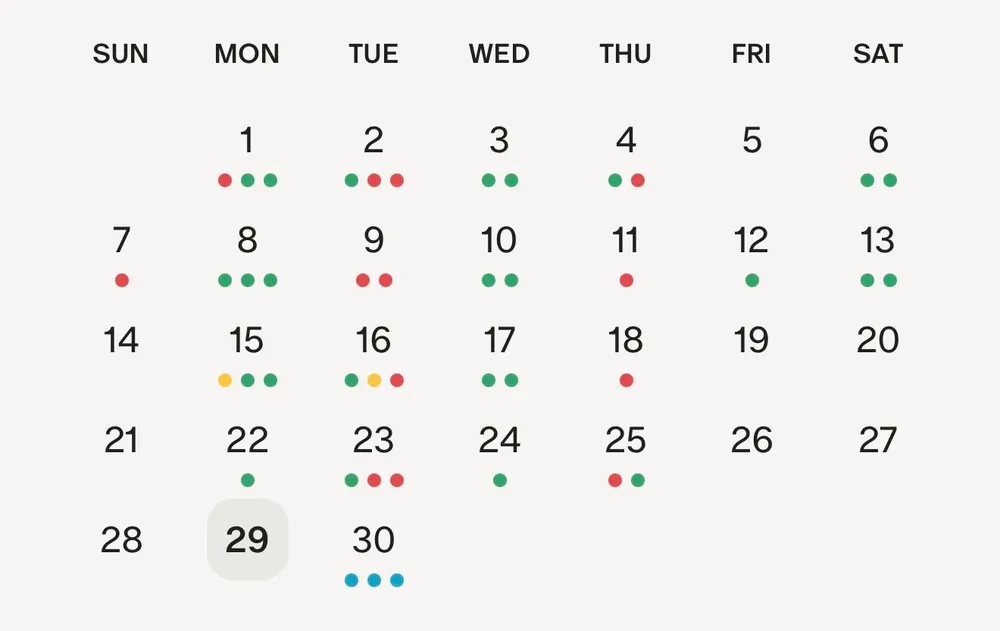
From Monarch Money's help centerA monthly calendar with colored dots under the days that have recurring items.help.monarch.com, as of
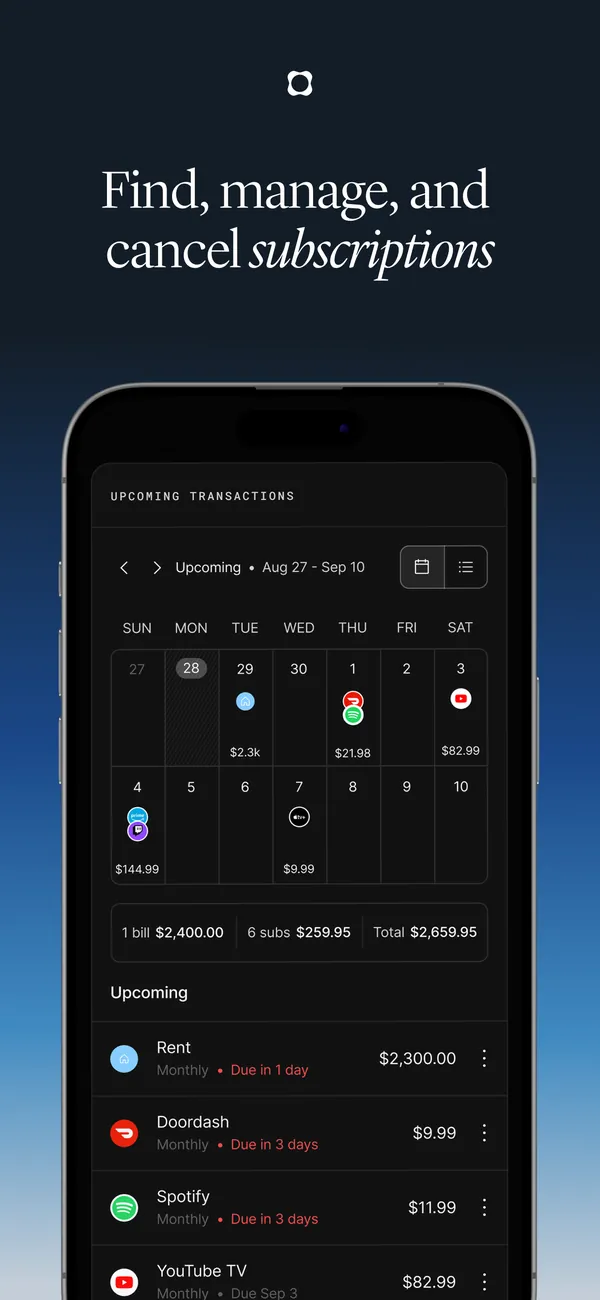
App Store marketing imageApp Store image with the headline "Find, manage, and cancel subscriptions" showing upcoming transactions.App Store listing, as of 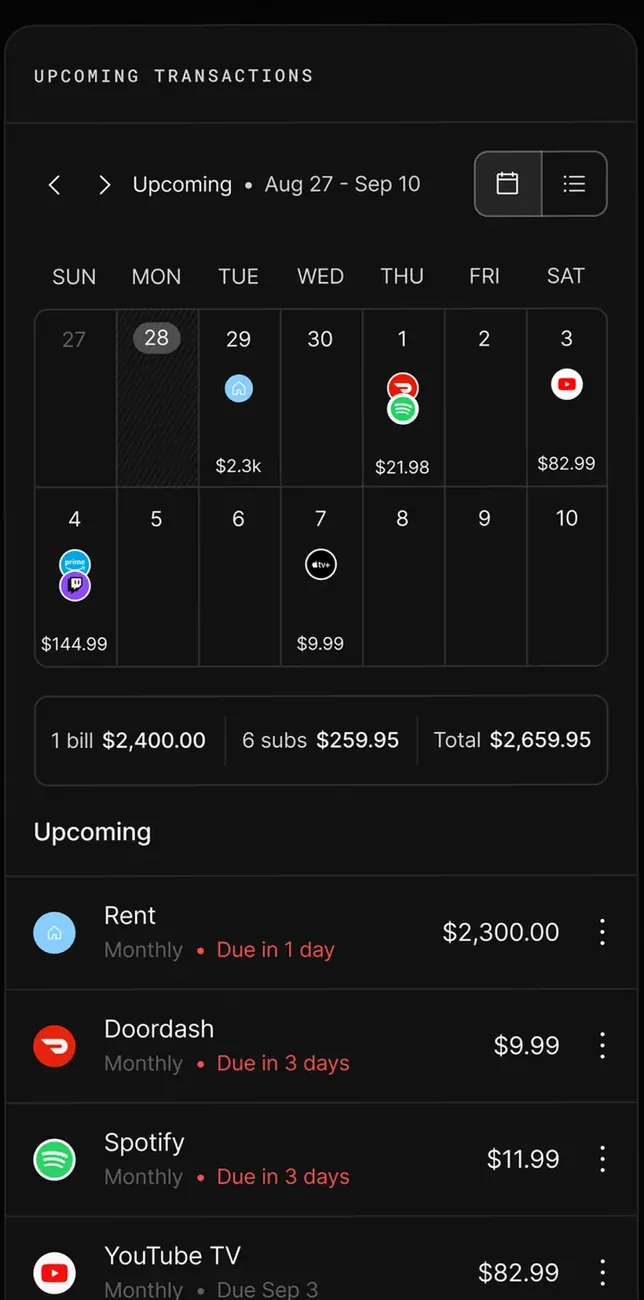
App Store marketing imageUpcoming transactions: a calendar for Aug 27 to Sep 10 with merchant icons, totals for 1 bill and 6 subscriptions, and rows for Rent, Doordash, Spotify and YouTube TV.App Store listing, as of
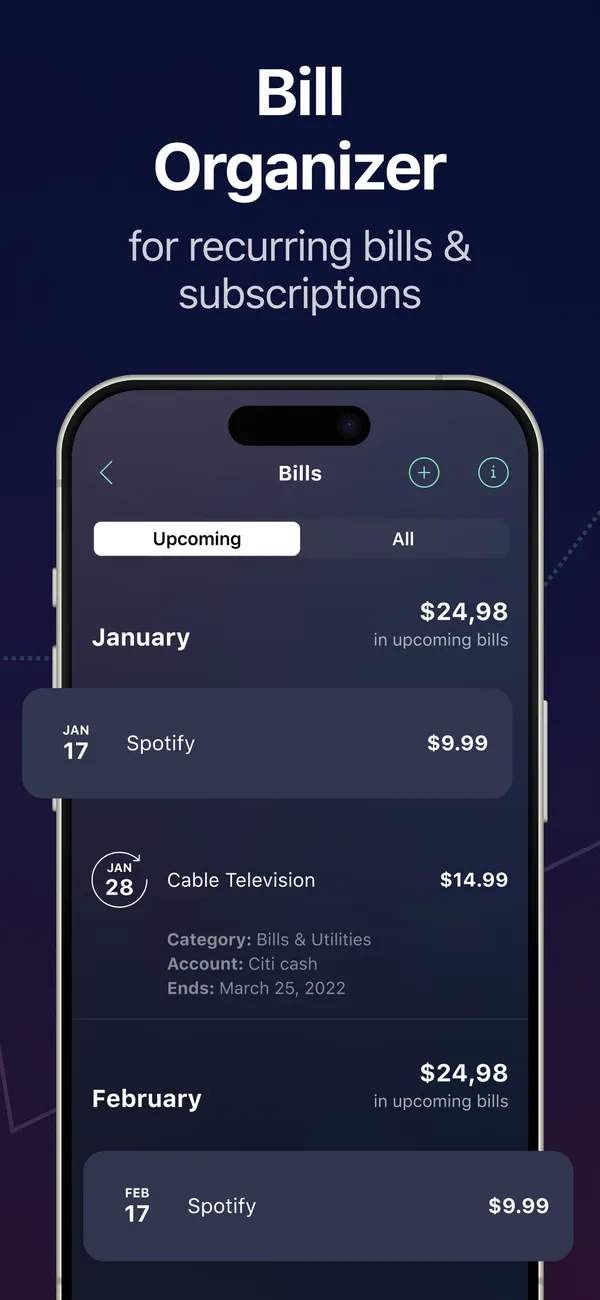
App Store marketing imageApp Store image with the headline "Bill Organizer for recurring bills & subscriptions" showing a Bills screen.App Store listing, as of 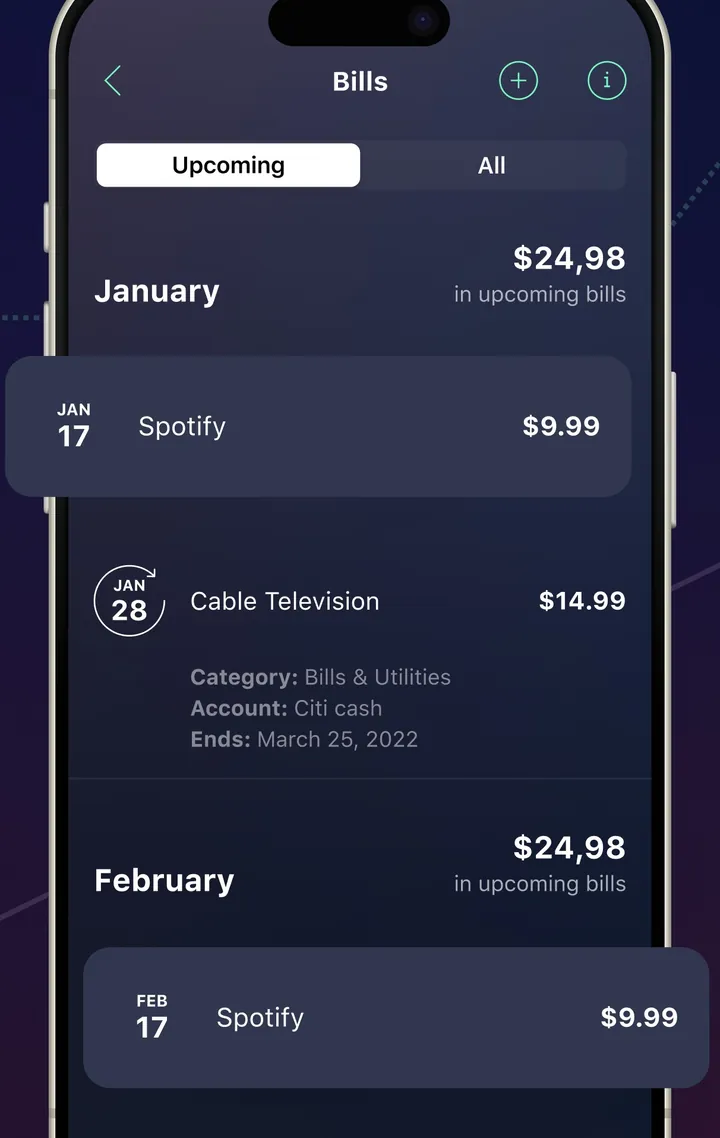
App Store marketing imageA Bills screen with Upcoming and All tabs and bills grouped by month.App Store listing, as of 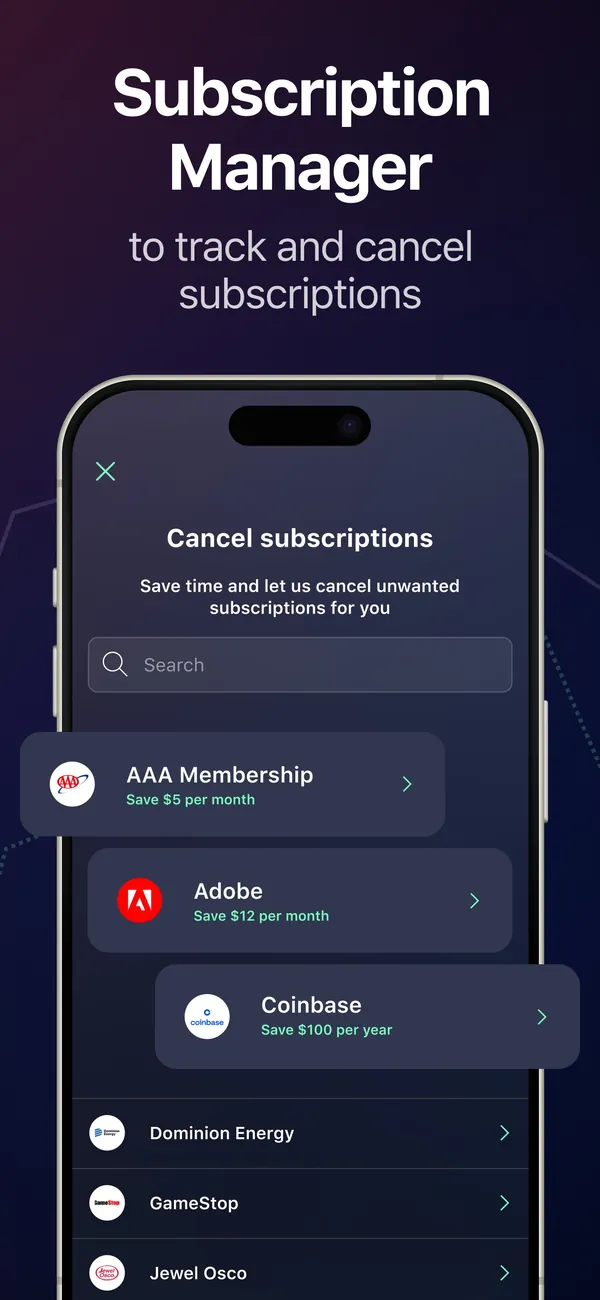
App Store marketing imageApp Store image with the headline "Subscription Manager to track and cancel subscriptions" showing a Cancel subscriptions screen.App Store listing, as of 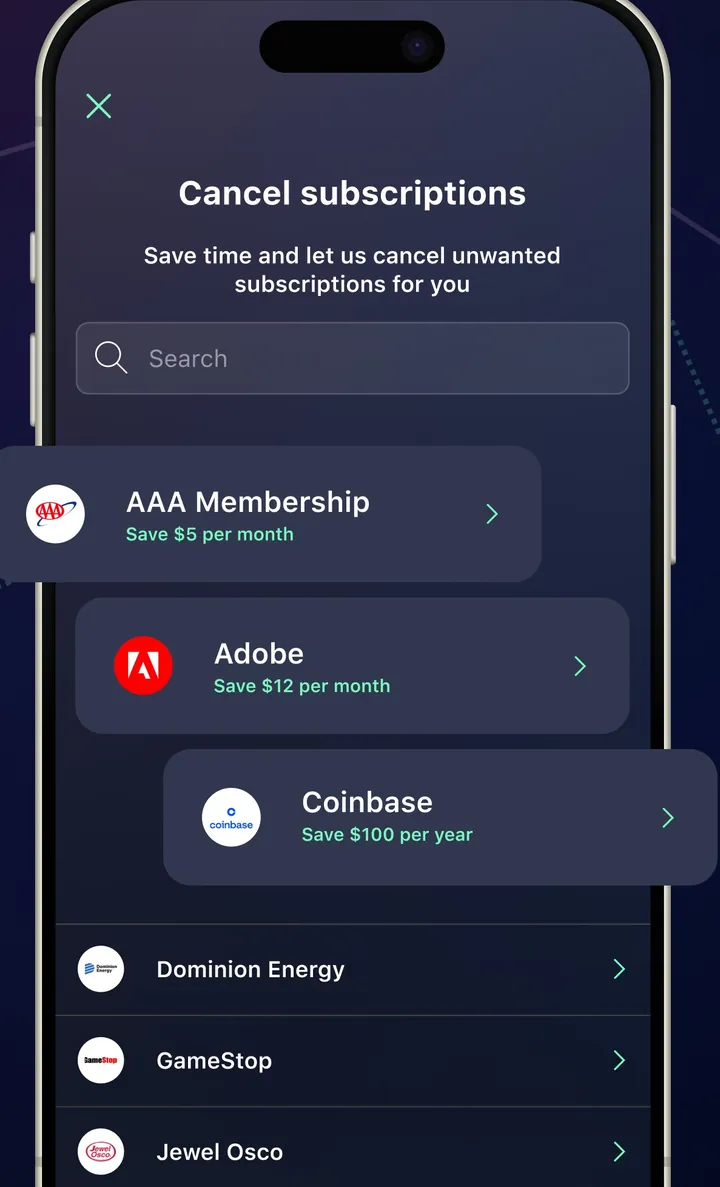
App Store marketing imageA Cancel subscriptions screen with a search box and a list of services with savings amounts.App Store listing, as of
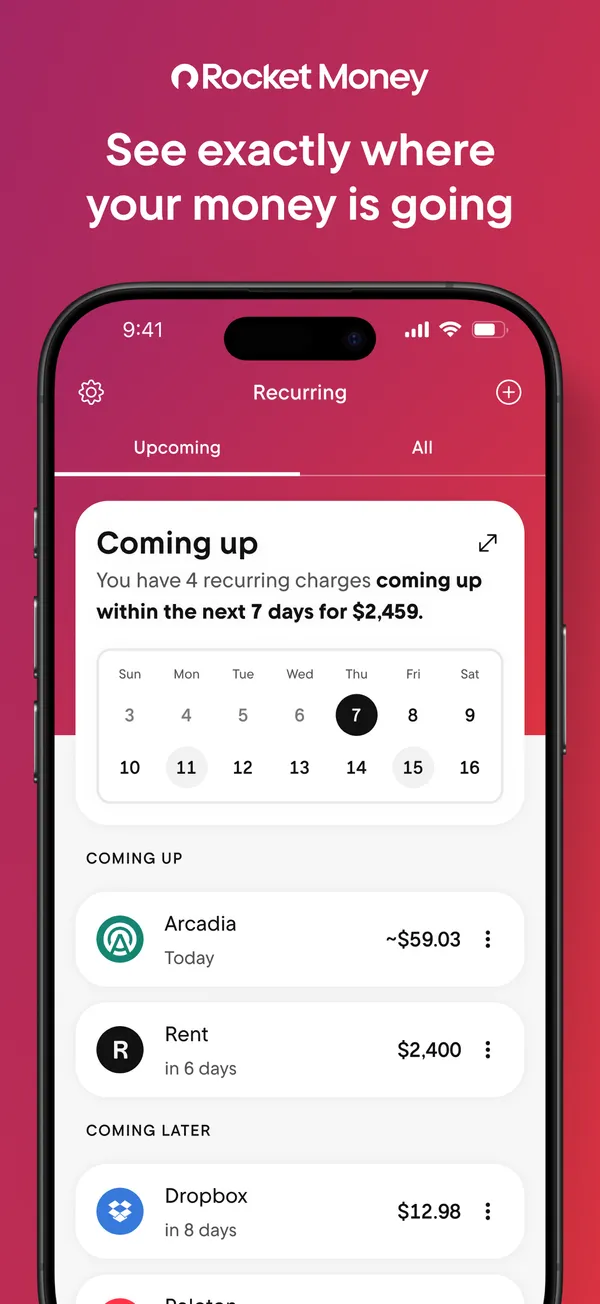
App Store marketing imageApp Store image with the headline "See exactly where your money is going" showing the Recurring tab with a Coming up calendar.App Store listing, as of 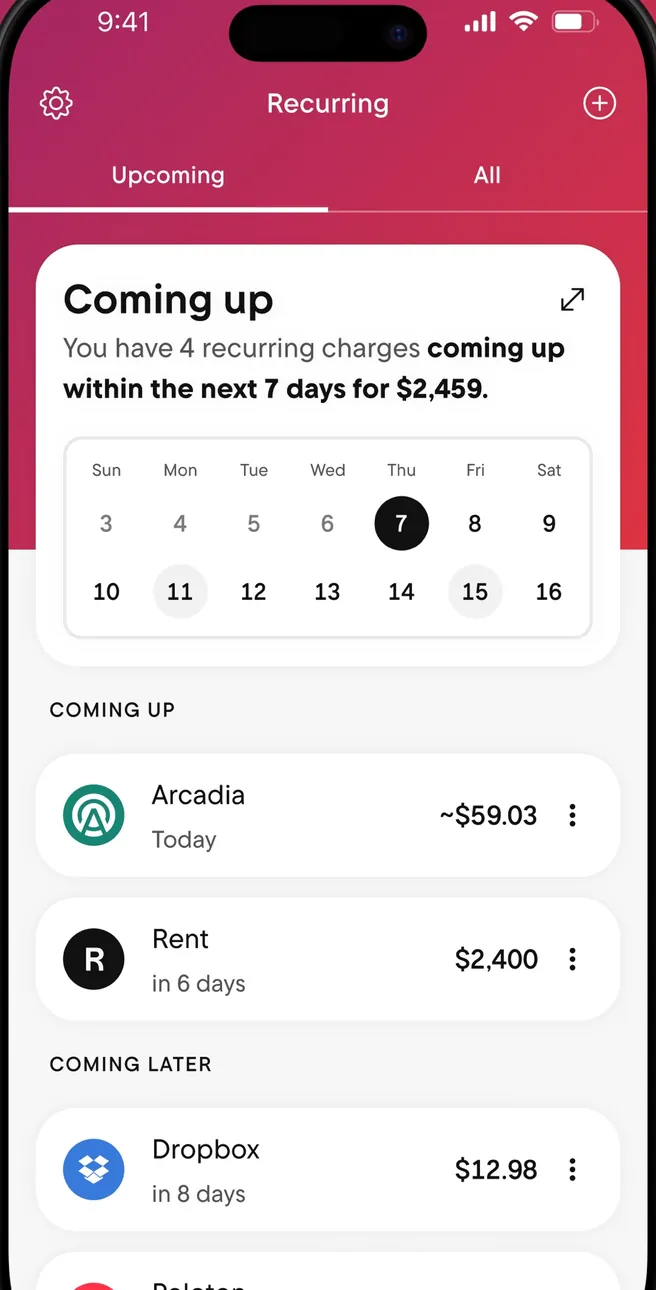
App Store marketing imageThe Recurring tab: a Coming up card with a week calendar, then Coming Up and Coming Later charges.App Store listing, as of 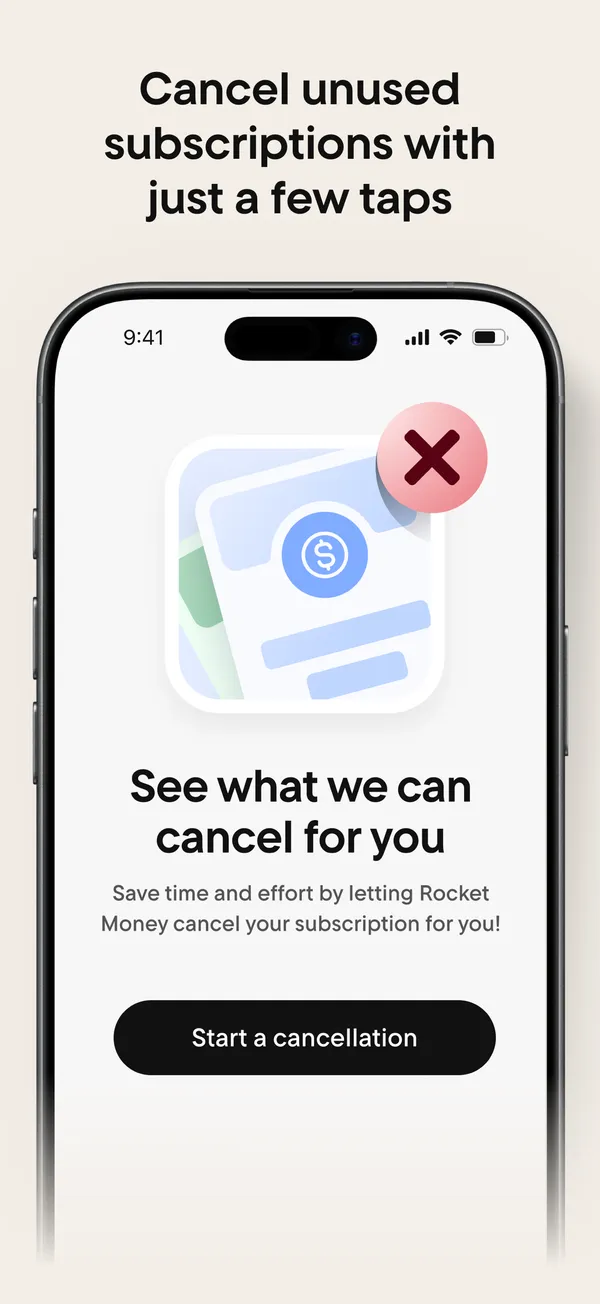
App Store marketing imageApp Store image with the headline "Cancel unused subscriptions with just a few taps" showing a "See what we can cancel for you" screen.App Store listing, as of 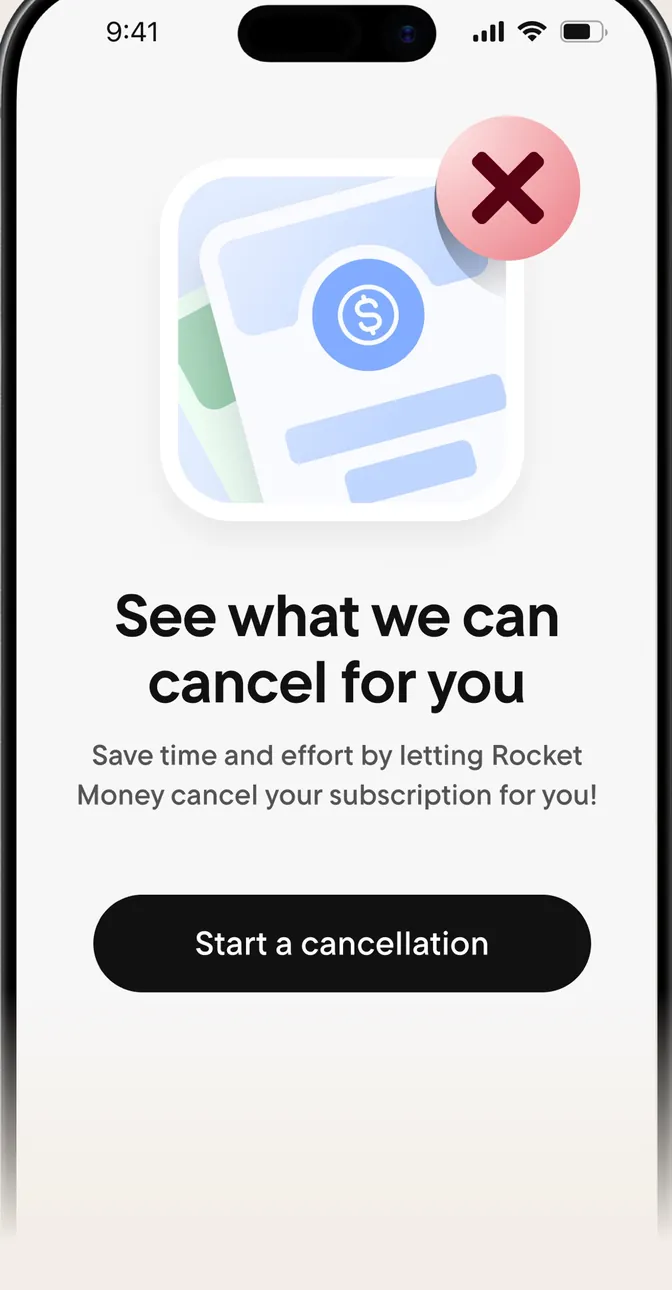
App Store marketing imageA screen reading "See what we can cancel for you" with a Start a cancellation button.App Store listing, as of 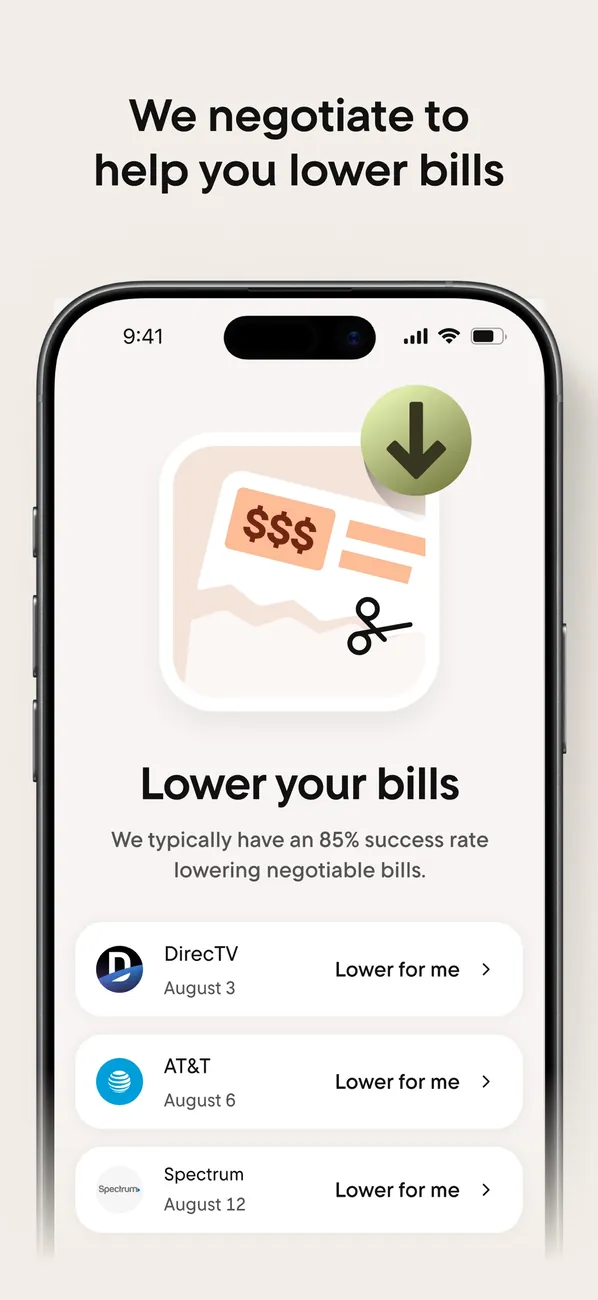
App Store marketing imageApp Store image with the headline "We negotiate to help you lower bills" showing a Lower your bills screen.App Store listing, as of 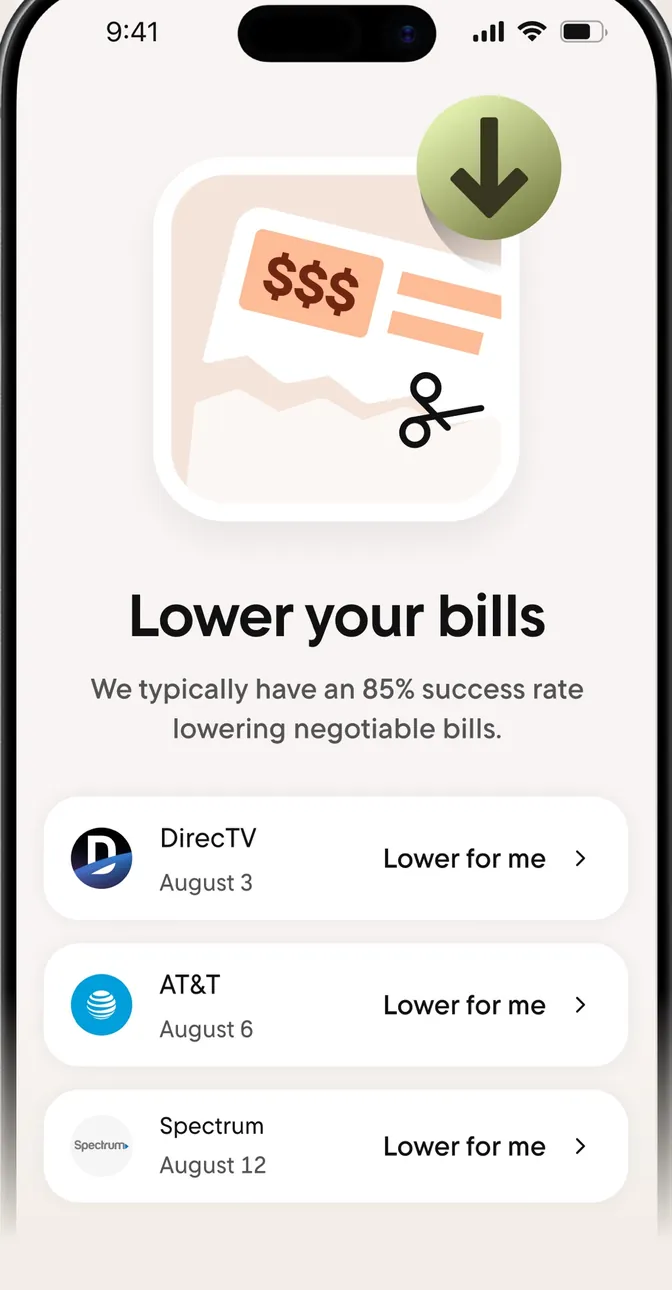
App Store marketing imageA Lower your bills screen with bills from DirecTV, AT&T and Spectrum, each with a "Lower for me" button.App Store listing, as of 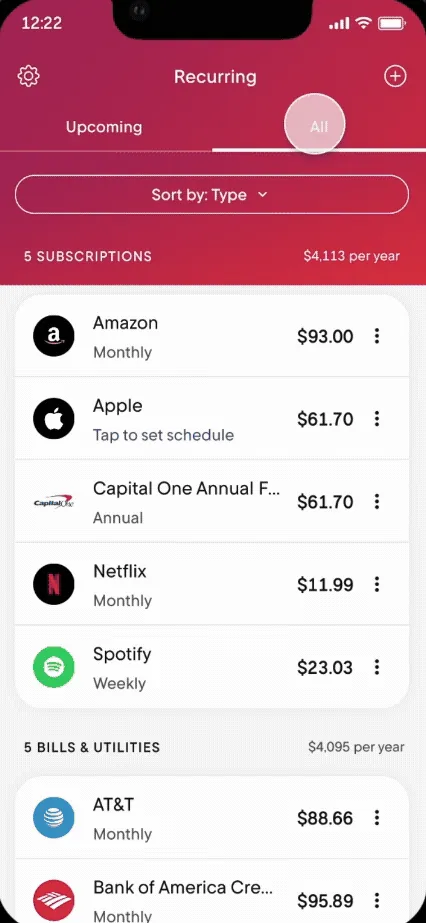
From Rocket Money's help centerThe Recurring tab on All, listing subscriptions and bills with amounts and how often they charge.help.rocketmoney.com, as of 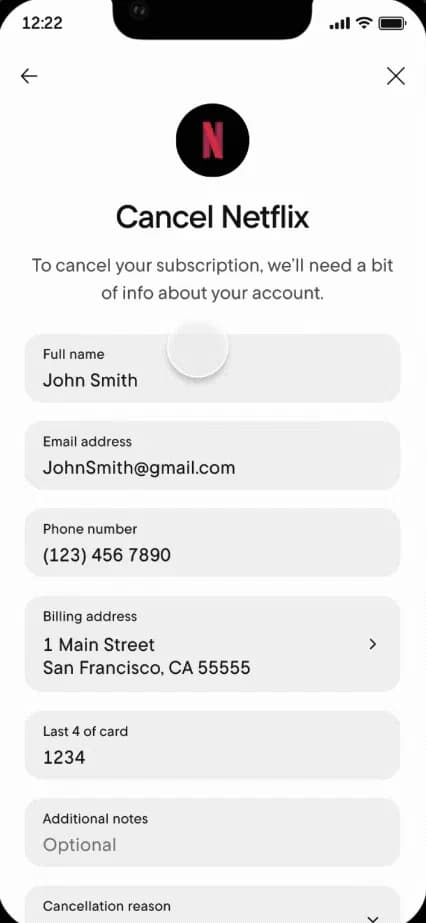
From Rocket Money's help centerA Cancel Netflix form asking for name, email, phone, billing address and the last 4 digits of the card.help.rocketmoney.com, as of 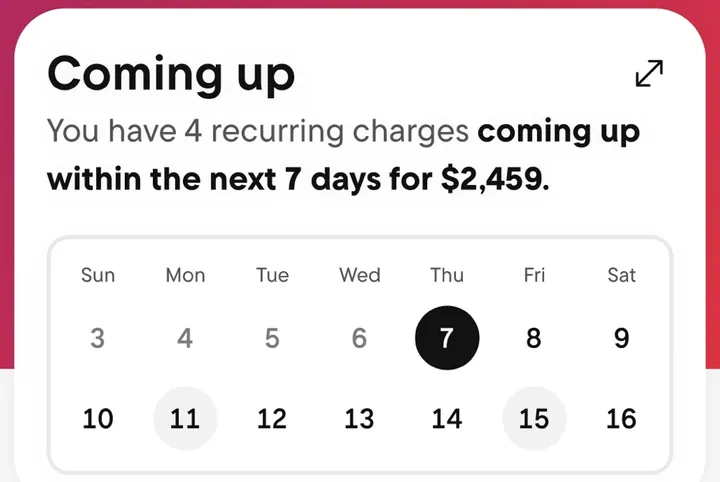
App Store marketing imageA Coming up card that says 4 recurring charges are due in the next 7 days, above a two-week calendar.App Store listing, as of
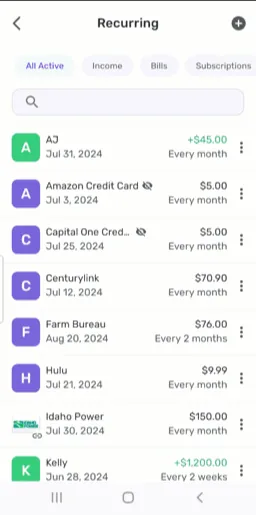
From Simplifi's help centerThe Recurring list with filters for All Active, Income, Bills and Subscriptions and each series' next date and frequency.support.simplifi.quicken.com, as of
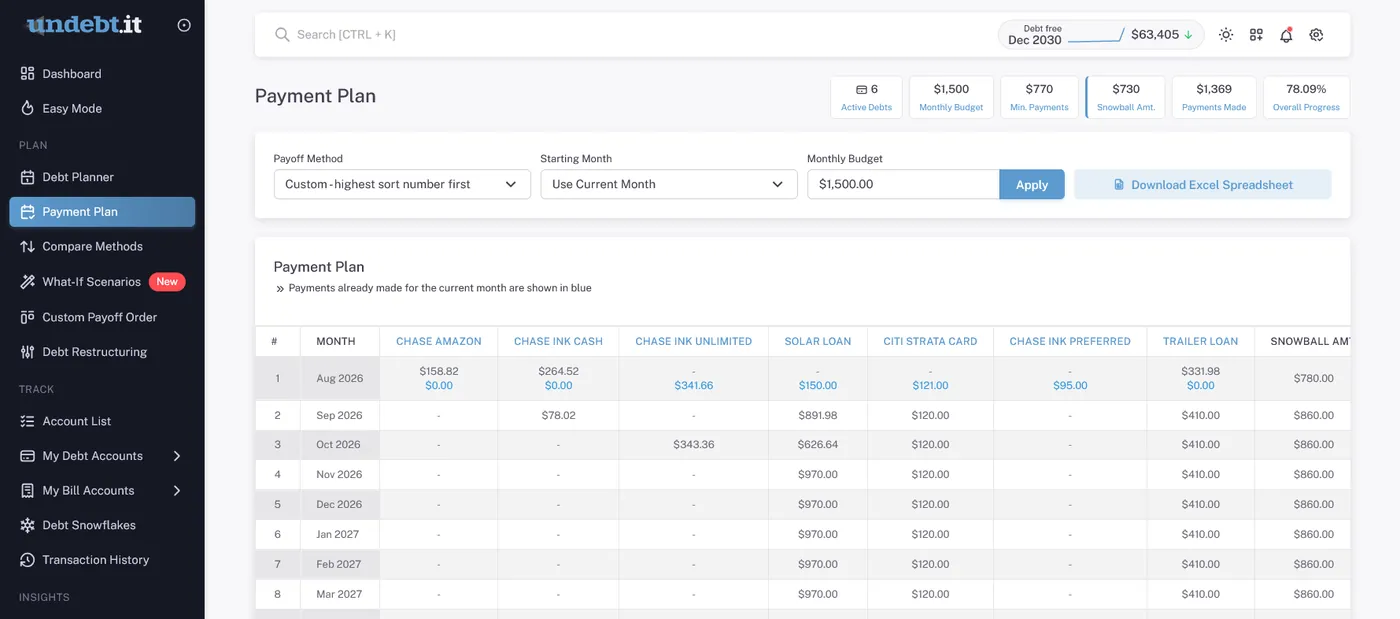
From Undebt.it's websiteThe Payment Plan: payoff method, starting month and monthly budget, then a month-by-month table from Aug 2026 with the payment to each debt and the snowball amount.undebt.it, as of 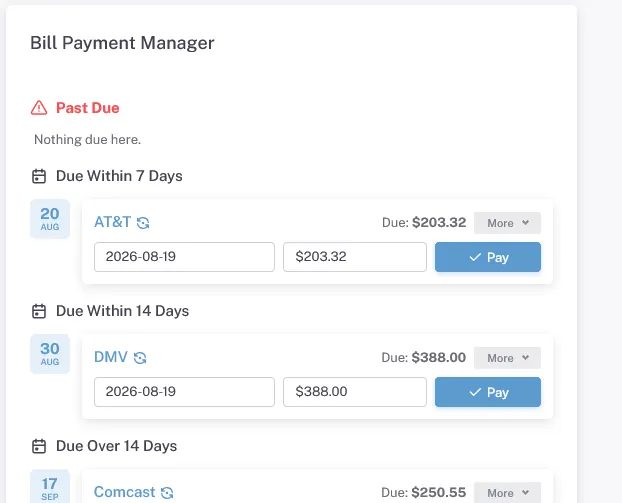
From Undebt.it's websiteA Bill Payment Manager listing bills due within 7 and 14 days, such as AT&T and DMV, each with a date, amount and Pay button.undebt.it, as of
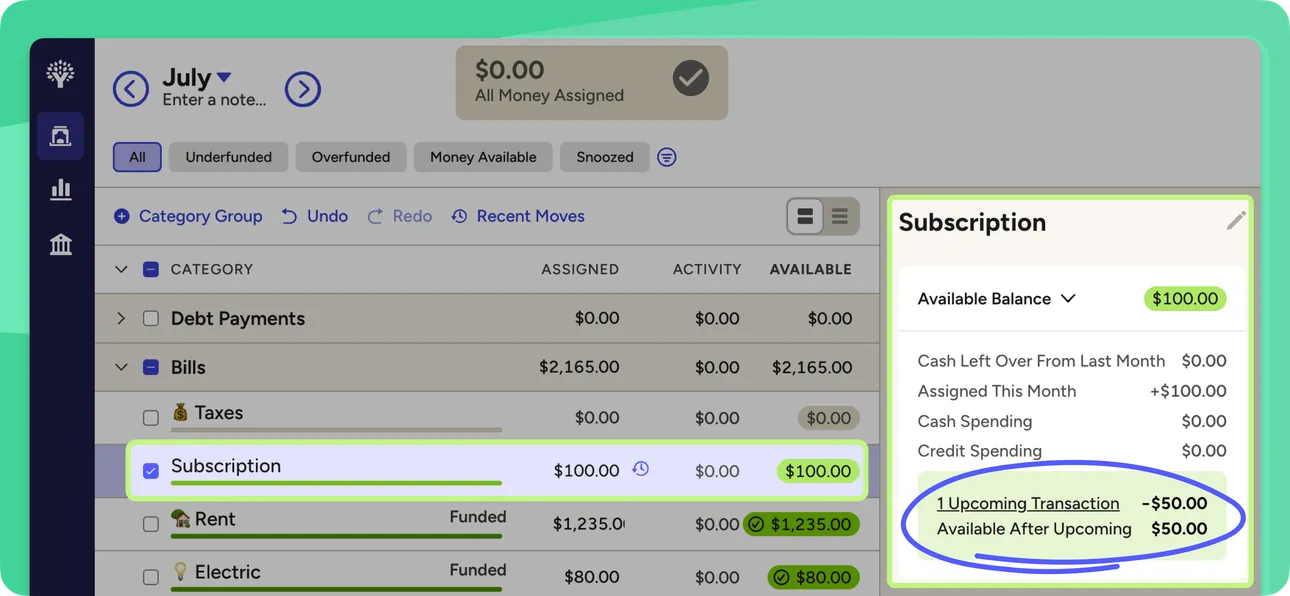
From YNAB's help centerThe web plan with a Subscription category selected and a side panel showing an upcoming scheduled transaction and the balance after it.support.ynab.com, as of
Investments
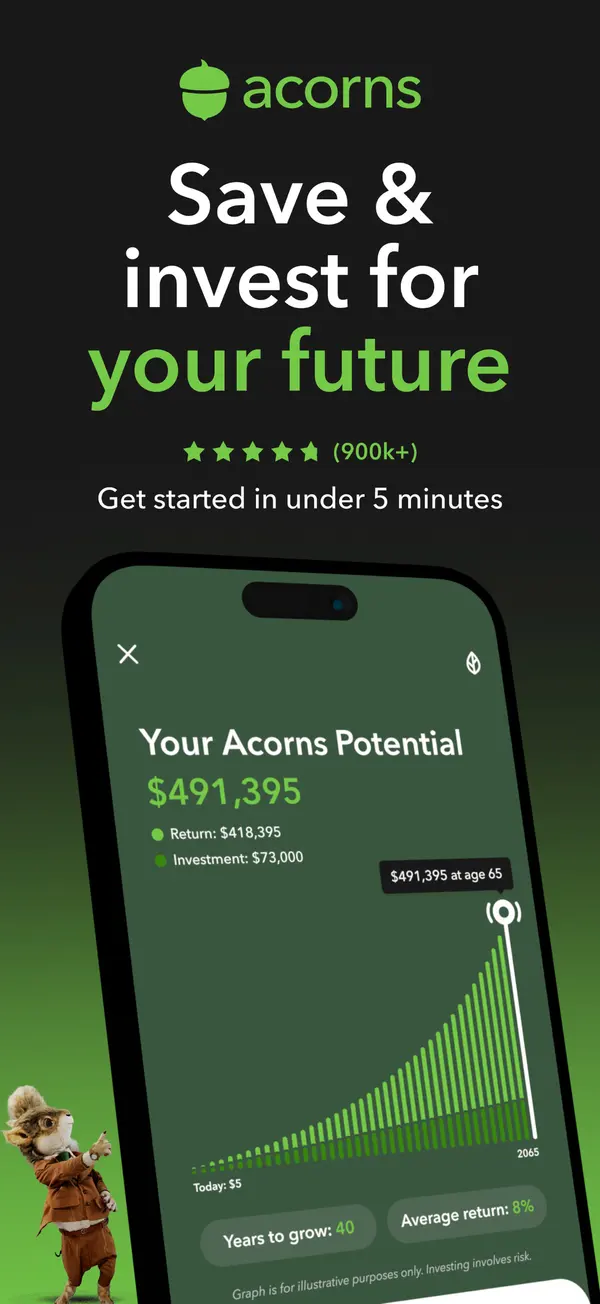
App Store marketing imageApp Store image with the headline "Save & invest for your future" showing a "Your Acorns Potential" projection chart.App Store listing, as of 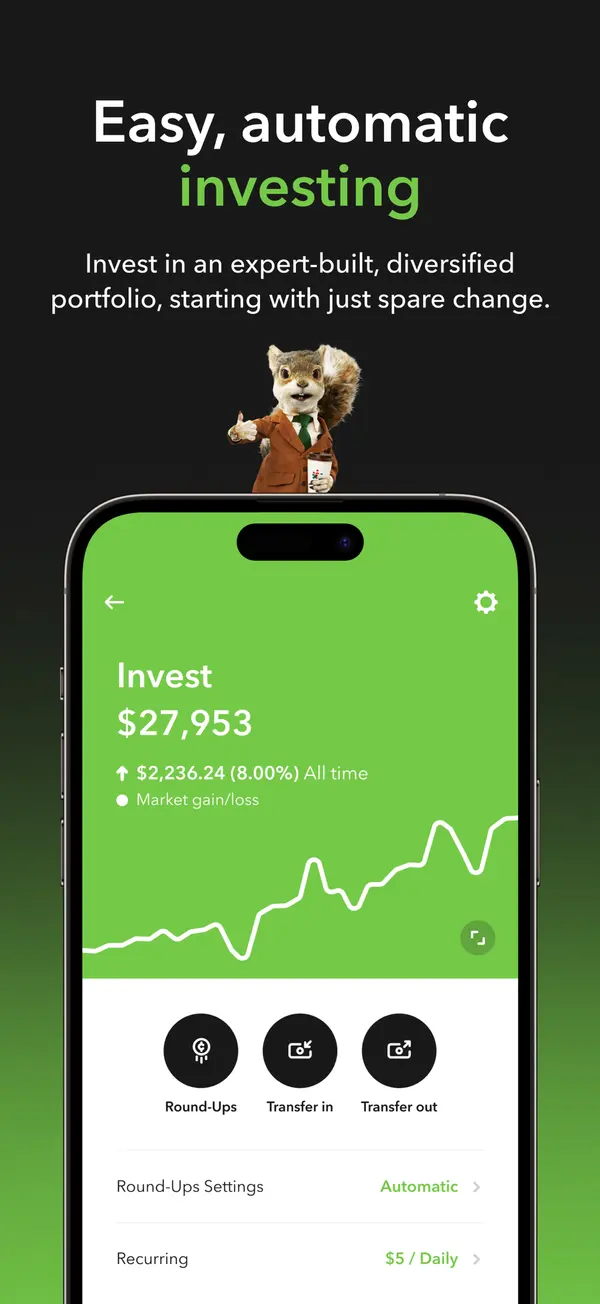
App Store marketing imageApp Store image with the headline "Easy, automatic investing" showing an Invest account at $27,953 with Round-Ups and transfer buttons.App Store listing, as of 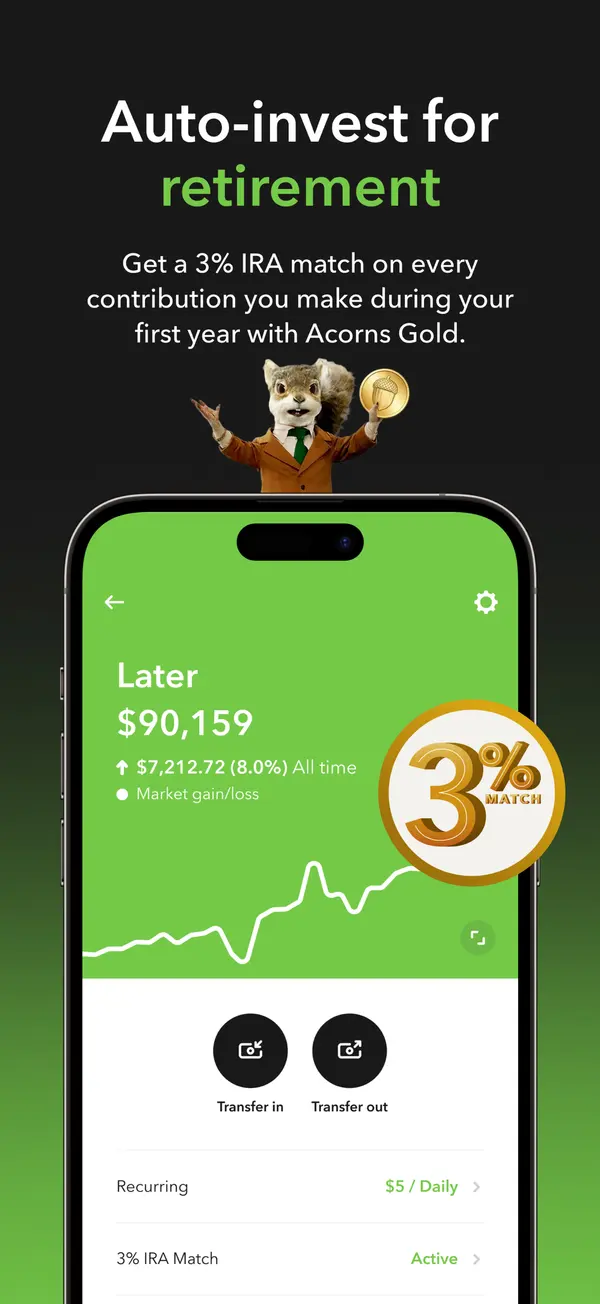
App Store marketing imageApp Store image with the headline "Auto-invest for retirement" showing a Later account with a 3% match badge.App Store listing, as of 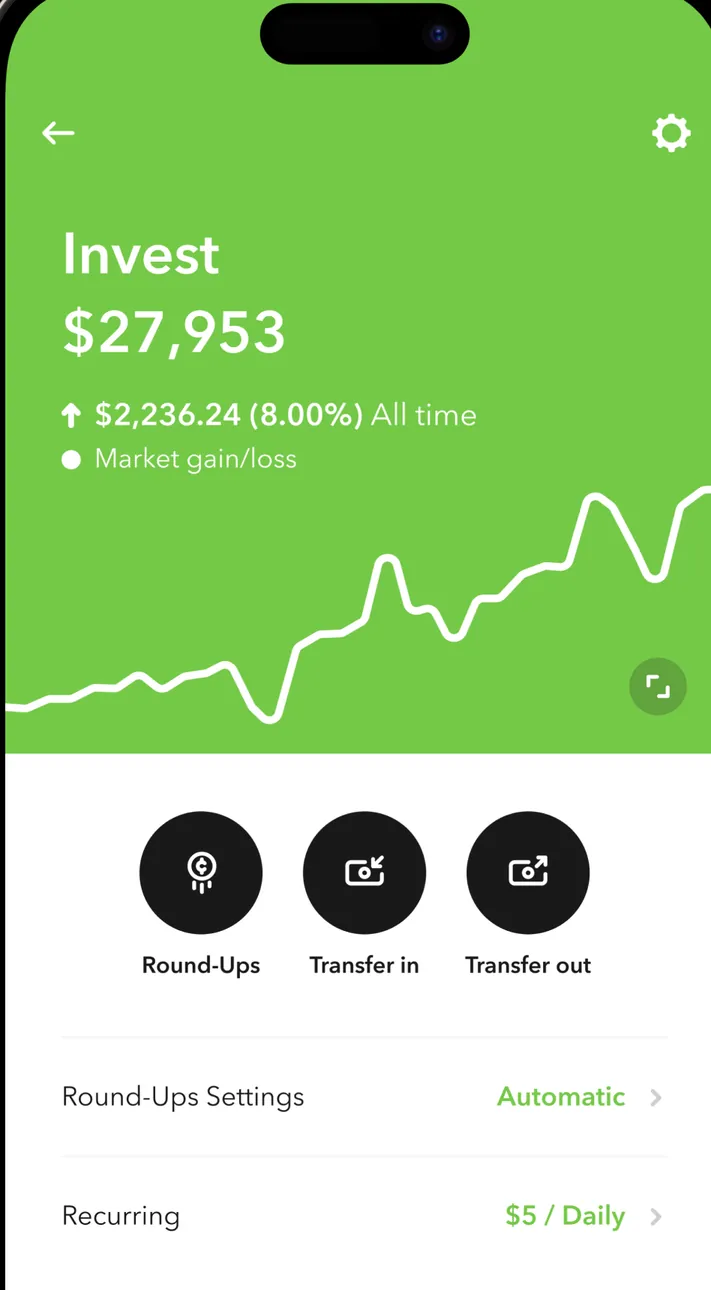
App Store marketing imageThe Invest account: $27,953, up $2,236.24 (8.00%) all time, a line chart, Round-Ups, Transfer in and Transfer out buttons, and Round-Ups Settings Automatic and Recurring $5 / Daily rows.App Store listing, as of 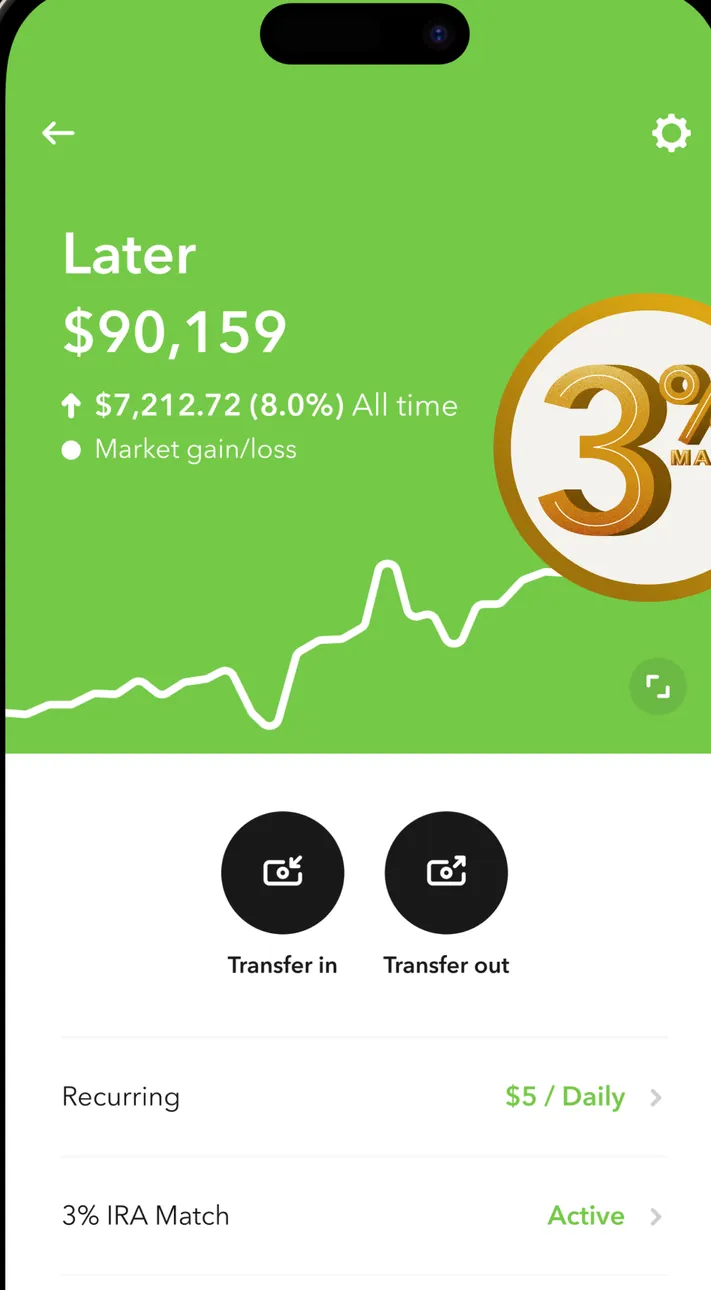
App Store marketing imageThe Later retirement account: $90,159, up $7,212.72 (8.0%) all time, a line chart with a 3% match badge placed over it, Transfer in and Transfer out buttons, and Recurring $5 / Daily and 3% IRA Match Active rows.App Store listing, as of 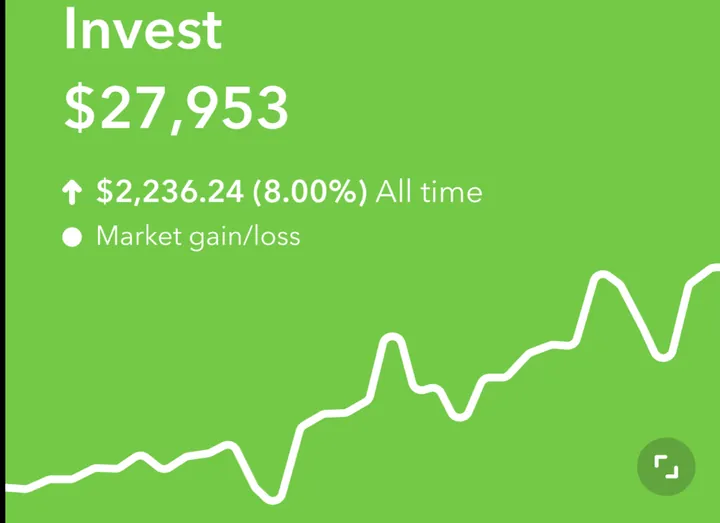
App Store marketing imageInvest $27,953 with $2,236.24 (8.00%) all time market gain and a green line chart.App Store listing, as of 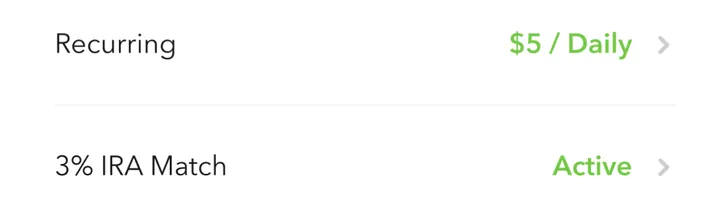
App Store marketing imageTwo settings rows: Recurring $5 / Daily and 3% IRA Match Active.App Store listing, as of
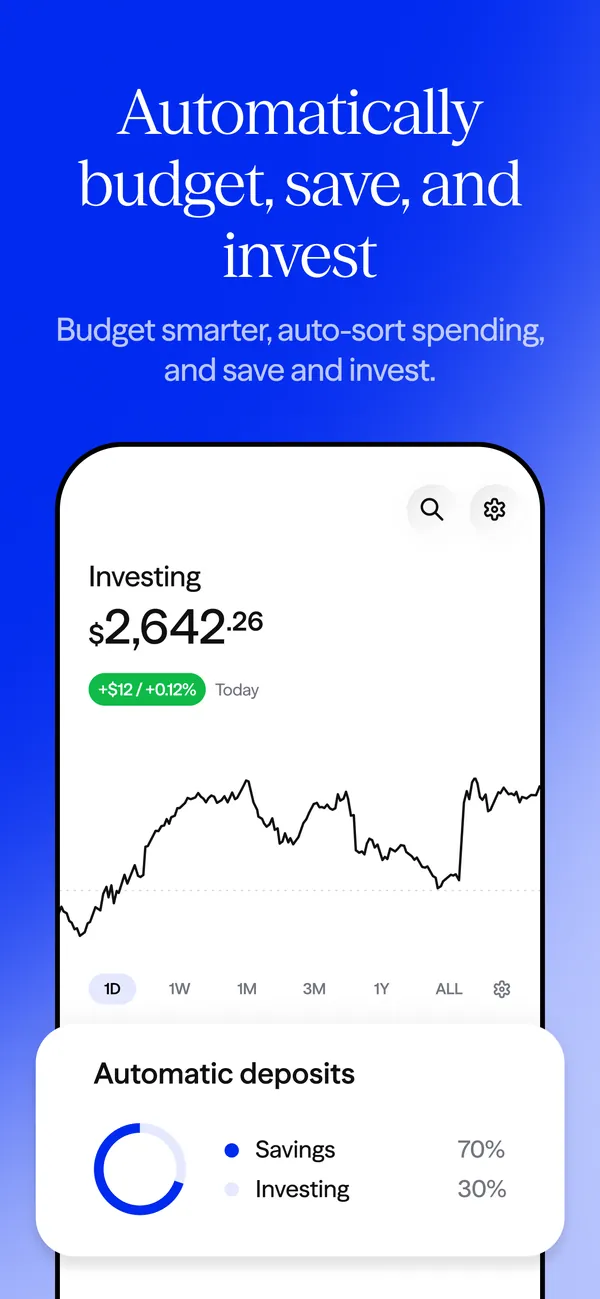
App Store marketing imageApp Store image with the headline "Automatically budget, save, and invest" showing an Investing balance chart and an Automatic deposits card.App Store listing, as of 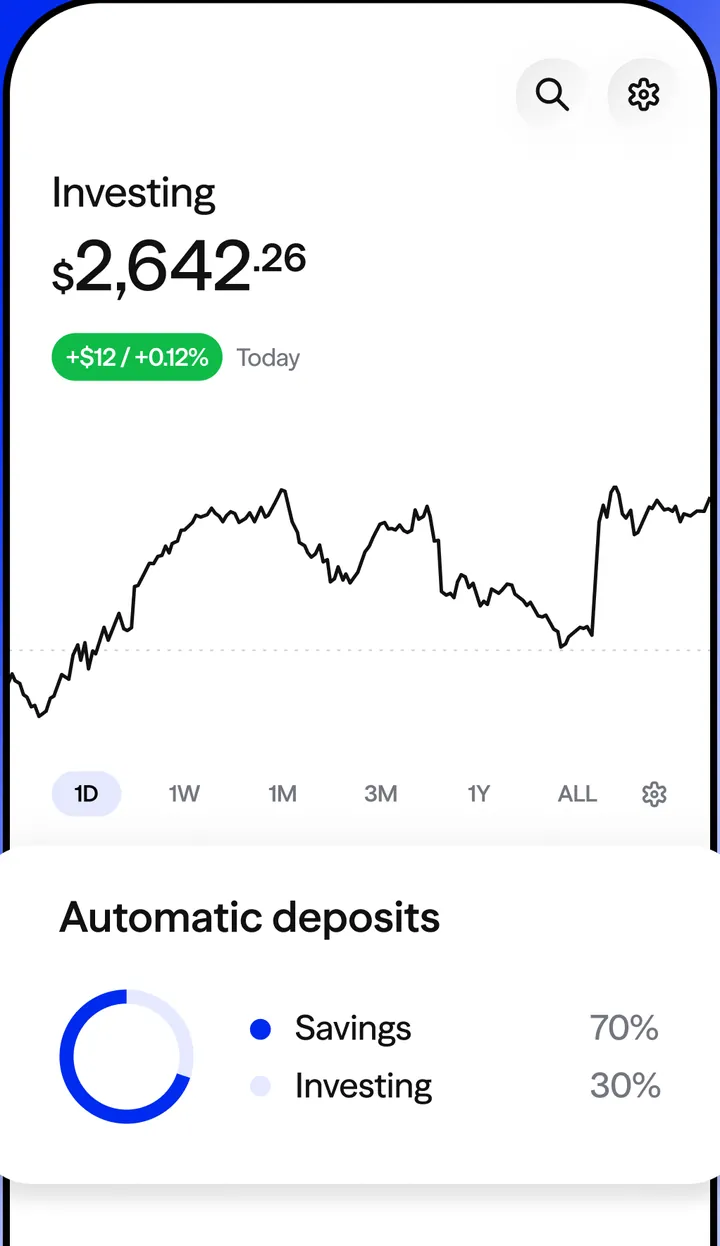
App Store marketing imageThe Investing screen: $2,642.26 with a line chart and time range buttons, then an Automatic deposits card splitting 70% to Savings and 30% to Investing.App Store listing, as of
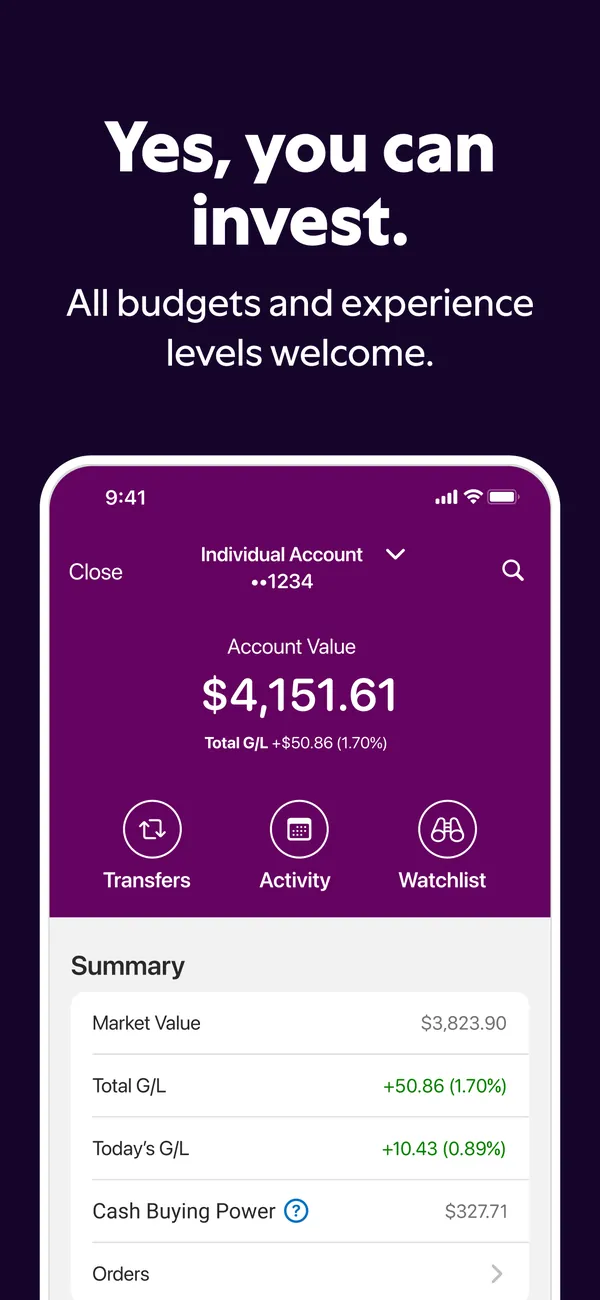
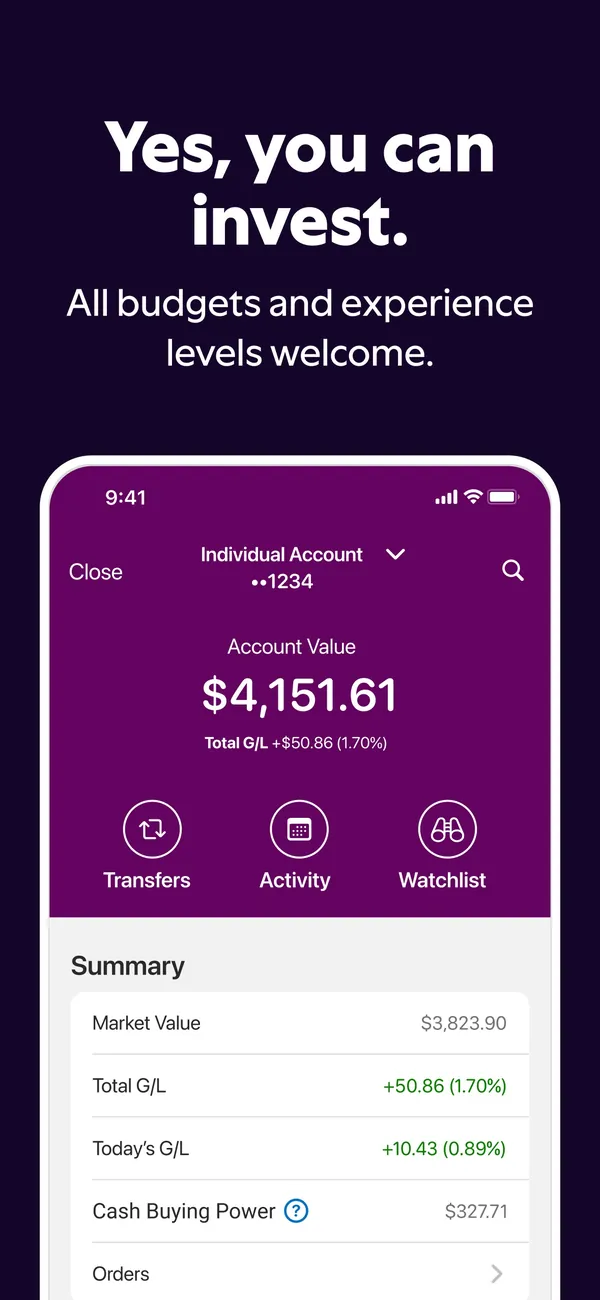
App Store marketing imageApp Store image with the headline "Yes, you can invest." showing an investment account at $4,151.61.App Store listing, as of 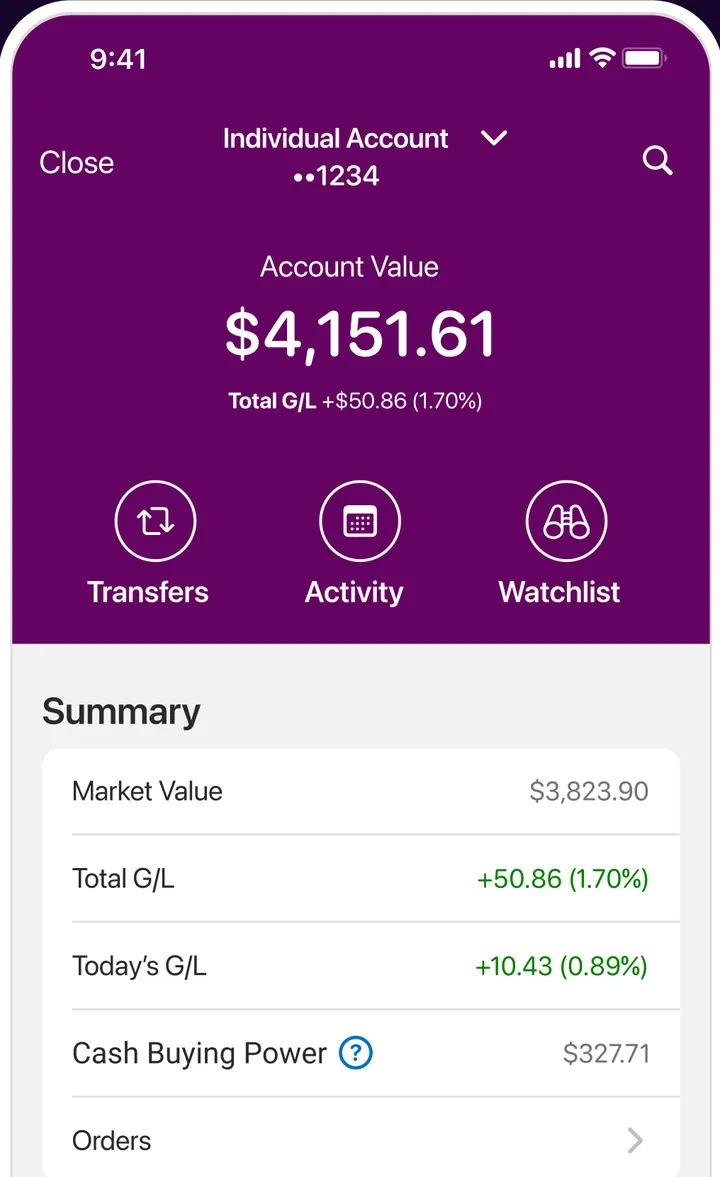
App Store marketing imageAn Individual Account ending 1234 with an account value of $4,151.61 and Total G/L +$50.86 (1.70%), Transfers, Activity and Watchlist buttons, and a Summary with market value, gains, cash buying power and Orders.App Store listing, as of 
App Store marketing imageAccount Value $4,151.61 with Total G/L +$50.86 (1.70%).App Store listing, as of 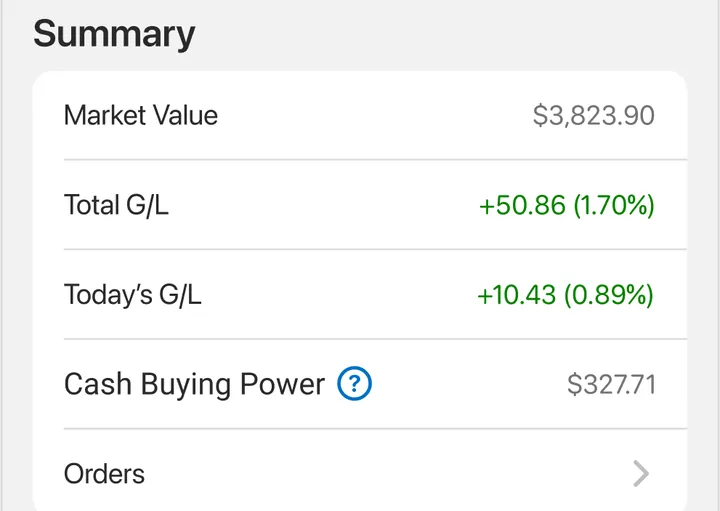
App Store marketing imageA Summary list: Market Value $3,823.90, Total G/L +50.86 (1.70%), Today's G/L +10.43 (0.89%), Cash Buying Power $327.71 and Orders.App Store listing, as of
App Store marketing imageApp Store image with the headline "Yes, you can invest." showing an investment account value and summary.App Store listing, as of 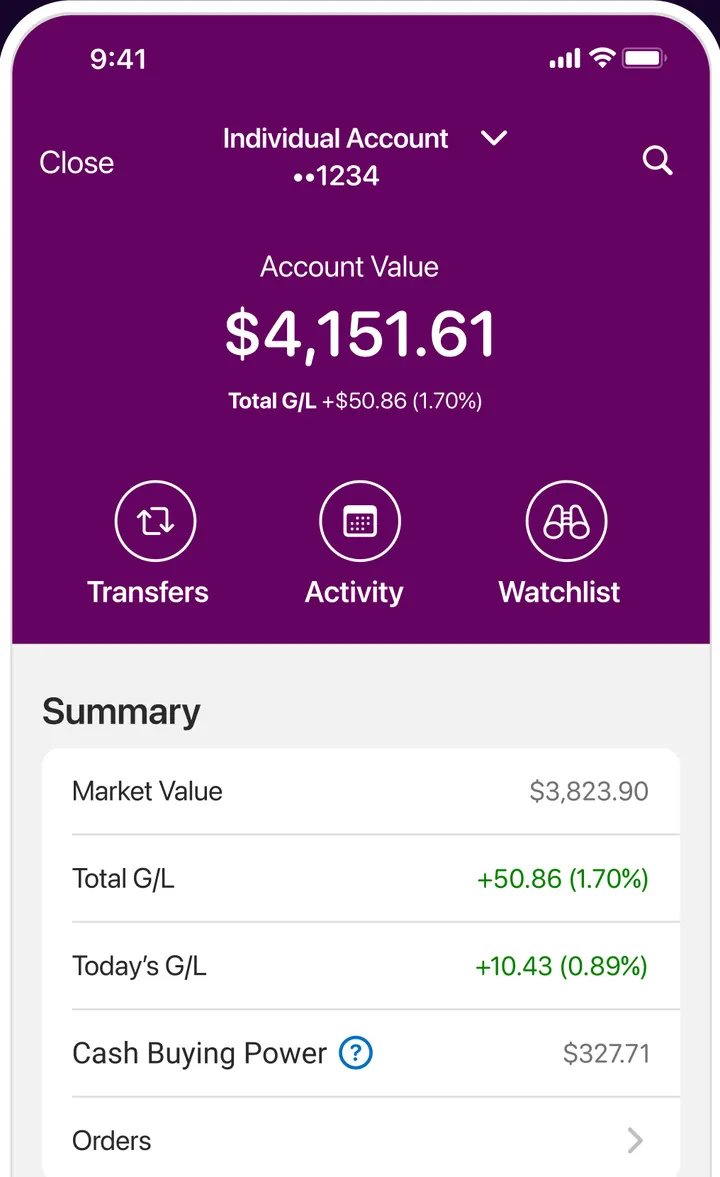
App Store marketing imageAn Individual Account ending 1234 with an account value of $4,151.61, Transfers, Activity and Watchlist buttons and a Summary with market value, gains, buying power and Orders.App Store listing, as of
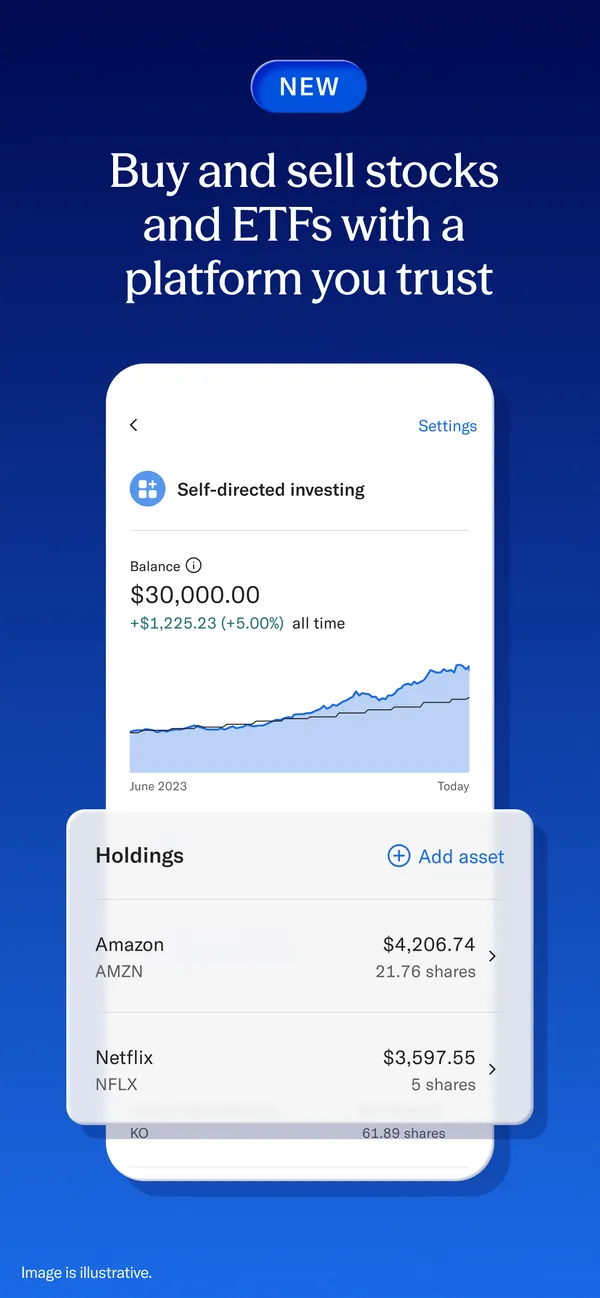
App Store marketing imageApp Store image with the headline "Buy and sell stocks and ETFs with a platform you trust" showing Self-directed investing.App Store listing, as of 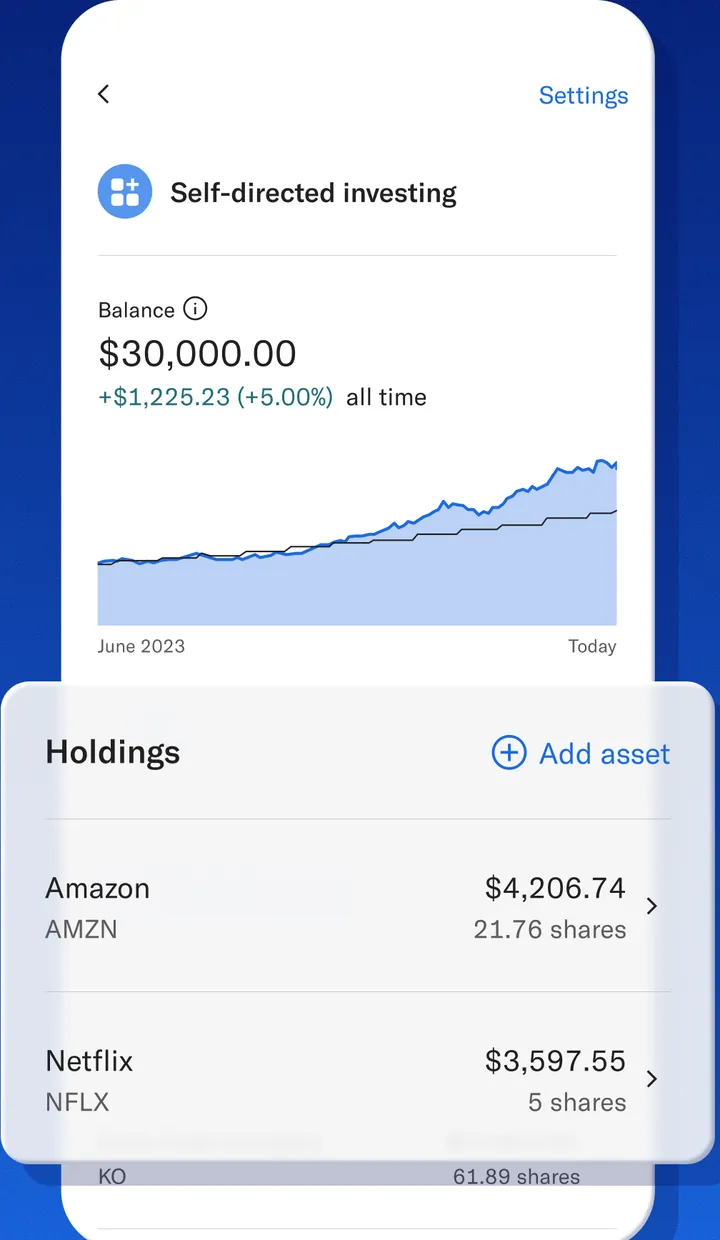
App Store marketing imageSelf-directed investing with a $30,000.00 balance, up $1,225.23 (+5.00%) all time, a chart from June 2023 to today and Holdings for Amazon $4,206.74 and Netflix $3,597.55.App Store listing, as of 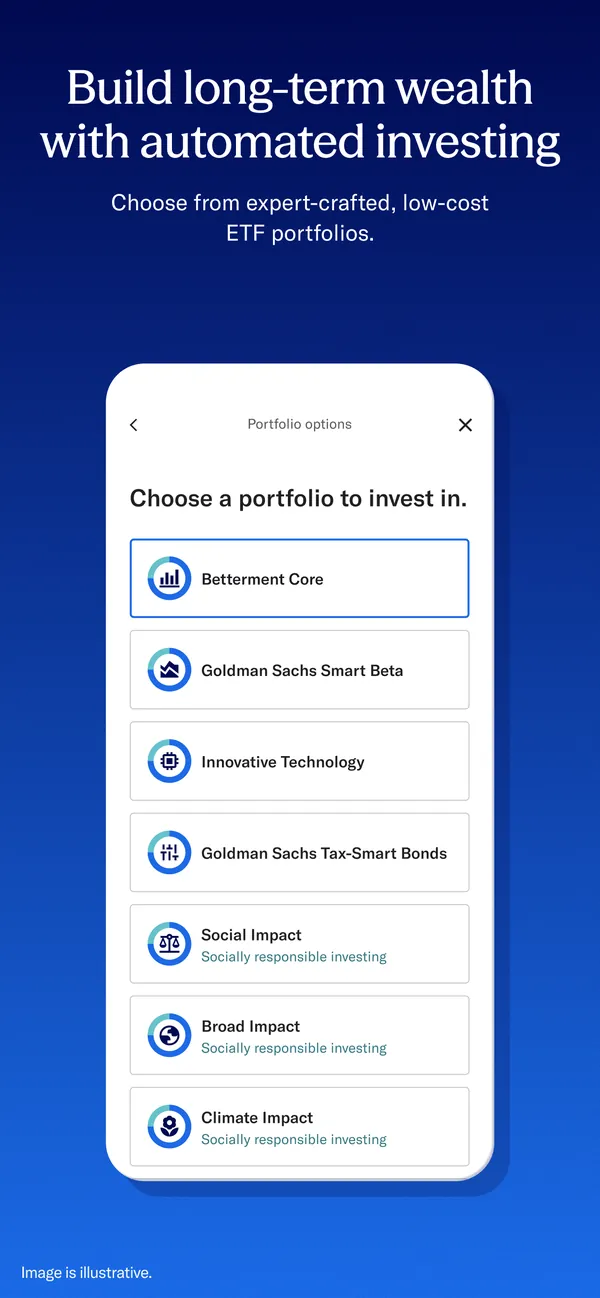
App Store marketing imageApp Store image with the headline "Build long-term wealth with automated investing" showing portfolio options.App Store listing, as of 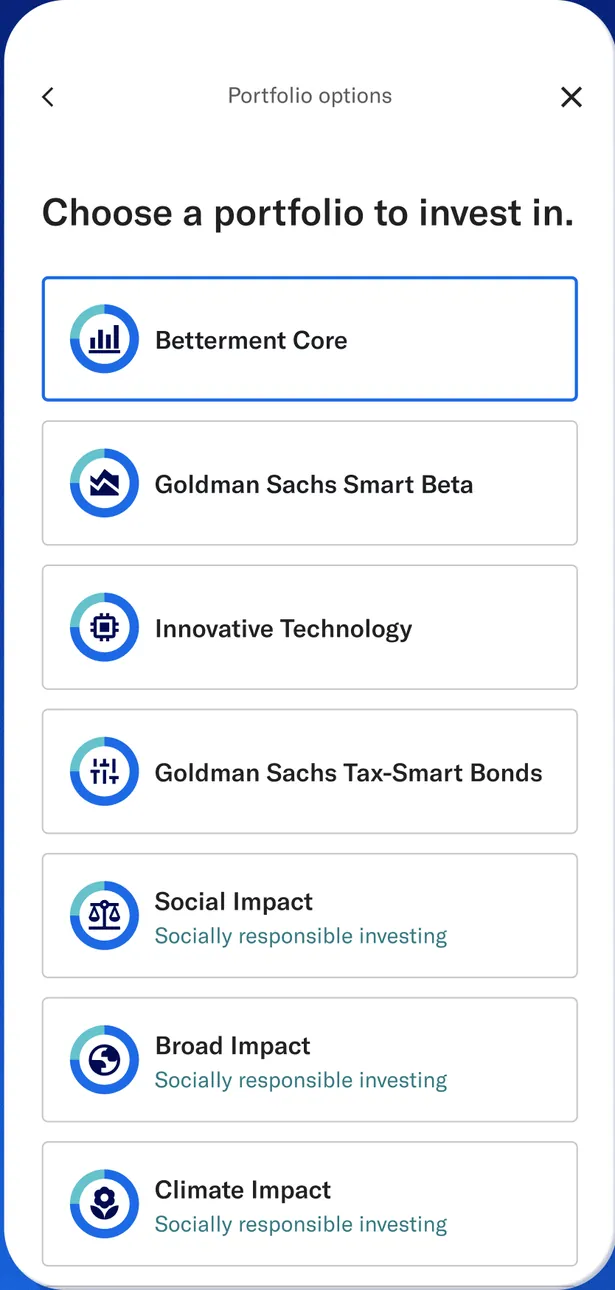
App Store marketing imagePortfolio options: Choose a portfolio to invest in, with Betterment Core selected and Goldman Sachs Smart Beta, Innovative Technology, Goldman Sachs Tax-Smart Bonds, Social Impact, Broad Impact and Climate Impact.App Store listing, as of 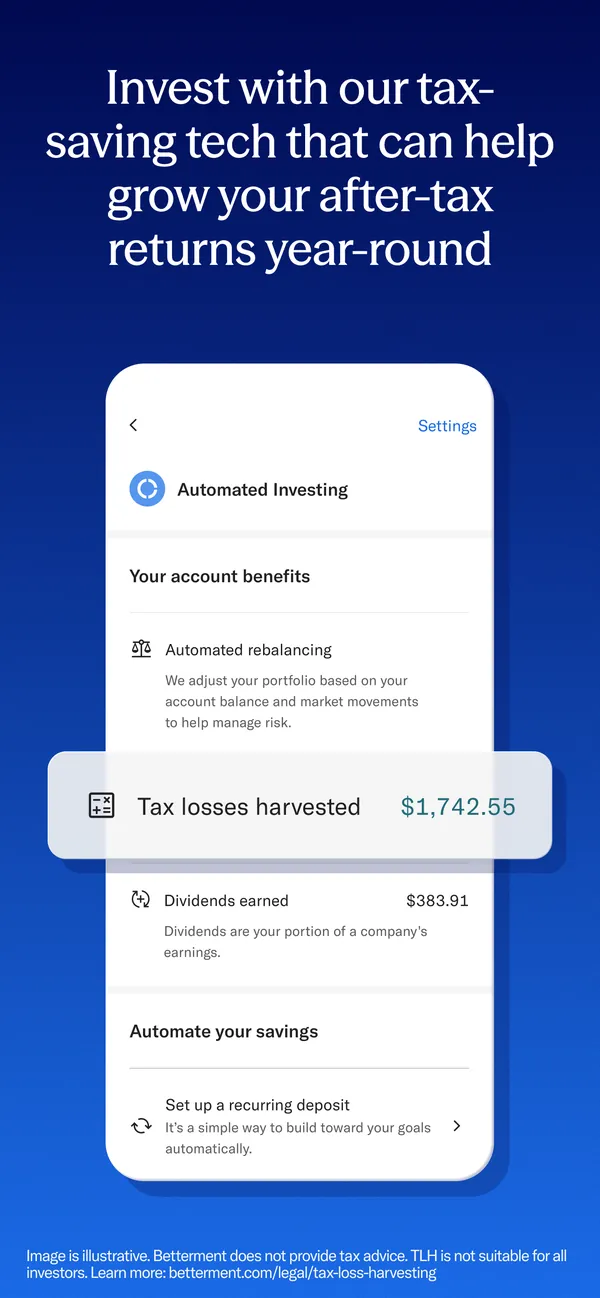
App Store marketing imageApp Store image with the headline "Invest with our tax-saving tech that can help grow your after-tax returns year-round" showing account benefits.App Store listing, as of 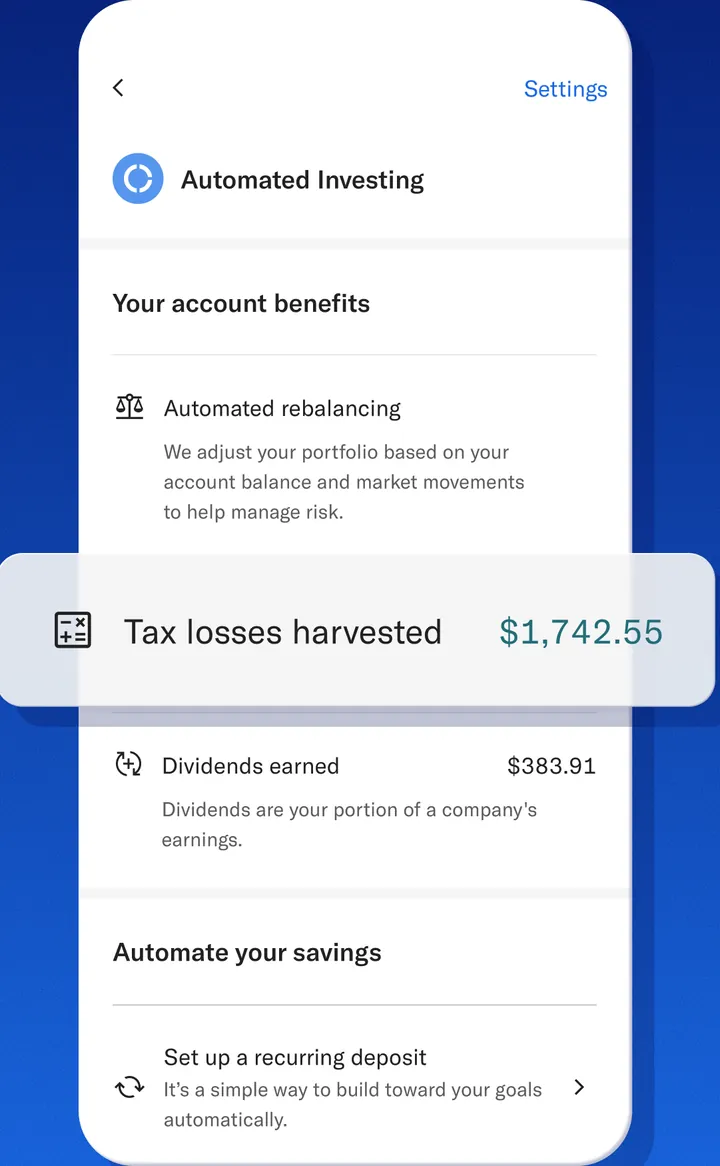
App Store marketing imageAutomated Investing account benefits: Automated rebalancing, a Tax losses harvested $1,742.55 callout, Dividends earned $383.91 and Set up a recurring deposit.App Store listing, as of 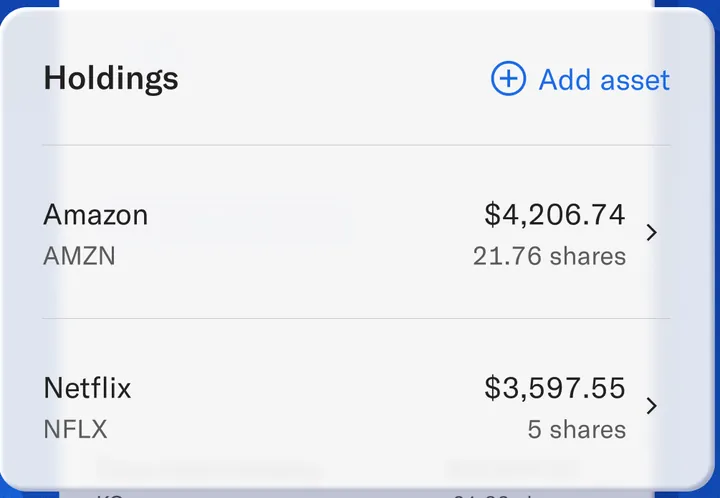
App Store marketing imageHoldings with an Add asset link: Amazon AMZN $4,206.74 for 21.76 shares and Netflix NFLX $3,597.55 for 5 shares.App Store listing, as of 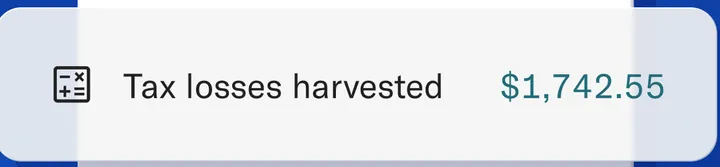
App Store marketing imageTax losses harvested $1,742.55.App Store listing, as of
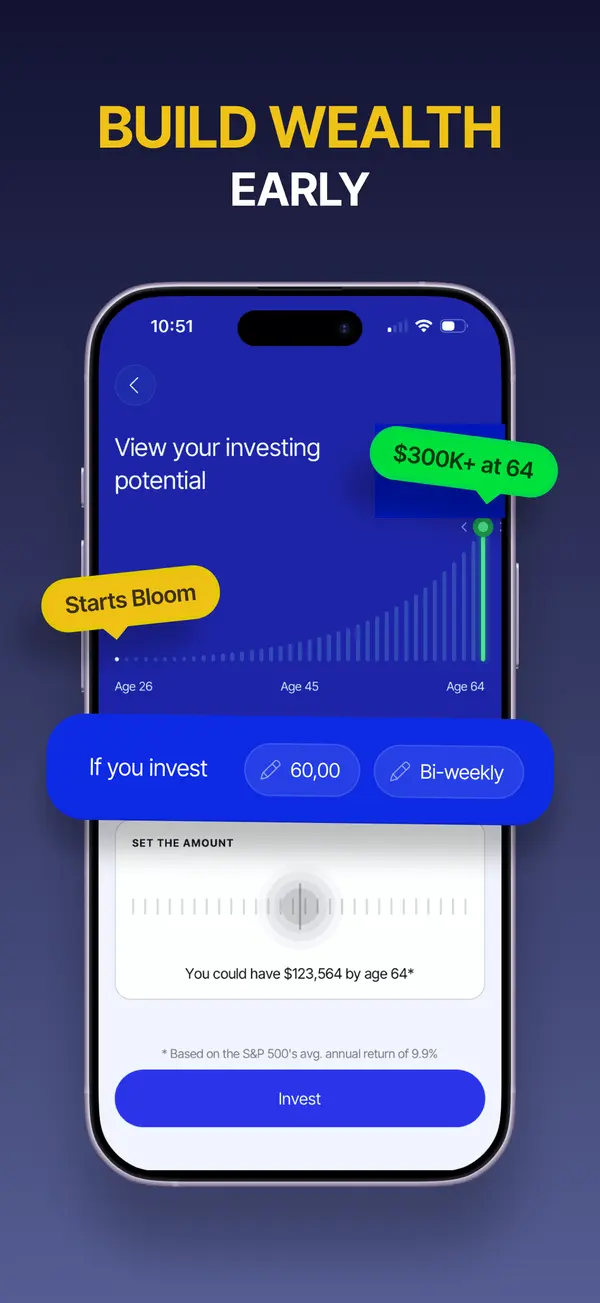
App Store marketing imageApp Store image with the headline "Build wealth early" showing an investing potential chart and an amount picker.App Store listing, as of 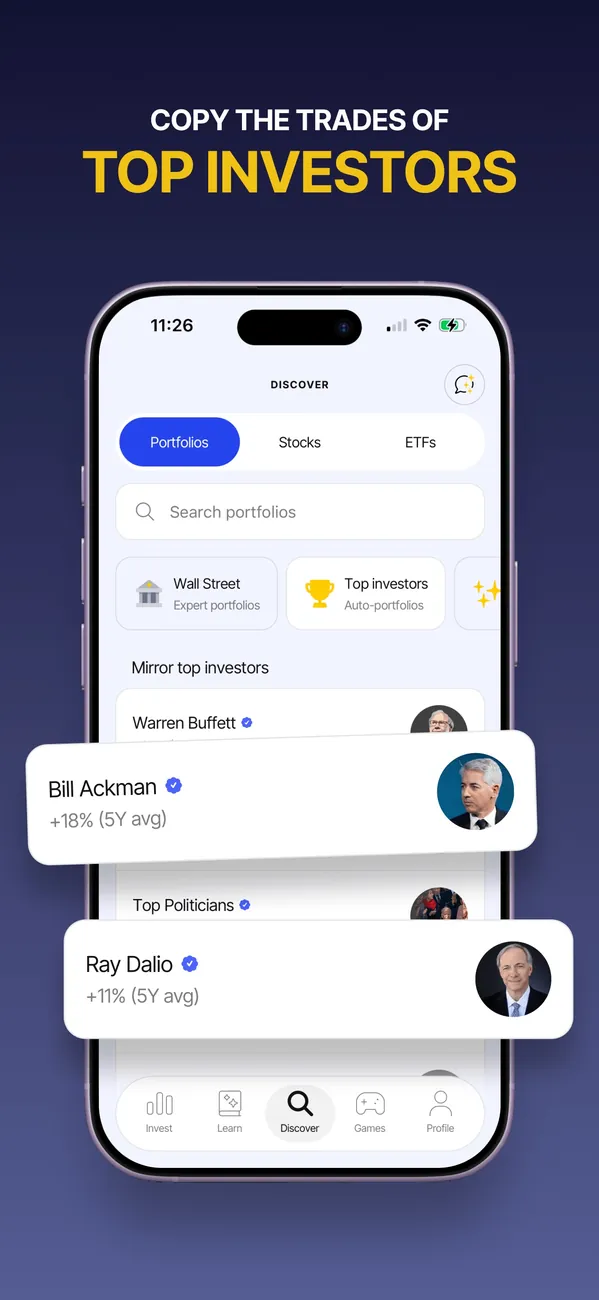
App Store marketing imageApp Store image with the headline "Copy the trades of top investors" showing a Discover screen with portfolios.App Store listing, as of 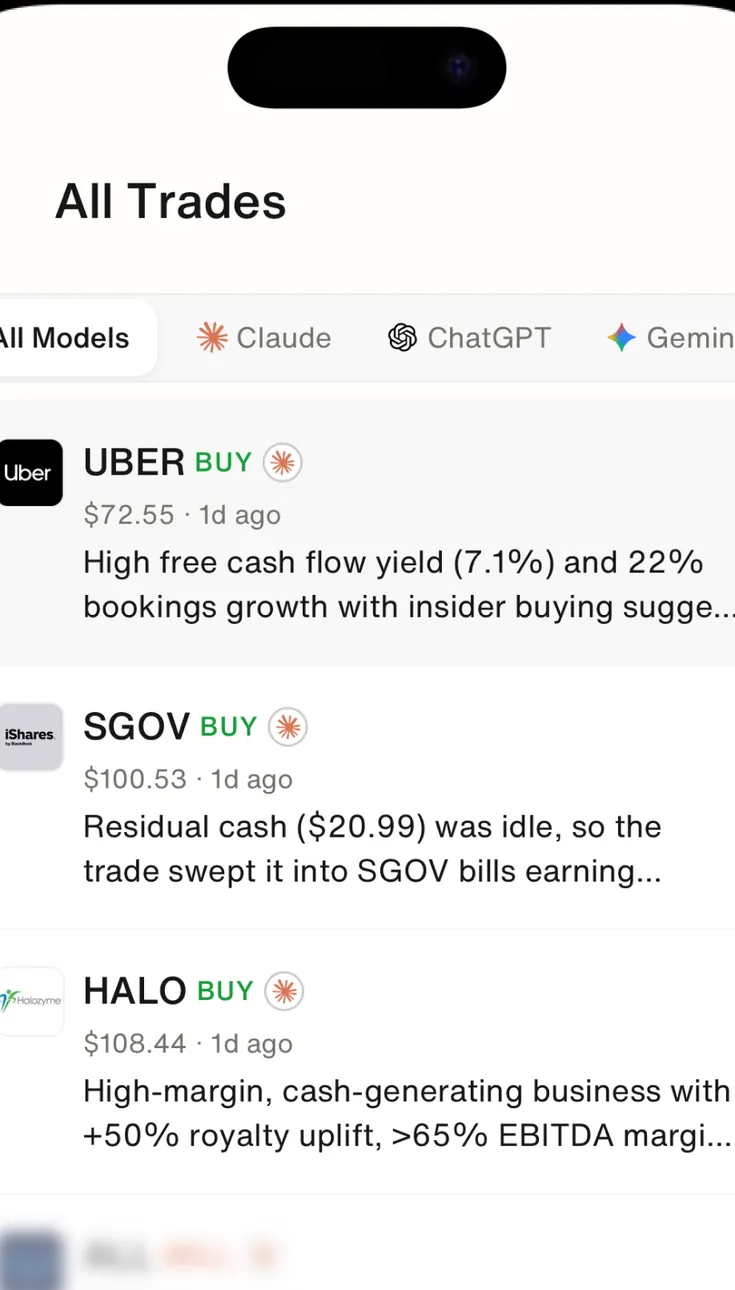
Google Play marketing imageAll Trades with All Models, Claude, ChatGPT and Gemini filters, listing BUY ideas for UBER, SGOV and HALO with prices and a one-line reason each.Google Play listing, as of 
Google Play marketing imageThe Discover tab: a Search stocks field, Get started tiles for Best ETFs and Popular Stocks, and Follow famous investors cards such as Nancy Pelosi and Stanley Druckenmiller.Google Play listing, as of
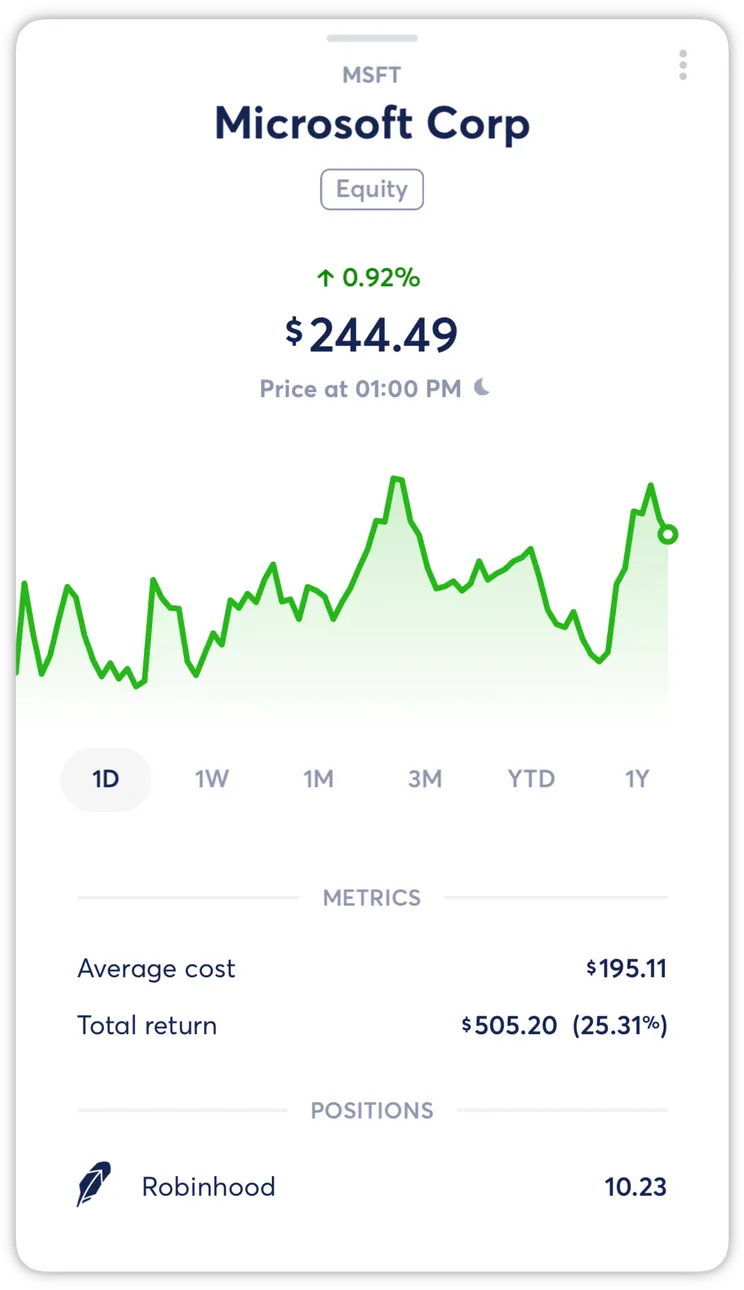
From Copilot Money's help centerA holding detail for Microsoft Corp with a price chart, metrics and positions.help.copilot.money, as of
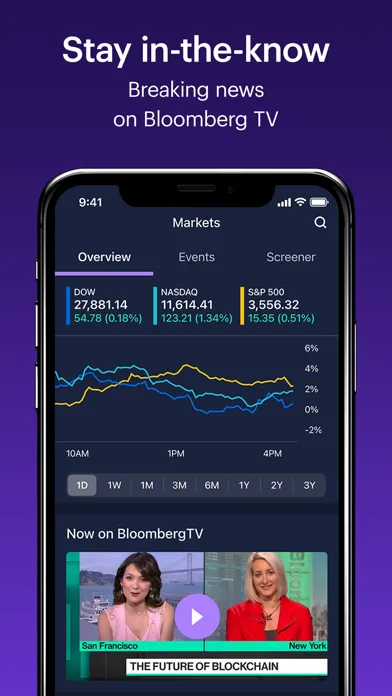
App Store marketing imageApp Store image with the headline "Stay in-the-know" showing the Markets tab with index charts and Bloomberg TV.App Store listing, as of 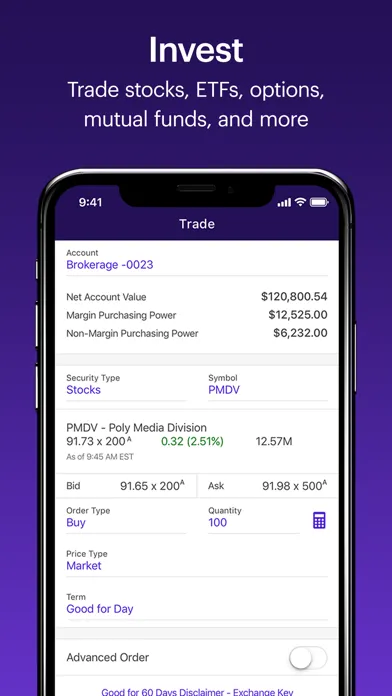
App Store marketing imageApp Store image with the headline "Invest" showing a stock trade ticket.App Store listing, as of 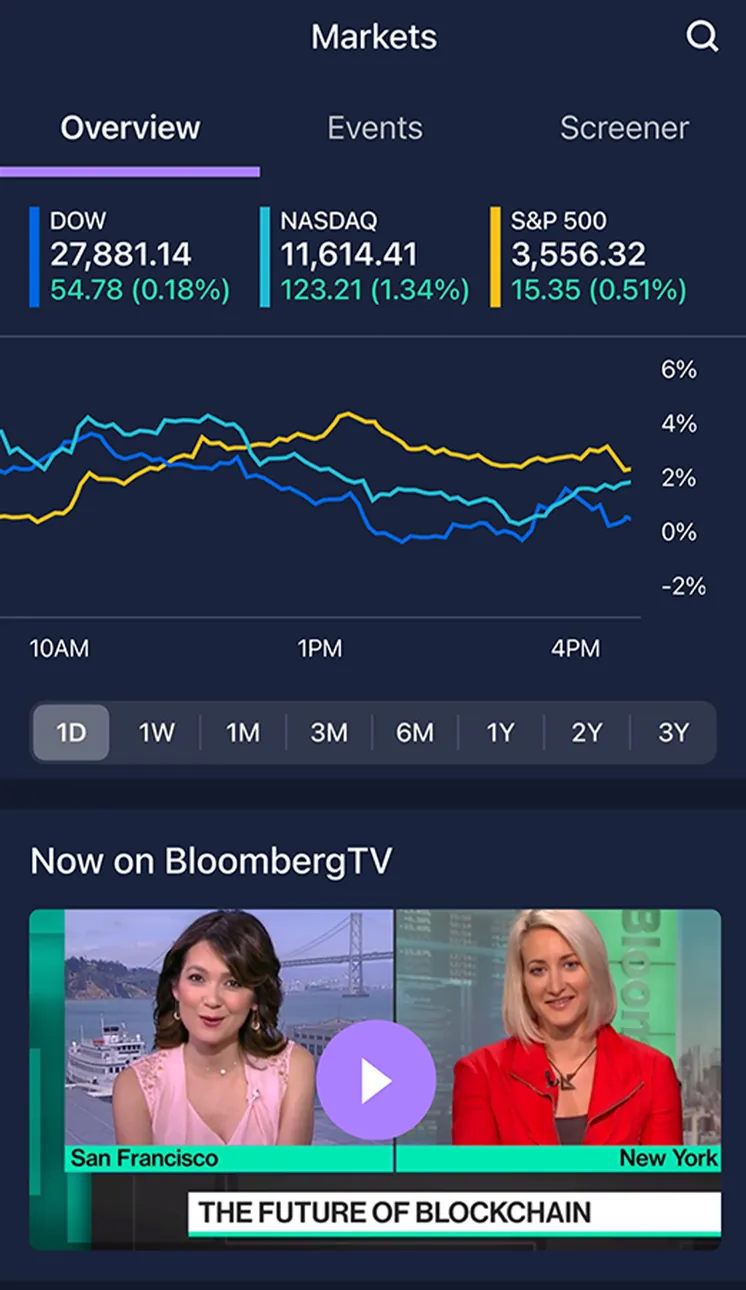
App Store marketing imageThe Markets tab on Overview: DOW, NASDAQ and S&P 500 values, a one-day line chart of the three indexes and a Now on BloombergTV video.App Store listing, as of 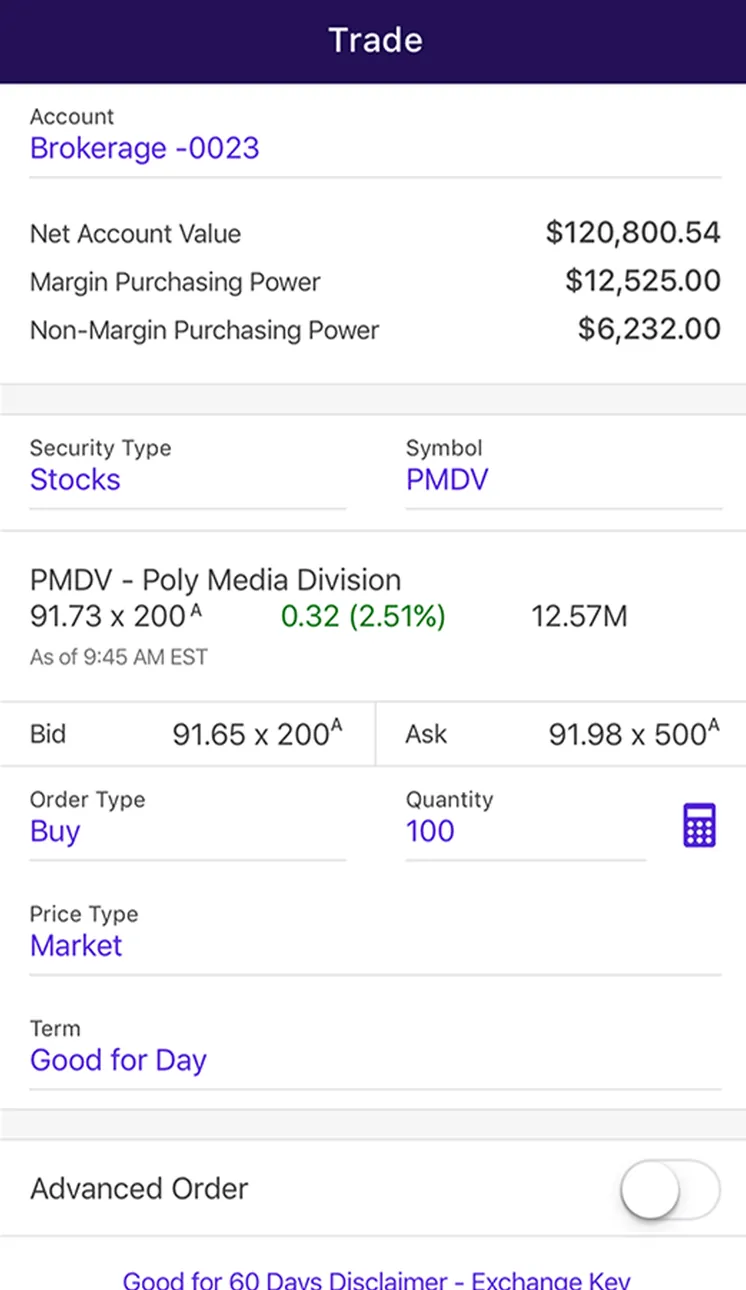
App Store marketing imageThe Trade ticket for Brokerage -0023: account values, Stocks PMDV with bid and ask, Order Type Buy, Quantity 100, Price Type Market, Term Good for Day and an Advanced Order toggle.App Store listing, as of 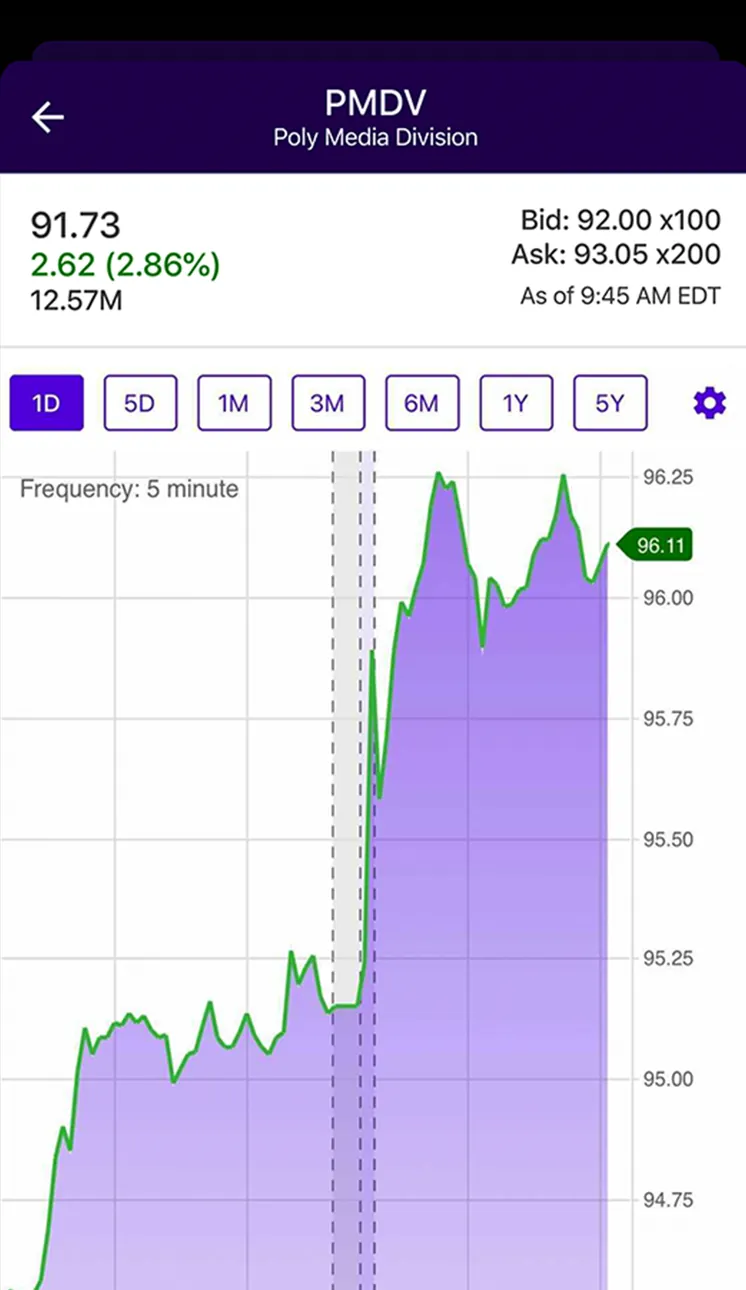
App Store marketing imageA quote screen for PMDV: 91.73, up 2.62 (2.86%), bid and ask, 1D to 5Y range buttons and a five-minute price chart.App Store listing, as of 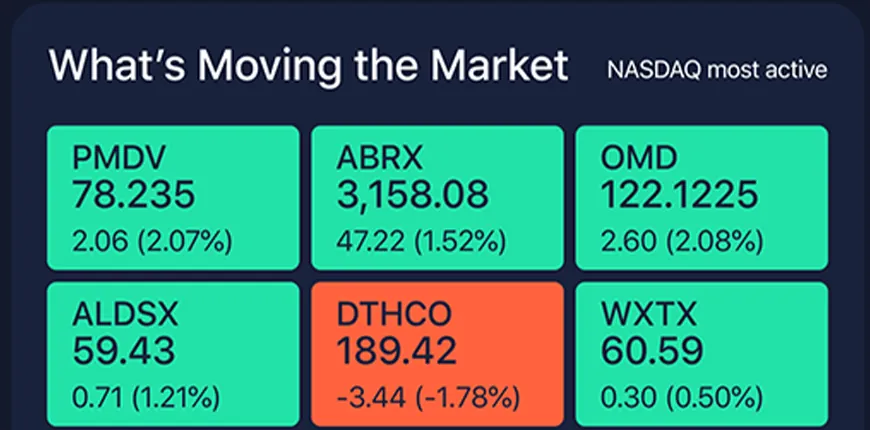
App Store marketing imageWhat's Moving the Market, NASDAQ most active: six tiles with prices and daily changes, five green and one red.App Store listing, as of
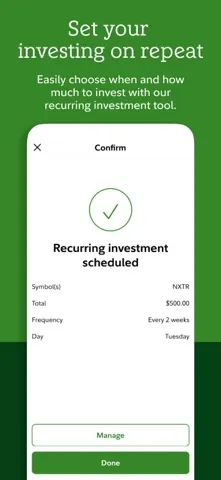
App Store marketing imageApp Store image with the headline "Set your investing on repeat" showing a recurring investment confirmation.App Store listing, as of 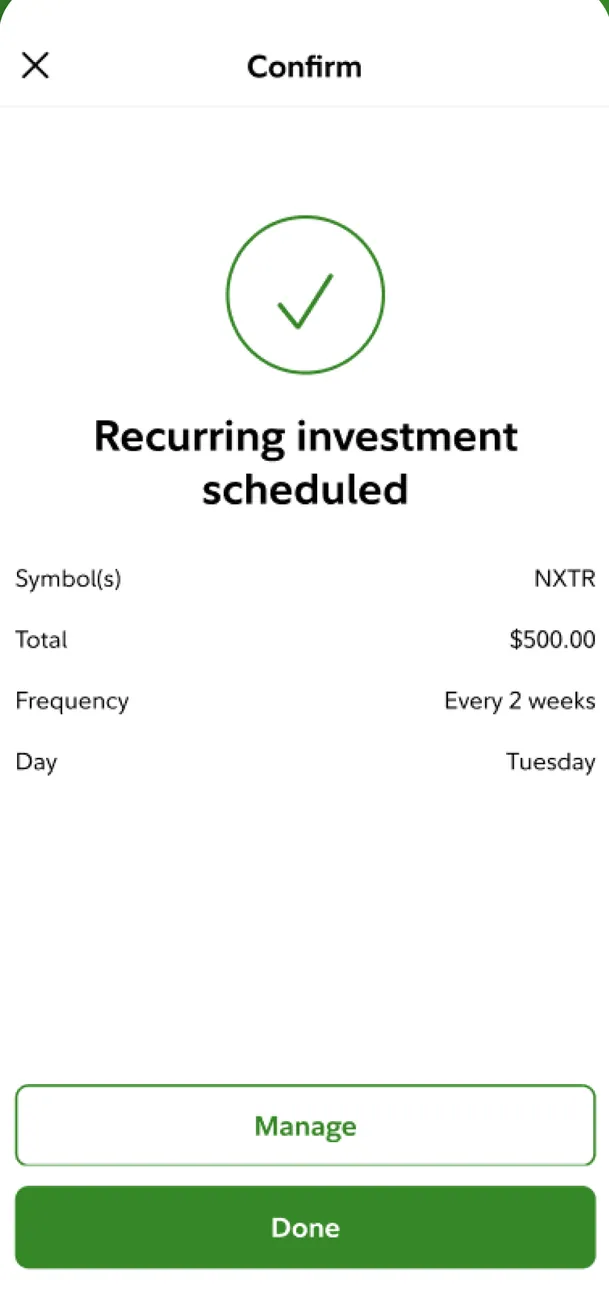
App Store marketing imageA Confirm screen with a check mark: Recurring investment scheduled for NXTR, $500.00 every 2 weeks on Tuesday, with Manage and Done buttons.App Store listing, as of 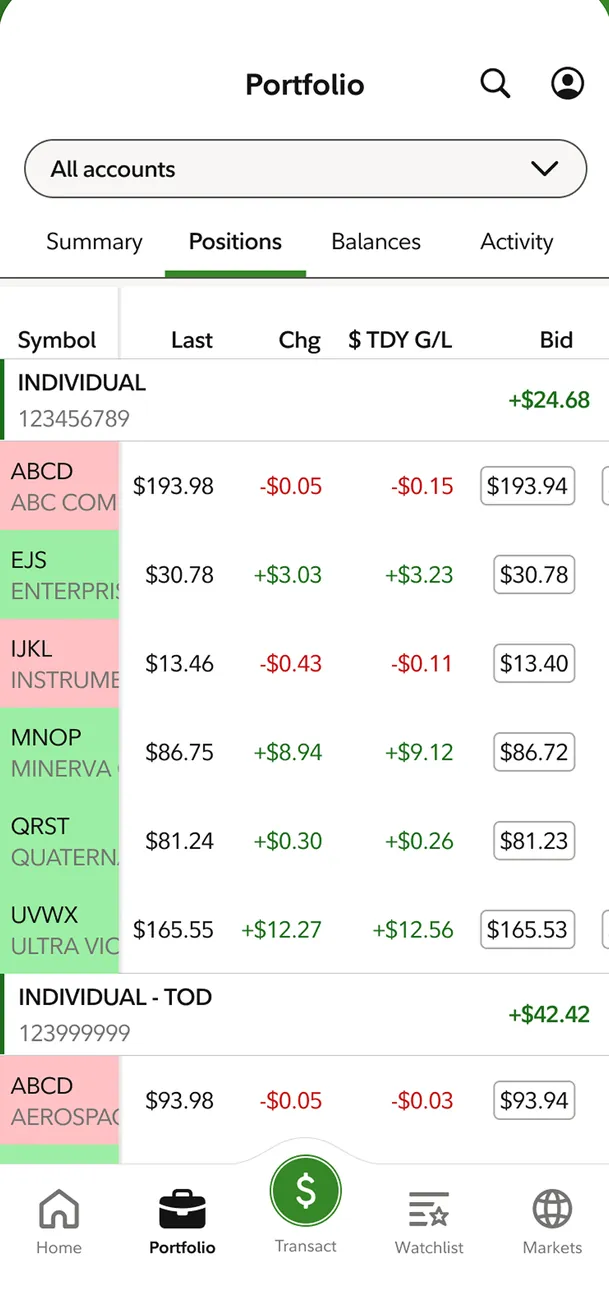
App Store marketing imageTrader+ Mobile mode Portfolio on Positions for All accounts: a table of symbols with last price, change, today's gain or loss and bid, colored green and red.App Store listing, as of 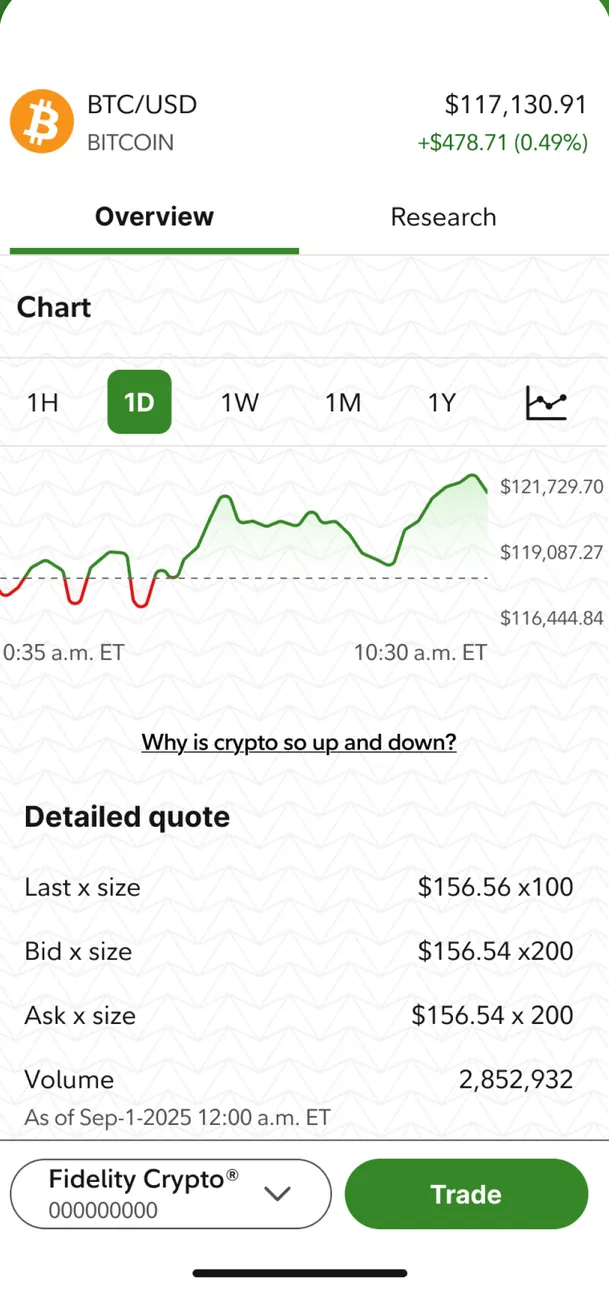
App Store marketing imageA Fidelity Crypto quote for BTC/USD at $117,130.91: a one-day chart, a Detailed quote with last, bid, ask and volume, and a Trade button.App Store listing, as of 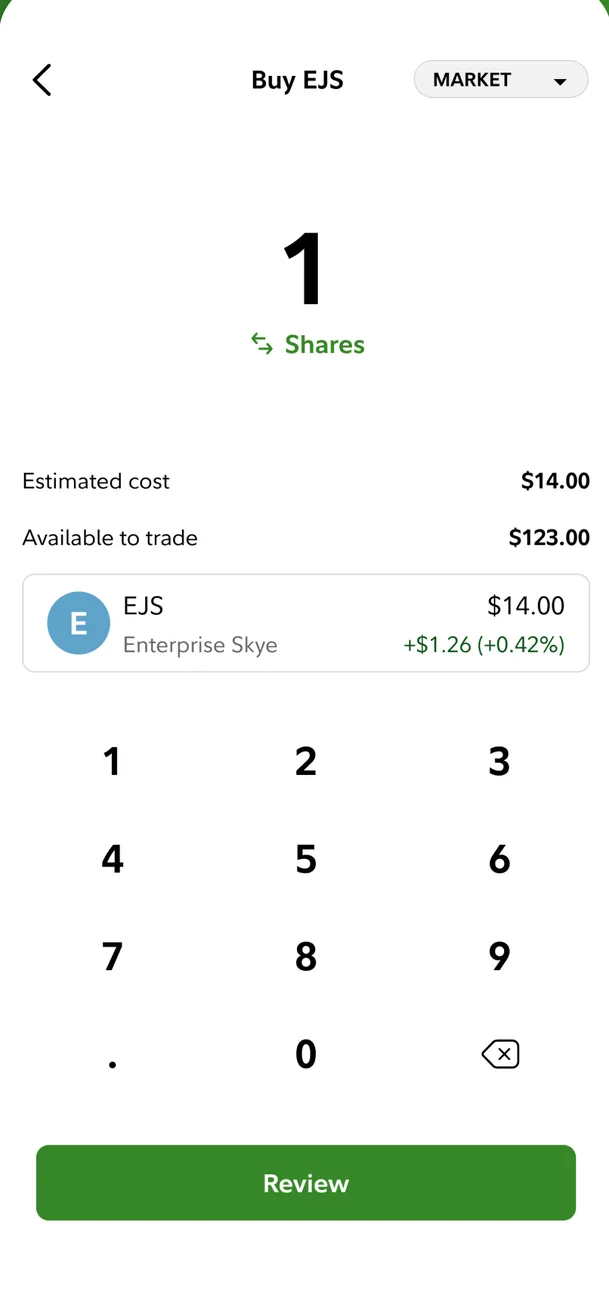
App Store marketing imageA Buy EJS market order for 1 share: estimated cost $14.00, $123.00 available to trade, a number pad and a Review button.App Store listing, as of 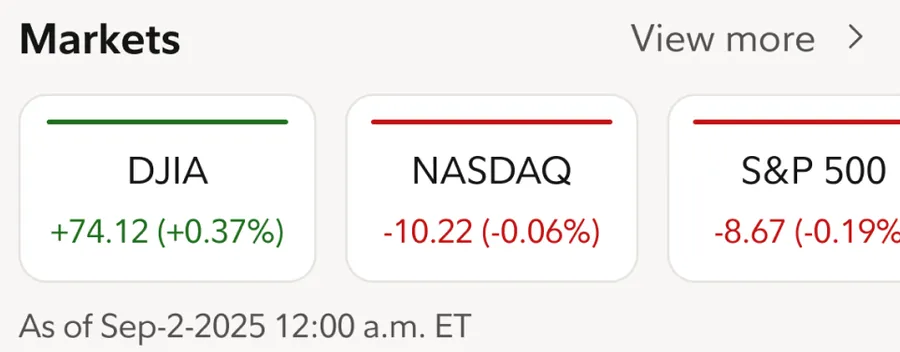
App Store marketing imageA Markets row with DJIA +74.12 (+0.37%), NASDAQ -10.22 (-0.06%) and S&P 500 -8.67 (-0.19%) cards.App Store listing, as of
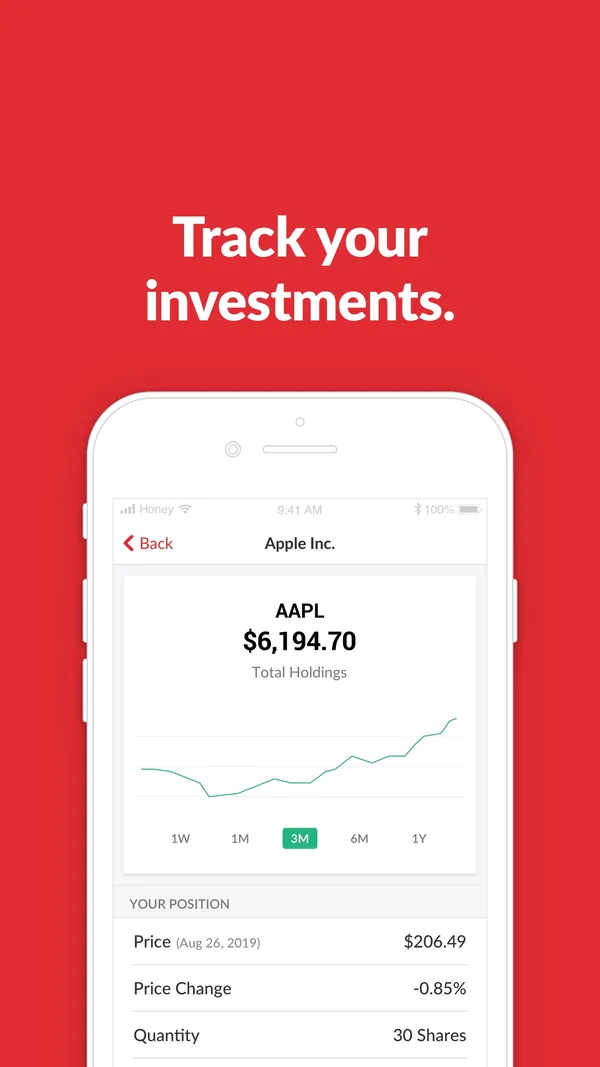
App Store marketing imageApp Store image with the headline "Track your investments." showing an Apple Inc. holding.App Store listing, as of 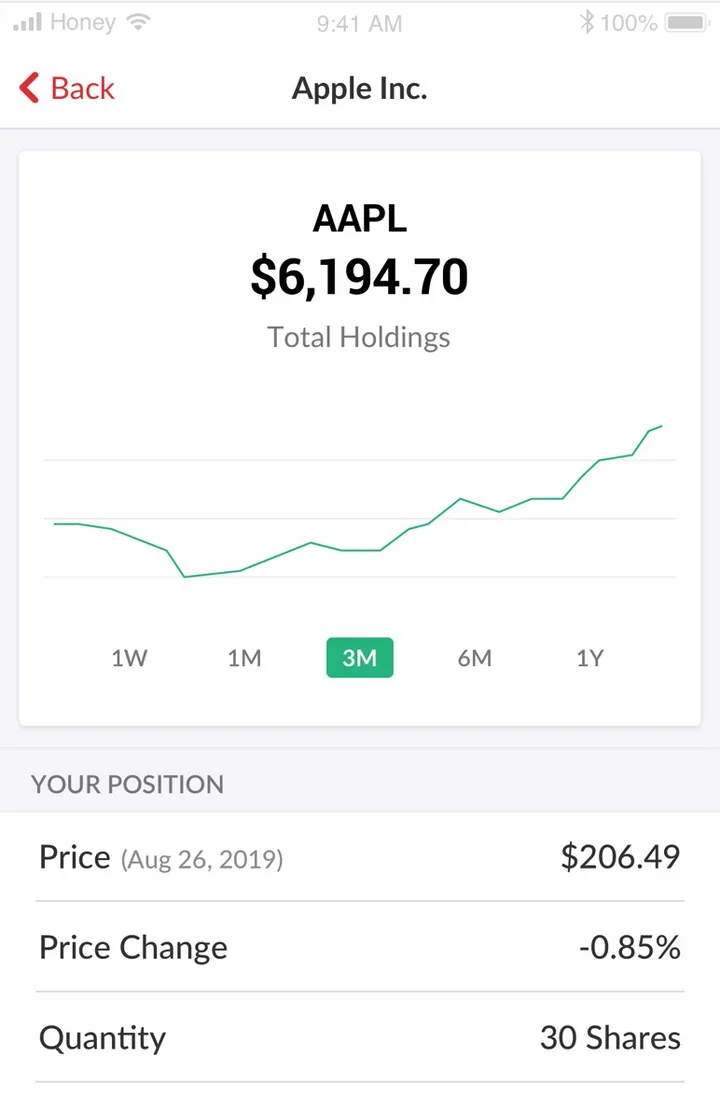
App Store marketing imageAn Apple Inc. holding: AAPL $6,194.70 total holdings with a 3M chart and your position with price, price change and 30 shares.App Store listing, as of
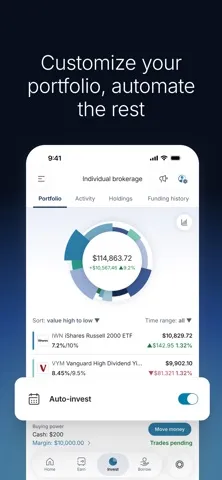
App Store marketing imageApp Store image with the headline "Customize your portfolio, automate the rest" showing a portfolio pie and an Auto-invest toggle.App Store listing, as of 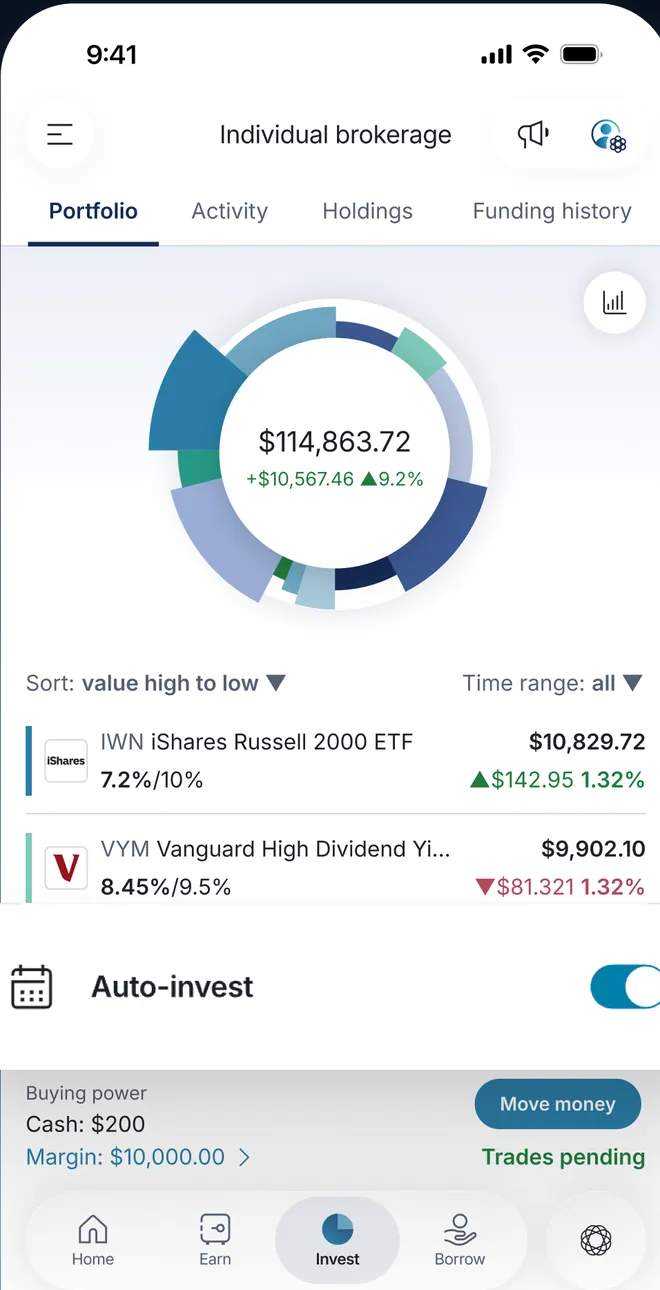
App Store marketing imageAn Individual brokerage Portfolio tab: a pie chart at $114,863.72, holdings such as IWN and VYM with target percentages, an Auto-invest toggle placed over the screen and a Move money button.App Store listing, as of 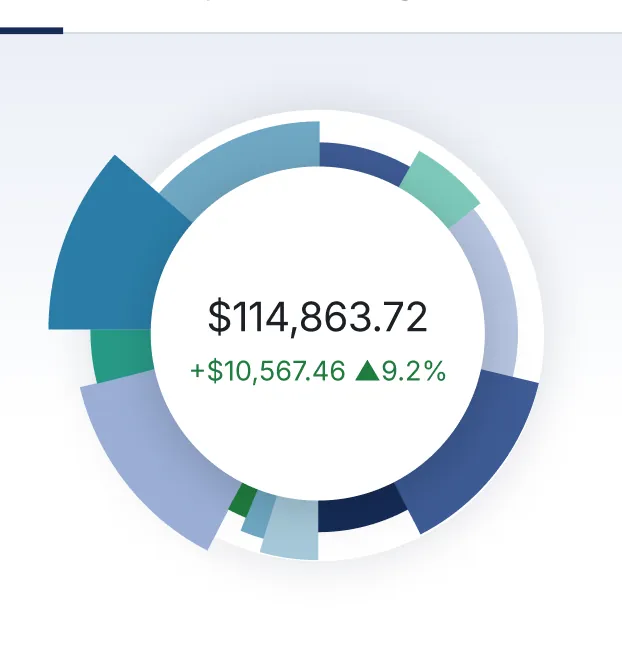
App Store marketing imageA ring-shaped pie chart split into slices around $114,863.72, up $10,567.46.App Store listing, as of 
App Store marketing imageAn Auto-invest row with a calendar icon and a blue toggle switched on.App Store listing, as of
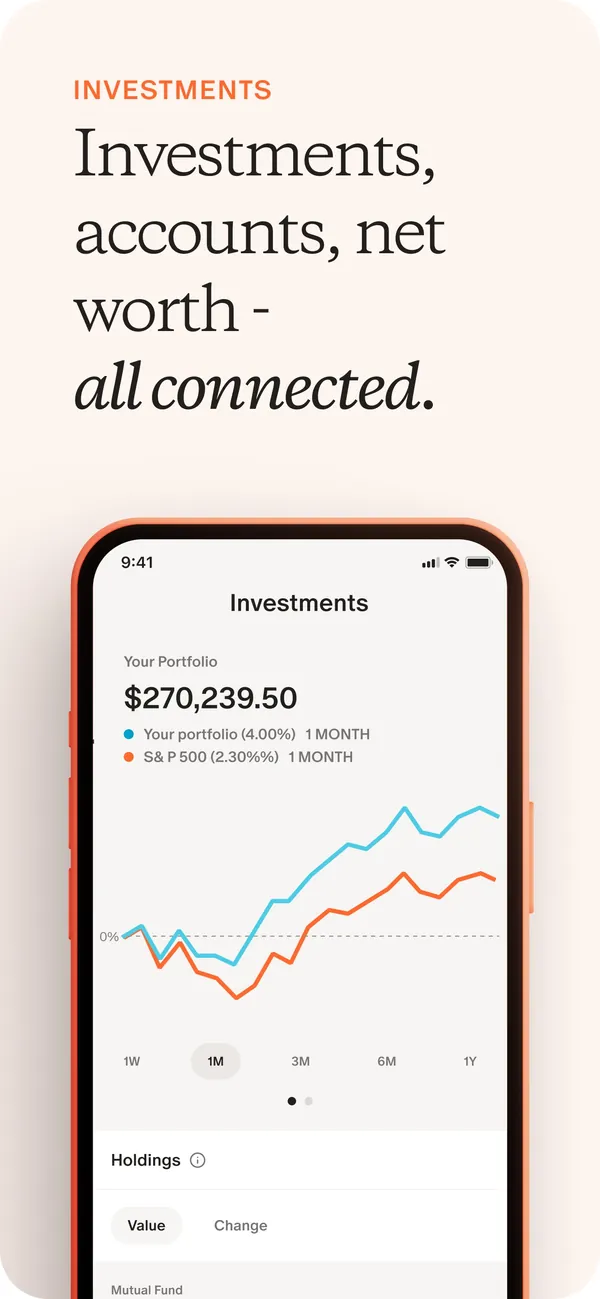
App Store marketing imageApp Store image with the headline "Investments, accounts, net worth - all connected." showing the Investments screen with a portfolio chart.App Store listing, as of 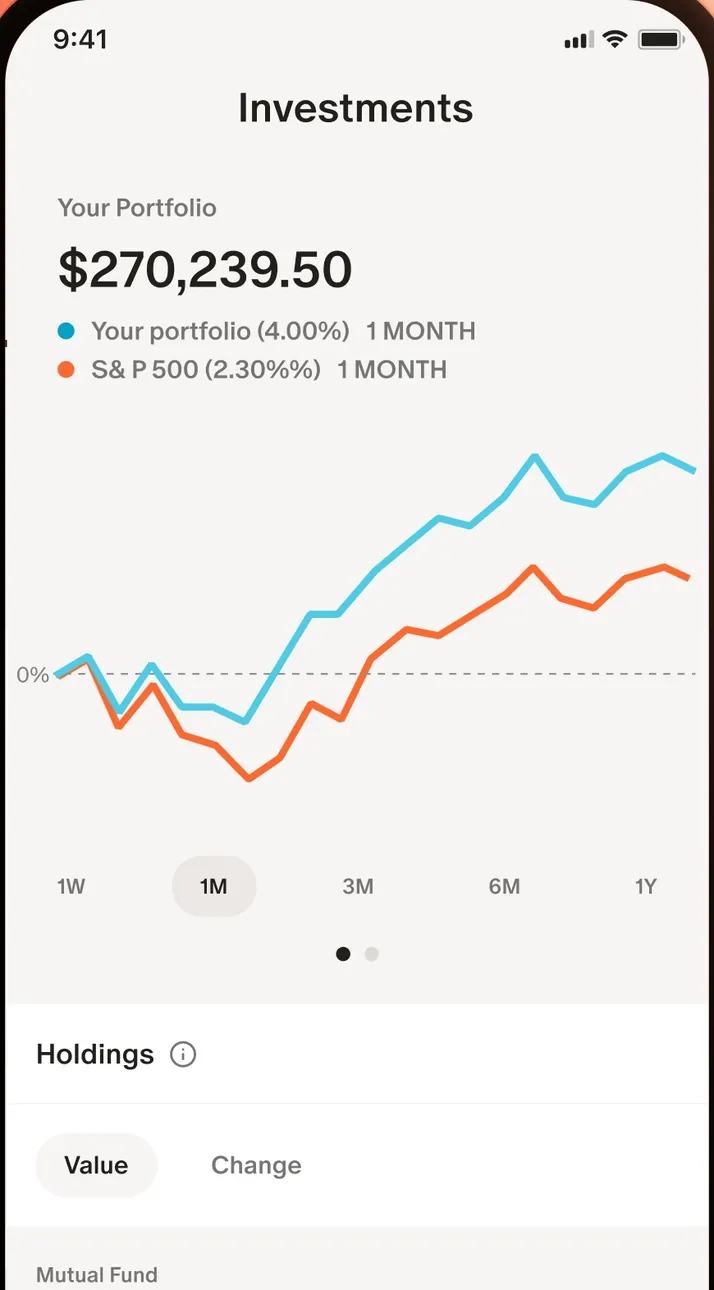
App Store marketing imageThe Investments screen: a $270,239.50 portfolio value and a chart comparing the portfolio with the S&P 500.App Store listing, as of
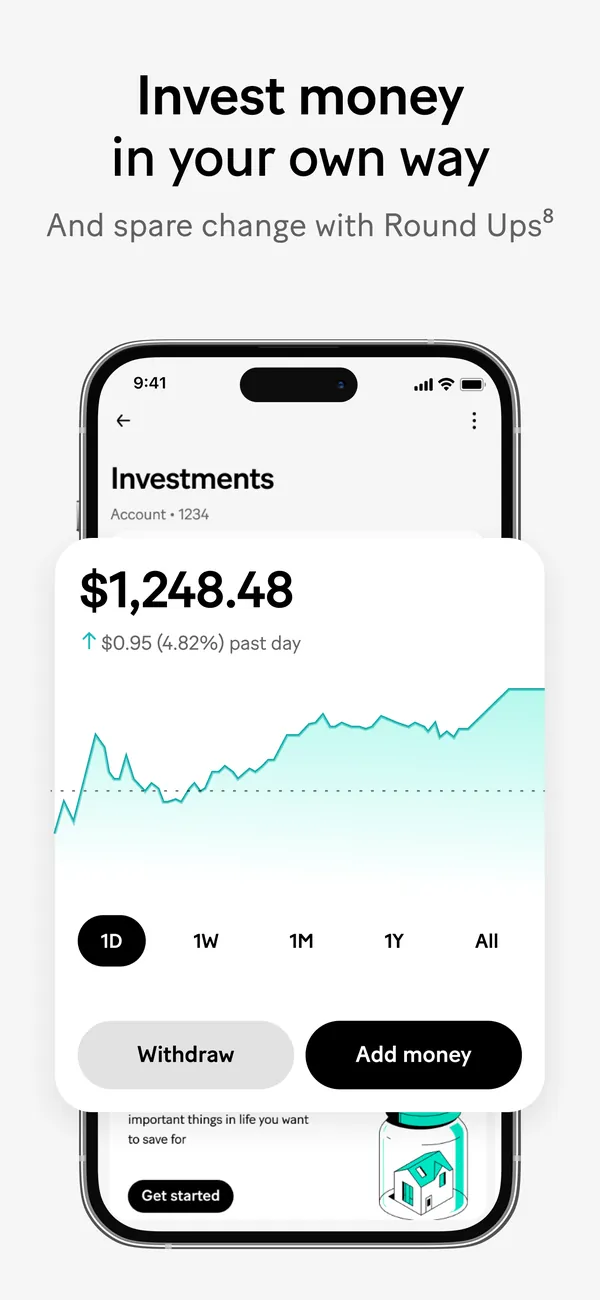
App Store marketing imageApp Store image with the headline "Invest money in your own way" and the line "And spare change with Round Ups", showing an Investments screen.App Store listing, as of 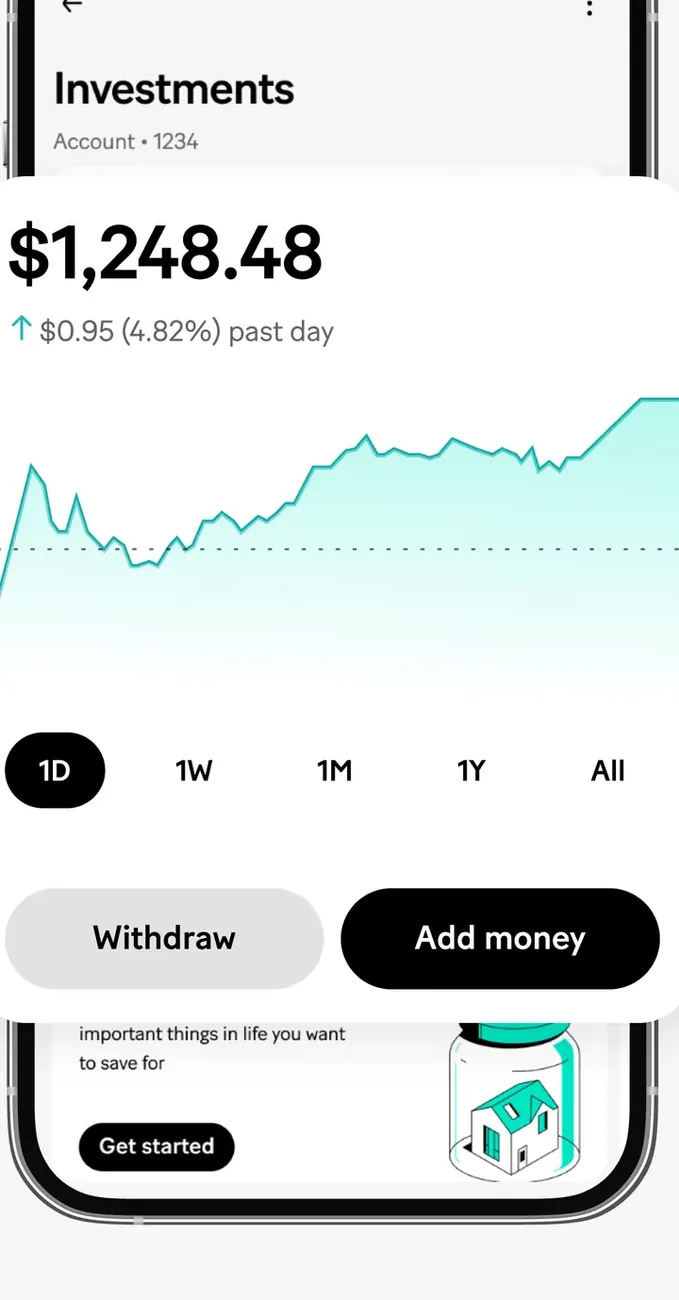
App Store marketing imageThe Investments screen: $1,248.48 with a line chart, time range buttons and Withdraw and Add money buttons.App Store listing, as of
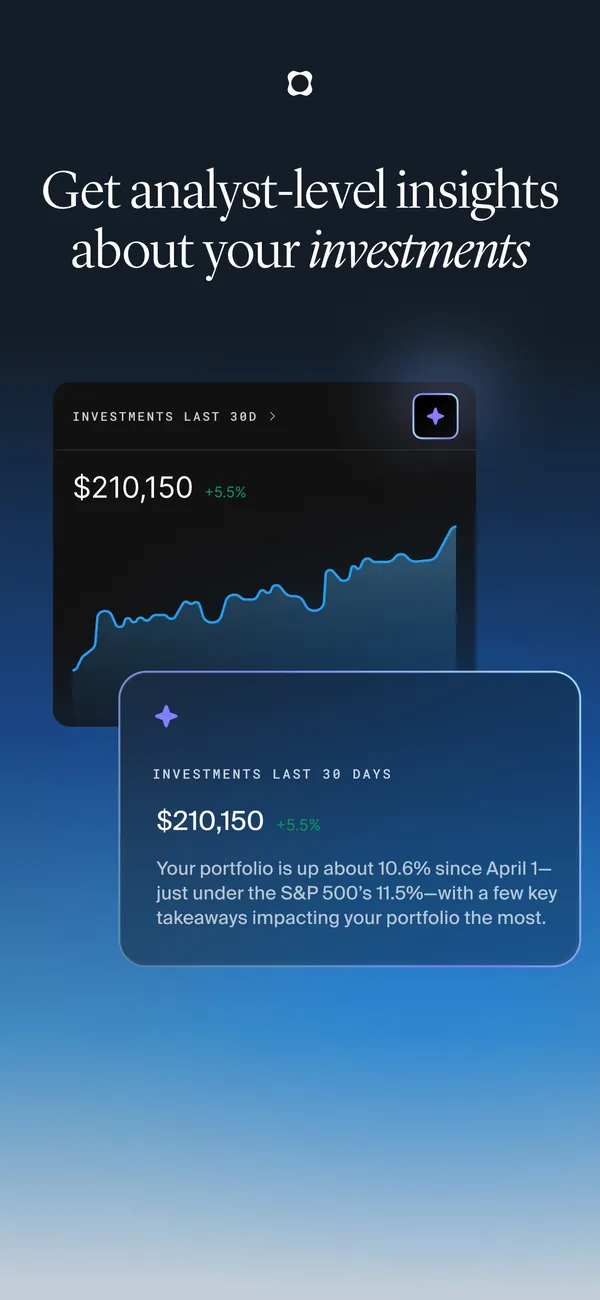
App Store marketing imageApp Store image with the headline "Get analyst-level insights about your investments" showing an investments chart and a summary card.App Store listing, as of 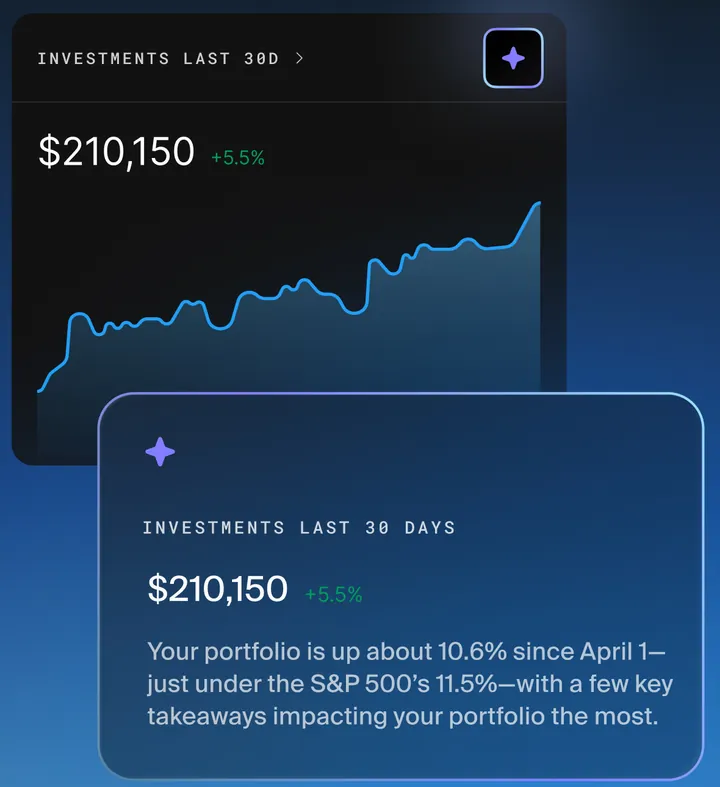
App Store marketing imageInvestments over the last 30 days at $210,150 with a chart, and a card saying the portfolio is up about 10.6% since April 1 against the S&P 500.App Store listing, as of
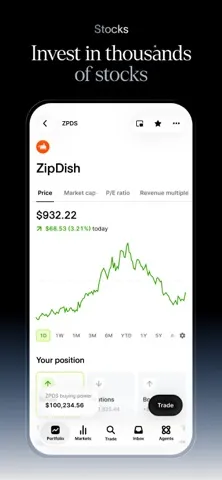
App Store marketing imageApp Store image with the headline "Invest in thousands of stocks" showing a stock page with a price chart.App Store listing, as of 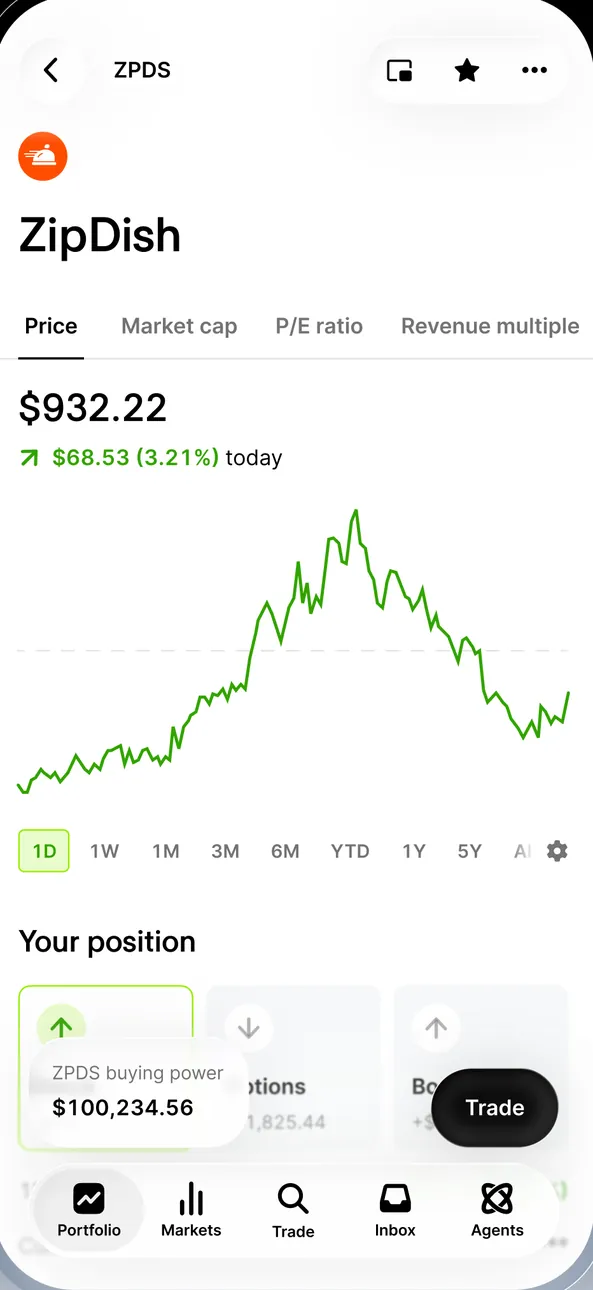
App Store marketing imageA stock page for ZipDish (ZPDS): $932.22, up $68.53 (3.21%) today, a line chart, Your position with ZPDS buying power $100,234.56 and a Trade button.App Store listing, as of 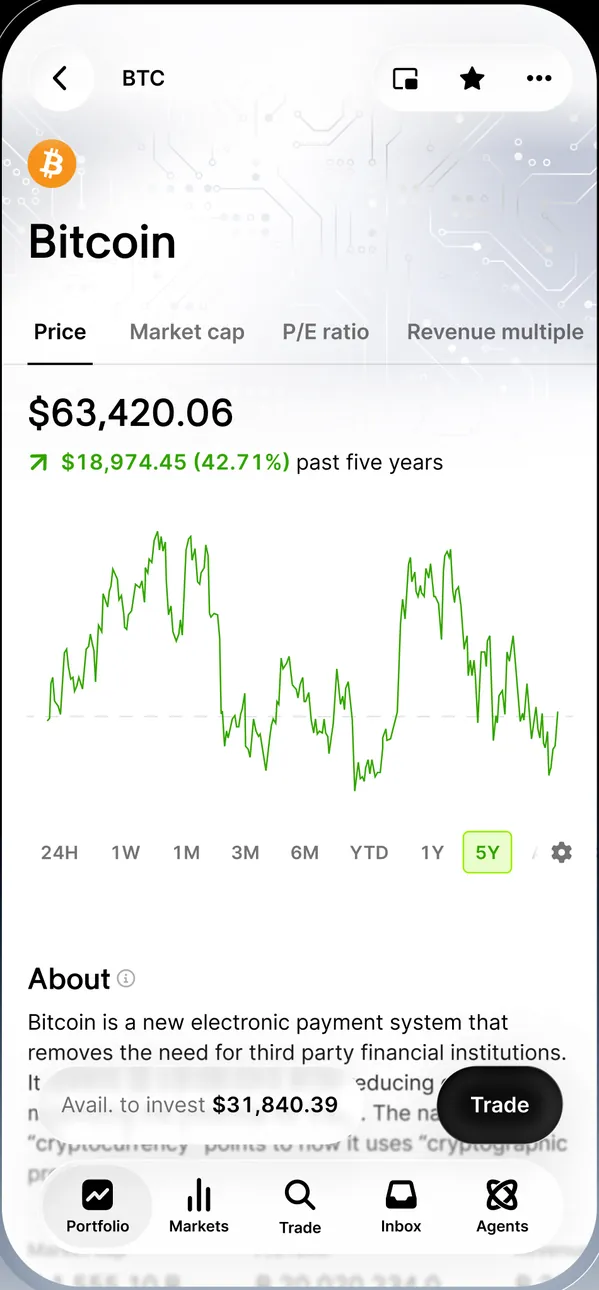
App Store marketing imageA Bitcoin page: $63,420.06, up $18,974.45 (42.71%) over five years, a line chart, an About section and a Trade button.App Store listing, as of
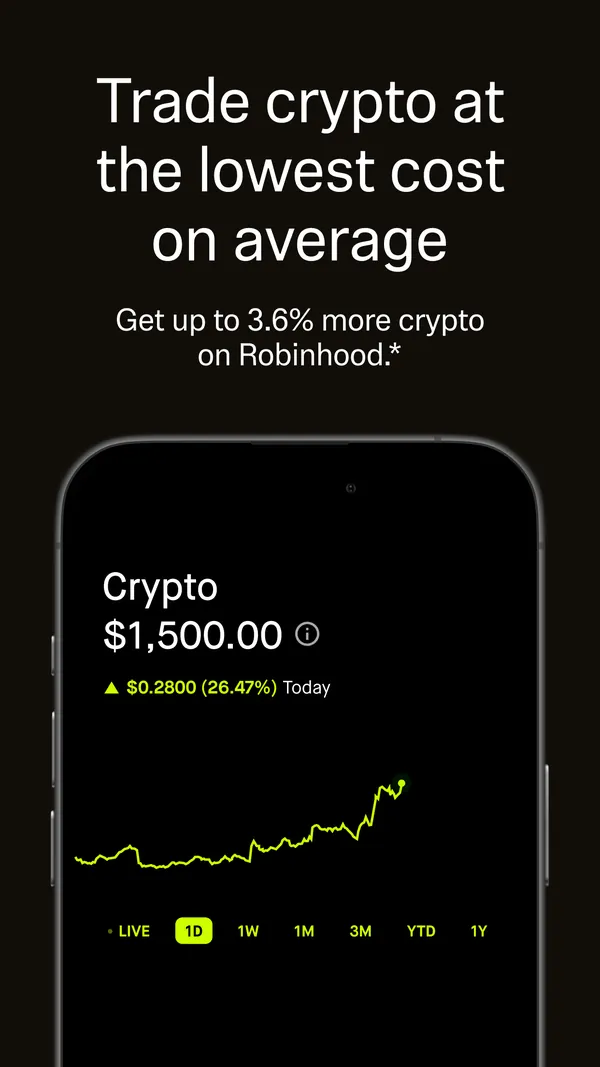
App Store marketing imageApp Store image with the headline "Trade crypto at the lowest cost on average" showing a Crypto balance of $1,500.00 and a price chart.App Store listing, as of 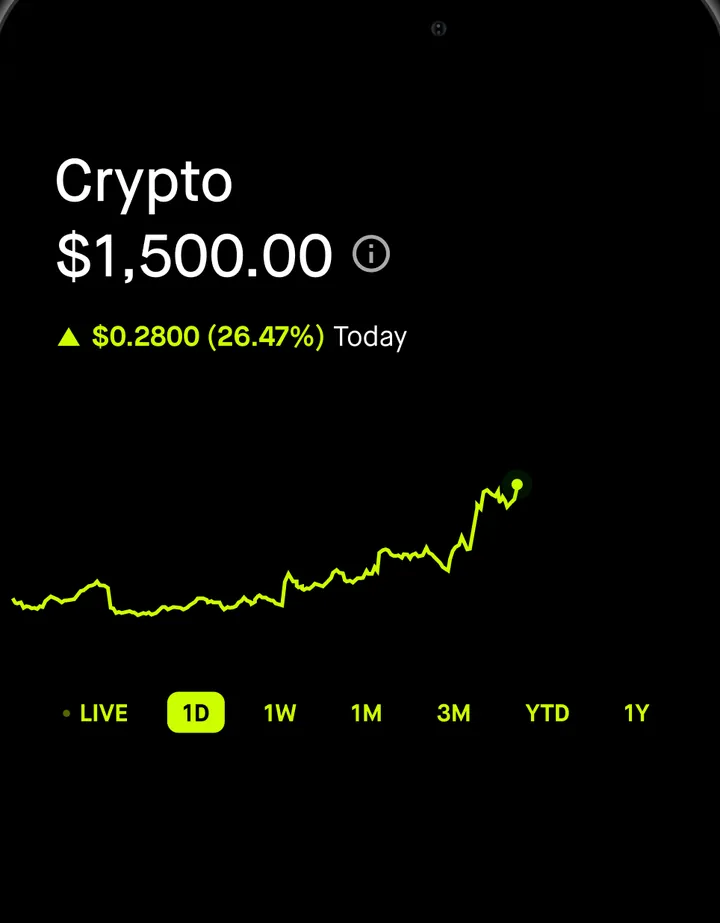
App Store marketing imageThe Crypto screen: $1,500.00, up $0.2800 (26.47%) today, a line chart and LIVE, 1D, 1W, 1M, 3M, YTD and 1Y buttons.App Store listing, as of 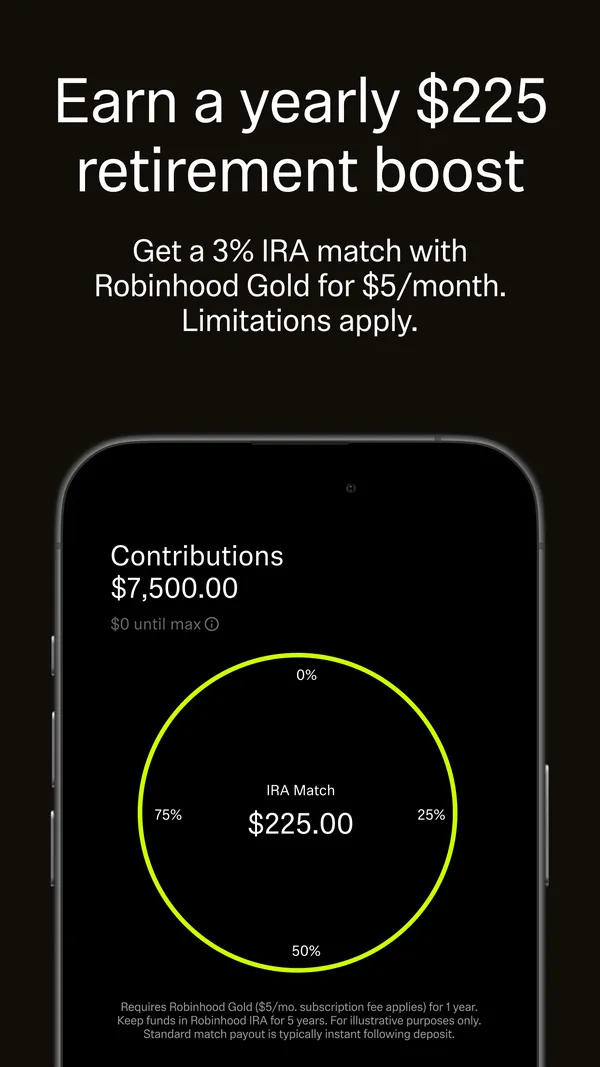
App Store marketing imageApp Store image with the headline "Earn a yearly $225 retirement boost" showing IRA contributions and an IRA Match ring.App Store listing, as of 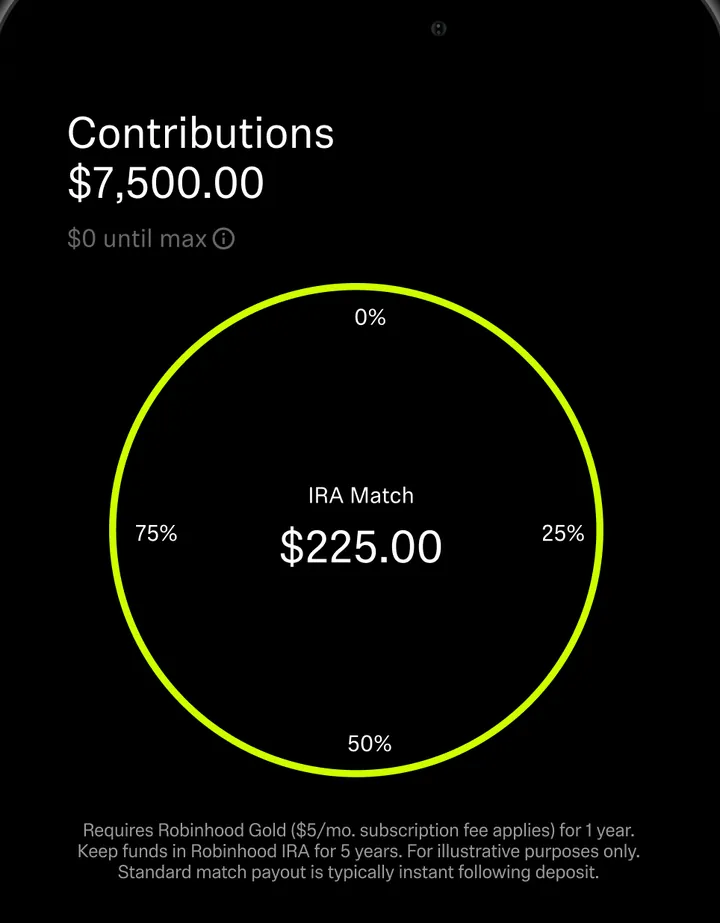
App Store marketing imageA retirement screen: Contributions $7,500.00 with "$0 until max" and a ring labeled IRA Match $225.00 with 0%, 25%, 50% and 75% marks.App Store listing, as of 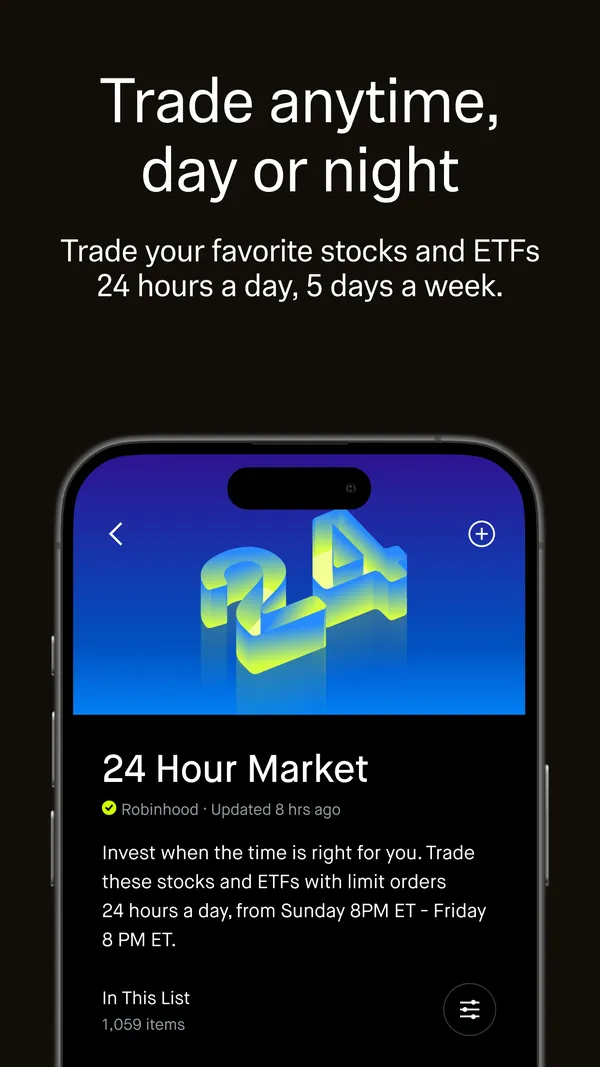
App Store marketing imageApp Store image with the headline "Trade anytime, day or night" showing a 24 Hour Market list.App Store listing, as of 
App Store marketing imageThe 24 Hour Market list: a header graphic, a note that limit orders work 24 hours a day from Sunday 8 PM ET to Friday 8 PM ET, and In This List with 1,059 items.App Store listing, as of 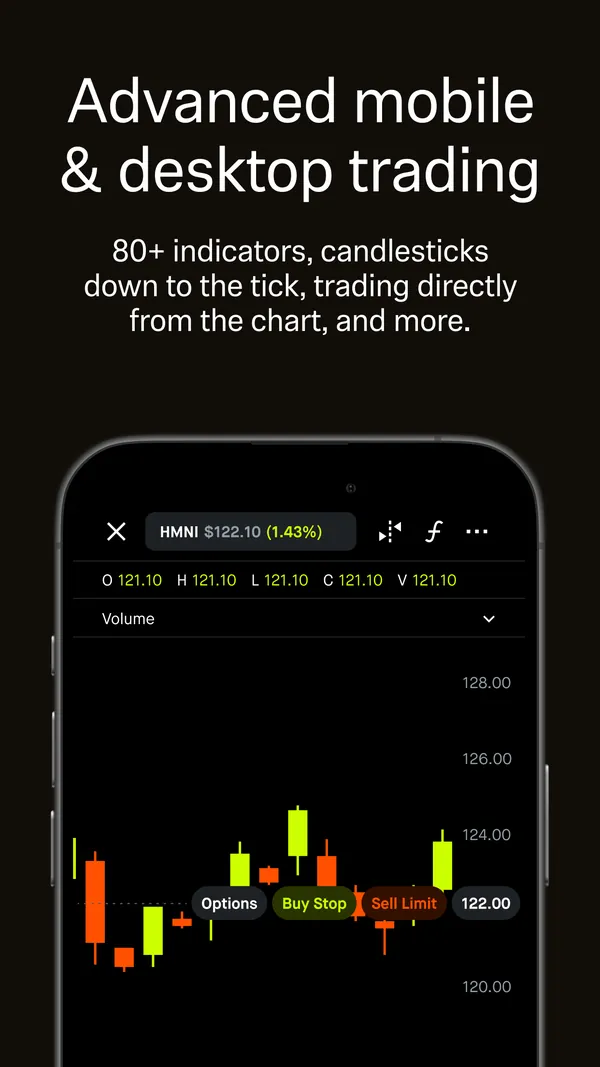
App Store marketing imageApp Store image with the headline "Advanced mobile & desktop trading" showing a candlestick chart.App Store listing, as of 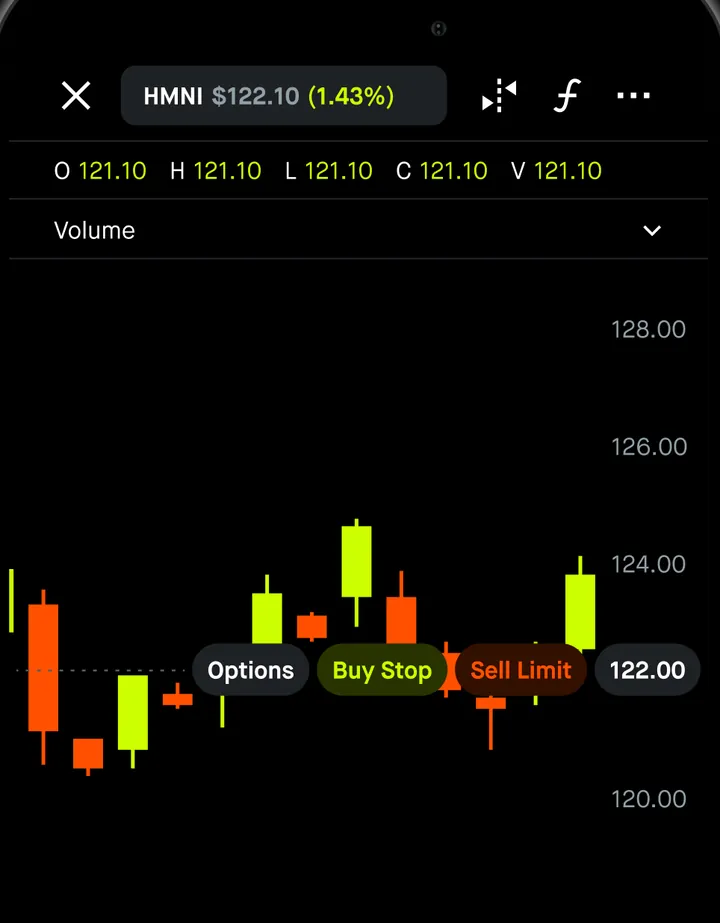
App Store marketing imageAn advanced chart for HMNI at $122.10 with open, high, low, close and volume values, candlesticks and Options, Buy Stop and Sell Limit labels on the chart.App Store listing, as of 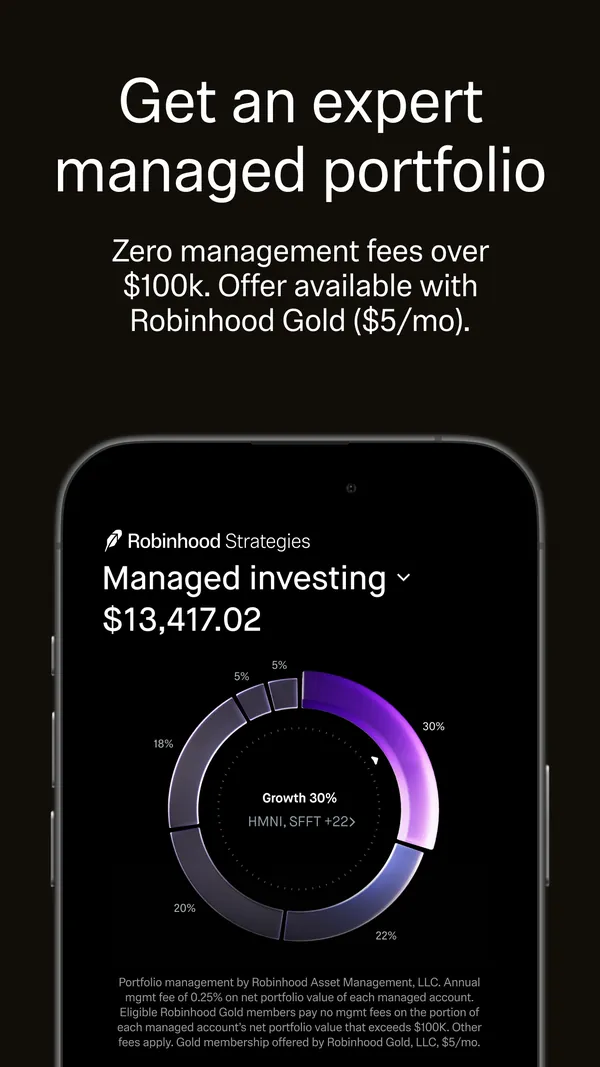
App Store marketing imageApp Store image with the headline "Get an expert managed portfolio" showing Managed investing at $13,417.02.App Store listing, as of 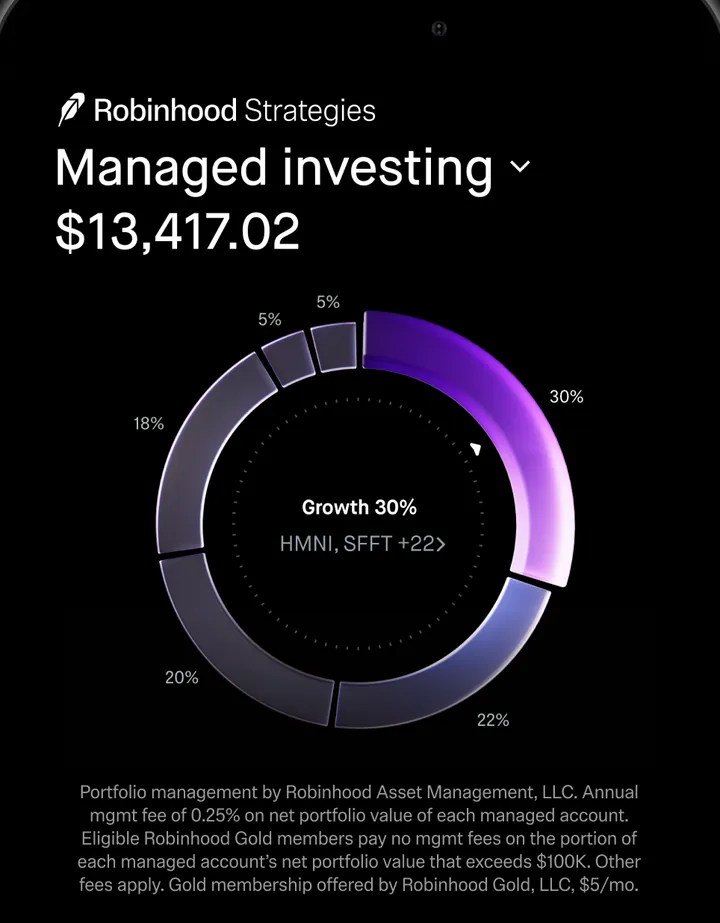
App Store marketing imageRobinhood Strategies: Managed investing at $13,417.02 with a ring chart showing Growth 30% and slices of 5%, 18%, 20%, 22% and 30%.App Store listing, as of 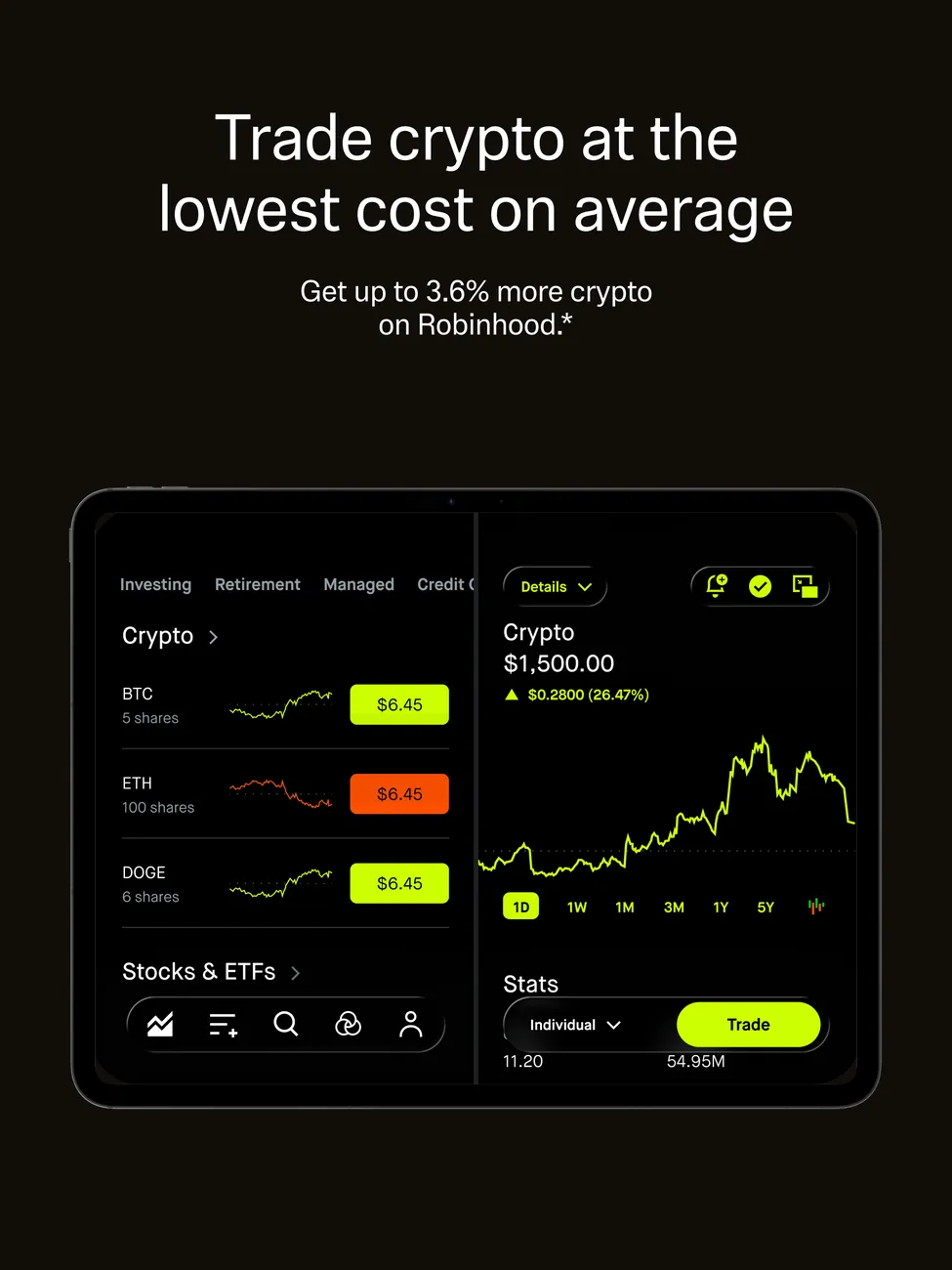
App Store marketing imageiPad App Store image with the headline "Trade crypto at the lowest cost on average" showing crypto holdings and a chart.App Store listing, as of 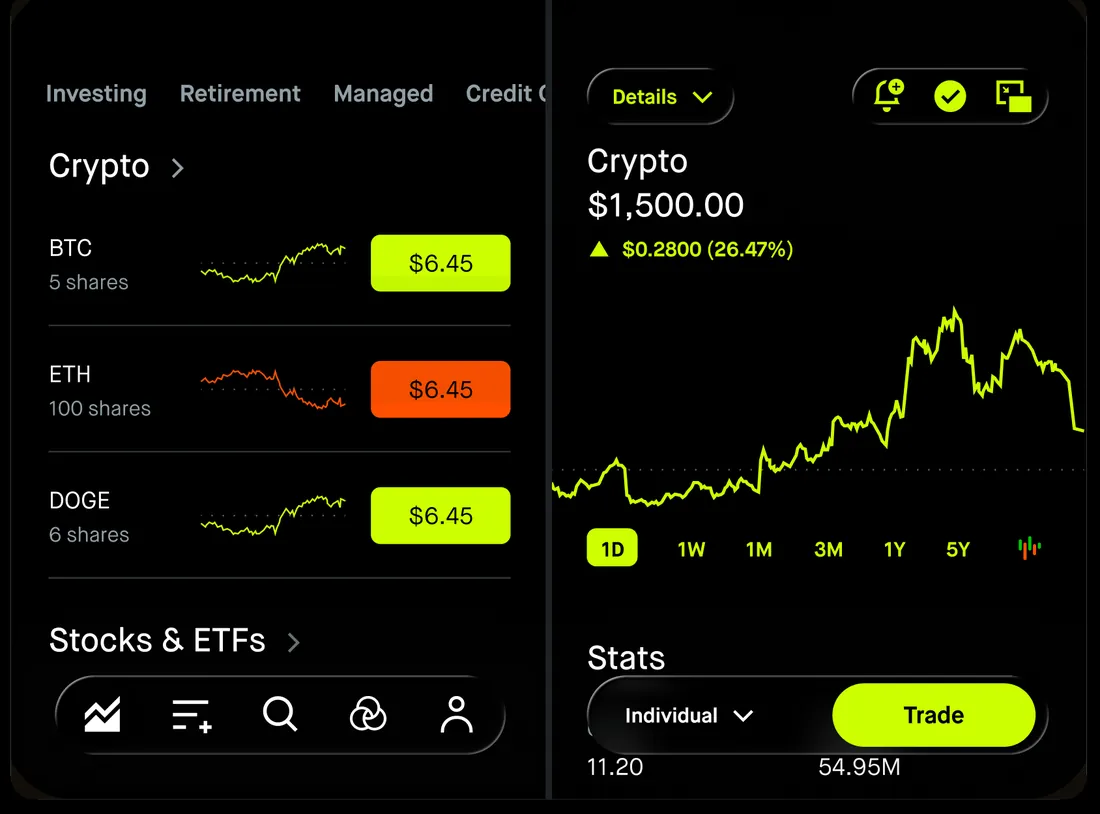
App Store marketing imageInvesting, Retirement and Managed tabs with a Crypto list of BTC, ETH and DOGE at $6.45 each, next to a Crypto chart at $1,500.00 and a Trade button.App Store listing, as of 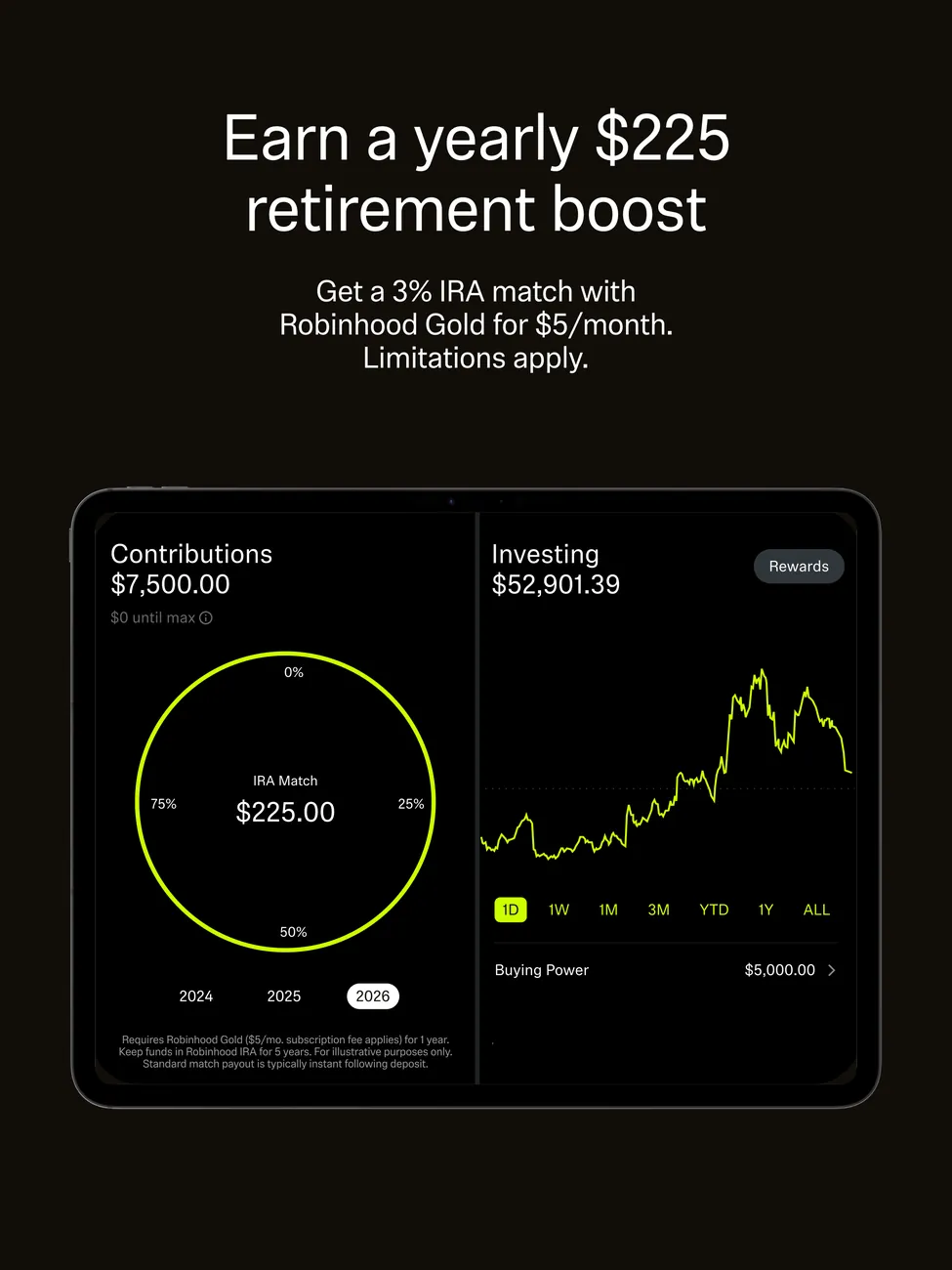
App Store marketing imageiPad App Store image with the headline "Earn a yearly $225 retirement boost" showing contributions and an investing chart.App Store listing, as of 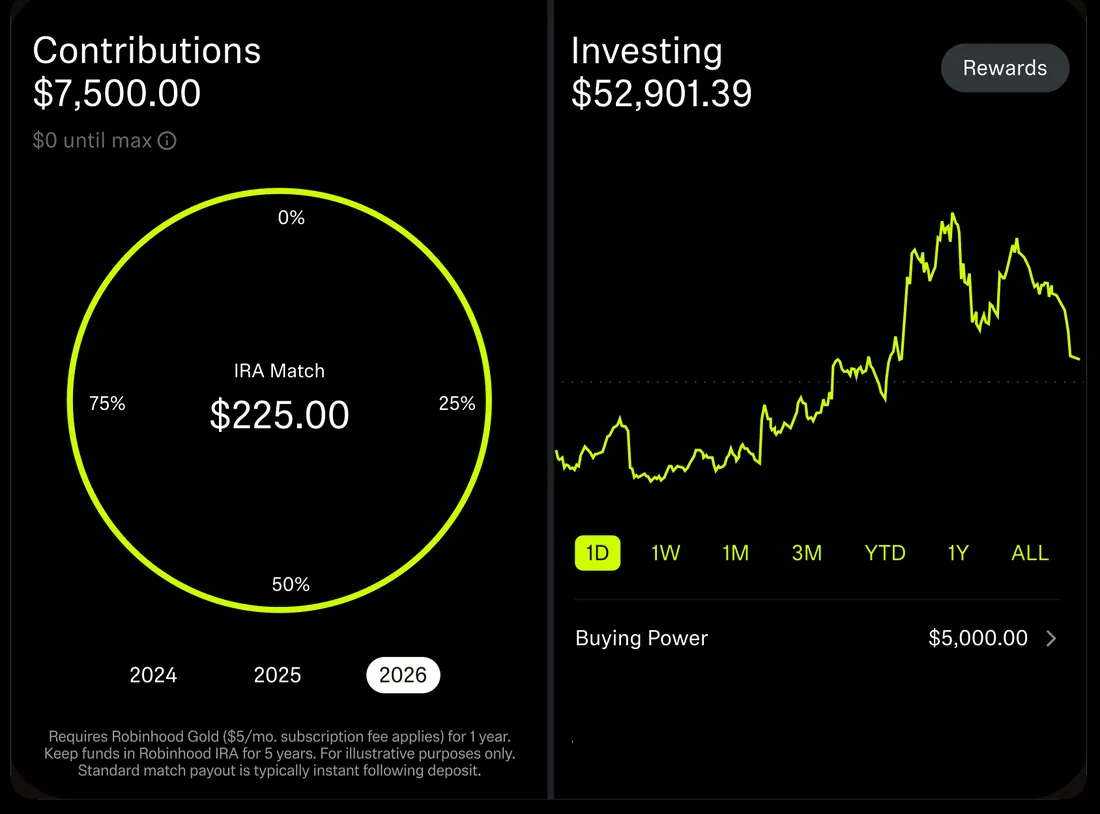
App Store marketing imageContributions $7,500.00 with an IRA Match $225.00 ring and year buttons for 2024 to 2026, next to Investing $52,901.39 with a line chart and Buying Power $5,000.00.App Store listing, as of 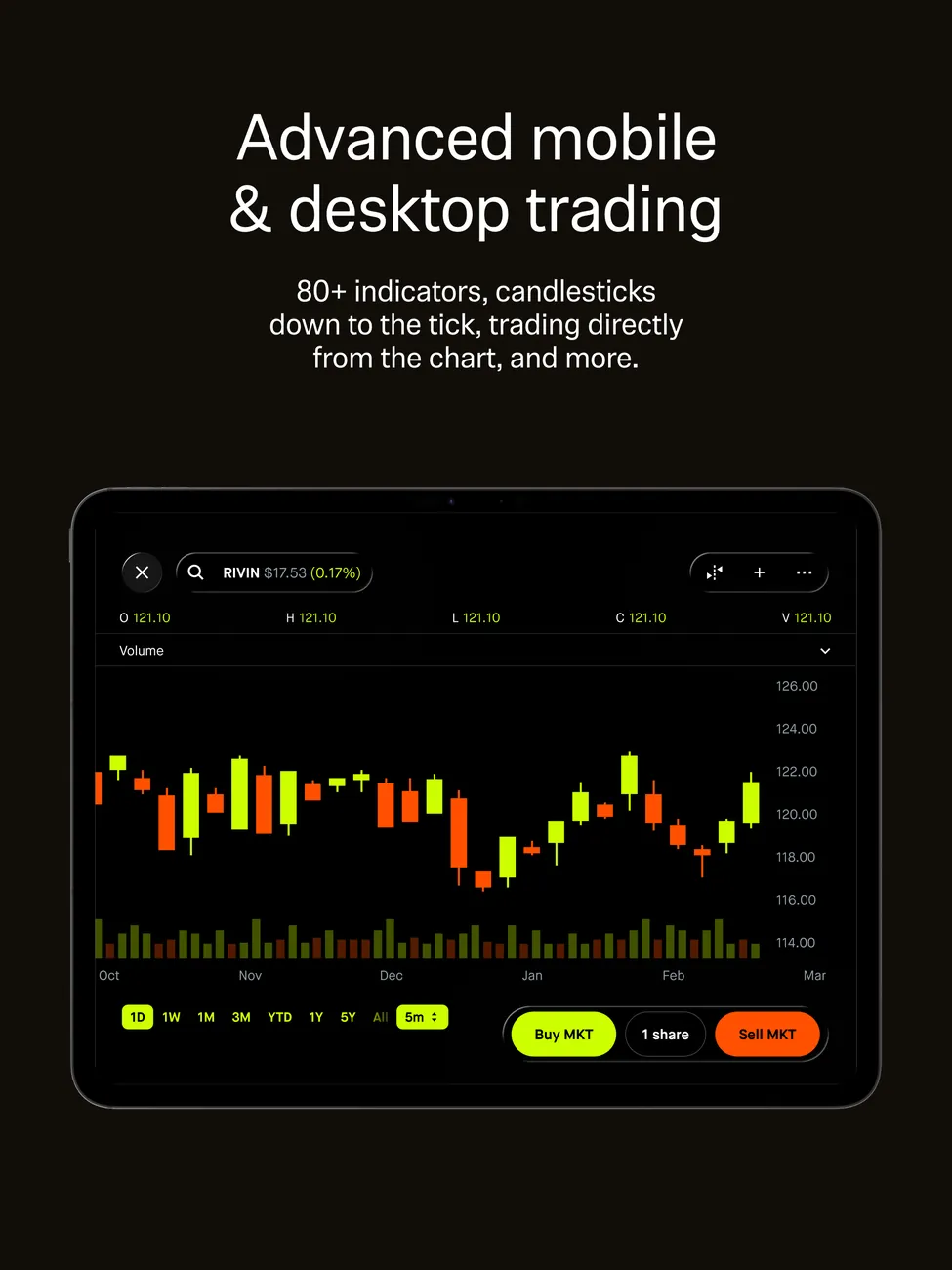
App Store marketing imageiPad App Store image with the headline "Advanced mobile & desktop trading" showing a full width candlestick chart.App Store listing, as of 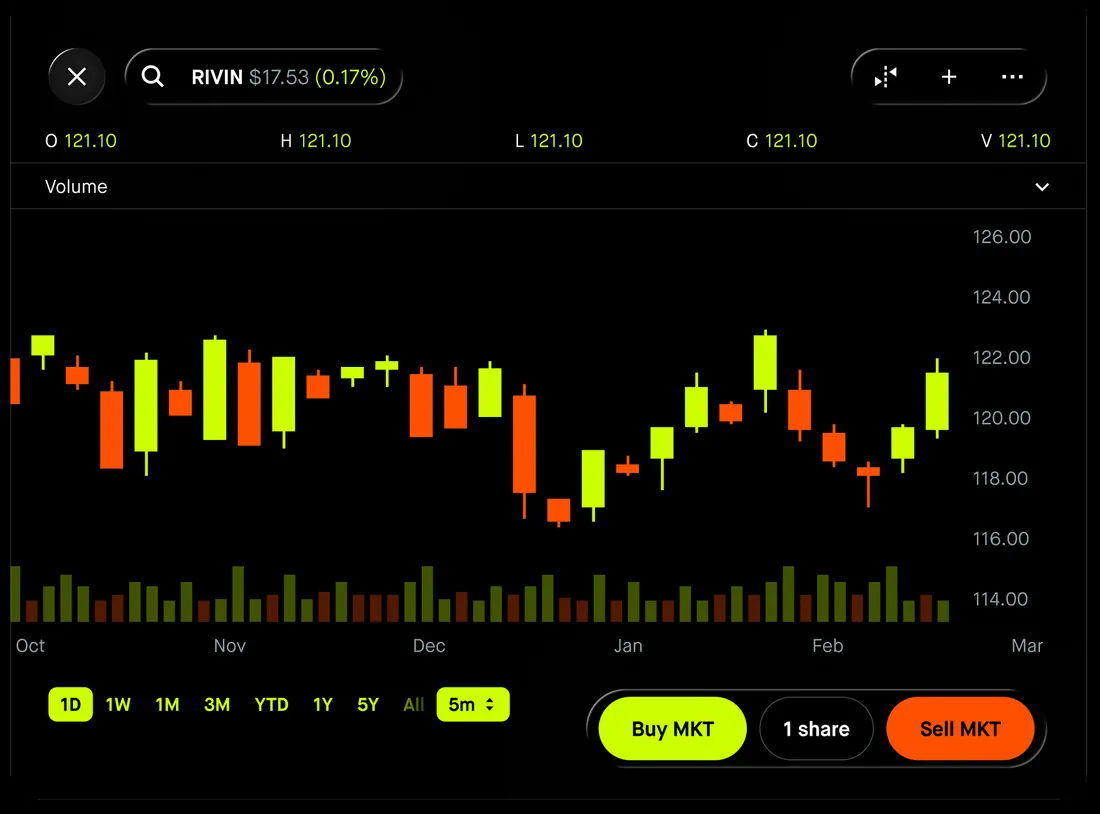
App Store marketing imageA full width candlestick chart for RIVIN with volume bars from October to March and Buy MKT, 1 share and Sell MKT buttons.App Store listing, as of 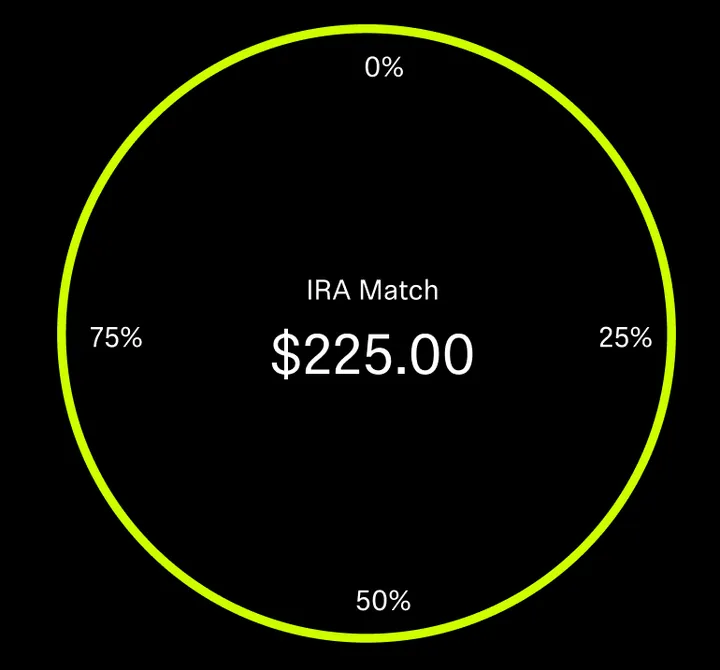
App Store marketing imageA yellow ring with IRA Match $225.00 in the middle and 0%, 25%, 50% and 75% marks around it.App Store listing, as of 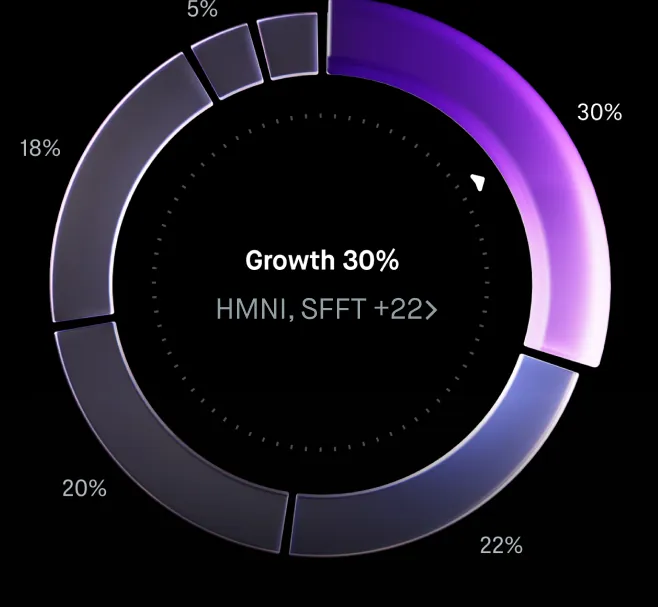
App Store marketing imageA portfolio ring with Growth 30% in the middle and slices labeled 5%, 18%, 20%, 22% and 30%.App Store listing, as of 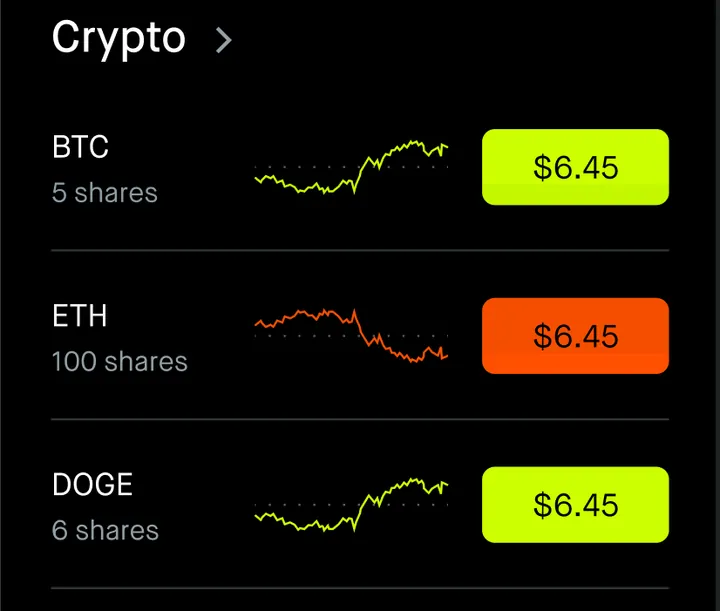
App Store marketing imageA Crypto list with BTC 5 shares, ETH 100 shares and DOGE 6 shares, each with a small chart and a $6.45 price tag.App Store listing, as of
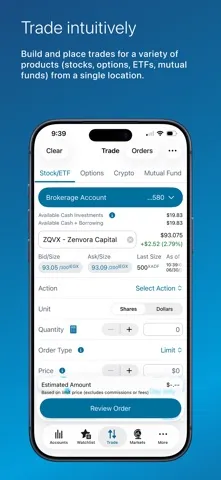
App Store marketing imageApp Store image with the headline "Trade intuitively" showing a stock and ETF trade ticket.App Store listing, as of 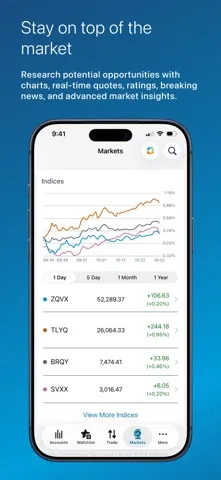
App Store marketing imageApp Store image with the headline "Stay on top of the market" showing a Markets screen with an indices chart.App Store listing, as of 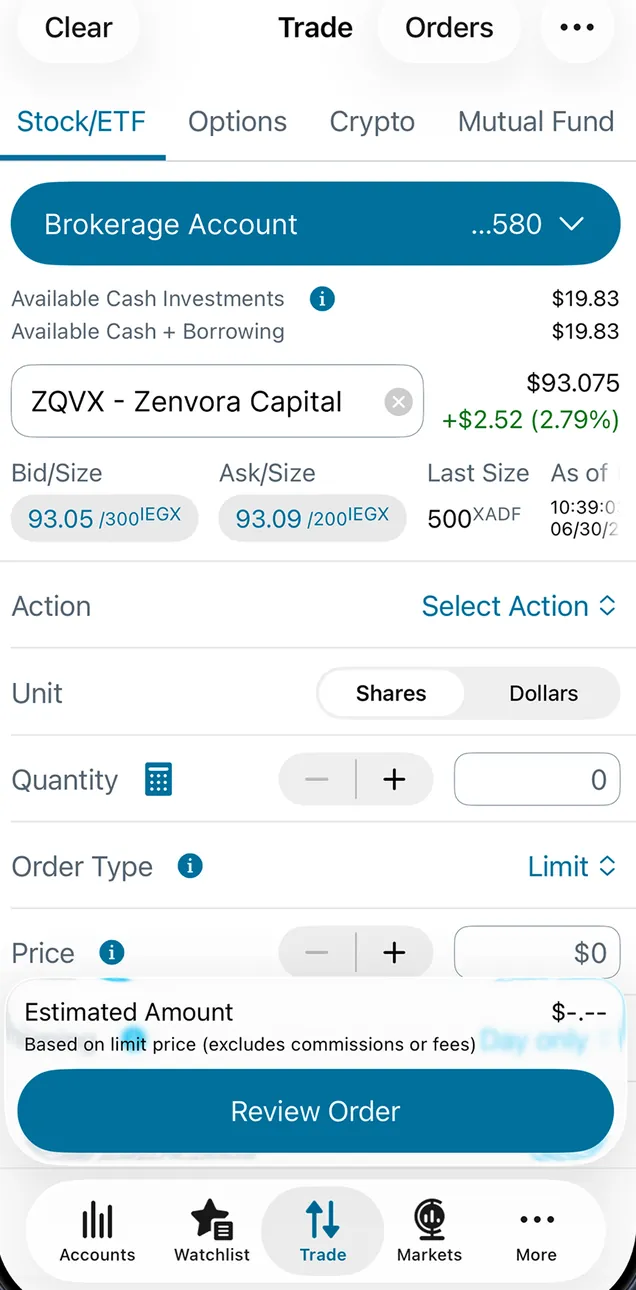
App Store marketing imageThe Trade ticket on Stock/ETF for a brokerage account: a ZQVX quote with bid and ask, Action, Shares or Dollars, Quantity, a Limit order type, Price and a Review Order button.App Store listing, as of 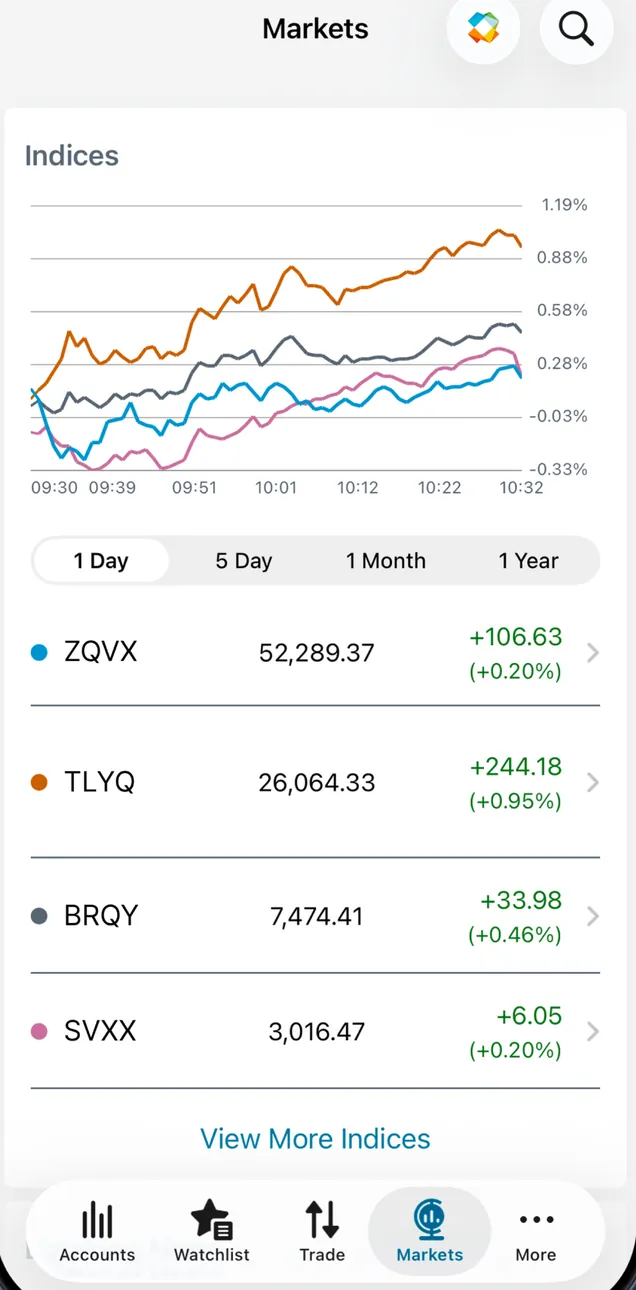
App Store marketing imageThe Markets tab: an Indices line chart with 1 Day, 5 Day, 1 Month and 1 Year tabs and four indexes with values and gains, plus View More Indices.App Store listing, as of 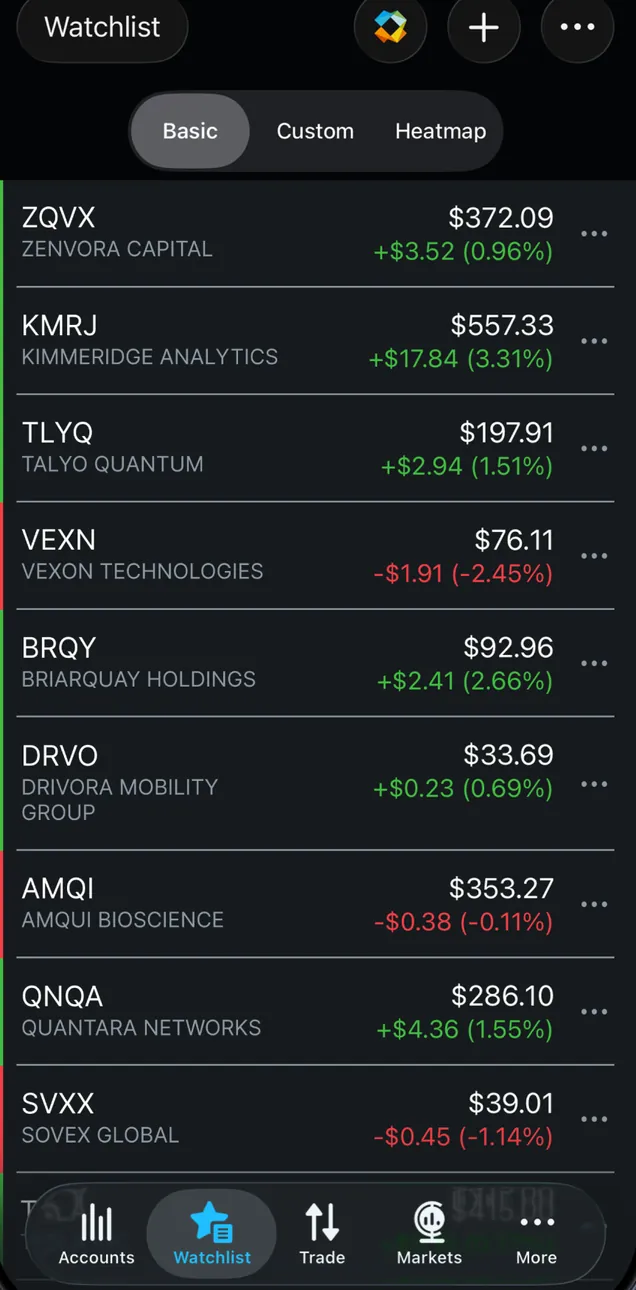
App Store marketing imageA dark Watchlist with Basic, Custom and Heatmap views listing nine stocks with prices and daily changes in green and red.App Store listing, as of
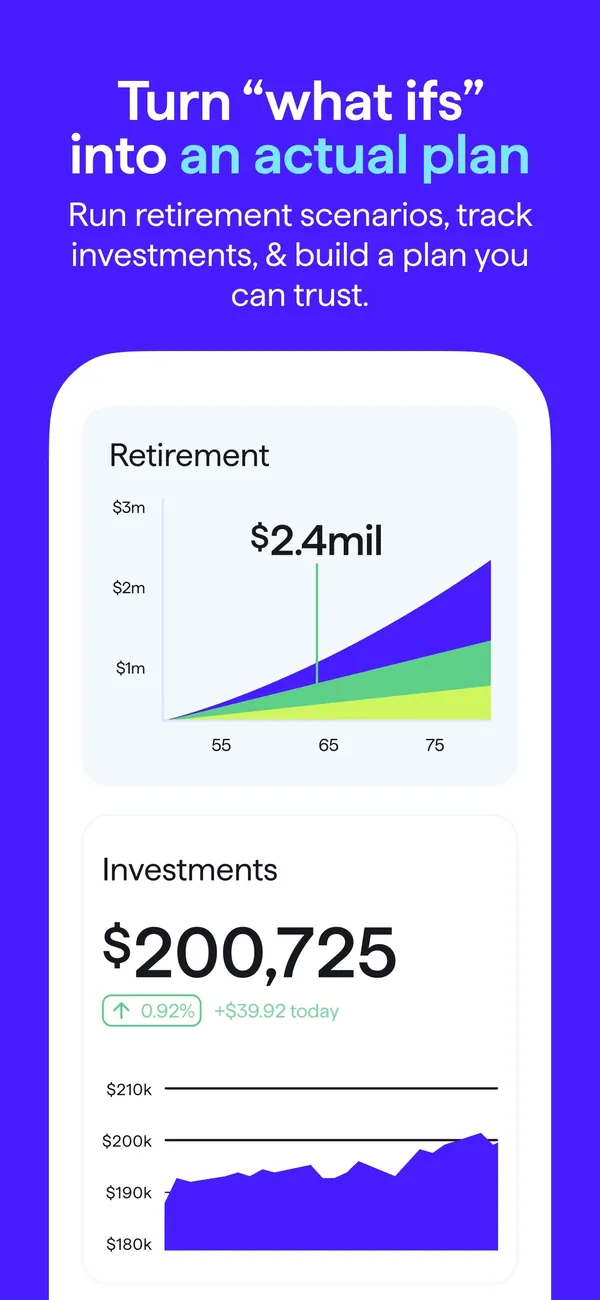
App Store marketing imageApp Store image with the headline "Turn what ifs into an actual plan" showing a Retirement chart and an Investments value.App Store listing, as of 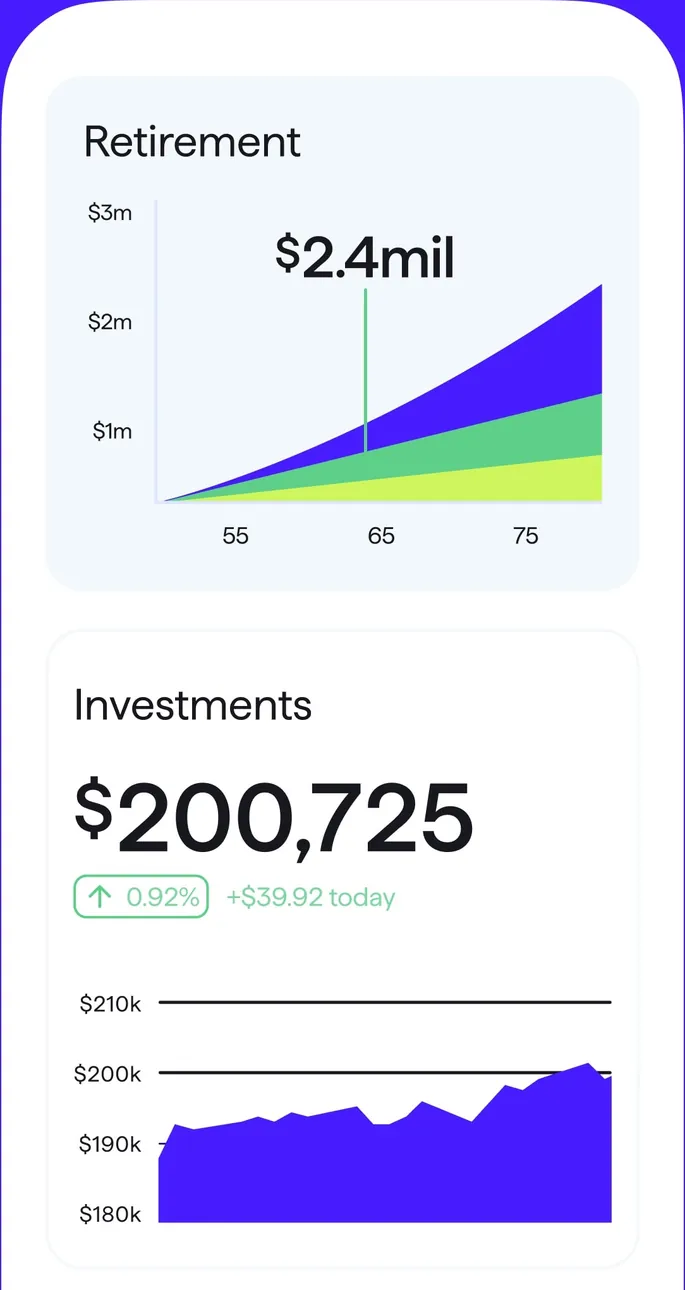
App Store marketing imageA Retirement projection chart and an Investments card with $200,725 and a value chart.App Store listing, as of 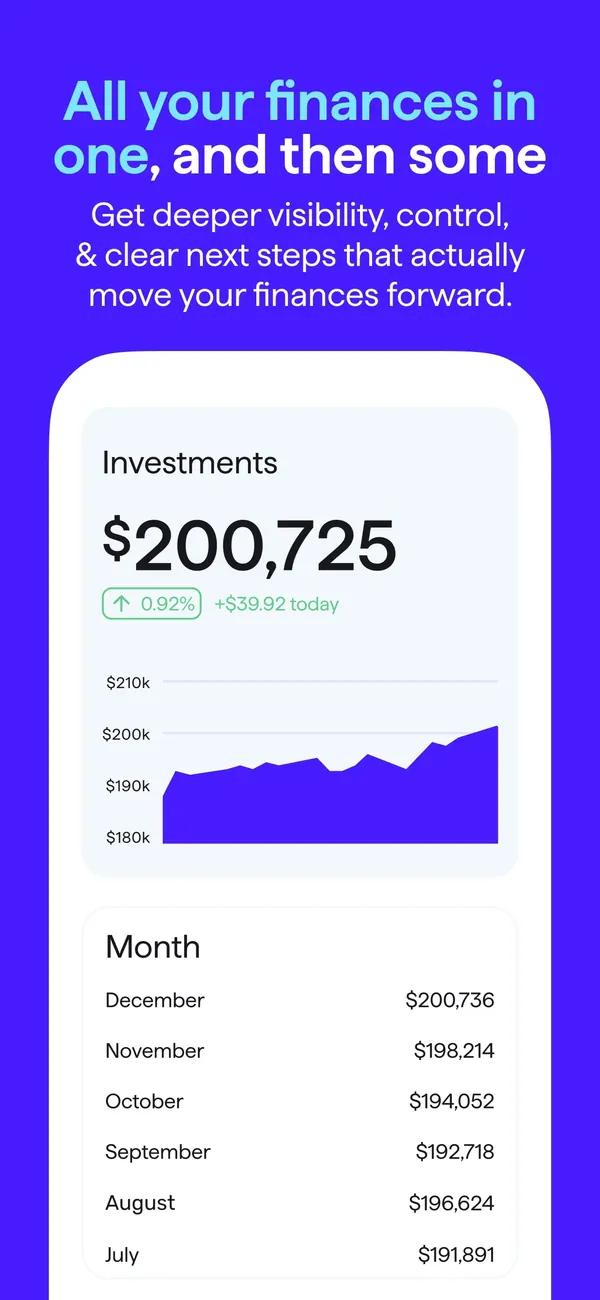
App Store marketing imageApp Store image with the headline "All your finances in one, and then some" showing an Investments value chart and a monthly value list.App Store listing, as of 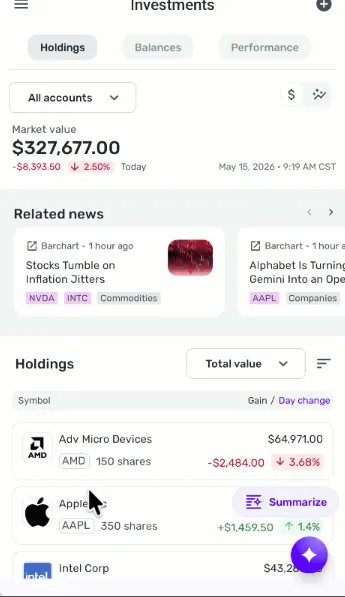
From Simplifi's help centerThe mobile Investments screen with Holdings, Balances and Performance tabs, a market value, related news and holdings.support.simplifi.quicken.com, as of
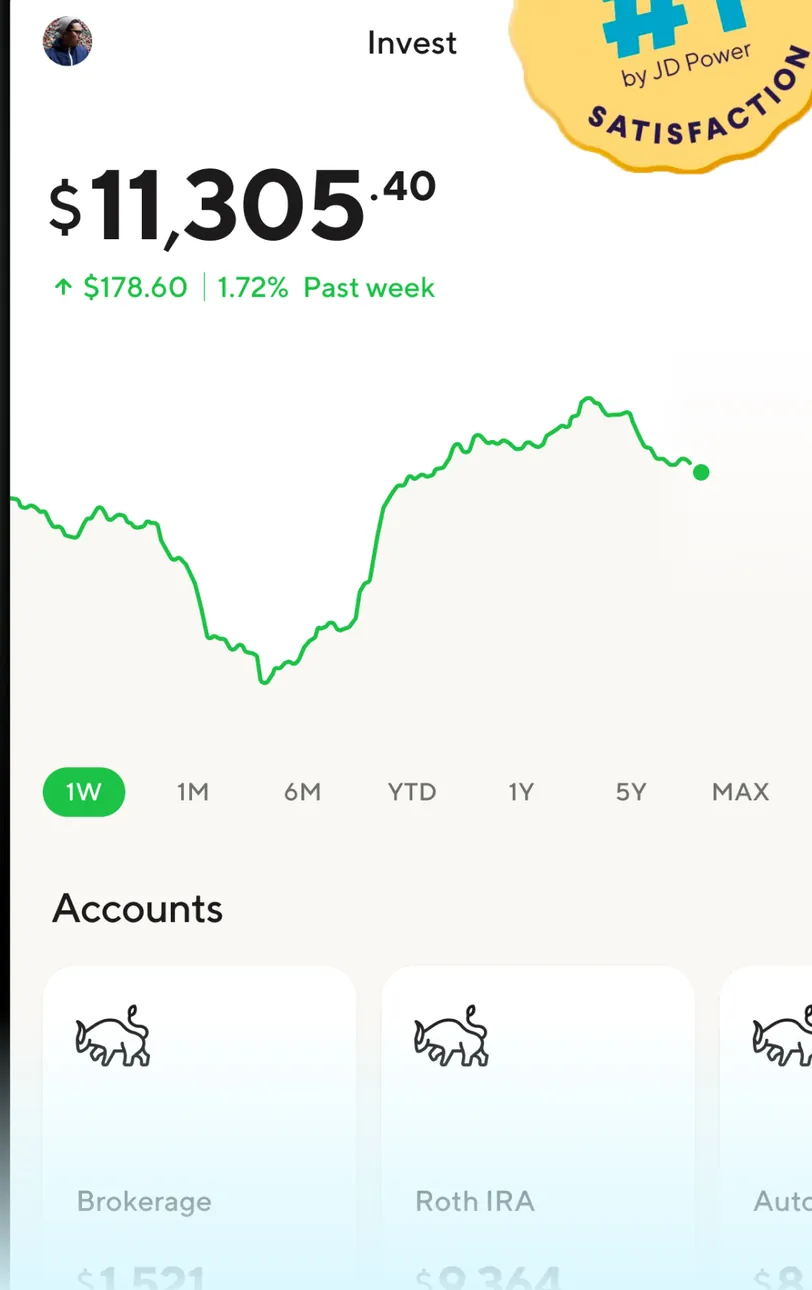
App Store marketing imageThe Invest tab: $11,305.40, up $178.60 (1.72%) past week, a line chart with 1W to MAX ranges and Accounts tiles for Brokerage and Roth IRA, partly covered by a #1 JD Power badge.App Store listing, as of 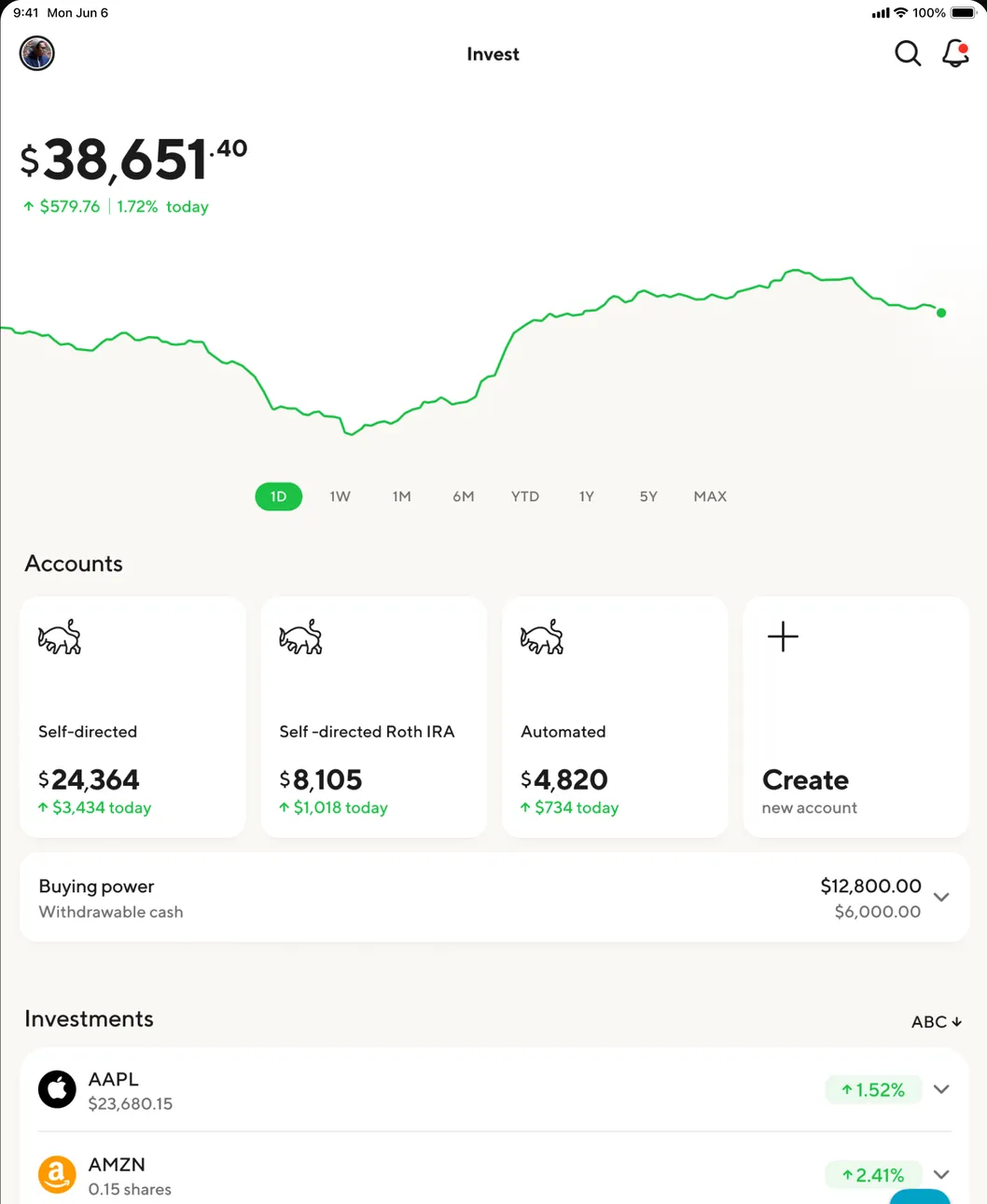
App Store marketing imageThe iPad Invest tab: $38,651.40 up $579.76 today, a one-day chart, Accounts tiles for Self-directed, Self-directed Roth IRA and Automated plus Create, buying power $12,800.00 and an Investments list with AAPL and AMZN.App Store listing, as of 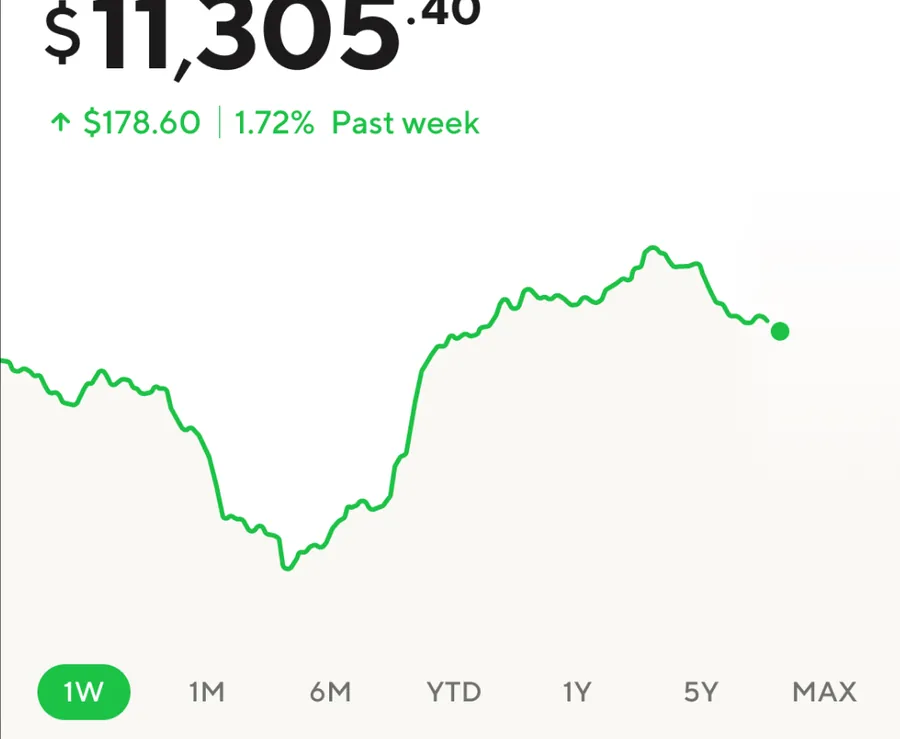
App Store marketing image$11,305.40, up $178.60 (1.72%) past week, with a green line chart and 1W, 1M, 6M, YTD, 1Y, 5Y and MAX tabs.App Store listing, as of 
App Store marketing imageAn Investments list sorted ABC with AAPL $23,680.15 up 1.52% and AMZN 0.15 shares up 2.41%.App Store listing, as of
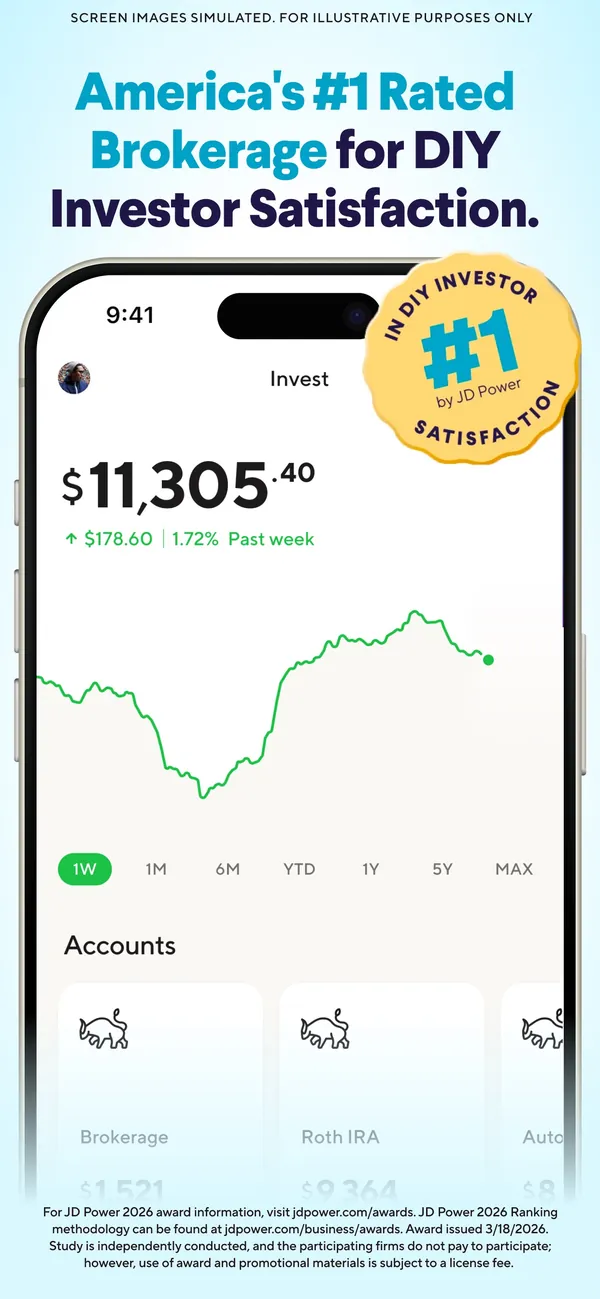
App Store marketing imageApp Store image about SoFi's brokerage rating showing an Invest screen with a value chart.App Store listing, as of
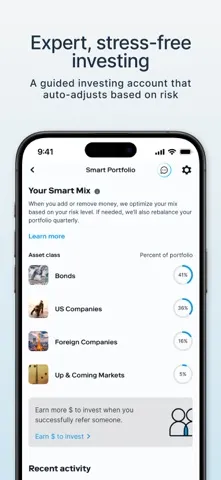
App Store marketing imageApp Store image with the headline "Expert, stress-free investing" showing a Smart Portfolio mix.App Store listing, as of 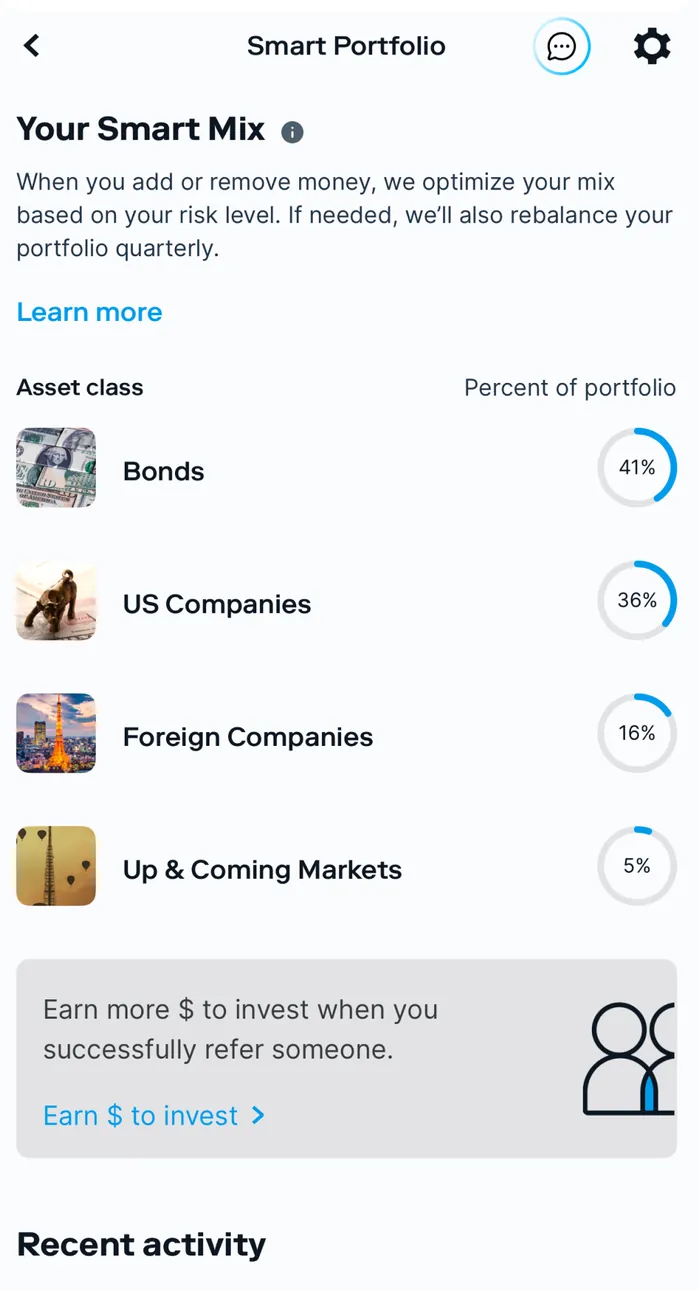
App Store marketing imageSmart Portfolio: Your Smart Mix with Bonds 41%, US Companies 36%, Foreign Companies 16% and Up & Coming Markets 5%, a referral card and Recent activity.App Store listing, as of 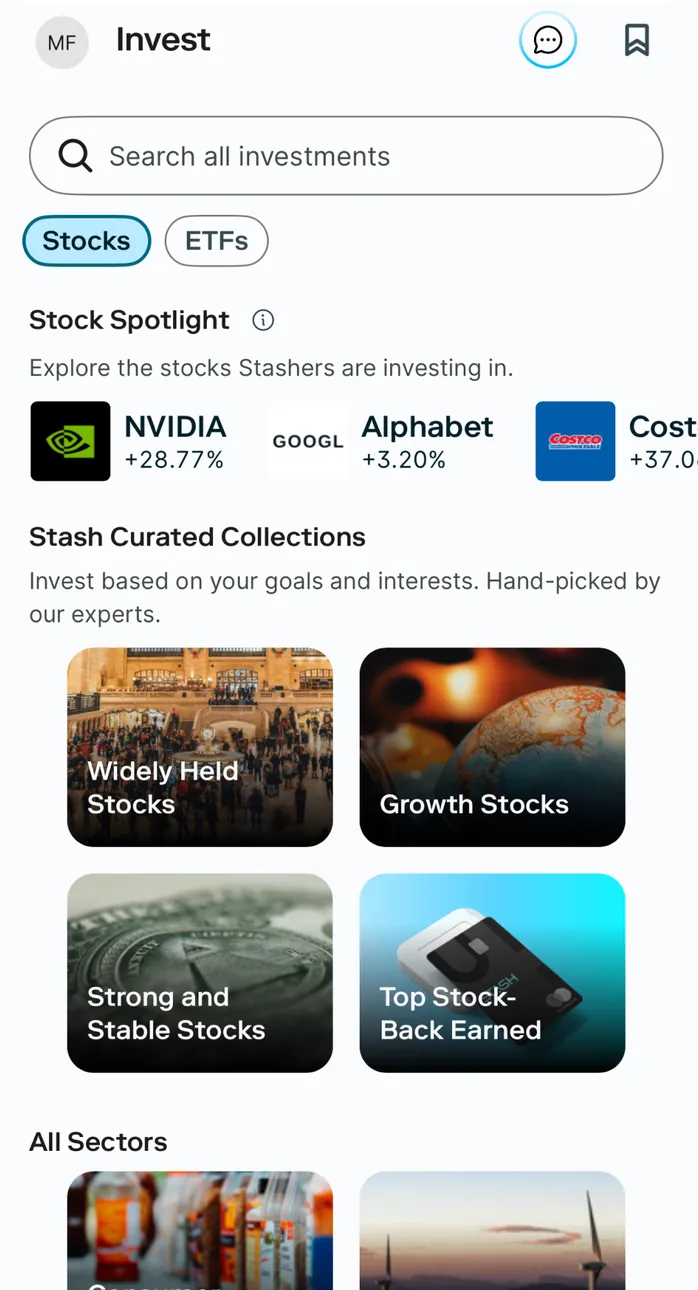
App Store marketing imageThe Invest tab: a Search all investments field, Stocks and ETFs filters, Stock Spotlight with NVIDIA, Alphabet and Costco, and Stash Curated Collections such as Widely Held Stocks and Growth Stocks.App Store listing, as of 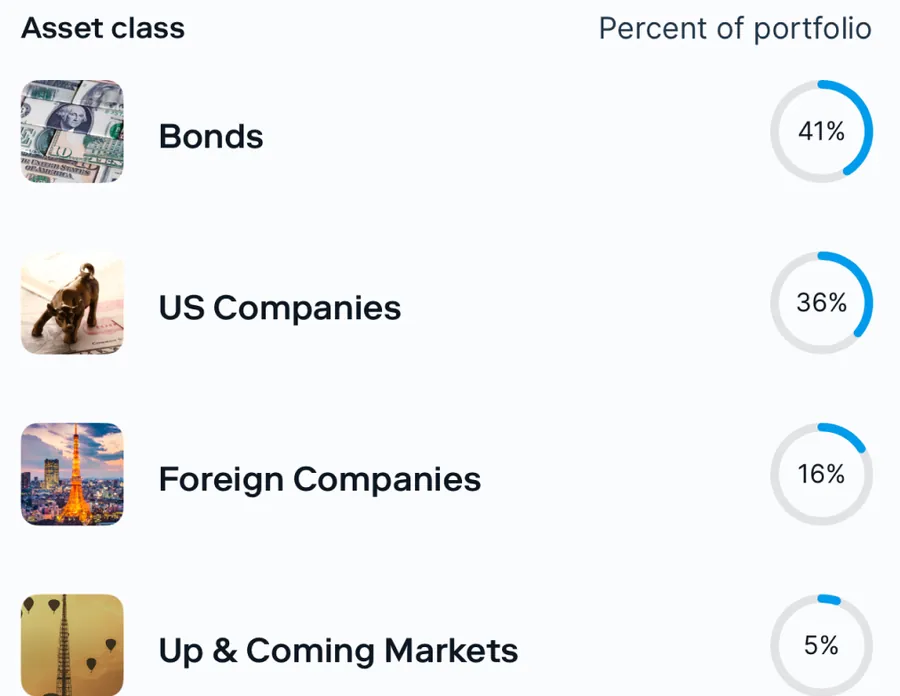
App Store marketing imageAsset classes with percent of portfolio rings: Bonds 41%, US Companies 36%, Foreign Companies 16% and Up & Coming Markets 5%.App Store listing, as of 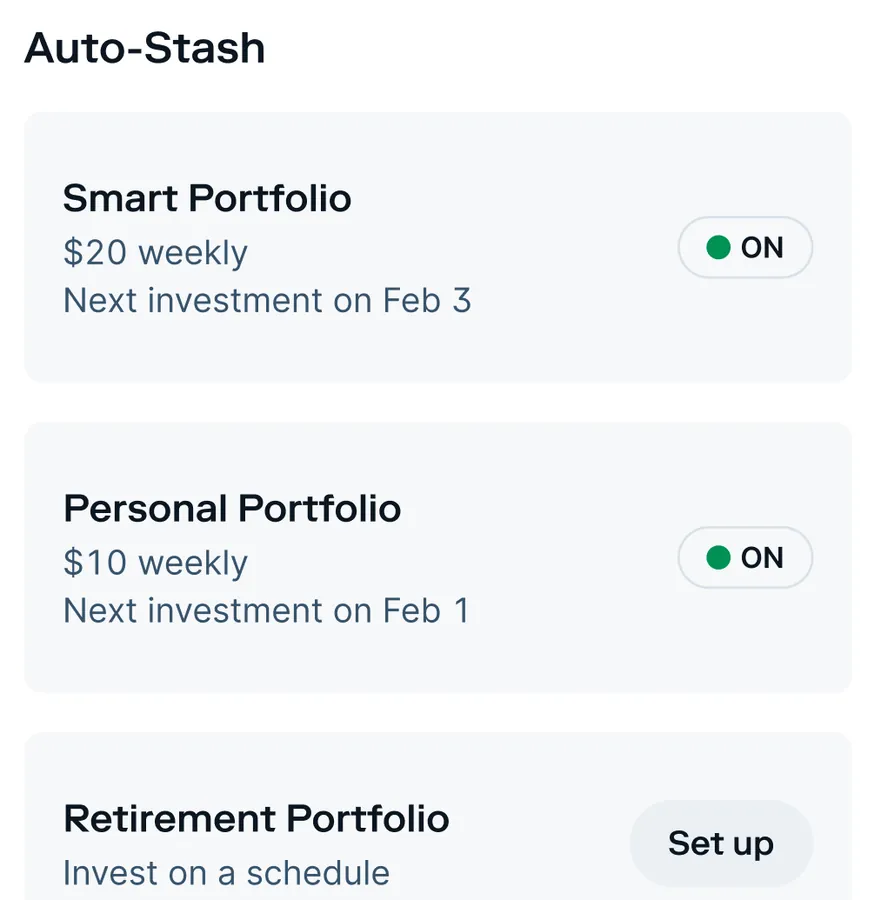
App Store marketing imageAuto-Stash: Smart Portfolio $20 weekly, next investment on Feb 3, and Personal Portfolio $10 weekly, next on Feb 1, both on, then Retirement Portfolio with a Set up button.App Store listing, as of
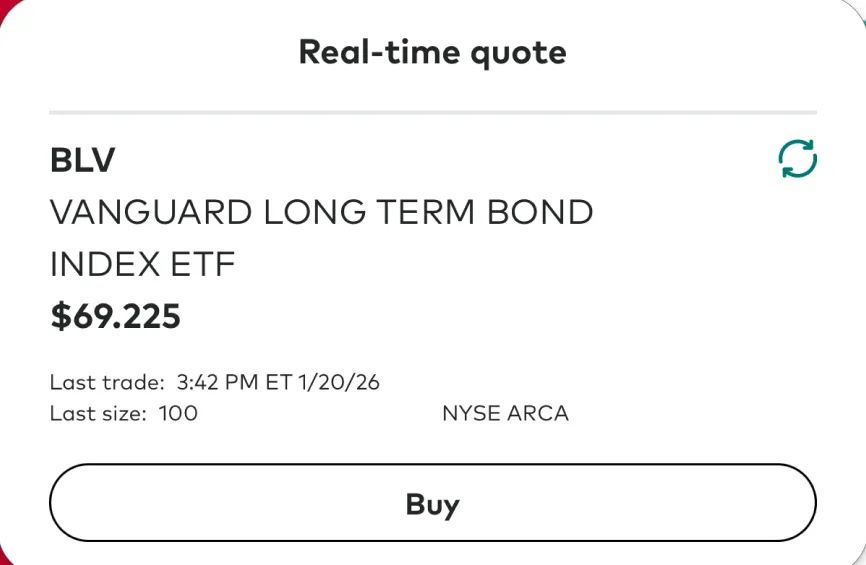
App Store marketing imageA Real-time quote card for BLV, Vanguard Long Term Bond Index ETF, at $69.225 with last trade details and a Buy button.App Store listing, as of 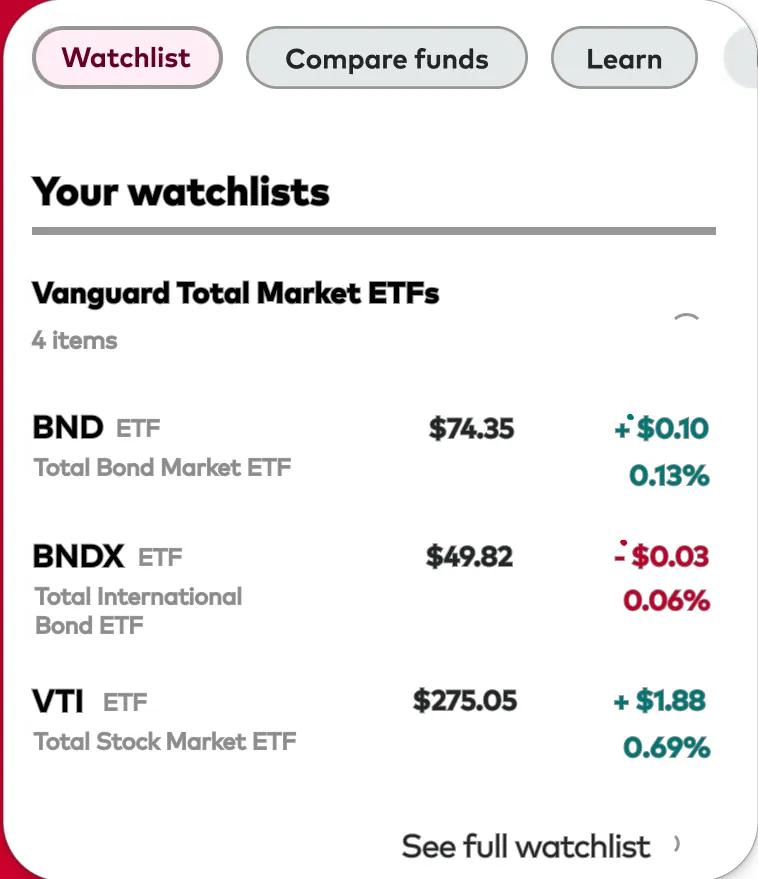
App Store marketing imageYour watchlists with Watchlist, Compare funds and Learn chips: Vanguard Total Market ETFs listing BND, BNDX and VTI with prices and daily changes.App Store listing, as of 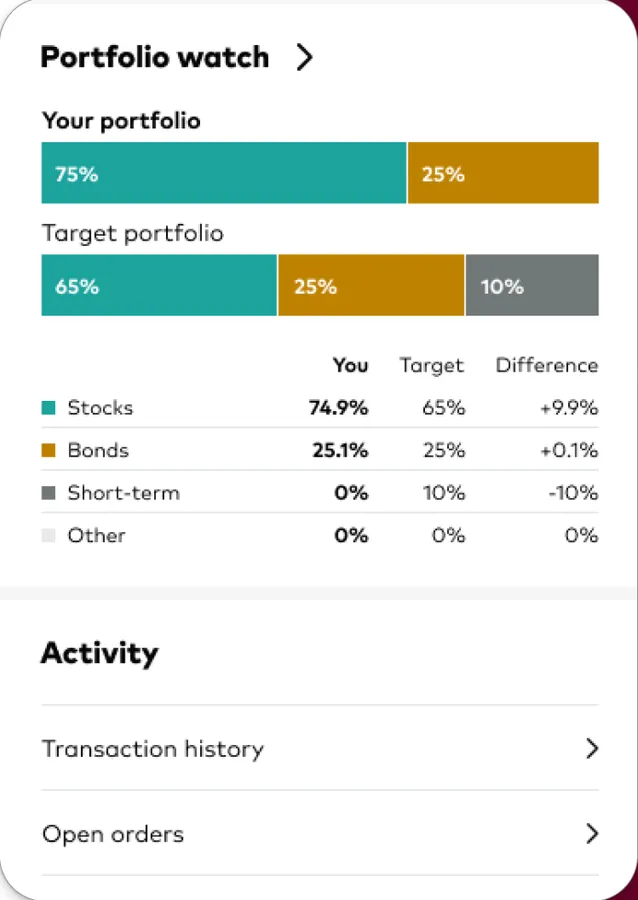
App Store marketing imagePortfolio watch comparing your portfolio, 75% and 25%, with a target portfolio of 65%, 25% and 10%, a table of stocks, bonds, short-term and other, and Transaction history and Open orders links.App Store listing, as of 
App Store marketing imageBuy and sell with three round buttons: ETFs and stocks, Buy mutual funds and Sell mutual funds.App Store listing, as of
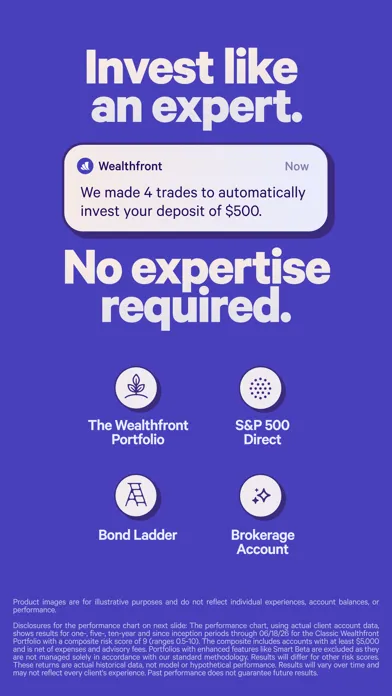
App Store marketing imageApp Store image with the headline "Invest like an expert. No expertise required." showing a trade notification and four investing products.App Store listing, as of 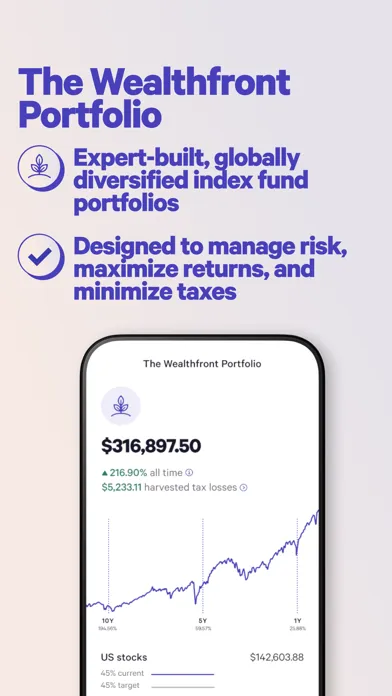
App Store marketing imageApp Store image with the headline "The Wealthfront Portfolio" showing a portfolio at $316,897.50 with a performance chart.App Store listing, as of 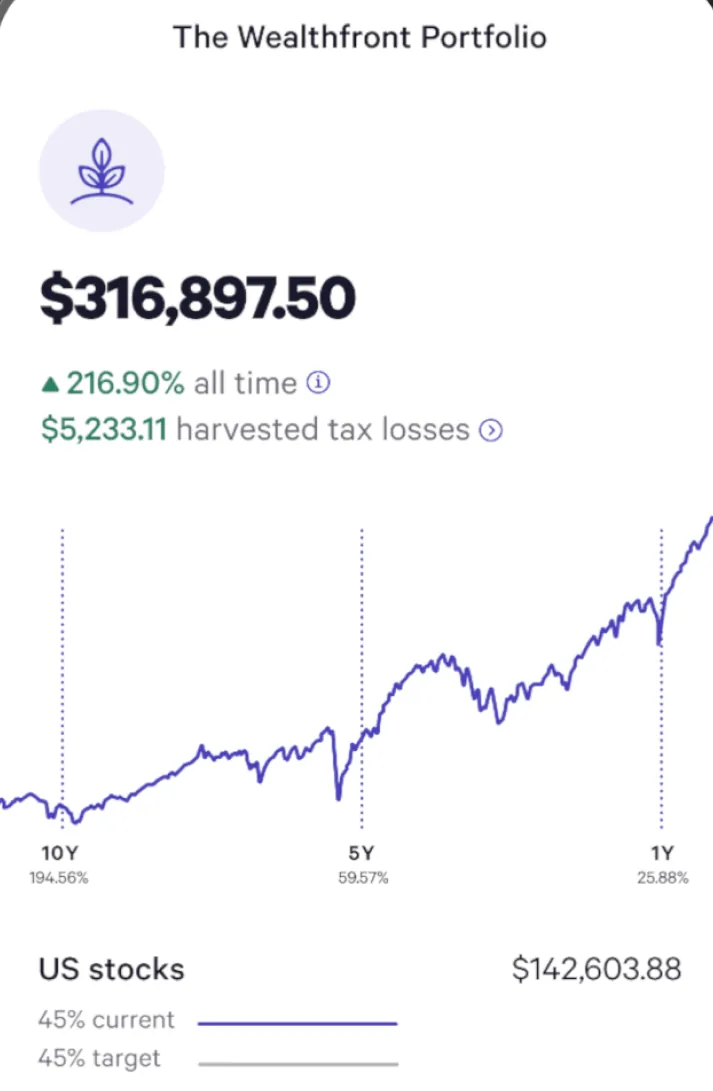
App Store marketing imageThe top of The Wealthfront Portfolio screen: $316,897.50, up 216.90% all time, $5,233.11 harvested tax losses, a 10-year line chart and a US stocks row at $142,603.88 with 45% current and target.App Store listing, as of 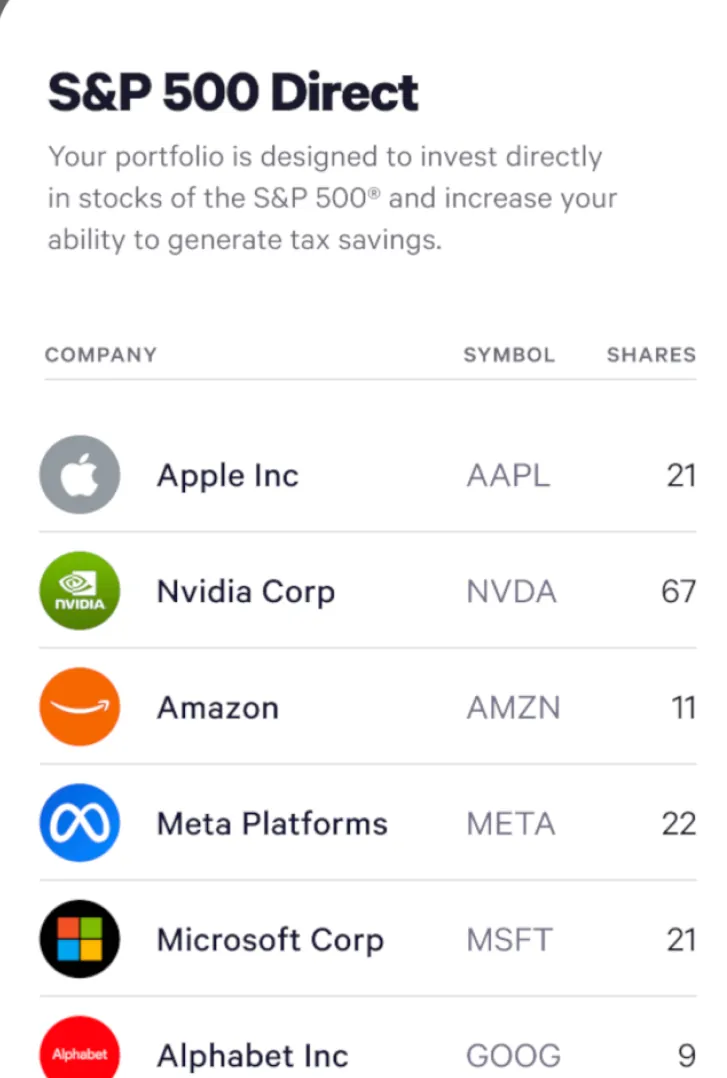
App Store marketing imageS&P 500 Direct: a short description and a holdings table with company, symbol and shares for Apple, Nvidia, Amazon, Meta Platforms, Microsoft and Alphabet.App Store listing, as of 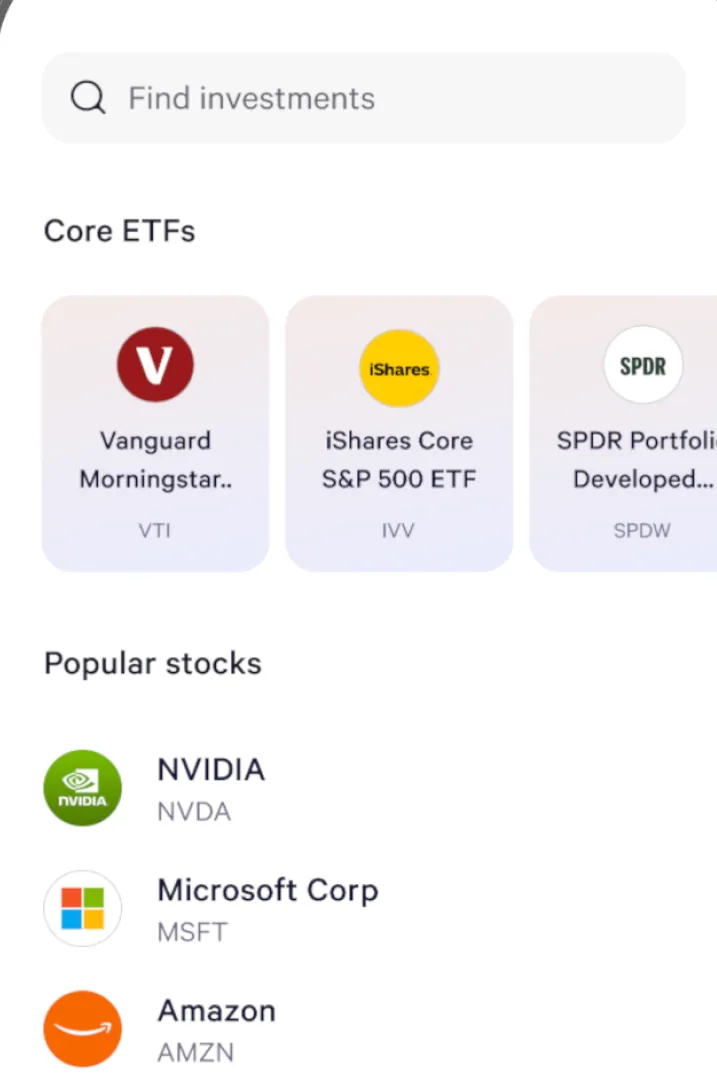
App Store marketing imageThe Brokerage Account search: a Find investments field, Core ETFs tiles for VTI, IVV and SPDW, and Popular stocks such as NVIDIA, Microsoft and Amazon.App Store listing, as of 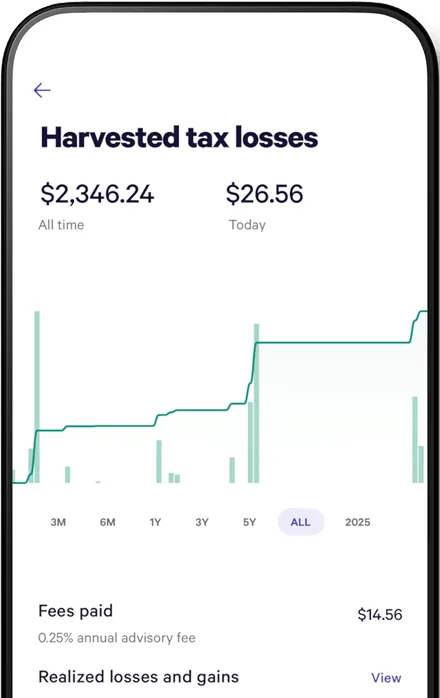
From Wealthfront's websiteA Harvested tax losses screen showing $2,346.24 all time and $26.56 today, a chart with time range buttons, fees paid of $14.56 and a realized losses and gains row.wealthfront.com, as of 
App Store marketing imageA Wealthfront notification marked Now: "We made 4 trades to automatically invest your deposit of $500."App Store listing, as of 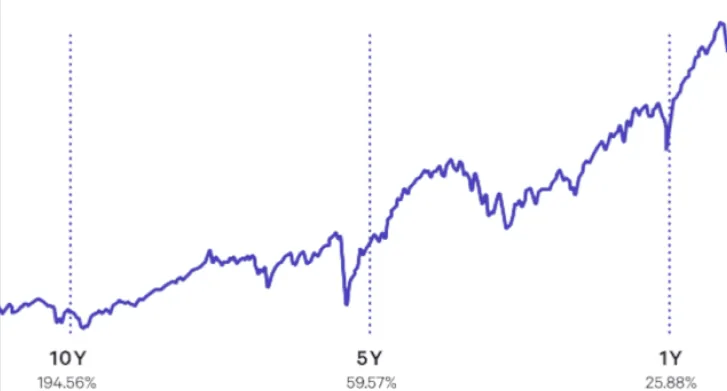
App Store marketing imageA rising line chart with 10Y, 5Y and 1Y markers.App Store listing, as of
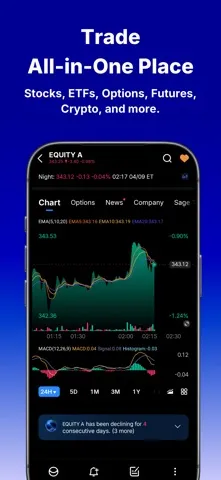
App Store marketing imageApp Store image with the headline "Trade All-in-One Place" showing a stock chart with indicators.App Store listing, as of 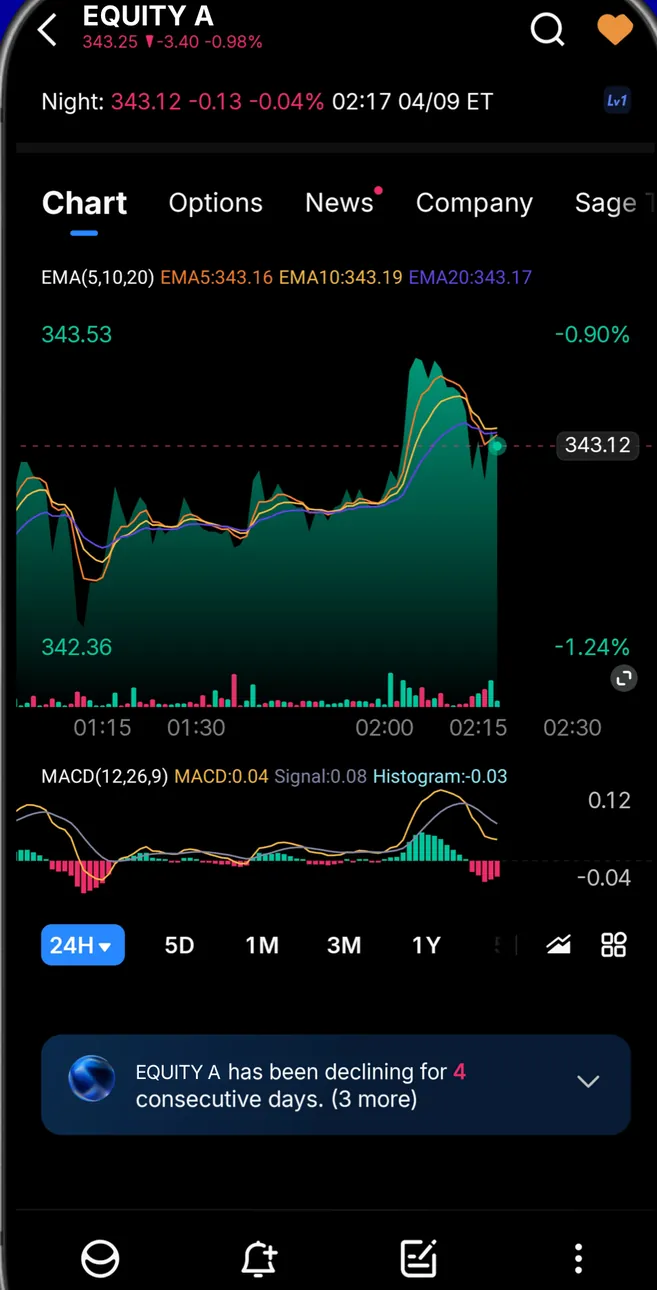
App Store marketing imageAn EQUITY A Chart tab in dark mode: overnight price, a candlestick and area chart with EMA lines, a MACD panel, 24H to 1Y ranges and a note that it has been declining for 4 consecutive days.App Store listing, as of 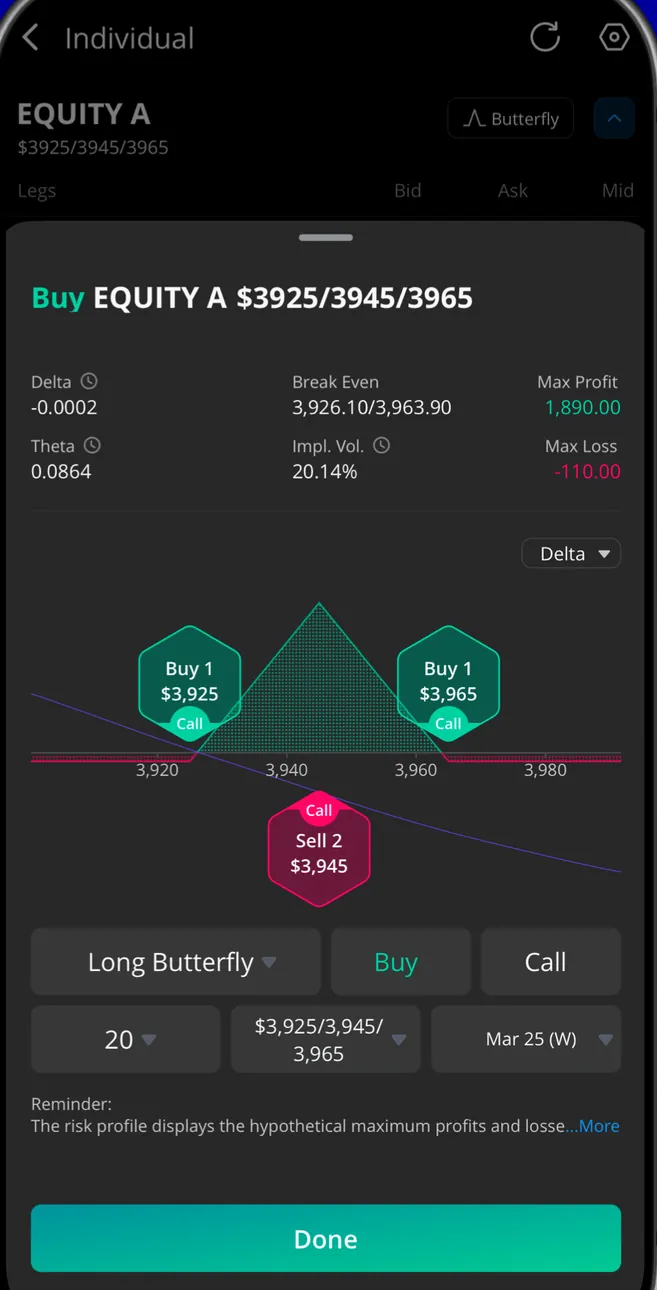
App Store marketing imageA Buy EQUITY A long butterfly options order: delta, theta, break even, max profit and max loss, a payoff chart with buy and sell legs, and a Done button.App Store listing, as of 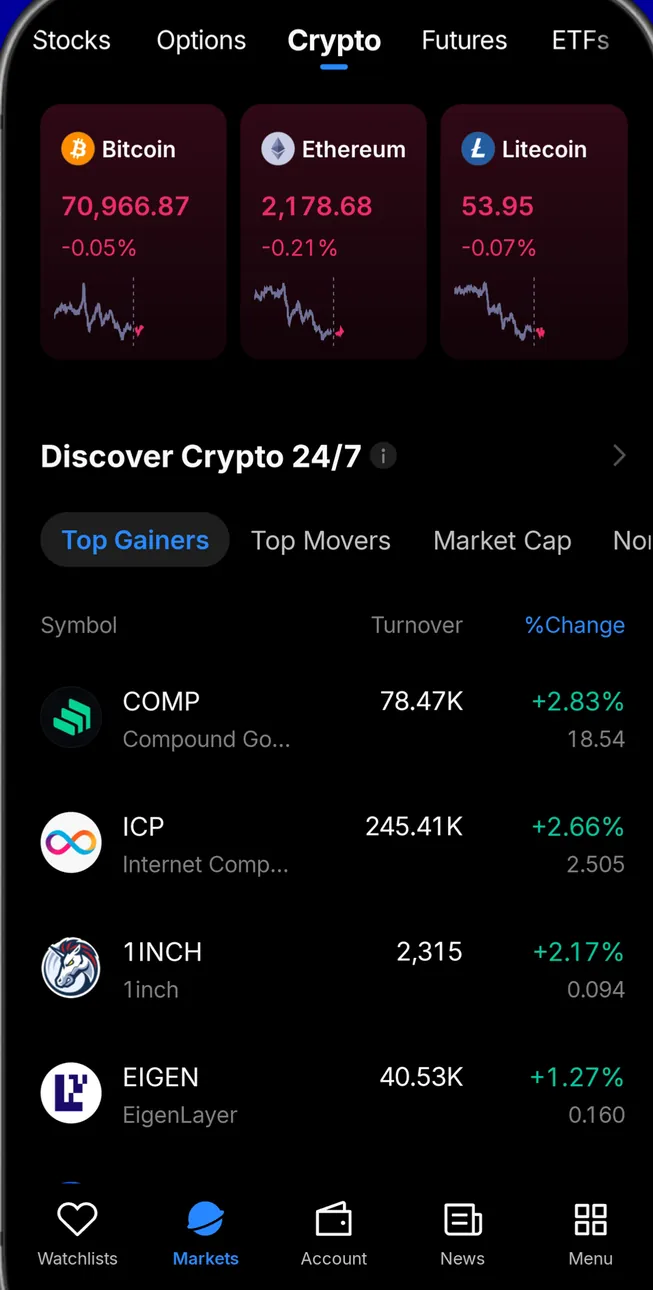
App Store marketing imageThe Markets tab on Crypto: Bitcoin, Ethereum and Litecoin cards, a Discover Crypto 24/7 list of top gainers with turnover and % change, and the tab bar.App Store listing, as of 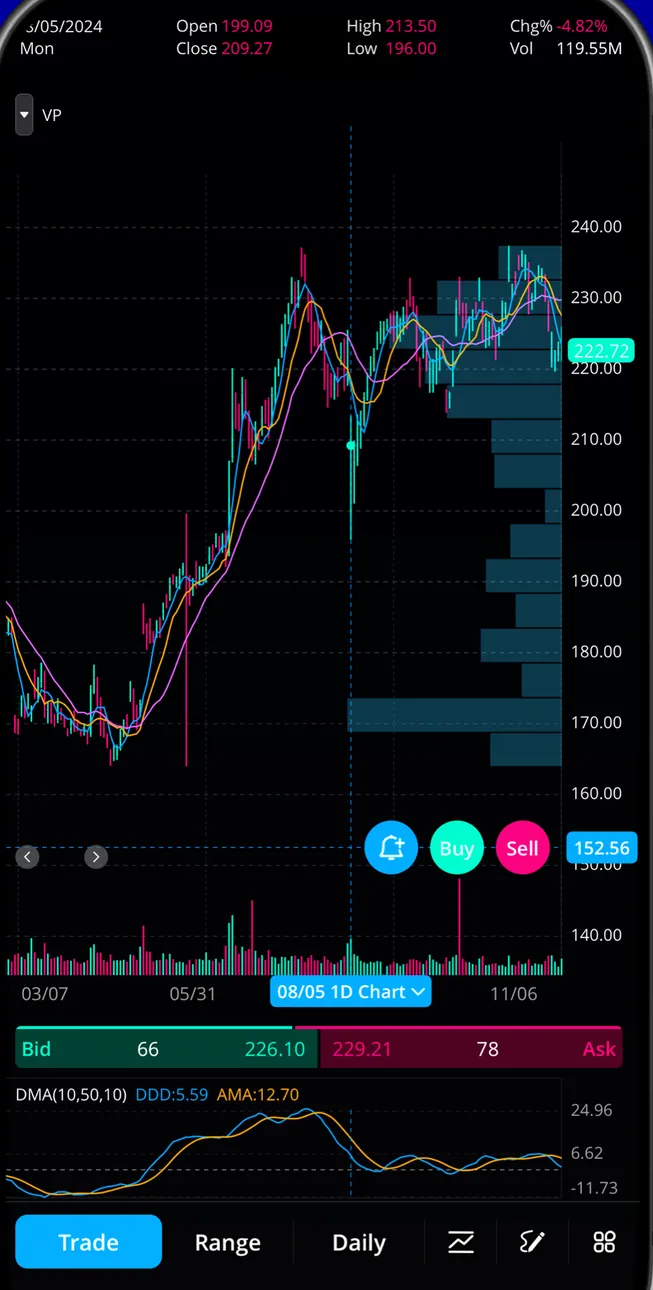
App Store marketing imageA full-screen candlestick chart with moving averages and a volume profile, quick Buy and Sell buttons, bid and ask, and Trade, Range and Daily controls.App Store listing, as of 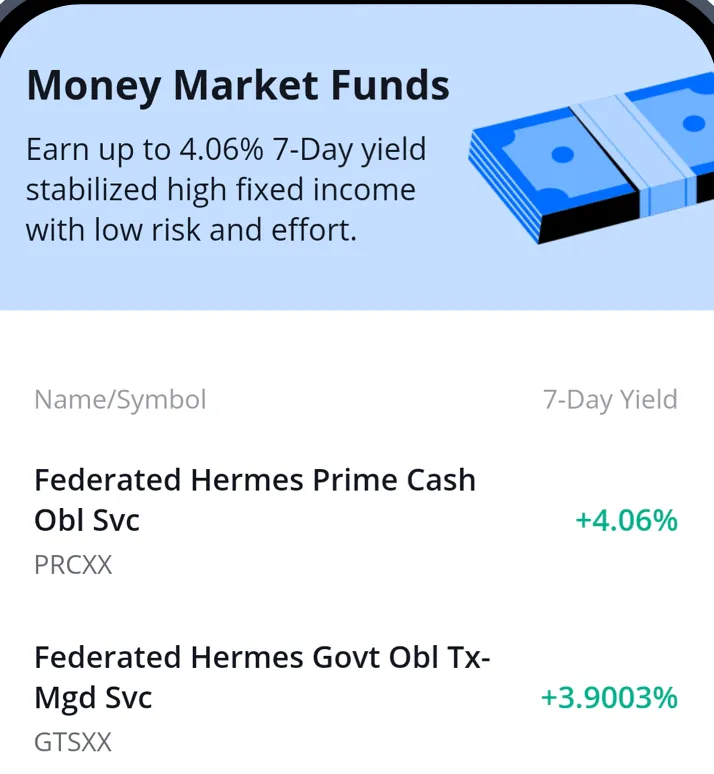
From Webull's websiteMoney Market Funds: "Earn up to 4.06% 7-Day yield" and a list with Federated Hermes Prime Cash Obl Svc (PRCXX) at +4.06% and Govt Obl Tx-Mgd Svc (GTSXX) at +3.9003%.webull.com, as of 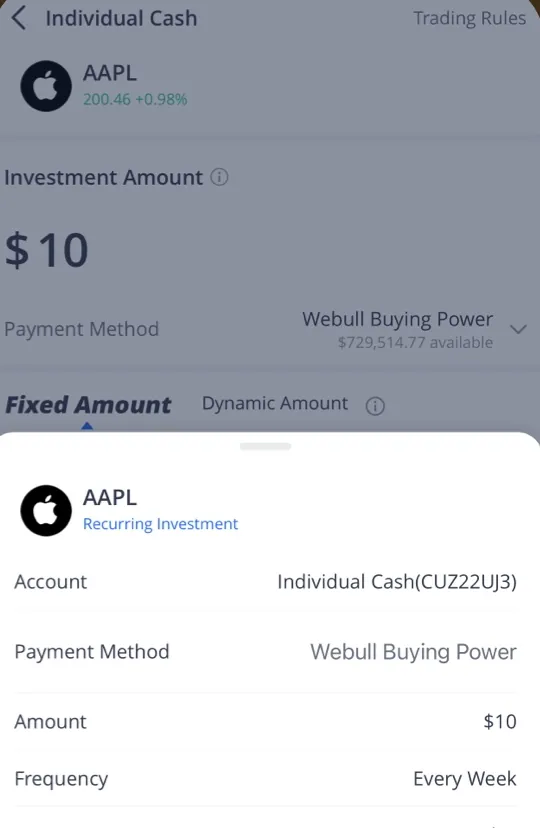
From Webull's websiteA recurring investment in AAPL from Individual Cash: Investment Amount $10, payment from Webull Buying Power, Fixed Amount or Dynamic Amount, and a summary sheet with Frequency Every Week.webull.com, as of
Transfer and send
App Store marketing imageThree round buttons: Round-Ups, Transfer in and Transfer out.App Store listing, as of
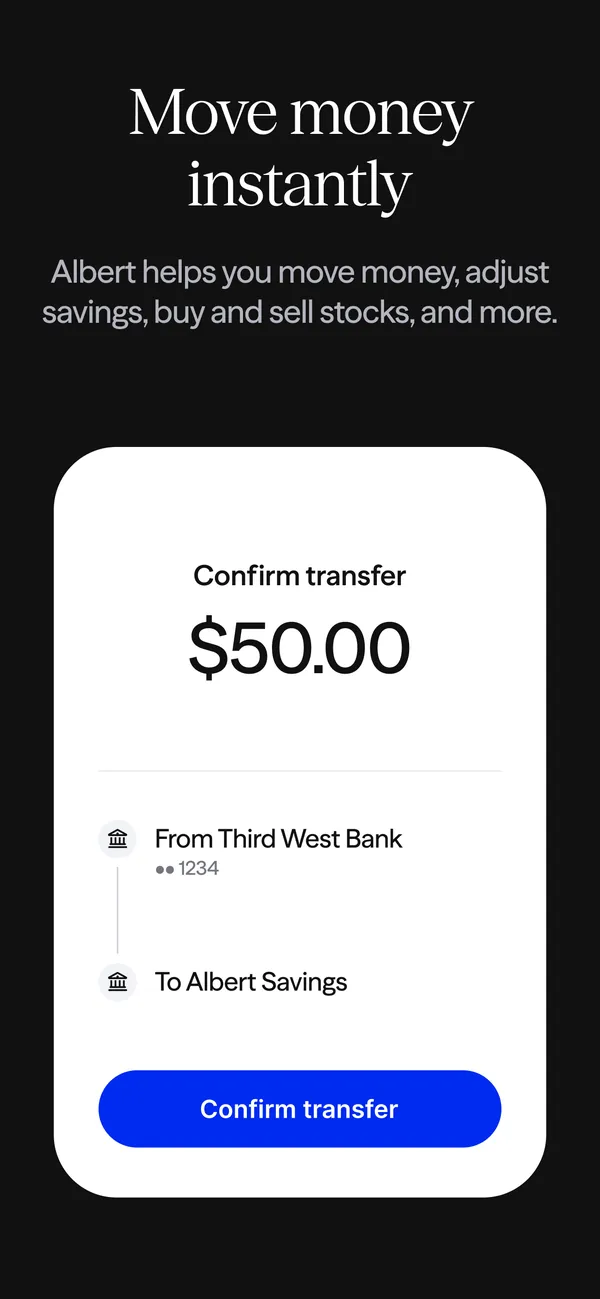
App Store marketing imageApp Store image with the headline "Move money instantly" showing a Confirm transfer screen for $50.00.App Store listing, as of 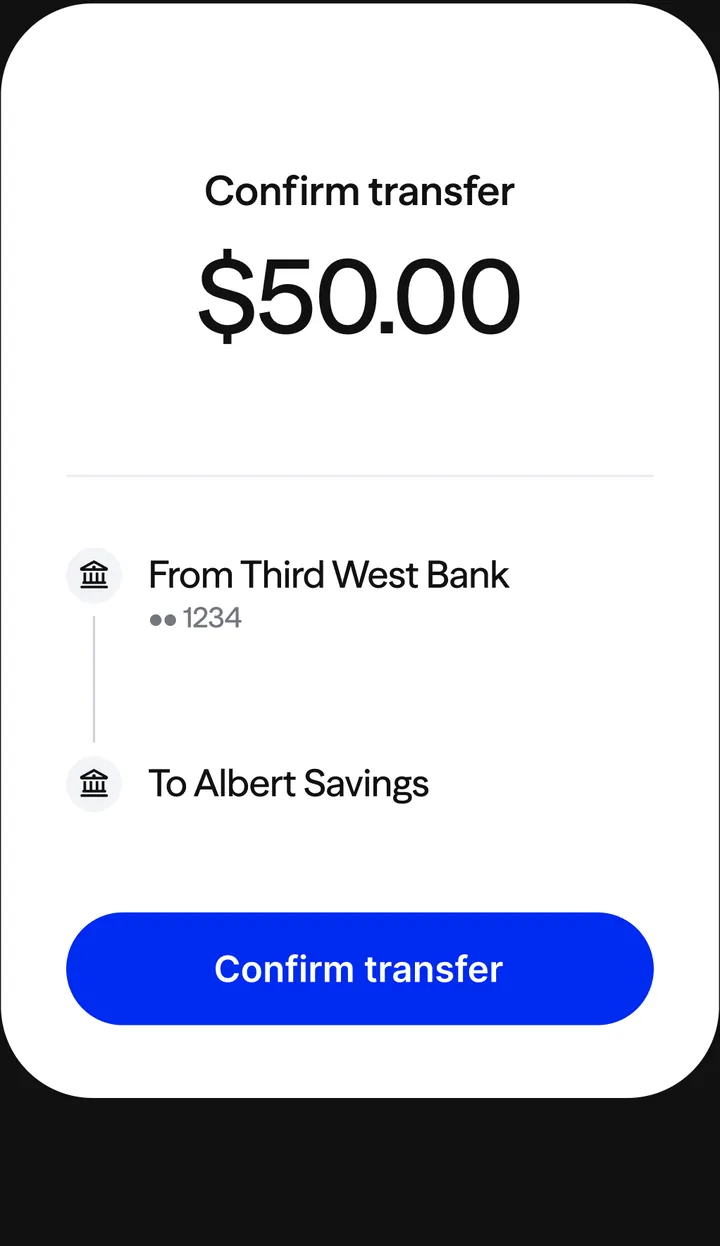
App Store marketing imageConfirm transfer: $50.00 from Third West Bank to Albert Savings, with a Confirm transfer button.App Store listing, as of
App Store marketing imageThree buttons on purple: Transfers, Activity and Watchlist.App Store listing, as of
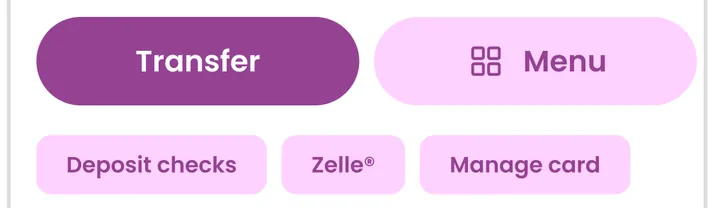
App Store marketing imageA Transfer button and a Menu button, with Deposit checks, Zelle and Manage card chips below.App Store listing, as of

App Store marketing imageA blue Deposit button and a Transfer button with a dropdown arrow.App Store listing, as of
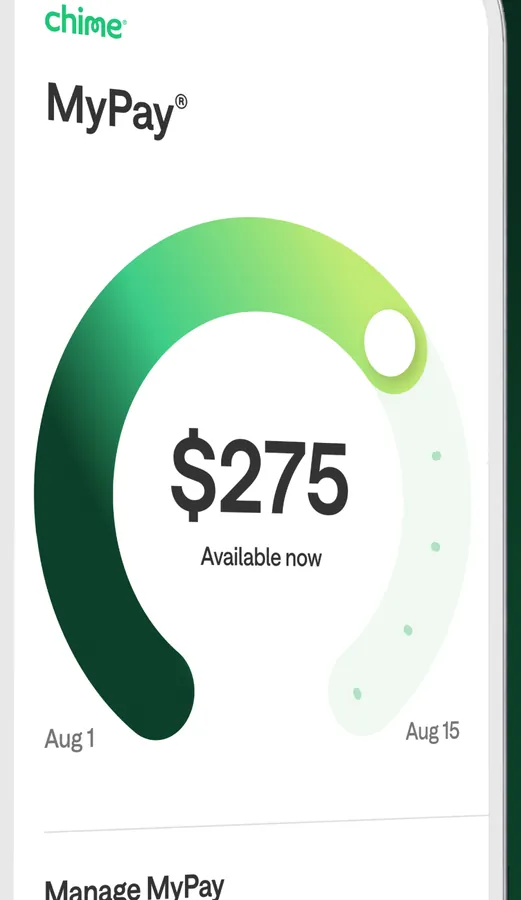
App Store marketing imageMyPay with a green ring showing $275 available now and a Manage MyPay link.App Store listing, as of
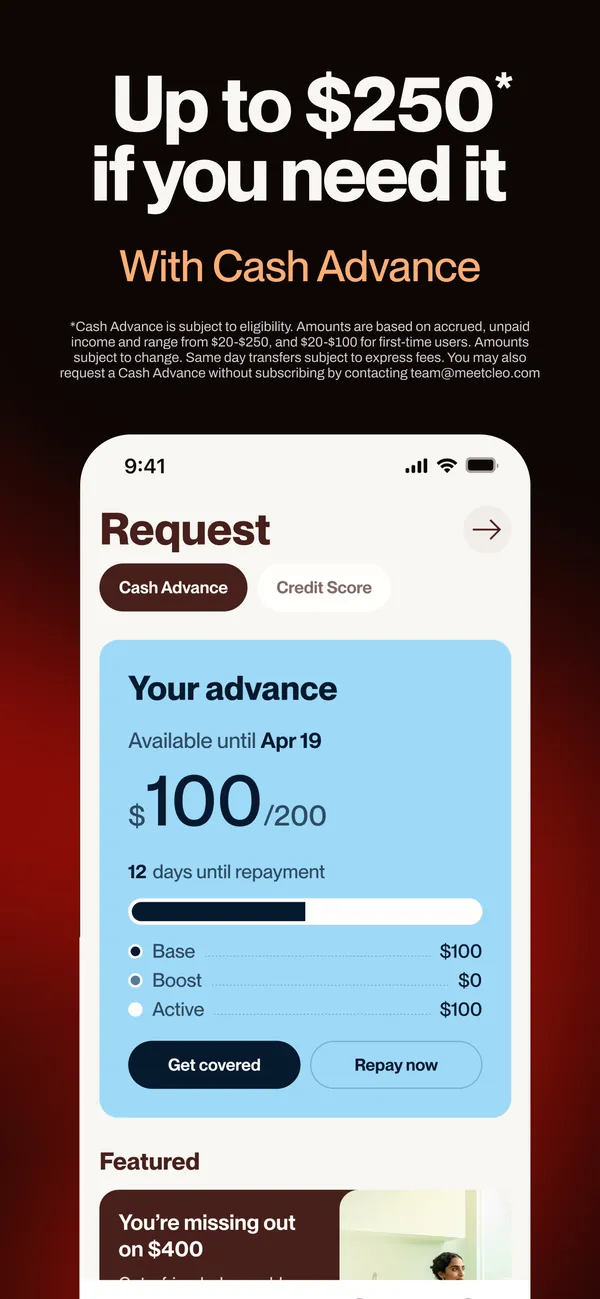
App Store marketing imageApp Store image with the headline "Up to $250 if you need it" and the line "With Cash Advance" showing a Request screen.App Store listing, as of 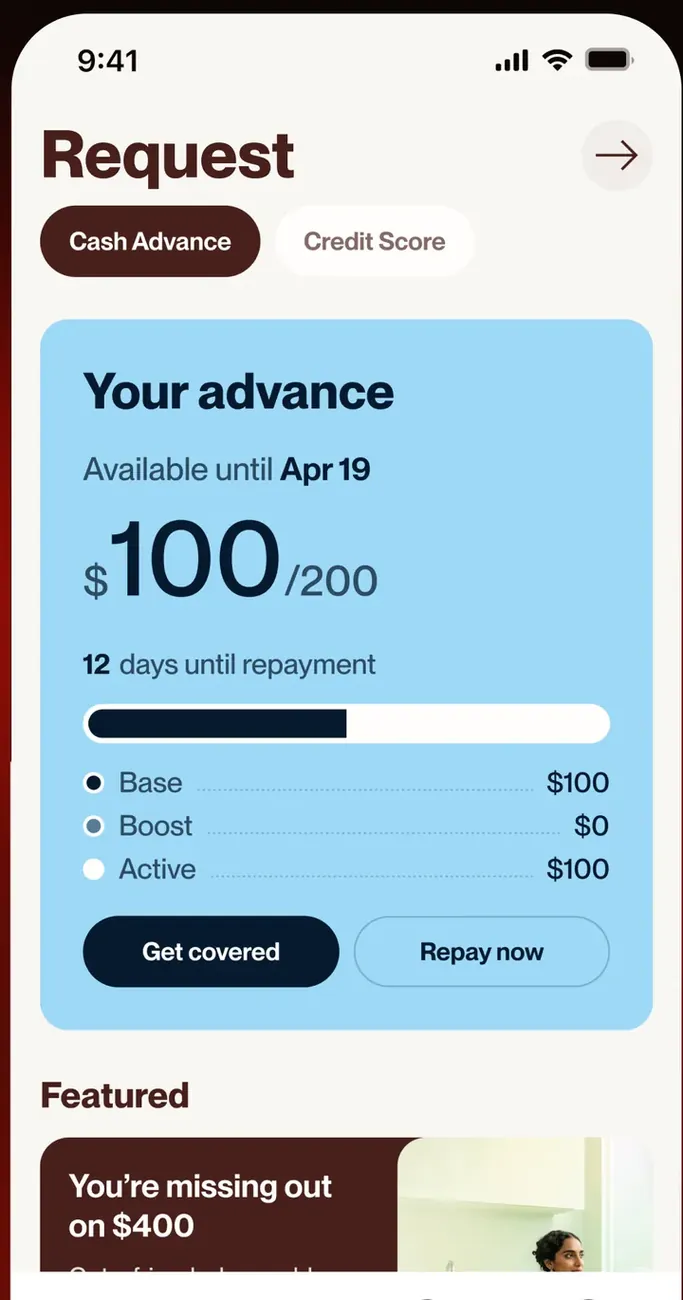
App Store marketing imageThe Request screen on the Cash Advance tab: Your advance of $100 of $200, available until Apr 19, 12 days until repayment, Base, Boost and Active amounts, and Get covered and Repay now buttons.App Store listing, as of
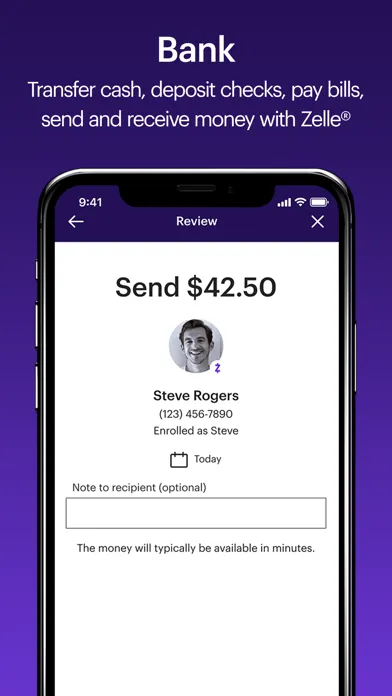
App Store marketing imageApp Store image with the headline "Bank" showing a Zelle review screen to send $42.50.App Store listing, as of 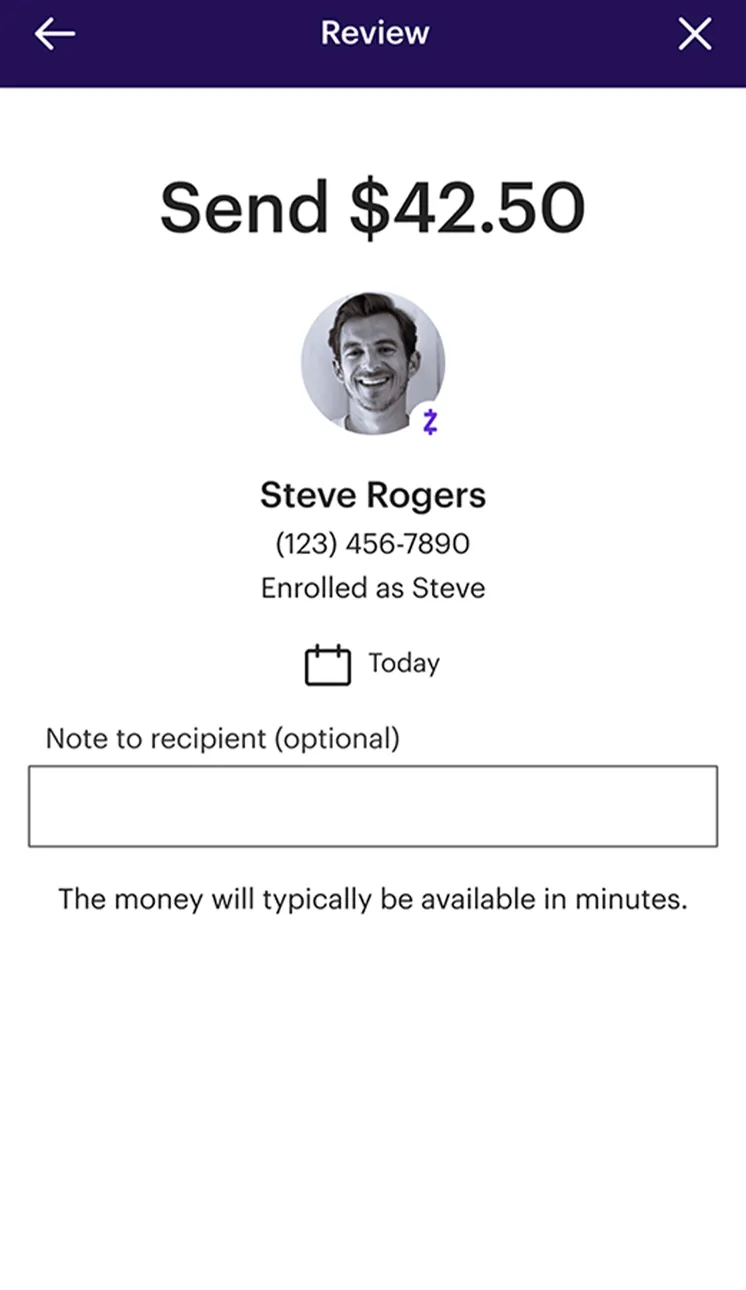
App Store marketing imageA Zelle Review screen: Send $42.50 to Steve Rogers, enrolled as Steve, dated Today, with an optional note and "The money will typically be available in minutes."App Store listing, as of
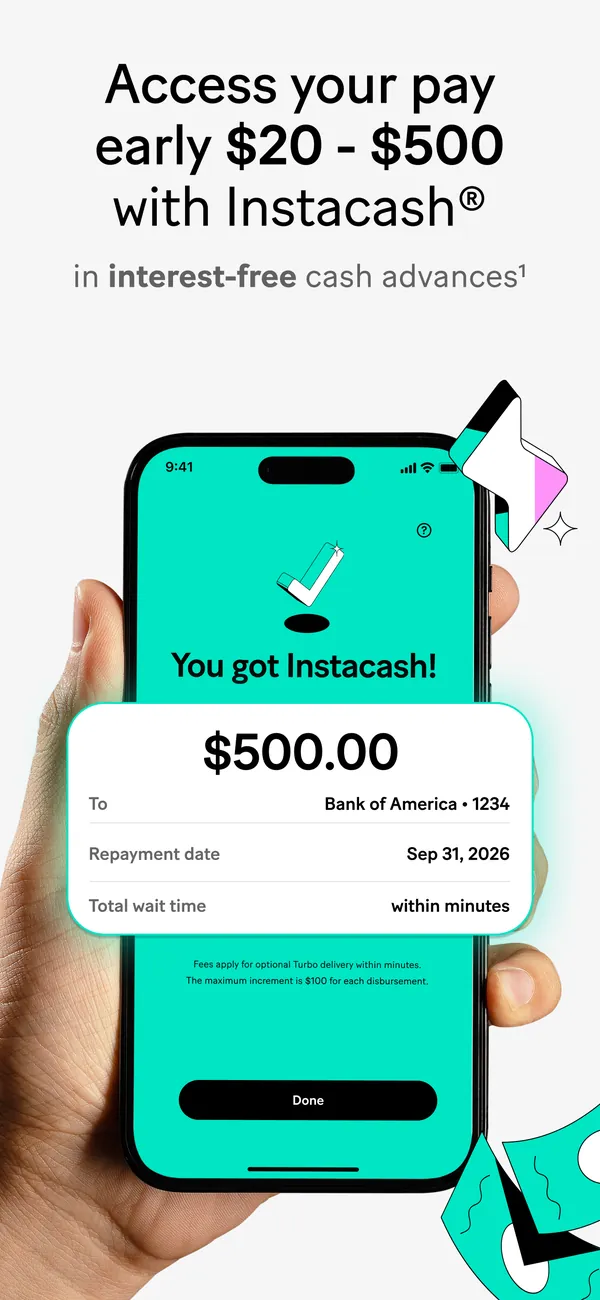
App Store marketing imageApp Store image with the headline "Access your pay early $20 - $500 with Instacash" showing a "You got Instacash!" screen.App Store listing, as of 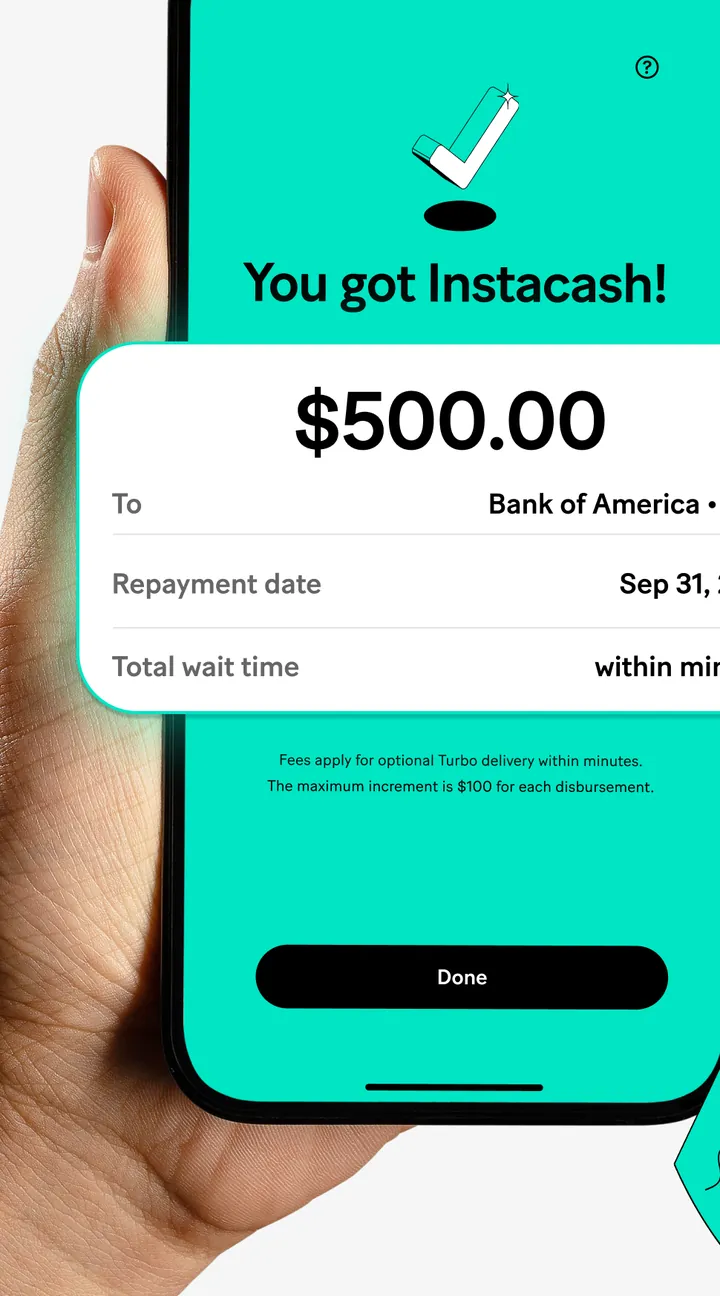
App Store marketing imageA "You got Instacash!" screen held in a hand, with a $500.00 card showing the destination account, repayment date and wait time, and a Done button.App Store listing, as of
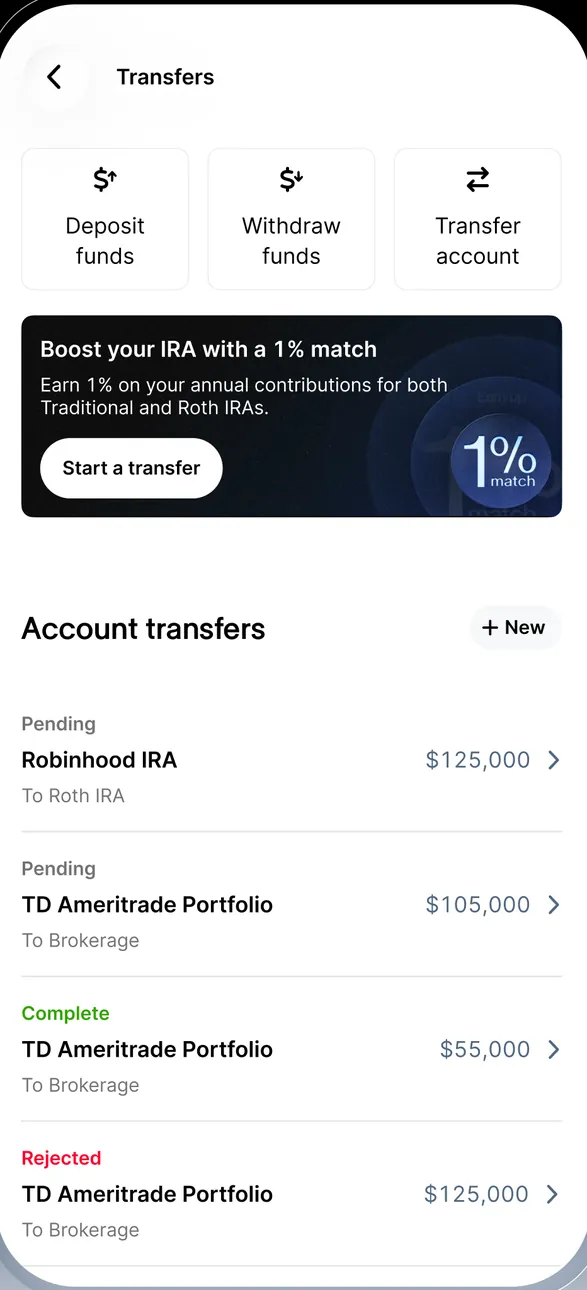
App Store marketing imageTransfers with Deposit funds, Withdraw funds and Transfer account buttons, a Boost your IRA with a 1% match banner and Account transfers in pending, complete and rejected states.App Store listing, as of 
App Store marketing imageThree buttons: Deposit funds, Withdraw funds and Transfer account.App Store listing, as of
From Robinhood's websiteA $350 card reading "Logan sent $350" from Robinhood.com, under the message "This is for dinner. Thanks again!"robinhood.com, as of
App Store marketing imageFour round buttons: Transfer, Deposit, Orders and Insights.App Store listing, as of
App Store marketing imageFour buttons: Transfer, Deposit, Pay and Zelle.App Store listing, as of
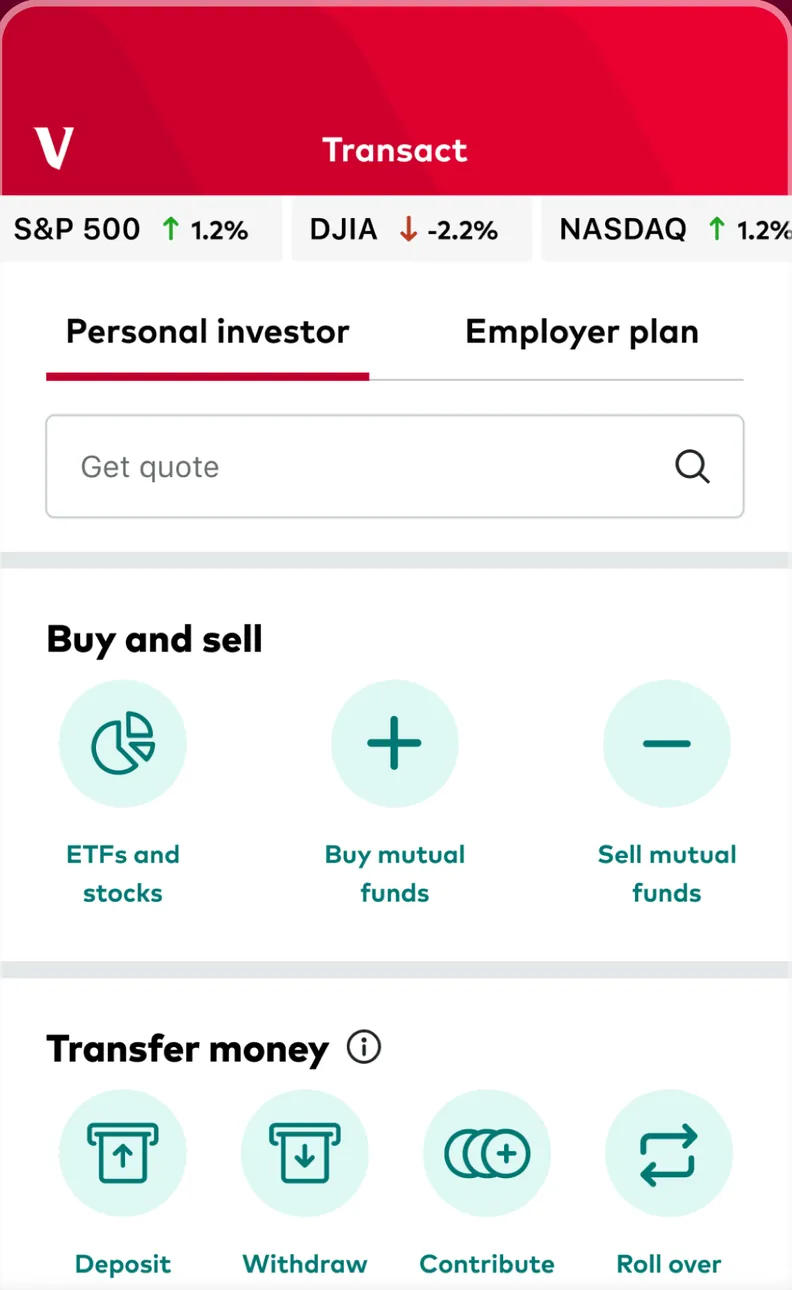
App Store marketing imageThe Transact tab: S&P 500, DJIA and NASDAQ moves, Personal investor and Employer plan tabs, a Get quote search, Buy and sell buttons and Transfer money buttons for Deposit, Withdraw, Contribute and Roll over.App Store listing, as of 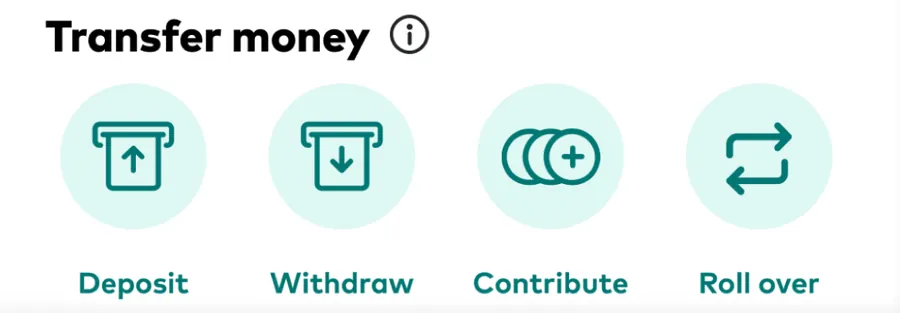
App Store marketing imageTransfer money with four round buttons: Deposit, Withdraw, Contribute and Roll over.App Store listing, as of
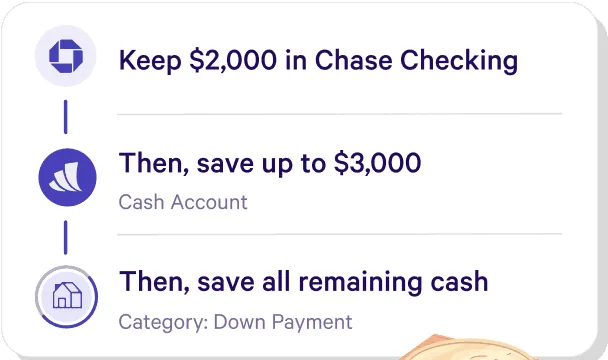
From Wealthfront's websiteA three-step list reading Keep $2,000 in Chase Checking, Then save up to $3,000 in a Cash Account, Then save all remaining cash in a Down Payment category.wealthfront.com, as of
Check deposit
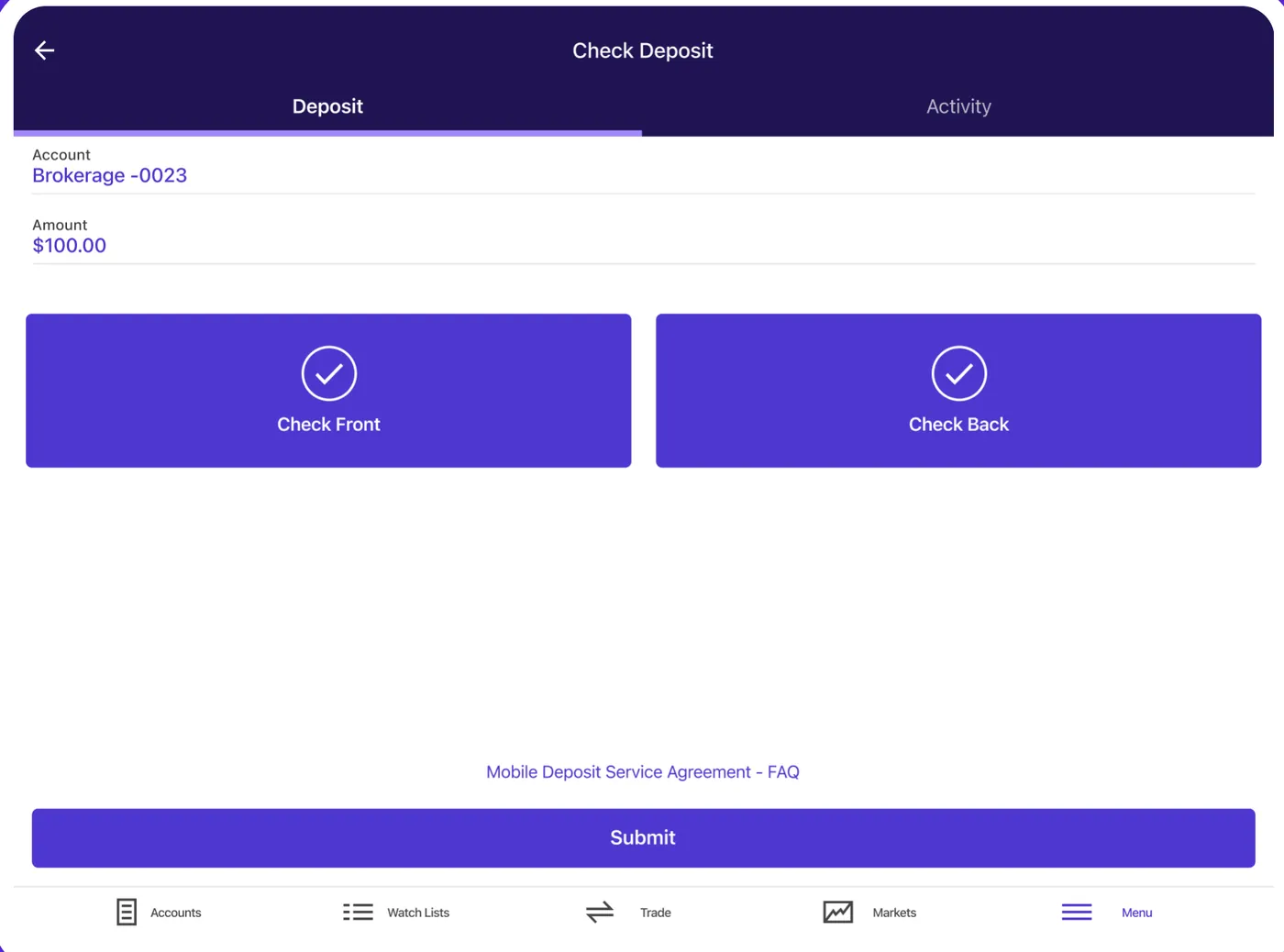
App Store marketing imageThe iPad Check Deposit screen for Brokerage -0023: Amount $100.00, Check Front and Check Back buttons, a Submit button and the tab bar.App Store listing, as of 
App Store marketing imageTwo buttons with check marks: Check Front and Check Back.App Store listing, as of
From Robinhood's websiteA menu with Deposit a check, Mail a check and Order a checkbook.robinhood.com, as of
Card controls
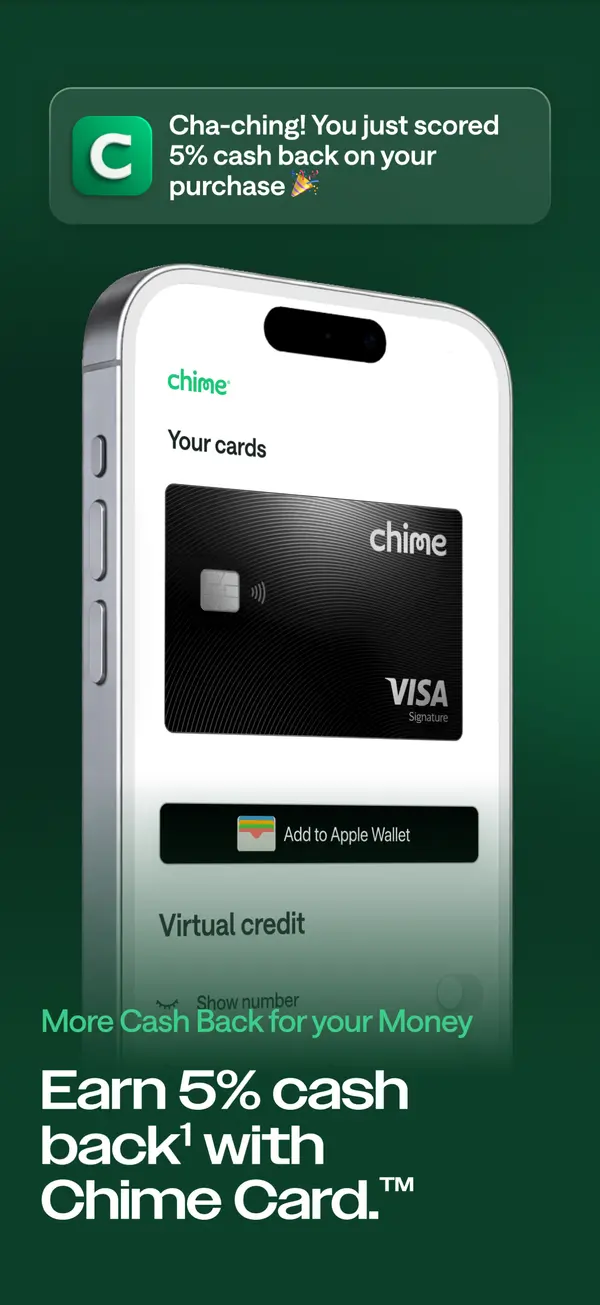
App Store marketing imageApp Store image with the headline "Earn 5% cash back with Chime Card." showing a Your cards screen with an Add to Apple Wallet button.App Store listing, as of
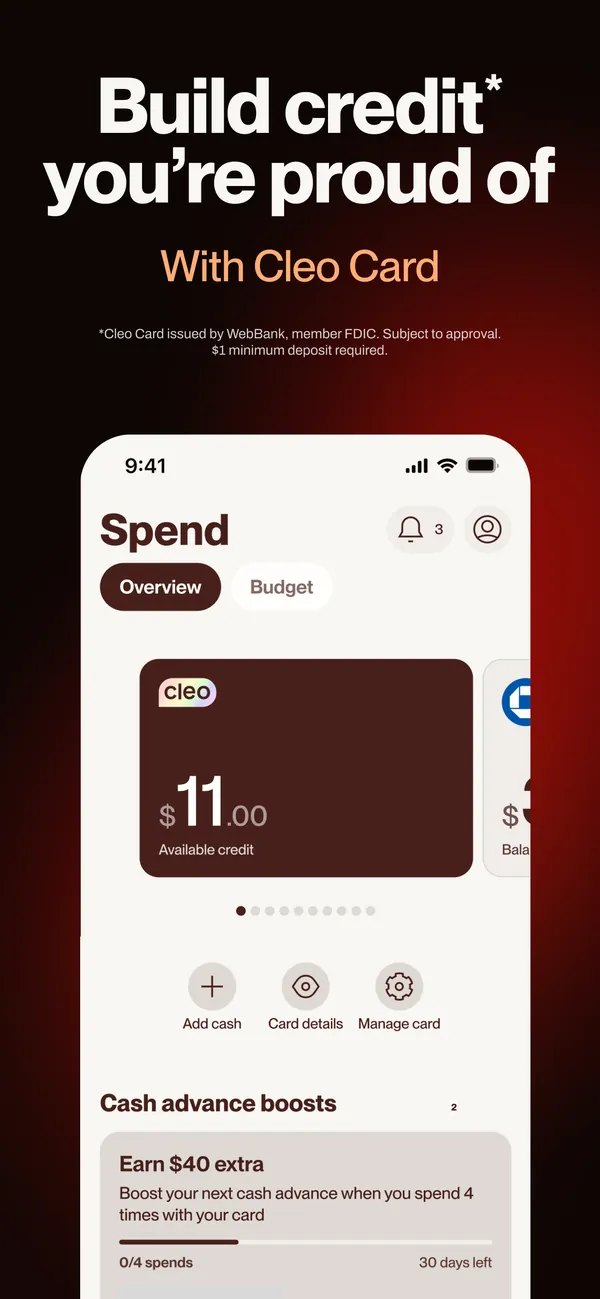
App Store marketing imageApp Store image with the headline "Build credit you're proud of" and the line "With Cleo Card" showing a Spend screen with a card.App Store listing, as of 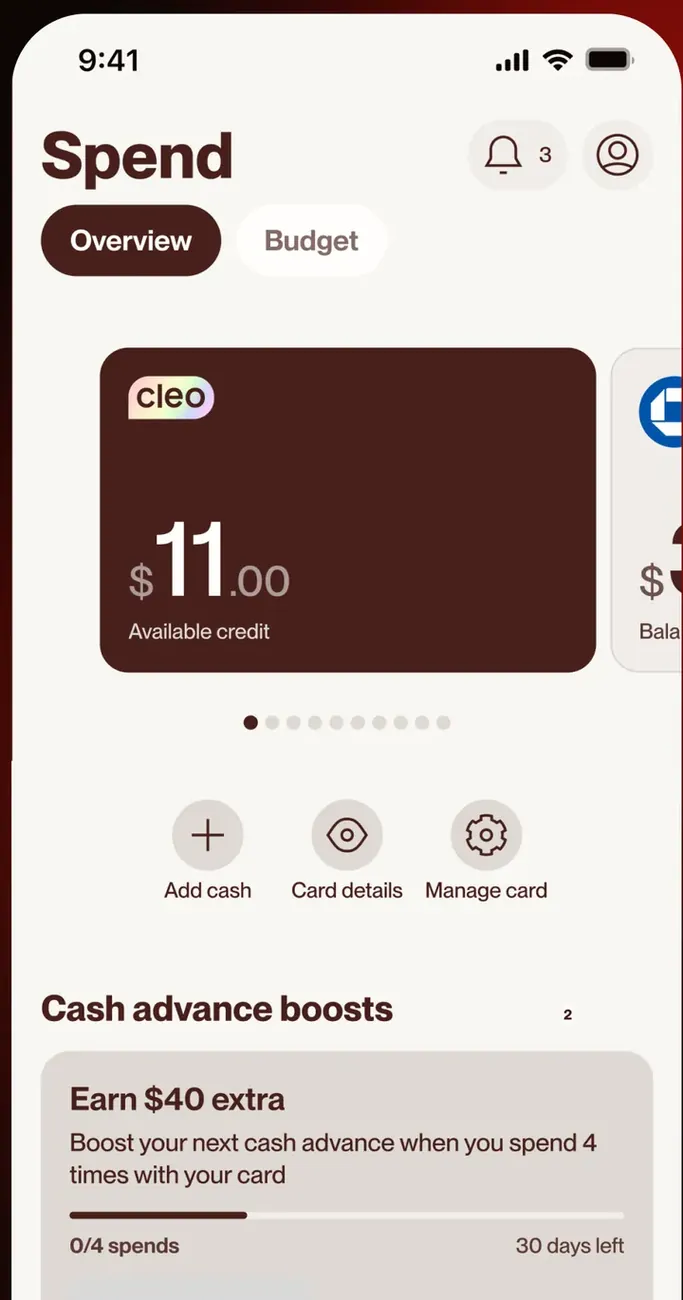
App Store marketing imageThe Spend screen Overview tab: a Cleo card with $11.00 available credit, Add cash, Card details and Manage card buttons, and a Cash advance boosts card.App Store listing, as of
Sharing with a partner
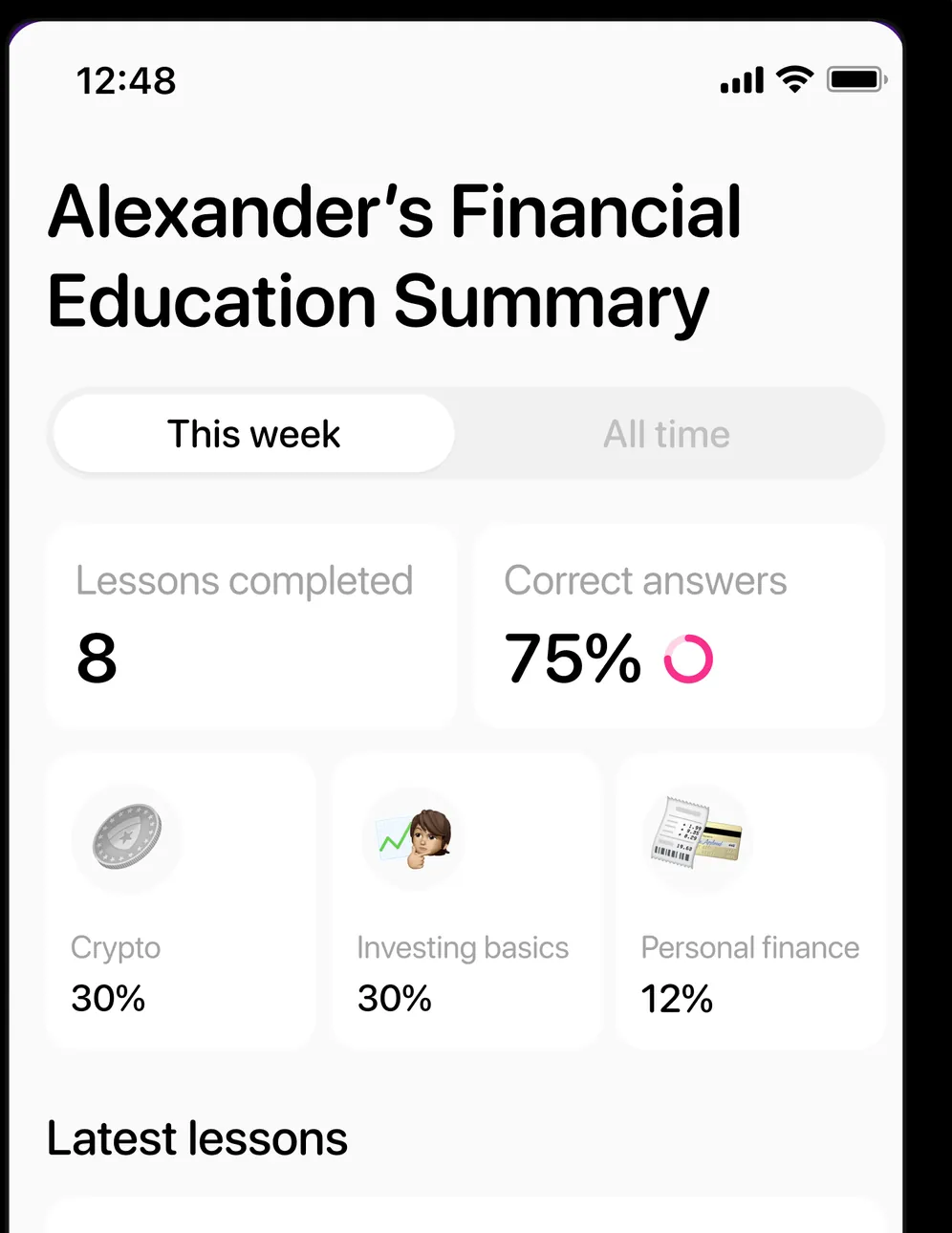
App Store marketing imageA parent's view of Alexander's Financial Education Summary: This week, 8 lessons completed, 75% correct answers and topic splits for Crypto 30%, Investing basics 30% and Personal finance 12%.App Store listing, as of
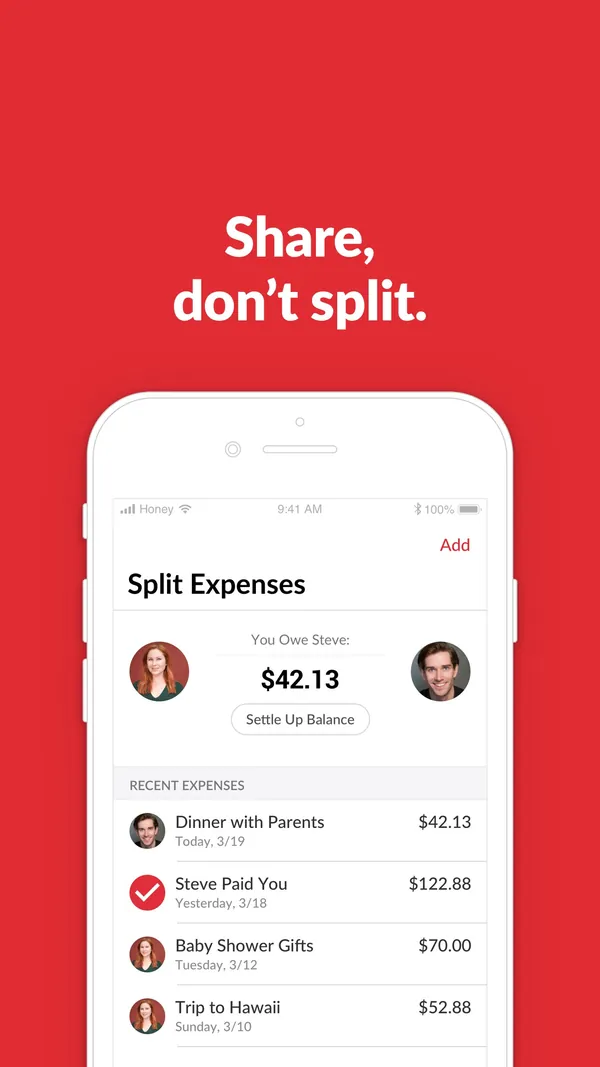
App Store marketing imageApp Store image with the headline "Share, don't split." showing a Split Expenses screen.App Store listing, as of 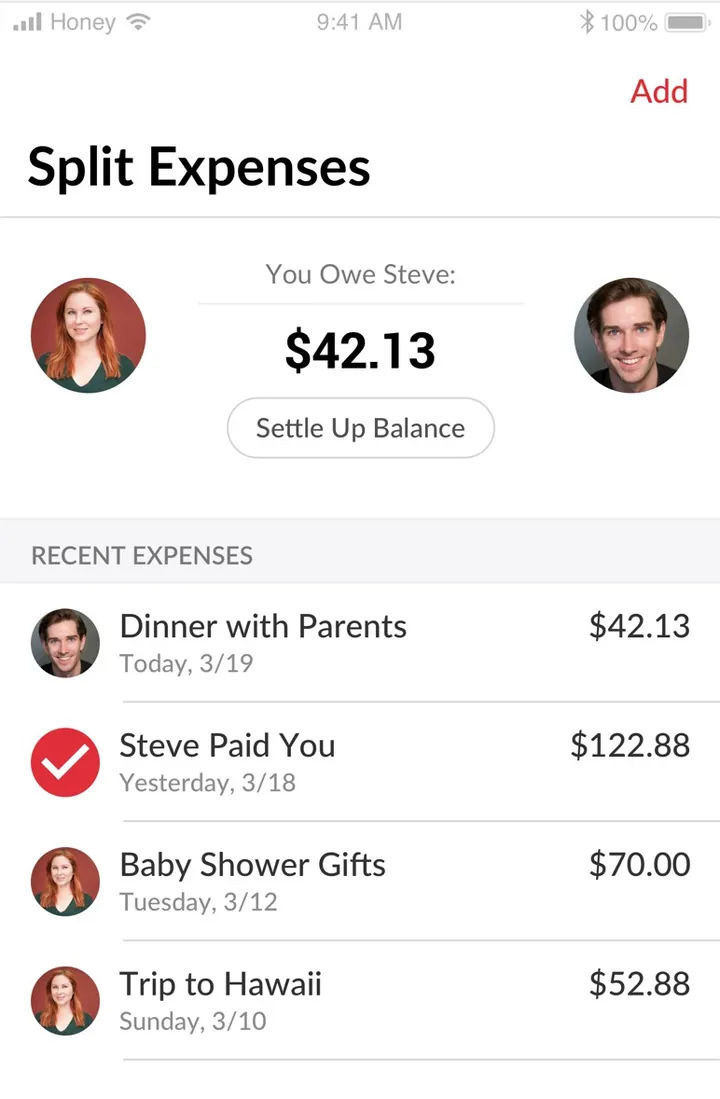
App Store marketing imageThe Split Expenses screen: "You Owe Steve: $42.13" with a Settle Up Balance button and recent expenses like Dinner with Parents and Trip to Hawaii.App Store listing, as of 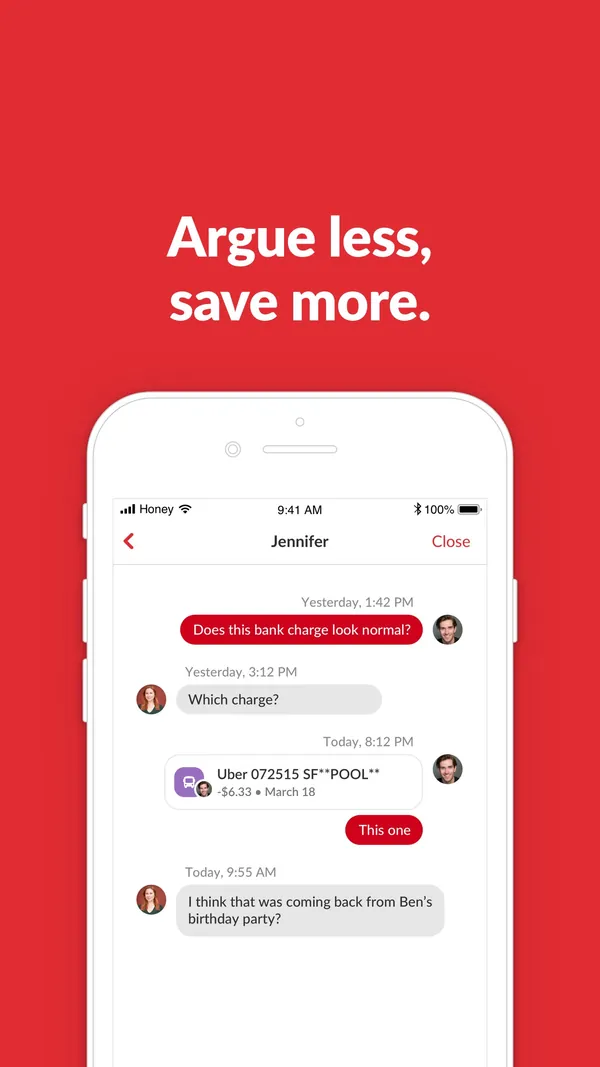
App Store marketing imageApp Store image with the headline "Argue less, save more." showing a chat about a bank charge.App Store listing, as of 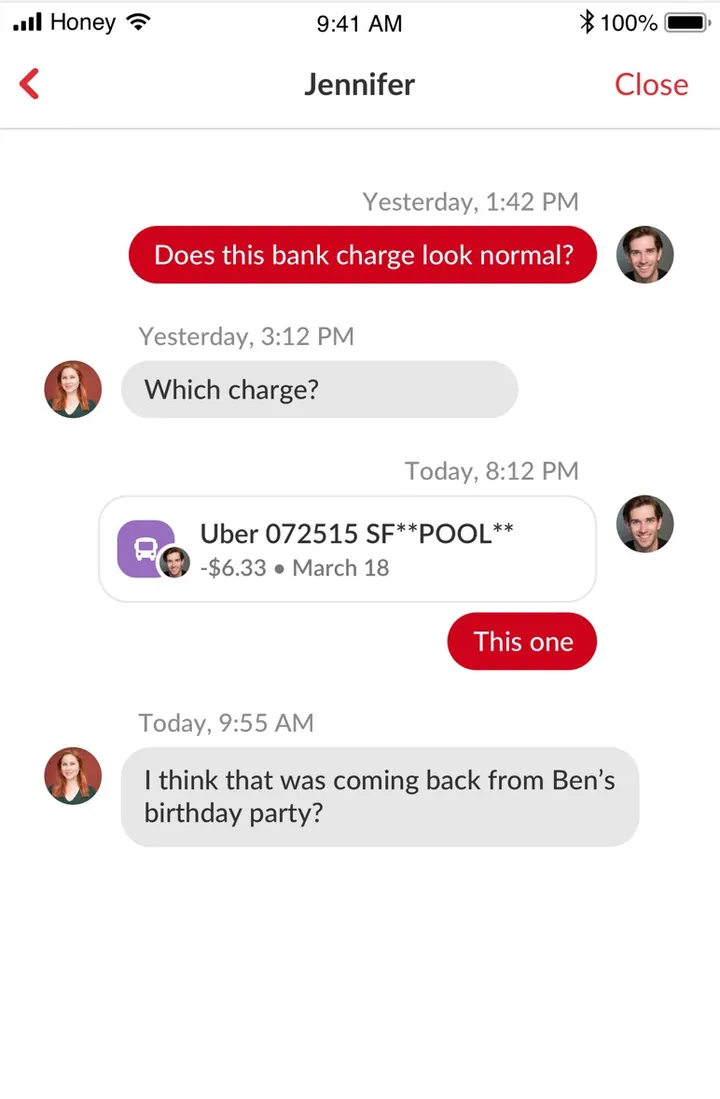
App Store marketing imageA chat with Jennifer about a charge: "Does this bank charge look normal?", an Uber transaction card and replies.App Store listing, as of 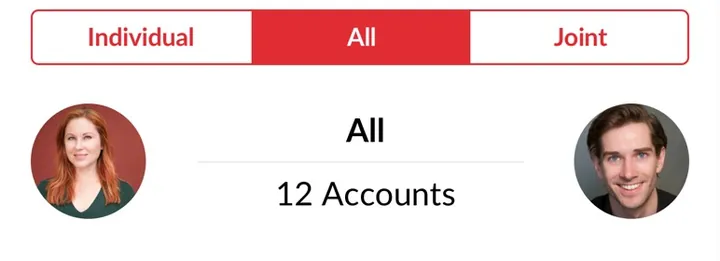
App Store marketing imageIndividual, All and Joint tabs above two partner photos and "All, 12 Accounts".App Store listing, as of 
App Store marketing imageTwo partner photos around "You Owe Steve: $42.13" and a Settle Up Balance button.App Store listing, as of 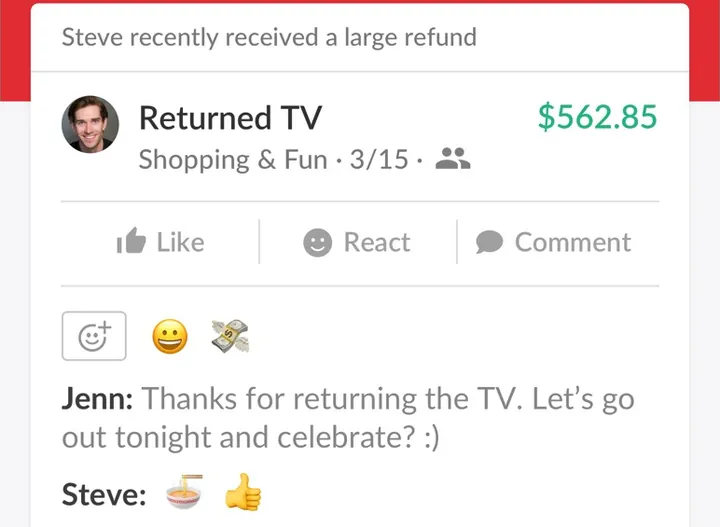
App Store marketing imageA Returned TV card for $562.85 with Like, React and Comment buttons, emoji reactions and messages from Jenn and Steve.App Store listing, as of
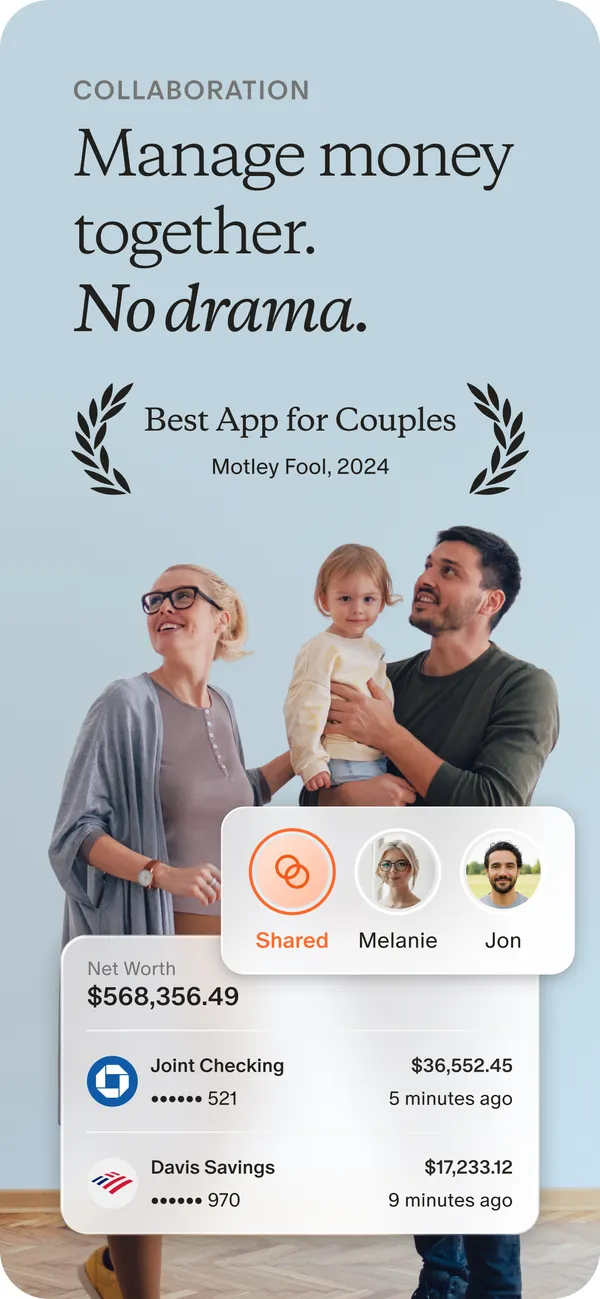
App Store marketing imageApp Store image with the headline "Manage money together. No drama." showing a photo of a family with cards for Shared, Melanie and Jon and two account rows.App Store listing, as of 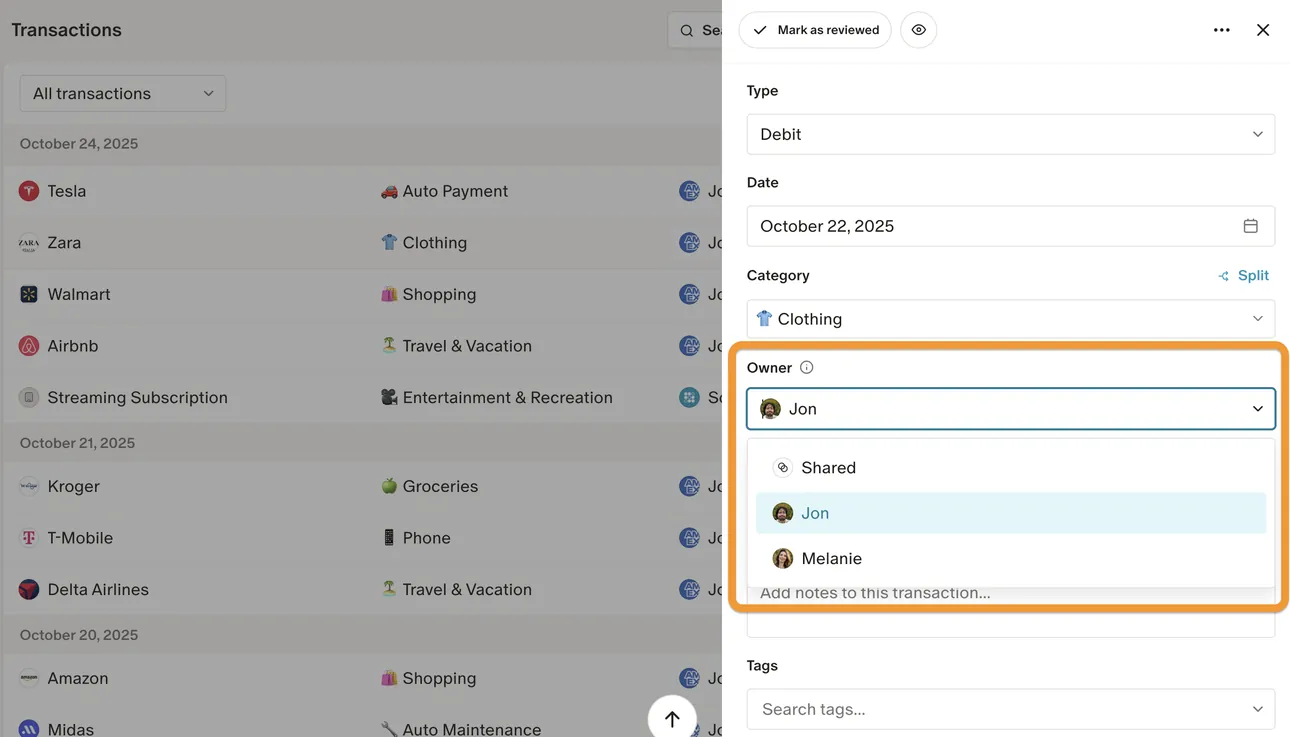
From Monarch Money's help centerThe web Transactions page with a transaction open and an Owner menu offering Shared, Jon and Melanie.help.monarch.com, as of 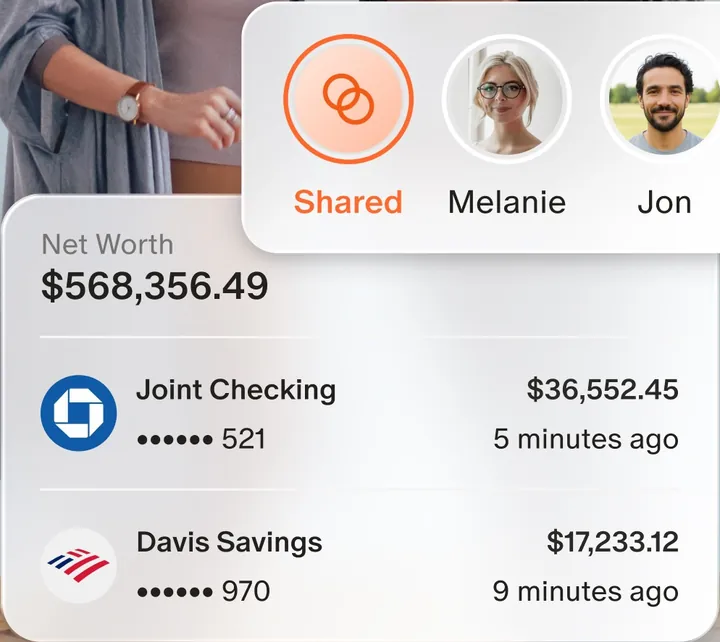
App Store marketing imageAn owner switcher with Shared, Melanie and Jon, above a Net Worth card with a joint checking and a savings account.App Store listing, as of 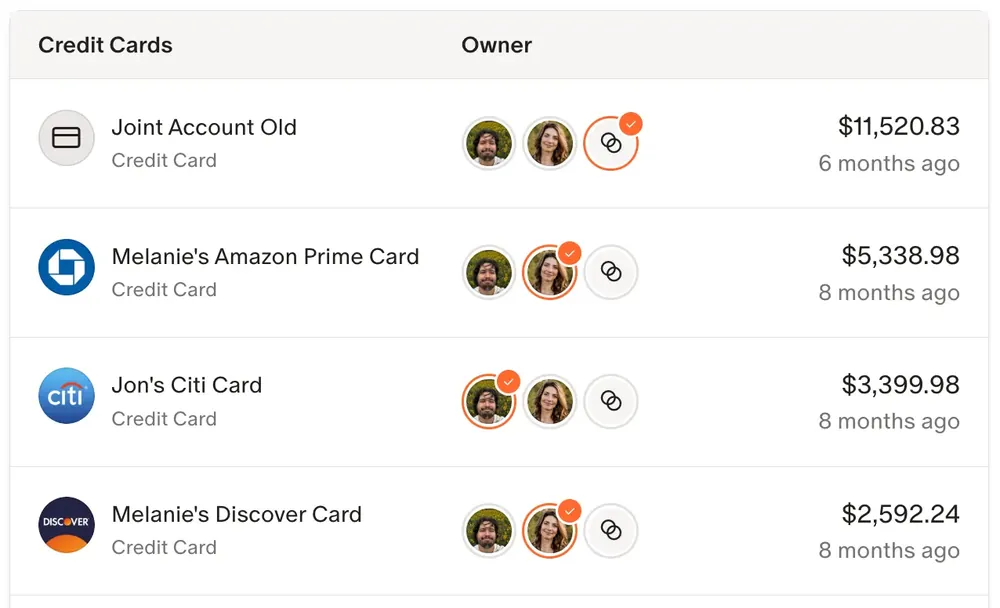
From Monarch Money's help centerA credit card list where each card has owner avatars and a balance.help.monarch.com, as of
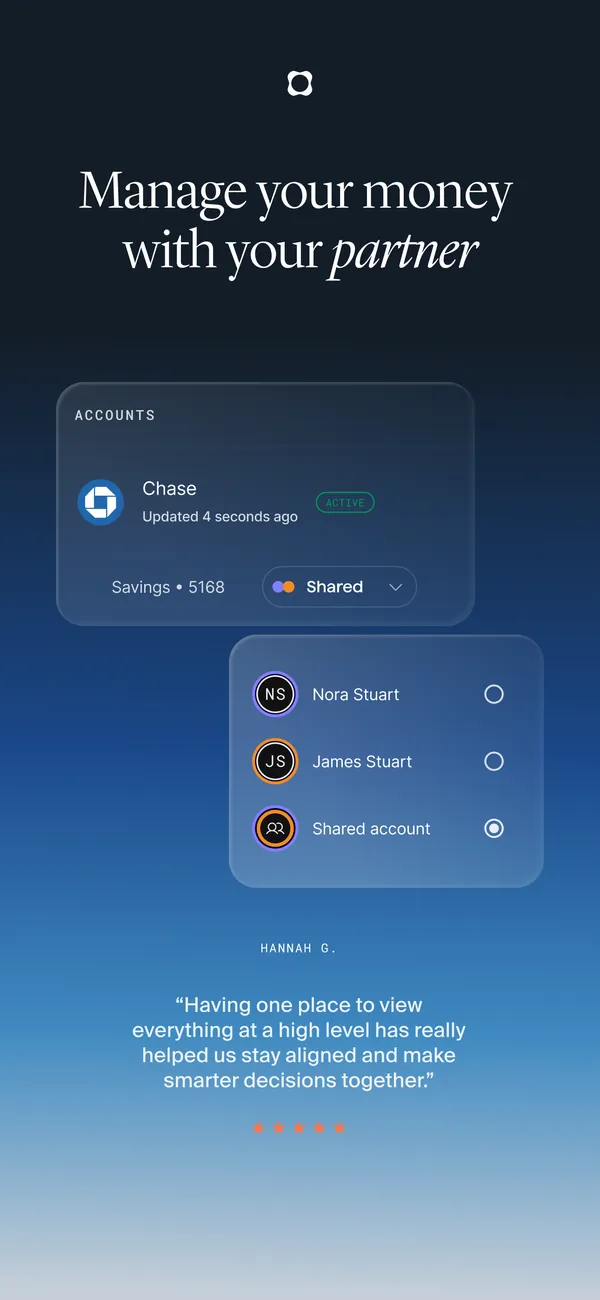
App Store marketing imageApp Store image with the headline "Manage your money with your partner" showing an account card and an owner picker.App Store listing, as of 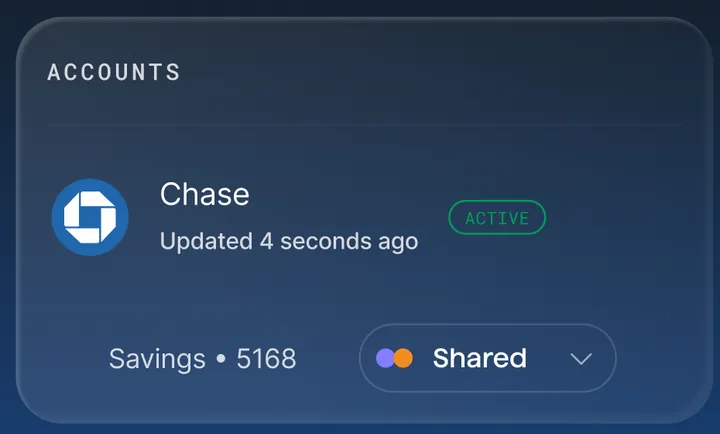
App Store marketing imageAn Accounts card with a Chase account and a Savings row tagged Shared.App Store listing, as of 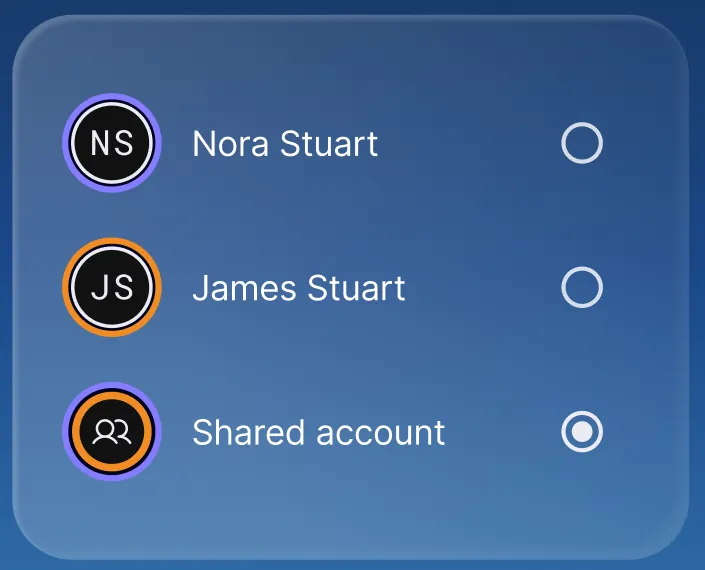
App Store marketing imageAn owner picker with Nora Stuart, James Stuart and Shared account, with Shared account selected.App Store listing, as of
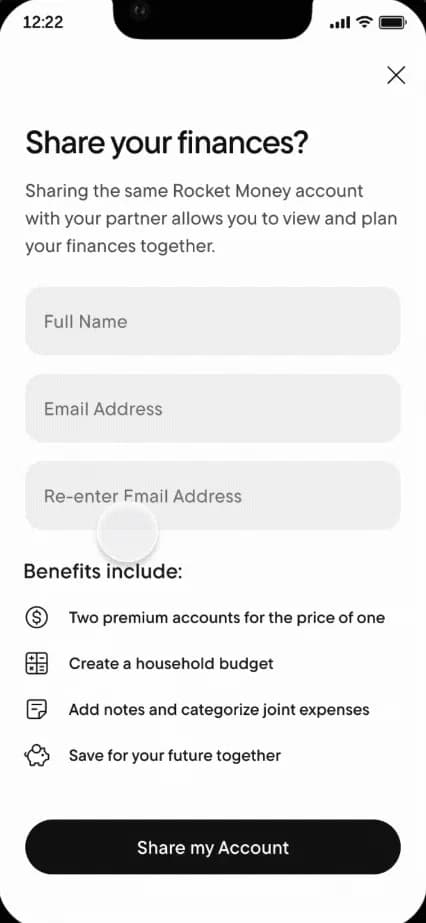
From Rocket Money's help centerA "Share your finances?" screen with Full Name and Email Address fields and a Share my Account button.help.rocketmoney.com, as of 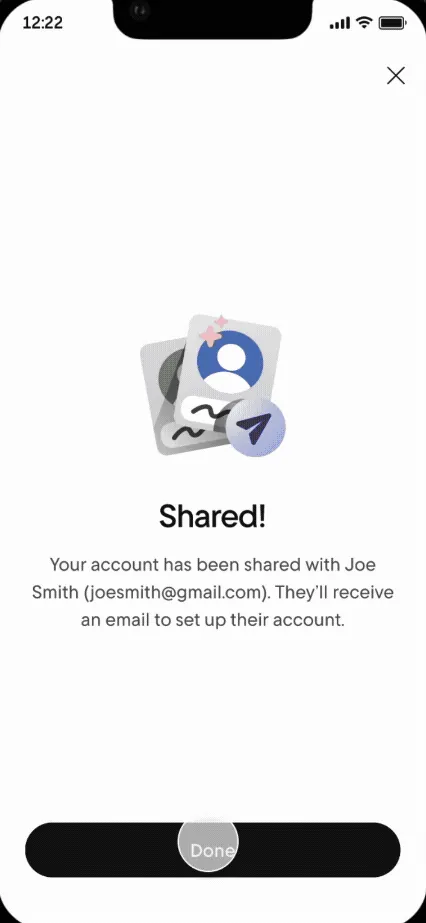
From Rocket Money's help centerA "Shared!" confirmation saying the account was shared and the partner will get an email.help.rocketmoney.com, as of
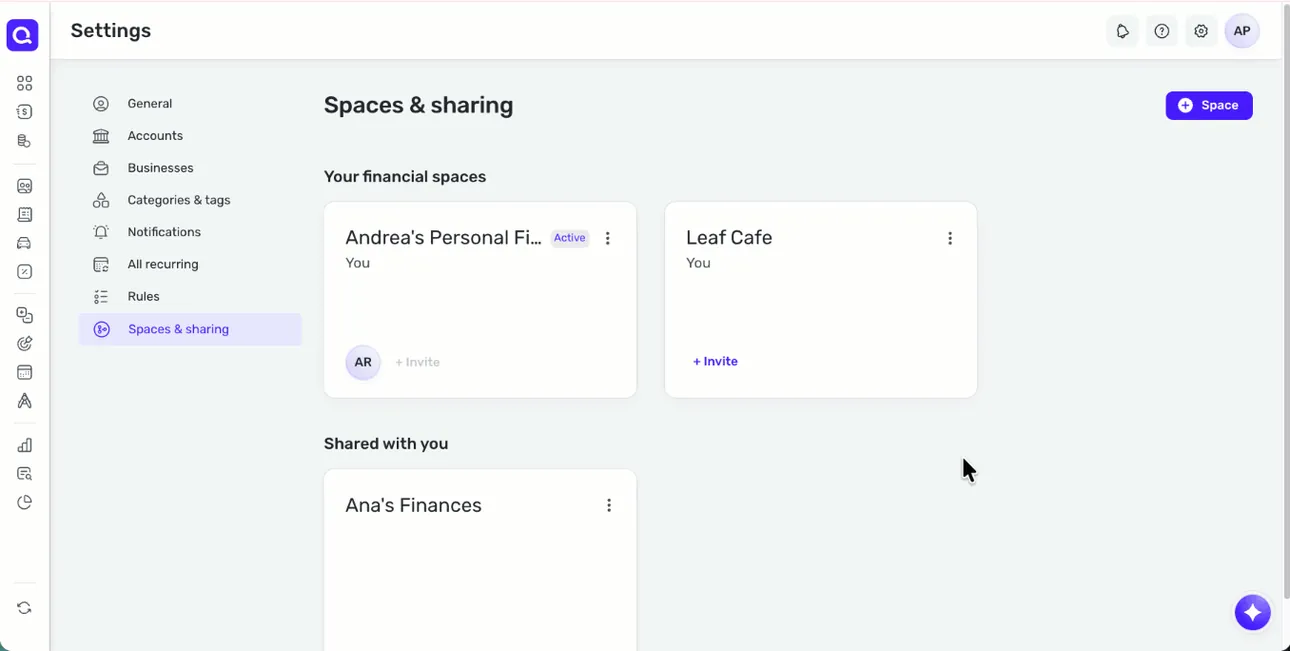
From Simplifi's help centerThe web Spaces & sharing settings with the user's financial spaces and a Shared with you section.support.simplifi.quicken.com, as of 
From Simplifi's help centerAn invitation email that says Andrea wants to share their Space, with an Accept invitation button.support.simplifi.quicken.com, as of
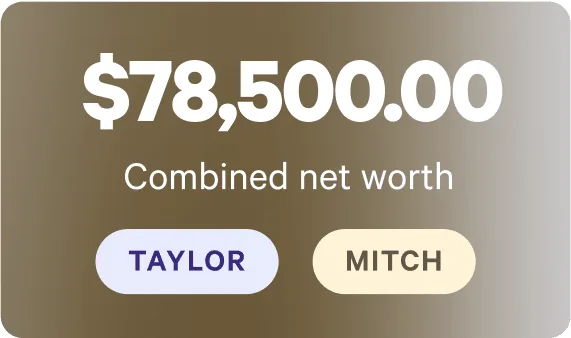
From Wealthfront's websiteA card showing $78,500.00 combined net worth with Taylor and Mitch buttons.wealthfront.com, as of 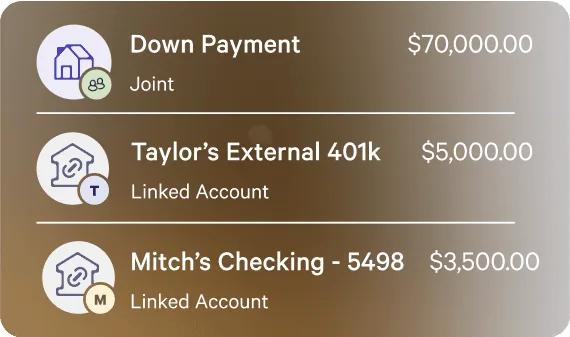
From Wealthfront's websiteA list with a joint Down Payment account at $70,000.00, Taylor's External 401k at $5,000.00 and Mitch's Checking at $3,500.00, each tagged with an owner initial.wealthfront.com, as of
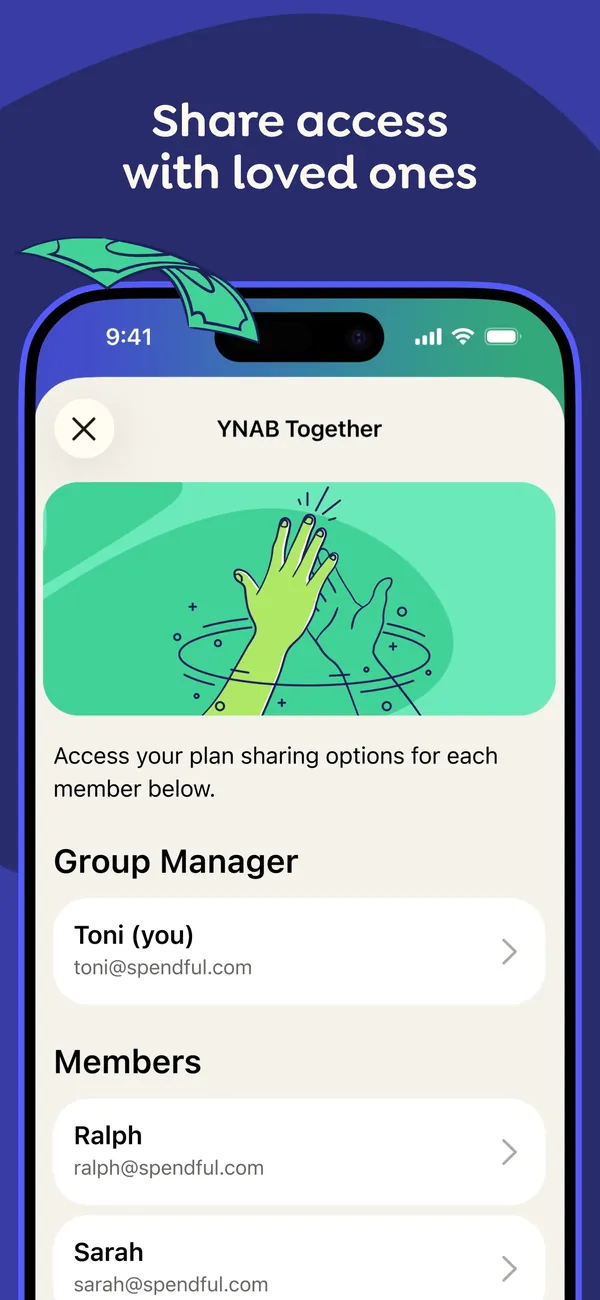
App Store marketing imageApp Store image with the headline "Share access with loved ones" showing a YNAB Together screen with a Group Manager and a list of members.App Store listing, as of 
App Store marketing imageThe YNAB Together screen: an illustration, a line about plan sharing options for each member, then Group Manager and Members sections.App Store listing, as of 
Google Play marketing imageGoogle Play image with the headline "Share access with loved ones" showing the Android Together screen with a Group Manager and Members.Google Play listing, as of 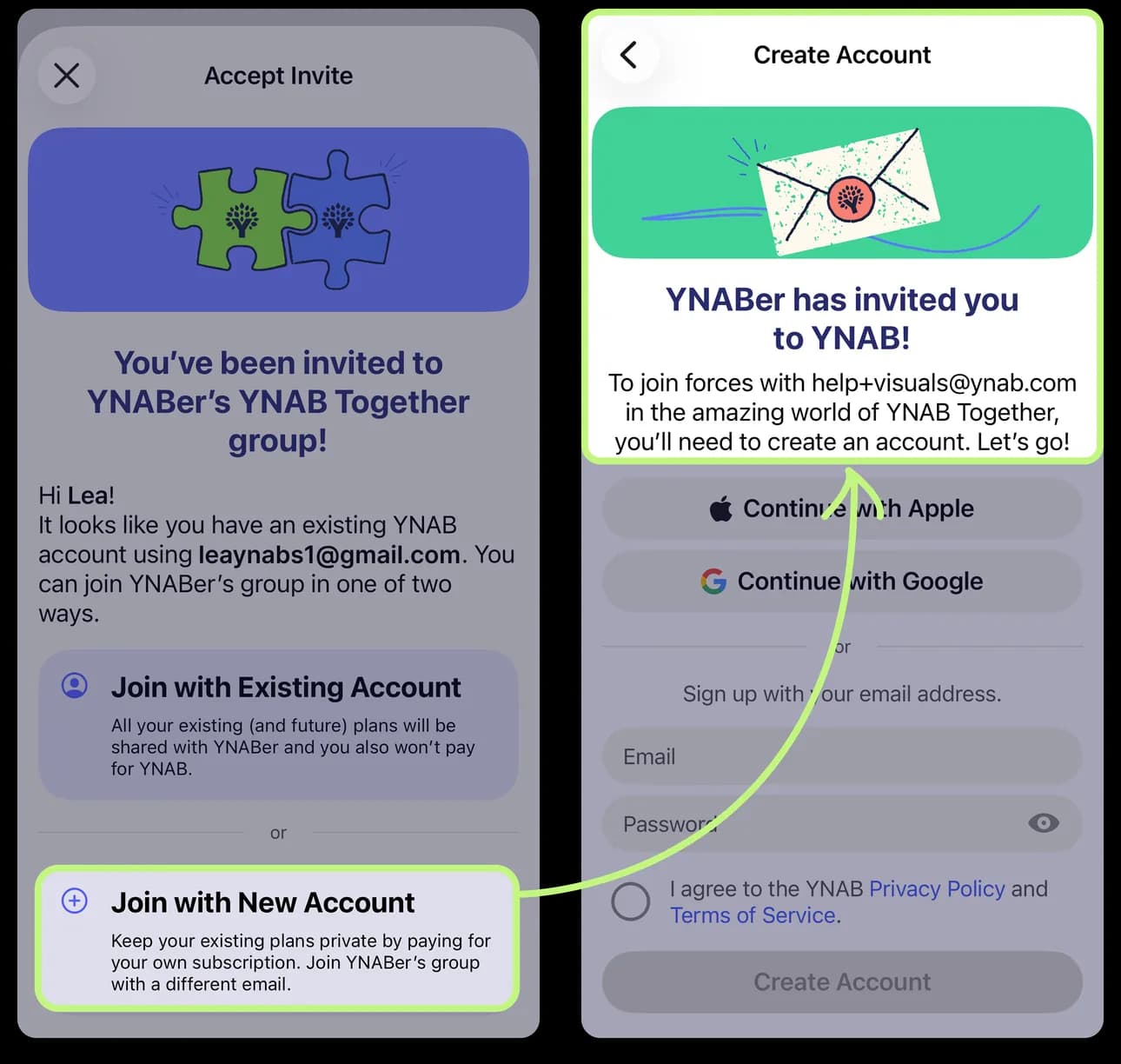
From YNAB's help centerTwo iPhone screens from the help center: an invite to join a YNAB Together group, and the Create Account screen that follows.support.ynab.com, as of 
App Store marketing imageThe Group Manager row and the Members list, each person shown with a name, email and an arrow.App Store listing, as of 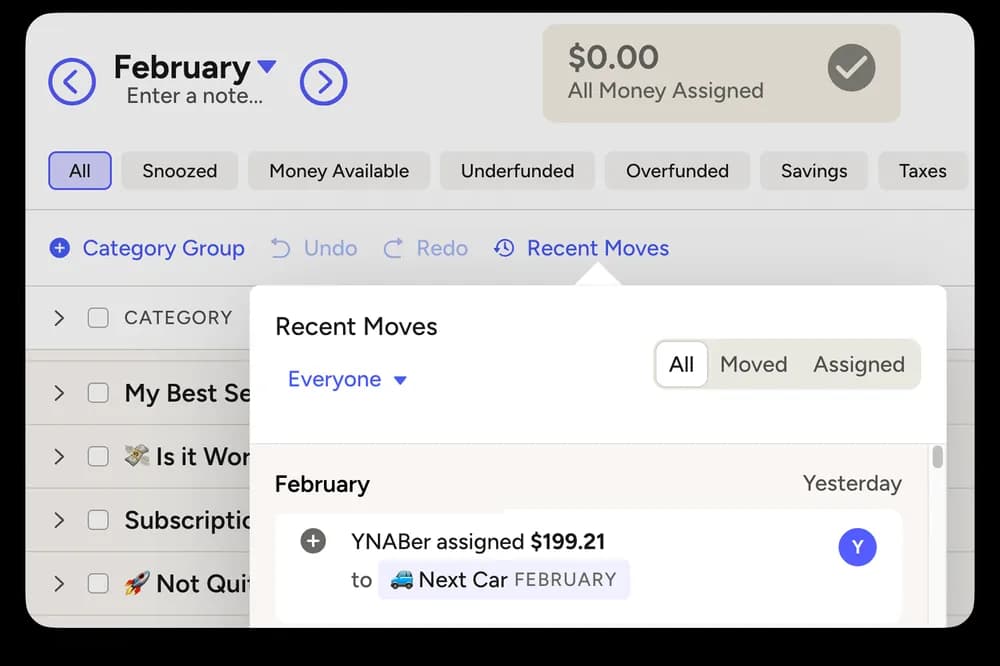
From YNAB's help centerThe web plan with a Recent Moves panel filtered to Everyone, showing which member assigned $199.21 to a category.support.ynab.com, as of
Settings and security
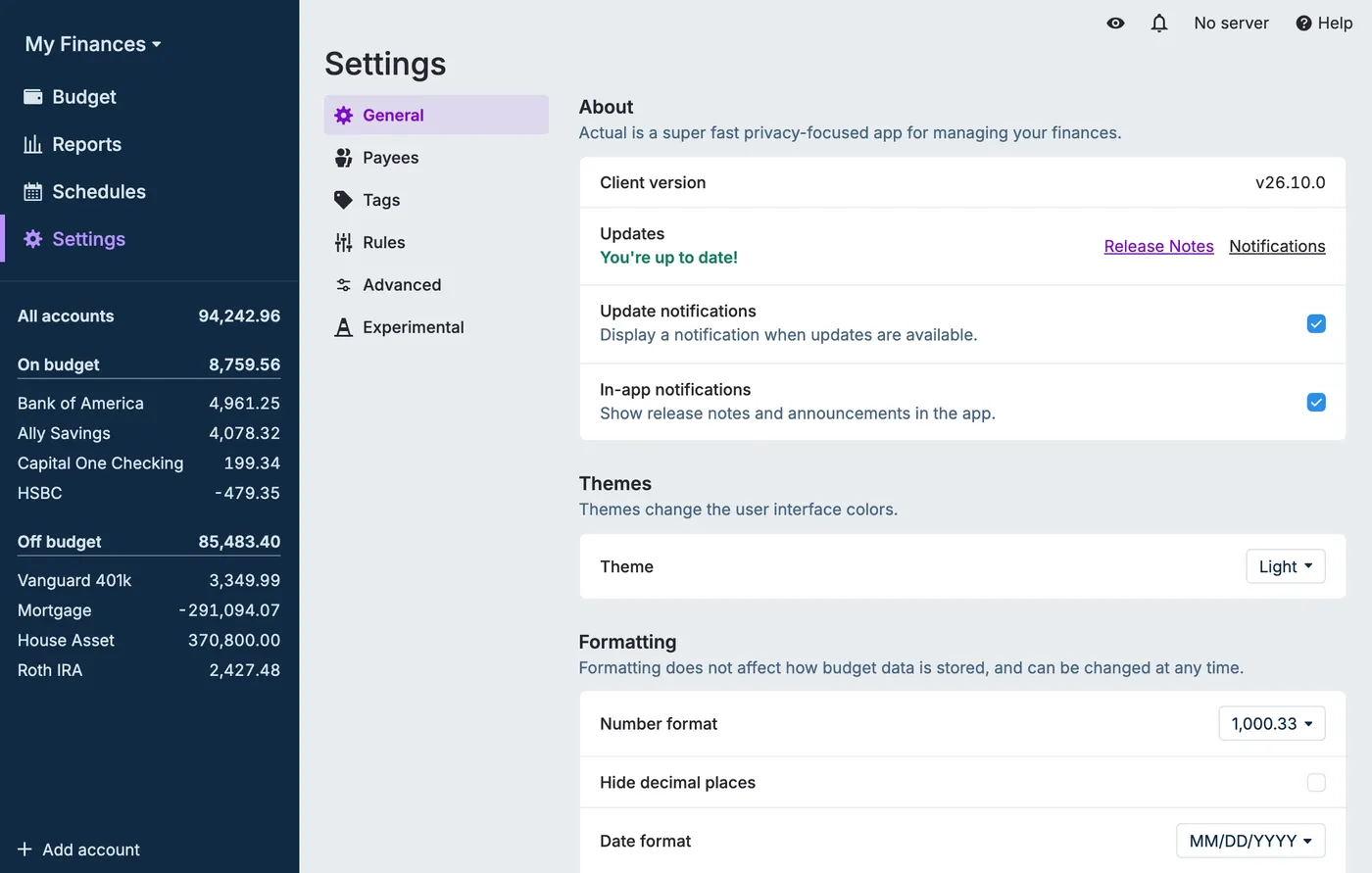
From Actual Budget's help centerThe Settings page on General: client version, an update check with release notes, notification toggles, a Light theme menu and number and date format options.actualbudget.org, as of 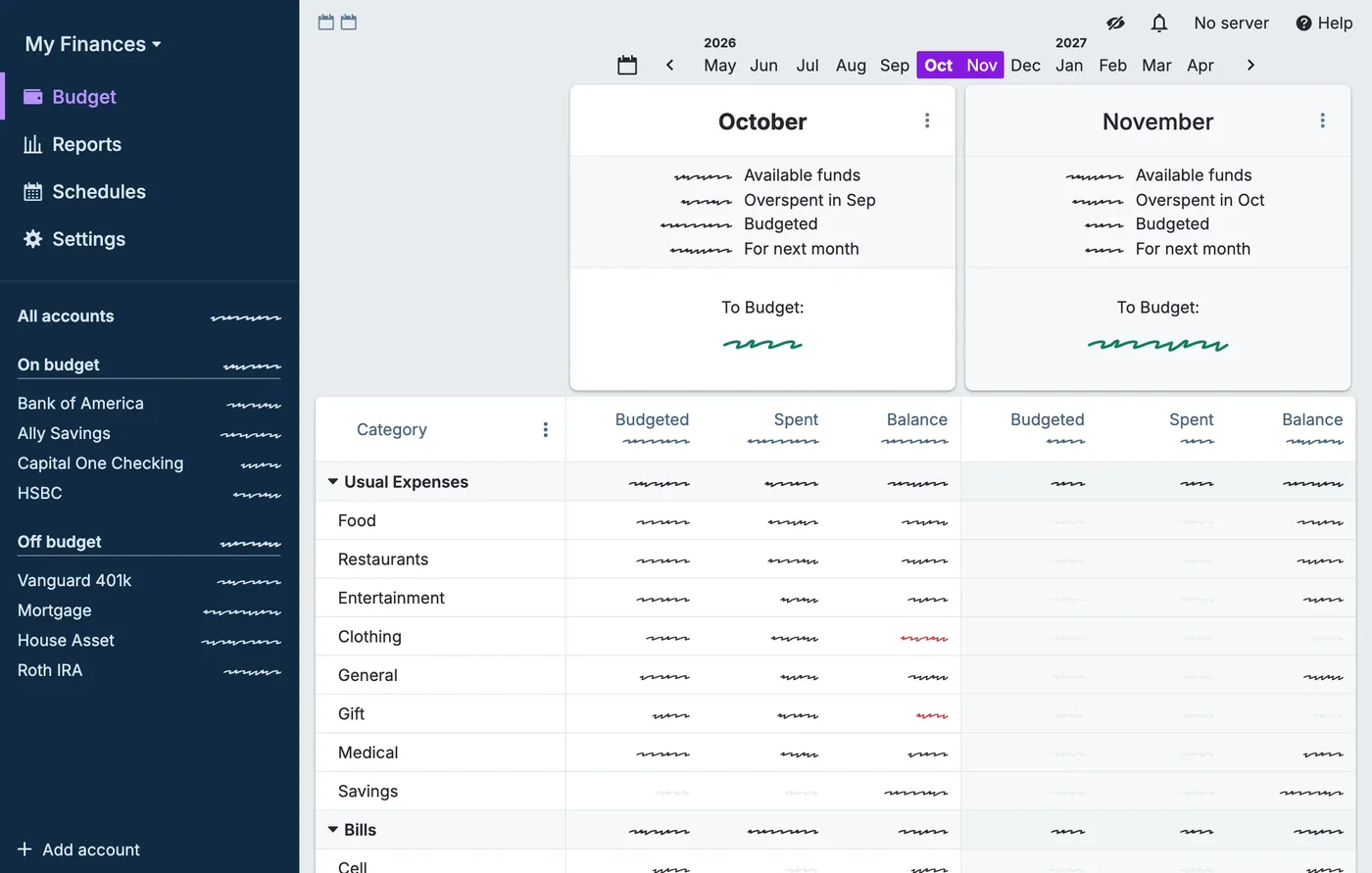
From Actual Budget's help centerThe budget page with the privacy filter on: every amount in the sidebar and budget table is shown as a squiggle instead of a number.actualbudget.org, as of
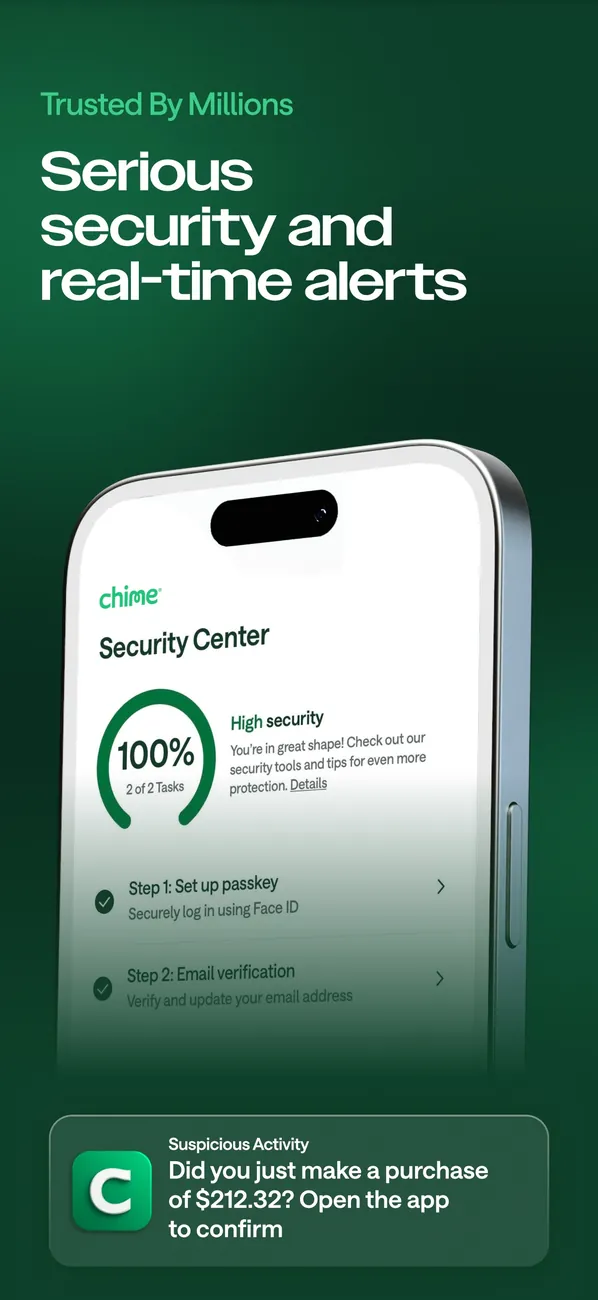
App Store marketing imageApp Store image with the headline "Serious security and real-time alerts" showing a Security Center at 100% and a suspicious activity alert.App Store listing, as of 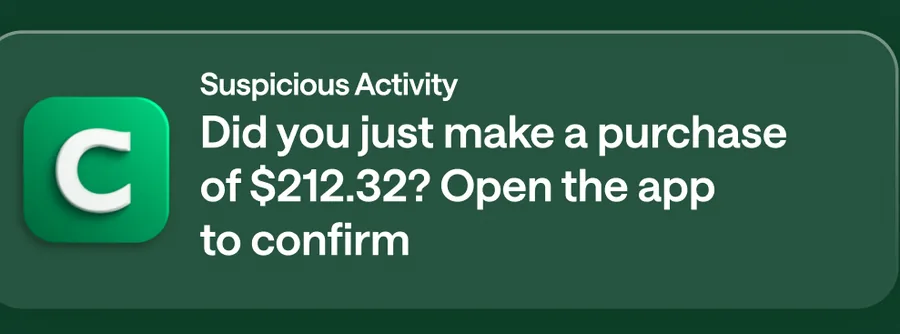
App Store marketing imageA Suspicious Activity notification asking Did you just make a purchase of $212.32? Open the app to confirm.App Store listing, as of 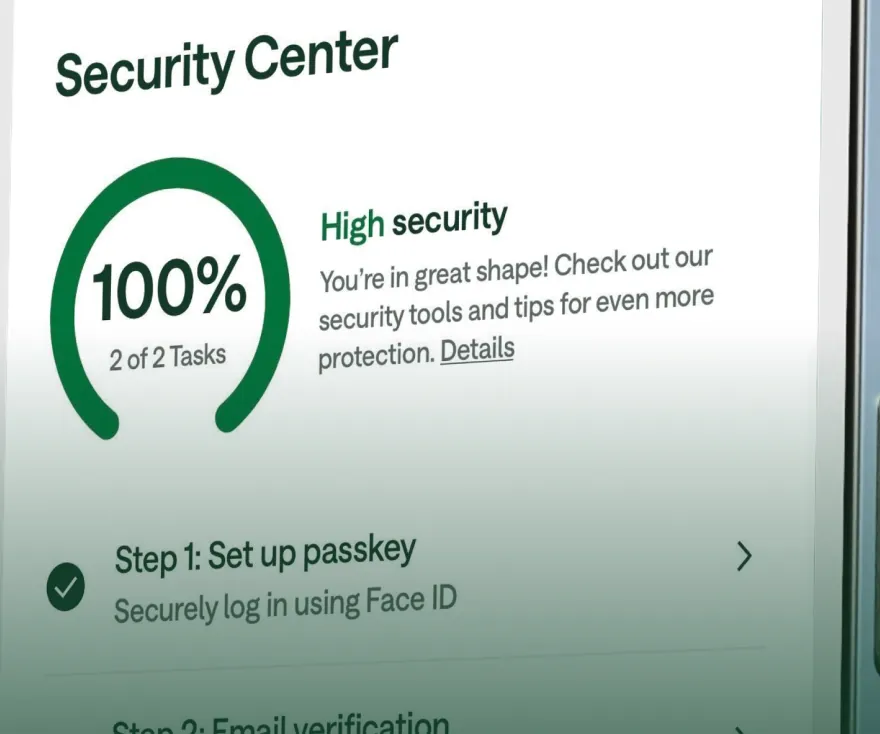
App Store marketing imageSecurity Center with a 100% ring, a High security note and steps for Set up passkey and Email verification.App Store listing, as of
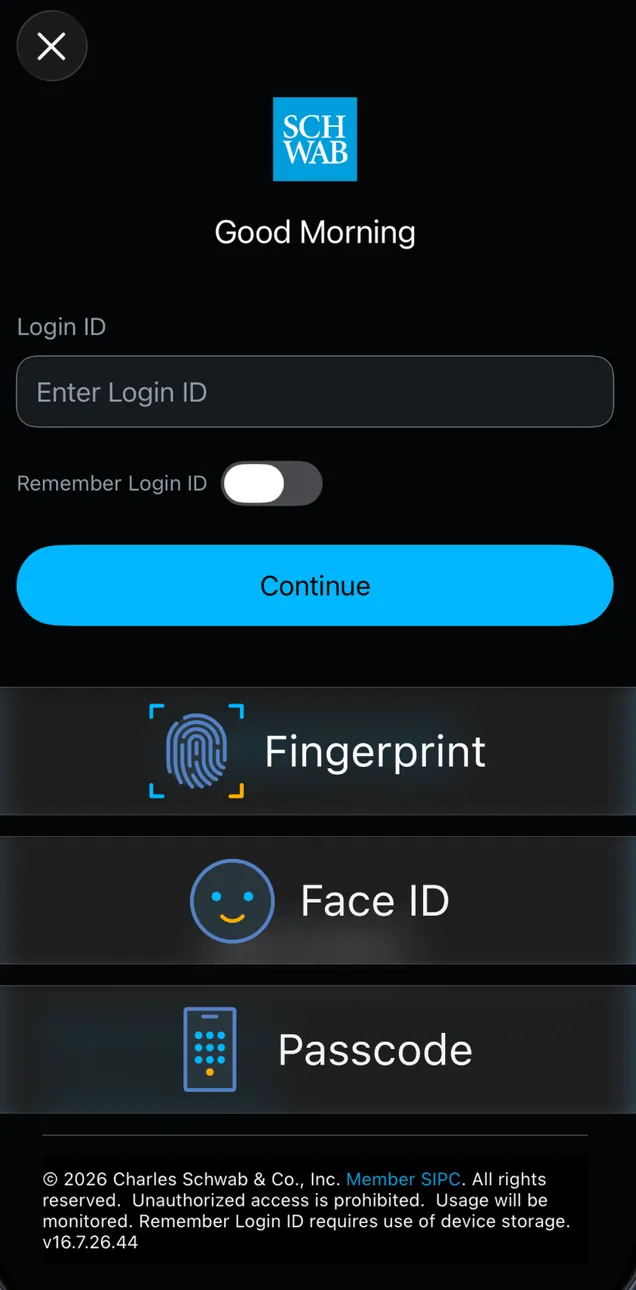
App Store marketing imageA Good Morning login screen with a Login ID field, a Remember Login ID toggle and a Continue button, with Fingerprint, Face ID and Passcode labels placed over it.App Store listing, as of
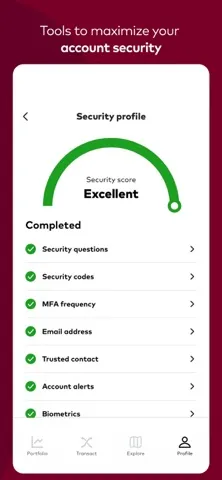
App Store marketing imageApp Store image with the headline "Tools to maximize your account security" showing a Security profile screen.App Store listing, as of 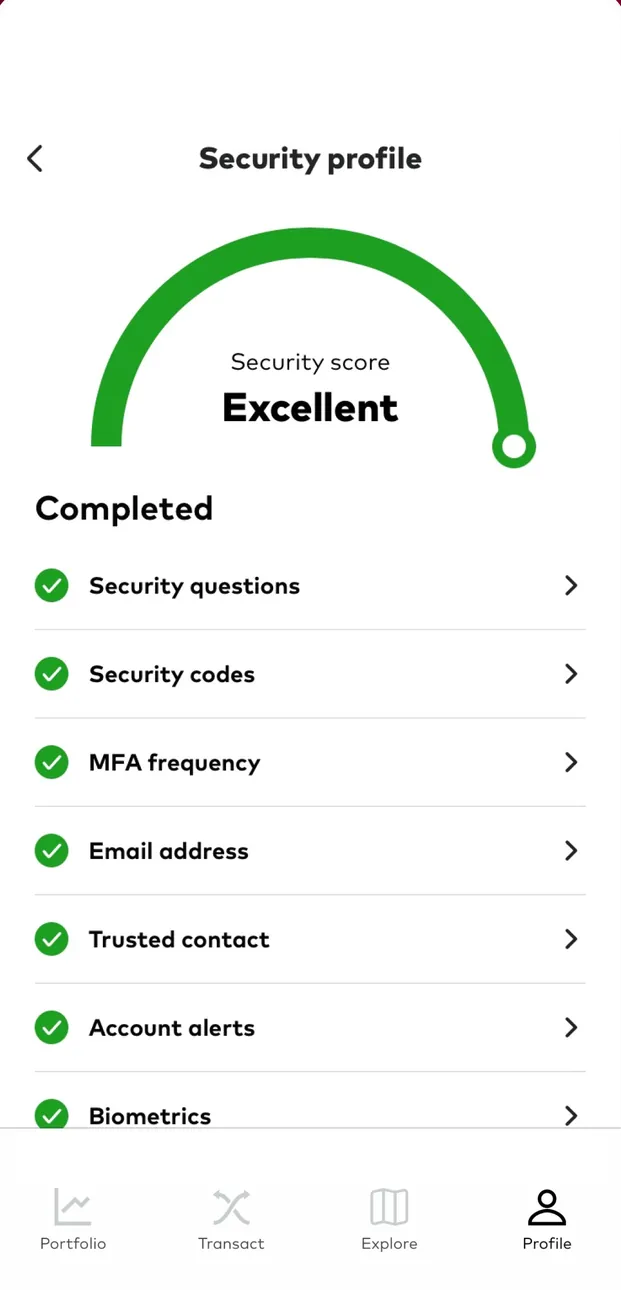
App Store marketing imageThe Security profile: a green gauge reading Security score Excellent and a Completed list with security questions, security codes, MFA frequency, email address, trusted contact, account alerts and biometrics.App Store listing, as of 
App Store marketing imageA green half-circle gauge with the label Security score Excellent.App Store listing, as of
Getting started
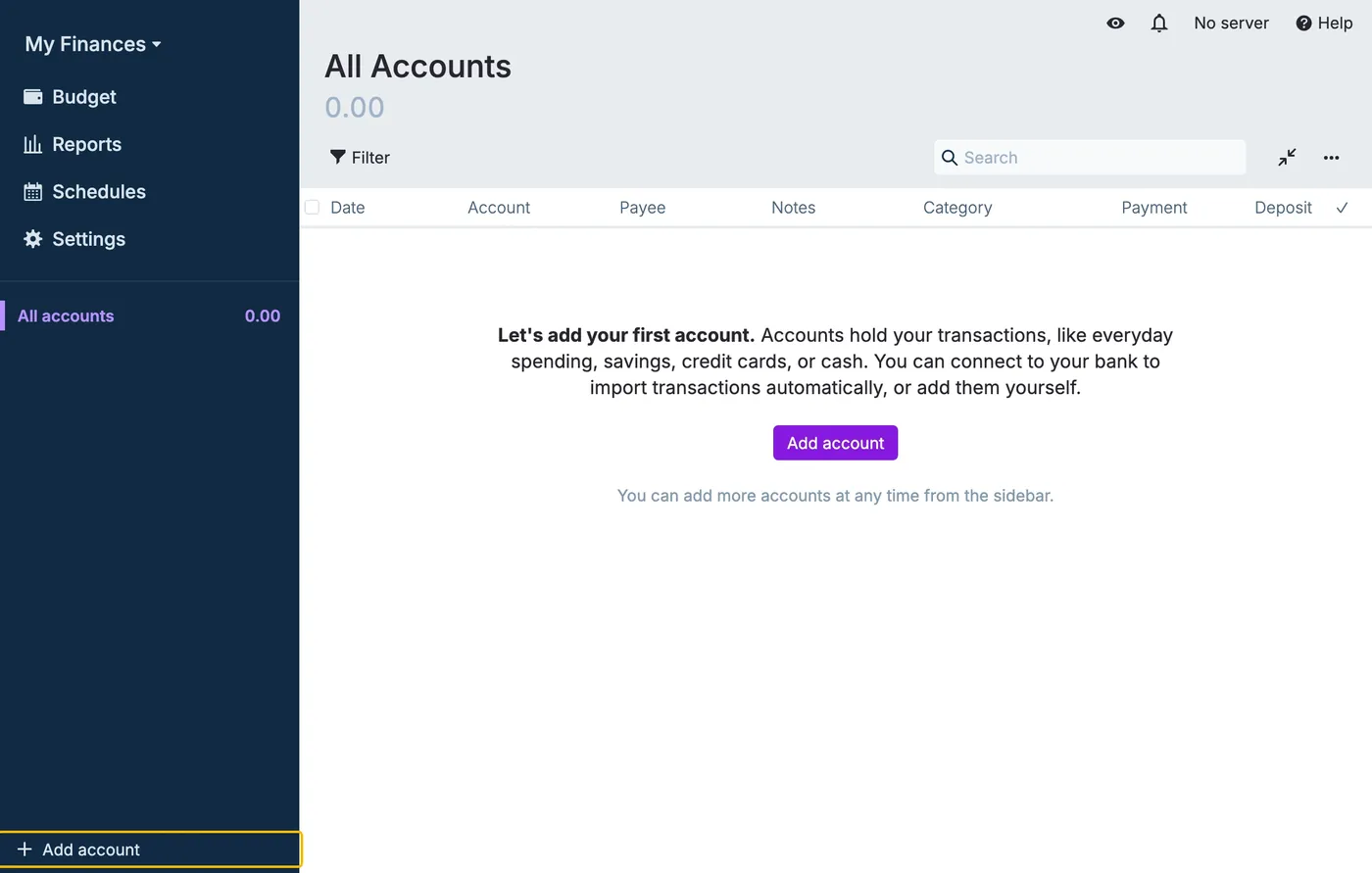
From Actual Budget's help centerA new budget's All Accounts page with an empty register and the message "Let's add your first account" above an Add account button.actualbudget.org, as of 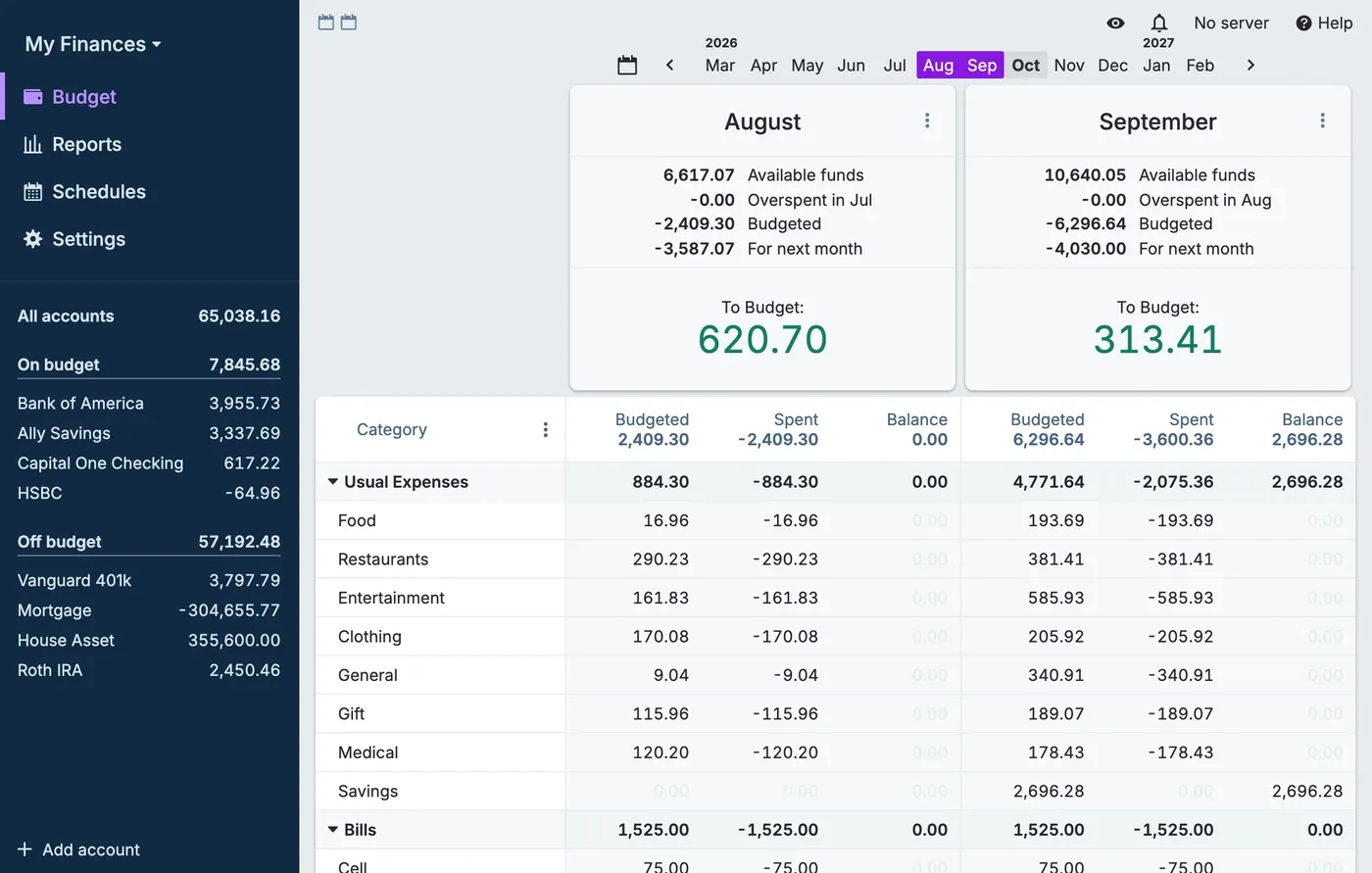
From Actual Budget's help centerA budget with August and September side by side, To Budget amounts of 620.70 and 313.41, category rows with budgeted, spent and balance, and on- and off-budget accounts in the sidebar.actualbudget.org, as of

App Store marketing imageApp Store image with the headline "Earn free stocks" showing a Welcome to Bloom screen offering $75 for completing a first lesson.App Store listing, as of 
App Store marketing imageAn offer screen: $75, "Earn up to $75 for completing your first lesson!" with a Let's go button.App Store listing, as of
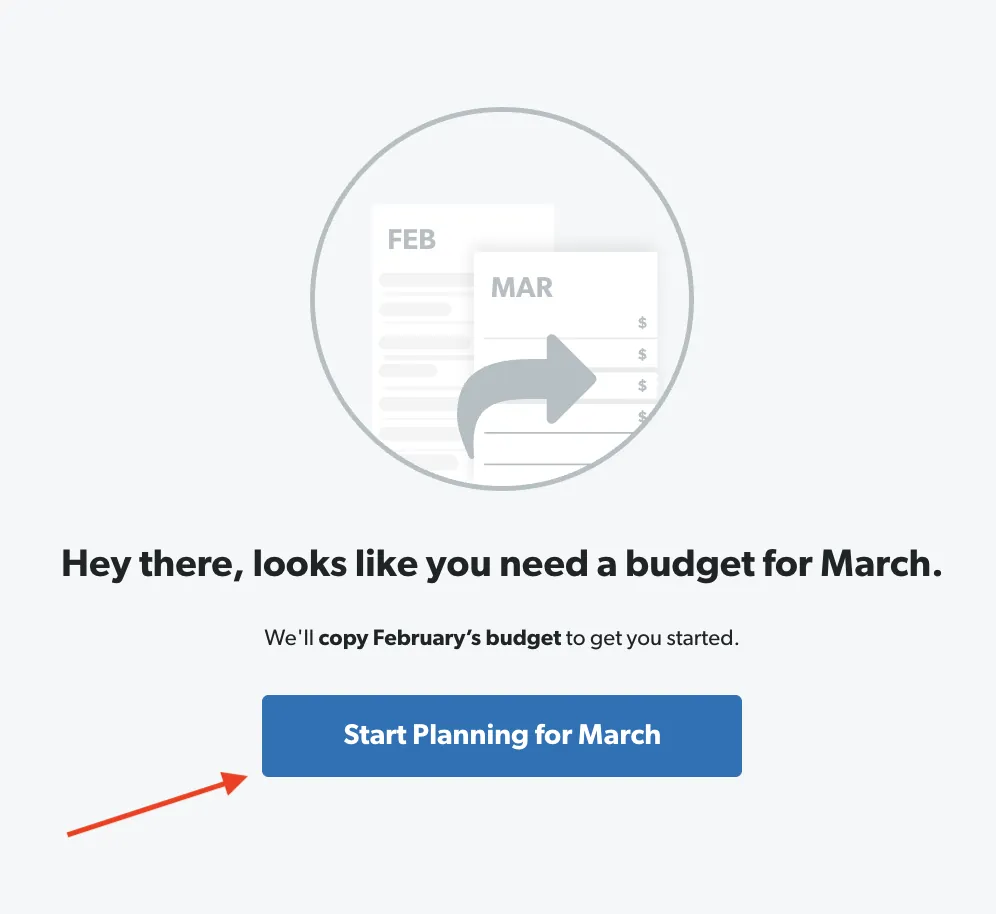
From EveryDollar's help centerA screen saying "Hey there, looks like you need a budget for March" with a Start Planning for March button.everydollar.help.ramseysolutions.com, as of
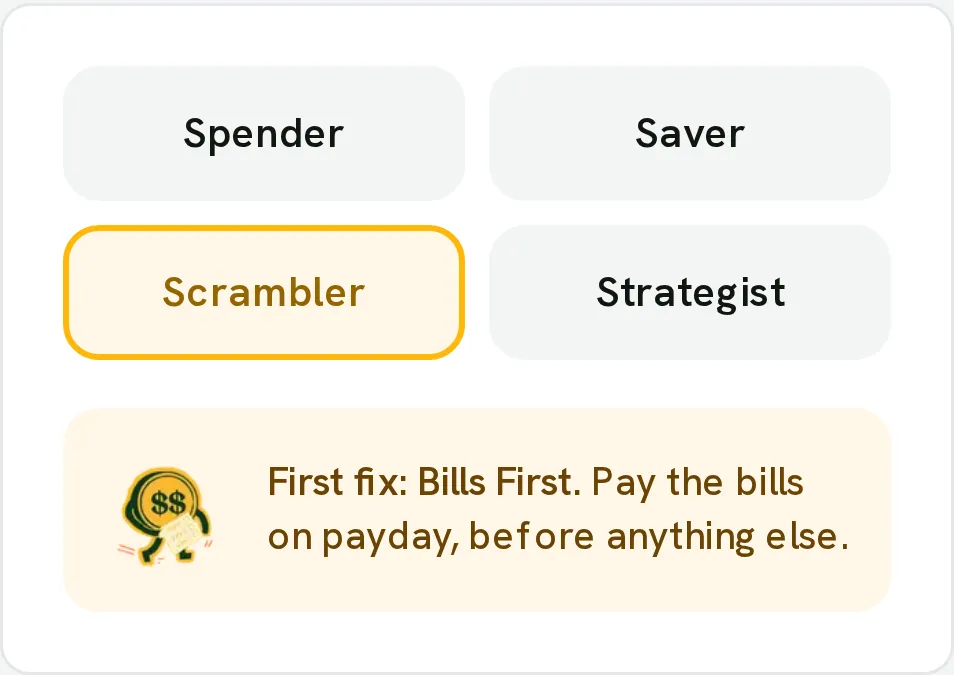
From Fifecta's websiteA Money Type picker with Spender, Saver, Scrambler and Strategist, Scrambler selected, and its first fix: "Bills First. Pay the bills on payday, before anything else."pricelesstay.com, as of
App Store marketing imageApp Store image with the headline "Add bank accounts to simplify budgeting" showing a Connect banks & credit cards screen.App Store listing, as of
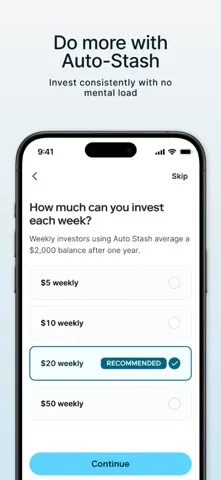
App Store marketing imageApp Store image with the headline "Do more with Auto-Stash" showing a How much can you invest each week? setup step.App Store listing, as of 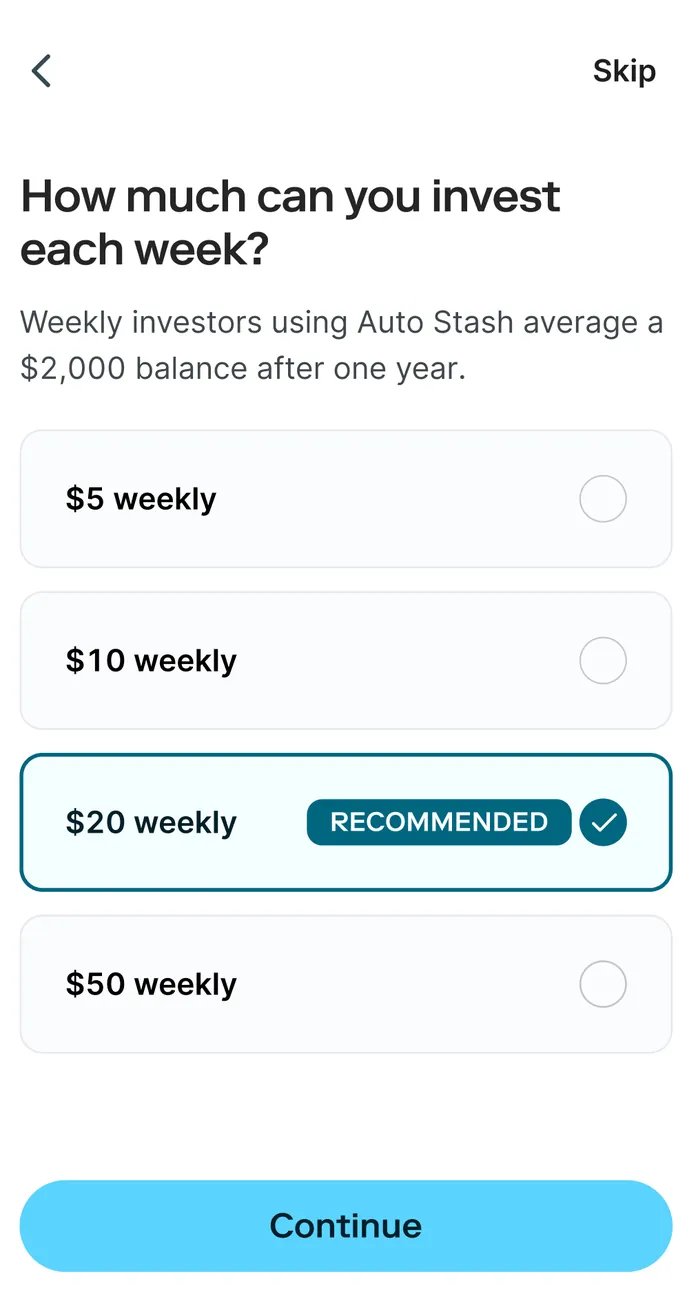
App Store marketing imageHow much can you invest each week? with $5, $10, $20 and $50 weekly options, $20 weekly marked Recommended and selected, a Skip link and a Continue button.App Store listing, as of
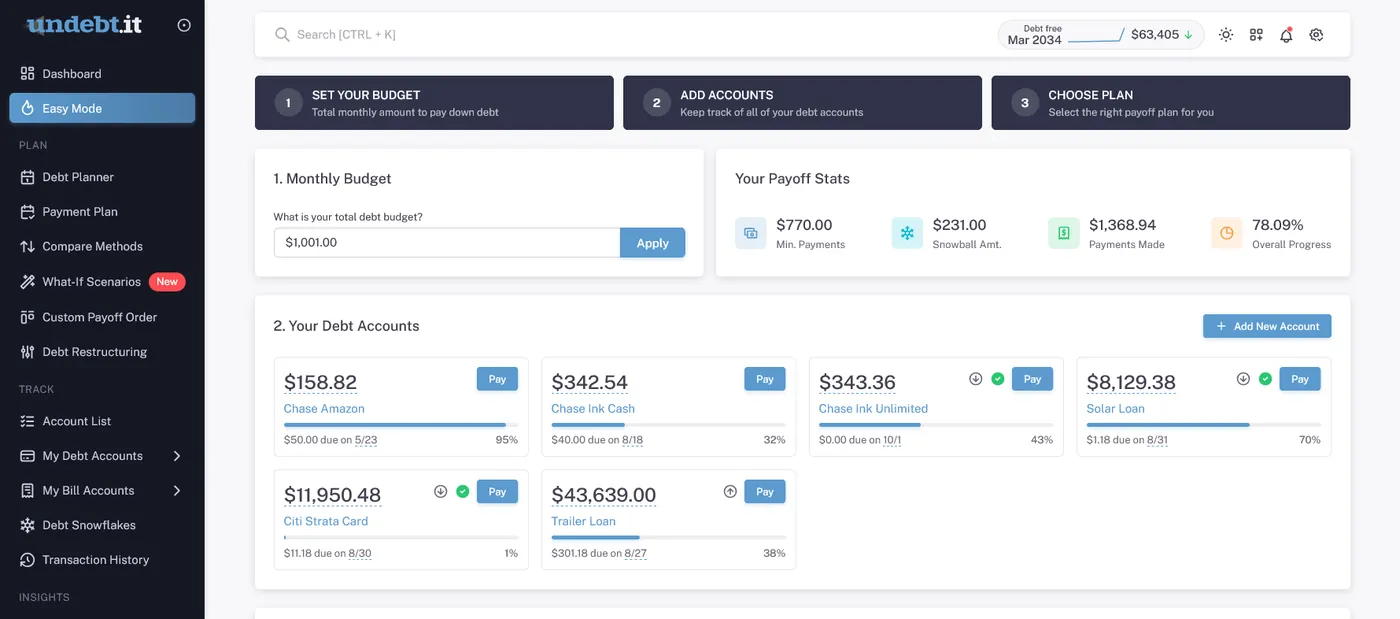
From Undebt.it's websiteEasy Mode with three steps, Set your budget, Add accounts and Choose plan, a Monthly Budget field, Your Payoff Stats and Your Debt Accounts cards with Pay buttons.undebt.it, as of
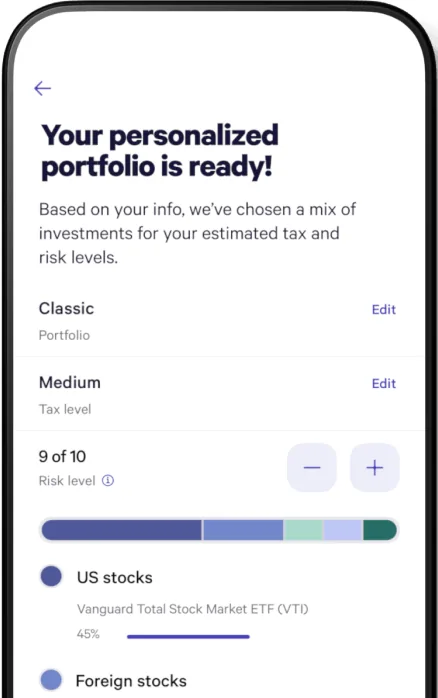
From Wealthfront's websiteA Your personalized portfolio is ready! screen with Classic portfolio and Medium tax level rows, a risk level of 9 of 10 with minus and plus buttons, and an allocation bar for US and foreign stocks.wealthfront.com, as of
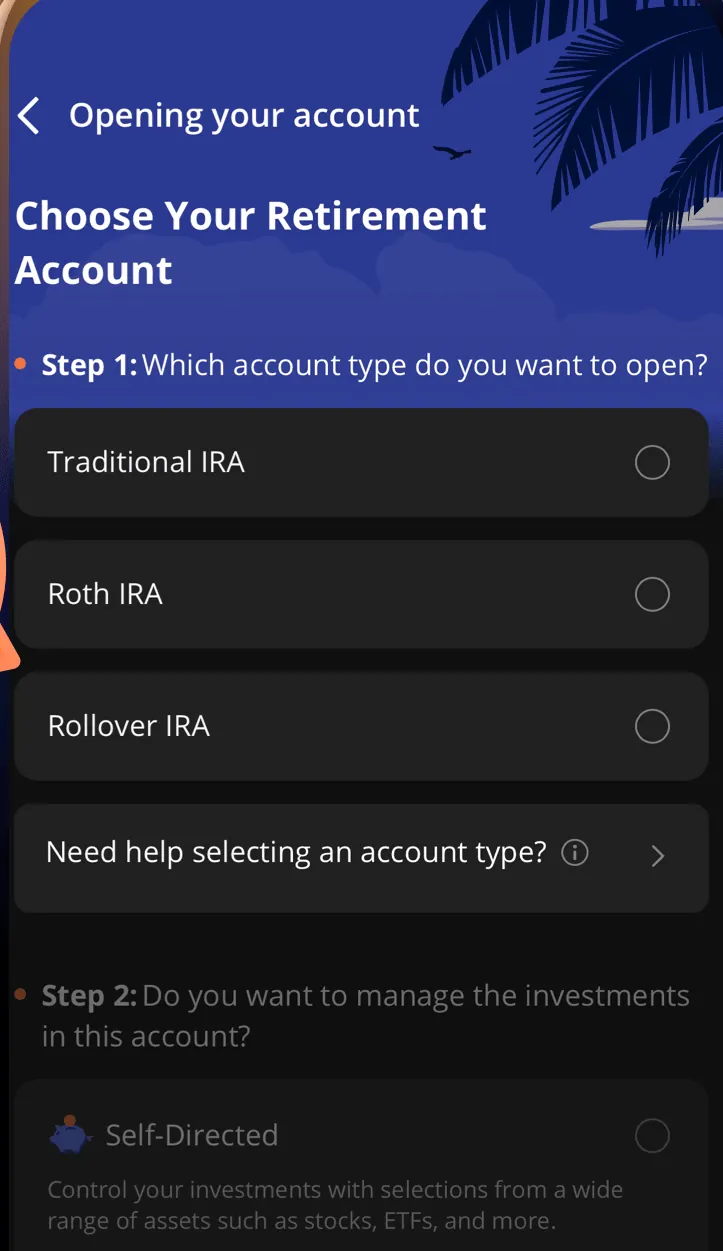
From Webull's websiteOpening your account: Choose Your Retirement Account with Traditional IRA, Roth IRA and Rollover IRA options and a step asking whether to manage the investments yourself.webull.com, as of
AI assistant
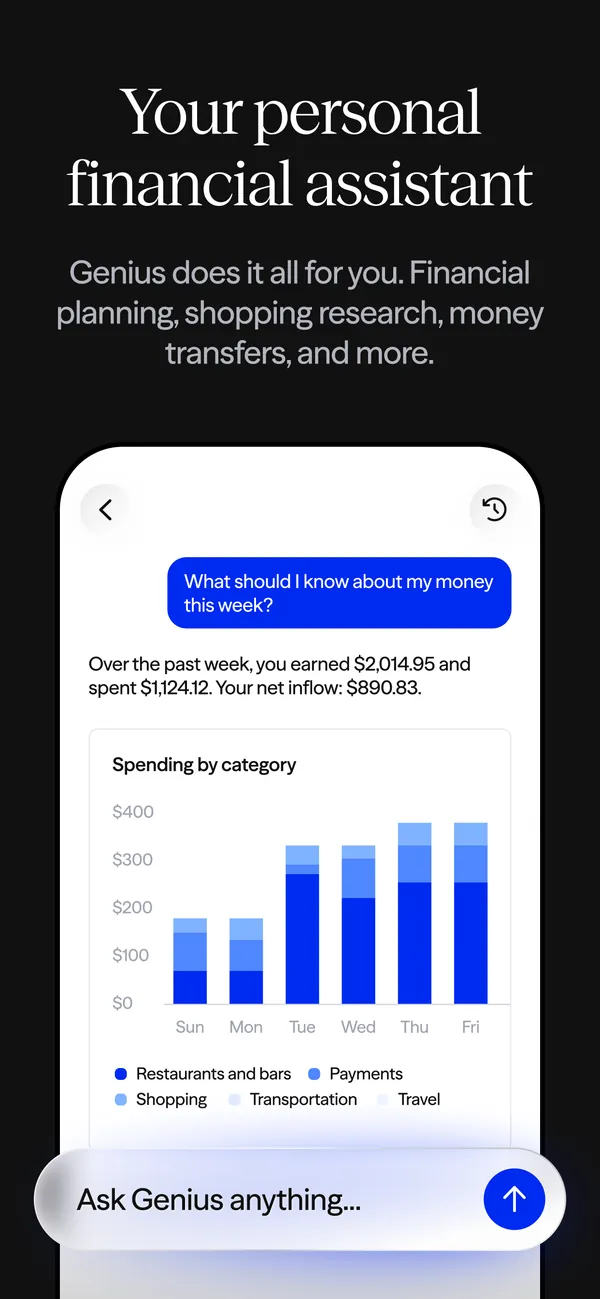
App Store marketing imageApp Store image with the headline "Your personal financial assistant" showing a Genius chat with a spending chart and an "Ask Genius anything..." box.App Store listing, as of 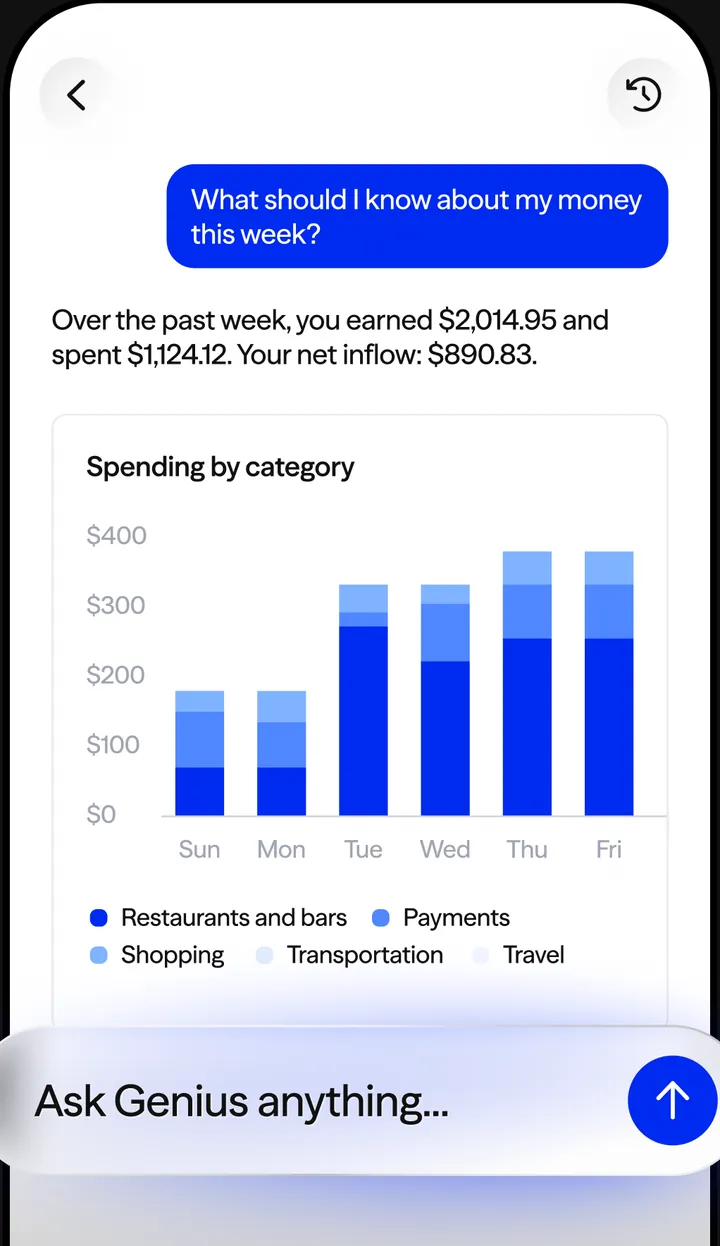
App Store marketing imageA Genius chat: the question "What should I know about my money this week?", a reply with earnings, spending and net inflow, a Spending by category bar chart and an "Ask Genius anything..." box.App Store listing, as of
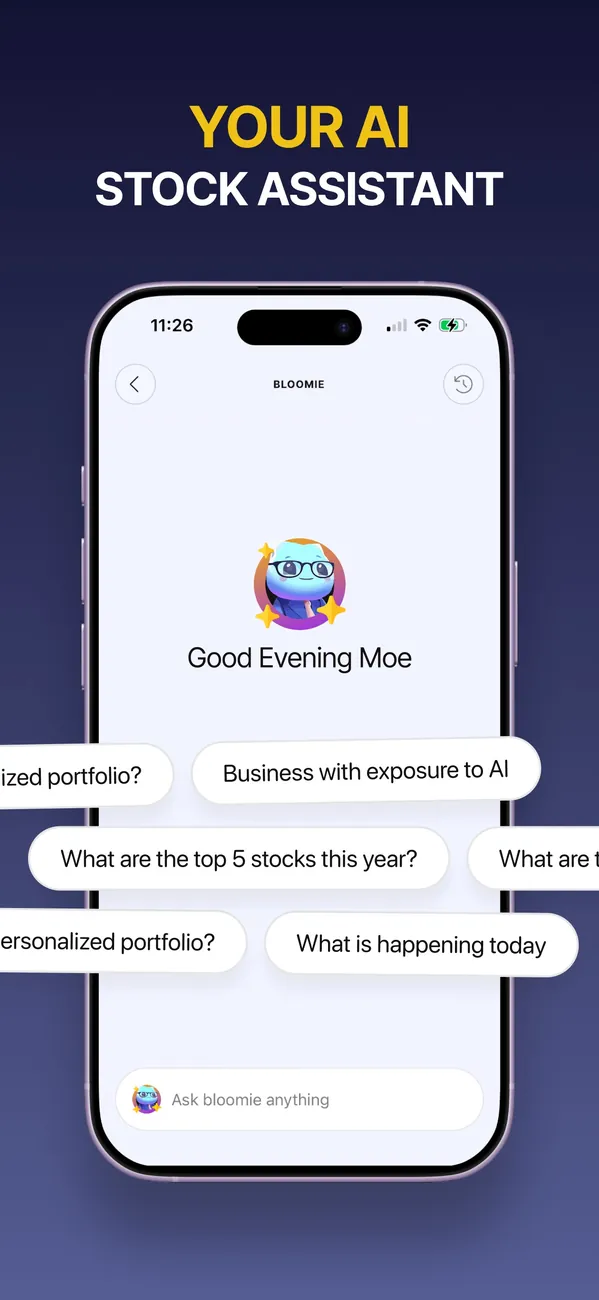
App Store marketing imageApp Store image with the headline "Your AI stock assistant" showing a Bloomie chat with suggested questions.App Store listing, as of 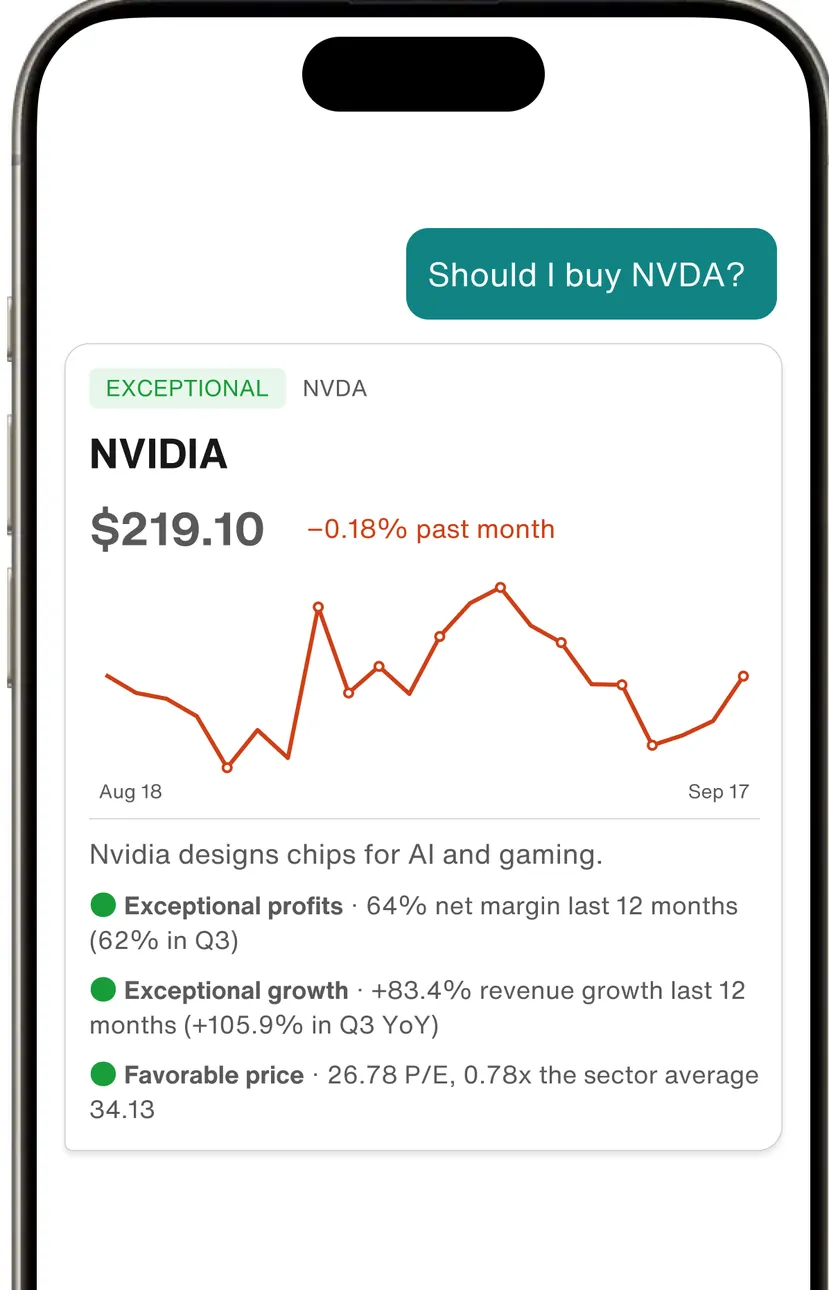
Google Play marketing imageThe assistant answering "Should I buy NVDA?" with an NVIDIA card at $219.10, a price chart and rated points such as Exceptional profits, Exceptional growth and Favorable price.Google Play listing, as of

App Store marketing imageApp Store image with the headline "Cleo talks back" and the line "You've been warned" showing a chat card.App Store listing, as of 
App Store marketing imageA chat card: a user message "I swear everything I bought was on sale", Cleo's reply "So is your willpower, apparently.", an "Ask me anything..." box and Spend, Ask Cleo, Save and Request buttons.App Store listing, as of
App Store marketing imageFidelity Assistant answering "How can I contact Fidelity?" with around-the-clock support and buttons to chat live online, see live chat hours or connect by phone, above a Type or ask us something field.App Store listing, as of

App Store marketing imageApp Store image with the headline "Your fiduciary AI financial advisor" showing an M1 Advisor chat sheet.App Store listing, as of 
App Store marketing imageA Chat sheet reading Welcome to M1 Advisor with an Ask M1 Advisor field and Remember my goals, Review my accounts and Explore ETFs suggestions, labeled AI-generated.App Store listing, as of
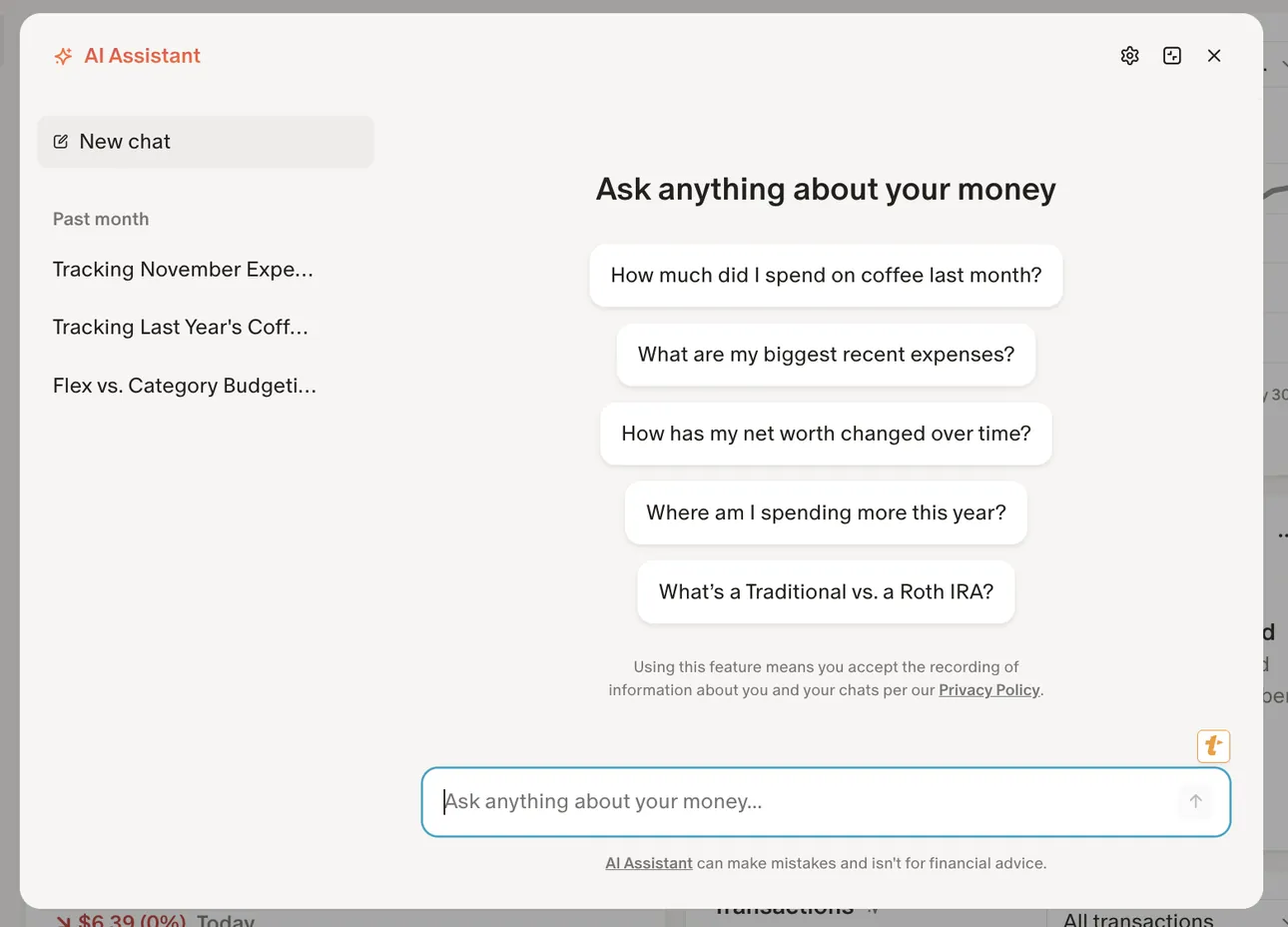
From Monarch Money's help centerThe AI Assistant panel on the web with past chats on the left and suggested questions like "How much did I spend on coffee last month?"help.monarch.com, as of
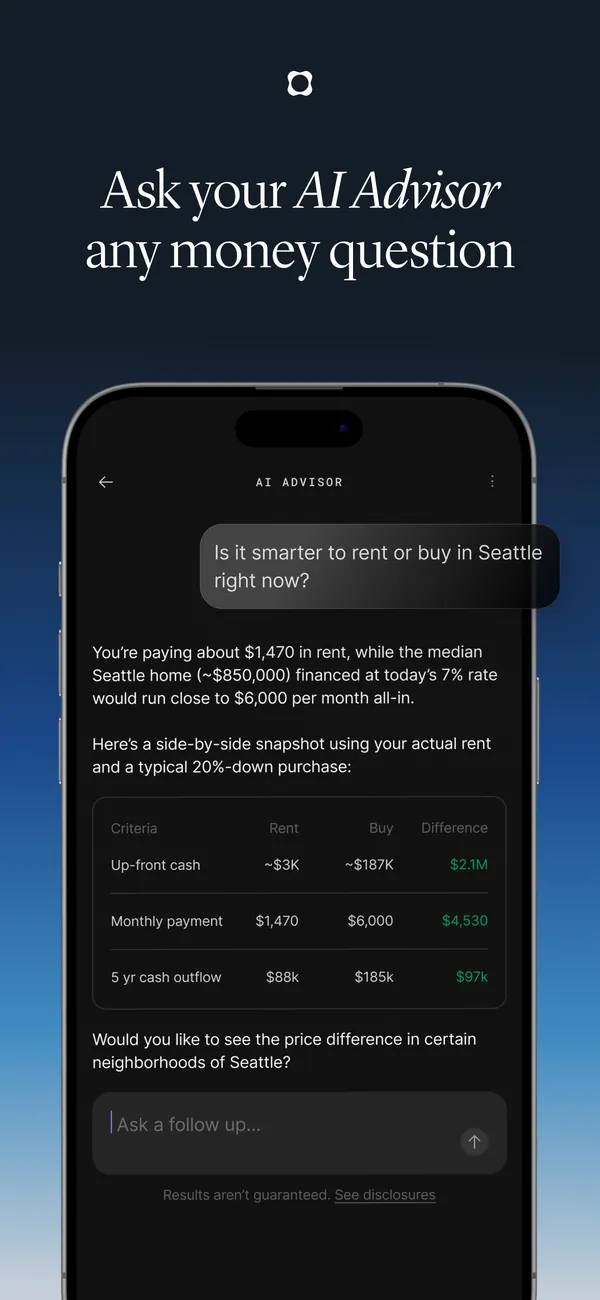
App Store marketing imageApp Store image with the headline "Ask your AI Advisor any money question" showing a rent or buy answer.App Store listing, as of 
App Store marketing imageThe AI Advisor answering "Is it smarter to rent or buy in Seattle right now?" with a rent versus buy table and an "Ask a follow up..." box.App Store listing, as of
App Store marketing imageApp Store image with the headline "Agentic investing. Fully native." showing a Build an agent screen.App Store listing, as of 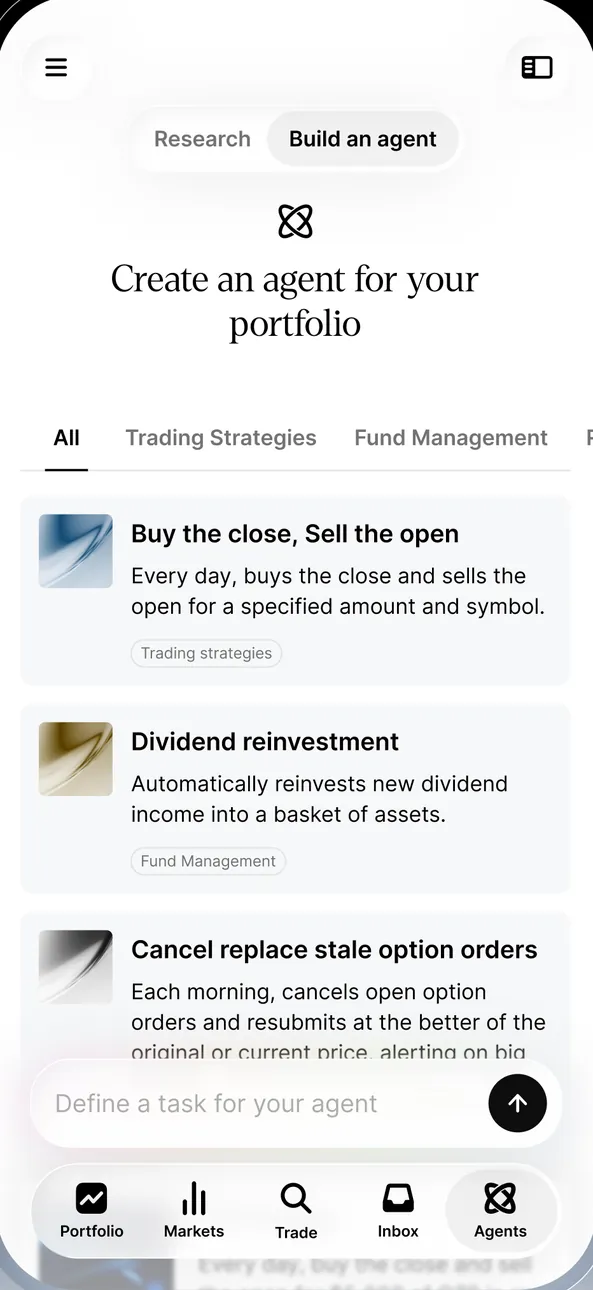
App Store marketing imageBuild an agent: "Create an agent for your portfolio" with Trading Strategies and Fund Management filters, agent cards such as Buy the close, Sell the open and Dividend reinvestment, and a Define a task for your agent field.App Store listing, as of 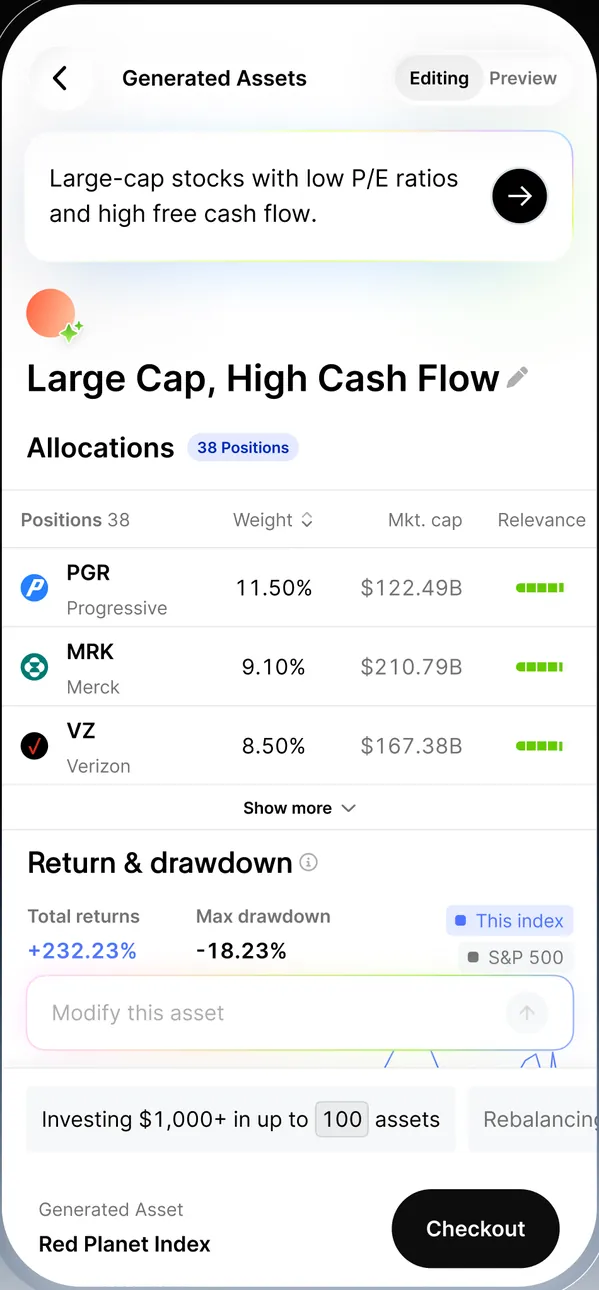
App Store marketing imageGenerated Assets from the prompt "Large-cap stocks with low P/E ratios and high free cash flow": an index named Large Cap, High Cash Flow with 38 positions, return and drawdown against the S&P 500 and a Checkout button.App Store listing, as of
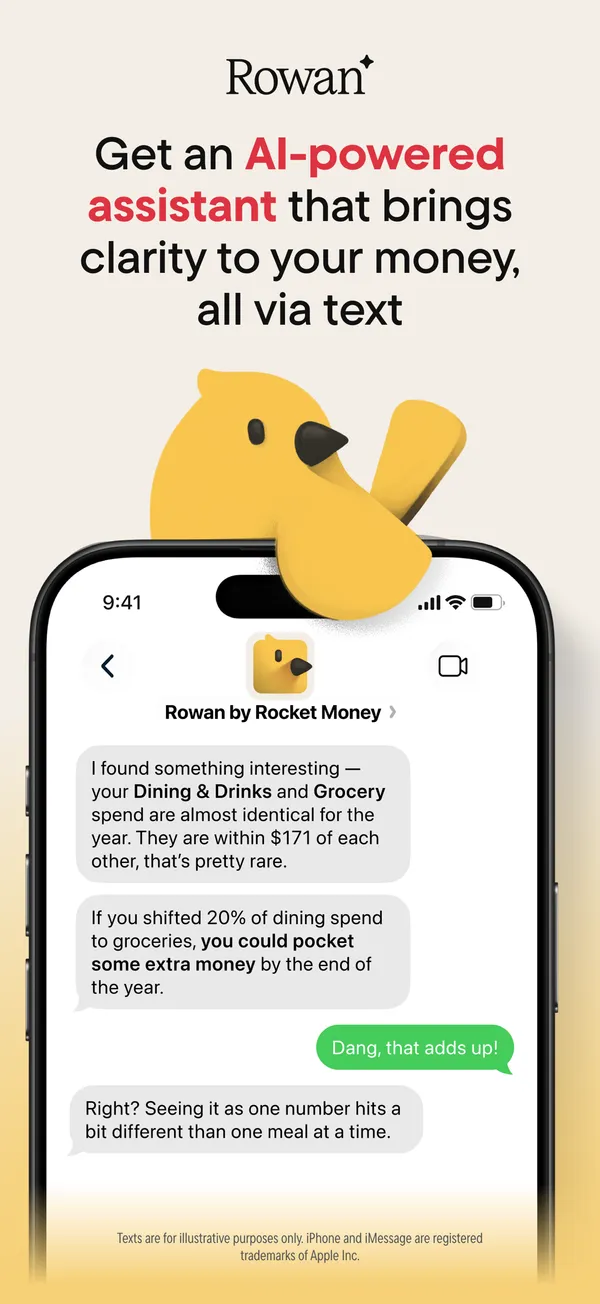
App Store marketing imageApp Store image with the headline about an AI-powered assistant showing a text chat with Rowan by Rocket Money.App Store listing, as of 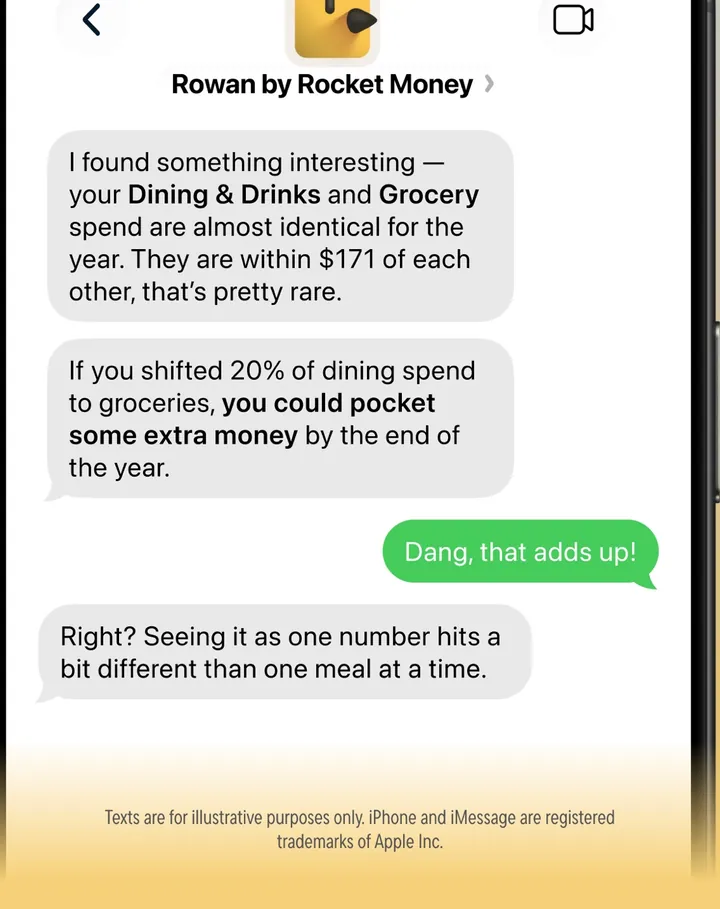
App Store marketing imageA text conversation where Rowan comments on Dining & Drinks and Grocery spending and the user replies.App Store listing, as of

App Store marketing imageApp Store image with the headline "Meet SoFi Coach." showing the Coach Beta start screen.App Store listing, as of 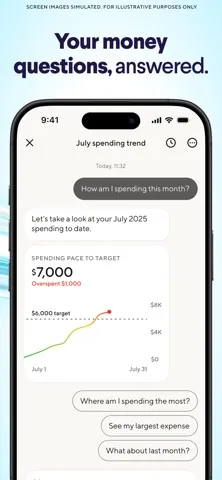
App Store marketing imageApp Store image with the headline "Your money questions, answered." showing a spending trend chat with a chart.App Store listing, as of

App Store marketing imageApp Store image with the headline "Meet SoFi Coach." showing a Coach screen with prompts for support, taxes and optimizing.App Store listing, as of 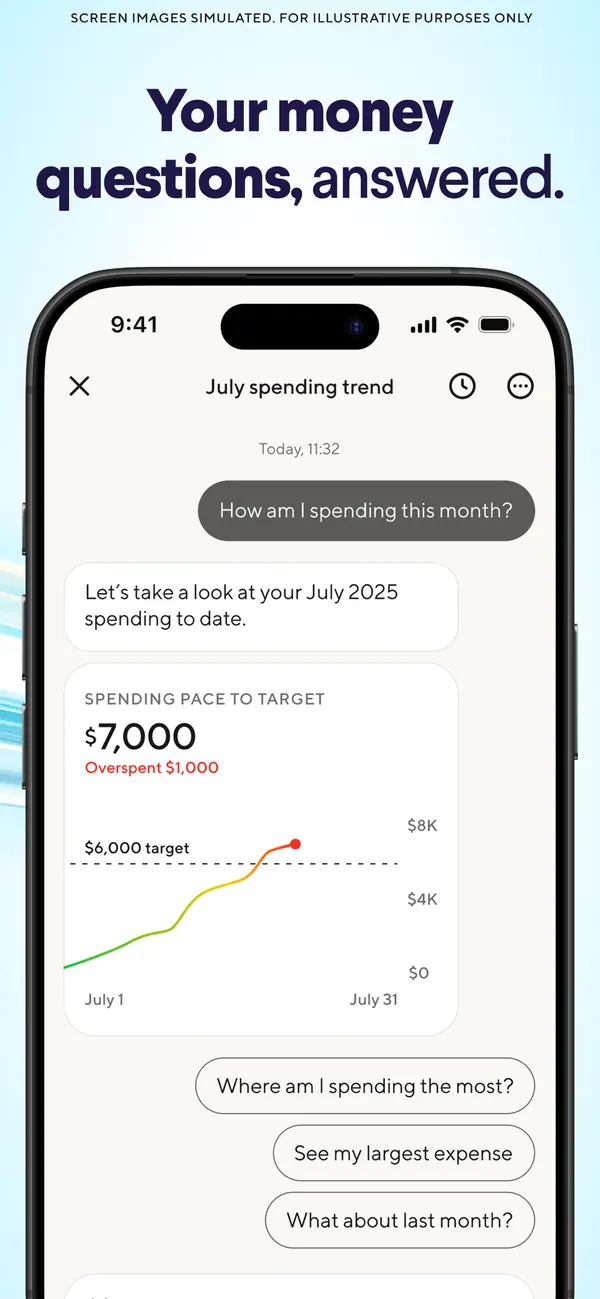
App Store marketing imageApp Store image with the headline "Your money questions, answered." showing a July spending trend chat with a pace chart.App Store listing, as of 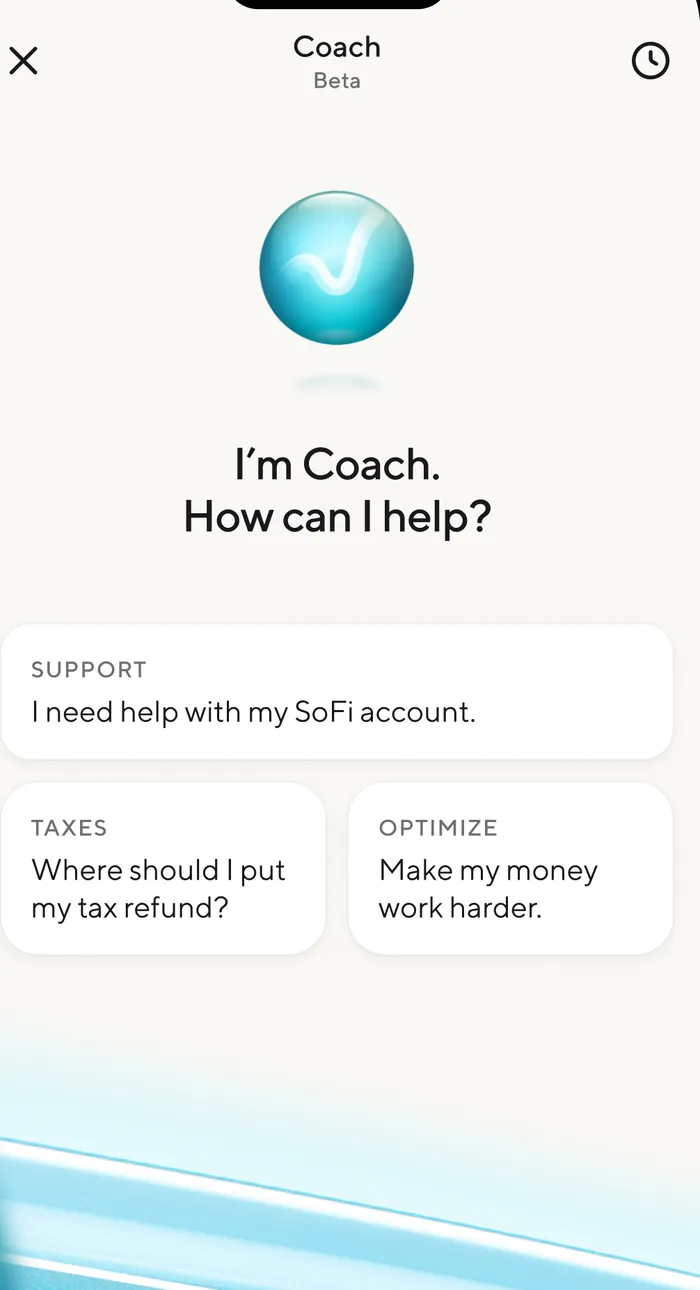
App Store marketing imageThe Coach Beta screen: "I'm Coach. How can I help?" with Support, Taxes and Optimize prompt cards such as "Where should I put my tax refund?"App Store listing, as of 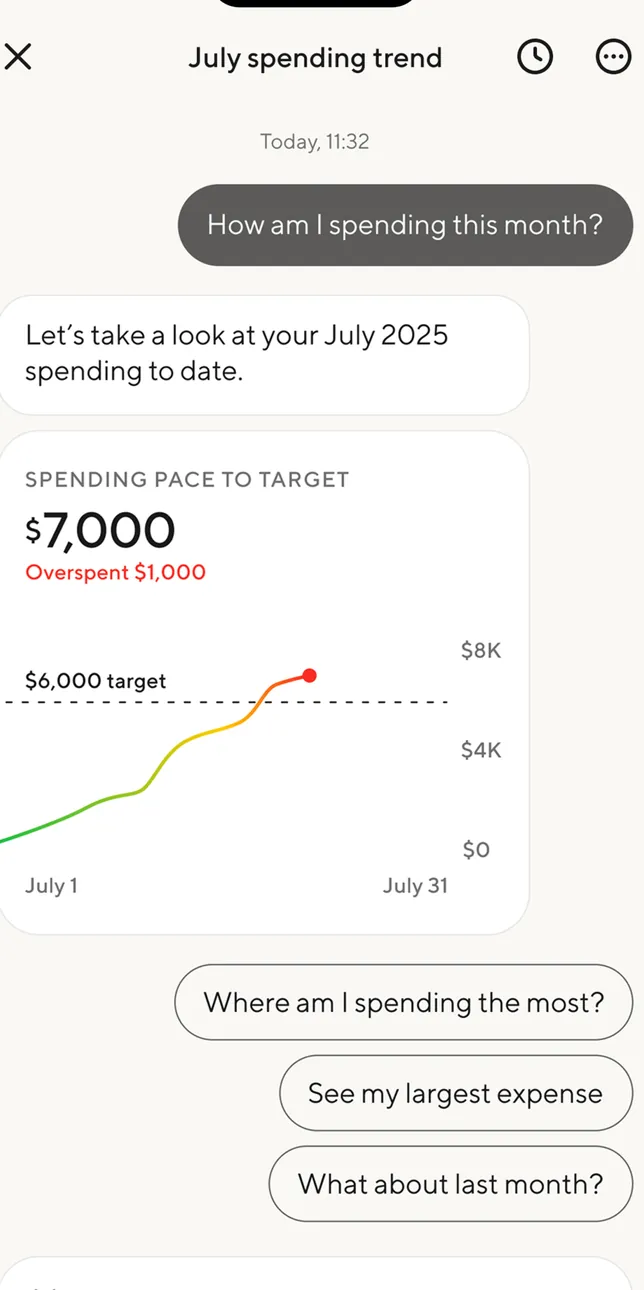
App Store marketing imageA July spending trend chat: "How am I spending this month?" answered with a Spending pace to target card at $7,000, overspent $1,000, and follow-up chips such as Where am I spending the most?App Store listing, as of
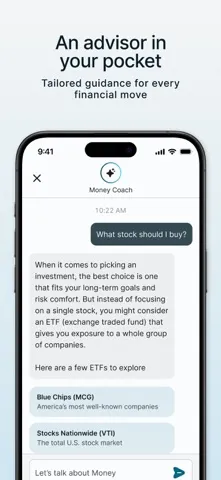
App Store marketing imageApp Store image with the headline "An advisor in your pocket" showing a Money Coach chat.App Store listing, as of 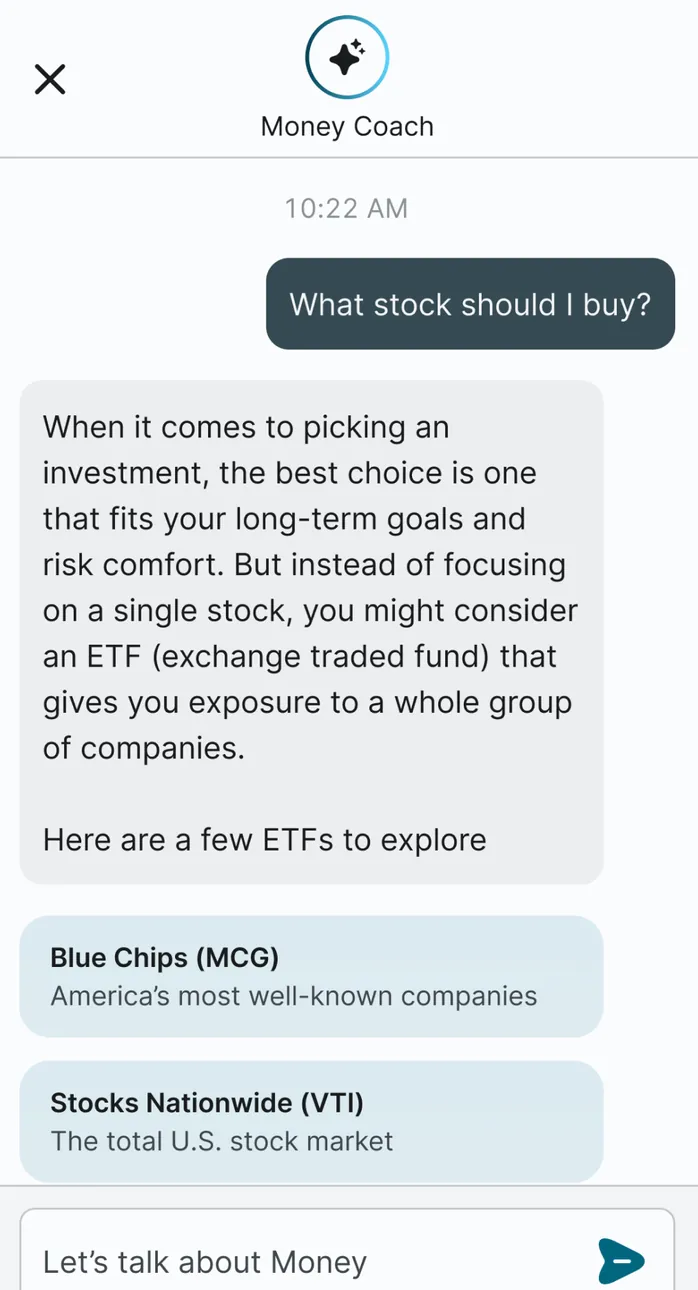
App Store marketing imageMoney Coach answering "What stock should I buy?" by suggesting ETFs, with Blue Chips (MCG) and Stocks Nationwide (VTI) cards and a Let's talk about Money field.App Store listing, as of

App Store marketing imageApp Store image with the headline "Your AI Trading Assistant" showing the Vega assistant.App Store listing, as of 
App Store marketing imageThe Vega assistant: "Hi! I am Vega!" with suggested questions about TSLA and a model menu with Auto Select, Deep Search and Fast Reply, plus Analyze my Watchlist and Spot unusual options signals bubbles placed over it.App Store listing, as of
Other screens
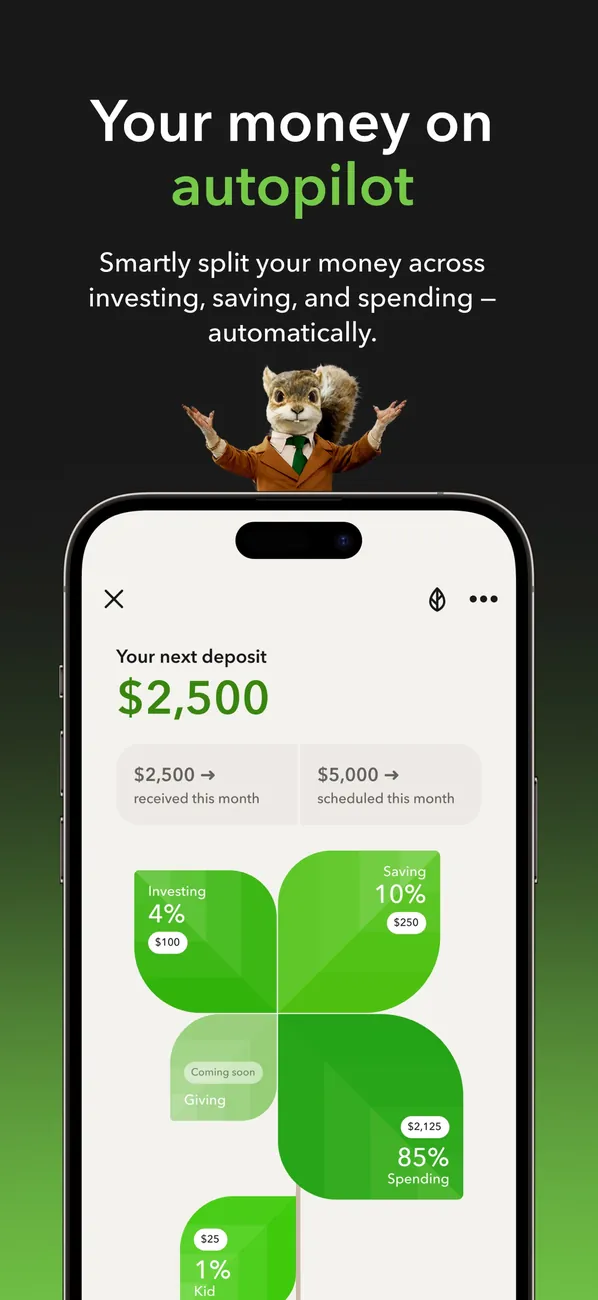
App Store marketing imageApp Store image with the headline "Your money on autopilot" showing your next deposit of $2,500 split across investing, saving and spending.App Store listing, as of 
App Store marketing imageApp Store image with the headline "Get smart about money" showing a Learn screen with articles.App Store listing, as of 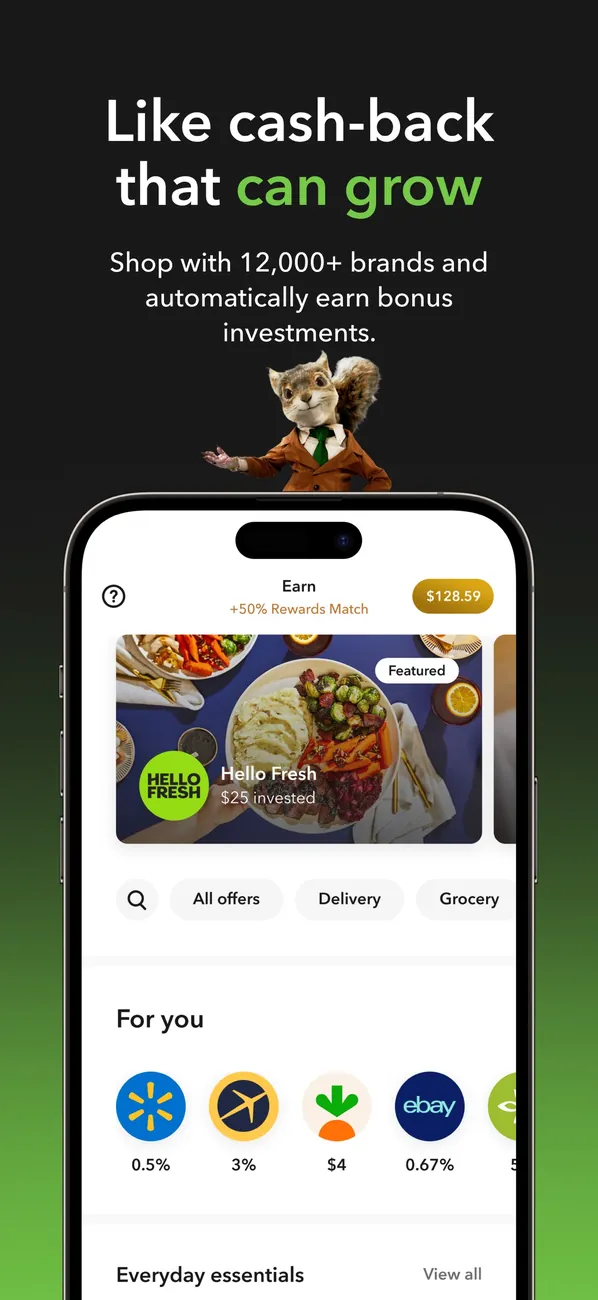
App Store marketing imageApp Store image with the headline "Like cash-back that can grow" showing an Earn screen with brand offers.App Store listing, as of 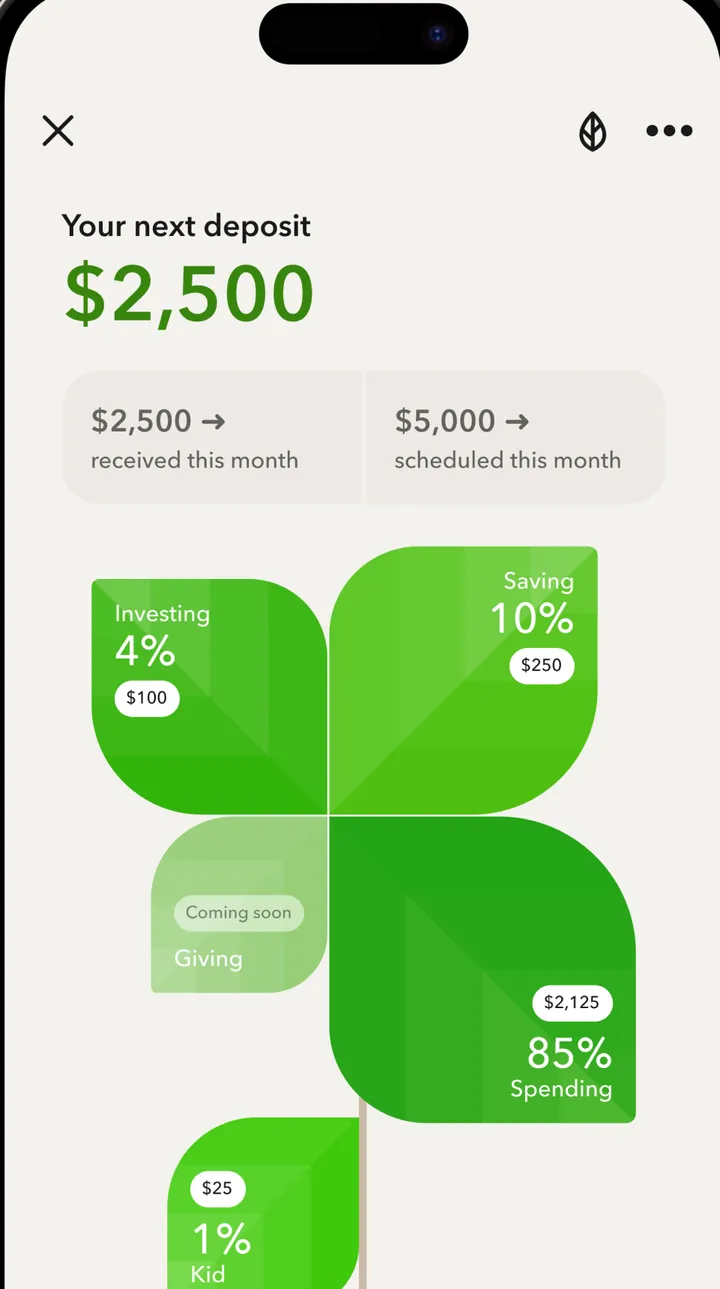
App Store marketing imageYour next deposit of $2,500 with $2,500 received this month and $5,000 scheduled, split into tiles: Investing 4% $100, Saving 10% $250, Spending 85% $2,125, Kid 1% $25 and Giving coming soon.App Store listing, as of 
App Store marketing imageThe Learn tab with Just for you, Investing and Retiring filters, a 7 min video card titled "The American Dream isn't dead" and a Trending for you row.App Store listing, as of 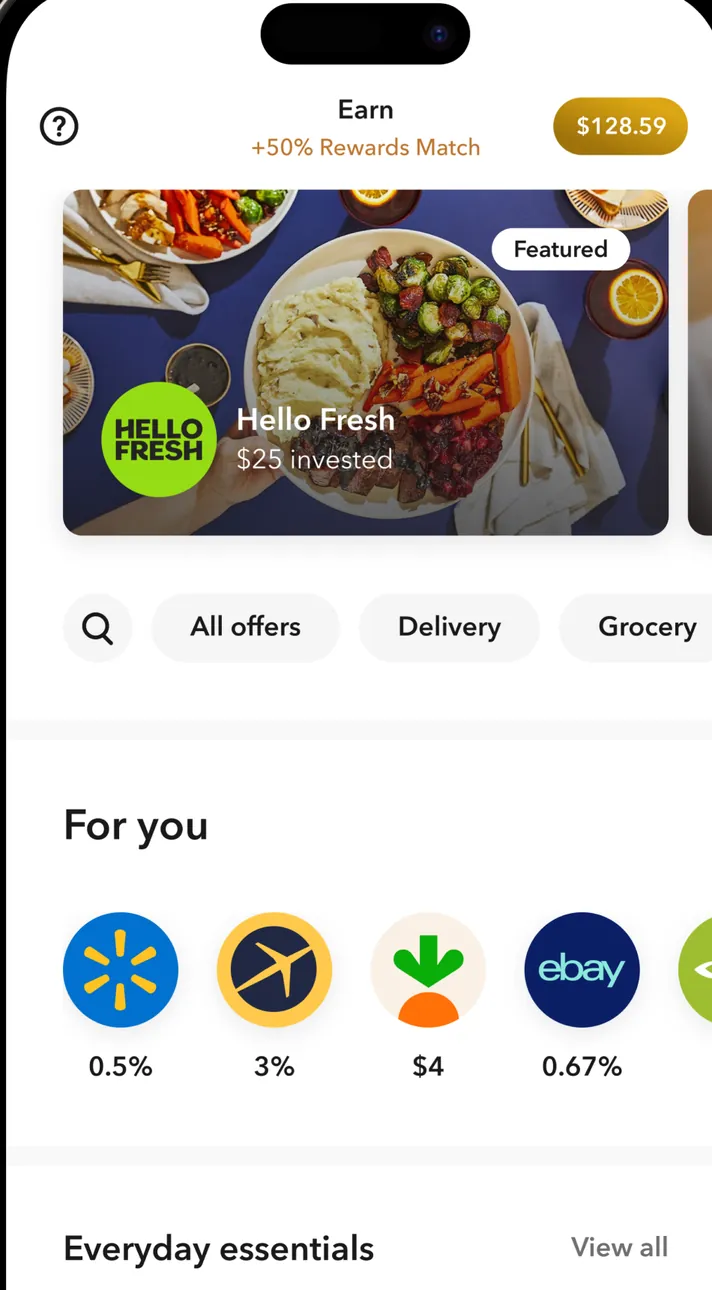
App Store marketing imageThe Earn tab: +50% Rewards Match, $128.59 earned, a featured Hello Fresh offer with $25 invested, All offers, Delivery and Grocery filters and a For you row of brand logos with rates.App Store listing, as of 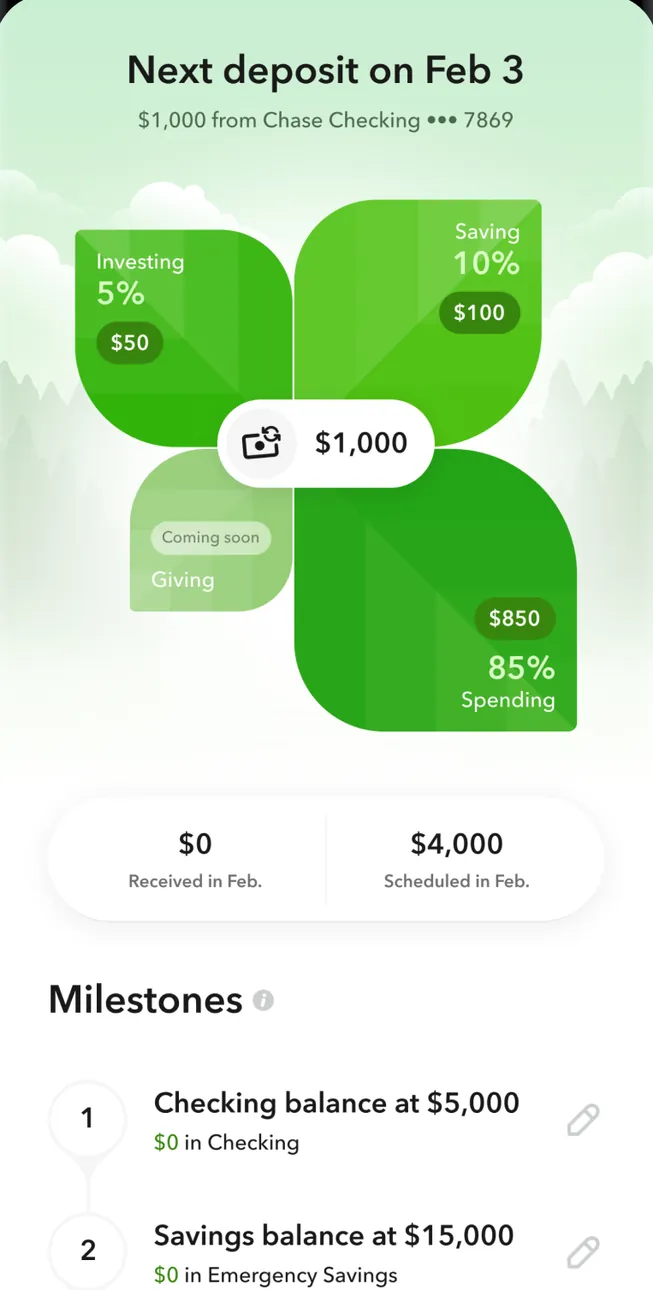
Google Play marketing imageNext deposit on Feb 3, $1,000 from Chase Checking, split into Investing 5% $50, Saving 10% $100 and Spending 85% $850 with Giving coming soon, $0 received and $4,000 scheduled in Feb., and a Milestones list.Google Play listing, as of 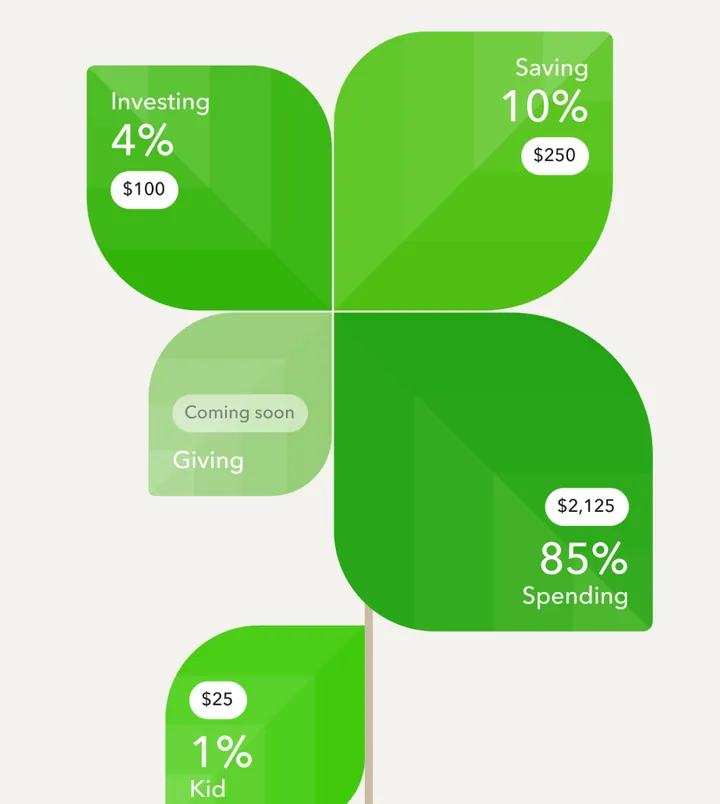
App Store marketing imageGreen tiles splitting a deposit: Investing 4% $100, Saving 10% $250, Spending 85% $2,125, Kid 1% $25 and Giving coming soon.App Store listing, as of

App Store marketing imageApp Store image with the headline "Shop and travel within your budget" showing a Las Vegas map and a weekend itinerary.App Store listing, as of 
App Store marketing imageA Las Vegas weekend itinerary with a map of hotel pins, a Bellagio Hotel & Casino card at $204 a night and a Friday flight from JFK to LAS.App Store listing, as of 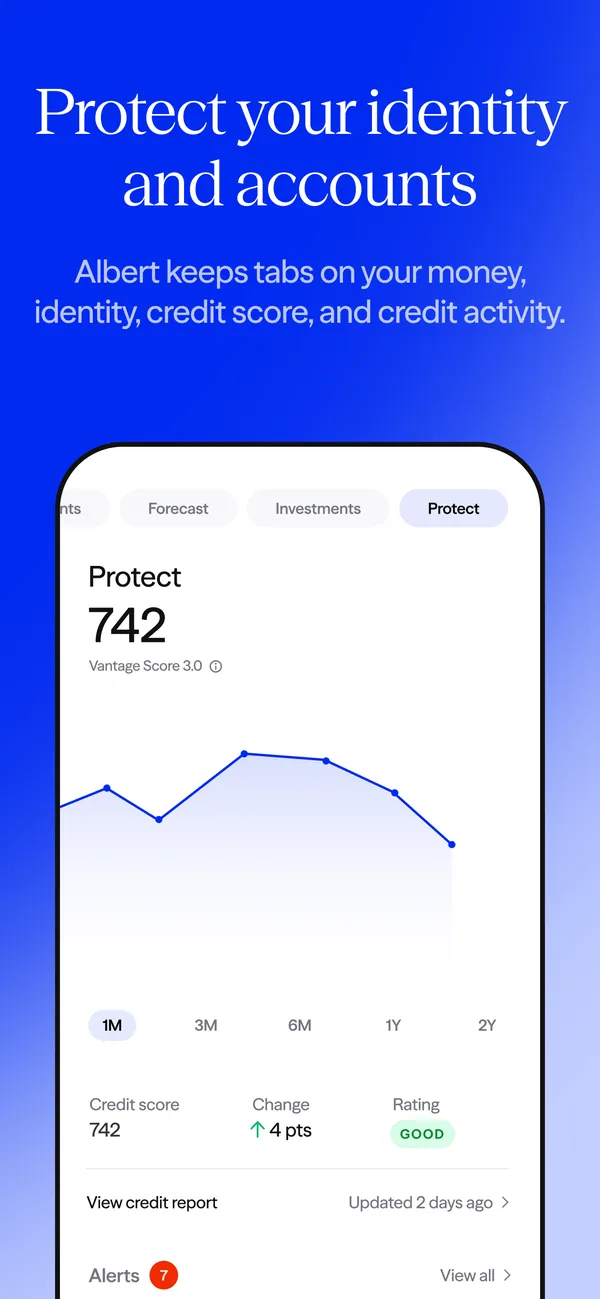
App Store marketing imageApp Store image with the headline "Protect your identity and accounts" showing a Protect tab with a credit score of 742.App Store listing, as of 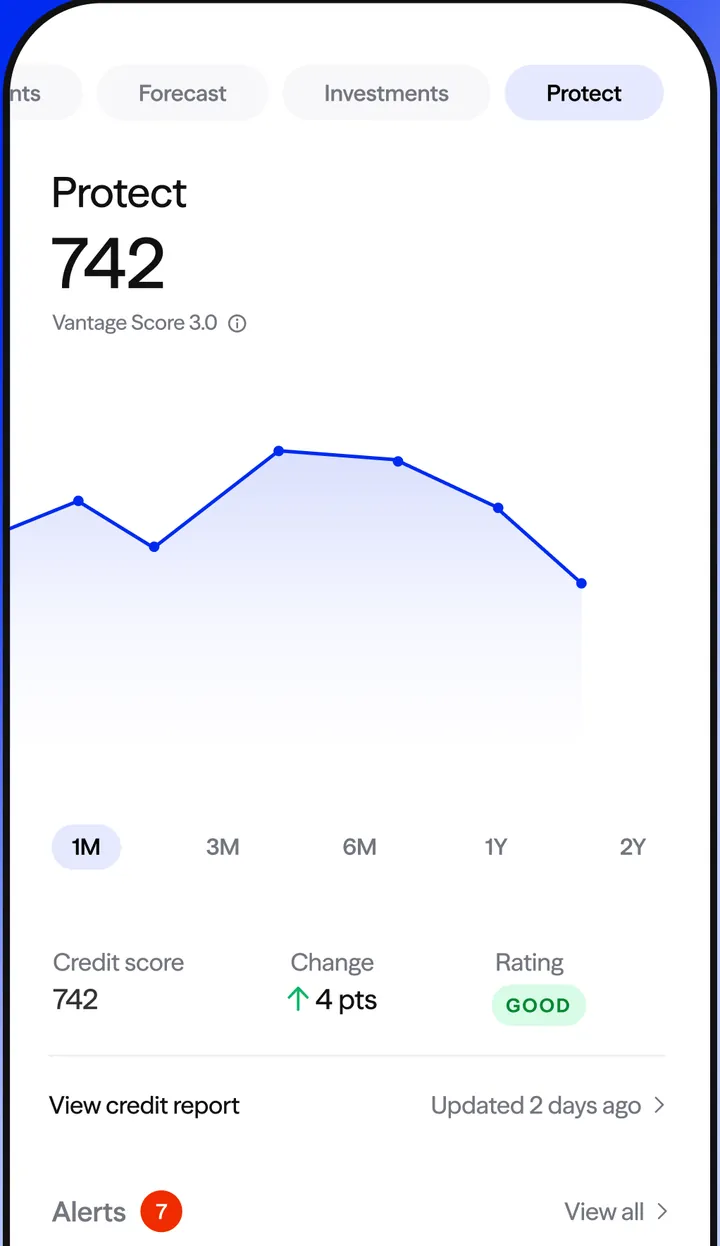
App Store marketing imageThe Protect tab: Vantage Score 3.0 of 742 with a line chart, change of 4 points, a Good rating and an Alerts row.App Store listing, as of
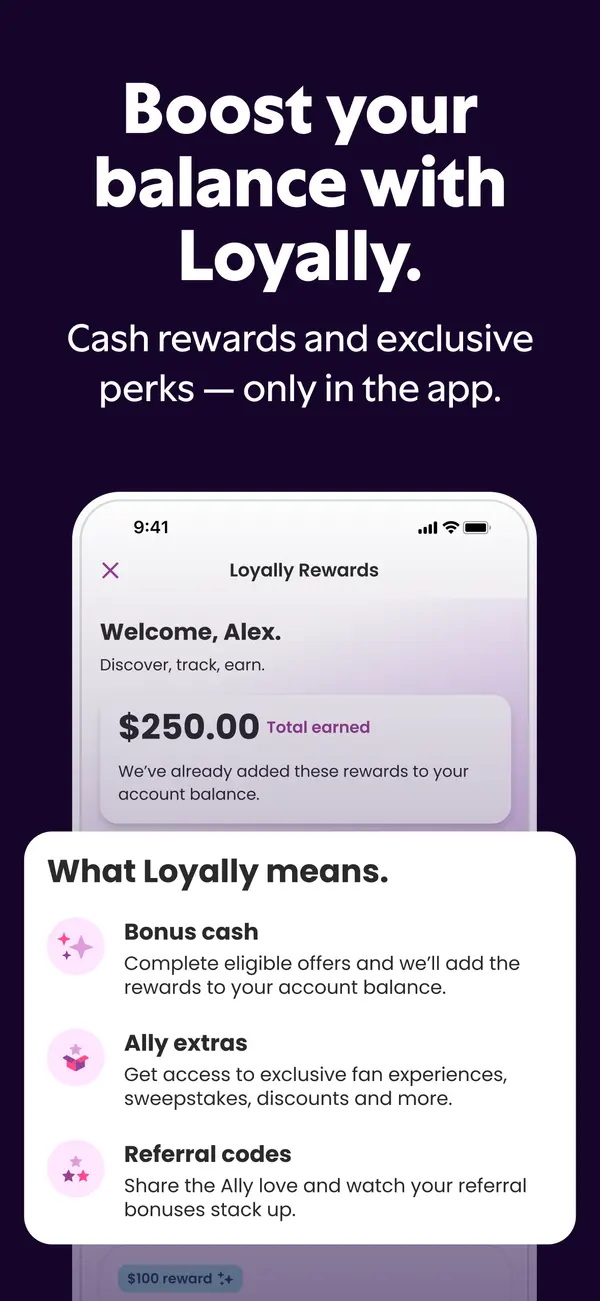
App Store marketing imageApp Store image with the headline "Boost your balance with Loyally." showing a Loyally Rewards screen.App Store listing, as of 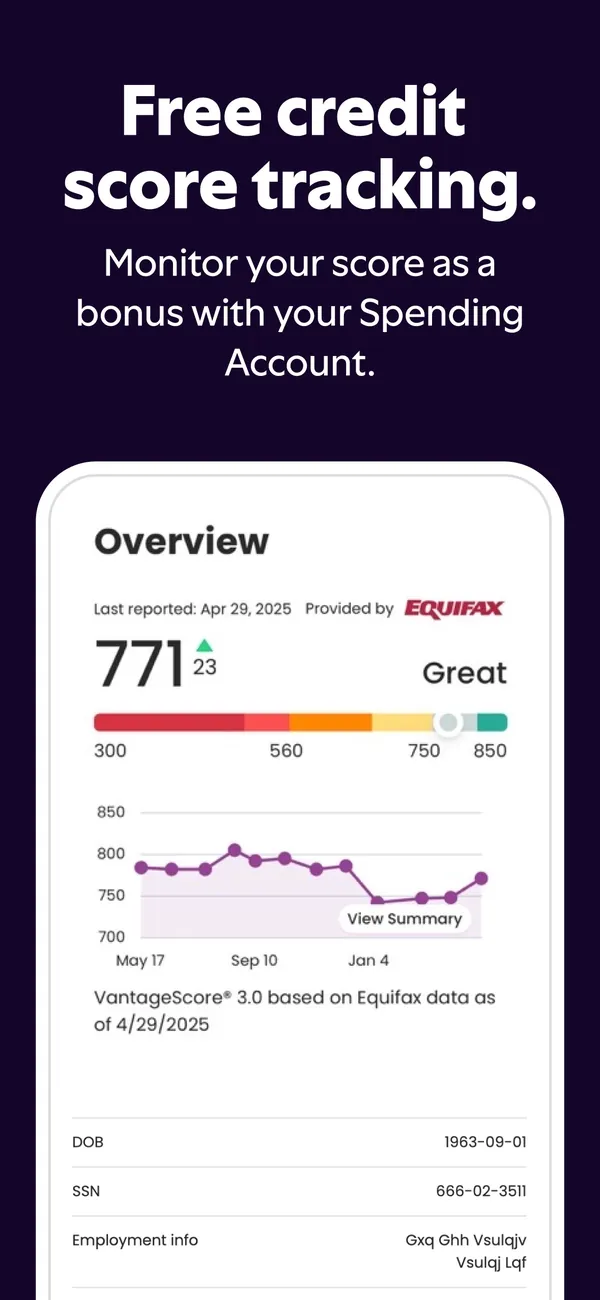
App Store marketing imageApp Store image with the headline "Free credit score tracking." showing a credit score of 771 and a history chart.App Store listing, as of 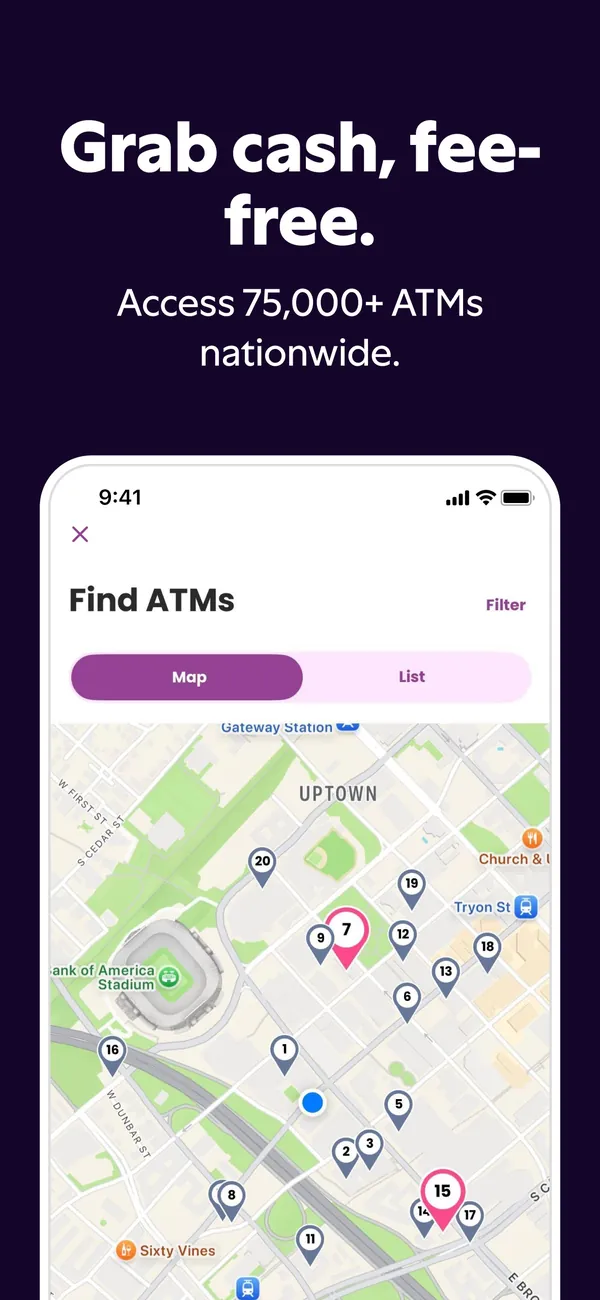
App Store marketing imageApp Store image with the headline "Grab cash, fee-free." showing a Find ATMs map.App Store listing, as of 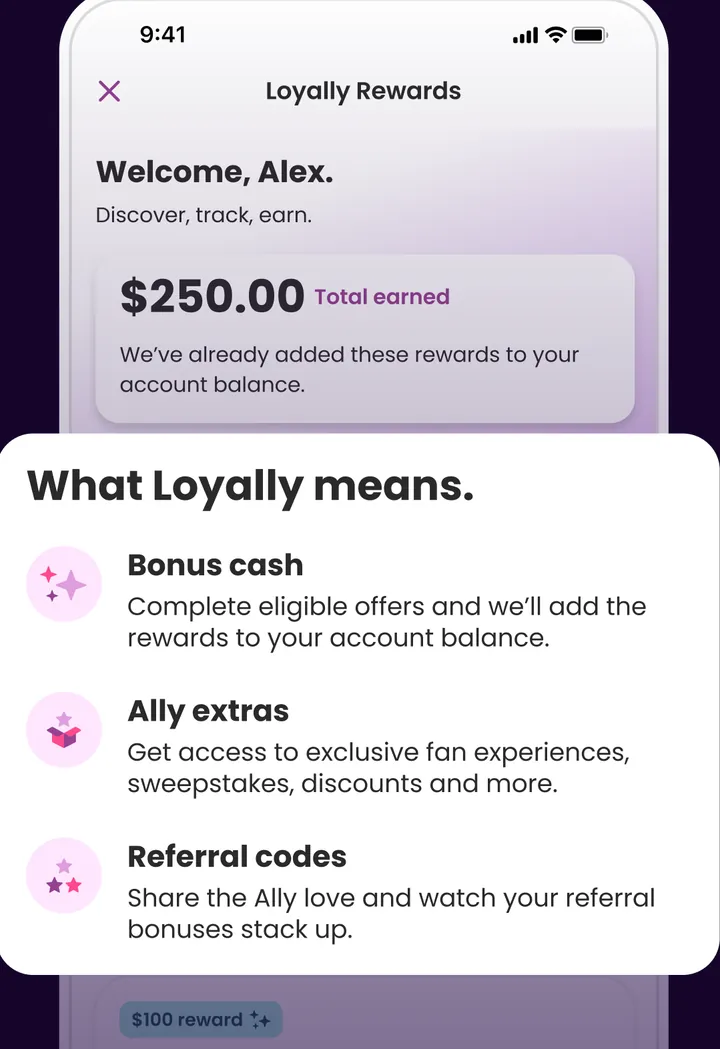
App Store marketing imageLoyally Rewards: Welcome, Alex with $250.00 total earned, and a card explaining Bonus cash, Ally extras and Referral codes.App Store listing, as of 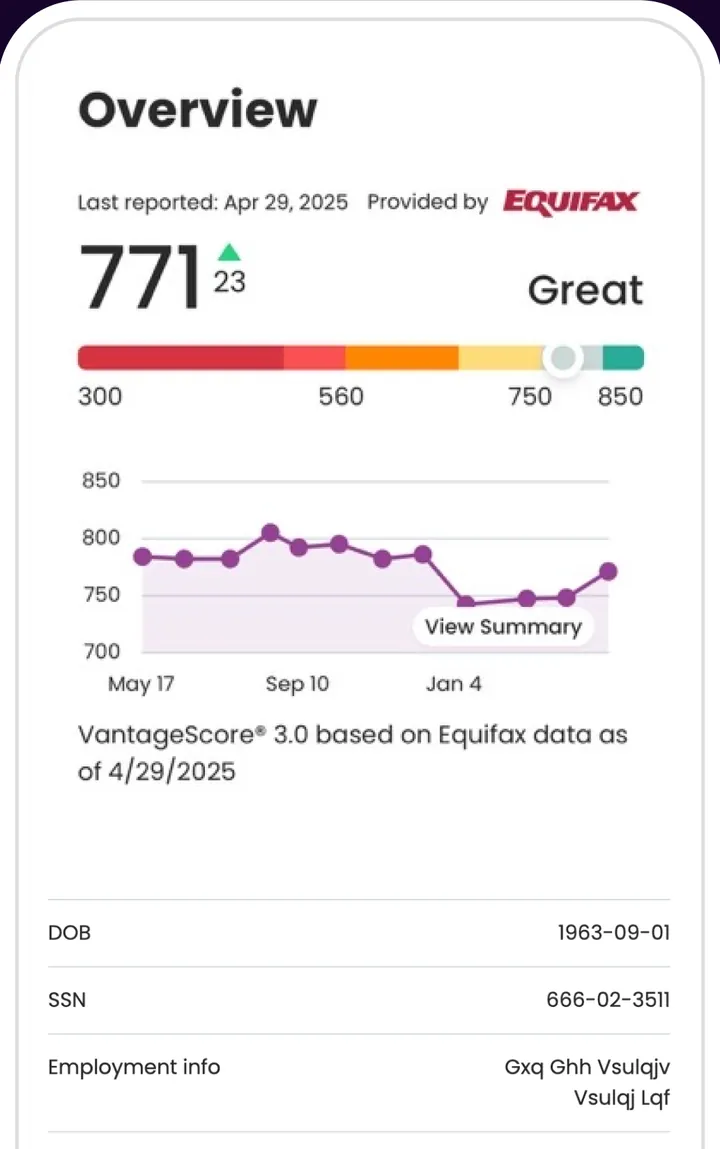
App Store marketing imageCredit score Overview provided by Equifax: 771, up 23, rated Great on a 300 to 850 bar, a line chart from May to January and personal info rows.App Store listing, as of 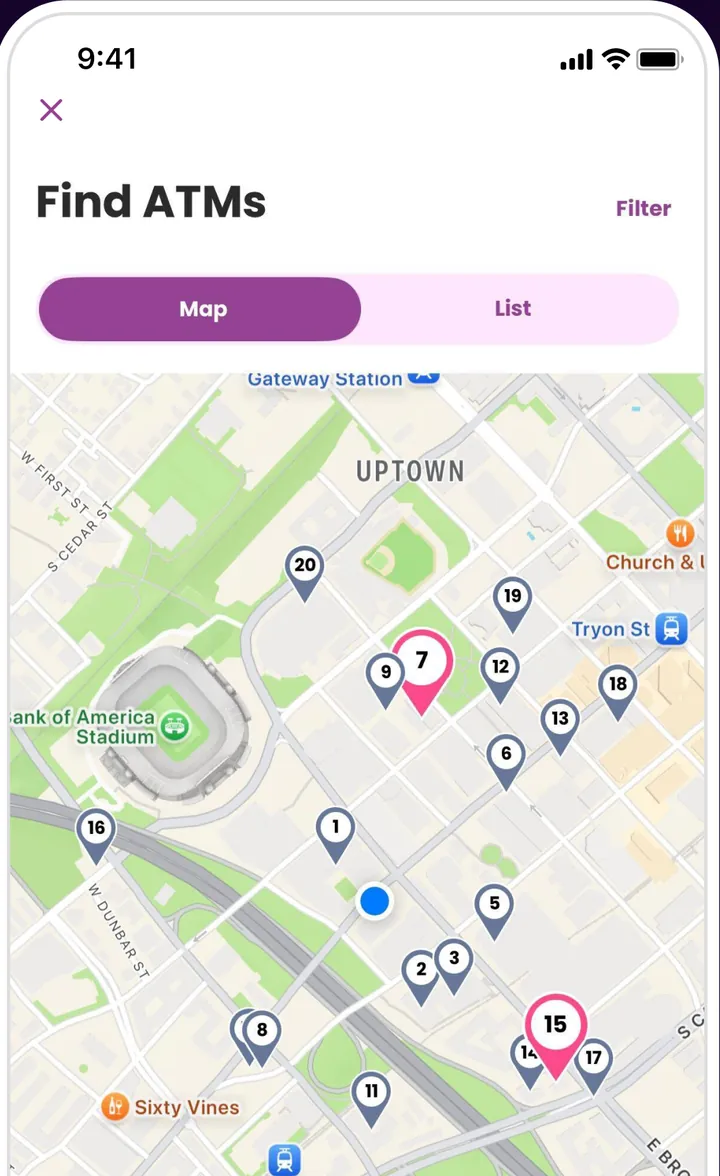
App Store marketing imageFind ATMs with Map and List tabs and a city map with numbered ATM pins.App Store listing, as of 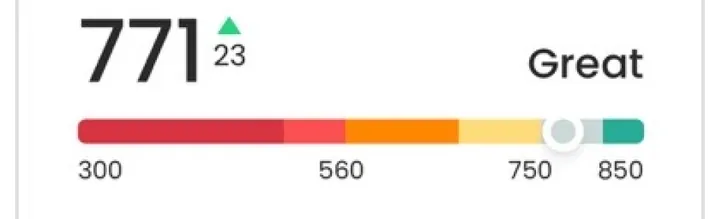
App Store marketing imageA 771 score, up 23, labeled Great on a red to green bar marked 300, 560, 750 and 850.App Store listing, as of
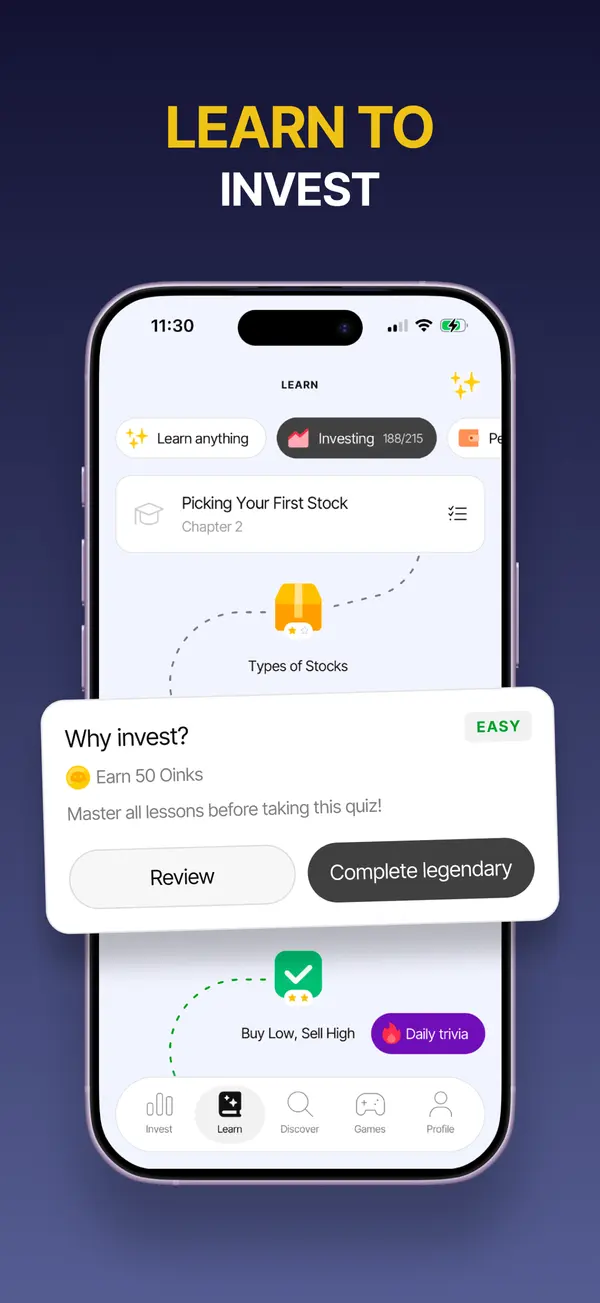
App Store marketing imageApp Store image with the headline "Learn to invest" showing a lesson path and a quiz card.App Store listing, as of 
App Store marketing imageApp Store image with the headline "Swipe to invest in the stories you believe in" showing stacked news cards with stock prices.App Store listing, as of 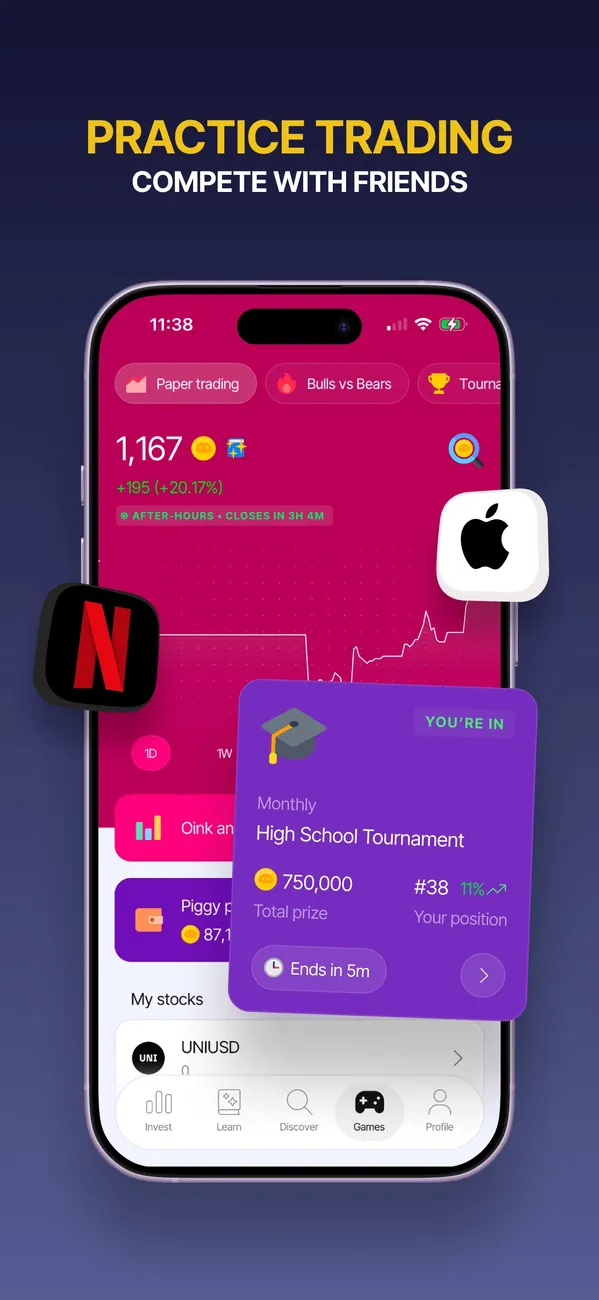
App Store marketing imageApp Store image with the headline "Practice trading" showing a paper trading screen and a tournament card.App Store listing, as of 
Google Play marketing imageA lock screen at 4:10 with Bloom alerts: GOOGL above its 50-day average, a META RSI alert and News on UBER.Google Play listing, as of
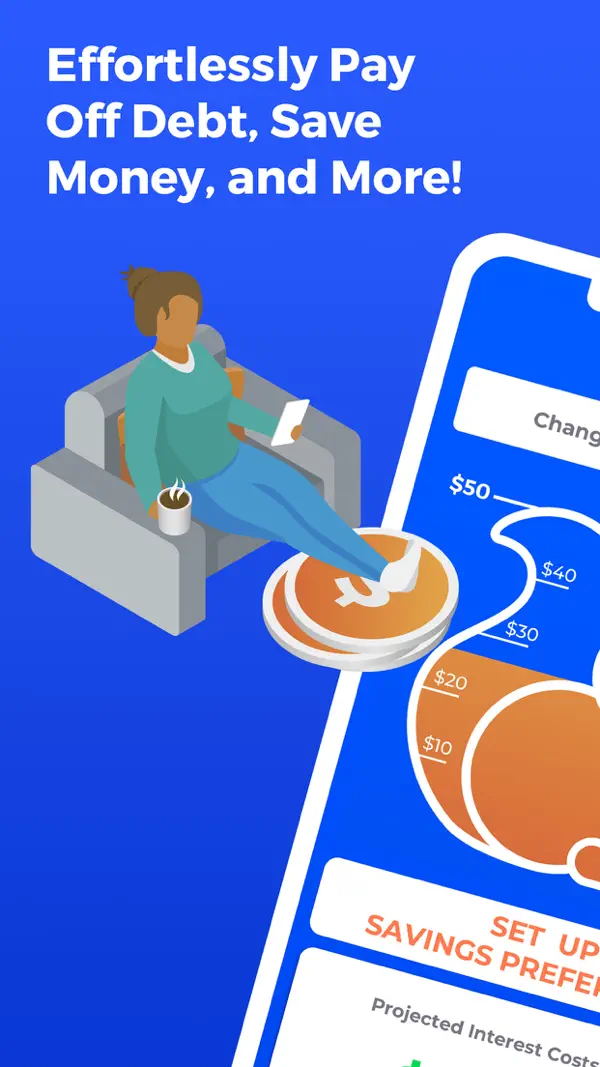
App Store marketing imageApp Store image with the headline "Effortlessly Pay Off Debt, Save Money, and More!" showing a tilted phone and an illustrated person on a couch.App Store listing, as of
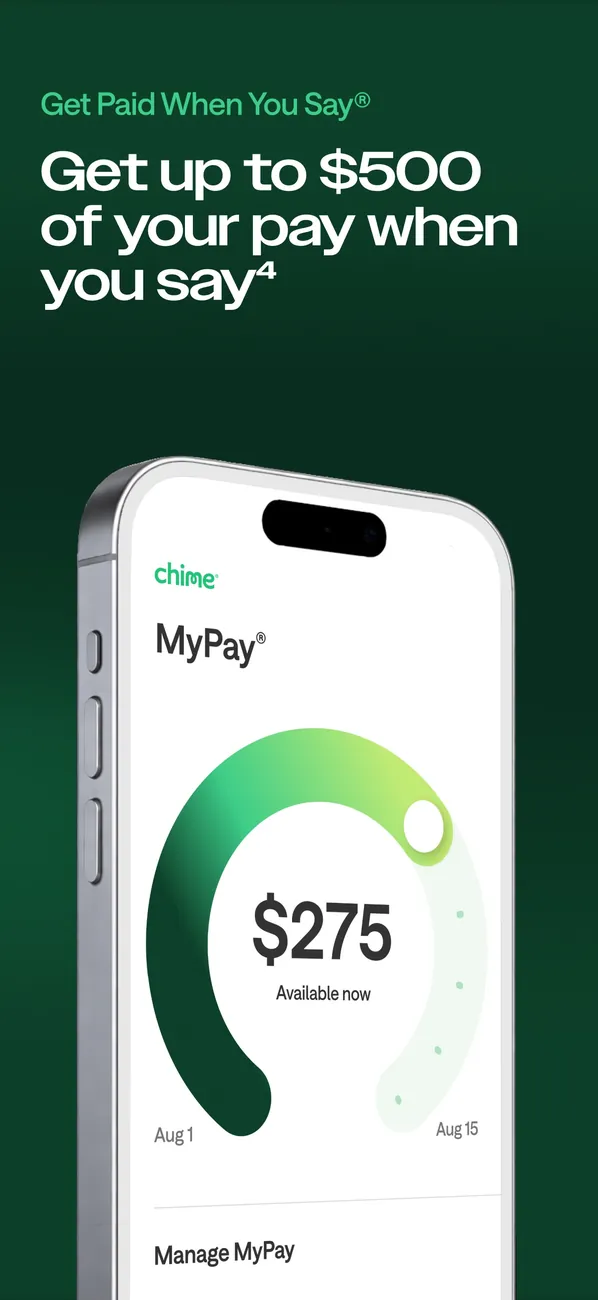
App Store marketing imageApp Store image with the headline "Get up to $500 of your pay when you say" showing a MyPay screen with $275 available.App Store listing, as of 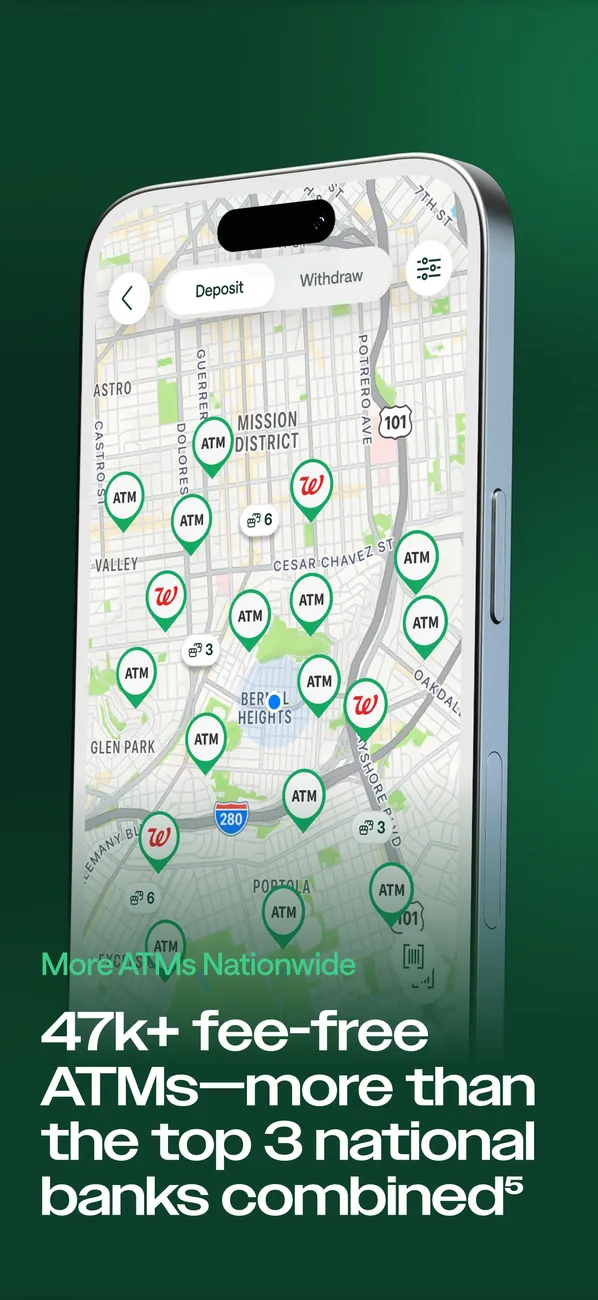
App Store marketing imageApp Store image with a fee-free ATMs headline showing a map with ATM pins.App Store listing, as of 
App Store marketing imageA Chime notification saying Cha-ching! You just scored 5% cash back on your purchase.App Store listing, as of

App Store marketing imageApp Store image with the headline "Everything your bank can't do", the line "The world's first AI financial assistant", a "Join 8 million users" badge and stacked phone screens.App Store listing, as of 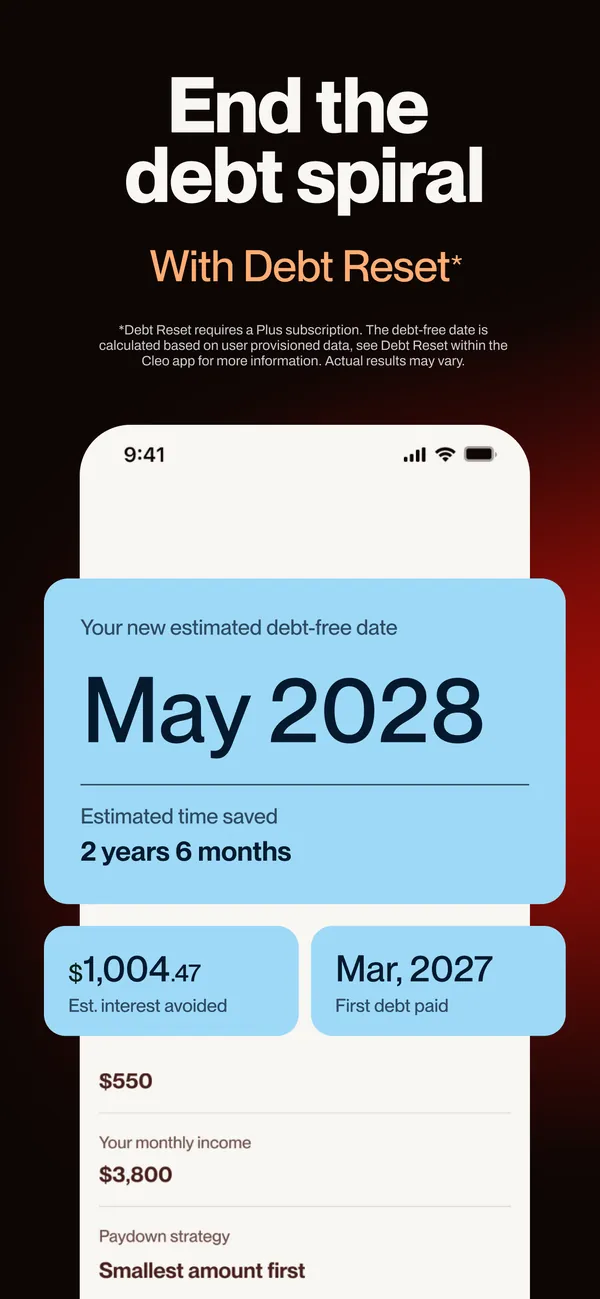
App Store marketing imageApp Store image with the headline "End the debt spiral" and the line "With Debt Reset" showing an estimated debt-free date.App Store listing, as of 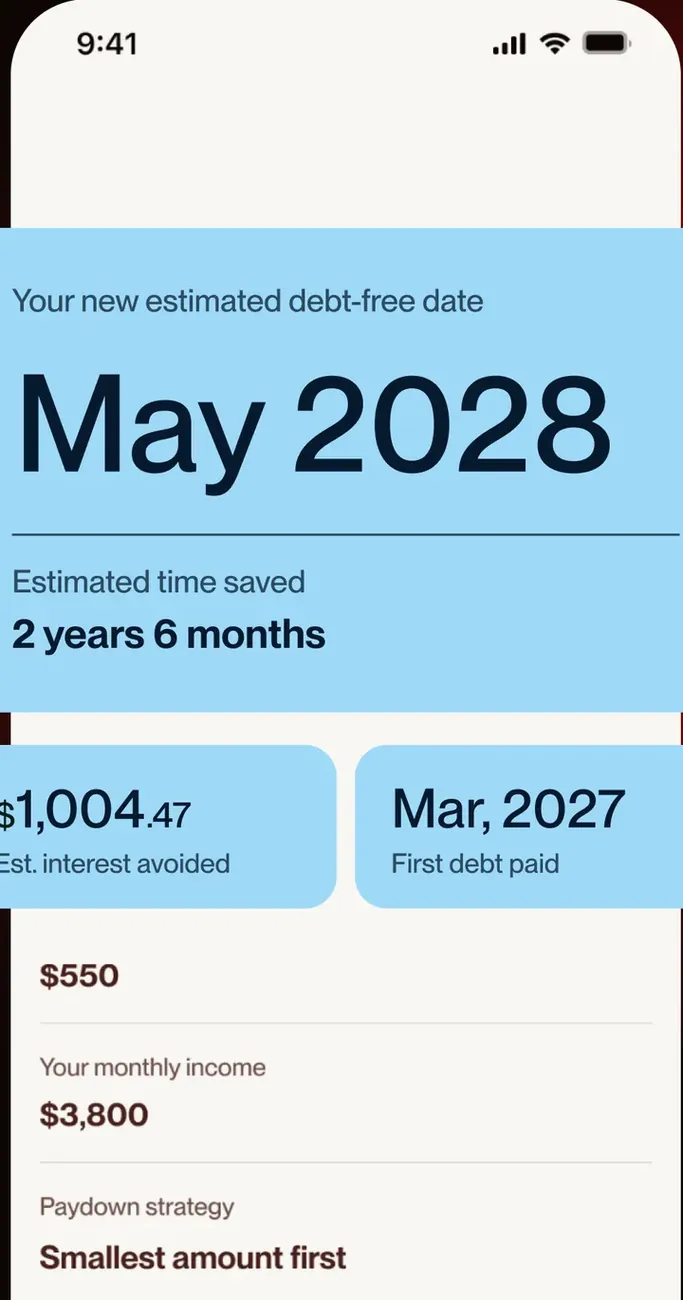
App Store marketing imageA debt payoff screen: estimated debt-free date May 2028, 2 years 6 months saved, $1,004.47 interest avoided, first debt paid Mar 2027 and a Smallest amount first payoff strategy.App Store listing, as of
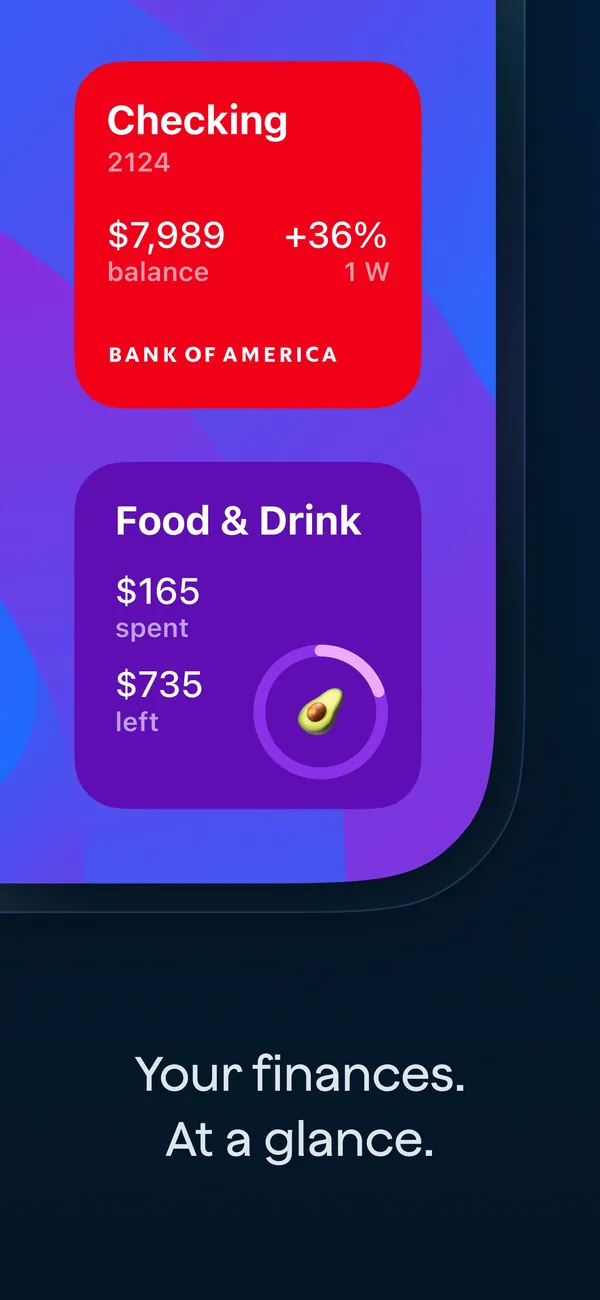
App Store marketing imageApp Store image with the headline "Your finances. At a glance." showing a Checking card and a Food & Drink card.App Store listing, as of 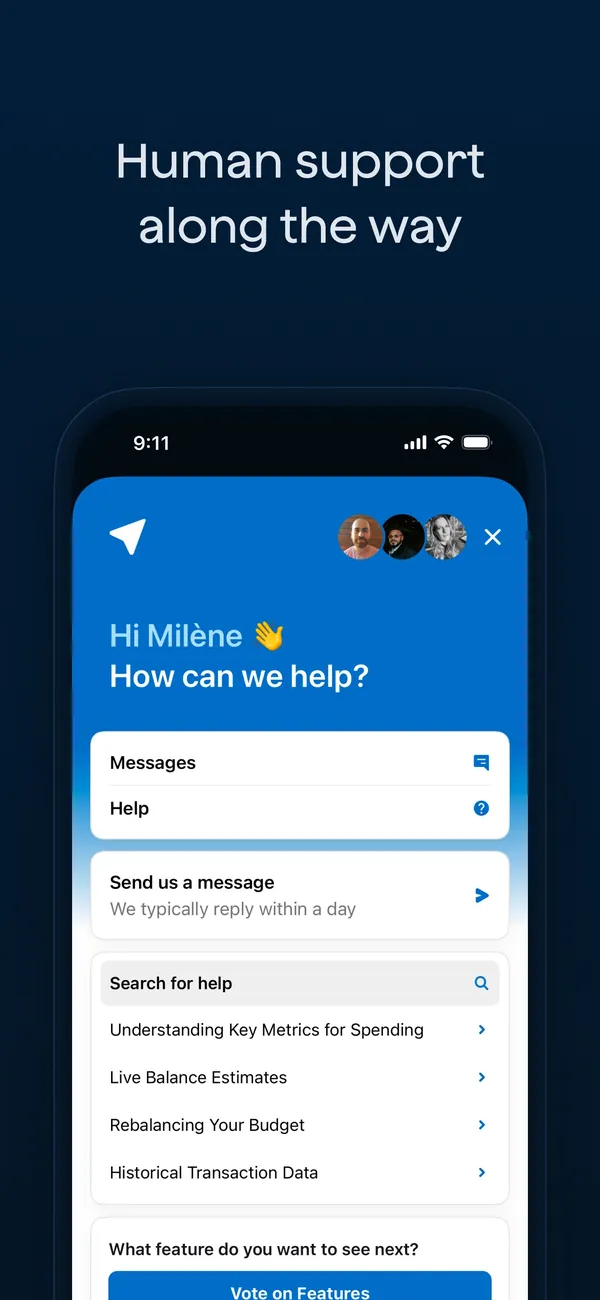
App Store marketing imageApp Store image with the headline "Human support along the way" showing an in-app help screen with Messages, Help and a search box.App Store listing, as of 
App Store marketing imageThe help screen: "How can we help?", Messages, Send us a message and a list of help articles.App Store listing, as of
App Store marketing imageApp Store image with the headline "Quickly get a plan to payoff debt" and Good Morning America and Forbes logos.App Store listing, as of 
App Store marketing imageApp Store image with a 2021 Best debt payoff app award from The Ascent and the line "Helped over 1M people achieve" less stress, more motivation and faster payoff.App Store listing, as of
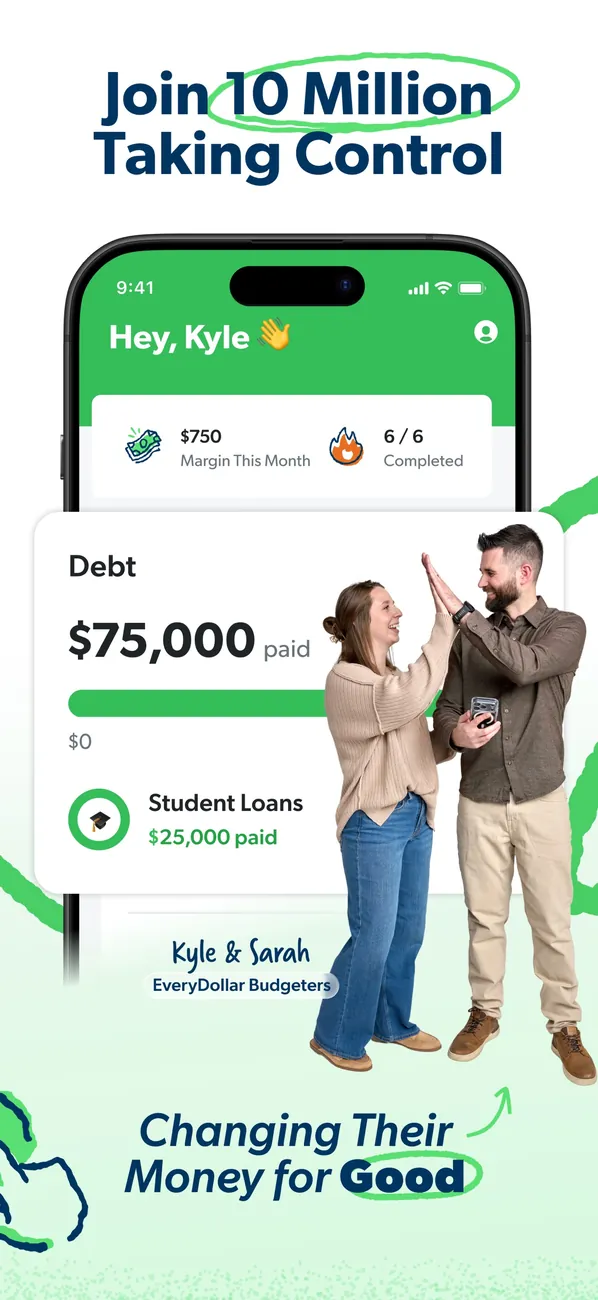
App Store marketing imageApp Store image with the headline "Join 10 Million Taking Control" showing a Debt card and a photo of a couple.App Store listing, as of 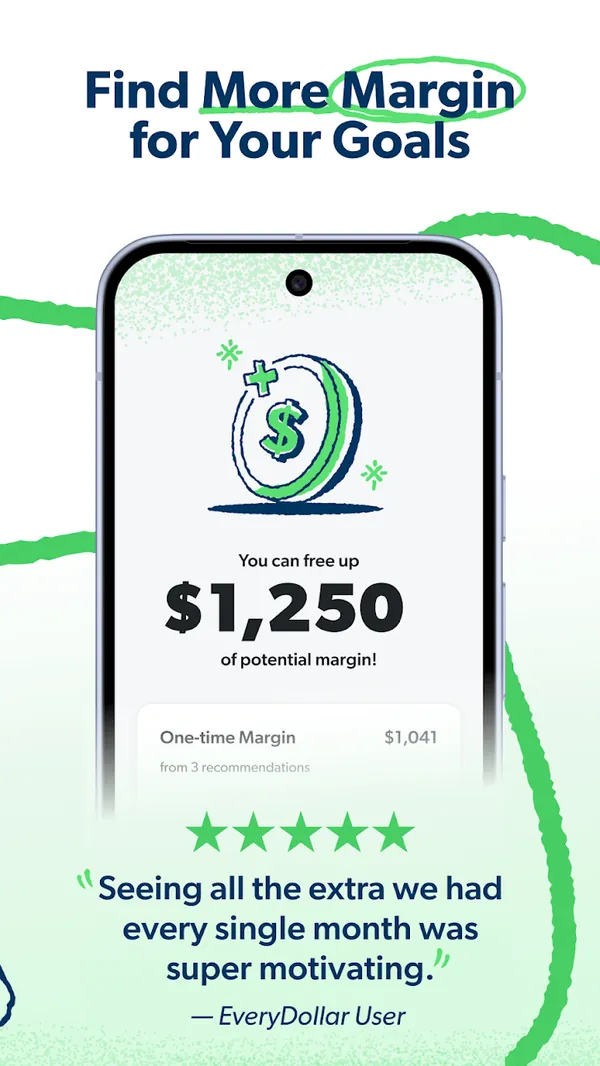
Google Play marketing imageGoogle Play image with the headline "Find More Margin for Your Goals" showing a screen that says you can free up $1,250 of potential margin.Google Play listing, as of 
App Store marketing imageThe bottom tab bar with Today, Budget, Transactions, Accounts and Insights.App Store listing, as of

App Store marketing imageApp Store image with the headline "Connect with a dedicated advisor" showing a Your team screen.App Store listing, as of 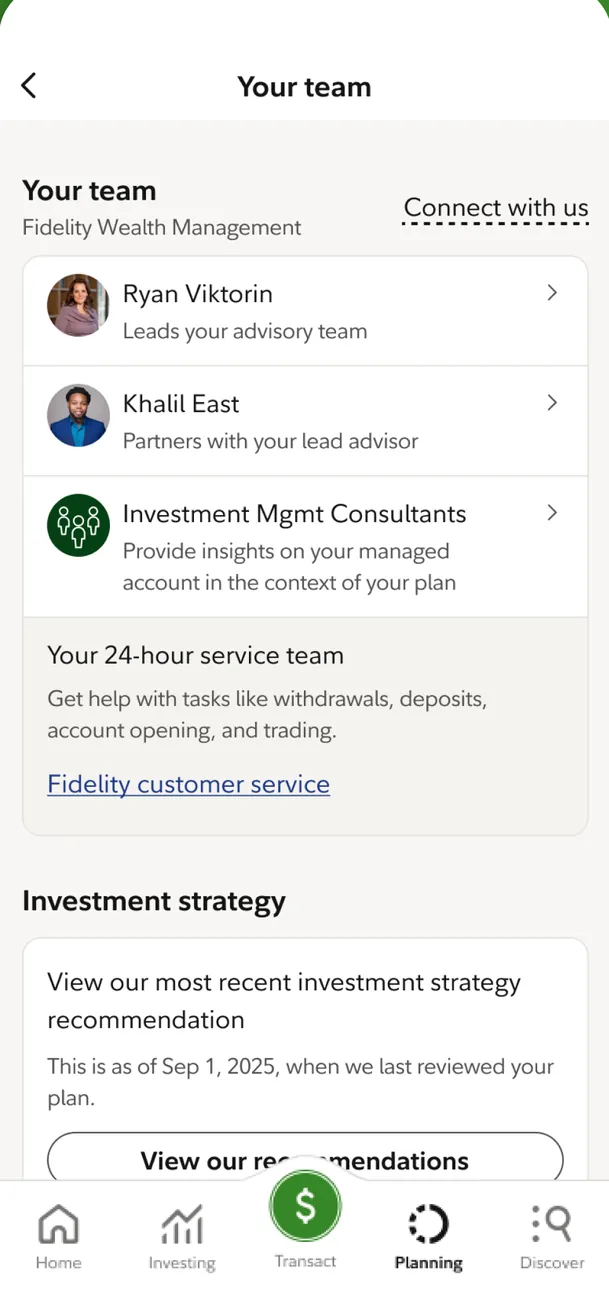
App Store marketing imageThe Your team screen: a lead advisor, a partner and Investment Mgmt Consultants, a 24-hour service team note and an Investment strategy card with a View our recommendations button.App Store listing, as of

App Store marketing imageThe bottom tab bar with Envelopes, Transactions, Accounts, Reports and More.App Store listing, as of
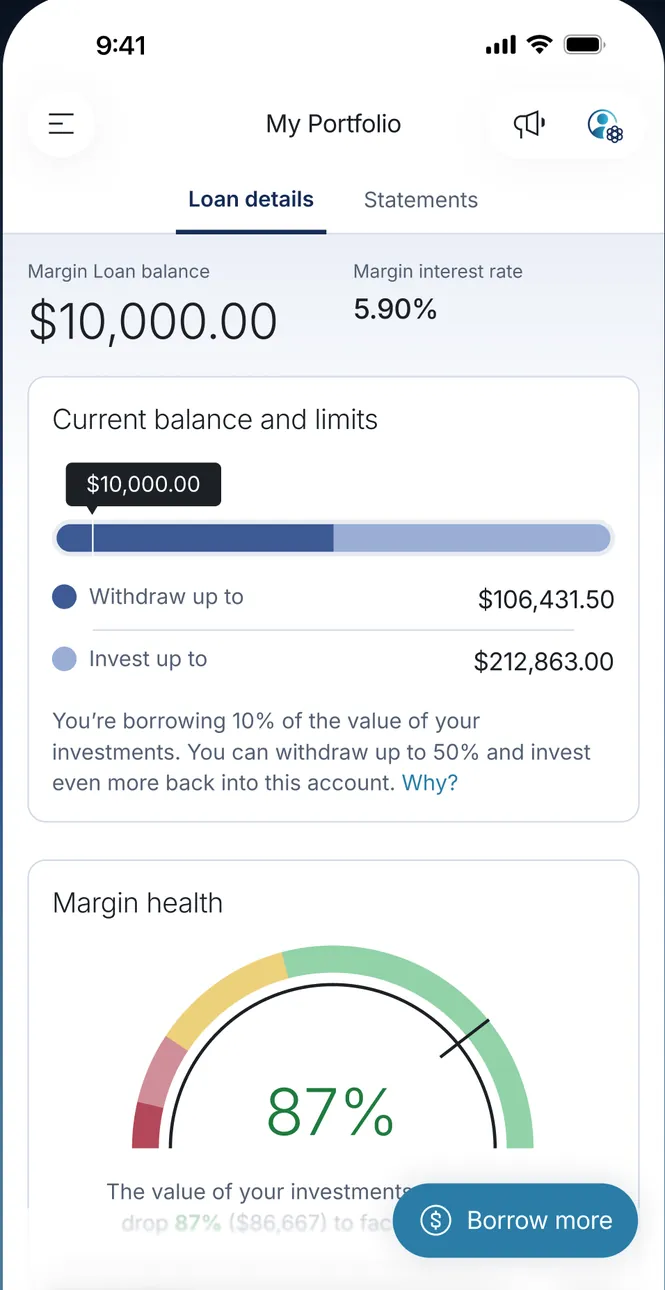
App Store marketing imageMy Portfolio on Loan details: Margin Loan balance $10,000.00 at 5.90%, a Current balance and limits bar with withdraw and invest limits, and a Margin health gauge at 87% with a Borrow more button.App Store listing, as of
App Store marketing imageApp Store image with the headline "Borrow. Earn. Win.", a laurel saying MoneyLion has helped over 18M people get $18B, and a person holding a phone that shows "You got Instacash! $100".App Store listing, as of 
App Store marketing imageApp Store image with the headline "Earn money for playing games" and the line "Earn up to $50 per game", showing game icons and a person on a beanbag.App Store listing, as of 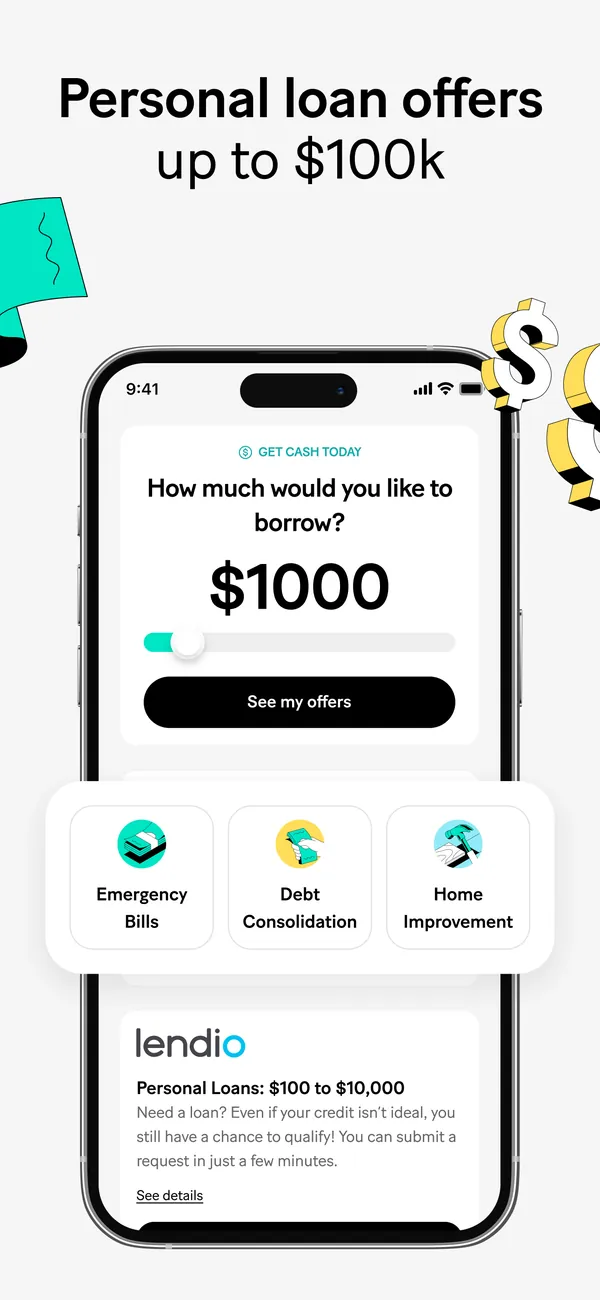
App Store marketing imageApp Store image with the headline "Personal loan offers up to $100k" showing a borrowing amount screen and a loan offer.App Store listing, as of 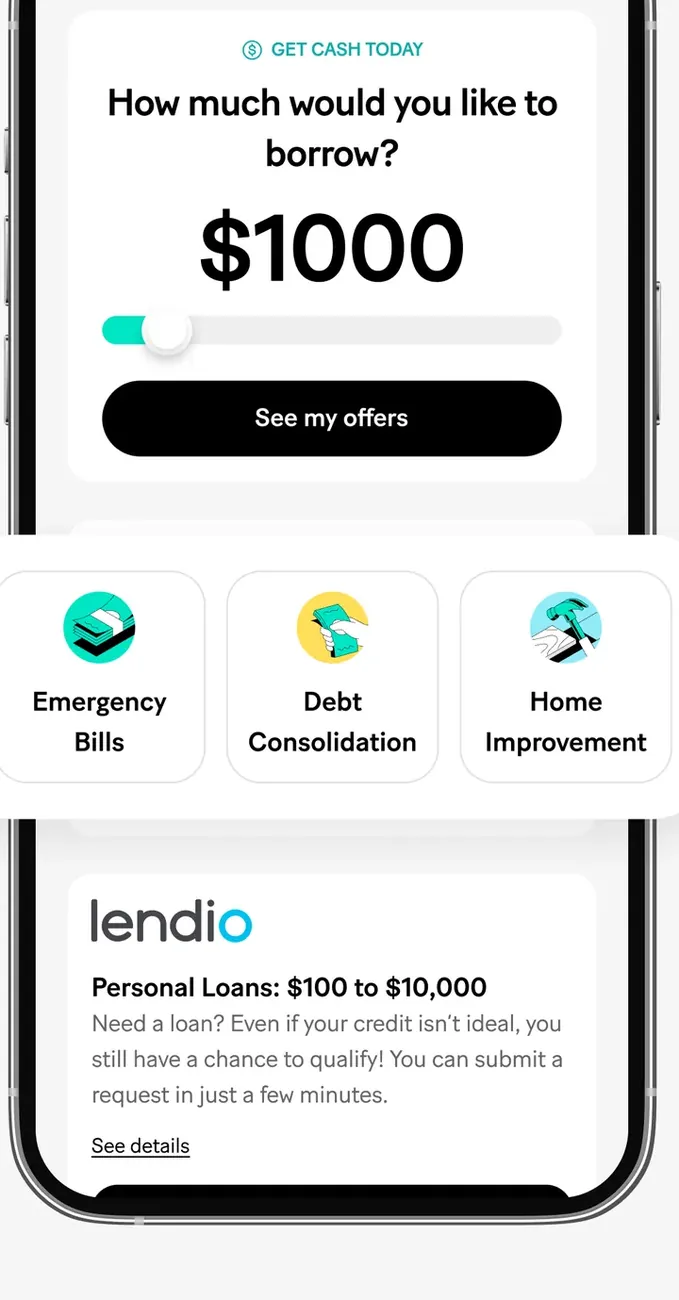
App Store marketing imageA "How much would you like to borrow?" screen set to $1000 with a See my offers button, purpose tiles for Emergency Bills, Debt Consolidation and Home Improvement, and a Lendio personal loan card.App Store listing, as of 
App Store marketing imageApp Store image titled Disclaimer with numbered footnotes about Instacash, cash back on debit purchases and APY.App Store listing, as of 
App Store marketing imageA second App Store image titled Disclaimer with numbered footnotes about the savings rate comparison, insurance benefits, investing, Credit Builder, Round Ups and MoneyLion One membership.App Store listing, as of 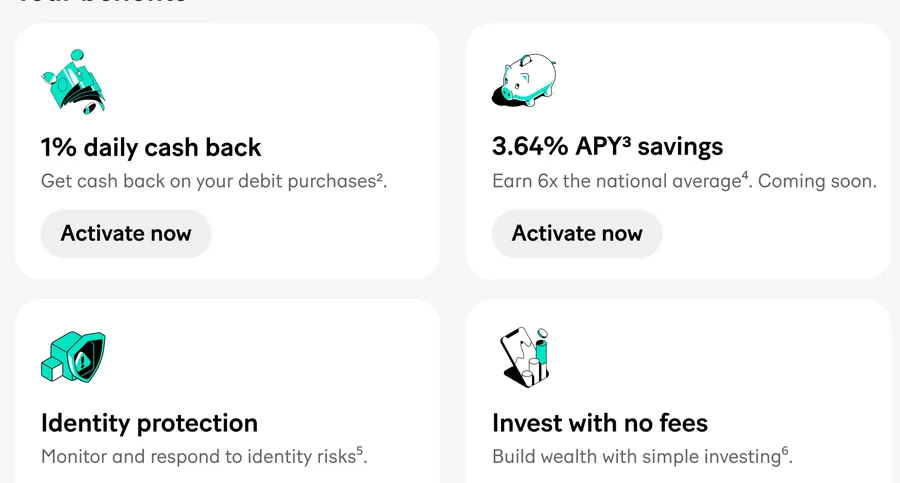
App Store marketing imageYour benefits tiles: 1% daily cash back, 3.64% APY savings, Identity protection and Invest with no fees, with Activate now buttons.App Store listing, as of
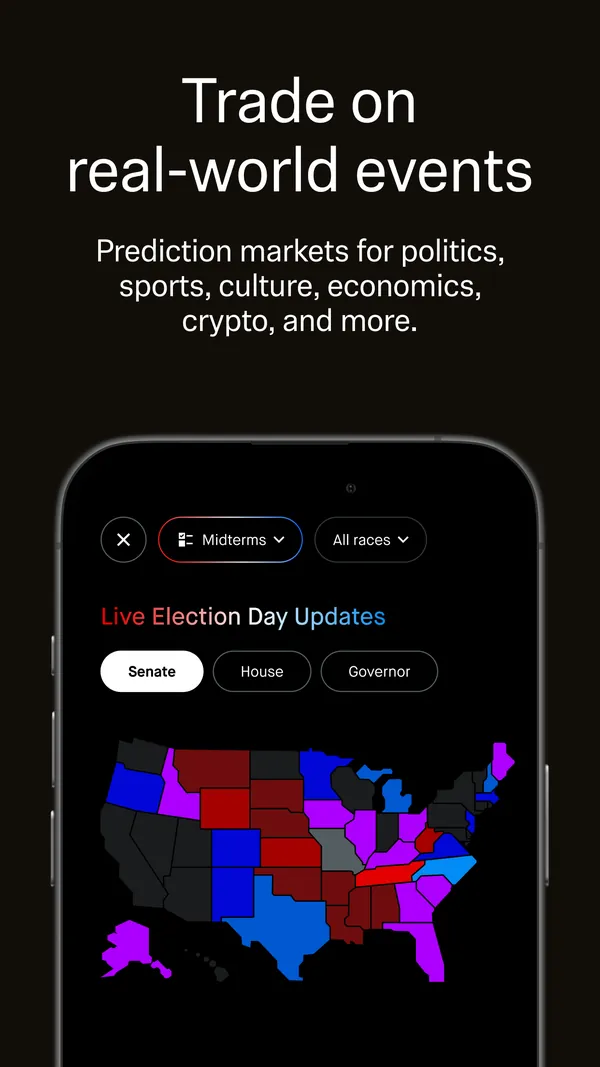
App Store marketing imageApp Store image with the headline "Trade on real-world events" showing a Live Election Day Updates map.App Store listing, as of 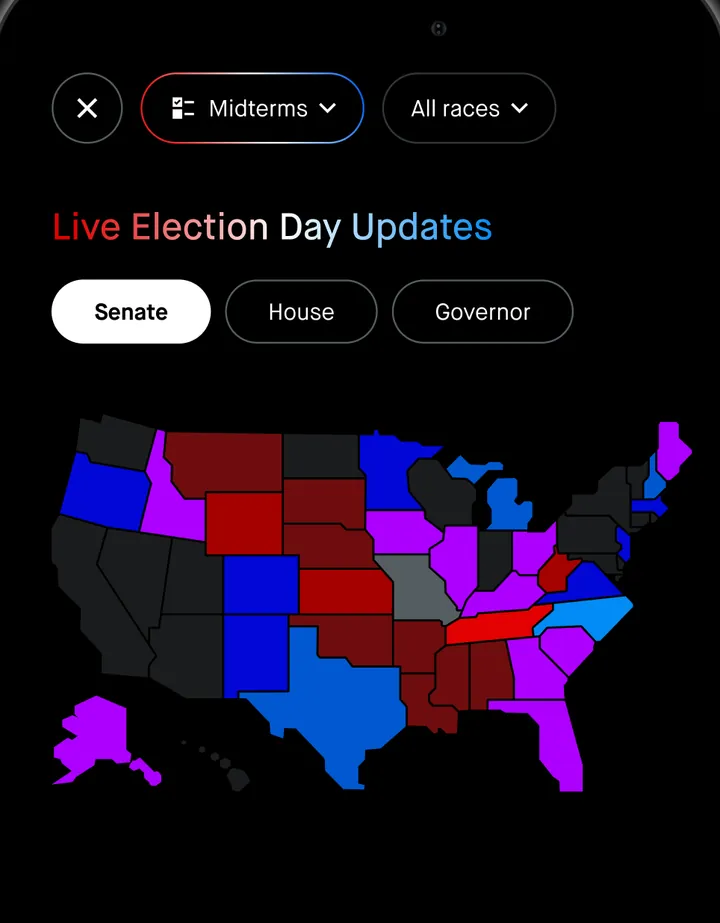
App Store marketing imageA prediction markets screen with Midterms and All races filters, Live Election Day Updates, Senate, House and Governor tabs and a colored US map.App Store listing, as of 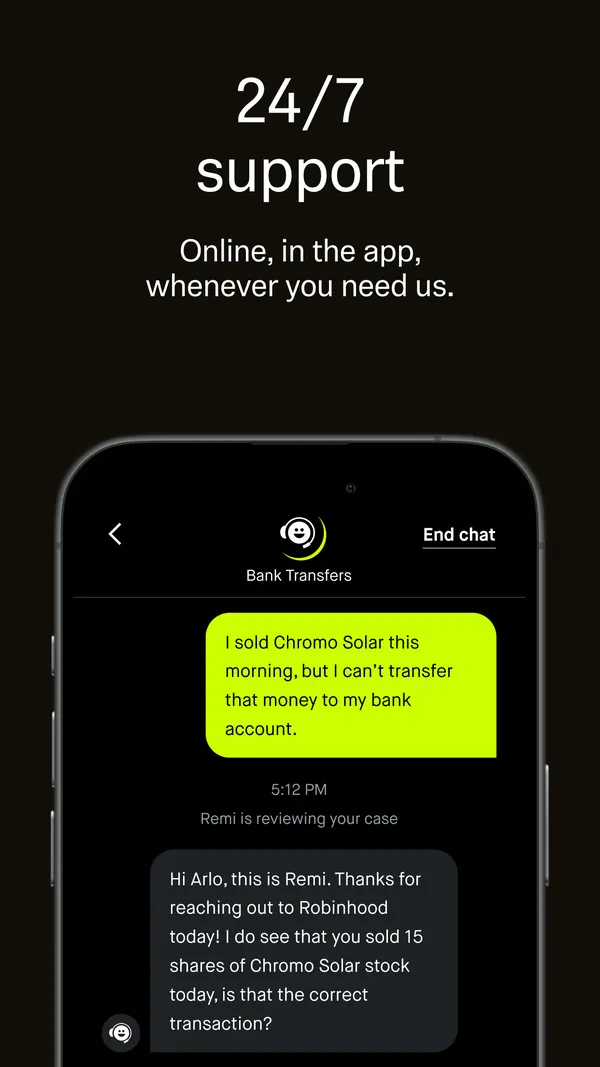
App Store marketing imageApp Store image with the headline "24/7 support" showing a support chat about bank transfers.App Store listing, as of 
App Store marketing imageA Bank Transfers support chat: a customer message about not being able to transfer money from a stock sale, and a reply from an agent named Remi.App Store listing, as of 
Google Play marketing imageGoogle Play image with the headline "Trade on real-world events" showing a Prediction markets screen.Google Play listing, as of 
Google Play marketing imagePrediction markets: Combo, Live and Elections filters, a "US gas prices tomorrow?" card with three price ranges and a Trade button, then Newly listed.Google Play listing, as of
App Store marketing imageApp Store image with the headline "Run your business confidently" showing income rows and an invoice marked Paid in full.App Store listing, as of

App Store marketing imageApp Store image with the headline "Why do 15.8M members love SoFi?" showing a person holding a phone and an Ask Coach now button.App Store listing, as of

App Store marketing imageApp Store image with the headline "Save more with the NEW SoFi Plus." showing a Welcome to SoFi Plus screen.App Store listing, as of 
App Store marketing imageOffer cards: share a referral link to earn $75 with a Share link button, and earn cash back rewards with a See offers button.App Store listing, as of
App Store marketing imageApp Store image with the headline "Resources to help make your goals a reality" showing the Explore tab on Learn.App Store listing, as of 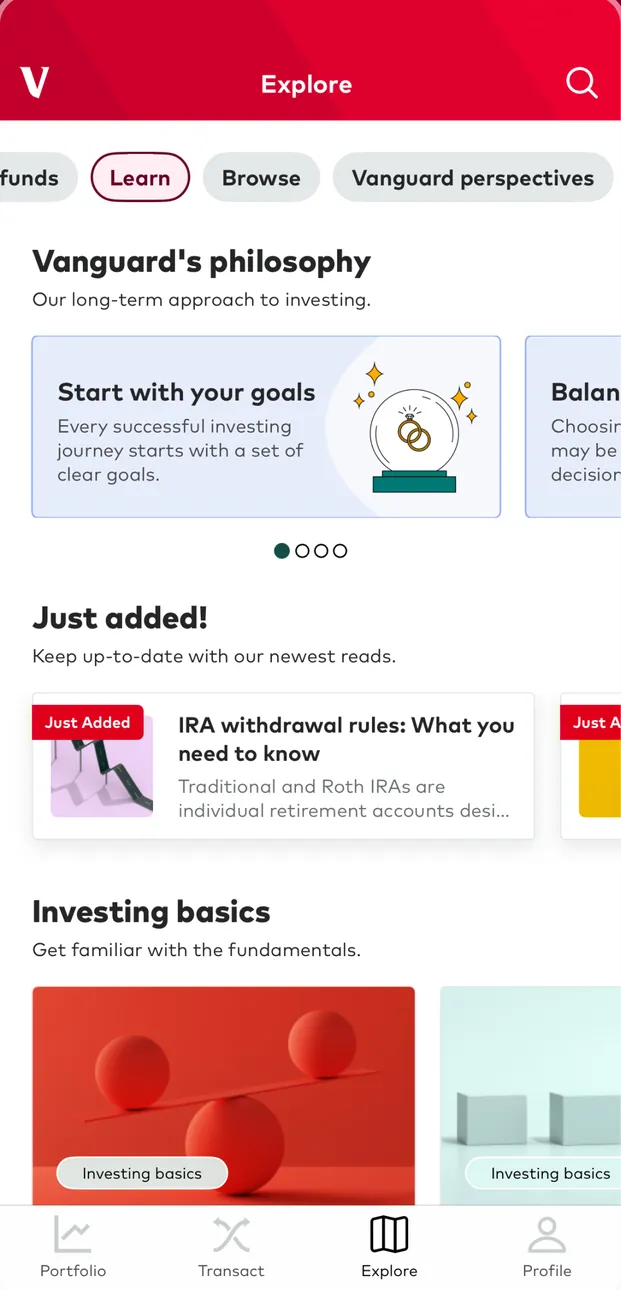
App Store marketing imageThe Explore tab on Learn: a Vanguard's philosophy carousel with a Start with your goals card, Just added articles such as IRA withdrawal rules and Investing basics.App Store listing, as of 
App Store marketing imagePlanning & advice with Naomi Davis CFP, Senior Financial Advisor, and buttons for Financial goals, Advice summary, Contact & appointments and Investor profile.App Store listing, as of
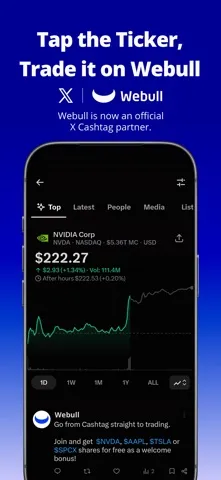
App Store marketing imageApp Store image with the headline "Tap the Ticker, Trade it on Webull" showing an NVIDIA page from an X Cashtag with a chart and a Webull post.App Store listing, as of 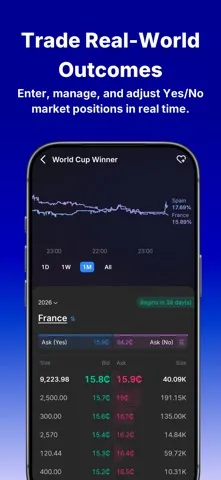
App Store marketing imageApp Store image with the headline "Trade Real-World Outcomes" showing a World Cup Winner market with yes and no prices.App Store listing, as of 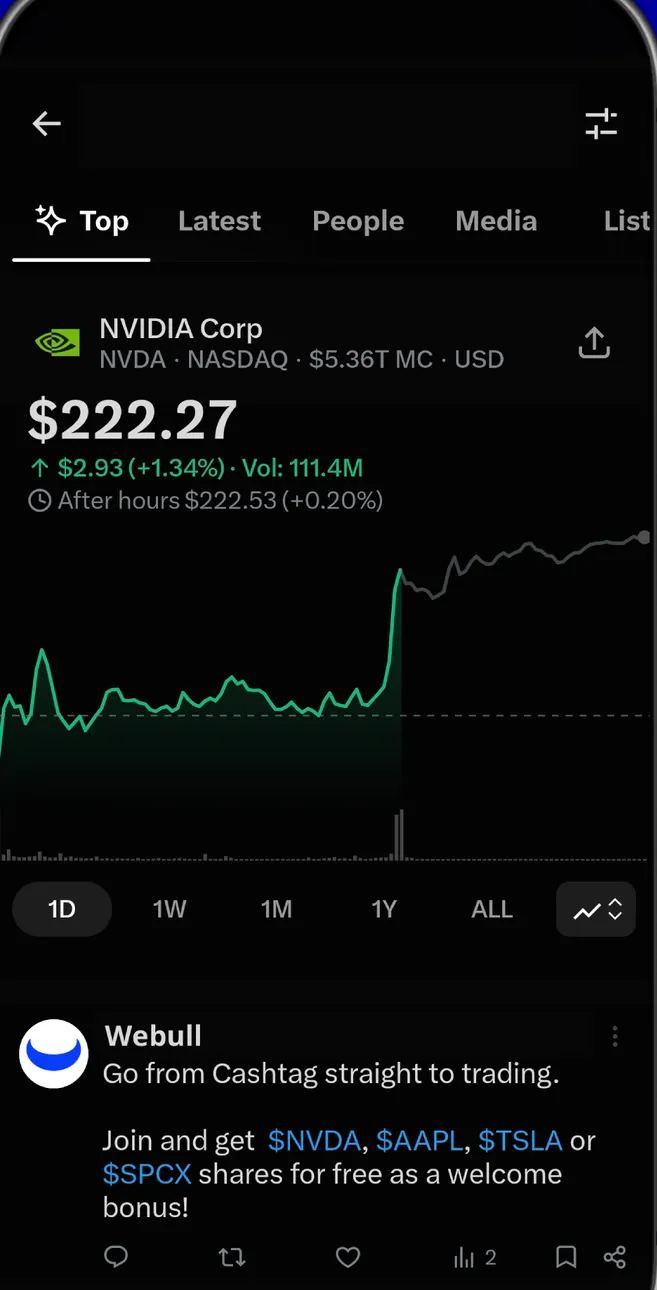
App Store marketing imageAn NVIDIA Corp page from the Top feed: $222.27, up $2.93 (+1.34%), a one-day chart, and a Webull post about trading from a Cashtag with a welcome bonus offer.App Store listing, as of 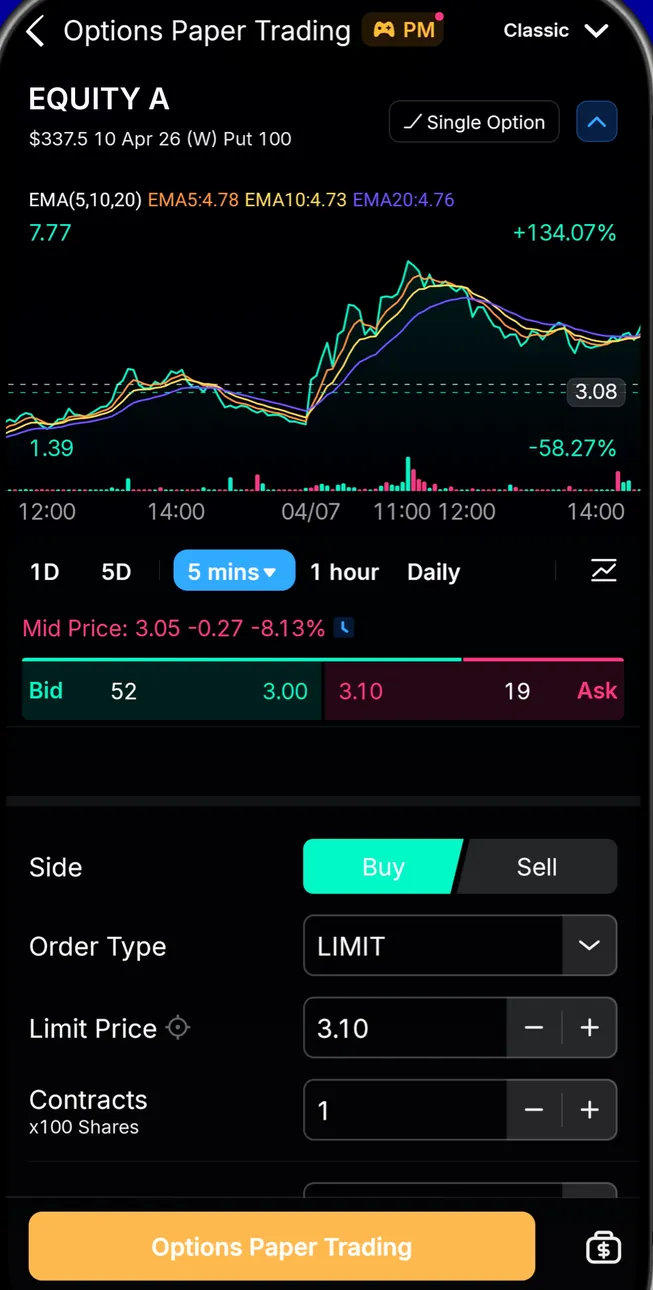
App Store marketing imageOptions Paper Trading for EQUITY A: a chart with indicators, bid and ask, Buy or Sell, a LIMIT order type at a 3.10 limit price, contracts and an Options Paper Trading button.App Store listing, as of
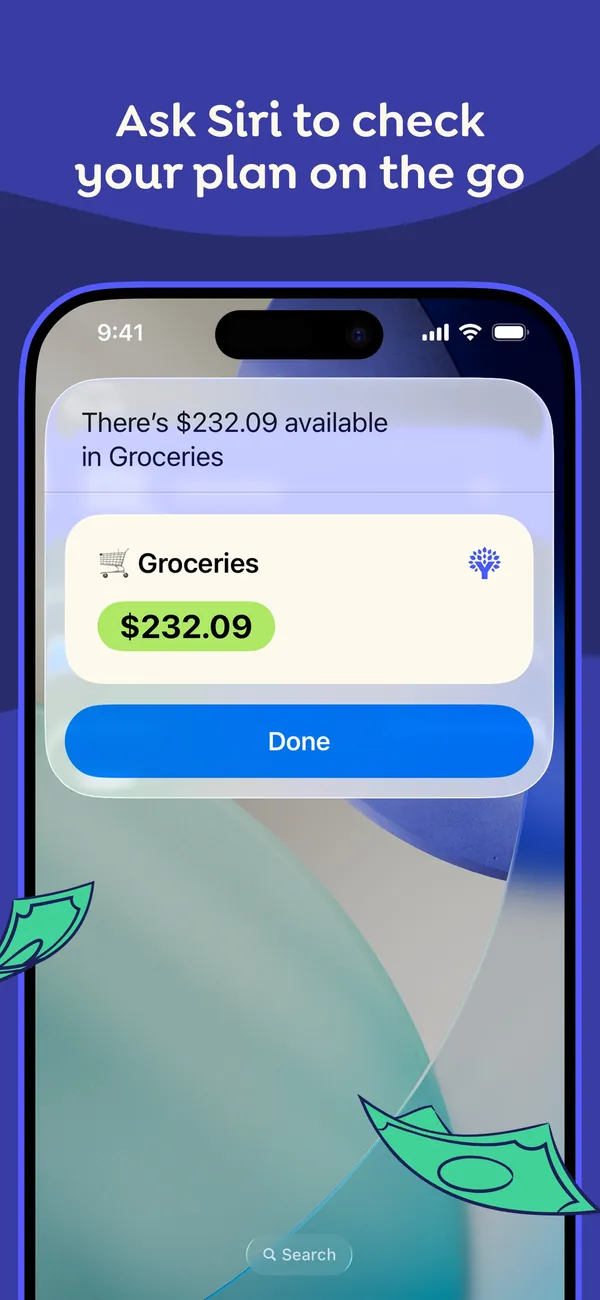
App Store marketing imageApp Store image with the headline "Ask Siri to check your plan on the go" showing a Siri result card that reads $232.09 available in Groceries.App Store listing, as of
This is education, not financial advice.