
Screen by screen
What money apps look like inside
311 images from 29 apps, grouped by task so you can compare how each one handles the same job. Every image shows where we found it, with the date.
App Store and Google Play images are the apps' own marketing, so they can show sample data and staged layouts. Help center images come from each app's support articles for one task. Where screens come from.
Sharing with a partner

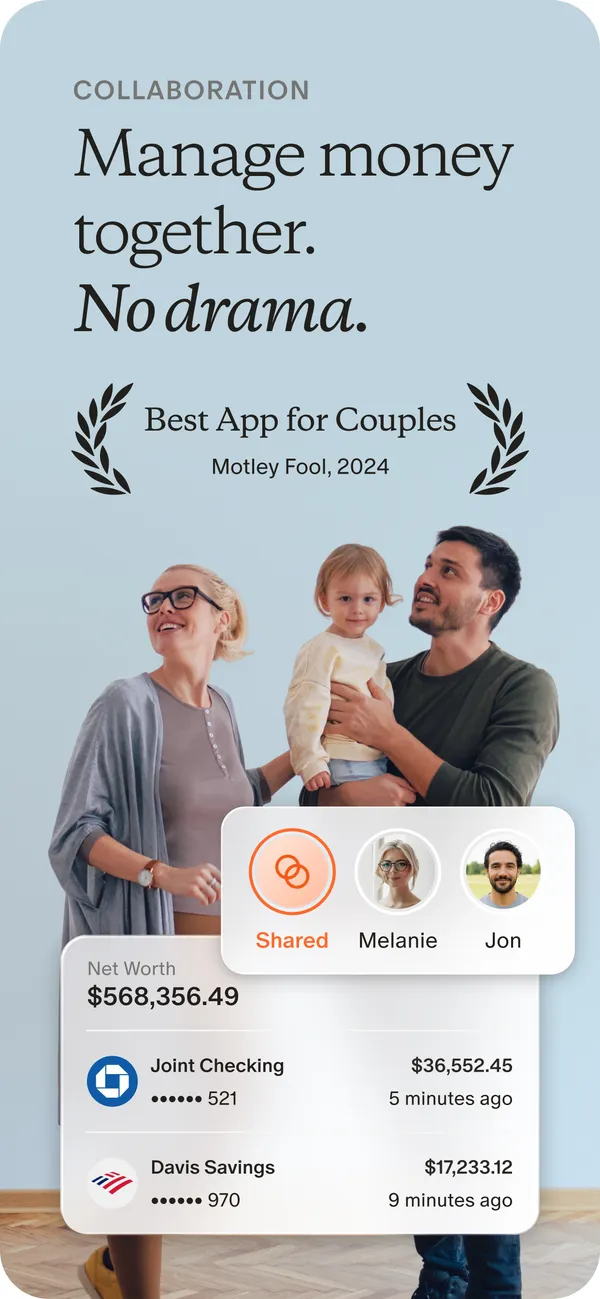
App Store marketing imageApp Store image with the headline "Manage money together. No drama." showing a photo of a family with cards for Shared, Melanie and Jon and two account rows.App Store listing, as of 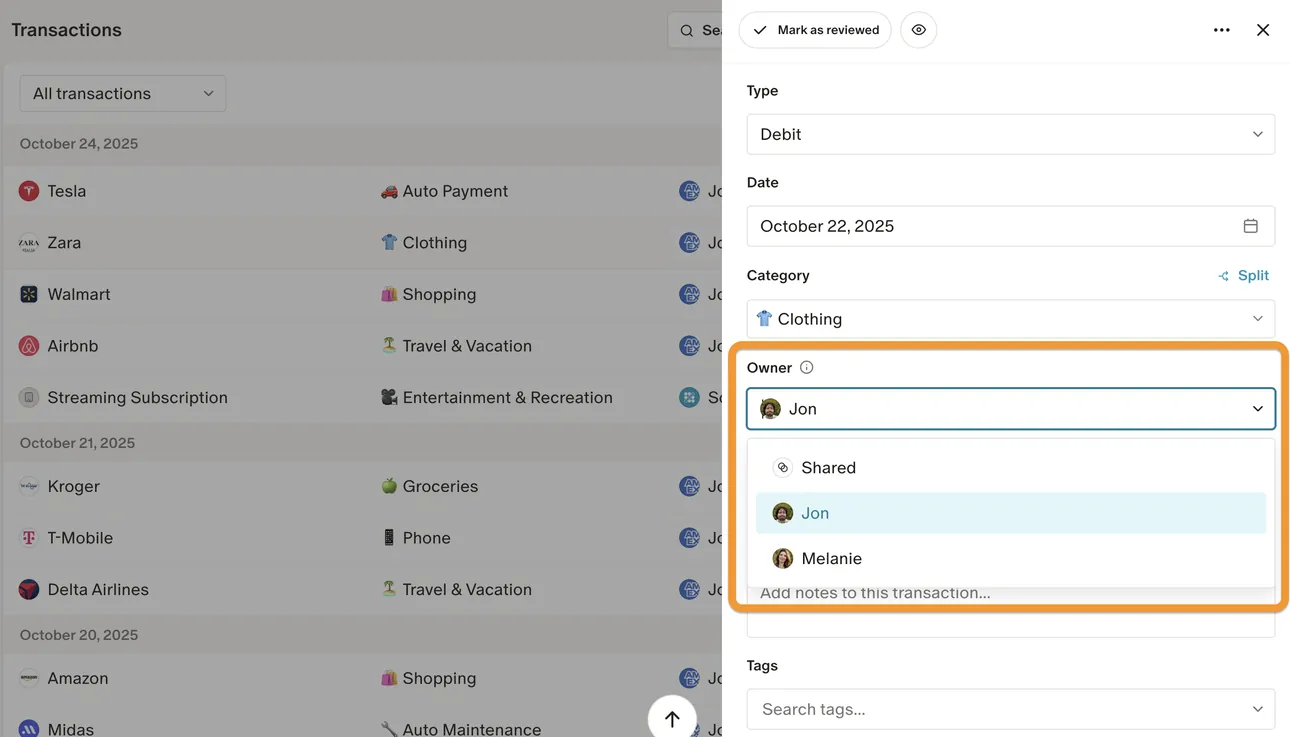
From Monarch Money's help centerThe web Transactions page with a transaction open and an Owner menu offering Shared, Jon and Melanie.help.monarch.com, as of 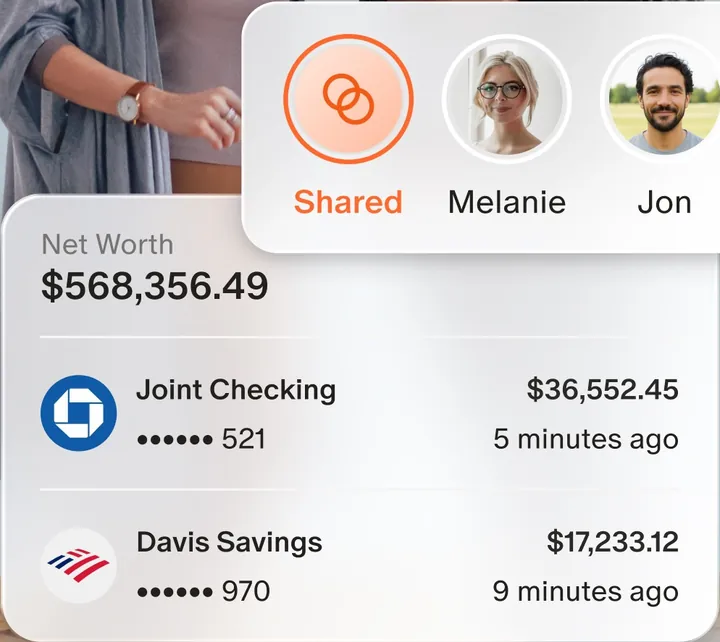
App Store marketing imageAn owner switcher with Shared, Melanie and Jon, above a Net Worth card with a joint checking and a savings account.App Store listing, as of 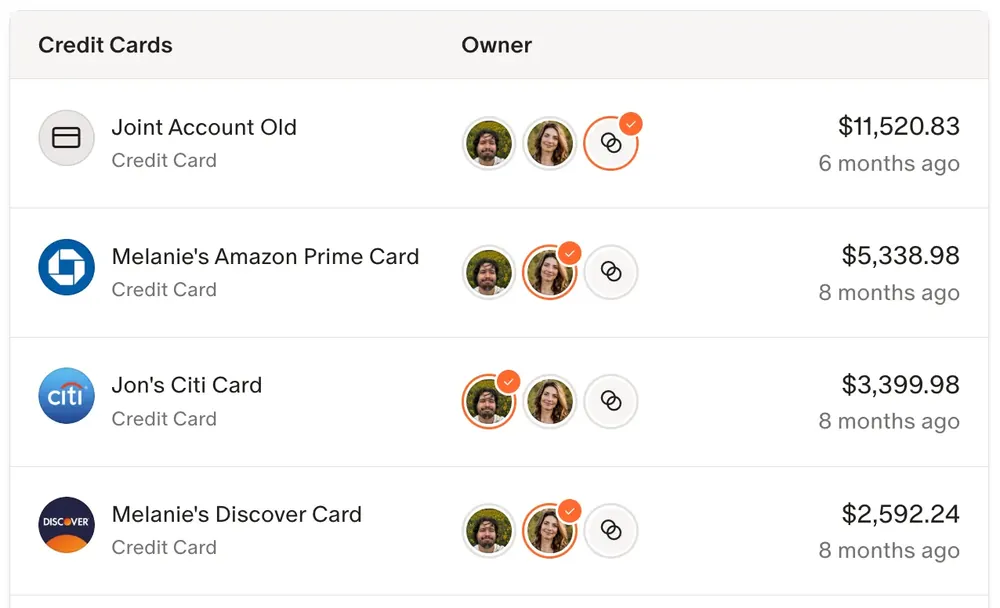
From Monarch Money's help centerA credit card list where each card has owner avatars and a balance.help.monarch.com, as of

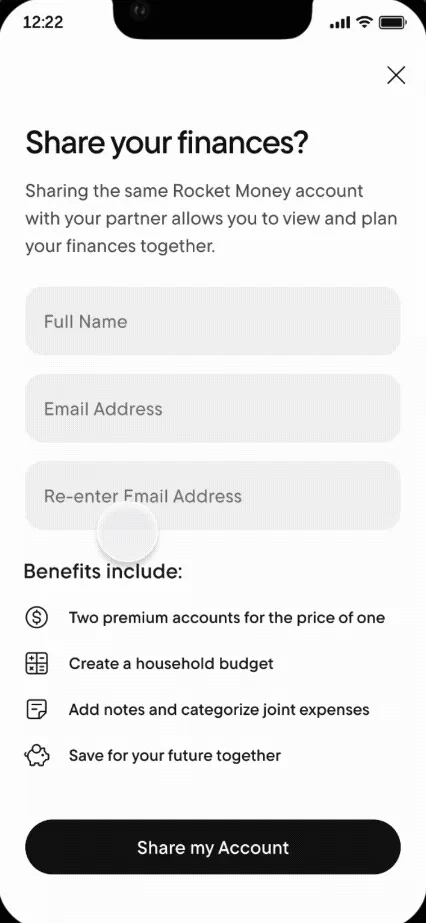
From Rocket Money's help centerA "Share your finances?" screen with Full Name and Email Address fields and a Share my Account button.help.rocketmoney.com, as of 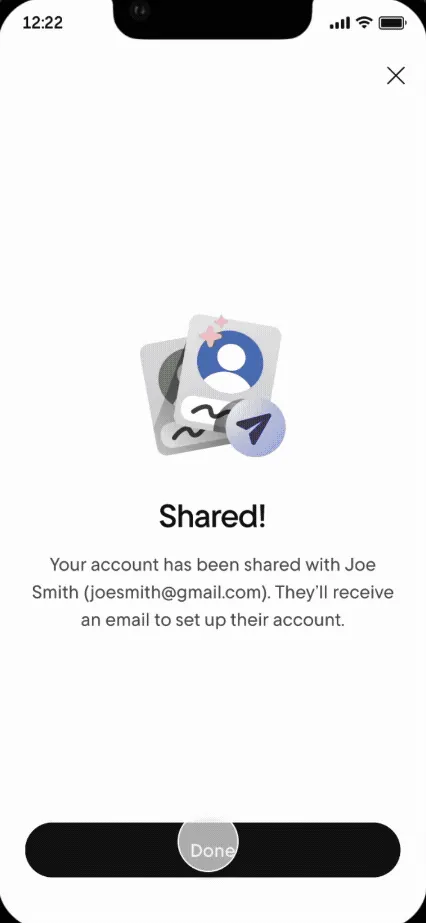
From Rocket Money's help centerA "Shared!" confirmation saying the account was shared and the partner will get an email.help.rocketmoney.com, as of

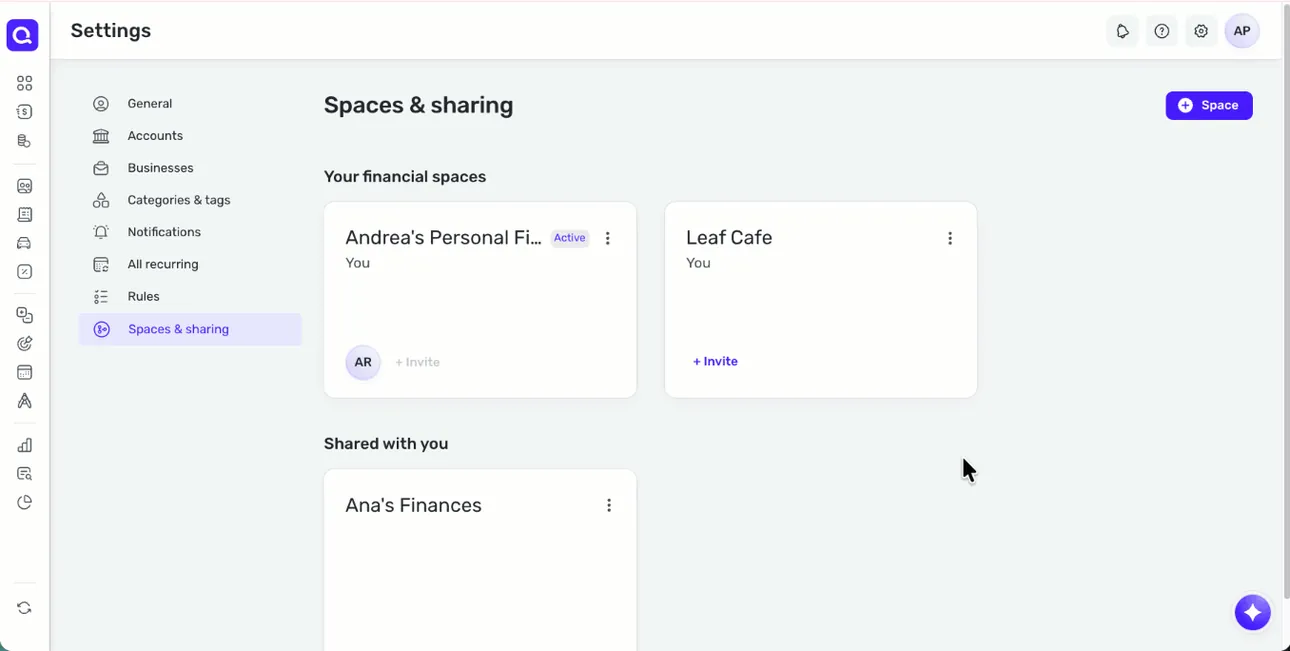
From Simplifi's help centerThe web Spaces & sharing settings with the user's financial spaces and a Shared with you section.support.simplifi.quicken.com, as of 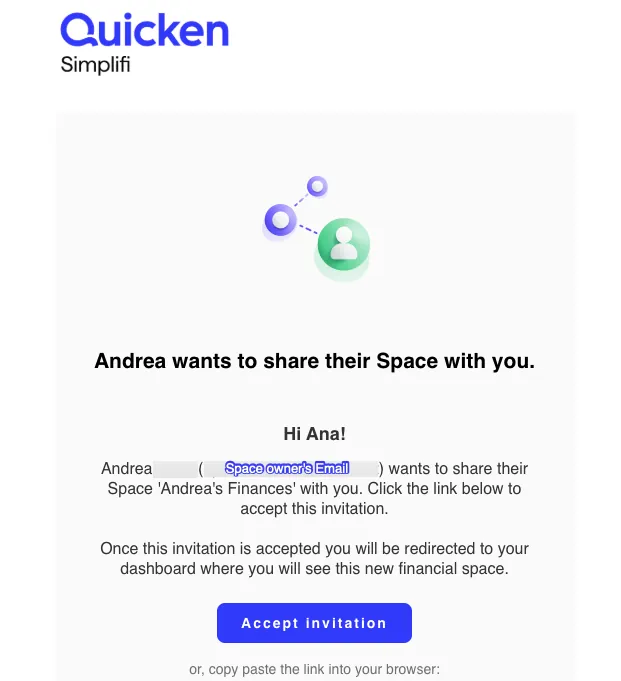
From Simplifi's help centerAn invitation email that says Andrea wants to share their Space, with an Accept invitation button.support.simplifi.quicken.com, as of

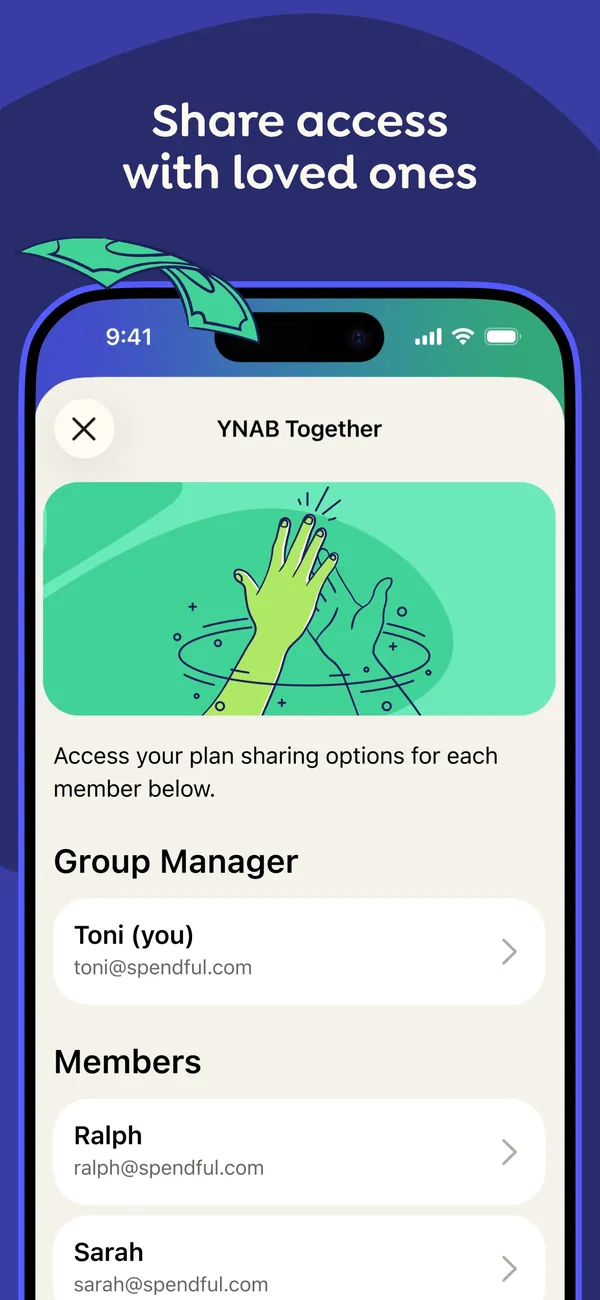
App Store marketing imageApp Store image with the headline "Share access with loved ones" showing a YNAB Together screen with a Group Manager and a list of members.App Store listing, as of 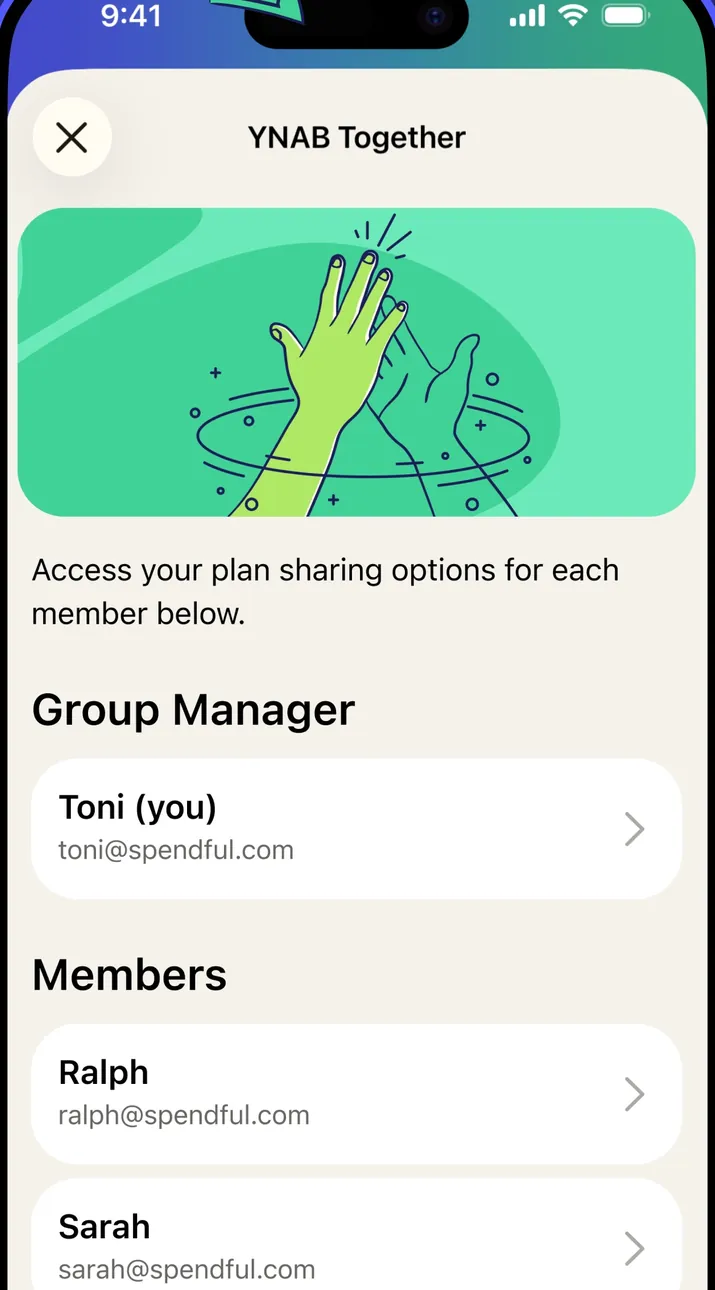
App Store marketing imageThe YNAB Together screen: an illustration, a line about plan sharing options for each member, then Group Manager and Members sections.App Store listing, as of 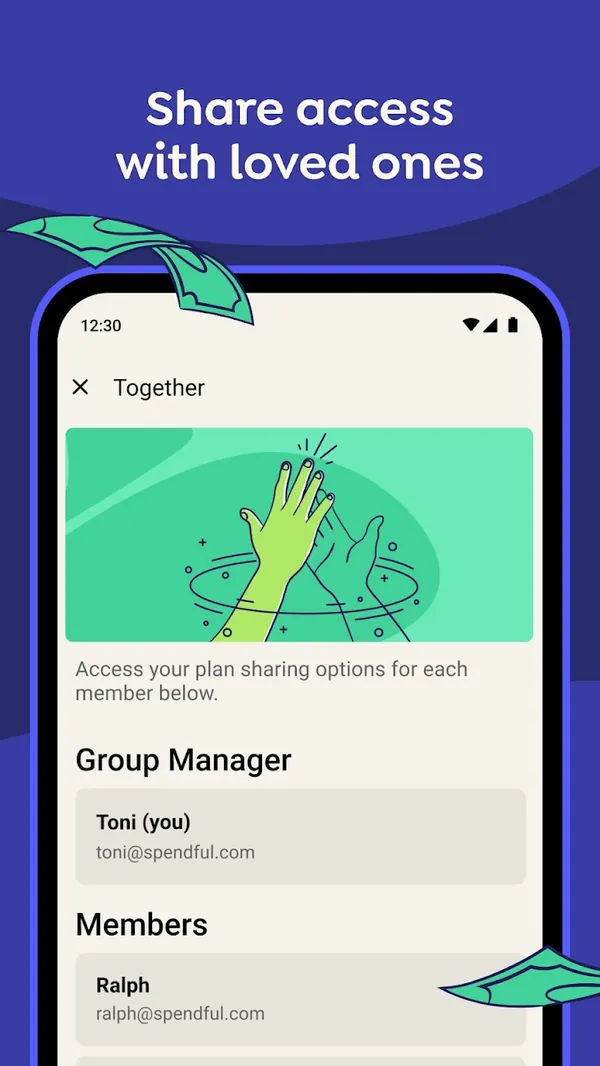
Google Play marketing imageGoogle Play image with the headline "Share access with loved ones" showing the Android Together screen with a Group Manager and Members.Google Play listing, as of 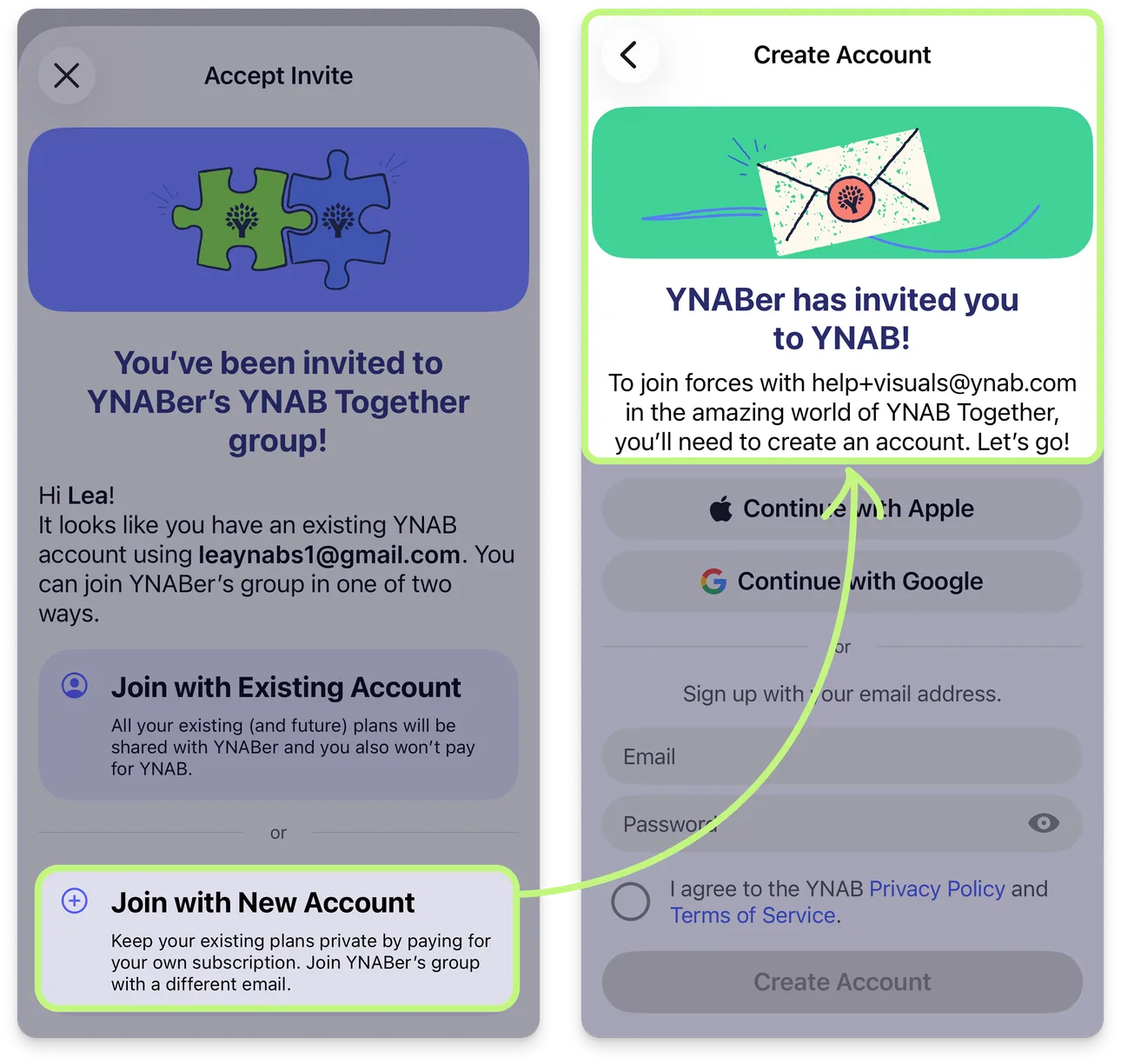
From YNAB's help centerTwo iPhone screens from the help center: an invite to join a YNAB Together group, and the Create Account screen that follows.support.ynab.com, as of 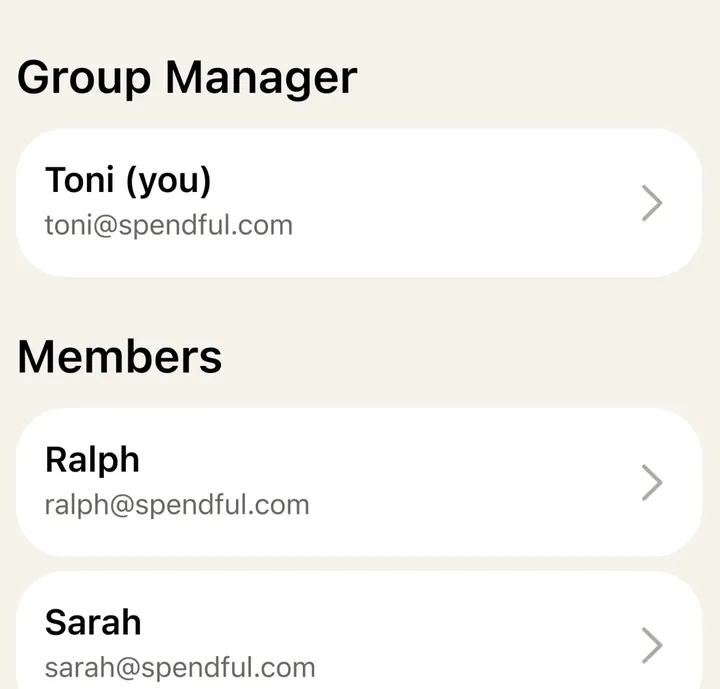
App Store marketing imageThe Group Manager row and the Members list, each person shown with a name, email and an arrow.App Store listing, as of 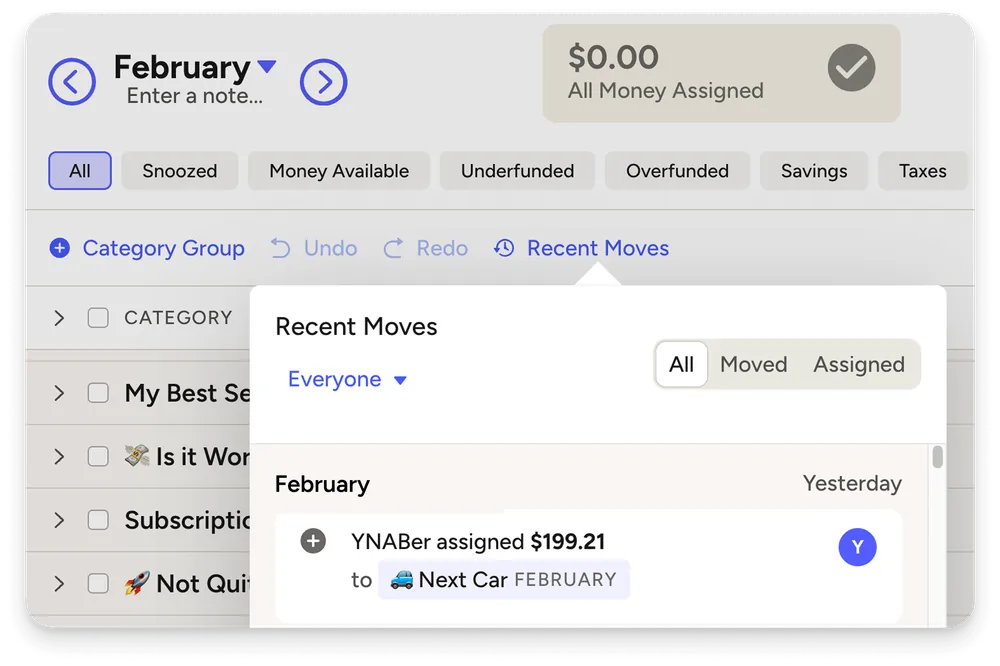
From YNAB's help centerThe web plan with a Recent Moves panel filtered to Everyone, showing which member assigned $199.21 to a category.support.ynab.com, as of
This is education, not financial advice.