Screen by screen
What money apps look like inside
311 images from 29 apps, grouped by task so you can compare how each one handles the same job. Every image shows where we found it, with the date.
App Store and Google Play images are the apps' own marketing, so they can show sample data and staged layouts. Help center images come from each app's support articles for one task. Where screens come from.
Transactions

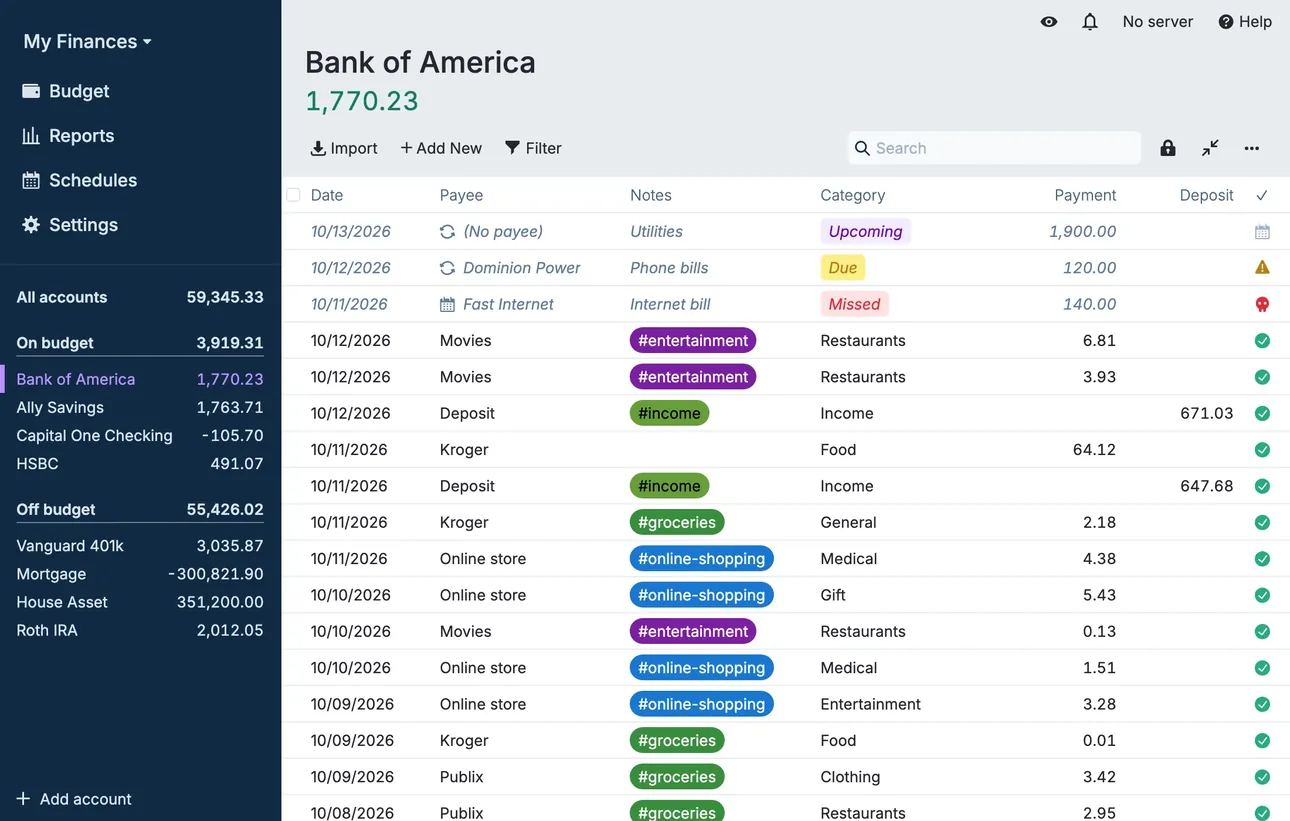
From Actual Budget's help centerThe account register for Bank of America with dated transactions, payees, category tags and payment and deposit columns.actualbudget.org, as of 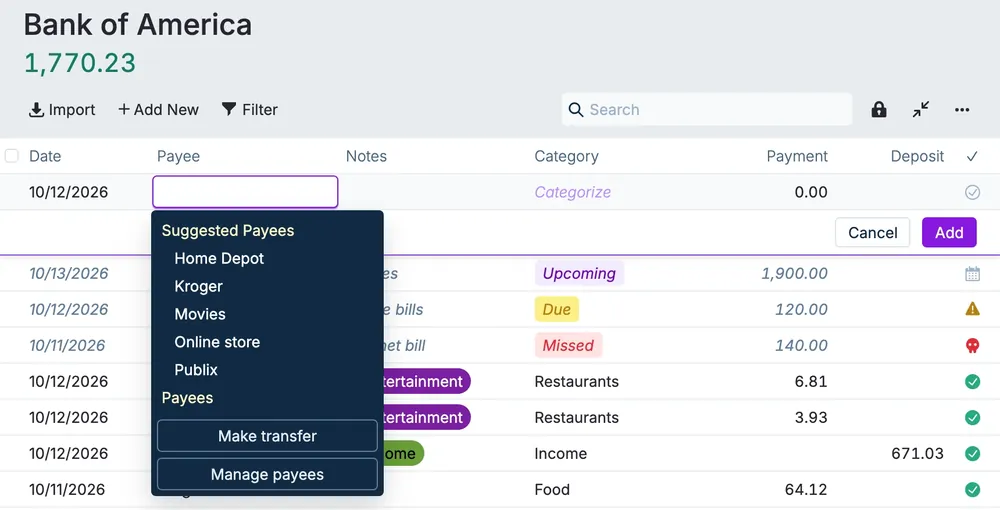
From Actual Budget's help centerA new transaction row with the payee menu open, listing suggested payees and a Make transfer option.actualbudget.org, as of

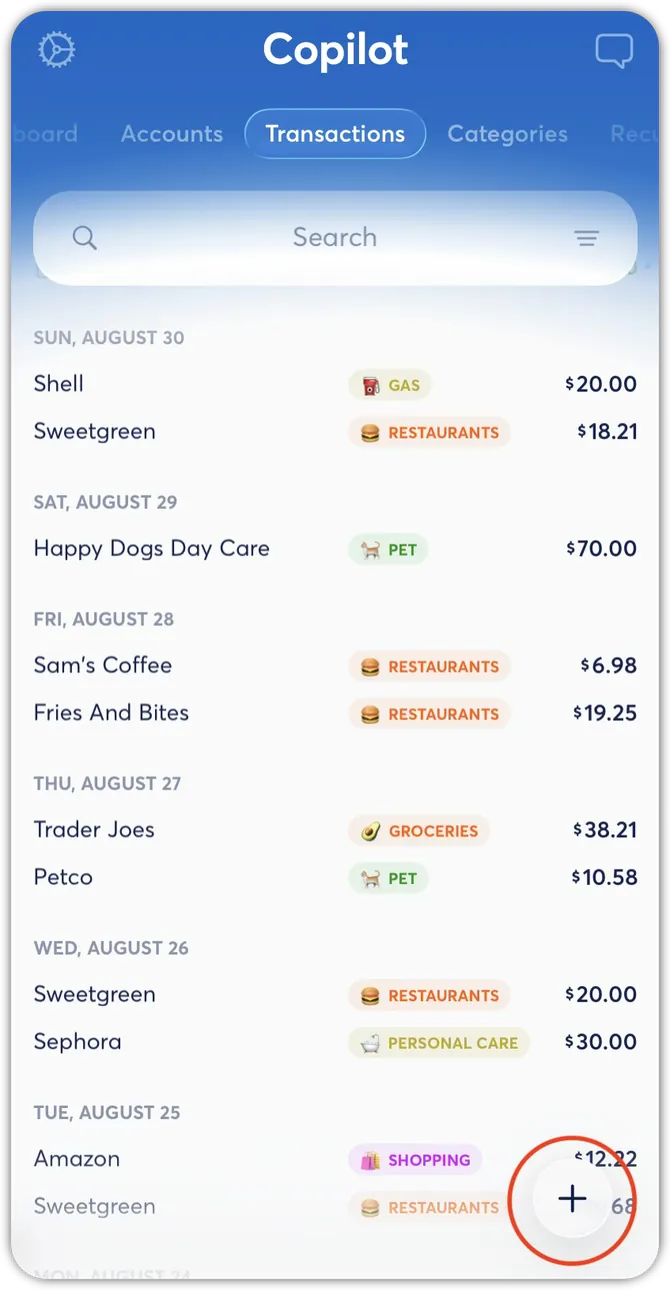
From Copilot Money's help centerThe Transactions tab with transactions grouped by day, each with a category tag and amount.help.copilot.money, as of 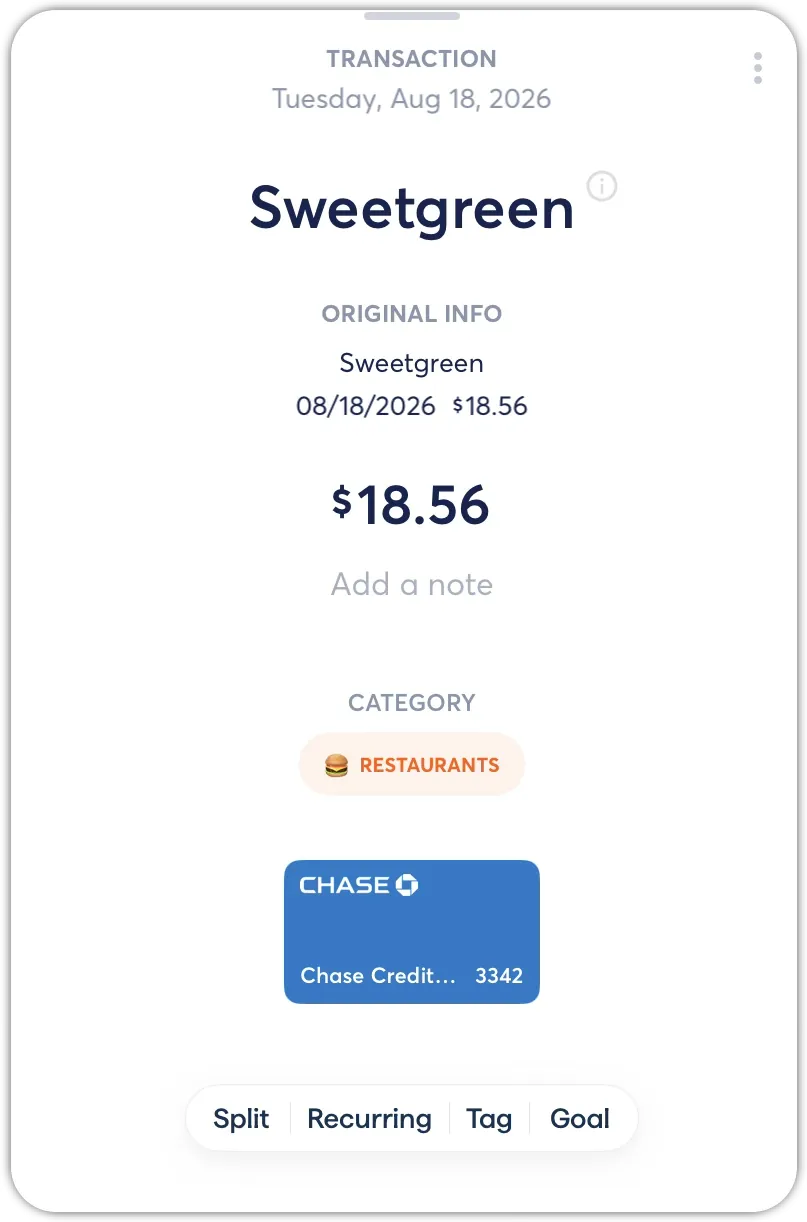
From Copilot Money's help centerA transaction detail for Sweetgreen at $18.56 with its category and buttons for Split, Recurring, Tag and Goal.help.copilot.money, as of 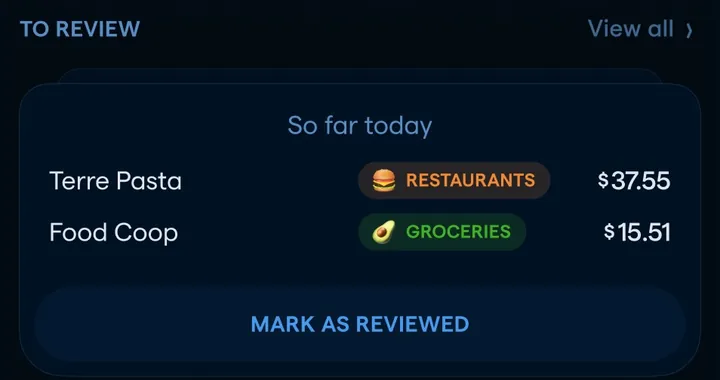
App Store marketing imageA To Review card listing two transactions with category tags and a Mark as Reviewed button.App Store listing, as of 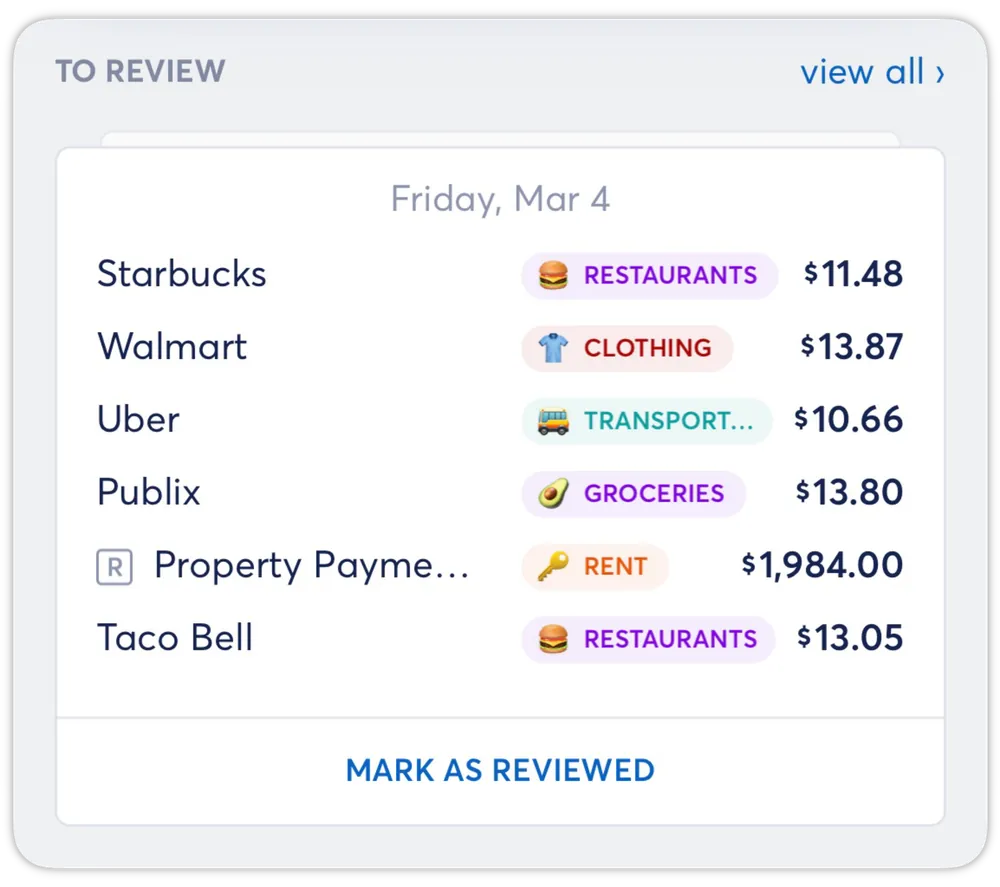
From Copilot Money's help centerA To Review card listing several transactions with category tags and a Mark as Reviewed button.help.copilot.money, as of

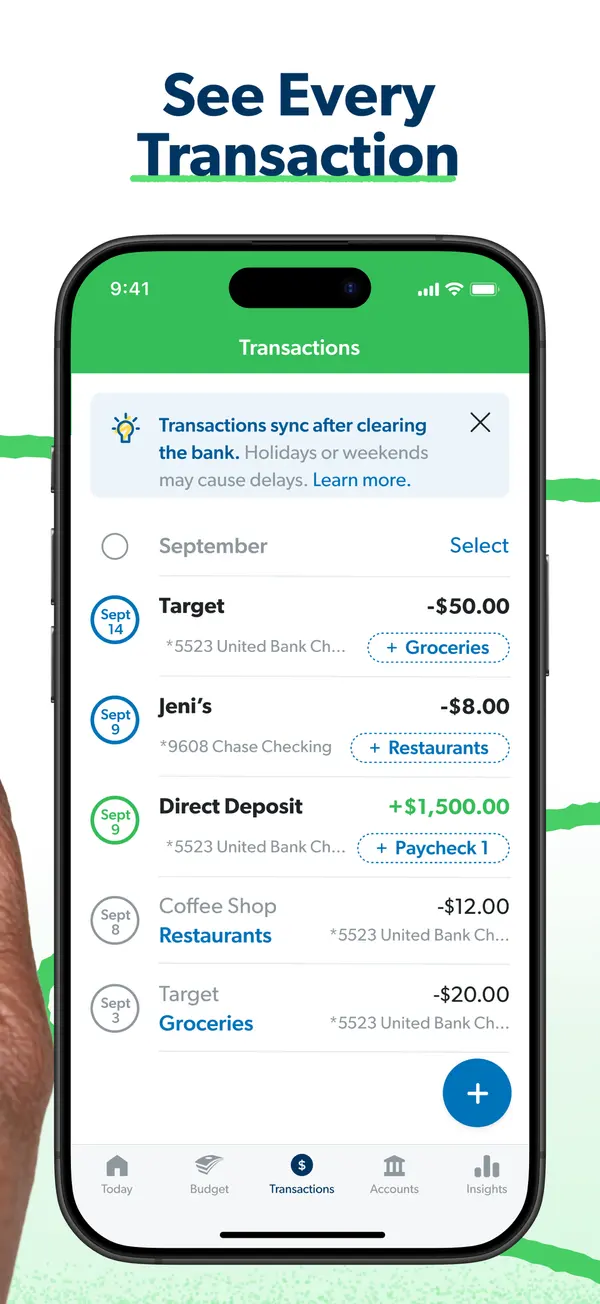
App Store marketing imageApp Store image with the headline "See Every Transaction" showing the Transactions screen.App Store listing, as of 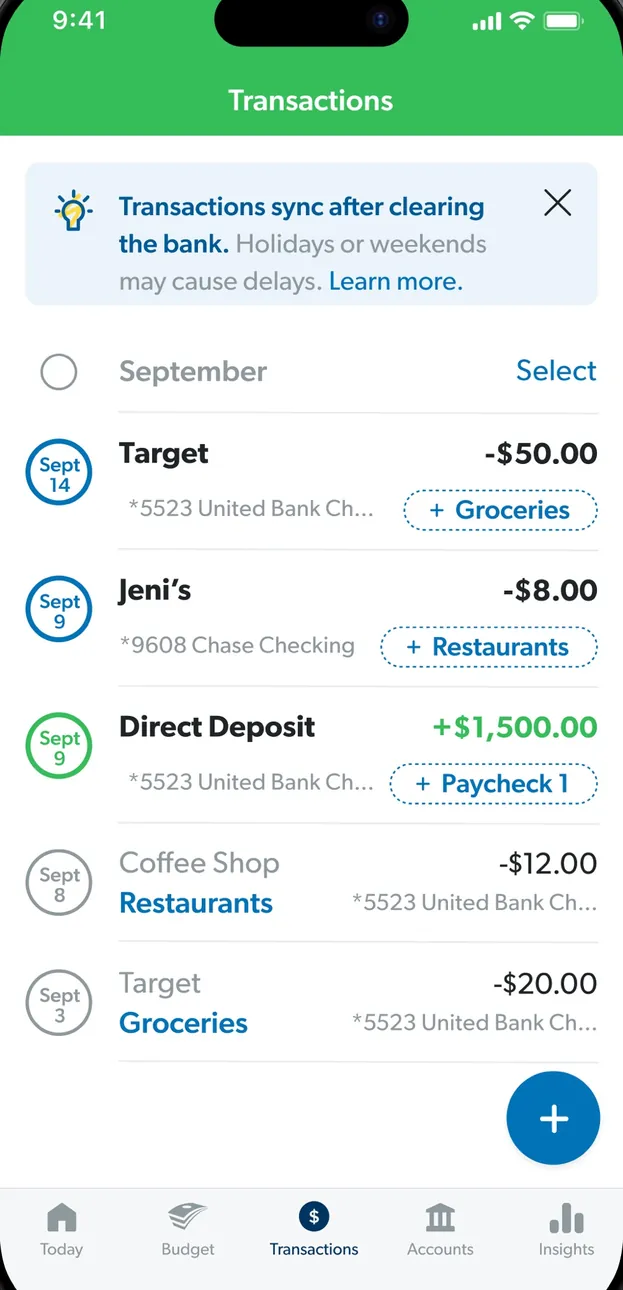
App Store marketing imageThe Transactions screen: a note that transactions sync after clearing, then September transactions with budget item tags.App Store listing, as of 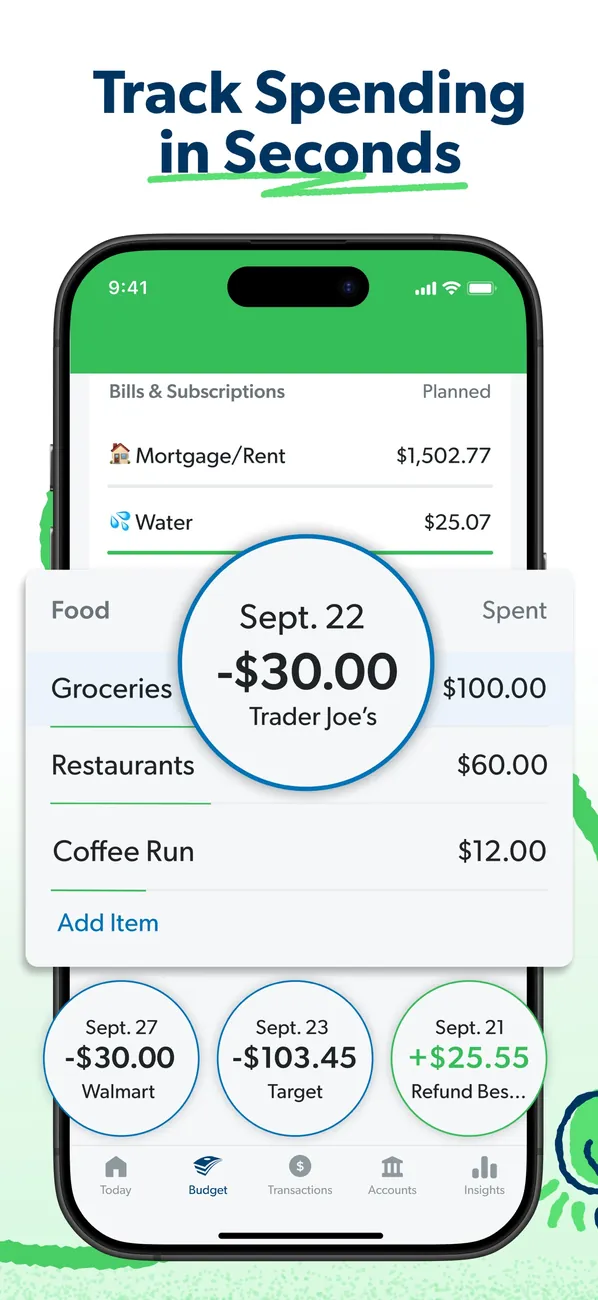
App Store marketing imageApp Store image with the headline "Track Spending in Seconds" showing budget rows with transaction bubbles for Trader Joe's, Walmart and Target.App Store listing, as of 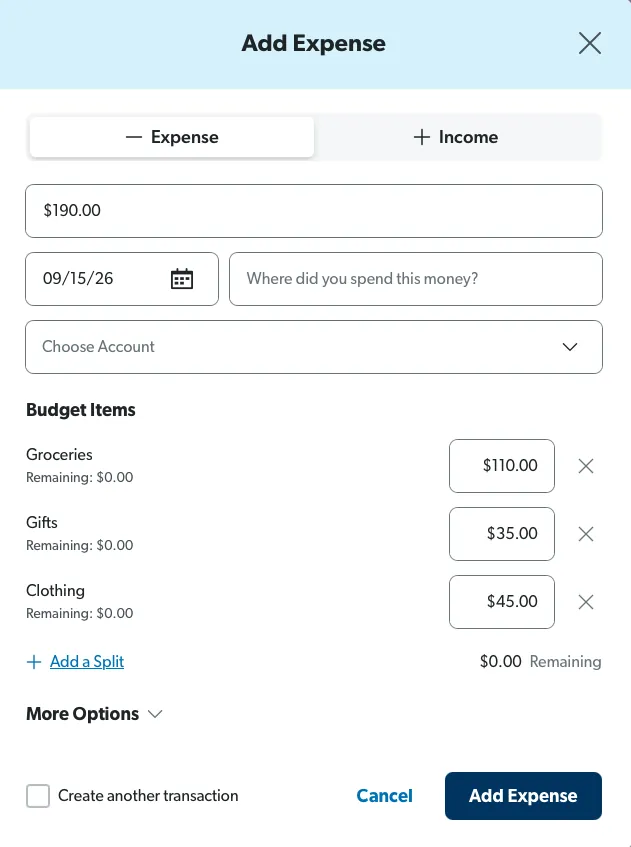
From EveryDollar's help centerAn Add Expense form on the web split across Groceries, Gifts and Clothing with amounts for each.everydollar.help.ramseysolutions.com, as of 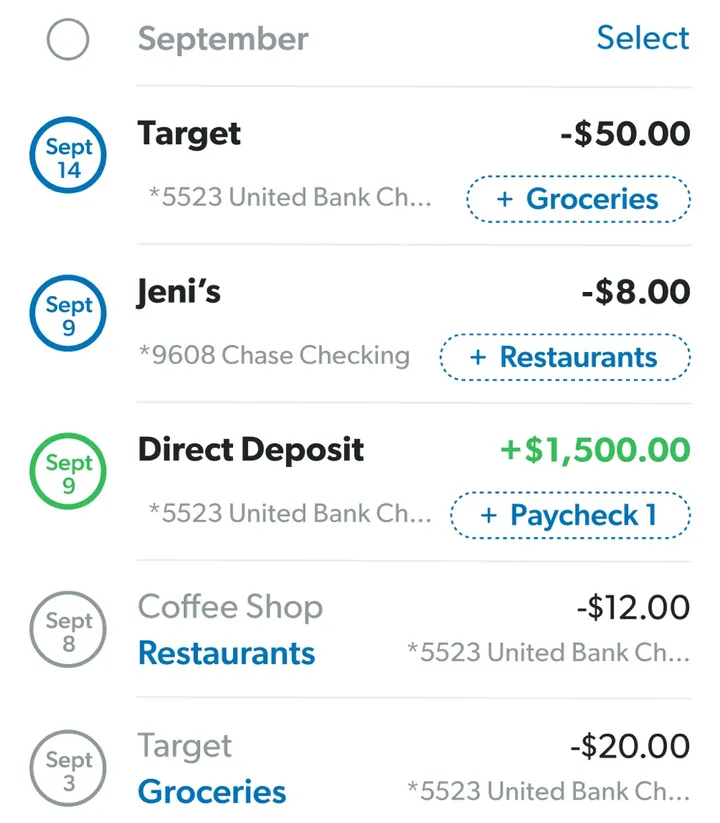
App Store marketing imageTransaction rows such as Target, Jeni's and a Direct Deposit, each with an amount and a budget item tag like Groceries.App Store listing, as of

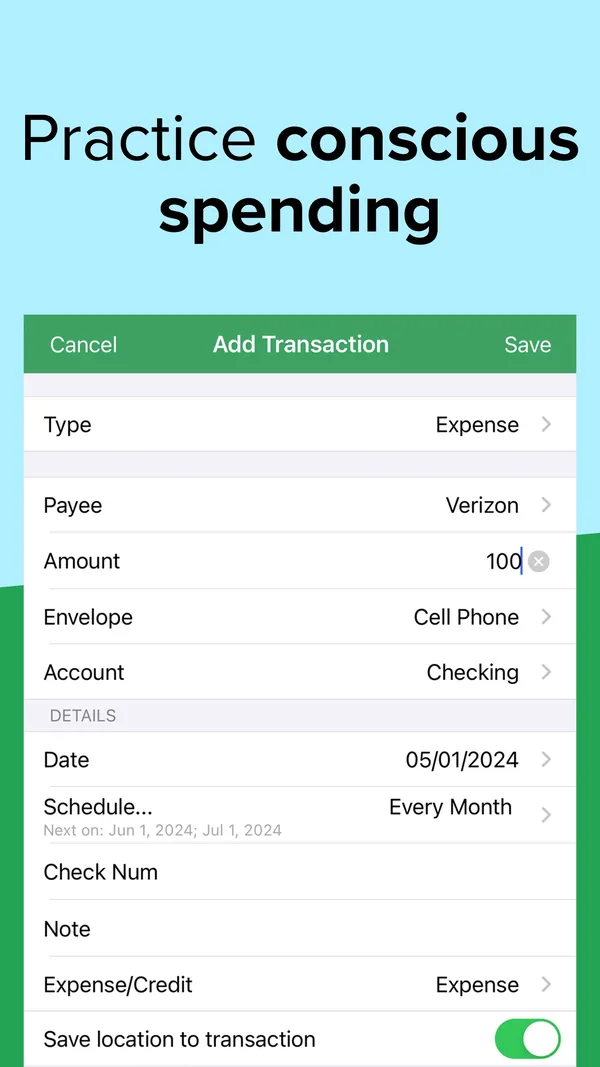
App Store marketing imageApp Store image with the headline "Practice conscious spending" showing an Add Transaction form.App Store listing, as of 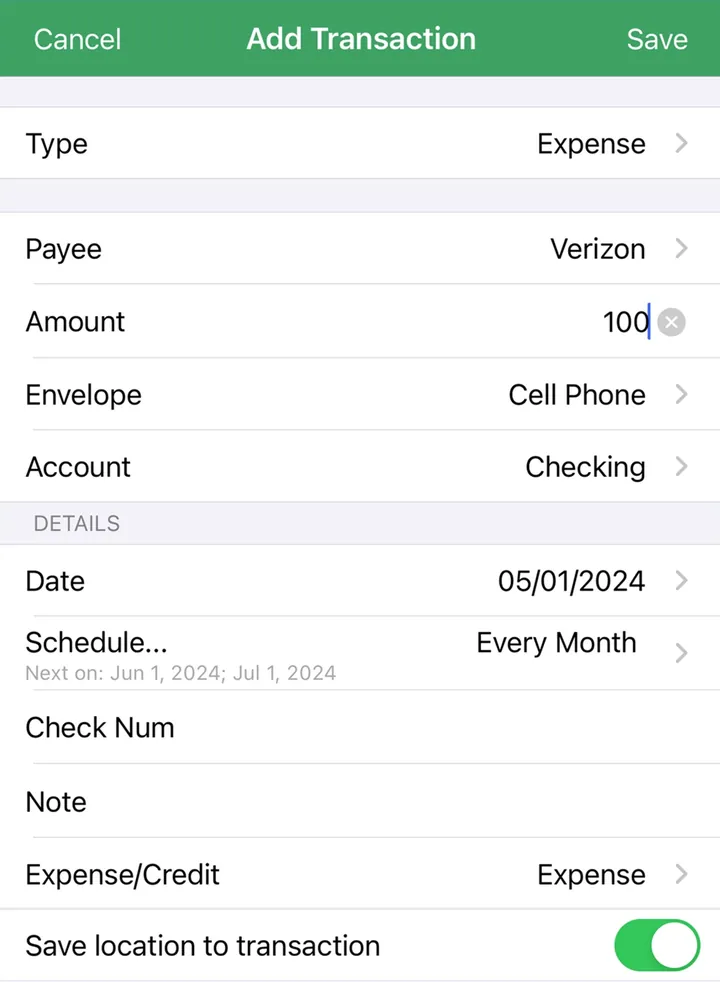
App Store marketing imageAn Add Transaction form with Type, Payee, Amount, Envelope, Account, Date and Schedule fields.App Store listing, as of 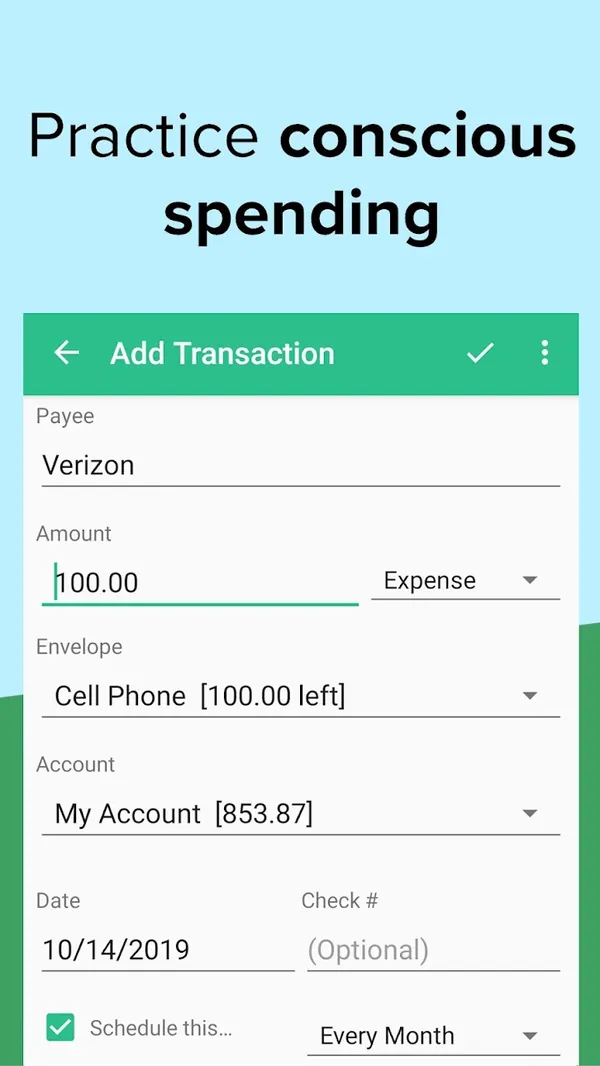
Google Play marketing imageGoogle Play image with the headline "Practice conscious spending" showing the Android Add Transaction form.Google Play listing, as of

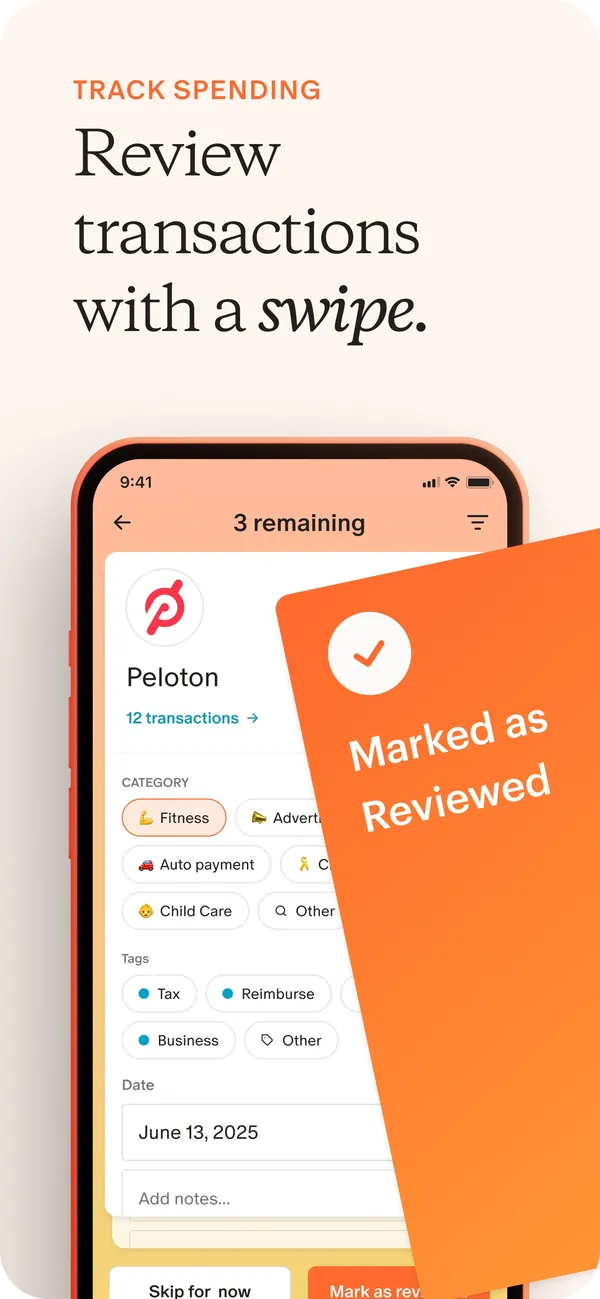
App Store marketing imageApp Store image with the headline "Review transactions with a swipe." showing a transaction review card for Peloton with a "Marked as Reviewed" card over it.App Store listing, as of

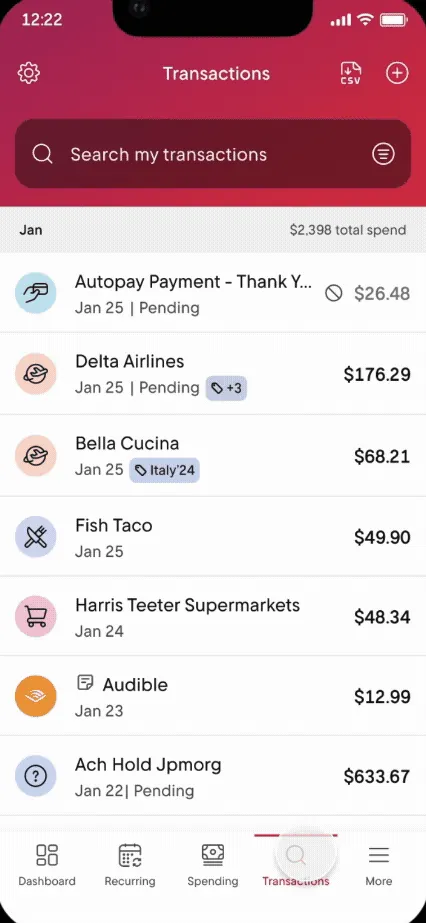
From Rocket Money's help centerThe Transactions tab with a search box and a list of transactions with icons and amounts.help.rocketmoney.com, as of 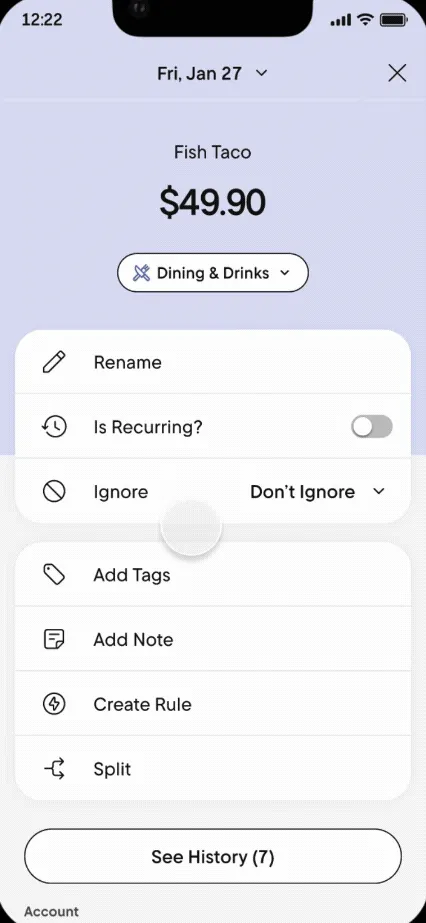
From Rocket Money's help centerA transaction detail for Fish Taco with options to rename, mark recurring, ignore, add tags, add a note, create a rule or split.help.rocketmoney.com, as of 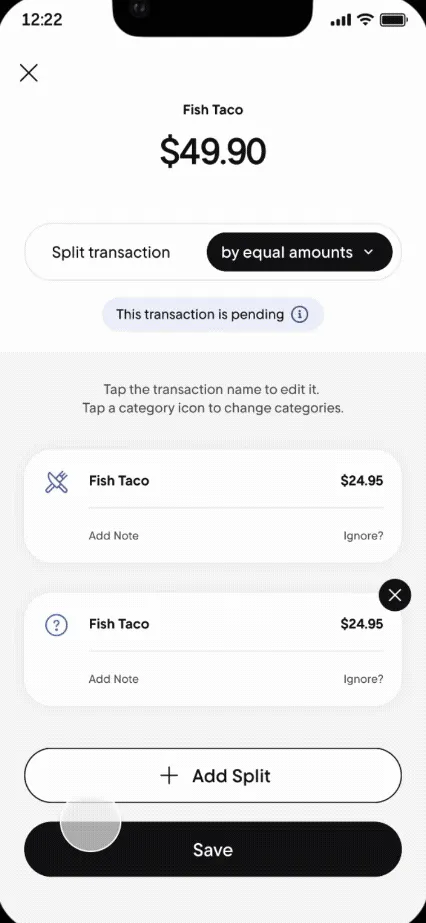
From Rocket Money's help centerA Split transaction screen dividing $49.90 by equal amounts into two parts.help.rocketmoney.com, as of

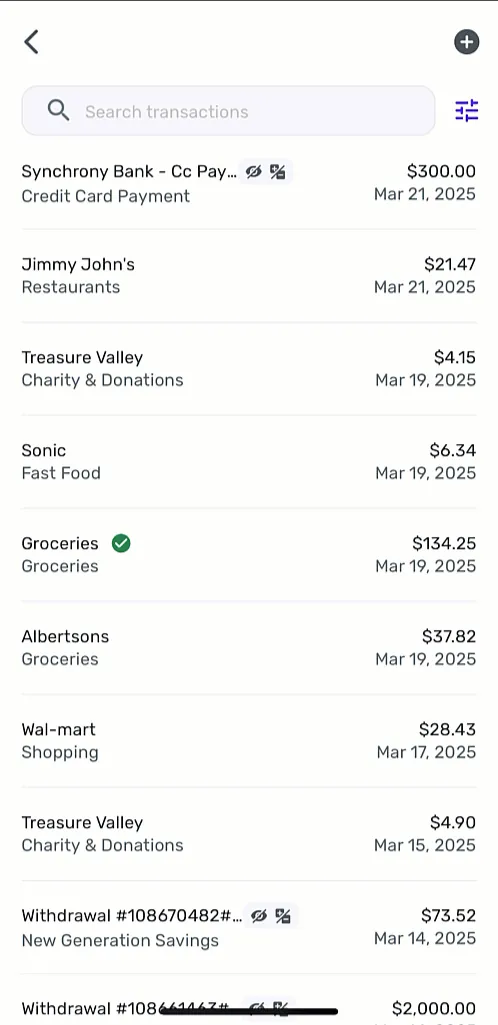
From Simplifi's help centerA transaction list with a search box, each row showing payee, category, amount and date.support.simplifi.quicken.com, as of

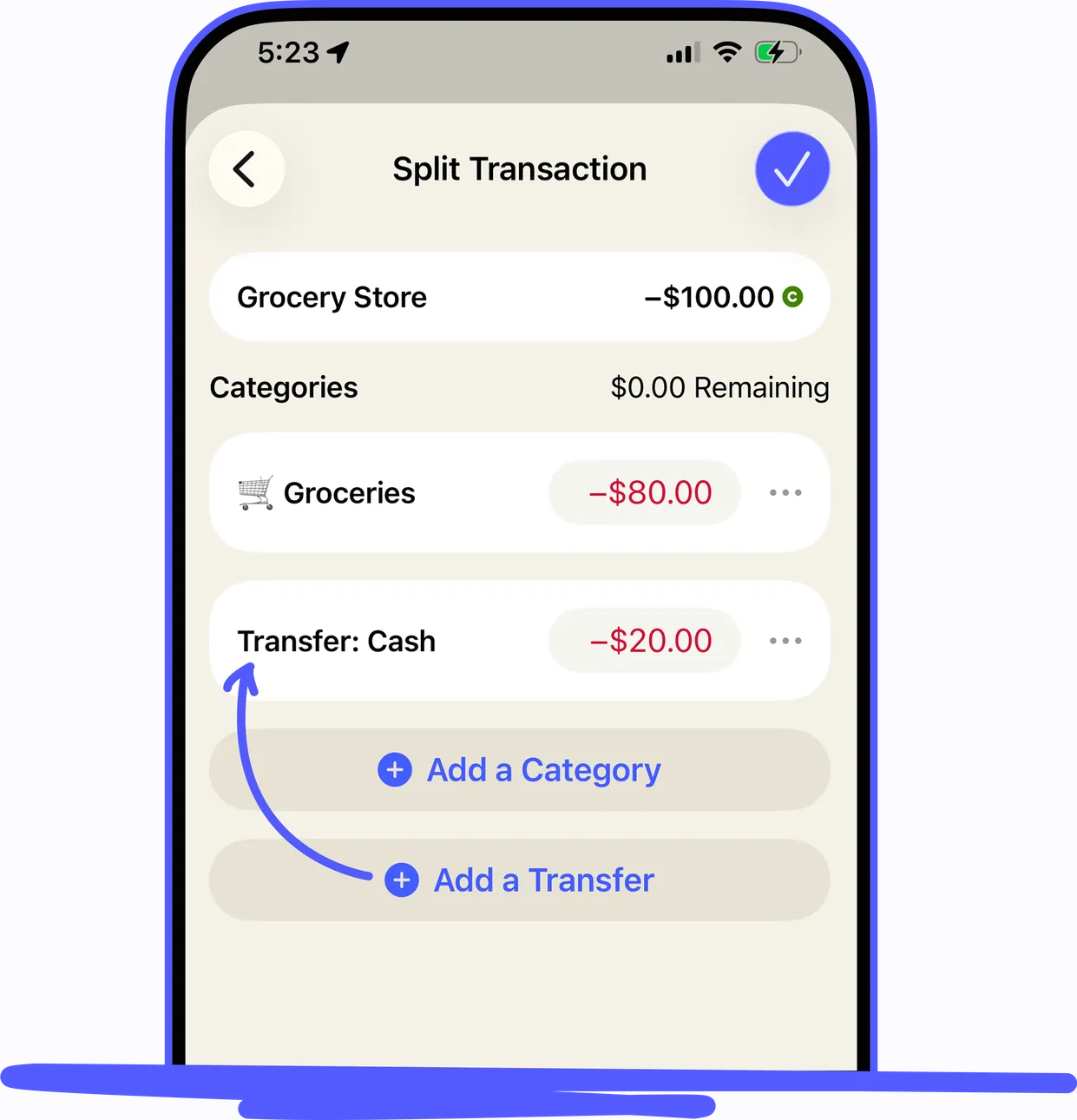
From YNAB's help centerAn iPhone Split Transaction screen for a -$100.00 Grocery Store purchase split between Groceries and a transfer to Cash.support.ynab.com, as of 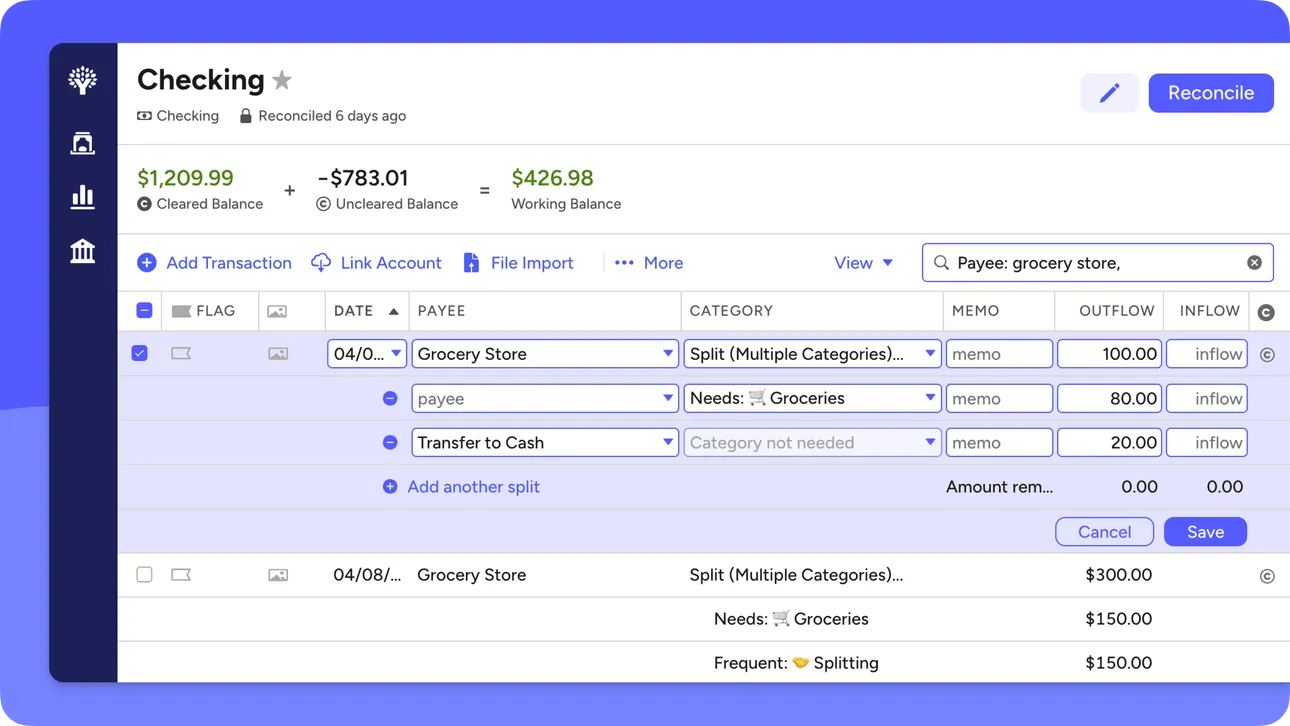
From YNAB's help centerThe web account register for Checking with a split transaction open across several category rows.support.ynab.com, as of
This is education, not financial advice.