Screen by screen
What money apps look like inside
311 images from 29 apps, grouped by task so you can compare how each one handles the same job. Every image shows where we found it, with the date.
App Store and Google Play images are the apps' own marketing, so they can show sample data and staged layouts. Help center images come from each app's support articles for one task. Where screens come from.
Categories

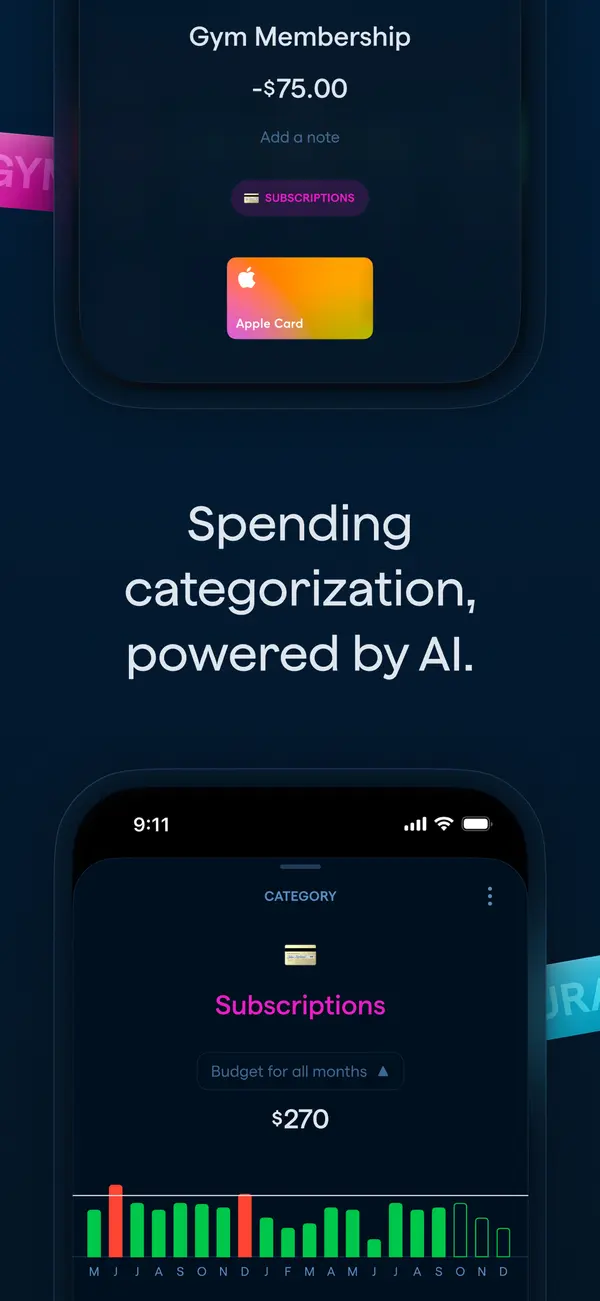
App Store marketing imageApp Store image with the headline "Spending categorization, powered by AI." showing a transaction and a Subscriptions category screen.App Store listing, as of 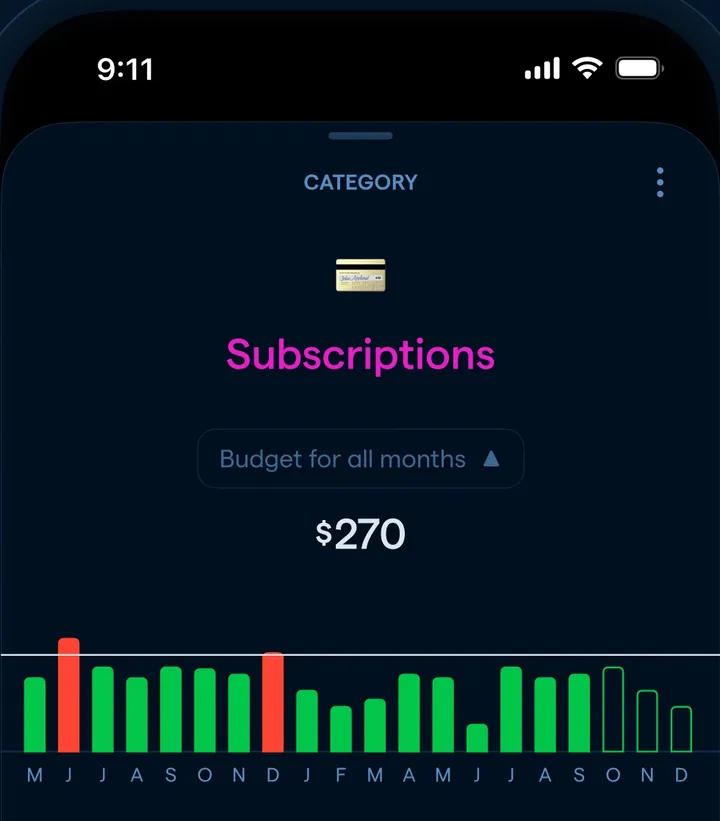
App Store marketing imageA Subscriptions category screen with a $270 budget for all months and a monthly bar chart.App Store listing, as of 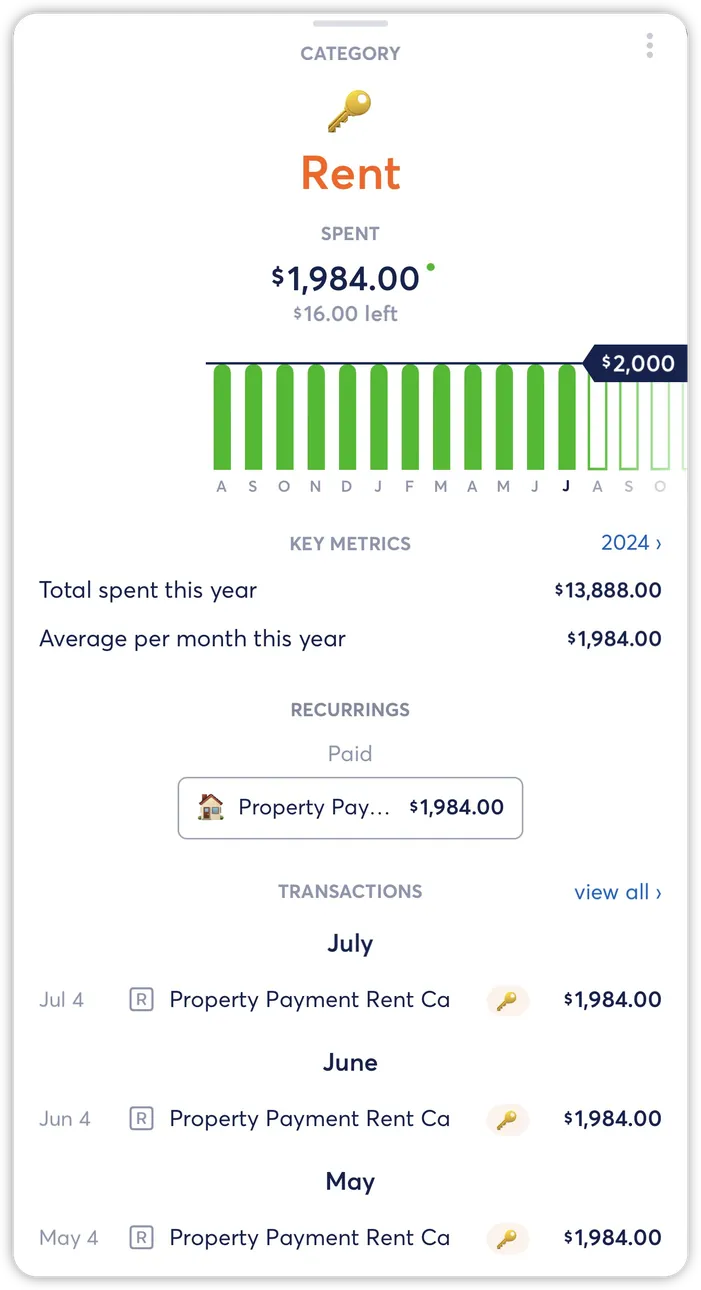
From Copilot Money's help centerA Rent category detail with a monthly bar chart, key metrics and the recurring payment tied to it.help.copilot.money, as of

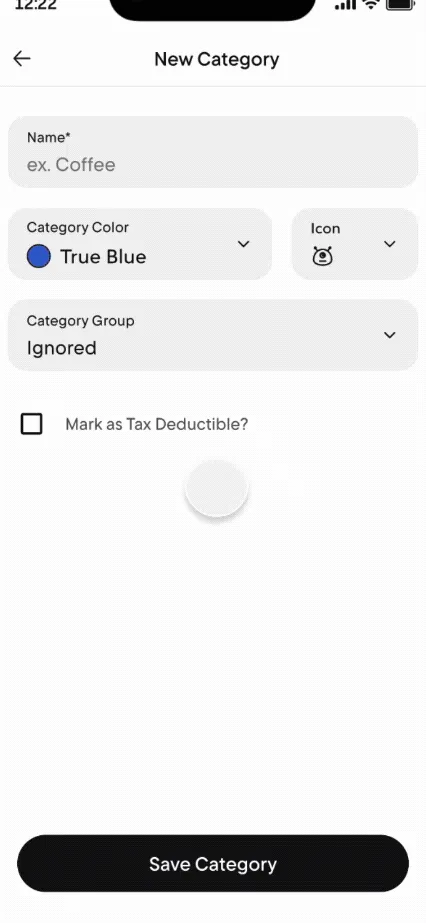
From Rocket Money's help centerA New Category form with name, color, icon and category group fields and a Save Category button.help.rocketmoney.com, as of
This is education, not financial advice.