Screen by screen
What money apps look like inside
311 images from 29 apps, grouped by task so you can compare how each one handles the same job. Every image shows where we found it, with the date.
App Store and Google Play images are the apps' own marketing, so they can show sample data and staged layouts. Help center images come from each app's support articles for one task. Where screens come from.
Home

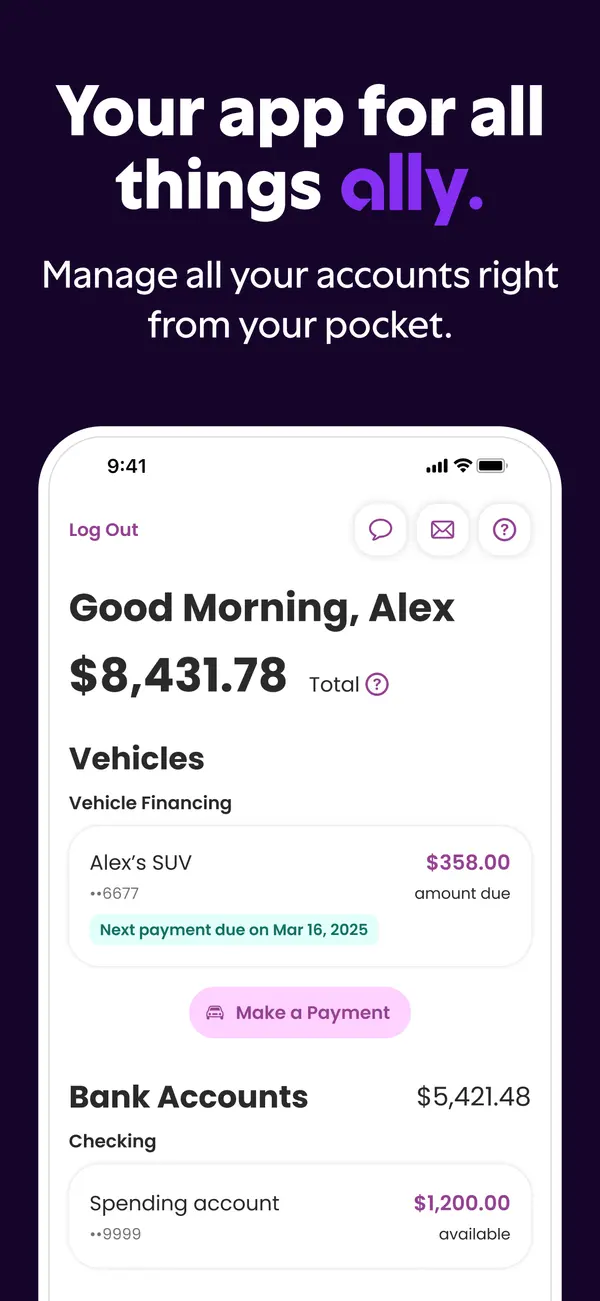
App Store marketing imageApp Store image with the headline "Your app for all things ally." showing a home screen with a total balance, vehicle financing and bank accounts.App Store listing, as of

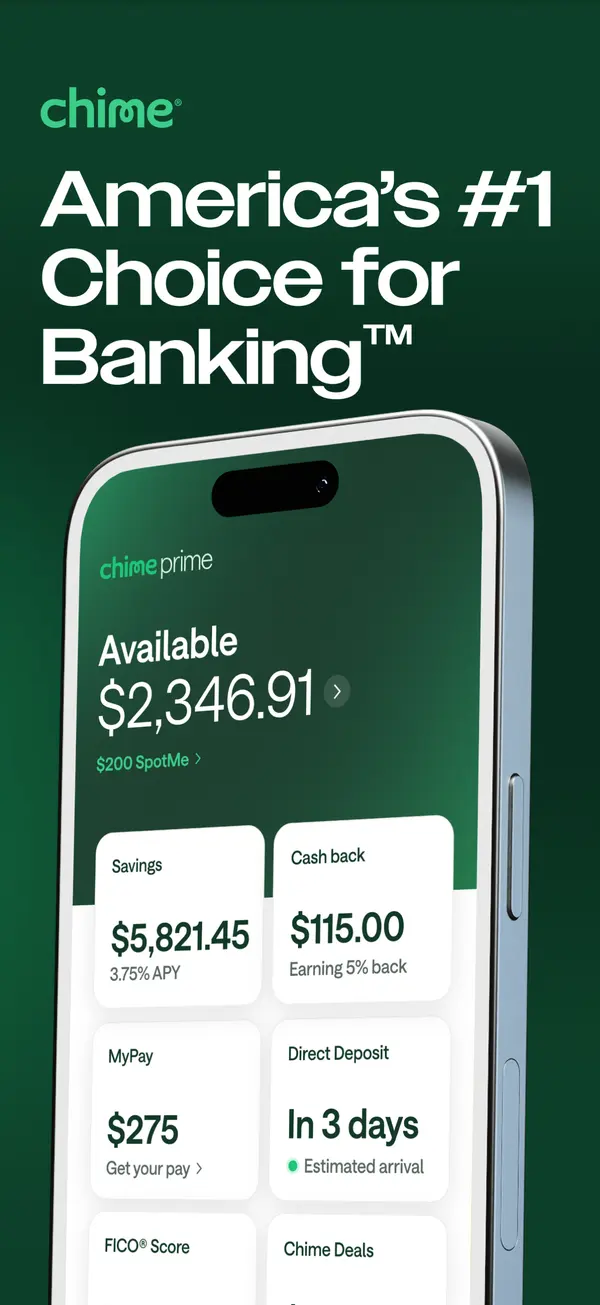
App Store marketing imageApp Store image with the headline "America's #1 Choice for Banking" showing an Available balance with Savings, Cash back, MyPay and Direct Deposit tiles.App Store listing, as of

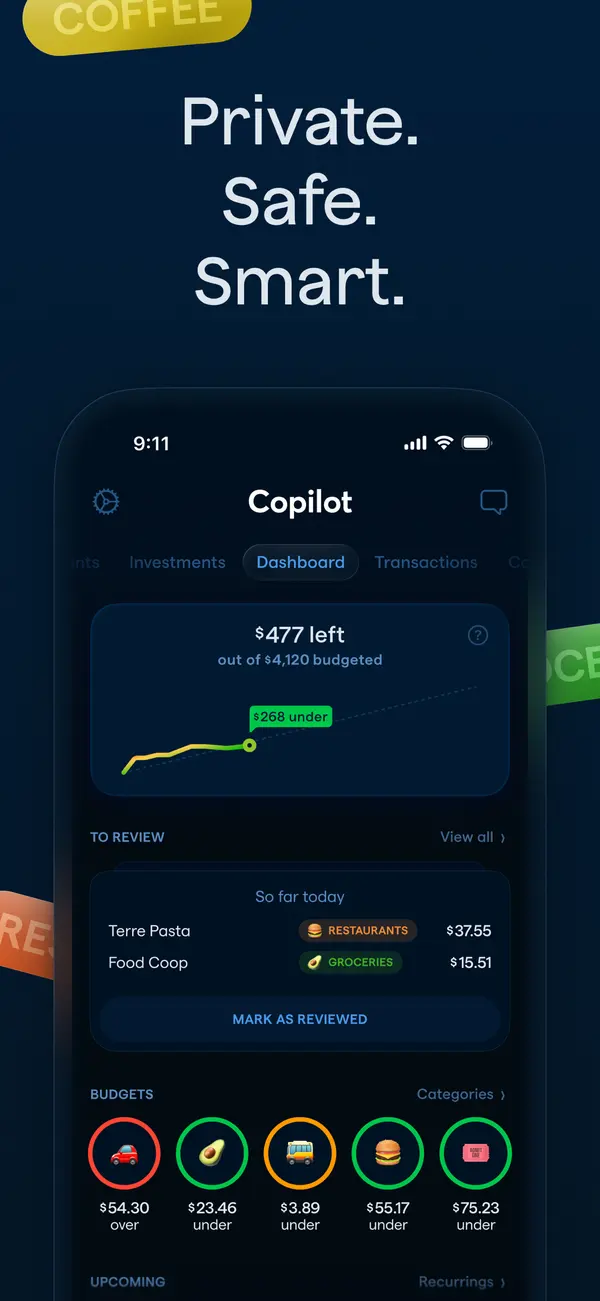
App Store marketing imageApp Store image with the headline "Private. Safe. Smart." showing the Copilot dashboard in dark mode.App Store listing, as of 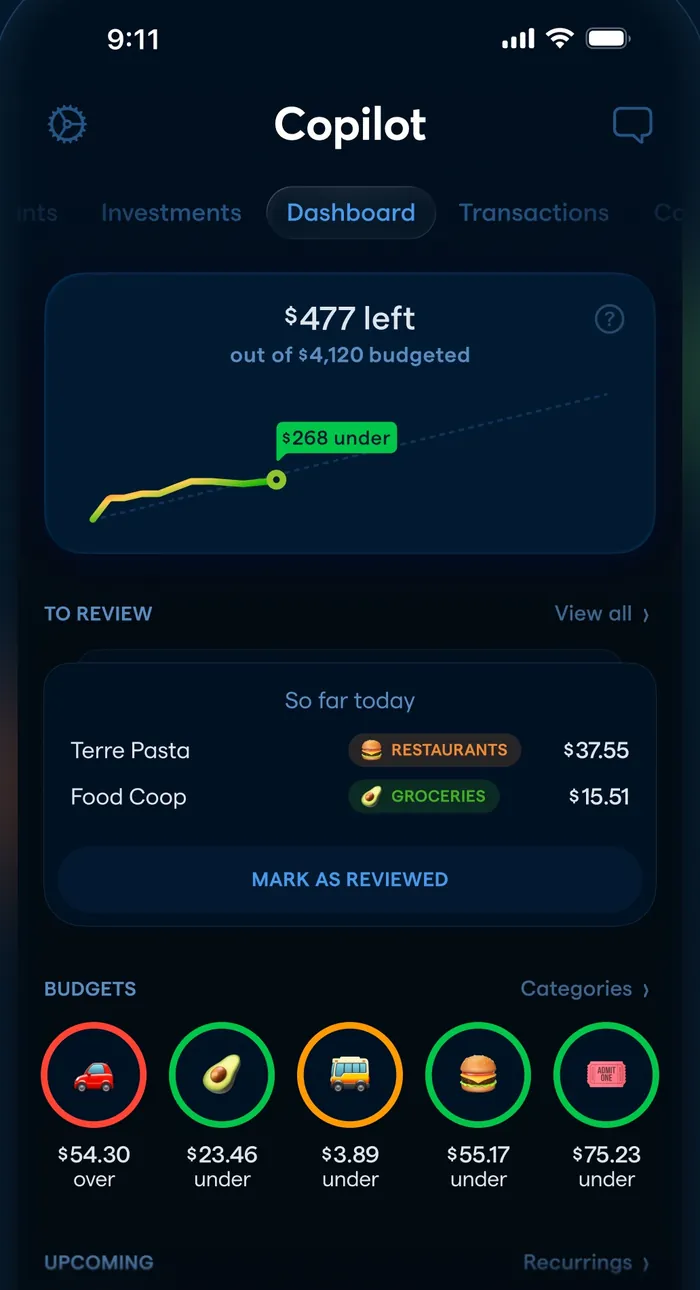
App Store marketing imageThe dashboard: $477 left of $4,120 budgeted with a line chart, a To Review list and round budget icons.App Store listing, as of

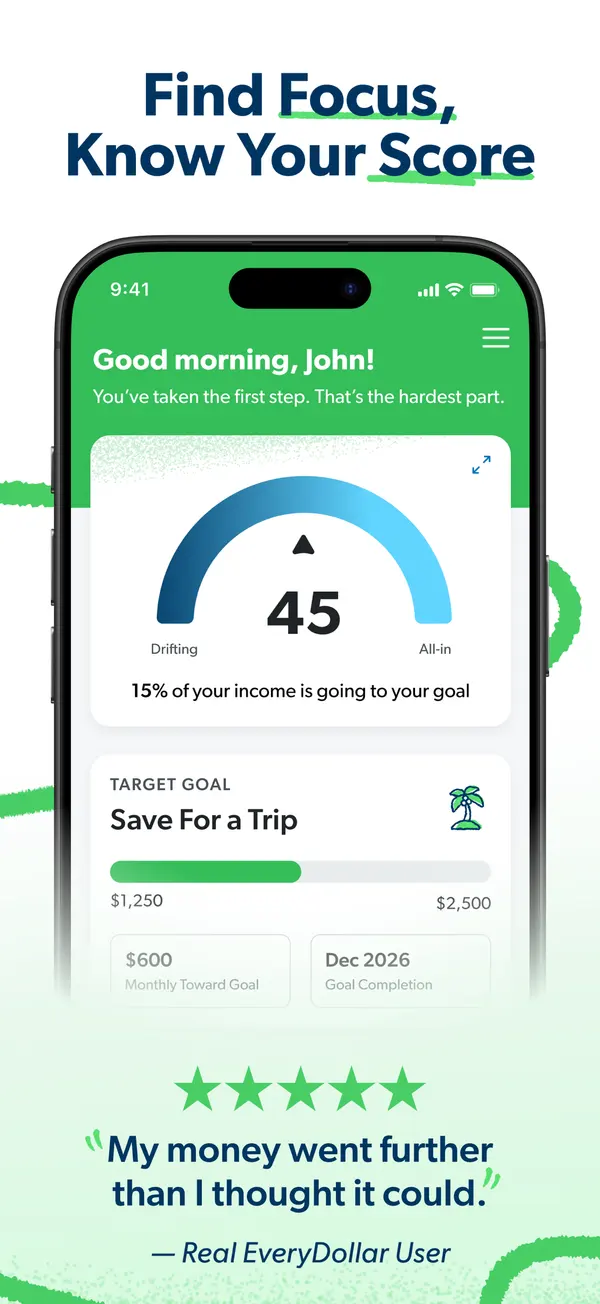
App Store marketing imageApp Store image with the headline "Find Focus, Know Your Score" showing a home screen with a score gauge of 45 and a Save For a Trip goal.App Store listing, as of 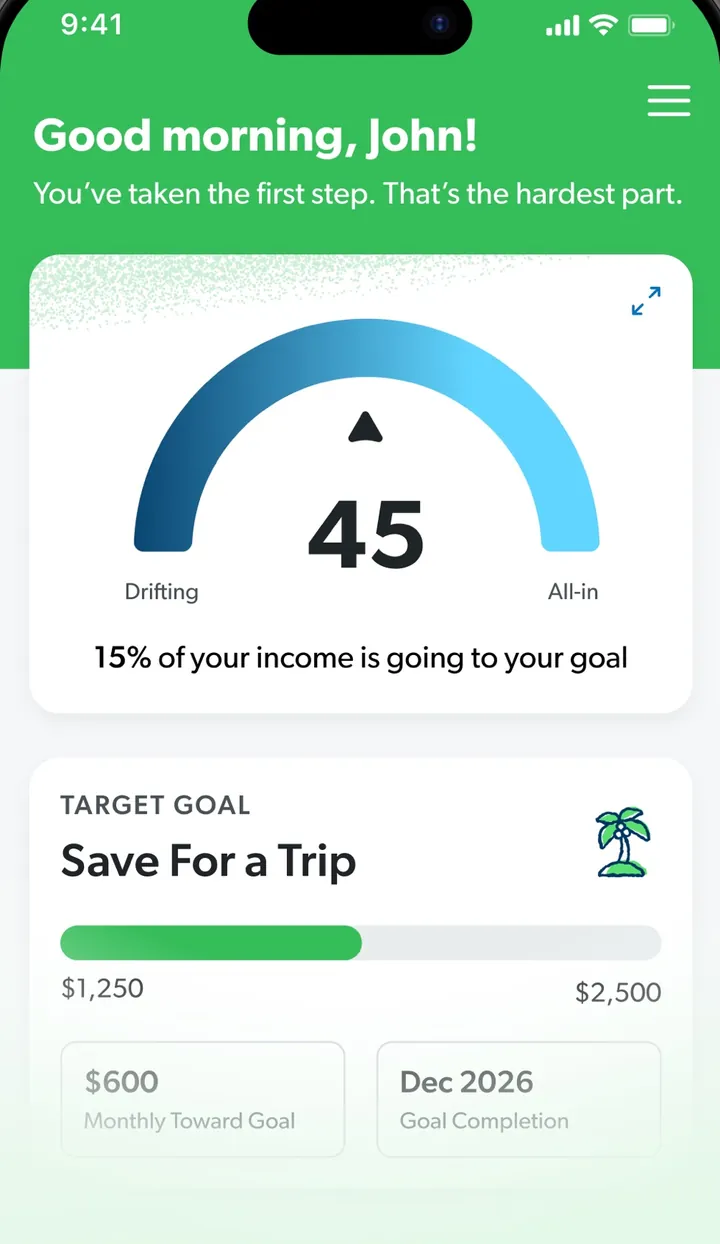
App Store marketing imageA screen greeting John with a gauge reading 45 and a Target Goal card for Save For a Trip.App Store listing, as of

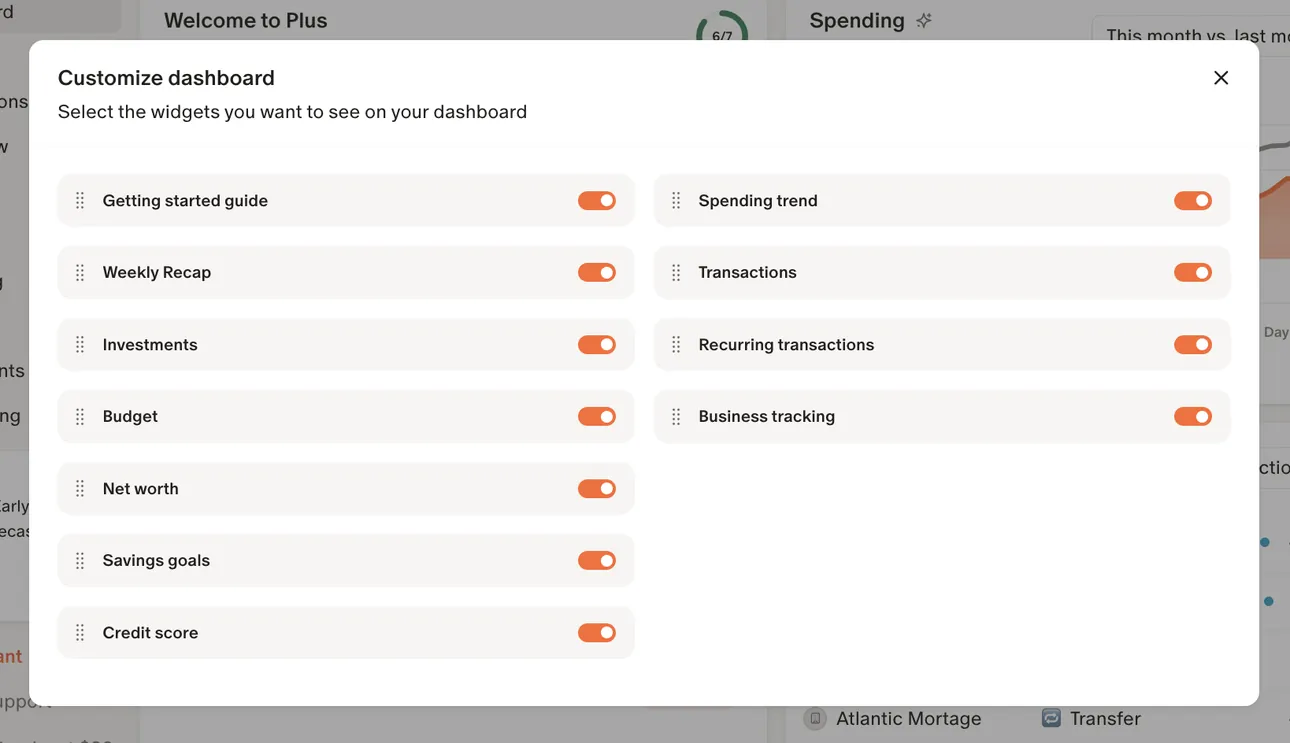
From Monarch Money's help centerA Customize dashboard dialog with toggles for widgets such as Getting started guide, Investments, Budget, Net worth and Spending trend.help.monarch.com, as of

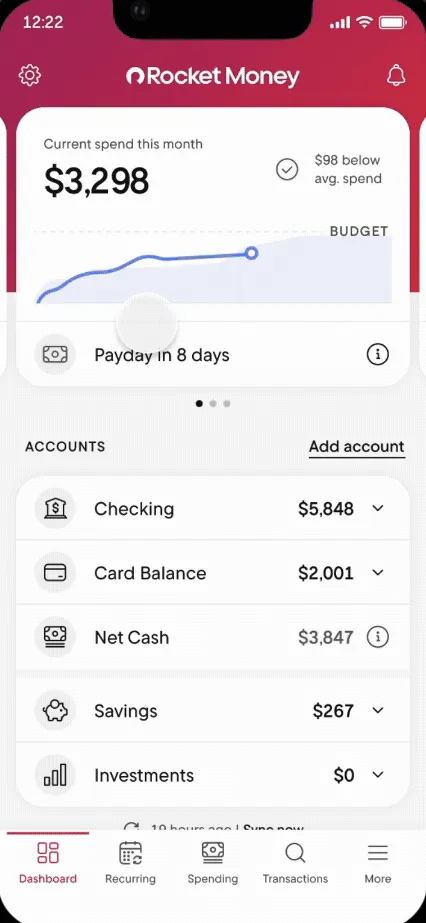
From Rocket Money's help centerThe Dashboard with current spend this month, a Payday in 8 days row and account balances.help.rocketmoney.com, as of

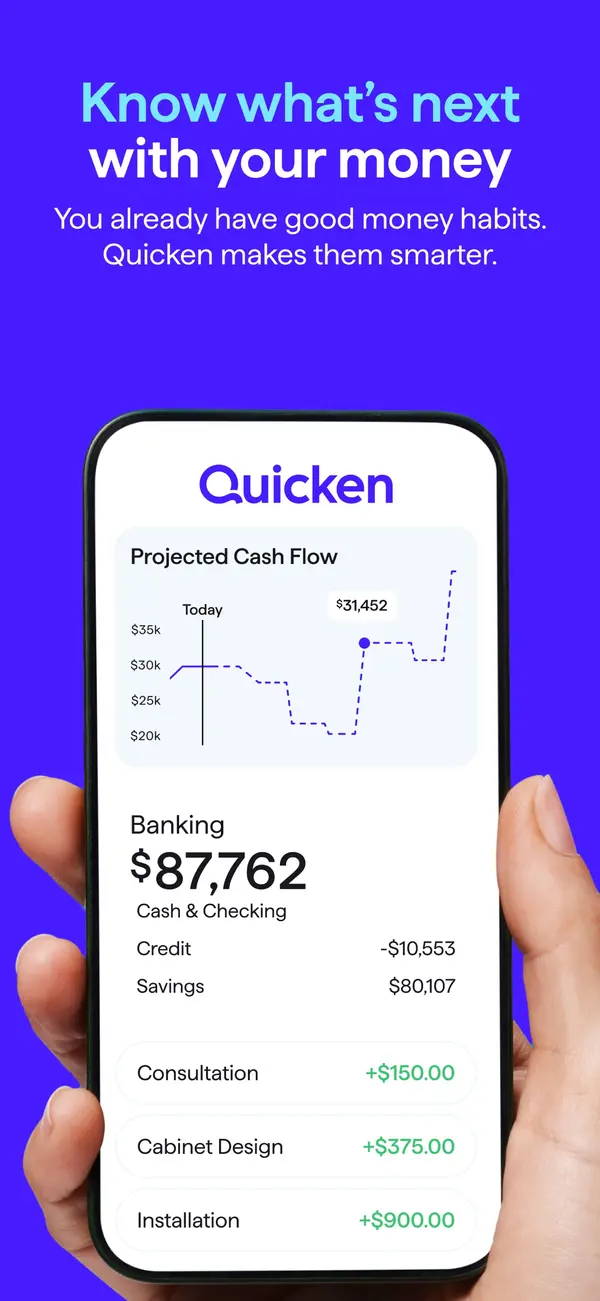
App Store marketing imageApp Store image with the headline "Know what's next with your money" showing a hand holding a phone with a Quicken screen, a Projected Cash Flow chart and Banking balances.App Store listing, as of 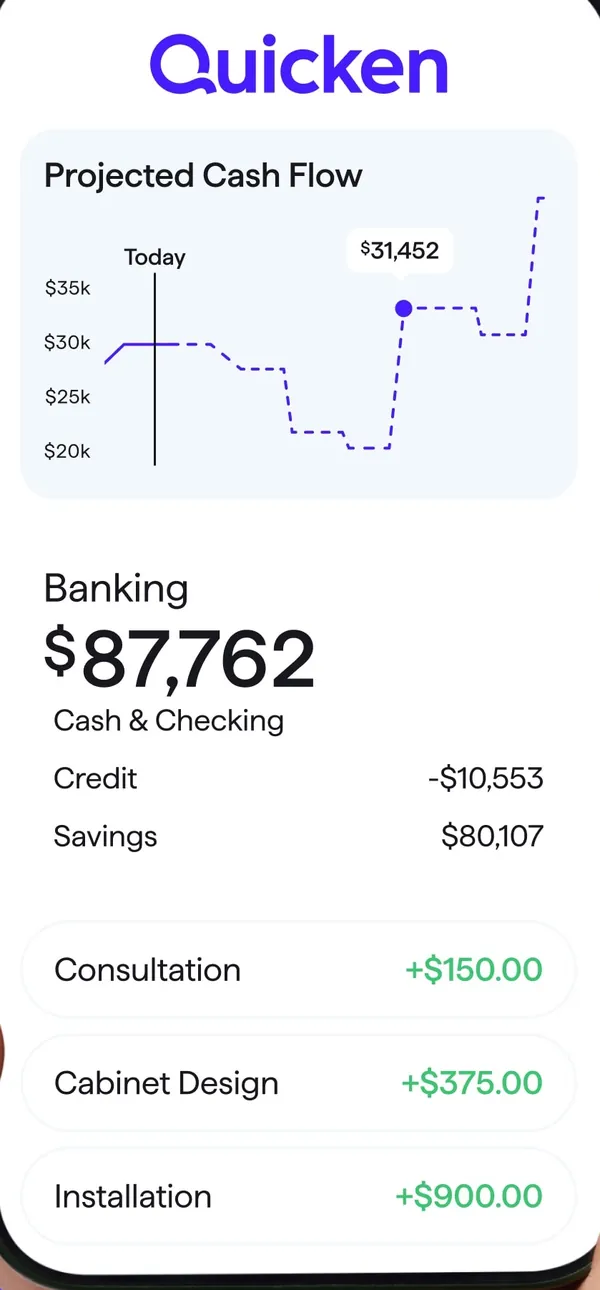
App Store marketing imageA Quicken screen with a Projected Cash Flow chart, Banking balances and three income rows.App Store listing, as of 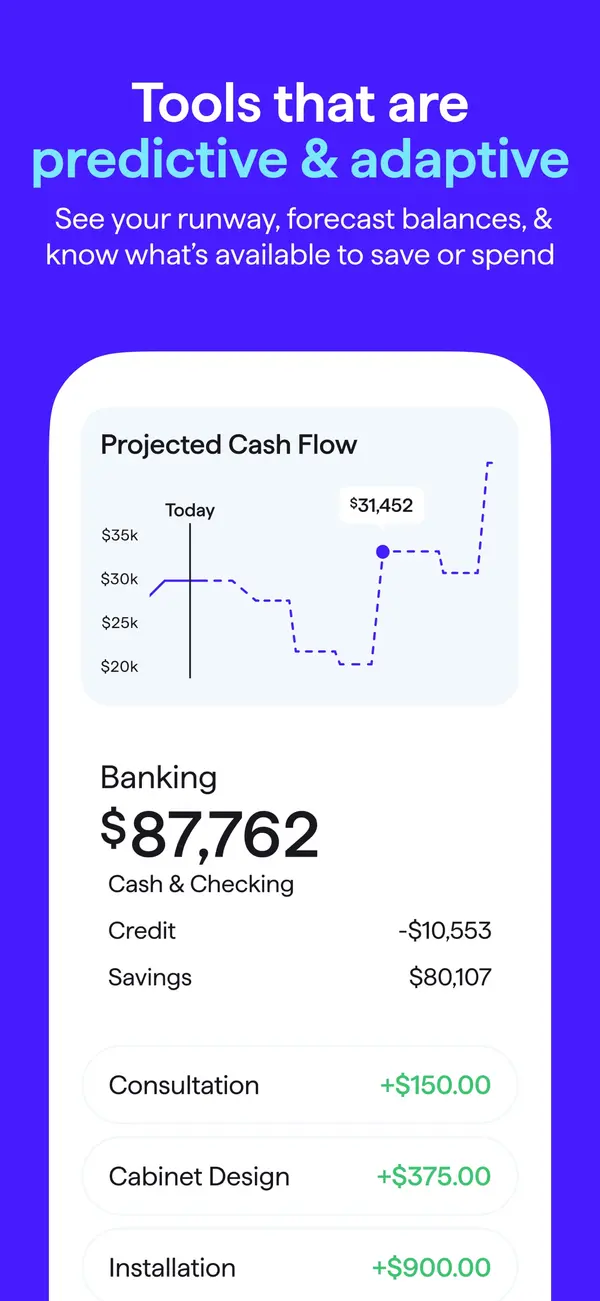
App Store marketing imageApp Store image with the headline "Tools that are predictive & adaptive" showing a Projected Cash Flow chart and Banking balances.App Store listing, as of 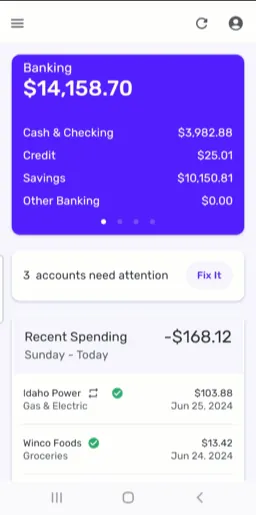
From Simplifi's help centerThe mobile dashboard with a Banking card, a note that 3 accounts need attention and Recent Spending.support.simplifi.quicken.com, as of

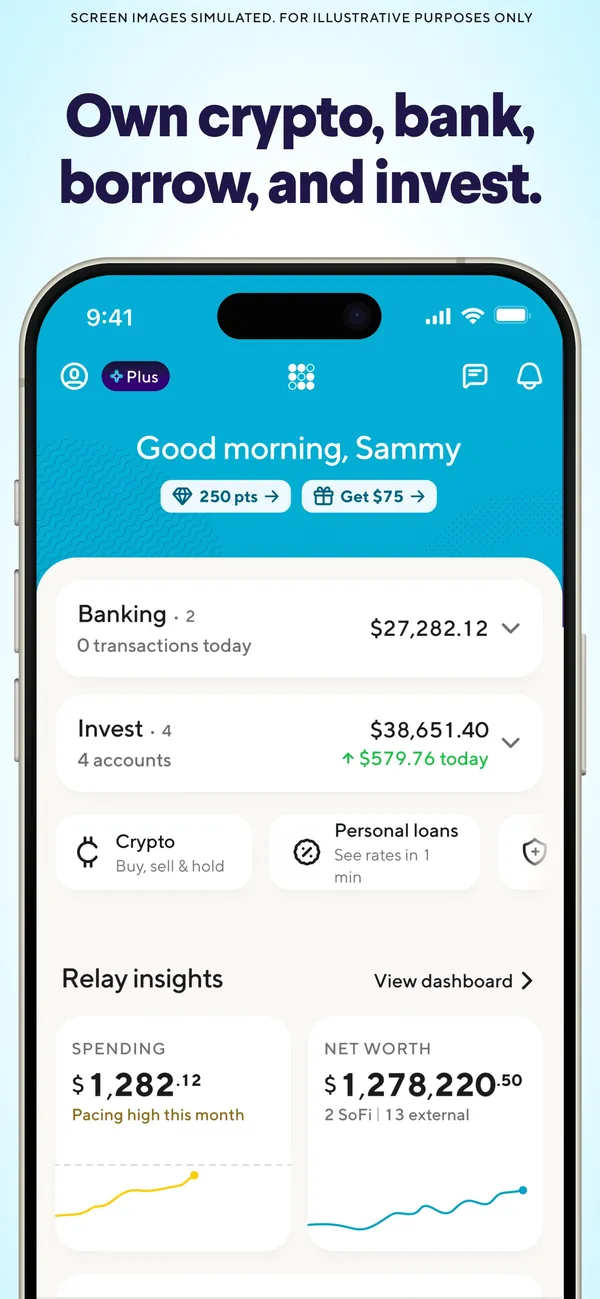
App Store marketing imageApp Store image with the headline "Own crypto, bank, borrow, and invest." showing a home screen with Banking, Invest and Relay insights.App Store listing, as of

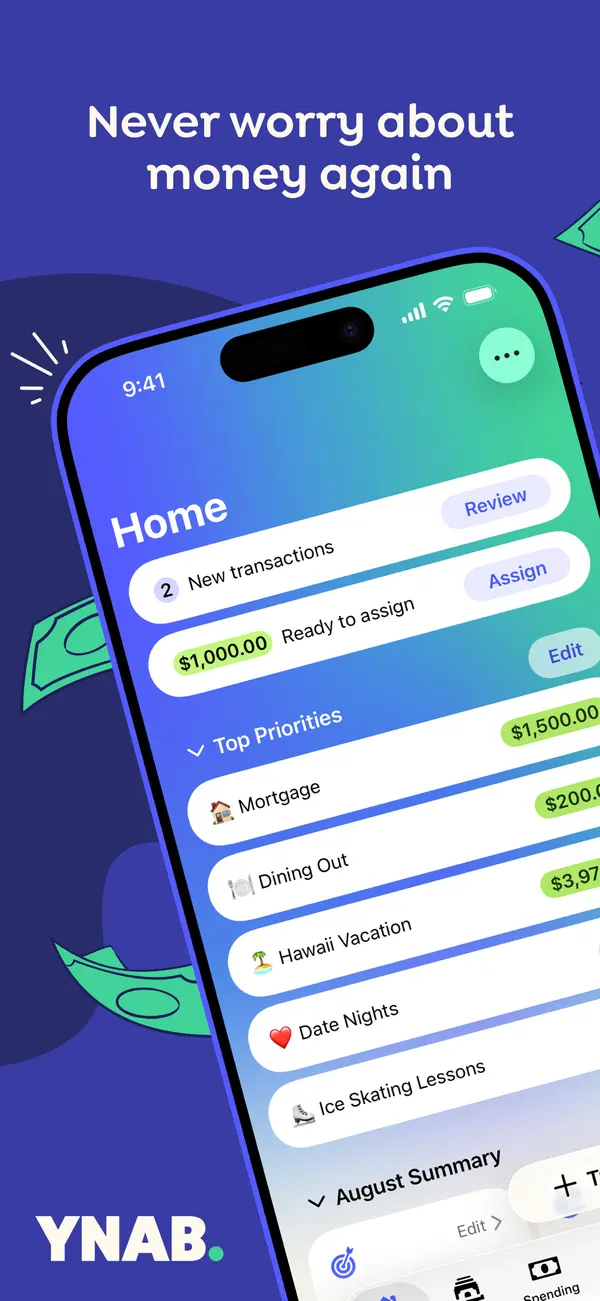
App Store marketing imageApp Store image with the headline "Never worry about money again" over a tilted phone showing the YNAB Home screen with new transactions, Ready to Assign and a Top Priorities list.App Store listing, as of 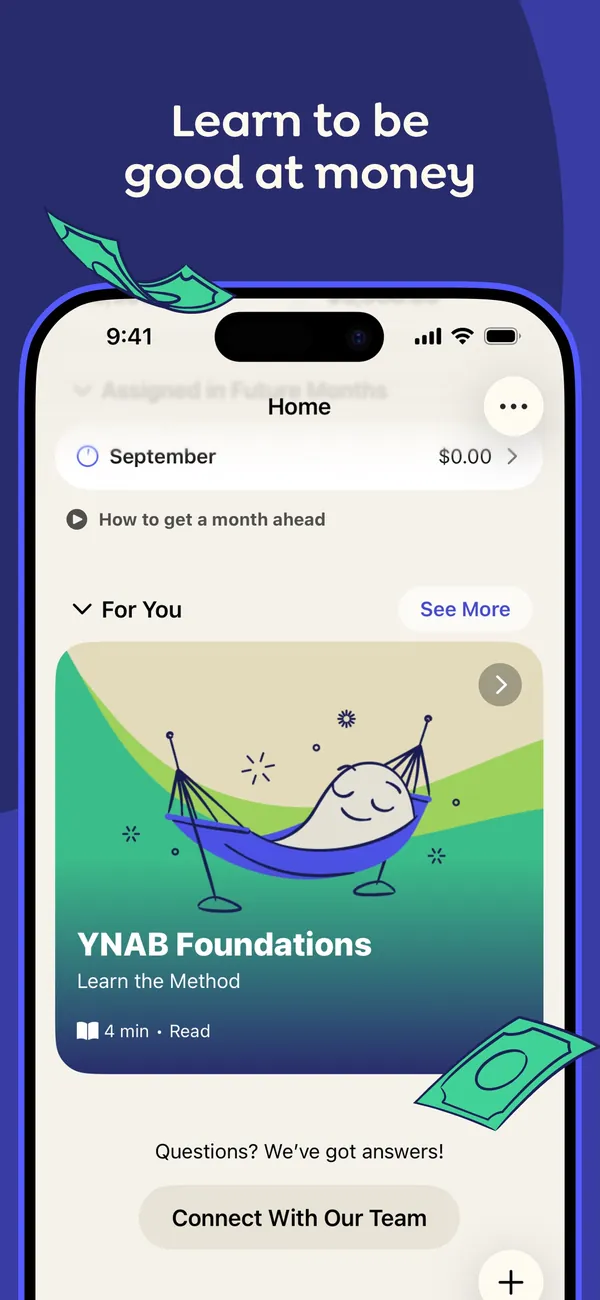
App Store marketing imageApp Store image with the headline "Learn to be good at money" showing the Home screen with a For You section and a YNAB Foundations lesson card.App Store listing, as of 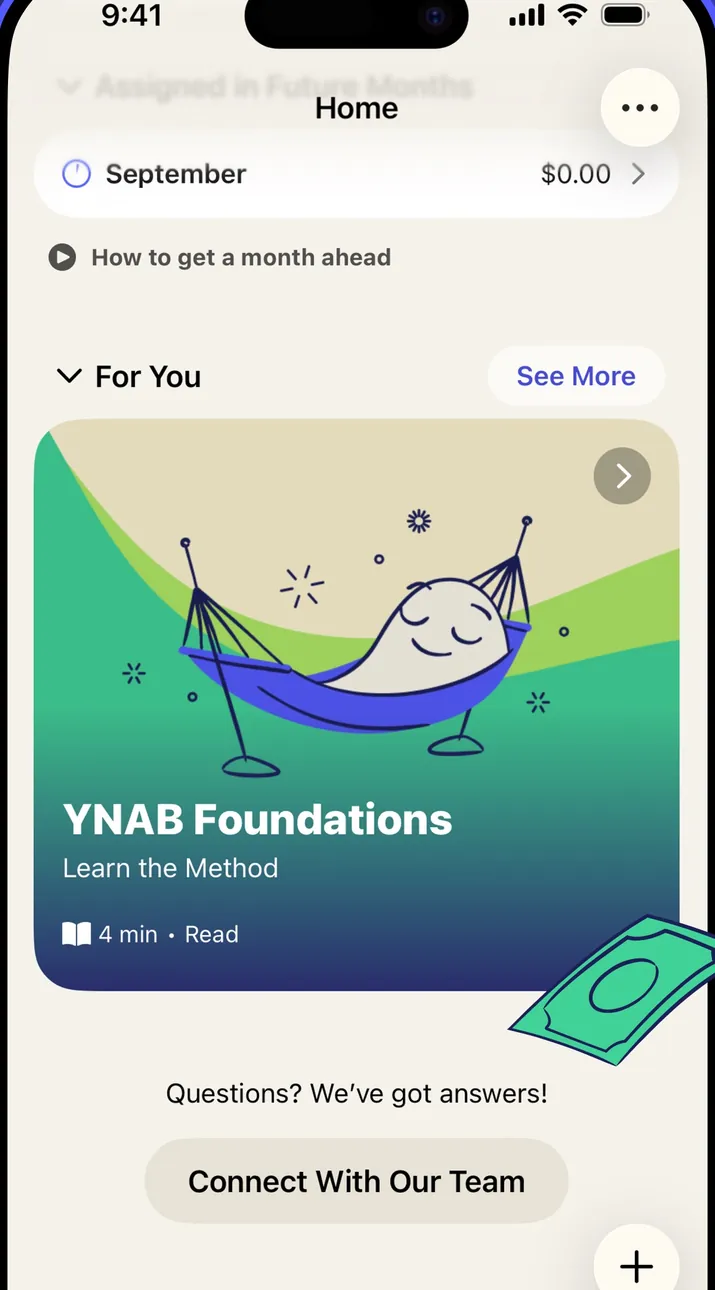
App Store marketing imageThe Home screen: a September row, a "How to get a month ahead" link, a For You lesson card and a Connect With Our Team button.App Store listing, as of 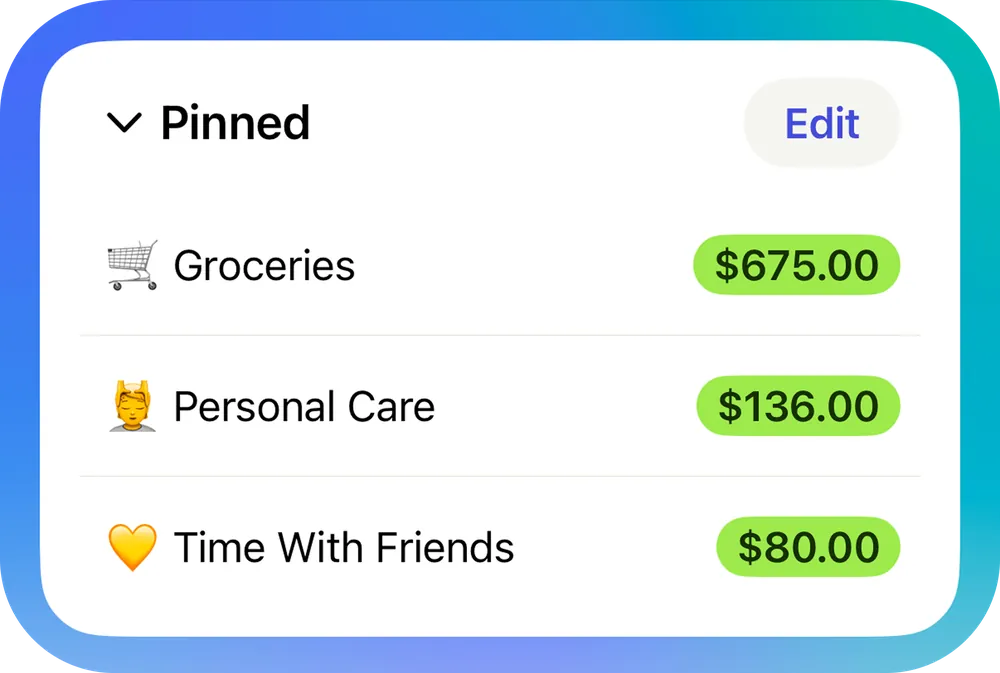
From YNAB's help centerA Pinned section on the Home screen listing Groceries, Personal Care and Time With Friends with available amounts.support.ynab.com, as of 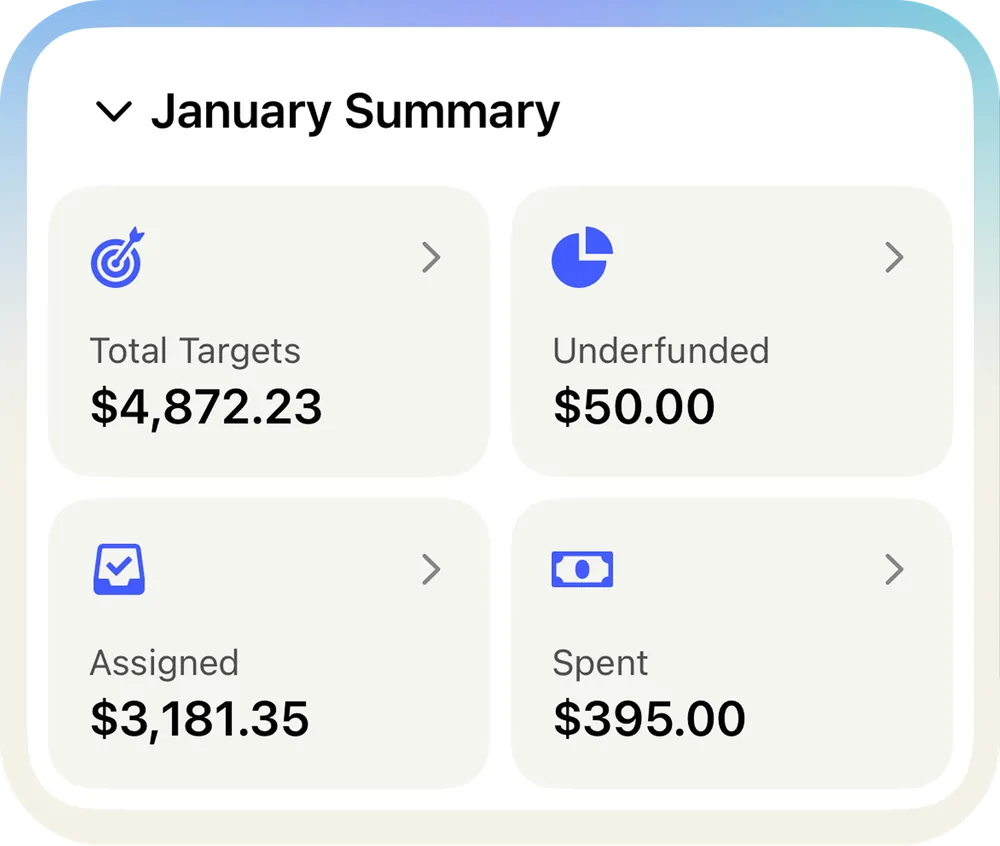
From YNAB's help centerA January Summary card with Total Targets, Underfunded, Assigned and Spent tiles.support.ynab.com, as of
This is education, not financial advice.