Screen by screen
What money apps look like inside
311 images from 29 apps, grouped by task so you can compare how each one handles the same job. Every image shows where we found it, with the date.
App Store and Google Play images are the apps' own marketing, so they can show sample data and staged layouts. Help center images come from each app's support articles for one task. Where screens come from.
Bills and recurring

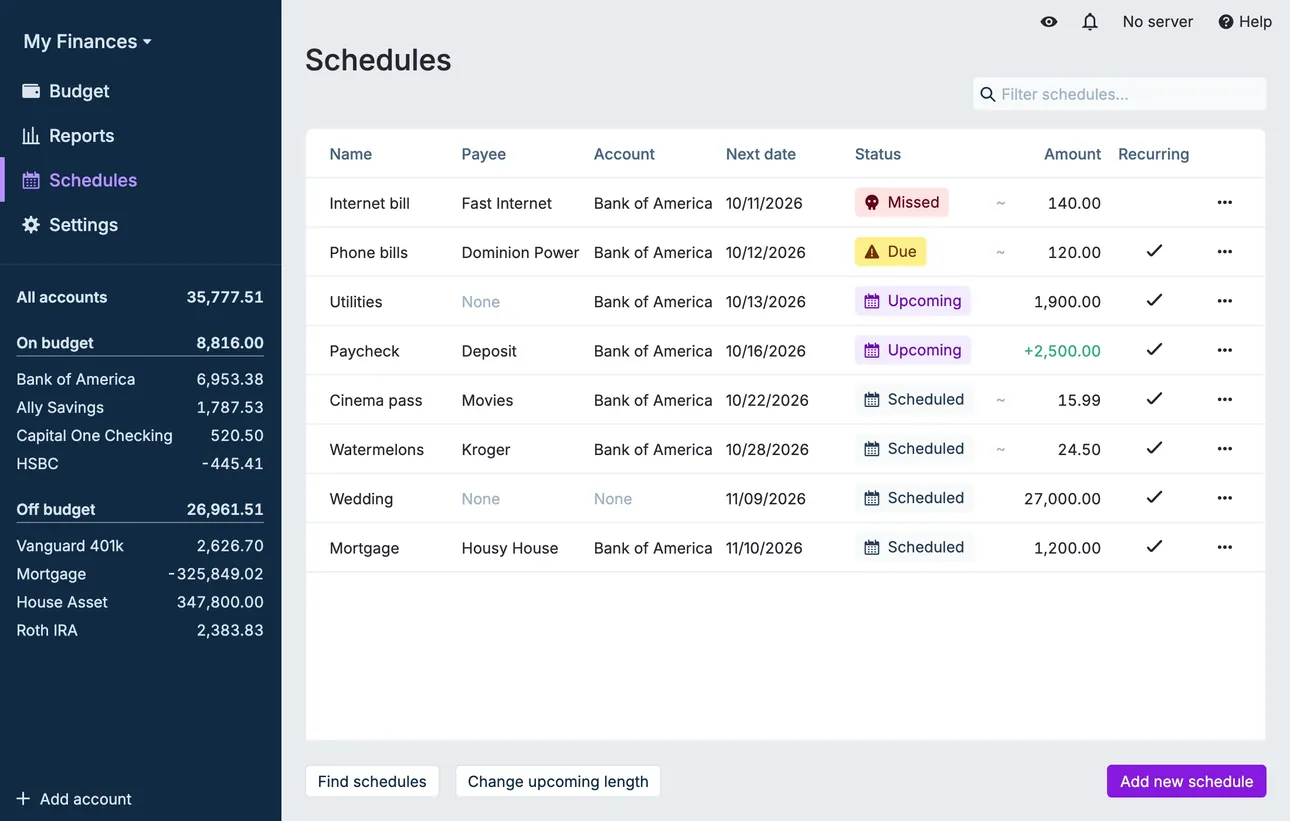
From Actual Budget's help centerThe Schedules page listing payees, accounts, next dates, statuses like Upcoming and Missed, and amounts.actualbudget.org, as of 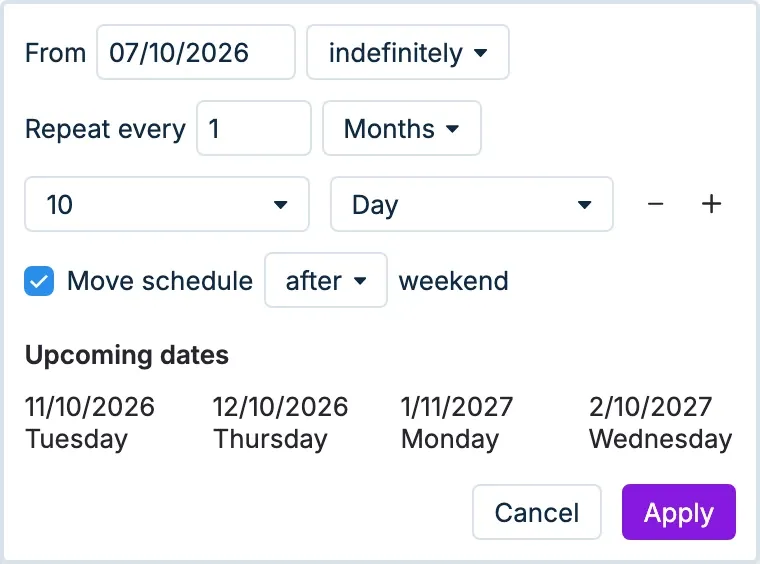
From Actual Budget's help centerRecurrence settings with a start date, Repeat every 1 month on day 10, and a list of upcoming dates.actualbudget.org, as of

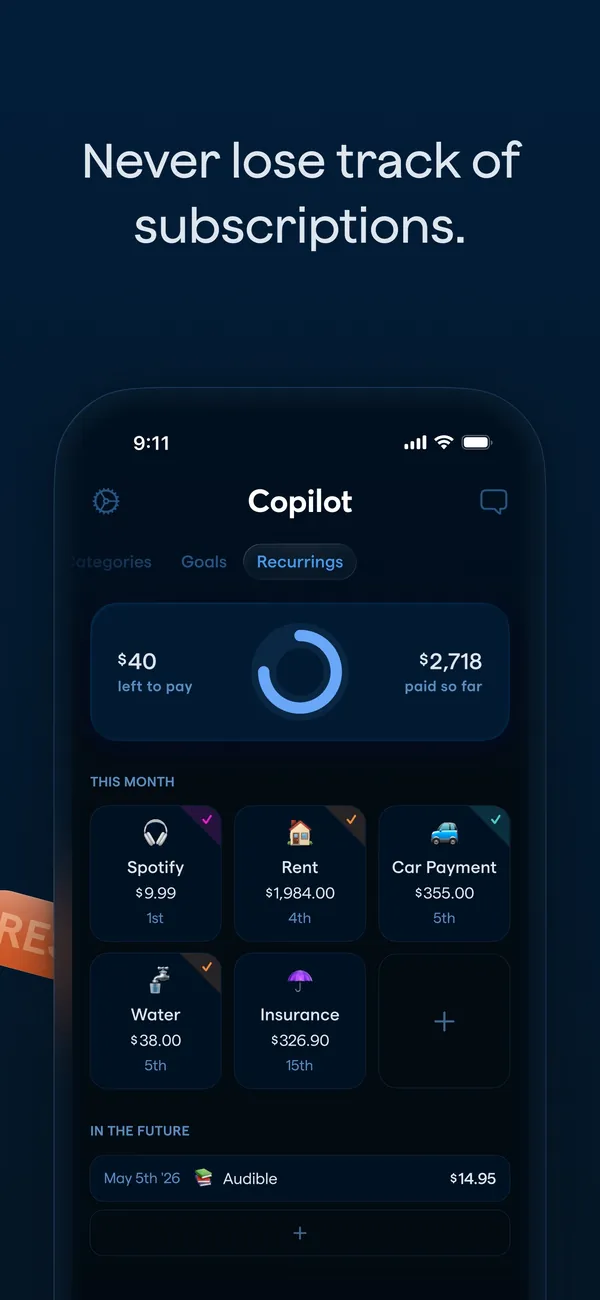
App Store marketing imageApp Store image with the headline "Never lose track of subscriptions." showing the Recurrings tab.App Store listing, as of 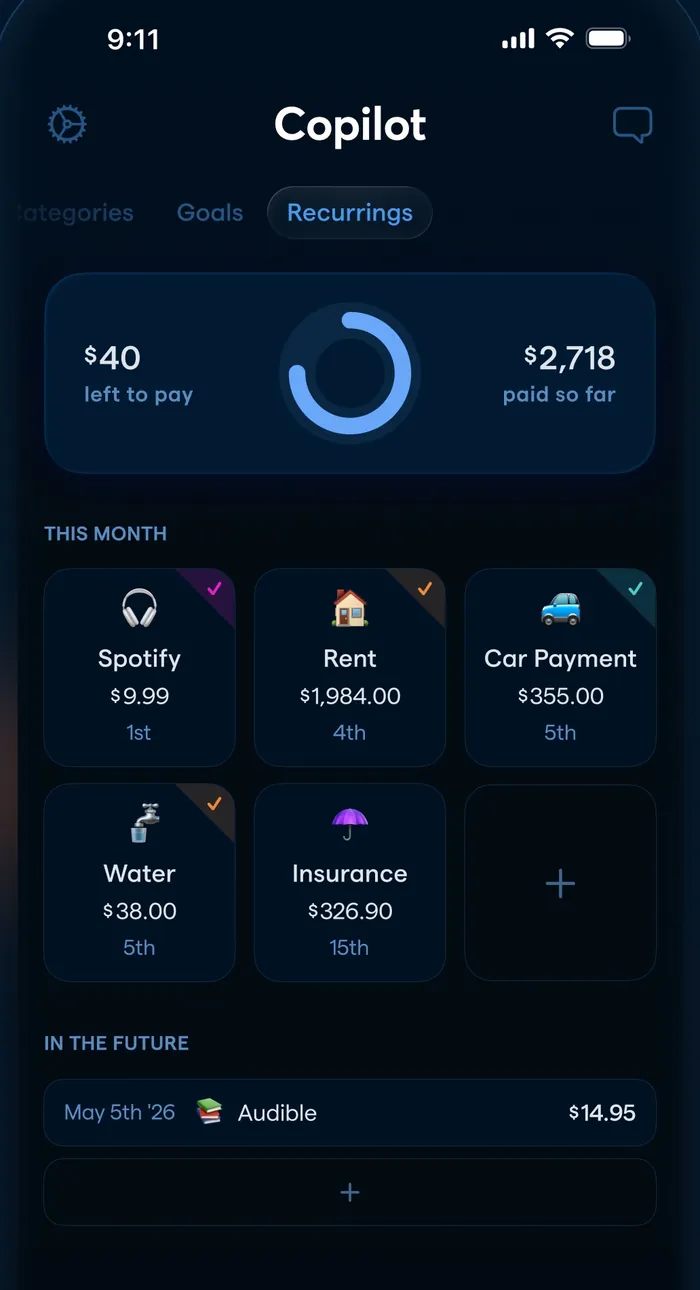
App Store marketing imageThe Recurrings tab: $40 left to pay and $2,718 paid so far, a grid of this month's bills and an In the Future list.App Store listing, as of 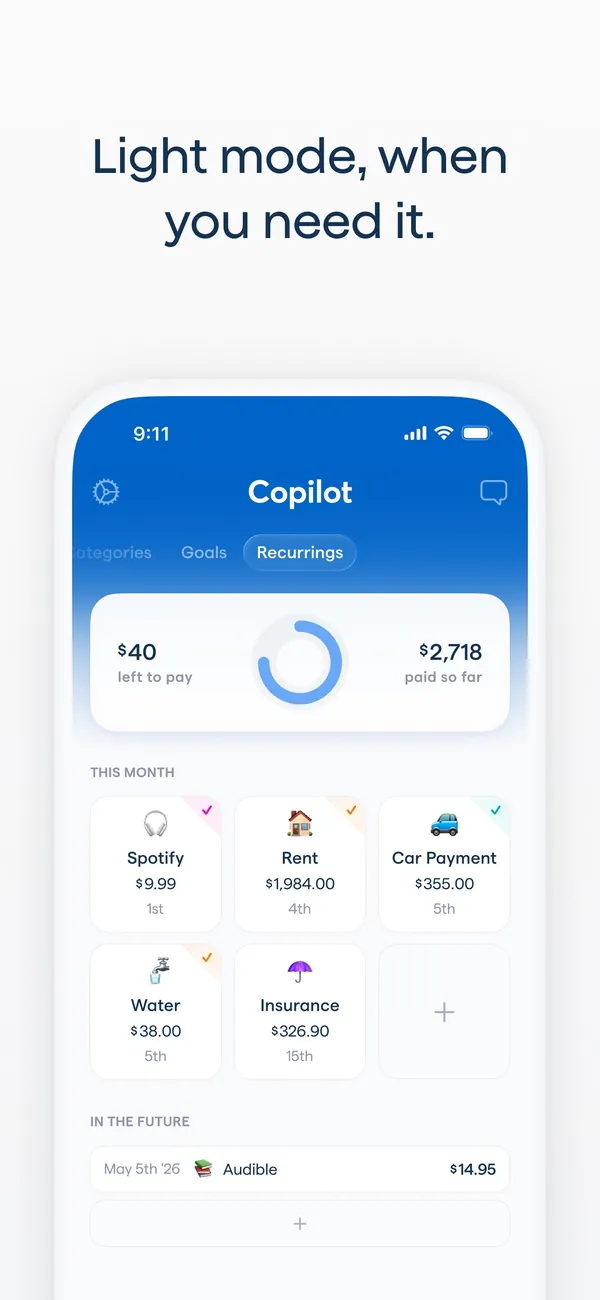
App Store marketing imageApp Store image with the headline "Light mode, when you need it." showing the Recurrings tab in light mode.App Store listing, as of 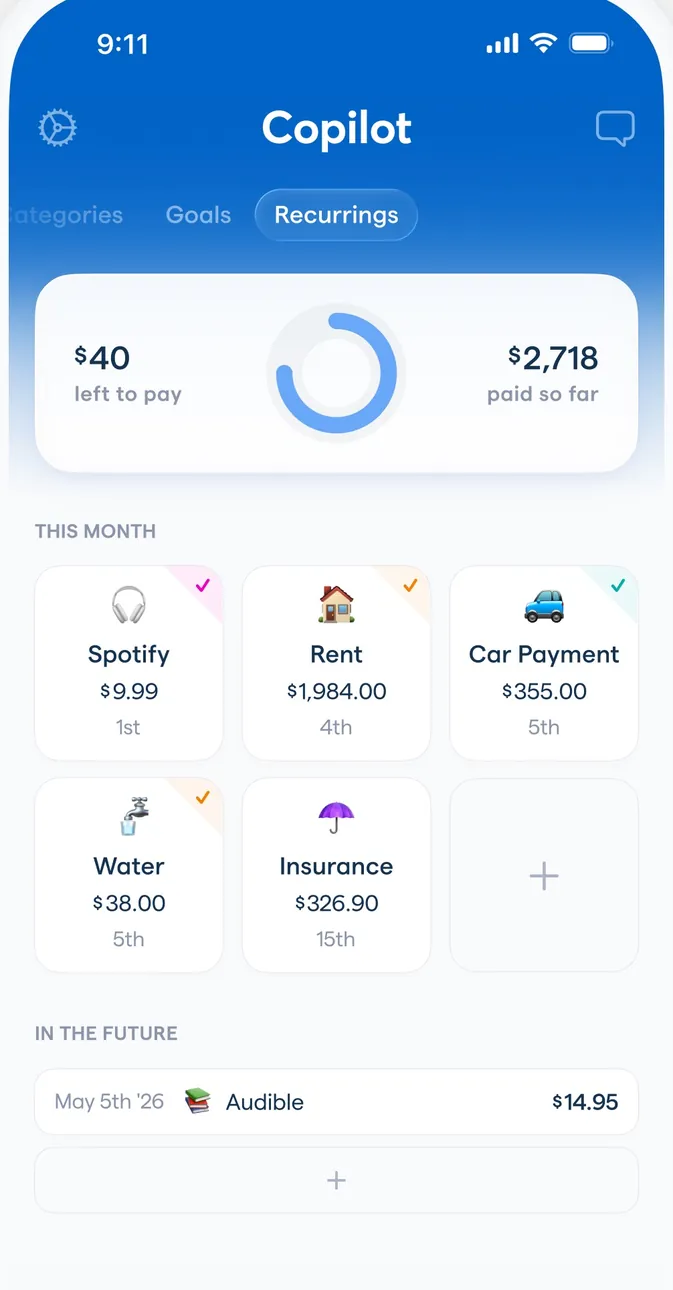
App Store marketing imageThe Recurrings tab in light mode with the same bills grid and an In the Future list.App Store listing, as of 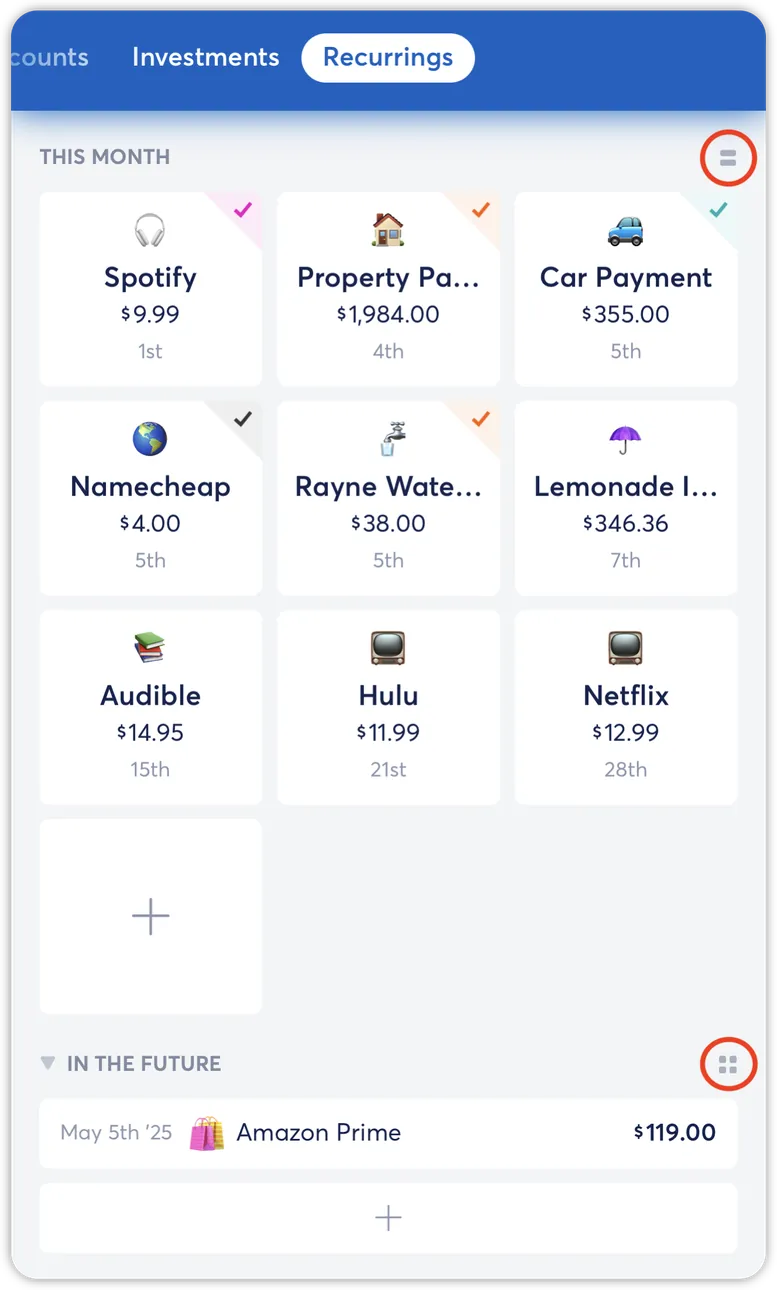
From Copilot Money's help centerThe Recurrings tab from the help center with a grid of this month's bills and an In the Future section.help.copilot.money, as of 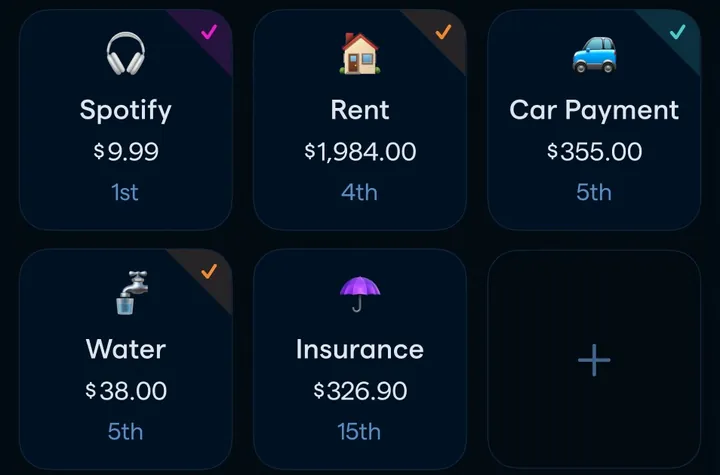
App Store marketing imageA grid of recurring items such as Spotify, Rent, Car Payment, Water and Insurance with amounts and due days.App Store listing, as of 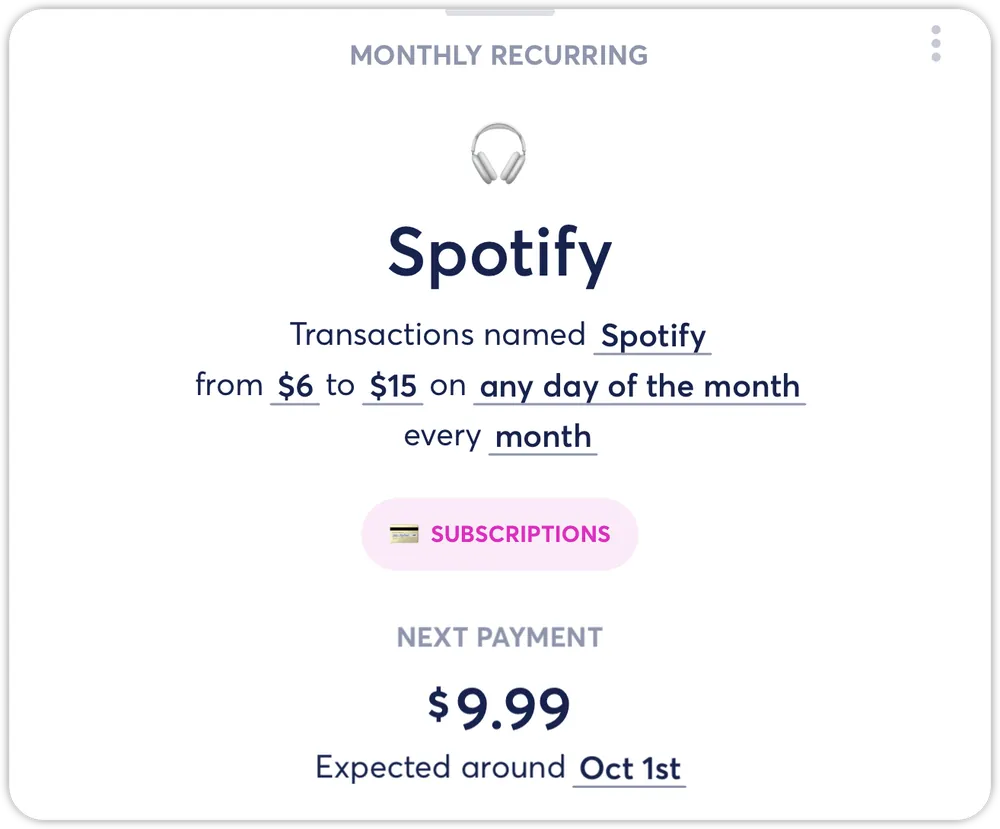
From Copilot Money's help centerA Spotify recurring detail card with the amount range, frequency and next payment of $9.99.help.copilot.money, as of

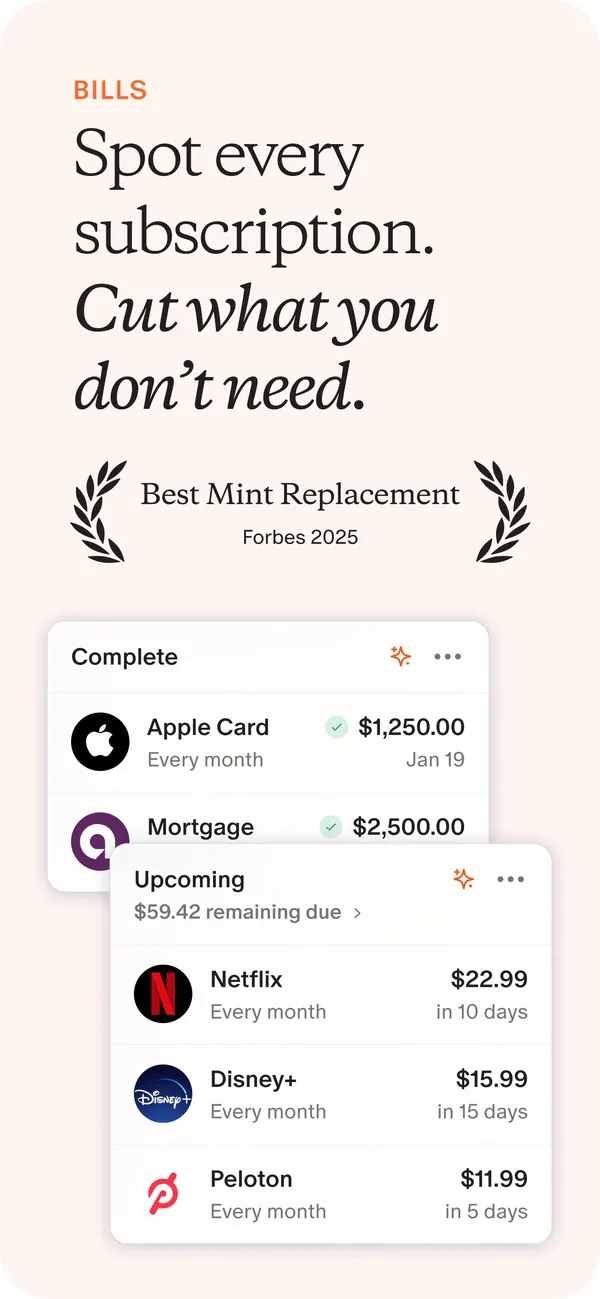
App Store marketing imageApp Store image with the headline "Spot every subscription. Cut what you don't need." showing Complete and Upcoming bill cards.App Store listing, as of 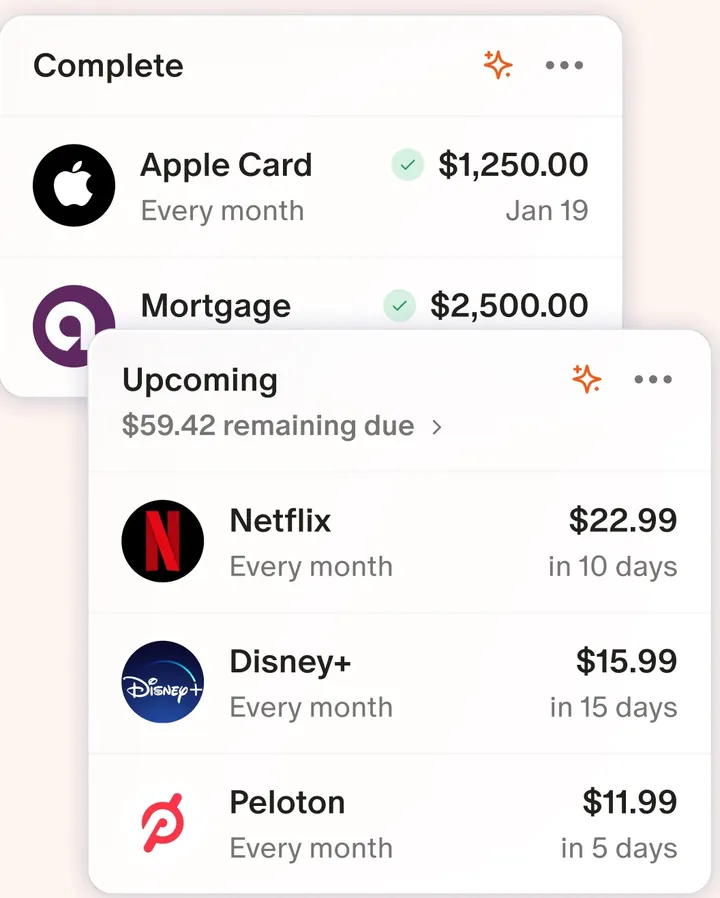
App Store marketing imageTwo cards: Complete bills like Apple Card and Mortgage, and Upcoming charges like Netflix, Disney+ and Peloton with due dates.App Store listing, as of 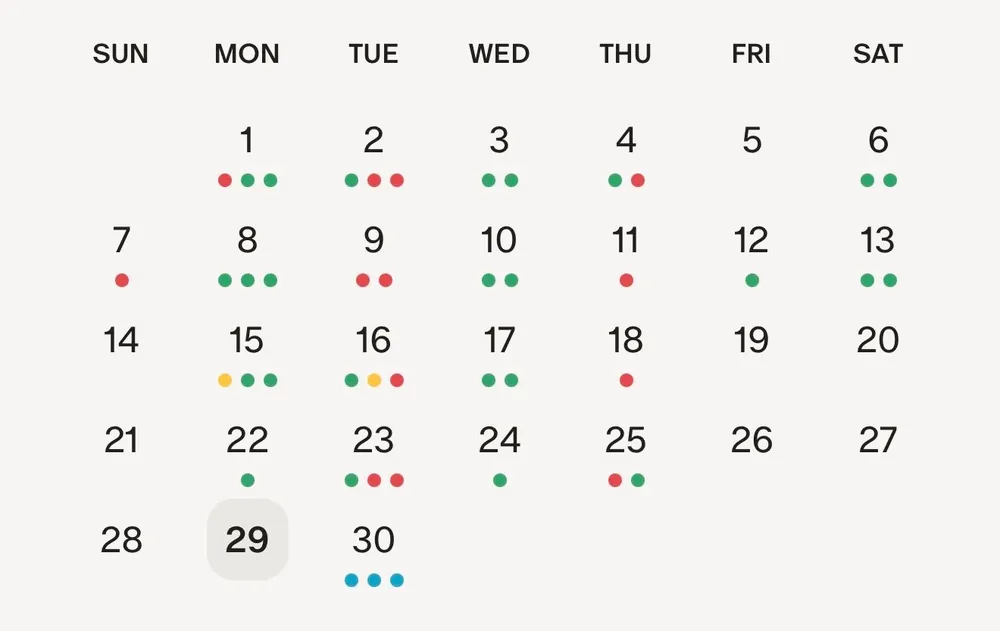
From Monarch Money's help centerA monthly calendar with colored dots under the days that have recurring items.help.monarch.com, as of

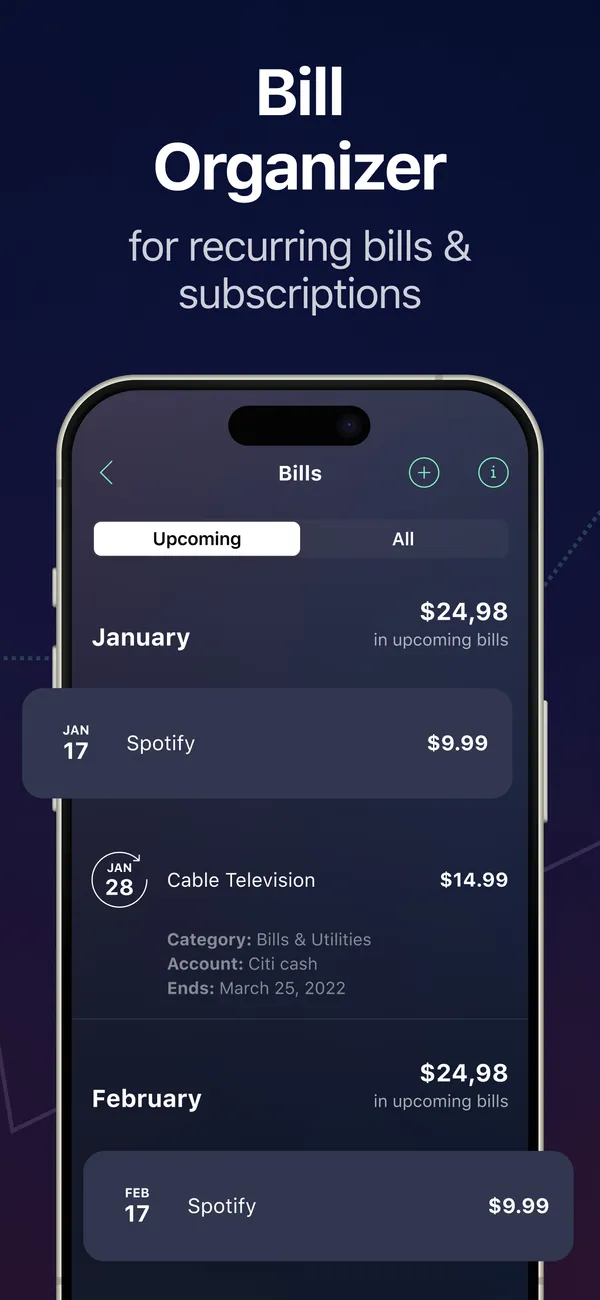
App Store marketing imageApp Store image with the headline "Bill Organizer for recurring bills & subscriptions" showing a Bills screen.App Store listing, as of 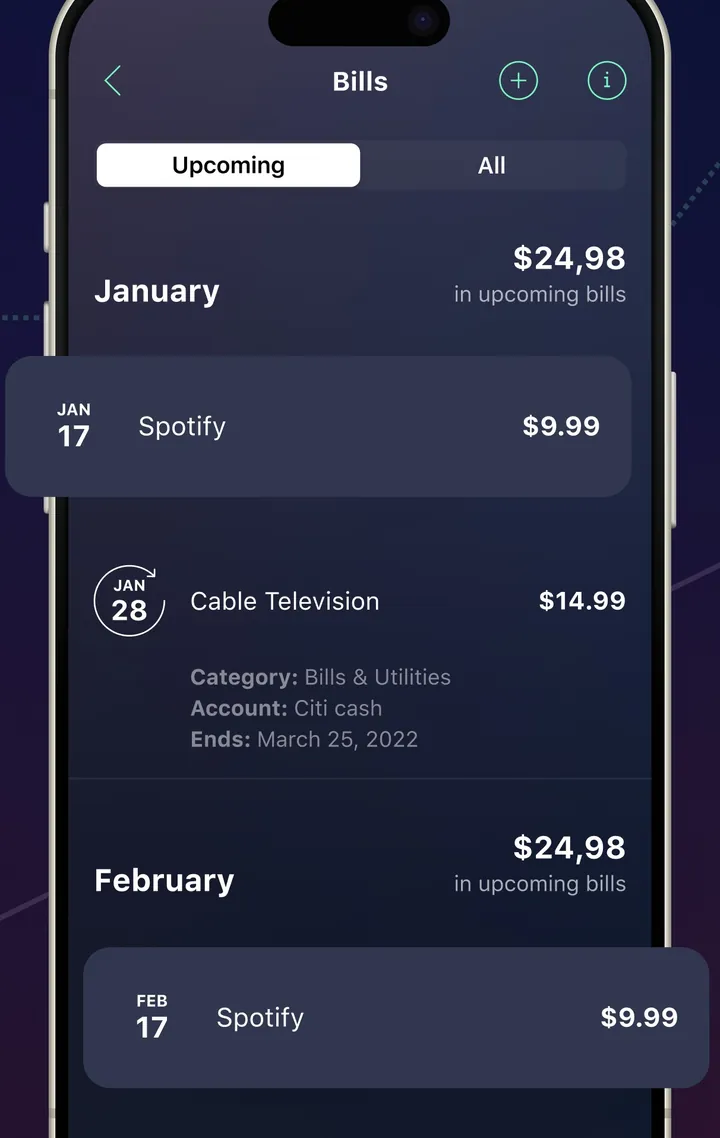
App Store marketing imageA Bills screen with Upcoming and All tabs and bills grouped by month.App Store listing, as of 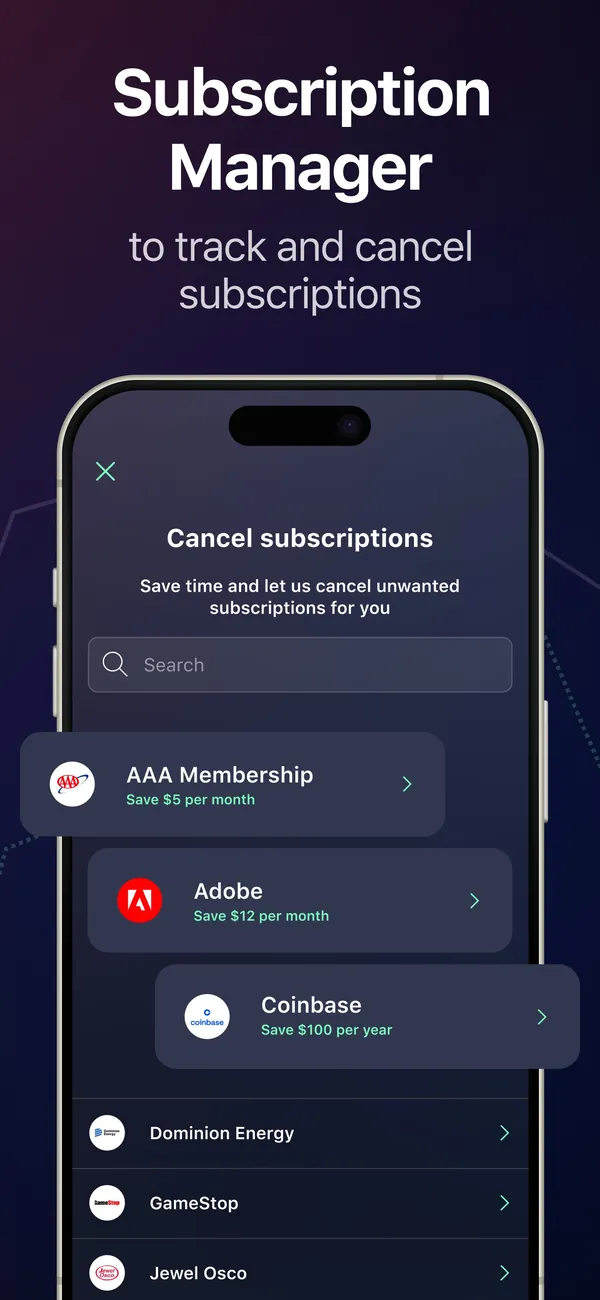
App Store marketing imageApp Store image with the headline "Subscription Manager to track and cancel subscriptions" showing a Cancel subscriptions screen.App Store listing, as of 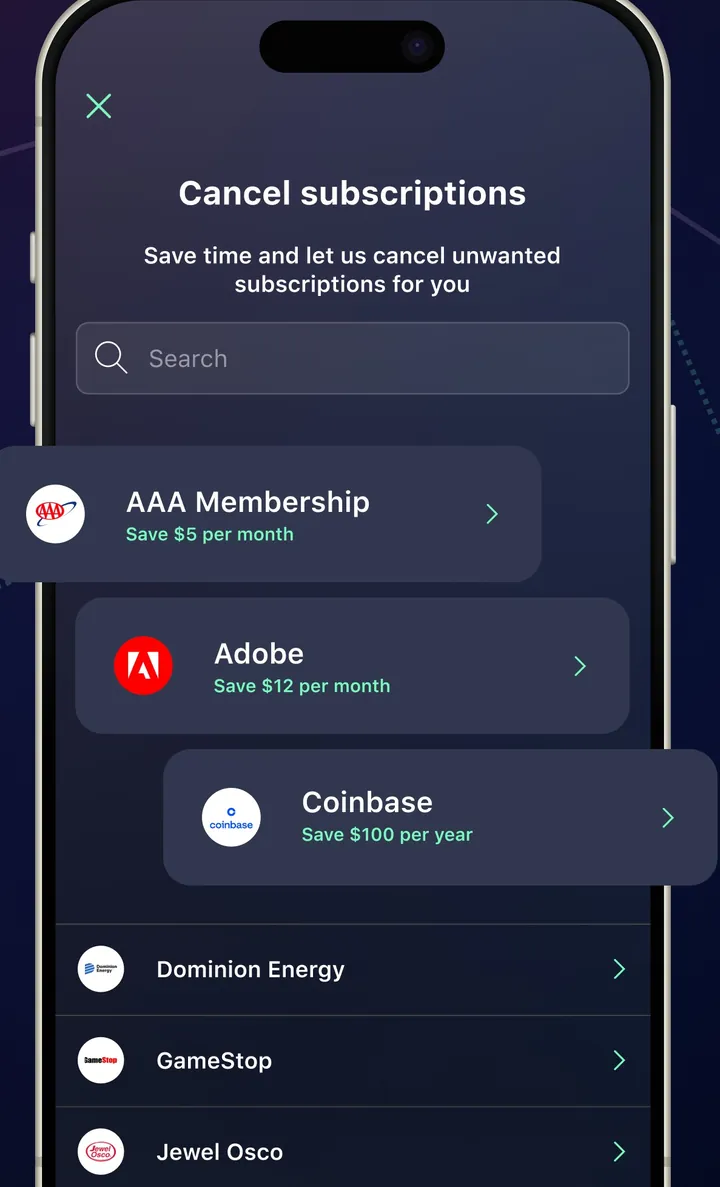
App Store marketing imageA Cancel subscriptions screen with a search box and a list of services with savings amounts.App Store listing, as of

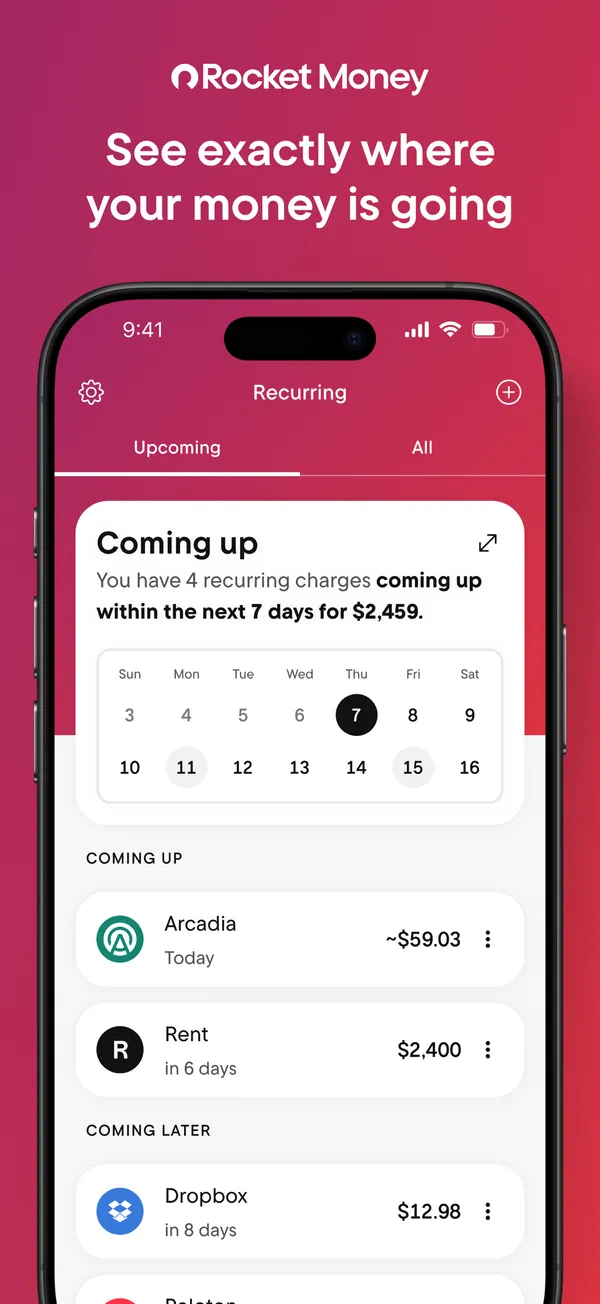
App Store marketing imageApp Store image with the headline "See exactly where your money is going" showing the Recurring tab with a Coming up calendar.App Store listing, as of 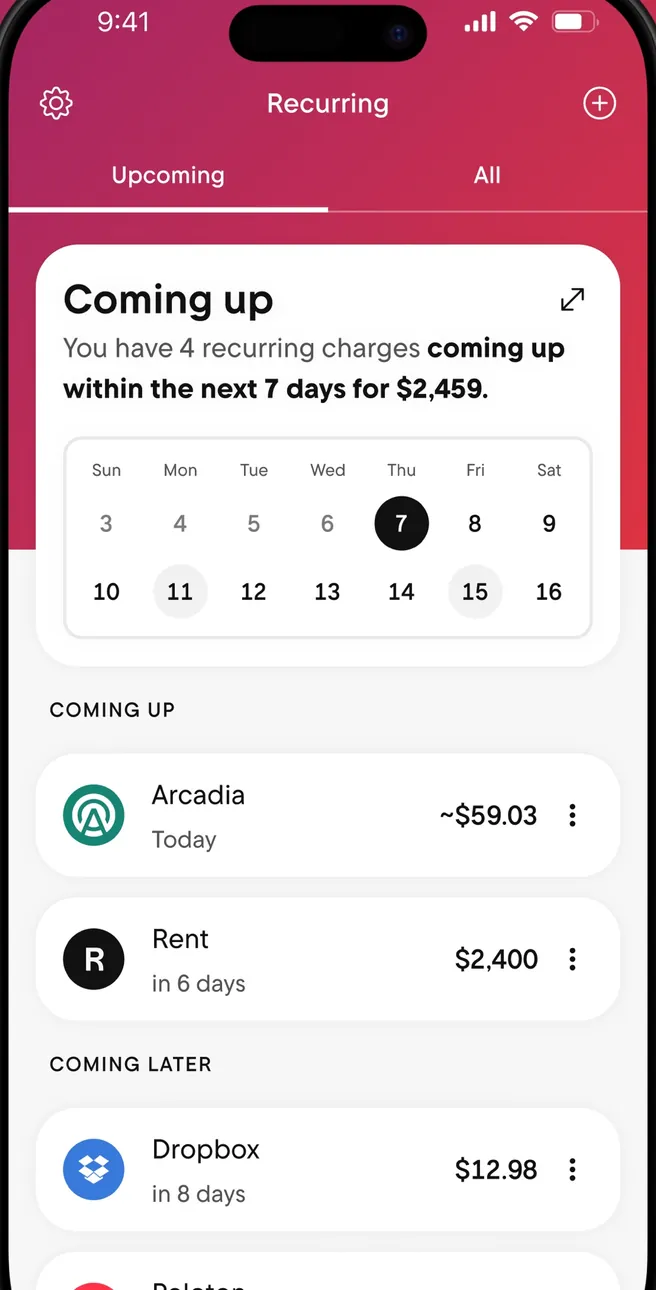
App Store marketing imageThe Recurring tab: a Coming up card with a week calendar, then Coming Up and Coming Later charges.App Store listing, as of 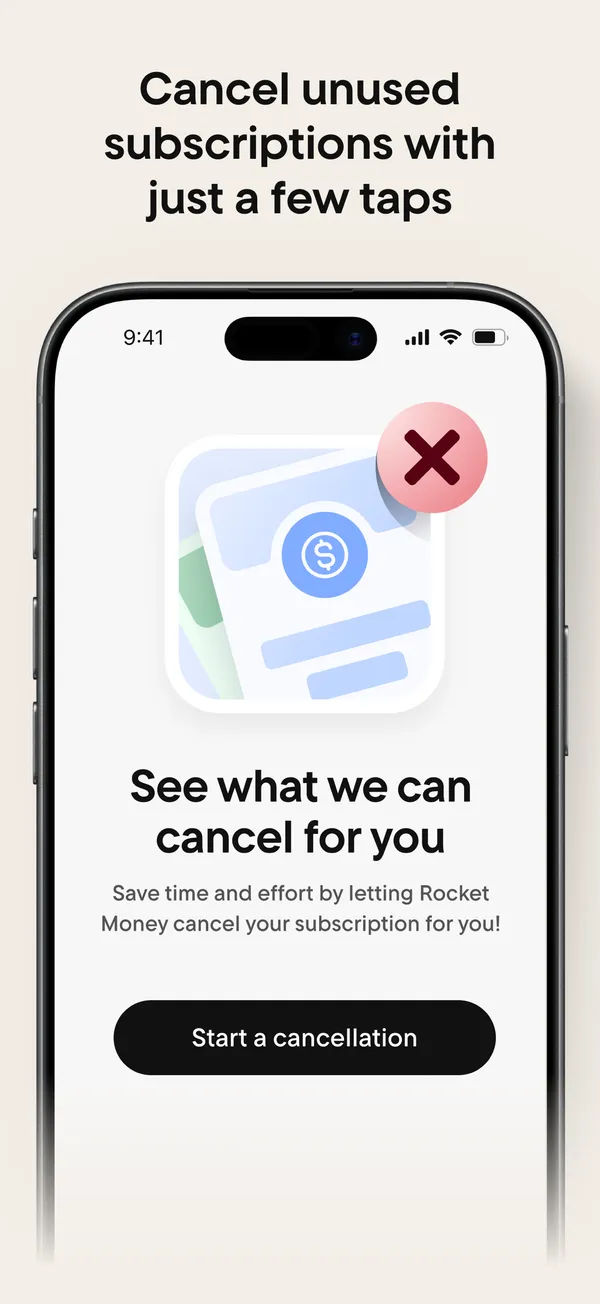
App Store marketing imageApp Store image with the headline "Cancel unused subscriptions with just a few taps" showing a "See what we can cancel for you" screen.App Store listing, as of 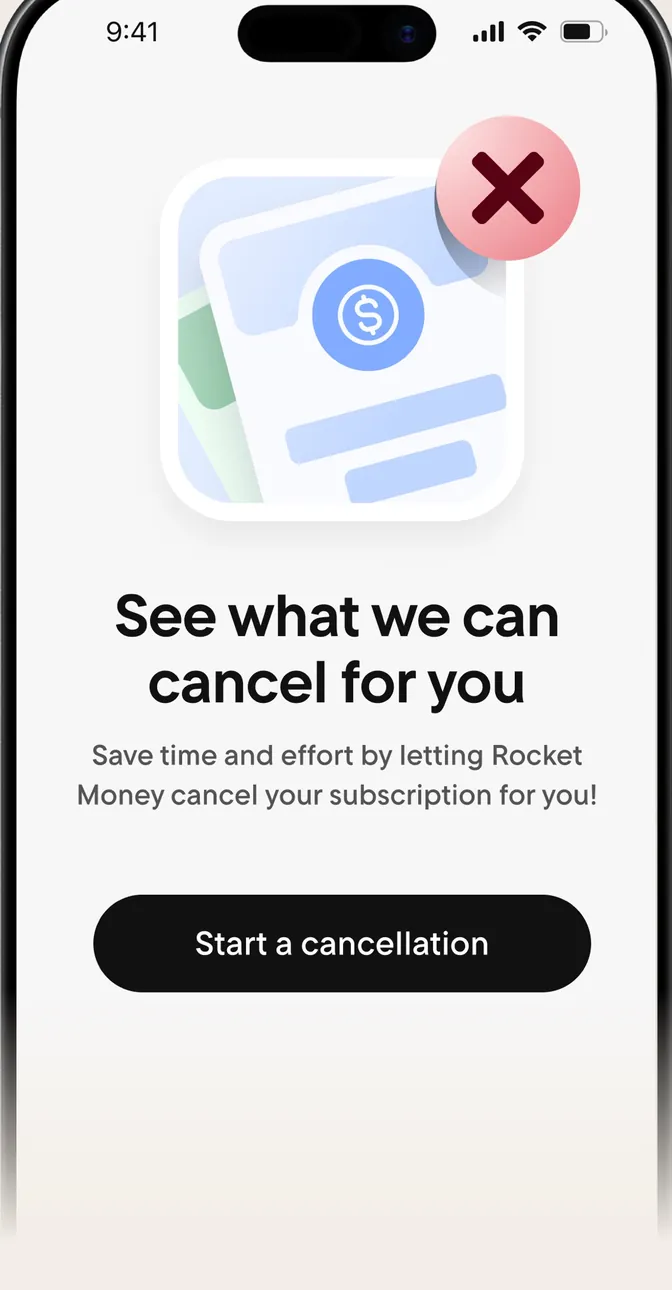
App Store marketing imageA screen reading "See what we can cancel for you" with a Start a cancellation button.App Store listing, as of 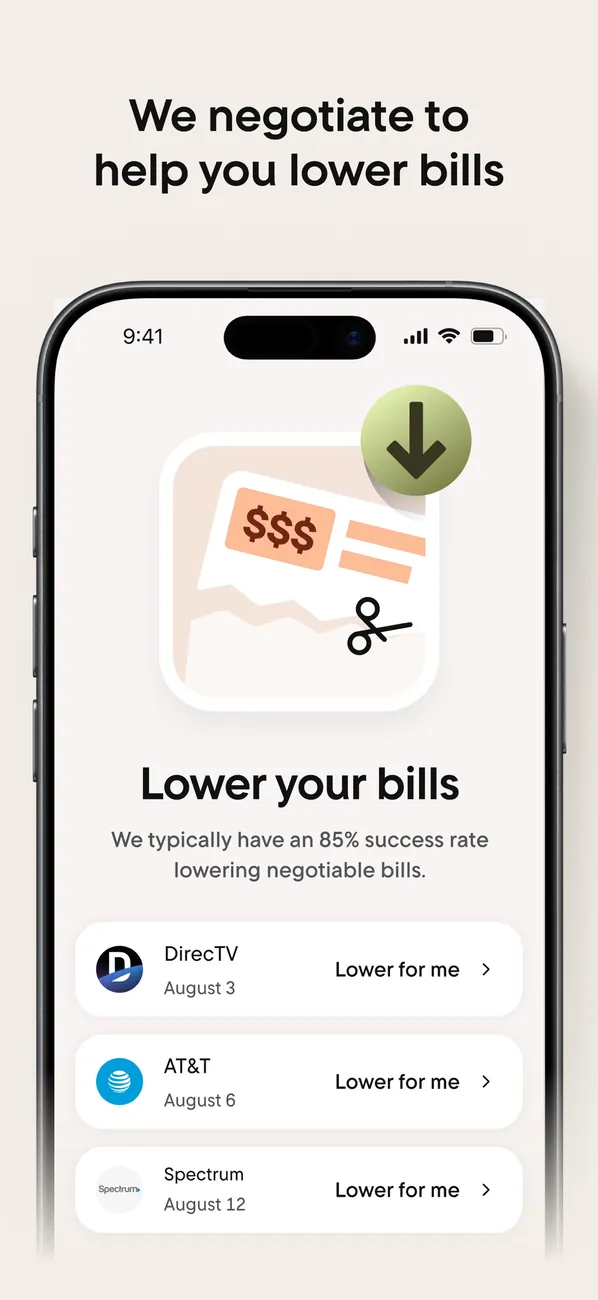
App Store marketing imageApp Store image with the headline "We negotiate to help you lower bills" showing a Lower your bills screen.App Store listing, as of 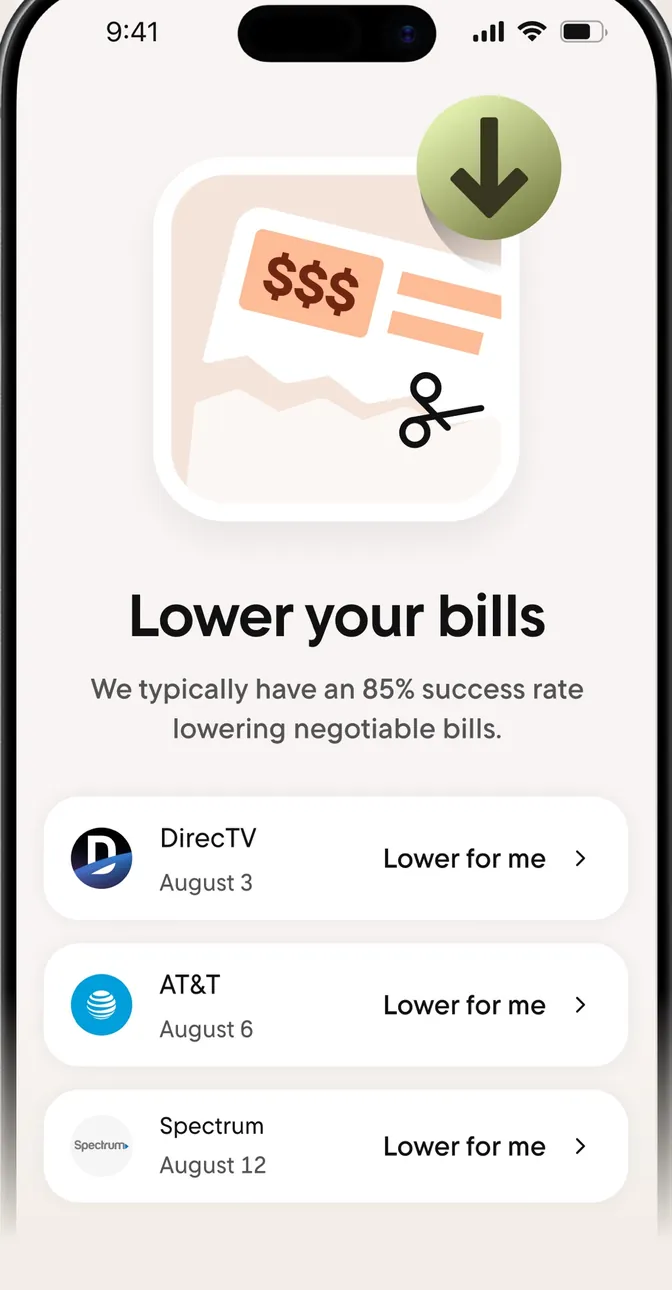
App Store marketing imageA Lower your bills screen with bills from DirecTV, AT&T and Spectrum, each with a "Lower for me" button.App Store listing, as of 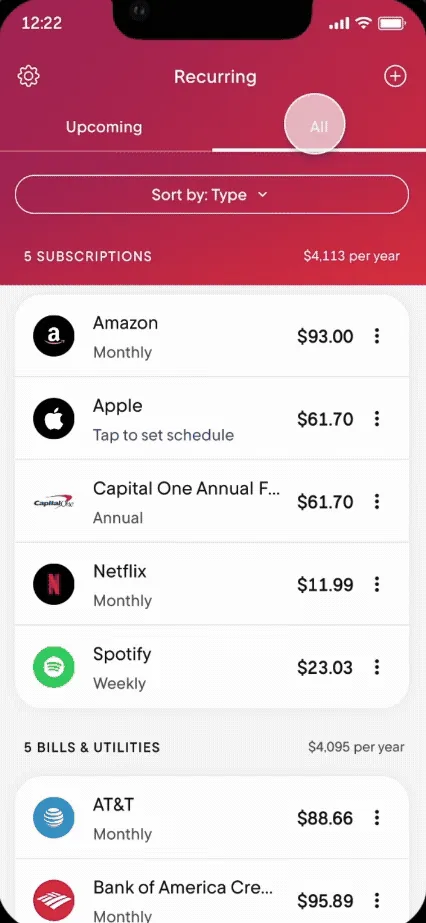
From Rocket Money's help centerThe Recurring tab on All, listing subscriptions and bills with amounts and how often they charge.help.rocketmoney.com, as of 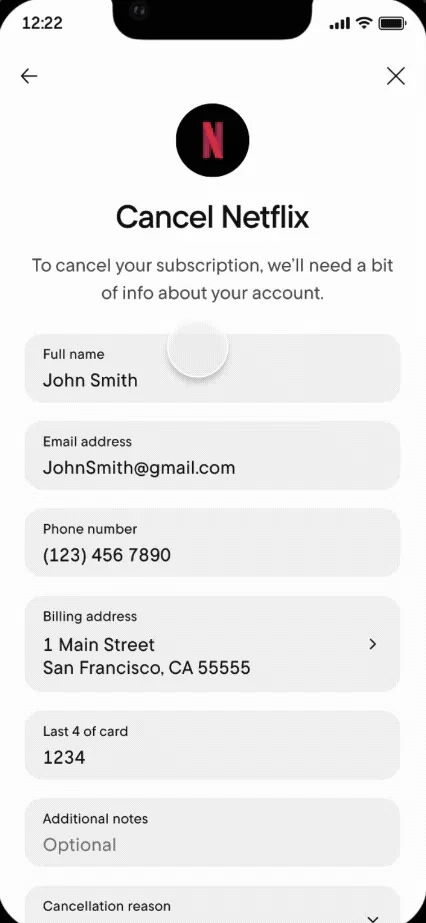
From Rocket Money's help centerA Cancel Netflix form asking for name, email, phone, billing address and the last 4 digits of the card.help.rocketmoney.com, as of 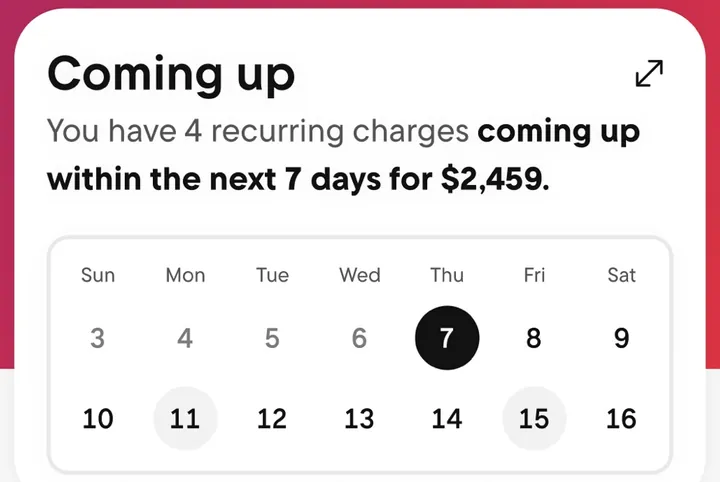
App Store marketing imageA Coming up card that says 4 recurring charges are due in the next 7 days, above a two-week calendar.App Store listing, as of
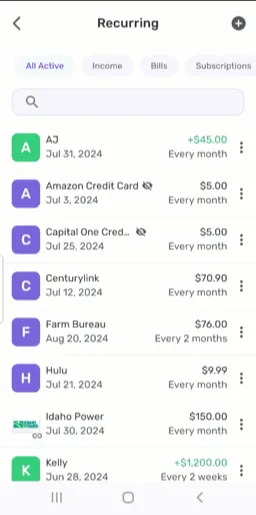
From Simplifi's help centerThe Recurring list with filters for All Active, Income, Bills and Subscriptions and each series' next date and frequency.support.simplifi.quicken.com, as of

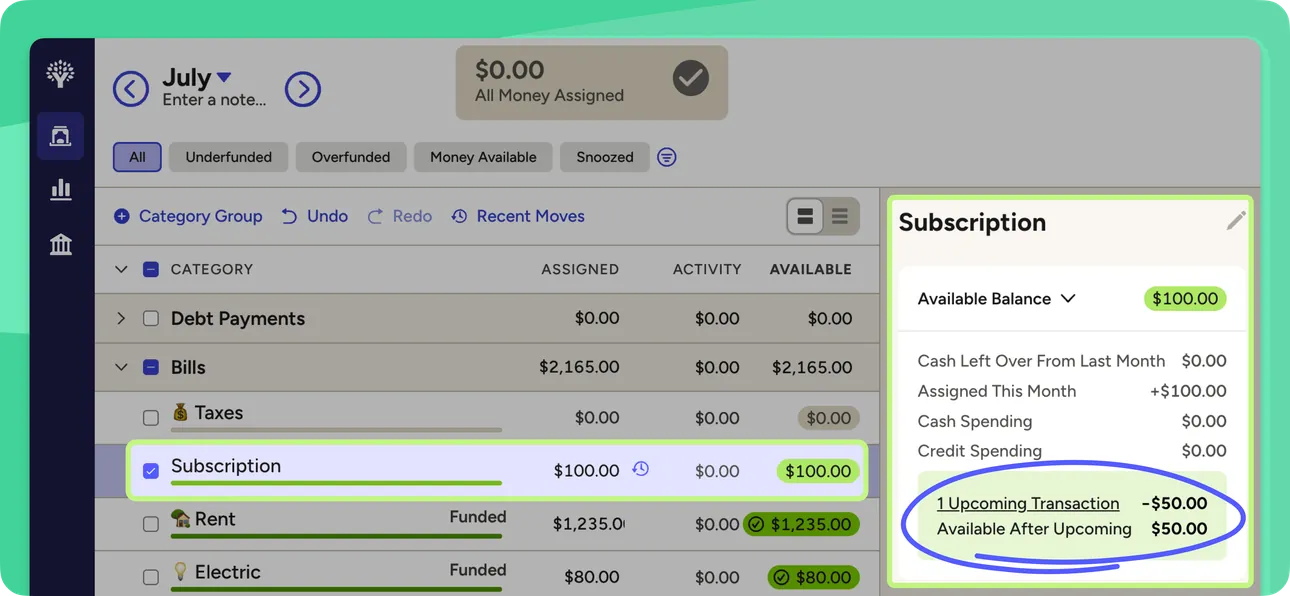
From YNAB's help centerThe web plan with a Subscription category selected and a side panel showing an upcoming scheduled transaction and the balance after it.support.ynab.com, as of
This is education, not financial advice.