Screen by screen
What money apps look like inside
311 images from 29 apps, grouped by task so you can compare how each one handles the same job. Every image shows where we found it, with the date.
App Store and Google Play images are the apps' own marketing, so they can show sample data and staged layouts. Help center images come from each app's support articles for one task. Where screens come from.
Goals

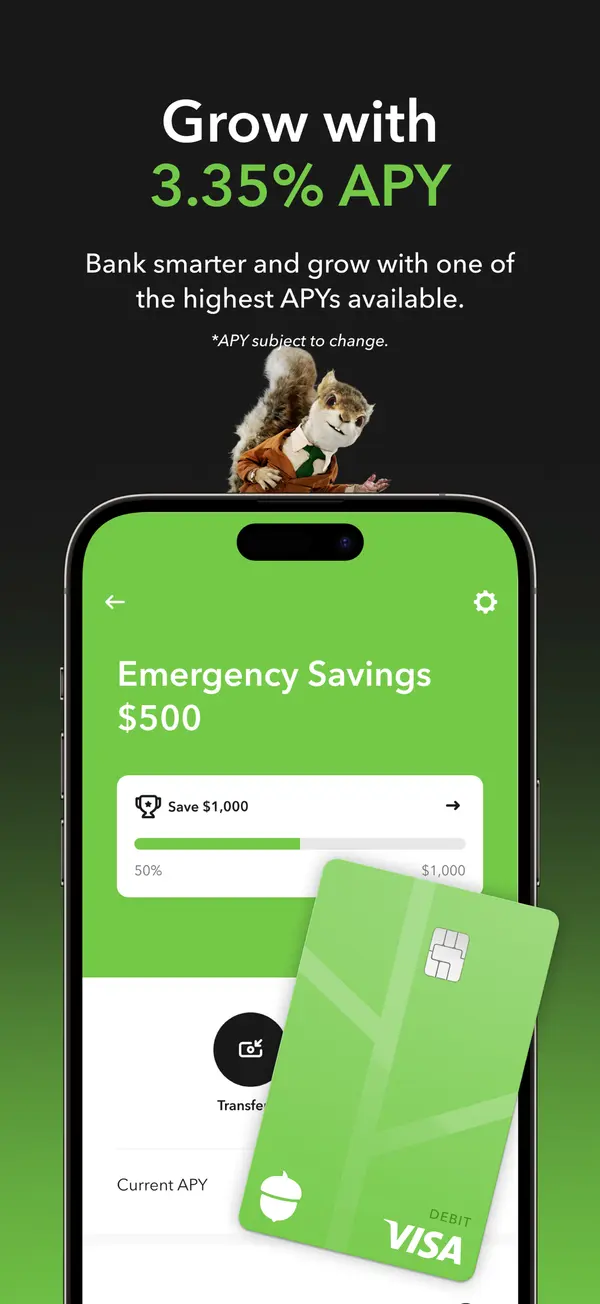
App Store marketing imageApp Store image with the headline about APY showing an Emergency Savings screen with a Save $1,000 bar and a debit card.App Store listing, as of

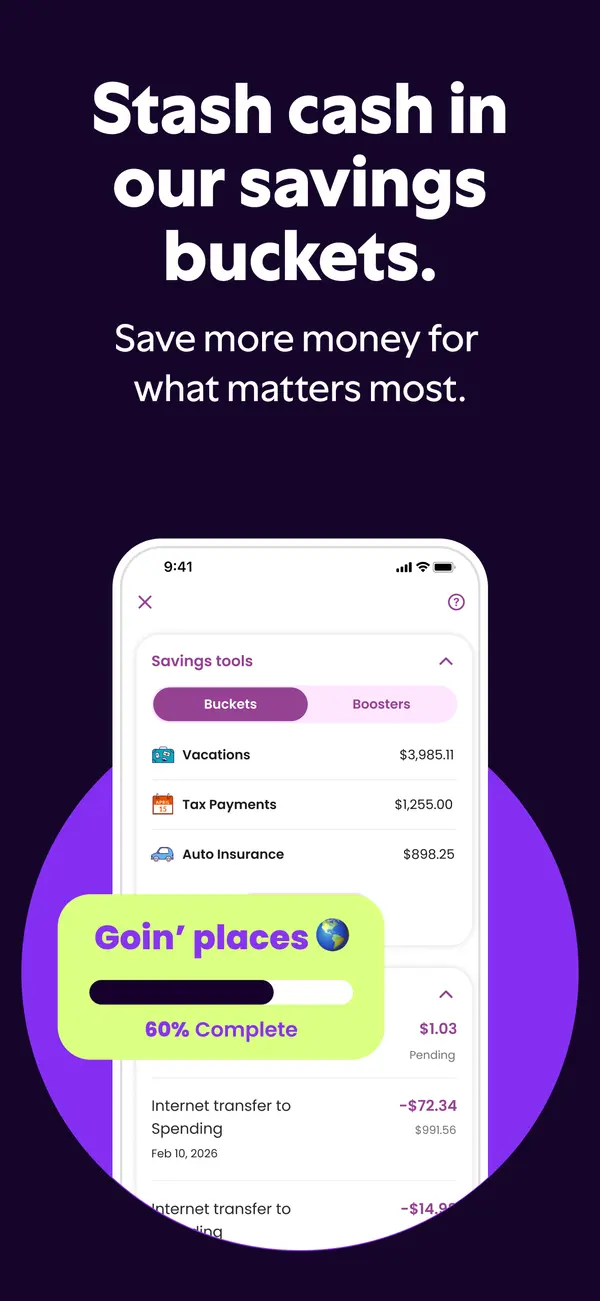
App Store marketing imageApp Store image with the headline "Stash cash in our savings buckets." showing savings buckets and a 60% complete card.App Store listing, as of

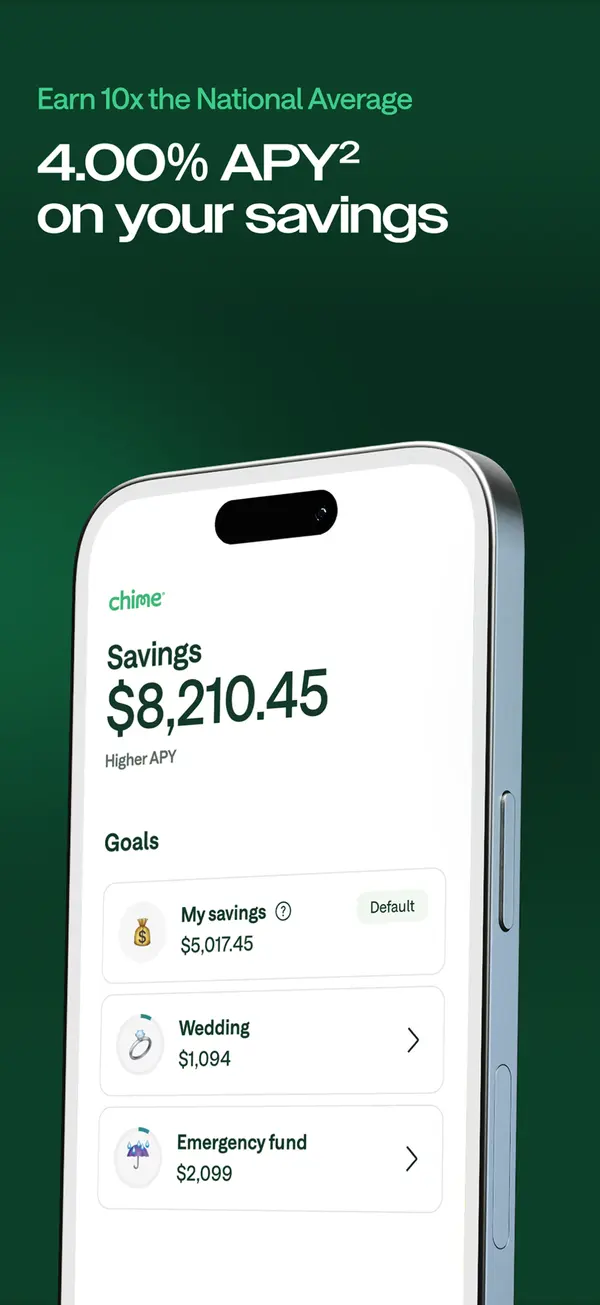
App Store marketing imageApp Store image with a savings APY headline showing a Savings screen with goals like Wedding and Emergency fund.App Store listing, as of

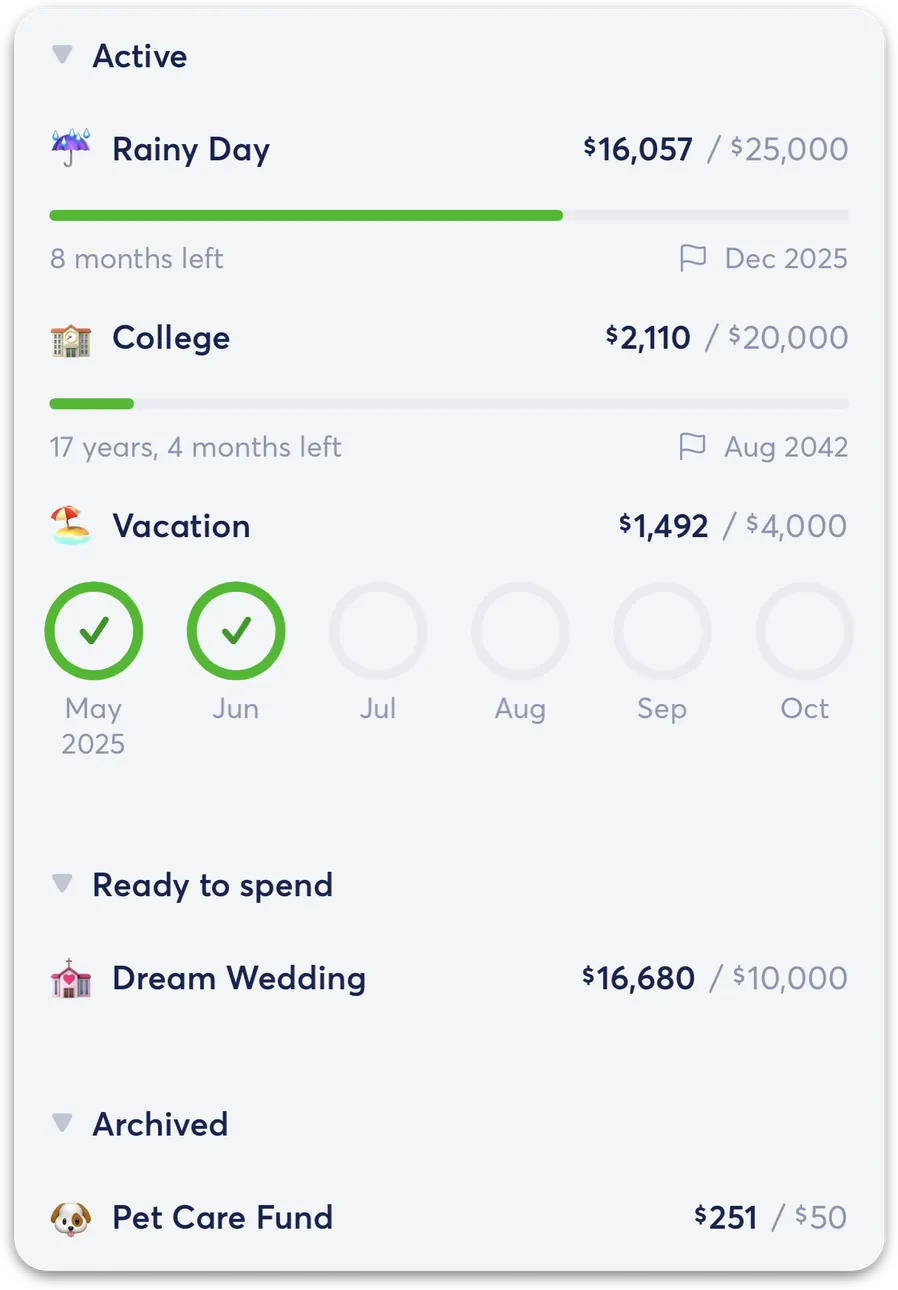
From Copilot Money's help centerThe savings goals list with Active goals like Rainy Day, College and Vacation and a Ready to spend section.help.copilot.money, as of

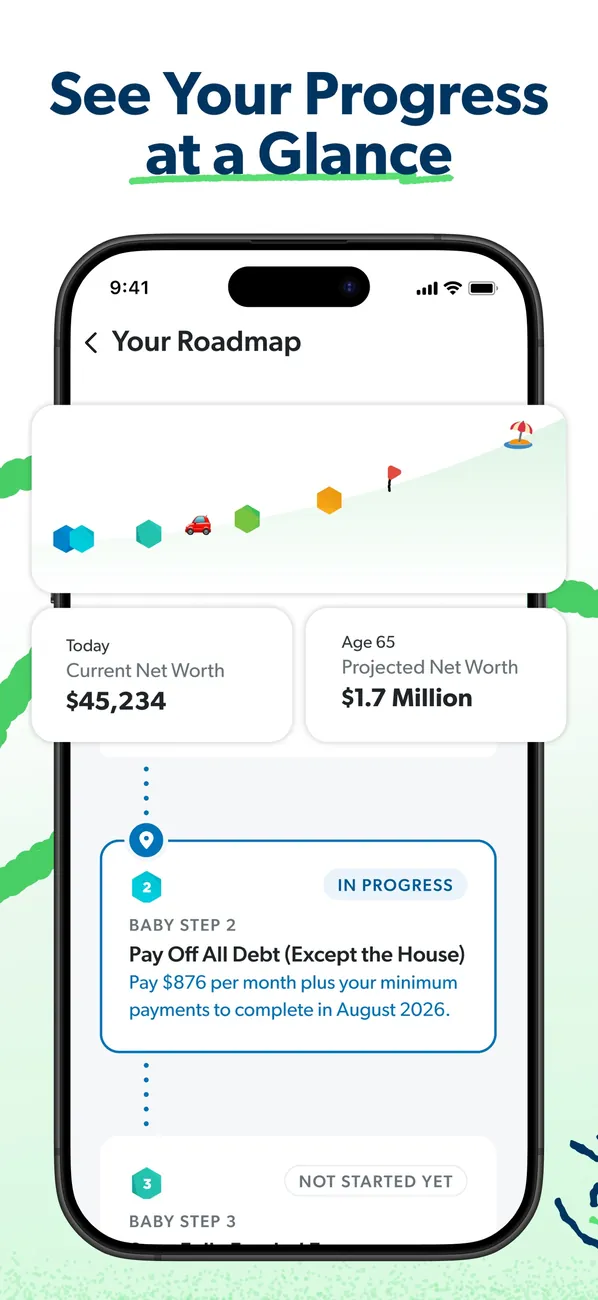
App Store marketing imageApp Store image with the headline "See Your Progress at a Glance" showing Your Roadmap with net worth today and projected at 65.App Store listing, as of 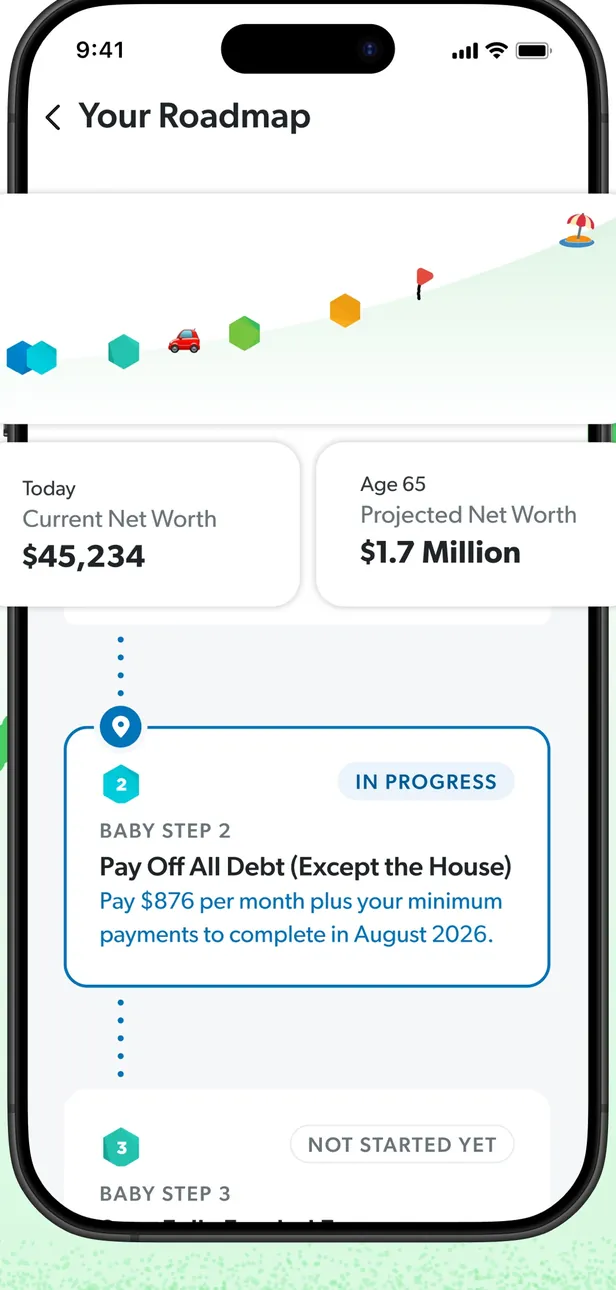
App Store marketing imageYour Roadmap: a progress path, current and projected net worth, and Baby Step cards marked In Progress and Not Started Yet.App Store listing, as of 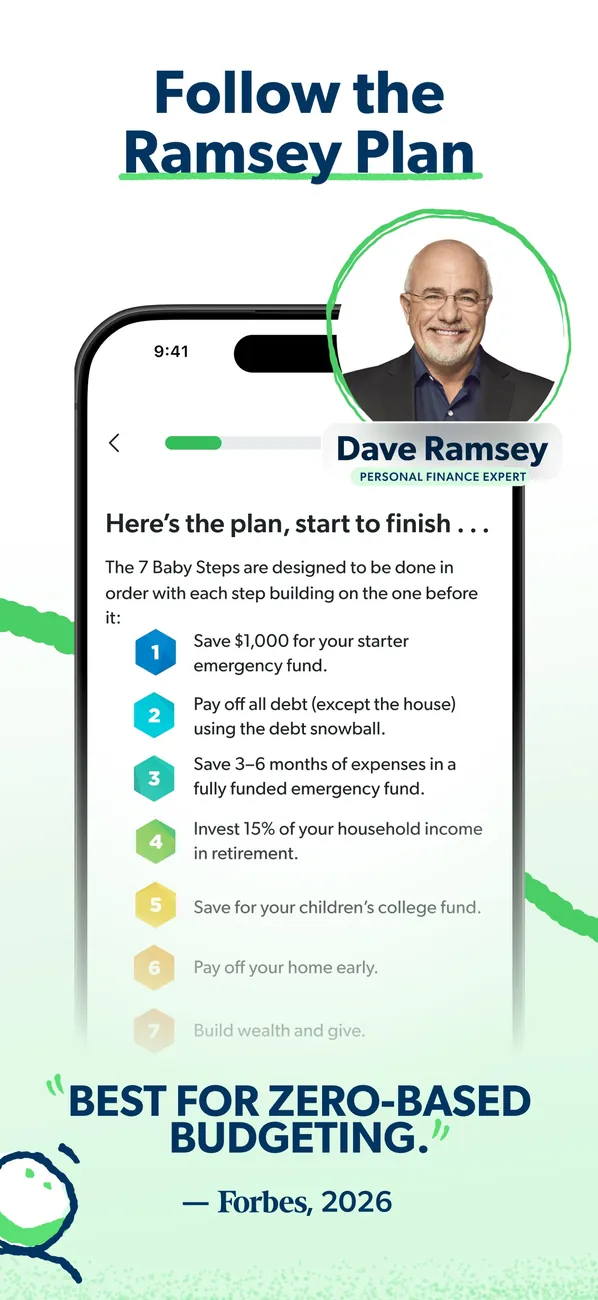
App Store marketing imageApp Store image with the headline "Follow the Ramsey Plan" showing a list of the 7 Baby Steps beside a photo of Dave Ramsey.App Store listing, as of 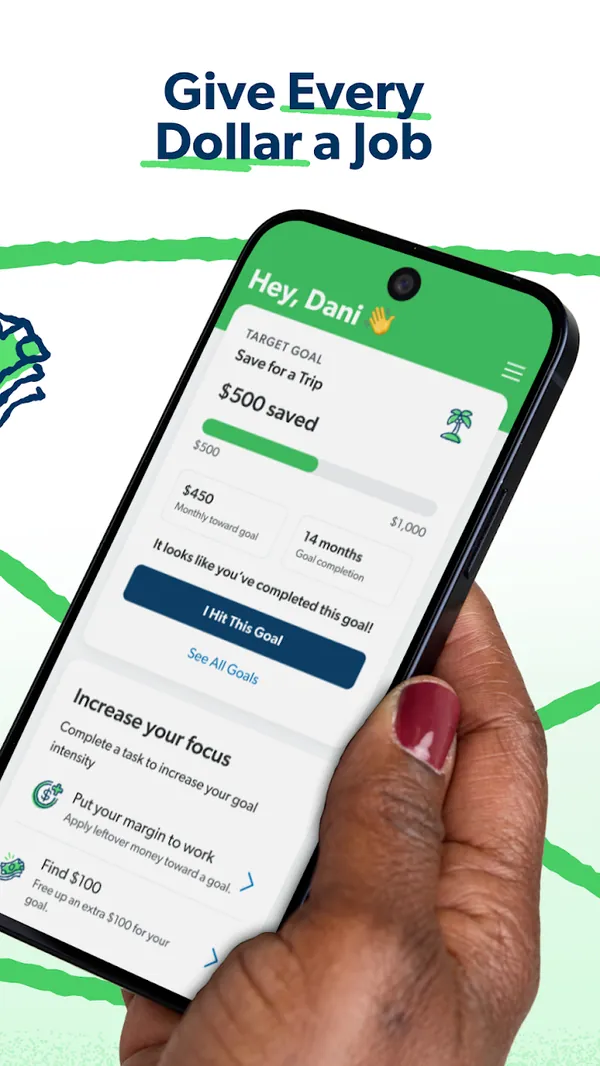
Google Play marketing imageGoogle Play image with the headline "Give Every Dollar a Job" showing a phone with a Save for a Trip goal and an Increase your focus list.Google Play listing, as of 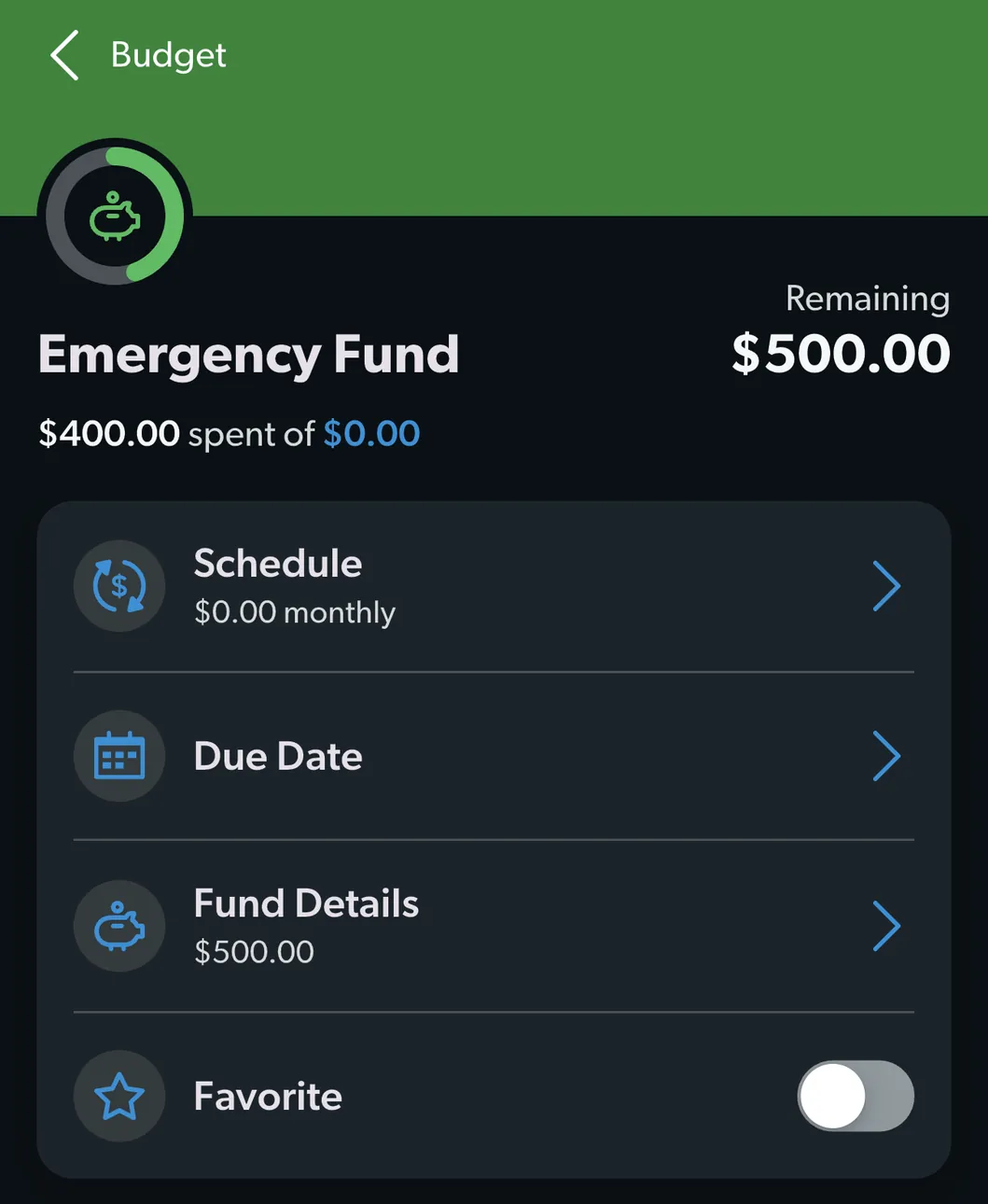
From EveryDollar's help centerAn Emergency Fund budget item with $500.00 remaining and rows for Schedule, Due Date, Fund Details and Favorite.everydollar.help.ramseysolutions.com, as of 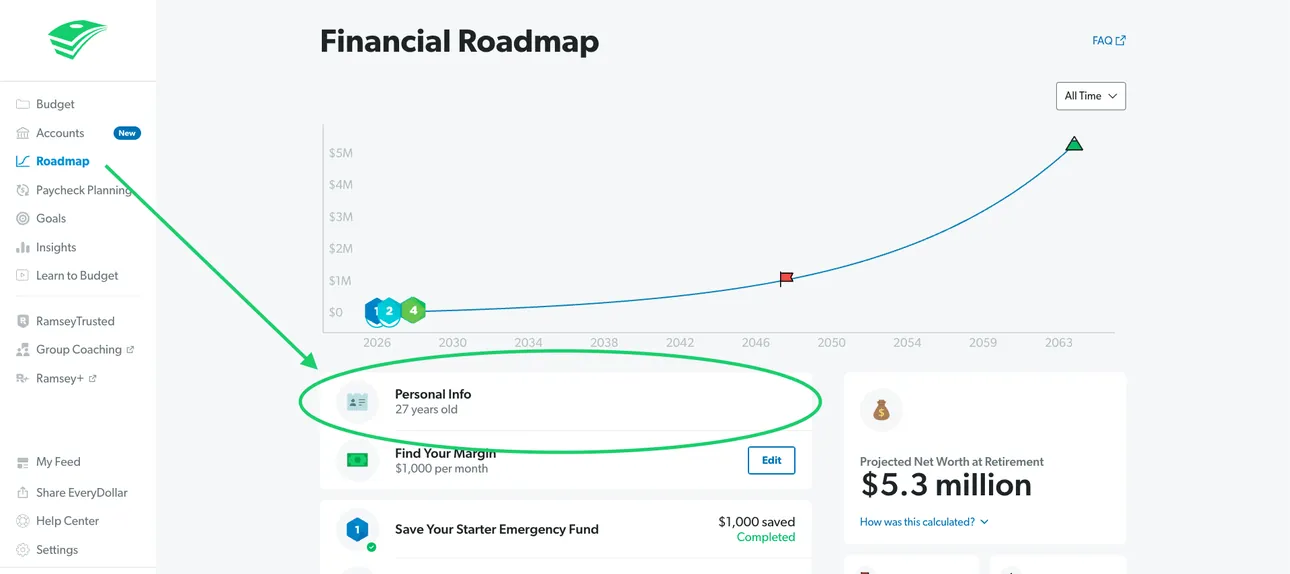
From EveryDollar's help centerThe web Financial Roadmap with a projected net worth line and Personal Info highlighted.everydollar.help.ramseysolutions.com, as of 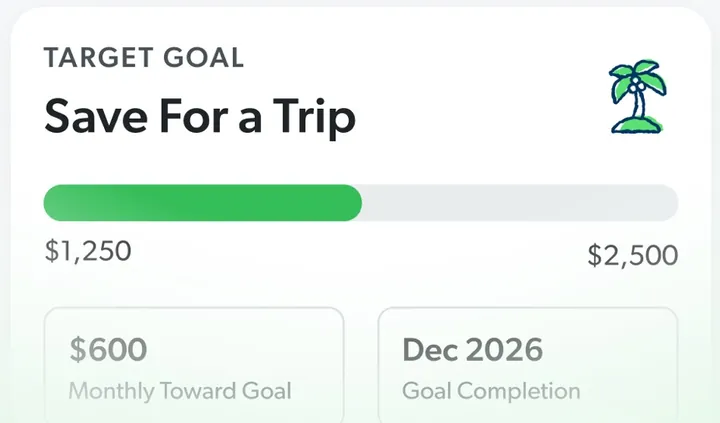
App Store marketing imageA Target Goal card for Save For a Trip with a progress bar from $1,250 to $2,500, a monthly amount and a completion date.App Store listing, as of 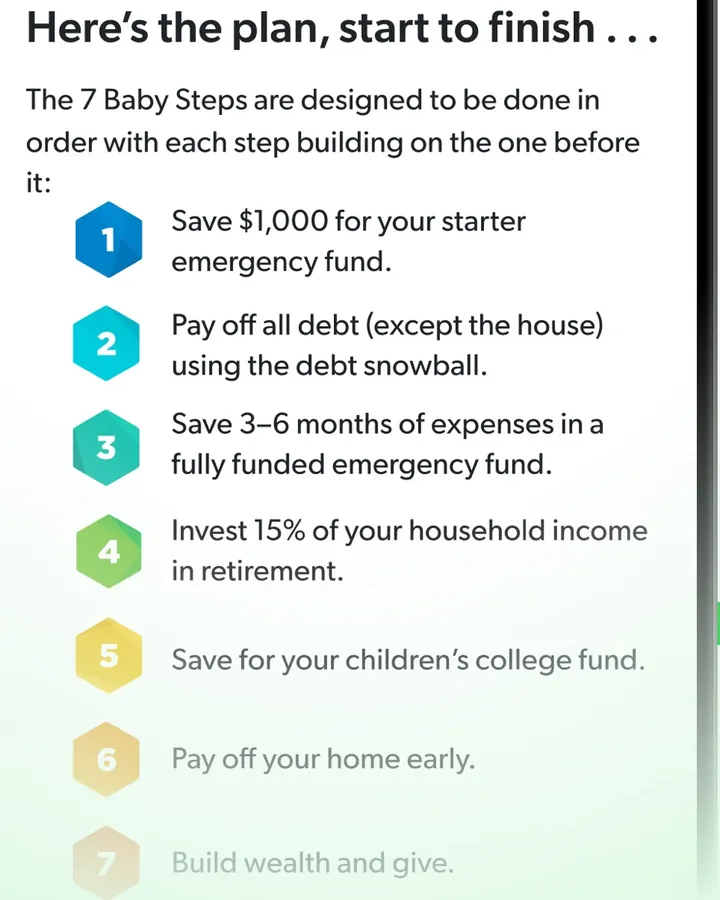
App Store marketing imageA numbered list of the 7 Baby Steps, starting with "Save $1,000 for your starter emergency fund."App Store listing, as of 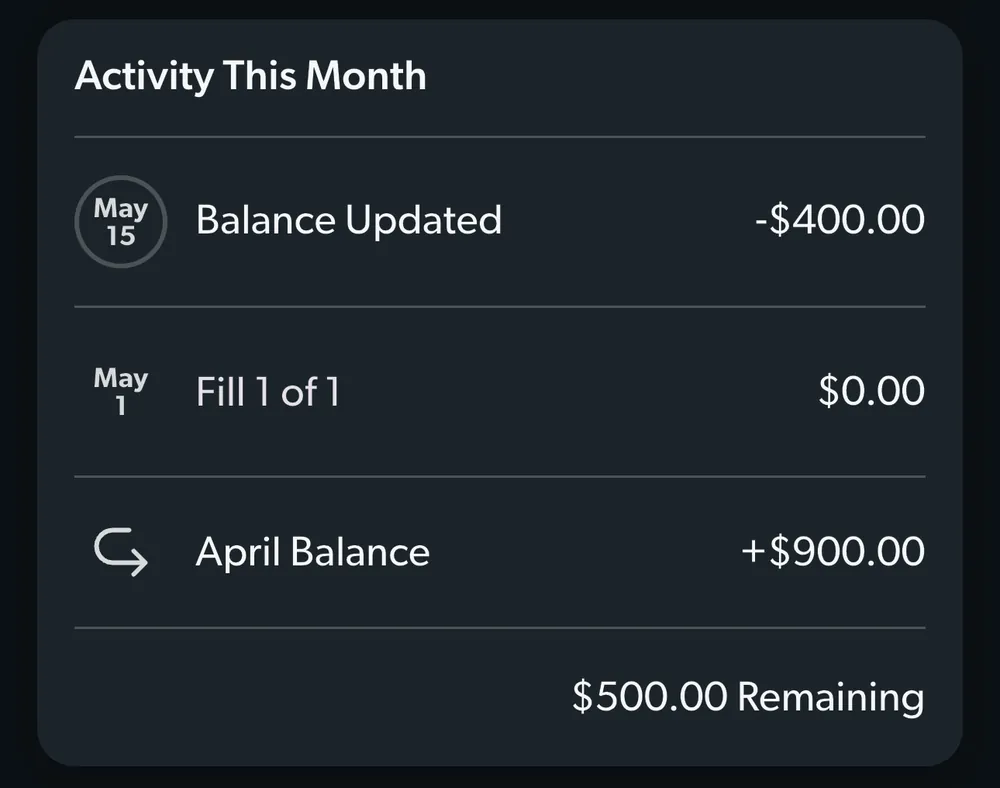
From EveryDollar's help centerAn Activity This Month card for a fund with a balance update, a fill and the April balance.everydollar.help.ramseysolutions.com, as of

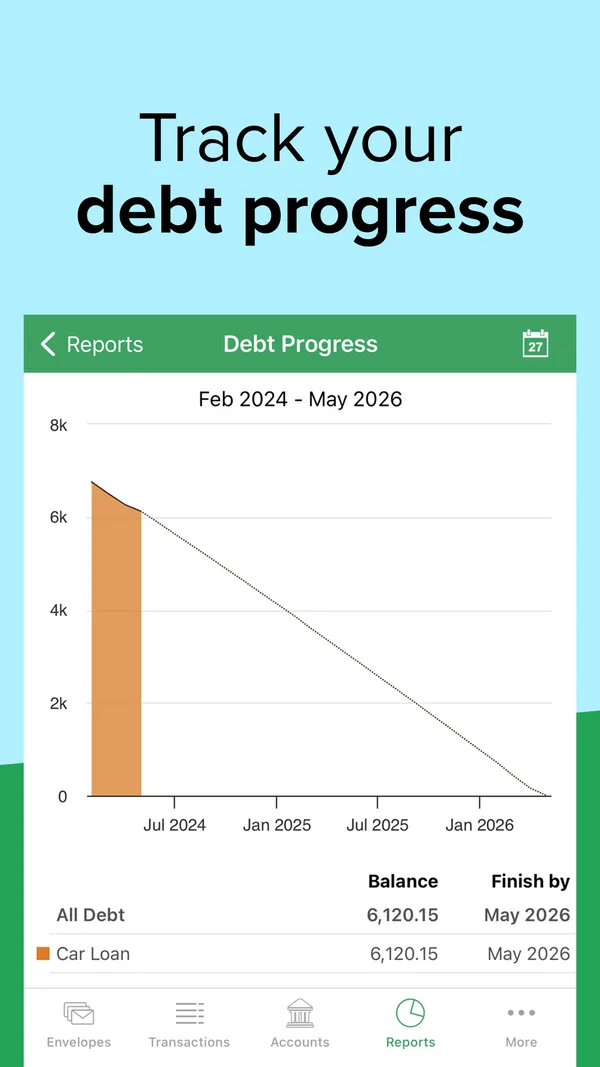
App Store marketing imageApp Store image with the headline "Track your debt progress" showing a Debt Progress chart for a car loan.App Store listing, as of 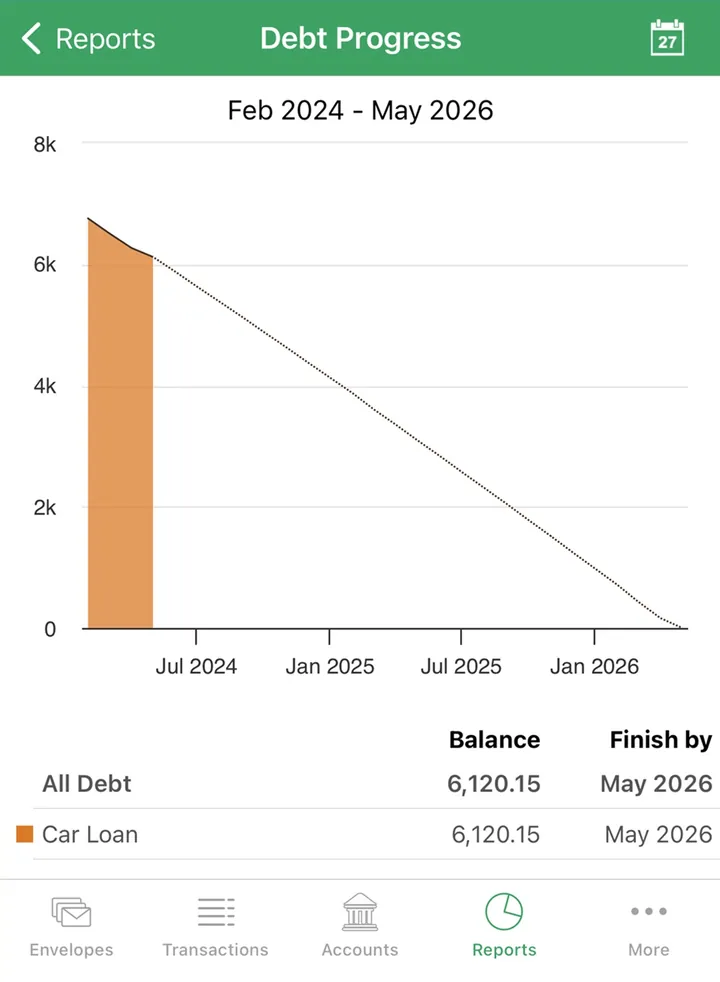
App Store marketing imageA Debt Progress report with a payoff line to 2026 and a table showing the car loan balance and finish date.App Store listing, as of 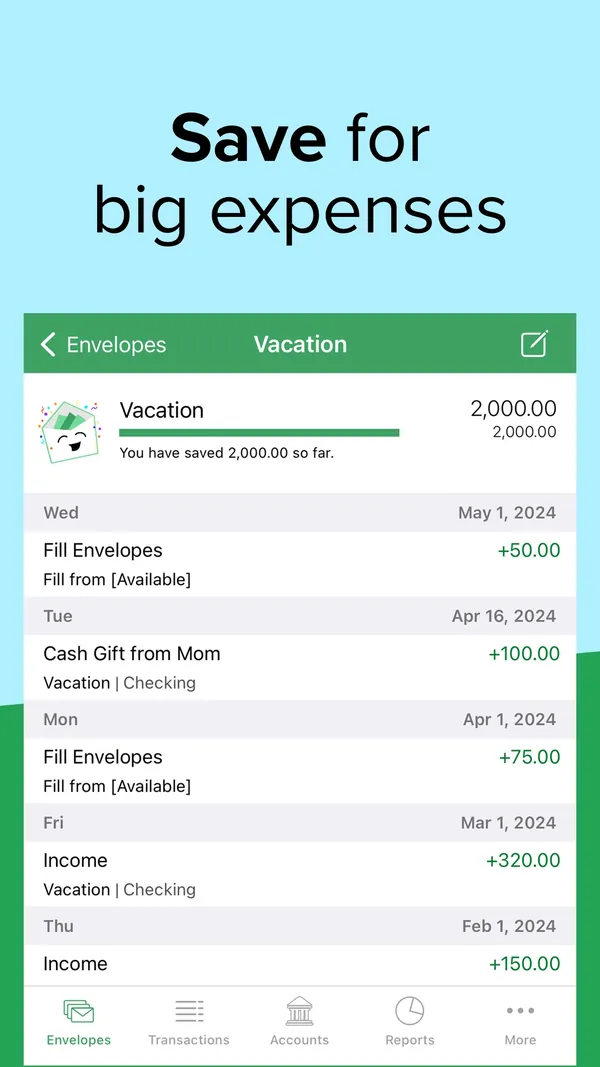
App Store marketing imageApp Store image with the headline "Save for big expenses" showing a Vacation envelope with its history.App Store listing, as of 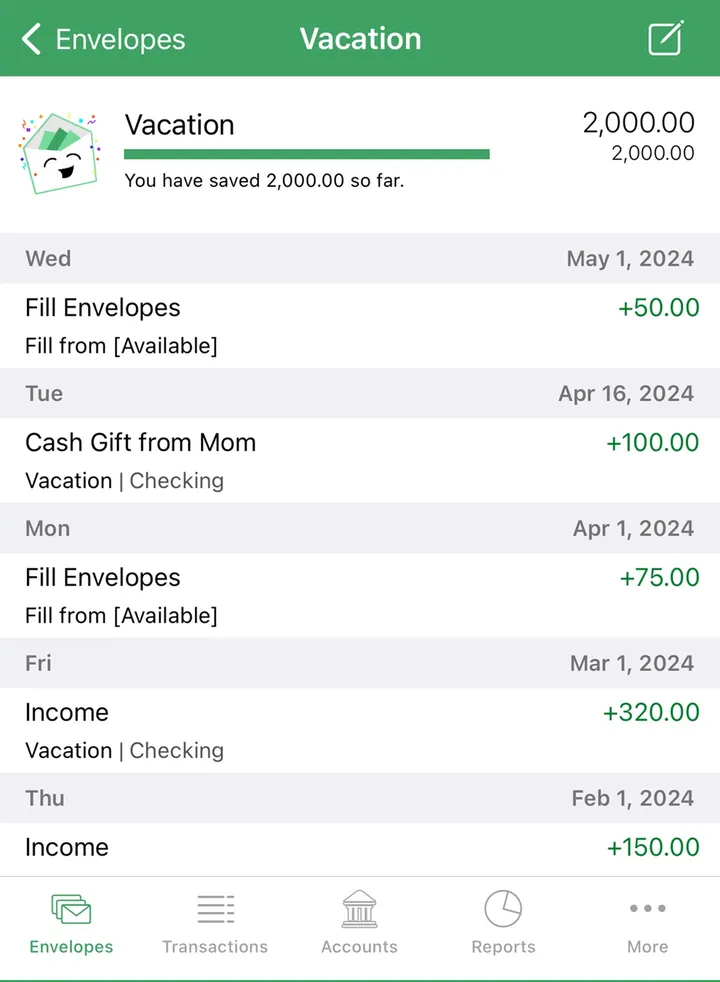
App Store marketing imageA Vacation envelope with 2,000.00 saved and a dated list of fills and income.App Store listing, as of

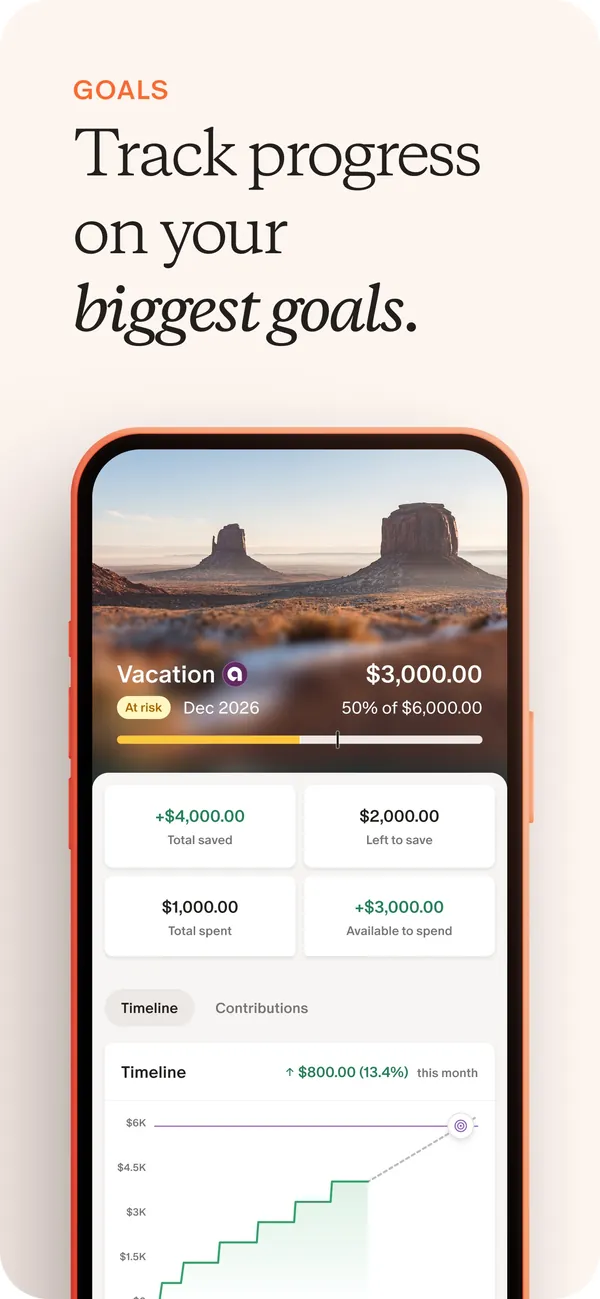
App Store marketing imageApp Store image with the headline "Track progress on your biggest goals" showing a Vacation goal with amounts saved and a timeline chart.App Store listing, as of 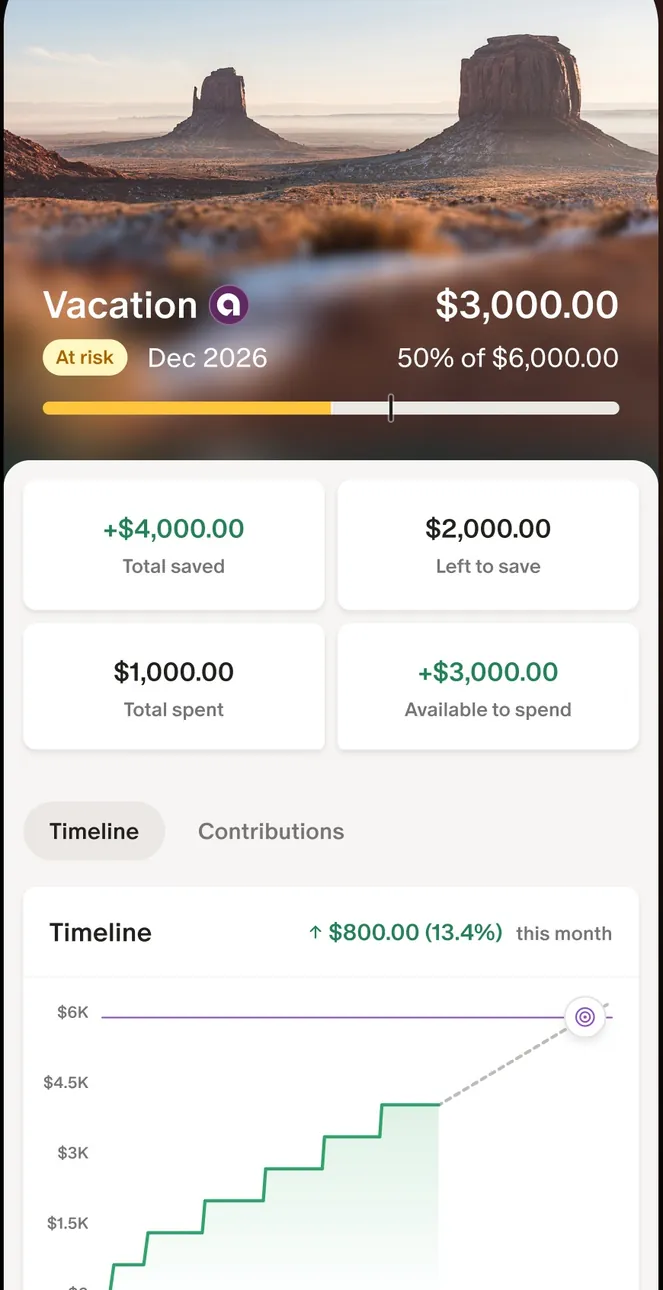
App Store marketing imageThe Vacation goal screen: $3,000.00 of $6,000.00, four amount tiles and a stepped timeline chart.App Store listing, as of 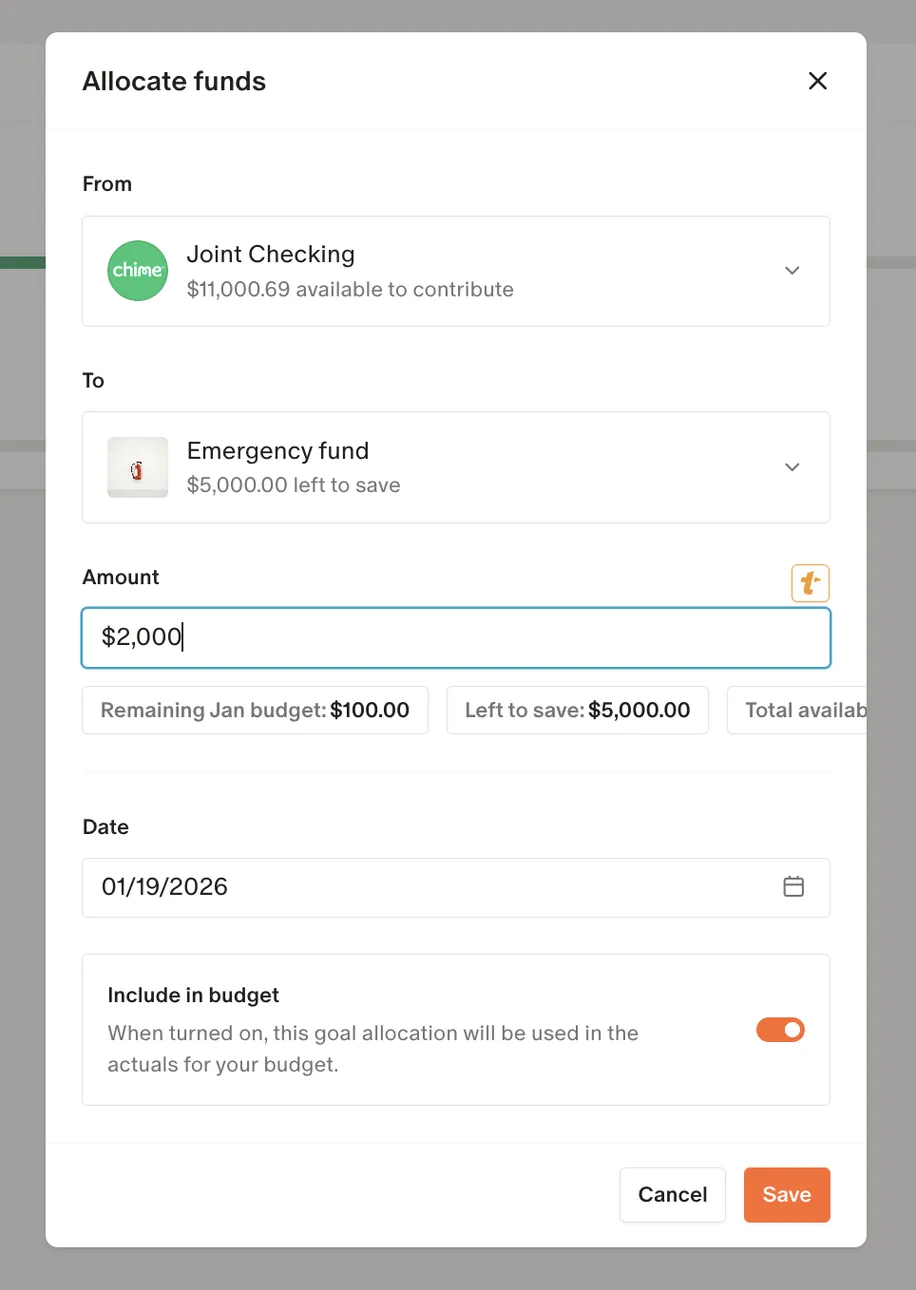
From Monarch Money's help centerAn Allocate funds dialog moving $2,000 from Joint Checking to an Emergency fund goal.help.monarch.com, as of 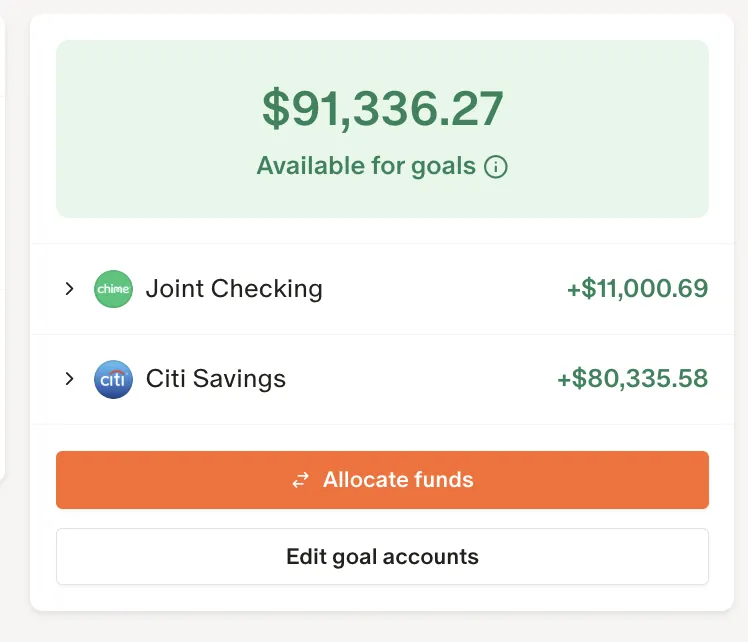
From Monarch Money's help centerA card showing $91,336.27 available for goals, two accounts, and Allocate funds and Edit goal accounts buttons.help.monarch.com, as of

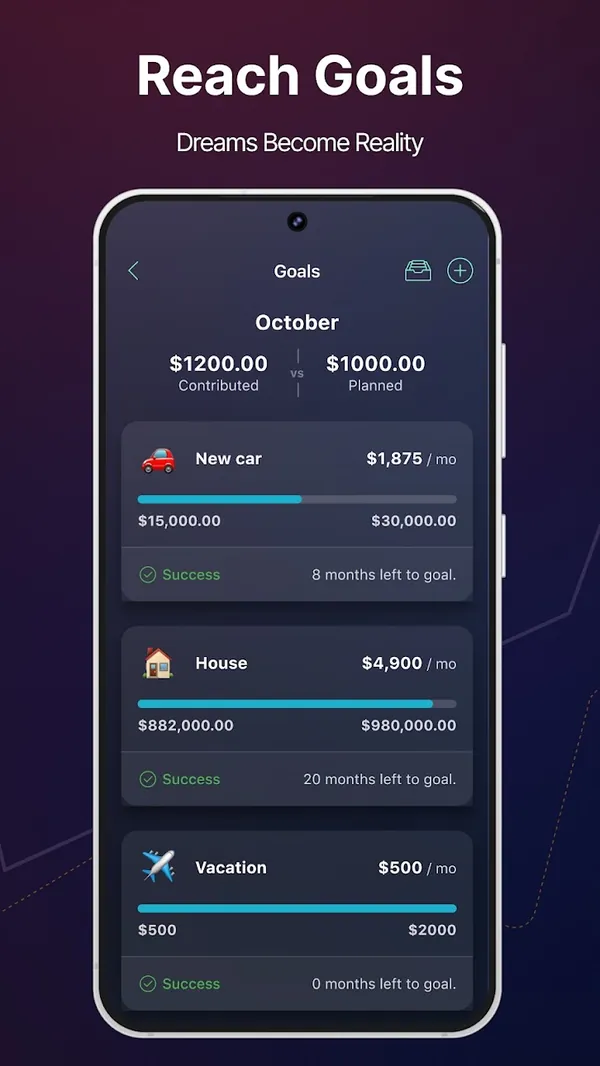
Google Play marketing imageGoogle Play image with the headline "Reach Goals" showing a Goals screen with New car, House and Vacation goals.Google Play listing, as of 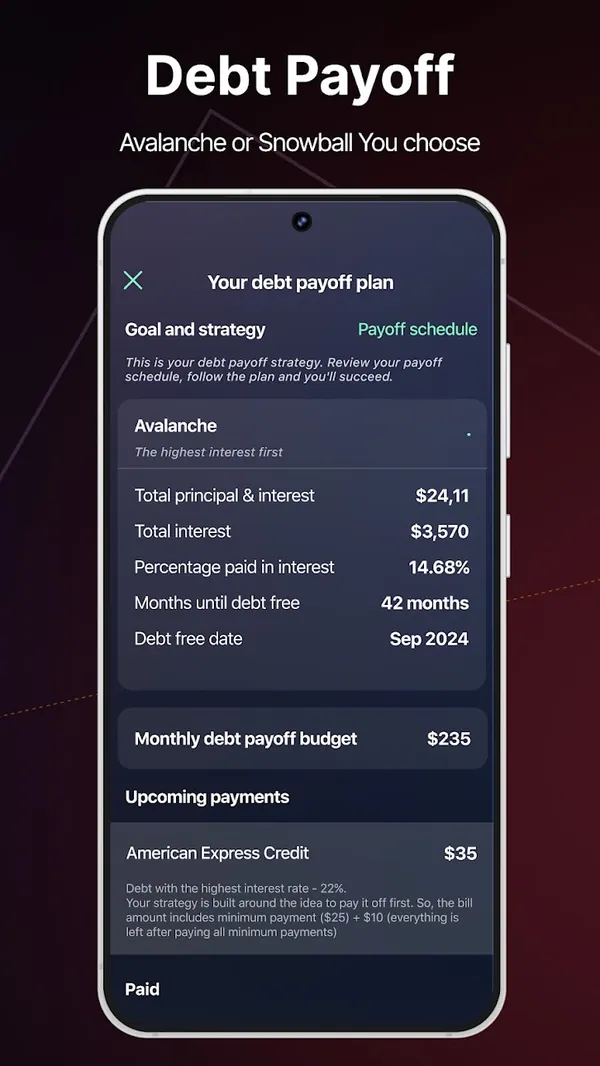
Google Play marketing imageGoogle Play image with the headline "Debt Payoff" showing a debt payoff plan with Avalanche strategy and a debt free date.Google Play listing, as of

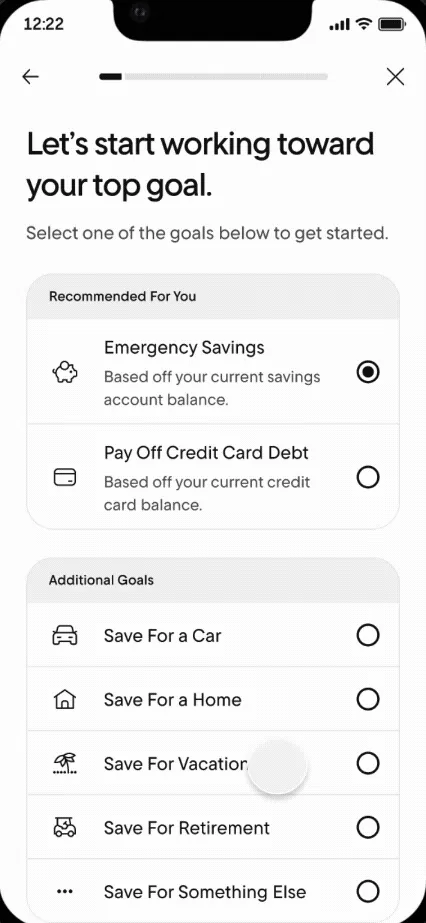
From Rocket Money's help centerA goal setup screen listing Emergency Savings, Pay Off Credit Card Debt and other goals to choose from.help.rocketmoney.com, as of 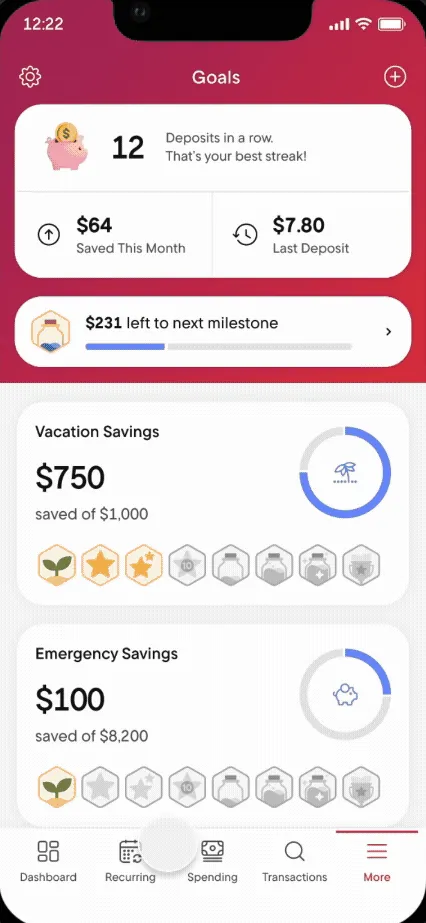
From Rocket Money's help centerThe Goals screen with a deposit streak, Vacation Savings and Emergency Savings progress and milestone badges.help.rocketmoney.com, as of

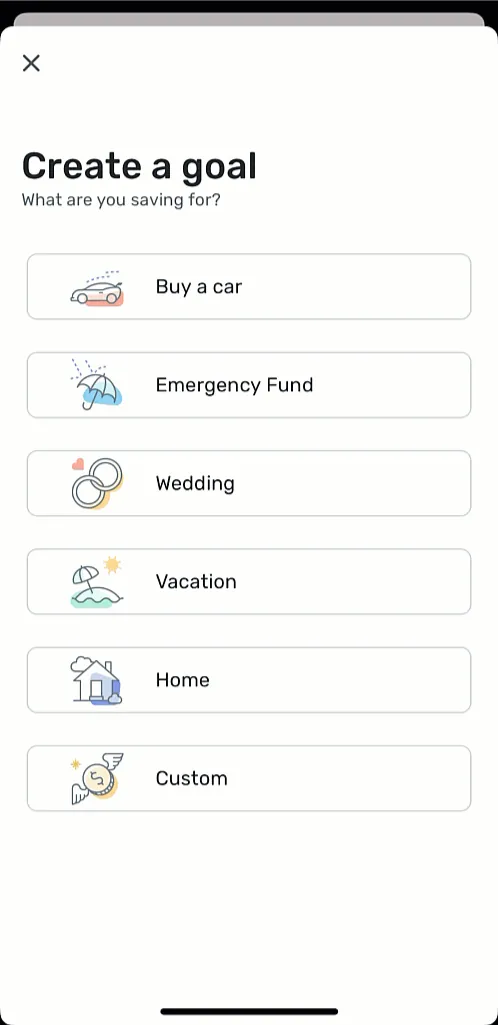
From Simplifi's help centerA Create a goal screen with choices like Buy a car, Emergency Fund, Wedding, Vacation, Home and Custom.support.simplifi.quicken.com, as of 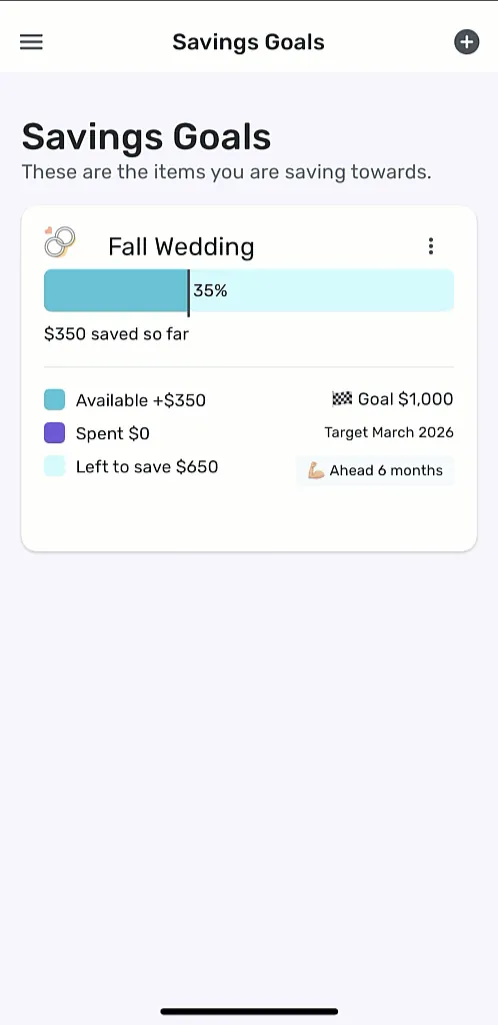
From Simplifi's help centerThe Savings Goals screen with a Fall Wedding goal at 35%, $350 saved and a target date.support.simplifi.quicken.com, as of

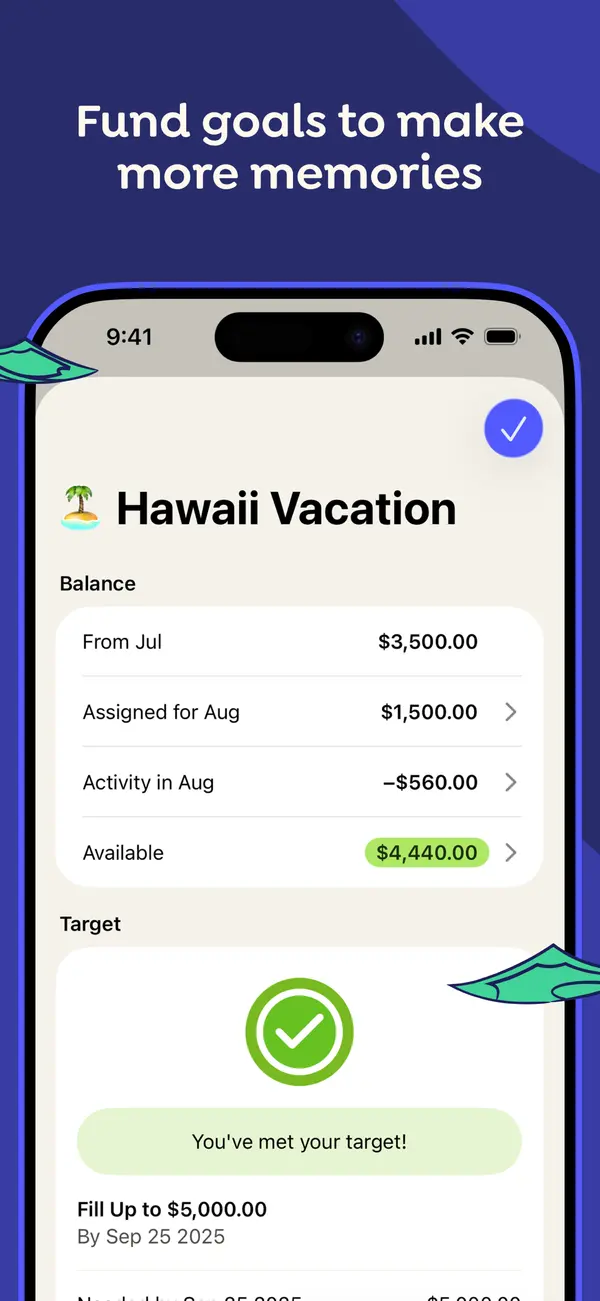
App Store marketing imageApp Store image with the headline "Fund goals to make more memories" showing a Hawaii Vacation category with its balance and a "You've met your target!" message.App Store listing, as of 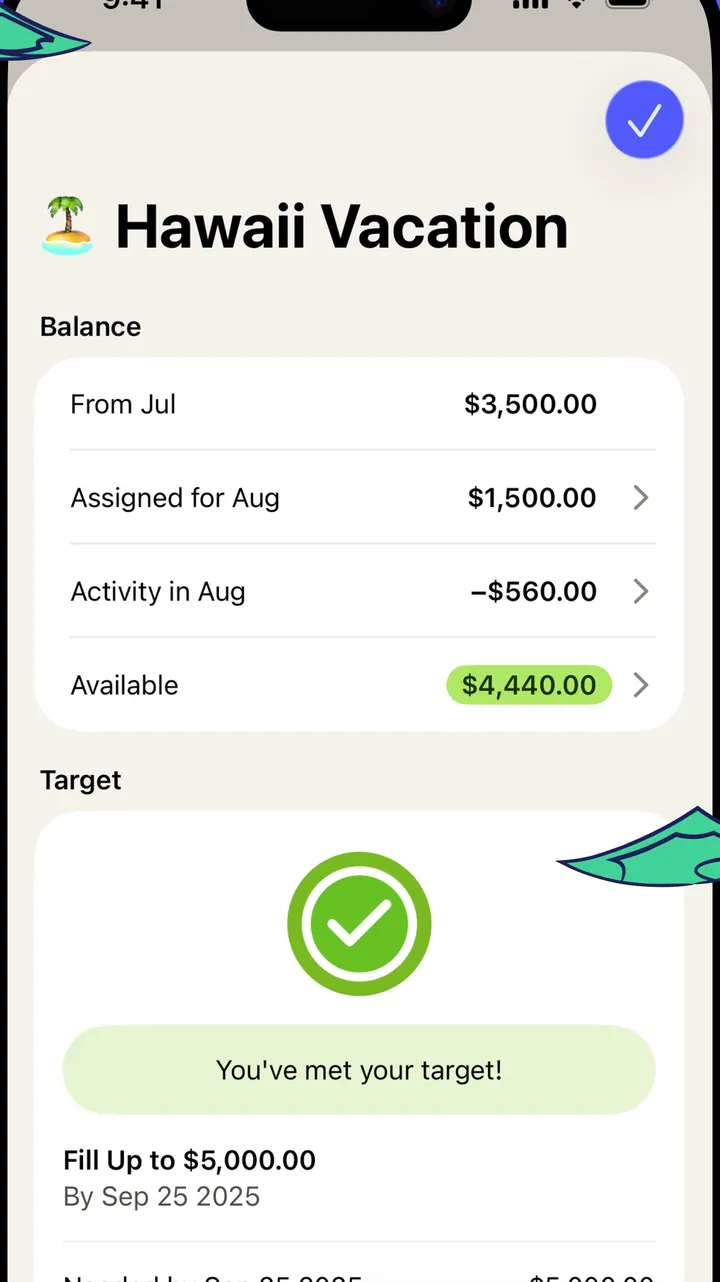
App Store marketing imageThe Hawaii Vacation category screen: balance breakdown for the month and a target card with a check mark.App Store listing, as of 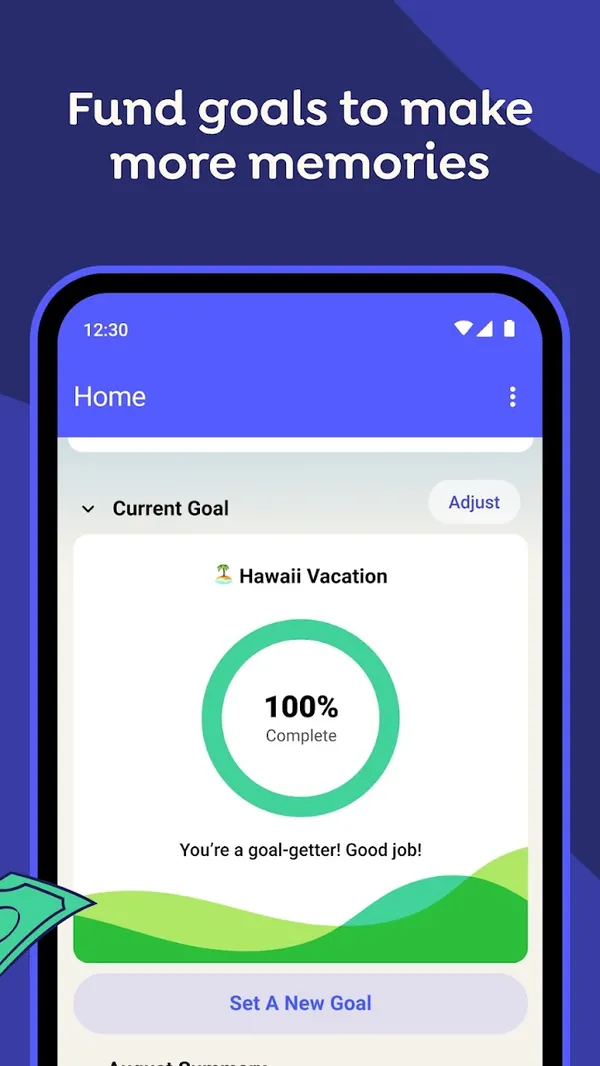
Google Play marketing imageGoogle Play image with the headline "Fund goals to make more memories" showing the Android Home screen with a Current Goal ring at 100% Complete for Hawaii Vacation.Google Play listing, as of 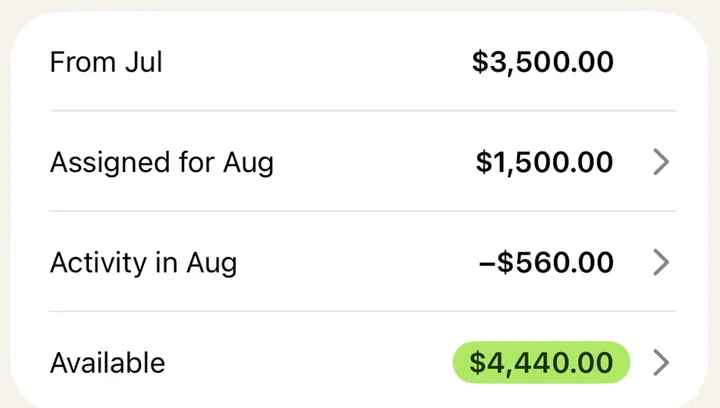
App Store marketing imageA balance card listing From Jul, Assigned for Aug, Activity in Aug and Available amounts.App Store listing, as of 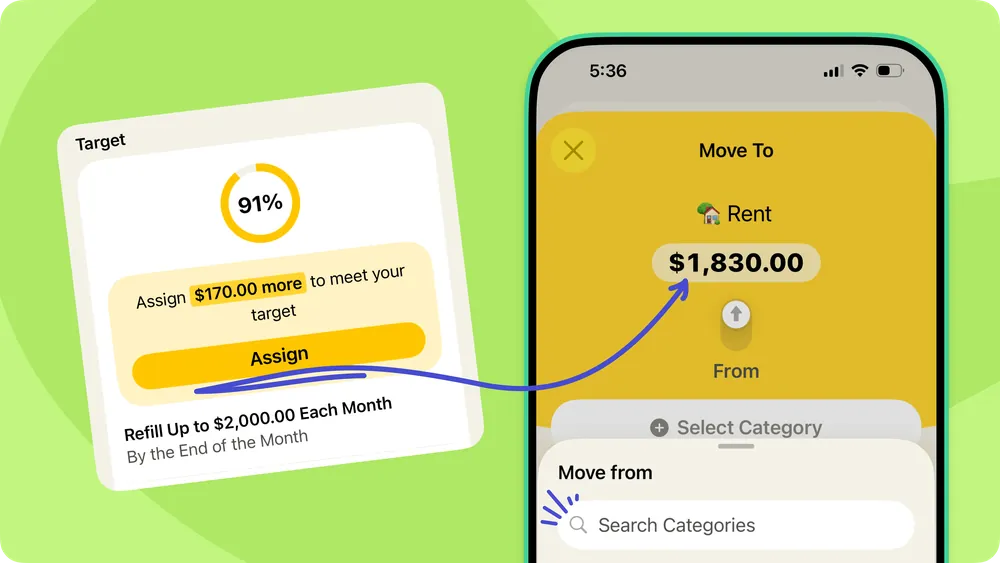
From YNAB's help centerA help-center graphic pairing a target card at 91% with a Move To sheet that assigns $1,830.00 to Rent.support.ynab.com, as of 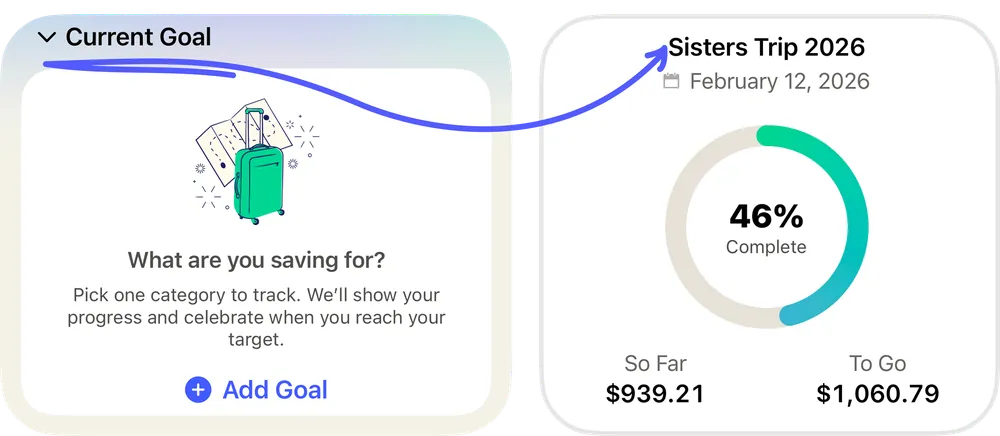
From YNAB's help centerTwo Current Goal cards: an empty one asking "What are you saving for?" and one for Sisters Trip 2026 at 46% complete.support.ynab.com, as of
This is education, not financial advice.