Screen by screen
What money apps look like inside
311 images from 29 apps, grouped by task so you can compare how each one handles the same job. Every image shows where we found it, with the date.
App Store and Google Play images are the apps' own marketing, so they can show sample data and staged layouts. Help center images come from each app's support articles for one task. Where screens come from.
AI assistant

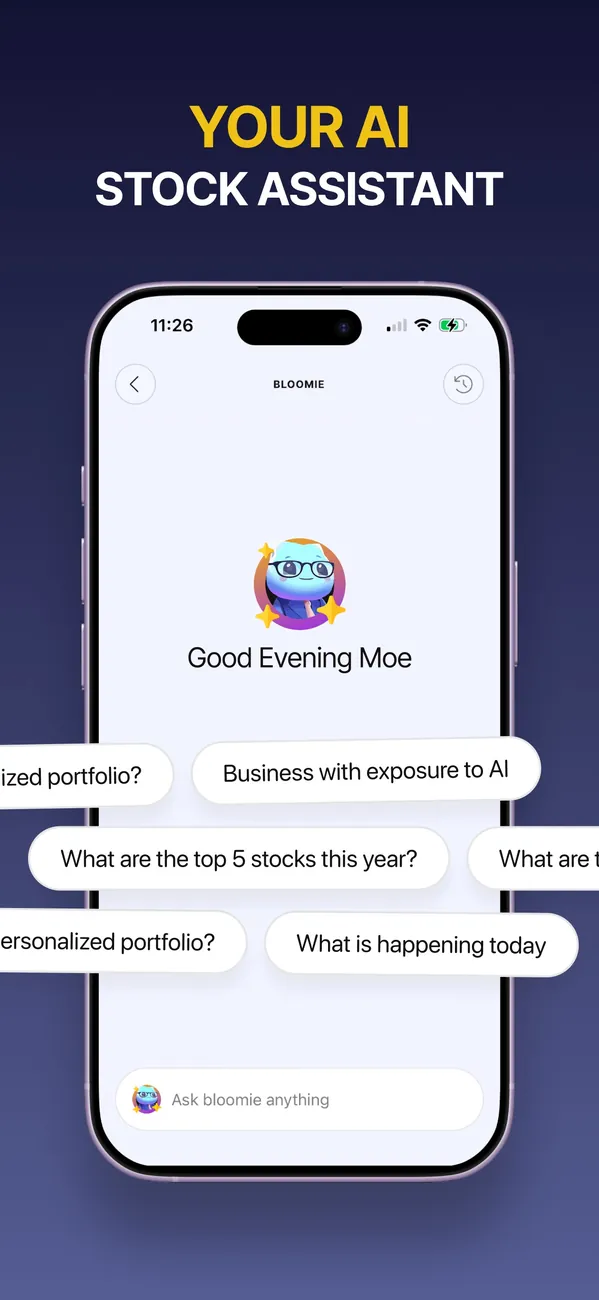
App Store marketing imageApp Store image with the headline "Your AI stock assistant" showing a Bloomie chat with suggested questions.App Store listing, as of

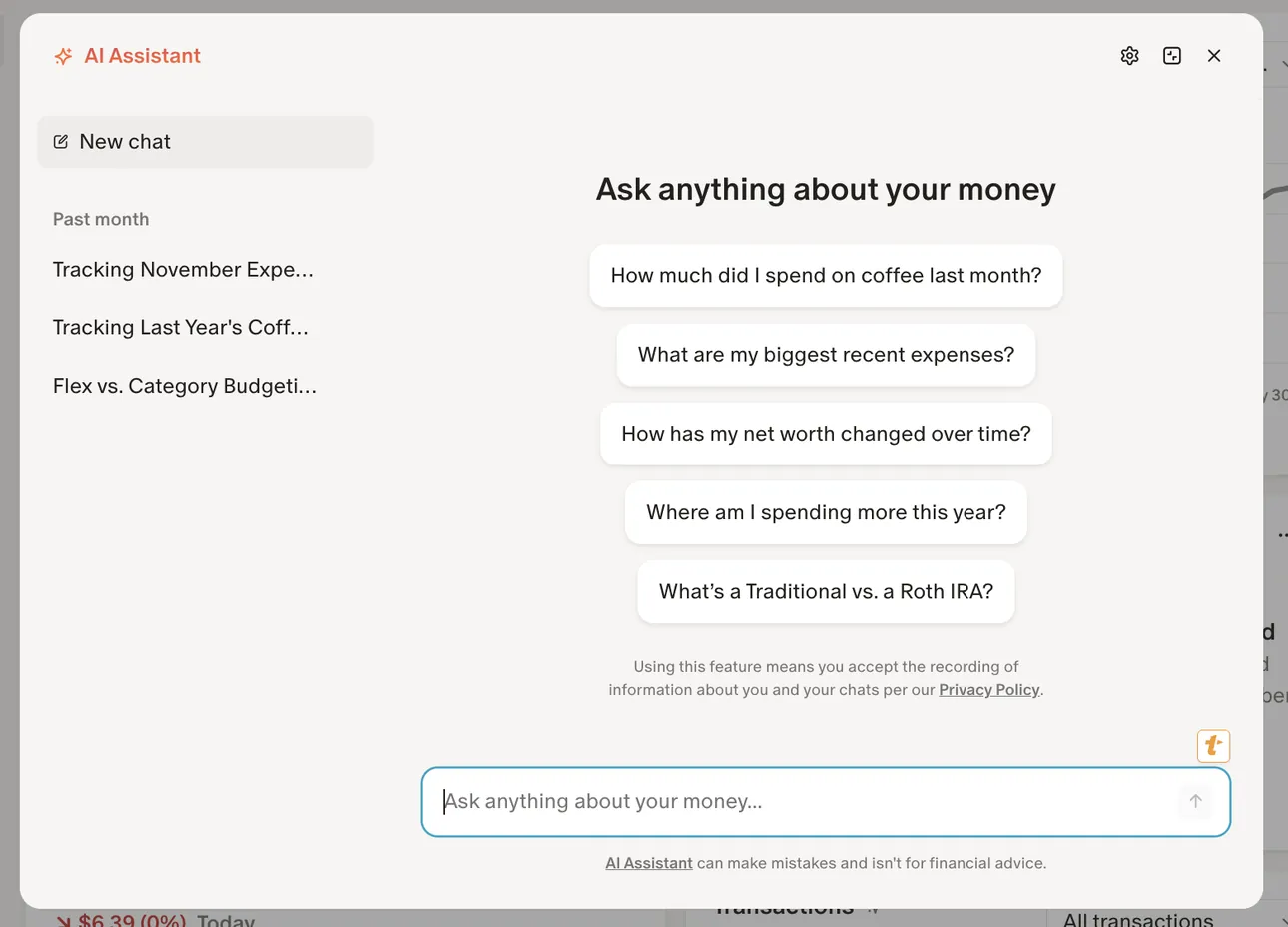
From Monarch Money's help centerThe AI Assistant panel on the web with past chats on the left and suggested questions like "How much did I spend on coffee last month?"help.monarch.com, as of

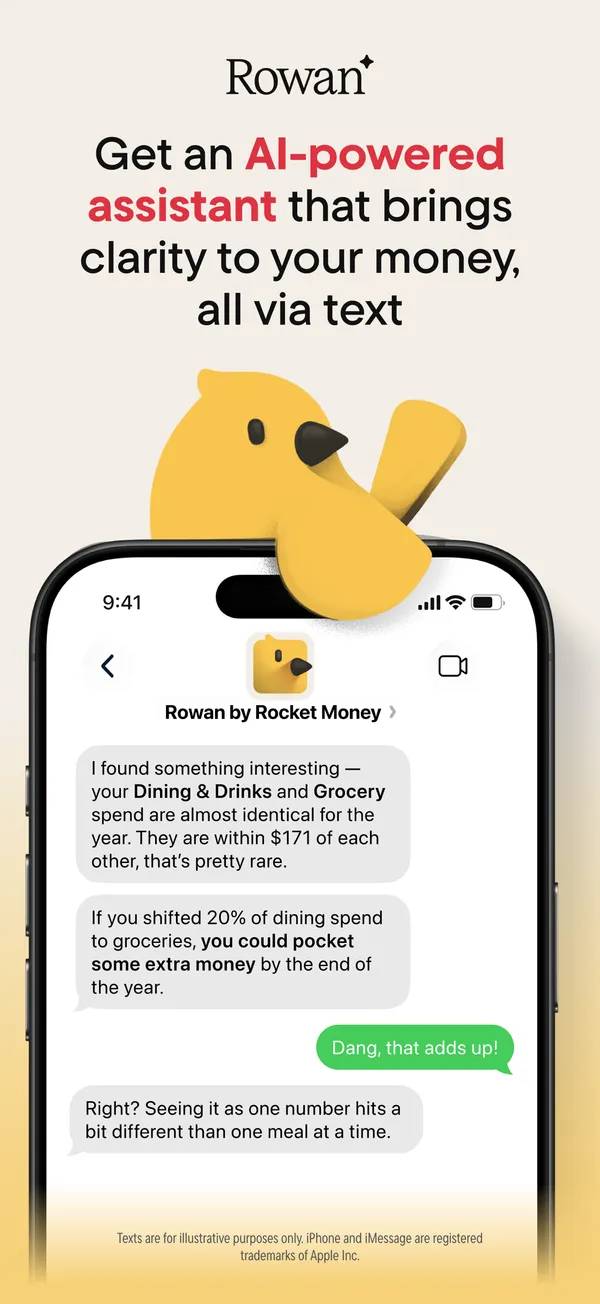
App Store marketing imageApp Store image with the headline about an AI-powered assistant showing a text chat with Rowan by Rocket Money.App Store listing, as of 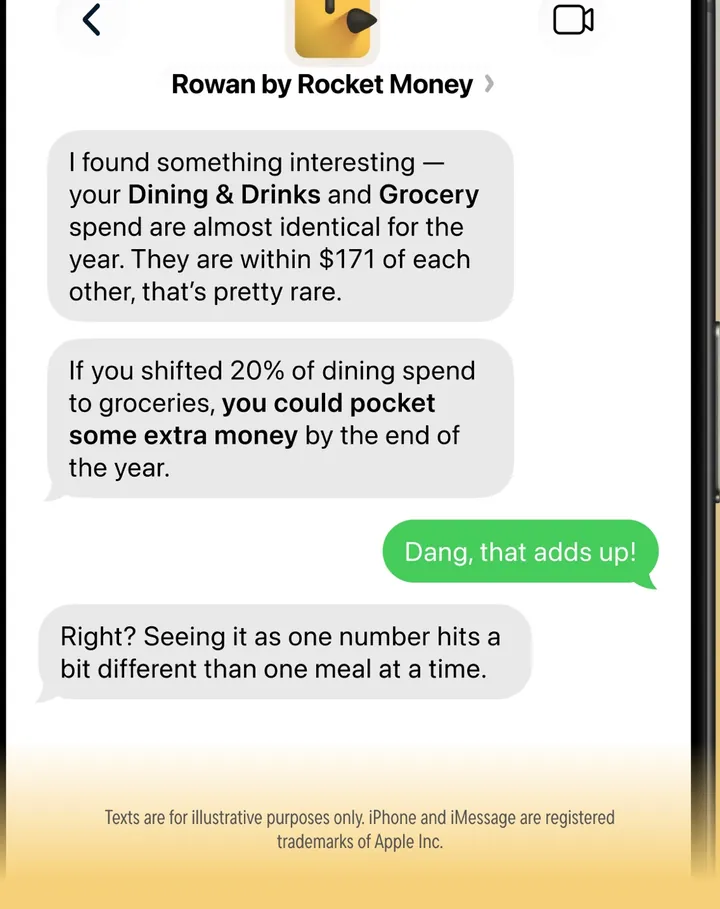
App Store marketing imageA text conversation where Rowan comments on Dining & Drinks and Grocery spending and the user replies.App Store listing, as of

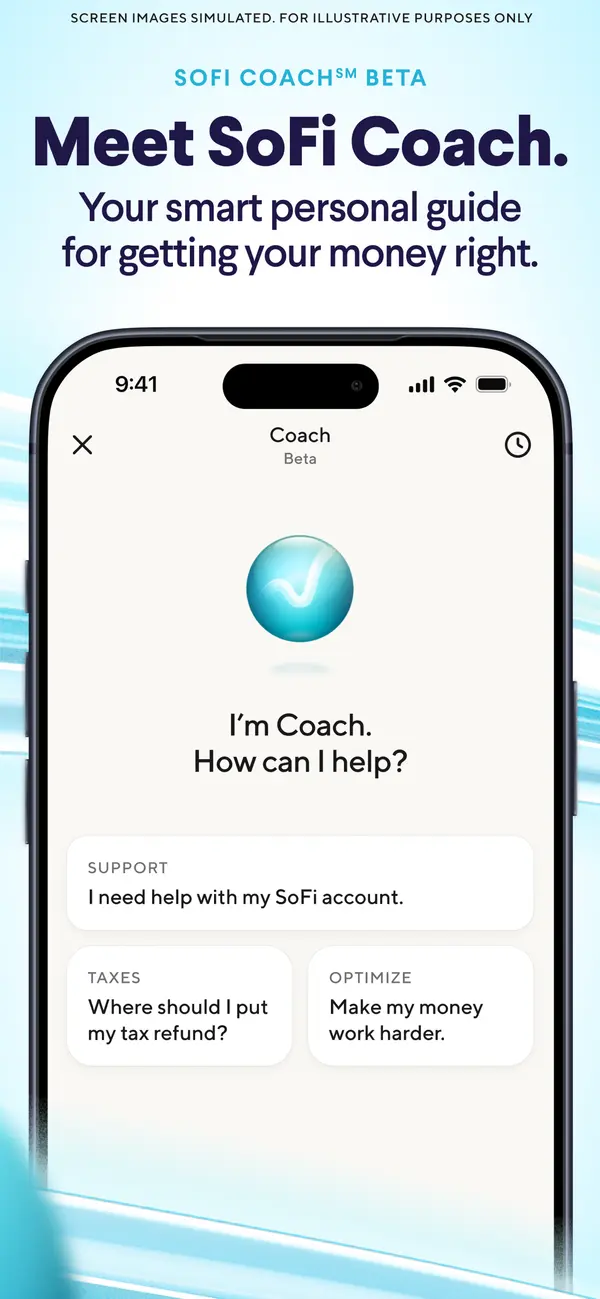
App Store marketing imageApp Store image with the headline "Meet SoFi Coach." showing a Coach screen with prompts for support, taxes and optimizing.App Store listing, as of 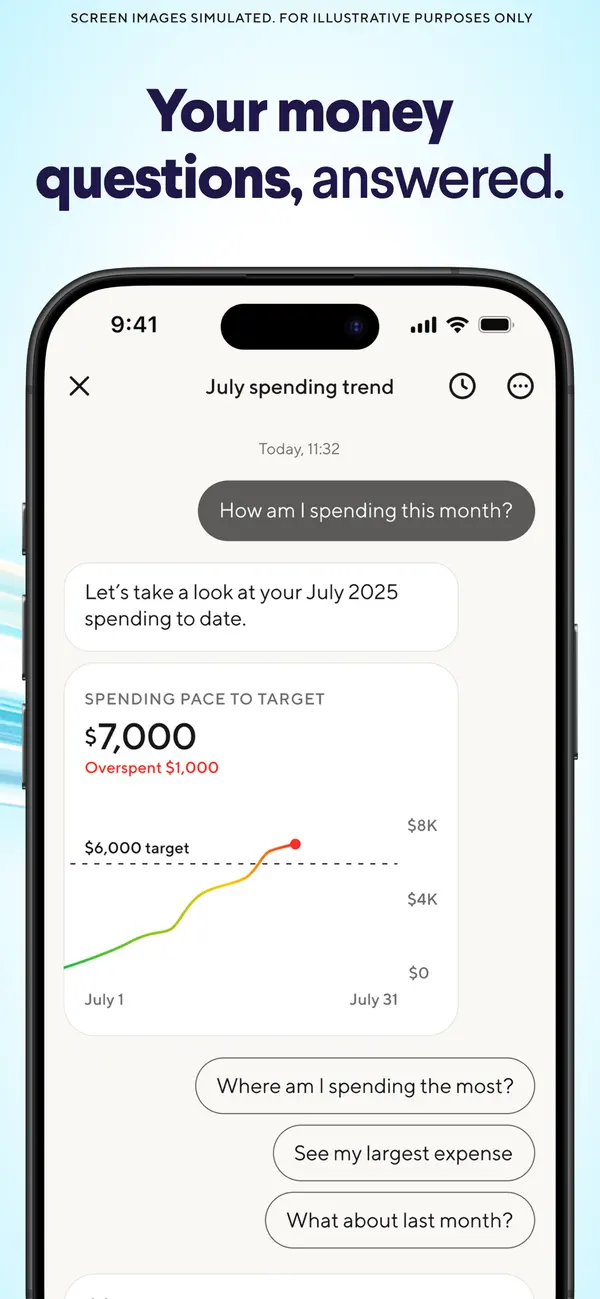
App Store marketing imageApp Store image with the headline "Your money questions, answered." showing a July spending trend chat with a pace chart.App Store listing, as of
This is education, not financial advice.