Screen by screen
What money apps look like inside
311 images from 29 apps, grouped by task so you can compare how each one handles the same job. Every image shows where we found it, with the date.
App Store and Google Play images are the apps' own marketing, so they can show sample data and staged layouts. Help center images come from each app's support articles for one task. Where screens come from.
Budget

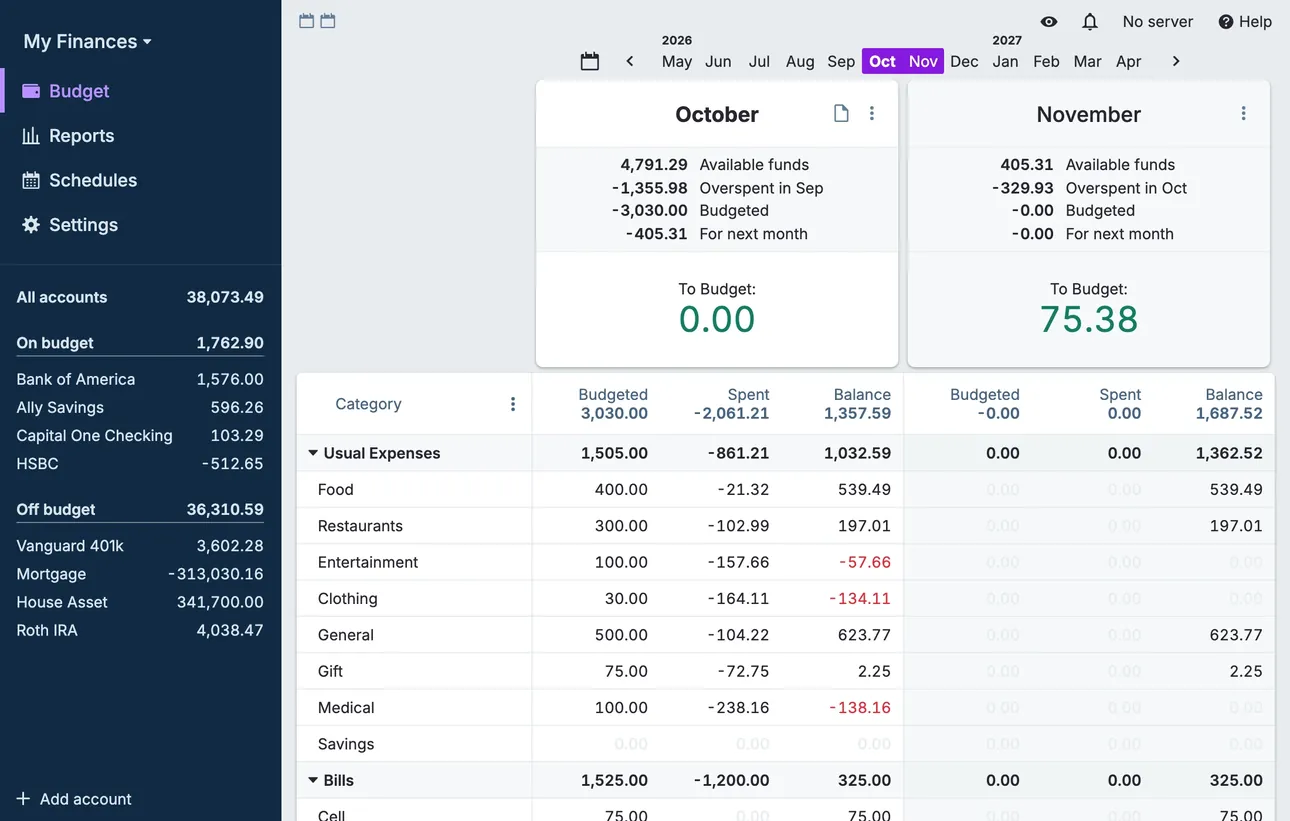
From Actual Budget's help centerThe desktop budget page with two months side by side, category rows with budgeted, spent and balance columns, and accounts in the sidebar.actualbudget.org, as of 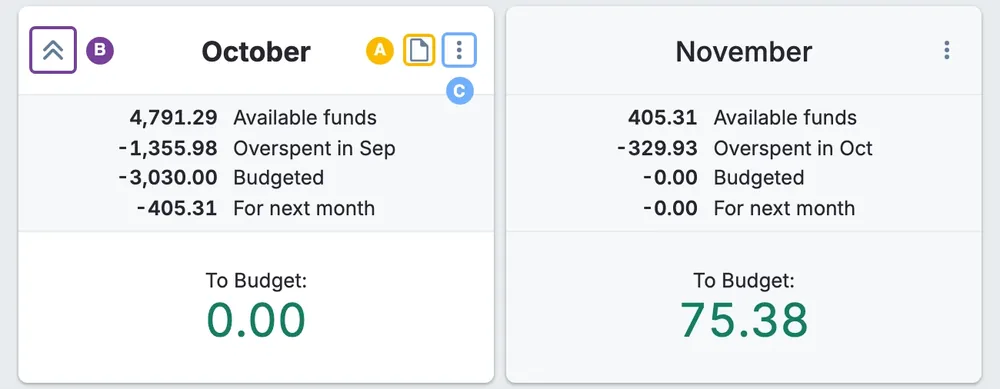
From Actual Budget's help centerMonth summary cards for October and November with available funds, overspent, budgeted and To Budget amounts.actualbudget.org, as of 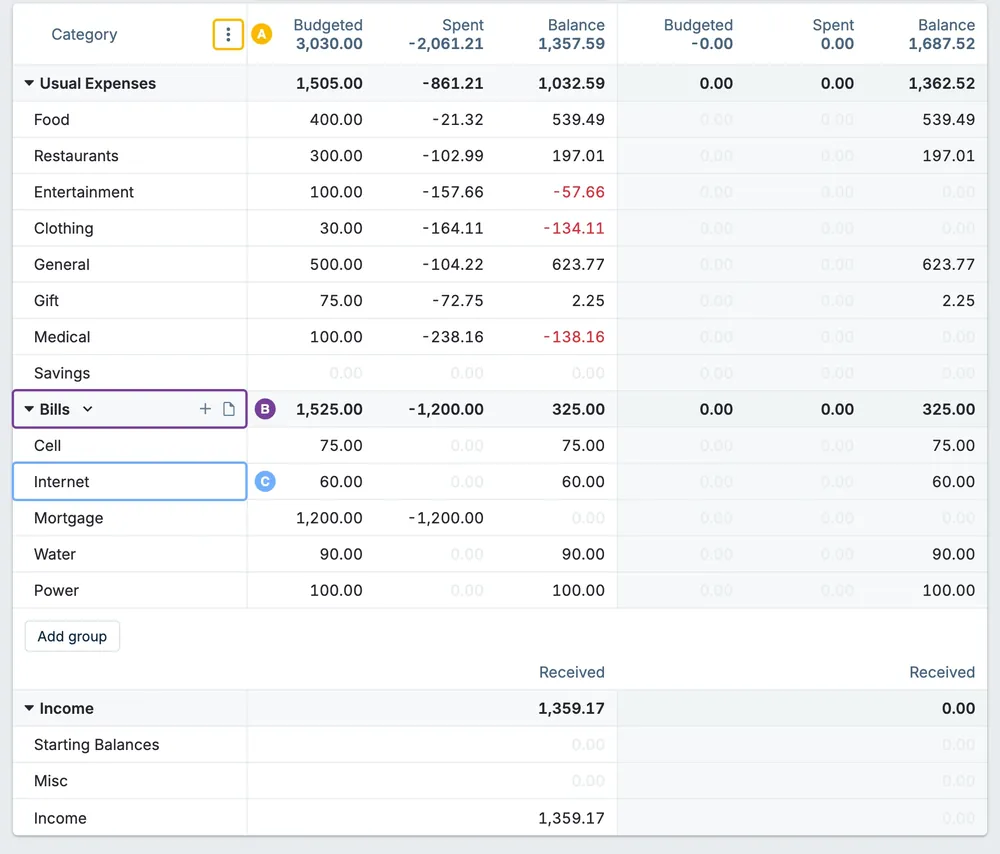
From Actual Budget's help centerA budget table of category groups with budgeted, spent and balance columns for two months.actualbudget.org, as of

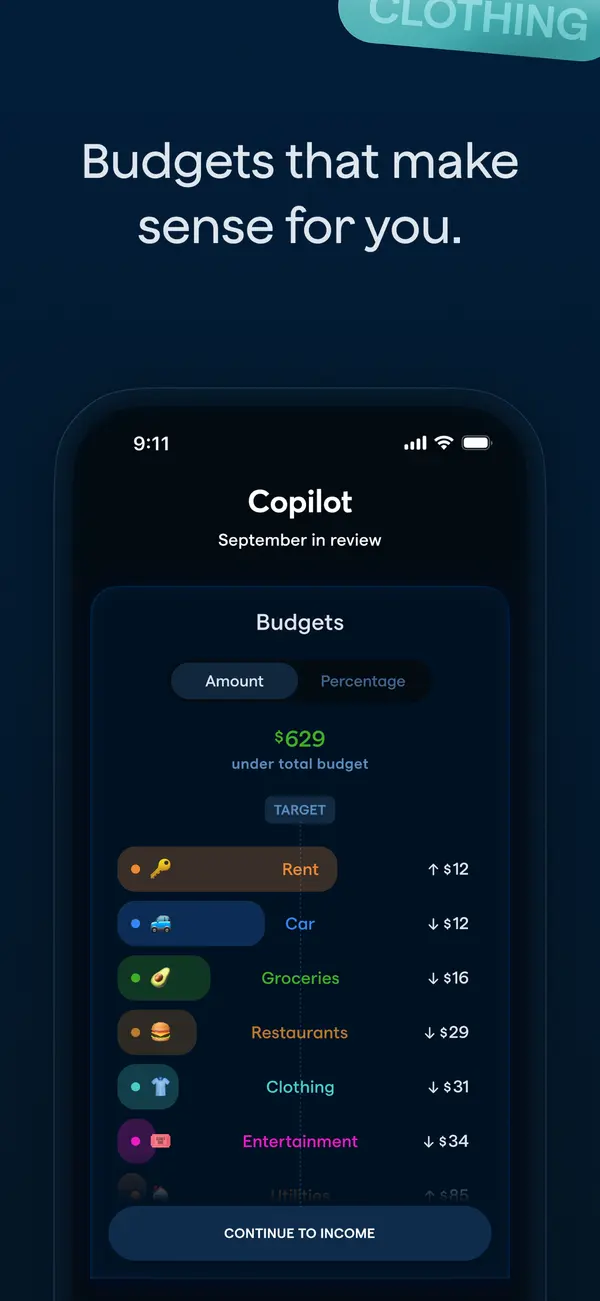
App Store marketing imageApp Store image with the headline "Budgets that make sense for you." showing a September in review screen with a Budgets list.App Store listing, as of 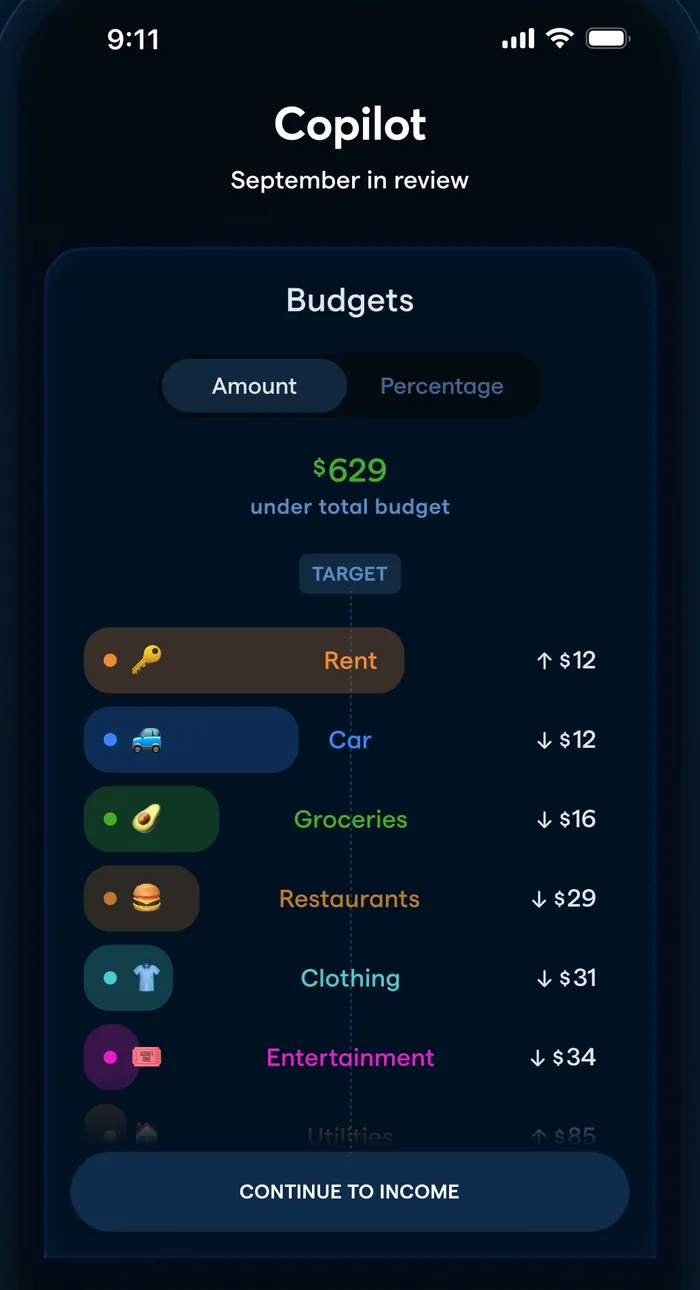
App Store marketing imageA September in review screen: $629 under total budget and categories like Rent, Car and Groceries with amounts over or under.App Store listing, as of 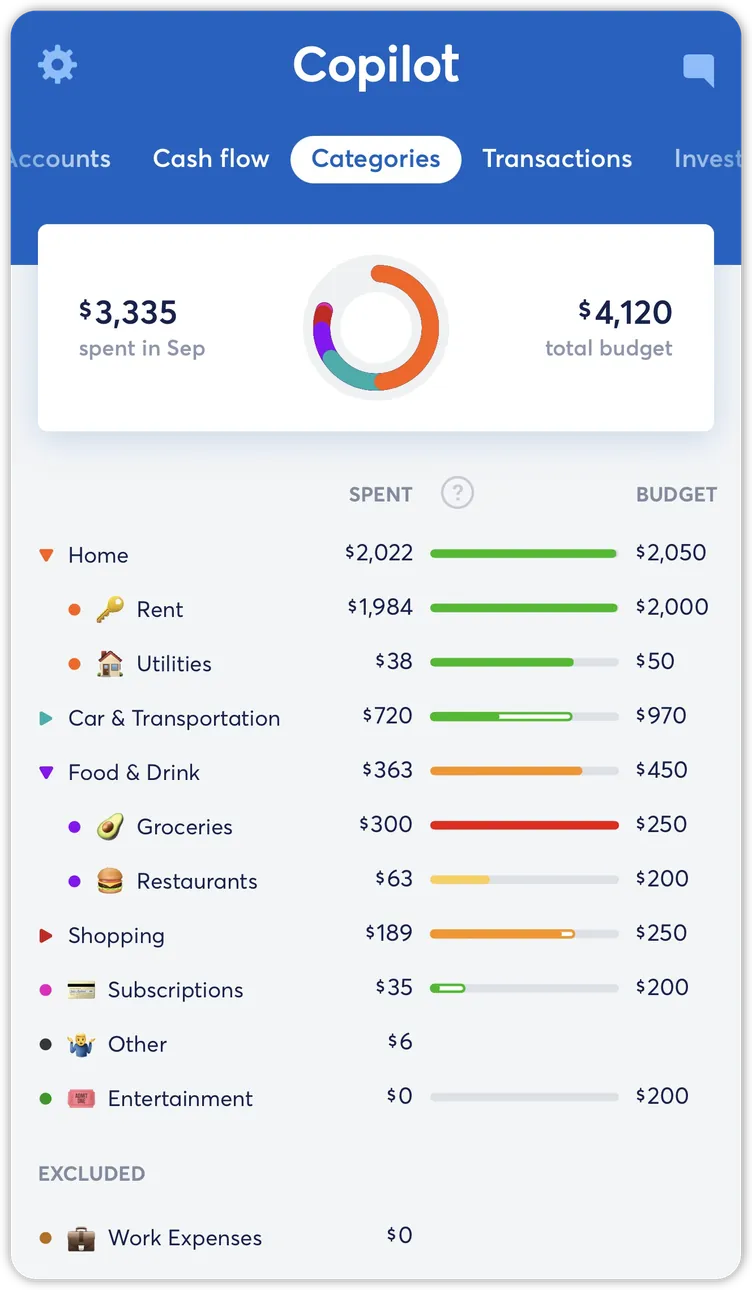
From Copilot Money's help centerThe Categories tab with spent and budget totals, a ring chart and category rows with budget bars.help.copilot.money, as of 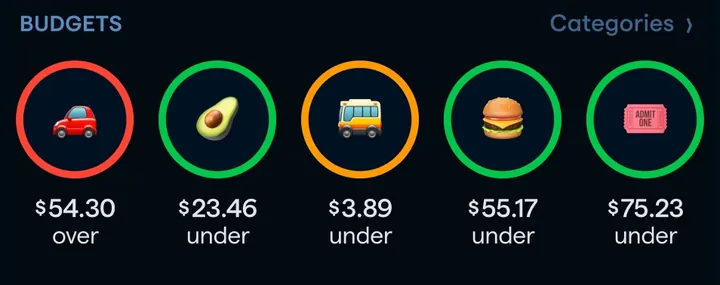
App Store marketing imageA row of five round category icons with amounts under or over budget.App Store listing, as of 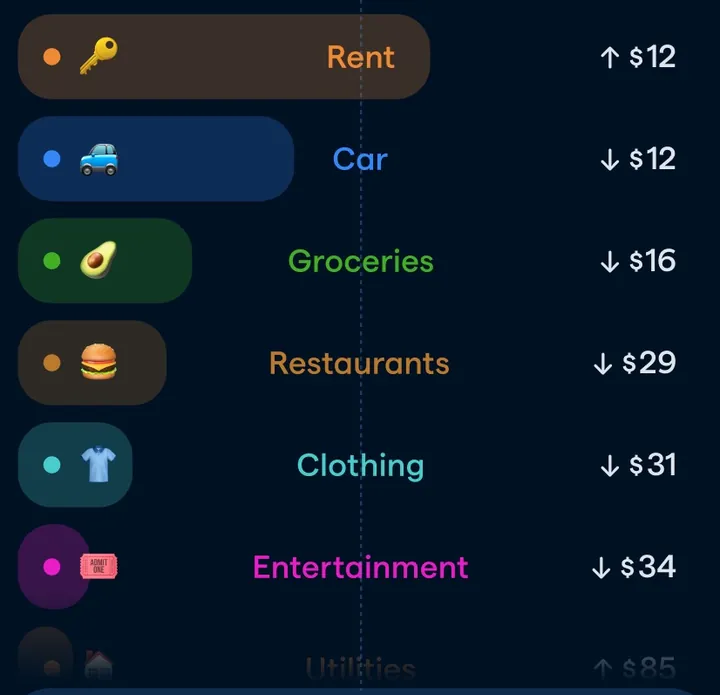
App Store marketing imageCategory pills such as Rent, Car, Groceries, Restaurants, Clothing and Entertainment with small up or down amounts.App Store listing, as of

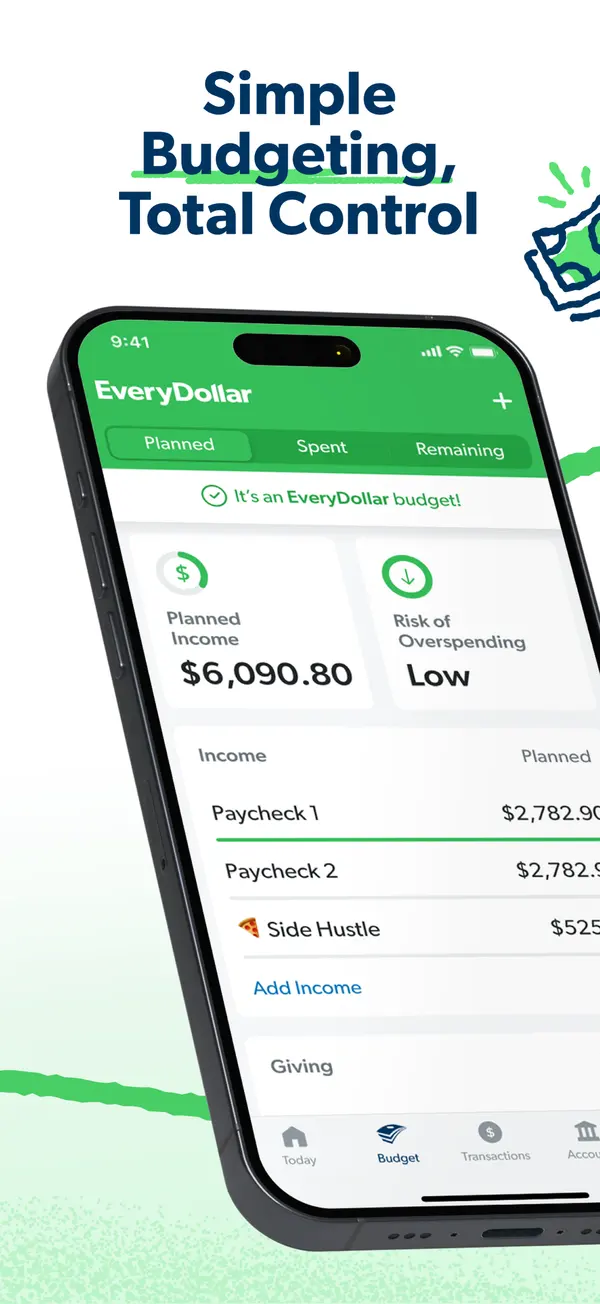
App Store marketing imageApp Store image with the headline "Simple Budgeting, Total Control" over a tilted phone showing the budget with Planned Income and Risk of Overspending.App Store listing, as of 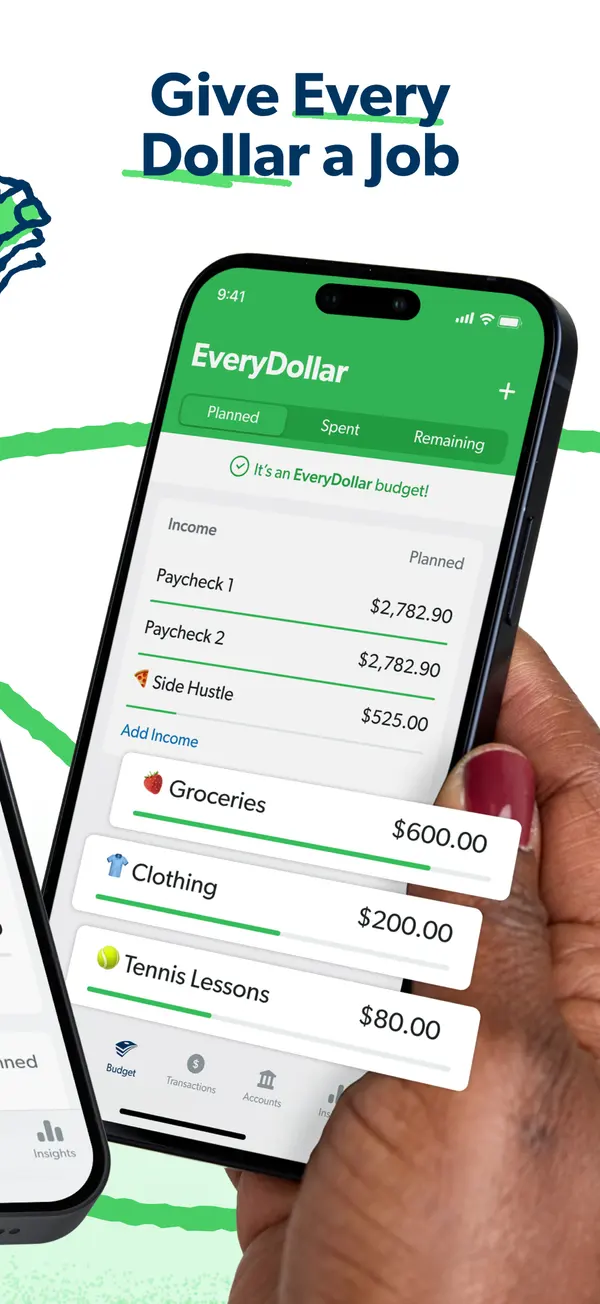
App Store marketing imageApp Store image with the headline "Give Every Dollar a Job" showing a hand holding a phone with income rows and budget items like Groceries and Clothing.App Store listing, as of 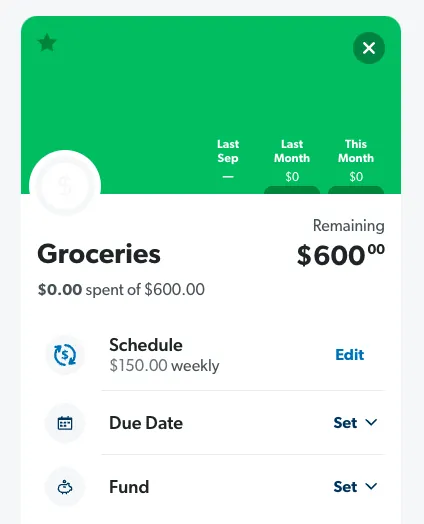
From EveryDollar's help centerA Groceries budget item with $600 remaining and Schedule, Due Date and Fund rows.everydollar.help.ramseysolutions.com, as of 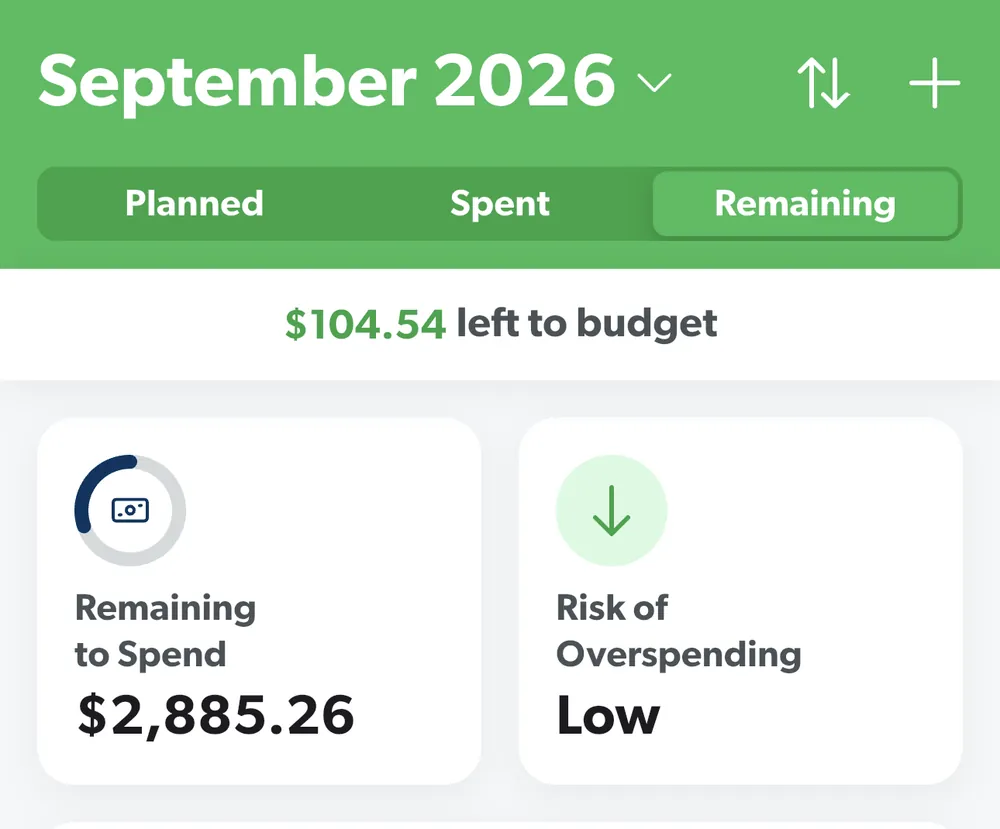
From EveryDollar's help centerThe budget header for September 2026 with Planned, Spent and Remaining tabs, $104.54 left to budget and two summary tiles.everydollar.help.ramseysolutions.com, as of 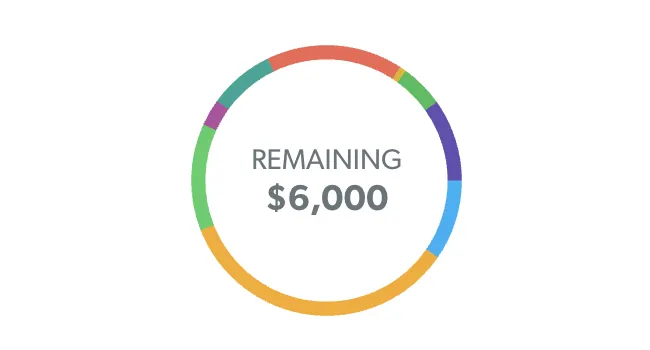
From EveryDollar's help centerA colored ring with $6,000 Remaining in the middle.everydollar.help.ramseysolutions.com, as of

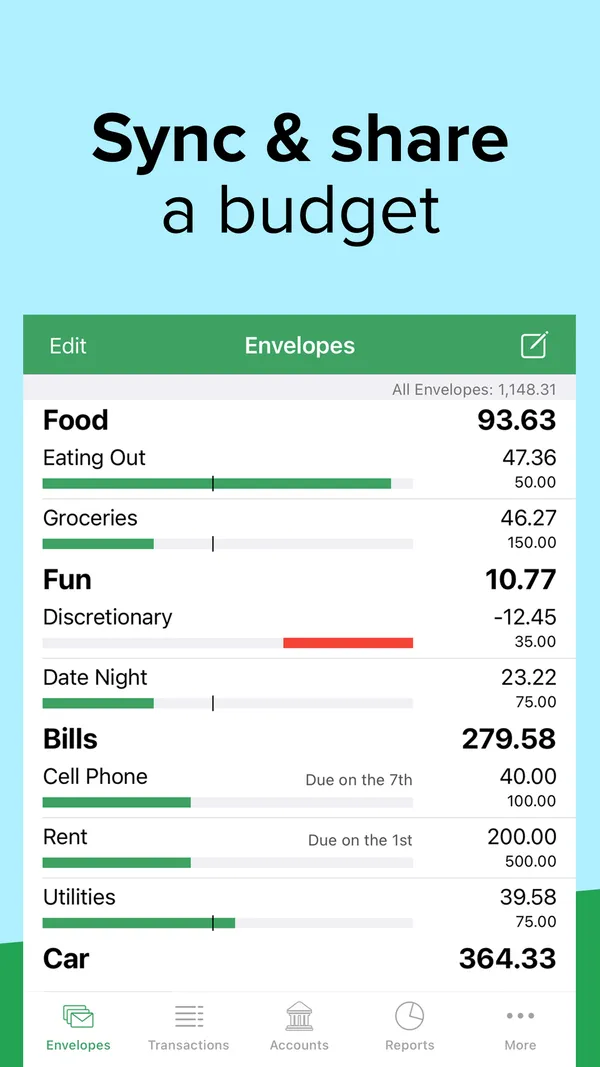
App Store marketing imageApp Store image with the headline "Sync & share a budget" showing the Envelopes screen with Food, Fun and Bills envelopes and progress bars.App Store listing, as of 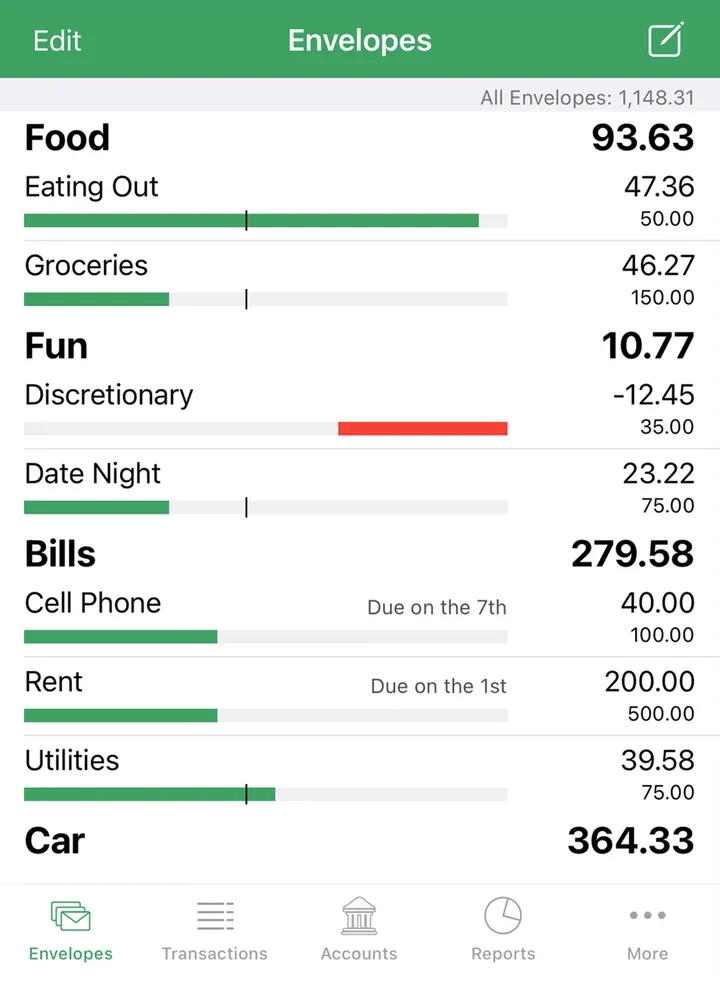
App Store marketing imageThe Envelopes screen with envelope groups, amounts left and bars, and a bottom tab bar.App Store listing, as of 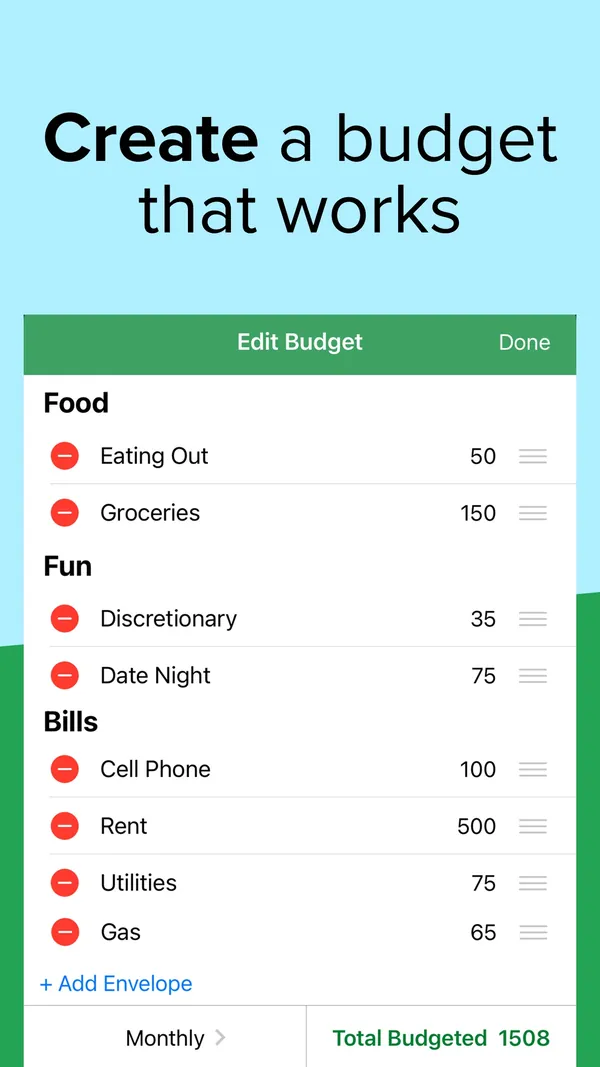
App Store marketing imageApp Store image with the headline "Create a budget that works" showing an Edit Budget screen.App Store listing, as of 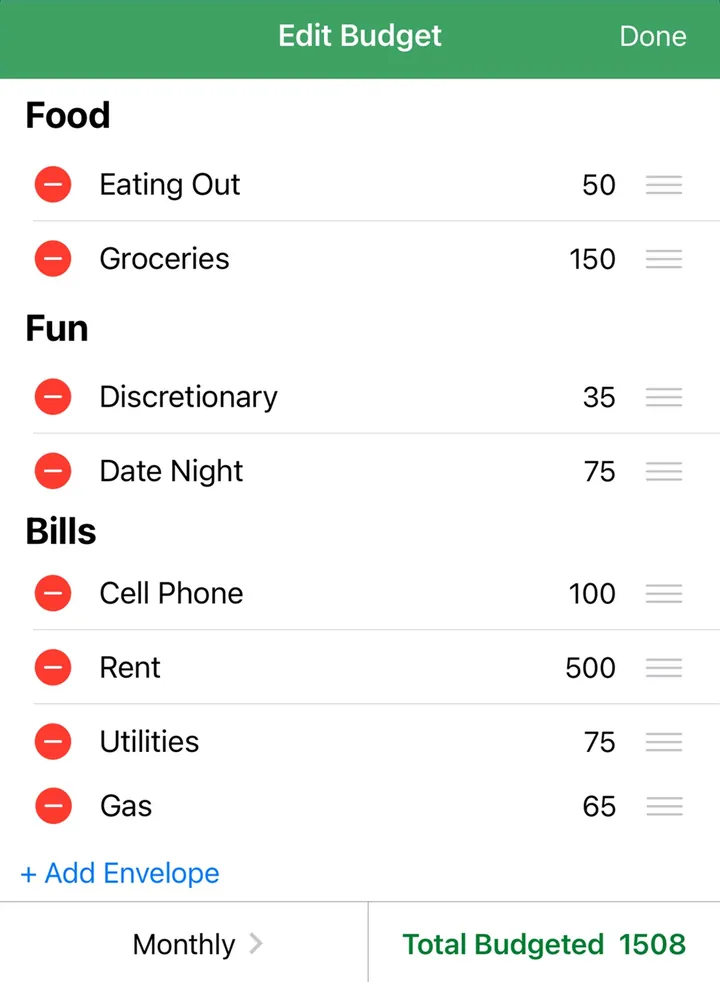
App Store marketing imageAn Edit Budget screen listing envelopes with amounts, an Add Envelope link and Total Budgeted 1508.App Store listing, as of 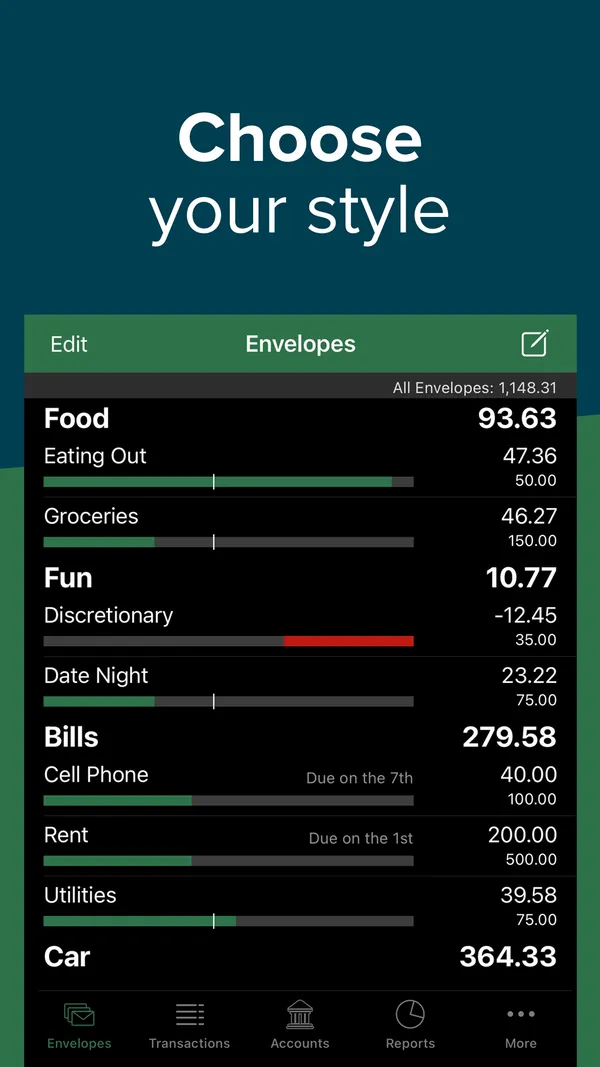
App Store marketing imageApp Store image with the headline "Choose your style" showing the Envelopes screen in dark mode.App Store listing, as of 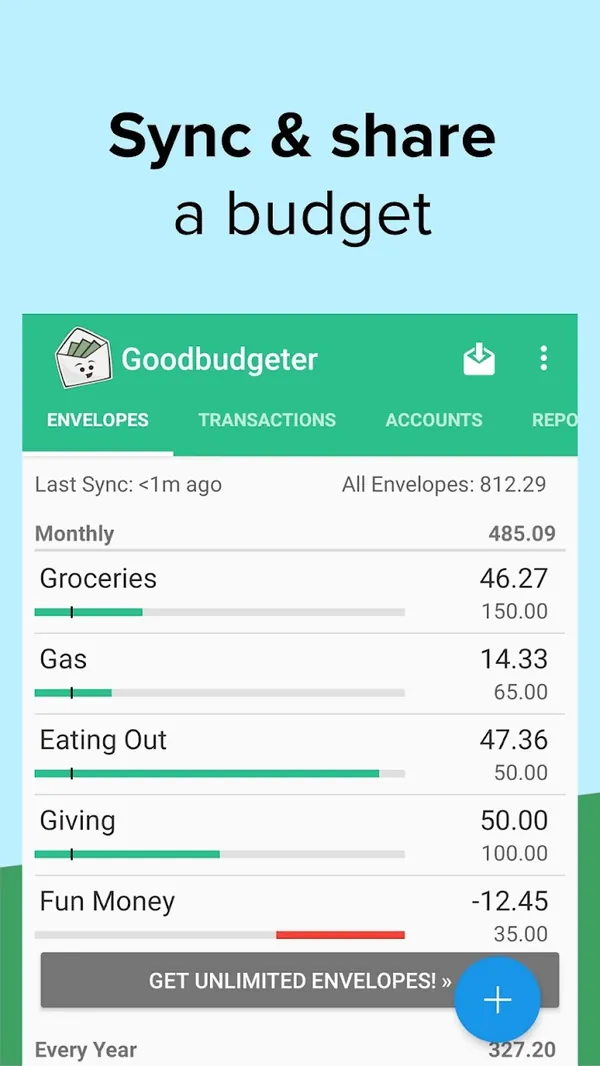
Google Play marketing imageGoogle Play image with the headline "Sync & share a budget" showing the Android Envelopes screen.Google Play listing, as of 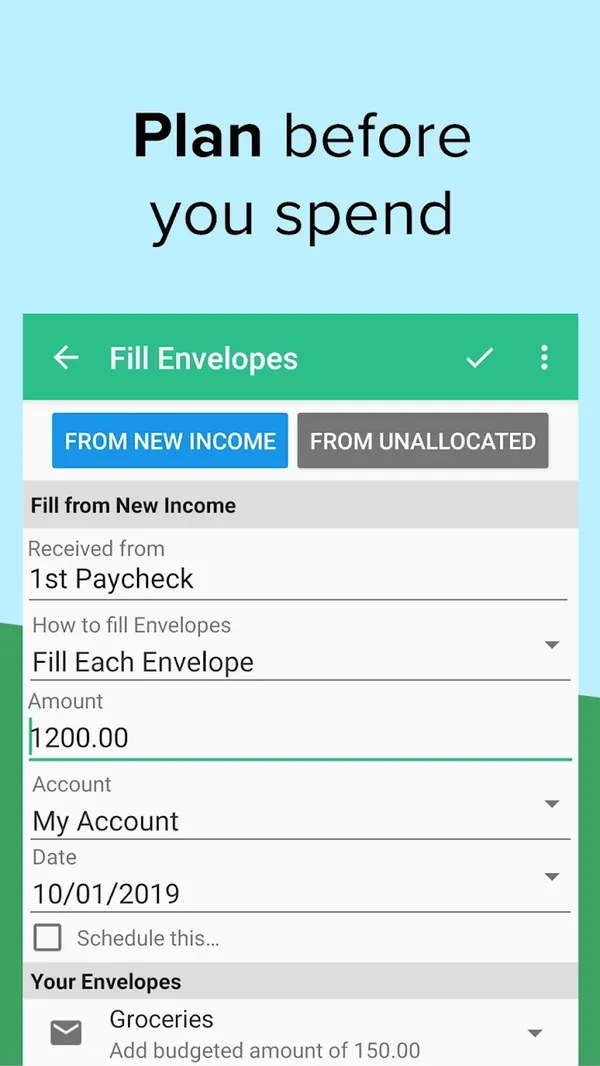
Google Play marketing imageGoogle Play image with the headline "Plan before you spend" showing the Android Fill Envelopes screen.Google Play listing, as of

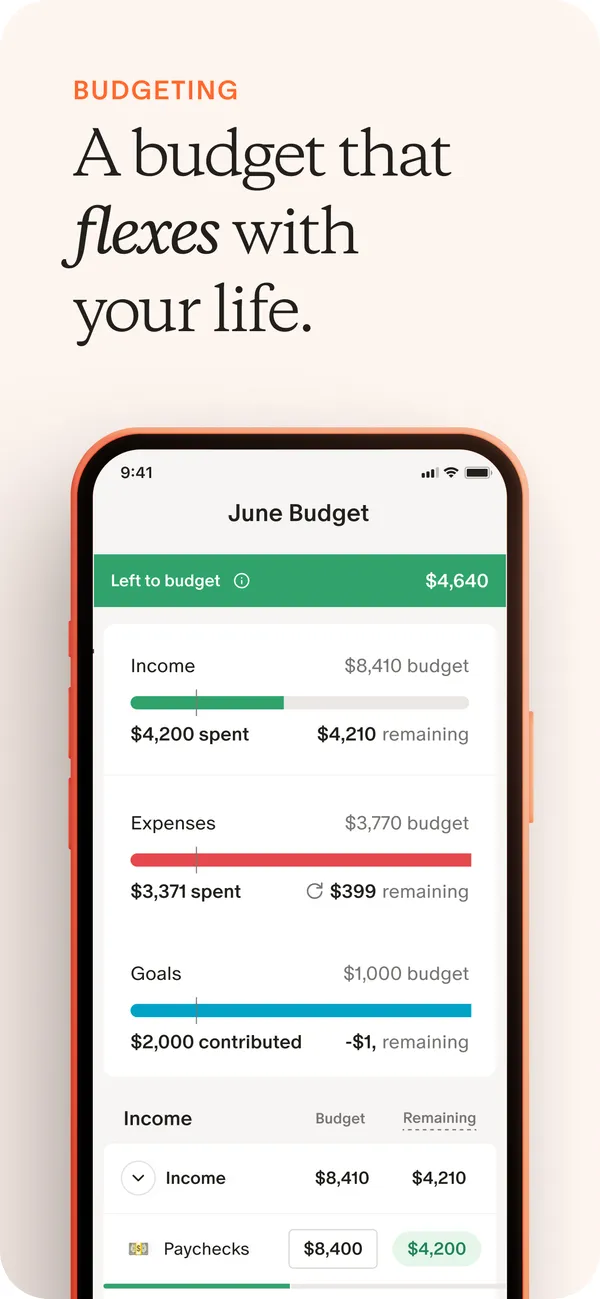
App Store marketing imageApp Store image with the headline "A budget that flexes with your life" showing the June Budget screen.App Store listing, as of 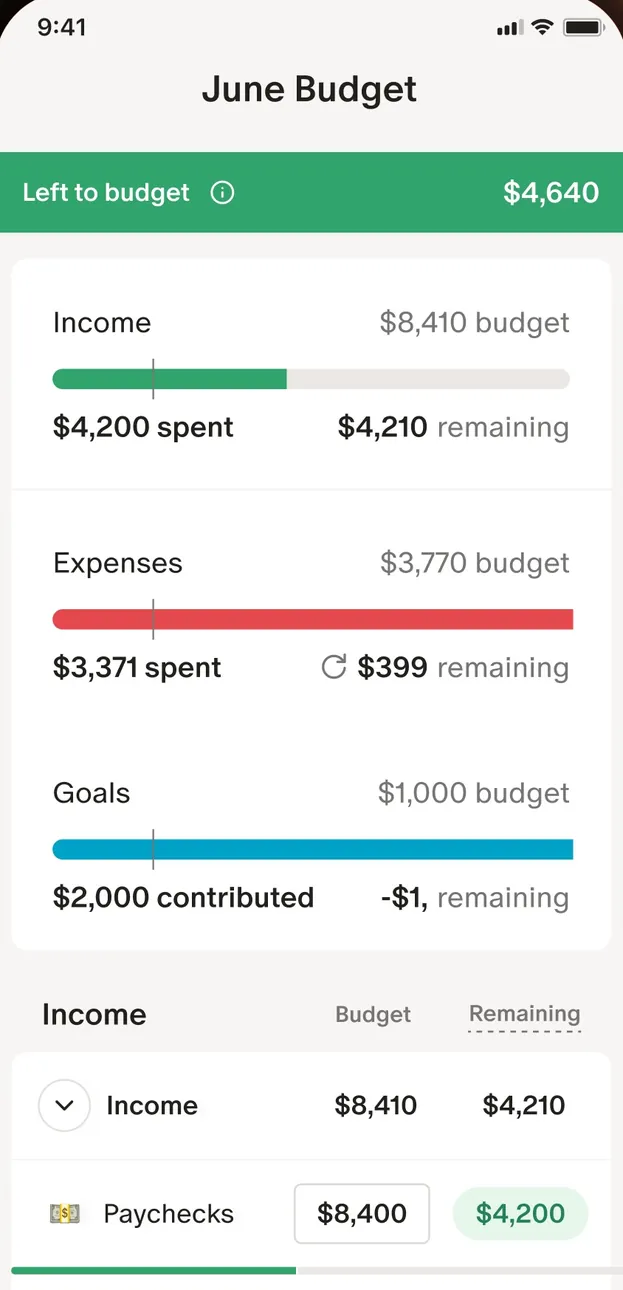
App Store marketing imageThe June Budget screen: $4,640 left to budget, then Income, Expenses and Goals bars and an Income table.App Store listing, as of 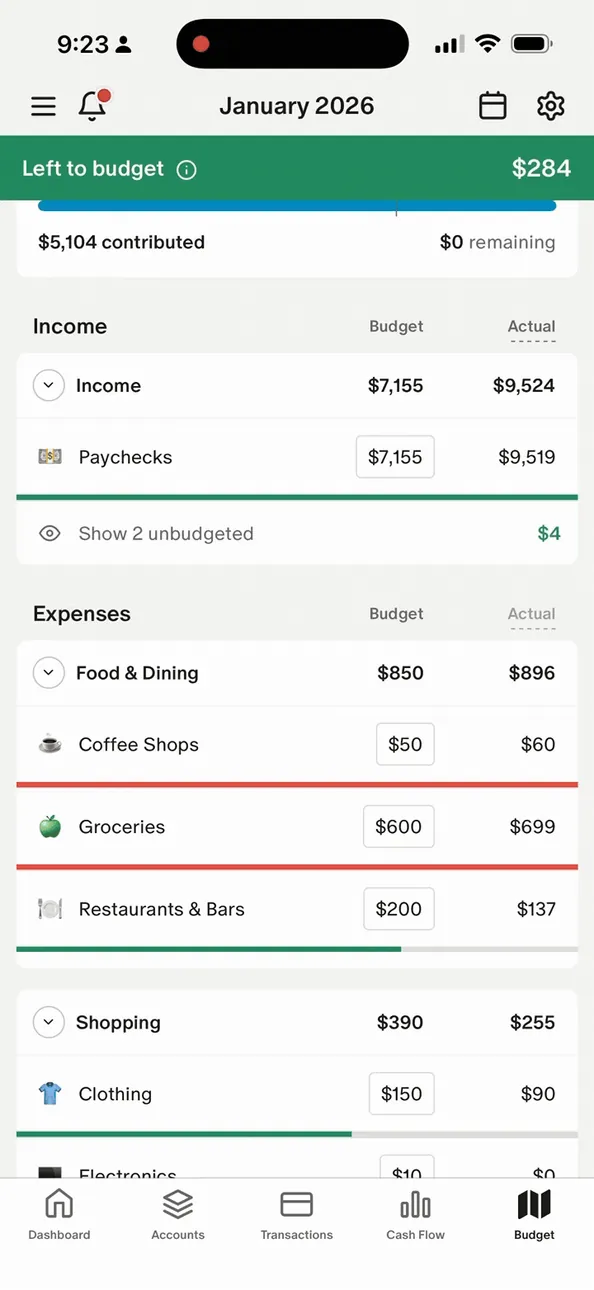
From Monarch Money's help centerThe mobile January 2026 budget with Left to budget at the top and Income and Expenses tables.help.monarch.com, as of 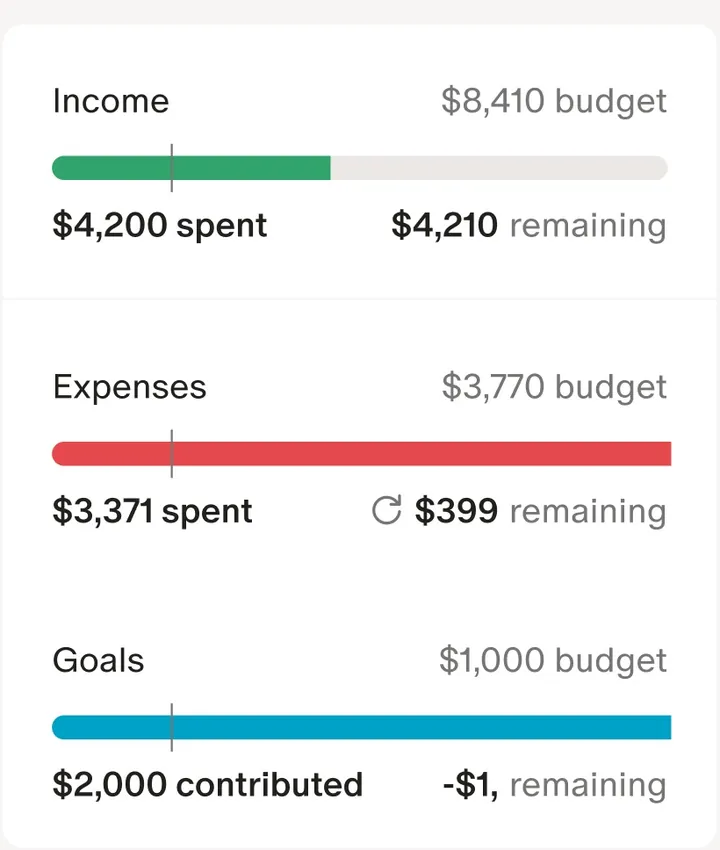
App Store marketing imageThree budget bars for Income, Expenses and Goals, each with spent or contributed and remaining amounts.App Store listing, as of 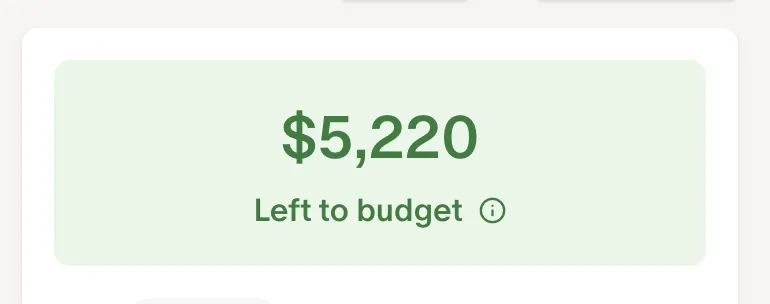
From Monarch Money's help centerA green card reading $5,220 Left to budget.help.monarch.com, as of 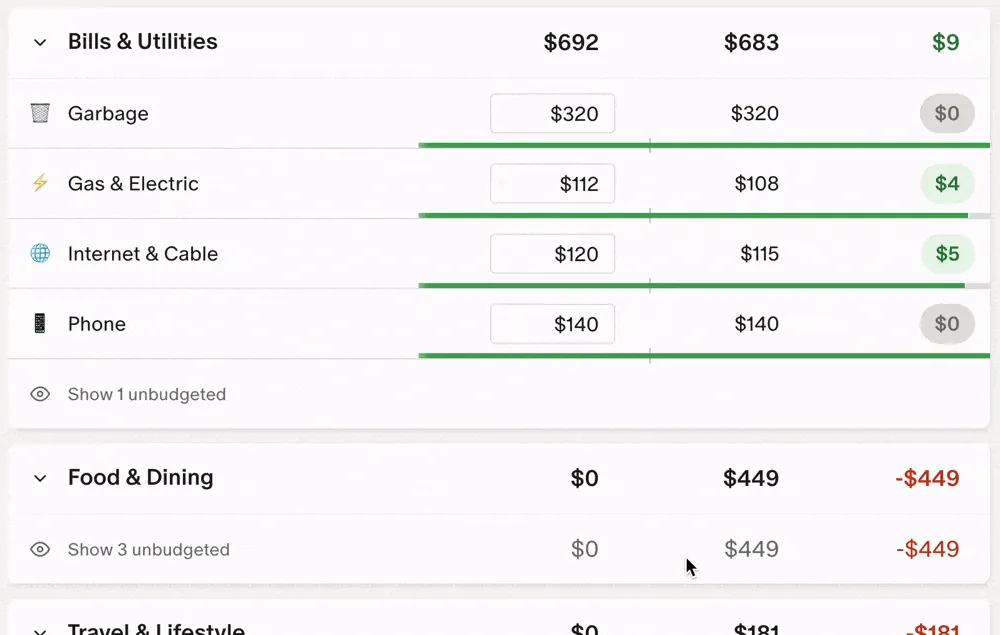
From Monarch Money's help centerBudget rows under Bills & Utilities and Food & Dining with budget, actual and remaining columns and progress bars.help.monarch.com, as of

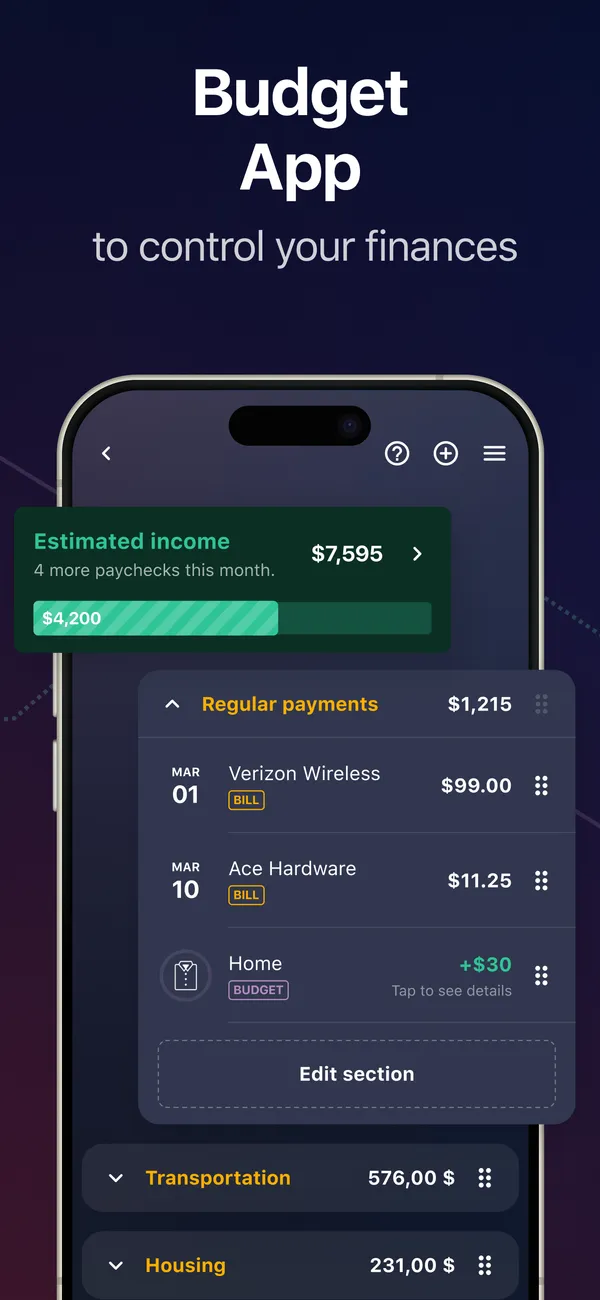
App Store marketing imageApp Store image with the headline "Budget App to control your finances" showing estimated income and Regular payments.App Store listing, as of 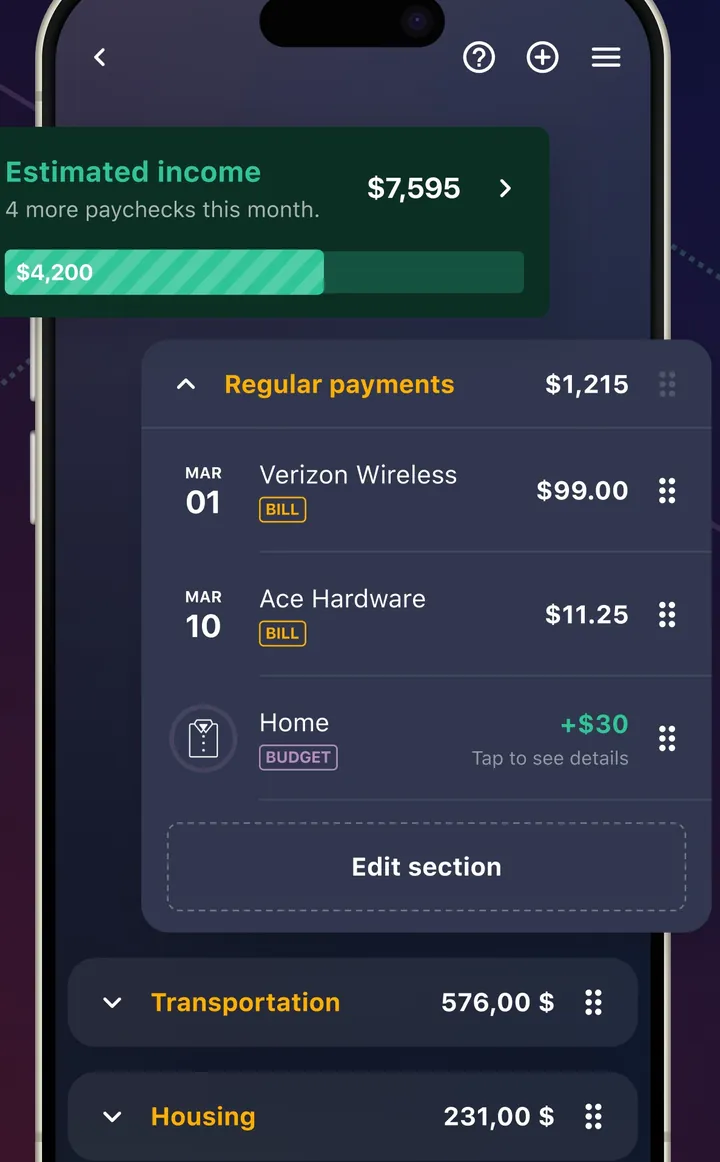
App Store marketing imageA plan screen with Estimated income and a Regular payments section listing bills with dates and amounts.App Store listing, as of 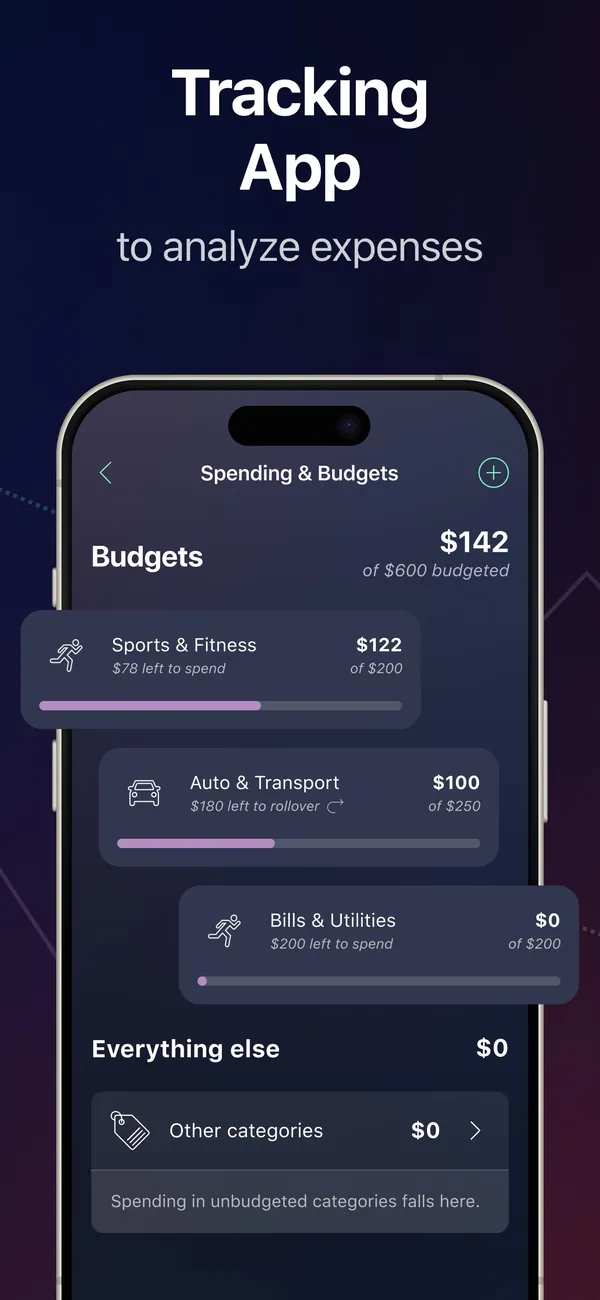
App Store marketing imageApp Store image with the headline "Tracking App to analyze expenses" showing a Spending & Budgets screen.App Store listing, as of 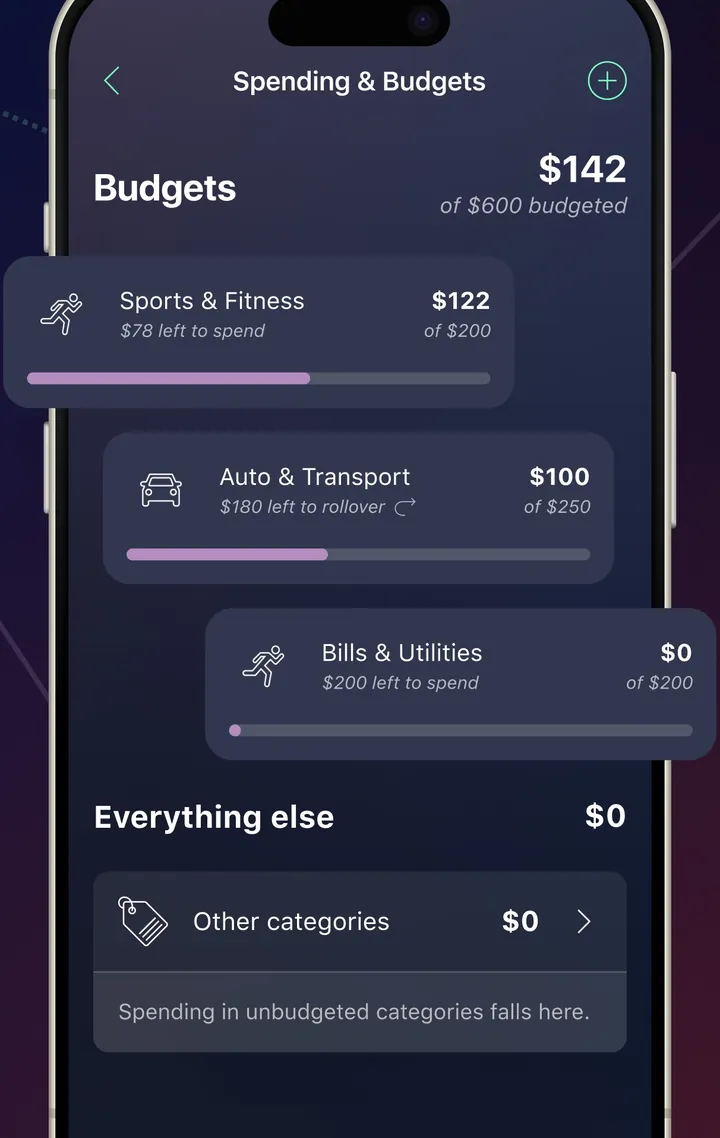
App Store marketing imageA Spending & Budgets screen with category budgets and amounts left to spend.App Store listing, as of 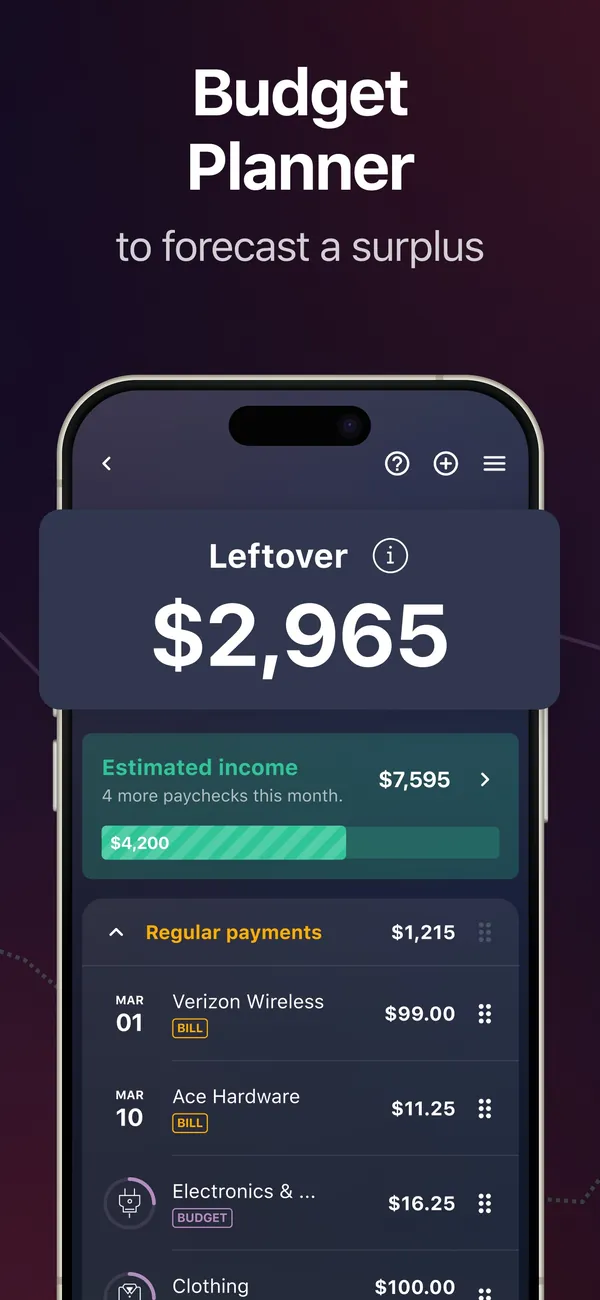
App Store marketing imageApp Store image with the headline "Budget Planner to forecast a surplus" showing a Leftover of $2,965.App Store listing, as of 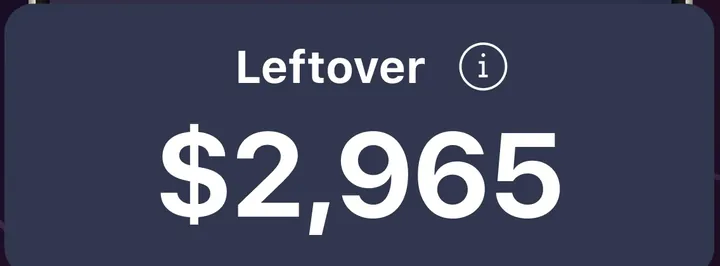
App Store marketing imageA Leftover card showing $2,965.App Store listing, as of

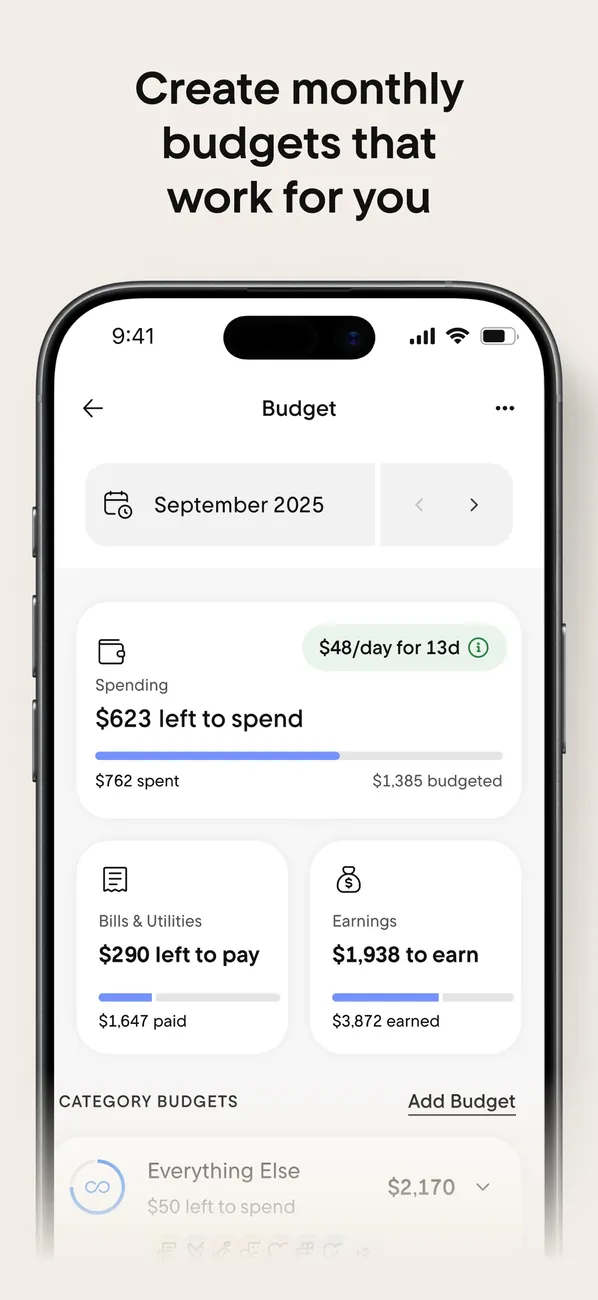
App Store marketing imageApp Store image with the headline "Create monthly budgets that work for you" showing the Budget screen for September 2025.App Store listing, as of 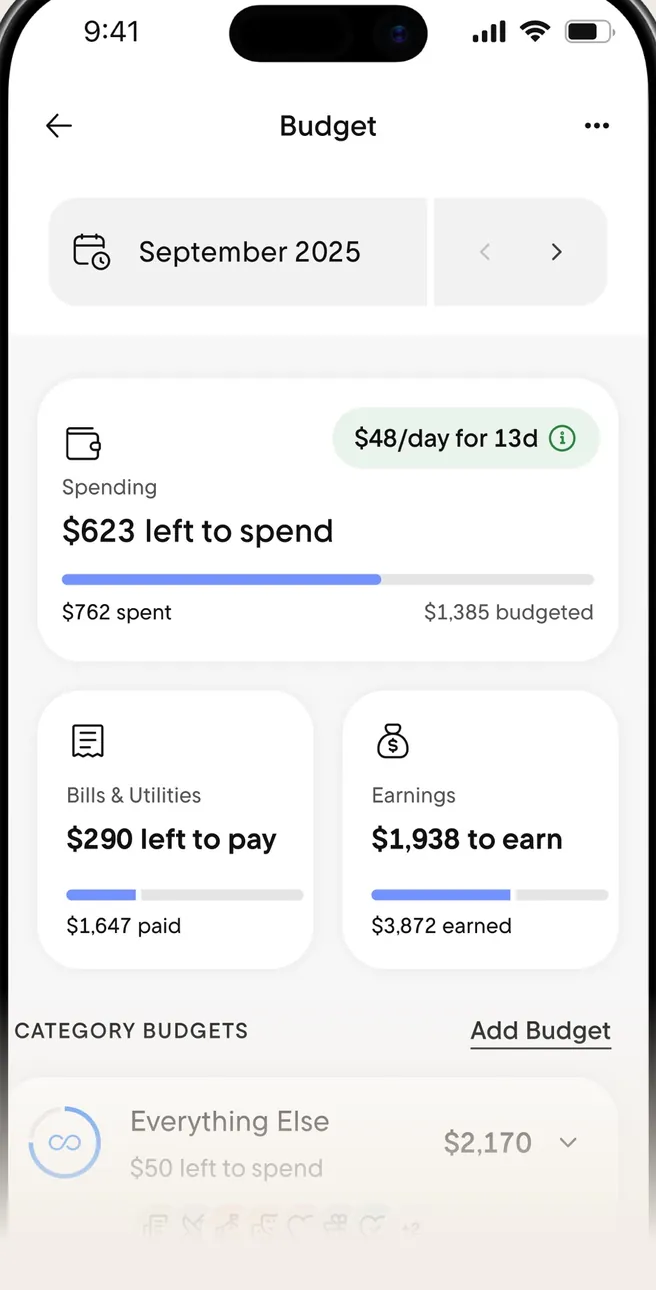
App Store marketing imageThe Budget screen: $623 left to spend, Bills & Utilities and Earnings cards, and Category Budgets.App Store listing, as of 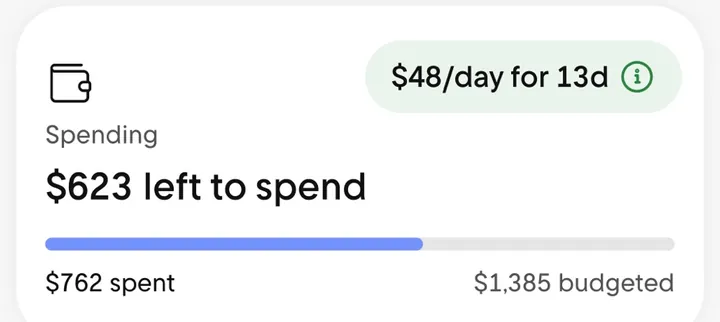
App Store marketing imageA Spending card reading $623 left to spend with a progress bar and a $48/day for 13d note.App Store listing, as of
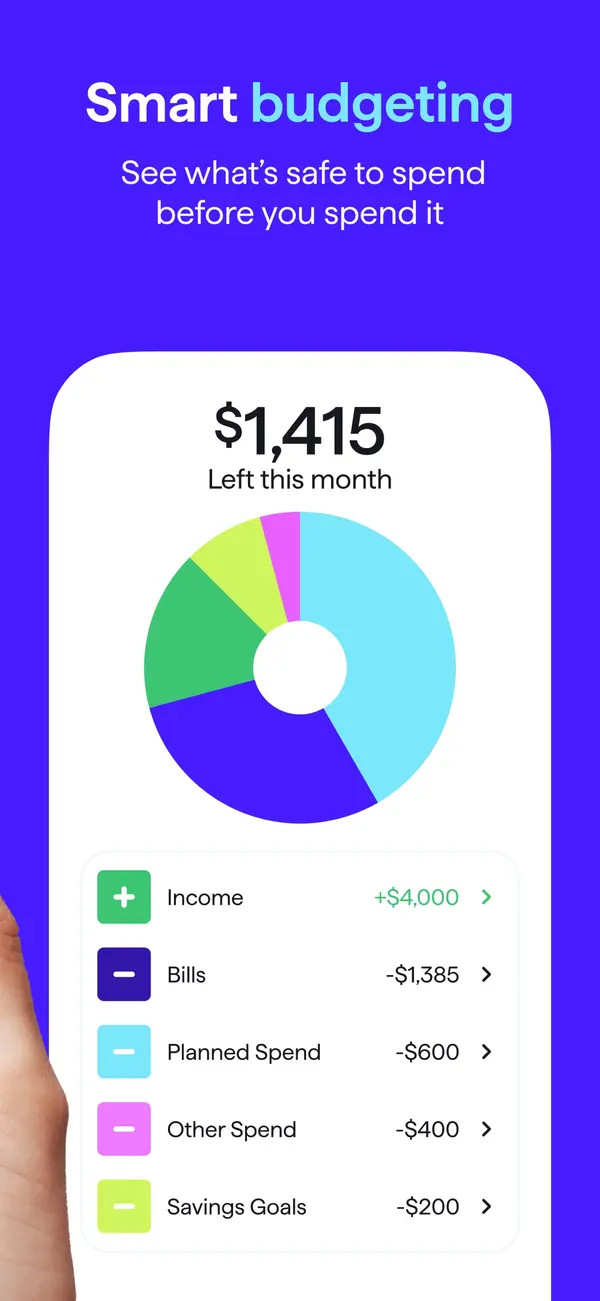
App Store marketing imageApp Store image with the headline "Smart budgeting" showing $1,415 left this month with a donut chart and spending plan rows.App Store listing, as of 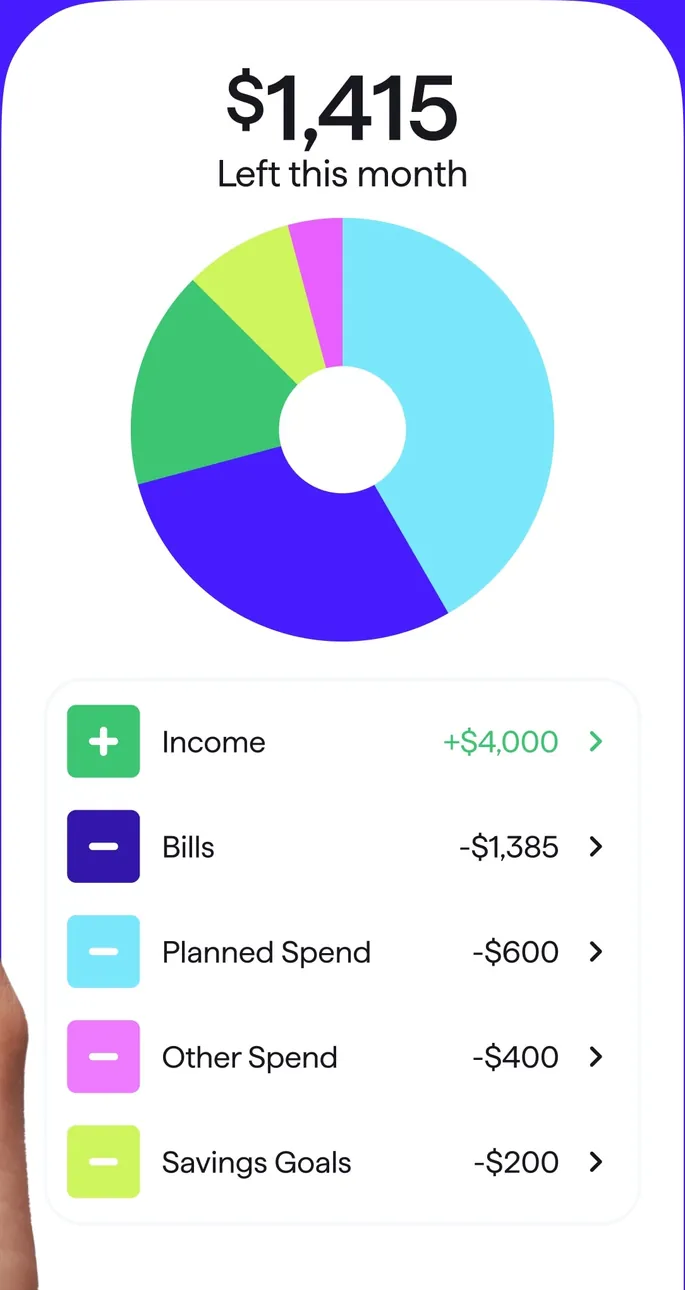
App Store marketing imageA spending plan card: $1,415 left this month, a donut chart, and Income, Bills, Planned Spend, Other Spend and Savings Goals rows.App Store listing, as of 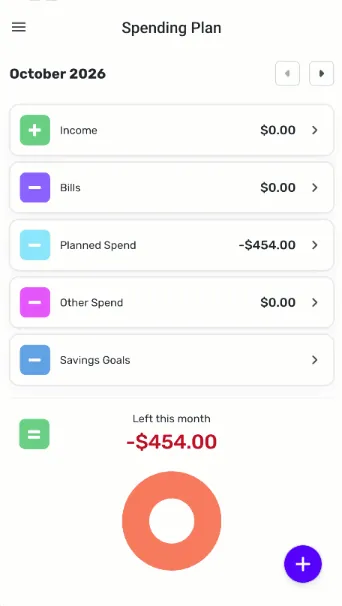
From Simplifi's help centerThe mobile Spending Plan for October 2026 with Income, Bills, Planned Spend, Other Spend and Savings Goals rows and a Left this month ring.support.simplifi.quicken.com, as of 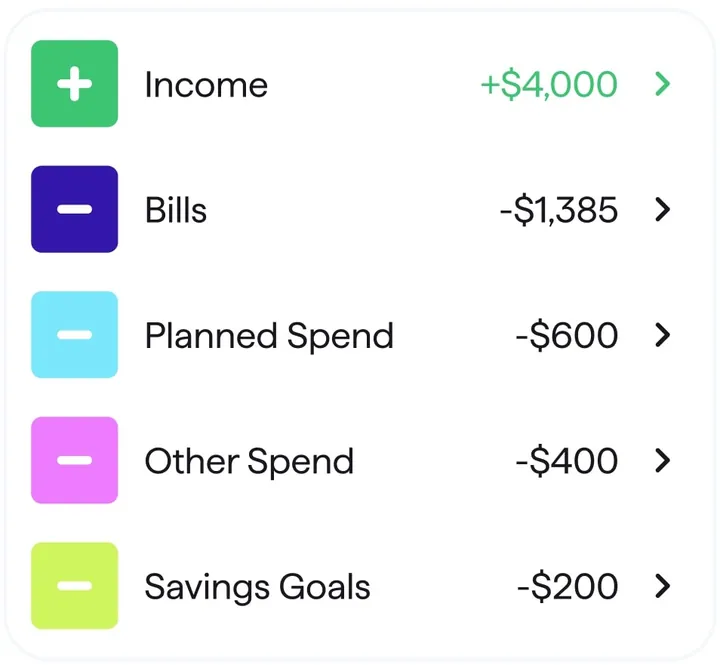
App Store marketing imageSpending plan rows for Income, Bills, Planned Spend, Other Spend and Savings Goals with amounts.App Store listing, as of 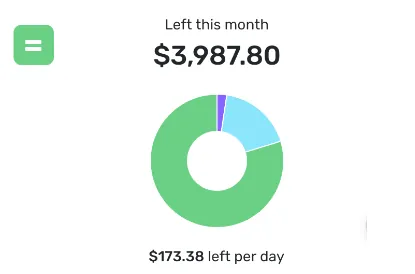
From Simplifi's help centerA Left this month card showing $3,987.80 with a ring chart and $173.38 left per day.support.simplifi.quicken.com, as of

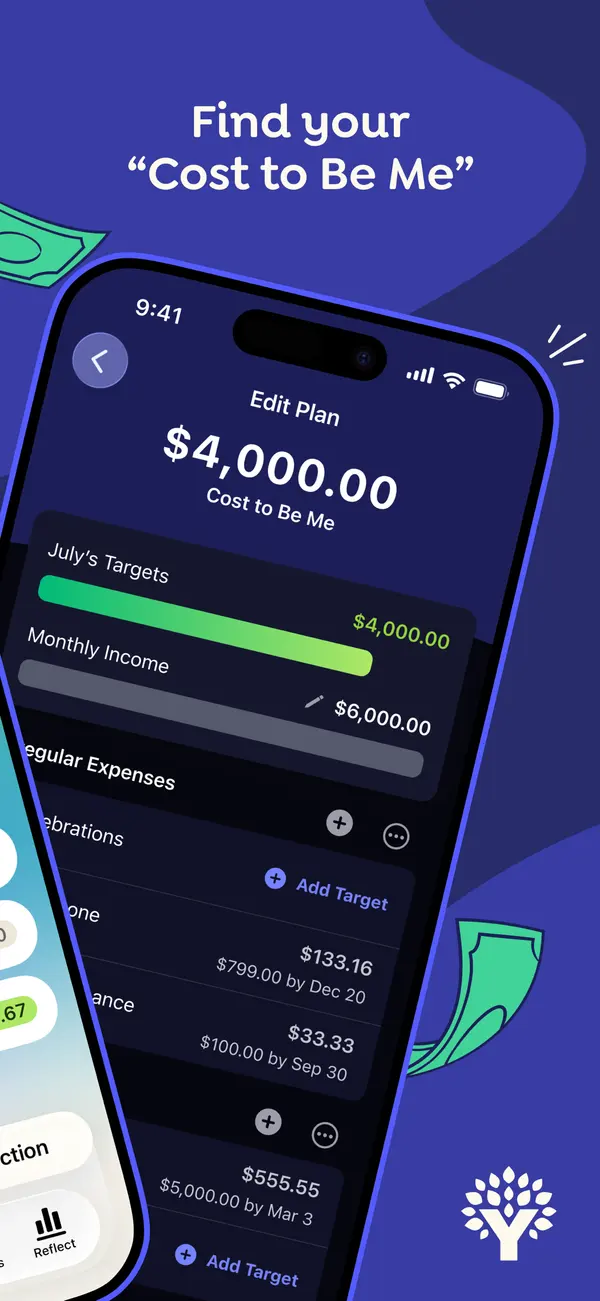
App Store marketing imageApp Store image with the headline "Find your Cost to Be Me" over a tilted phone showing an Edit Plan screen with a $4,000.00 Cost to Be Me total and July's targets.App Store listing, as of 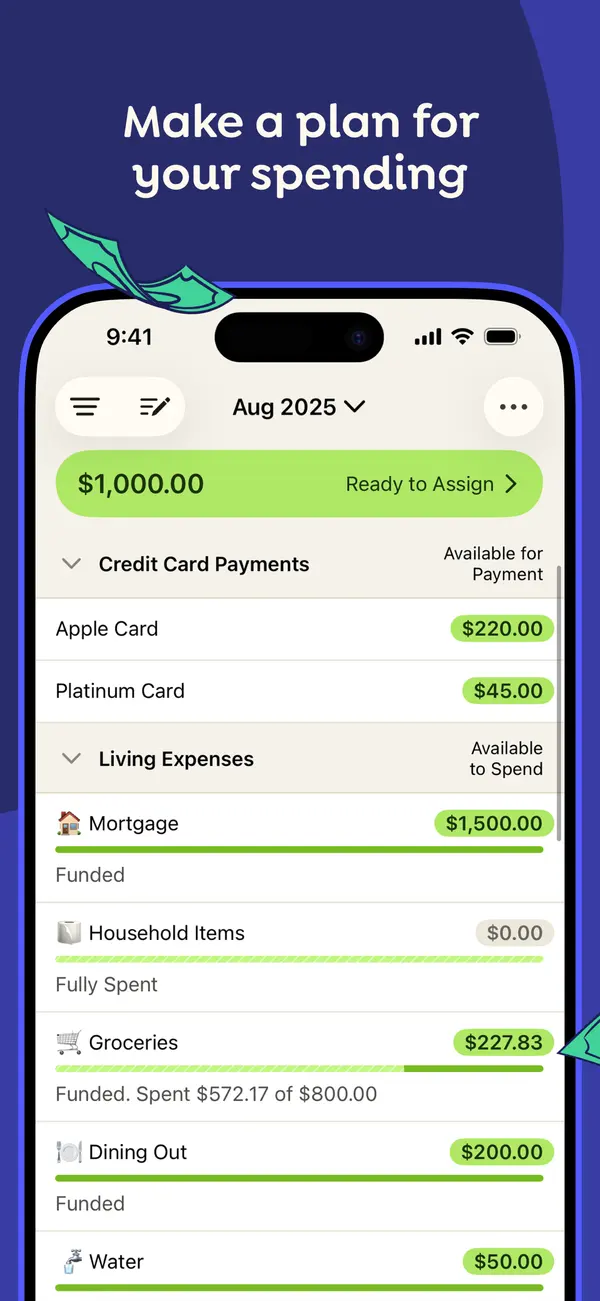
App Store marketing imageApp Store image with the headline "Make a plan for your spending" showing the August 2025 plan with Ready to Assign at the top and categories grouped under Credit Card Payments and Living Expenses.App Store listing, as of 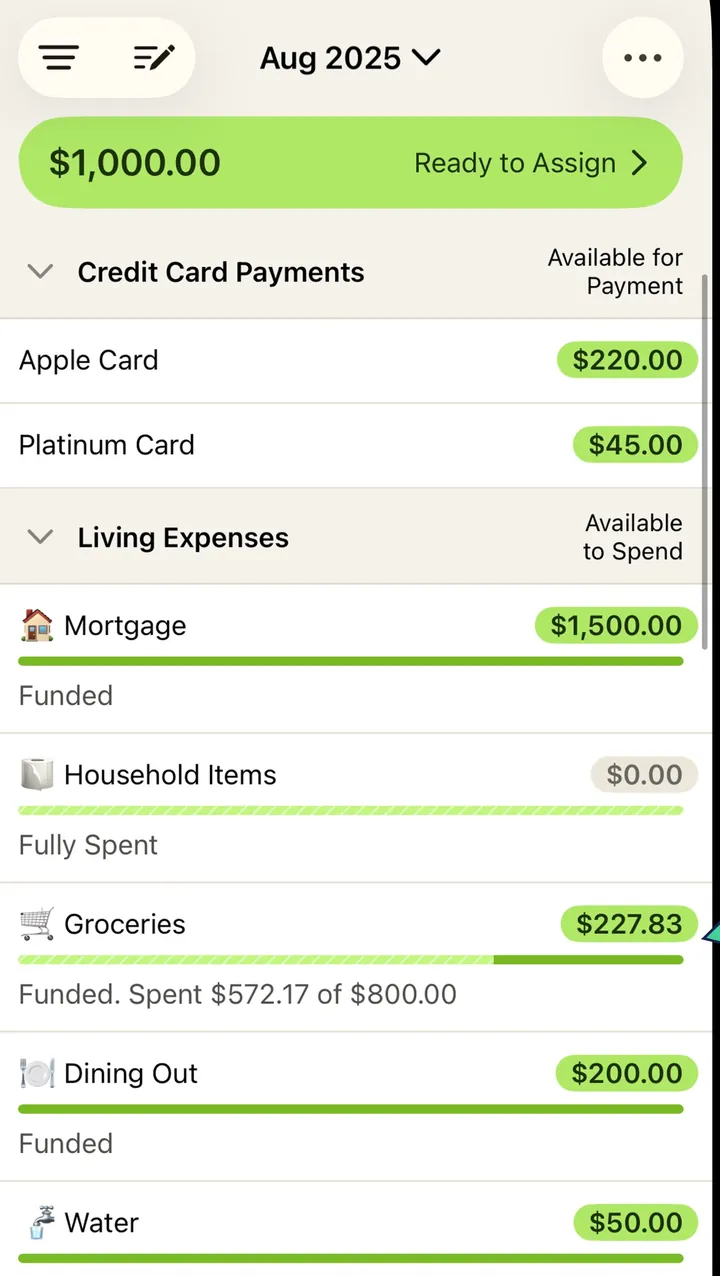
App Store marketing imageThe plan screen from that image: a green Ready to Assign bar, then category rows with amounts and progress bars.App Store listing, as of 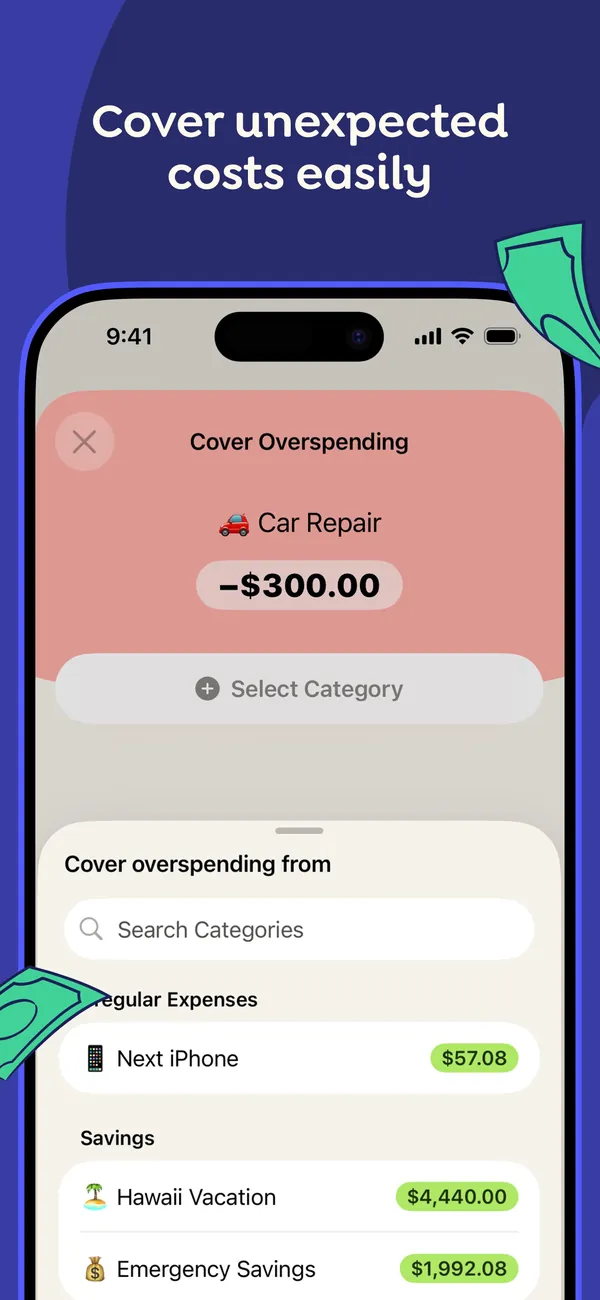
App Store marketing imageApp Store image with the headline "Cover unexpected costs easily" showing a Cover Overspending sheet for a -$300.00 Car Repair, with categories to move money from.App Store listing, as of 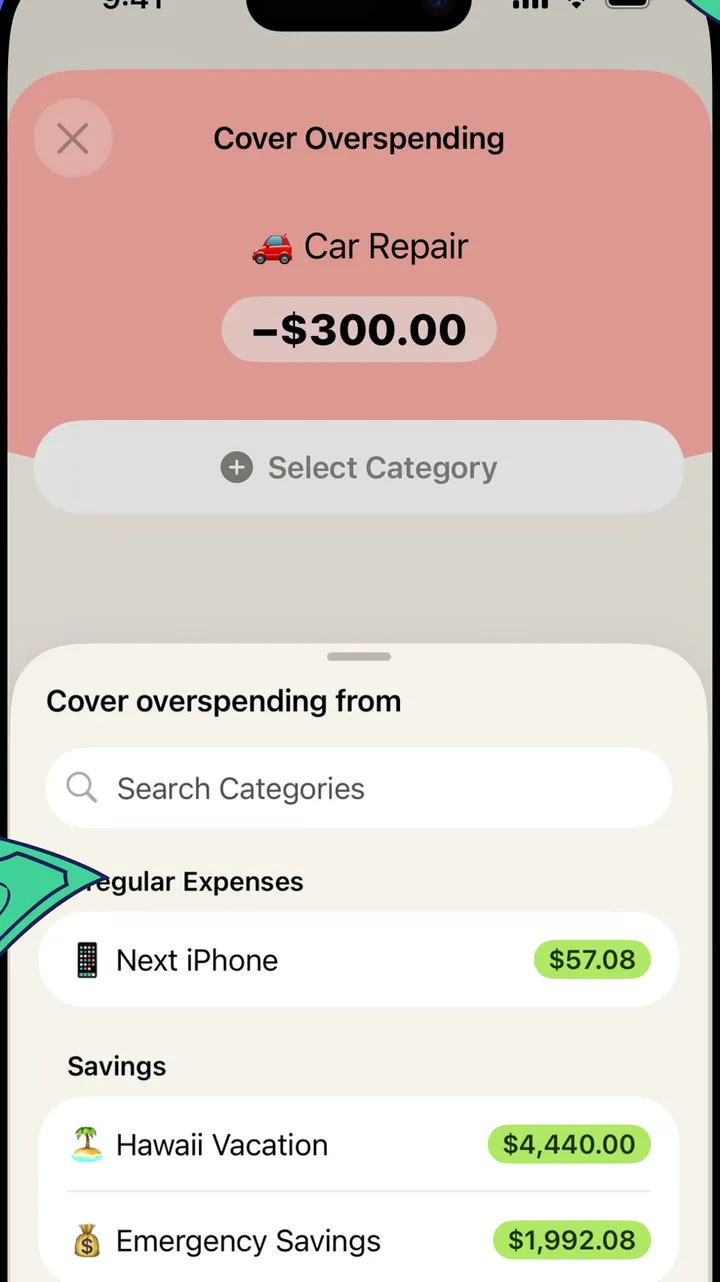
App Store marketing imageThe Cover Overspending sheet: the overspent Car Repair category on top and a searchable list of categories with available amounts below.App Store listing, as of 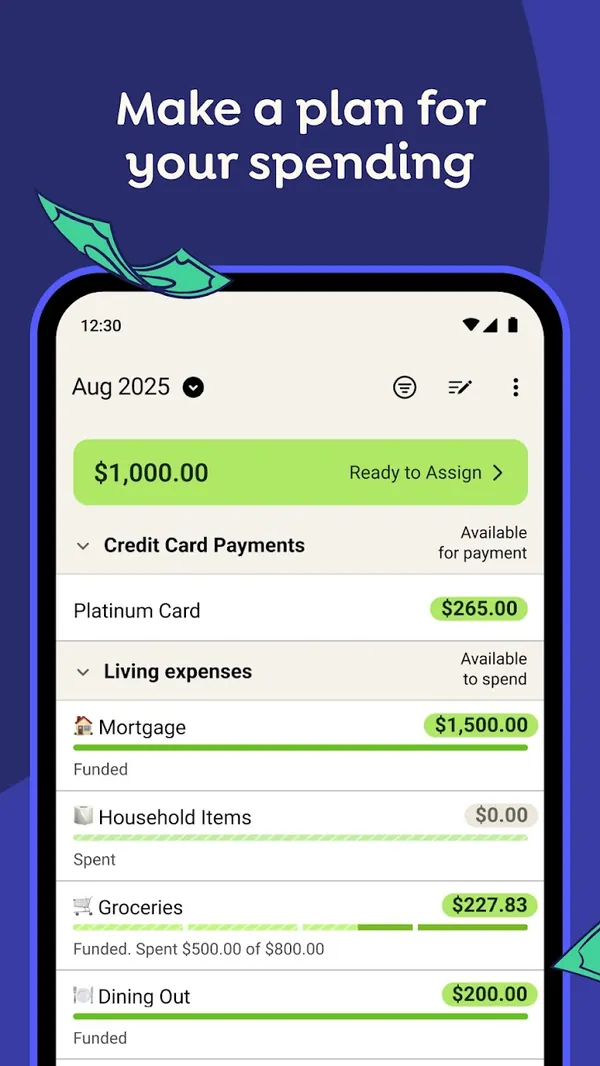
Google Play marketing imageGoogle Play image with the headline "Make a plan for your spending" showing the Android plan screen with Ready to Assign and category rows.Google Play listing, as of 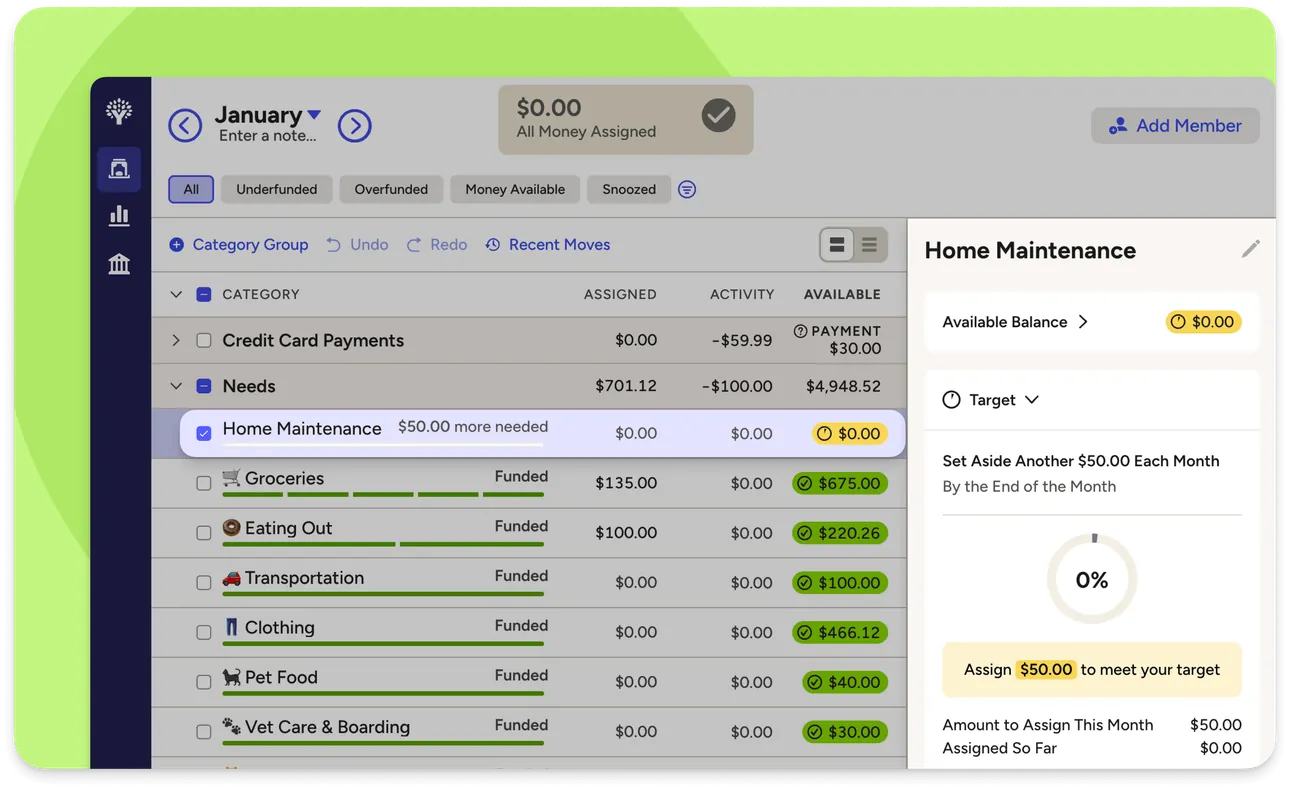
From YNAB's help centerThe web plan with category groups and a side panel for one category showing its target and the amount needed this month.support.ynab.com, as of 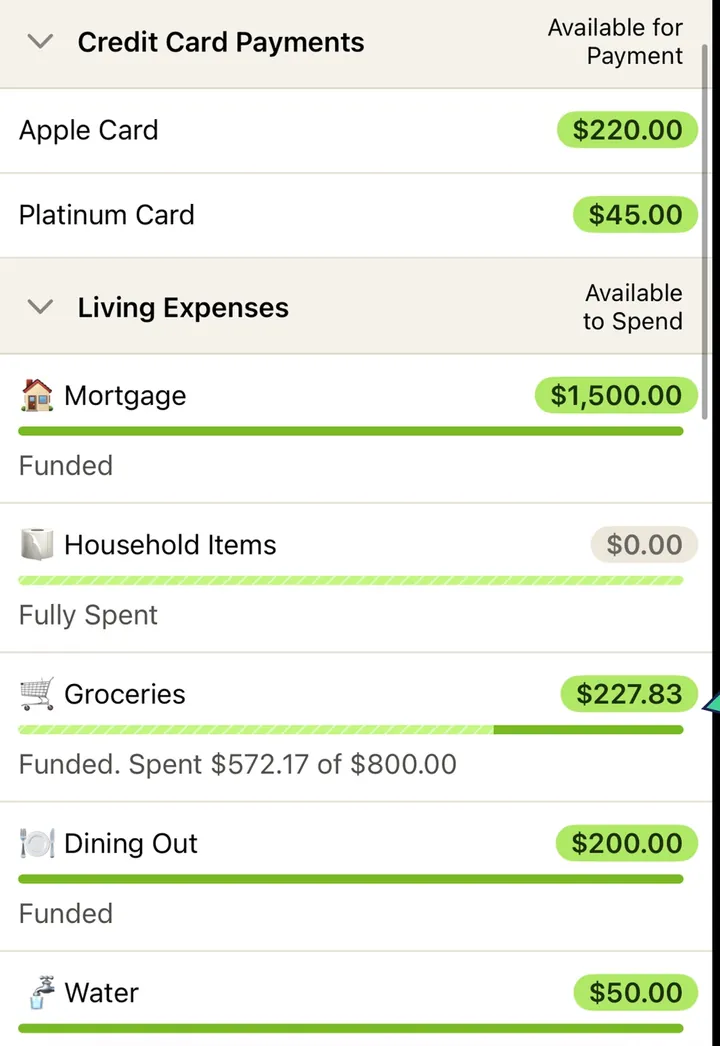
App Store marketing imageCategory rows such as Mortgage, Household Items, Groceries and Dining Out, each with an available amount and a status line like Funded or Fully Spent.App Store listing, as of 
App Store marketing imageThe green bar at the top of the plan reading $1,000.00 Ready to Assign.App Store listing, as of 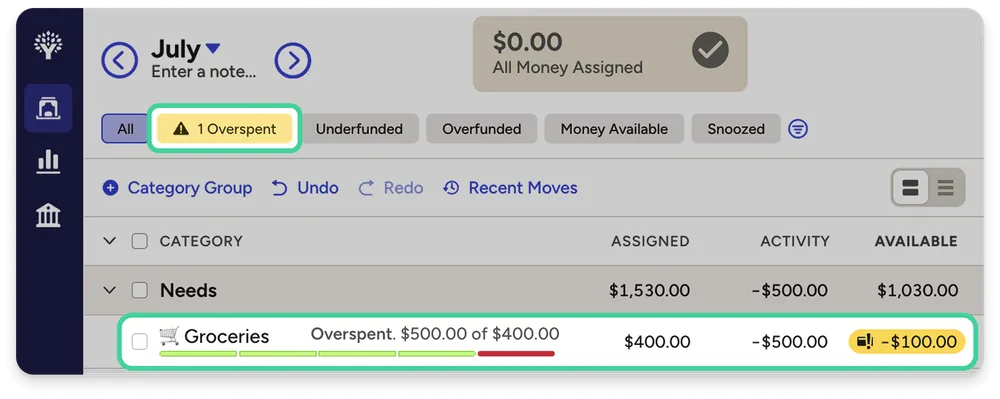
From YNAB's help centerA web plan row for Groceries marked Overspent, with a red available amount of -$100.00.support.ynab.com, as of
This is education, not financial advice.