Screen by screen
What bank apps look like inside
288 images from 16 bank apps, grouped by task so you can compare how each one handles the same job. Every image shows where we found it, with the date.
App Store, Google Play and bank website images are the banks' own marketing, so names and balances are sample data. Help center images come from each bank's support pages; Bank of America's mark where to tap with green circles. Where screens come from.
Home and accounts

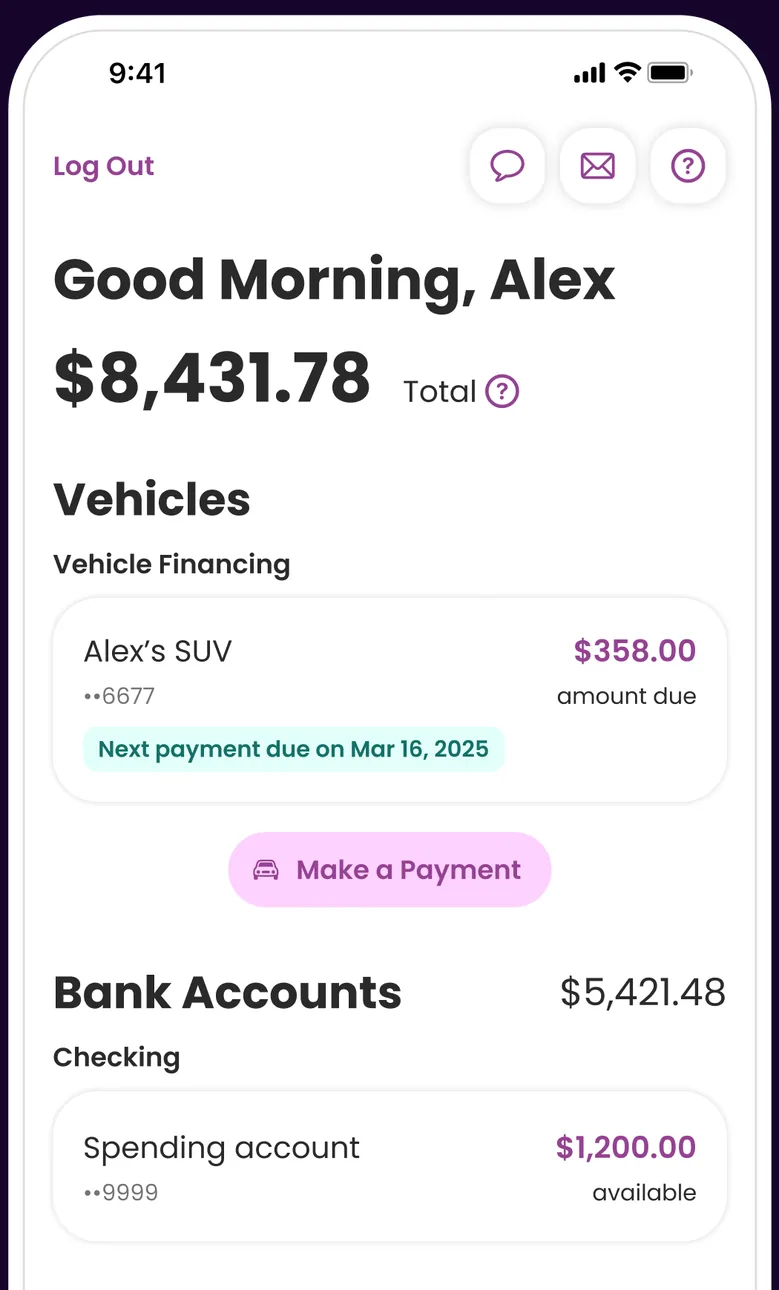
App Store marketing imageA Good Morning, Alex home screen showing $8,431.78 total, a Vehicles section with a $358.00 amount due and a Make a Payment button, and a Bank Accounts section.App Store listing, as of 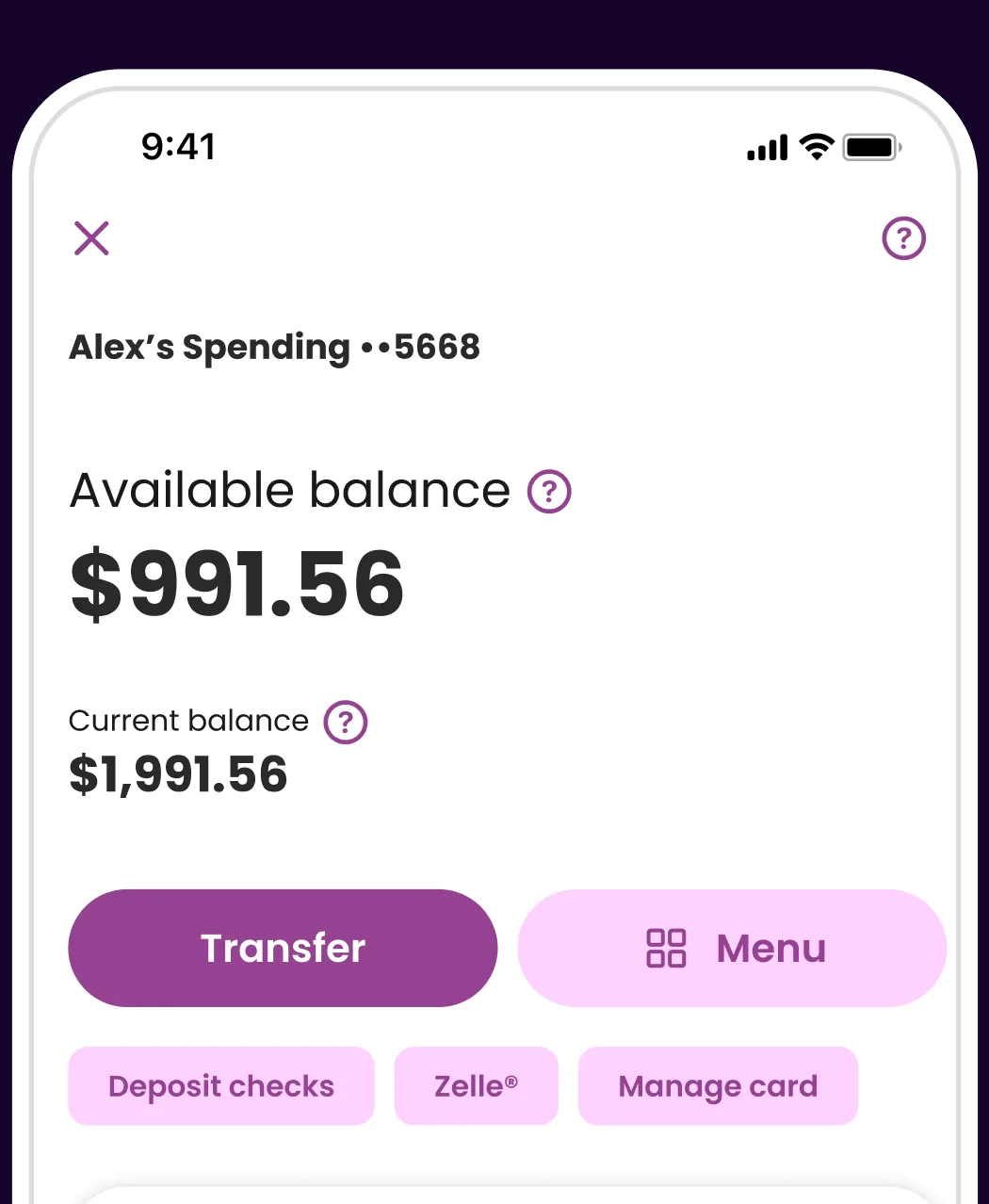
App Store marketing imageA spending account screen showing a $991.56 available balance, a $1,991.56 current balance, Transfer and Menu buttons and shortcuts for deposit checks, Zelle and manage card.App Store listing, as of 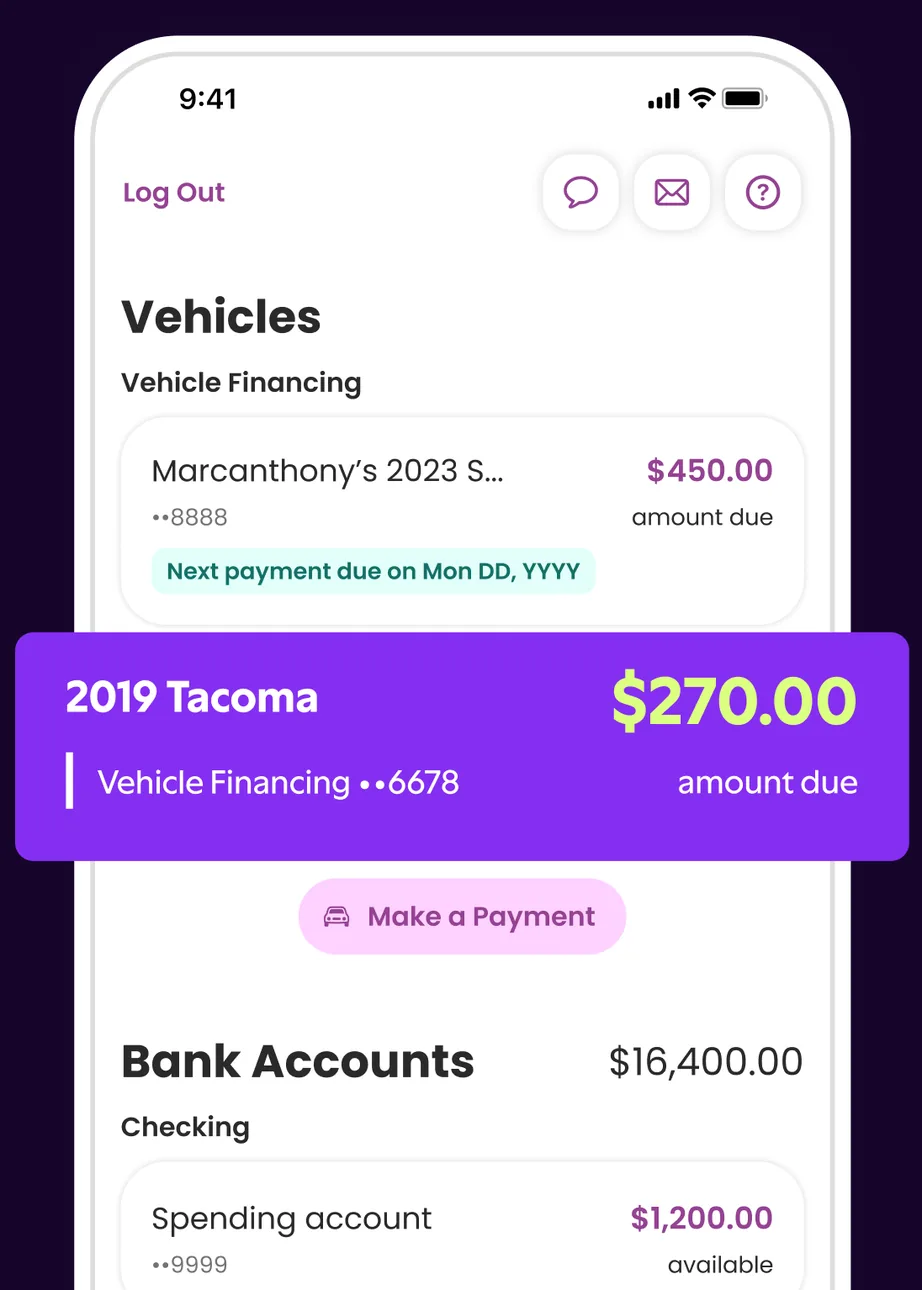
App Store marketing imageA home screen Vehicles section listing a vehicle loan with an amount due and a highlighted 2019 Tacoma loan with $270.00 due, above Bank Accounts.App Store listing, as of 
App Store marketing imageA Good Morning, Alex greeting above an $8,431.78 total.App Store listing, as of 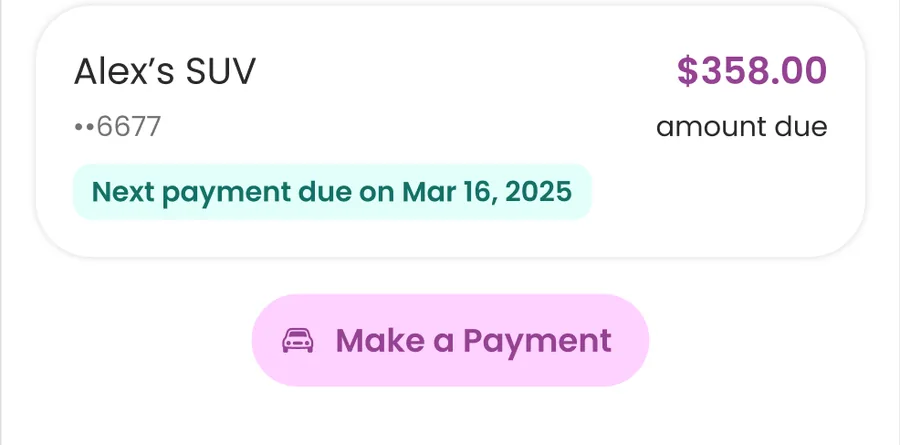
App Store marketing imageA vehicle financing card showing $358.00 amount due with a next payment date and a Make a Payment button.App Store listing, as of 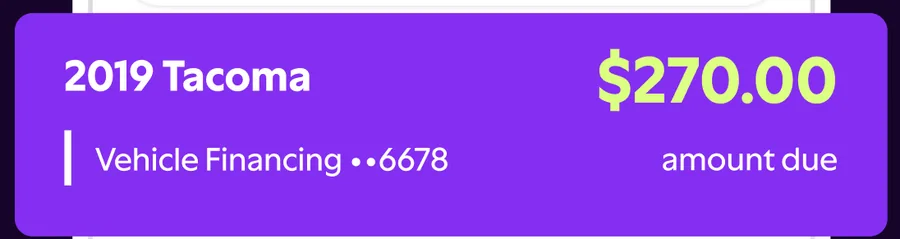
App Store marketing imageA 2019 Tacoma vehicle financing card showing $270.00 amount due.App Store listing, as of
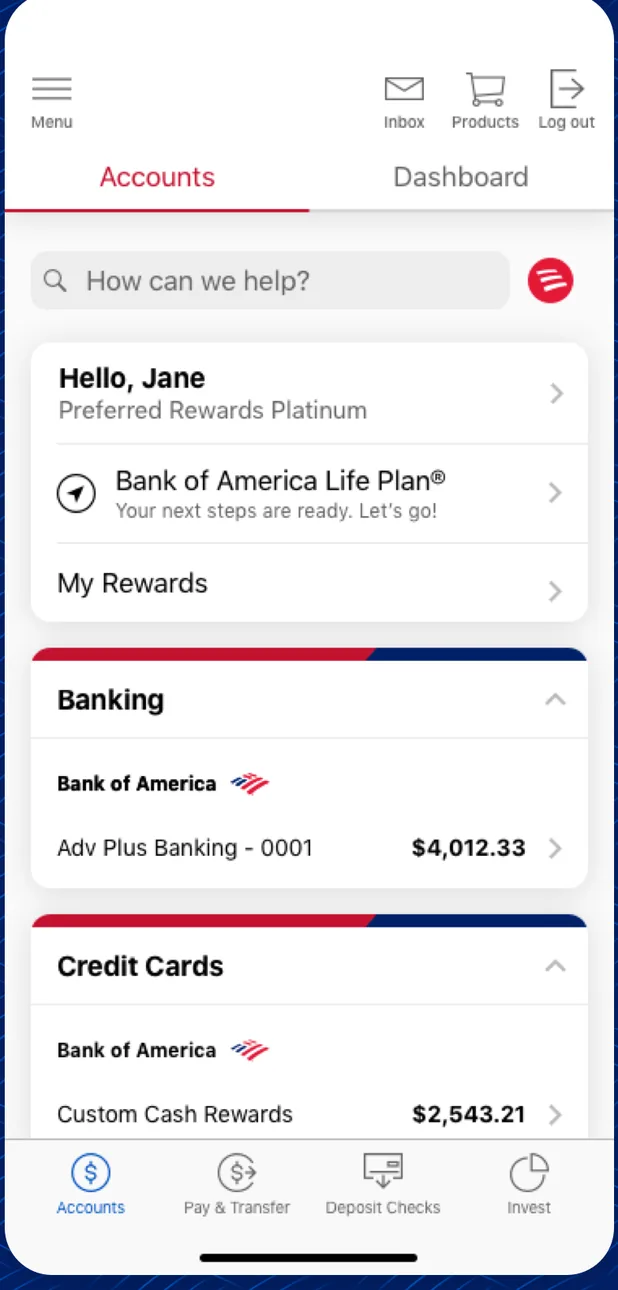
App Store marketing imageAn Accounts tab greeting Jane with a search bar, rewards links, a Banking section with an Adv Plus Banking balance of $4,012.33, and a Credit Cards section.App Store listing, as of 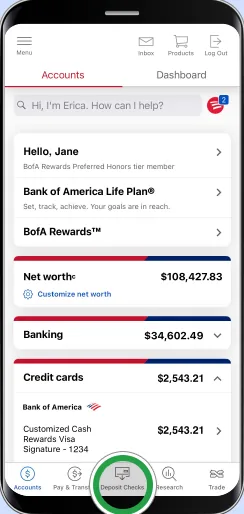
From Bank of America's help centerAn Accounts tab with a search bar reading Hi, I'm Erica. How can I help?, net worth of $108,427.83, Banking at $34,602.49 and Credit cards, with a green circle on the Deposit Checks tab. The green circles are Bank of America's own tap-target markers from its help pages, not part of the app.info.bankofamerica.com, as of 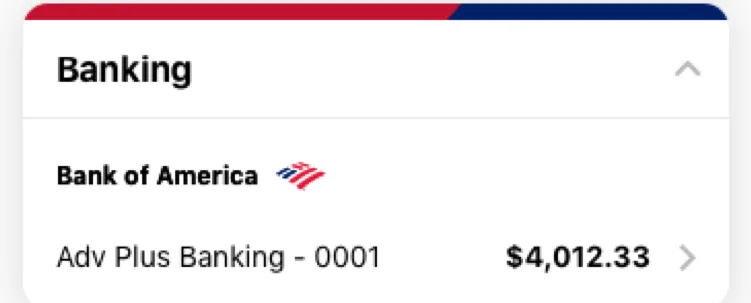
App Store marketing imageA Banking card listing an Adv Plus Banking account with a $4,012.33 balance.App Store listing, as of 
App Store marketing imageA bottom tab bar with Accounts, Pay and Transfer, Deposit Checks and Invest tabs.App Store listing, as of

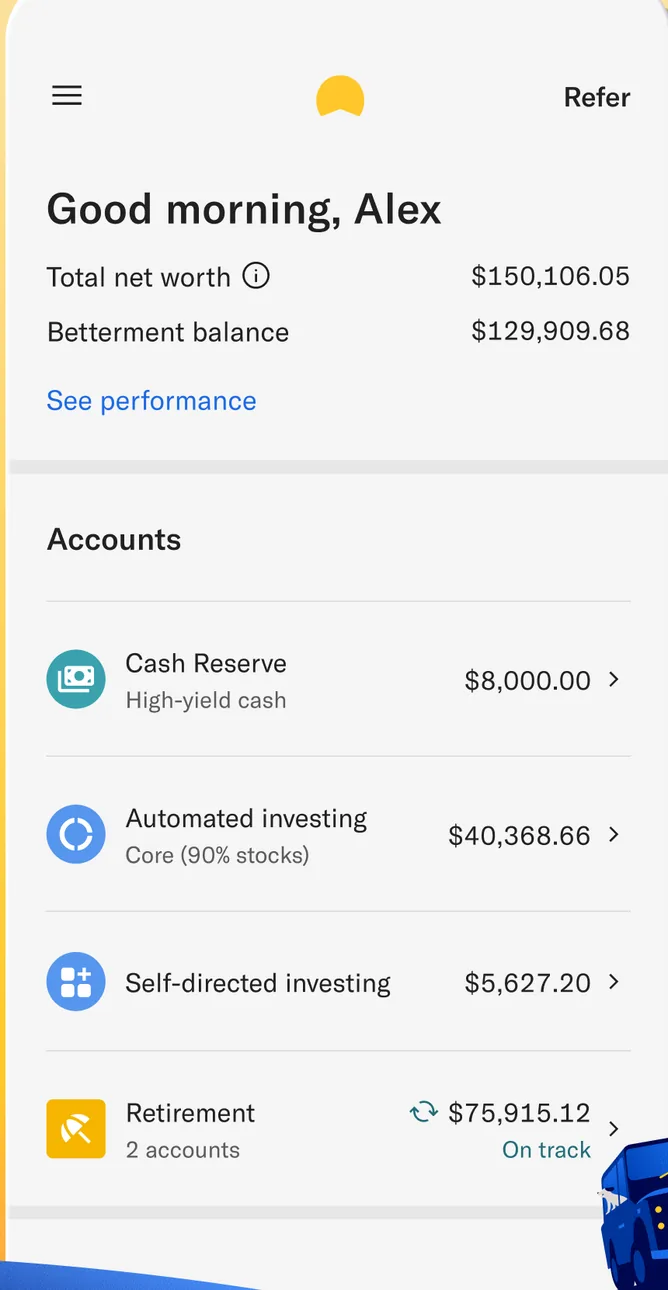
App Store marketing imageA Good morning, Alex home screen with total net worth and Betterment balance, and an Accounts list with Cash Reserve, Automated Investing, Self-directed investing and Retirement.App Store listing, as of 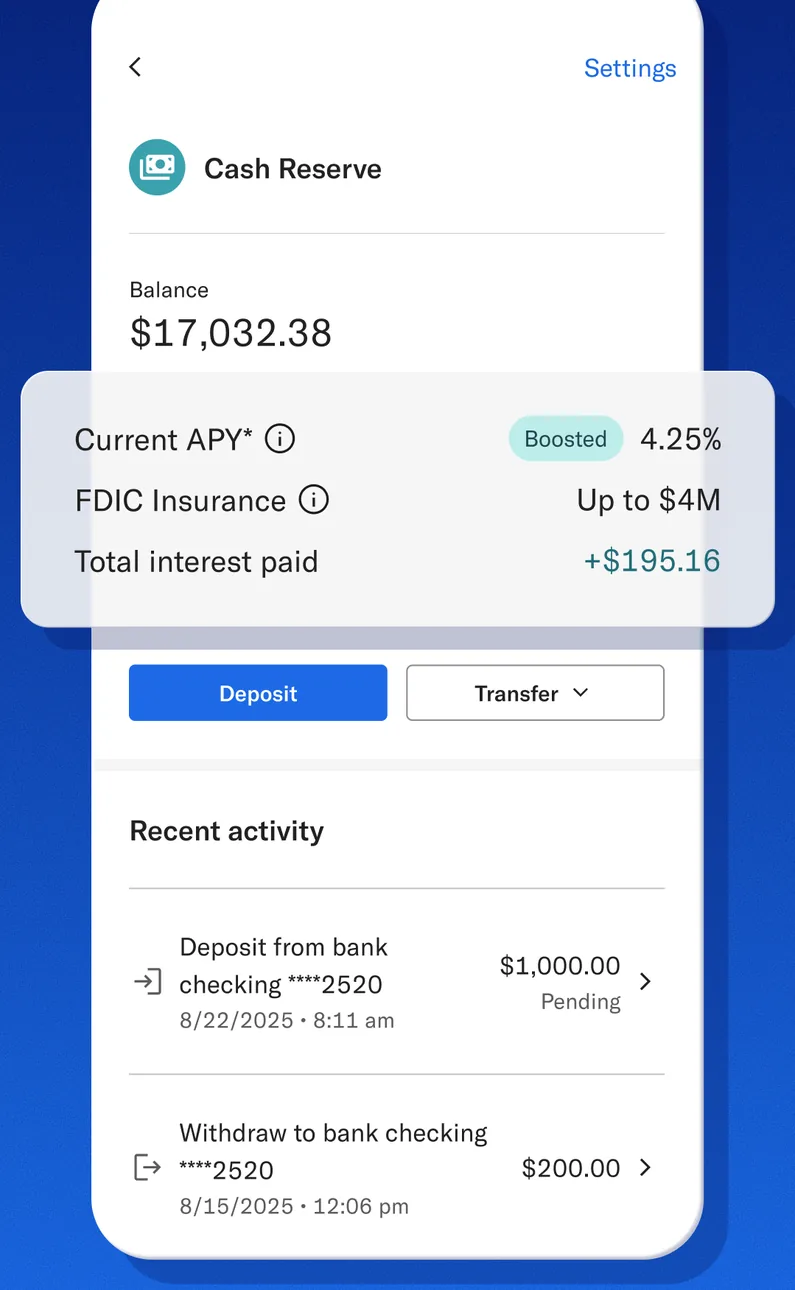
App Store marketing imageA Cash Reserve screen showing a $17,032.38 balance, current APY, FDIC insurance and total interest paid, Deposit and Transfer buttons, and recent activity.App Store listing, as of 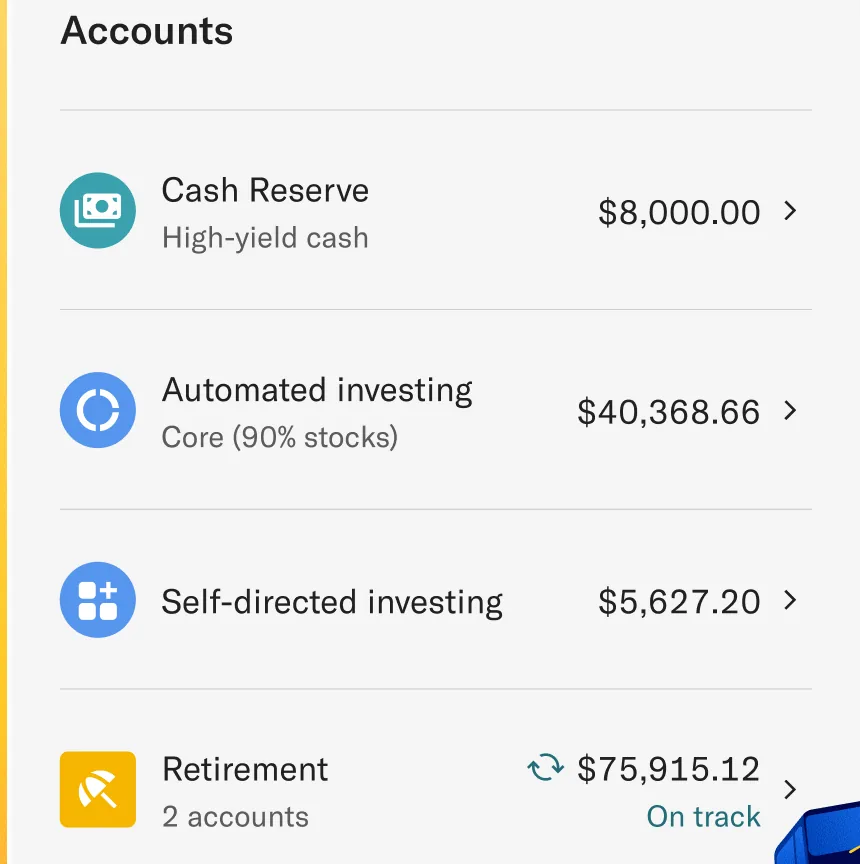
App Store marketing imageAn Accounts list with Cash Reserve at $8,000.00, Automated investing at $40,368.66, Self-directed investing at $5,627.20 and Retirement at $75,915.12.App Store listing, as of 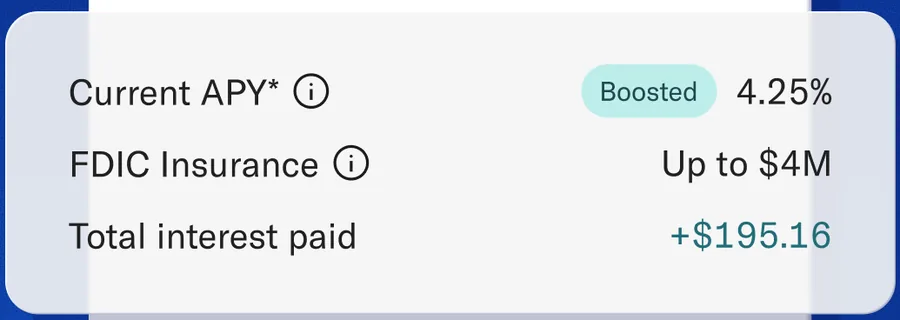
App Store marketing imageA card showing current APY of 4.25% boosted, FDIC insurance up to $4M and $195.16 total interest paid.App Store listing, as of 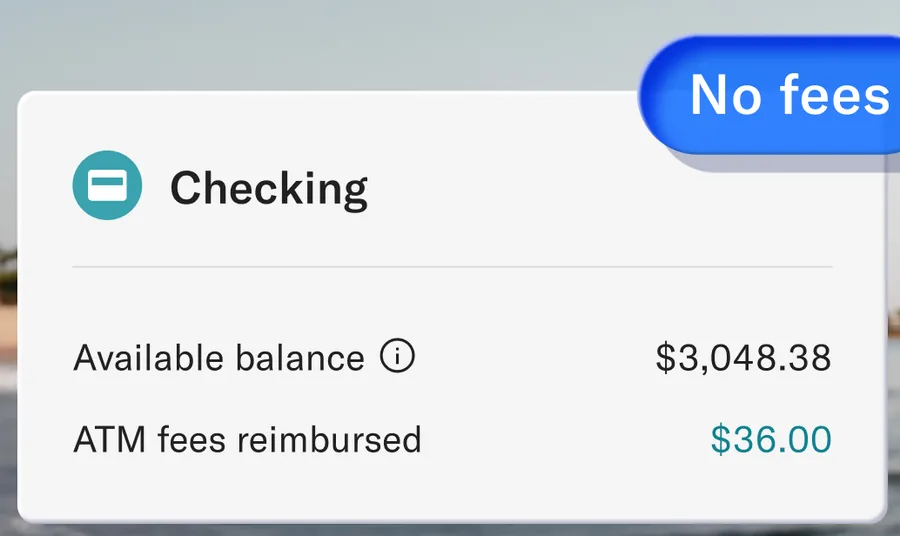
From Betterment's websiteA Checking card showing a $3,048.38 available balance and $36.00 in ATM fees reimbursed, with a No fees label.betterment.com, as of

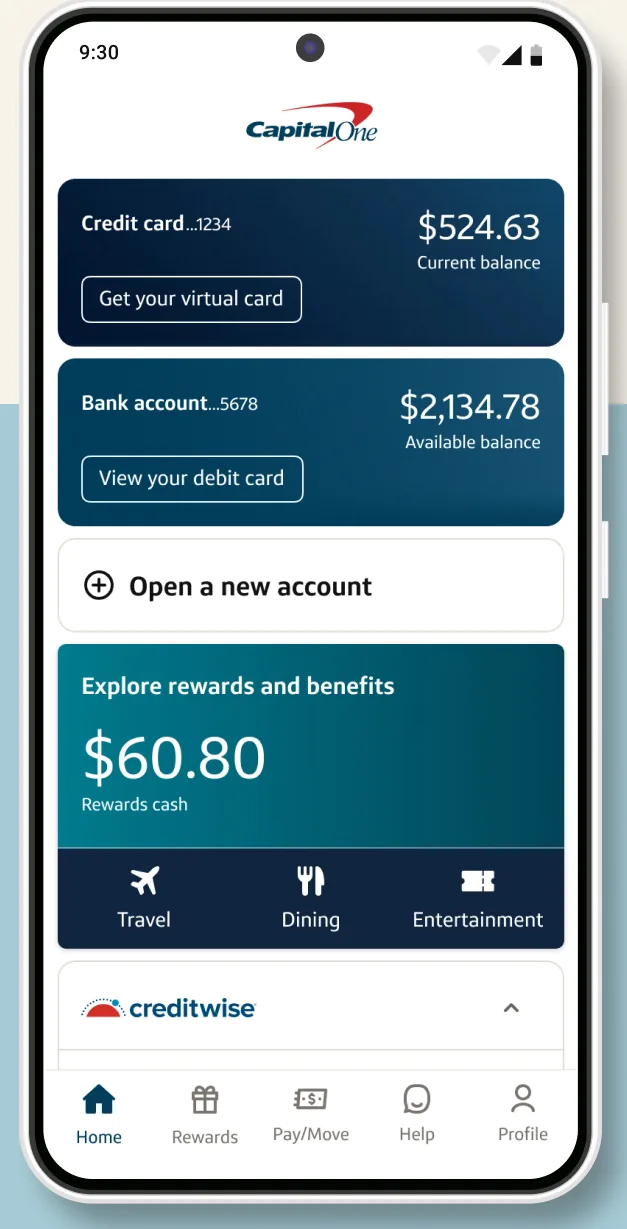
Google Play marketing imageA home screen with a credit card balance of $524.63, a bank account balance of $2,134.78, an Open a new account link and a rewards tile showing $60.80.Google Play listing, as of 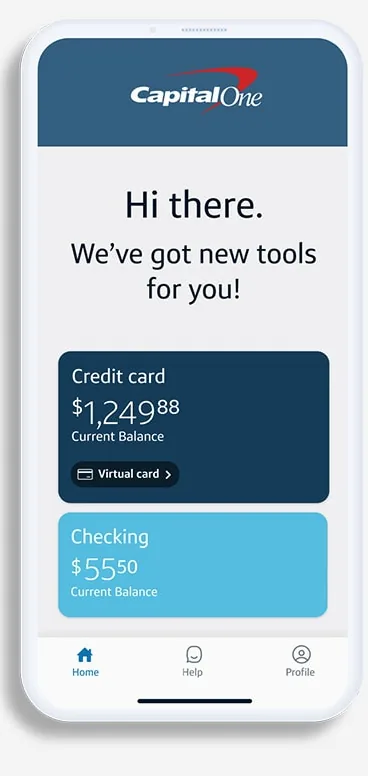
From Capital One's websiteA home screen saying Hi there. We've got new tools for you! with a credit card tile and a checking tile.capitalone.com, as of 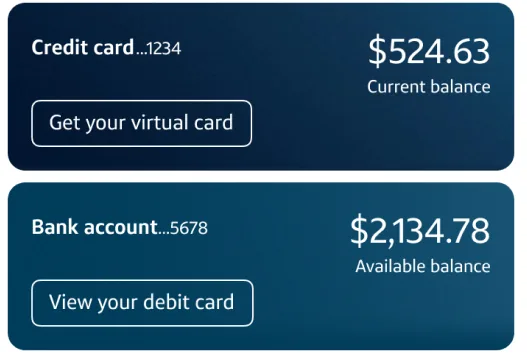
Google Play marketing imageTwo account tiles showing a credit card balance of $524.63 and a bank account balance of $2,134.78.Google Play listing, as of 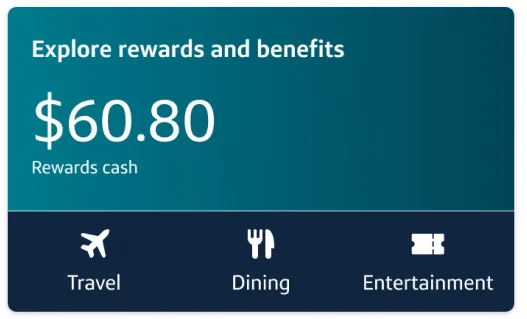
Google Play marketing imageAn Explore rewards and benefits tile showing $60.80 in rewards cash with Travel, Dining and Entertainment shortcuts.Google Play listing, as of 
Google Play marketing imageA bottom tab bar with Home, Rewards, Pay and Move, Help and Profile.Google Play listing, as of

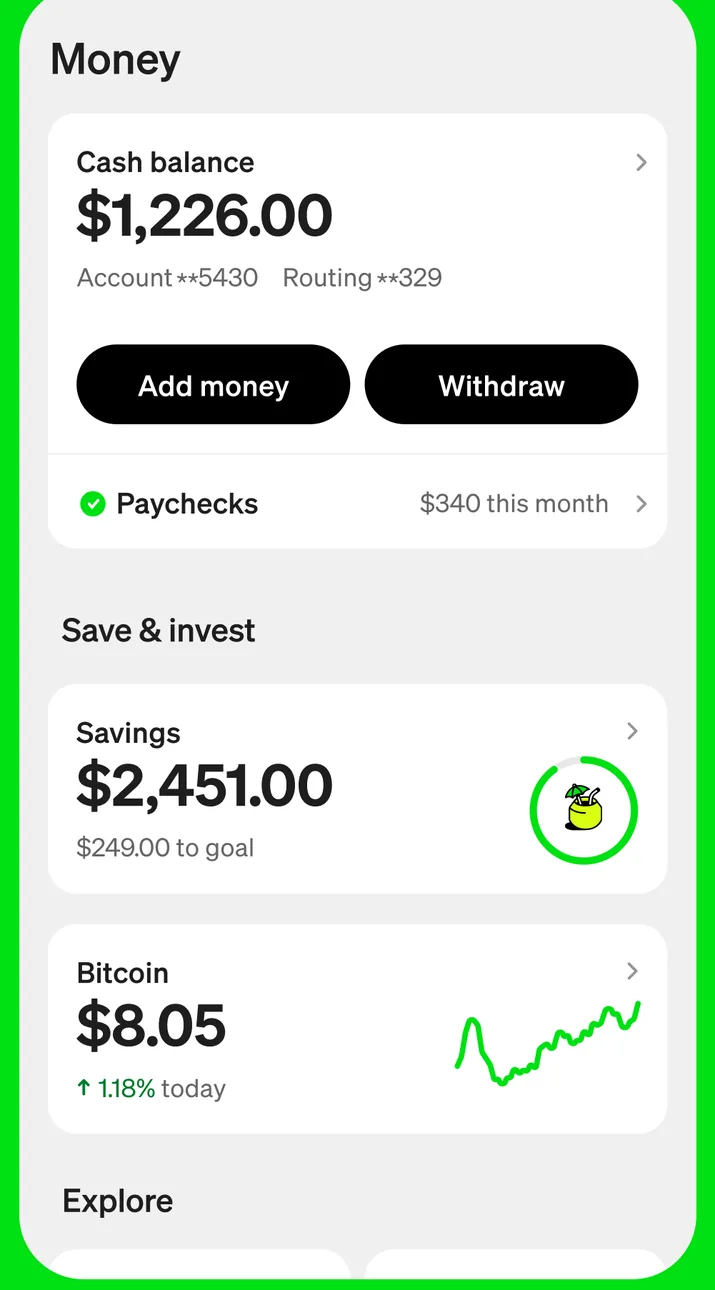
App Store marketing imageA Money screen showing a $1,226.00 cash balance with Add money and Withdraw buttons, a Paychecks row, and Save and invest tiles for Savings at $2,451.00 and Bitcoin at $8.05.App Store listing, as of 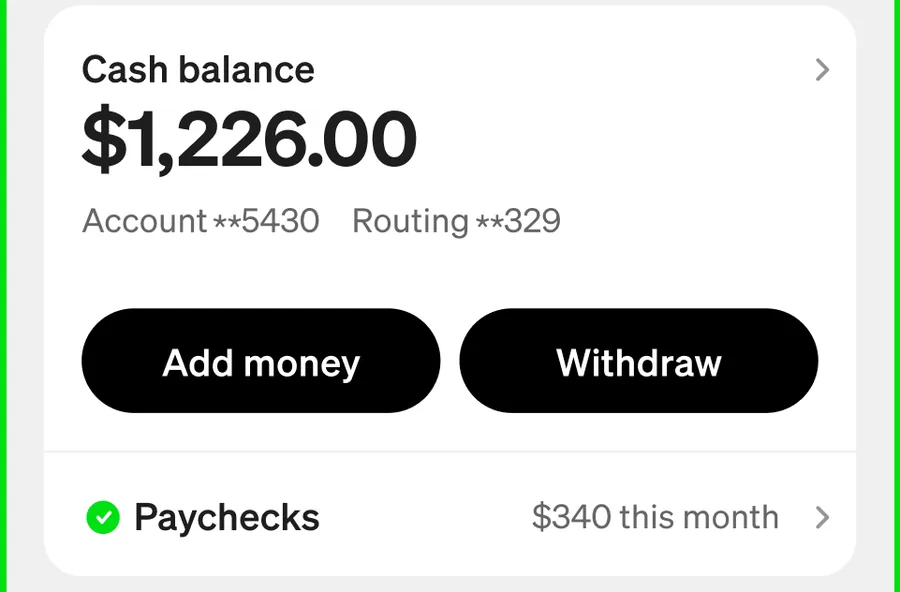
App Store marketing imageA Cash balance card showing $1,226.00 with Add money and Withdraw buttons and a Paychecks row with $340 this month.App Store listing, as of 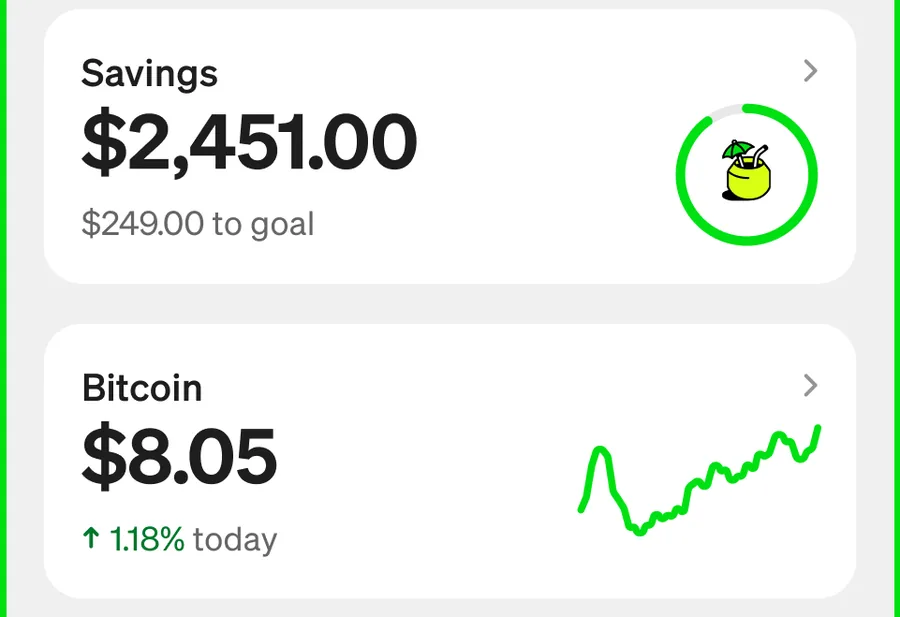
App Store marketing imageSave and invest tiles for Savings at $2,451.00 with $249.00 to goal and Bitcoin at $8.05.App Store listing, as of

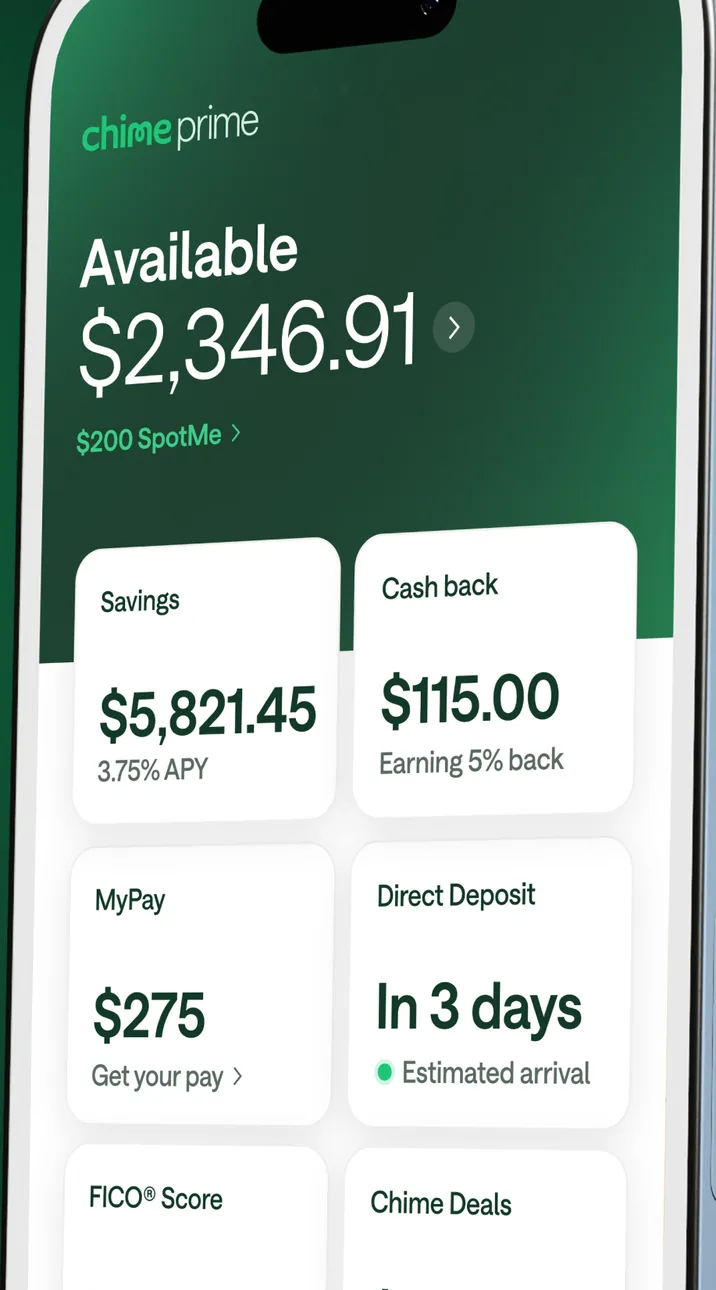
App Store marketing imageA Chime home screen at an angle showing $2,346.91 available and tiles for Savings at $5,821.45, Cash back at $115.00, MyPay at $275 and Direct Deposit.App Store listing, as of 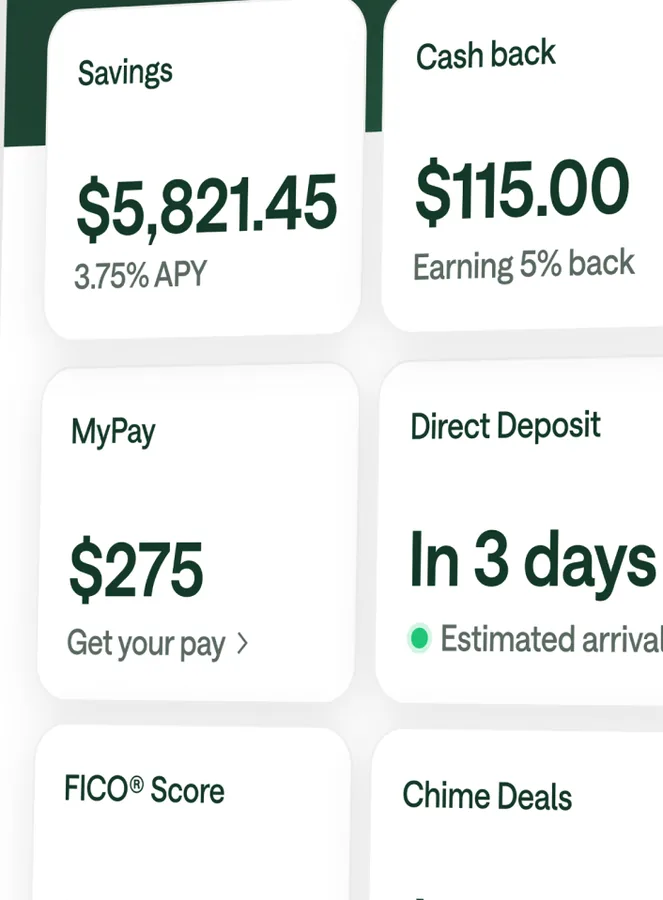
App Store marketing imageTiles for Savings at $5,821.45, Cash back at $115.00, MyPay at $275, Direct Deposit in 3 days, FICO Score and Chime Deals.App Store listing, as of

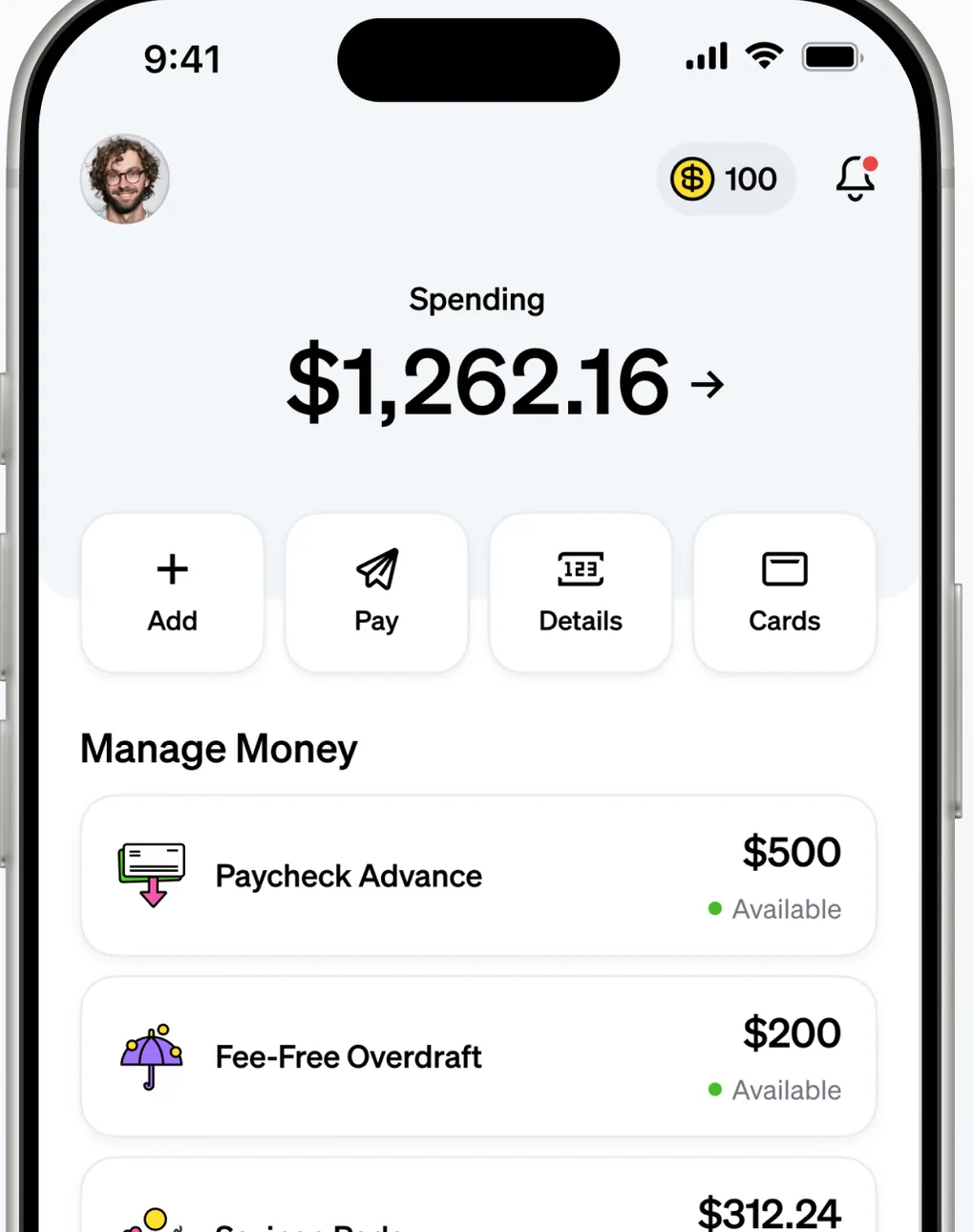
App Store marketing imageA home screen showing $1,262.16 in Spending with Add, Pay, Details and Cards buttons and a Manage Money list with Paycheck Advance, Fee-Free Overdraft and Savings Pods.App Store listing, as of 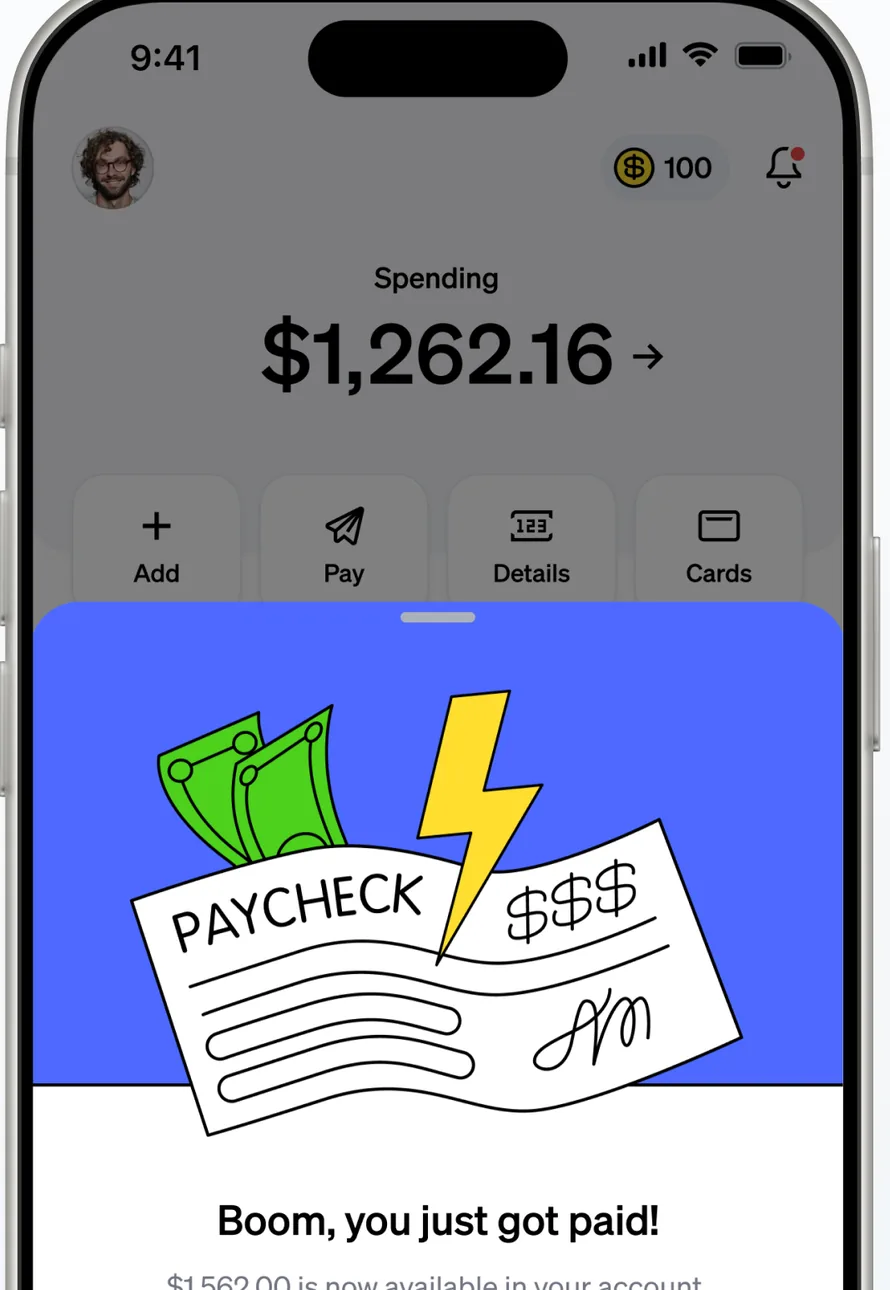
App Store marketing imageA home screen showing $1,262.16 in Spending, partly covered by an illustrated Boom, you just got paid! card.App Store listing, as of 
App Store marketing imageAdd, Pay, Details and Cards buttons.App Store listing, as of 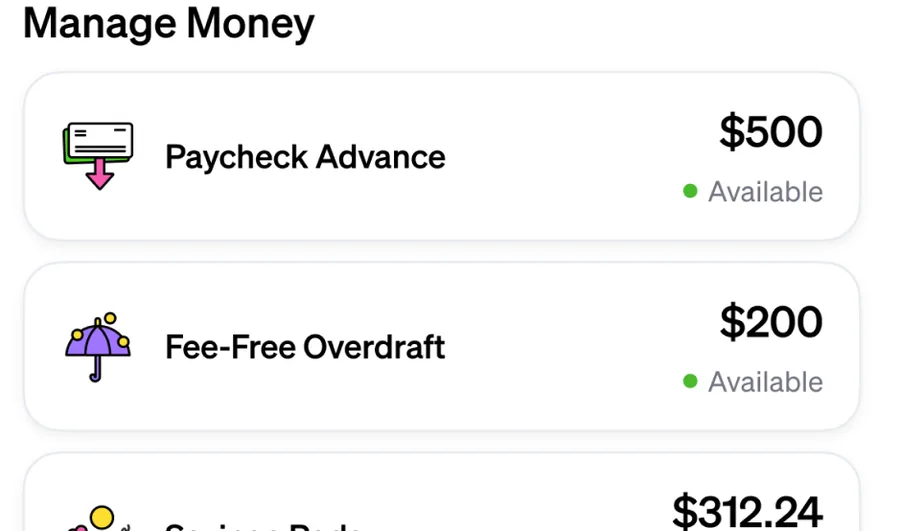
App Store marketing imageA Manage Money list with Paycheck Advance at $500 available and Fee-Free Overdraft at $200 available.App Store listing, as of

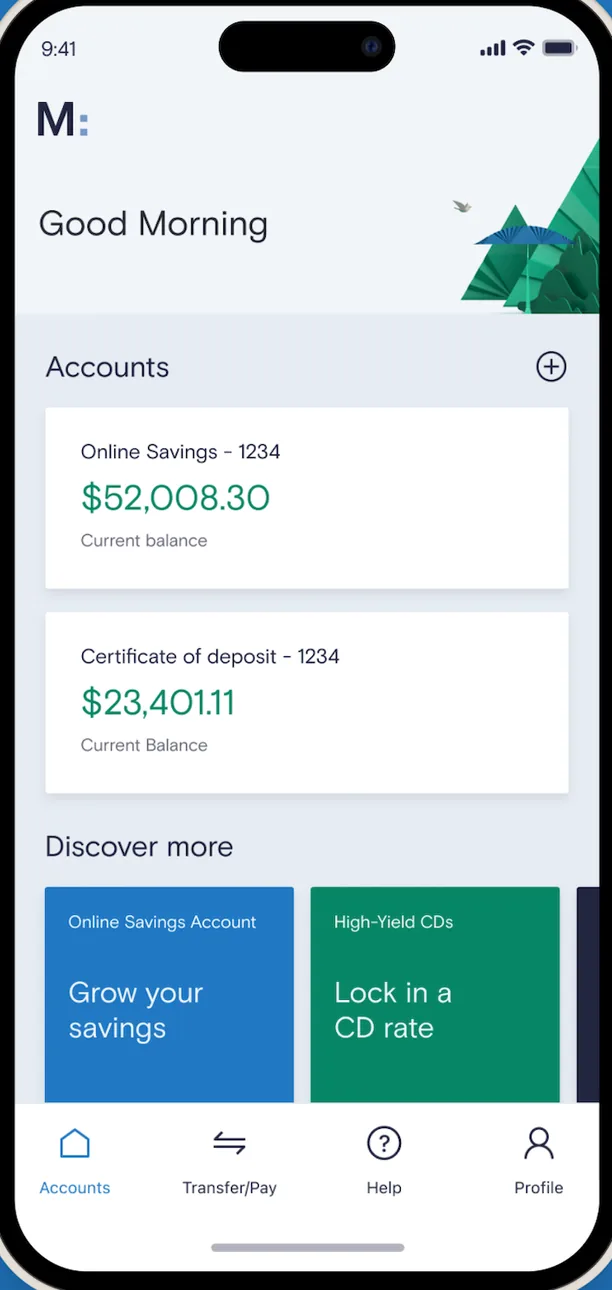
App Store marketing imageA Good Morning home screen listing an Online Savings balance of $52,008.30 and a Certificate of deposit balance of $23,401.11, with Discover more tiles and a bottom tab bar.App Store listing, as of 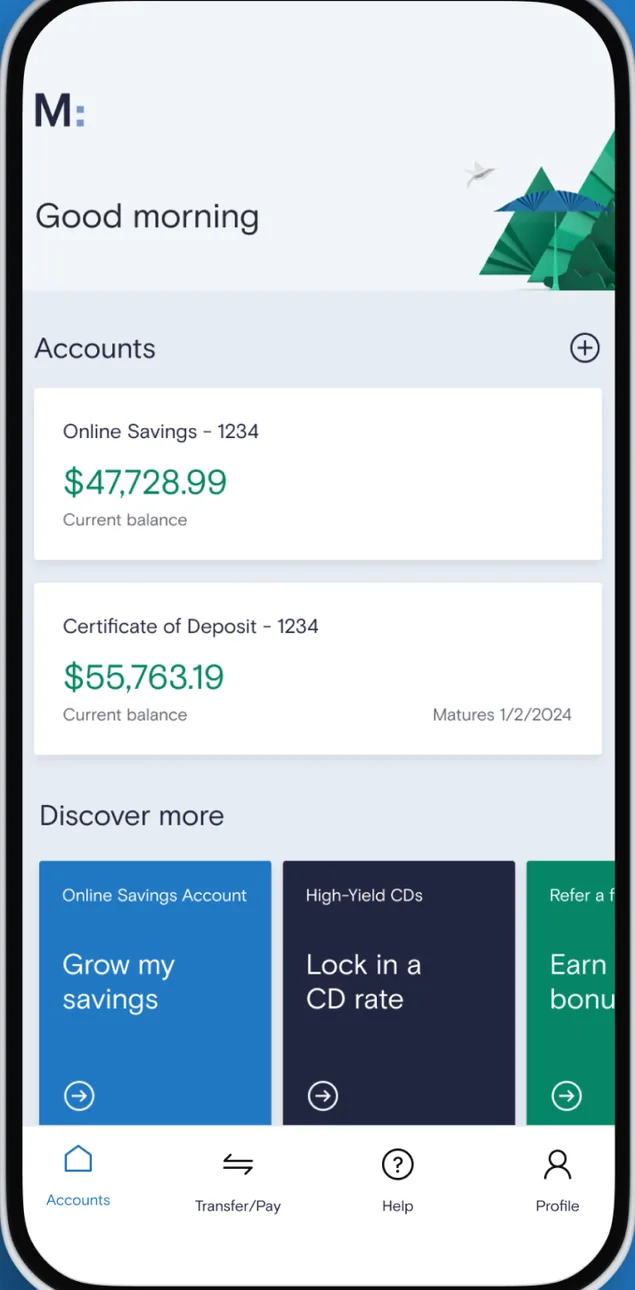
Google Play marketing imageAn Android Good morning home screen listing an Online Savings balance of $47,728.99 and a Certificate of Deposit balance of $55,763.19 with Discover more tiles.Google Play listing, as of 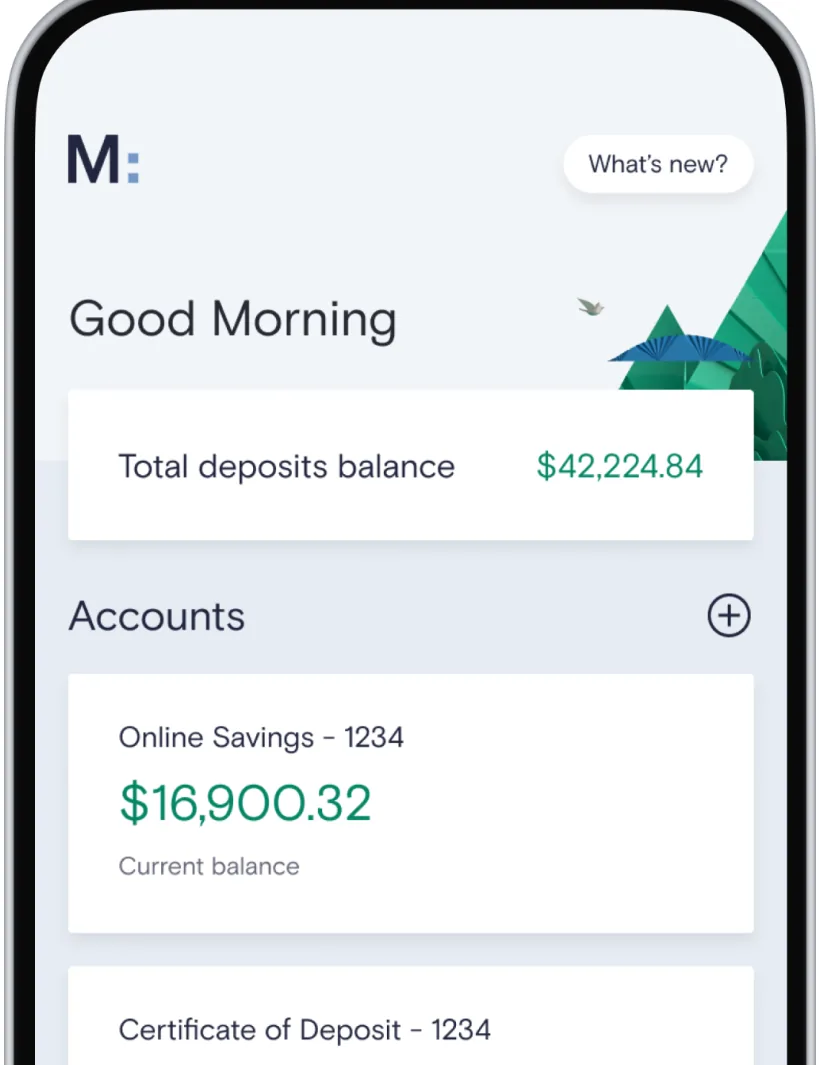
From Marcus by Goldman Sachs's websiteA Good Morning home screen with a What's new? button, a total deposits balance of $42,224.84, and an Accounts list with Online Savings at $16,900.32 and a Certificate of Deposit.marcus.com, as of 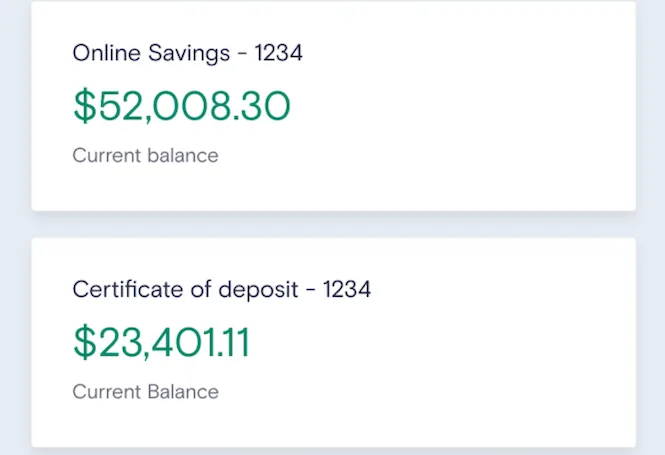
App Store marketing imageTwo account cards showing an Online Savings balance of $52,008.30 and a Certificate of deposit balance of $23,401.11.App Store listing, as of 
App Store marketing imageA bottom tab bar with Accounts, Transfer/Pay, Help and Profile.App Store listing, as of 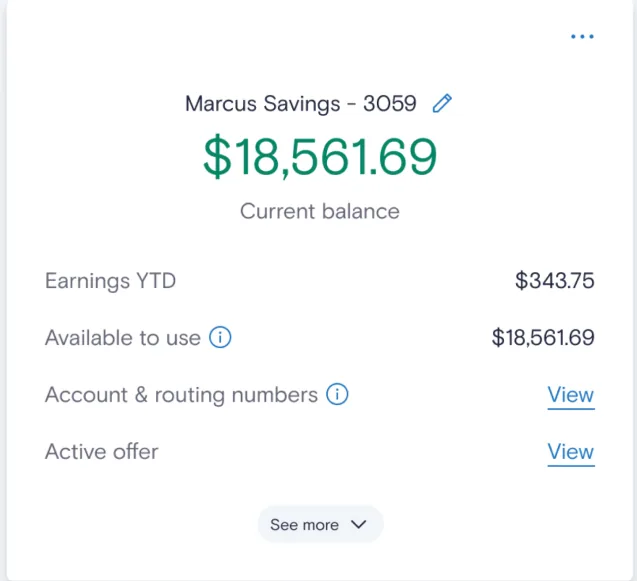
App Store marketing imageA Marcus Savings card showing an $18,561.69 current balance, earnings year to date and amount available to use.App Store listing, as of

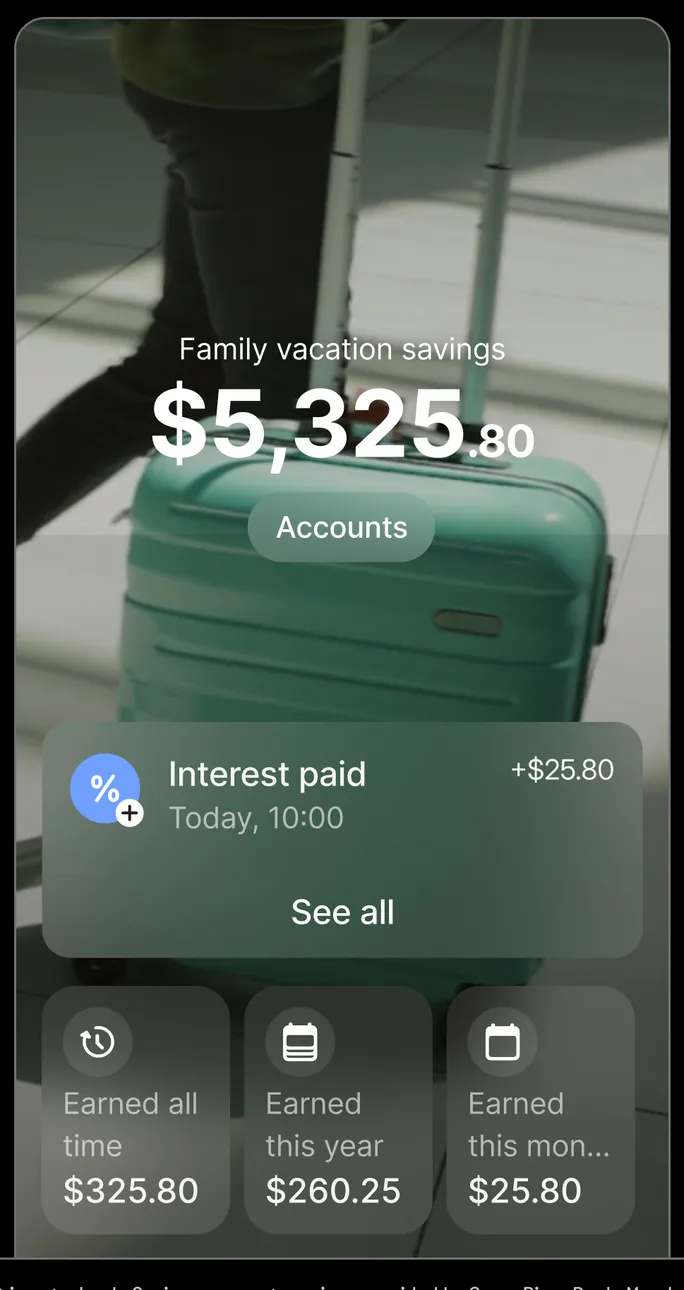
App Store marketing imageA savings pocket called Family vacation savings showing $5,325.80, an Interest paid entry of $25.80, and tiles for interest earned all time, this year and this month.App Store listing, as of 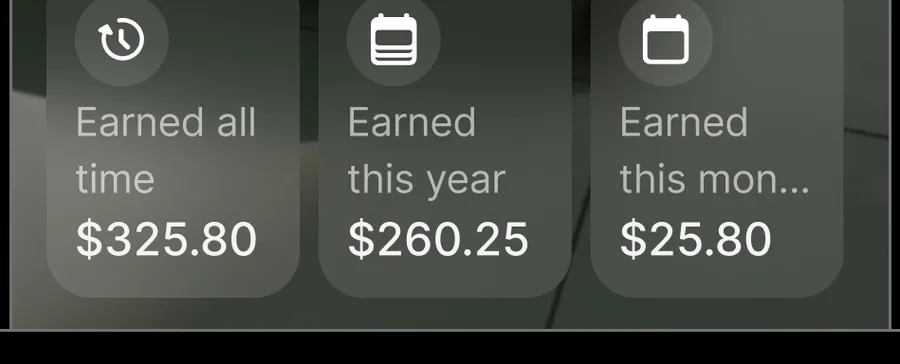
App Store marketing imageThree tiles for interest earned all time $325.80, this year $260.25 and this month $25.80.App Store listing, as of

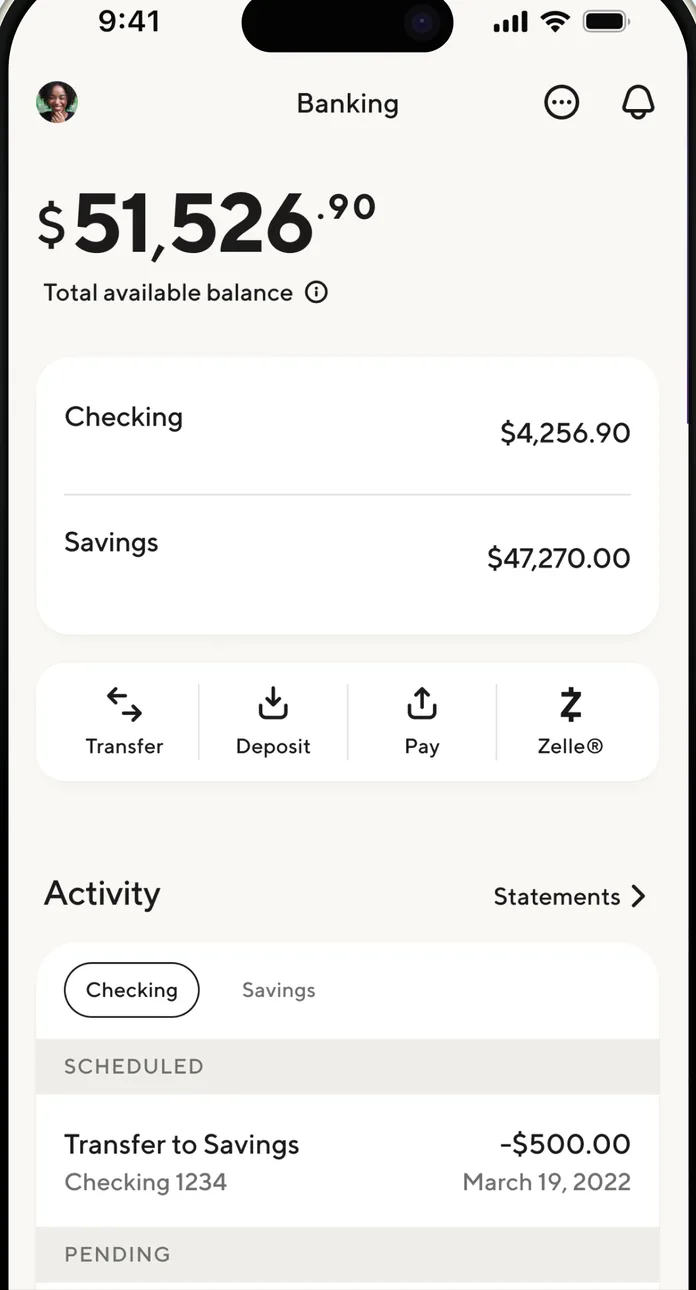
App Store marketing imageA Banking screen showing $51,526.90 total available balance, Checking and Savings balances, Transfer, Deposit, Pay and Zelle buttons, and an Activity list.App Store listing, as of 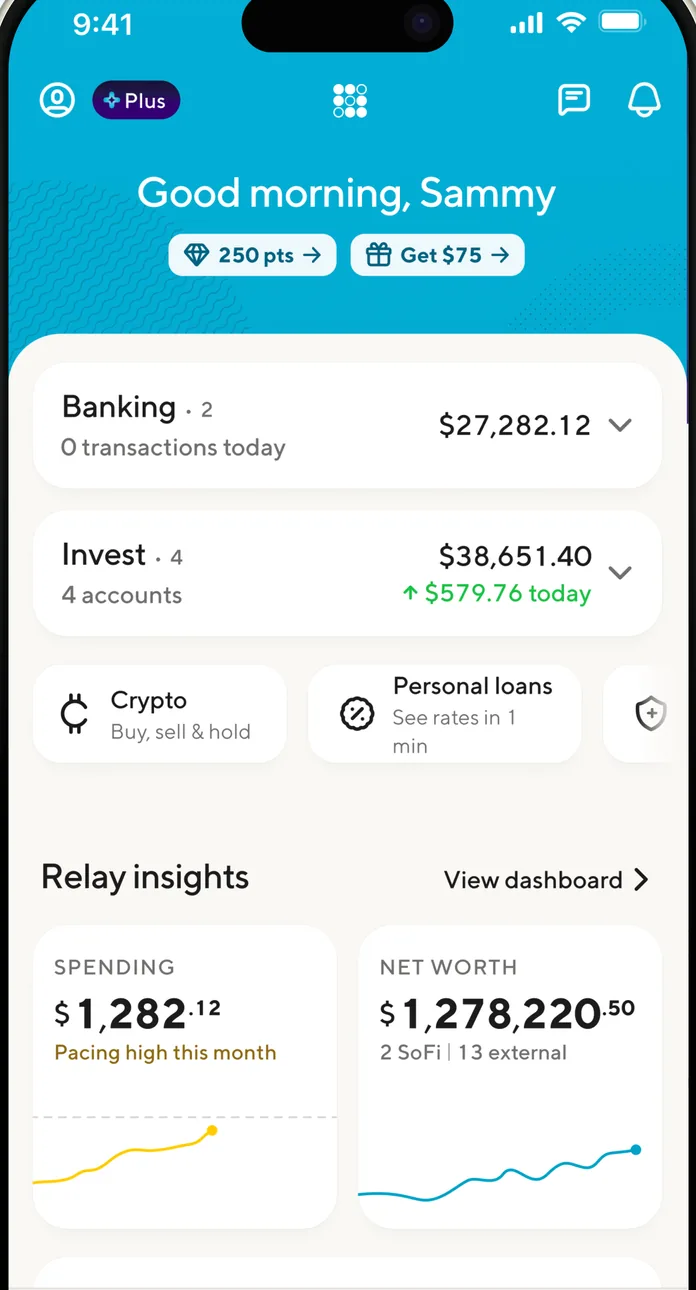
App Store marketing imageA Good morning, Sammy home screen with Banking, Invest, Crypto and Personal loans rows and Relay insights tiles for spending and net worth.App Store listing, as of 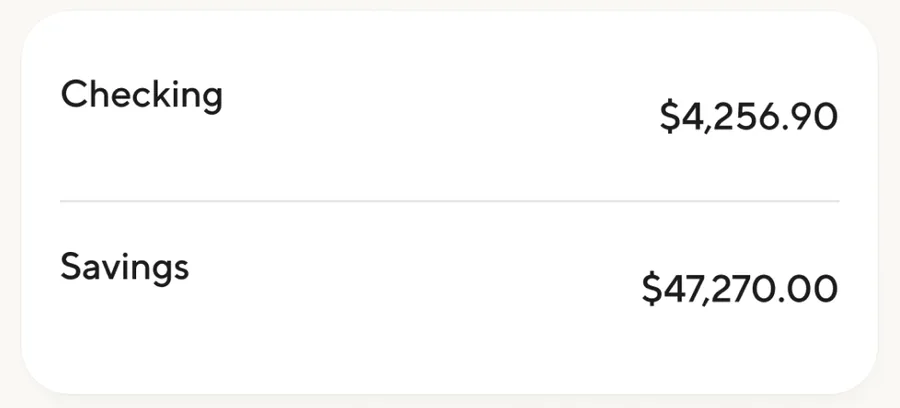
App Store marketing imageA card listing Checking at $4,256.90 and Savings at $47,270.00.App Store listing, as of 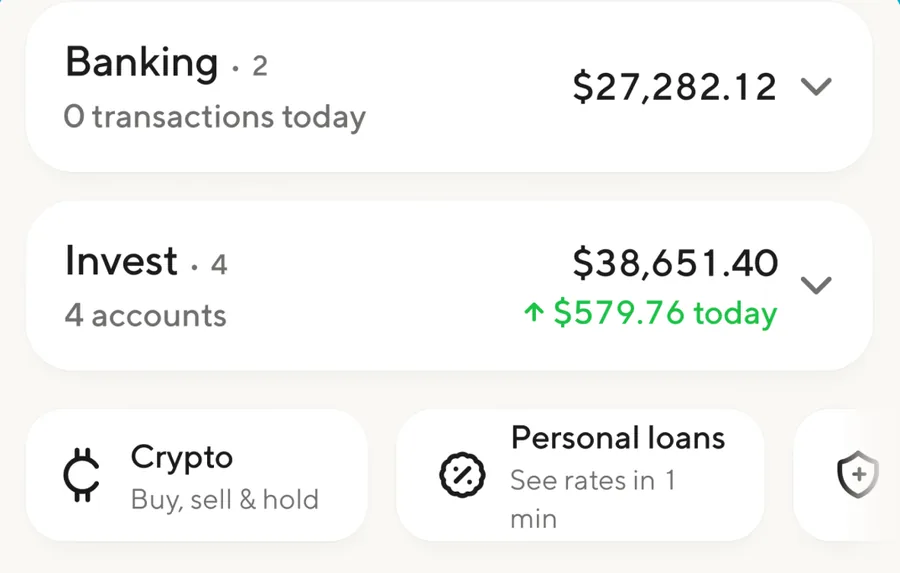
App Store marketing imageRows for Banking at $27,282.12 and Invest at $38,651.40 with Crypto and Personal loans shortcuts.App Store listing, as of

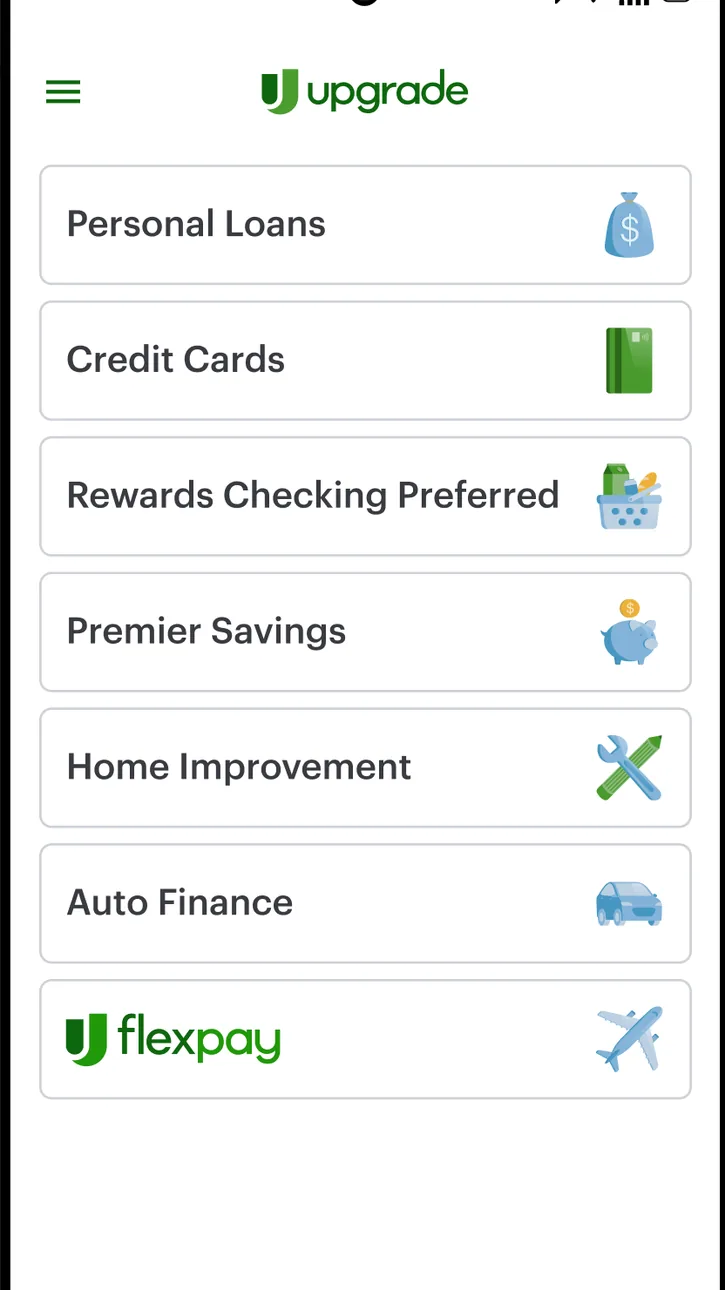
Google Play marketing imageAn Android Upgrade menu listing Personal Loans, Credit Cards, Rewards Checking Preferred, Premier Savings, Home Improvement, Auto Finance and Flexpay.Google Play listing, as of

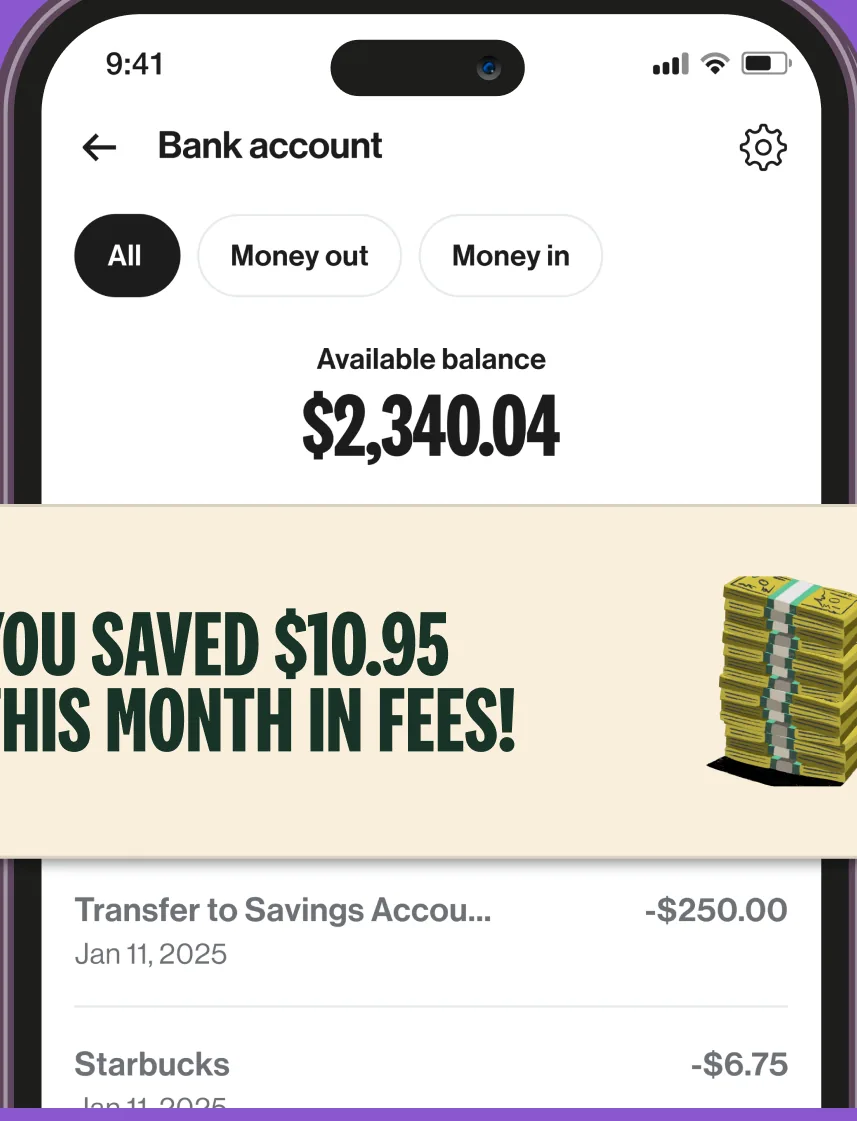
App Store marketing imageA Bank account screen with All, Money out and Money in filters, a $2,340.04 available balance and transactions, partly covered by a You saved $10.95 this month in fees banner.App Store listing, as of 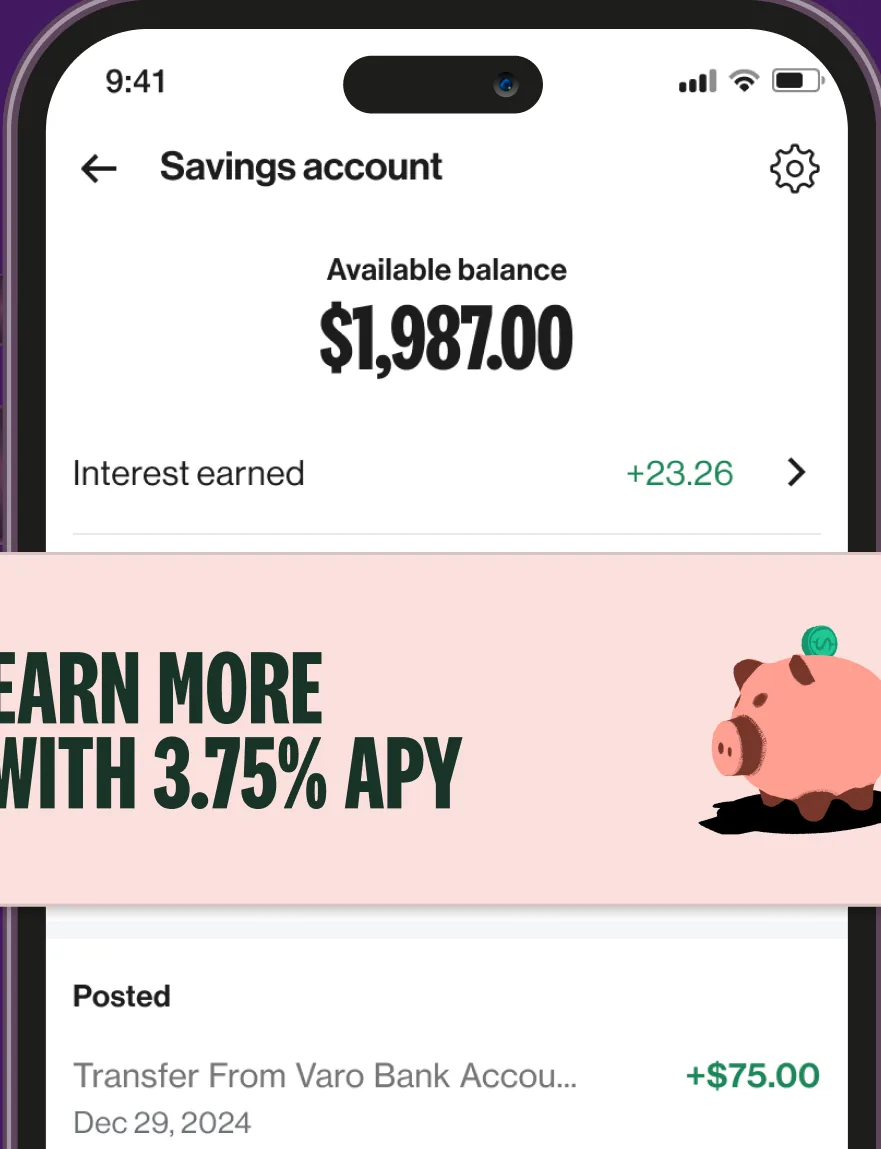
App Store marketing imageA Savings account screen showing a $1,987.00 available balance, interest earned and a posted transfer of $75.00, partly covered by an Earn more with 3.75% APY banner.App Store listing, as of 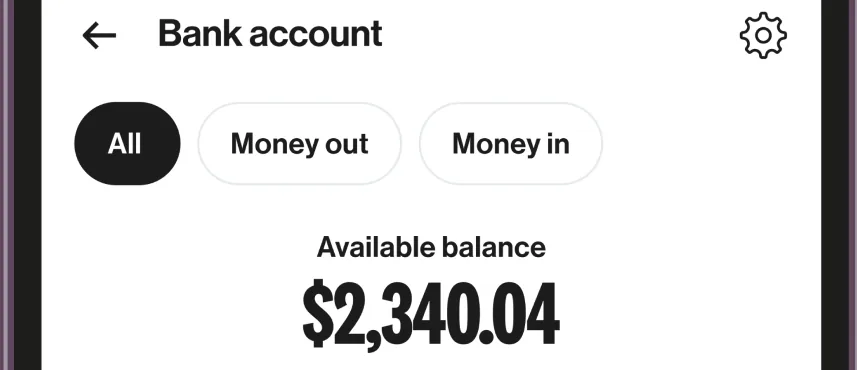
App Store marketing imageAll, Money out and Money in filter chips above an available balance of $2,340.04.App Store listing, as of

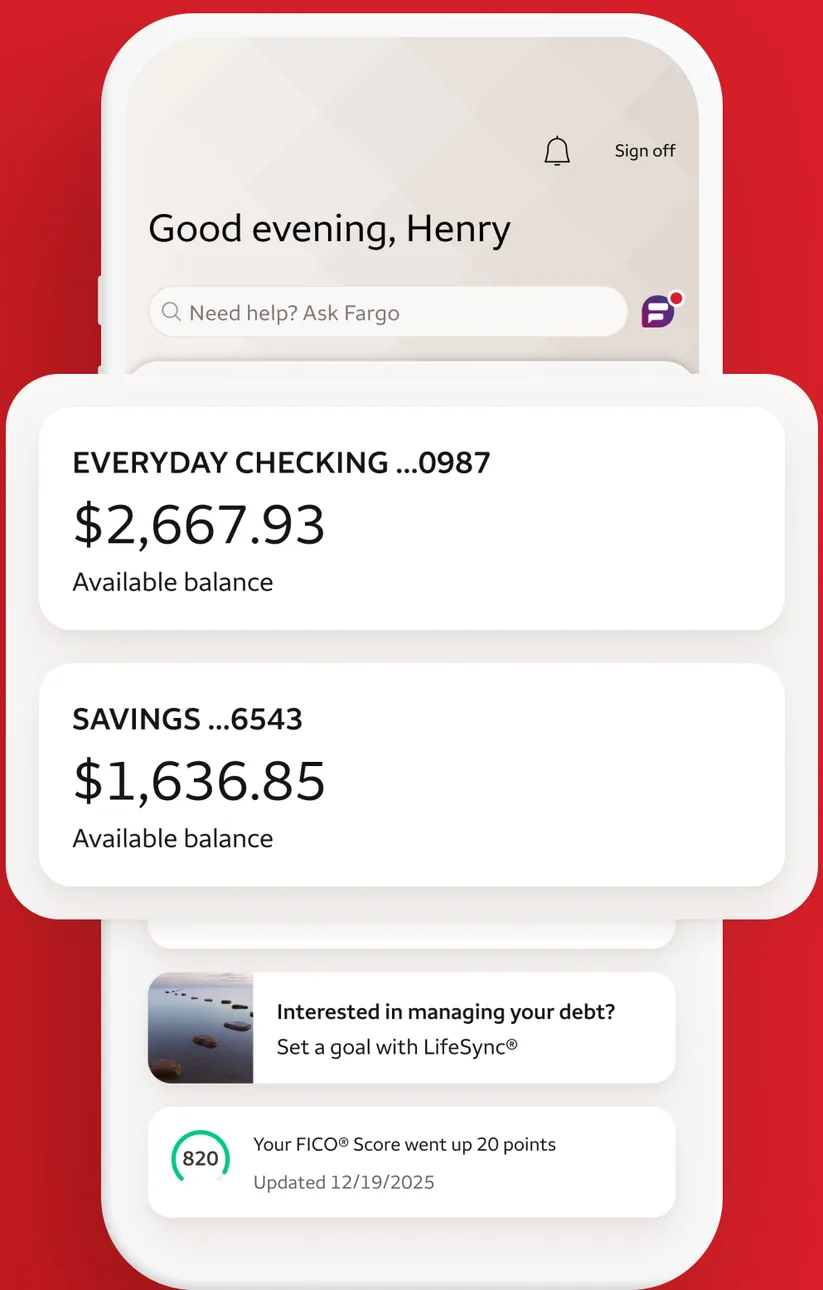
App Store marketing imageAn account summary greeting Henry with an Everyday Checking balance of $2,667.93, a Savings balance of $1,636.85, a LifeSync prompt and a FICO score update.App Store listing, as of 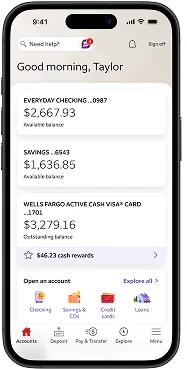
From Wells Fargo's help centerA Good morning, Taylor account summary with Everyday Checking at $2,667.93, Savings at $1,636.85, an Active Cash card balance and an Open an account section, with a bottom tab bar.wellsfargo.com, as of 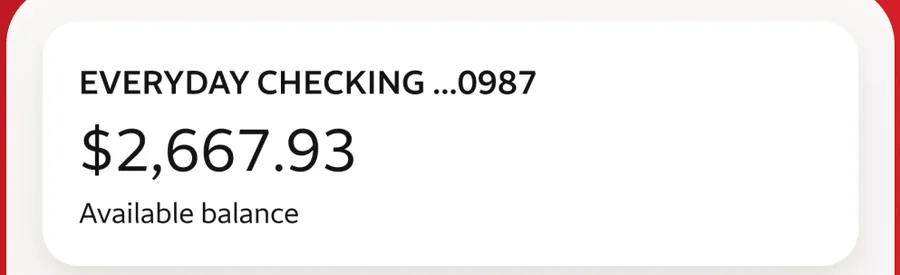
App Store marketing imageAn Everyday Checking card showing a $2,667.93 available balance.App Store listing, as of
Transfer and send
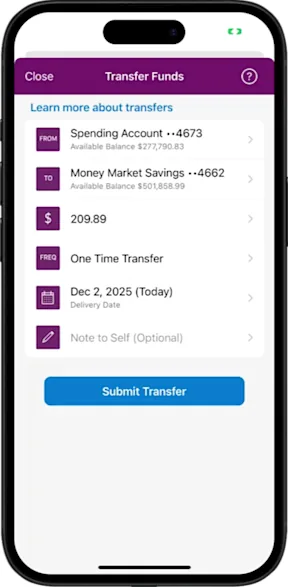
From Ally's help centerA Transfer Funds screen with from and to accounts, a $209.89 amount, One Time Transfer frequency, a delivery date, an optional note and a Submit Transfer button.ally.com, as of 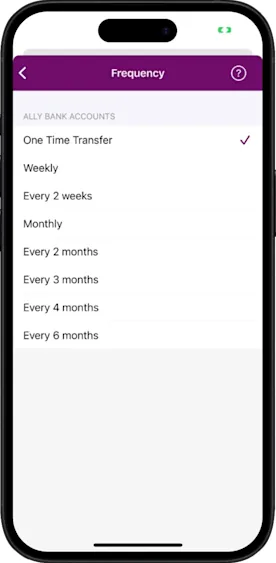
From Ally's help centerA Frequency picker listing One Time Transfer, Weekly, Every 2 weeks, Monthly and longer intervals, with One Time Transfer checked.ally.com, as of 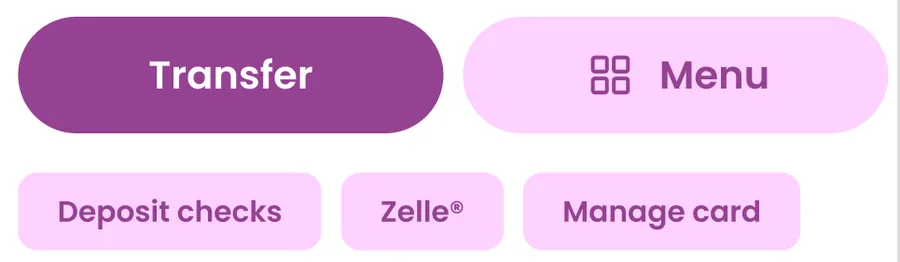
App Store marketing imageTransfer and Menu buttons with shortcuts for Deposit checks, Zelle and Manage card.App Store listing, as of
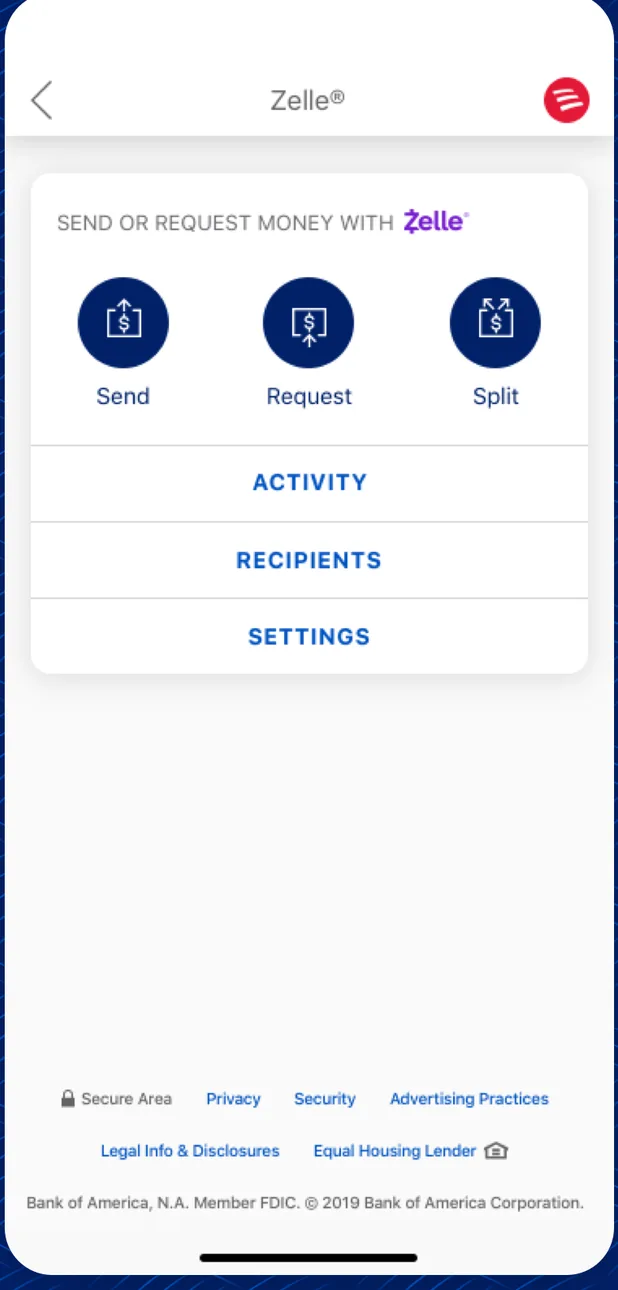
App Store marketing imageA Zelle screen with Send, Request and Split buttons and links for Activity, Recipients and Settings.App Store listing, as of 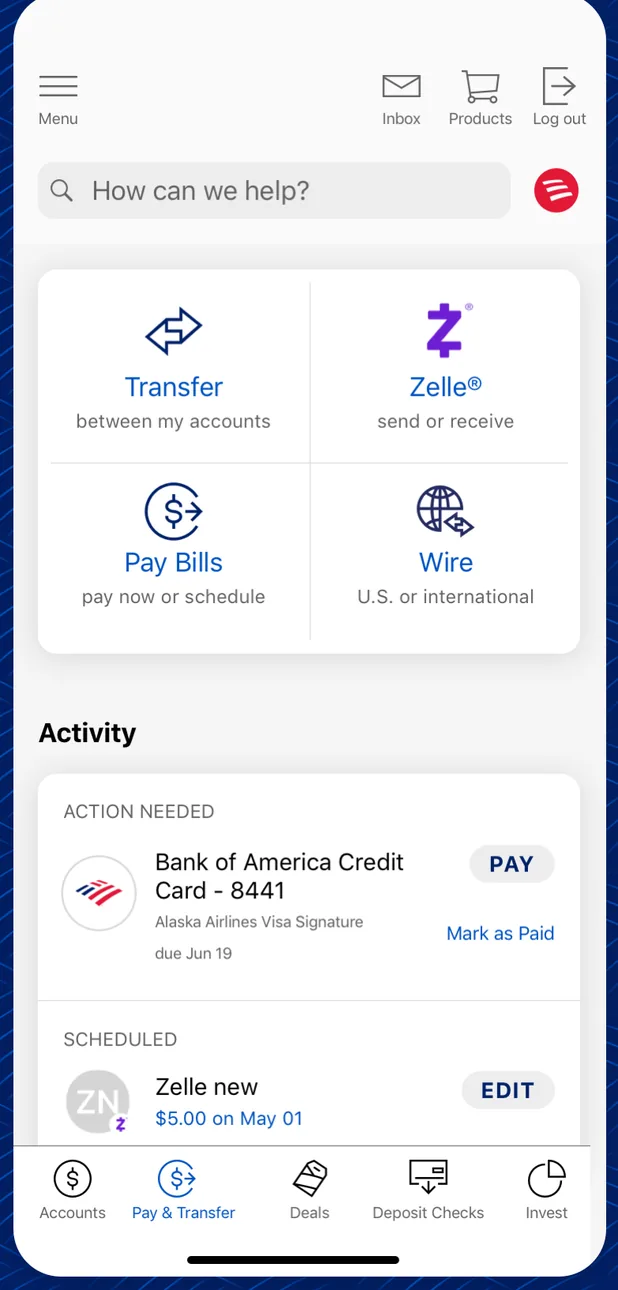
App Store marketing imageA Pay and Transfer screen with Transfer, Zelle, Pay Bills and Wire options above an Activity list with a credit card payment due and a scheduled Zelle payment.App Store listing, as of 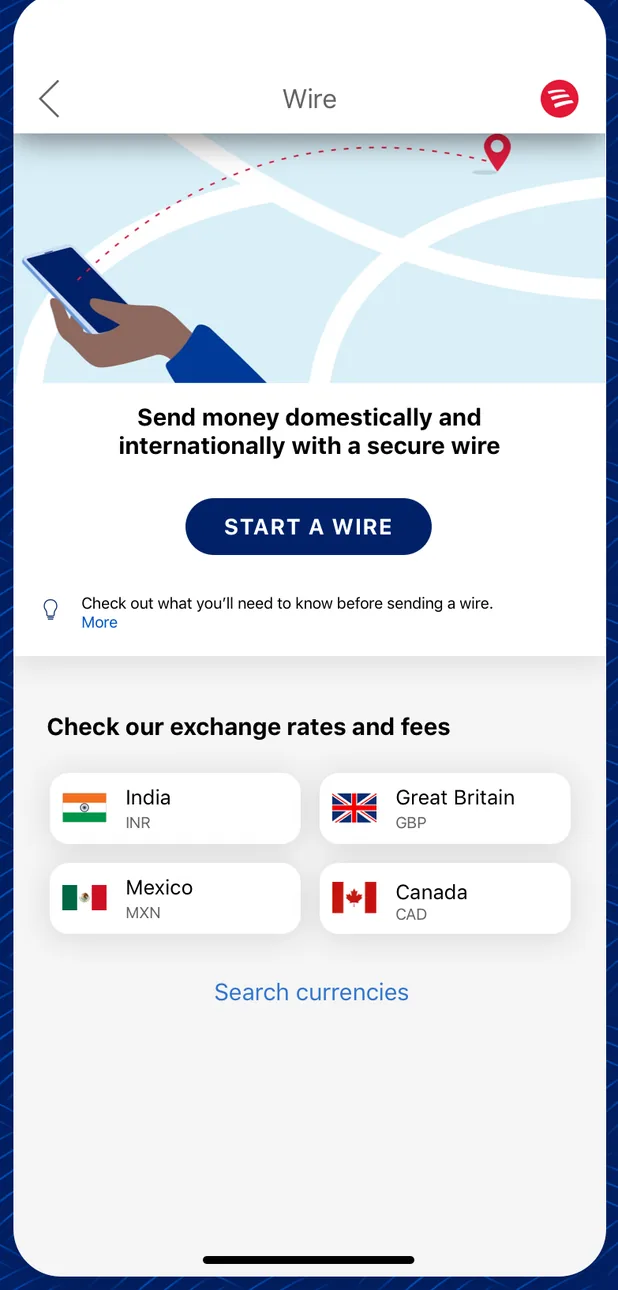
App Store marketing imageA Wire screen with a Start a Wire button and a list of exchange rates and fees for India, Great Britain, Mexico and Canada.App Store listing, as of 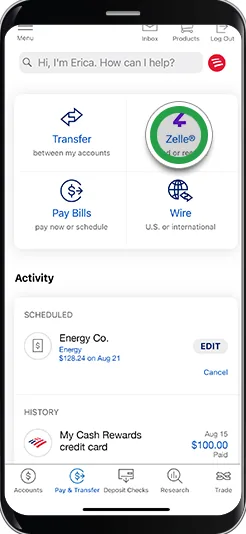
From Bank of America's help centerA Pay and Transfer screen with Transfer, Zelle, Pay Bills and Wire options, a green circle on Zelle, and an Activity list with a scheduled payment and history. The green circles are Bank of America's own tap-target markers from its help pages, not part of the app.info.bankofamerica.com, as of 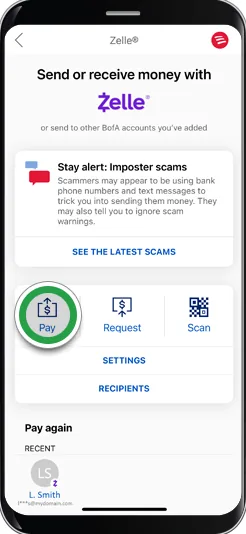
From Bank of America's help centerA Zelle screen titled Send or receive money with Zelle, a Stay alert: Imposter scams notice, Pay, Request and Scan buttons with a green circle on Pay, and a Pay again list. The green circles are Bank of America's own tap-target markers from its help pages, not part of the app.info.bankofamerica.com, as of 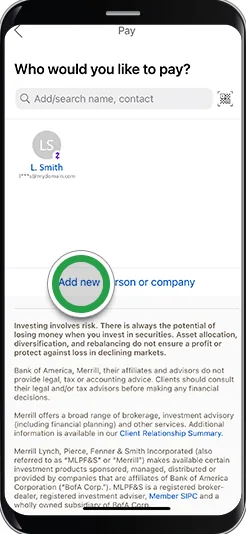
From Bank of America's help centerA Who would you like to pay? screen with a search field, a recent recipient and a green circle on Add new person or company. The green circles are Bank of America's own tap-target markers from its help pages, not part of the app.info.bankofamerica.com, as of 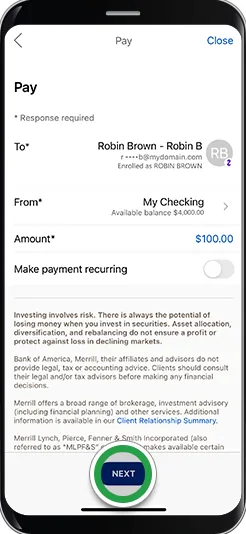
From Bank of America's help centerA Pay form with recipient Robin Brown, a From account, a $100.00 amount and a Make payment recurring toggle, with a green circle on Next. The green circles are Bank of America's own tap-target markers from its help pages, not part of the app.info.bankofamerica.com, as of 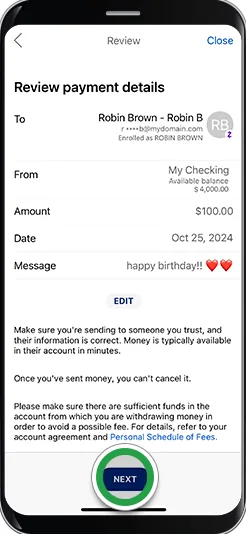
From Bank of America's help centerA Review payment details screen with recipient, from account, $100.00 amount, date and a happy birthday message, with a green circle on Next. The green circles are Bank of America's own tap-target markers from its help pages, not part of the app.info.bankofamerica.com, as of 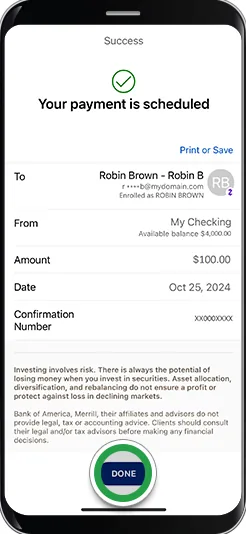
From Bank of America's help centerA Success screen saying Your payment is scheduled, with recipient, from account, $100.00 amount, date, confirmation number and a Done button.info.bankofamerica.com, as of 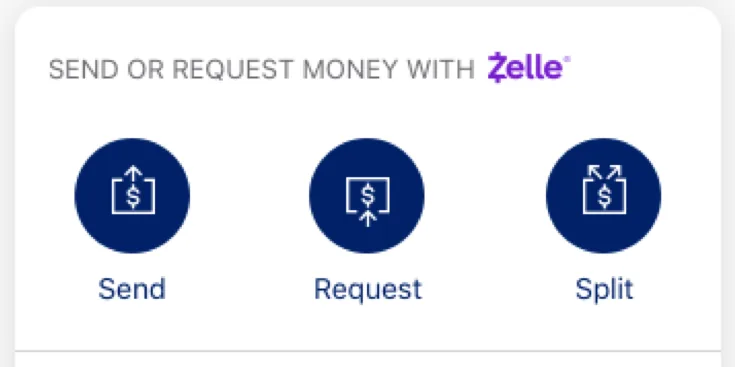
App Store marketing imageA Zelle panel with Send, Request and Split buttons.App Store listing, as of 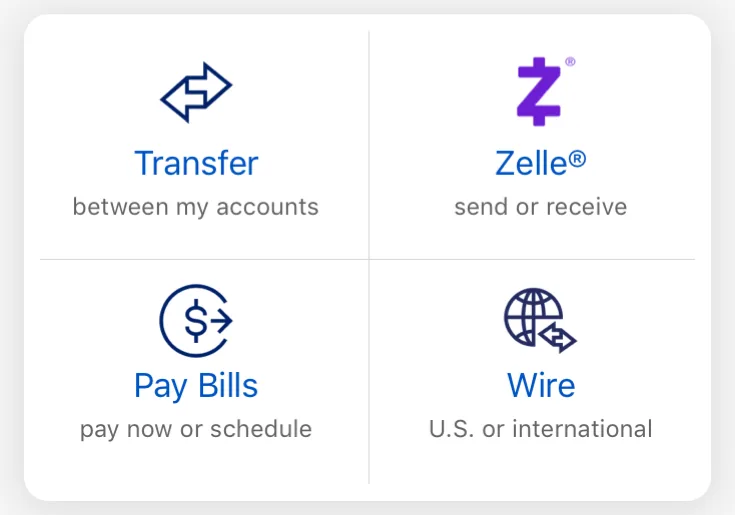
App Store marketing imageFour tiles for Transfer between my accounts, Zelle send or receive, Pay Bills and Wire.App Store listing, as of
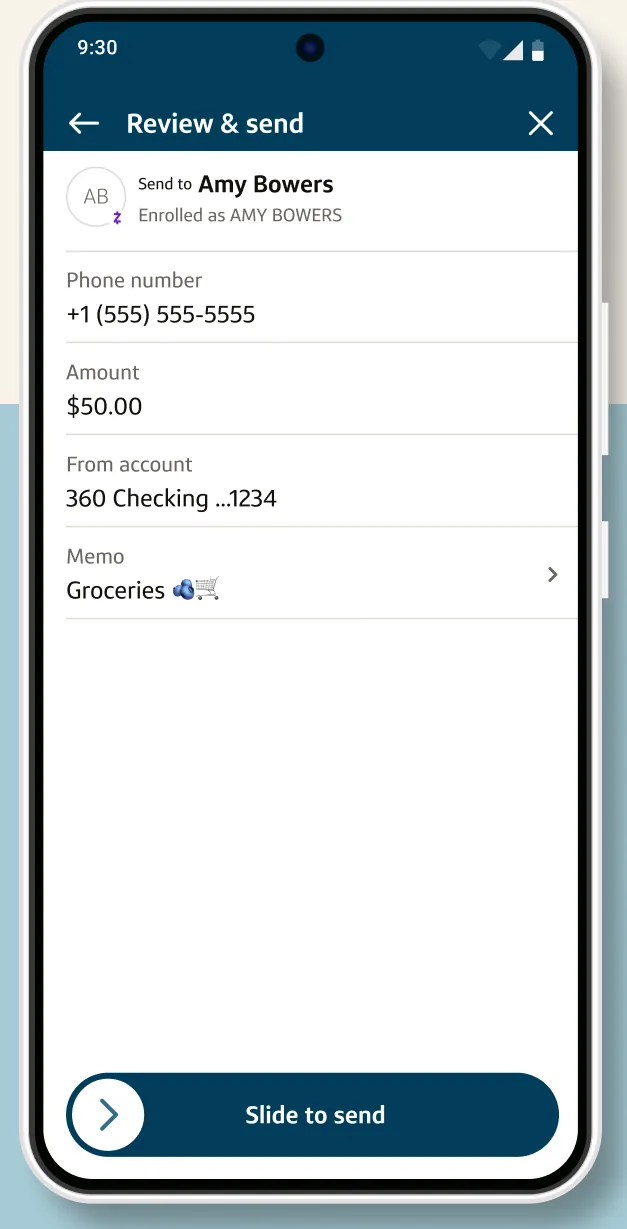
Google Play marketing imageA Review and send screen for a Zelle payment to Amy Bowers from a 360 Checking account with a Slide to send control.Google Play listing, as of 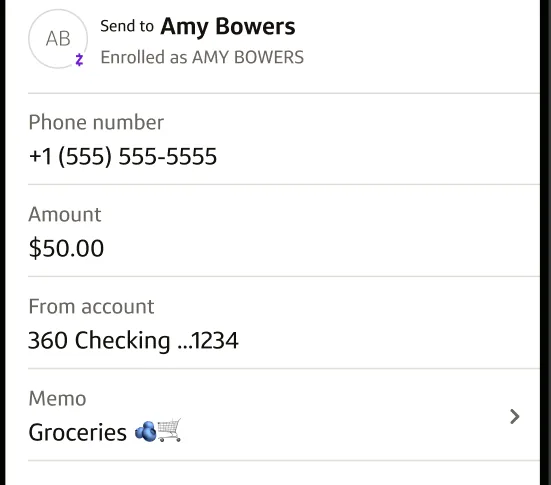
Google Play marketing imageA Zelle review form showing recipient Amy Bowers, phone number, a $50.00 amount, the from account and a Groceries memo.Google Play listing, as of 
Google Play marketing imageA Slide to send control at the bottom of the payment review.Google Play listing, as of
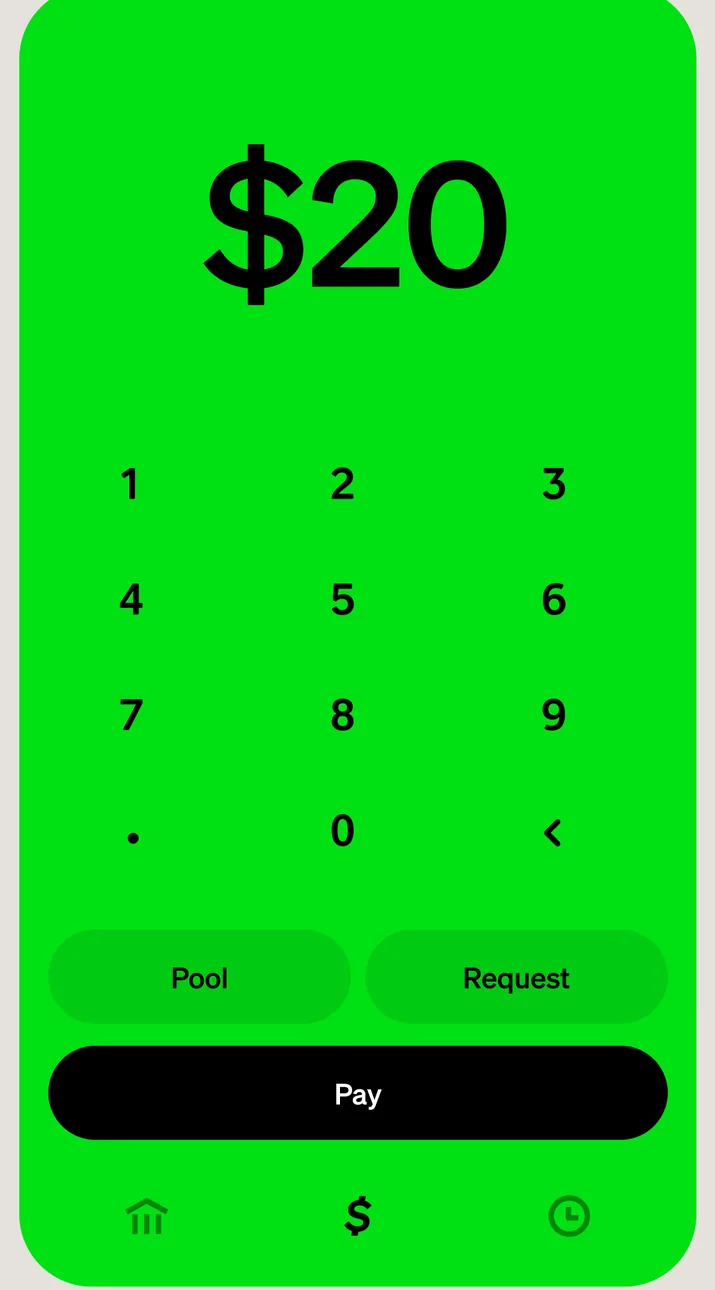
App Store marketing imageA green send screen with $20 entered on a number keypad and Pool, Request and Pay buttons.App Store listing, as of 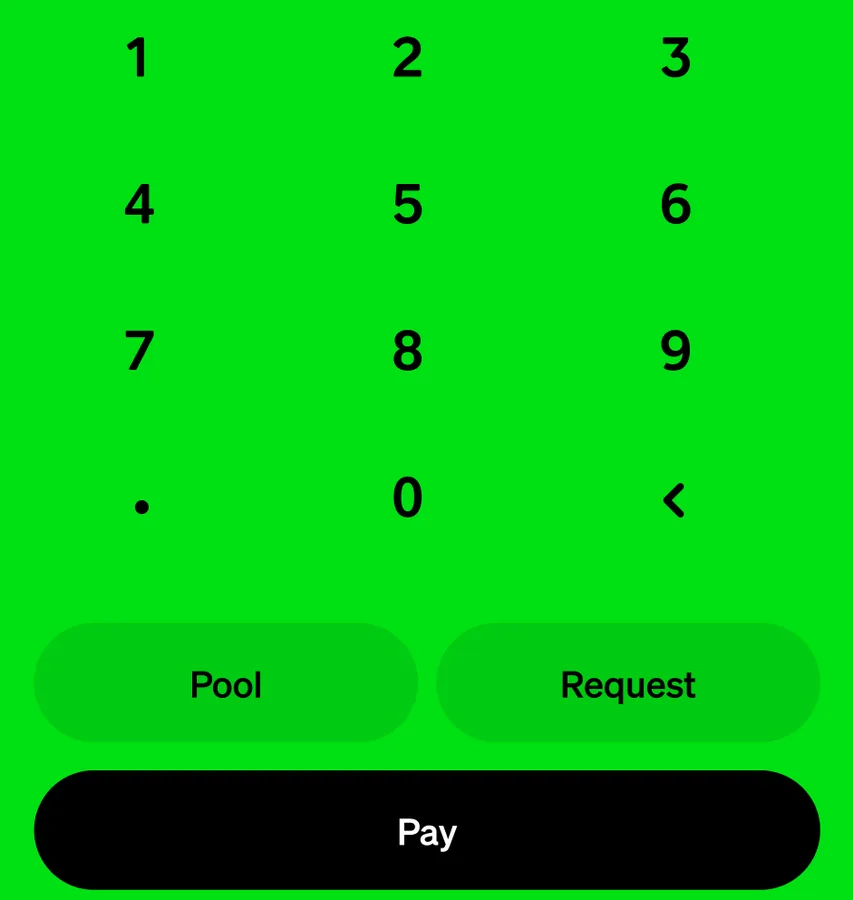
App Store marketing imageA number keypad above Pool, Request and Pay buttons.App Store listing, as of

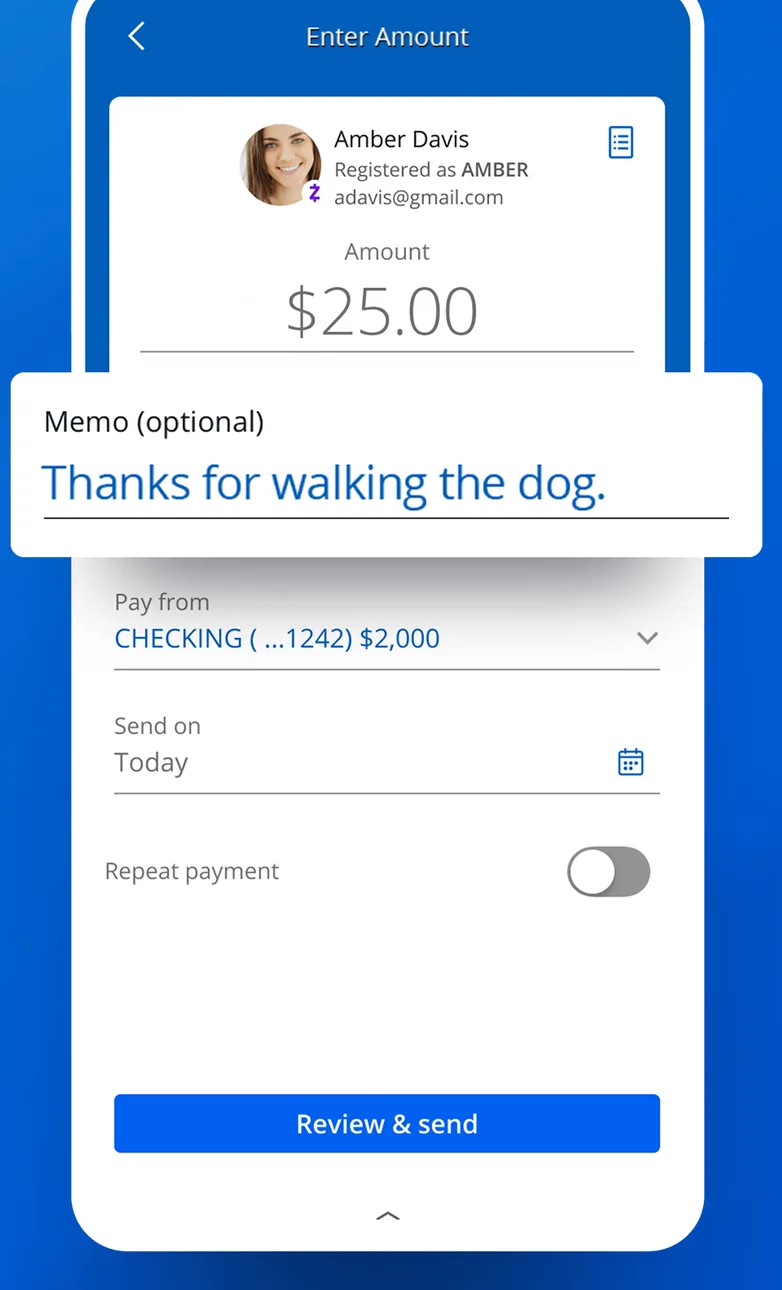
App Store marketing imageAn Enter Amount screen for sending $25.00 to a contact, with a memo field, a pay from account, a send date and a Review and send button.App Store listing, as of 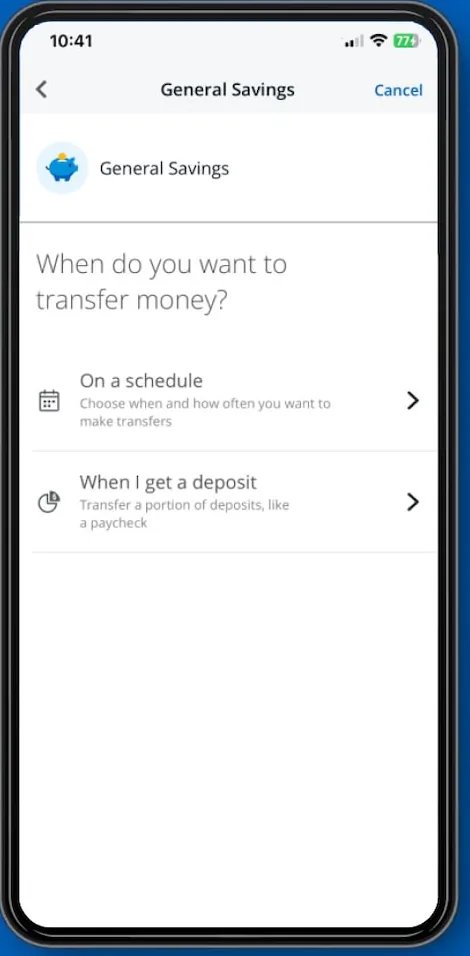
From Chase's websiteA General Savings screen asking When do you want to transfer money? with options for On a schedule and When I get a deposit.chase.com, as of 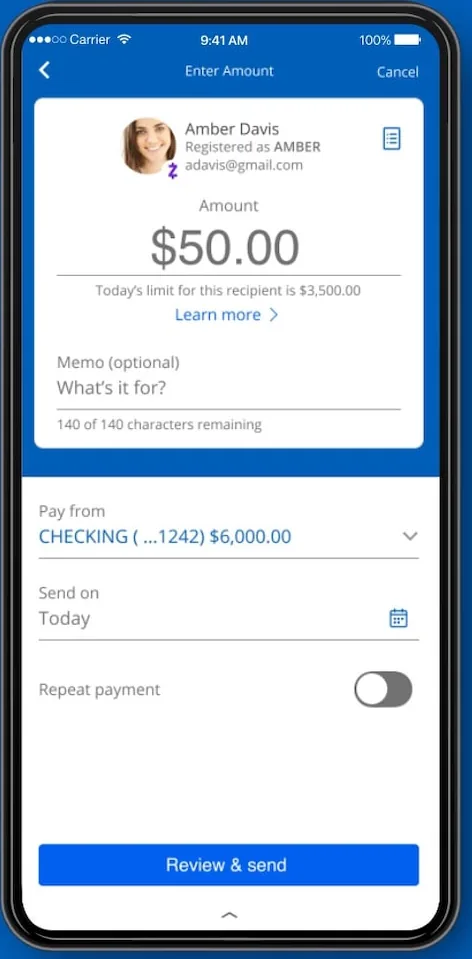
From Chase's websiteAn Enter Amount screen for sending $50.00 to Amber Davis, with memo, pay from account, send date and Review and send button.chase.com, as of 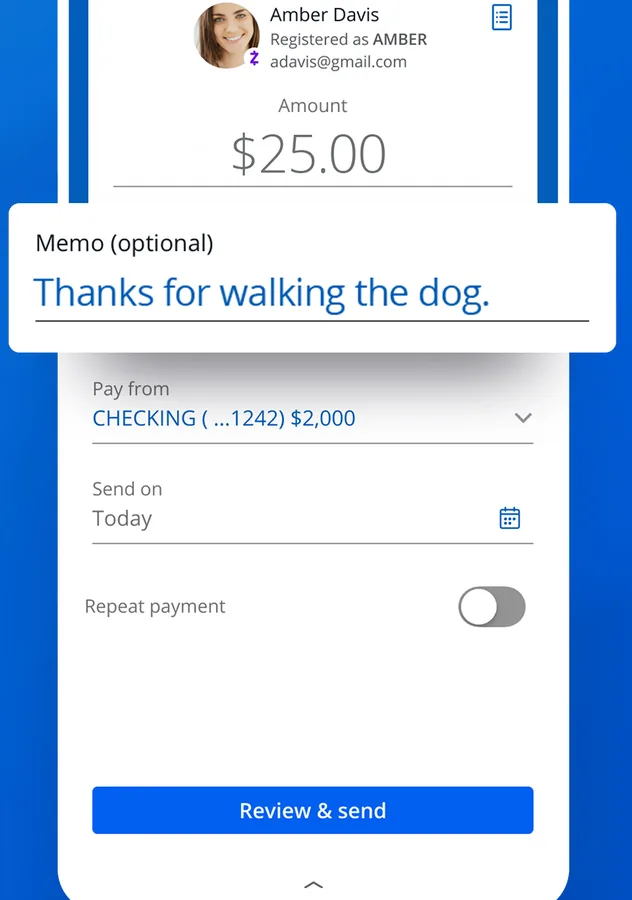
App Store marketing imageA payment form with recipient, $25.00 amount, optional memo, pay from account, send on date, repeat payment toggle and Review and send button.App Store listing, as of
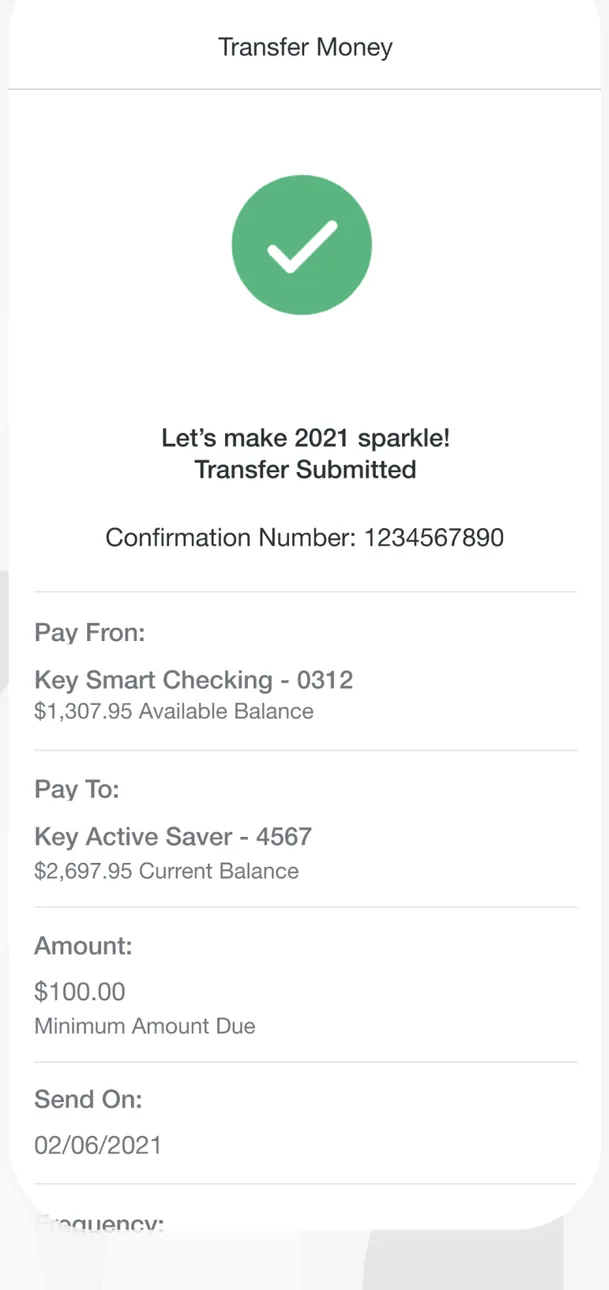
App Store marketing imageA Transfer Money confirmation with a green check mark, a Transfer Submitted message, a confirmation number, the pay from and pay to accounts, a $100.00 amount and a send date.App Store listing, as of 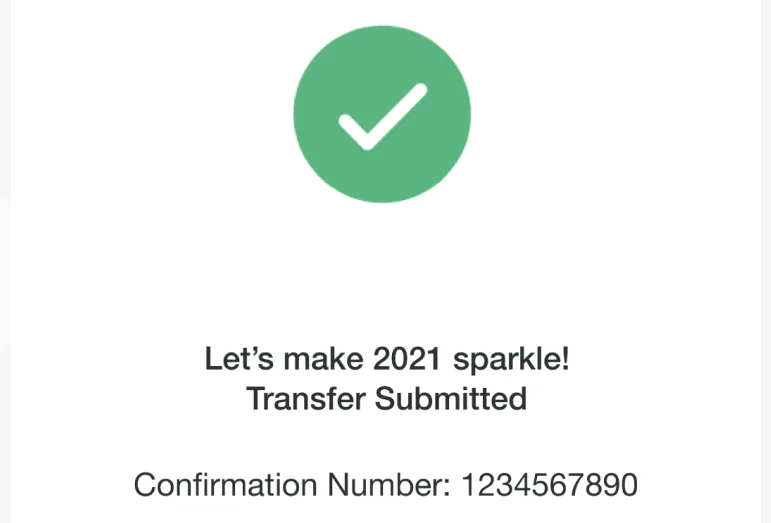
App Store marketing imageA green check mark with Transfer Submitted and a confirmation number.App Store listing, as of
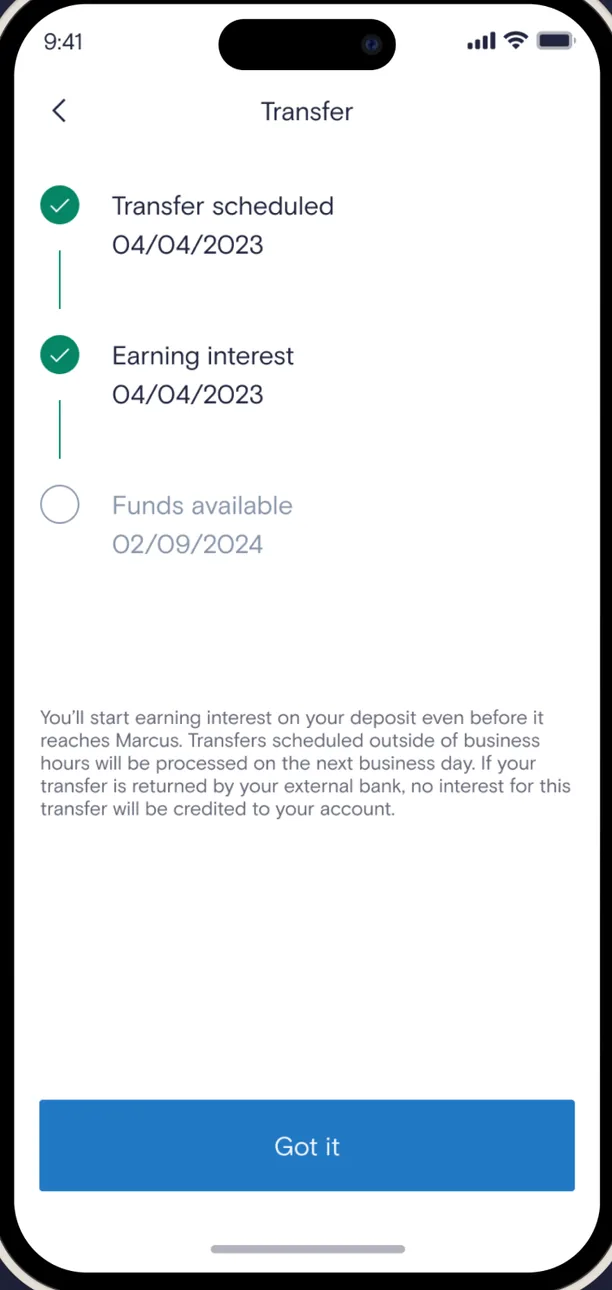
App Store marketing imageA Transfer screen tracking a transfer through Transfer scheduled, Earning interest and Funds available steps, with an explanation and a Got it button.App Store listing, as of 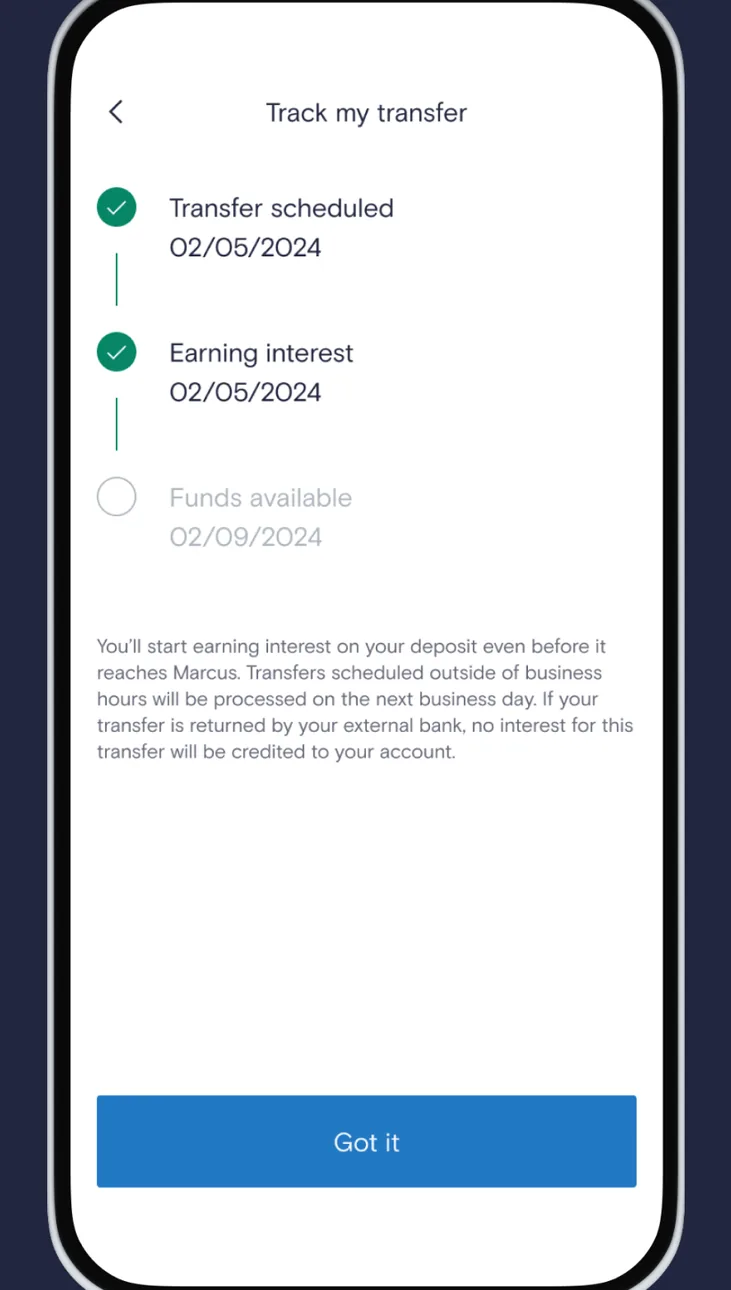
Google Play marketing imageAn Android Track my transfer screen with Transfer scheduled, Earning interest and Funds available steps and a Got it button.Google Play listing, as of 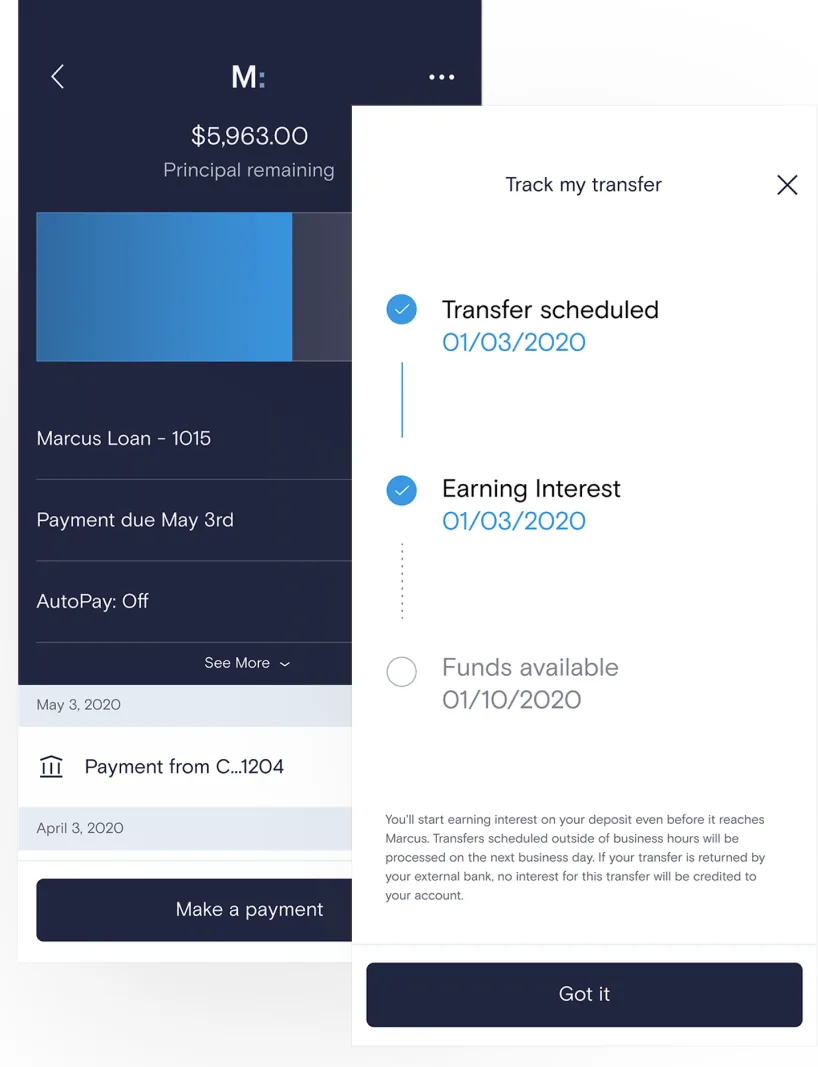
From Marcus by Goldman Sachs's websiteA loan screen showing $5,963.00 principal remaining with a Make a payment button, partly covered by a Track my transfer panel with Transfer scheduled and Earning interest checked, Funds available pending, and a Got it button.marcus.com, as of 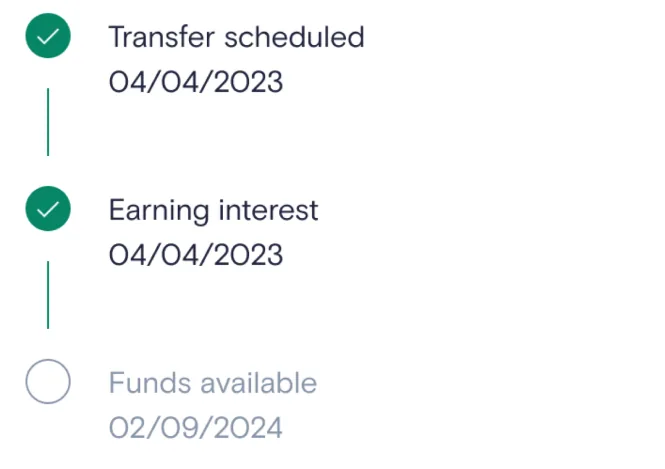
App Store marketing imageA vertical tracker with Transfer scheduled and Earning interest checked and Funds available still pending.App Store listing, as of
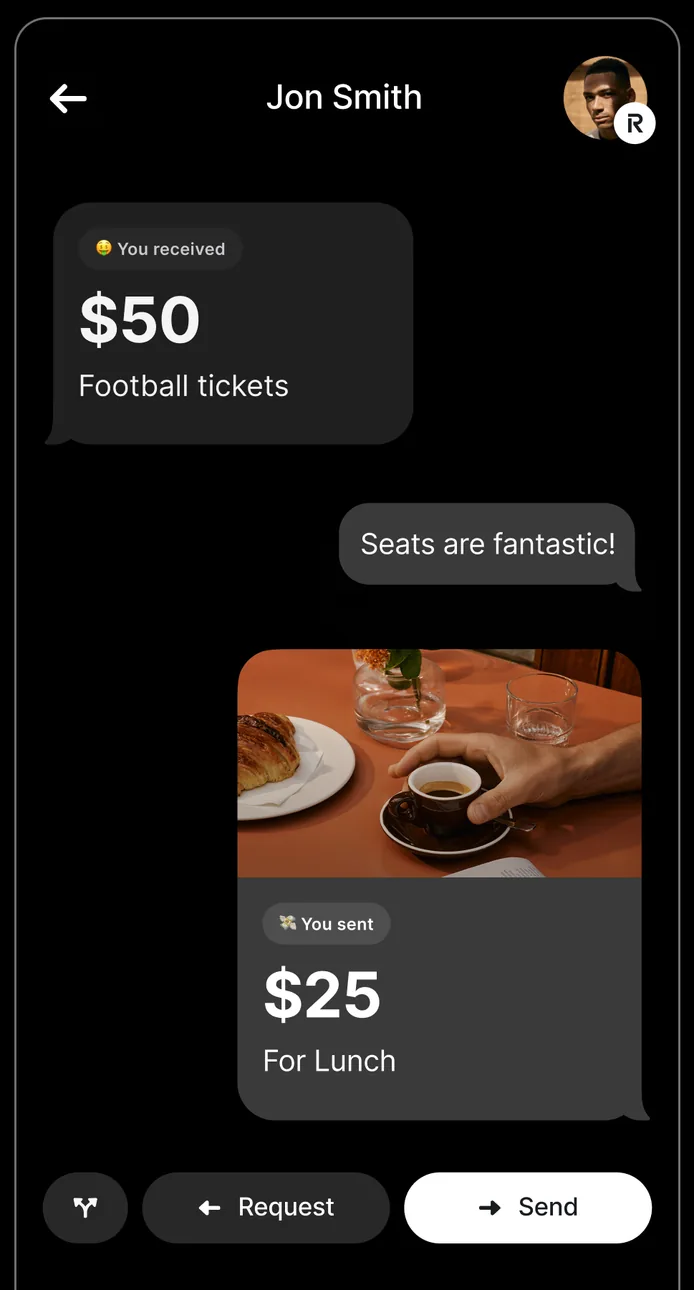
App Store marketing imageA payment chat with Jon Smith showing a received $50 for football tickets, a message, a sent $25 for lunch, and Request and Send buttons.App Store listing, as of 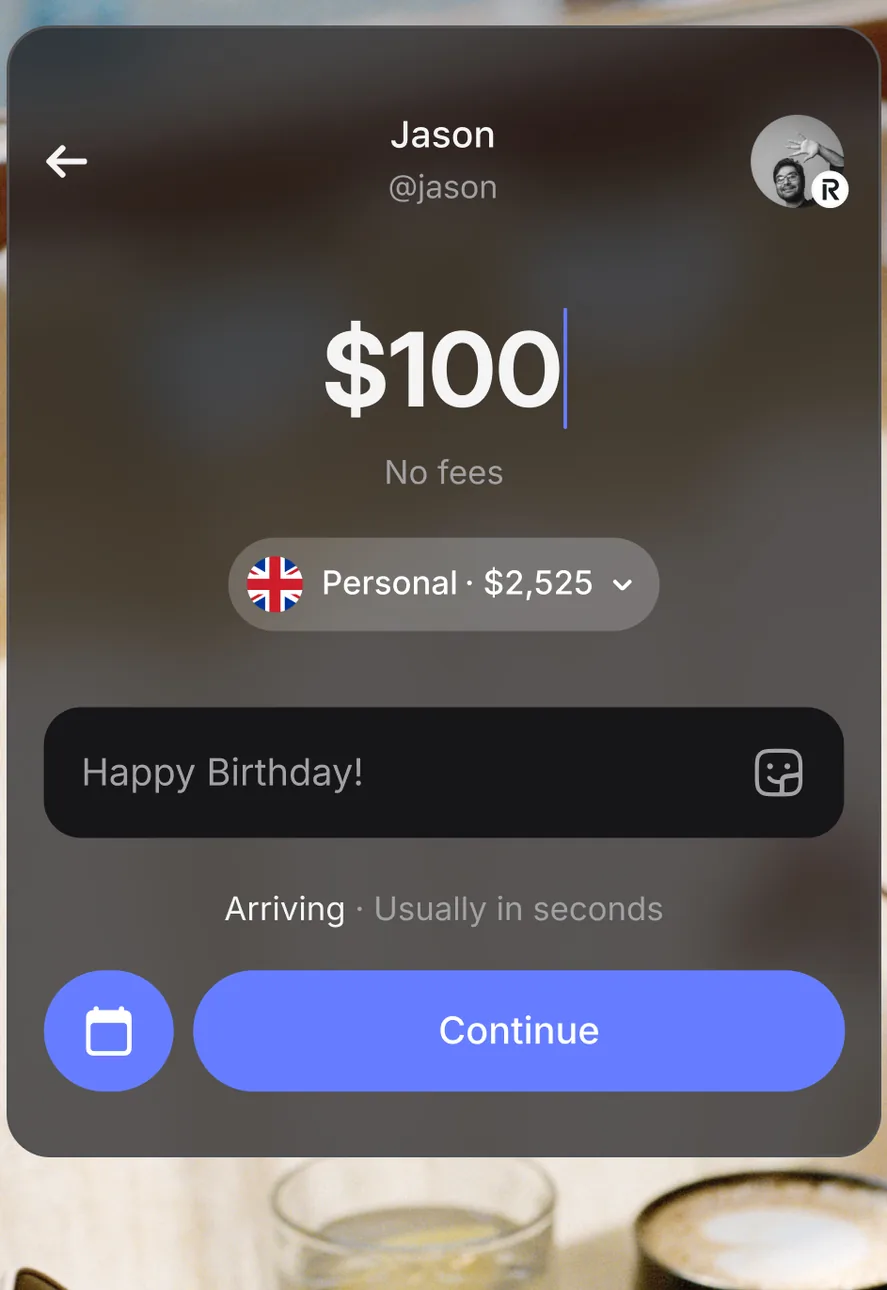
App Store marketing imageA payment screen sending $100 to Jason from a Personal account with $2,525, with a Happy Birthday note, an Arriving usually in seconds label and a Continue button.App Store listing, as of 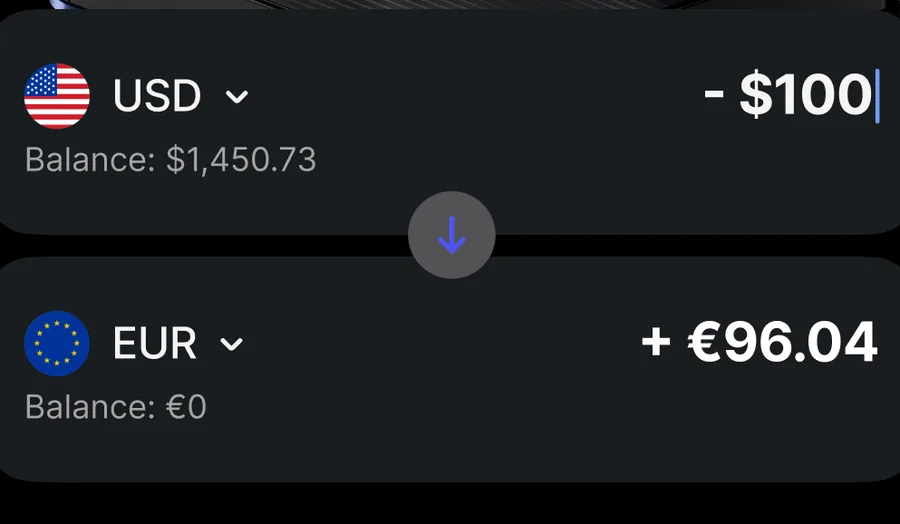
App Store marketing imageTwo currency rows exchanging $100 from a USD balance into €96.04 in a EUR balance.App Store listing, as of 
App Store marketing imageRequest and Send buttons at the bottom of a payment chat.App Store listing, as of
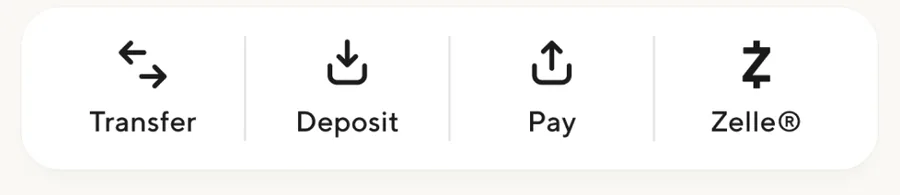
App Store marketing imageA row of Transfer, Deposit, Pay and Zelle buttons.App Store listing, as of

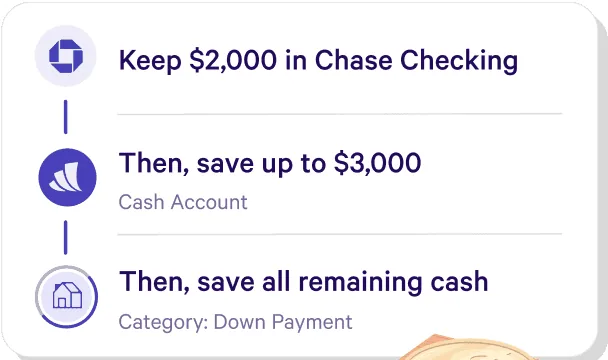
From Wealthfront's websiteA three-step list reading Keep $2,000 in Chase Checking, Then save up to $3,000 in a Cash Account, Then save all remaining cash in a Down Payment category.wealthfront.com, as of
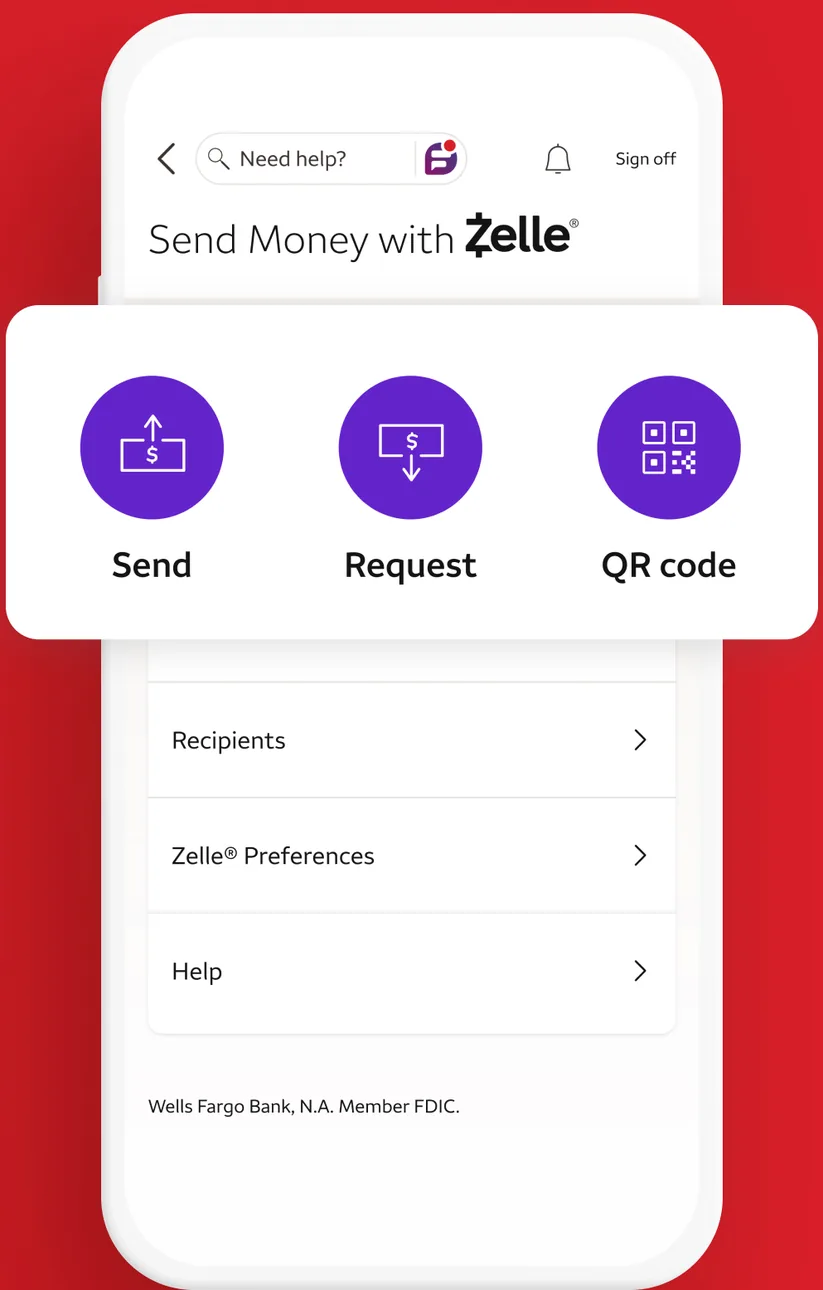
App Store marketing imageA Send Money with Zelle screen with Send, Request and QR code buttons and links for Recipients, Zelle Preferences and Help.App Store listing, as of 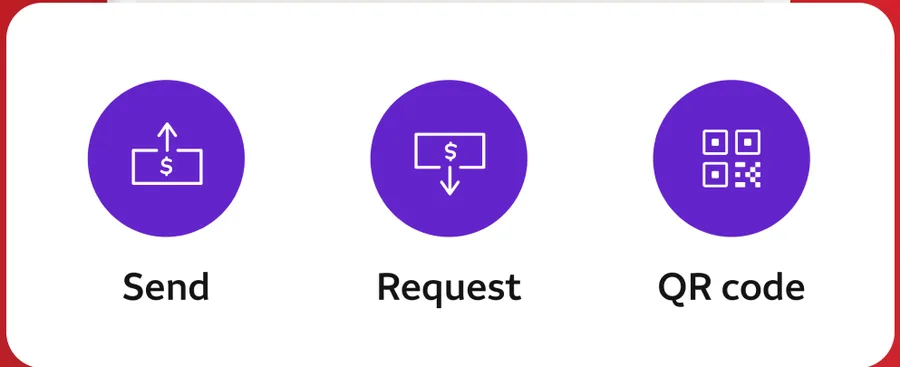
App Store marketing imageZelle buttons for Send, Request and QR code.App Store listing, as of
Card controls
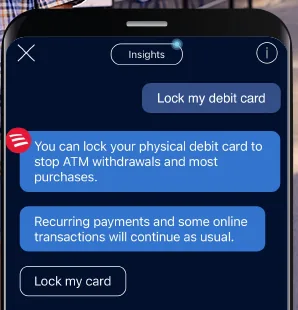
From Bank of America's websiteAn Erica chat where the user writes Lock my debit card and Erica explains that locking stops ATM withdrawals and most purchases, with a Lock my card button.info.bankofamerica.com, as of
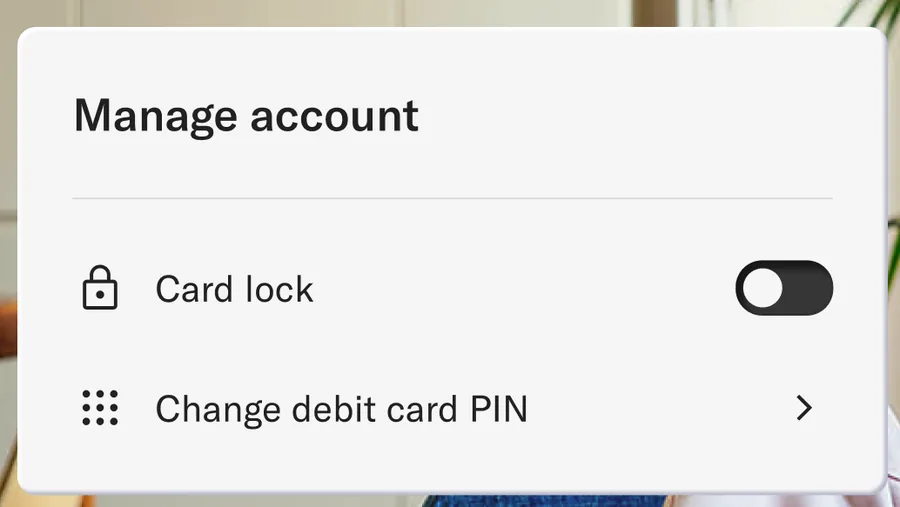
From Betterment's websiteA Manage account panel with a Card lock toggle switched off and a Change debit card PIN row.betterment.com, as of
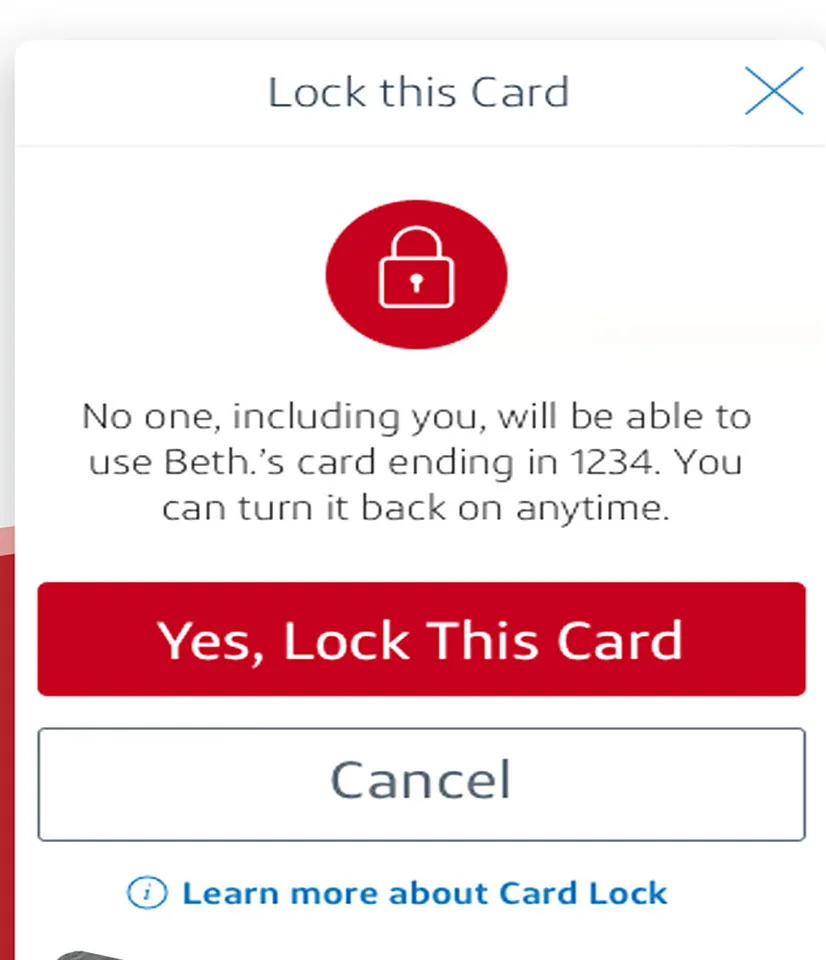
App Store marketing imageA Lock this Card dialog explaining that no one will be able to use the card, with Yes, Lock This Card and Cancel buttons.App Store listing, as of 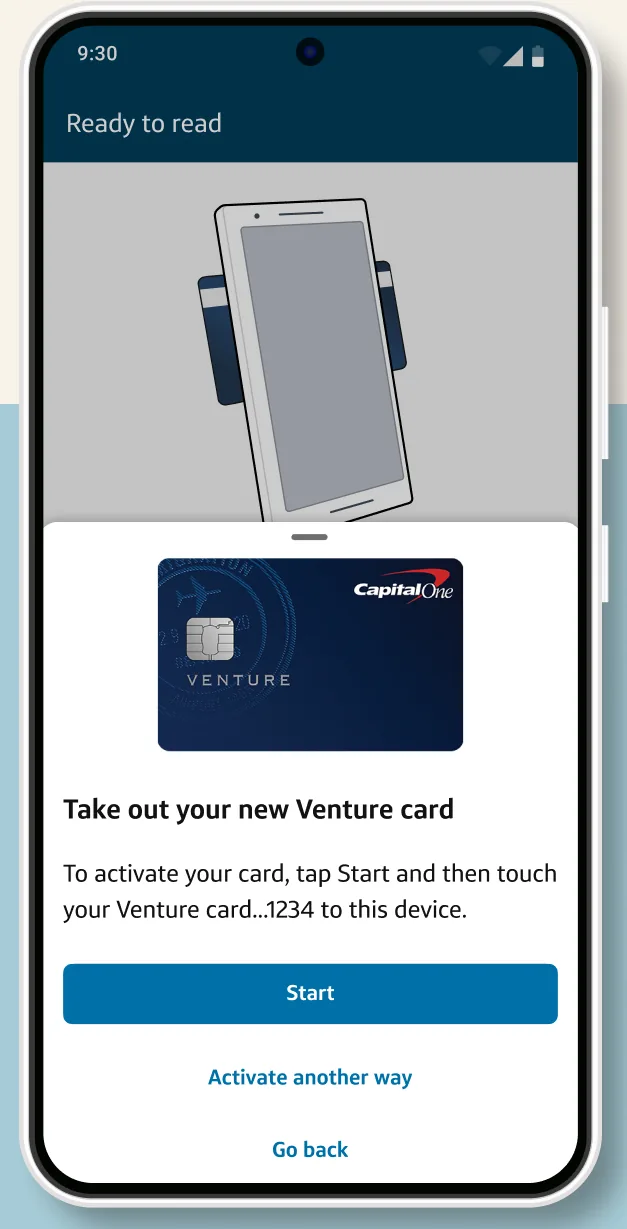
Google Play marketing imageA Ready to tap screen telling the user to take out a new Venture card and tap it to the phone, with a Start button.Google Play listing, as of 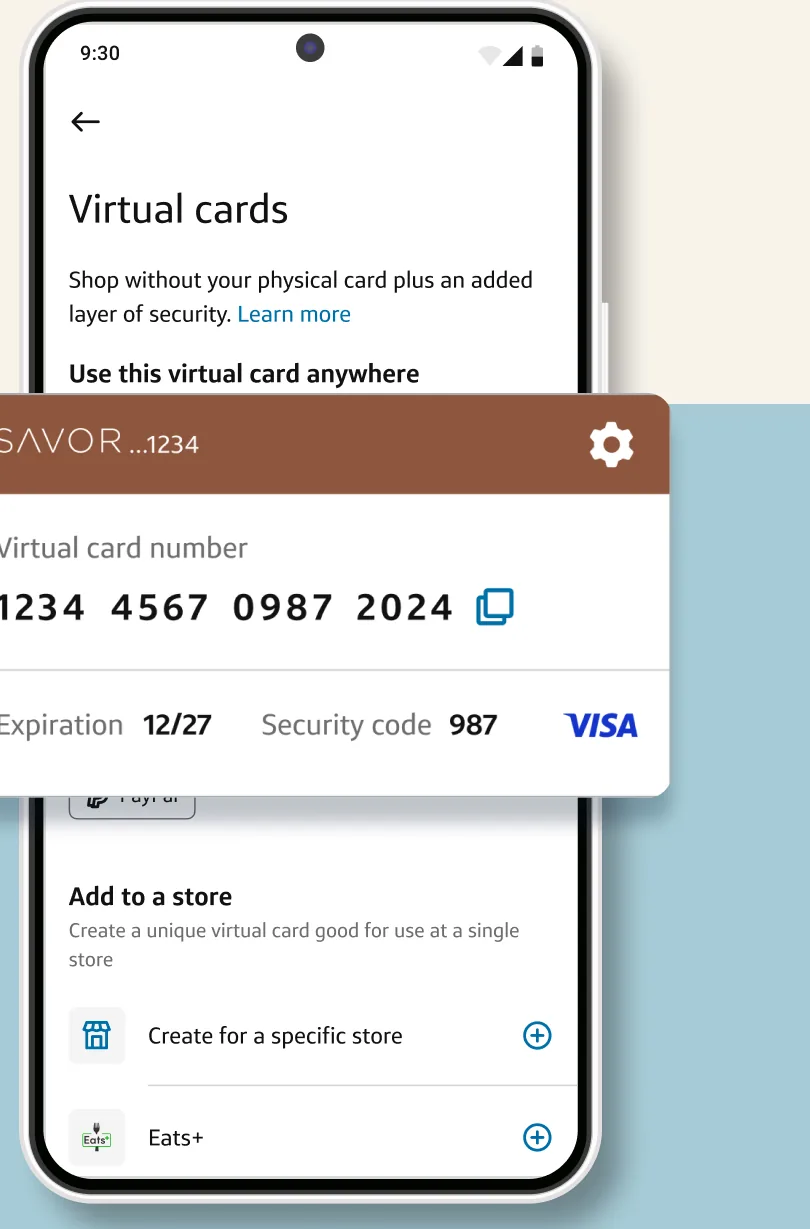
Google Play marketing imageA Virtual cards screen with a Savor virtual card number, expiration and security code shown in a card overlay.Google Play listing, as of 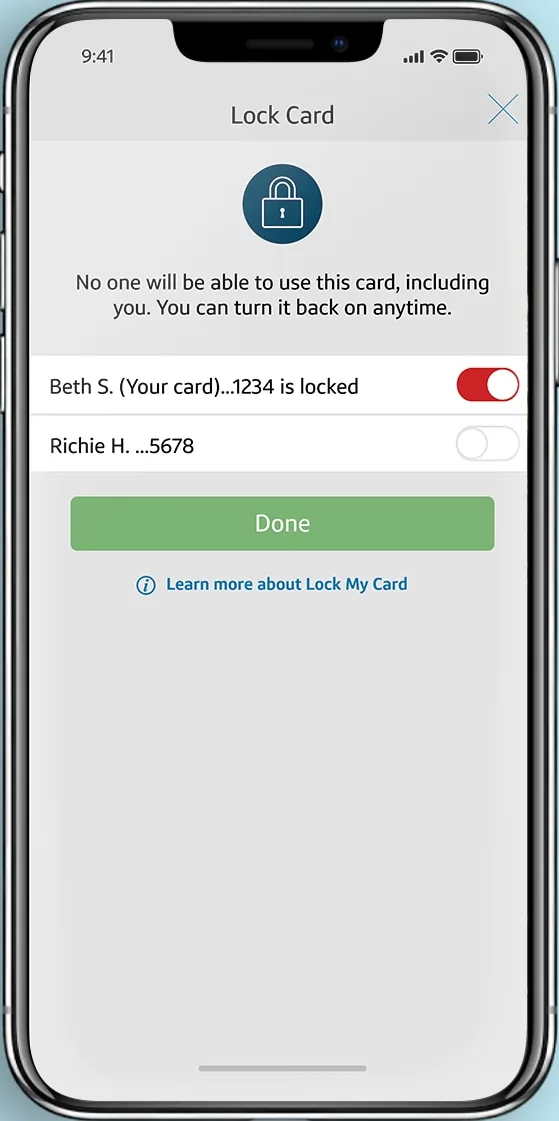
From Capital One's websiteA Lock Card screen with a lock icon, a note that no one can use the card while locked, a card row with its toggle switched on and marked locked, and a Done button.capitalone.com, as of 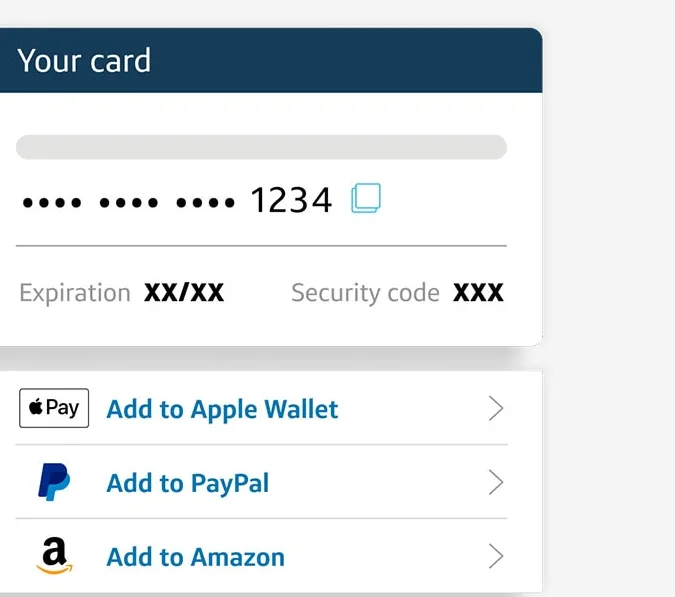
From Capital One's websiteA Your card panel with a masked card number ending in 1234, expiration and security code, and options to add it to Apple Wallet, PayPal and Amazon.capitalone.com, as of
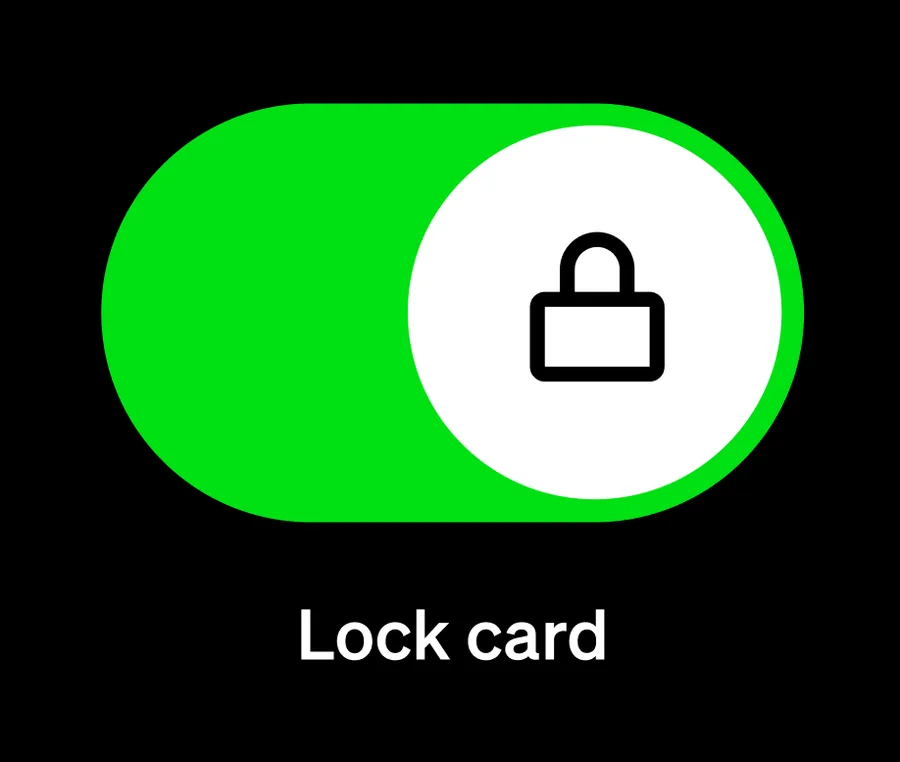
From Cash App's websiteA large toggle switched on with a lock icon above the label Lock card.cash.app, as of
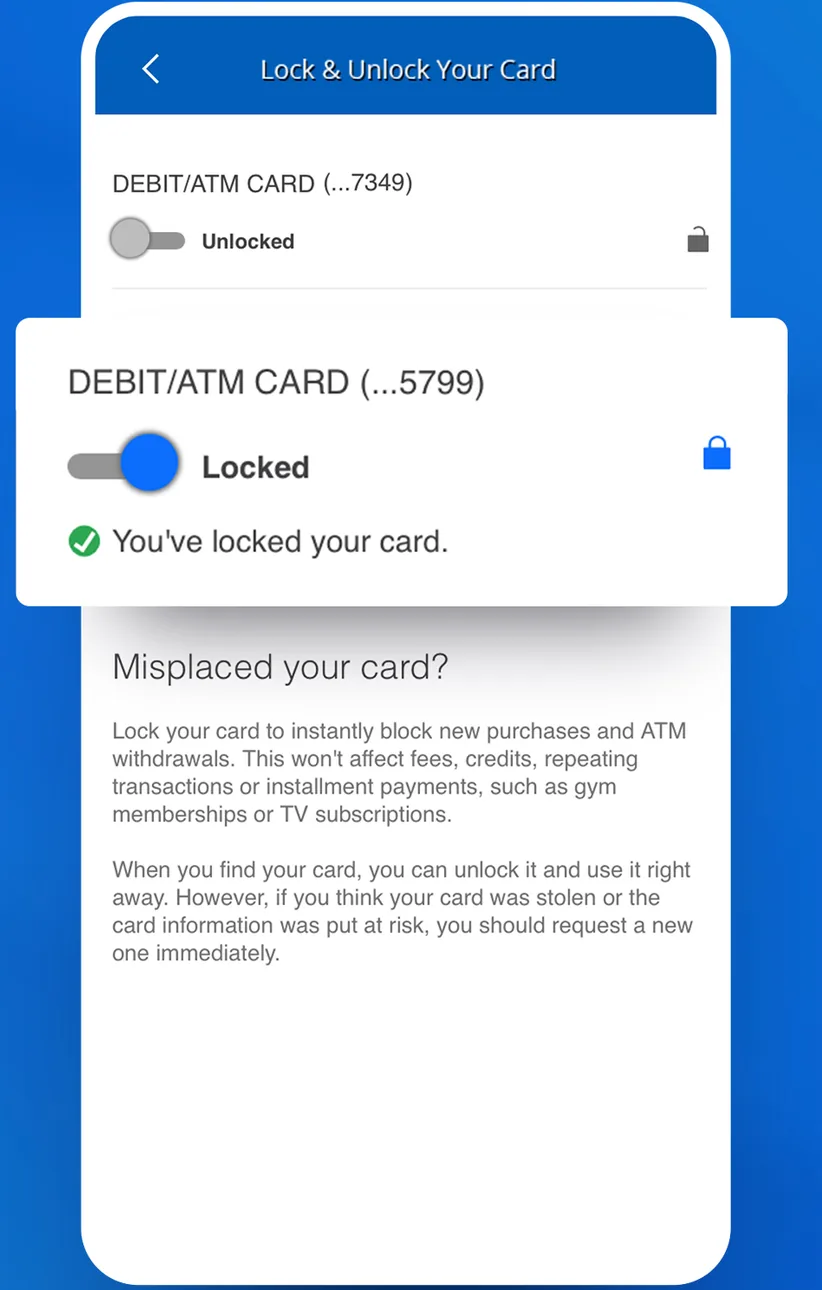
App Store marketing imageA Lock and Unlock Your Card screen with one debit card unlocked, another shown as locked, and an explanation of what locking does.App Store listing, as of 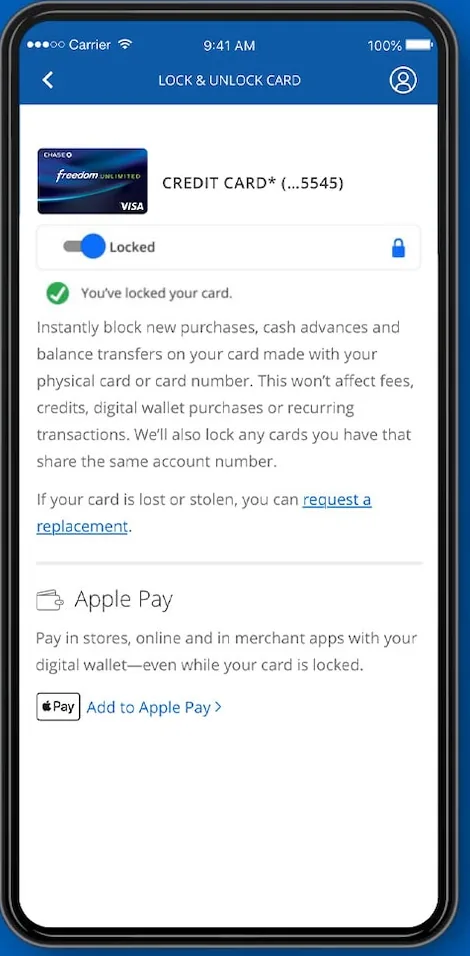
From Chase's websiteA Lock and Unlock Card screen with a credit card toggled to Locked, a You've locked your card message, an explanation, and an Apple Pay section.chase.com, as of 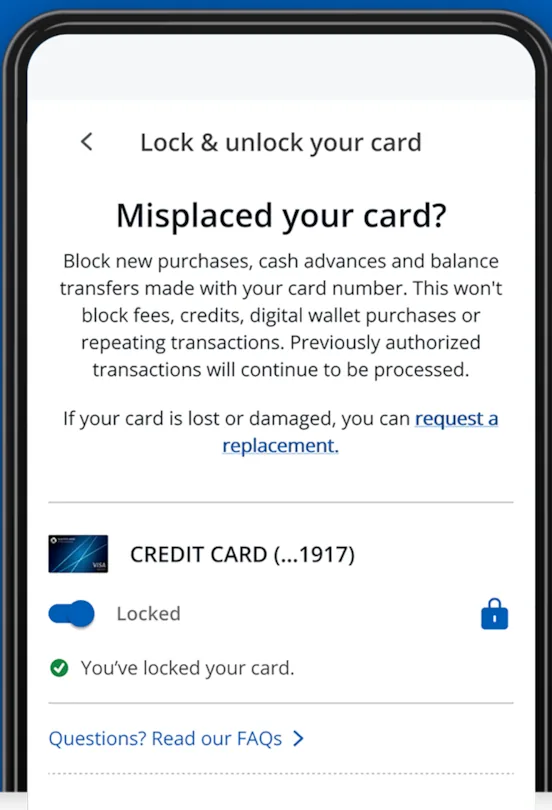
From Chase's help centerA Lock and unlock your card screen titled Misplaced your card?, explaining what locking blocks, with a credit card toggled to Locked.chase.com, as of 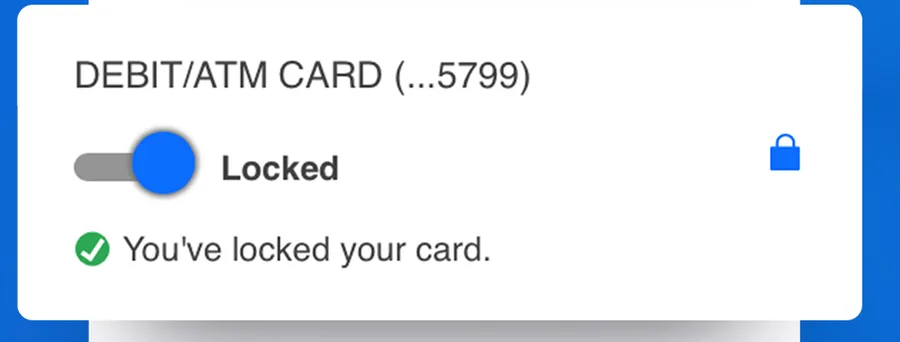
App Store marketing imageA debit card row with its toggle switched to Locked and a confirmation that reads You've locked your card.App Store listing, as of
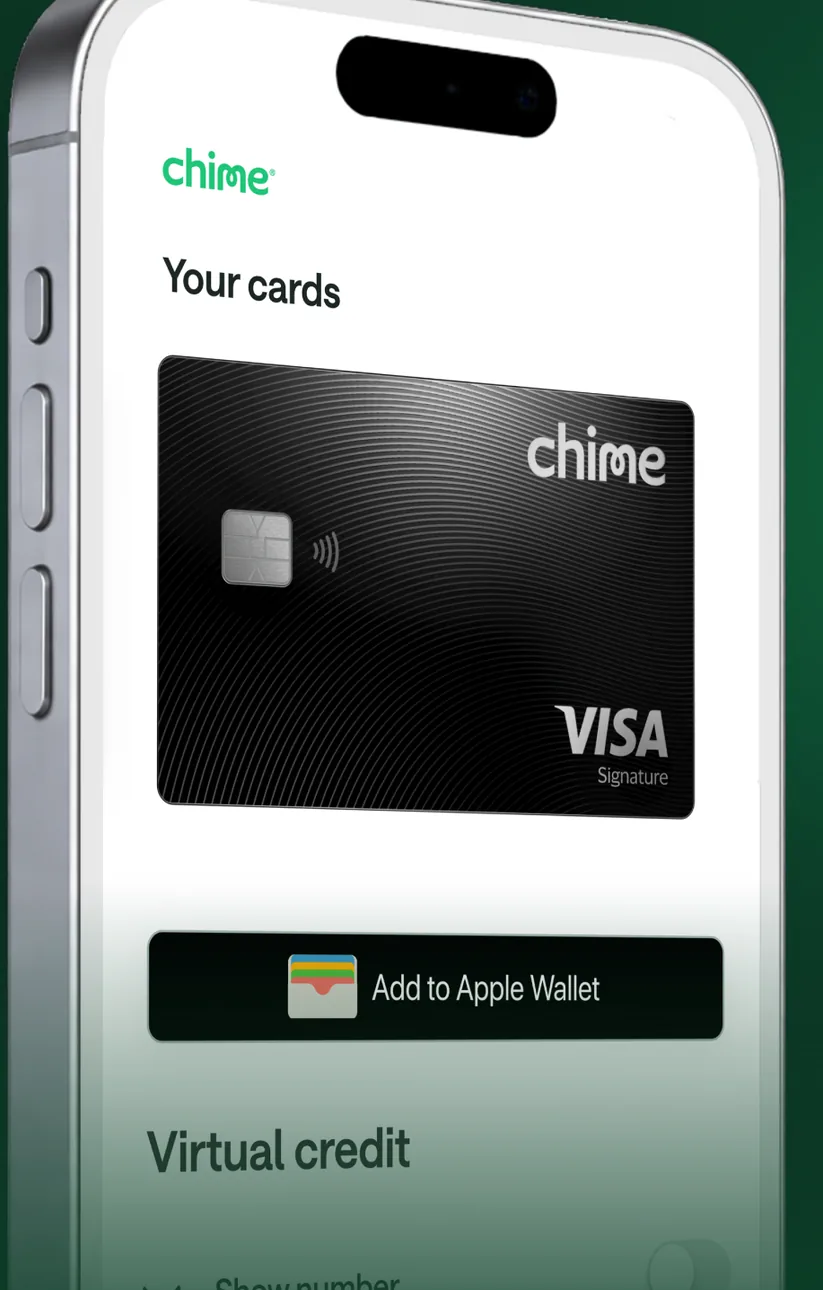
App Store marketing imageA Your cards screen at an angle showing a black Chime Visa card, an Add to Apple Wallet button and a Virtual credit section.App Store listing, as of
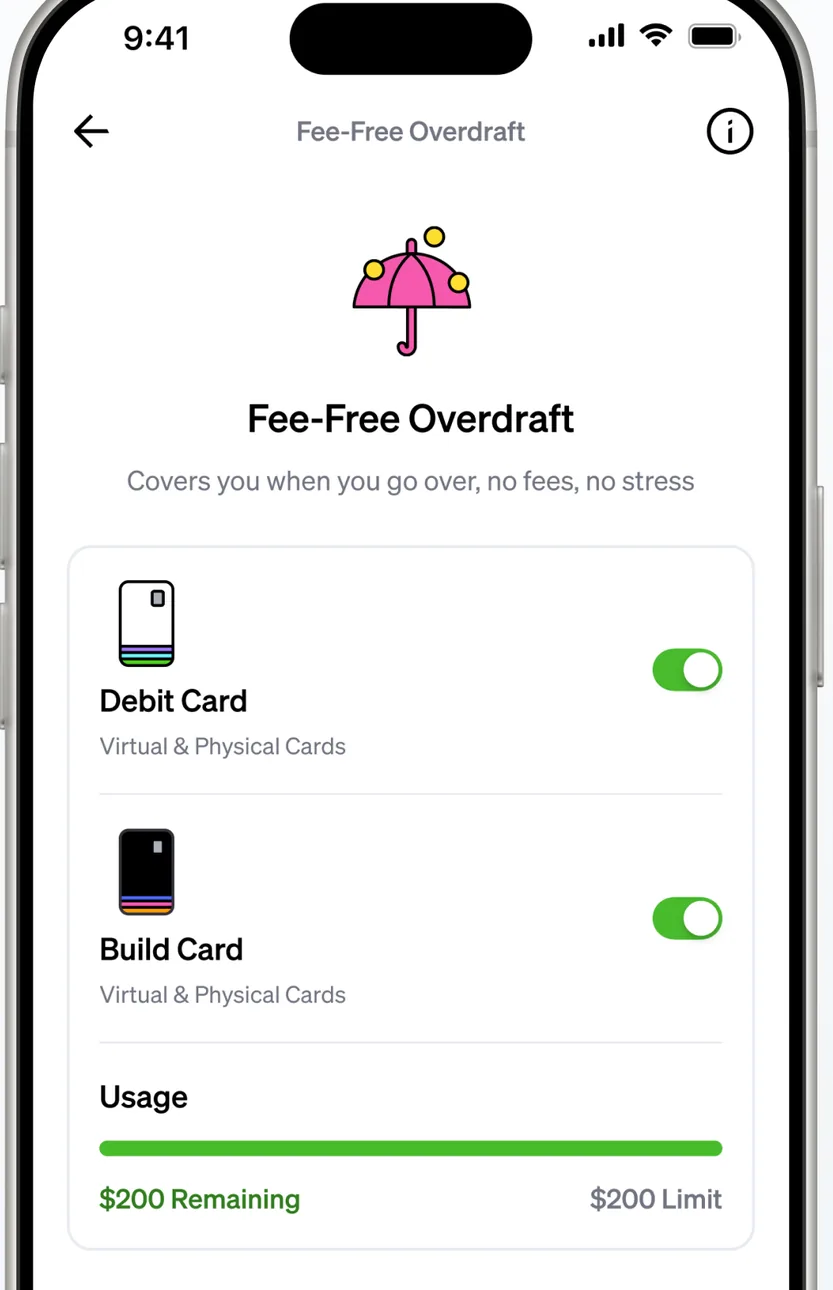
App Store marketing imageA Fee-Free Overdraft screen with toggles for a Debit Card and a Build Card and a usage bar showing remaining and limit amounts.App Store listing, as of 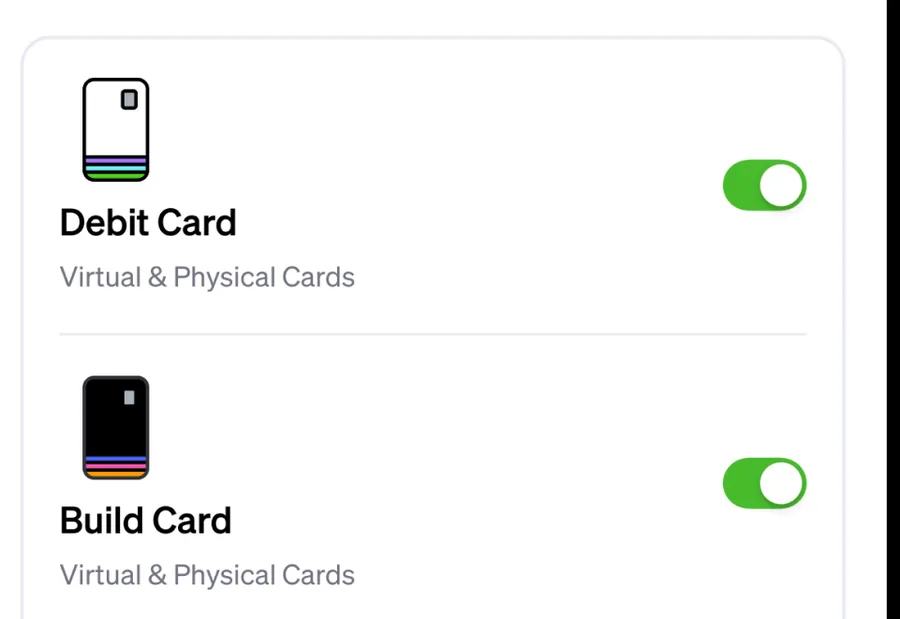
App Store marketing imageToggles switched on for a Debit Card and a Build Card, each covering virtual and physical cards.App Store listing, as of
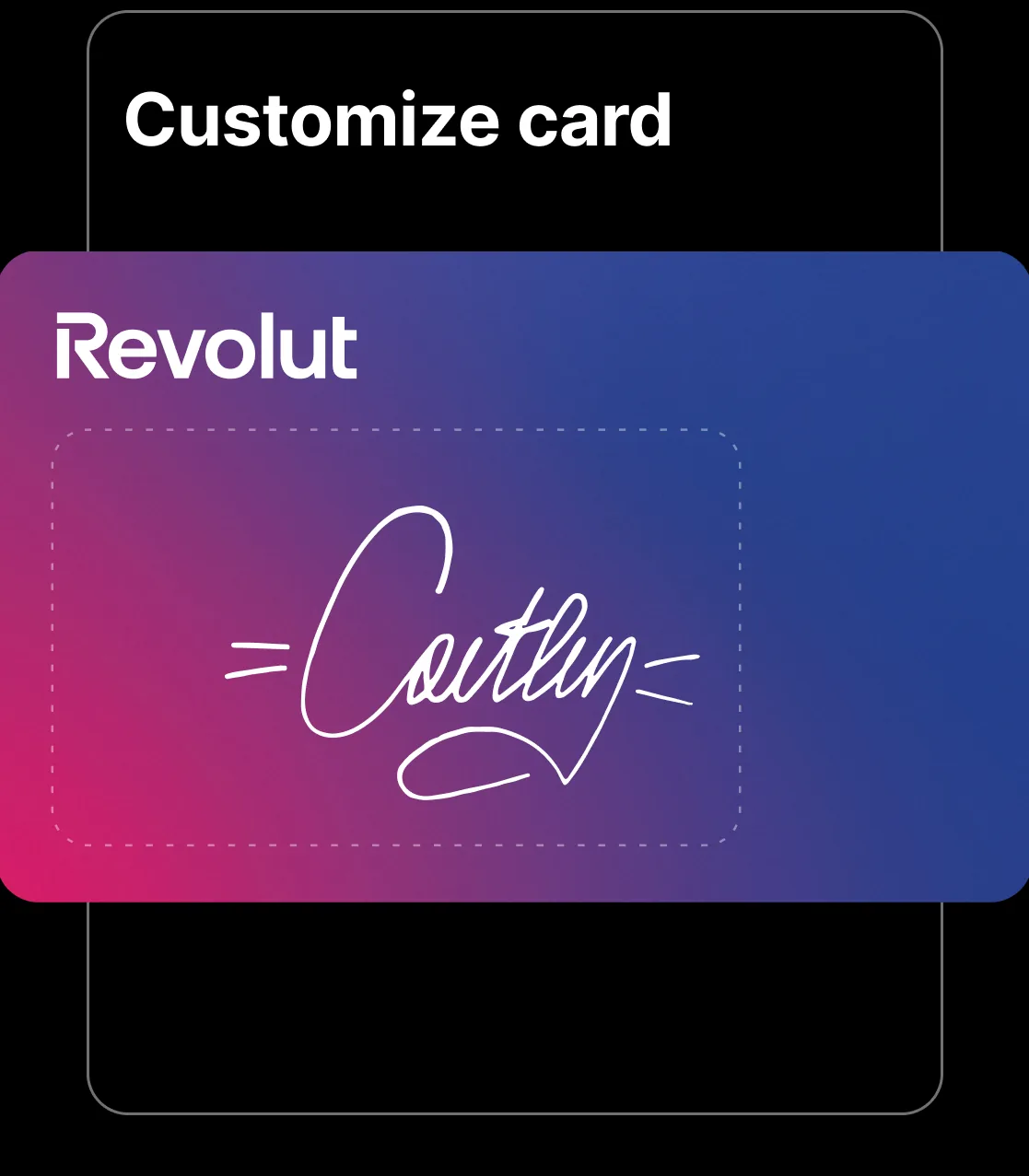
App Store marketing imageA Customize card screen showing a gradient Revolut card with a handwritten signature drawn on it.App Store listing, as of
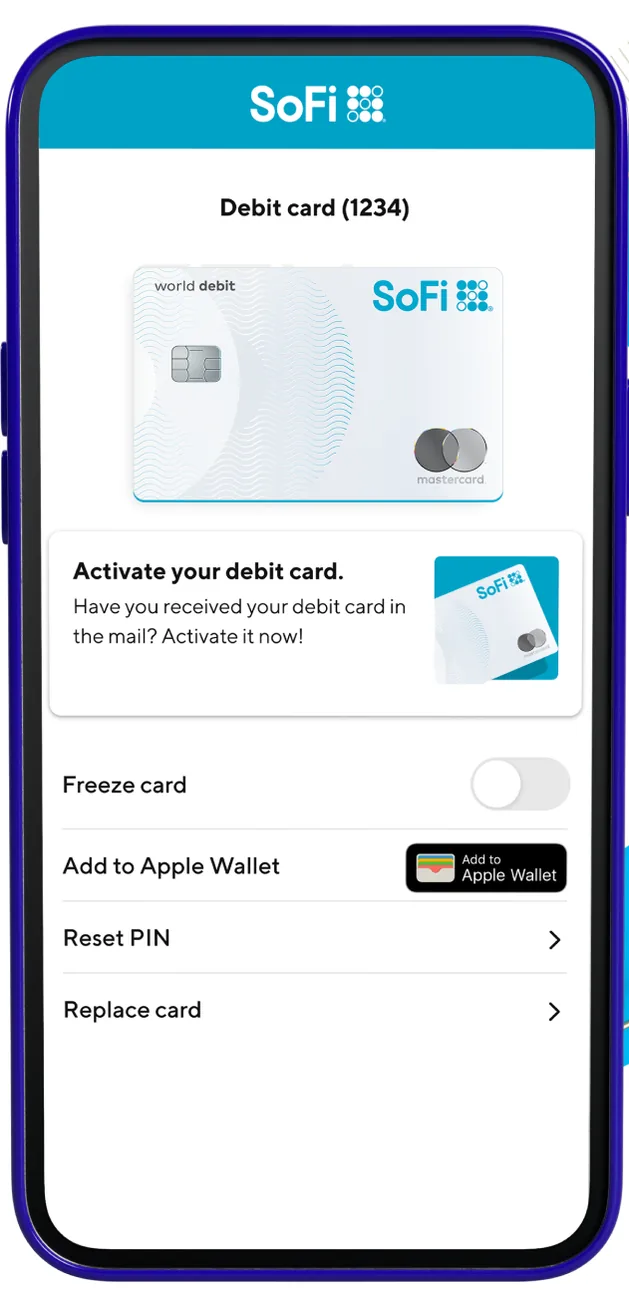
From SoFi's websiteA Debit card screen showing the card, an Activate your debit card prompt, a Freeze card toggle switched off, an Add to Apple Wallet button, and Reset PIN and Replace card rows.sofi.com, as of
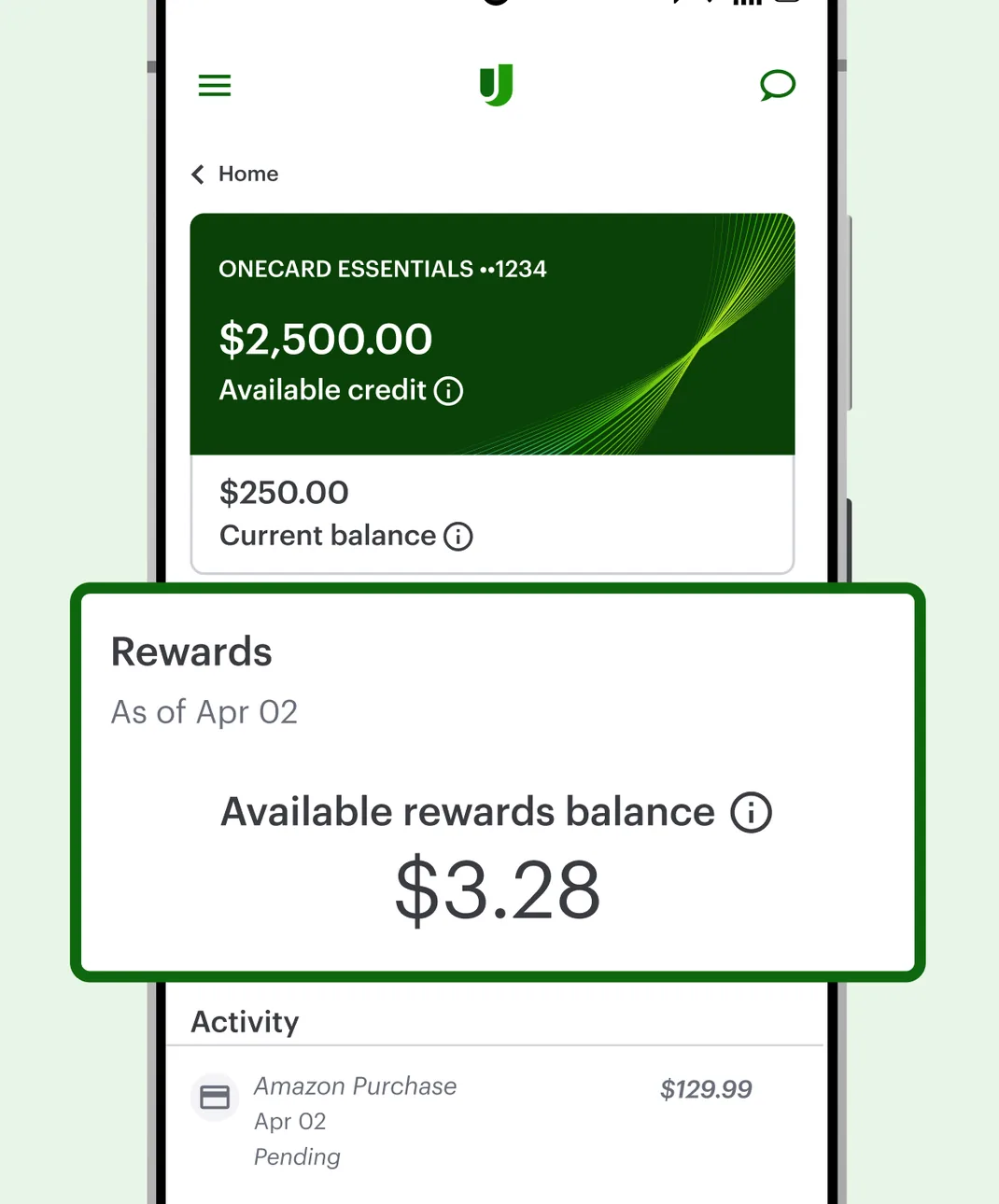
Google Play marketing imageA OneCard Essentials screen showing $2,500.00 available credit and a $250.00 current balance, with a Rewards card showing $3.28 available and an Activity list.Google Play listing, as of 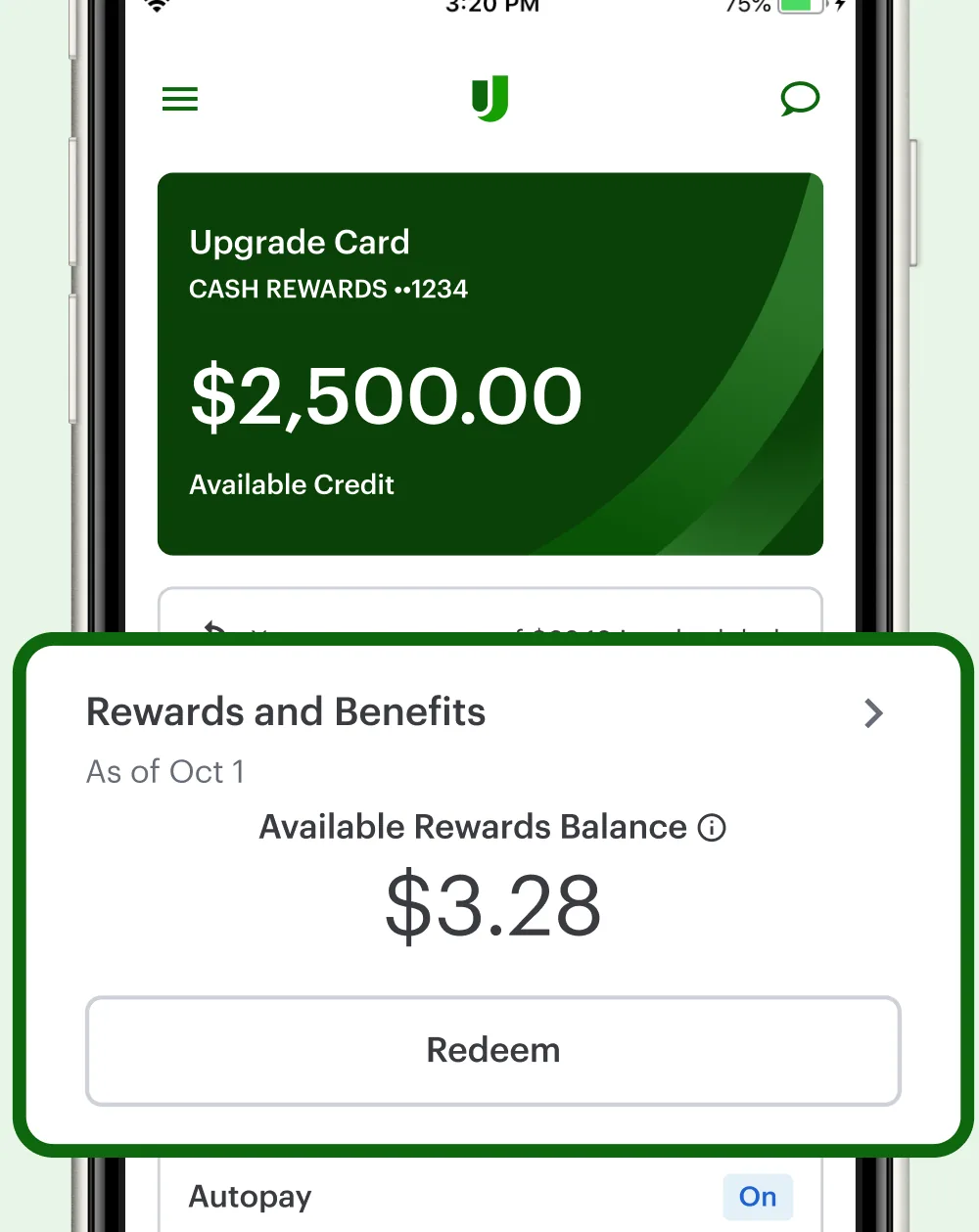
App Store marketing imageAn Upgrade Card screen showing $2,500.00 available credit, a Rewards and Benefits card with a $3.28 available rewards balance and a Redeem button, and an Autopay row.App Store listing, as of 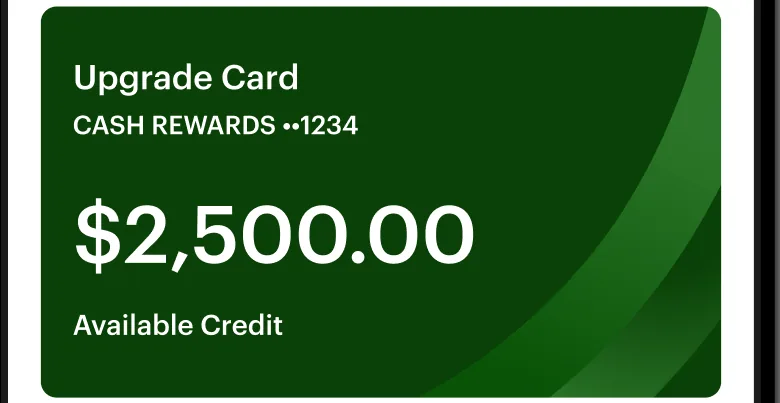
App Store marketing imageA green Upgrade Card tile showing $2,500.00 available credit.App Store listing, as of 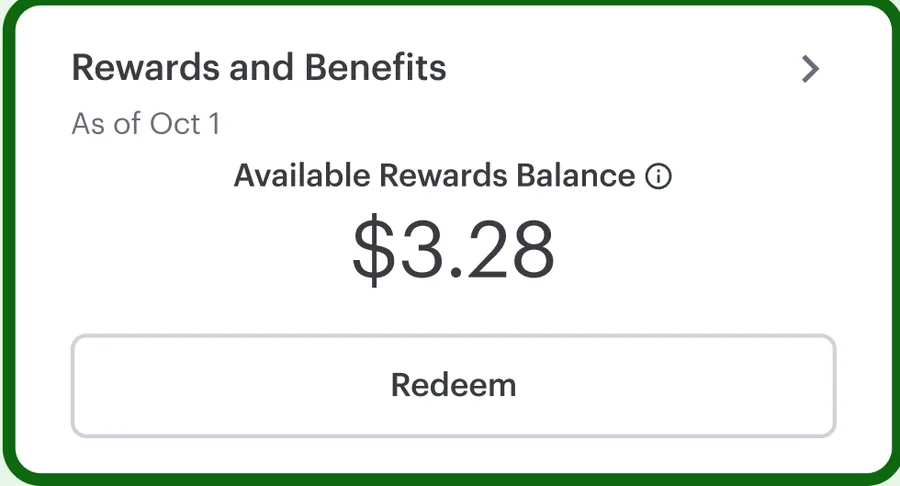
App Store marketing imageA Rewards and Benefits card showing a $3.28 available rewards balance with a Redeem button.App Store listing, as of
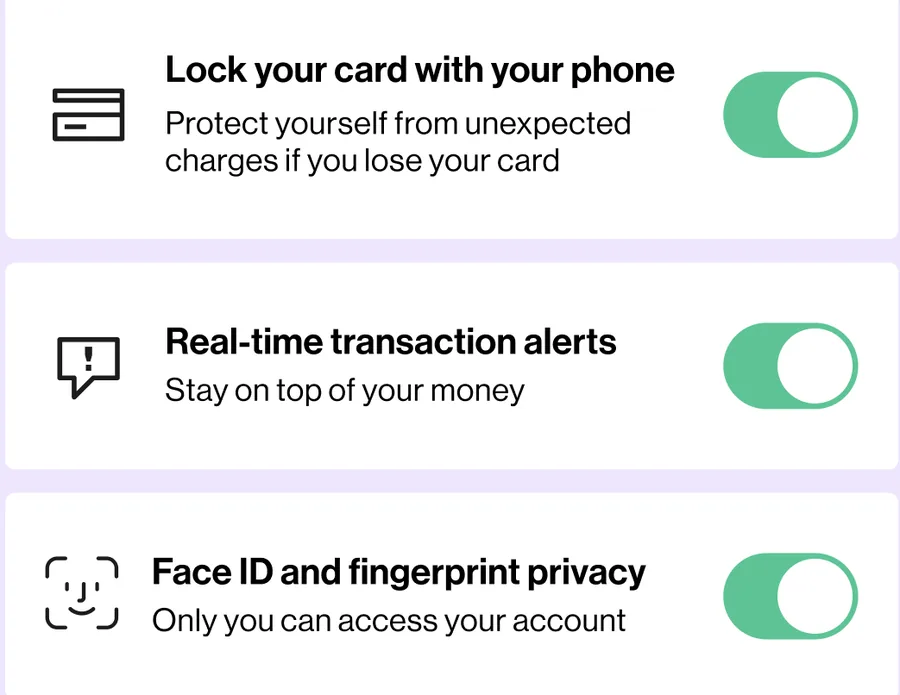
App Store marketing imageThree settings rows with switches turned on for locking a card, real-time transaction alerts and Face ID and fingerprint privacy.App Store listing, as of
Settings and security
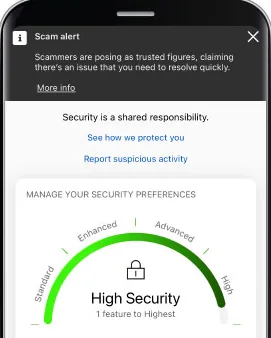
From Bank of America's help centerA security screen with a Scam alert banner, links to see how the bank protects you and to report suspicious activity, and a Manage your security preferences gauge reading High Security.info.bankofamerica.com, as of
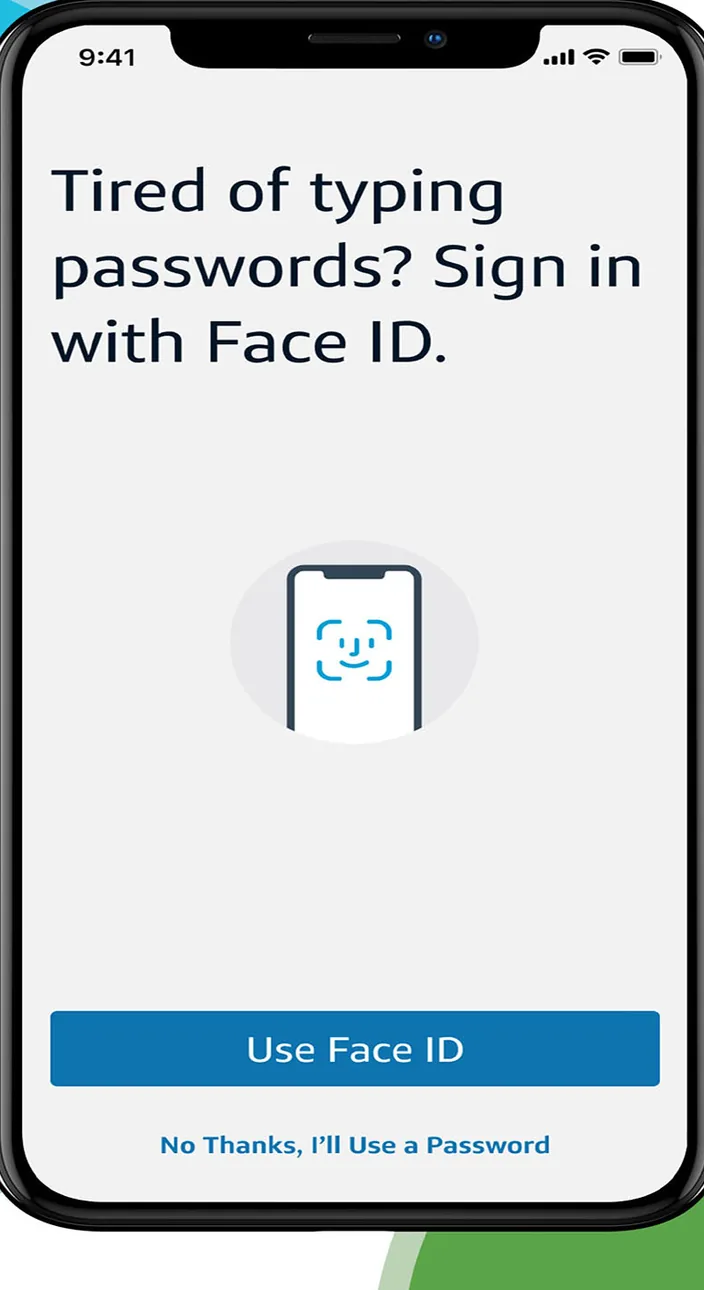
App Store marketing imageA sign in prompt that reads Tired of typing passwords? Sign in with Face ID, with a Use Face ID button and a No Thanks option.App Store listing, as of 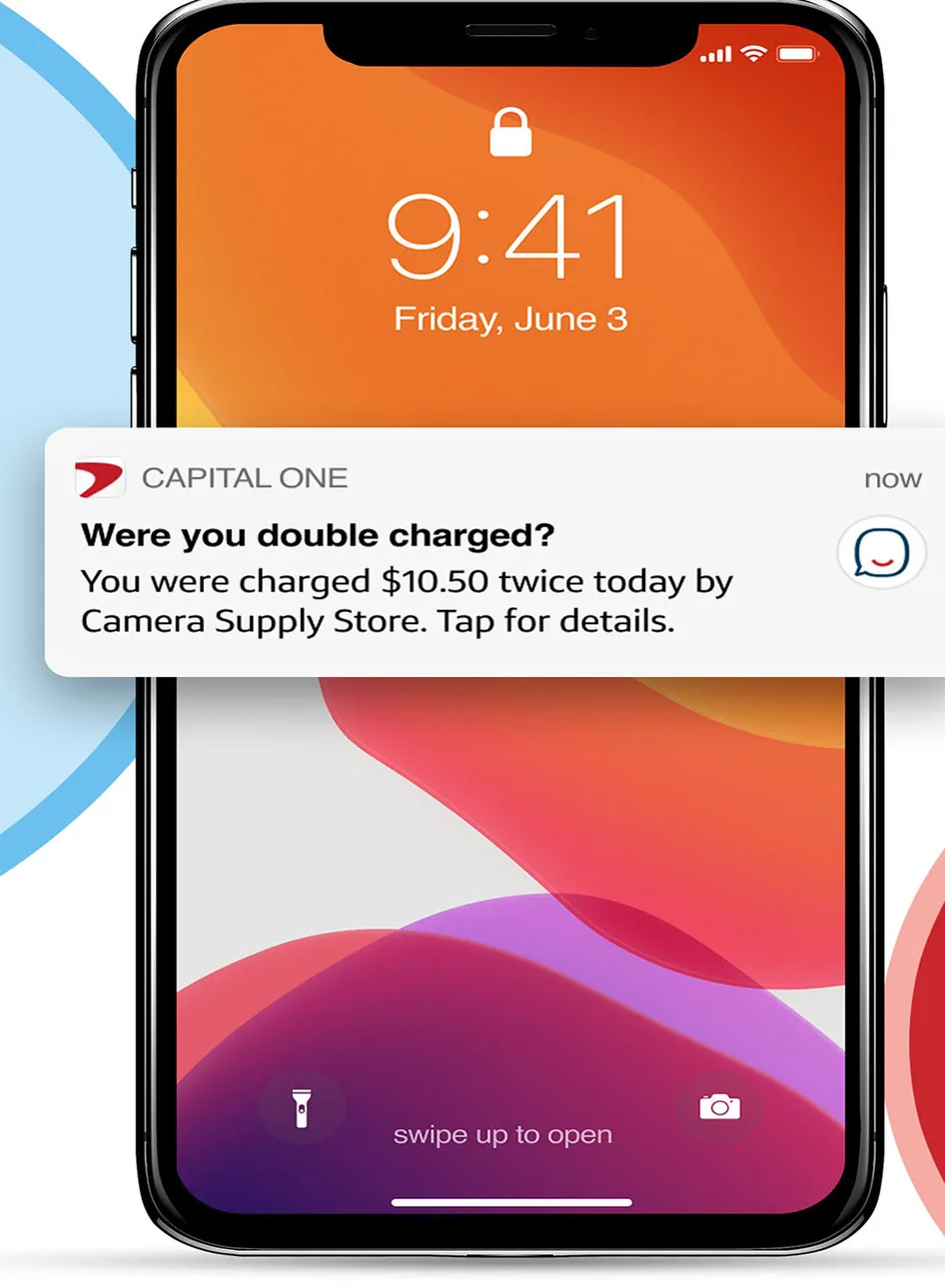
App Store marketing imageAn iPhone lock screen showing a Capital One notification asking Were you double charged? about two $10.50 charges.App Store listing, as of
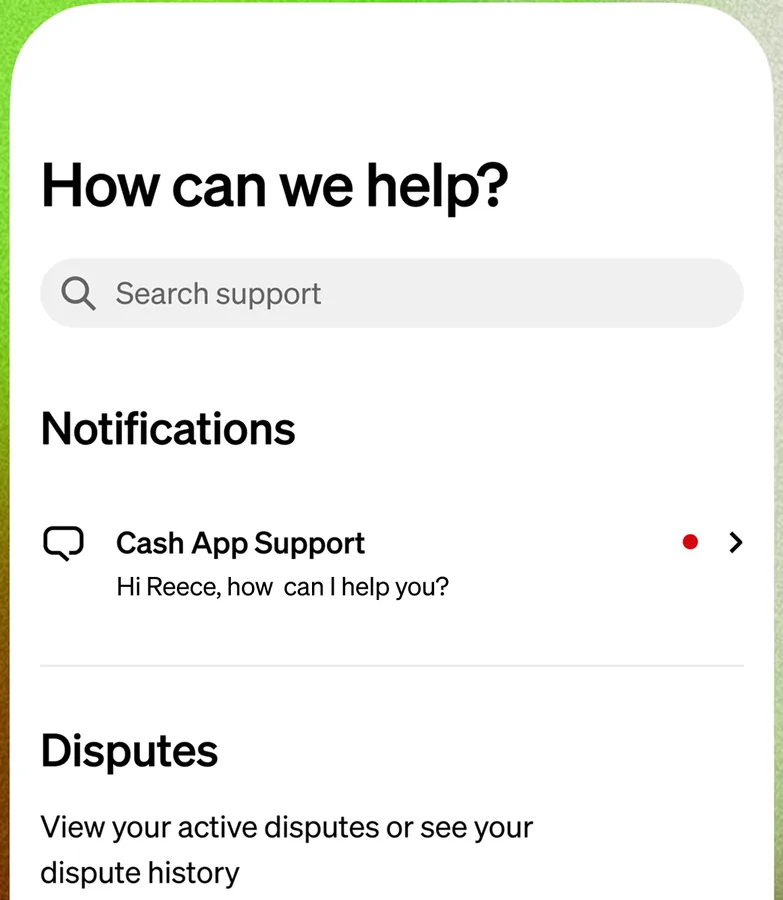
From Cash App's websiteA How can we help? screen with a support search field, a Notifications section with a Cash App Support message, and a Disputes section.cash.app, as of 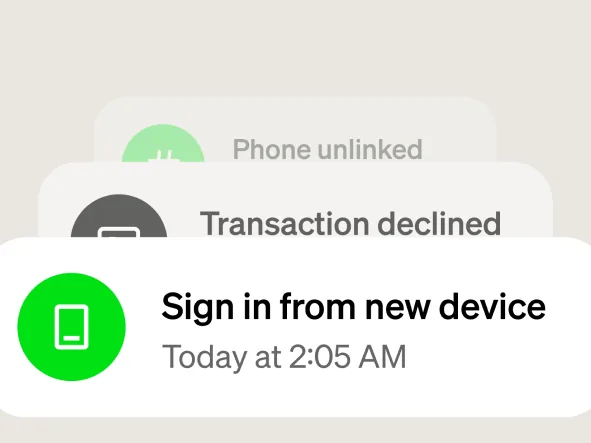
From Cash App's websiteStacked notifications for Phone unlinked, Transaction declined and Sign in from new device today at 2:05 AM.cash.app, as of 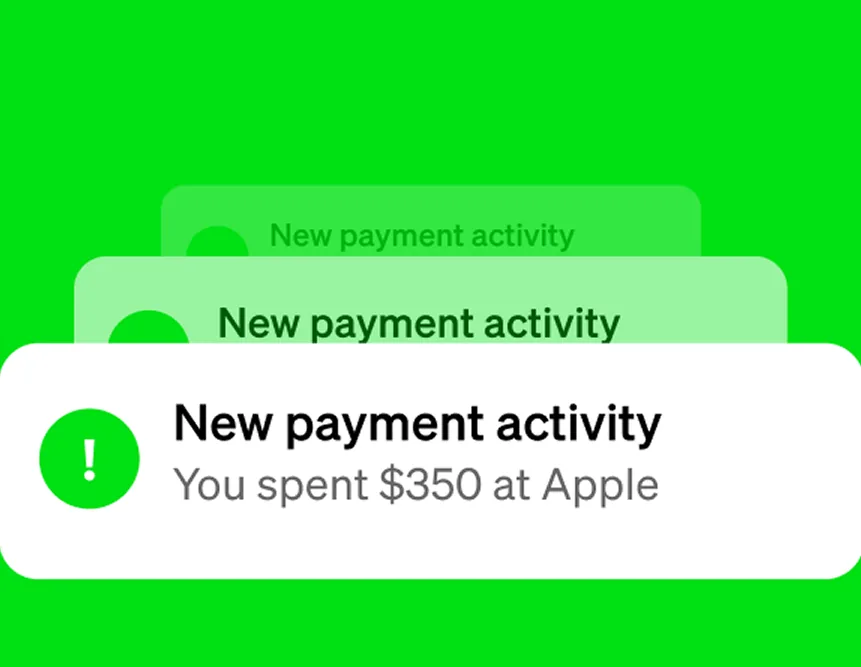
From Cash App's websiteStacked notifications reading New payment activity, You spent $350 at Apple.cash.app, as of
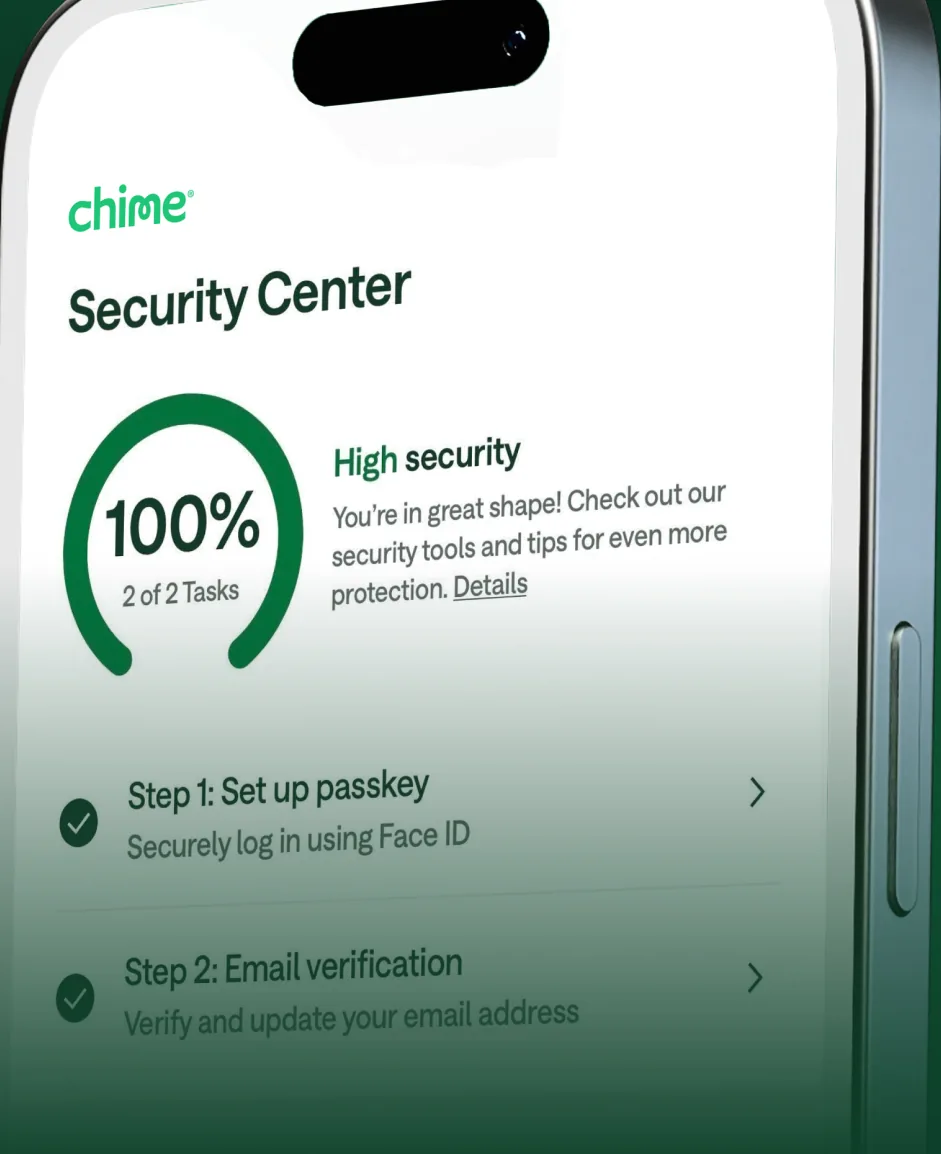
App Store marketing imageA Security Center screen at an angle showing a 100% security progress ring and setup steps such as setting up a passkey.App Store listing, as of 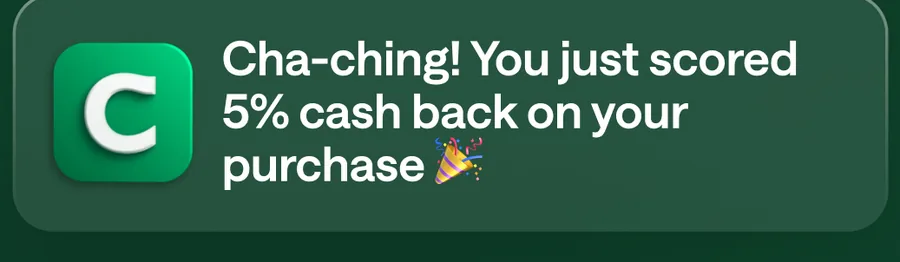
App Store marketing imageA Chime notification saying Cha-ching! You just scored 5% cash back on your purchase.App Store listing, as of 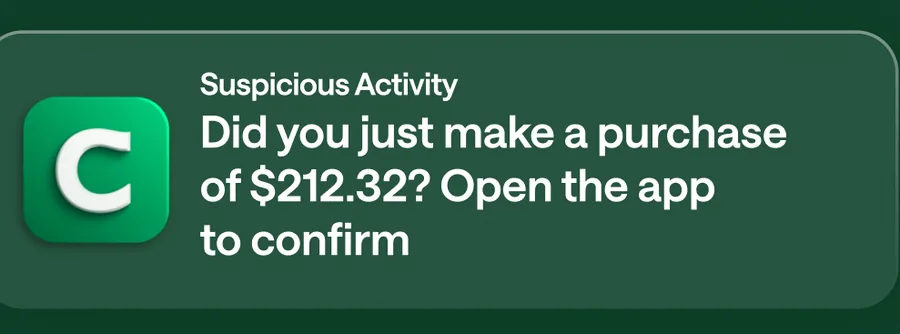
App Store marketing imageA Suspicious Activity notification asking Did you just make a purchase of $212.32? Open the app to confirm.App Store listing, as of
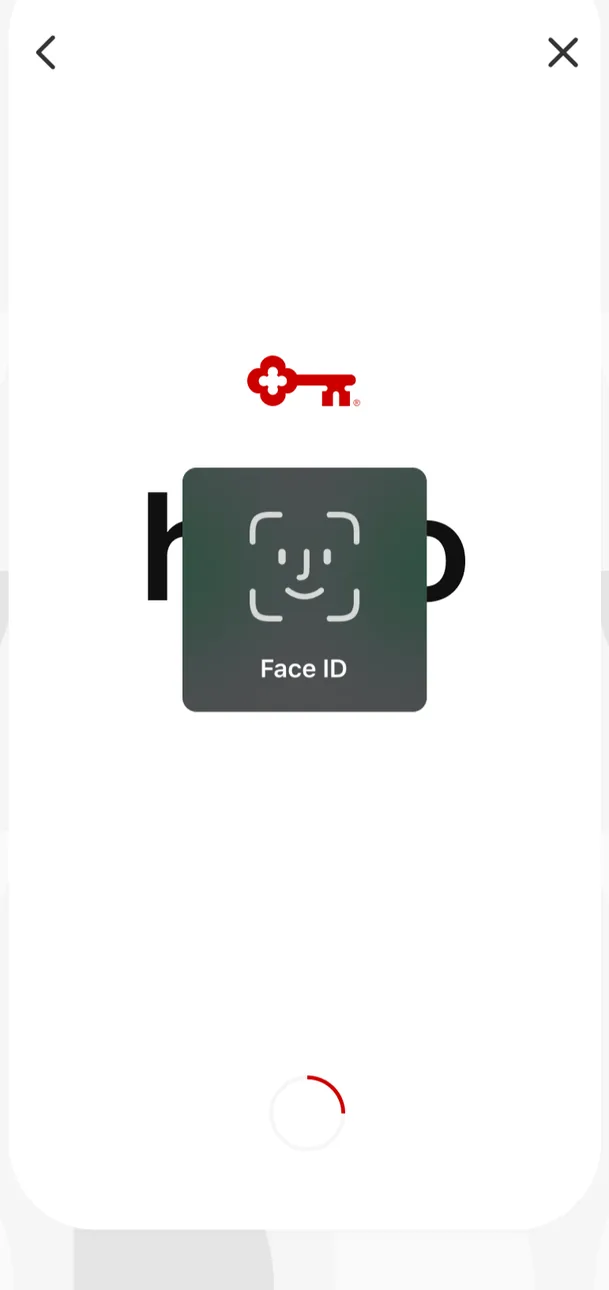
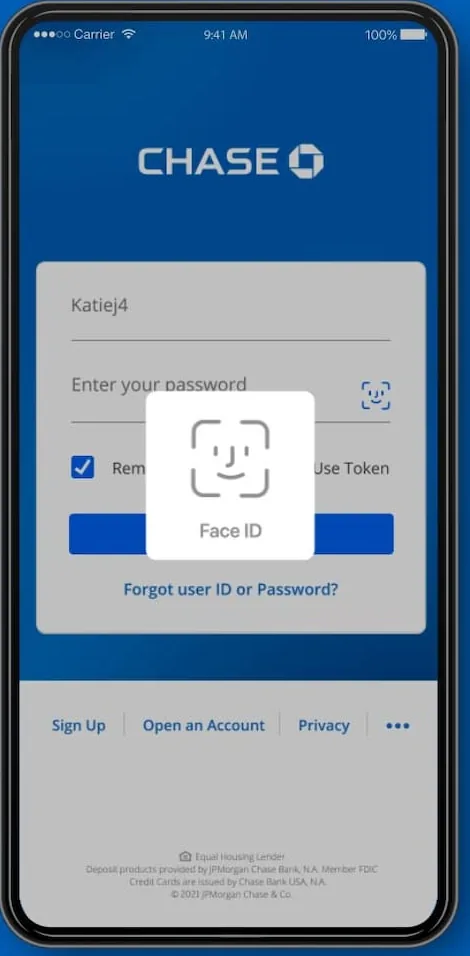
App Store marketing imageA sign in screen showing the KeyBank key logo with a Face ID prompt in the center and a loading spinner below.App Store listing, as of 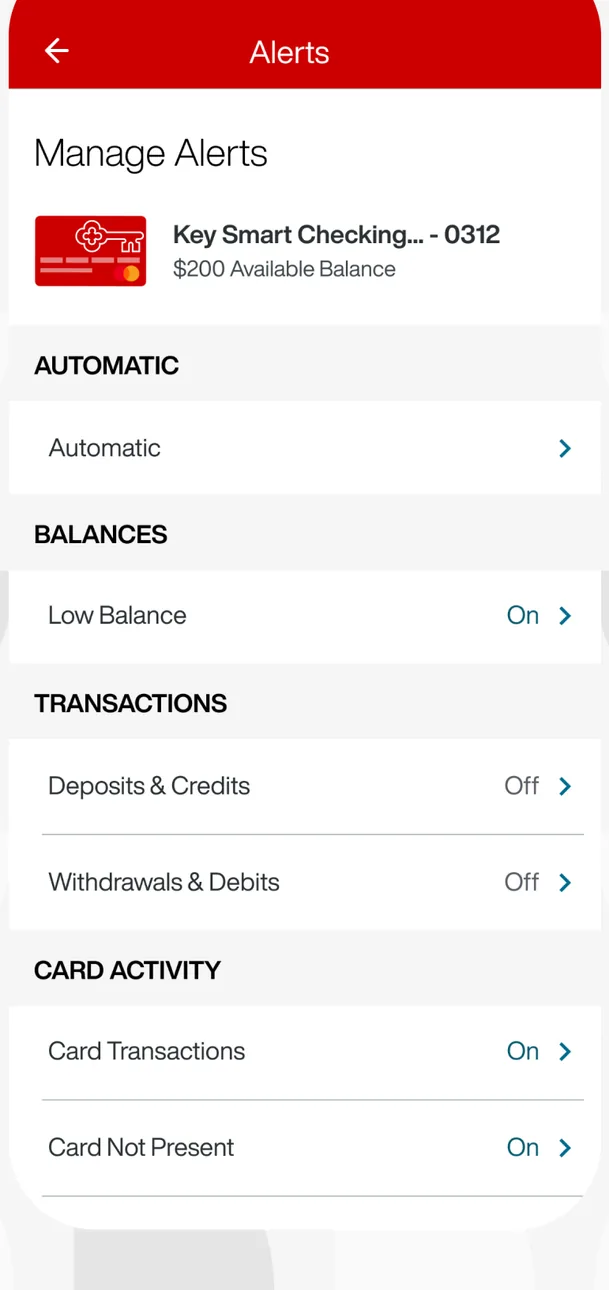
App Store marketing imageA Manage Alerts screen for a Key Smart Checking account with toggles grouped under Automatic, Balances, Transactions and Card Activity.App Store listing, as of 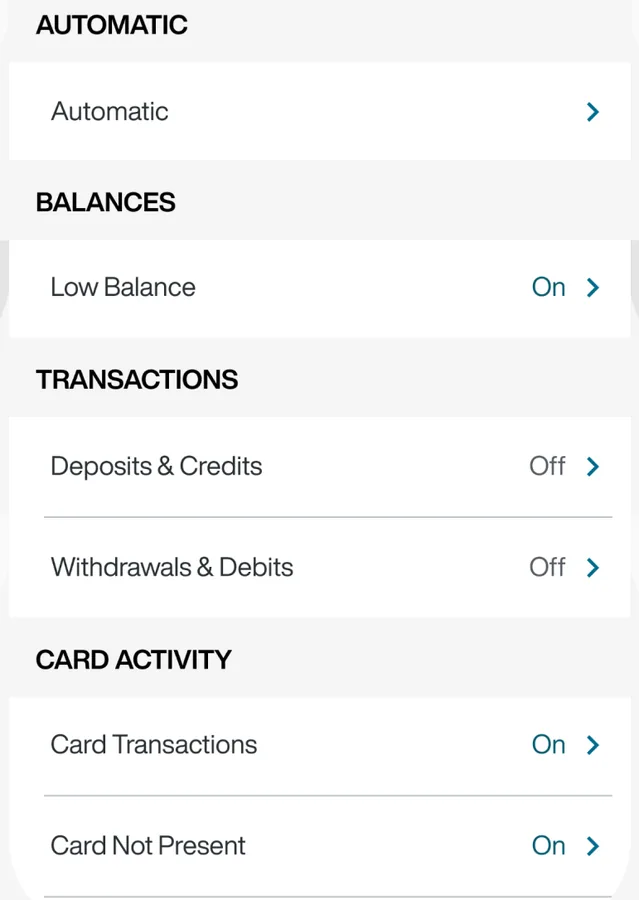
App Store marketing imageAlert settings for balances, transactions and card activity, each marked On or Off.App Store listing, as of
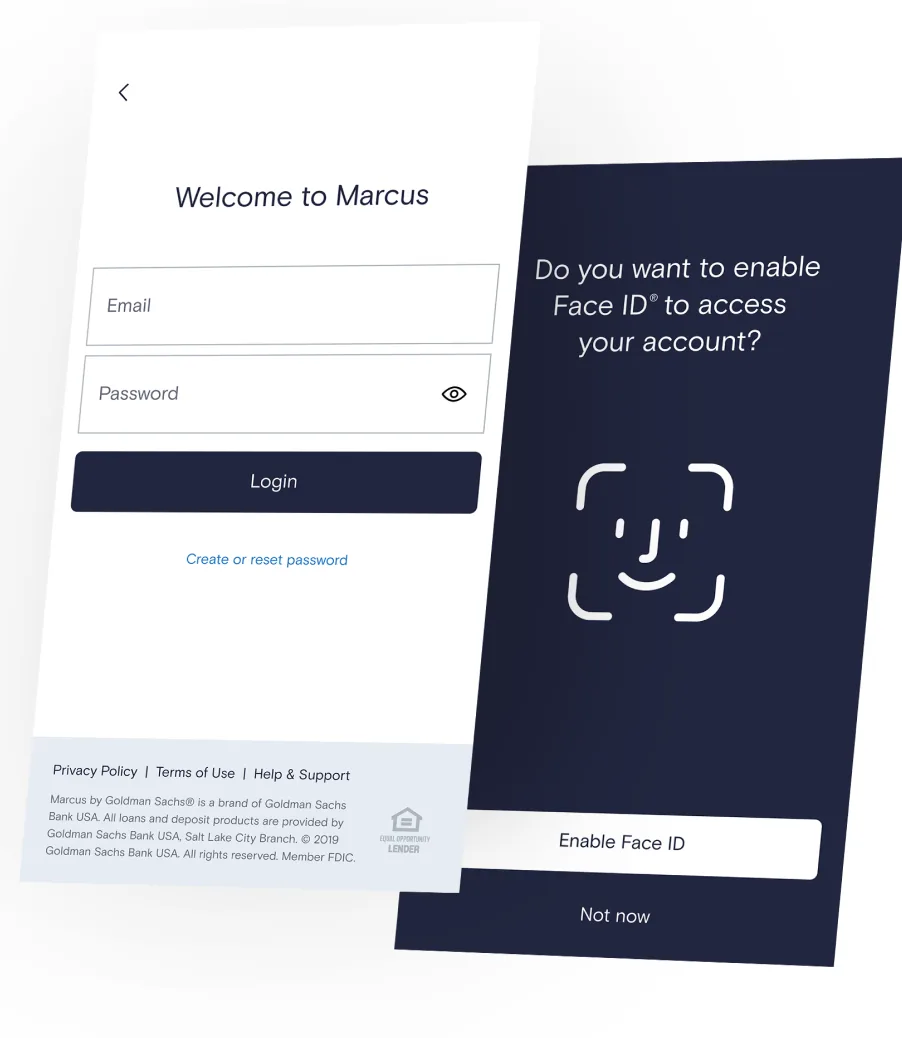
From Marcus by Goldman Sachs's websiteTwo angled screens: a Welcome to Marcus sign in form with email and password fields, and a prompt asking Do you want to enable Face ID to access your account? with Enable Face ID and Not now buttons.marcus.com, as of 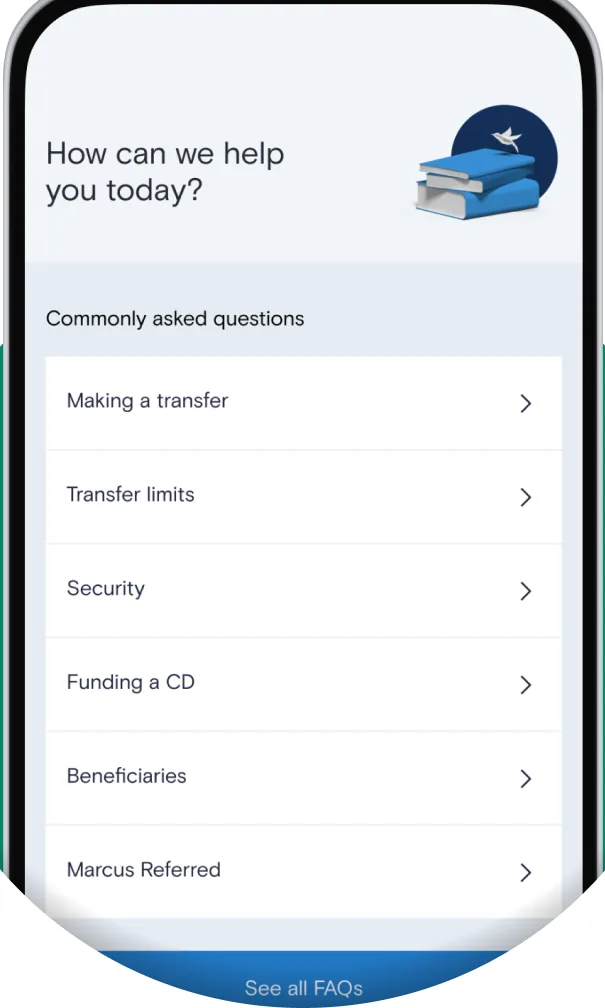
From Marcus by Goldman Sachs's websiteA How can we help you today? screen with commonly asked questions about making a transfer, transfer limits, security, funding a CD, beneficiaries and Marcus Referred.marcus.com, as of
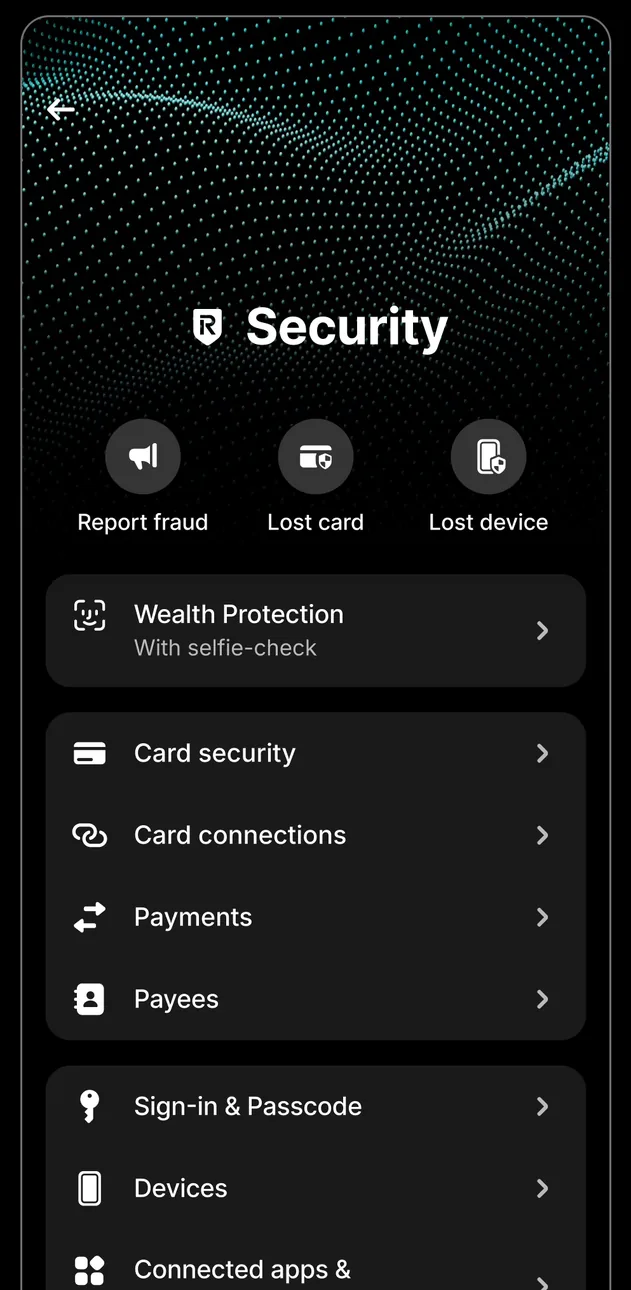
App Store marketing imageA Security screen with Report fraud, Lost card and Lost device buttons and rows for wealth protection, card security, payments, sign in and passcode, and devices.App Store listing, as of 
App Store marketing imageButtons for Report fraud, Lost card and Lost device.App Store listing, as of
Investments
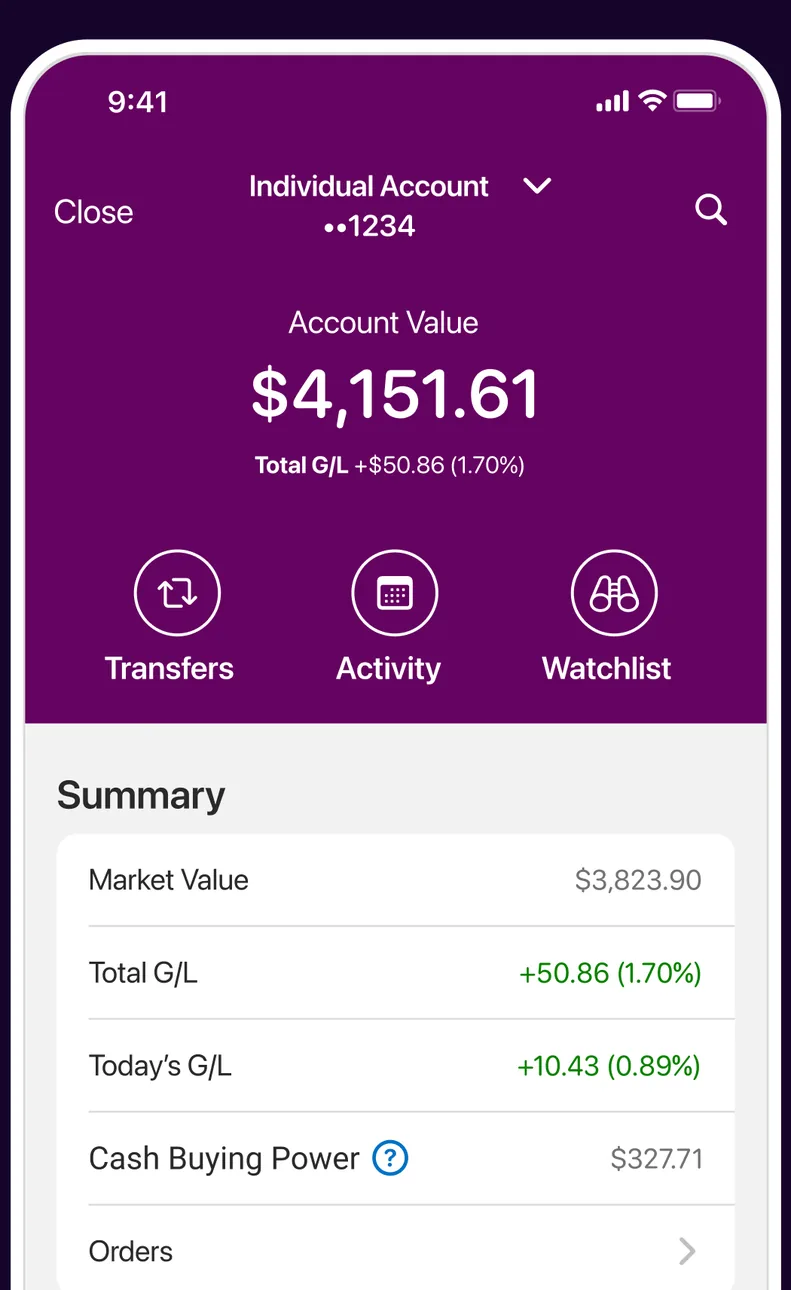
App Store marketing imageAn Individual Account screen showing a $4,151.61 account value with Transfers, Activity and Watchlist buttons and a Summary of market value and gains.App Store listing, as of 
App Store marketing imageTransfers, Activity and Watchlist buttons on a purple header.App Store listing, as of 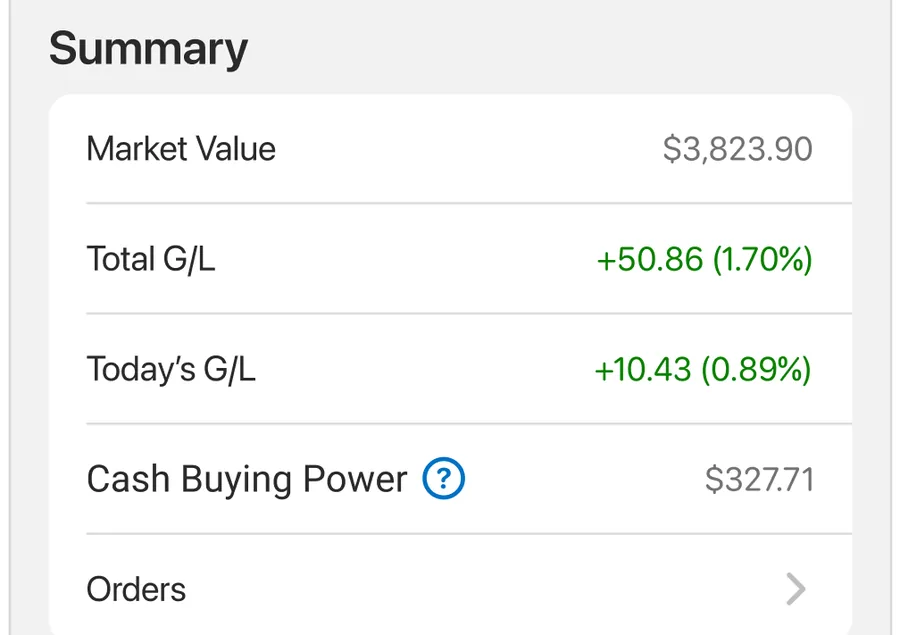
App Store marketing imageA Summary list with market value, total gain or loss, today's gain or loss, cash buying power and orders.App Store listing, as of
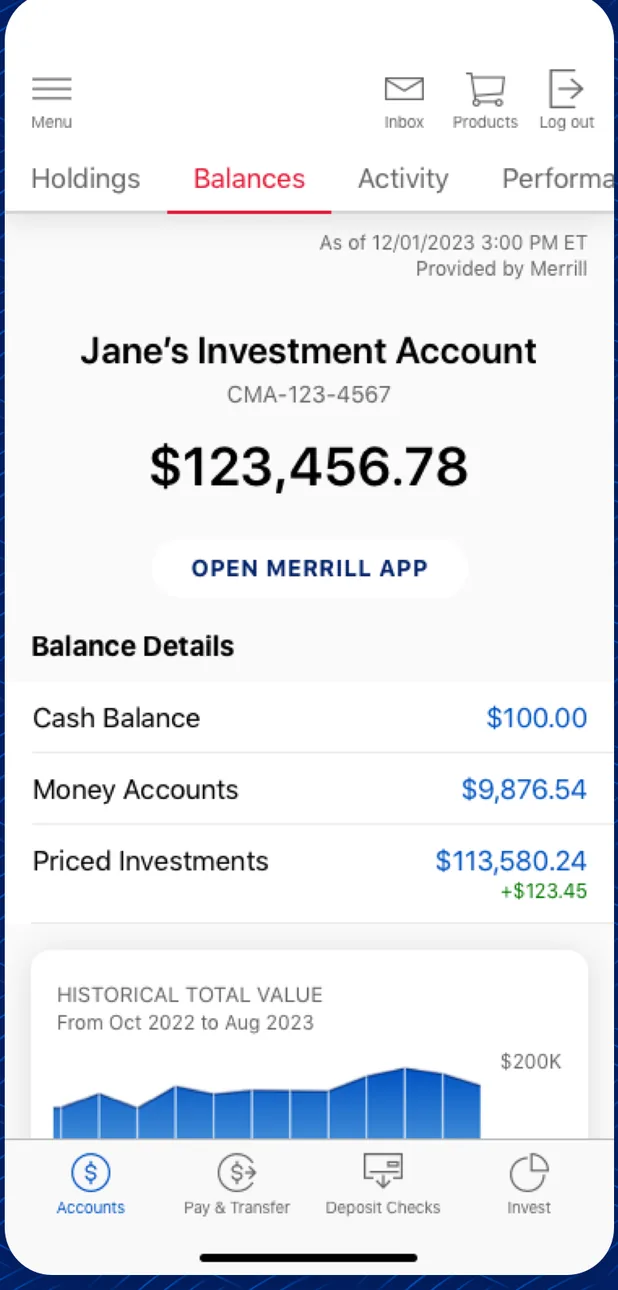
App Store marketing imageA Merrill investment account screen showing a balance of $123,456.78, balance details and a historical value chart.App Store listing, as of 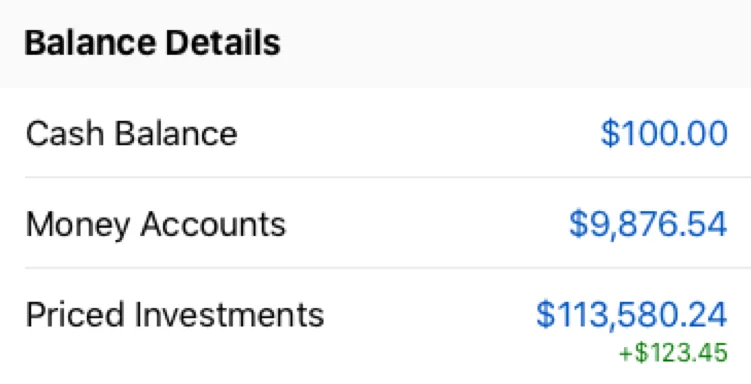
App Store marketing imageA Balance Details list with cash balance, money accounts and priced investments.App Store listing, as of
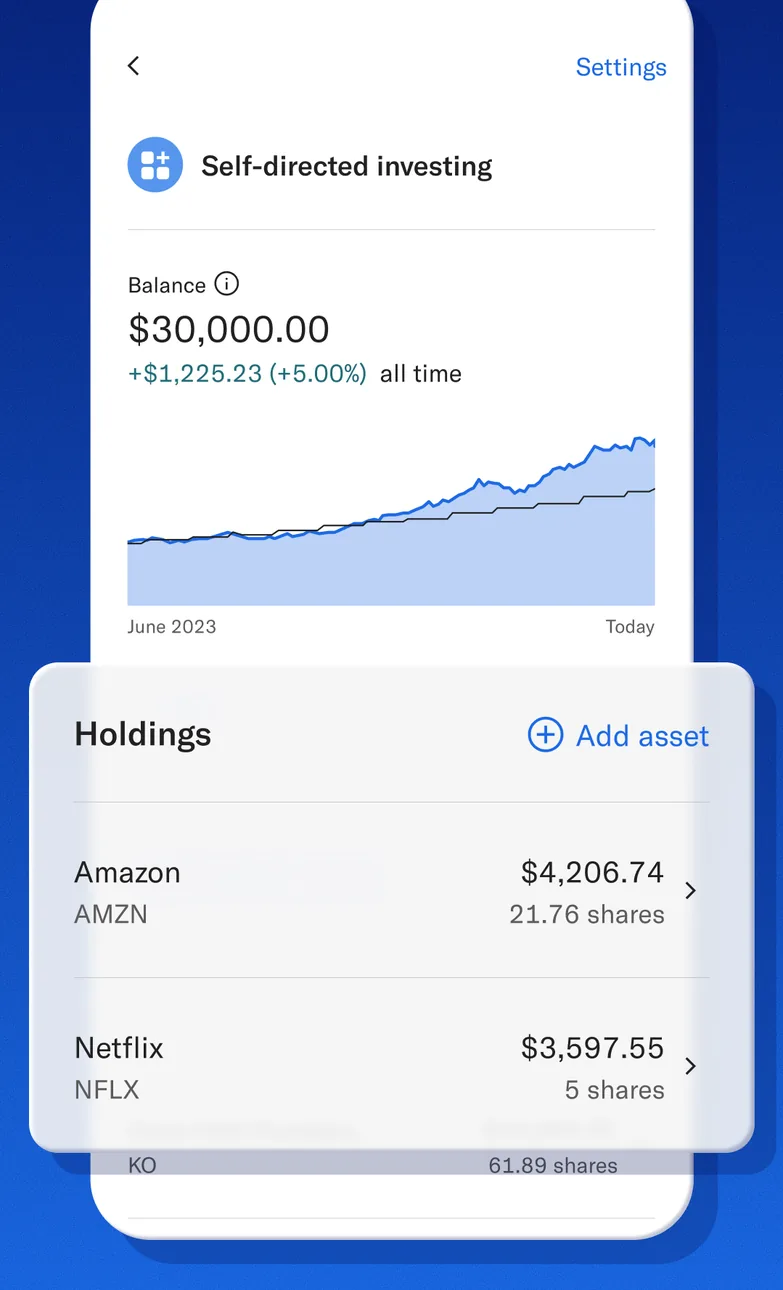
App Store marketing imageA Self-directed investing screen showing a $30,000.00 balance with a performance chart and a Holdings list with Amazon and Netflix.App Store listing, as of 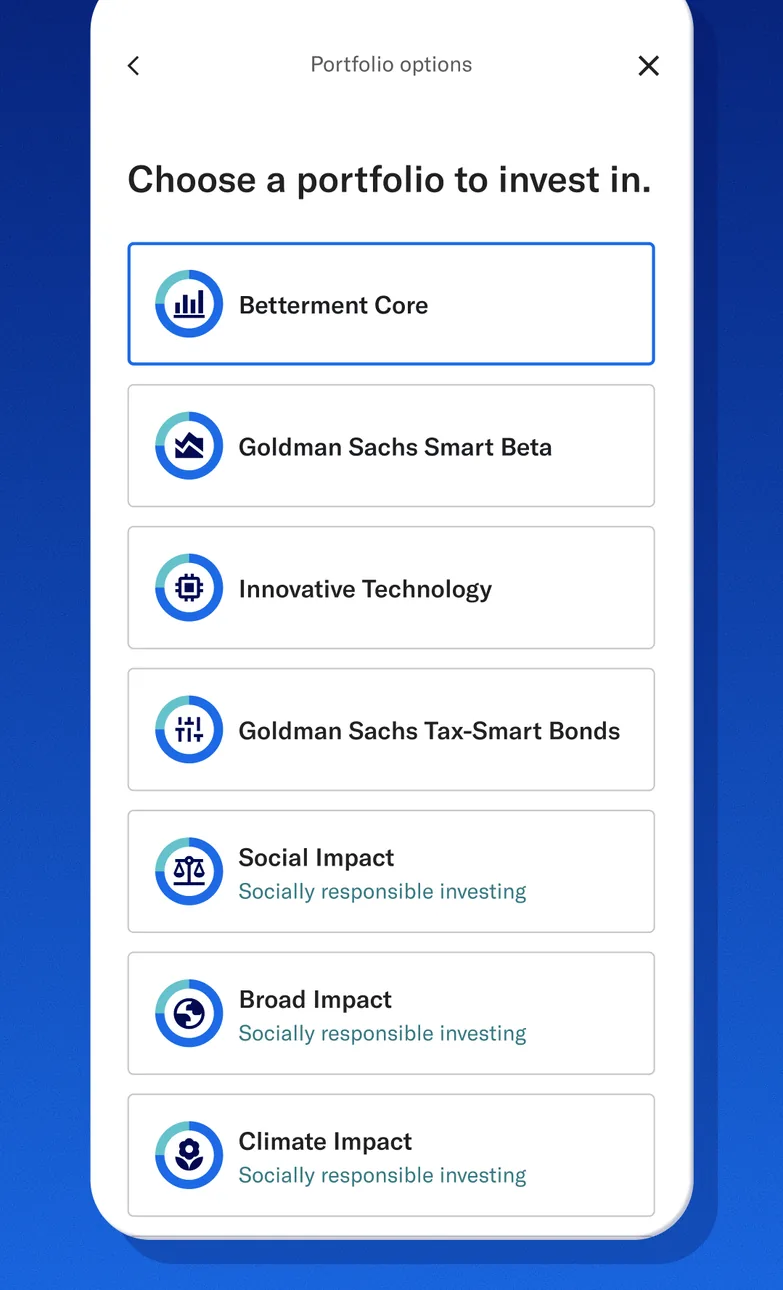
App Store marketing imageA Portfolio options screen asking Choose a portfolio to invest in, listing options such as Betterment Core, Goldman Sachs Smart Beta, Innovative Technology and Climate Impact.App Store listing, as of 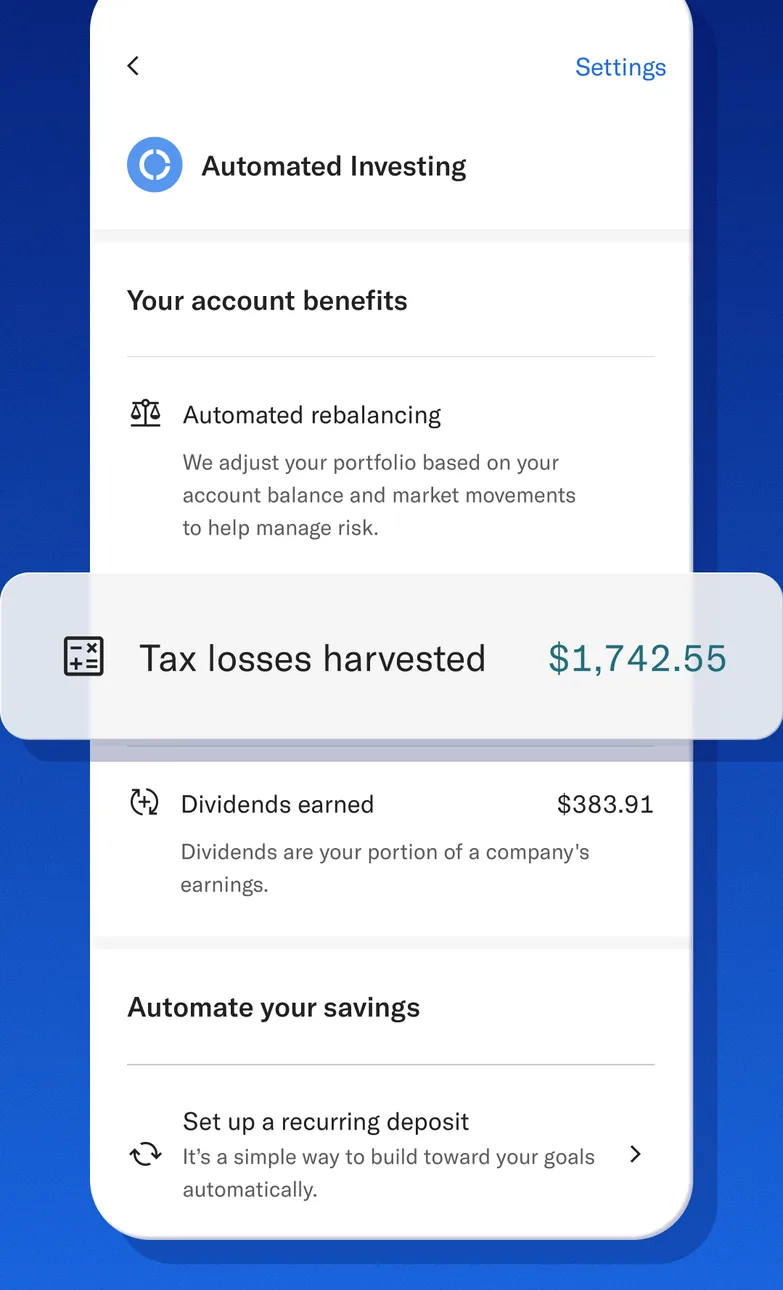
App Store marketing imageAn Automated investing screen listing account benefits including tax losses harvested of $1,742.55 and dividends earned, with an Automate your savings section.App Store listing, as of 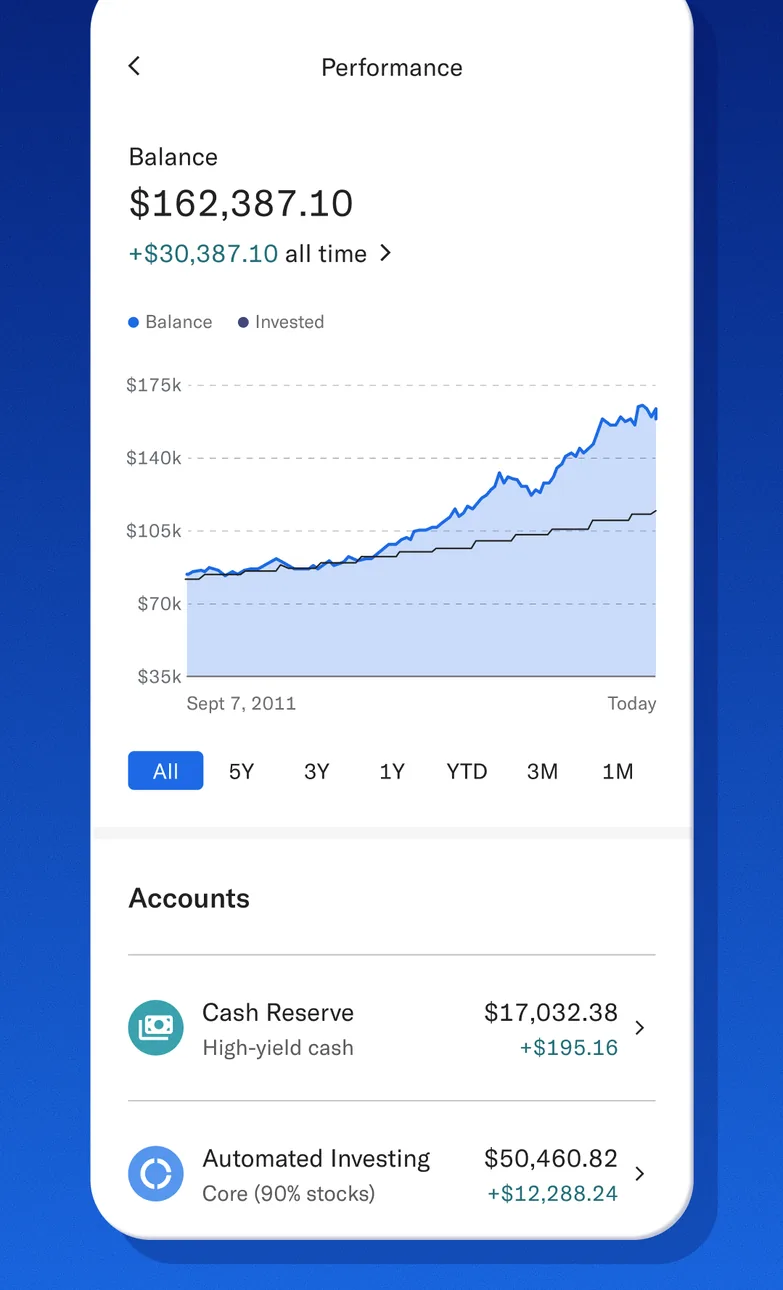
App Store marketing imageA Performance screen showing a $162,387.10 balance with a growth chart, time range buttons and an Accounts list.App Store listing, as of 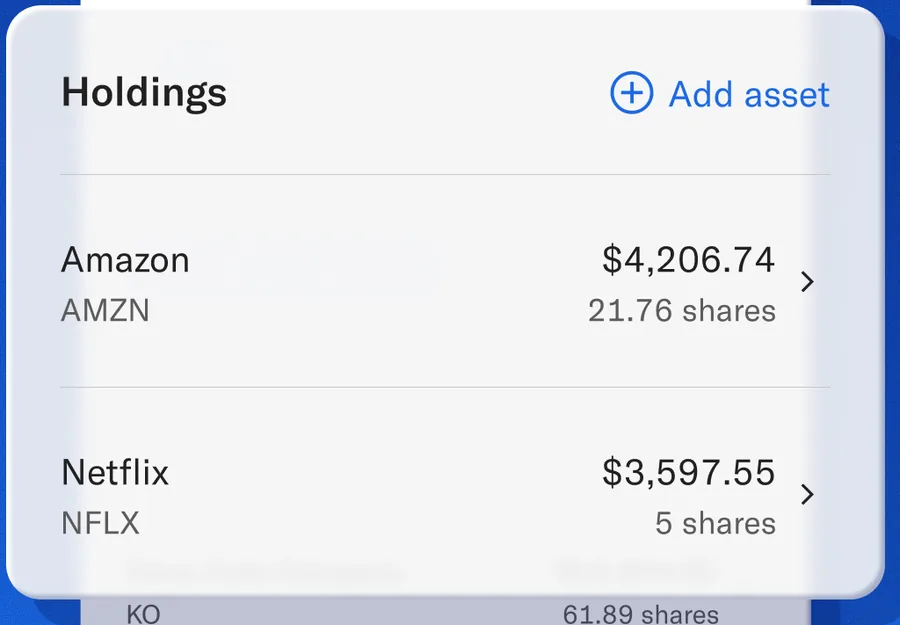
App Store marketing imageA Holdings card with Amazon at $4,206.74 and Netflix at $3,597.55 and an Add asset link.App Store listing, as of 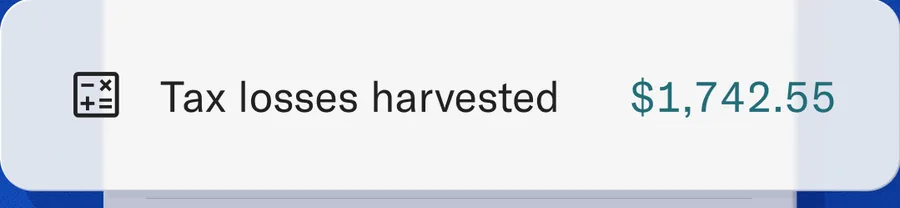
App Store marketing imageA callout showing $1,742.55 in tax losses harvested.App Store listing, as of 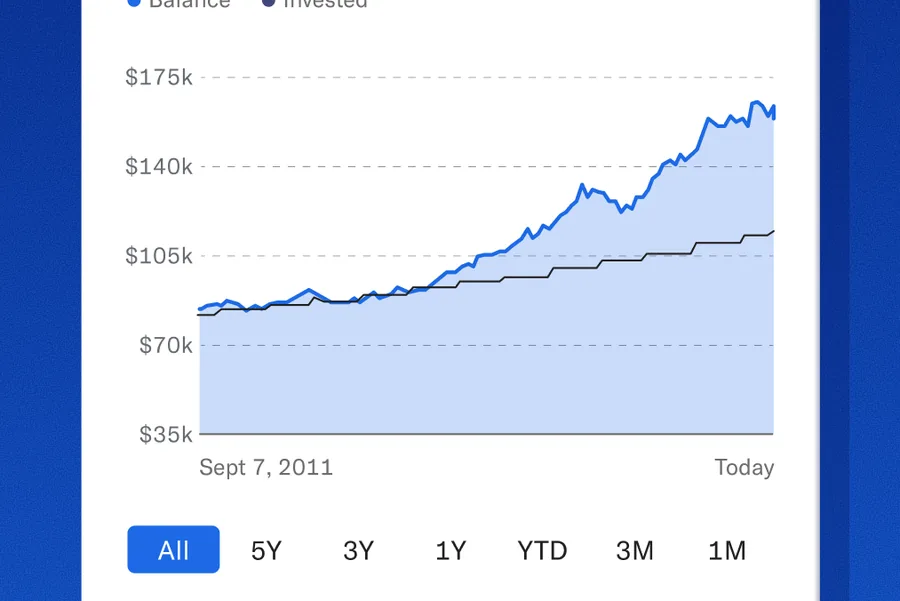
App Store marketing imageA balance and invested line chart from 2011 to today with time range buttons.App Store listing, as of 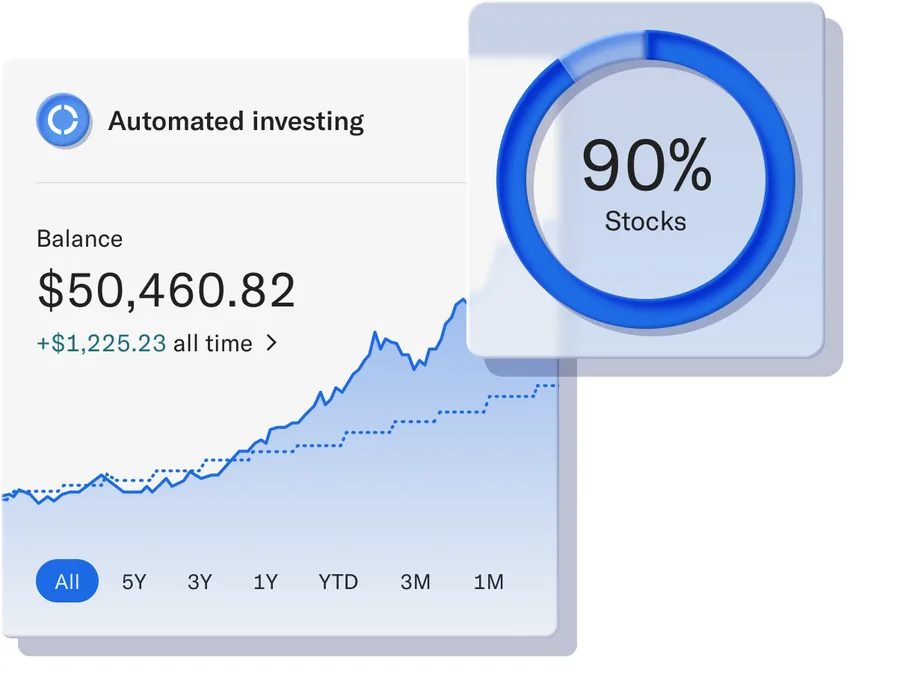
From Betterment's websiteAn Automated investing card with a $50,460.82 balance, a 90% stocks ring, a growth chart and time range buttons.betterment.com, as of 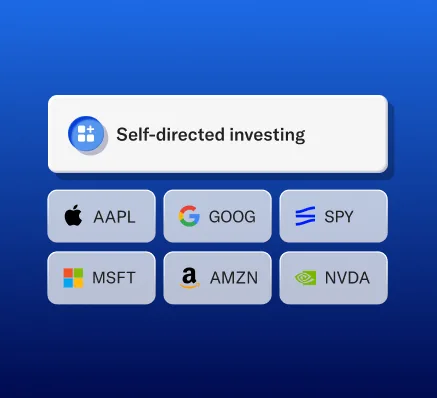
From Betterment's websiteA Self-directed investing header above tiles for AAPL, GOOG, SPY, MSFT, AMZN and NVDA.betterment.com, as of 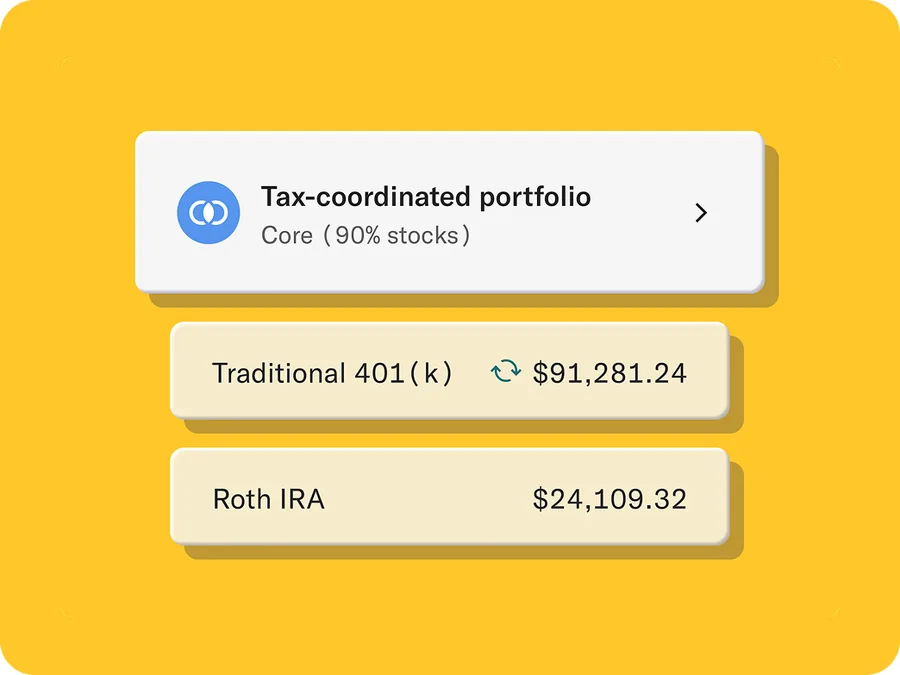
From Betterment's websiteA Tax-coordinated portfolio row above Traditional 401(k) at $91,281.24 and Roth IRA at $24,109.32.betterment.com, as of
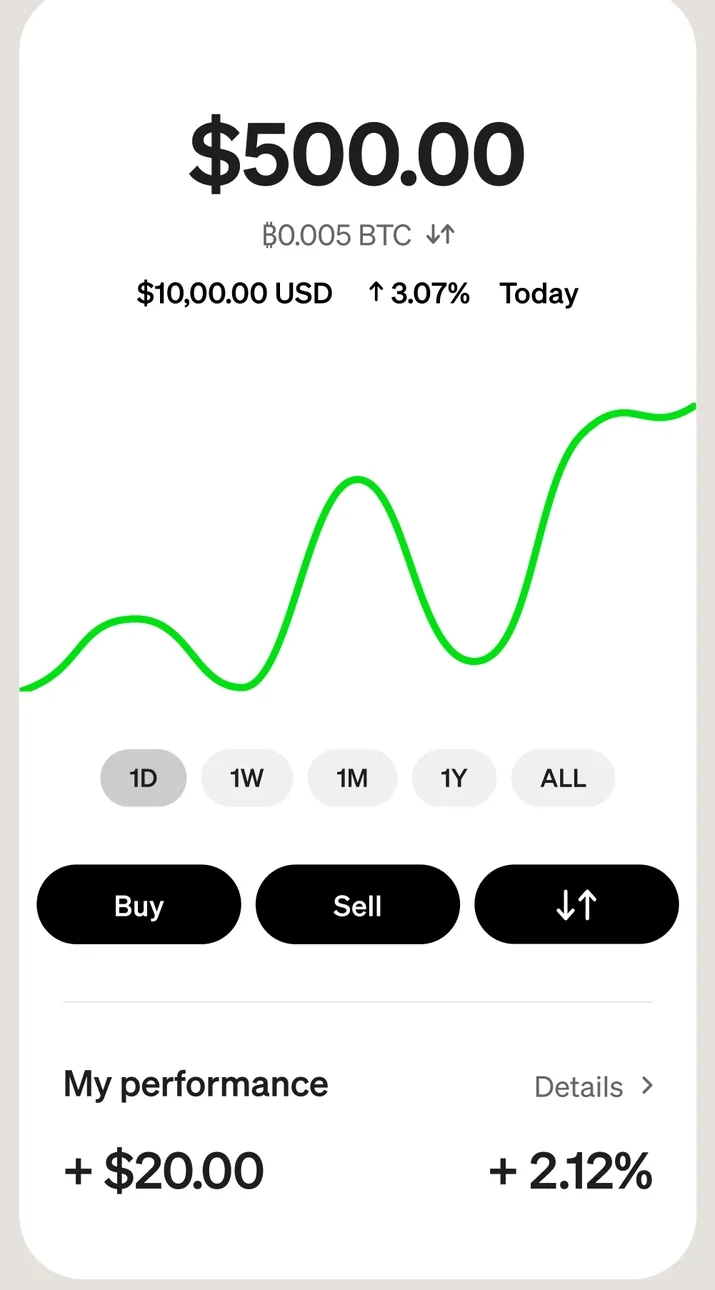
App Store marketing imageA bitcoin screen showing $500.00 with a price chart, time range buttons, Buy, Sell and send buttons, and My performance of +$20.00 and +2.12%.App Store listing, as of 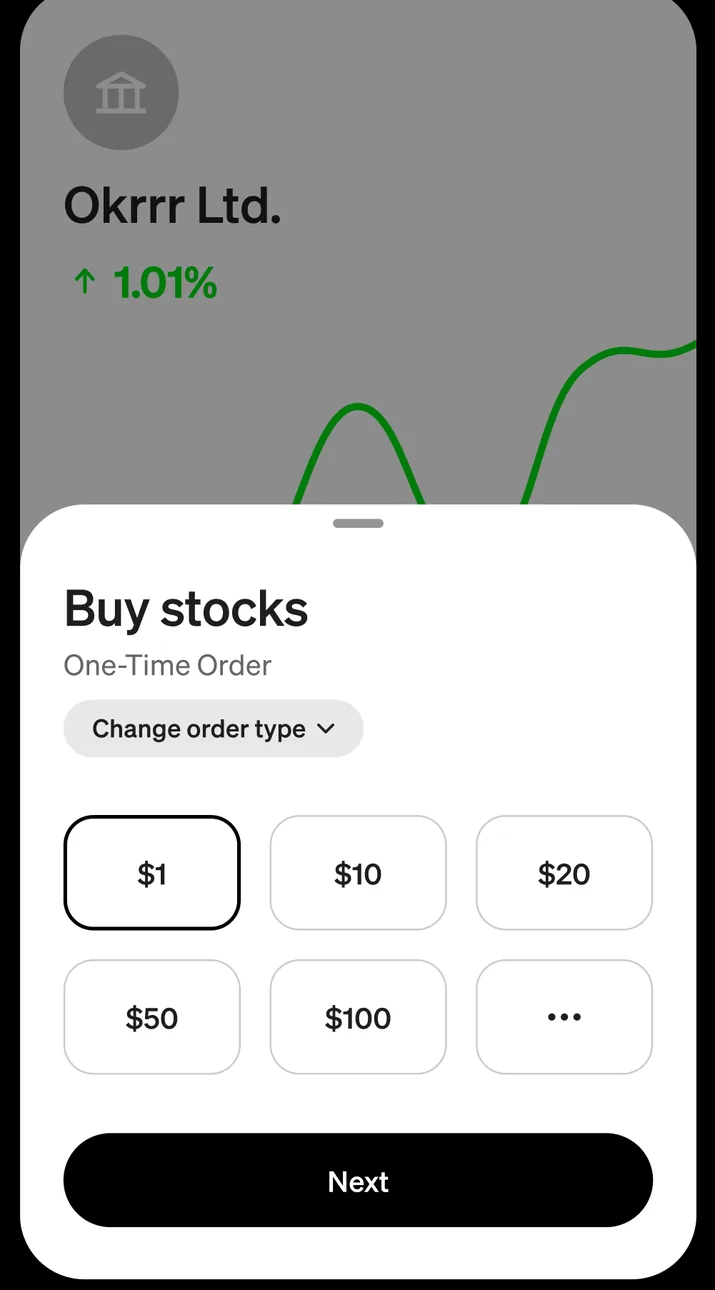
App Store marketing imageA Buy stocks sheet over a stock chart with a one-time order, amount options of $1, $10, $20, $50 and $100, and a Next button.App Store listing, as of 
App Store marketing imageBuy, Sell and transfer buttons below a bitcoin chart.App Store listing, as of 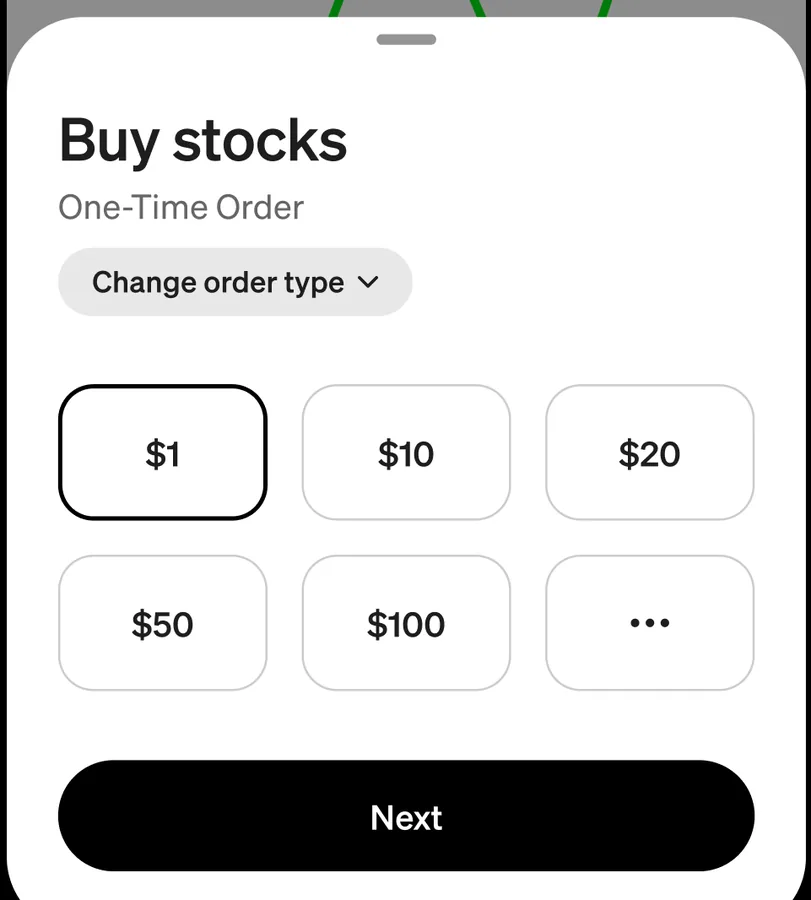
App Store marketing imageA Buy stocks sheet with dollar amount buttons from $1 to $100 and a Next button.App Store listing, as of
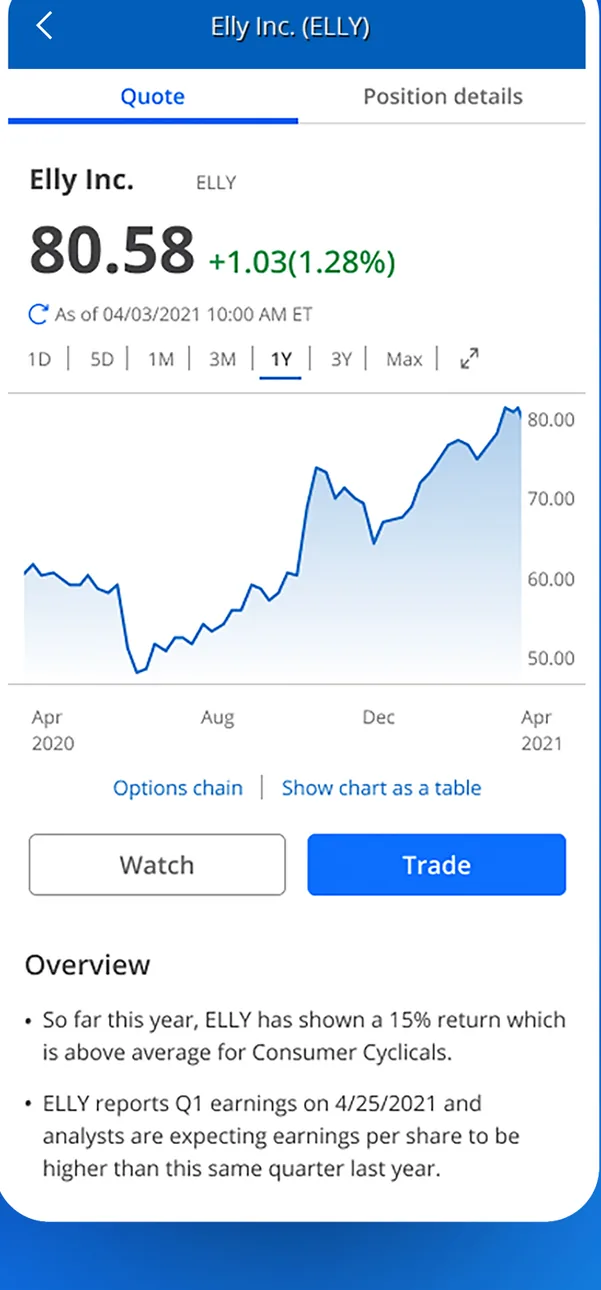
App Store marketing imageA stock quote screen for Elly Inc. showing an 80.58 share price, a one year price chart, and Watch and Trade buttons.App Store listing, as of 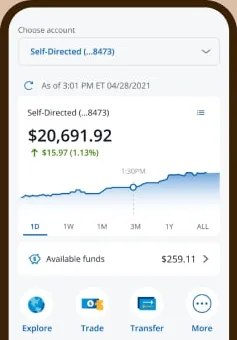
From Chase's websiteA self-directed investing account showing $20,691.92 with a one day chart, available funds of $259.11, and Explore, Trade, Transfer and More buttons.chase.com, as of 
App Store marketing imageWatch and Trade buttons below a stock chart.App Store listing, as of
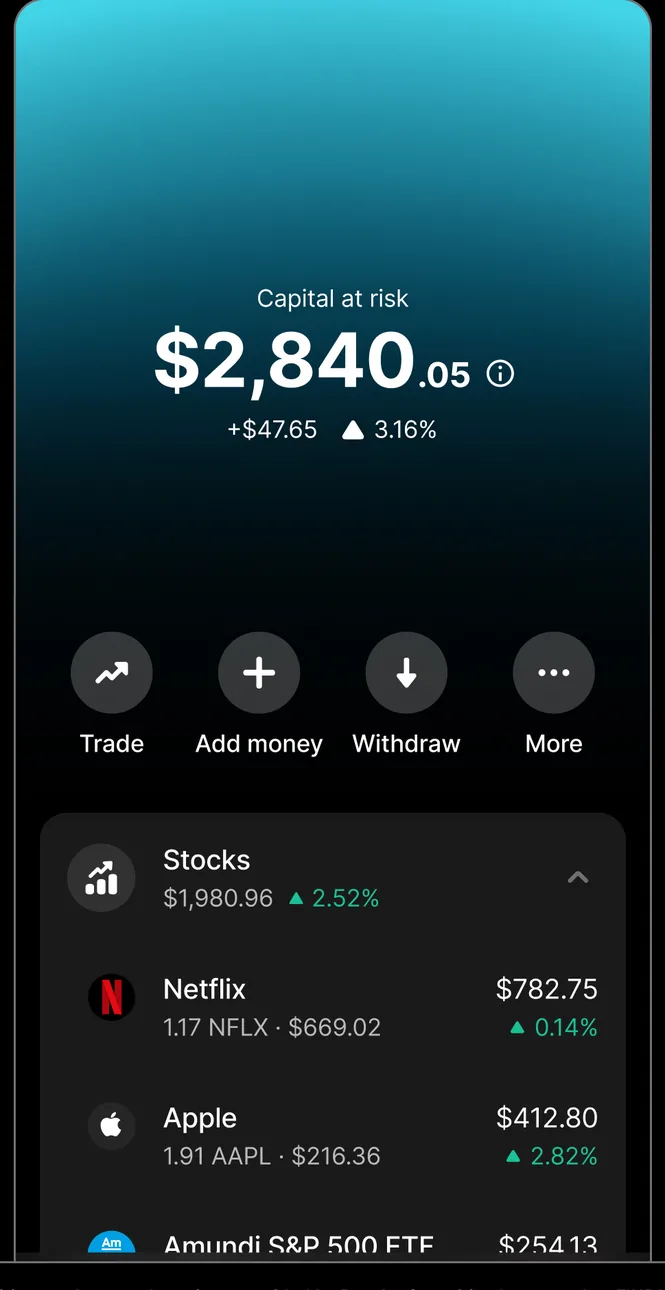
App Store marketing imageAn investing screen showing $2,840.05 at risk with Trade, Add money, Withdraw and More buttons and a Stocks list with Netflix and Apple.App Store listing, as of 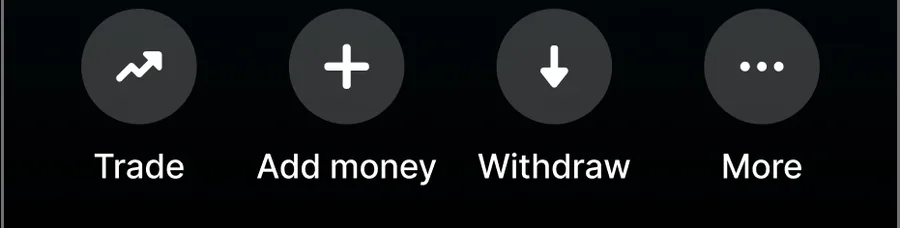
App Store marketing imageRound buttons for Trade, Add money, Withdraw and More.App Store listing, as of
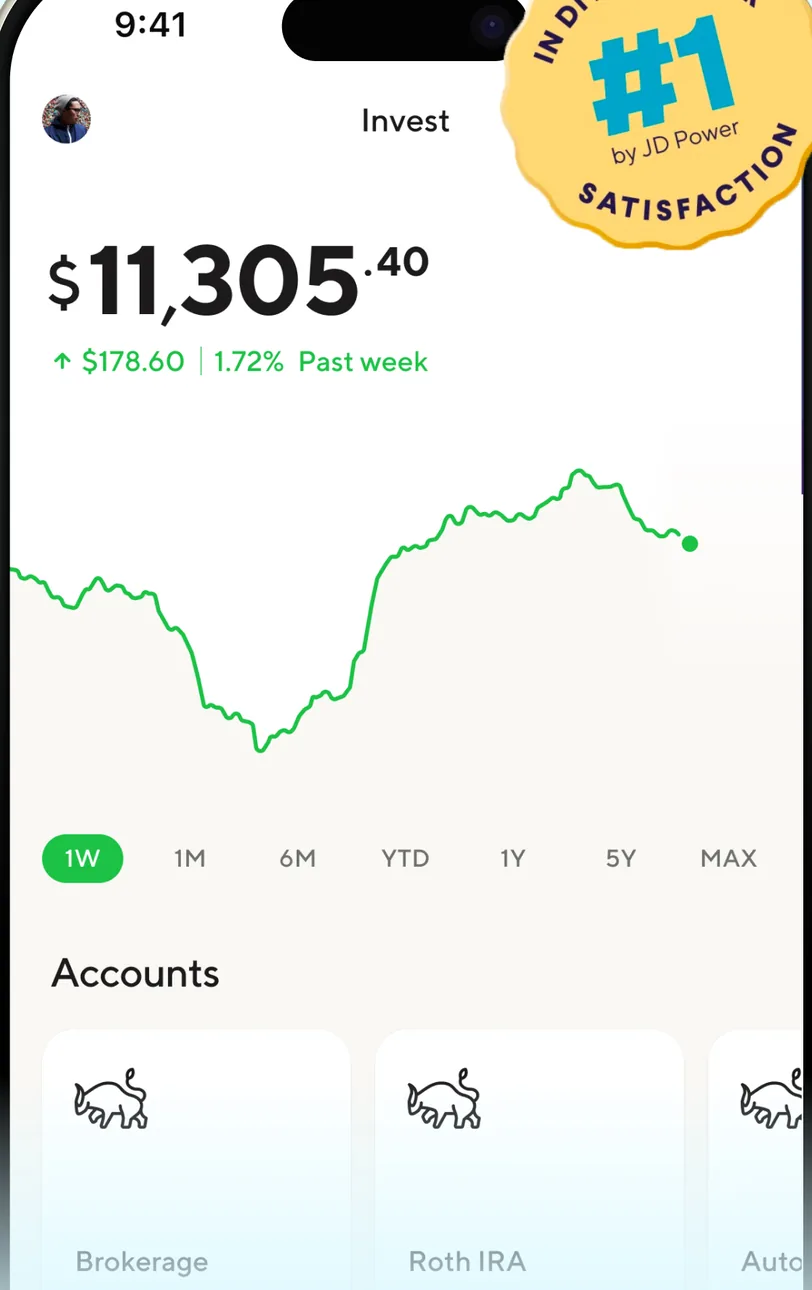
App Store marketing imageAn Invest screen showing $11,305.40 with a one week performance chart, time range buttons and an Accounts section.App Store listing, as of 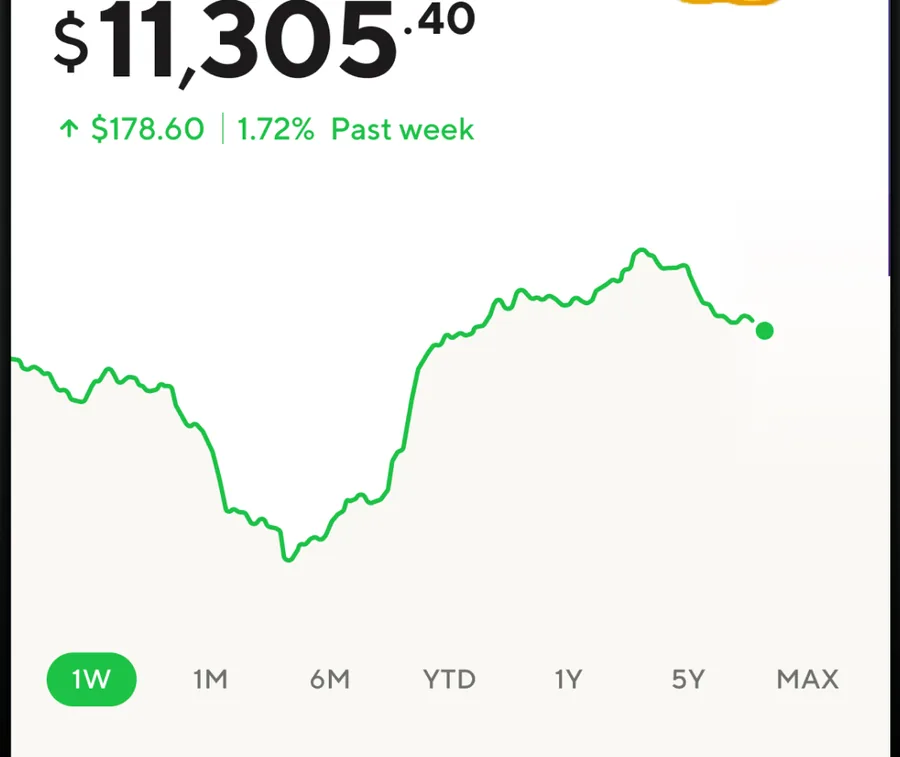
App Store marketing imageA portfolio value of $11,305.40, up $178.60 in the past week, above a one week line chart and time range buttons from 1W to MAX.App Store listing, as of
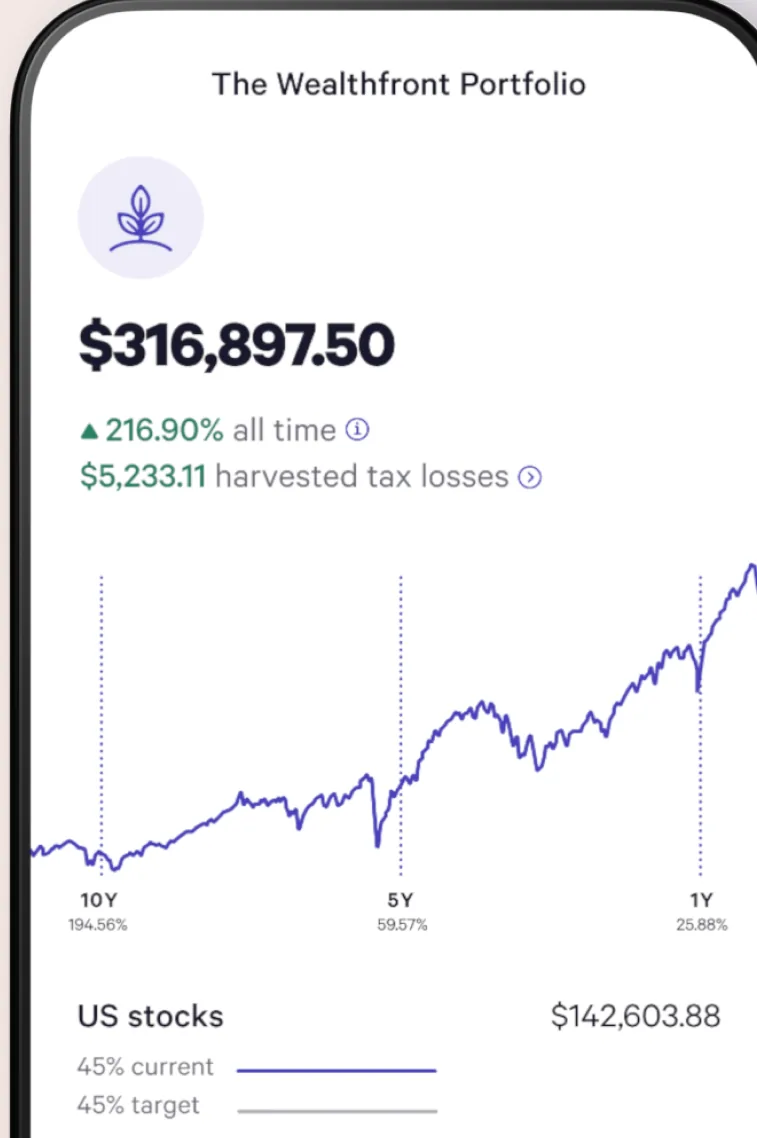
App Store marketing imageThe Wealthfront Portfolio screen showing $316,897.50 with a performance line chart and a US stocks allocation row.App Store listing, as of 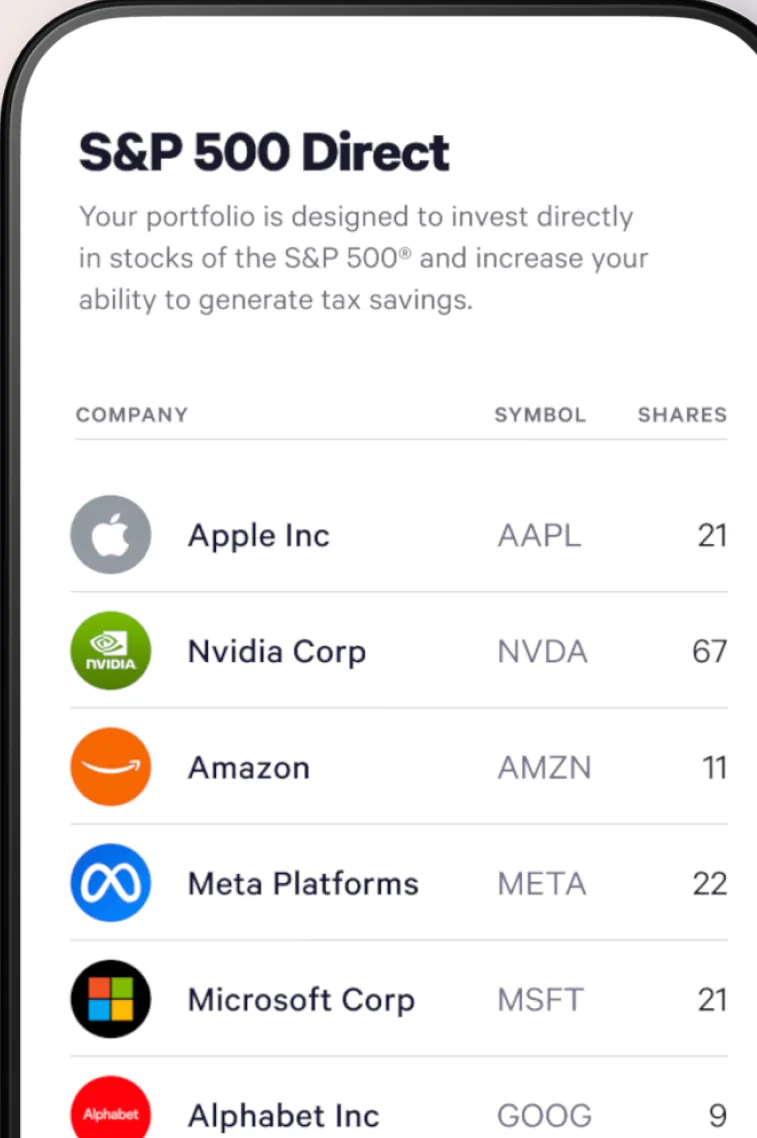
App Store marketing imageAn S&P 500 Direct screen listing individual company holdings such as Apple, Nvidia, Amazon, Meta Platforms, Microsoft and Alphabet with symbols and shares.App Store listing, as of 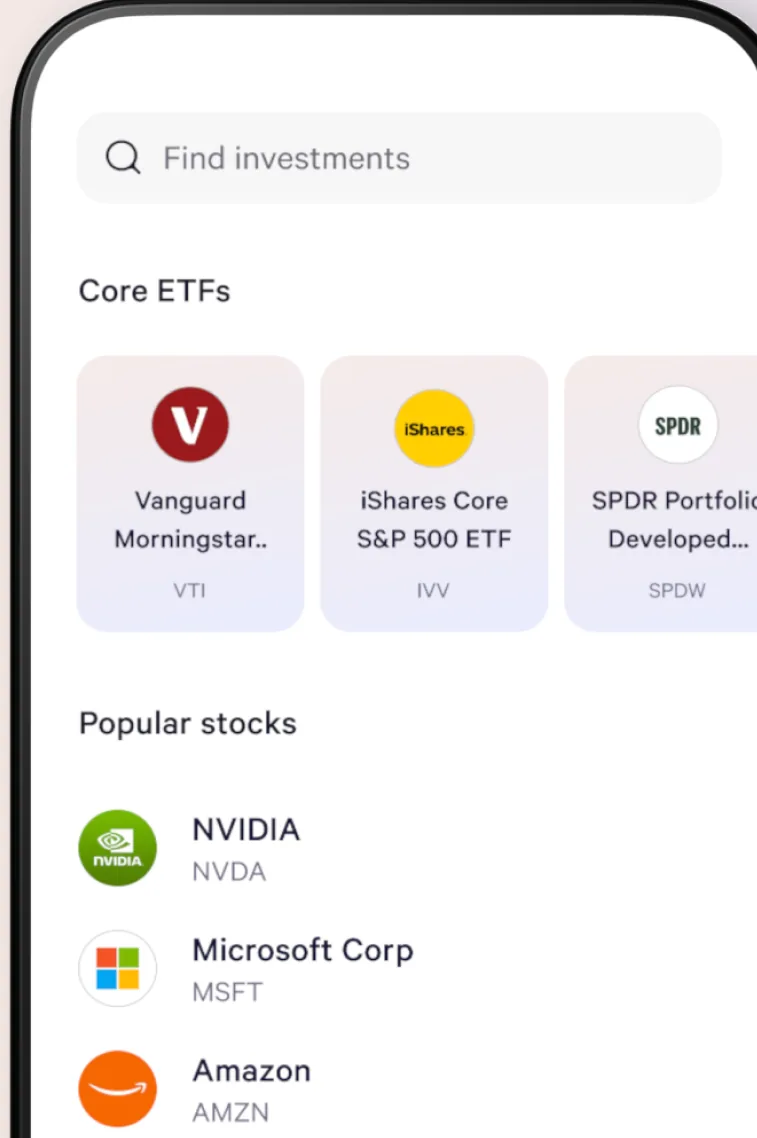
App Store marketing imageA brokerage search screen with a Find investments field, Core ETFs tiles and a Popular stocks list.App Store listing, as of 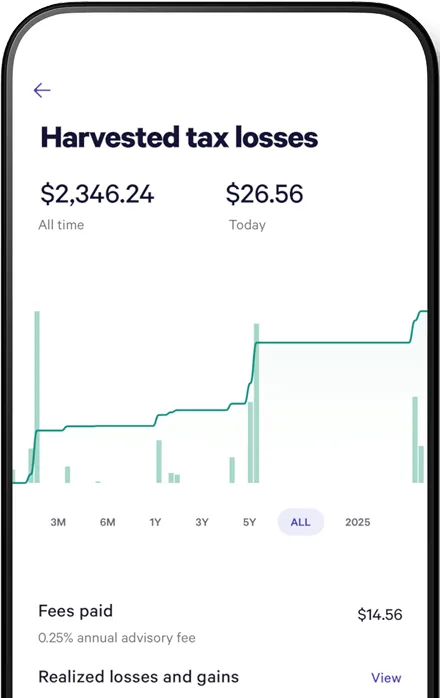
From Wealthfront's websiteA Harvested tax losses screen showing $2,346.24 all time and $26.56 today, a chart with time range buttons, fees paid of $14.56 and a realized losses and gains row.wealthfront.com, as of 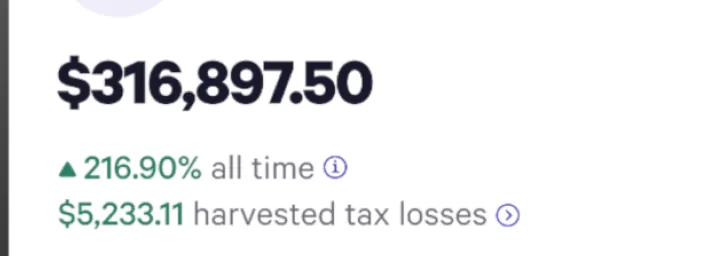
App Store marketing imageA portfolio value of $316,897.50, up 216.90% all time, with $5,233.11 in harvested tax losses.App Store listing, as of 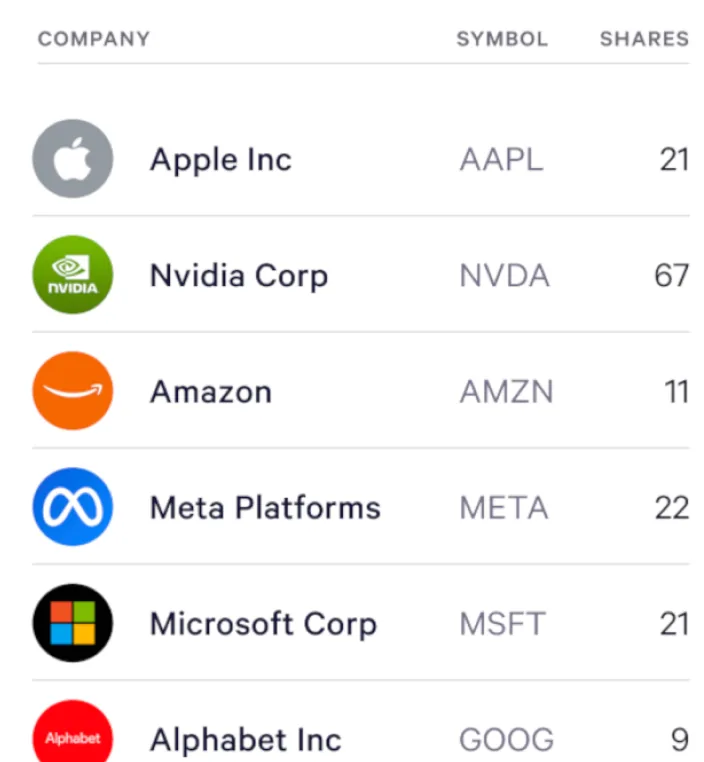
App Store marketing imageA holdings table with company, symbol and shares for Apple, Nvidia, Amazon, Meta Platforms, Microsoft and Alphabet.App Store listing, as of 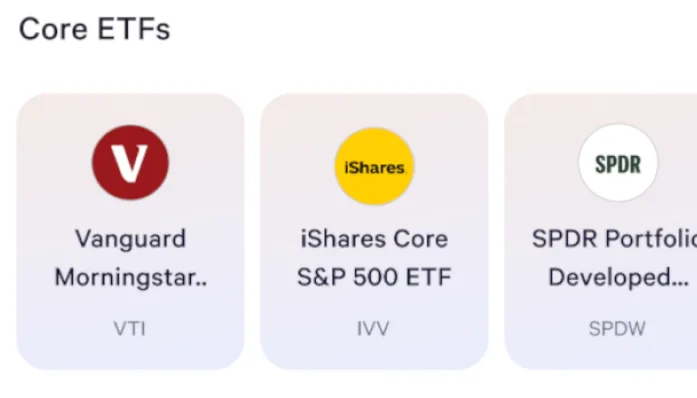
App Store marketing imageCore ETFs tiles for Vanguard, iShares Core S&P 500 ETF and SPDR Portfolio funds.App Store listing, as of
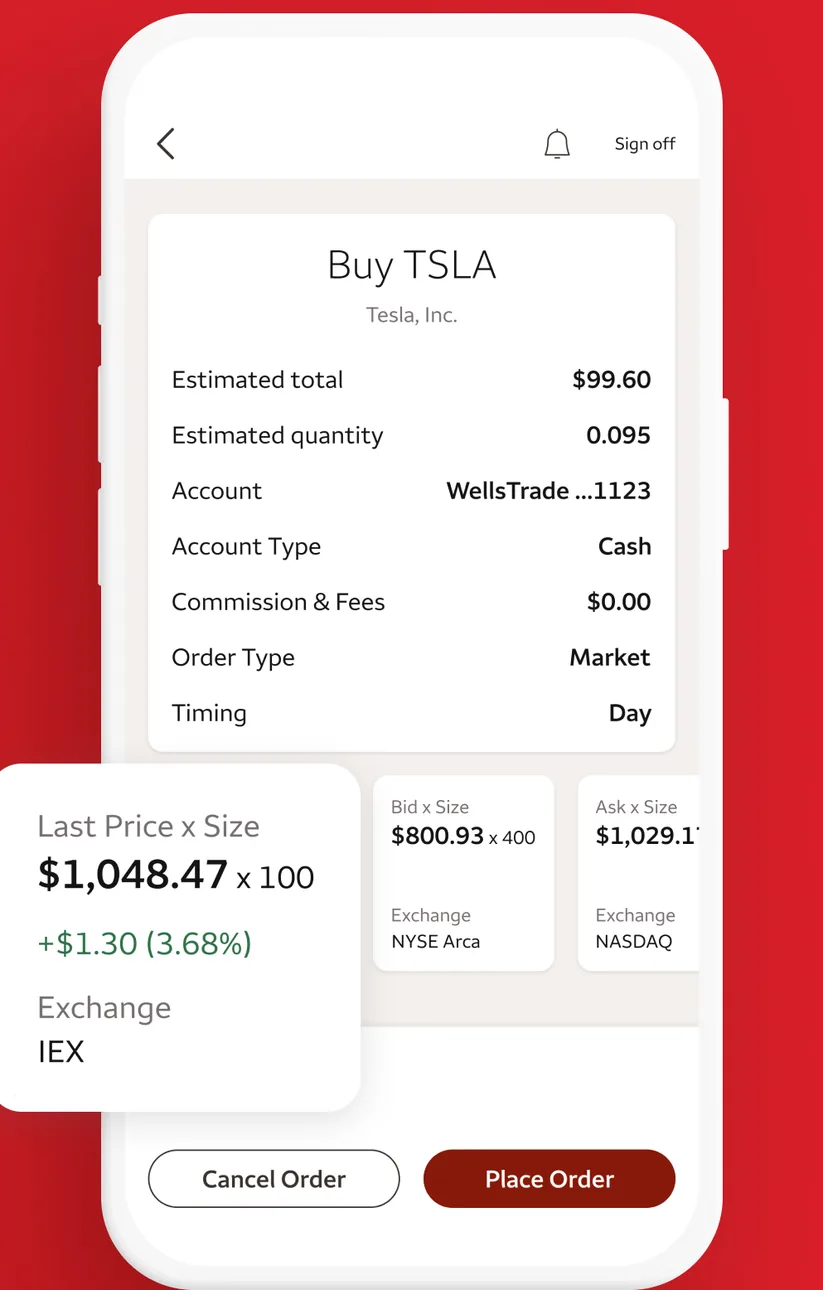
App Store marketing imageA Buy TSLA order screen listing estimated total, quantity, account, order type and timing, with last price details and Cancel Order and Place Order buttons.App Store listing, as of 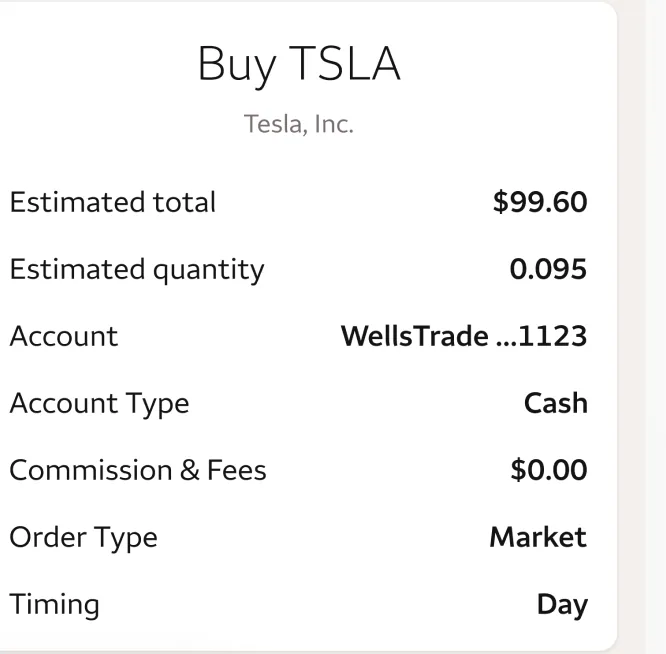
App Store marketing imageAn order summary for buying TSLA with estimated total $99.60, quantity, account, commission and order type.App Store listing, as of
Goals
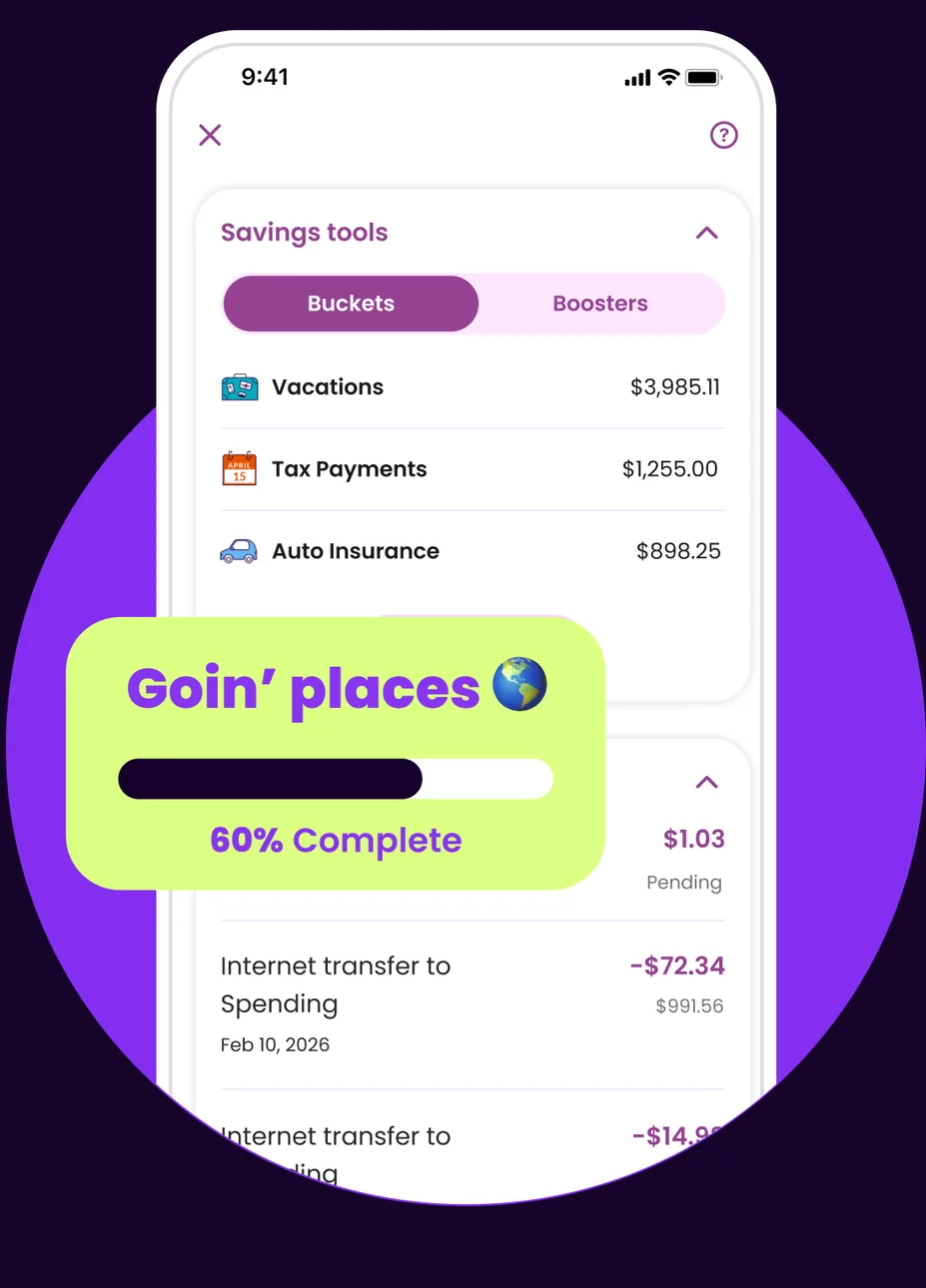
App Store marketing imageA Savings tools screen with Buckets and Boosters tabs listing Vacations, Tax Payments and Auto Insurance buckets, with a Goin' places bucket at 60% complete shown in front.App Store listing, as of 
App Store marketing imageA Goin' places bucket card with a progress bar at 60% complete.App Store listing, as of 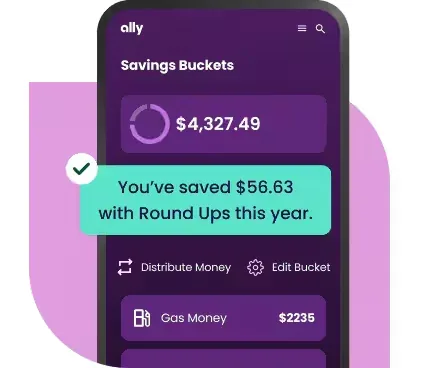
From Ally's websiteA Savings Buckets screen showing $4,327.49 with a note that $56.63 was saved with Round Ups this year, Distribute Money and Edit Bucket buttons, and a Gas Money bucket at $2235.ally.com, as of
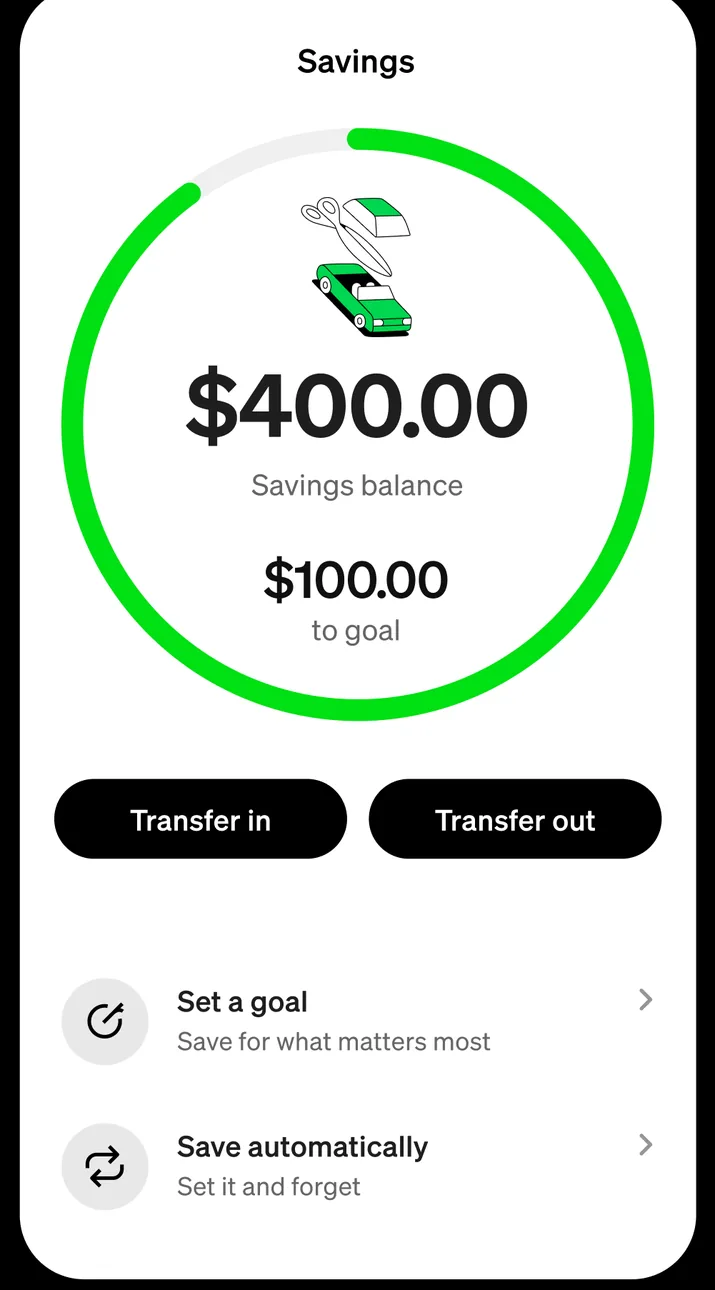
App Store marketing imageA Savings screen with a ring showing a $400.00 savings balance and $100.00 to goal, Transfer in and Transfer out buttons, and options to set a goal and save automatically.App Store listing, as of 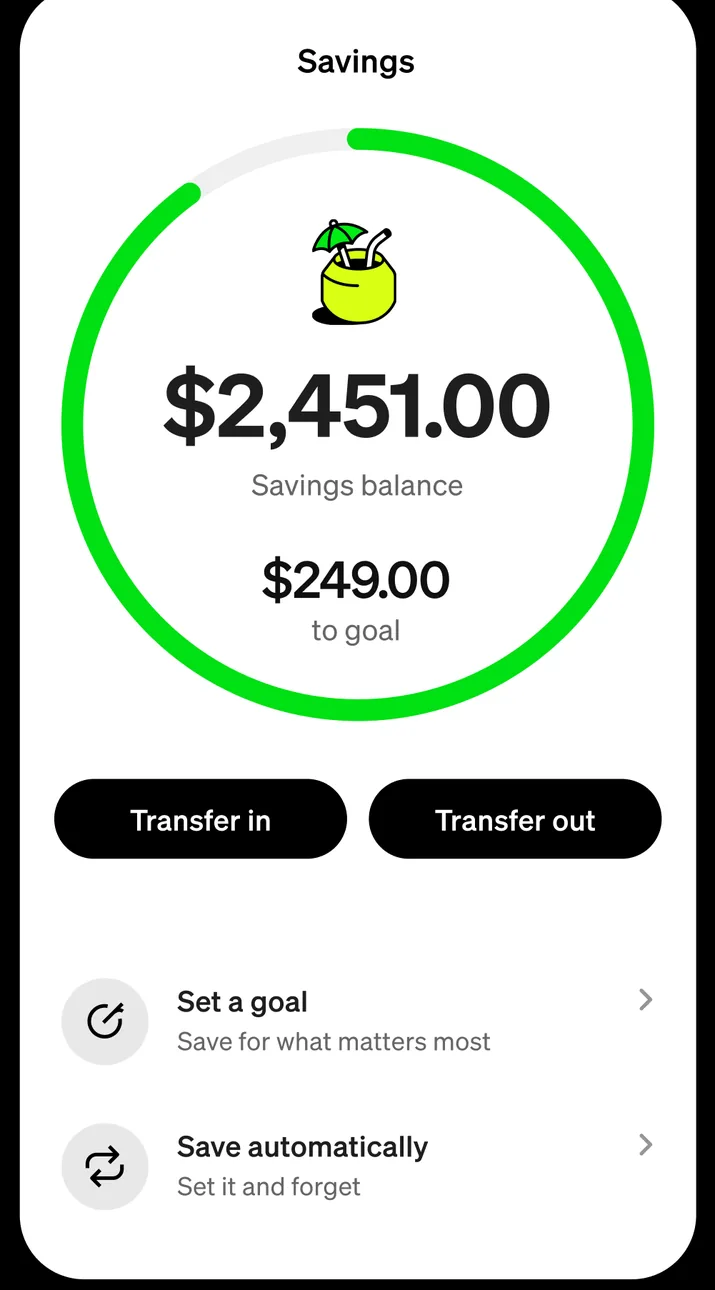
App Store marketing imageA Savings screen with a ring showing a $2,451.00 savings balance and $249.00 to goal, Transfer in and Transfer out buttons, and options to set a goal and save automatically.App Store listing, as of
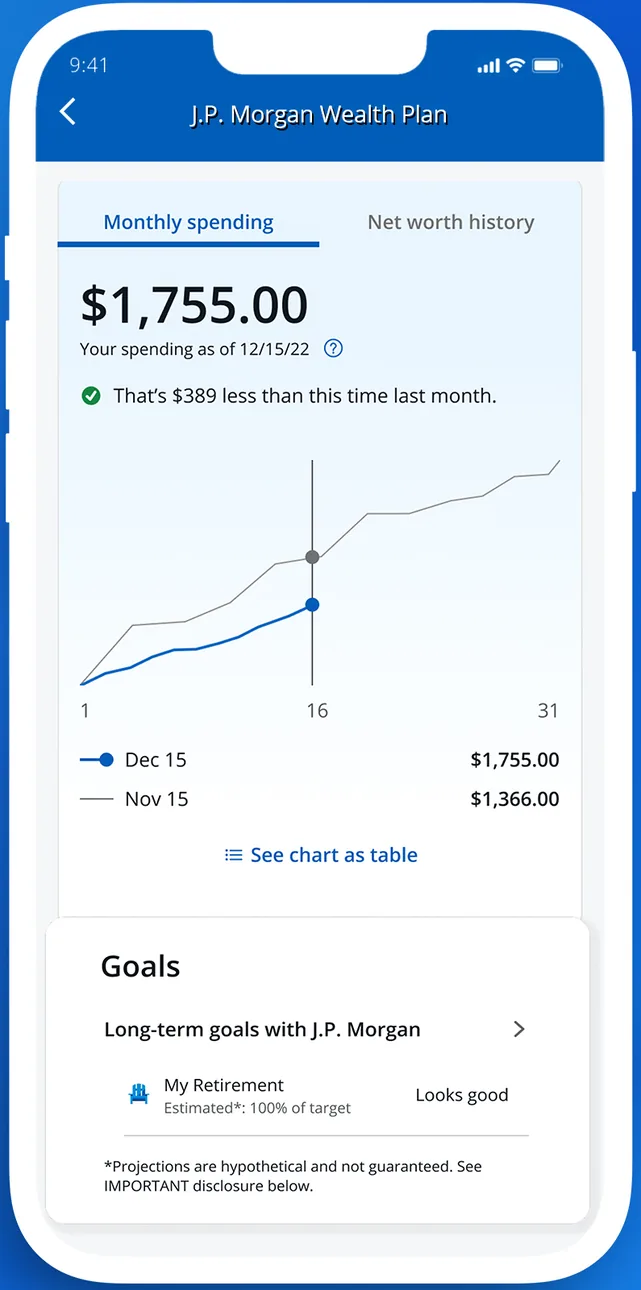
App Store marketing imageA J.P. Morgan Wealth Plan screen showing $1,755.00 in monthly spending on a line chart and a Goals section with a retirement goal.App Store listing, as of 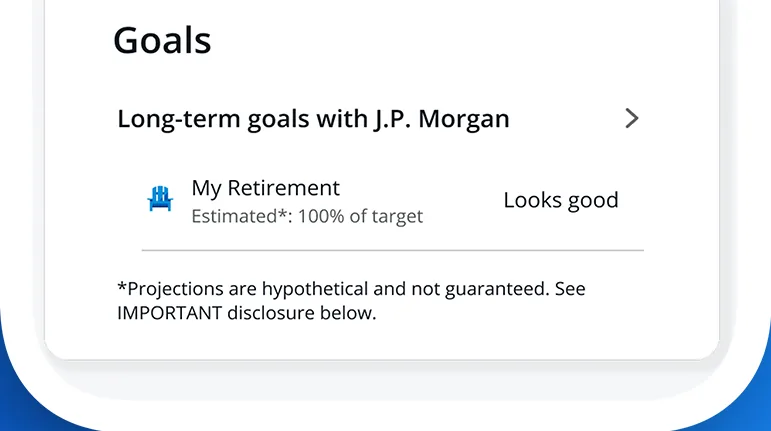
App Store marketing imageA Goals card listing long-term goals and a My Retirement goal marked Looks good.App Store listing, as of
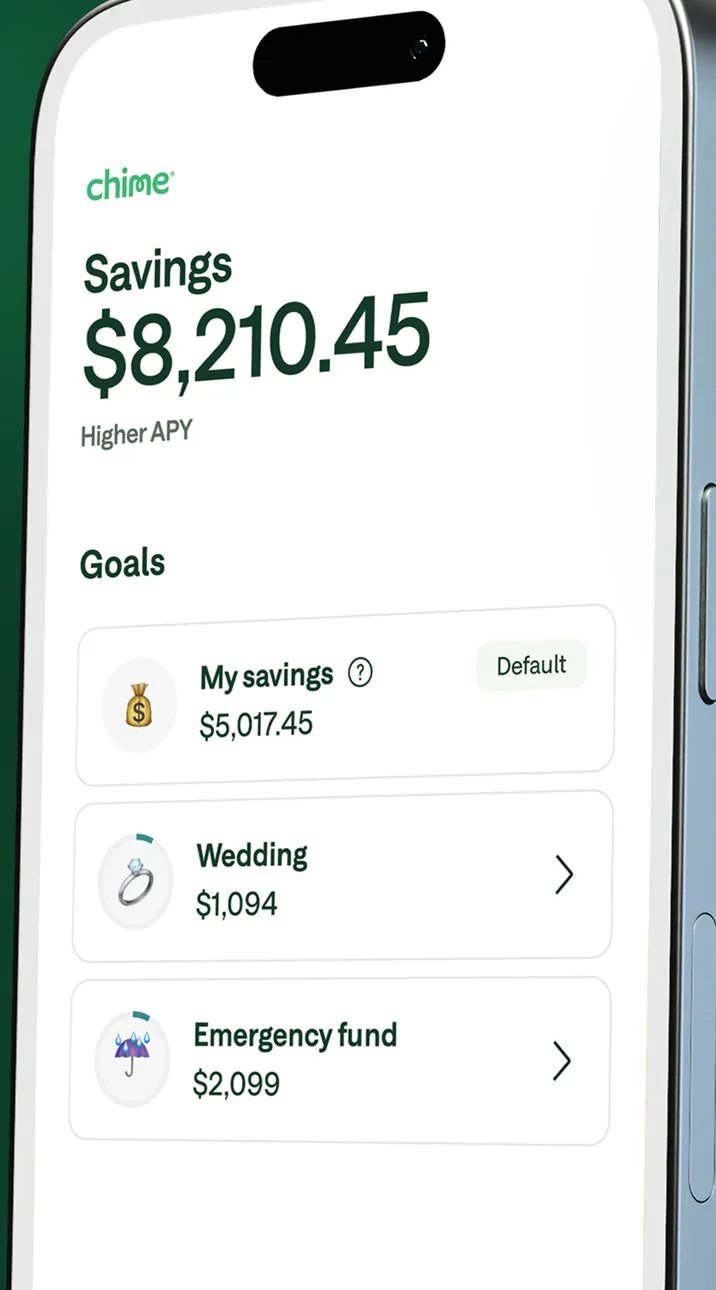
App Store marketing imageA Savings screen at an angle showing $8,210.45 and a Goals list with My savings, Wedding and Emergency fund.App Store listing, as of 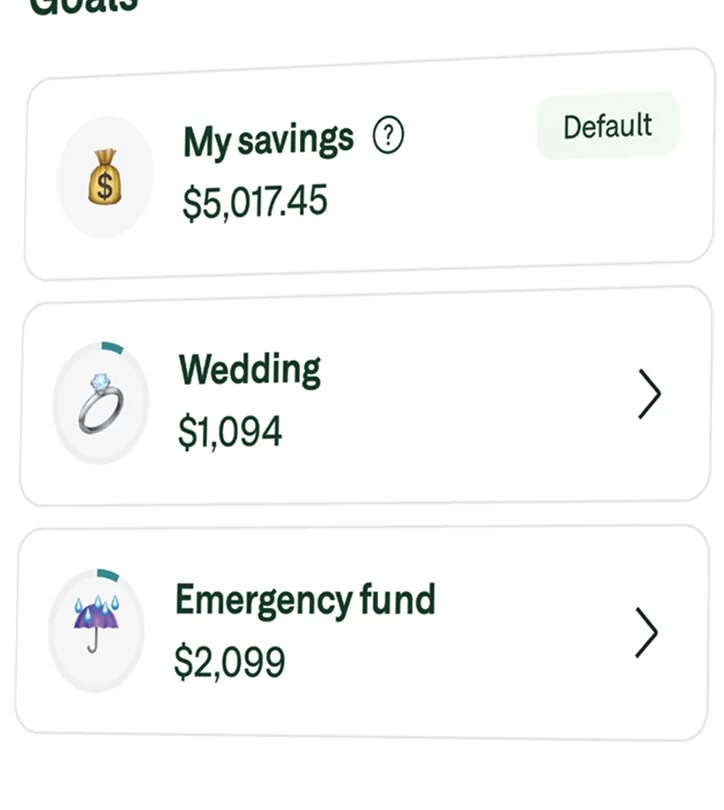
App Store marketing imageA Goals list with My savings at $5,017.45, Wedding at $1,094 and Emergency fund at $2,099.App Store listing, as of
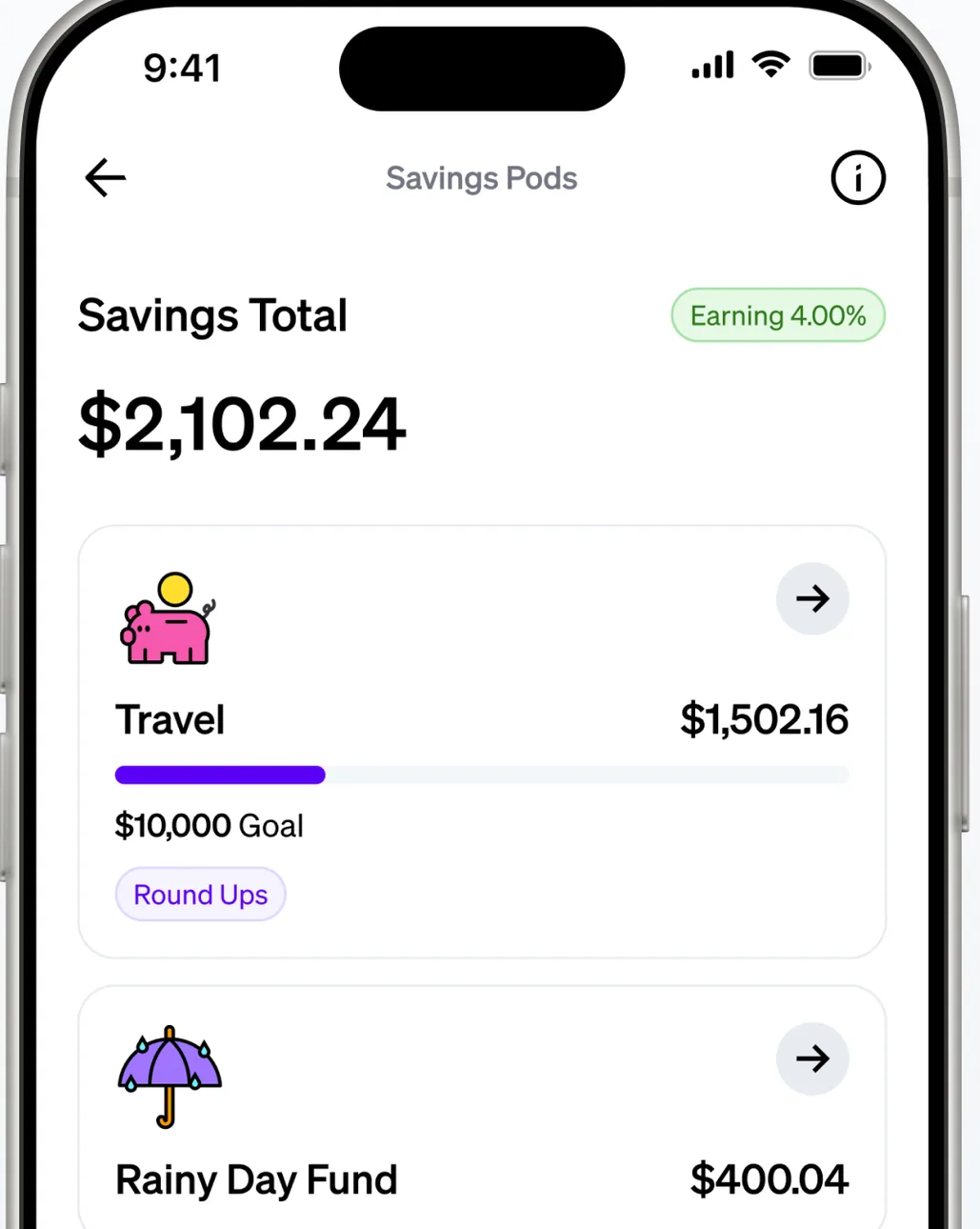
App Store marketing imageA Savings Pods screen showing a $2,102.24 savings total and pods for Travel and Rainy Day Fund with balances.App Store listing, as of 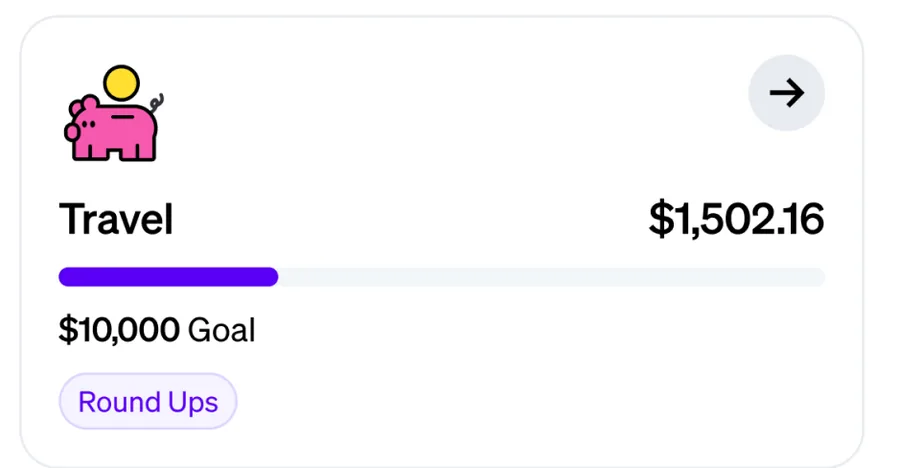
App Store marketing imageA Travel pod with $1,502.16 saved toward a $10,000 goal and a Round Ups tag.App Store listing, as of 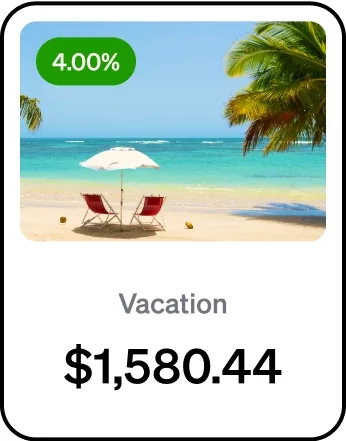
From Current's websiteA savings pod card for Vacation with a 4.00% label and a $1,580.44 balance.current.com, as of
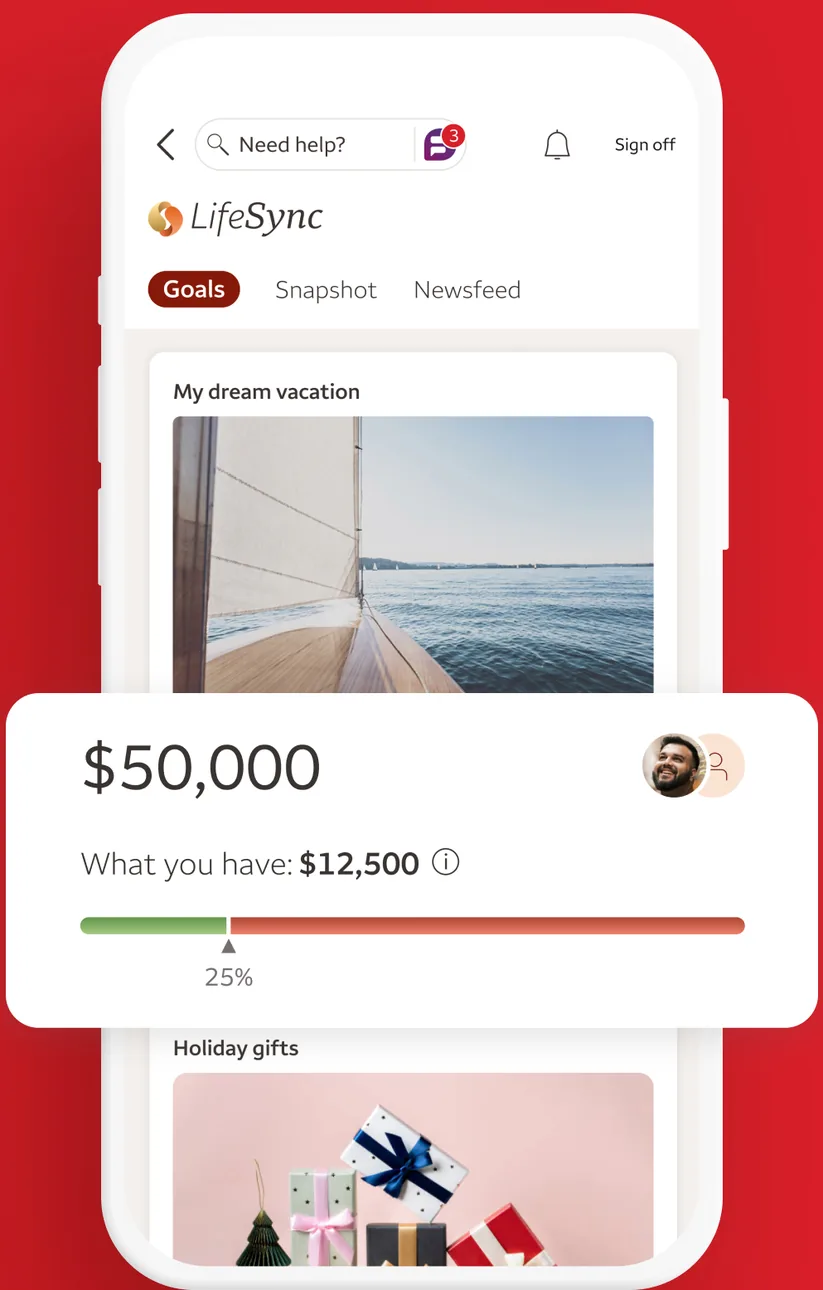
App Store marketing imageA LifeSync Goals screen with a My dream vacation goal of $50,000, $12,500 saved so far and a progress bar, followed by a Holiday gifts goal.App Store listing, as of 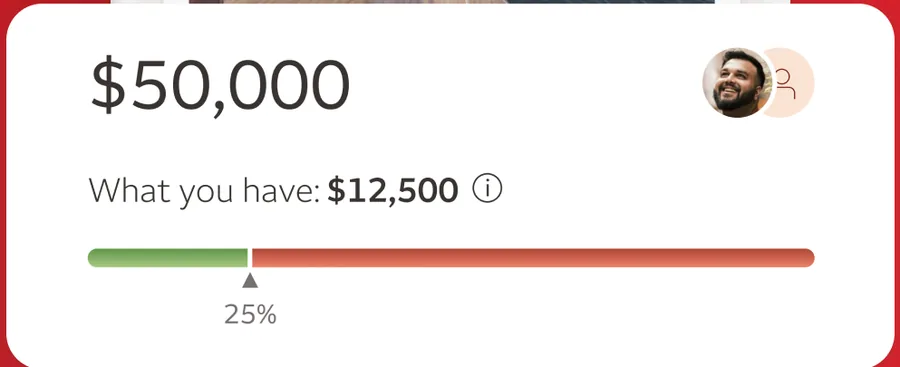
App Store marketing imageA goal card showing $50,000 with $12,500 saved and a progress bar at 25 percent.App Store listing, as of
Reports and insights
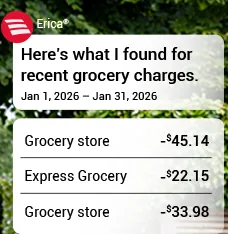
From Bank of America's websiteAn Erica card saying Here's what I found for recent grocery charges from Jan 1, 2026 to Jan 31, 2026 with three grocery store amounts.info.bankofamerica.com, as of
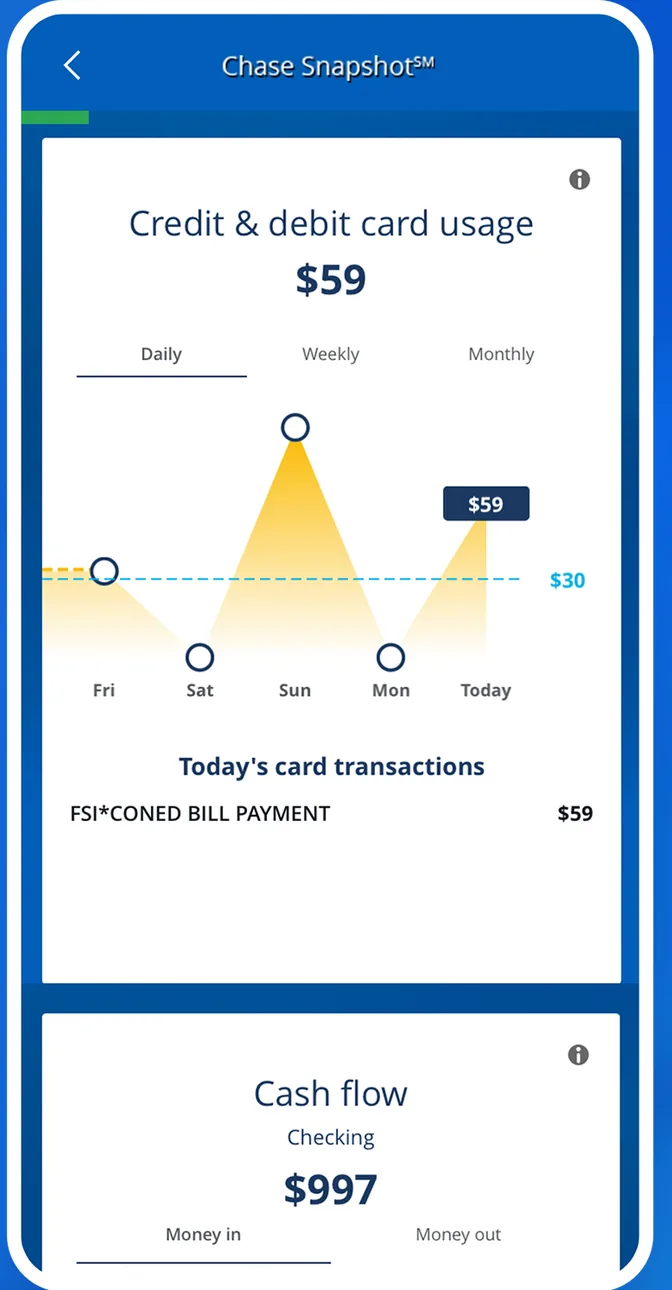
App Store marketing imageA Chase Snapshot screen showing $59 in credit and debit card usage on a daily chart and a cash flow card showing $997.App Store listing, as of 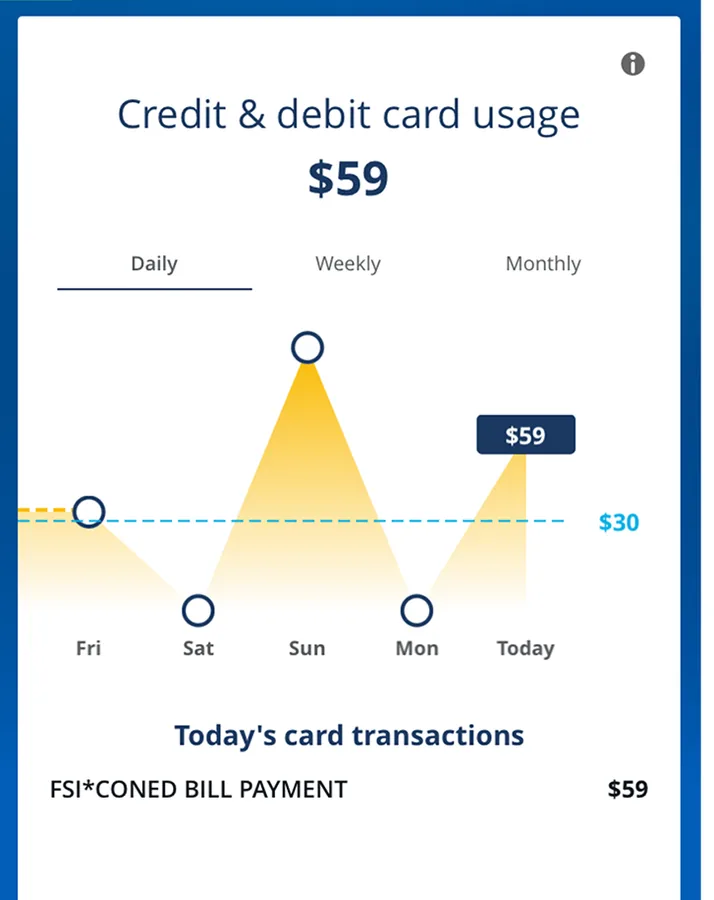
App Store marketing imageA daily card usage chart totaling $59 with today's card transactions listed below.App Store listing, as of

App Store marketing imageA Chime notification saying Your score went up 70 points!App Store listing, as of
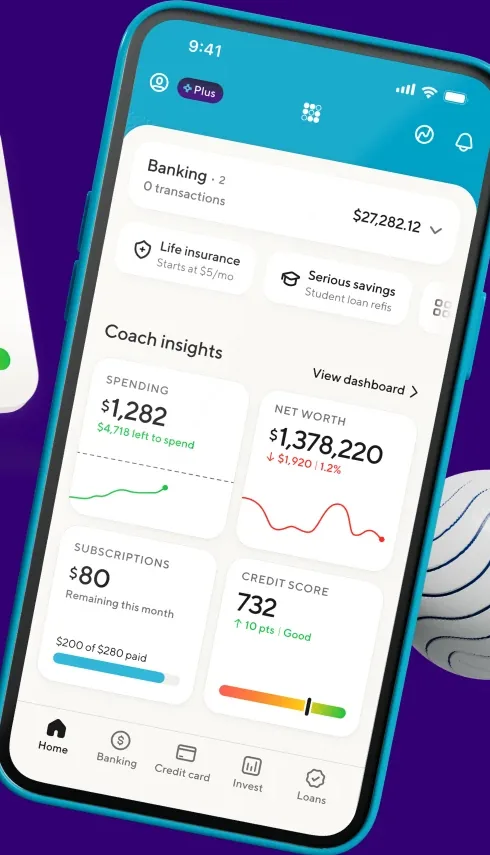
From SoFi's websiteA tilted home screen showing a Banking balance of $27,282.12 and Coach insights tiles for spending at $1,282, net worth at $1,378,220, subscriptions at $80 and a credit score of 732.sofi.com, as of 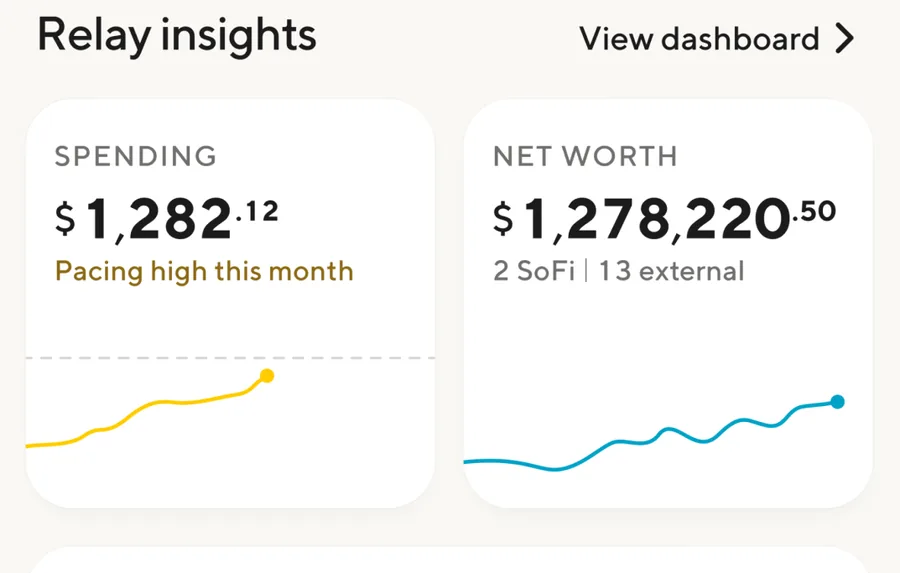
App Store marketing imageRelay insights tiles for spending at $1,282.12, pacing high this month, and net worth at $1,278,220.50.App Store listing, as of
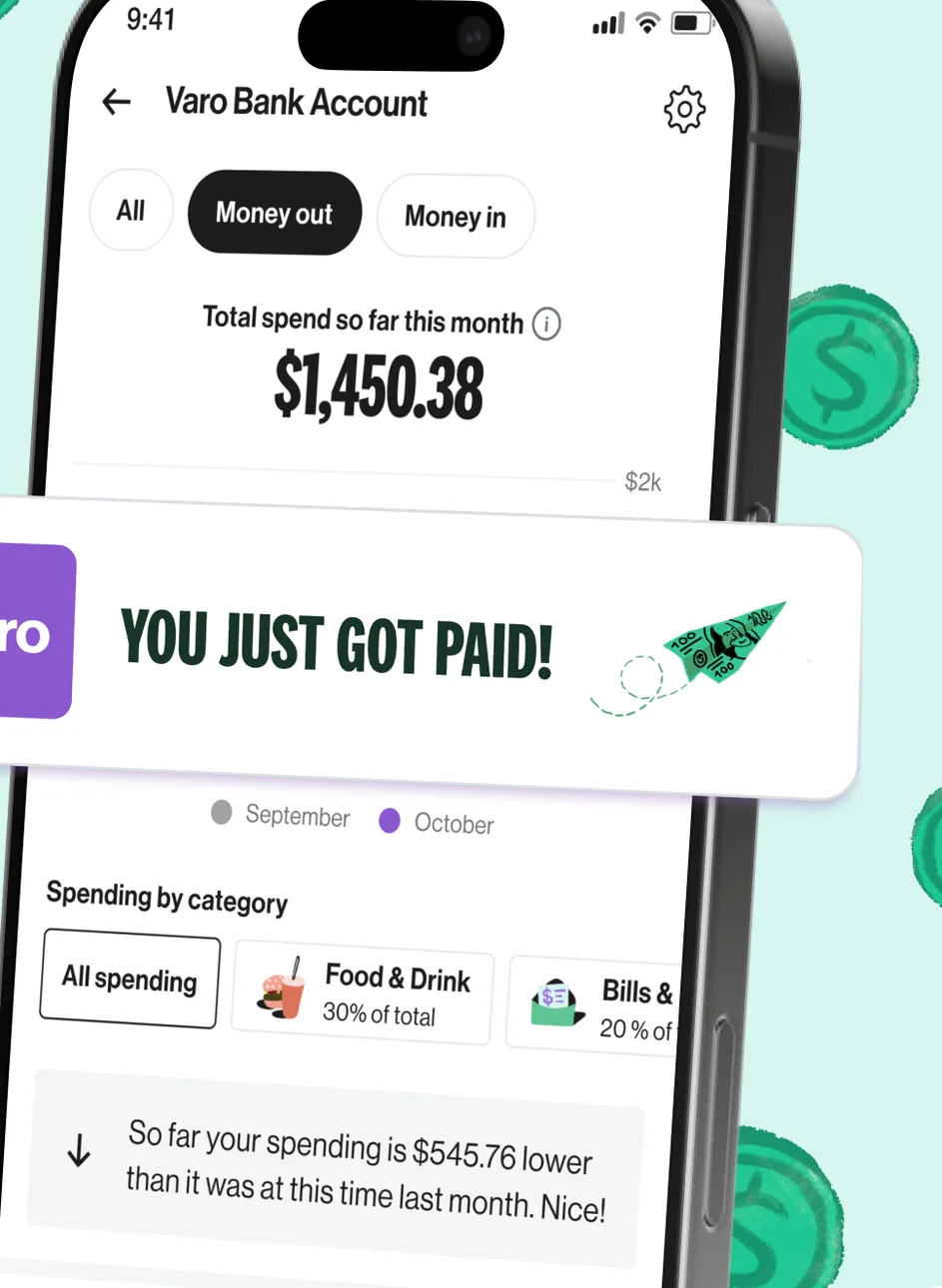
App Store marketing imageA Varo Bank Account screen showing $1,450.38 total spent so far this month and a Spending by category section, partly covered by a You just got paid banner.App Store listing, as of 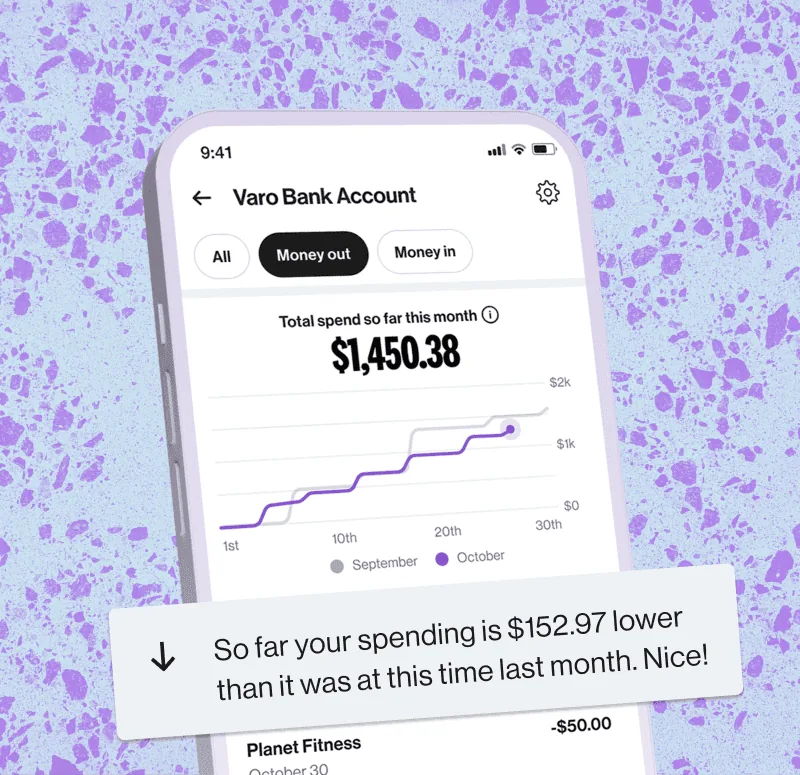
From Varo's websiteA Varo Bank Account screen with Money out selected showing $1,450.38 total spend so far this month on a line chart, with a note that spending is $152.97 lower than at this time last month.varomoney.com, as of 
App Store marketing imageA note saying so far your spending is $545.76 lower than it was at this time last month.App Store listing, as of

App Store marketing imageA Wealthfront notification saying We made 4 trades to automatically invest your deposit of $500.App Store listing, as of
Transactions
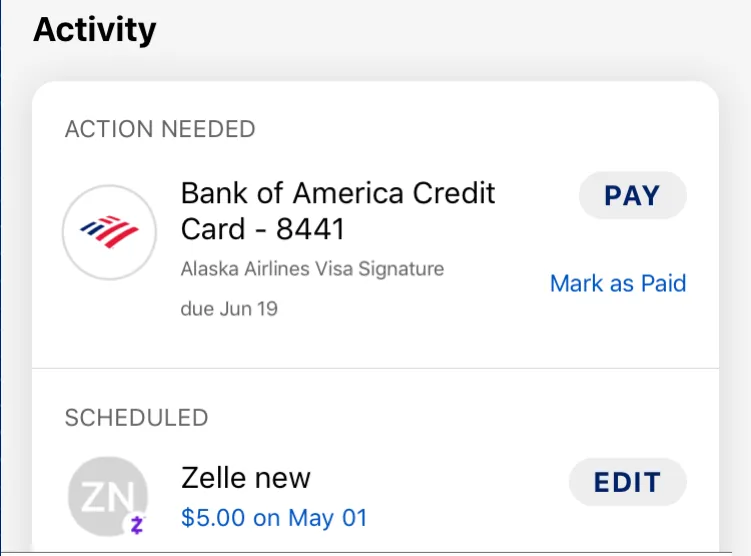
App Store marketing imageAn Activity list with a credit card payment marked Action needed and a scheduled $5.00 Zelle payment.App Store listing, as of
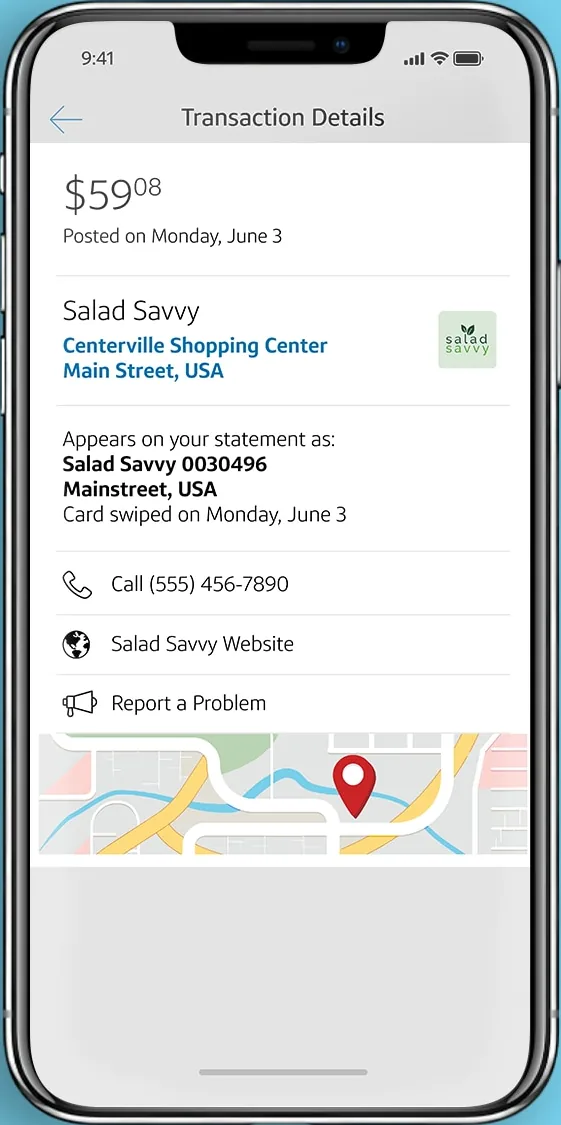
From Capital One's websiteA Transaction Details screen for a $59.08 Salad Savvy purchase with merchant address, statement descriptor, phone, website, Report a Problem and a map.capitalone.com, as of
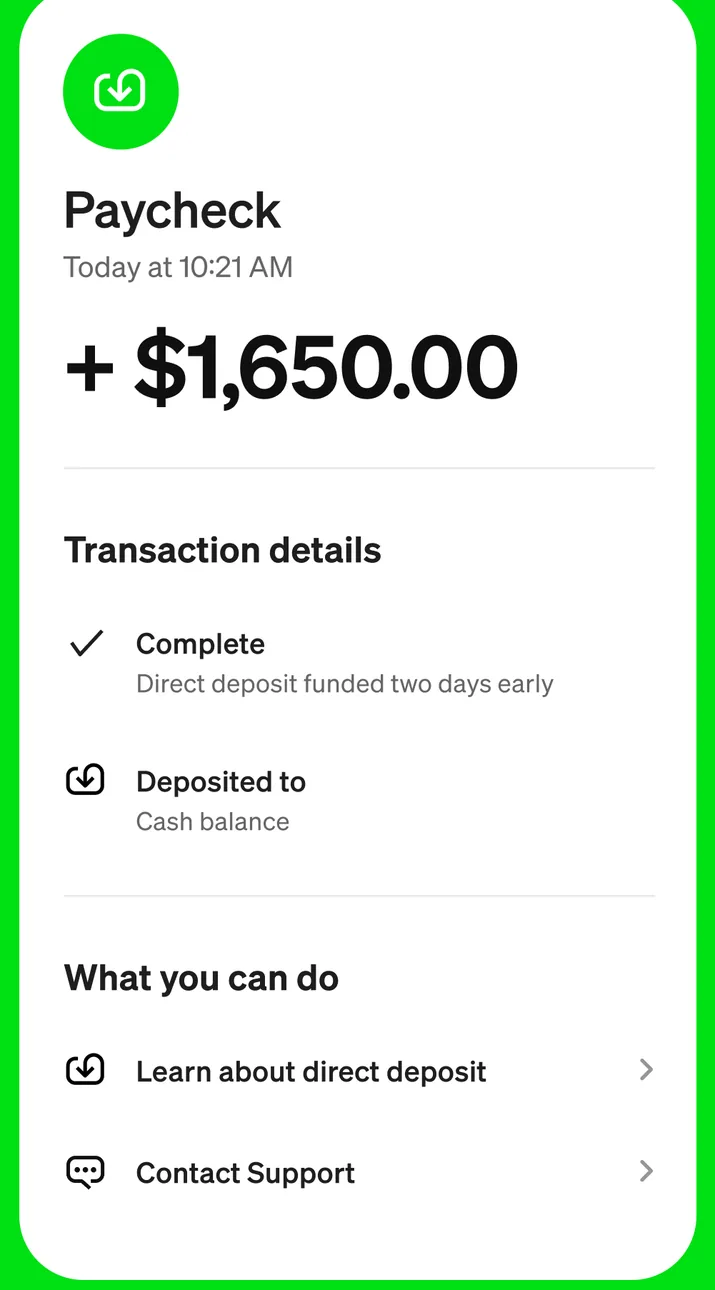
App Store marketing imageA Paycheck transaction detail showing +$1,650.00 with transaction details marked complete and deposited to cash balance, and links to learn about direct deposit and contact support.App Store listing, as of
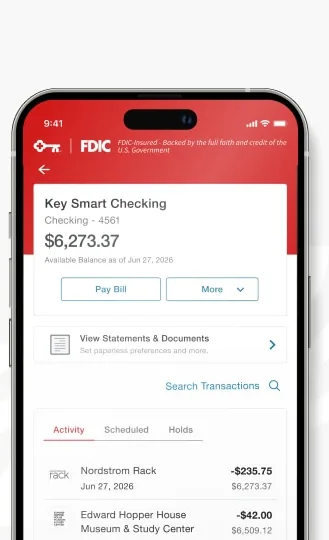
From KeyBank's websiteA Key Smart Checking account screen showing a $6,273.37 available balance, Pay Bill and More buttons, a statements link, Search Transactions, and an Activity list with purchases and running balances.key.com, as of
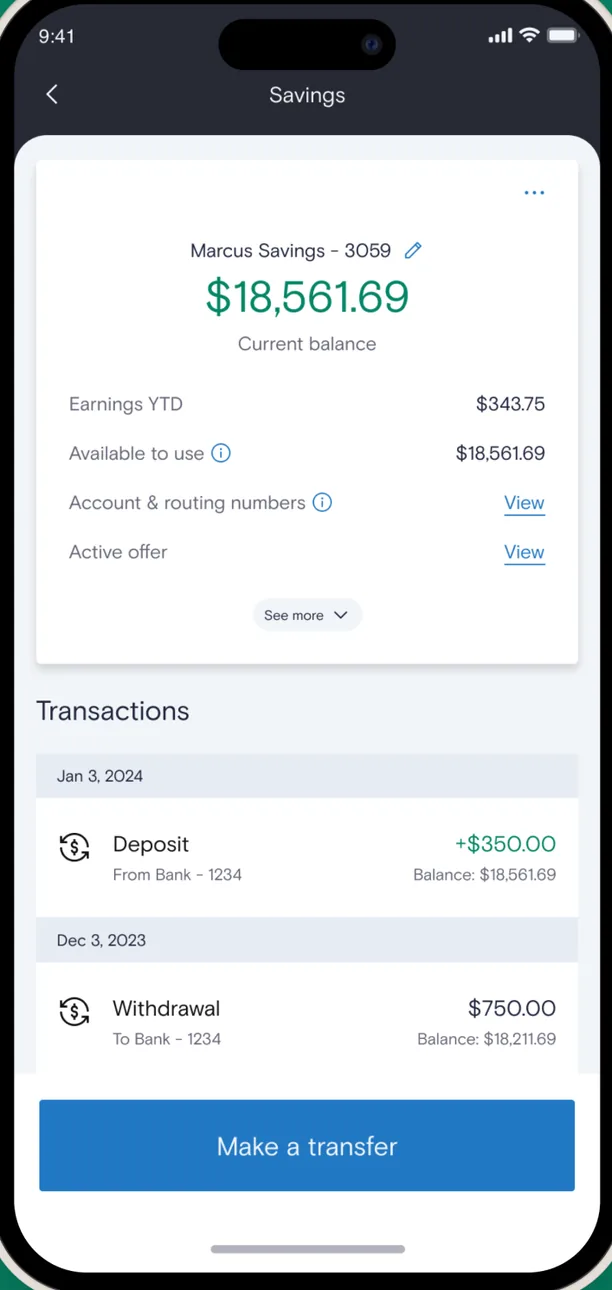
App Store marketing imageA Marcus Savings account screen showing a $18,561.69 current balance, earnings year to date, available to use, and a transactions list with a deposit and a withdrawal, plus a Make a transfer button.App Store listing, as of 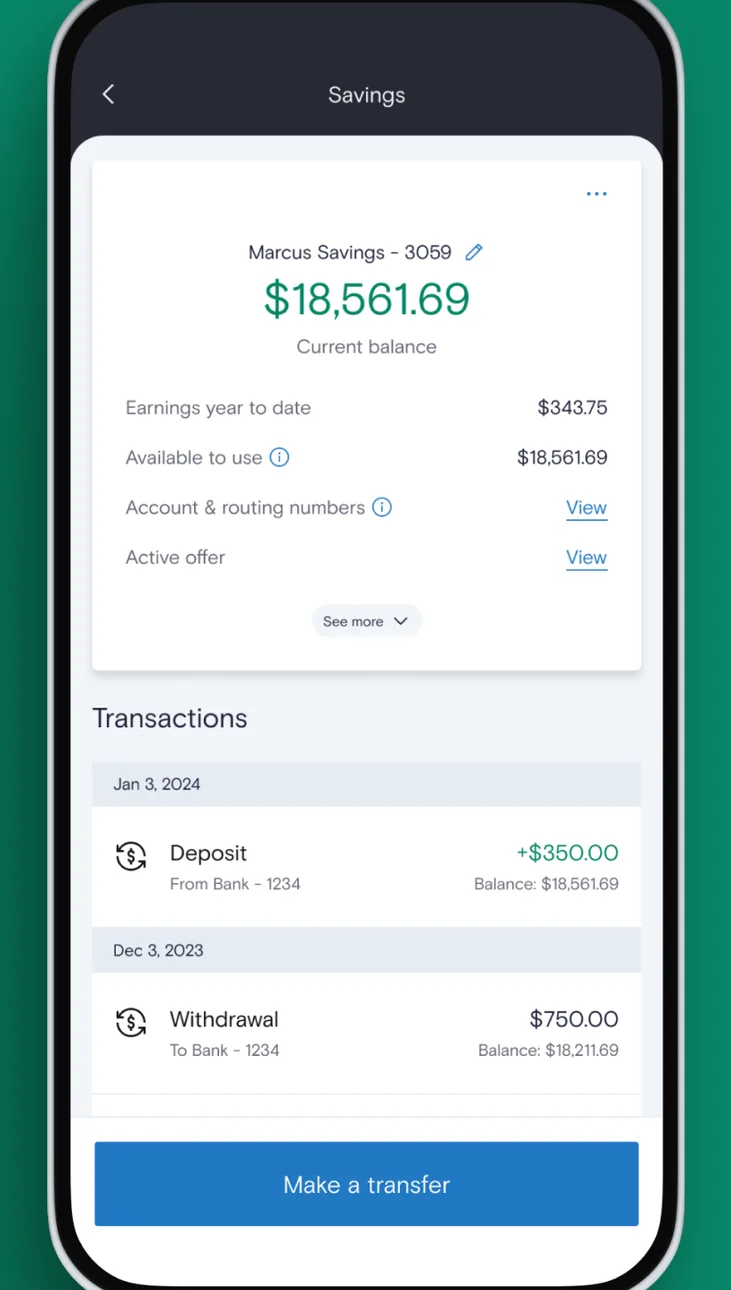
Google Play marketing imageAn Android Marcus Savings screen showing an $18,561.69 balance, account details and a transactions list with a Make a transfer button.Google Play listing, as of 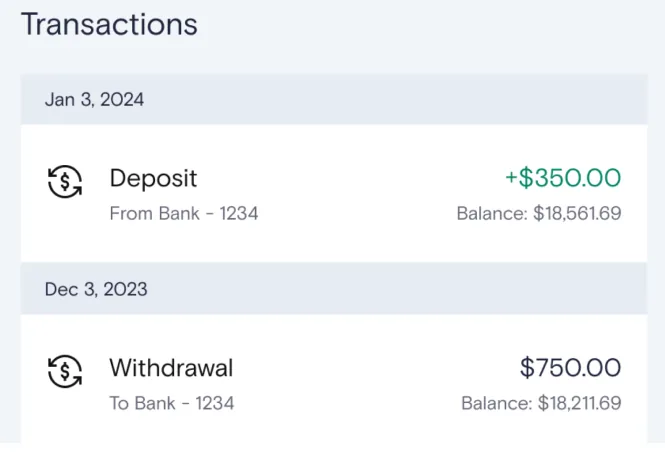
App Store marketing imageA transactions list with a $350.00 deposit and a $750.00 withdrawal and running balances.App Store listing, as of
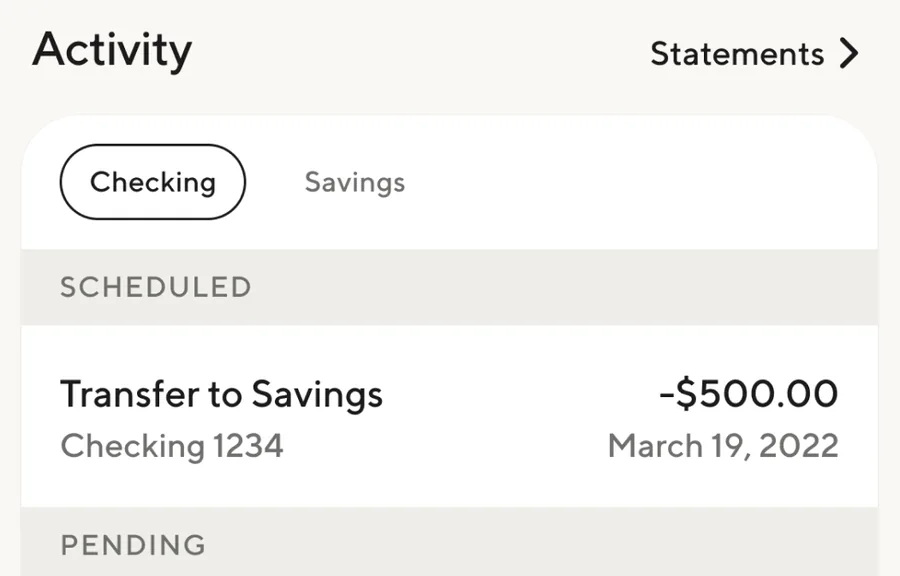
App Store marketing imageAn Activity section with Checking and Savings tabs and a scheduled $500.00 transfer to savings.App Store listing, as of
Check deposit
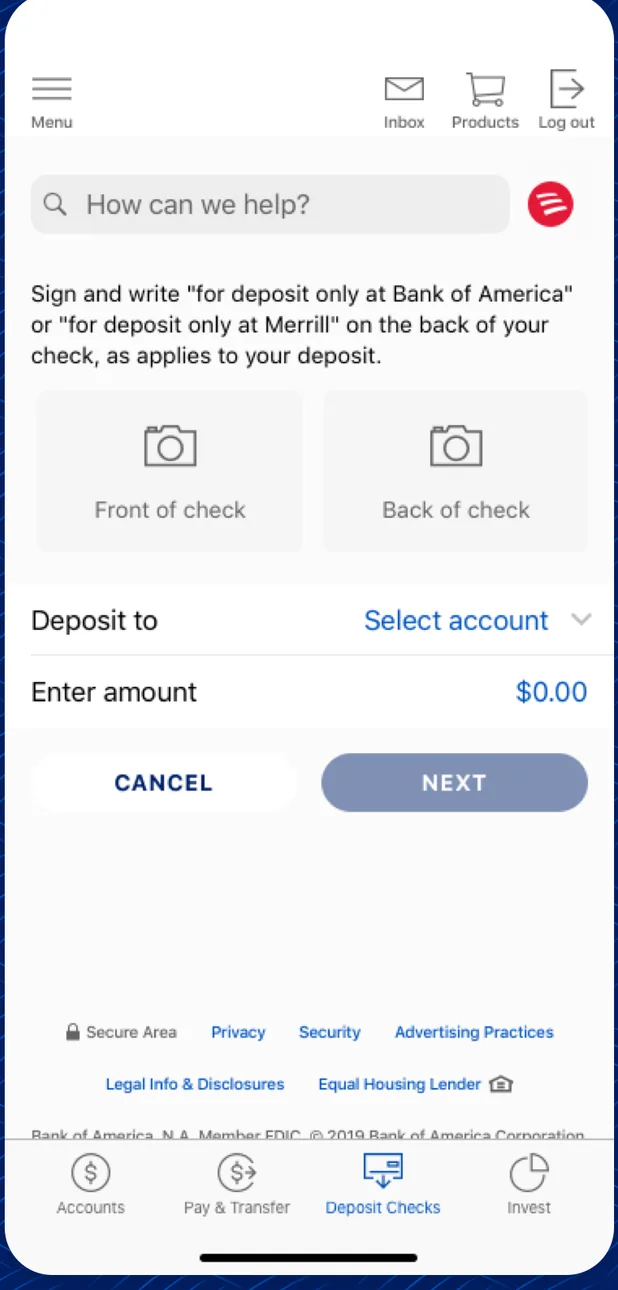
App Store marketing imageA Deposit Checks screen with endorsement instructions, front and back of check photo boxes, a Deposit to account picker, an amount field and Cancel and Next buttons.App Store listing, as of 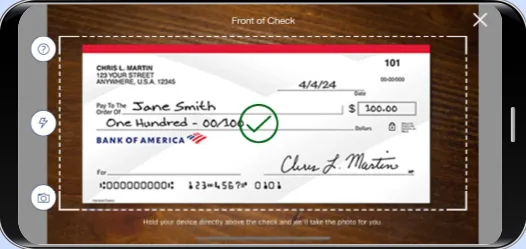
From Bank of America's help centerA landscape camera view titled Front of Check with a check inside a dashed frame and a green check mark.info.bankofamerica.com, as of 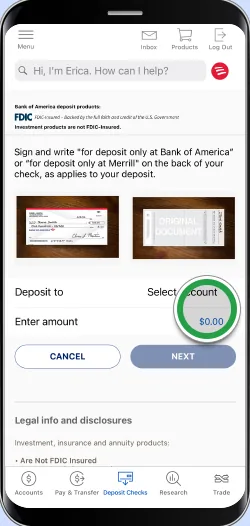
From Bank of America's help centerA deposit form with front and back check photos, a Deposit to account selector, an amount field highlighted by a green circle, and Cancel and Next buttons. The green circles are Bank of America's own tap-target markers from its help pages, not part of the app.info.bankofamerica.com, as of 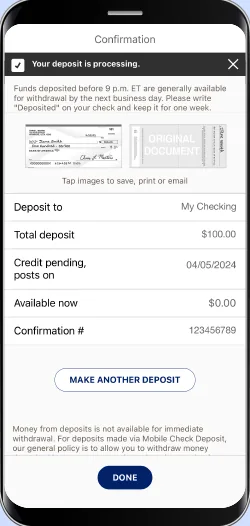
From Bank of America's help centerA Confirmation screen saying Your deposit is processing, with deposit to account, total deposit of $100.00, credit pending date, confirmation number and a Make another deposit button.info.bankofamerica.com, as of 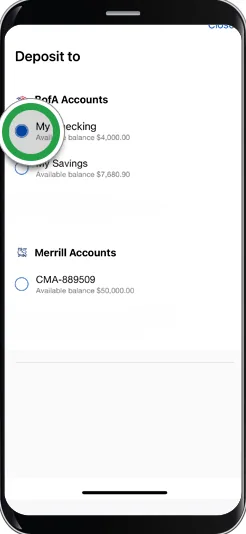
From Bank of America's help centerA Deposit to picker listing Bank of America checking and savings accounts and a Merrill account, with a green circle on the checking account. The green circles are Bank of America's own tap-target markers from its help pages, not part of the app.info.bankofamerica.com, as of 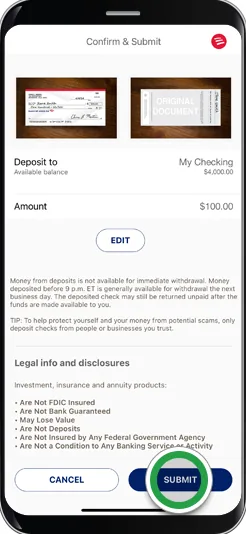
From Bank of America's help centerA Confirm and Submit screen showing both check images, the deposit account, a $100.00 amount with an Edit button, and Cancel and Submit buttons with a green circle on Submit. The green circles are Bank of America's own tap-target markers from its help pages, not part of the app.info.bankofamerica.com, as of 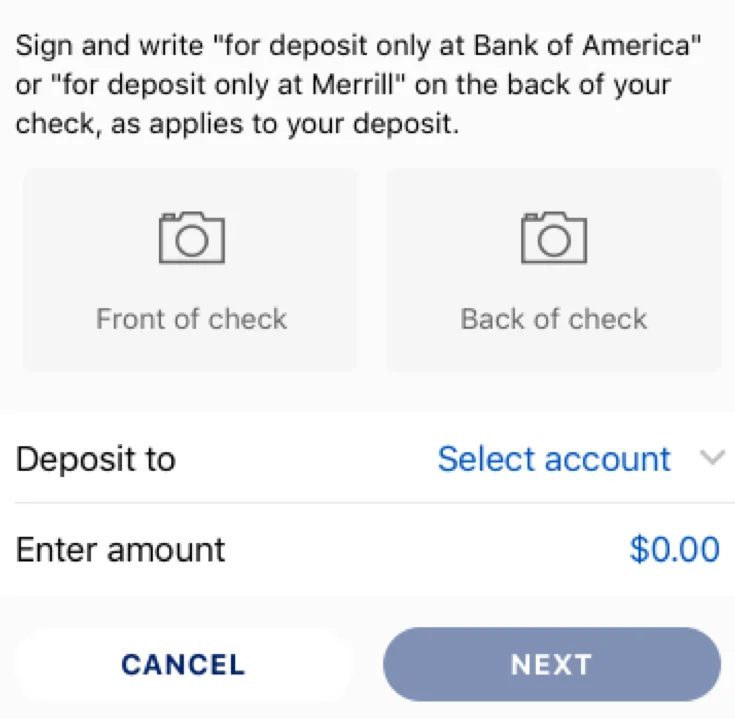
App Store marketing imageFront of check and Back of check photo boxes above Deposit to and Enter amount fields with Cancel and Next buttons.App Store listing, as of
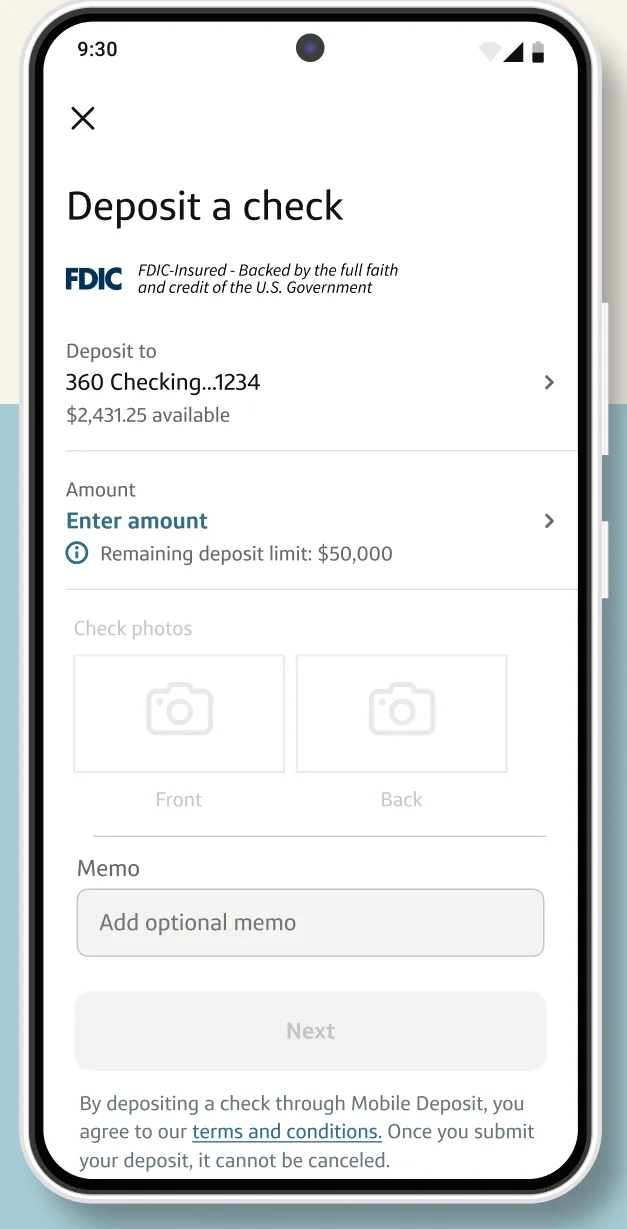
Google Play marketing imageA Deposit a check screen with a 360 Checking deposit account, an Enter amount field and a memo field.Google Play listing, as of 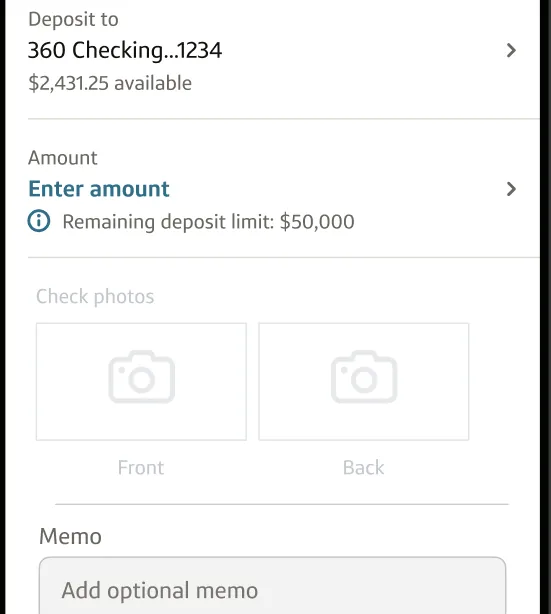
Google Play marketing imageA deposit form with the deposit account, an Enter amount field, front and back check photo boxes and a memo field.Google Play listing, as of
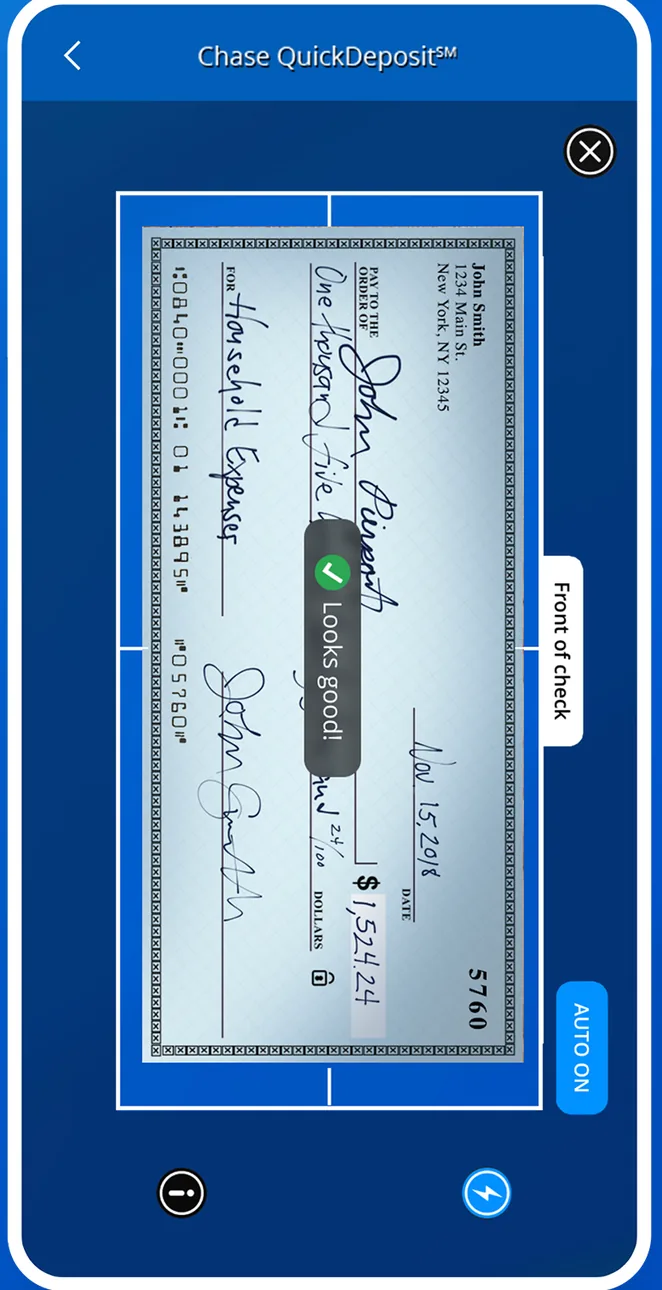
App Store marketing imageA Chase QuickDeposit camera screen framing the front of a check, with a Looks good indicator and an auto capture control.App Store listing, as of 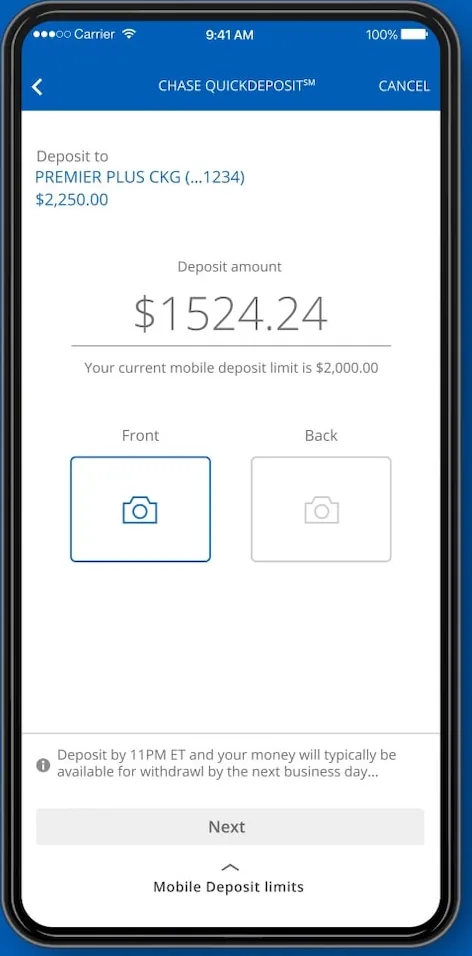
From Chase's websiteA Chase QuickDeposit screen with a deposit account, a $1,524.24 deposit amount, Front and Back photo boxes and a Next button.chase.com, as of 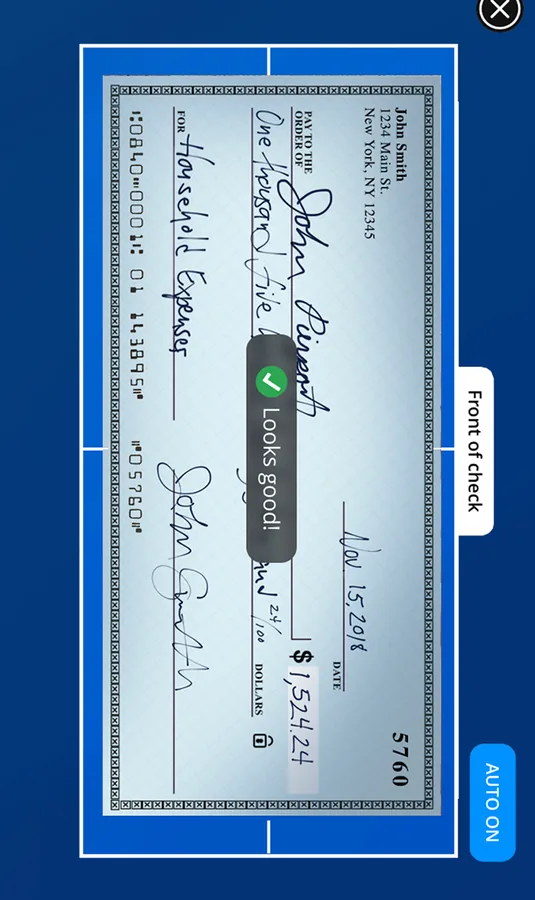
App Store marketing imageA camera viewfinder outlining a check with a Looks good label.App Store listing, as of
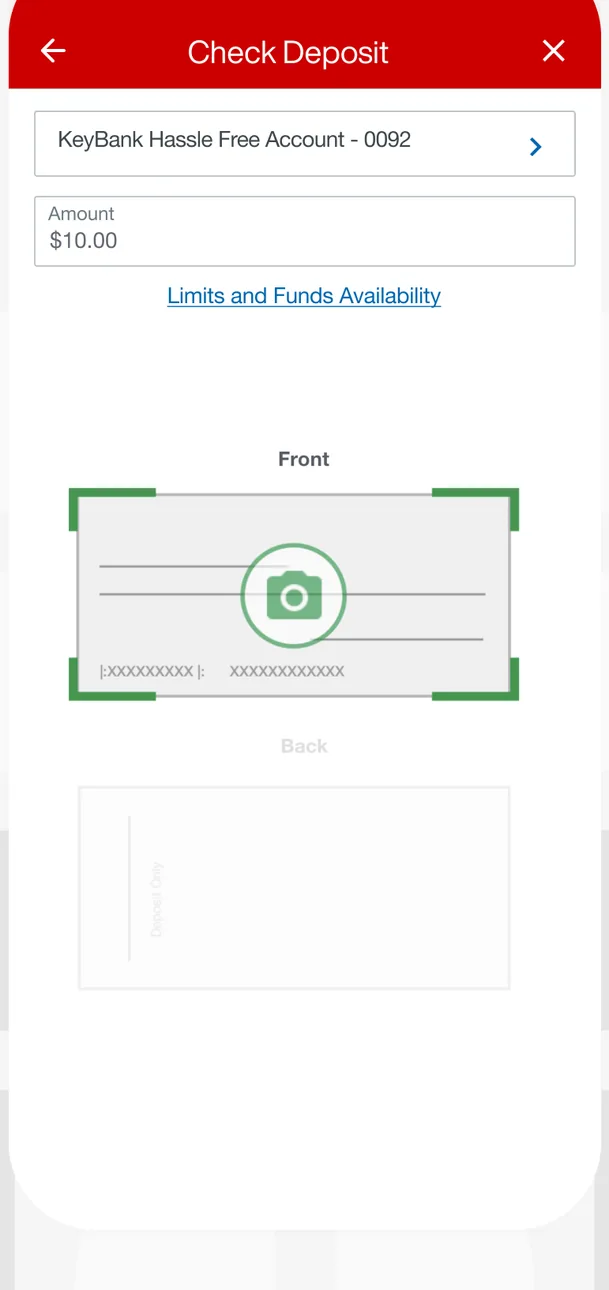
App Store marketing imageA Check Deposit screen with a KeyBank Hassle Free Account selected, a $10.00 amount, a Limits and Funds Availability link and Front and Back check photo boxes.App Store listing, as of 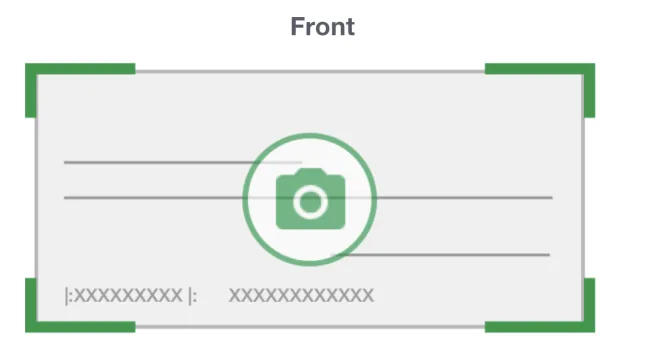
App Store marketing imageA Front check photo box with green corner guides and a camera icon.App Store listing, as of
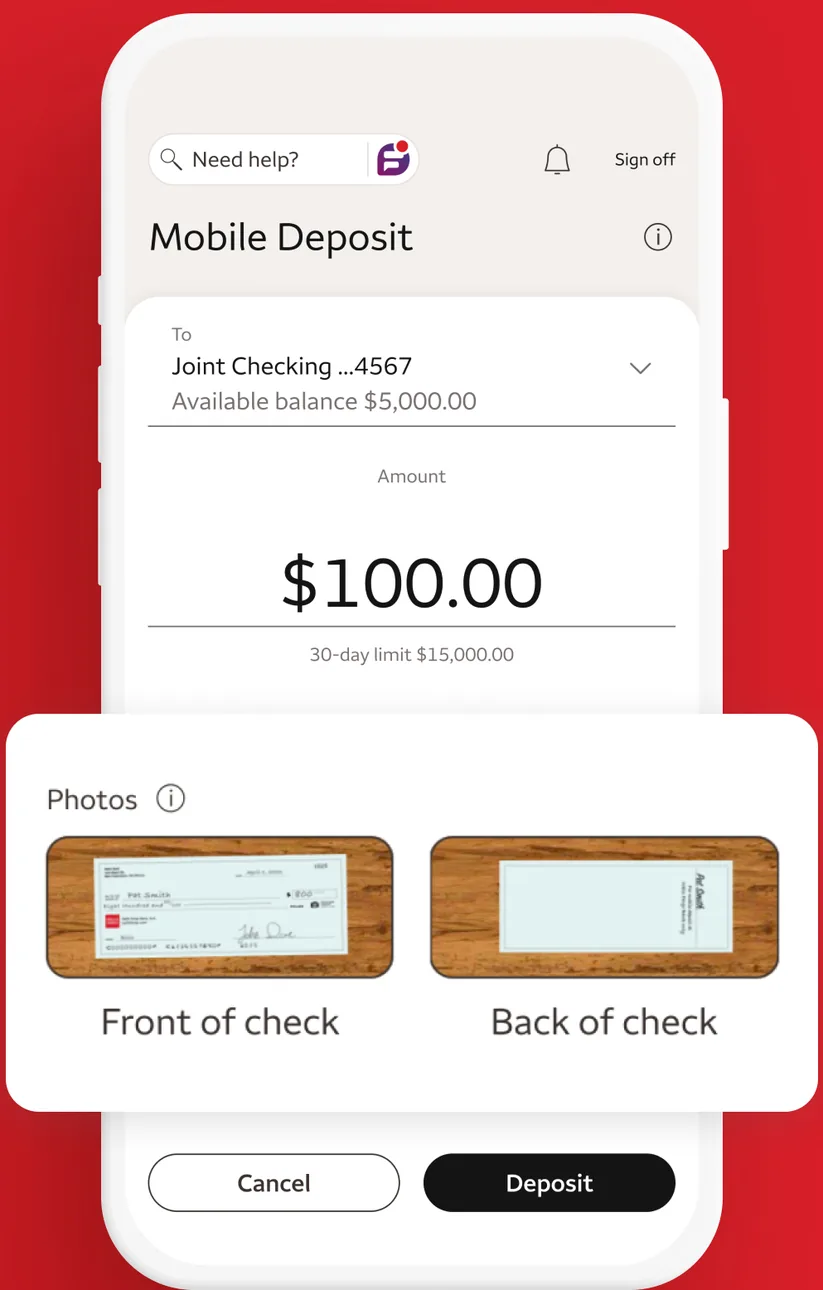
App Store marketing imageA Mobile Deposit screen depositing $100.00 to a Joint Checking account with front and back check photos and Cancel and Deposit buttons.App Store listing, as of 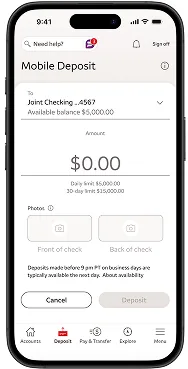
From Wells Fargo's help centerA Mobile Deposit screen with a Joint Checking account selected, a $0.00 amount, empty front and back check photo boxes and Cancel and Deposit buttons.wellsfargo.com, as of 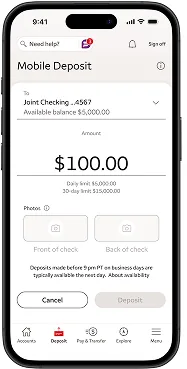
From Wells Fargo's help centerA Mobile Deposit screen with $100.00 entered for a Joint Checking account and daily and 30-day limits shown below.wellsfargo.com, as of 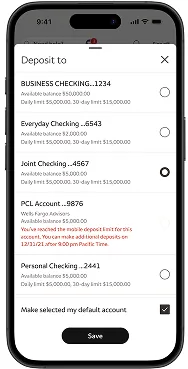
From Wells Fargo's help centerA Deposit to sheet listing business checking, everyday checking, joint checking and other accounts with available balances and limits, and a Save button.wellsfargo.com, as of 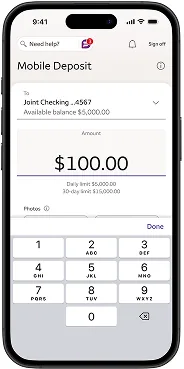
From Wells Fargo's help centerA Mobile Deposit screen with $100.00 entered using a number keypad.wellsfargo.com, as of 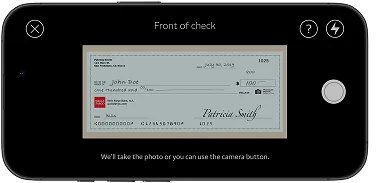
From Wells Fargo's help centerA landscape camera view labeled Front of check with a check inside the frame.wellsfargo.com, as of 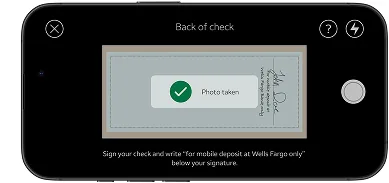
From Wells Fargo's help centerA landscape camera view labeled Back of check with a Photo taken confirmation.wellsfargo.com, as of 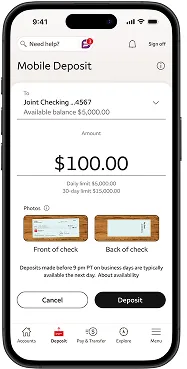
From Wells Fargo's help centerA Mobile Deposit screen with $100.00, front and back check photos, and Cancel and Deposit buttons.wellsfargo.com, as of 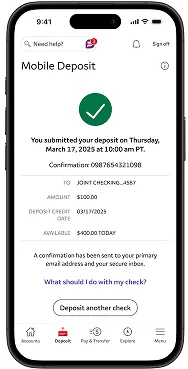
From Wells Fargo's help centerA confirmation with a green check mark saying the deposit was submitted, with a confirmation number, account, amount, deposit credit date and a Deposit another check button.wellsfargo.com, as of 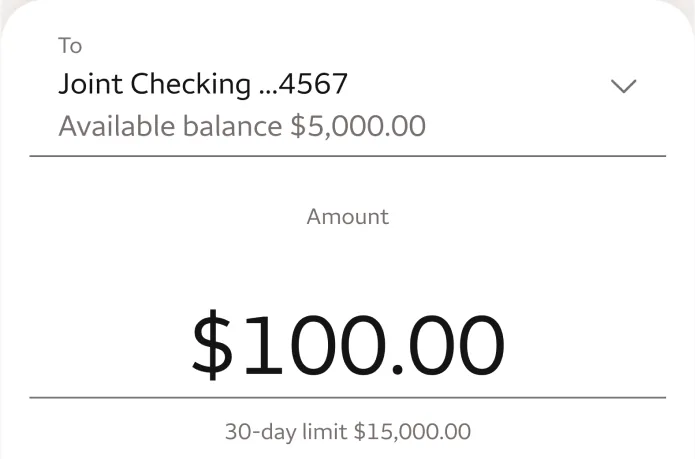
App Store marketing imageA deposit form with a Joint Checking account picker and a $100.00 amount with a 30-day limit note.App Store listing, as of 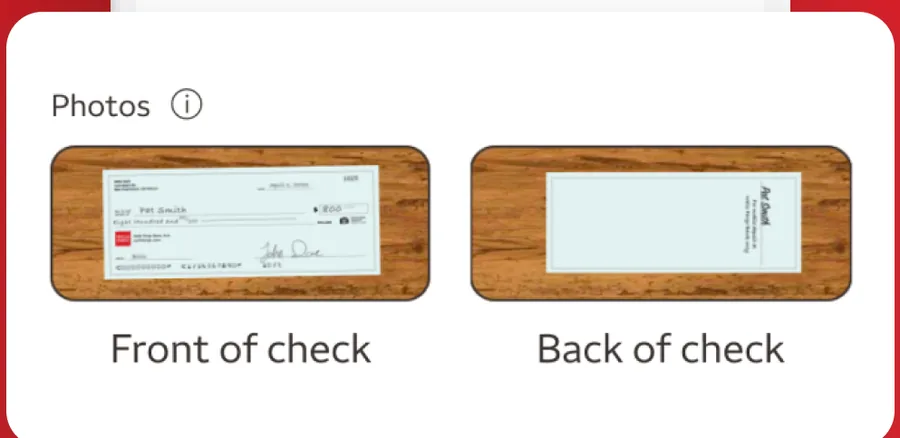
App Store marketing imagePhotos of the front and back of a check ready for deposit.App Store listing, as of
AI assistant
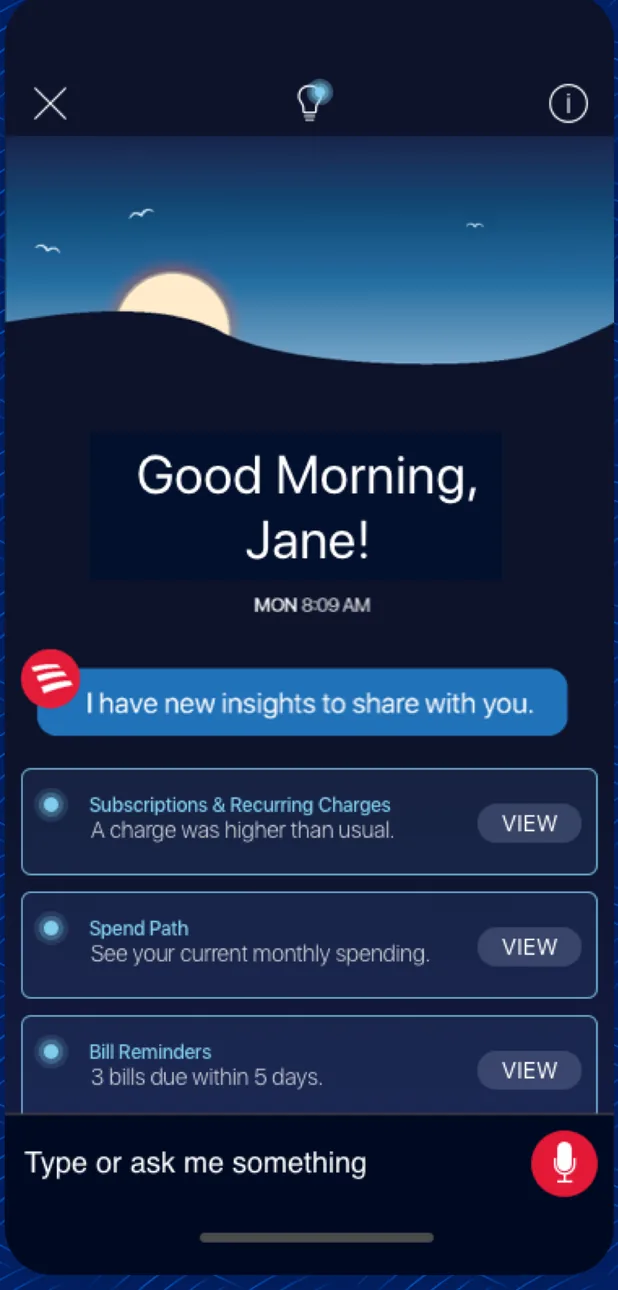
App Store marketing imageAn Erica assistant screen saying Good Morning, Jane with insight cards for subscriptions, spend path and bill reminders, and a Type or ask me something bar.App Store listing, as of 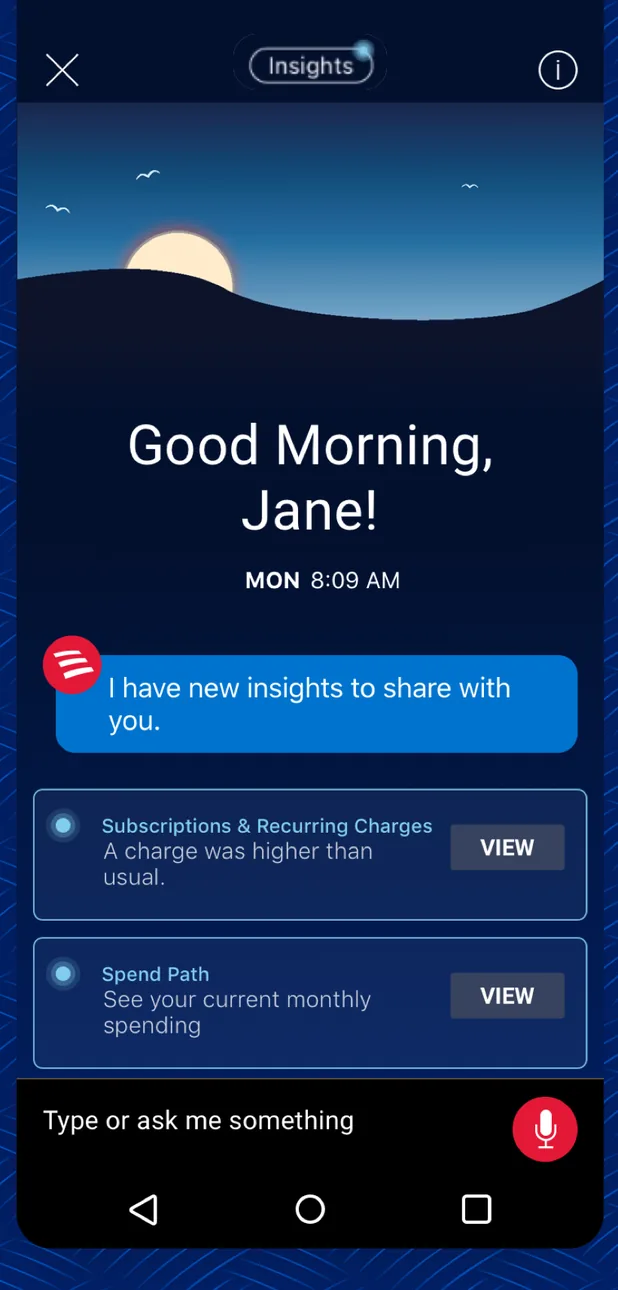
Google Play marketing imageAn Android version of the Erica screen saying Good Morning, Jane with insight cards and a Type or ask me something bar.Google Play listing, as of 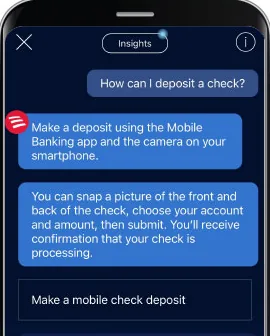
From Bank of America's help centerAn Erica chat where the user asks How can I deposit a check? and Erica explains how to snap the front and back of a check, with a Make a mobile check deposit button.info.bankofamerica.com, as of 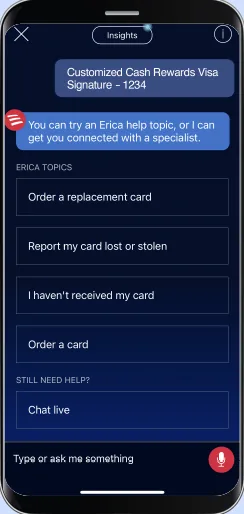
From Bank of America's websiteAn Erica chat about a Customized Cash Rewards Visa card offering options to order a replacement card, report a card lost or stolen, report a card not received, order a card, or chat live.info.bankofamerica.com, as of 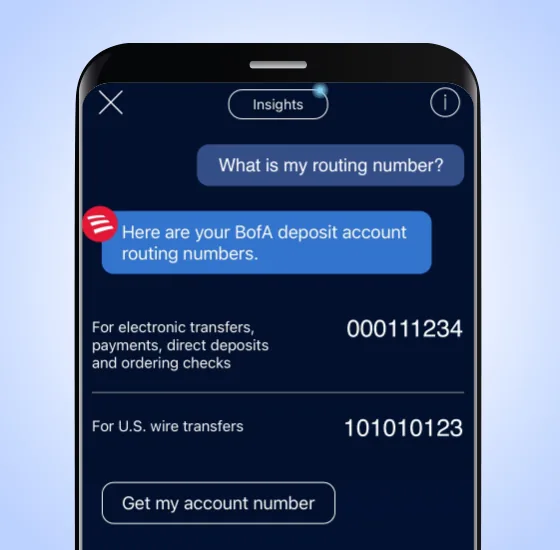
From Bank of America's websiteAn Erica chat where the user asks What is my routing number? and Erica shows routing numbers for electronic transfers and U.S. wire transfers with a Get my account number button.info.bankofamerica.com, as of 
App Store marketing imageAn Erica chat bubble that reads I have new insights to share with you.App Store listing, as of 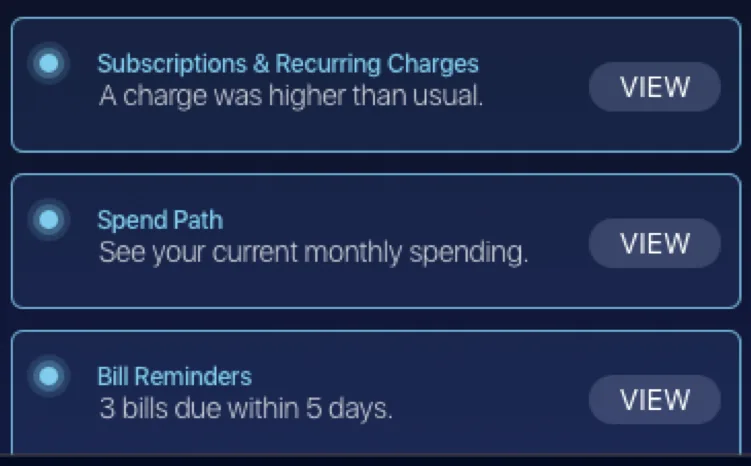
App Store marketing imageThree insight cards for subscriptions and recurring charges, spend path and bill reminders, each with a View button.App Store listing, as of
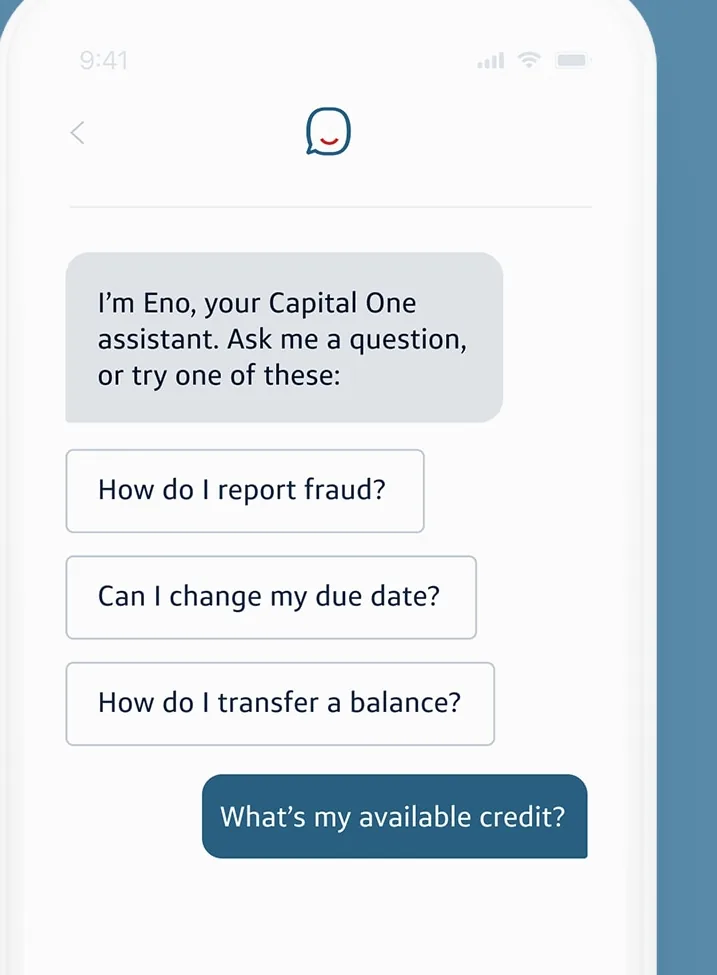
From Capital One's websiteAn Eno chat that says I'm Eno, your Capital One assistant, with suggested questions about reporting fraud, changing a due date and transferring a balance, and a user question What's my available credit?capitalone.com, as of
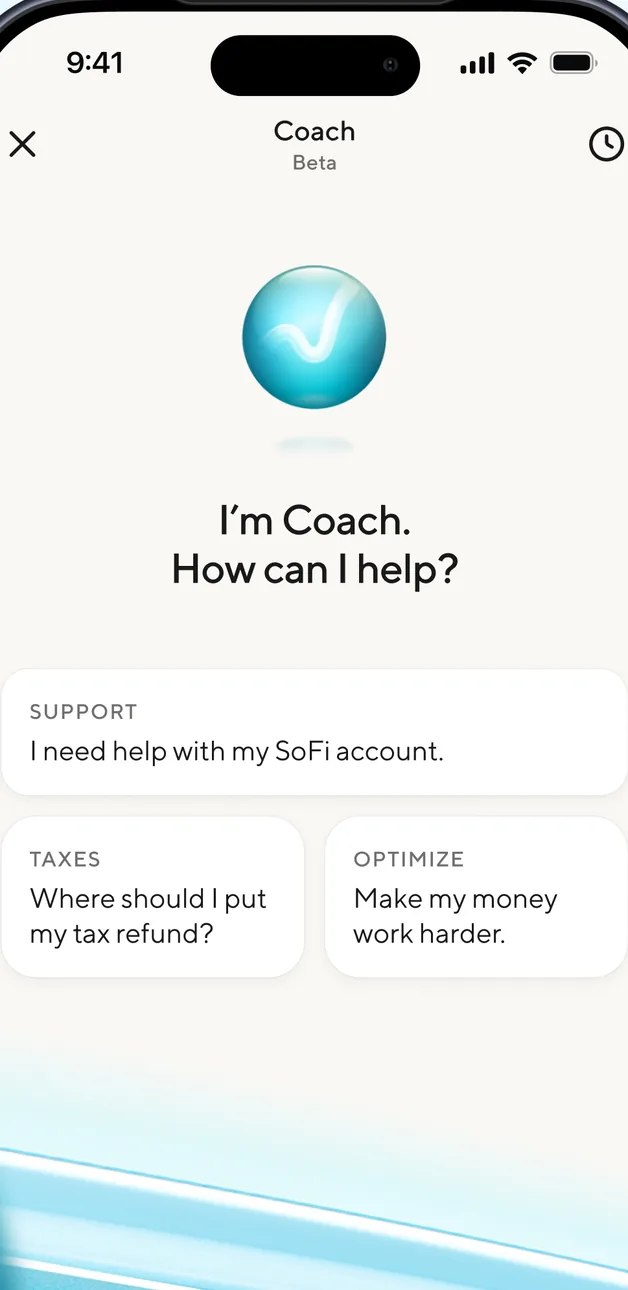
App Store marketing imageA SoFi Coach Beta screen asking How can I help? with suggested topics for support, taxes and optimizing money.App Store listing, as of 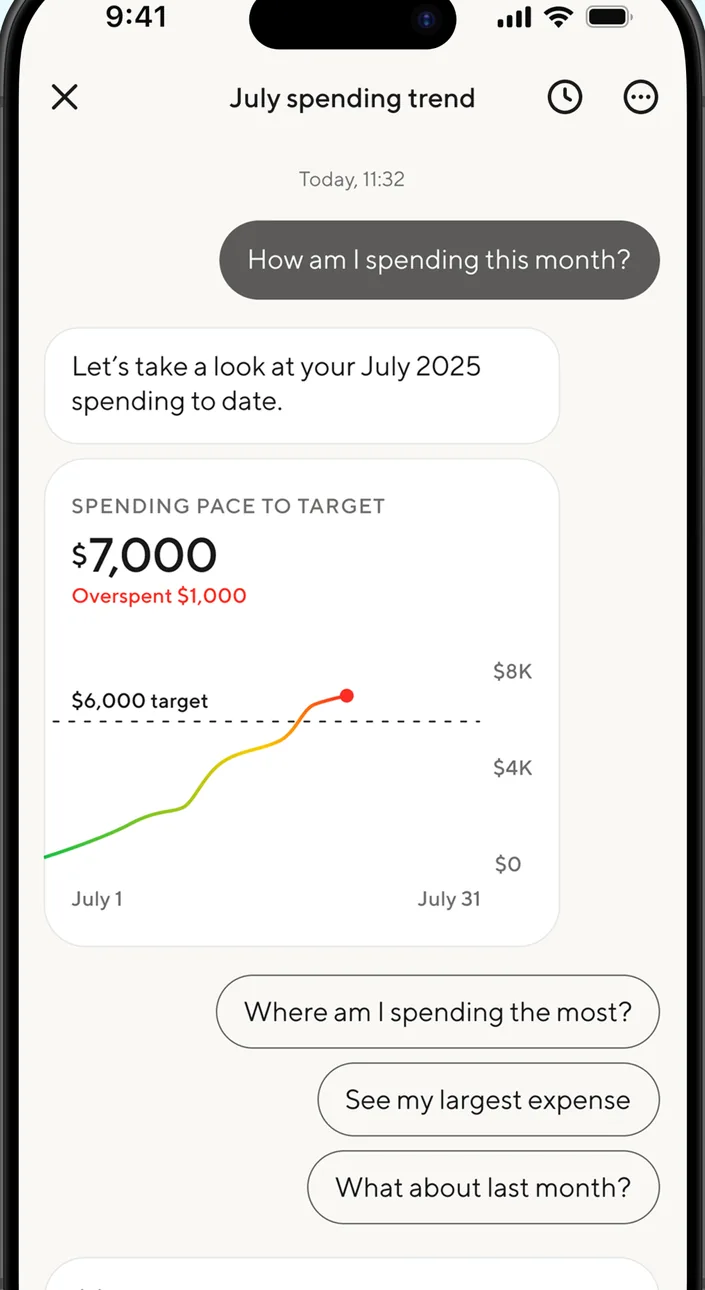
App Store marketing imageA July spending trend chat where the user asks How am I spending this month? and Coach shows a $7,000 spending pace chart against a $6,000 target with suggested follow-up questions.App Store listing, as of 
App Store marketing imageA user chat bubble asking How am I spending this month?App Store listing, as of
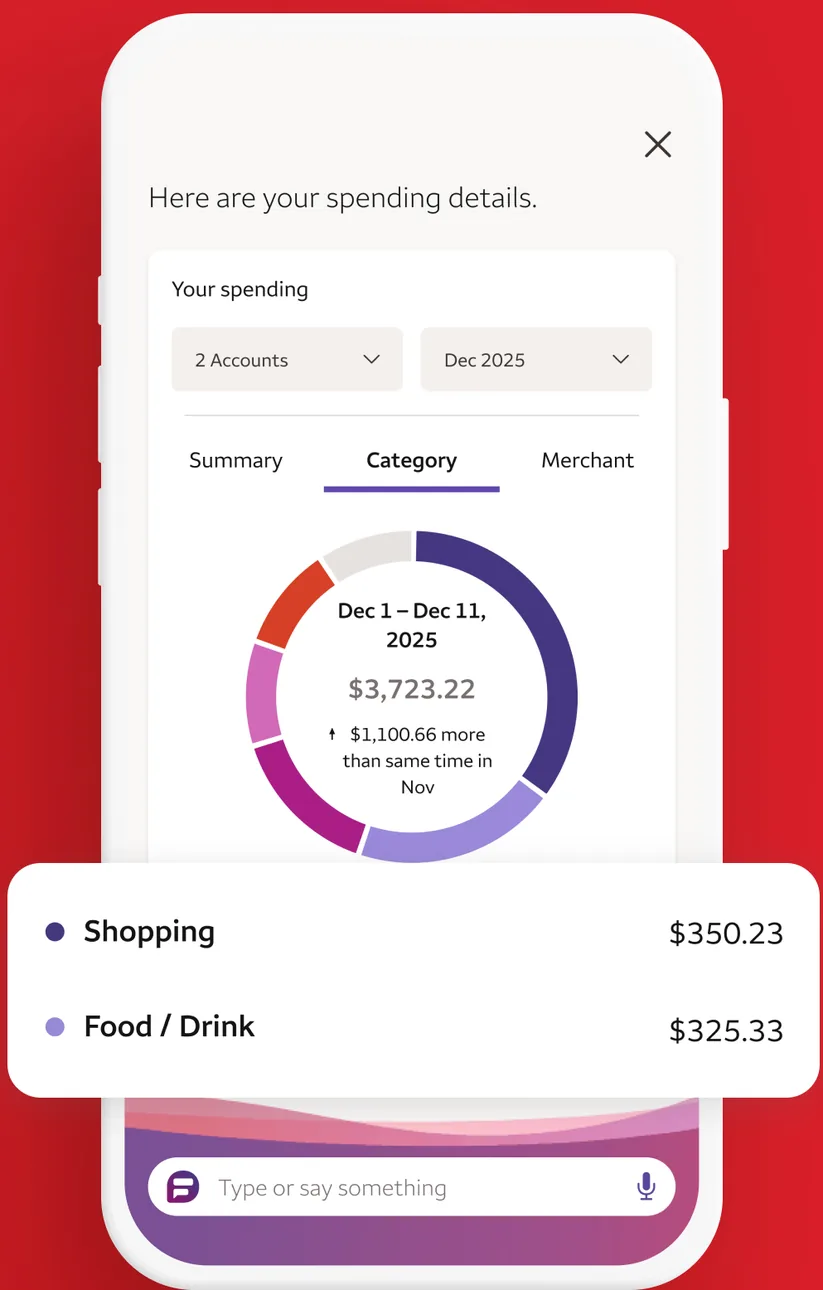
App Store marketing imageA Fargo assistant screen showing spending details by category in a ring chart, with Shopping at $350.23 and Food and Drink at $325.33, and a Type or say something bar.App Store listing, as of 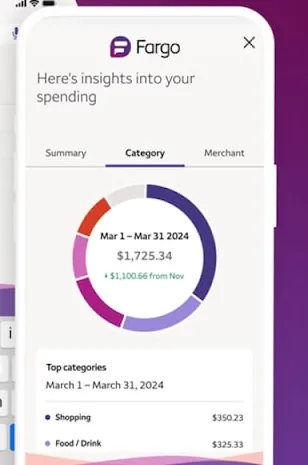
From Wells Fargo's websiteA Fargo panel showing insights into spending with a category ring chart for March 1 to March 31, 2024 and a list of top categories.wellsfargo.com, as of 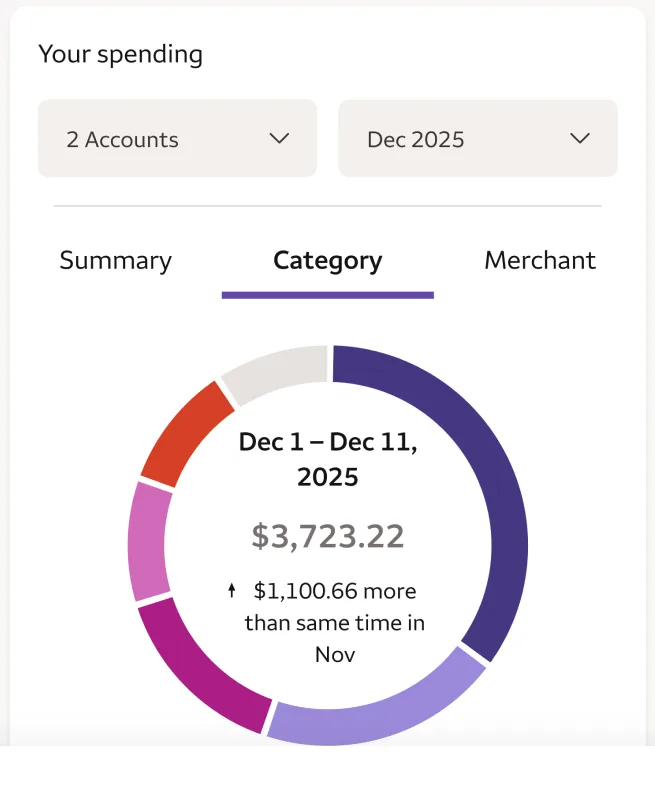
App Store marketing imageA ring chart of spending from December 1 to December 11, 2025 totaling $3,723.22.App Store listing, as of 
App Store marketing imageA Fargo input bar that reads Type or say something with a microphone icon.App Store listing, as of
Sharing with a partner
From Betterment's websiteA row reading Add someone to account with an arrow.betterment.com, as of
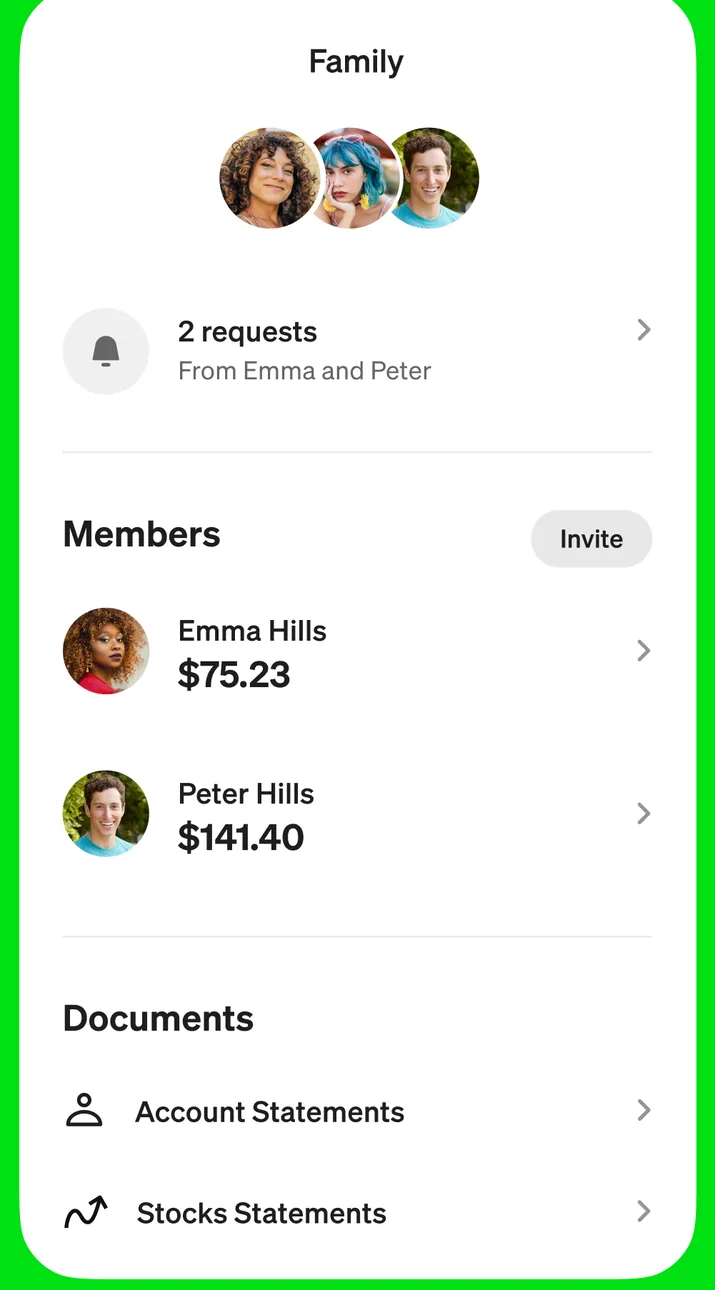
App Store marketing imageA Family screen showing 2 requests, a Members list with balances for Emma Hills and Peter Hills, and a Documents section with account and stock statements.App Store listing, as of
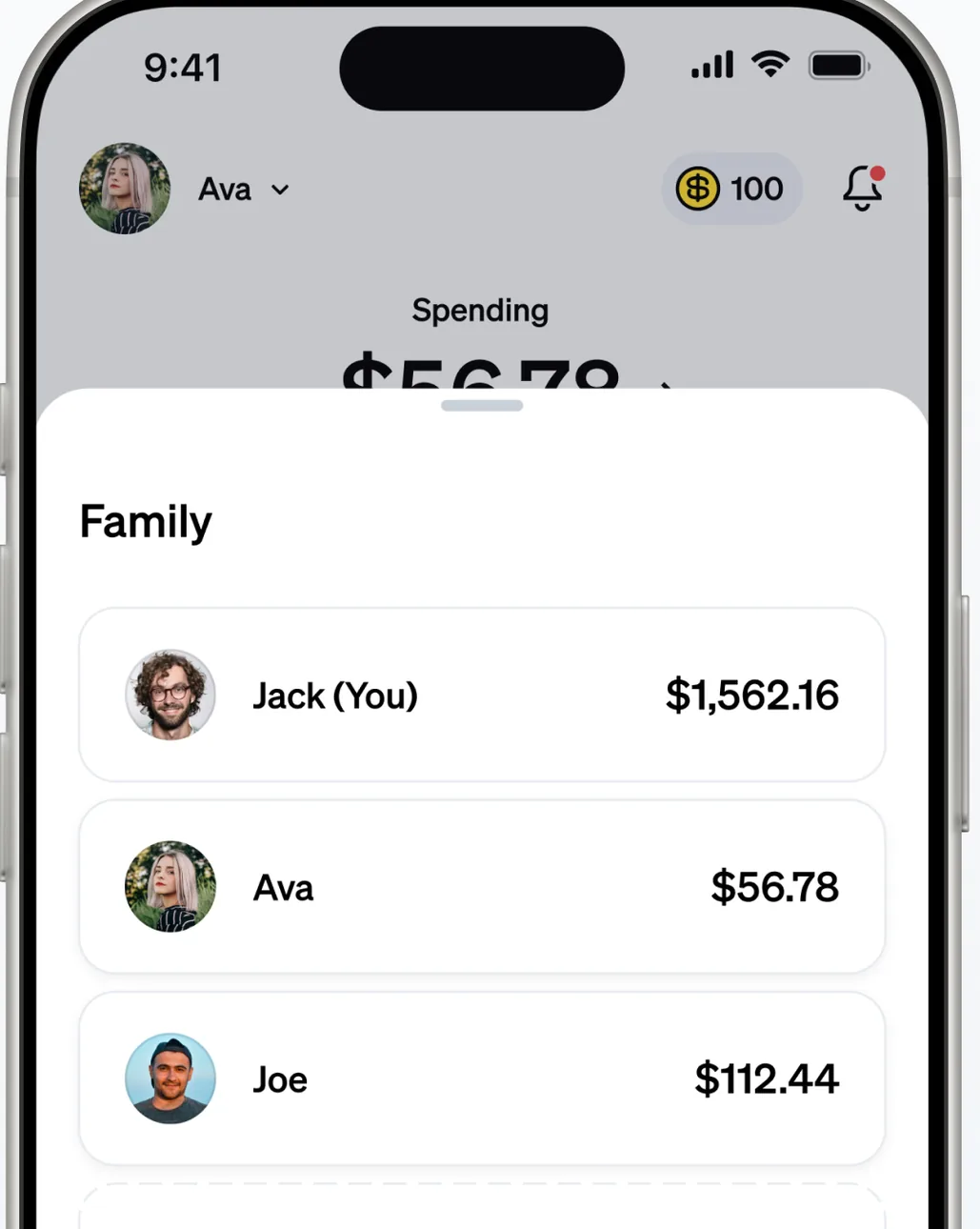
App Store marketing imageA home screen with a Family section listing Jack (You), Ava and Joe with their balances.App Store listing, as of 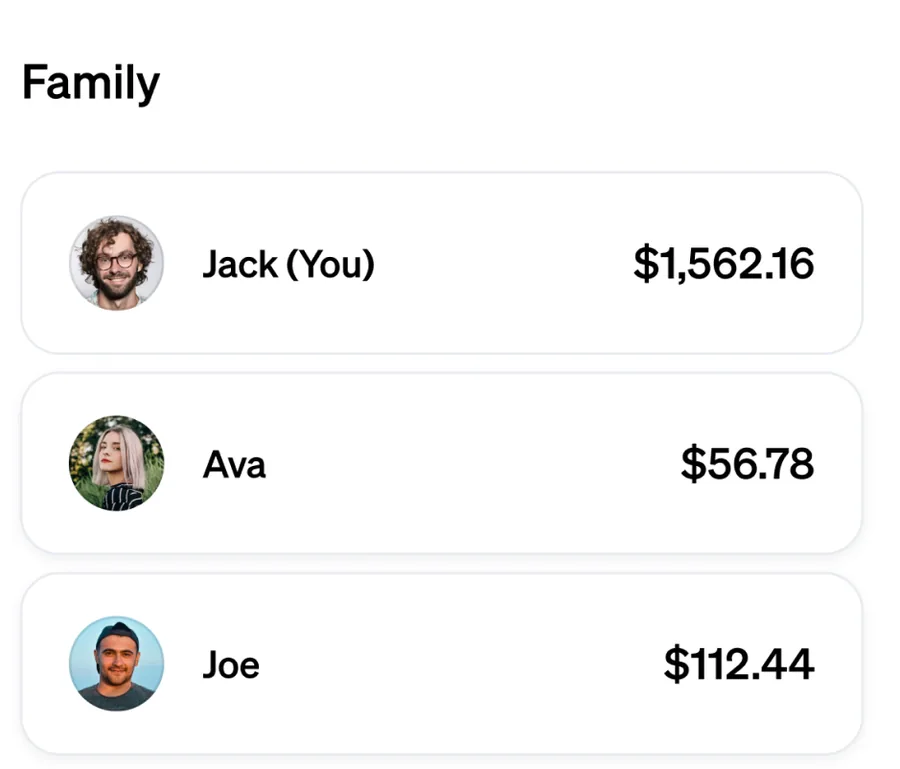
App Store marketing imageA Family list with Jack (You) at $1,562.16, Ava at $56.78 and Joe at $112.44.App Store listing, as of
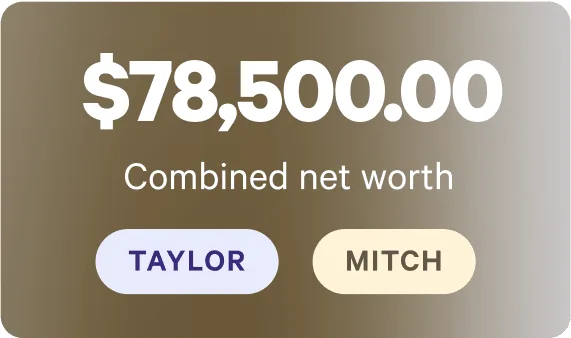
From Wealthfront's websiteA card showing $78,500.00 combined net worth with Taylor and Mitch buttons.wealthfront.com, as of 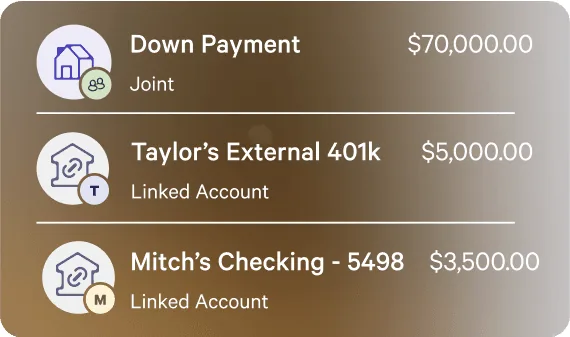
From Wealthfront's websiteA list with a joint Down Payment account at $70,000.00, Taylor's External 401k at $5,000.00 and Mitch's Checking at $3,500.00, each tagged with an owner initial.wealthfront.com, as of
Budget
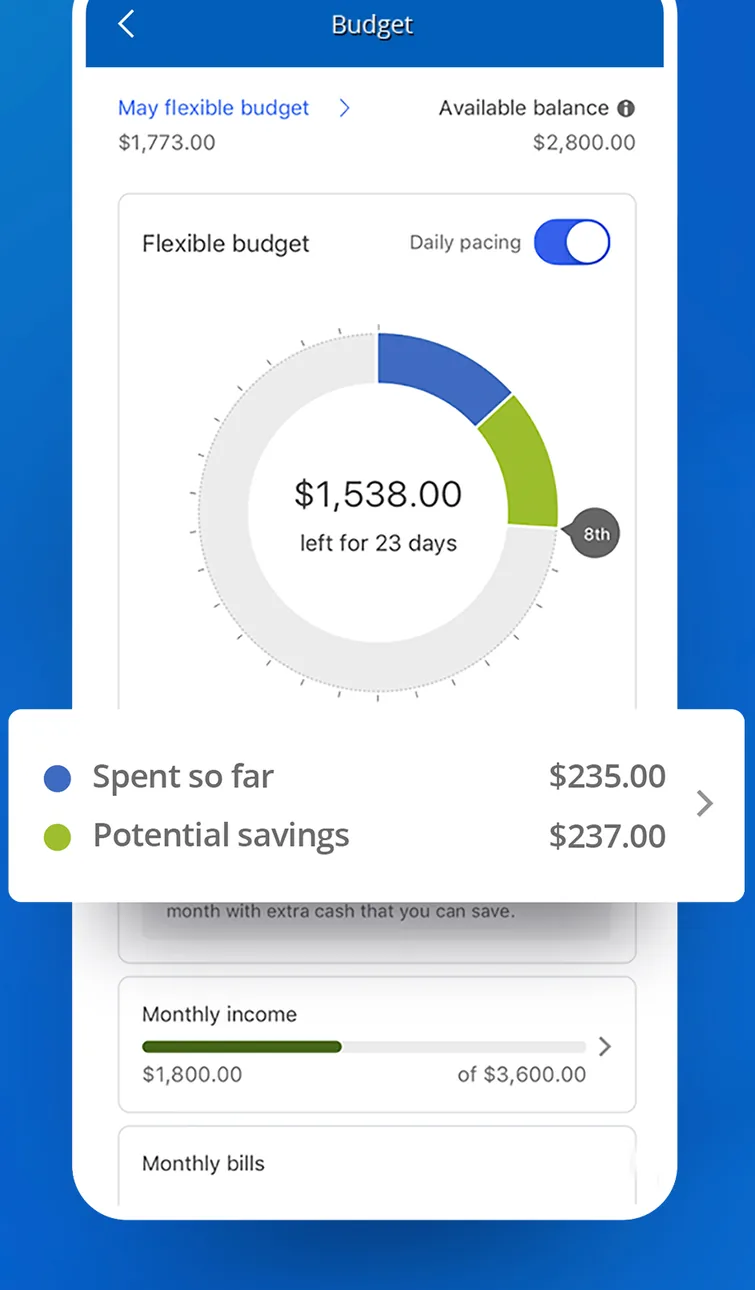
App Store marketing imageA Budget screen with a flexible budget ring showing $1,538.00 left for 23 days and a card for amount spent so far and potential savings.App Store listing, as of 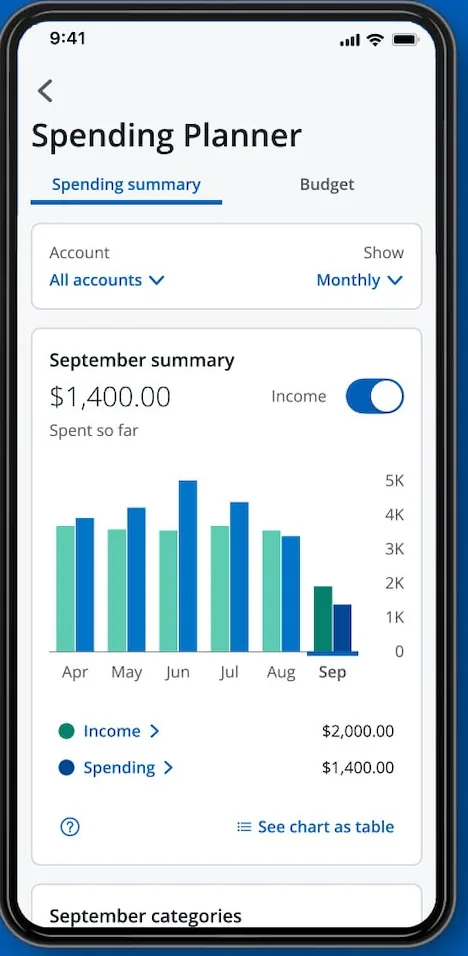
From Chase's websiteA Spending Planner screen with a September summary of $1,400.00 spent so far, an income toggle and a monthly bar chart of income and spending.chase.com, as of 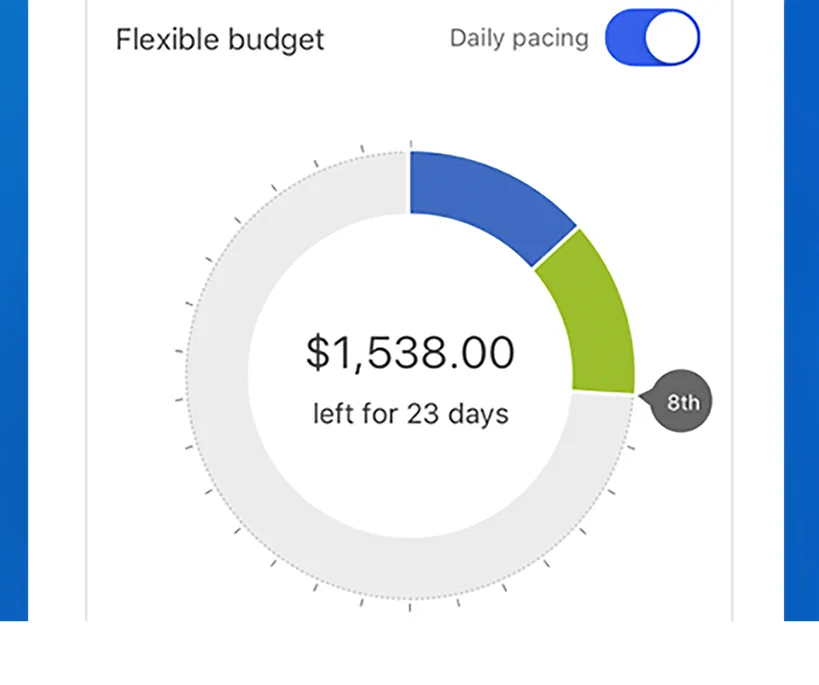
App Store marketing imageA circular budget ring showing $1,538.00 left for 23 days with a daily pacing toggle above it.App Store listing, as of 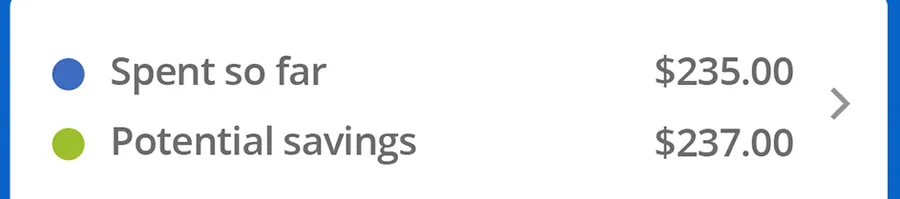
App Store marketing imageA card listing $235.00 spent so far and $237.00 in potential savings.App Store listing, as of
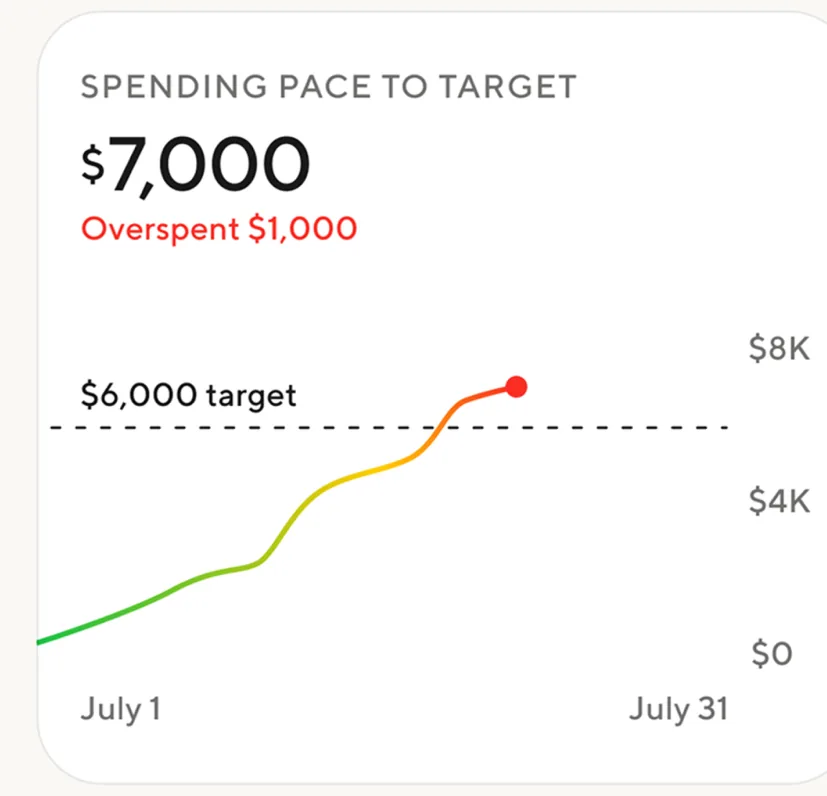
App Store marketing imageA Spending pace to target card showing $7,000 spent, overspent by $1,000, against a $6,000 target line.App Store listing, as of
Categories
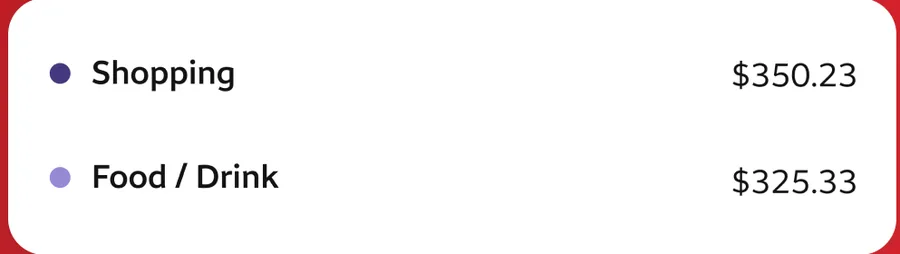
App Store marketing imageA list showing Shopping at $350.23 and Food and Drink at $325.33.App Store listing, as of
Bills and recurring
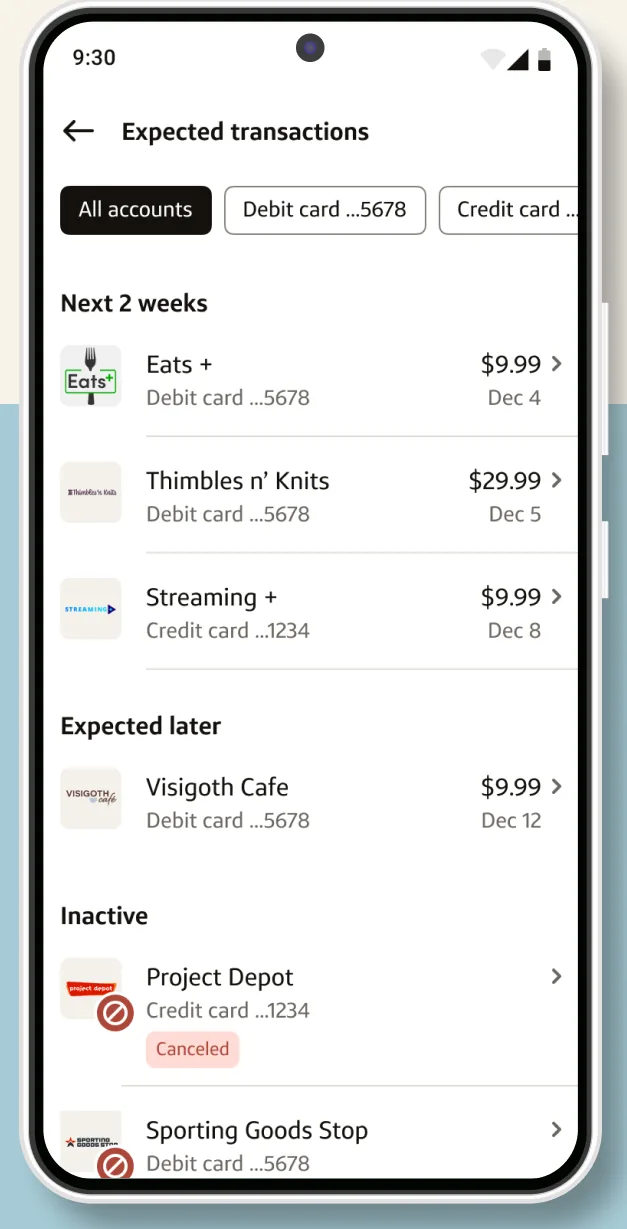
Google Play marketing imageAn Expected transactions screen listing upcoming charges for the next 2 weeks and later, with an Inactive section below.Google Play listing, as of 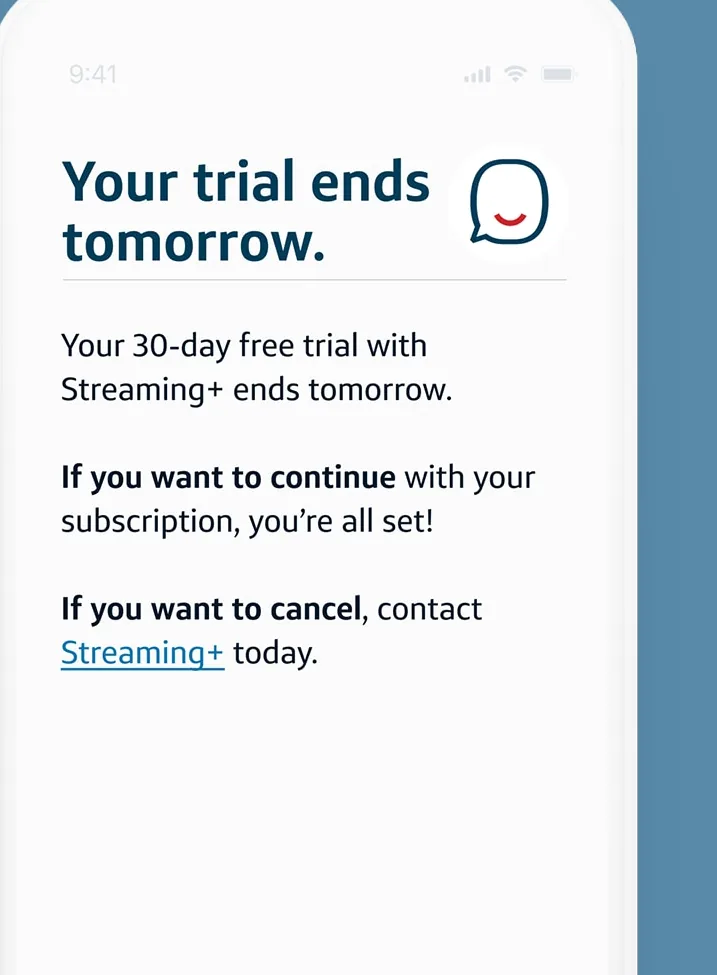
From Capital One's websiteAn Eno message saying Your trial ends tomorrow about a 30-day free trial with Streaming+, with instructions to continue or cancel.capitalone.com, as of 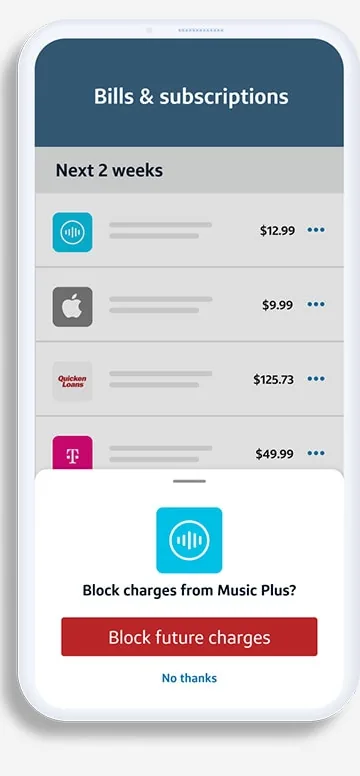
From Capital One's websiteA Bills and subscriptions screen listing charges for the next 2 weeks with a sheet offering to block charges from Music Plus.capitalone.com, as of 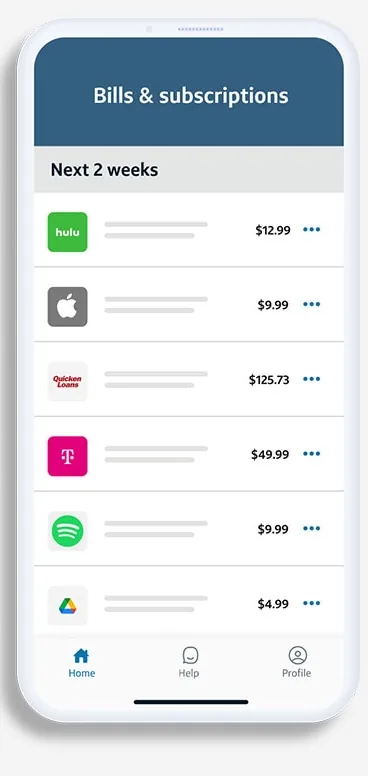
From Capital One's websiteA Bills and subscriptions screen listing upcoming charges for the next 2 weeks with amounts.capitalone.com, as of 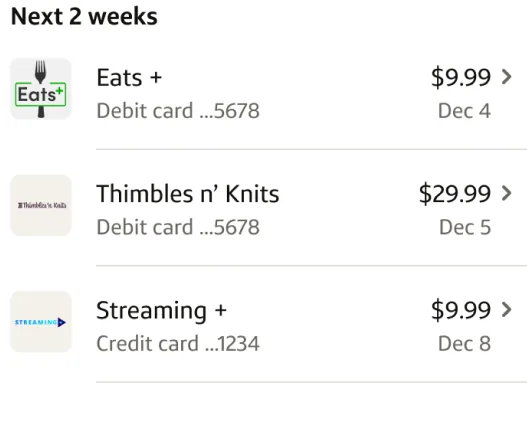
Google Play marketing imageA Next 2 weeks list of upcoming charges for Eats, Thimbles n' Knits and Streaming with amounts and dates.Google Play listing, as of 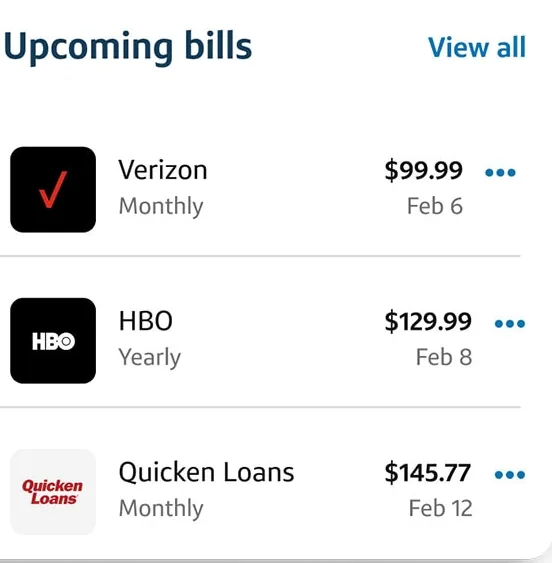
From Capital One's websiteAn Upcoming bills card listing Verizon at $99.99 monthly, HBO at $129.99 yearly and Quicken Loans at $145.77 monthly with due dates.capitalone.com, as of
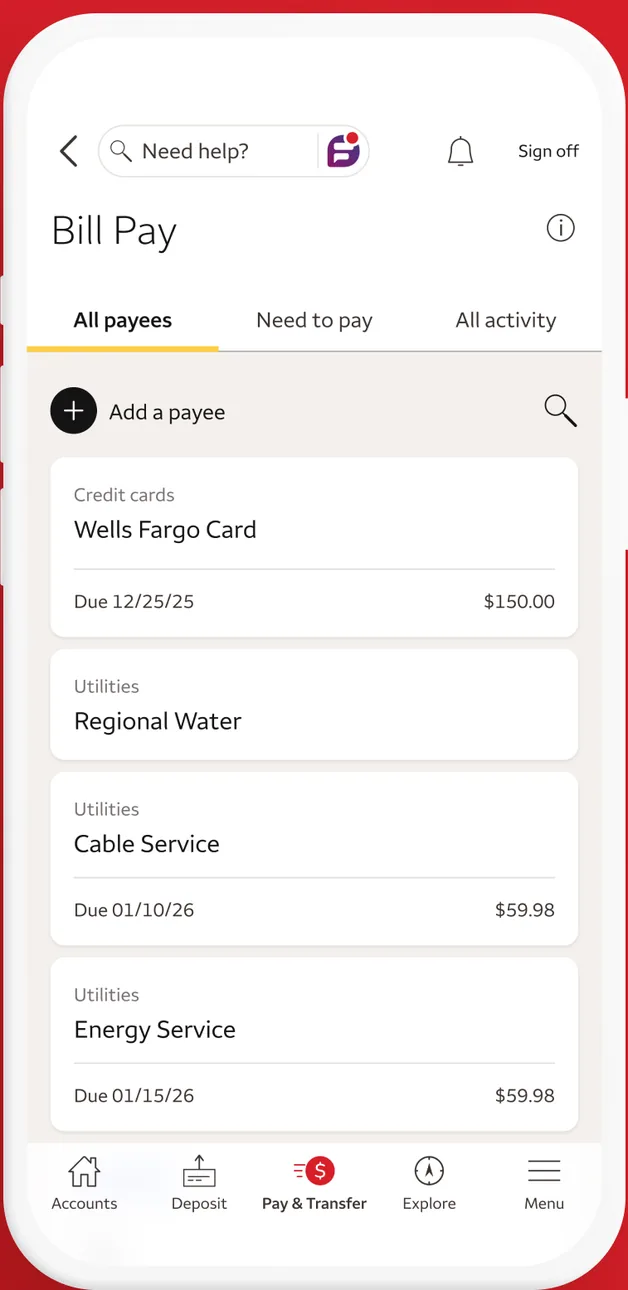
App Store marketing imageA Bill Pay screen with All payees, Need to pay and All activity tabs, an Add a payee button and payees for a credit card, water, cable and energy service with due dates.App Store listing, as of 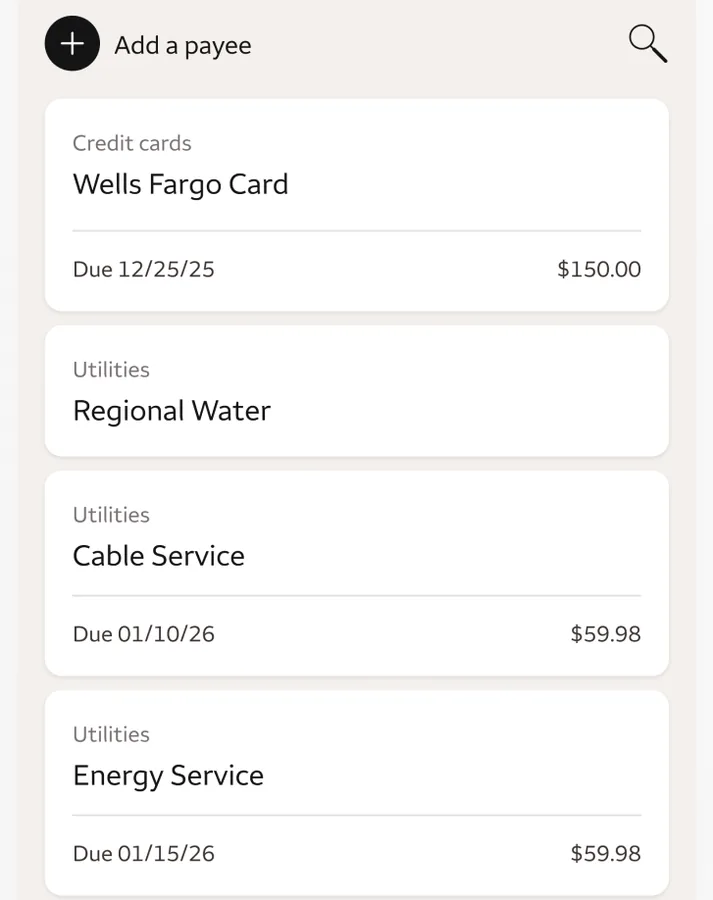
App Store marketing imageA list of payees with due dates and amounts for a credit card, water, cable and energy service.App Store listing, as of
Getting started
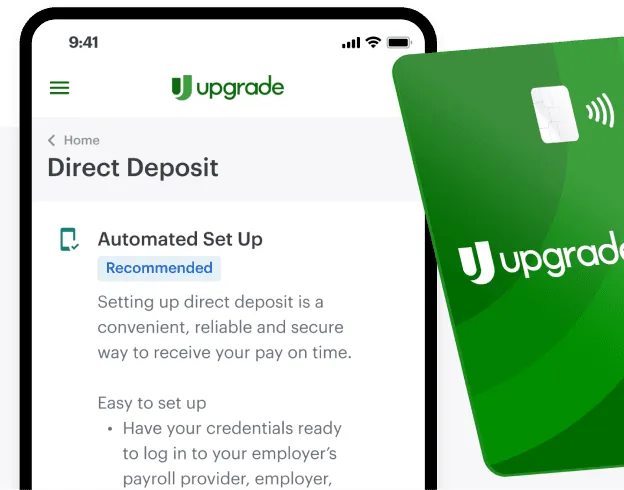
From Upgrade's websiteA Direct Deposit screen with an Automated Set Up option marked Recommended and setup instructions, partly covered by a green Upgrade debit card.upgrade.com, as of
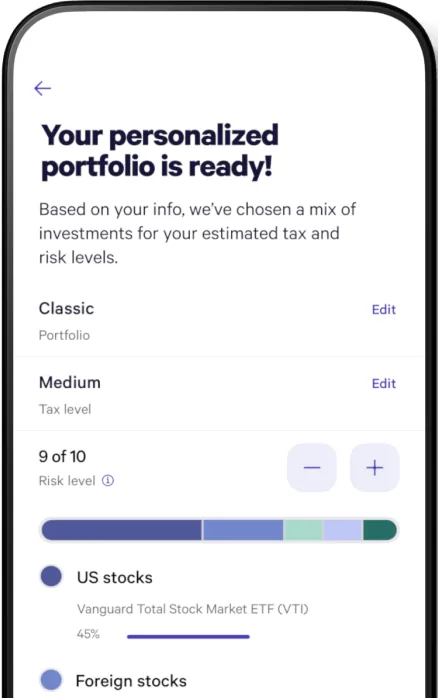
From Wealthfront's websiteA Your personalized portfolio is ready! screen with Classic portfolio and Medium tax level rows, a risk level of 9 of 10 with minus and plus buttons, and an allocation bar for US and foreign stocks.wealthfront.com, as of
Other screens
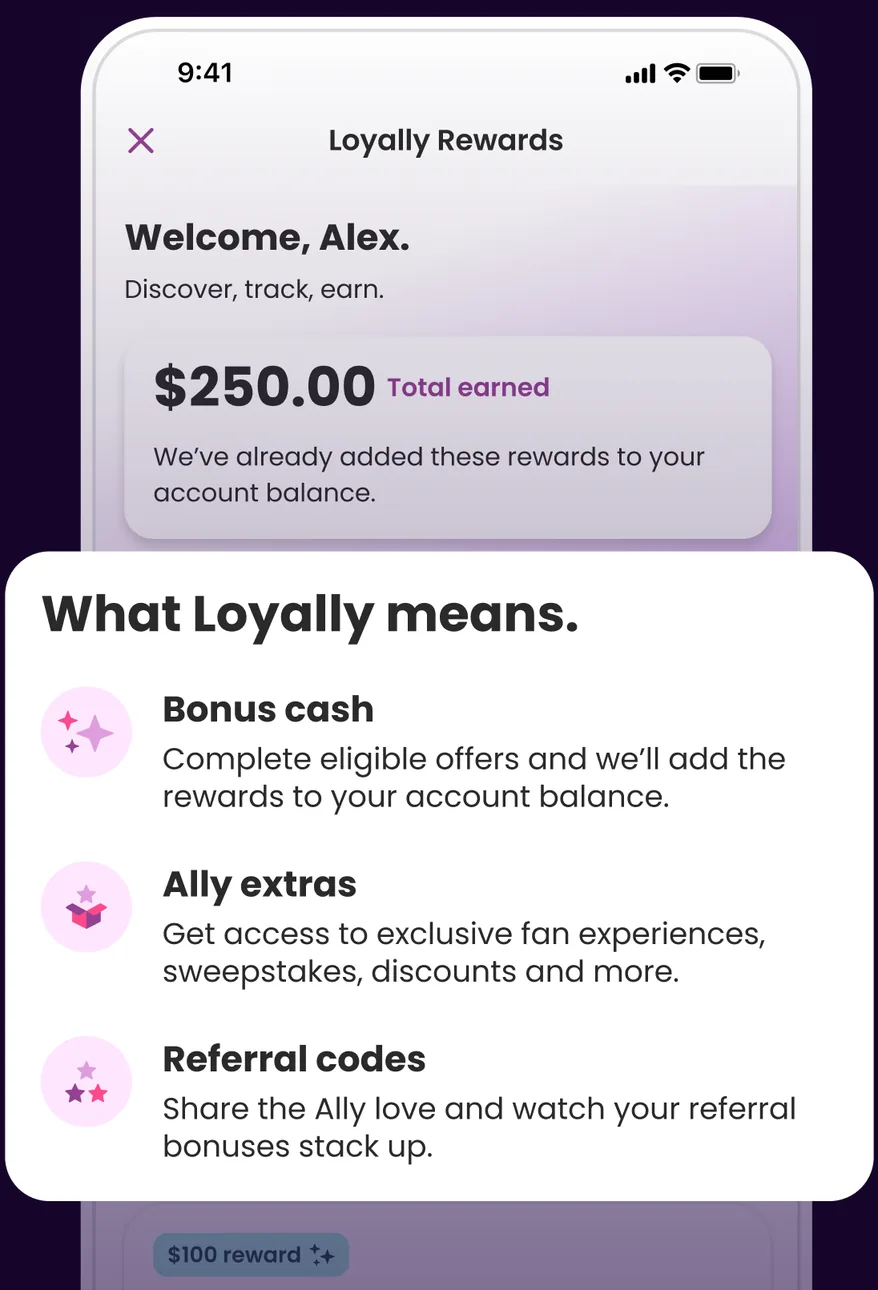
App Store marketing imageA Loyally Rewards screen welcoming Alex with $250.00 total earned, partly covered by a What Loyally means card describing bonus cash, Ally extras and referral codes.App Store listing, as of 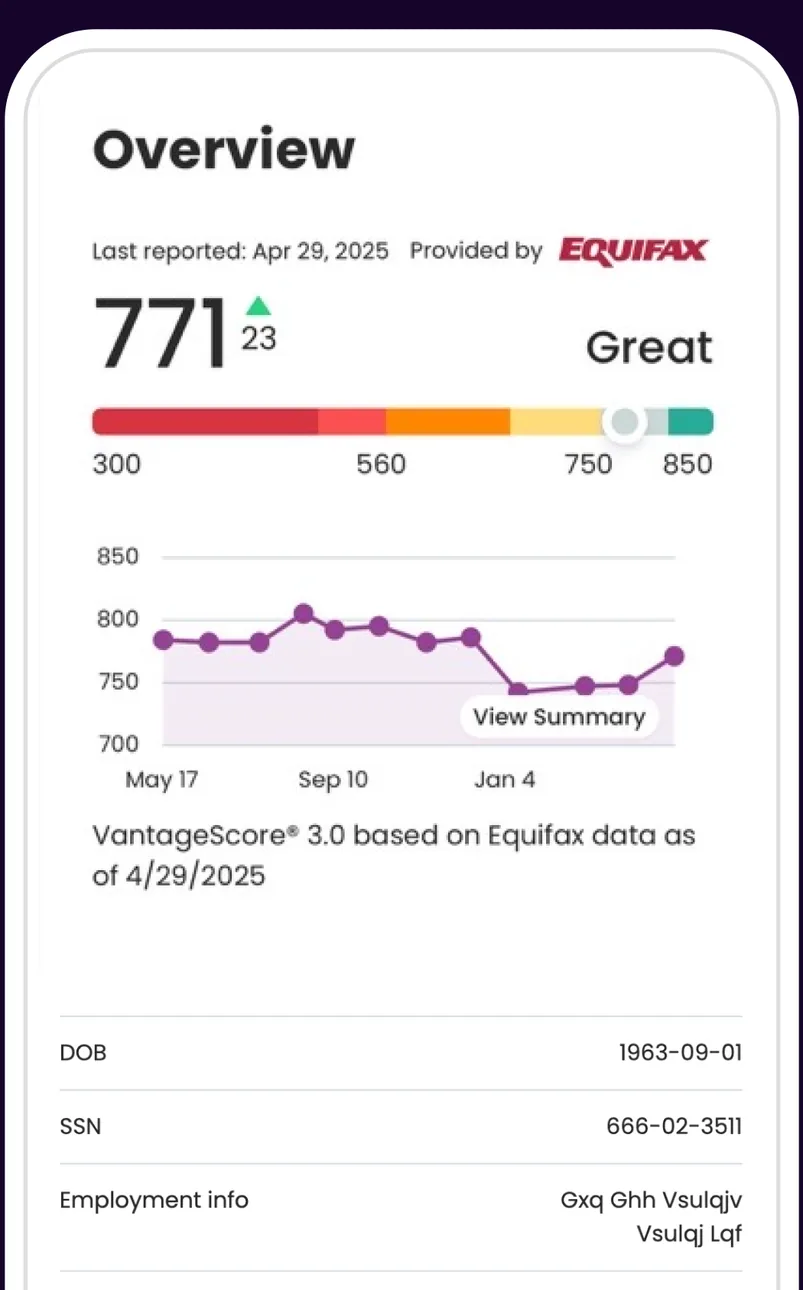
App Store marketing imageA credit score Overview showing a score of 771 rated Great with a score bar, a score history chart and personal details below.App Store listing, as of 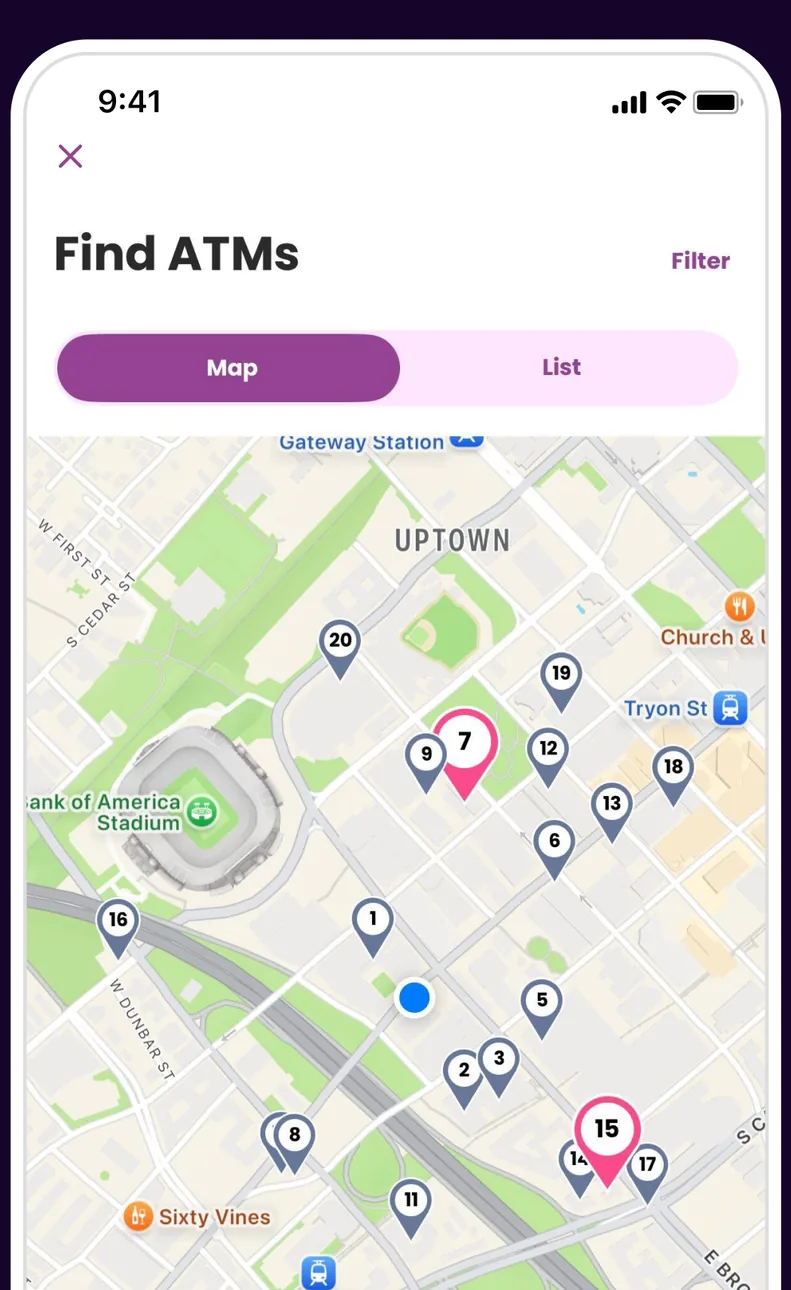
App Store marketing imageA Find ATMs screen with Map and List tabs and a map with numbered ATM pins.App Store listing, as of 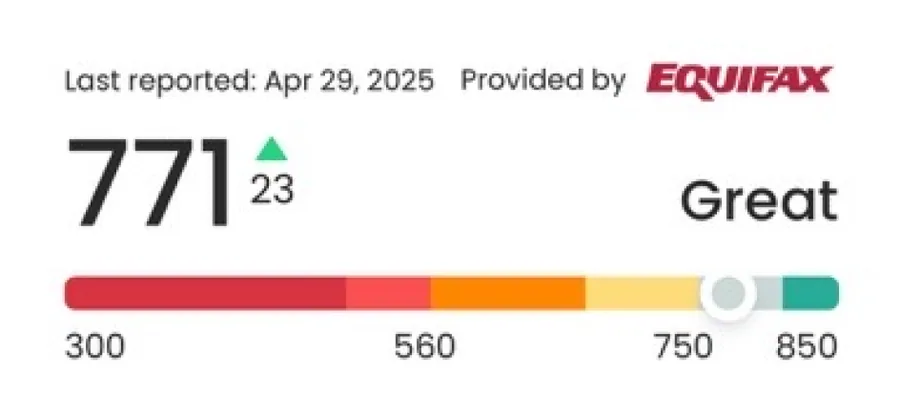
App Store marketing imageA credit score of 771, up 23, rated Great on a colored bar from 300 to 850.App Store listing, as of 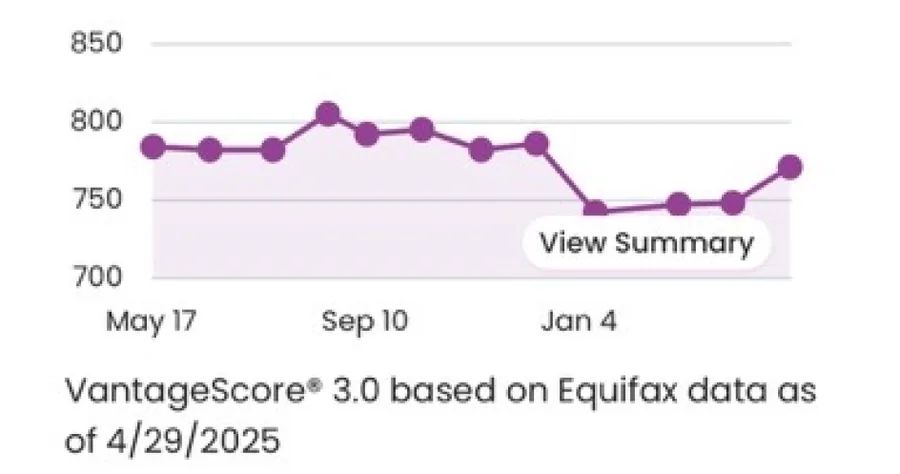
App Store marketing imageA line chart of credit score history from May to January.App Store listing, as of
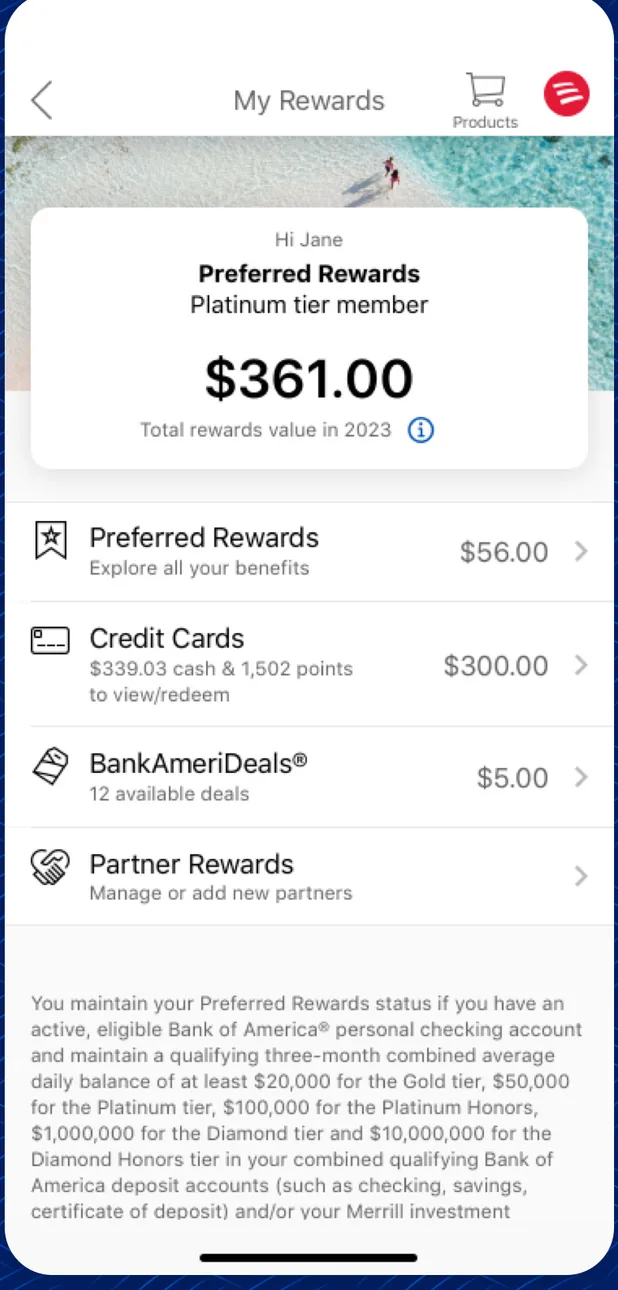
App Store marketing imageA My Rewards screen showing $361.00 in total rewards value with rows for Preferred Rewards, Credit Cards, BankAmeriDeals and Partner Rewards.App Store listing, as of 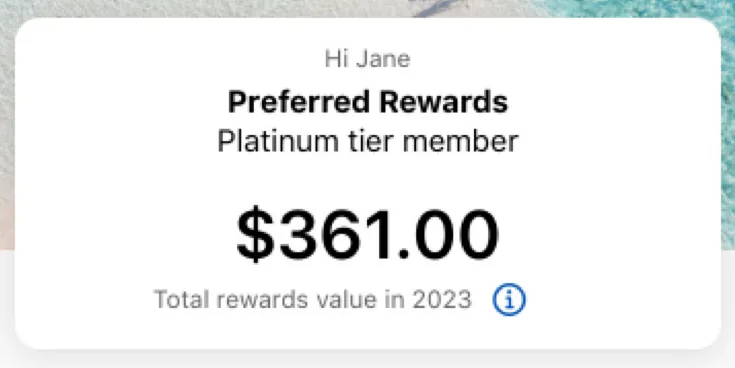
App Store marketing imageA card for a Preferred Rewards Platinum tier member showing $361.00 total rewards value in 2023.App Store listing, as of
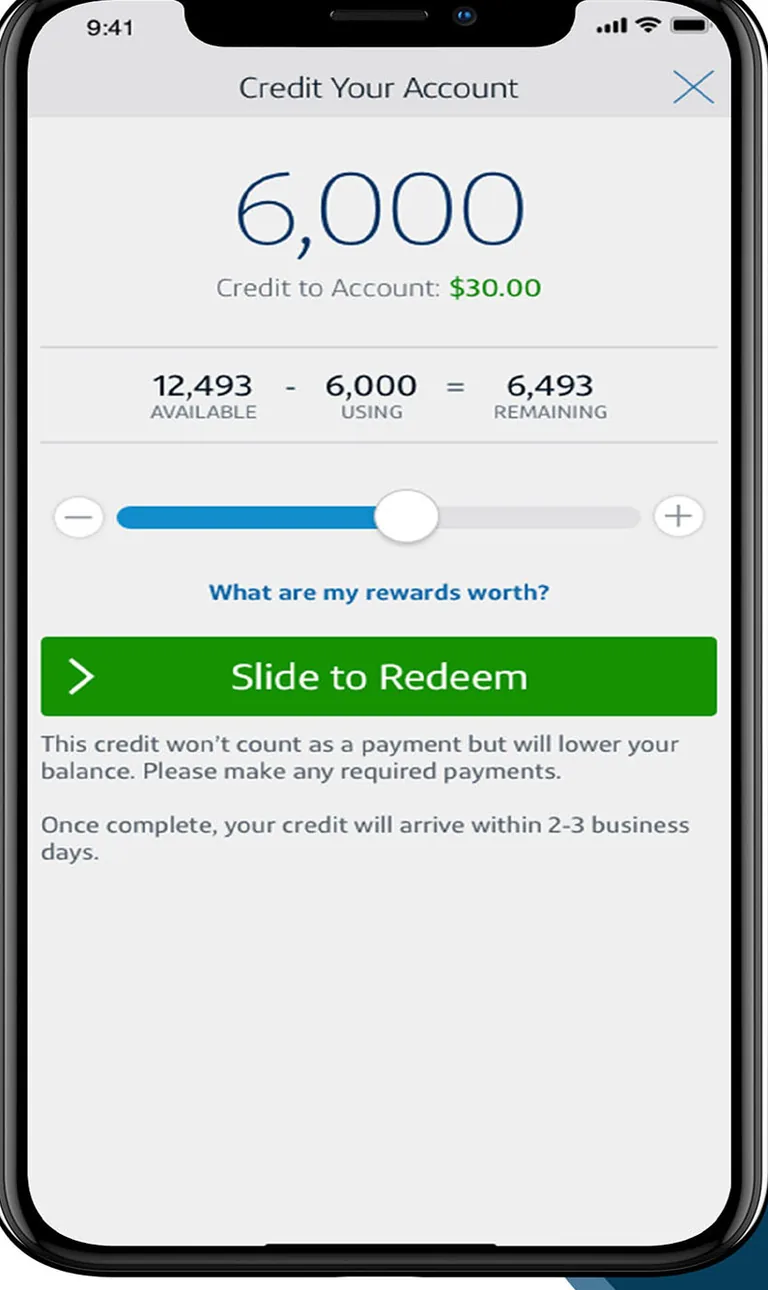
App Store marketing imageA Credit Your Account screen with a 6,000 rewards amount, a slider, and a Slide to Redeem control.App Store listing, as of 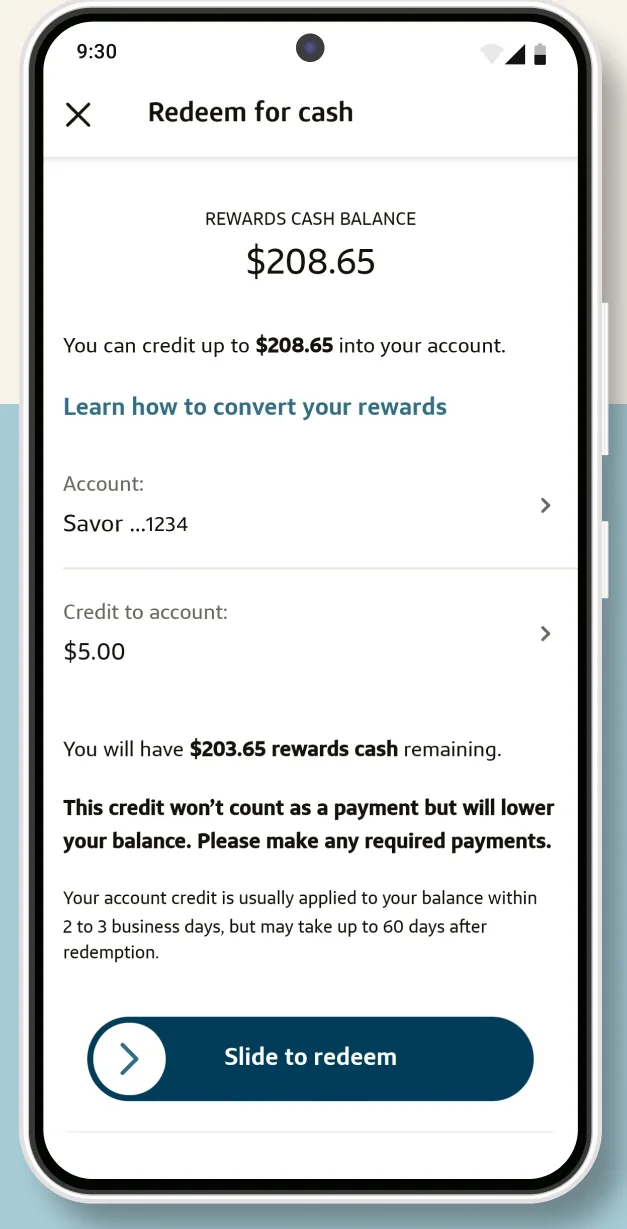
Google Play marketing imageA Redeem for cash screen showing $208.65 available, a Savor account, a $5.00 credit amount and a Slide to redeem control.Google Play listing, as of 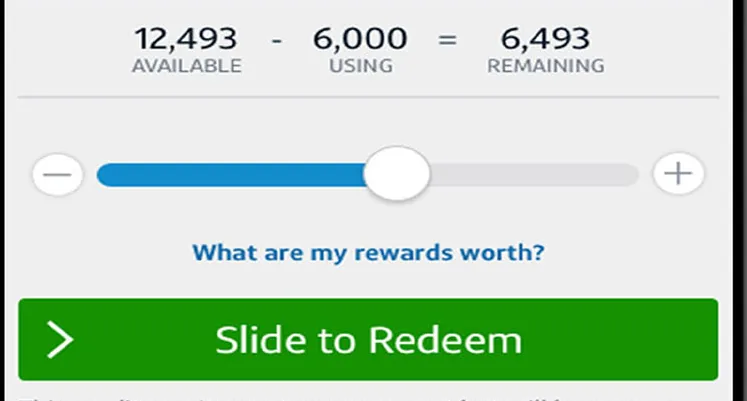
App Store marketing imageA rewards slider using 6,000 of 12,493 available with a green Slide to Redeem control.App Store listing, as of
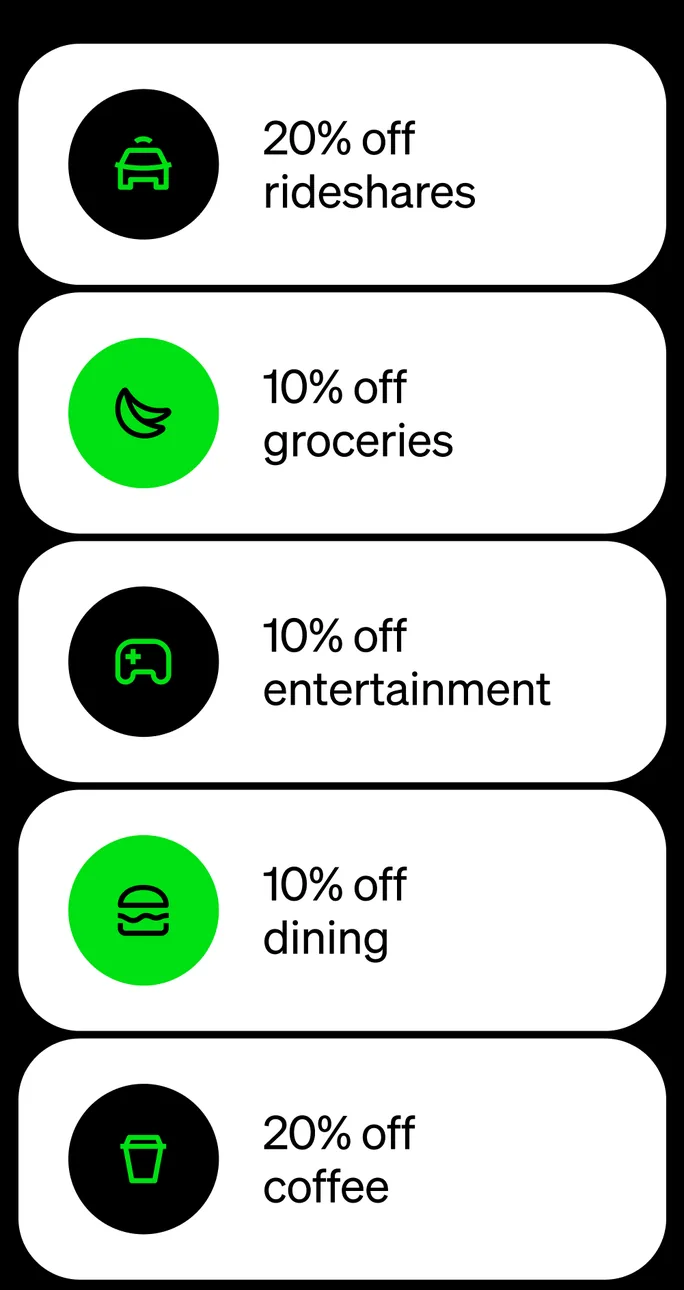
App Store marketing imageA list of offers for 20% off rideshares, 10% off groceries, 10% off entertainment, 10% off dining and 20% off coffee.App Store listing, as of 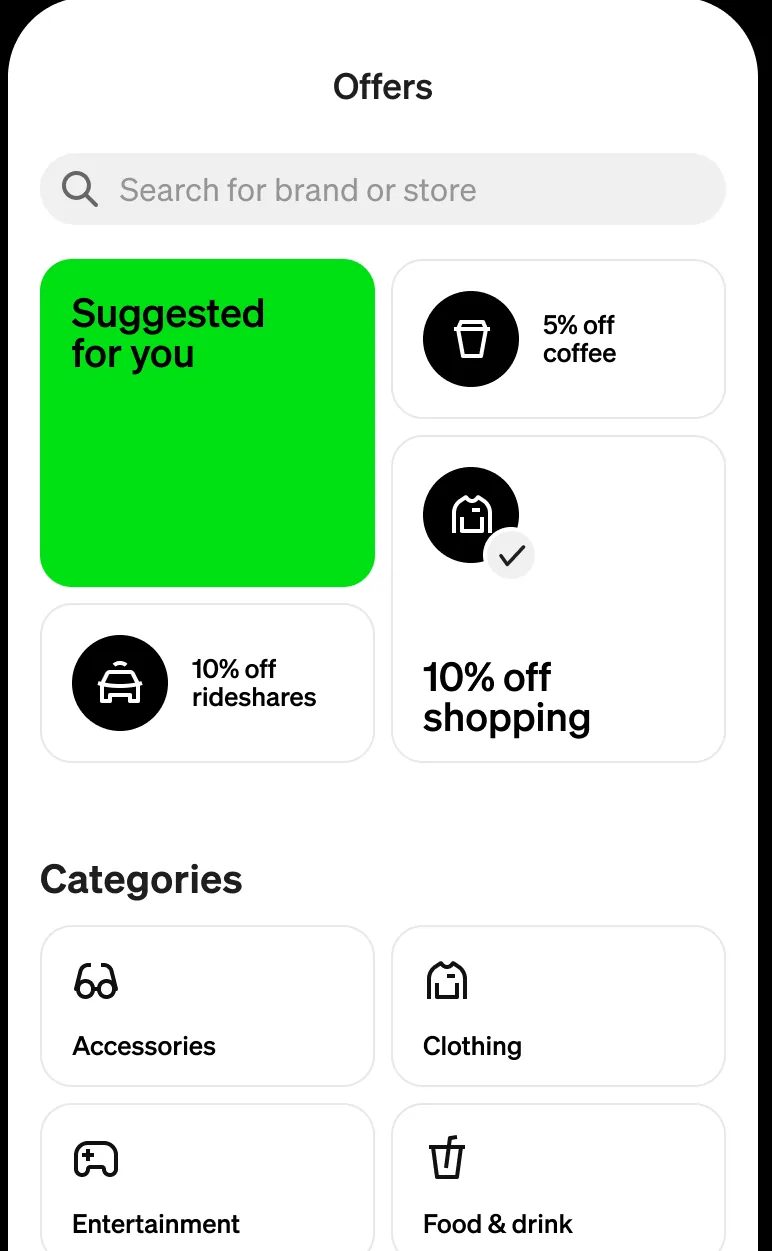
From Cash App's websiteAn Offers screen with a brand search field, a Suggested for you tile, offers for coffee, rideshares and shopping, and a Categories grid.cash.app, as of
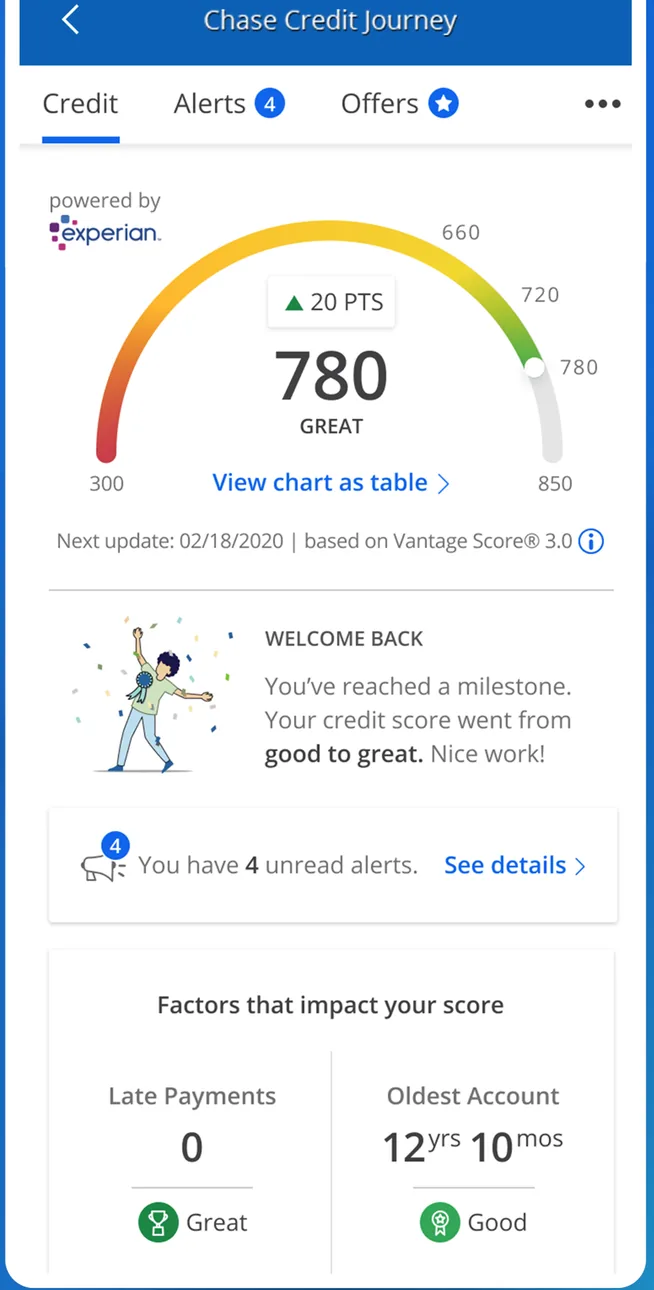
Google Play marketing imageA Chase Credit Journey screen showing a 780 credit score on a gauge, a milestone message, and factors that impact the score.Google Play listing, as of 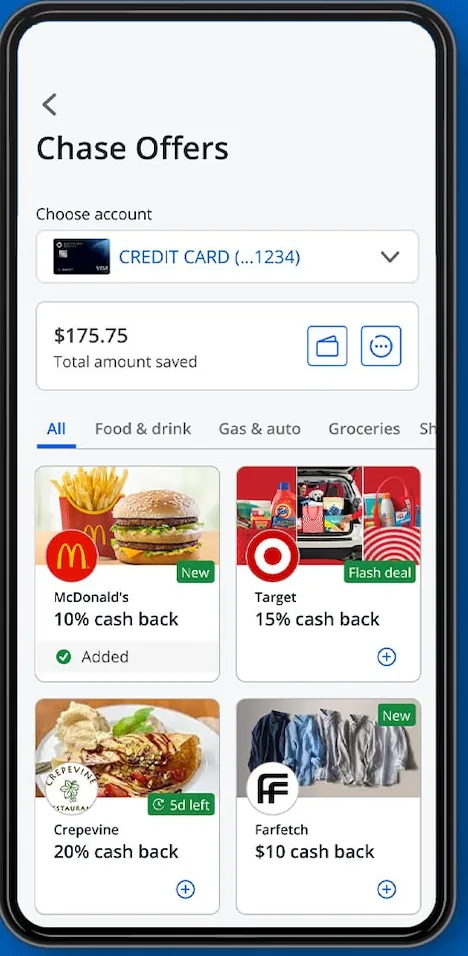
From Chase's websiteA Chase Offers screen showing $175.75 total amount saved, category filters, and offer tiles with cash back percentages from merchants.chase.com, as of 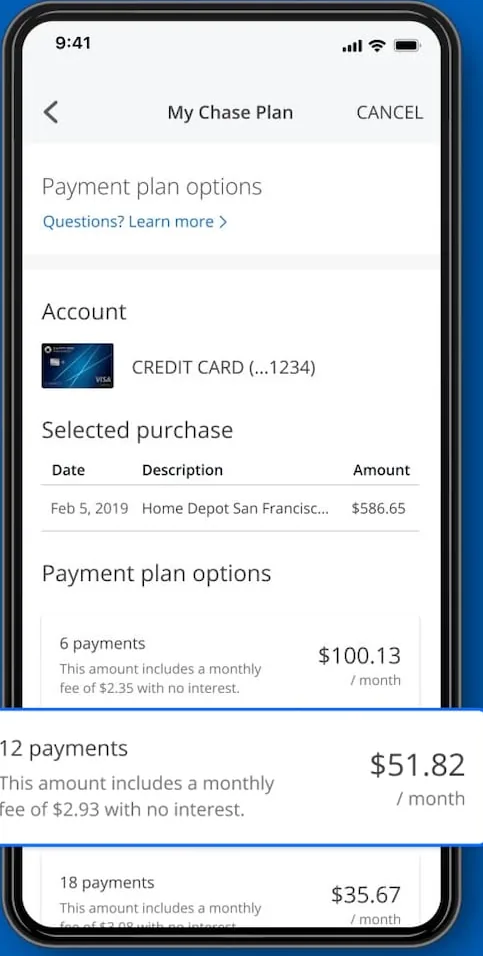
From Chase's websiteA My Chase Plan screen showing a selected purchase and payment plan options, with a 12 payments option of $51.82 per month highlighted.chase.com, as of 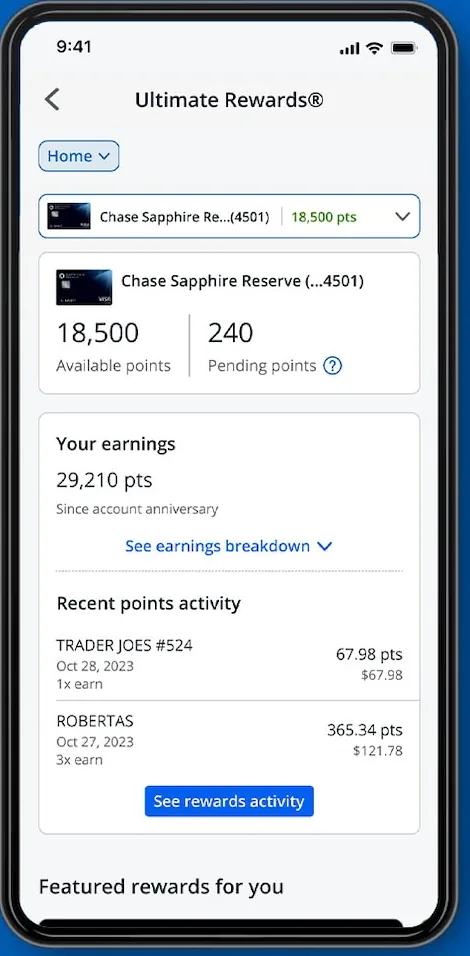
From Chase's websiteAn Ultimate Rewards screen showing 18,500 available points, 240 pending points, earnings and recent points activity.chase.com, as of 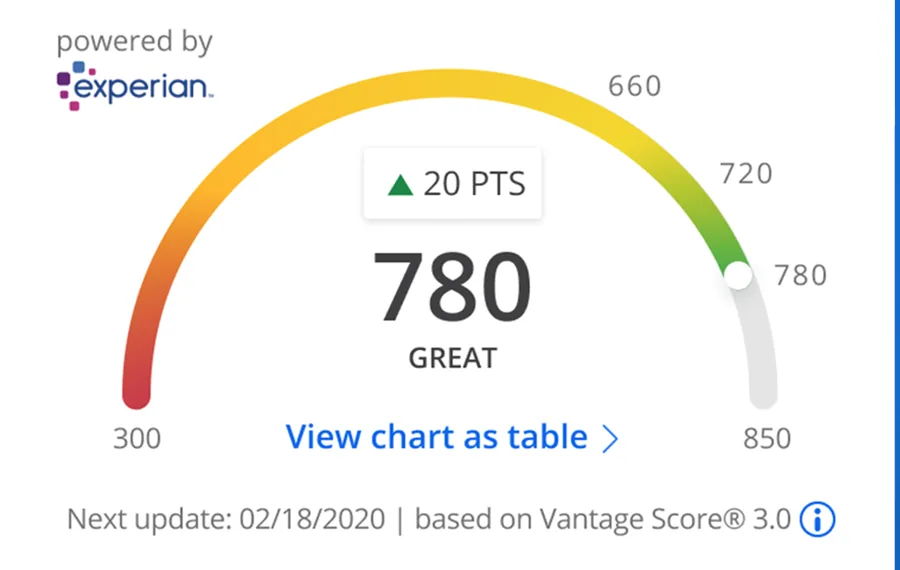
Google Play marketing imageA credit score gauge showing 780, up 20 points, rated Great.Google Play listing, as of
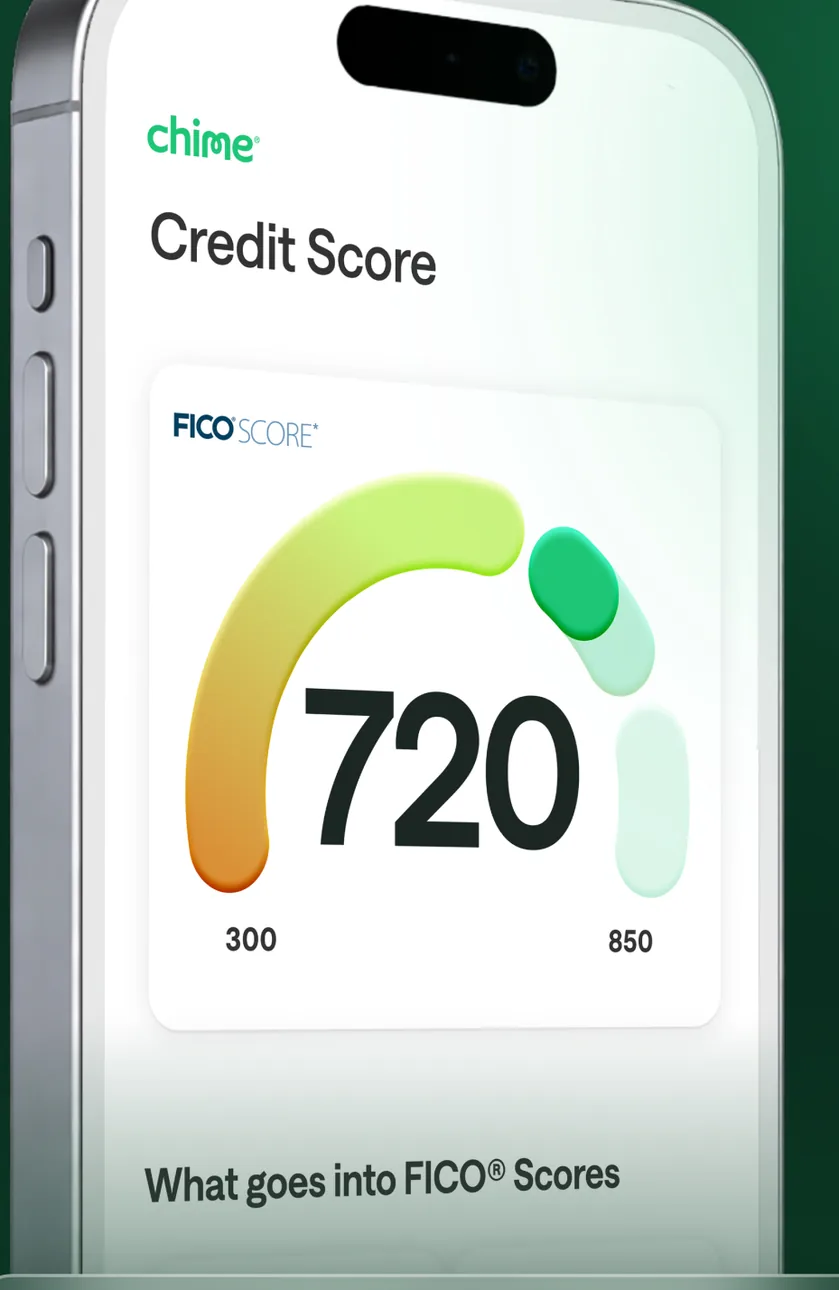
App Store marketing imageA Credit Score screen at an angle showing a 720 score on a gauge from 300 to 850 and a What goes into FICO Scores link.App Store listing, as of 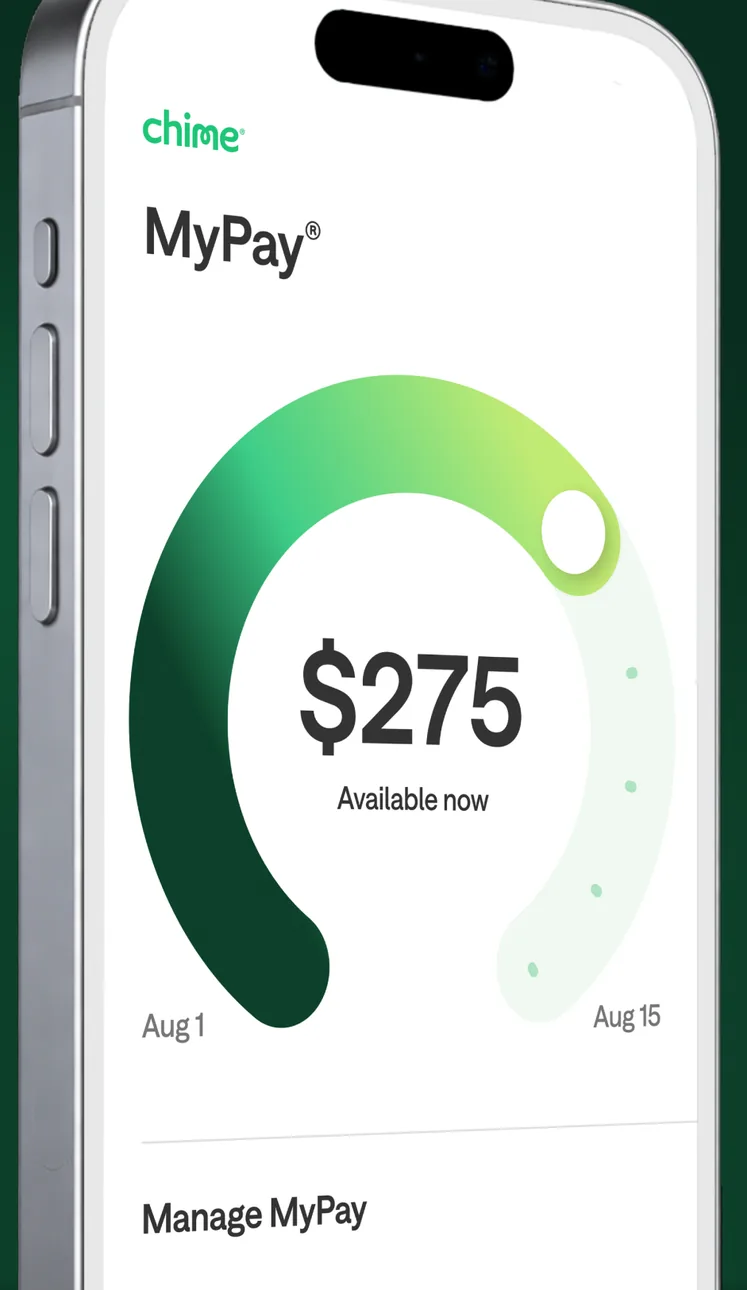
App Store marketing imageA MyPay screen at an angle showing a ring with $275 available now and a Manage MyPay link.App Store listing, as of 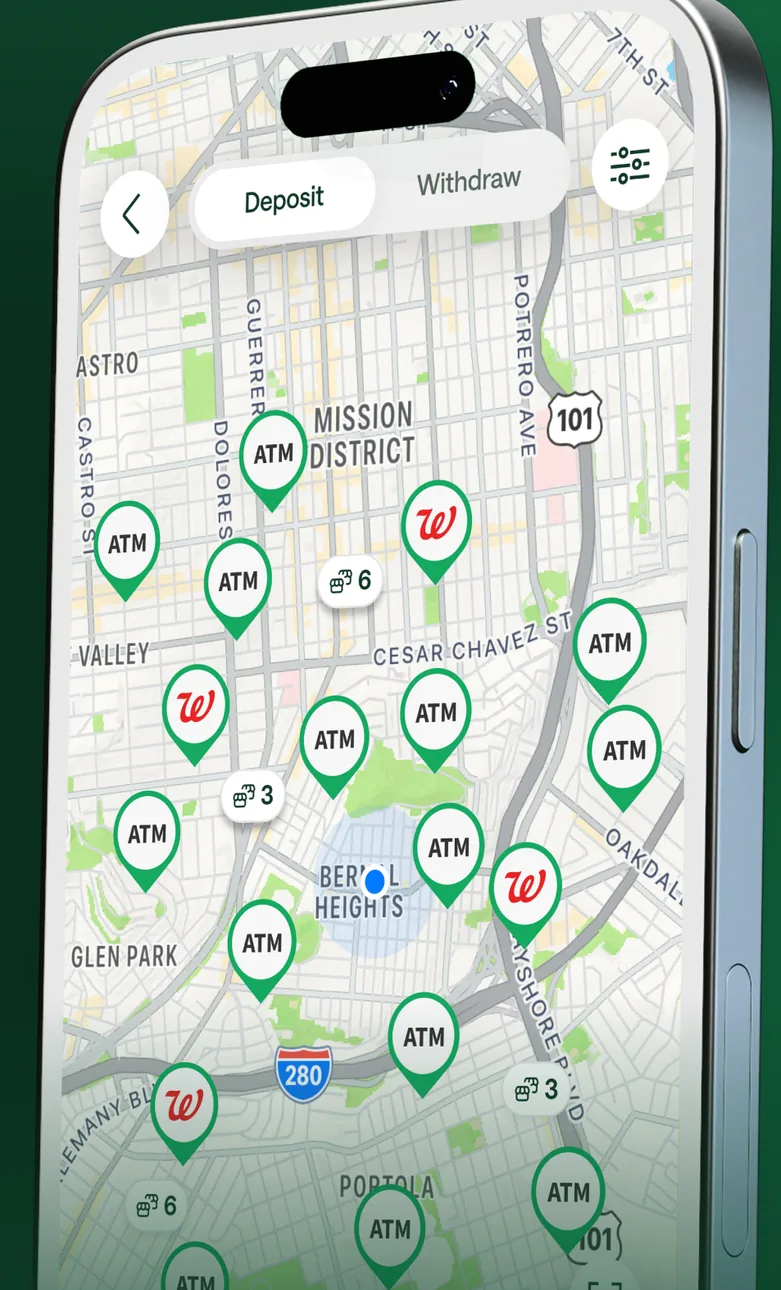
App Store marketing imageA map at an angle with Deposit and Withdraw tabs and ATM pins around San Francisco neighborhoods.App Store listing, as of
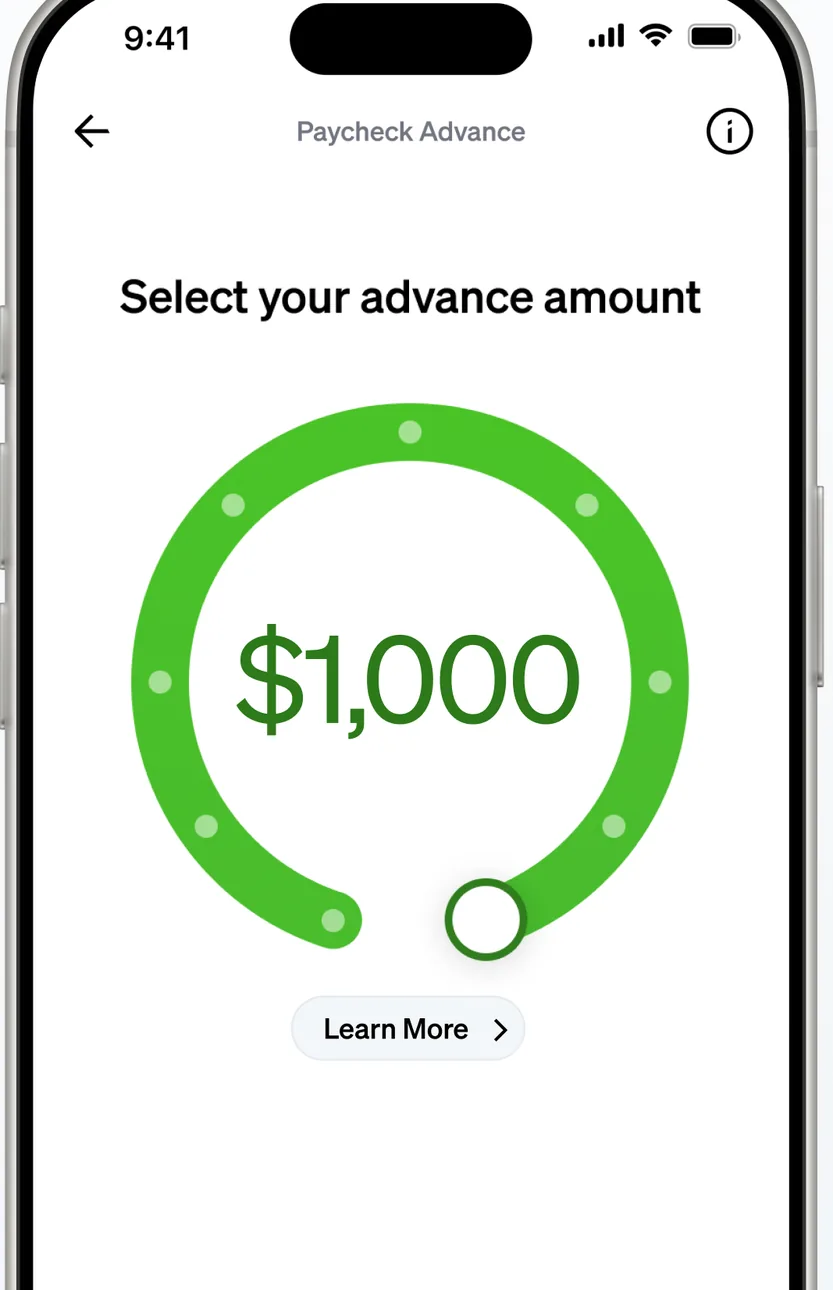
App Store marketing imageA Paycheck Advance screen titled Select your advance amount with a green dial set to $1,000 and a Learn More link.App Store listing, as of 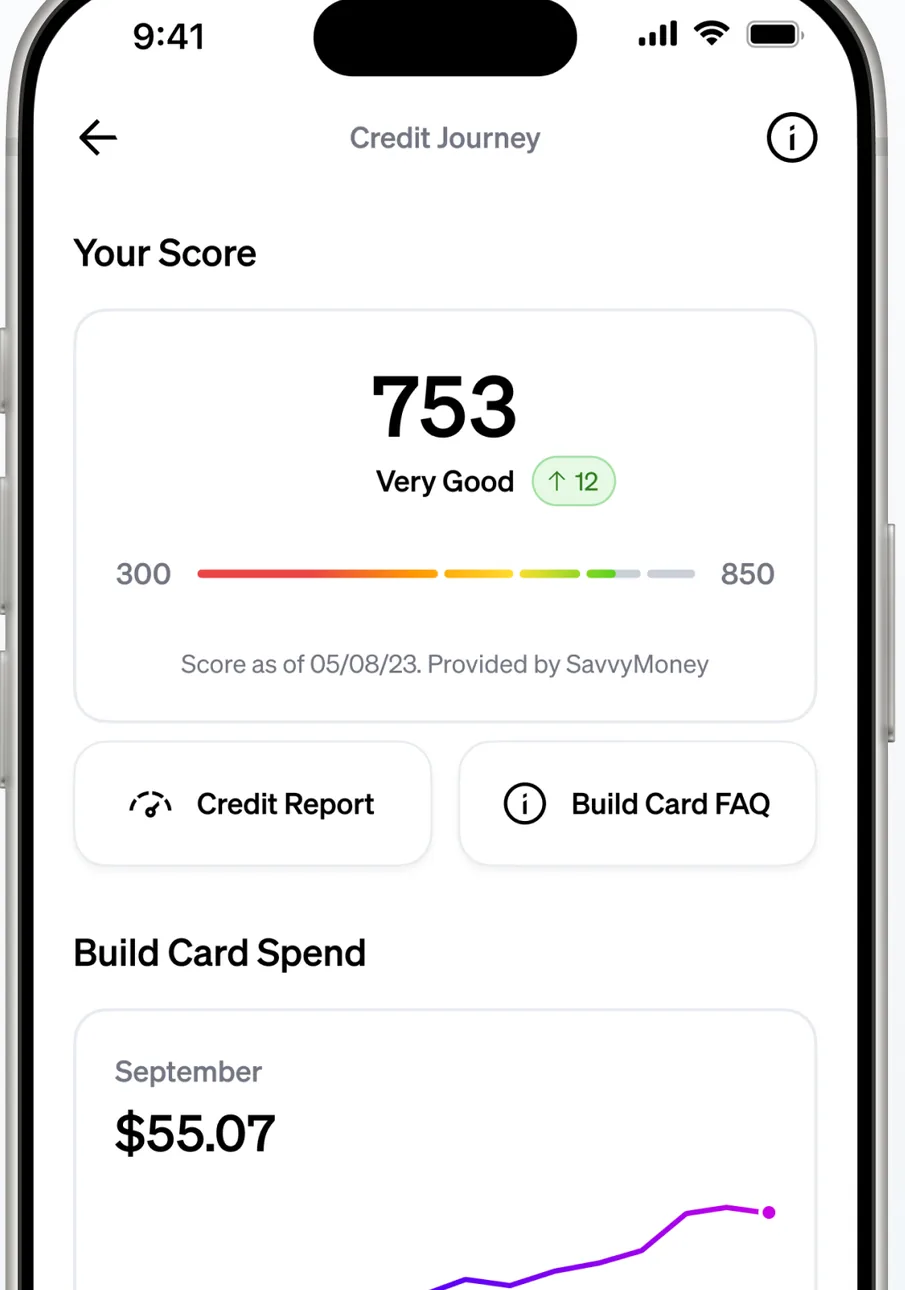
App Store marketing imageA Credit Journey screen showing a score of 753 rated Very Good on a bar, Credit Report and Build Card FAQ links, and Build Card Spend of $55.07.App Store listing, as of 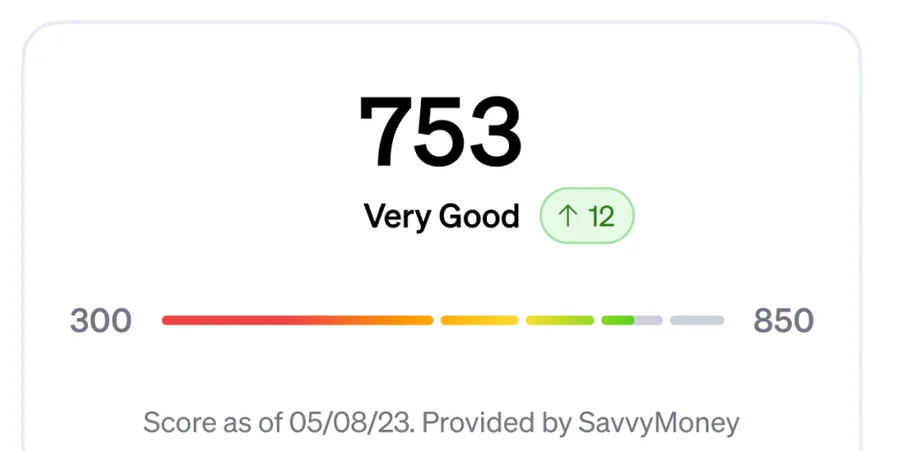
App Store marketing imageA 753 credit score rated Very Good, up 12, on a bar from 300 to 850.App Store listing, as of
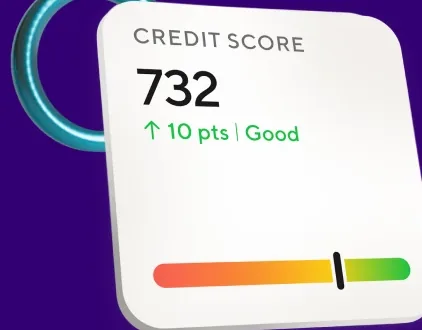
From SoFi's websiteA floating card showing a credit score of 732, up 10 points, rated Good, with a colored score bar.sofi.com, as of
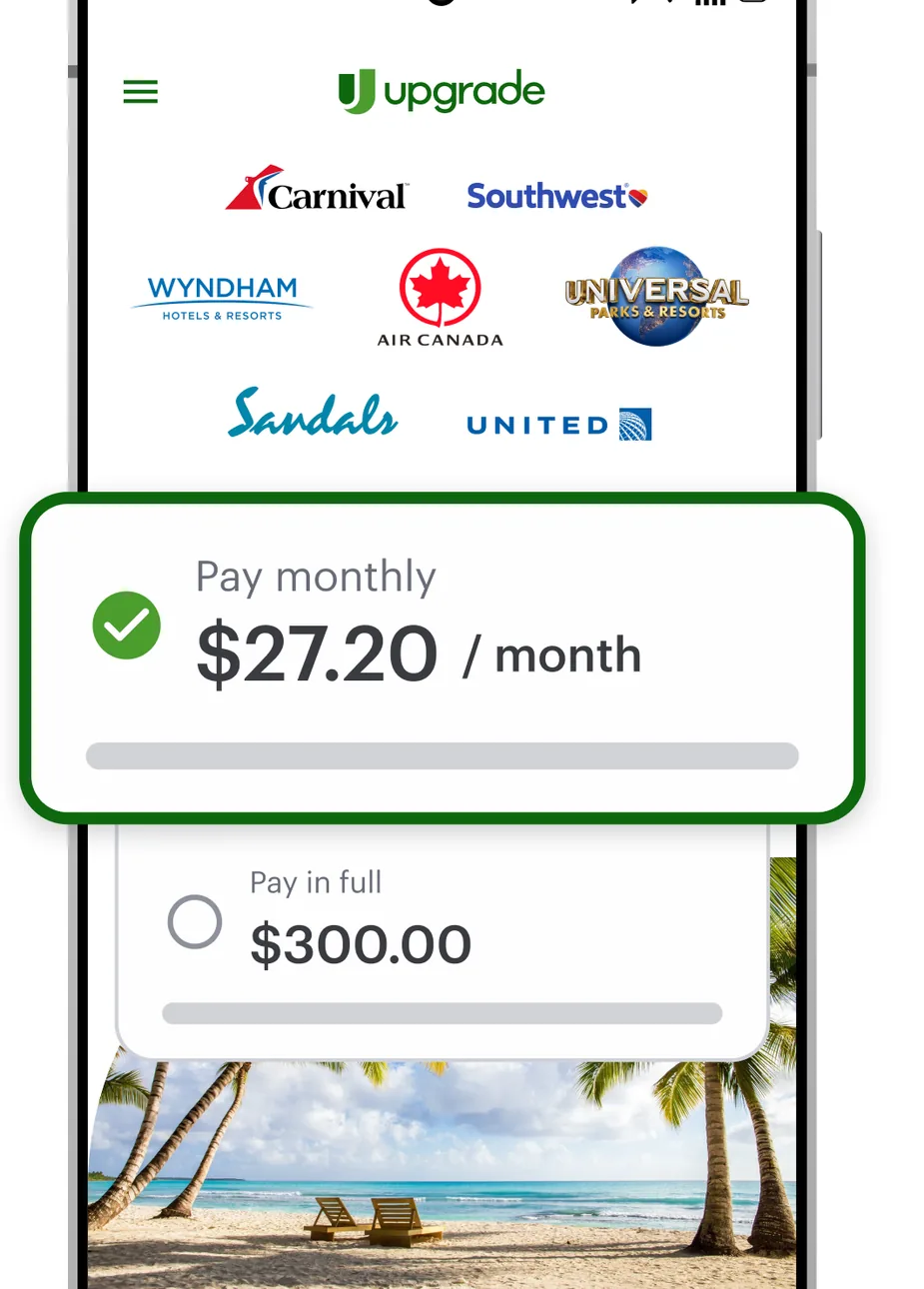
Google Play marketing imageA Flexpay screen with travel brand logos and a Pay monthly option of $27.20 per month selected over a Pay in full option of $300.00.Google Play listing, as of 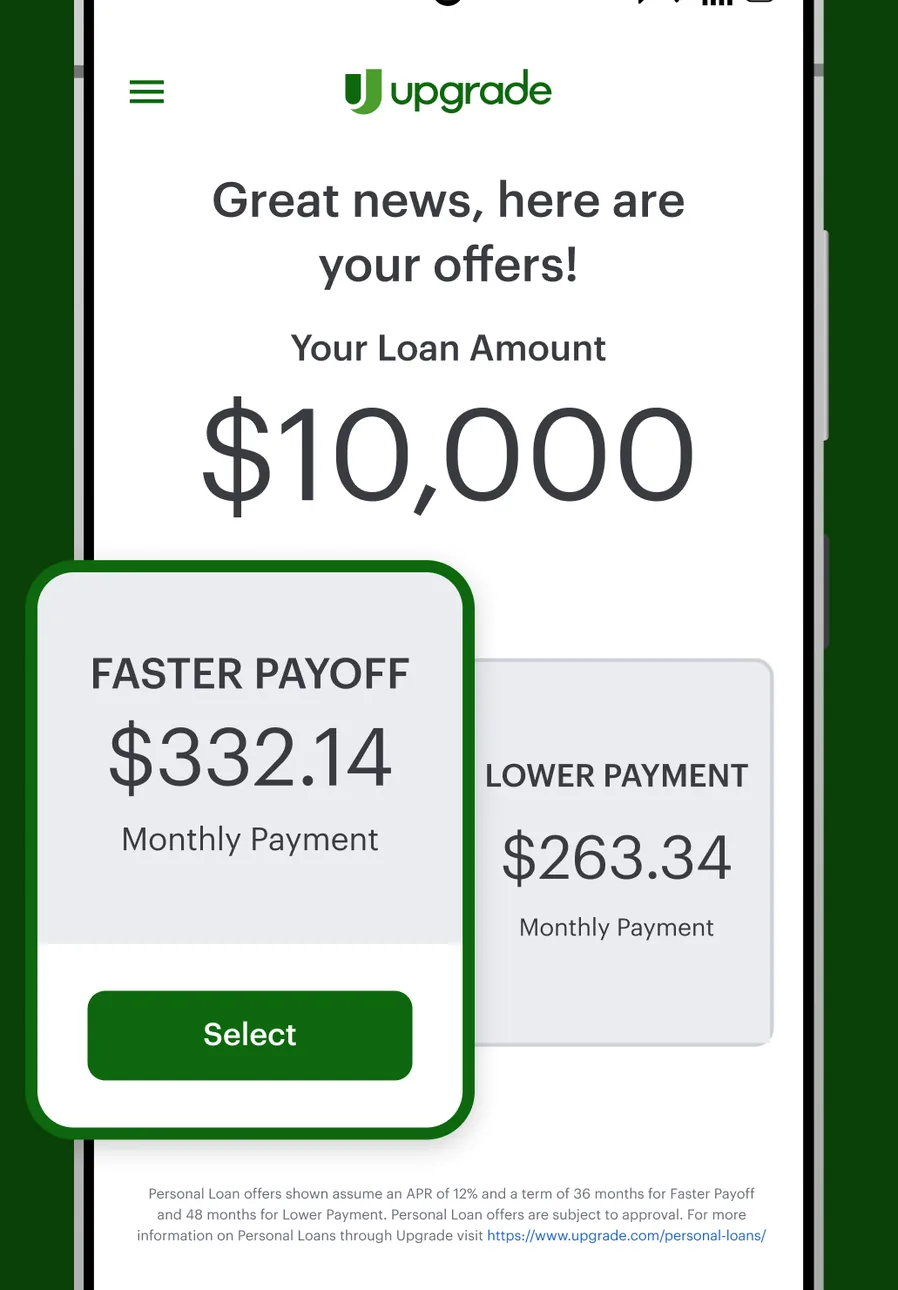
Google Play marketing imageA loan offers screen saying Great news, here are your offers, for a $10,000 loan amount with a Faster Payoff option of $332.14 per month and a Lower Payment option of $263.34.Google Play listing, as of 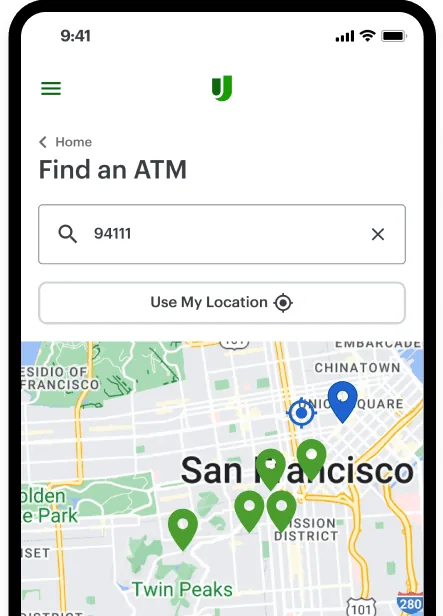
From Upgrade's websiteA Find an ATM screen with a ZIP code search for 94111, a Use My Location button and a map of San Francisco with ATM pins.upgrade.com, as of 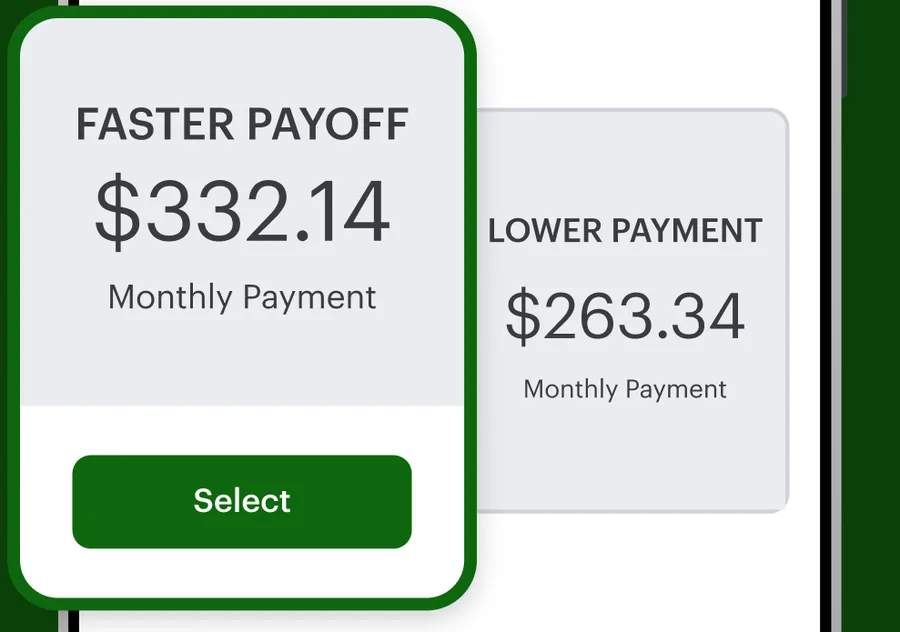
Google Play marketing imageTwo loan offers: Faster Payoff at $332.14 per month with a Select button and Lower Payment at $263.34 per month.Google Play listing, as of
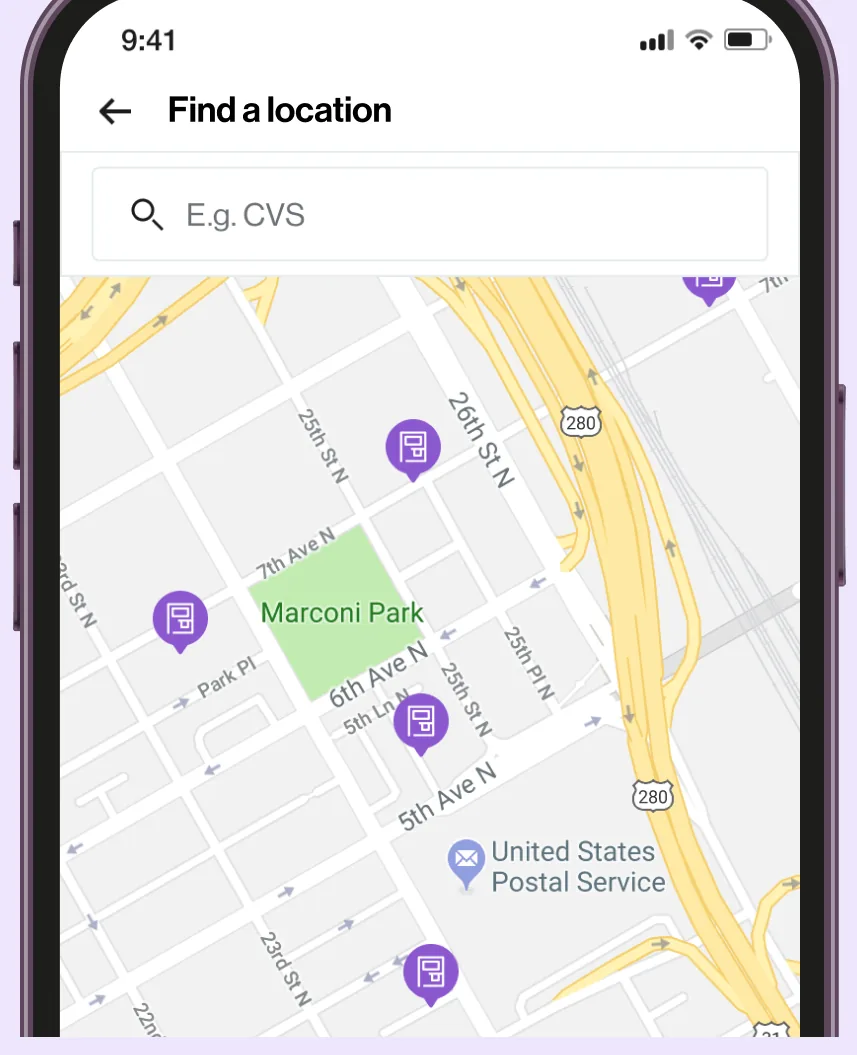
App Store marketing imageA Find a location screen with a search field for CVS and a map with location pins.App Store listing, as of 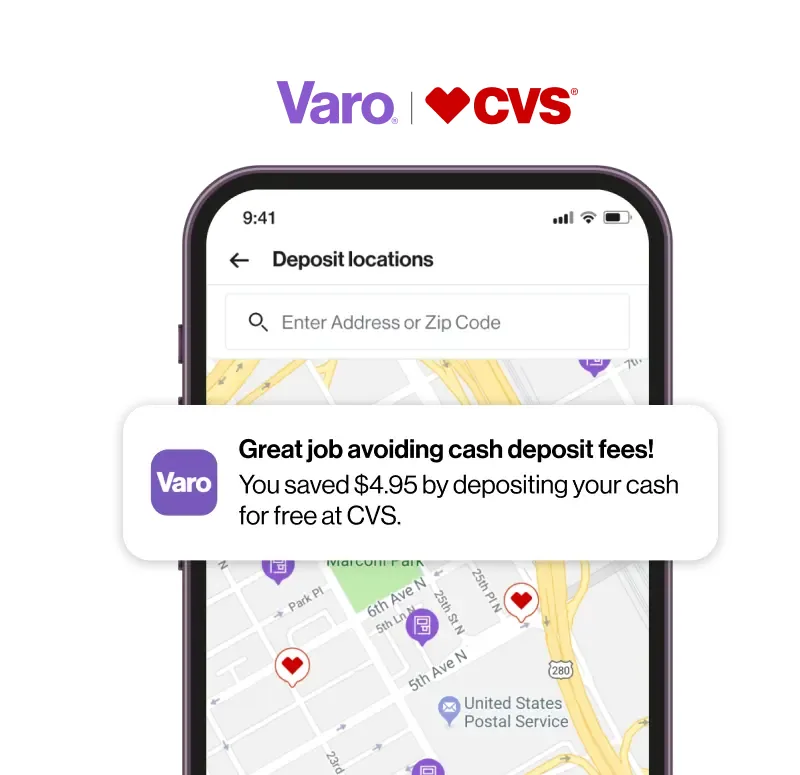
From Varo's websiteA Deposit locations screen with an address search and a map, with a banner saying Great job avoiding cash deposit fees! You saved $4.95 by depositing your cash for free at CVS.varomoney.com, as of
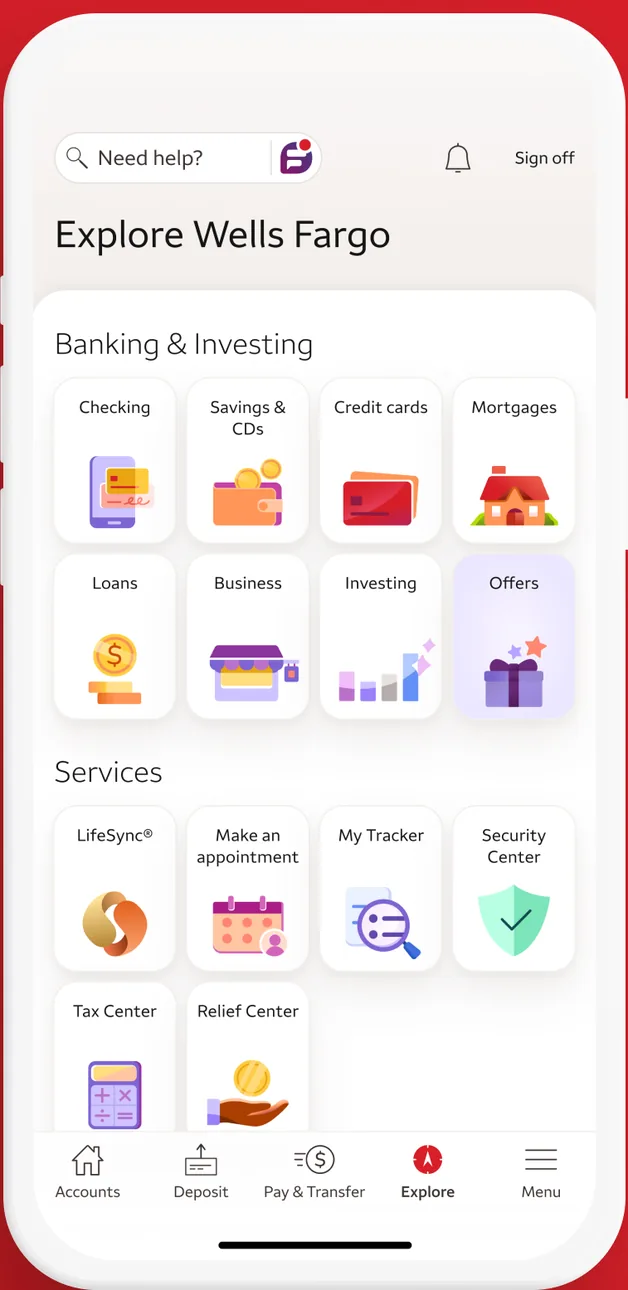
App Store marketing imageAn Explore Wells Fargo screen with icon grids for banking and investing products and for services such as LifeSync, My Tracker and Security Center.App Store listing, as of 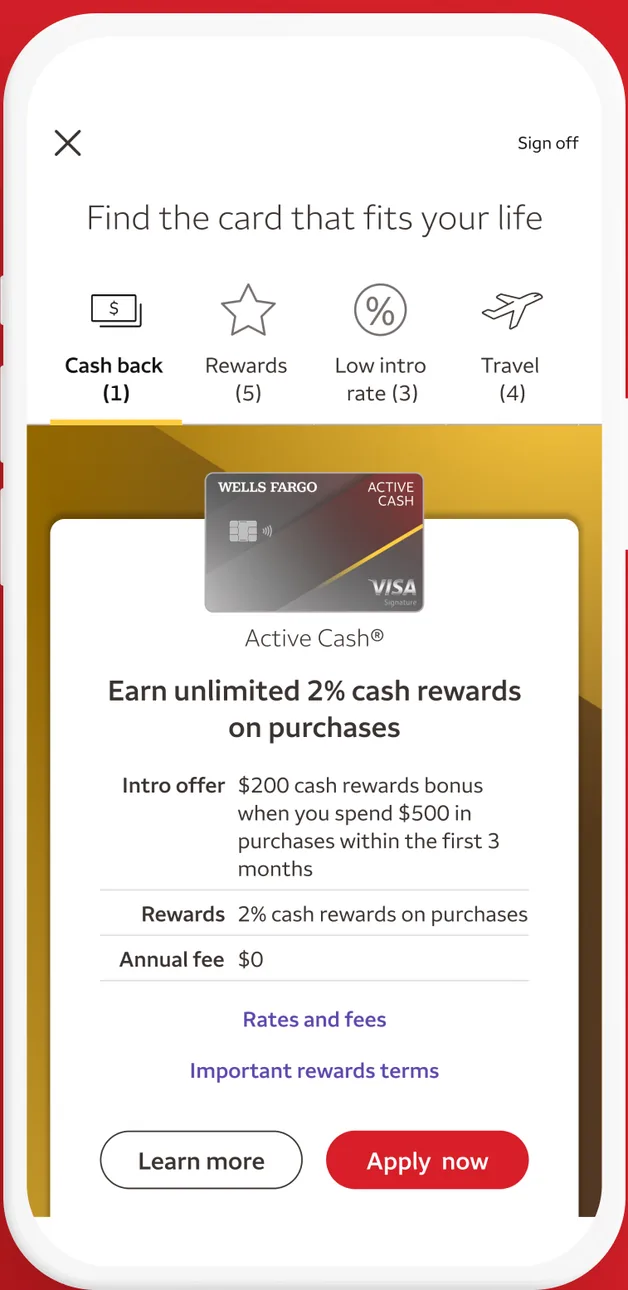
App Store marketing imageA Find the card that fits your life screen showing an Active Cash card with 2% cash rewards, an intro offer and Learn more and Apply now buttons.App Store listing, as of 
App Store marketing imageA bottom tab bar with Accounts, Deposit, Pay and Transfer, Explore and Menu.App Store listing, as of 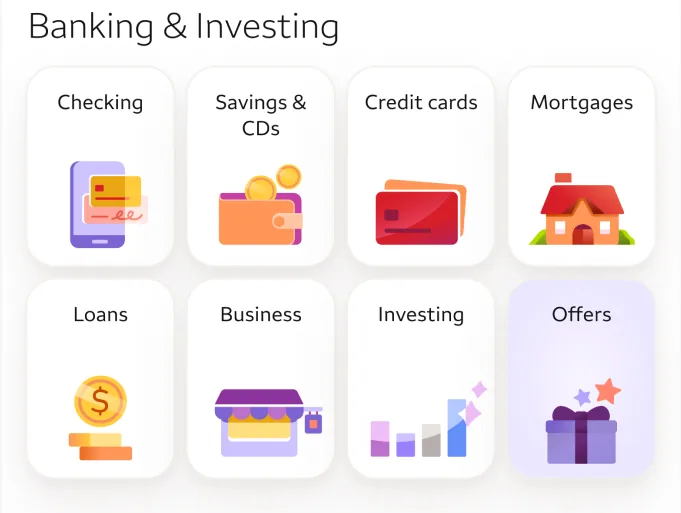
App Store marketing imageA Banking and Investing grid with icons for checking, savings, credit cards, mortgages, loans, business, investing and offers.App Store listing, as of
This is education, not financial advice.