
Screen by screen
What bank apps look like inside
288 images from 16 bank apps, grouped by task so you can compare how each one handles the same job. Every image shows where we found it, with the date.
App Store, Google Play and bank website images are the banks' own marketing, so names and balances are sample data. Help center images come from each bank's support pages; Bank of America's mark where to tap with green circles. Where screens come from.
Settings and security
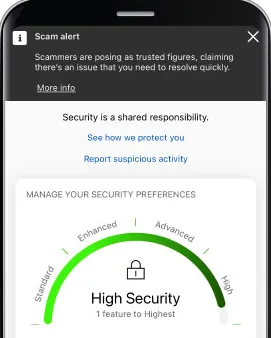
From Bank of America's help centerA security screen with a Scam alert banner, links to see how the bank protects you and to report suspicious activity, and a Manage your security preferences gauge reading High Security.info.bankofamerica.com, as of

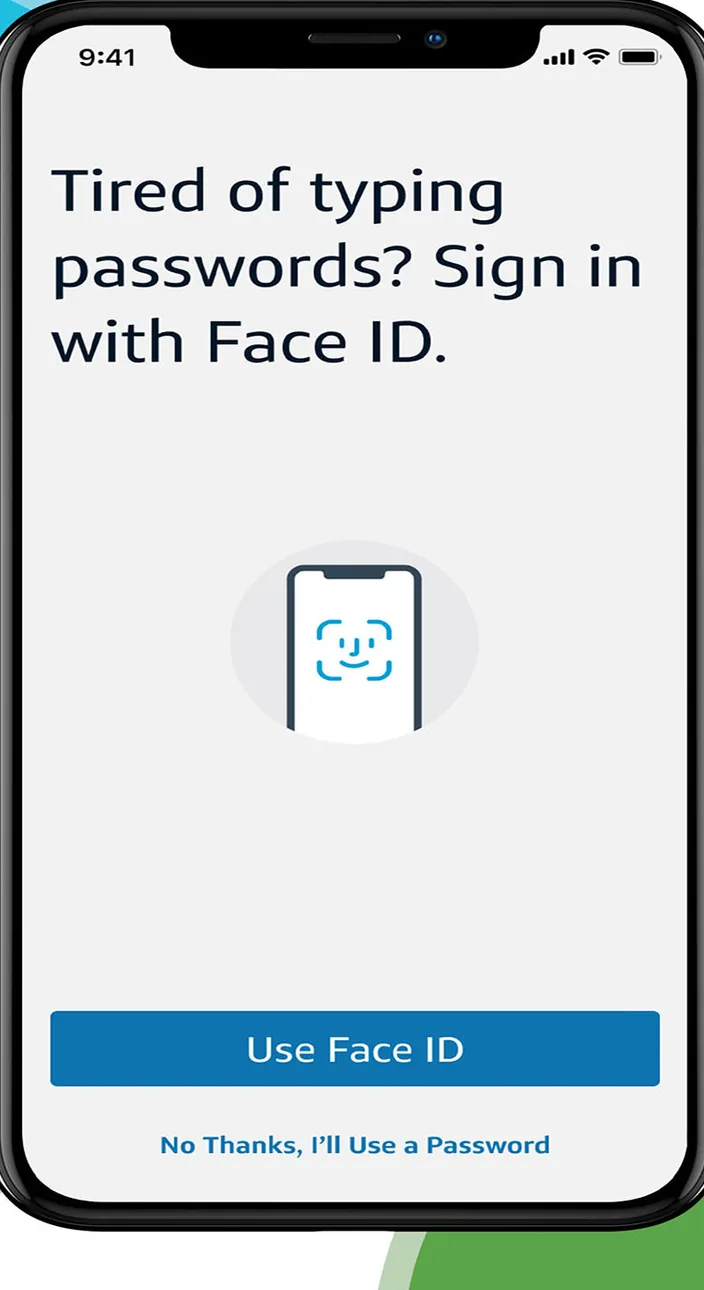
App Store marketing imageA sign in prompt that reads Tired of typing passwords? Sign in with Face ID, with a Use Face ID button and a No Thanks option.App Store listing, as of 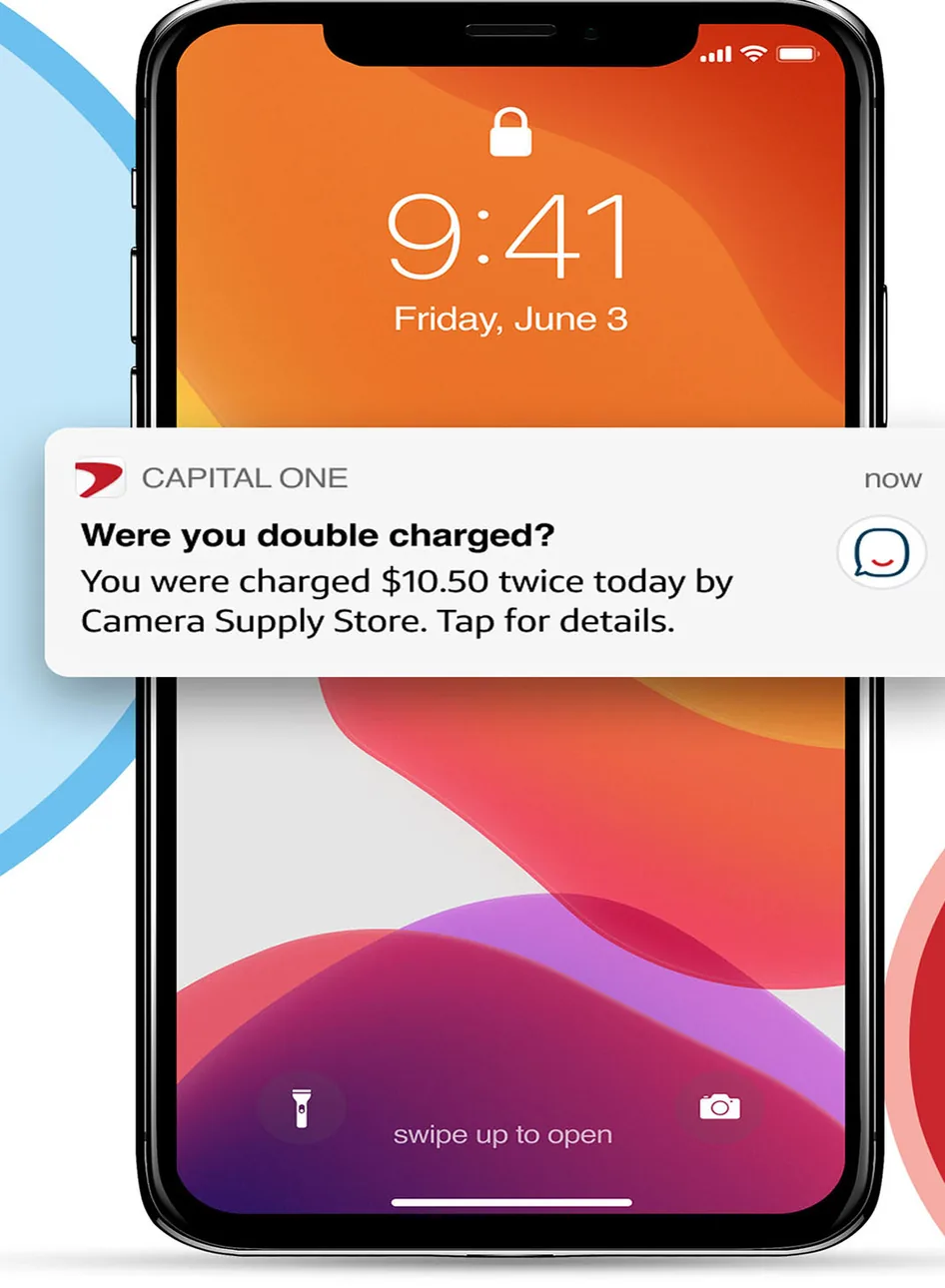
App Store marketing imageAn iPhone lock screen showing a Capital One notification asking Were you double charged? about two $10.50 charges.App Store listing, as of

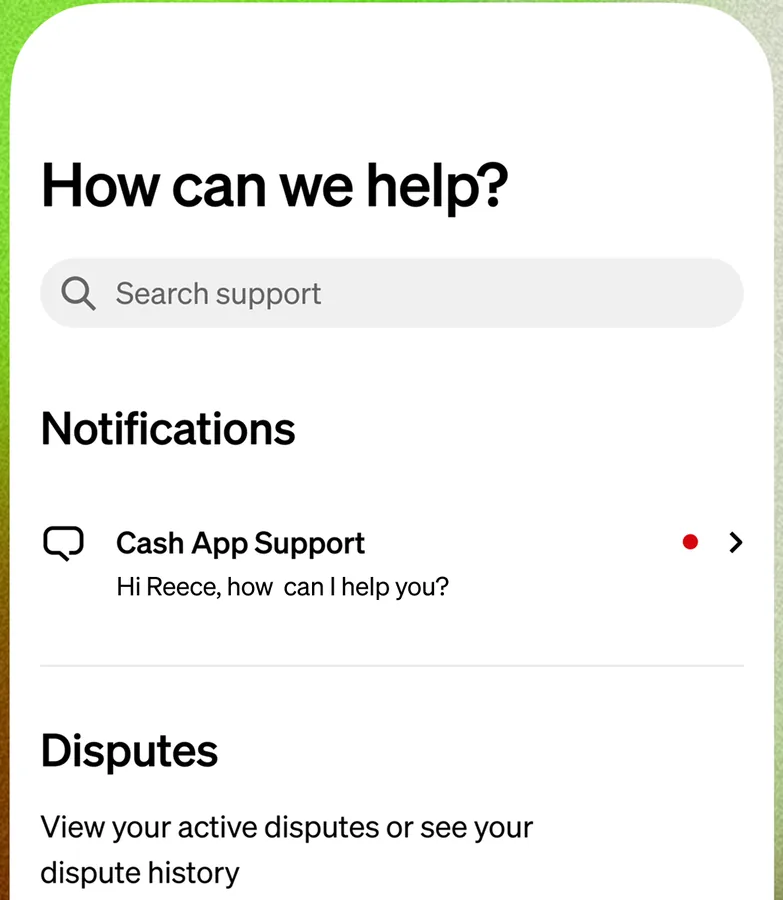
From Cash App's websiteA How can we help? screen with a support search field, a Notifications section with a Cash App Support message, and a Disputes section.cash.app, as of 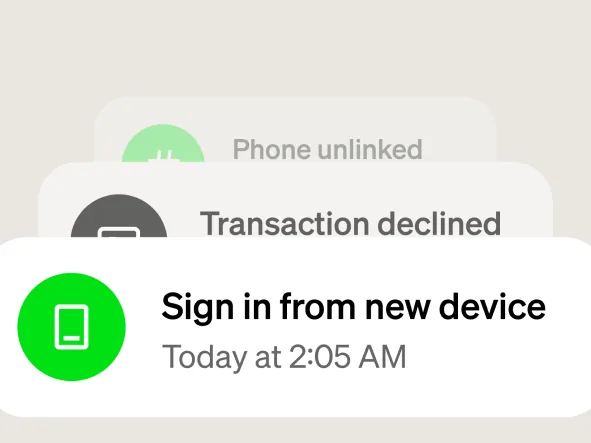
From Cash App's websiteStacked notifications for Phone unlinked, Transaction declined and Sign in from new device today at 2:05 AM.cash.app, as of 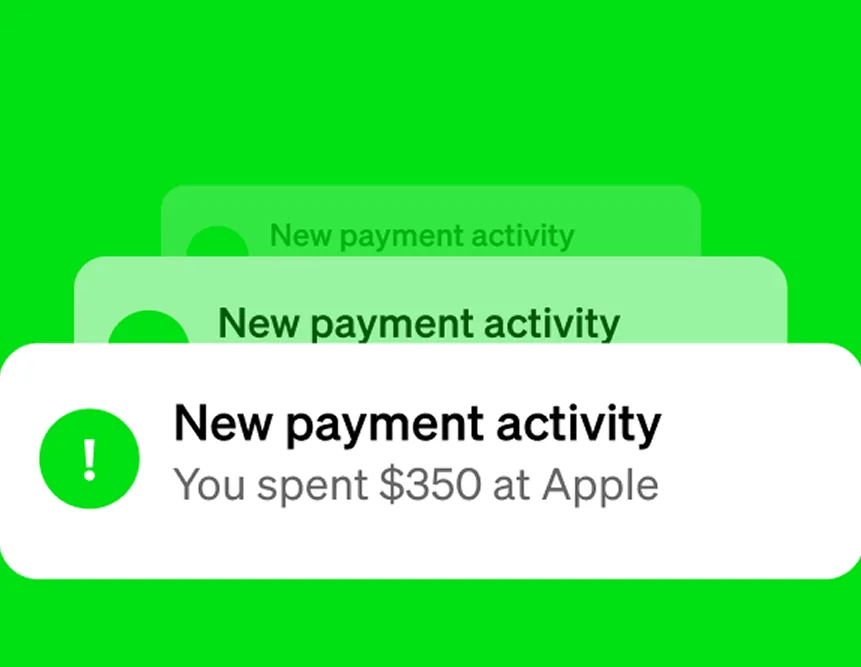
From Cash App's websiteStacked notifications reading New payment activity, You spent $350 at Apple.cash.app, as of

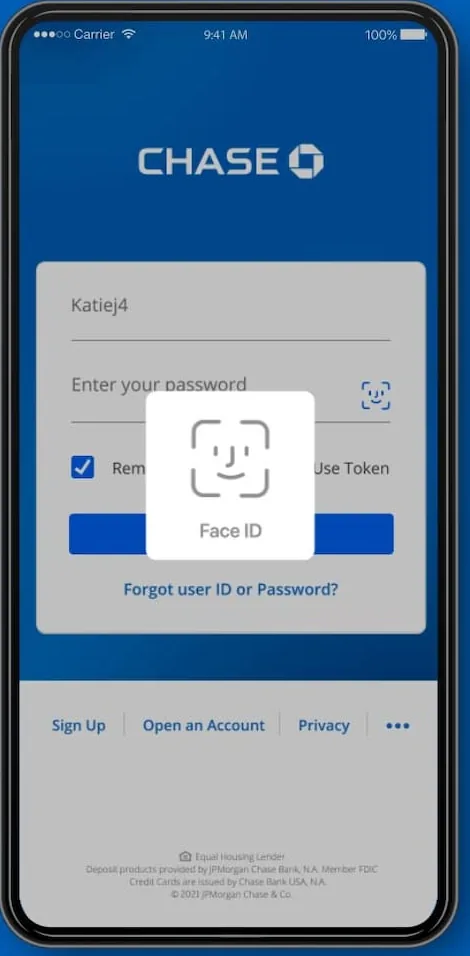
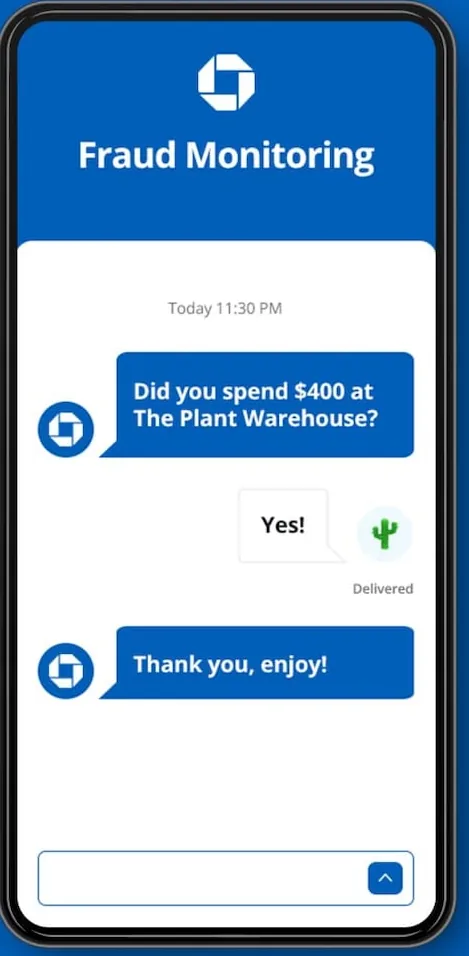

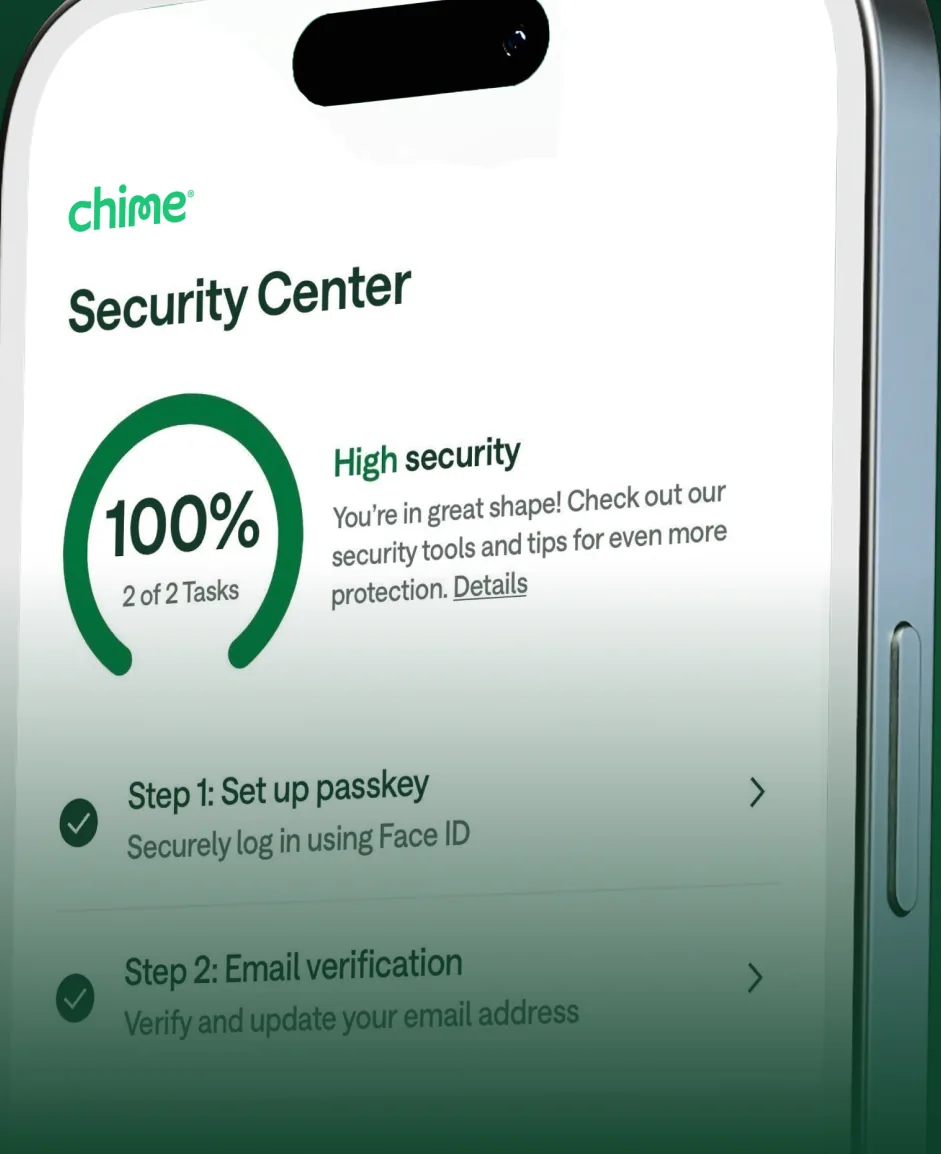
App Store marketing imageA Security Center screen at an angle showing a 100% security progress ring and setup steps such as setting up a passkey.App Store listing, as of 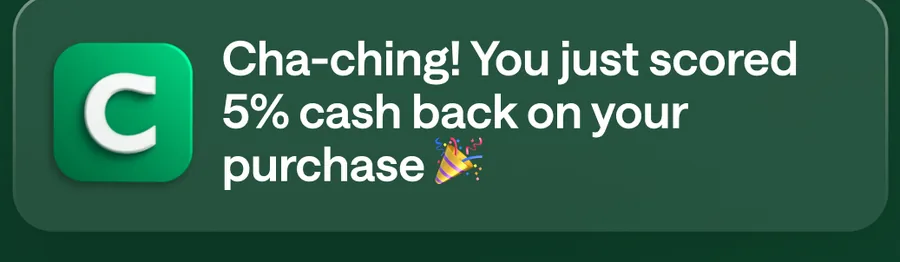
App Store marketing imageA Chime notification saying Cha-ching! You just scored 5% cash back on your purchase.App Store listing, as of 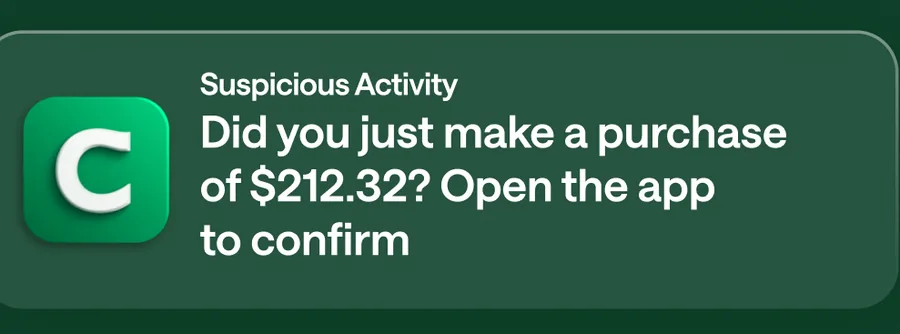
App Store marketing imageA Suspicious Activity notification asking Did you just make a purchase of $212.32? Open the app to confirm.App Store listing, as of
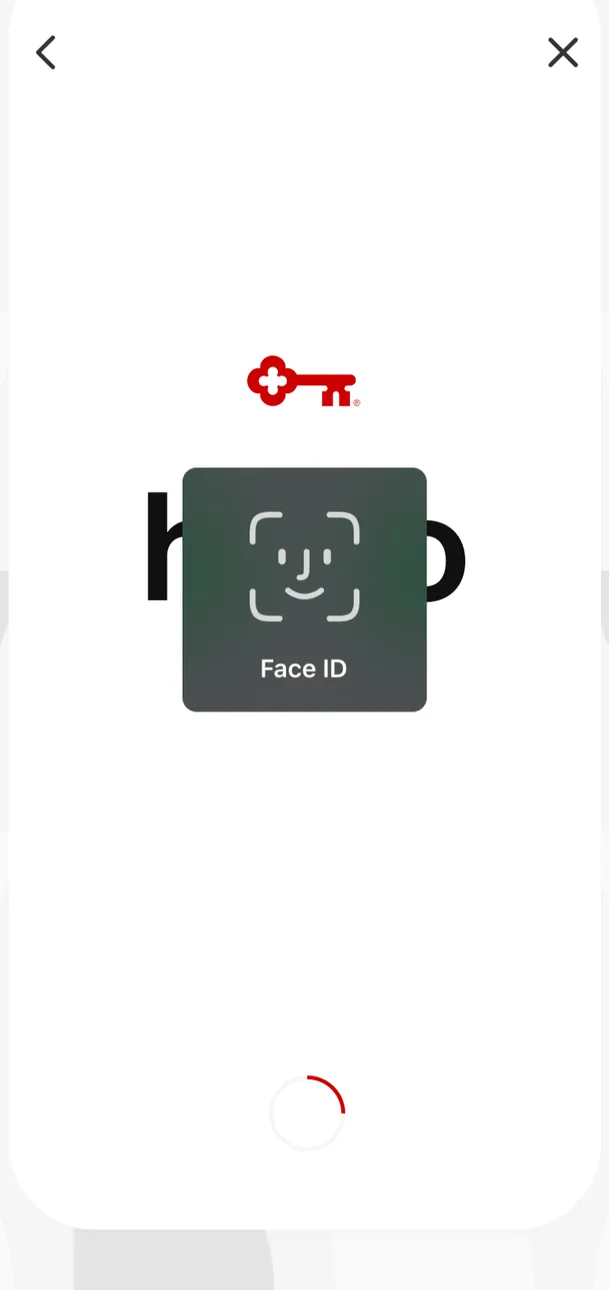
App Store marketing imageA sign in screen showing the KeyBank key logo with a Face ID prompt in the center and a loading spinner below.App Store listing, as of 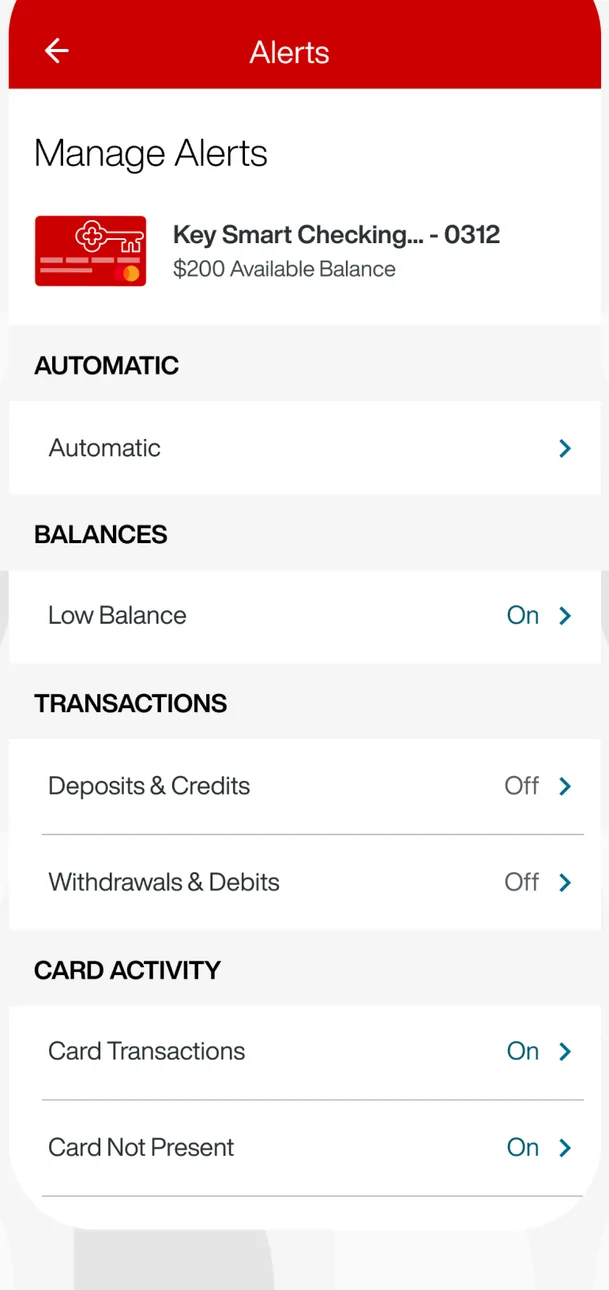
App Store marketing imageA Manage Alerts screen for a Key Smart Checking account with toggles grouped under Automatic, Balances, Transactions and Card Activity.App Store listing, as of 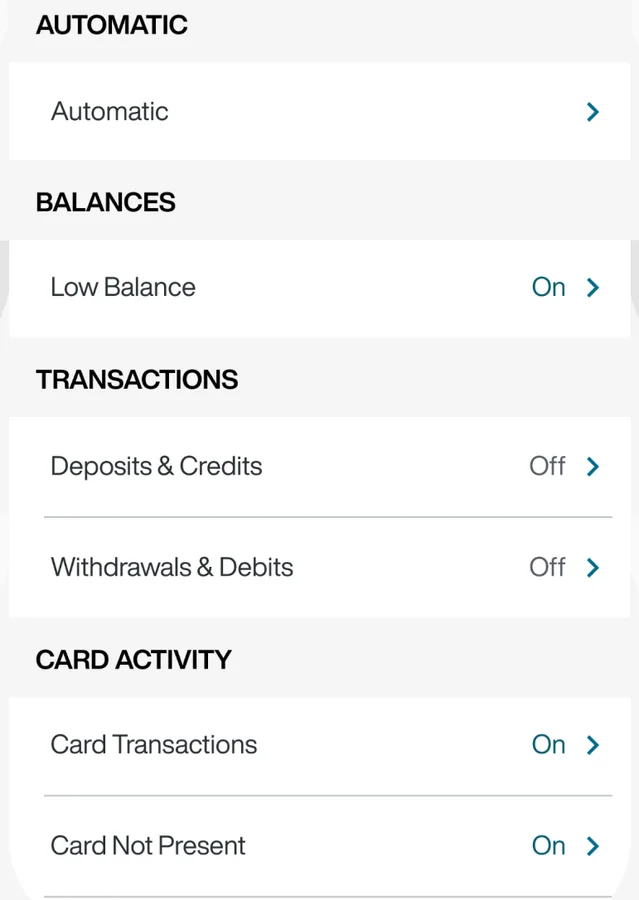
App Store marketing imageAlert settings for balances, transactions and card activity, each marked On or Off.App Store listing, as of

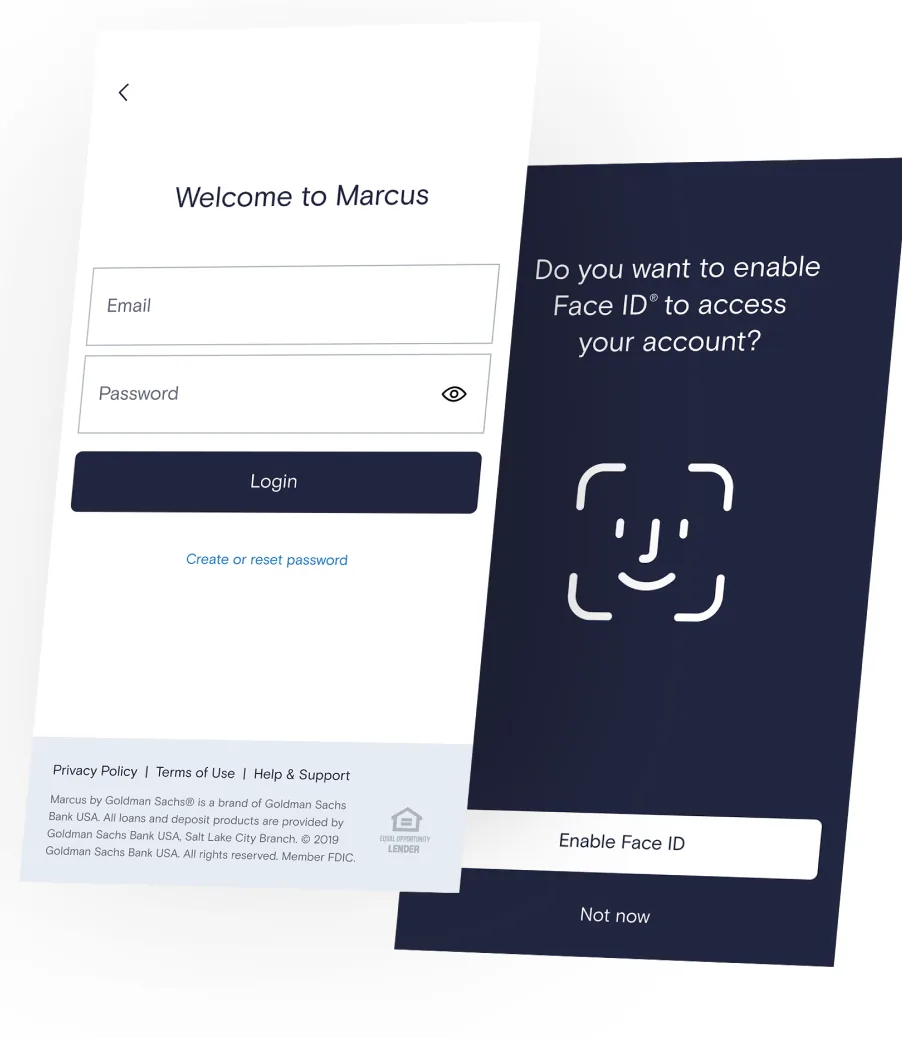
From Marcus by Goldman Sachs's websiteTwo angled screens: a Welcome to Marcus sign in form with email and password fields, and a prompt asking Do you want to enable Face ID to access your account? with Enable Face ID and Not now buttons.marcus.com, as of 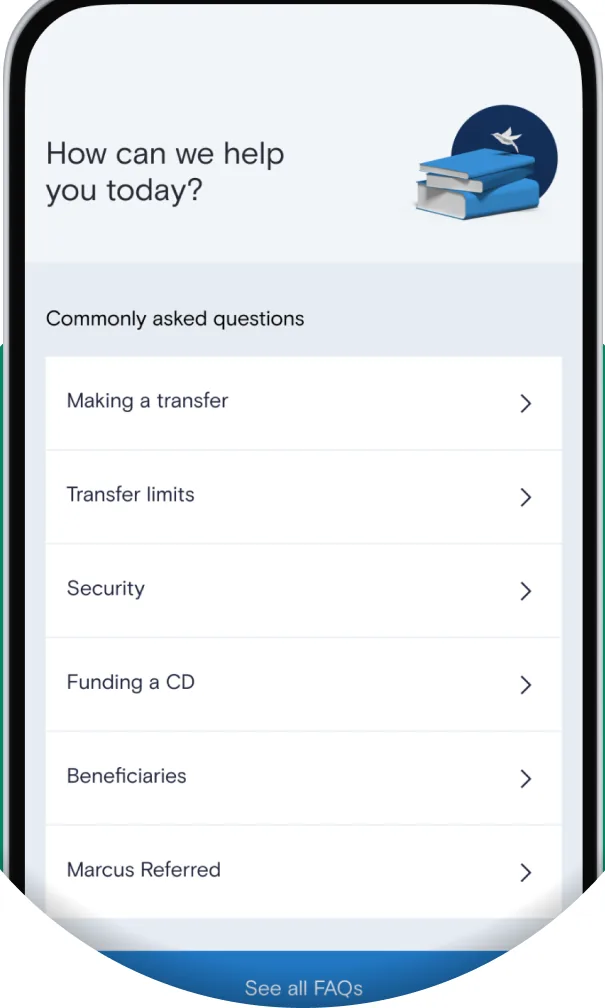
From Marcus by Goldman Sachs's websiteA How can we help you today? screen with commonly asked questions about making a transfer, transfer limits, security, funding a CD, beneficiaries and Marcus Referred.marcus.com, as of

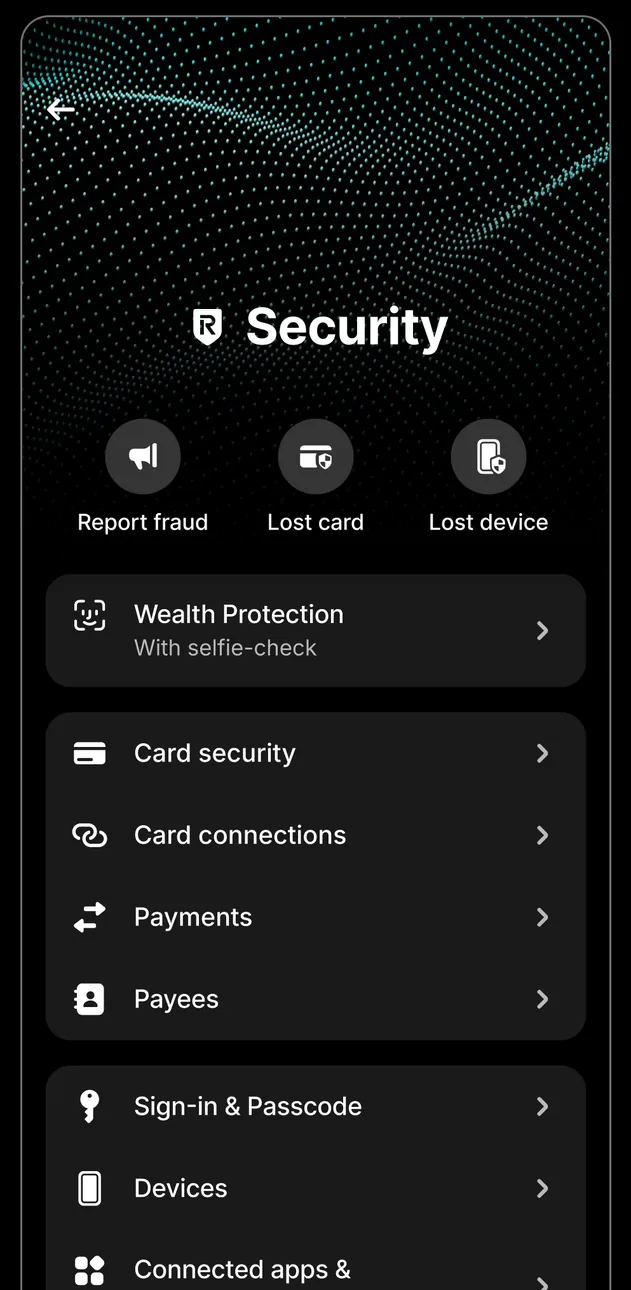
App Store marketing imageA Security screen with Report fraud, Lost card and Lost device buttons and rows for wealth protection, card security, payments, sign in and passcode, and devices.App Store listing, as of 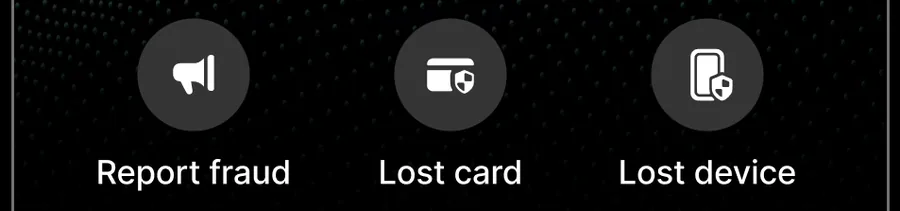
App Store marketing imageButtons for Report fraud, Lost card and Lost device.App Store listing, as of
This is education, not financial advice.