

Screen by screen
What bank apps look like inside
288 images from 16 bank apps, grouped by task so you can compare how each one handles the same job. Every image shows where we found it, with the date.
App Store, Google Play and bank website images are the banks' own marketing, so names and balances are sample data. Help center images come from each bank's support pages; Bank of America's mark where to tap with green circles. Where screens come from.
Sharing with a partner

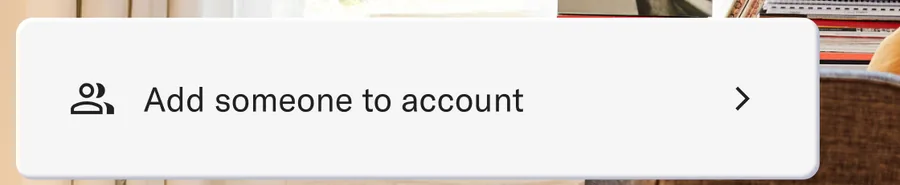
From Betterment's websiteA row reading Add someone to account with an arrow.betterment.com, as of

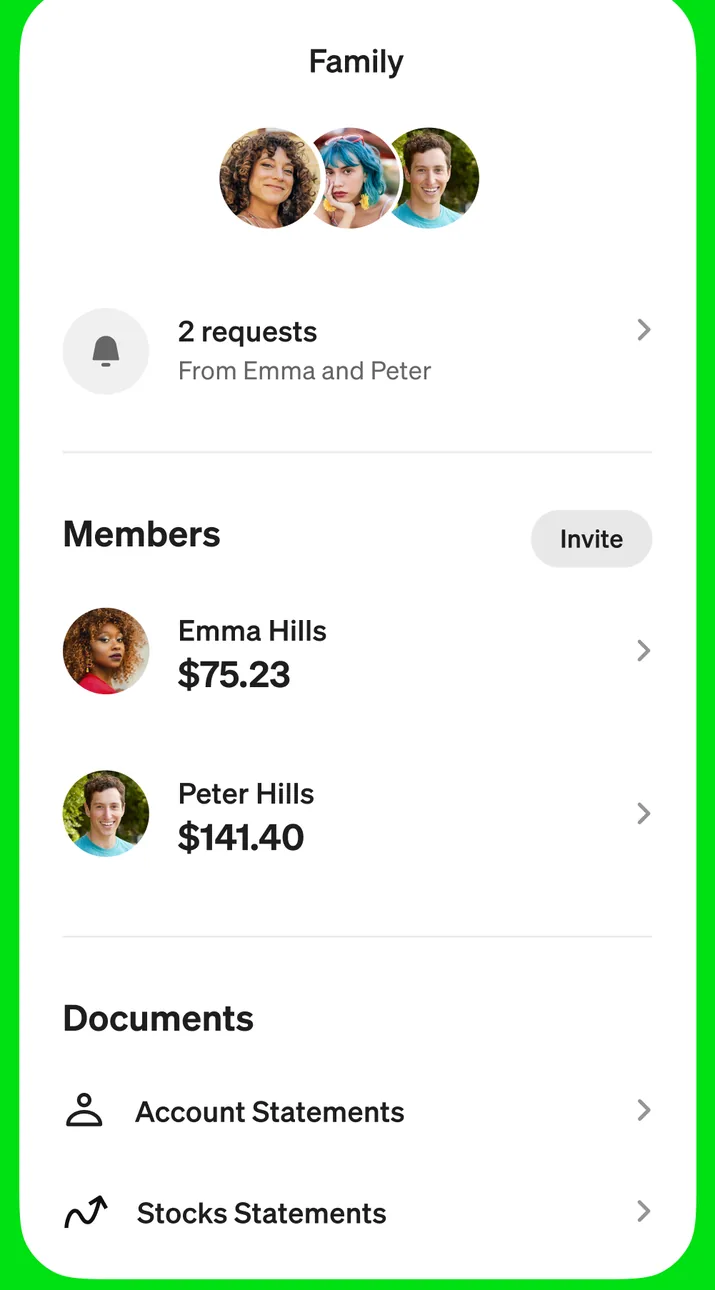
App Store marketing imageA Family screen showing 2 requests, a Members list with balances for Emma Hills and Peter Hills, and a Documents section with account and stock statements.App Store listing, as of

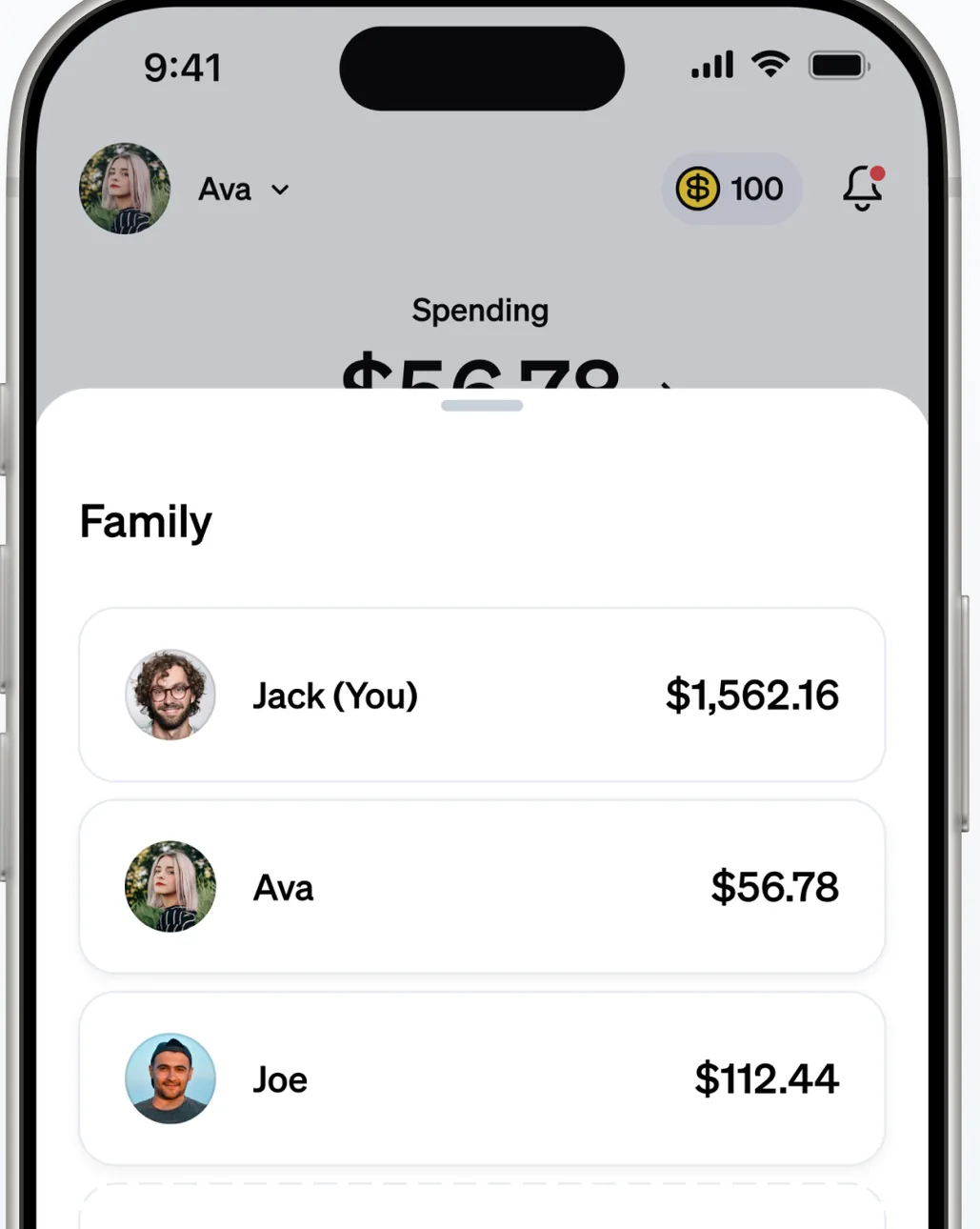
App Store marketing imageA home screen with a Family section listing Jack (You), Ava and Joe with their balances.App Store listing, as of 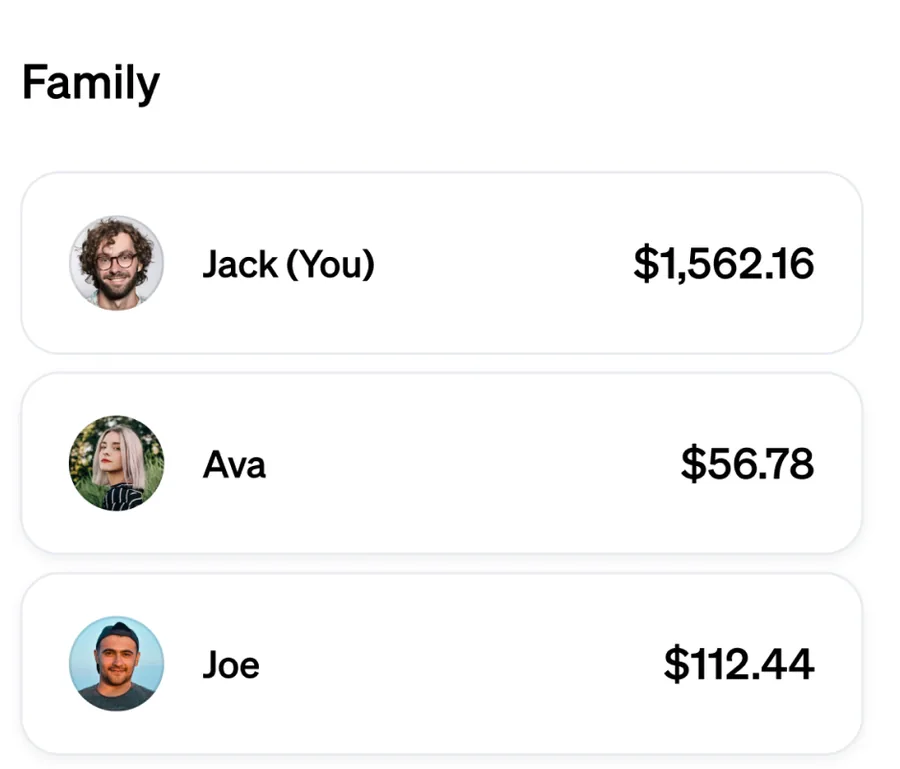
App Store marketing imageA Family list with Jack (You) at $1,562.16, Ava at $56.78 and Joe at $112.44.App Store listing, as of

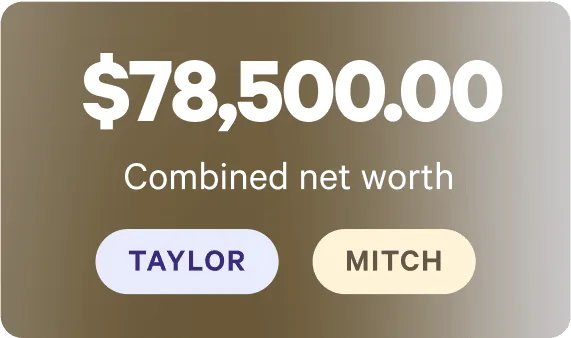
From Wealthfront's websiteA card showing $78,500.00 combined net worth with Taylor and Mitch buttons.wealthfront.com, as of 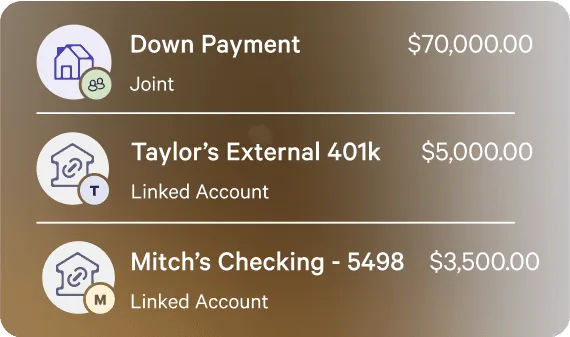
From Wealthfront's websiteA list with a joint Down Payment account at $70,000.00, Taylor's External 401k at $5,000.00 and Mitch's Checking at $3,500.00, each tagged with an owner initial.wealthfront.com, as of
This is education, not financial advice.