
Screen by screen
What bank apps look like inside
288 images from 16 bank apps, grouped by task so you can compare how each one handles the same job. Every image shows where we found it, with the date.
App Store, Google Play and bank website images are the banks' own marketing, so names and balances are sample data. Help center images come from each bank's support pages; Bank of America's mark where to tap with green circles. Where screens come from.
Check deposit
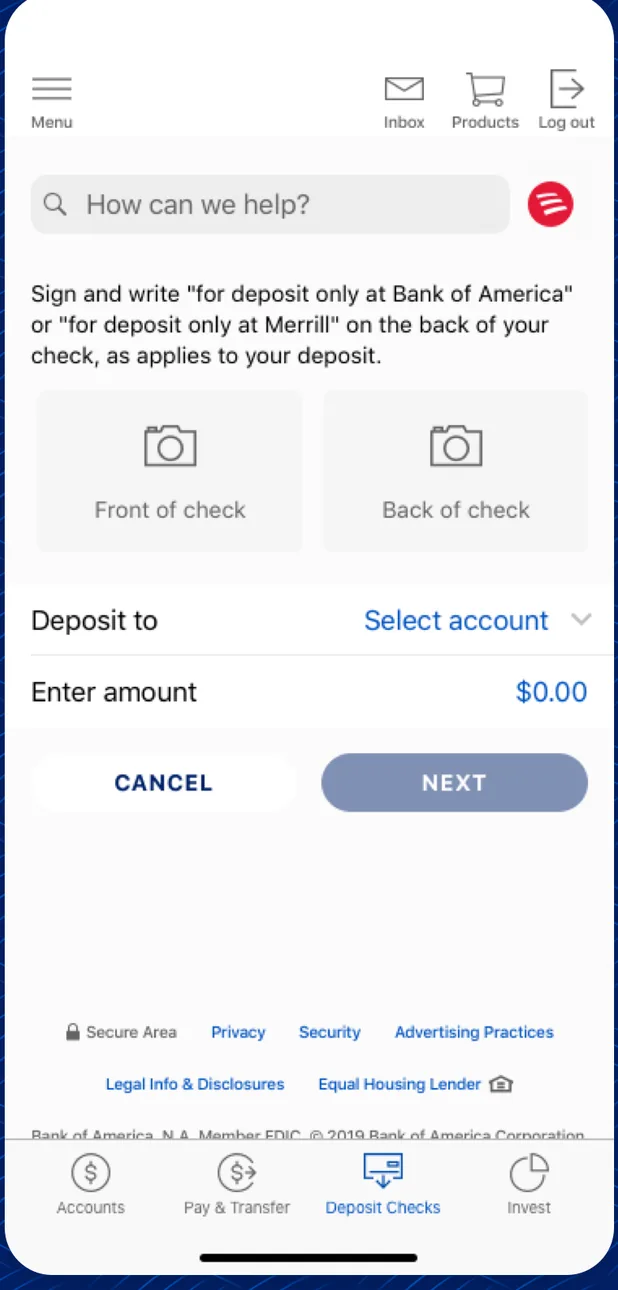
App Store marketing imageA Deposit Checks screen with endorsement instructions, front and back of check photo boxes, a Deposit to account picker, an amount field and Cancel and Next buttons.App Store listing, as of 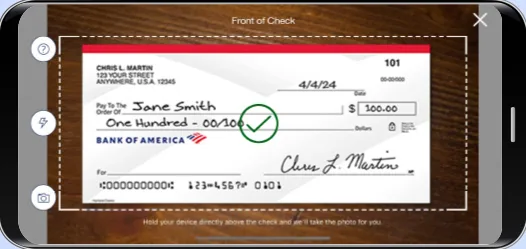
From Bank of America's help centerA landscape camera view titled Front of Check with a check inside a dashed frame and a green check mark.info.bankofamerica.com, as of 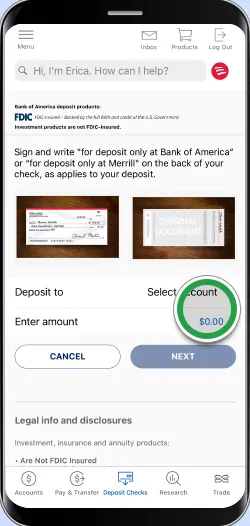
From Bank of America's help centerA deposit form with front and back check photos, a Deposit to account selector, an amount field highlighted by a green circle, and Cancel and Next buttons. The green circles are Bank of America's own tap-target markers from its help pages, not part of the app.info.bankofamerica.com, as of 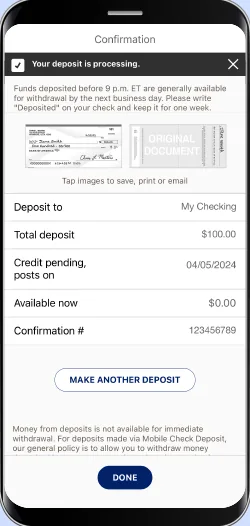
From Bank of America's help centerA Confirmation screen saying Your deposit is processing, with deposit to account, total deposit of $100.00, credit pending date, confirmation number and a Make another deposit button.info.bankofamerica.com, as of 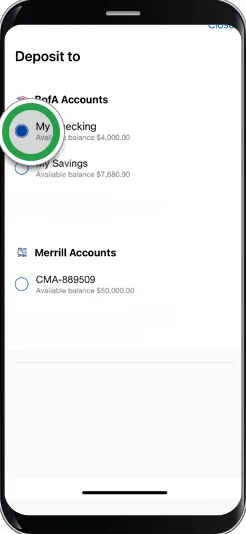
From Bank of America's help centerA Deposit to picker listing Bank of America checking and savings accounts and a Merrill account, with a green circle on the checking account. The green circles are Bank of America's own tap-target markers from its help pages, not part of the app.info.bankofamerica.com, as of 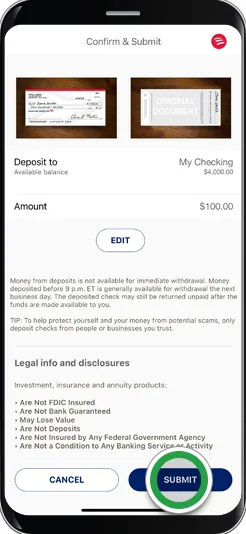
From Bank of America's help centerA Confirm and Submit screen showing both check images, the deposit account, a $100.00 amount with an Edit button, and Cancel and Submit buttons with a green circle on Submit. The green circles are Bank of America's own tap-target markers from its help pages, not part of the app.info.bankofamerica.com, as of 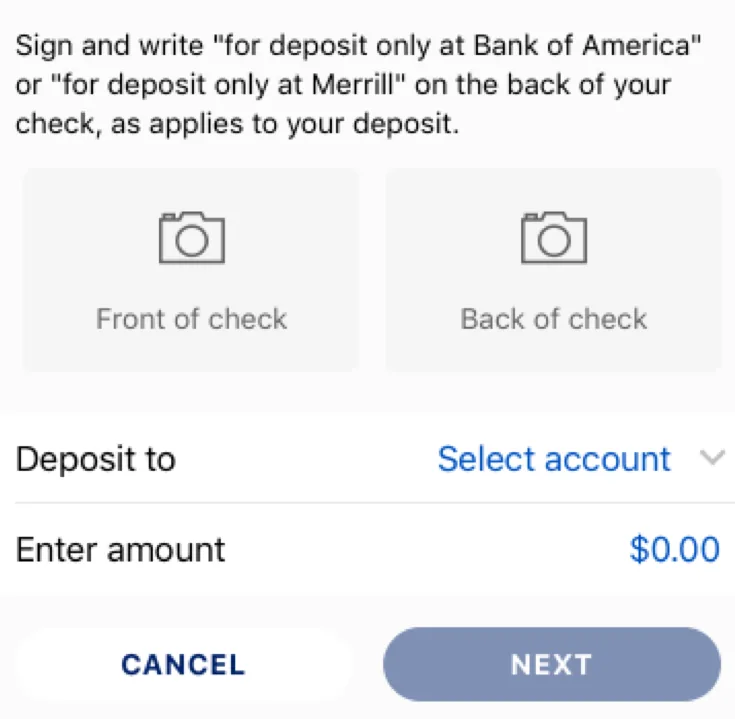
App Store marketing imageFront of check and Back of check photo boxes above Deposit to and Enter amount fields with Cancel and Next buttons.App Store listing, as of

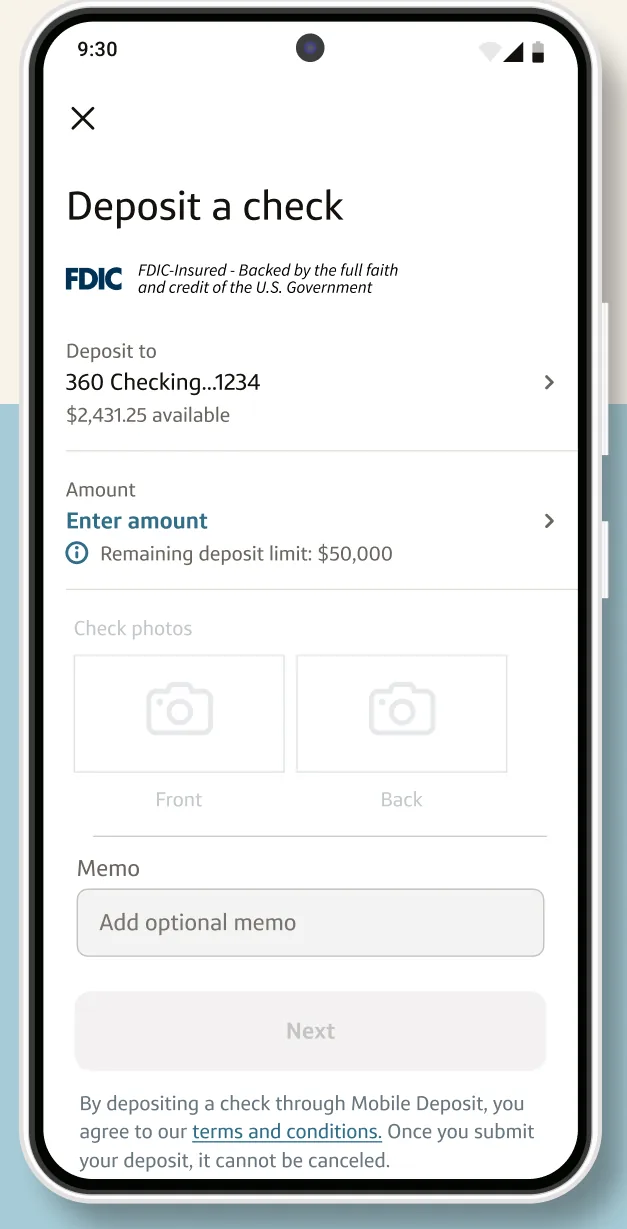
Google Play marketing imageA Deposit a check screen with a 360 Checking deposit account, an Enter amount field and a memo field.Google Play listing, as of 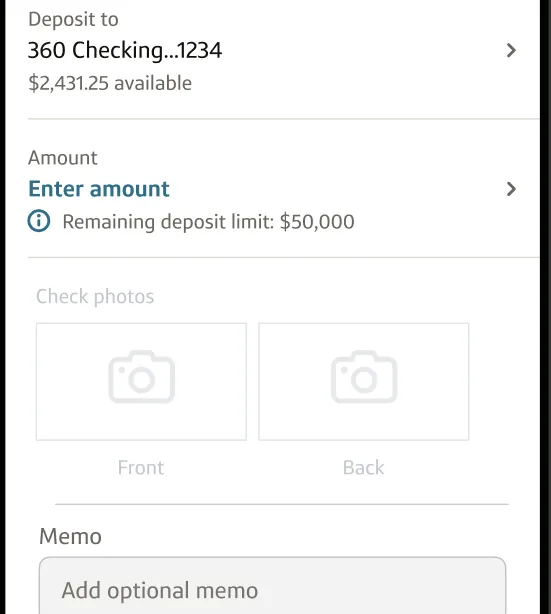
Google Play marketing imageA deposit form with the deposit account, an Enter amount field, front and back check photo boxes and a memo field.Google Play listing, as of

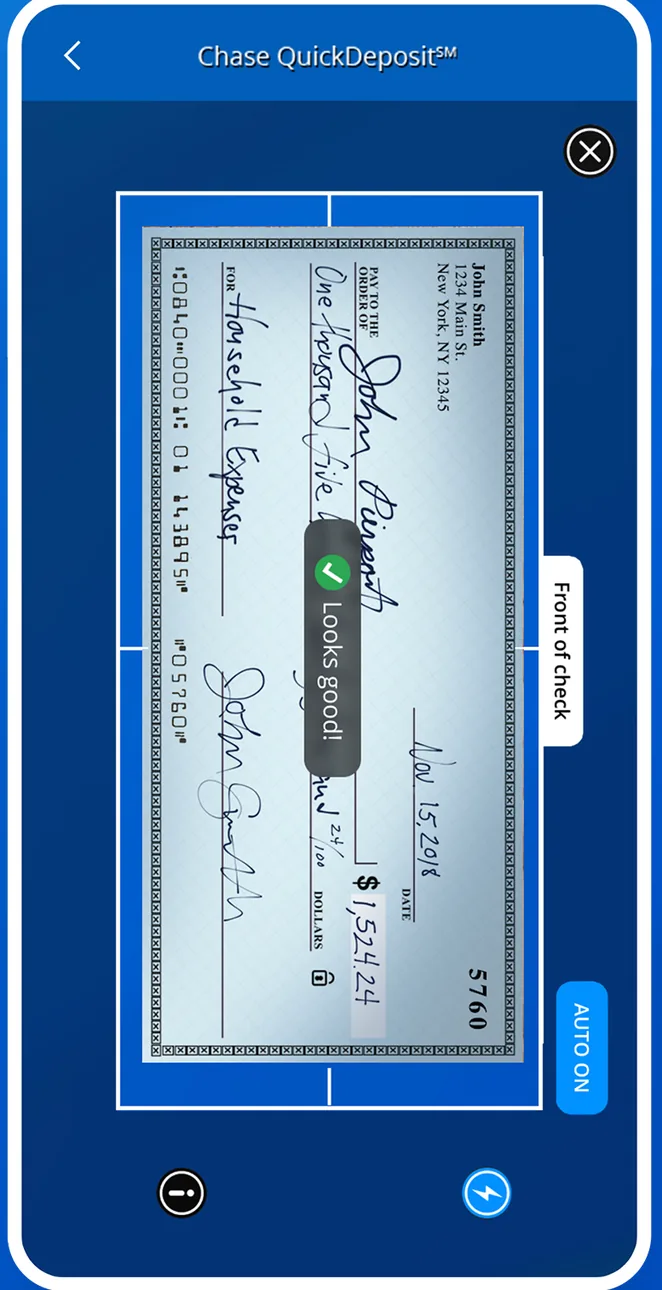
App Store marketing imageA Chase QuickDeposit camera screen framing the front of a check, with a Looks good indicator and an auto capture control.App Store listing, as of 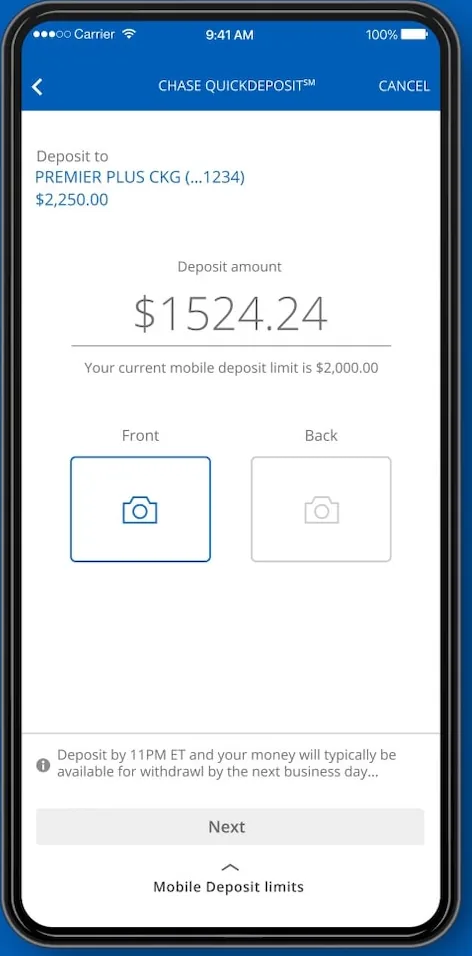
From Chase's websiteA Chase QuickDeposit screen with a deposit account, a $1,524.24 deposit amount, Front and Back photo boxes and a Next button.chase.com, as of 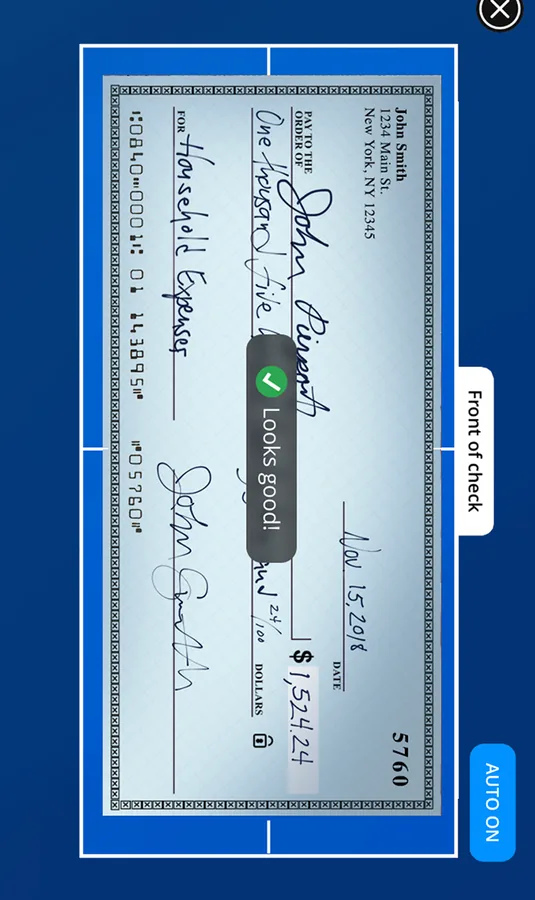
App Store marketing imageA camera viewfinder outlining a check with a Looks good label.App Store listing, as of
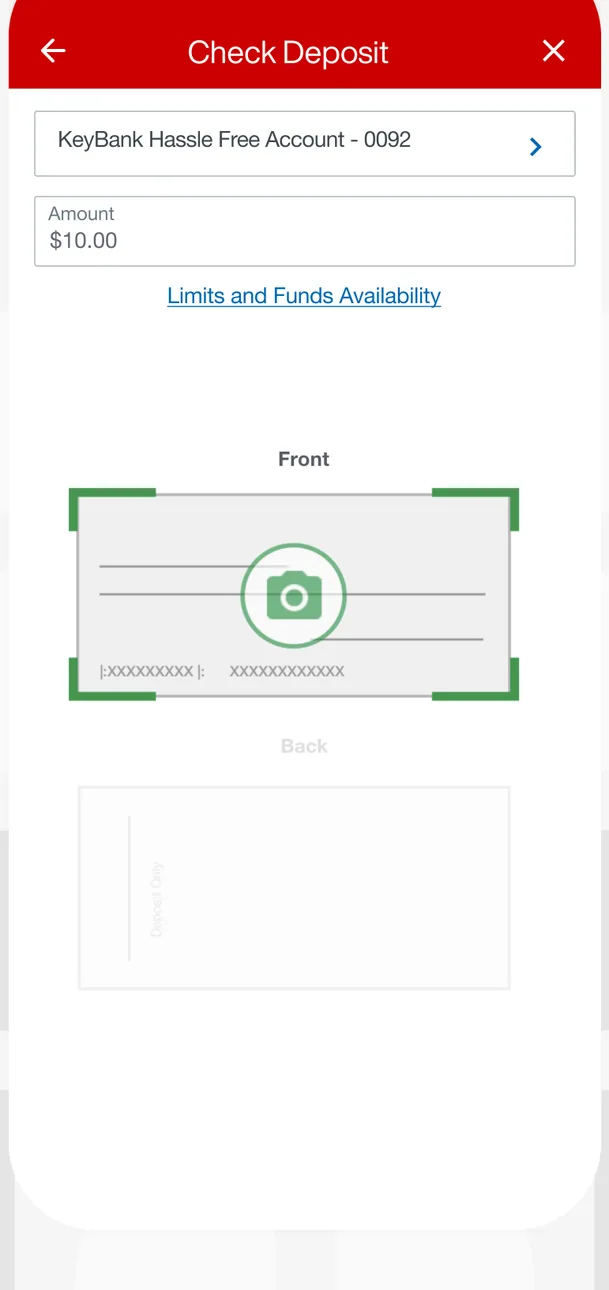
App Store marketing imageA Check Deposit screen with a KeyBank Hassle Free Account selected, a $10.00 amount, a Limits and Funds Availability link and Front and Back check photo boxes.App Store listing, as of 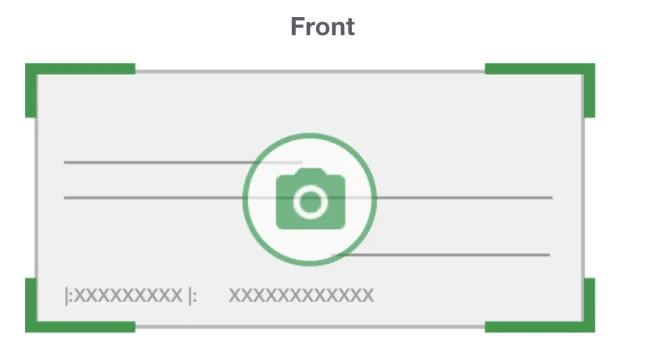
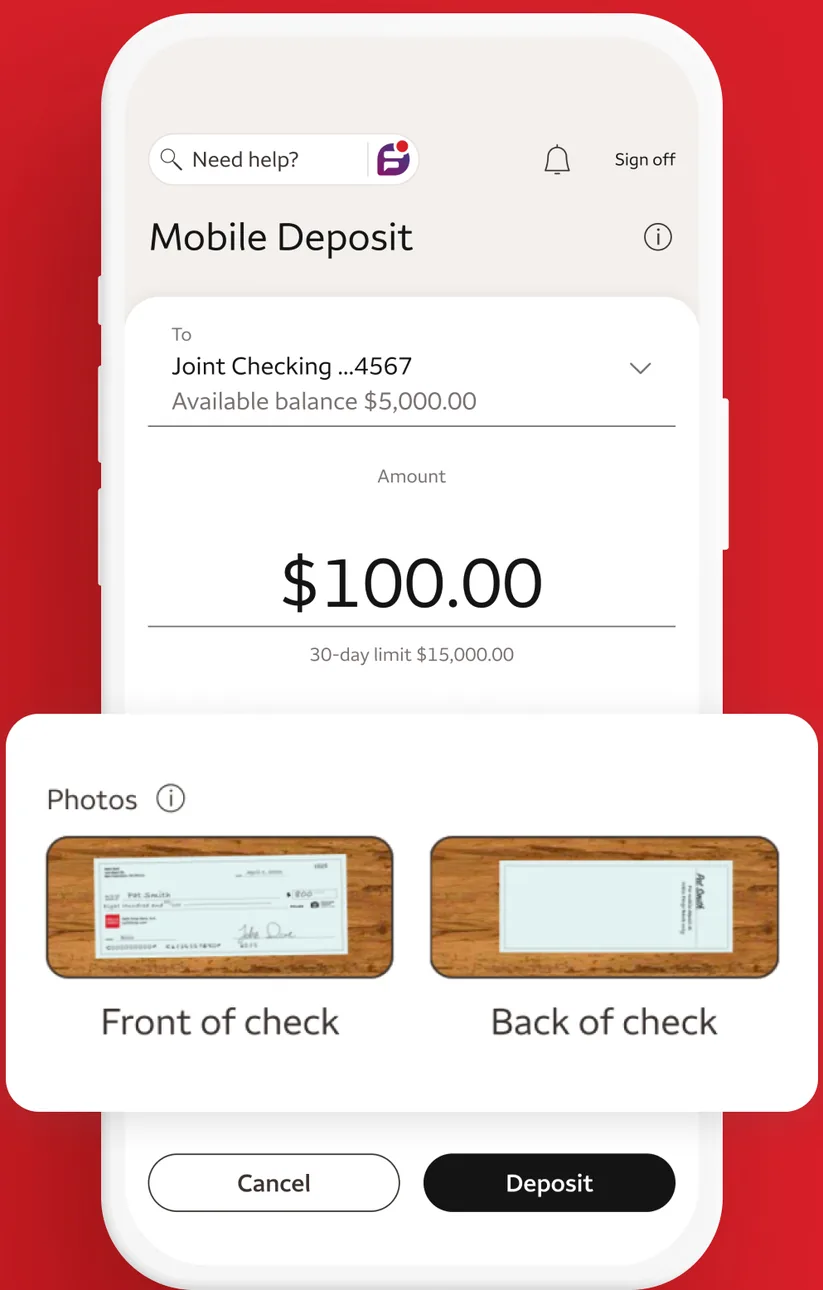
App Store marketing imageA Front check photo box with green corner guides and a camera icon.App Store listing, as of

App Store marketing imageA Mobile Deposit screen depositing $100.00 to a Joint Checking account with front and back check photos and Cancel and Deposit buttons.App Store listing, as of 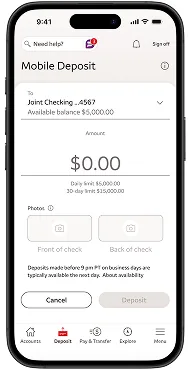
From Wells Fargo's help centerA Mobile Deposit screen with a Joint Checking account selected, a $0.00 amount, empty front and back check photo boxes and Cancel and Deposit buttons.wellsfargo.com, as of 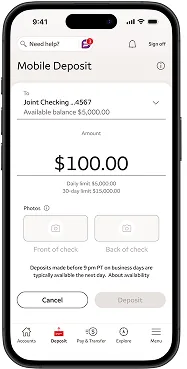
From Wells Fargo's help centerA Mobile Deposit screen with $100.00 entered for a Joint Checking account and daily and 30-day limits shown below.wellsfargo.com, as of 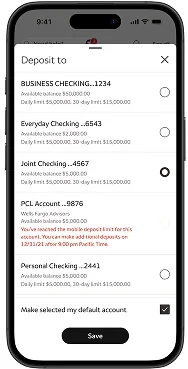
From Wells Fargo's help centerA Deposit to sheet listing business checking, everyday checking, joint checking and other accounts with available balances and limits, and a Save button.wellsfargo.com, as of 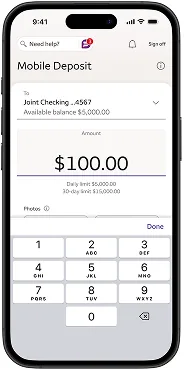
From Wells Fargo's help centerA Mobile Deposit screen with $100.00 entered using a number keypad.wellsfargo.com, as of 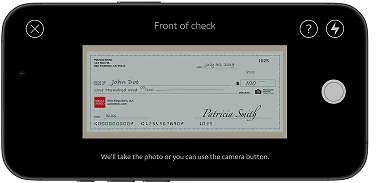
From Wells Fargo's help centerA landscape camera view labeled Front of check with a check inside the frame.wellsfargo.com, as of 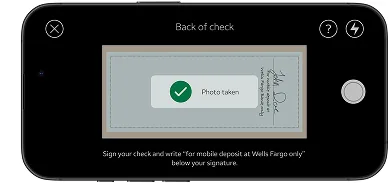
From Wells Fargo's help centerA landscape camera view labeled Back of check with a Photo taken confirmation.wellsfargo.com, as of 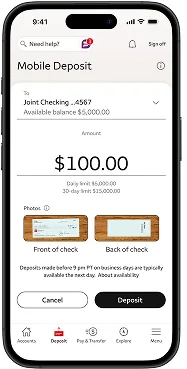
From Wells Fargo's help centerA Mobile Deposit screen with $100.00, front and back check photos, and Cancel and Deposit buttons.wellsfargo.com, as of 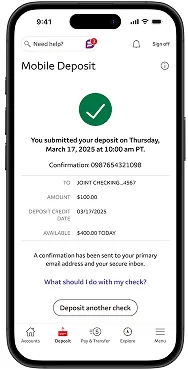
From Wells Fargo's help centerA confirmation with a green check mark saying the deposit was submitted, with a confirmation number, account, amount, deposit credit date and a Deposit another check button.wellsfargo.com, as of 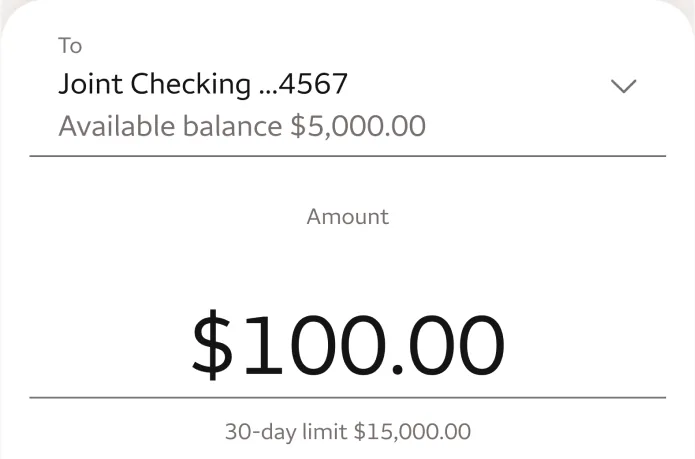
App Store marketing imageA deposit form with a Joint Checking account picker and a $100.00 amount with a 30-day limit note.App Store listing, as of 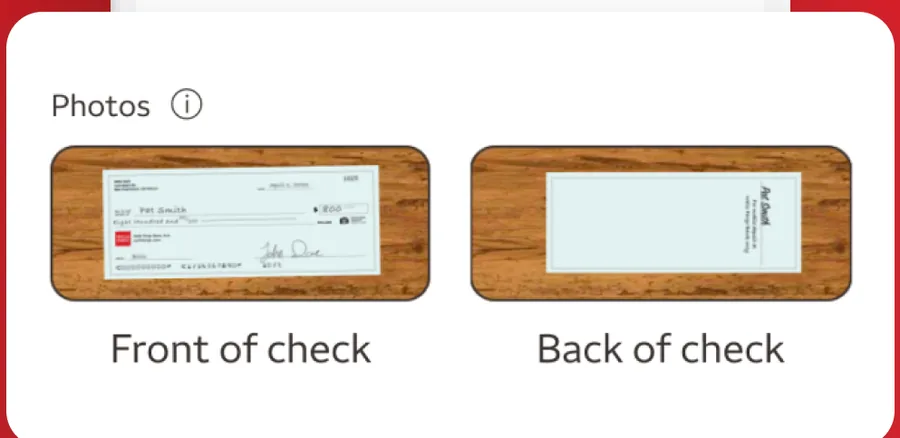
App Store marketing imagePhotos of the front and back of a check ready for deposit.App Store listing, as of
This is education, not financial advice.