Screen by screen
What bank apps look like inside
288 images from 16 bank apps, grouped by task so you can compare how each one handles the same job. Every image shows where we found it, with the date.
App Store, Google Play and bank website images are the banks' own marketing, so names and balances are sample data. Help center images come from each bank's support pages; Bank of America's mark where to tap with green circles. Where screens come from.
Card controls

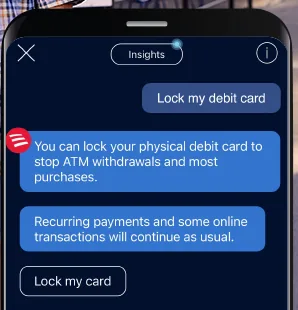
From Bank of America's websiteAn Erica chat where the user writes Lock my debit card and Erica explains that locking stops ATM withdrawals and most purchases, with a Lock my card button.info.bankofamerica.com, as of

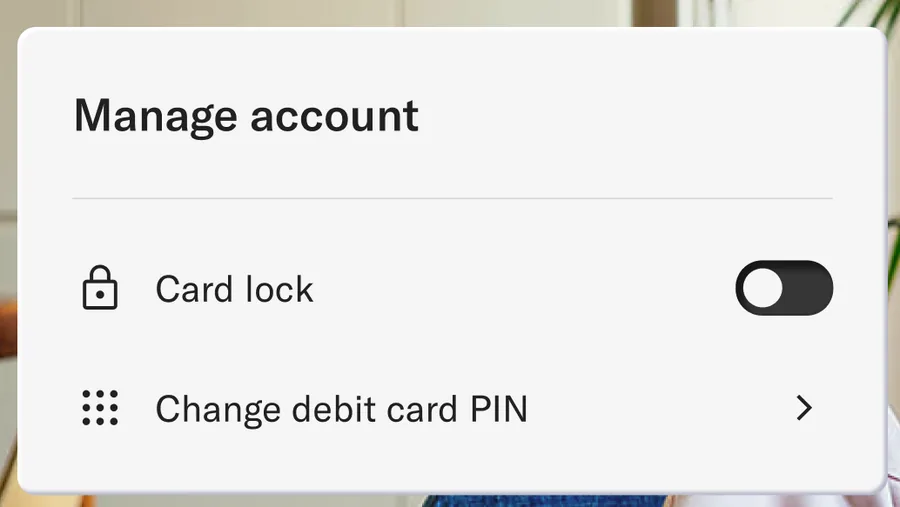
From Betterment's websiteA Manage account panel with a Card lock toggle switched off and a Change debit card PIN row.betterment.com, as of

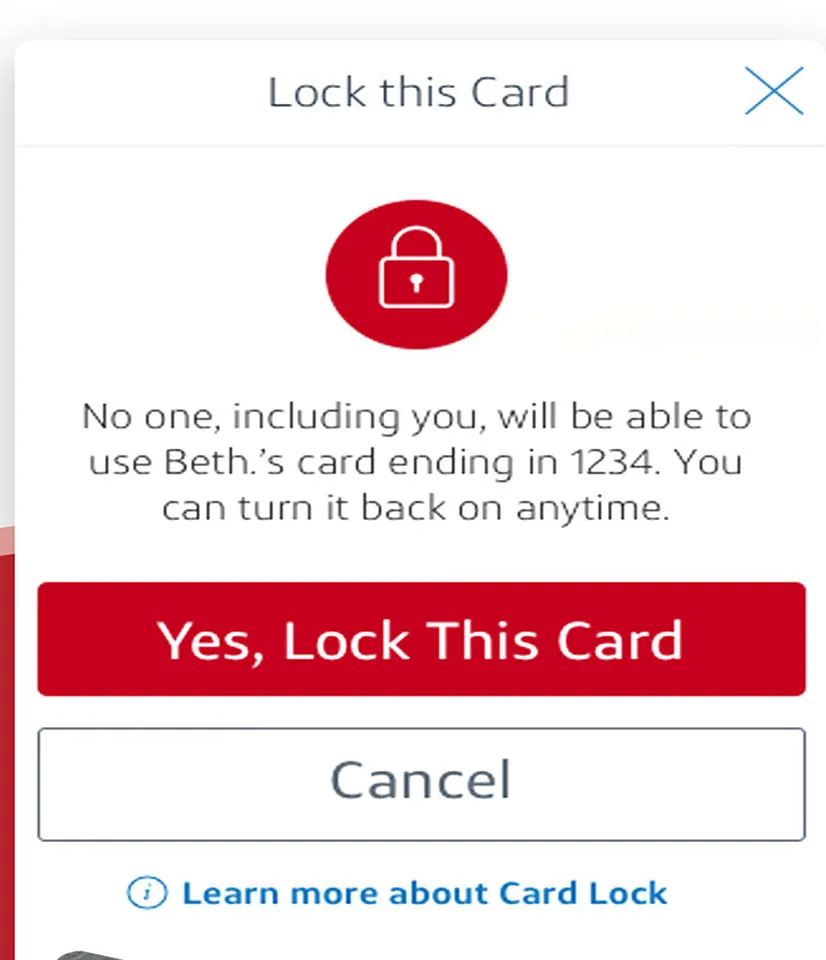
App Store marketing imageA Lock this Card dialog explaining that no one will be able to use the card, with Yes, Lock This Card and Cancel buttons.App Store listing, as of 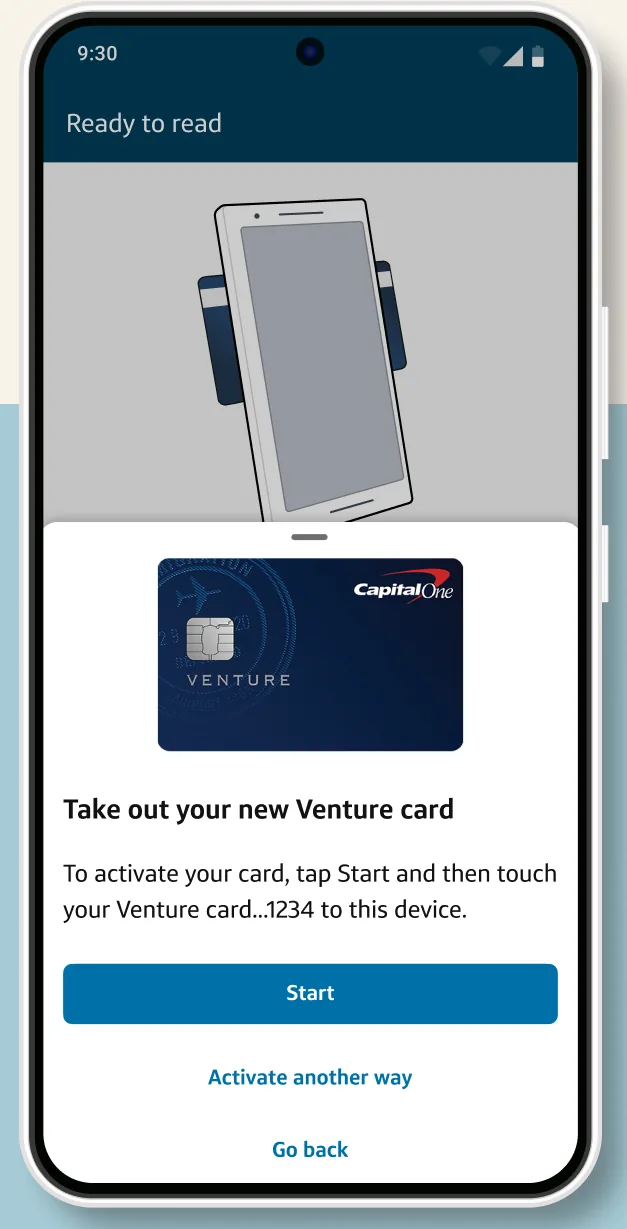
Google Play marketing imageA Ready to tap screen telling the user to take out a new Venture card and tap it to the phone, with a Start button.Google Play listing, as of 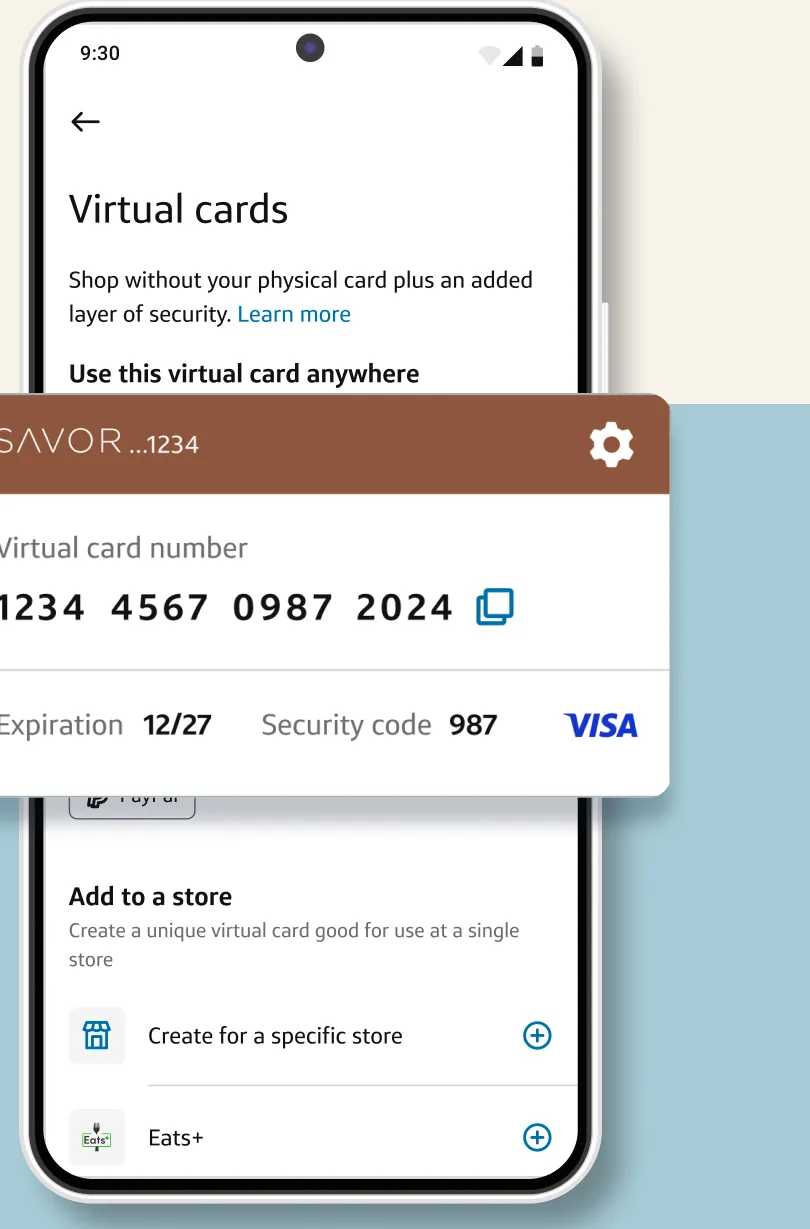
Google Play marketing imageA Virtual cards screen with a Savor virtual card number, expiration and security code shown in a card overlay.Google Play listing, as of 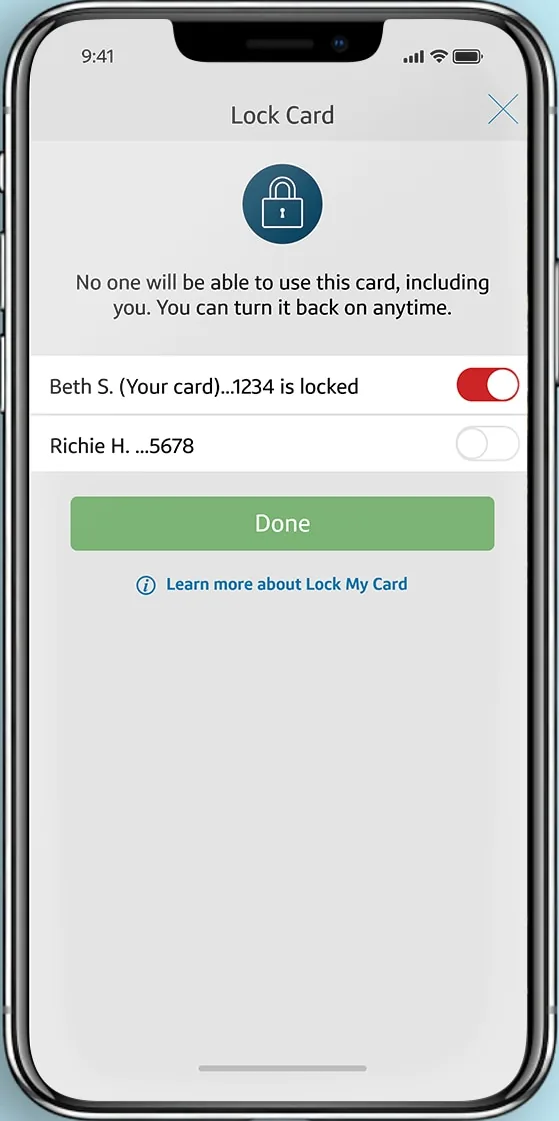
From Capital One's websiteA Lock Card screen with a lock icon, a note that no one can use the card while locked, a card row with its toggle switched on and marked locked, and a Done button.capitalone.com, as of 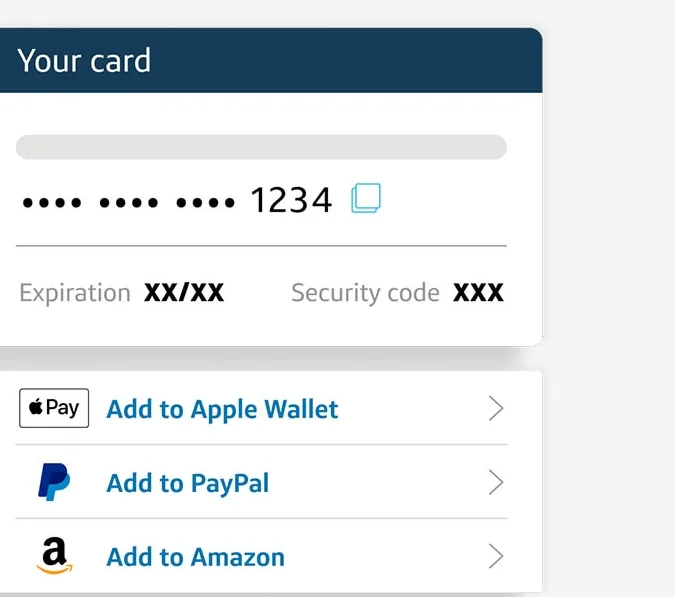
From Capital One's websiteA Your card panel with a masked card number ending in 1234, expiration and security code, and options to add it to Apple Wallet, PayPal and Amazon.capitalone.com, as of

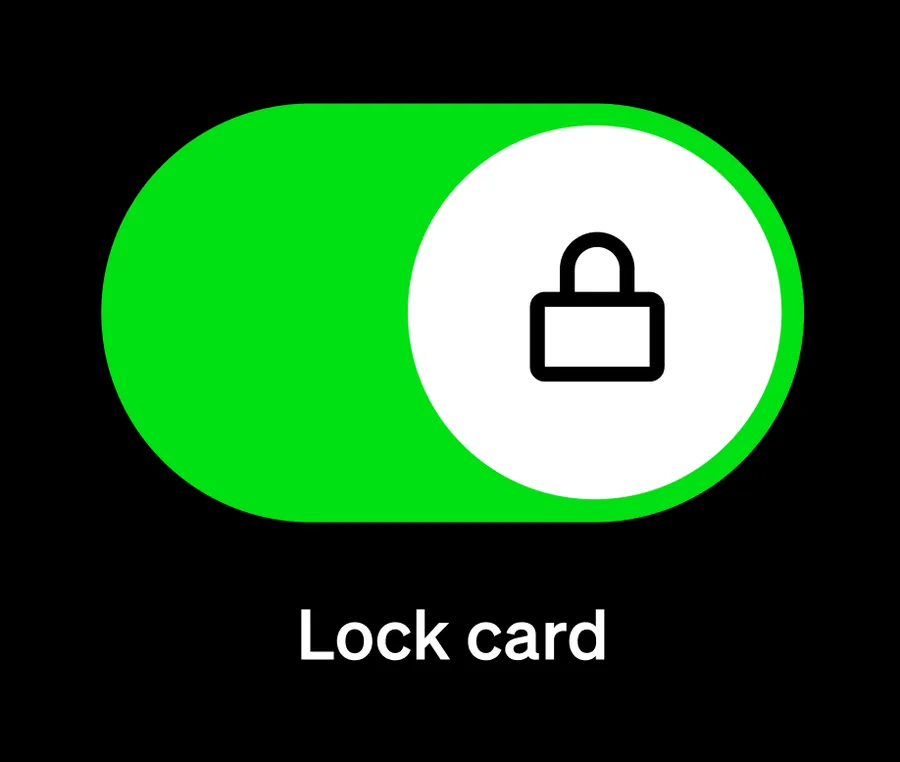
From Cash App's websiteA large toggle switched on with a lock icon above the label Lock card.cash.app, as of

App Store marketing imageA Lock and Unlock Your Card screen with one debit card unlocked, another shown as locked, and an explanation of what locking does.App Store listing, as of 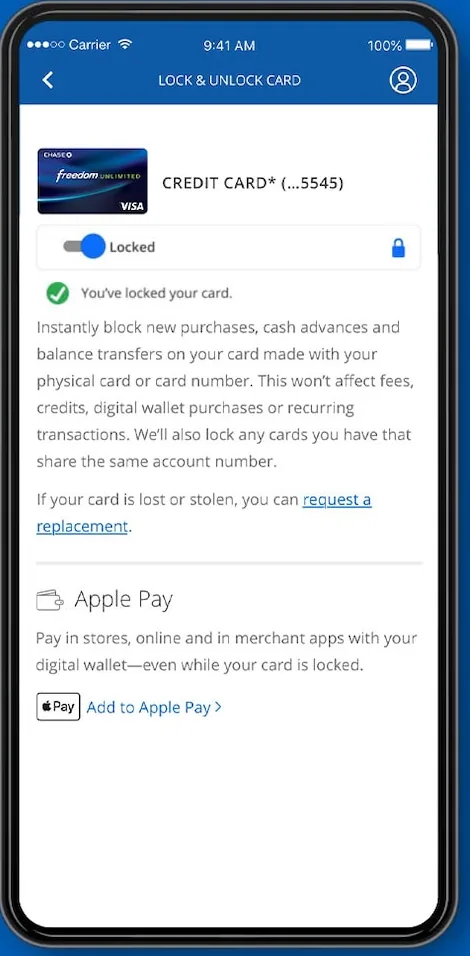
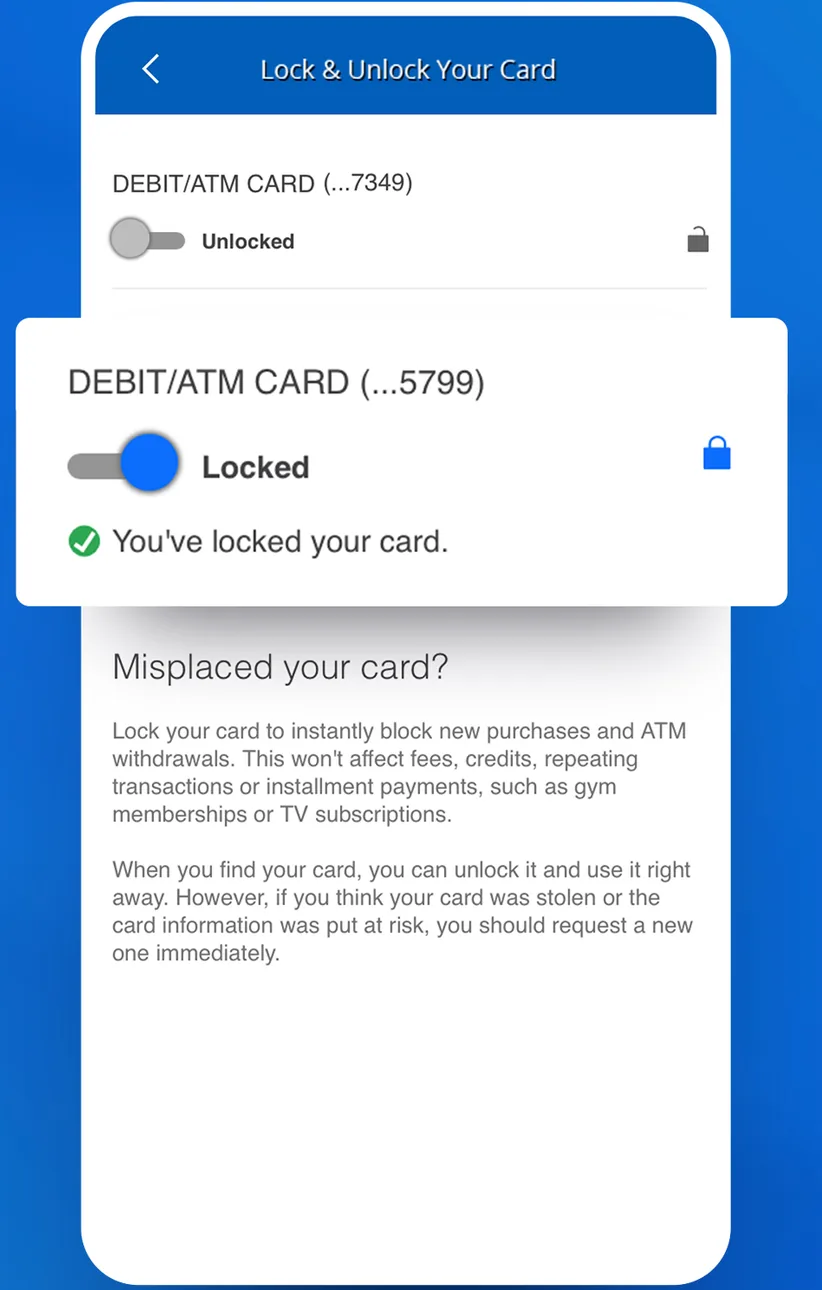
From Chase's websiteA Lock and Unlock Card screen with a credit card toggled to Locked, a You've locked your card message, an explanation, and an Apple Pay section.chase.com, as of 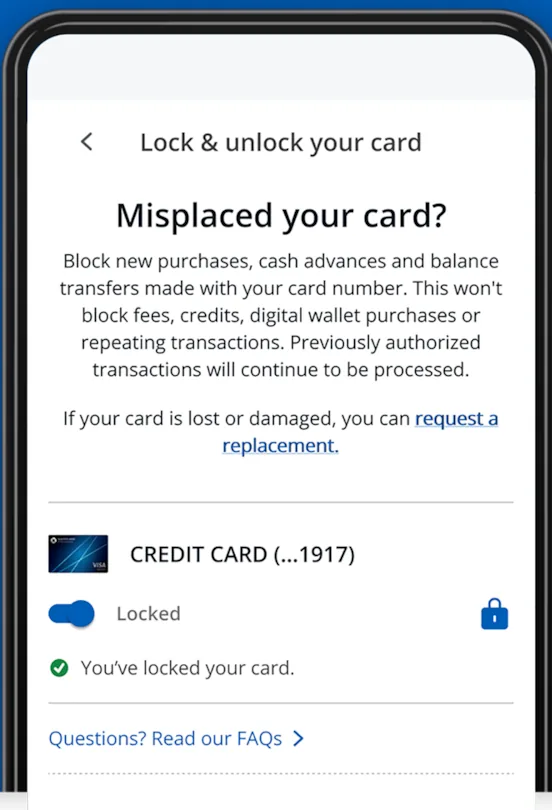
From Chase's help centerA Lock and unlock your card screen titled Misplaced your card?, explaining what locking blocks, with a credit card toggled to Locked.chase.com, as of 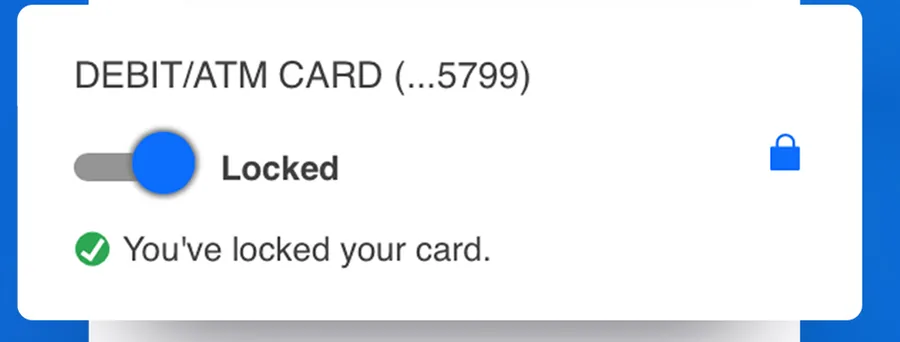
App Store marketing imageA debit card row with its toggle switched to Locked and a confirmation that reads You've locked your card.App Store listing, as of

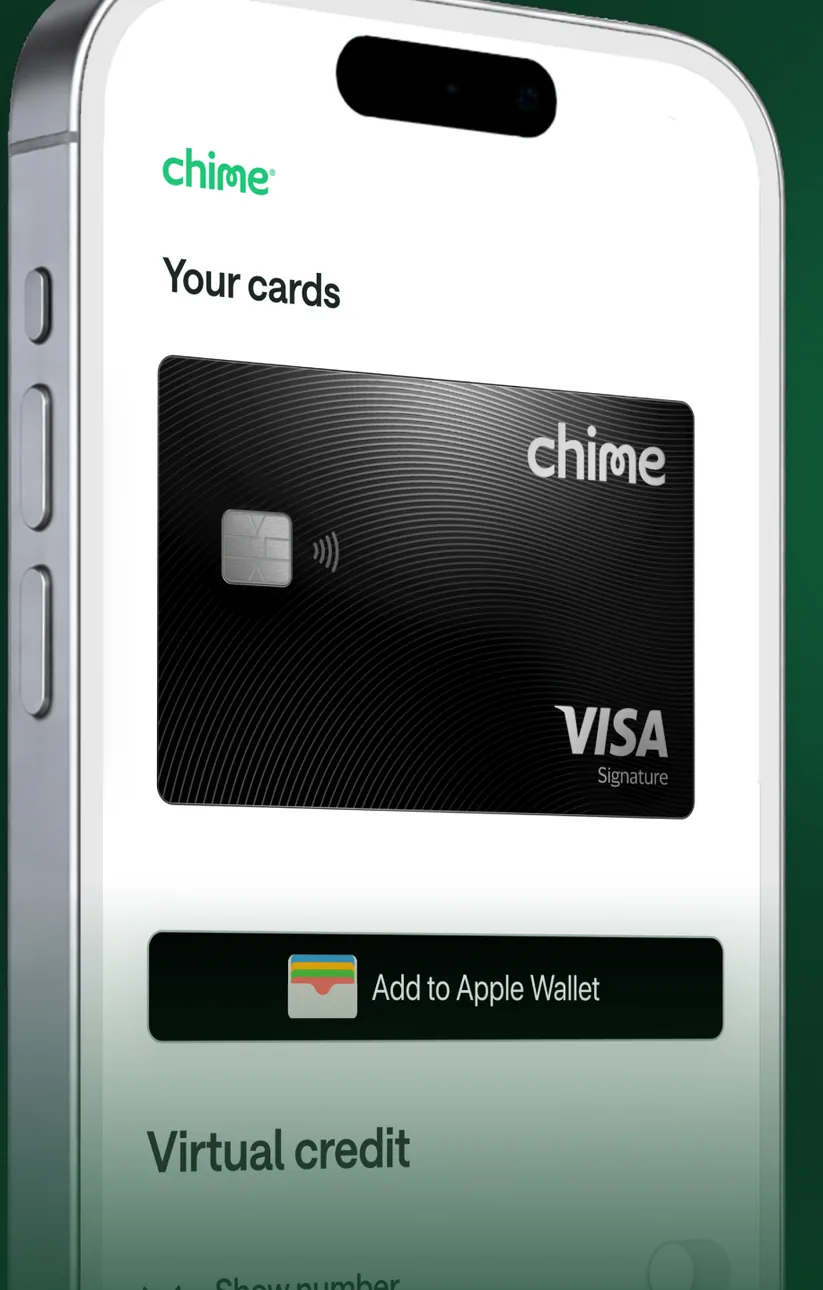
App Store marketing imageA Your cards screen at an angle showing a black Chime Visa card, an Add to Apple Wallet button and a Virtual credit section.App Store listing, as of

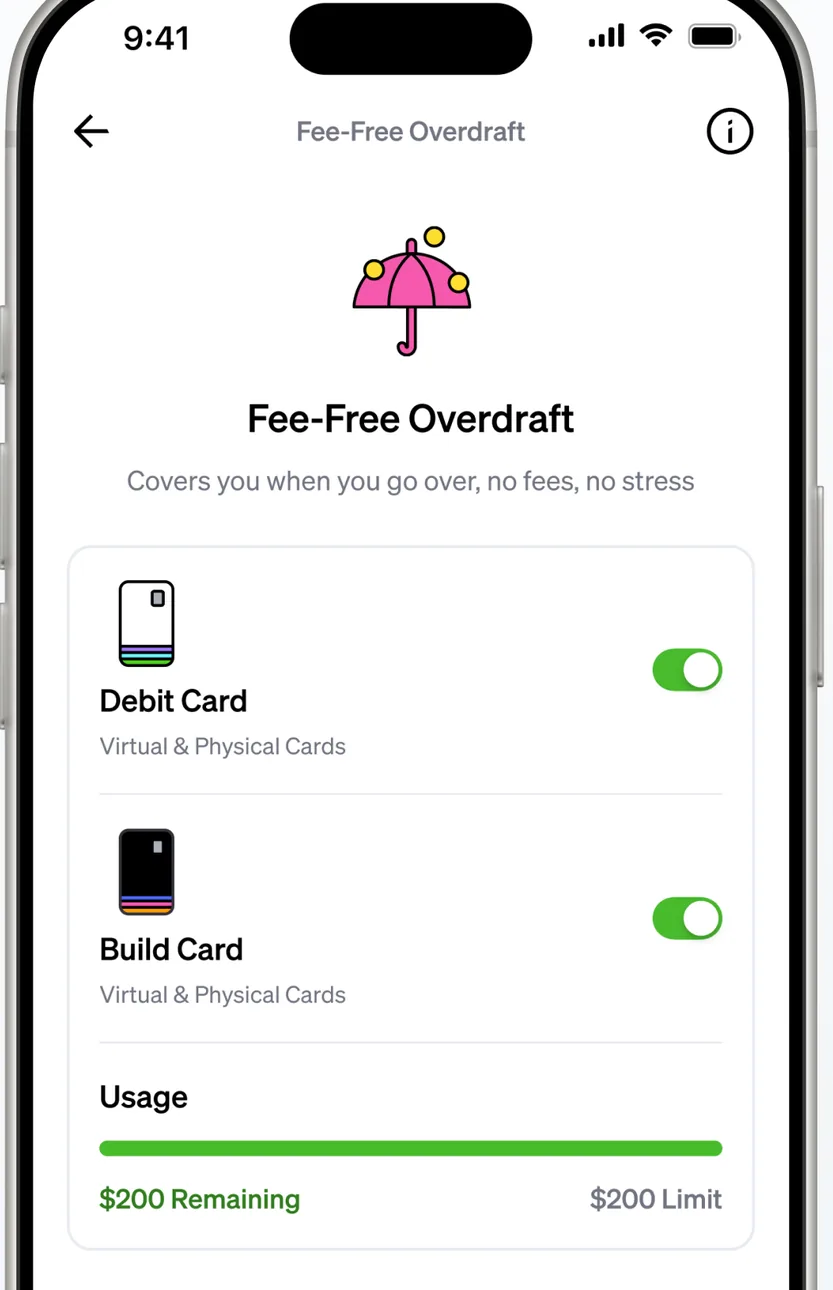
App Store marketing imageA Fee-Free Overdraft screen with toggles for a Debit Card and a Build Card and a usage bar showing remaining and limit amounts.App Store listing, as of 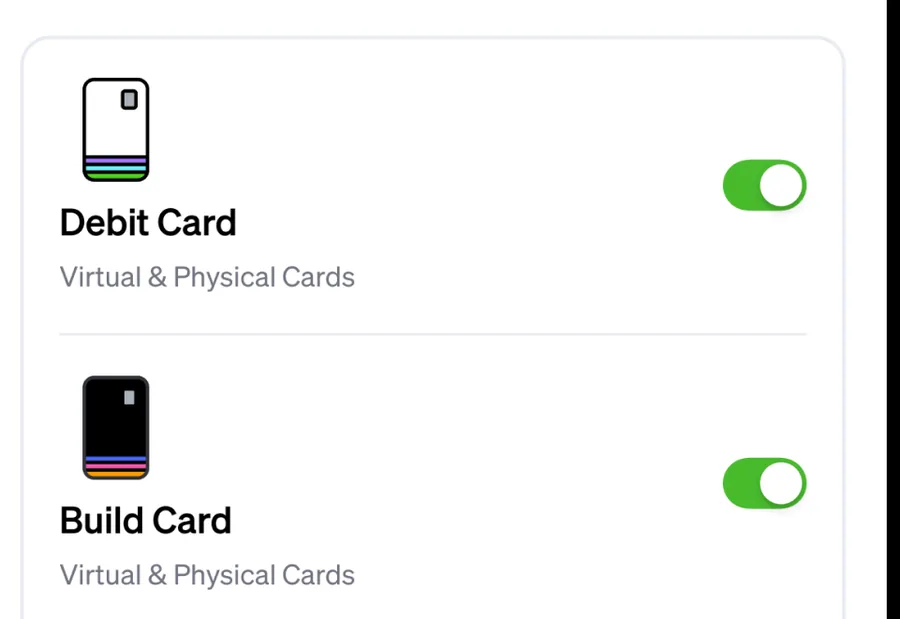
App Store marketing imageToggles switched on for a Debit Card and a Build Card, each covering virtual and physical cards.App Store listing, as of

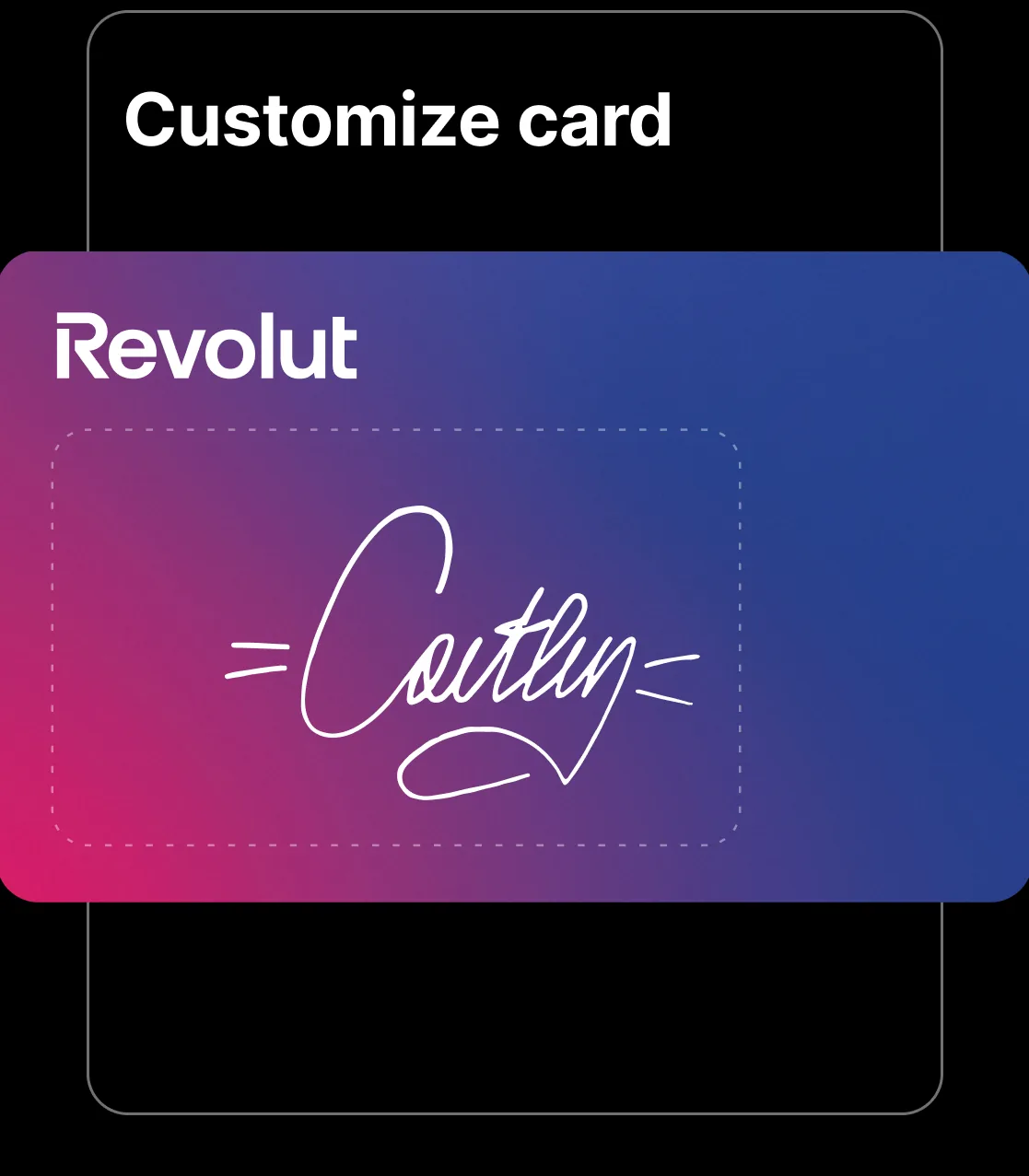
App Store marketing imageA Customize card screen showing a gradient Revolut card with a handwritten signature drawn on it.App Store listing, as of

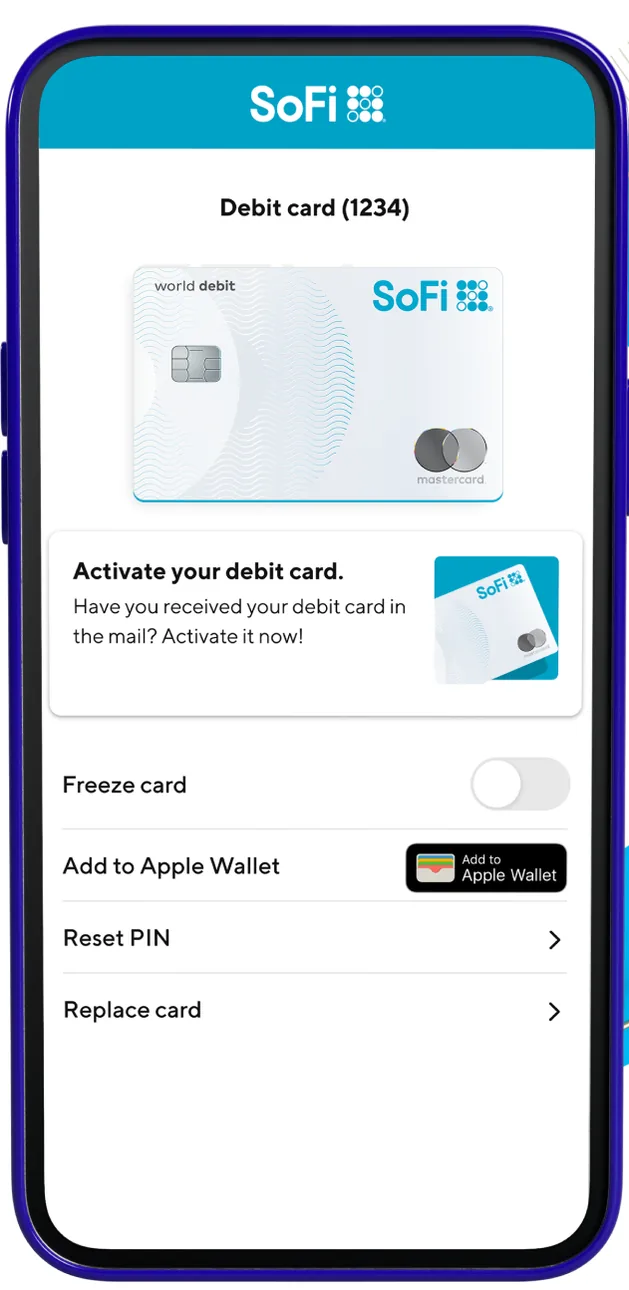
From SoFi's websiteA Debit card screen showing the card, an Activate your debit card prompt, a Freeze card toggle switched off, an Add to Apple Wallet button, and Reset PIN and Replace card rows.sofi.com, as of

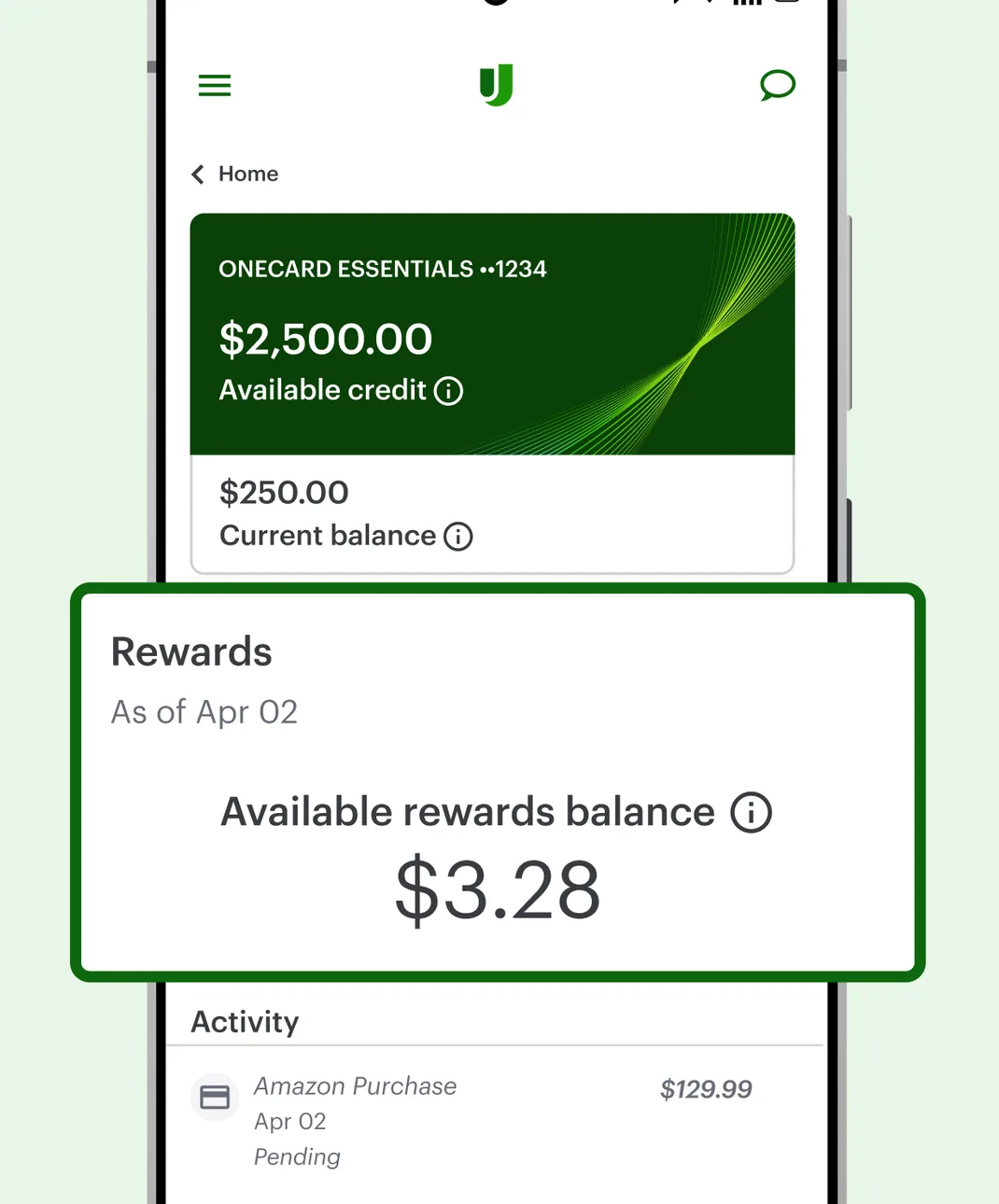
Google Play marketing imageA OneCard Essentials screen showing $2,500.00 available credit and a $250.00 current balance, with a Rewards card showing $3.28 available and an Activity list.Google Play listing, as of 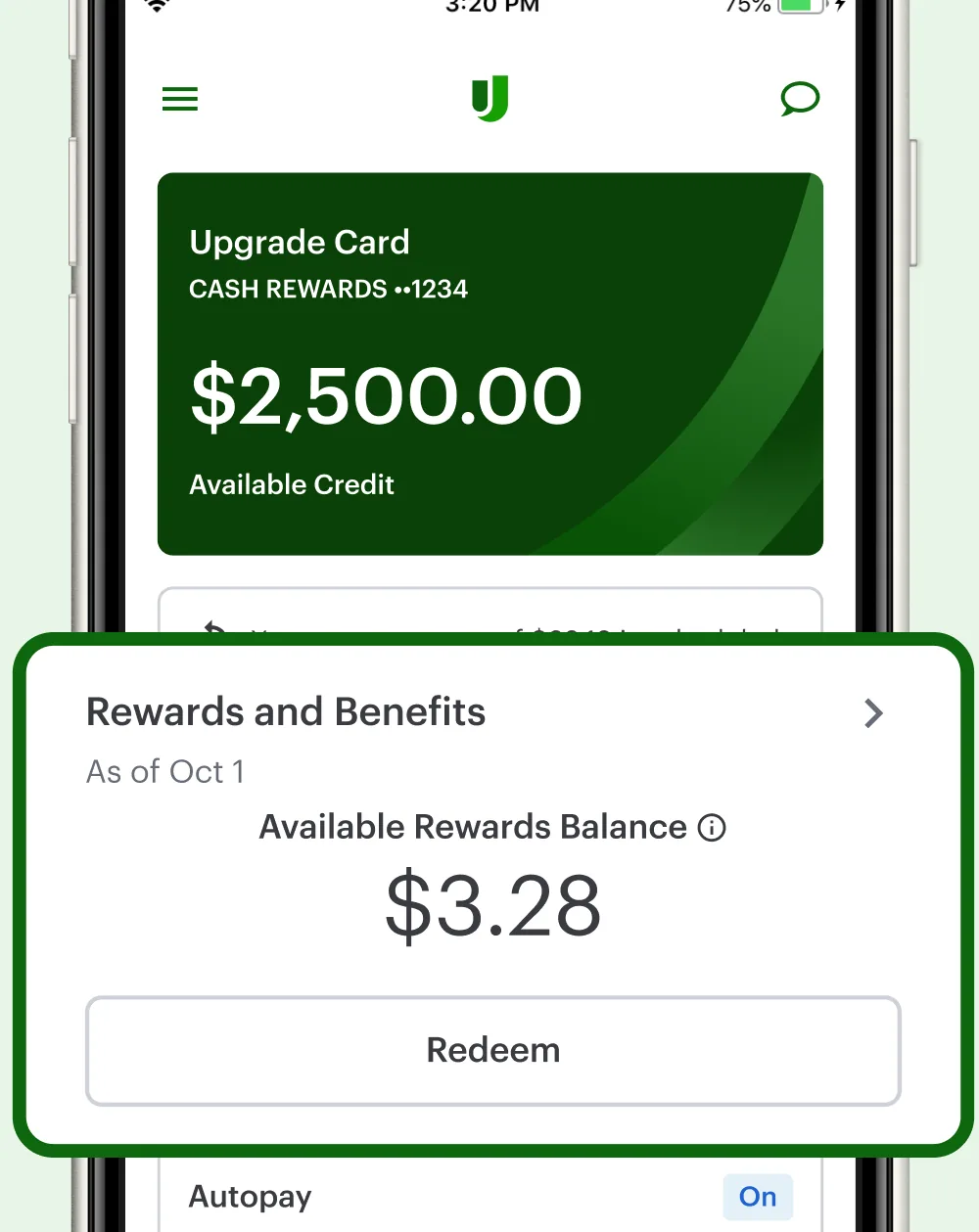
App Store marketing imageAn Upgrade Card screen showing $2,500.00 available credit, a Rewards and Benefits card with a $3.28 available rewards balance and a Redeem button, and an Autopay row.App Store listing, as of 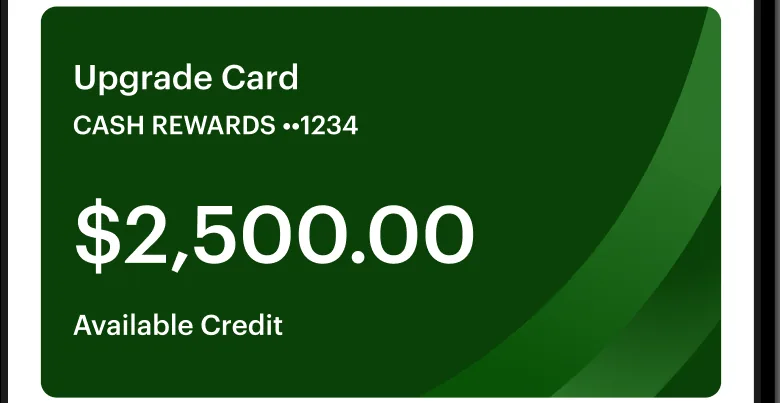
App Store marketing imageA green Upgrade Card tile showing $2,500.00 available credit.App Store listing, as of 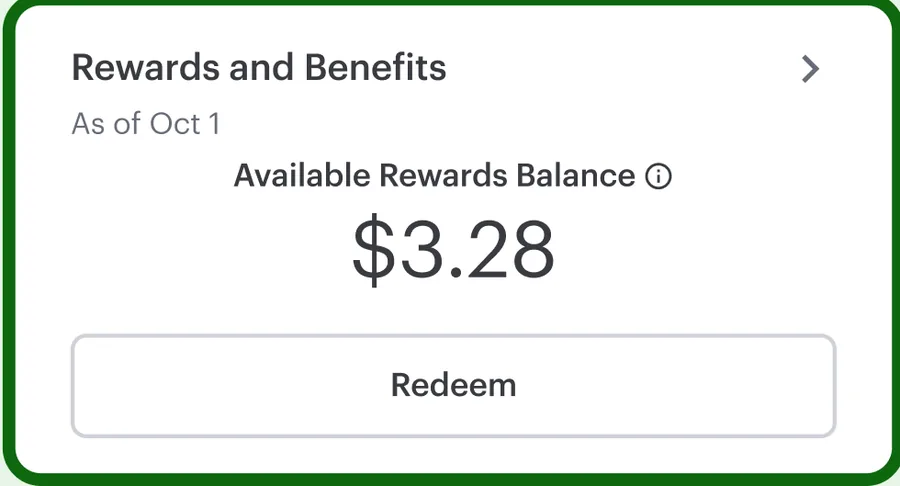
App Store marketing imageA Rewards and Benefits card showing a $3.28 available rewards balance with a Redeem button.App Store listing, as of

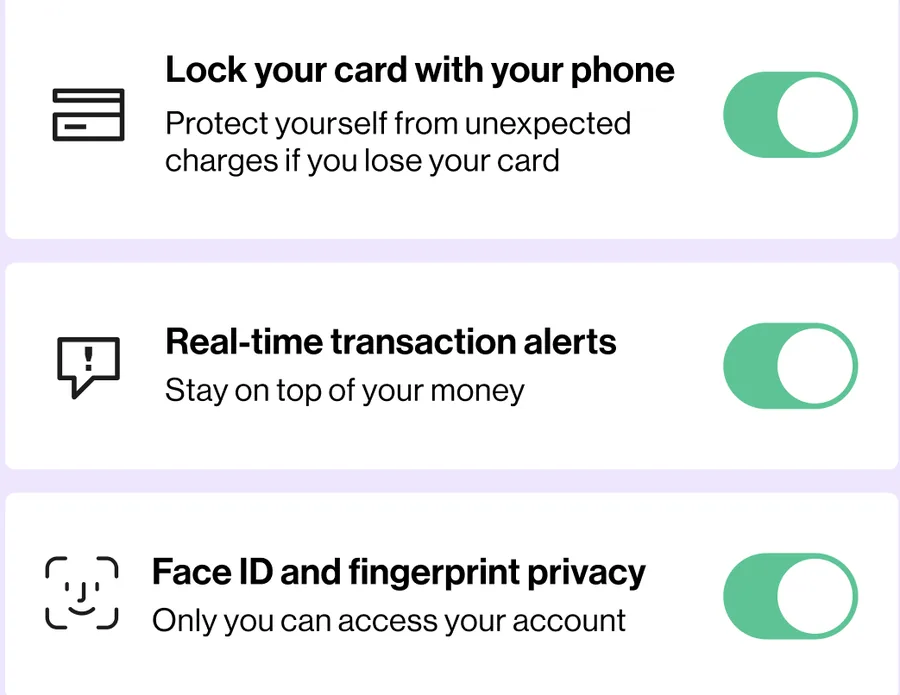
App Store marketing imageThree settings rows with switches turned on for locking a card, real-time transaction alerts and Face ID and fingerprint privacy.App Store listing, as of
This is education, not financial advice.