Screen by screen
What bank apps look like inside
288 images from 16 bank apps, grouped by task so you can compare how each one handles the same job. Every image shows where we found it, with the date.
App Store, Google Play and bank website images are the banks' own marketing, so names and balances are sample data. Help center images come from each bank's support pages; Bank of America's mark where to tap with green circles. Where screens come from.
Bills and recurring
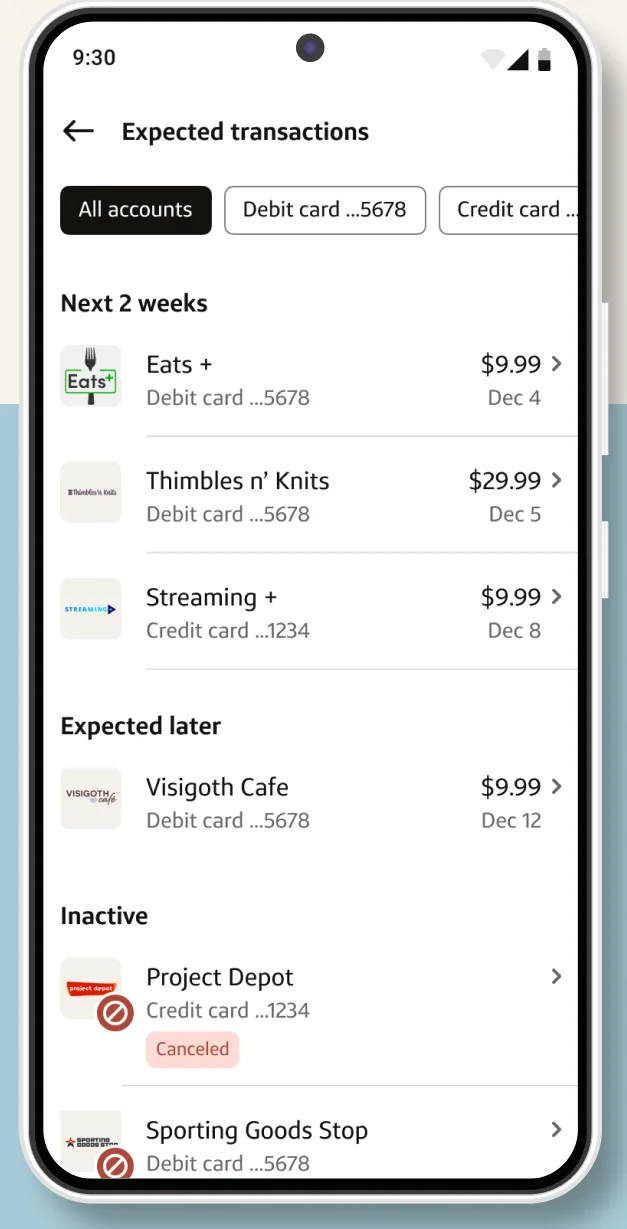
Google Play marketing imageAn Expected transactions screen listing upcoming charges for the next 2 weeks and later, with an Inactive section below.Google Play listing, as of 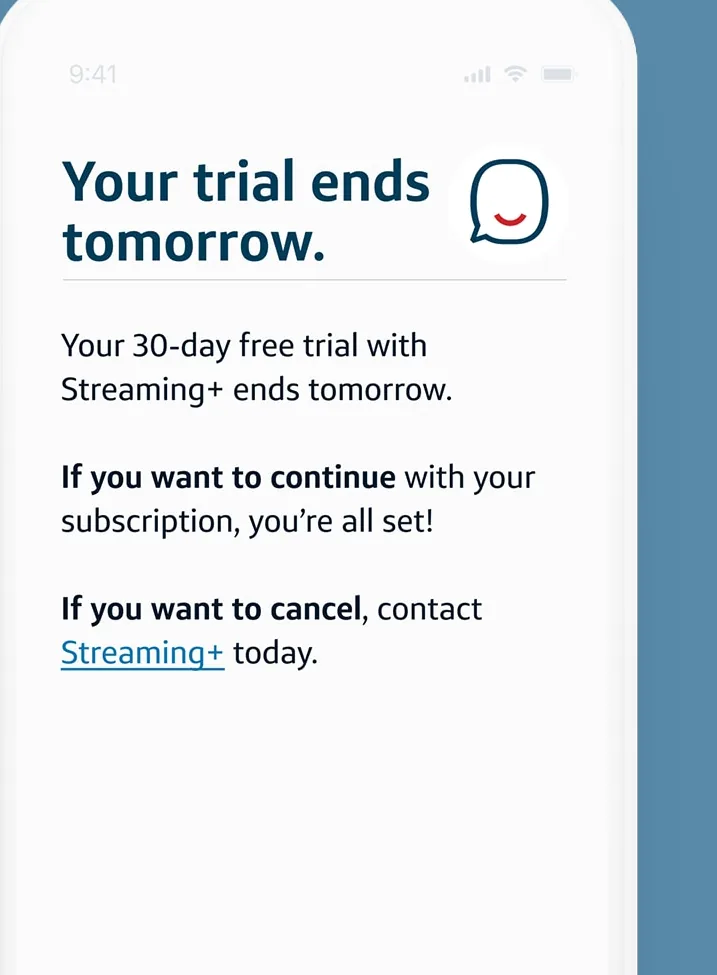
From Capital One's websiteAn Eno message saying Your trial ends tomorrow about a 30-day free trial with Streaming+, with instructions to continue or cancel.capitalone.com, as of 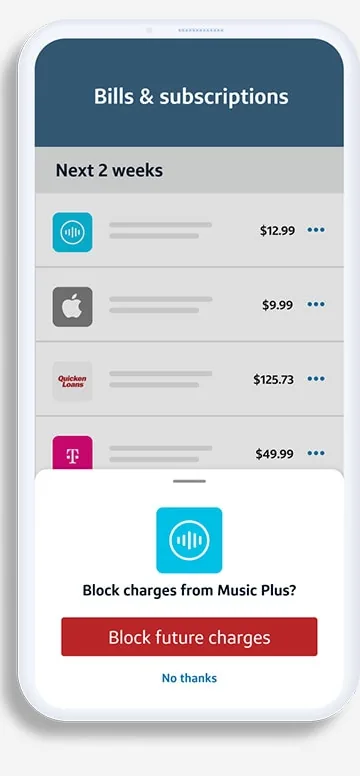
From Capital One's websiteA Bills and subscriptions screen listing charges for the next 2 weeks with a sheet offering to block charges from Music Plus.capitalone.com, as of 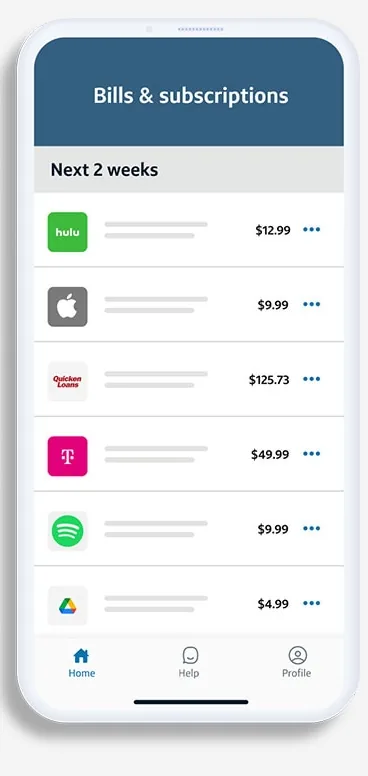
From Capital One's websiteA Bills and subscriptions screen listing upcoming charges for the next 2 weeks with amounts.capitalone.com, as of 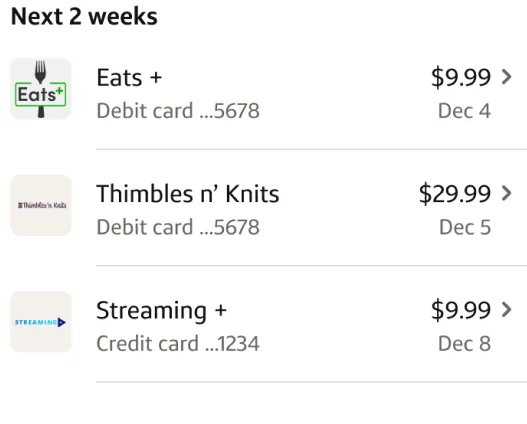
Google Play marketing imageA Next 2 weeks list of upcoming charges for Eats, Thimbles n' Knits and Streaming with amounts and dates.Google Play listing, as of 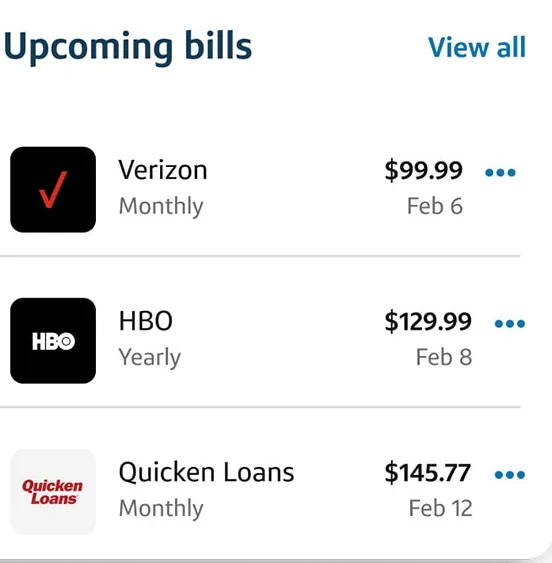
From Capital One's websiteAn Upcoming bills card listing Verizon at $99.99 monthly, HBO at $129.99 yearly and Quicken Loans at $145.77 monthly with due dates.capitalone.com, as of
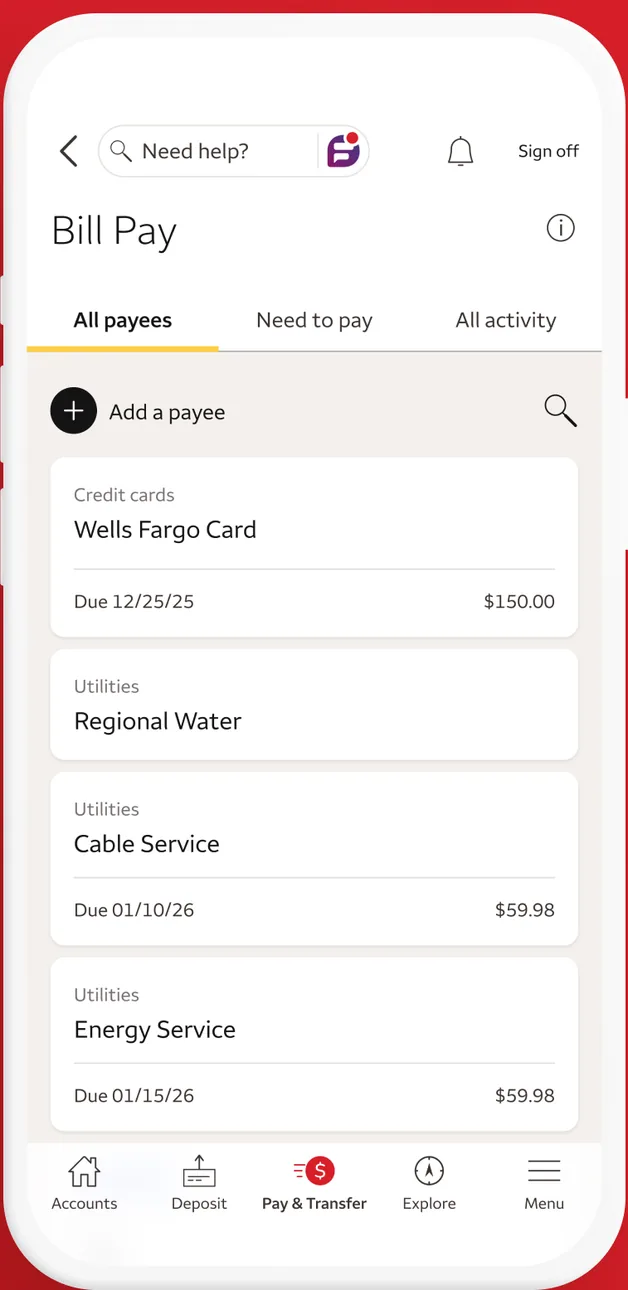
App Store marketing imageA Bill Pay screen with All payees, Need to pay and All activity tabs, an Add a payee button and payees for a credit card, water, cable and energy service with due dates.App Store listing, as of 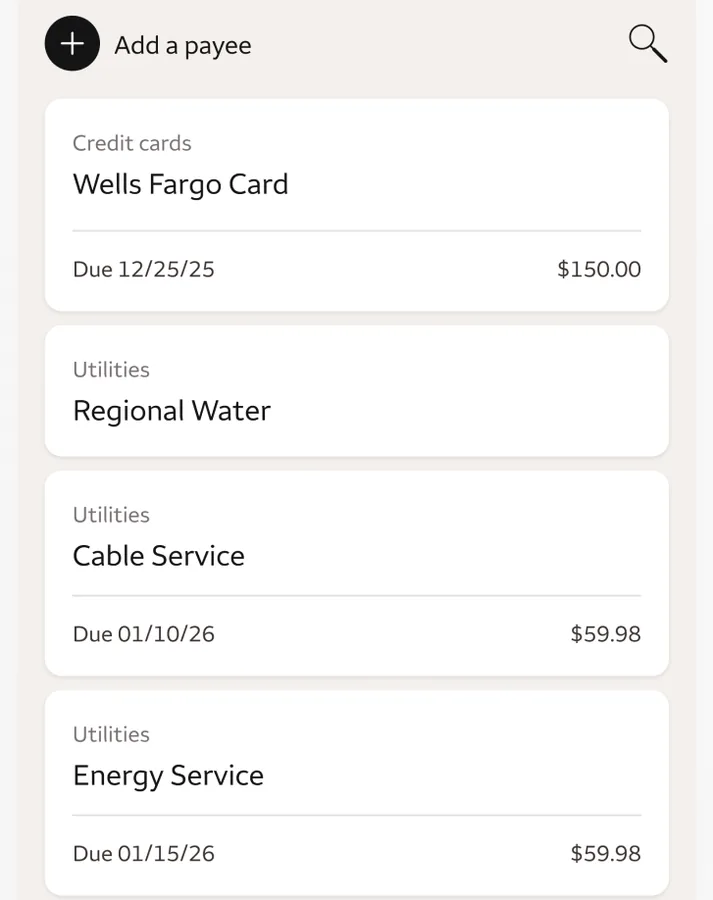
App Store marketing imageA list of payees with due dates and amounts for a credit card, water, cable and energy service.App Store listing, as of
This is education, not financial advice.