Screen by screen
What bank apps look like inside
288 images from 16 bank apps, grouped by task so you can compare how each one handles the same job. Every image shows where we found it, with the date.
App Store, Google Play and bank website images are the banks' own marketing, so names and balances are sample data. Help center images come from each bank's support pages; Bank of America's mark where to tap with green circles. Where screens come from.
Transfer and send

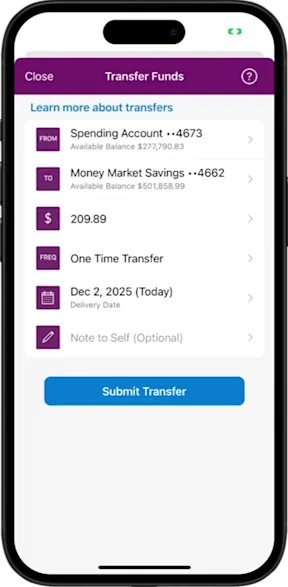
From Ally's help centerA Transfer Funds screen with from and to accounts, a $209.89 amount, One Time Transfer frequency, a delivery date, an optional note and a Submit Transfer button.ally.com, as of 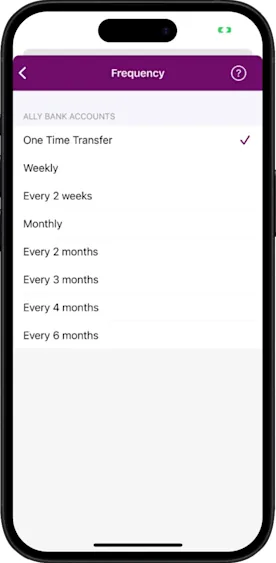
From Ally's help centerA Frequency picker listing One Time Transfer, Weekly, Every 2 weeks, Monthly and longer intervals, with One Time Transfer checked.ally.com, as of 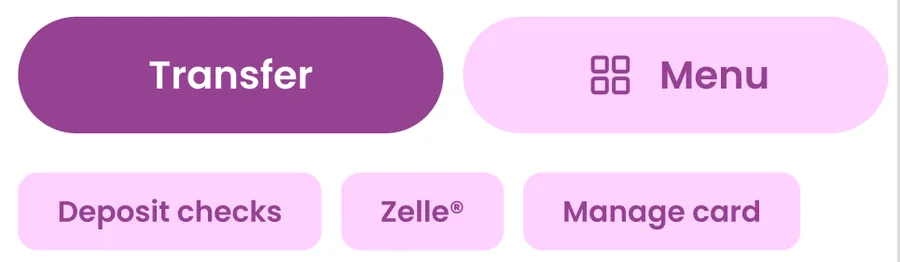
App Store marketing imageTransfer and Menu buttons with shortcuts for Deposit checks, Zelle and Manage card.App Store listing, as of
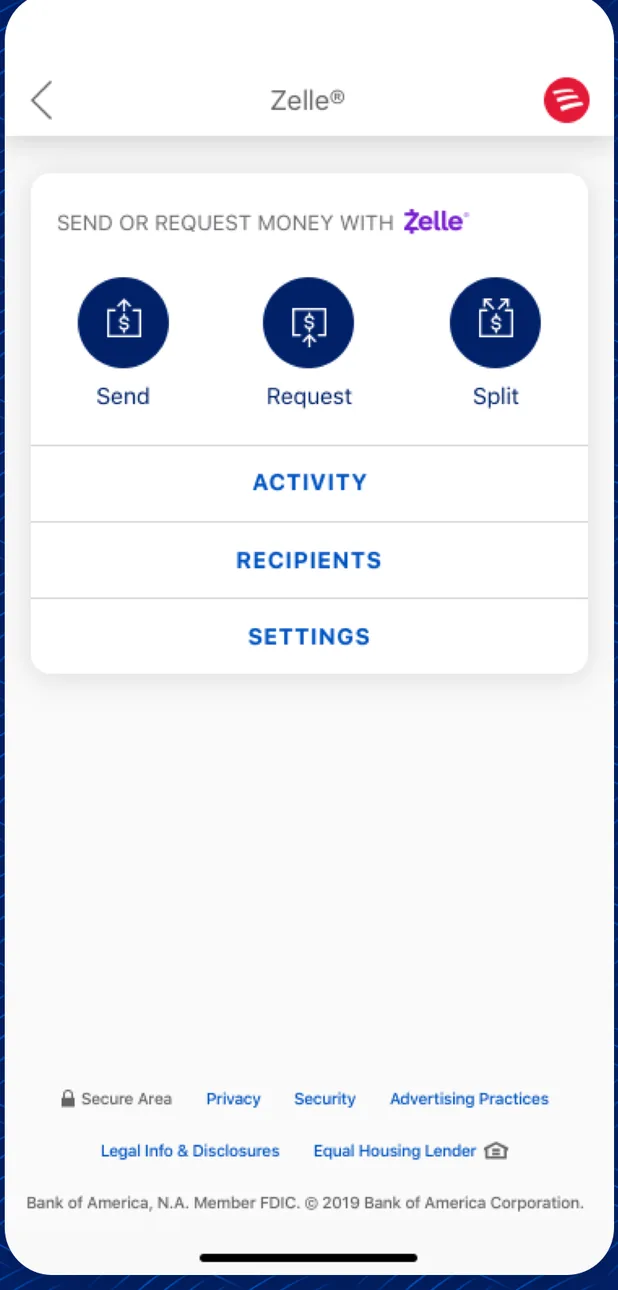
App Store marketing imageA Zelle screen with Send, Request and Split buttons and links for Activity, Recipients and Settings.App Store listing, as of 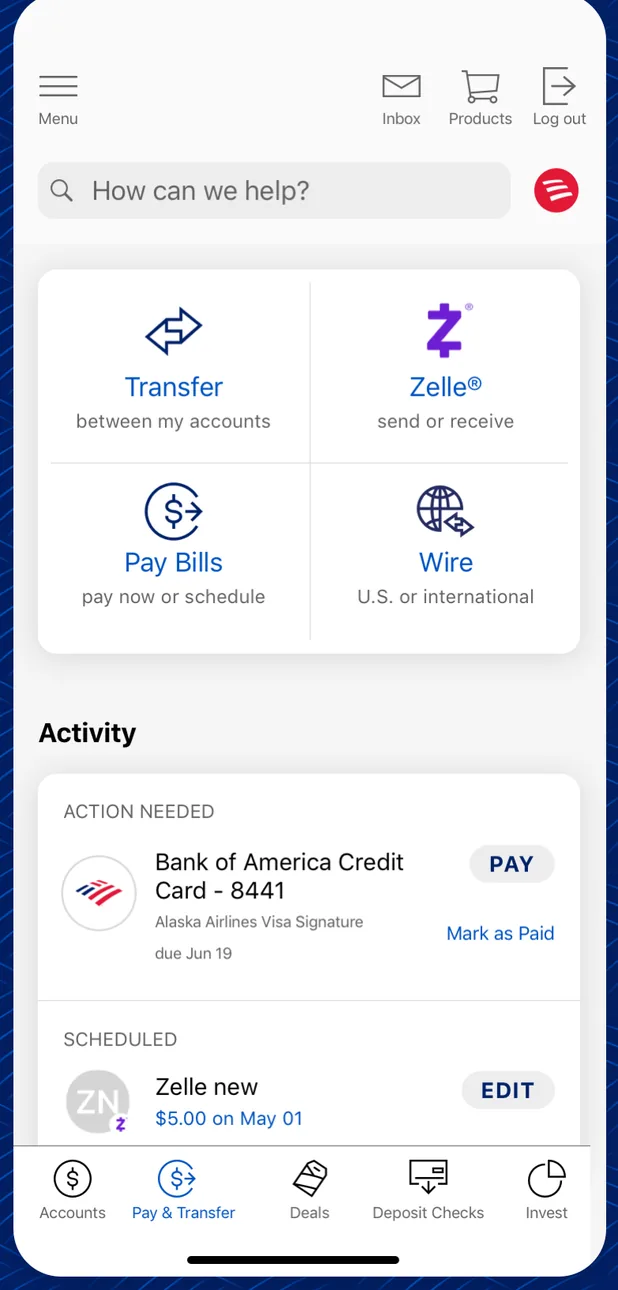
App Store marketing imageA Pay and Transfer screen with Transfer, Zelle, Pay Bills and Wire options above an Activity list with a credit card payment due and a scheduled Zelle payment.App Store listing, as of 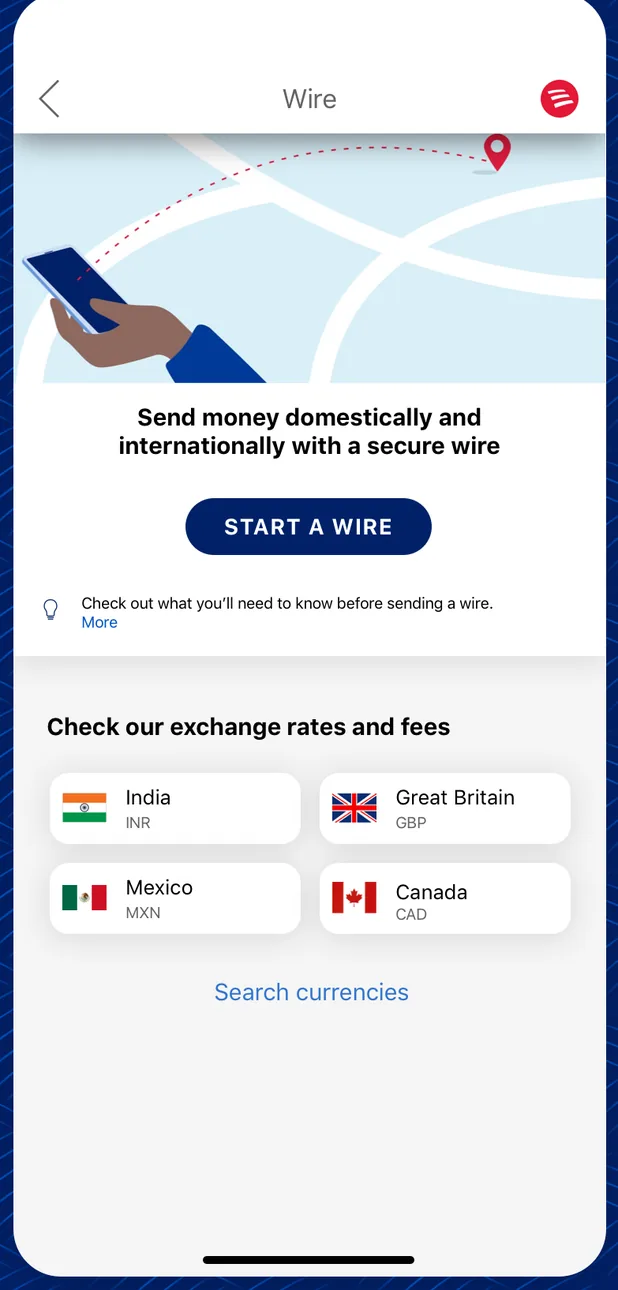
App Store marketing imageA Wire screen with a Start a Wire button and a list of exchange rates and fees for India, Great Britain, Mexico and Canada.App Store listing, as of 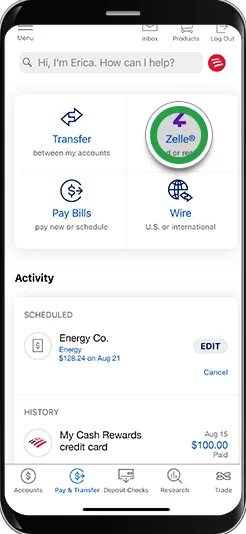
From Bank of America's help centerA Pay and Transfer screen with Transfer, Zelle, Pay Bills and Wire options, a green circle on Zelle, and an Activity list with a scheduled payment and history. The green circles are Bank of America's own tap-target markers from its help pages, not part of the app.info.bankofamerica.com, as of 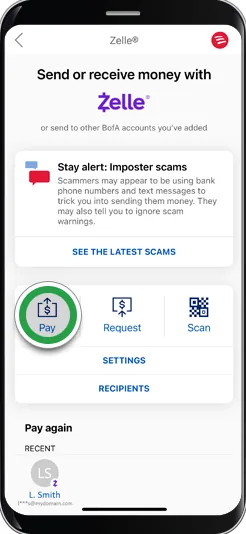
From Bank of America's help centerA Zelle screen titled Send or receive money with Zelle, a Stay alert: Imposter scams notice, Pay, Request and Scan buttons with a green circle on Pay, and a Pay again list. The green circles are Bank of America's own tap-target markers from its help pages, not part of the app.info.bankofamerica.com, as of 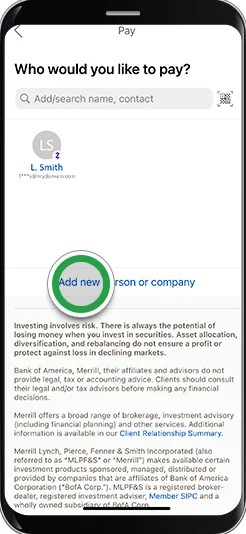
From Bank of America's help centerA Who would you like to pay? screen with a search field, a recent recipient and a green circle on Add new person or company. The green circles are Bank of America's own tap-target markers from its help pages, not part of the app.info.bankofamerica.com, as of 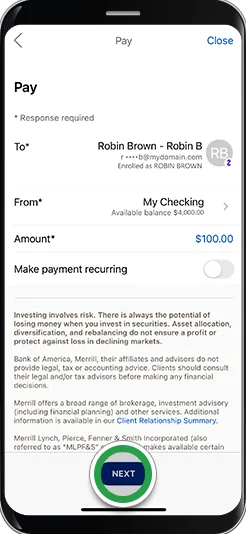
From Bank of America's help centerA Pay form with recipient Robin Brown, a From account, a $100.00 amount and a Make payment recurring toggle, with a green circle on Next. The green circles are Bank of America's own tap-target markers from its help pages, not part of the app.info.bankofamerica.com, as of 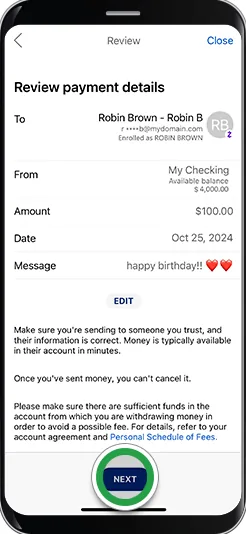
From Bank of America's help centerA Review payment details screen with recipient, from account, $100.00 amount, date and a happy birthday message, with a green circle on Next. The green circles are Bank of America's own tap-target markers from its help pages, not part of the app.info.bankofamerica.com, as of 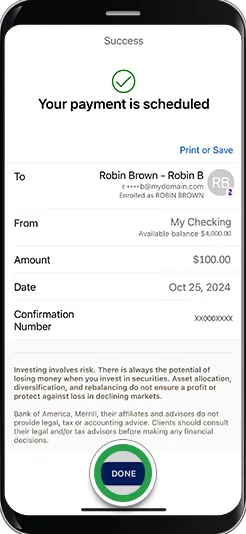
From Bank of America's help centerA Success screen saying Your payment is scheduled, with recipient, from account, $100.00 amount, date, confirmation number and a Done button.info.bankofamerica.com, as of 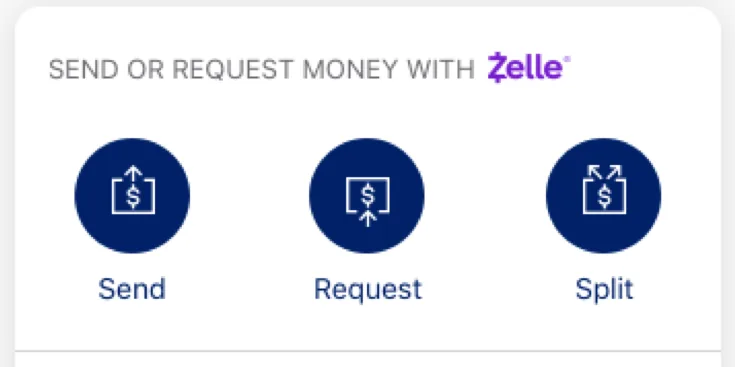
App Store marketing imageA Zelle panel with Send, Request and Split buttons.App Store listing, as of 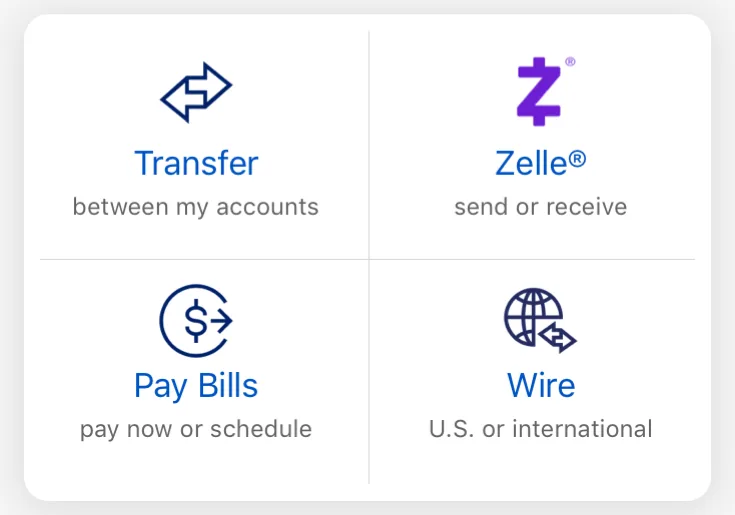
App Store marketing imageFour tiles for Transfer between my accounts, Zelle send or receive, Pay Bills and Wire.App Store listing, as of

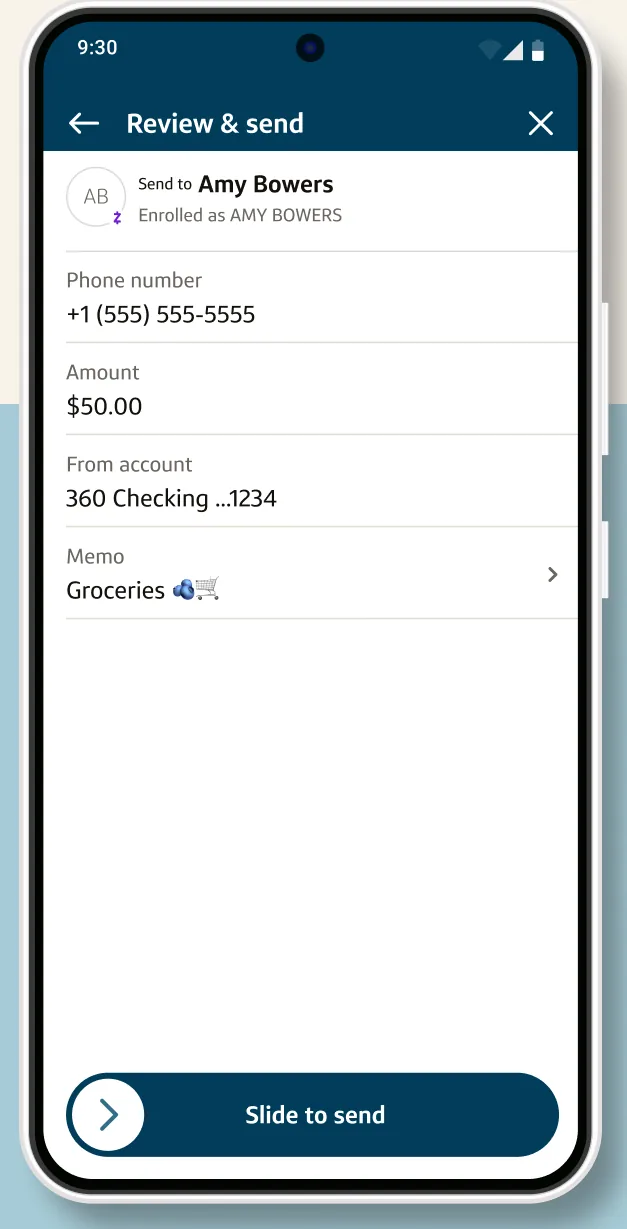
Google Play marketing imageA Review and send screen for a Zelle payment to Amy Bowers from a 360 Checking account with a Slide to send control.Google Play listing, as of 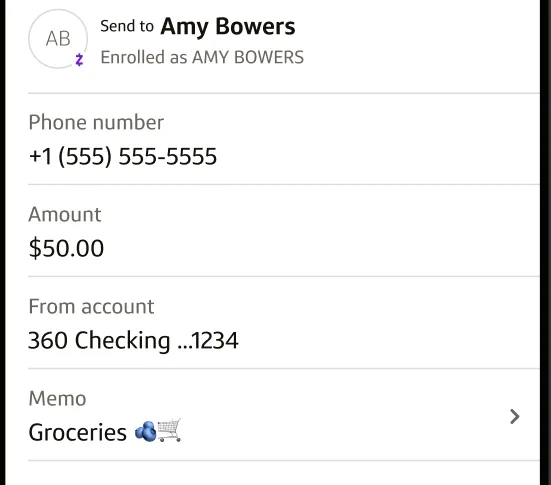
Google Play marketing imageA Zelle review form showing recipient Amy Bowers, phone number, a $50.00 amount, the from account and a Groceries memo.Google Play listing, as of 
Google Play marketing imageA Slide to send control at the bottom of the payment review.Google Play listing, as of

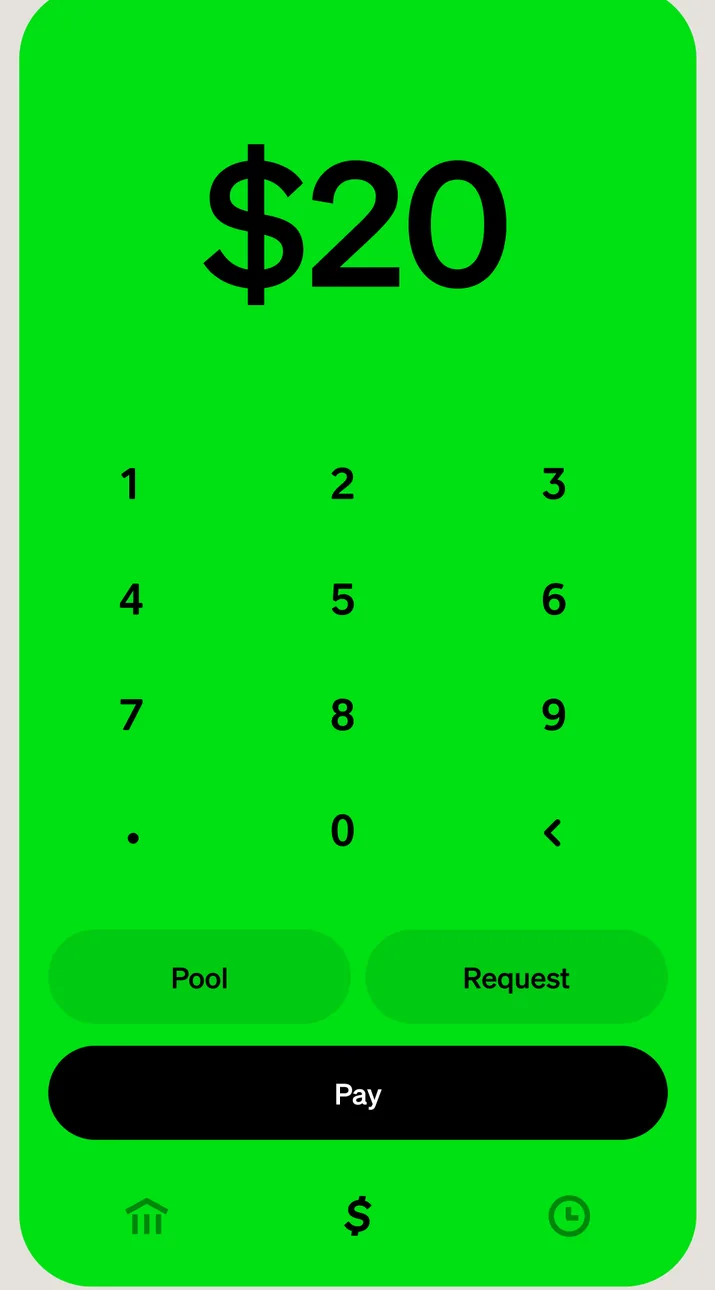
App Store marketing imageA green send screen with $20 entered on a number keypad and Pool, Request and Pay buttons.App Store listing, as of 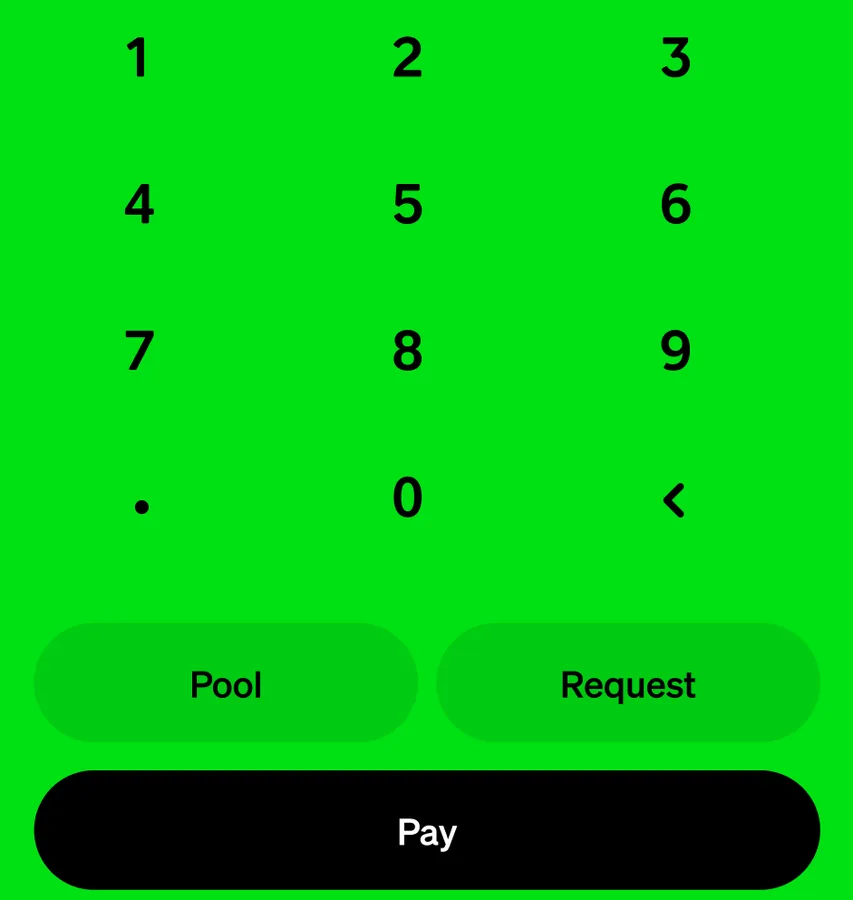
App Store marketing imageA number keypad above Pool, Request and Pay buttons.App Store listing, as of

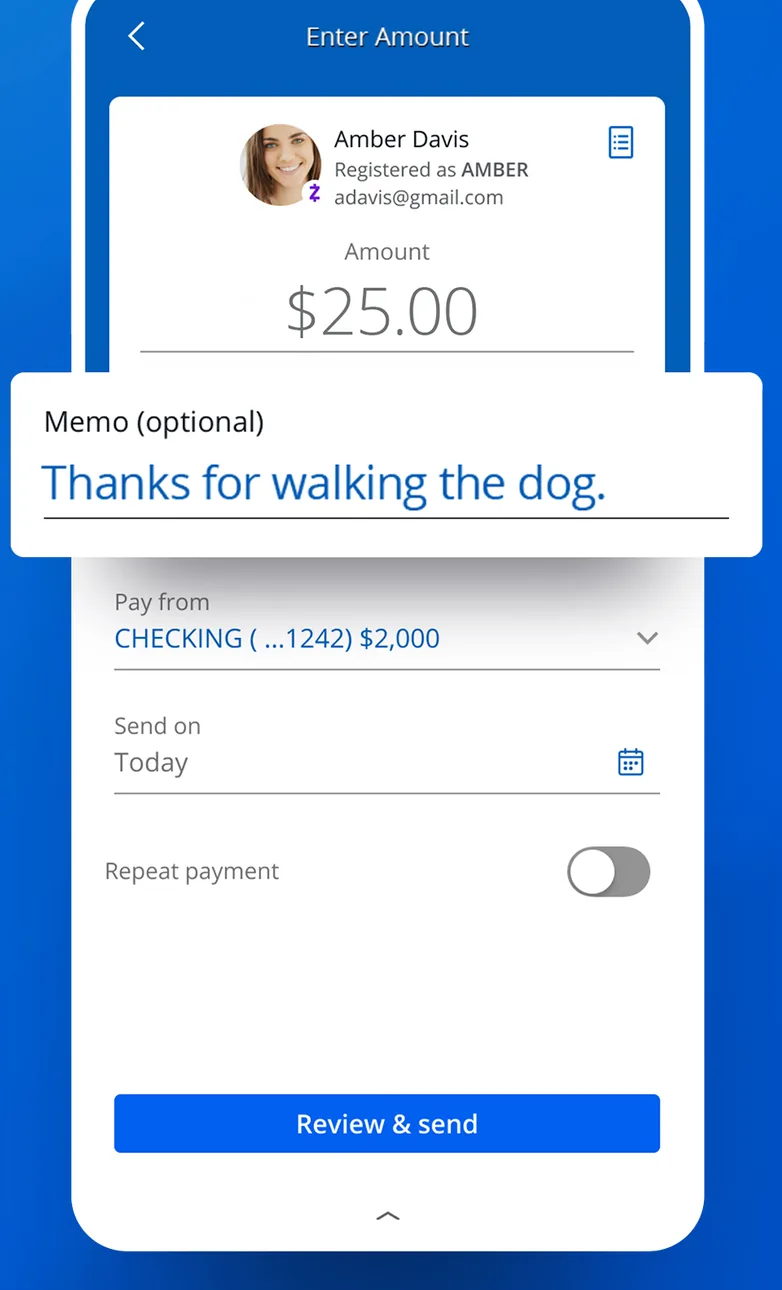
App Store marketing imageAn Enter Amount screen for sending $25.00 to a contact, with a memo field, a pay from account, a send date and a Review and send button.App Store listing, as of 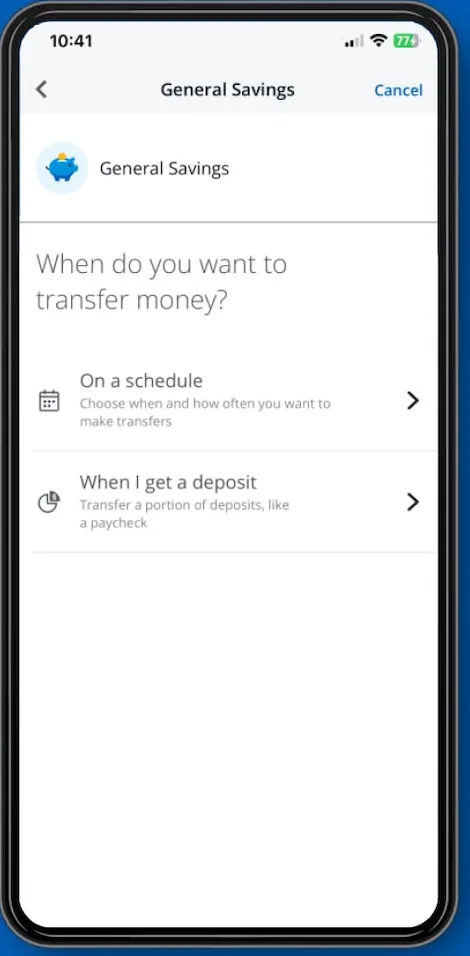
From Chase's websiteA General Savings screen asking When do you want to transfer money? with options for On a schedule and When I get a deposit.chase.com, as of 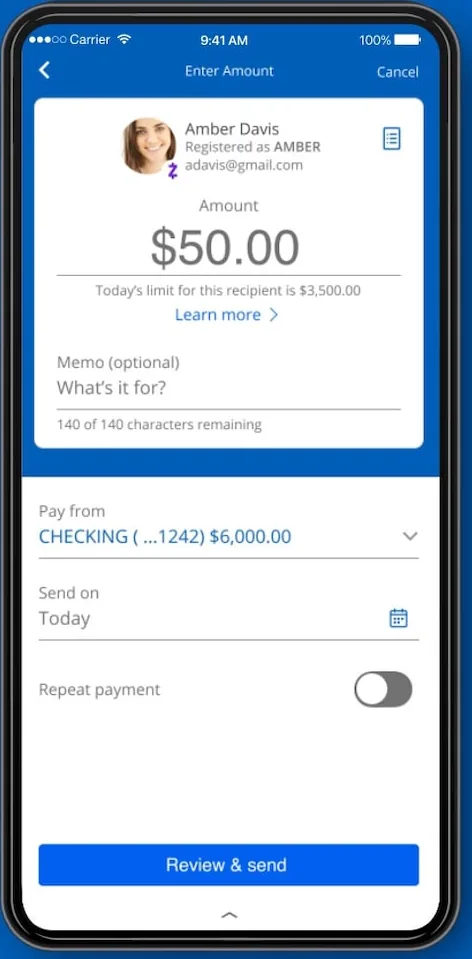
From Chase's websiteAn Enter Amount screen for sending $50.00 to Amber Davis, with memo, pay from account, send date and Review and send button.chase.com, as of 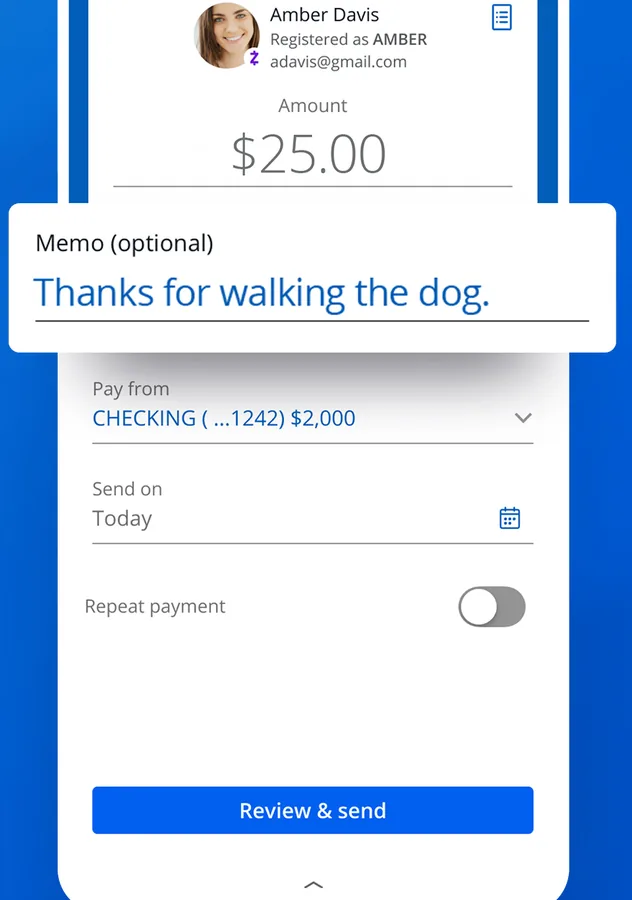
App Store marketing imageA payment form with recipient, $25.00 amount, optional memo, pay from account, send on date, repeat payment toggle and Review and send button.App Store listing, as of
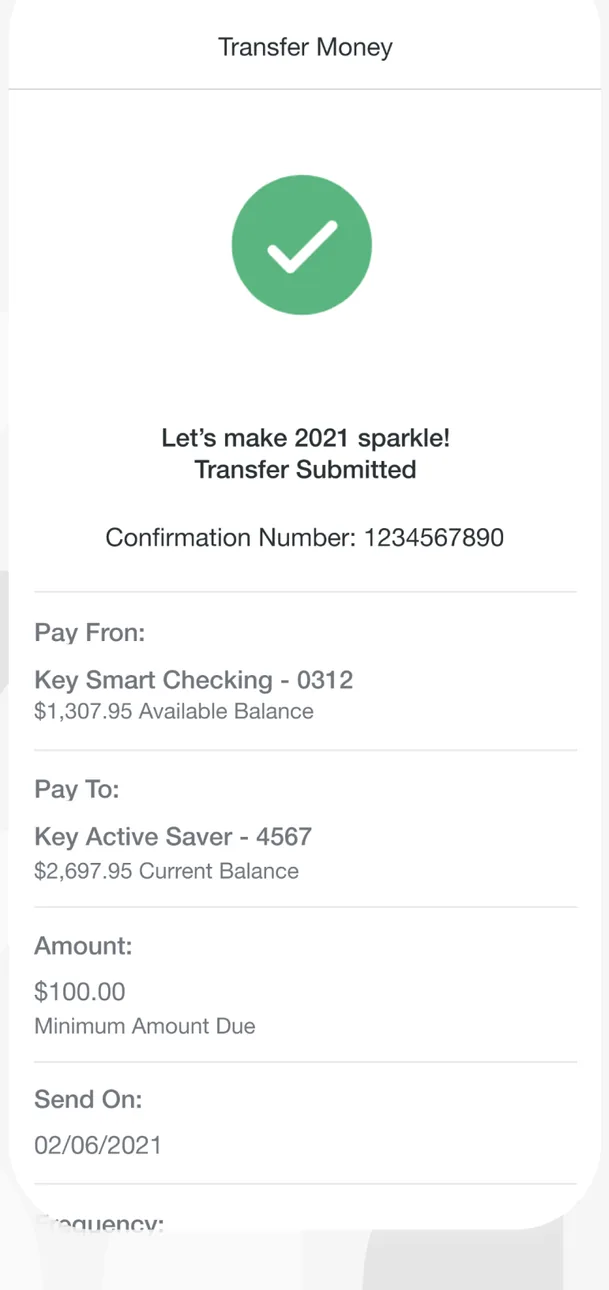
App Store marketing imageA Transfer Money confirmation with a green check mark, a Transfer Submitted message, a confirmation number, the pay from and pay to accounts, a $100.00 amount and a send date.App Store listing, as of 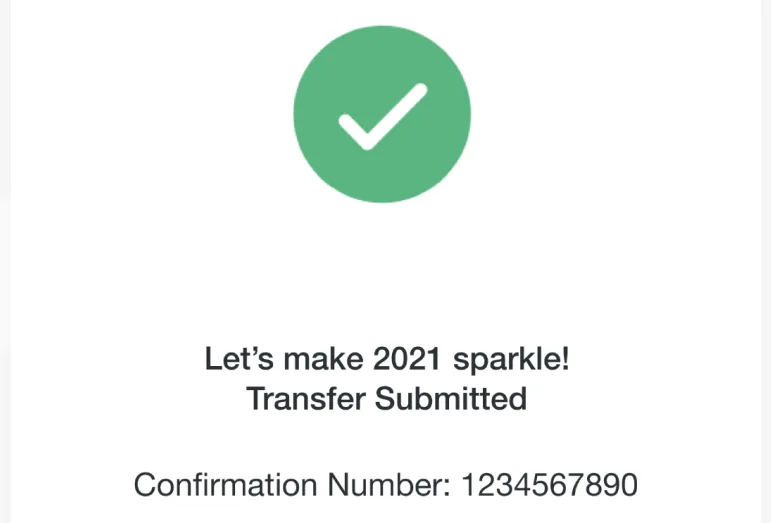
App Store marketing imageA green check mark with Transfer Submitted and a confirmation number.App Store listing, as of

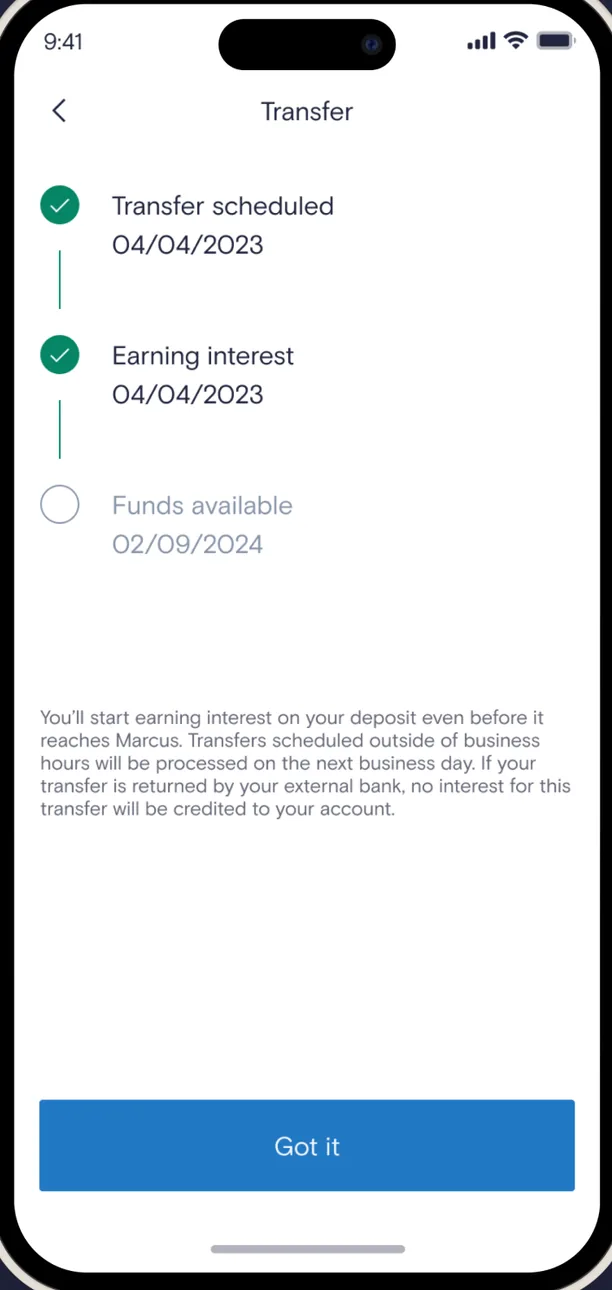
App Store marketing imageA Transfer screen tracking a transfer through Transfer scheduled, Earning interest and Funds available steps, with an explanation and a Got it button.App Store listing, as of 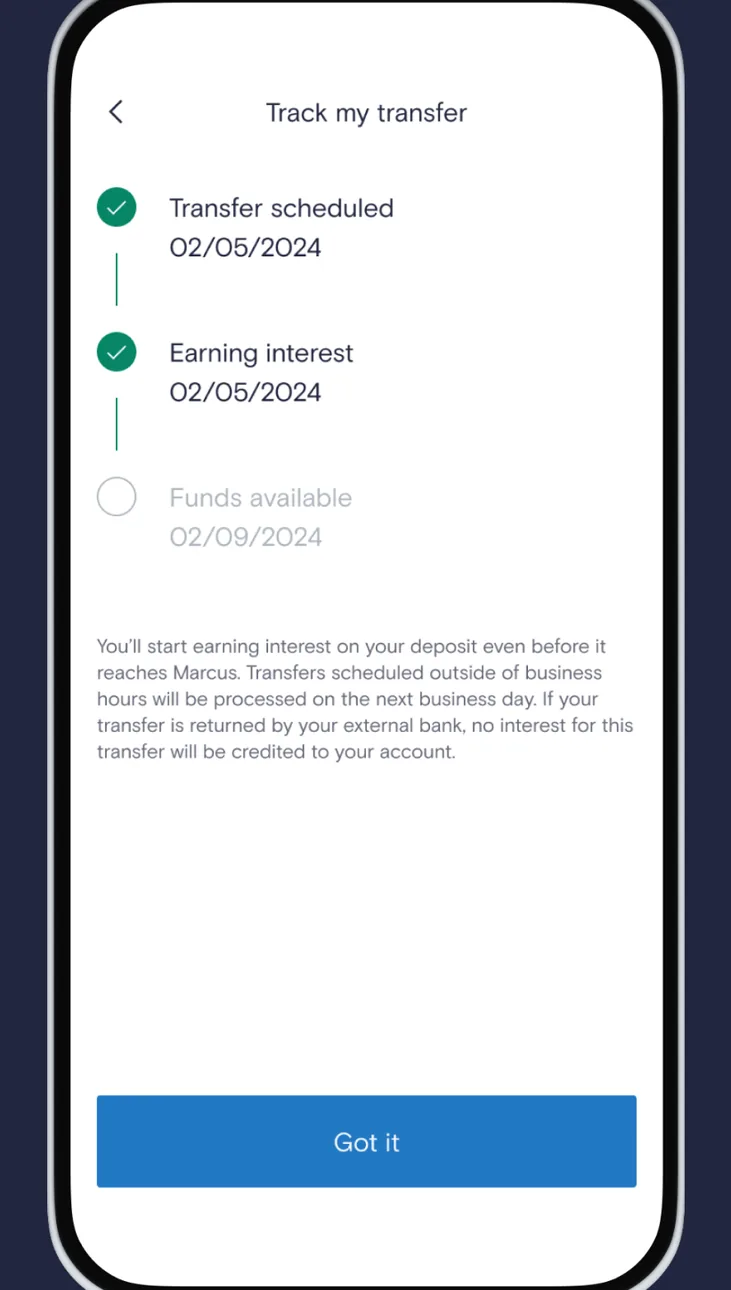
Google Play marketing imageAn Android Track my transfer screen with Transfer scheduled, Earning interest and Funds available steps and a Got it button.Google Play listing, as of 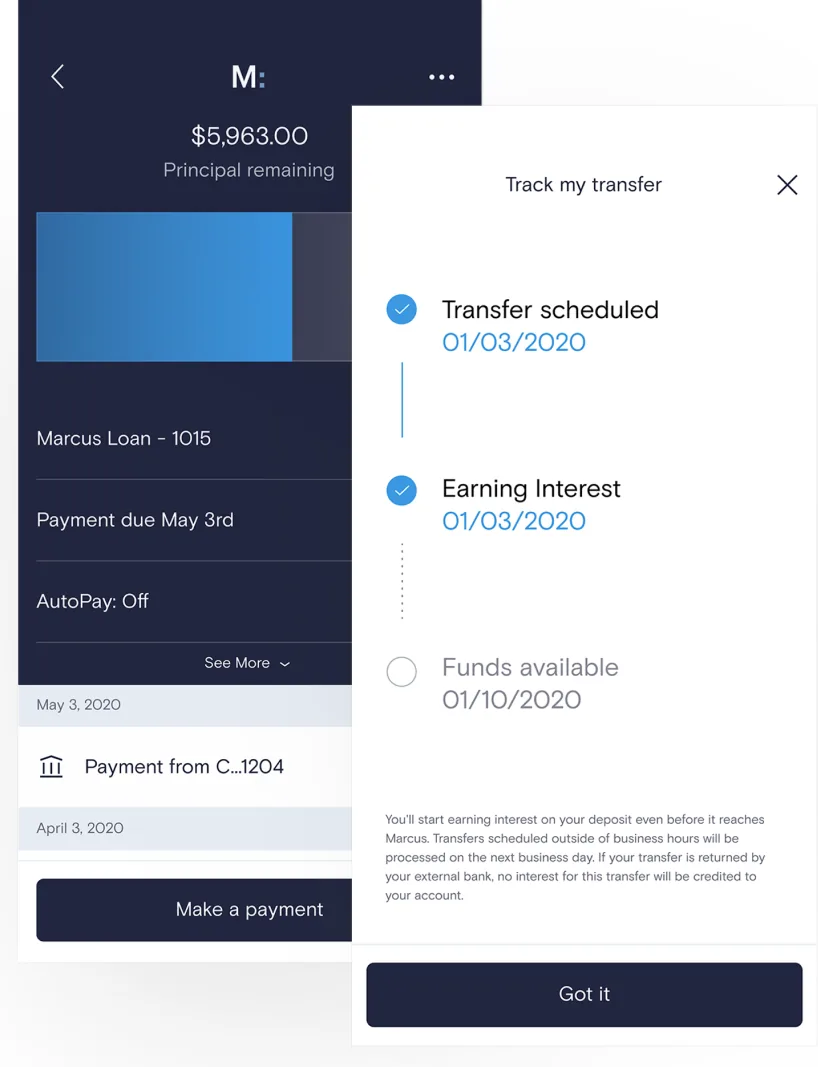
From Marcus by Goldman Sachs's websiteA loan screen showing $5,963.00 principal remaining with a Make a payment button, partly covered by a Track my transfer panel with Transfer scheduled and Earning interest checked, Funds available pending, and a Got it button.marcus.com, as of 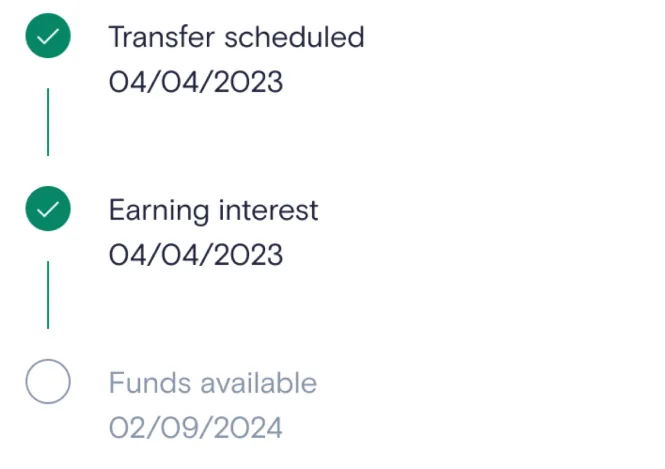
App Store marketing imageA vertical tracker with Transfer scheduled and Earning interest checked and Funds available still pending.App Store listing, as of

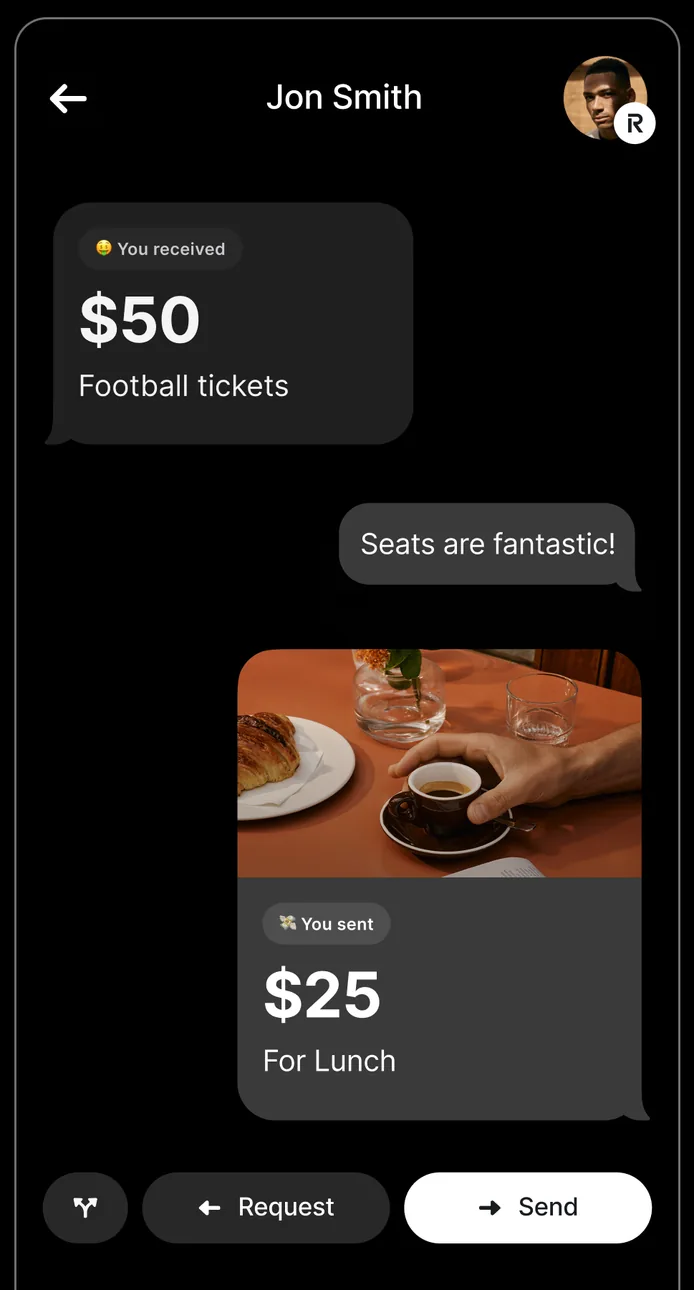
App Store marketing imageA payment chat with Jon Smith showing a received $50 for football tickets, a message, a sent $25 for lunch, and Request and Send buttons.App Store listing, as of 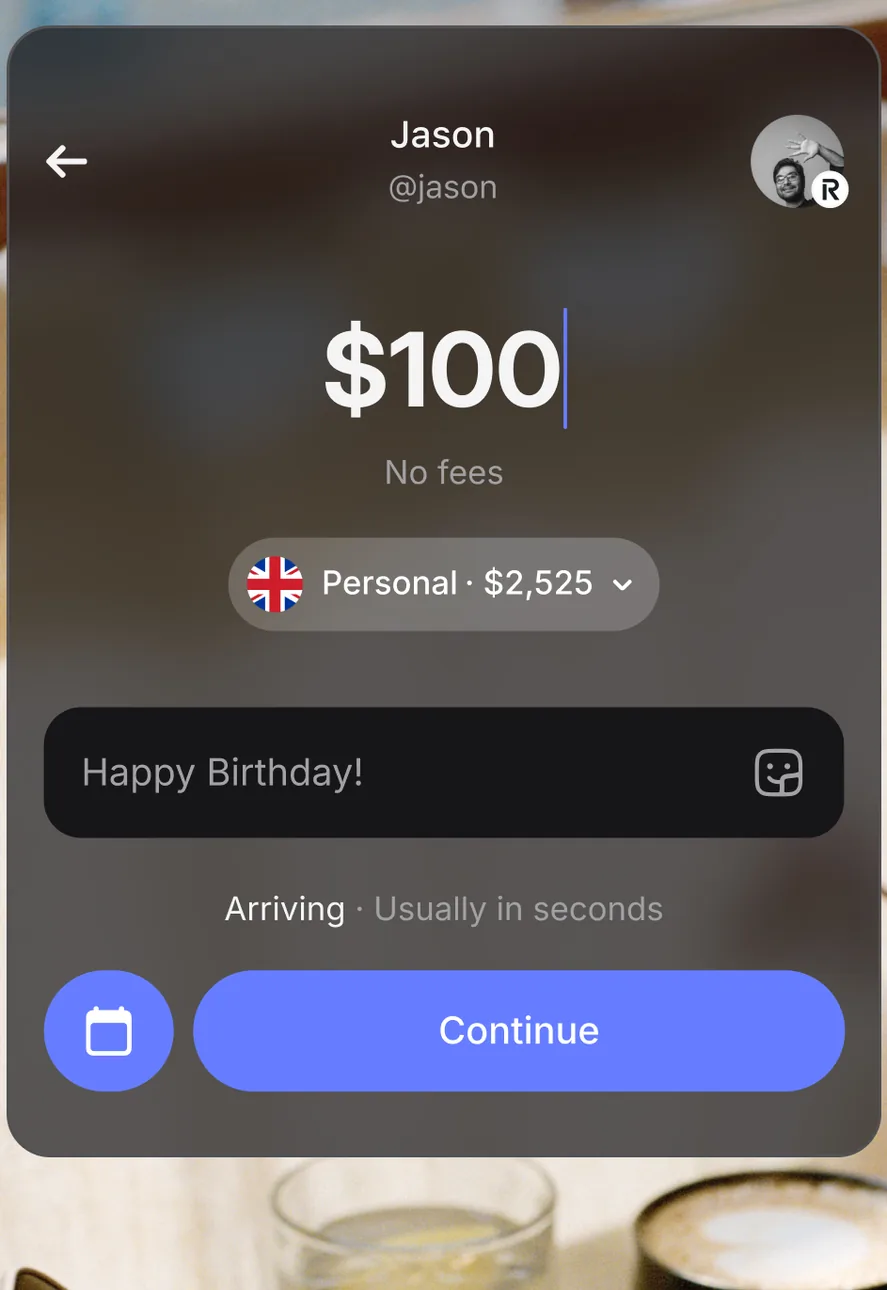
App Store marketing imageA payment screen sending $100 to Jason from a Personal account with $2,525, with a Happy Birthday note, an Arriving usually in seconds label and a Continue button.App Store listing, as of 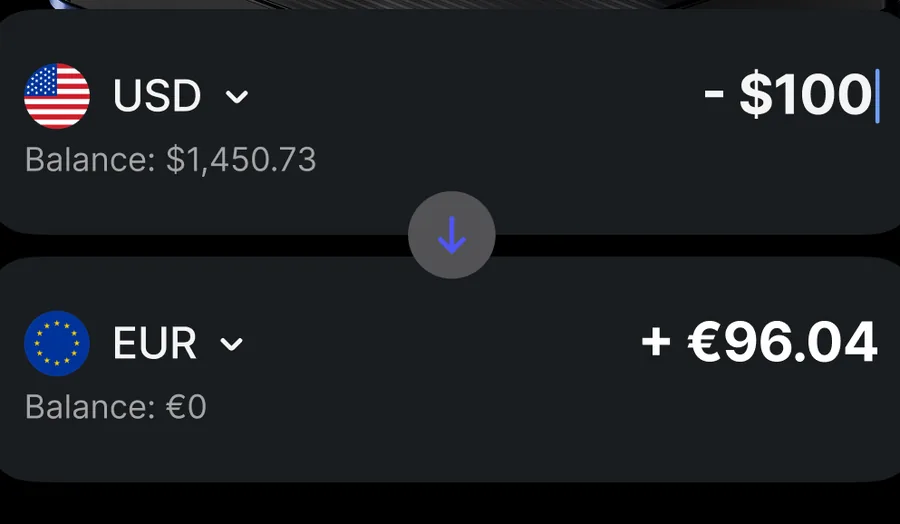
App Store marketing imageTwo currency rows exchanging $100 from a USD balance into €96.04 in a EUR balance.App Store listing, as of 
App Store marketing imageRequest and Send buttons at the bottom of a payment chat.App Store listing, as of

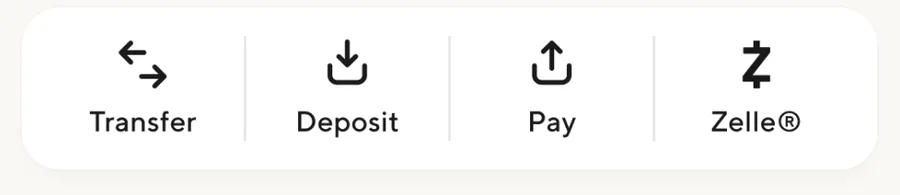
App Store marketing imageA row of Transfer, Deposit, Pay and Zelle buttons.App Store listing, as of

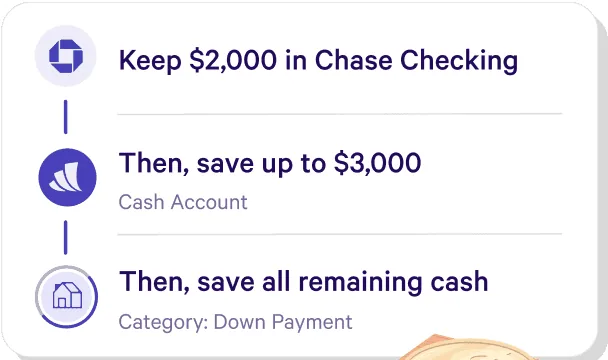
From Wealthfront's websiteA three-step list reading Keep $2,000 in Chase Checking, Then save up to $3,000 in a Cash Account, Then save all remaining cash in a Down Payment category.wealthfront.com, as of

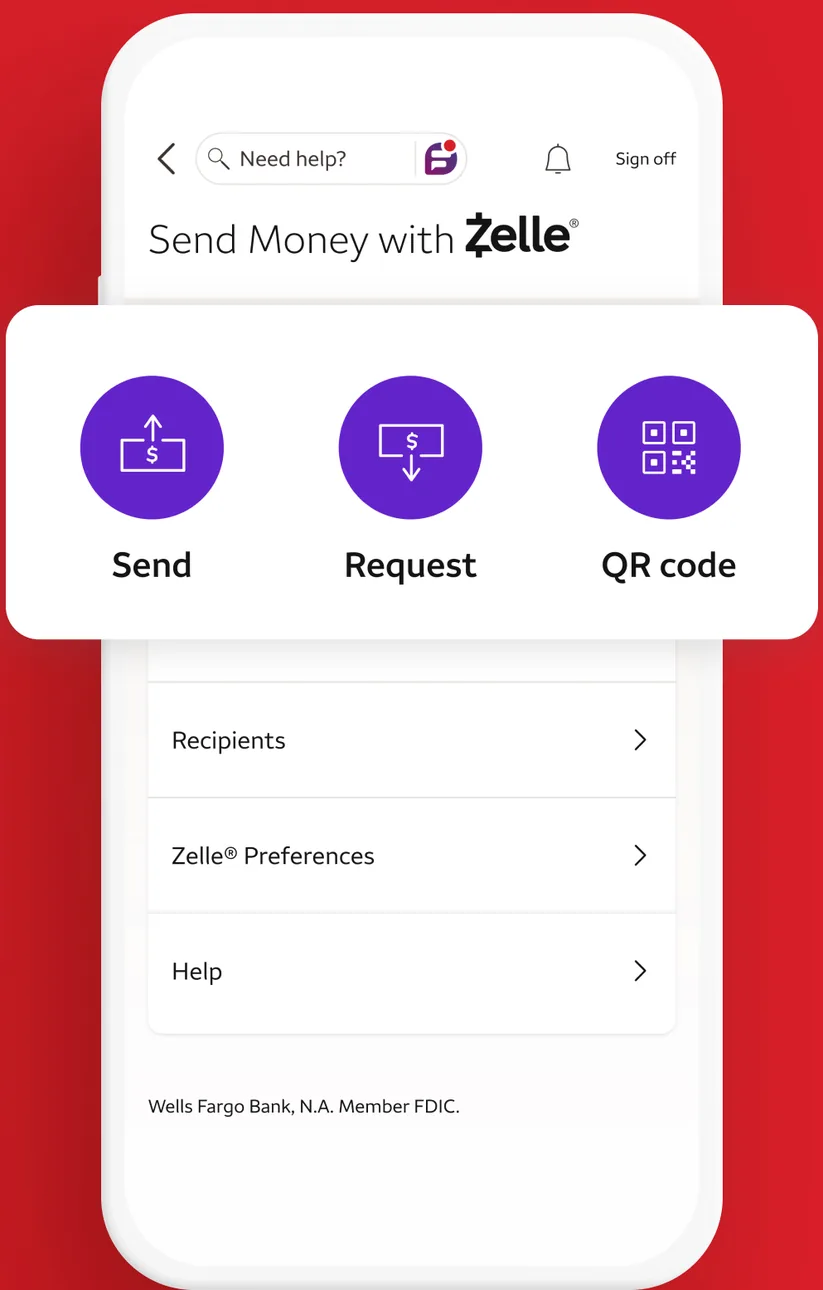
App Store marketing imageA Send Money with Zelle screen with Send, Request and QR code buttons and links for Recipients, Zelle Preferences and Help.App Store listing, as of 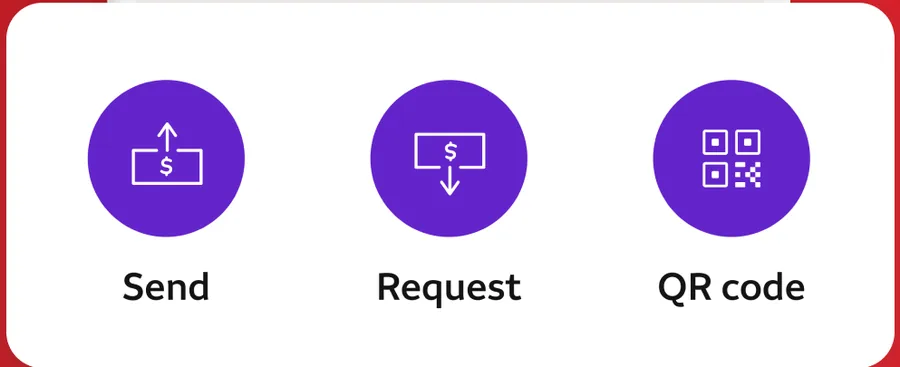
App Store marketing imageZelle buttons for Send, Request and QR code.App Store listing, as of
This is education, not financial advice.