Screen by screen
What bank apps look like inside
288 images from 16 bank apps, grouped by task so you can compare how each one handles the same job. Every image shows where we found it, with the date.
App Store, Google Play and bank website images are the banks' own marketing, so names and balances are sample data. Help center images come from each bank's support pages; Bank of America's mark where to tap with green circles. Where screens come from.
Goals

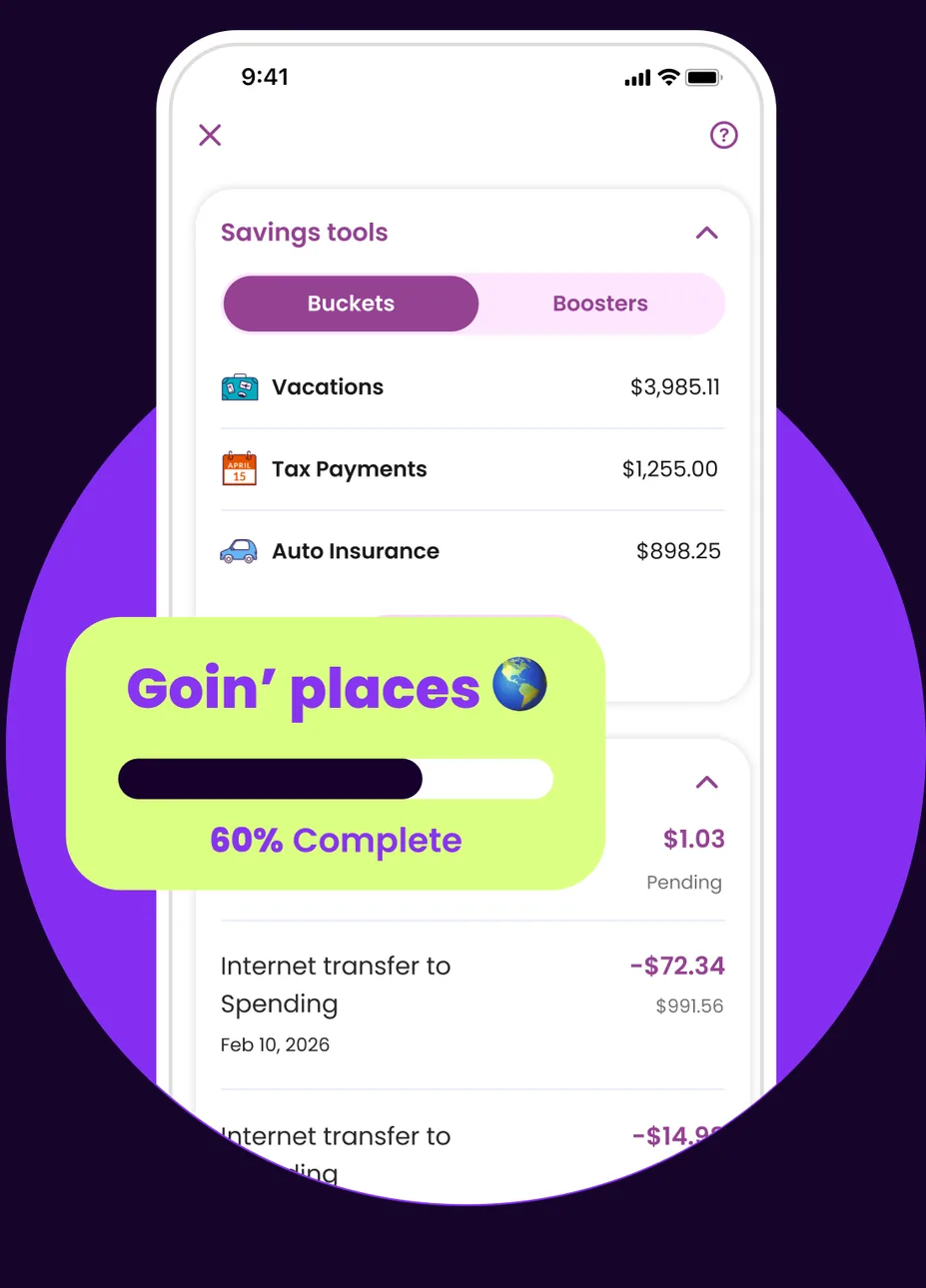
App Store marketing imageA Savings tools screen with Buckets and Boosters tabs listing Vacations, Tax Payments and Auto Insurance buckets, with a Goin' places bucket at 60% complete shown in front.App Store listing, as of 
App Store marketing imageA Goin' places bucket card with a progress bar at 60% complete.App Store listing, as of 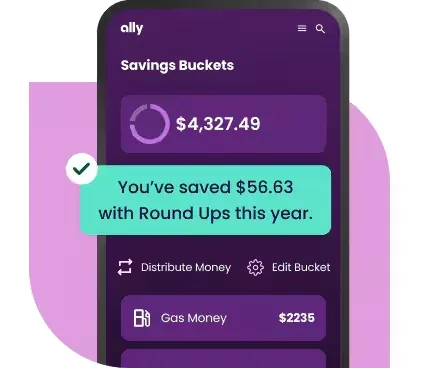
From Ally's websiteA Savings Buckets screen showing $4,327.49 with a note that $56.63 was saved with Round Ups this year, Distribute Money and Edit Bucket buttons, and a Gas Money bucket at $2235.ally.com, as of

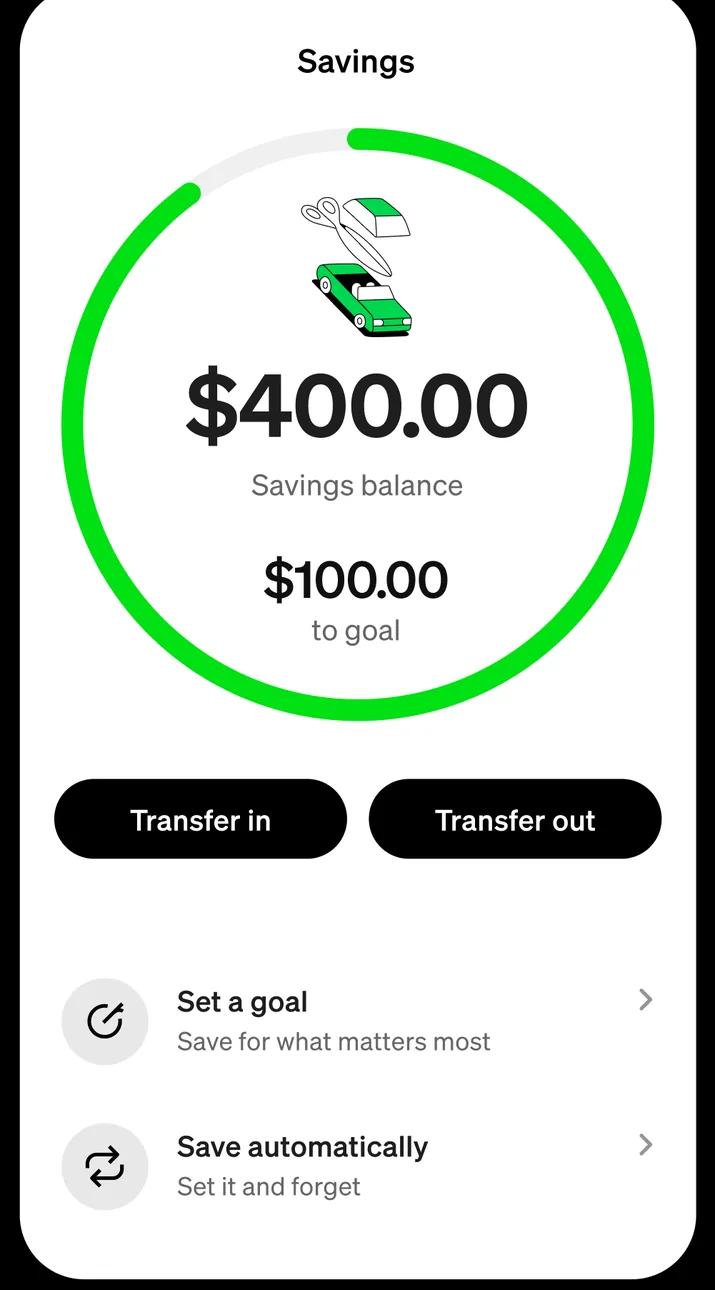
App Store marketing imageA Savings screen with a ring showing a $400.00 savings balance and $100.00 to goal, Transfer in and Transfer out buttons, and options to set a goal and save automatically.App Store listing, as of 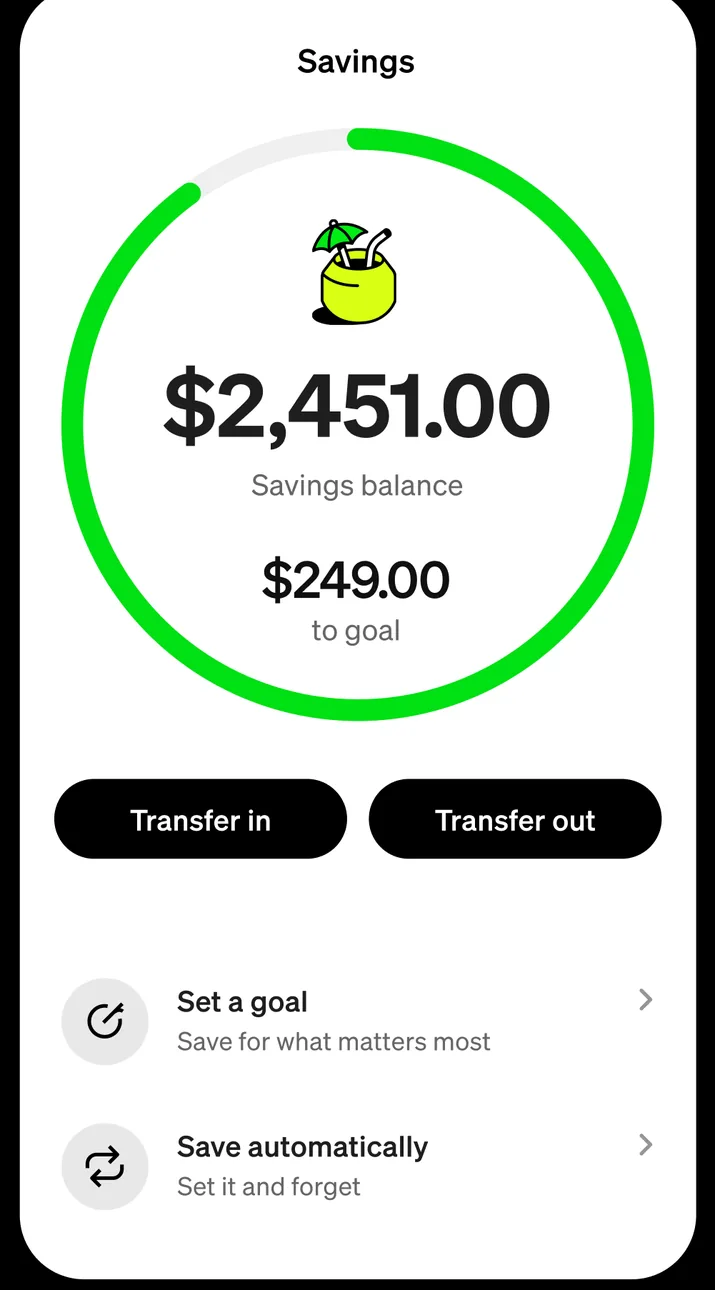
App Store marketing imageA Savings screen with a ring showing a $2,451.00 savings balance and $249.00 to goal, Transfer in and Transfer out buttons, and options to set a goal and save automatically.App Store listing, as of

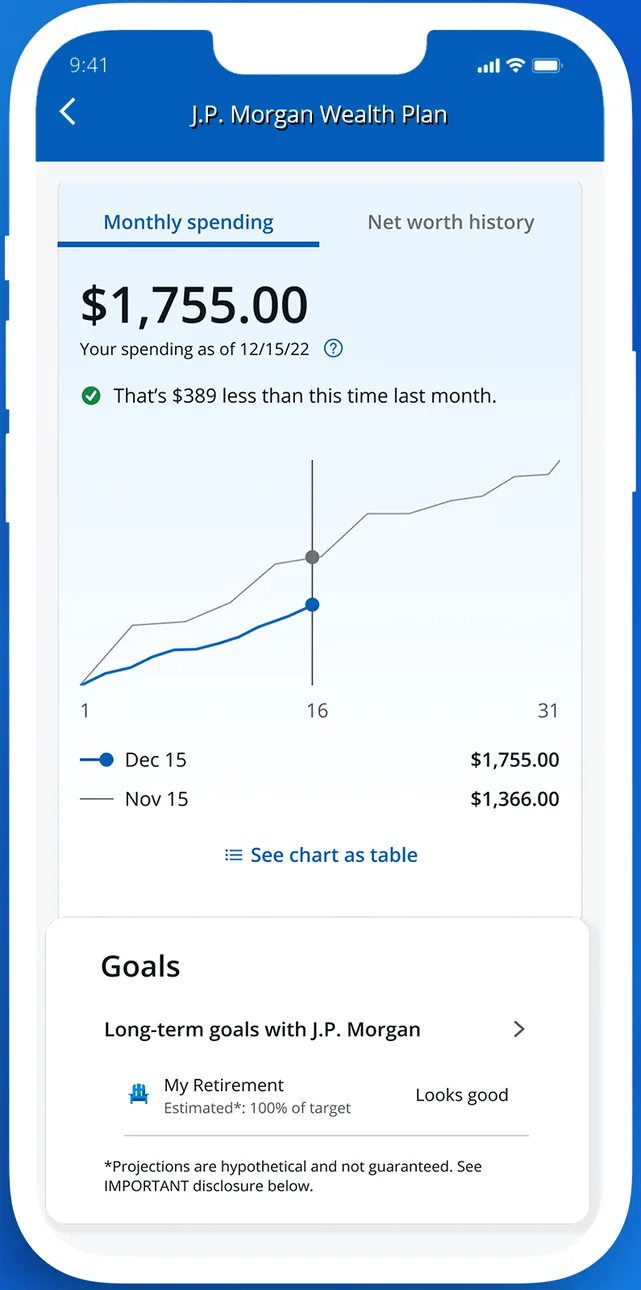
App Store marketing imageA J.P. Morgan Wealth Plan screen showing $1,755.00 in monthly spending on a line chart and a Goals section with a retirement goal.App Store listing, as of 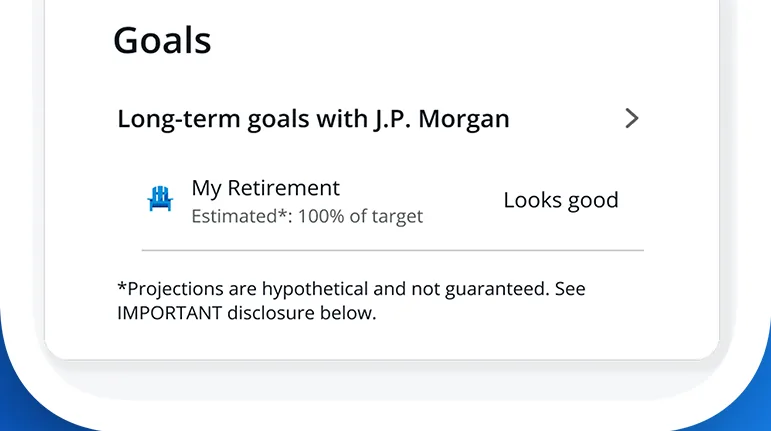
App Store marketing imageA Goals card listing long-term goals and a My Retirement goal marked Looks good.App Store listing, as of

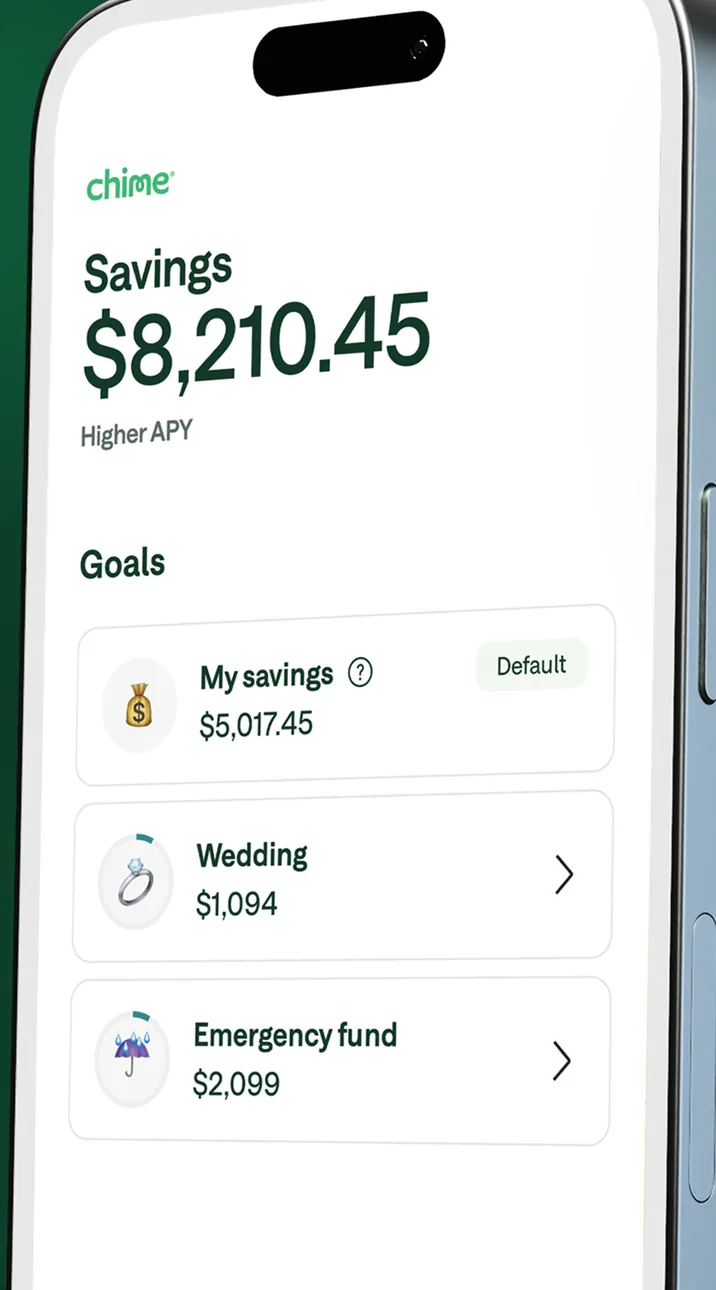
App Store marketing imageA Savings screen at an angle showing $8,210.45 and a Goals list with My savings, Wedding and Emergency fund.App Store listing, as of 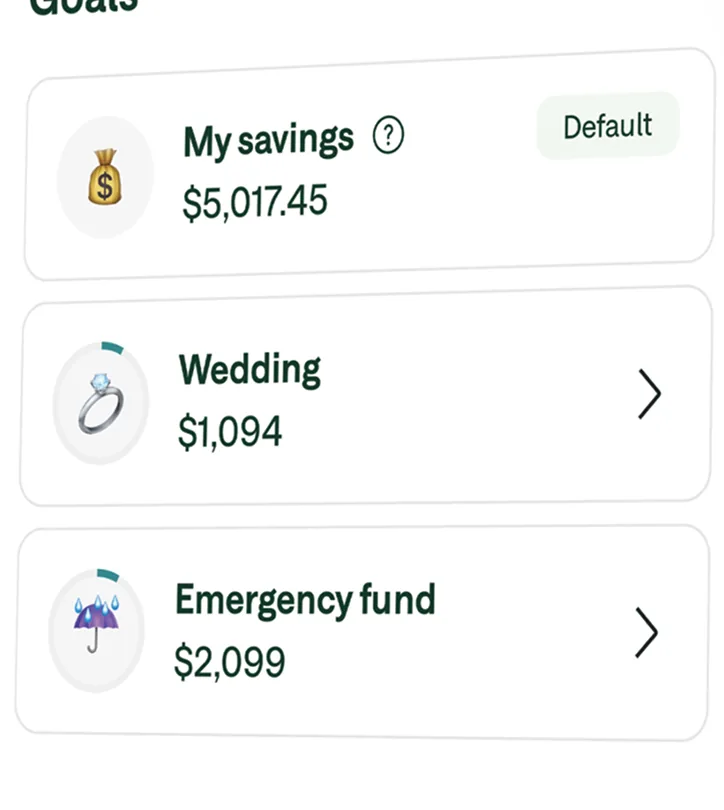
App Store marketing imageA Goals list with My savings at $5,017.45, Wedding at $1,094 and Emergency fund at $2,099.App Store listing, as of

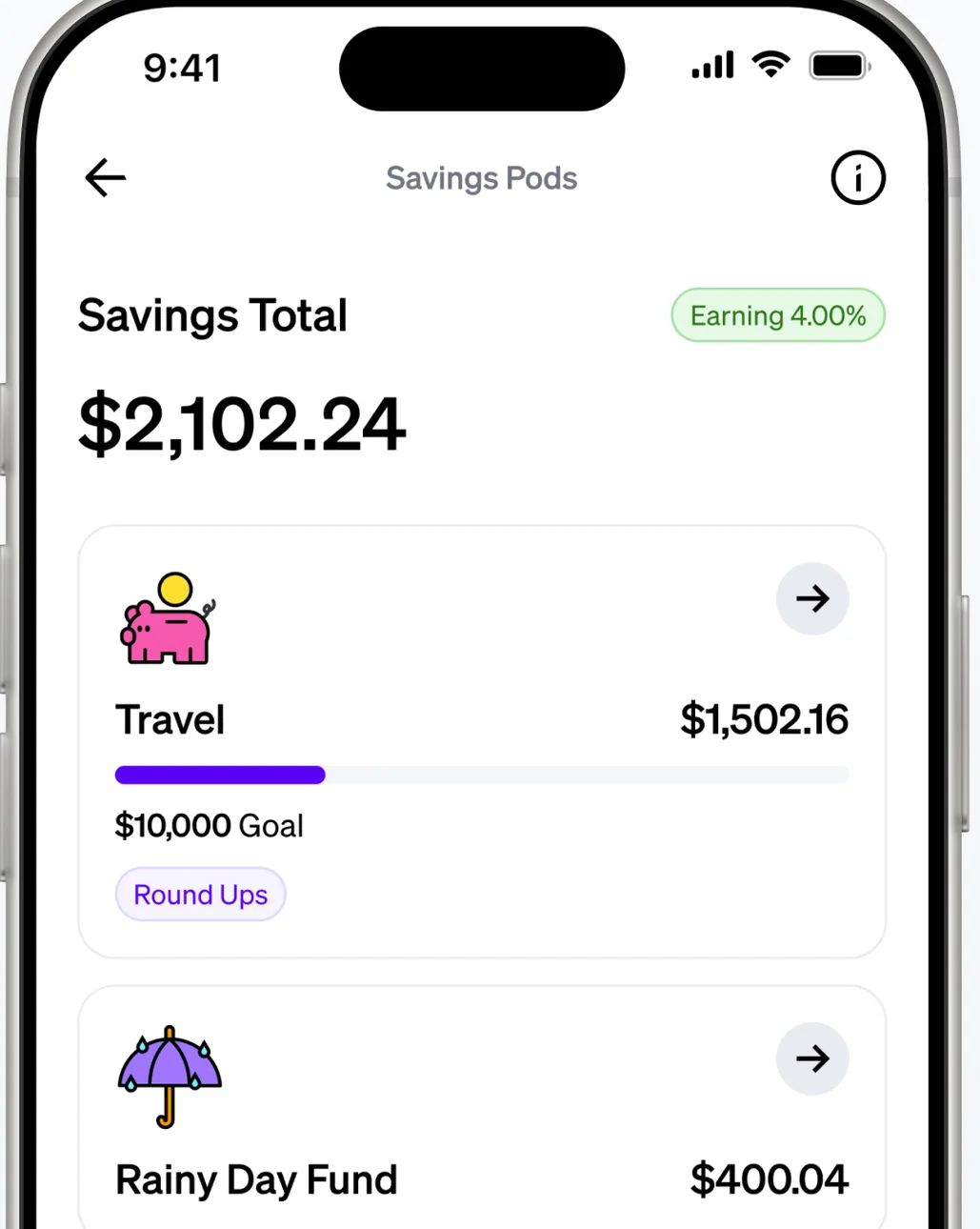
App Store marketing imageA Savings Pods screen showing a $2,102.24 savings total and pods for Travel and Rainy Day Fund with balances.App Store listing, as of 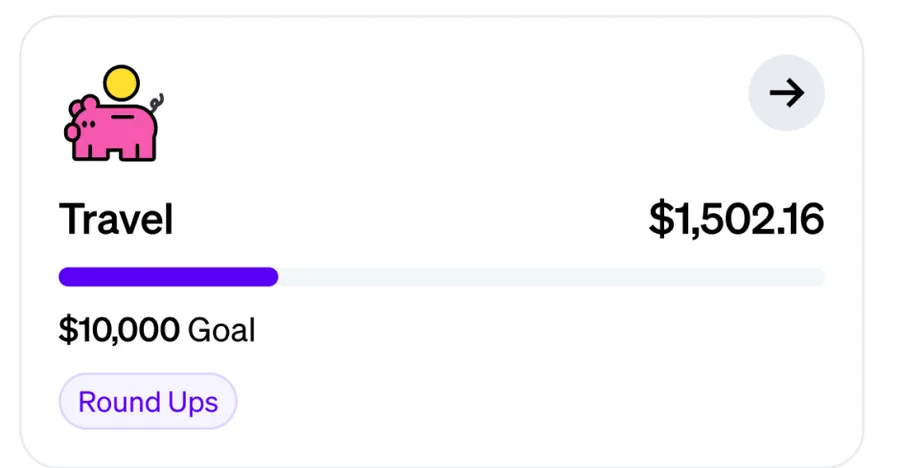
App Store marketing imageA Travel pod with $1,502.16 saved toward a $10,000 goal and a Round Ups tag.App Store listing, as of 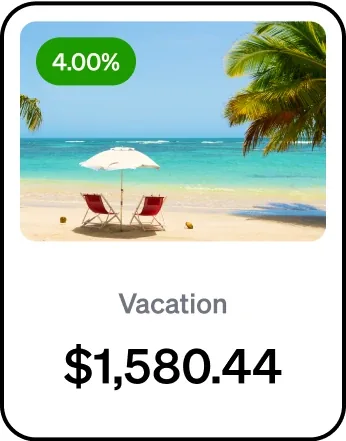
From Current's websiteA savings pod card for Vacation with a 4.00% label and a $1,580.44 balance.current.com, as of

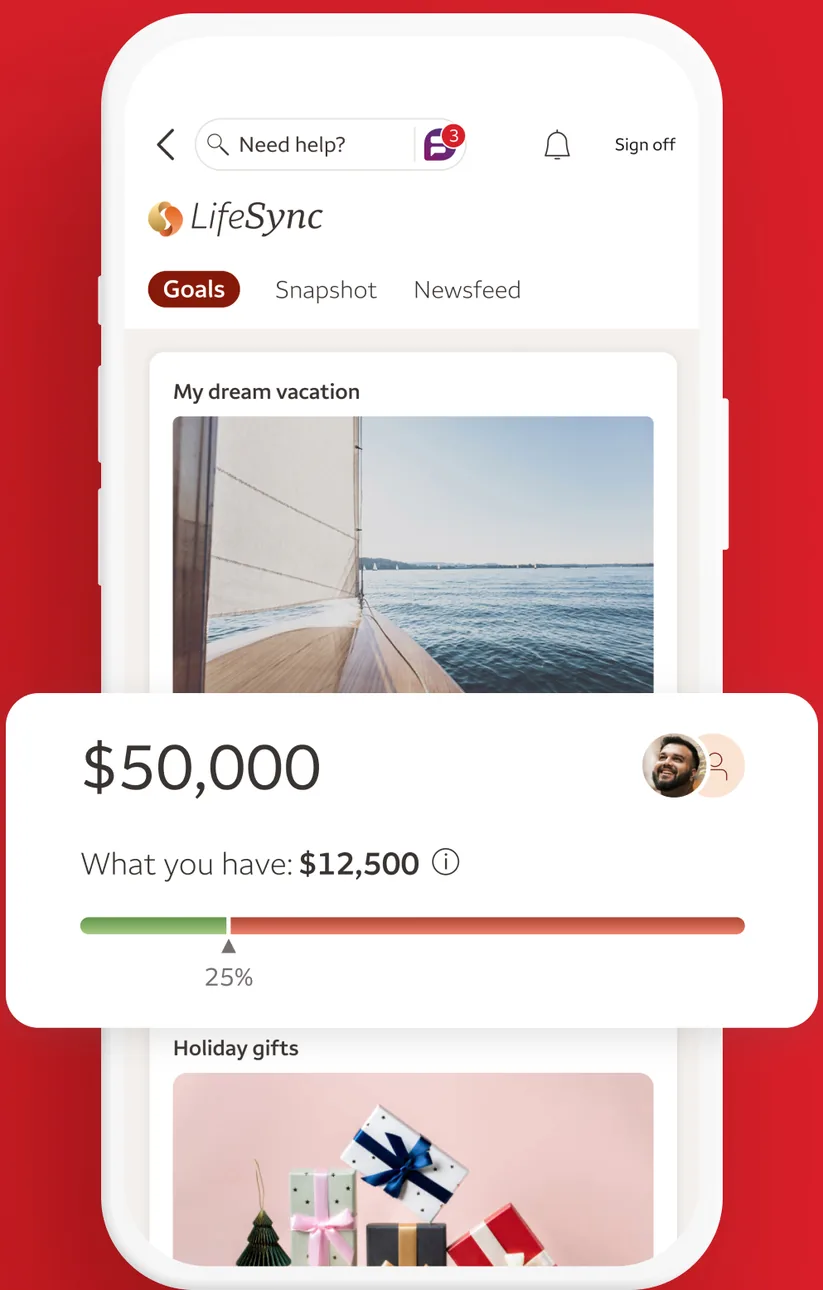
App Store marketing imageA LifeSync Goals screen with a My dream vacation goal of $50,000, $12,500 saved so far and a progress bar, followed by a Holiday gifts goal.App Store listing, as of 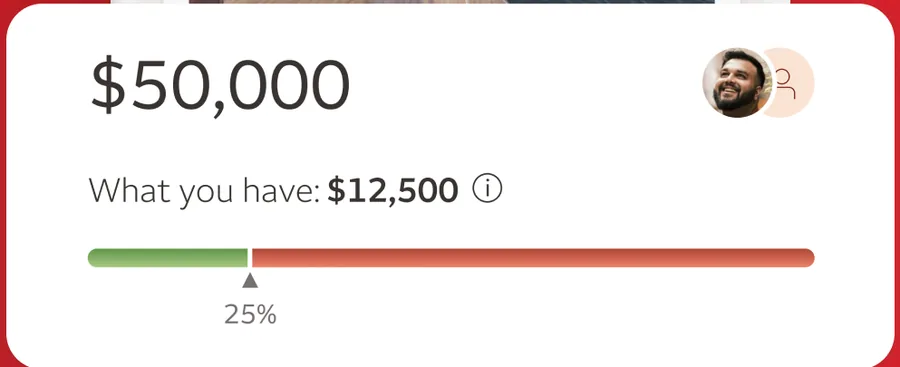
App Store marketing imageA goal card showing $50,000 with $12,500 saved and a progress bar at 25 percent.App Store listing, as of
This is education, not financial advice.