
Screen by screen
What money apps look like inside
311 images from 29 apps, grouped by task so you can compare how each one handles the same job. Every image shows where we found it, with the date.
App Store and Google Play images are the apps' own marketing, so they can show sample data and staged layouts. Help center images come from each app's support articles for one task. Where screens come from.
Home

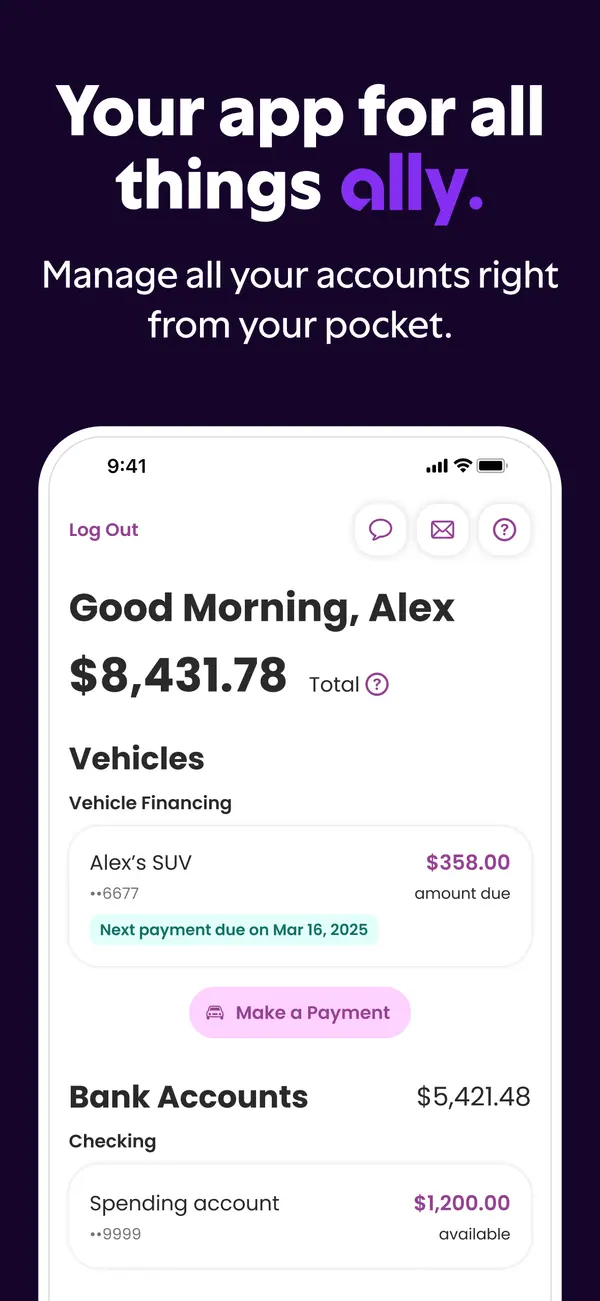
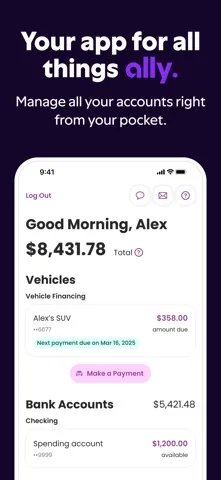
App Store marketing imageApp Store image with the headline "Your app for all things ally." showing a home screen with a total balance, vehicle financing and bank accounts.App Store listing, as of

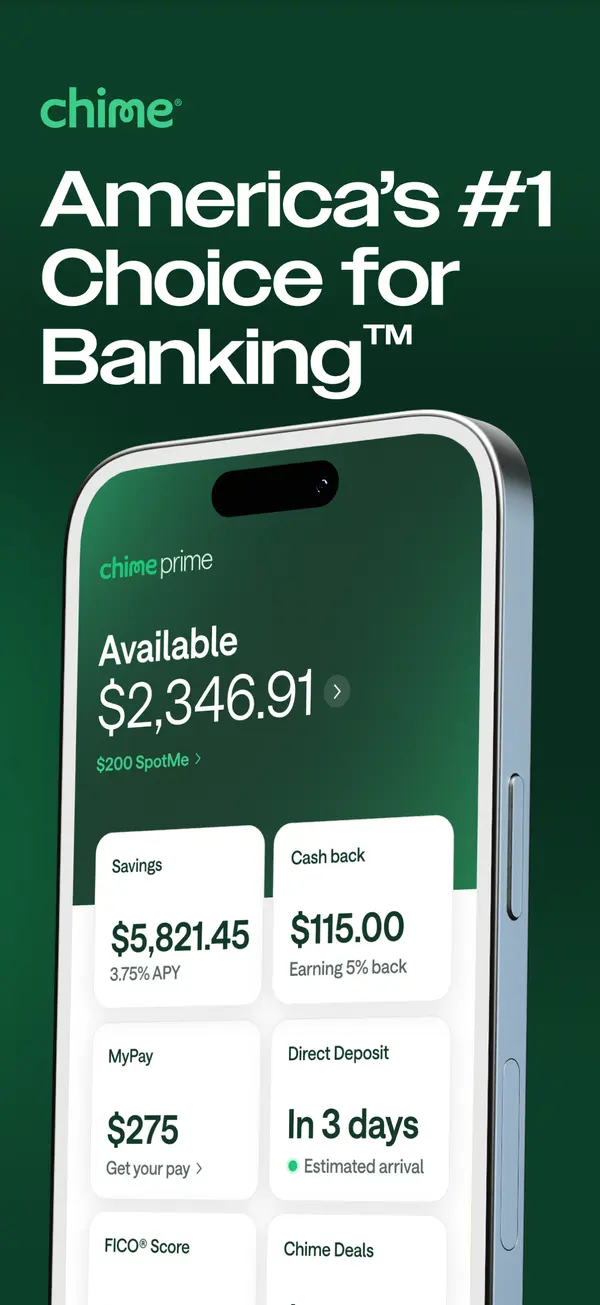
App Store marketing imageApp Store image with the headline "America's #1 Choice for Banking" showing an Available balance with Savings, Cash back, MyPay and Direct Deposit tiles.App Store listing, as of

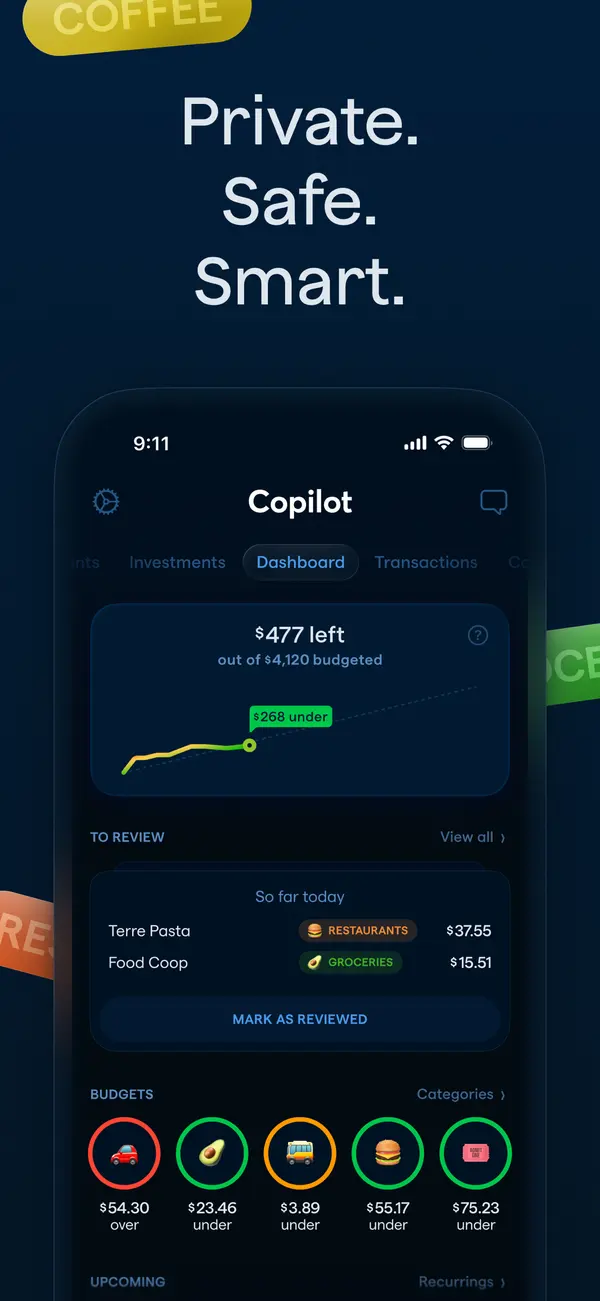
App Store marketing imageApp Store image with the headline "Private. Safe. Smart." showing the Copilot dashboard in dark mode.App Store listing, as of 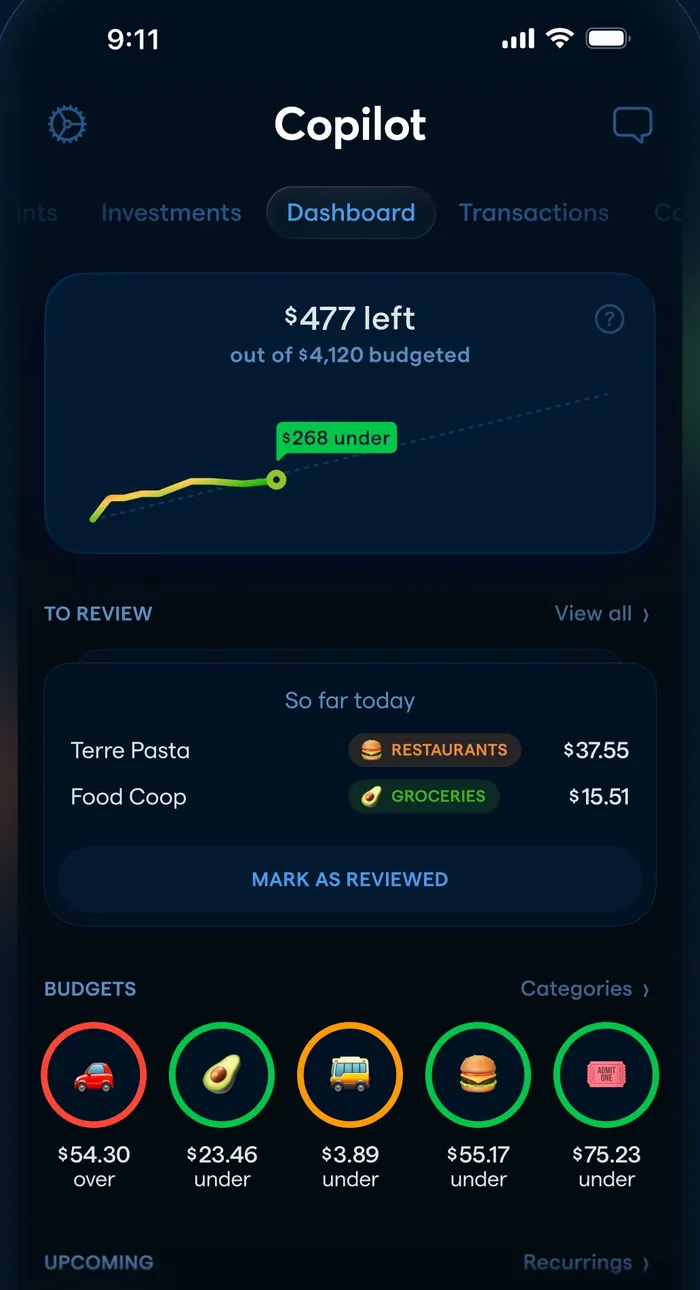
App Store marketing imageThe dashboard: $477 left of $4,120 budgeted with a line chart, a To Review list and round budget icons.App Store listing, as of

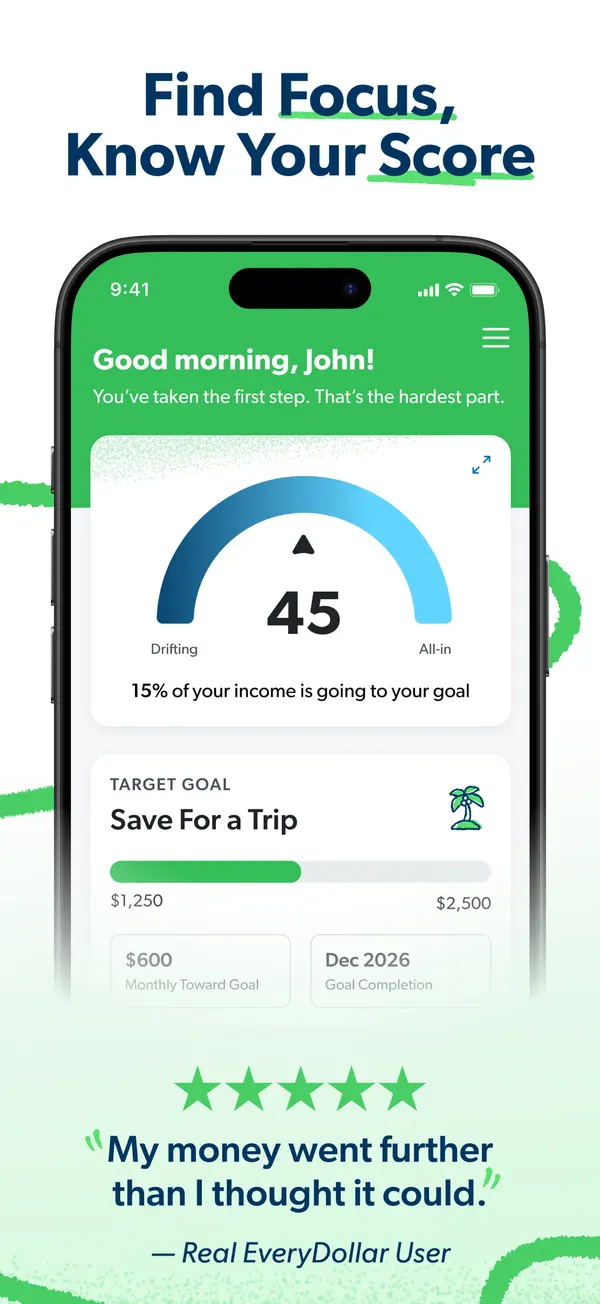
App Store marketing imageApp Store image with the headline "Find Focus, Know Your Score" showing a home screen with a score gauge of 45 and a Save For a Trip goal.App Store listing, as of 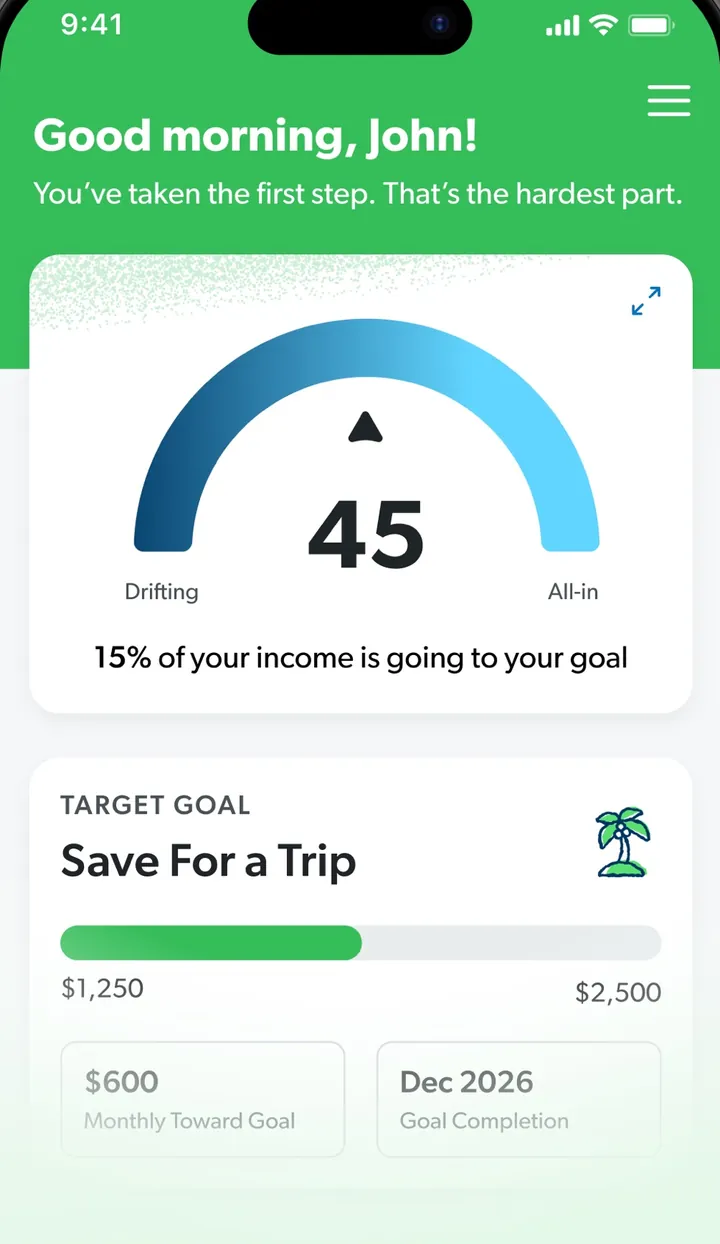
App Store marketing imageA screen greeting John with a gauge reading 45 and a Target Goal card for Save For a Trip.App Store listing, as of

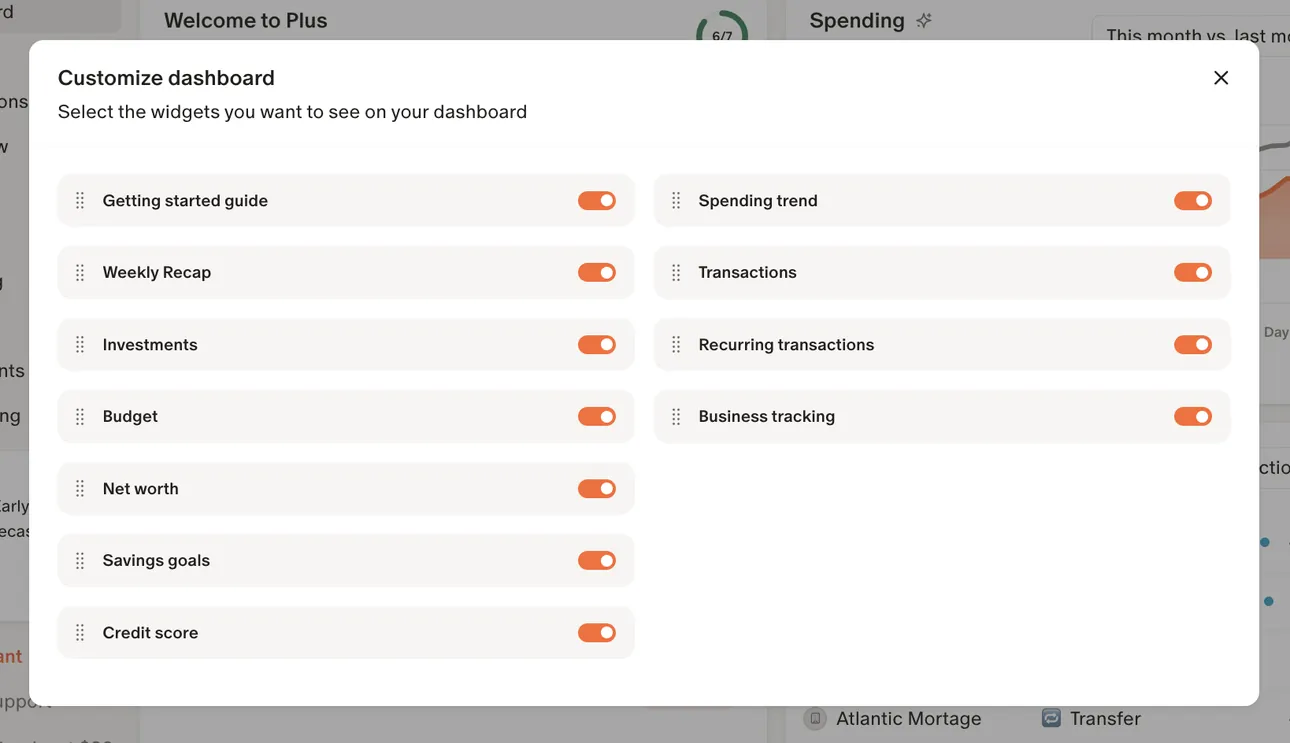
From Monarch Money's help centerA Customize dashboard dialog with toggles for widgets such as Getting started guide, Investments, Budget, Net worth and Spending trend.help.monarch.com, as of

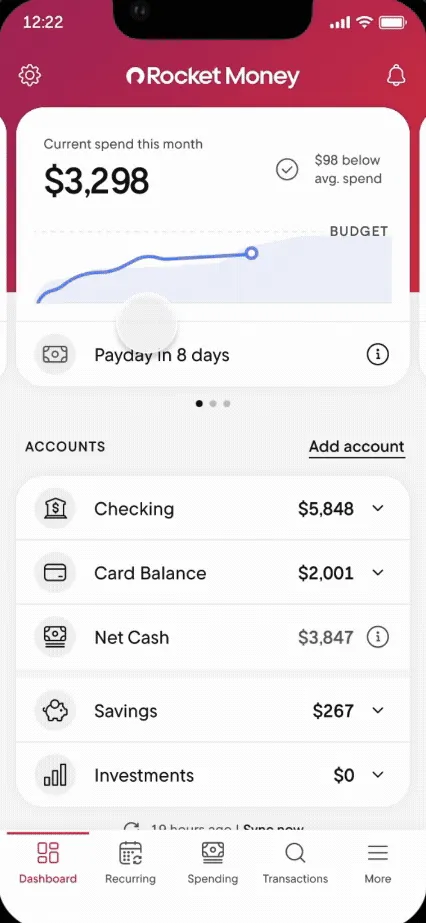
From Rocket Money's help centerThe Dashboard with current spend this month, a Payday in 8 days row and account balances.help.rocketmoney.com, as of

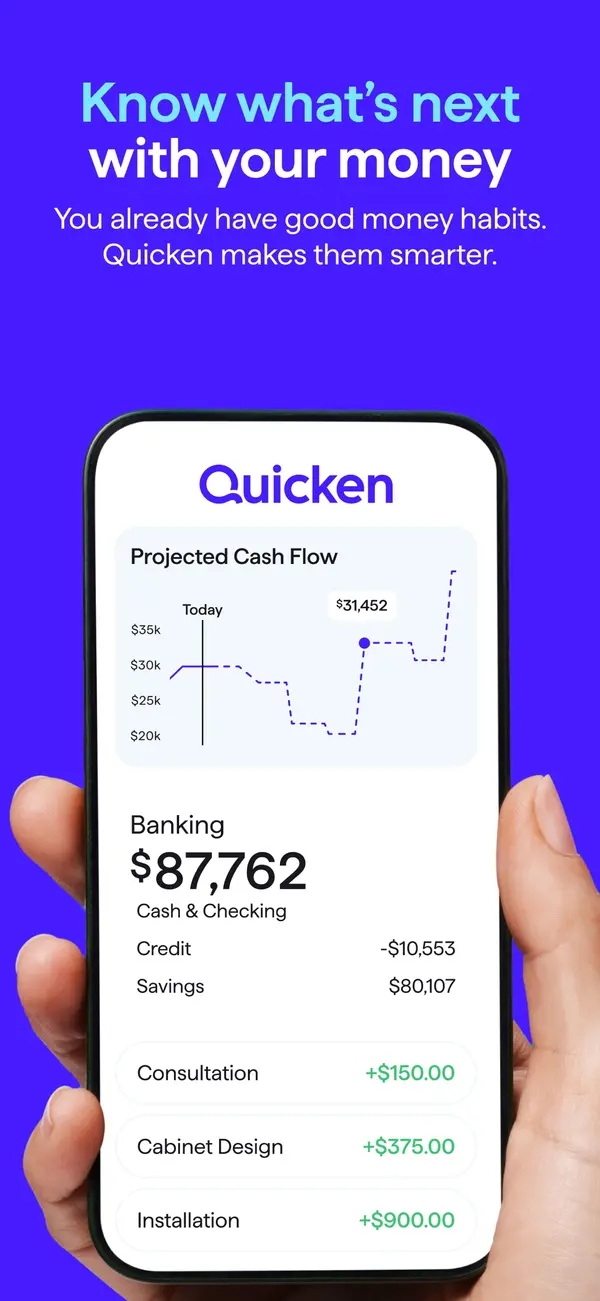
App Store marketing imageApp Store image with the headline "Know what's next with your money" showing a hand holding a phone with a Quicken screen, a Projected Cash Flow chart and Banking balances.App Store listing, as of 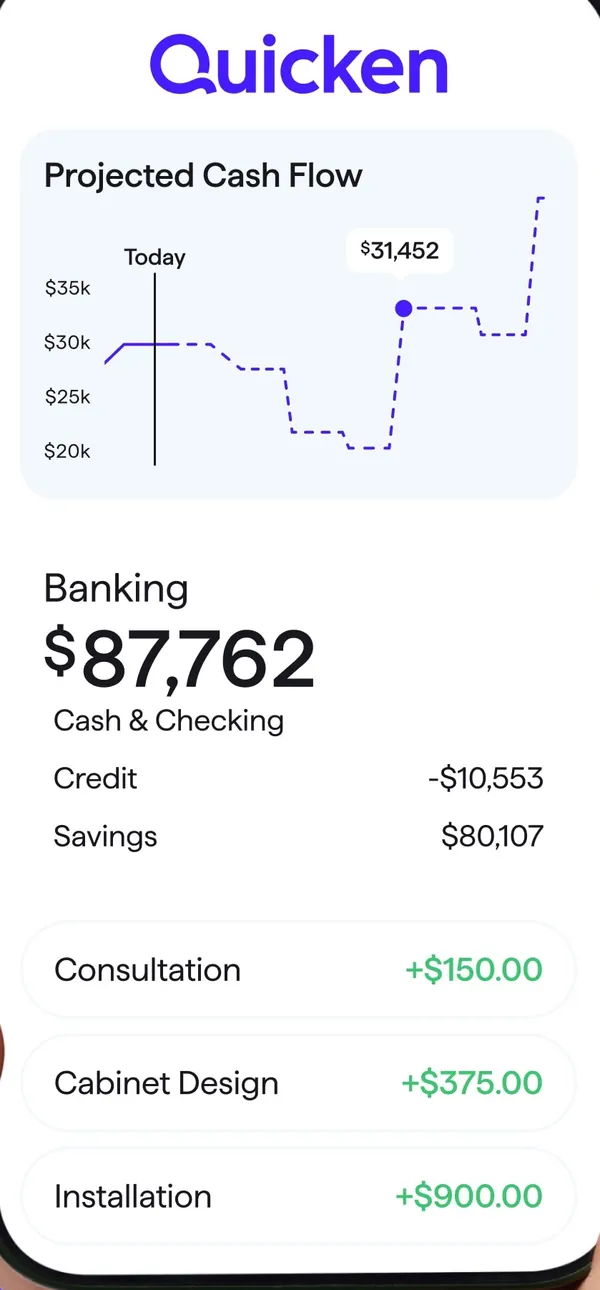
App Store marketing imageA Quicken screen with a Projected Cash Flow chart, Banking balances and three income rows.App Store listing, as of 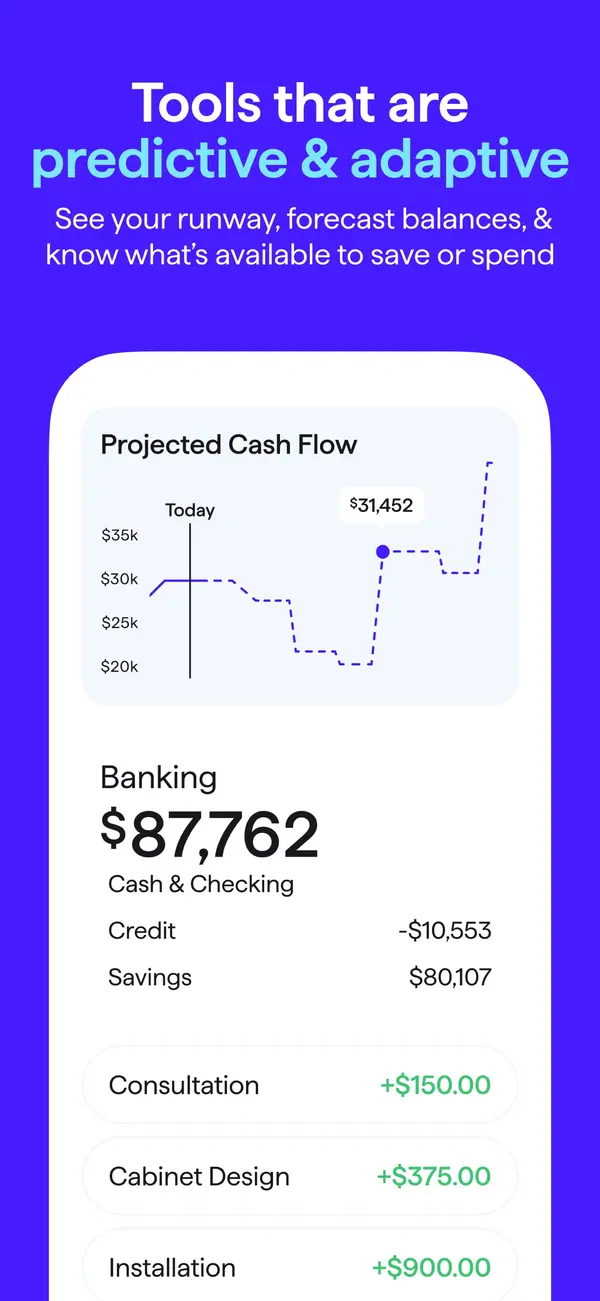
App Store marketing imageApp Store image with the headline "Tools that are predictive & adaptive" showing a Projected Cash Flow chart and Banking balances.App Store listing, as of 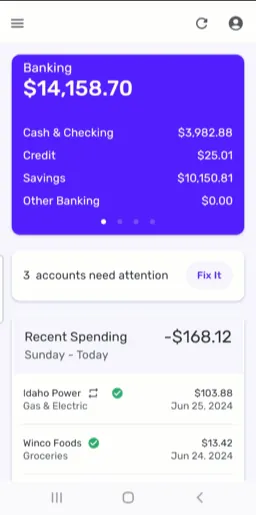
From Simplifi's help centerThe mobile dashboard with a Banking card, a note that 3 accounts need attention and Recent Spending.support.simplifi.quicken.com, as of

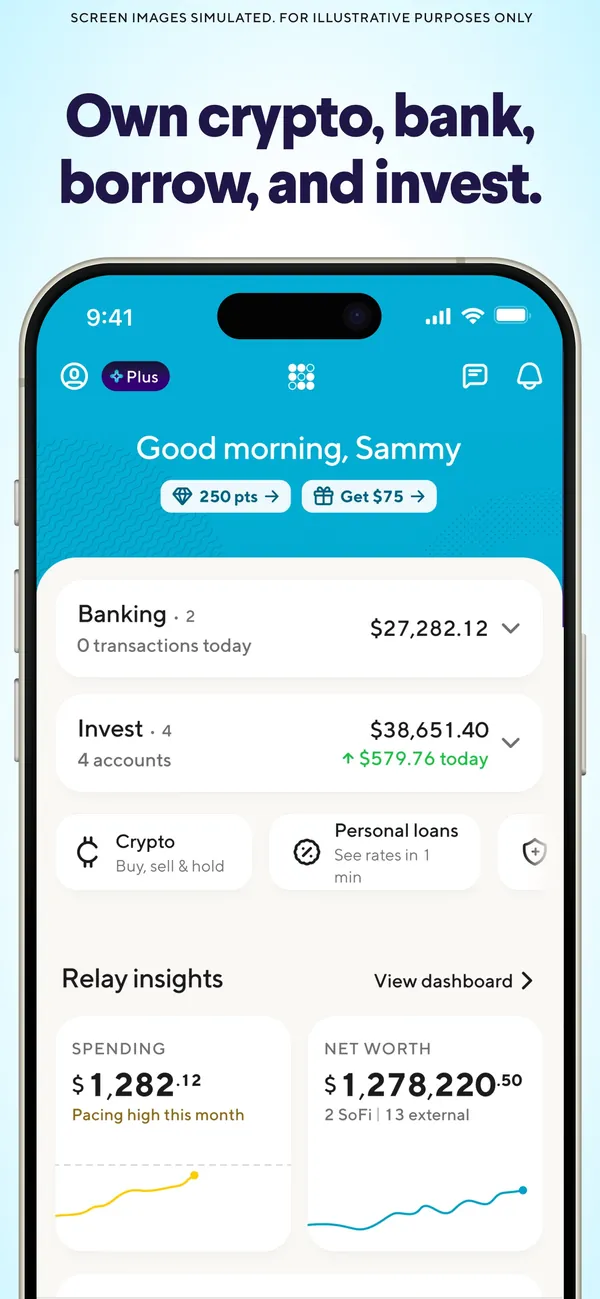
App Store marketing imageApp Store image with the headline "Own crypto, bank, borrow, and invest." showing a home screen with Banking, Invest and Relay insights.App Store listing, as of

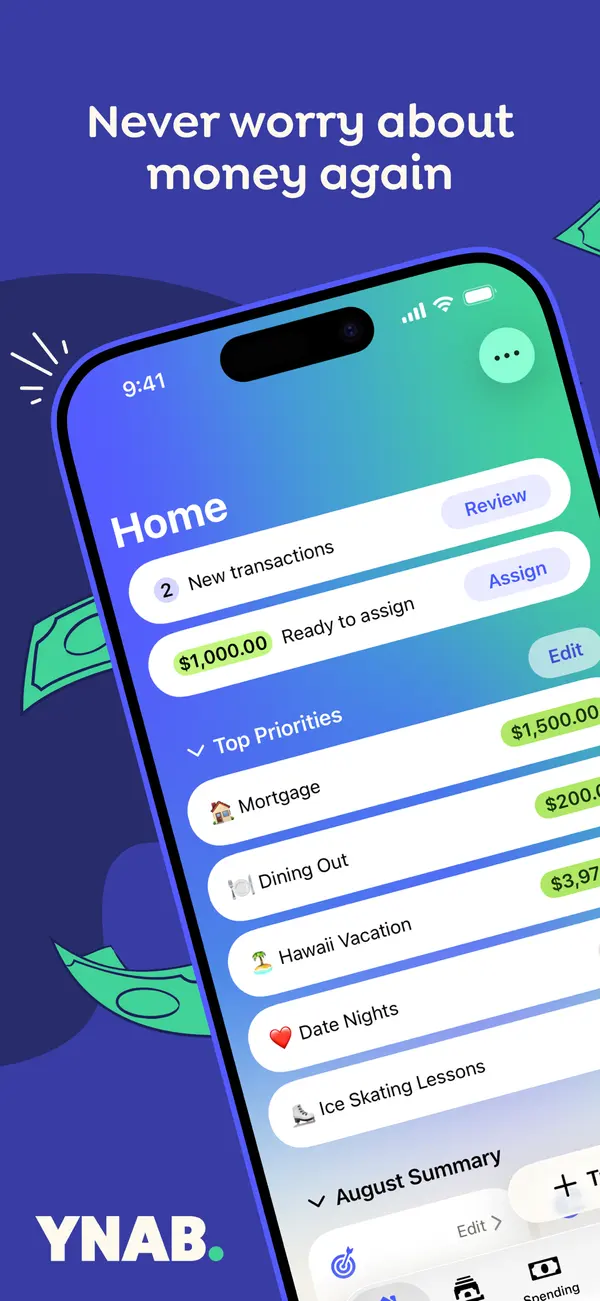
App Store marketing imageApp Store image with the headline "Never worry about money again" over a tilted phone showing the YNAB Home screen with new transactions, Ready to Assign and a Top Priorities list.App Store listing, as of 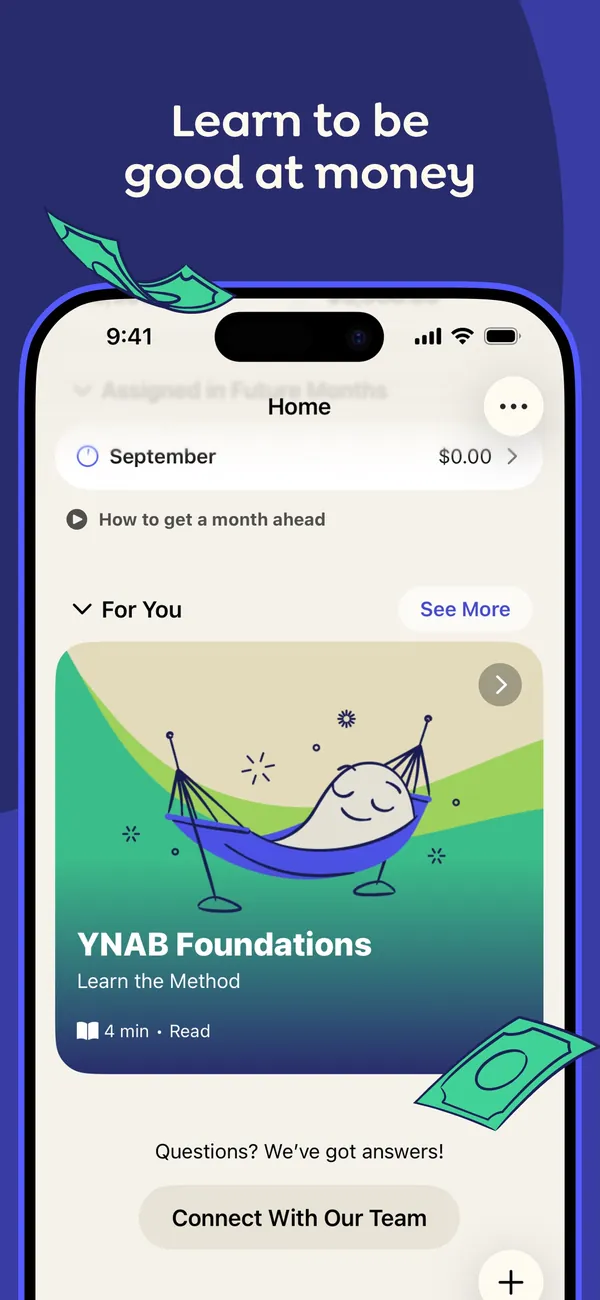
App Store marketing imageApp Store image with the headline "Learn to be good at money" showing the Home screen with a For You section and a YNAB Foundations lesson card.App Store listing, as of 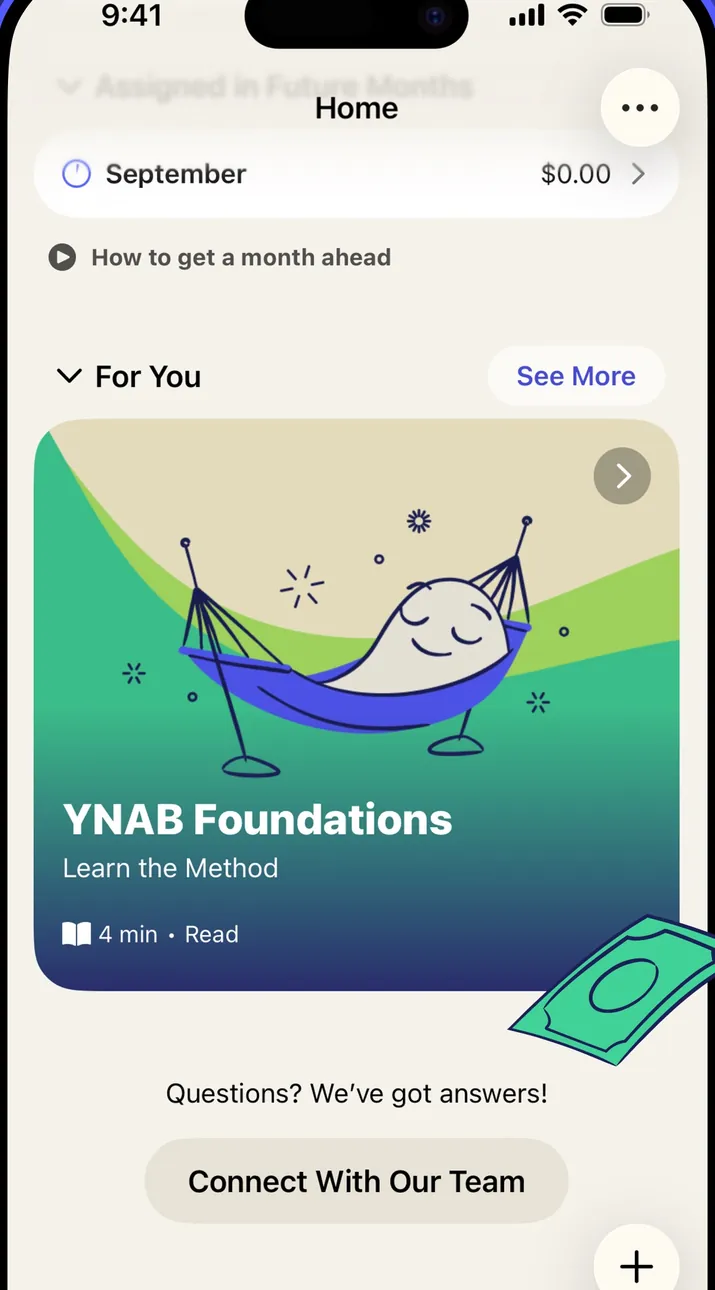
App Store marketing imageThe Home screen: a September row, a "How to get a month ahead" link, a For You lesson card and a Connect With Our Team button.App Store listing, as of 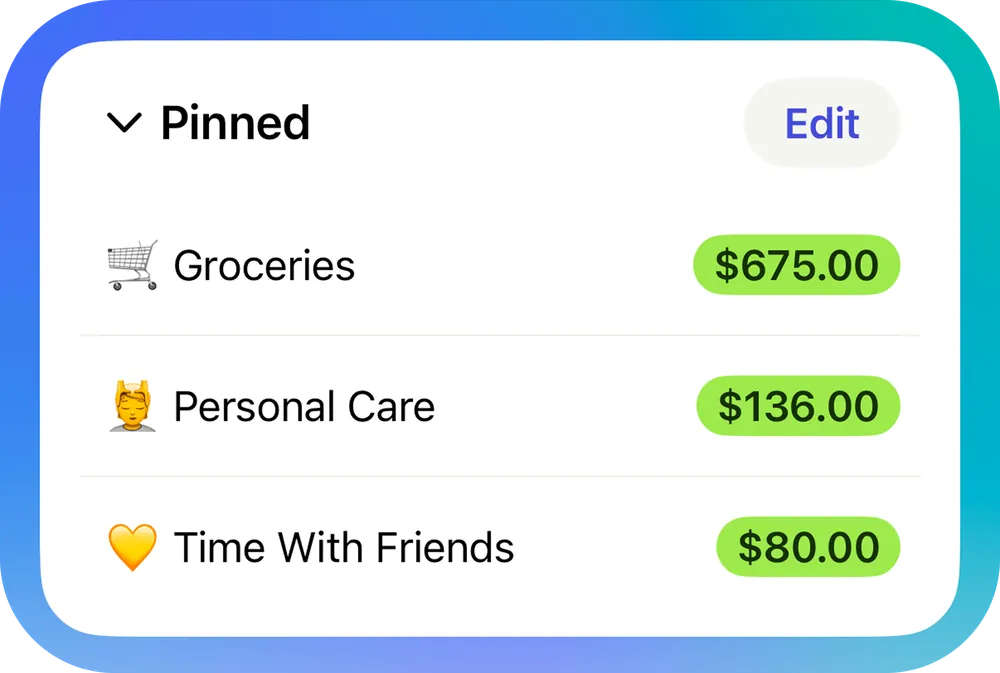
From YNAB's help centerA Pinned section on the Home screen listing Groceries, Personal Care and Time With Friends with available amounts.support.ynab.com, as of 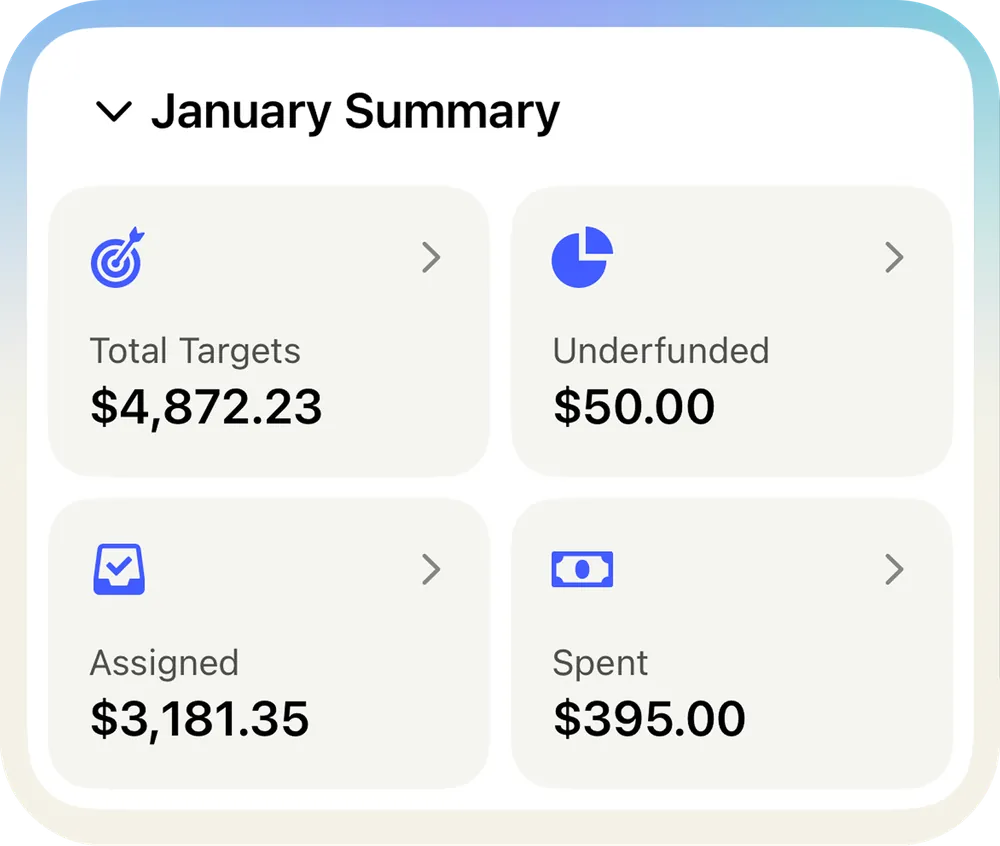
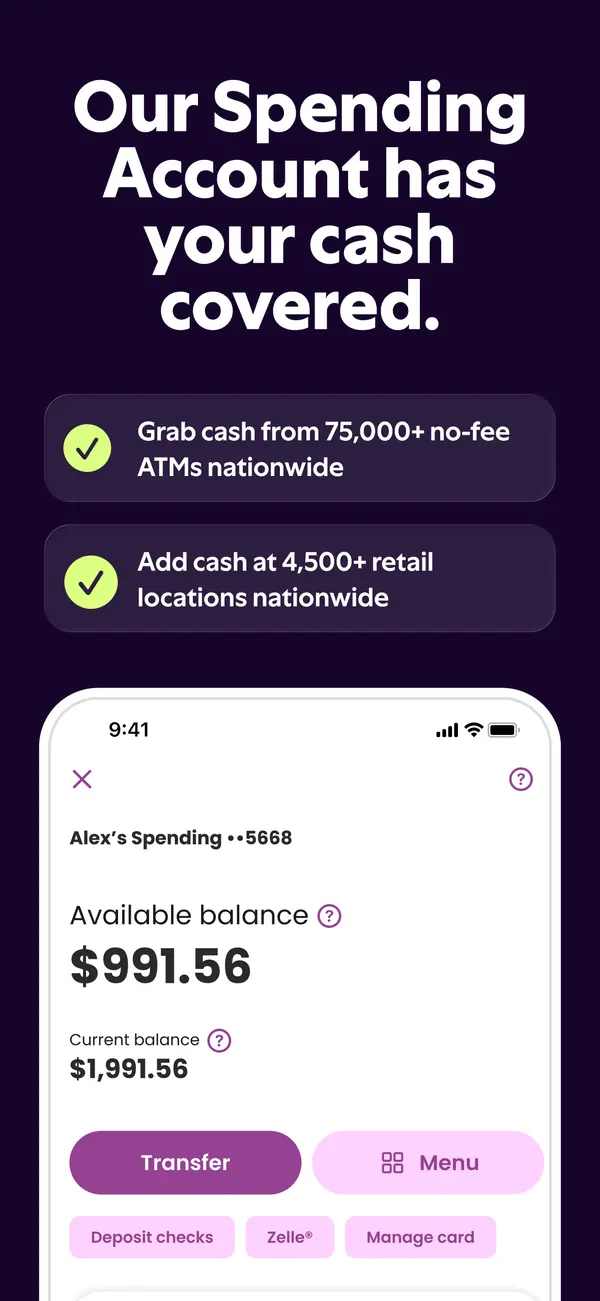
From YNAB's help centerA January Summary card with Total Targets, Underfunded, Assigned and Spent tiles.support.ynab.com, as of
Accounts
App Store marketing imageApp Store image with the headline "Our Spending Account has your cash covered." showing a spending account with Transfer and Menu buttons.App Store listing, as of 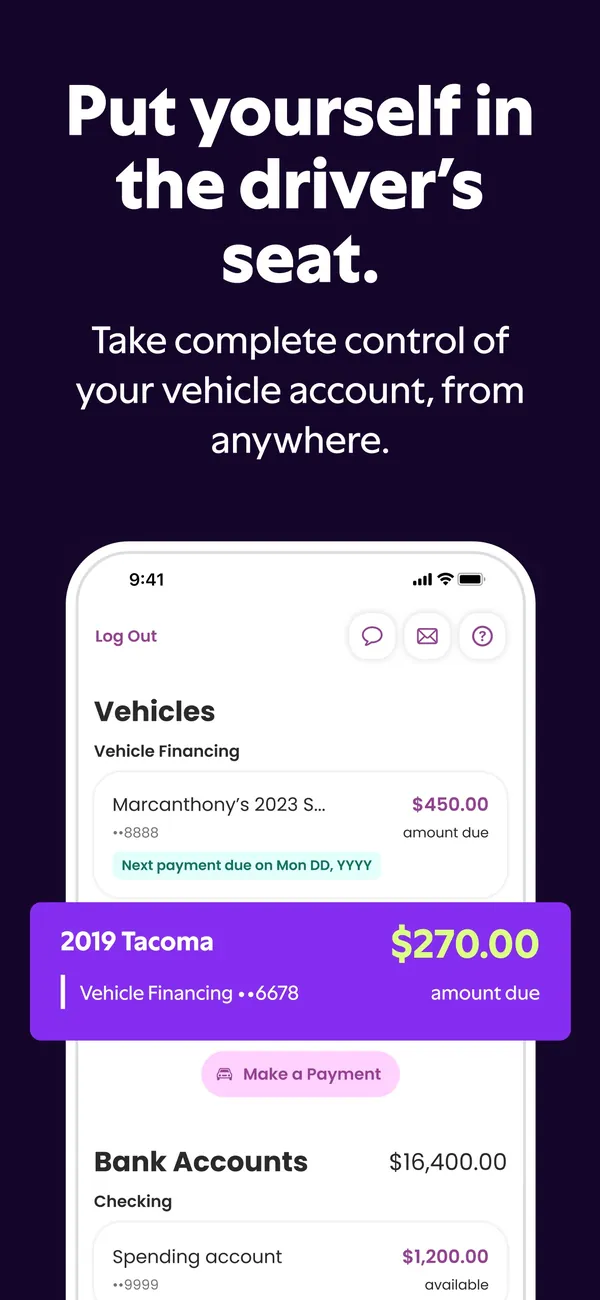
App Store marketing imageApp Store image with the headline "Put yourself in the driver's seat." showing vehicle financing amounts due.App Store listing, as of
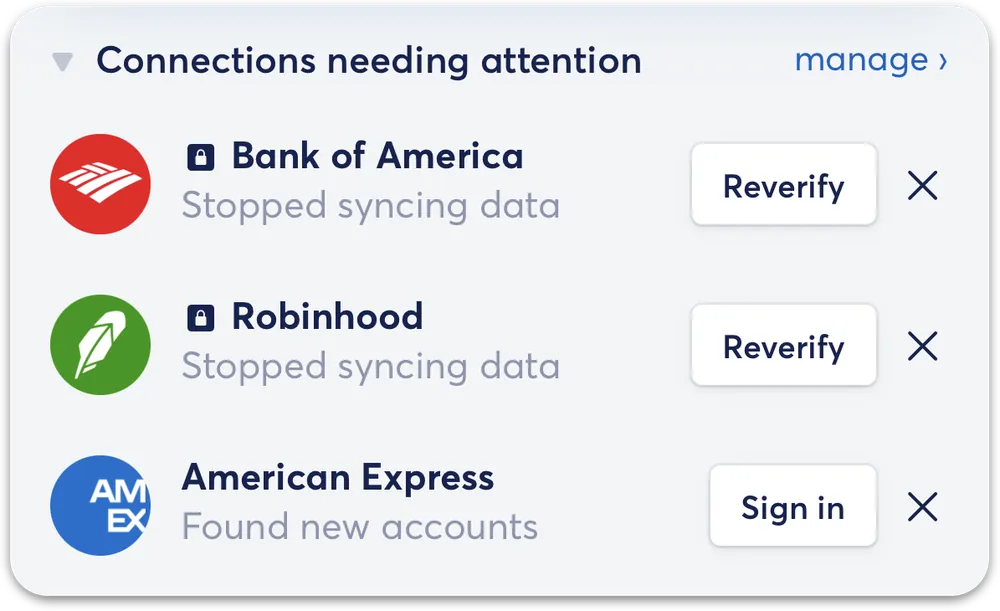
From Copilot Money's help centerA Connections needing attention card listing accounts with Reverify and Sign in buttons.help.copilot.money, as of

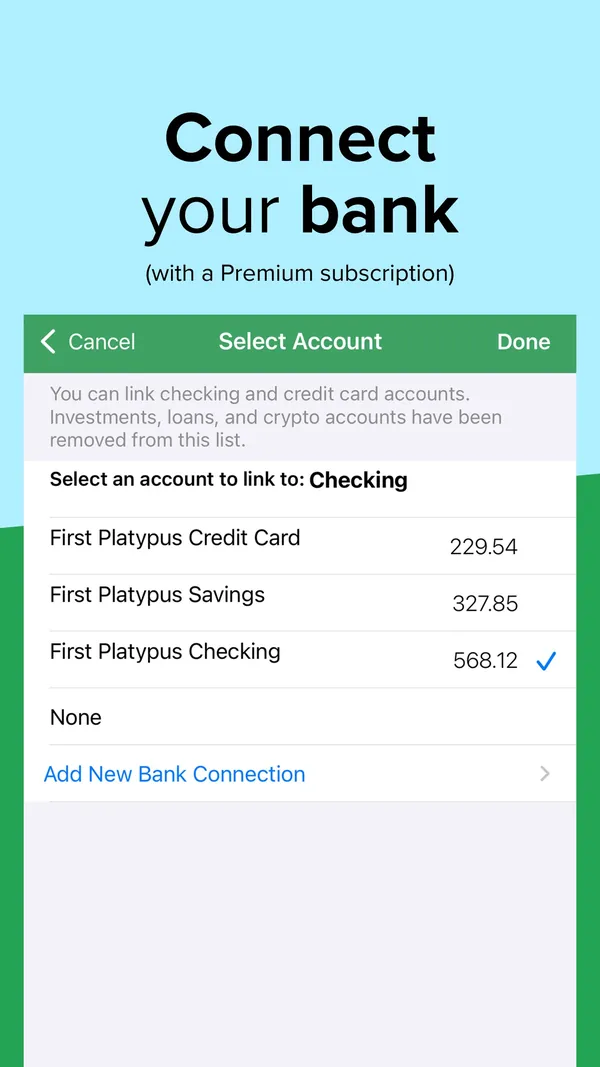
App Store marketing imageApp Store image with the headline "Connect your bank (with a Premium subscription)" showing a Select Account screen.App Store listing, as of 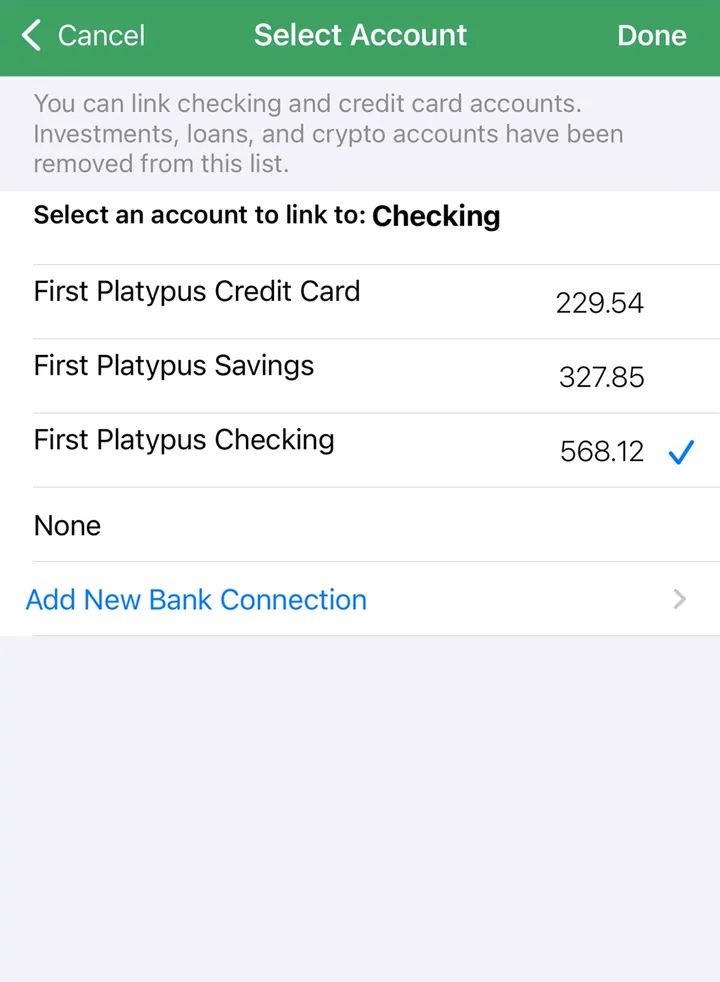
App Store marketing imageA Select Account screen for linking a bank account to Checking, with an Add New Bank Connection link.App Store listing, as of
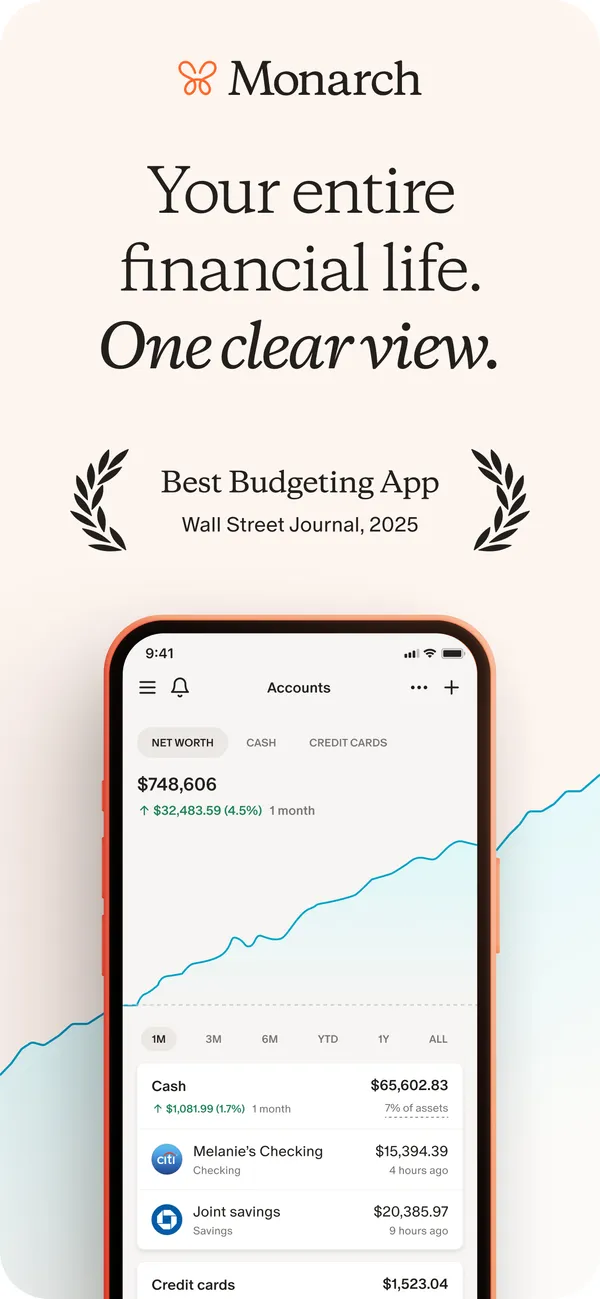
App Store marketing imageApp Store image with the headline "Your entire financial life. One clear view." showing the Accounts screen with a net worth chart and account rows.App Store listing, as of 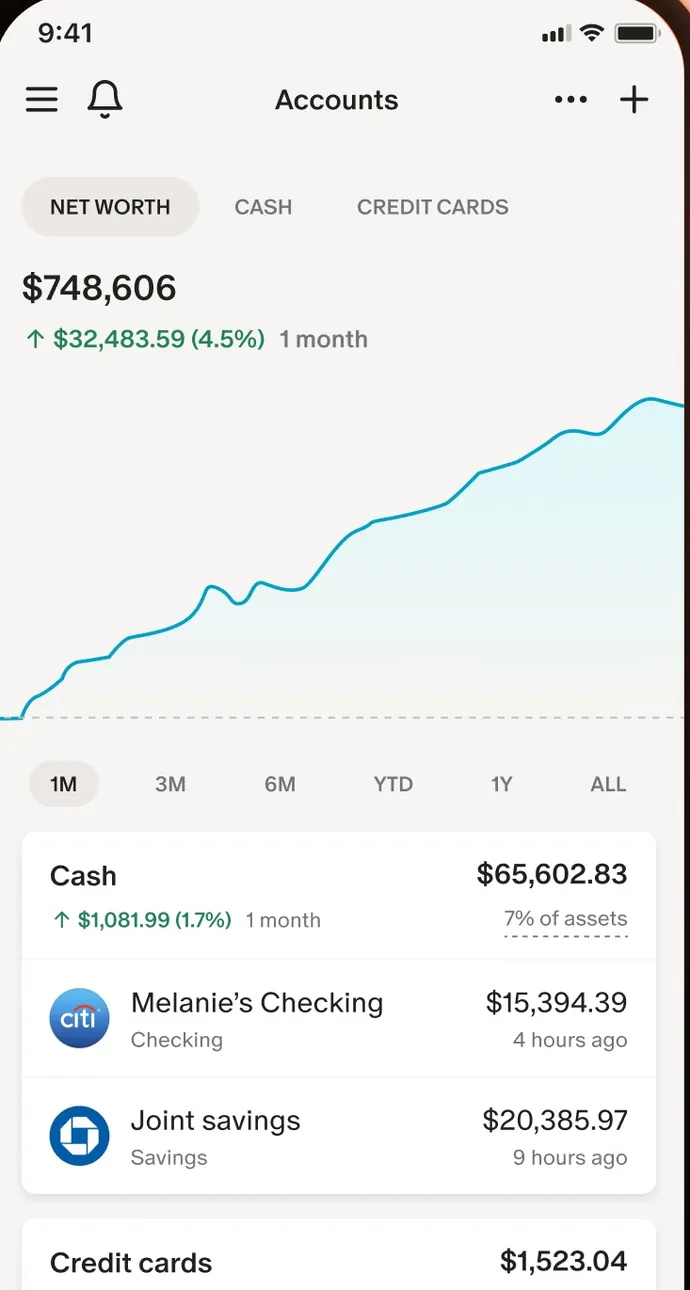
App Store marketing imageThe Accounts screen: net worth of $748,606 with a line chart, time range buttons and Cash account rows.App Store listing, as of

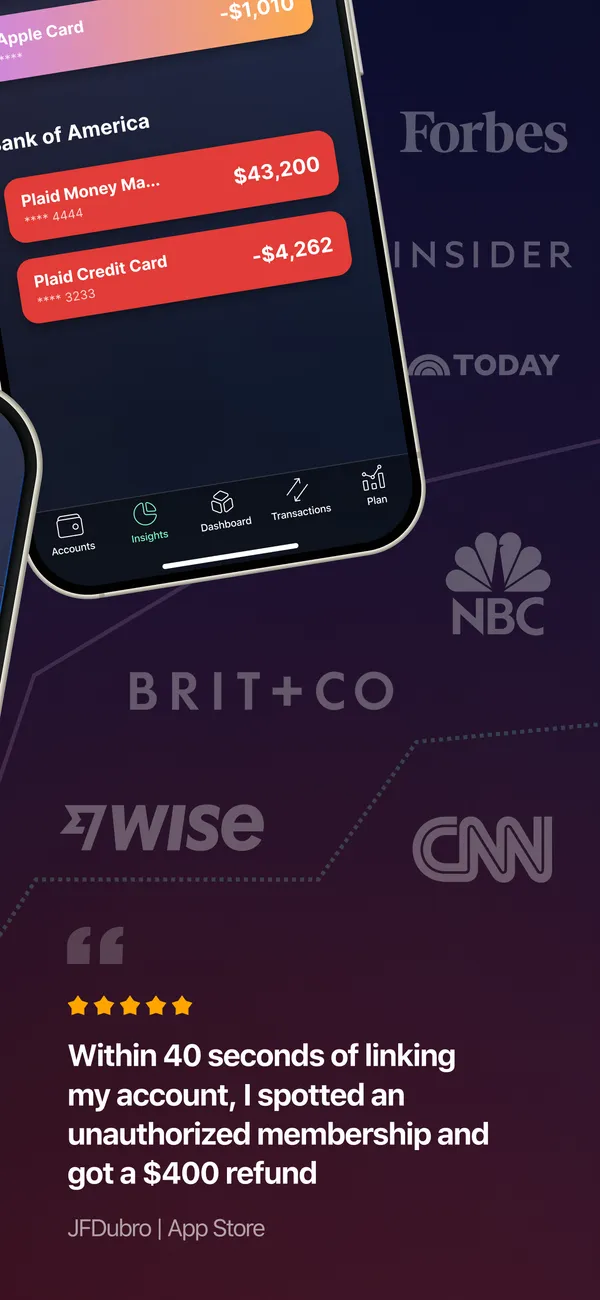
App Store marketing imageApp Store image with a tilted phone showing account balances and press logos with a user quote.App Store listing, as of
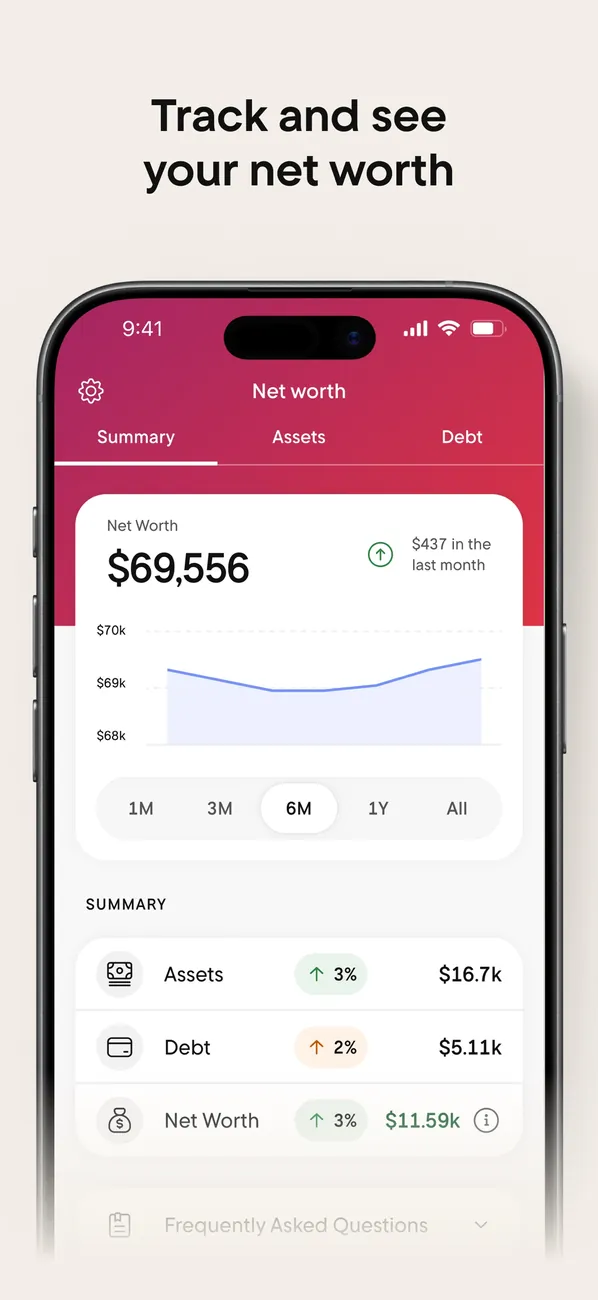
App Store marketing imageApp Store image with the headline "Track and see your net worth" showing the Net worth tab.App Store listing, as of 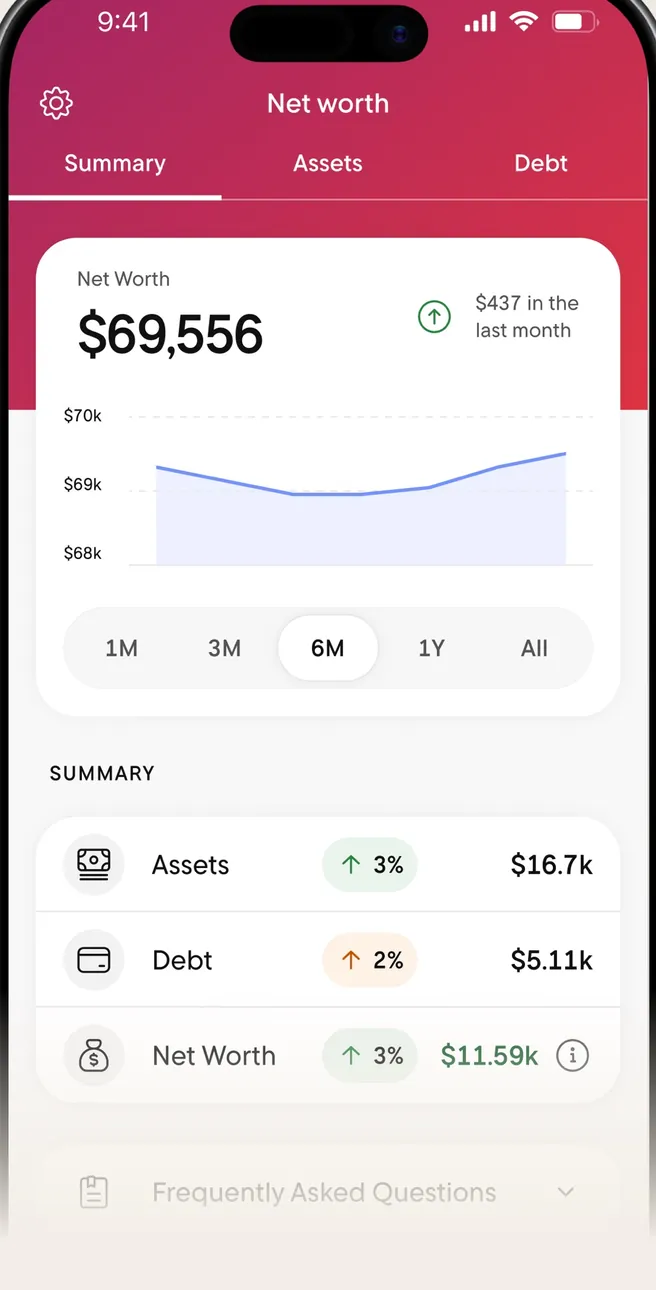
App Store marketing imageThe Net worth tab: $69,556 with a line chart and a Summary of Assets, Debt and Net Worth.App Store listing, as of 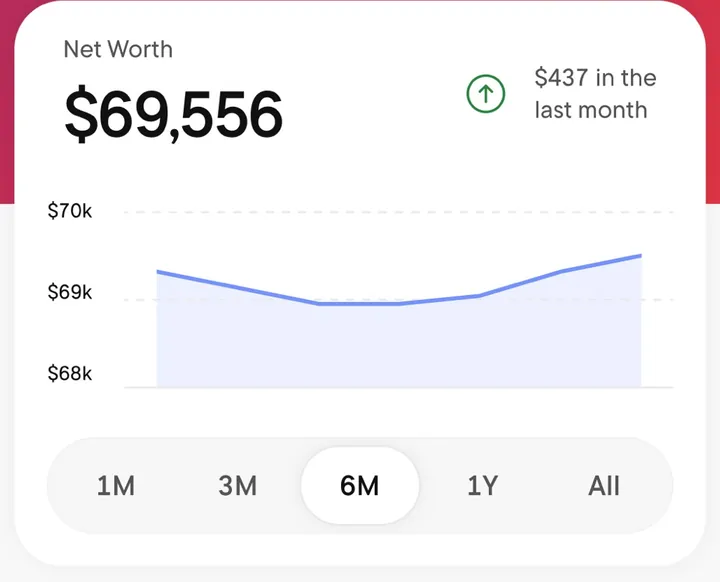
App Store marketing imageA Net Worth card with $69,556, a line chart and time range buttons from 1M to All.App Store listing, as of
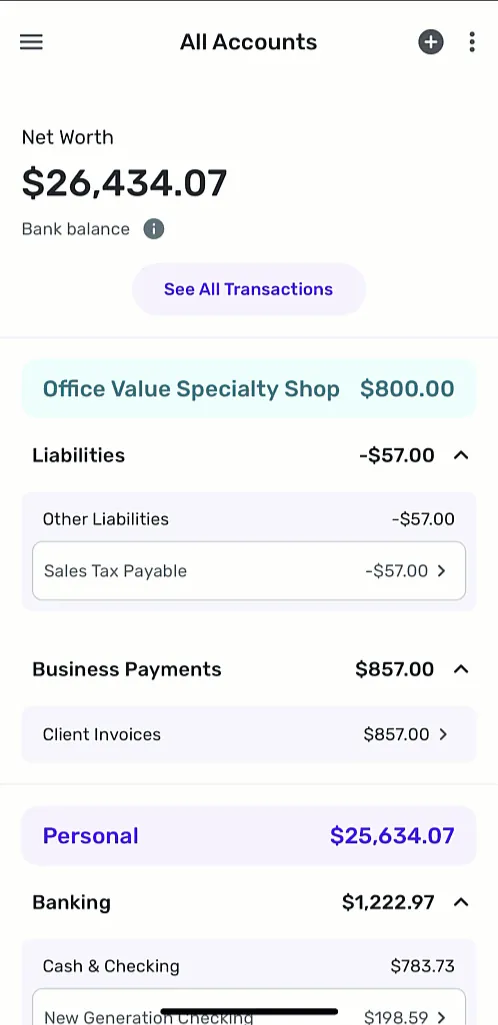
From Simplifi's help centerThe All Accounts screen with net worth, business accounts and personal Banking accounts grouped with balances.support.simplifi.quicken.com, as of
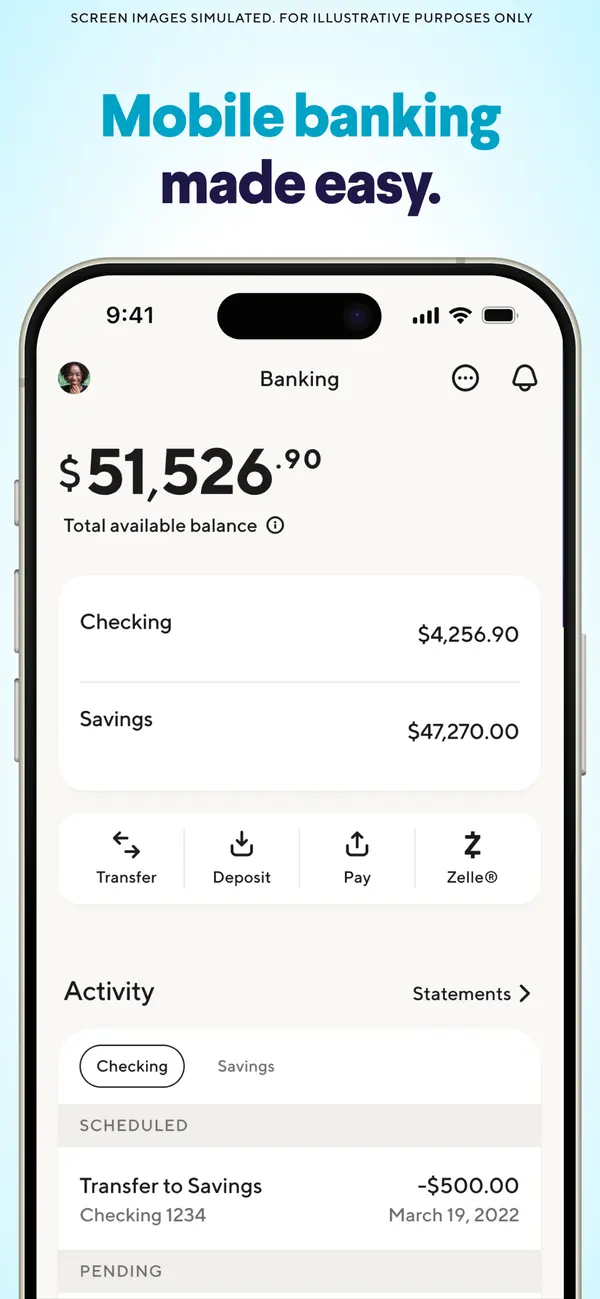
App Store marketing imageApp Store image with the headline "Mobile banking made easy." showing a Banking screen with checking and savings balances.App Store listing, as of
Transactions

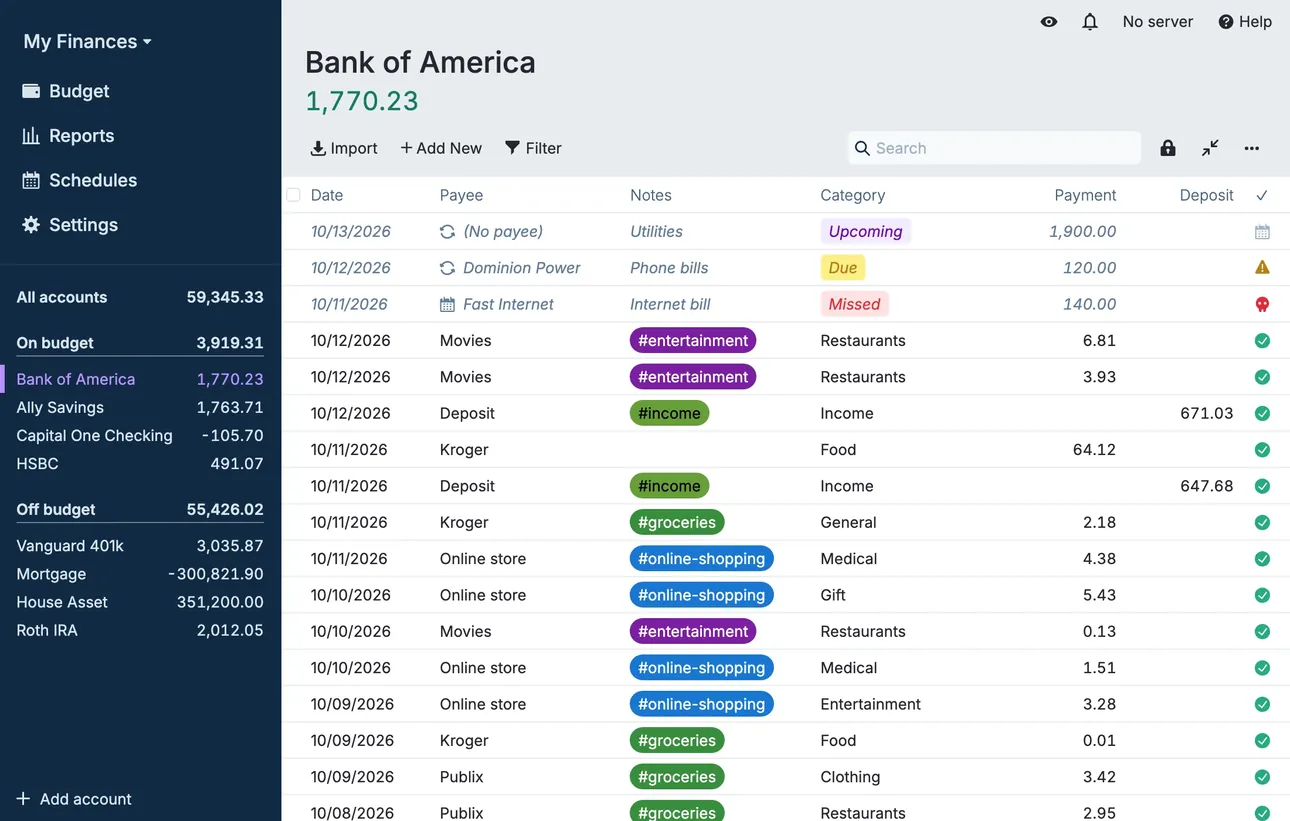
From Actual Budget's help centerThe account register for Bank of America with dated transactions, payees, category tags and payment and deposit columns.actualbudget.org, as of 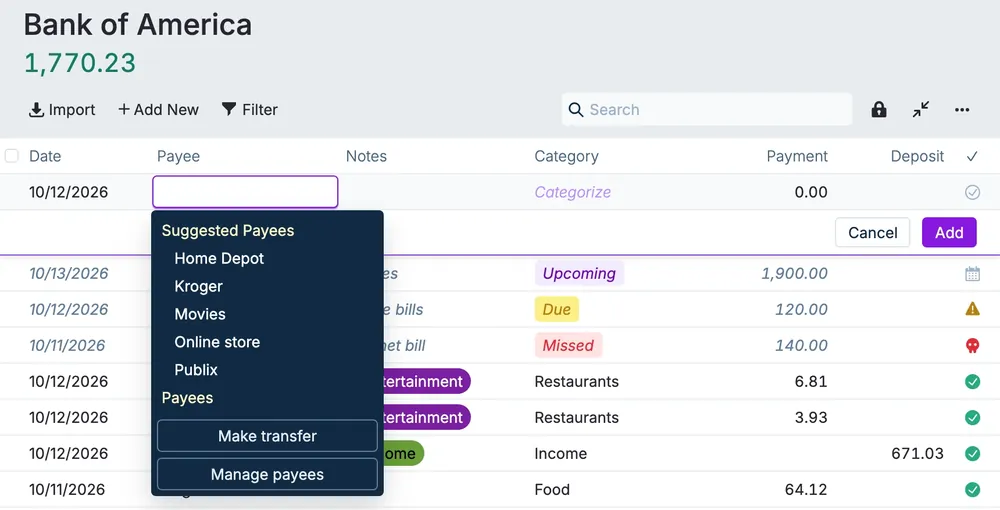
From Actual Budget's help centerA new transaction row with the payee menu open, listing suggested payees and a Make transfer option.actualbudget.org, as of
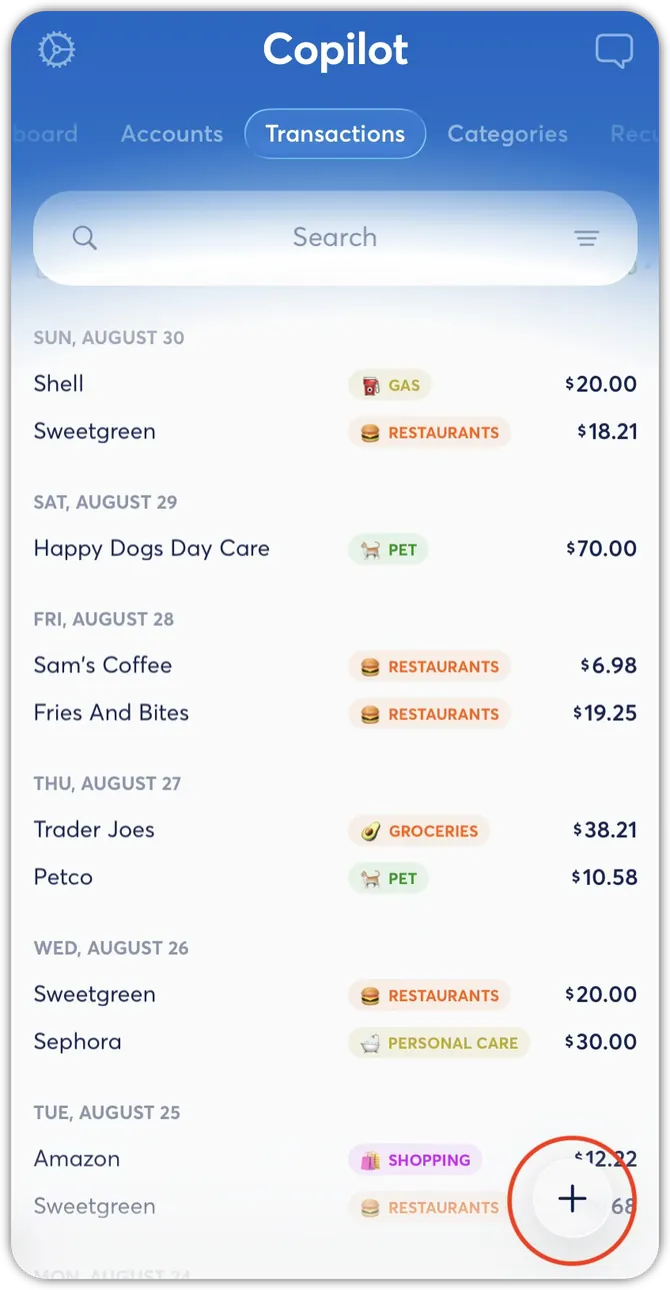
From Copilot Money's help centerThe Transactions tab with transactions grouped by day, each with a category tag and amount.help.copilot.money, as of 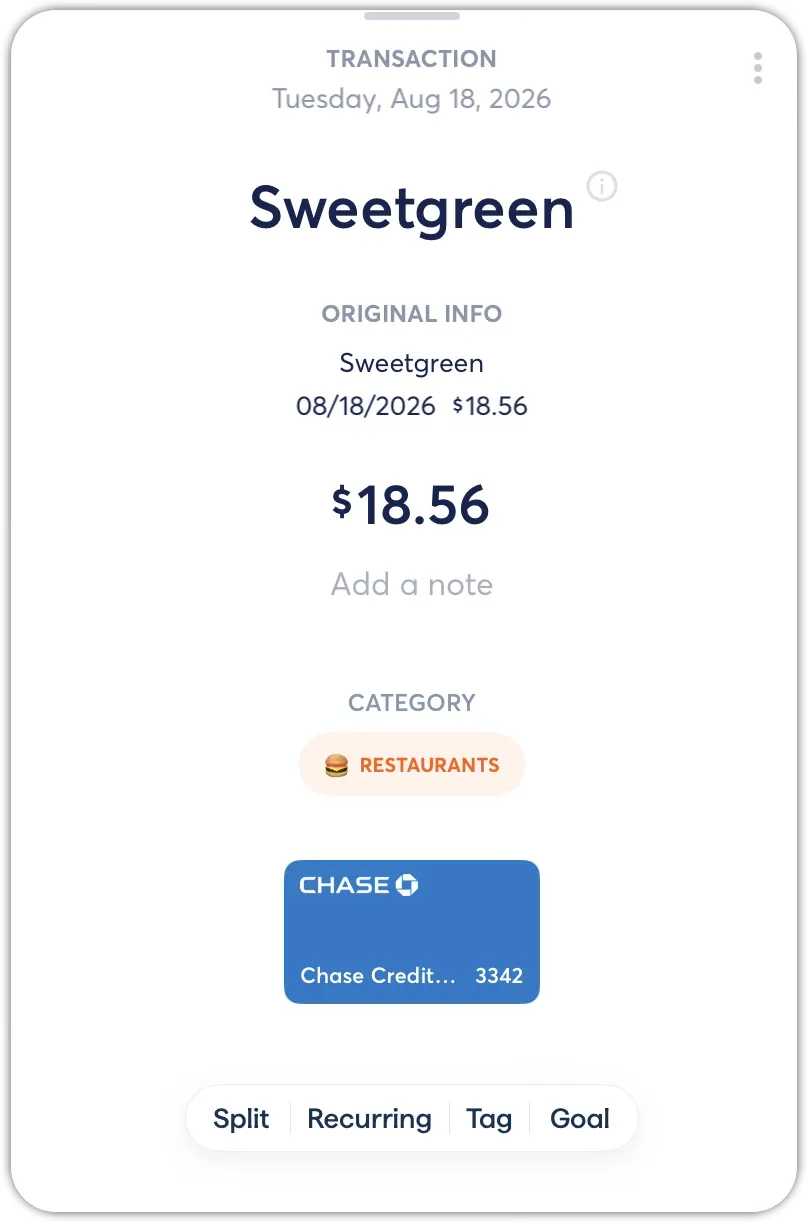
From Copilot Money's help centerA transaction detail for Sweetgreen at $18.56 with its category and buttons for Split, Recurring, Tag and Goal.help.copilot.money, as of 
App Store marketing imageA To Review card listing two transactions with category tags and a Mark as Reviewed button.App Store listing, as of 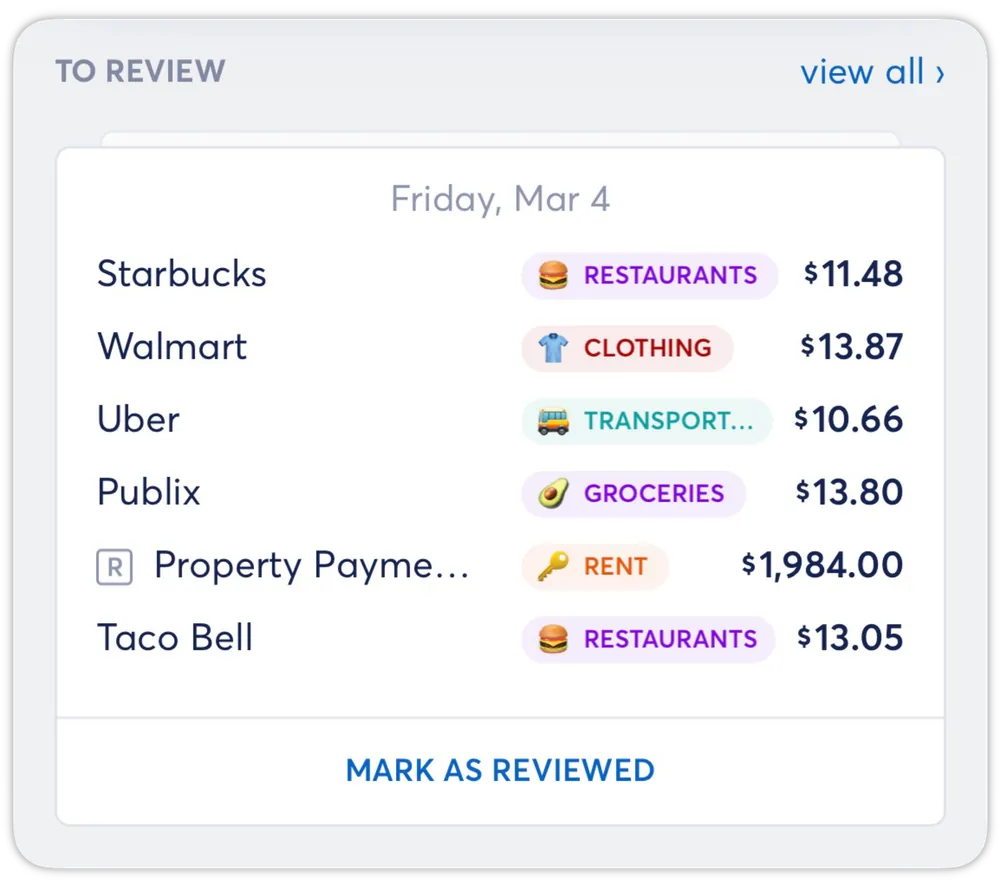
From Copilot Money's help centerA To Review card listing several transactions with category tags and a Mark as Reviewed button.help.copilot.money, as of
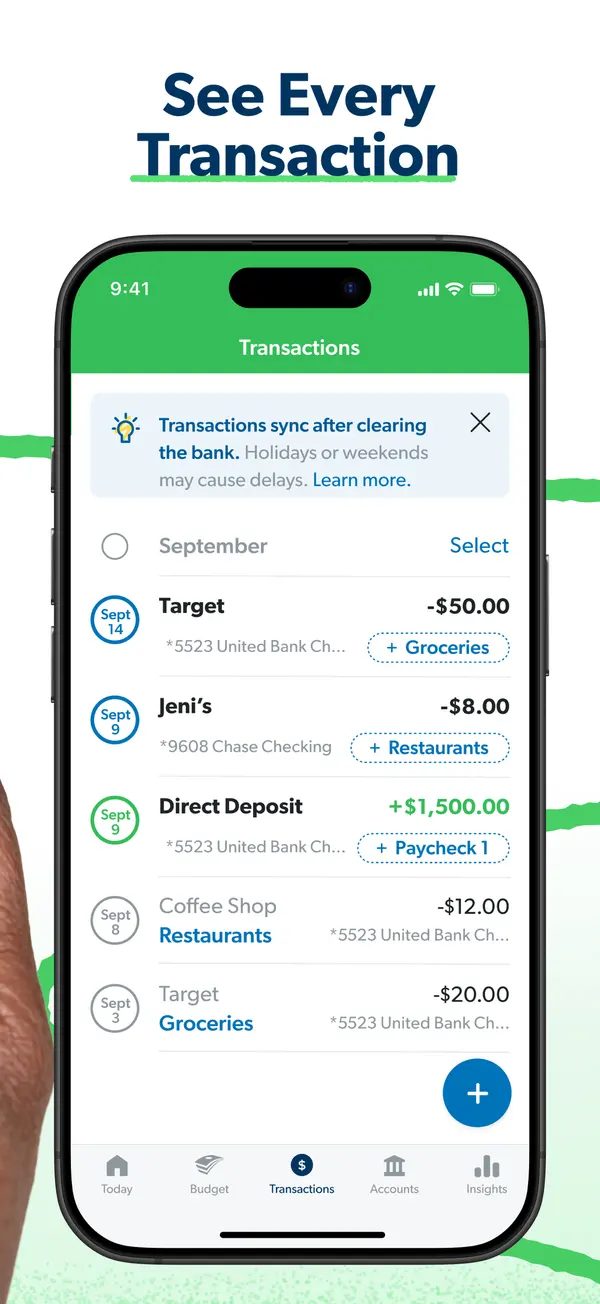
App Store marketing imageApp Store image with the headline "See Every Transaction" showing the Transactions screen.App Store listing, as of 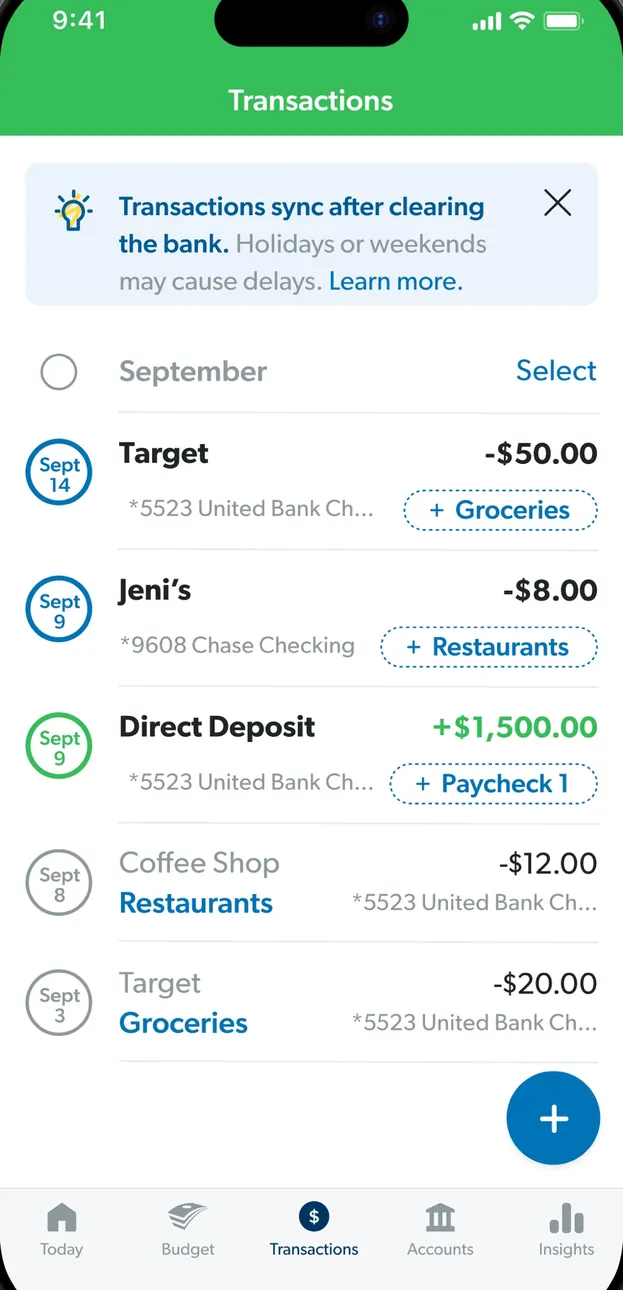
App Store marketing imageThe Transactions screen: a note that transactions sync after clearing, then September transactions with budget item tags.App Store listing, as of 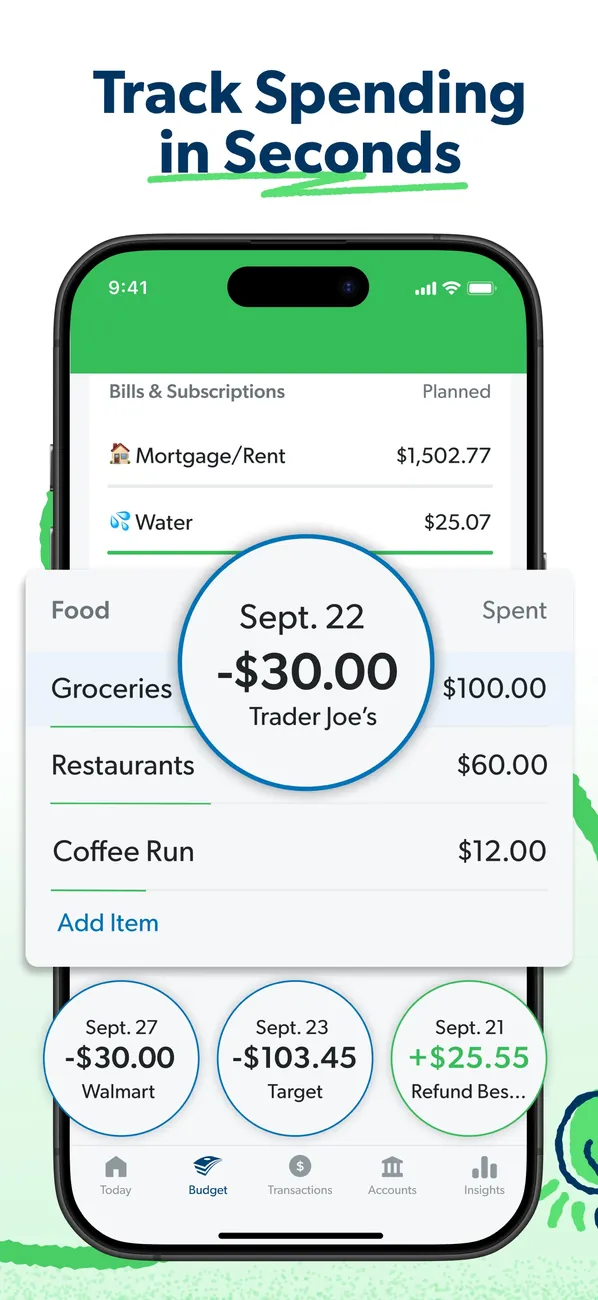
App Store marketing imageApp Store image with the headline "Track Spending in Seconds" showing budget rows with transaction bubbles for Trader Joe's, Walmart and Target.App Store listing, as of 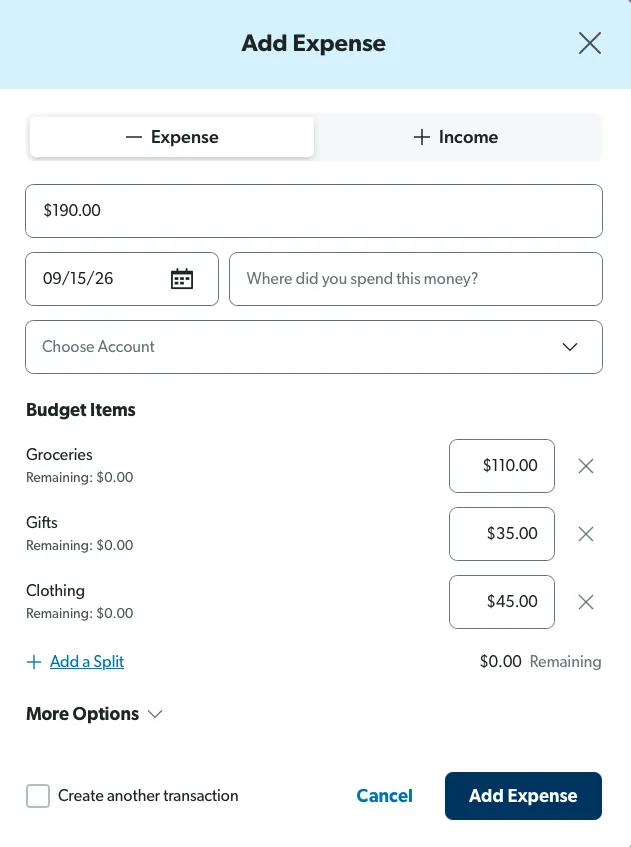
From EveryDollar's help centerAn Add Expense form on the web split across Groceries, Gifts and Clothing with amounts for each.everydollar.help.ramseysolutions.com, as of 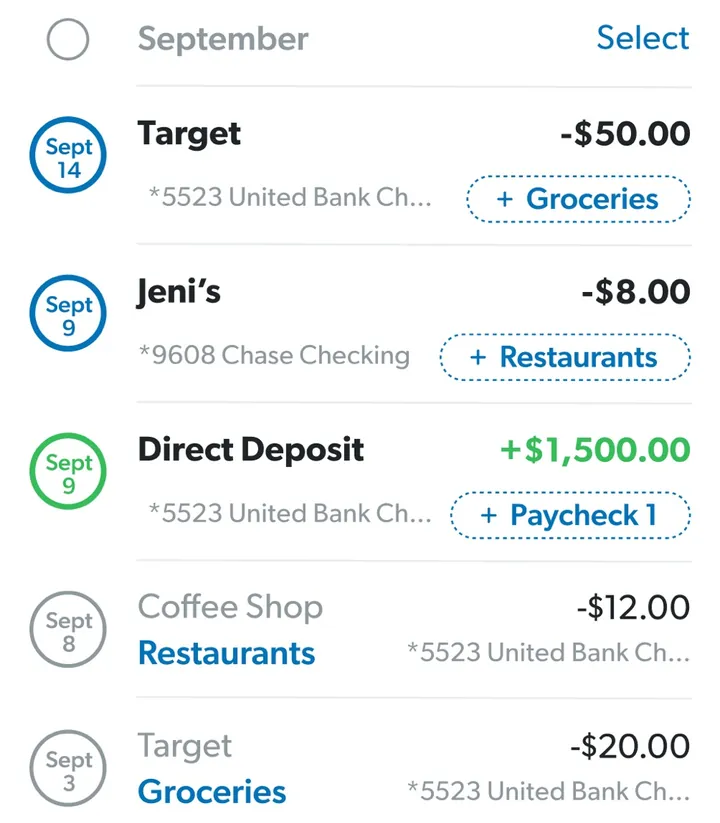
App Store marketing imageTransaction rows such as Target, Jeni's and a Direct Deposit, each with an amount and a budget item tag like Groceries.App Store listing, as of
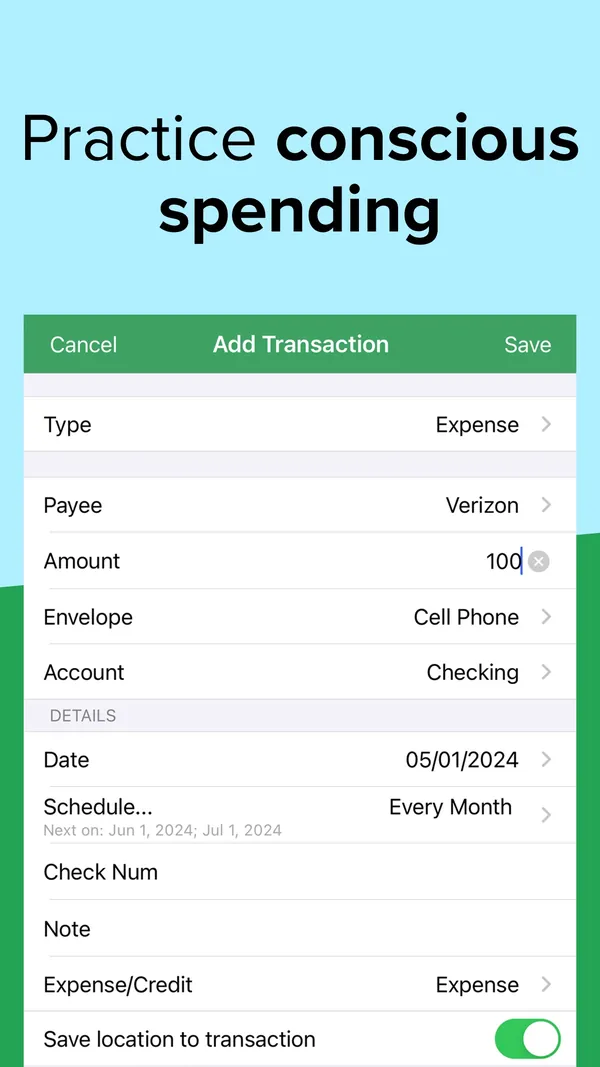
App Store marketing imageApp Store image with the headline "Practice conscious spending" showing an Add Transaction form.App Store listing, as of 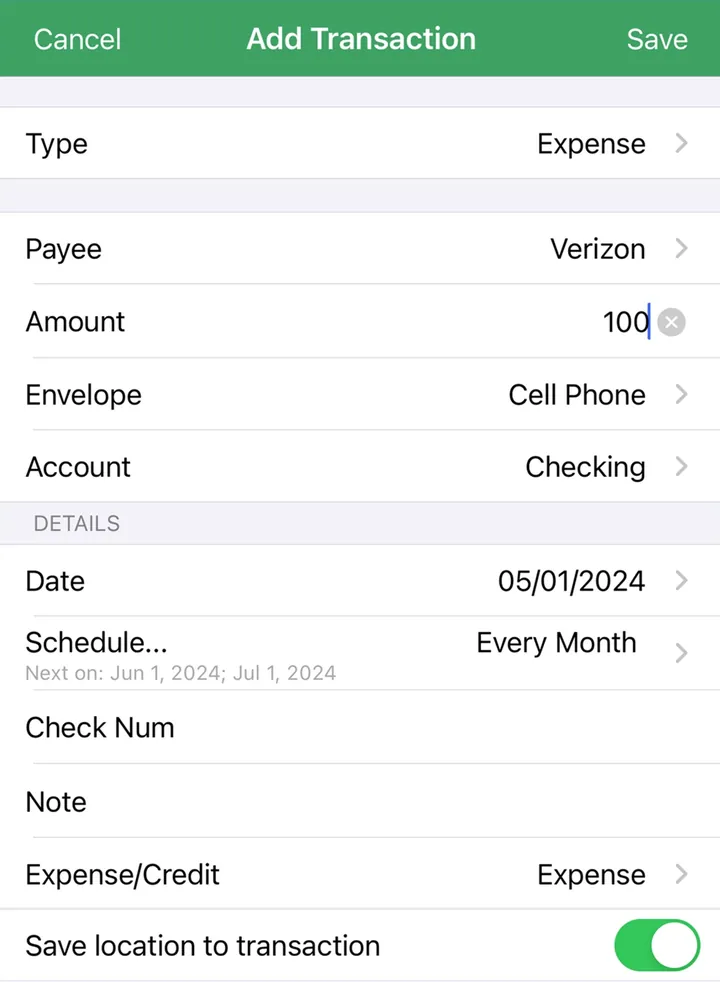
App Store marketing imageAn Add Transaction form with Type, Payee, Amount, Envelope, Account, Date and Schedule fields.App Store listing, as of 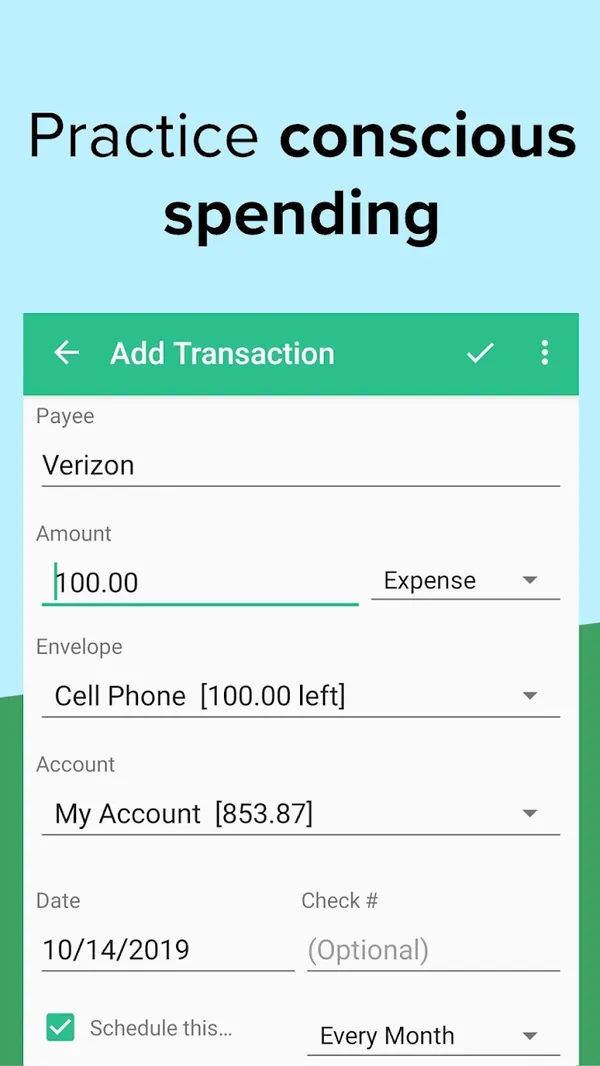
Google Play marketing imageGoogle Play image with the headline "Practice conscious spending" showing the Android Add Transaction form.Google Play listing, as of
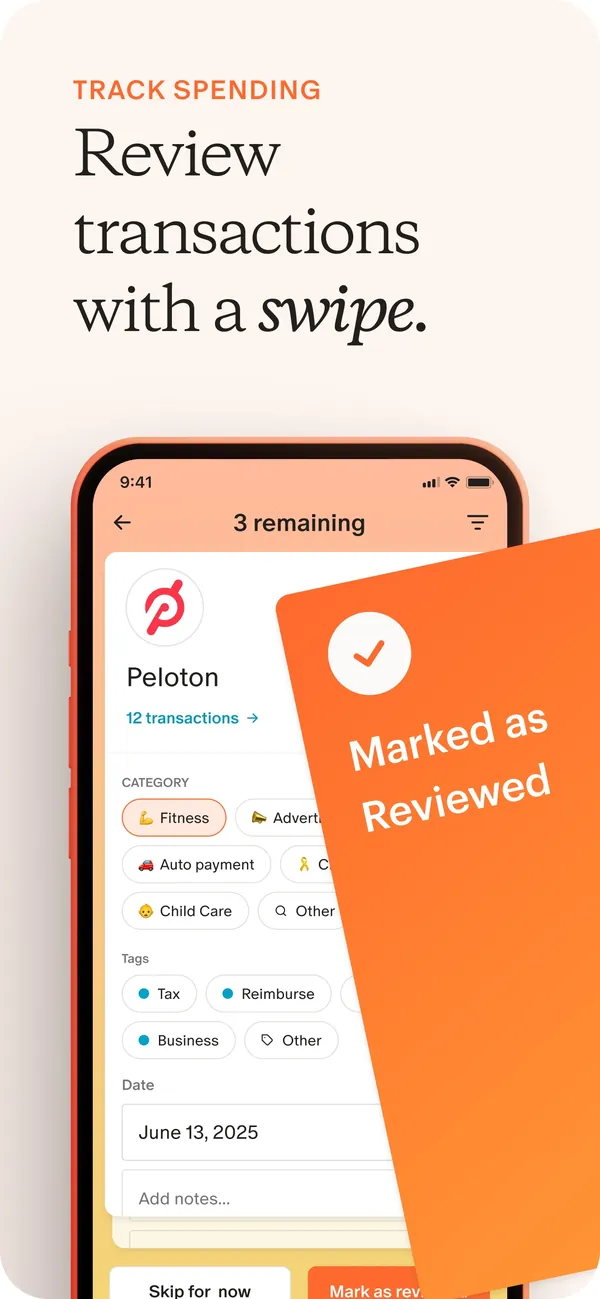
App Store marketing imageApp Store image with the headline "Review transactions with a swipe." showing a transaction review card for Peloton with a "Marked as Reviewed" card over it.App Store listing, as of
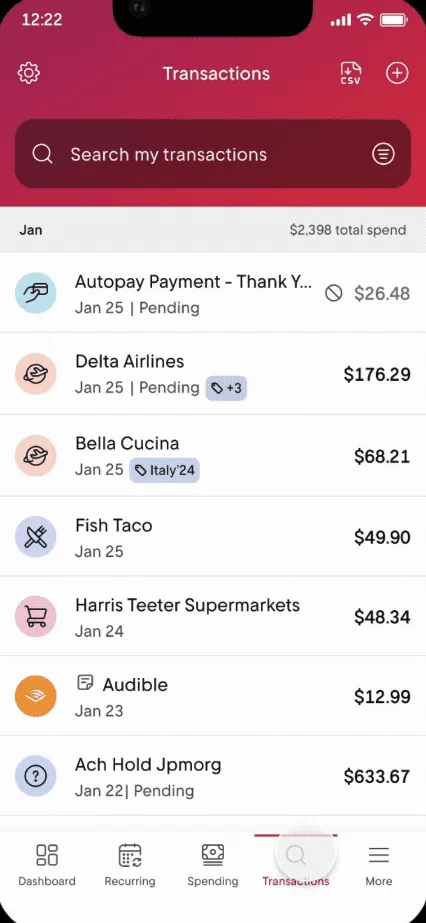
From Rocket Money's help centerThe Transactions tab with a search box and a list of transactions with icons and amounts.help.rocketmoney.com, as of 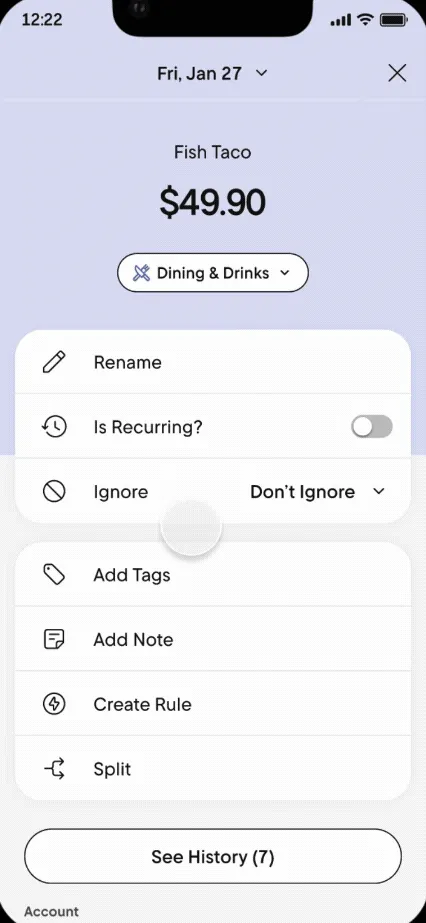
From Rocket Money's help centerA transaction detail for Fish Taco with options to rename, mark recurring, ignore, add tags, add a note, create a rule or split.help.rocketmoney.com, as of 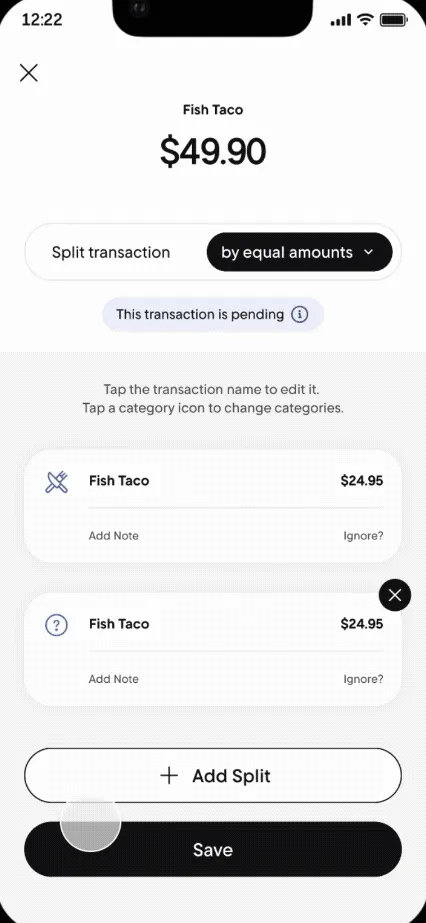
From Rocket Money's help centerA Split transaction screen dividing $49.90 by equal amounts into two parts.help.rocketmoney.com, as of
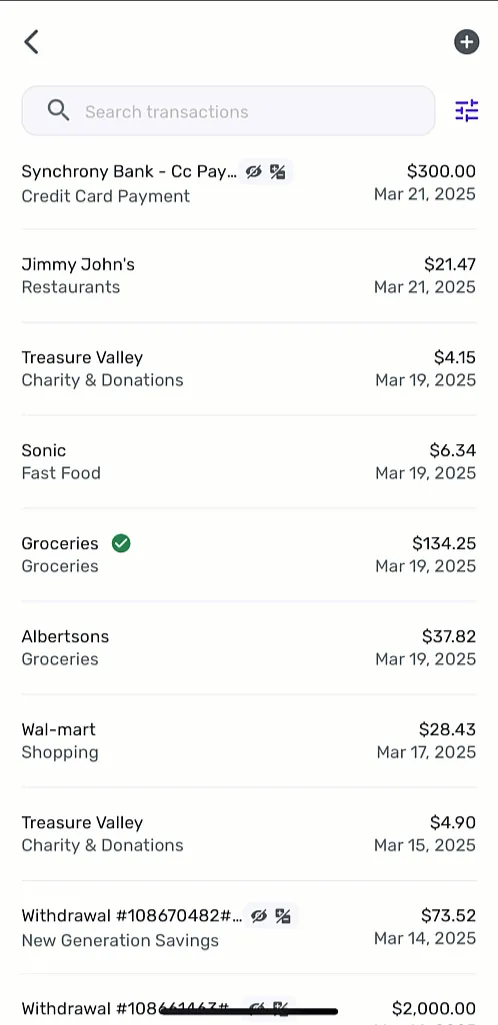
From Simplifi's help centerA transaction list with a search box, each row showing payee, category, amount and date.support.simplifi.quicken.com, as of
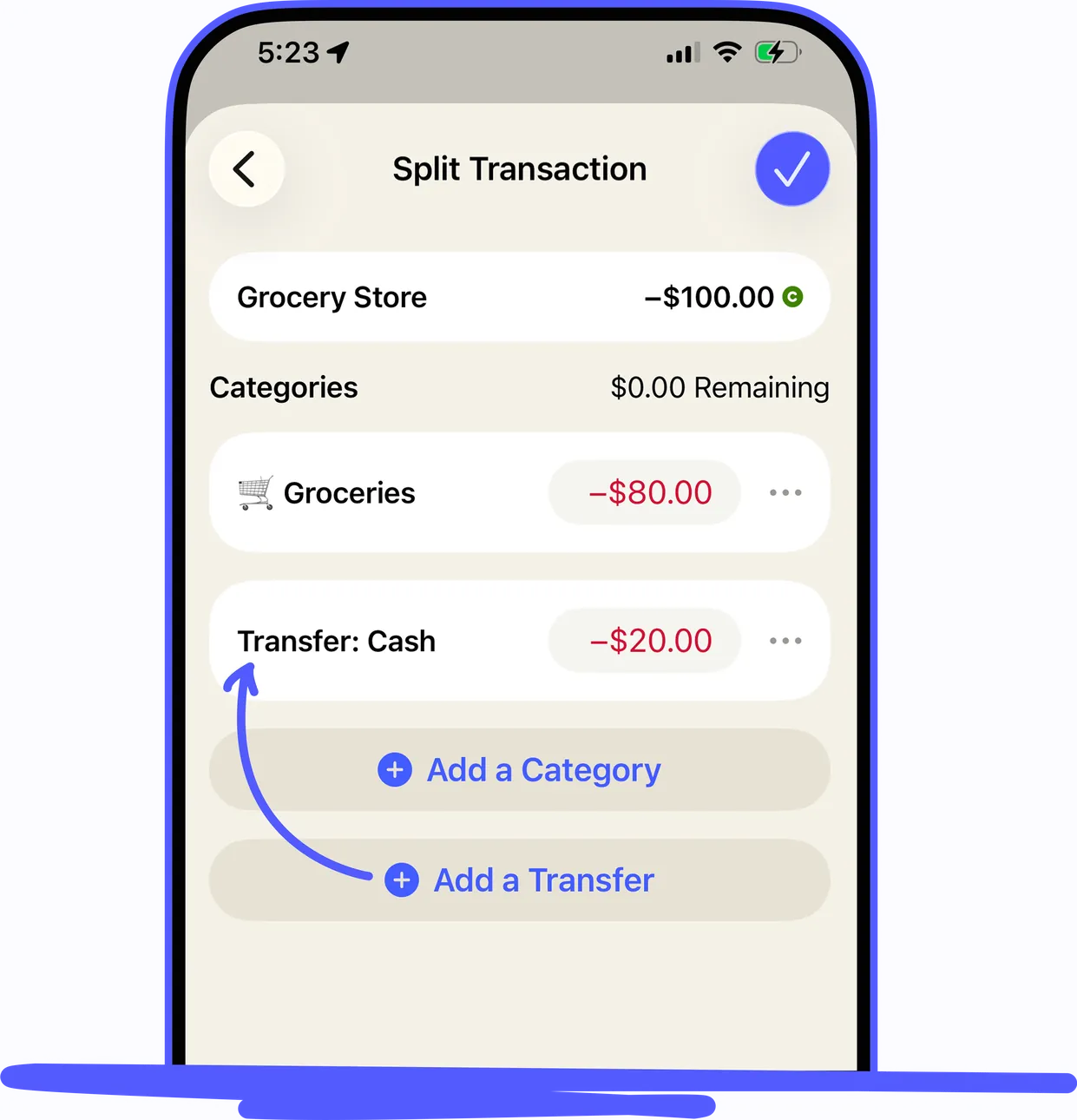
From YNAB's help centerAn iPhone Split Transaction screen for a -$100.00 Grocery Store purchase split between Groceries and a transfer to Cash.support.ynab.com, as of 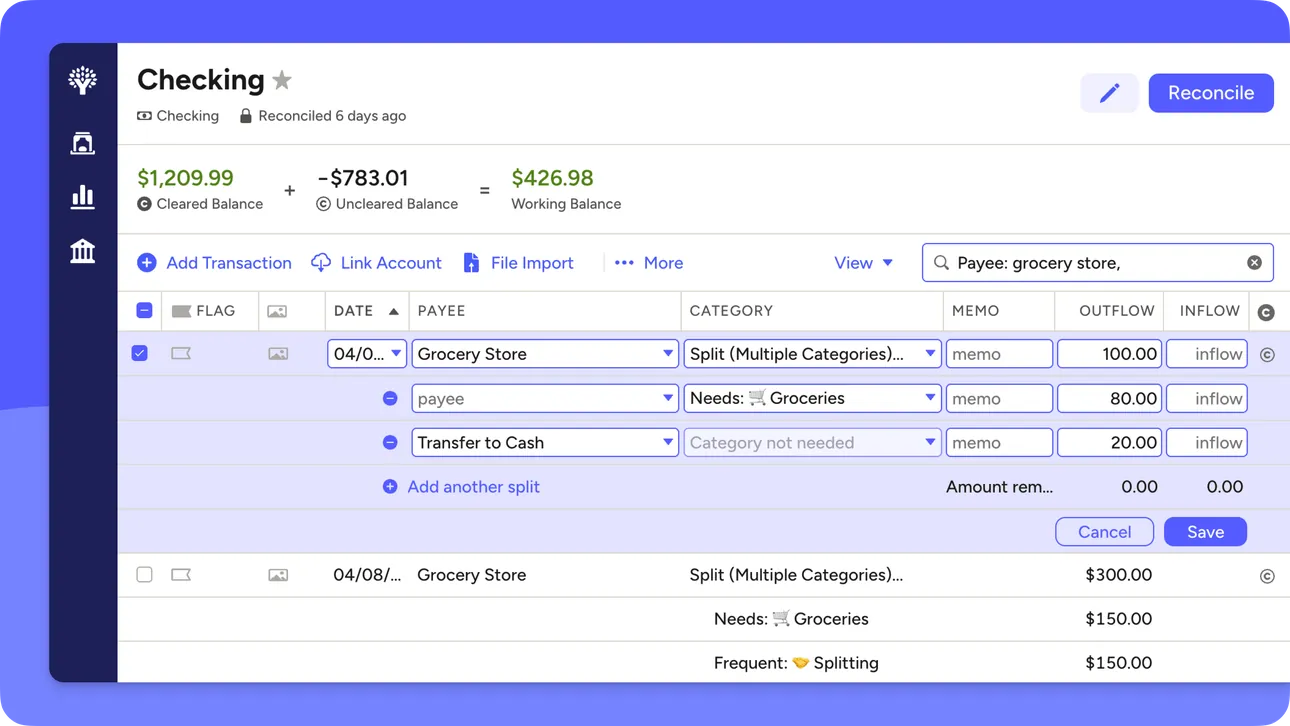
From YNAB's help centerThe web account register for Checking with a split transaction open across several category rows.support.ynab.com, as of
Budget
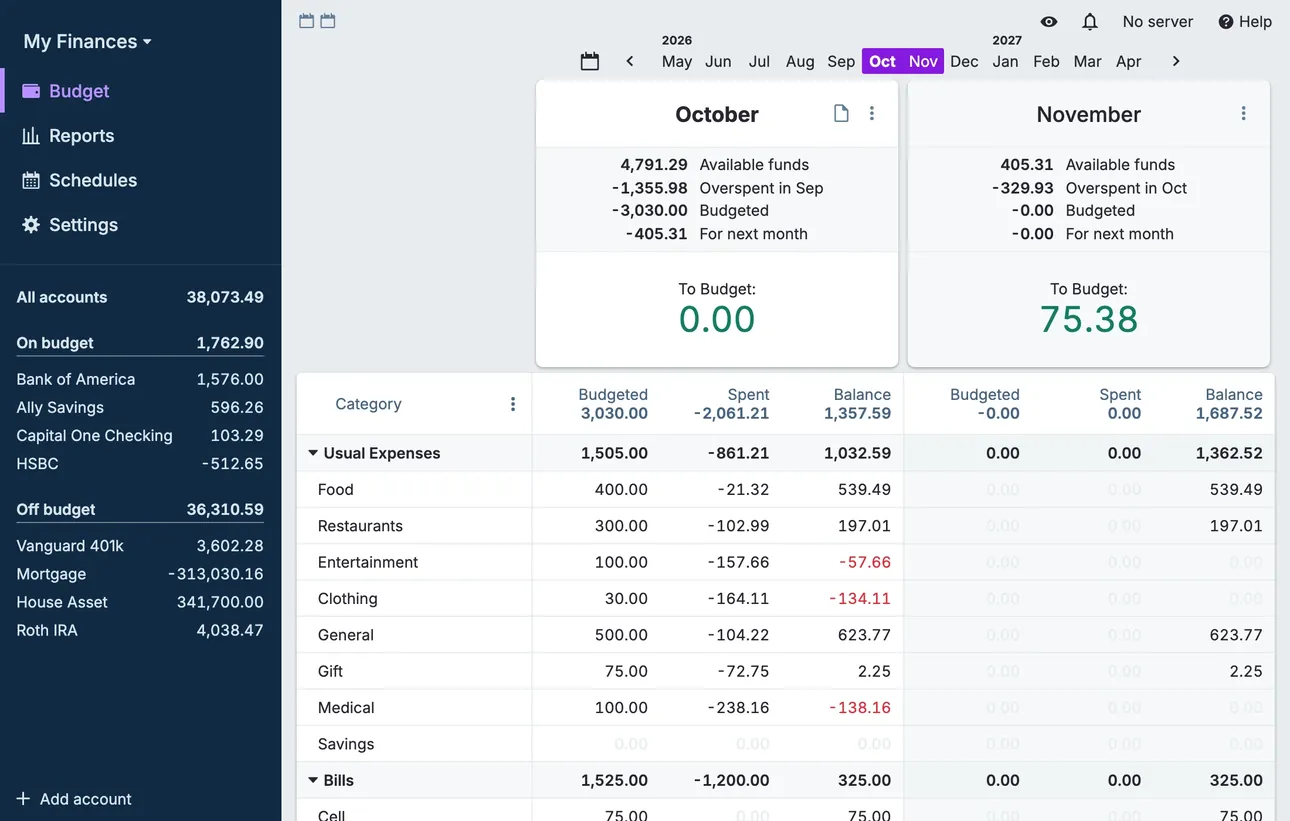
From Actual Budget's help centerThe desktop budget page with two months side by side, category rows with budgeted, spent and balance columns, and accounts in the sidebar.actualbudget.org, as of 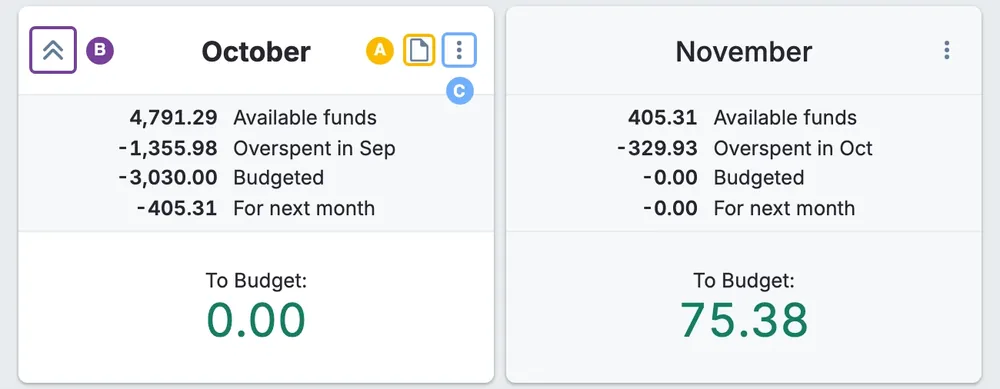
From Actual Budget's help centerMonth summary cards for October and November with available funds, overspent, budgeted and To Budget amounts.actualbudget.org, as of 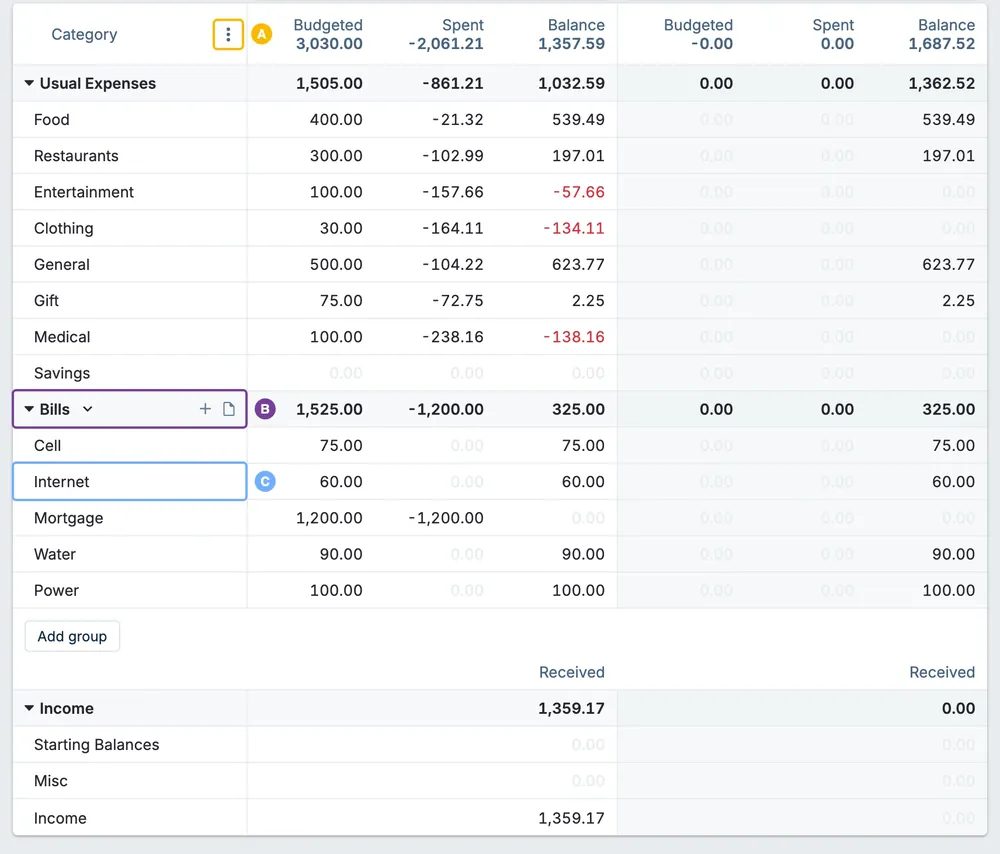
From Actual Budget's help centerA budget table of category groups with budgeted, spent and balance columns for two months.actualbudget.org, as of
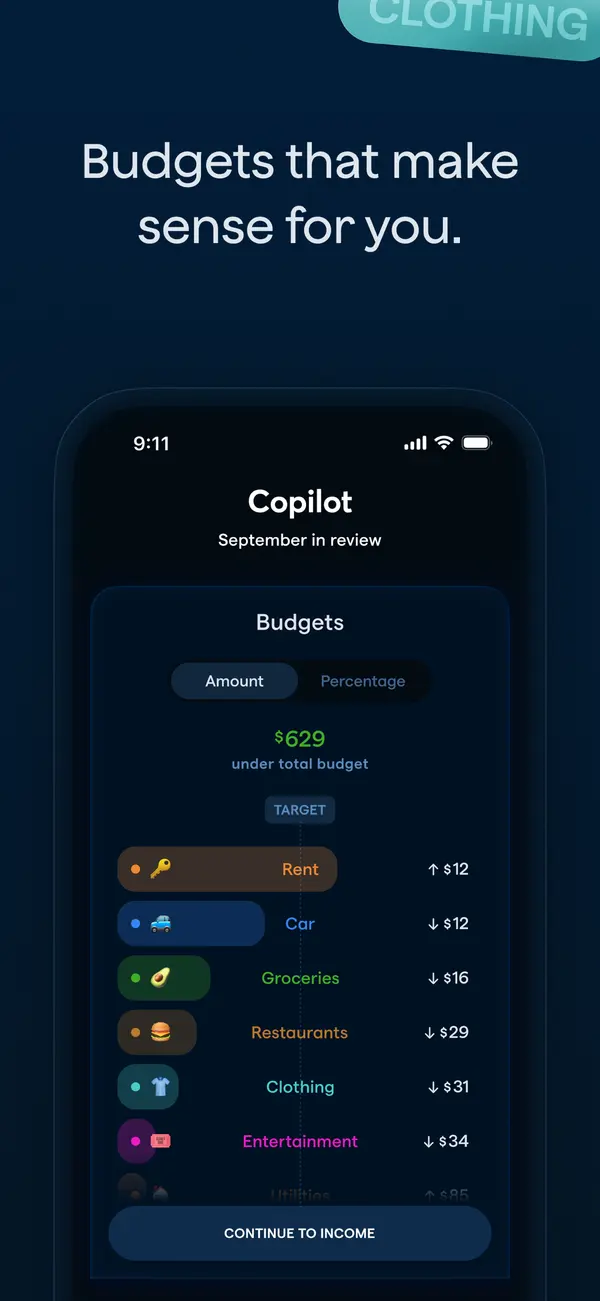
App Store marketing imageApp Store image with the headline "Budgets that make sense for you." showing a September in review screen with a Budgets list.App Store listing, as of 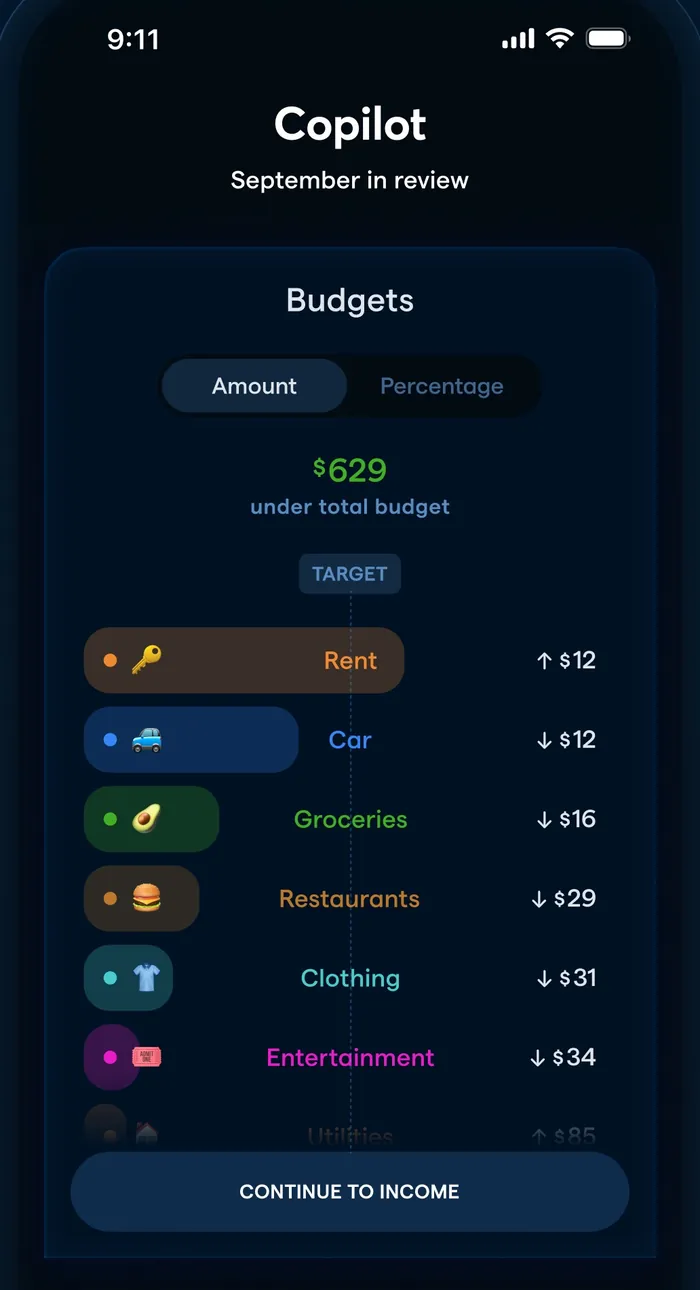
App Store marketing imageA September in review screen: $629 under total budget and categories like Rent, Car and Groceries with amounts over or under.App Store listing, as of 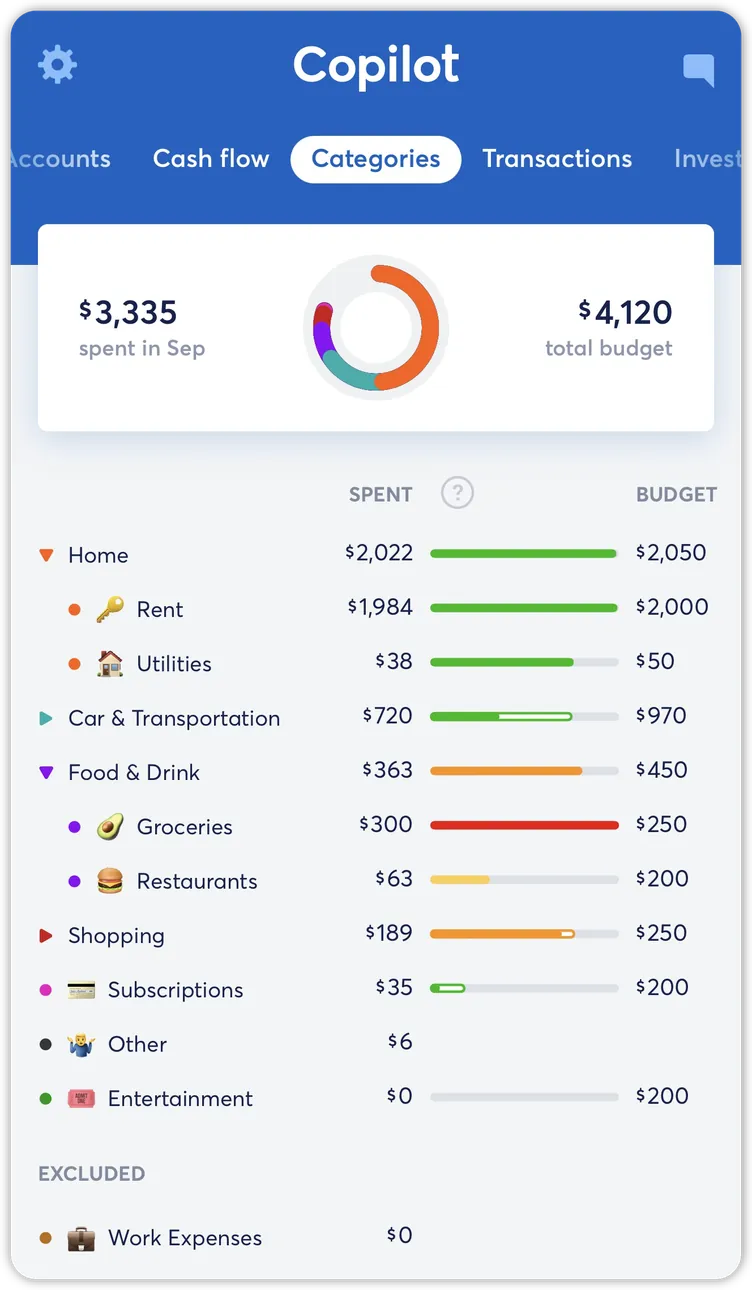
From Copilot Money's help centerThe Categories tab with spent and budget totals, a ring chart and category rows with budget bars.help.copilot.money, as of 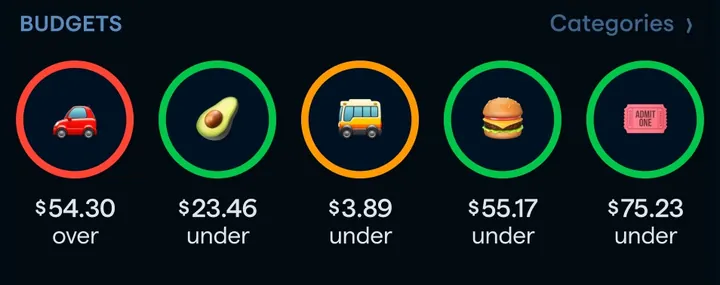
App Store marketing imageA row of five round category icons with amounts under or over budget.App Store listing, as of 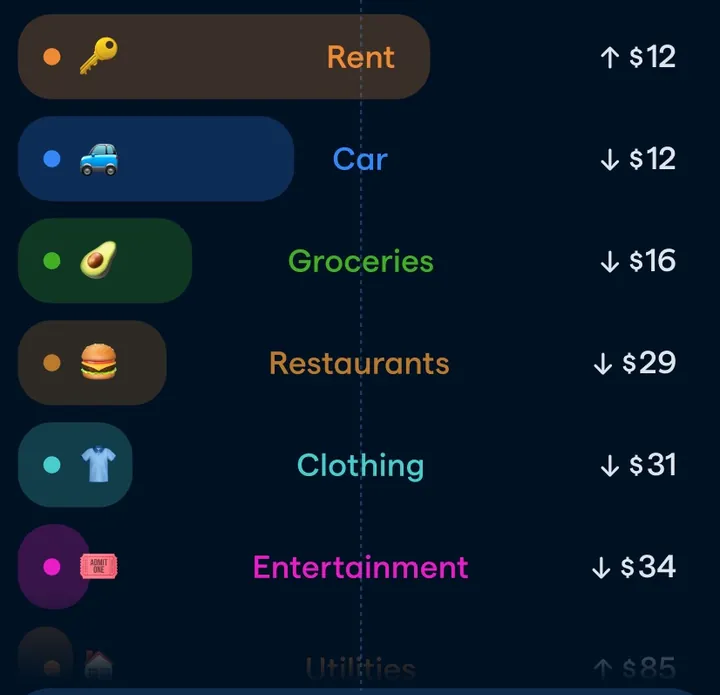
App Store marketing imageCategory pills such as Rent, Car, Groceries, Restaurants, Clothing and Entertainment with small up or down amounts.App Store listing, as of
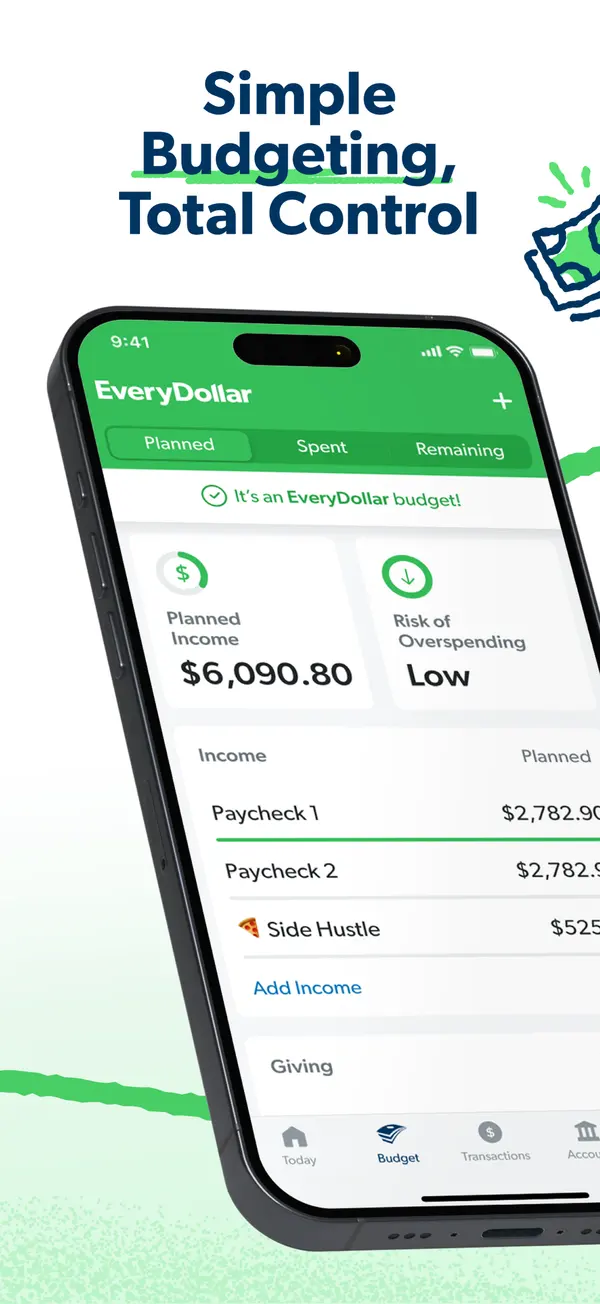
App Store marketing imageApp Store image with the headline "Simple Budgeting, Total Control" over a tilted phone showing the budget with Planned Income and Risk of Overspending.App Store listing, as of 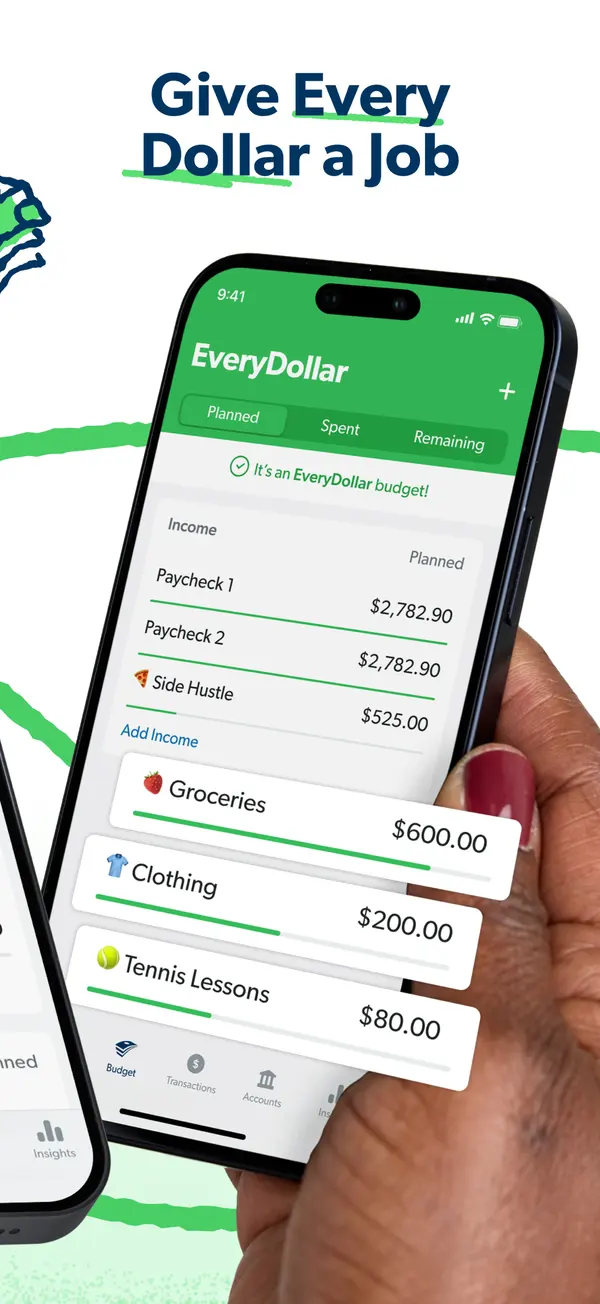
App Store marketing imageApp Store image with the headline "Give Every Dollar a Job" showing a hand holding a phone with income rows and budget items like Groceries and Clothing.App Store listing, as of 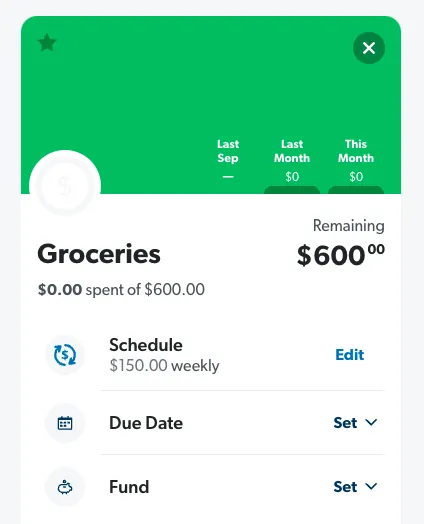
From EveryDollar's help centerA Groceries budget item with $600 remaining and Schedule, Due Date and Fund rows.everydollar.help.ramseysolutions.com, as of 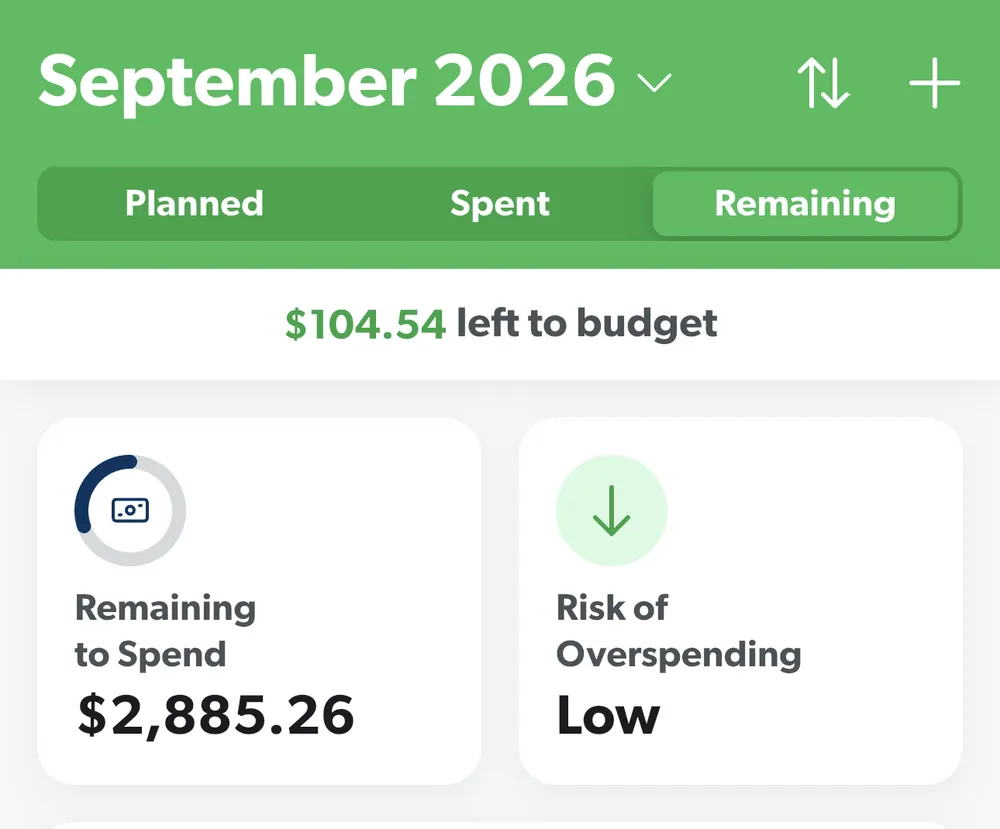
From EveryDollar's help centerThe budget header for September 2026 with Planned, Spent and Remaining tabs, $104.54 left to budget and two summary tiles.everydollar.help.ramseysolutions.com, as of 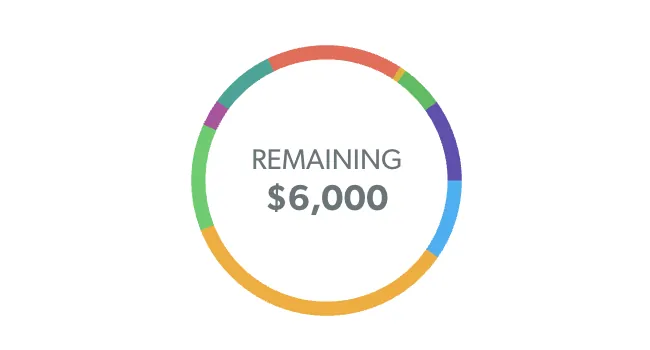
From EveryDollar's help centerA colored ring with $6,000 Remaining in the middle.everydollar.help.ramseysolutions.com, as of
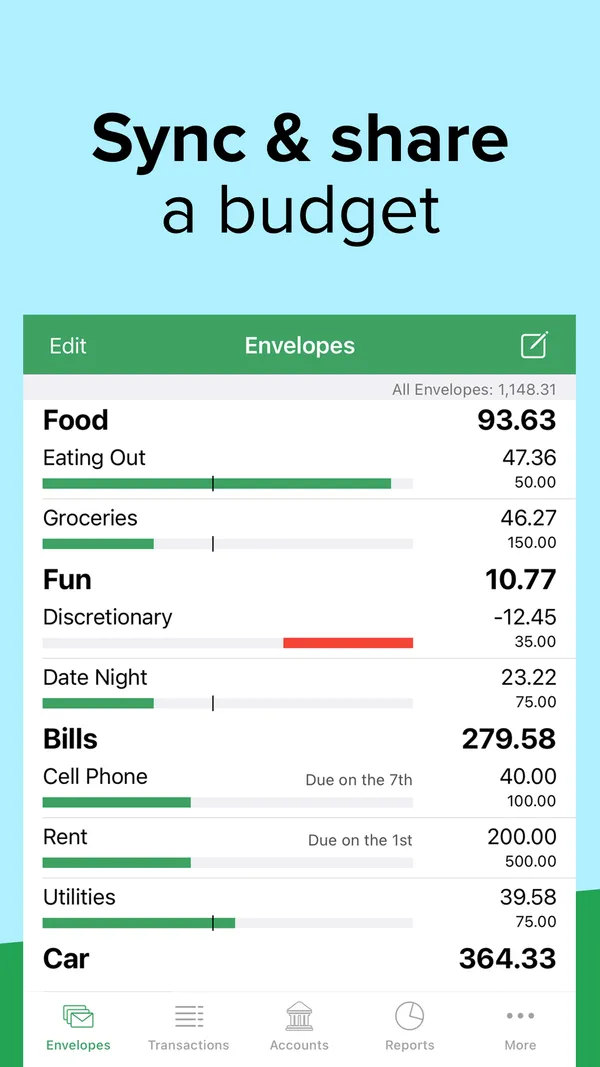
App Store marketing imageApp Store image with the headline "Sync & share a budget" showing the Envelopes screen with Food, Fun and Bills envelopes and progress bars.App Store listing, as of 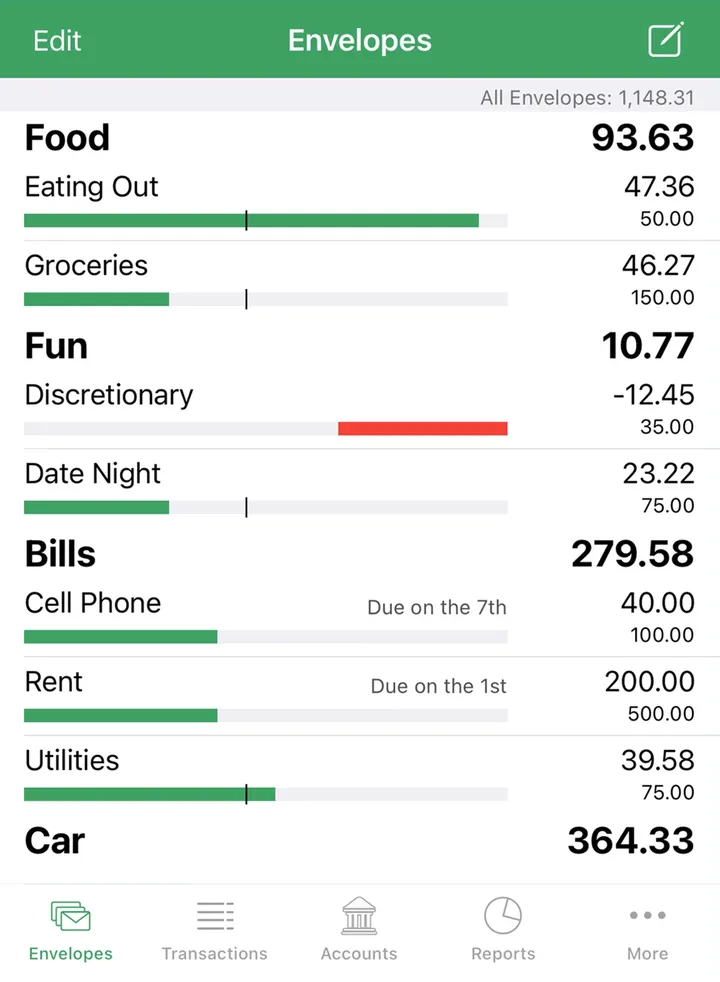
App Store marketing imageThe Envelopes screen with envelope groups, amounts left and bars, and a bottom tab bar.App Store listing, as of 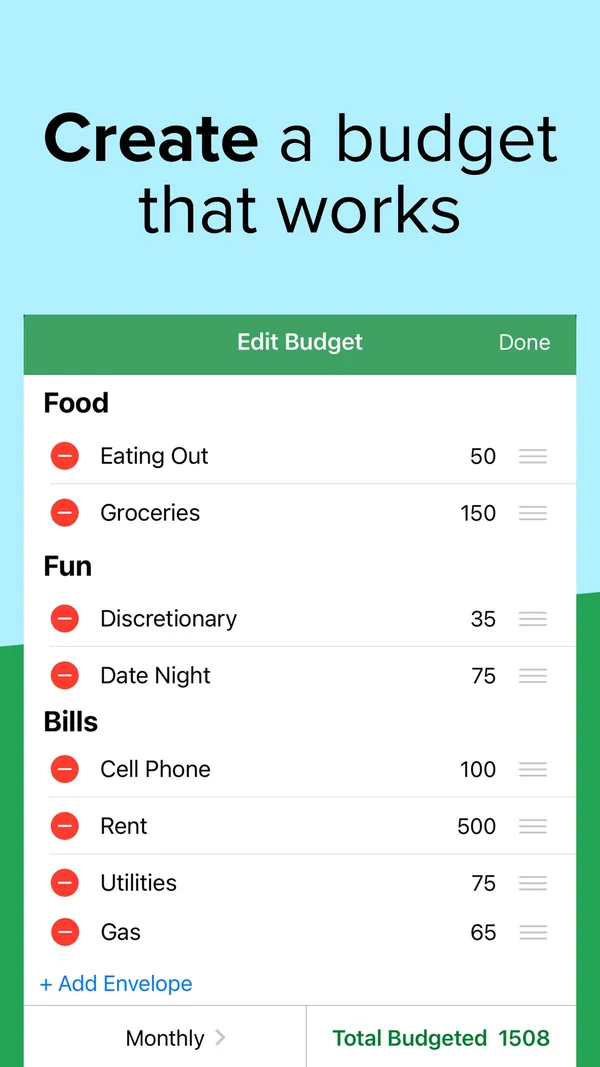
App Store marketing imageApp Store image with the headline "Create a budget that works" showing an Edit Budget screen.App Store listing, as of 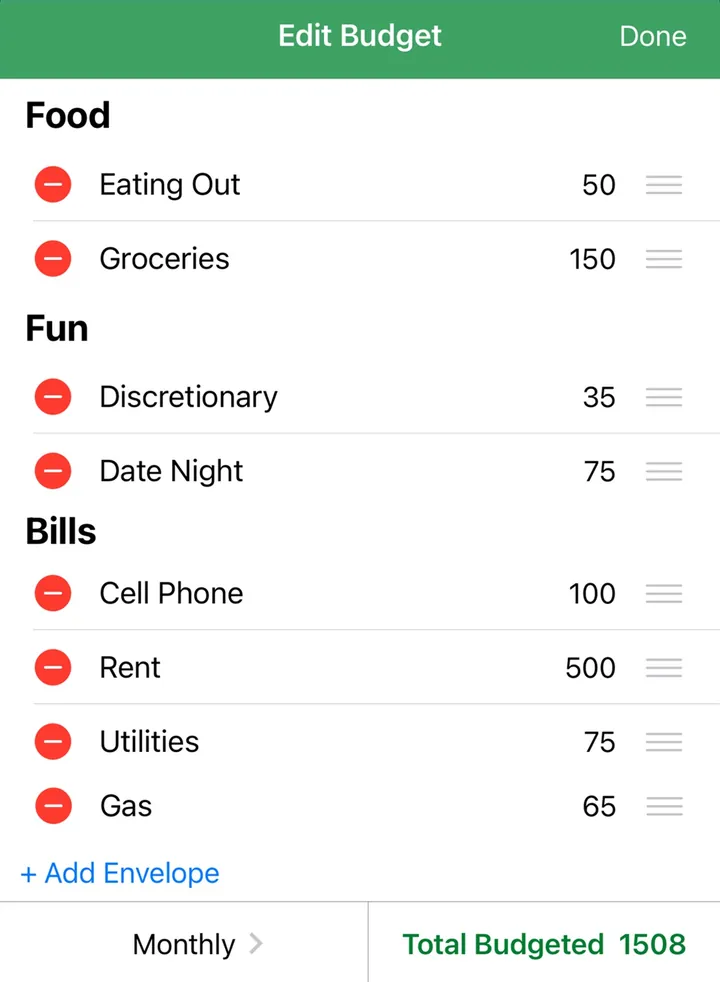
App Store marketing imageAn Edit Budget screen listing envelopes with amounts, an Add Envelope link and Total Budgeted 1508.App Store listing, as of 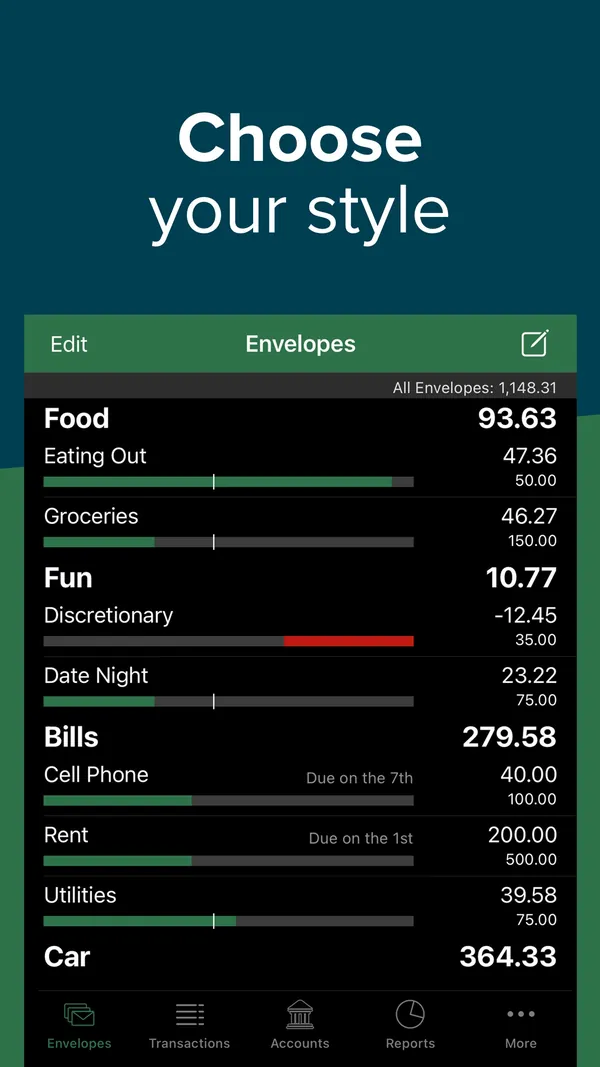
App Store marketing imageApp Store image with the headline "Choose your style" showing the Envelopes screen in dark mode.App Store listing, as of 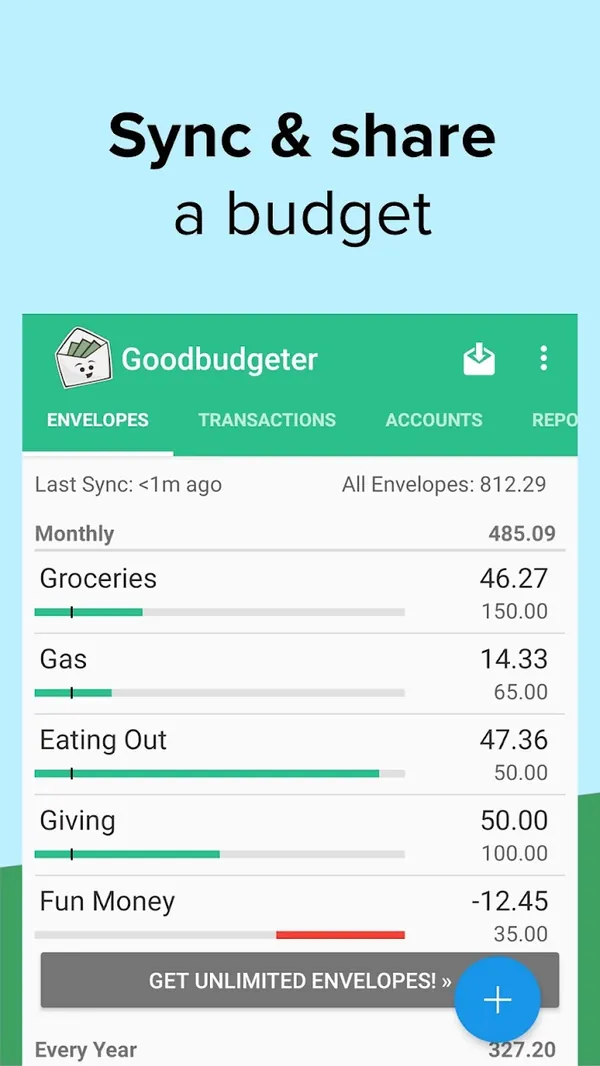
Google Play marketing imageGoogle Play image with the headline "Sync & share a budget" showing the Android Envelopes screen.Google Play listing, as of 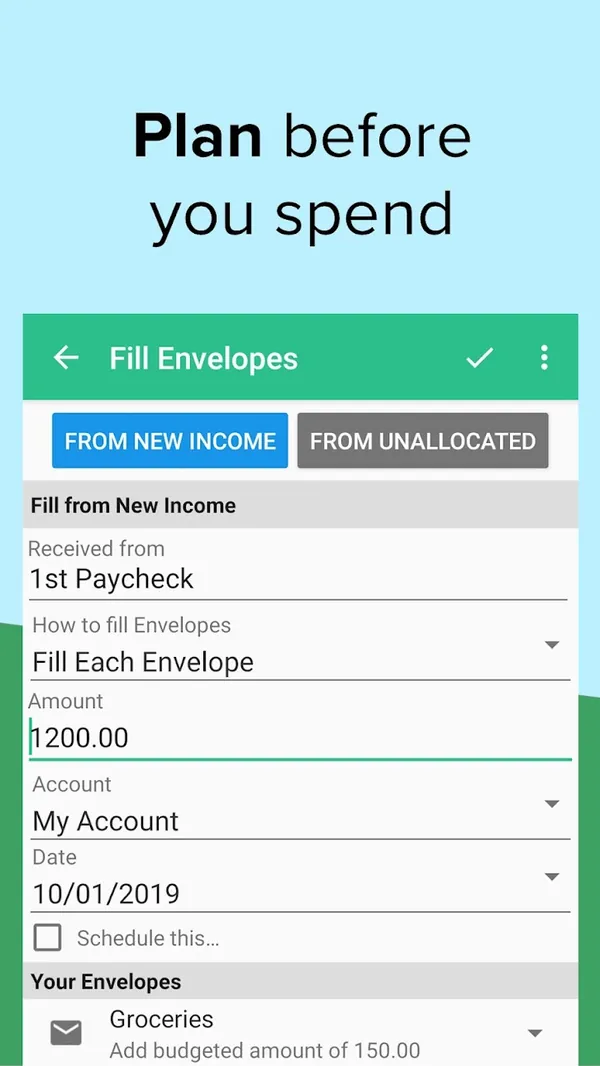
Google Play marketing imageGoogle Play image with the headline "Plan before you spend" showing the Android Fill Envelopes screen.Google Play listing, as of
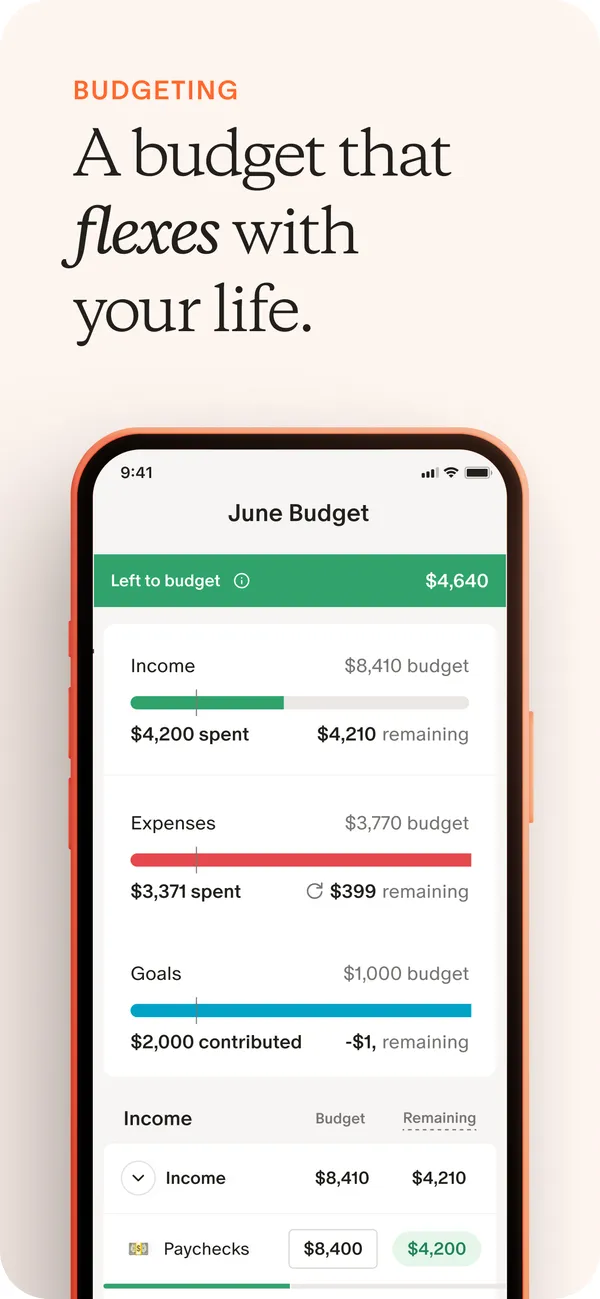
App Store marketing imageApp Store image with the headline "A budget that flexes with your life" showing the June Budget screen.App Store listing, as of 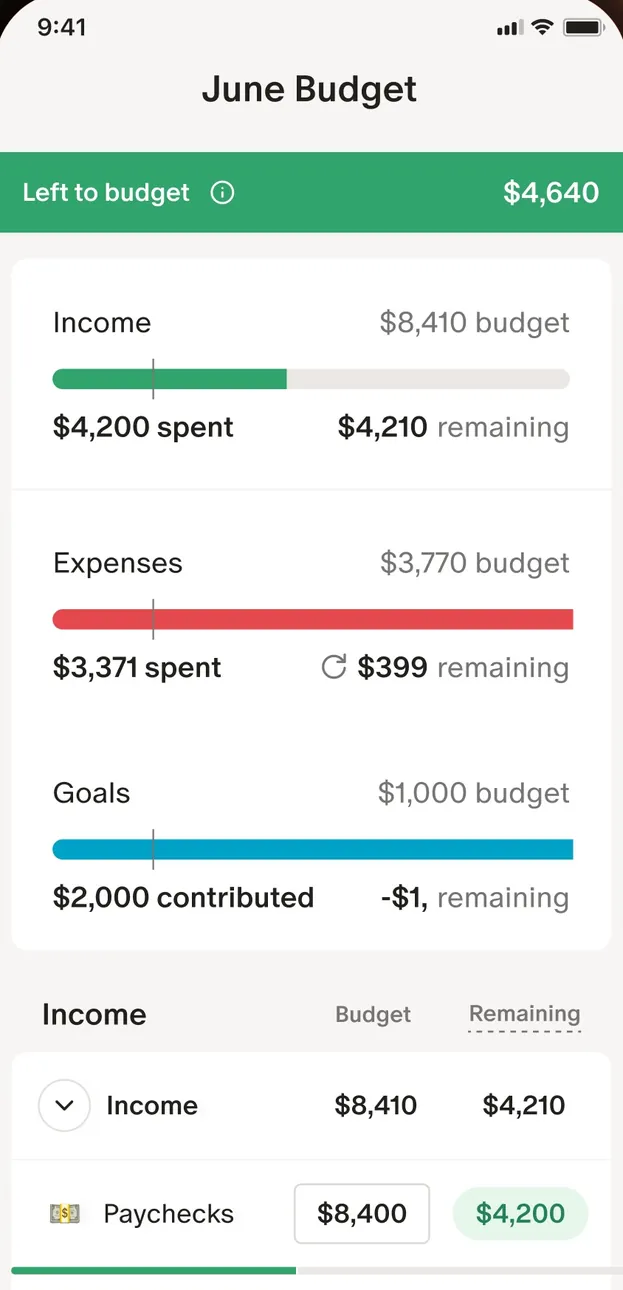
App Store marketing imageThe June Budget screen: $4,640 left to budget, then Income, Expenses and Goals bars and an Income table.App Store listing, as of 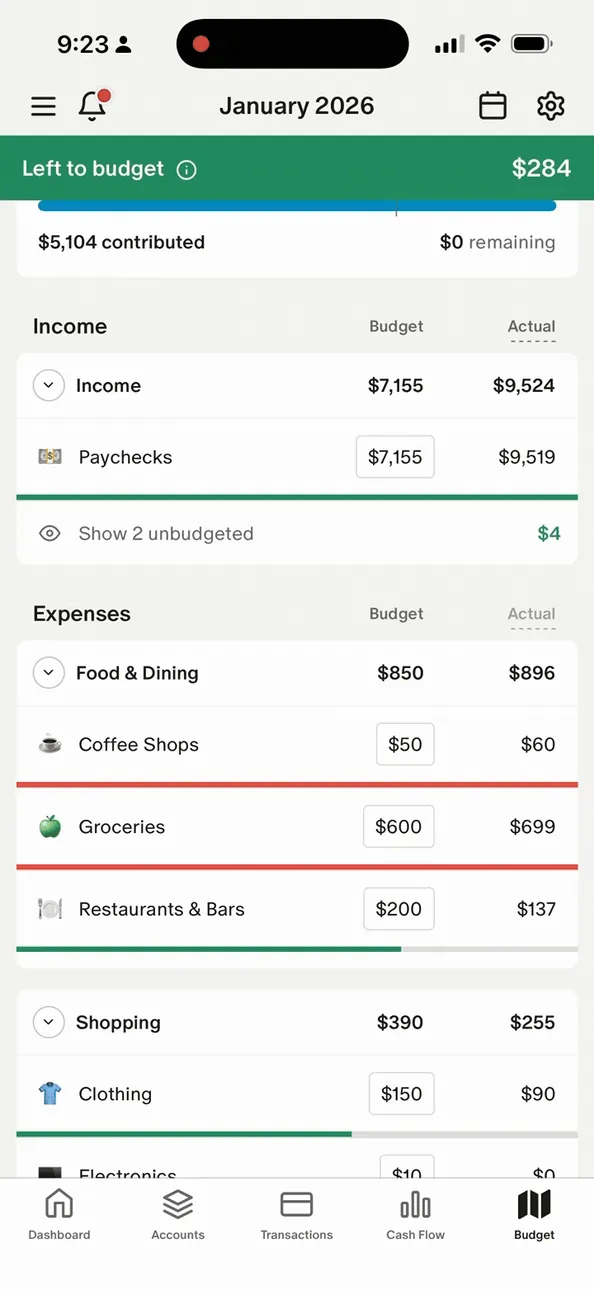
From Monarch Money's help centerThe mobile January 2026 budget with Left to budget at the top and Income and Expenses tables.help.monarch.com, as of 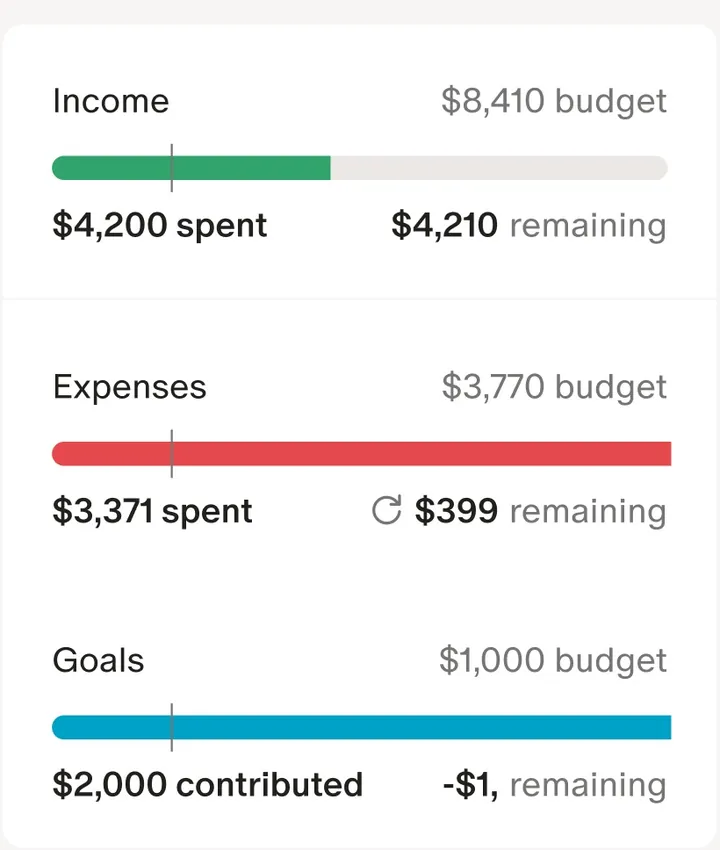
App Store marketing imageThree budget bars for Income, Expenses and Goals, each with spent or contributed and remaining amounts.App Store listing, as of 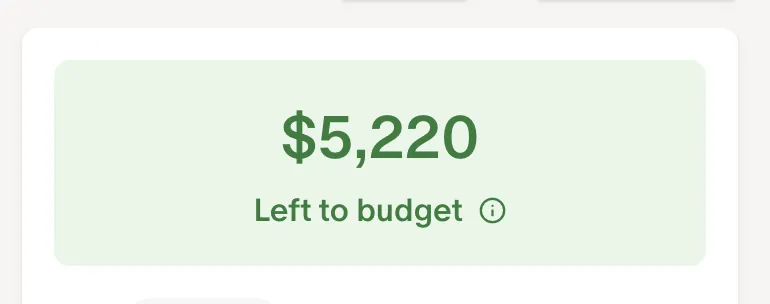
From Monarch Money's help centerA green card reading $5,220 Left to budget.help.monarch.com, as of 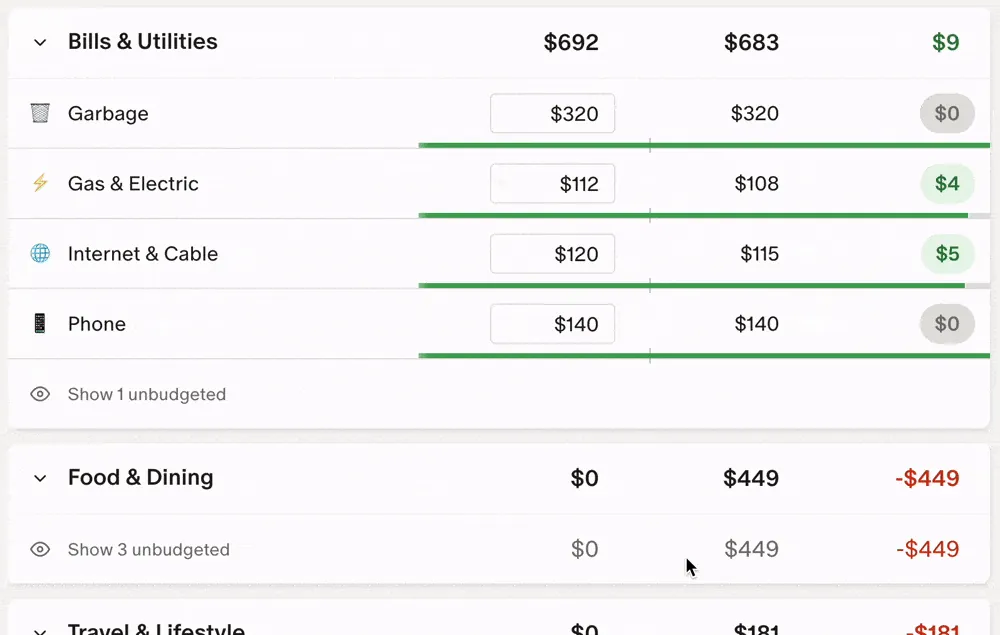
From Monarch Money's help centerBudget rows under Bills & Utilities and Food & Dining with budget, actual and remaining columns and progress bars.help.monarch.com, as of
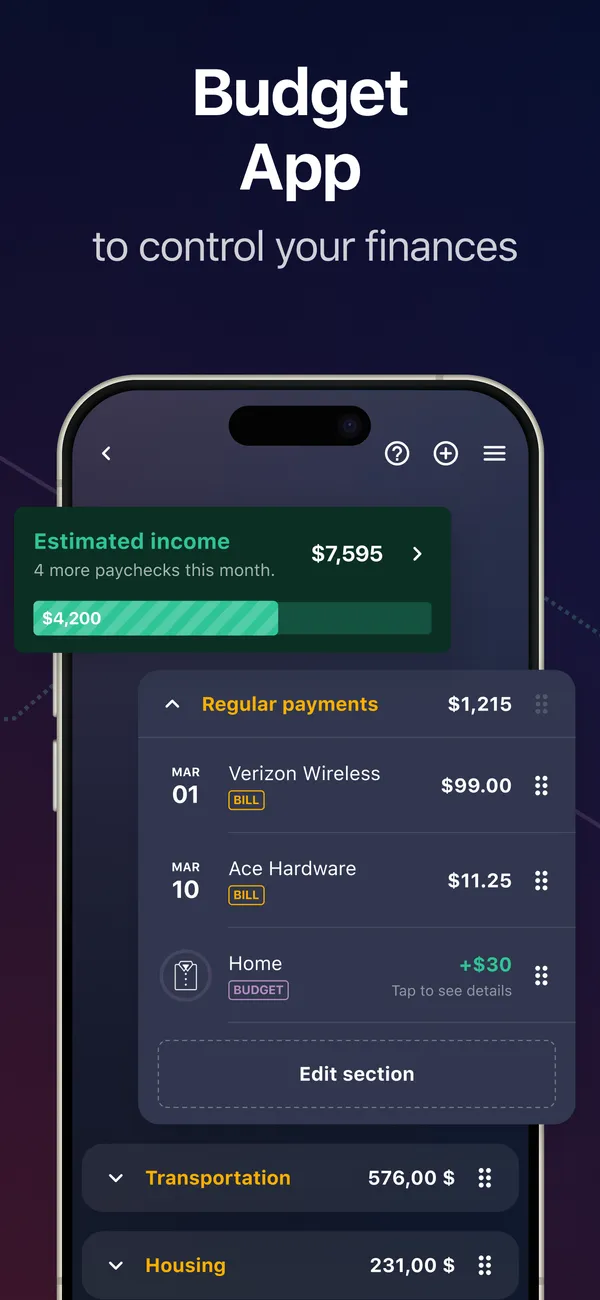
App Store marketing imageApp Store image with the headline "Budget App to control your finances" showing estimated income and Regular payments.App Store listing, as of 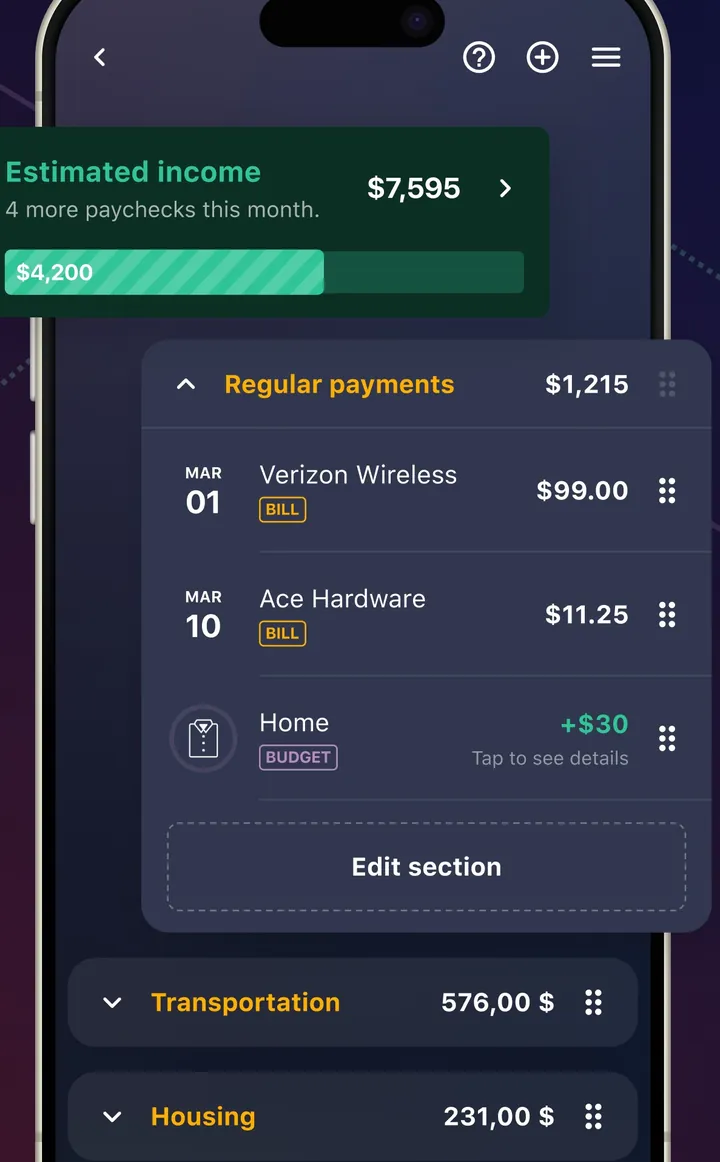
App Store marketing imageA plan screen with Estimated income and a Regular payments section listing bills with dates and amounts.App Store listing, as of 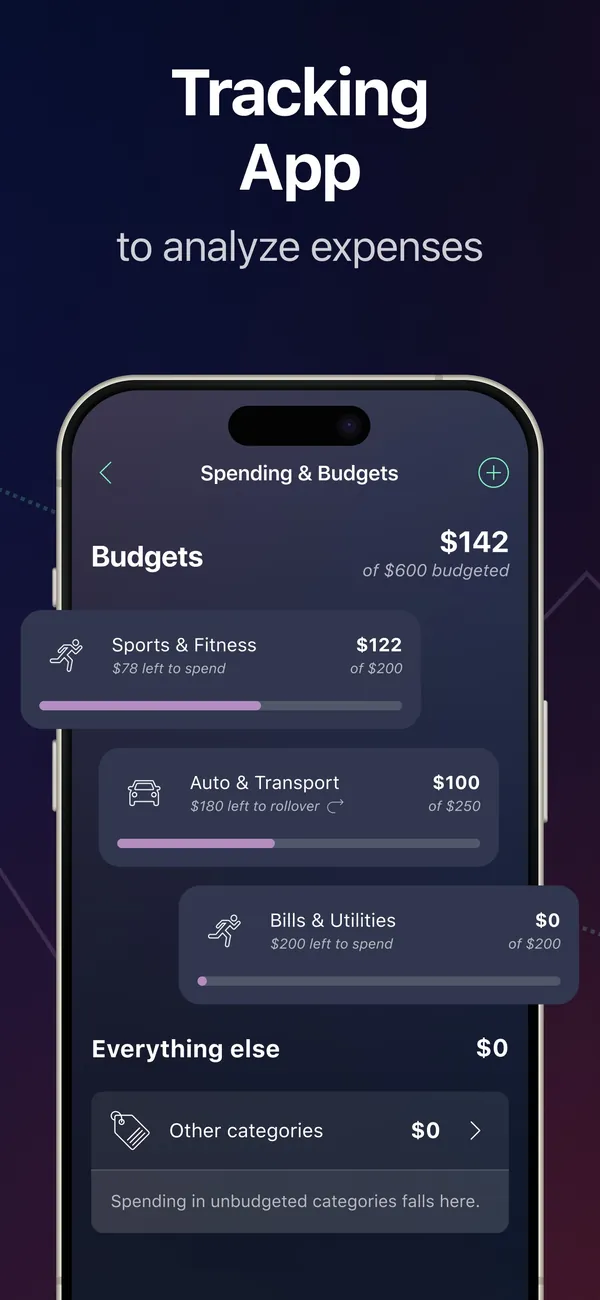
App Store marketing imageApp Store image with the headline "Tracking App to analyze expenses" showing a Spending & Budgets screen.App Store listing, as of 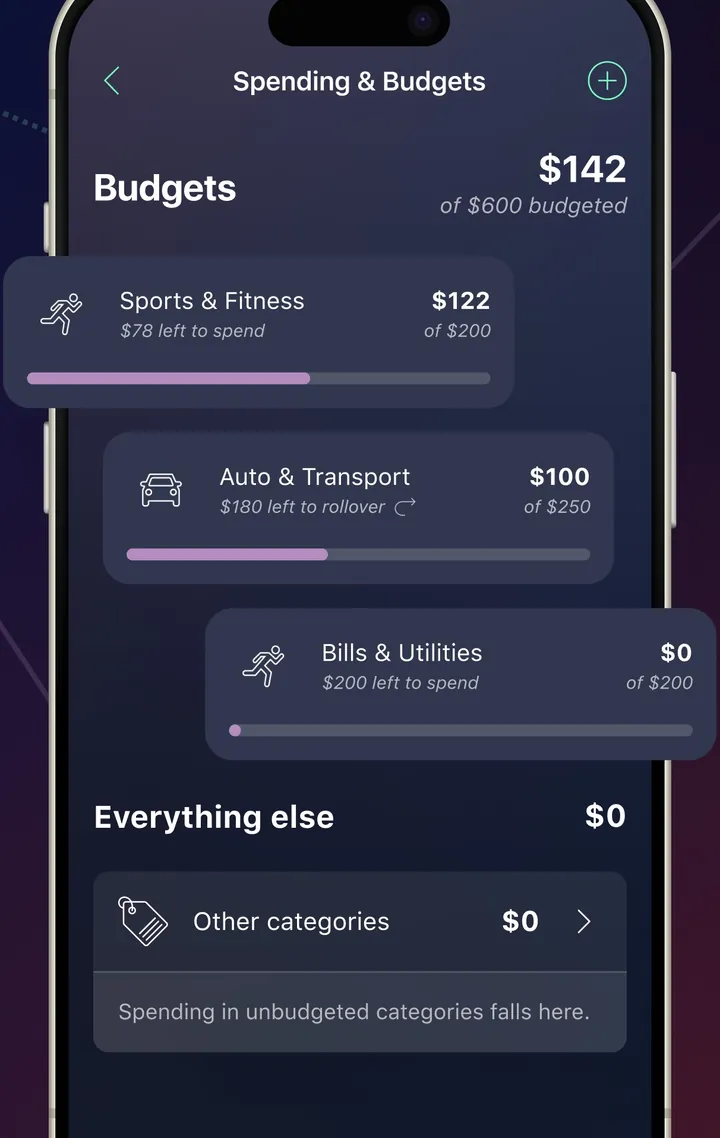
App Store marketing imageA Spending & Budgets screen with category budgets and amounts left to spend.App Store listing, as of 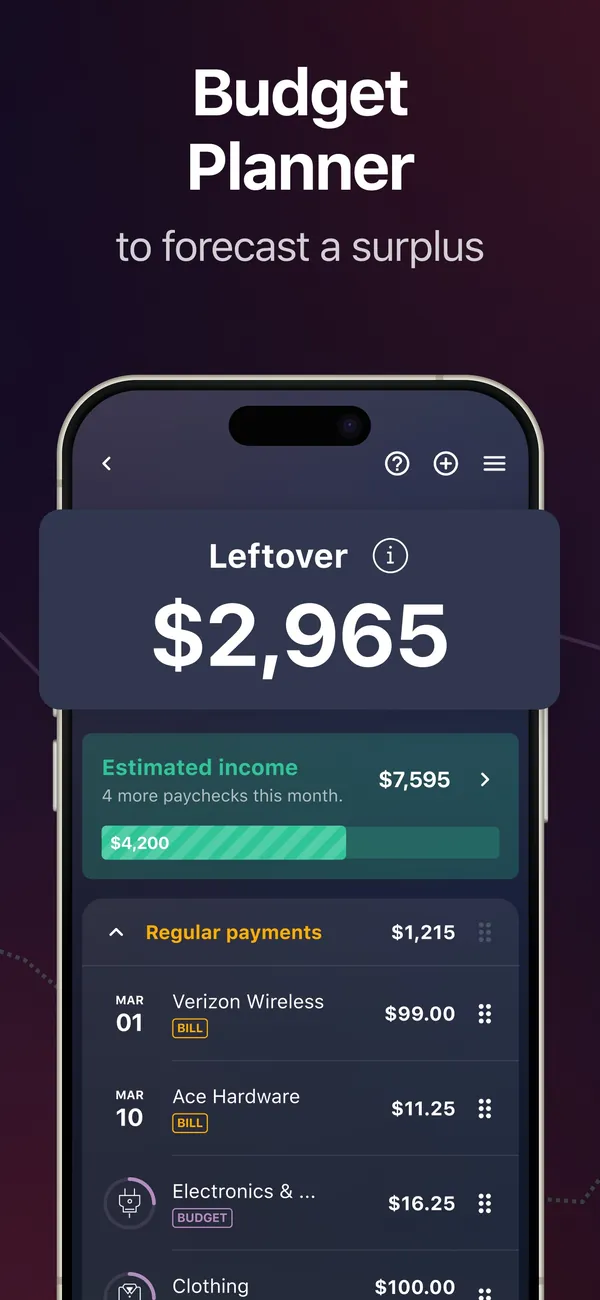
App Store marketing imageApp Store image with the headline "Budget Planner to forecast a surplus" showing a Leftover of $2,965.App Store listing, as of 
App Store marketing imageA Leftover card showing $2,965.App Store listing, as of
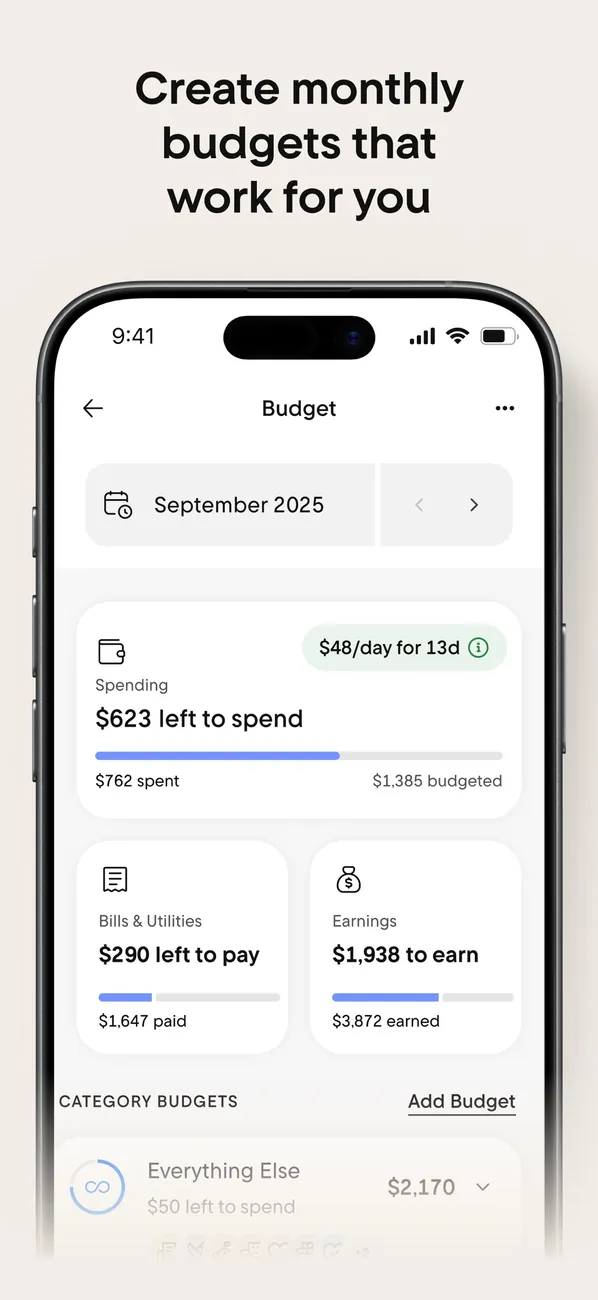
App Store marketing imageApp Store image with the headline "Create monthly budgets that work for you" showing the Budget screen for September 2025.App Store listing, as of 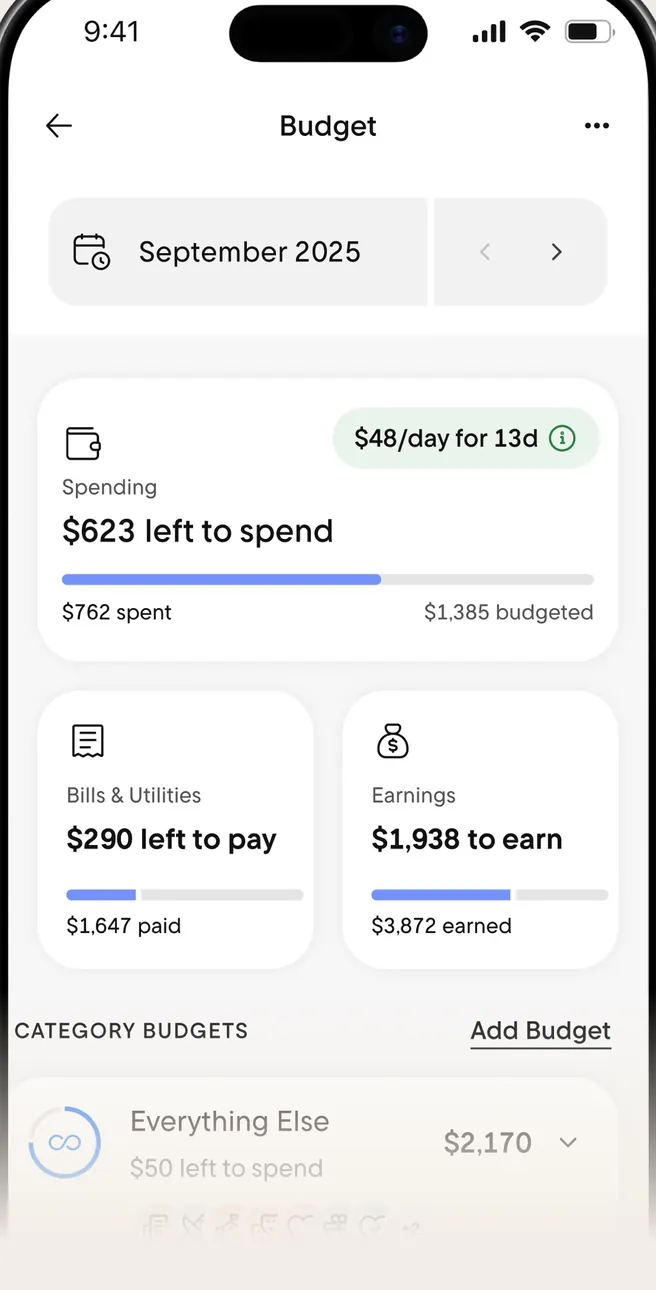
App Store marketing imageThe Budget screen: $623 left to spend, Bills & Utilities and Earnings cards, and Category Budgets.App Store listing, as of 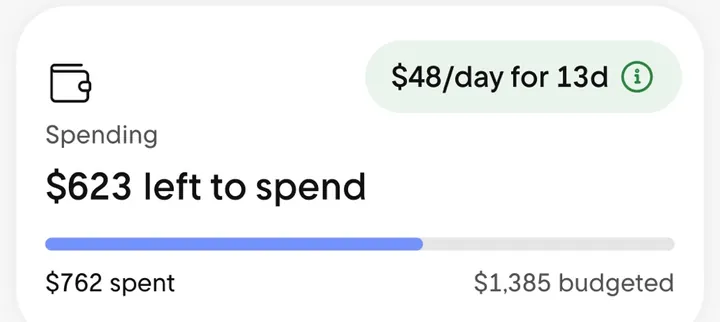
App Store marketing imageA Spending card reading $623 left to spend with a progress bar and a $48/day for 13d note.App Store listing, as of
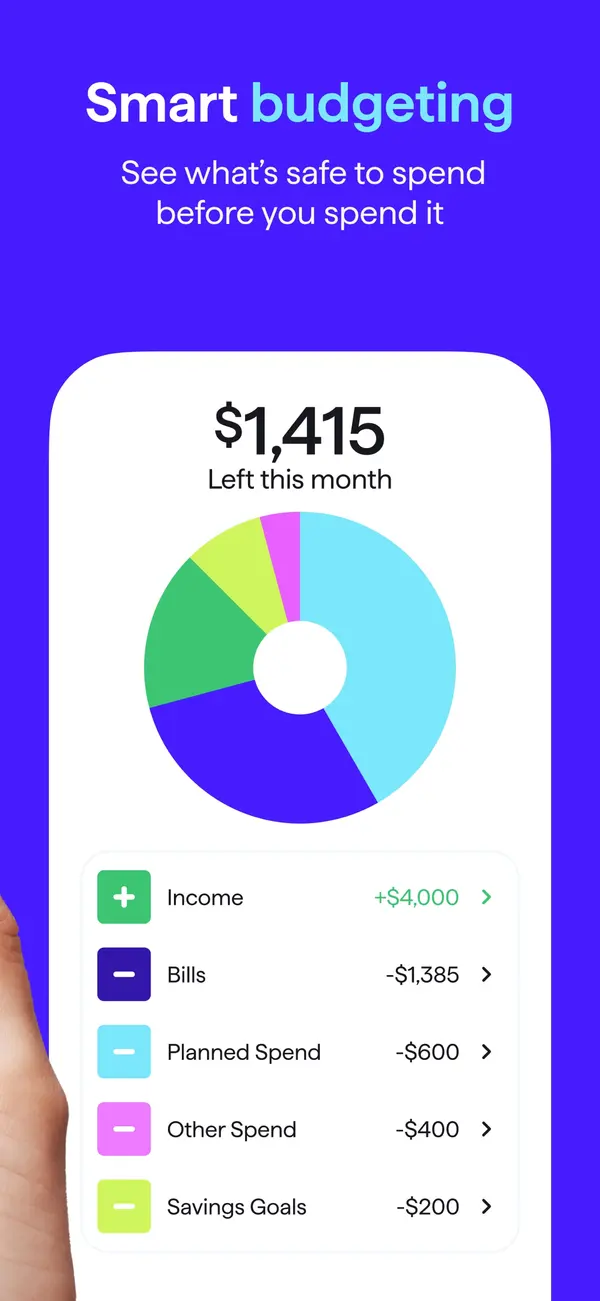
App Store marketing imageApp Store image with the headline "Smart budgeting" showing $1,415 left this month with a donut chart and spending plan rows.App Store listing, as of 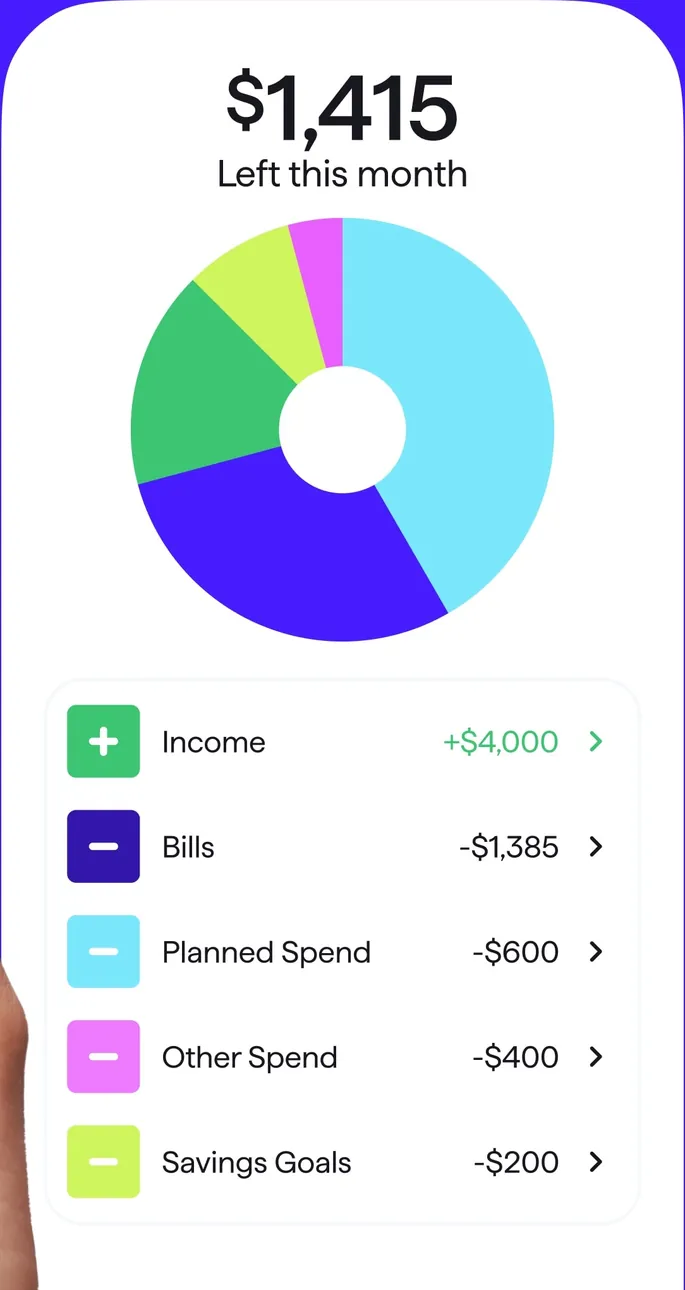
App Store marketing imageA spending plan card: $1,415 left this month, a donut chart, and Income, Bills, Planned Spend, Other Spend and Savings Goals rows.App Store listing, as of 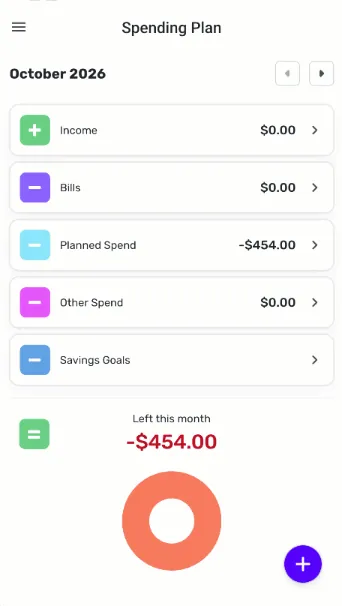
From Simplifi's help centerThe mobile Spending Plan for October 2026 with Income, Bills, Planned Spend, Other Spend and Savings Goals rows and a Left this month ring.support.simplifi.quicken.com, as of 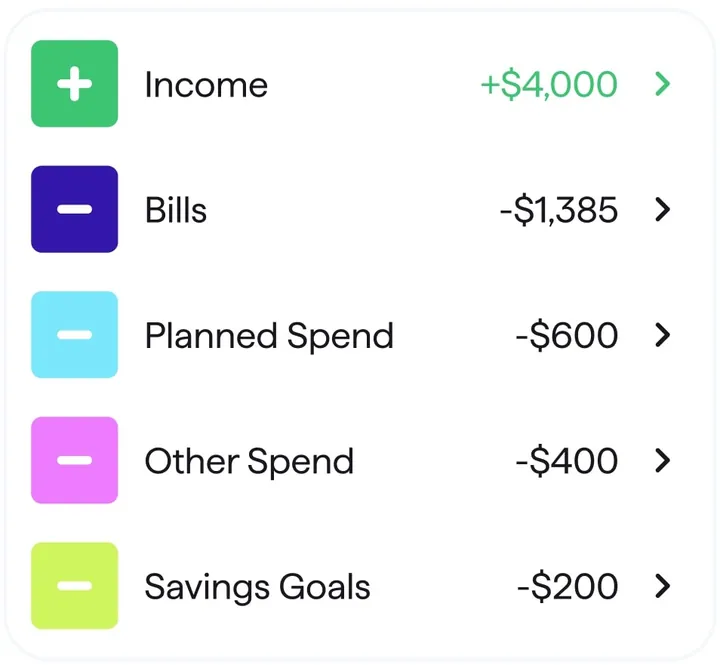
App Store marketing imageSpending plan rows for Income, Bills, Planned Spend, Other Spend and Savings Goals with amounts.App Store listing, as of 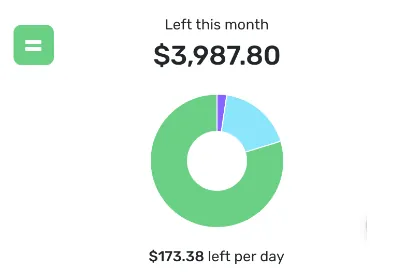
From Simplifi's help centerA Left this month card showing $3,987.80 with a ring chart and $173.38 left per day.support.simplifi.quicken.com, as of
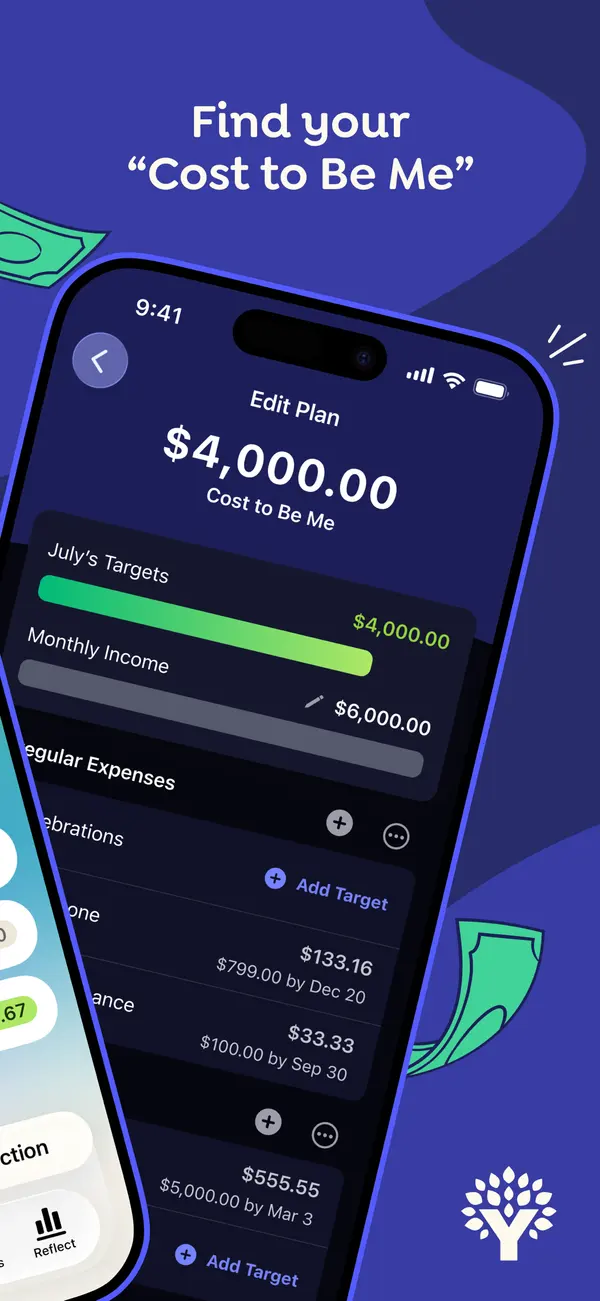
App Store marketing imageApp Store image with the headline "Find your Cost to Be Me" over a tilted phone showing an Edit Plan screen with a $4,000.00 Cost to Be Me total and July's targets.App Store listing, as of 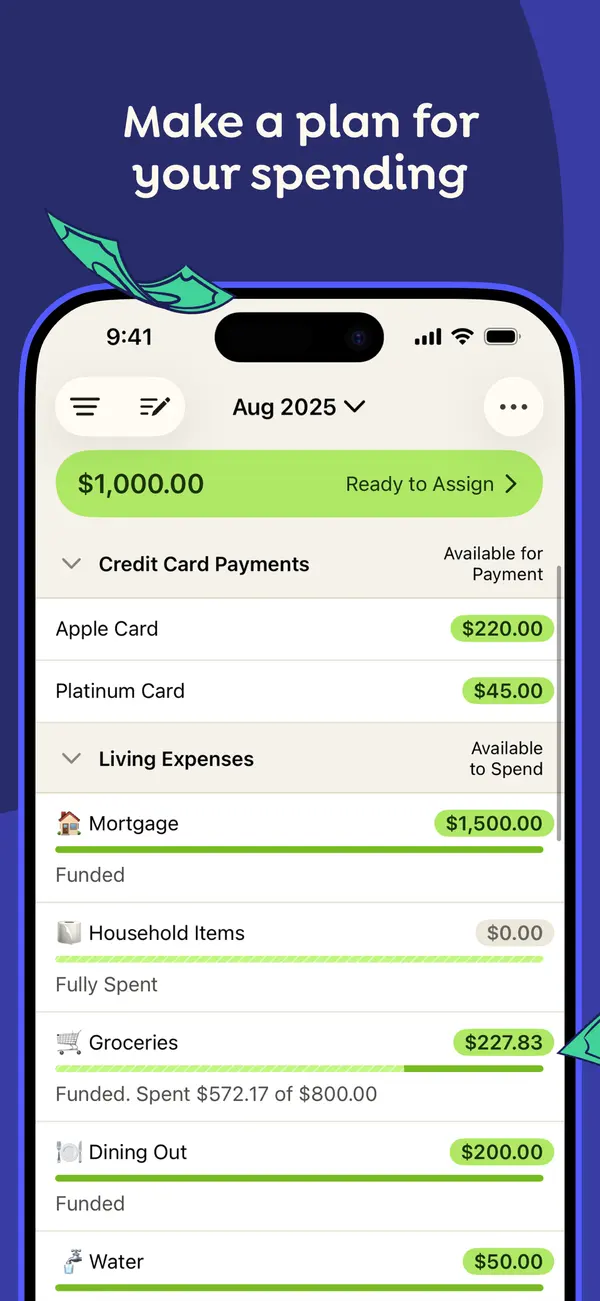
App Store marketing imageApp Store image with the headline "Make a plan for your spending" showing the August 2025 plan with Ready to Assign at the top and categories grouped under Credit Card Payments and Living Expenses.App Store listing, as of 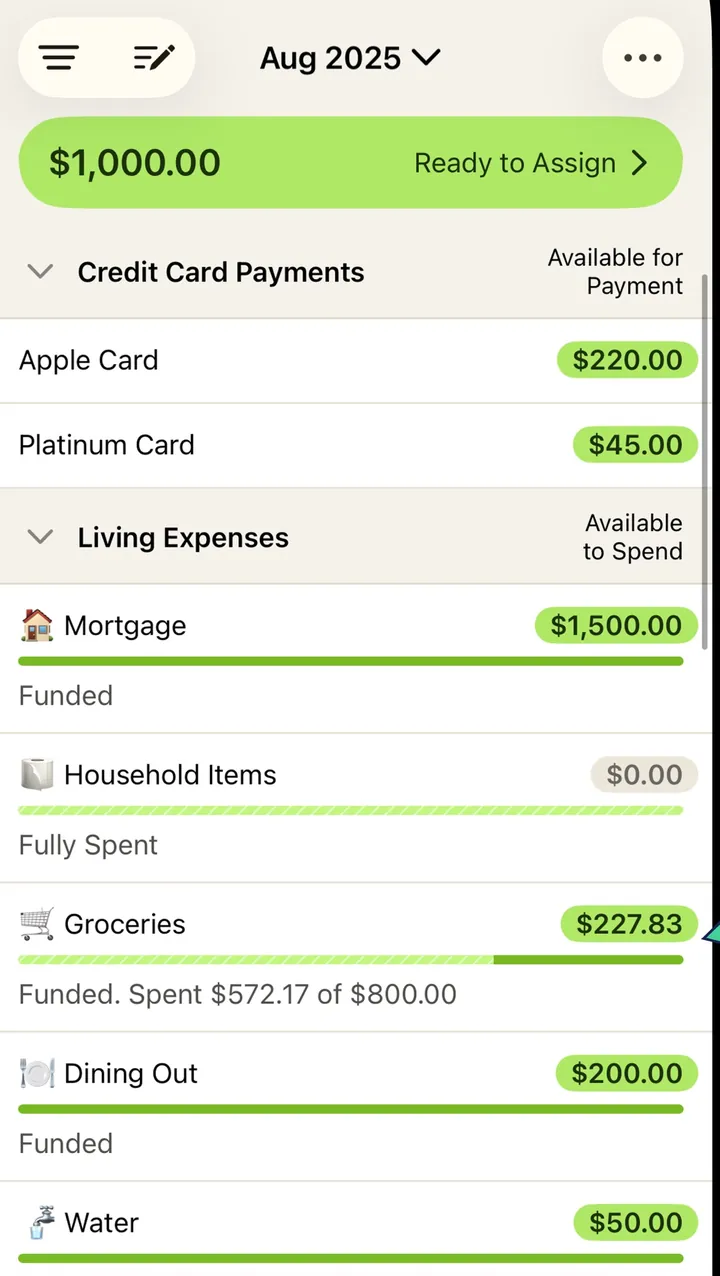
App Store marketing imageThe plan screen from that image: a green Ready to Assign bar, then category rows with amounts and progress bars.App Store listing, as of 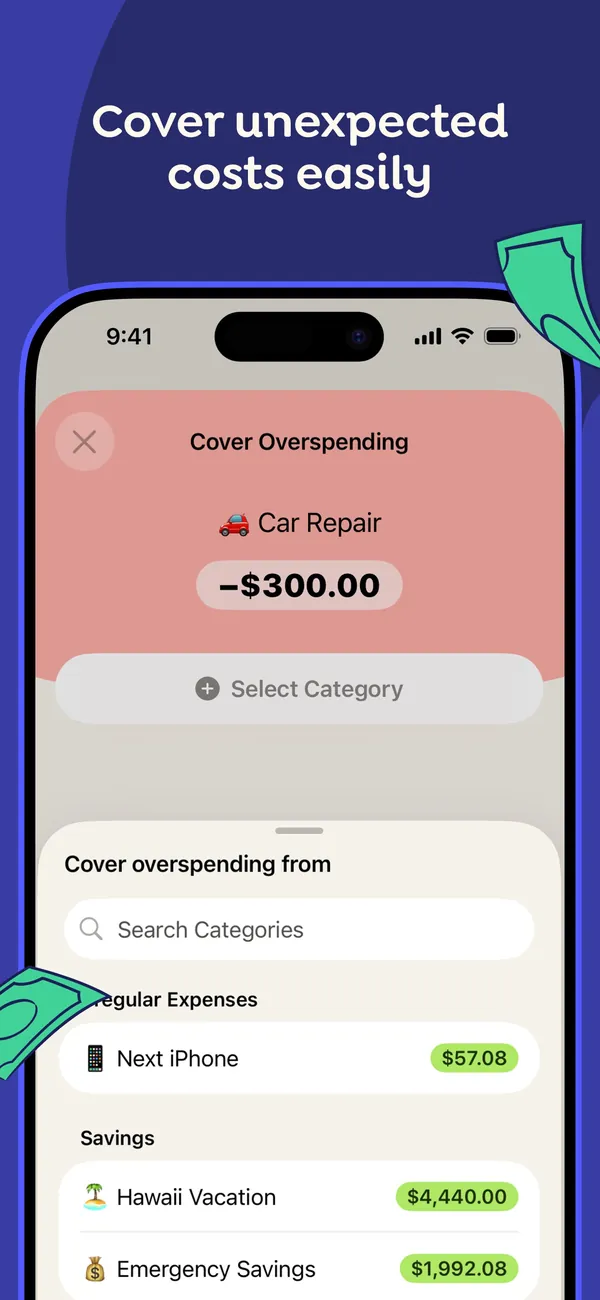
App Store marketing imageApp Store image with the headline "Cover unexpected costs easily" showing a Cover Overspending sheet for a -$300.00 Car Repair, with categories to move money from.App Store listing, as of 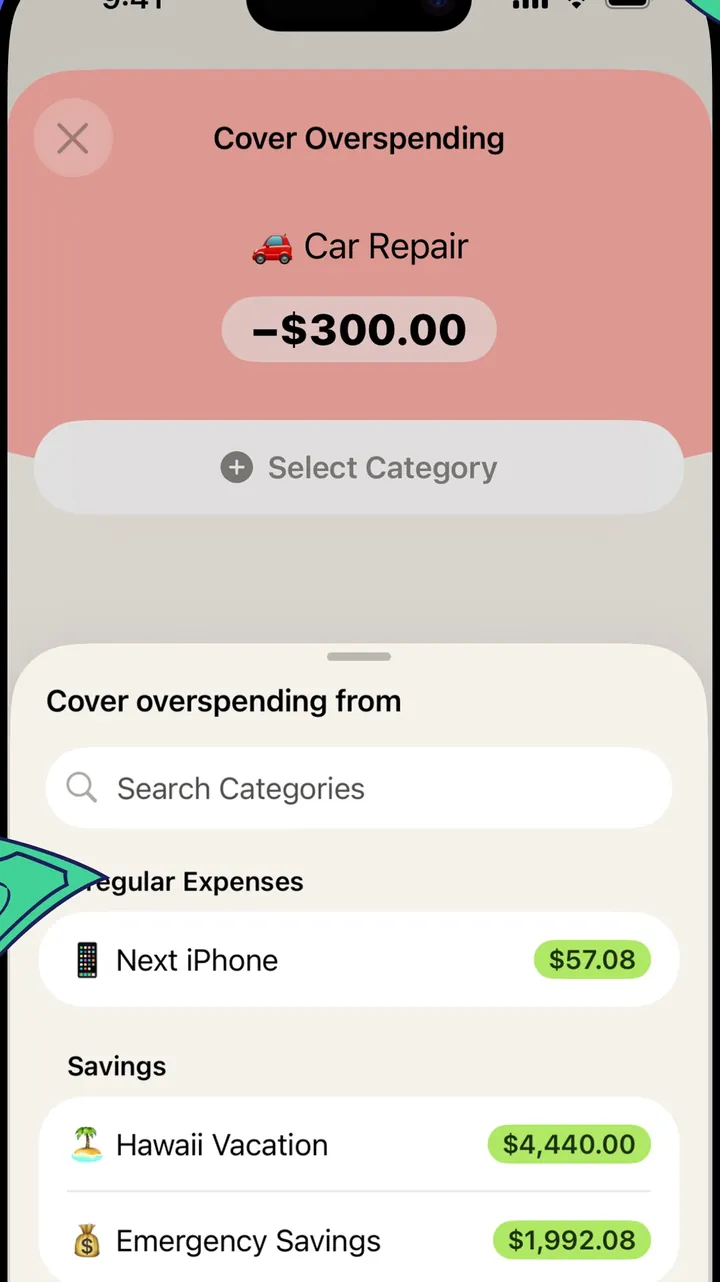
App Store marketing imageThe Cover Overspending sheet: the overspent Car Repair category on top and a searchable list of categories with available amounts below.App Store listing, as of 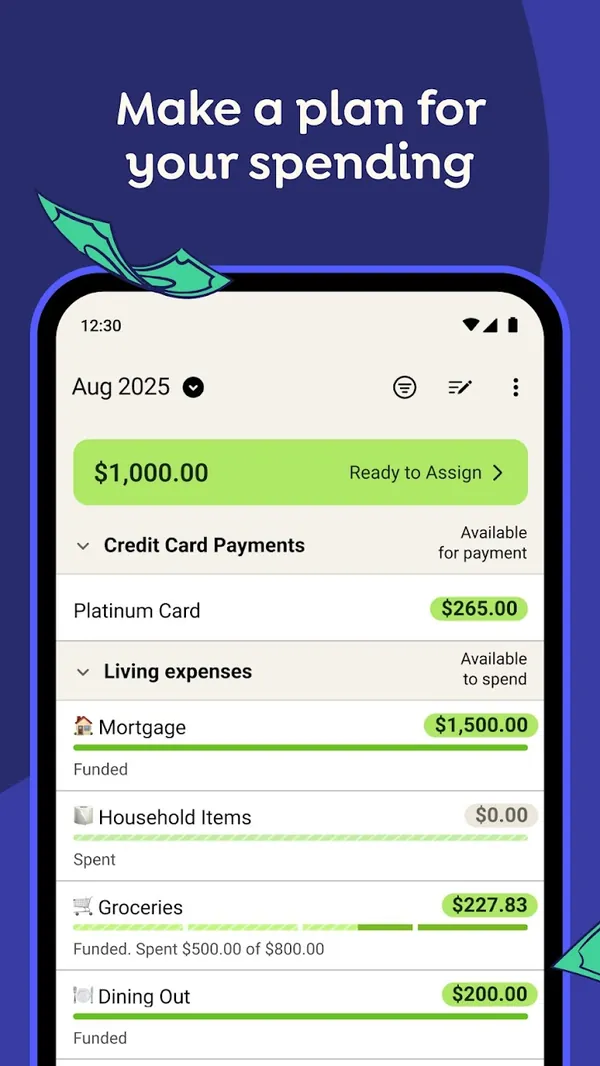
Google Play marketing imageGoogle Play image with the headline "Make a plan for your spending" showing the Android plan screen with Ready to Assign and category rows.Google Play listing, as of 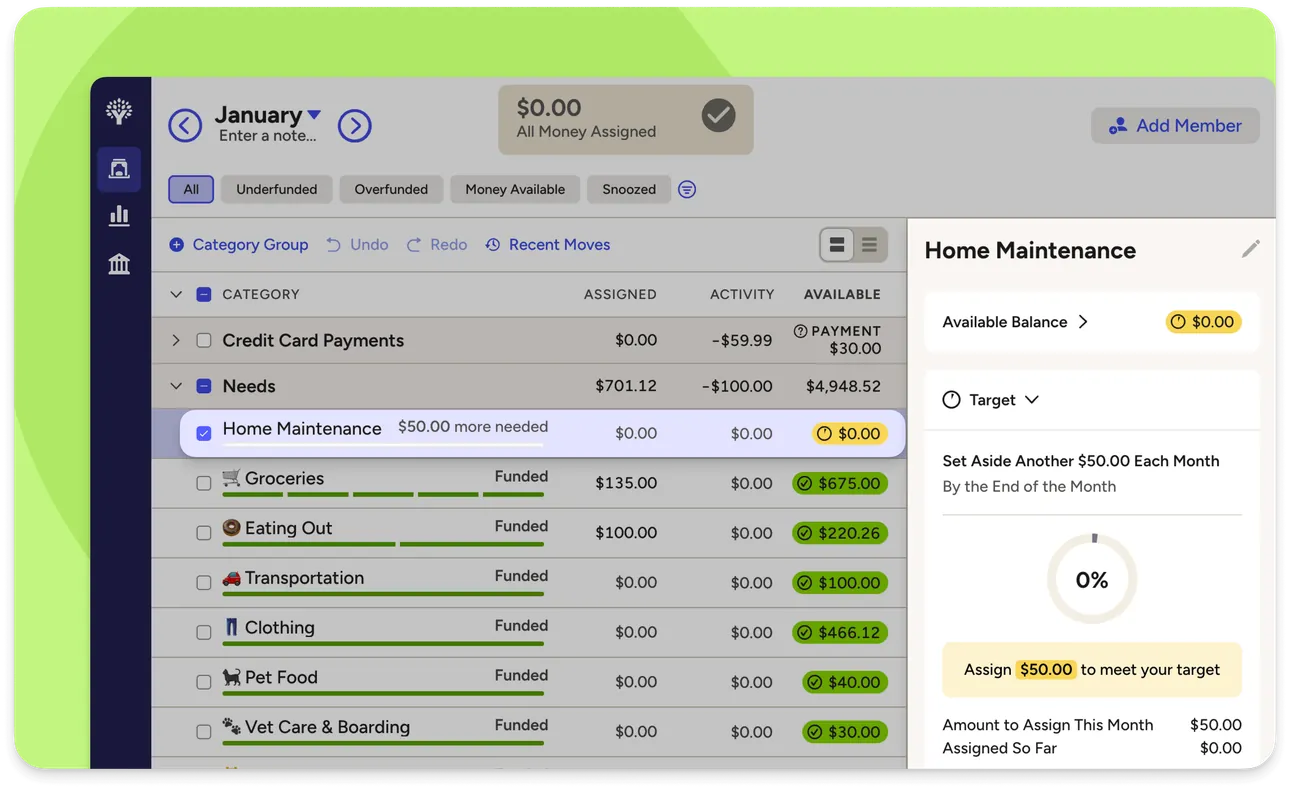
From YNAB's help centerThe web plan with category groups and a side panel for one category showing its target and the amount needed this month.support.ynab.com, as of 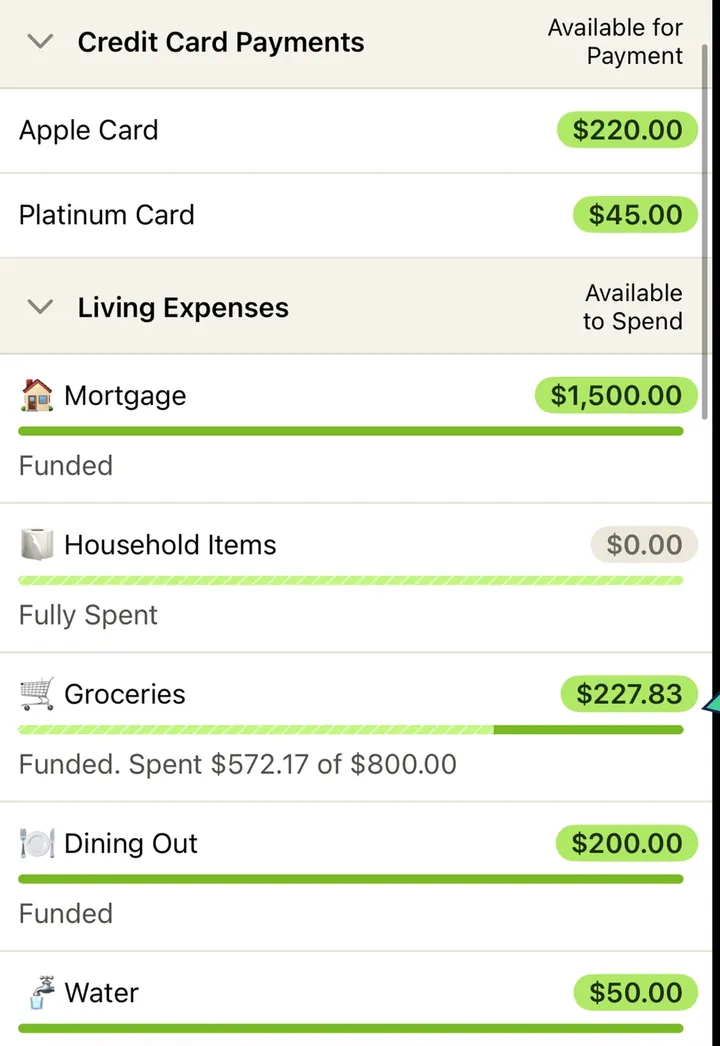
App Store marketing imageCategory rows such as Mortgage, Household Items, Groceries and Dining Out, each with an available amount and a status line like Funded or Fully Spent.App Store listing, as of 
App Store marketing imageThe green bar at the top of the plan reading $1,000.00 Ready to Assign.App Store listing, as of 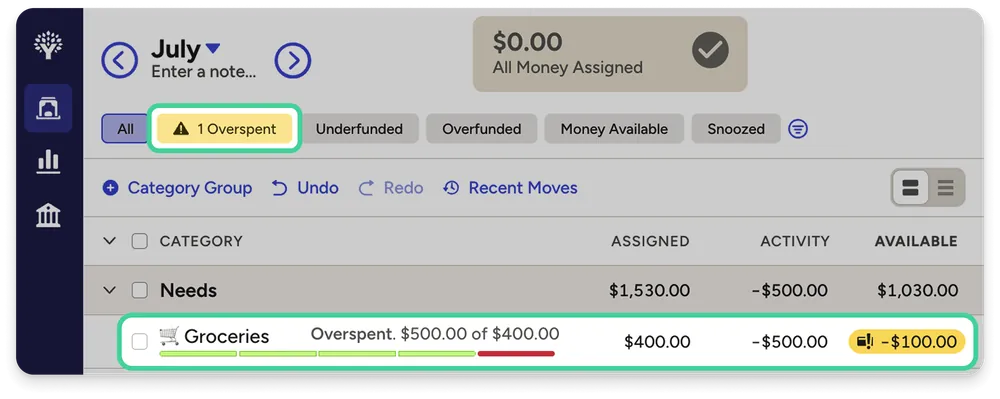
From YNAB's help centerA web plan row for Groceries marked Overspent, with a red available amount of -$100.00.support.ynab.com, as of
Categories
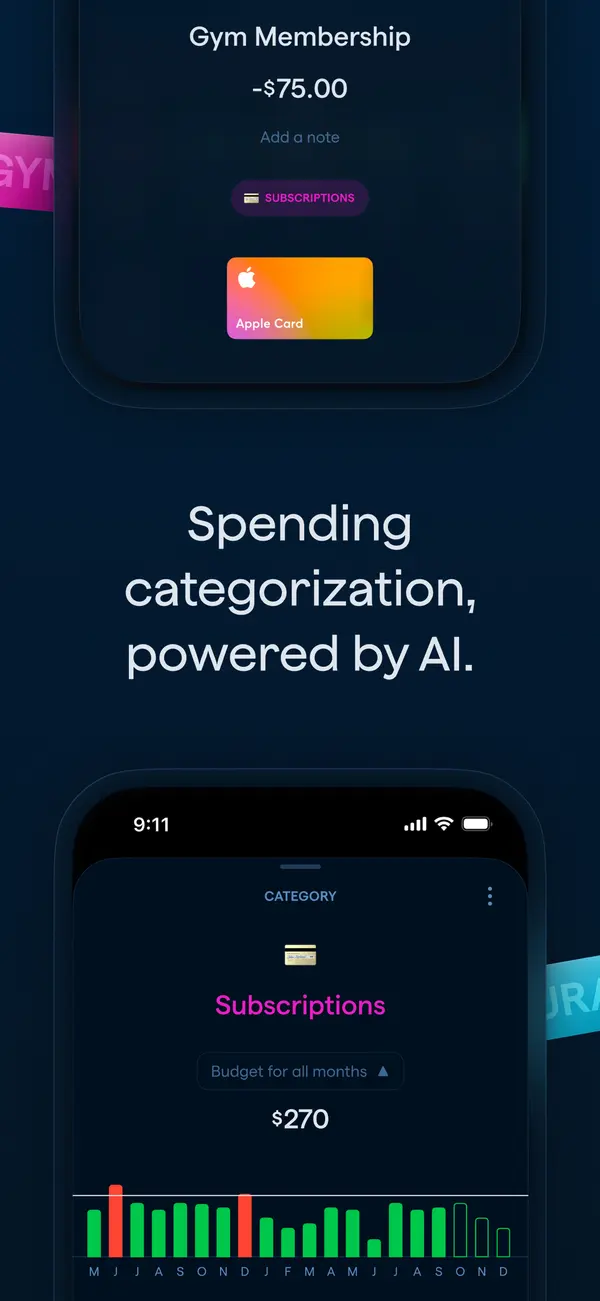
App Store marketing imageApp Store image with the headline "Spending categorization, powered by AI." showing a transaction and a Subscriptions category screen.App Store listing, as of 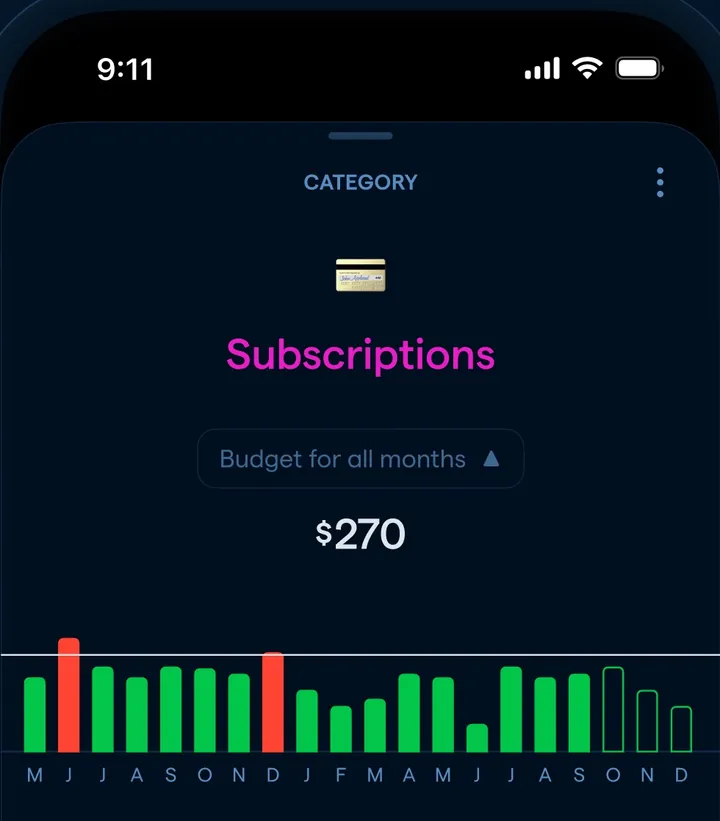
App Store marketing imageA Subscriptions category screen with a $270 budget for all months and a monthly bar chart.App Store listing, as of 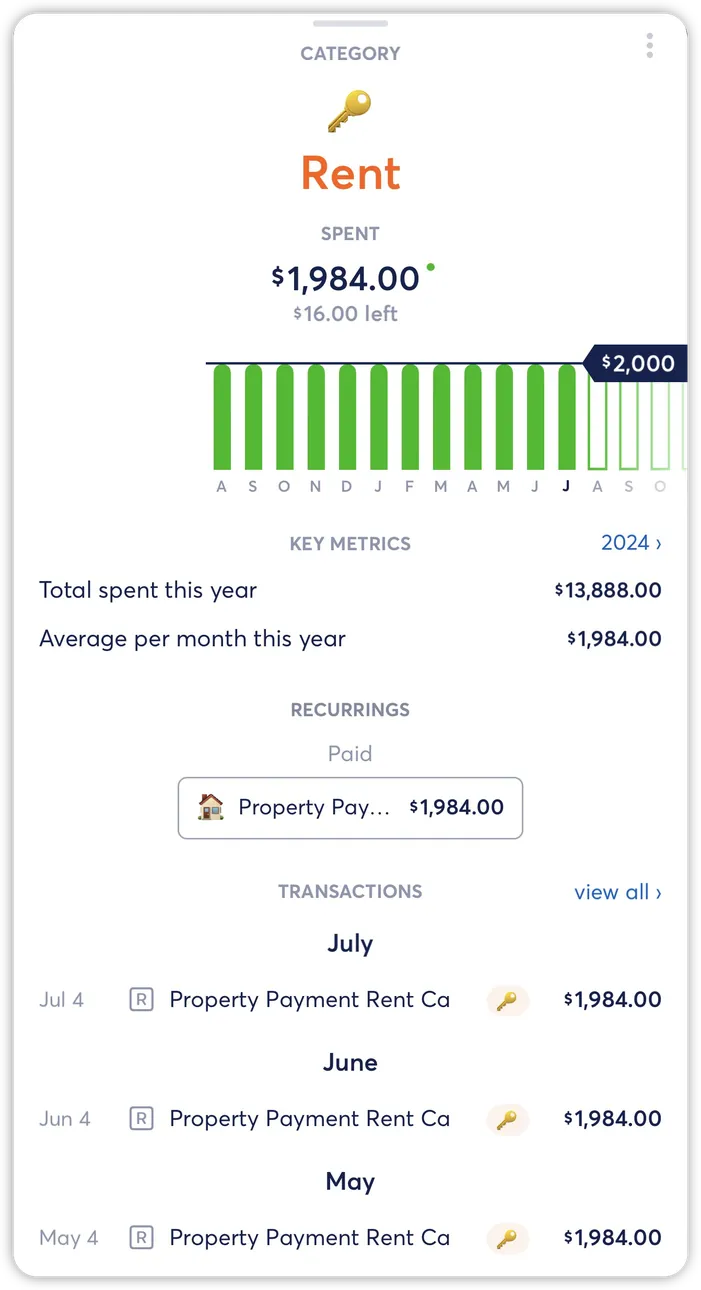
From Copilot Money's help centerA Rent category detail with a monthly bar chart, key metrics and the recurring payment tied to it.help.copilot.money, as of
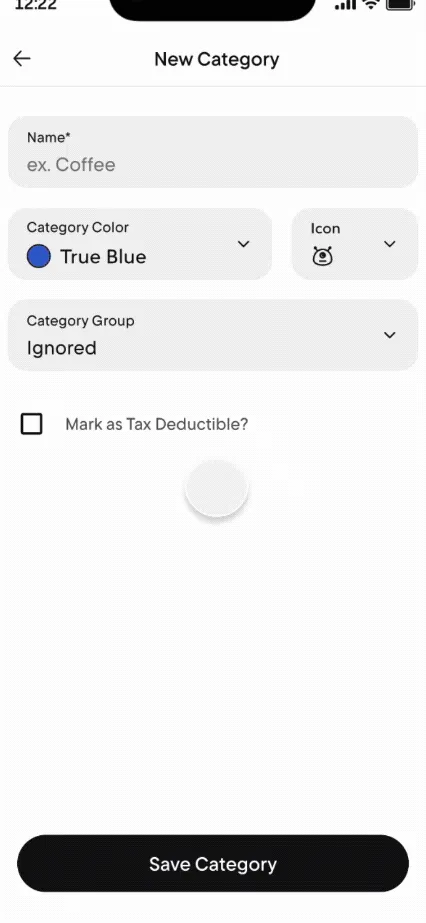
From Rocket Money's help centerA New Category form with name, color, icon and category group fields and a Save Category button.help.rocketmoney.com, as of
Goals

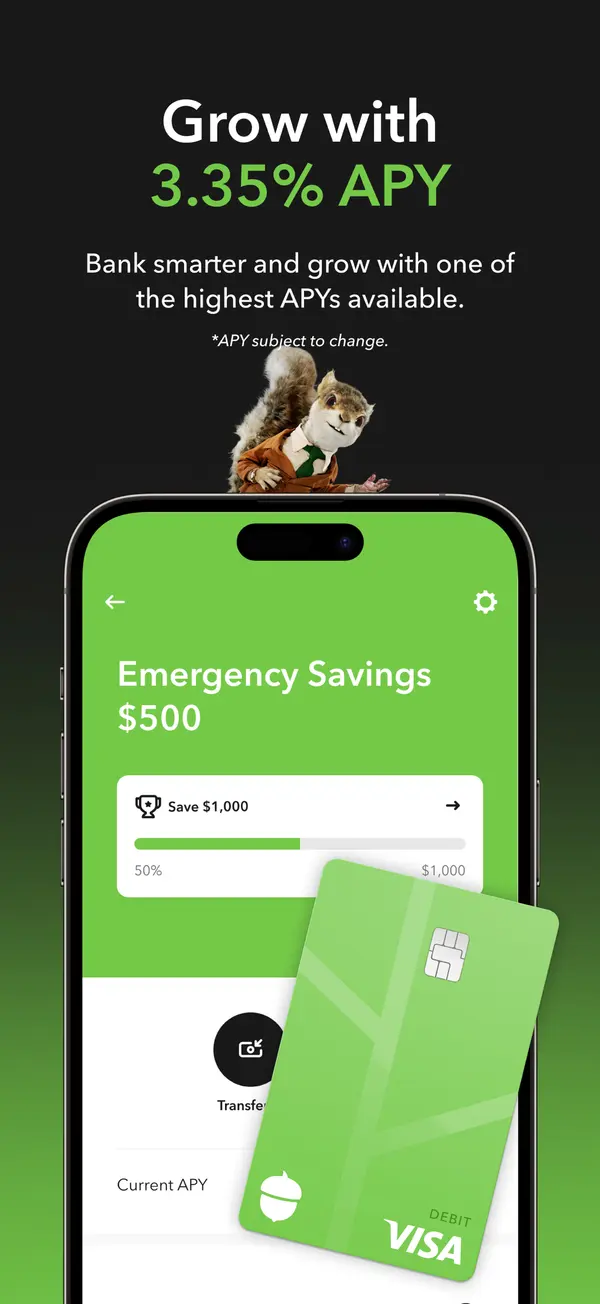
App Store marketing imageApp Store image with the headline about APY showing an Emergency Savings screen with a Save $1,000 bar and a debit card.App Store listing, as of
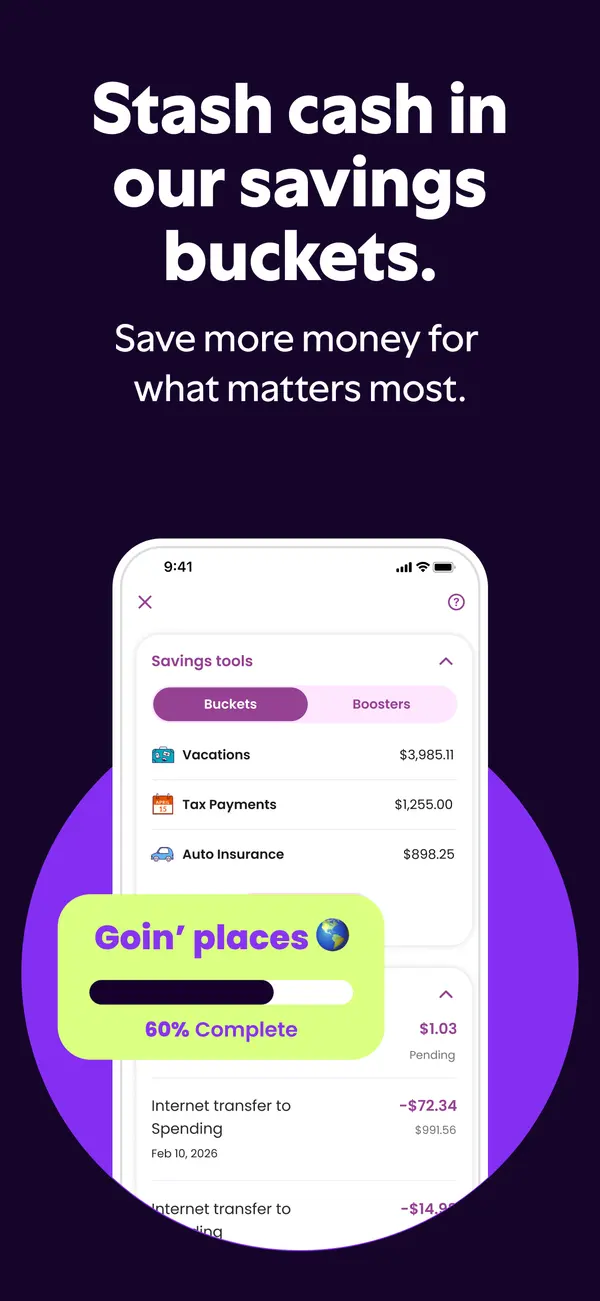
App Store marketing imageApp Store image with the headline "Stash cash in our savings buckets." showing savings buckets and a 60% complete card.App Store listing, as of
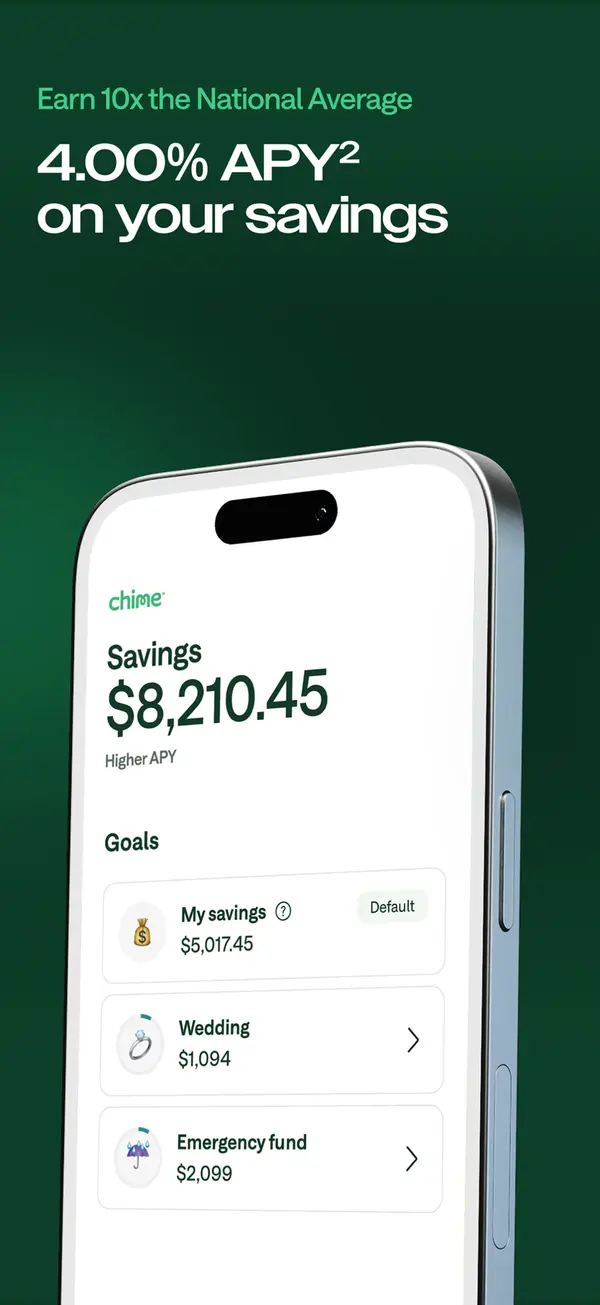
App Store marketing imageApp Store image with a savings APY headline showing a Savings screen with goals like Wedding and Emergency fund.App Store listing, as of
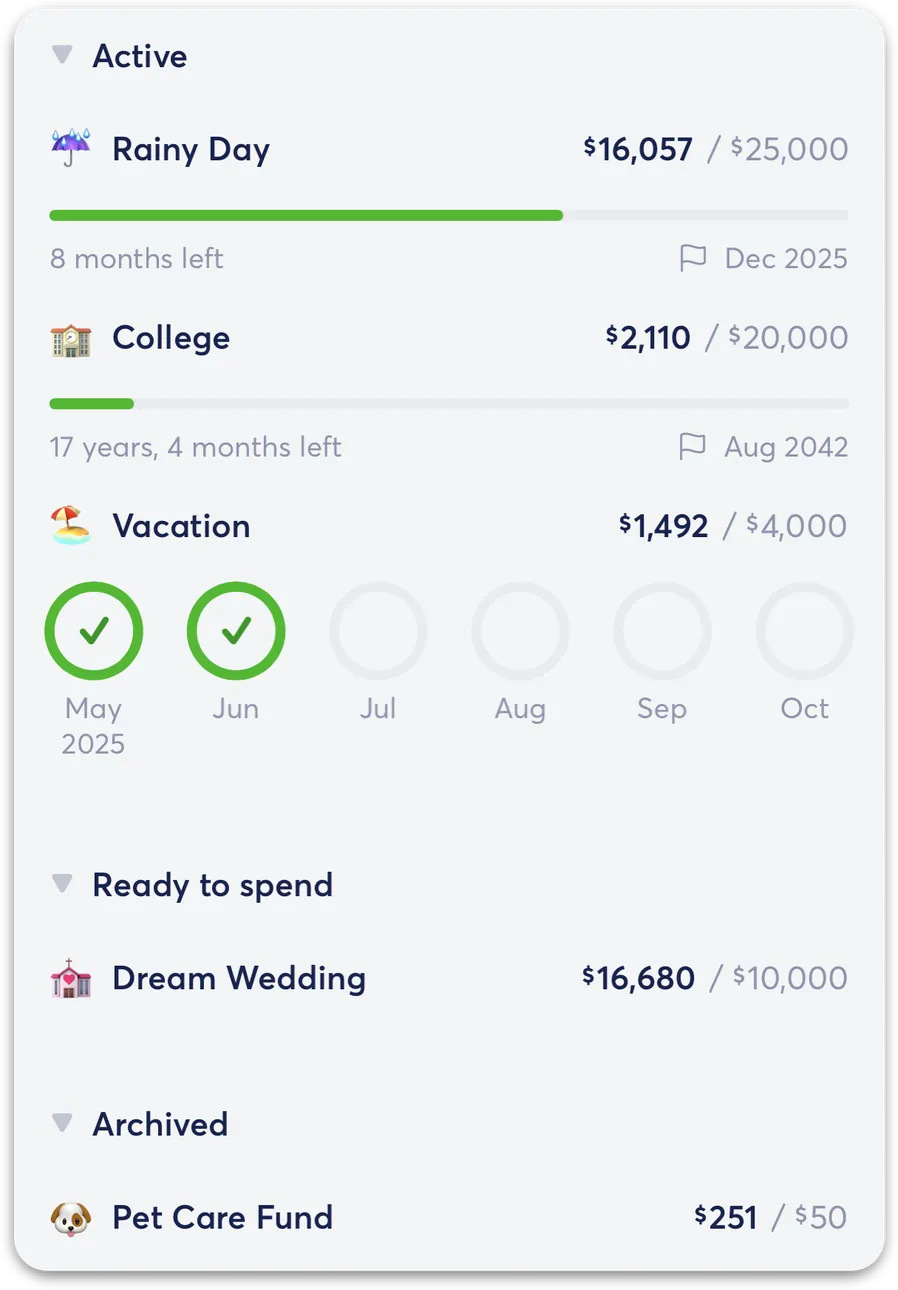
From Copilot Money's help centerThe savings goals list with Active goals like Rainy Day, College and Vacation and a Ready to spend section.help.copilot.money, as of
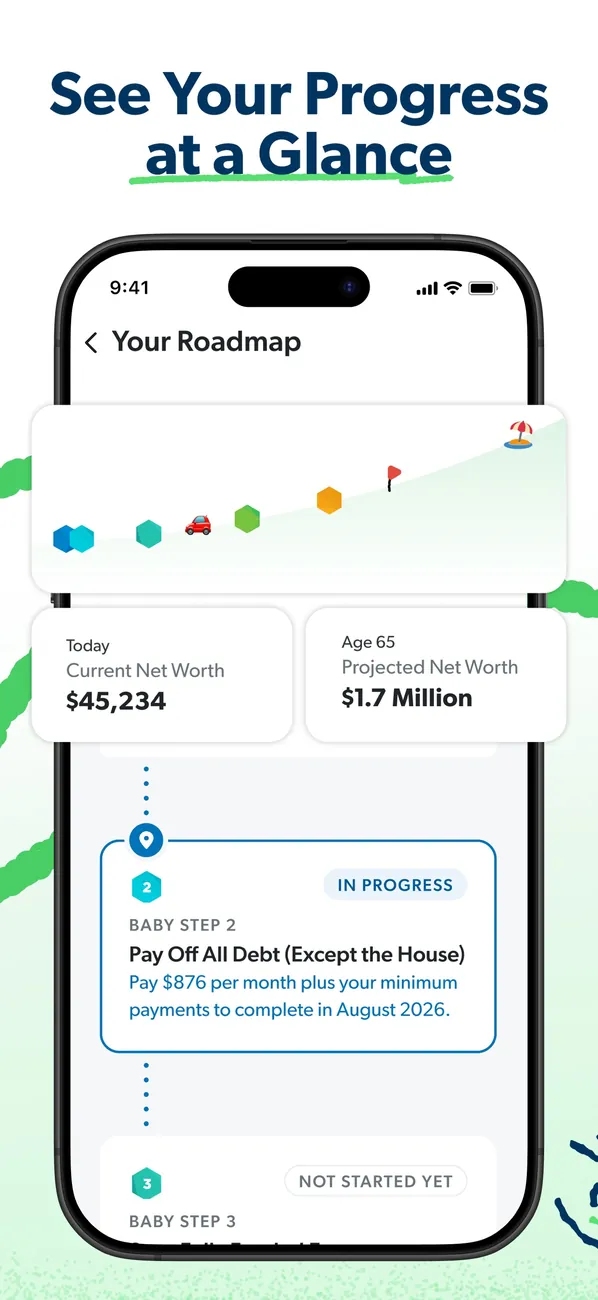
App Store marketing imageApp Store image with the headline "See Your Progress at a Glance" showing Your Roadmap with net worth today and projected at 65.App Store listing, as of 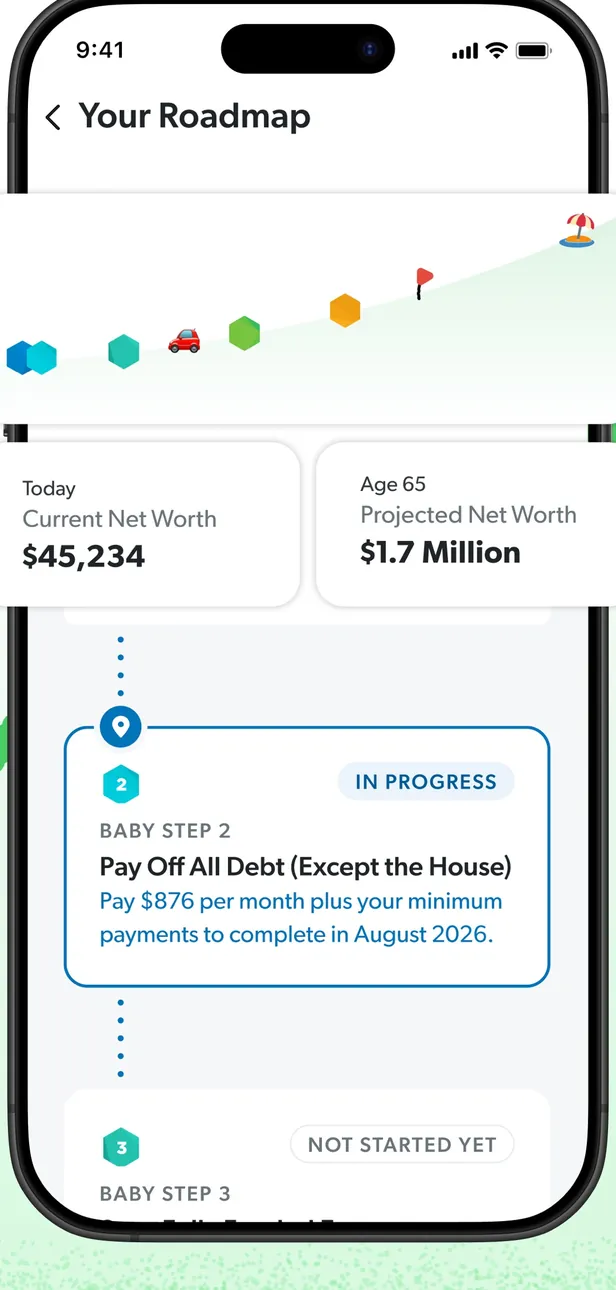
App Store marketing imageYour Roadmap: a progress path, current and projected net worth, and Baby Step cards marked In Progress and Not Started Yet.App Store listing, as of 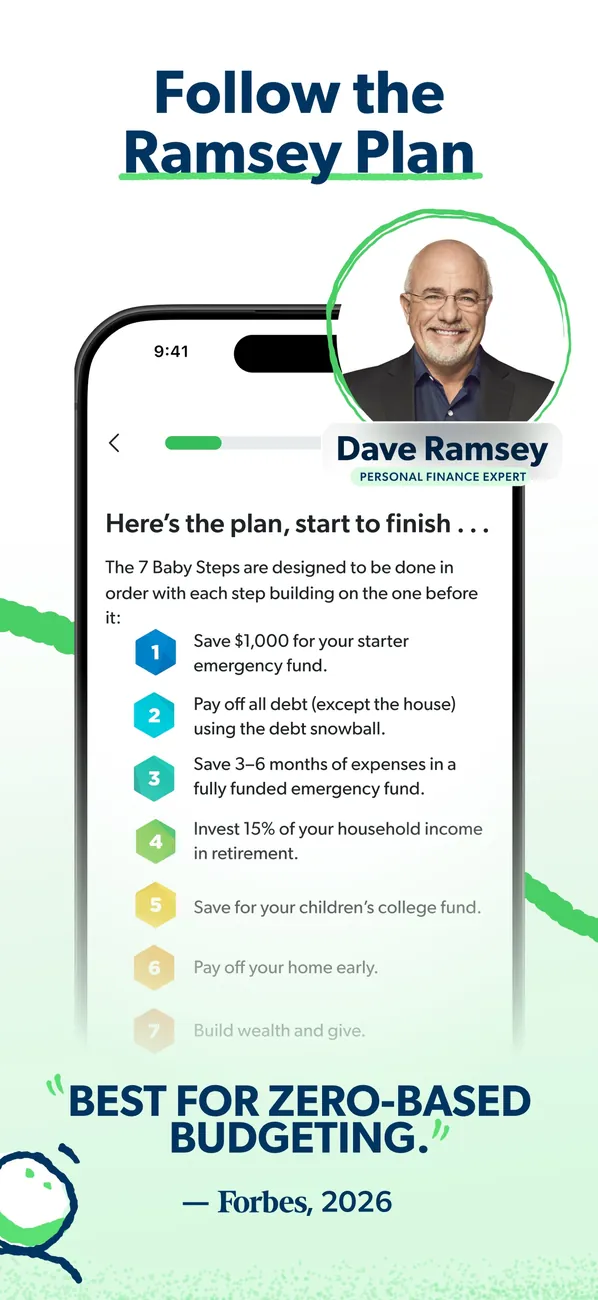
App Store marketing imageApp Store image with the headline "Follow the Ramsey Plan" showing a list of the 7 Baby Steps beside a photo of Dave Ramsey.App Store listing, as of 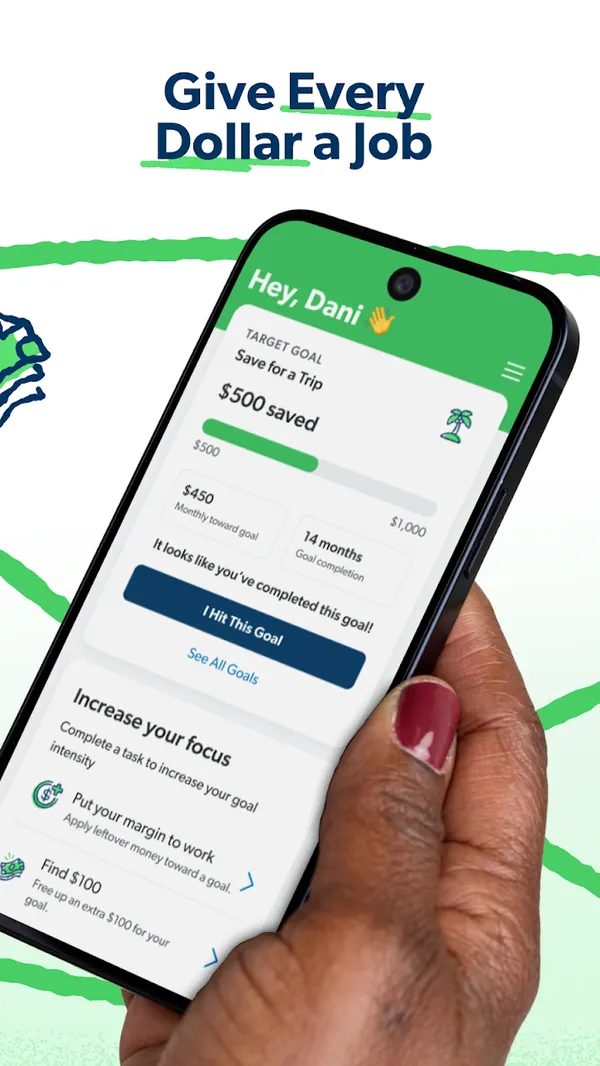
Google Play marketing imageGoogle Play image with the headline "Give Every Dollar a Job" showing a phone with a Save for a Trip goal and an Increase your focus list.Google Play listing, as of 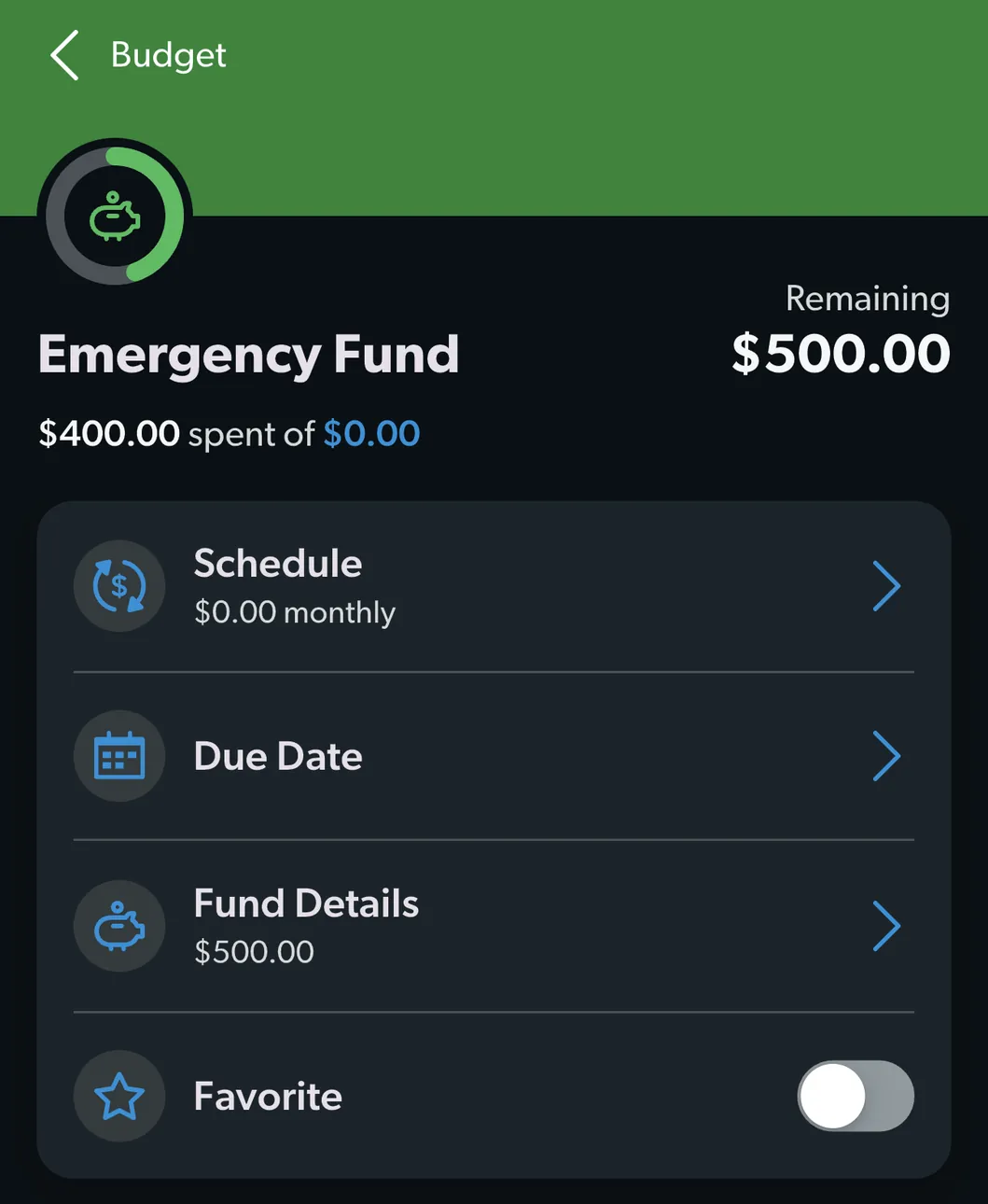
From EveryDollar's help centerAn Emergency Fund budget item with $500.00 remaining and rows for Schedule, Due Date, Fund Details and Favorite.everydollar.help.ramseysolutions.com, as of 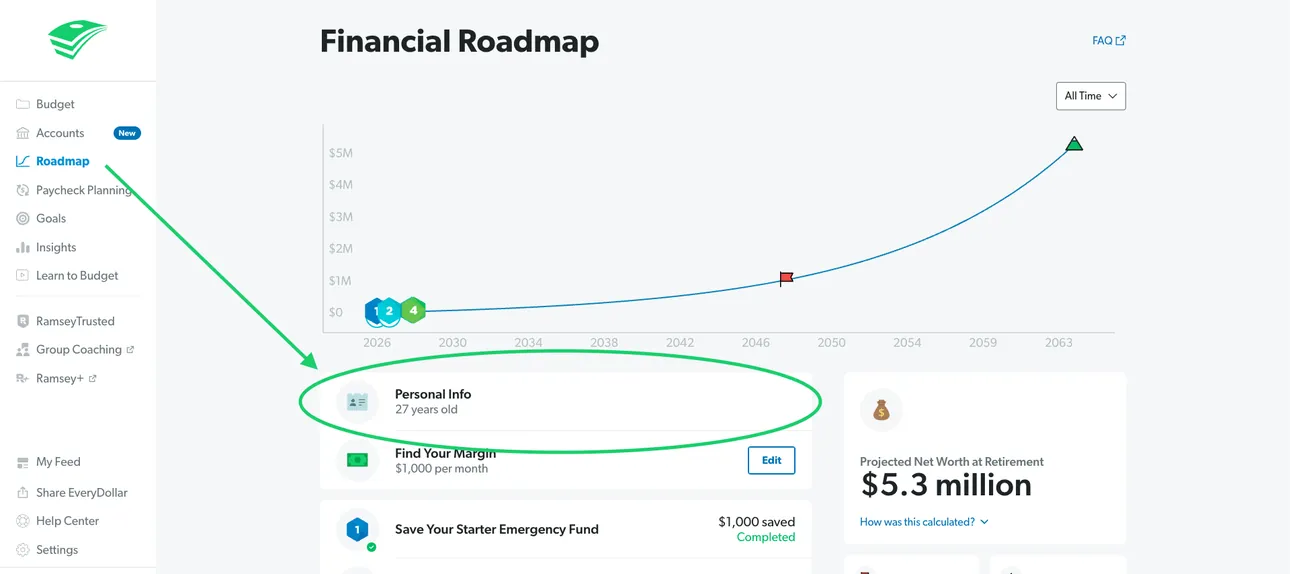
From EveryDollar's help centerThe web Financial Roadmap with a projected net worth line and Personal Info highlighted.everydollar.help.ramseysolutions.com, as of 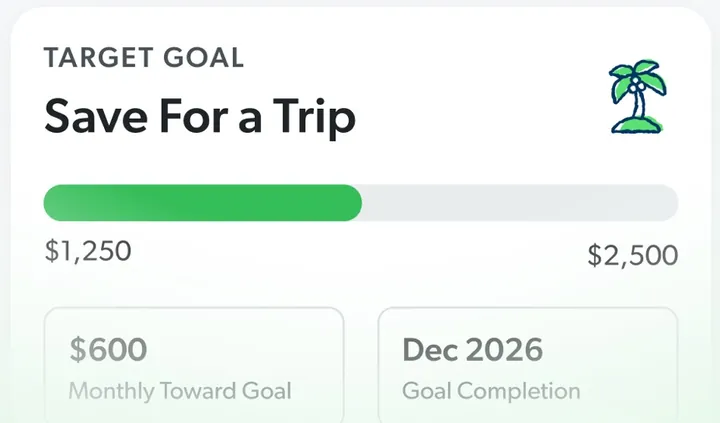
App Store marketing imageA Target Goal card for Save For a Trip with a progress bar from $1,250 to $2,500, a monthly amount and a completion date.App Store listing, as of 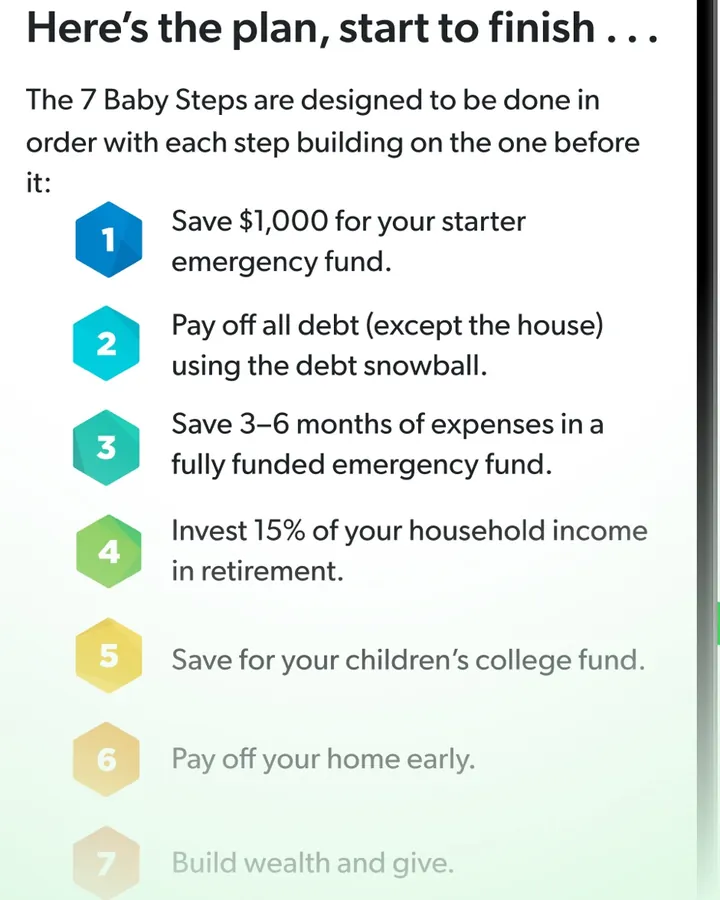
App Store marketing imageA numbered list of the 7 Baby Steps, starting with "Save $1,000 for your starter emergency fund."App Store listing, as of 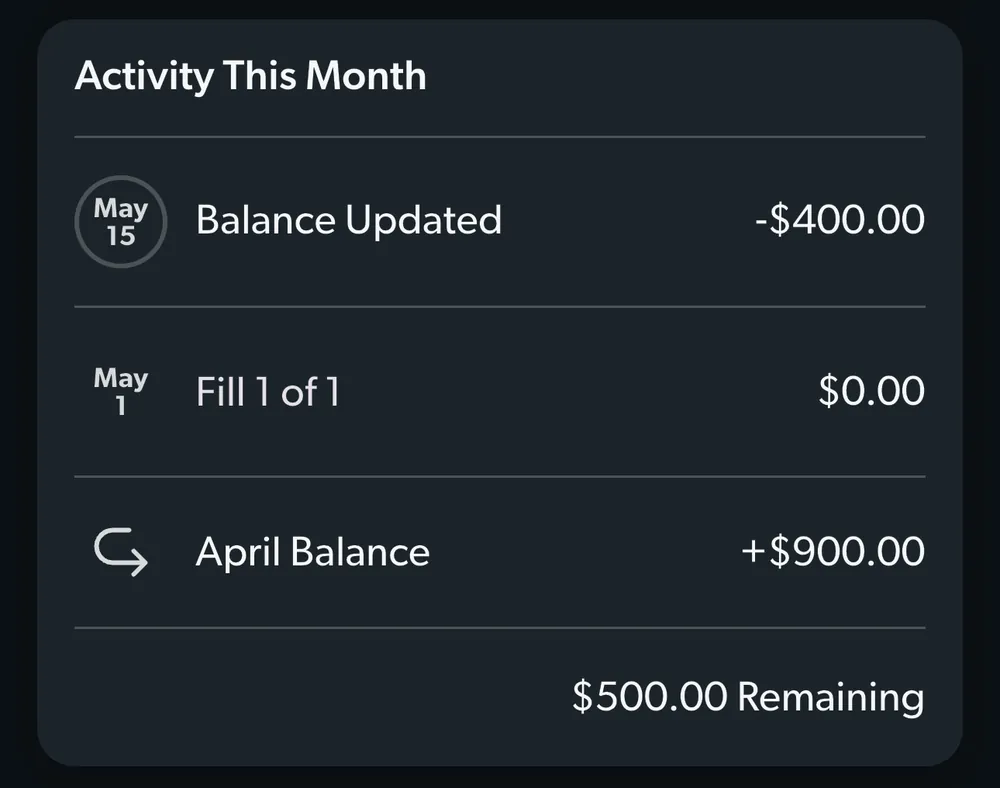
From EveryDollar's help centerAn Activity This Month card for a fund with a balance update, a fill and the April balance.everydollar.help.ramseysolutions.com, as of
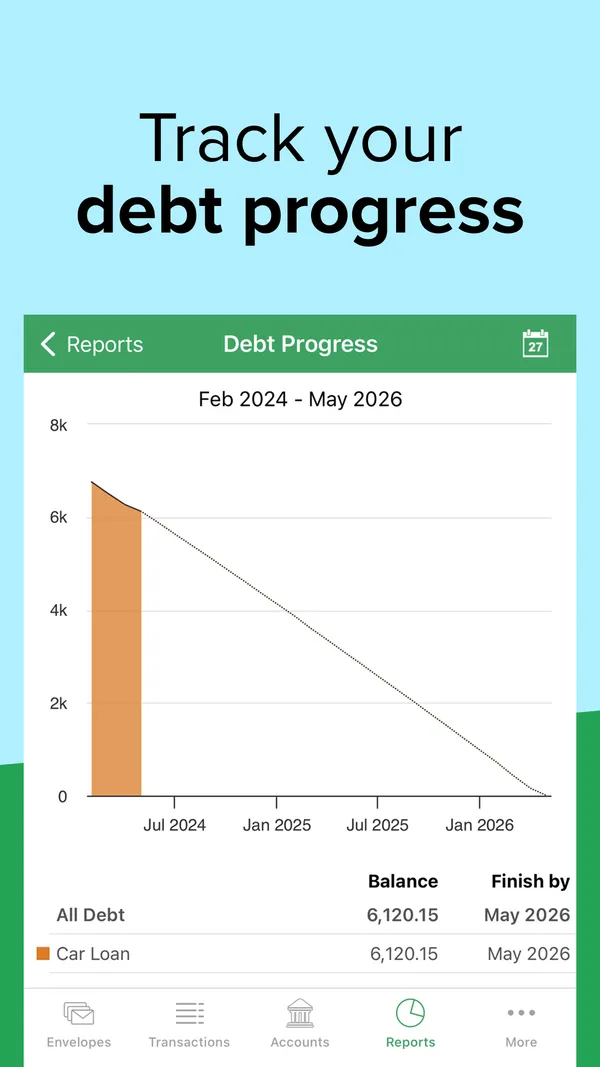
App Store marketing imageApp Store image with the headline "Track your debt progress" showing a Debt Progress chart for a car loan.App Store listing, as of 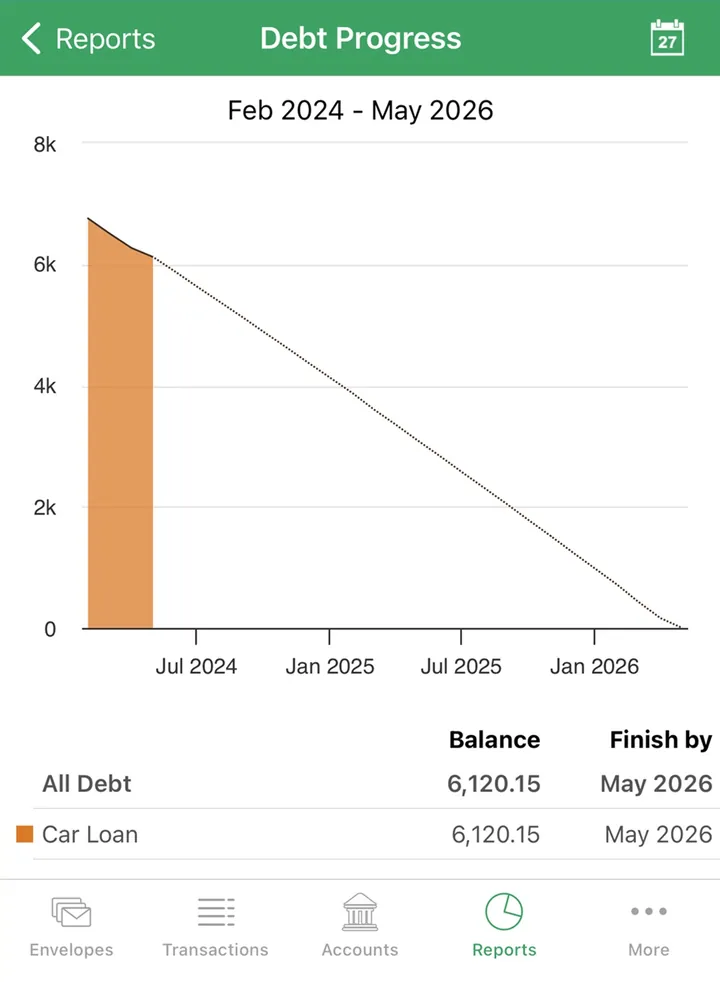
App Store marketing imageA Debt Progress report with a payoff line to 2026 and a table showing the car loan balance and finish date.App Store listing, as of 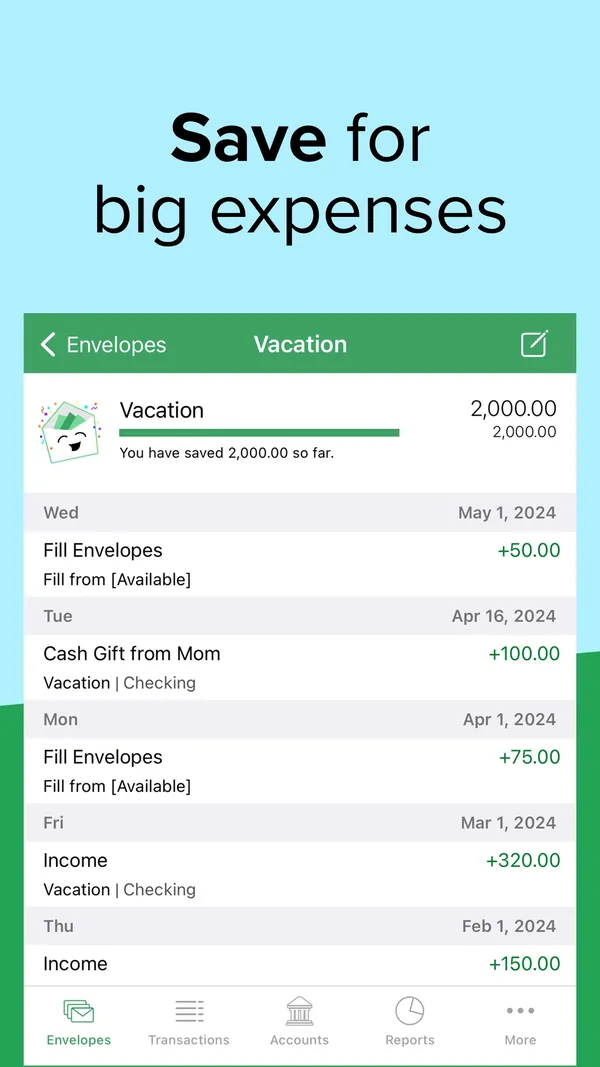
App Store marketing imageApp Store image with the headline "Save for big expenses" showing a Vacation envelope with its history.App Store listing, as of 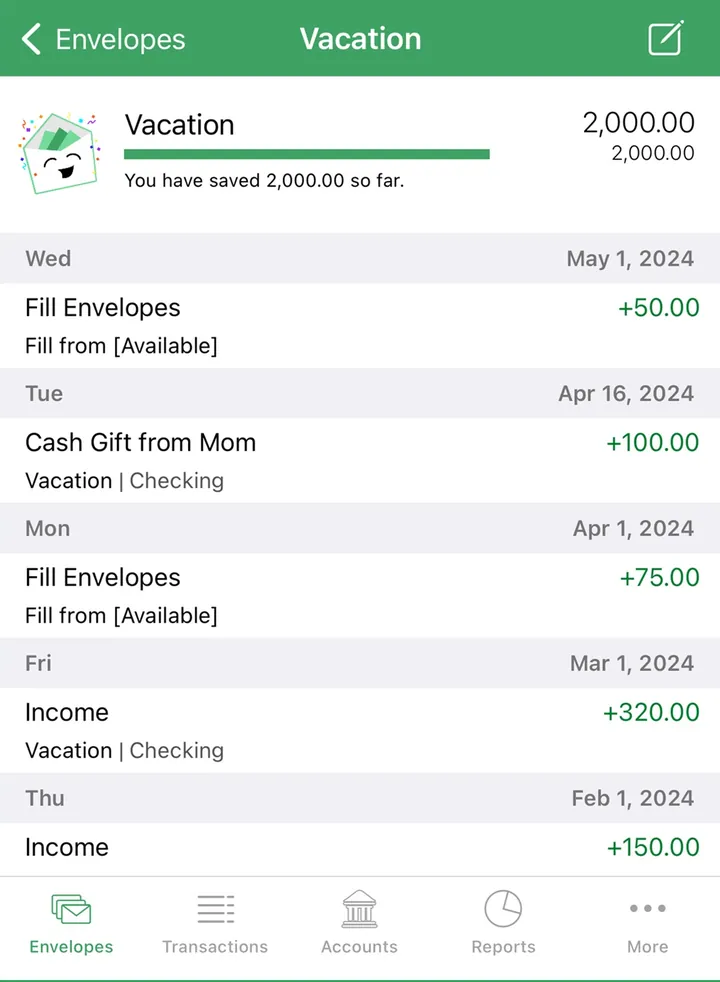
App Store marketing imageA Vacation envelope with 2,000.00 saved and a dated list of fills and income.App Store listing, as of
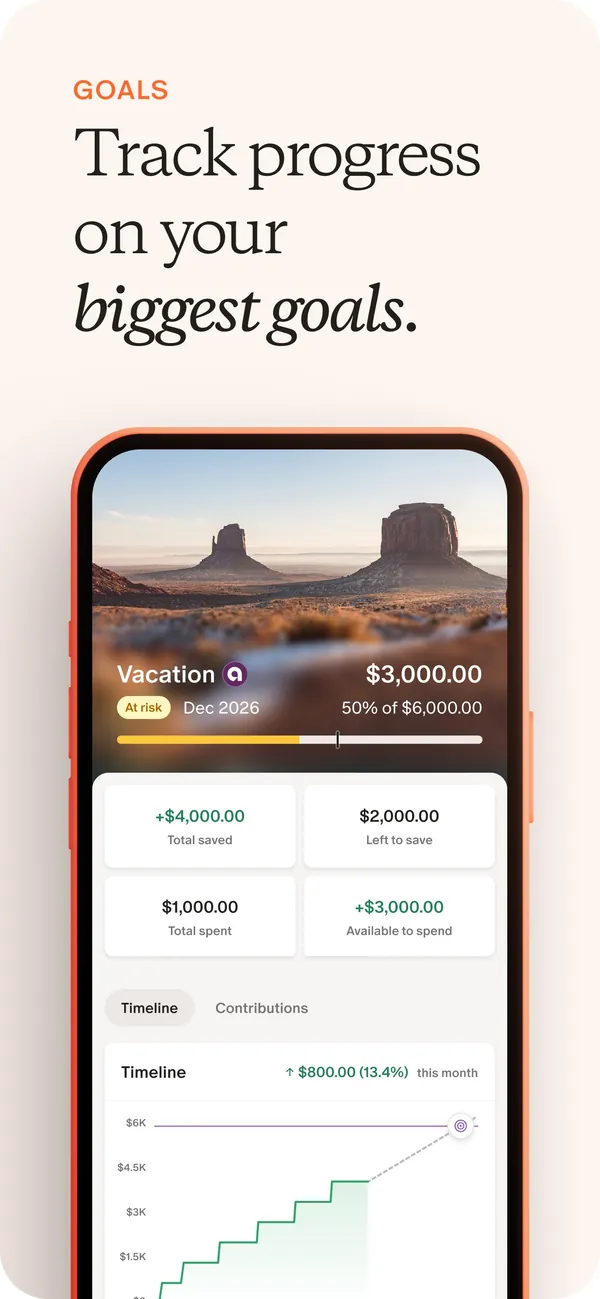
App Store marketing imageApp Store image with the headline "Track progress on your biggest goals" showing a Vacation goal with amounts saved and a timeline chart.App Store listing, as of 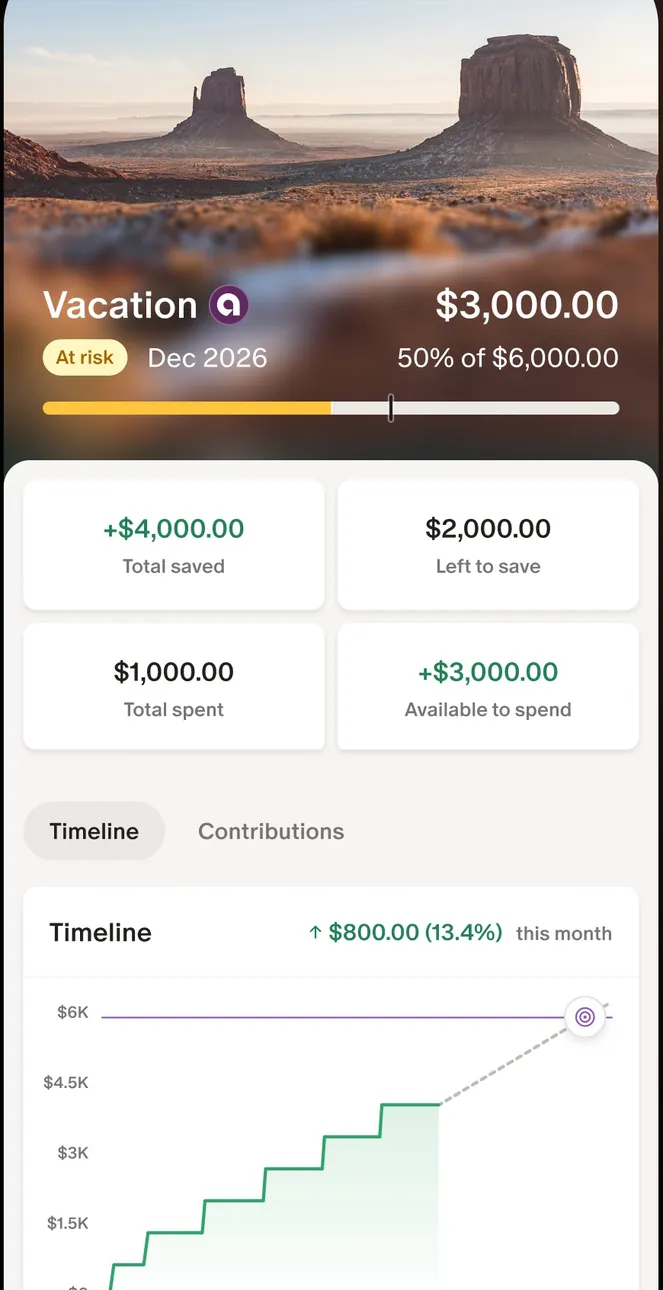
App Store marketing imageThe Vacation goal screen: $3,000.00 of $6,000.00, four amount tiles and a stepped timeline chart.App Store listing, as of 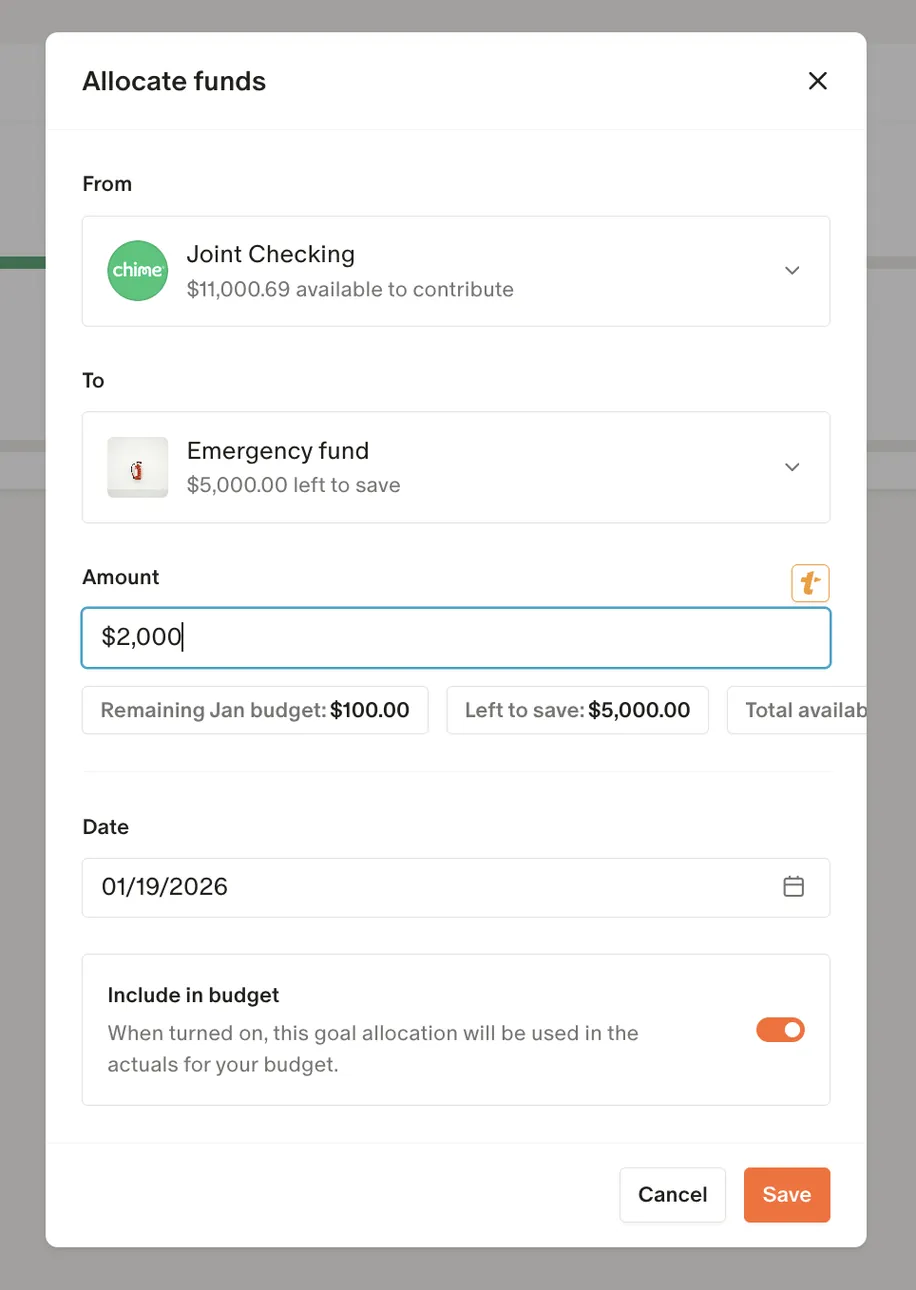
From Monarch Money's help centerAn Allocate funds dialog moving $2,000 from Joint Checking to an Emergency fund goal.help.monarch.com, as of 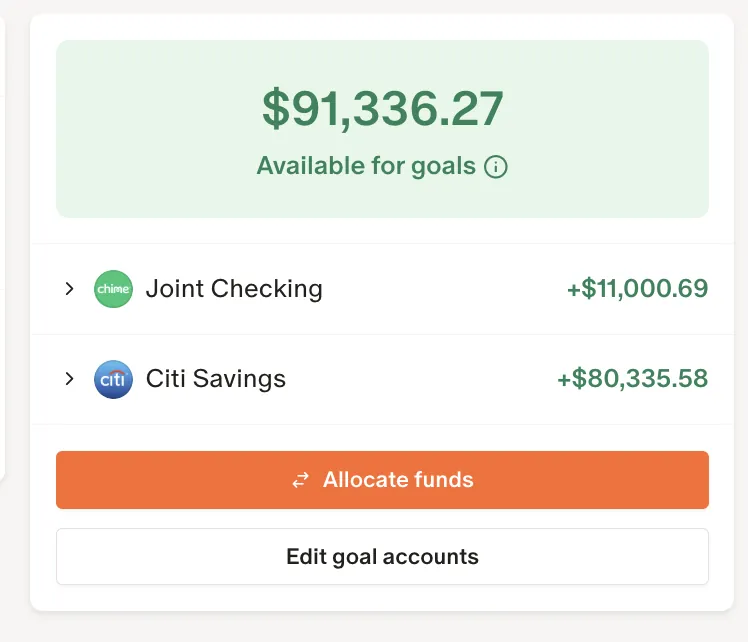
From Monarch Money's help centerA card showing $91,336.27 available for goals, two accounts, and Allocate funds and Edit goal accounts buttons.help.monarch.com, as of
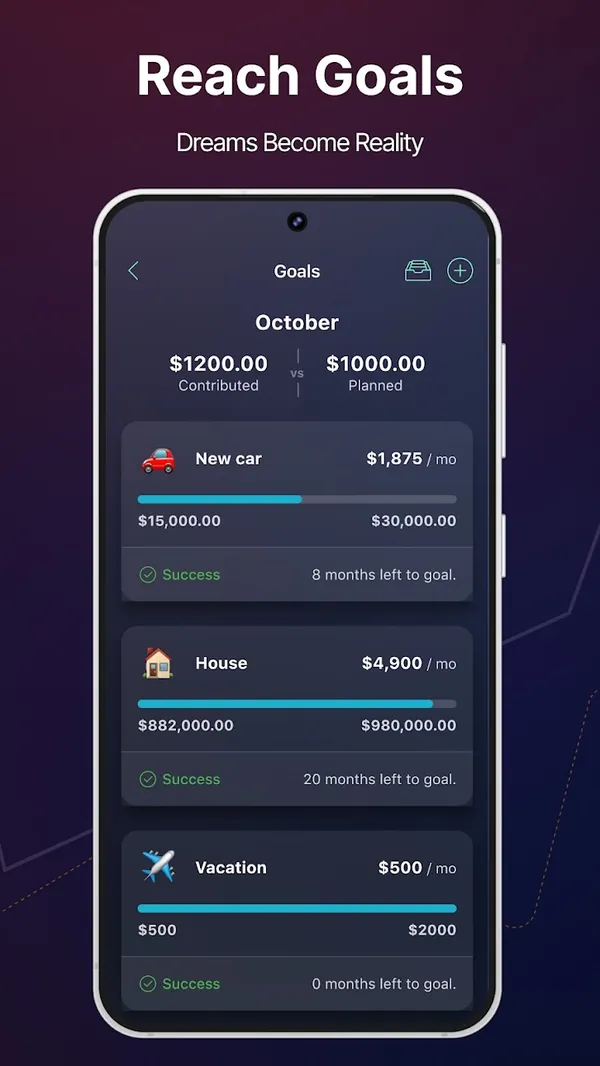
Google Play marketing imageGoogle Play image with the headline "Reach Goals" showing a Goals screen with New car, House and Vacation goals.Google Play listing, as of 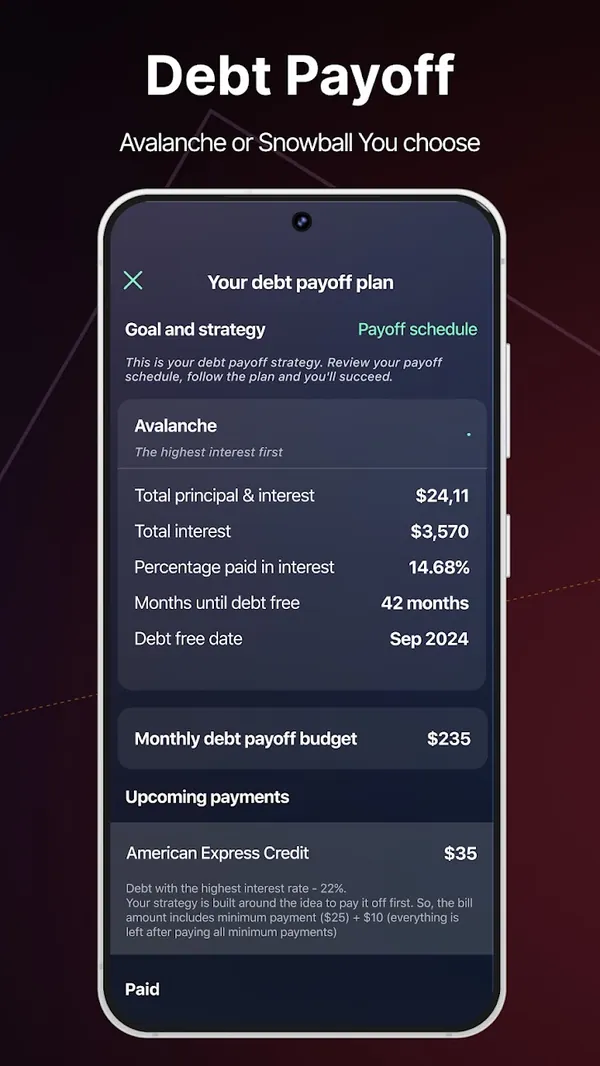
Google Play marketing imageGoogle Play image with the headline "Debt Payoff" showing a debt payoff plan with Avalanche strategy and a debt free date.Google Play listing, as of
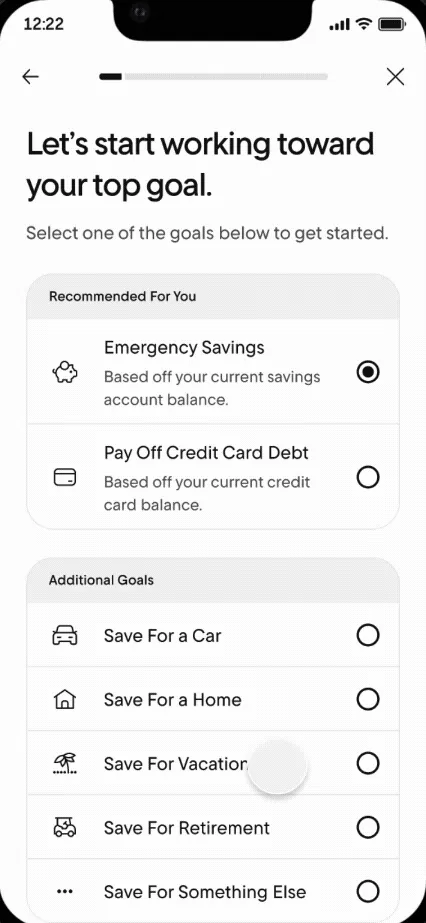
From Rocket Money's help centerA goal setup screen listing Emergency Savings, Pay Off Credit Card Debt and other goals to choose from.help.rocketmoney.com, as of 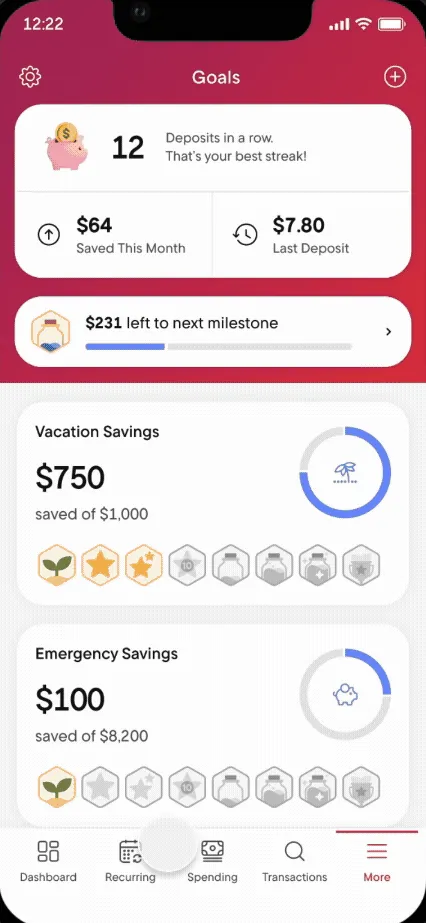
From Rocket Money's help centerThe Goals screen with a deposit streak, Vacation Savings and Emergency Savings progress and milestone badges.help.rocketmoney.com, as of
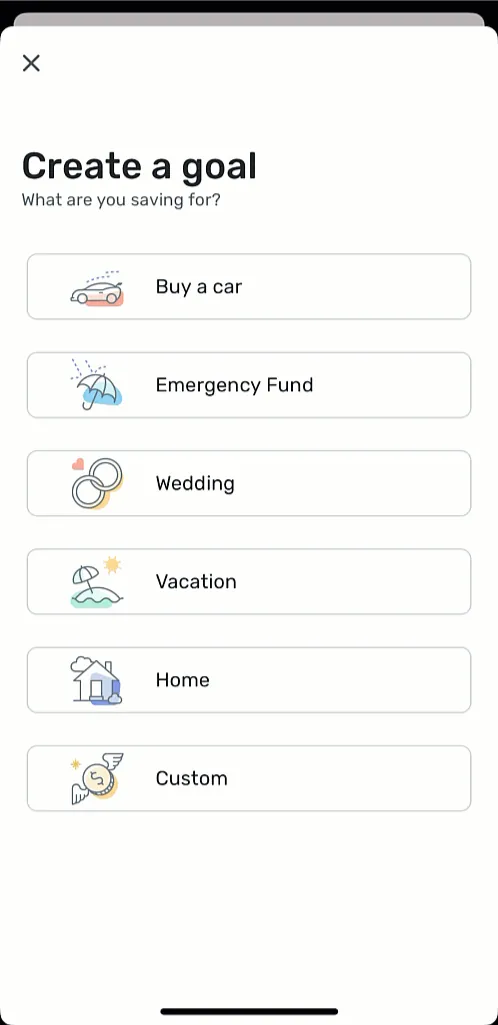
From Simplifi's help centerA Create a goal screen with choices like Buy a car, Emergency Fund, Wedding, Vacation, Home and Custom.support.simplifi.quicken.com, as of 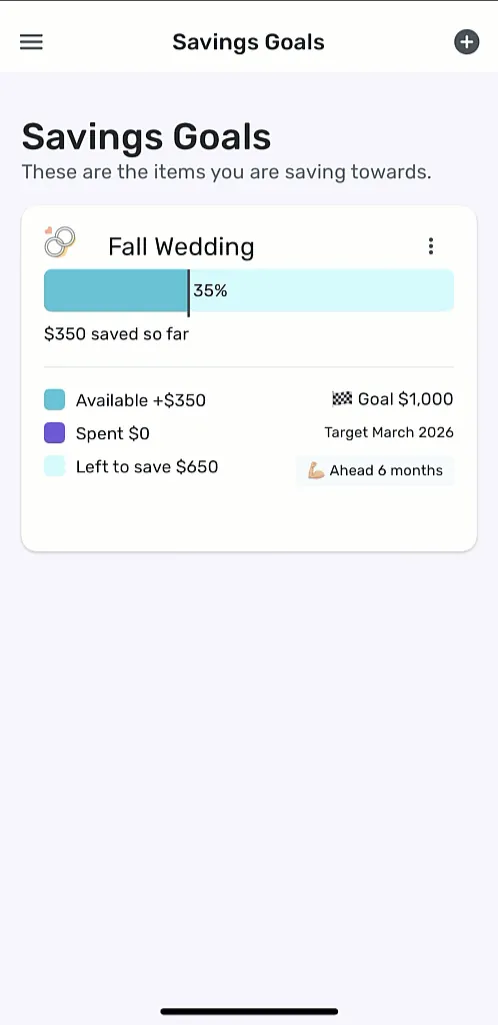
From Simplifi's help centerThe Savings Goals screen with a Fall Wedding goal at 35%, $350 saved and a target date.support.simplifi.quicken.com, as of
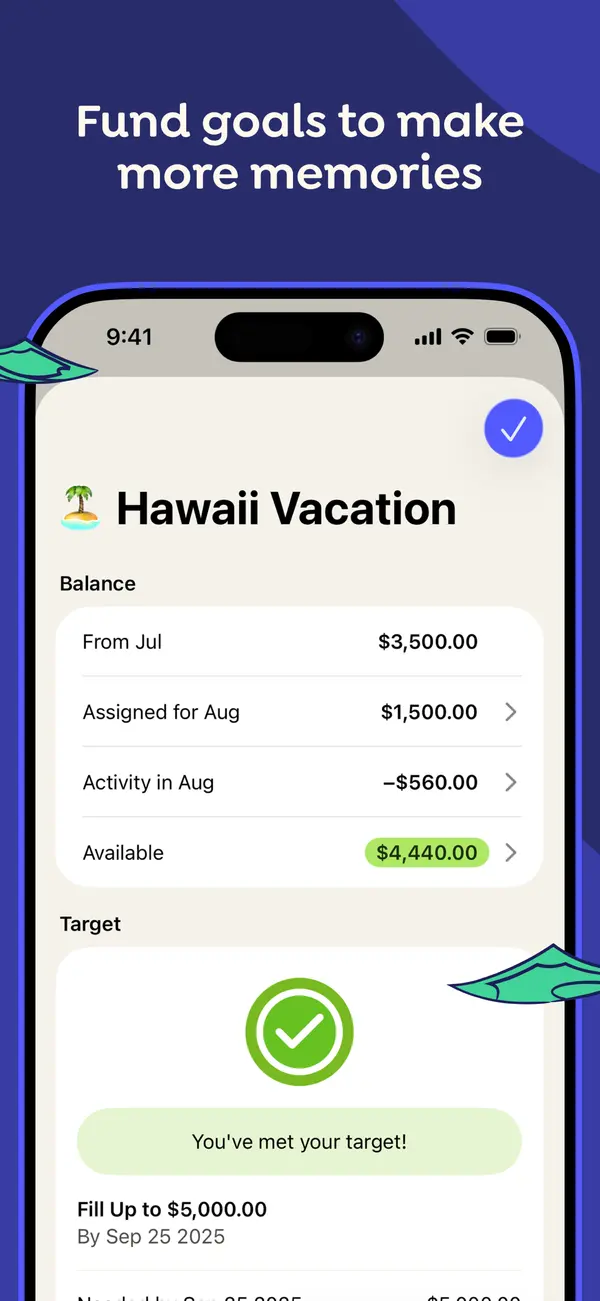
App Store marketing imageApp Store image with the headline "Fund goals to make more memories" showing a Hawaii Vacation category with its balance and a "You've met your target!" message.App Store listing, as of 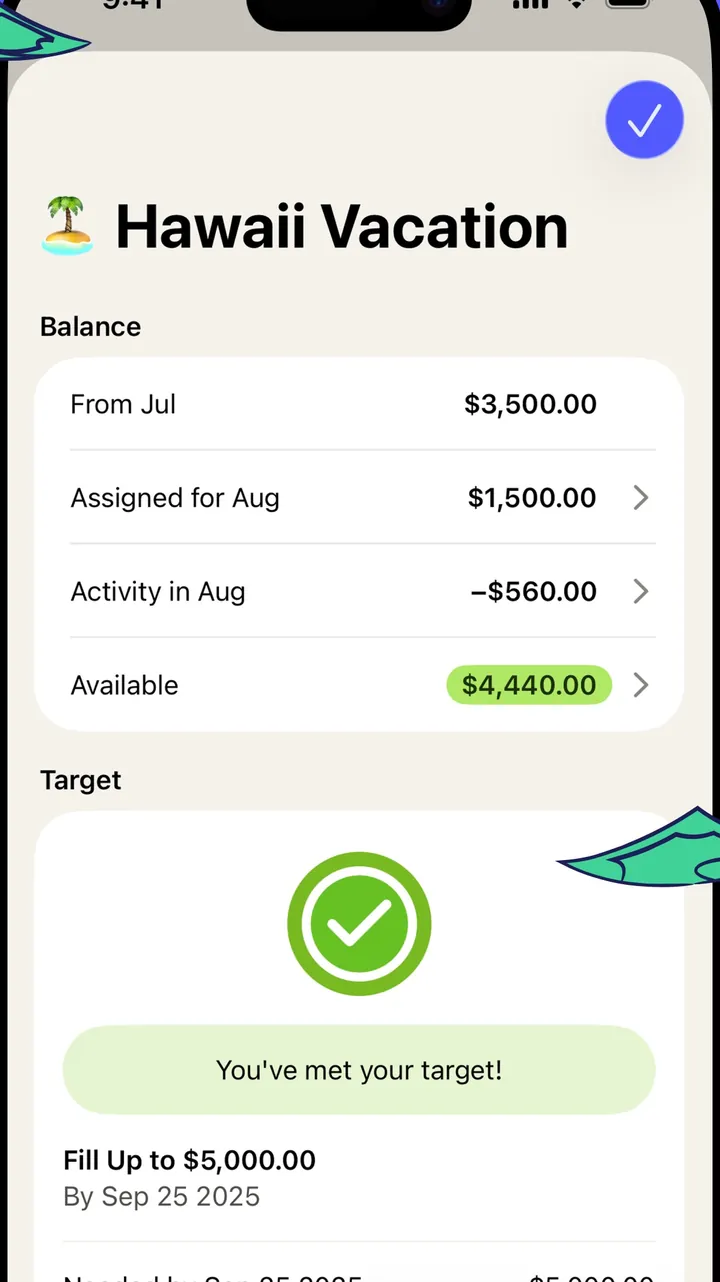
App Store marketing imageThe Hawaii Vacation category screen: balance breakdown for the month and a target card with a check mark.App Store listing, as of 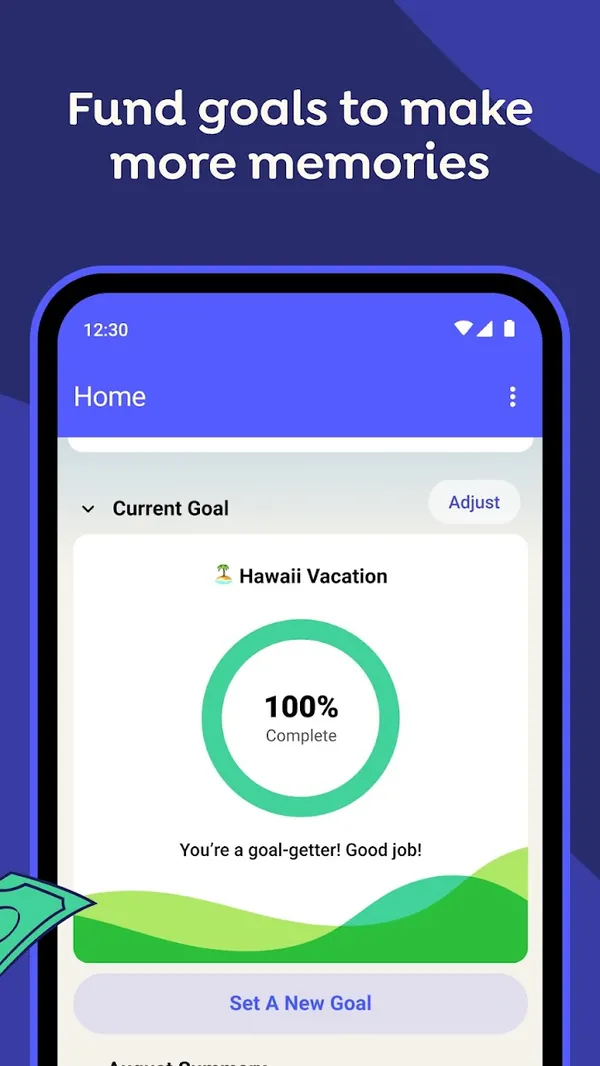
Google Play marketing imageGoogle Play image with the headline "Fund goals to make more memories" showing the Android Home screen with a Current Goal ring at 100% Complete for Hawaii Vacation.Google Play listing, as of 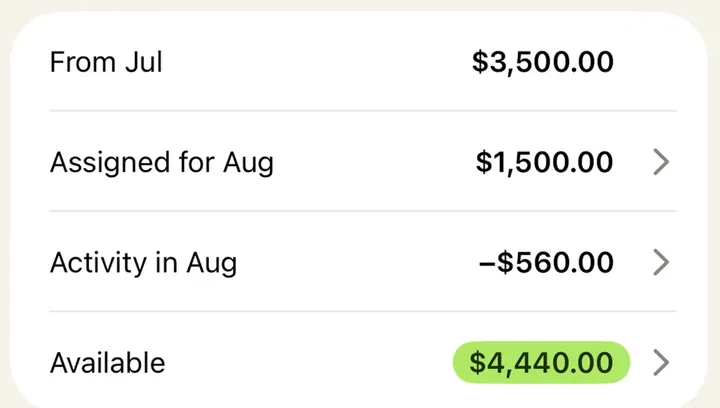
App Store marketing imageA balance card listing From Jul, Assigned for Aug, Activity in Aug and Available amounts.App Store listing, as of 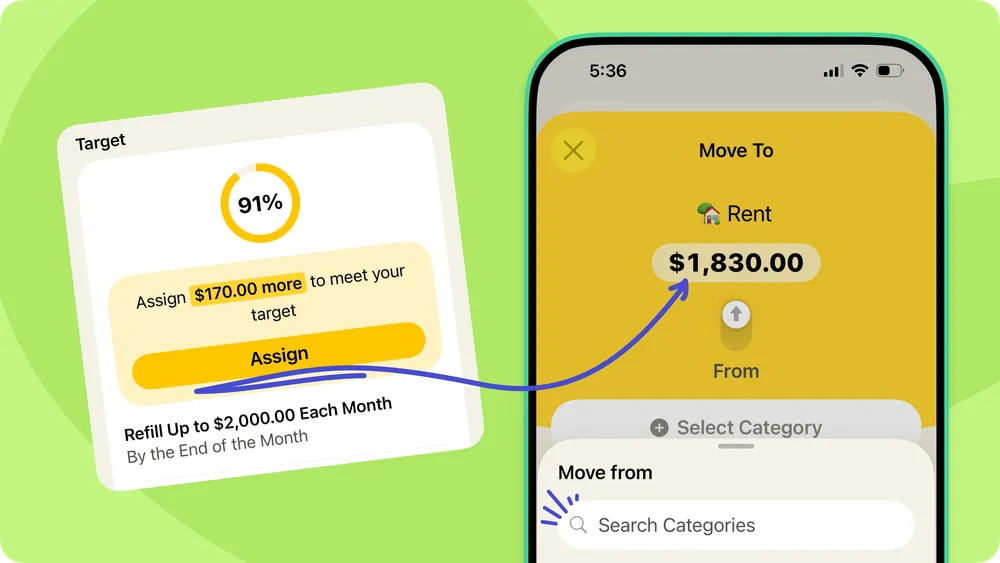
From YNAB's help centerA help-center graphic pairing a target card at 91% with a Move To sheet that assigns $1,830.00 to Rent.support.ynab.com, as of 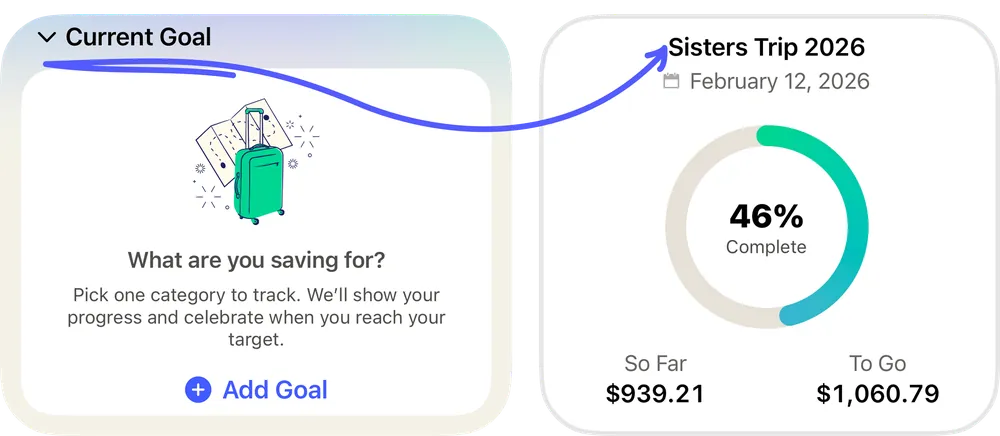
From YNAB's help centerTwo Current Goal cards: an empty one asking "What are you saving for?" and one for Sisters Trip 2026 at 46% complete.support.ynab.com, as of
Reports and insights
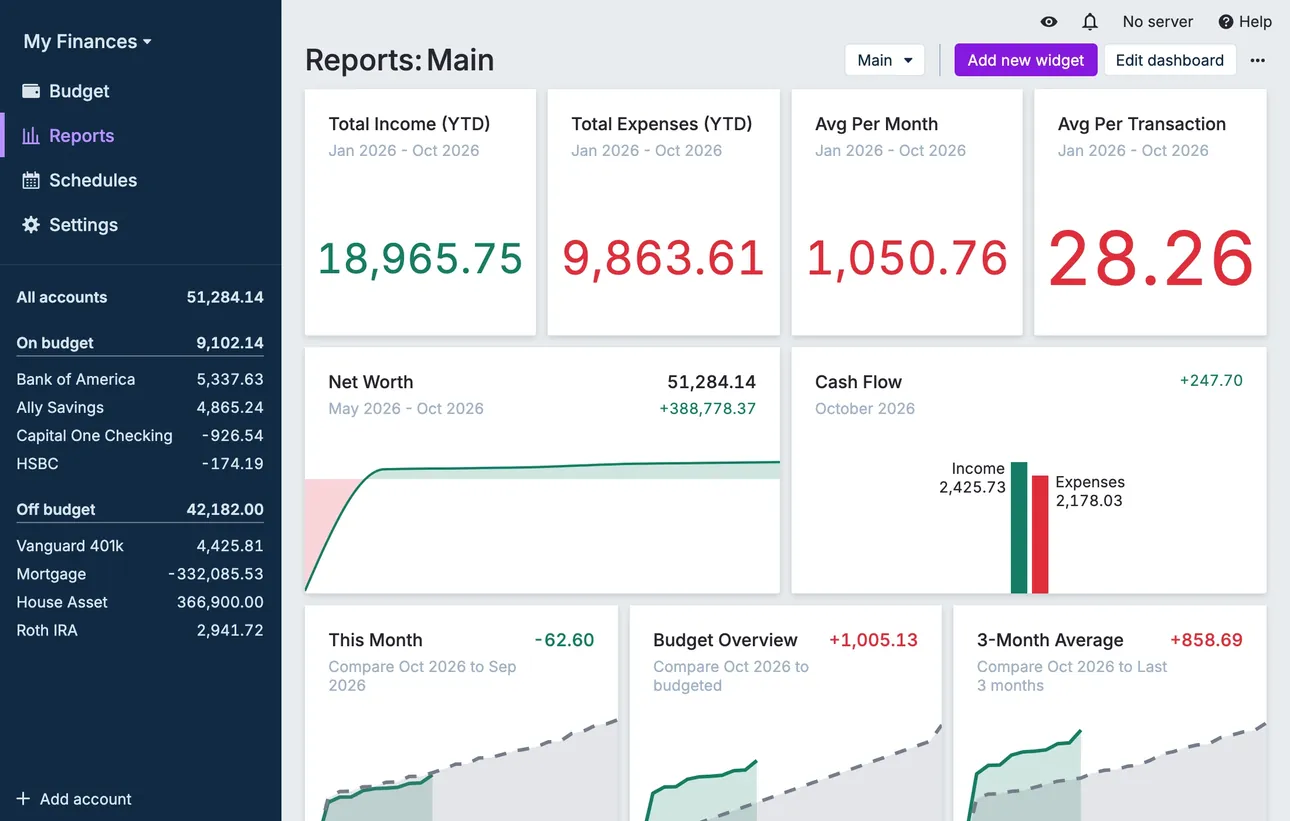
From Actual Budget's help centerThe Reports dashboard with total income and expenses, net worth and cash flow widgets.actualbudget.org, as of 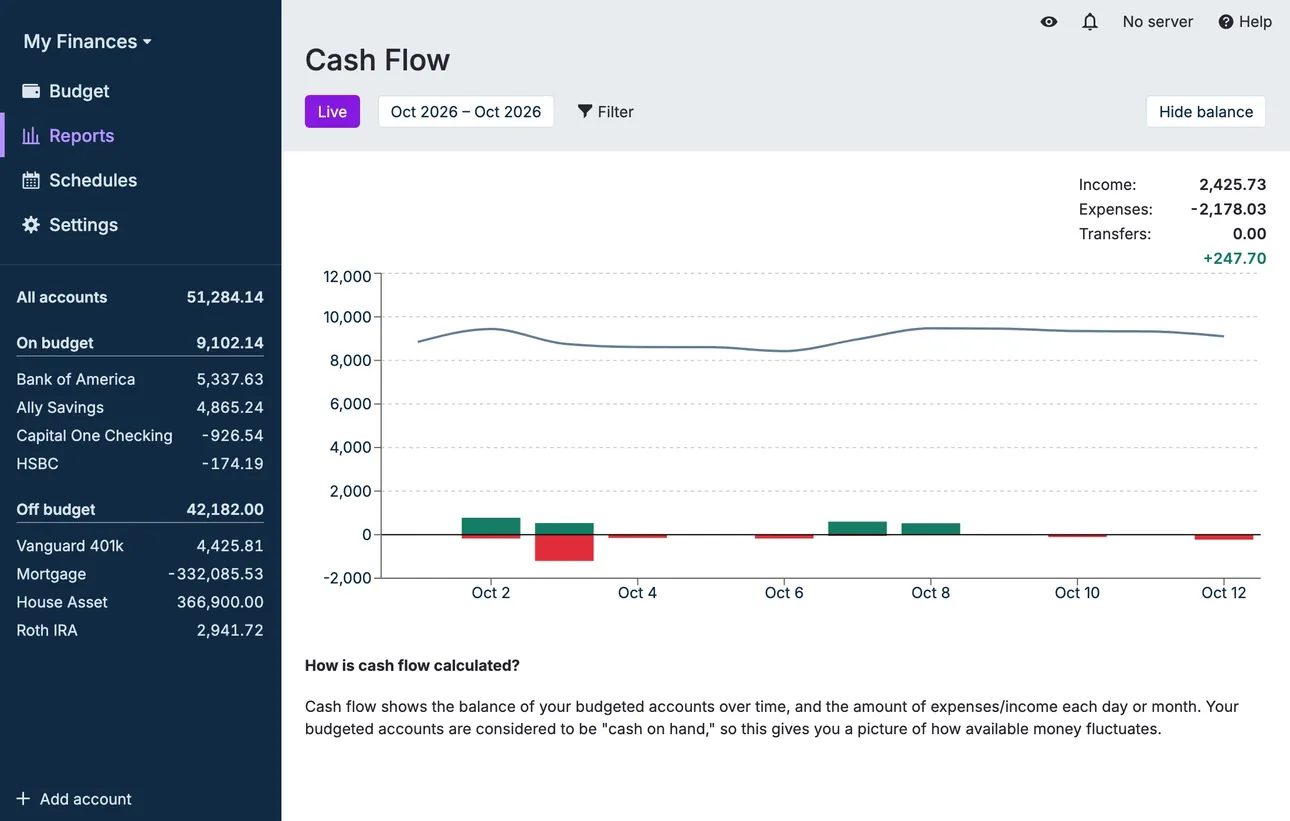
From Actual Budget's help centerA Cash Flow report with a balance line and income and expense bars.actualbudget.org, as of
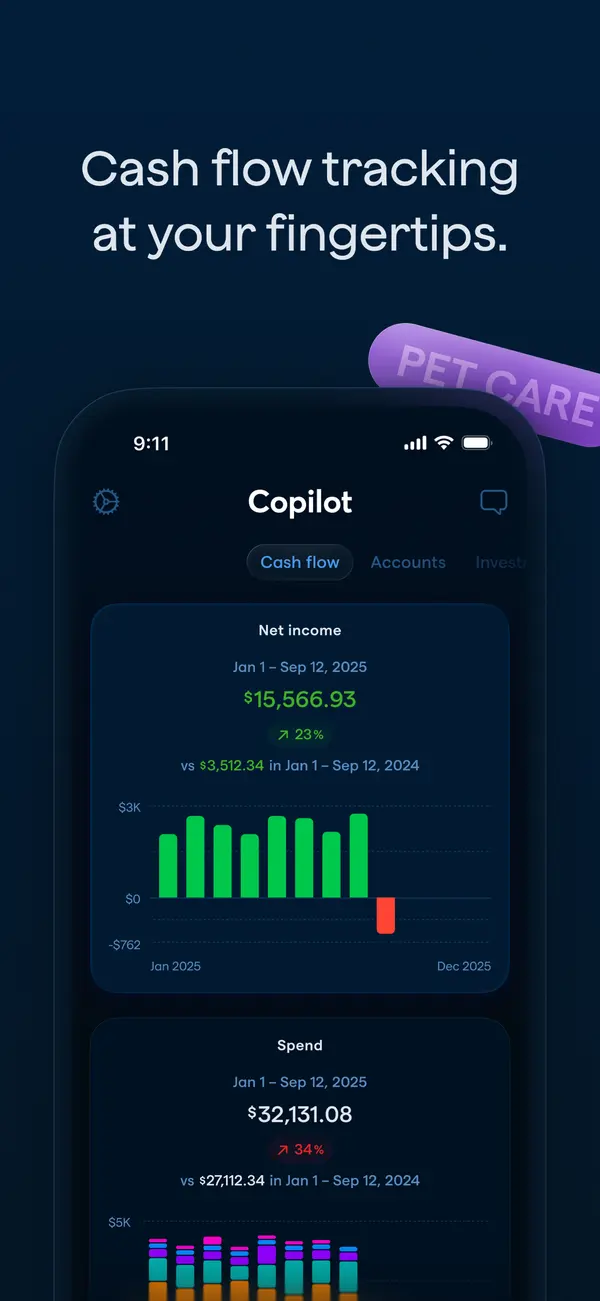
App Store marketing imageApp Store image with the headline "Cash flow tracking at your fingertips." showing the Cash flow tab with Net income and Spend charts.App Store listing, as of 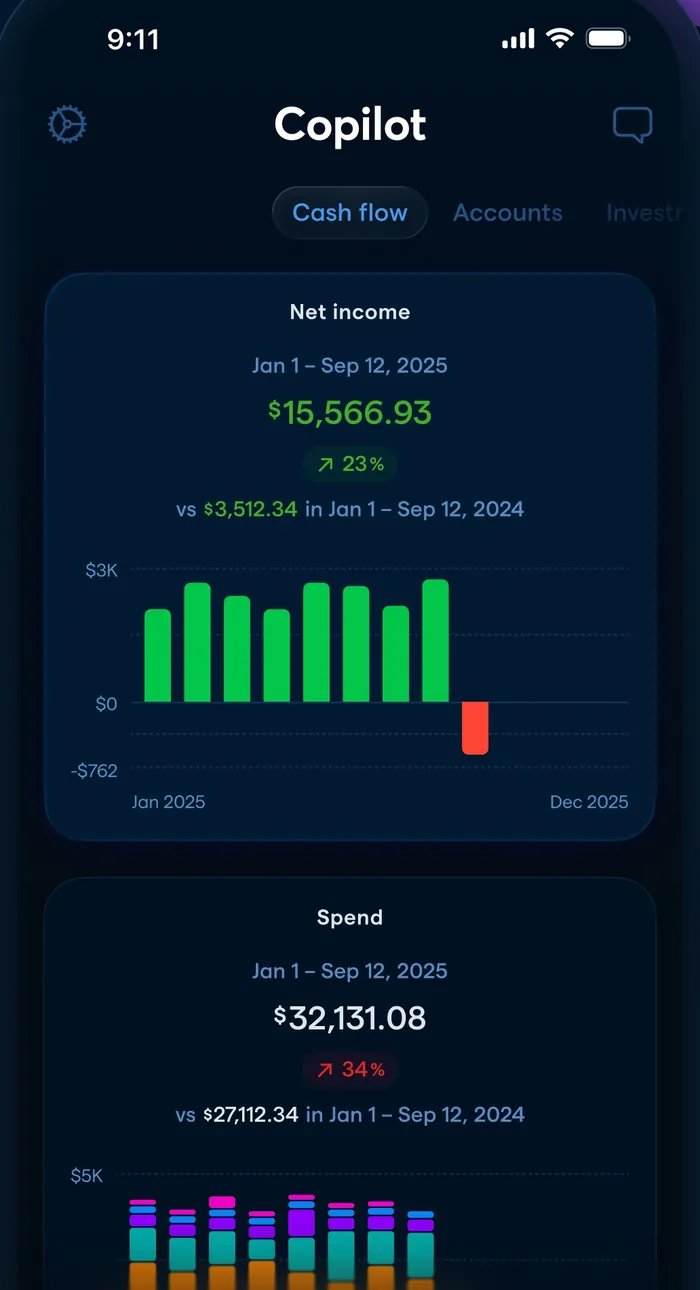
App Store marketing imageThe Cash flow tab: net income of $15,566.93 with a monthly bar chart and a Spend card below.App Store listing, as of
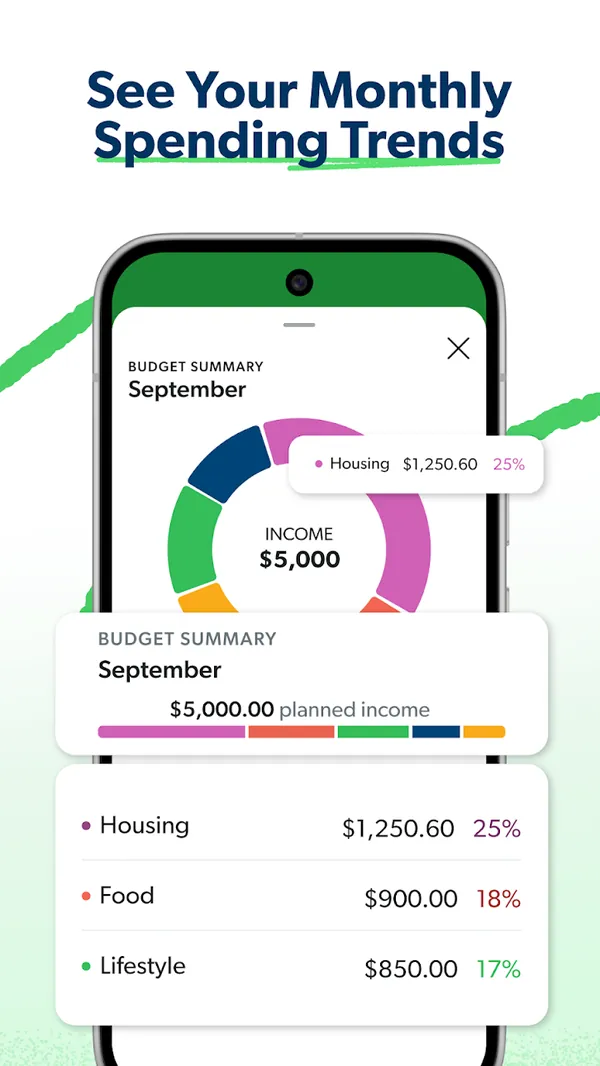
Google Play marketing imageGoogle Play image with the headline "See Your Monthly Spending Trends" showing a Budget Summary donut chart with Housing, Food and Lifestyle percentages.Google Play listing, as of
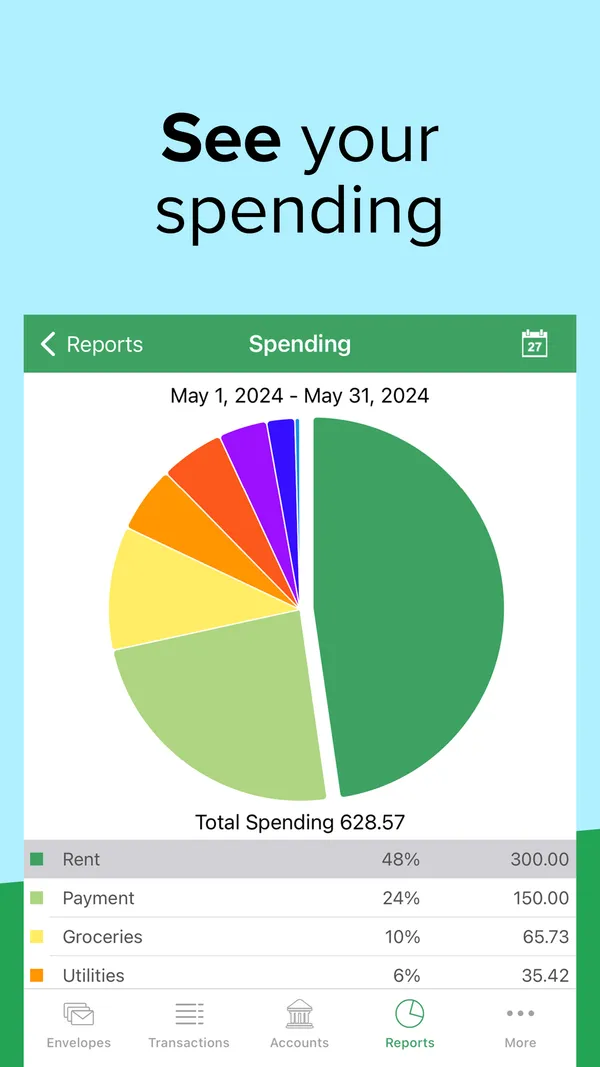
App Store marketing imageApp Store image with the headline "See your spending" showing a Spending report pie chart for May 2024.App Store listing, as of 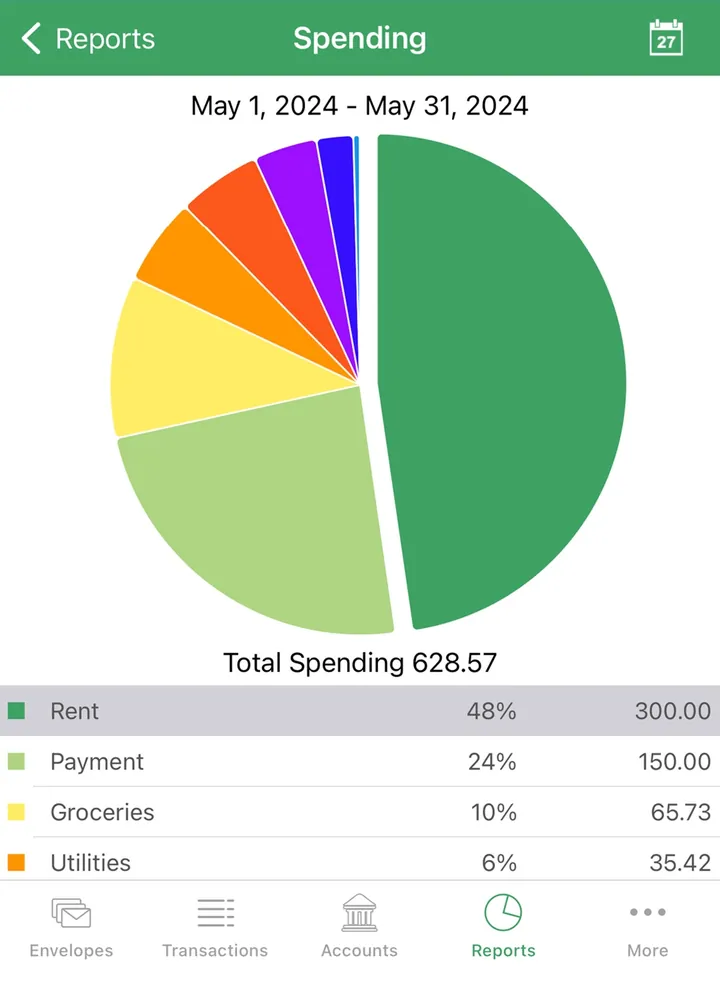
App Store marketing imageA Spending report with a pie chart, total spending of 628.57 and a table of envelopes by share.App Store listing, as of 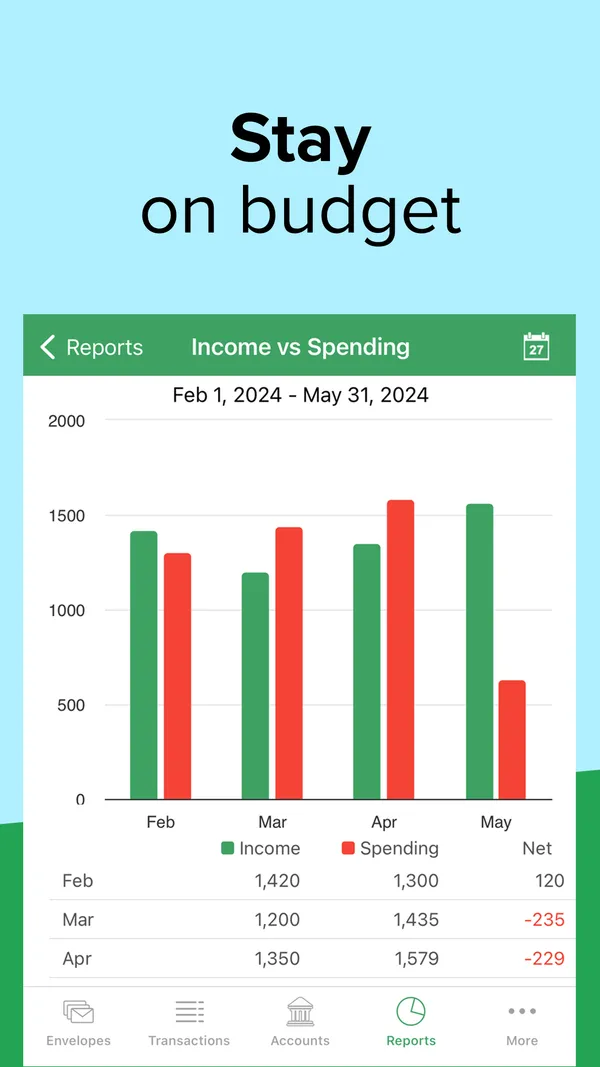
App Store marketing imageApp Store image with the headline "Stay on budget" showing an Income vs Spending report with monthly bars.App Store listing, as of 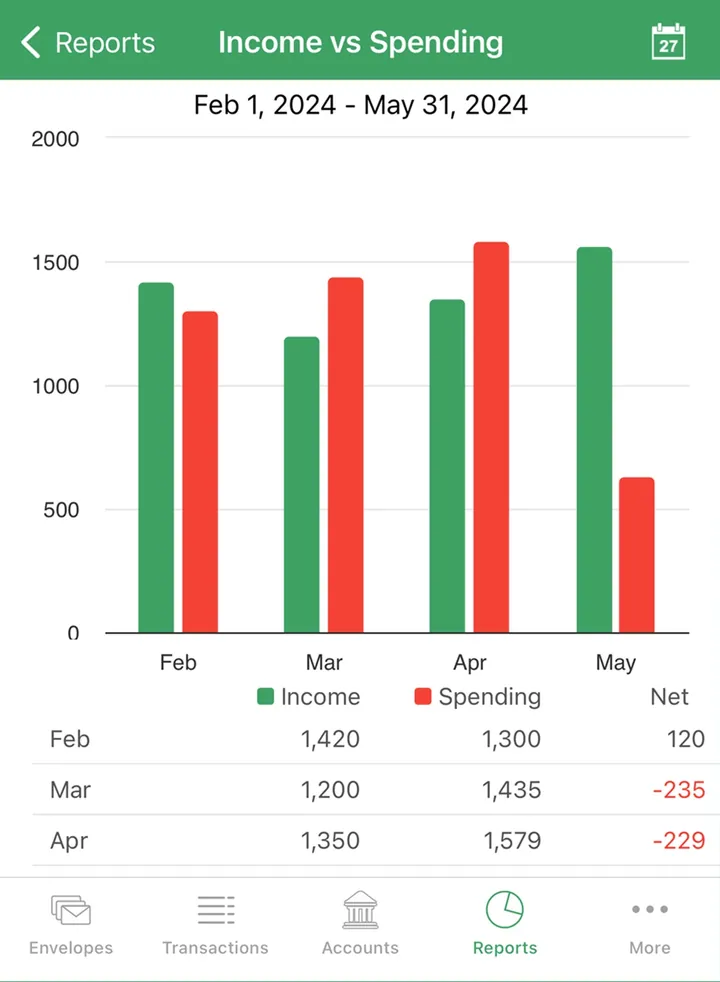
App Store marketing imageAn Income vs Spending report with paired monthly bars and a table of income, spending and net.App Store listing, as of
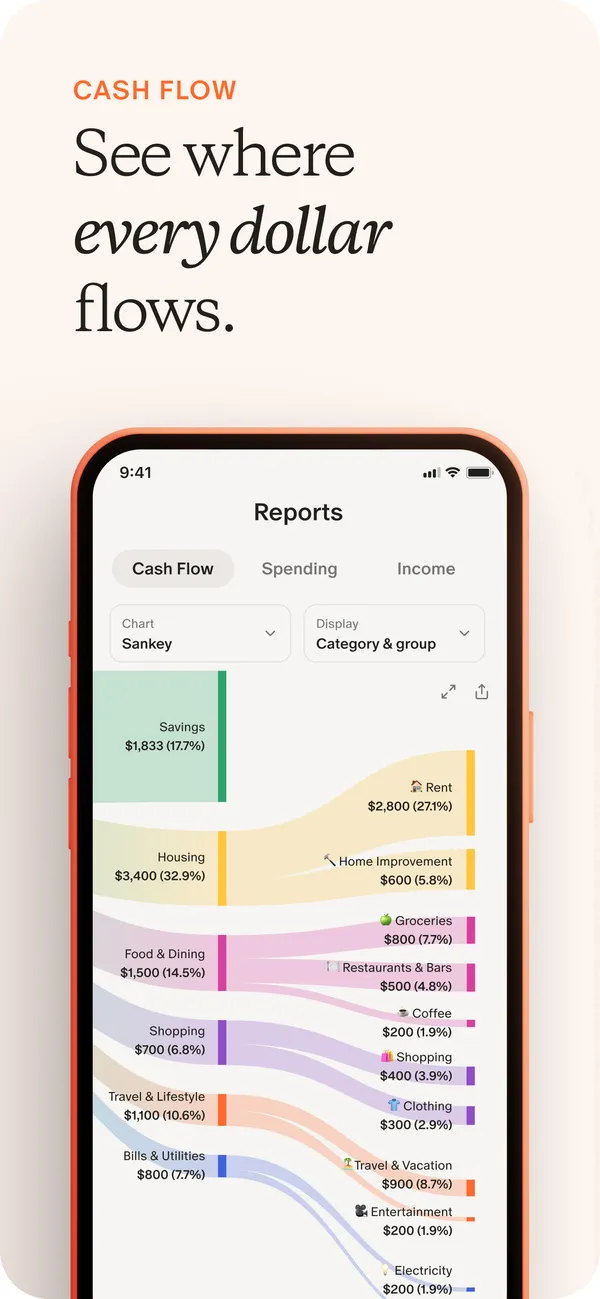
App Store marketing imageApp Store image with the headline "See where every dollar flows" showing a Reports screen with a Sankey cash flow chart.App Store listing, as of 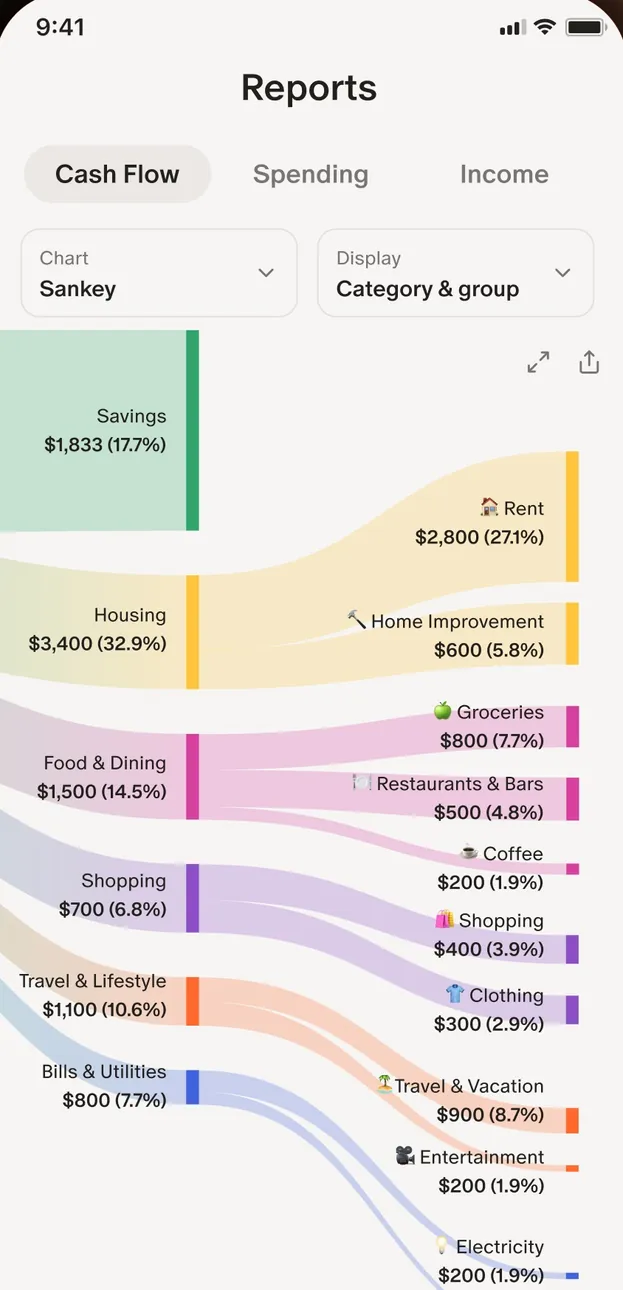
App Store marketing imageThe Reports screen with Cash Flow, Spending and Income tabs and a Sankey chart from income into categories like Housing and Food & Dining.App Store listing, as of 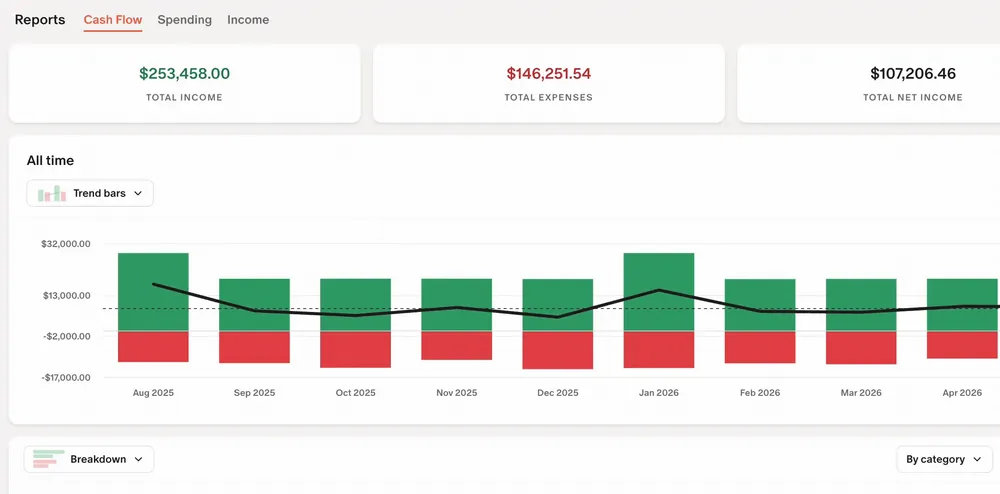
From Monarch Money's help centerThe web Reports Cash Flow view with income, expense and net totals and a bar chart by month.help.monarch.com, as of
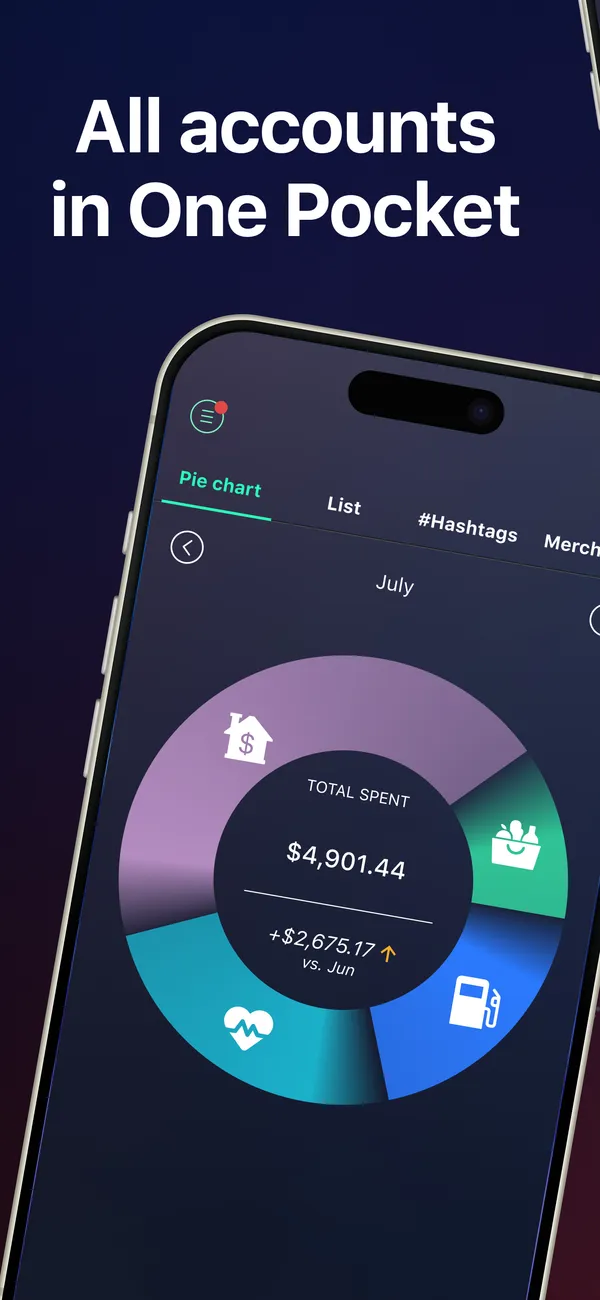
App Store marketing imageApp Store image with the headline "All accounts in One Pocket" over a tilted phone with a spending pie chart for July.App Store listing, as of 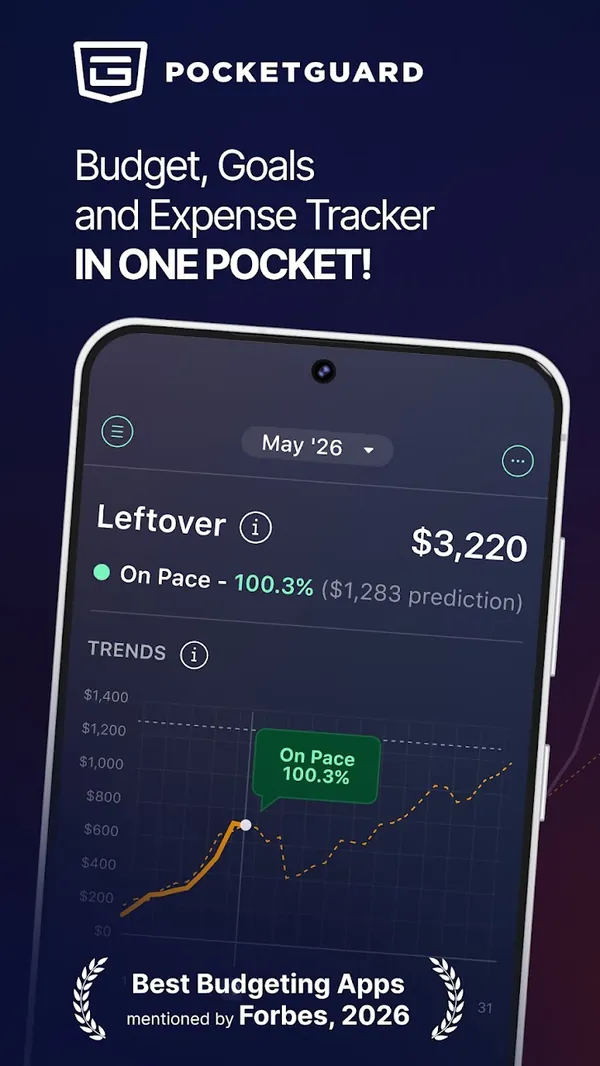
Google Play marketing imageGoogle Play image with the headline "Budget, Goals and Expense Tracker in one pocket" showing a Leftover amount and a trends chart.Google Play listing, as of
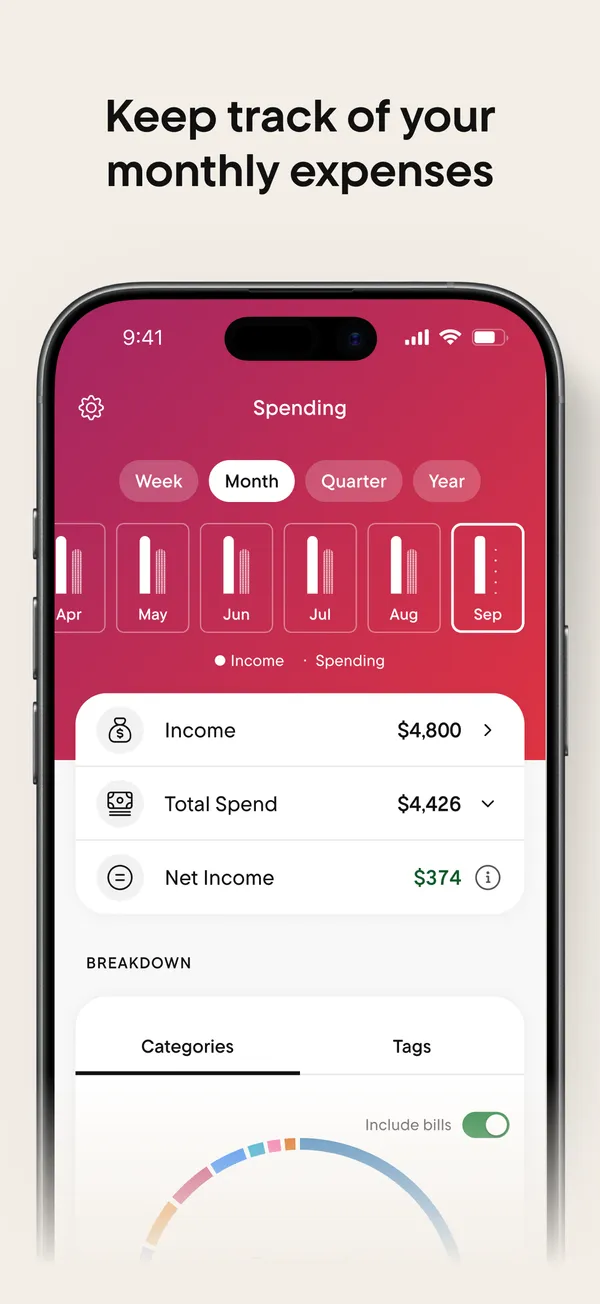
App Store marketing imageApp Store image with the headline "Keep track of your monthly expenses" showing the Spending tab.App Store listing, as of 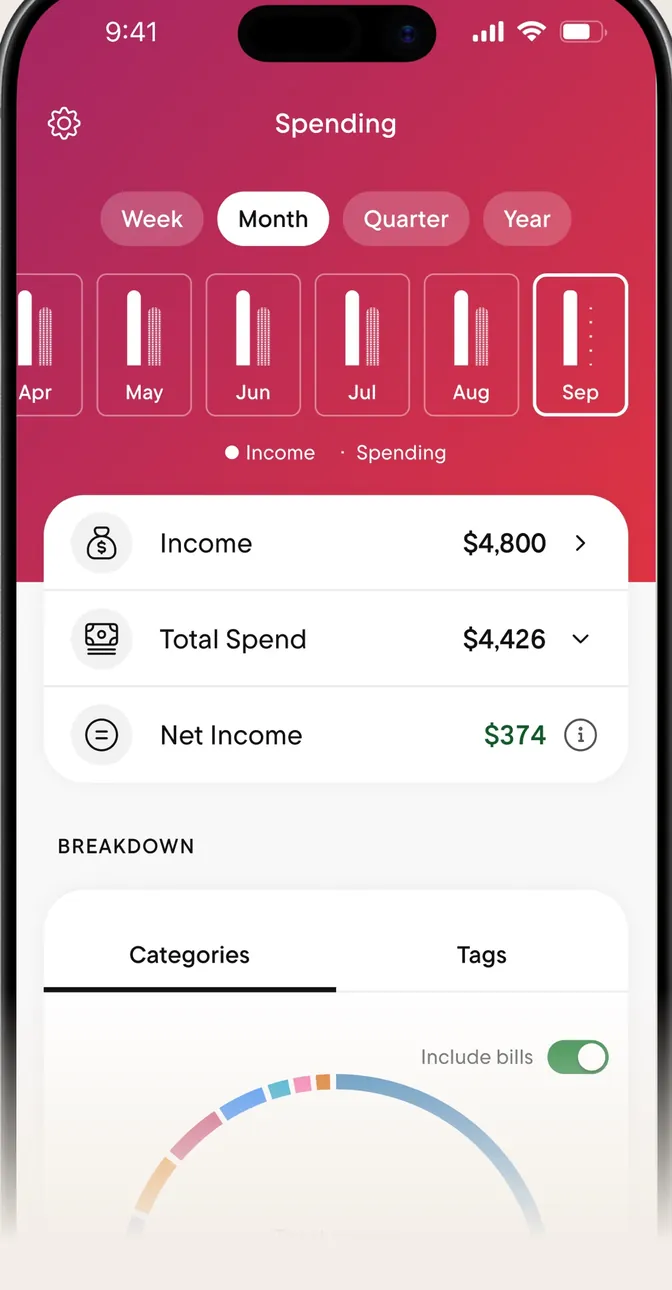
App Store marketing imageThe Spending tab with Week, Month, Quarter and Year buttons, monthly bars, and Income, Total Spend and Net Income rows.App Store listing, as of 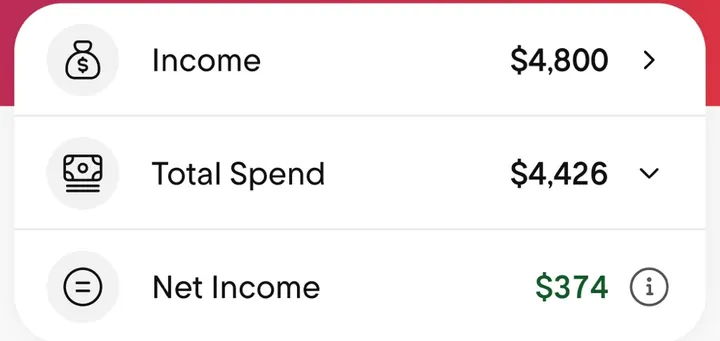
App Store marketing imageThree rows: Income $4,800, Total Spend $4,426 and Net Income $374.App Store listing, as of
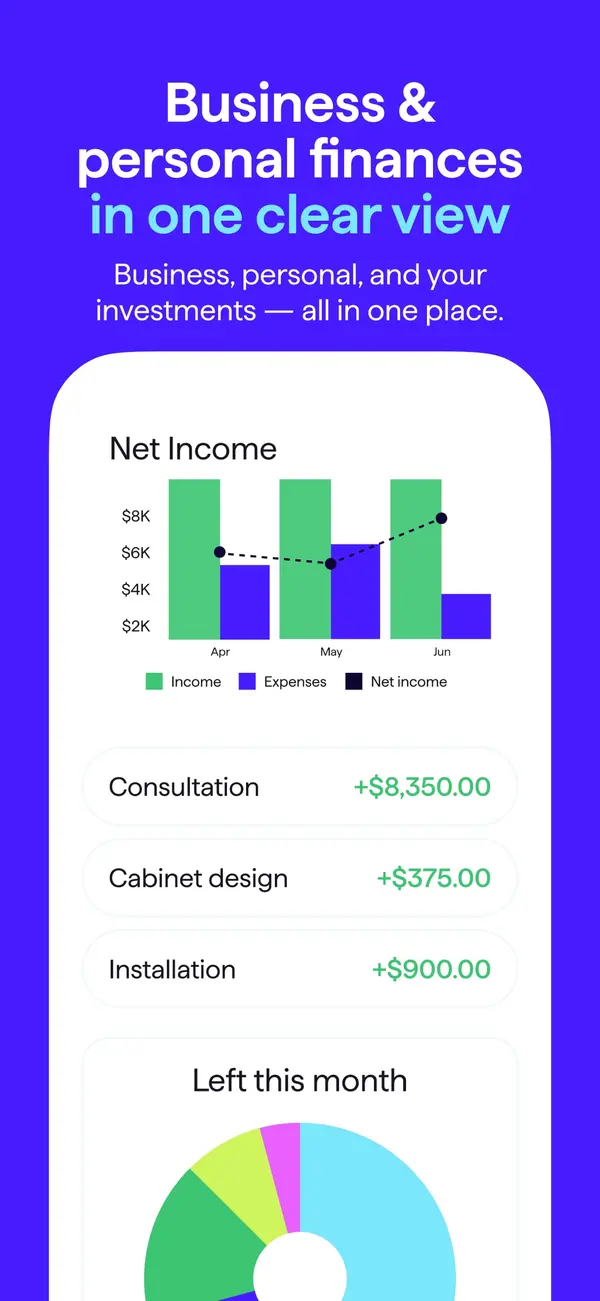
App Store marketing imageApp Store image with the headline "Business & personal finances in one clear view" showing a Net Income chart and income rows.App Store listing, as of 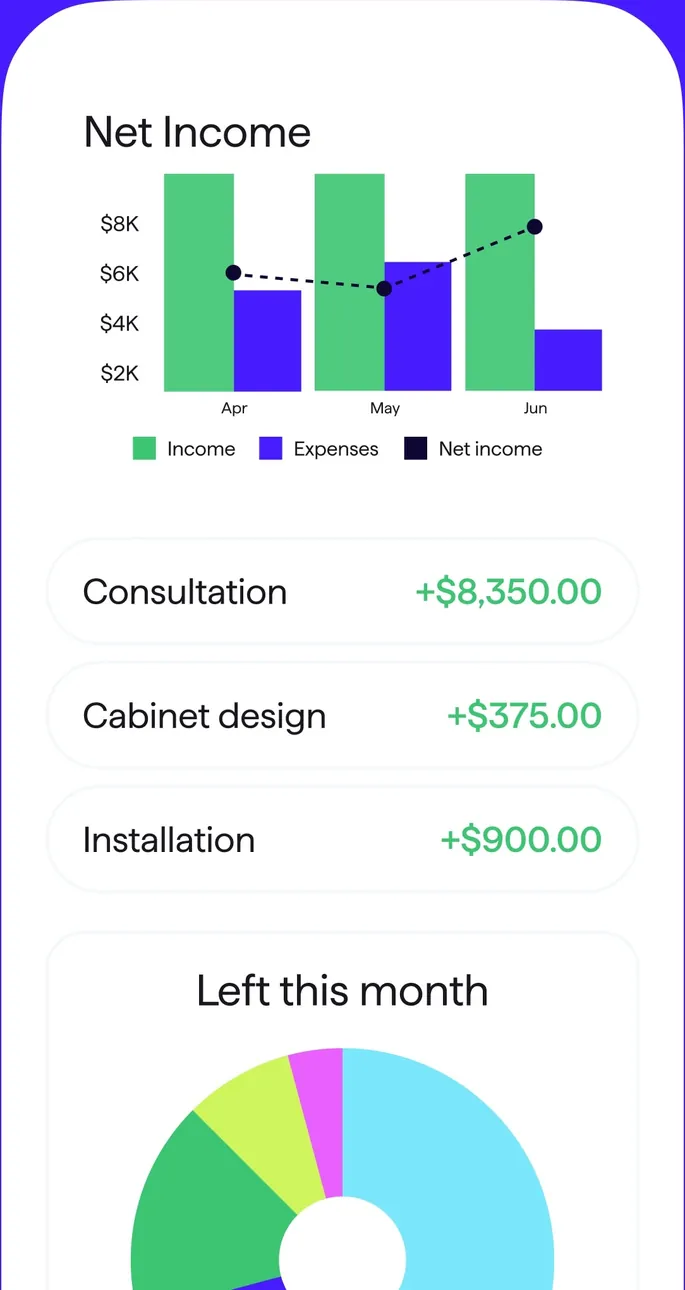
App Store marketing imageA Net Income bar chart by month, three income rows and a Left this month donut.App Store listing, as of 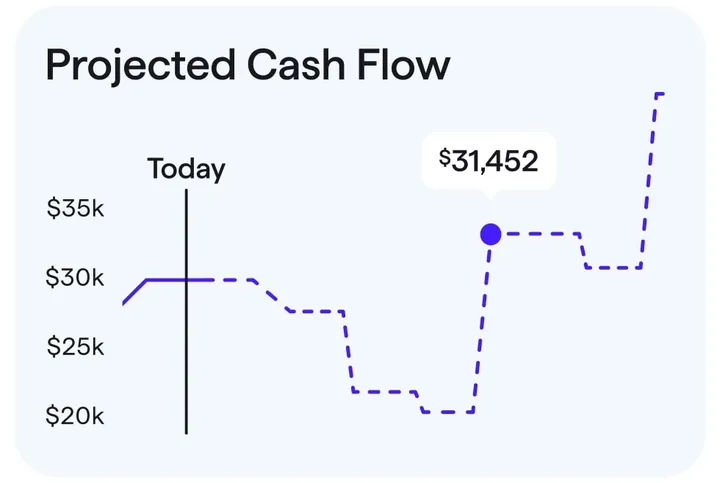
App Store marketing imageA Projected Cash Flow chart with a Today marker and a projected balance of $31,452.App Store listing, as of
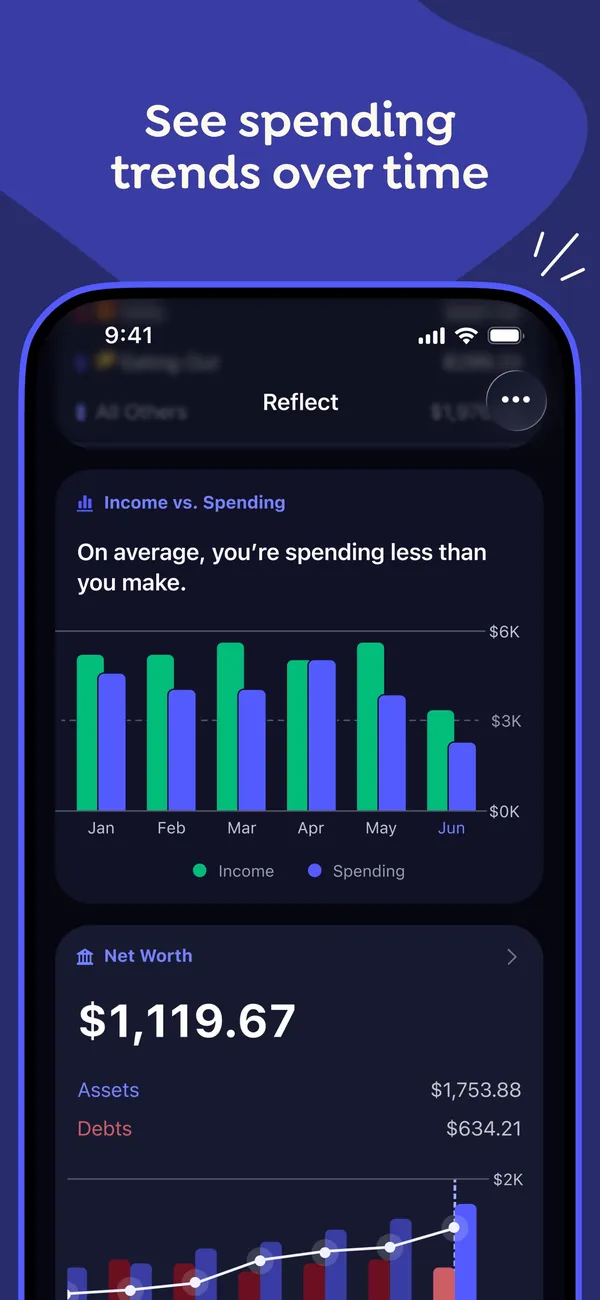
App Store marketing imageApp Store image with the headline "See spending trends over time" showing the Reflect screen with an Income vs. Spending bar chart and a Net Worth card.App Store listing, as of 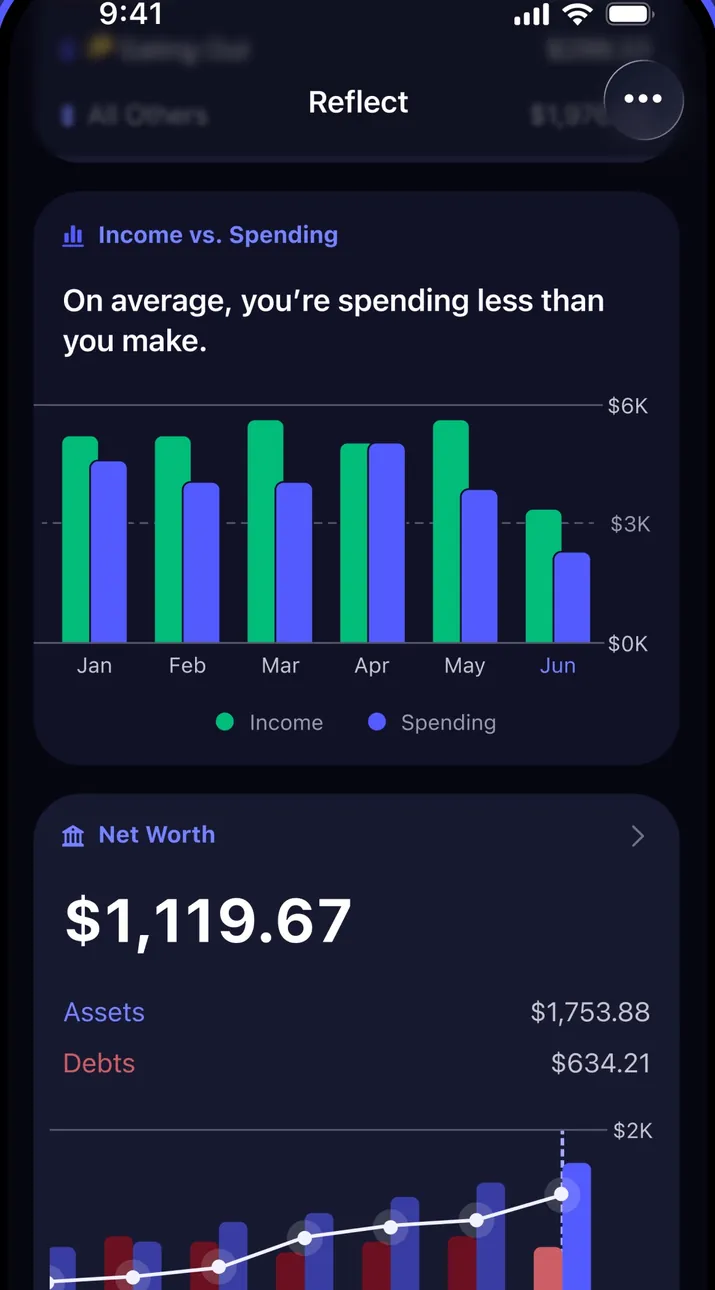
App Store marketing imageThe Reflect screen in dark mode with an Income vs. Spending chart by month and a Net Worth card below it.App Store listing, as of 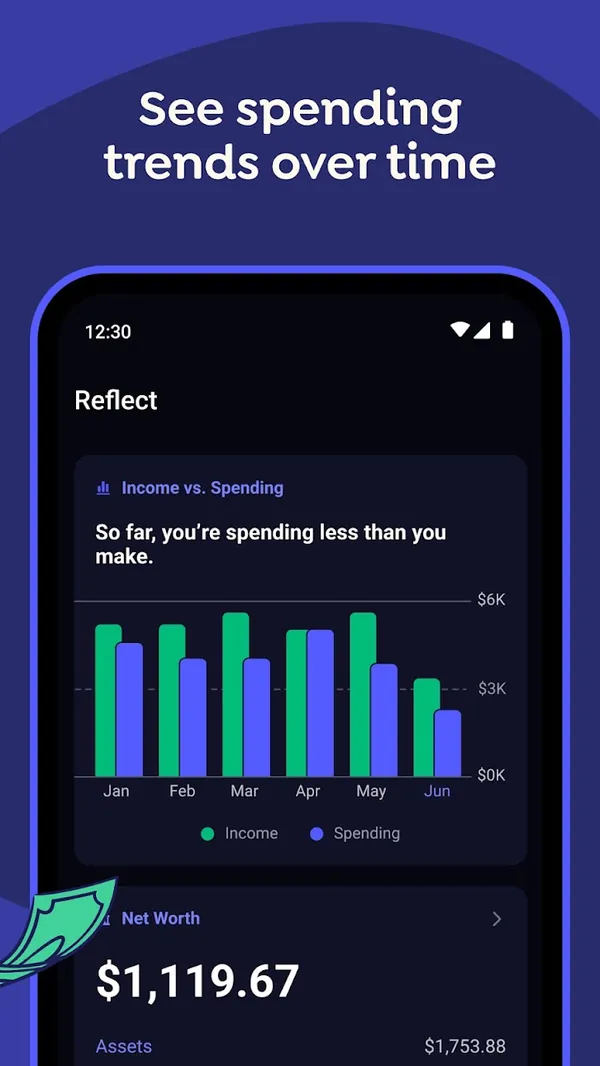
Google Play marketing imageGoogle Play image with the headline "See spending trends over time" showing the Android Reflect screen with an Income vs. Spending chart.Google Play listing, as of 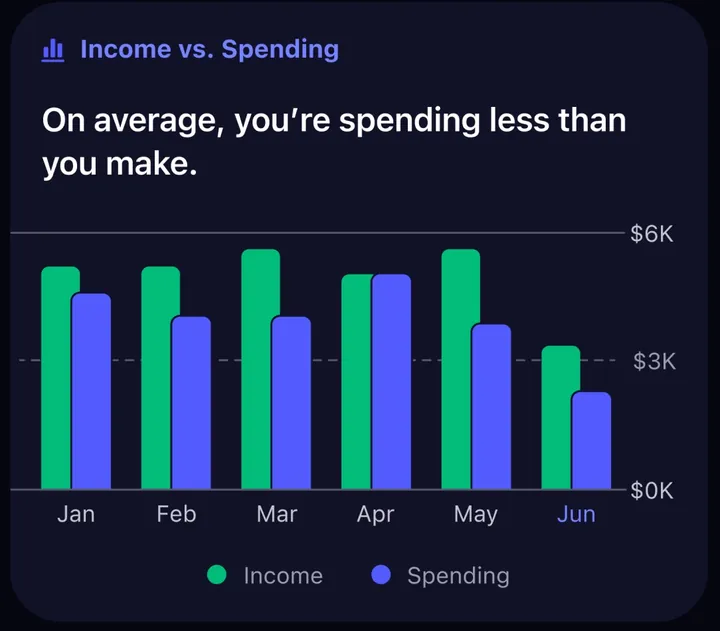
App Store marketing imageAn Income vs. Spending card with paired monthly bars from January to June and the line "On average, you're spending less than you make."App Store listing, as of
Bills and recurring
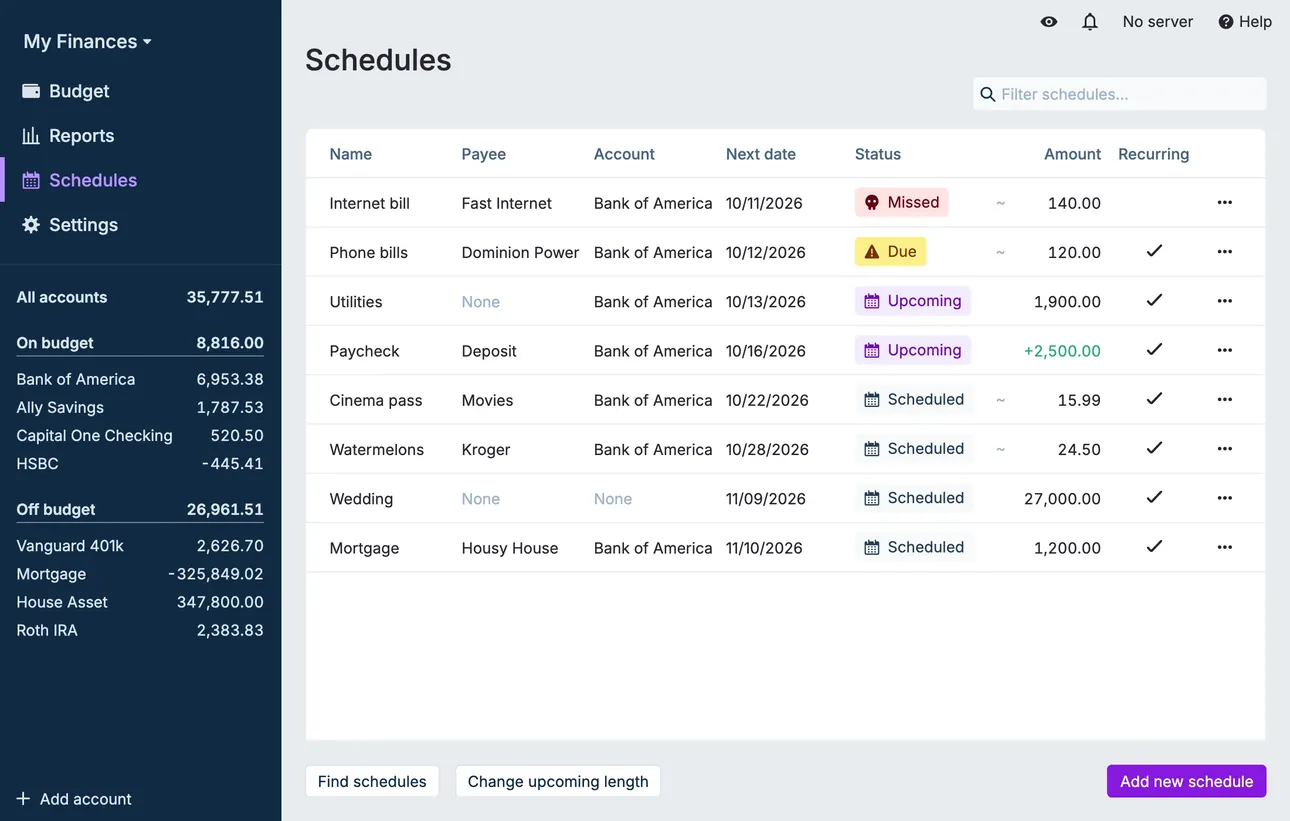
From Actual Budget's help centerThe Schedules page listing payees, accounts, next dates, statuses like Upcoming and Missed, and amounts.actualbudget.org, as of 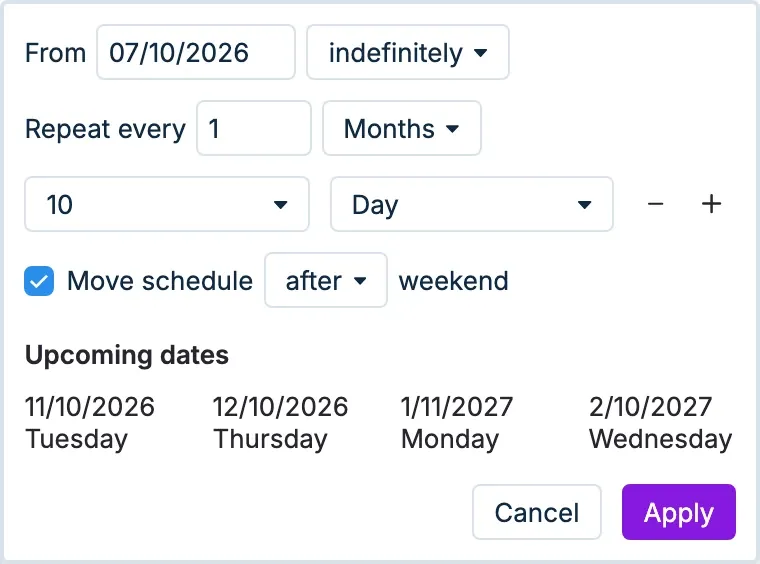
From Actual Budget's help centerRecurrence settings with a start date, Repeat every 1 month on day 10, and a list of upcoming dates.actualbudget.org, as of
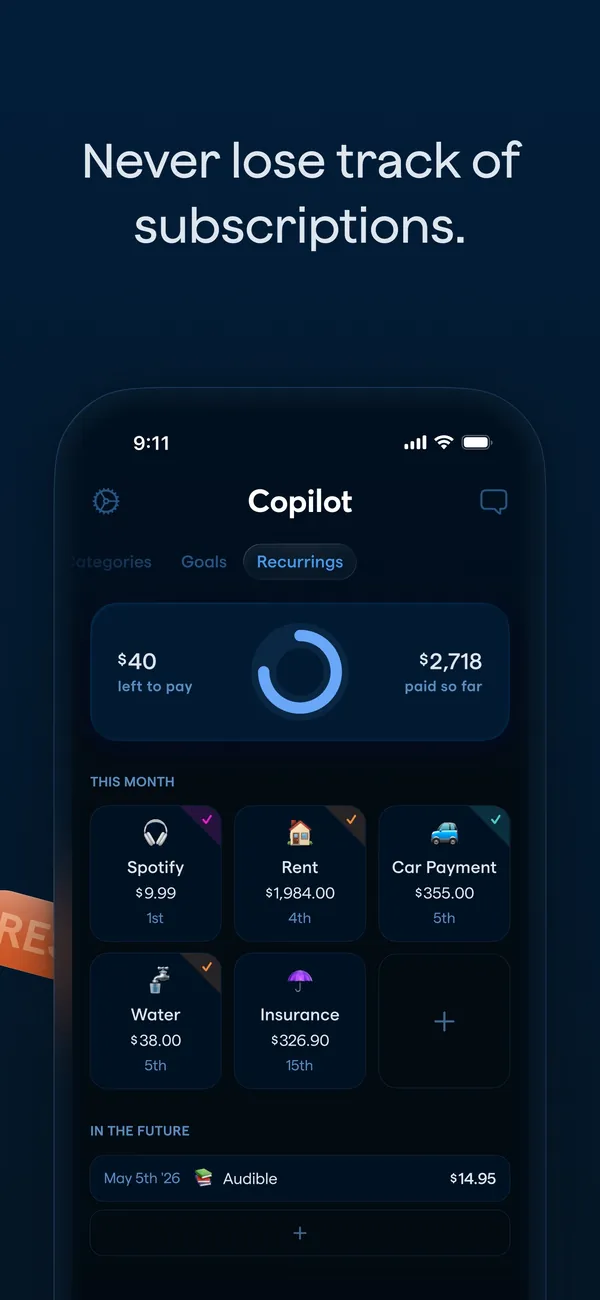
App Store marketing imageApp Store image with the headline "Never lose track of subscriptions." showing the Recurrings tab.App Store listing, as of 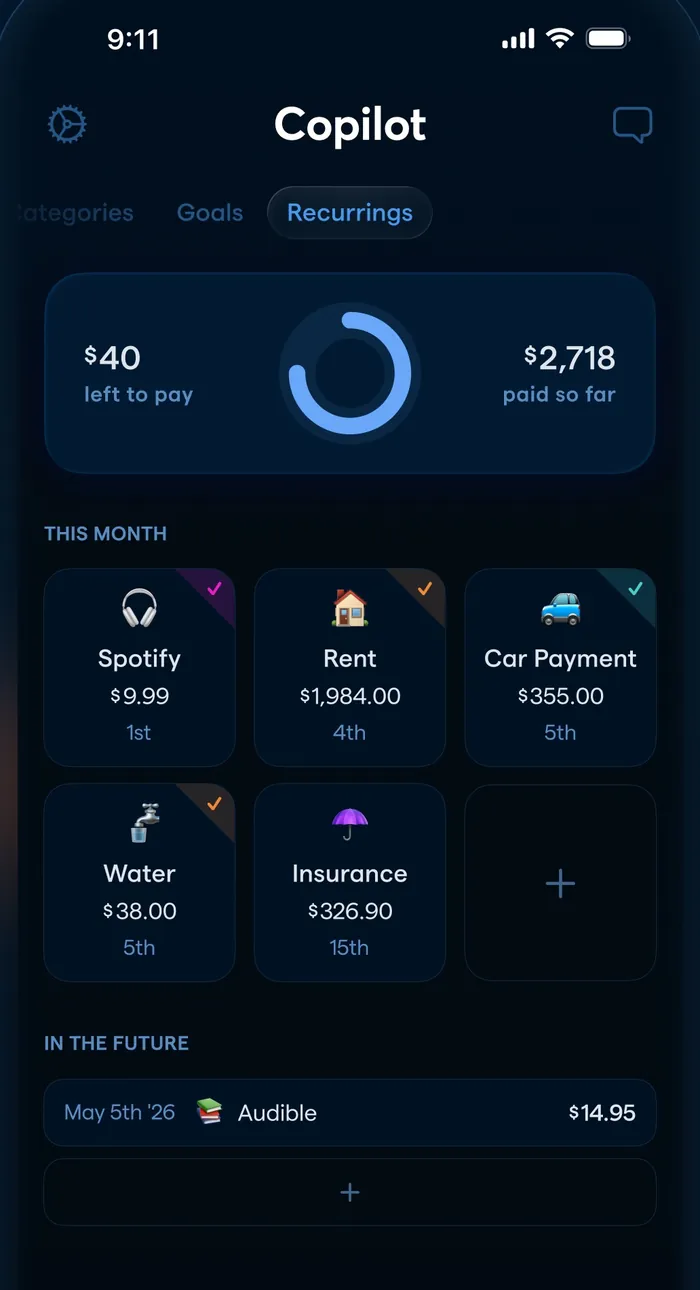
App Store marketing imageThe Recurrings tab: $40 left to pay and $2,718 paid so far, a grid of this month's bills and an In the Future list.App Store listing, as of 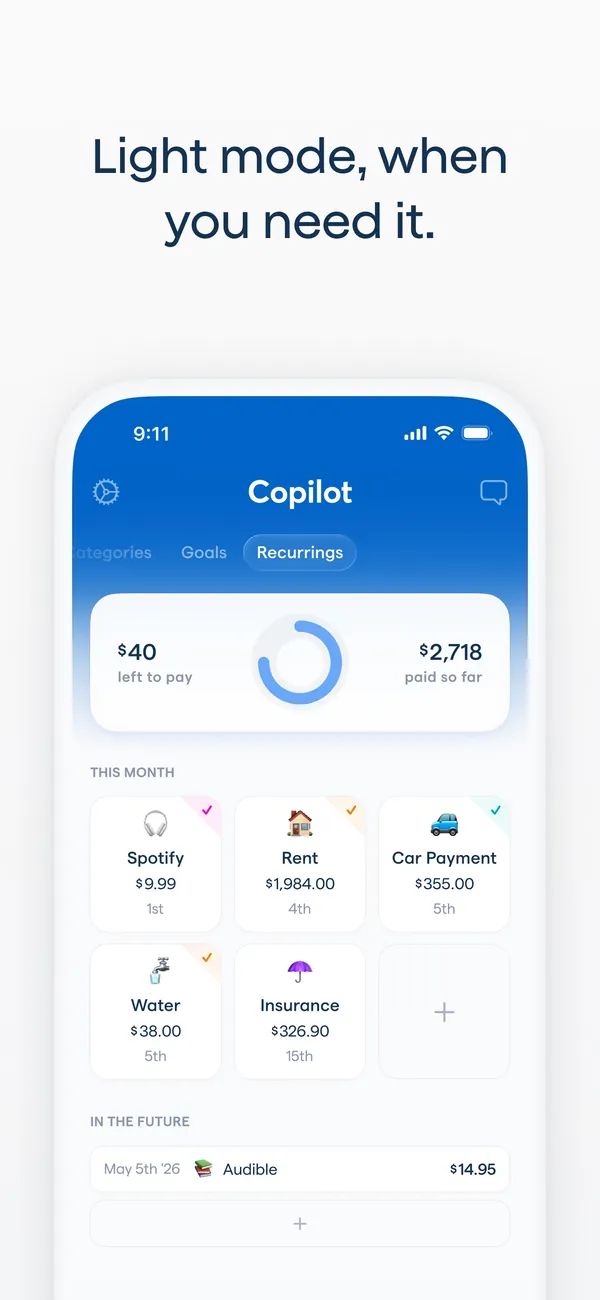
App Store marketing imageApp Store image with the headline "Light mode, when you need it." showing the Recurrings tab in light mode.App Store listing, as of 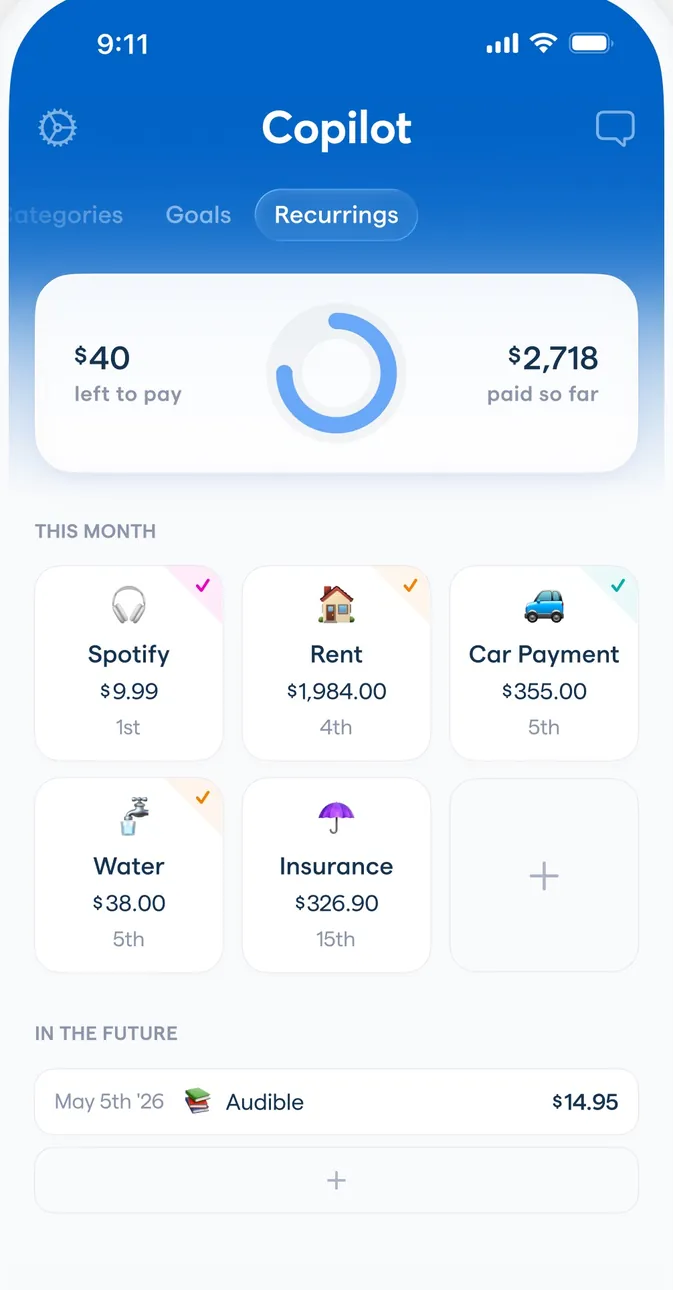
App Store marketing imageThe Recurrings tab in light mode with the same bills grid and an In the Future list.App Store listing, as of 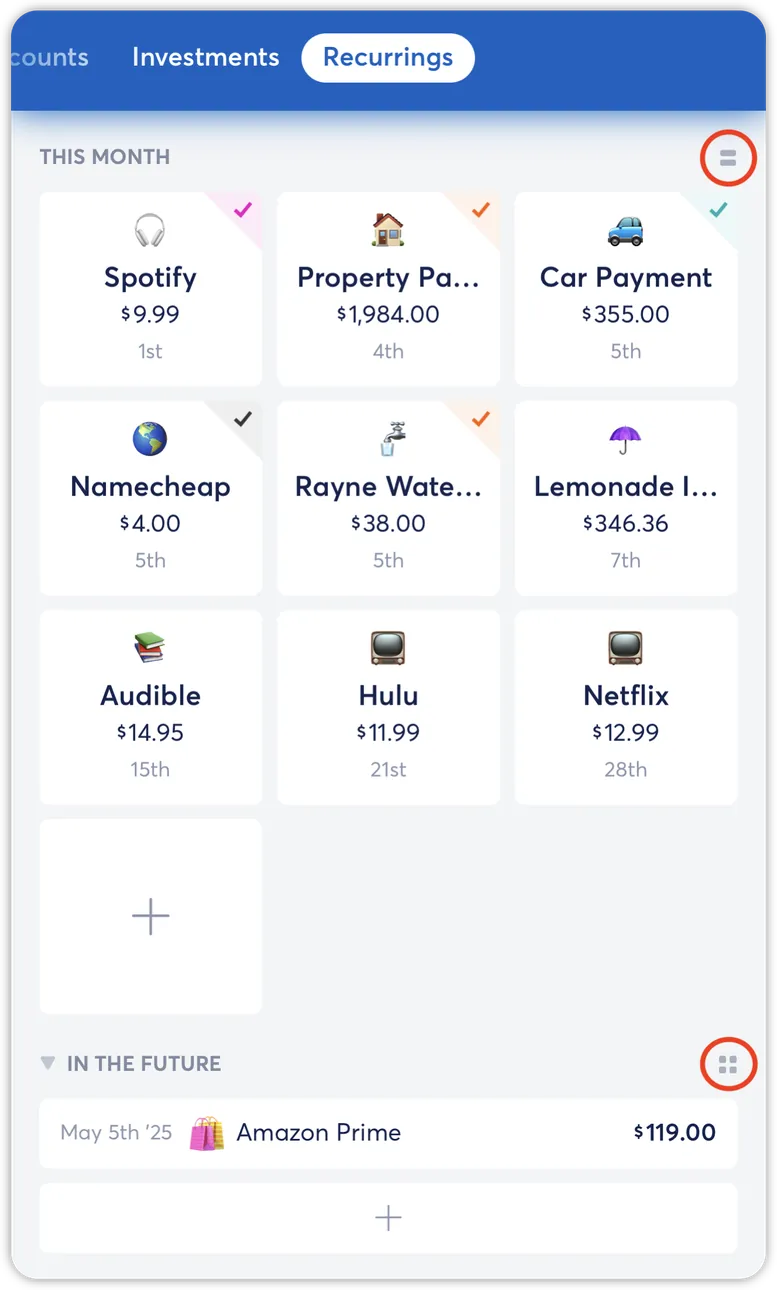
From Copilot Money's help centerThe Recurrings tab from the help center with a grid of this month's bills and an In the Future section.help.copilot.money, as of 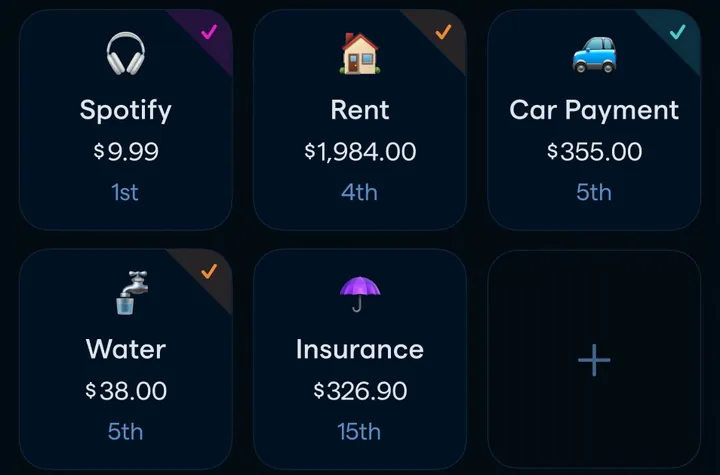
App Store marketing imageA grid of recurring items such as Spotify, Rent, Car Payment, Water and Insurance with amounts and due days.App Store listing, as of 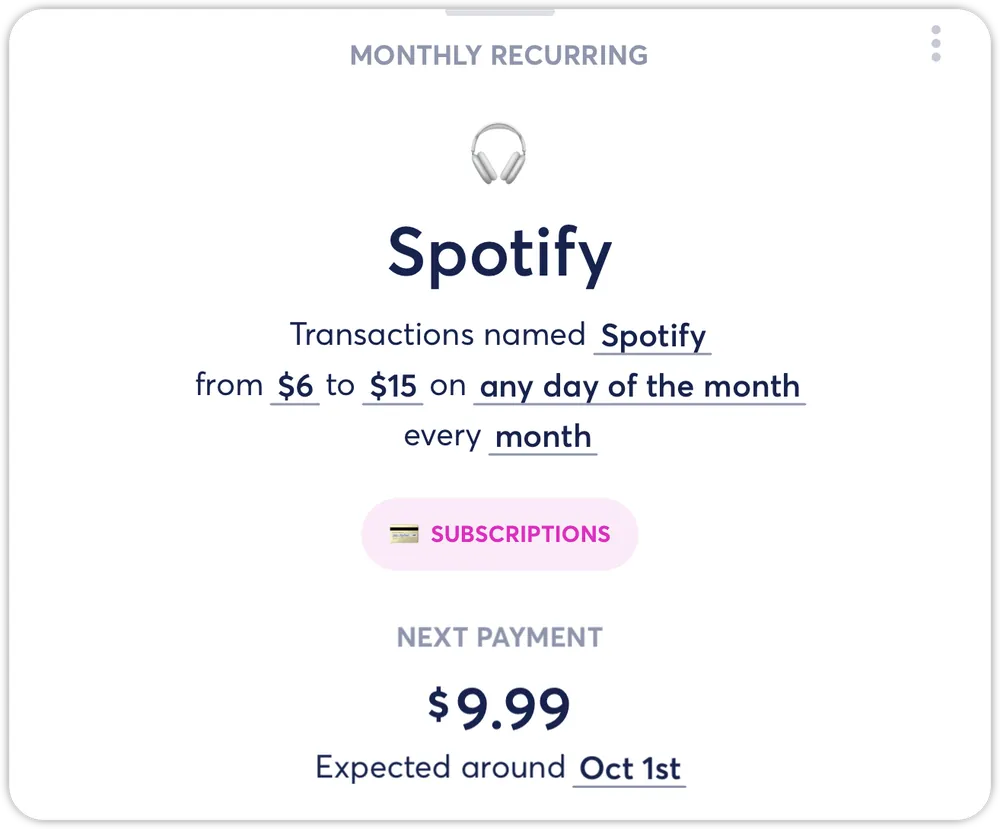
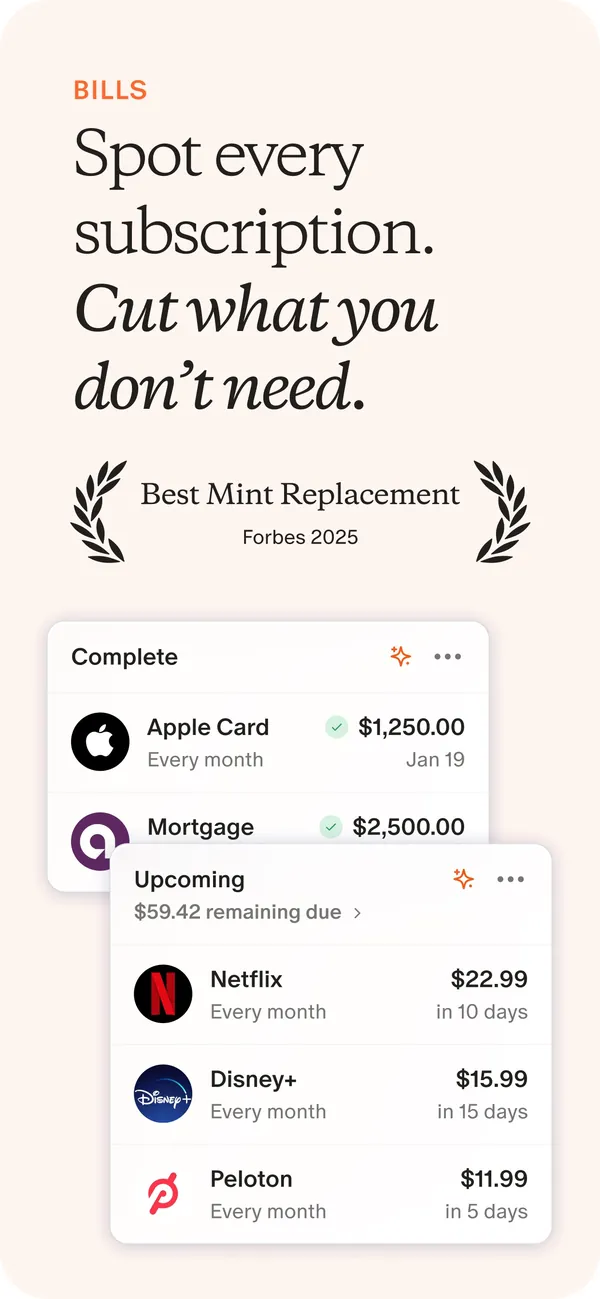
From Copilot Money's help centerA Spotify recurring detail card with the amount range, frequency and next payment of $9.99.help.copilot.money, as of
App Store marketing imageApp Store image with the headline "Spot every subscription. Cut what you don't need." showing Complete and Upcoming bill cards.App Store listing, as of 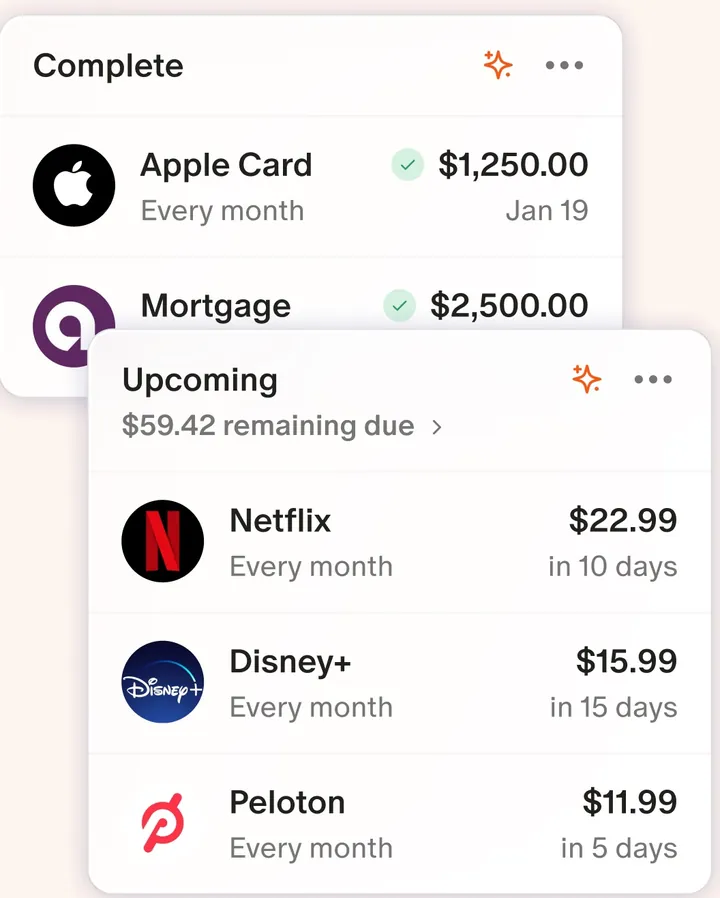
App Store marketing imageTwo cards: Complete bills like Apple Card and Mortgage, and Upcoming charges like Netflix, Disney+ and Peloton with due dates.App Store listing, as of 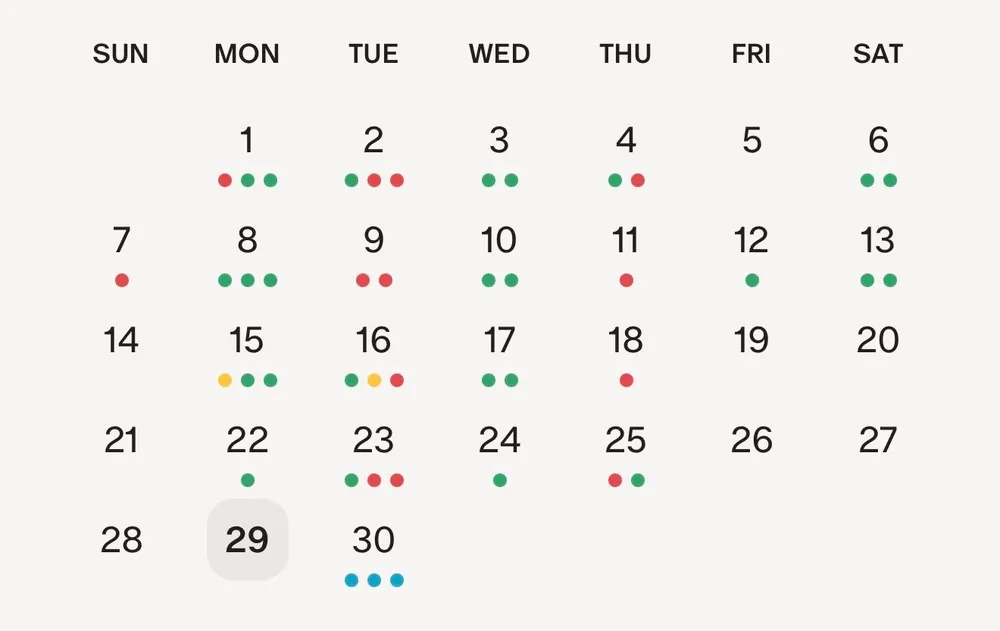
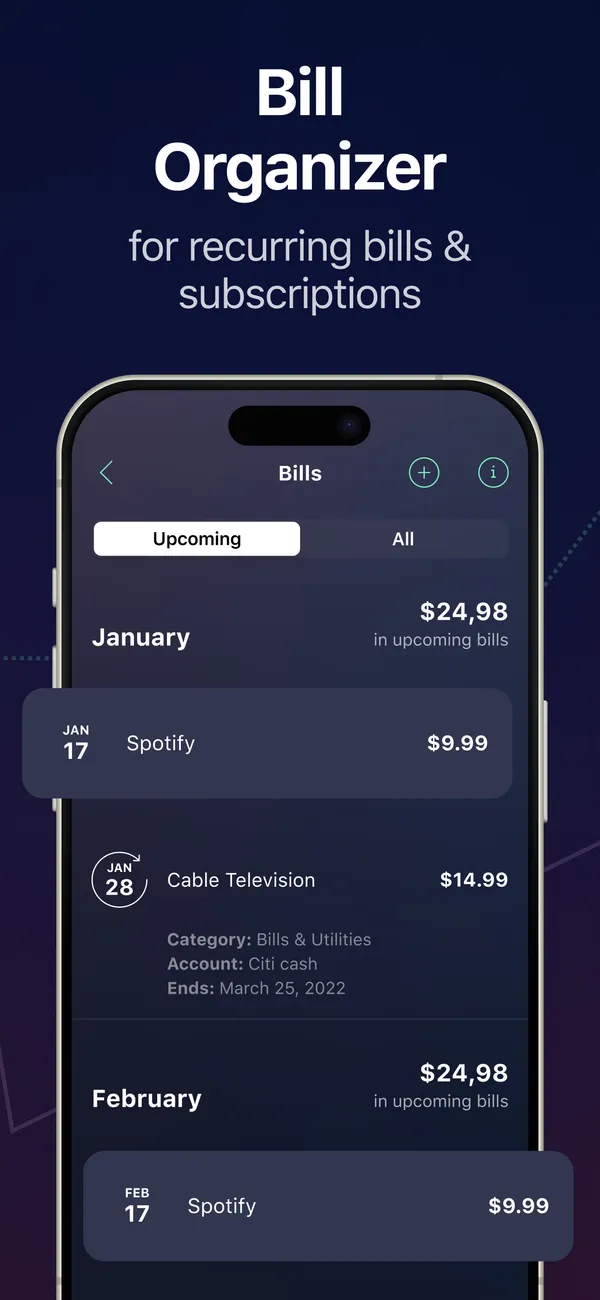
From Monarch Money's help centerA monthly calendar with colored dots under the days that have recurring items.help.monarch.com, as of
App Store marketing imageApp Store image with the headline "Bill Organizer for recurring bills & subscriptions" showing a Bills screen.App Store listing, as of 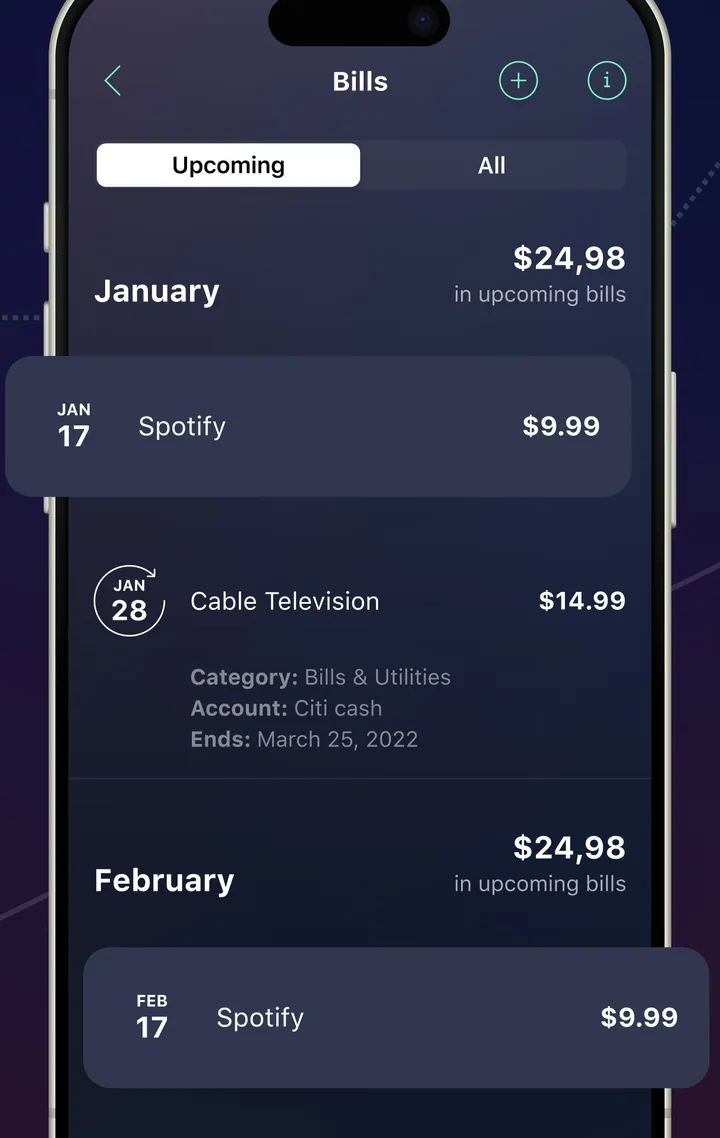
App Store marketing imageA Bills screen with Upcoming and All tabs and bills grouped by month.App Store listing, as of 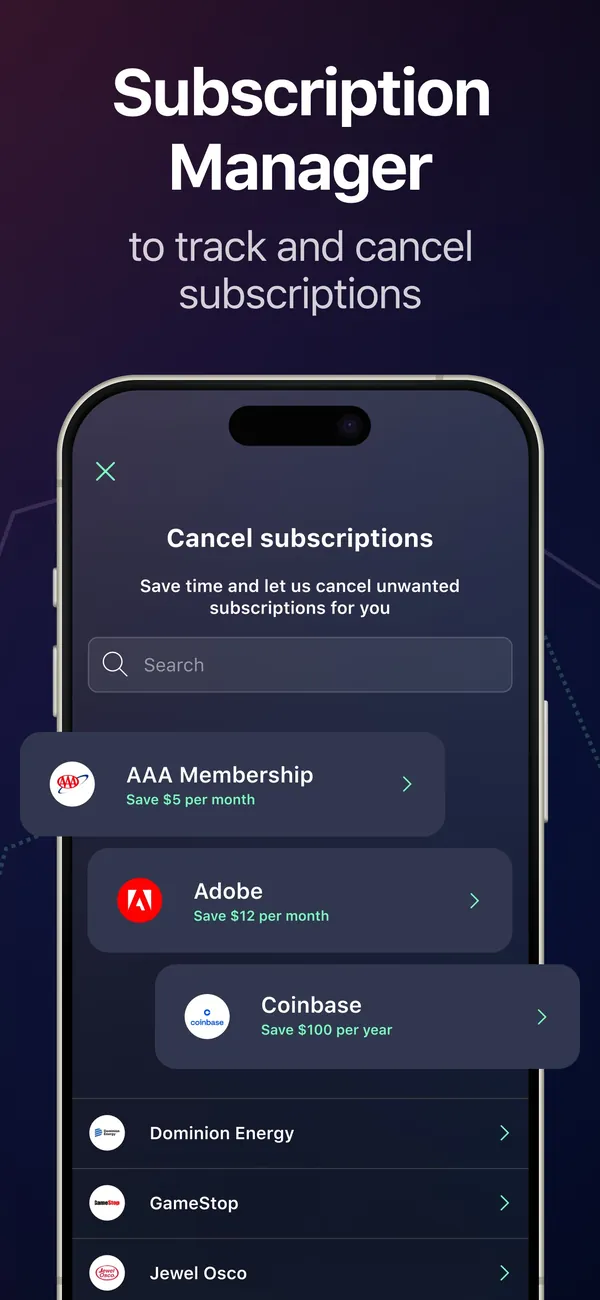
App Store marketing imageApp Store image with the headline "Subscription Manager to track and cancel subscriptions" showing a Cancel subscriptions screen.App Store listing, as of 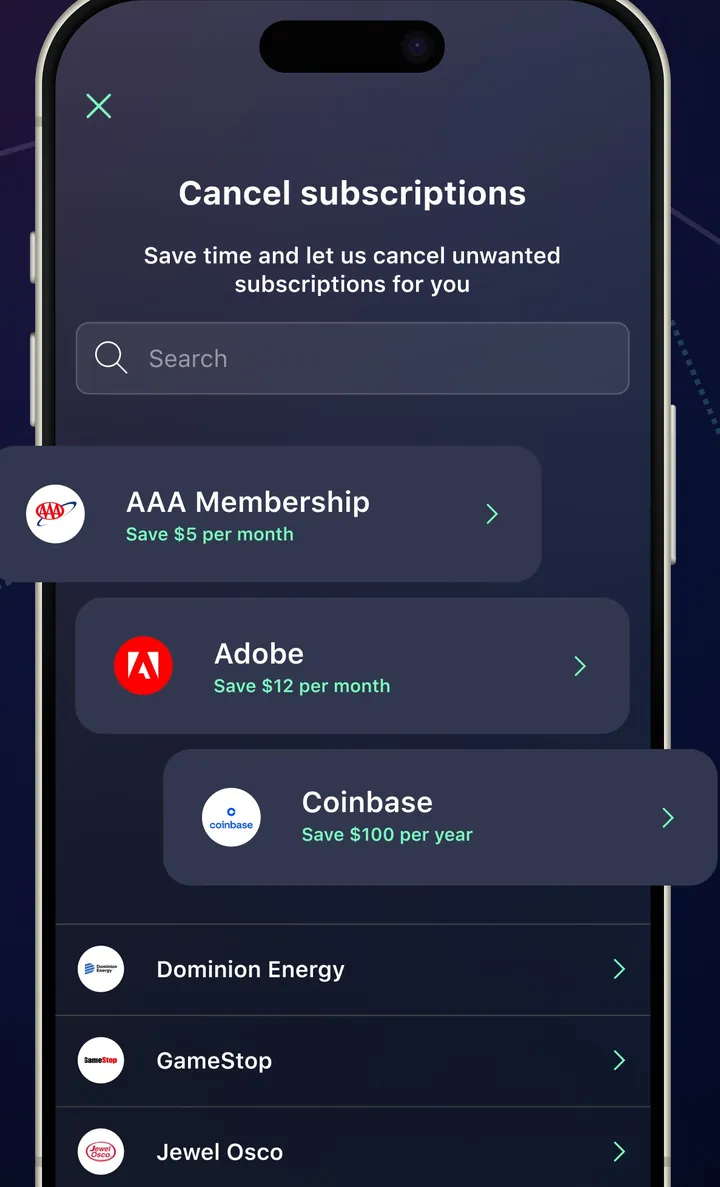
App Store marketing imageA Cancel subscriptions screen with a search box and a list of services with savings amounts.App Store listing, as of
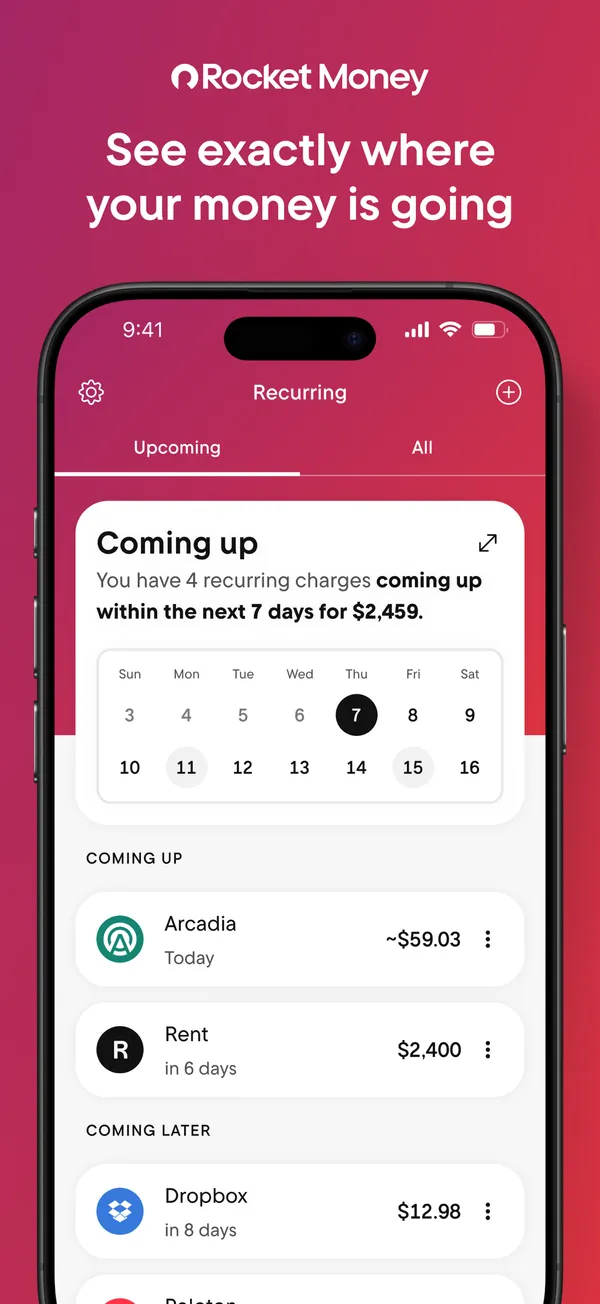
App Store marketing imageApp Store image with the headline "See exactly where your money is going" showing the Recurring tab with a Coming up calendar.App Store listing, as of 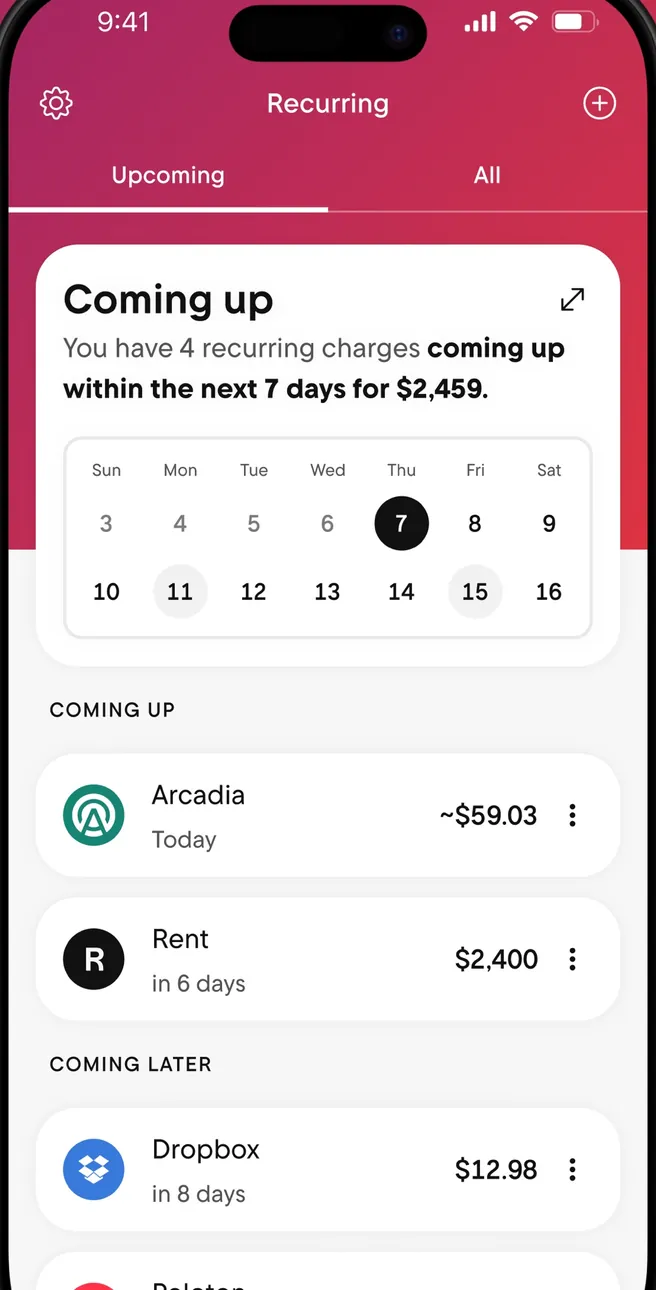
App Store marketing imageThe Recurring tab: a Coming up card with a week calendar, then Coming Up and Coming Later charges.App Store listing, as of 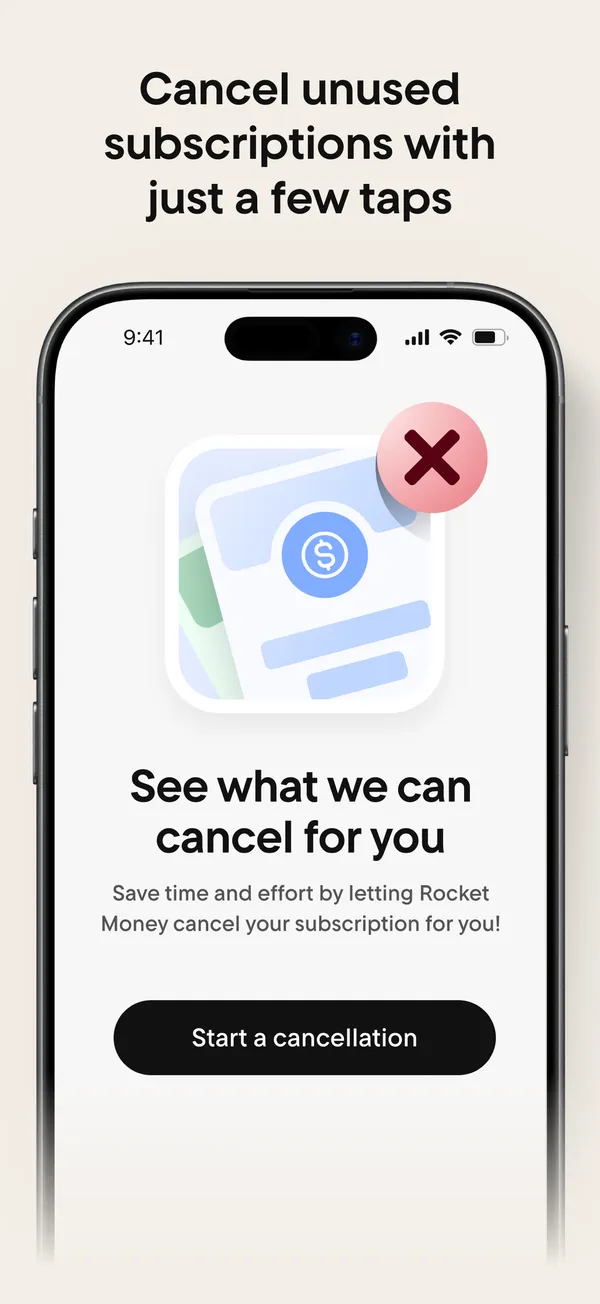
App Store marketing imageApp Store image with the headline "Cancel unused subscriptions with just a few taps" showing a "See what we can cancel for you" screen.App Store listing, as of 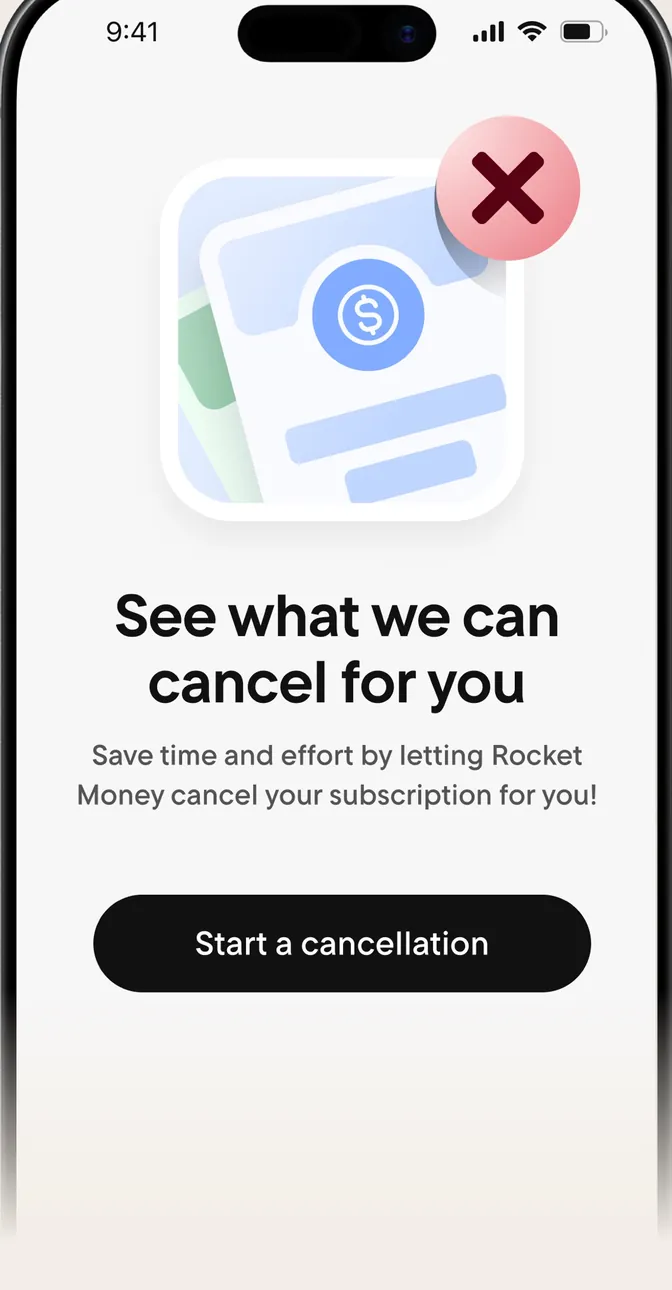
App Store marketing imageA screen reading "See what we can cancel for you" with a Start a cancellation button.App Store listing, as of 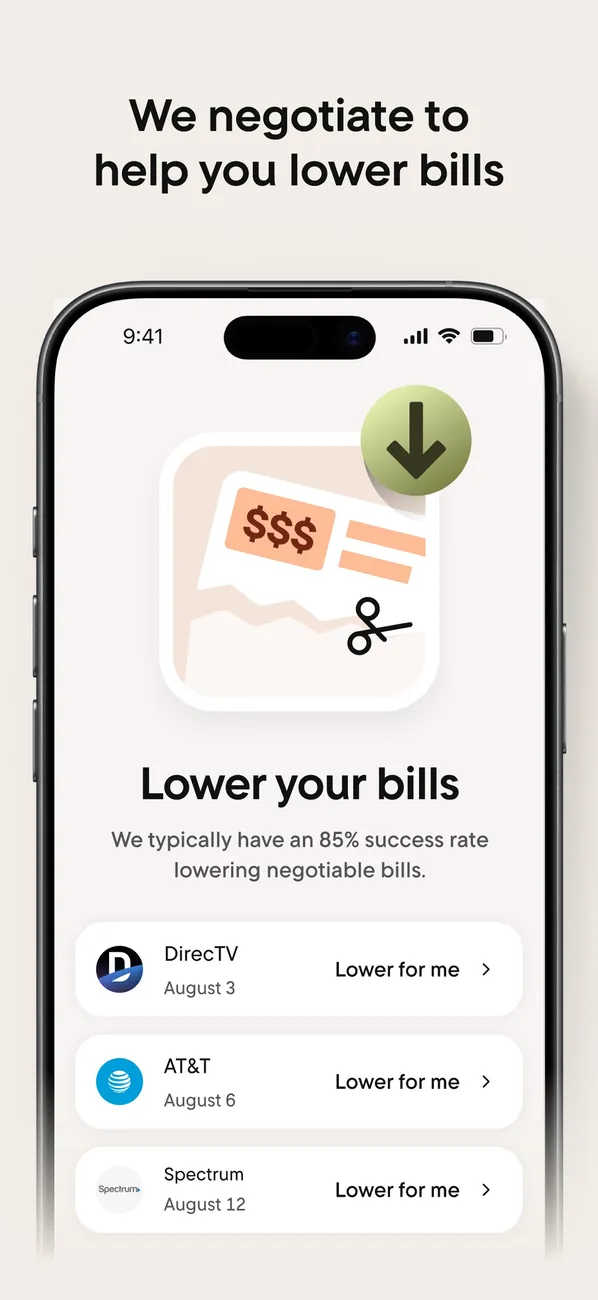
App Store marketing imageApp Store image with the headline "We negotiate to help you lower bills" showing a Lower your bills screen.App Store listing, as of 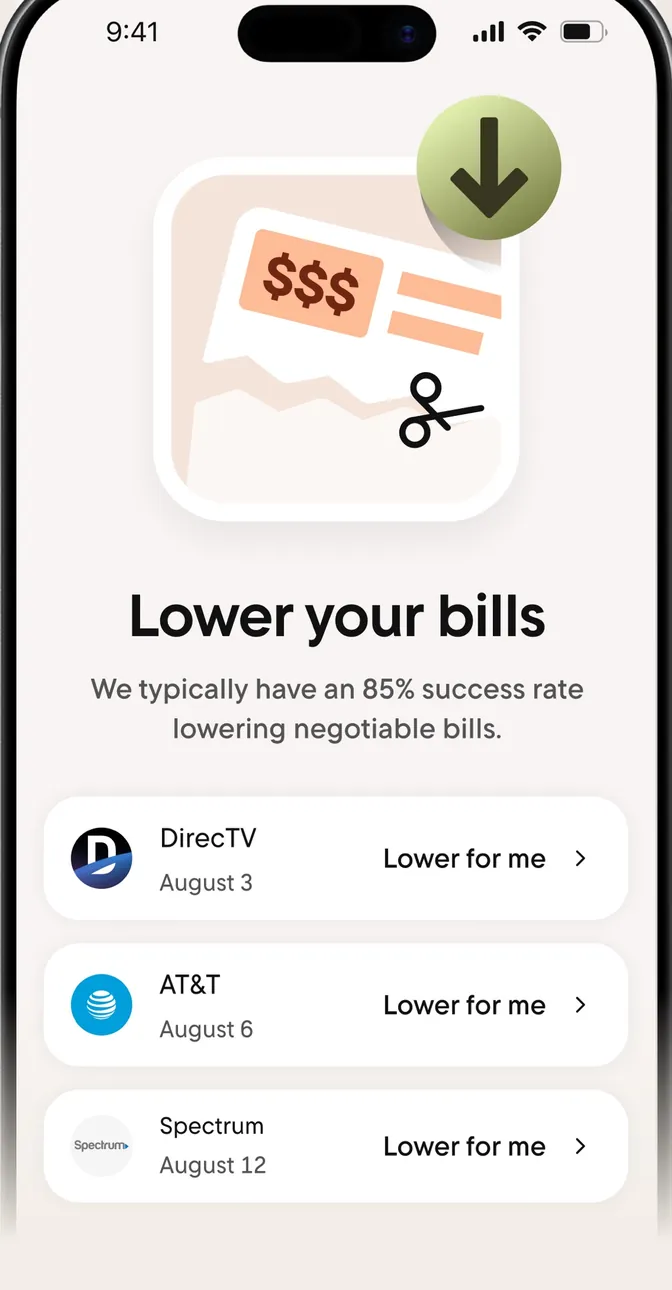
App Store marketing imageA Lower your bills screen with bills from DirecTV, AT&T and Spectrum, each with a "Lower for me" button.App Store listing, as of 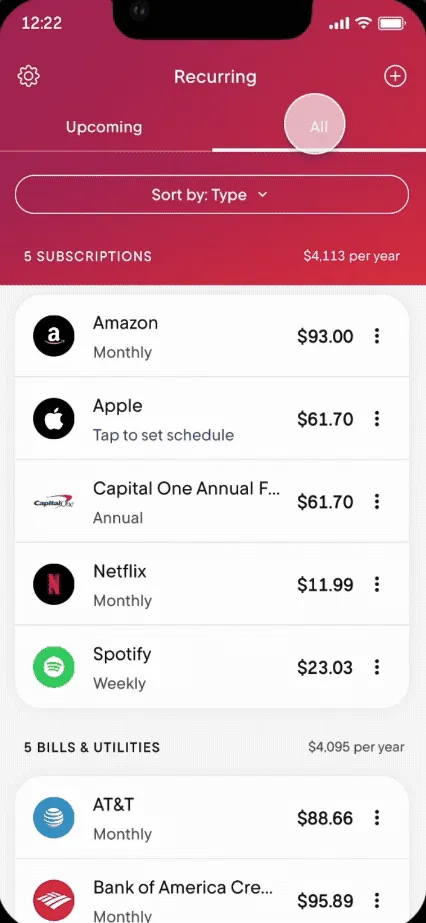
From Rocket Money's help centerThe Recurring tab on All, listing subscriptions and bills with amounts and how often they charge.help.rocketmoney.com, as of 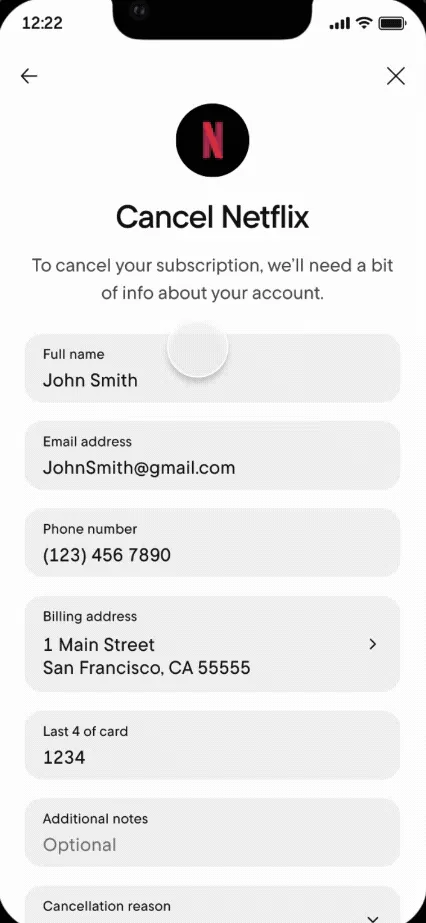
From Rocket Money's help centerA Cancel Netflix form asking for name, email, phone, billing address and the last 4 digits of the card.help.rocketmoney.com, as of 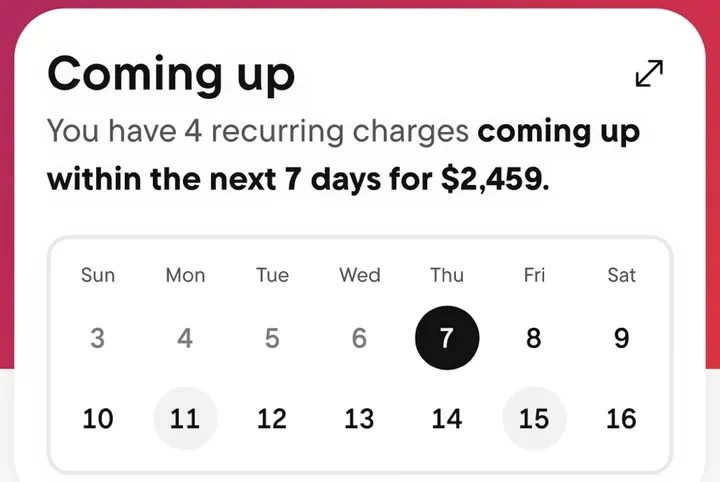
App Store marketing imageA Coming up card that says 4 recurring charges are due in the next 7 days, above a two-week calendar.App Store listing, as of
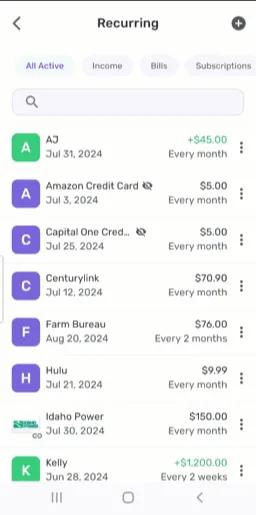
From Simplifi's help centerThe Recurring list with filters for All Active, Income, Bills and Subscriptions and each series' next date and frequency.support.simplifi.quicken.com, as of
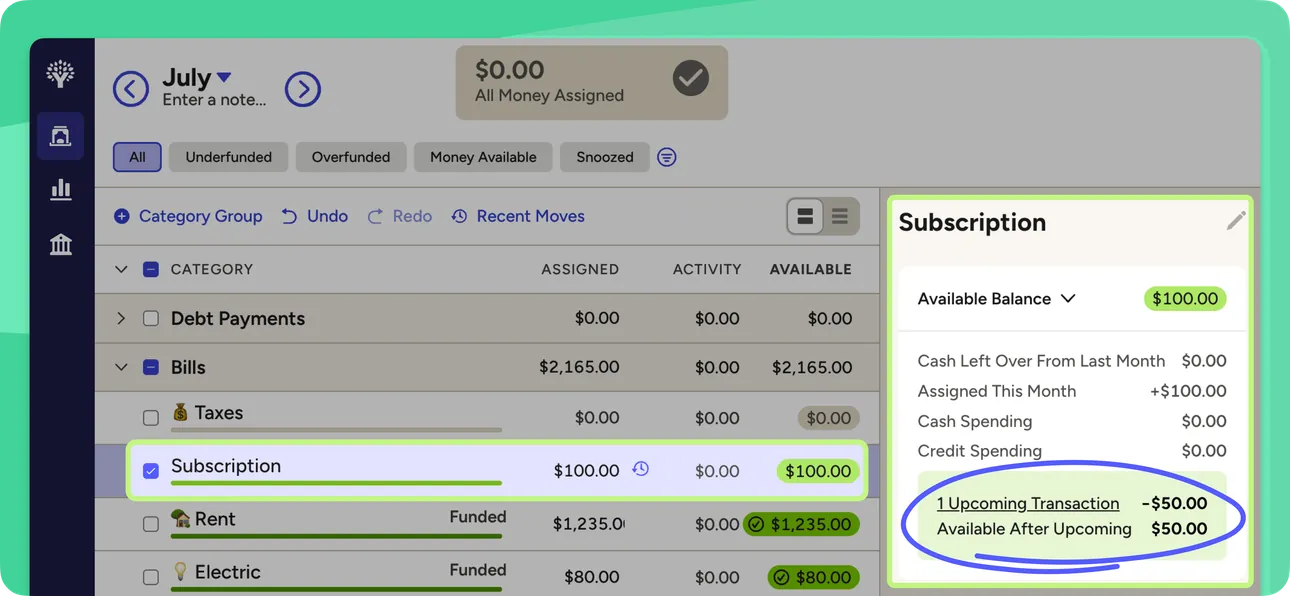
From YNAB's help centerThe web plan with a Subscription category selected and a side panel showing an upcoming scheduled transaction and the balance after it.support.ynab.com, as of
Investments

App Store marketing imageApp Store image with the headline "Save & invest for your future" showing a "Your Acorns Potential" projection chart.App Store listing, as of 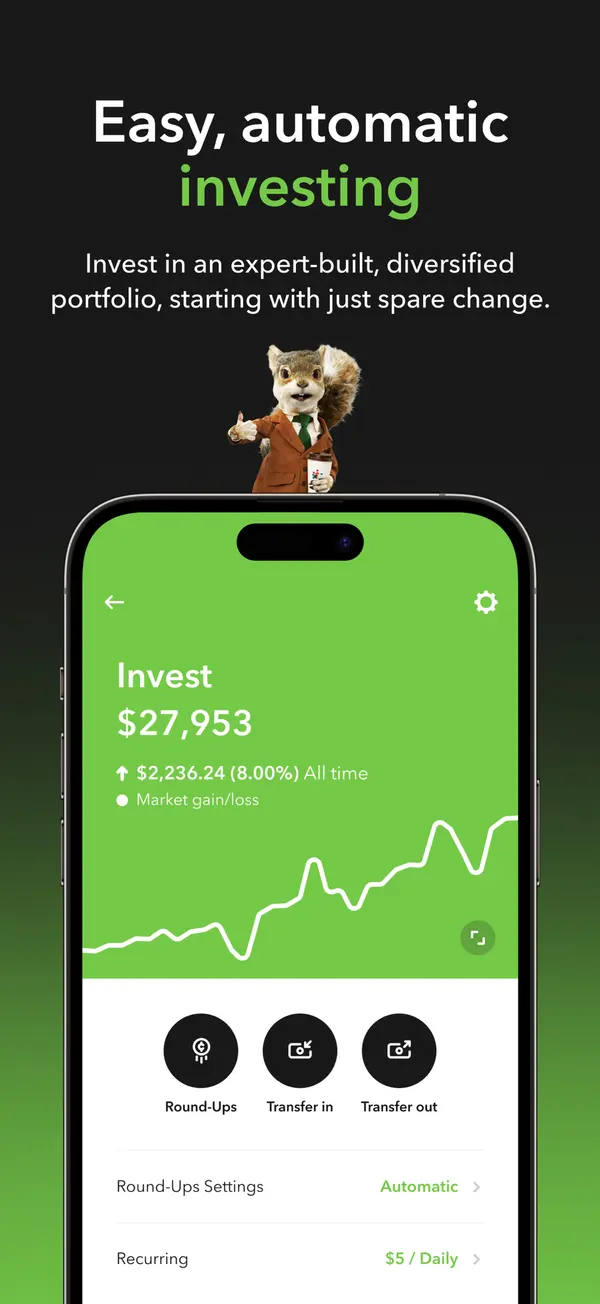
App Store marketing imageApp Store image with the headline "Easy, automatic investing" showing an Invest account at $27,953 with Round-Ups and transfer buttons.App Store listing, as of 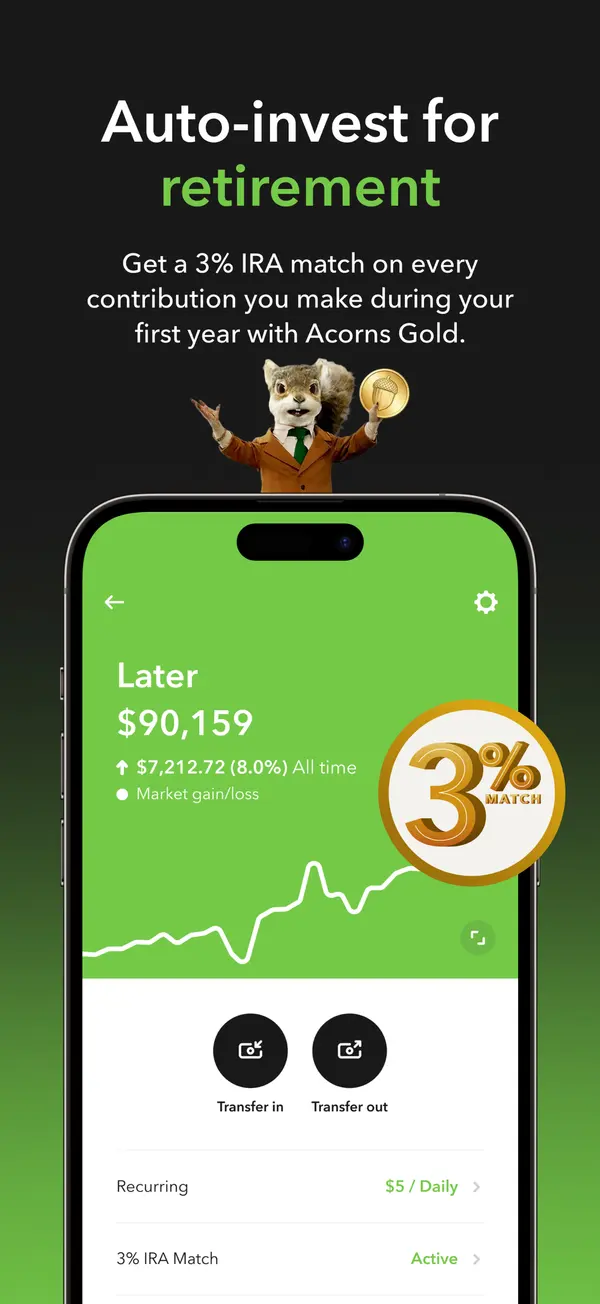
App Store marketing imageApp Store image with the headline "Auto-invest for retirement" showing a Later account with a 3% match badge.App Store listing, as of
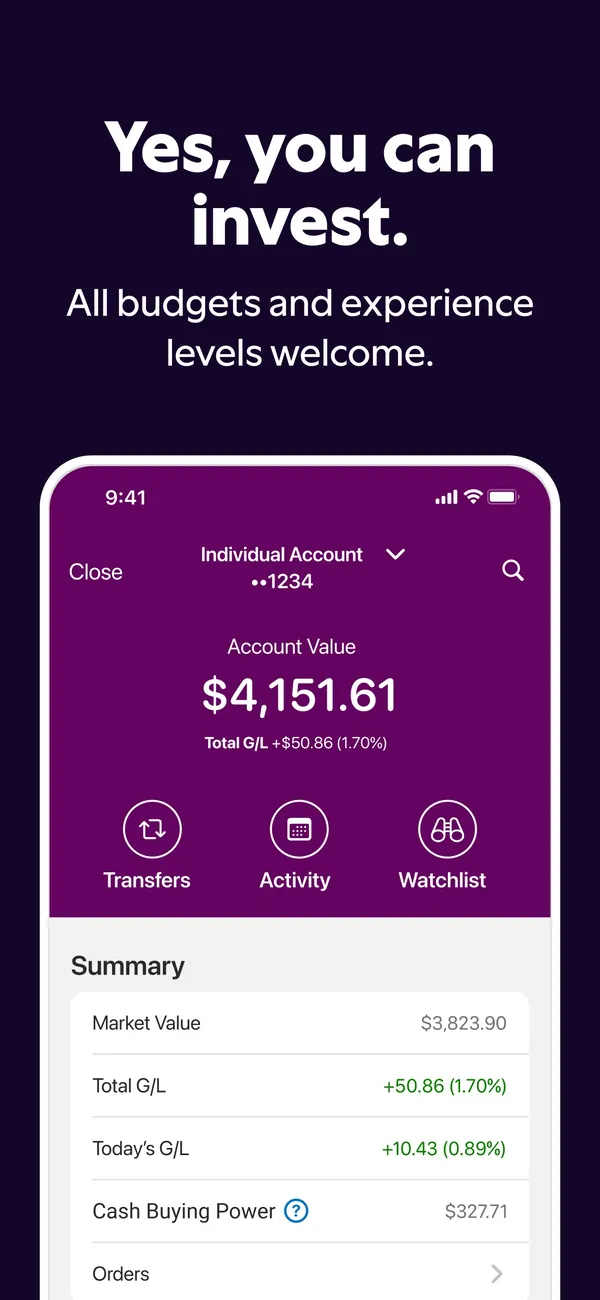
App Store marketing imageApp Store image with the headline "Yes, you can invest." showing an investment account value and summary.App Store listing, as of


App Store marketing imageApp Store image with the headline "Build wealth early" showing an investing potential chart and an amount picker.App Store listing, as of 
App Store marketing imageApp Store image with the headline "Copy the trades of top investors" showing a Discover screen with portfolios.App Store listing, as of
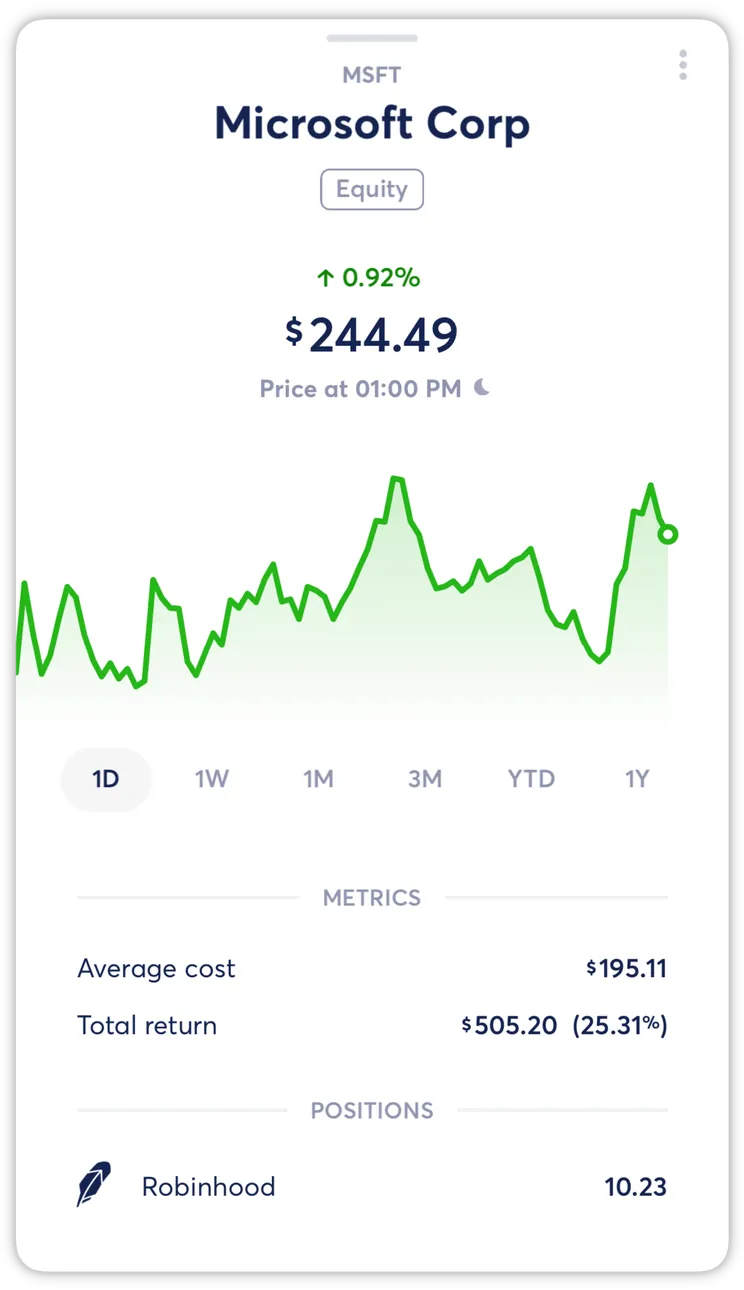
From Copilot Money's help centerA holding detail for Microsoft Corp with a price chart, metrics and positions.help.copilot.money, as of
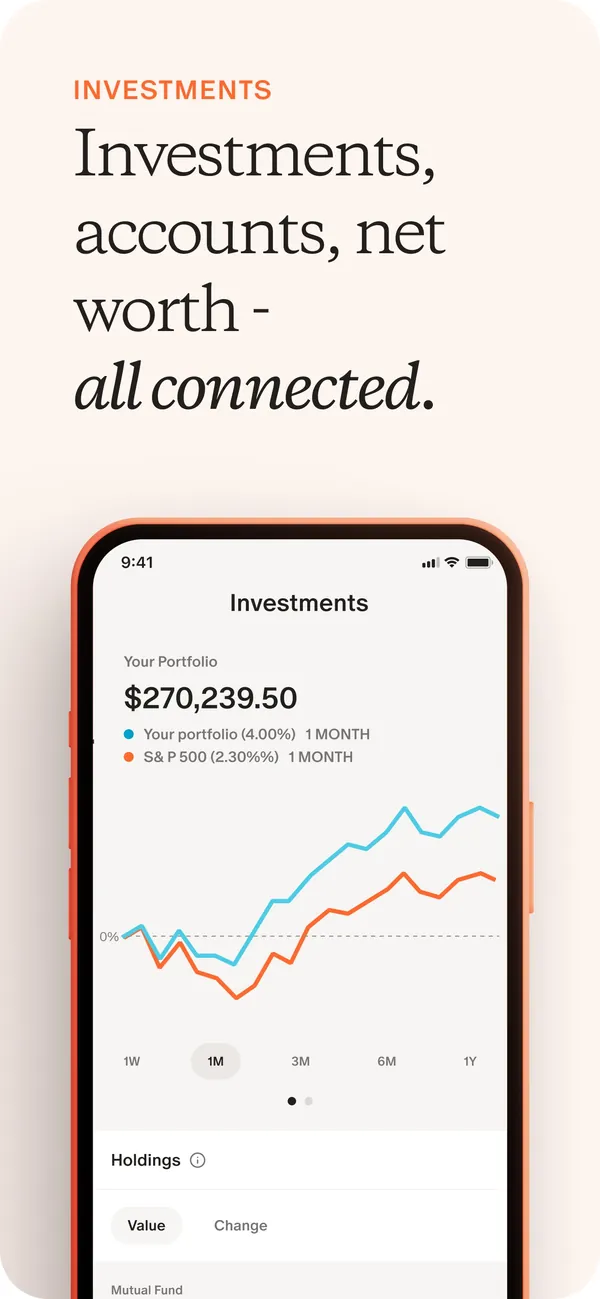
App Store marketing imageApp Store image with the headline "Investments, accounts, net worth - all connected." showing the Investments screen with a portfolio chart.App Store listing, as of 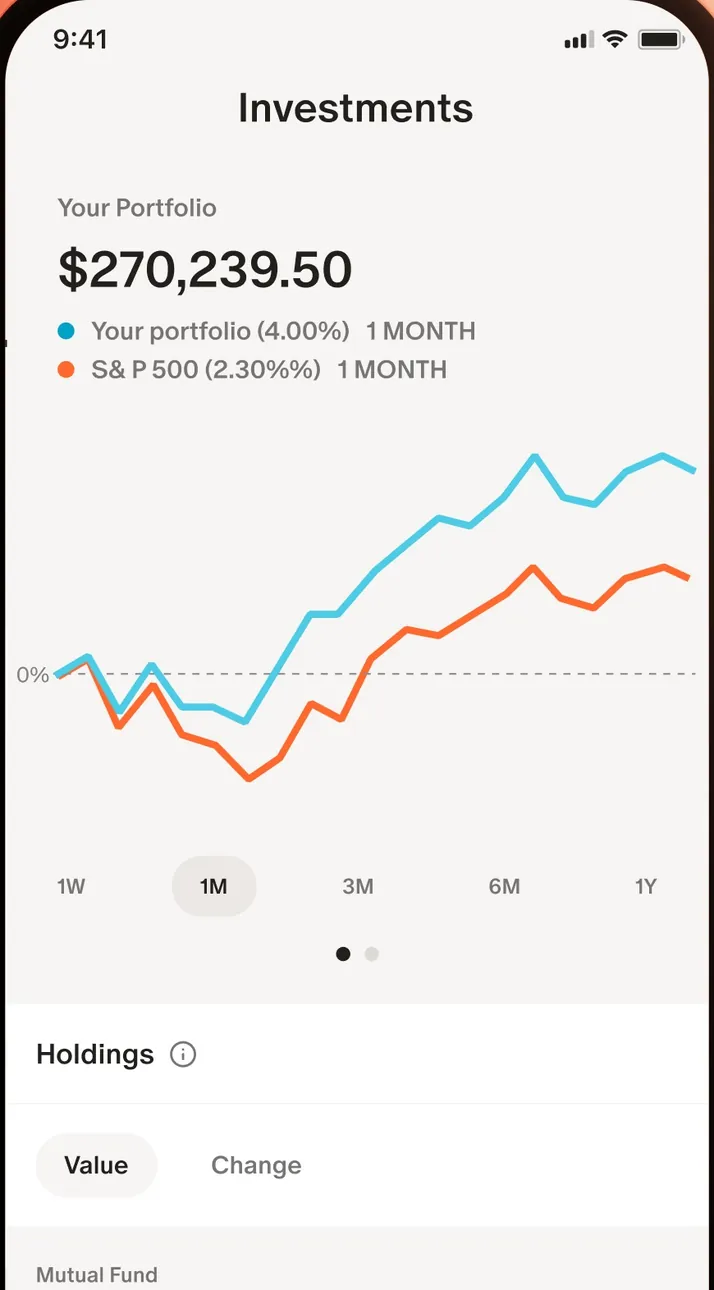
App Store marketing imageThe Investments screen: a $270,239.50 portfolio value and a chart comparing the portfolio with the S&P 500.App Store listing, as of
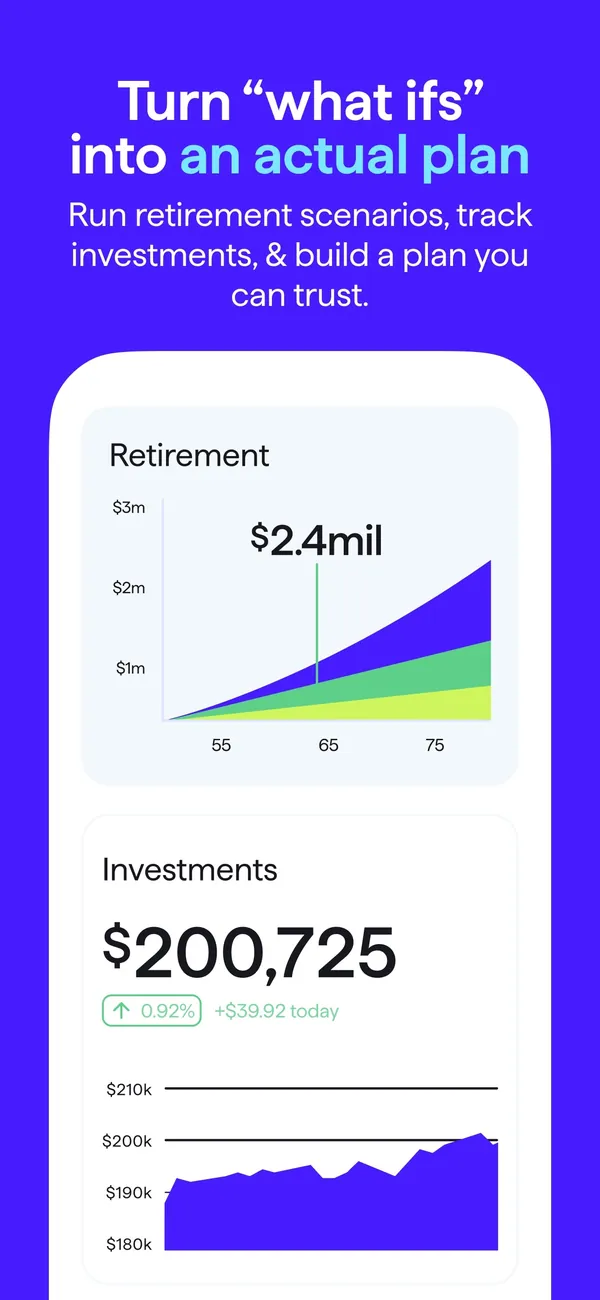
App Store marketing imageApp Store image with the headline "Turn what ifs into an actual plan" showing a Retirement chart and an Investments value.App Store listing, as of 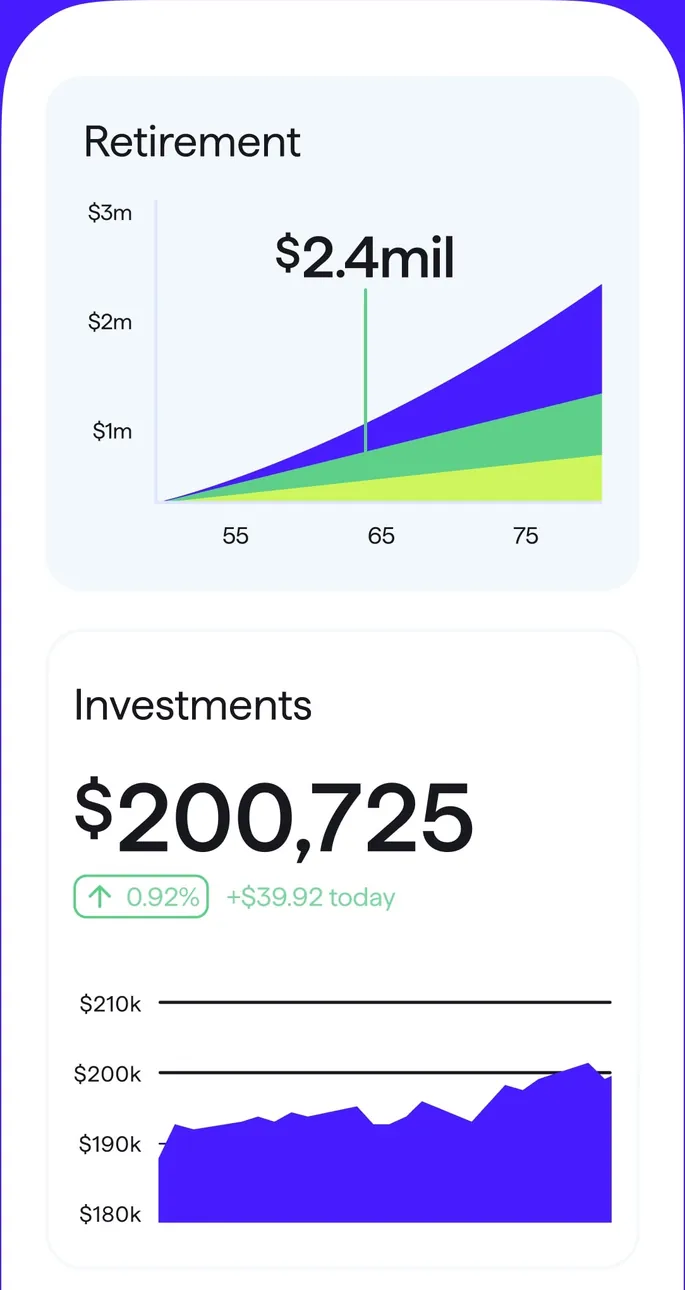
App Store marketing imageA Retirement projection chart and an Investments card with $200,725 and a value chart.App Store listing, as of 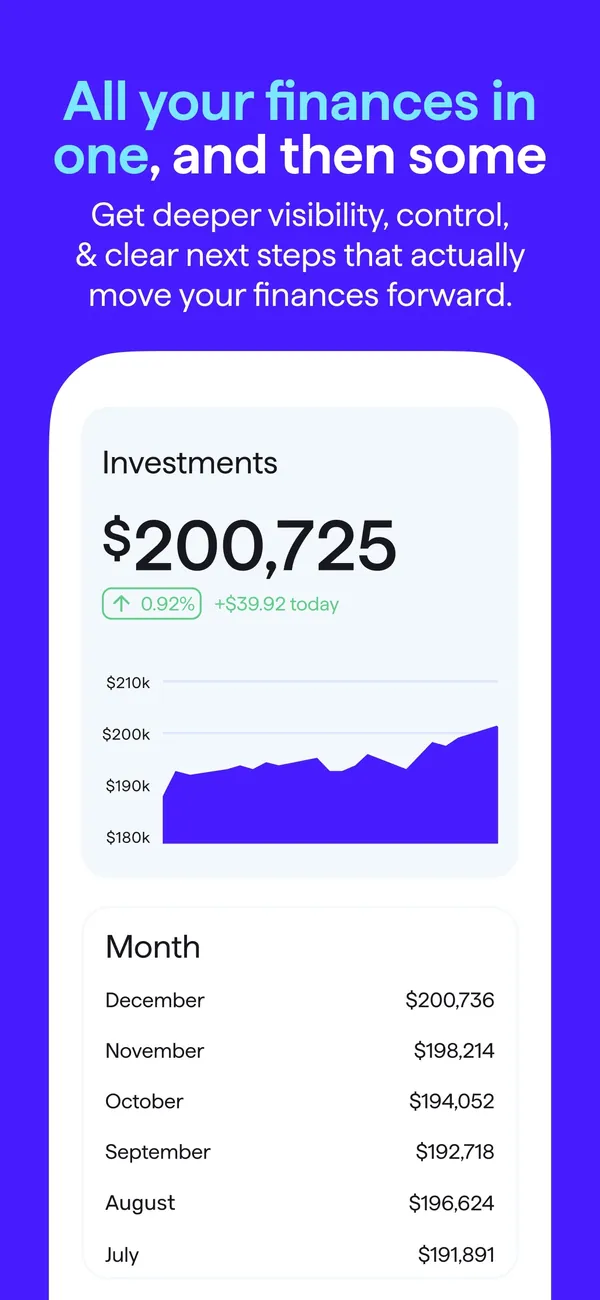
App Store marketing imageApp Store image with the headline "All your finances in one, and then some" showing an Investments value chart and a monthly value list.App Store listing, as of 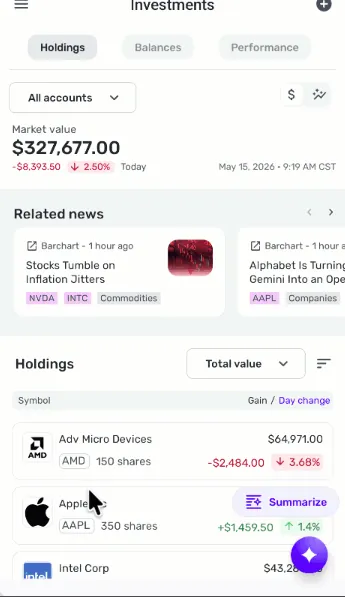
From Simplifi's help centerThe mobile Investments screen with Holdings, Balances and Performance tabs, a market value, related news and holdings.support.simplifi.quicken.com, as of
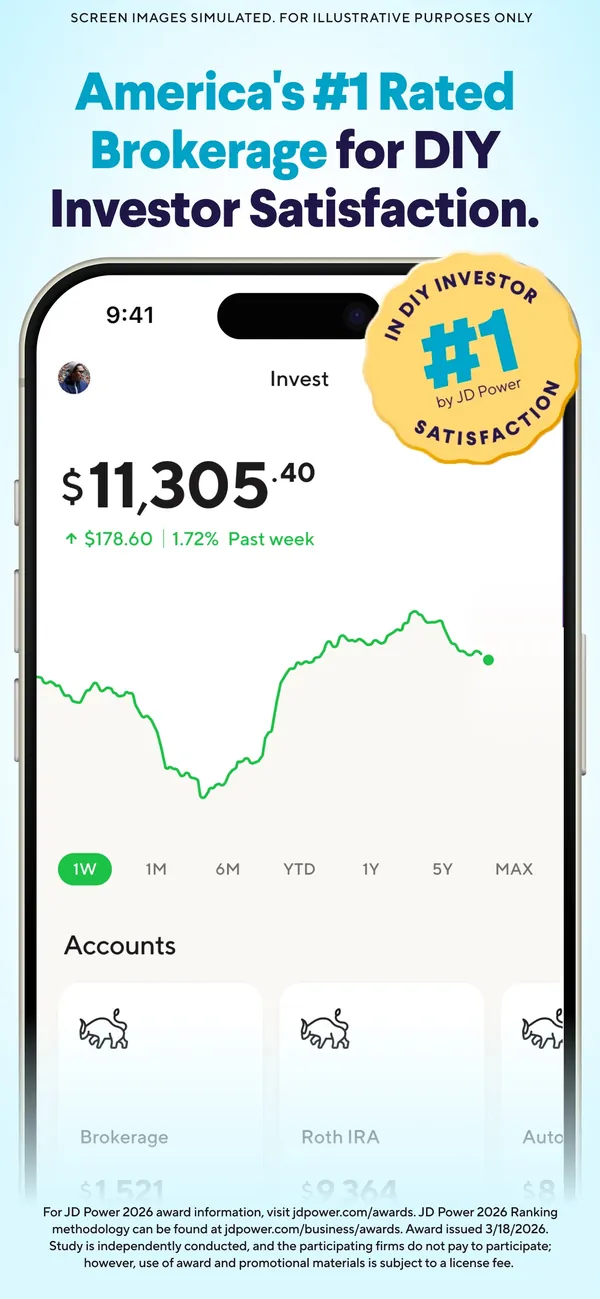
App Store marketing imageApp Store image about SoFi's brokerage rating showing an Invest screen with a value chart.App Store listing, as of
Card controls
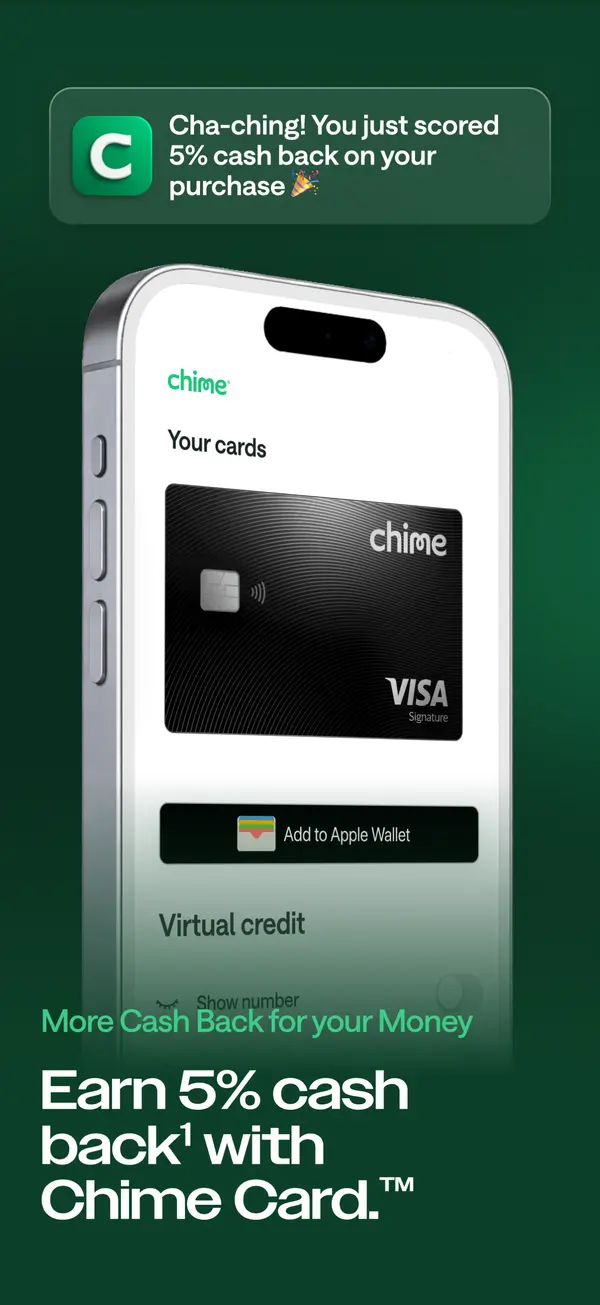
App Store marketing imageApp Store image with the headline "Earn 5% cash back with Chime Card." showing a Your cards screen with an Add to Apple Wallet button.App Store listing, as of
Sharing with a partner
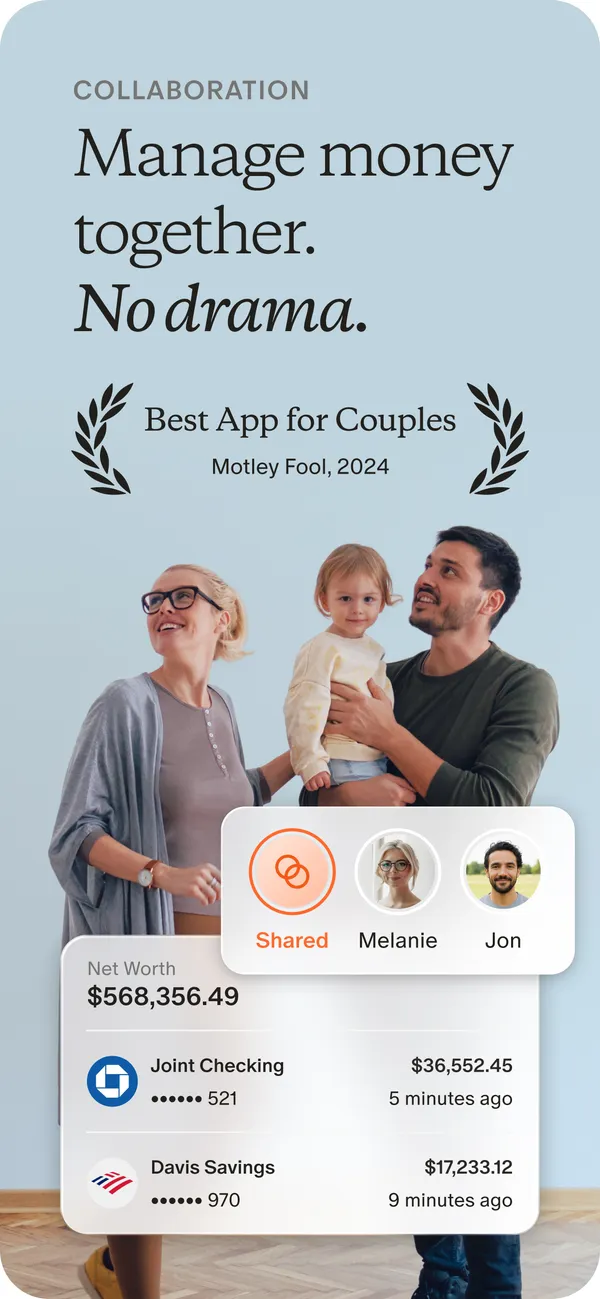
App Store marketing imageApp Store image with the headline "Manage money together. No drama." showing a photo of a family with cards for Shared, Melanie and Jon and two account rows.App Store listing, as of 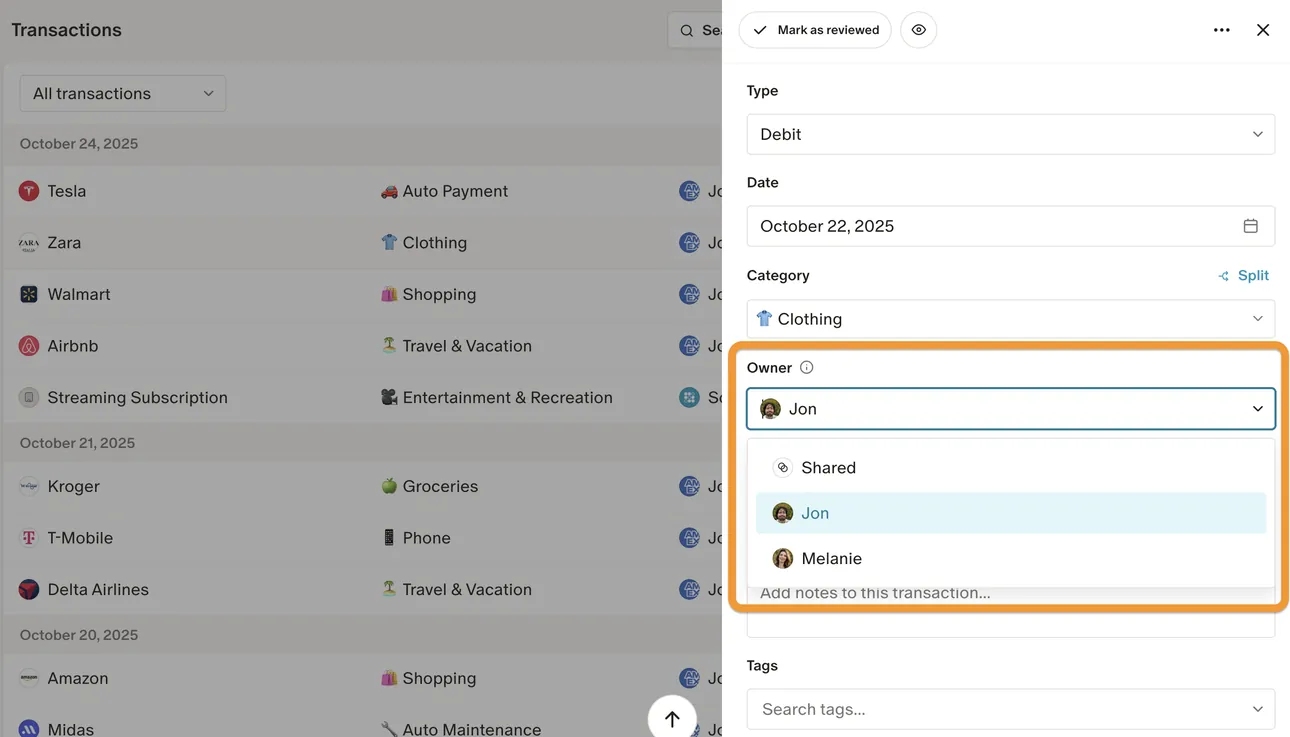
From Monarch Money's help centerThe web Transactions page with a transaction open and an Owner menu offering Shared, Jon and Melanie.help.monarch.com, as of 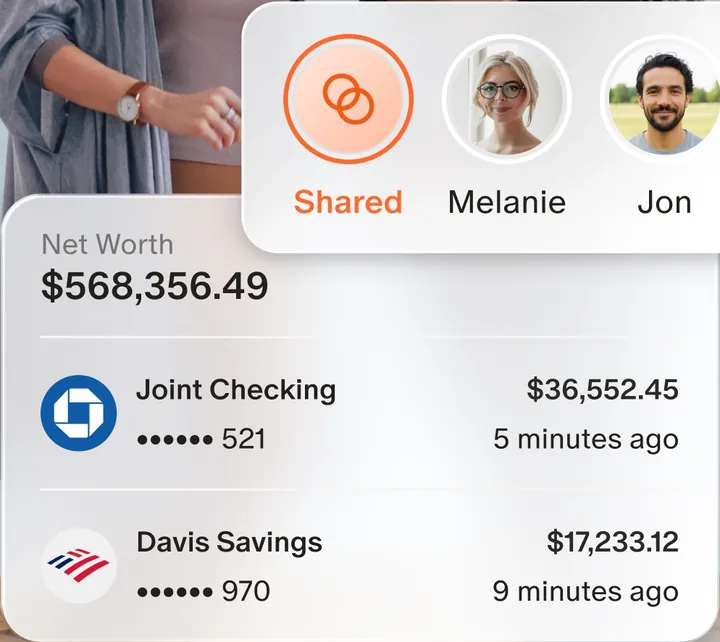
App Store marketing imageAn owner switcher with Shared, Melanie and Jon, above a Net Worth card with a joint checking and a savings account.App Store listing, as of 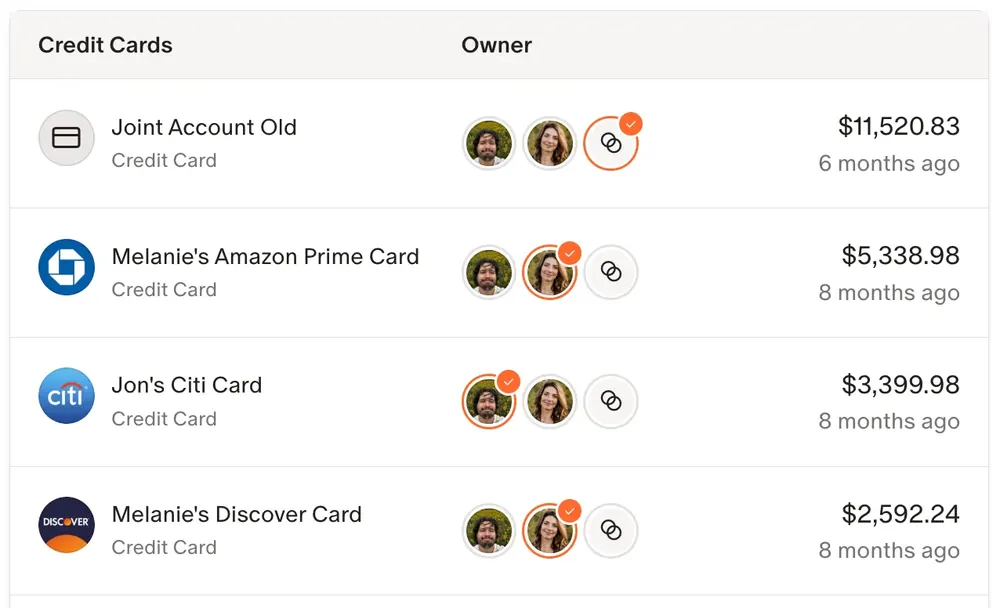
From Monarch Money's help centerA credit card list where each card has owner avatars and a balance.help.monarch.com, as of
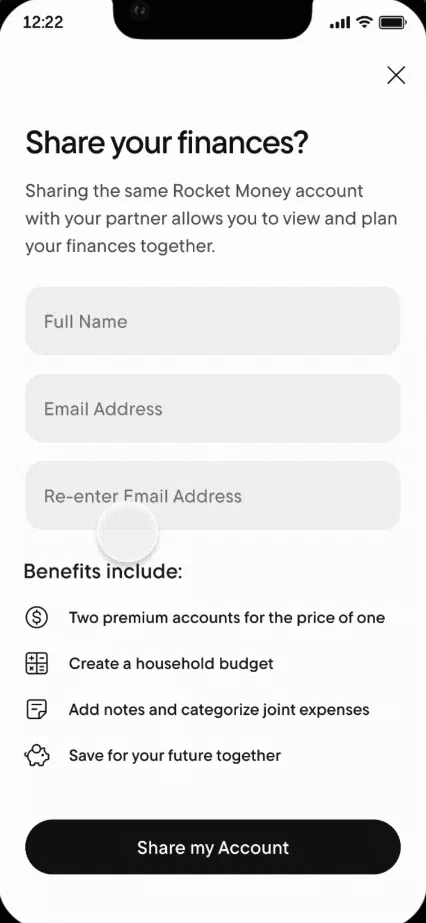
From Rocket Money's help centerA "Share your finances?" screen with Full Name and Email Address fields and a Share my Account button.help.rocketmoney.com, as of 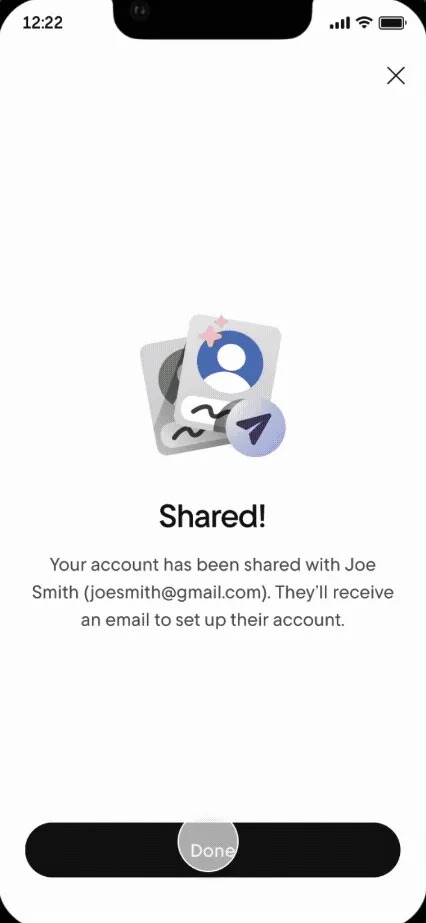
From Rocket Money's help centerA "Shared!" confirmation saying the account was shared and the partner will get an email.help.rocketmoney.com, as of
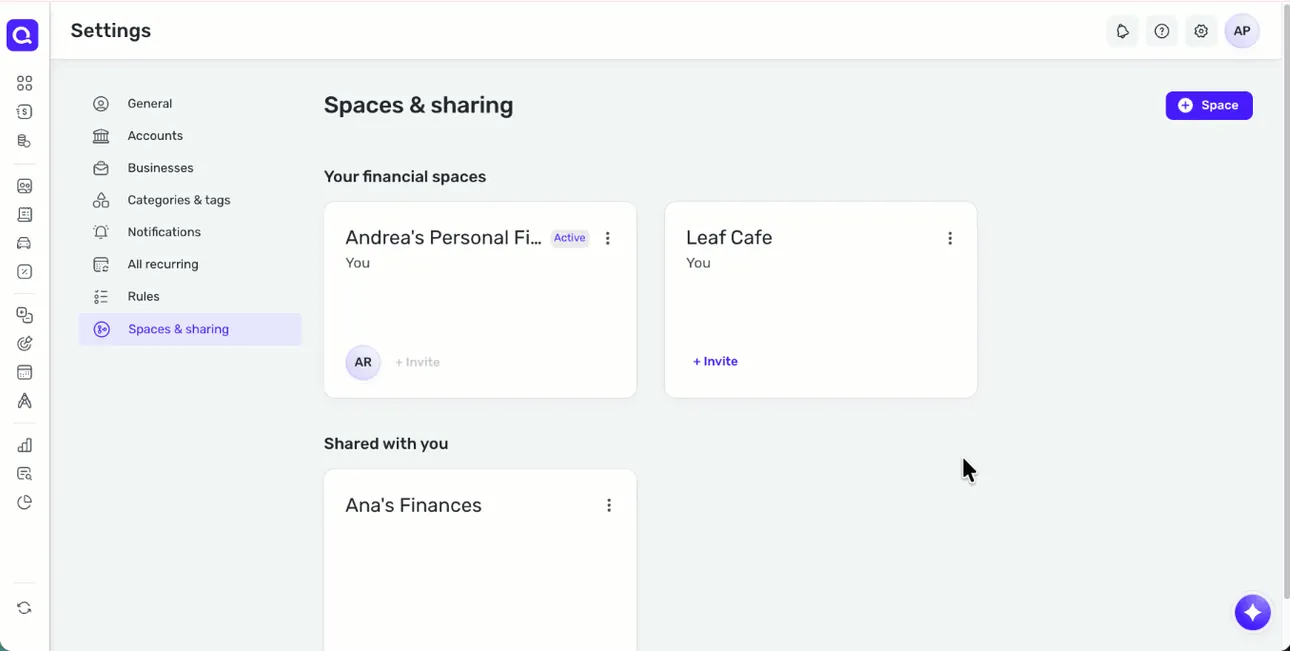
From Simplifi's help centerThe web Spaces & sharing settings with the user's financial spaces and a Shared with you section.support.simplifi.quicken.com, as of 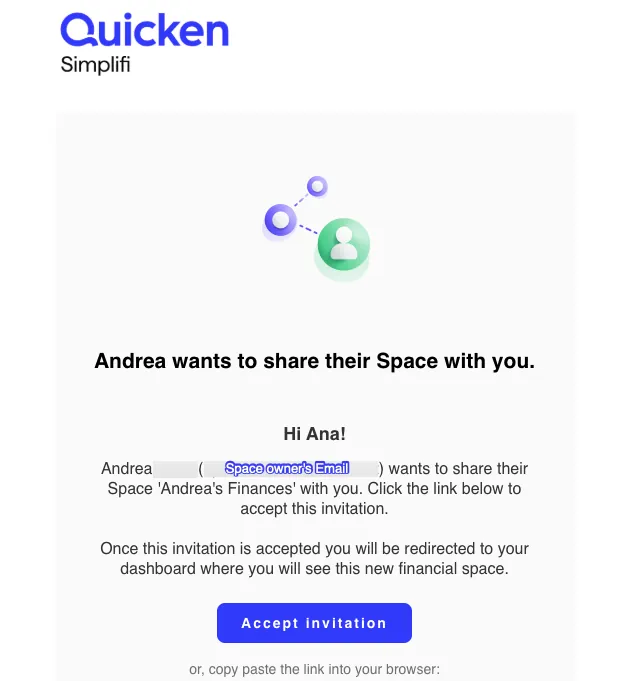
From Simplifi's help centerAn invitation email that says Andrea wants to share their Space, with an Accept invitation button.support.simplifi.quicken.com, as of
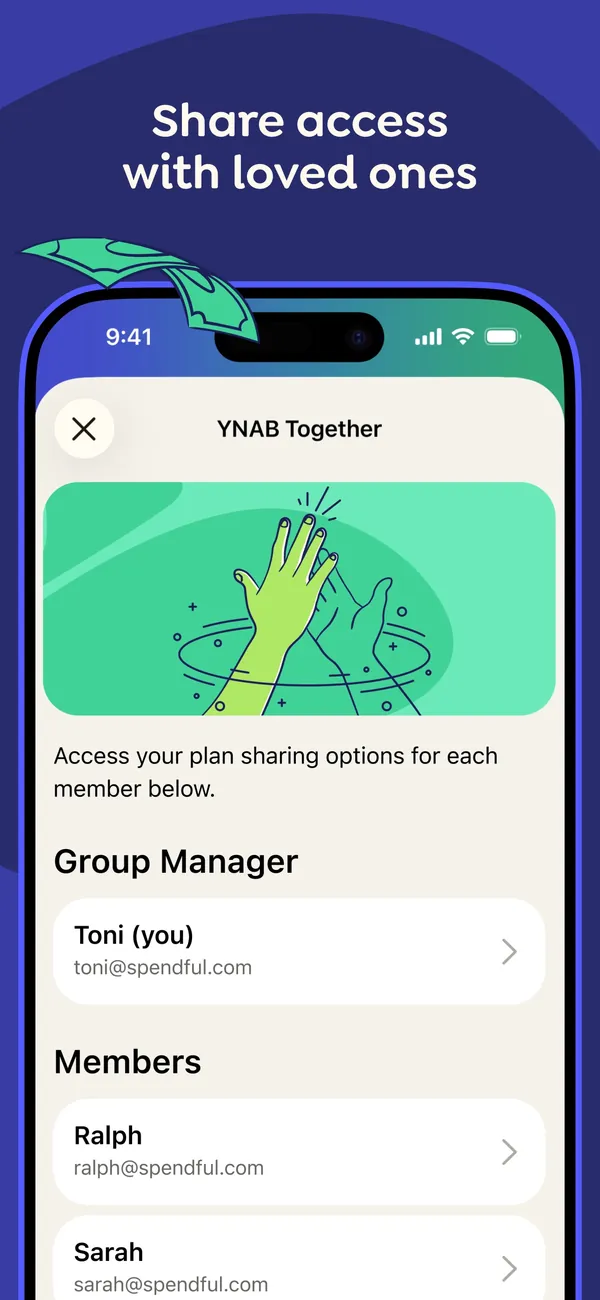
App Store marketing imageApp Store image with the headline "Share access with loved ones" showing a YNAB Together screen with a Group Manager and a list of members.App Store listing, as of 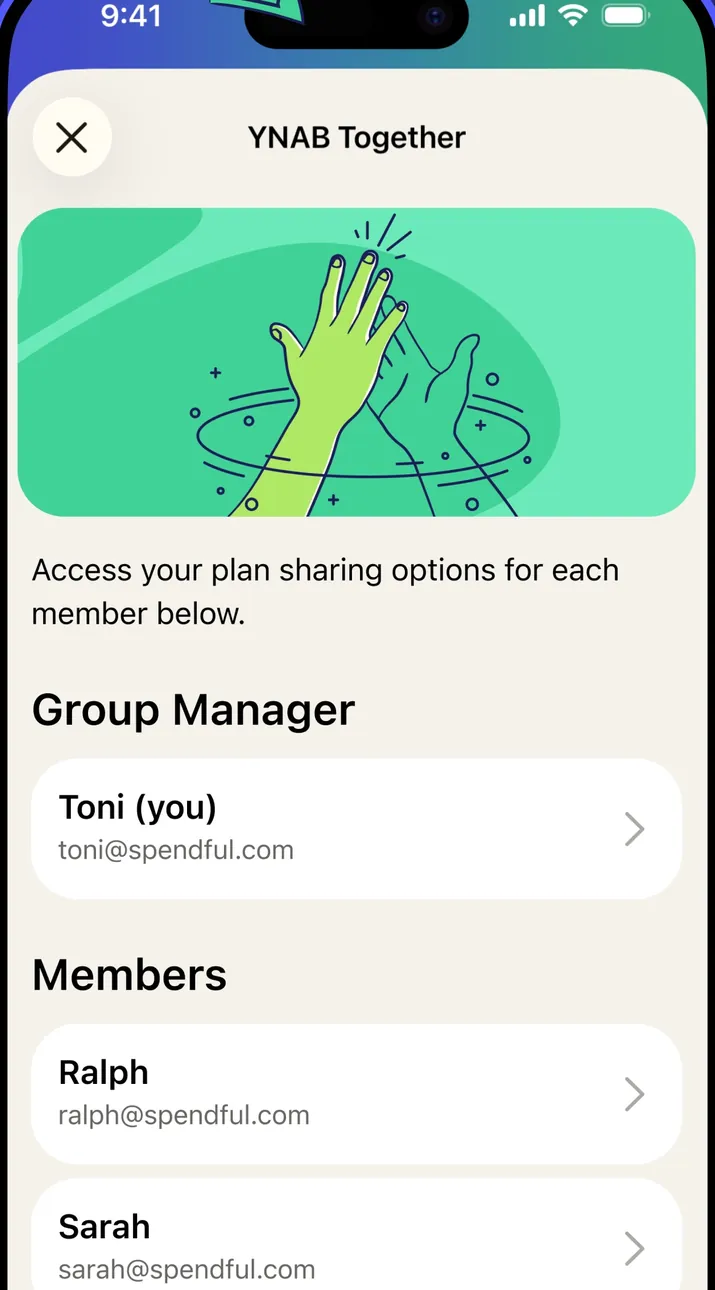
App Store marketing imageThe YNAB Together screen: an illustration, a line about plan sharing options for each member, then Group Manager and Members sections.App Store listing, as of 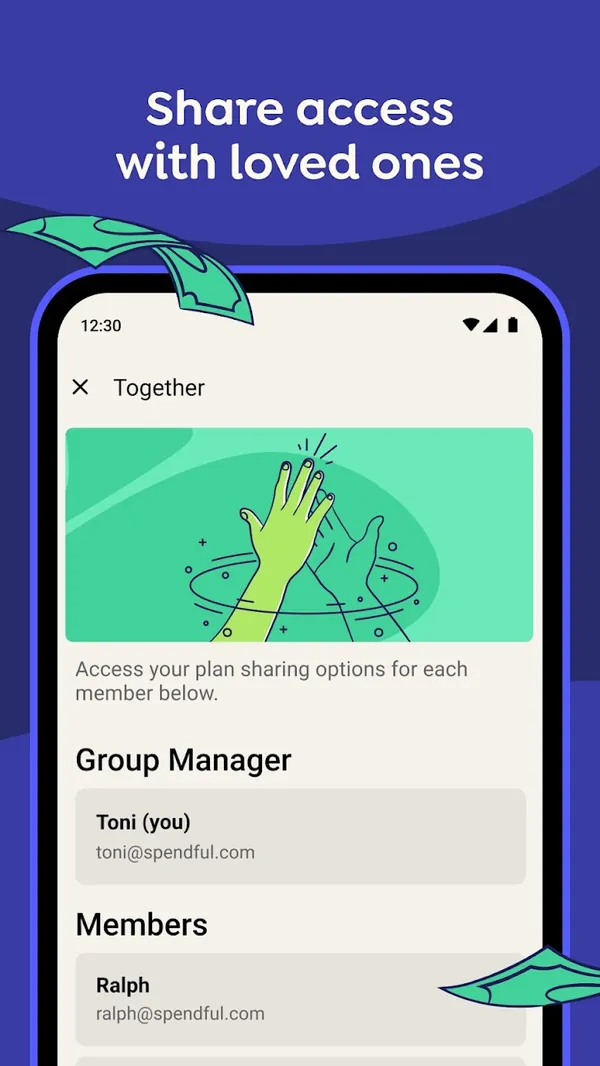
Google Play marketing imageGoogle Play image with the headline "Share access with loved ones" showing the Android Together screen with a Group Manager and Members.Google Play listing, as of 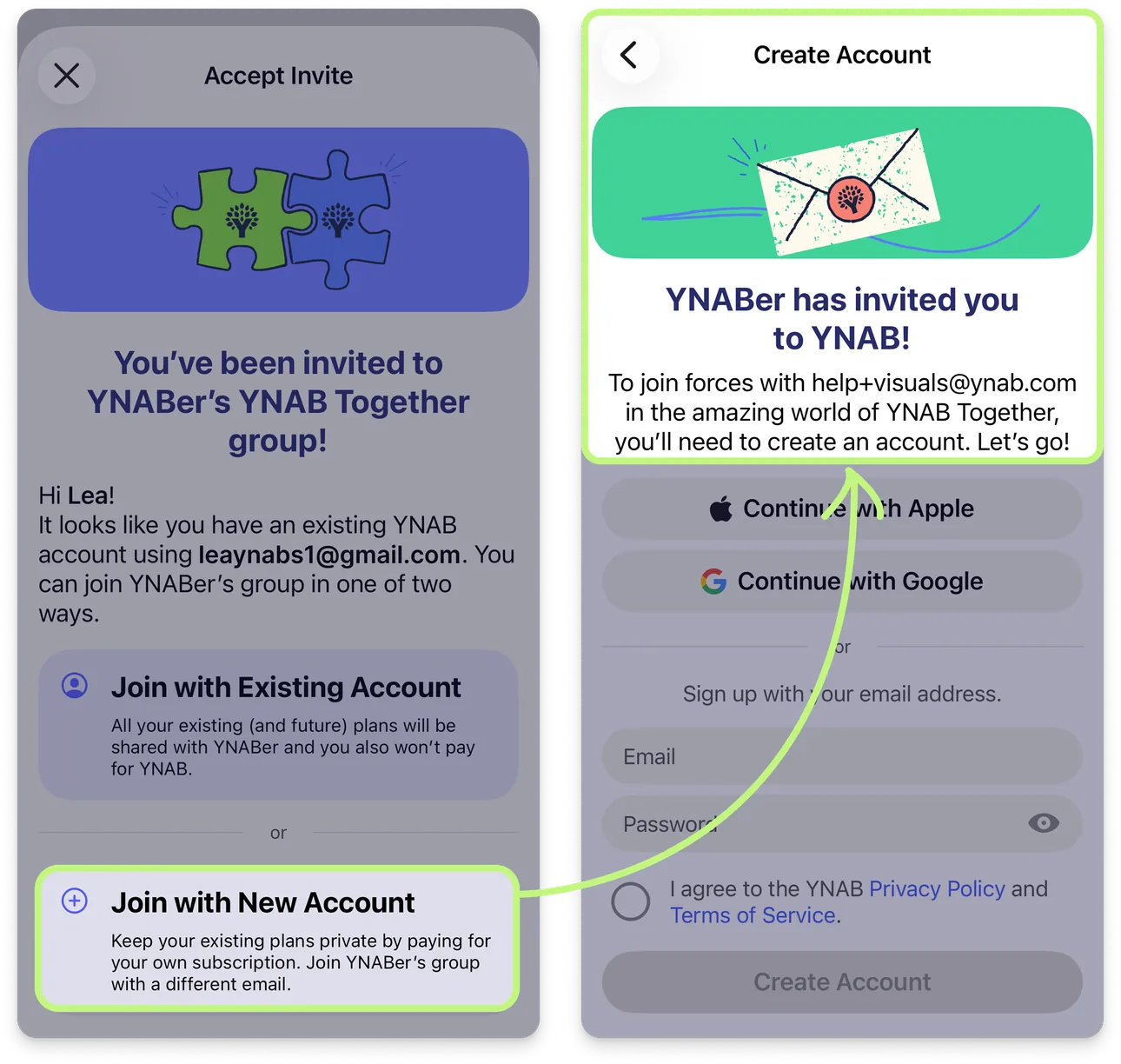
From YNAB's help centerTwo iPhone screens from the help center: an invite to join a YNAB Together group, and the Create Account screen that follows.support.ynab.com, as of 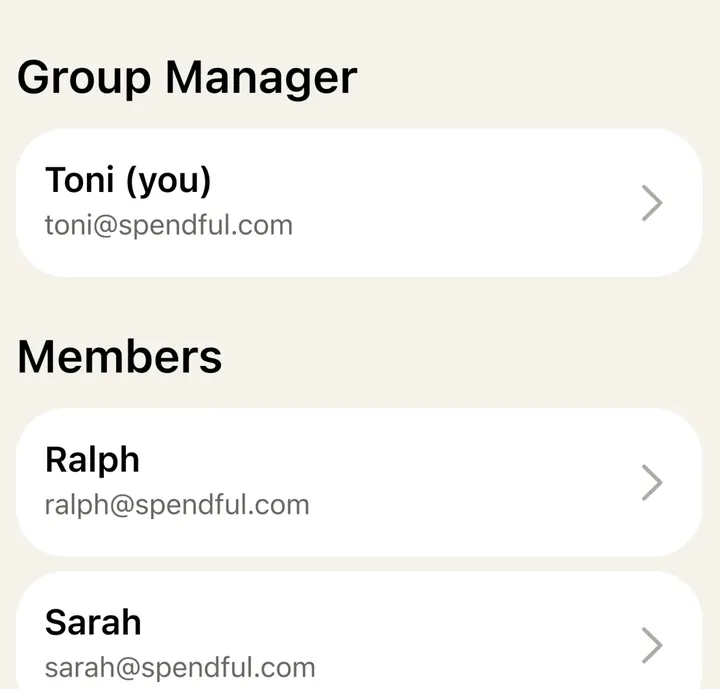
App Store marketing imageThe Group Manager row and the Members list, each person shown with a name, email and an arrow.App Store listing, as of 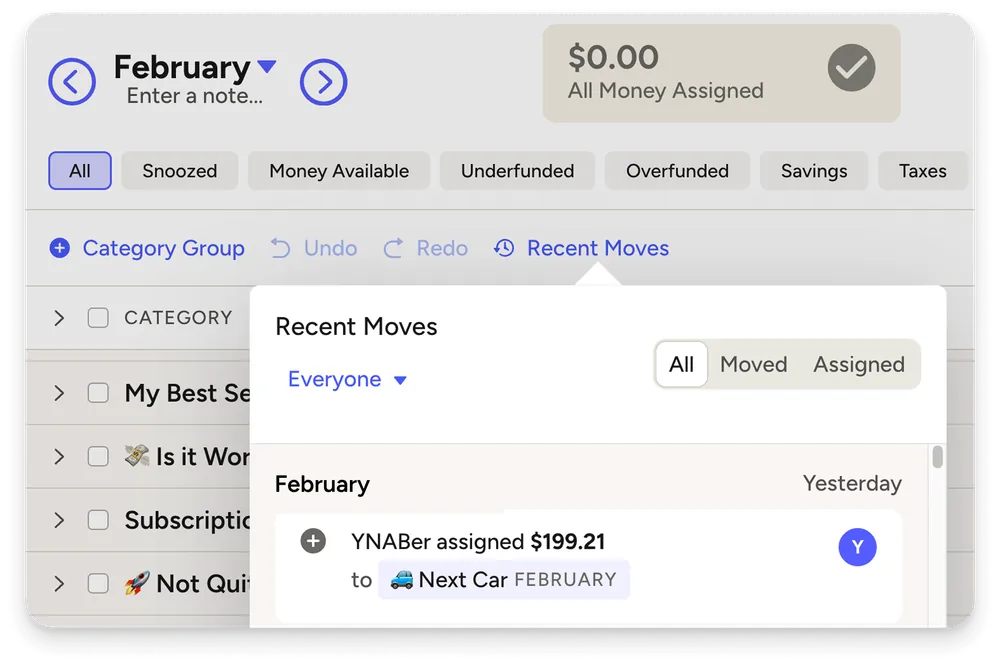
From YNAB's help centerThe web plan with a Recent Moves panel filtered to Everyone, showing which member assigned $199.21 to a category.support.ynab.com, as of
Settings and security
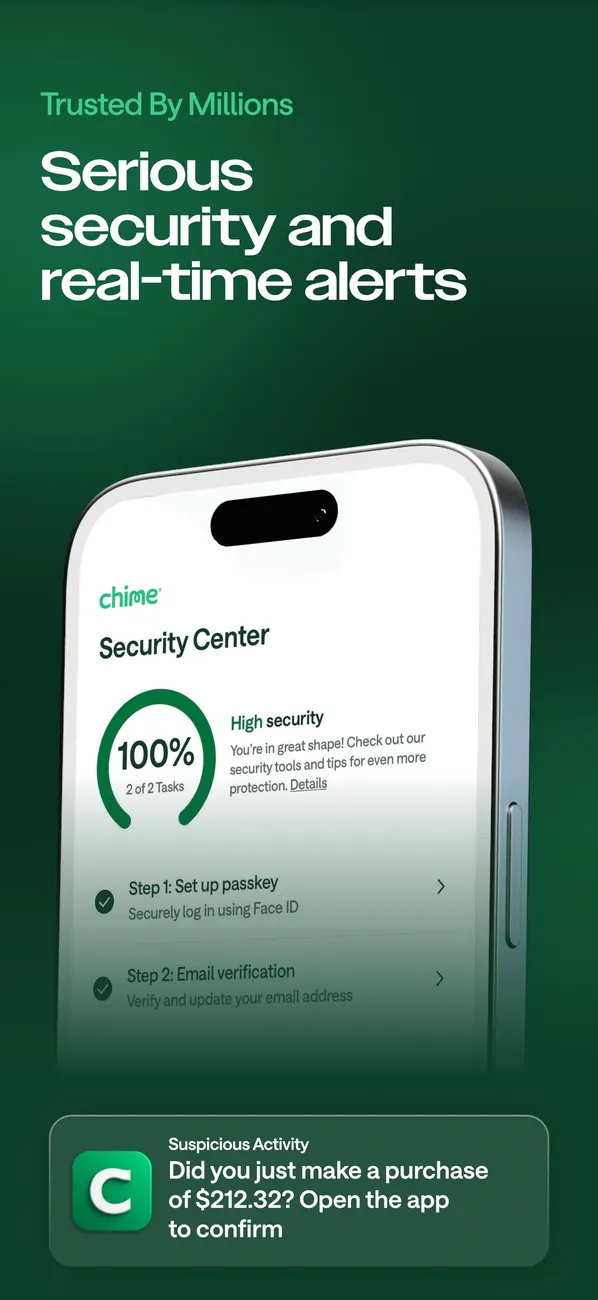
App Store marketing imageApp Store image with the headline "Serious security and real-time alerts" showing a Security Center at 100% and a suspicious activity alert.App Store listing, as of
Getting started

App Store marketing imageApp Store image with the headline "Earn free stocks" showing a Welcome to Bloom screen offering $75 for completing a first lesson.App Store listing, as of
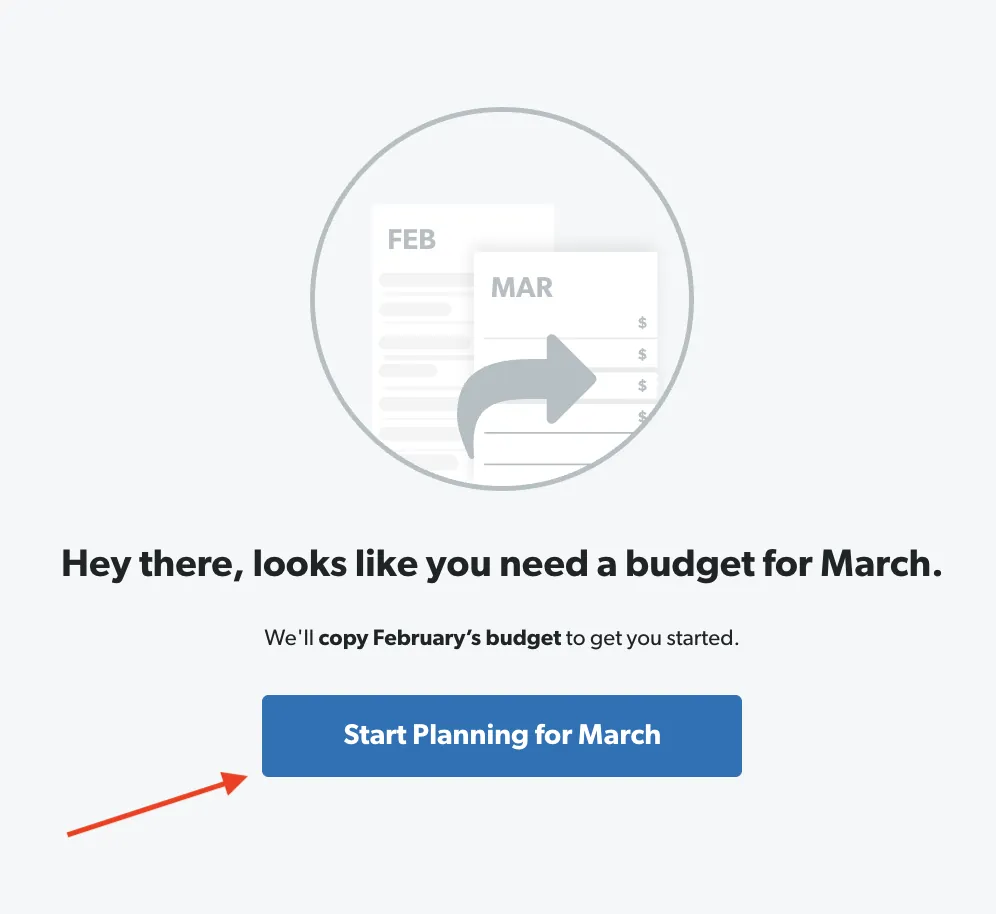
From EveryDollar's help centerA screen saying "Hey there, looks like you need a budget for March" with a Start Planning for March button.everydollar.help.ramseysolutions.com, as of
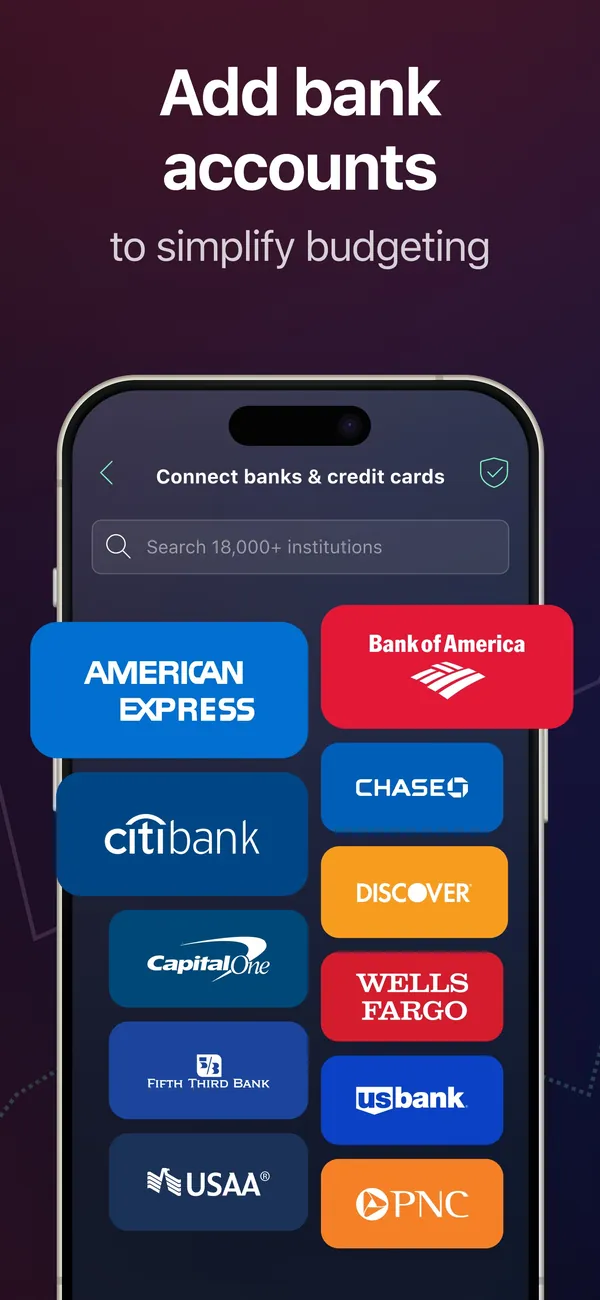
App Store marketing imageApp Store image with the headline "Add bank accounts to simplify budgeting" showing a Connect banks & credit cards screen.App Store listing, as of
AI assistant
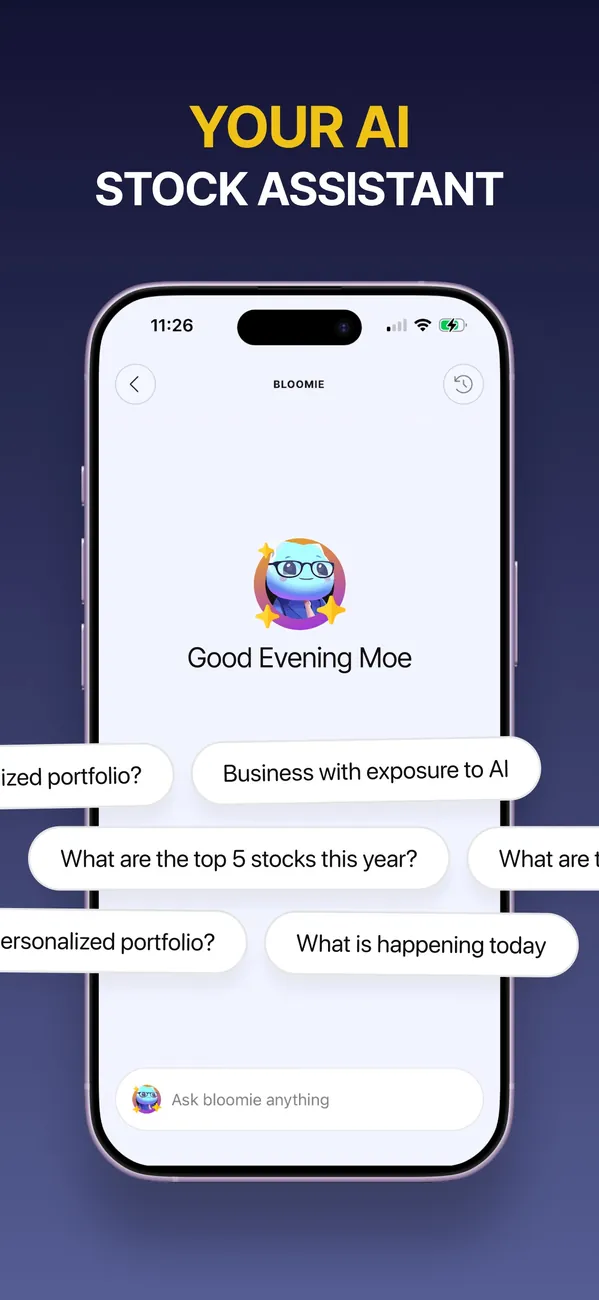
App Store marketing imageApp Store image with the headline "Your AI stock assistant" showing a Bloomie chat with suggested questions.App Store listing, as of
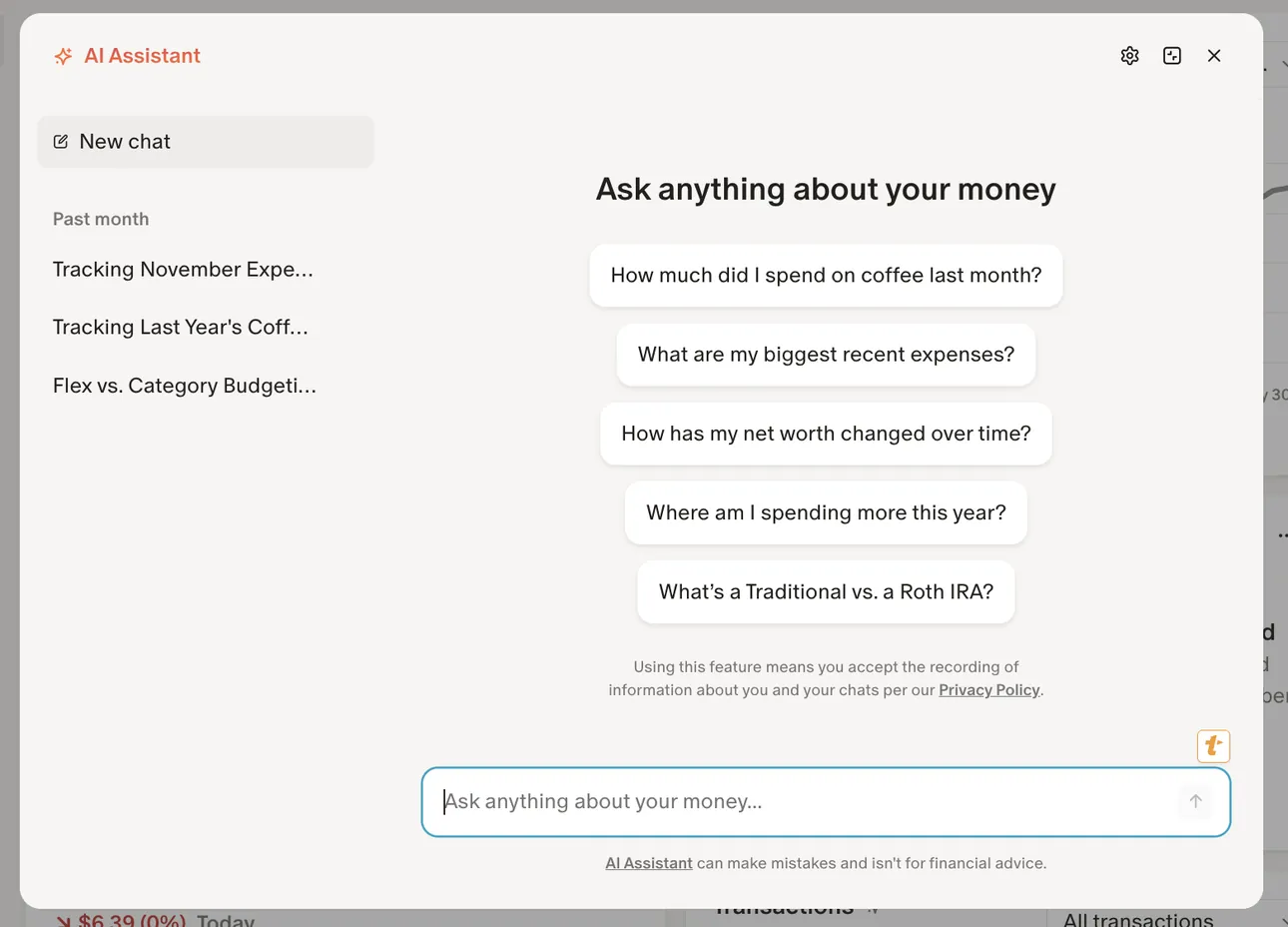
From Monarch Money's help centerThe AI Assistant panel on the web with past chats on the left and suggested questions like "How much did I spend on coffee last month?"help.monarch.com, as of
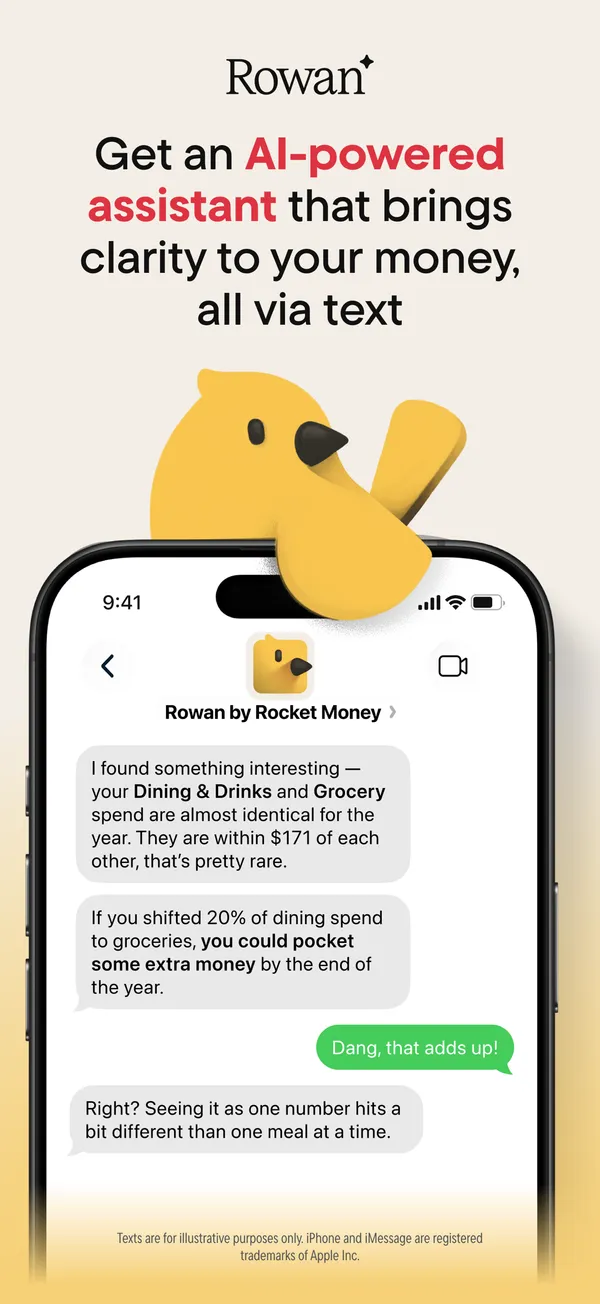
App Store marketing imageApp Store image with the headline about an AI-powered assistant showing a text chat with Rowan by Rocket Money.App Store listing, as of 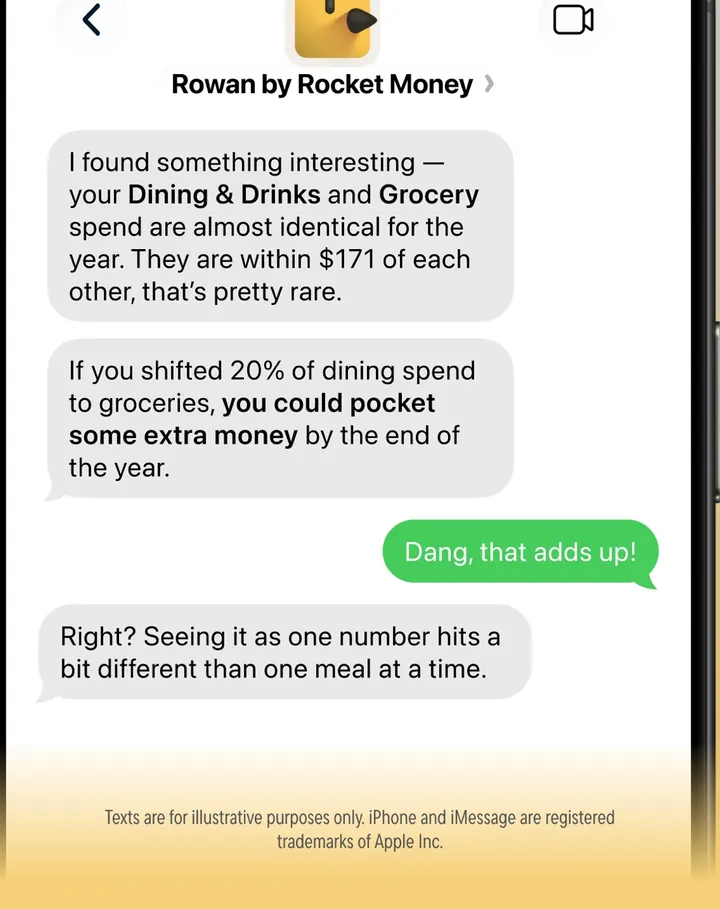
App Store marketing imageA text conversation where Rowan comments on Dining & Drinks and Grocery spending and the user replies.App Store listing, as of

App Store marketing imageApp Store image with the headline "Meet SoFi Coach." showing a Coach screen with prompts for support, taxes and optimizing.App Store listing, as of 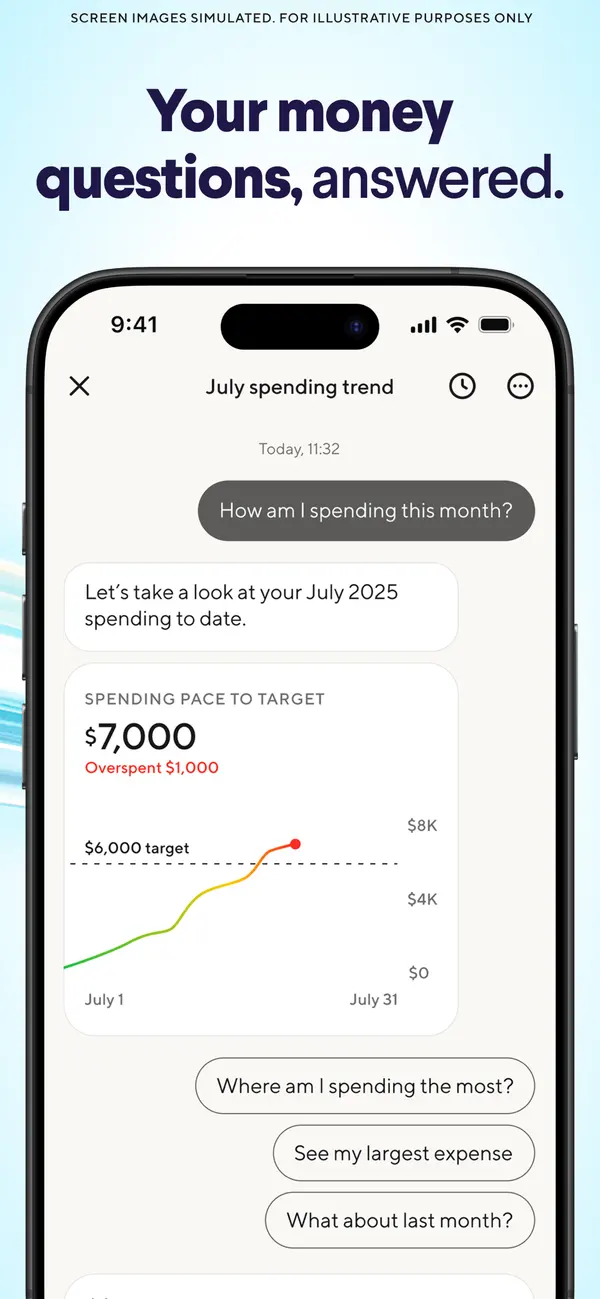
App Store marketing imageApp Store image with the headline "Your money questions, answered." showing a July spending trend chat with a pace chart.App Store listing, as of
Other screens
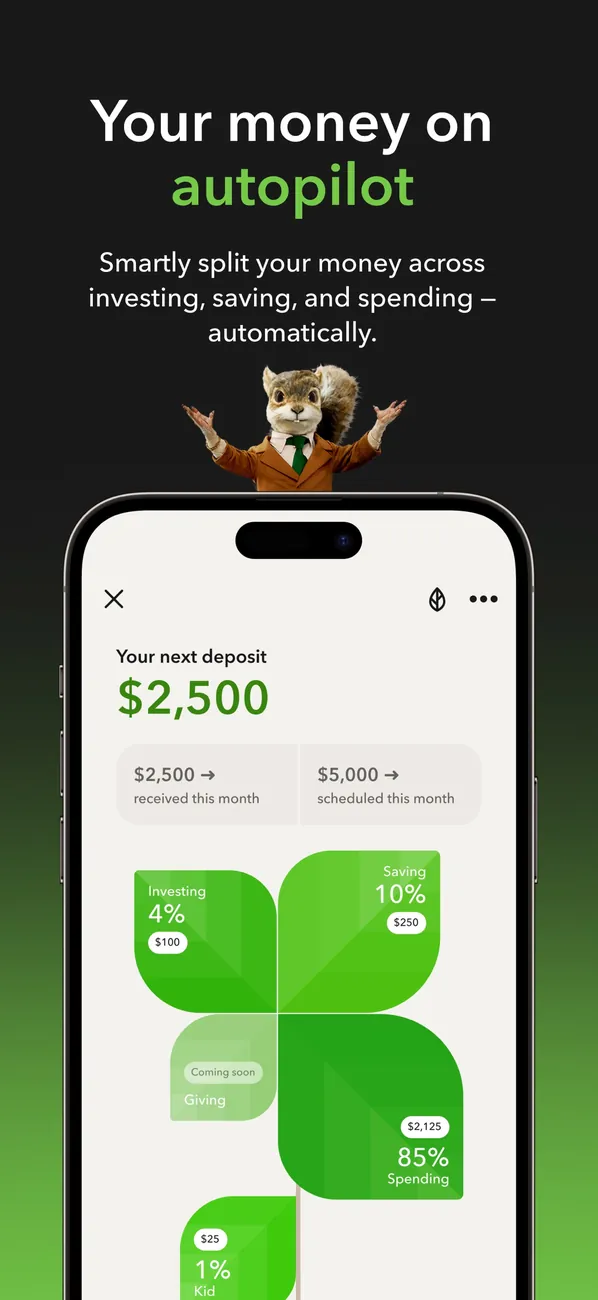
App Store marketing imageApp Store image with the headline "Your money on autopilot" showing your next deposit of $2,500 split across investing, saving and spending.App Store listing, as of 
App Store marketing imageApp Store image with the headline "Get smart about money" showing a Learn screen with articles.App Store listing, as of 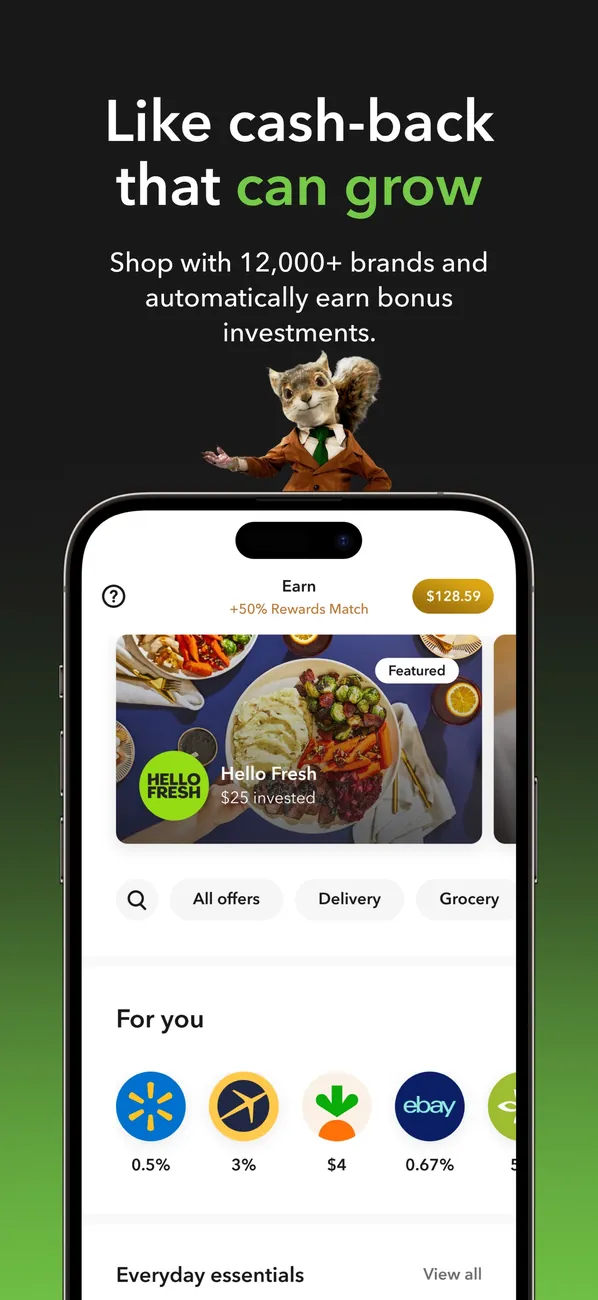
App Store marketing imageApp Store image with the headline "Like cash-back that can grow" showing an Earn screen with brand offers.App Store listing, as of
App Store marketing imageApp Store image 1 of 4 from the Ally Invest listing.App Store listing, as of 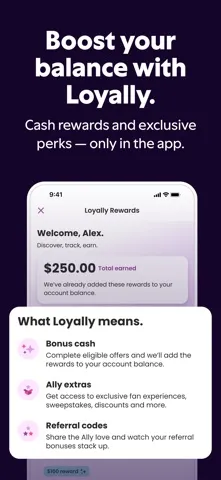
App Store marketing imageApp Store image 2 of 4 from the Ally Invest listing.App Store listing, as of 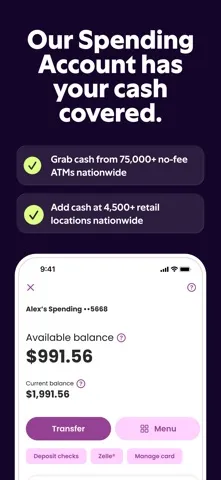
App Store marketing imageApp Store image 3 of 4 from the Ally Invest listing.App Store listing, as of 
App Store marketing imageApp Store image 4 of 4 from the Ally Invest listing.App Store listing, as of
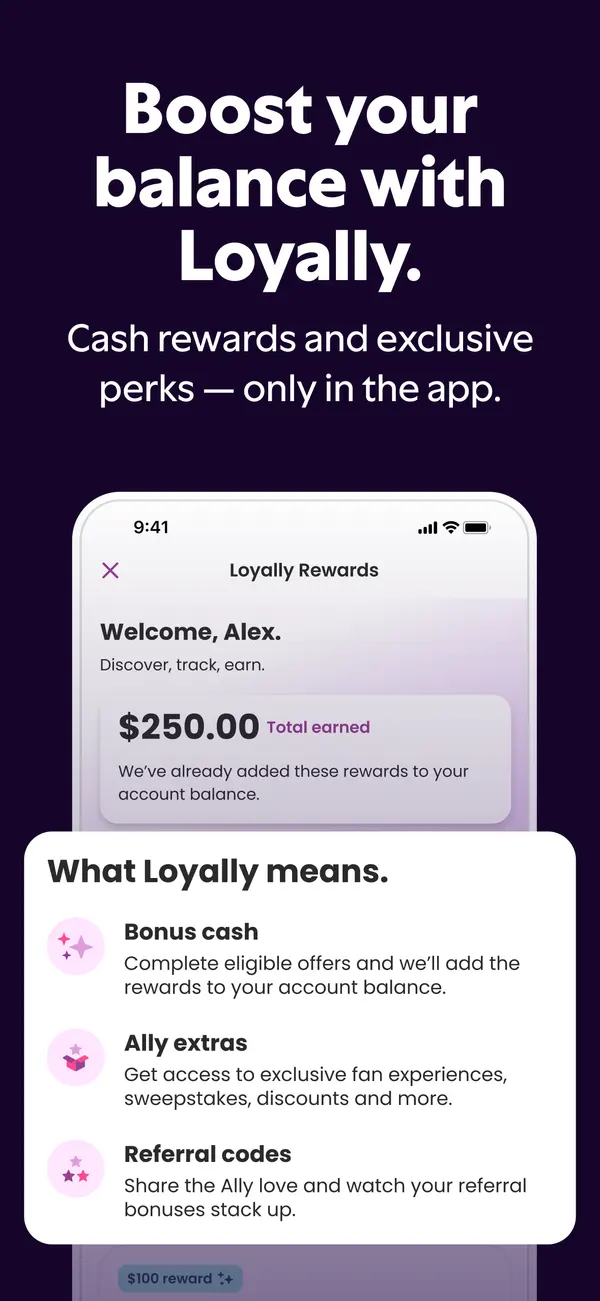
App Store marketing imageApp Store image with the headline "Boost your balance with Loyally." showing a Loyally Rewards screen.App Store listing, as of 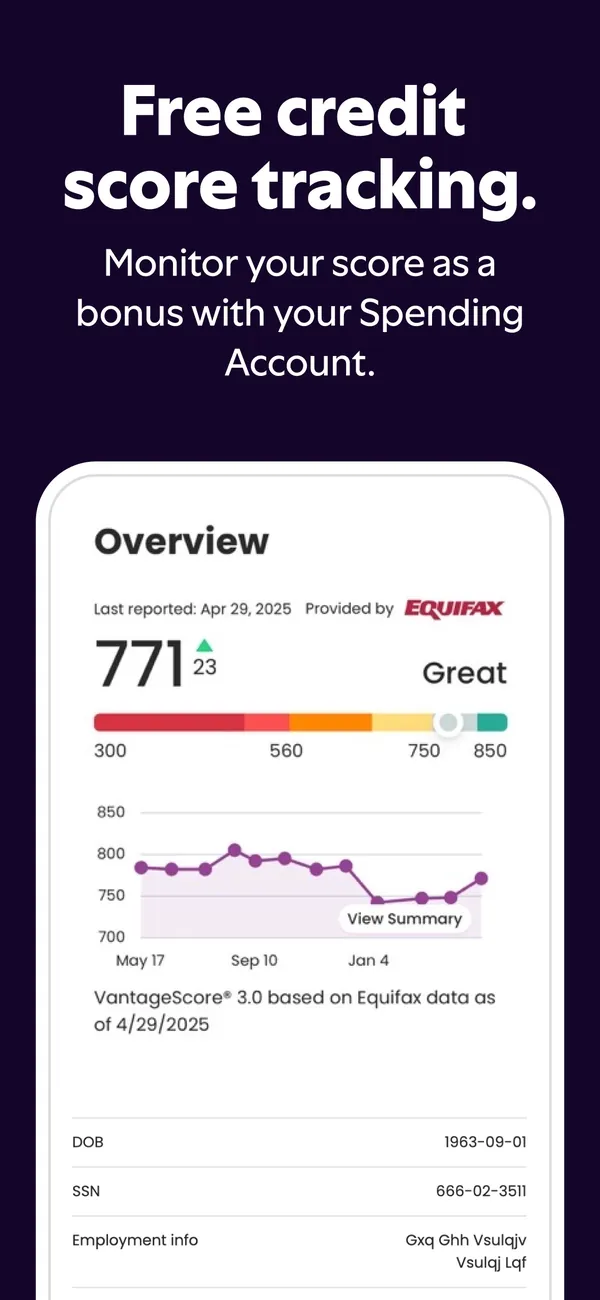
App Store marketing imageApp Store image with the headline "Free credit score tracking." showing a credit score of 771 and a history chart.App Store listing, as of 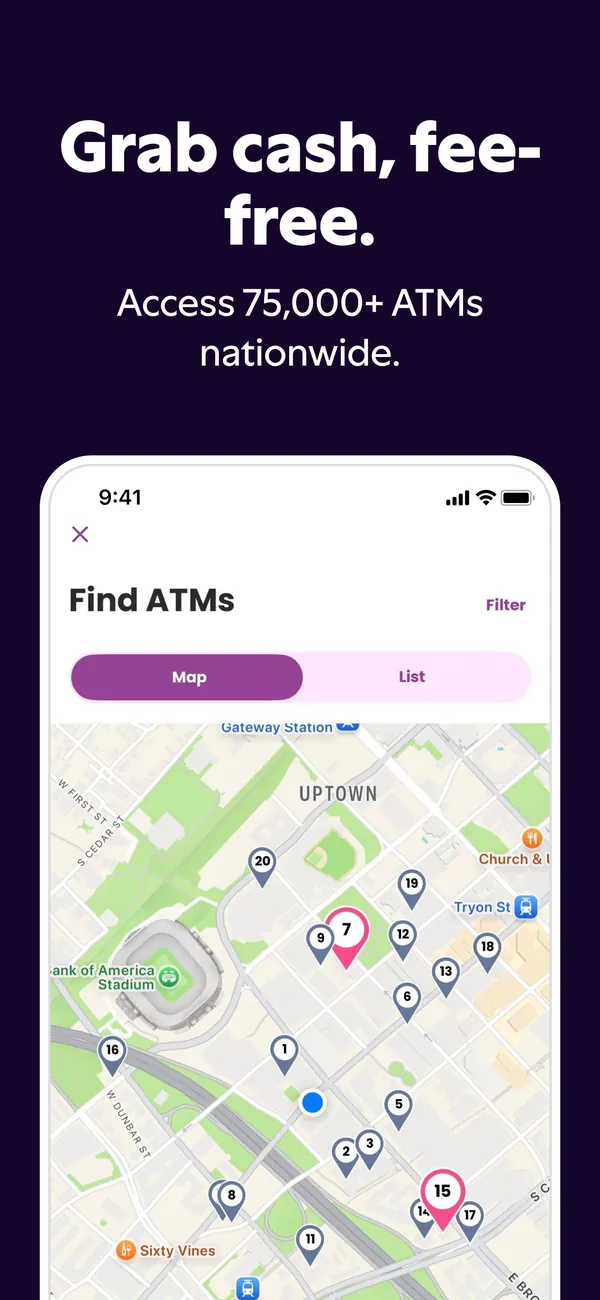
App Store marketing imageApp Store image with the headline "Grab cash, fee-free." showing a Find ATMs map.App Store listing, as of

App Store marketing imageApp Store image 1 of 4 from the Betterment listing.App Store listing, as of 
App Store marketing imageApp Store image 2 of 4 from the Betterment listing.App Store listing, as of 
App Store marketing imageApp Store image 3 of 4 from the Betterment listing.App Store listing, as of 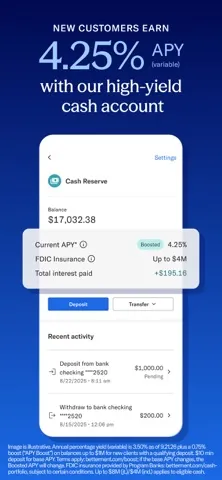
App Store marketing imageApp Store image 4 of 4 from the Betterment listing.App Store listing, as of

App Store marketing imageApp Store image with the headline "Learn to invest" showing a lesson path and a quiz card.App Store listing, as of 
App Store marketing imageApp Store image with the headline "Swipe to invest in the stories you believe in" showing stacked news cards with stock prices.App Store listing, as of 
App Store marketing imageApp Store image with the headline "Practice trading" showing a paper trading screen and a tournament card.App Store listing, as of

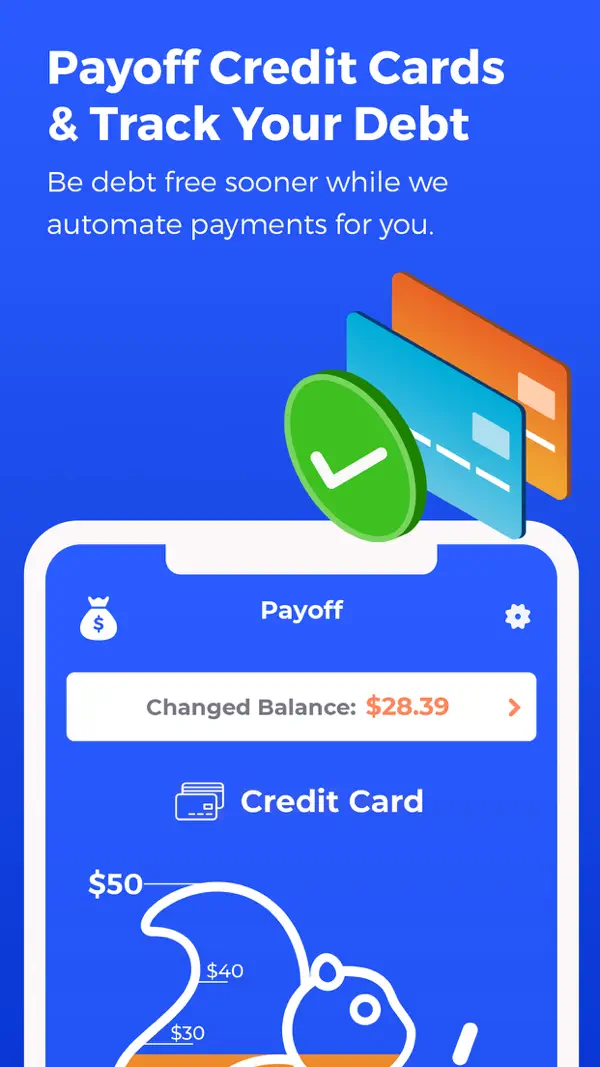
App Store marketing imageApp Store image 1 of 4 from the Changed listing.App Store listing, as of 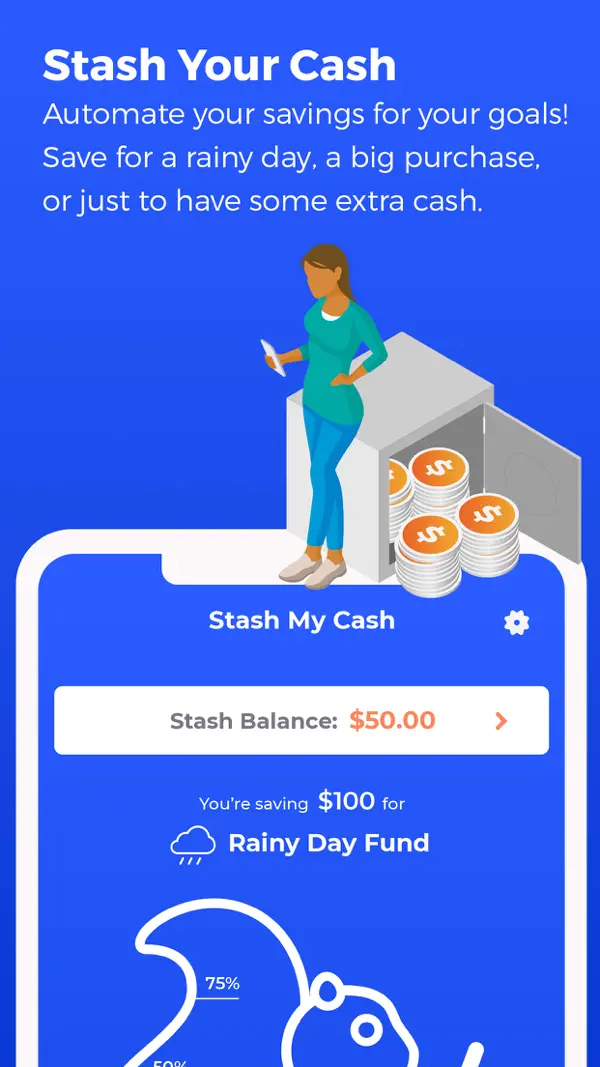
App Store marketing imageApp Store image 2 of 4 from the Changed listing.App Store listing, as of 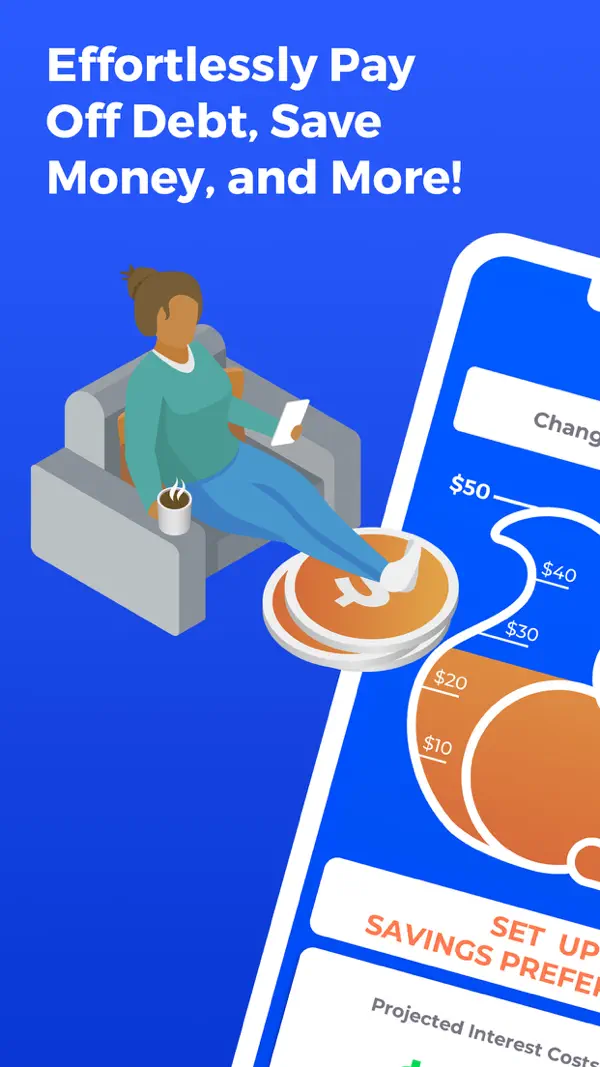
App Store marketing imageApp Store image 3 of 4 from the Changed listing.App Store listing, as of 
App Store marketing imageApp Store image 4 of 4 from the Changed listing.App Store listing, as of

App Store marketing imageApp Store image with the headline "Increase your credit score up to 70 pts" showing a credit score gauge at 720.App Store listing, as of 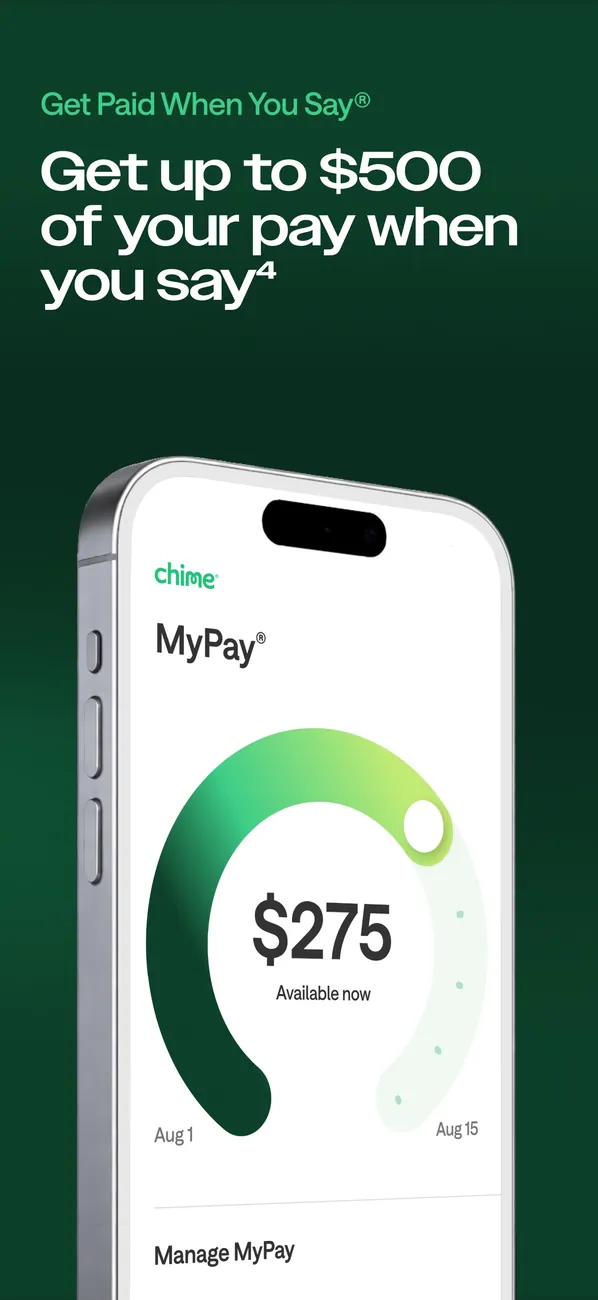
App Store marketing imageApp Store image with the headline "Get up to $500 of your pay when you say" showing a MyPay screen with $275 available.App Store listing, as of 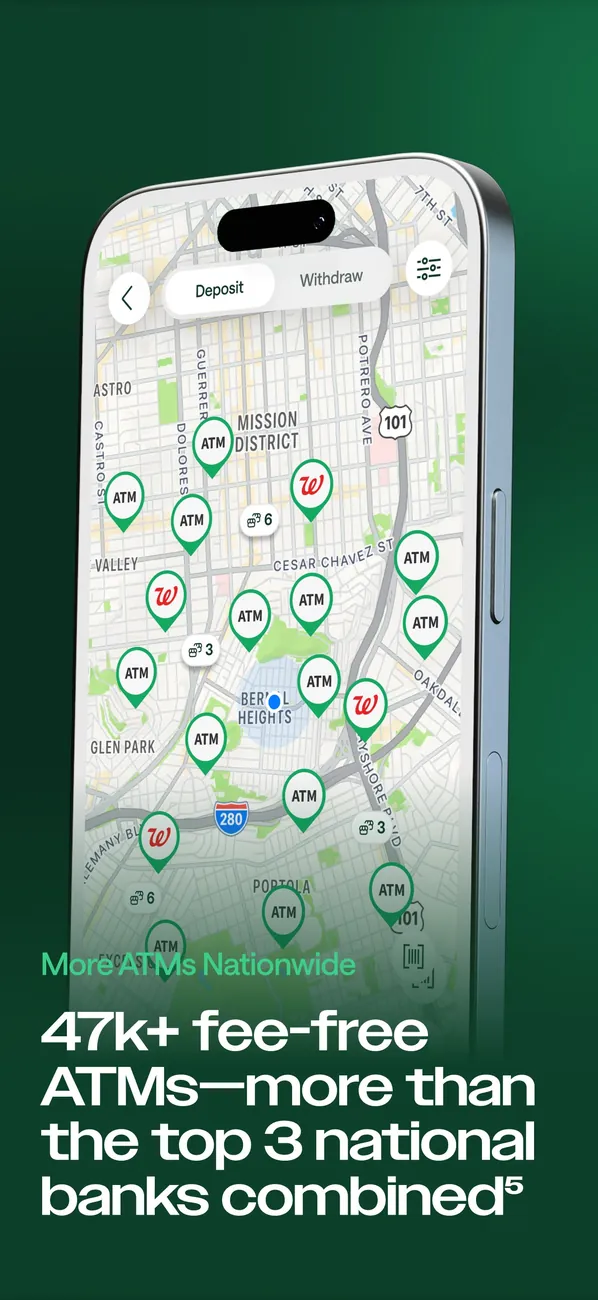
App Store marketing imageApp Store image with a fee-free ATMs headline showing a map with ATM pins.App Store listing, as of
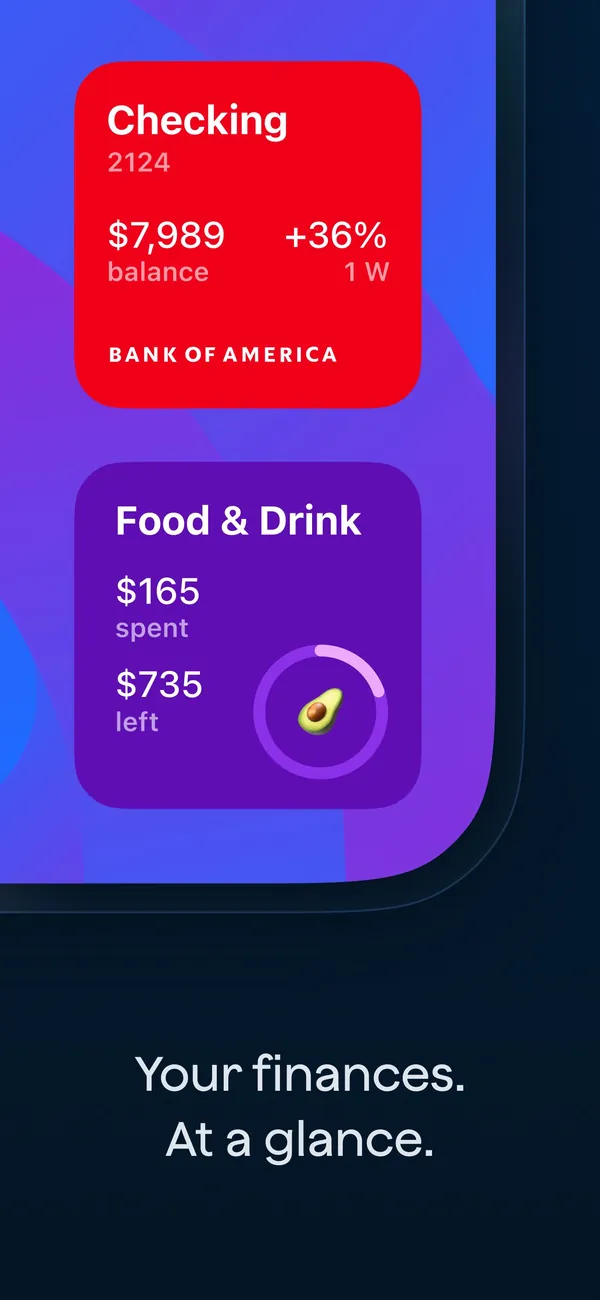
App Store marketing imageApp Store image with the headline "Your finances. At a glance." showing a Checking card and a Food & Drink card.App Store listing, as of 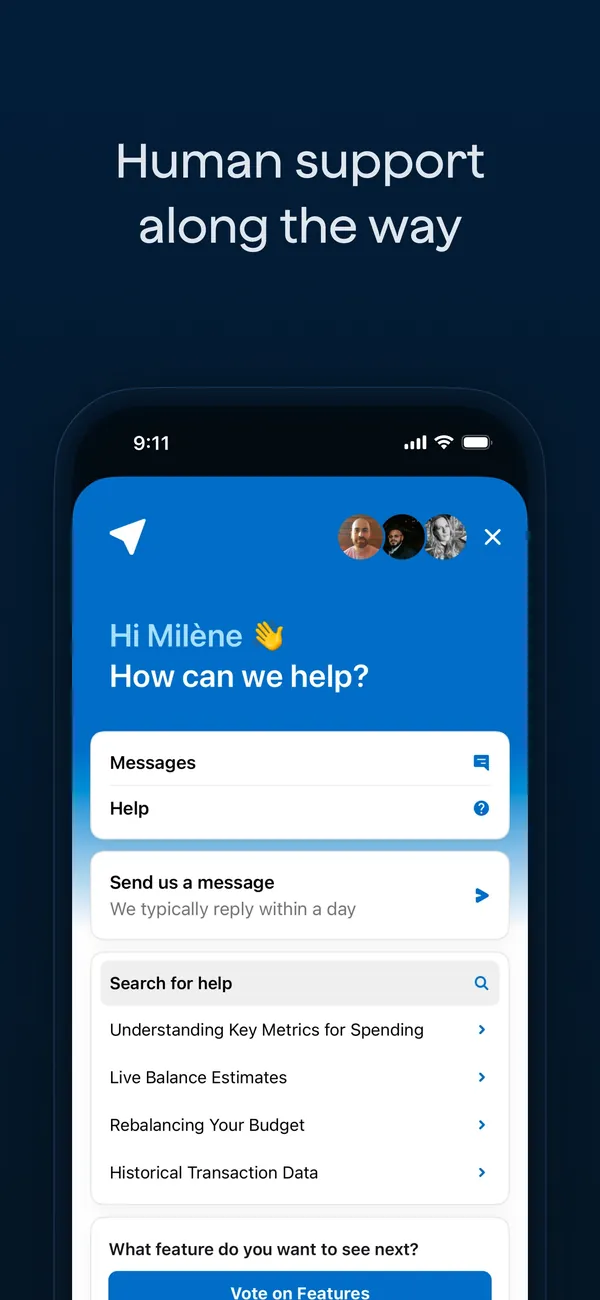
App Store marketing imageApp Store image with the headline "Human support along the way" showing an in-app help screen with Messages, Help and a search box.App Store listing, as of 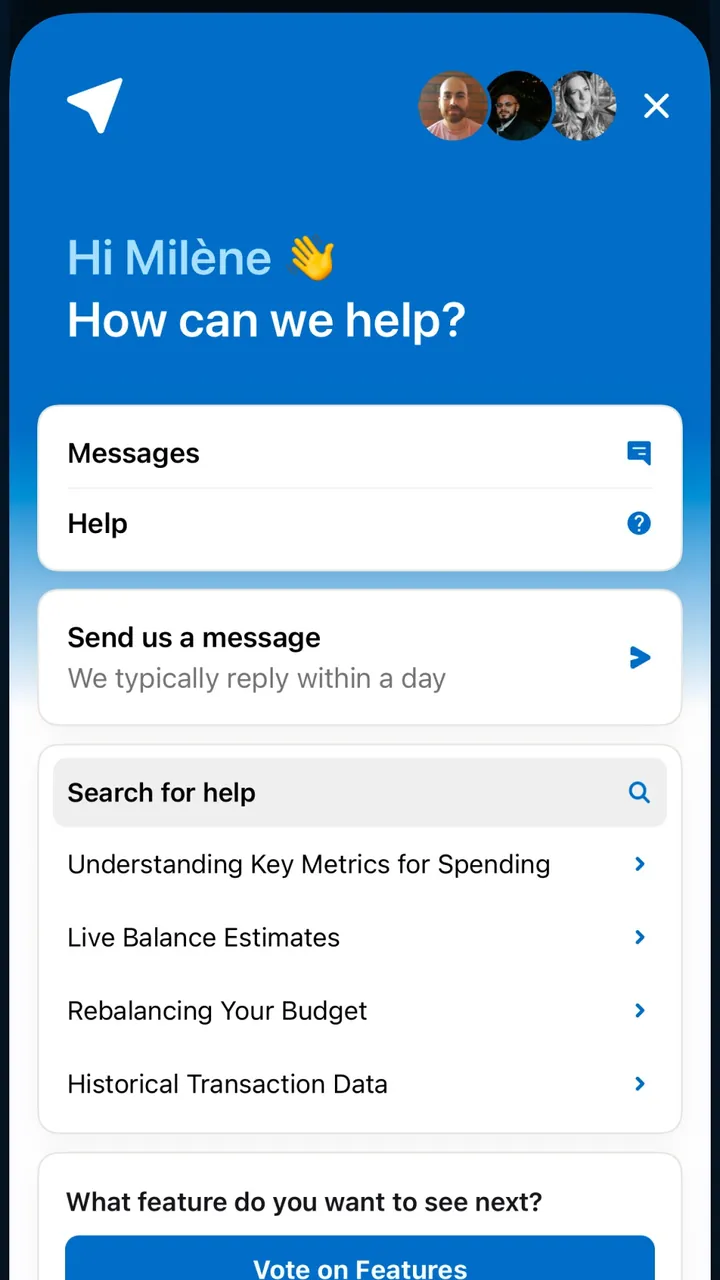
App Store marketing imageThe help screen: "How can we help?", Messages, Send us a message and a list of help articles.App Store listing, as of

App Store marketing imageApp Store image 1 of 4 from the Debt Payoff Planner listing.App Store listing, as of 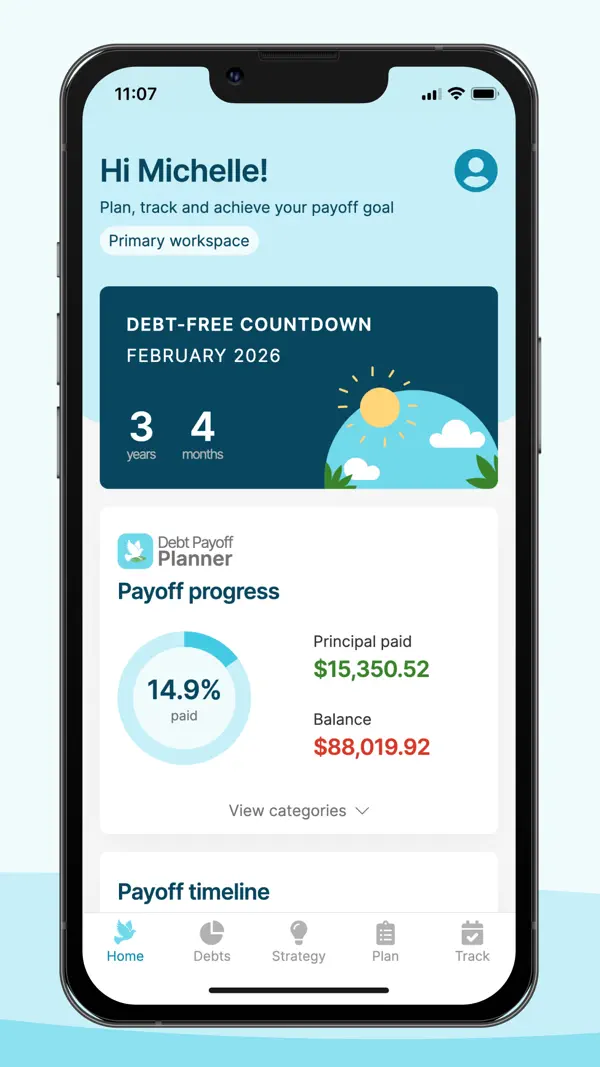
App Store marketing imageApp Store image 2 of 4 from the Debt Payoff Planner listing.App Store listing, as of 
App Store marketing imageApp Store image 3 of 4 from the Debt Payoff Planner listing.App Store listing, as of 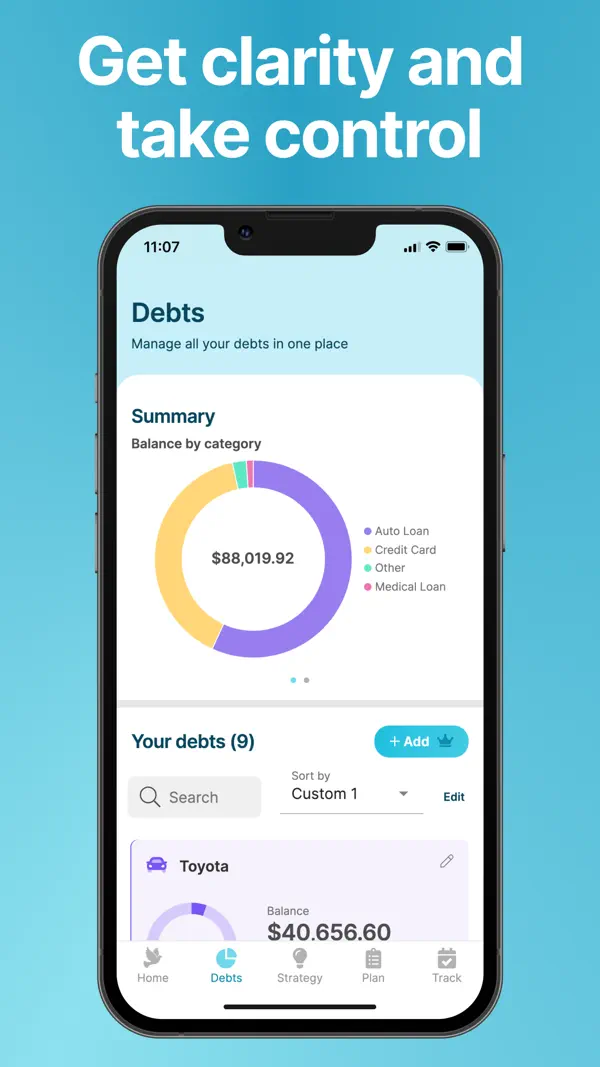
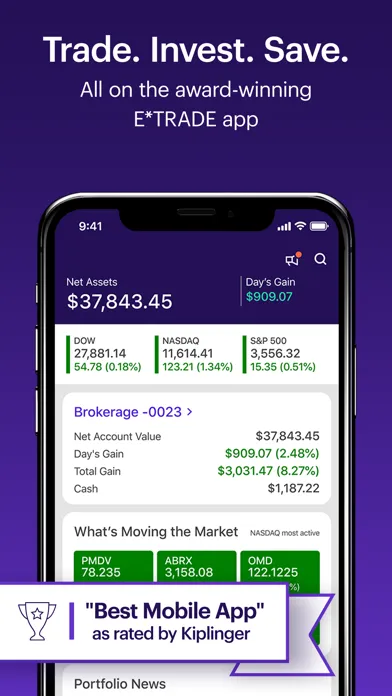
App Store marketing imageApp Store image 4 of 4 from the Debt Payoff Planner listing.App Store listing, as of

App Store marketing imageApp Store image 1 of 4 from the E*TRADE listing.App Store listing, as of 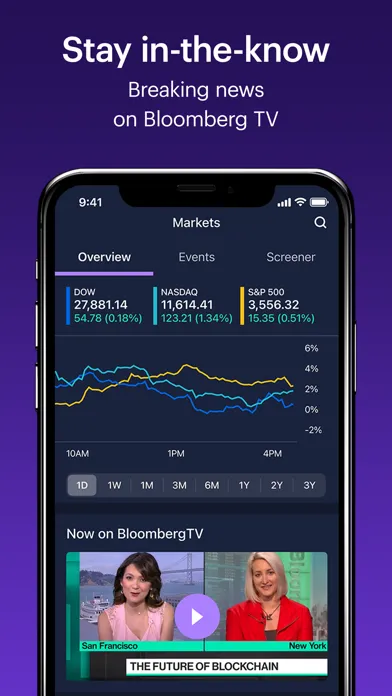
App Store marketing imageApp Store image 2 of 4 from the E*TRADE listing.App Store listing, as of 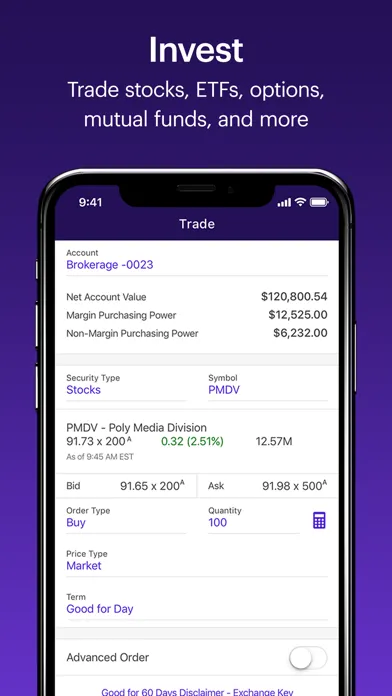
App Store marketing imageApp Store image 3 of 4 from the E*TRADE listing.App Store listing, as of 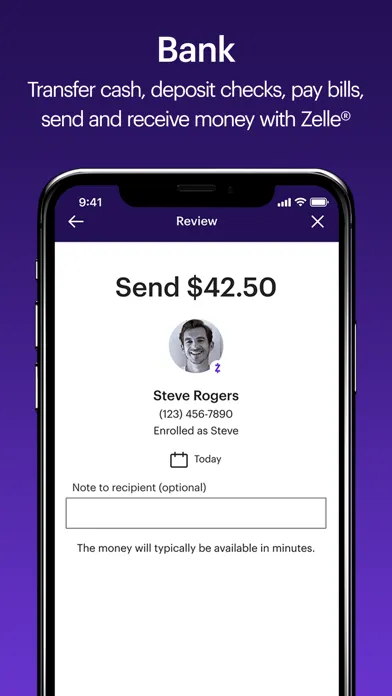
App Store marketing imageApp Store image 4 of 4 from the E*TRADE listing.App Store listing, as of

App Store marketing imageApp Store image with the headline "Join 10 Million Taking Control" showing a Debt card and a photo of a couple.App Store listing, as of 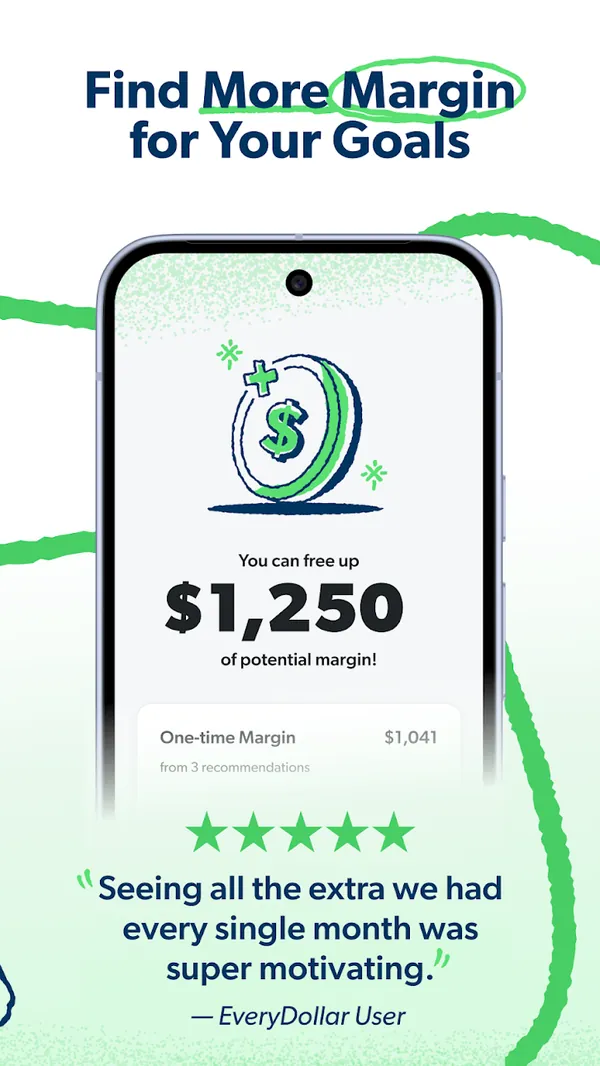
Google Play marketing imageGoogle Play image with the headline "Find More Margin for Your Goals" showing a screen that says you can free up $1,250 of potential margin.Google Play listing, as of 
App Store marketing imageThe bottom tab bar with Today, Budget, Transactions, Accounts and Insights.App Store listing, as of

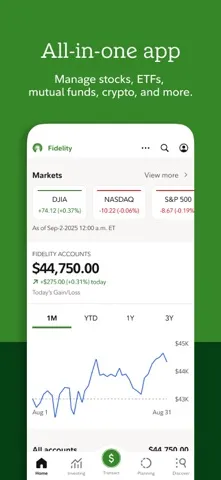
App Store marketing imageApp Store image 1 of 4 from the Fidelity Investments listing.App Store listing, as of 
App Store marketing imageApp Store image 2 of 4 from the Fidelity Investments listing.App Store listing, as of 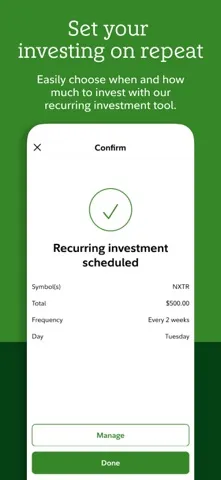
App Store marketing imageApp Store image 3 of 4 from the Fidelity Investments listing.App Store listing, as of 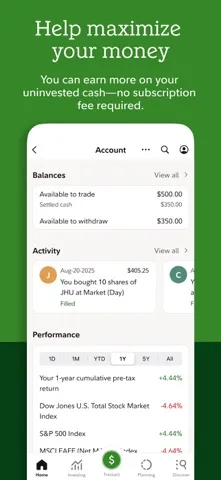
App Store marketing imageApp Store image 4 of 4 from the Fidelity Investments listing.App Store listing, as of

App Store marketing imageThe bottom tab bar with Envelopes, Transactions, Accounts, Reports and More.App Store listing, as of


App Store marketing imageApp Store image 1 of 4 from the M1 listing.App Store listing, as of 
App Store marketing imageApp Store image 2 of 4 from the M1 listing.App Store listing, as of 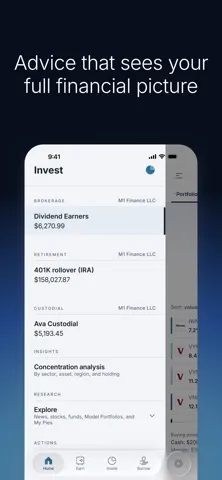
App Store marketing imageApp Store image 3 of 4 from the M1 listing.App Store listing, as of 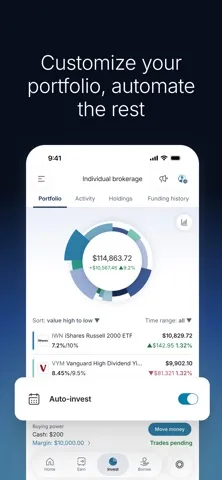
App Store marketing imageApp Store image 4 of 4 from the M1 listing.App Store listing, as of

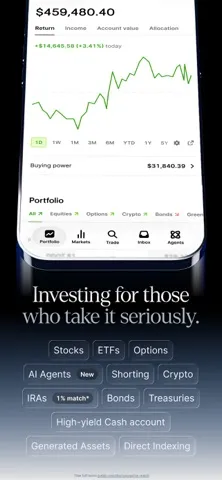
App Store marketing imageApp Store image 1 of 4 from the Public listing.App Store listing, as of 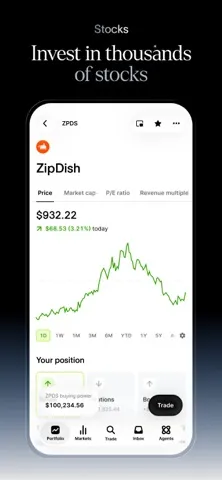
App Store marketing imageApp Store image 2 of 4 from the Public listing.App Store listing, as of 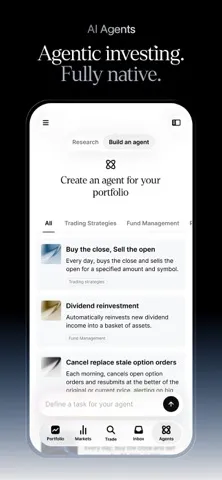
App Store marketing imageApp Store image 3 of 4 from the Public listing.App Store listing, as of 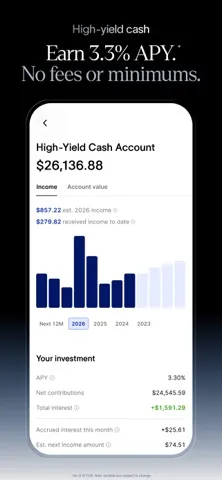
App Store marketing imageApp Store image 4 of 4 from the Public listing.App Store listing, as of


App Store marketing imageApp Store image 1 of 4 from the Robinhood listing.App Store listing, as of 
App Store marketing imageApp Store image 2 of 4 from the Robinhood listing.App Store listing, as of 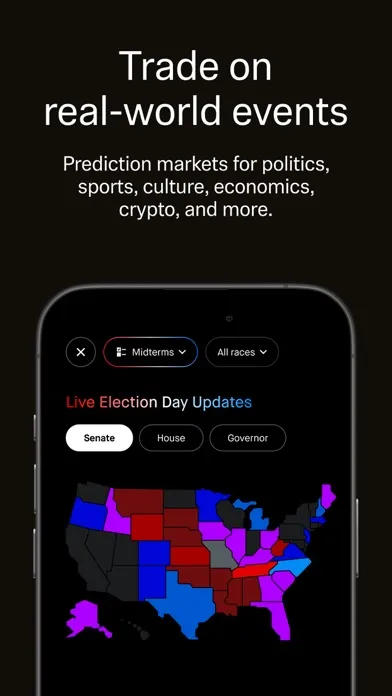
App Store marketing imageApp Store image 3 of 4 from the Robinhood listing.App Store listing, as of 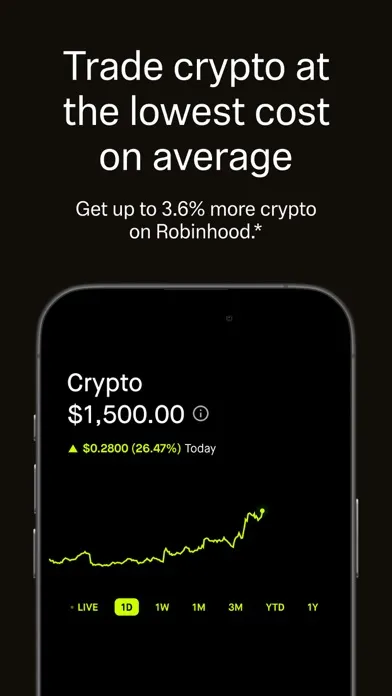
App Store marketing imageApp Store image 4 of 4 from the Robinhood listing.App Store listing, as of

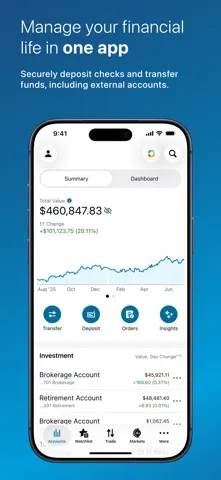
App Store marketing imageApp Store image 1 of 4 from the Charles Schwab listing.App Store listing, as of 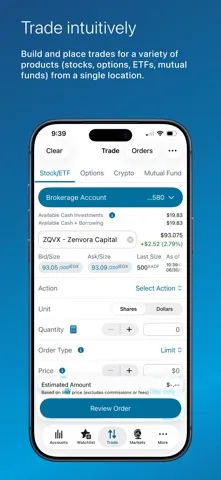
App Store marketing imageApp Store image 2 of 4 from the Charles Schwab listing.App Store listing, as of 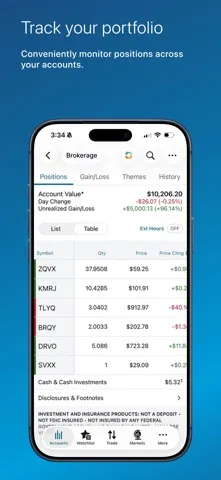
App Store marketing imageApp Store image 3 of 4 from the Charles Schwab listing.App Store listing, as of 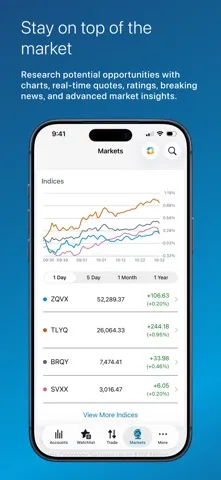
App Store marketing imageApp Store image 4 of 4 from the Charles Schwab listing.App Store listing, as of
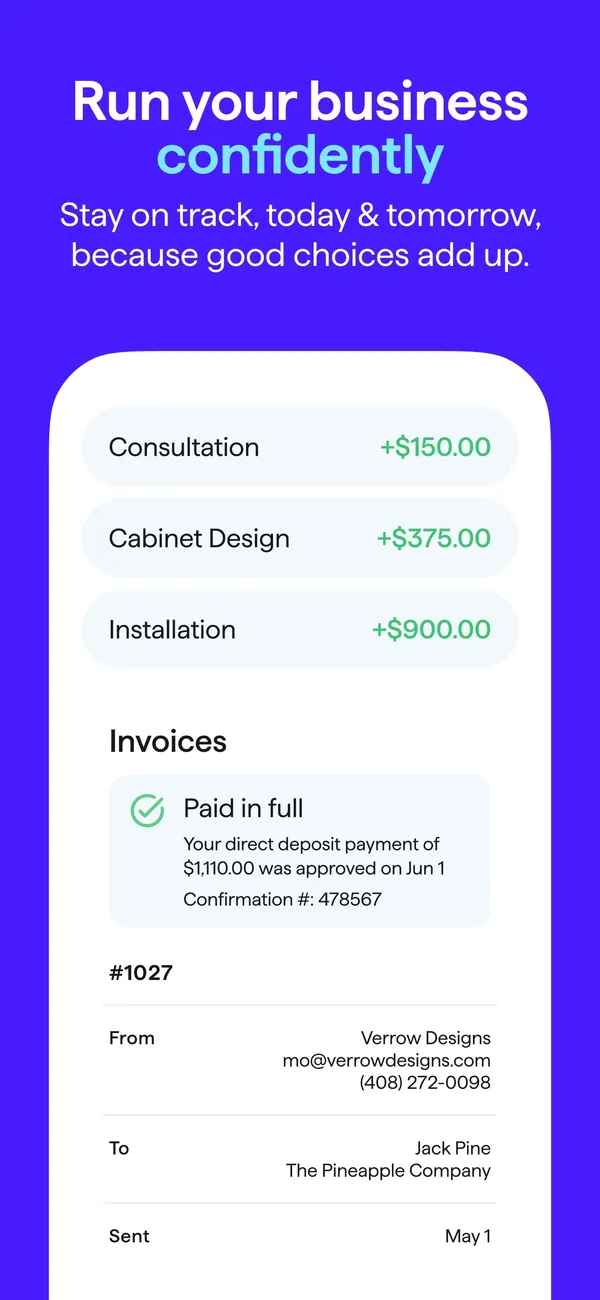
App Store marketing imageApp Store image with the headline "Run your business confidently" showing income rows and an invoice marked Paid in full.App Store listing, as of

App Store marketing imageApp Store image 1 of 4 from the SoFi Invest listing.App Store listing, as of 
App Store marketing imageApp Store image 2 of 4 from the SoFi Invest listing.App Store listing, as of 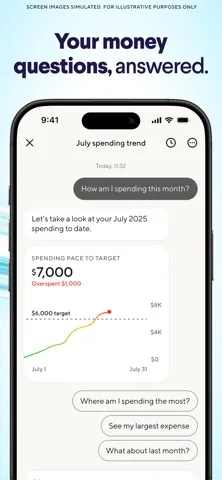
App Store marketing imageApp Store image 3 of 4 from the SoFi Invest listing.App Store listing, as of 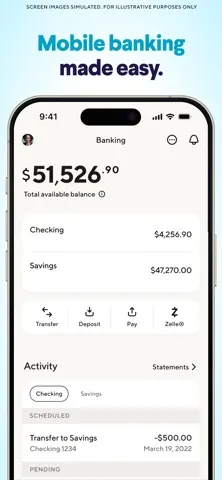
App Store marketing imageApp Store image 4 of 4 from the SoFi Invest listing.App Store listing, as of

App Store marketing imageApp Store image with the headline "Save more with the NEW SoFi Plus." showing a Welcome to SoFi Plus screen.App Store listing, as of

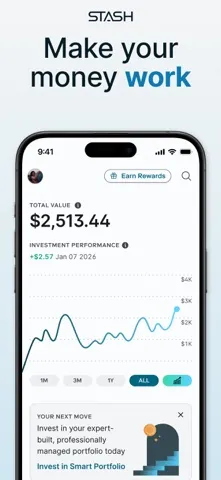
App Store marketing imageApp Store image 1 of 4 from the Stash listing.App Store listing, as of 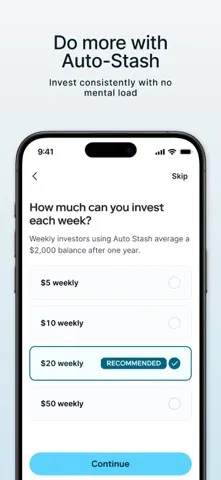
App Store marketing imageApp Store image 2 of 4 from the Stash listing.App Store listing, as of 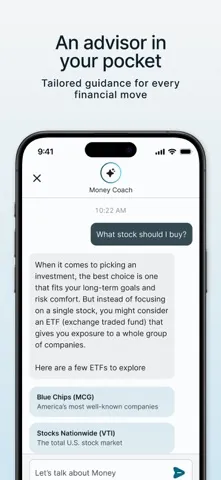
App Store marketing imageApp Store image 3 of 4 from the Stash listing.App Store listing, as of 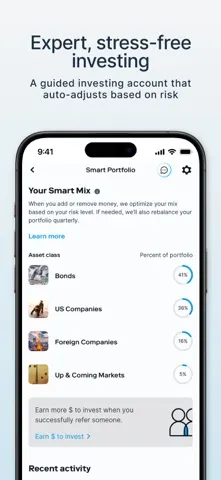
App Store marketing imageApp Store image 4 of 4 from the Stash listing.App Store listing, as of

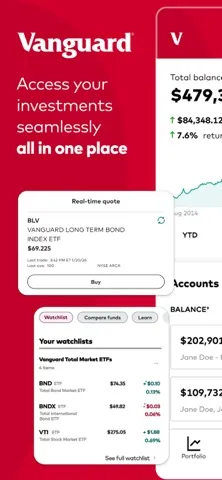
App Store marketing imageApp Store image 1 of 4 from the Vanguard listing.App Store listing, as of 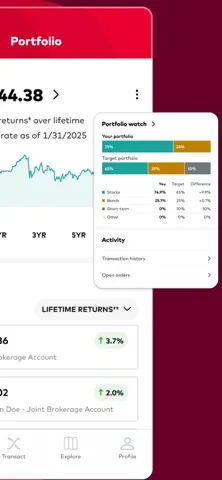
App Store marketing imageApp Store image 2 of 4 from the Vanguard listing.App Store listing, as of 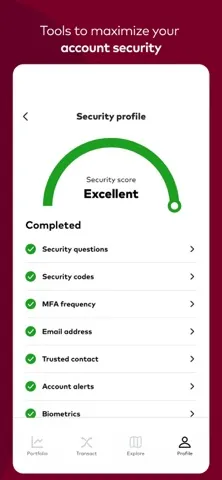
App Store marketing imageApp Store image 3 of 4 from the Vanguard listing.App Store listing, as of 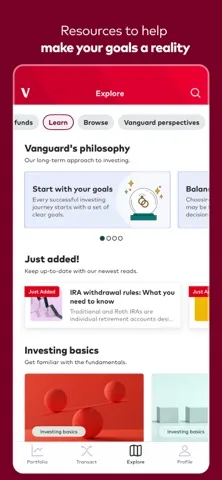
App Store marketing imageApp Store image 4 of 4 from the Vanguard listing.App Store listing, as of

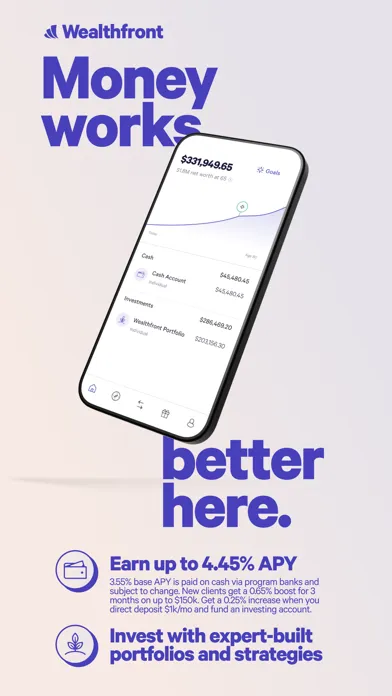
App Store marketing imageApp Store image 1 of 4 from the Wealthfront listing.App Store listing, as of 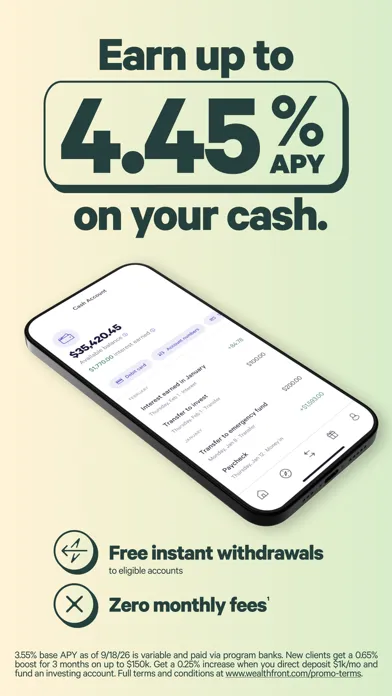
App Store marketing imageApp Store image 2 of 4 from the Wealthfront listing.App Store listing, as of 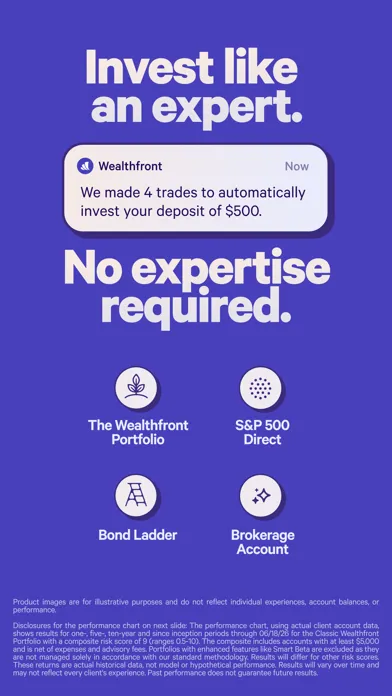
App Store marketing imageApp Store image 3 of 4 from the Wealthfront listing.App Store listing, as of 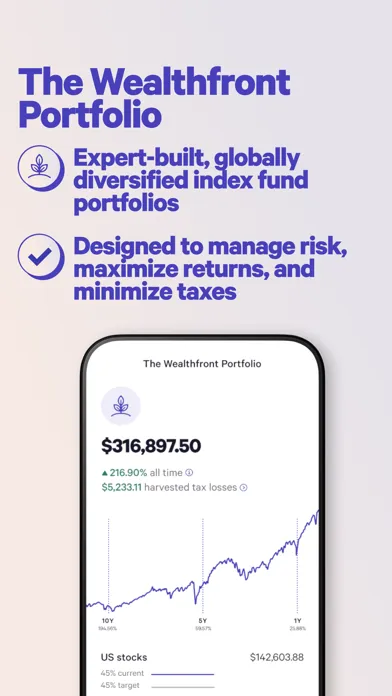
App Store marketing imageApp Store image 4 of 4 from the Wealthfront listing.App Store listing, as of

App Store marketing imageApp Store image 1 of 4 from the Webull listing.App Store listing, as of 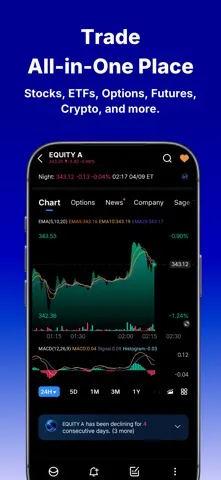
App Store marketing imageApp Store image 2 of 4 from the Webull listing.App Store listing, as of 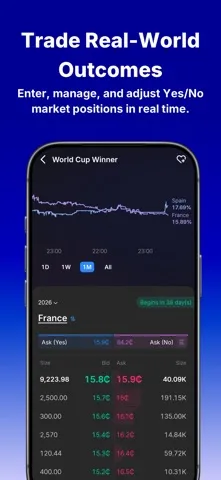
App Store marketing imageApp Store image 3 of 4 from the Webull listing.App Store listing, as of 
App Store marketing imageApp Store image 4 of 4 from the Webull listing.App Store listing, as of
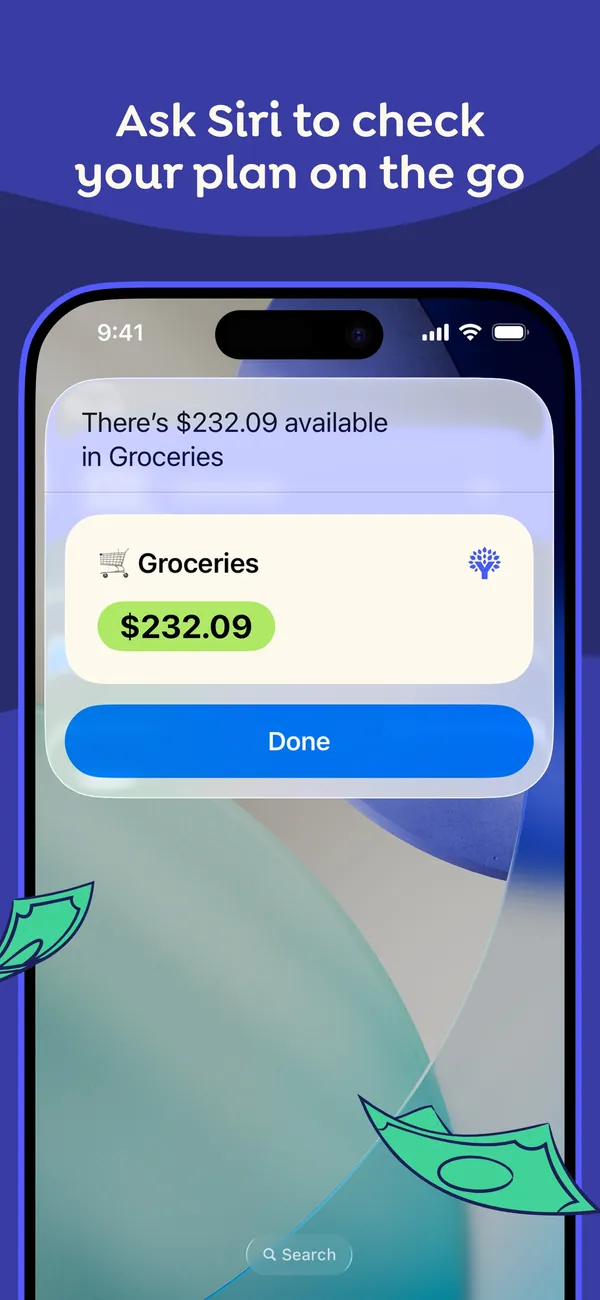
App Store marketing imageApp Store image with the headline "Ask Siri to check your plan on the go" showing a Siri result card that reads $232.09 available in Groceries.App Store listing, as of
This is education, not financial advice.