
Alternatives
M1 alternatives in 2026
Updated
Data as of
I earn commissions from some links.
 M1Investing app
M1 is an investing app. M1 doesn't charge commission, trading or management fees for self-directed brokerage accounts. It charges a platform fee of $3/month, waived for clients with more than $10,000 on the platform. We checked that on Nov 3, 2026. Below are 18 other apps, starting with the 14 other investing apps and then savings accounts and banking apps. They're ranked by how close each app's category is to M1's, not by how good it is, and every fact shows the date we checked it.
Before you compare: This compares features and fees from each company's own pages. It isn't investment advice, and investing involves risk, including loss of money.

Short answer
The closest alternatives to M1 are Acorns, Ally Invest and Betterment, because Acorns, Ally Invest and Betterment are also investing apps. M1 doesn't charge commission, trading or management fees for self-directed brokerage accounts. We checked M1 on Nov 3, 2026, and each card below puts an alternative's fees, minimums, platforms and ratings next to M1's, with the date we checked them.
What M1 says on its own pages
Before you compare, here is what M1 itself says about these points. Quotes are its own words, and each line links to the page we read.
- Sharing with a partner: “Both owners’ info is required, but account is accessible from a single login.” (source, opens in a new tab, checked )
- People per plan: “Two account owners share equal access and ownership.” (source, opens in a new tab, checked )
- Tax time: “M1 seamlessly integrates with TurboTax to allow you to import tax data from your Invest account(s).” (source, opens in a new tab, checked )
- Exporting your data: “You can view and download a CSV file of your account’s activity and holdings information on the web and our mobile app on iOS.” (source, opens in a new tab, checked )
- Age and family: “Opening an M1 Custodial Account (UTMA/UGMA) allows you to invest and manage assets on behalf of a minor” (source, opens in a new tab, checked )
What M1 and its alternatives cost
- M1
M1 doesn't charge commission, trading or management fees for self-directed brokerage accounts. It charges a platform fee of $3/month, waived for clients with more than $10,000 on the platform.
As of · m1.com
 Acorns
$4a month
Acorns has three monthly plans: Bronze at $4 a month, Silver at $8 a month, and Gold at $12 a month.
As of · acorns.com/pricing
 Ally Invest
 Robo Portfolios: the Cash-Enhanced Portfolio has a 0% advisory fee (it keeps 30% as a cash buffer), and the Market-Focused Portfolio has a 0.30% annual advisory fee.
- Betterment
Betterment's base price for investing accounts is $5/month. It switches to 0.25% a year of your investing balance once you set up recurring monthly deposits of $200 or more or reach a $24,000 balance. Premium is 0.65% a year and needs $100,000 invested.
As of · betterment.com/pricing
 Bloom
$15a month
Bloom offers a $15 monthly plan and a $99.99 annual plan, and its custodial plan costs $150 a year.
Cost over 1 and 3 years: $99.99 and $299.97, at the yearly list price before tax.
As of · bloomapp.com/faq
 Charles Schwab
Schwab Intelligent Portfolios, Schwab's robo-advisor, lists no advisory fee and no commissions. You still pay the operating expenses of the ETFs in the portfolio.
As of · schwab.com/pricing
 E*TRADE
's Core Portfolios list a flat annual advisory fee of 0.30% for an account market value of $500+.
 Fidelity Investments
Fidelity Go, Fidelity's robo advisor, lists a gross advisory fee of $0 for balances under $25,000 and 0.35% a year for $25,000 and above.
 Public
's Generated Assets portfolios list a management fee of 0.49% a year (its Dividends portfolio page, for example).
- Robinhood
Robinhood Strategies has a 0.25% annual management fee. Eligible Robinhood Gold members ($5 monthly subscription) pay it on only the first $100,000 of assets in their account.
As of · robinhood.com/us/en/strategies
 SoFi Invest
SoFi's fee schedule (last updated 10/1/2026) lists a 0.25% annual advisory fee for Robo-Advisor accounts.
 Stash
$12a month
The Stash Plan costs $12 a month, or $108 billed annually.
As of · stash.com/pricing
 Vanguard
 Digital Advisor charges an annual gross advisory fee of 0.20% for index portfolio options or 0.25% for an active portfolio option. That fee is reduced by a credit for revenue Vanguard keeps from the investments in your account.
- Wealthfront
Wealthfront's advisory fee for The Wealthfront Portfolio is 0.25% annually.
As of · wealthfront.com/pricing
 Webull
 Advisors lists an annualized advisory fee of 0.20% on diversified strategies, with fees from 0.15% to 0.30% depending on the portfolio.
- Ally Bank Savings
Ally charges no monthly maintenance fees on its savings account.
- SoFi Checking and Savings
SoFi says its Checking and Savings has no monthly, minimum or maintenance fees.
 Chime
Chime says its savings account has no fees, and you need an active Chime Checking Account to open one.
- MoneyLion
$0a month
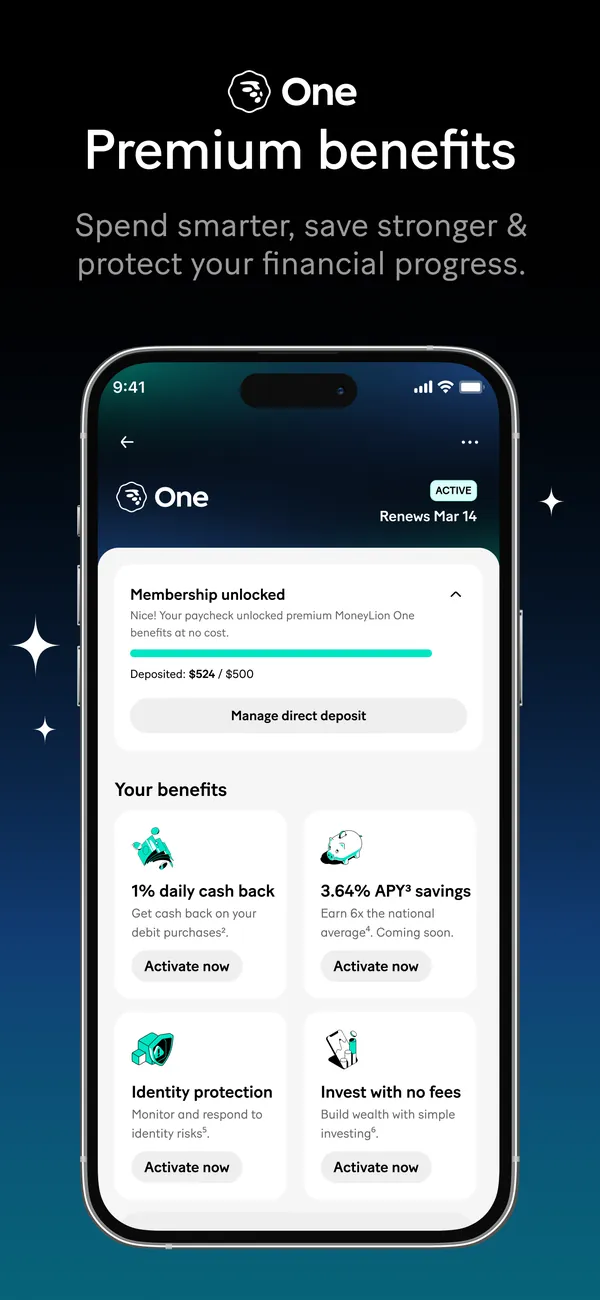
The optional MoneyLion One membership costs $9.99 a month, or $0 a month when you direct deposit $500 or more each month.
As of · moneylion.com/one


Bars show only when every app here lists a yearly price, so these prices sit side by side without them. Prices are list prices from each app's own page, before tax and any offer. Investing fees appear as each company states them. A yearly advisory fee is a percent of your balance, not a monthly price, so it never gets a bar or a price tag.
Alternatives to M1, closest category first
Each card puts the app's facts next to M1's, with the date we checked each one. The order follows how close the category is, not how good the app is.
How M1 compares at a glance
- On the App Store, against M1's 4.7, Betterment (4.8), Bloom (4.8), Charles Schwab (4.8), Fidelity (4.8), Wealthfront (4.8), Chime (4.8) and MoneyLion (4.8) rate higher and Ally Invest (4.6), Robinhood (4.3) and Vanguard (4.6) rate lower.
- M1 offers options for kids, which Betterment, Public, SoFi Invest, SoFi, Chime and MoneyLion say on their own pages they don't.
Other investing apps
- Same category
Acorns
Investing app
Acorns is an automated investing app that bundles investing, retirement and banking tools into monthly subscription plans.
- Management or subscription fee
- AcornsAcorns has three monthly plans: Bronze at $4 a month, Silver at $8 a month, and Gold at $12 a month.As of Oct 29, 2026. Source: acorns.com/pricing
- M1M1 doesn't charge commission, trading or management fees for self-directed brokerage accounts. It charges a platform fee of $3/month, waived for clients with more than $10,000 on the platform.As of Nov 3, 2026. Source: m1.com
- Account minimum
- AcornsAcorns' Form ADV wrap fee brochure says there is no minimum account size, and most clients can begin investing with as little as $5.Clients using real-time Round-Ups through Acorns' banking partners may begin investing with less than $5.As of Oct 29, 2026. Source: sqy7rm.media.zestyio.com/Acorns-Wrap-Fee-Program-Brochure--August-2026-.pdf
- M1M1 lists a $100 minimum initial deposit for Individual, Joint, Custodial and Crypto accounts, $500 for Traditional, Roth and SEP IRAs, and $5,000 for Trust accounts. After the first deposit, additional deposits can be $10 or more.As of Nov 3, 2026. Source: help.m1.com/en/articles/9332048-your-first-deposit-at-m1
- Platforms
- AcornsAcorns lists Mobile app and Web app.As of Oct 29, 2026. Source: sqy7rm.media.zestyio.com/Acorns-Securities-Acorns-Advisers-Form-CRS--August-2026-.pdf
- M1M1 lists Web, iOS and Android.As of Nov 3, 2026. Source: help.m1.com/en/articles/9332048-your-first-deposit-at-m1
- App store rating
- AcornsAcorns has 4.7 out of 5 on the App Store from 960,195 ratings.As of Oct 29, 2026. Source: App Store listing
- M1M1 has 4.7 out of 5 on the App Store from 75,319 ratings.As of Nov 3, 2026. Source: App Store listing
How Acorns differs from M1
Acorns and M1 are both investing apps. Acorns offers exports for tax time and options for kids, which M1 includes too. Like M1, Acorns lists phone, email and chat support. Acorns is rated 4.7 from 960,195 ratings on the App Store, the same 4.7 rating M1 has.
Who it fits
- Acorns lists an APY on deposits. That fits a Saver, whose first fix is putting saved money to work.
- Same category
Ally Invest
Investing app
Ally Invest is Ally's investing service in the Ally app, with self-directed trading and Robo Portfolios. Ally's savings account has its own entry.
- Management or subscription fee
- Ally InvestAlly Invest Robo Portfolios: the Cash-Enhanced Portfolio has a 0% advisory fee (it keeps 30% as a cash buffer), and the Market-Focused Portfolio has a 0.30% annual advisory fee.As of Nov 3, 2026. Source: ally.com/invest/commissions-and-fees
- M1M1 doesn't charge commission, trading or management fees for self-directed brokerage accounts. It charges a platform fee of $3/month, waived for clients with more than $10,000 on the platform.As of Nov 3, 2026. Source: m1.com
- Account minimum
- Ally InvestAlly says there's no minimum deposit to open a Self-Directed brokerage cash account. Margin accounts require $2,000, and Robo Portfolios require a $100 initial minimum deposit.As of Nov 3, 2026. Source: ally.com/invest/robo-automated-investing
- M1M1 lists a $100 minimum initial deposit for Individual, Joint, Custodial and Crypto accounts, $500 for Traditional, Roth and SEP IRAs, and $5,000 for Trust accounts. After the first deposit, additional deposits can be $10 or more.As of Nov 3, 2026. Source: help.m1.com/en/articles/9332048-your-first-deposit-at-m1
- Platforms
- Ally InvestAlly Invest lists iOS and Android.As of Nov 3, 2026. Source: ally.com/bank/online-banking
- M1M1 lists Web, iOS and Android.As of Nov 3, 2026. Source: help.m1.com/en/articles/9332048-your-first-deposit-at-m1
- App store rating
- Ally InvestAlly Invest has 4.6 out of 5 on the App Store from 114,502 ratings.As of Nov 3, 2026. Source: App Store listing
- M1M1 has 4.7 out of 5 on the App Store from 75,319 ratings.As of Nov 3, 2026. Source: App Store listing
How Ally Invest differs from M1
M1 provides email support, which Ally Invest doesn't list. On the App Store, Ally Invest is rated 4.6 from 114,502 ratings, next to M1's 4.7 from 75,319 ratings. Ally Invest and M1 are both investing apps. Like M1, Ally Invest runs on iPhone and Android. Ally Invest offers exports for tax time and options for kids, which M1 includes too. Like M1, Ally Invest lists phone and chat support.
- Same category
Betterment
Investing app
Betterment is an automated investing app with managed portfolios, IRAs and other retirement accounts, and commission-free stock and ETF trading.
- Management or subscription fee
- BettermentBetterment's base price for investing accounts is $5/month. It switches to 0.25% a year of your investing balance once you set up recurring monthly deposits of $200 or more or reach a $24,000 balance. Premium is 0.65% a year and needs $100,000 invested.As of Nov 3, 2026. Source: betterment.com/pricing
- M1M1 doesn't charge commission, trading or management fees for self-directed brokerage accounts. It charges a platform fee of $3/month, waived for clients with more than $10,000 on the platform.As of Nov 3, 2026. Source: m1.com
- Account minimum
- BettermentBetterment says pricing for its investment portfolios begins at $5/month, with no minimum balance.As of Nov 3, 2026. Source: betterment.com/pricing
- M1M1 lists a $100 minimum initial deposit for Individual, Joint, Custodial and Crypto accounts, $500 for Traditional, Roth and SEP IRAs, and $5,000 for Trust accounts. After the first deposit, additional deposits can be $10 or more.As of Nov 3, 2026. Source: help.m1.com/en/articles/9332048-your-first-deposit-at-m1
- Platforms
- BettermentBetterment lists Web, iOS and Android.As of Nov 3, 2026. Source: betterment.com/help/tag/mobile-app
- M1M1 lists Web, iOS and Android.As of Nov 3, 2026. Source: help.m1.com/en/articles/9332048-your-first-deposit-at-m1
- App store rating
- BettermentBetterment has 4.8 out of 5 on the App Store from 66,359 ratings.As of Nov 3, 2026. Source: App Store listing
- M1M1 has 4.7 out of 5 on the App Store from 75,319 ratings.As of Nov 3, 2026. Source: App Store listing
How Betterment differs from M1
M1 includes options for kids, which Betterment says it doesn't offer. M1 provides email and chat support, which Betterment doesn't list. Betterment rates 4.8 from 66,359 ratings on the App Store, where M1 sits at 4.7 from 75,319 ratings. Like M1, Betterment is an investing app. Betterment runs on the same platforms M1 covers: the web, iPhone and Android. Like M1, Betterment offers data export and exports for tax time. Betterment allows up to 2 people on one plan, matching M1's cap. Like M1, Betterment lists phone support.
- Same category
Bloom
Investing app
Bloom is a subscription app for learning to invest, with lessons, games and an investing account for adults and teens.
- Management or subscription fee
- BloomBloom offers a $15 monthly plan and a $99.99 annual plan, and its custodial plan costs $150 a year.As of Nov 3, 2026. Source: bloomapp.com/faq
- M1M1 doesn't charge commission, trading or management fees for self-directed brokerage accounts. It charges a platform fee of $3/month, waived for clients with more than $10,000 on the platform.As of Nov 3, 2026. Source: m1.com
- Account minimum
- BloomBloom has no minimum account balance, but deposits and stock orders must be at least $1.As of Nov 3, 2026. Source: bloomapp.com/faq
- M1M1 lists a $100 minimum initial deposit for Individual, Joint, Custodial and Crypto accounts, $500 for Traditional, Roth and SEP IRAs, and $5,000 for Trust accounts. After the first deposit, additional deposits can be $10 or more.As of Nov 3, 2026. Source: help.m1.com/en/articles/9332048-your-first-deposit-at-m1
- Platforms
- BloomBloom lists iOS and Android.As of Nov 3, 2026. Source: bloomapp.com
- M1M1 lists Web, iOS and Android.As of Nov 3, 2026. Source: help.m1.com/en/articles/9332048-your-first-deposit-at-m1
- App store rating
- BloomBloom has 4.8 out of 5 on the App Store from 46,609 ratings.As of Nov 3, 2026. Source: App Store listing
- M1M1 has 4.7 out of 5 on the App Store from 75,319 ratings.As of Nov 3, 2026. Source: App Store listing
How Bloom differs from M1
Bloom doesn't list phone and chat support, which M1 provides. Bloom rates 4.8 from 46,609 ratings on the App Store, where M1 sits at 4.7 from 75,319 ratings. Bloom is an investing app, the same kind of app as M1. Bloom runs on iPhone and Android, as M1 does. Like M1, Bloom offers options for kids. Bloom lists email support, which M1 provides too.
- Same category
Charles Schwab
Investing app
Charles Schwab is a brokerage with the Schwab Mobile app, retirement and custodial accounts, and a robo-advisor called Schwab Intelligent Portfolios.
- Management or subscription fee
- Charles SchwabSchwab Intelligent Portfolios, Schwab's robo-advisor, lists no advisory fee and no commissions. You still pay the operating expenses of the ETFs in the portfolio.As of Nov 3, 2026. Source: schwab.com/pricing
- M1M1 doesn't charge commission, trading or management fees for self-directed brokerage accounts. It charges a platform fee of $3/month, waived for clients with more than $10,000 on the platform.As of Nov 3, 2026. Source: m1.com
- Account minimum
- Charles SchwabSchwab lists a $0 account minimum and $0 opening and maintenance fees for brokerage accounts and IRAs. Schwab Intelligent Portfolios has a $5,000 minimum.As of Nov 3, 2026. Source: schwab.com/pricing
- M1M1 lists a $100 minimum initial deposit for Individual, Joint, Custodial and Crypto accounts, $500 for Traditional, Roth and SEP IRAs, and $5,000 for Trust accounts. After the first deposit, additional deposits can be $10 or more.As of Nov 3, 2026. Source: help.m1.com/en/articles/9332048-your-first-deposit-at-m1
- Platforms
- Charles SchwabCharles Schwab lists iOS and Android.As of Nov 3, 2026. Source: schwab.com/mobile
- M1M1 lists Web, iOS and Android.As of Nov 3, 2026. Source: help.m1.com/en/articles/9332048-your-first-deposit-at-m1
- App store rating
- Charles SchwabCharles Schwab has 4.8 out of 5 on the App Store from 1,211,167 ratings.As of Nov 3, 2026. Source: App Store listing
- M1M1 has 4.7 out of 5 on the App Store from 75,319 ratings.As of Nov 3, 2026. Source: App Store listing
How Charles Schwab differs from M1
M1 provides email support, which Charles Schwab doesn't list. Charles Schwab's App Store rating is 4.8 from 1,211,167 ratings, against 4.7 from 75,319 ratings for M1. Charles Schwab is an investing app, the same kind of app as M1. Like M1, Charles Schwab runs on iPhone and Android. Charles Schwab offers exports for tax time and options for kids, which M1 includes too. Like M1, Charles Schwab lists phone and chat support.
- Same category
E*TRADE
Investing app
E*TRADE, from Morgan Stanley, is a brokerage with an investing app, retirement and education accounts, and managed Core Portfolios.
- Management or subscription fee
- E*TRADEE*TRADE's Core Portfolios list a flat annual advisory fee of 0.30% for an account market value of $500+.As of Nov 3, 2026. Source: us.etrade.com/what-we-offer/pricing-and-rates
- M1M1 doesn't charge commission, trading or management fees for self-directed brokerage accounts. It charges a platform fee of $3/month, waived for clients with more than $10,000 on the platform.As of Nov 3, 2026. Source: m1.com
- Account minimum
- E*TRADEE*TRADE says its brokerage account has no account minimums or maintenance fees, and that other fees may apply.As of Nov 3, 2026. Source: us.etrade.com/what-we-offer/our-accounts/brokerage-account
- M1M1 lists a $100 minimum initial deposit for Individual, Joint, Custodial and Crypto accounts, $500 for Traditional, Roth and SEP IRAs, and $5,000 for Trust accounts. After the first deposit, additional deposits can be $10 or more.As of Nov 3, 2026. Source: help.m1.com/en/articles/9332048-your-first-deposit-at-m1
- Platforms
- E*TRADEE*TRADE lists Power E*TRADE Pro, Power E*TRADE Web, Power E*TRADE App, E*TRADE App and E*TRADE Web.As of Nov 3, 2026. Source: us.etrade.com/platforms
- M1M1 lists Web, iOS and Android.As of Nov 3, 2026. Source: help.m1.com/en/articles/9332048-your-first-deposit-at-m1
- App store rating
- E*TRADEE*TRADE has 4.7 out of 5 on the App Store from 380,746 ratings.As of Nov 3, 2026. Source: App Store listing
- M1M1 has 4.7 out of 5 on the App Store from 75,319 ratings.As of Nov 3, 2026. Source: App Store listing
How E*TRADE differs from M1
E*TRADE doesn't list email and chat support, which M1 provides. E*TRADE is an investing app, the same kind of app as M1. On data export and options for kids, E*TRADE matches M1. E*TRADE lists phone support, which M1 provides too. Like M1, E*TRADE is rated 4.7 on the App Store.
- Same category
Fidelity Investments
Investing app
Fidelity is a brokerage with an investing app, retirement and education accounts, and a robo advisor called Fidelity Go.
- Management or subscription fee
- FidelityFidelity Go, Fidelity's robo advisor, lists a gross advisory fee of $0 for balances under $25,000 and 0.35% a year for $25,000 and above.As of Nov 3, 2026. Source: fidelity.com/why-fidelity/pricing-fees
- M1M1 doesn't charge commission, trading or management fees for self-directed brokerage accounts. It charges a platform fee of $3/month, waived for clients with more than $10,000 on the platform.As of Nov 3, 2026. Source: m1.com
- Account minimum
- FidelityFidelity lists no account fees and no minimums to open a retail brokerage account, including IRAs. Fidelity Go, its robo advisor, lists no account minimum.As of Nov 3, 2026. Source: fidelity.com/why-fidelity/pricing-fees
- M1M1 lists a $100 minimum initial deposit for Individual, Joint, Custodial and Crypto accounts, $500 for Traditional, Roth and SEP IRAs, and $5,000 for Trust accounts. After the first deposit, additional deposits can be $10 or more.As of Nov 3, 2026. Source: help.m1.com/en/articles/9332048-your-first-deposit-at-m1
- Platforms
- FidelityFidelity Investments lists iOS and Android.As of Nov 3, 2026. Source: fidelity.com/mobile/overview
- M1M1 lists Web, iOS and Android.As of Nov 3, 2026. Source: help.m1.com/en/articles/9332048-your-first-deposit-at-m1
- App store rating
- FidelityFidelity Investments has 4.8 out of 5 on the App Store from 3,378,991 ratings.As of Nov 3, 2026. Source: App Store listing
- M1M1 has 4.7 out of 5 on the App Store from 75,319 ratings.As of Nov 3, 2026. Source: App Store listing
How Fidelity differs from M1
M1 provides email support, which Fidelity doesn't list. Fidelity's App Store rating is 4.8 from 3,378,991 ratings, against 4.7 from 75,319 ratings for M1. Fidelity is an investing app, the same kind of app as M1. Like M1, Fidelity runs on iPhone and Android. Like M1, Fidelity offers data export, exports for tax time and options for kids. Like M1, Fidelity lists phone and chat support.
- Same category
Public
Investing app
Public is an investing app for stocks, ETFs, options, bonds and crypto, with IRAs and managed Generated Assets portfolios.
- Management or subscription fee
- PublicPublic's Generated Assets portfolios list a management fee of 0.49% a year (its Dividends portfolio page, for example).As of Nov 3, 2026. Source: public.com/generated-assets/dividends-2f14c2d8
- M1M1 doesn't charge commission, trading or management fees for self-directed brokerage accounts. It charges a platform fee of $3/month, waived for clients with more than $10,000 on the platform.As of Nov 3, 2026. Source: m1.com
- Account minimum
- PublicPublic says the minimum investment for Generated Assets like its Dividends portfolio is $1,000.As of Nov 3, 2026. Source: public.com/generated-assets/dividends-2f14c2d8
- M1M1 lists a $100 minimum initial deposit for Individual, Joint, Custodial and Crypto accounts, $500 for Traditional, Roth and SEP IRAs, and $5,000 for Trust accounts. After the first deposit, additional deposits can be $10 or more.As of Nov 3, 2026. Source: help.m1.com/en/articles/9332048-your-first-deposit-at-m1
- Platforms
- PublicPublic lists Mobile app and Web.As of Nov 3, 2026. Source: help.public.com/en/articles/5724380-explore-the-new-investing-experience-on-the-web
- M1M1 lists Web, iOS and Android.As of Nov 3, 2026. Source: help.m1.com/en/articles/9332048-your-first-deposit-at-m1
- App store rating
- PublicPublic has 4.7 out of 5 on the App Store from 85,695 ratings.As of Nov 3, 2026. Source: App Store listing
- M1M1 has 4.7 out of 5 on the App Store from 75,319 ratings.As of Nov 3, 2026. Source: App Store listing
How Public differs from M1
Public's own pages say it doesn't offer options for kids, which M1 includes. Public doesn't list phone support, which M1 provides. Like M1, Public is an investing app. Public offers exports for tax time, which M1 includes too. Public lists email and chat support, which M1 provides too. Like M1, Public is rated 4.7 on the App Store.
- Same category
Robinhood
Investing app
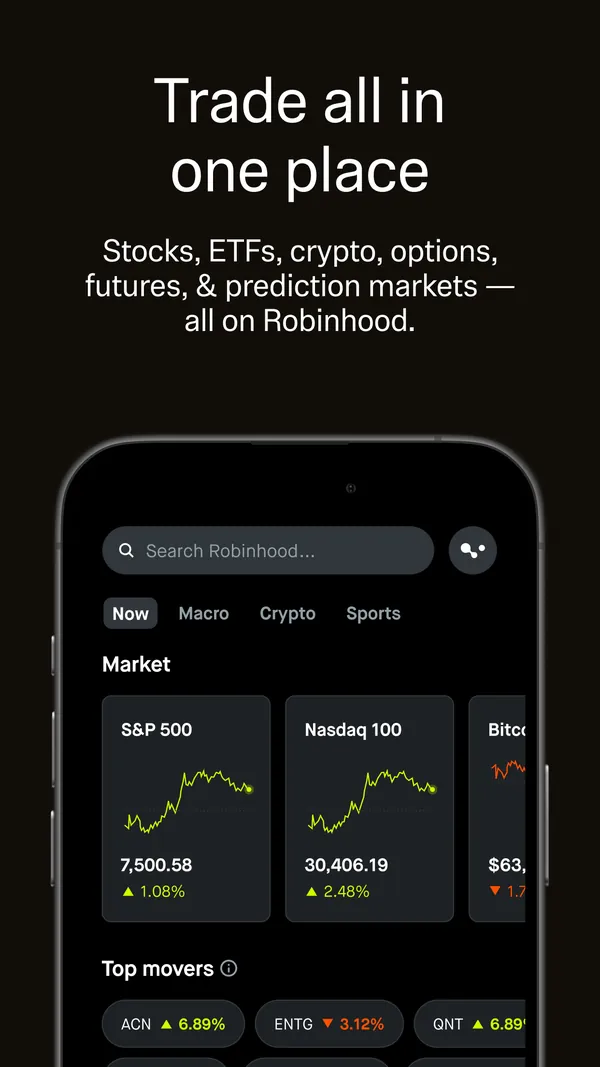
Robinhood is a commission-free trading app with retirement and custodial accounts and a managed portfolio service called Robinhood Strategies.
- Management or subscription fee
- RobinhoodRobinhood Strategies has a 0.25% annual management fee. Eligible Robinhood Gold members ($5 monthly subscription) pay it on only the first $100,000 of assets in their account.As of Nov 3, 2026. Source: robinhood.com/us/en/strategies
- M1M1 doesn't charge commission, trading or management fees for self-directed brokerage accounts. It charges a platform fee of $3/month, waived for clients with more than $10,000 on the platform.As of Nov 3, 2026. Source: m1.com
- Account minimum
- RobinhoodRobinhood Strategies has a minimum investment requirement of $50.As of Nov 3, 2026. Source: robinhood.com/us/en/strategies
- M1M1 lists a $100 minimum initial deposit for Individual, Joint, Custodial and Crypto accounts, $500 for Traditional, Roth and SEP IRAs, and $5,000 for Trust accounts. After the first deposit, additional deposits can be $10 or more.As of Nov 3, 2026. Source: help.m1.com/en/articles/9332048-your-first-deposit-at-m1
- Platforms
- RobinhoodRobinhood lists Robinhood app and Robinhood Legend.As of Nov 3, 2026. Source: robinhood.com/us/en
- M1M1 lists Web, iOS and Android.As of Nov 3, 2026. Source: help.m1.com/en/articles/9332048-your-first-deposit-at-m1
- App store rating
- RobinhoodRobinhood has 4.3 out of 5 on the App Store from 4,901,225 ratings.As of Nov 3, 2026. Source: App Store listing
- M1M1 has 4.7 out of 5 on the App Store from 75,319 ratings.As of Nov 3, 2026. Source: App Store listing
How Robinhood differs from M1
M1 provides email support, which Robinhood doesn't list. Robinhood's App Store rating is 4.3 from 4,901,225 ratings, against 4.7 from 75,319 ratings for M1. Robinhood and M1 are both investing apps. On data export, exports for tax time and options for kids, Robinhood matches M1. Robinhood allows up to 2 people on one plan, matching M1's cap. Like M1, Robinhood lists phone and chat support.
- Same category
SoFi Invest
Investing app
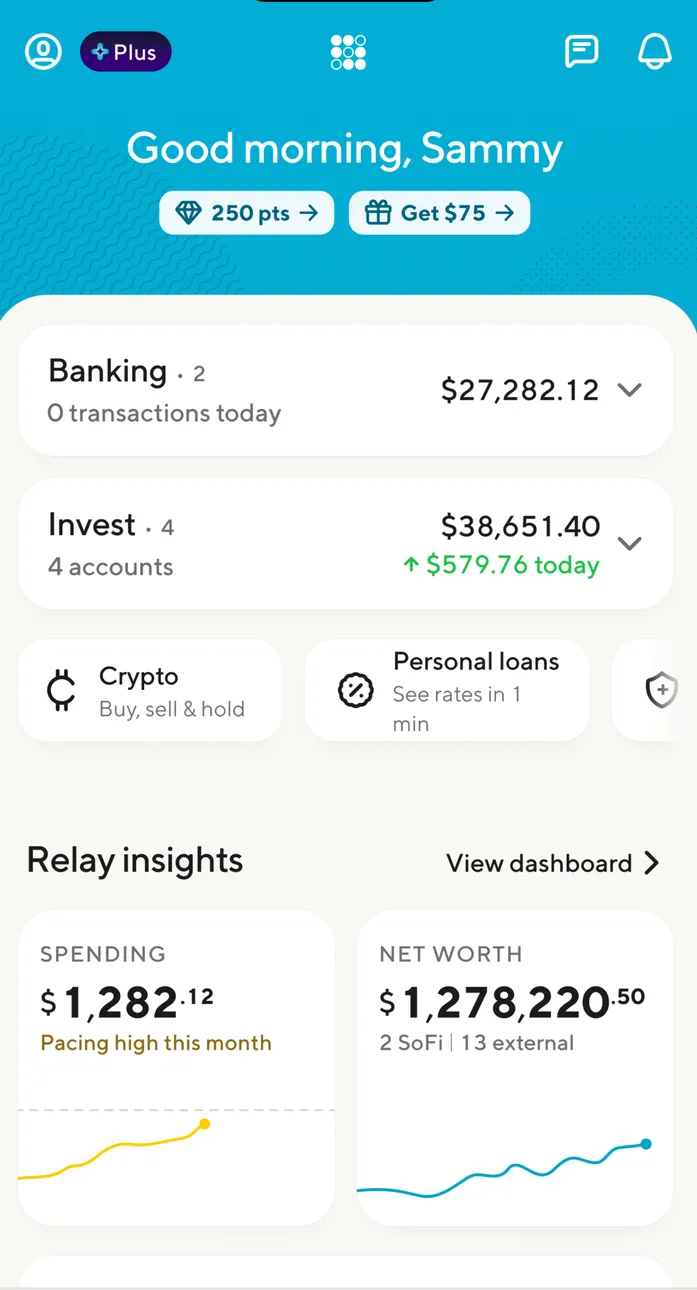
SoFi Invest is SoFi's investing account, with self-directed trading, IRAs and robo-advisor accounts in the SoFi app. SoFi's savings account has its own entry.
- Management or subscription fee
- SoFi InvestSoFi's fee schedule (last updated 10/1/2026) lists a 0.25% annual advisory fee for Robo-Advisor accounts.As of Nov 3, 2026. Source: sofi.com/wealth/assets/documents/sofi-invest-fee-schedule.pdf
- M1M1 doesn't charge commission, trading or management fees for self-directed brokerage accounts. It charges a platform fee of $3/month, waived for clients with more than $10,000 on the platform.As of Nov 3, 2026. Source: m1.com
- Account minimum
- SoFi InvestSoFi's fee schedule lists a $5 minimum to begin investing for self-directed accounts and $50 for Robo-Advisor accounts, with a $0 opening fee.As of Nov 3, 2026. Source: sofi.com/wealth/assets/documents/sofi-invest-fee-schedule.pdf
- M1M1 lists a $100 minimum initial deposit for Individual, Joint, Custodial and Crypto accounts, $500 for Traditional, Roth and SEP IRAs, and $5,000 for Trust accounts. After the first deposit, additional deposits can be $10 or more.As of Nov 3, 2026. Source: help.m1.com/en/articles/9332048-your-first-deposit-at-m1
- Platforms
- SoFi InvestSoFi Invest lists App and Web.As of Nov 3, 2026. Source: sofi.com/wealth/assets/documents/sofi-invest-fee-schedule.pdf
- M1M1 lists Web, iOS and Android.As of Nov 3, 2026. Source: help.m1.com/en/articles/9332048-your-first-deposit-at-m1
- App store rating
- SoFi InvestSoFi Invest has 4.7 out of 5 on the App Store from 385,411 ratings.As of Nov 3, 2026. Source: App Store listing
- M1M1 has 4.7 out of 5 on the App Store from 75,319 ratings.As of Nov 3, 2026. Source: App Store listing
How SoFi Invest differs from M1
Unlike SoFi Invest, M1 includes options for kids. SoFi Invest doesn't list email support, which M1 provides. SoFi Invest is an investing app, the same kind of app as M1. On exports for tax time, SoFi Invest matches M1. Like M1, SoFi Invest allows up to 2 people on one plan. SoFi Invest lists phone and chat support, which M1 provides too. Like M1, SoFi Invest is rated 4.7 on the App Store.
- Same category
Stash
Investing app
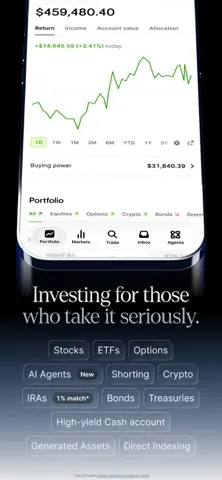
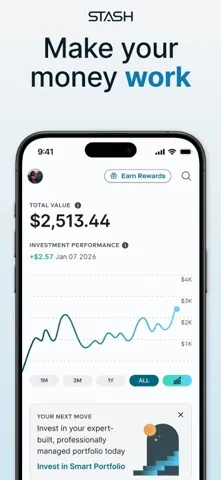
Stash is a subscription investing app with brokerage, retirement and custodial accounts, fractional shares and managed Smart Portfolios.
- Management or subscription fee
- StashThe Stash Plan costs $12 a month, or $108 billed annually. Stash also charges a 0.25% annual advisory fee on Smart Portfolios with balances of $1,000 or more and on Managed Retirement Accounts.As of Nov 3, 2026. Source: stash.com/pricing
- M1M1 doesn't charge commission, trading or management fees for self-directed brokerage accounts. It charges a platform fee of $3/month, waived for clients with more than $10,000 on the platform.As of Nov 3, 2026. Source: m1.com
- Account minimum
- StashStash's pricing page says: No minimums. No hidden fees.As of Nov 3, 2026. Source: stash.com/pricing
- M1M1 lists a $100 minimum initial deposit for Individual, Joint, Custodial and Crypto accounts, $500 for Traditional, Roth and SEP IRAs, and $5,000 for Trust accounts. After the first deposit, additional deposits can be $10 or more.As of Nov 3, 2026. Source: help.m1.com/en/articles/9332048-your-first-deposit-at-m1
- Platforms
- StashStash lists App and Web.As of Nov 3, 2026. Source: stash.com/invest
- M1M1 lists Web, iOS and Android.As of Nov 3, 2026. Source: help.m1.com/en/articles/9332048-your-first-deposit-at-m1
- App store rating
- StashStash has 4.7 out of 5 on the App Store from 311,450 ratings.As of Nov 3, 2026. Source: App Store listing
- M1M1 has 4.7 out of 5 on the App Store from 75,319 ratings.As of Nov 3, 2026. Source: App Store listing
How Stash differs from M1
Stash doesn't list chat support, which M1 provides. Stash and M1 are both investing apps. Stash offers options for kids, which M1 includes too. Stash lists phone and email support, which M1 provides too. Like M1, Stash is rated 4.7 on the App Store.
- Same category
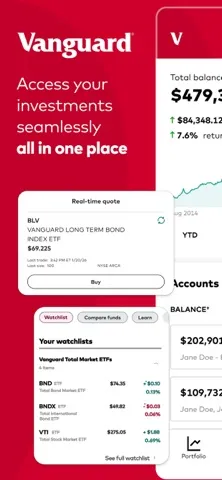
Vanguard
Investing app
Vanguard is a fund company and brokerage with an investing app, retirement and custodial accounts, and a robo-advisor called Vanguard Digital Advisor.
- Management or subscription fee
- VanguardVanguard Digital Advisor charges an annual gross advisory fee of 0.20% for index portfolio options or 0.25% for an active portfolio option. That fee is reduced by a credit for revenue Vanguard keeps from the investments in your account.Vanguard says enrollments in Vanguard Digital Advisor require at least $100 in each Vanguard Brokerage Account.As of Nov 3, 2026. Source: investor.vanguard.com/advice/robo-advisor
- M1M1 doesn't charge commission, trading or management fees for self-directed brokerage accounts. It charges a platform fee of $3/month, waived for clients with more than $10,000 on the platform.As of Nov 3, 2026. Source: m1.com
- Account minimum
- VanguardVanguard says there's no fee or minimum investment amount to open an account.As of Nov 3, 2026. Source: investor.vanguard.com/accounts-plans/brokerage-accounts
- M1M1 lists a $100 minimum initial deposit for Individual, Joint, Custodial and Crypto accounts, $500 for Traditional, Roth and SEP IRAs, and $5,000 for Trust accounts. After the first deposit, additional deposits can be $10 or more.As of Nov 3, 2026. Source: help.m1.com/en/articles/9332048-your-first-deposit-at-m1
- Platforms
- VanguardVanguard lists iOS and Android.As of Nov 3, 2026. Source: investor.vanguard.com/client-benefits/mobile-apps
- M1M1 lists Web, iOS and Android.As of Nov 3, 2026. Source: help.m1.com/en/articles/9332048-your-first-deposit-at-m1
- App store rating
- VanguardVanguard has 4.6 out of 5 on the App Store from 177,567 ratings.As of Nov 3, 2026. Source: App Store listing
- M1M1 has 4.7 out of 5 on the App Store from 75,319 ratings.As of Nov 3, 2026. Source: App Store listing
How Vanguard differs from M1
M1 provides email and chat support, which Vanguard doesn't list. On the App Store, Vanguard is rated 4.6 from 177,567 ratings, next to M1's 4.7 from 75,319 ratings. Vanguard is an investing app, the same kind of app as M1. Like M1, Vanguard runs on iPhone and Android. Vanguard offers data export, exports for tax time and options for kids, which M1 includes too. Like M1, Vanguard lists phone support.
- Same category
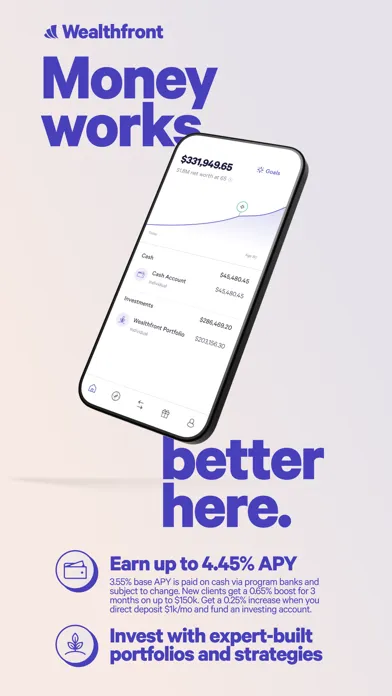
Wealthfront
Investing app
Wealthfront is an automated investing app with The Wealthfront Portfolio, a brokerage account for stocks and ETFs, and retirement and 529 accounts.
- Management or subscription fee
- WealthfrontWealthfront's advisory fee for The Wealthfront Portfolio is 0.25% annually.As of Nov 3, 2026. Source: wealthfront.com/pricing
- M1M1 doesn't charge commission, trading or management fees for self-directed brokerage accounts. It charges a platform fee of $3/month, waived for clients with more than $10,000 on the platform.As of Nov 3, 2026. Source: m1.com
- Account minimum
- WealthfrontWealthfront says The Wealthfront Portfolio account lets you start investing for as little as $500.As of Nov 3, 2026. Source: wealthfront.com/investing
- M1M1 lists a $100 minimum initial deposit for Individual, Joint, Custodial and Crypto accounts, $500 for Traditional, Roth and SEP IRAs, and $5,000 for Trust accounts. After the first deposit, additional deposits can be $10 or more.As of Nov 3, 2026. Source: help.m1.com/en/articles/9332048-your-first-deposit-at-m1
- Platforms
- WealthfrontWealthfront lists Web, iOS and Android.As of Nov 3, 2026. Source: support.wealthfront.com/hc/en-us/articles/360043848572-Open-a-Cash-Account
- M1M1 lists Web, iOS and Android.As of Nov 3, 2026. Source: help.m1.com/en/articles/9332048-your-first-deposit-at-m1
- App store rating
- WealthfrontWealthfront has 4.8 out of 5 on the App Store from 17,511 ratings.As of Nov 3, 2026. Source: App Store listing
- M1M1 has 4.7 out of 5 on the App Store from 75,319 ratings.As of Nov 3, 2026. Source: App Store listing
How Wealthfront differs from M1
M1 provides chat support, which Wealthfront doesn't list. Wealthfront's App Store rating is 4.8 from 17,511 ratings, against 4.7 from 75,319 ratings for M1. Wealthfront is an investing app, the same kind of app as M1. Wealthfront runs on the same platforms M1 covers: the web, iPhone and Android. On data export, exports for tax time and options for kids, Wealthfront matches M1. Wealthfront allows up to 2 people on one plan, matching M1's cap. Like M1, Wealthfront lists phone and email support.
- Same category
Webull
Investing app
Webull is a trading app for stocks, ETFs and options, with IRAs, recurring investing and a robo service called Webull Advisors.
- Management or subscription fee
- WebullWebull Advisors lists an annualized advisory fee of 0.20% on diversified strategies, with fees from 0.15% to 0.30% depending on the portfolio.Webull says the initial minimum investment and minimum balance required to open and maintain a Webull Advisors account is $100.As of Nov 3, 2026. Source: webull.com/trading-investing/webull-advisors
- M1M1 doesn't charge commission, trading or management fees for self-directed brokerage accounts. It charges a platform fee of $3/month, waived for clients with more than $10,000 on the platform.As of Nov 3, 2026. Source: m1.com
- Account minimum
- WebullWebull says it offers 0 commission trades and no deposit minimums.As of Nov 3, 2026. Source: webull.com/pricing
- M1M1 lists a $100 minimum initial deposit for Individual, Joint, Custodial and Crypto accounts, $500 for Traditional, Roth and SEP IRAs, and $5,000 for Trust accounts. After the first deposit, additional deposits can be $10 or more.As of Nov 3, 2026. Source: help.m1.com/en/articles/9332048-your-first-deposit-at-m1
- Platforms
- WebullWebull lists Mobile app, Desktop and Web.As of Nov 3, 2026. Source: webull.com/trading-investing/webull-advisors
- M1M1 lists Web, iOS and Android.As of Nov 3, 2026. Source: help.m1.com/en/articles/9332048-your-first-deposit-at-m1
- App store rating
- WebullWebull has 4.7 out of 5 on the App Store from 343,072 ratings.As of Nov 3, 2026. Source: App Store listing
- M1M1 has 4.7 out of 5 on the App Store from 75,319 ratings.As of Nov 3, 2026. Source: App Store listing
How Webull differs from M1
Webull doesn't list chat support, which M1 provides. Webull is an investing app, the same kind of app as M1. On data export, exports for tax time and options for kids, Webull matches M1. Like M1, Webull allows up to 2 people on one plan. Webull lists phone and email support, which M1 provides too. Like M1, Webull is rated 4.7 on the App Store.
Savings accounts
- Nearby category
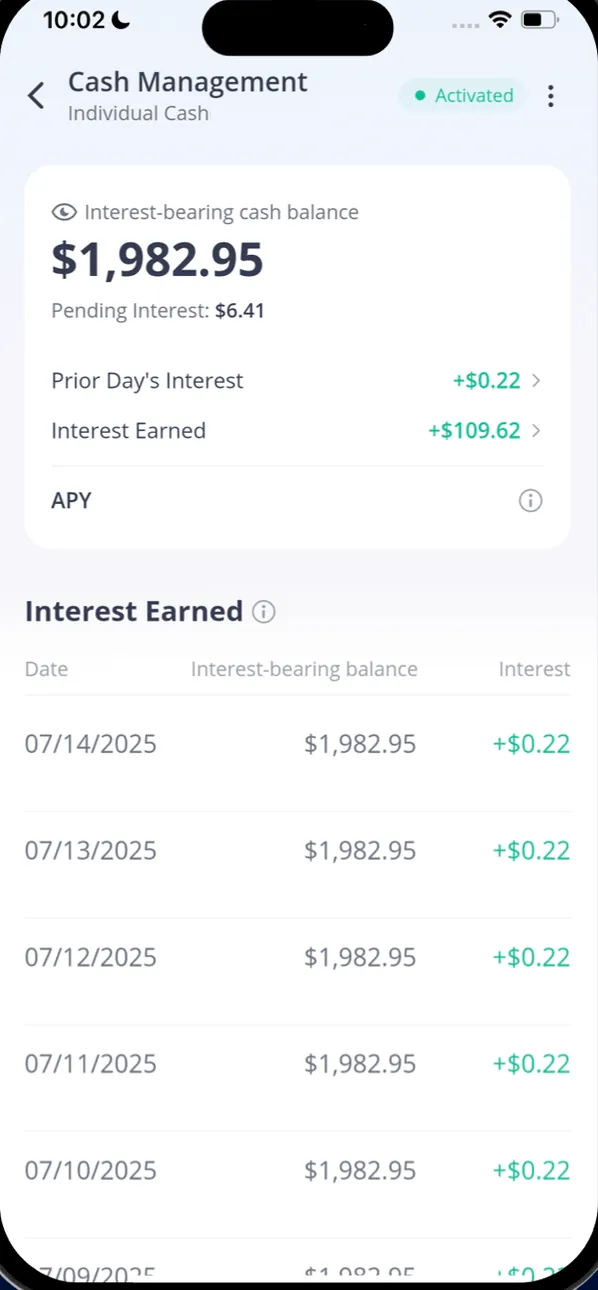
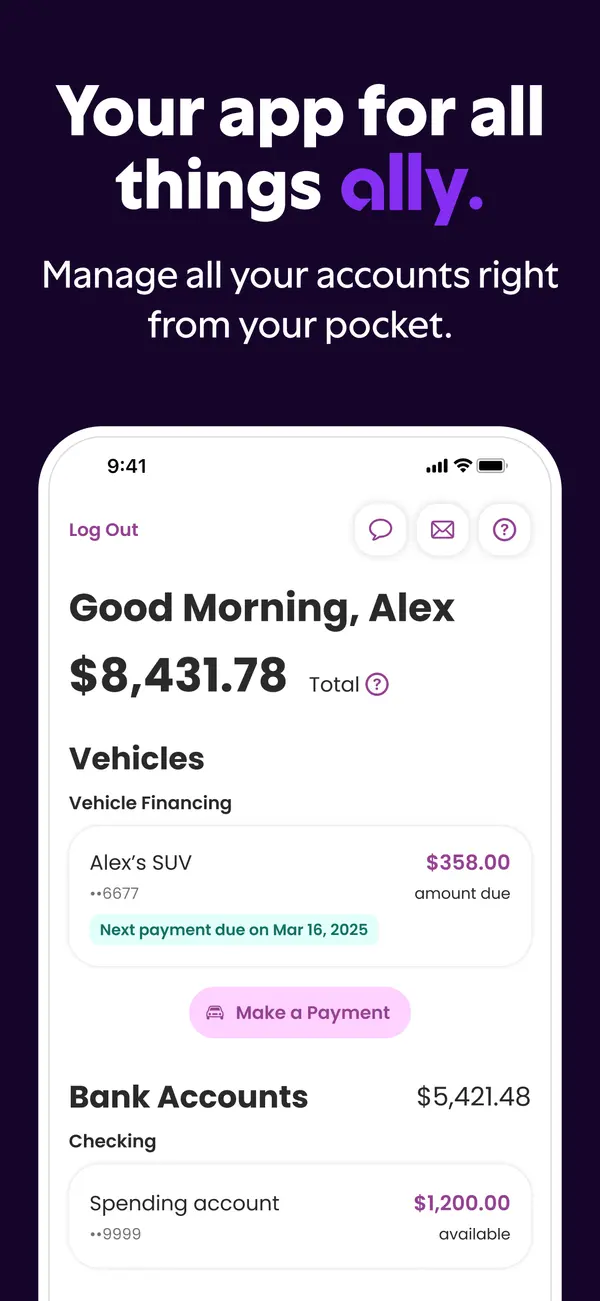
Ally Bank Savings
Savings account
Ally Bank's online savings account pays a variable rate and includes savings buckets, round ups and recurring transfers.
- Platforms
- AllyAlly Bank Savings lists Web, iOS and Android.As of Oct 29, 2026. Source: ally.com/bank/online-banking
- M1M1 lists Web, iOS and Android.As of Nov 3, 2026. Source: help.m1.com/en/articles/9332048-your-first-deposit-at-m1
- App store rating
- AllyAlly Bank Savings has 4.7 out of 5 on the App Store from 114,326 ratings.As of Oct 29, 2026. Source: App Store listing
- M1M1 has 4.7 out of 5 on the App Store from 75,319 ratings.As of Nov 3, 2026. Source: App Store listing
How Ally differs from M1
Coming from M1, note that Ally is a savings account. Ally runs on the same platforms M1 covers: the web, iPhone and Android. On data export, exports for tax time and options for kids, Ally matches M1. Like M1, Ally lists phone, email and chat support. Ally is rated 4.7 from 114,326 ratings on the App Store, the same 4.7 rating M1 has.
Who it fits
- Ally lists goals. A goal gives a Spender a reason to pause before buying, which is the Sleep on It fix.
- Ally lists an APY on deposits. That fits a Saver, whose first fix is putting saved money to work.
- Nearby category
SoFi Checking and Savings
Savings account
SoFi's savings account pays a higher variable rate when you have eligible direct deposit or $5,000 in qualifying deposits.
- Platforms
- SoFiSoFi Checking and Savings lists iOS and Android.As of Oct 29, 2026. Source: sofi.com/app-download
- M1M1 lists Web, iOS and Android.As of Nov 3, 2026. Source: help.m1.com/en/articles/9332048-your-first-deposit-at-m1
- App store rating
- SoFiSoFi Checking and Savings has 4.7 out of 5 on the App Store from 385,422 ratings.As of Oct 29, 2026. Source: App Store listing
- M1M1 has 4.7 out of 5 on the App Store from 75,319 ratings.As of Nov 3, 2026. Source: App Store listing
How SoFi differs from M1
Unlike M1, which is an investing app, SoFi is a savings account. Unlike SoFi, M1 includes options for kids. SoFi doesn't list email support, which M1 provides. SoFi runs on iPhone and Android, as M1 does. On data export, SoFi matches M1. Like M1, SoFi allows up to 2 people on one plan. SoFi lists phone and chat support, which M1 provides too. Like M1, SoFi is rated 4.7 on the App Store.
Who it fits
- SoFi lists investment tracking. That fits a Strategist, who wants to watch the whole plan grow.
- SoFi lists goals. A goal gives a Spender a reason to pause before buying, which is the Sleep on It fix.
- SoFi lists an APY on deposits. That fits a Saver, whose first fix is putting saved money to work.
- SoFi lists bank syncing. Seeing every account in one place helps a Scrambler pay bills first.
Banking apps
- Nearby category
Chime
Banking app
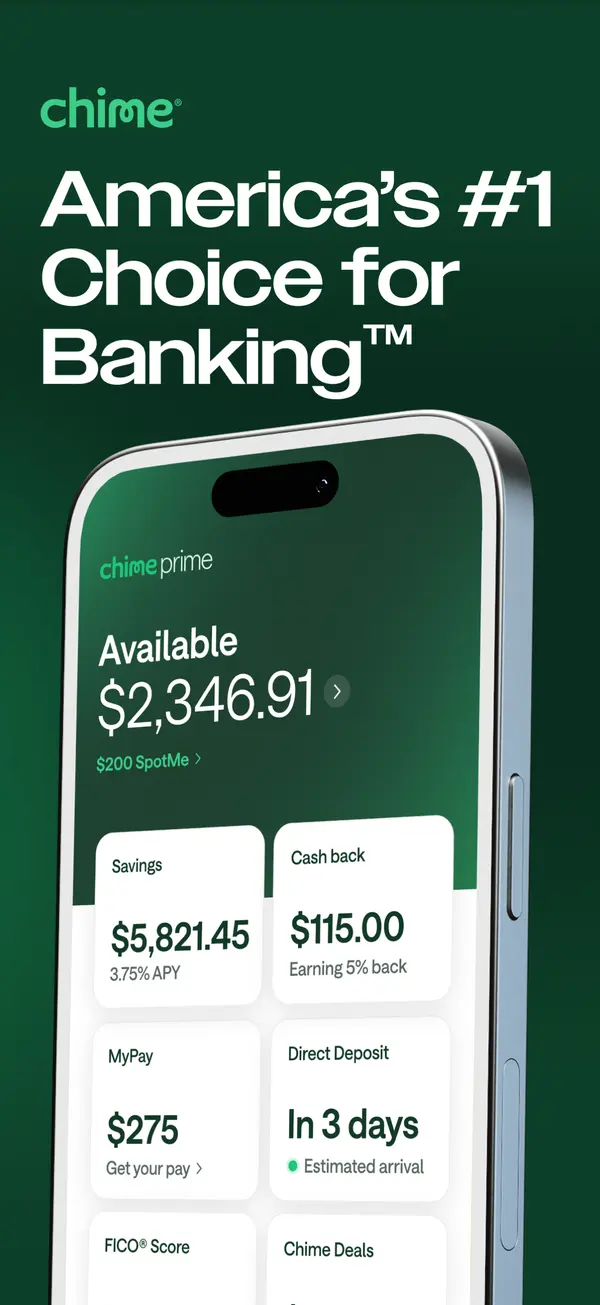
Chime is a financial technology company, not a bank, that offers checking and savings accounts through partner banks.
- Platforms
- ChimeChime lists Web, iOS and Android.As of Nov 12, 2026. Source: help.chime.com/do-i-get-account-statements-from-chime-ec347b04
- M1M1 lists Web, iOS and Android.As of Nov 3, 2026. Source: help.m1.com/en/articles/9332048-your-first-deposit-at-m1
- App store rating
- ChimeChime has 4.8 out of 5 on the App Store from 1,655,300 ratings.As of Nov 12, 2026. Source: App Store listing
- M1M1 has 4.7 out of 5 on the App Store from 75,319 ratings.As of Nov 3, 2026. Source: App Store listing
How Chime differs from M1
M1 and Chime sit in different categories: Chime is a banking app. M1 includes options for kids, which Chime says it doesn't offer. M1 provides email support, which Chime doesn't list. Chime rates 4.8 from 1,655,300 ratings on the App Store, where M1 sits at 4.7 from 75,319 ratings. Chime runs on the same platforms M1 covers: the web, iPhone and Android. Chime allows up to 2 people on one plan, matching M1's cap. Like M1, Chime lists phone and chat support.
Who it fits
- Chime lists goals. A goal gives a Spender a reason to pause before buying, which is the Sleep on It fix.
- Chime lists an APY on deposits. That fits a Saver, whose first fix is putting saved money to work.
- Nearby category
MoneyLion
Banking app
MoneyLion is a financial technology company, not a bank, with a MoneyLion Spend account, MoneyLion Save, Instacash cash advances, investing and a marketplace of loan and card offers.
- Platforms
- MoneyLionMoneyLion lists Web, iOS and Android.As of Oct 29, 2026. Source: moneylion.com
- M1M1 lists Web, iOS and Android.As of Nov 3, 2026. Source: help.m1.com/en/articles/9332048-your-first-deposit-at-m1
- App store rating
- MoneyLionMoneyLion has 4.8 out of 5 on the App Store from 330,603 ratings.As of Oct 29, 2026. Source: App Store listing
- M1M1 has 4.7 out of 5 on the App Store from 75,319 ratings.As of Nov 3, 2026. Source: App Store listing
How MoneyLion differs from M1
Coming from M1, note that MoneyLion is a banking app. Its own site also lists investing, the kind of tool M1 is built for. M1 includes options for kids, which MoneyLion says it doesn't offer. On the App Store, MoneyLion is rated 4.8 from 330,603 ratings, next to M1's 4.7 from 75,319 ratings. MoneyLion runs on the same platforms M1 covers: the web, iPhone and Android. Like M1, MoneyLion lists phone, email and chat support.
Who it fits
- MoneyLion lists goals. A goal gives a Spender a reason to pause before buying, which is the Sleep on It fix.
- MoneyLion lists an APY on deposits. That fits a Saver, whose first fix is putting saved money to work.
- MoneyLion lists bank syncing. Seeing every account in one place helps a Scrambler pay bills first.
Who M1 and its alternatives are for
Pick the tab that sounds like you. The questions come from app help centers, FAQ pages and user forums, and every answer comes from the app's own pages, with the date we checked it.
Just me
Budgeting on your own? These are the basics people ask about first.
Is there support from the app's makers if I need help?
M1: Yes. Chat, email and phone.
In their words: “Alternatively, you can send us an email or for urgent requests give us a call at 312-600-2883.”
As of . Source: help.m1.com
Acorns: Yes. Chat (Acorns app or Help Center), email and phone.
In their words: “Chat: Chat with us anytime through the Acorns app or from the Acorns Help Center (click "Need Help?" in the bottom right corner).”
As of . Source: support.acorns.com
Ally Invest: Yes. Chat (after you log in), secure message and phone.
In their words: “Log in for chat support or send a secure message.”
As of . Source: ally.com
Betterment: Yes. Phone.
In their words: “Call us directly at (718) 400-6898 .”
As of . Source: betterment.com
Bloom: Yes. Email.
In their words: “Please contact support@joinbloom.co for direct refunds if you do not recognize the service, were unable to sign up or have a special inquiry.”
As of . Source: bloomapp.com
Charles Schwab: Yes. Phone, chat and branches.
In their words: “Reach out to Charles Schwab customer service by phone, chat, or visit your local branch.”
As of . Source: schwab.com
E*TRADE: Yes. Phone.
In their words: “Speak with a Customer Service Representative about your brokerage or bank account.”
As of . Source: us.etrade.com
Fidelity: Yes. Phone (24/7), chat (Fidelity Assistant 24/7, live chat with an associate) and Investor Centers.
In their words: “For any customer service questions, call us 24/7 at: 800-343-3548”
As of . Source: fidelity.com
Public: Yes. Email and in-app chat.
In their words: “You can always reach us over email at support@public.com .”
As of . Source: public.com
Robinhood: Yes. Chat (24/7) and phone (call back).
In their words: “When you contact us, you can request a call back to discuss your issue, and we'll call you as soon as an agent is available, typically in less than 30 minutes.”
As of . Source: robinhood.com
SoFi Invest: Yes. Chat and phone.
In their words: “You have options, including chatting with us.”
As of . Source: sofi.com
Stash: Yes. Phone and email.
In their words: “If you cannot log in, call Stash Support at 1-800-205-5164, Monday through Friday, 8 a.m. to 8 p.m. ET, or email”
As of . Source: stash.com
Vanguard: Yes. Phone.
In their words: “Our Client Services team is available Monday through Friday, 8 a.m. to 8 p.m., Eastern time”
As of . Source: corporate.vanguard.com
Wealthfront: Yes. Phone and email.
In their words: “Wealthfront’s team of client service specialists are available via phone or email in the event you can’t find your answer in our Help Center”
As of . Source: support.wealthfront.com
Webull: Yes. Email and phone.
In their words: “support@webull.com +1 (888) 828-0618”
As of . Source: webull.com
Ally: Yes. Phone, chat and email.
In their words: “Call, chat or email us any time.”
As of . Source: ally.com
SoFi: Yes. Chat and phone.
In their words: “You have options, including chatting with us.”
As of . Source: sofi.com
Chime: Yes. Chat and phone.
In their words: “Chat with us in the Chime app”
As of . Source: help.chime.com
MoneyLion: Yes. In-app chat, phone (24/7) and email.
In their words: “Here's how to contact MoneyLion Customer Care when you're in a pinch”
As of . Source: help.moneylion.com
Family
Bringing in more of the household? Here's what each app says about families and kids. See apps with custodial accounts for kids.
Does it have accounts or features for kids or teens?
M1: Yes. It has accounts or features for kids or teens.
In their words: “Opening an M1 Custodial Account (UTMA/UGMA) allows you to invest and manage assets on behalf of a minor”
As of . Source: help.m1.com
Acorns: Yes. It has accounts or features for kids or teens.
In their words: “Smart money app & up to 4 debit cards”
As of . Source: acorns.com
Ally Invest: Yes. It has accounts or features for kids or teens.
In their words: “As the owner of a self-directed account, the choice is yours. We offer the following account types:”
As of . Source: ally.com
Betterment: No.
In their words: “Betterment only supports accounts for individuals the ages of 18 or older.”
As of . Source: betterment.com
Bloom: Yes. It has accounts or features for kids or teens.
In their words: “Bloom charges a subscription fee for access to an investing account (including UTMA/UGMA custodial brokerage accounts for teens 13-17), 200+ interactive financial lessons, and stock rewards for learning.”
As of . Source: bloomapp.com
Charles Schwab: Yes. It has accounts or features for kids or teens.
In their words: “A Schwab One Custodial Account lets you invest in your child's future while teaching them how to build it.”
As of . Source: schwab.com
E*TRADE: Yes. It has accounts or features for kids or teens.
In their words: “Save and invest on a child’s behalf with a custodial account, while maintaining full control until they reach adulthood.”
As of . Source: us.etrade.com
Fidelity: Yes. It has accounts or features for kids or teens.
In their words: “The only brokerage account teens ages 13–17 can own independently”
As of . Source: fidelity.com
Public: No.
In their words: “Public does not offer custodial accounts at this time.”
As of . Source: help.public.com
Robinhood: Yes. It has accounts or features for kids or teens.
In their words: “Custodial accounts let you invest on behalf of a minor, directly from your Robinhood app.”
As of . Source: robinhood.com
SoFi Invest: No.
In their words: “At this time we do not offer UTMA (Uniform Transfers to Minors Act) or UGMA (Uniform Gifts to Minors Act) accounts.”
As of . Source: support.sofi.com
Stash: Yes. It has accounts or features for kids or teens.
In their words: “With a custodial account (aka Kids Portfolio at Stash), you can buy stocks and ETFs on behalf of the children in your life”
As of . Source: stash.com
Vanguard: Yes. It has accounts or features for kids or teens.
In their words: “Any adult resident of the U.S. can open or contribute to an UGMA or UTMA.”
As of . Source: investor.vanguard.com
Wealthfront: Yes. It has accounts or features for kids or teens.
In their words: “we offer an ability to open a taxable Wealthfront Portfolio for a minor!”
As of . Source: support.wealthfront.com
Webull: Yes. It has accounts or features for kids or teens.
In their words: “All custodial accounts will be opened as UTMA accounts.”
As of . Source: webull.com
Ally: Yes. It has accounts or features for kids or teens.
In their words: “Once a minor reaches the age of majority in their state, control of the funds must be transferred to the minor.”
As of . Source: ally.com
SoFi: No.
In their words: “You must be 18 years or older to open any SoFi Bank account with us whether joint or individual.”
As of . Source: support.sofi.com
MoneyLion: No.
In their words: “Be at least 18 years old (or the age of majority in your state or jurisdiction of residence).”
As of . Source: moneylion.com
A question shows only when every app here has a current official source that answers it. We only say no when the app's own page does.
FAQ
What are the closest alternatives to M1?
The closest alternatives to M1 are Acorns, Ally Invest and Betterment, because Acorns, Ally Invest and Betterment are also investing apps. This list is ordered by how close each app's category is to M1's, not by how good it is.
How much does M1 charge?
M1 doesn't charge commission, trading or management fees for self-directed brokerage accounts. It charges a platform fee of $3/month, waived for clients with more than $10,000 on the platform. We checked this on Nov 3, 2026.
What is M1's app store rating?
M1 has 4.7 out of 5 on the App Store from 75,319 ratings. That's a snapshot from the store listing on Nov 3, 2026, not our score.
What devices does M1 work on?
M1 lists Web, iOS and Android. We checked this on Nov 3, 2026.
Full disclosure: Taylor Price, who runs Priceless Tay, owns Fifecta, so keep that in mind as you read this comparison.
Another option: Fifecta
If none of these feels right, here is one more option to look at. Fifecta gives every paycheck a plan with FUNDS, and it starts from your Money Type, so the plan matches how you already handle money.
Keep comparing
- Browse our guide to the low-cost brokerage accounts.
- Want the bigger picture? Compare more money apps.
Full disclosure: Taylor Price, who runs Priceless Tay, owns Fifecta, so keep that in mind as you read this comparison.
Want a plan built on your Money Type?
Fifecta gives every paycheck a plan with FUNDS, so you know where each dollar goes.
Sources and confidence
- Last checked
- Sourced facts
- 177 facts, each linked and dated
M110 sourced facts, last checked Nov 3, 2026
- Management or subscription feem1.com, as of Nov 3, 2026
- Account minimumhelp.m1.com/en/articles/9332048-your-first-deposit-at-m1, as of Nov 3, 2026
- Stock and ETF commissionsm1.com, as of Nov 3, 2026
- Account typesm1.com, as of Nov 3, 2026
- Fractional sharesm1.com, as of Nov 3, 2026
- Automatic investingm1.com/invest/automated-investing, as of Nov 3, 2026
- Managed portfolios (robo)m1.com, as of Nov 3, 2026
- Protectionm1.com, as of Nov 3, 2026
- Platformshelp.m1.com/en/articles/9332048-your-first-deposit-at-m1, as of Nov 3, 2026
- App store ratingApp Store listing, as of Nov 3, 2026
Acorns10 sourced facts, last checked Oct 29, 2026
- Management or subscription feeacorns.com/pricing, as of Oct 29, 2026
- Account minimumsqy7rm.media.zestyio.com/Acorns-Wrap-Fee-Program-Brochure--August-2026-.pdf, as of Oct 29, 2026
- Stock and ETF commissionsacorns.com, as of Oct 29, 2026
- Account typesacorns.com/pricing, as of Oct 29, 2026
- Fractional sharessqy7rm.media.zestyio.com/Acorns-Securities-Acorns-Advisers-Form-CRS--August-2026-.pdf, as of Oct 29, 2026
- Automatic investingacorns.com/pricing, as of Oct 29, 2026
- Managed portfolios (robo)acorns.com/pricing, as of Oct 29, 2026
- Protectionacorns.com/pricing, as of Oct 29, 2026
- Platformssqy7rm.media.zestyio.com/Acorns-Securities-Acorns-Advisers-Form-CRS--August-2026-.pdf, as of Oct 29, 2026
- App store ratingApp Store listing, as of Oct 29, 2026
Ally Invest9 sourced facts, last checked Nov 3, 2026
- Management or subscription feeally.com/invest/commissions-and-fees, as of Nov 3, 2026
- Account minimumally.com/invest/robo-automated-investing, as of Nov 3, 2026
- Stock and ETF commissionsally.com/invest/commissions-and-fees, as of Nov 3, 2026
- Account typesally.com/invest/robo-automated-investing, as of Nov 3, 2026
- Automatic investingally.com/invest/robo-automated-investing, as of Nov 3, 2026
- Managed portfolios (robo)ally.com/invest/robo-automated-investing, as of Nov 3, 2026
- Protectionally.com/invest/robo-automated-investing, as of Nov 3, 2026
- Platformsally.com/bank/online-banking, as of Nov 3, 2026
- App store ratingApp Store listing, as of Nov 3, 2026
Betterment10 sourced facts, last checked Nov 3, 2026
- Management or subscription feebetterment.com/pricing, as of Nov 3, 2026
- Account minimumbetterment.com/pricing, as of Nov 3, 2026
- Stock and ETF commissionsbetterment.com/pricing, as of Nov 3, 2026
- Account typesbetterment.com/pricing, as of Nov 3, 2026
- Fractional sharesbetterment.com/self-directed-investing, as of Nov 3, 2026
- Automatic investingbetterment.com, as of Nov 3, 2026
- Managed portfolios (robo)betterment.com, as of Nov 3, 2026
- Protectionbetterment.com, as of Nov 3, 2026
- Platformsbetterment.com/help/tag/mobile-app, as of Nov 3, 2026
- App store ratingApp Store listing, as of Nov 3, 2026
Bloom10 sourced facts, last checked Nov 3, 2026
- Management or subscription feebloomapp.com/faq, as of Nov 3, 2026
- Account minimumbloomapp.com/faq, as of Nov 3, 2026
- Stock and ETF commissionsApp Store listing, as of Nov 3, 2026
- Account typesbloomapp.com/faq, as of Nov 3, 2026
- Fractional sharesfiles.adviserinfo.sec.gov/IAPD/Content/Common/crd_iapd_Brochure.aspx, as of Nov 3, 2026
- Automatic investingApp Store listing, as of Nov 3, 2026
- Managed portfolios (robo)App Store listing, as of Nov 3, 2026
- Protectionsipc.org/for-investors/what-sipc-protects, as of Nov 3, 2026
- Platformsbloomapp.com, as of Nov 3, 2026
- App store ratingApp Store listing, as of Nov 3, 2026
Charles Schwab10 sourced facts, last checked Nov 3, 2026
- Management or subscription feeschwab.com/pricing, as of Nov 3, 2026
- Account minimumschwab.com/pricing, as of Nov 3, 2026
- Stock and ETF commissionsschwab.com/pricing, as of Nov 3, 2026
- Account typesschwab.com/pricing, as of Nov 3, 2026
- Fractional sharesschwab.com/fractional-shares-stock-slices, as of Nov 3, 2026
- Automatic investingschwab.com/intelligent-portfolios, as of Nov 3, 2026
- Managed portfolios (robo)schwab.com/intelligent-portfolios, as of Nov 3, 2026
- Protectionschwab.com/legal/account-protection, as of Nov 3, 2026
- Platformsschwab.com/mobile, as of Nov 3, 2026
- App store ratingApp Store listing, as of Nov 3, 2026
E*TRADE10 sourced facts, last checked Nov 3, 2026
- Management or subscription feeus.etrade.com/what-we-offer/pricing-and-rates, as of Nov 3, 2026
- Account minimumus.etrade.com/what-we-offer/our-accounts/brokerage-account, as of Nov 3, 2026
- Stock and ETF commissionsus.etrade.com/what-we-offer/pricing-and-rates, as of Nov 3, 2026
- Account typesus.etrade.com/what-we-offer/our-accounts, as of Nov 3, 2026
- Fractional sharesus.etrade.com/what-we-offer/investment-choices/fractional-shares, as of Nov 3, 2026
- Automatic investingus.etrade.com/what-we-offer/pricing-and-rates, as of Nov 3, 2026
- Managed portfolios (robo)us.etrade.com/what-we-offer/pricing-and-rates, as of Nov 3, 2026
- Protectionus.etrade.com/l/f/asset-protection, as of Nov 3, 2026
- Platformsus.etrade.com/platforms, as of Nov 3, 2026
- App store ratingApp Store listing, as of Nov 3, 2026
Fidelity Investments10 sourced facts, last checked Nov 3, 2026
- Management or subscription feefidelity.com/why-fidelity/pricing-fees, as of Nov 3, 2026
- Account minimumfidelity.com/why-fidelity/pricing-fees, as of Nov 3, 2026
- Stock and ETF commissionsfidelity.com/why-fidelity/pricing-fees, as of Nov 3, 2026
- Account typesfidelity.com/open-account/overview, as of Nov 3, 2026
- Fractional sharesfidelity.com/trading/fractional-shares, as of Nov 3, 2026
- Automatic investingfidelity.com/trading/fractional-shares, as of Nov 3, 2026
- Managed portfolios (robo)fidelity.com/why-fidelity/pricing-fees, as of Nov 3, 2026
- Protectionfidelity.com/why-fidelity/safeguarding-your-accounts, as of Nov 3, 2026
- Platformsfidelity.com/mobile/overview, as of Nov 3, 2026
- App store ratingApp Store listing, as of Nov 3, 2026
Public10 sourced facts, last checked Nov 3, 2026
- Management or subscription feepublic.com/generated-assets/dividends-2f14c2d8, as of Nov 3, 2026
- Account minimumpublic.com/generated-assets/dividends-2f14c2d8, as of Nov 3, 2026
- Stock and ETF commissionspublic.com/invest/stocks, as of Nov 3, 2026
- Account typespublic.com, as of Nov 3, 2026
- Fractional sharespublic.com/invest/stocks, as of Nov 3, 2026
- Automatic investingpublic.com/invest/stocks, as of Nov 3, 2026
- Managed portfolios (robo)public.com/generated-assets/dividends-2f14c2d8, as of Nov 3, 2026
- Protectionpublic.com, as of Nov 3, 2026
- Platformshelp.public.com/en/articles/5724380-explore-the-new-investing-experience-on-the-web, as of Nov 3, 2026
- App store ratingApp Store listing, as of Nov 3, 2026
Robinhood10 sourced facts, last checked Nov 3, 2026
- Management or subscription feerobinhood.com/us/en/strategies, as of Nov 3, 2026
- Account minimumrobinhood.com/us/en/strategies, as of Nov 3, 2026
- Stock and ETF commissionsrobinhood.com/us/en/support/articles/trading-fees-on-robinhood, as of Nov 3, 2026
- Account typesrobinhood.com/us/en/strategies, as of Nov 3, 2026
- Fractional sharesrobinhood.com/us/en/support/articles/fractional-shares, as of Nov 3, 2026
- Automatic investingrobinhood.com/us/en/invest, as of Nov 3, 2026
- Managed portfolios (robo)robinhood.com/us/en/strategies, as of Nov 3, 2026
- Protectionrobinhood.com/us/en/support/articles/trading-fees-on-robinhood, as of Nov 3, 2026
- Platformsrobinhood.com/us/en, as of Nov 3, 2026
- App store ratingApp Store listing, as of Nov 3, 2026
SoFi Invest10 sourced facts, last checked Nov 3, 2026
- Management or subscription feesofi.com/wealth/assets/documents/sofi-invest-fee-schedule.pdf, as of Nov 3, 2026
- Account minimumsofi.com/wealth/assets/documents/sofi-invest-fee-schedule.pdf, as of Nov 3, 2026
- Stock and ETF commissionssofi.com/wealth/assets/documents/sofi-invest-fee-schedule.pdf, as of Nov 3, 2026
- Account typessofi.com/wealth/assets/documents/sofi-invest-fee-schedule.pdf, as of Nov 3, 2026
- Fractional sharessofi.com/invest/fractional-shares, as of Nov 3, 2026
- Automatic investingsofi.com/invest/fractional-shares, as of Nov 3, 2026
- Managed portfolios (robo)sofi.com/wealth/assets/documents/sofi-invest-fee-schedule.pdf, as of Nov 3, 2026
- Protectionsofi.com/invest/fractional-shares, as of Nov 3, 2026
- Platformssofi.com/wealth/assets/documents/sofi-invest-fee-schedule.pdf, as of Nov 3, 2026
- App store ratingApp Store listing, as of Nov 3, 2026
Stash10 sourced facts, last checked Nov 3, 2026
- Management or subscription feestash.com/pricing, as of Nov 3, 2026
- Account minimumstash.com/pricing, as of Nov 3, 2026
- Stock and ETF commissionsstash.com/pricing, as of Nov 3, 2026
- Account typesstash.com/pricing, as of Nov 3, 2026
- Fractional sharesstash.com/pricing, as of Nov 3, 2026
- Automatic investingstash.com/invest, as of Nov 3, 2026
- Managed portfolios (robo)stash.com/pricing, as of Nov 3, 2026
- Protectionstash.com/security, as of Nov 3, 2026
- Platformsstash.com/invest, as of Nov 3, 2026
- App store ratingApp Store listing, as of Nov 3, 2026
Vanguard10 sourced facts, last checked Nov 3, 2026
- Management or subscription feeinvestor.vanguard.com/advice/robo-advisor, as of Nov 3, 2026
- Account minimuminvestor.vanguard.com/accounts-plans/brokerage-accounts, as of Nov 3, 2026
- Stock and ETF commissionsinvestor.vanguard.com/client-benefits/investment-fees, as of Nov 3, 2026
- Account typesinvestor.vanguard.com/accounts-plans, as of Nov 3, 2026
- Fractional sharesinvestor.vanguard.com/investor-resources-education/article/what-is-dollar-based-investing, as of Nov 3, 2026
- Automatic investinginvestor.vanguard.com/advice/robo-advisor, as of Nov 3, 2026
- Managed portfolios (robo)investor.vanguard.com/advice/robo-advisor, as of Nov 3, 2026
- Protectioninvestor.vanguard.com/accounts-plans/brokerage-accounts, as of Nov 3, 2026
- Platformsinvestor.vanguard.com/client-benefits/mobile-apps, as of Nov 3, 2026
- App store ratingApp Store listing, as of Nov 3, 2026
Wealthfront10 sourced facts, last checked Nov 3, 2026
- Management or subscription feewealthfront.com/pricing, as of Nov 3, 2026
- Account minimumwealthfront.com/investing, as of Nov 3, 2026
- Stock and ETF commissionswealthfront.com/brokerage, as of Nov 3, 2026
- Account typeswealthfront.com, as of Nov 3, 2026
- Fractional shareswealthfront.com/brokerage, as of Nov 3, 2026
- Automatic investingwealthfront.com/pricing, as of Nov 3, 2026
- Managed portfolios (robo)wealthfront.com/pricing, as of Nov 3, 2026
- Protectionwealthfront.com/investing, as of Nov 3, 2026
- Platformssupport.wealthfront.com/hc/en-us/articles/360043848572-Open-a-Cash-Account, as of Nov 3, 2026
- App store ratingApp Store listing, as of Nov 3, 2026
Webull10 sourced facts, last checked Nov 3, 2026
- Management or subscription feewebull.com/trading-investing/webull-advisors, as of Nov 3, 2026
- Account minimumwebull.com/pricing, as of Nov 3, 2026
- Stock and ETF commissionswebull.com/pricing, as of Nov 3, 2026
- Account typeswebull.com/trading-investing/ira, as of Nov 3, 2026
- Fractional shareswebull.com/help/faq/10959-Trading-Fractional-Shares, as of Nov 3, 2026
- Automatic investingwebull.com/trading-investing/recurring-investment, as of Nov 3, 2026
- Managed portfolios (robo)webull.com/trading-investing/webull-advisors, as of Nov 3, 2026
- Protectionwebull.com/pricing, as of Nov 3, 2026
- Platformswebull.com/trading-investing/webull-advisors, as of Nov 3, 2026
- App store ratingApp Store listing, as of Nov 3, 2026
Ally Bank Savings7 sourced facts, last checked Oct 29, 2026
- Price and feesally.com/bank/online-savings-account, as of Oct 29, 2026
- APY or rateally.com/bank/online-savings-account, as of Oct 29, 2026
- Minimumsally.com/bank/online-savings-account, as of Oct 29, 2026
- Protectionally.com/bank/online-savings-account, as of Oct 29, 2026
- Platformsally.com/bank/online-banking, as of Oct 29, 2026
- Featuresally.com/bank/online-savings-account, as of Oct 29, 2026
- App store ratingApp Store listing, as of Oct 29, 2026
SoFi Checking and Savings7 sourced facts, last checked Oct 29, 2026
- Price and feessofi.com/banking/high-yield-savings-account, as of Oct 29, 2026
- APY or ratesofi.com/legal/banking-rate-sheet, as of Oct 29, 2026
- Minimumssofi.com/banking/high-yield-savings-account, as of Oct 29, 2026
- Protectionsofi.com/banking/high-yield-savings-account, as of Oct 29, 2026
- Platformssofi.com/app-download, as of Oct 29, 2026
- Featuressofi.com/banking/high-yield-savings-account, as of Oct 29, 2026
- App store ratingApp Store listing, as of Oct 29, 2026
Chime7 sourced facts, last checked Nov 12, 2026
- Price and feeshelp.chime.com/what-is-the-chime-savings-account-f189355c, as of Oct 29, 2026
- APY or ratehelp.chime.com/what-is-annual-percentage-yield-apy-dfafd381, as of Nov 12, 2026
- Minimumshelp.chime.com/what-is-the-chime-savings-account-f189355c, as of Nov 12, 2026
- Protectionhelp.chime.com/what-is-the-chime-savings-account-f189355c, as of Nov 12, 2026
- Platformshelp.chime.com/do-i-get-account-statements-from-chime-ec347b04, as of Nov 12, 2026
- Featureshelp.chime.com/what-are-chime-savings-goals-4aef8222, as of Oct 29, 2026
- App store ratingApp Store listing, as of Nov 12, 2026
MoneyLion7 sourced facts, last checked Oct 29, 2026
- Price and feesmoneylion.com/one, as of Oct 29, 2026
- APY or ratemoneylion.com/one, as of Oct 29, 2026
- Minimumsmoneylion.com/one, as of Oct 29, 2026
- Protectionmoneylion.com, as of Oct 29, 2026
- Platformsmoneylion.com, as of Oct 29, 2026
- Featureshelp.moneylion.com/en_us/smart-budget-SJQEvwhHgx, as of Oct 29, 2026
- App store ratingApp Store listing, as of Oct 29, 2026
Each fact links to the official page it came from, with the date we checked it. Once a fact is older than 30 days, it comes off the page until we check it again. How we source, date and index this data.
This is education, not financial advice.