


In this article
Our Acorns review explains the Bronze, Silver and Gold plans, how Round-Ups and the IRA match work, and which Money Types get the most from it.
Priceless Tay may earn a commission from some links on this page, and that never changes how we compare apps.
Before you compare: This compares features and fees from each company's own pages. It isn't investment advice, and investing involves risk, including loss of money.

Short answer
Acorns is an investing app, and it lists Mobile app and Web app. Acorns has three monthly plans: Bronze at $4 a month, Silver at $8 a month, and Gold at $12 a month. Acorns has 4.7 out of 5 on the App Store from 960,036 ratings as of Oct 25, 2026, which is the store's number, not our score.

Acorns at a glance
Acorns is an automated investing app that bundles investing, retirement and banking tools into monthly subscription plans.
- Management or subscription fee
- Acorns has three monthly plans: Bronze at $4 a month, Silver at $8 a month, and Gold at $12 a month.As of Oct 25, 2026. Source: acorns.com/pricing
- Account minimum
- Acorns' Form ADV wrap fee brochure says there is no minimum account size, and most clients can begin investing with as little as $5.Clients using real-time Round-Ups through Acorns' banking partners may begin investing with less than $5.As of Oct 25, 2026. Source: sqy7rm.media.zestyio.com/Acorns-Wrap-Fee-Program-Brochure--August-2026-.pdf
- Stock and ETF commissions
- Acorns' home page says: No hidden fees. No commissions.As of Oct 25, 2026. Source: acorns.com
- Account types
- Acorns lists these account types: Investment account, IRA account and UGMA/UTMA.Also named on another official page: Roth IRA, Traditional IRA, SEP IRA.As of Oct 25, 2026. Source: acorns.com/laterAs of Oct 25, 2026. Source: acorns.com/pricing
- Fractional shares
- Acorns' Form CRS says a Custom Portfolio lets customers invest a portion of their Acorns Invest Account in fractional shares of equity securities.Custom Portfolios are capped at up to 50% of the account's value based on the customer's risk profile, and the CRS lists them with the Gold plan.As of Oct 25, 2026. Source: sqy7rm.media.zestyio.com/Acorns-Securities-Acorns-Advisers-Form-CRS--August-2026-.pdf
- Automatic investing
- Acorns says it puts investing on autopilot, and Round-Ups invest your spare change every time you make a purchase.As of Oct 25, 2026. Source: acorns.com/pricing
- Managed portfolios (robo)
- Acorns says it recommends an expert-built, diversified investment portfolio for your money goals, so you don't pick stocks yourself.As of Oct 25, 2026. Source: acorns.com/pricing
- Protection
- Brokerage products come from Acorns Securities, a member of FINRA and SIPC. Acorns Checking balances are FDIC insured up to $250,000 per depositor through the partner banks.As of Oct 25, 2026. Source: acorns.com/pricing
- Platforms
- Acorns lists Mobile app and Web app.As of Oct 25, 2026. Source: sqy7rm.media.zestyio.com/Acorns-Securities-Acorns-Advisers-Form-CRS--August-2026-.pdf
- App store rating
- Acorns has 4.7 out of 5 on the App Store from 960,036 ratings.As of Oct 25, 2026. Source: App Store listing
Prices and ratings change, so check Acorns's own site before you sign up. Every line here links to the official page it came from.
What Acorns looks like
Every image we have of Acorns, grouped by task. App Store and Google Play images are the app's own marketing, so they can show sample data. Help center images come from its support articles.
Home (1)

Google Play marketing imageThe Android tab bar: Home, Investing, a round Money Hub button, Learning and Earning, with Investing selected.Google Play listing, as of
Accounts (1)
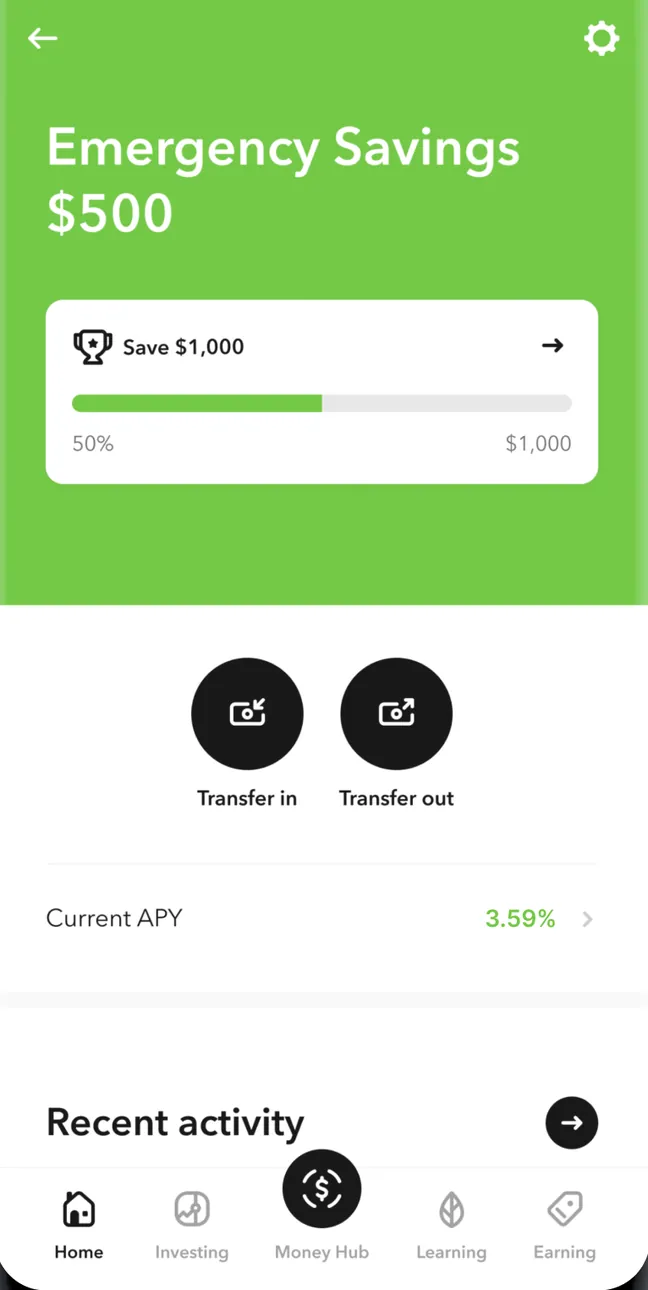
Google Play marketing imageEmergency Savings at $500 with a Save $1,000 goal at 50%, Transfer in and Transfer out buttons, Current APY 3.59%, a Recent activity header and the tab bar with Home selected.Google Play listing, as of
Goals (3)
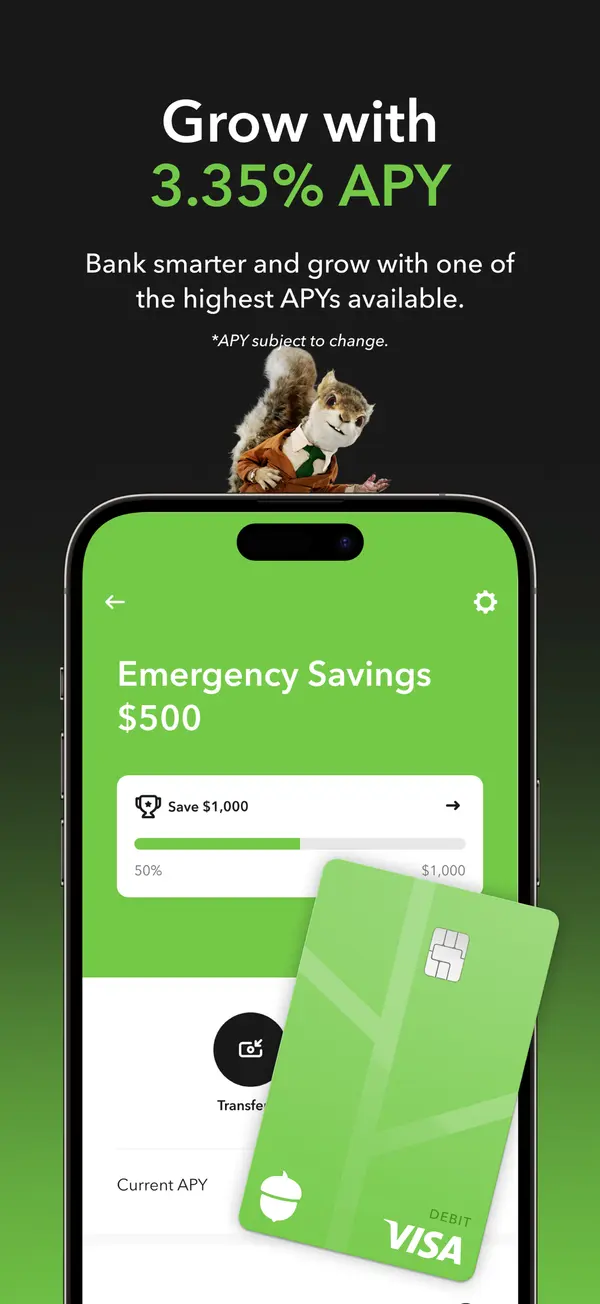
App Store marketing imageApp Store image with the headline about APY showing an Emergency Savings screen with a Save $1,000 bar and a debit card.App Store listing, as of 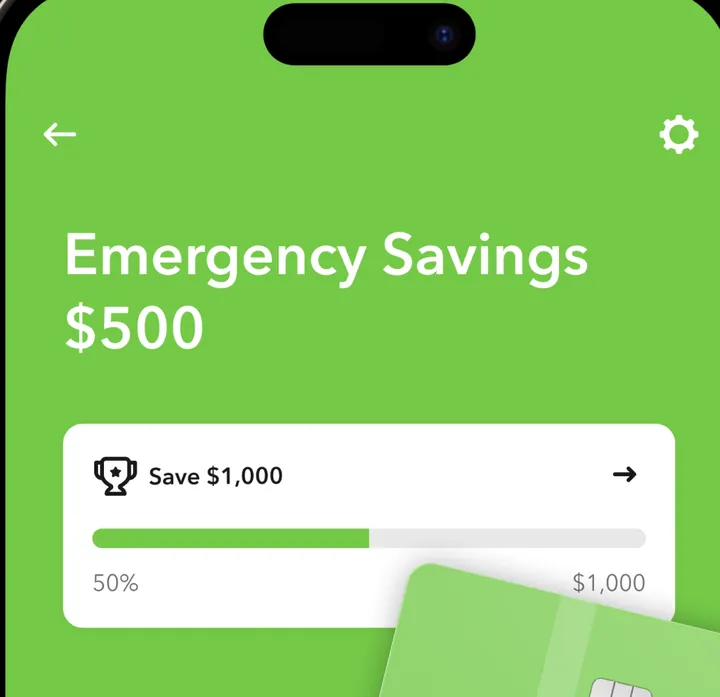
App Store marketing imageEmergency Savings at $500 with a Save $1,000 goal card at 50%, partly covered by an image of an Acorns Visa debit card.App Store listing, as of 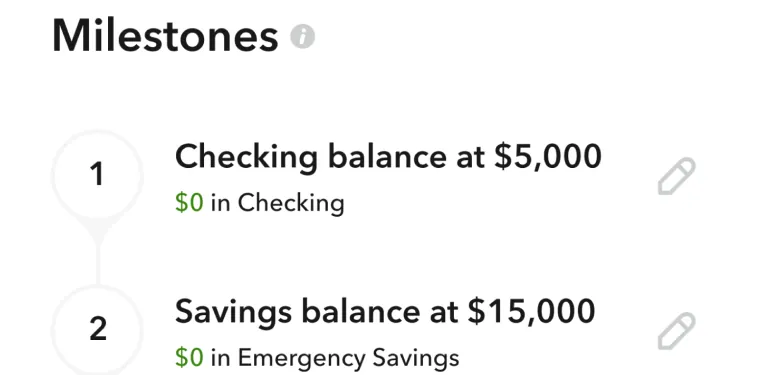
Google Play marketing imageMilestones: 1, Checking balance at $5,000 with $0 in Checking, and 2, Savings balance at $15,000 with $0 in Emergency Savings.Google Play listing, as of
Reports and insights (1)
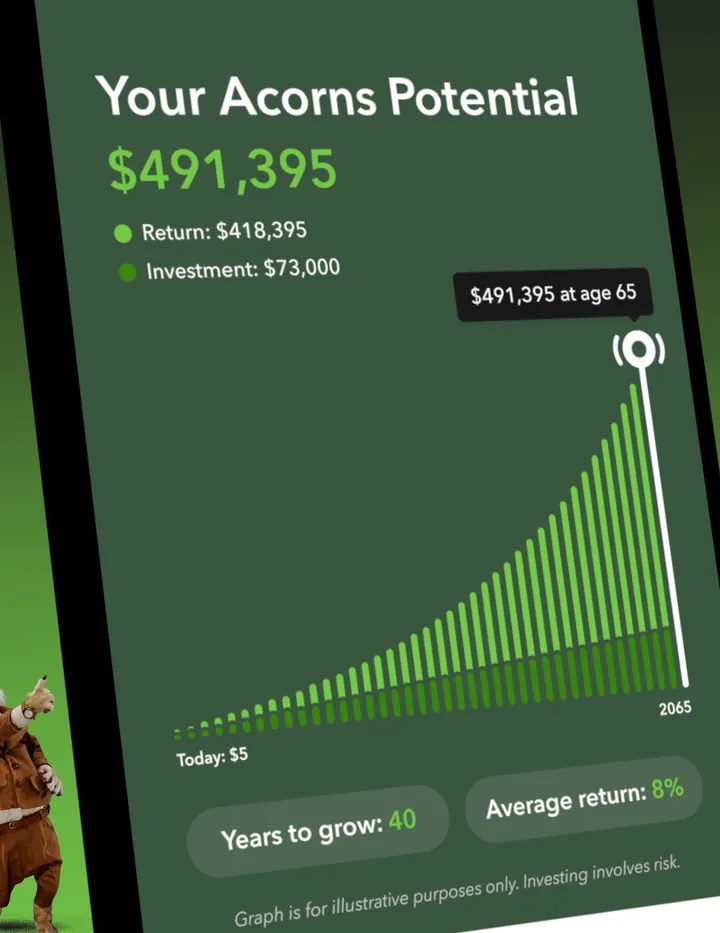
App Store marketing imageA tilted Your Acorns Potential screen: $491,395 made of a $418,395 return and $73,000 invested, a rising bar chart to age 65 and Years to grow 40 and Average return 8% chips.App Store listing, as of
Investments (7)
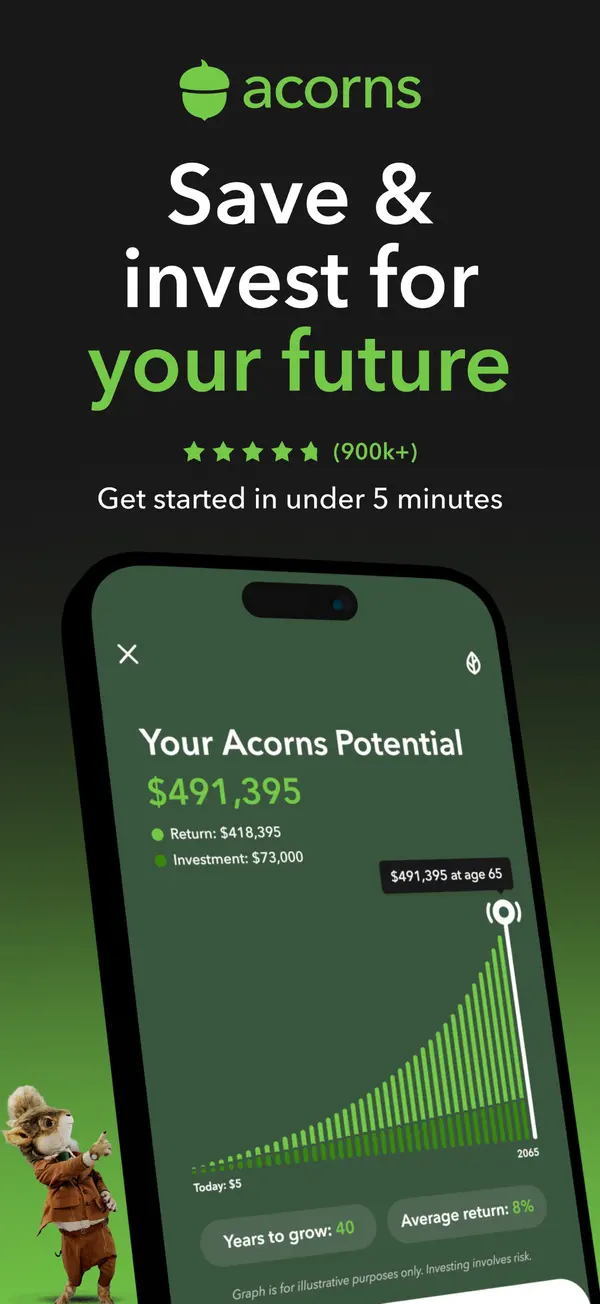
App Store marketing imageApp Store image with the headline "Save & invest for your future" showing a "Your Acorns Potential" projection chart.App Store listing, as of 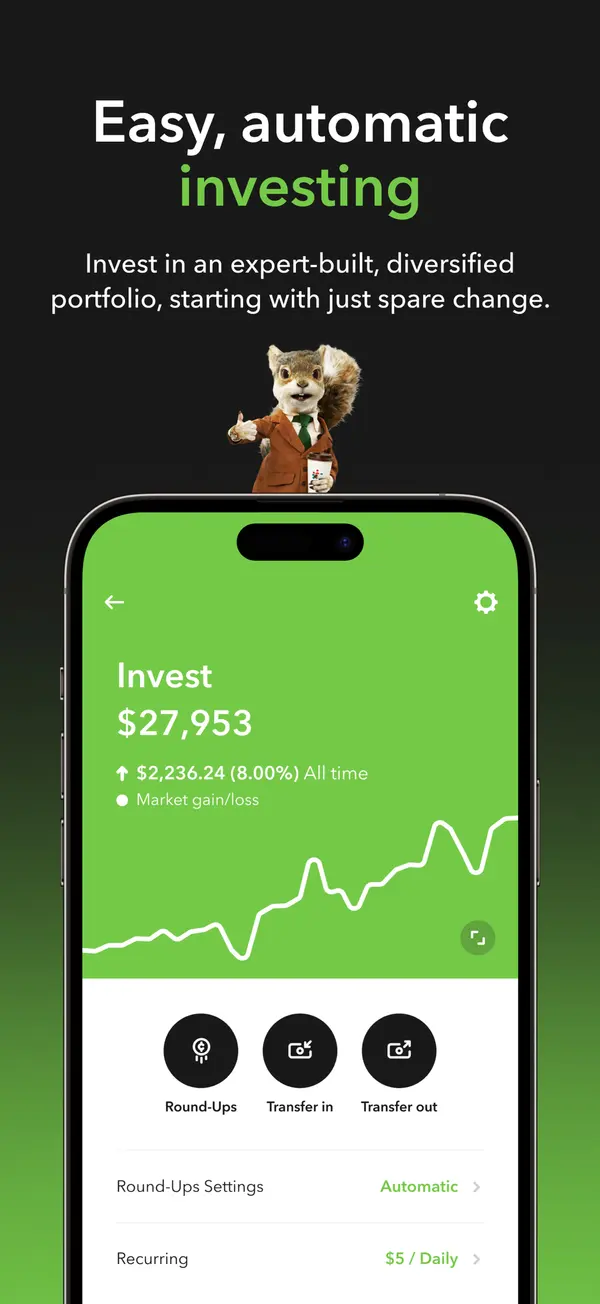
App Store marketing imageApp Store image with the headline "Easy, automatic investing" showing an Invest account at $27,953 with Round-Ups and transfer buttons.App Store listing, as of 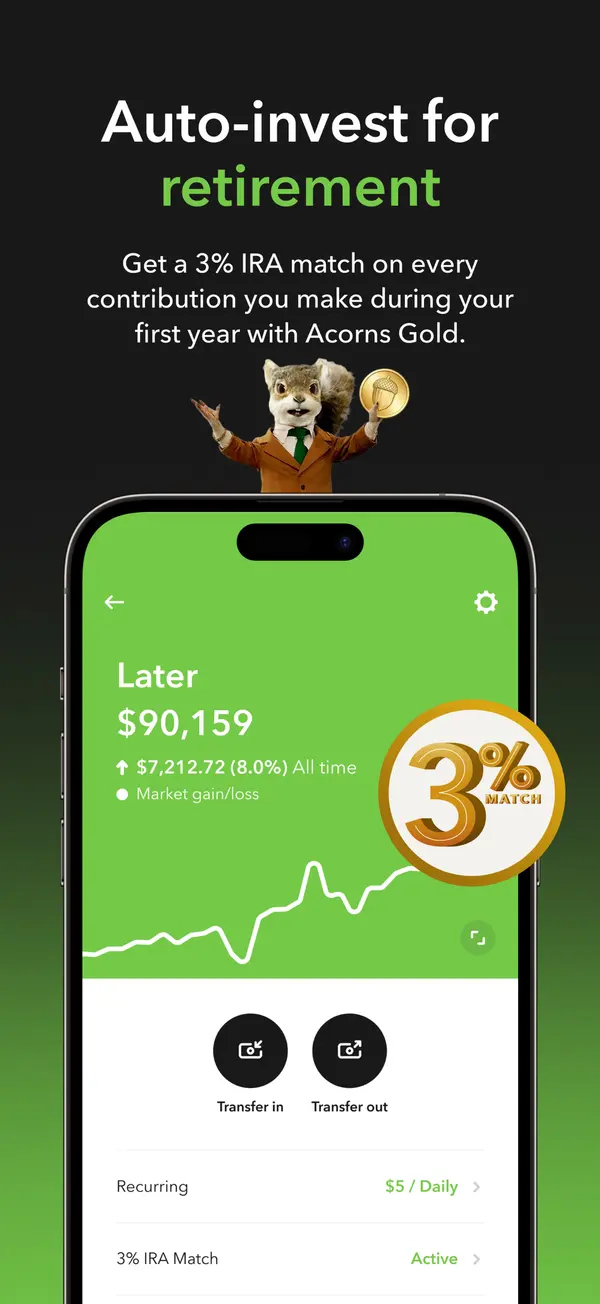
App Store marketing imageApp Store image with the headline "Auto-invest for retirement" showing a Later account with a 3% match badge.App Store listing, as of 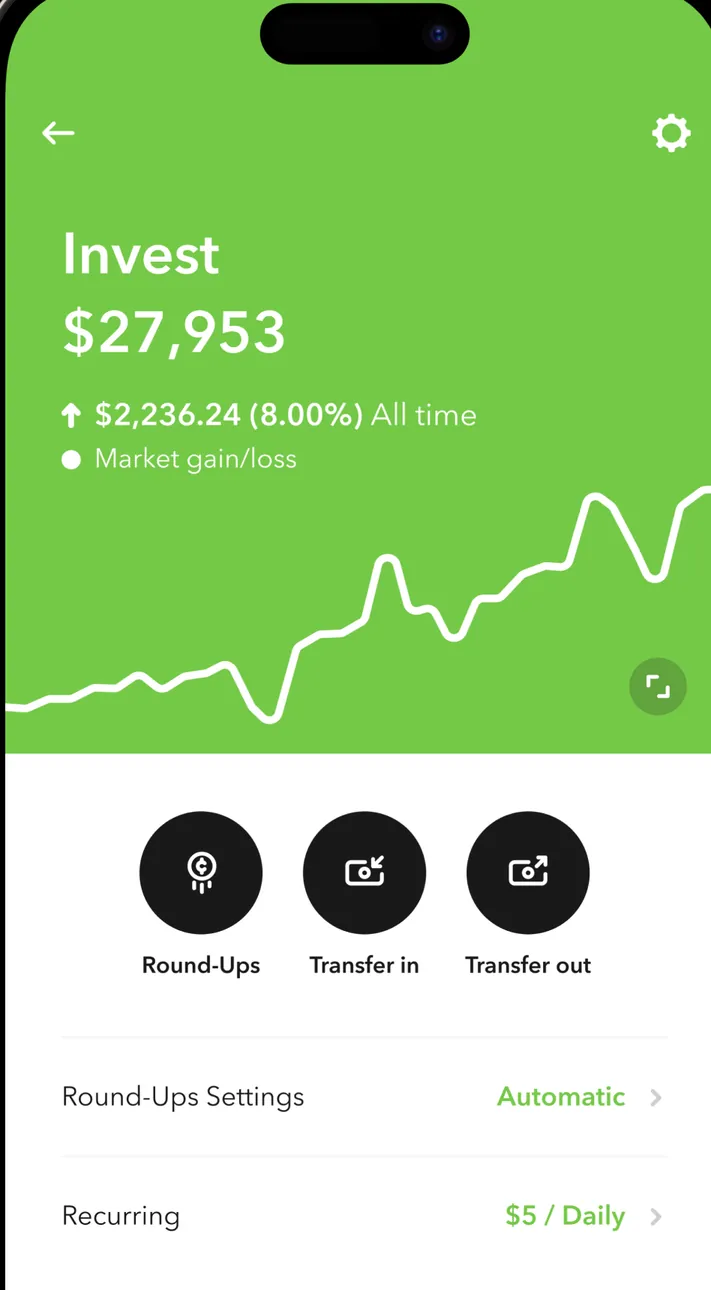
App Store marketing imageThe Invest account: $27,953, up $2,236.24 (8.00%) all time, a line chart, Round-Ups, Transfer in and Transfer out buttons, and Round-Ups Settings Automatic and Recurring $5 / Daily rows.App Store listing, as of 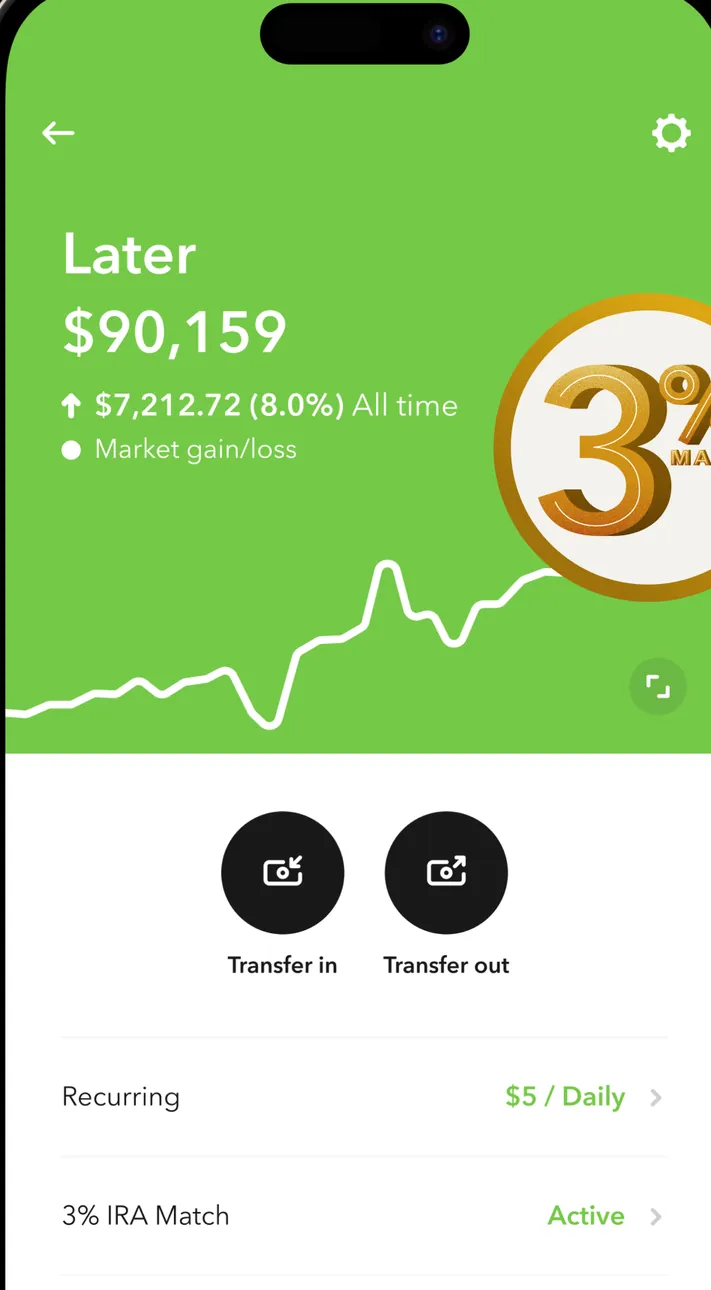
App Store marketing imageThe Later retirement account: $90,159, up $7,212.72 (8.0%) all time, a line chart with a 3% match badge placed over it, Transfer in and Transfer out buttons, and Recurring $5 / Daily and 3% IRA Match Active rows.App Store listing, as of 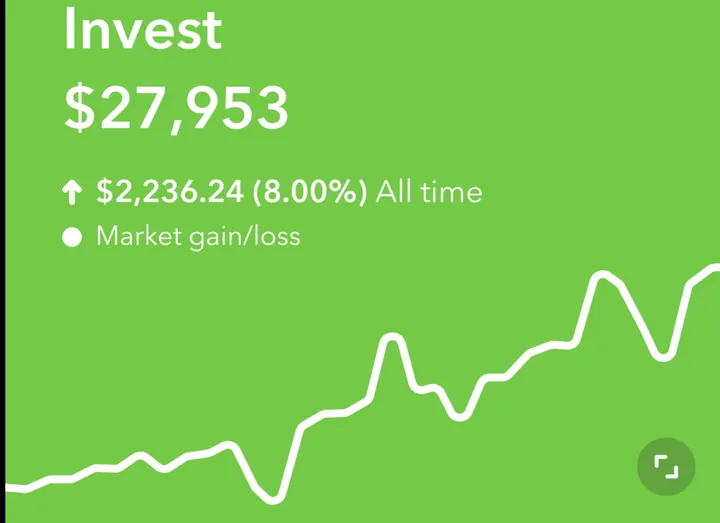
App Store marketing imageInvest $27,953 with $2,236.24 (8.00%) all time market gain and a green line chart.App Store listing, as of 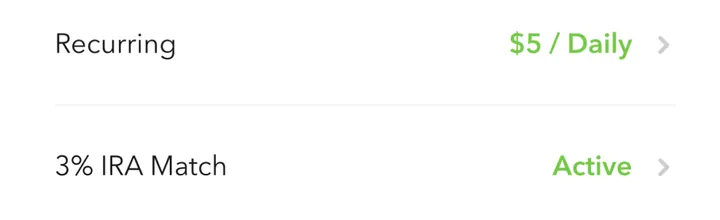
App Store marketing imageTwo settings rows: Recurring $5 / Daily and 3% IRA Match Active.App Store listing, as of
Transfer and send (1)
App Store marketing imageThree round buttons: Round-Ups, Transfer in and Transfer out.App Store listing, as of
Other screens (8)
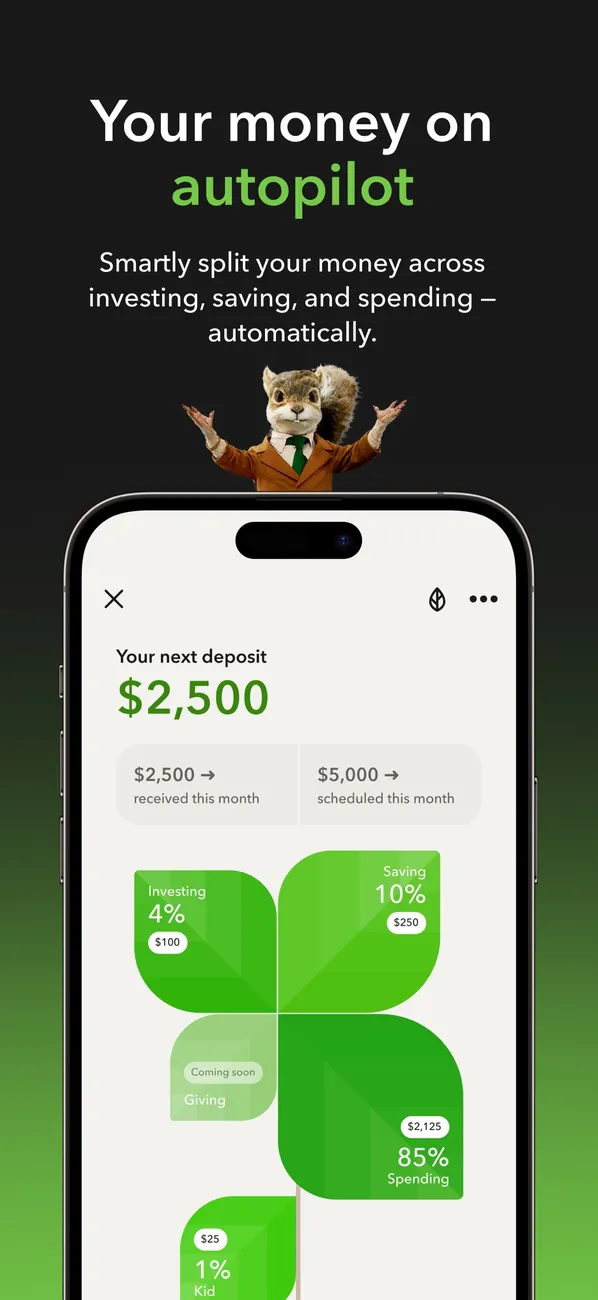
App Store marketing imageApp Store image with the headline "Your money on autopilot" showing your next deposit of $2,500 split across investing, saving and spending.App Store listing, as of 
App Store marketing imageApp Store image with the headline "Get smart about money" showing a Learn screen with articles.App Store listing, as of 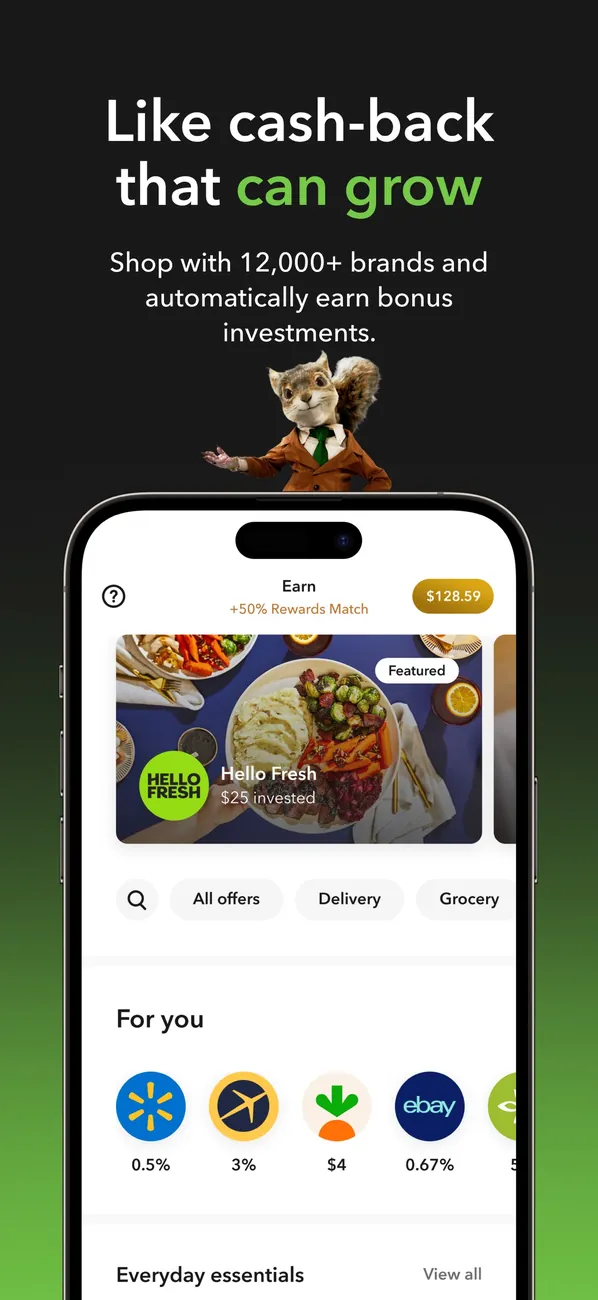
App Store marketing imageApp Store image with the headline "Like cash-back that can grow" showing an Earn screen with brand offers.App Store listing, as of 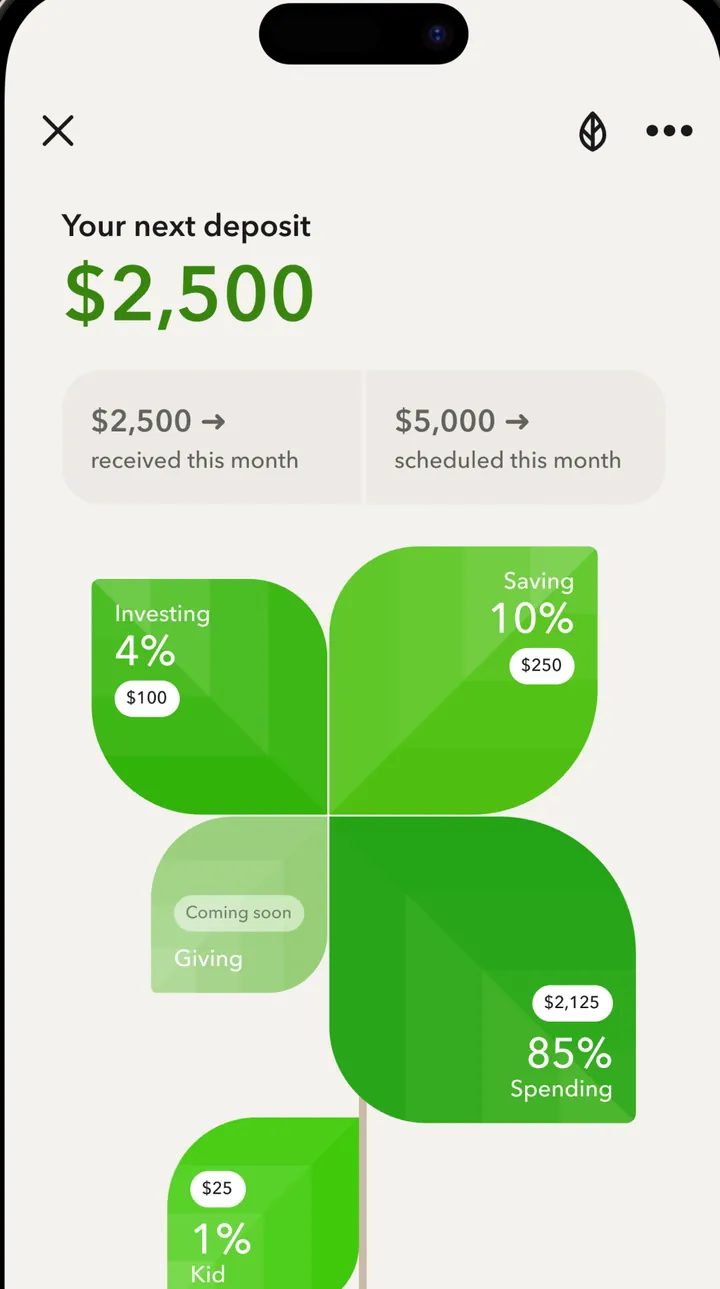
App Store marketing imageYour next deposit of $2,500 with $2,500 received this month and $5,000 scheduled, split into tiles: Investing 4% $100, Saving 10% $250, Spending 85% $2,125, Kid 1% $25 and Giving coming soon.App Store listing, as of 
App Store marketing imageThe Learn tab with Just for you, Investing and Retiring filters, a 7 min video card titled "The American Dream isn't dead" and a Trending for you row.App Store listing, as of 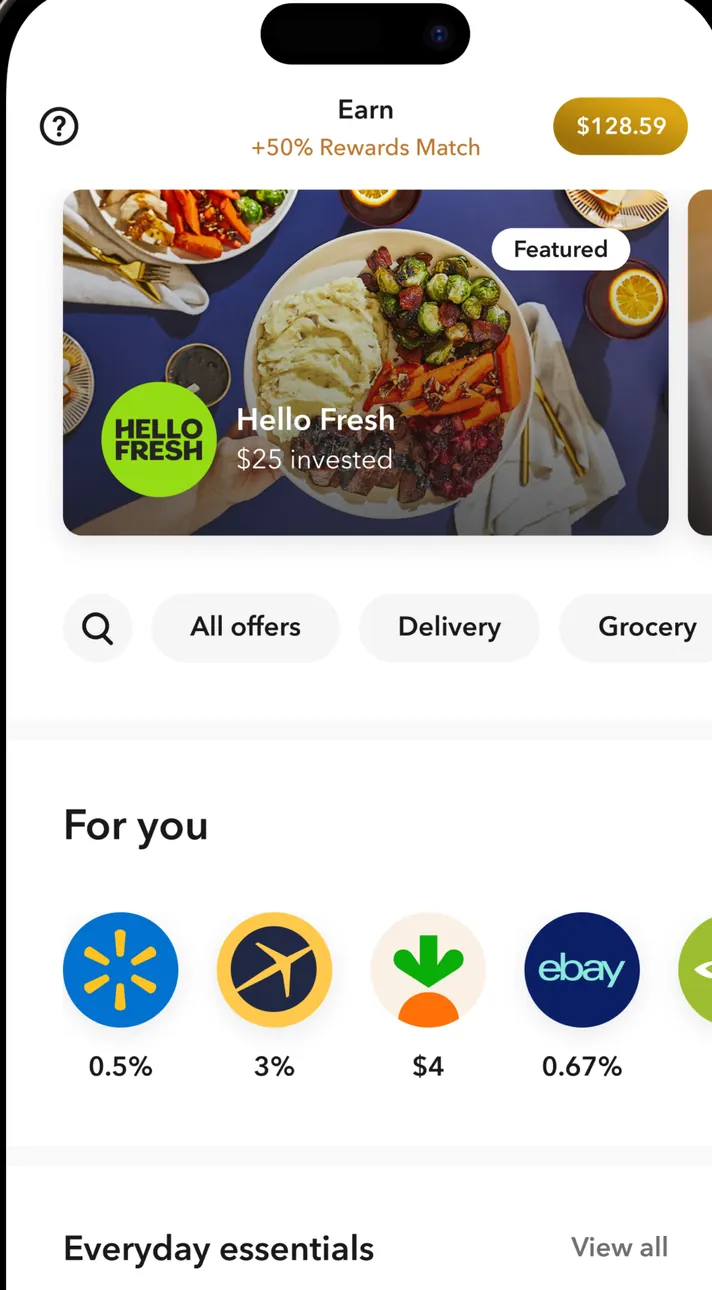
App Store marketing imageThe Earn tab: +50% Rewards Match, $128.59 earned, a featured Hello Fresh offer with $25 invested, All offers, Delivery and Grocery filters and a For you row of brand logos with rates.App Store listing, as of 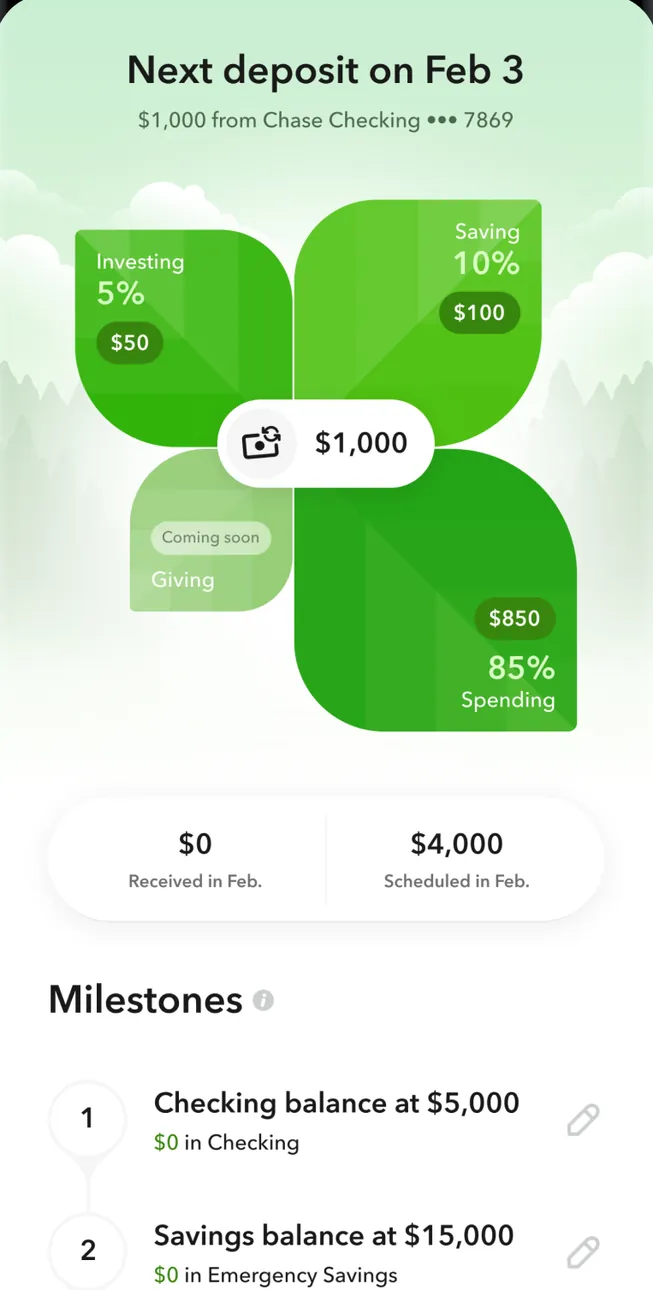
Google Play marketing imageNext deposit on Feb 3, $1,000 from Chase Checking, split into Investing 5% $50, Saving 10% $100 and Spending 85% $850 with Giving coming soon, $0 received and $4,000 scheduled in Feb., and a Milestones list.Google Play listing, as of 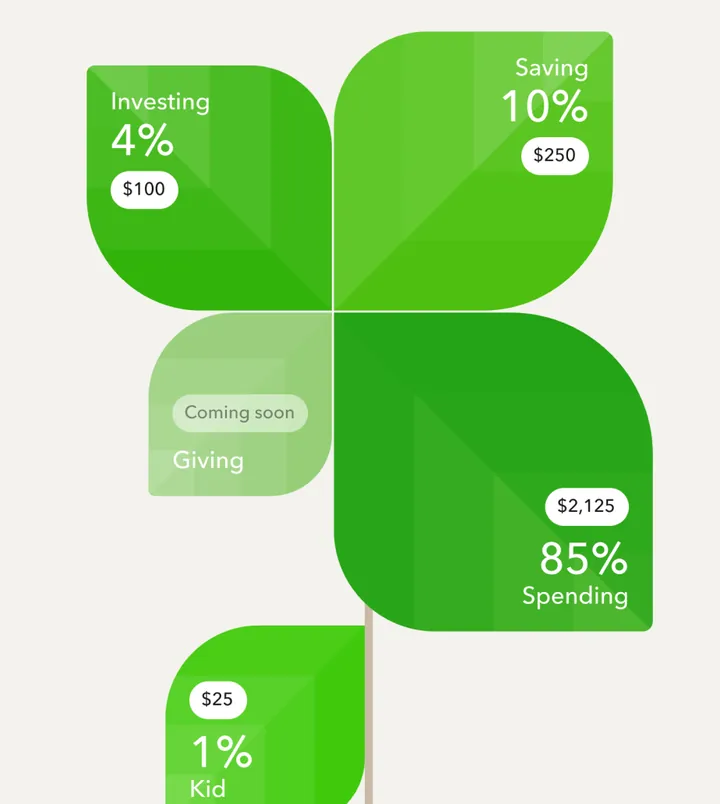
App Store marketing imageGreen tiles splitting a deposit: Investing 4% $100, Saving 10% $250, Spending 85% $2,125, Kid 1% $25 and Giving coming soon.App Store listing, as of
Who Acorns is for
Who Acorns fits
- You want investing to happen automatically without picking investments.
- You like the idea of investing spare change with Round-Ups.
- You want a retirement account, and maybe a kids' account, in the same app.
Who should skip Acorns
- You plan to invest a very small balance, where a monthly fee weighs more.
- You want to pick individual stocks without paying for the top plan.
- You haven't covered your bills and an emergency fund yet.
Acorns is an investing app built for people who don't want to pick investments. You sign up, Acorns recommends a diversified portfolio for your goals, and then small amounts move in automatically.
Instead of a fee on each trade, Acorns charges one monthly subscription. There are three plans, Bronze, Silver and Gold, and each one bundles investing, retirement and banking tools at a different level.
The current plan prices sit in the box at the top of this review, with the date we checked them on Acorns' pricing page.
How Acorns works
Every plan starts with an investment account built on an expert-built, diversified portfolio, plus Acorns Later, a retirement account.
The feature most people know is Round-Ups. Acorns rounds up your purchases and invests the spare change. If a coffee costs a little under a whole dollar amount, the difference gets invested. Acorns also offers a paycheck split that saves and invests a piece of each paycheck across your Acorns accounts.
Acorns Checking adds a debit card that rounds up in real time, and Acorns says there are no overdraft fees and no fees at more than 55,000 AllPoint ATMs.
What changes by plan
Bronze covers the investment account, Round-Ups, Acorns Later and Acorns Checking.
Silver adds a 1% IRA match on new Acorns Later contributions during your first year, plus a higher match on bonus investments you earn by shopping with partner brands.
Gold raises the IRA match to 3% on new contributions in your first year. It also adds Acorns Early Invest for kids, custom portfolios with individual stocks and ETFs, and, for eligible customers, a $10,000 life insurance policy and a no-cost will.
Where Acorns asks more of you
A flat monthly fee is easy to understand, but it weighs more on a small balance. Compare the monthly price with what you actually plan to invest before you pick a plan.
Investing also carries risk. Acorns says its investment products are not FDIC insured, are not bank guaranteed and may lose value. Acorns Securities is a member of FINRA and SIPC (2026), which protects against a brokerage failing, not against market losses.

Acorns and your Money Type
Priceless Tay sorts money habits into four Money Types: Strategist, Spender, Saver and Scrambler. Your type tells you which fix to make first.
Strategists may outgrow the hands-off portfolio and want more control. Gold's custom portfolios help, but compare costs first.
Spenders get a quiet win from Round-Ups, because small purchases leave something behind. It still works best alongside Sleep on It.
Savers are the best fit. If your money sits in savings because investing feels like too many decisions, Acorns makes the first step automatic. That's the Saver first fix, Put It to Work.
Scramblers should cover the bills before turning on a paycheck split. Start with Bills First.
Not sure which one you are? Take the free Money Types quiz.
How Acorns compares
Our guide to low-cost brokerage accounts covers investing accounts that work differently. If you're deciding whether to invest or pay down debt first, try the debt vs invest calculator. New to the terms? Start with what an index fund is.
FAQ
How much does Acorns cost?
Acorns charges a monthly subscription with three plans: Bronze, Silver and Gold. The current price for each is in the box at the top of this review, with the date we checked Acorns' pricing page.
What are Acorns Round-Ups?
Round-Ups invest your spare change. Acorns rounds up a purchase to the next dollar and invests the difference.
Does Acorns match IRA contributions?
Yes, on some plans. Acorns lists a 1% IRA match on new contributions during your first year with Silver and a 3% match with Gold.
Is money in Acorns FDIC insured?
It depends on the account. Acorns says its investment products are not FDIC insured and may lose value. Acorns Checking balances are FDIC insured through its partner banks, Lincoln Savings Bank or nbkc bank, up to $250,000 per depositor.
Which Acorns plan includes life insurance?
Gold. Acorns lists a $10,000 life insurance policy for eligible customers and a no-cost will as Gold features.
Who Acorns fits, by situation
Pick the tab that sounds like you. The questions come from app help centers, FAQ pages and user forums, and every answer comes from the app's own pages, with the date we checked it.
Just me
Budgeting on your own? These are the basics people ask about first.
Is it free?
Acorns has three monthly plans: Bronze at $4 a month, Silver at $8 a month, and Gold at $12 a month.
As of . Source: acorns.com
Is there support from the app's makers if I need help?
Yes. Chat (Acorns app or Help Center), email and phone.
In their words: “Chat: Chat with us anytime through the Acorns app or from the Acorns Help Center (click "Need Help?" in the bottom right corner).”
As of . Source: support.acorns.com
Partners
Sharing money with a partner? Here's how each app handles a second person.
Can my partner use their own login details?
No. Your partner signs in to your same account.
In their words: “Today, we do not offer the option to set up a joint Acorns account.”
As of . Source: support.acorns.com
Can we keep shared and individual views?
No. You both see the same shared view.
In their words: “Today, we do not offer the option to set up a joint Acorns account.”
As of . Source: support.acorns.com
Family
Bringing in more of the household? Here's what each app says about families and kids. See apps with custodial accounts for kids.
Does it have accounts or features for kids or teens?
Yes. It has accounts or features for kids or teens.
In their words: “Smart money app & up to 4 debit cards”
As of . Source: acorns.com
Freelancer
Paid on an uneven schedule or running a side hustle? Here's what each app offers. See apps with a SEP IRA or Solo 401(k).
Can I mix business and personal expenses in this app?
No.
In their words: “We are not permitted to link business accounts to Acorns accounts.”
As of . Source: support.acorns.com
Can I export my transactions for tax prep?
Yes. You can export your transactions for tax prep.
In their words: “If you choose to opt in, we can also help populate your information and tax forms during the experience.”
As of . Source: support.acorns.com
Business
Running a small business? Here's what each app says about business money.
Can I mix business and personal expenses in this app?
No.
In their words: “We are not permitted to link business accounts to Acorns accounts.”
As of . Source: support.acorns.com
Can I export my transactions for tax prep?
Yes. You can export your transactions for tax prep.
In their words: “If you choose to opt in, we can also help populate your information and tax forms during the experience.”
As of . Source: support.acorns.com
A question shows only when every app here has a current official source that answers it. We only say no when the app's own page does.
What real users say
These are other people's opinions, not Priceless Tay's. We quote public reviews and posts word for word, link each one and show its date, but we haven't checked the claims in them. A post counts toward a theme when it uses one of that theme's keywords, so a mention can be praise or a complaint.
What Acorns users say
Based on 500 App Store reviews, 3 Reddit posts and 1 YouTube video dated Nov 2025 to Oct 2026, read Oct 2026. We collected the Reddit and YouTube data with Apify, a scraping service, on Oct 24, 2026.
- Of the 504 reviews, posts and videos we read, 78 mention the price, fees or the subscription.
- Of the 504 reviews, posts and videos we read, 75 mention how easy or hard the app is to use.
- Of the 504 reviews, posts and videos we read, 52 mention deposits, transfers or getting paid.
Positive
“Great investing app for beginners. Acorns makes saving and investing simple with automatic deposits and round-ups.”
Positive
“Acorns. I love that app. I have it set to like $20 a week and then 3x round up...”
Critical
“This place just kept charging me a monthly fee even though the account had been closed.”
Where these come from
- Acorns reviews on the App Store, read Oct 24, 2026. The public feed returns the 500 most recent US reviews. We kept every one dated inside the window.
- Hacker News search for Acorns, read Oct 24, 2026. Public search of comments and posts. 5 named the app; we kept 0 where the writer shares their own use of it.
- Reddit search for Acorns, collected Oct 24, 2026. Collected with Apify (harshmaur/reddit-scraper) on Oct 24 2026: a keyword search for "Acorns app", posts and comments from after Oct 24 2025. It returned 84, most of them about something else. We kept 3 where the writer shares their own use of the app or a clear opinion of it. We left out moderators, bots, company accounts, referral posts and people promoting their own apps.
- YouTube search for Acorns, collected Oct 24, 2026. Collected with Apify (streamers/youtube-scraper) on Oct 24 2026: a search for "Acorns app review" from the past year, up to 8 videos. It returned 7. We kept 1 and left out the app's own channel, sponsored videos, videos with affiliate or referral links and videos about a different product. We count themes from each video's title, description and captions, but we don't quote videos, because the captions we have carry no timestamps.
- u/Yikes_big_oof in r/budget on Reddit, Oct 23, 2026.
- u/LewisRyan in r/acorns on Reddit, Oct 21, 2026.
- u/DAT4korrupt in r/povertyfinance on Reddit, Oct 12, 2026.
- "I'm Leaving Acorns Investing..." by Keep Going on YouTube, Nov 12, 2025.
Compare Acorns
Looking at other options? See Acorns alternatives, closest category first.
Want the bigger picture? Compare more money apps.
Full disclosure: Taylor Price, who runs Priceless Tay, owns Fifecta, so keep that in mind as you read this comparison.
Another option: Fifecta
If you're still weighing Acorns, here is one more option to look at. Fifecta gives every paycheck a plan with FUNDS, and it starts from your Money Type, so the plan matches how you already handle money.
Sources and confidence
- Last checked
- Sourced facts
- 10 facts, each linked and dated
Acorns10 sourced facts, last checked Oct 25, 2026
- Management or subscription feeacorns.com/pricing, as of Oct 25, 2026
- Account minimumsqy7rm.media.zestyio.com/Acorns-Wrap-Fee-Program-Brochure--August-2026-.pdf, as of Oct 25, 2026
- Stock and ETF commissionsacorns.com, as of Oct 25, 2026
- Account typesacorns.com/pricing, as of Oct 25, 2026
- Fractional sharessqy7rm.media.zestyio.com/Acorns-Securities-Acorns-Advisers-Form-CRS--August-2026-.pdf, as of Oct 25, 2026
- Automatic investingacorns.com/pricing, as of Oct 25, 2026
- Managed portfolios (robo)acorns.com/pricing, as of Oct 25, 2026
- Protectionacorns.com/pricing, as of Oct 25, 2026
- Platformssqy7rm.media.zestyio.com/Acorns-Securities-Acorns-Advisers-Form-CRS--August-2026-.pdf, as of Oct 25, 2026
- App store ratingApp Store listing, as of Oct 25, 2026
Each fact links to the official page it came from, with the date we checked it. Once a fact is older than its app's window (8 days for apps whose rates change often, 35 days for the rest), it comes off the page until we check it again. How we source, date and index this data.
This is education, not financial advice.
You made it to the end. That's Saver-level patience.