

In this article
Our Bloom review explains how the learn-to-invest app works for teens and adults, what the subscription covers, and which Money Types it fits.
Priceless Tay may earn a commission from some links on this page, and that never changes how we compare apps.
Before you compare: This compares features and fees from each company's own pages. It isn't investment advice, and investing involves risk, including loss of money.

Short answer
Bloom is an investing app, and it lists iOS and Android. Bloom offers a $15 monthly plan and a $99.99 annual plan, and its custodial plan costs $150 a year. Bloom has 4.8 out of 5 on the App Store from 46,600 ratings as of Oct 25, 2026, which is the store's number, not our score.

Bloom at a glance
Bloom is a subscription app for learning to invest, with lessons, games and an investing account for adults and teens.
- Management or subscription fee
- Bloom offers a $15 monthly plan and a $99.99 annual plan, and its custodial plan costs $150 a year.As of Oct 24, 2026. Source: bloomapp.com/faq
- Account minimum
- Bloom has no minimum account balance, but deposits and stock orders must be at least $1.As of Oct 24, 2026. Source: bloomapp.com/faq
- Stock and ETF commissions
- Bloom says you pay $0 commissions when you trade stocks and ETFs on Bloom.As of Oct 25, 2026. Source: App Store listing
- Account types
- Bloom lists these account types: Investing account and UTMA/UGMA custodial brokerage accounts for teens 13-17.As of Oct 24, 2026. Source: bloomapp.com/faq
- Fractional shares
- Bloom's Form ADV brochure says the stocks, ETFs or crypto clients hold may be whole or fractional shares, and Bloom enables dollar-based investing.Fractional shares typically can't be transferred to another brokerage account; Bloom may convert them to cash on a transfer or liquidation.As of Oct 25, 2026. Source: files.adviserinfo.sec.gov/IAPD/Content/Common/crd_iapd_Brochure.aspx
- Automatic investing
- Bloom says you can set up conditional and recurring orders, including recurring investments into its Auto-Portfolios on a fixed schedule.As of Oct 25, 2026. Source: App Store listing
- Managed portfolios (robo)
- Bloom offers Auto-Portfolios that automatically copy the investments of top politicians and billionaires.Bloom's Form ADV (July 9, 2025) says Bloom seeks client authorization for each trade, so this is copy investing, not a discretionary robo-advisor.As of Oct 25, 2026. Source: App Store listing
- Protection
- Bloom's brokerage accounts are held at Alpaca Securities, a SIPC member. SIPC protection is limited to $500,000, including a $250,000 limit for cash.As of Oct 24, 2026. Source: sipc.org/for-investors/what-sipc-protects
- Platforms
- Bloom lists iOS and Android.As of Oct 24, 2026. Source: bloomapp.com
- App store rating
- Bloom has 4.8 out of 5 on the App Store from 46,600 ratings.As of Oct 25, 2026. Source: App Store listing
Prices and ratings change, so check Bloom's own site before you sign up. Every line here links to the official page it came from.
What Bloom looks like
Every image we have of Bloom, grouped by task. App Store and Google Play images are the app's own marketing, so they can show sample data. Help center images come from its support articles.
Home (1)
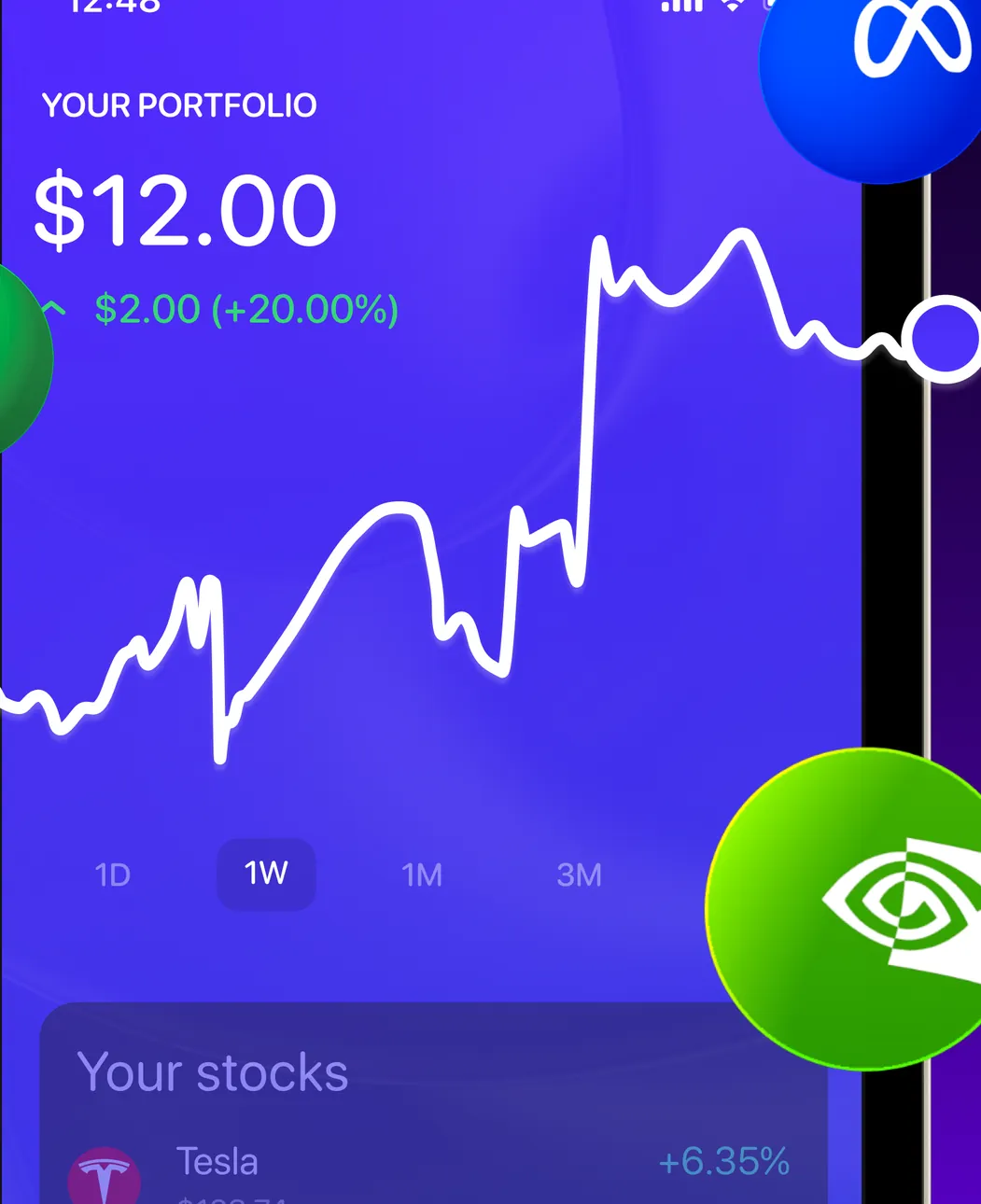
App Store marketing imageYour Portfolio at $12.00, up $2.00 (+20.00%), with a line chart, 1D to 3M ranges and a Your stocks list starting with Tesla, with brand logos placed over the screen.App Store listing, as of
Reports and insights (3)
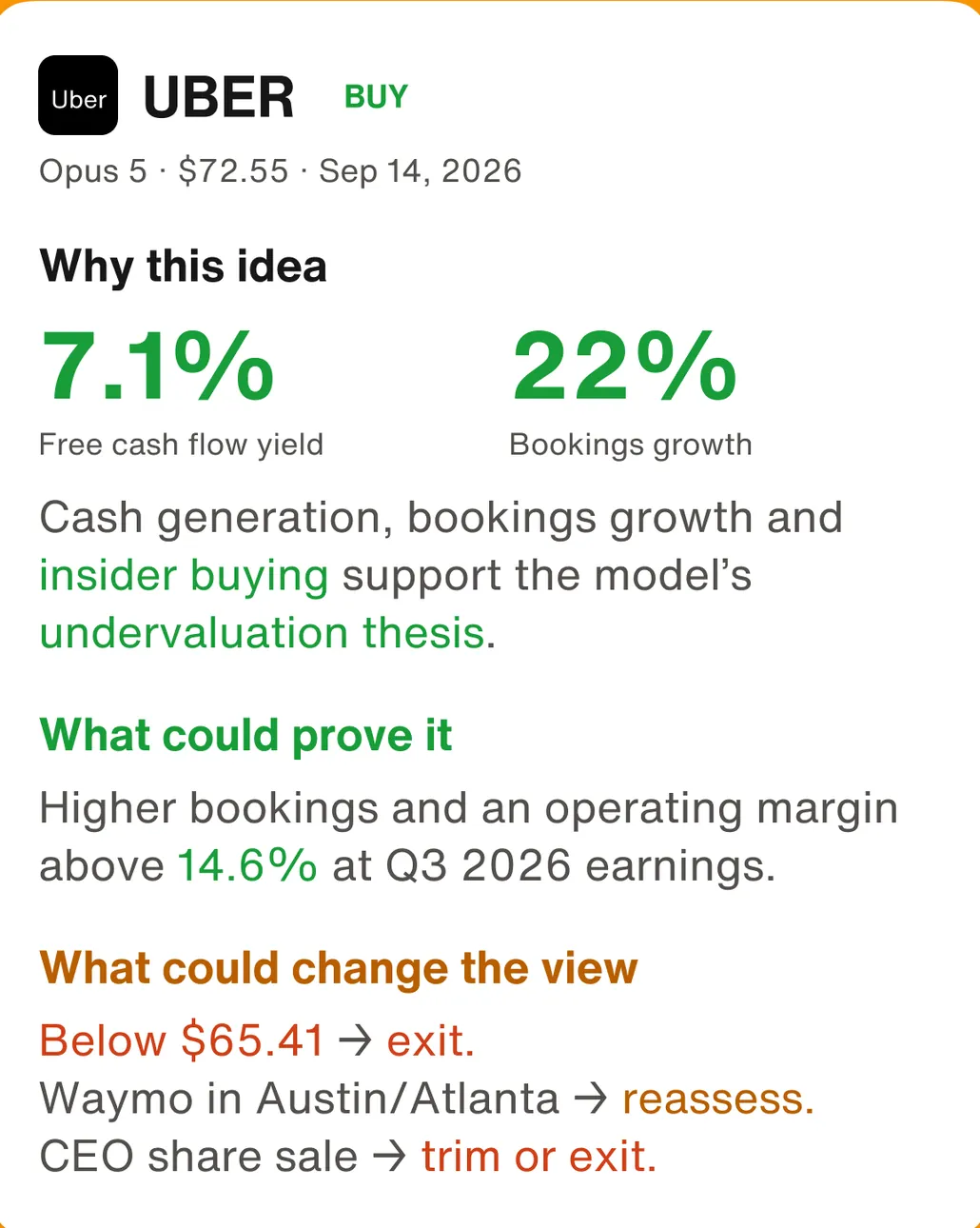
Google Play marketing imageAn UBER BUY idea card: Why this idea with 7.1% free cash flow yield and 22% bookings growth, What could prove it, and What could change the view with exit triggers below $65.41.Google Play listing, as of 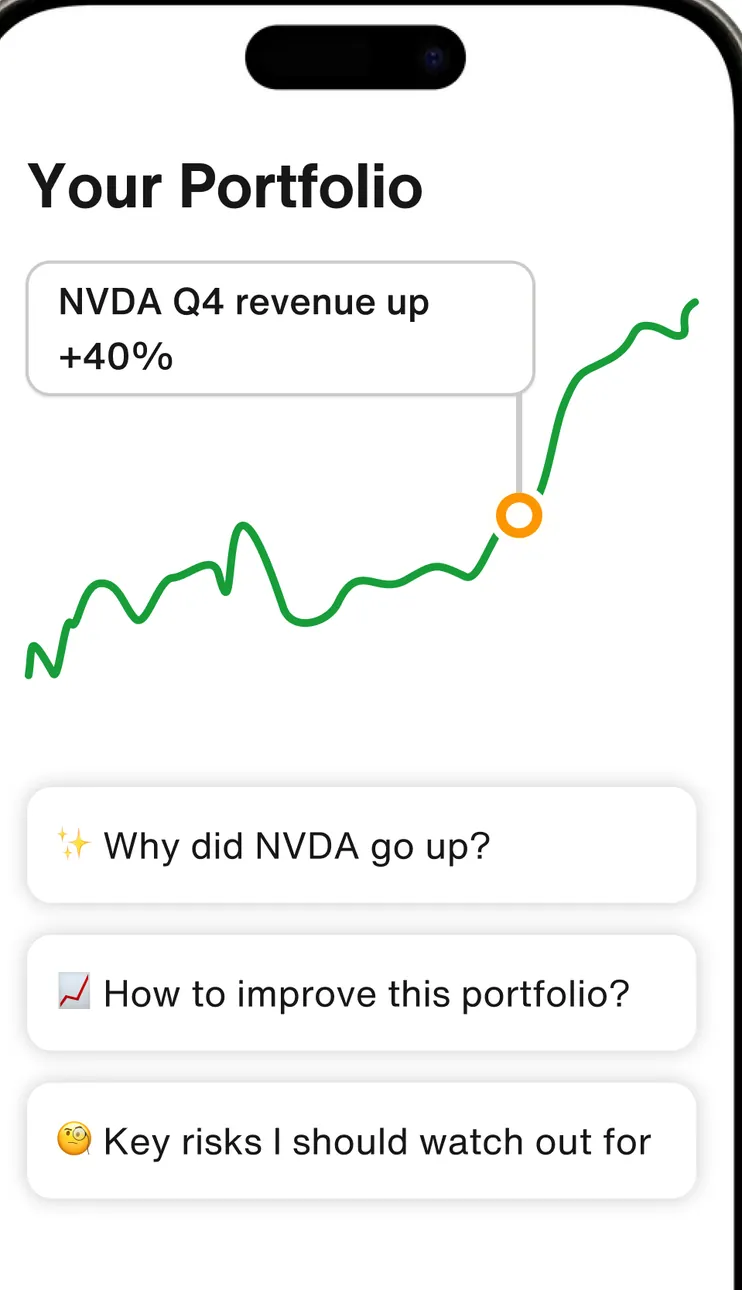
Google Play marketing imageYour Portfolio with an "NVDA Q4 revenue up +40%" note on a line chart and question chips: Why did NVDA go up?, How to improve this portfolio? and Key risks I should watch out for.Google Play listing, as of 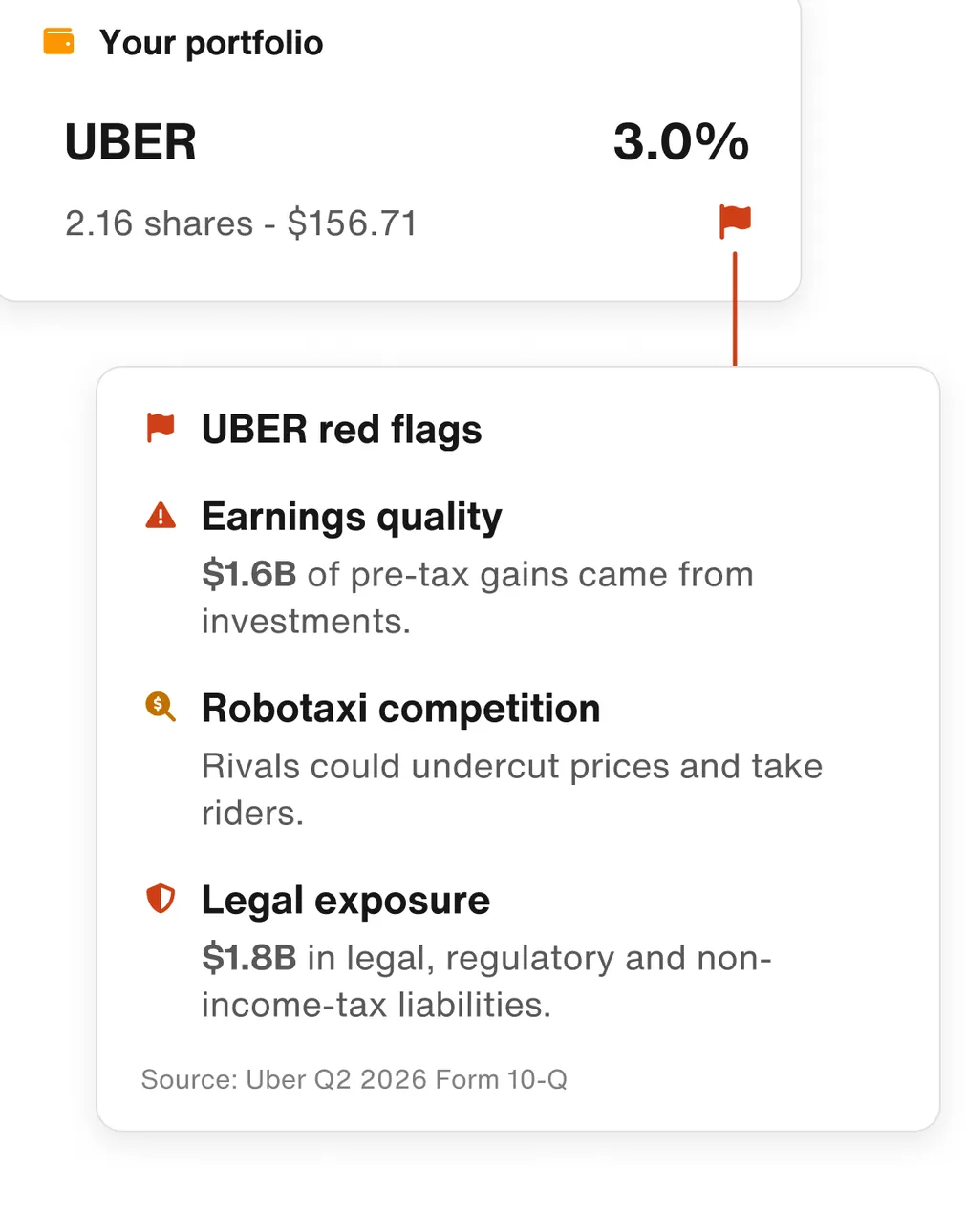
Google Play marketing imageYour portfolio: UBER at 3.0% with UBER red flags for earnings quality, Robotaxi competition and legal exposure, each with a short explanation.Google Play listing, as of
Investments (4)
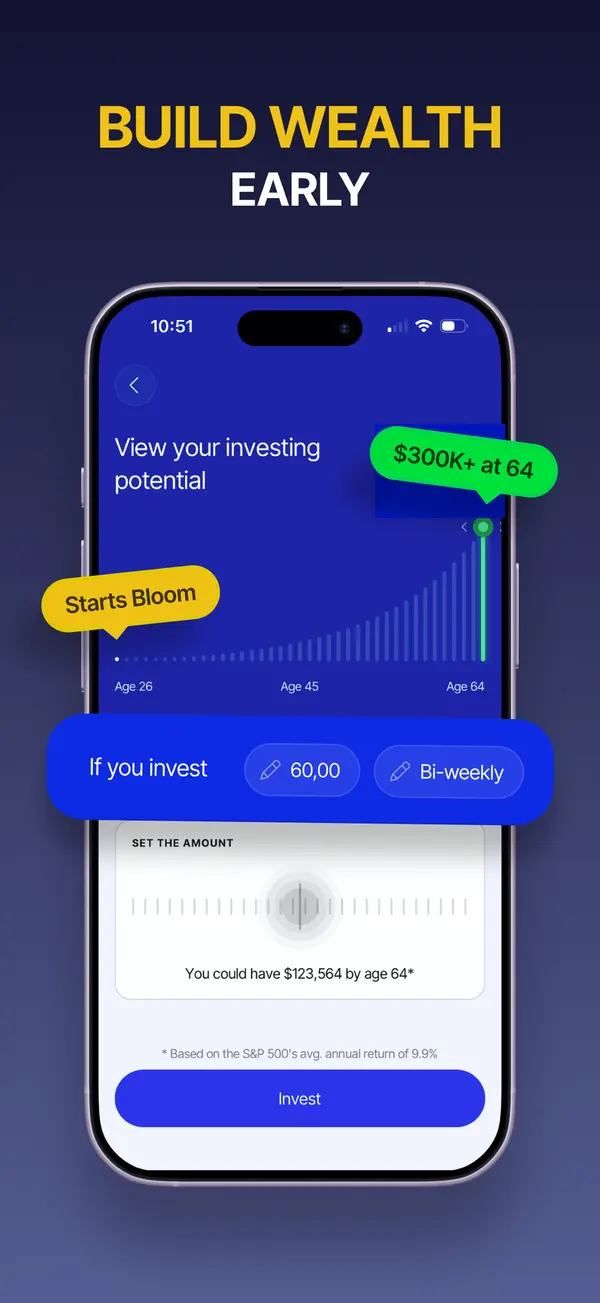
App Store marketing imageApp Store image with the headline "Build wealth early" showing an investing potential chart and an amount picker.App Store listing, as of 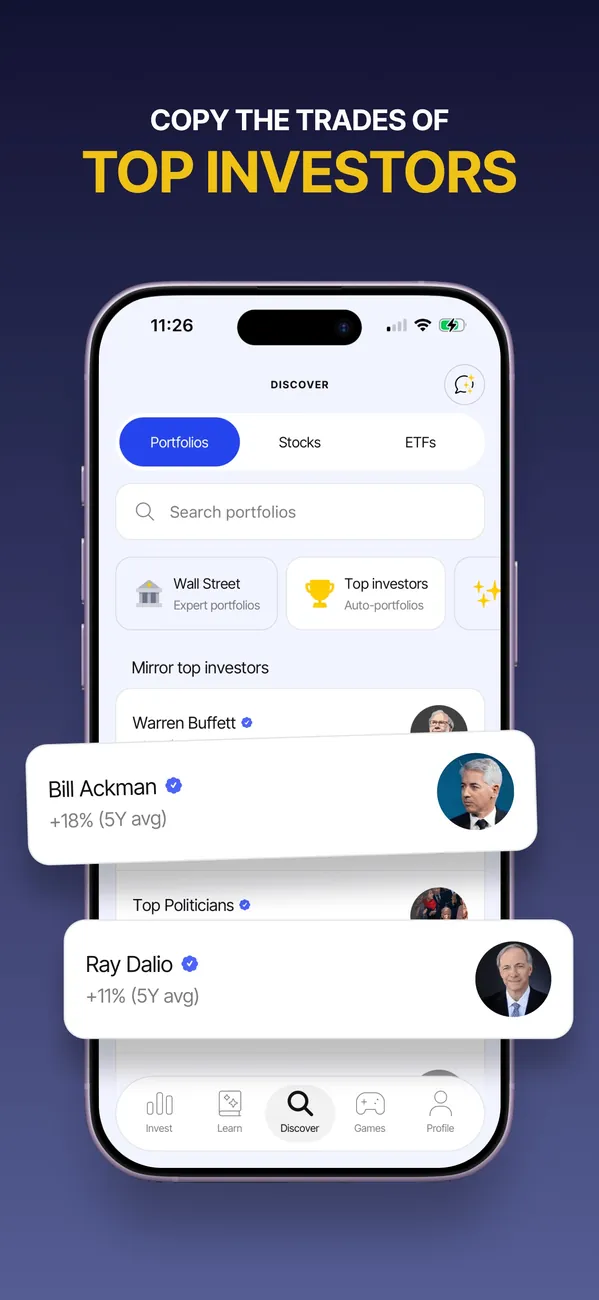
App Store marketing imageApp Store image with the headline "Copy the trades of top investors" showing a Discover screen with portfolios.App Store listing, as of 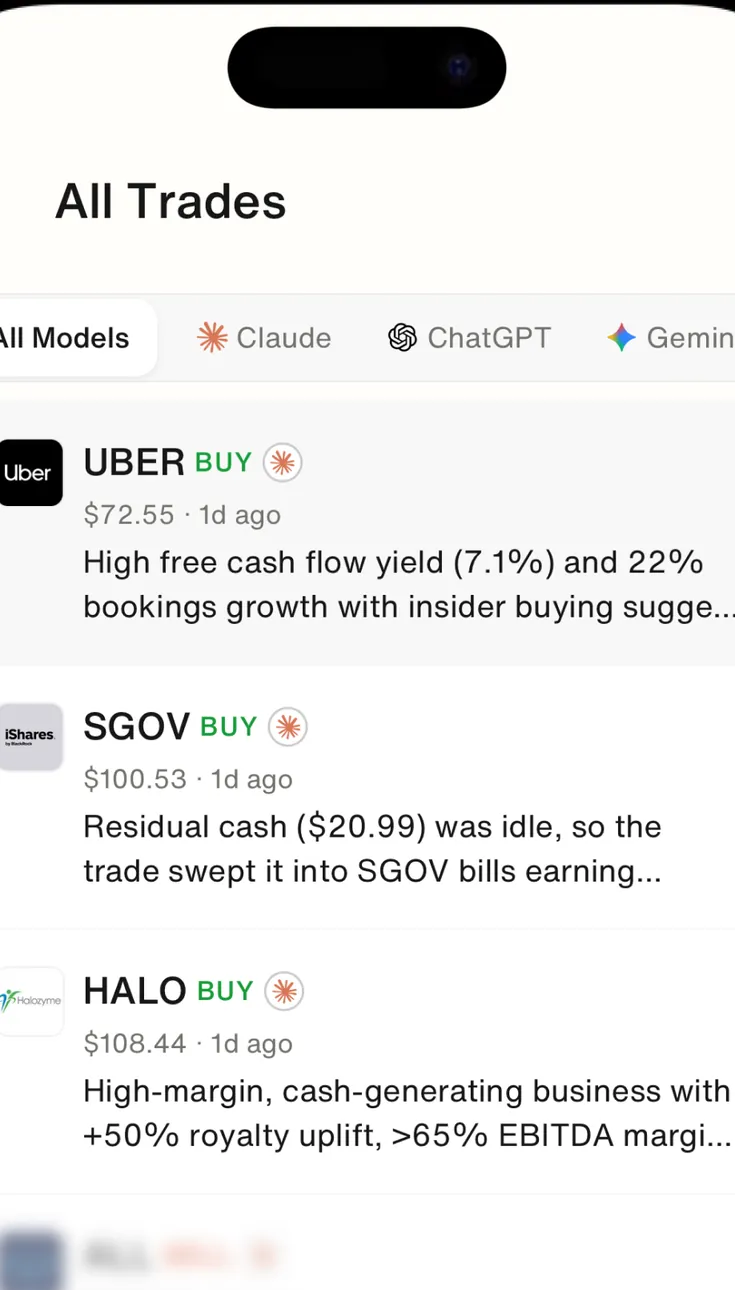
Google Play marketing imageAll Trades with All Models, Claude, ChatGPT and Gemini filters, listing BUY ideas for UBER, SGOV and HALO with prices and a one-line reason each.Google Play listing, as of 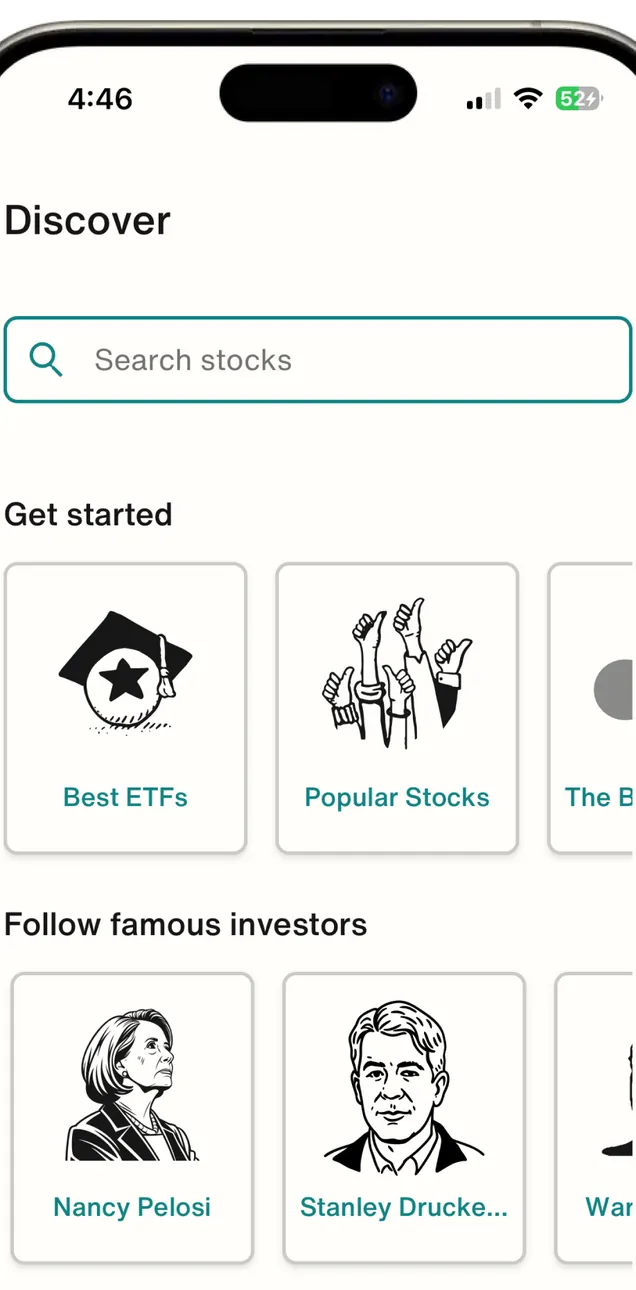
Google Play marketing imageThe Discover tab: a Search stocks field, Get started tiles for Best ETFs and Popular Stocks, and Follow famous investors cards such as Nancy Pelosi and Stanley Druckenmiller.Google Play listing, as of
Sharing with a partner (1)
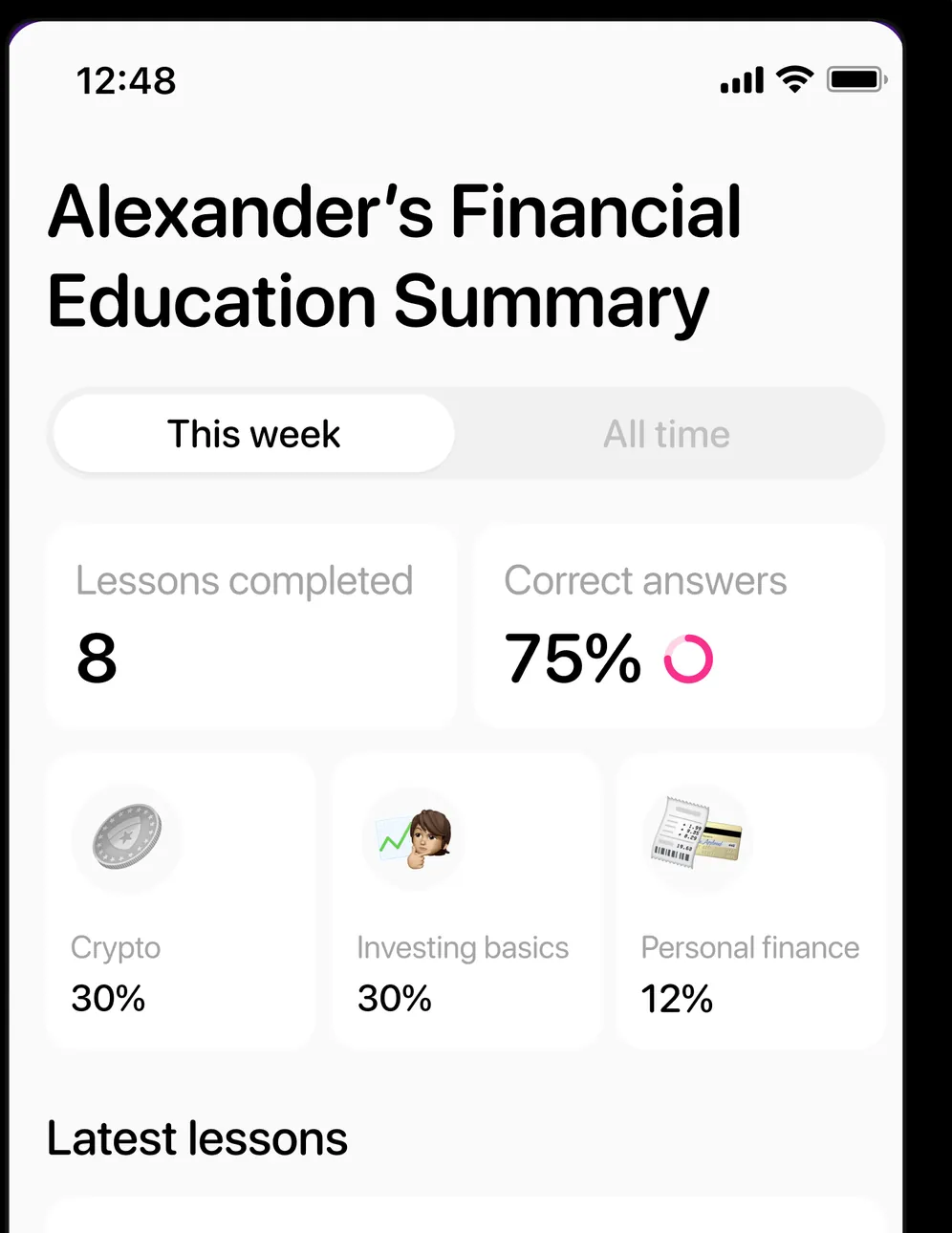
App Store marketing imageA parent's view of Alexander's Financial Education Summary: This week, 8 lessons completed, 75% correct answers and topic splits for Crypto 30%, Investing basics 30% and Personal finance 12%.App Store listing, as of
Getting started (2)
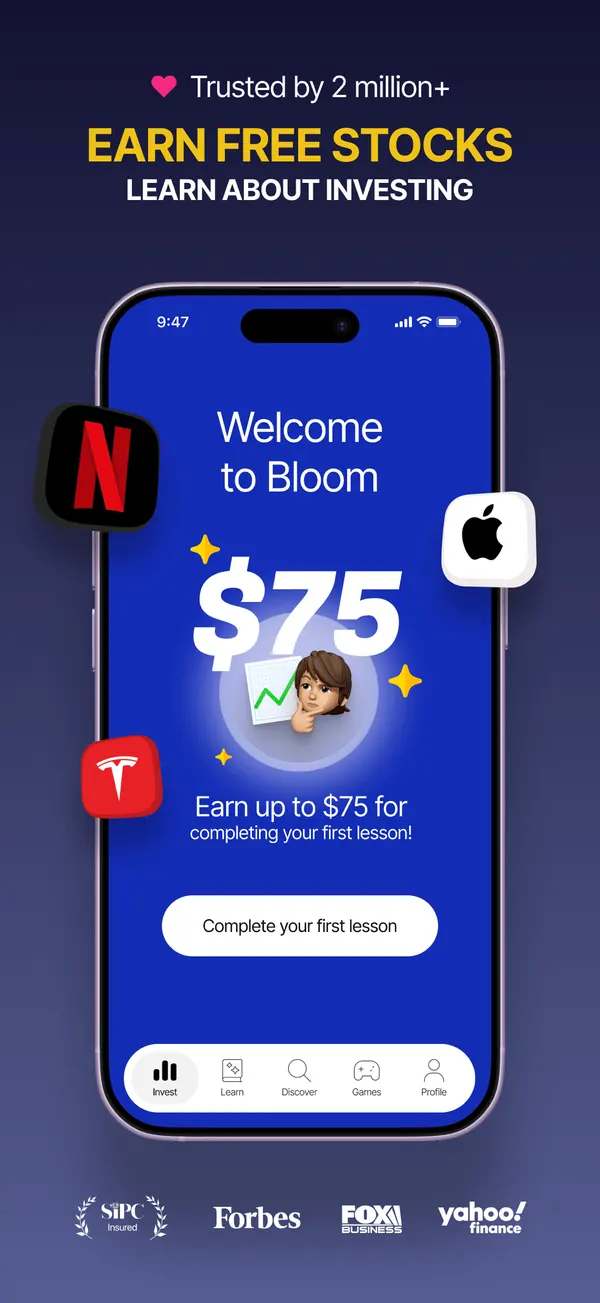
App Store marketing imageApp Store image with the headline "Earn free stocks" showing a Welcome to Bloom screen offering $75 for completing a first lesson.App Store listing, as of 
App Store marketing imageAn offer screen: $75, "Earn up to $75 for completing your first lesson!" with a Let's go button.App Store listing, as of
AI assistant (2)
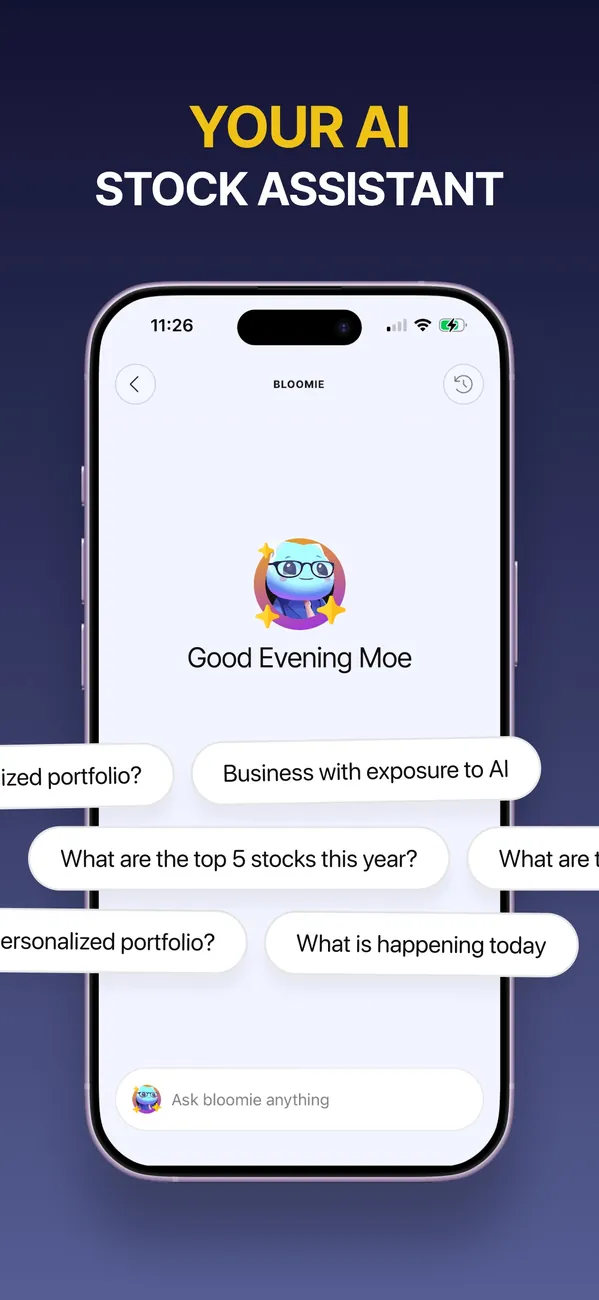
App Store marketing imageApp Store image with the headline "Your AI stock assistant" showing a Bloomie chat with suggested questions.App Store listing, as of 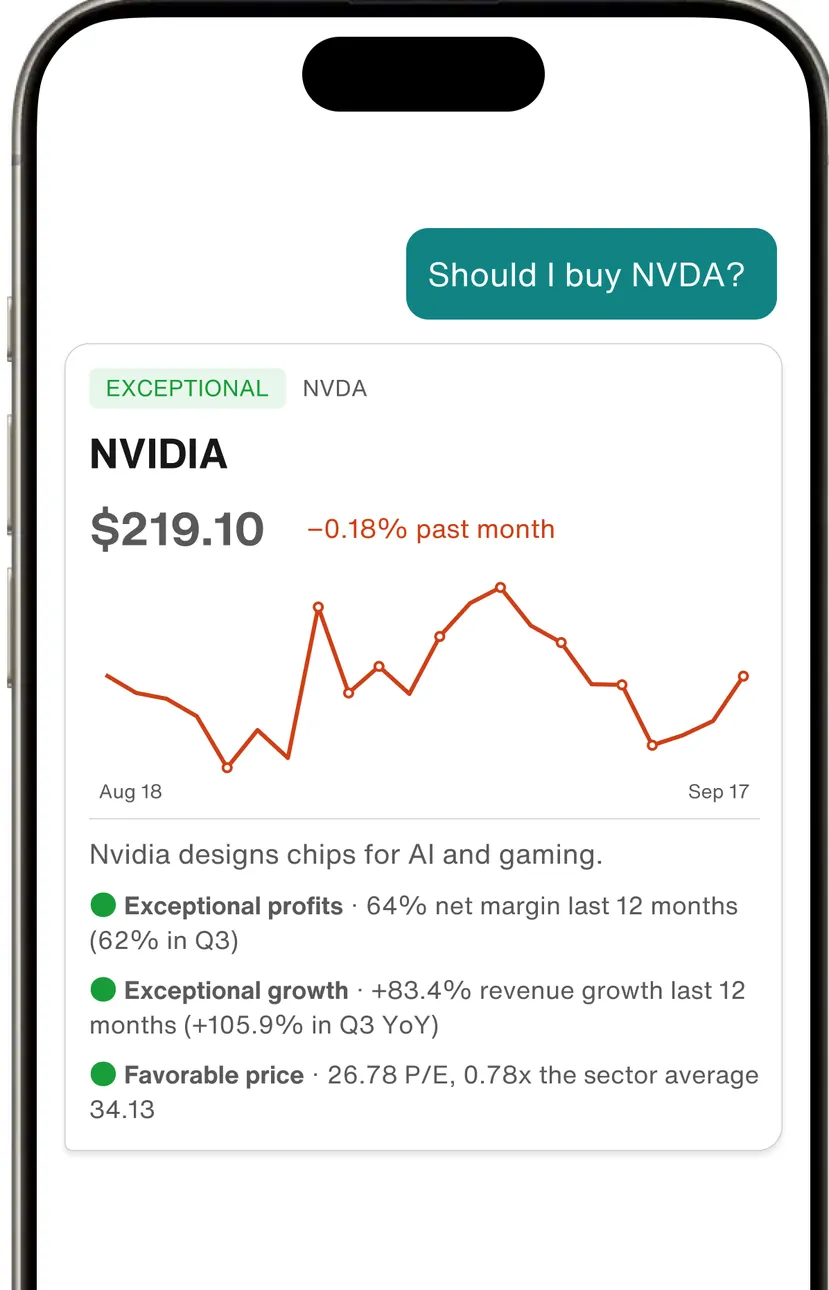
Google Play marketing imageThe assistant answering "Should I buy NVDA?" with an NVIDIA card at $219.10, a price chart and rated points such as Exceptional profits, Exceptional growth and Favorable price.Google Play listing, as of
Other screens (4)
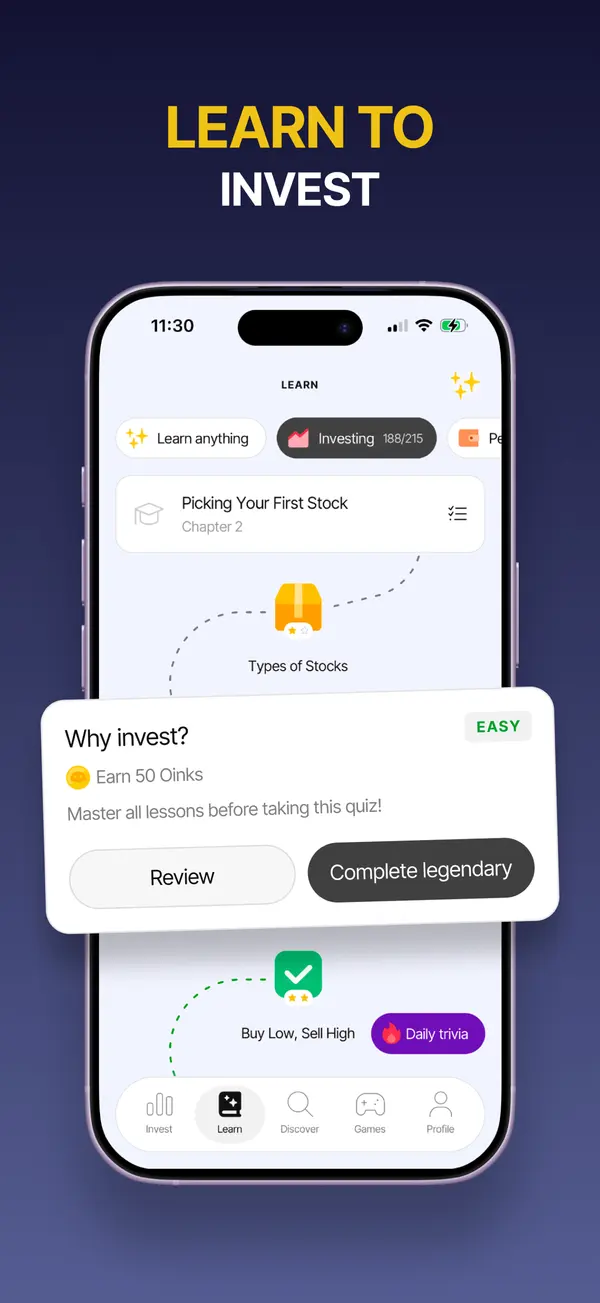
App Store marketing imageApp Store image with the headline "Learn to invest" showing a lesson path and a quiz card.App Store listing, as of 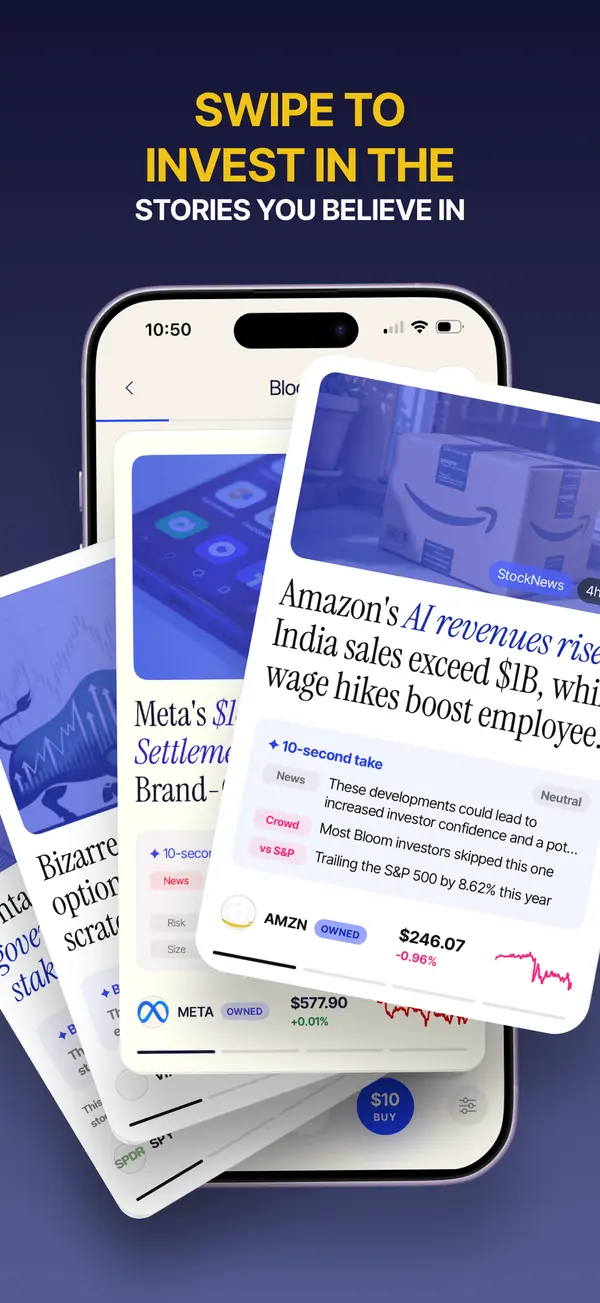
App Store marketing imageApp Store image with the headline "Swipe to invest in the stories you believe in" showing stacked news cards with stock prices.App Store listing, as of 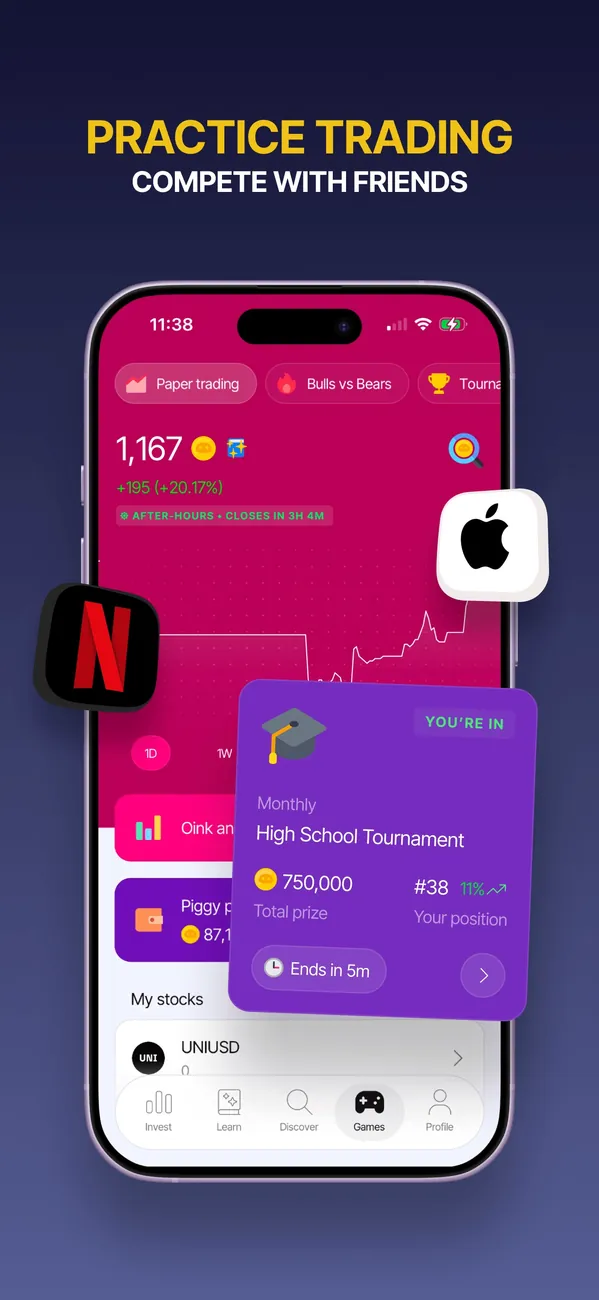
App Store marketing imageApp Store image with the headline "Practice trading" showing a paper trading screen and a tournament card.App Store listing, as of 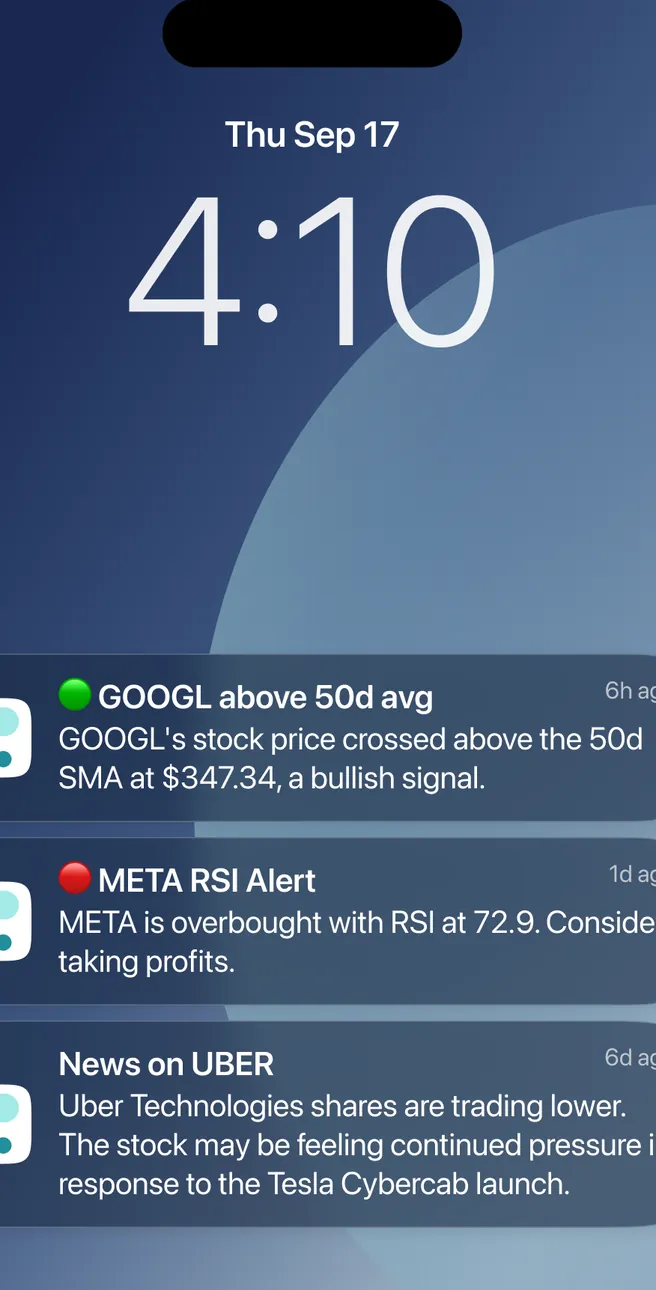
Google Play marketing imageA lock screen at 4:10 with Bloom alerts: GOOGL above its 50-day average, a META RSI alert and News on UBER.Google Play listing, as of
Who Bloom is for
Who Bloom fits
- You want to learn how investing works before you put money in.
- You're a parent who wants a teen to learn and invest with your sponsorship.
- You like lessons, games and an AI helper more than charts and jargon.
Who should skip Bloom
- You already know how to invest and just want a low-cost brokerage account.
- You'd rather not pay a subscription on a small balance.
- You want to buy and hold index funds without extra features.
Bloom calls itself an app for learning to invest. It pairs lessons, quizzes and games with a real investing account, so you can practice and then put money in the same place.
It also works for teens. Anyone 13 or older can open an account, and people under 18 need a parent or guardian to sponsor it.
Bloom charges a subscription instead of making money on trades. The current plan prices and minimums sit in the box at the top of this review, with the date we checked them on Bloom's own site.
How Bloom works
Bloom's subscription covers an investing account, including custodial brokerage accounts for teens, plus interactive lessons and stock rewards for learning. Bloom says basic lessons, stock data and its games stay free.
Bloom's home page describes investing in stocks, ETFs and crypto, mirroring the portfolios of well-known investors, and turning an idea into a ready-to-invest portfolio. Bloomie, its AI investing buddy, answers questions in plain language.
The games use Oinks, Bloom's in-app rewards. Bloom says you practice with Oinks, not real money, and can trade Oinks for stock rewards.
Who holds your money
Bloom's advisory services come from Bloom Investment Advisers, an SEC registered investment adviser. Brokerage accounts are held at Alpaca Securities, a member of FINRA and SIPC, and Bloom links your bank through Plaid.
SIPC (2026) protects up to $500,000, including a $250,000 limit for cash, if a member brokerage firm fails. SIPC doesn't protect against investments losing value, and it doesn't cover crypto that isn't a security.
Where Bloom asks more of you
A subscription on a small balance is a real cost. Compare the yearly price with what you plan to invest in your first year.
Mirroring other investors' moves can feel like a shortcut, but their goals and timelines aren't yours. Use Bloom's lessons to understand what you're buying before you copy it.

Bloom and your Money Type
Priceless Tay sorts money habits into four Money Types: Strategist, Spender, Saver and Scrambler. Your type tells you which fix to make first.
Strategists may enjoy portfolio building and backtesting, and they should still check fees against a plain index fund approach.
Spenders can use the games to learn without spending real money, then invest small amounts on purpose. Pair that with Sleep on It.
Savers are the best fit. If you save well but investing feels confusing, learning first and then investing in the same app lowers the barrier. That's the Saver first fix, Put It to Work.
Scramblers should settle the bills before adding a subscription. Start with Bills First.
Not sure which one you are? Take the free Money Types quiz.
How Bloom compares
Our guide to low-cost brokerage accounts covers accounts without a subscription. If you're still deciding whether to invest or pay down debt, try the debt vs invest calculator.
FAQ
How old do you have to be to use Bloom?
Bloom says anyone 13 or older can open an account. If you're under 18, a parent or guardian has to sponsor it.
How much money do I need to start on Bloom?
Bloom says there's no minimum account balance, but deposits and stock orders must be at least $1.
Is Bloom free?
Not fully. Bloom charges a subscription for its investing accounts and premium lessons, and it says basic lessons, stock data and games stay free. The current prices are in the box at the top of this review.
Who holds the money in a Bloom account?
Bloom says brokerage accounts are held at Alpaca Securities, a member of FINRA and SIPC.
Can I cancel Bloom anytime?
Bloom says you can cancel in the app under Settings, then Subscription. Canceling stops future charges, and Bloom says it doesn't automatically refund past charges.
Who Bloom fits, by situation
Pick the tab that sounds like you. The questions come from app help centers, FAQ pages and user forums, and every answer comes from the app's own pages, with the date we checked it.
Just me
Budgeting on your own? These are the basics people ask about first.
Is it free?
Bloom offers a $15 monthly plan and a $99.99 annual plan, and its custodial plan costs $150 a year.
As of . Source: bloomapp.com
Is there support from the app's makers if I need help?
Yes. Email.
In their words: “Please contact support@joinbloom.co for direct refunds if you do not recognize the service, were unable to sign up or have a special inquiry.”
As of . Source: bloomapp.com
Family
Bringing in more of the household? Here's what each app says about families and kids. See apps with custodial accounts for kids.
Does it have accounts or features for kids or teens?
Yes. It has accounts or features for kids or teens.
In their words: “Bloom charges a subscription fee for access to an investing account (including UTMA/UGMA custodial brokerage accounts for teens 13-17), 200+ interactive financial lessons, and stock rewards for learning.”
As of . Source: bloomapp.com
A question shows only when every app here has a current official source that answers it. We only say no when the app's own page does.
What real users say
These are other people's opinions, not Priceless Tay's. We quote public reviews and posts word for word, link each one and show its date, but we haven't checked the claims in them. A post counts toward a theme when it uses one of that theme's keywords, so a mention can be praise or a complaint.
What Bloom users say
Based on 500 App Store reviews, 3 Reddit posts and 2 YouTube videos dated Nov 2025 to Oct 2026, read Oct 2026. We collected the Reddit and YouTube data with Apify, a scraping service, on Oct 24, 2026.
- Of the 505 reviews, posts and videos we read, 223 mention learning about investing.
- Of the 505 reviews, posts and videos we read, 71 mention how easy or hard the app is to use.
- Of the 505 reviews, posts and videos we read, 22 mention the price, fees or the subscription.
Positive
“...my favorite feature is the learning section of it. It has helped me understand so much that I wish I knew when I was younger!”
Mixed
“My kids are on bloom and it has been great so far. Only downside is you have to pay for it but worth it imo.”
Critical
“There is no way to avoid the $15 subscription with Bloom even if you are not using the "learning" platform.”
Where these come from
- Bloom reviews on the App Store, read Oct 24, 2026. The public feed returns the 500 most recent US reviews. We kept every one dated inside the window.
- Hacker News search for Bloom, read Oct 24, 2026. Public search of comments and posts. 0 named the app; we kept 0 where the writer shares their own use of it.
- Reddit search for Bloom, collected Oct 24, 2026. Collected with Apify (harshmaur/reddit-scraper) on Oct 24 2026: a keyword search for "Bloom investing app", posts and comments from after Oct 24 2025. It returned 79, most of them about something else. We kept 3 where the writer shares their own use of the app or a clear opinion of it. We left out moderators, bots, company accounts, referral posts and people promoting their own apps.
- YouTube search for Bloom, collected Oct 24, 2026. Collected with Apify (streamers/youtube-scraper) on Oct 24 2026: a search for "Bloom investing app review" from the past year, up to 8 videos. It returned 8. We kept 2 and left out the app's own channel, sponsored videos, videos with affiliate or referral links and videos about a different product. We count themes from each video's title, description and captions, but we don't quote videos, because the captions we have carry no timestamps.
- u/Mother-Mountain9299 in r/OracleStock on Reddit, Oct 15, 2026.
- u/ConditionSufficient7 in r/investingforbeginners on Reddit, Jul 14, 2026.
- "Investing For Beginners Is Now Accessible With Bloom | Bloom App Review" by SaaS Reviews on YouTube, Jul 7, 2026.
- u/itsyourboyjjjj in r/investing on Reddit, Mar 8, 2026.
- "How to Use Bloom Investment App for Teens App Properly Beginner Mistakes That Cost You" by Whodunnit Den on YouTube, Nov 12, 2025.
Compare Bloom
Looking at other options? See Bloom alternatives, closest category first.
Want the bigger picture? Compare more money apps.
Full disclosure: Taylor Price, who runs Priceless Tay, owns Fifecta, so keep that in mind as you read this comparison.
Another option: Fifecta
If you're still weighing Bloom, here is one more option to look at. Fifecta gives every paycheck a plan with FUNDS, and it starts from your Money Type, so the plan matches how you already handle money.
Sources and confidence
- Last checked
- Sourced facts
- 10 facts, each linked and dated
Bloom10 sourced facts, last checked Oct 25, 2026
- Management or subscription feebloomapp.com/faq, as of Oct 24, 2026
- Account minimumbloomapp.com/faq, as of Oct 24, 2026
- Stock and ETF commissionsApp Store listing, as of Oct 25, 2026
- Account typesbloomapp.com/faq, as of Oct 24, 2026
- Fractional sharesfiles.adviserinfo.sec.gov/IAPD/Content/Common/crd_iapd_Brochure.aspx, as of Oct 25, 2026
- Automatic investingApp Store listing, as of Oct 25, 2026
- Managed portfolios (robo)App Store listing, as of Oct 25, 2026
- Protectionsipc.org/for-investors/what-sipc-protects, as of Oct 24, 2026
- Platformsbloomapp.com, as of Oct 24, 2026
- App store ratingApp Store listing, as of Oct 25, 2026
Each fact links to the official page it came from, with the date we checked it. Once a fact is older than its app's window (8 days for apps whose rates change often, 35 days for the rest), it comes off the page until we check it again. How we source, date and index this data.
This is education, not financial advice.
You made it to the end. That's Saver-level patience.