
Bank app facts
Upgrade app
Upgrade - Mobile Banking on iPhone and Android. Store facts as of .
Store ratings
These are store ratings from app users on the App Store and Google Play, not a Priceless Tay score.
Google Play rating (Android)
4.4out of 5
29.9K reviews, as shown on Google Play. Updated on Oct 15, 2026.
As of · Google Play listing
App facts
- Last App Store update
- Version 1.35.1, released Oct 16, 2026
- App size
- 97.6 MB
- Requires
- iOS 15.1 or later
- Runs on
- iPhone and iPod touch
- Languages
- 2 (English and French)
- Developer
- Upgrade, Inc.
As of · App Store listing
What the app looks like, screen by screen
Pick a task to see what the app shows for it. App Store, Google Play and bank website images are the bank's own marketing, so names and balances are sample data. Help center images come from the bank's support pages. See every bank app's screens.
Home and accounts
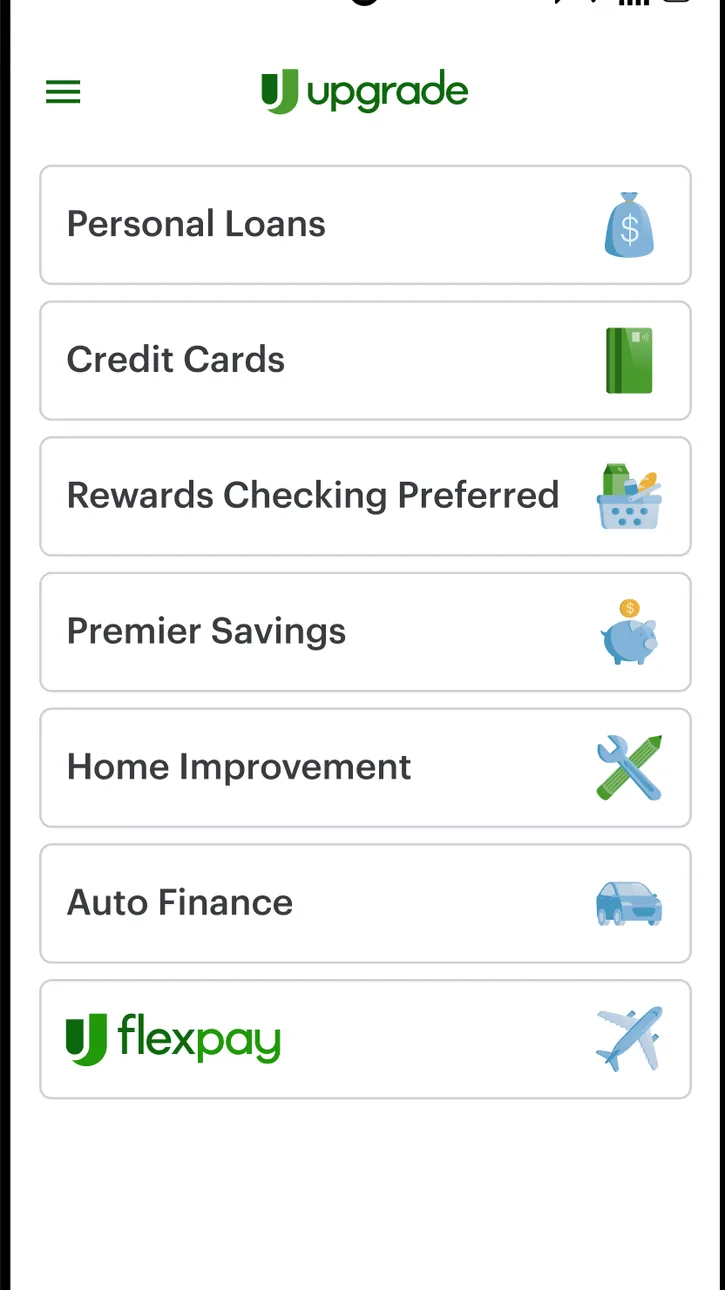
Google Play marketing imageAn Android Upgrade menu listing Personal Loans, Credit Cards, Rewards Checking Preferred, Premier Savings, Home Improvement, Auto Finance and Flexpay.Google Play listing, as of
Card controls
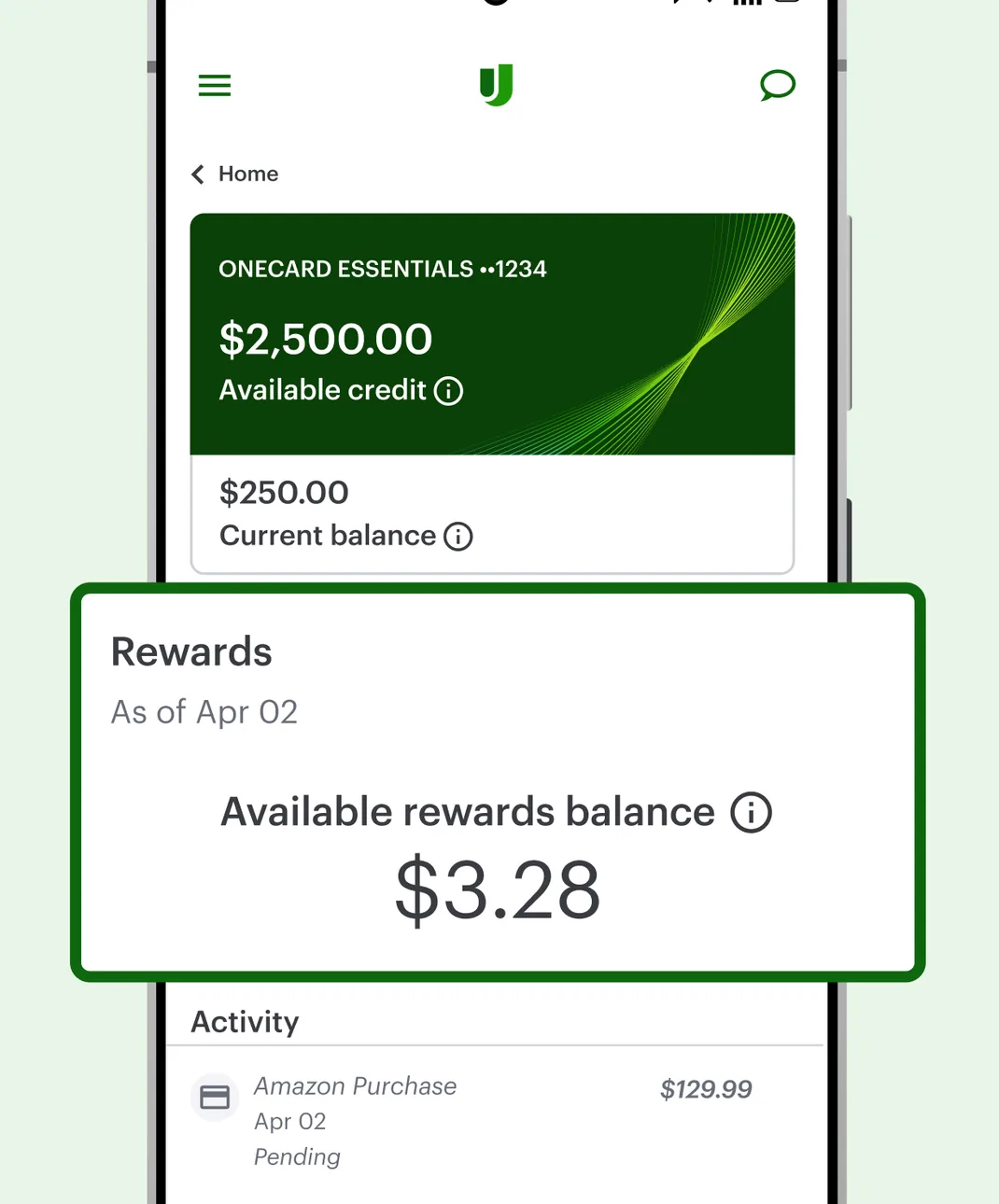
Google Play marketing imageA OneCard Essentials screen showing $2,500.00 available credit and a $250.00 current balance, with a Rewards card showing $3.28 available and an Activity list.Google Play listing, as of 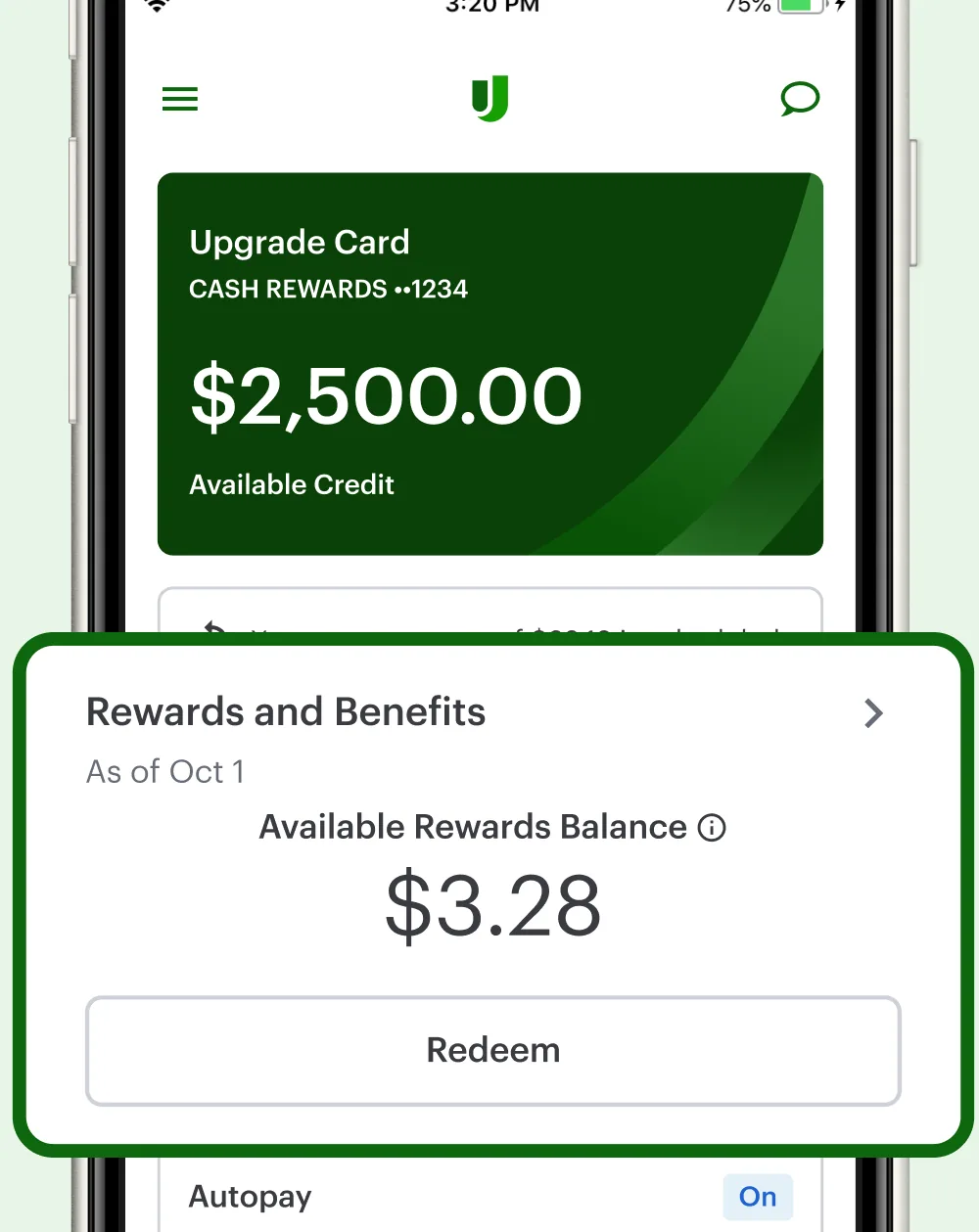
App Store marketing imageAn Upgrade Card screen showing $2,500.00 available credit, a Rewards and Benefits card with a $3.28 available rewards balance and a Redeem button, and an Autopay row.App Store listing, as of 
App Store marketing imageA green Upgrade Card tile showing $2,500.00 available credit.App Store listing, as of 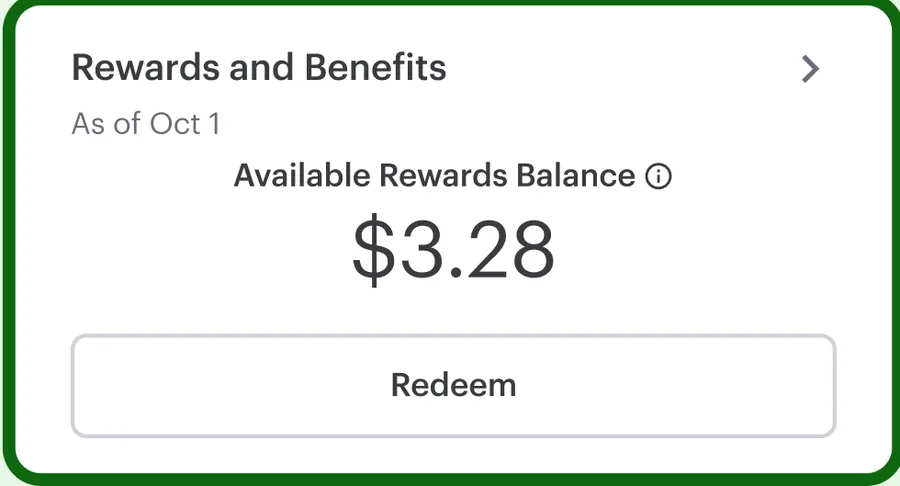
App Store marketing imageA Rewards and Benefits card showing a $3.28 available rewards balance with a Redeem button.App Store listing, as of
Getting started
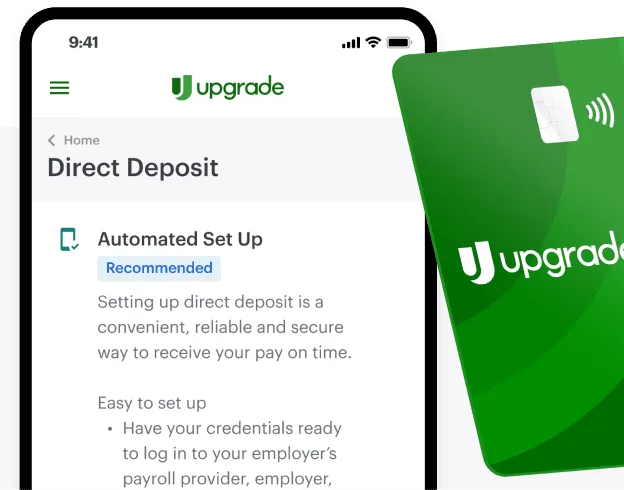
From Upgrade's websiteA Direct Deposit screen with an Automated Set Up option marked Recommended and setup instructions, partly covered by a green Upgrade debit card.upgrade.com, as of
Other screens
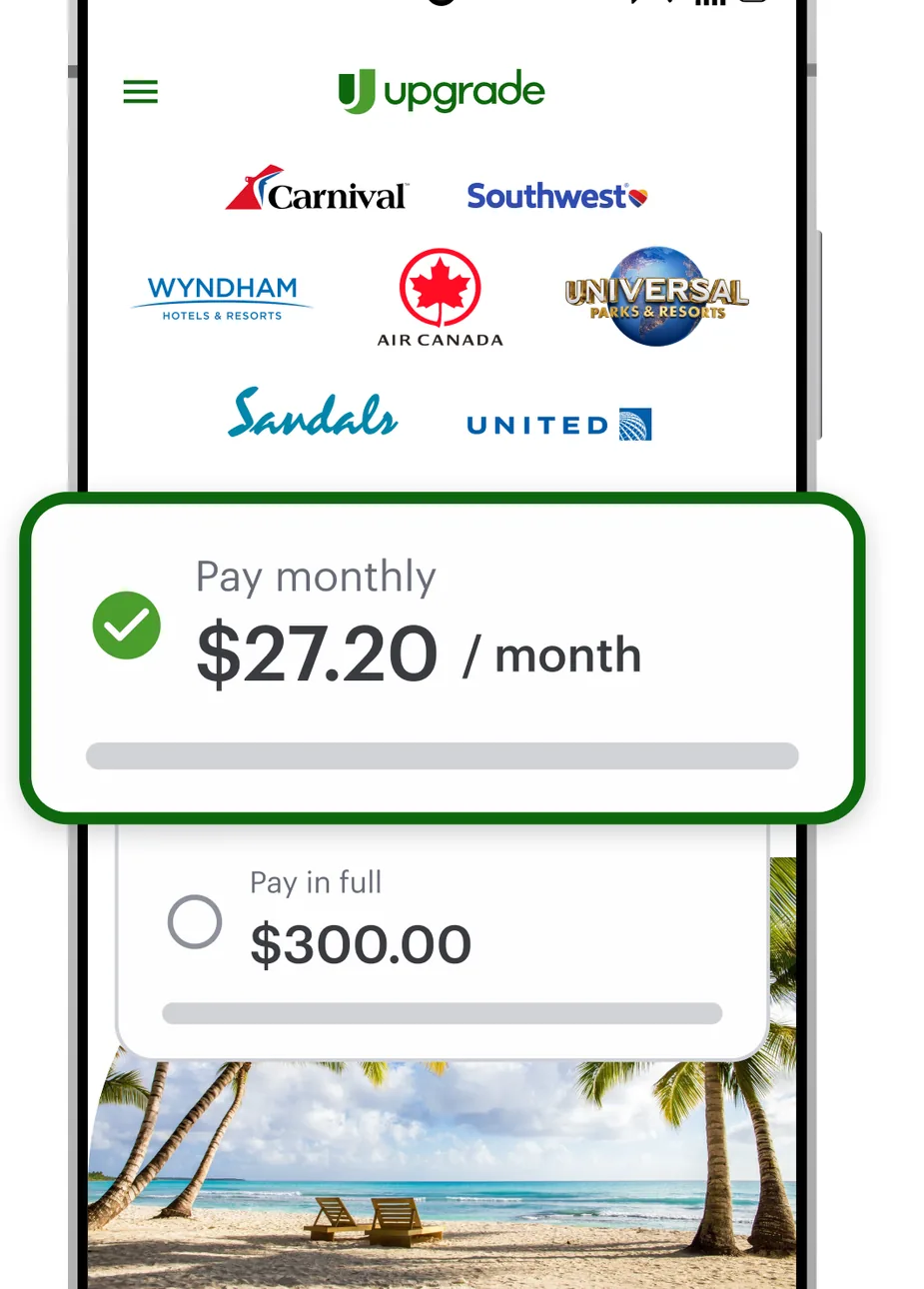
Google Play marketing imageA Flexpay screen with travel brand logos and a Pay monthly option of $27.20 per month selected over a Pay in full option of $300.00.Google Play listing, as of 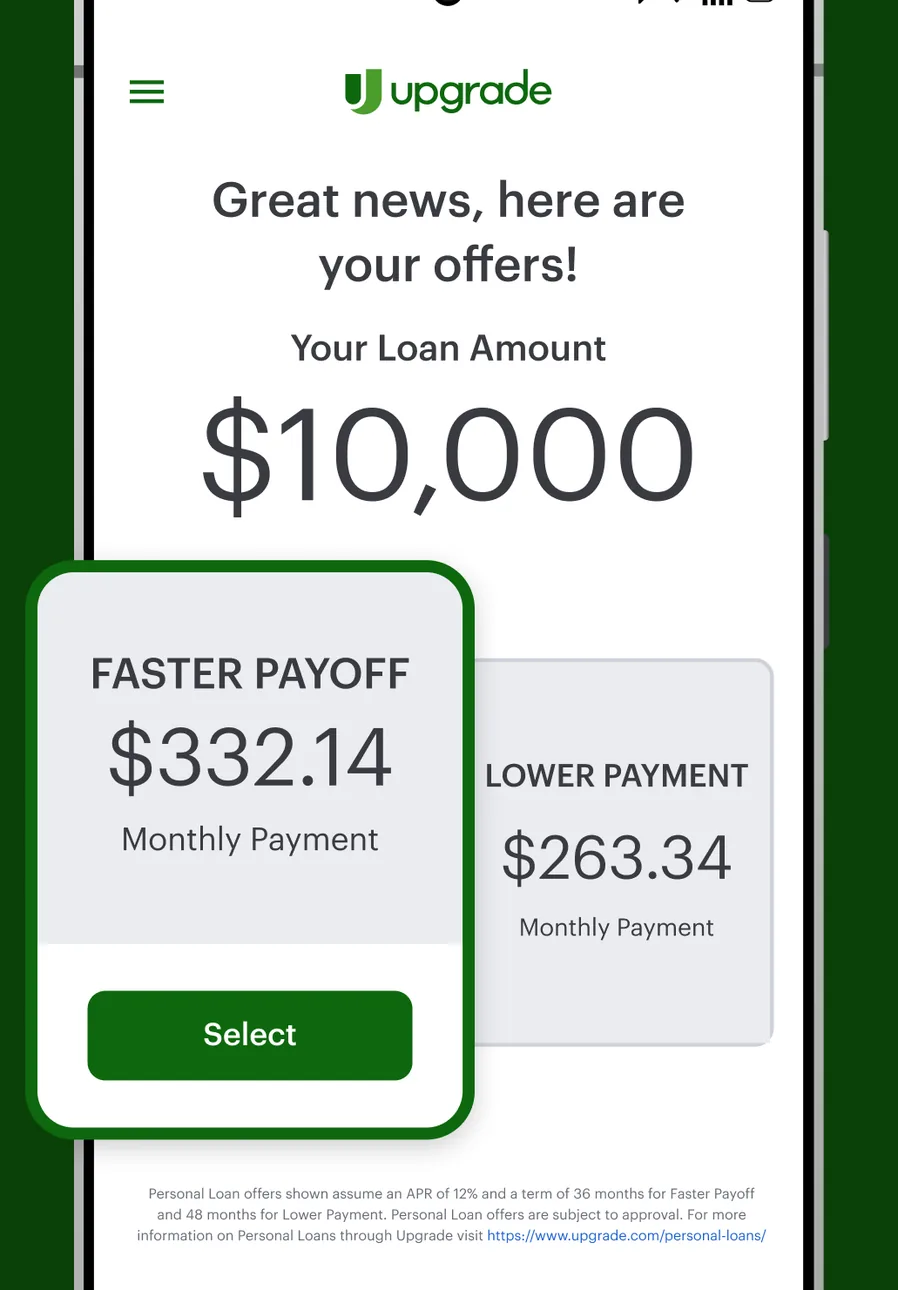
Google Play marketing imageA loan offers screen saying Great news, here are your offers, for a $10,000 loan amount with a Faster Payoff option of $332.14 per month and a Lower Payment option of $263.34.Google Play listing, as of 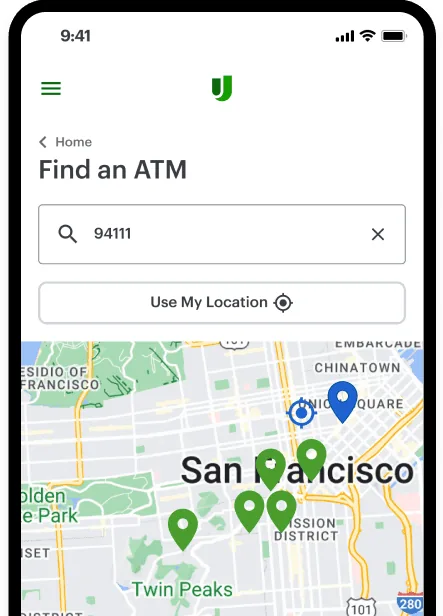
From Upgrade's websiteA Find an ATM screen with a ZIP code search for 94111, a Use My Location button and a map of San Francisco with ATM pins.upgrade.com, as of 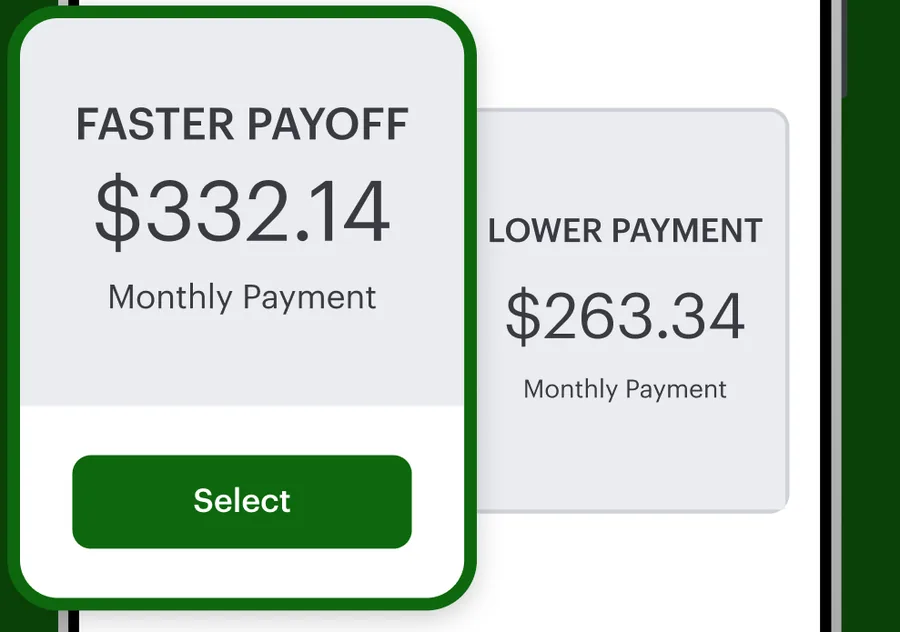
Google Play marketing imageTwo loan offers: Faster Payoff at $332.14 per month with a Select button and Lower Payment at $263.34 per month.Google Play listing, as of
Features Upgrade states
Upgrade's own website states 3 of the 10 app features we look for.
- Stated on the bank's site
Mobile check deposit
“Mobile Deposit allows you to deposit eligible checks via the Upgrade mobile app”
As of · upgrade.com/help/deposit-checking-savings/rewards-checking/what-is-mobile-deposit
- Not found on the bank's site yet
Card lock and unlock
Not found on Upgrade's site yet.
- Not found on the bank's site yet
Send money to people
Not found on Upgrade's site yet.
- Stated on the bank's site
- Not found on the bank's site yet
Budgeting or spending insights
Not found on Upgrade's site yet.
- Not found on the bank's site yet
Automatic saving
Not found on Upgrade's site yet.
- Not found on the bank's site yet
Virtual assistant
Not found on Upgrade's site yet.
- Not found on the bank's site yet
Face or fingerprint sign-in
Not found on Upgrade's site yet.
- Not found on the bank's site yet
Credit score in the app
Not found on Upgrade's site yet.
- Stated on the bank's site
Apple Pay or Google Pay
“It’s also easy to add your debit card to Apple Pay® or Google Wallet™”
As of · upgrade.com/rewards-checking
✓ means the bank's own website states it, with the quote and page shown. ? means we did not find it stated on the bank's site, not that the app lacks it. We never mark a feature as missing unless the bank says so.
Privacy and accessibility labels
Apple's privacy labels are what each developer reports to Apple. Apple says it does not verify them. We copy the category names exactly as the App Store lists them.
App privacy
Upgrade
Data Used to Track You
- Identifiers
Data Linked to You
- Financial Info
- Contact Info
- Identifiers
Data Not Linked to You
- Usage Data
- Diagnostics
As of · App Store listing
Accessibility
Compare Upgrade with another app













Sources and dates
Upgrade
- App Store facts, privacy and accessibility labels, screenshots and icon: App Store listing and Apple's iTunes Lookup API, checked Oct 24, 2026.
- Google Play rating and update date: Google Play listing, checked Oct 24, 2026.
- Features, from Upgrade's own website: upgrade.com/help/deposit-checking-savings/rewards-checking/what-is-mobile-deposit, upgrade.com/rewards-checking.
- Upgrade's help center says Rewards Checking Preferred customers use the Upgrade mobile app (help page 'Does Rewards Checking Preferred have a mobile app?').
How we compare bank apps explains every source and what we don't do yet. See every bank app.
This is education, not financial advice.