Bank app comparison
Current vs Wells Fargo app
Store facts as of

Short answer
On the App Store, Current has a store rating of 4.8 out of 5 from 197,130 ratings, and Wells Fargo has a store rating of 4.8 out of 5 from 10,839,780 ratings, as of Oct 24, 2026. Current last updated its iPhone app on Oct 22, 2026, and Wells Fargo on Oct 14, 2026. Of the 10 app features we look for on each bank's own website, we found 3 stated by Current and 6 by Wells Fargo.
Store ratings
These are store ratings from app users on the App Store and Google Play, not a Priceless Tay score.
 Current
Google Play rating (Android)
4.4out of 5
180K reviews, as shown on Google Play. Updated on Oct 21, 2026.
As of · Google Play listing
 Wells Fargo
Google Play rating (Android)
4.8out of 5
2.95M reviews, as shown on Google Play. Updated on Oct 23, 2026.
As of · Google Play listing
Updates and app facts
Current last updated its iPhone app on Oct 22, 2026, 2 days before we checked, and Google Play shows its Android app updated on Oct 21, 2026. Wells Fargo last updated its iPhone app on Oct 14, 2026, 10 days before we checked, and Google Play shows its Android app updated on Oct 23, 2026.
Current
- Last App Store update
- Version 8.20.0, released Oct 22, 2026
- App size
- 159.9 MB
- Requires
- iOS 17.0 or later
- Runs on
- iPhone and Apple Vision
- Languages
- 1 (English)
- Developer
- Finco Services, Inc.
As of · App Store listing
Wells Fargo
- Last App Store update
- Version 26.09.03, released Oct 14, 2026
- App size
- 538.9 MB
- Requires
- iOS 15.0 or later
- Runs on
- iPhone, iPad and iPod touch
- Languages
- 7 (English and 6 more)
- Developer
- Wells Fargo
As of · App Store listing
Features each bank states
| Feature | Current | Wells Fargo |
|---|---|---|
| Mobile check deposit | Not found on the bank's site yet | Stated on the bank's siteSource: wellsfargo.com/mobile/apps |
| Card lock and unlock | Not found on the bank's site yet | Not found on the bank's site yet |
| Send money to people | Not found on the bank's site yet | Stated on the bank's siteZelleSource: wellsfargo.com/mobile/apps |
| Account alerts | Stated on the bank's siteSource: current.com | Stated on the bank's siteSource: wellsfargo.com/mobile/apps |
| Budgeting or spending insights | Not found on the bank's site yet | Not found on the bank's site yet |
| Automatic saving | Stated on the bank's siteSource: current.com/save | Not found on the bank's site yet |
| Virtual assistant | Not found on the bank's site yet | Stated on the bank's siteFargoSource: wellsfargo.com/fargo |
| Face or fingerprint sign-in | Stated on the bank's siteSource: current.com | Stated on the bank's siteSource: wellsfargo.com/mobile-online-banking/biometric |
| Credit score in the app | Not found on the bank's site yet | Not found on the bank's site yet |
| Apple Pay or Google Pay | Not found on the bank's site yet | Stated on the bank's siteSource: wellsfargo.com/mobile-online-banking/transfer-pay/digital-wallet |
| Stated on the bank's site | 3 of 10 | 6 of 10 |
✓ means the bank's own website states it, with the quote and page shown. ? means we did not find it stated on the bank's site, not that the app lacks it. We never mark a feature as missing unless the bank says so. Each ✓ links to the page it came from; the quotes are on each app's own page.
Screen by screen
Pick a task to see what each app shows for it. App Store, Google Play and bank website images are the bank's own marketing, so names and balances are sample data. Help center images come from the bank's support pages. See every bank app's screens.
Home and accounts
Current
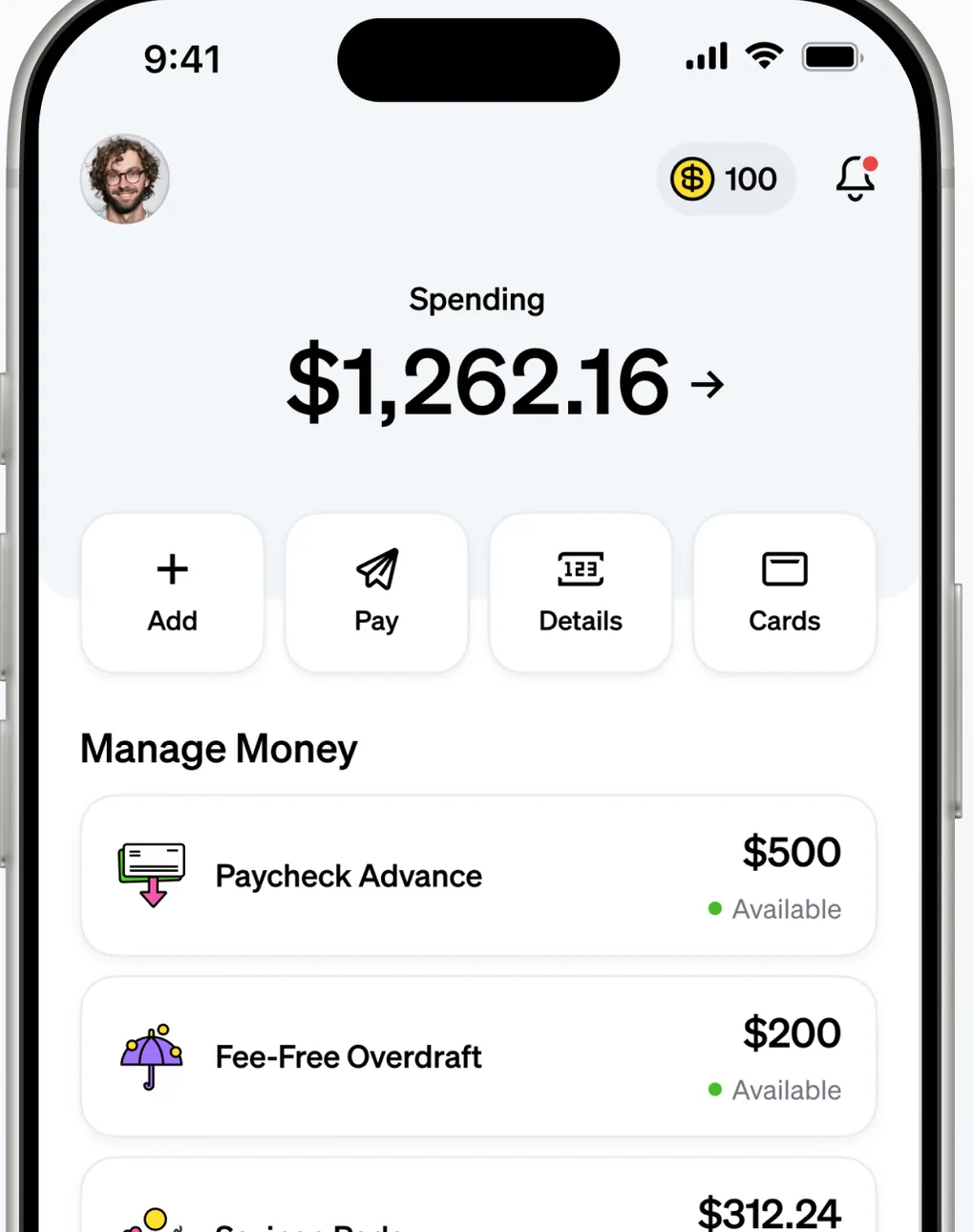
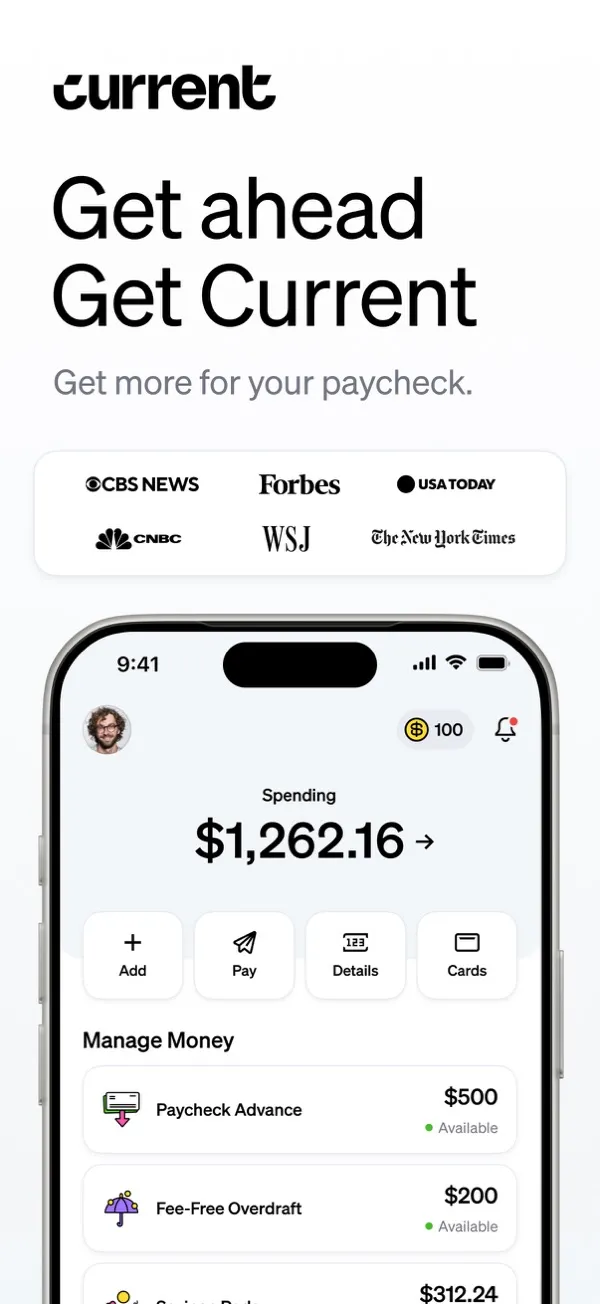
App Store marketing imageA home screen showing $1,262.16 in Spending with Add, Pay, Details and Cards buttons and a Manage Money list with Paycheck Advance, Fee-Free Overdraft and Savings Pods.App Store listing, as of 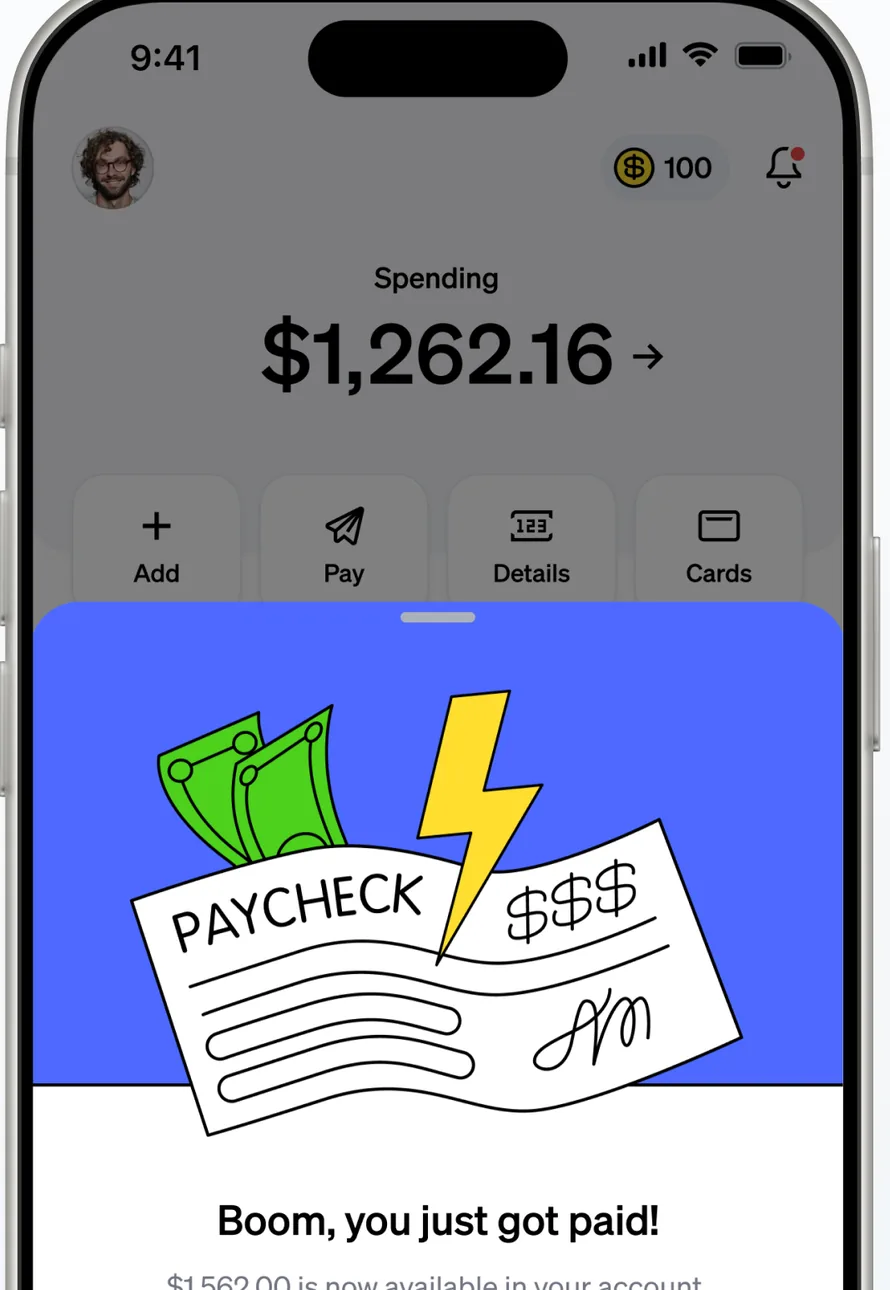
App Store marketing imageA home screen showing $1,262.16 in Spending, partly covered by an illustrated Boom, you just got paid! card.App Store listing, as of 
App Store marketing imageAdd, Pay, Details and Cards buttons.App Store listing, as of 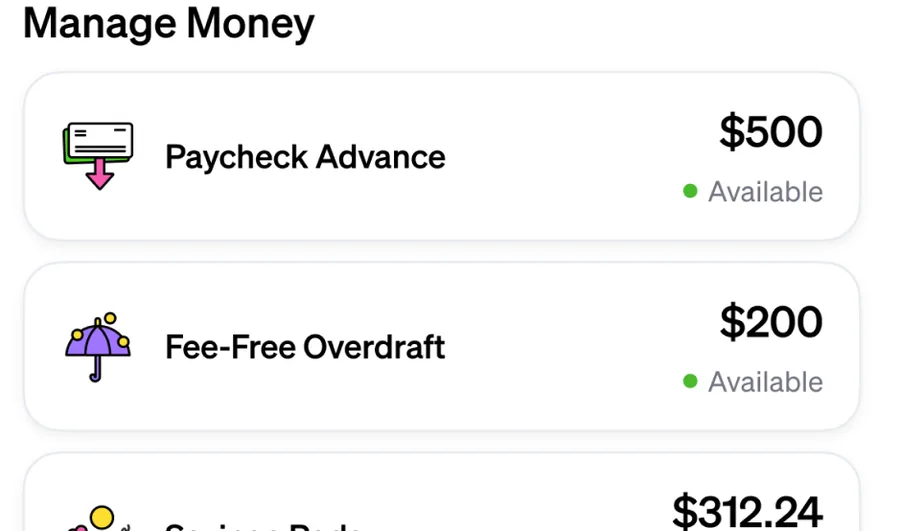
App Store marketing imageA Manage Money list with Paycheck Advance at $500 available and Fee-Free Overdraft at $200 available.App Store listing, as of
Wells Fargo
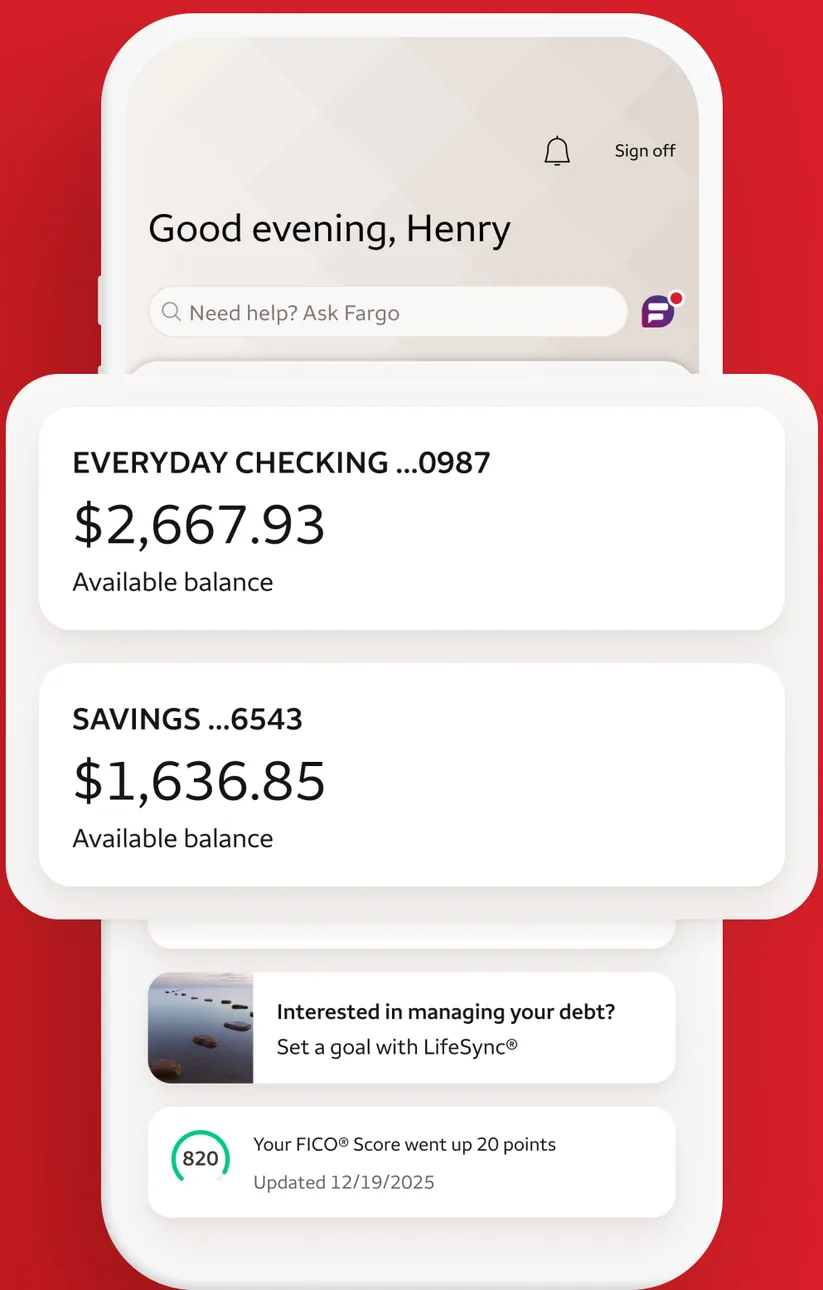
App Store marketing imageAn account summary greeting Henry with an Everyday Checking balance of $2,667.93, a Savings balance of $1,636.85, a LifeSync prompt and a FICO score update.App Store listing, as of 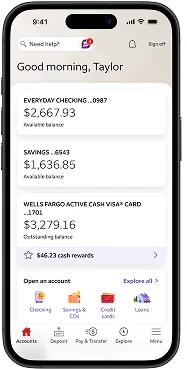
From Wells Fargo's help centerA Good morning, Taylor account summary with Everyday Checking at $2,667.93, Savings at $1,636.85, an Active Cash card balance and an Open an account section, with a bottom tab bar.wellsfargo.com, as of 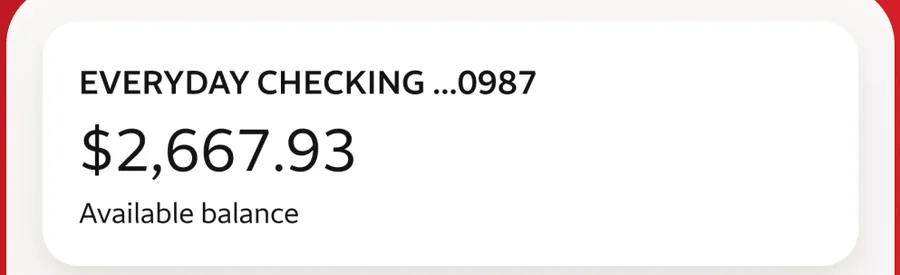
App Store marketing imageAn Everyday Checking card showing a $2,667.93 available balance.App Store listing, as of
Transfer and send
Current
No official screen found yet
Wells Fargo
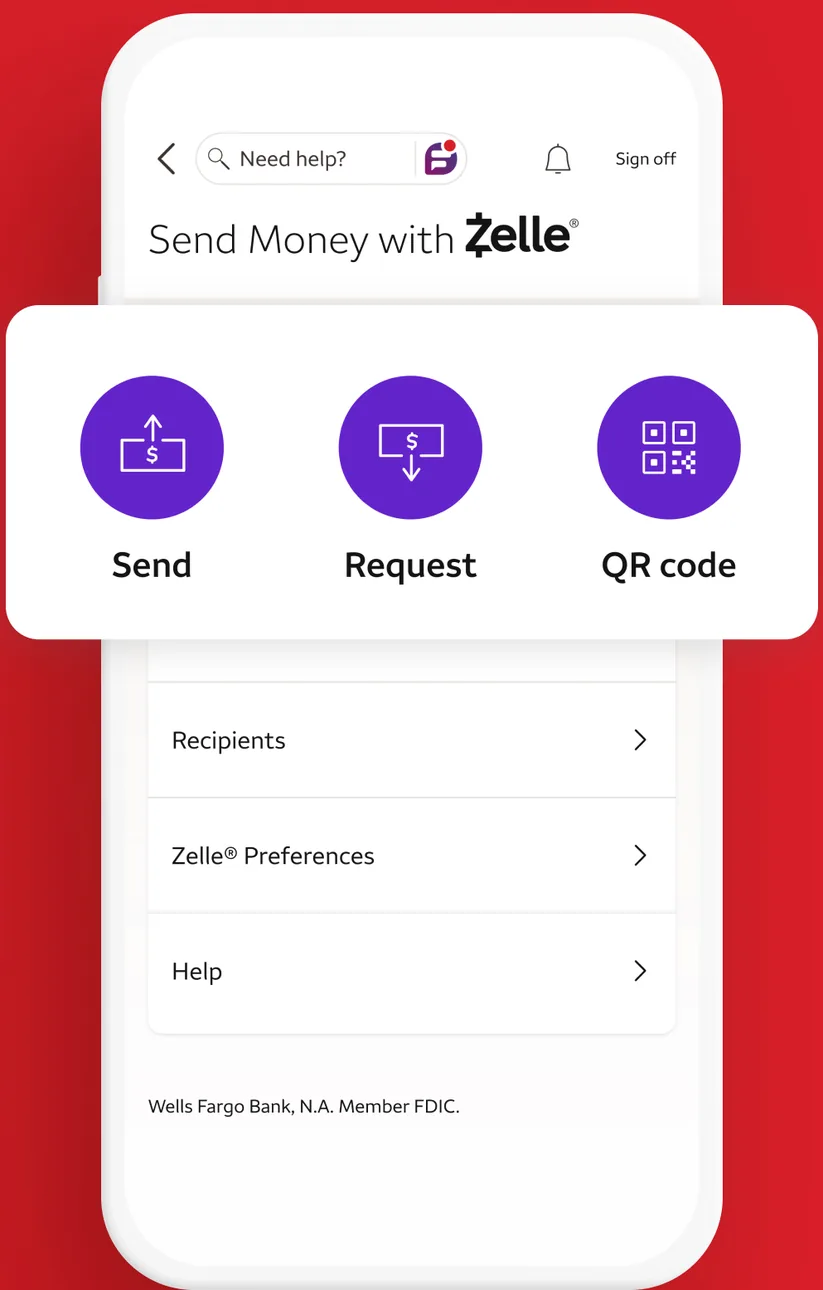
App Store marketing imageA Send Money with Zelle screen with Send, Request and QR code buttons and links for Recipients, Zelle Preferences and Help.App Store listing, as of 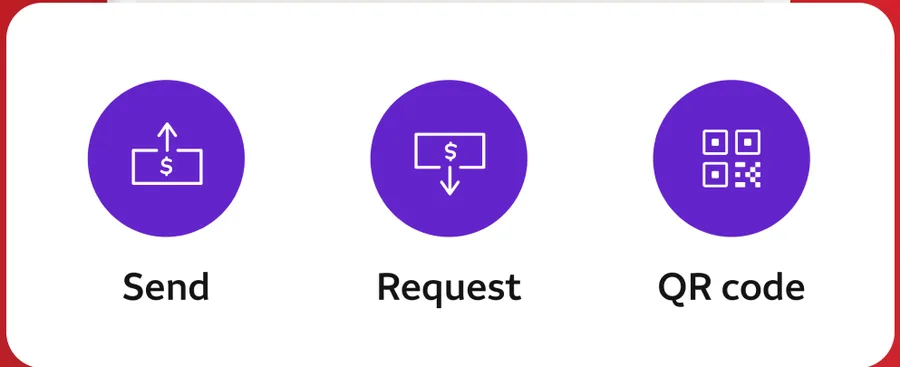
App Store marketing imageZelle buttons for Send, Request and QR code.App Store listing, as of
Card controls
Current
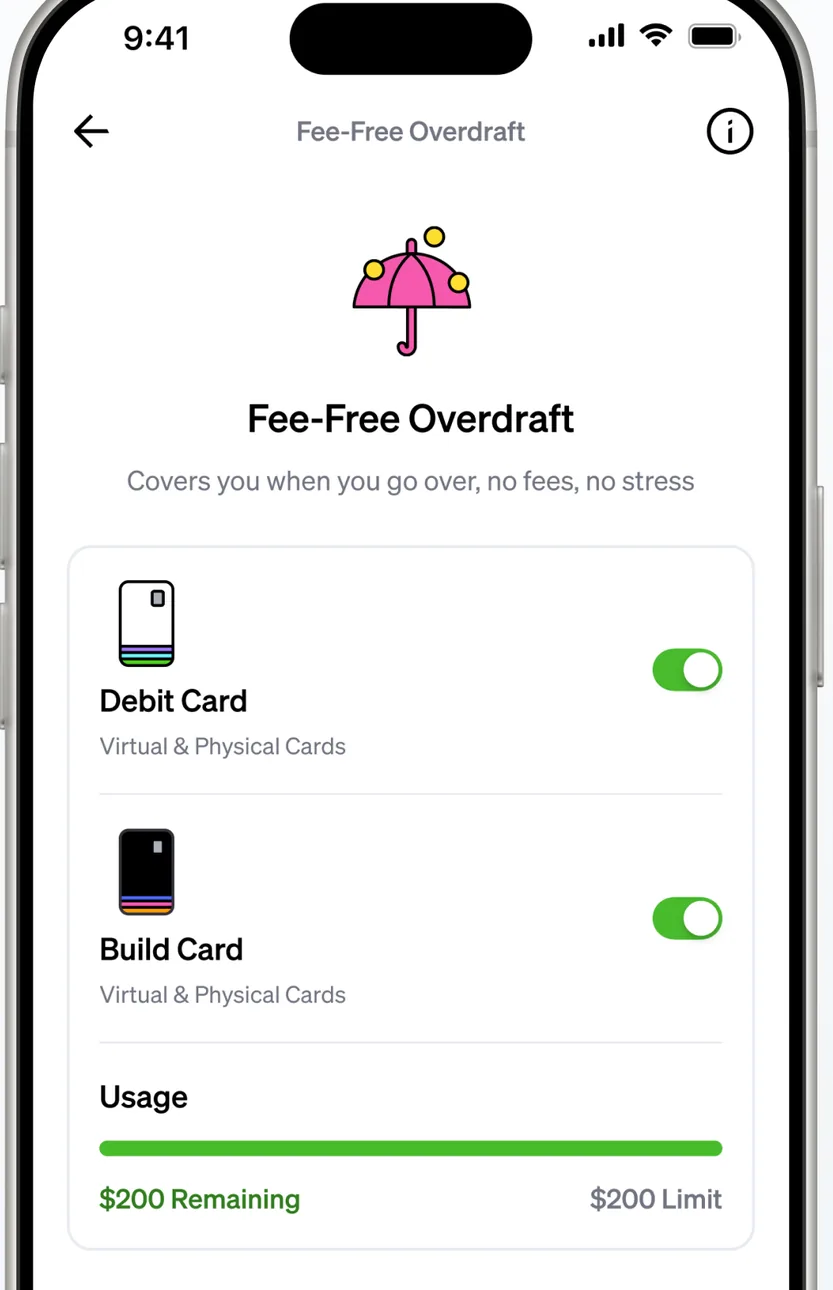
App Store marketing imageA Fee-Free Overdraft screen with toggles for a Debit Card and a Build Card and a usage bar showing remaining and limit amounts.App Store listing, as of 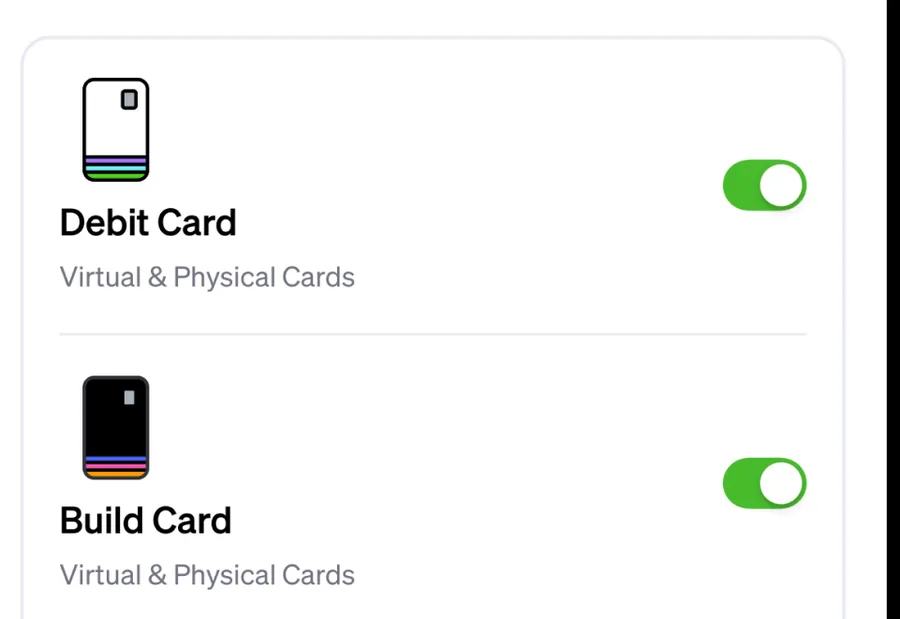
App Store marketing imageToggles switched on for a Debit Card and a Build Card, each covering virtual and physical cards.App Store listing, as of
Wells Fargo
No official screen found yet
Investments
Current
No official screen found yet
Wells Fargo
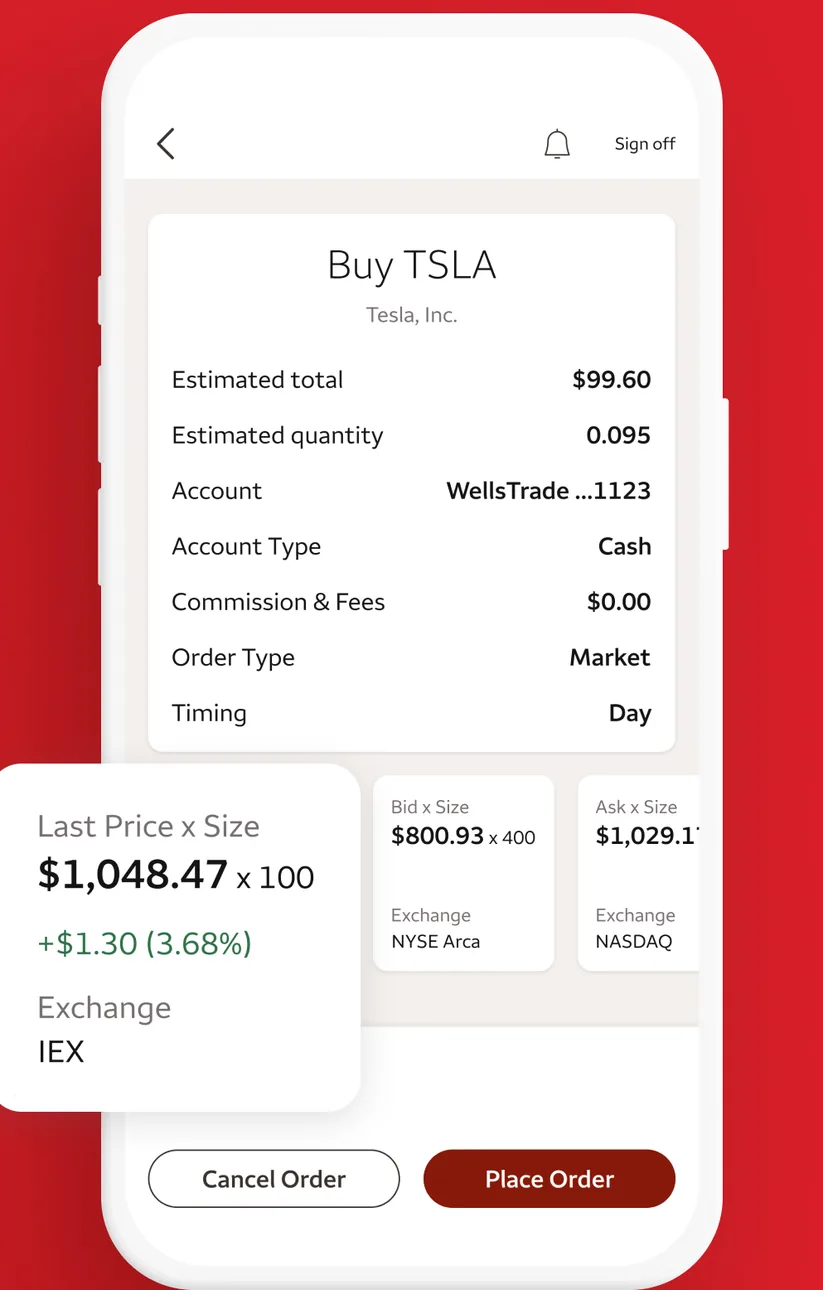
App Store marketing imageA Buy TSLA order screen listing estimated total, quantity, account, order type and timing, with last price details and Cancel Order and Place Order buttons.App Store listing, as of 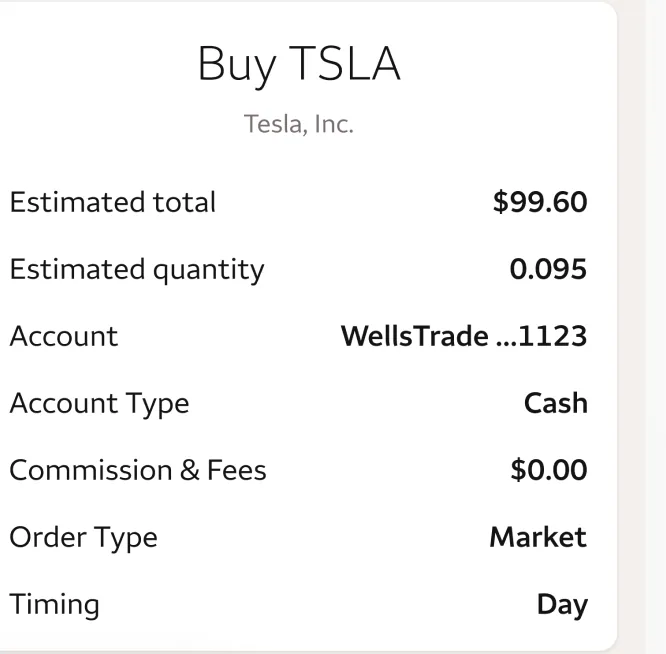
App Store marketing imageAn order summary for buying TSLA with estimated total $99.60, quantity, account, commission and order type.App Store listing, as of
Goals
Current
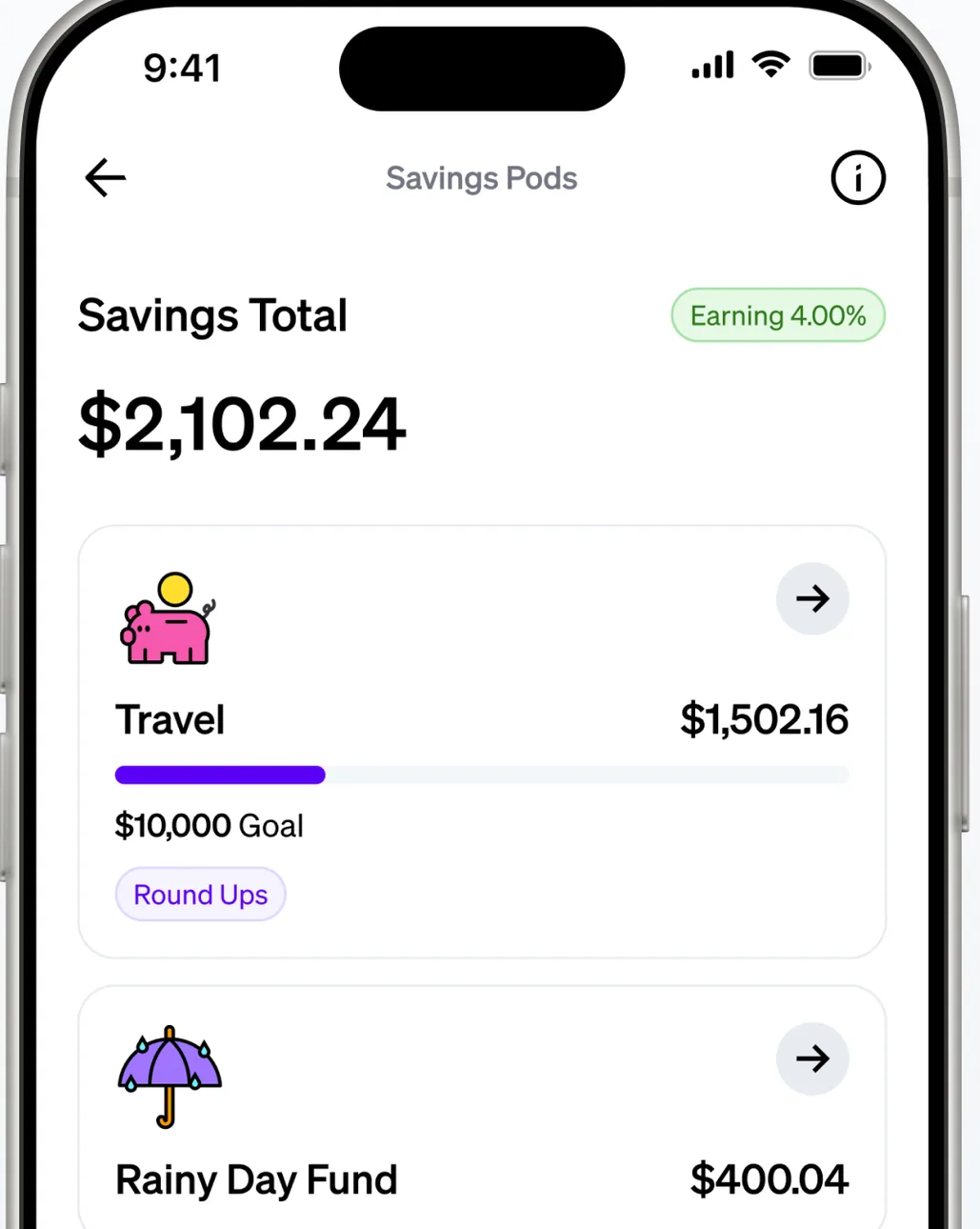
App Store marketing imageA Savings Pods screen showing a $2,102.24 savings total and pods for Travel and Rainy Day Fund with balances.App Store listing, as of 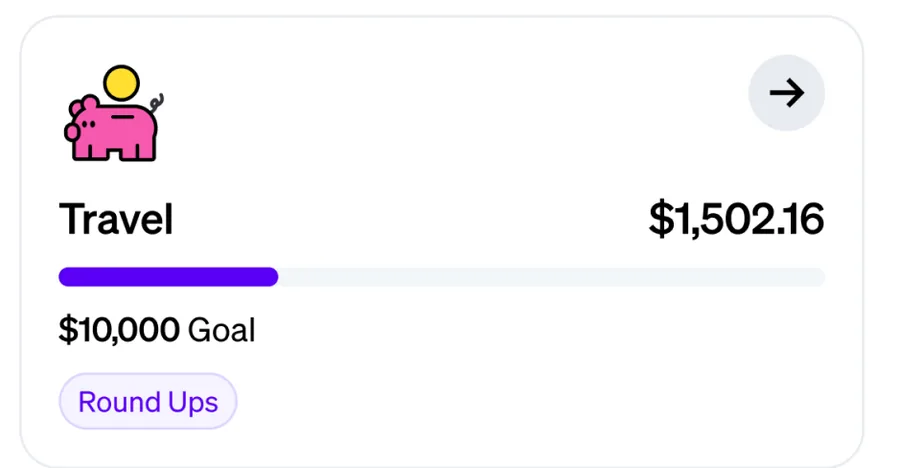
App Store marketing imageA Travel pod with $1,502.16 saved toward a $10,000 goal and a Round Ups tag.App Store listing, as of 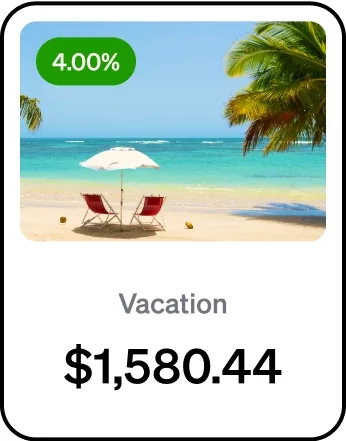
From Current's websiteA savings pod card for Vacation with a 4.00% label and a $1,580.44 balance.current.com, as of
Wells Fargo
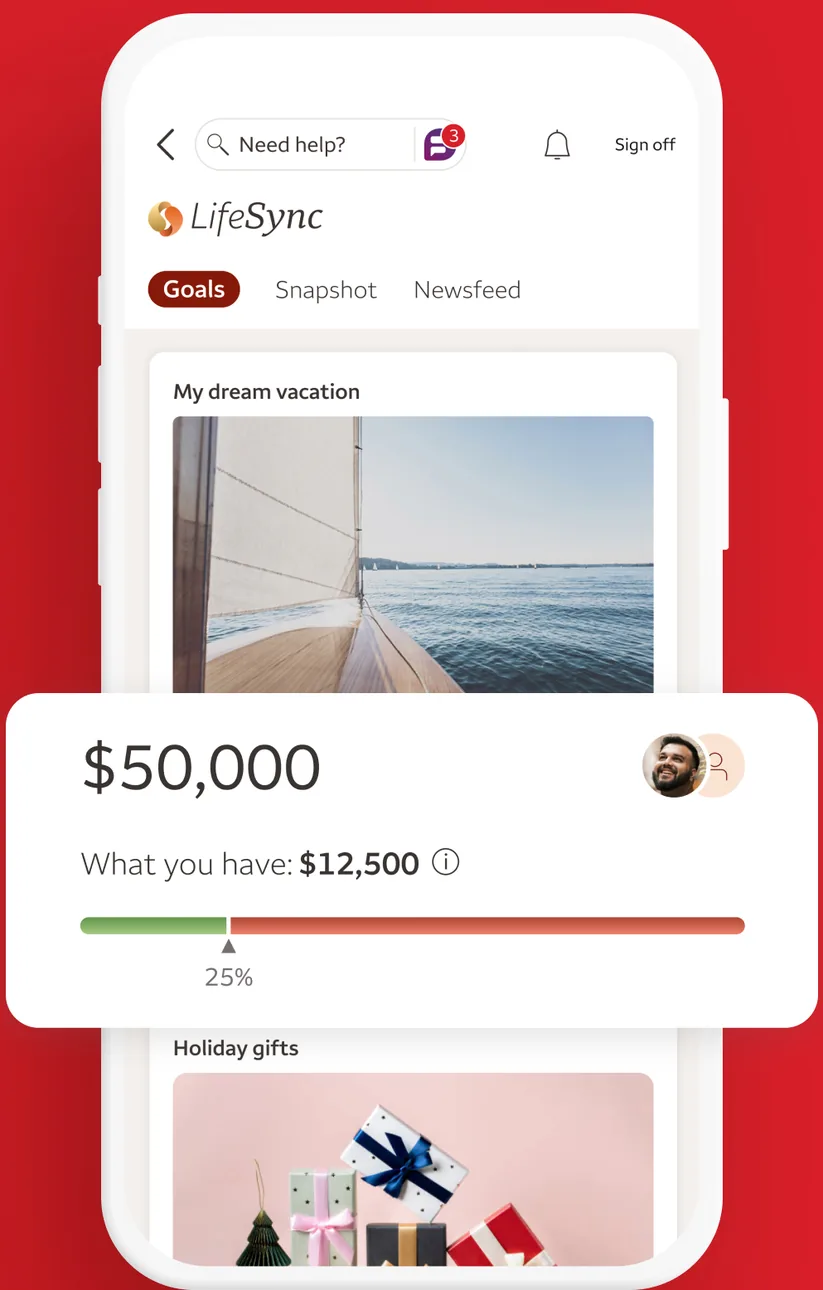
App Store marketing imageA LifeSync Goals screen with a My dream vacation goal of $50,000, $12,500 saved so far and a progress bar, followed by a Holiday gifts goal.App Store listing, as of 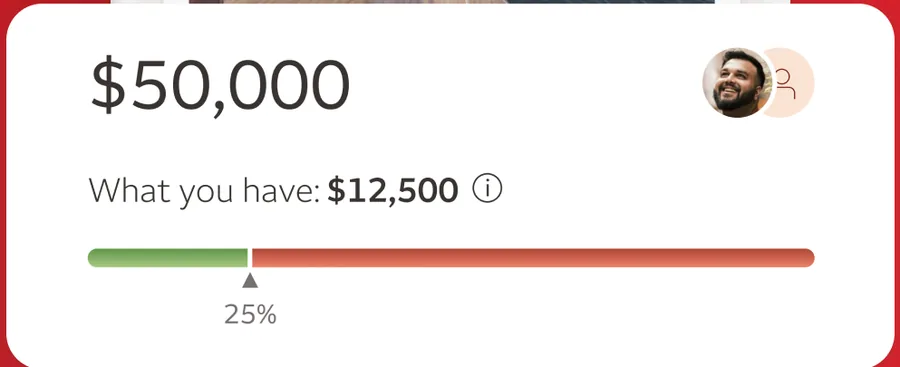
App Store marketing imageA goal card showing $50,000 with $12,500 saved and a progress bar at 25 percent.App Store listing, as of
Check deposit
Current
No official screen found yet
Wells Fargo
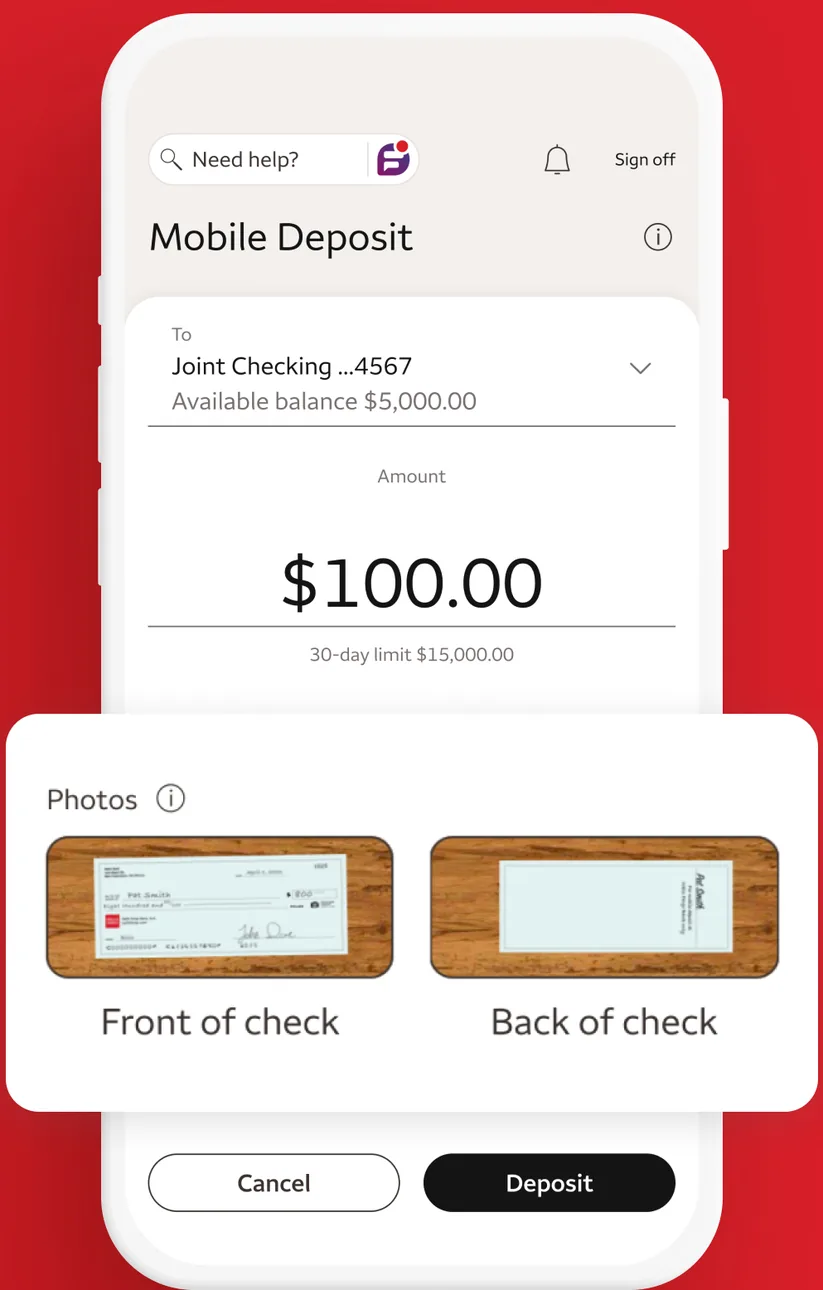
App Store marketing imageA Mobile Deposit screen depositing $100.00 to a Joint Checking account with front and back check photos and Cancel and Deposit buttons.App Store listing, as of 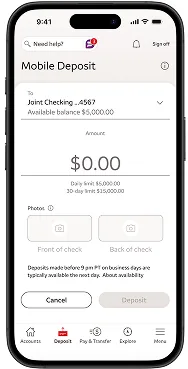
From Wells Fargo's help centerA Mobile Deposit screen with a Joint Checking account selected, a $0.00 amount, empty front and back check photo boxes and Cancel and Deposit buttons.wellsfargo.com, as of 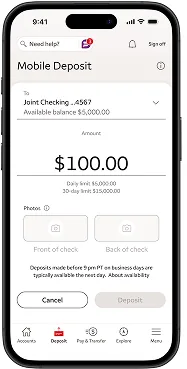
From Wells Fargo's help centerA Mobile Deposit screen with $100.00 entered for a Joint Checking account and daily and 30-day limits shown below.wellsfargo.com, as of 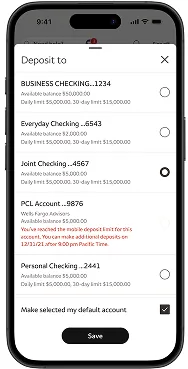
From Wells Fargo's help centerA Deposit to sheet listing business checking, everyday checking, joint checking and other accounts with available balances and limits, and a Save button.wellsfargo.com, as of 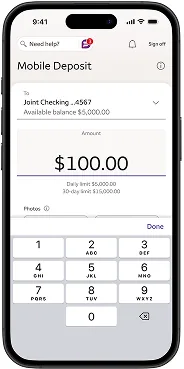
From Wells Fargo's help centerA Mobile Deposit screen with $100.00 entered using a number keypad.wellsfargo.com, as of 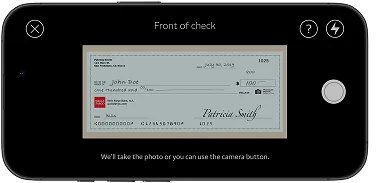
From Wells Fargo's help centerA landscape camera view labeled Front of check with a check inside the frame.wellsfargo.com, as of 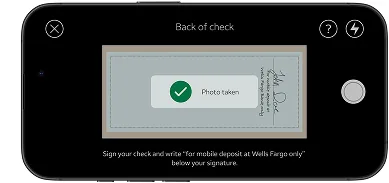
From Wells Fargo's help centerA landscape camera view labeled Back of check with a Photo taken confirmation.wellsfargo.com, as of 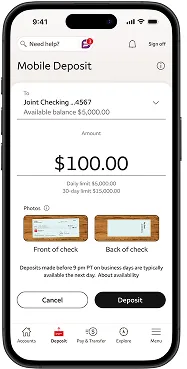
From Wells Fargo's help centerA Mobile Deposit screen with $100.00, front and back check photos, and Cancel and Deposit buttons.wellsfargo.com, as of 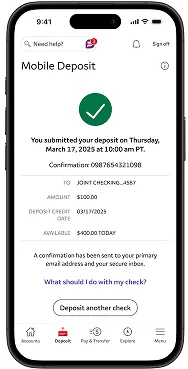
From Wells Fargo's help centerA confirmation with a green check mark saying the deposit was submitted, with a confirmation number, account, amount, deposit credit date and a Deposit another check button.wellsfargo.com, as of 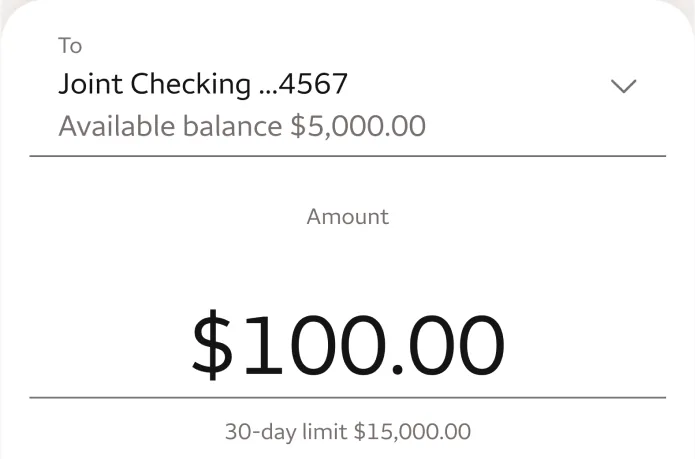
App Store marketing imageA deposit form with a Joint Checking account picker and a $100.00 amount with a 30-day limit note.App Store listing, as of 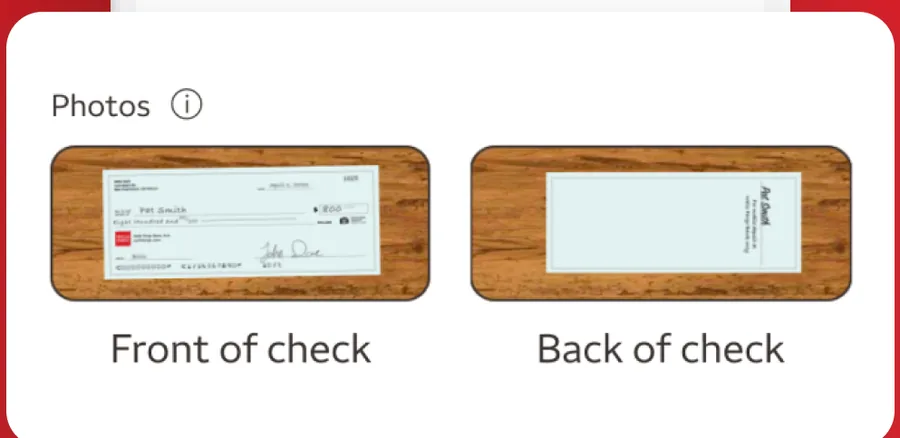
App Store marketing imagePhotos of the front and back of a check ready for deposit.App Store listing, as of
AI assistant
Current
No official screen found yet
Wells Fargo
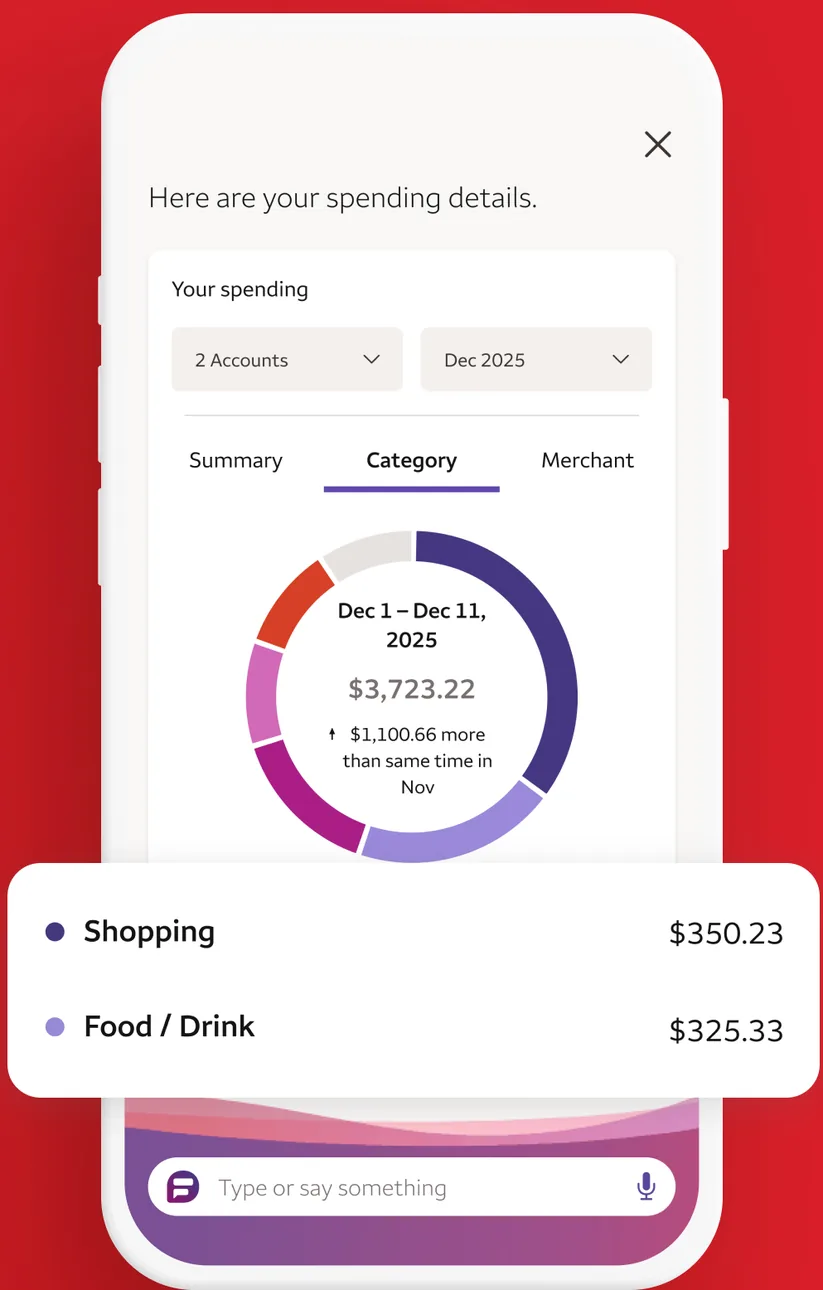
App Store marketing imageA Fargo assistant screen showing spending details by category in a ring chart, with Shopping at $350.23 and Food and Drink at $325.33, and a Type or say something bar.App Store listing, as of 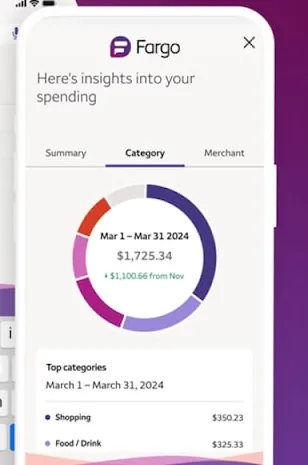
From Wells Fargo's websiteA Fargo panel showing insights into spending with a category ring chart for March 1 to March 31, 2024 and a list of top categories.wellsfargo.com, as of 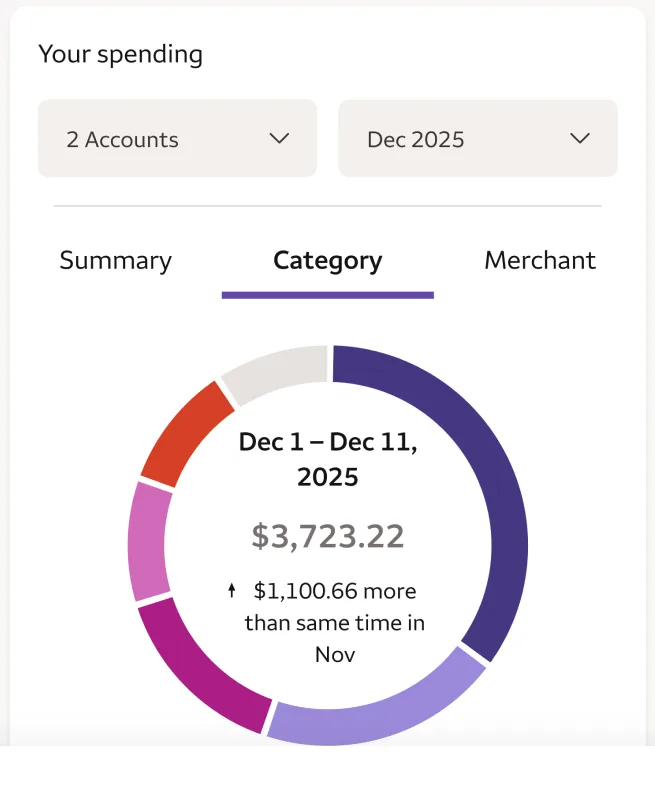
App Store marketing imageA ring chart of spending from December 1 to December 11, 2025 totaling $3,723.22.App Store listing, as of 
App Store marketing imageA Fargo input bar that reads Type or say something with a microphone icon.App Store listing, as of
Sharing with a partner
Current
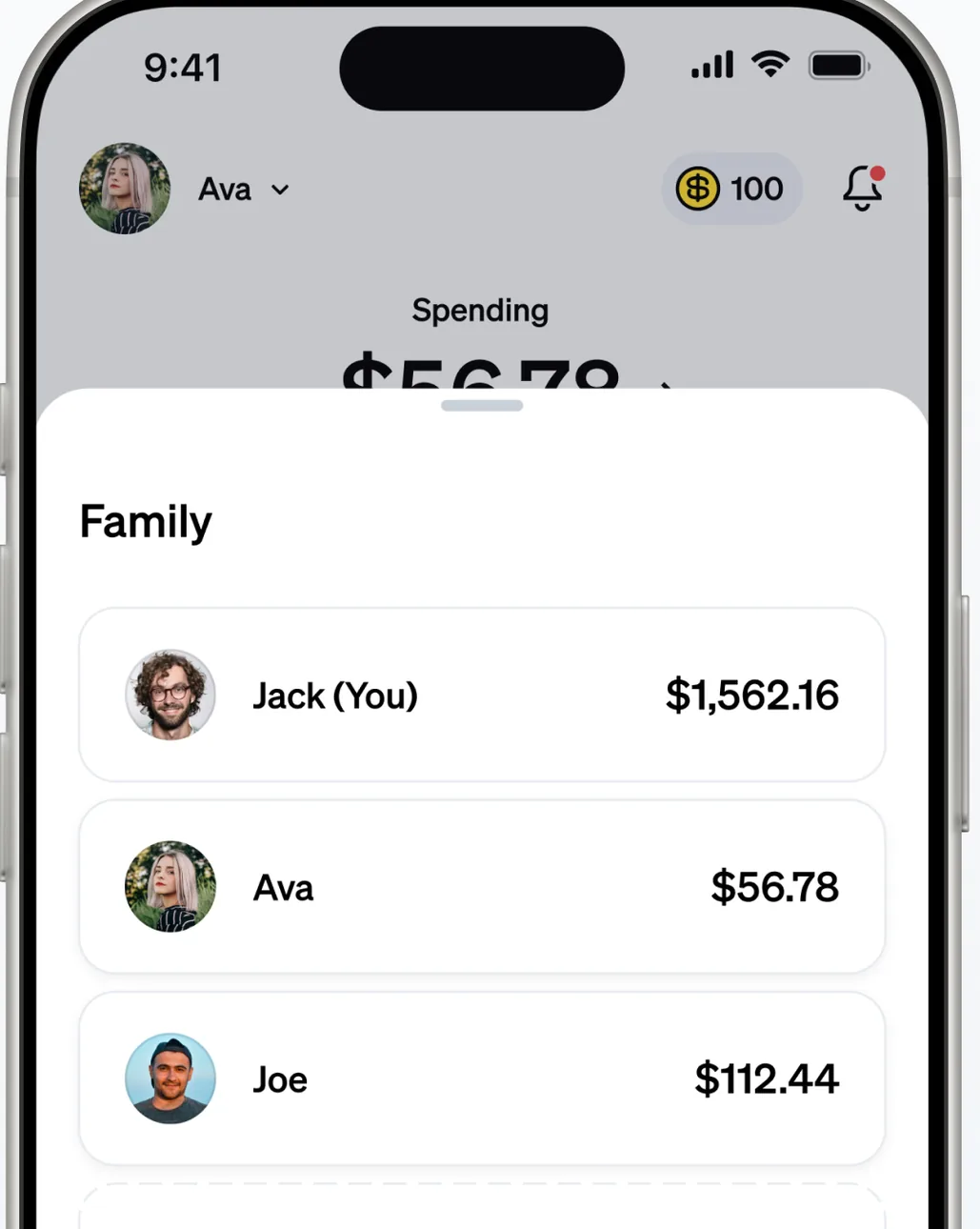
App Store marketing imageA home screen with a Family section listing Jack (You), Ava and Joe with their balances.App Store listing, as of 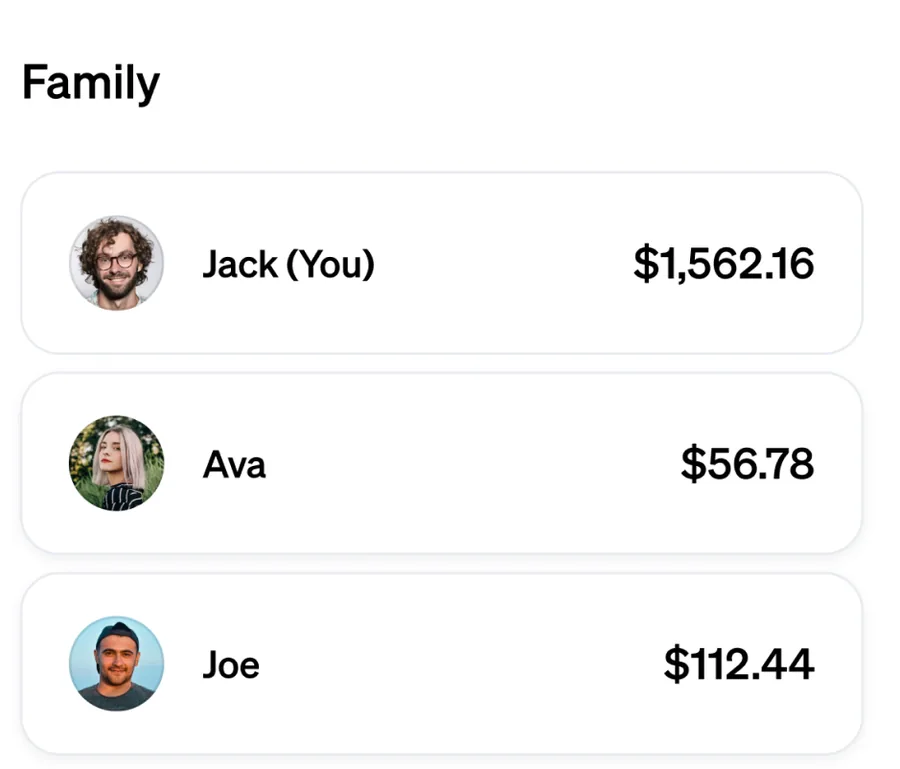
App Store marketing imageA Family list with Jack (You) at $1,562.16, Ava at $56.78 and Joe at $112.44.App Store listing, as of
Wells Fargo
No official screen found yet
Privacy labels
Apple's privacy labels are what each developer reports to Apple. Apple says it does not verify them. We copy the category names exactly as the App Store lists them.
Current
Data Used to Track You
- Identifiers
- Usage Data
Data Linked to You
- Location
- Contact Info
- Identifiers
- Usage Data
- Diagnostics
Data Not Linked to You
Not listed on the App Store page.
As of · App Store listing
Wells Fargo
Data Used to Track You
Not listed on the App Store page.
Data Linked to You
- Location
- Contact Info
- User Content
- Identifiers
Data Not Linked to You
- Financial Info
- Contacts
- User Content
- Diagnostics
As of · App Store listing
Accessibility labels
Current
The App Store listing shows no accessibility labels for this app (checked Oct 24, 2026). That means the developer hasn't listed them, not that the app has no accessibility support.
Wells Fargo
- VoiceOver
- Differentiate Without Color Alone
- Sufficient Contrast
- Captions
As of · App Store listing
FAQ
What are the App Store ratings for Current and Wells Fargo?
Current has a store rating of 4.8 out of 5 from 197,130 ratings. Wells Fargo has a store rating of 4.8 out of 5 from 10,839,780 ratings. These are App Store ratings from users, not a Priceless Tay score.
What are the Google Play ratings for Current and Wells Fargo?
Current shows 4.4 out of 5 (180K reviews) on Google Play, and Wells Fargo shows 4.8 out of 5 (2.95M reviews).
When were the Current and Wells Fargo iPhone apps last updated?
Current released version 8.20.0 on Oct 22, 2026. Wells Fargo released version 26.09.03 on Oct 14, 2026.
Which Apple devices do the Current and Wells Fargo apps run on?
The App Store lists iPhone and Apple Vision for Current, and iPhone, iPad and iPod touch for Wells Fargo.
Which app features does Current state that we did not find for Wells Fargo?
Current's own website states automatic saving. We did not find that stated on Wells Fargo's website, which does not mean the Wells Fargo app lacks it.
Which app features does Wells Fargo state that we did not find for Current?
Wells Fargo's own website states mobile check deposit, send money to people, virtual assistant and apple pay or google pay. We did not find those stated on Current's website, which does not mean the Current app lacks them.
Keep comparing
- See every fact on the Current app page, with all four screenshots.
- See every fact on the Wells Fargo app page, with all four screenshots.
- Compare other bank apps, or read how we compare bank apps.
Sources and dates
Current
- App Store facts, privacy and accessibility labels, screenshots and icon: App Store listing and Apple's iTunes Lookup API, checked Oct 24, 2026.
- Google Play rating and update date: Google Play listing, checked Oct 24, 2026.
- Features, from Current's own website: current.com, current.com/save.
Wells Fargo
- App Store facts, privacy and accessibility labels, screenshots and icon: App Store listing and Apple's iTunes Lookup API, checked Oct 24, 2026.
- Google Play rating and update date: Google Play listing, checked Oct 24, 2026.
- Features, from Wells Fargo's own website: wellsfargo.com/mobile/apps, wellsfargo.com/fargo, wellsfargo.com/mobile-online-banking/biometric, wellsfargo.com/mobile-online-banking/transfer-pay/digital-wallet.
This is education, not financial advice.