
Bank app comparison
Cash App vs Chime app
Store facts as of
I earn commissions from some links.

Cash App
Banking app
Visit site for Cash App (opens in a new tab)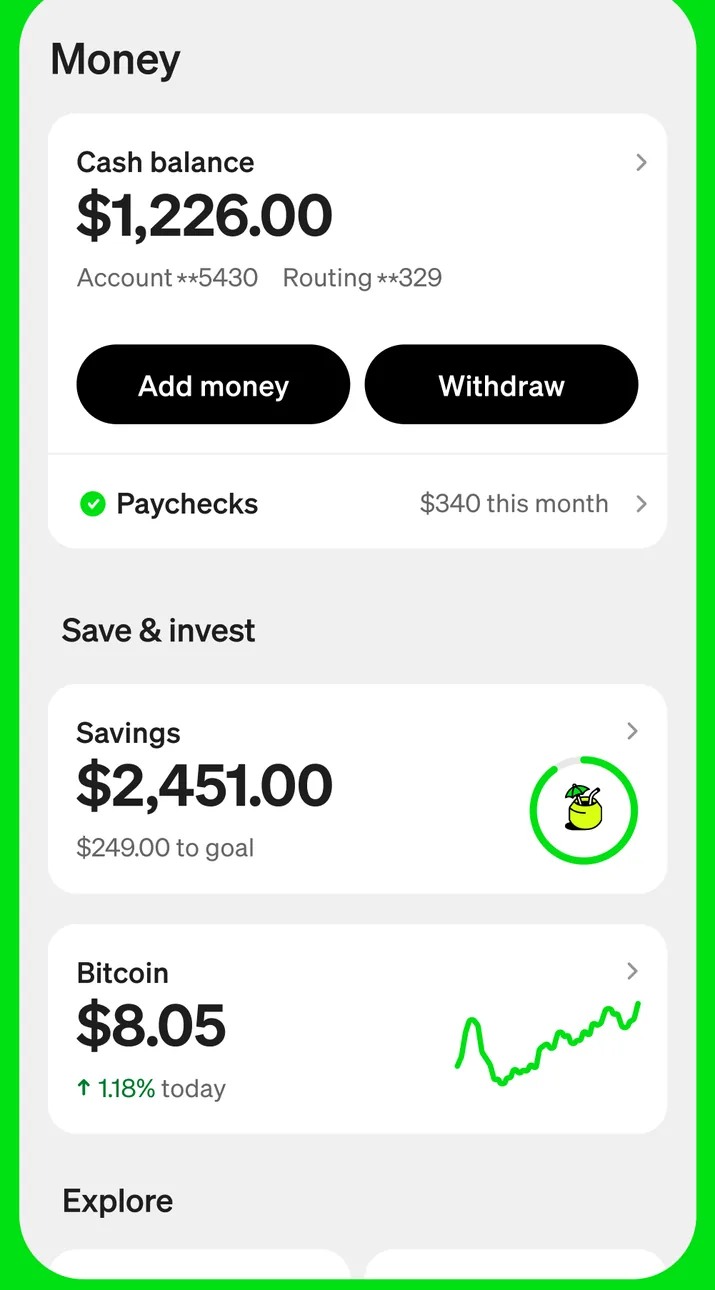
Chime
Banking app
Visit site for Chime (opens in a new tab)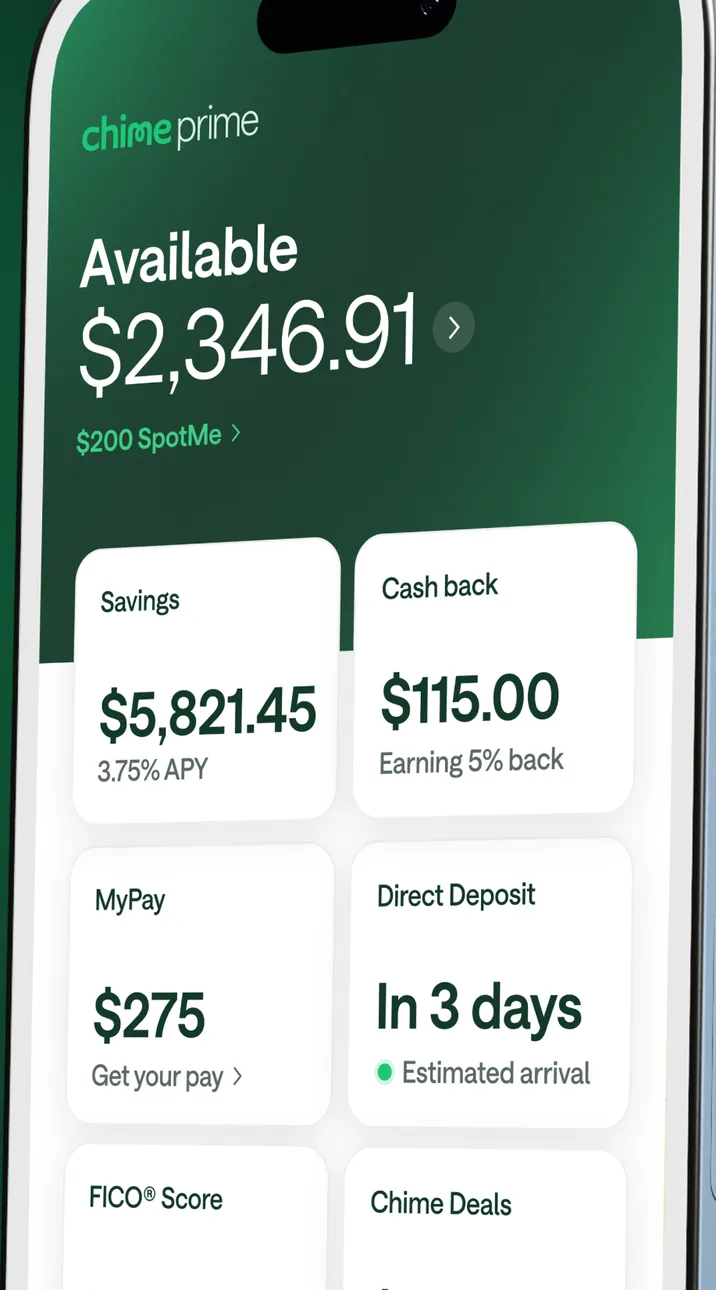

Short answer
Pick Chime if you want more fee-free ATMs (47,000+) and a 3.00% savings rate after one $200 direct deposit. Pick Cash App if you want free overdraft coverage of up to $200 once you deposit $300 a month, or savings interest of up to 3.5% with Green status.
Full disclosure: Taylor Price, who runs Priceless Tay, owns Fifecta, so keep that in mind as you read this comparison.
On the App Store, Cash App has a store rating of 4.8 out of 5 from 8,785,776 ratings, and Chime has a store rating of 4.8 out of 5 from 1,644,564 ratings, as of Nov 2, 2026. Cash App last updated its iPhone app on Oct 22, 2026, and Chime on Oct 27, 2026. Of the 10 app features we look for in each bank's official sources (its website, help center or official app store listing), both state the same 9, side by side in the table below.
Store ratings
These are store ratings from app users on the App Store and Google Play, not a Priceless Tay score.
Cash App
Chime
Updates and app facts
Cash App last updated its iPhone app on Oct 22, 2026, 11 days before we checked. Chime last updated its iPhone app on Oct 27, 2026, 6 days before we checked.
Cash App
- Last App Store update
- Version 5.75.0, released Oct 22, 2026
As of · App Store listing
Chime
- Last App Store update
- Version 5.350.1, released Oct 27, 2026
As of · App Store listing
Features each bank states
✓ means the bank's official sources (its website, help center or official app store listing) state it, with the quote and page shown. ✕ means those sources say the bank doesn't offer it. We never mark a feature ✕ just because a page doesn't mention it. Each mark links to the page it came from; the quotes are on each app's own page.
Send money to people
Card lock and unlock
Cash App
Screen by screen
Pick a task to see what each app shows for it. App Store, Google Play and bank website images are the bank's own marketing, so names and balances are sample data. Help center images come from the bank's support pages. See every bank app's screens.
Home and accounts
Cash App
App Store marketing imageA Money screen showing a $1,226.00 cash balance with Add money and Withdraw buttons, a Paychecks row, and Save and invest tiles for Savings at $2,451.00 and Bitcoin at $8.05.App Store listing, as of 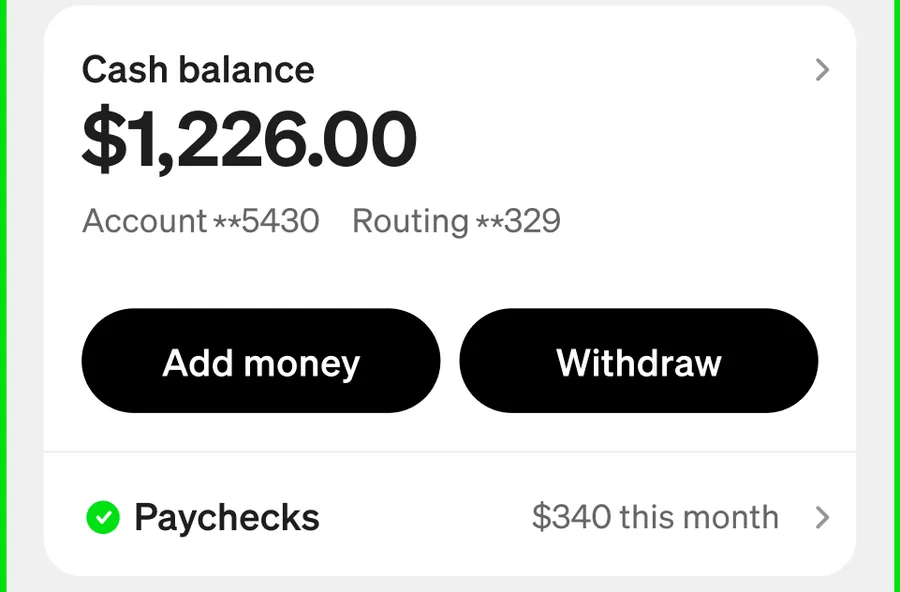
App Store marketing imageA Cash balance card showing $1,226.00 with Add money and Withdraw buttons and a Paychecks row with $340 this month.App Store listing, as of 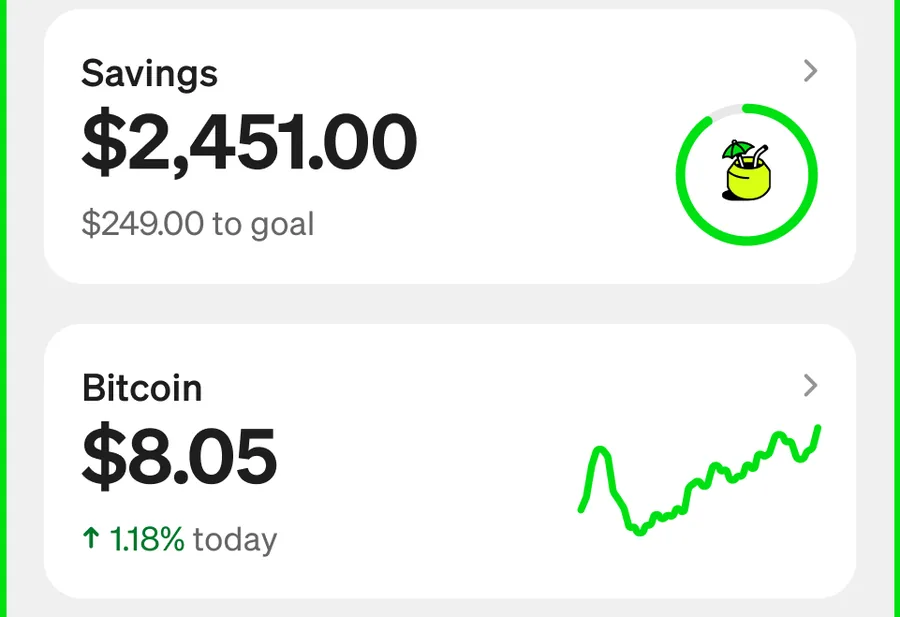
App Store marketing imageSave and invest tiles for Savings at $2,451.00 with $249.00 to goal and Bitcoin at $8.05.App Store listing, as of
Chime
App Store marketing imageA Chime home screen at an angle showing $2,346.91 available and tiles for Savings at $5,821.45, Cash back at $115.00, MyPay at $275 and Direct Deposit.App Store listing, as of 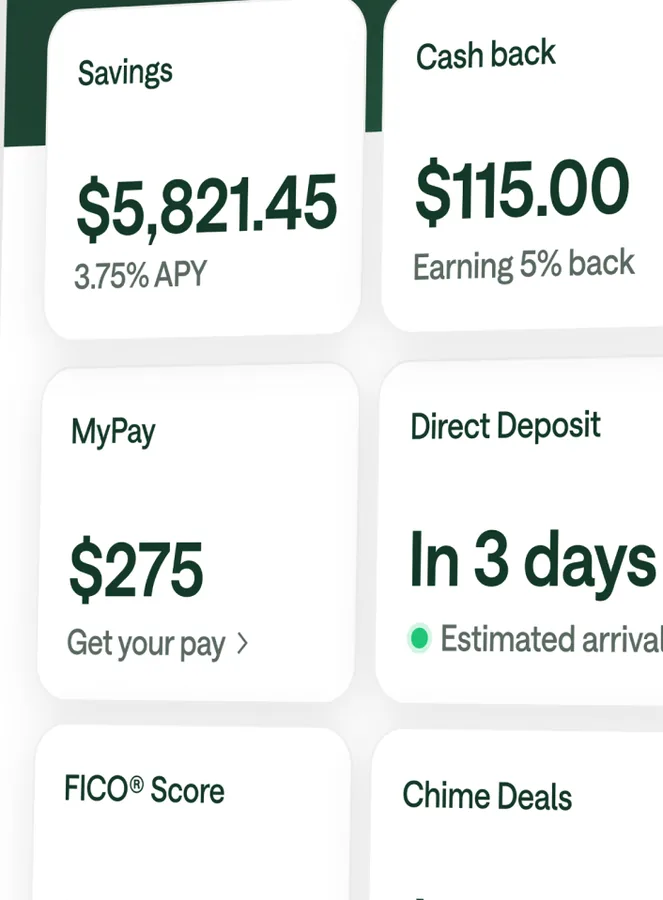
App Store marketing imageTiles for Savings at $5,821.45, Cash back at $115.00, MyPay at $275, Direct Deposit in 3 days, FICO Score and Chime Deals.App Store listing, as of
Transfer and send
Cash App
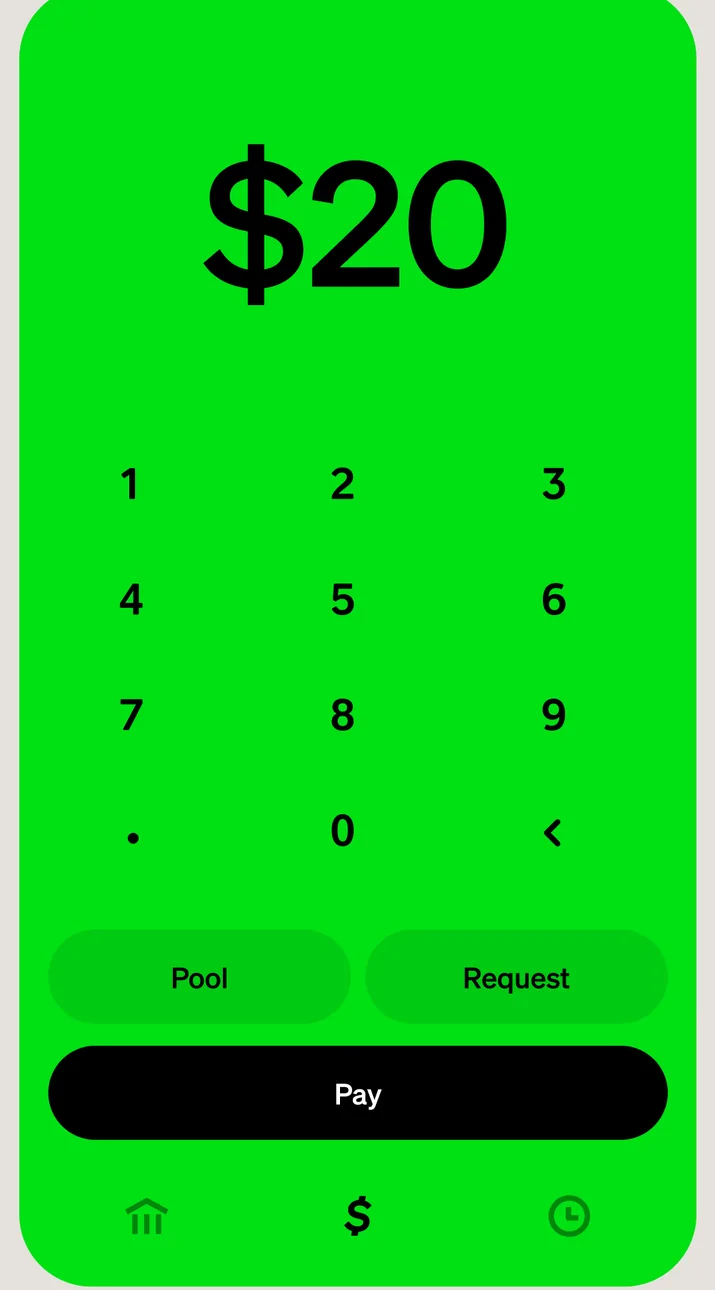
App Store marketing imageA green send screen with $20 entered on a number keypad and Pool, Request and Pay buttons.App Store listing, as of 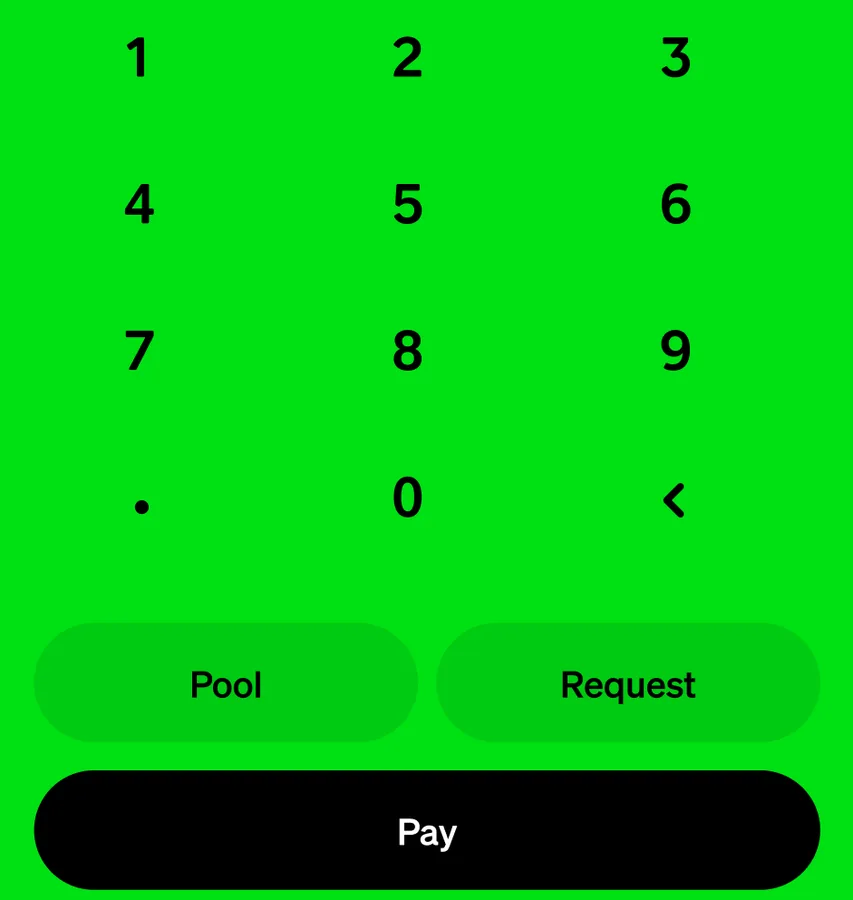
App Store marketing imageA number keypad above Pool, Request and Pay buttons.App Store listing, as of
Chime
No official screen found yet
Card controls
Cash App
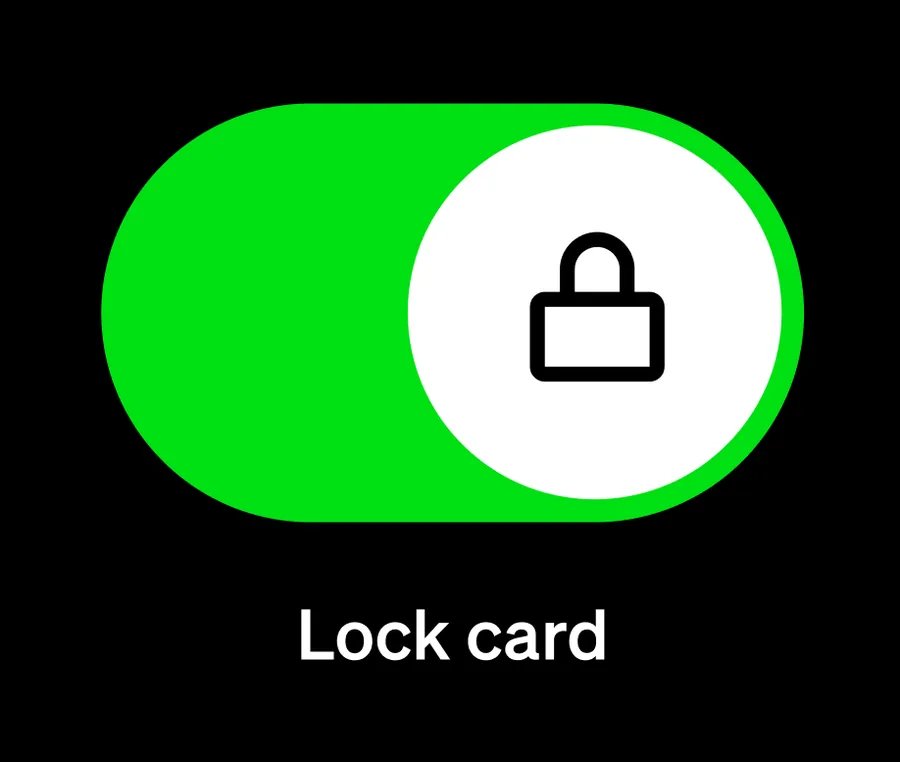
From Cash App's websiteA large toggle switched on with a lock icon above the label Lock card.cash.app, as of
Chime
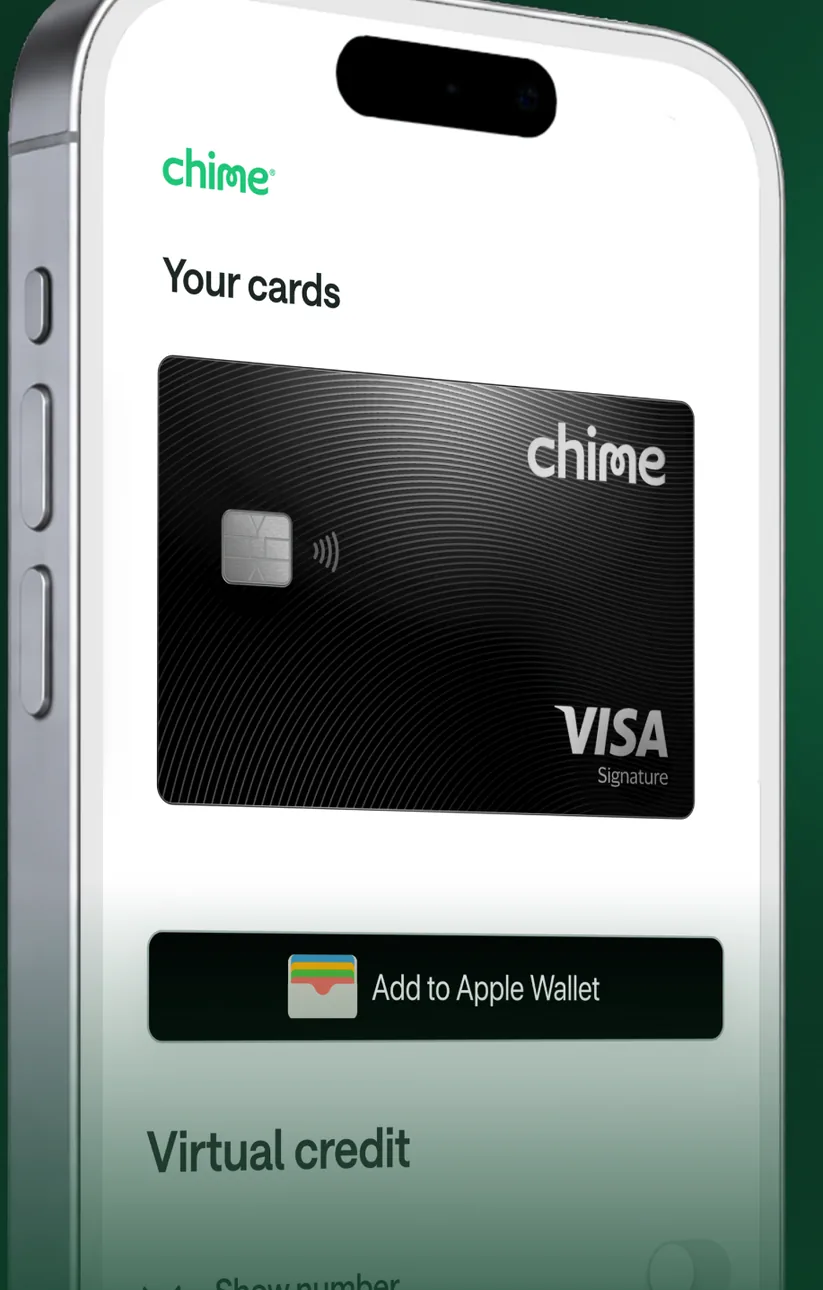
App Store marketing imageA Your cards screen at an angle showing a black Chime Visa card, an Add to Apple Wallet button and a Virtual credit section.App Store listing, as of
Settings and security
Cash App
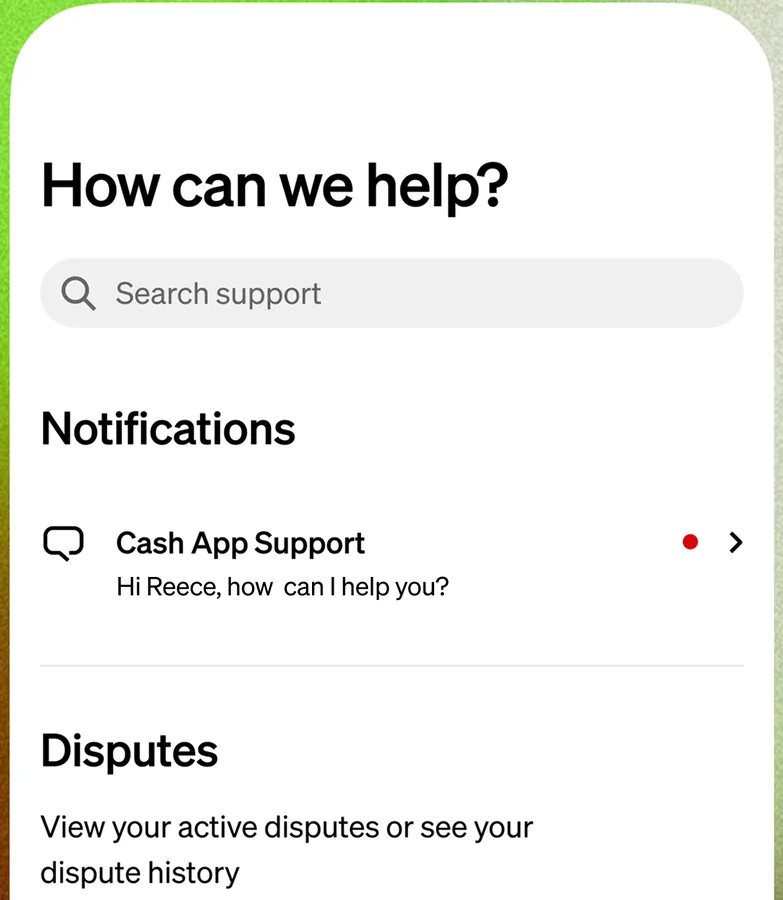
From Cash App's websiteA How can we help? screen with a support search field, a Notifications section with a Cash App Support message, and a Disputes section.cash.app, as of 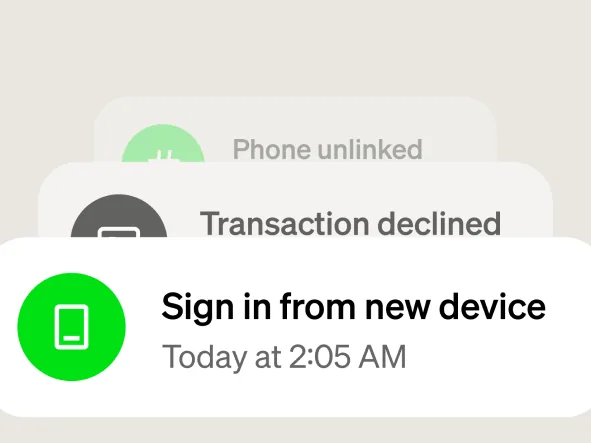
From Cash App's websiteStacked notifications for Phone unlinked, Transaction declined and Sign in from new device today at 2:05 AM.cash.app, as of 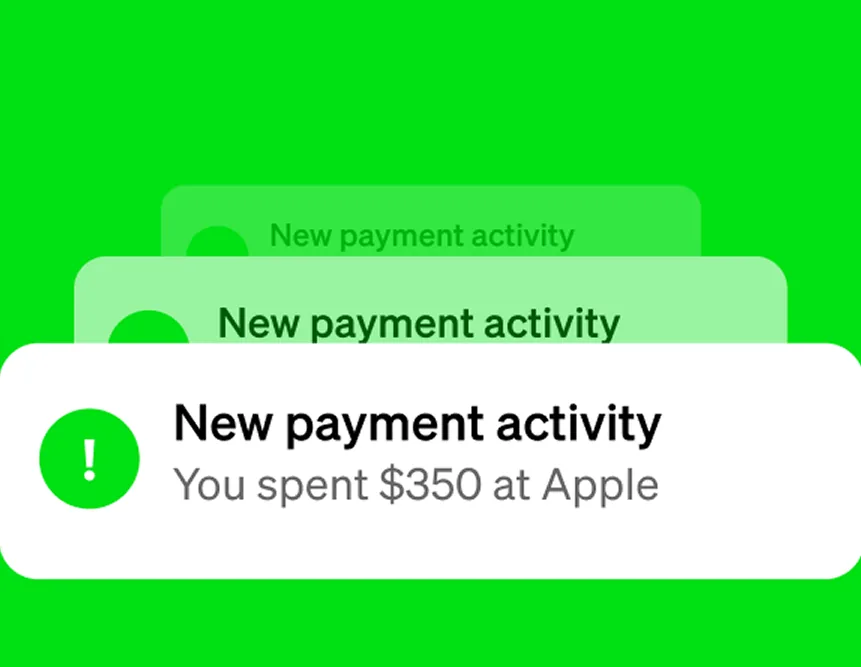
From Cash App's websiteStacked notifications reading New payment activity, You spent $350 at Apple.cash.app, as of
Chime
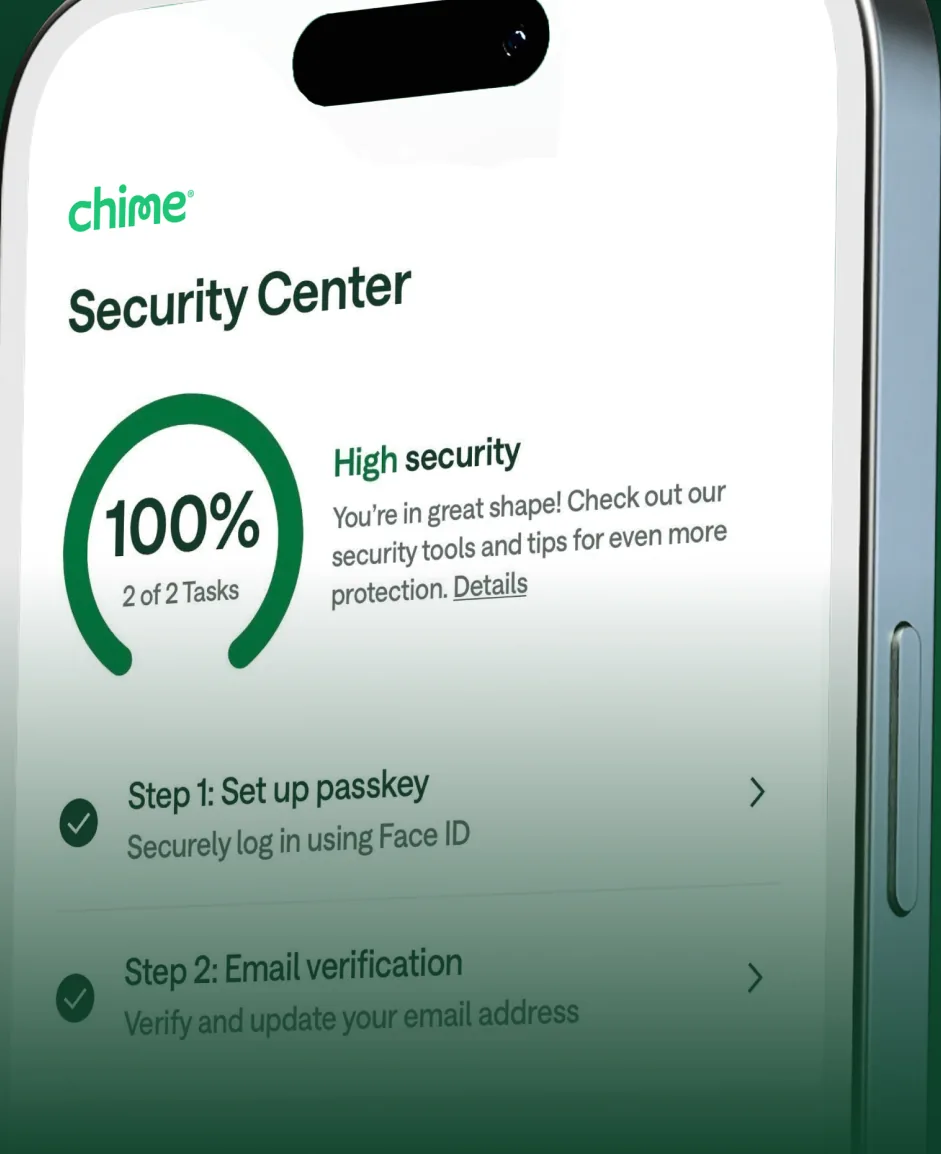
App Store marketing imageA Security Center screen at an angle showing a 100% security progress ring and setup steps such as setting up a passkey.App Store listing, as of 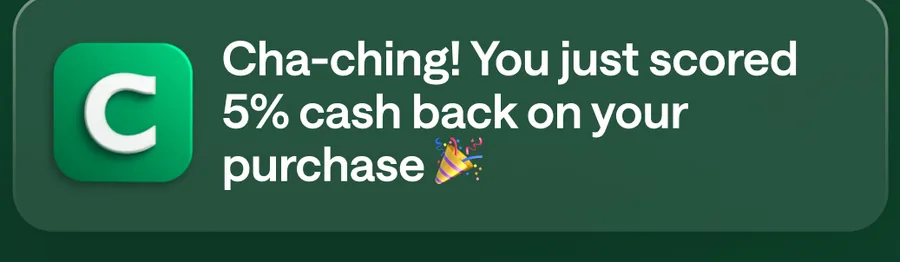
App Store marketing imageA Chime notification saying Cha-ching! You just scored 5% cash back on your purchase.App Store listing, as of 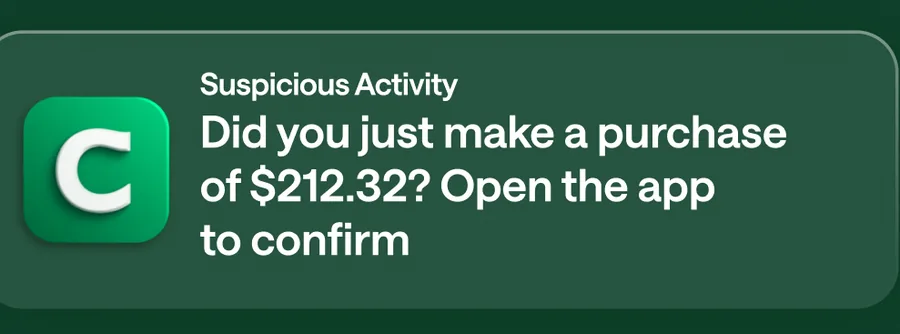
App Store marketing imageA Suspicious Activity notification asking Did you just make a purchase of $212.32? Open the app to confirm.App Store listing, as of
Investments
Cash App
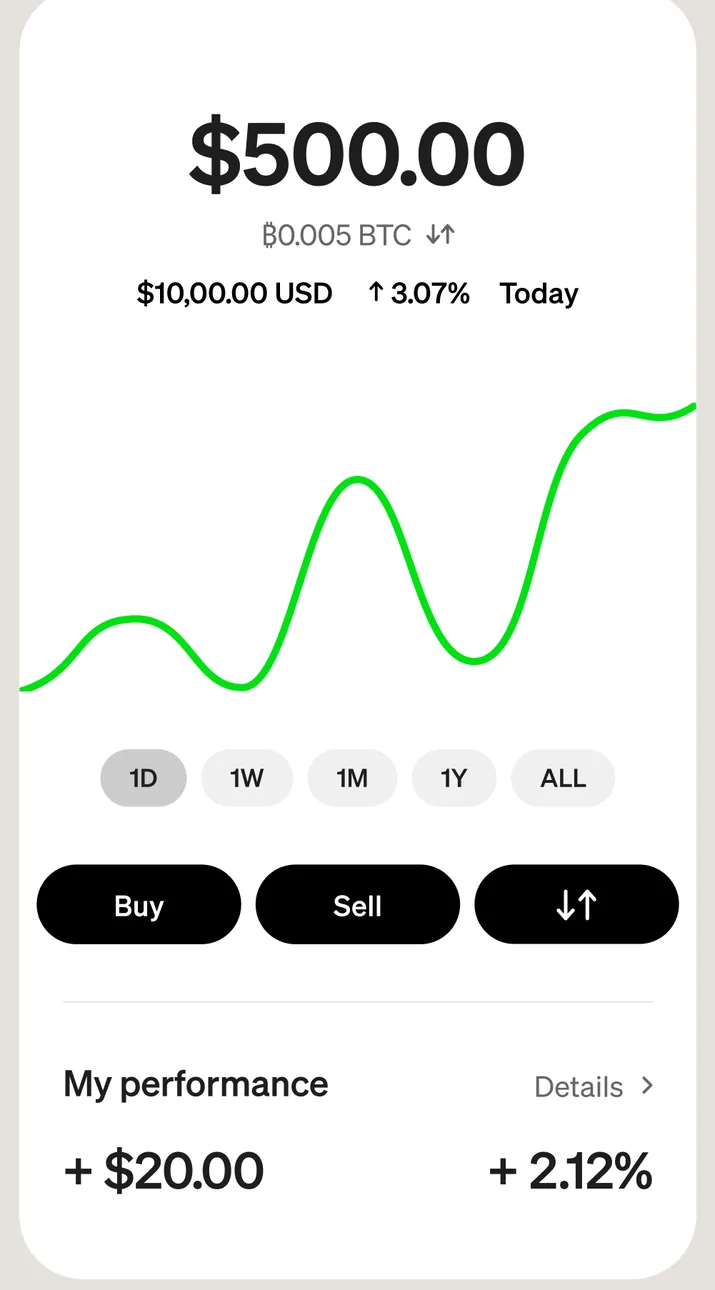
App Store marketing imageA bitcoin screen showing $500.00 with a price chart, time range buttons, Buy, Sell and send buttons, and My performance of +$20.00 and +2.12%.App Store listing, as of 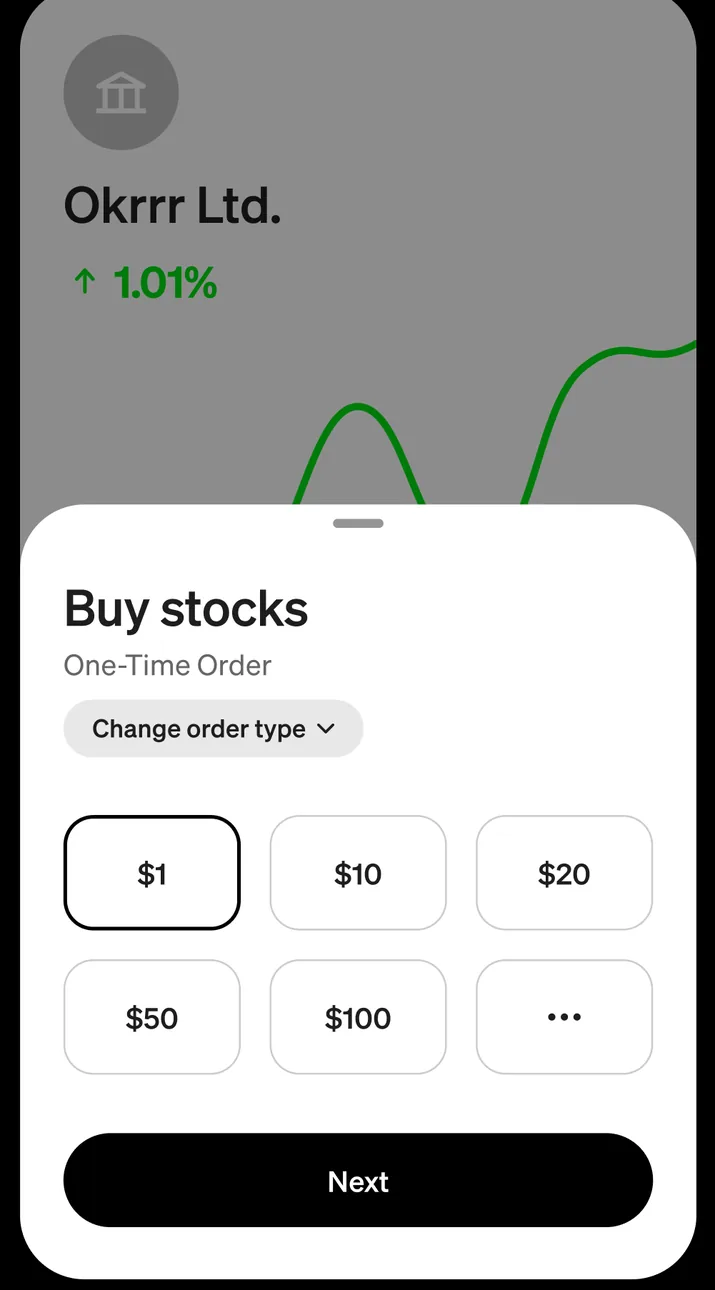
App Store marketing imageA Buy stocks sheet over a stock chart with a one-time order, amount options of $1, $10, $20, $50 and $100, and a Next button.App Store listing, as of 
App Store marketing imageBuy, Sell and transfer buttons below a bitcoin chart.App Store listing, as of 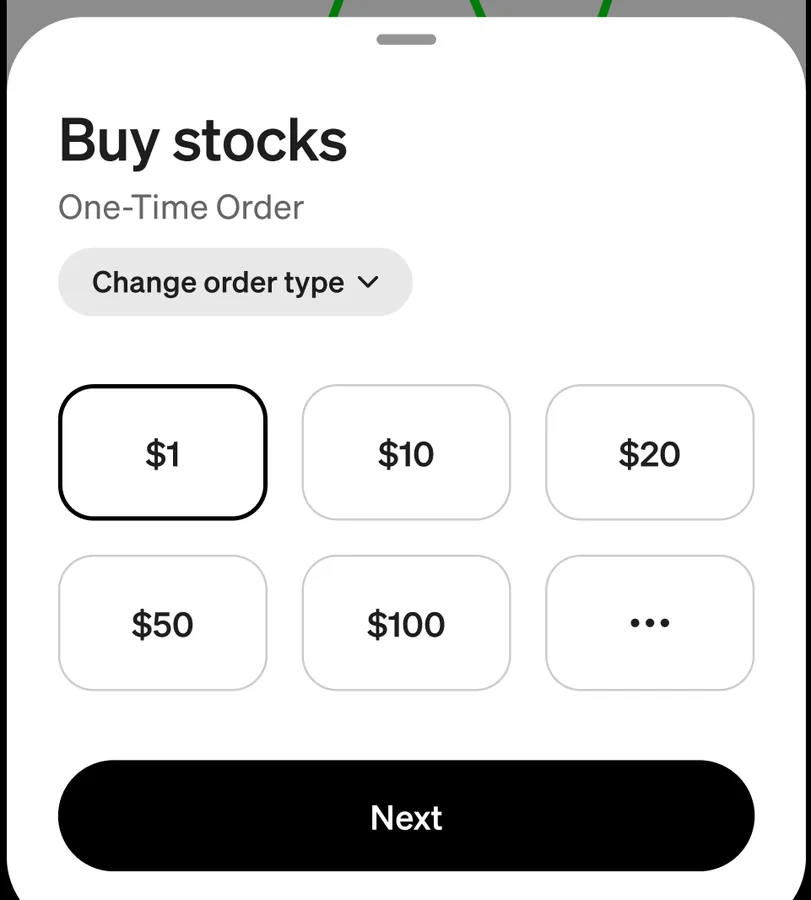
App Store marketing imageA Buy stocks sheet with dollar amount buttons from $1 to $100 and a Next button.App Store listing, as of
Chime
No official screen found yet
Goals
Cash App
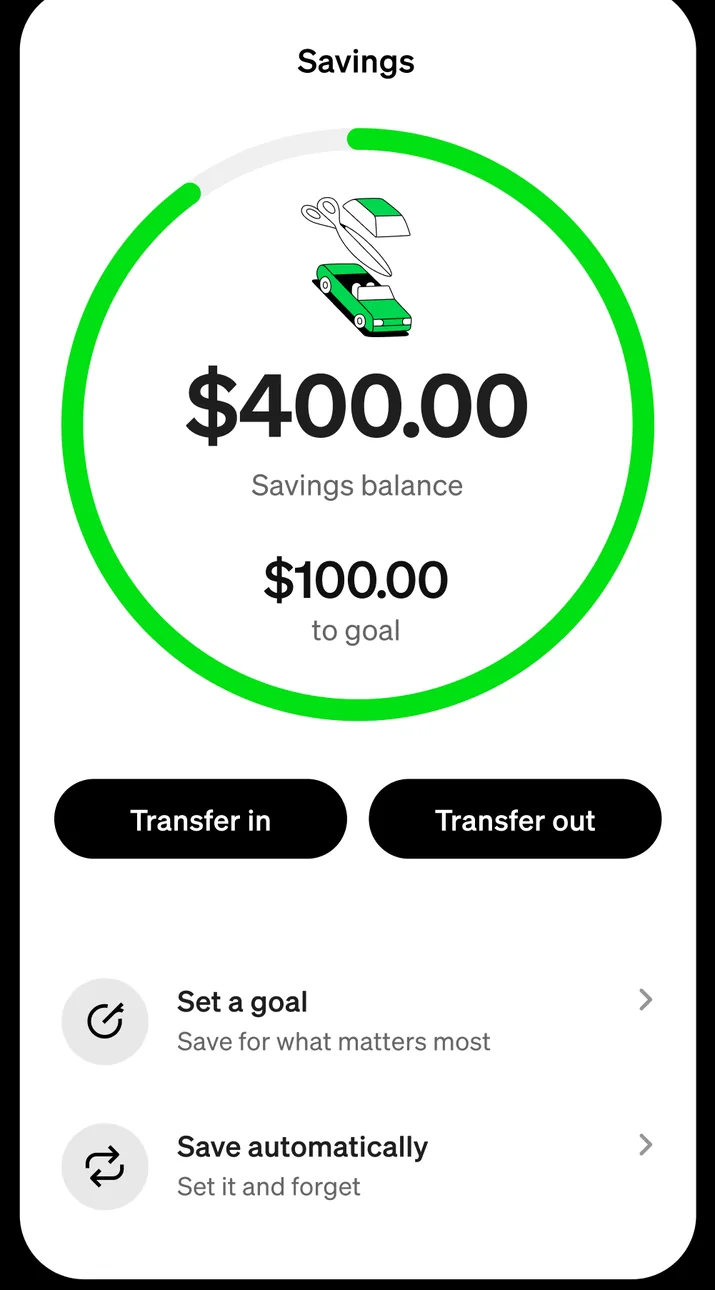
App Store marketing imageA Savings screen with a ring showing a $400.00 savings balance and $100.00 to goal, Transfer in and Transfer out buttons, and options to set a goal and save automatically.App Store listing, as of 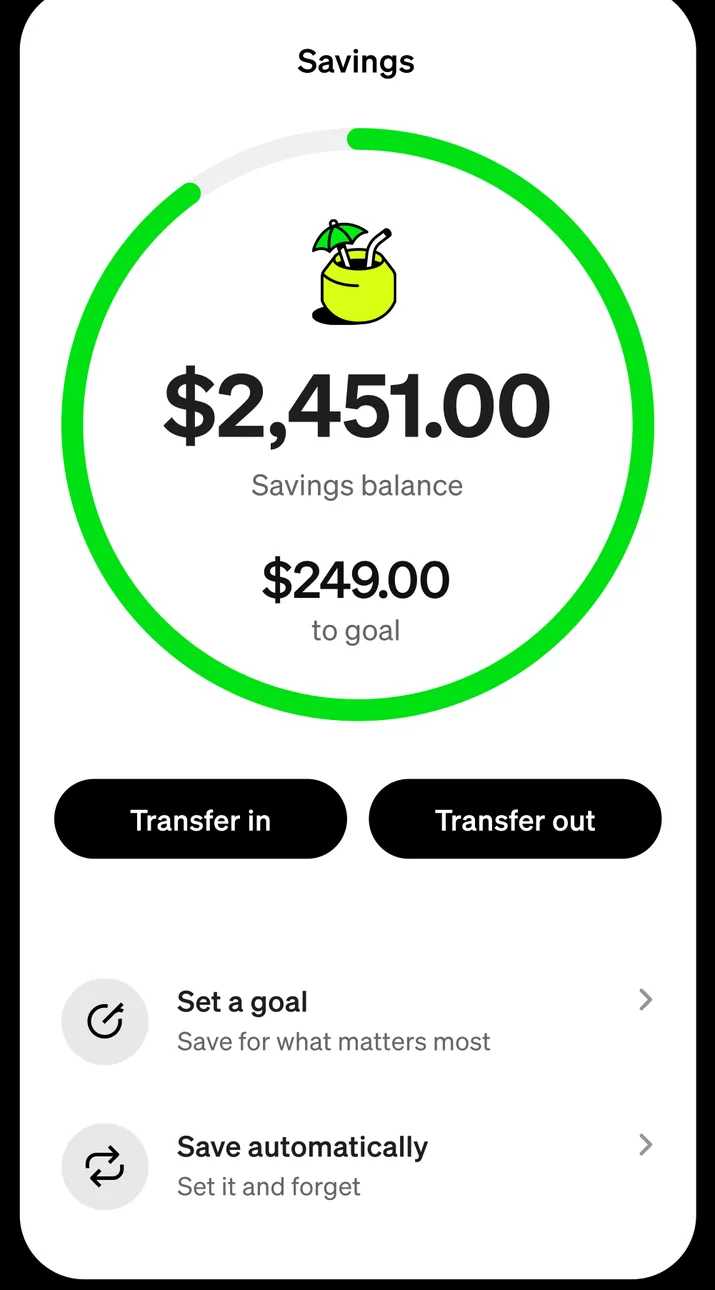
App Store marketing imageA Savings screen with a ring showing a $2,451.00 savings balance and $249.00 to goal, Transfer in and Transfer out buttons, and options to set a goal and save automatically.App Store listing, as of
Chime
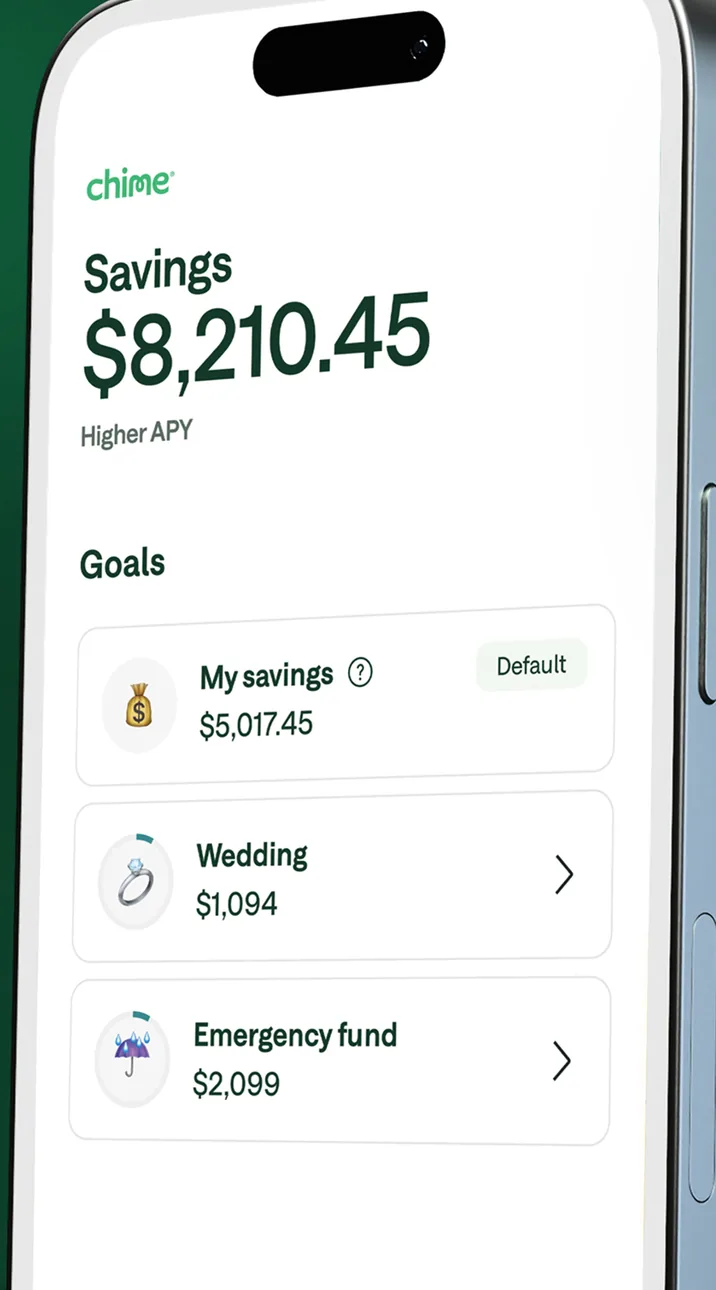
App Store marketing imageA Savings screen at an angle showing $8,210.45 and a Goals list with My savings, Wedding and Emergency fund.App Store listing, as of 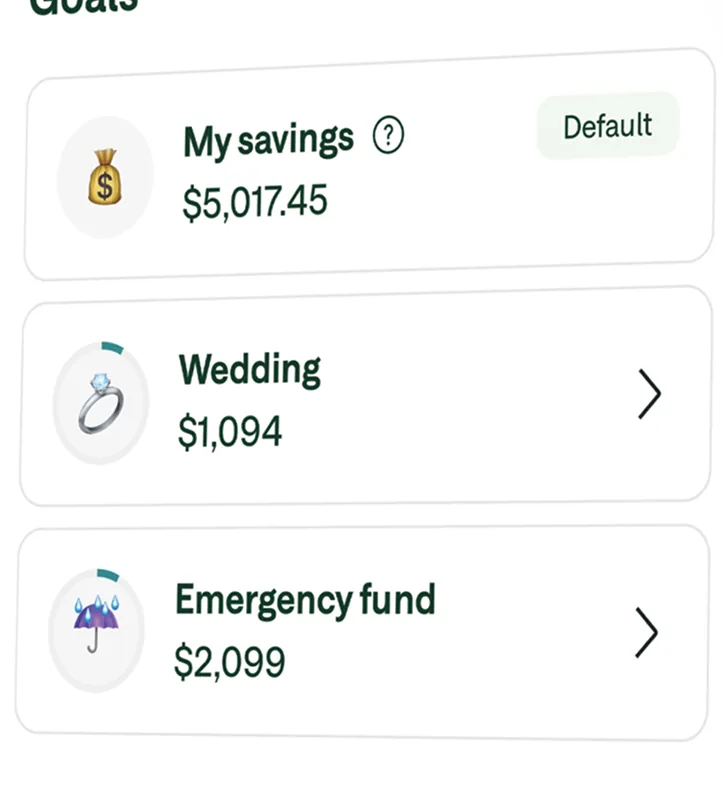
App Store marketing imageA Goals list with My savings at $5,017.45, Wedding at $1,094 and Emergency fund at $2,099.App Store listing, as of
Reports and insights
Cash App
No official screen found yet
Chime
App Store marketing imageA Chime notification saying Your score went up 70 points!App Store listing, as of
Transactions
Cash App
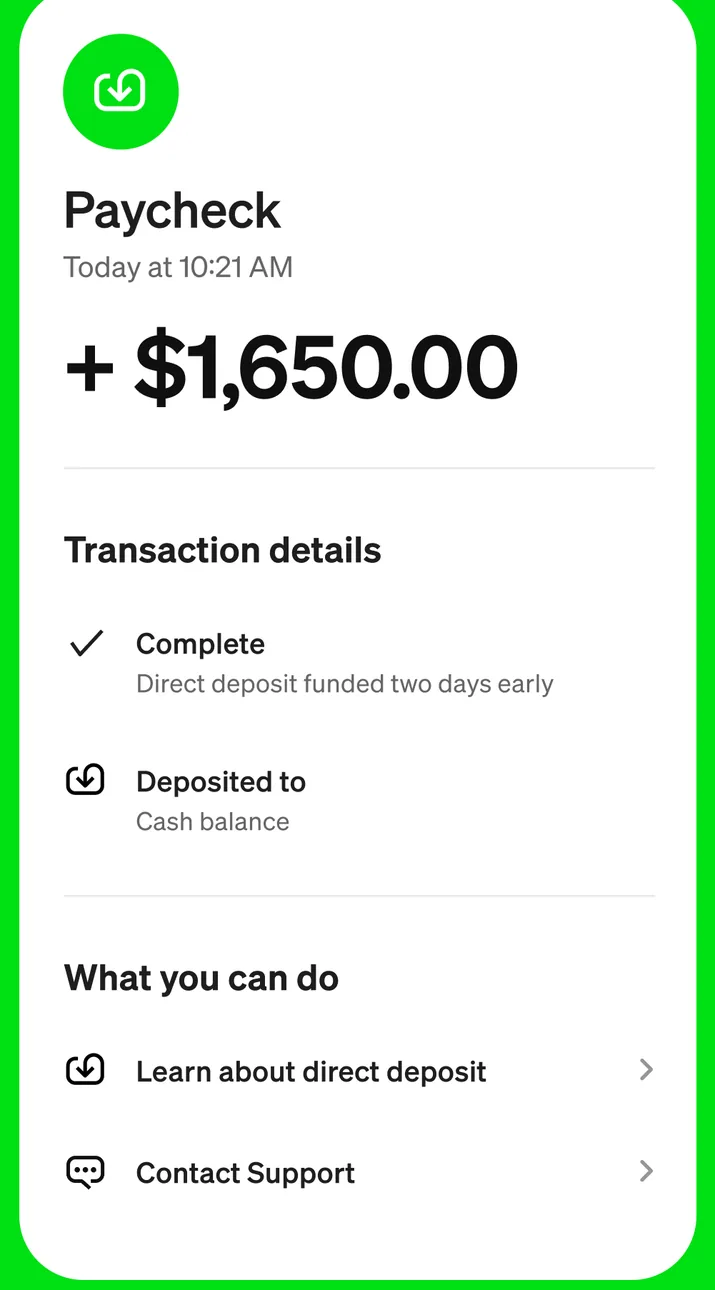
App Store marketing imageA Paycheck transaction detail showing +$1,650.00 with transaction details marked complete and deposited to cash balance, and links to learn about direct deposit and contact support.App Store listing, as of
Chime
No official screen found yet
Sharing with a partner
Cash App
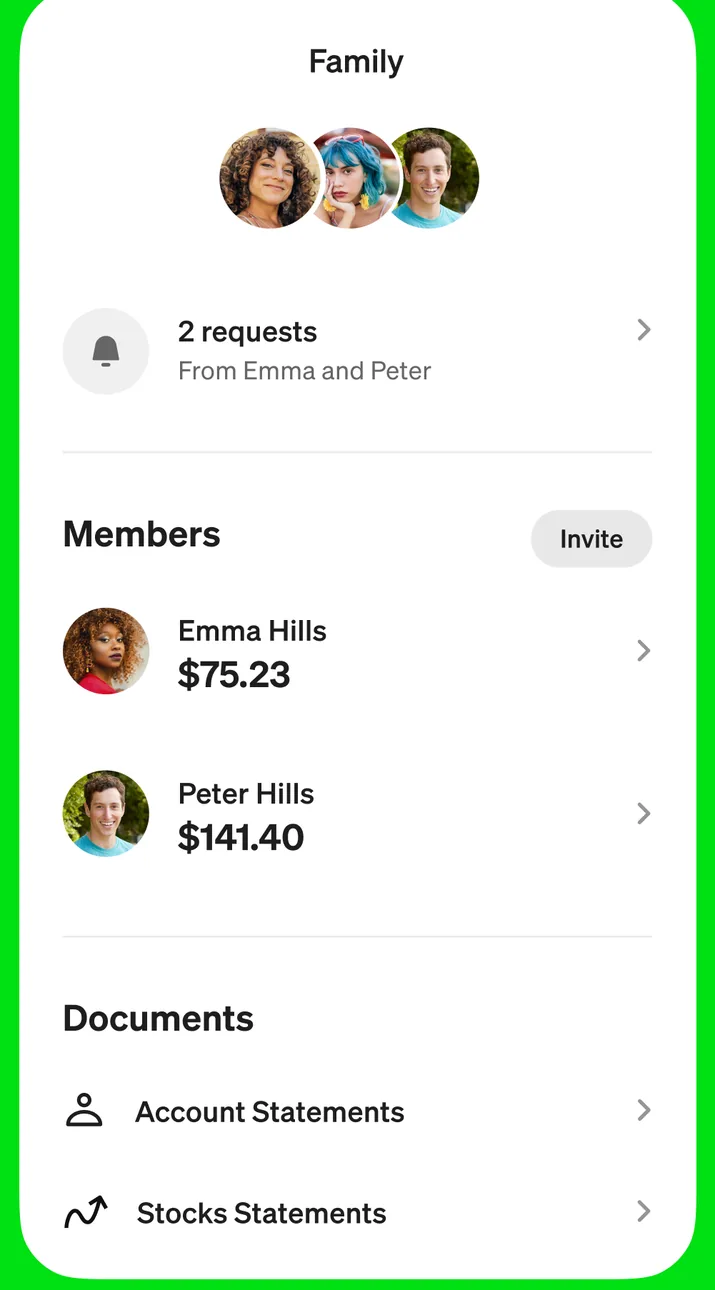
App Store marketing imageA Family screen showing 2 requests, a Members list with balances for Emma Hills and Peter Hills, and a Documents section with account and stock statements.App Store listing, as of
Chime
No official screen found yet
Accessibility labels
Cash App
The App Store listing shows no accessibility labels for this app (checked Oct 25, 2026). That means the developer hasn't listed them, not that the app has no accessibility support.
Chime
The App Store listing shows no accessibility labels for this app (checked Oct 25, 2026). That means the developer hasn't listed them, not that the app has no accessibility support.
FAQ
What are the App Store ratings for Cash App and Chime?
Cash App has a store rating of 4.8 out of 5 from 8,785,776 ratings. Chime has a store rating of 4.8 out of 5 from 1,644,564 ratings. These are App Store ratings from users, not a Priceless Tay score.
When were the Cash App and Chime iPhone apps last updated?
Cash App released version 5.75.0 on Oct 22, 2026. Chime released version 5.350.1 on Oct 27, 2026.
Which app features do both Cash App and Chime state?
Both banks' official sources state mobile check deposit, card lock and unlock, sending money to people, account alerts, budgeting or spending insights, automatic saving, a virtual assistant, face or fingerprint sign-in, and Apple Pay or Google Pay.
Keep comparing
- See every fact on the Cash App app page, with all four screenshots.
- See every fact on the Chime app page, with all four screenshots.
- Compare other bank apps, or read how we compare bank apps.
Sources and dates
Short answer figures
- 47,000+ fee-free ATMs: help.chime.com/where-can-i-withdraw-cash-65490cc2, checked Oct 27, 2026.
- 3.00% Chime Plus APY, effective 10/06/2026: help.chime.com/what-is-annual-percentage-yield-apy-dfafd381, checked Oct 27, 2026.
- One $200 direct deposit to qualify: help.chime.com/what-counts-as-qualifying-direct-deposits-da87eb14, checked Oct 27, 2026.
- Overdraft up to $200 with $300/mo deposits: cash.app/banking, checked Oct 27, 2026.
- Up to 3.5% APY with Green status: cash.app/savings, checked Oct 27, 2026.
Cash App
- App Store facts, privacy and accessibility labels, screenshots and icon: App Store listing and Apple's iTunes Lookup API, checked Nov 2, 2026.
- Google Play rating and update date: Google Play listing, checked Oct 25, 2026.
- Features, from Cash App's official sources: cash.app/help/14427-mobile-check-deposits, cash.app/help/309112-temporarily-disable-card, cash.app, cash.app/help/671-moneybot-on-cash-app, cash.app/help/10131-cash-card-round-ups, cash.app/help/3120-enable-security-lock, cash.app/help/30810-cash-card-apple-pay.
Chime
- App Store facts, privacy and accessibility labels, screenshots and icon: App Store listing and Apple's iTunes Lookup API, checked Nov 2, 2026.
- Google Play rating and update date: Google Play listing, checked Oct 25, 2026.
- Features, from Chime's official sources: help.chime.com/how-do-i-deposit-a-check-396c94d0, help.chime.com/can-i-pause-my-chime-account-dc15cd79, help.chime.com/explore-products-ad7f967f/pay-anyone-65aba19b/what-is-pay-anyone-7c0fd8c8, help.chime.com/how-do-i-set-up-and-manage-my-notifications-d4b03476, help.chime.com/manage-money-56350c4d/balance-transactions-2a739f36/about-spending-insights-bf741f11, help.chime.com/why-is-my-money-going-into-my-savings-account-without-me-5de091f0, help.chime.com/manage-money-56350c4d/jade-financial-partner-09a6e8e3/what-is-jade-financial-partner-d9c77341, help.chime.com/how-do-i-add-fingerprint-capabilities-for-android-4acef8c8, help.chime.com/how-do-i-change-my-settings-in-the-chime-app-697b315d, help.chime.com/manage-money-56350c4d/cards-89d3ae0b/use-your-chime-card-with-digital-wallets-b5b851c7.
- chime.com returns a Cloudflare block (403) to this session, so features come from Chime's own help center (help.chime.com).
This is education, not financial advice.