

Bank app comparison
Capital One vs KeyBank app
Store facts as of
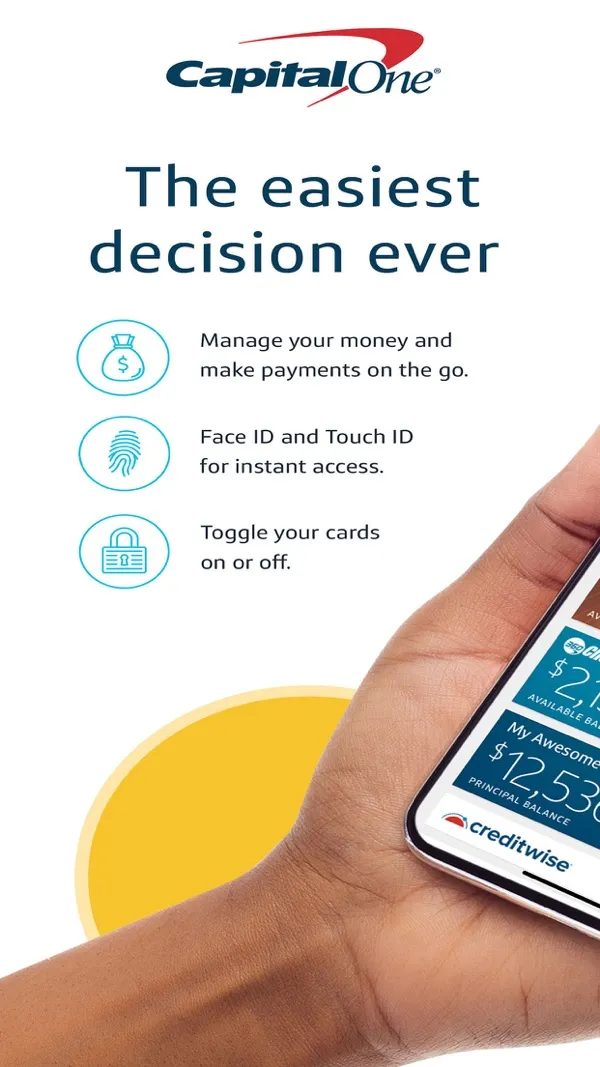
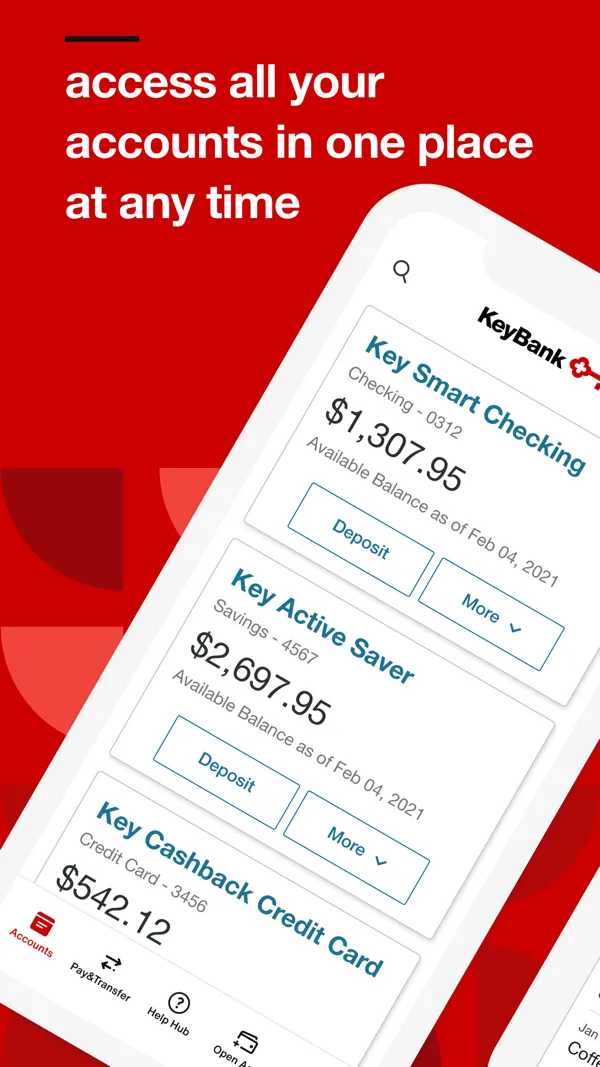

Short answer
On the App Store, Capital One has a store rating of 4.8 out of 5 from 11,228,348 ratings, and KeyBank has a store rating of 4.7 out of 5 from 259,269 ratings, as of Oct 24, 2026. Capital One last updated its iPhone app on Oct 5, 2026, and KeyBank on Oct 21, 2026. Of the 10 app features we look for on each bank's own website, we found 9 stated by Capital One and 10 by KeyBank.
Store ratings
These are store ratings from app users on the App Store and Google Play, not a Priceless Tay score.
 Capital One
Google Play rating (Android)
4.5out of 5
1.72M reviews, as shown on Google Play. Updated on Sep 30, 2026.
As of · Google Play listing
 KeyBank
Google Play rating (Android)
4.2out of 5
100K reviews, as shown on Google Play. Updated on Oct 20, 2026.
As of · Google Play listing
Updates and app facts
Capital One last updated its iPhone app on Oct 5, 2026, 19 days before we checked, and Google Play shows its Android app updated on Sep 30, 2026. KeyBank last updated its iPhone app on Oct 21, 2026, 3 days before we checked, and Google Play shows its Android app updated on Oct 20, 2026.
Capital One
- Last App Store update
- Version 6.55.1, released Oct 5, 2026
- App size
- 421.8 MB
- Requires
- iOS 17.0 or later
- Runs on
- iPhone and iPad
- Languages
- 2 (English and Spanish)
- Developer
- Capital One
As of · App Store listing
KeyBank
- Last App Store update
- Version 5.0.27, released Oct 21, 2026
- App size
- 157.7 MB
- Requires
- iOS 13.0 or later
- Runs on
- iPhone, iPad, iPod touch, Mac and Apple Vision
- Languages
- 3 (English and 2 more)
- Developer
- KeyBank
As of · App Store listing
Features each bank states
✓ means the bank's own website states it, with the quote and page shown. ? means we did not find it stated on the bank's site, not that the app lacks it. We never mark a feature as missing unless the bank says so. Each ✓ links to the page it came from; the quotes are on each app's own page.
Screen by screen
Pick a task to see what each app shows for it. App Store, Google Play and bank website images are the bank's own marketing, so names and balances are sample data. Help center images come from the bank's support pages. See every bank app's screens.
Home and accounts
Capital One
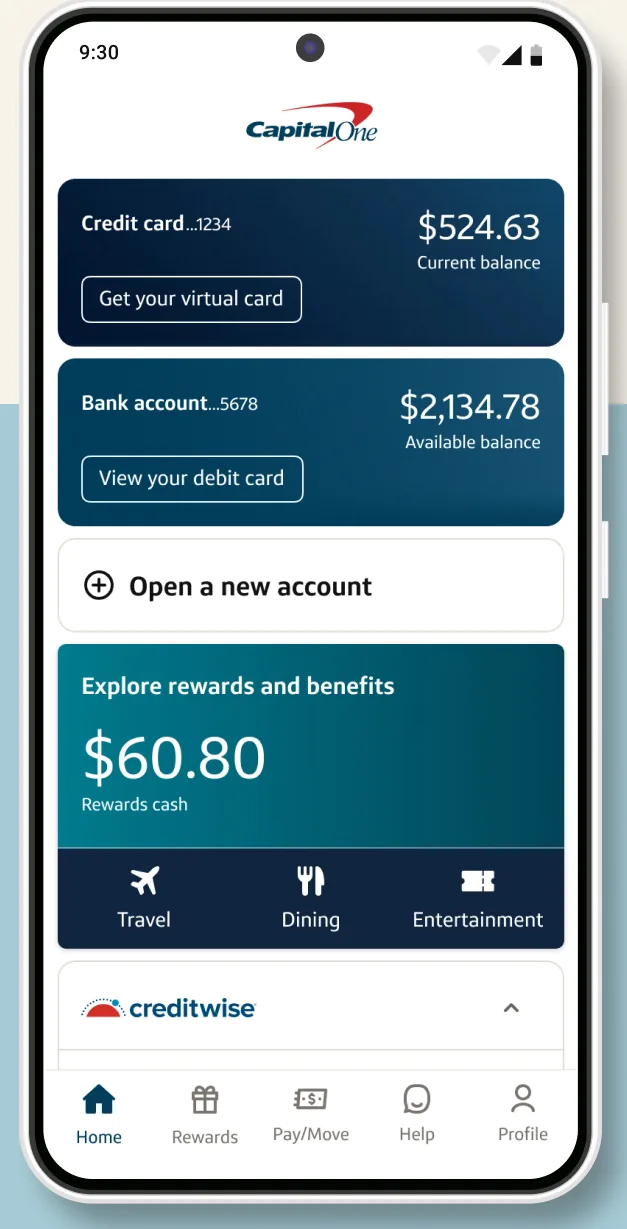
Google Play marketing imageA home screen with a credit card balance of $524.63, a bank account balance of $2,134.78, an Open a new account link and a rewards tile showing $60.80.Google Play listing, as of 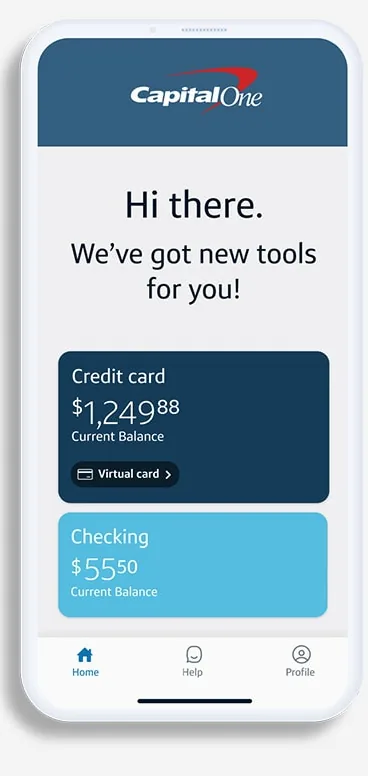
From Capital One's websiteA home screen saying Hi there. We've got new tools for you! with a credit card tile and a checking tile.capitalone.com, as of 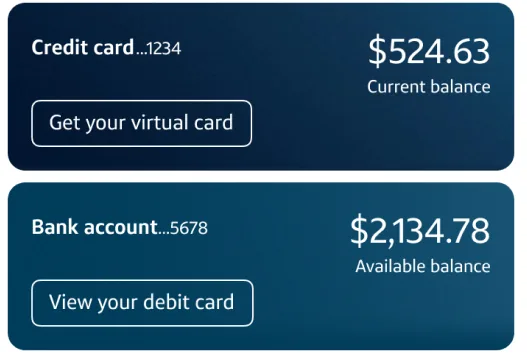
Google Play marketing imageTwo account tiles showing a credit card balance of $524.63 and a bank account balance of $2,134.78.Google Play listing, as of 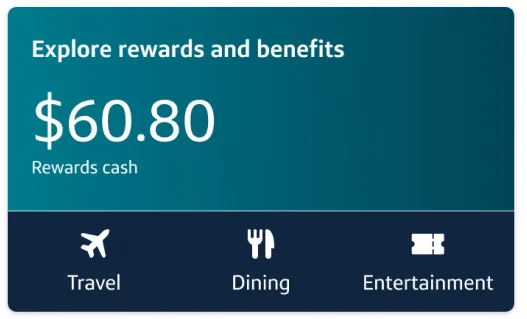
Google Play marketing imageAn Explore rewards and benefits tile showing $60.80 in rewards cash with Travel, Dining and Entertainment shortcuts.Google Play listing, as of 
Google Play marketing imageA bottom tab bar with Home, Rewards, Pay and Move, Help and Profile.Google Play listing, as of
KeyBank
No official screen found yet
Transfer and send
Capital One
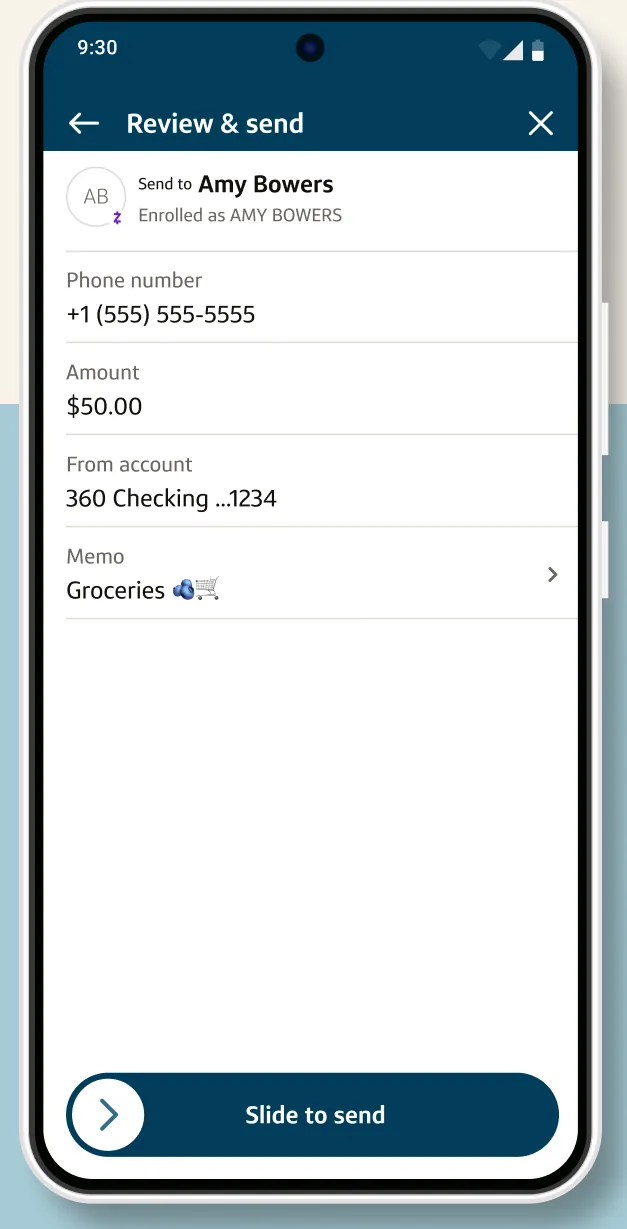
Google Play marketing imageA Review and send screen for a Zelle payment to Amy Bowers from a 360 Checking account with a Slide to send control.Google Play listing, as of 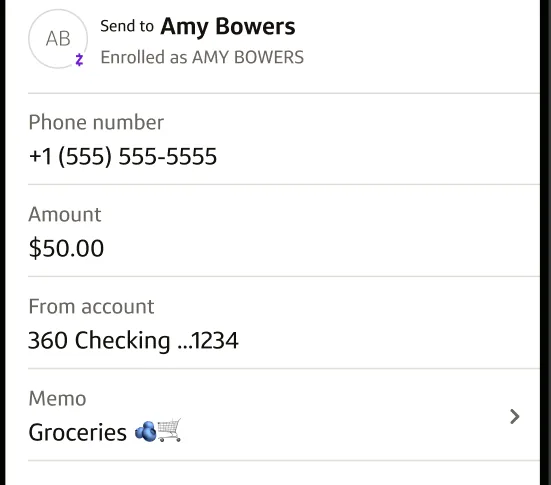
Google Play marketing imageA Zelle review form showing recipient Amy Bowers, phone number, a $50.00 amount, the from account and a Groceries memo.Google Play listing, as of 
Google Play marketing imageA Slide to send control at the bottom of the payment review.Google Play listing, as of
KeyBank
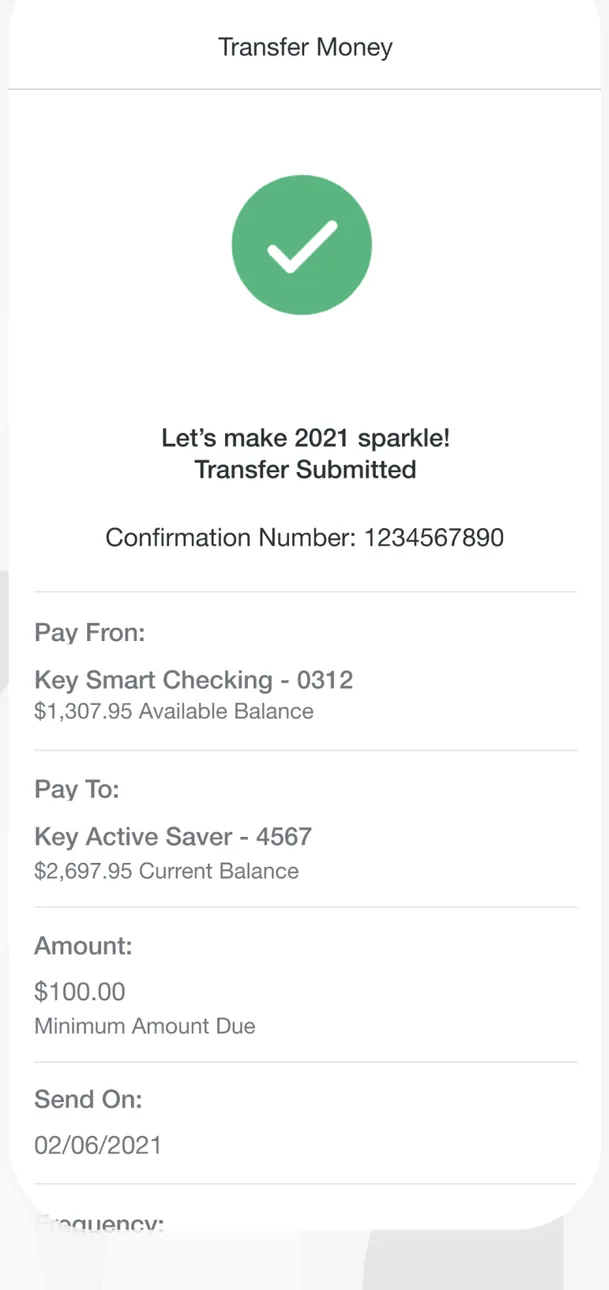
App Store marketing imageA Transfer Money confirmation with a green check mark, a Transfer Submitted message, a confirmation number, the pay from and pay to accounts, a $100.00 amount and a send date.App Store listing, as of 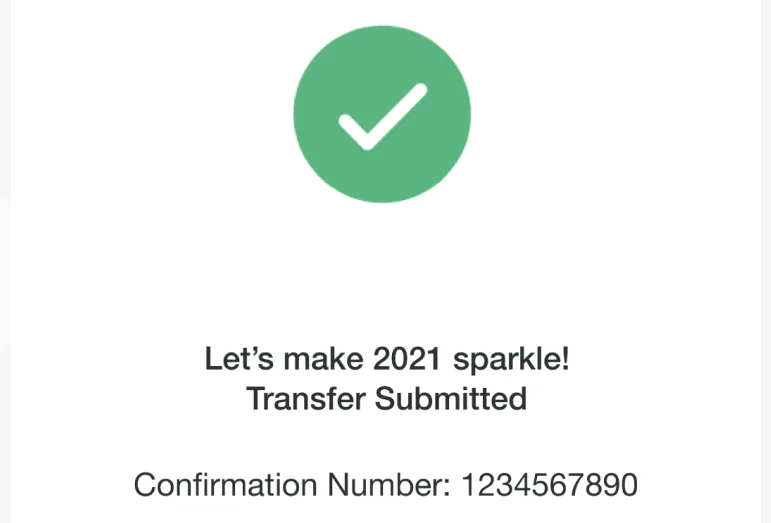
App Store marketing imageA green check mark with Transfer Submitted and a confirmation number.App Store listing, as of
Card controls
Capital One
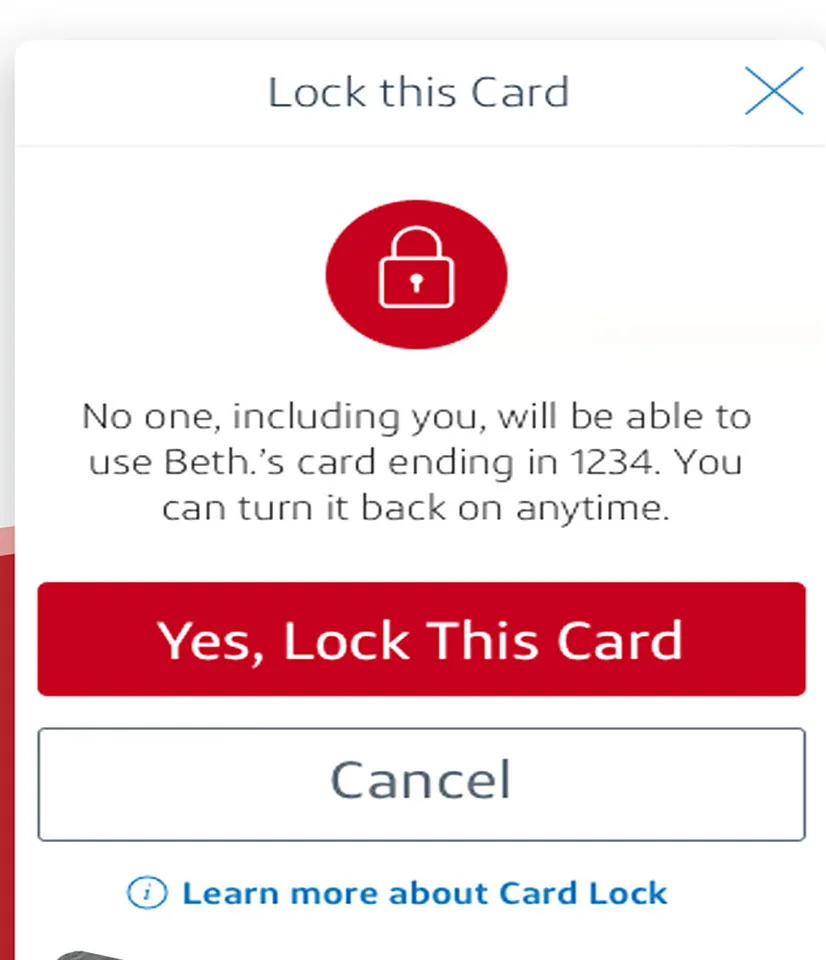
App Store marketing imageA Lock this Card dialog explaining that no one will be able to use the card, with Yes, Lock This Card and Cancel buttons.App Store listing, as of 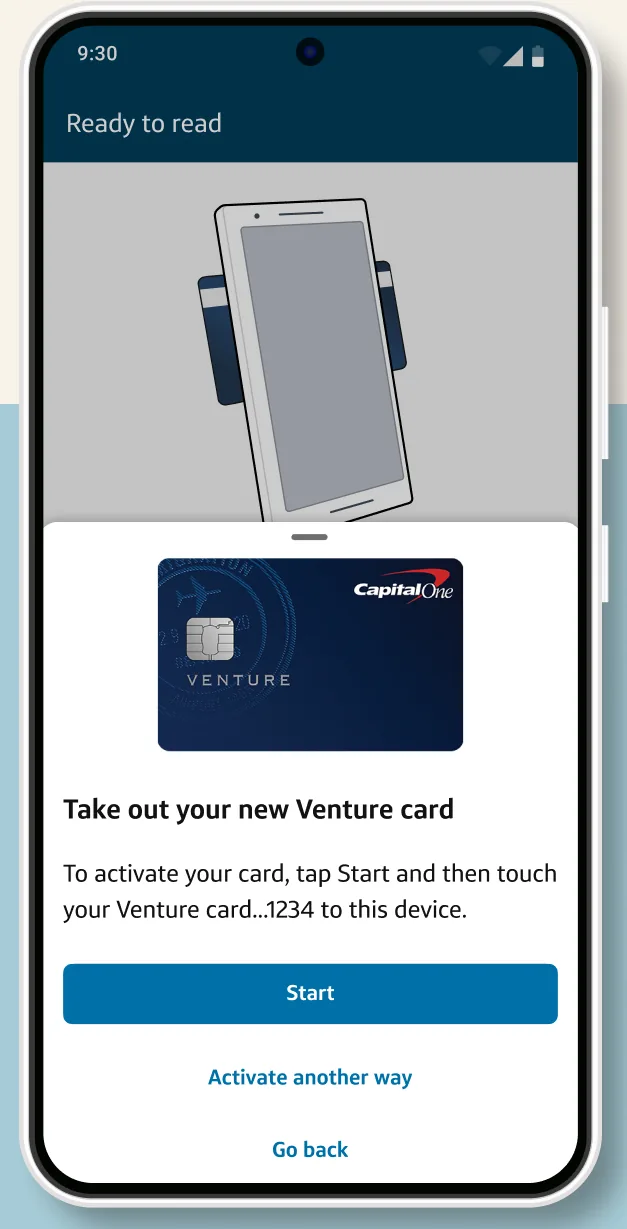
Google Play marketing imageA Ready to tap screen telling the user to take out a new Venture card and tap it to the phone, with a Start button.Google Play listing, as of 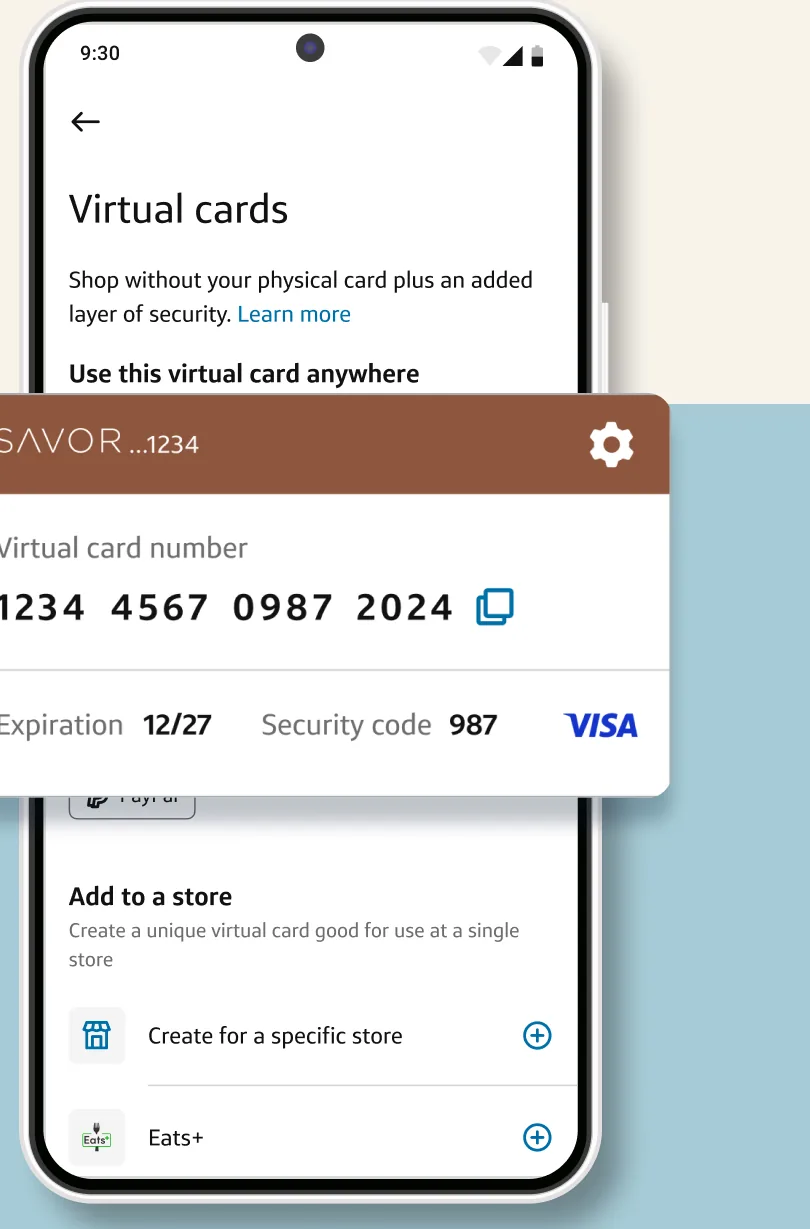
Google Play marketing imageA Virtual cards screen with a Savor virtual card number, expiration and security code shown in a card overlay.Google Play listing, as of 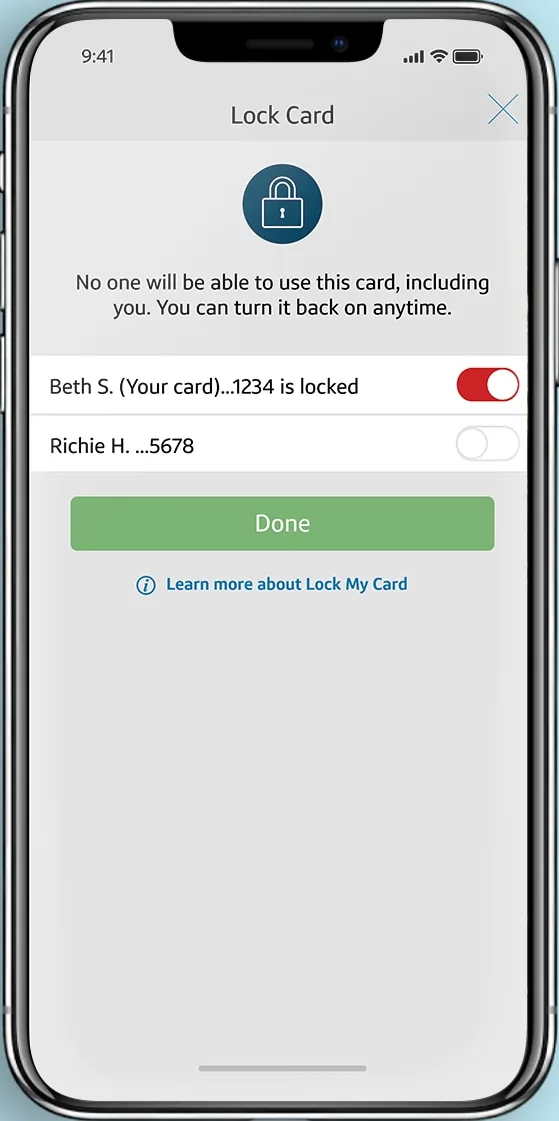
From Capital One's websiteA Lock Card screen with a lock icon, a note that no one can use the card while locked, a card row with its toggle switched on and marked locked, and a Done button.capitalone.com, as of 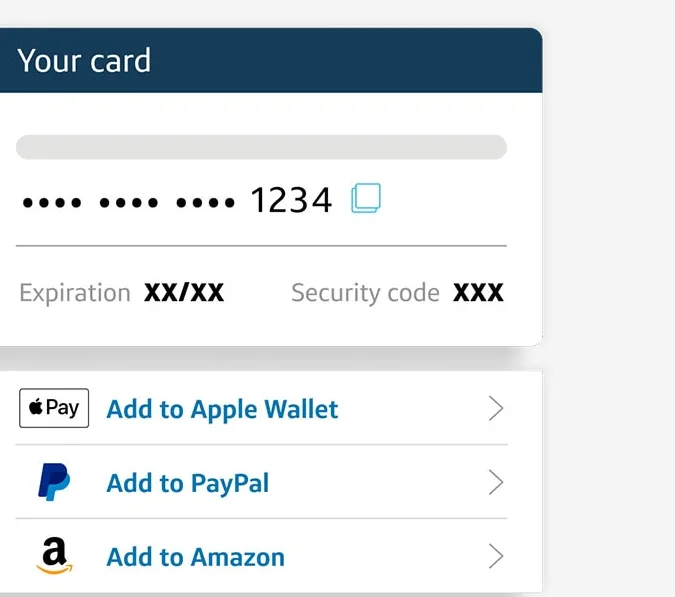
From Capital One's websiteA Your card panel with a masked card number ending in 1234, expiration and security code, and options to add it to Apple Wallet, PayPal and Amazon.capitalone.com, as of
KeyBank
No official screen found yet
Settings and security
Capital One
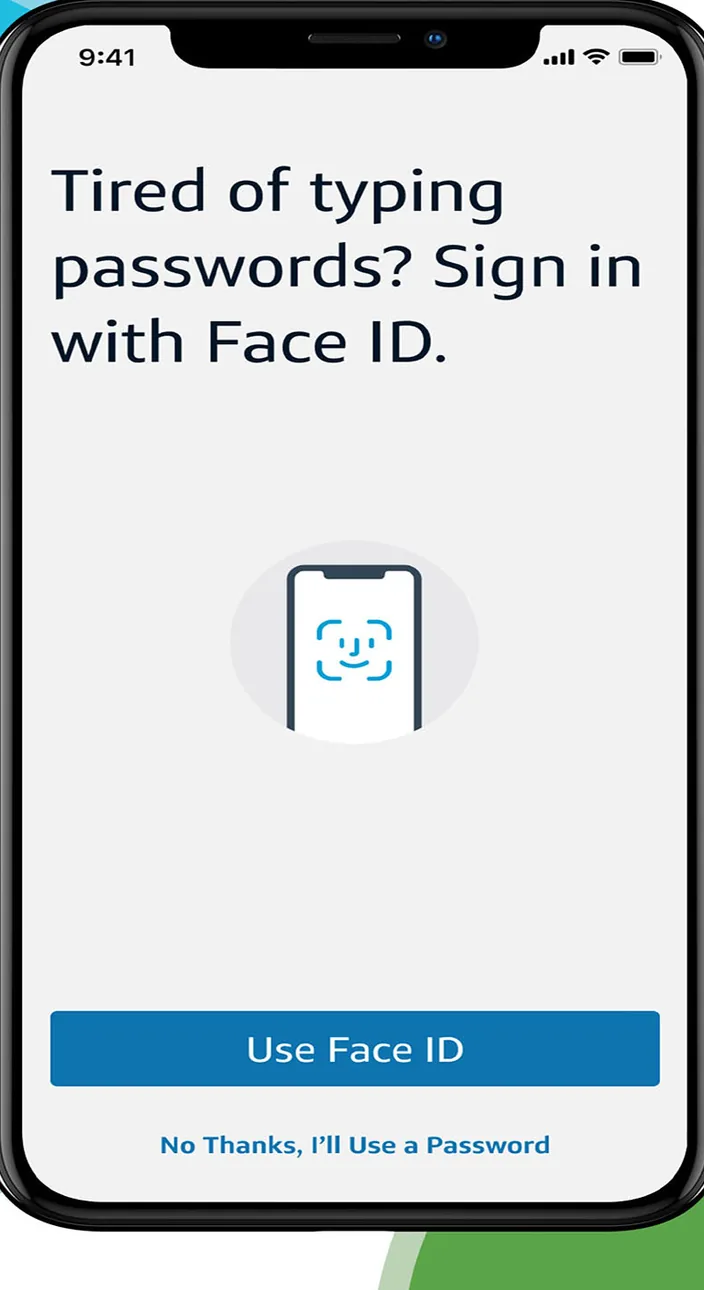
App Store marketing imageA sign in prompt that reads Tired of typing passwords? Sign in with Face ID, with a Use Face ID button and a No Thanks option.App Store listing, as of 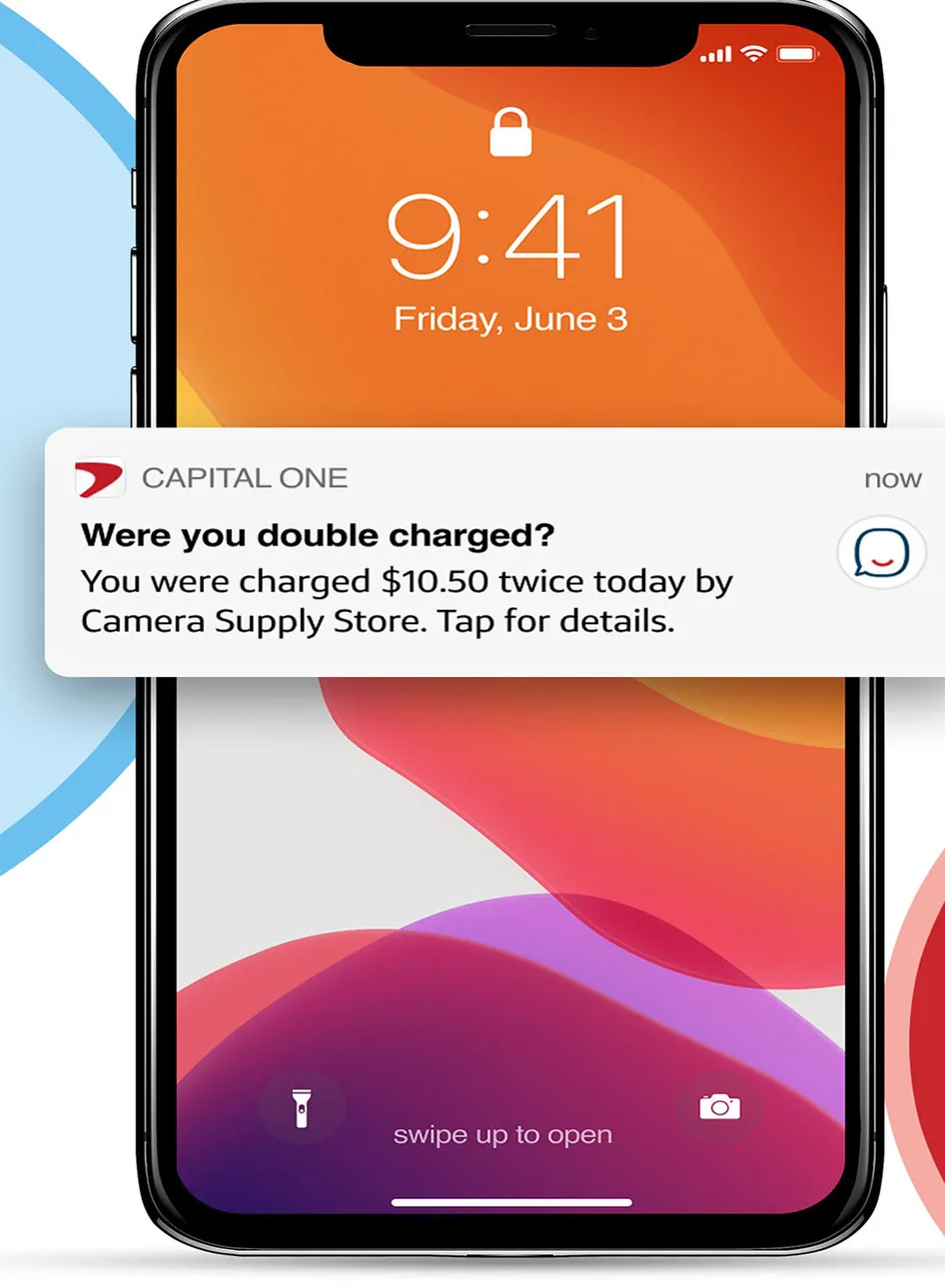
App Store marketing imageAn iPhone lock screen showing a Capital One notification asking Were you double charged? about two $10.50 charges.App Store listing, as of
KeyBank
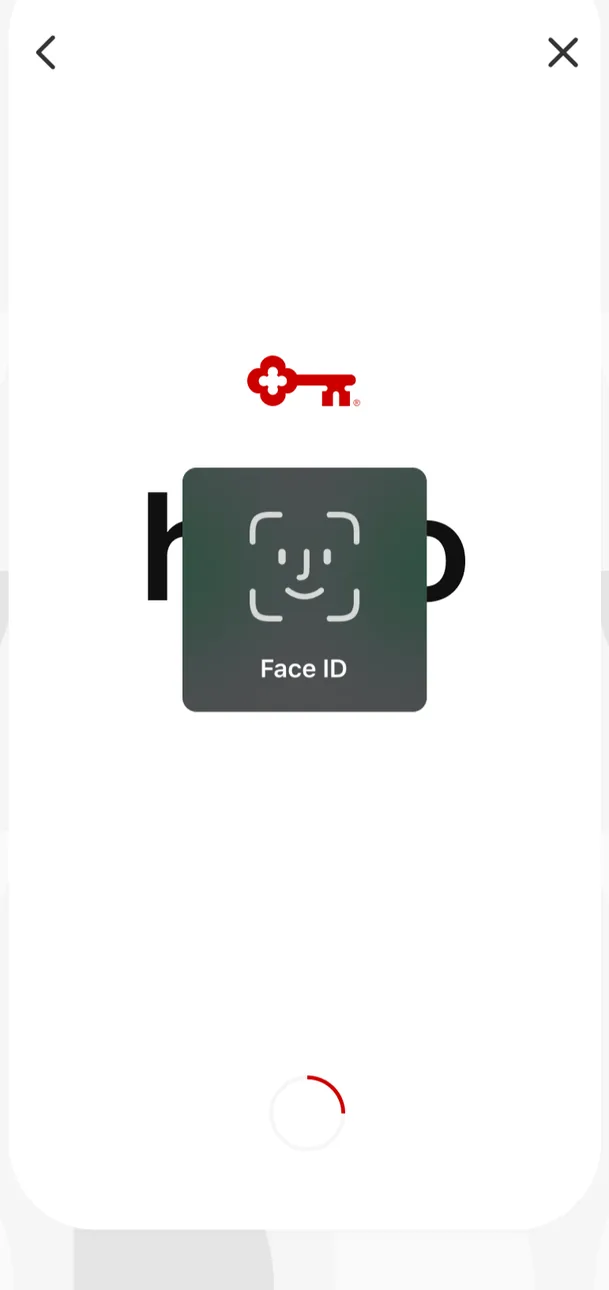
App Store marketing imageA sign in screen showing the KeyBank key logo with a Face ID prompt in the center and a loading spinner below.App Store listing, as of 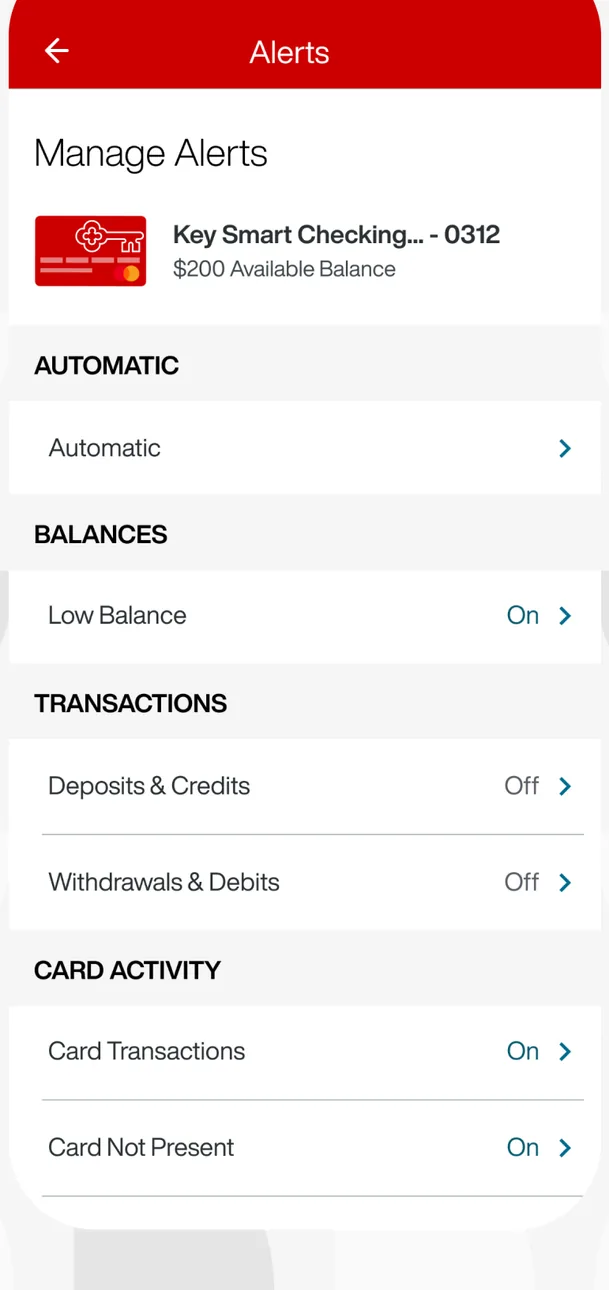
App Store marketing imageA Manage Alerts screen for a Key Smart Checking account with toggles grouped under Automatic, Balances, Transactions and Card Activity.App Store listing, as of 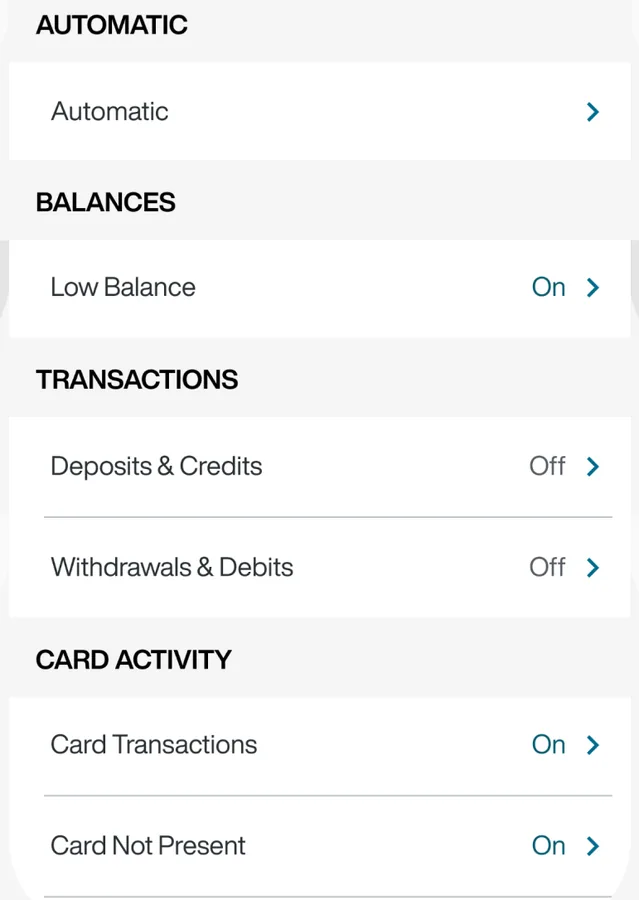
App Store marketing imageAlert settings for balances, transactions and card activity, each marked On or Off.App Store listing, as of
Transactions
Capital One
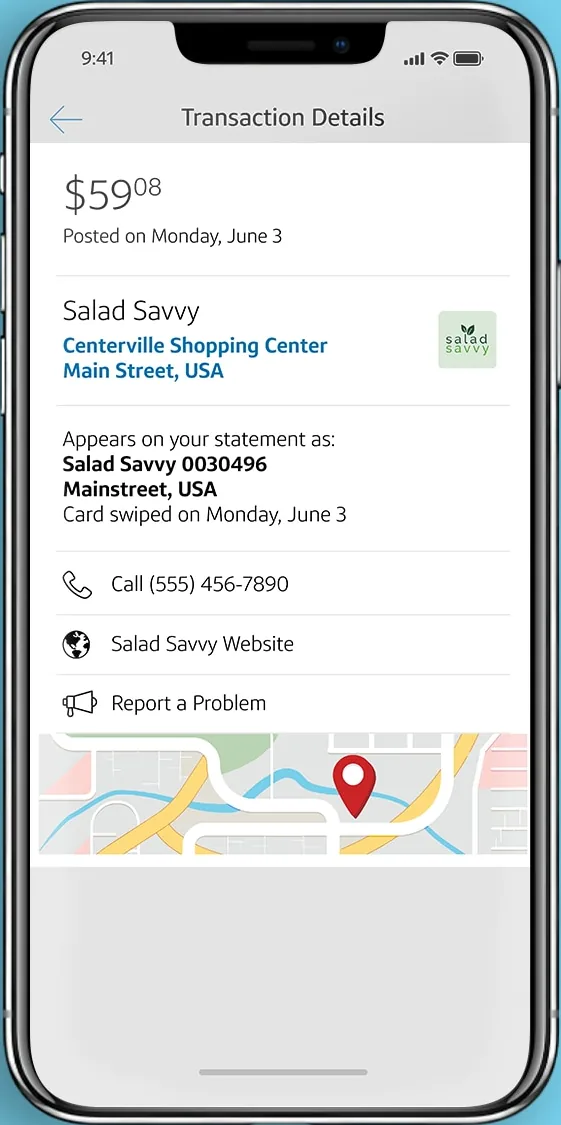
From Capital One's websiteA Transaction Details screen for a $59.08 Salad Savvy purchase with merchant address, statement descriptor, phone, website, Report a Problem and a map.capitalone.com, as of
KeyBank
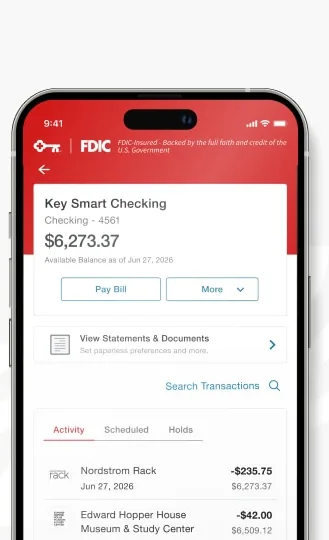
From KeyBank's websiteA Key Smart Checking account screen showing a $6,273.37 available balance, Pay Bill and More buttons, a statements link, Search Transactions, and an Activity list with purchases and running balances.key.com, as of
Check deposit
Capital One
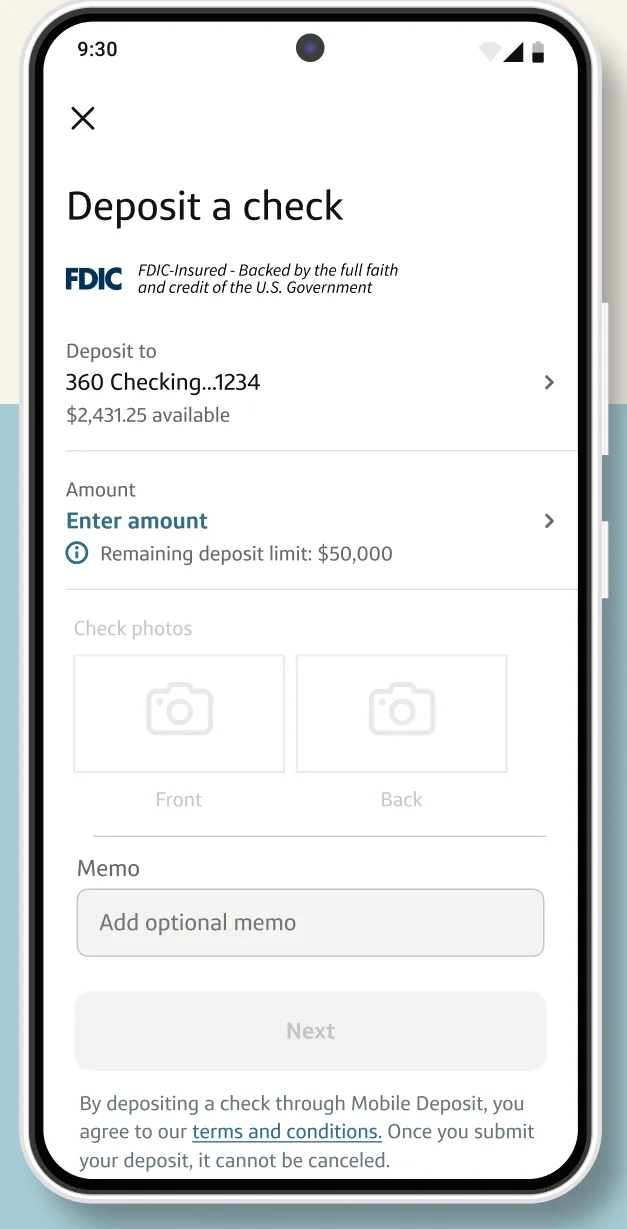
Google Play marketing imageA Deposit a check screen with a 360 Checking deposit account, an Enter amount field and a memo field.Google Play listing, as of 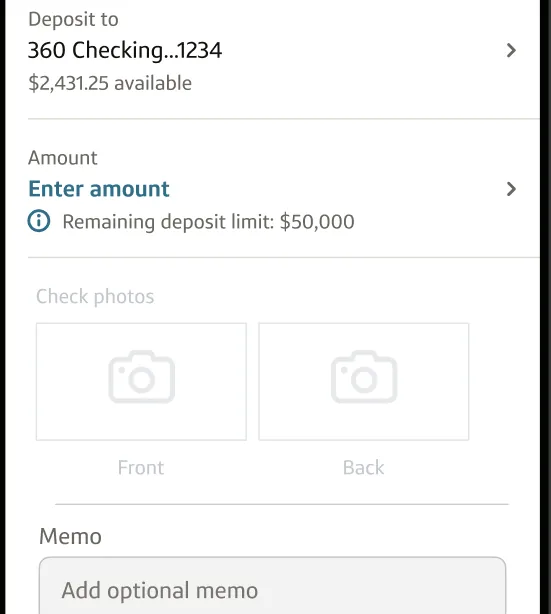
Google Play marketing imageA deposit form with the deposit account, an Enter amount field, front and back check photo boxes and a memo field.Google Play listing, as of
KeyBank
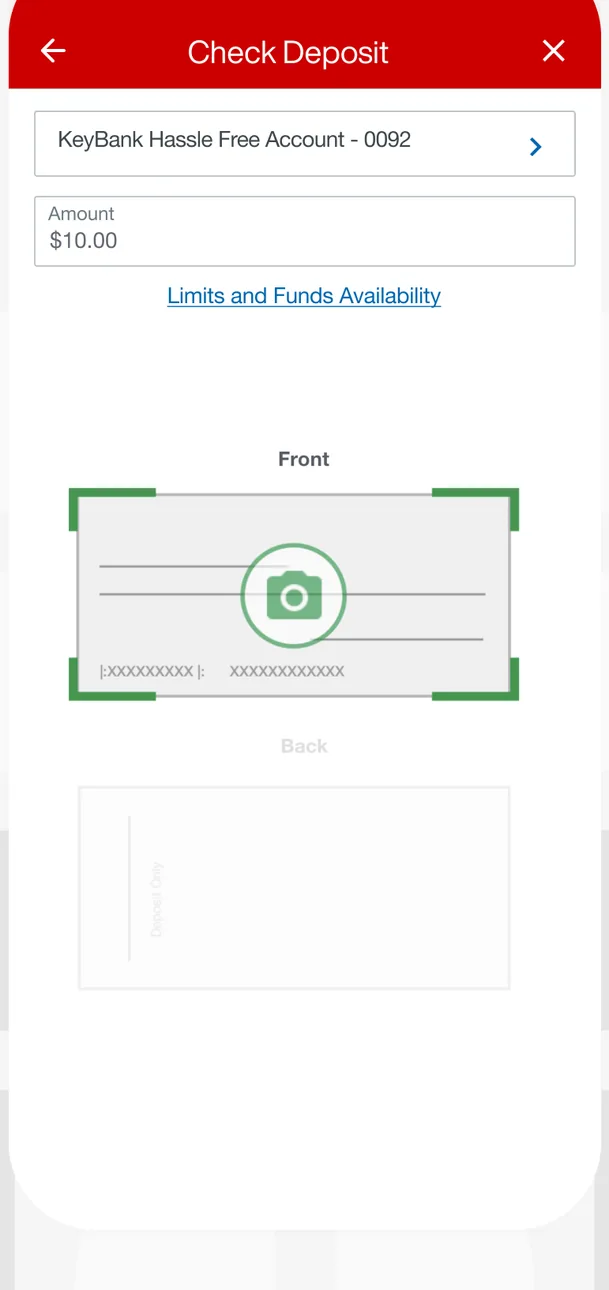
App Store marketing imageA Check Deposit screen with a KeyBank Hassle Free Account selected, a $10.00 amount, a Limits and Funds Availability link and Front and Back check photo boxes.App Store listing, as of 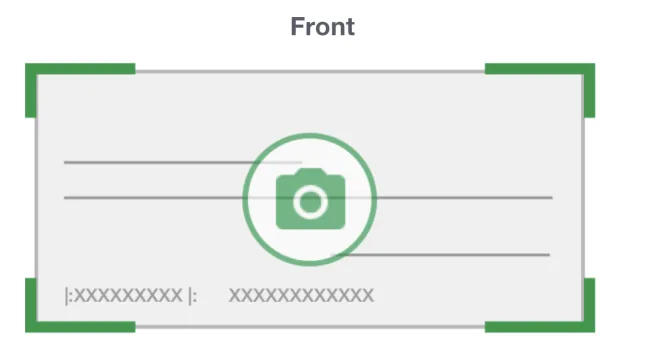
App Store marketing imageA Front check photo box with green corner guides and a camera icon.App Store listing, as of
AI assistant
Capital One
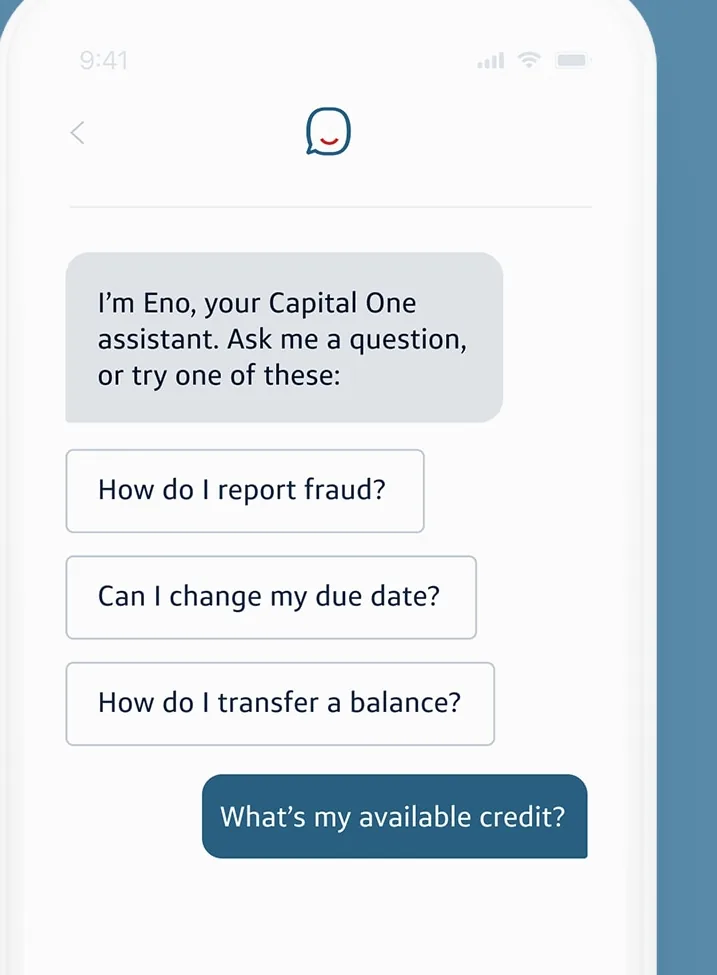
From Capital One's websiteAn Eno chat that says I'm Eno, your Capital One assistant, with suggested questions about reporting fraud, changing a due date and transferring a balance, and a user question What's my available credit?capitalone.com, as of
KeyBank
No official screen found yet
Privacy labels
Apple's privacy labels are what each developer reports to Apple. Apple says it does not verify them. We copy the category names exactly as the App Store lists them.
Capital One
Data Used to Track You
- Identifiers
- Usage Data
Data Linked to You
- Financial Info
- Contact Info
- Contacts
- User Content
- Identifiers
- Usage Data
Data Not Linked to You
- Location
- Usage Data
- Diagnostics
As of · App Store listing
KeyBank
Data Used to Track You
Not listed on the App Store page.
Data Linked to You
- Contact Info
- Identifiers
Data Not Linked to You
- Diagnostics
As of · App Store listing
Accessibility labels
Capital One
The App Store listing shows no accessibility labels for this app (checked Oct 24, 2026). That means the developer hasn't listed them, not that the app has no accessibility support.
KeyBank
The App Store listing shows no accessibility labels for this app (checked Oct 24, 2026). That means the developer hasn't listed them, not that the app has no accessibility support.
FAQ
What are the App Store ratings for Capital One and KeyBank?
Capital One has a store rating of 4.8 out of 5 from 11,228,348 ratings. KeyBank has a store rating of 4.7 out of 5 from 259,269 ratings. These are App Store ratings from users, not a Priceless Tay score.
What are the Google Play ratings for Capital One and KeyBank?
Capital One shows 4.5 out of 5 (1.72M reviews) on Google Play, and KeyBank shows 4.2 out of 5 (100K reviews).
When were the Capital One and KeyBank iPhone apps last updated?
Capital One released version 6.55.1 on Oct 5, 2026. KeyBank released version 5.0.27 on Oct 21, 2026.
Which Apple devices do the Capital One and KeyBank apps run on?
The App Store lists iPhone and iPad for Capital One, and iPhone, iPad, iPod touch, Mac and Apple Vision for KeyBank.
Which app features does KeyBank state that we did not find for Capital One?
KeyBank's own website states automatic saving. We did not find that stated on Capital One's website, which does not mean the Capital One app lacks it.
Keep comparing
- See every fact on the Capital One app page, with all four screenshots.
- See every fact on the KeyBank app page, with all four screenshots.
- Compare other bank apps, or read how we compare bank apps.
Sources and dates
Capital One
- App Store facts, privacy and accessibility labels, screenshots and icon: App Store listing and Apple's iTunes Lookup API, checked Oct 24, 2026.
- Google Play rating and update date: Google Play listing, checked Oct 24, 2026.
- Features, from Capital One's own website: capitalone.com/digital/tools/mobile.
KeyBank
- App Store facts, privacy and accessibility labels, screenshots and icon: App Store listing and Apple's iTunes Lookup API, checked Oct 24, 2026.
- Google Play rating and update date: Google Play listing, checked Oct 24, 2026.
- Features, from KeyBank's own website: key.com/personal/online-banking/online-banking.html, key.com/personal/online-banking/zelle.html, key.com/personal/online-banking/mykey-virtual-assistant.html, key.com/personal/online-banking/touch-id.html, key.com/personal/online-banking/digital-wallet.html.
This is education, not financial advice.