

Bank app comparison
Ally vs Chime app
Store facts as of
I earn commissions from some links.

Chime
Banking app
Visit site for Chime (opens in a new tab)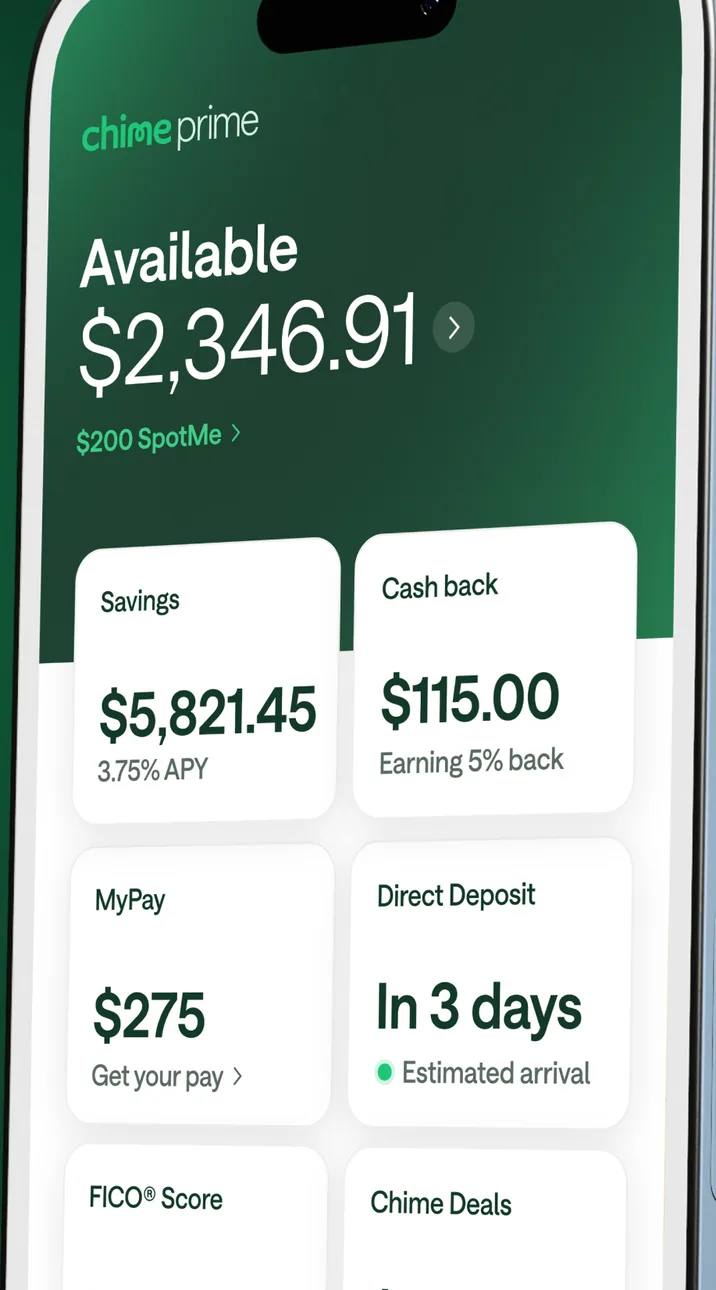

Short answer
On the App Store, Ally has a store rating of 4.7 out of 5 from 114,821 ratings, and Chime has a store rating of 4.8 out of 5 from 1,655,300 ratings, as of Nov 12, 2026. Ally last updated its iPhone app on Nov 5, 2026, and Chime on Nov 10, 2026. Of the 10 app features we look for in each bank's official sources (its website, help center or official app store listing), both state the same 10, side by side in the table below.
Store ratings
These are store ratings from app users on the App Store and Google Play, not a Priceless Tay score.
 Ally
Google Play rating (Android)
4.4out of 5
41.4K reviews, as shown on Google Play. Updated on Oct 20, 2026.
As of · Google Play listing
Chime
Google Play rating (Android)
4.7out of 5
1.13M reviews, as shown on Google Play. Updated on Oct 22, 2026.
As of · Google Play listing
Updates and app facts
Ally last updated its iPhone app on Nov 5, 2026, 7 days before we checked, and Google Play shows its Android app updated on Oct 20, 2026. Chime last updated its iPhone app on Nov 10, 2026, 2 days before we checked, and Google Play shows its Android app updated on Oct 22, 2026.
Ally
- Last App Store update
- Version 26.21.0, released Nov 5, 2026
- App size
- 271.5 MB
- Requires
- iOS 16.6 or later
- Runs on
- iPhone, iPad and Apple Vision
- Languages
- 3 (English and 2 more)
- Developer
- Ally Financial Inc.
As of · App Store listing
Chime
- Last App Store update
- Version 5.352.0, released Nov 10, 2026
- App size
- 290.9 MB
- Requires
- iOS 16.4 or later
- Runs on
- iPhone
- Languages
- 1 (English)
- Developer
- Chime Financial, Inc.
As of · App Store listing
Features each bank states
✓ means the bank's official sources (its website, help center or official app store listing) state it, with the quote and page shown. ✕ means those sources say the bank doesn't offer it. We never mark a feature ✕ just because a page doesn't mention it. Each mark links to the page it came from; the quotes are on each app's own page.
Send money to people
Card lock and unlock
Screen by screen
Pick a task to see what each app shows for it. App Store, Google Play and bank website images are the bank's own marketing, so names and balances are sample data. Help center images come from the bank's support pages. See every bank app's screens.
Home and accounts
Ally
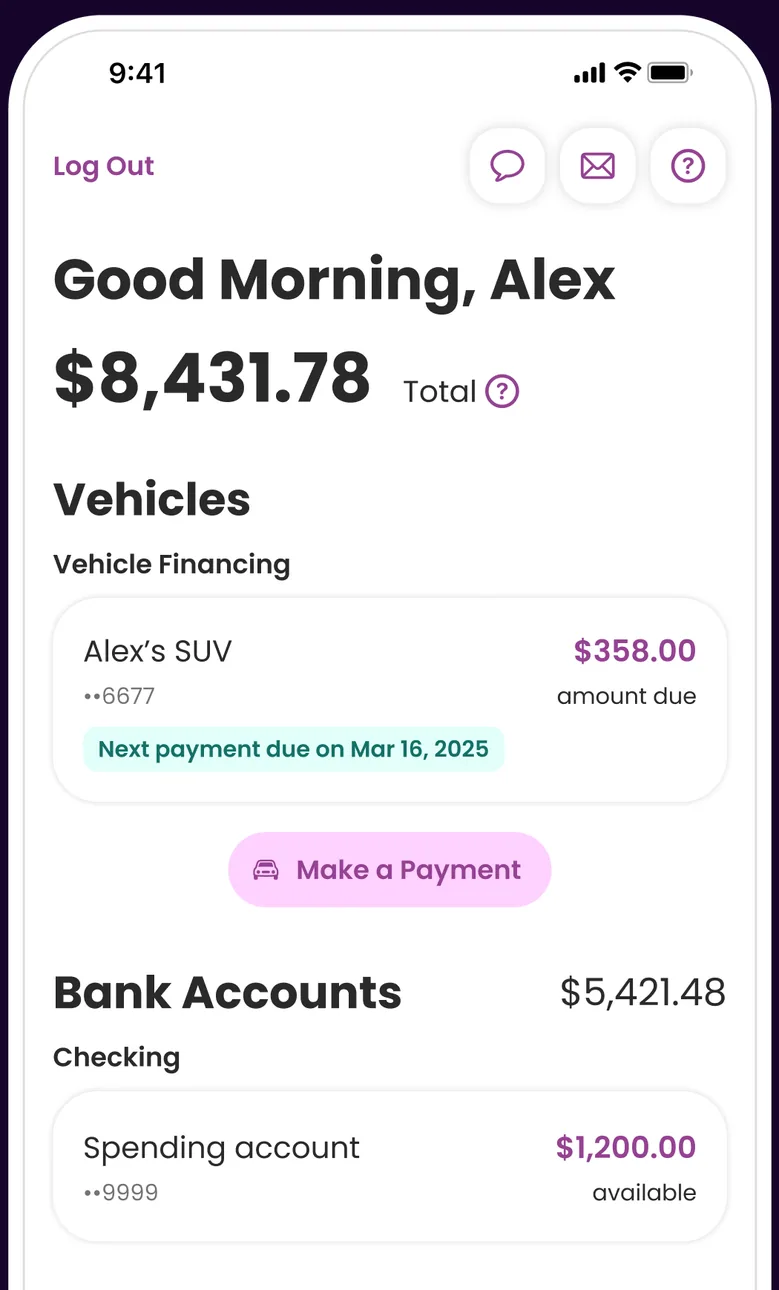
App Store marketing imageA Good Morning, Alex home screen showing $8,431.78 total, a Vehicles section with a $358.00 amount due and a Make a Payment button, and a Bank Accounts section.App Store listing, as of 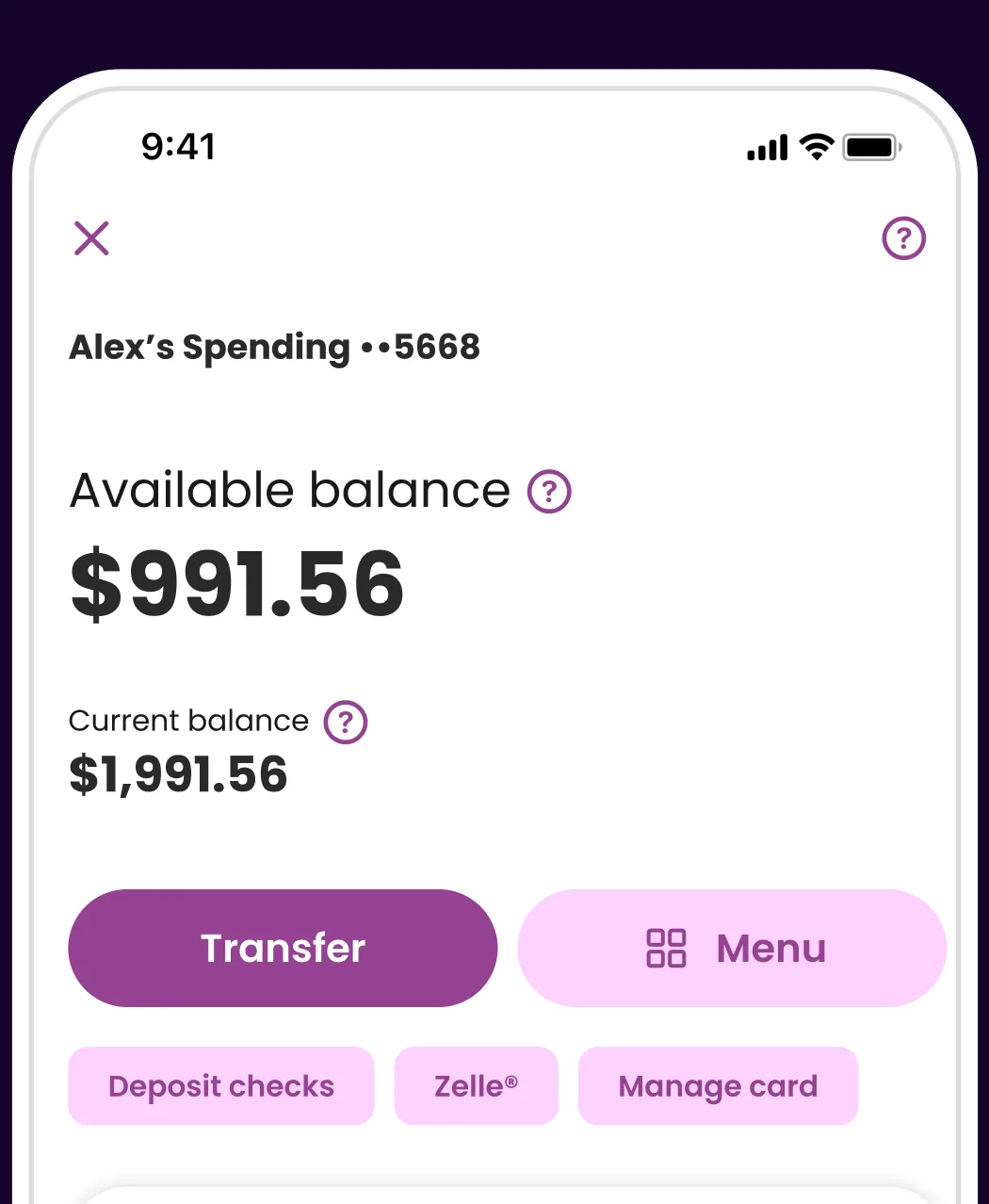
App Store marketing imageA spending account screen showing a $991.56 available balance, a $1,991.56 current balance, Transfer and Menu buttons and shortcuts for deposit checks, Zelle and manage card.App Store listing, as of 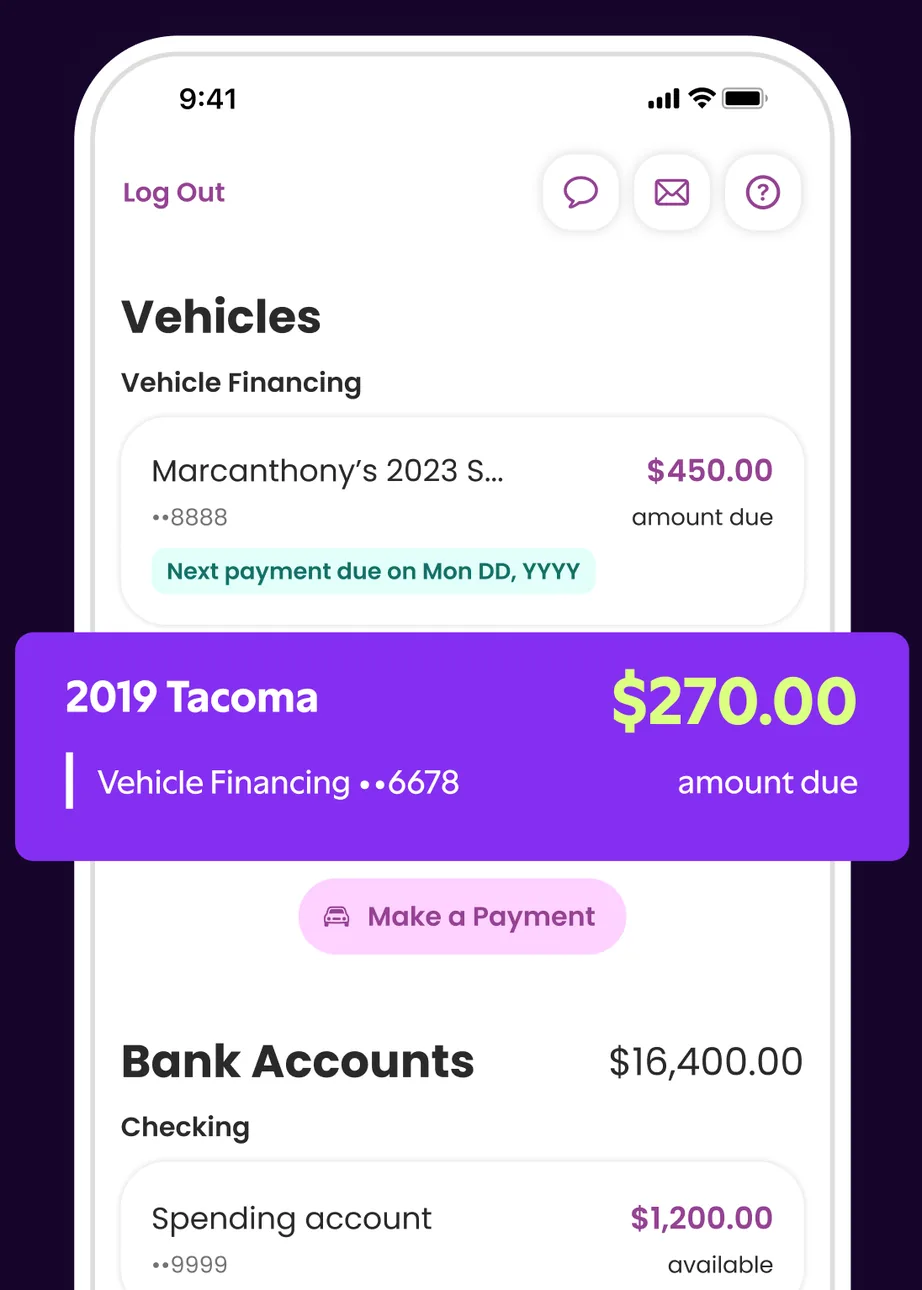
App Store marketing imageA home screen Vehicles section listing a vehicle loan with an amount due and a highlighted 2019 Tacoma loan with $270.00 due, above Bank Accounts.App Store listing, as of 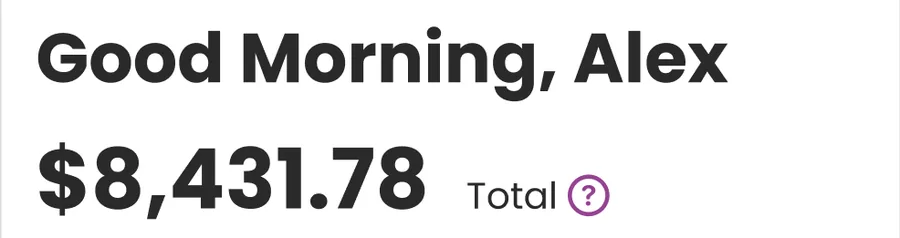
App Store marketing imageA Good Morning, Alex greeting above an $8,431.78 total.App Store listing, as of 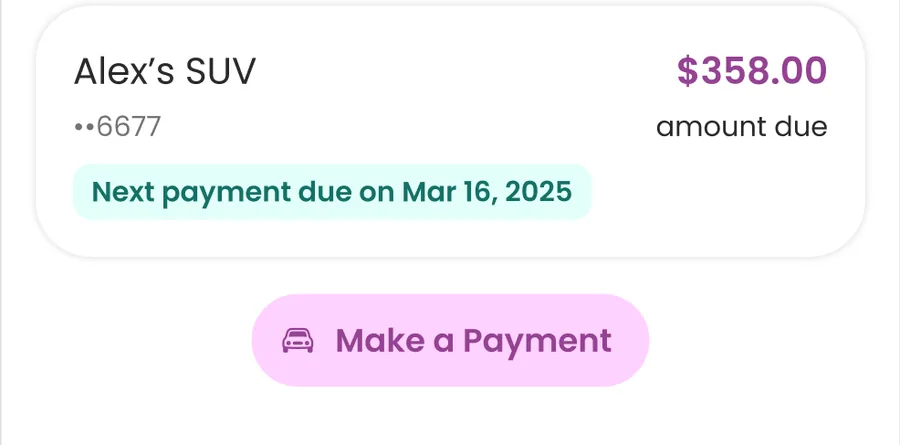
App Store marketing imageA vehicle financing card showing $358.00 amount due with a next payment date and a Make a Payment button.App Store listing, as of 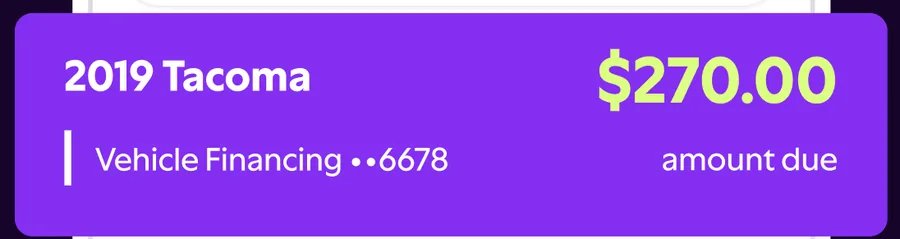
App Store marketing imageA 2019 Tacoma vehicle financing card showing $270.00 amount due.App Store listing, as of
Chime
App Store marketing imageA Chime home screen at an angle showing $2,346.91 available and tiles for Savings at $5,821.45, Cash back at $115.00, MyPay at $275 and Direct Deposit.App Store listing, as of 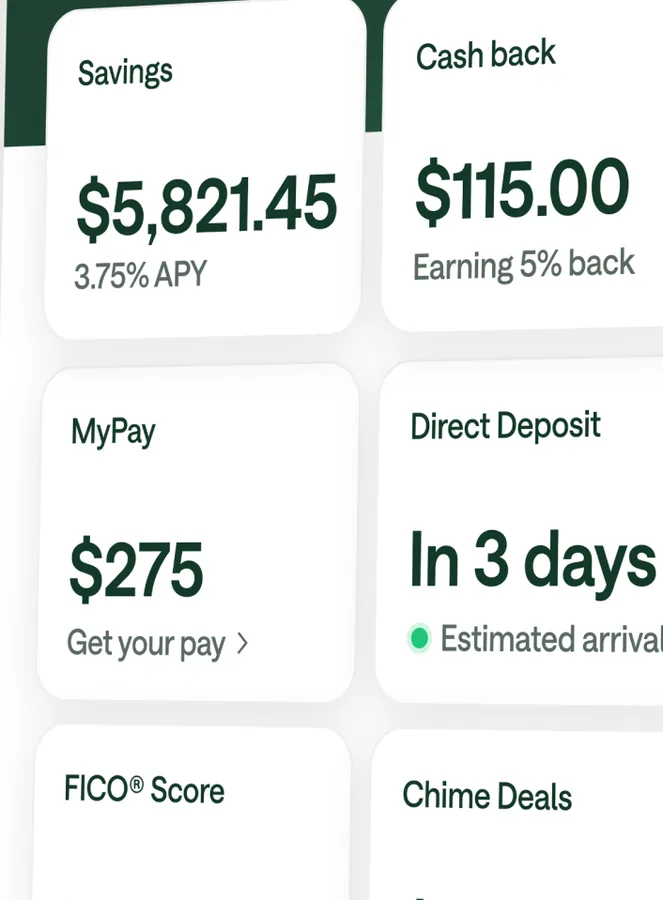
App Store marketing imageTiles for Savings at $5,821.45, Cash back at $115.00, MyPay at $275, Direct Deposit in 3 days, FICO Score and Chime Deals.App Store listing, as of
Transfer and send
Ally
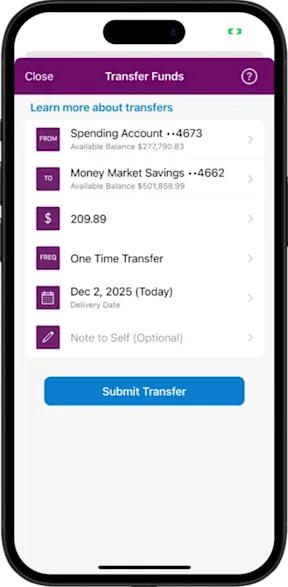
From Ally's help centerA Transfer Funds screen with from and to accounts, a $209.89 amount, One Time Transfer frequency, a delivery date, an optional note and a Submit Transfer button.ally.com, as of 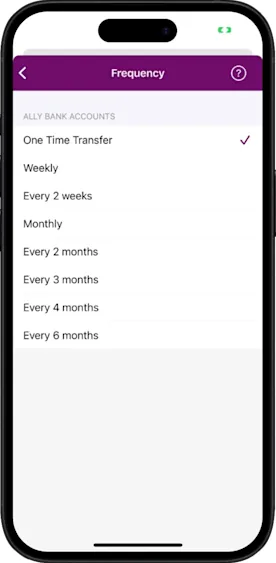
From Ally's help centerA Frequency picker listing One Time Transfer, Weekly, Every 2 weeks, Monthly and longer intervals, with One Time Transfer checked.ally.com, as of 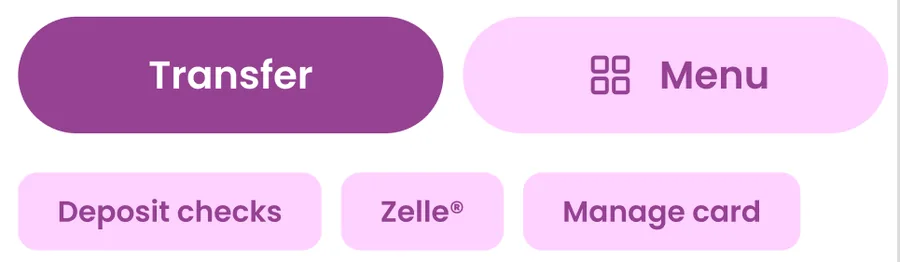
App Store marketing imageTransfer and Menu buttons with shortcuts for Deposit checks, Zelle and Manage card.App Store listing, as of
Chime
No official screen found yet
Card controls
Ally
No official screen found yet
Chime
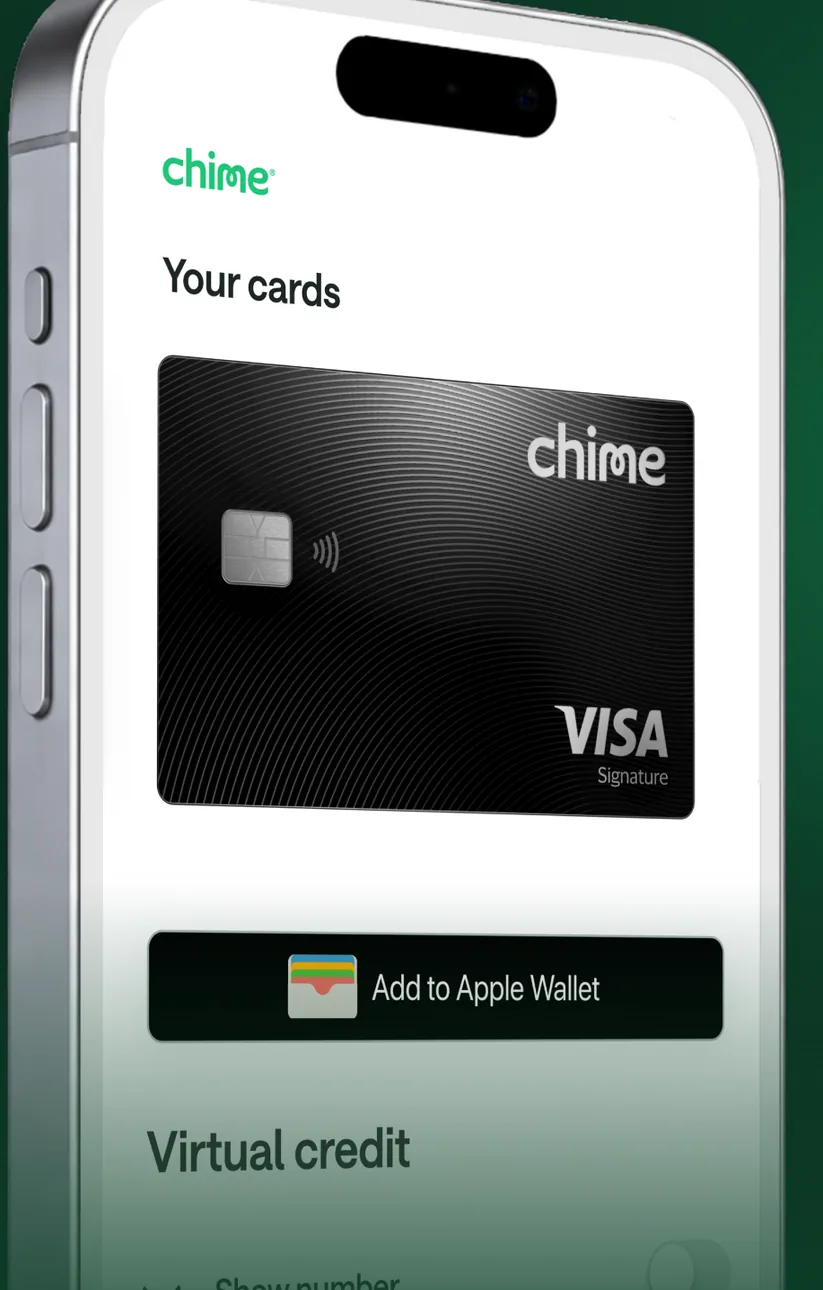
App Store marketing imageA Your cards screen at an angle showing a black Chime Visa card, an Add to Apple Wallet button and a Virtual credit section.App Store listing, as of
Settings and security
Ally
No official screen found yet
Chime
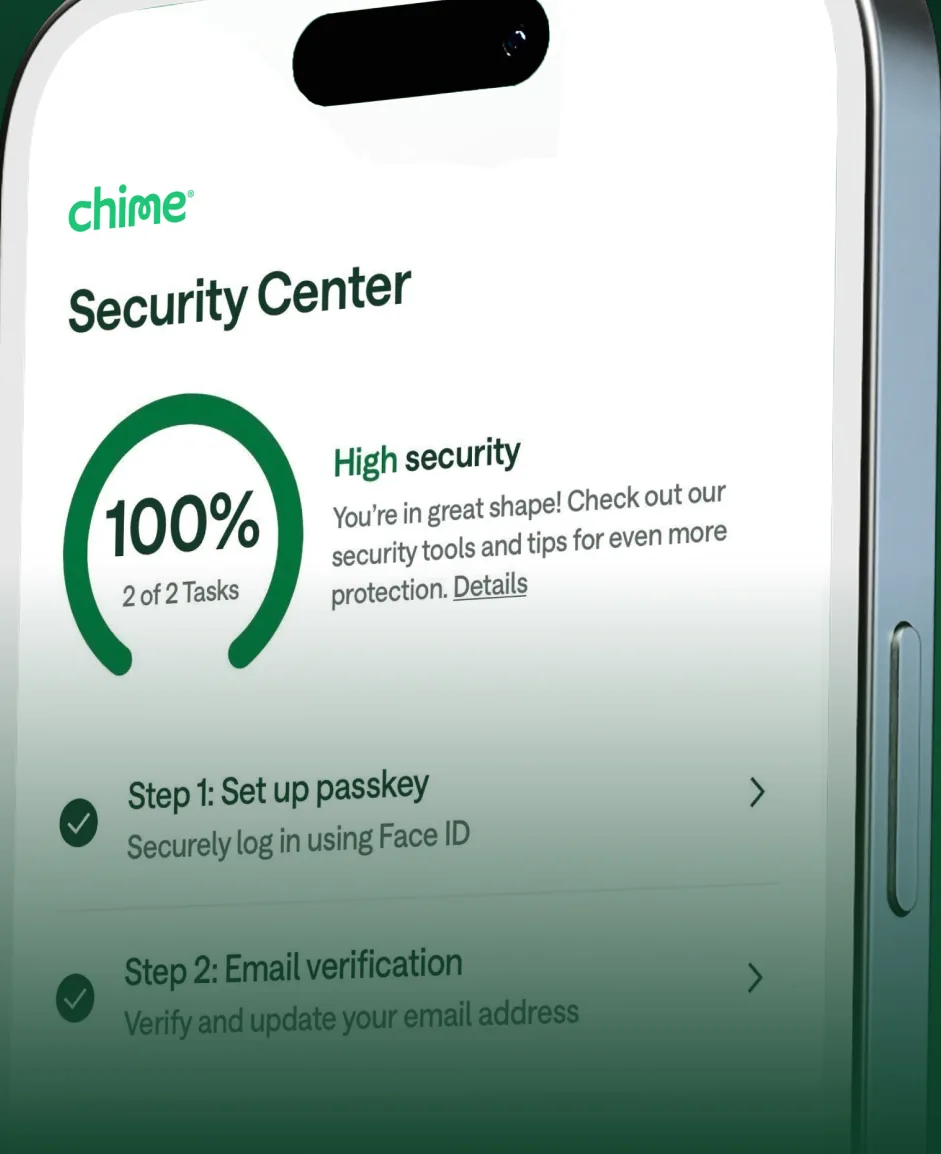
App Store marketing imageA Security Center screen at an angle showing a 100% security progress ring and setup steps such as setting up a passkey.App Store listing, as of 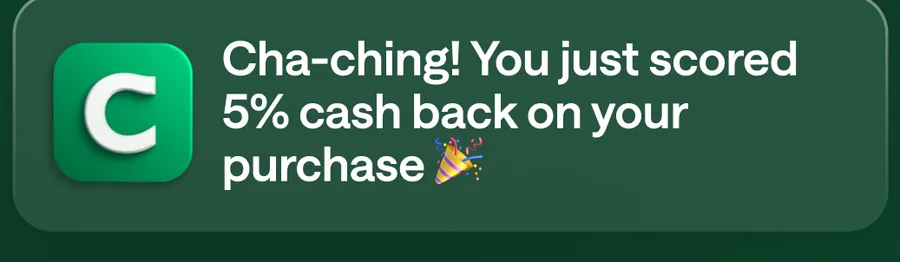
App Store marketing imageA Chime notification saying Cha-ching! You just scored 5% cash back on your purchase.App Store listing, as of 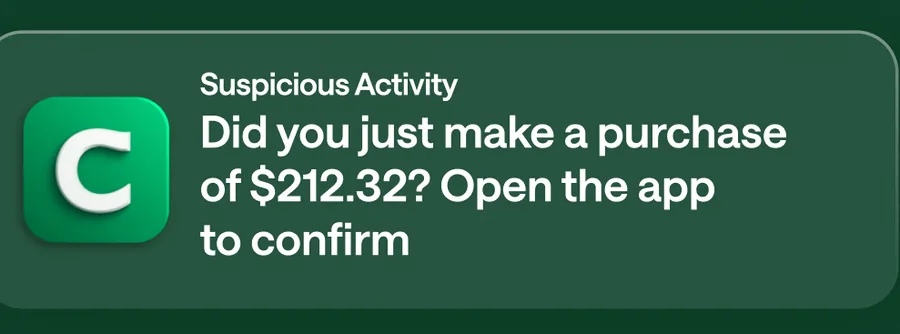
App Store marketing imageA Suspicious Activity notification asking Did you just make a purchase of $212.32? Open the app to confirm.App Store listing, as of
Investments
Ally
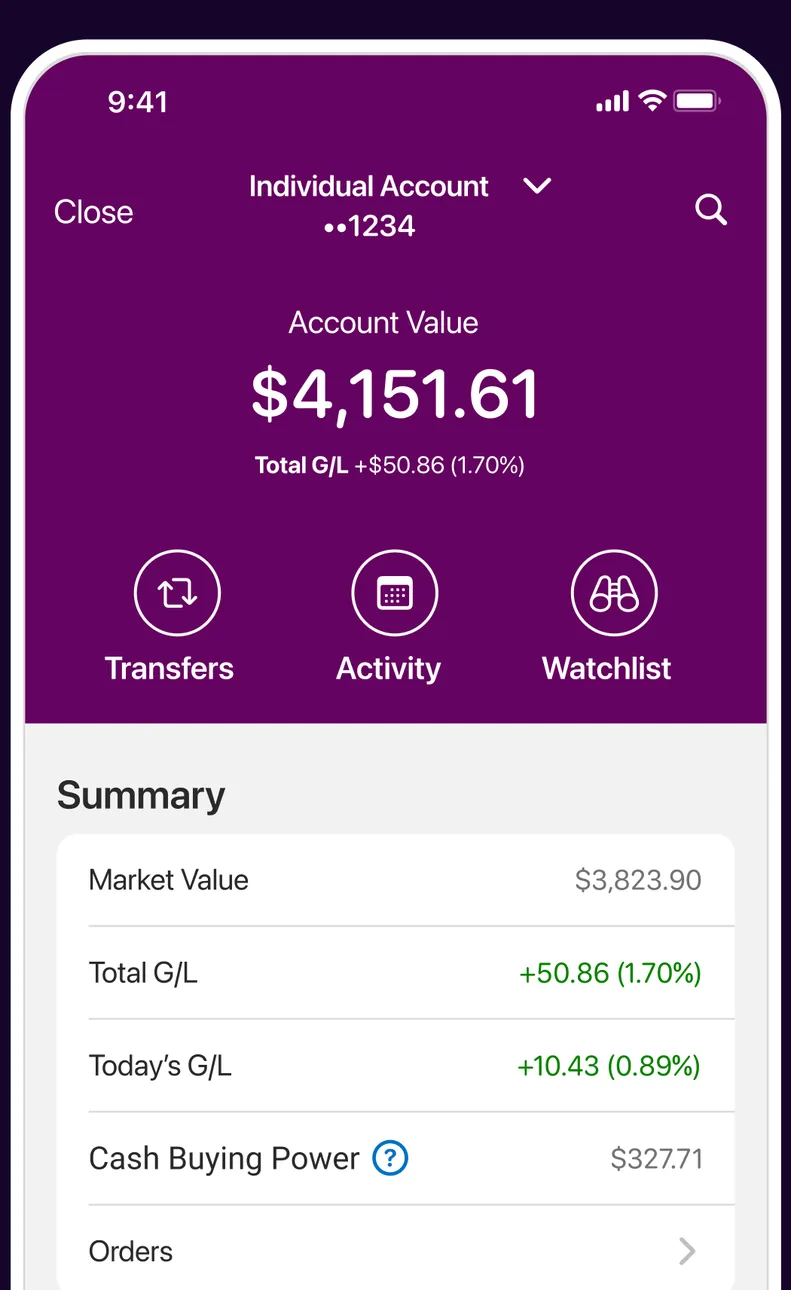
App Store marketing imageAn Individual Account screen showing a $4,151.61 account value with Transfers, Activity and Watchlist buttons and a Summary of market value and gains.App Store listing, as of 
App Store marketing imageTransfers, Activity and Watchlist buttons on a purple header.App Store listing, as of 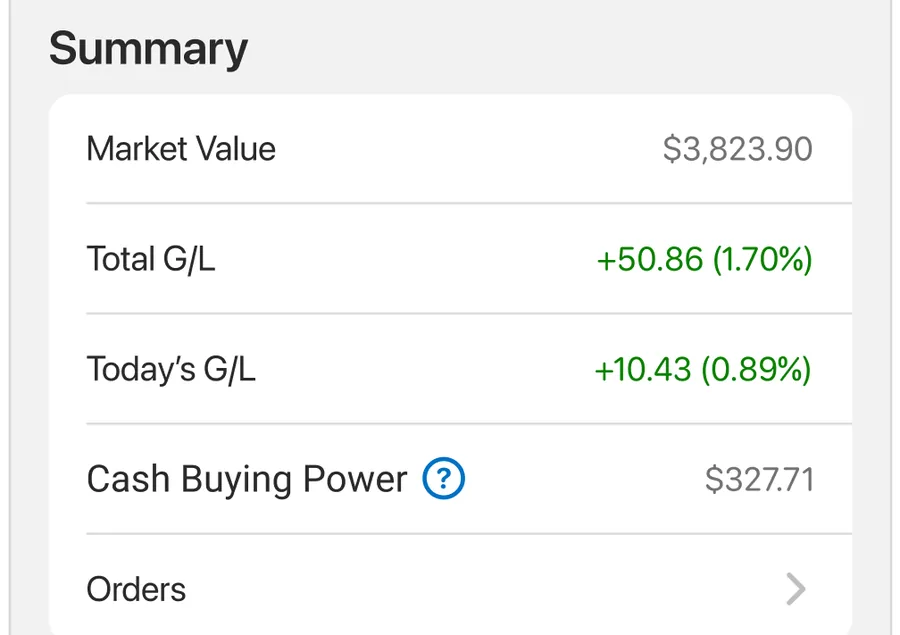
App Store marketing imageA Summary list with market value, total gain or loss, today's gain or loss, cash buying power and orders.App Store listing, as of
Chime
No official screen found yet
Goals
Ally
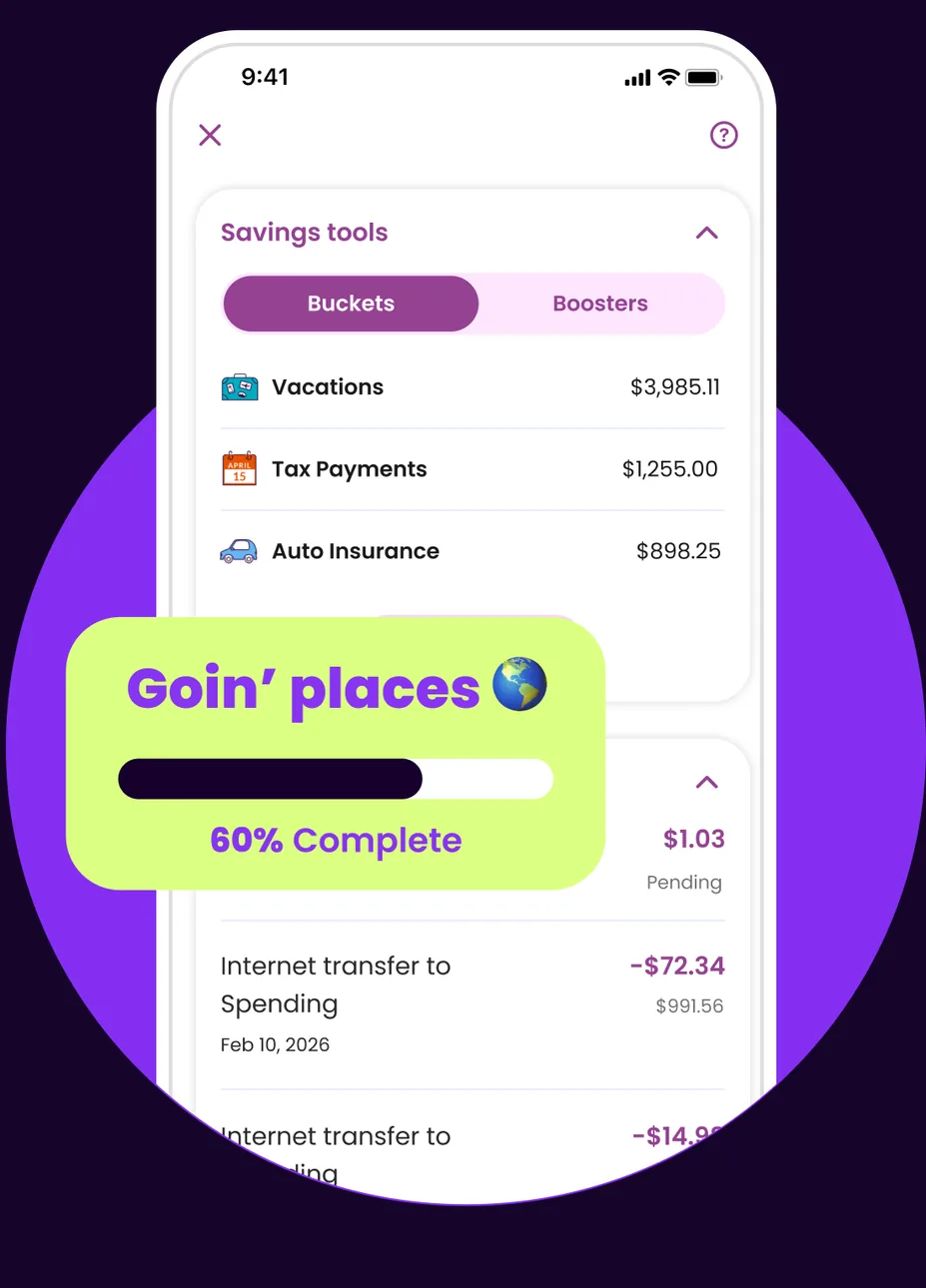
App Store marketing imageA Savings tools screen with Buckets and Boosters tabs listing Vacations, Tax Payments and Auto Insurance buckets, with a Goin' places bucket at 60% complete shown in front.App Store listing, as of 
App Store marketing imageA Goin' places bucket card with a progress bar at 60% complete.App Store listing, as of 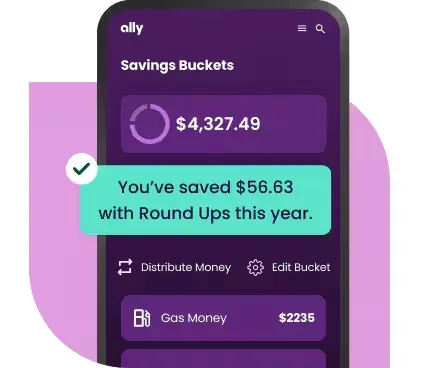
From Ally's websiteA Savings Buckets screen showing $4,327.49 with a note that $56.63 was saved with Round Ups this year, Distribute Money and Edit Bucket buttons, and a Gas Money bucket at $2235.ally.com, as of
Chime
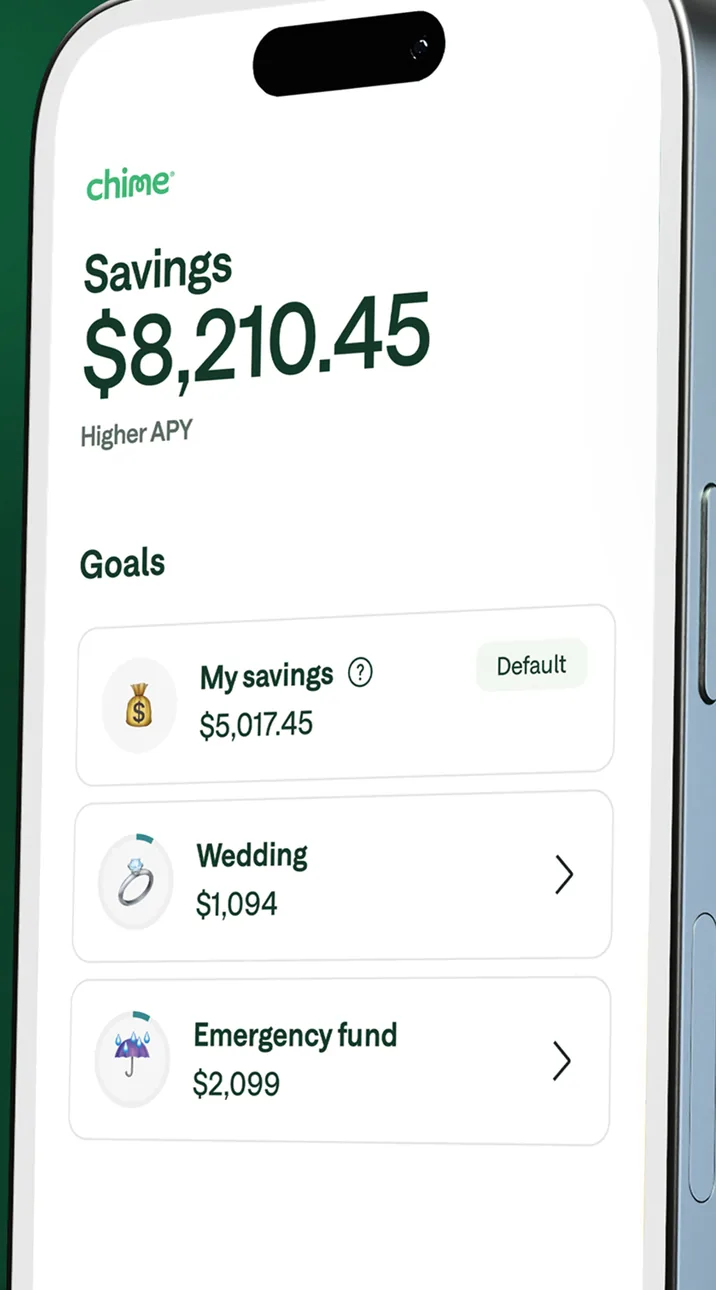
App Store marketing imageA Savings screen at an angle showing $8,210.45 and a Goals list with My savings, Wedding and Emergency fund.App Store listing, as of 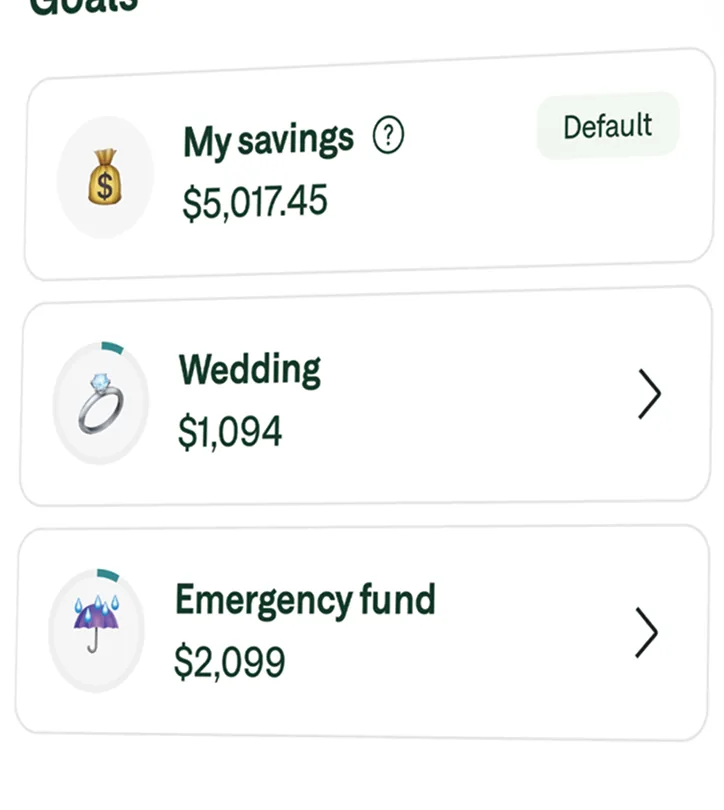
App Store marketing imageA Goals list with My savings at $5,017.45, Wedding at $1,094 and Emergency fund at $2,099.App Store listing, as of
Reports and insights
Ally
No official screen found yet
Chime
App Store marketing imageA Chime notification saying Your score went up 70 points!App Store listing, as of
Privacy labels
Apple's privacy labels are what each developer reports to Apple. Apple says it does not verify them. We copy the category names exactly as the App Store lists them.
Ally
Data Used to Track You
Not listed on the App Store page.
Data Linked to You
- Financial Info
- Contact Info
- User Content
- Identifiers
- Usage Data
- Diagnostics
Data Not Linked to You
- Location
- Contacts
- User Content
- Diagnostics
As of · App Store listing
Chime
Data Used to Track You
Not listed on the App Store page.
Data Linked to You
- Purchases
- Financial Info
- Location
- Contact Info
- Contacts
- User Content
- Identifiers
- Usage Data
- Sensitive Info
- Diagnostics
- Other Data
Data Not Linked to You
Not listed on the App Store page.
As of · App Store listing
Accessibility labels
Ally
- VoiceOver
- Larger Text
- Dark Interface
- Differentiate Without Color Alone
- Sufficient Contrast
- Reduced Motion
- Captions
As of · App Store listing
Chime
The App Store listing shows no accessibility labels for this app (checked Oct 25, 2026). That means the developer hasn't listed them, not that the app has no accessibility support.
FAQ
What are the App Store ratings for Ally and Chime?
Ally has a store rating of 4.7 out of 5 from 114,821 ratings. Chime has a store rating of 4.8 out of 5 from 1,655,300 ratings. These are App Store ratings from users, not a Priceless Tay score.
What are the Google Play ratings for Ally and Chime?
Ally shows 4.4 out of 5 (41.4K reviews) on Google Play, and Chime shows 4.7 out of 5 (1.13M reviews).
When were the Ally and Chime iPhone apps last updated?
Ally released version 26.21.0 on Nov 5, 2026. Chime released version 5.352.0 on Nov 10, 2026.
Which Apple devices do the Ally and Chime apps run on?
The App Store lists iPhone, iPad and Apple Vision for Ally, and iPhone for Chime.
Which app features do both Ally and Chime state?
Both banks' official sources state mobile check deposit, card lock and unlock, sending money to people, account alerts, budgeting or spending insights, automatic saving, a virtual assistant, face or fingerprint sign-in, a credit score in the app, and Apple Pay or Google Pay.
Keep comparing
- See every fact on the Ally app page, with all four screenshots.
- See every fact on the Chime app page, with all four screenshots.
- Compare other bank apps, or read how we compare bank apps.
Sources and dates
Ally
- App Store facts, privacy and accessibility labels, screenshots and icon: App Store listing and Apple's iTunes Lookup API, checked Nov 12, 2026.
- Google Play rating and update date: Google Play listing, checked Oct 25, 2026.
- Features, from Ally's official sources: ally.com/help/bank/deposits, ally.com/bank/online-banking, ally.com/help/bank/alerts-notifications, ally.com/bank/interest-checking-account, ally.com/help/bank/savings-money-market, ally.com/content/dam/pdf/bank/credit-score-terms-and-conditions.pdf.coredownload.inline.pdf, ally.com/help/bank/debit-cards-checks.
Chime
- App Store facts, privacy and accessibility labels, screenshots and icon: App Store listing and Apple's iTunes Lookup API, checked Nov 12, 2026.
- Google Play rating and update date: Google Play listing, checked Oct 25, 2026.
- Features, from Chime's official sources: help.chime.com/how-do-i-deposit-a-check-396c94d0, help.chime.com/can-i-pause-my-chime-account-dc15cd79, help.chime.com/explore-products-ad7f967f/pay-anyone-65aba19b/what-is-pay-anyone-7c0fd8c8, help.chime.com/how-do-i-set-up-and-manage-my-notifications-d4b03476, help.chime.com/manage-money-56350c4d/balance-transactions-2a739f36/about-spending-insights-bf741f11, help.chime.com/why-is-my-money-going-into-my-savings-account-without-me-5de091f0, help.chime.com/manage-money-56350c4d/jade-financial-partner-09a6e8e3/what-is-jade-financial-partner-d9c77341, help.chime.com/how-do-i-add-fingerprint-capabilities-for-android-4acef8c8, help.chime.com/how-do-i-change-my-settings-in-the-chime-app-697b315d, help.chime.com/manage-money-56350c4d/cards-89d3ae0b/use-your-chime-card-with-digital-wallets-b5b851c7.
- chime.com returns a Cloudflare block (403) to this session, so features come from Chime's own help center (help.chime.com).
This is education, not financial advice.